
JSNBourne
Members
-
Joined
Everything posted by JSNBourne
-
 Tidal Mag on Instagram & Website


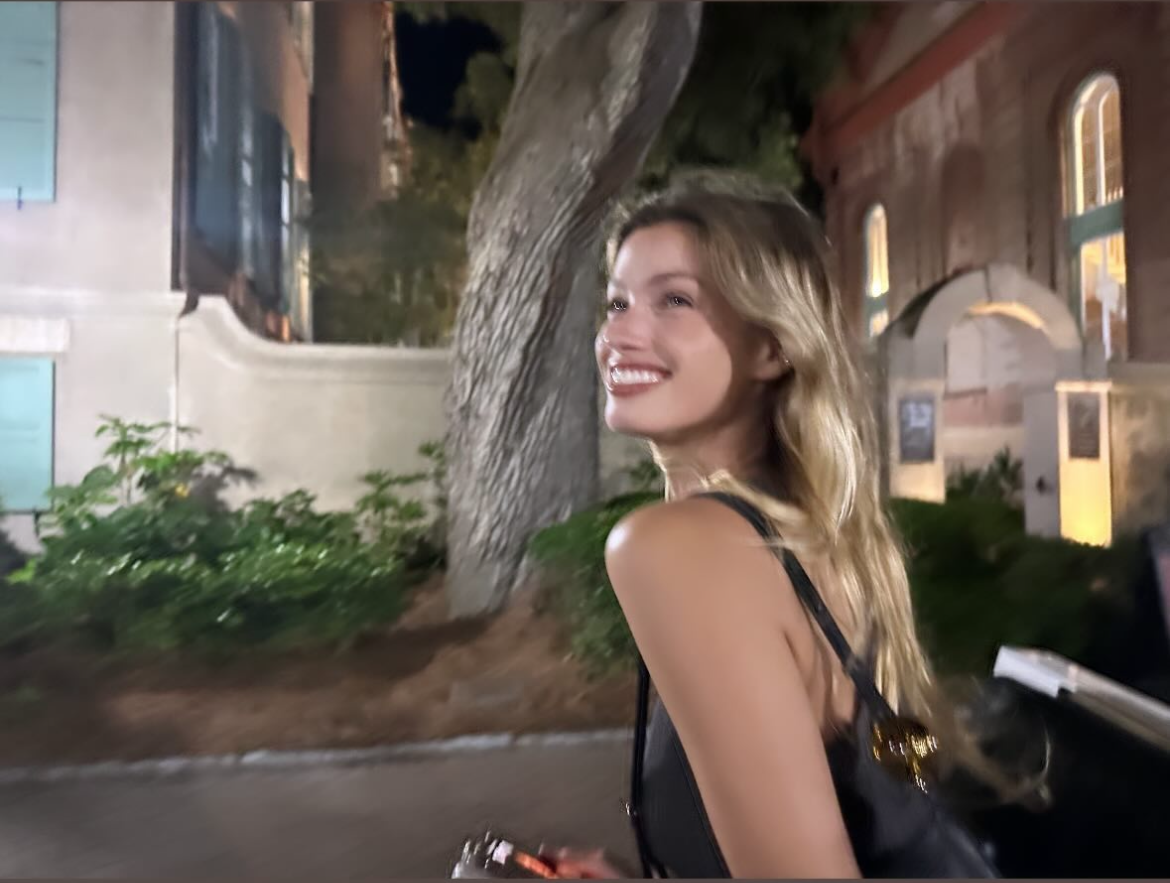
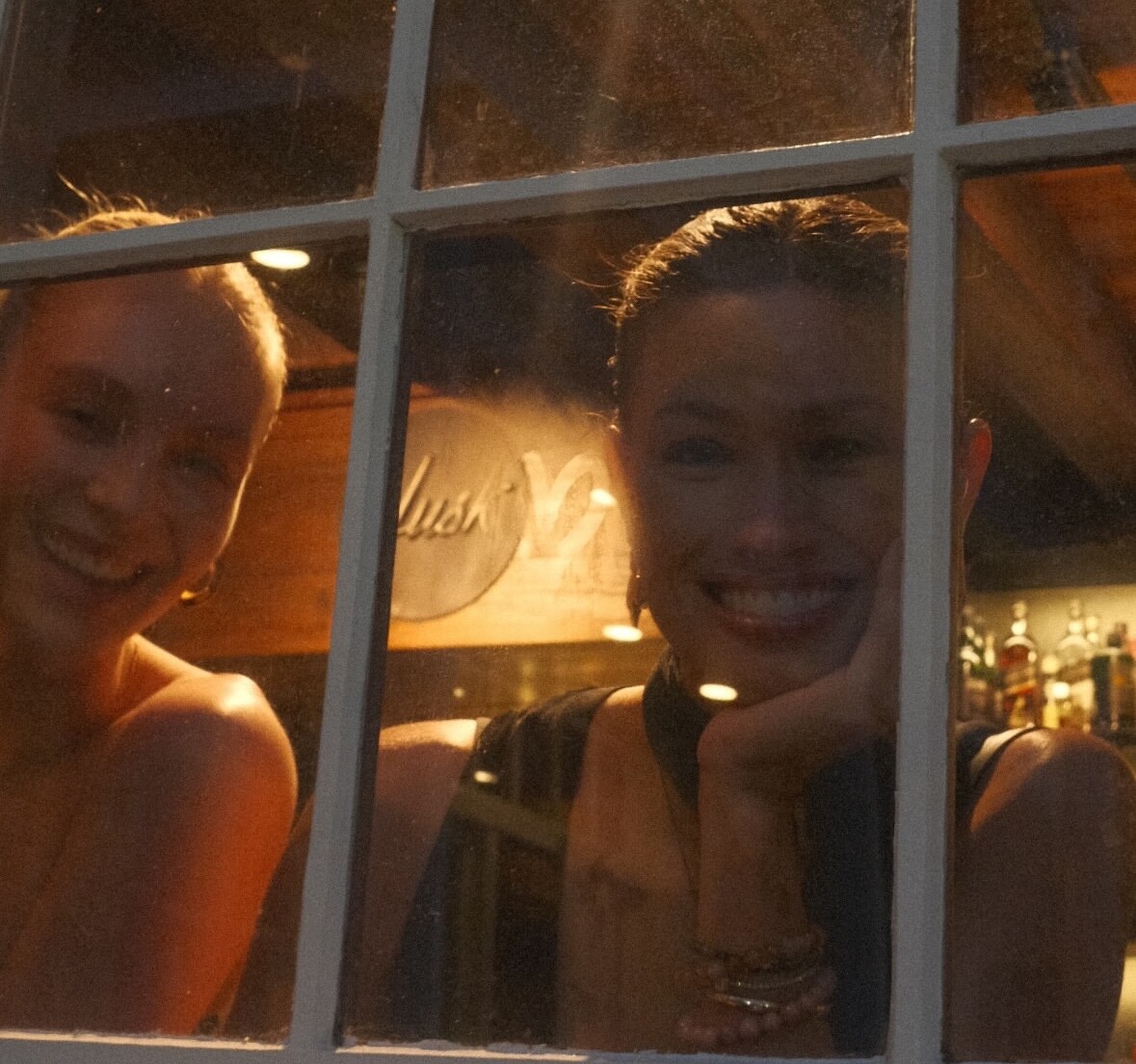
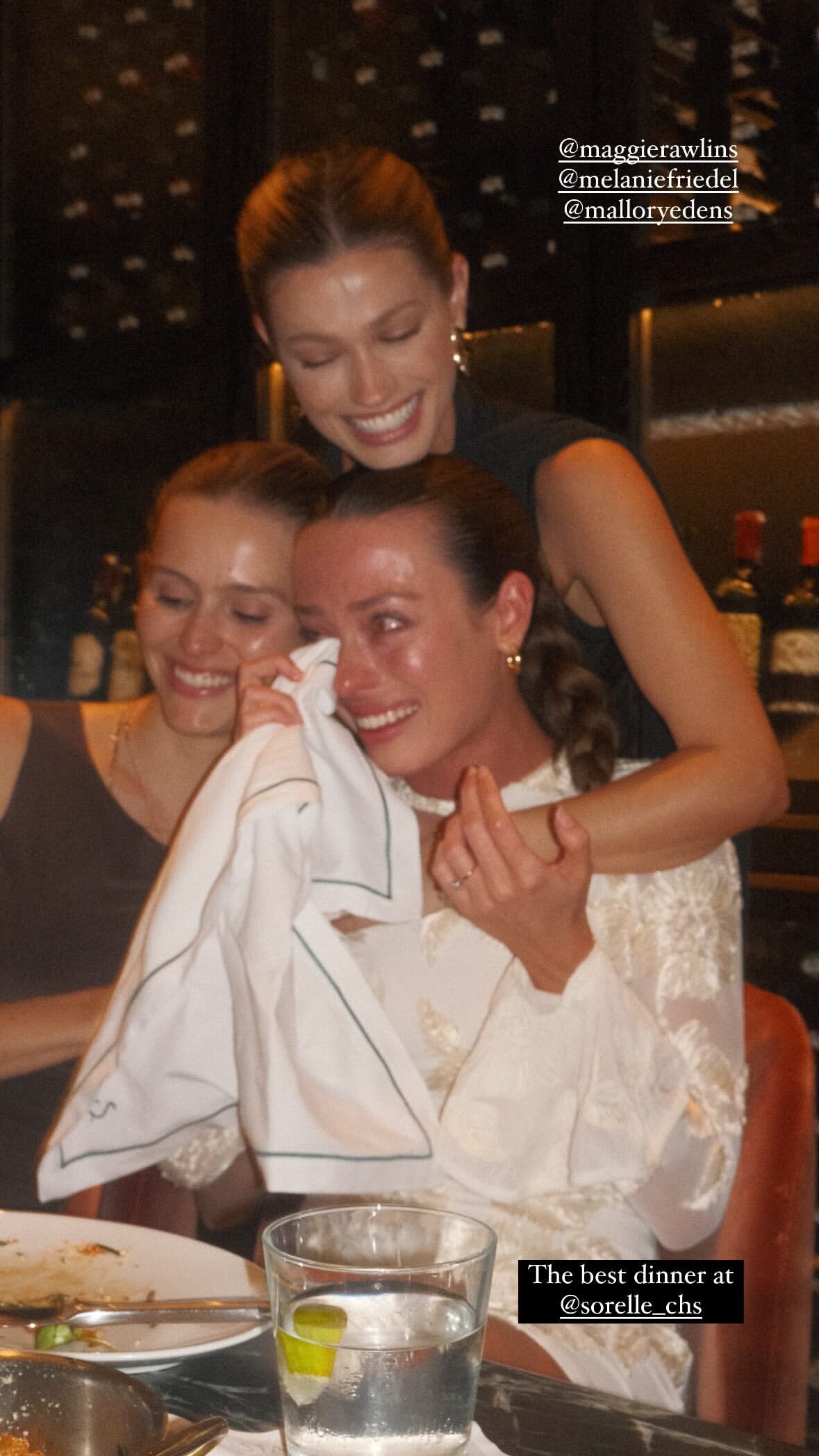
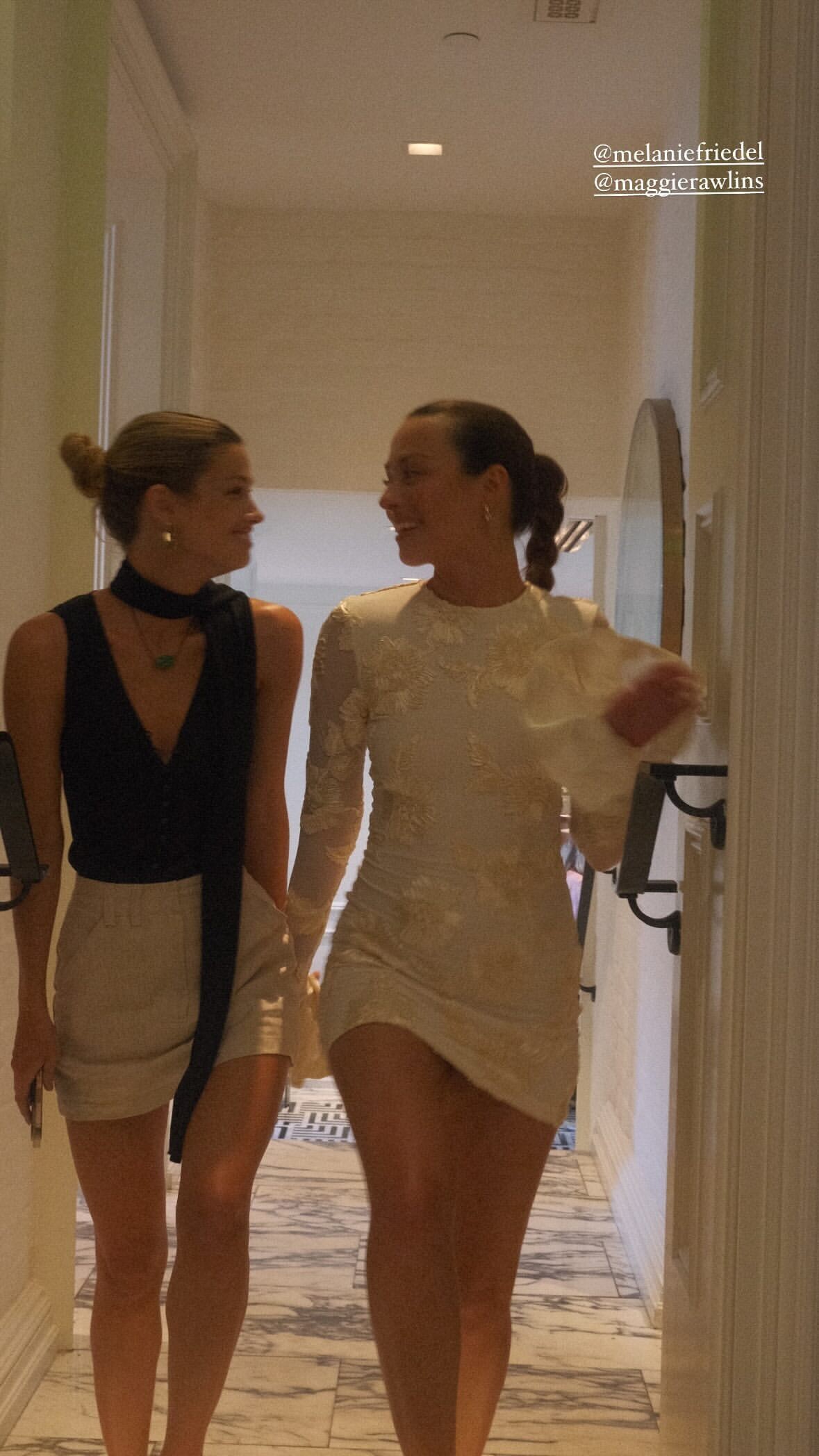
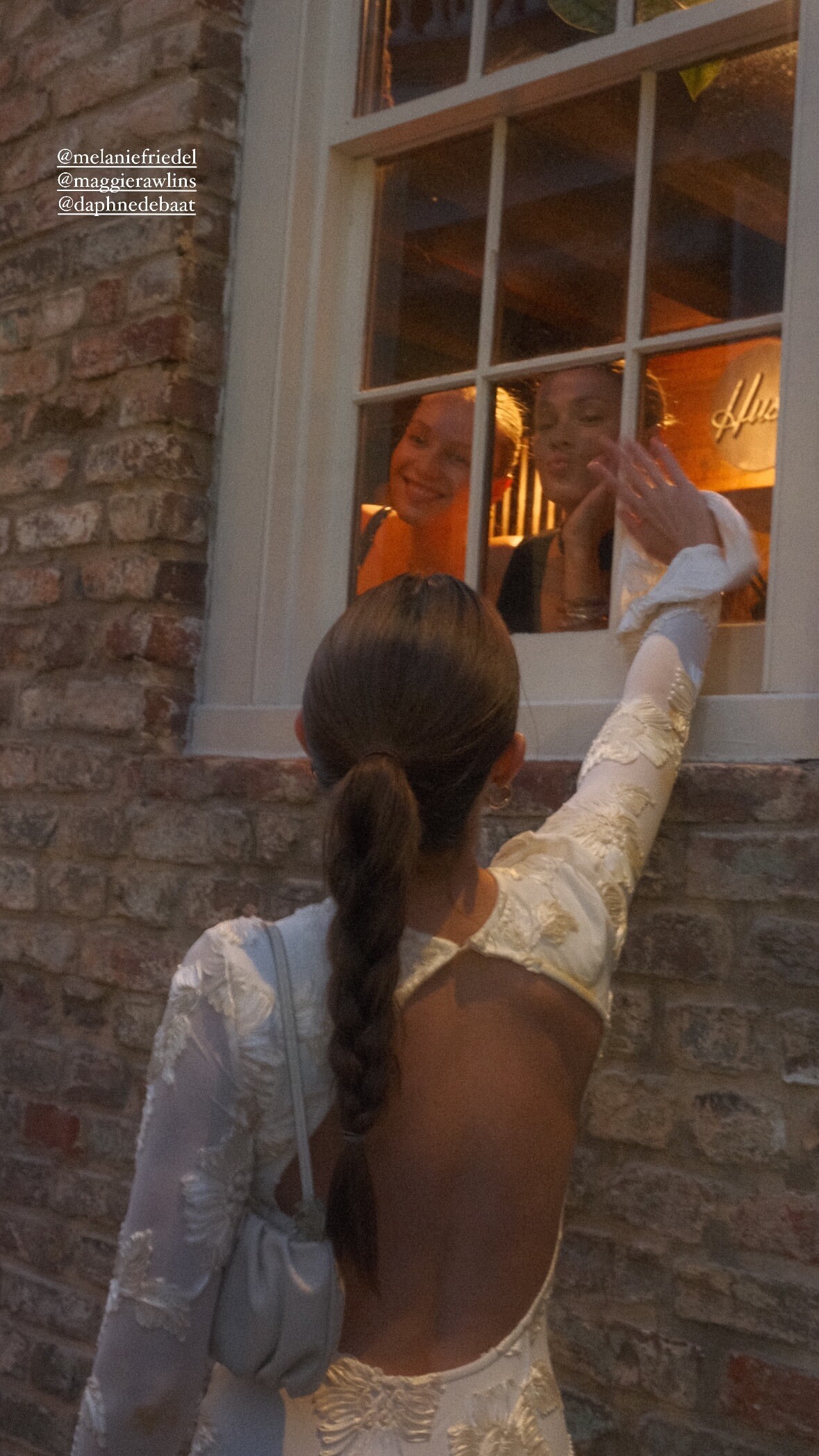
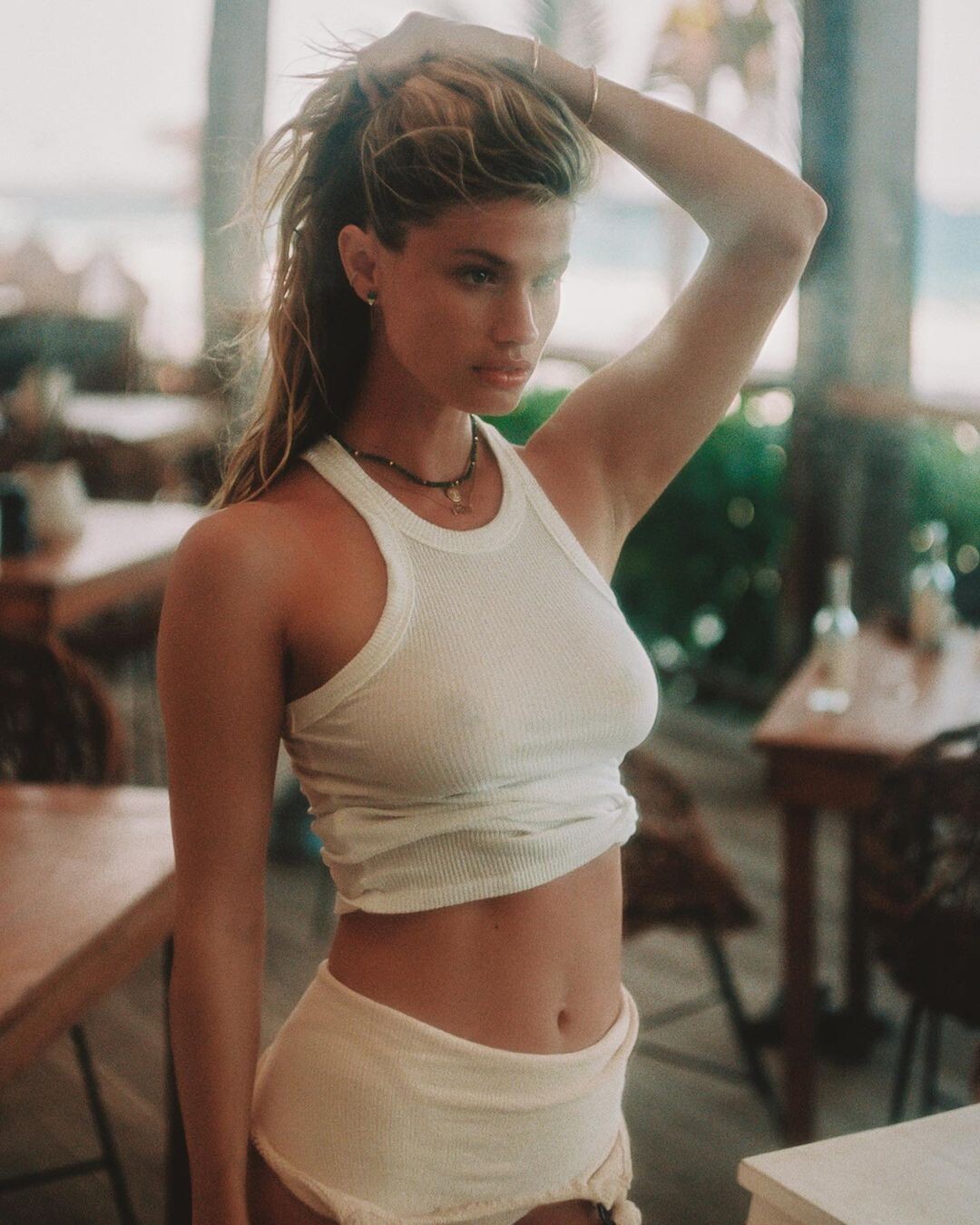
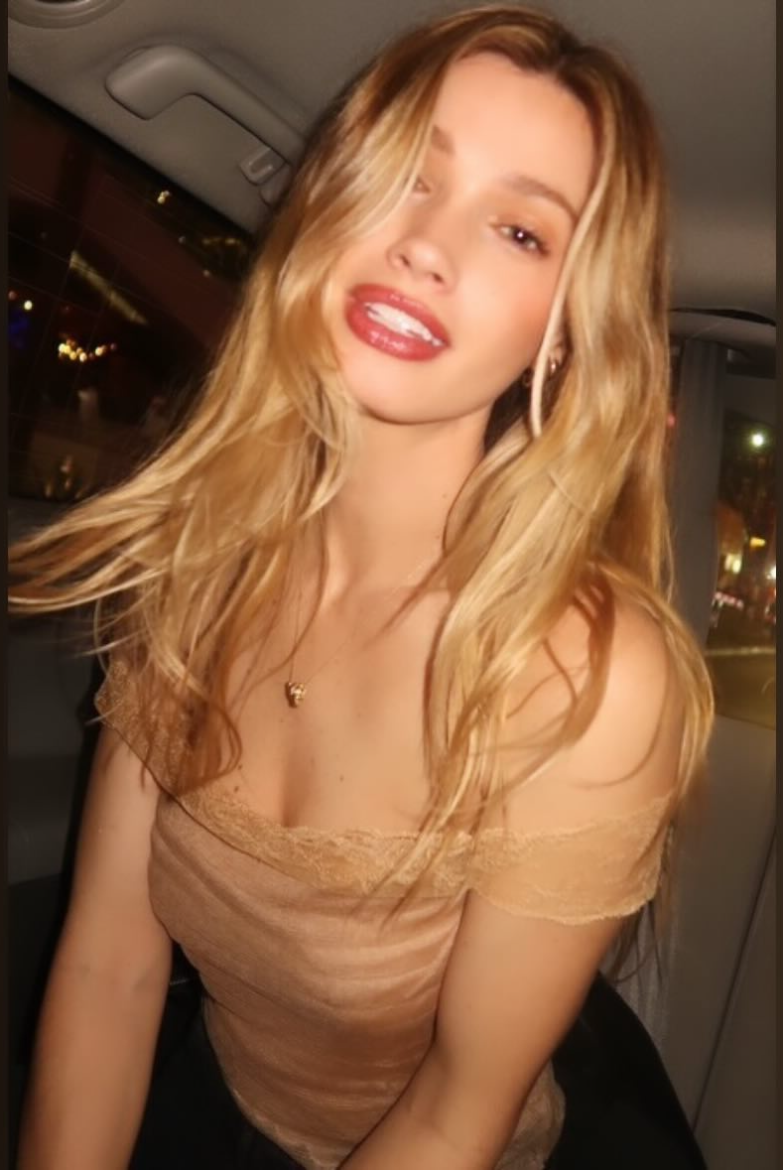
 A few more. I mean WOW!!! Even a casual photo riding on a pedi-cab looks amazing. And all her friends are way too photogenic. LOL
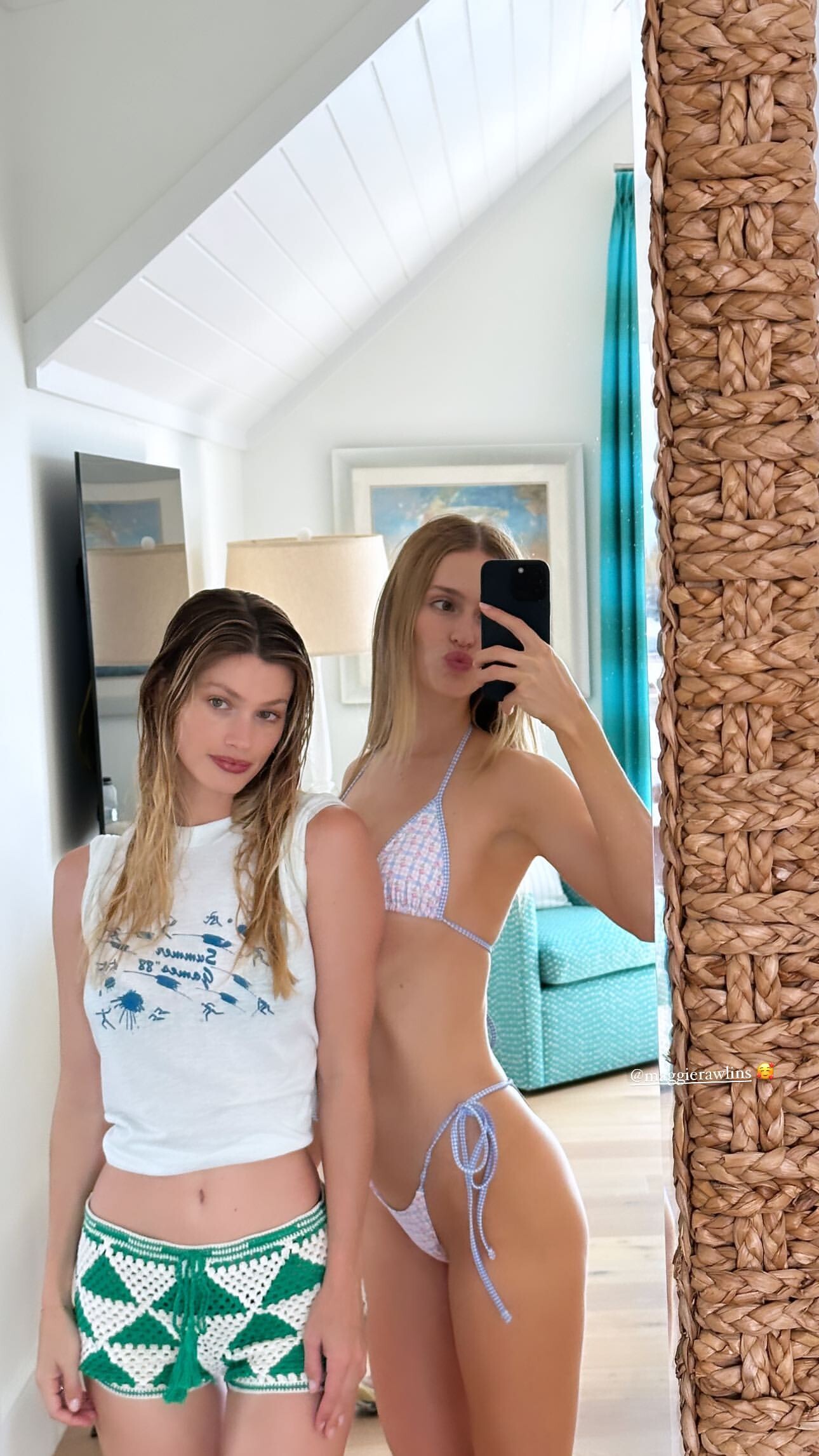
 Casual shots of Maggie while she attended her friend Melanie Friedel's Bachelorette Weekend.
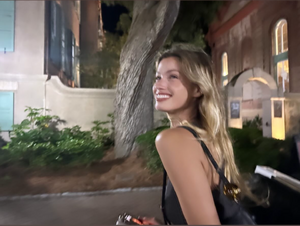



 Candid shot from her Instagram
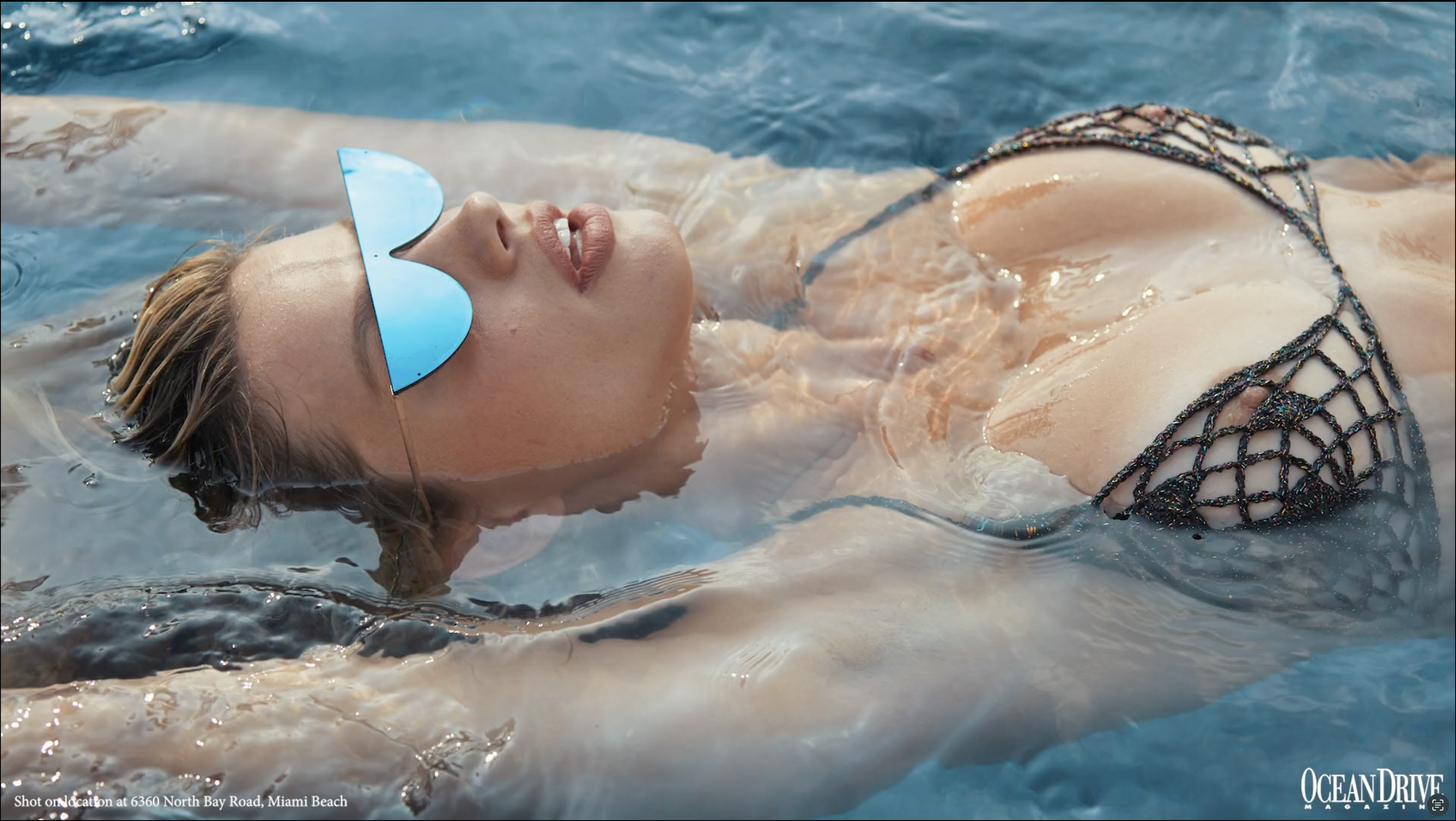
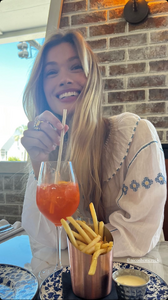 Just a reminder of how magnificent. Maggie Sheer.zip



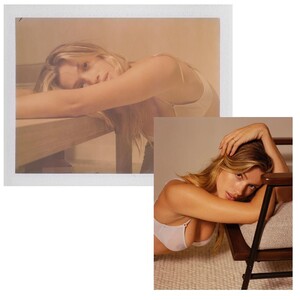


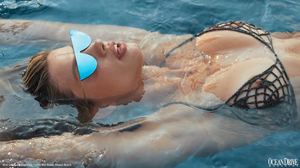
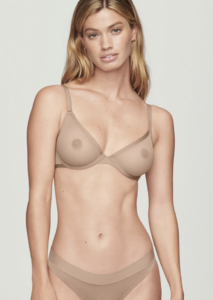
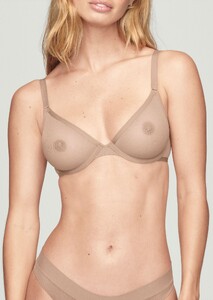
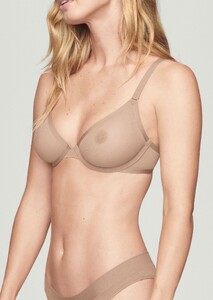
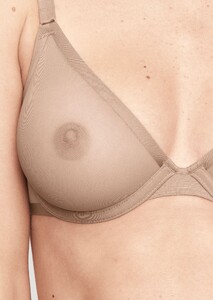 Such amazing, dark nipples. Wish she's share them more. Maggie Joop!.zip
 Second video is particularly nice with the slight sheer/nipple. Lucky male model and photographer getting to see that is person. Hopefully some photos will follow.
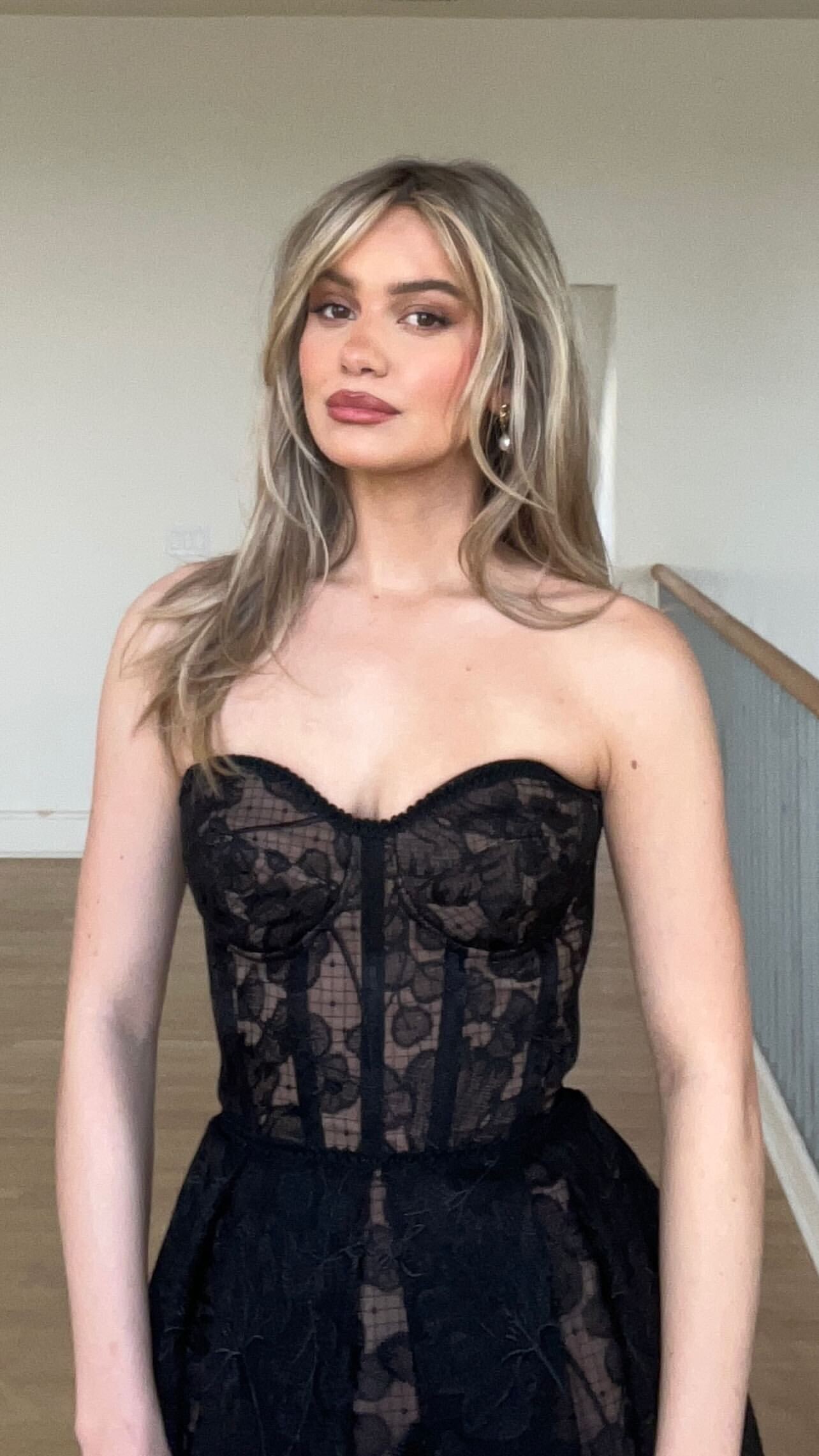
Outfit for Oscars 2024 Watch Party Jen 1.mp4 Jen 2.mp4
Second video is particularly nice with the slight sheer/nipple. Lucky male model and photographer getting to see that is person. Hopefully some photos will follow.
Outfit for Oscars 2024 Watch Party Jen 1.mp4 Jen 2.mp4 Maggie & Mallory
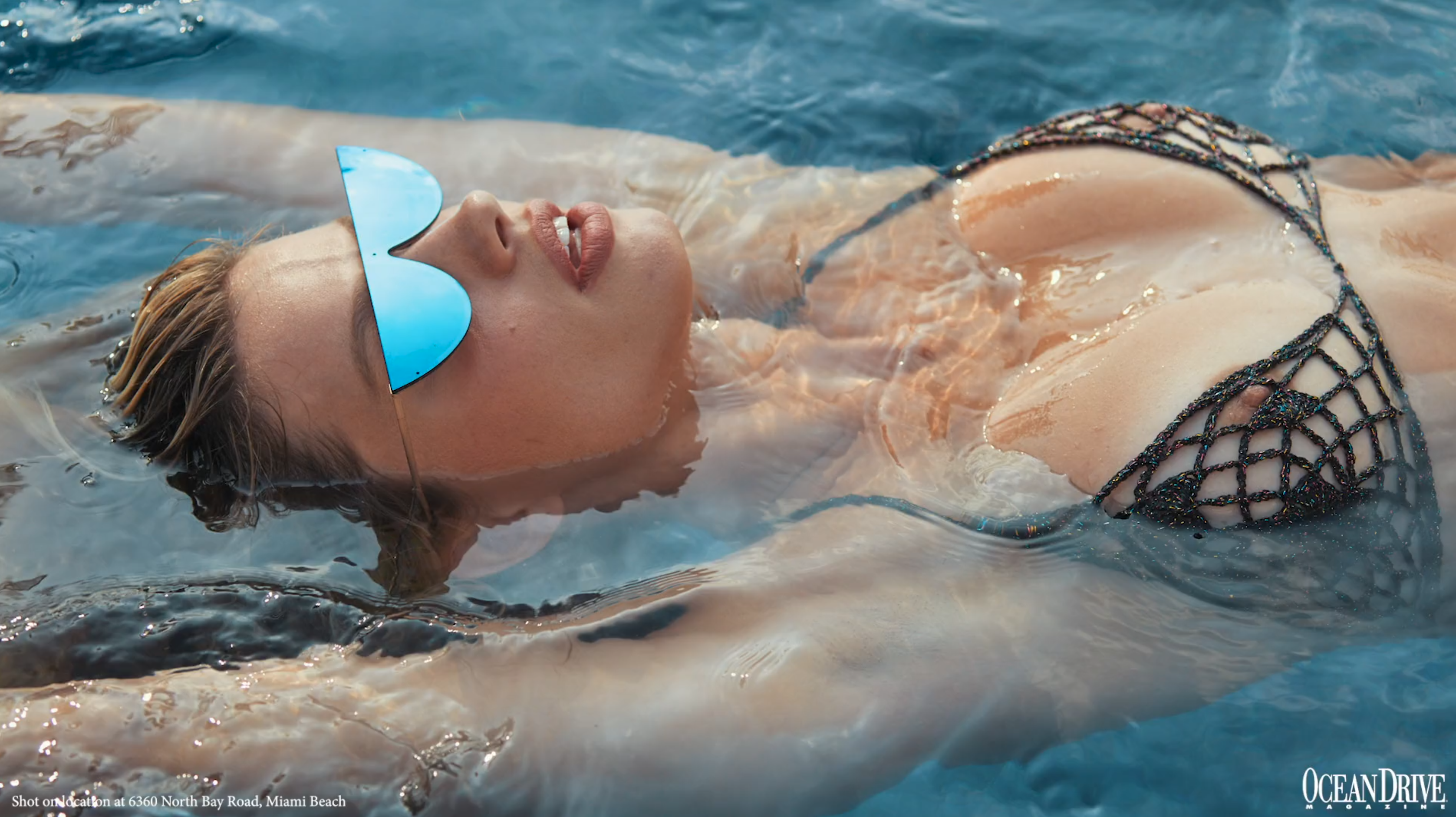
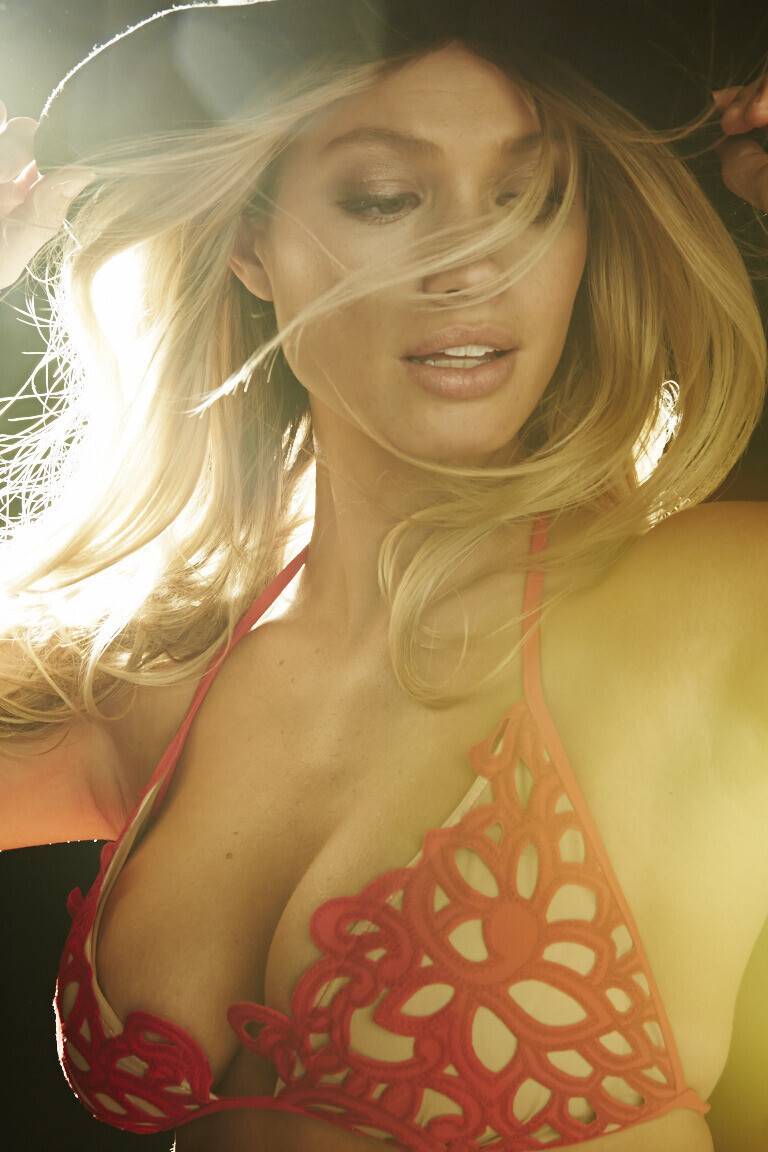
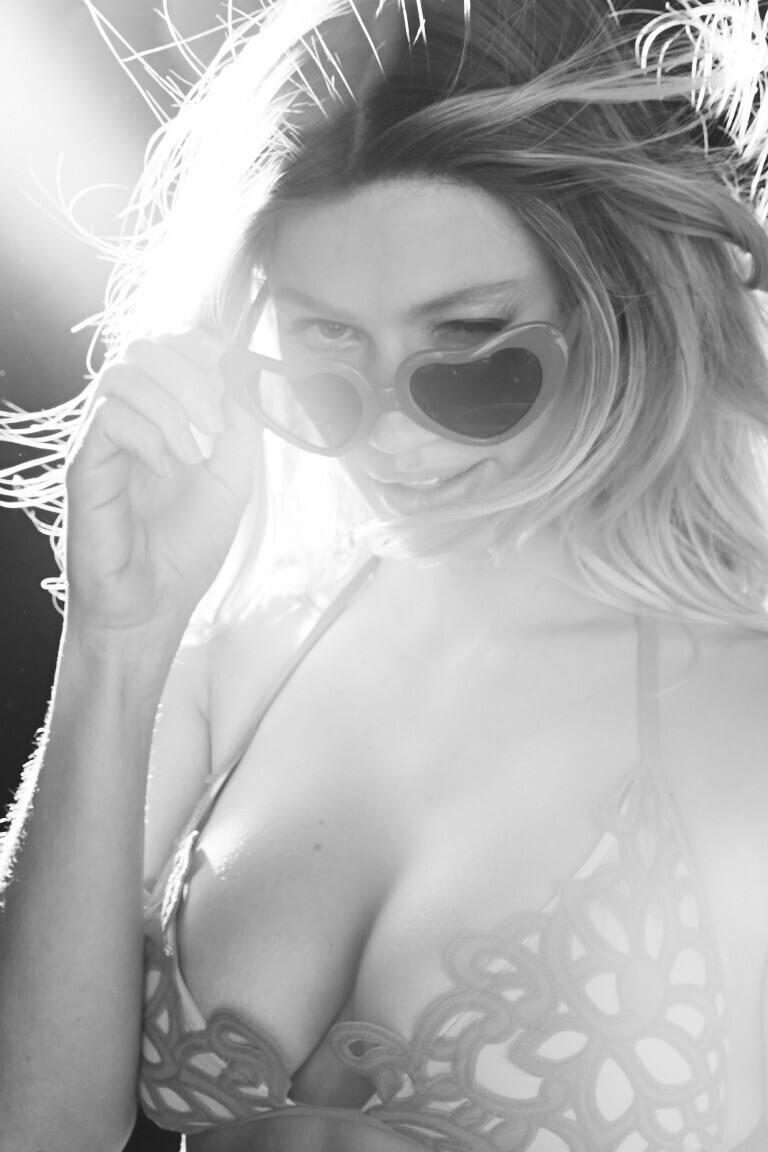
 It was this shoot from "GoSee Magazine" in February 2018 https://www.fashionmodeldirectory.com/magazines/gosee/editorials/february-2018/maggie-rawlins-79136/maggie-rawlins-by-antoine-verglas-738240/






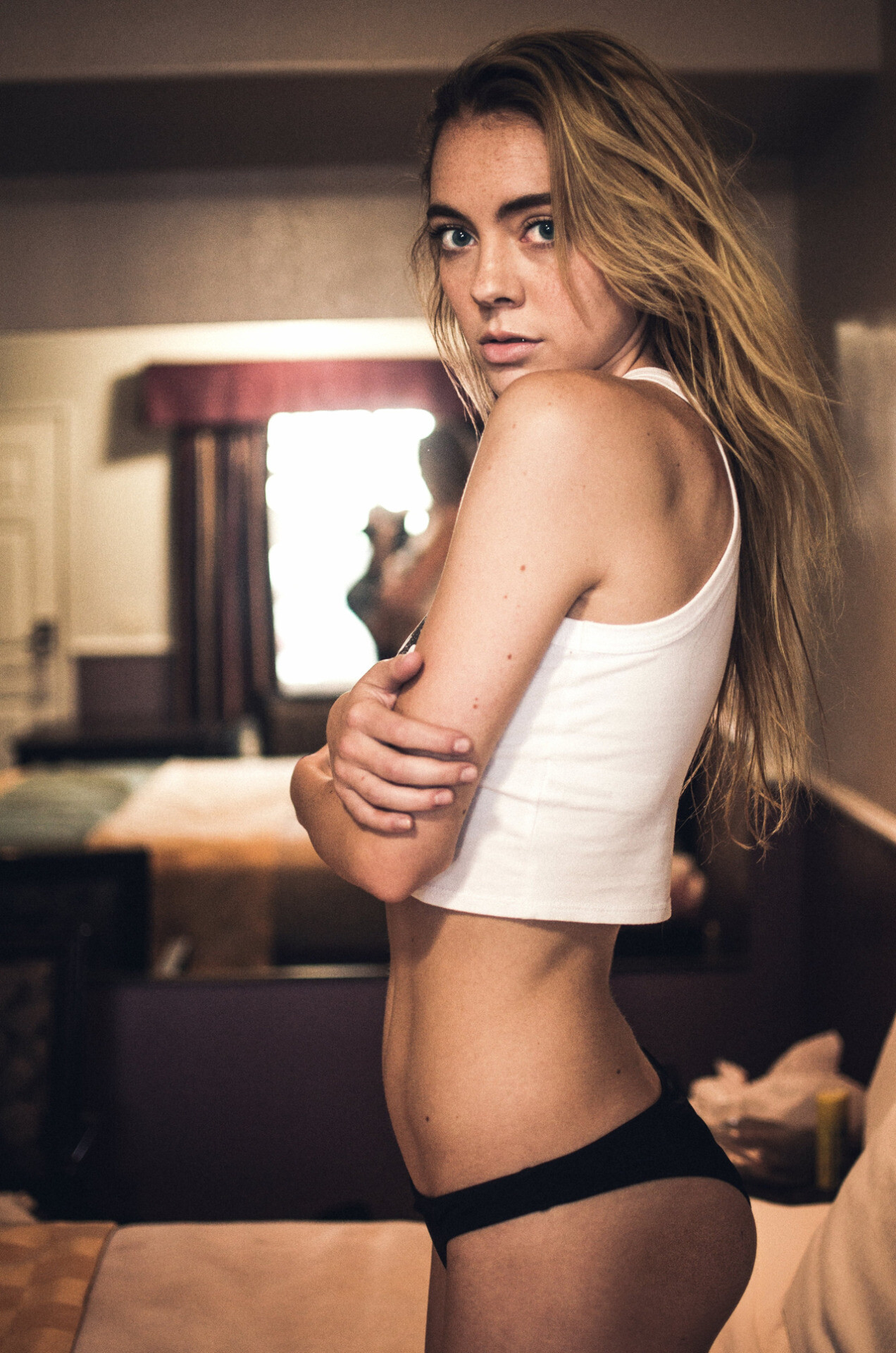
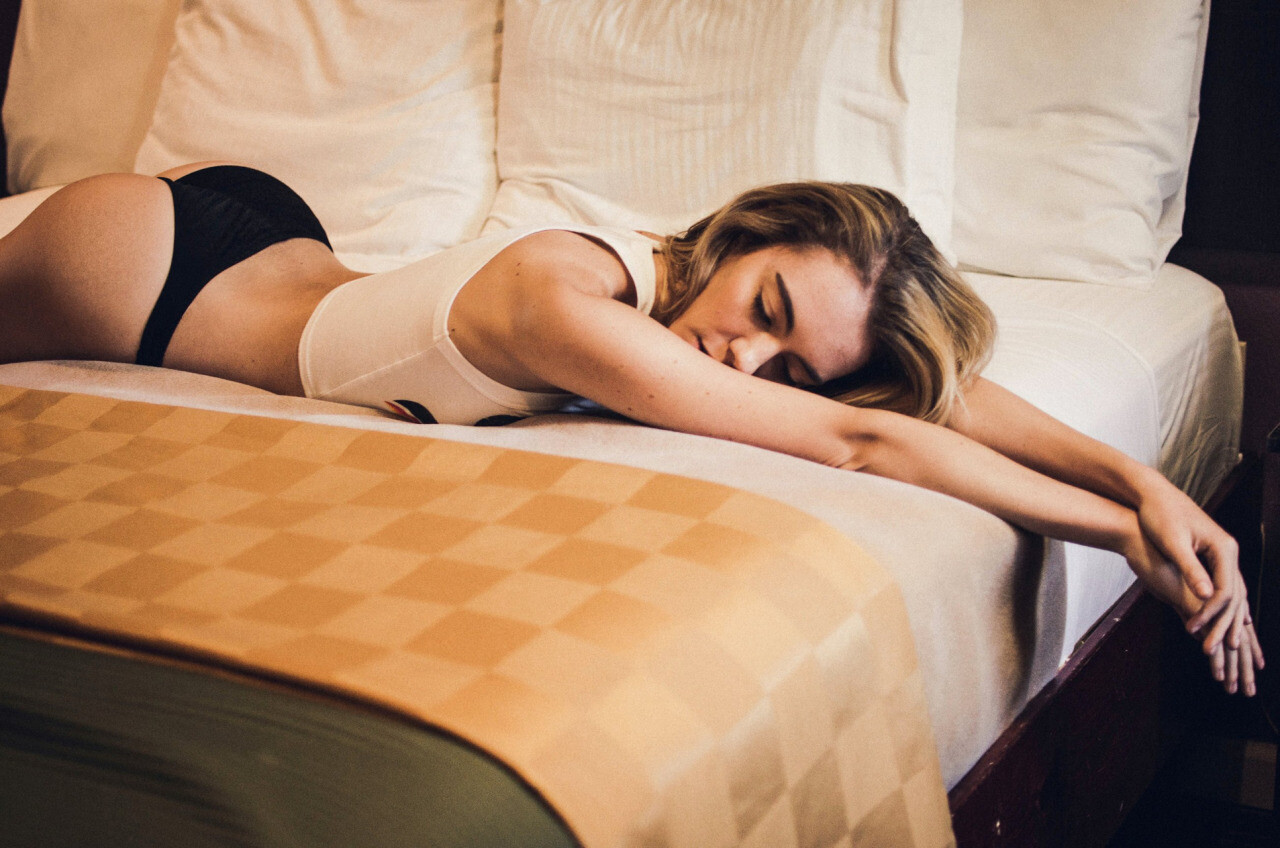
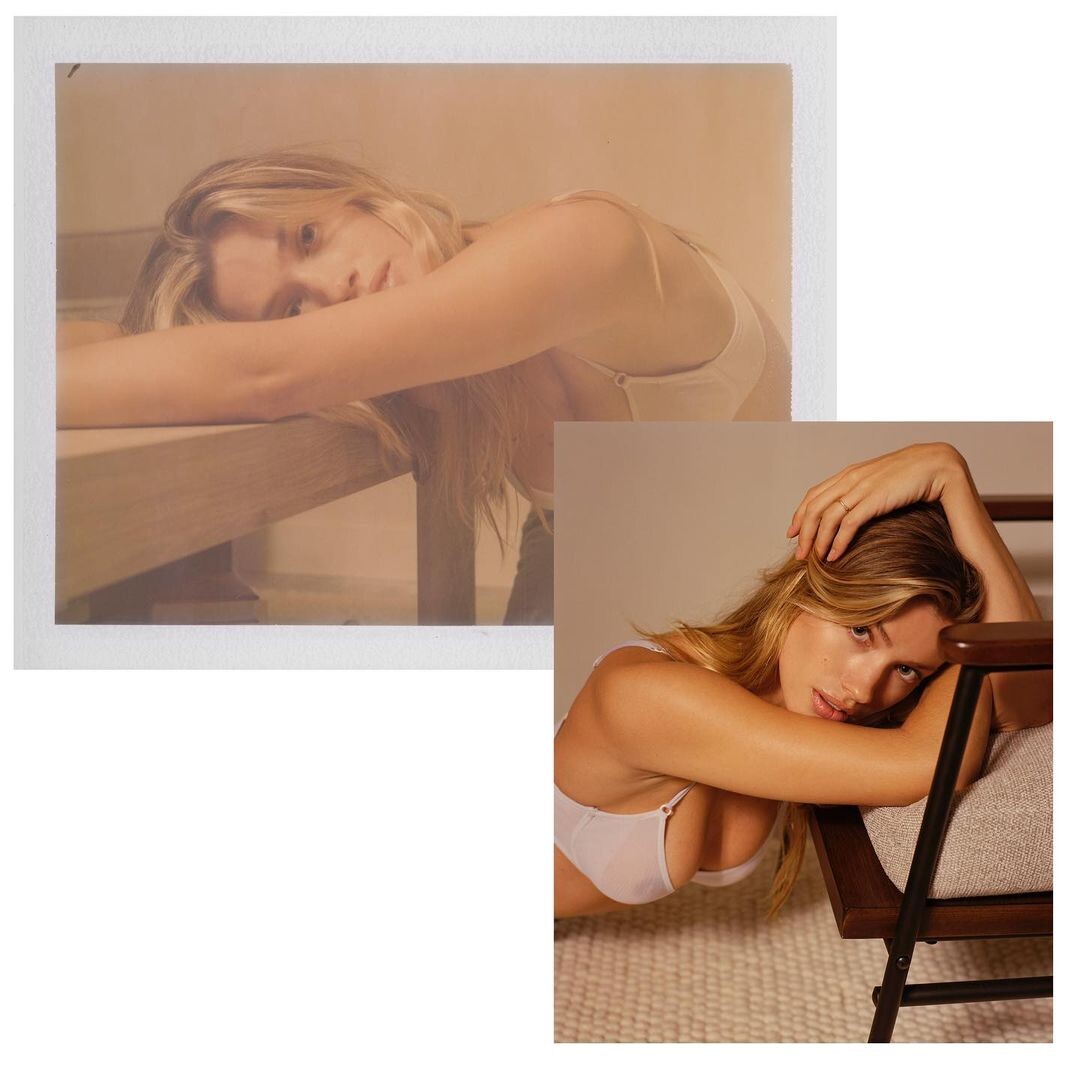
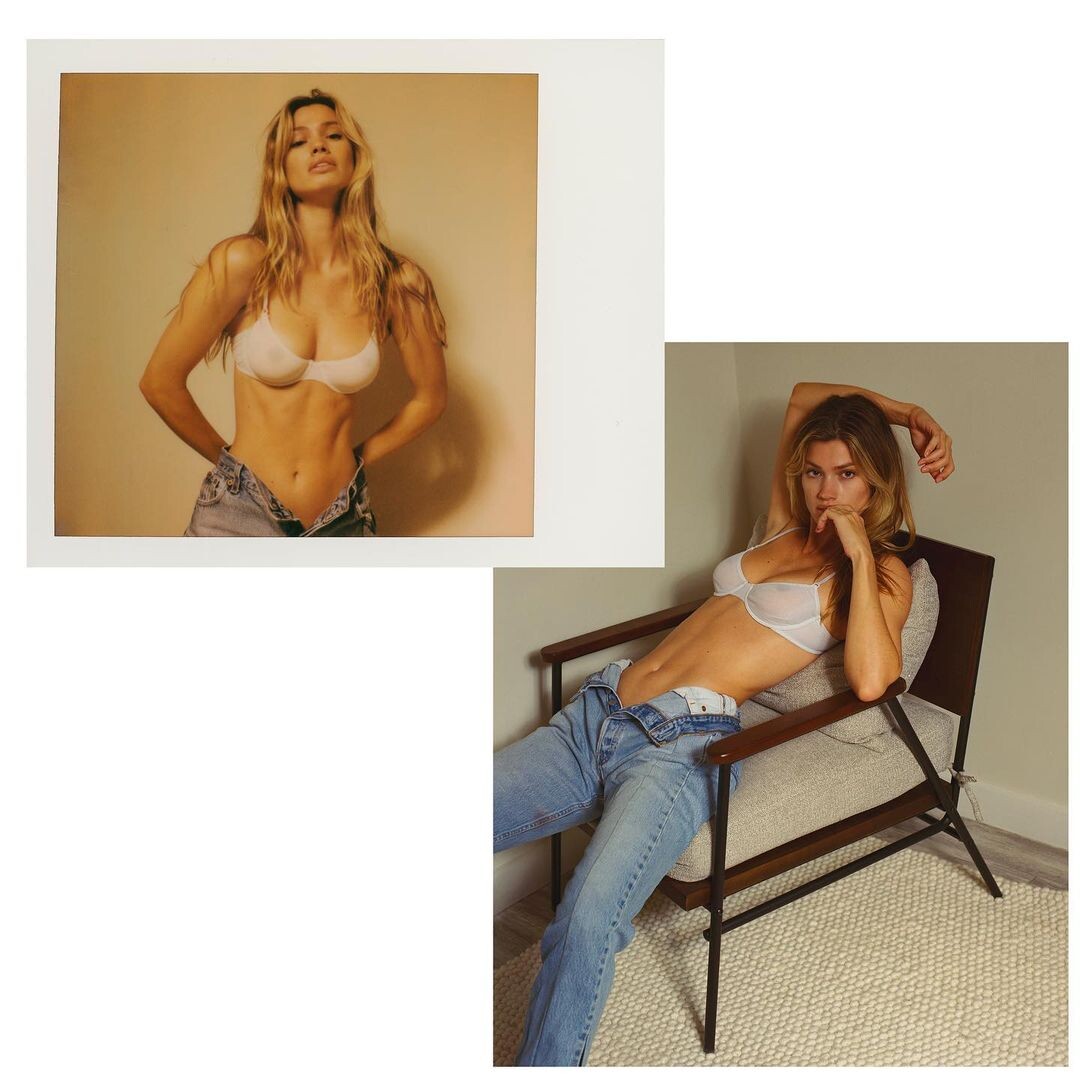
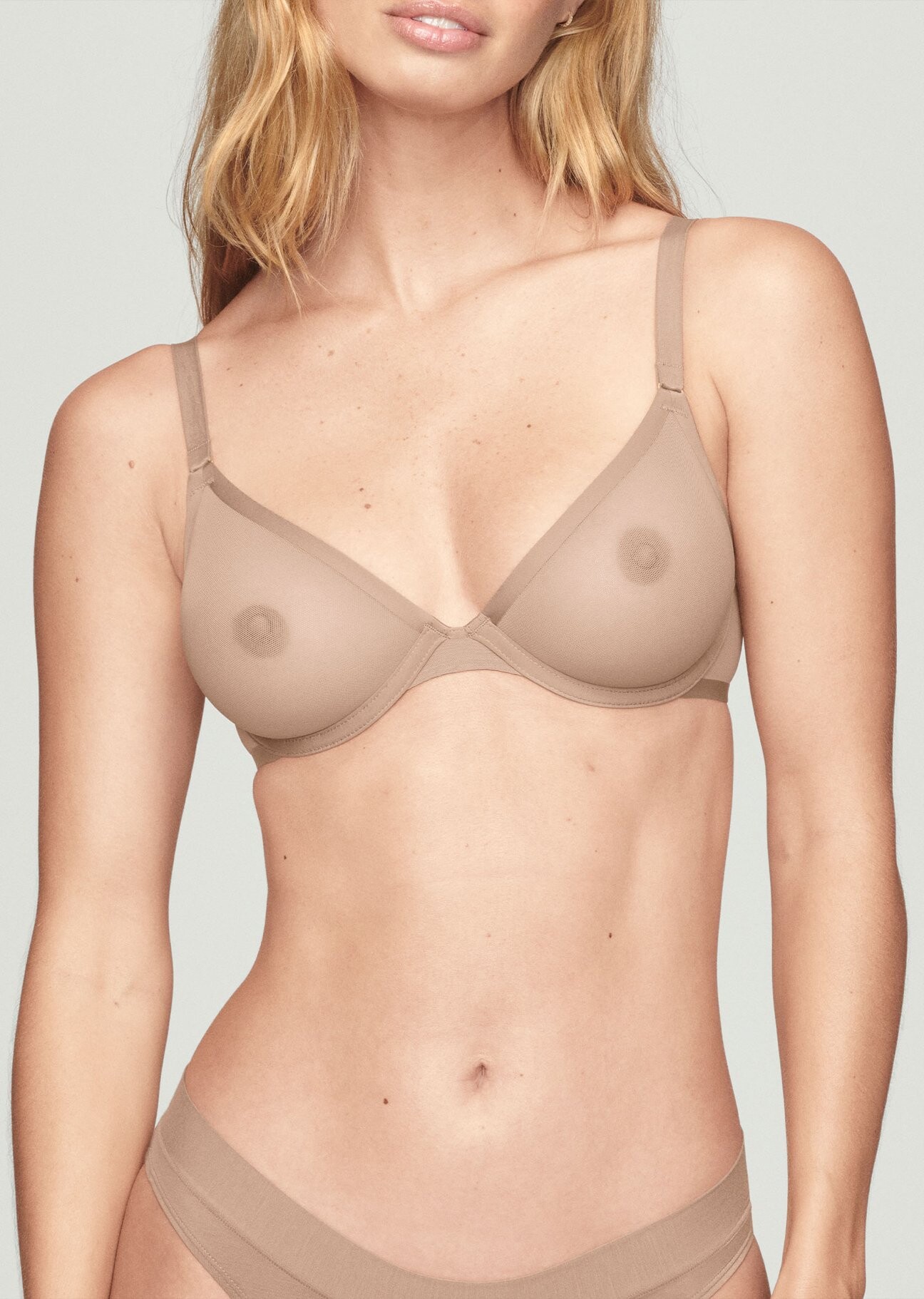
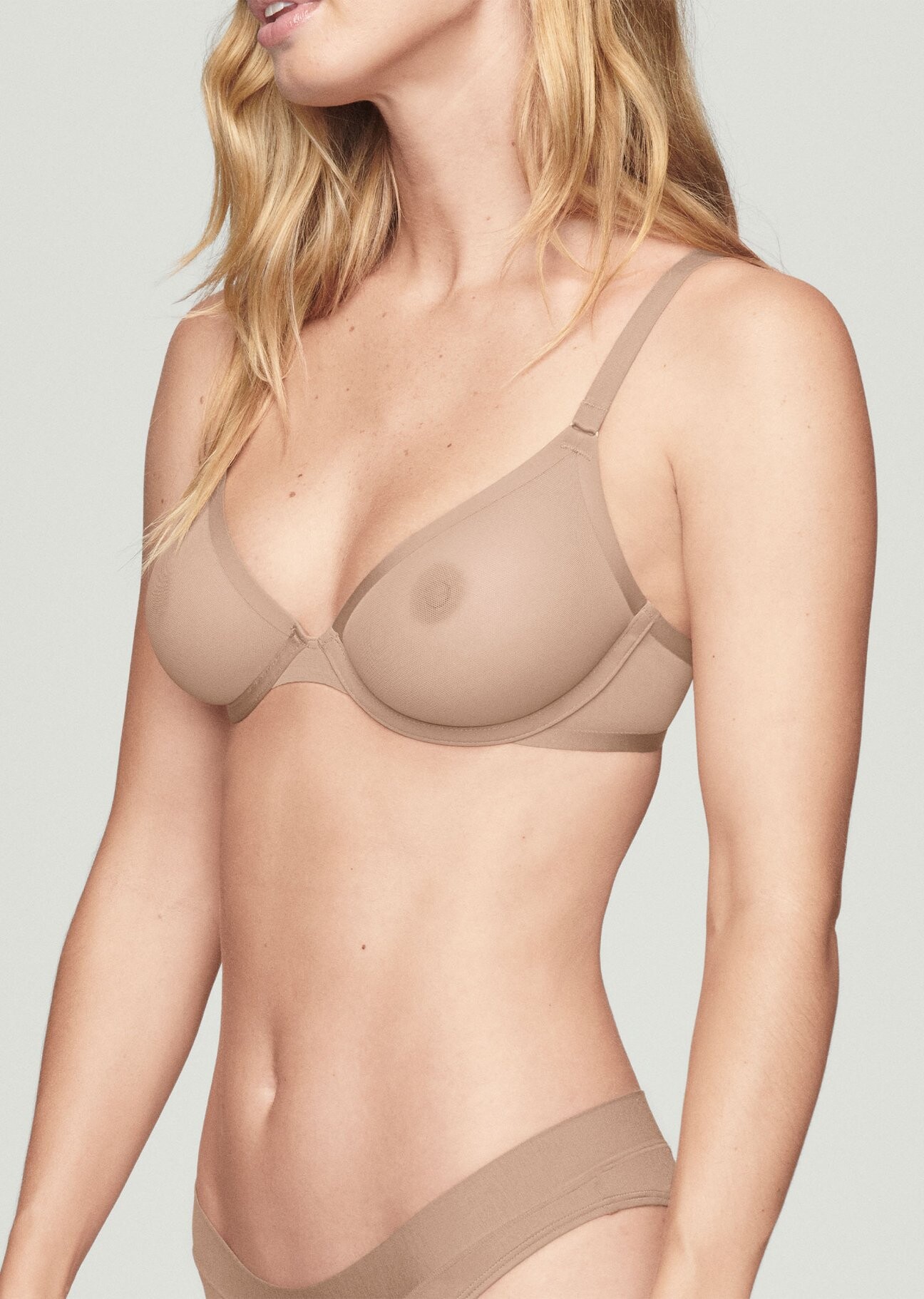
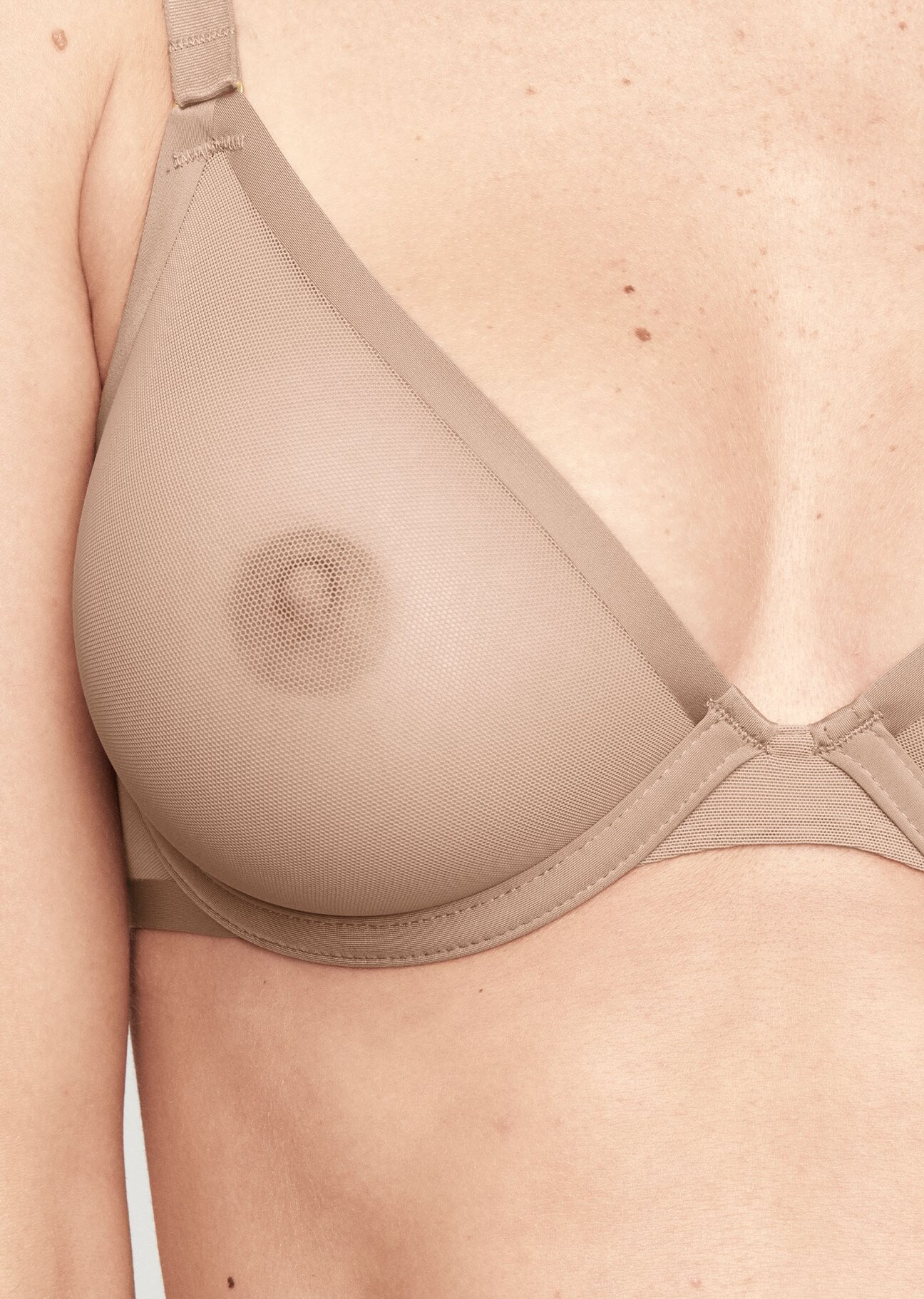
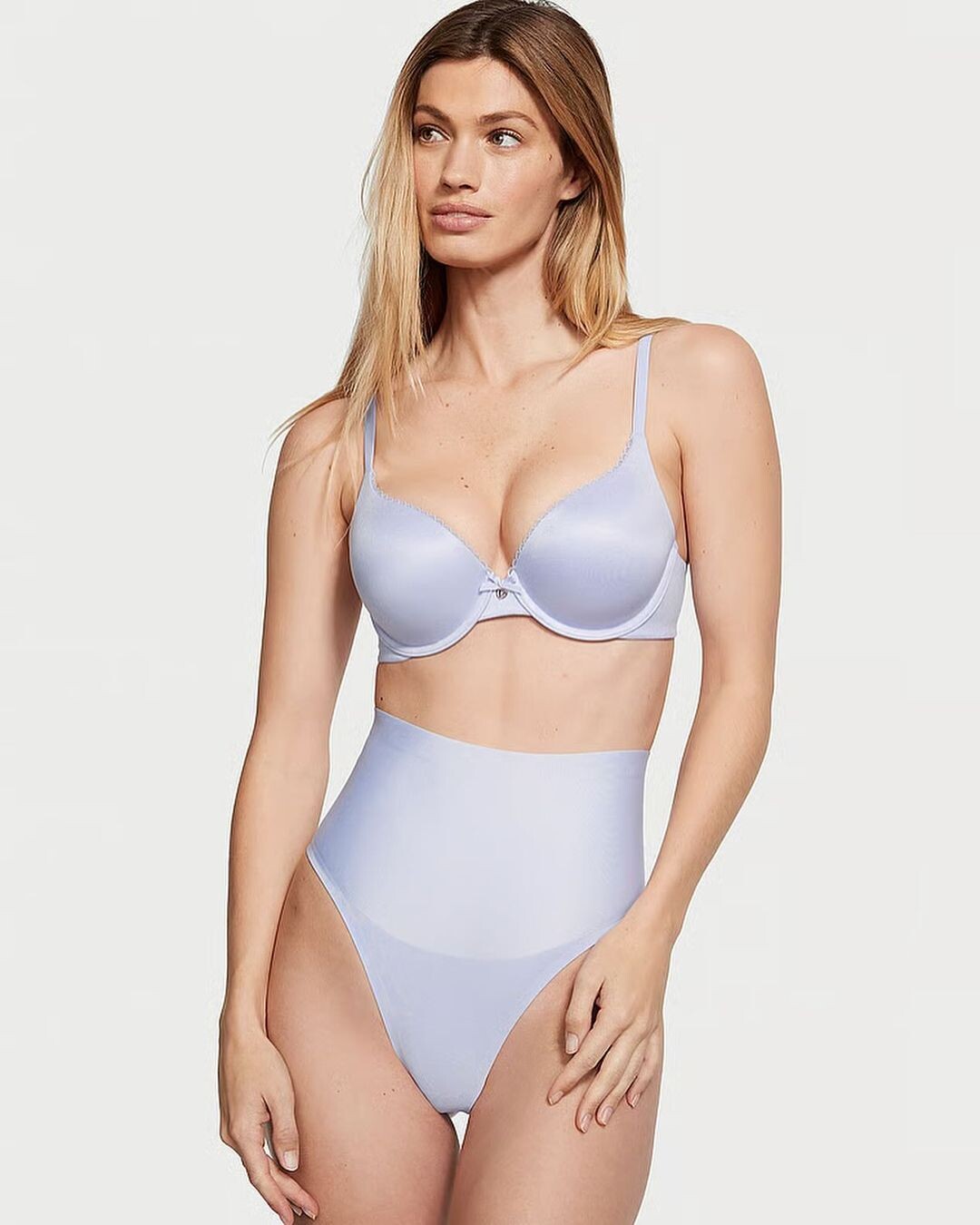
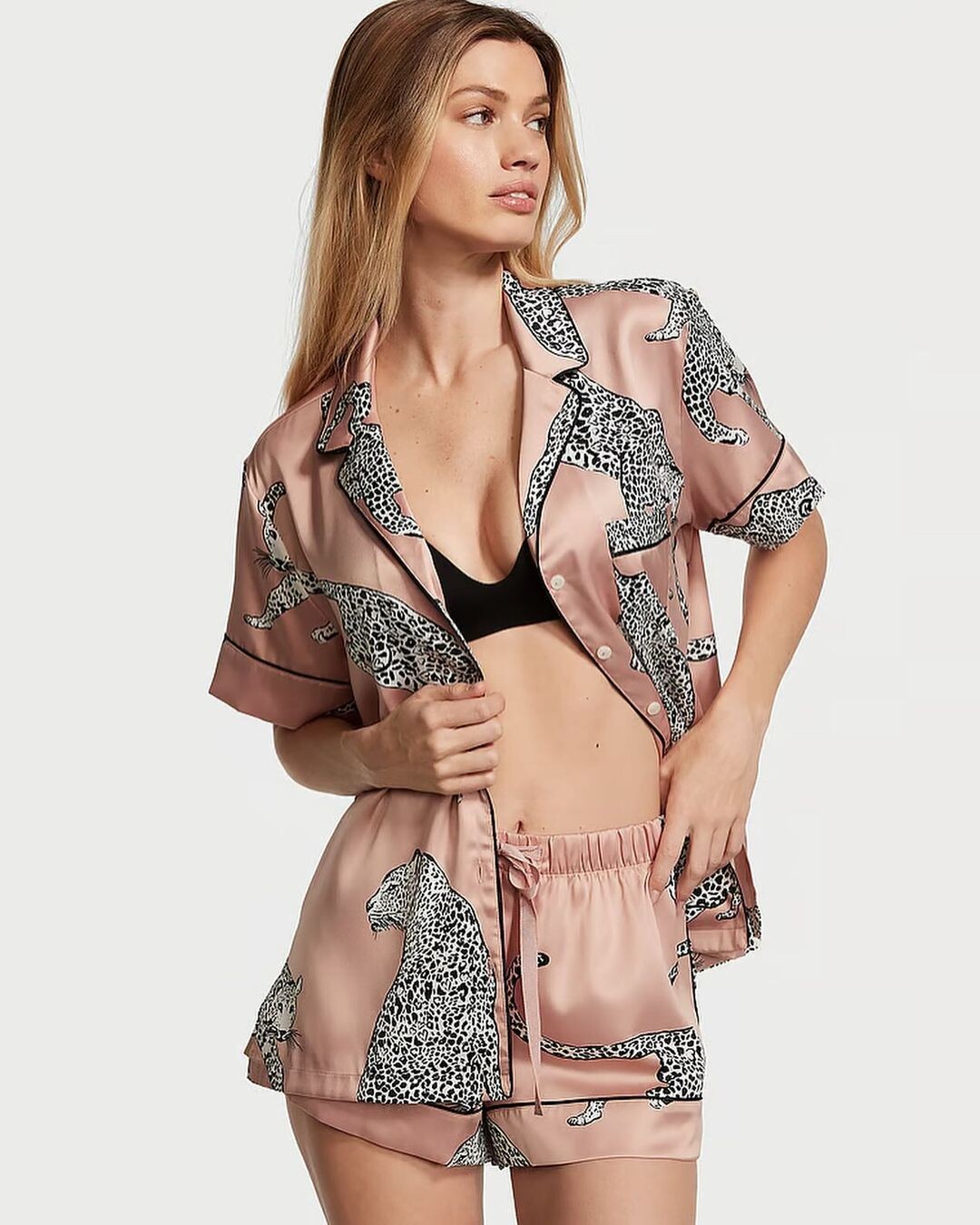
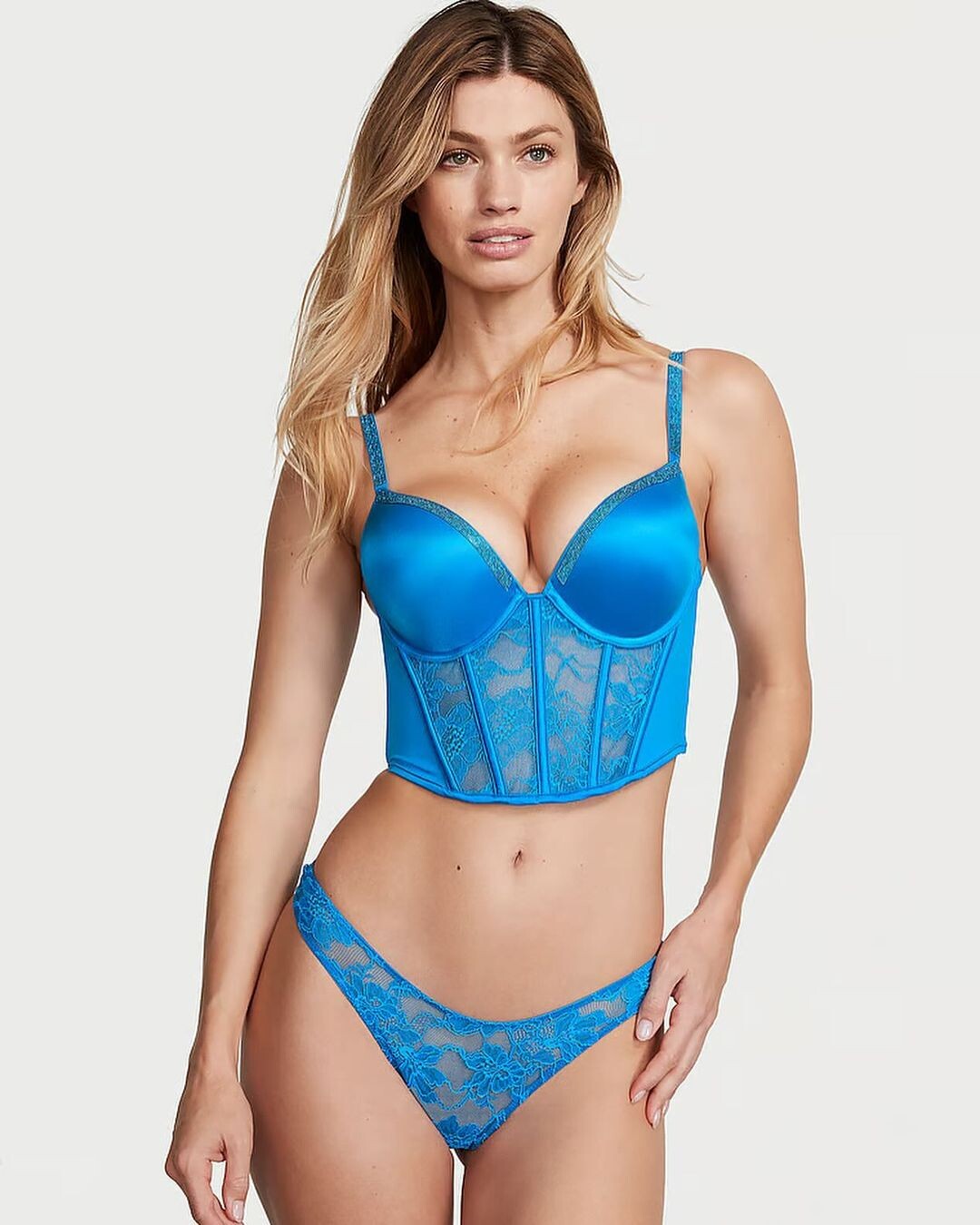
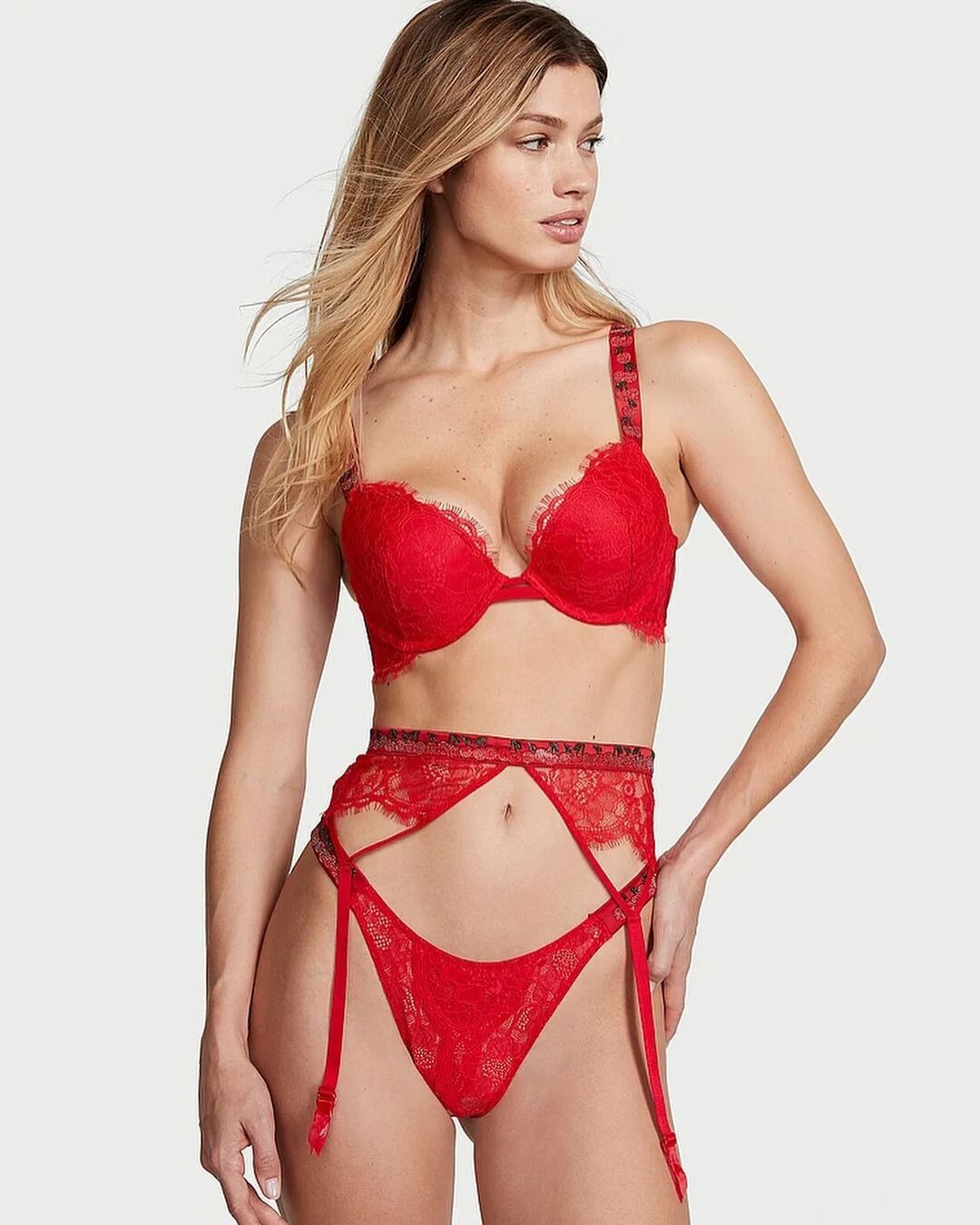
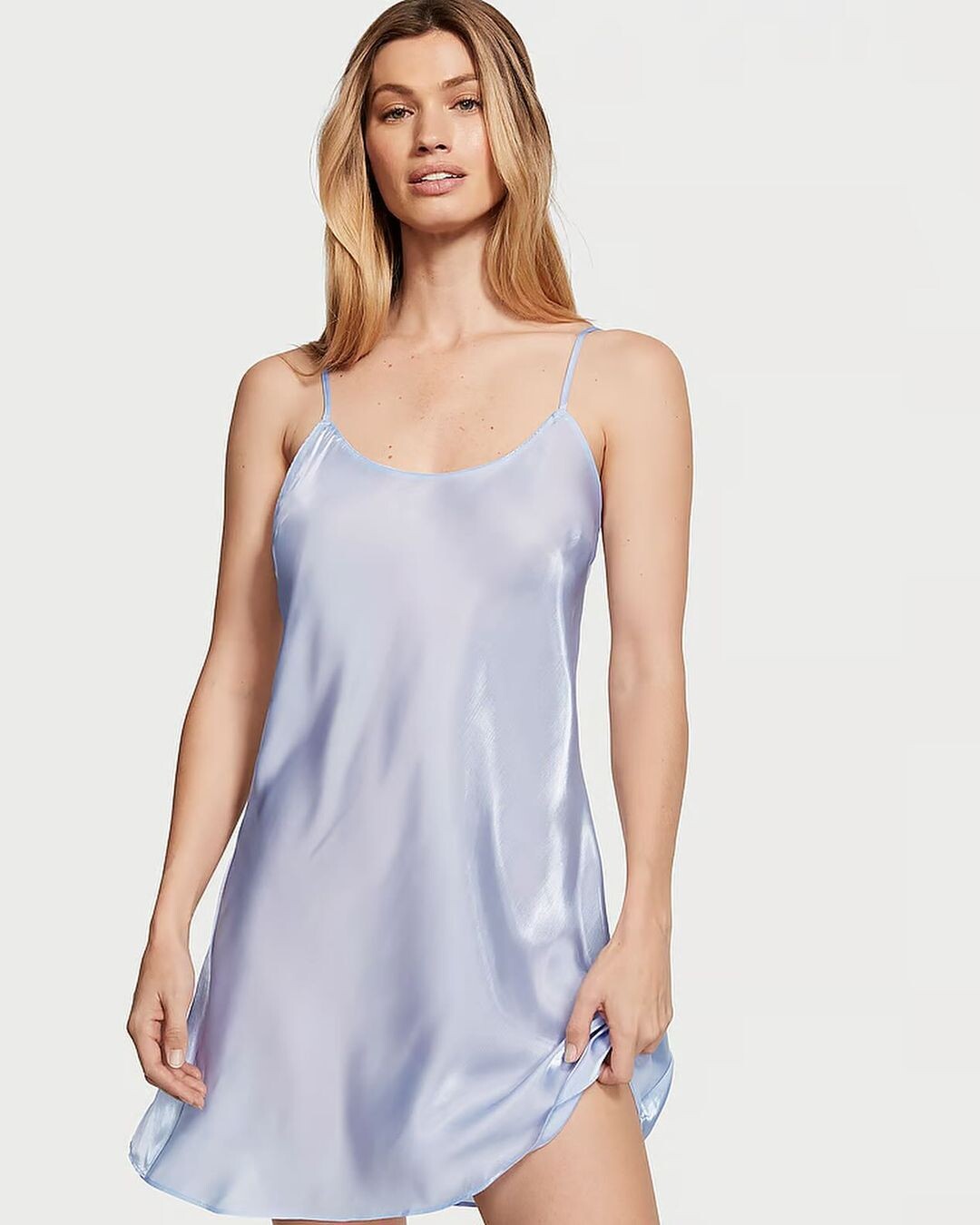
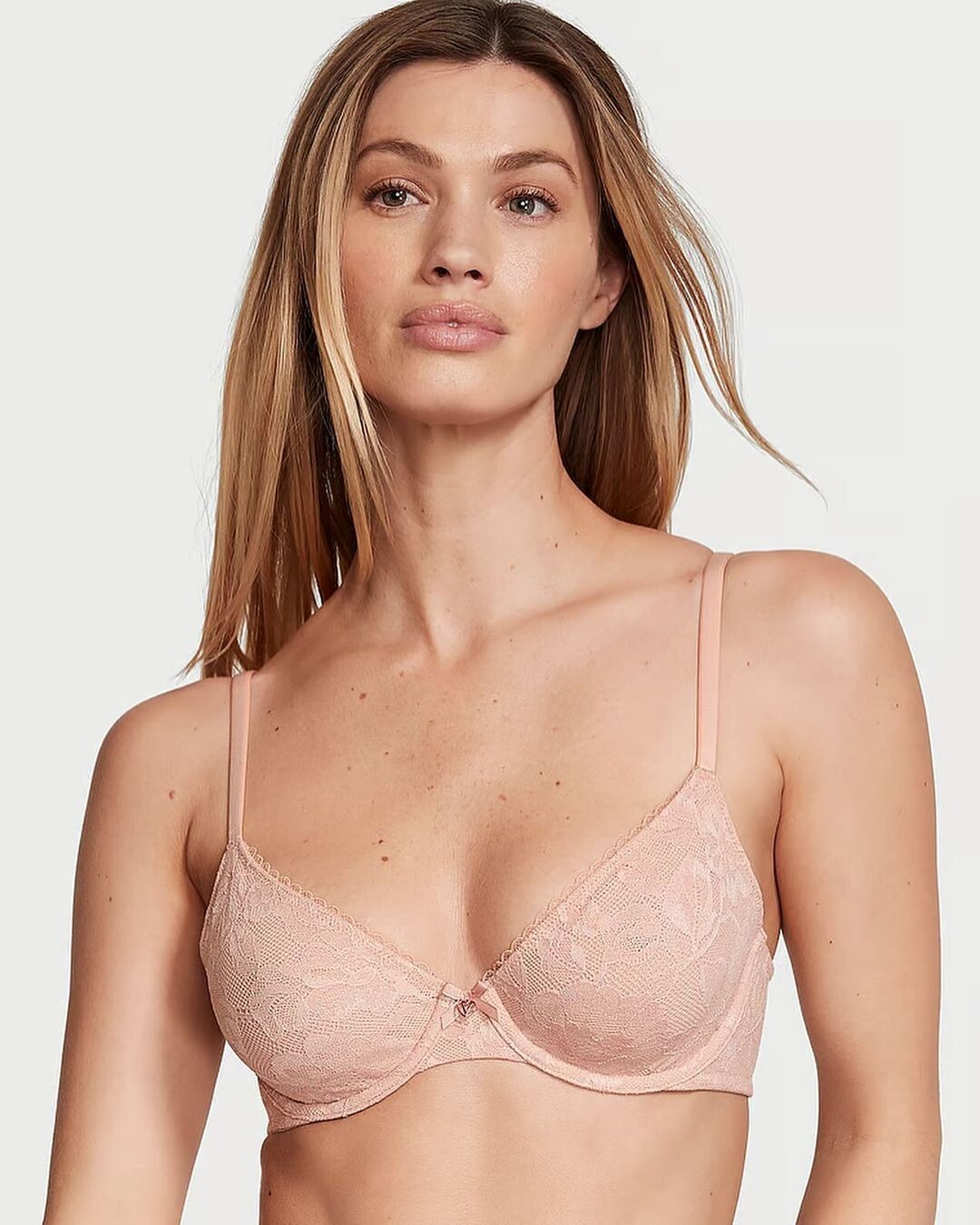
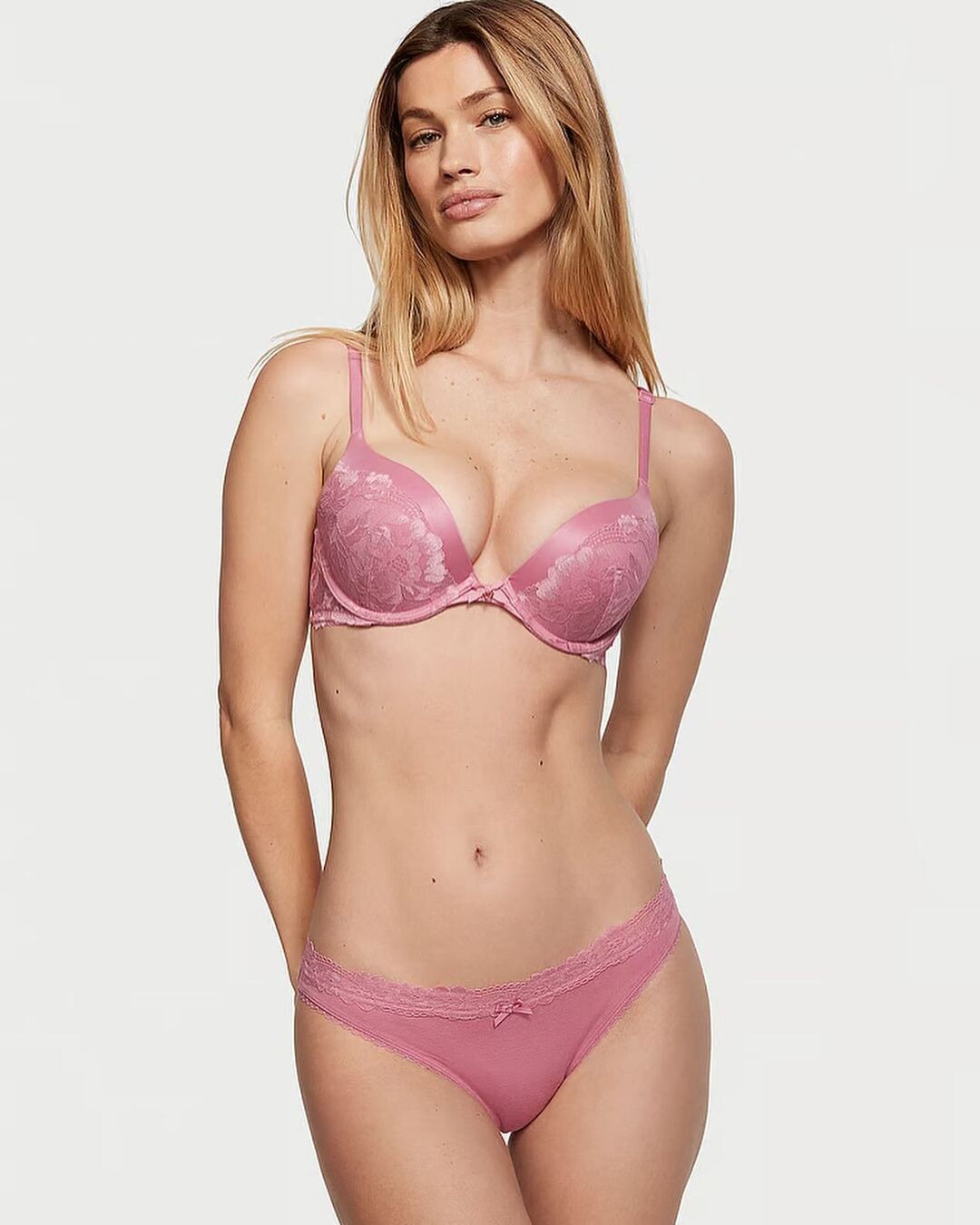
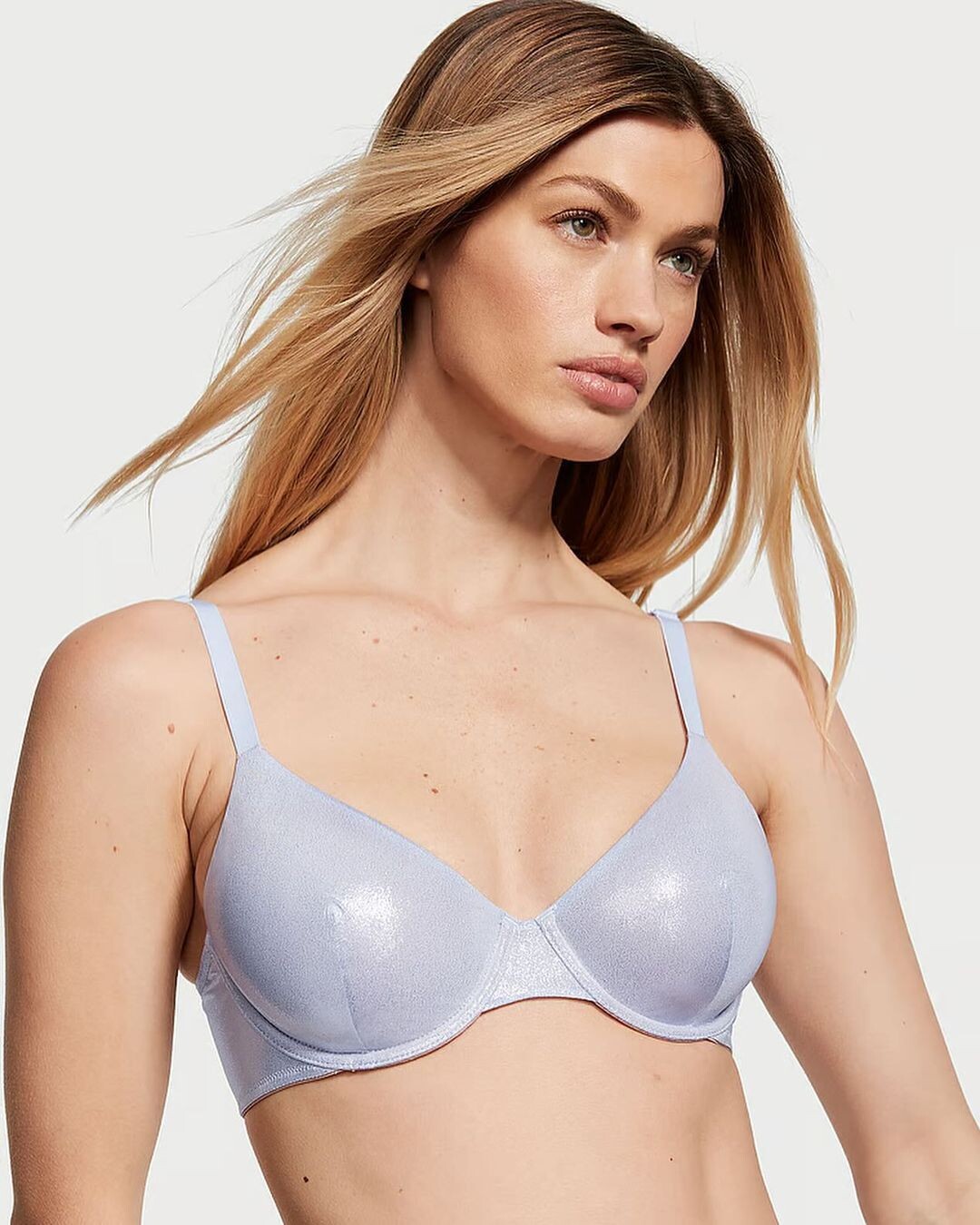
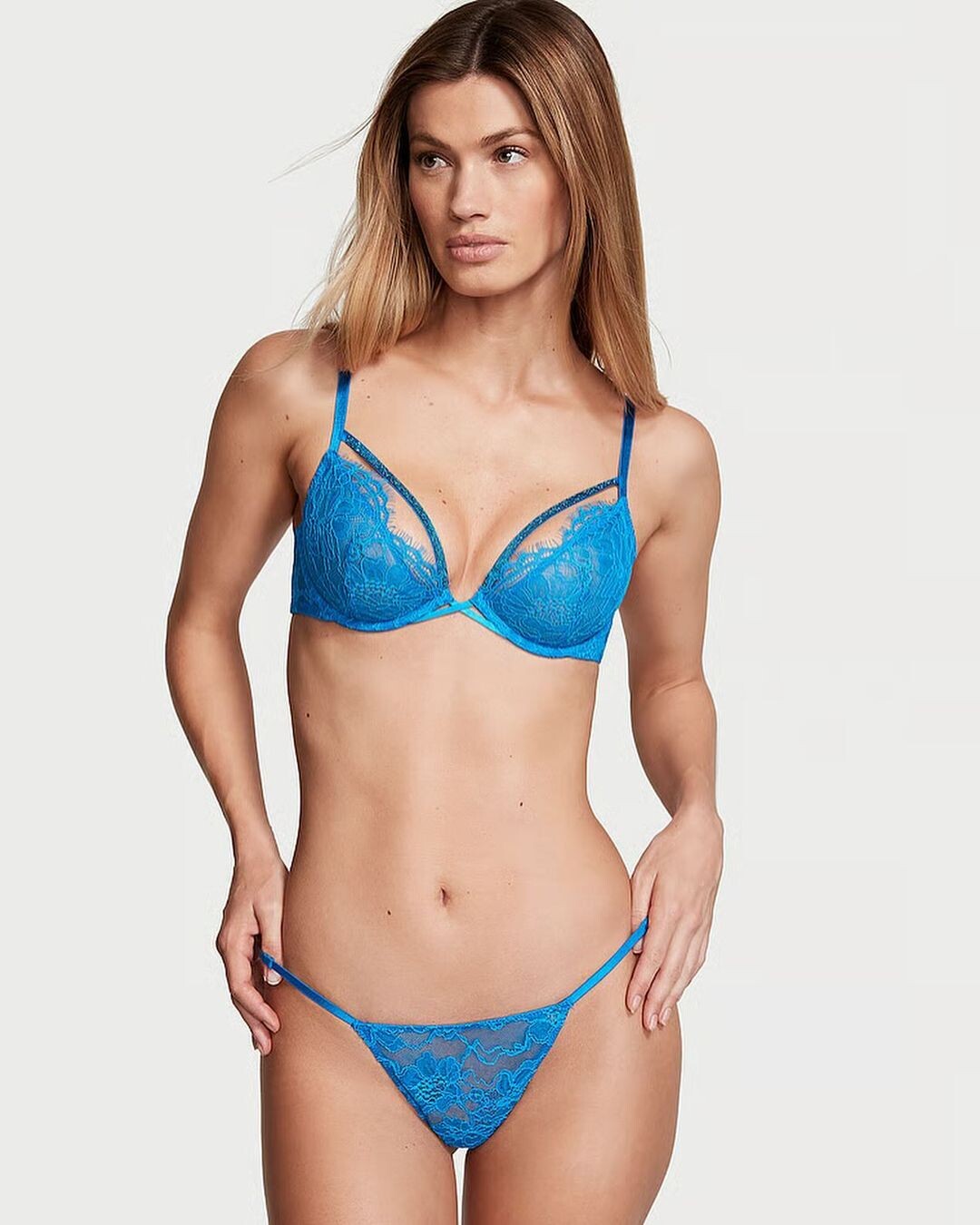
 The eCommerce Lingerie pics are nice and all but this casual video of her drinking a beer is 🔥🔥🔥🔥🔥 GC6TPBUMVNqSxXgBAJyvY_uJqO0ObvQ5AAAF.mp4
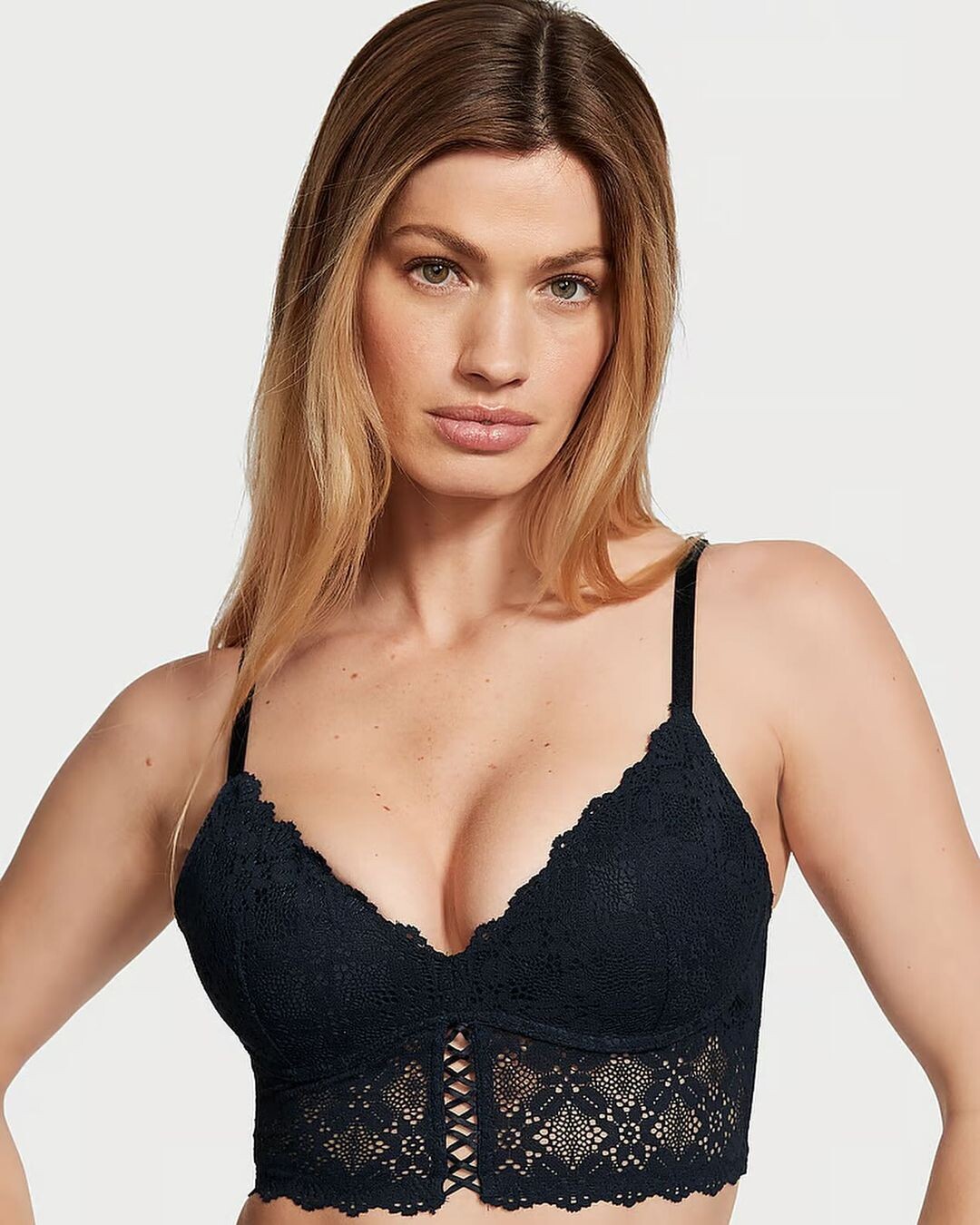
They might have been posted already but if not, here they are.
The eCommerce Lingerie pics are nice and all but this casual video of her drinking a beer is 🔥🔥🔥🔥🔥 GC6TPBUMVNqSxXgBAJyvY_uJqO0ObvQ5AAAF.mp4
They might have been posted already but if not, here they are.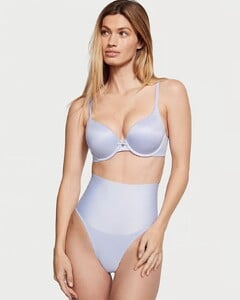
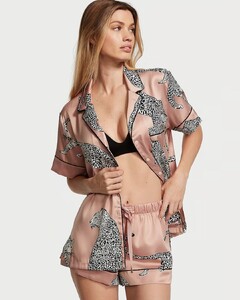
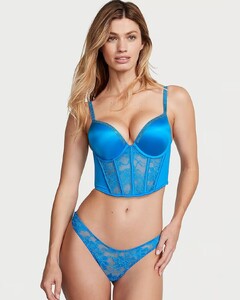
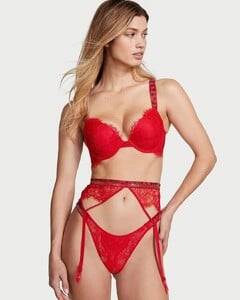
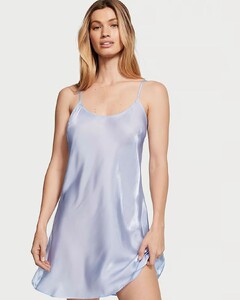


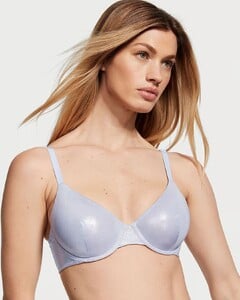
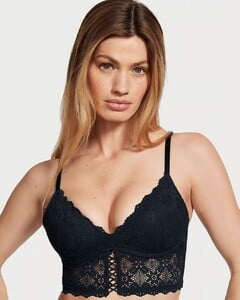
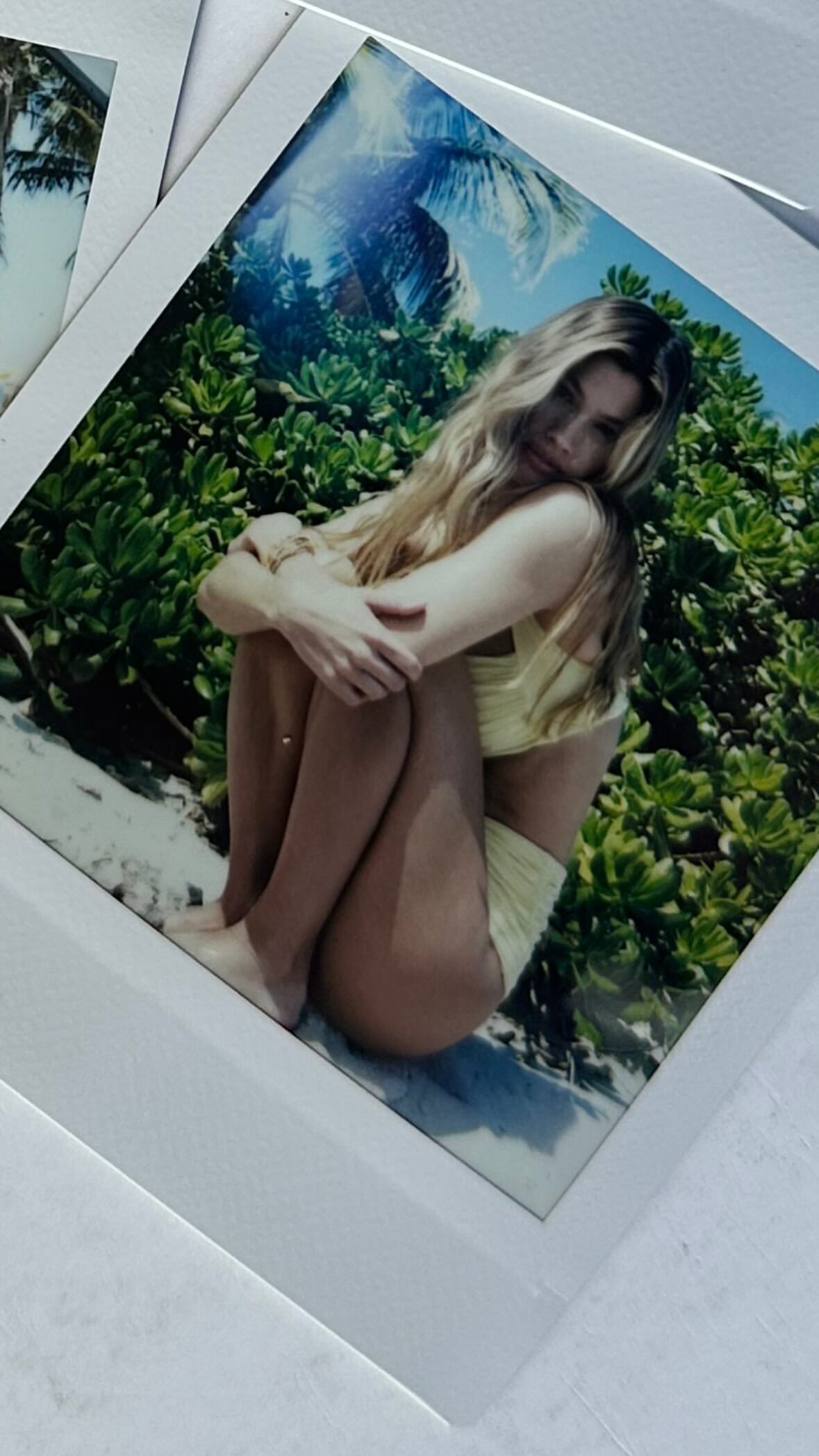
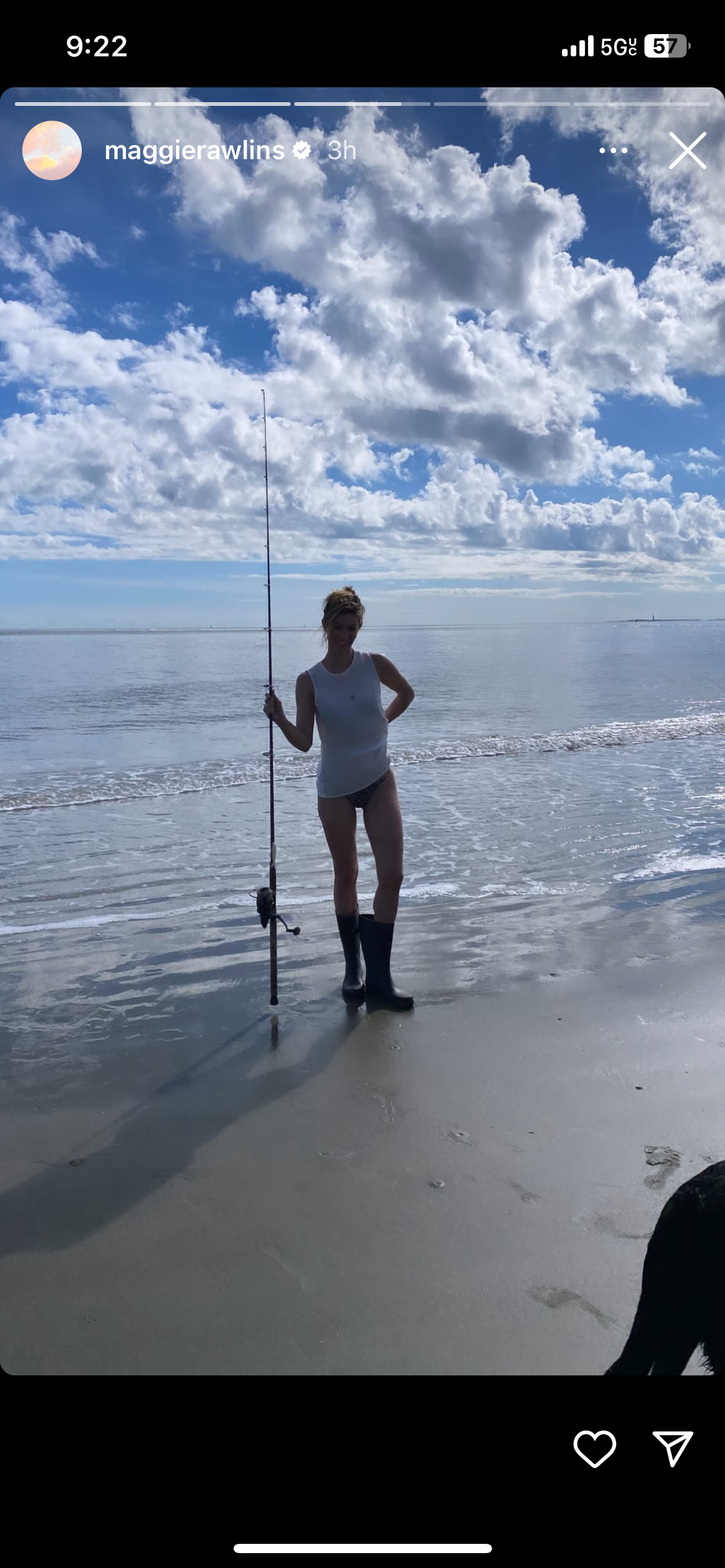
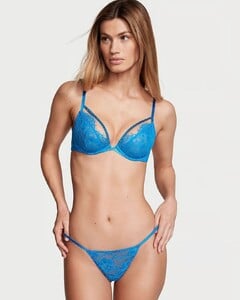 Even a casual IG post is hot 🔥🔥🔥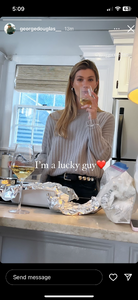
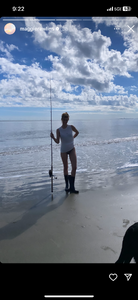 Maggie in Las Vegas for an Adele concert. February 2024
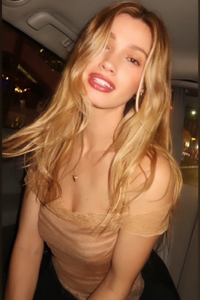 Zandrea Penn.zip
Account
Search
Configure browser push notifications
Chrome (Android)
- Tap the lock icon next to the address bar.
- Tap Permissions → Notifications.
- Adjust your preference.
Chrome (Desktop)
- Click the padlock icon in the address bar.
- Select Site settings.
- Find Notifications and adjust your preference.
Safari (iOS 16.4+)
- Ensure the site is installed via Add to Home Screen.
- Open Settings App → Notifications.
- Find your app name and adjust your preference.
Safari (macOS)
- Go to Safari → Preferences.
- Click the Websites tab.
- Select Notifications in the sidebar.
- Find this website and adjust your preference.
Edge (Android)
- Tap the lock icon next to the address bar.
- Tap Permissions.
- Find Notifications and adjust your preference.
Edge (Desktop)
- Click the padlock icon in the address bar.
- Click Permissions for this site.
- Find Notifications and adjust your preference.
Firefox (Android)
- Go to Settings → Site permissions.
- Tap Notifications.
- Find this site in the list and adjust your preference.
Firefox (Desktop)
- Open Firefox Settings.
- Search for Notifications.
- Find this site in the list and adjust your preference.