Jump to content
View in the app

A better way to browse. Learn more.

Bellazon

A full-screen app on your home screen with push notifications, badges and more.

To install this app on iOS and iPadOS
  1. Tap the Share icon in Safari
  2. Scroll the menu and tap Add to Home Screen.
  3. Tap Add in the top-right corner.
To install this app on Android
  1. Tap the 3-dot menu (⋮) in the top-right corner of the browser.
  2. Tap Add to Home screen or Install app.
  3. Confirm by tapping Install.

Povad

Members
  • Joined

  • Last visited

Everything posted by Povad

  1. The Sunday Times STYLE Magazine December 2000
  2. https://www.toprq.com/thumbnails.php?search=korsakova&submit=поиск&album=search&title=on&newer_than=&type=AND https://www.celebs101.com/photo/Tatiana-Korsakova/301152-tatiana-korsakova
  3. her pics from the webarchive, some are available some not. The rest are here: https://web.archive.org/web/20030925214907/http://www.rushengirlz.cjb.net/
  4. fashion backstage in Moscow in 2001 Неделя моды 2001 Милана Б.mp4
  5. they have different spelling, but let it stay here.
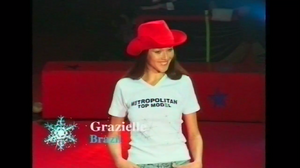
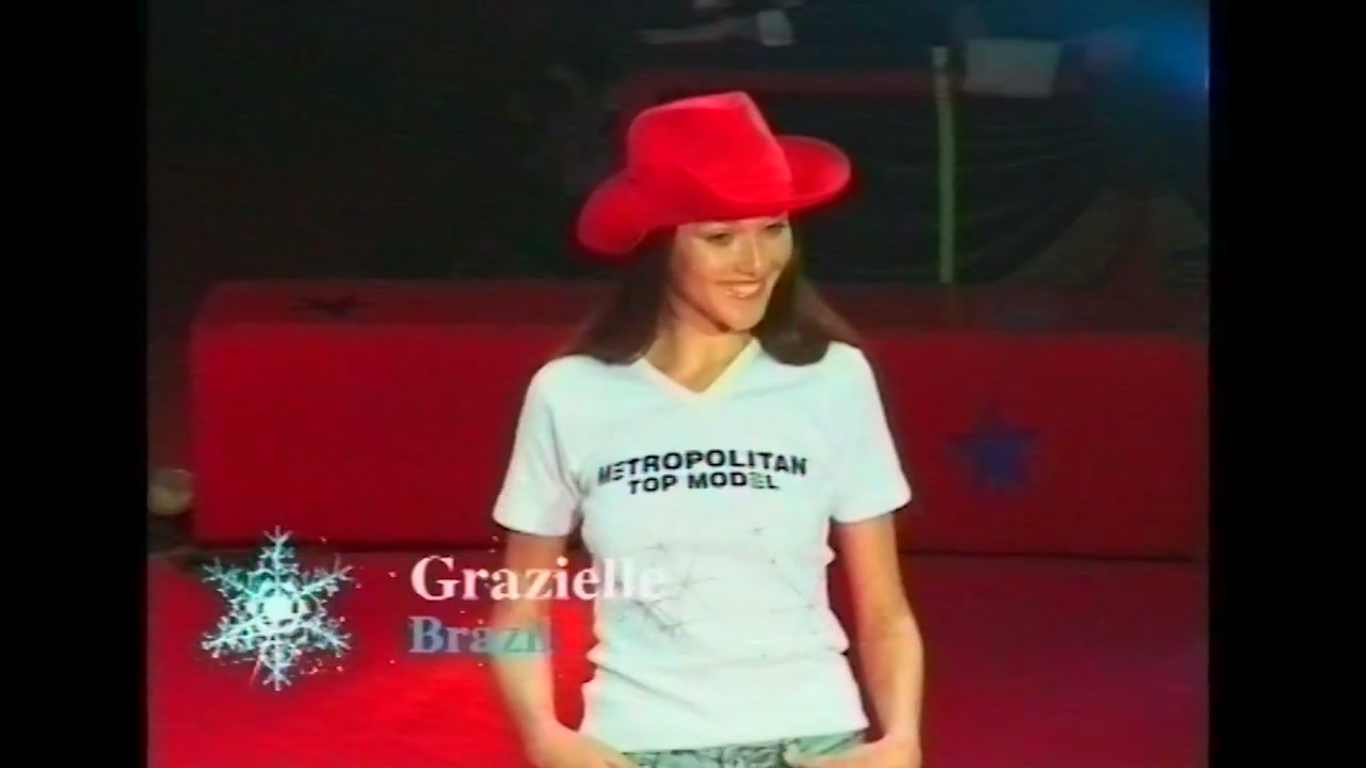
  6. Is it her? Metropolitan Top Model 1999 contestant in Paris Grazielle (Brazil)
  7. A music video of 2021 Escape & Danya Milokhin - "So low" models: Natasha Kozyreva & Irina Malinkina
  8. An interview for Russian TV September 1994 Взгляд 1994 30.09.1994.mp4
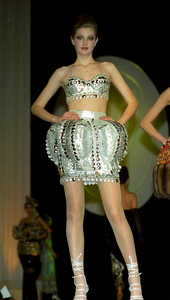
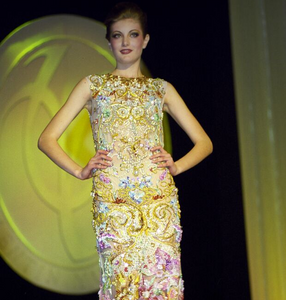
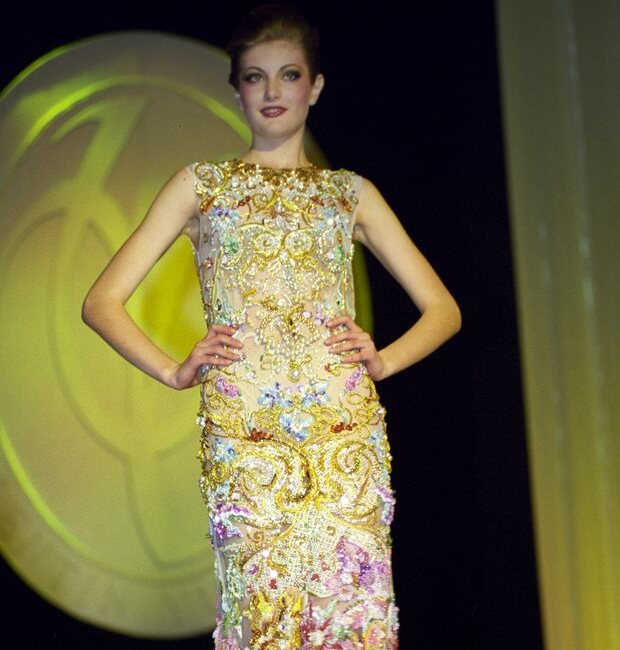
  9. Yudashkin fashion show in Moscow
  10. Christian Dior show in Moscow 1997
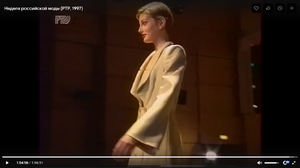
  11. Russian Fashion Week 1997 Dior show of John Galliano
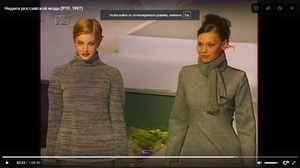
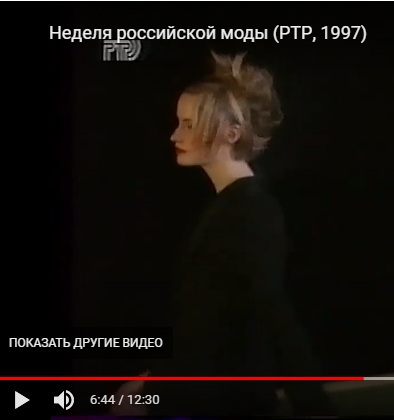
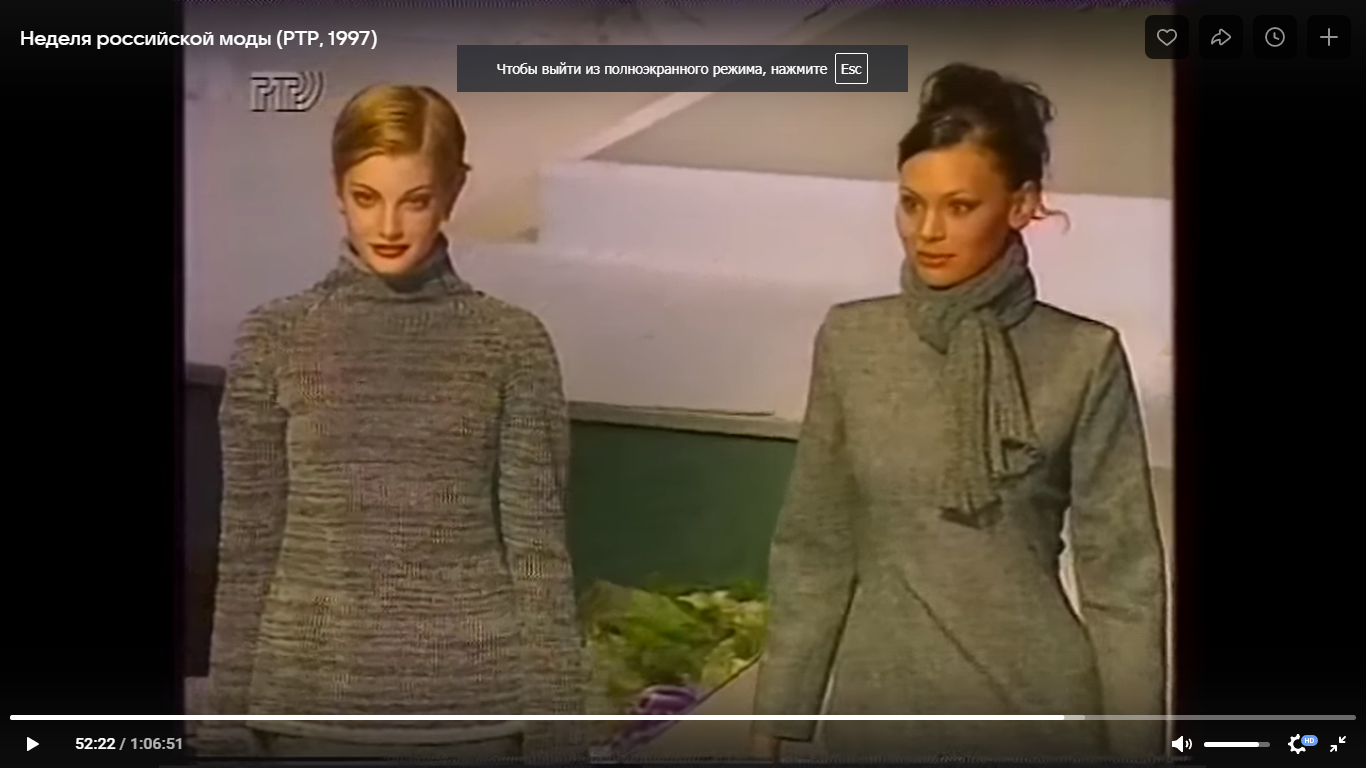
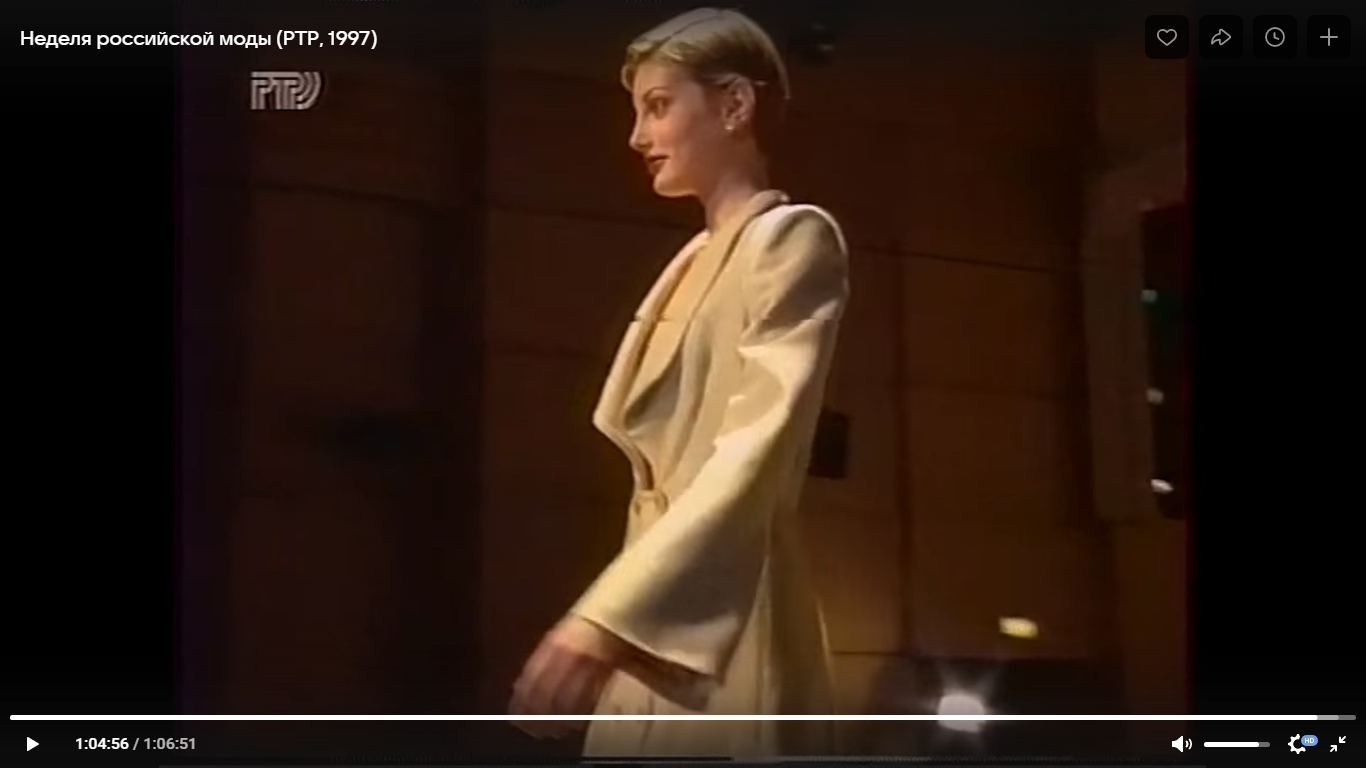
  12. Russian Fashion Week 1997
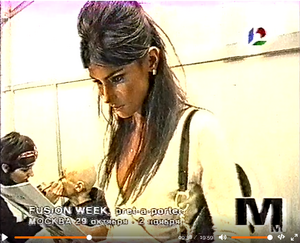
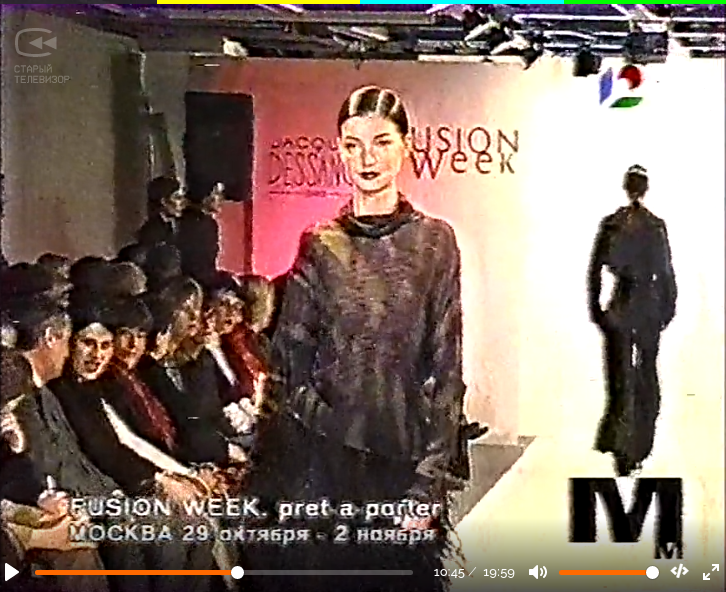
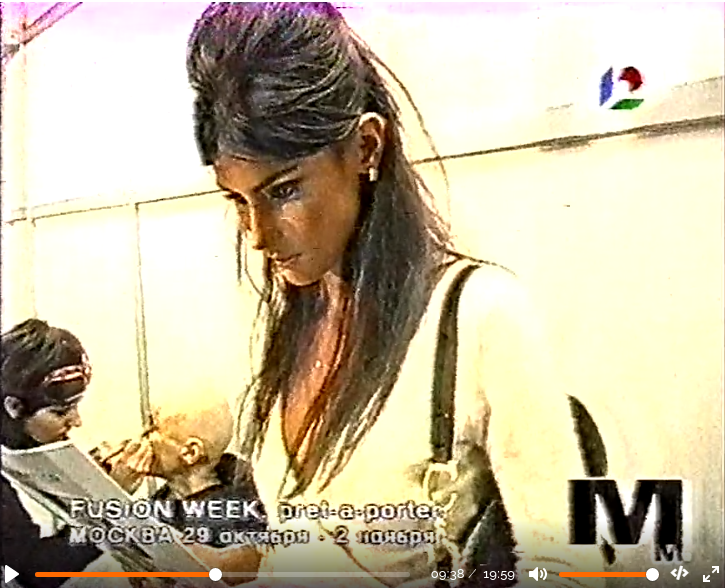
  13. Fusion Week Moscow 2001 backstage
  14. Elite Model Look 1996 national
  15. sirca 1993-94 Alisa Sourovova and Natalia Semanova
  16. early modelling circa 1993-94 Natalia and Alisa Sourovova
  17. clarification: her official wedding was in Paris, the second part in Italy.
  18. Valery Kaufman's wedding in Italy
Account

Navigation

Search

Configure browser push notifications

Chrome (Android)
  1. Tap the lock icon next to the address bar.
  2. Tap Permissions → Notifications.
  3. Adjust your preference.
Chrome (Desktop)
  1. Click the padlock icon in the address bar.
  2. Select Site settings.
  3. Find Notifications and adjust your preference.