

Povad
Members
-
Joined
-
Last visited
Everything posted by Povad
-
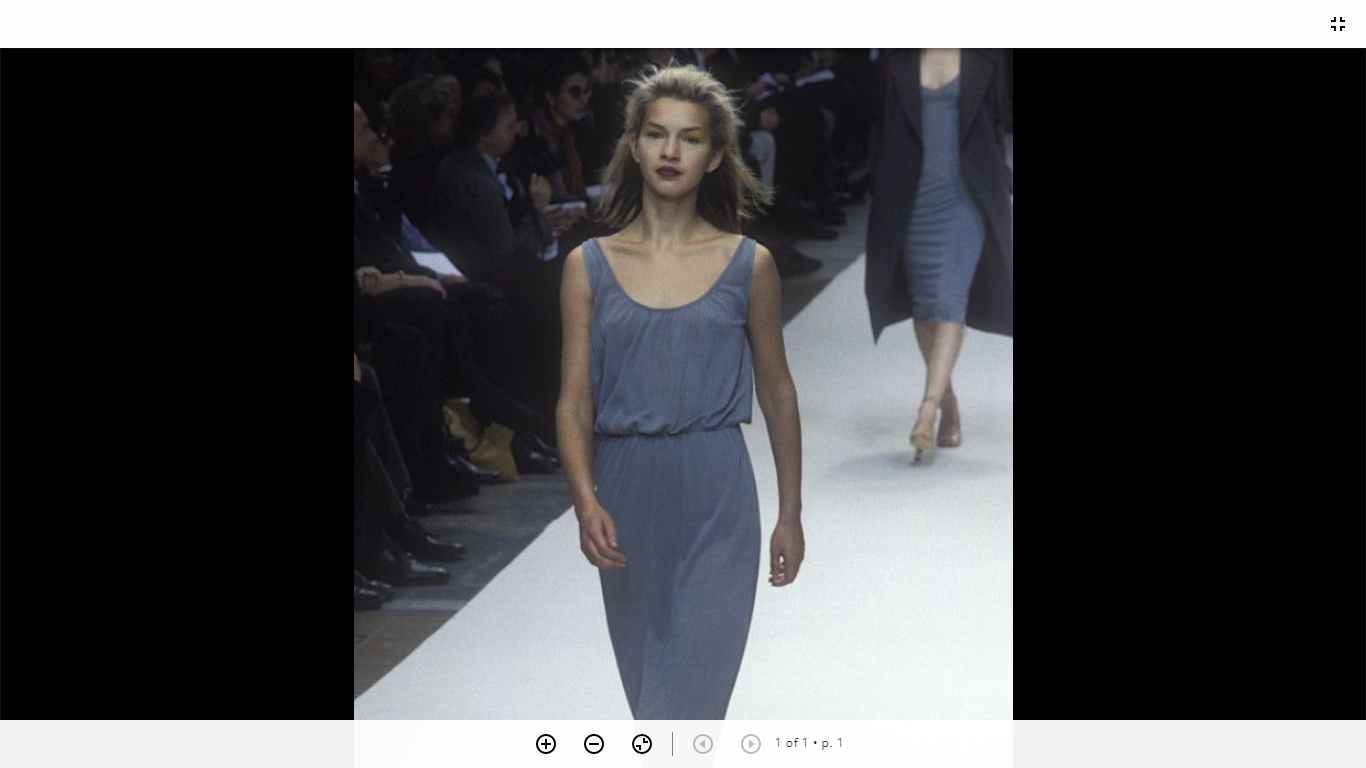
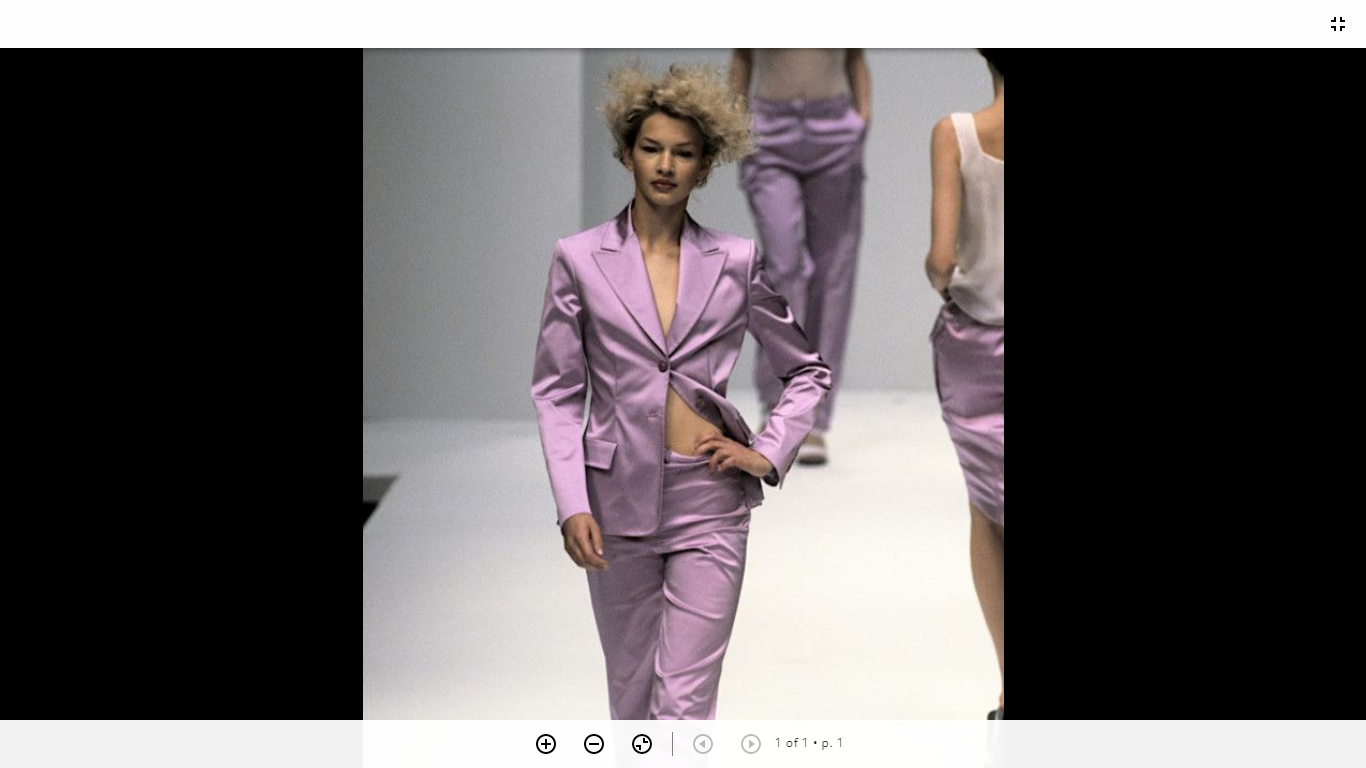
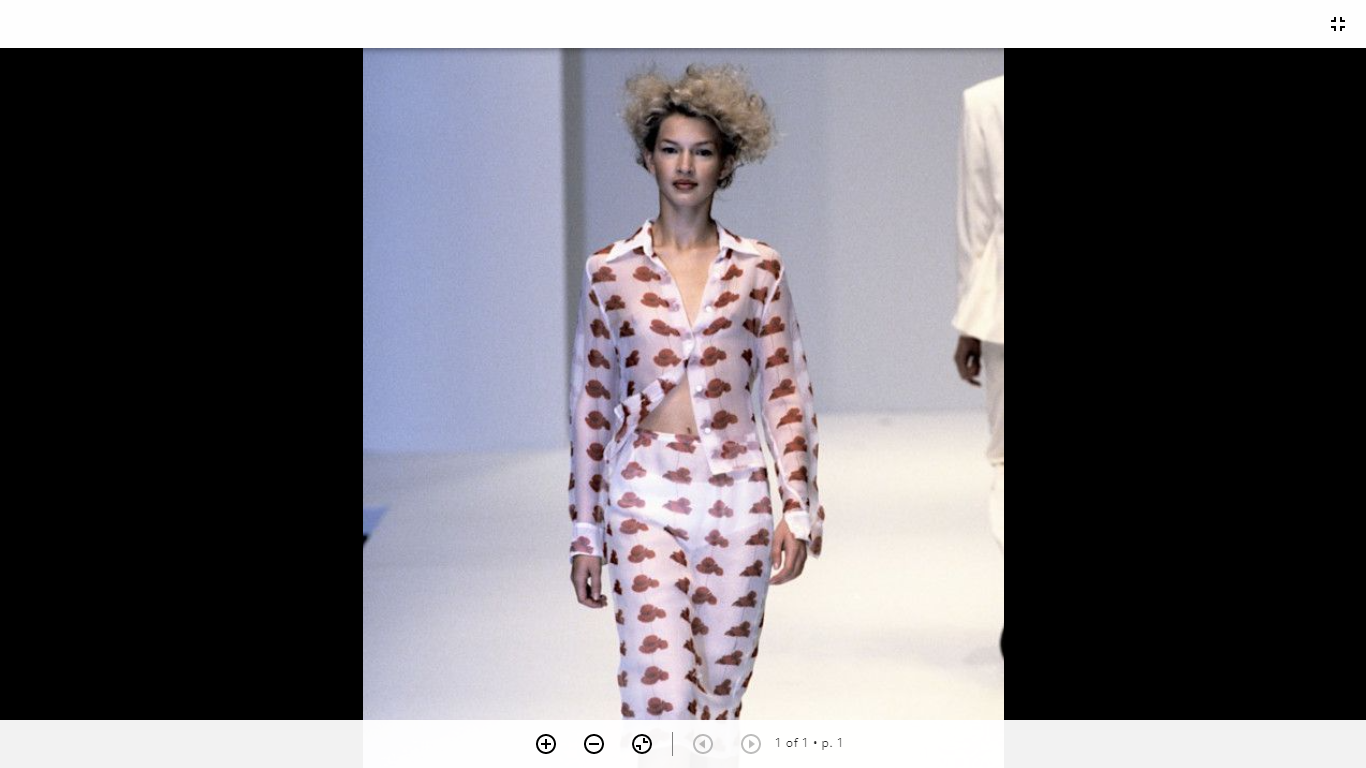
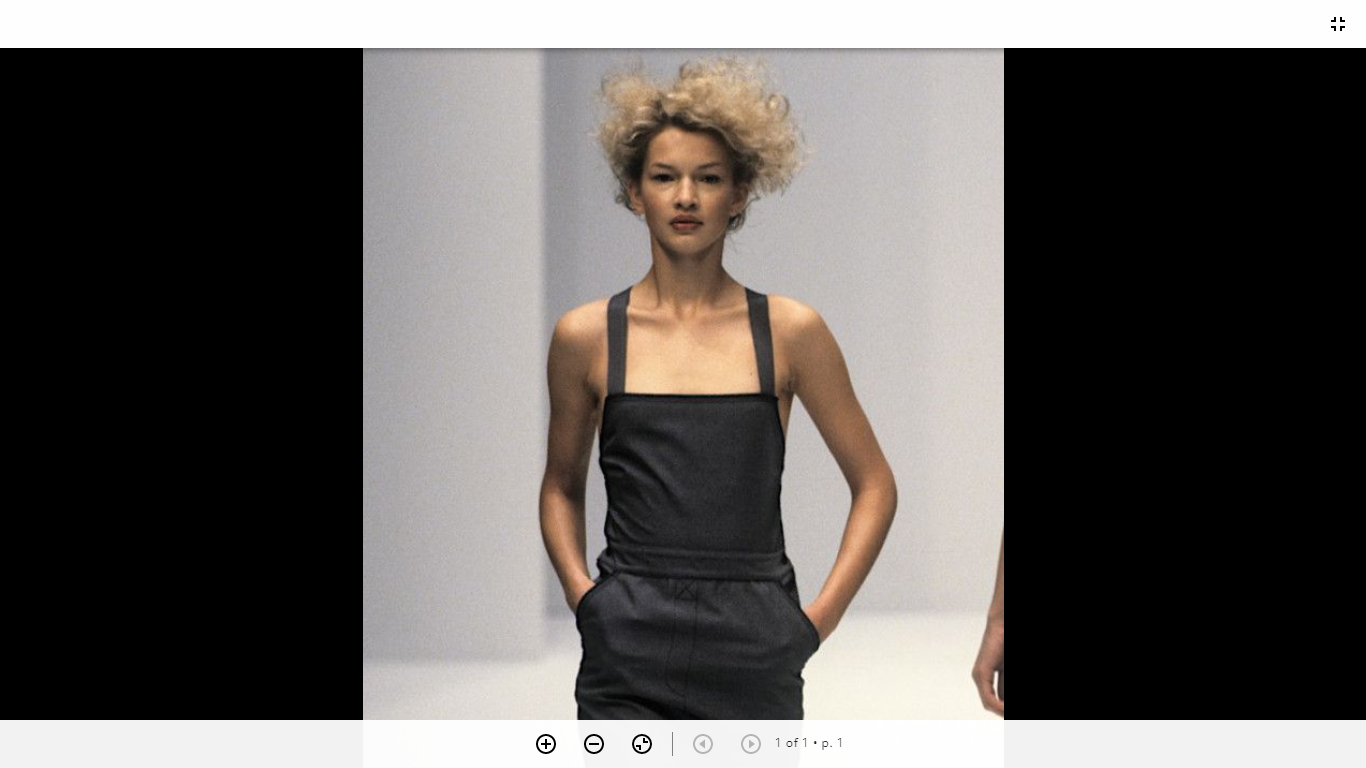
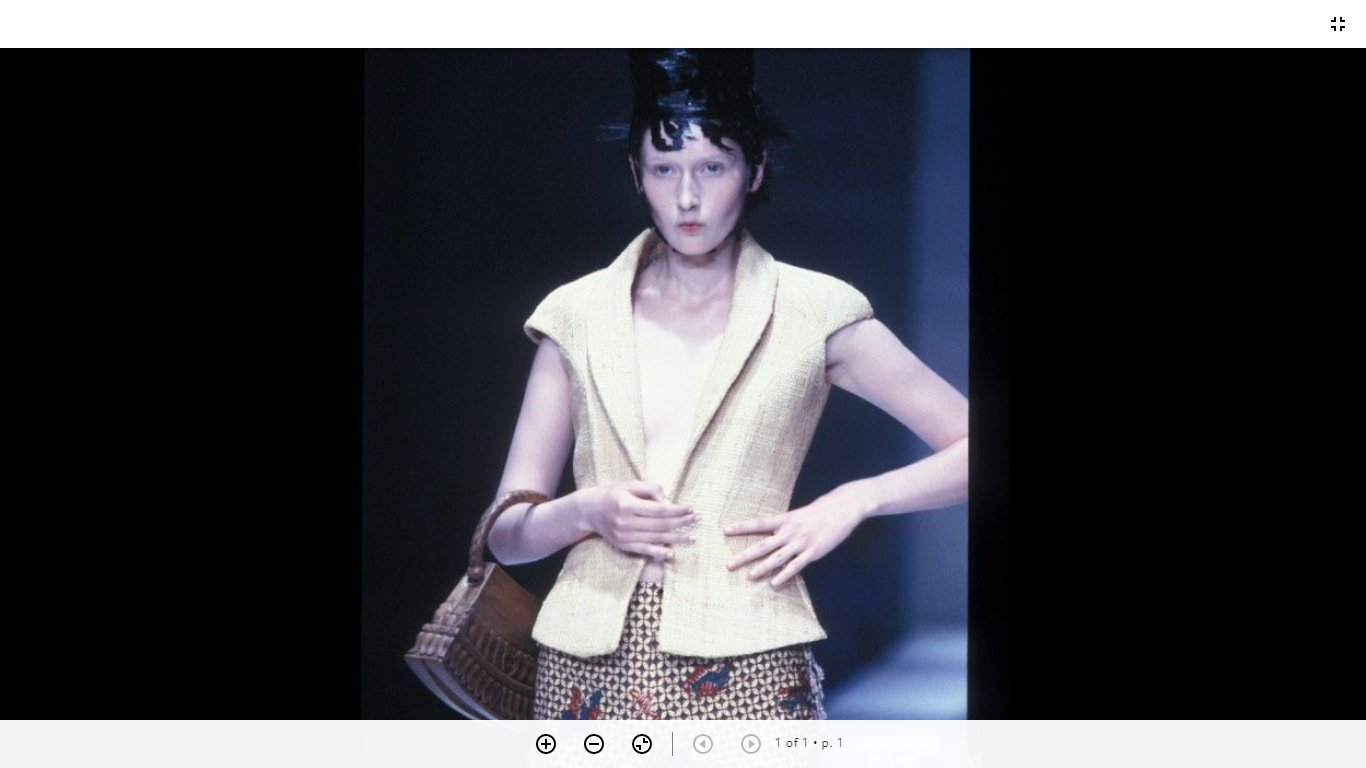
 Clements Ribeiro ready-to-wear FW 2001 London
 -
FurLand (2018)
-
TSUM (2023) ph by Daniil Kokarev
-
photos by Antonina Zharko (2016)
-
Victoria Beckham Beauty FeatherFix Summer 2024 Campaign Photographer Jai Odell
Gucci Lido Campaign 2024 Photographer Anthony Seklaoui
lookbook I AM Studio Fall/Winter 2017
not her
LUISA BECCARIA Milan FW, Fall/Winter 2018-19
MAISON BOHEMIQUE (2023)
Luisa Beccaria Milan FW, s/s 2019
GUCCI Milan Fashion Week, SS 2024
Harper's Bazaar Oct 2019 Ivan Genasi - Photographer
Gucci Horsebit Fine Jewelry Collection 2024 Photographer Deo Suveera
campaign Gucci SS 2024 Photographer: David Sims + Fadia Ghaab Jiahui Zhang Nyajuok G Violet Hume
- 43 replies
-
- 90s
- blonde
- editorial model
- elle
-
Tagged with:
Account
Navigation
Search
Configure browser push notifications
Chrome (Android)
- Tap the lock icon next to the address bar.
- Tap Permissions → Notifications.
- Adjust your preference.
Chrome (Desktop)
- Click the padlock icon in the address bar.
- Select Site settings.
- Find Notifications and adjust your preference.
Safari (iOS 16.4+)
- Ensure the site is installed via Add to Home Screen.
- Open Settings App → Notifications.
- Find your app name and adjust your preference.
Safari (macOS)
- Go to Safari → Preferences.
- Click the Websites tab.
- Select Notifications in the sidebar.
- Find this website and adjust your preference.
Edge (Android)
- Tap the lock icon next to the address bar.
- Tap Permissions.
- Find Notifications and adjust your preference.
Edge (Desktop)
- Click the padlock icon in the address bar.
- Click Permissions for this site.
- Find Notifications and adjust your preference.
Firefox (Android)
- Go to Settings → Site permissions.
- Tap Notifications.
- Find this site in the list and adjust your preference.
Firefox (Desktop)
- Open Firefox Settings.
- Search for Notifications.
- Find this site in the list and adjust your preference.