-
-
General Discussion
Actually I do like muscular and athletic women. What kind of generalisation was that?
-
Mía Maestro
Mia Maestro is her name, with an accent on the i. Apparently everything after that letter was cut off when the forum was converted.
-
Candids
- Miscellaneous
Does anyone have more / any pictures of the 2009 VS holiday shooting with Ale in the desert? Much appreciated!- Eva Mendes
Thanks so much for all these beautiful sets raziel02!- Jennifer Aniston
Thank you for those outtakes. What a beautiful woman!- Candids
Amazing pictures. Thank you very much.- Olivia Wilde
Amazing pictures, thanks for posting. She can really make a man crave.- Jessica Alba
Thanks a lot no_secret28.- Traylor Howard
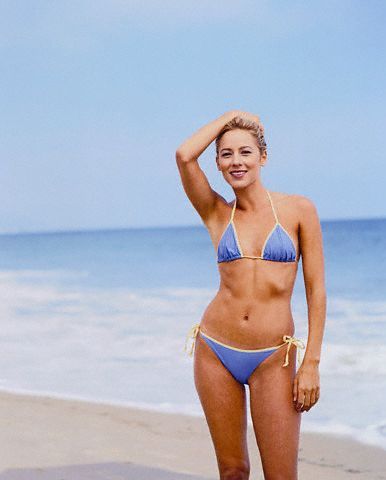
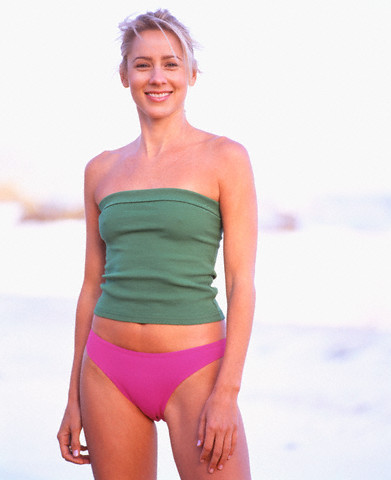
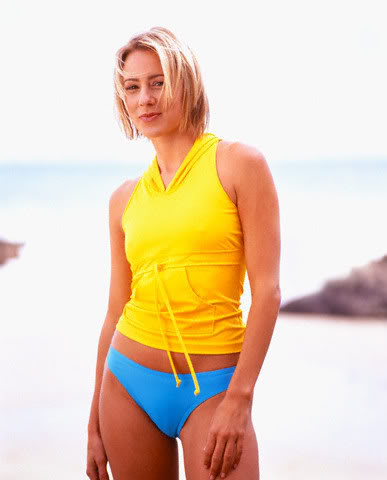
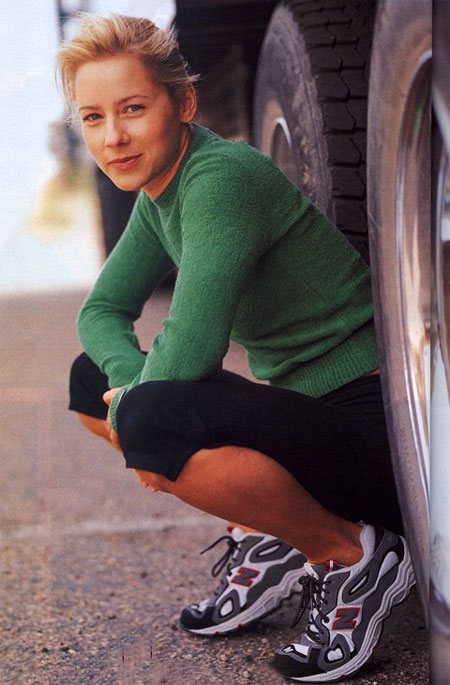
Traylor Elizabeth Howard, born in Orlando, Florida, on June 14, 1966. She is most likely known for her roles in the TV-series "Boston Common" (as Joy Byrnes), and "Two Guys, a Girl and a Pizza Place" (as Sharon Carter) and most recently from the series "Monk" (as Natalie Teeger). I am not sure if I consider her beautiful, but she certainly is cute and adorable. She apparently worked hard on her body and she is smart enough not to ruin it with breast surgery. Credits and thanks for the pictures to many places all over the web.- Jennifer Aniston
- Miscellaneous
Ladana
Members
-
Joined
-
Last visited
Account
Navigation
Search
Configure browser push notifications
Chrome (Android)
- Tap the lock icon next to the address bar.
- Tap Permissions → Notifications.
- Adjust your preference.
Chrome (Desktop)
- Click the padlock icon in the address bar.
- Select Site settings.
- Find Notifications and adjust your preference.
Safari (iOS 16.4+)
- Ensure the site is installed via Add to Home Screen.
- Open Settings App → Notifications.
- Find your app name and adjust your preference.
Safari (macOS)
- Go to Safari → Preferences.
- Click the Websites tab.
- Select Notifications in the sidebar.
- Find this website and adjust your preference.
Edge (Android)
- Tap the lock icon next to the address bar.
- Tap Permissions.
- Find Notifications and adjust your preference.
Edge (Desktop)
- Click the padlock icon in the address bar.
- Click Permissions for this site.
- Find Notifications and adjust your preference.
Firefox (Android)
- Go to Settings → Site permissions.
- Tap Notifications.
- Find this site in the list and adjust your preference.
Firefox (Desktop)
- Open Firefox Settings.
- Search for Notifications.
- Find this site in the list and adjust your preference.