
theviking
Members
-
Joined
-
Last visited
Everything posted by theviking
-
-
If anyone wants to buy prints of Maggie https://adamfranzinoprints.com/search?type=product,article,page,collection&q=maggie*She seems to be getting more risque in her shoots. From her profile: https://www.thelionsmanagement.com/newyork/talent/maggie-rawlins/portfolio_/
 That's unrealAbout damn time Maggie's in there. Too bad it's not the SI of old.About damn time!Clint Instagram


 New model with WIlhelmina Agency Card @gingerburlew Instagram Tik Tok





 I've been a fan of hers for a couple years; glad she's finally get the recognition she deservesLooking forward to seeing more of her work with Victor RobertofHopefully she will get more work nowFrom Adam Mont on Instagram
 Did she ever shoot with Girlfriend Mtrl? Does she show anything other than the 🍑?95829713_309530316701237_281486125896682890_n.mp4I like that new trendAnyone know where the uncensored set of this is?^Has anyone found a BTS video from that shoot? They usually put one out but this year it's only the guys (no thanks)Daughter of Aston Villa and Milwaukee Bucks owner. Looks to be a part time model Renew Artists Portfolio @malloryedens Instagram




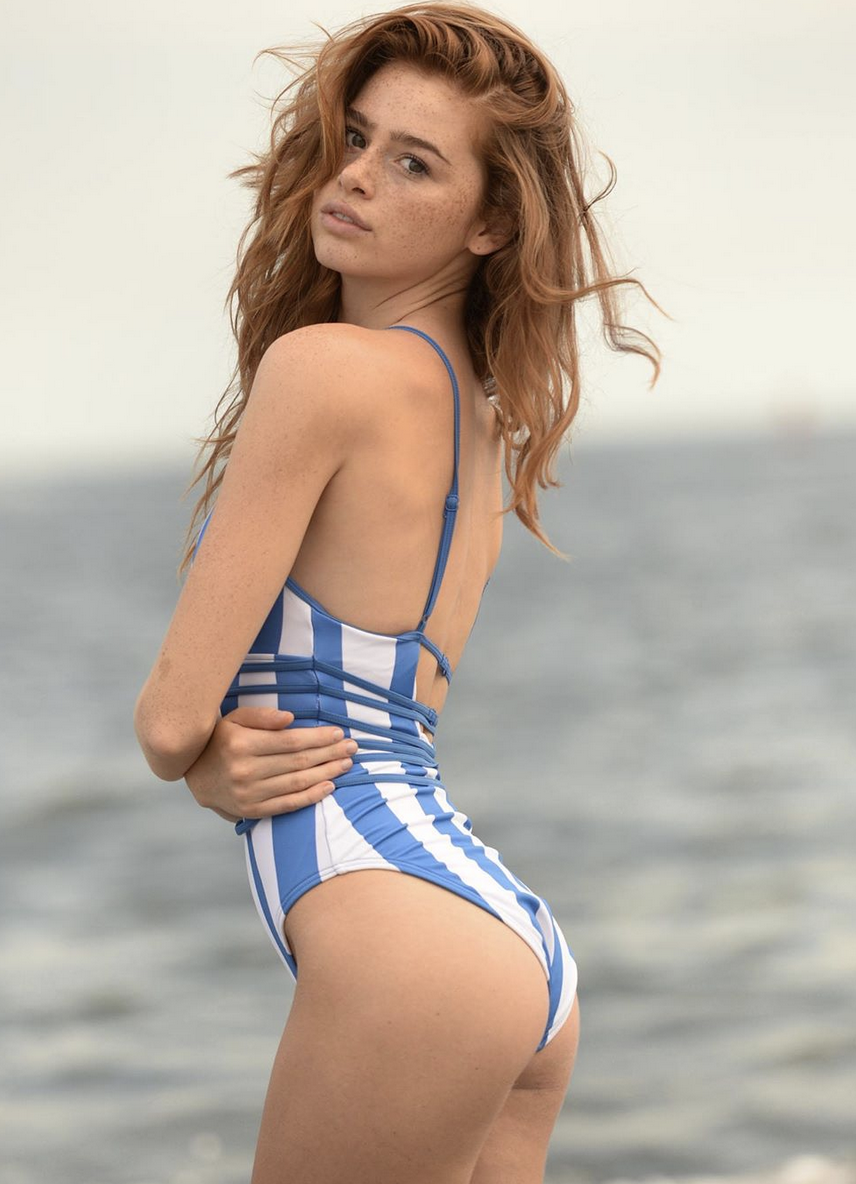
 Cute redhead with freckles One Management No Ties @Chloemelton_ Instagram













































Account
Navigation
Search
Configure browser push notifications
Chrome (Android)
- Tap the lock icon next to the address bar.
- Tap Permissions → Notifications.
- Adjust your preference.
Chrome (Desktop)
- Click the padlock icon in the address bar.
- Select Site settings.
- Find Notifications and adjust your preference.
Safari (iOS 16.4+)
- Ensure the site is installed via Add to Home Screen.
- Open Settings App → Notifications.
- Find your app name and adjust your preference.
Safari (macOS)
- Go to Safari → Preferences.
- Click the Websites tab.
- Select Notifications in the sidebar.
- Find this website and adjust your preference.
Edge (Android)
- Tap the lock icon next to the address bar.
- Tap Permissions.
- Find Notifications and adjust your preference.
Edge (Desktop)
- Click the padlock icon in the address bar.
- Click Permissions for this site.
- Find Notifications and adjust your preference.
Firefox (Android)
- Go to Settings → Site permissions.
- Tap Notifications.
- Find this site in the list and adjust your preference.
Firefox (Desktop)
- Open Firefox Settings.
- Search for Notifications.
- Find this site in the list and adjust your preference.