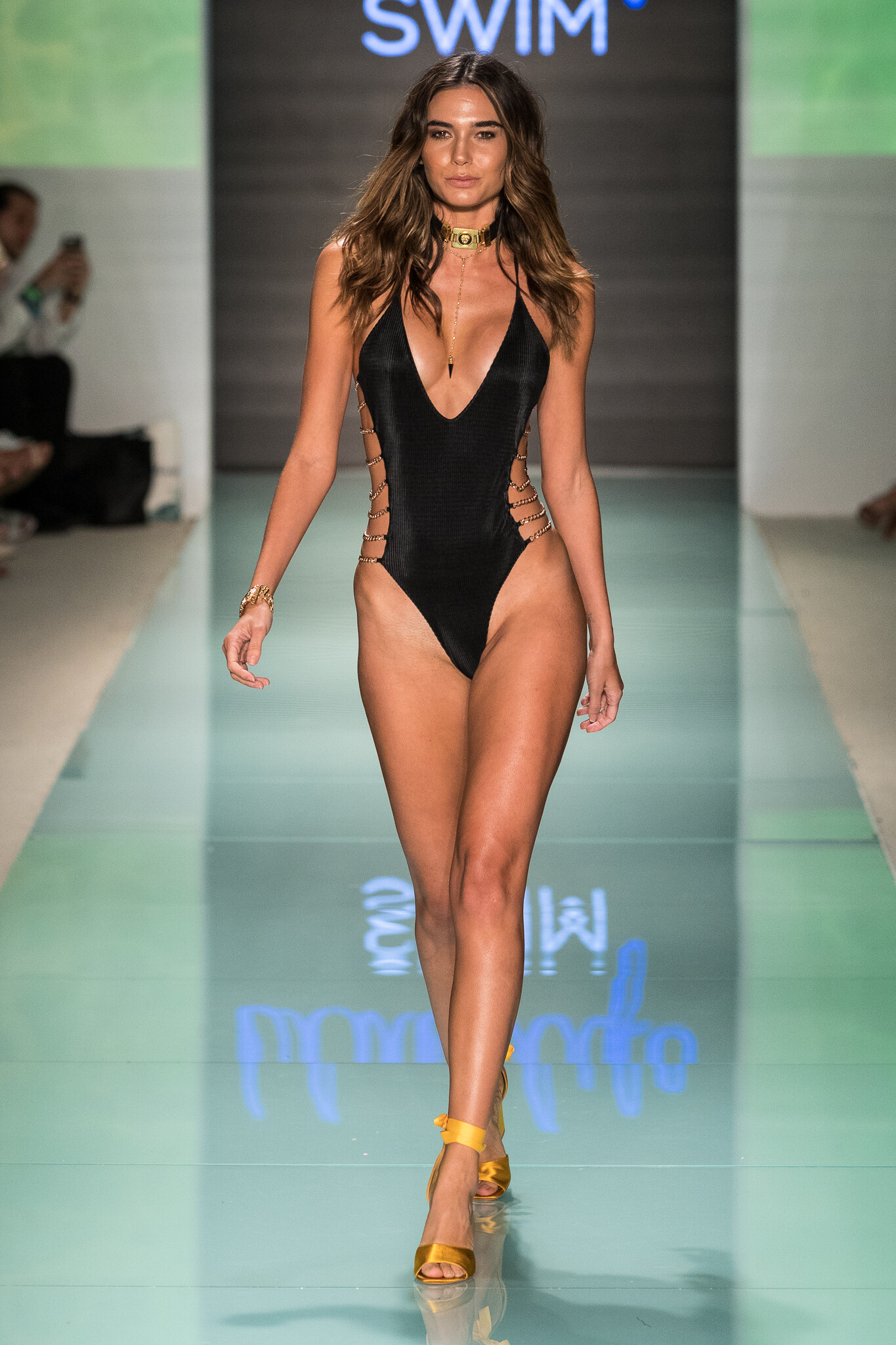
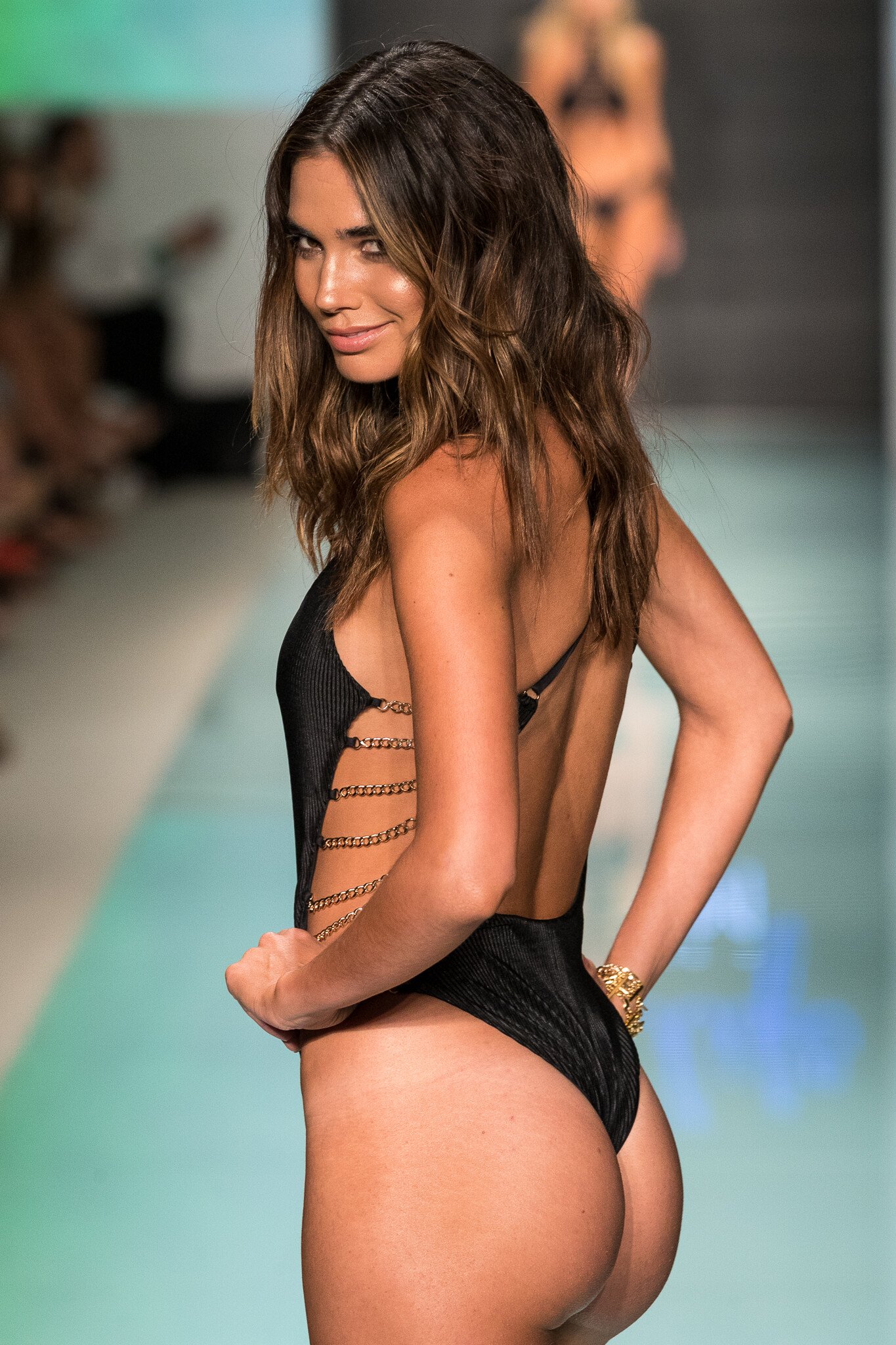
Modelove
Members
-
Joined
Everything posted by Modelove
-
-
Hot-As-Hell 2018 Collection - Backstage
 Beach Bunny "Heaven on Earth" Resort 2018 Funkshion | Miami Swim Week 2018 YT TRAFFIC-CHIC
Blue Life Swim Miami Swim Week 2017 Mikhail Veter
Beach Bunny "Heaven on Earth" Resort 2018 Funkshion | Miami Swim Week 2018 YT TRAFFIC-CHIC
Blue Life Swim Miami Swim Week 2017 Mikhail Veter








 FOR LOVE and LEMONS Swim 2018 Collection Runway Show @ Miami Swim Fashion Week - FUNKSHION (2017) FashionStock
Luli Fama "Wild Heart" 2017 | Miami Swim Week 3:25 6:55 TRAFFIC-CHIC
IG Story thecobrasnake 17613266_278120665998267_190716017029152768_n.mp4 14464282_1514538418608580_9030120795120074752_n.mp4 18118093_489002404767932_3395325892648501248_n.mp4 18526952_108025333147239_8969403512471420928_n.mp4
FOR LOVE and LEMONS Swim 2018 Collection Runway Show @ Miami Swim Fashion Week - FUNKSHION (2017) FashionStock
Luli Fama "Wild Heart" 2017 | Miami Swim Week 3:25 6:55 TRAFFIC-CHIC
IG Story thecobrasnake 17613266_278120665998267_190716017029152768_n.mp4 14464282_1514538418608580_9030120795120074752_n.mp4 18118093_489002404767932_3395325892648501248_n.mp4 18526952_108025333147239_8969403512471420928_n.mp4

 Nudity
 Preheating the Miami Fashion Week
Months ago. Not recent
Preheating the Miami Fashion Week
Months ago. Not recent
Account
Navigation
Search
Configure browser push notifications
Chrome (Android)
- Tap the lock icon next to the address bar.
- Tap Permissions → Notifications.
- Adjust your preference.
Chrome (Desktop)
- Click the padlock icon in the address bar.
- Select Site settings.
- Find Notifications and adjust your preference.
Safari (iOS 16.4+)
- Ensure the site is installed via Add to Home Screen.
- Open Settings App → Notifications.
- Find your app name and adjust your preference.
Safari (macOS)
- Go to Safari → Preferences.
- Click the Websites tab.
- Select Notifications in the sidebar.
- Find this website and adjust your preference.
Edge (Android)
- Tap the lock icon next to the address bar.
- Tap Permissions.
- Find Notifications and adjust your preference.
Edge (Desktop)
- Click the padlock icon in the address bar.
- Click Permissions for this site.
- Find Notifications and adjust your preference.
Firefox (Android)
- Go to Settings → Site permissions.
- Tap Notifications.
- Find this site in the list and adjust your preference.
Firefox (Desktop)
- Open Firefox Settings.
- Search for Notifications.
- Find this site in the list and adjust your preference.