Jump to content
View in the app

A better way to browse. Learn more.

Bellazon

A full-screen app on your home screen with push notifications, badges and more.

To install this app on iOS and iPadOS
  1. Tap the Share icon in Safari
  2. Scroll the menu and tap Add to Home Screen.
  3. Tap Add in the top-right corner.
To install this app on Android
  1. Tap the 3-dot menu (⋮) in the top-right corner of the browser.
  2. Tap Add to Home screen or Install app.
  3. Confirm by tapping Install.

Modelove

Members
  • Joined

Everything posted by Modelove

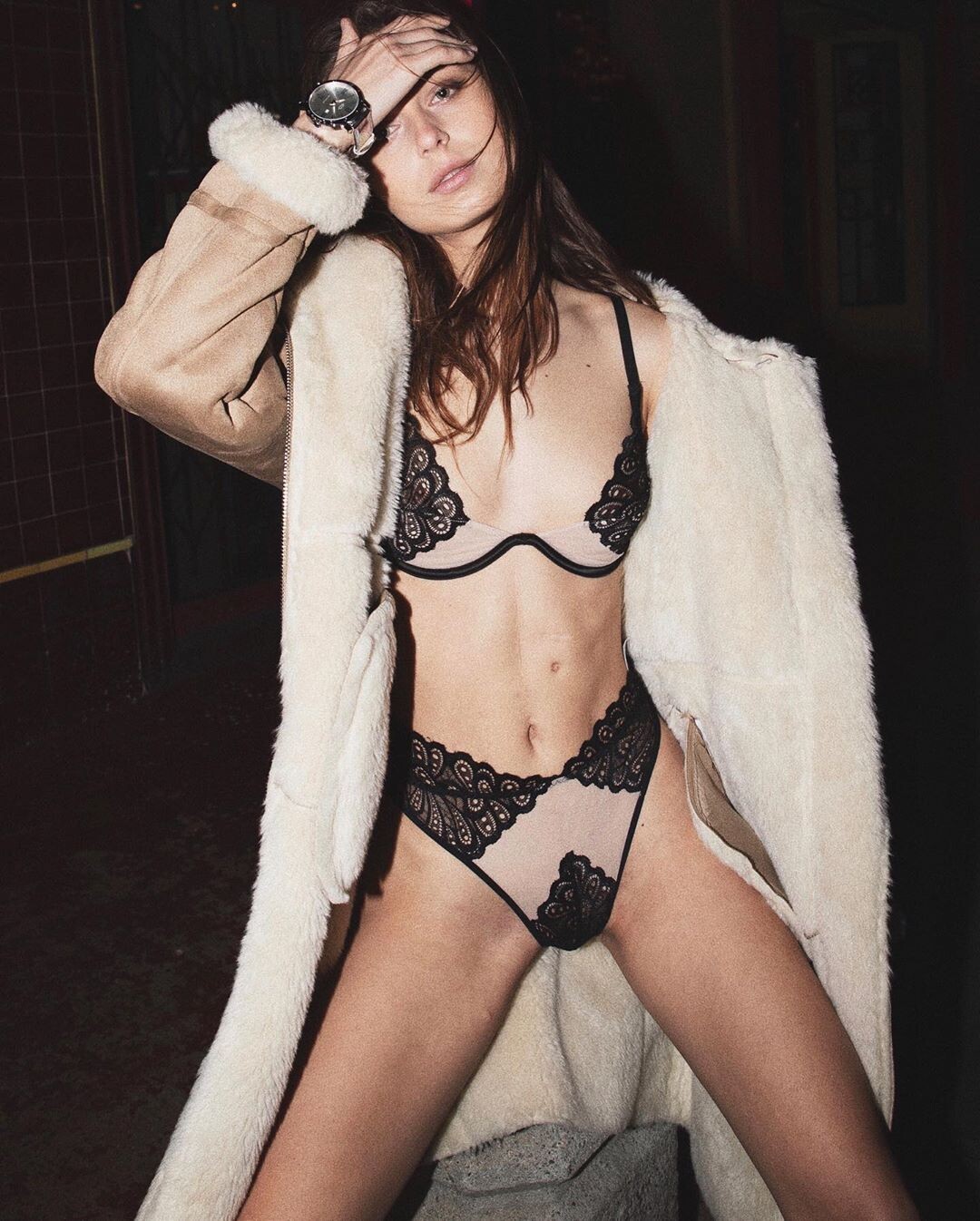
  1. Clint for Gooseberry Intimates Warning! Transparency
  2. @Matt! please check this thread before post. The second picture It had already been published by me before
  3. Her IG for KO Watches IG Story
  4. Will Stokoe IG Story
  5. @Kane These photos had already been posted on the previous page in HQ
  6. Several of the photos have already been published! It is a pity that the search engine does not work to indicate precisely which is the post or on which page they are located. I urge you to make sure before posting that you are not repeating material in this thread (but it also applies to others in this forum)
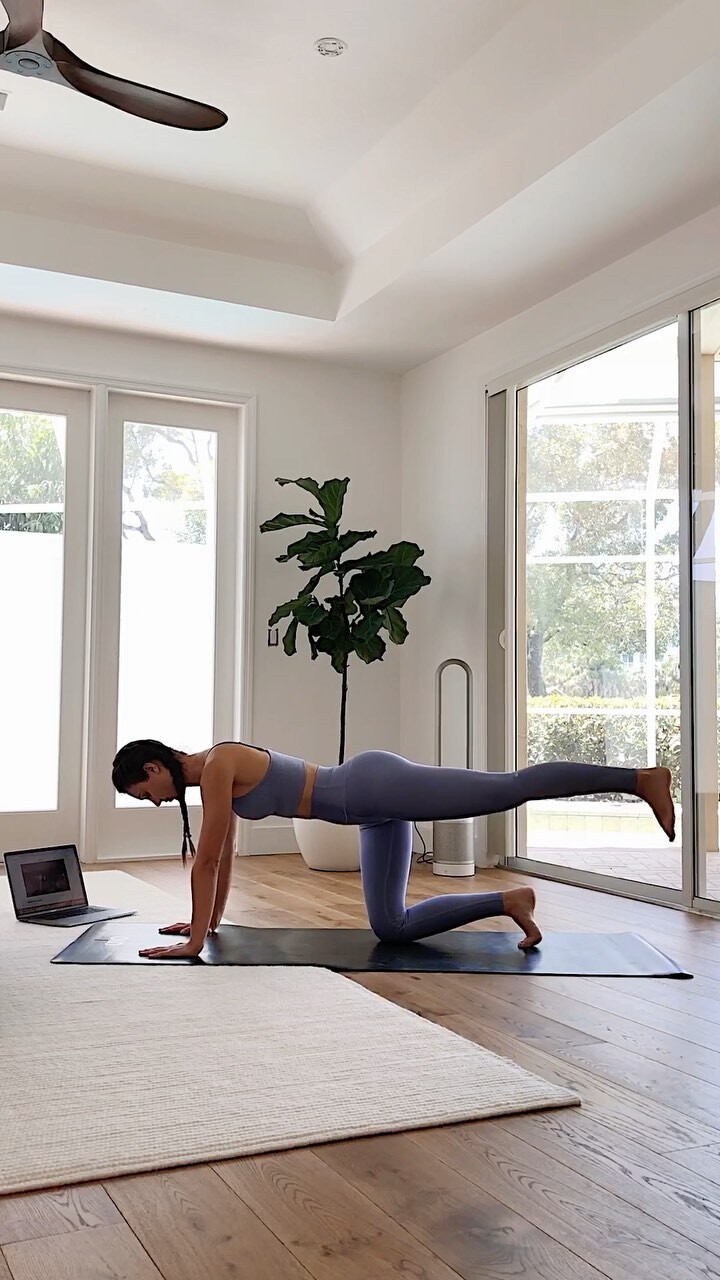
  7. IG TV embedded to view or download Hosted on the forum server without having to depend on instagram and its account saturations
  8. Chris Cruz
  9. Will Stokoe UHQ Adds [2019] New one [2020] From IG

  10. Will Stokoe Adds form IG IG Story Warning! Nudity

  11. Frank Walter, Harry Hudson - Can’t Let Go (Official Video)

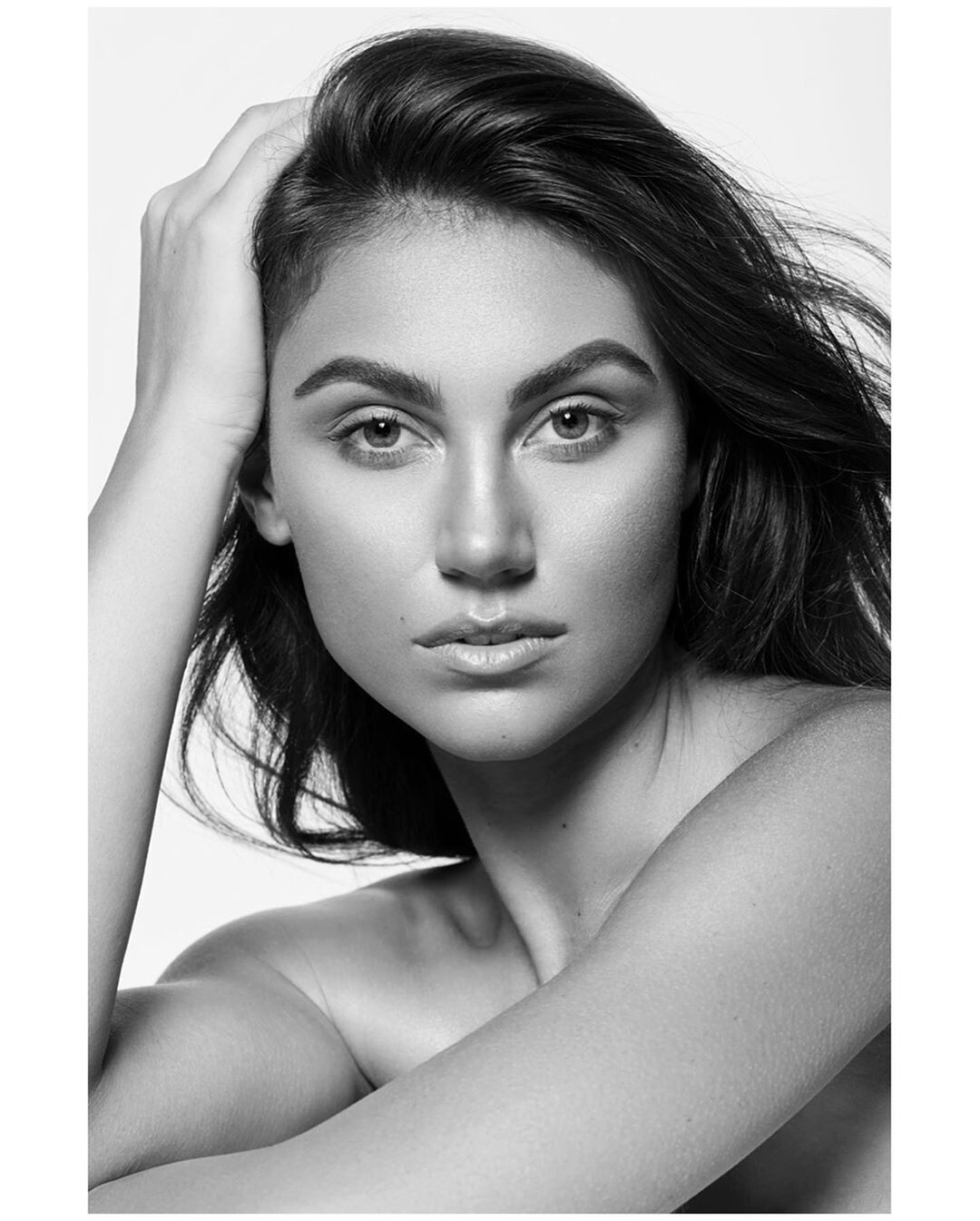
  12. Digitals From her IG
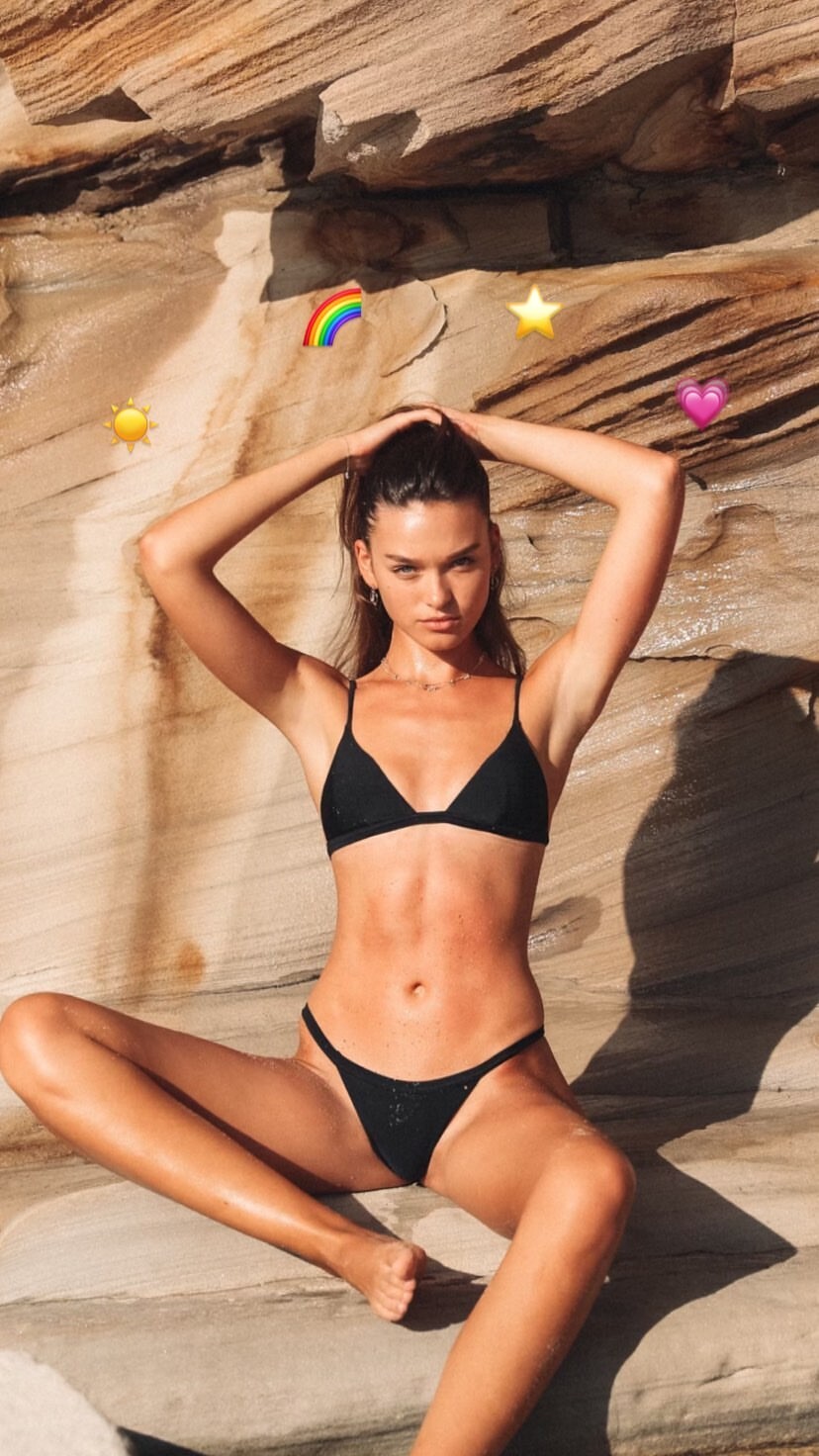
  13. IG Story
  14. IG Story (04-07-2020)
  15. IG Story (04.06.2020) More bigger
  16. Bond-Eye Swim Ph. Justin Macala
  17. Clint for Gooseberry Intimates HQ
  18. Azusa Takano additions to the previous post LQ UHQ Other version LQ
  19. Clint for Gooseberry Intimates

Account

Navigation

Search

Configure browser push notifications

Chrome (Android)
  1. Tap the lock icon next to the address bar.
  2. Tap Permissions → Notifications.
  3. Adjust your preference.
Chrome (Desktop)
  1. Click the padlock icon in the address bar.
  2. Select Site settings.
  3. Find Notifications and adjust your preference.