

Miss Bathory
Members
-
Joined
-
Last visited
Everything posted by Miss Bathory
-
 Yeh .. but it can be that tattoo brown , these tattoo brown stay in the eyerbrown for 3 days , so maybe they put theses things on her. And since she look like character of Matrix .. the eyerbrown and the clothes are for fit better. (?)
 -
I didn't like theses eyebrown too .. but it can be something about the theme of the commercial , big bold eyebrows (?)
-
I saw just now! Tnak you so much!!
-
She is one of the few models of are very beautiful even without make up! Gorgeous
-
I didn''t see this .. I mean , everytime she post anything or even a live .. it show a notification and didn't see anything .. and even in the instafan ..
-
No, she wasn't .. It was only Stories.
-
I hope so! Last year she only went one day, because of the GP of Mônaco
Adriana
Adriana
I Think it was saturday
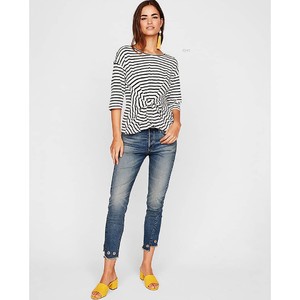
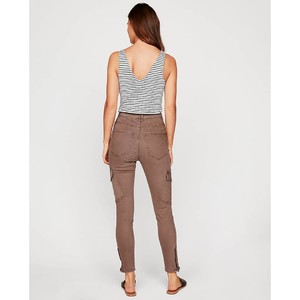
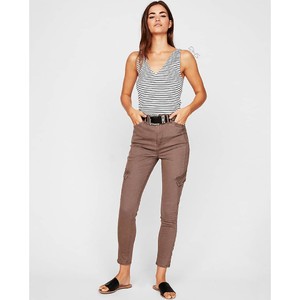
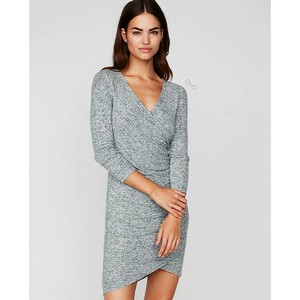
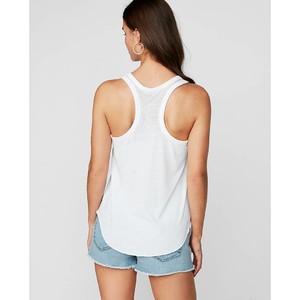
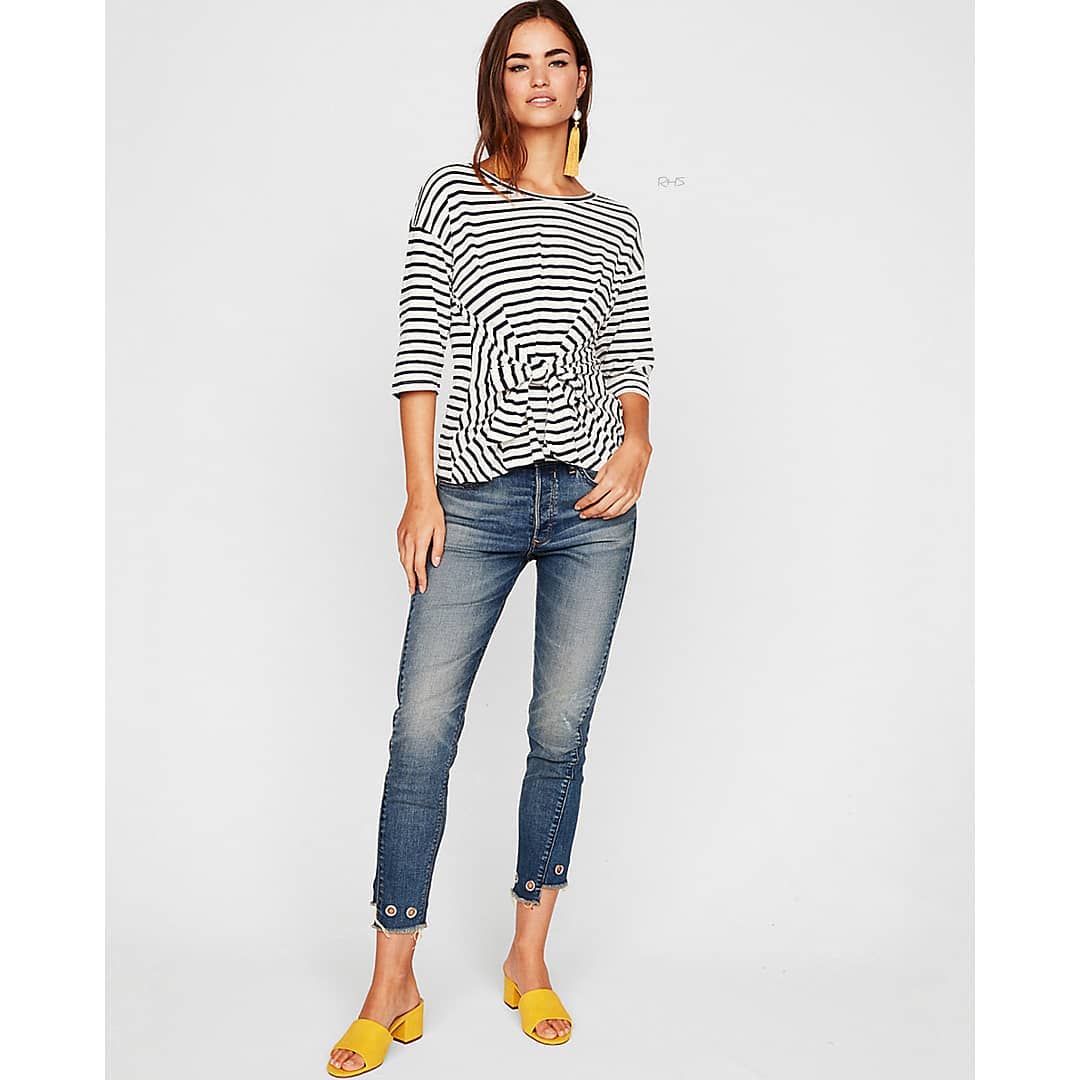
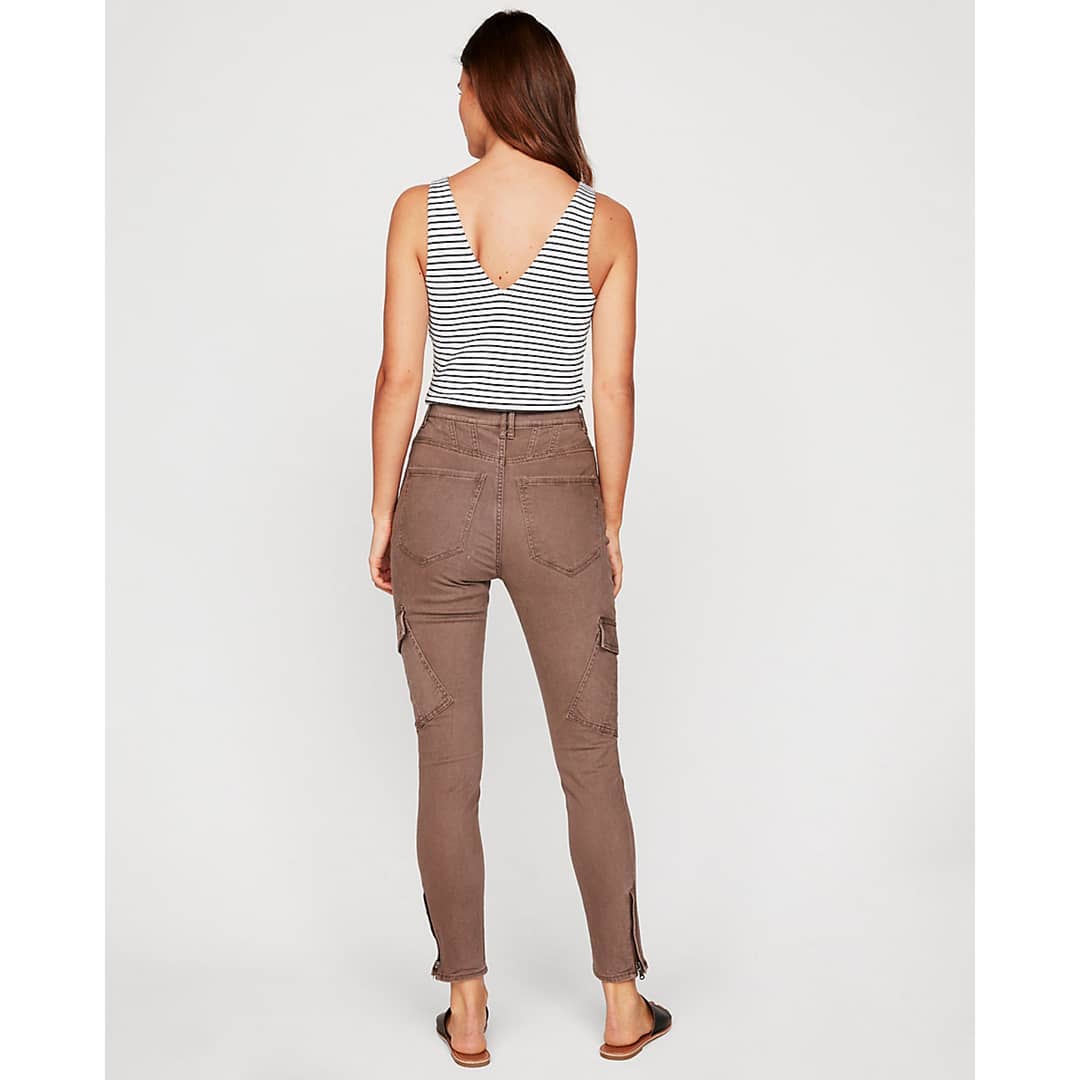
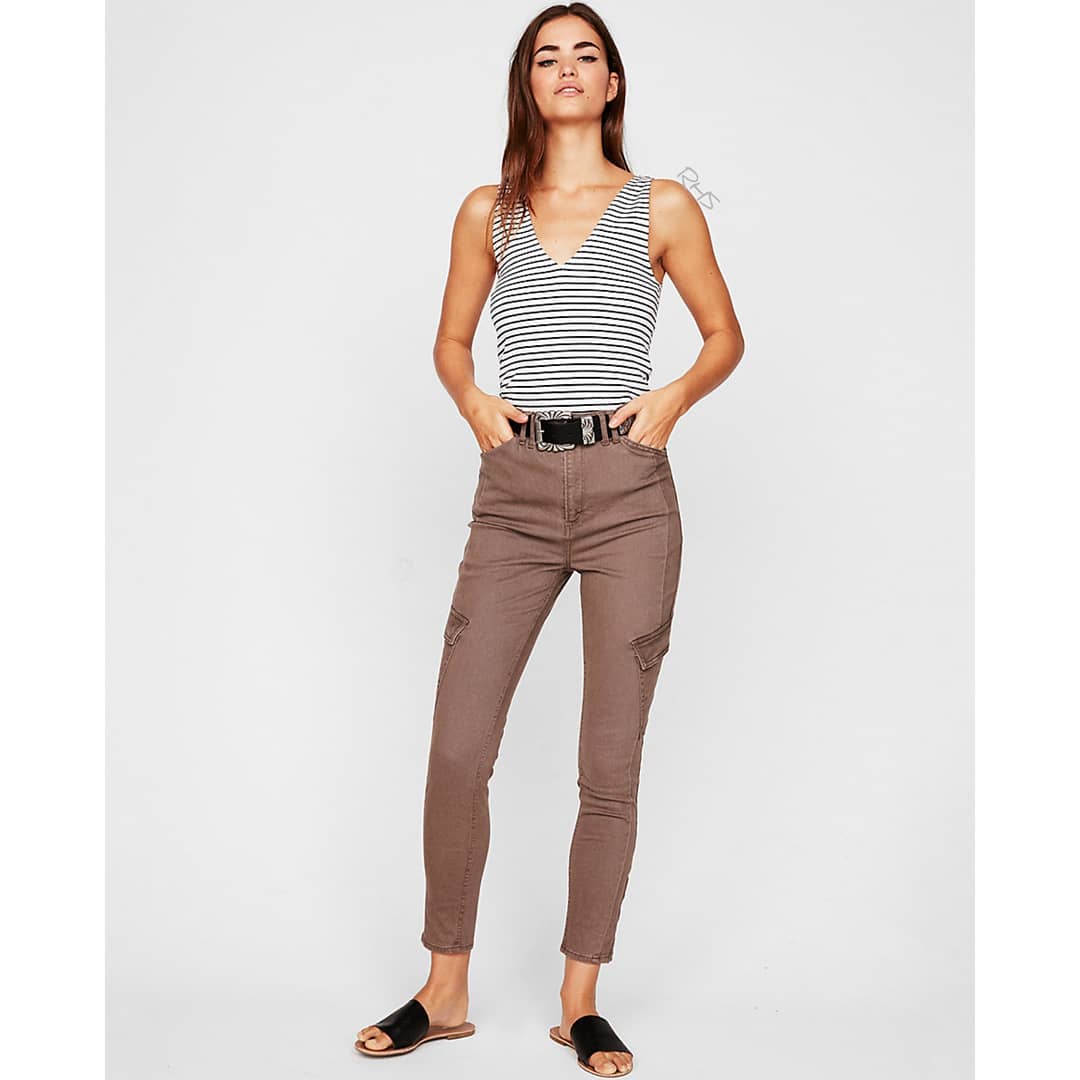
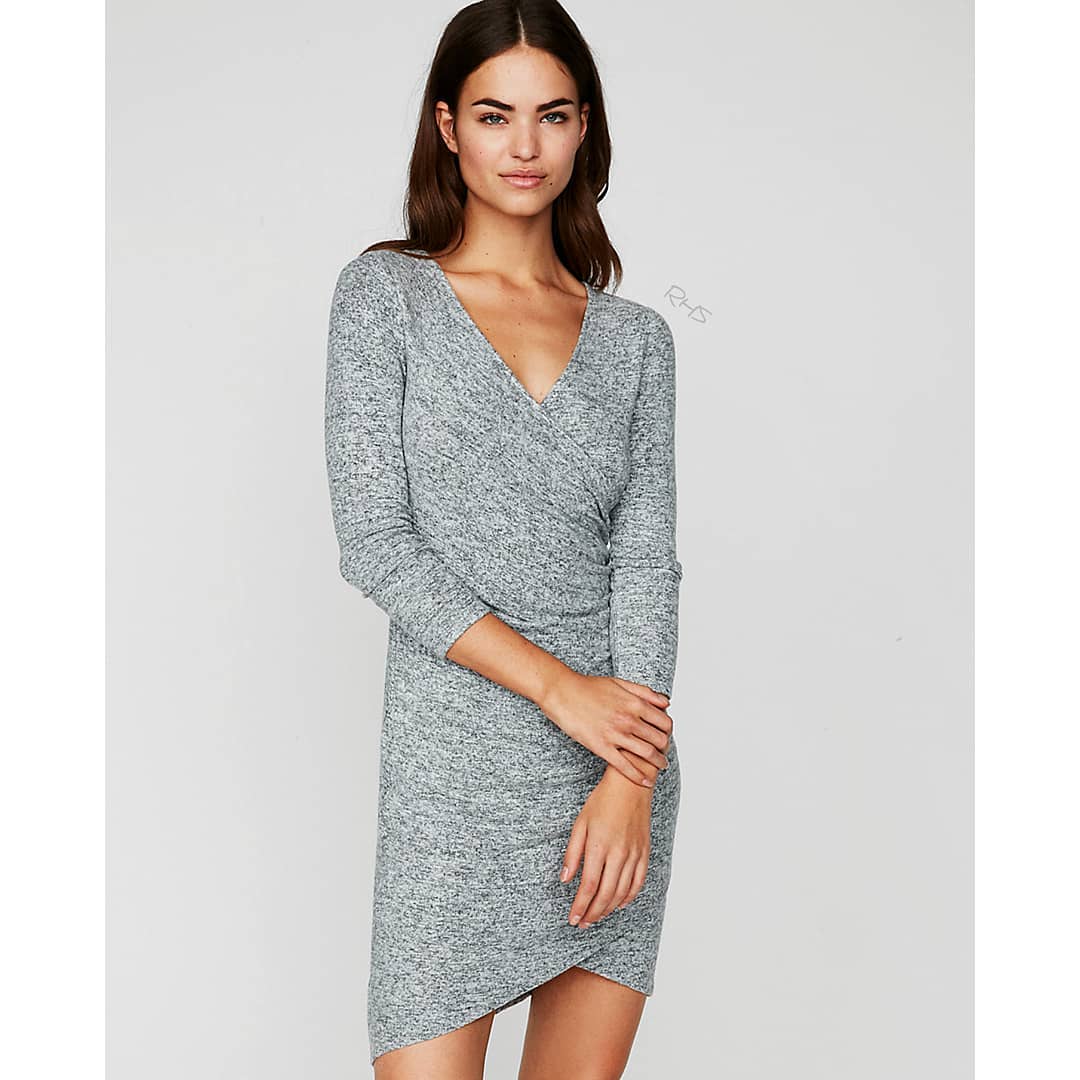
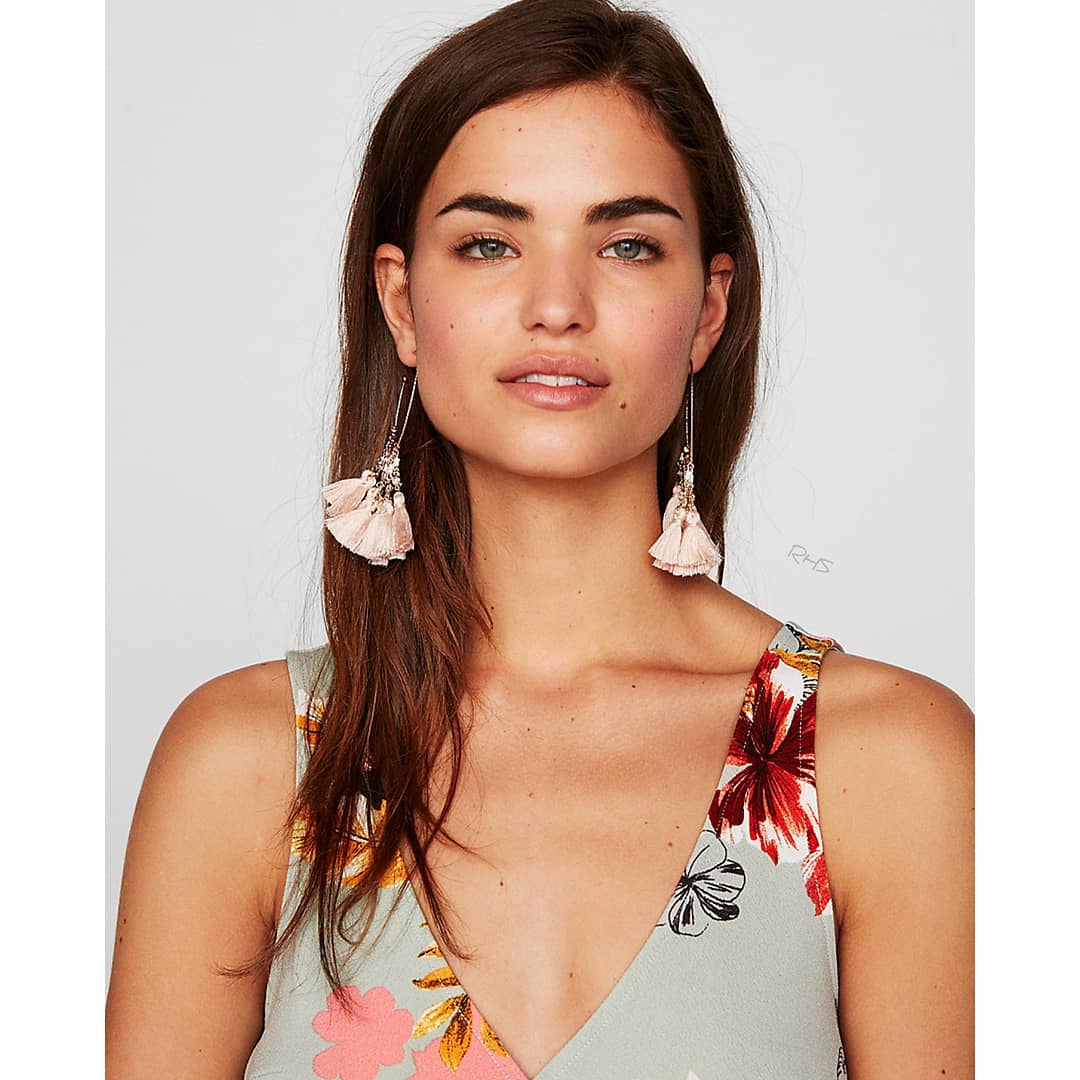
Robin for Express S/S 2018








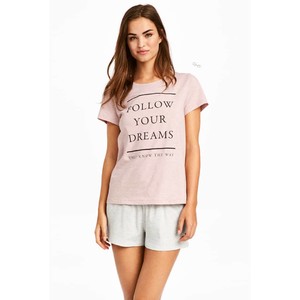
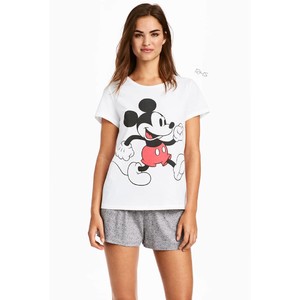
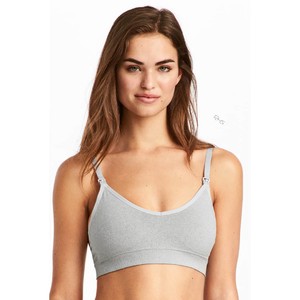
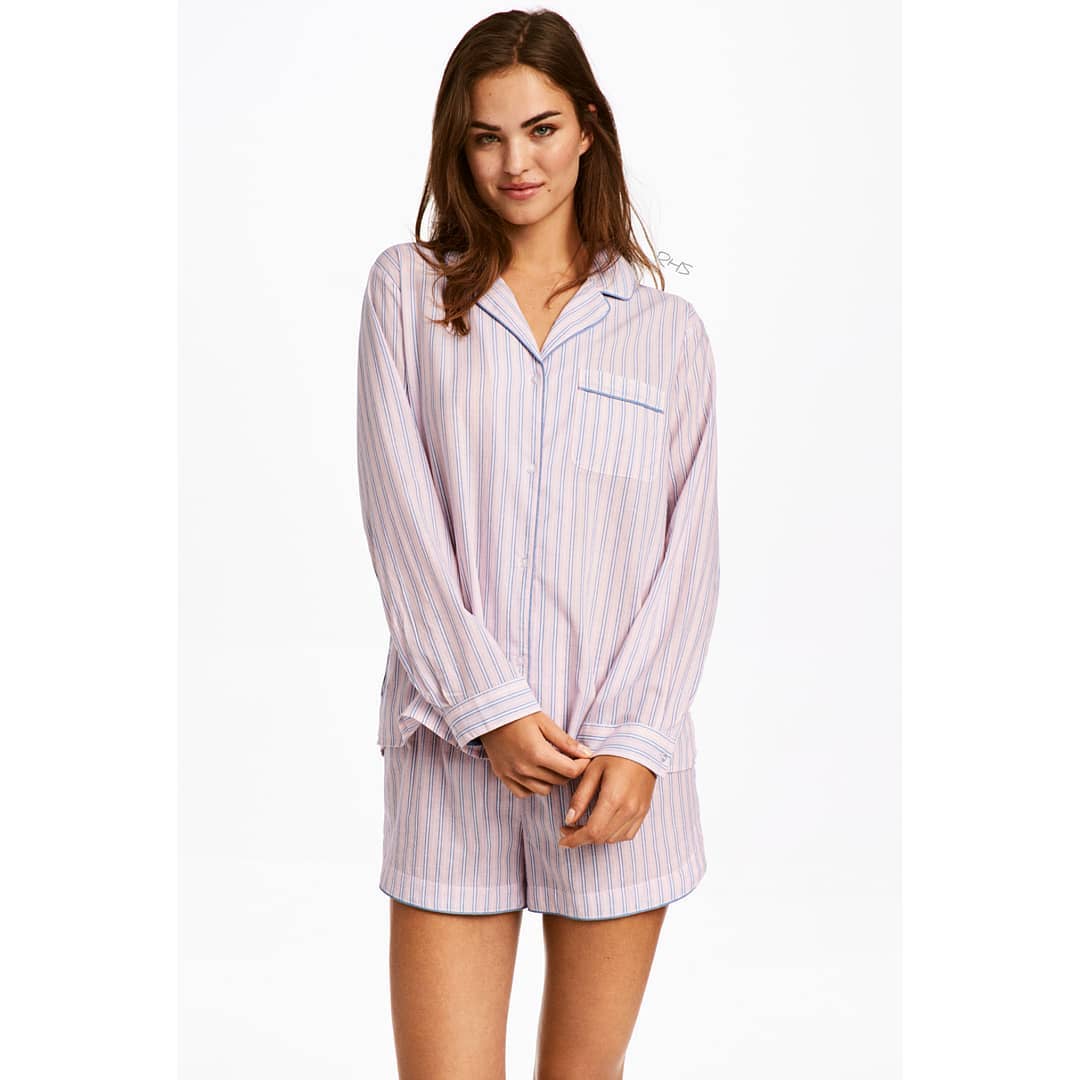
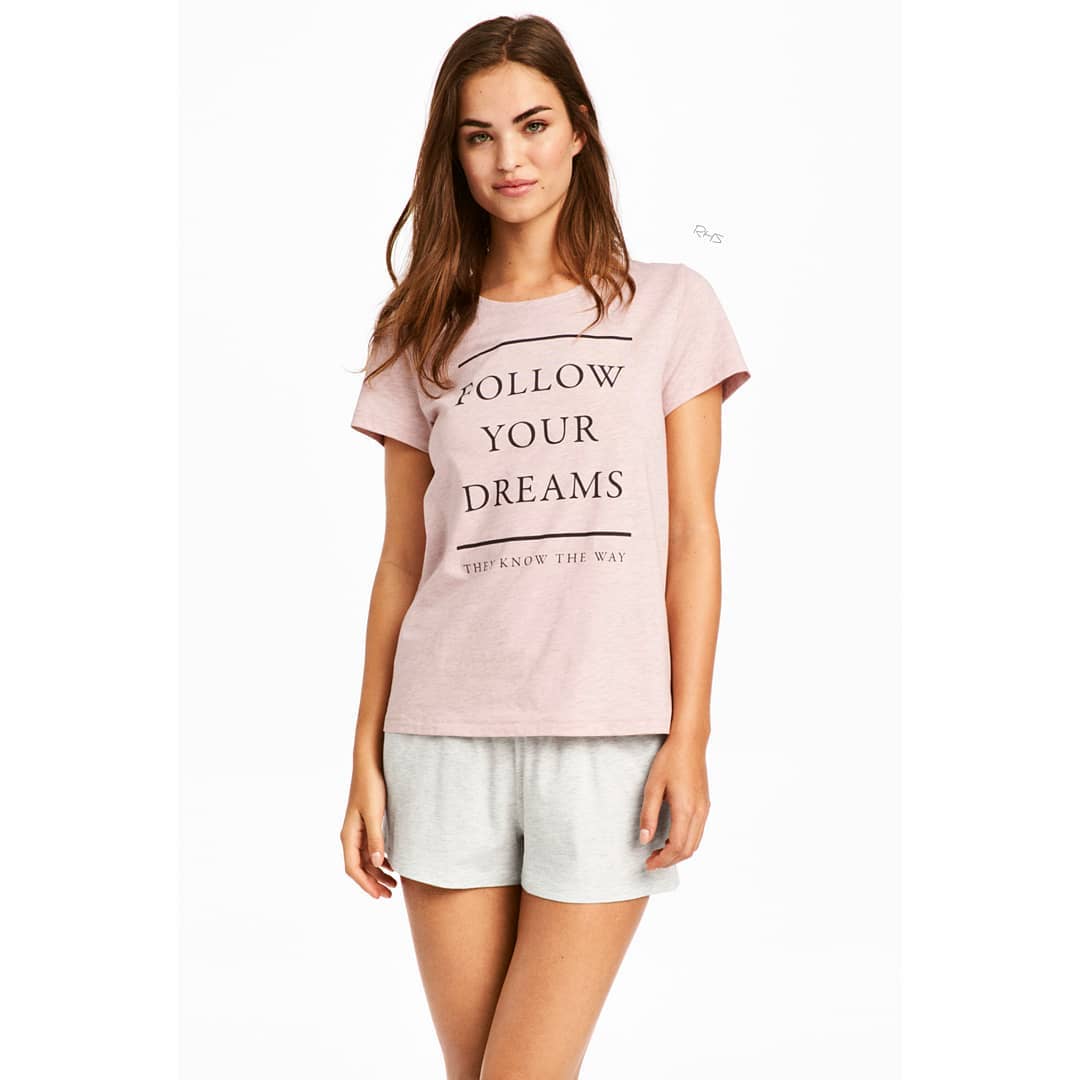
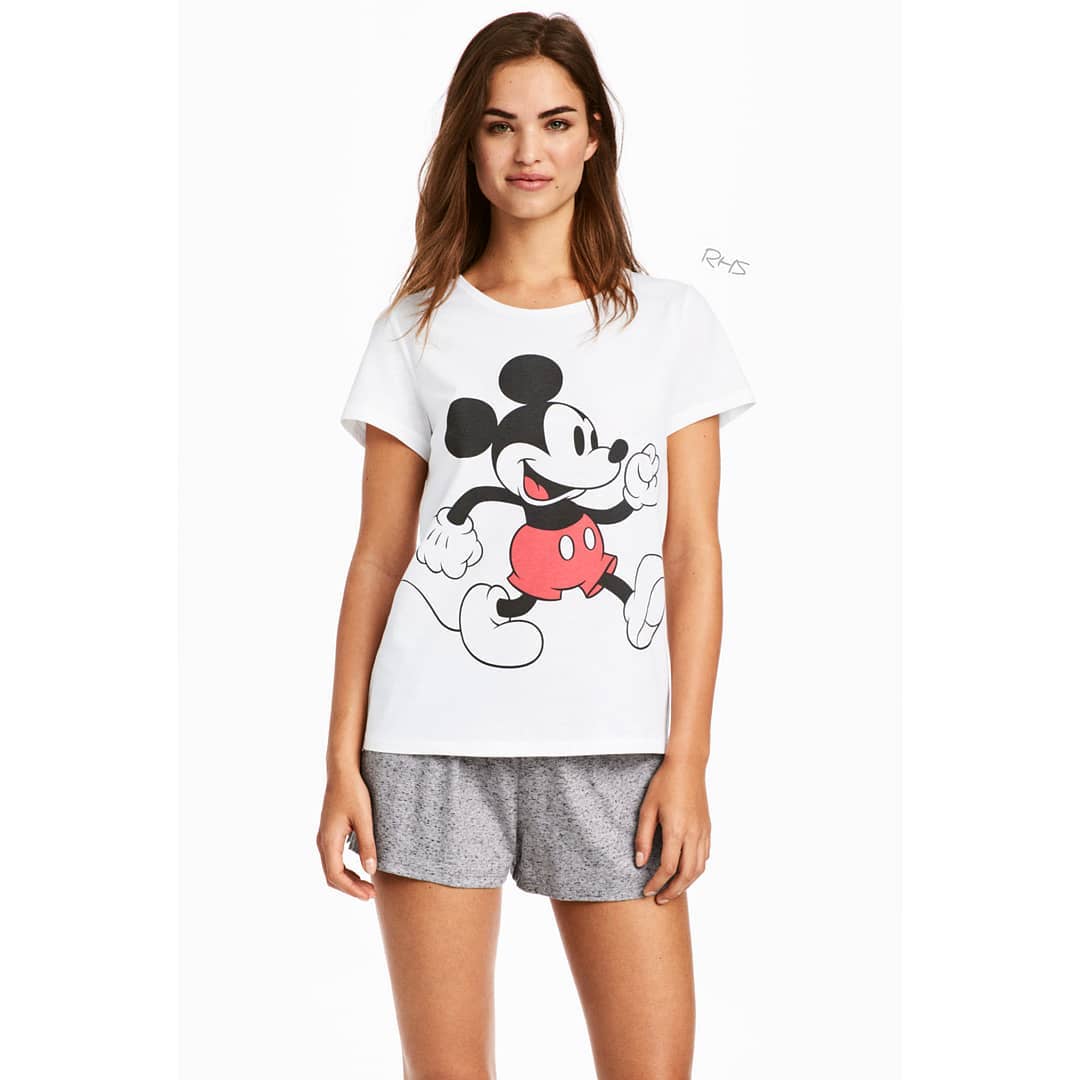
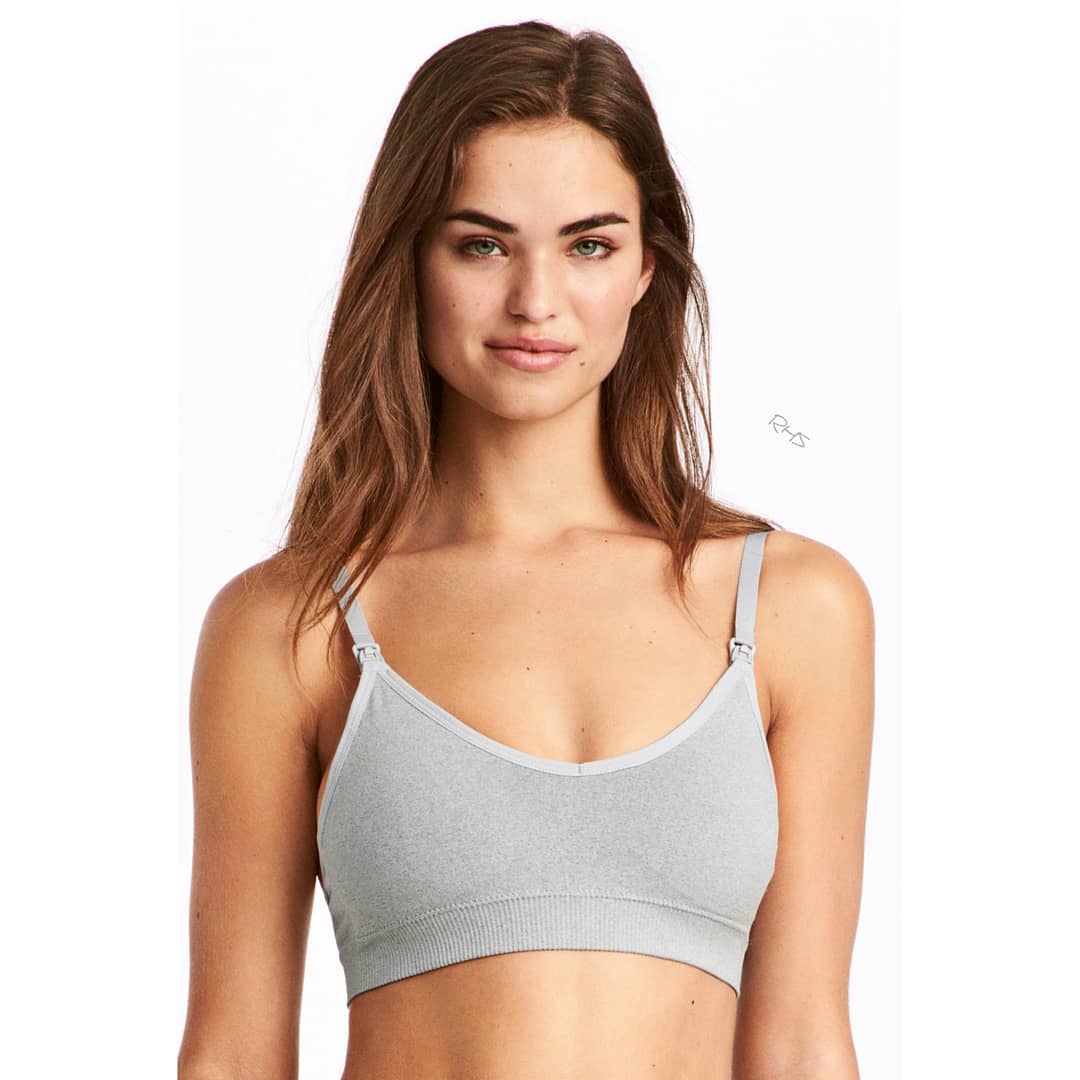
 Robin for H&M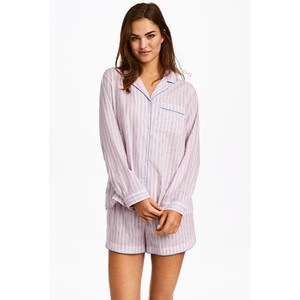
 I think it because of the glasses? It is like he was undecover and she was kind joking about this. (?)
Robin IG Stories
I think it because of the glasses? It is like he was undecover and she was kind joking about this. (?)
Robin IG Stories
 Robin on set for some editorial (don't know yet)


 Yeh .. I really hope she gets some editorial this year and work for some vs campaign















Account
Navigation
Search
Configure browser push notifications
Chrome (Android)
- Tap the lock icon next to the address bar.
- Tap Permissions → Notifications.
- Adjust your preference.
Chrome (Desktop)
- Click the padlock icon in the address bar.
- Select Site settings.
- Find Notifications and adjust your preference.
Safari (iOS 16.4+)
- Ensure the site is installed via Add to Home Screen.
- Open Settings App → Notifications.
- Find your app name and adjust your preference.
Safari (macOS)
- Go to Safari → Preferences.
- Click the Websites tab.
- Select Notifications in the sidebar.
- Find this website and adjust your preference.
Edge (Android)
- Tap the lock icon next to the address bar.
- Tap Permissions.
- Find Notifications and adjust your preference.
Edge (Desktop)
- Click the padlock icon in the address bar.
- Click Permissions for this site.
- Find Notifications and adjust your preference.
Firefox (Android)
- Go to Settings → Site permissions.
- Tap Notifications.
- Find this site in the list and adjust your preference.
Firefox (Desktop)
- Open Firefox Settings.
- Search for Notifications.
- Find this site in the list and adjust your preference.