Jump to content
View in the app

A better way to browse. Learn more.

Bellazon

A full-screen app on your home screen with push notifications, badges and more.

To install this app on iOS and iPadOS
  1. Tap the Share icon in Safari
  2. Scroll the menu and tap Add to Home Screen.
  3. Tap Add in the top-right corner.
To install this app on Android
  1. Tap the 3-dot menu (⋮) in the top-right corner of the browser.
  2. Tap Add to Home screen or Install app.
  3. Confirm by tapping Install.

bump

Members
  • Joined

  • Last visited

Everything posted by bump

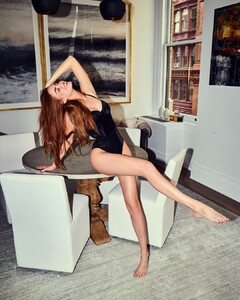
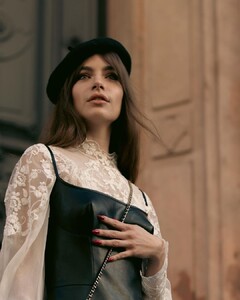
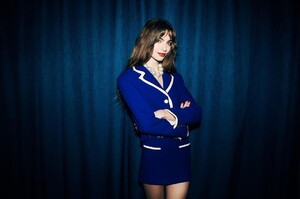
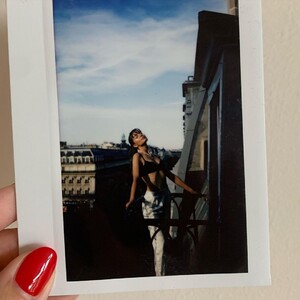
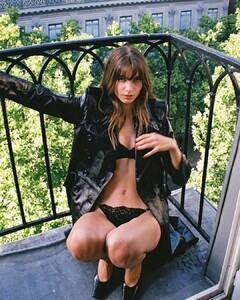
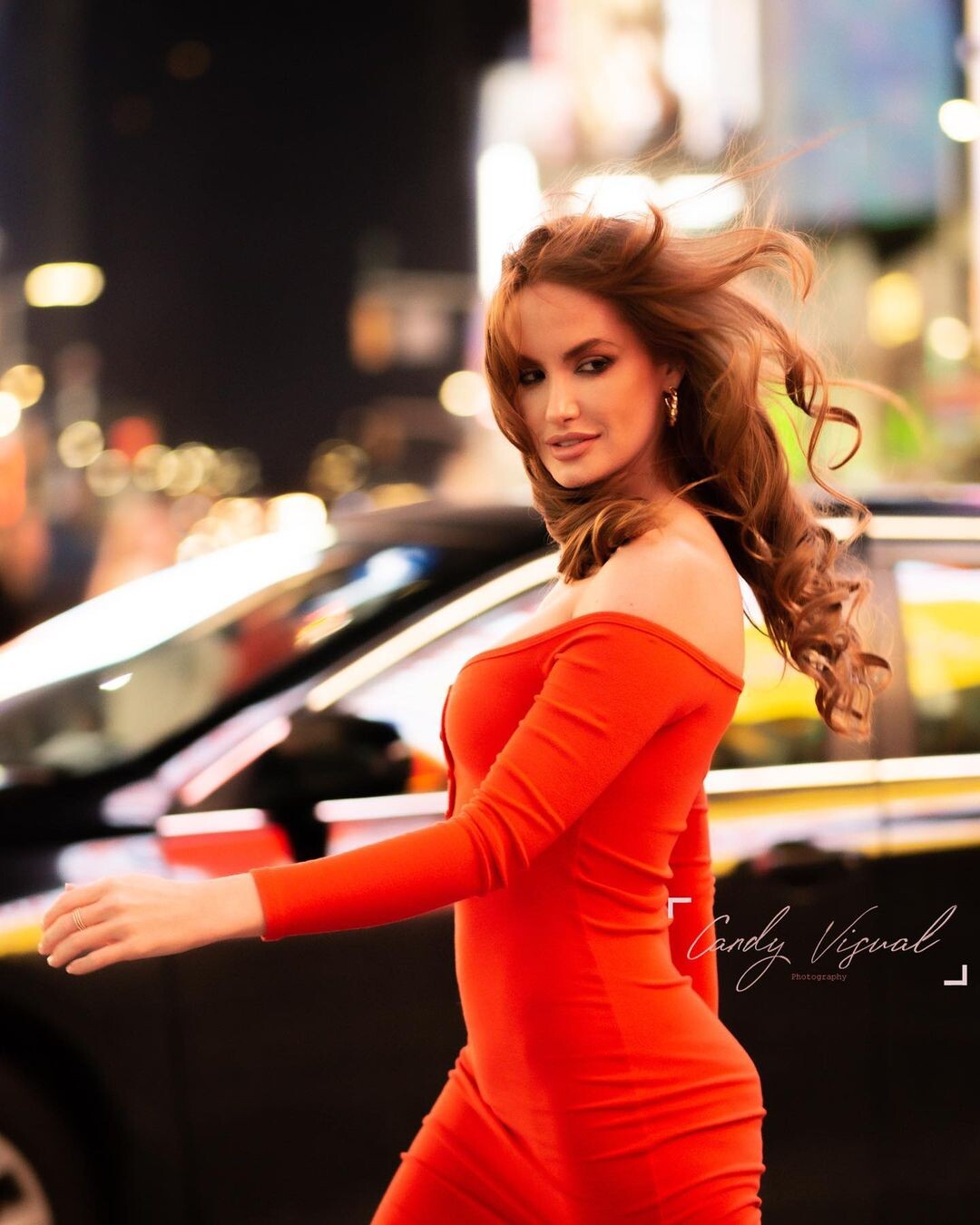
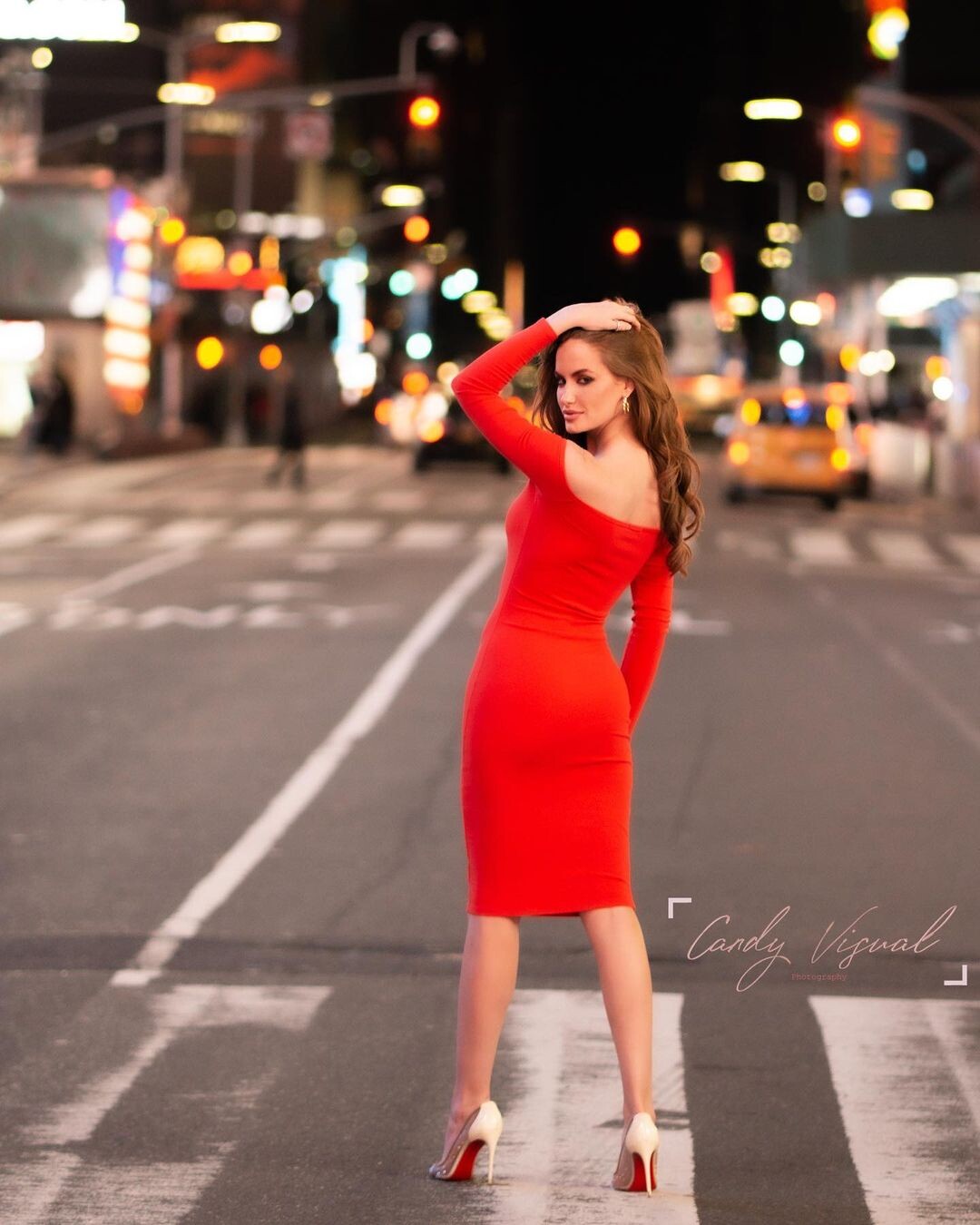
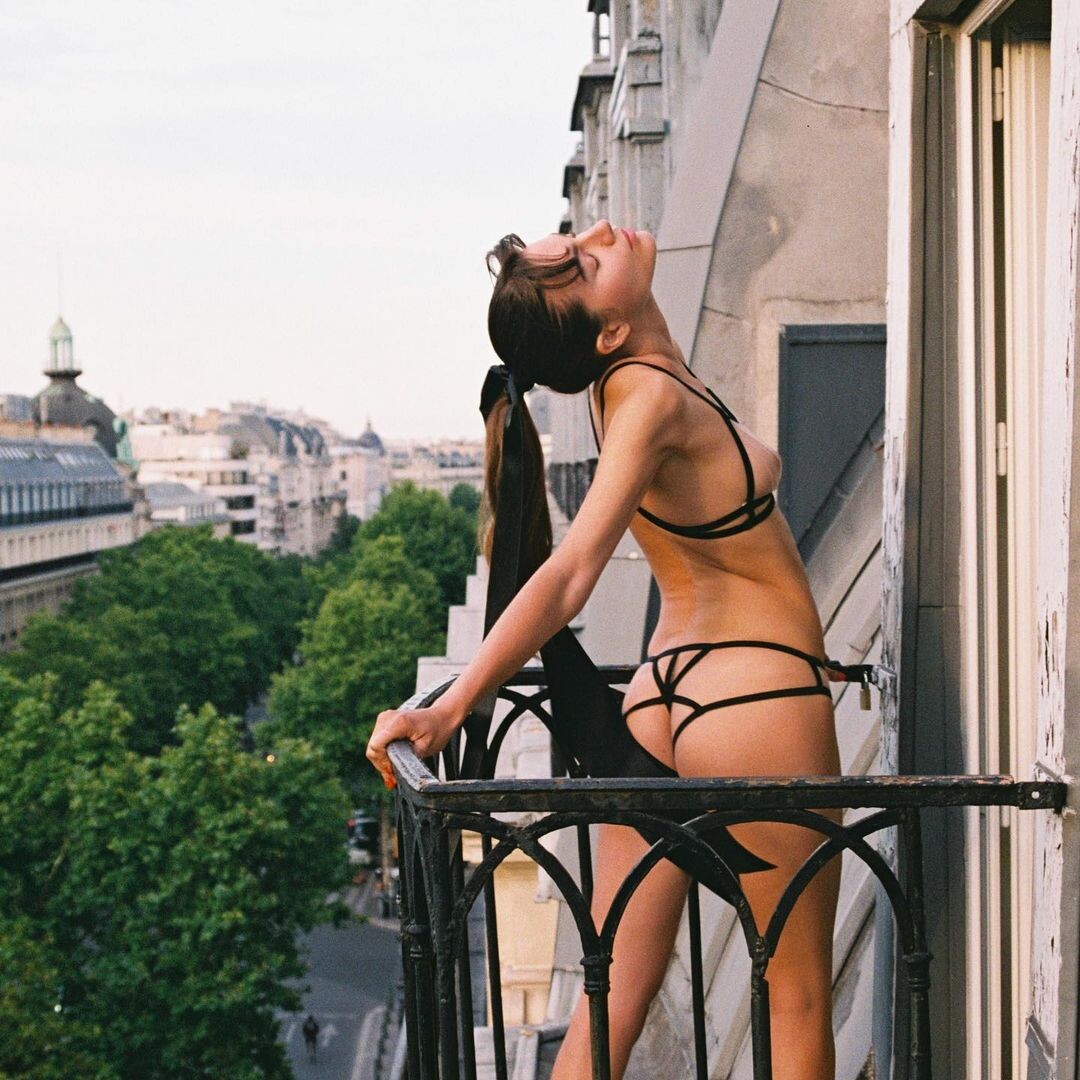
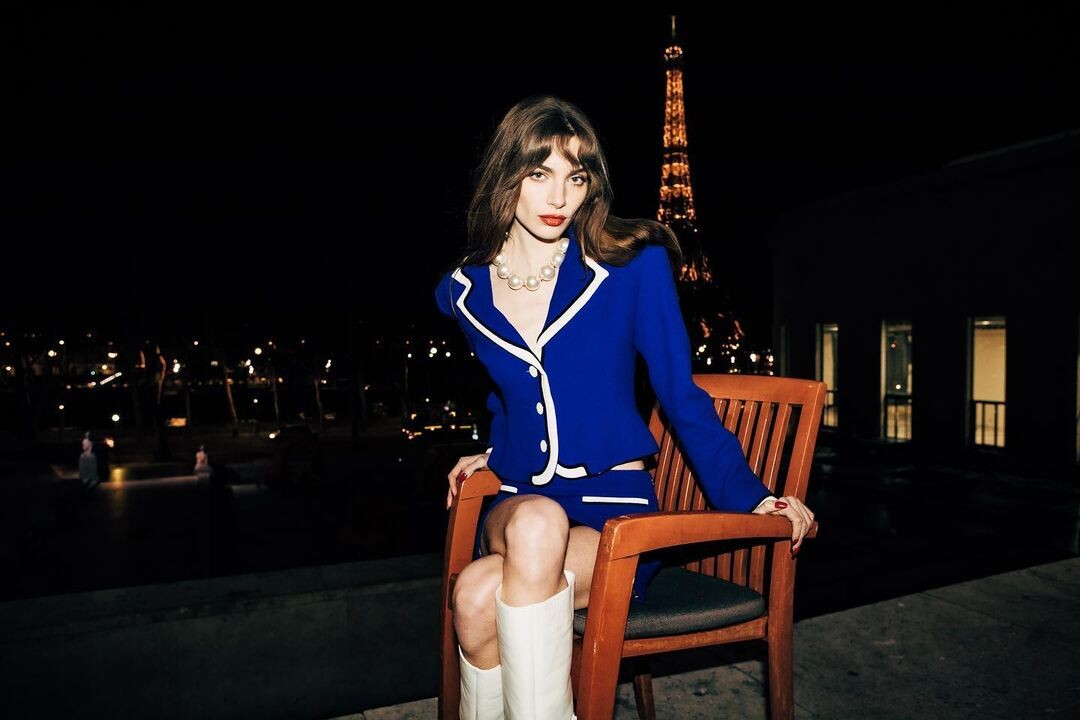
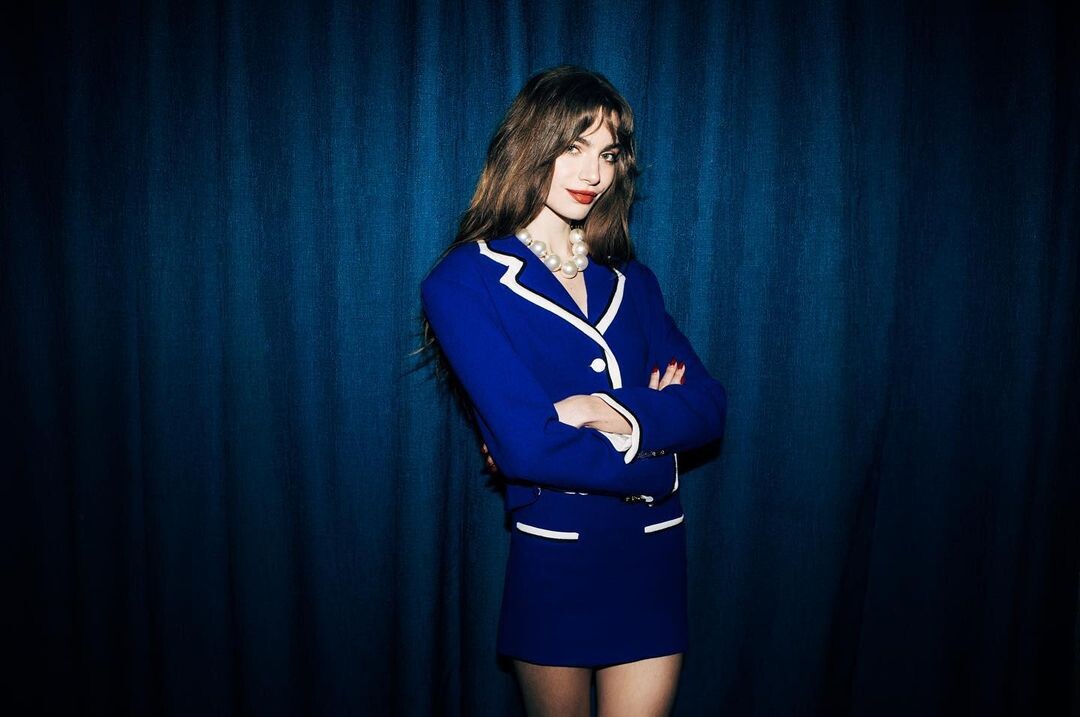
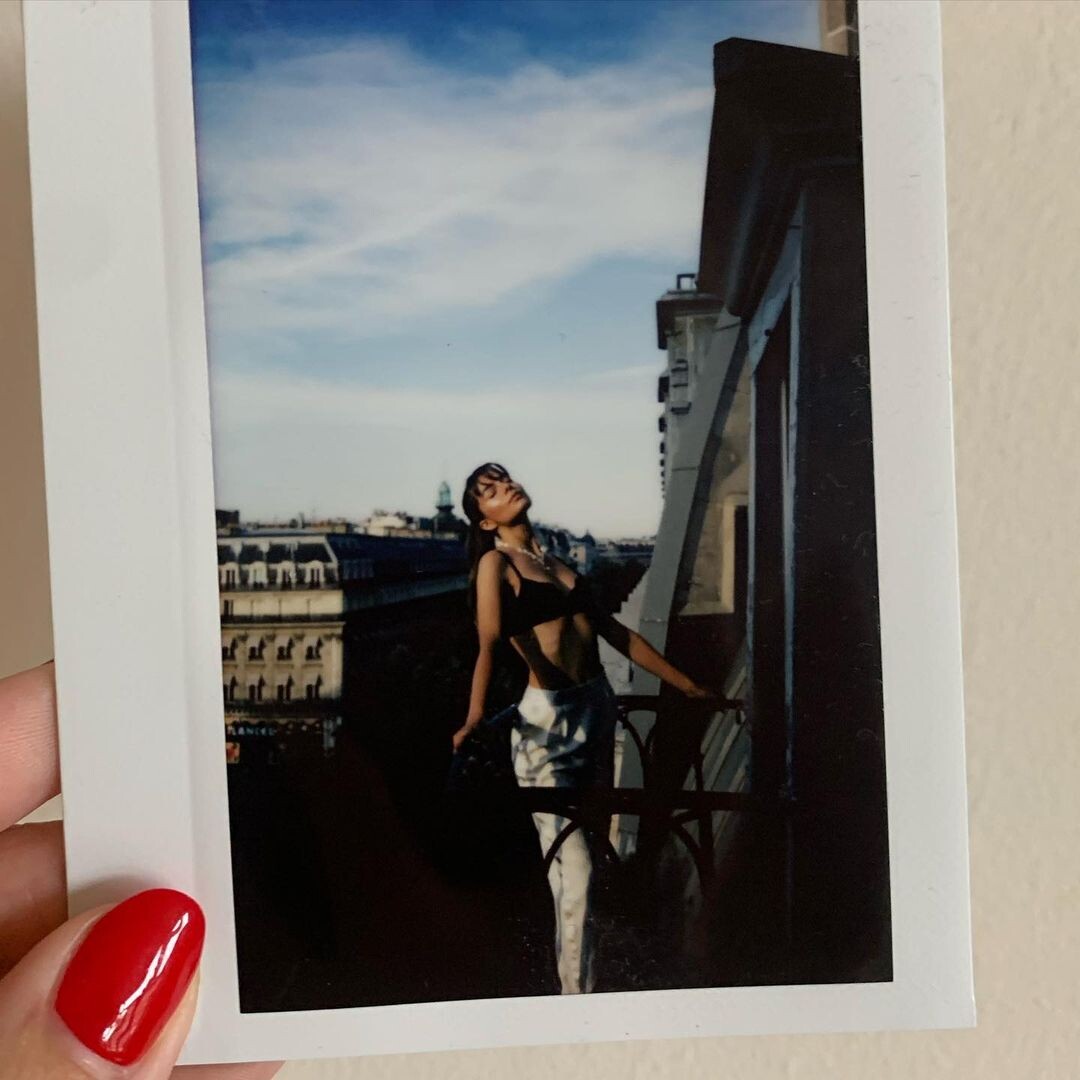
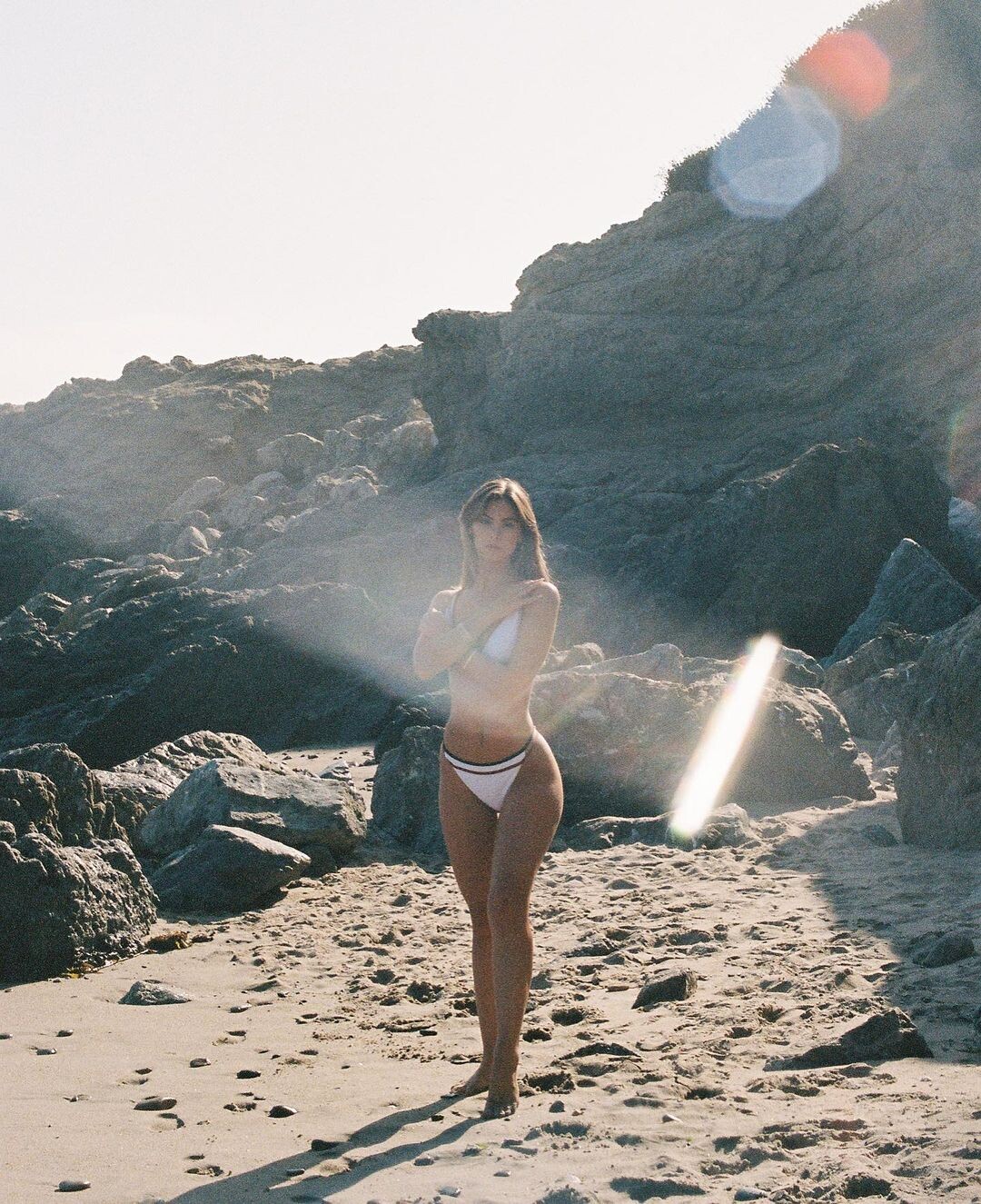
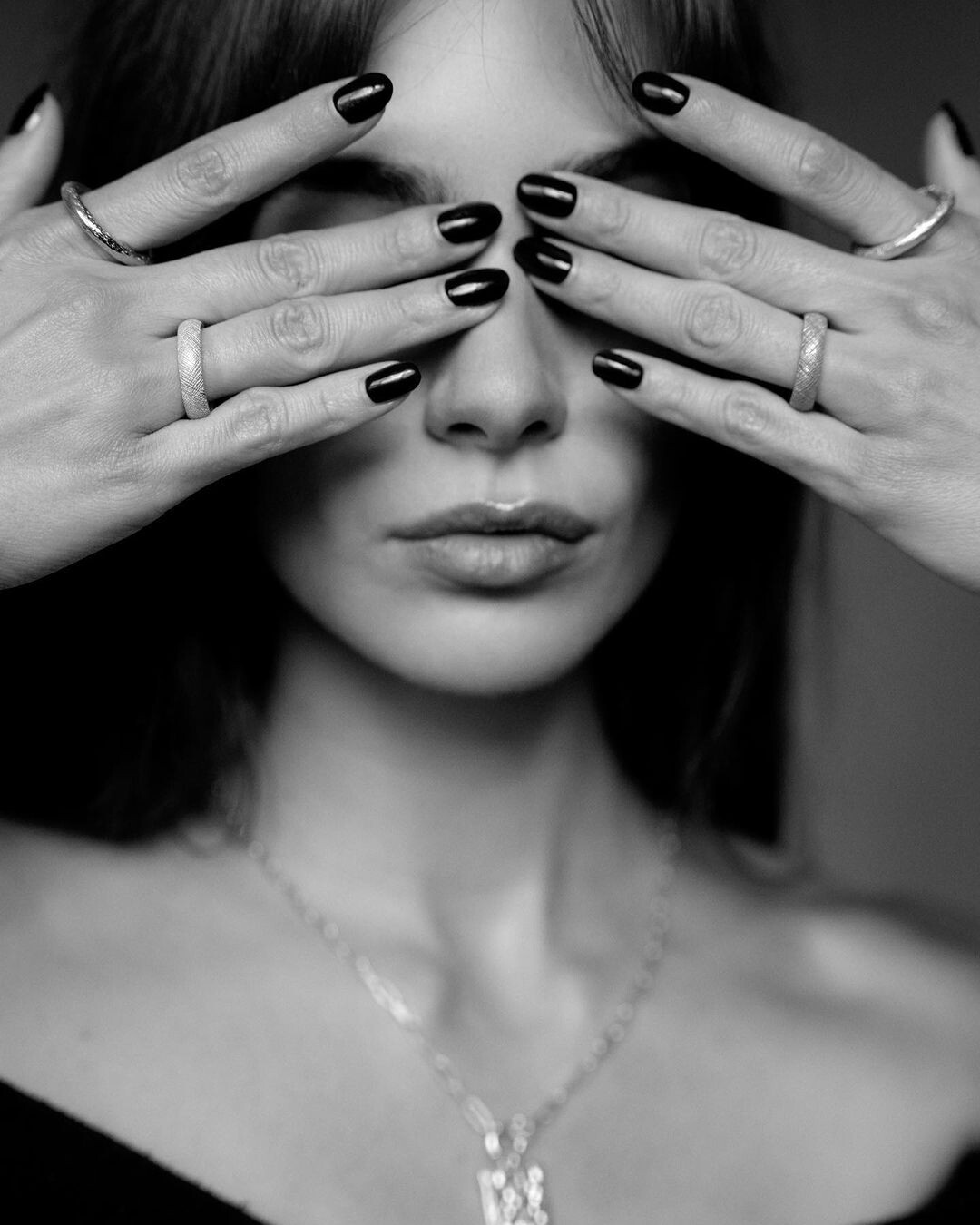
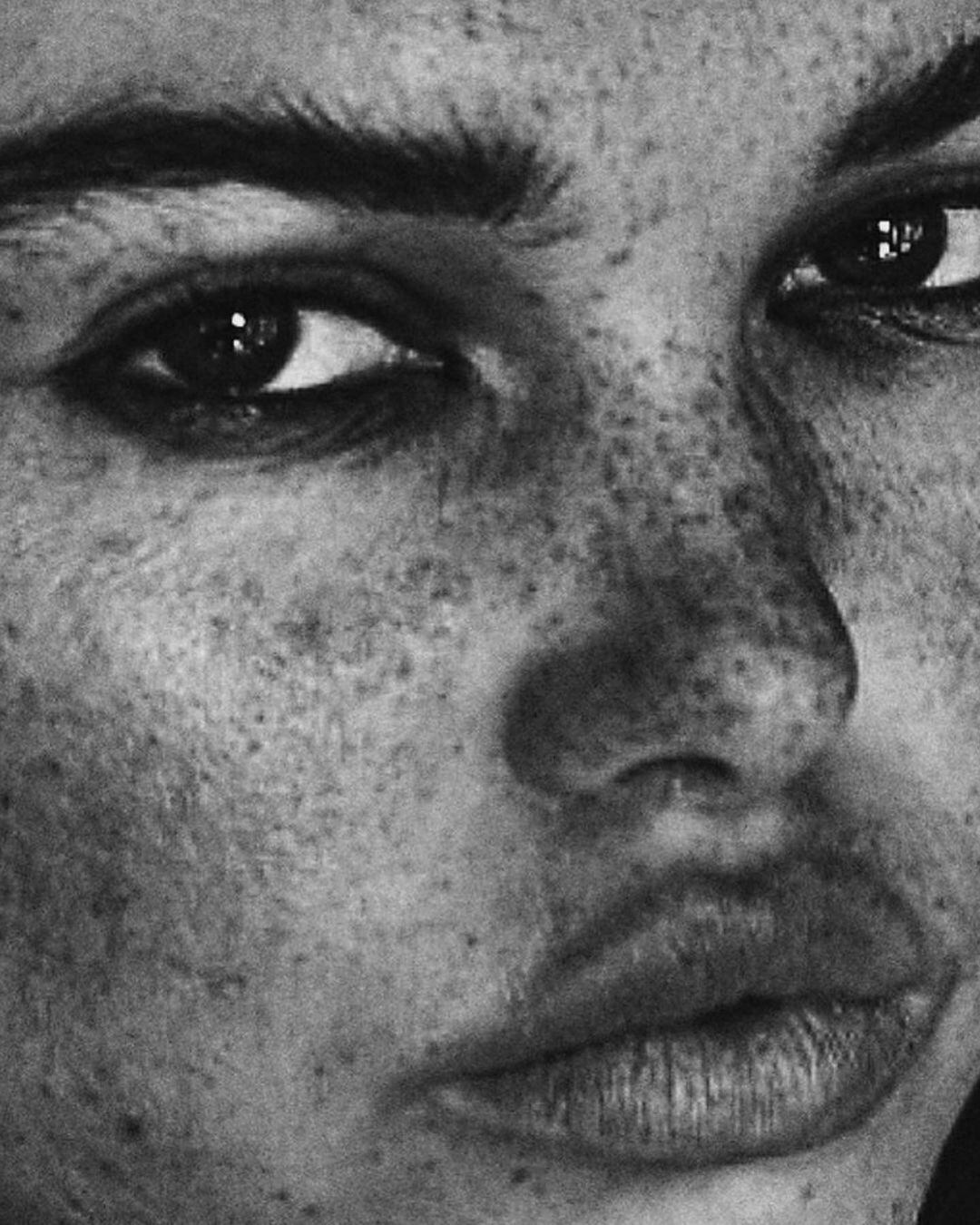
  1. By candyvisualart
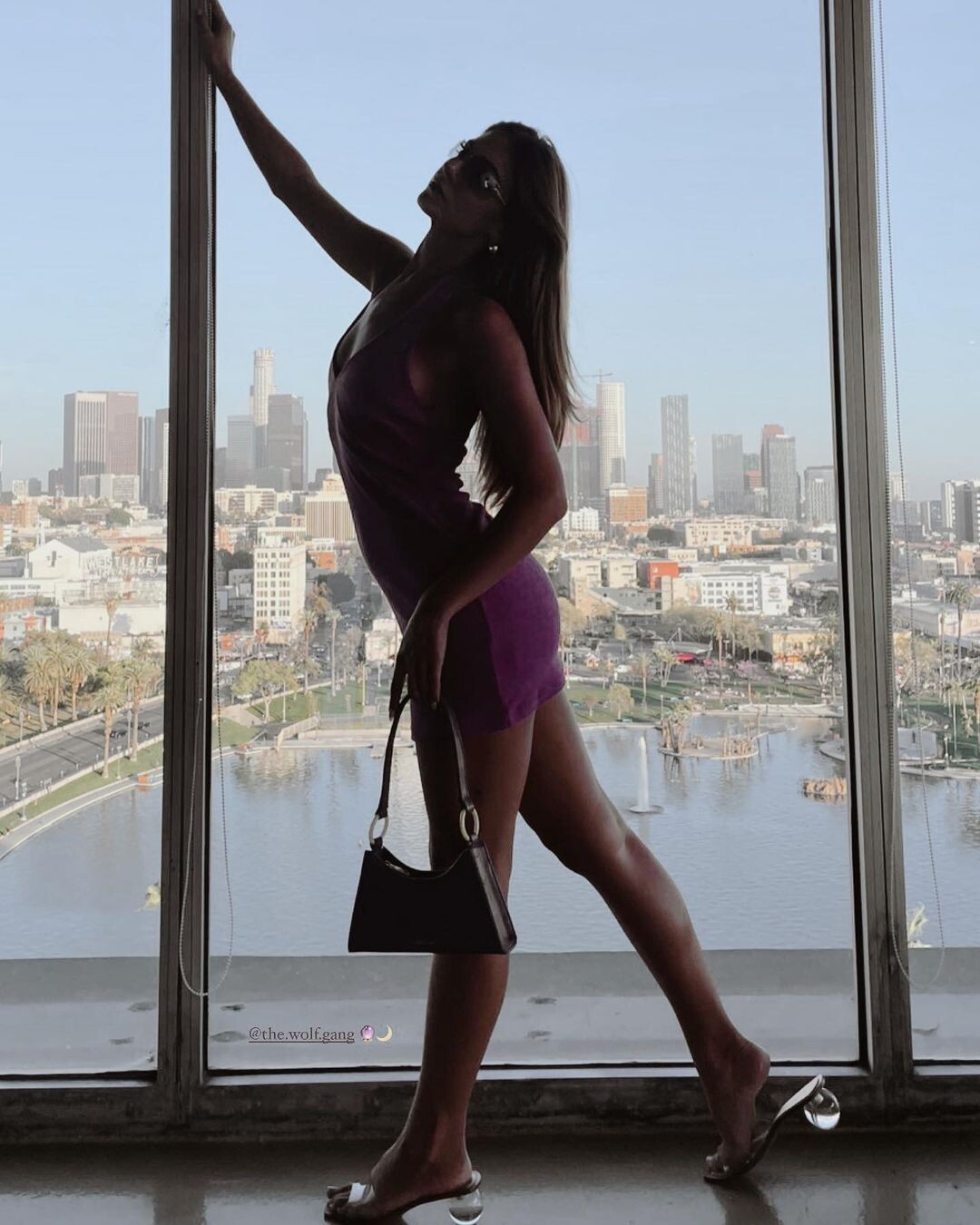
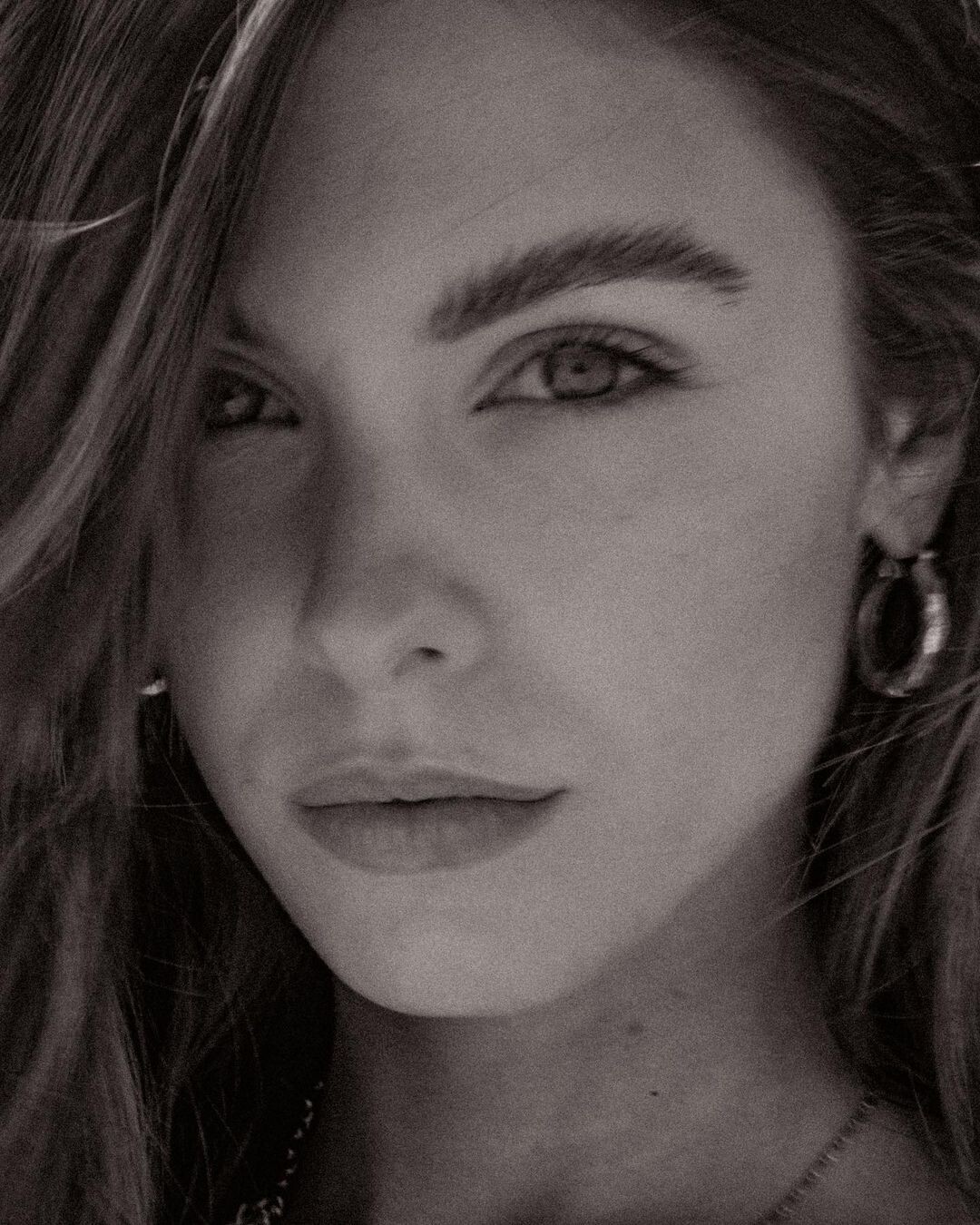
  2. Beverly Bond PR Ig for The Wolf Gang
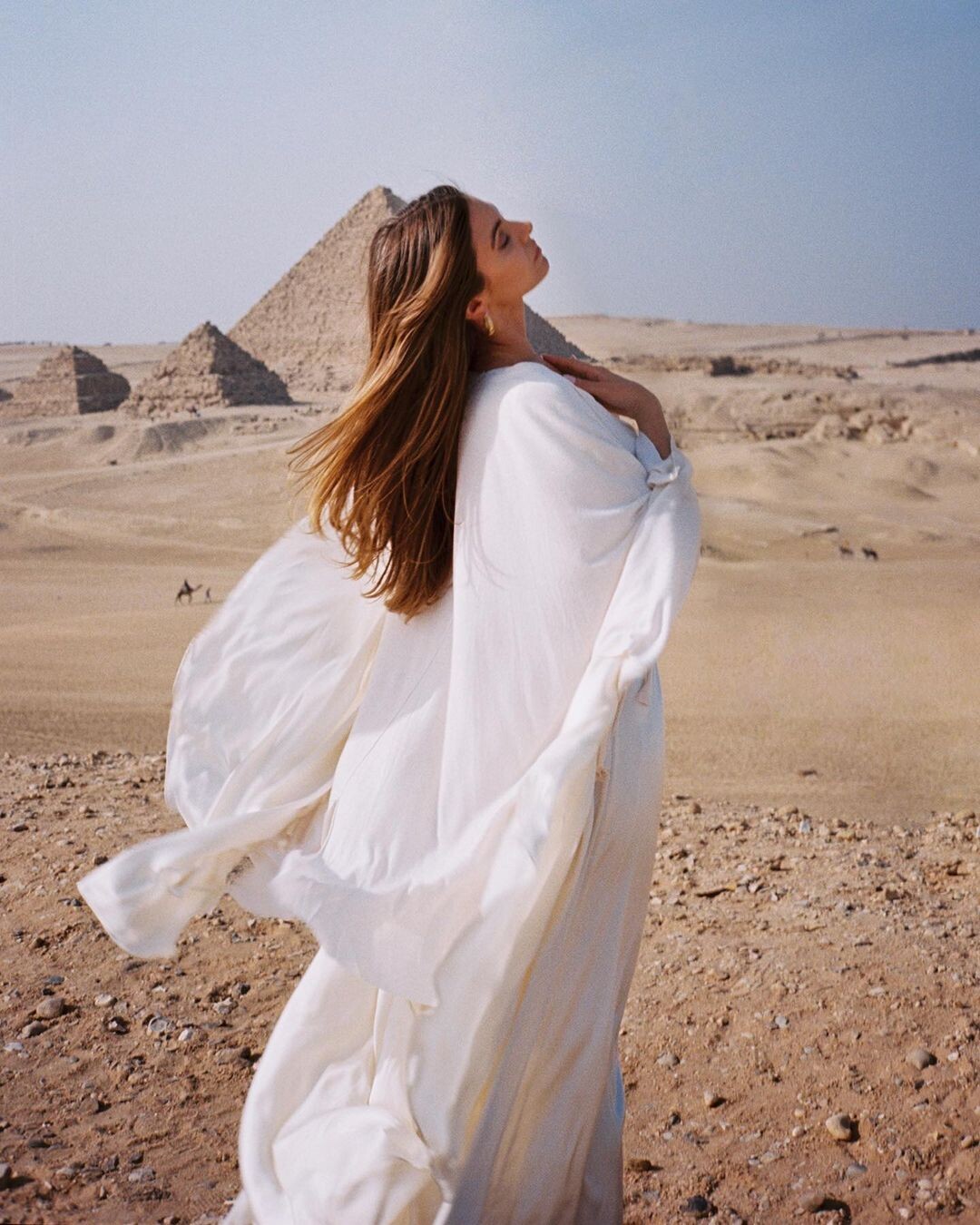
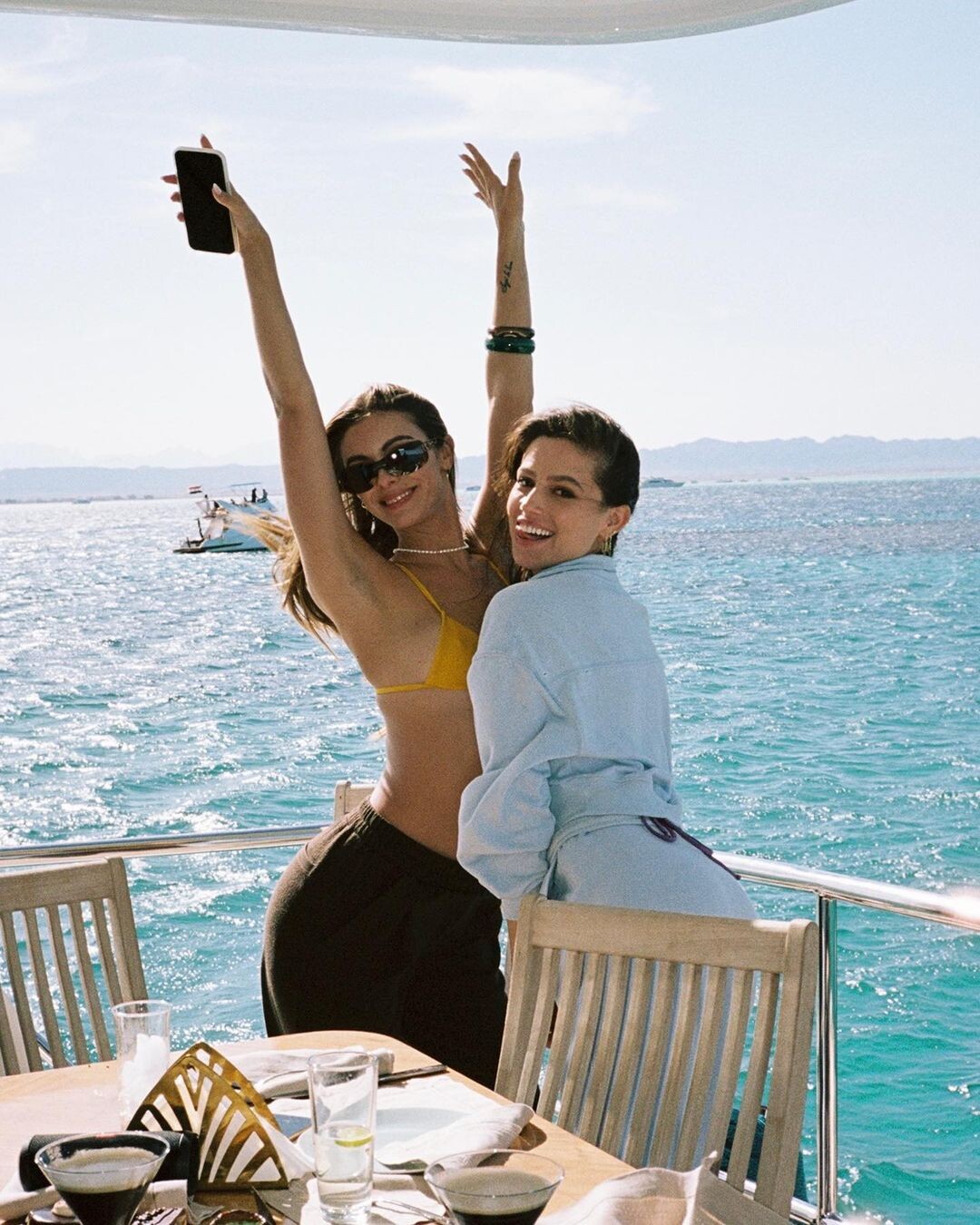
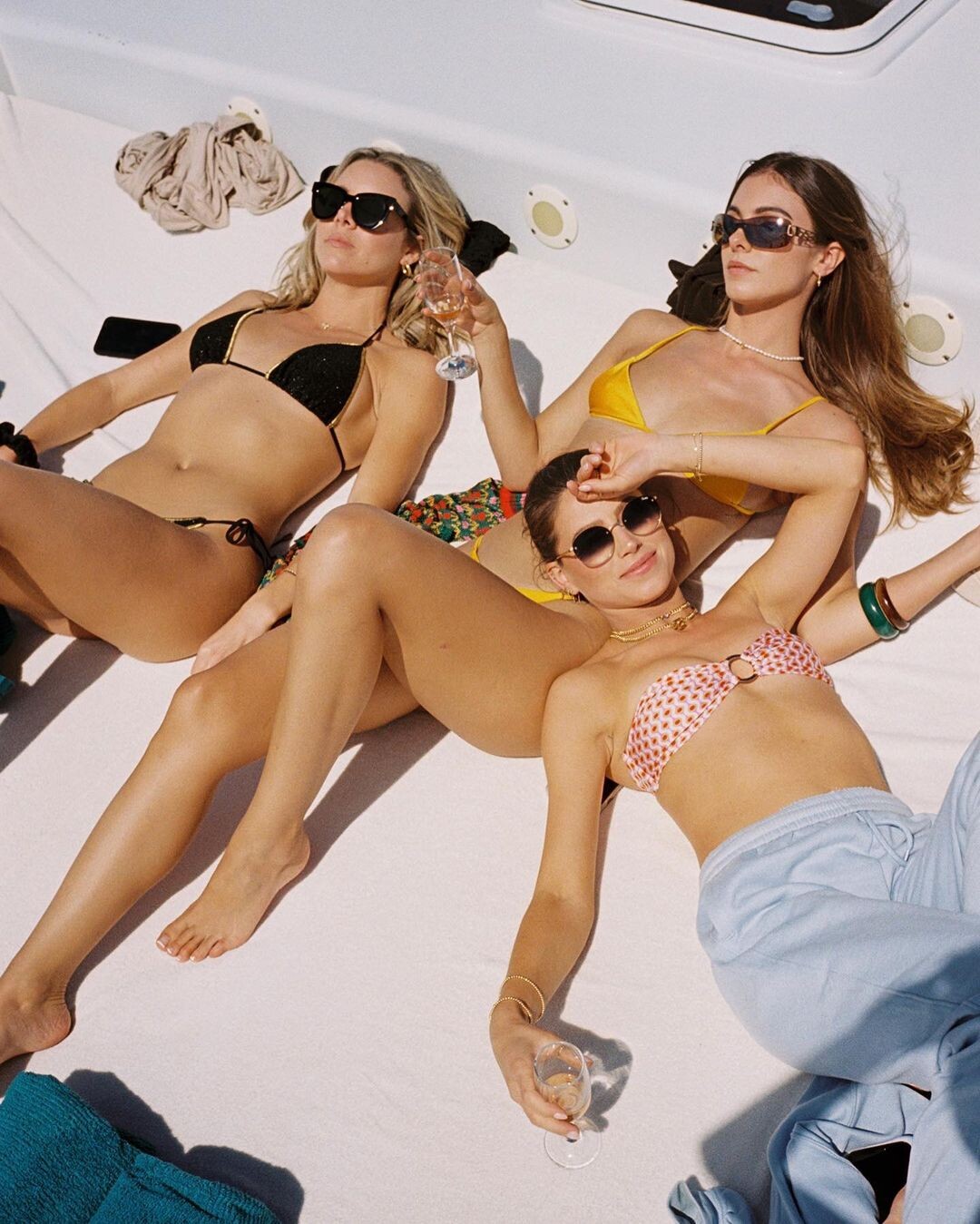
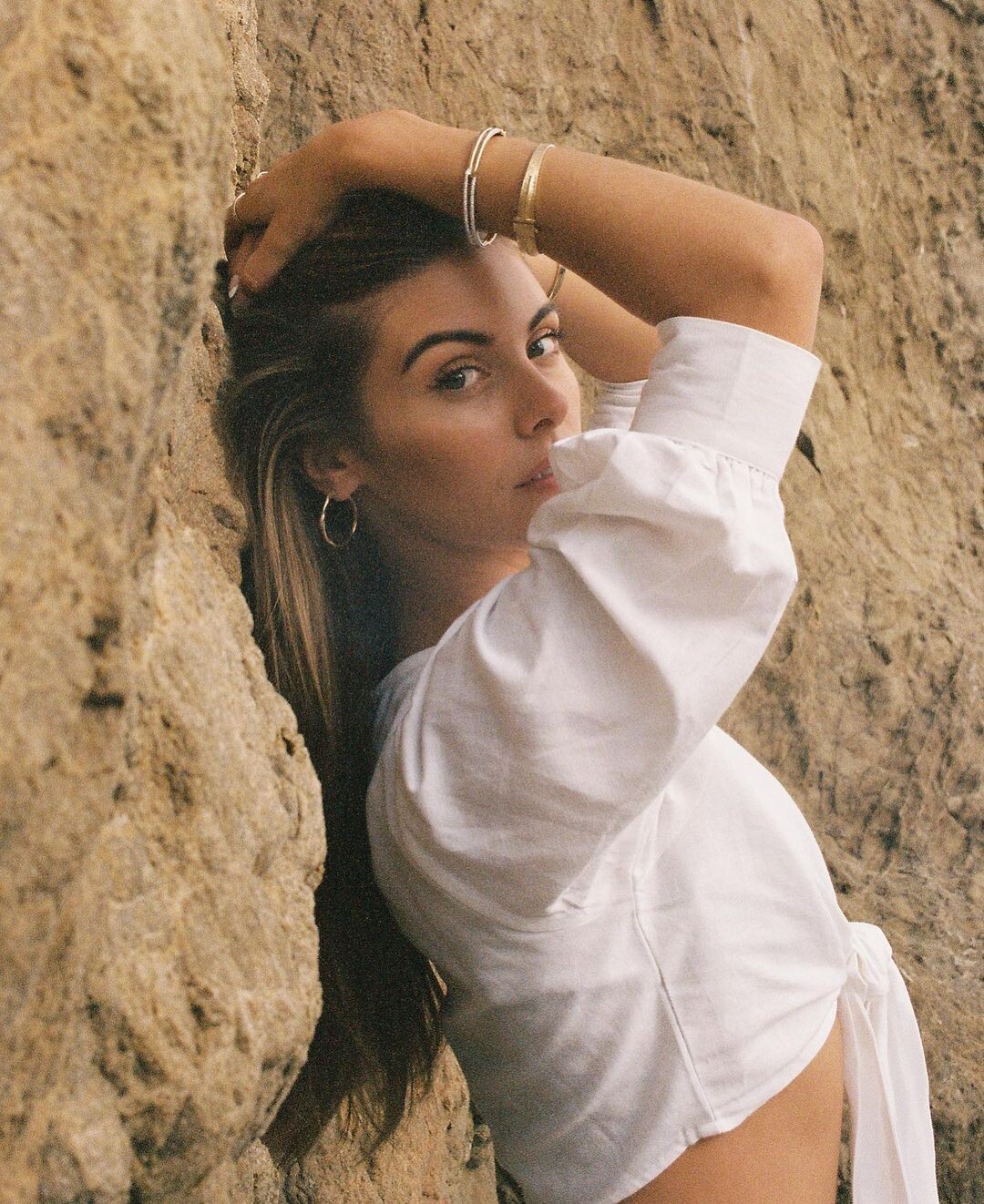
  3. By Megan Batson for Bucket List Egypt
  4. By Jake Rosenberg
  5. By Megan Batson for Bucket List Egypt
  6. By Ryan Hattaway (this was from July, but I haven't found it posted yet)
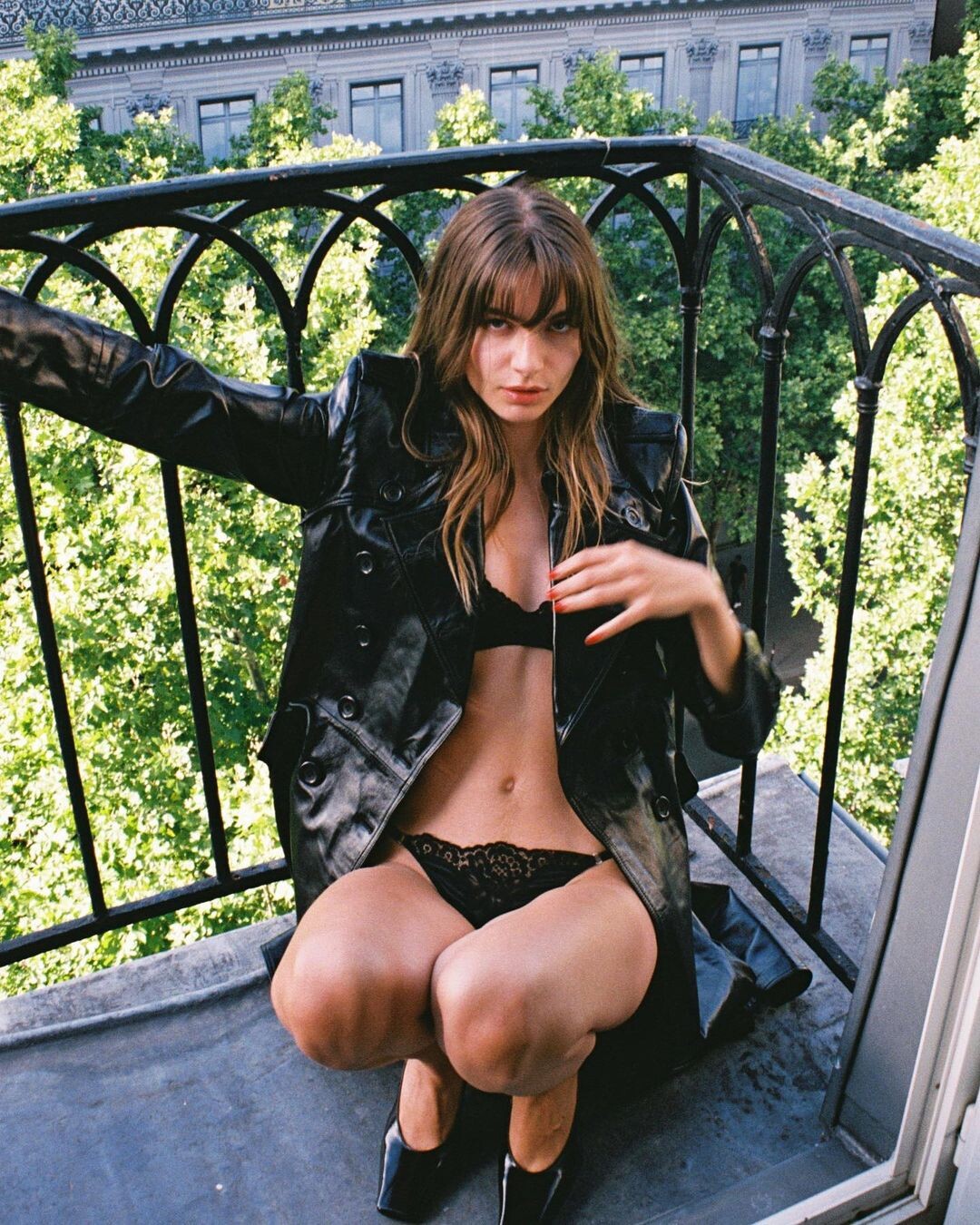
  7. Chez Lulu Paris IG by Marjorie le Gall

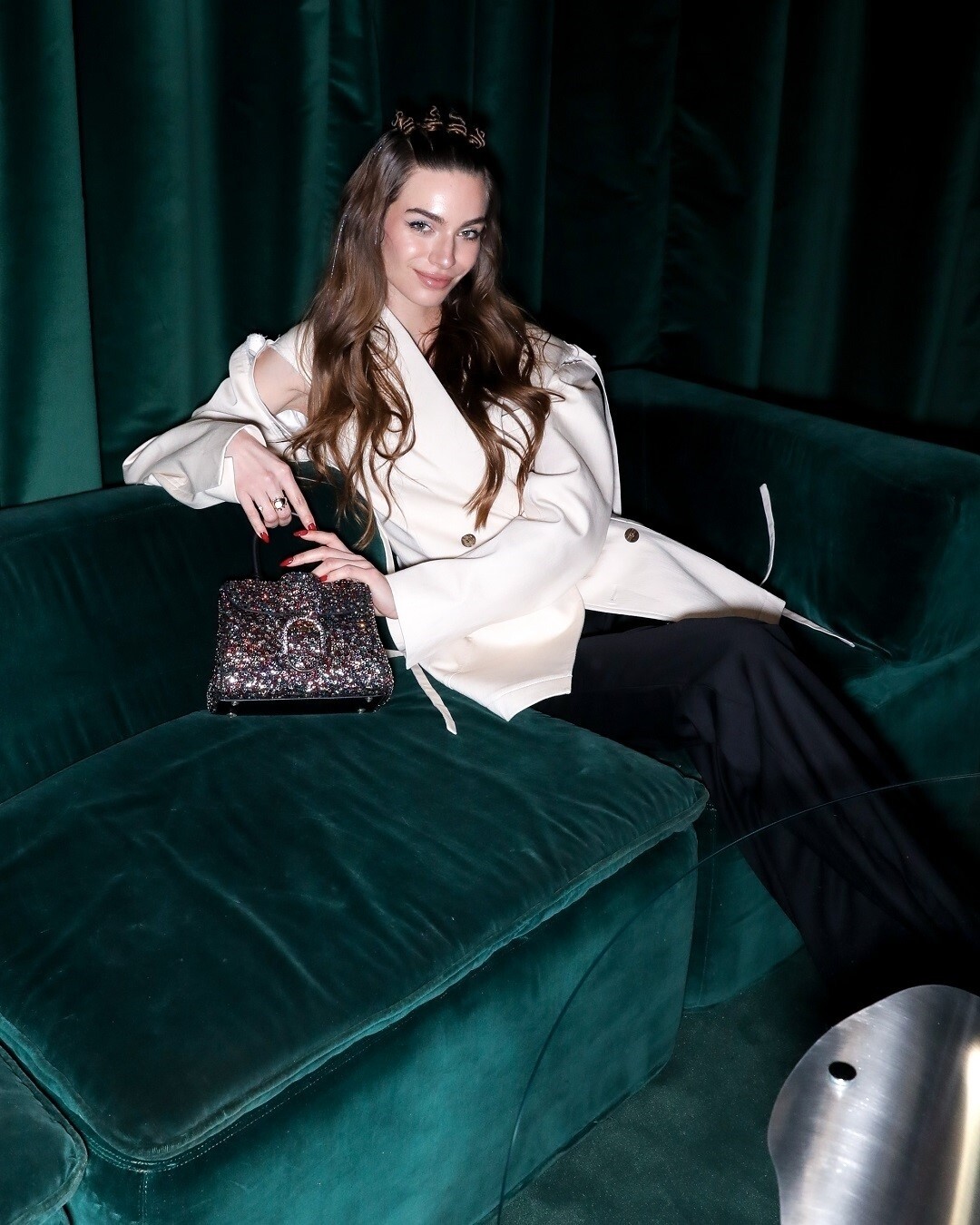
  8. For Delvaux by François Goizé
  9. By Ambra Alessi
  10. By Megan Batson for Bucket List Egypt
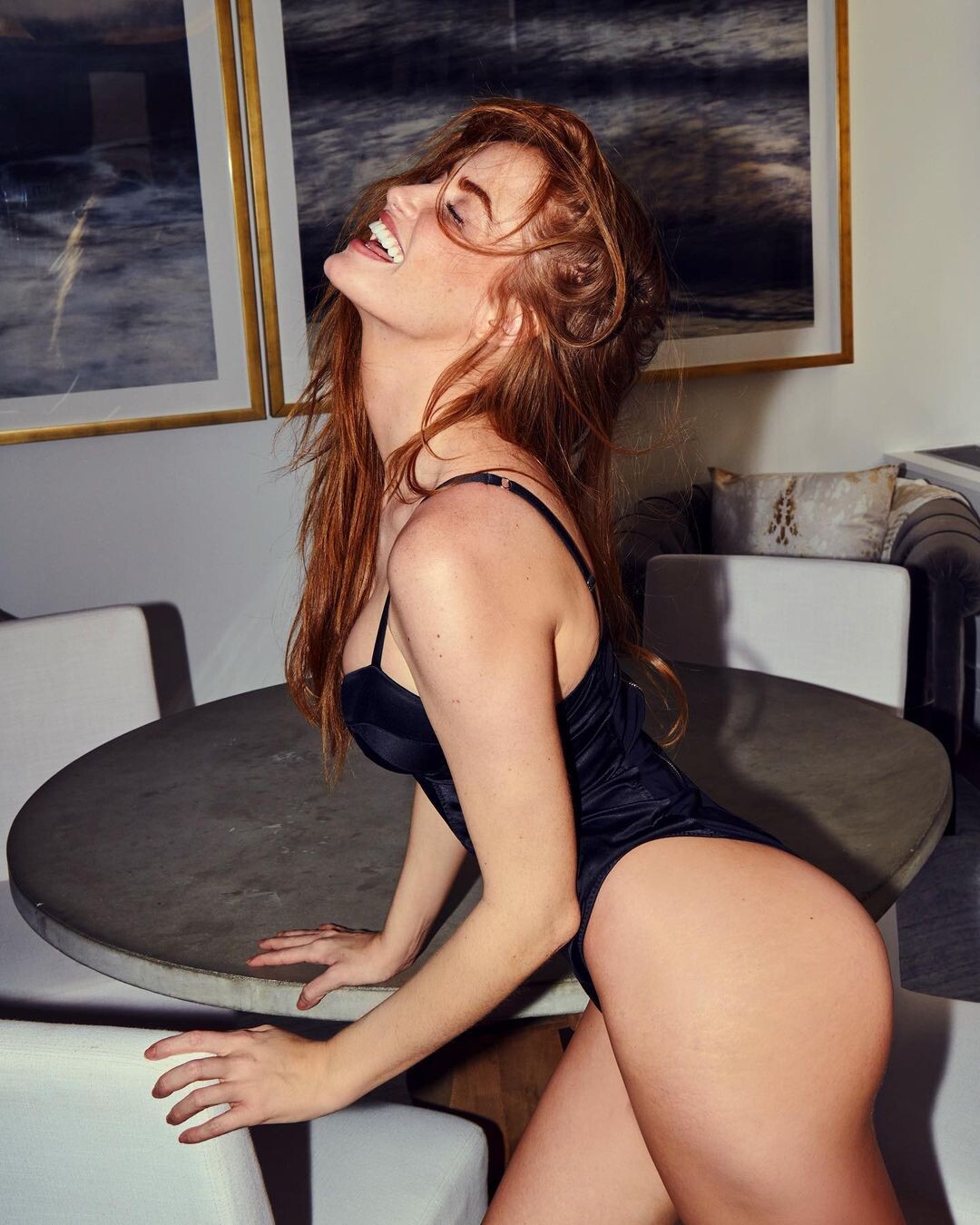
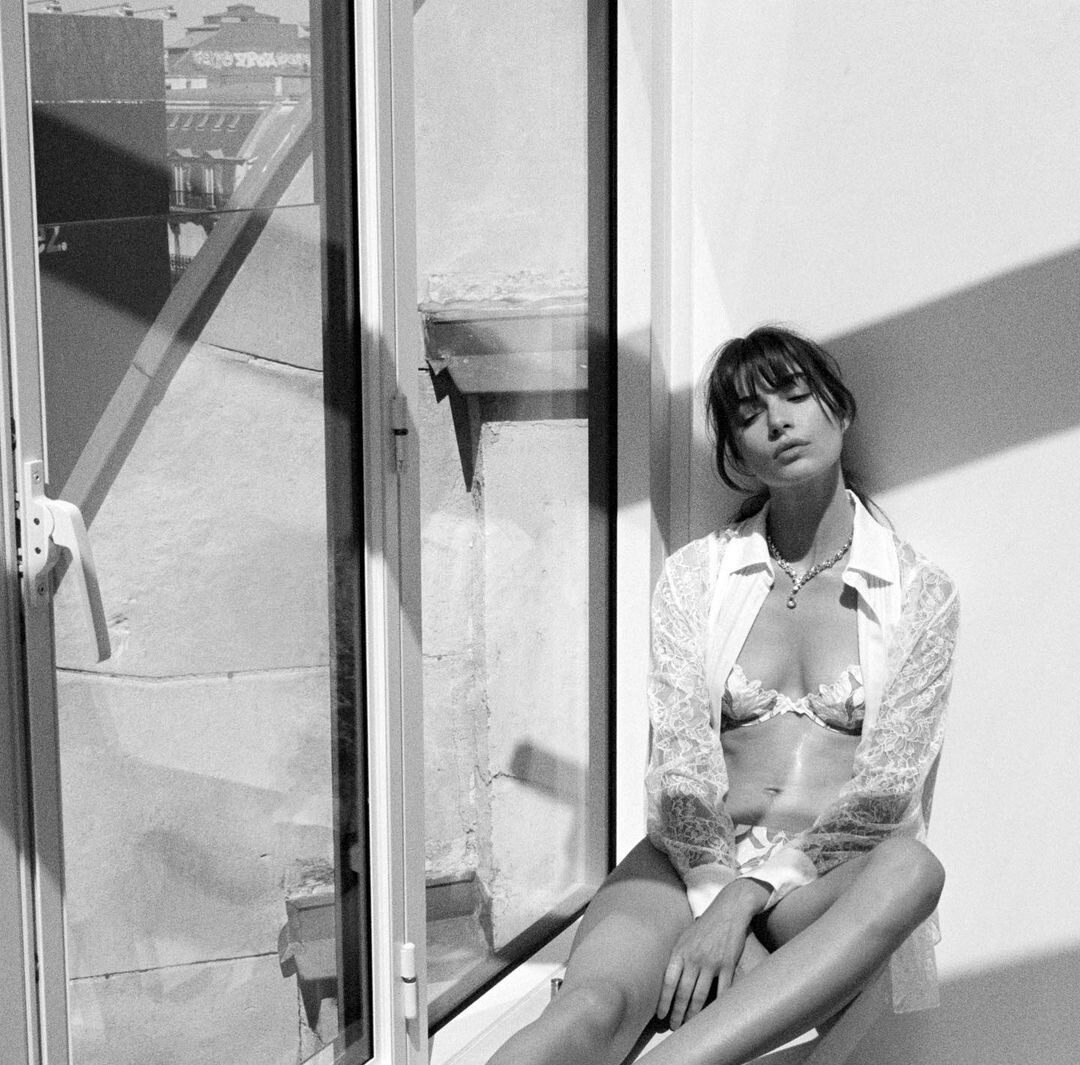
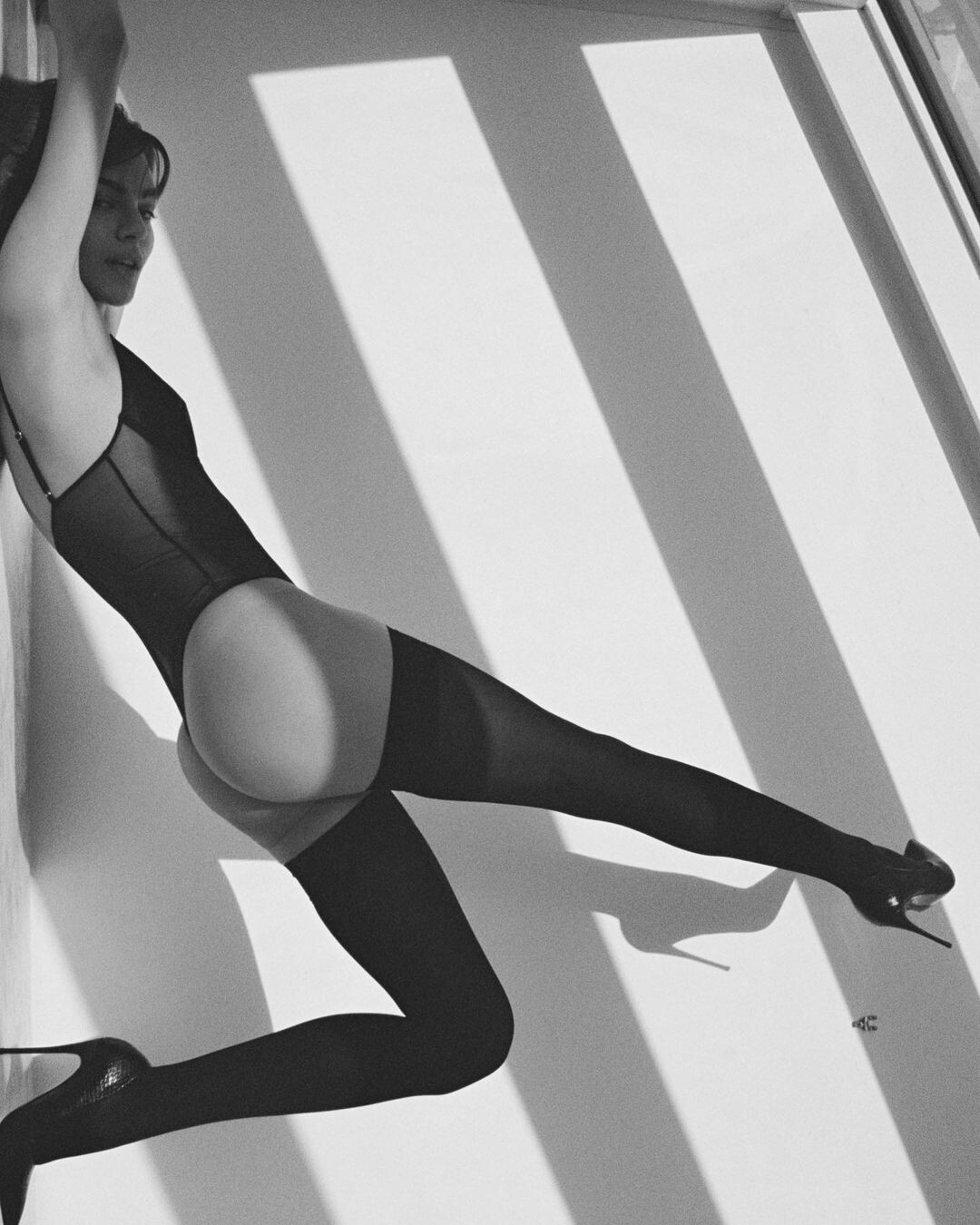
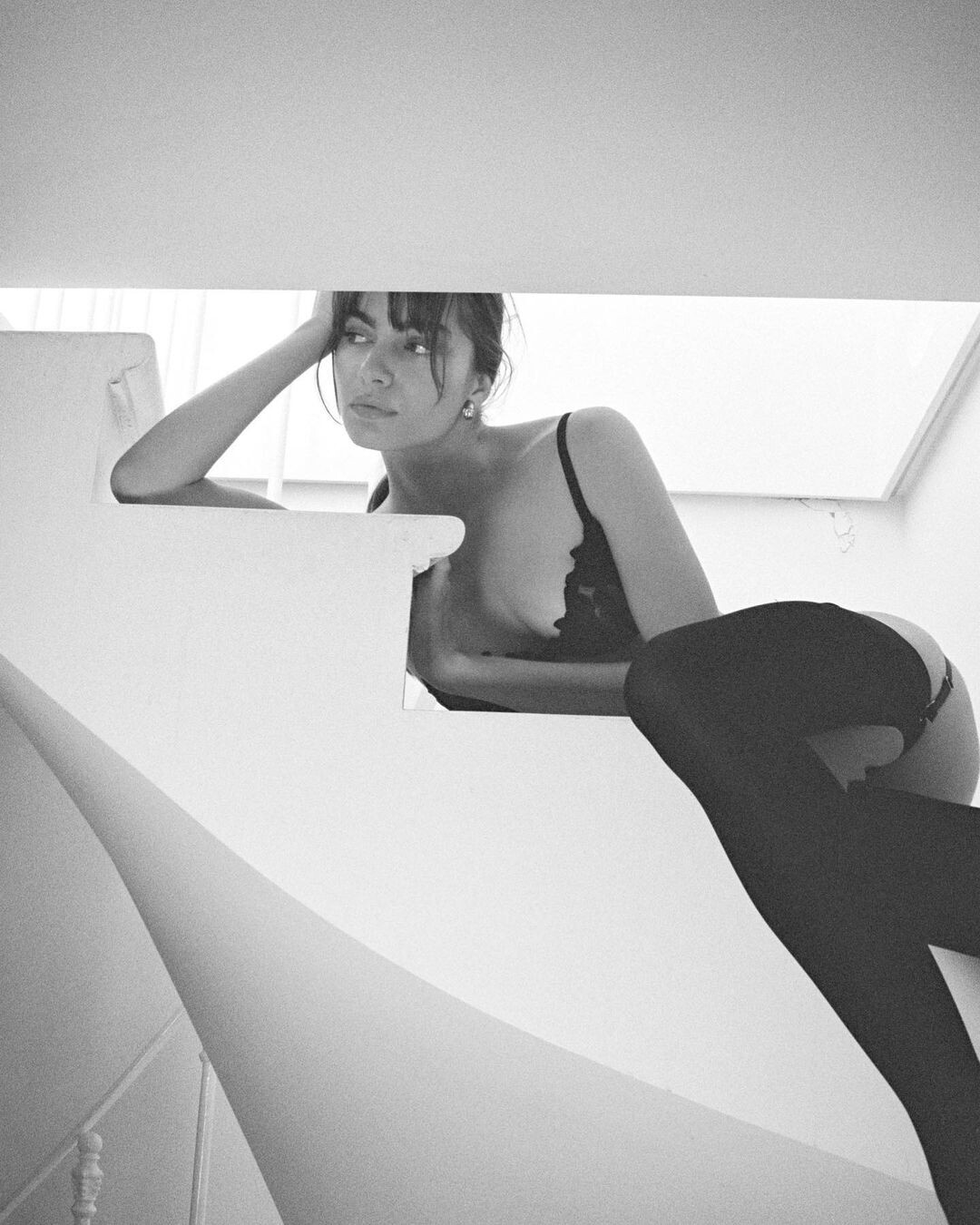
  11. For Fleur de Mal by Roos Van Rij (stylist constantdeboer, MUAH Tobias Sagner)
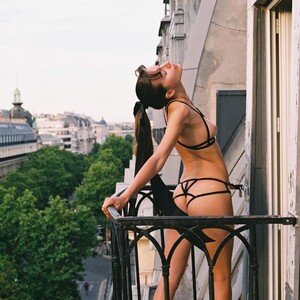
  12. V Productions IG
  13. my bad these are reposts. they are on page 129
  14. For Fleur de Mal by Roos Van Rij (stylist constantdeboer, MUAH Tobias Sagner)
  15. my bad these are reposts. they are on page 129
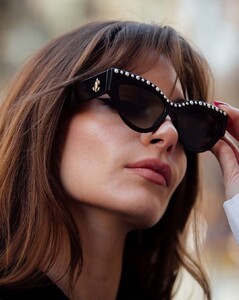
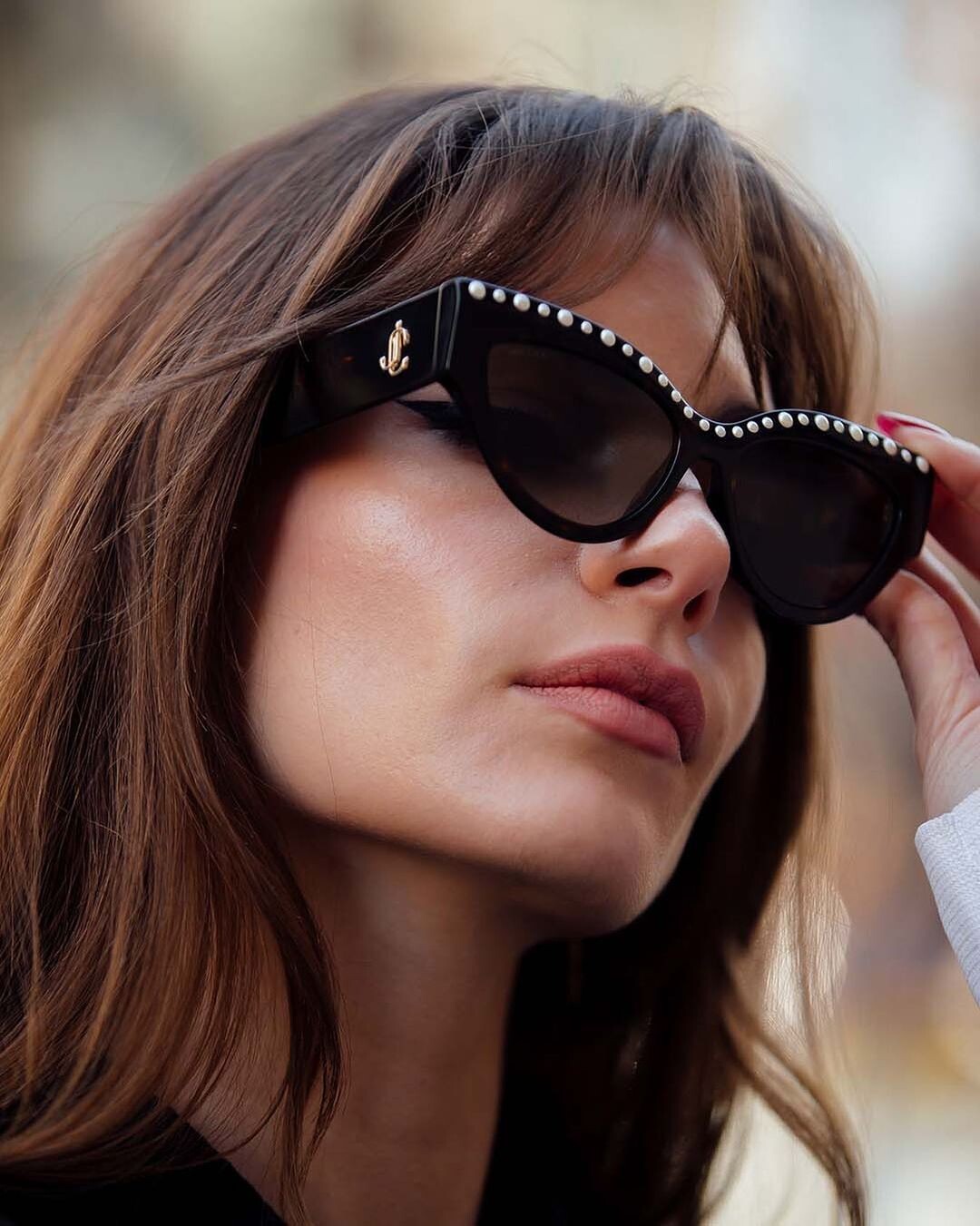
  16. For Jimmy Choo by Moeez Ali
  17. by Jessica Spohr
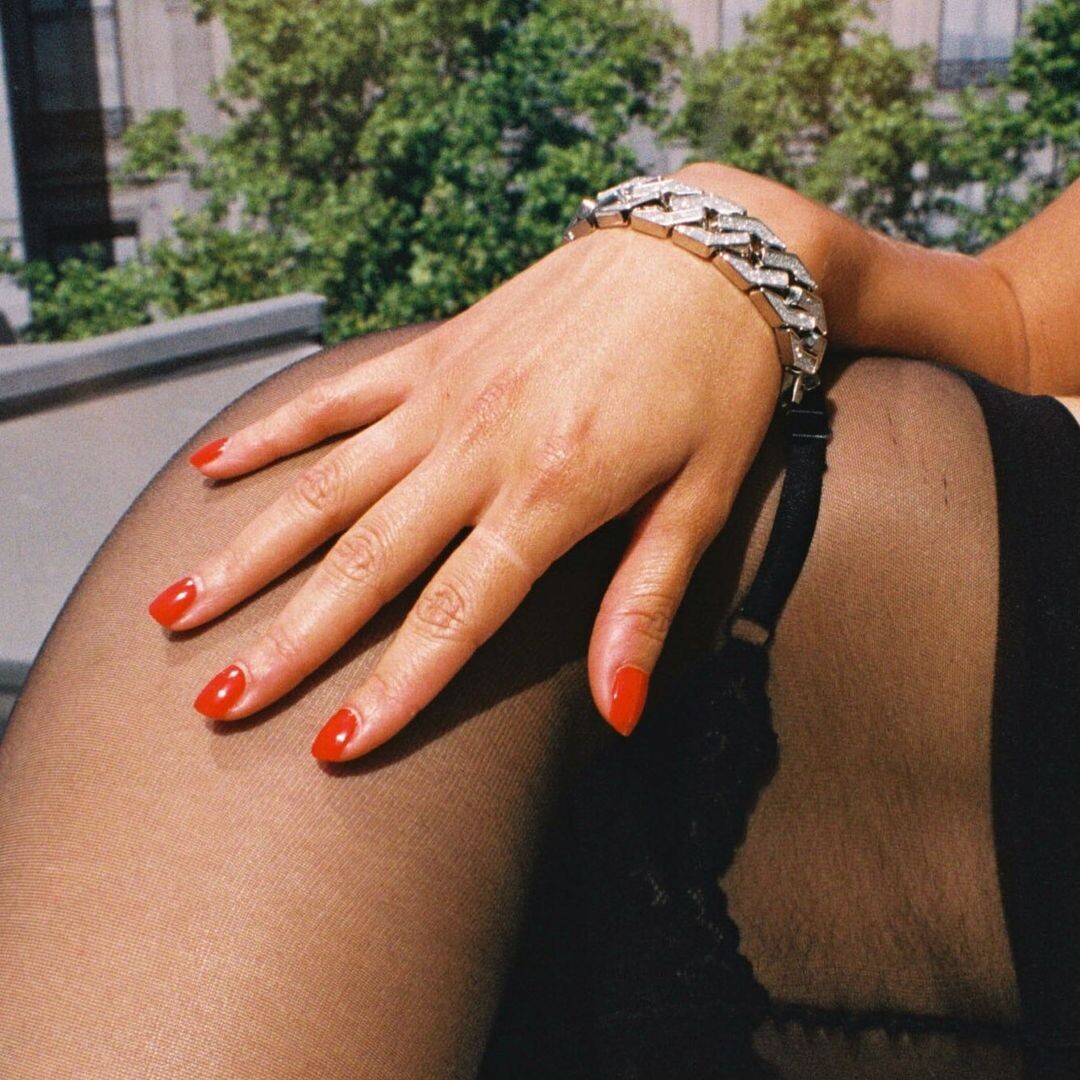
  18. Simoe Jewelry Paris IG
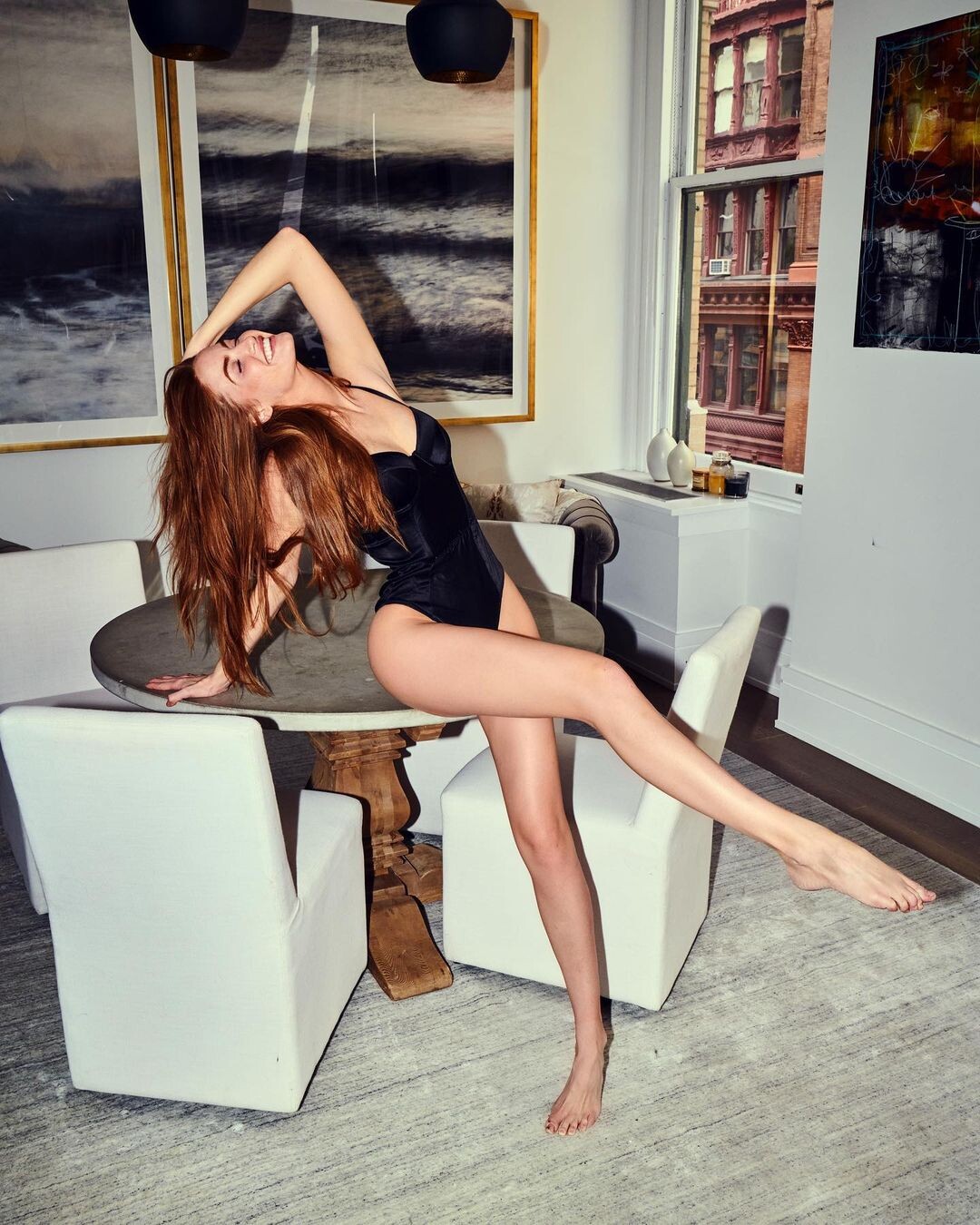
  19. For Fleur de Mal by Roos van Rij
  20. Beyond the Pines Magazine IG by Matt Abad
  21. For Buckle by Patrick Xiaong (MUA Robin Schoen, stylist Rachel Matlz

  22. By Ivvy Burbage
  23. For Fleur de Mal by Roos van Rij
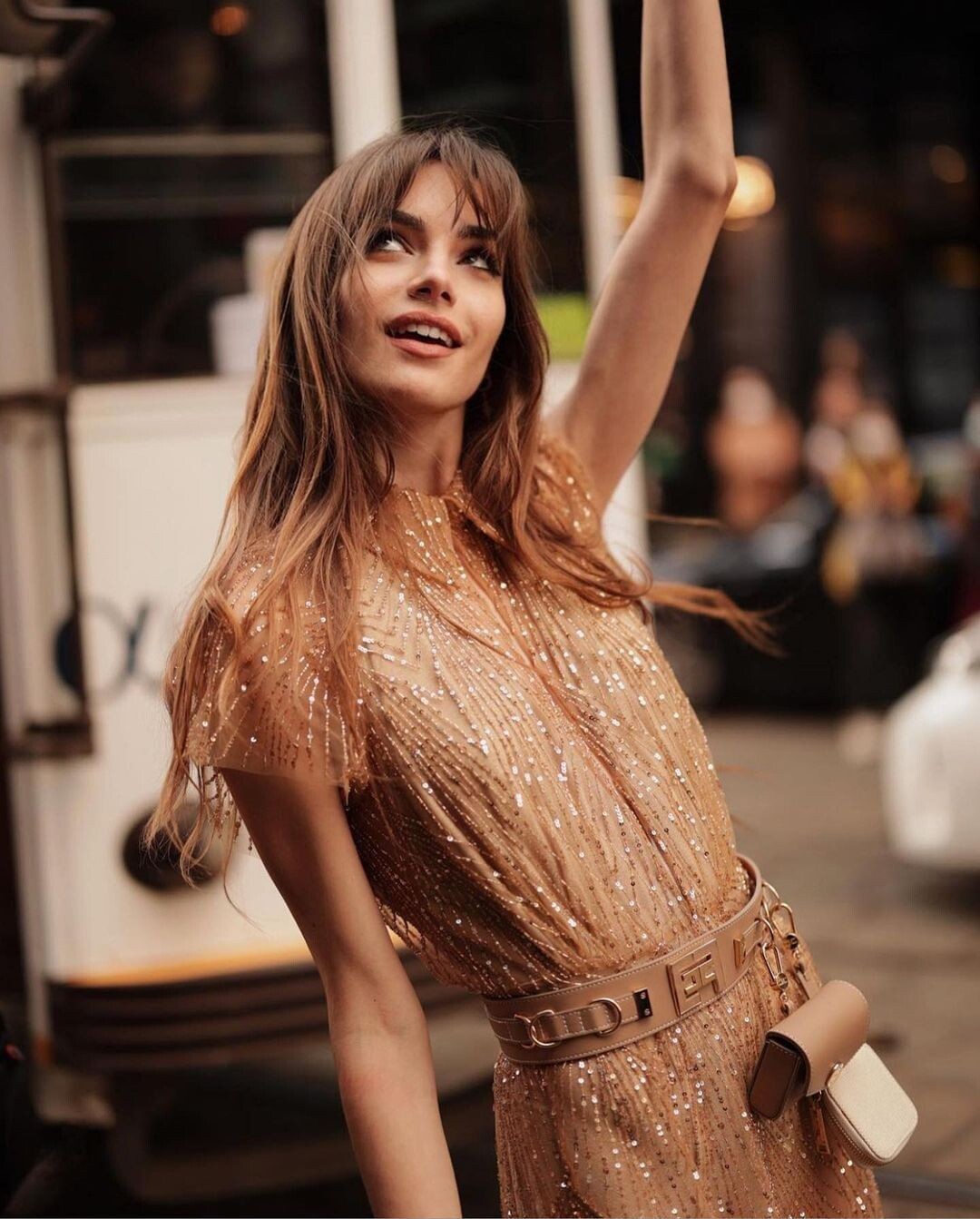
  24. Elle Greece IG

Configure browser push notifications

Chrome (Android)
  1. Tap the lock icon next to the address bar.
  2. Tap Permissions → Notifications.
  3. Adjust your preference.
Chrome (Desktop)
  1. Click the padlock icon in the address bar.
  2. Select Site settings.
  3. Find Notifications and adjust your preference.