Candyliz
Members
-
Joined
-
Last visited
Everything posted by Candyliz
-
 mariana_zaragoza_16279524_143739029502886_9138868954737934336_n.mp4
-
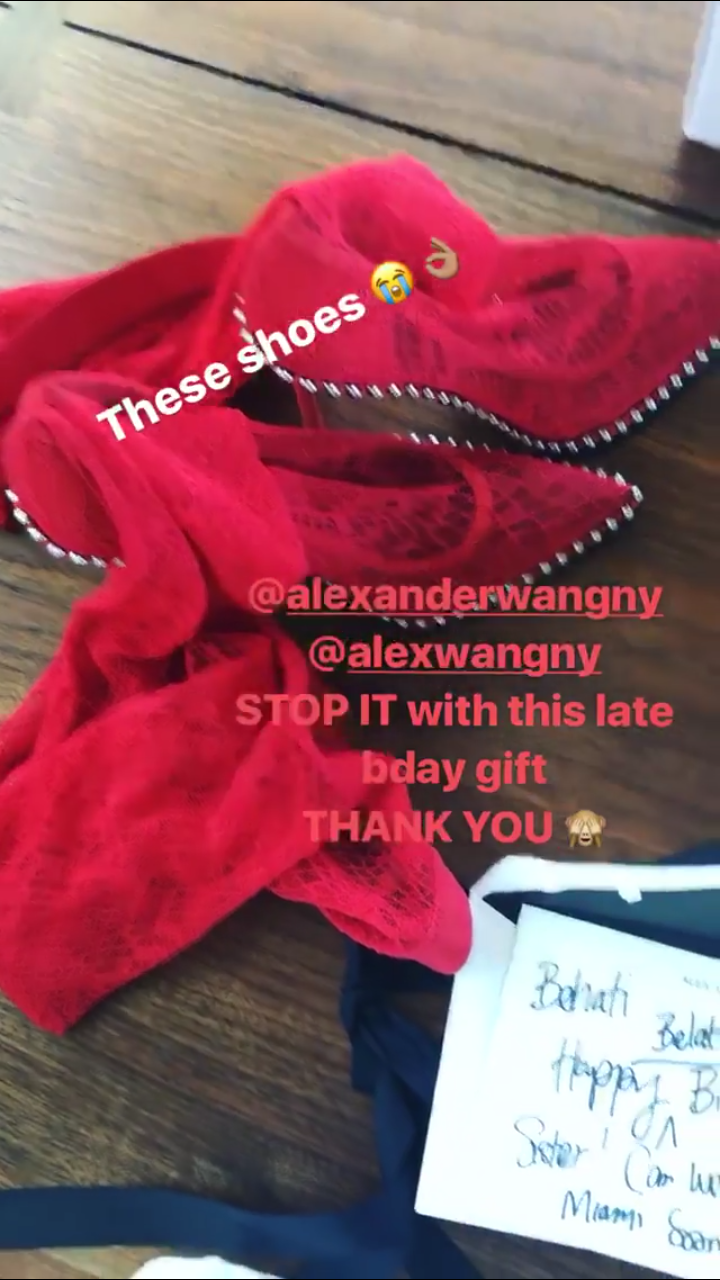
This sounds like an invitation or something
-
Stories behatiprinsloo_15212407_333490283733952_218934888466743296_n.mp4
-
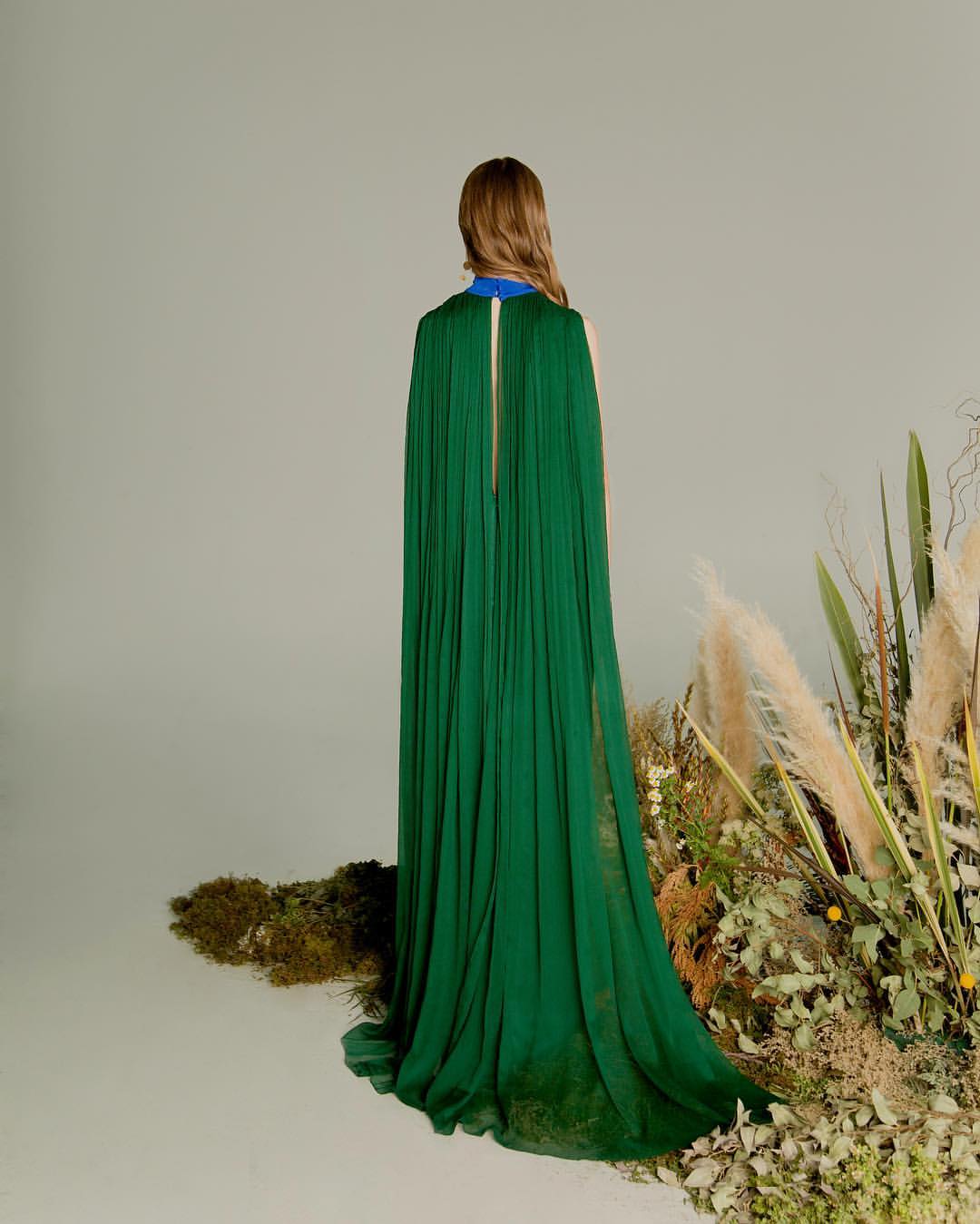
She walked for Valentino Resort 18 in New York
Stories mariana_zaragoza_16911720_454523804901616_8528401549032947712_n.mp4



 behatiprinsloo_18692294_280577102404995_2763289586384764928_n.mp4
 Stories behatiprinsloo_18692382_483811608677198_1944197395566821376_n.mp4
Account
Navigation
Search
Configure browser push notifications
Chrome (Android)
- Tap the lock icon next to the address bar.
- Tap Permissions → Notifications.
- Adjust your preference.
Chrome (Desktop)
- Click the padlock icon in the address bar.
- Select Site settings.
- Find Notifications and adjust your preference.
Safari (iOS 16.4+)
- Ensure the site is installed via Add to Home Screen.
- Open Settings App → Notifications.
- Find your app name and adjust your preference.
Safari (macOS)
- Go to Safari → Preferences.
- Click the Websites tab.
- Select Notifications in the sidebar.
- Find this website and adjust your preference.
Edge (Android)
- Tap the lock icon next to the address bar.
- Tap Permissions.
- Find Notifications and adjust your preference.
Edge (Desktop)
- Click the padlock icon in the address bar.
- Click Permissions for this site.
- Find Notifications and adjust your preference.
Firefox (Android)
- Go to Settings → Site permissions.
- Tap Notifications.
- Find this site in the list and adjust your preference.
Firefox (Desktop)
- Open Firefox Settings.
- Search for Notifications.
- Find this site in the list and adjust your preference.