

Candyliz
Members
-
Joined
-
Last visited
Everything posted by Candyliz
-
 What a family
 Stories behatiprinsloo_16778787_235425760306640_3943023244675645440_n.mp4

 Hope she can come back to VS now
 Stories
 Hahaha omg me too!!!
Stories
Hahaha omg me too!!!
Stories
 Stories behatiprinsloo_19140534_110596422880722_2618656536922161152_n.mp4
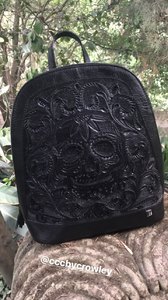
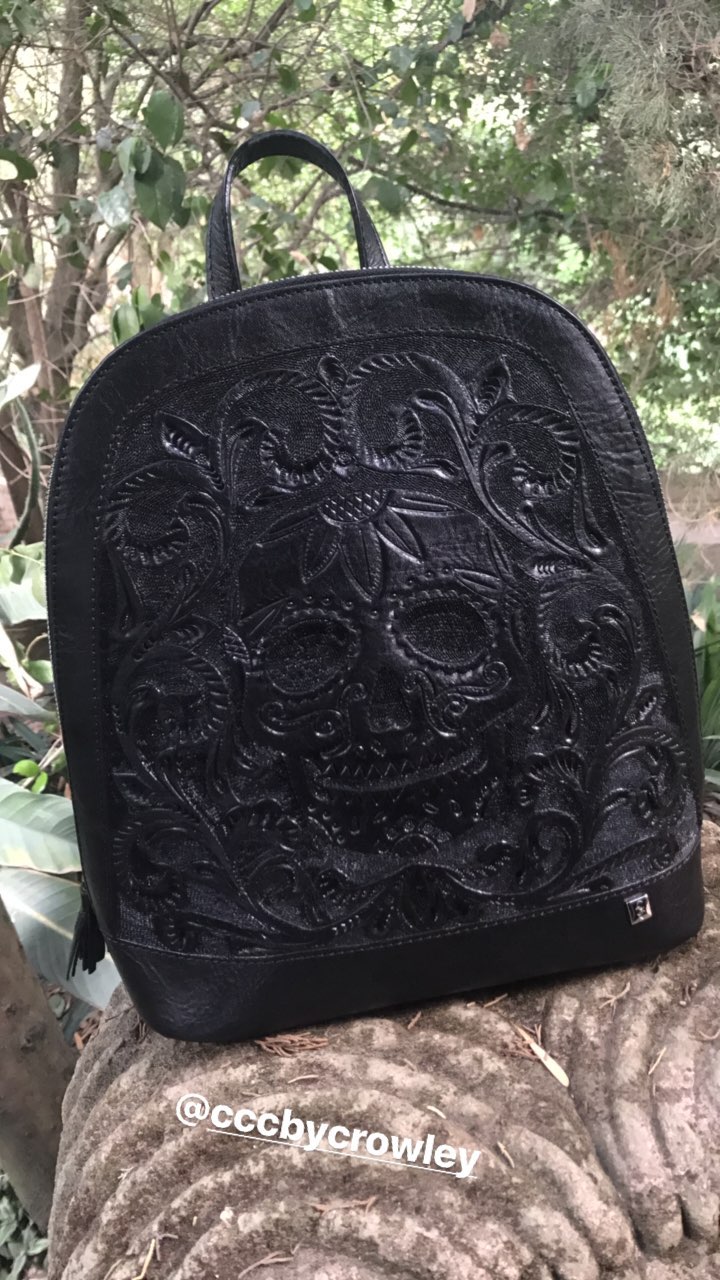
 On set for mexican designer Carolina Crowley mariana_zaragoza_17167032_1054824554650601_5641544155814428672_n.mp4
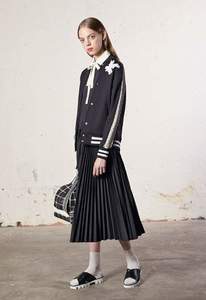
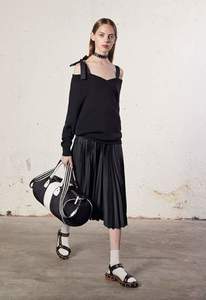
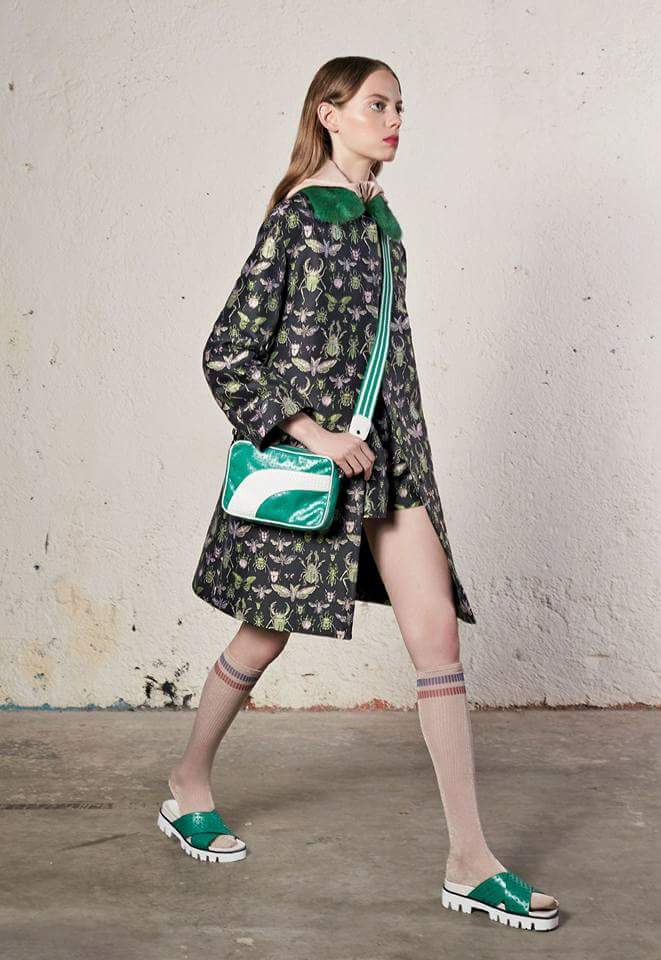
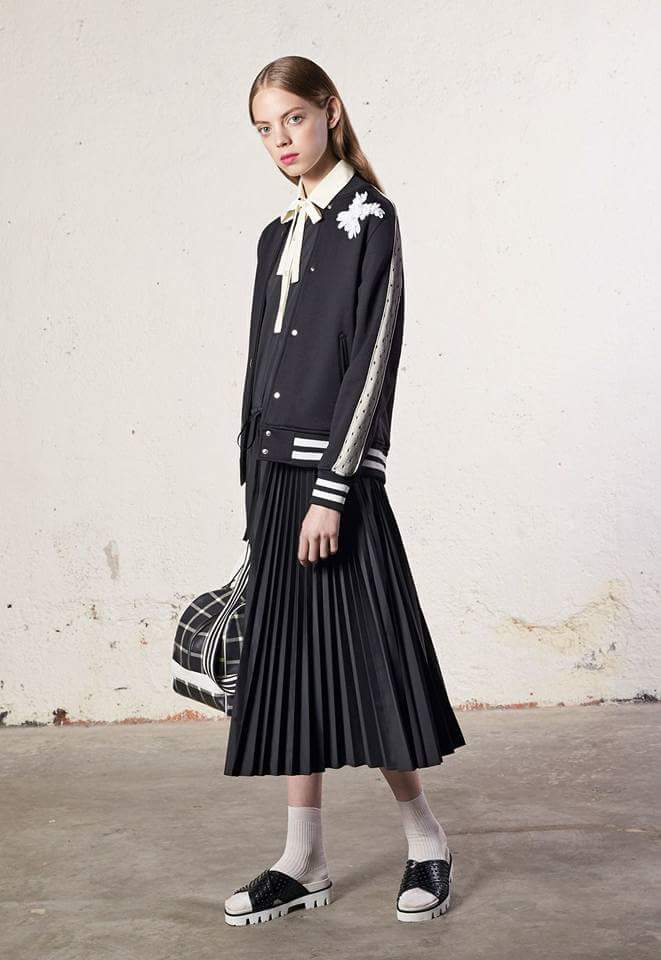
 REDValentino Resort 2018, New York



 renata_99_14336224_236814023477317_2449341697683881984_n.mp4 renata_99_19084687_1863022407293602_1487908960622084096_n.mp4


 On set mariana_zaragoza_19139187_1867290460198946_5432769106975653888_n.mp4






















Account
Navigation
Search
Configure browser push notifications
Chrome (Android)
- Tap the lock icon next to the address bar.
- Tap Permissions → Notifications.
- Adjust your preference.
Chrome (Desktop)
- Click the padlock icon in the address bar.
- Select Site settings.
- Find Notifications and adjust your preference.
Safari (iOS 16.4+)
- Ensure the site is installed via Add to Home Screen.
- Open Settings App → Notifications.
- Find your app name and adjust your preference.
Safari (macOS)
- Go to Safari → Preferences.
- Click the Websites tab.
- Select Notifications in the sidebar.
- Find this website and adjust your preference.
Edge (Android)
- Tap the lock icon next to the address bar.
- Tap Permissions.
- Find Notifications and adjust your preference.
Edge (Desktop)
- Click the padlock icon in the address bar.
- Click Permissions for this site.
- Find Notifications and adjust your preference.
Firefox (Android)
- Go to Settings → Site permissions.
- Tap Notifications.
- Find this site in the list and adjust your preference.
Firefox (Desktop)
- Open Firefox Settings.
- Search for Notifications.
- Find this site in the list and adjust your preference.