

Candyliz
Members
-
Joined
-
Last visited
Everything posted by Candyliz
-
 Stories mariana_zaragoza_16424425_552421368261964_5325022817199063040_n.mp4 mariana_zaragoza_18321317_143600466186250_5238712893880401920_n.mp4


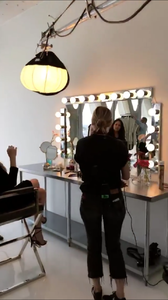
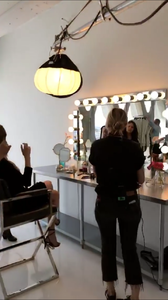
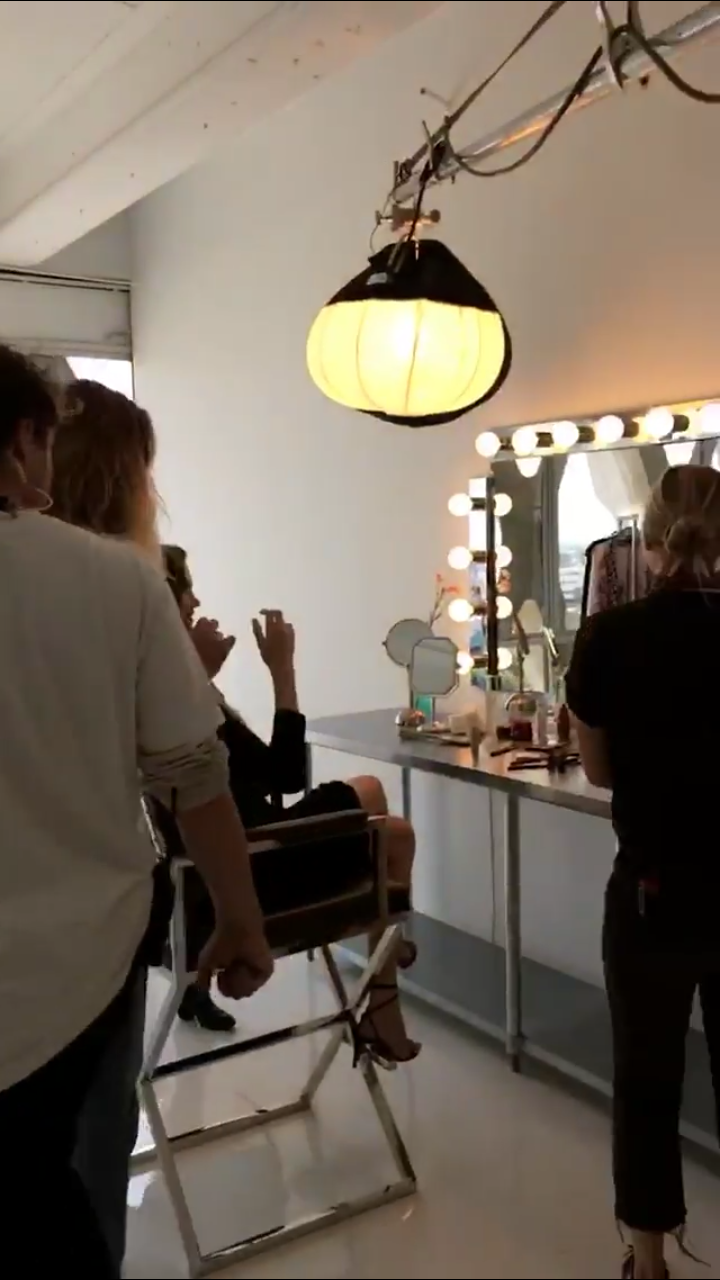
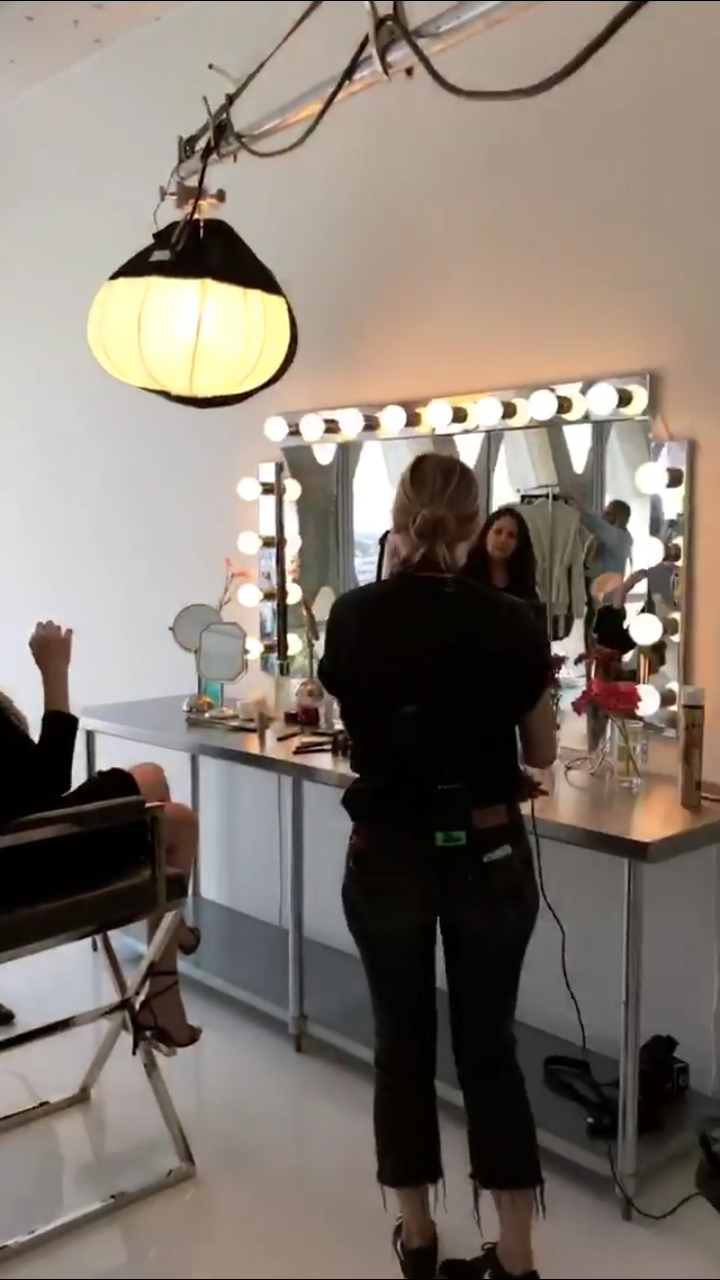
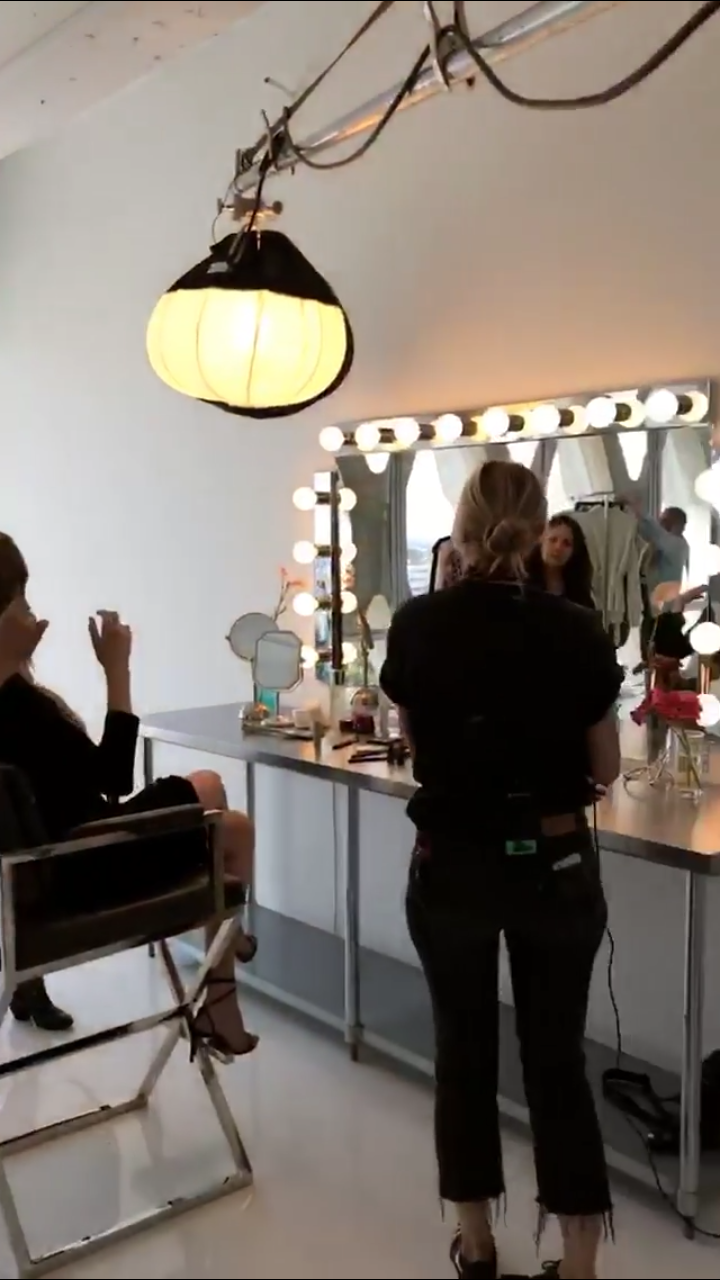
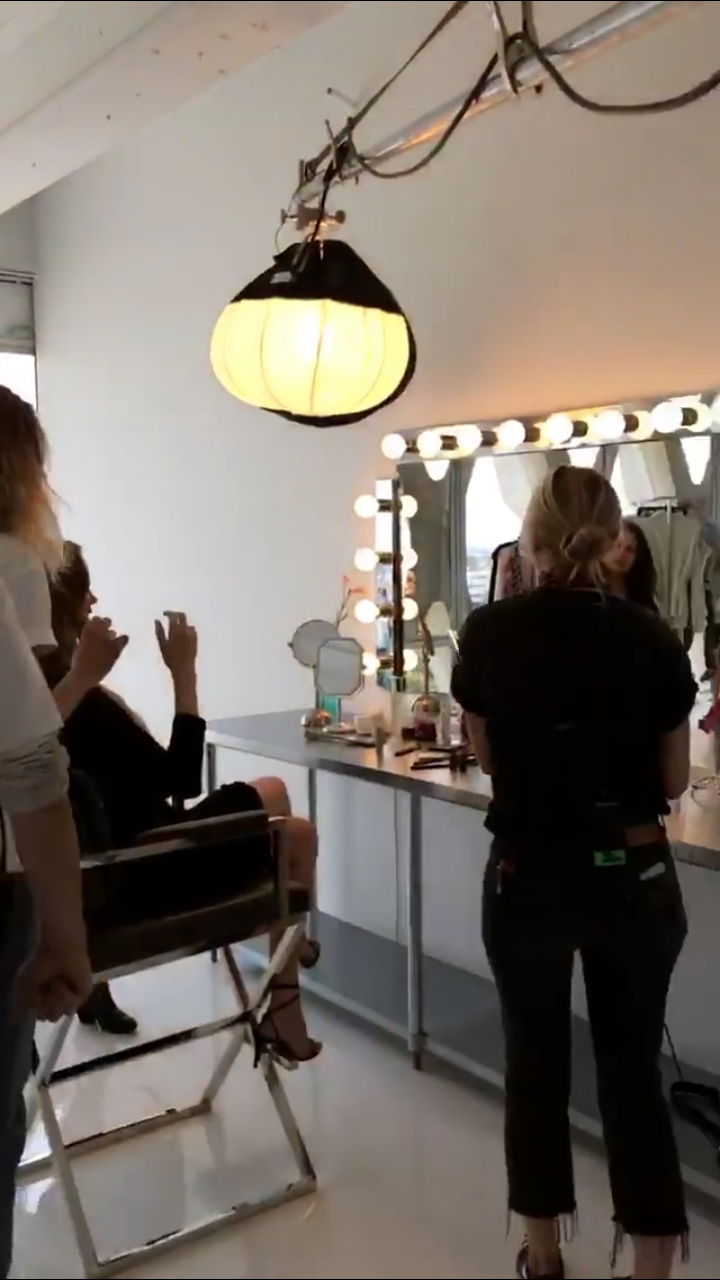
 Carolina Gonzalez is the makeup artist, hope she can share more!!!
Behadam's post by Elle Magazine https://m.facebook.com/story.php?story_fbid=10154545507181301&id=31911516300 Facebook 10154545507181301.mp4
Seems like Bee is shooting again sam_kolder_17744446_136287780254324_1677358383205711872_n.mp4
Carolina Gonzalez is the makeup artist, hope she can share more!!!
Behadam's post by Elle Magazine https://m.facebook.com/story.php?story_fbid=10154545507181301&id=31911516300 Facebook 10154545507181301.mp4
Seems like Bee is shooting again sam_kolder_17744446_136287780254324_1677358383205711872_n.mp4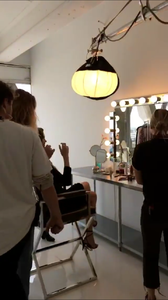
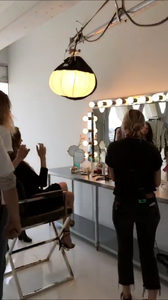 Those Behadam videos are life
I don't know
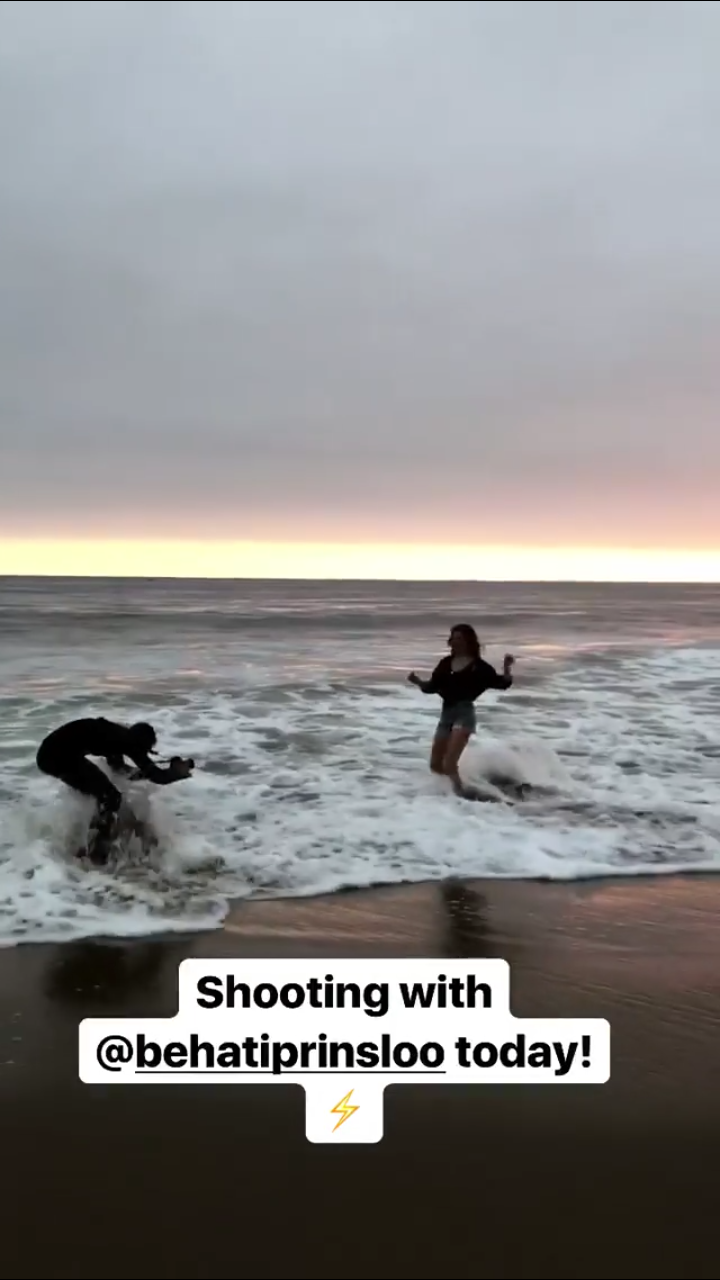
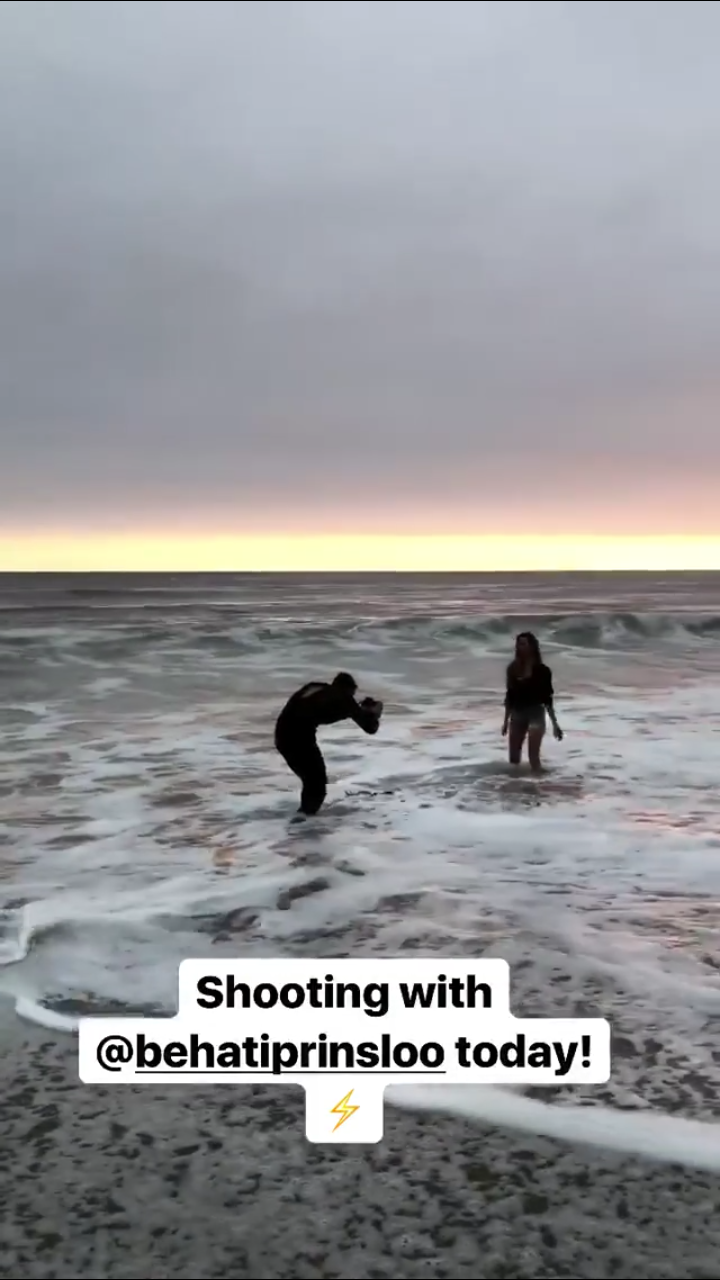
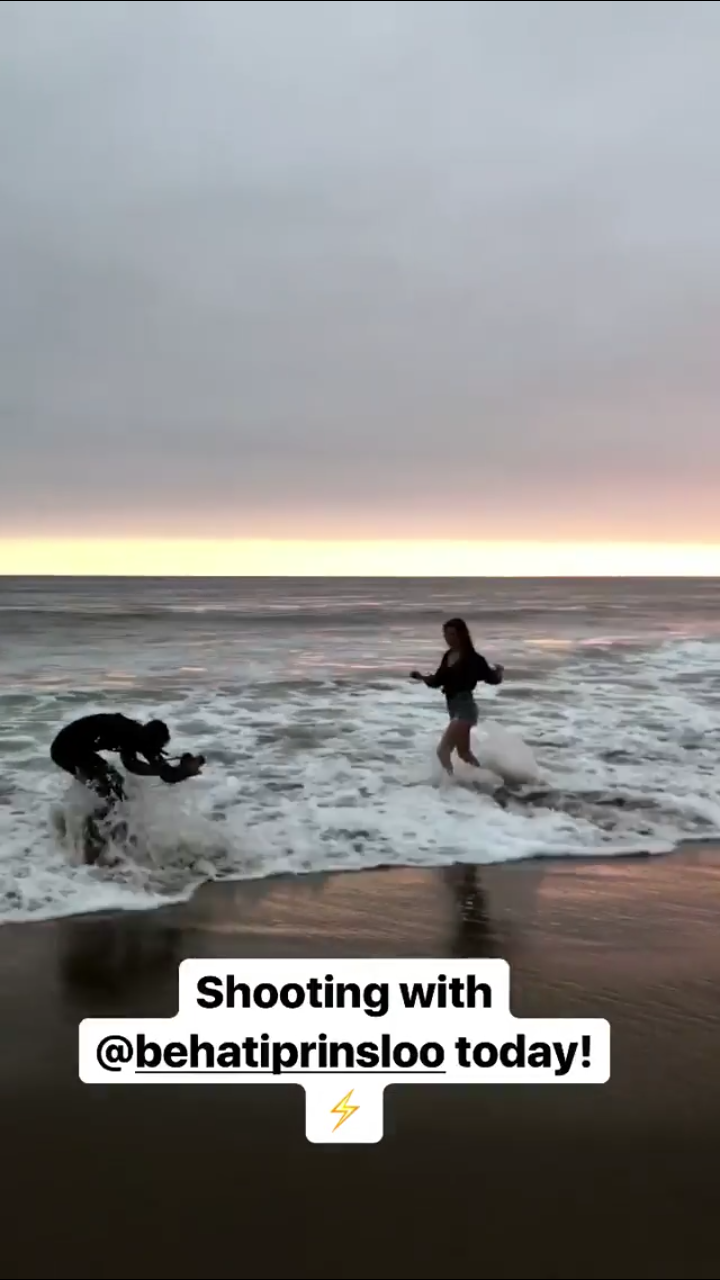
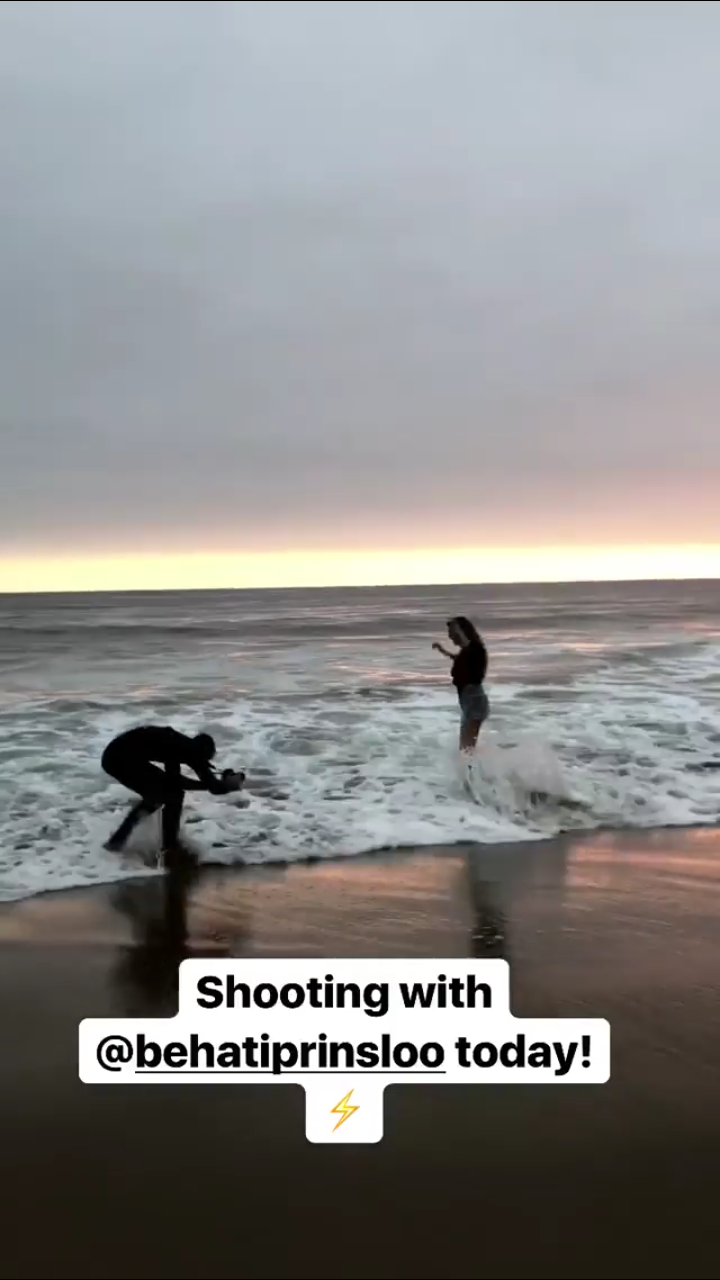
Yesterday shooting with Sam Kolder in Malibu sam_kolder_12330698_1339881699436326_5130302615044751360_n.mp4
Those Behadam videos are life
I don't know
Yesterday shooting with Sam Kolder in Malibu sam_kolder_12330698_1339881699436326_5130302615044751360_n.mp4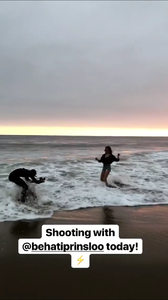
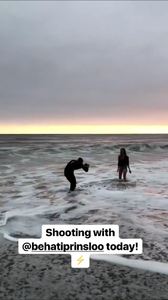
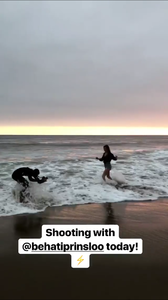
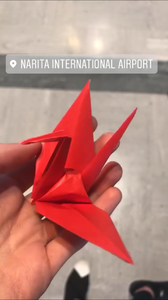
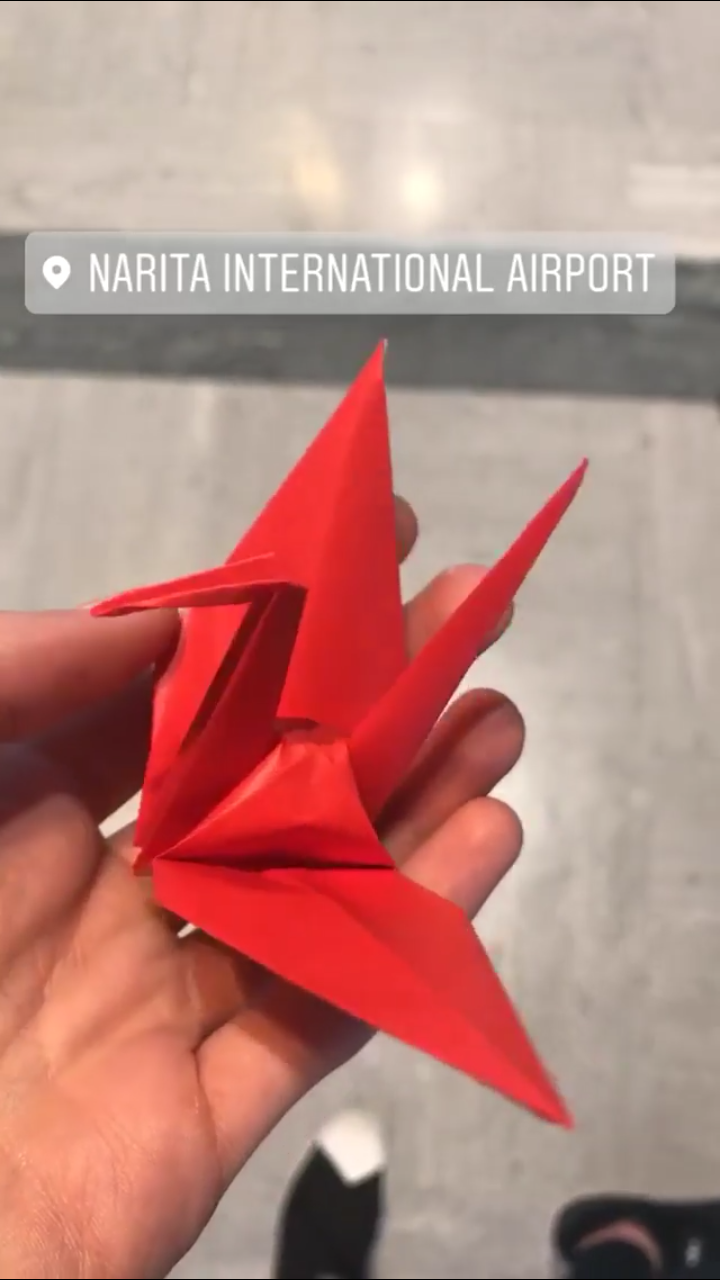
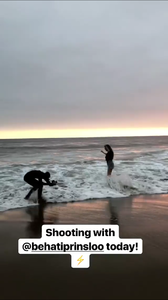 Mariana was on set in Tokyo mariana_zaragoza_17094614_1897765760499480_1759073146784186368_n.mp4 mariana_zaragoza_17744400_1169565579820007_7802707476515651584_n.mp4 mariana_zaragoza_13734841_1923015837957168_3671511728803282944_n.mp4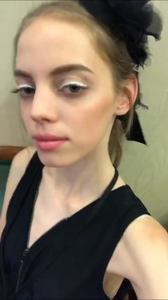



 Old pictures of Mariana and her cousin
 She's in Tokyo
 Stories mariana_zaragoza_14228036_230654830757210_7518597666217918464_n.mp4
 Stories behatiprinsloo_17096033_117496645499298_4212214456005951488_n.mp4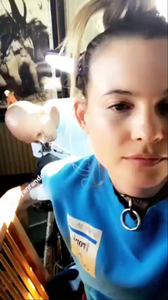
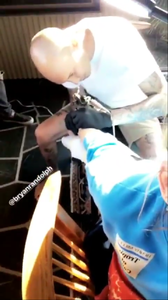
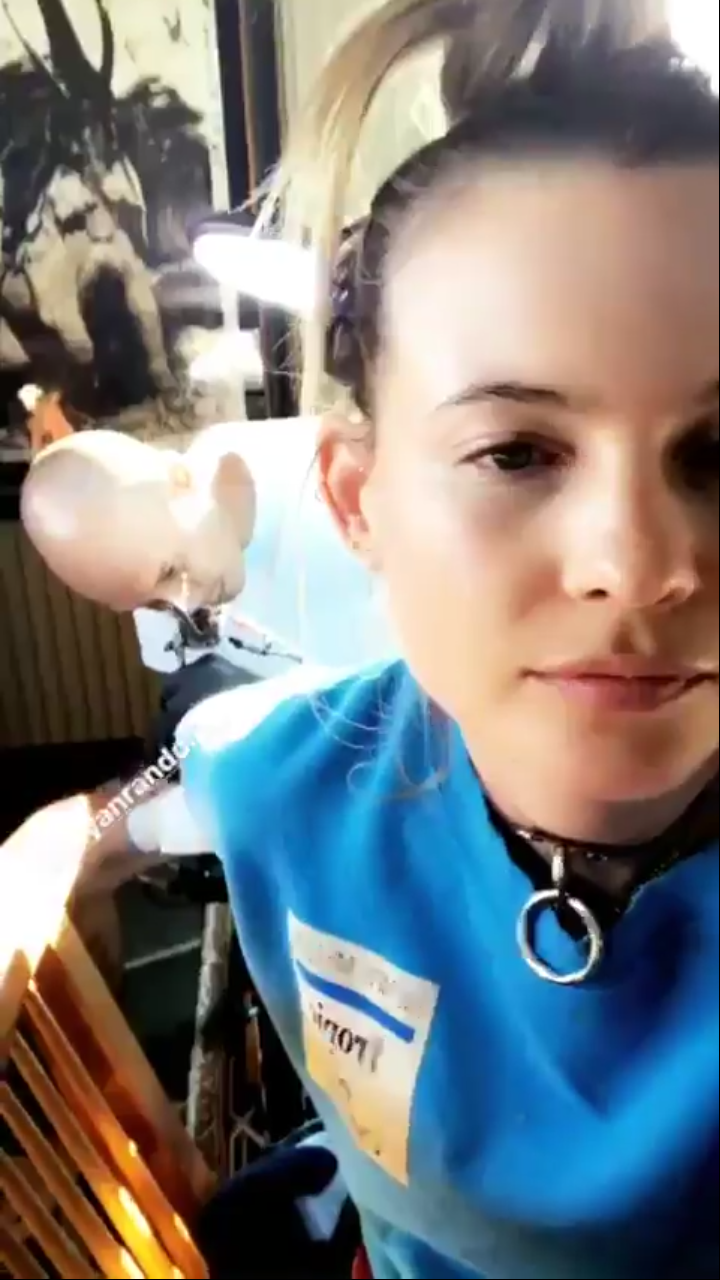
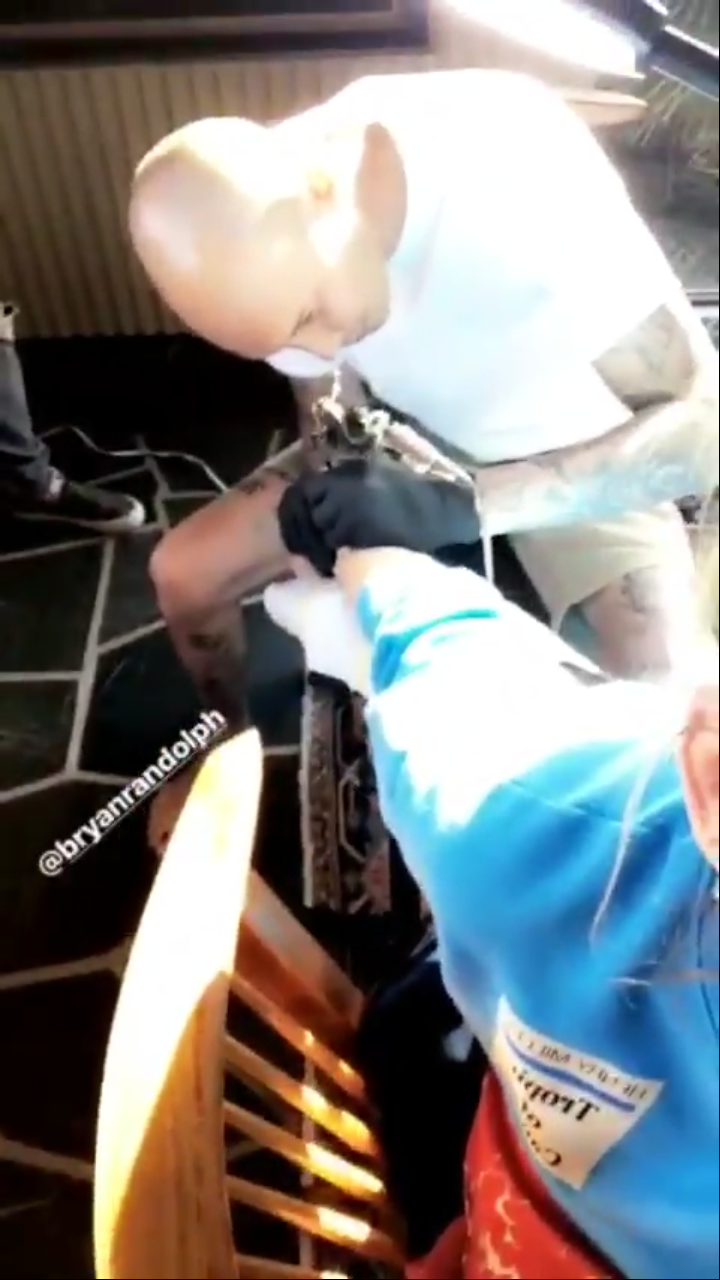
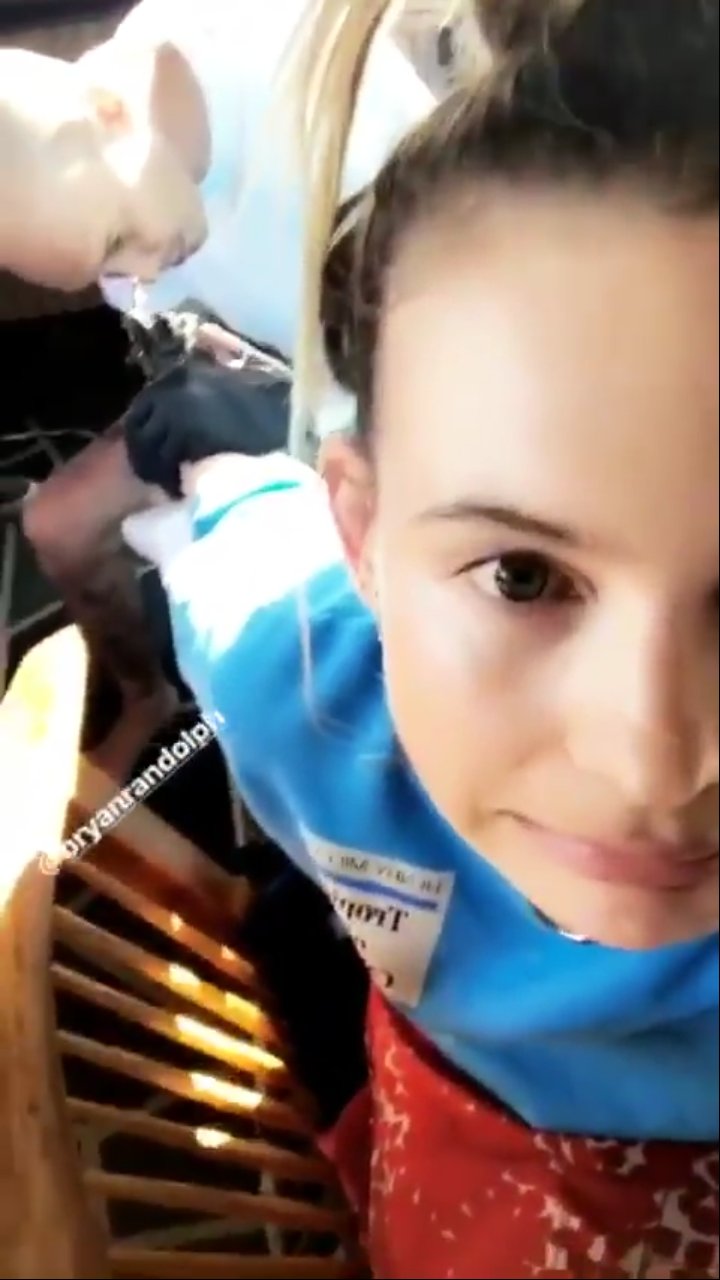
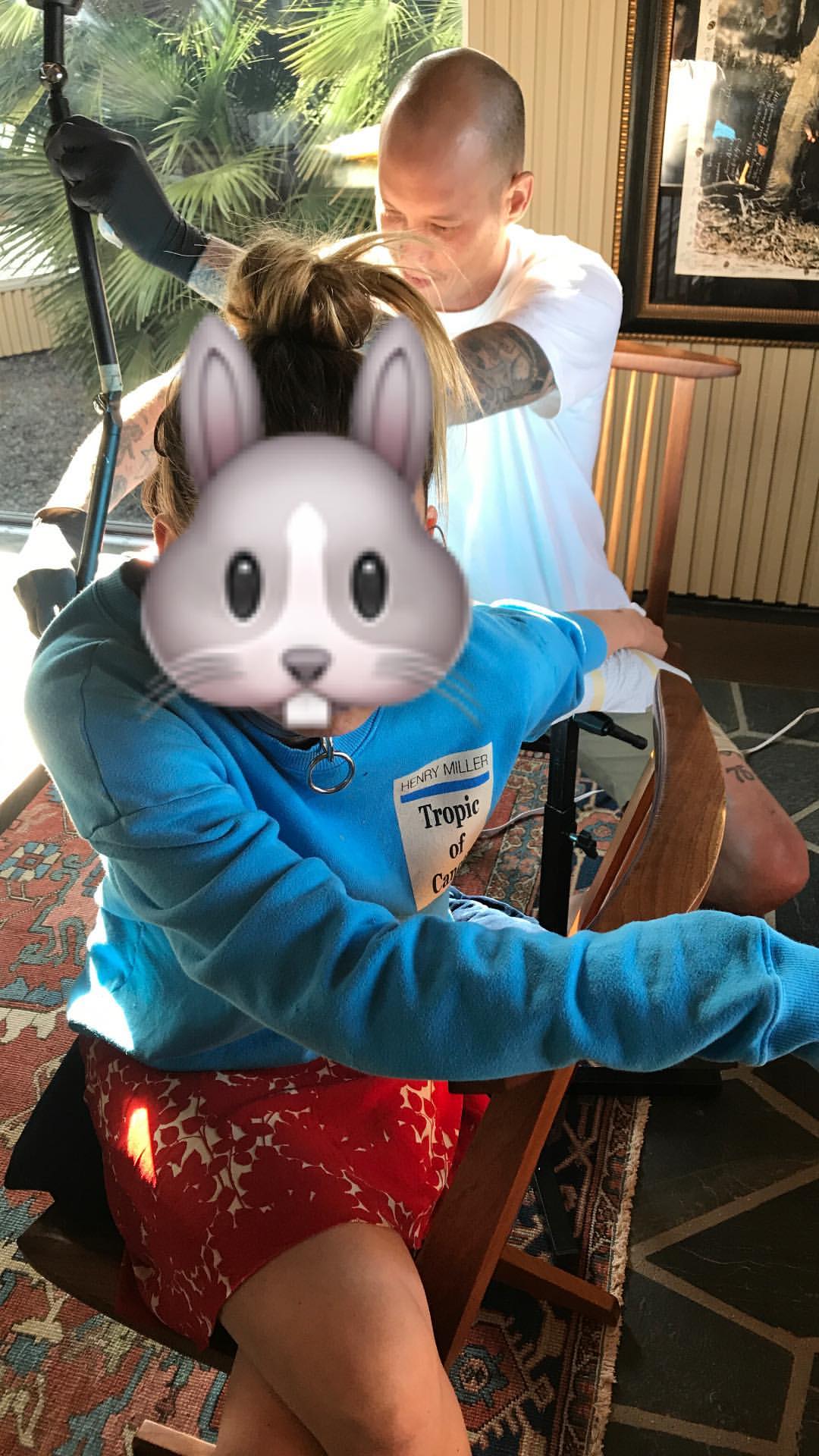
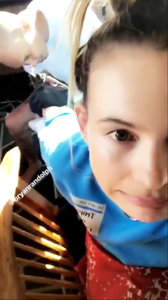 Someone is getting a new tattoo
 Yas and her booty looks amazing
Idk why she deleted it
I think this picture was taken today
Yas and her booty looks amazing
Idk why she deleted it
I think this picture was taken today




















Account
Navigation
Search
Configure browser push notifications
Chrome (Android)
- Tap the lock icon next to the address bar.
- Tap Permissions → Notifications.
- Adjust your preference.
Chrome (Desktop)
- Click the padlock icon in the address bar.
- Select Site settings.
- Find Notifications and adjust your preference.
Safari (iOS 16.4+)
- Ensure the site is installed via Add to Home Screen.
- Open Settings App → Notifications.
- Find your app name and adjust your preference.
Safari (macOS)
- Go to Safari → Preferences.
- Click the Websites tab.
- Select Notifications in the sidebar.
- Find this website and adjust your preference.
Edge (Android)
- Tap the lock icon next to the address bar.
- Tap Permissions.
- Find Notifications and adjust your preference.
Edge (Desktop)
- Click the padlock icon in the address bar.
- Click Permissions for this site.
- Find Notifications and adjust your preference.
Firefox (Android)
- Go to Settings → Site permissions.
- Tap Notifications.
- Find this site in the list and adjust your preference.
Firefox (Desktop)
- Open Firefox Settings.
- Search for Notifications.
- Find this site in the list and adjust your preference.