

Candyliz
Members
-
Joined
-
Last visited
Everything posted by Candyliz
-
 Soooooooo beautiful
Yes, but it seems like she won't do that and I'm happy
Anyone else is obsessed with her long hair?
Thanks so much @Ardilla
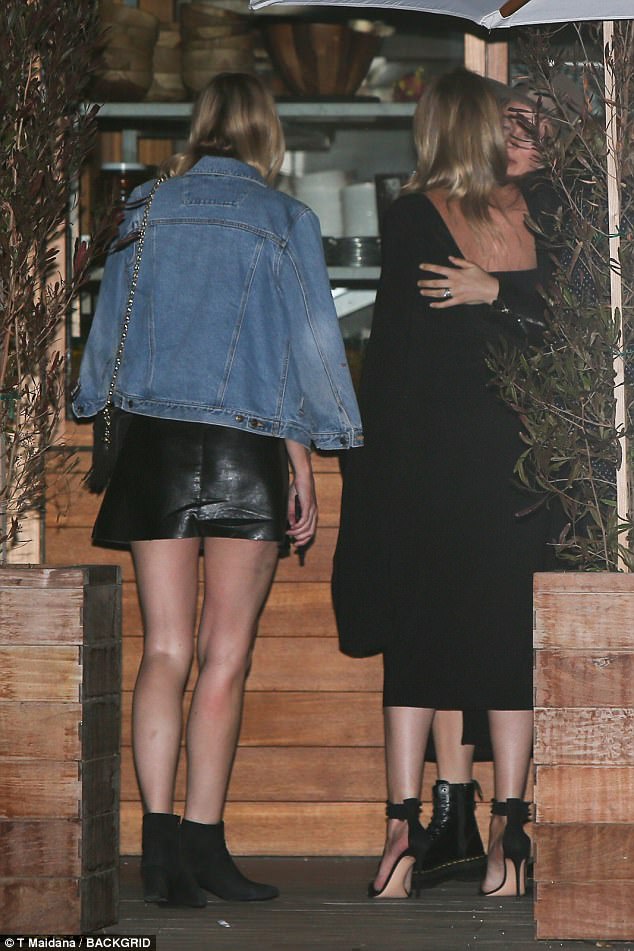
Leaving Soho House in Malibu last night with Rosie Huntington
Soooooooo beautiful
Yes, but it seems like she won't do that and I'm happy
Anyone else is obsessed with her long hair?
Thanks so much @Ardilla
Leaving Soho House in Malibu last night with Rosie Huntington I've been thinking when Bee start shooting with Raw Spirit, that's the time when she will return to VS
I think she will be back soon
Instagram post by IMGmodels_BUet3QljDBG.mp4
More by Daniel Herranz
I've been thinking when Bee start shooting with Raw Spirit, that's the time when she will return to VS
I think she will be back soon
Instagram post by IMGmodels_BUet3QljDBG.mp4
More by Daniel Herranz
 Mariana is now represented by Uno Models in Spain
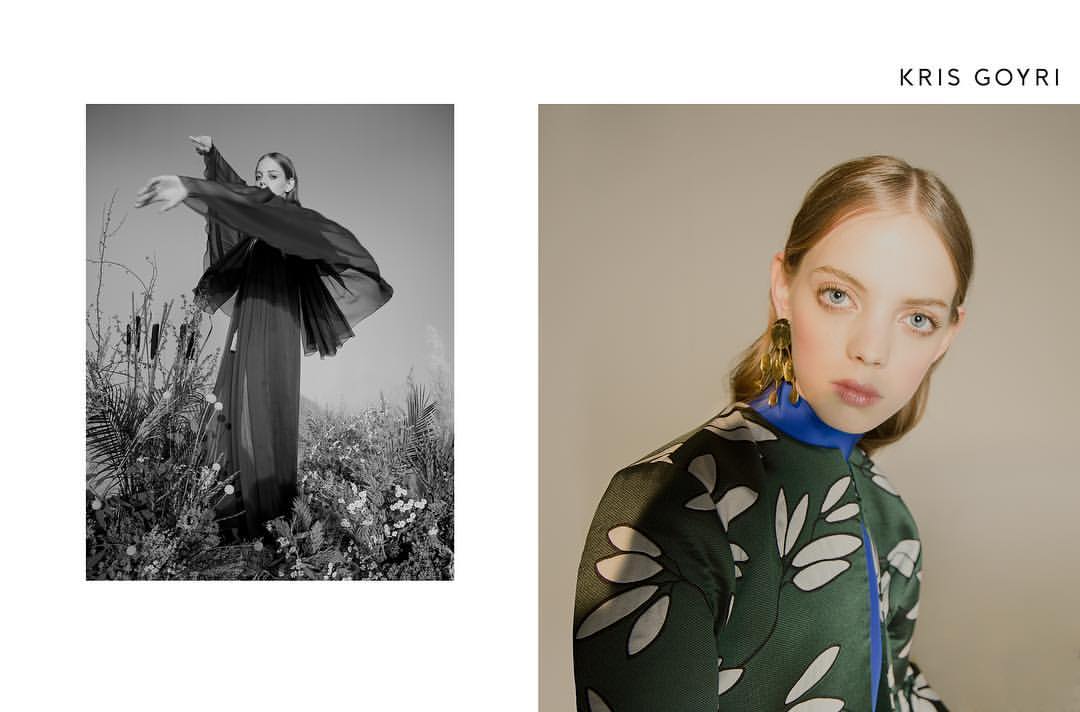
 Kris Goyri









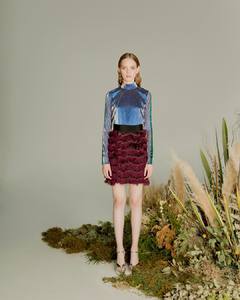 Backstage at Self-Portrait show
 Stories Mariana is in Rome mariana_zaragoza_14519977_296398520809117_4389363384311611392_n.mp4



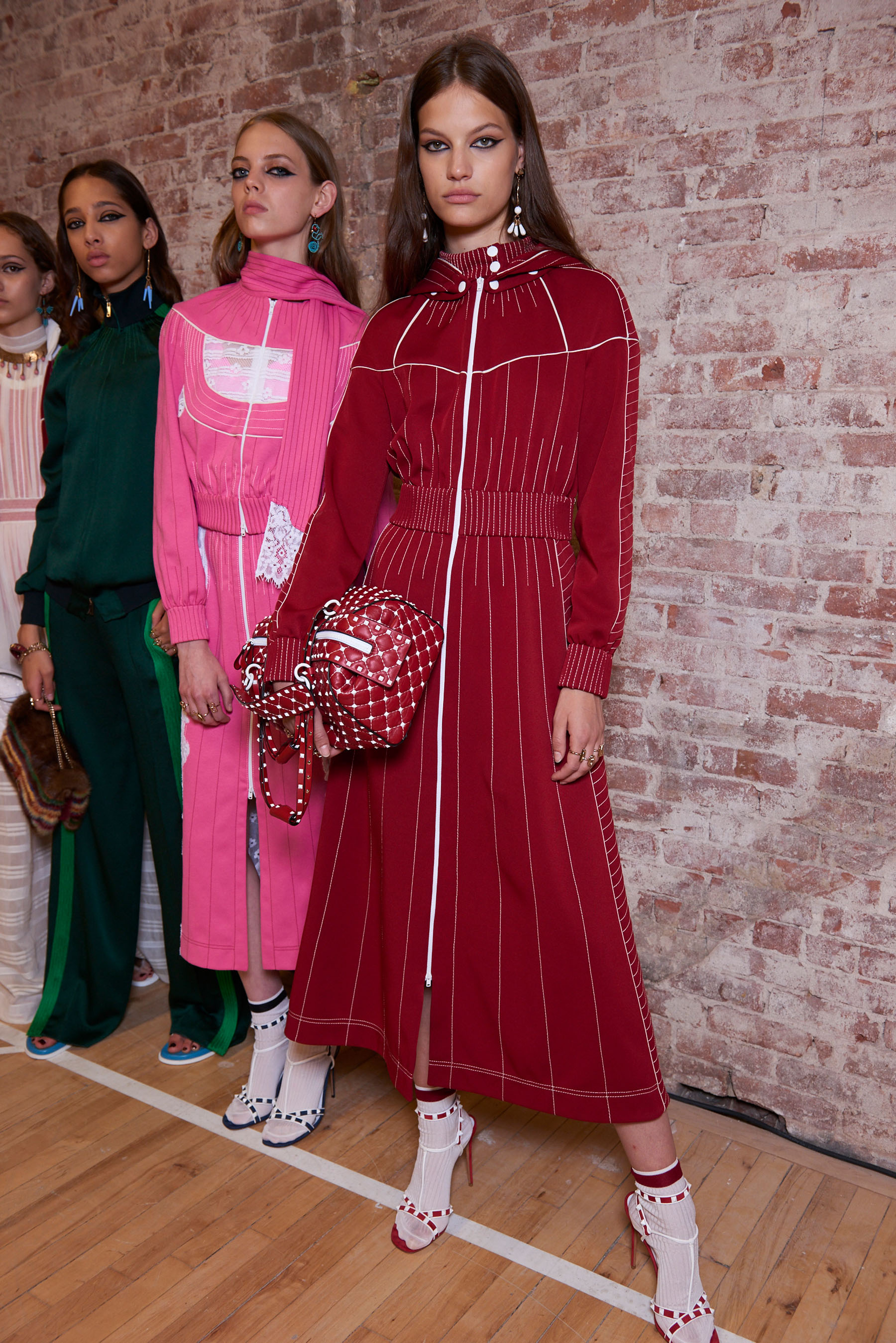
 Backstage Source Theimpression.com


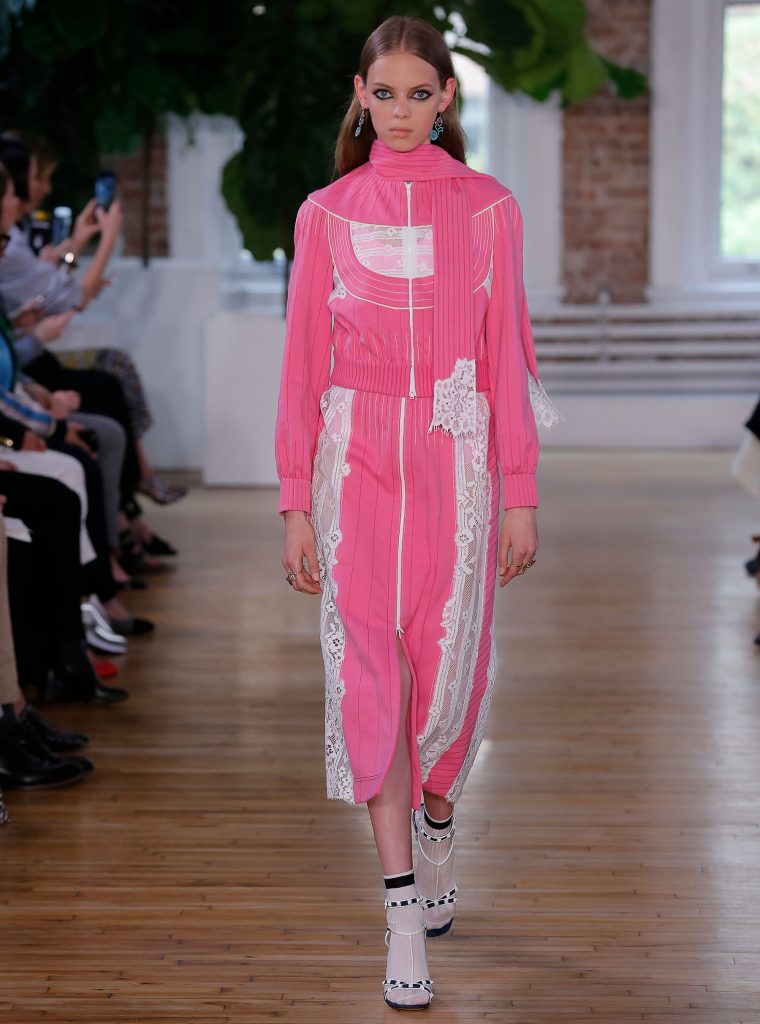
 Valentino Resort 18
 Kris Goyri
 There is a close event or something in Miami?
Pat Mcgrath on stories patmcgrathreal_15212881_230648087434219_5224790005771141120_n.mp4
There is a close event or something in Miami?
Pat Mcgrath on stories patmcgrathreal_15212881_230648087434219_5224790005771141120_n.mp4




























Account
Navigation
Search
Configure browser push notifications
Chrome (Android)
- Tap the lock icon next to the address bar.
- Tap Permissions → Notifications.
- Adjust your preference.
Chrome (Desktop)
- Click the padlock icon in the address bar.
- Select Site settings.
- Find Notifications and adjust your preference.
Safari (iOS 16.4+)
- Ensure the site is installed via Add to Home Screen.
- Open Settings App → Notifications.
- Find your app name and adjust your preference.
Safari (macOS)
- Go to Safari → Preferences.
- Click the Websites tab.
- Select Notifications in the sidebar.
- Find this website and adjust your preference.
Edge (Android)
- Tap the lock icon next to the address bar.
- Tap Permissions.
- Find Notifications and adjust your preference.
Edge (Desktop)
- Click the padlock icon in the address bar.
- Click Permissions for this site.
- Find Notifications and adjust your preference.
Firefox (Android)
- Go to Settings → Site permissions.
- Tap Notifications.
- Find this site in the list and adjust your preference.
Firefox (Desktop)
- Open Firefox Settings.
- Search for Notifications.
- Find this site in the list and adjust your preference.