

Candyliz
Members
-
Joined
-
Last visited
Everything posted by Candyliz
-
 Screencaps



















-
New video on her Youtube channel
Elibeidy on stories
 Seems like she's doing castings mariana_zaragoza_18517748_1047246018709717_5726080407963697152_n.mp4
 Stories mariana_zaragoza_18449179_1563923356983520_1317414156428640256_n.mp4
 More Mariana for The Feathered
 Mariana at Mercedes Benz Fashion Week in Mexico
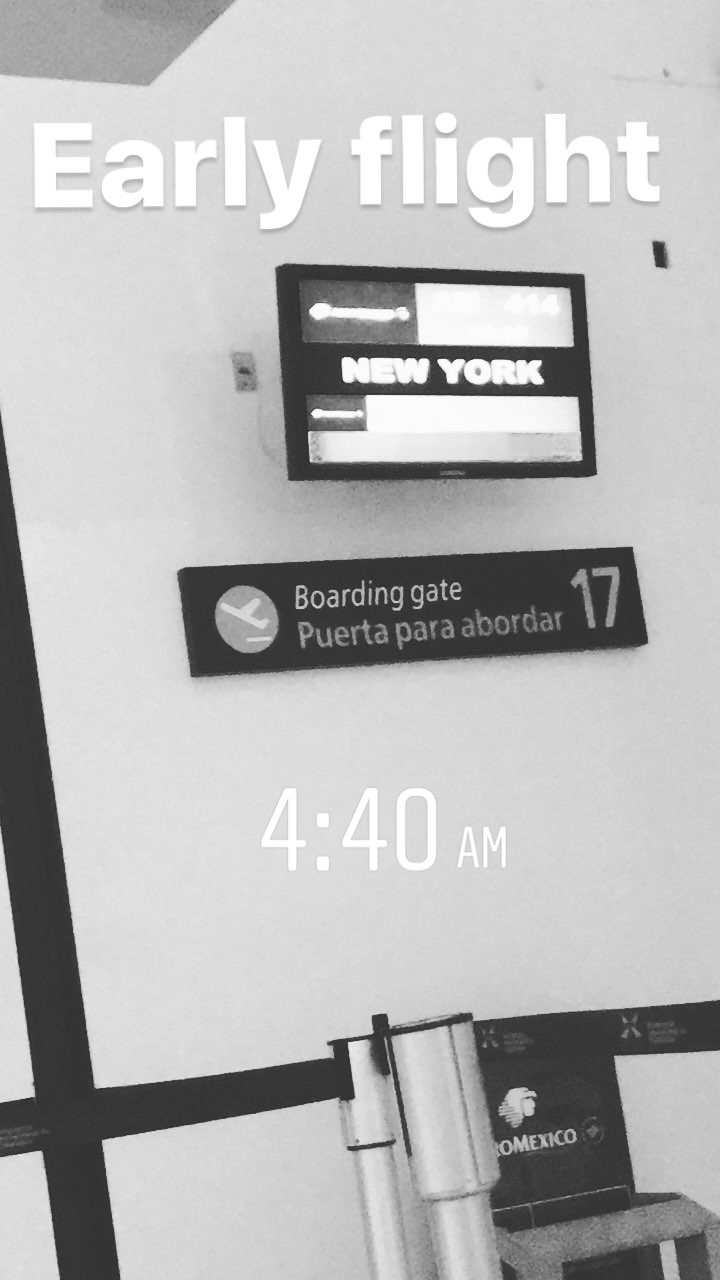
 Mariana is in NY
Full show
Stories behatiprinsloo_16751891_1932698213641018_5623752335395127296_n.mp4
Mariana is in NY
Full show
Stories behatiprinsloo_16751891_1932698213641018_5623752335395127296_n.mp4
 A$ap's snapchat lF-Ouwp71BglpT1q.mp4
Yaaaaay Queen Bee
A$ap's snapchat lF-Ouwp71BglpT1q.mp4
Yaaaaay Queen Bee Dusty is soooooo beautiful
New by Mario Testino
Dusty is soooooo beautiful
New by Mario Testino Love the sketch Instagram post by Jane Kennedy_BT.mp4
Yes it's like chinese version of Twitter
Love the sketch Instagram post by Jane Kennedy_BT.mp4
Yes it's like chinese version of Twitter




































Account
Navigation
Search
Configure browser push notifications
Chrome (Android)
- Tap the lock icon next to the address bar.
- Tap Permissions → Notifications.
- Adjust your preference.
Chrome (Desktop)
- Click the padlock icon in the address bar.
- Select Site settings.
- Find Notifications and adjust your preference.
Safari (iOS 16.4+)
- Ensure the site is installed via Add to Home Screen.
- Open Settings App → Notifications.
- Find your app name and adjust your preference.
Safari (macOS)
- Go to Safari → Preferences.
- Click the Websites tab.
- Select Notifications in the sidebar.
- Find this website and adjust your preference.
Edge (Android)
- Tap the lock icon next to the address bar.
- Tap Permissions.
- Find Notifications and adjust your preference.
Edge (Desktop)
- Click the padlock icon in the address bar.
- Click Permissions for this site.
- Find Notifications and adjust your preference.
Firefox (Android)
- Go to Settings → Site permissions.
- Tap Notifications.
- Find this site in the list and adjust your preference.
Firefox (Desktop)
- Open Firefox Settings.
- Search for Notifications.
- Find this site in the list and adjust your preference.