

DolceGabbanaLove5
Members
-
Joined
-
Last visited
-
Blanca appears at 3:46, 9:04, and 11:18
-
Blanca appears at 4:44 and 8:21
-
Always so wonderful! Thank you, everyone.
-
Blanca appears at 1:12 and 5:01Blanca appears at 0:48, 6:57, and 8:15Very disappointed with VS. They've made some very questionable casting choices this year while booting fan favorites such as Blanca and show regulars like Daniela. It's ridiculous.Yeeeeesssss!!!!! About damn time!https://www.instagram.com/p/Bmvf_MQlIdO/?utm_source=ig_share_sheet&igshid=1h3lefwouj1vo
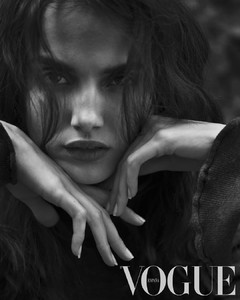 DolceGabbanaLove5 changed their profile photoHigher quality
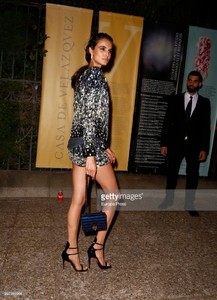
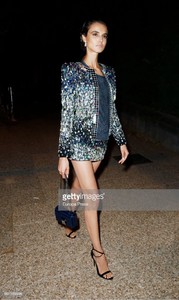
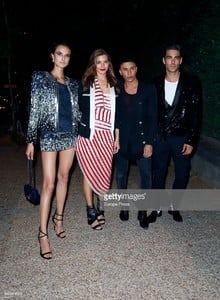
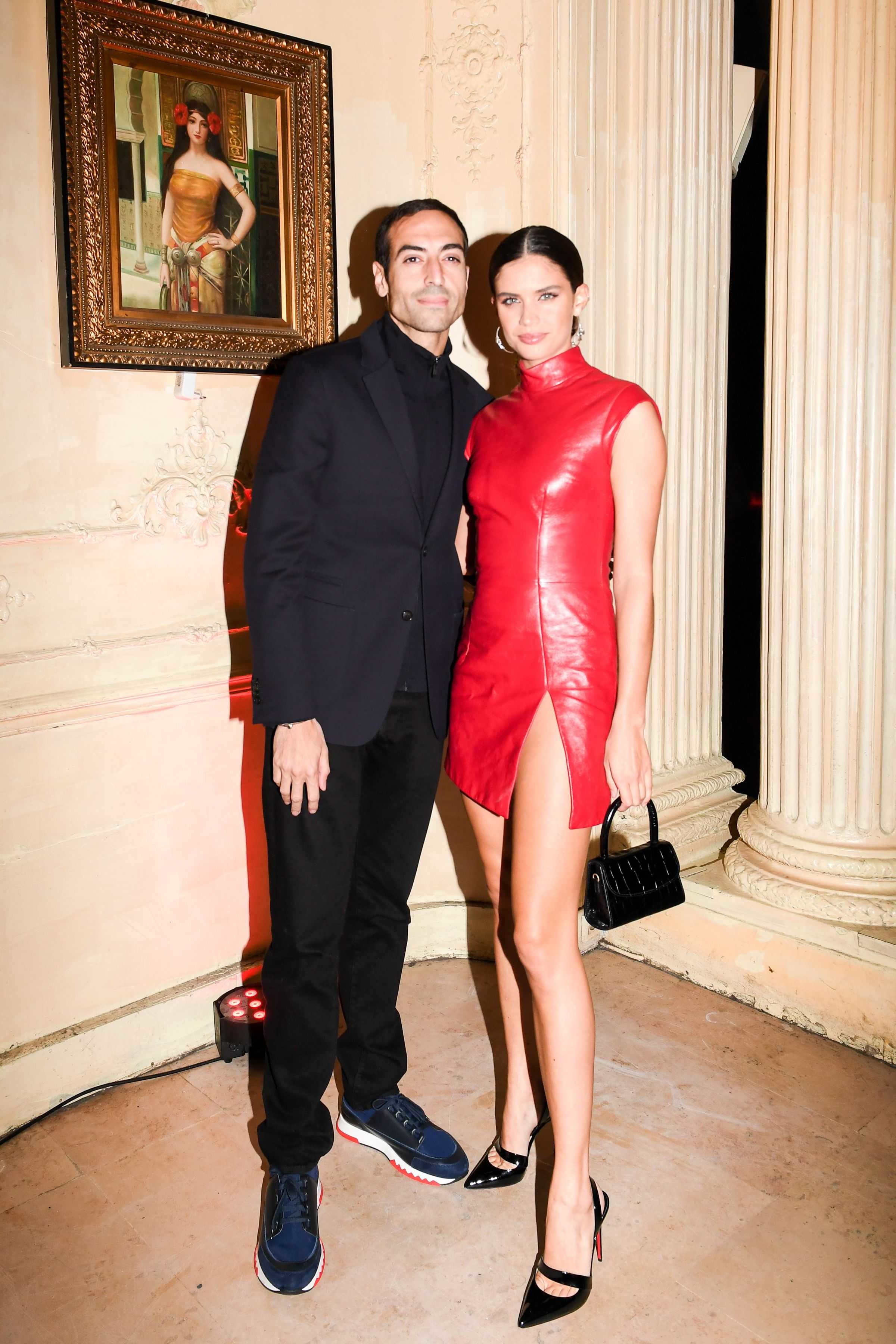
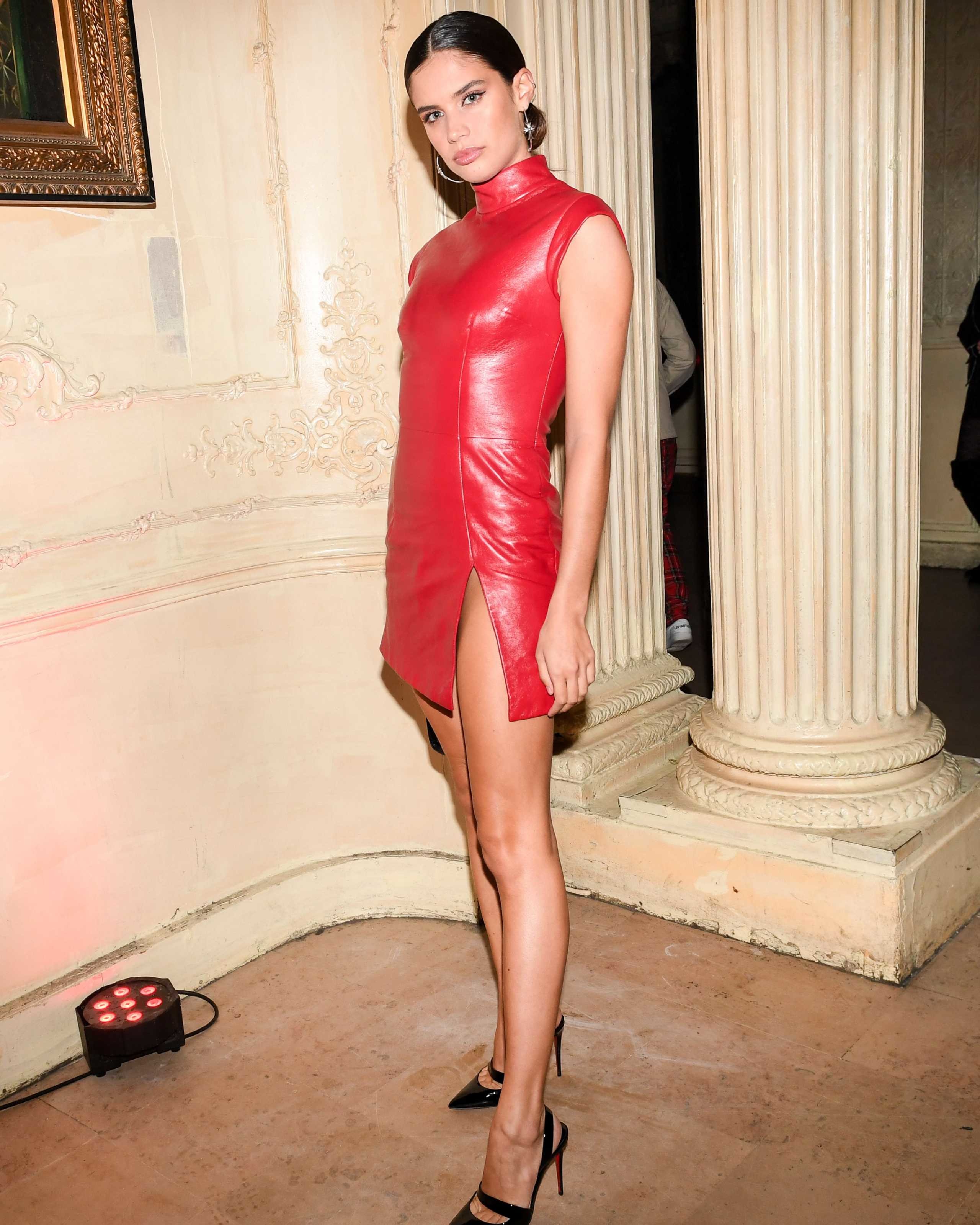
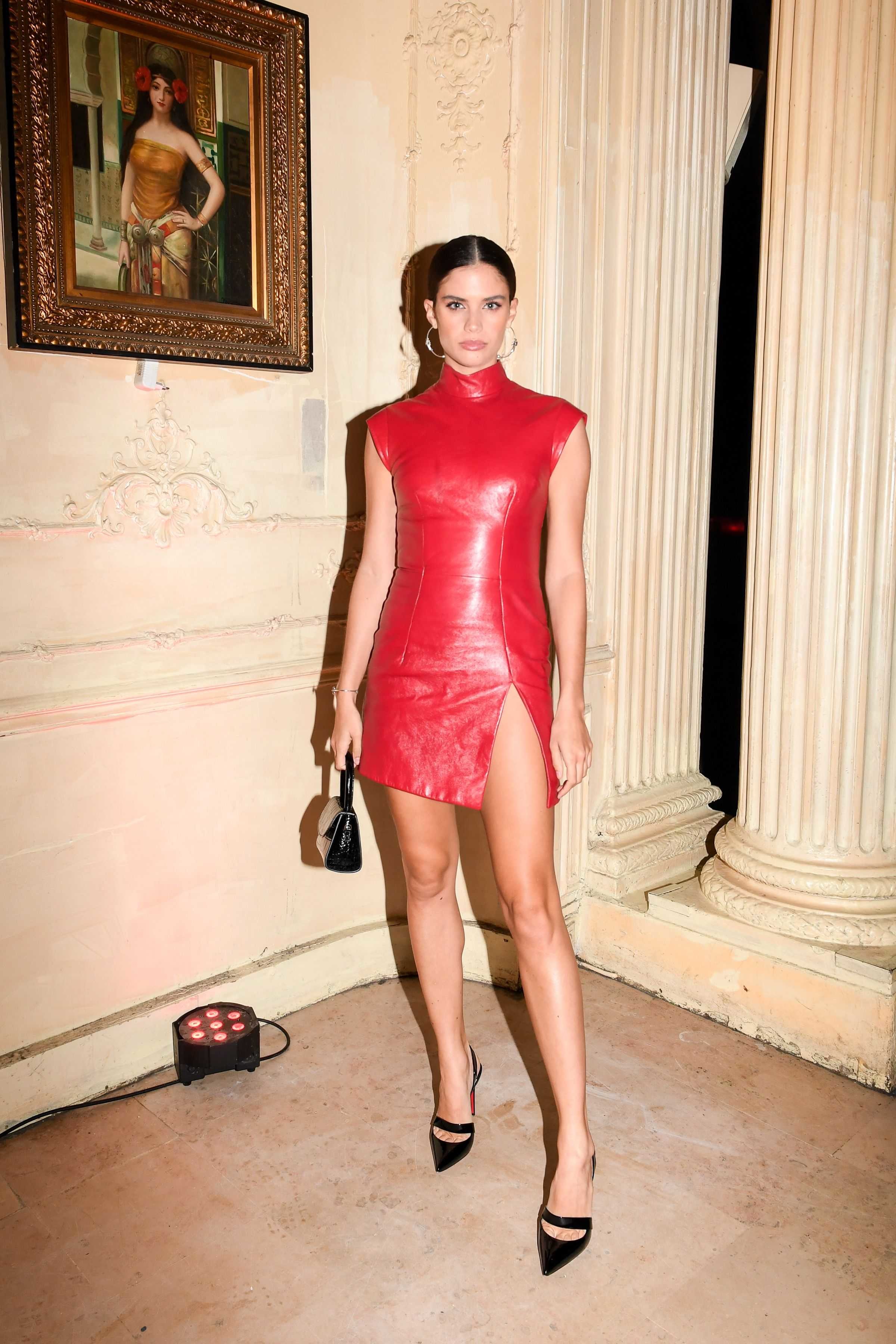
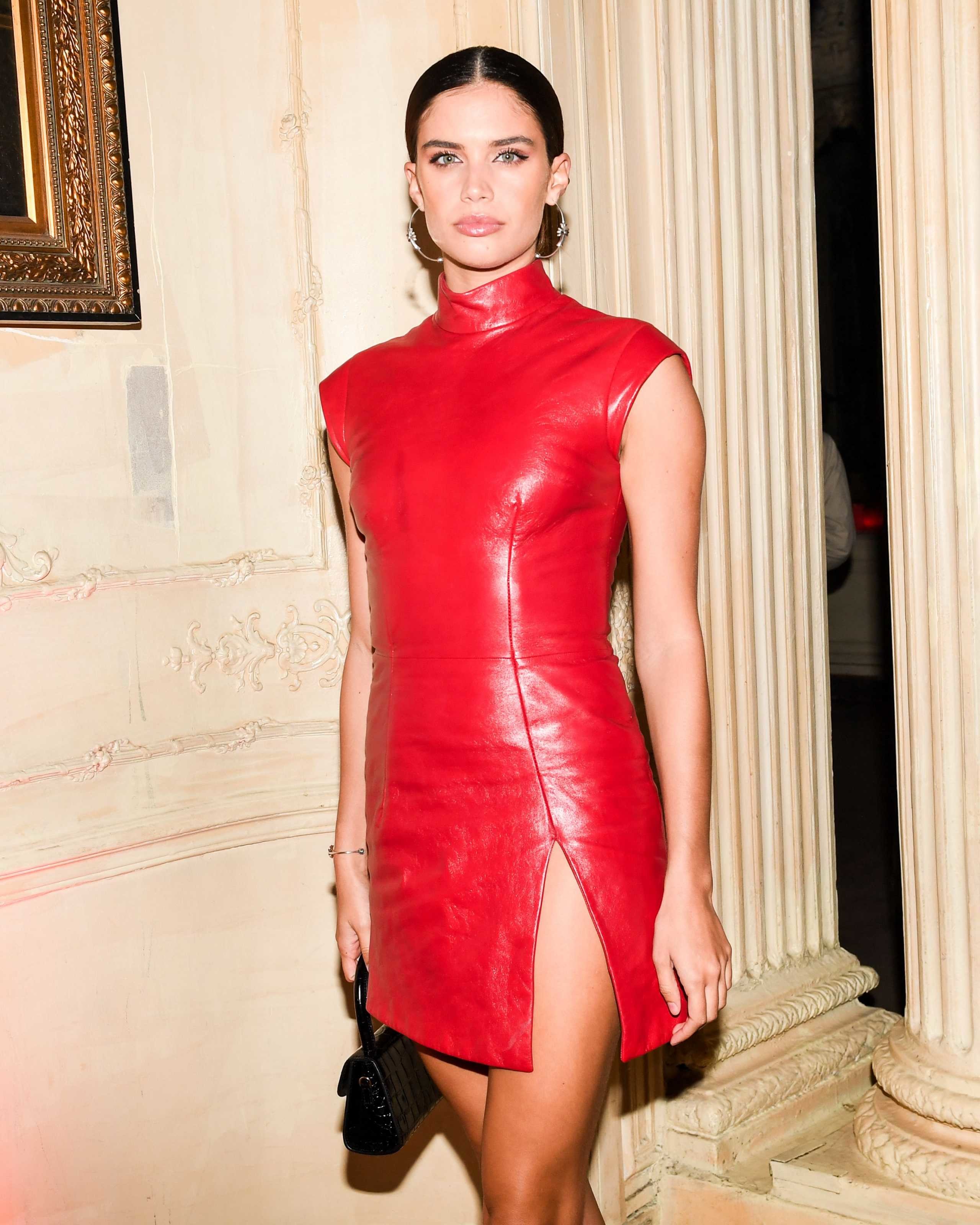
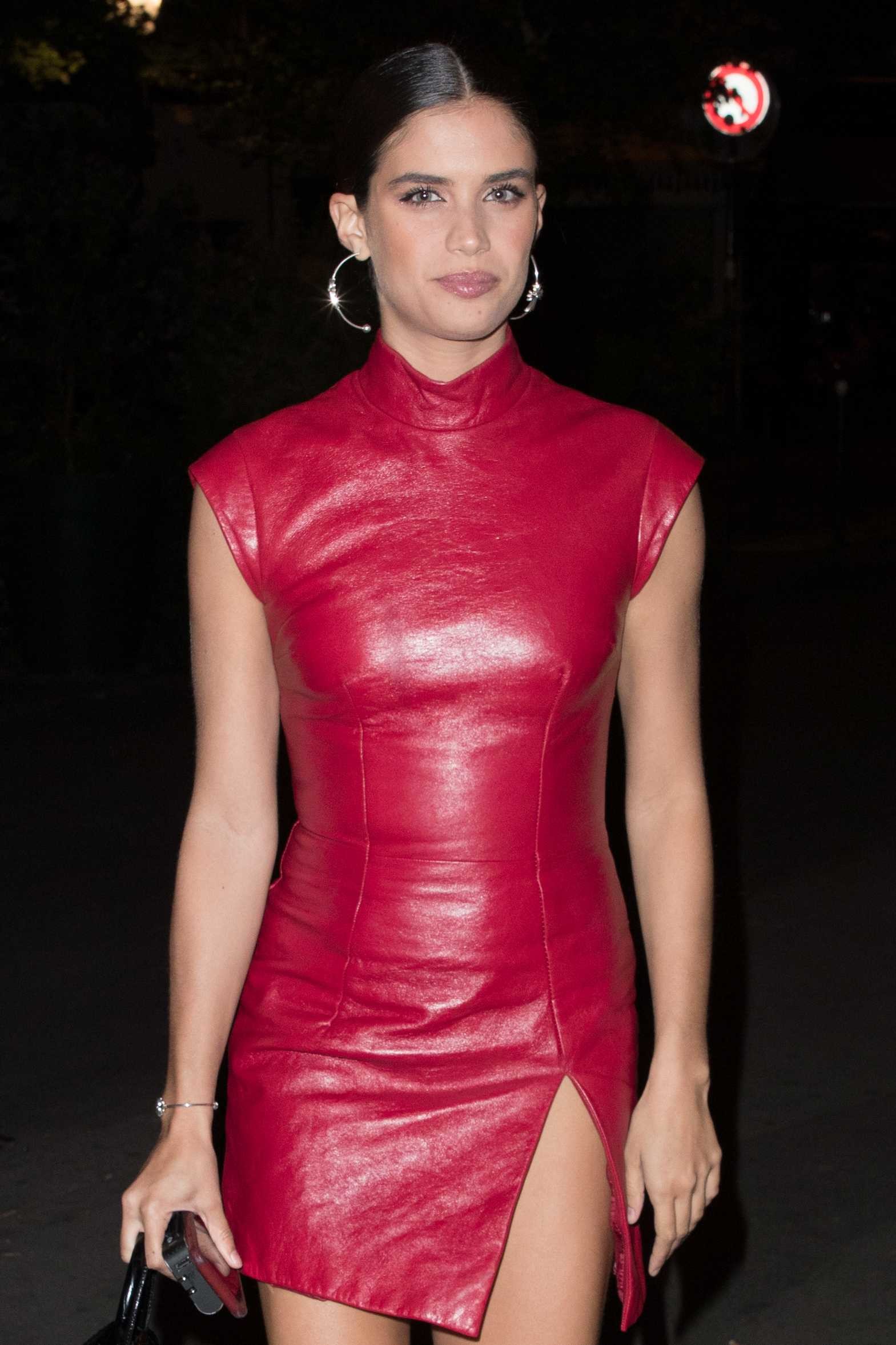
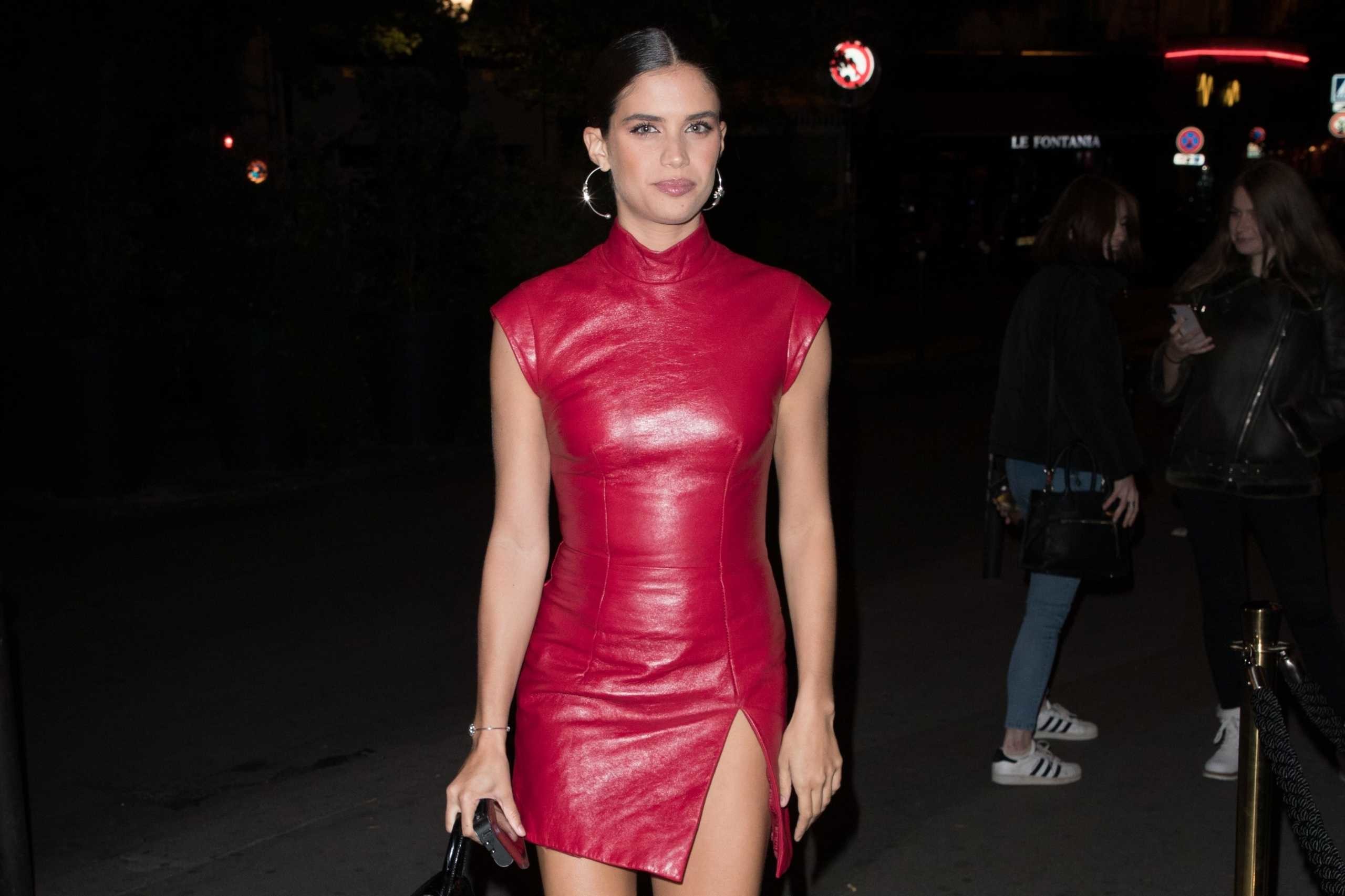
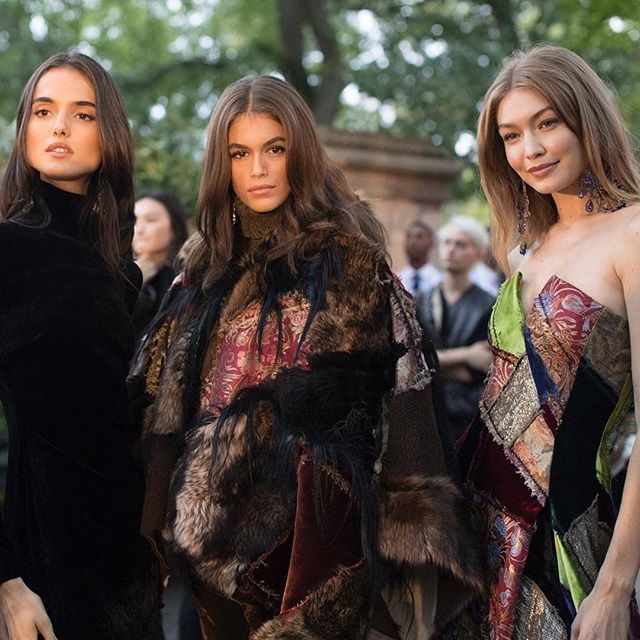
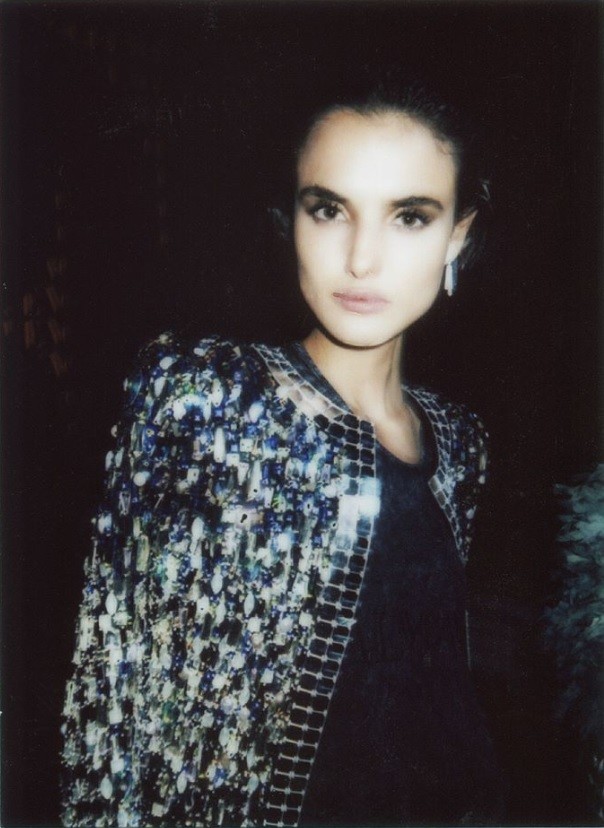
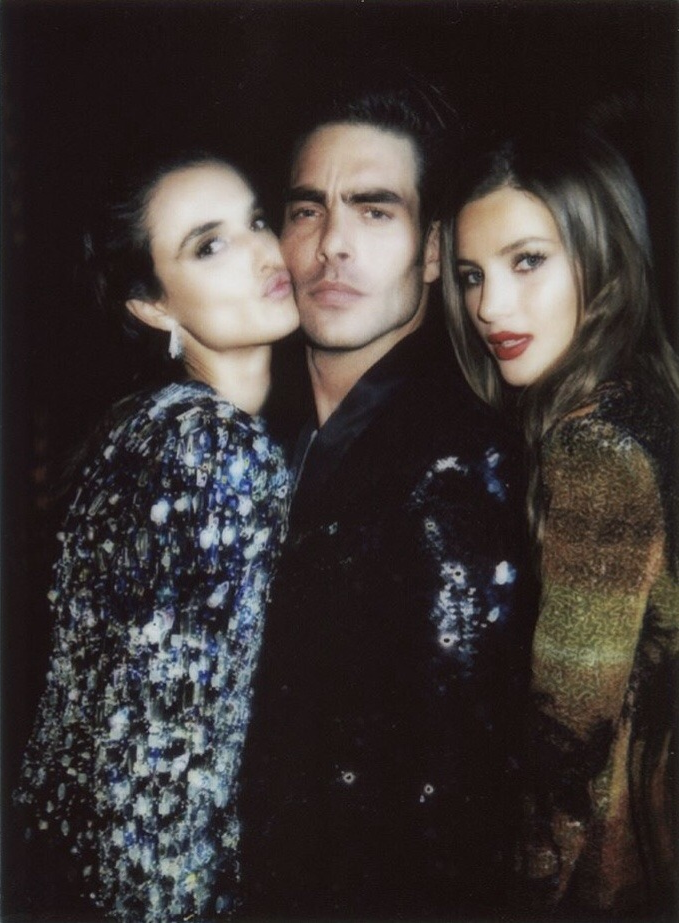
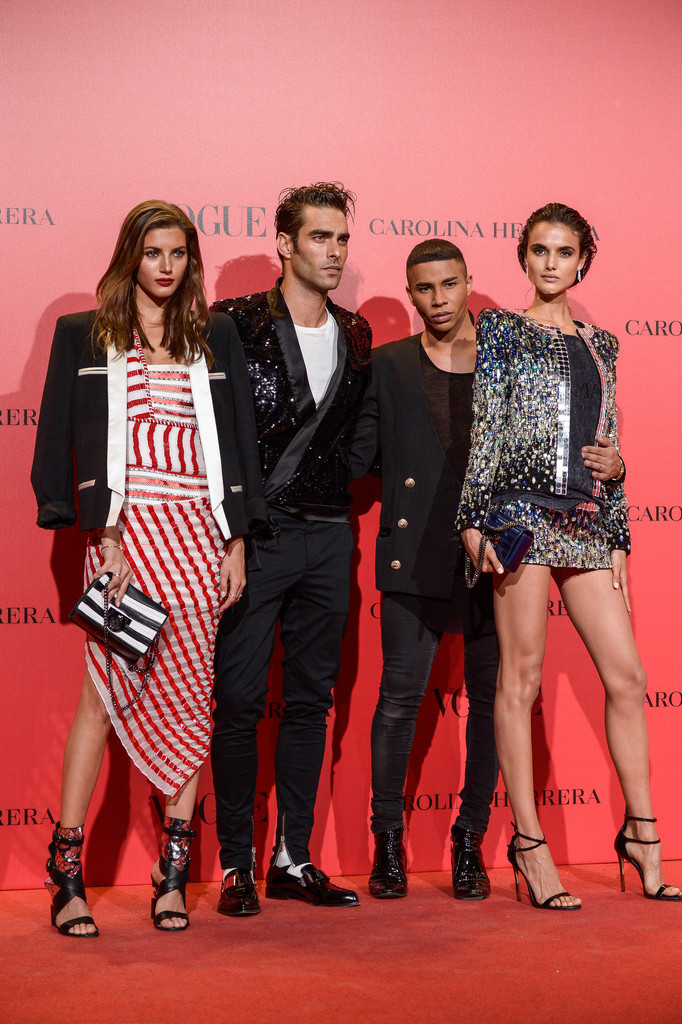
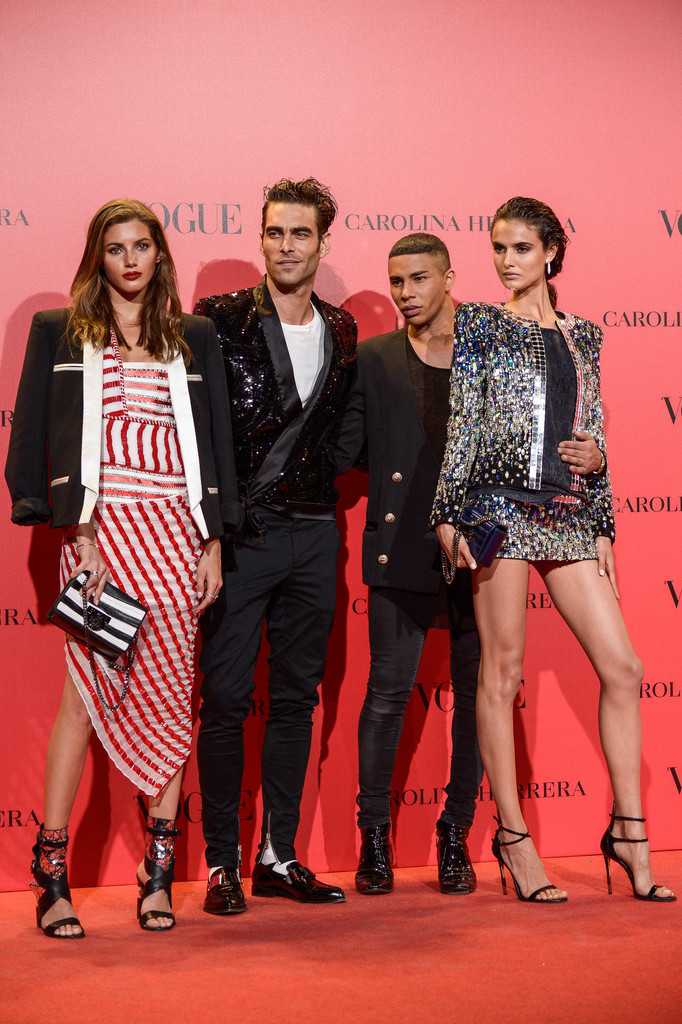
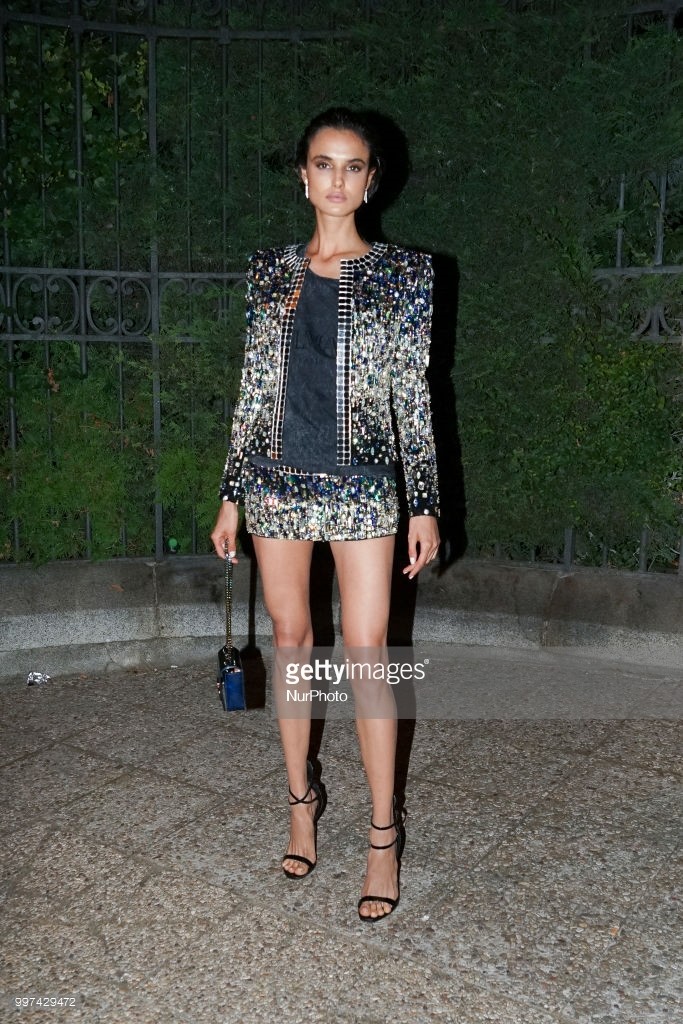
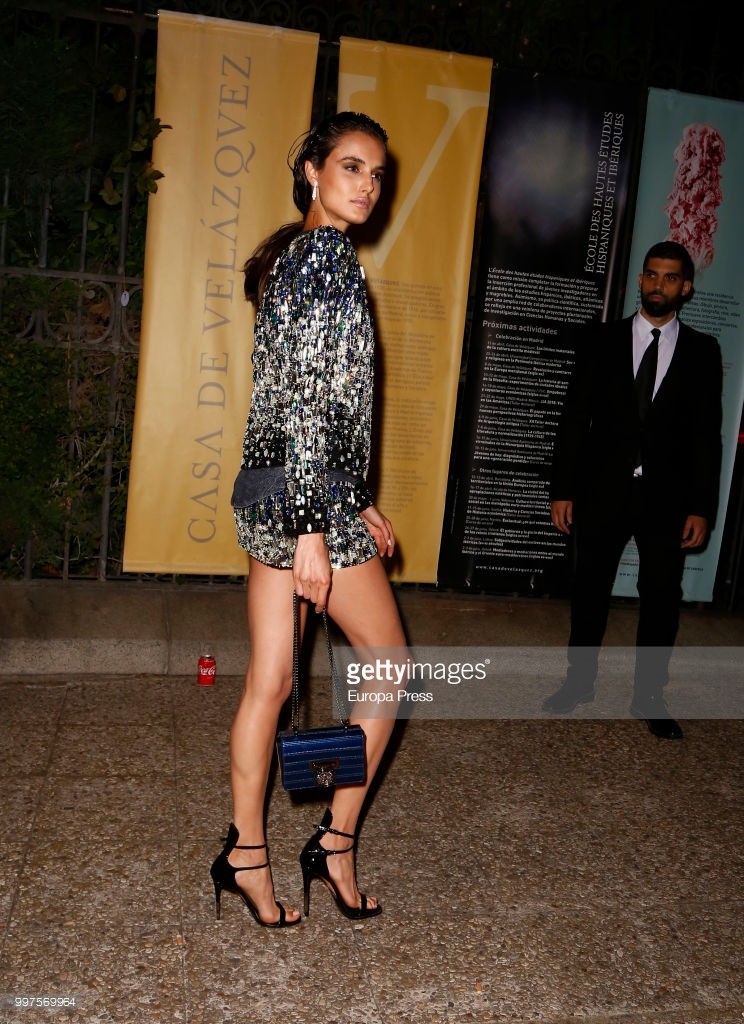
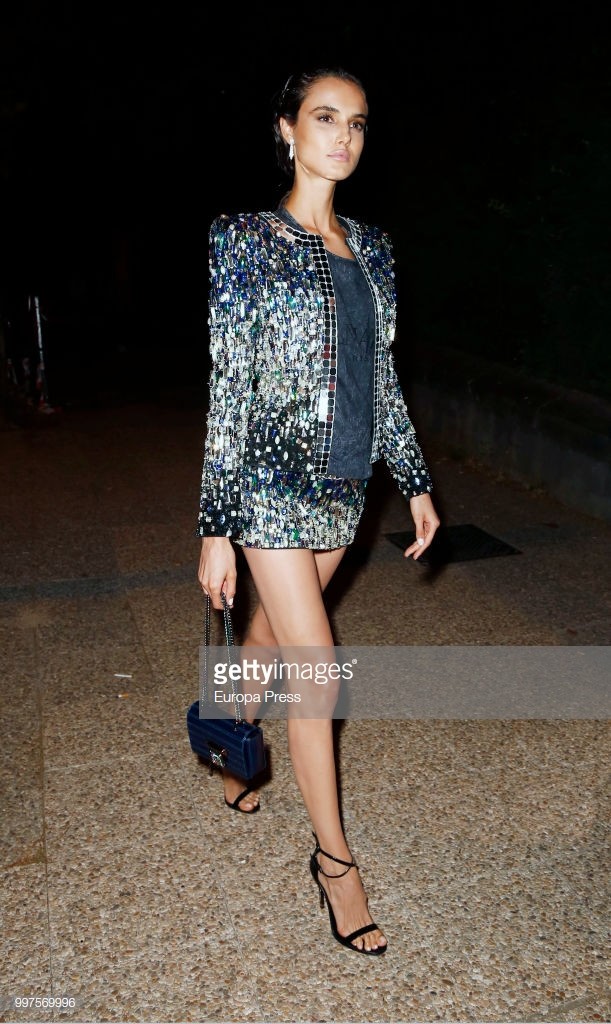
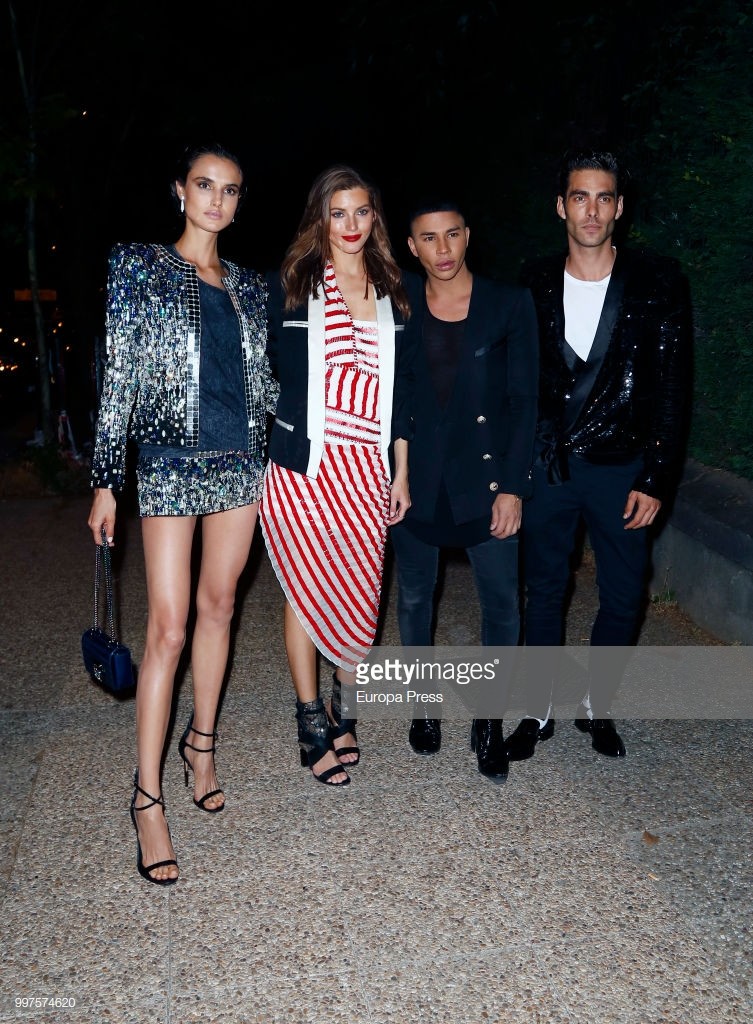
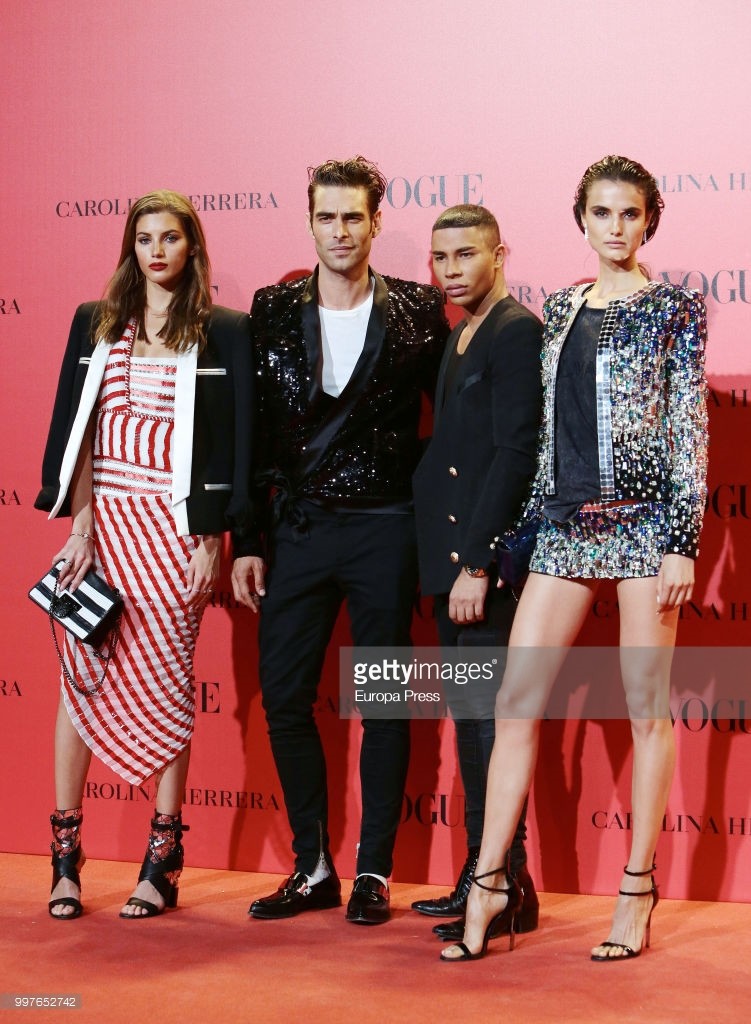
 Blanca Padilla, Valery Kaufman, Jon Kortajarena, and Olivier Rousteing attend the Vogue 30th Anniversary Party at Casa Velazquez on July 12, 2018 in Madrid, Spain.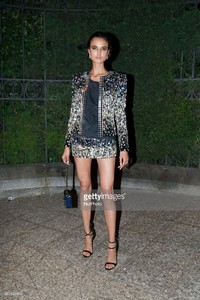





Account
Navigation
Search
Configure browser push notifications
Chrome (Android)
- Tap the lock icon next to the address bar.
- Tap Permissions → Notifications.
- Adjust your preference.
Chrome (Desktop)
- Click the padlock icon in the address bar.
- Select Site settings.
- Find Notifications and adjust your preference.
Safari (iOS 16.4+)
- Ensure the site is installed via Add to Home Screen.
- Open Settings App → Notifications.
- Find your app name and adjust your preference.
Safari (macOS)
- Go to Safari → Preferences.
- Click the Websites tab.
- Select Notifications in the sidebar.
- Find this website and adjust your preference.
Edge (Android)
- Tap the lock icon next to the address bar.
- Tap Permissions.
- Find Notifications and adjust your preference.
Edge (Desktop)
- Click the padlock icon in the address bar.
- Click Permissions for this site.
- Find Notifications and adjust your preference.
Firefox (Android)
- Go to Settings → Site permissions.
- Tap Notifications.
- Find this site in the list and adjust your preference.
Firefox (Desktop)
- Open Firefox Settings.
- Search for Notifications.
- Find this site in the list and adjust your preference.