

PrettyDeadThings
Admin
-
Joined
-
Last visited
Everything posted by PrettyDeadThings
-
 SI has been a shit-show for years... I love your optimism tho
Are you talking about Cannibal Holocaust?
I got you fam. You are loved
Found a better model
Biggest group of cry babies I've ever had the displeasure of knowing. Holy fucking shit BabyRage is real.
That makes it even funnier I had no idea she talked shit...
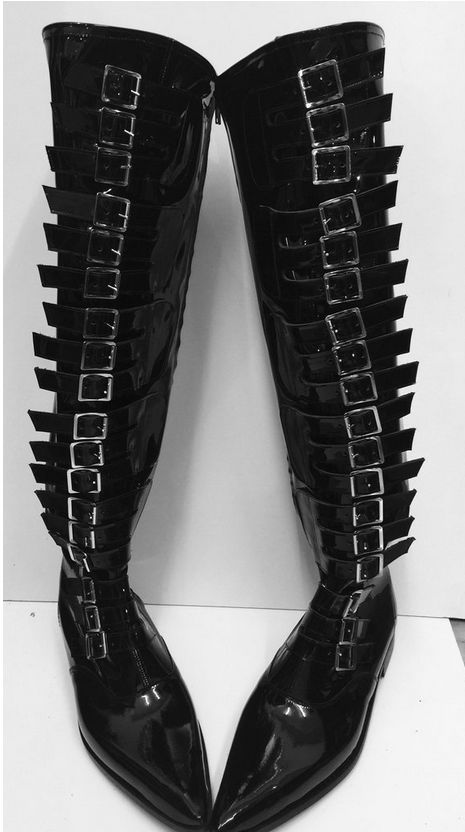
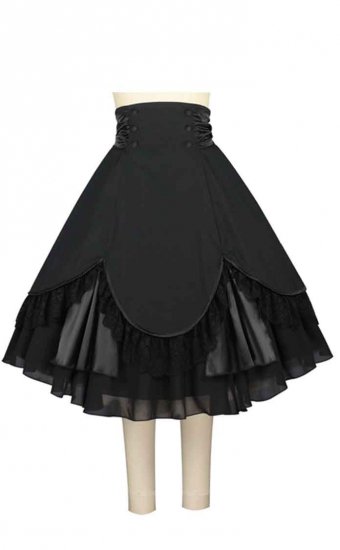
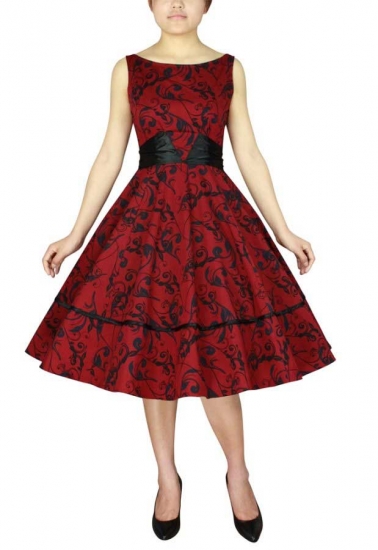
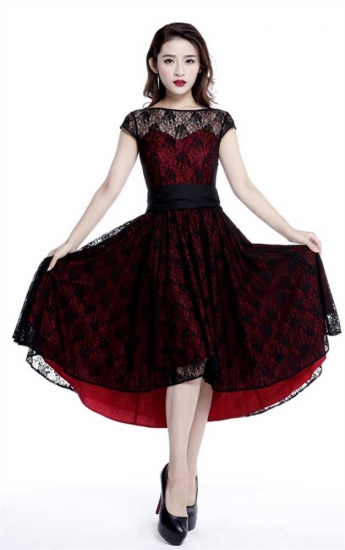
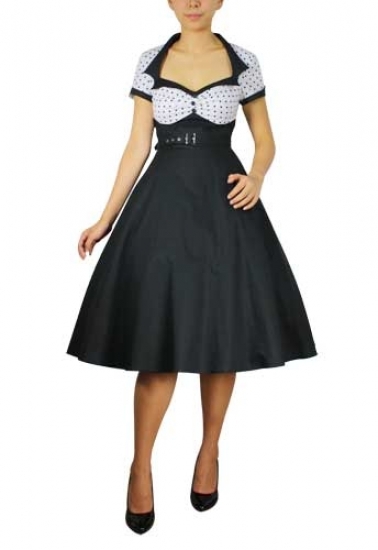
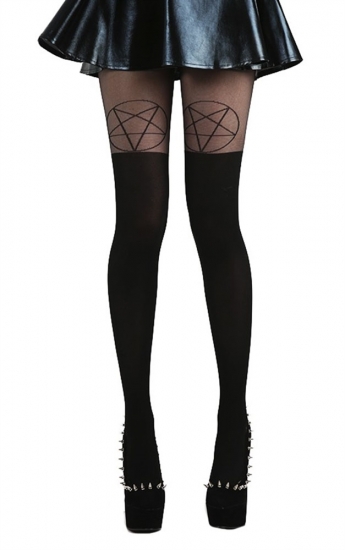
I bought some new clothing & shoes (50's retro and goth)
SI has been a shit-show for years... I love your optimism tho
Are you talking about Cannibal Holocaust?
I got you fam. You are loved
Found a better model
Biggest group of cry babies I've ever had the displeasure of knowing. Holy fucking shit BabyRage is real.
That makes it even funnier I had no idea she talked shit...
I bought some new clothing & shoes (50's retro and goth)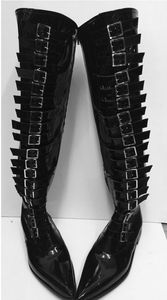
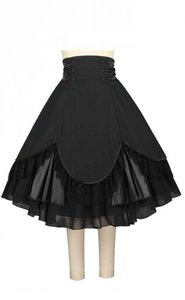

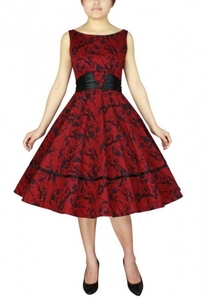

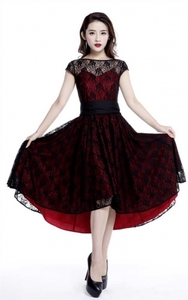
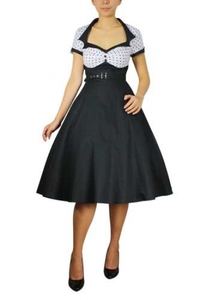
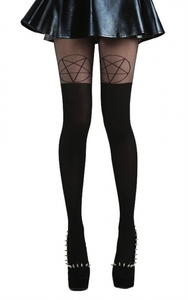
 Josie Maran Cosmetics
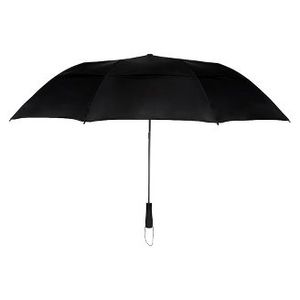
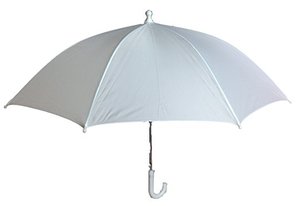
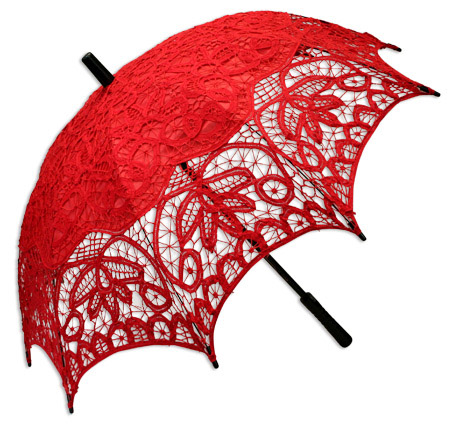
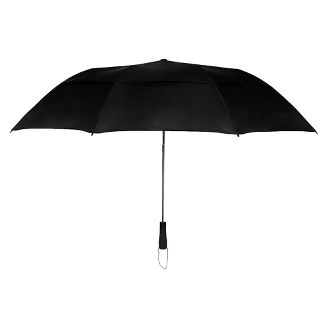
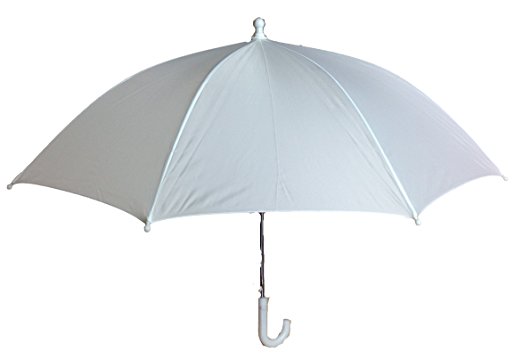
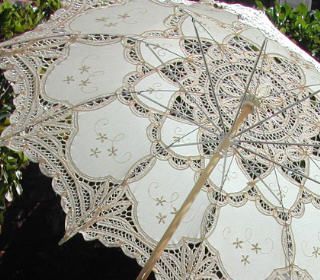
O.o that doesn't look like it's going to keep the rain off you. Maybe it's a North America thing but this is an umbrella keeps the water off you, while the parasol helps to keep the sun off you.. I have another 30 parasols and don't leave home without one. Parasol ..... Umbrella ..... Umbrella..... Parasol
Josie Maran Cosmetics
O.o that doesn't look like it's going to keep the rain off you. Maybe it's a North America thing but this is an umbrella keeps the water off you, while the parasol helps to keep the sun off you.. I have another 30 parasols and don't leave home without one. Parasol ..... Umbrella ..... Umbrella..... Parasol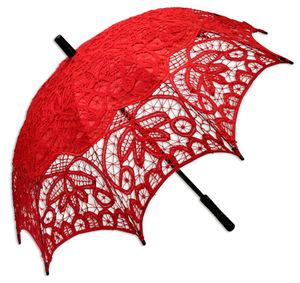
 I bought my mom a new swimsuit
Glen always and forever
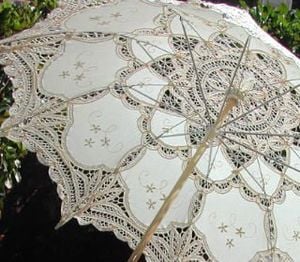
That's a parasol
Victoria's Secret Angels getting skinnier as other lingerie brands push 'normal' figures?
+adds and bigger
Can never have enough Halloween in your house
REKT
I bought my mom a new swimsuit
Glen always and forever
That's a parasol
Victoria's Secret Angels getting skinnier as other lingerie brands push 'normal' figures?
+adds and bigger
Can never have enough Halloween in your house
REKT



Account
Navigation
Search
Configure browser push notifications
Chrome (Android)
- Tap the lock icon next to the address bar.
- Tap Permissions → Notifications.
- Adjust your preference.
Chrome (Desktop)
- Click the padlock icon in the address bar.
- Select Site settings.
- Find Notifications and adjust your preference.
Safari (iOS 16.4+)
- Ensure the site is installed via Add to Home Screen.
- Open Settings App → Notifications.
- Find your app name and adjust your preference.
Safari (macOS)
- Go to Safari → Preferences.
- Click the Websites tab.
- Select Notifications in the sidebar.
- Find this website and adjust your preference.
Edge (Android)
- Tap the lock icon next to the address bar.
- Tap Permissions.
- Find Notifications and adjust your preference.
Edge (Desktop)
- Click the padlock icon in the address bar.
- Click Permissions for this site.
- Find Notifications and adjust your preference.
Firefox (Android)
- Go to Settings → Site permissions.
- Tap Notifications.
- Find this site in the list and adjust your preference.
Firefox (Desktop)
- Open Firefox Settings.
- Search for Notifications.
- Find this site in the list and adjust your preference.