Everything posted by PrettyDeadThings
-
 Didn't know about Gizele's outfit problem
- 16,907 replies
-
- adriana lima
- alessandra ambrosio
- behati prinsloo
- candice swanepoel
-
Tagged with:
- adriana lima
- alessandra ambrosio
- behati prinsloo
- candice swanepoel
- elsa hosk
- fantasy bra
- jasmine tookes
- josephine skriver
- lais ribeiro
- lily aldridge
- martha hunt
- model
- models
- romee strijd
- sara sampaio
- stella maxwell
- taylor hill
- victorias secret
- victorias secret angels
- victorias secret fashion show 2017
- vs
- vs angel
- vs angels
- vsfs
- vsfs 2017
-
ROUND #7 Flavia de Oliveira ROUND #8 Julie Orden ROUND #9 Clara Alonso ROUND #10 Leomie Anderson ROUND #11 Claudia Schiffer
O.o Police raid Italian fashion giant Gucci’s offices over suspected $1.5BILLION tax avoidance
Round #4 Ana Beatriz Barros. Round #5 Morgane Dubled Round #6 Nadine Lepold
Blanca Padilla Wings: 6 Overall Look: 5 Dilone Overall Look: 2
Don't think I've seen these before.


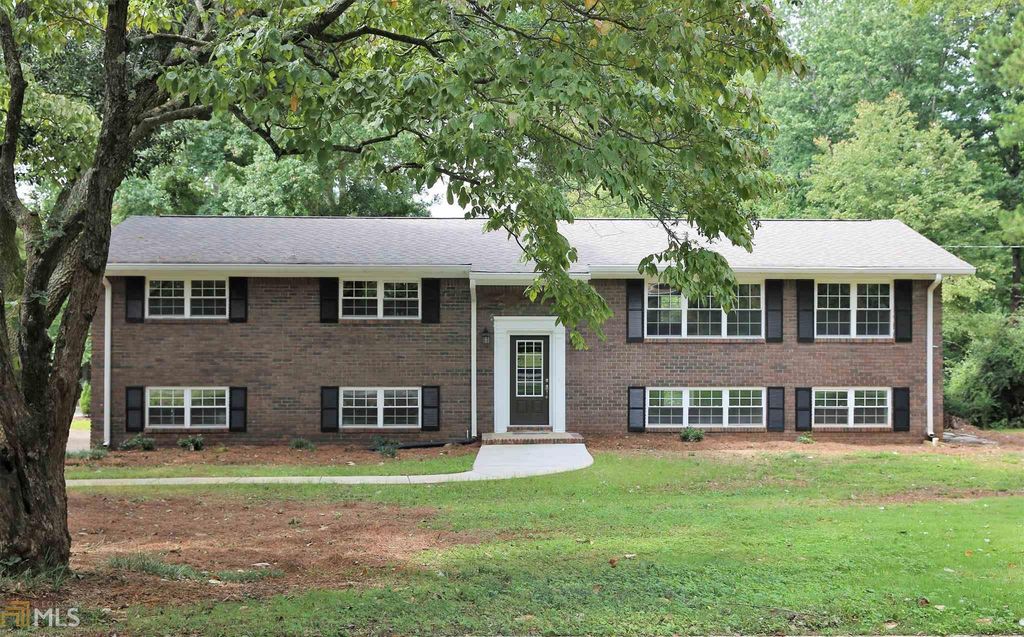
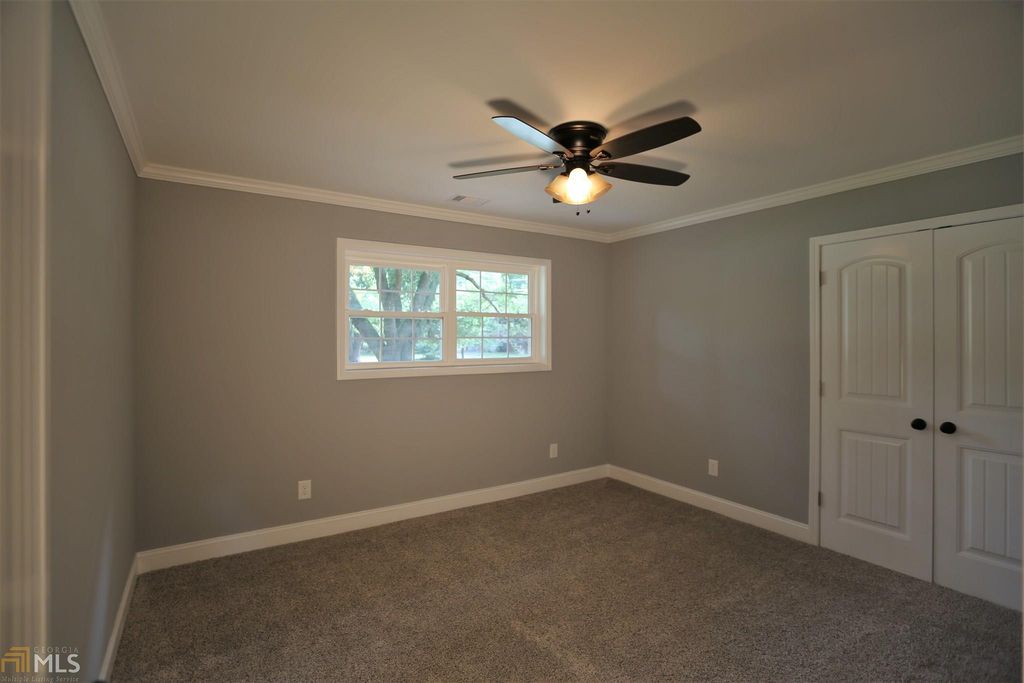
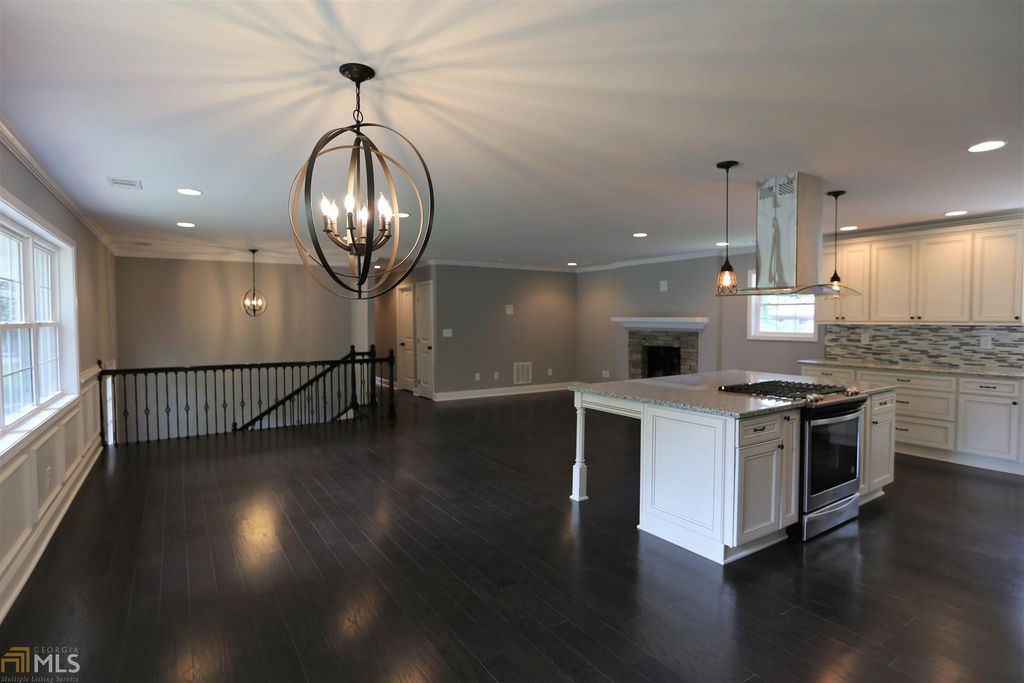
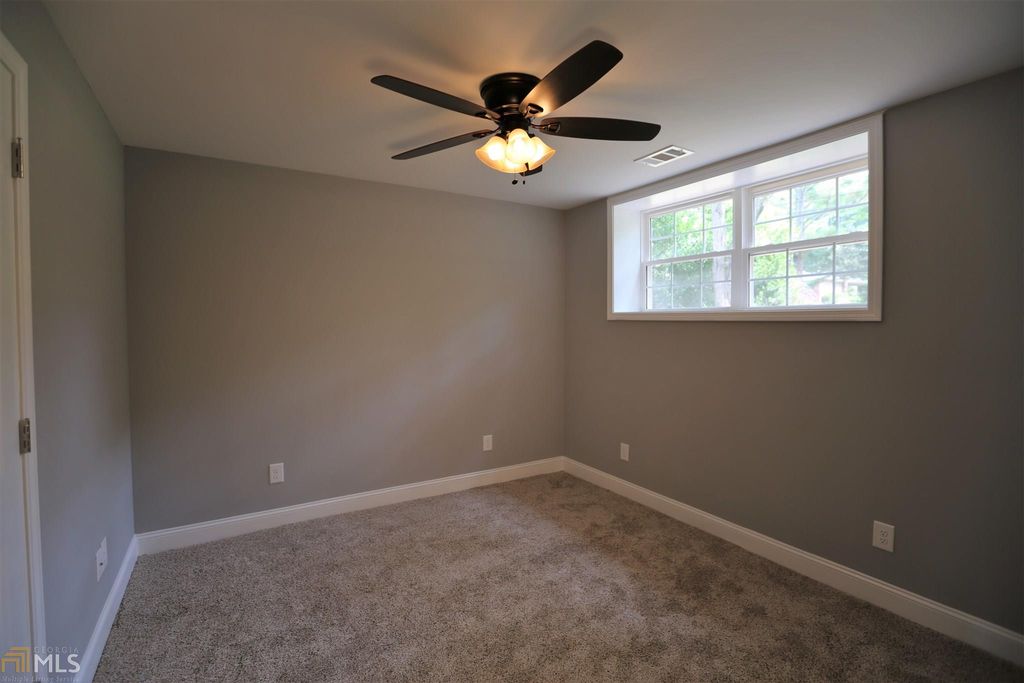
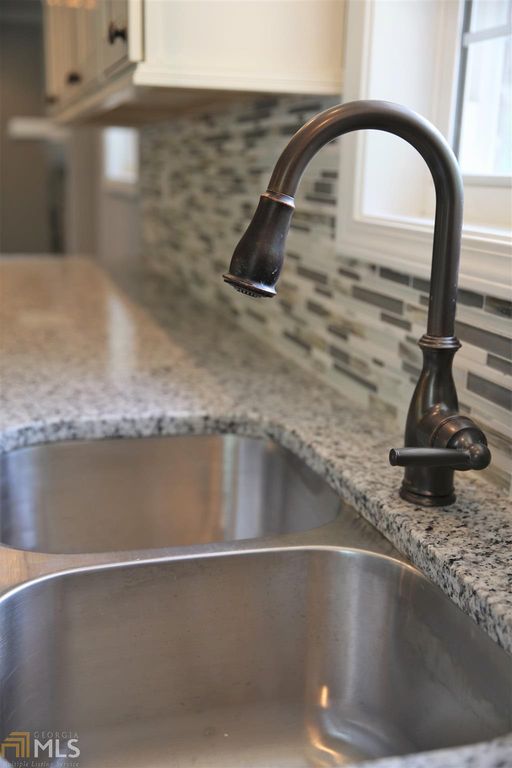
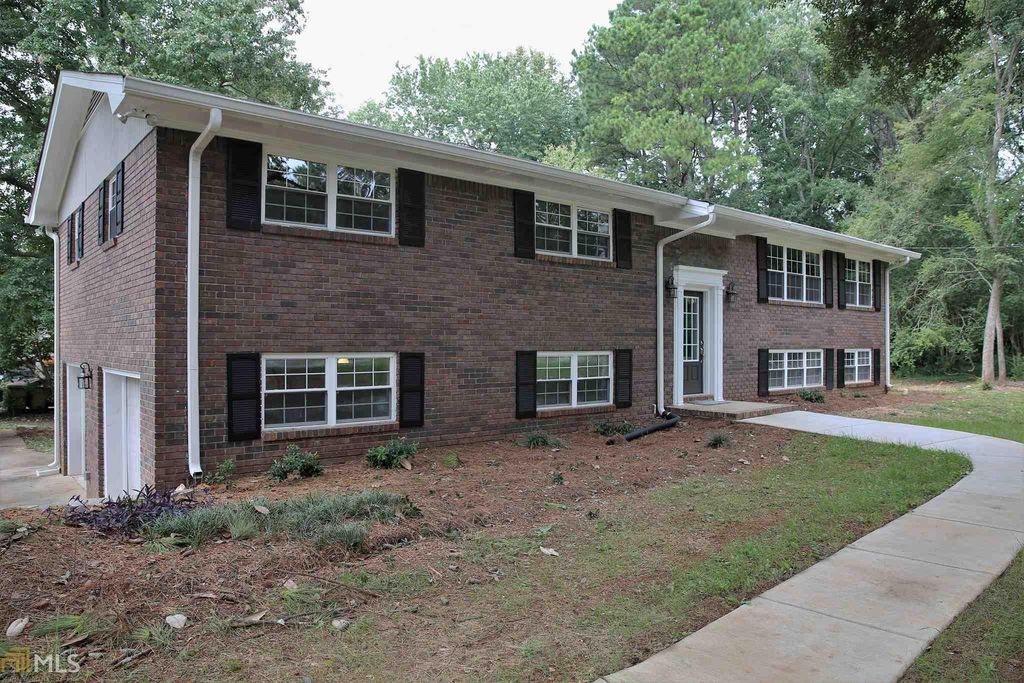
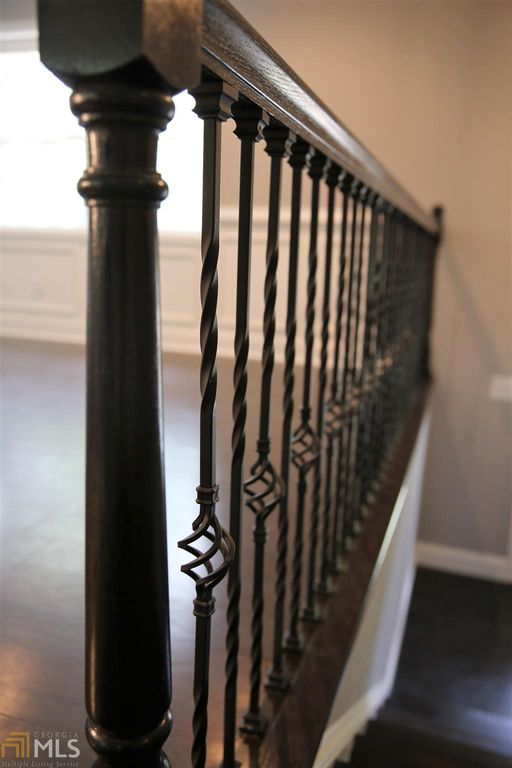
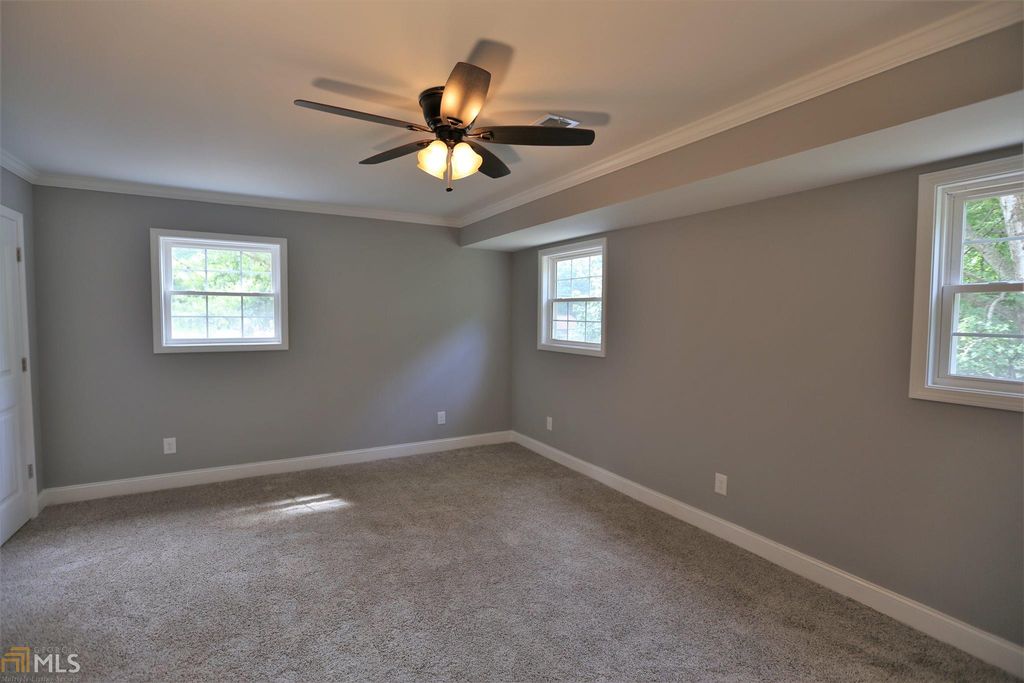
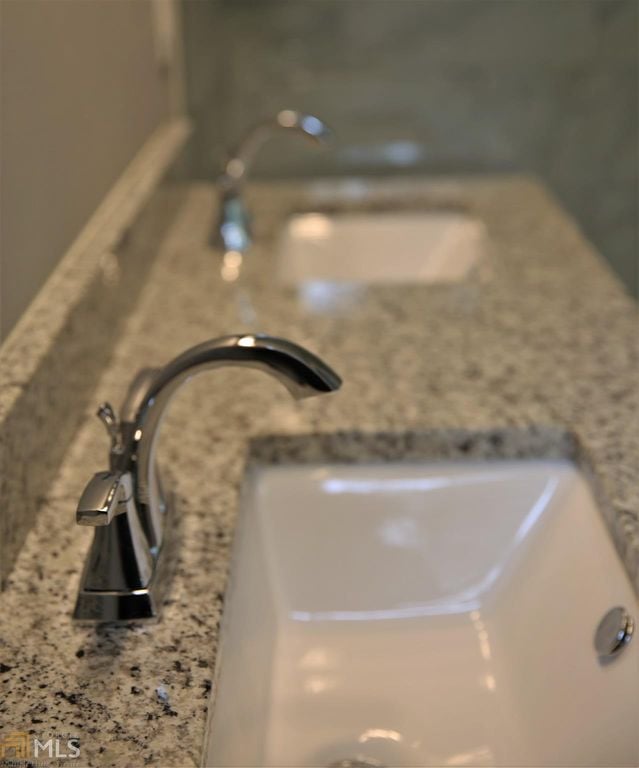
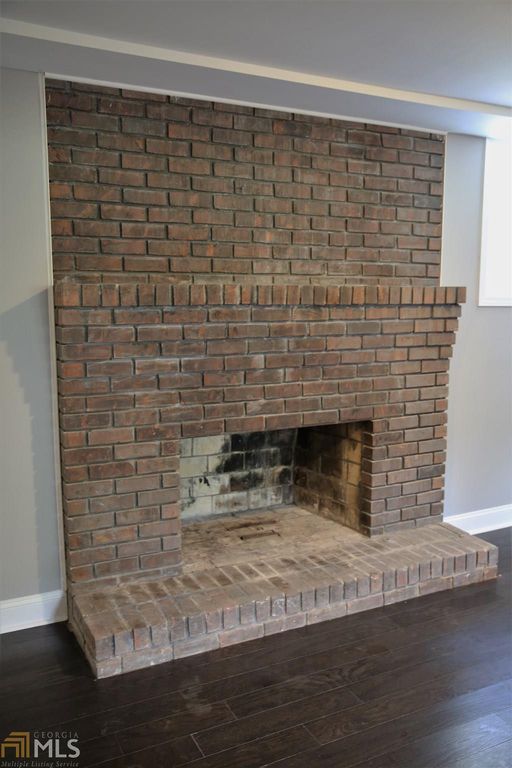
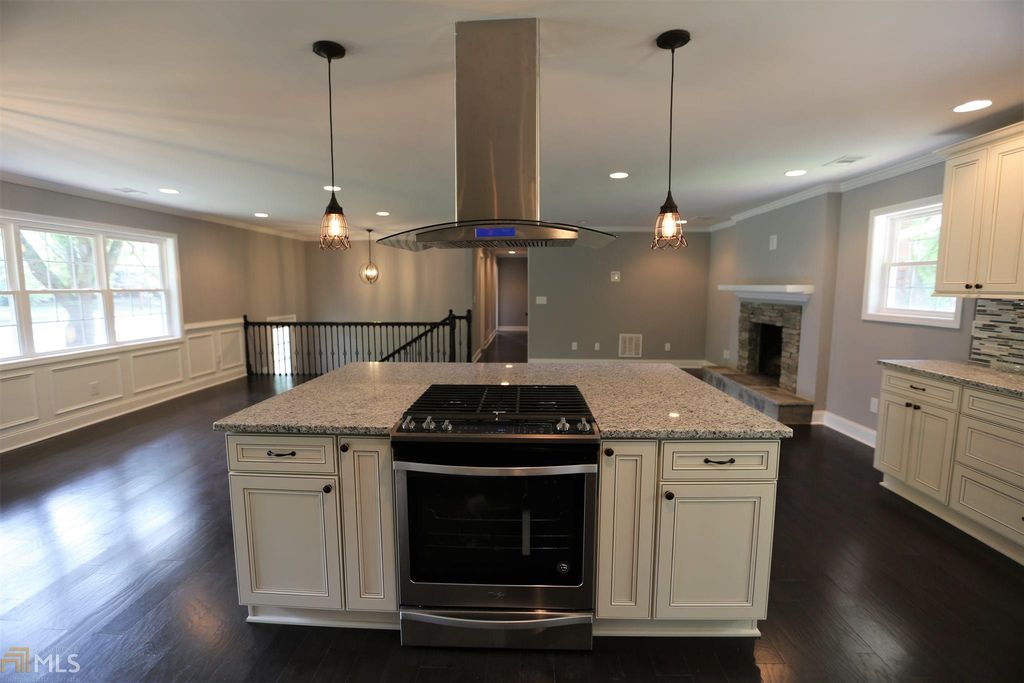
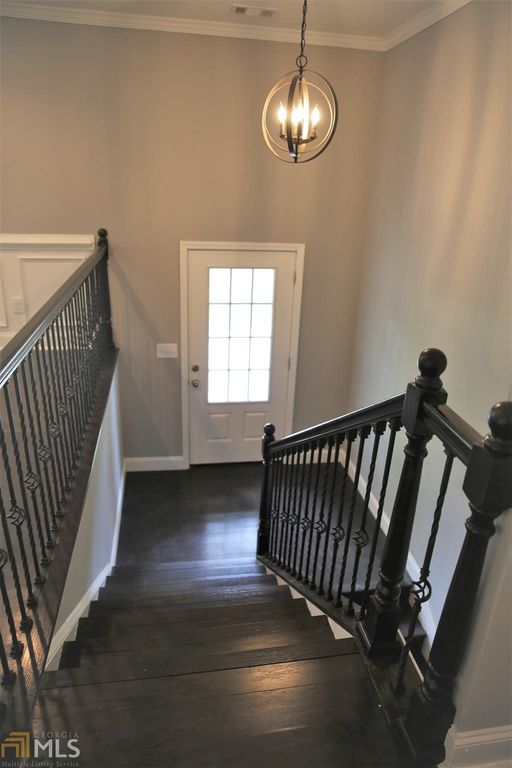
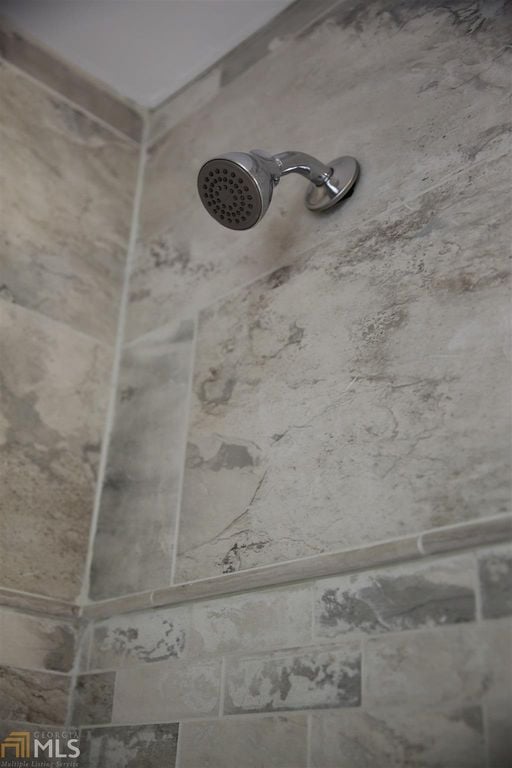
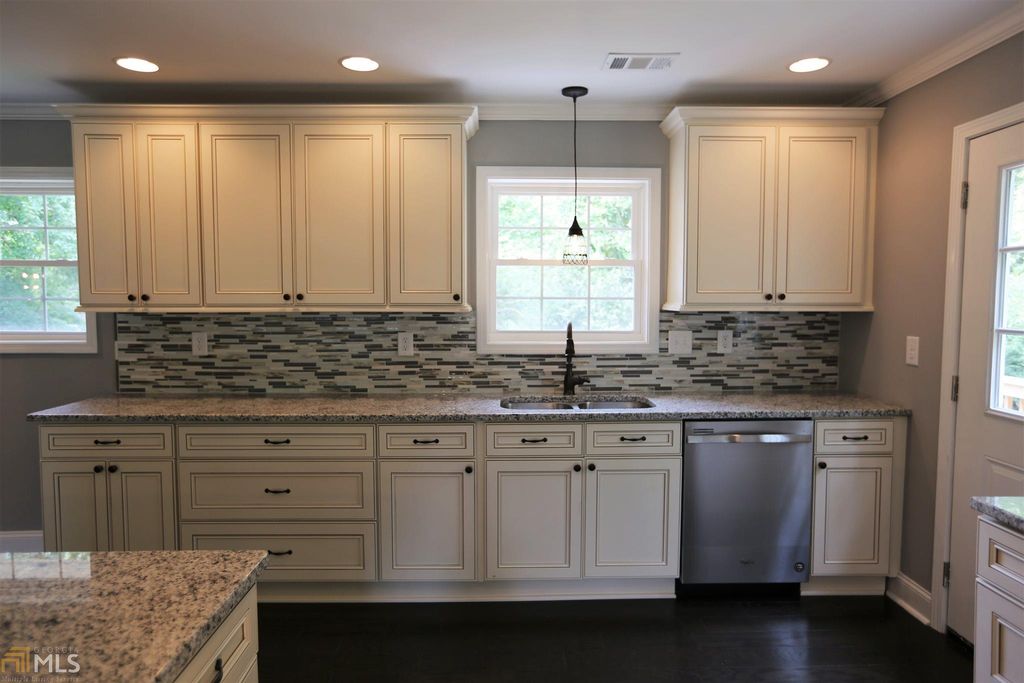
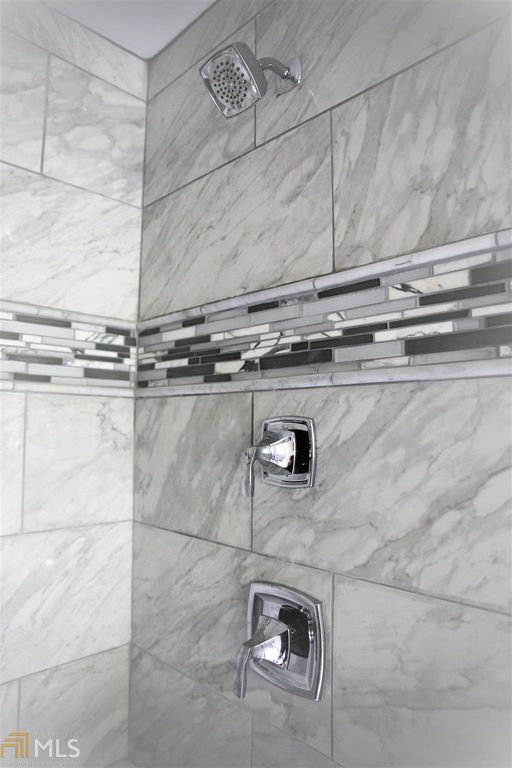
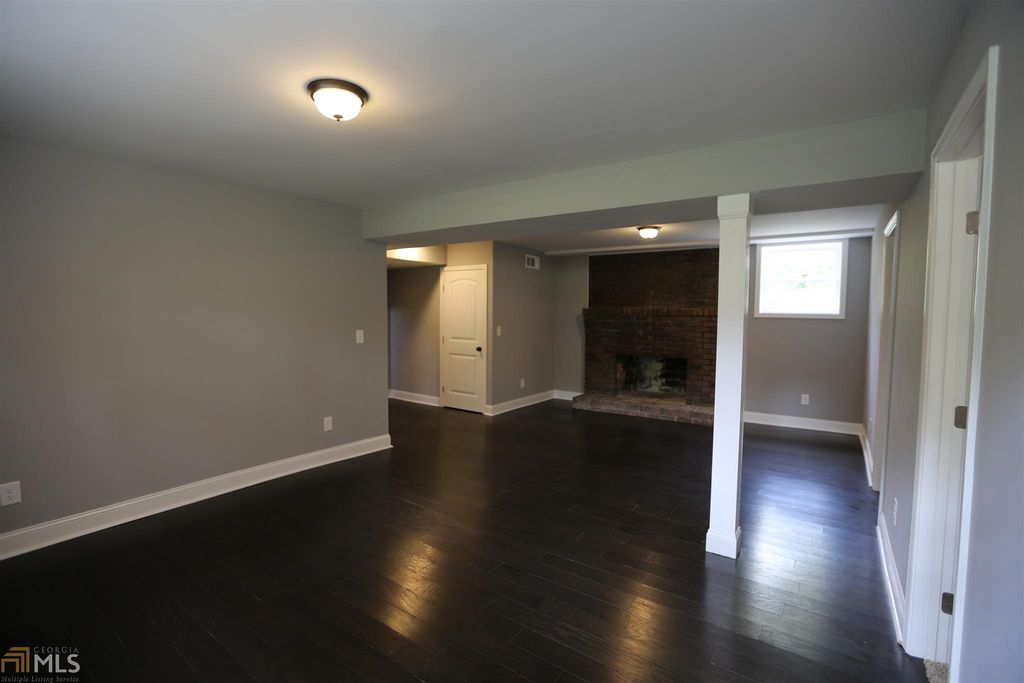
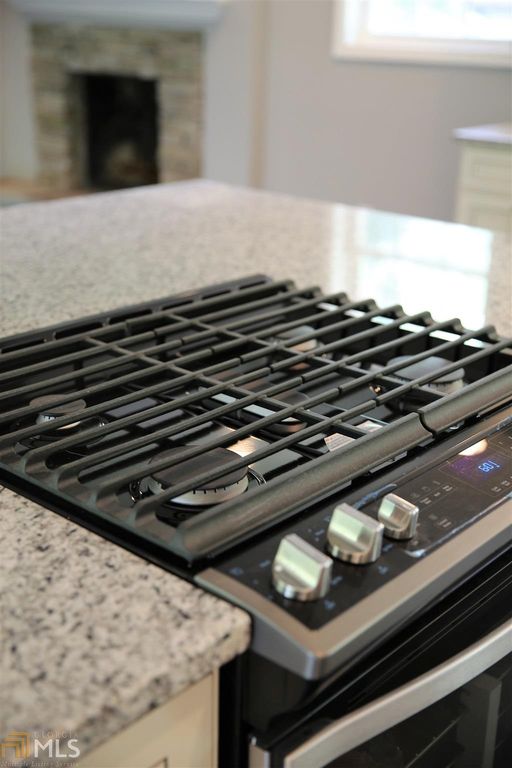
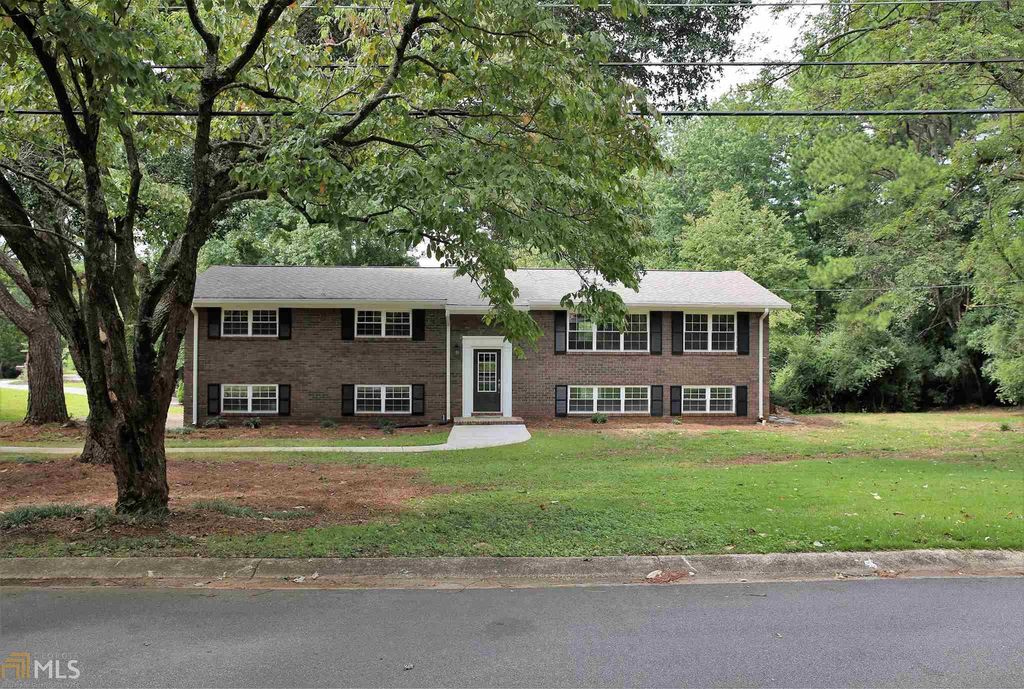
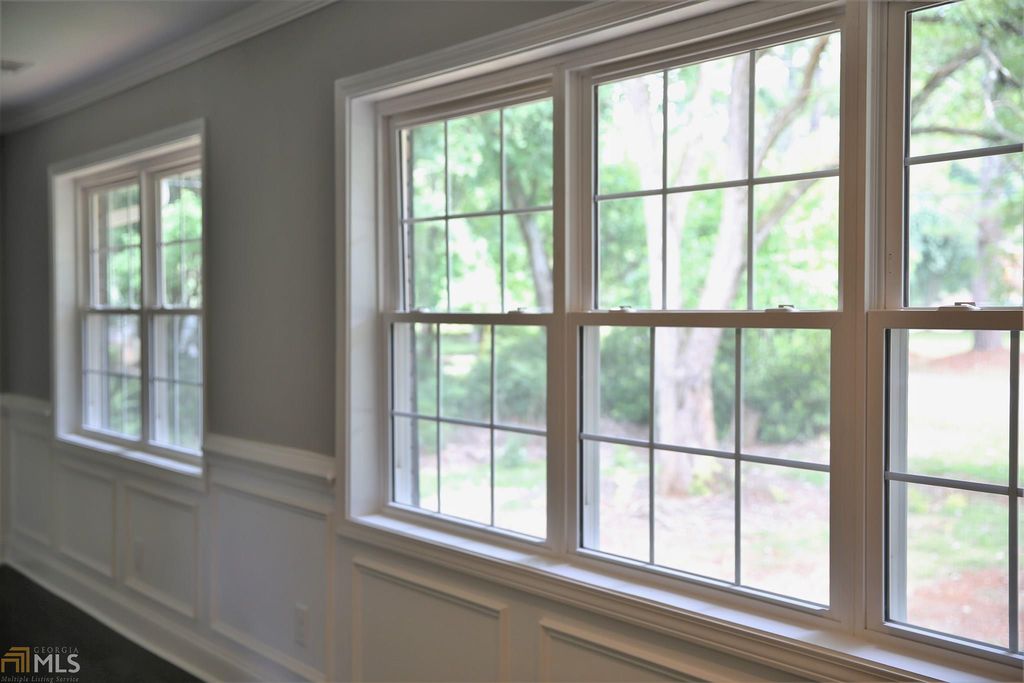
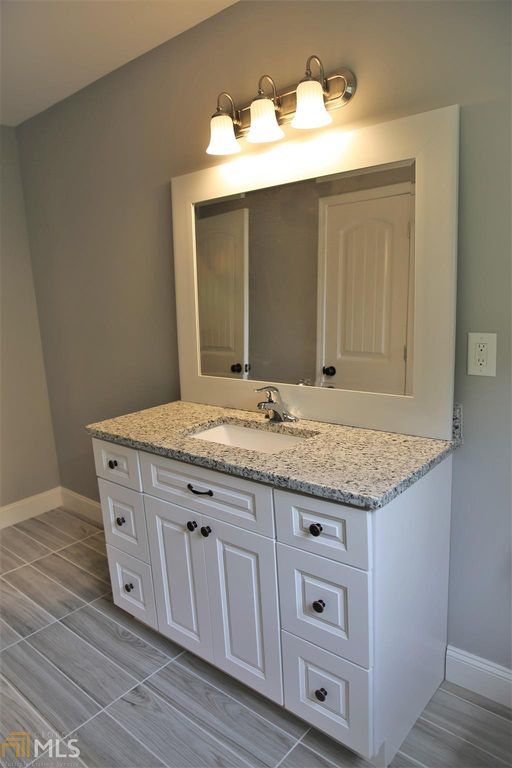
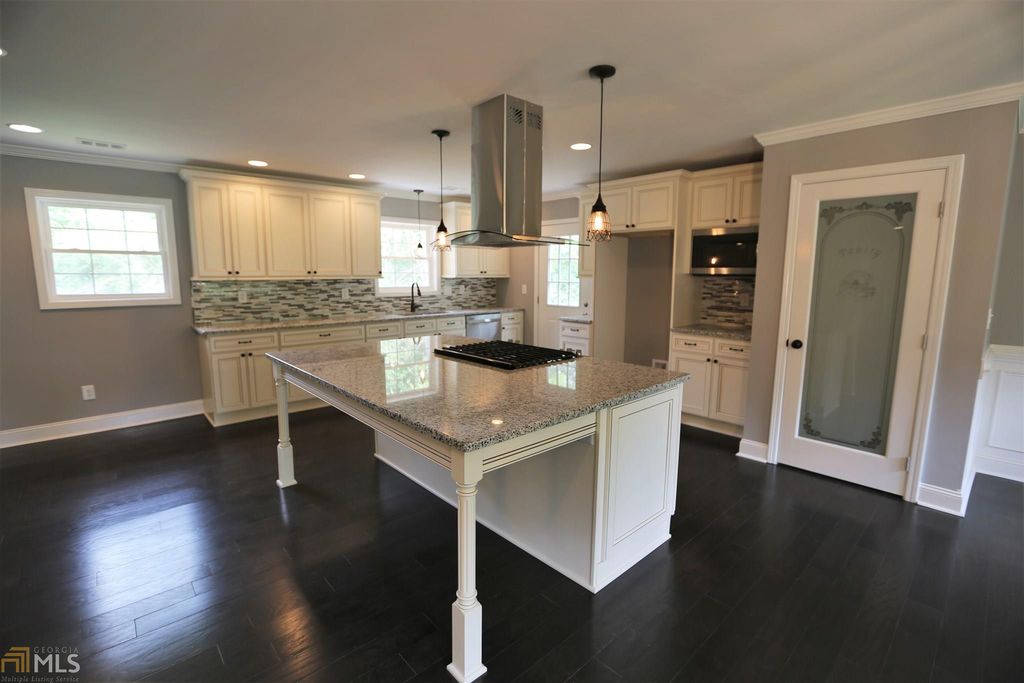
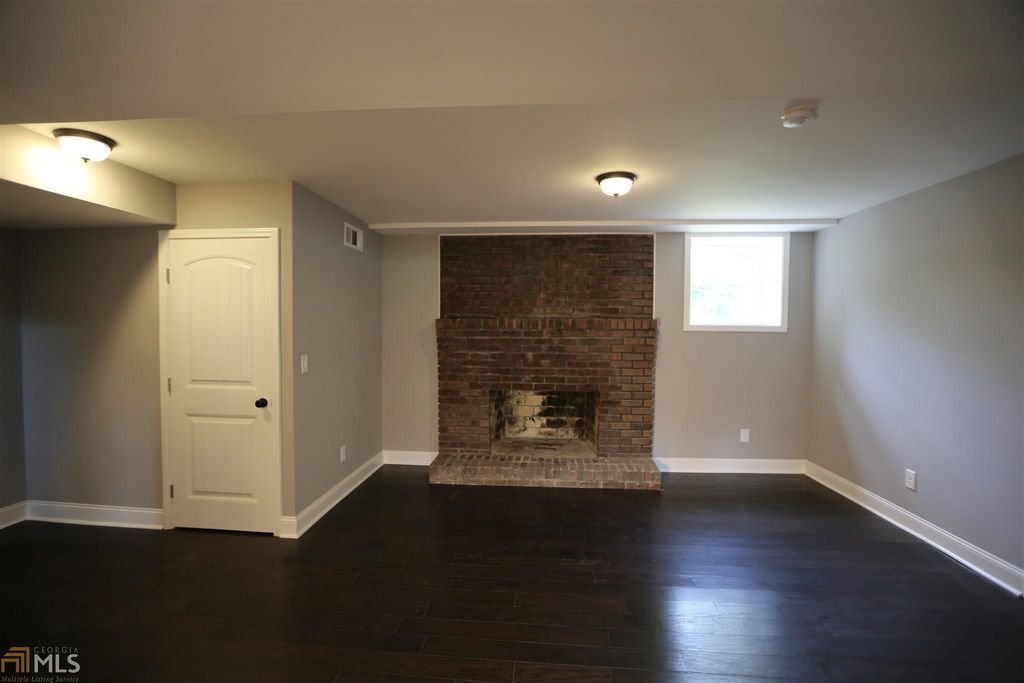
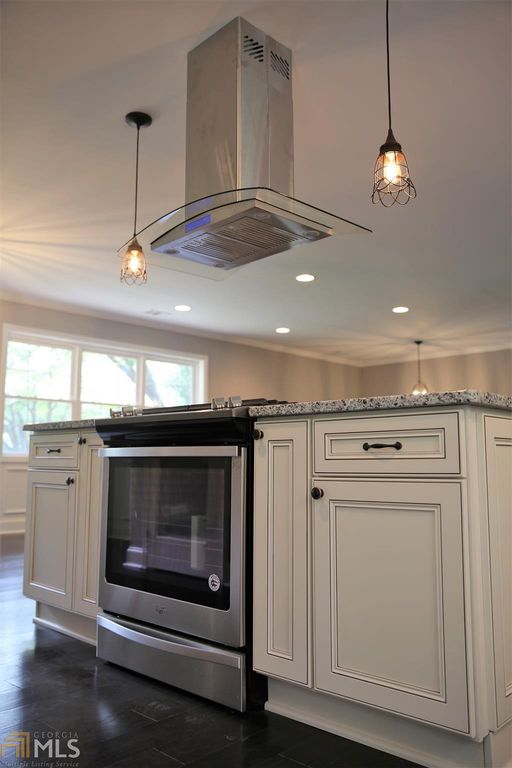
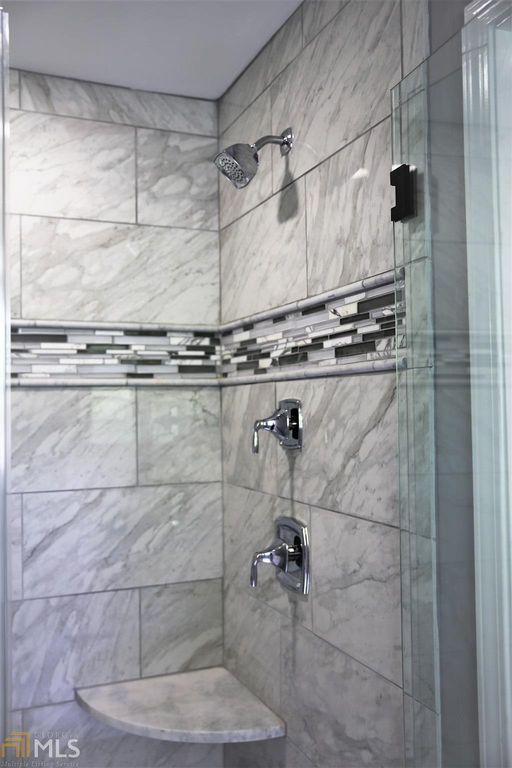
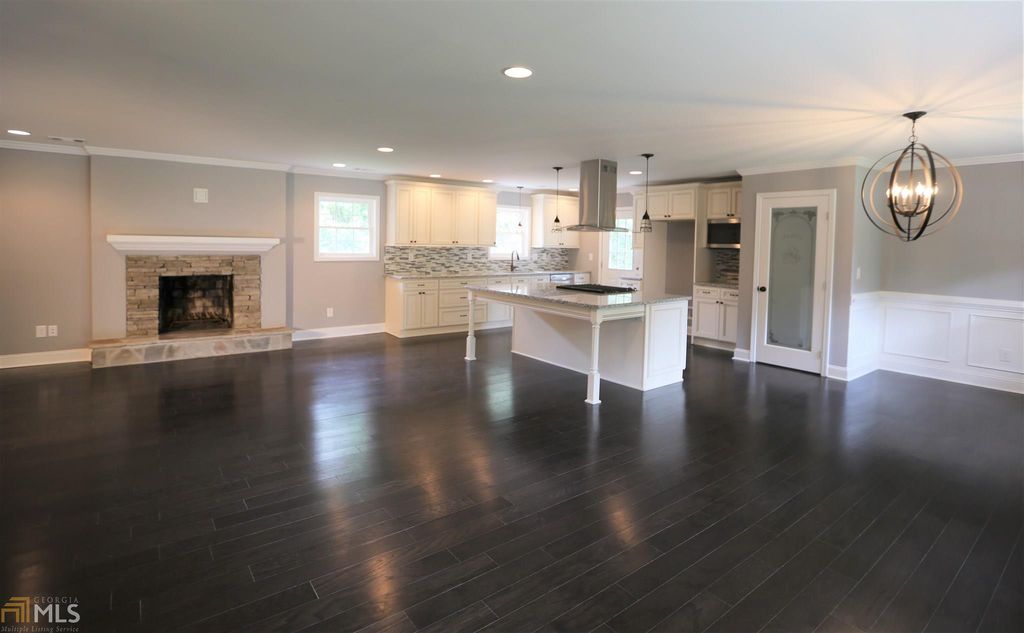
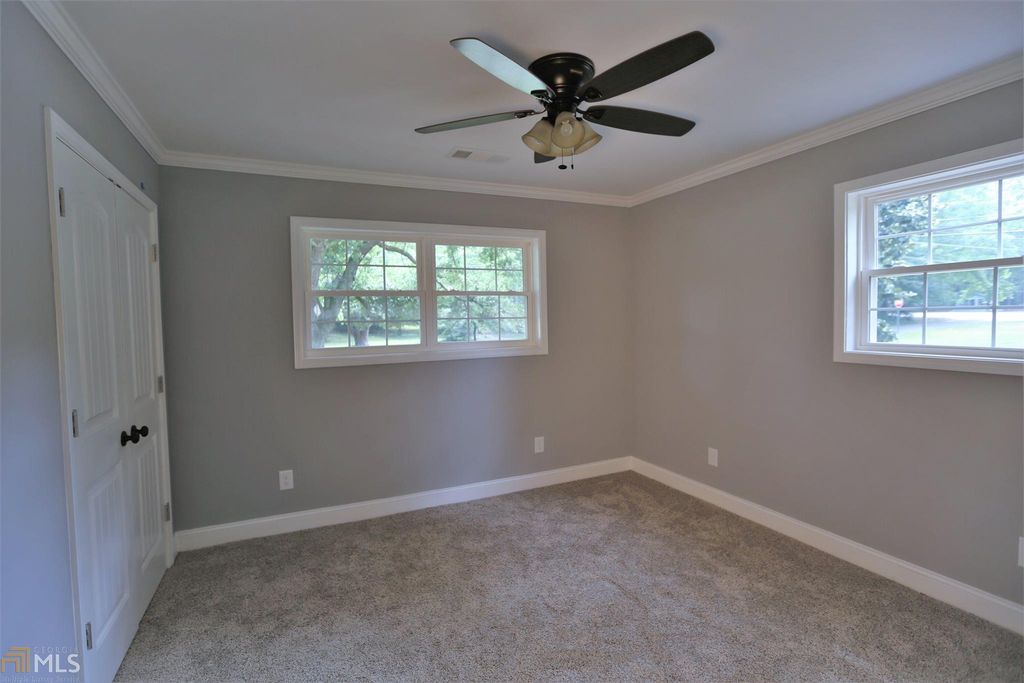
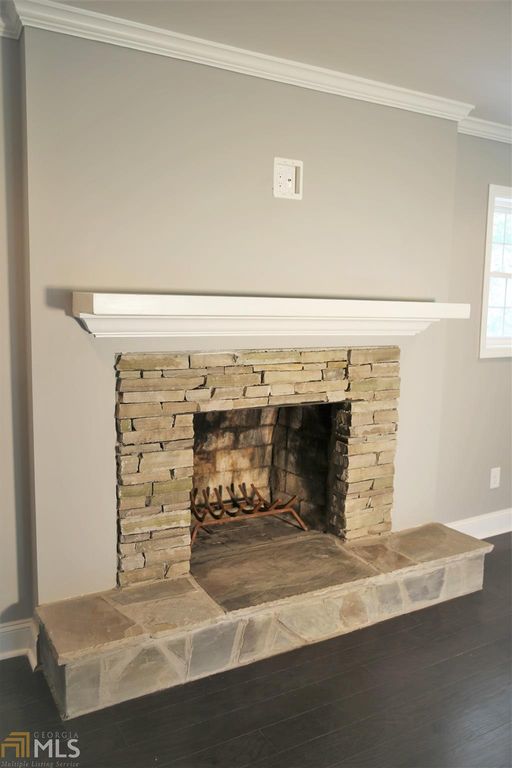
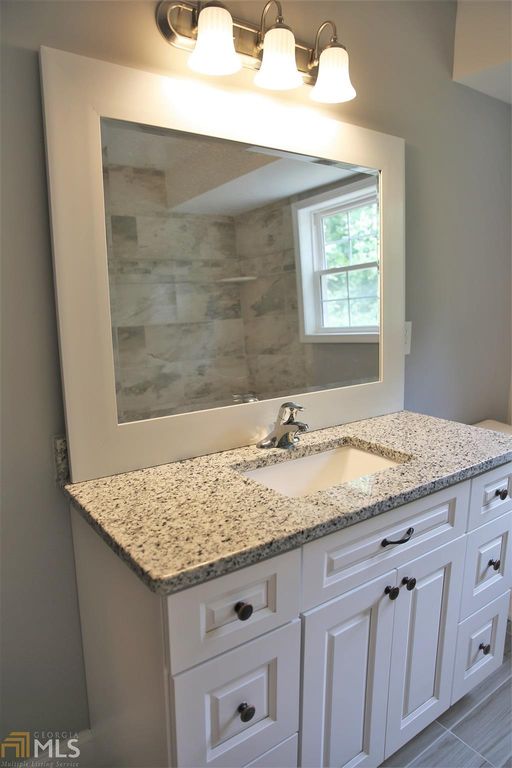
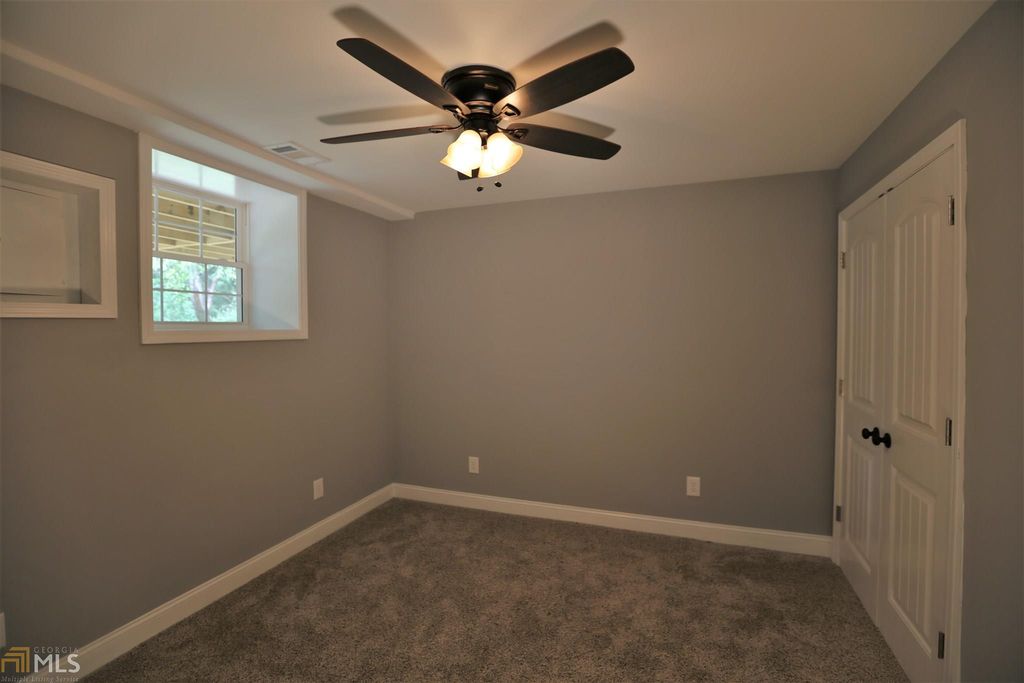
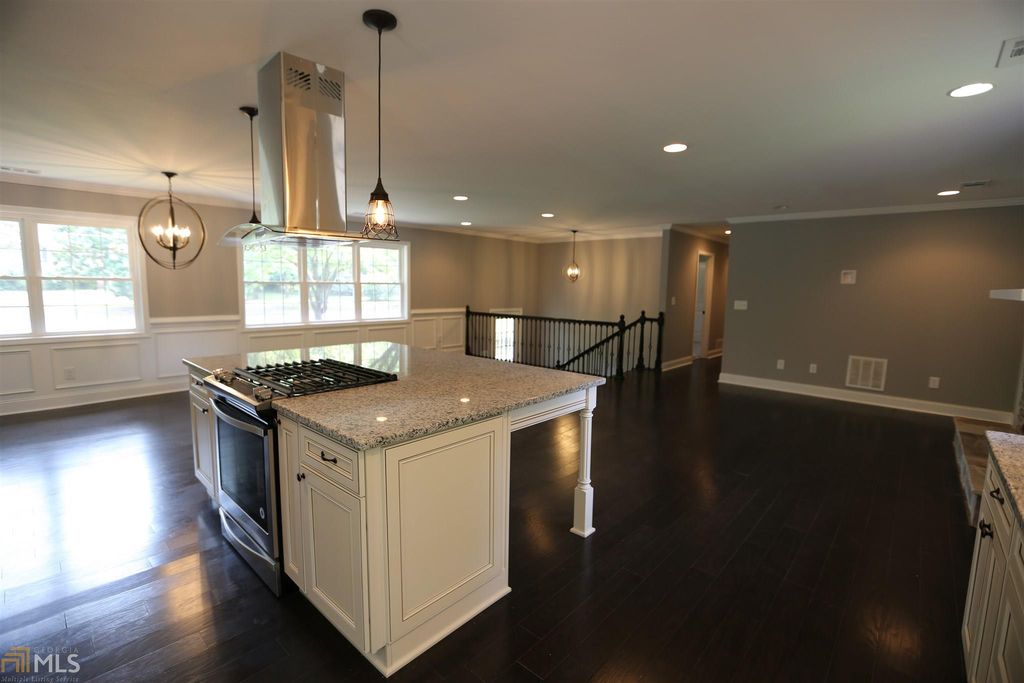
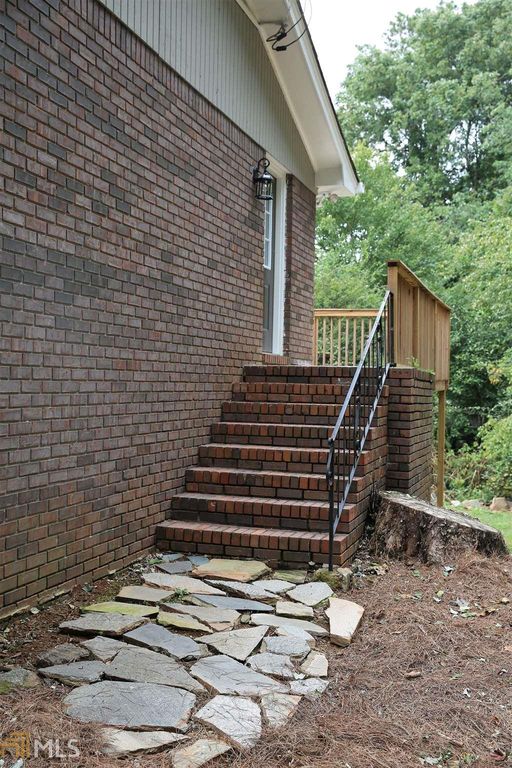
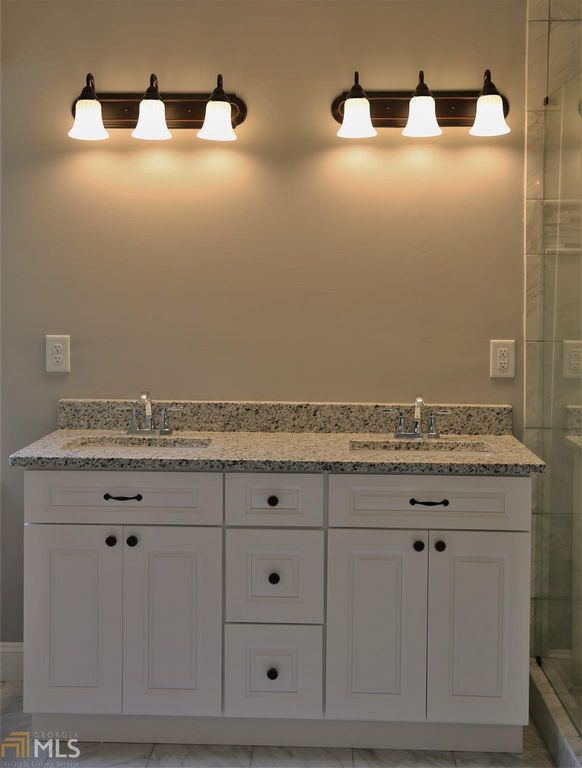
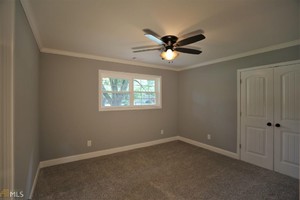
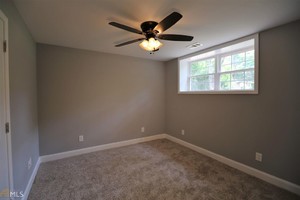
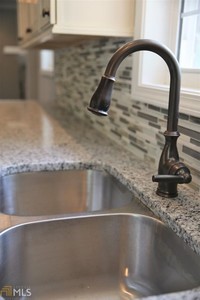
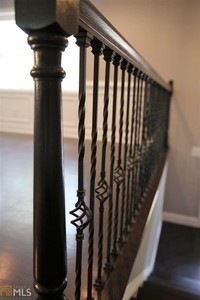
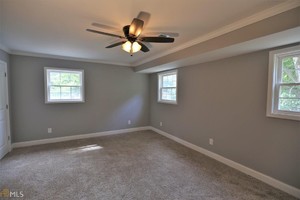
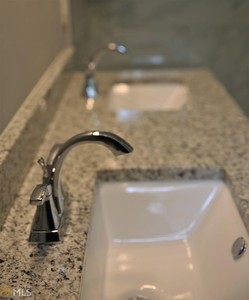
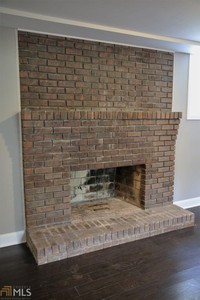
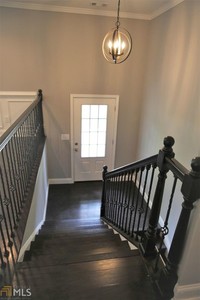
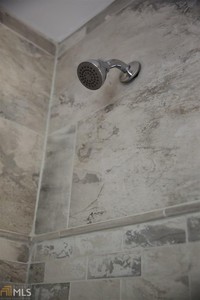
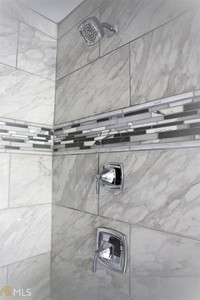
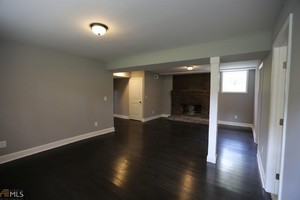
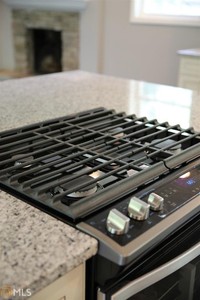
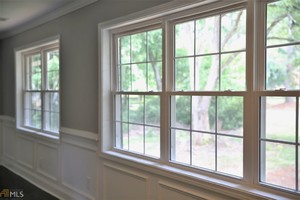
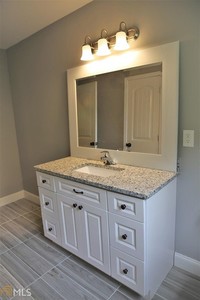
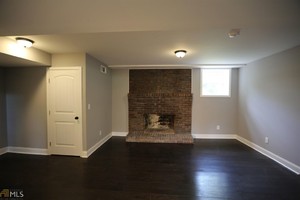
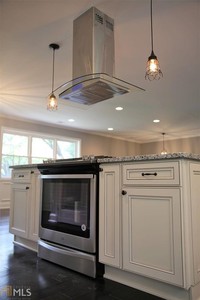
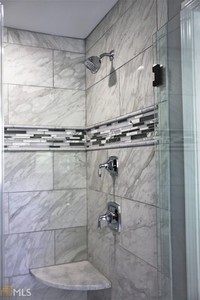
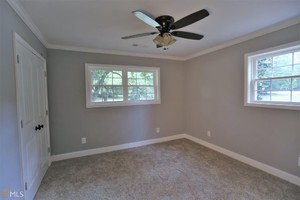
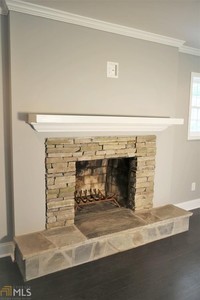
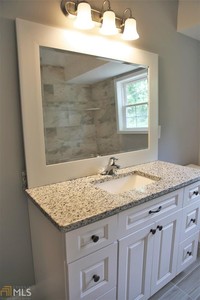
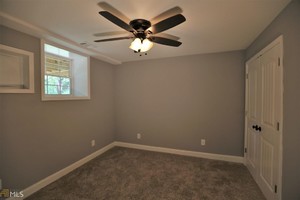
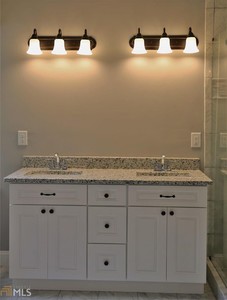
 Candice's mom bought it for them for being a deadbeat mother to Candice Yeah he'll be about an hour and twenty minutes from me. Edit: Welcome to living in the south. Back when I lived in California, that house would of cost easily 3+ million dollars. I miss my home so much, but I couldn't live there again just based on how expensive it is.
@Limerlight - They just accepted $310,000 for this house. It closes on the 15th of December and my brother and Candice are moving in.
Candice's mom bought it for them for being a deadbeat mother to Candice Yeah he'll be about an hour and twenty minutes from me. Edit: Welcome to living in the south. Back when I lived in California, that house would of cost easily 3+ million dollars. I miss my home so much, but I couldn't live there again just based on how expensive it is.
@Limerlight - They just accepted $310,000 for this house. It closes on the 15th of December and my brother and Candice are moving in.










Account
Navigation
Search
Configure browser push notifications
Chrome (Android)
- Tap the lock icon next to the address bar.
- Tap Permissions → Notifications.
- Adjust your preference.
Chrome (Desktop)
- Click the padlock icon in the address bar.
- Select Site settings.
- Find Notifications and adjust your preference.
Safari (iOS 16.4+)
- Ensure the site is installed via Add to Home Screen.
- Open Settings App → Notifications.
- Find your app name and adjust your preference.
Safari (macOS)
- Go to Safari → Preferences.
- Click the Websites tab.
- Select Notifications in the sidebar.
- Find this website and adjust your preference.
Edge (Android)
- Tap the lock icon next to the address bar.
- Tap Permissions.
- Find Notifications and adjust your preference.
Edge (Desktop)
- Click the padlock icon in the address bar.
- Click Permissions for this site.
- Find Notifications and adjust your preference.
Firefox (Android)
- Go to Settings → Site permissions.
- Tap Notifications.
- Find this site in the list and adjust your preference.
Firefox (Desktop)
- Open Firefox Settings.
- Search for Notifications.
- Find this site in the list and adjust your preference.