All Activity
- Past hour
-
 Triangl: Spanish summer ⛱️ video
-
Triangl: Making lemonade 🍋 videos




-

-
 Some adds by Morgan Maher with Kate Bowman









-
 Kaitlin joined the community
 -
Triangl: Pink Candy 🍬 video

-
 Première de « I Love Boosters » au SXSW à Austin le12/03/2026














-
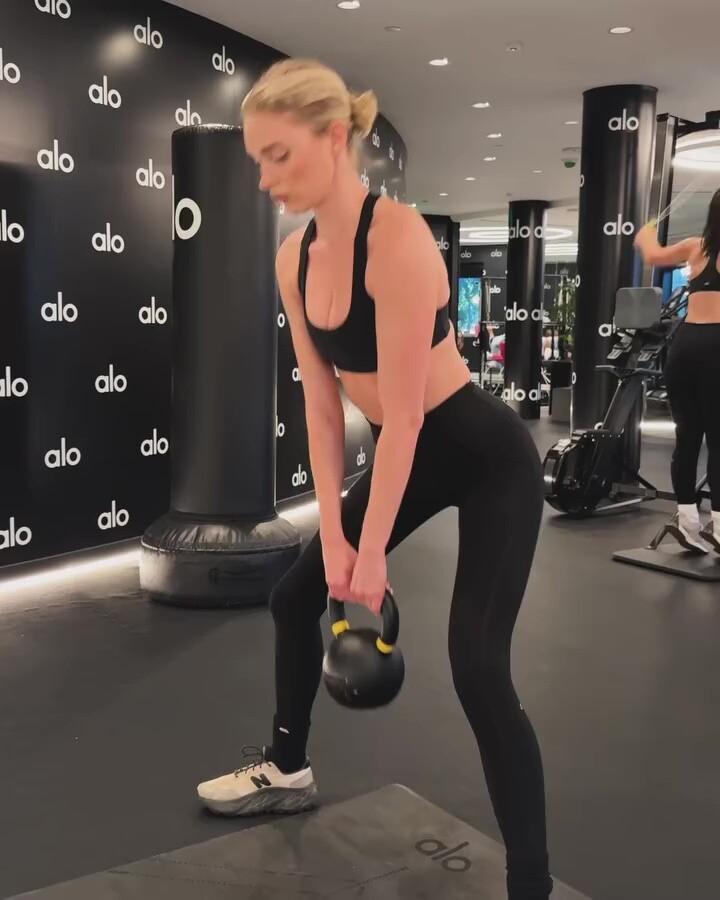
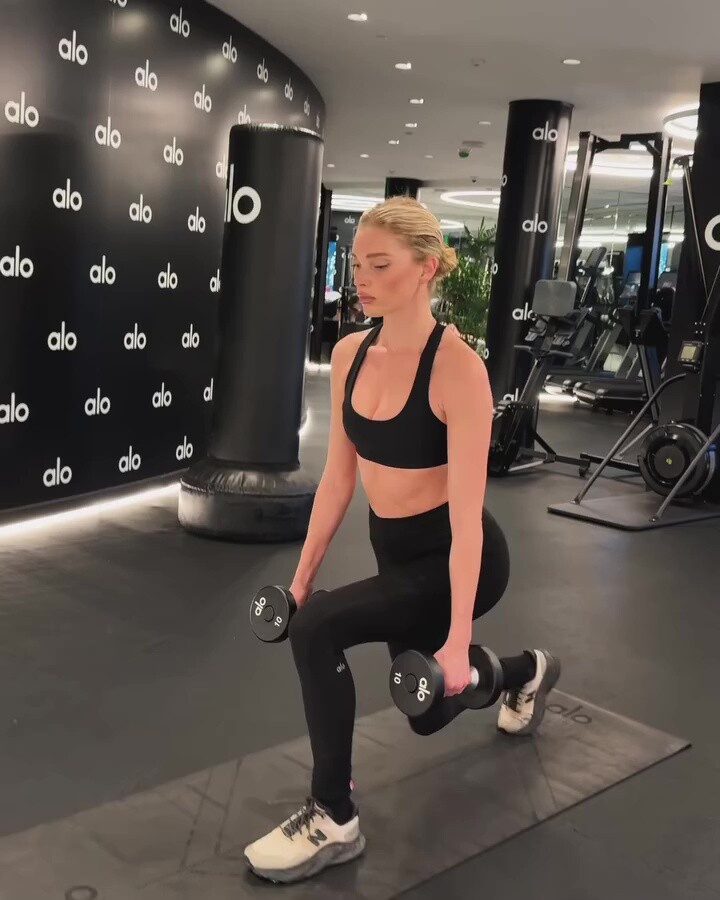
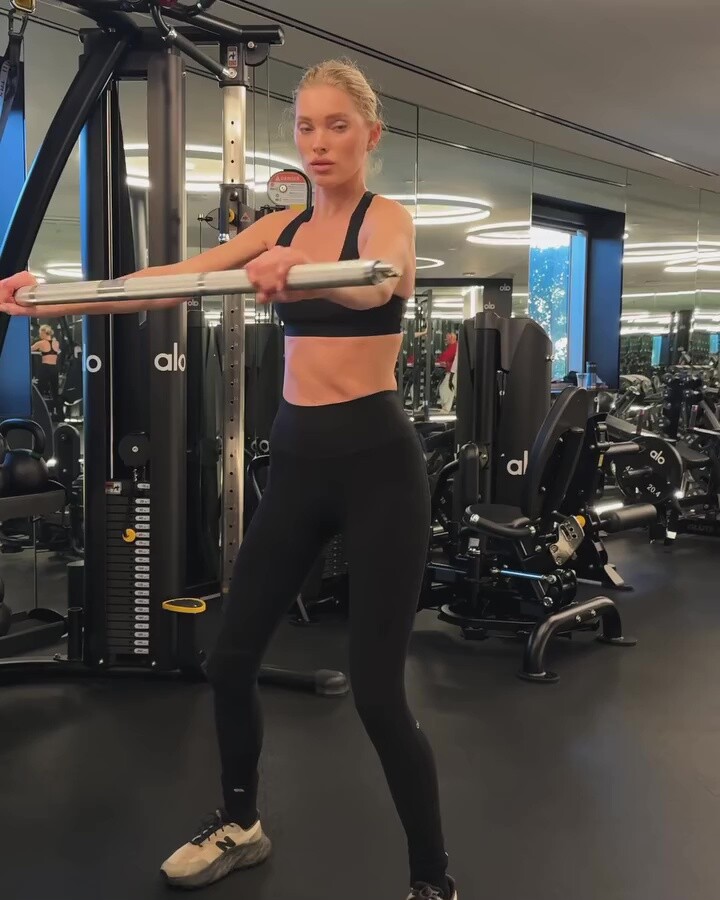
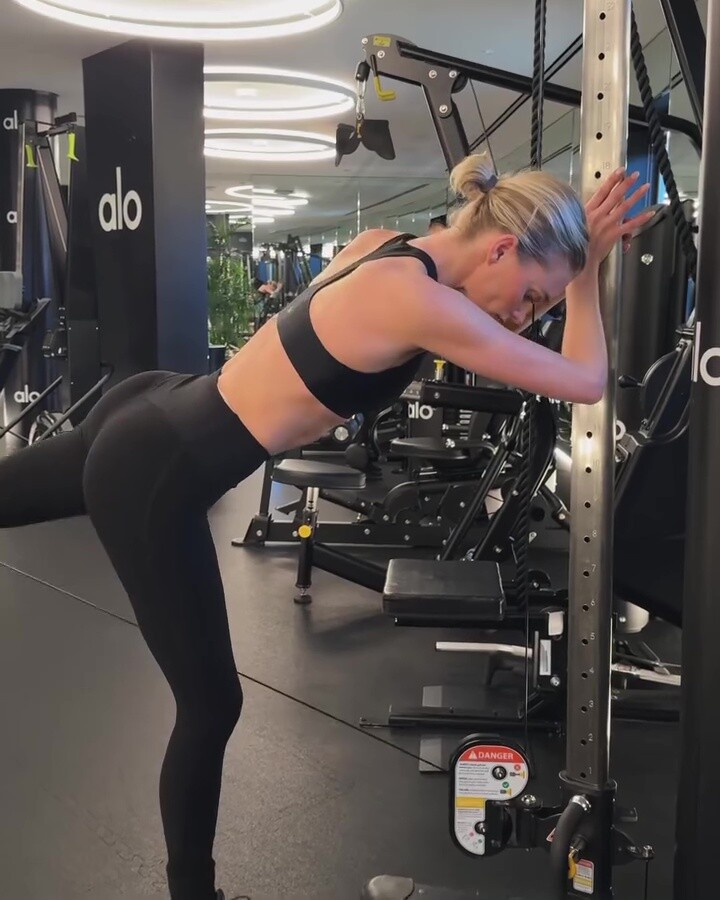
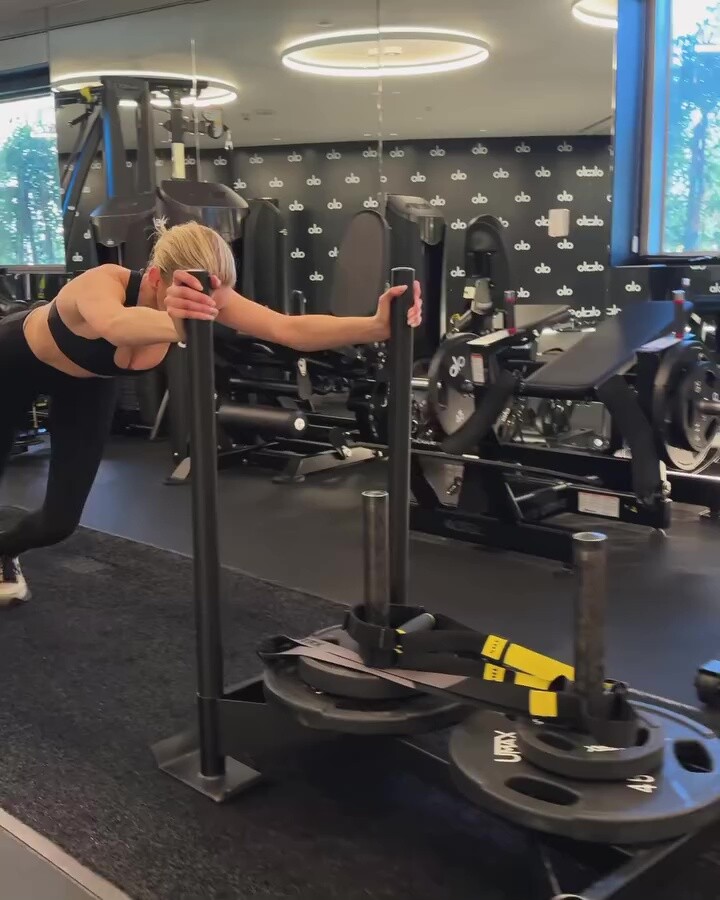
Louis Chandler: Cable core training kelseymerritt 🔥 video

-
Louis Chandler: Some favorites from today’s session kelseymerritt 💥 videos

-
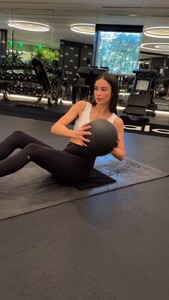
Louis Chandler: No time? No problem ⏱🔥 video
-
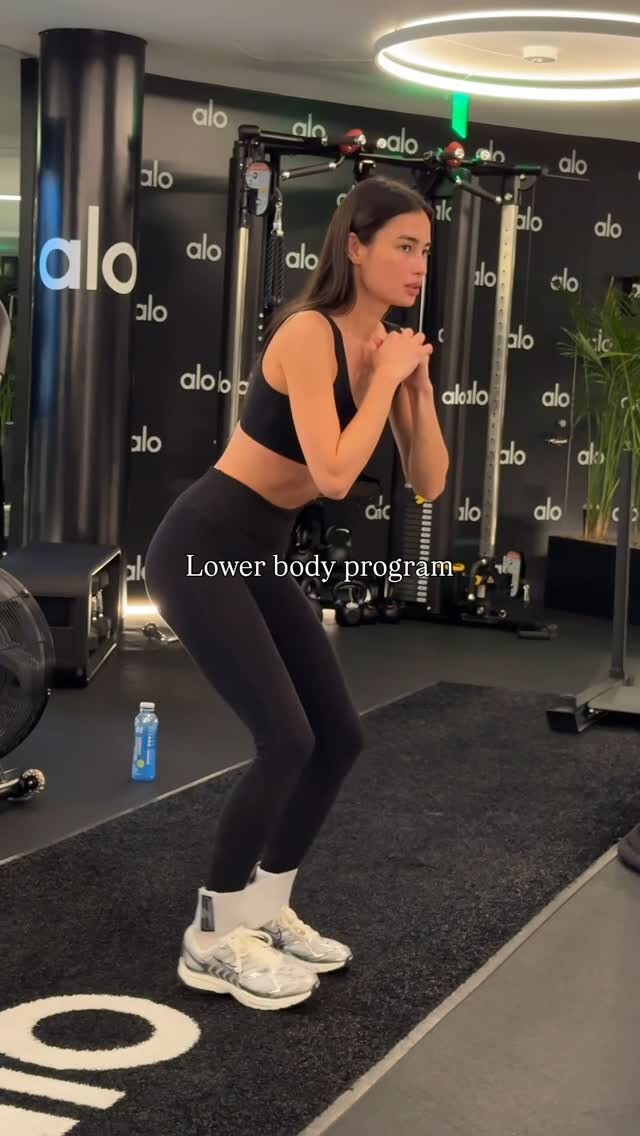
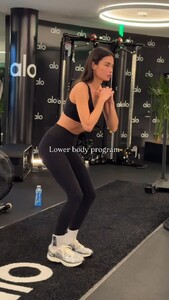
Louis Chandler: Lower Body Day 🔥 video
-
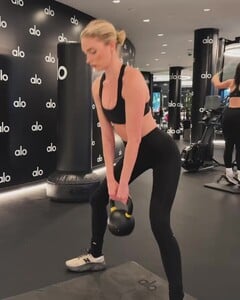
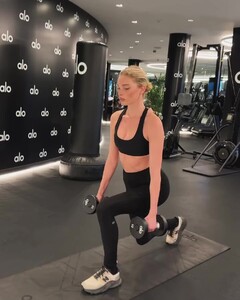
Louis Chandler: Finishing the week strong 🔥 Discipline, consistency, and resilience will take you further than any shortcut ever could video

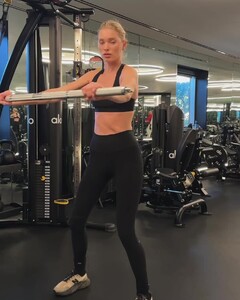
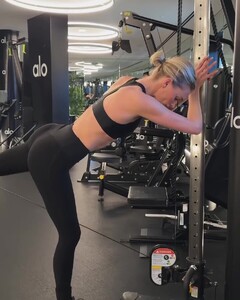
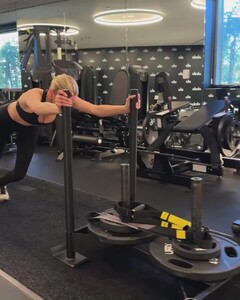
-
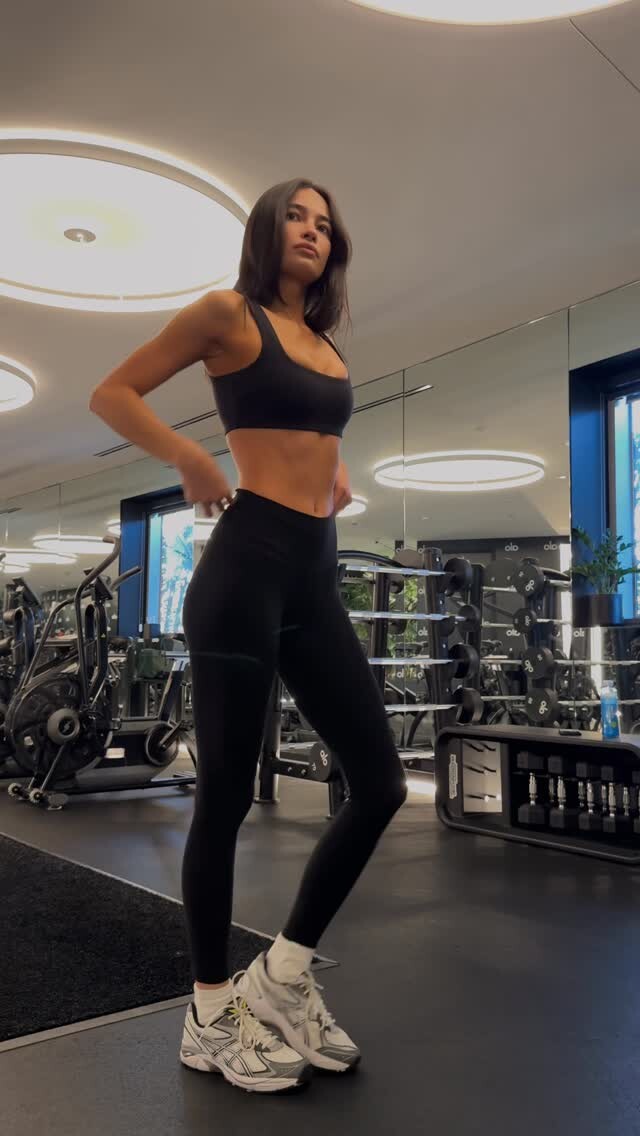
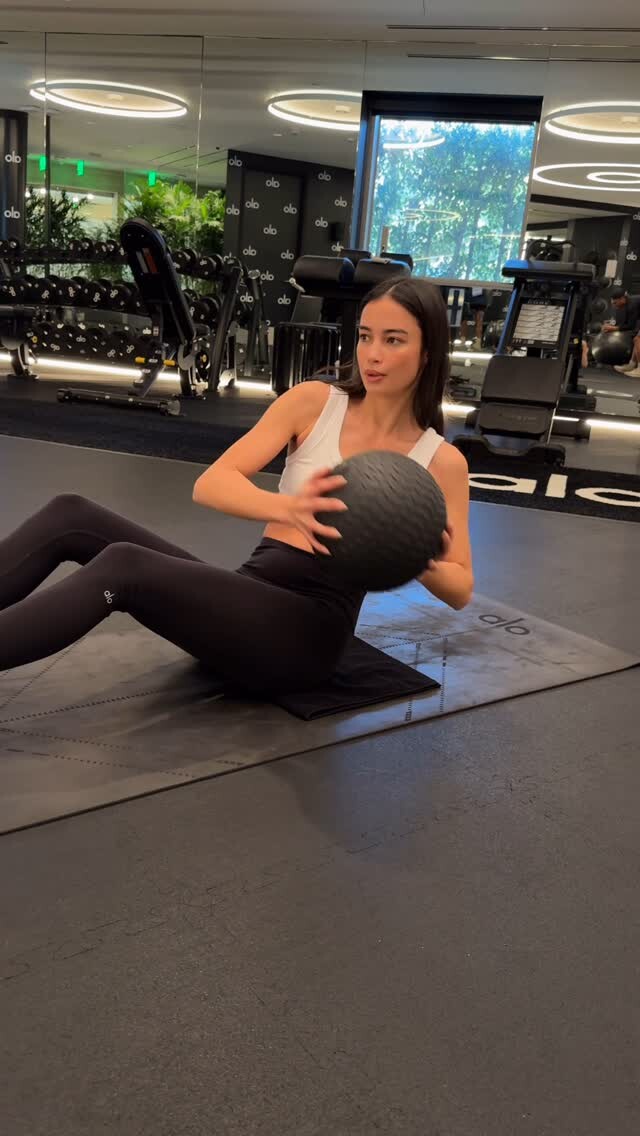
 Louis Chandler: Lower body + Core program 🔥 video
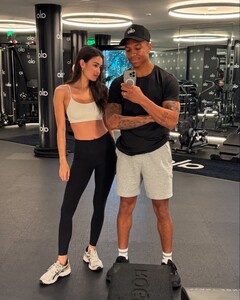 smfksmfk 🤍🪽




- Today

 Beautiful 😍 ❤️ 😻
 vetements
Account
Navigation
Search
Configure browser push notifications
Chrome (Android)
- Tap the lock icon next to the address bar.
- Tap Permissions → Notifications.
- Adjust your preference.
Chrome (Desktop)
- Click the padlock icon in the address bar.
- Select Site settings.
- Find Notifications and adjust your preference.
Safari (iOS 16.4+)
- Ensure the site is installed via Add to Home Screen.
- Open Settings App → Notifications.
- Find your app name and adjust your preference.
Safari (macOS)
- Go to Safari → Preferences.
- Click the Websites tab.
- Select Notifications in the sidebar.
- Find this website and adjust your preference.
Edge (Android)
- Tap the lock icon next to the address bar.
- Tap Permissions.
- Find Notifications and adjust your preference.
Edge (Desktop)
- Click the padlock icon in the address bar.
- Click Permissions for this site.
- Find Notifications and adjust your preference.
Firefox (Android)
- Go to Settings → Site permissions.
- Tap Notifications.
- Find this site in the list and adjust your preference.
Firefox (Desktop)
- Open Firefox Settings.
- Search for Notifications.
- Find this site in the list and adjust your preference.