All Activity
- Past hour
-
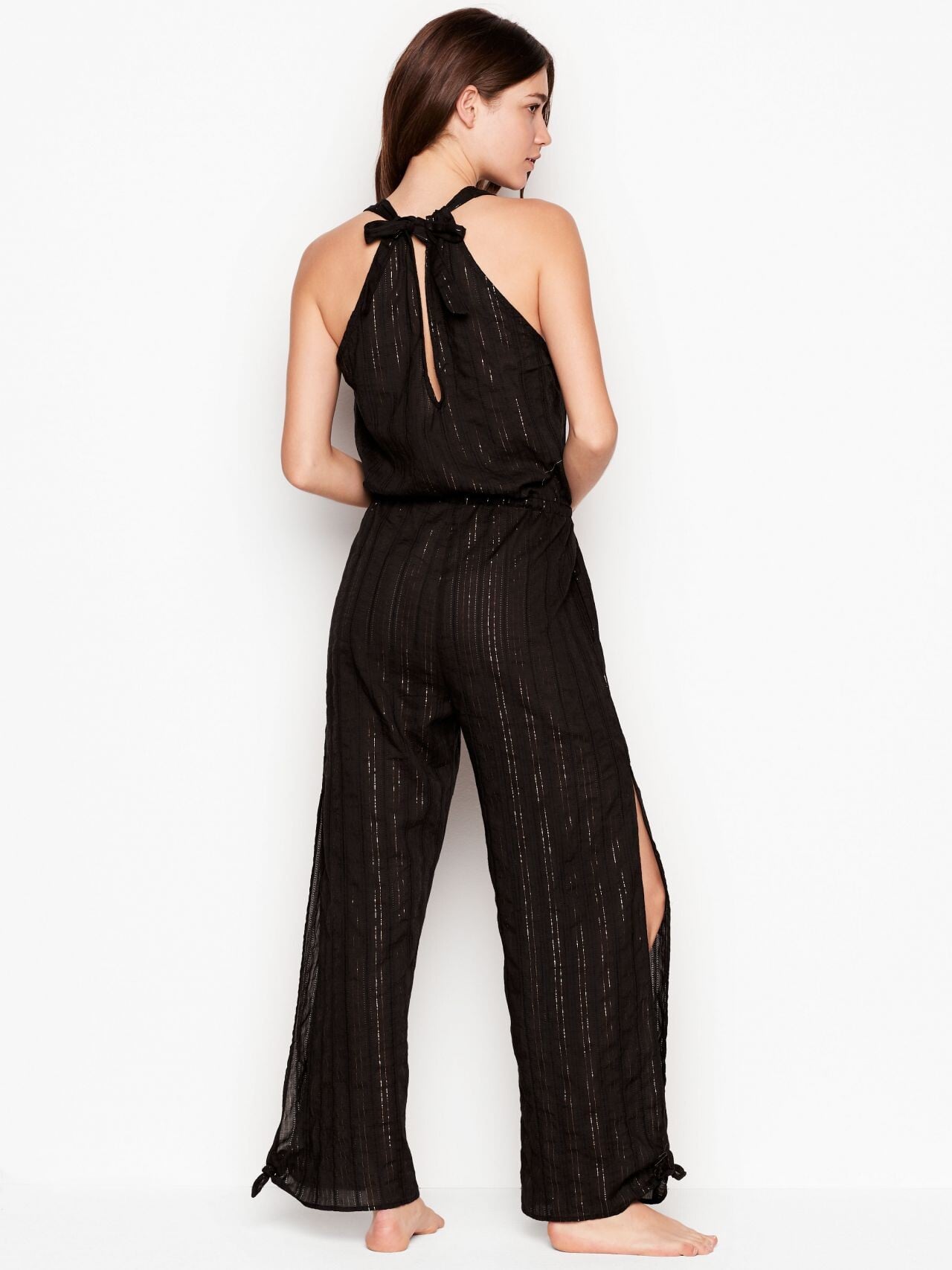
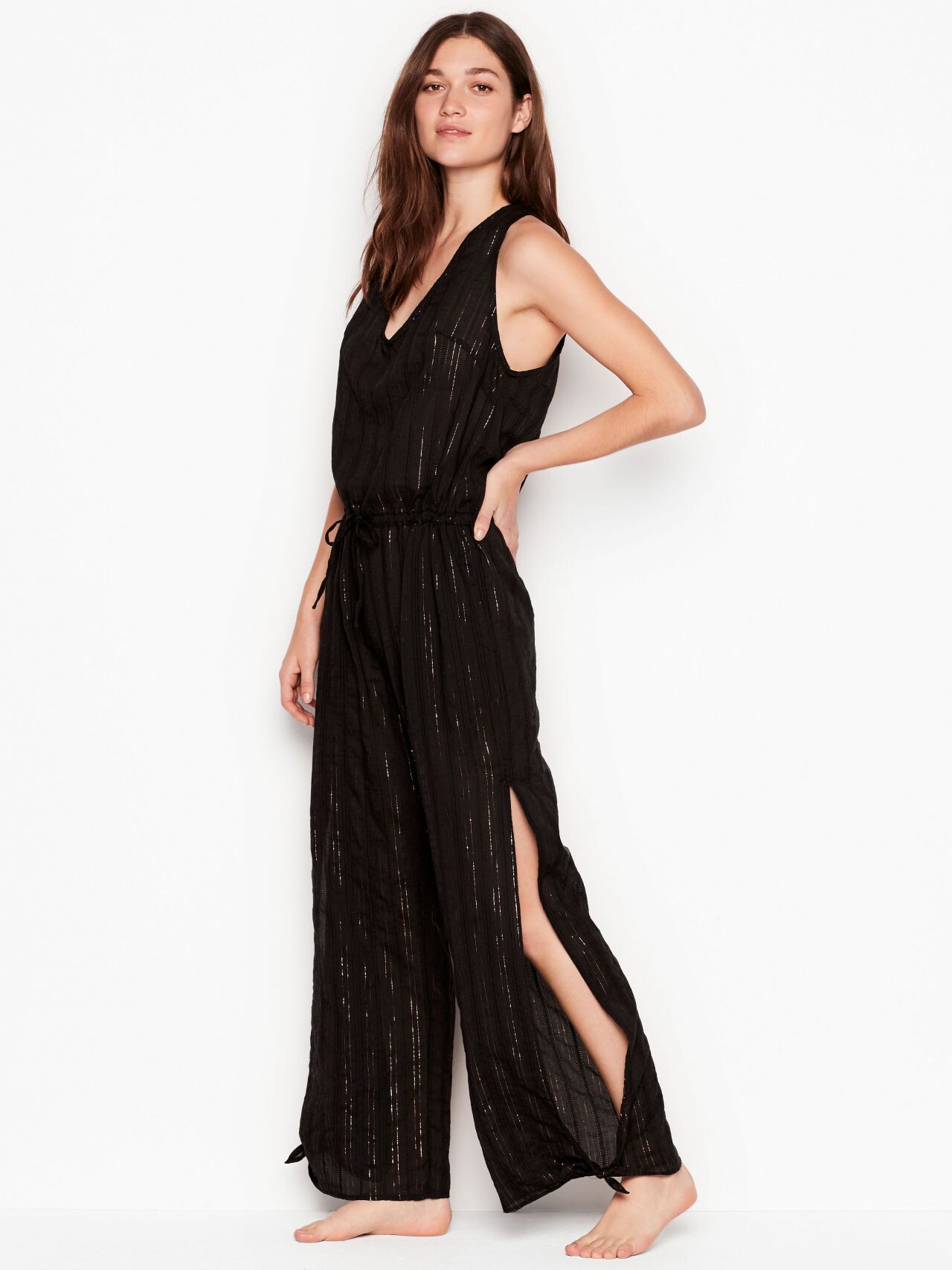
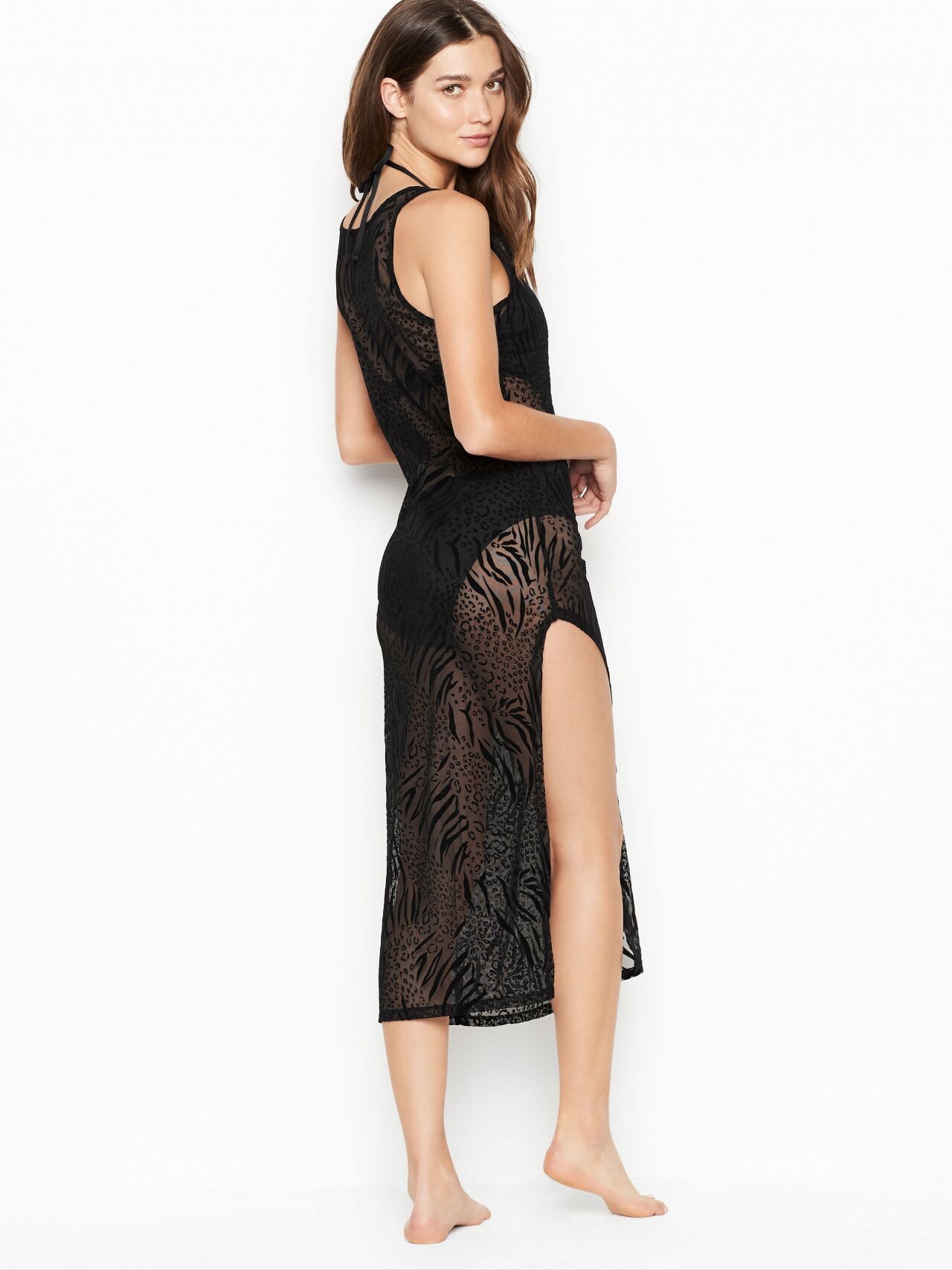
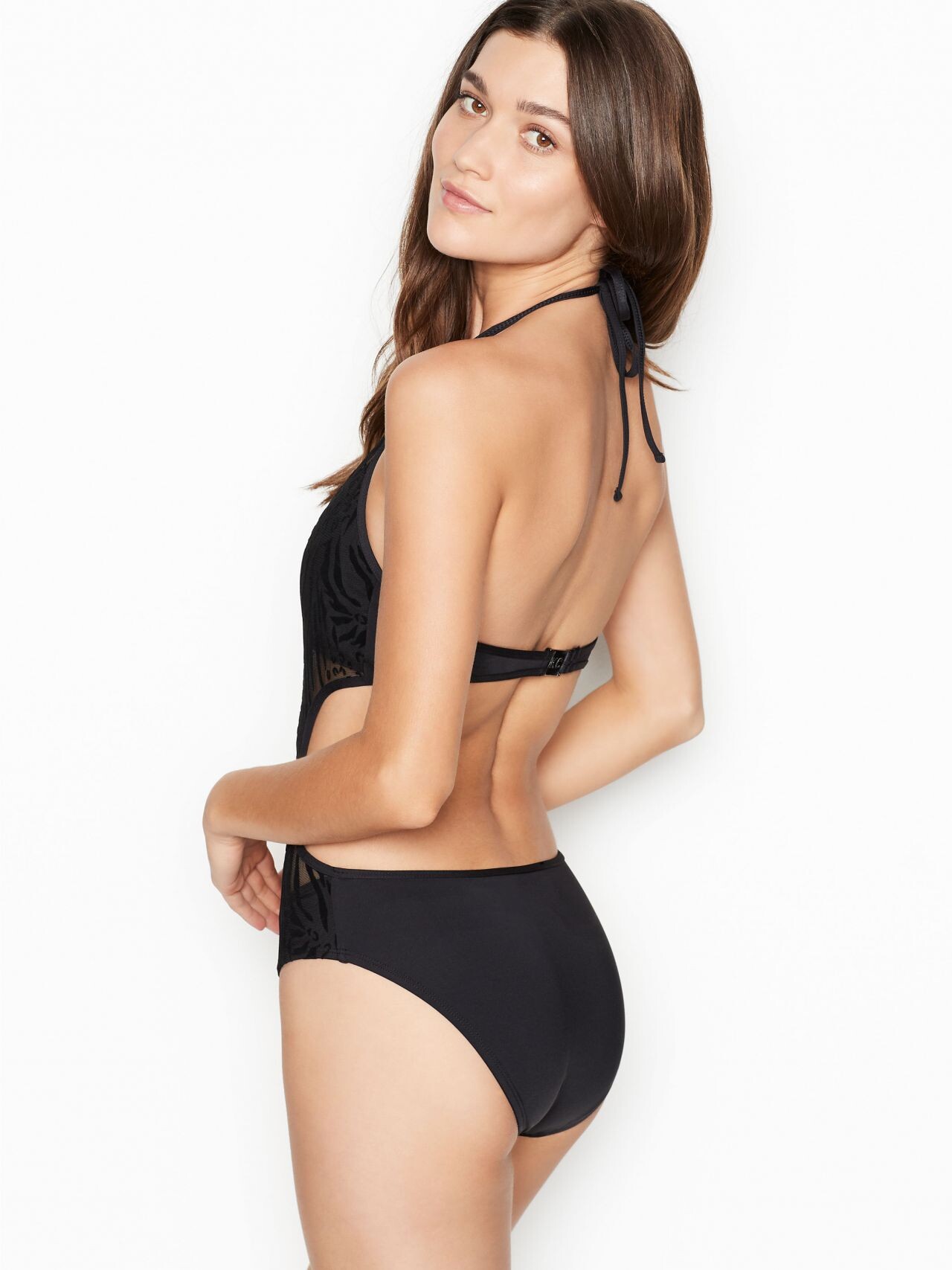
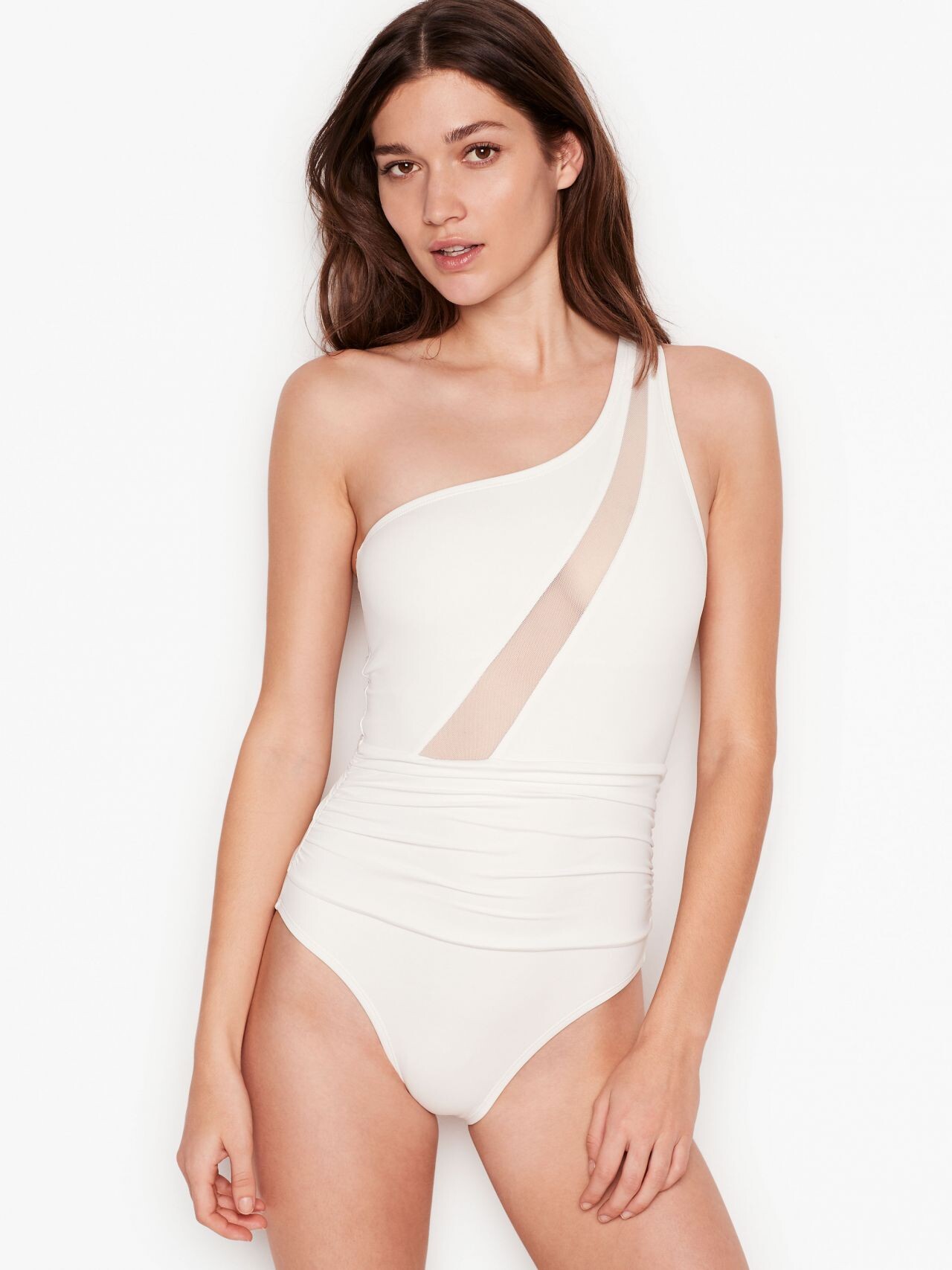
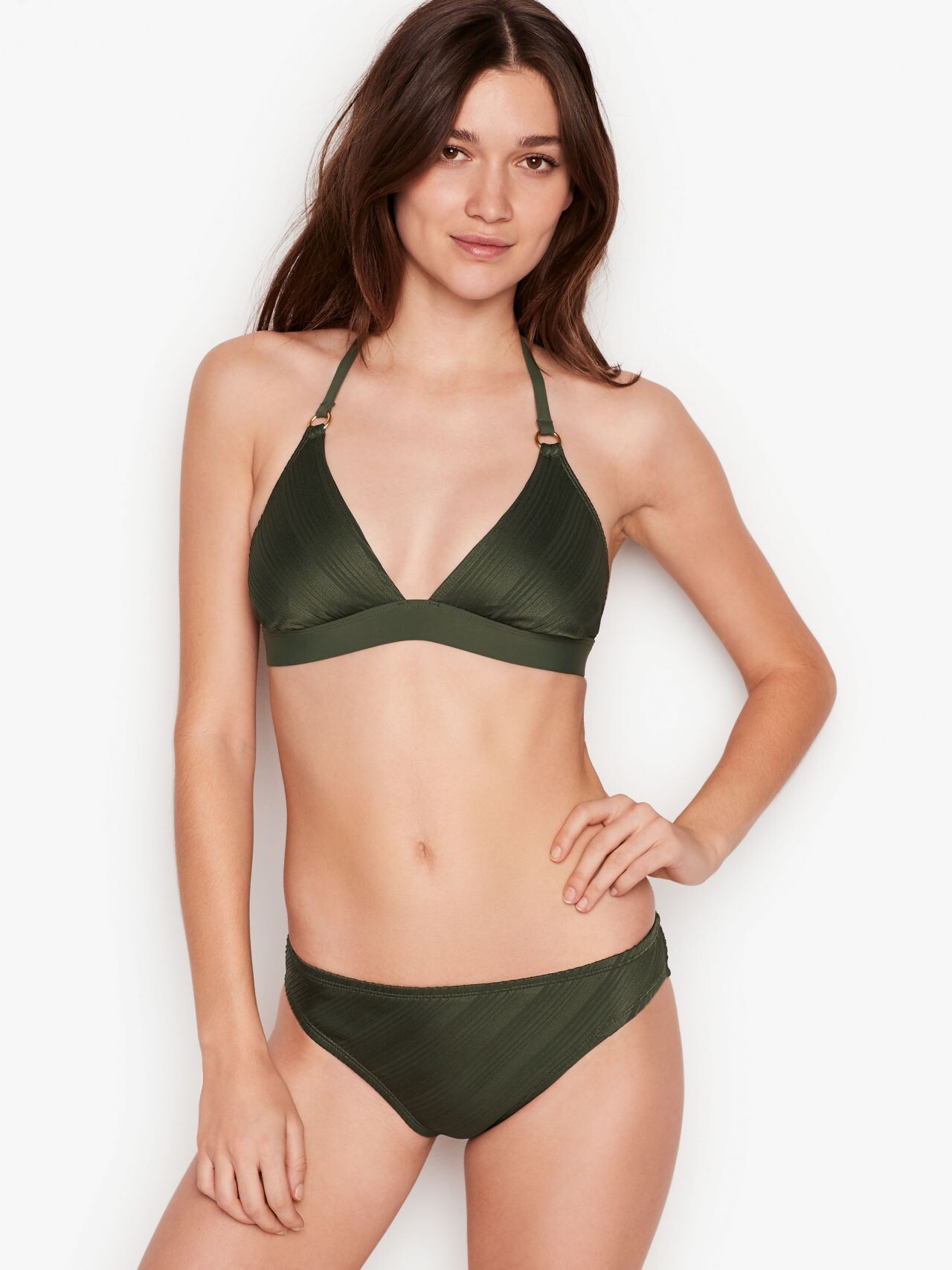
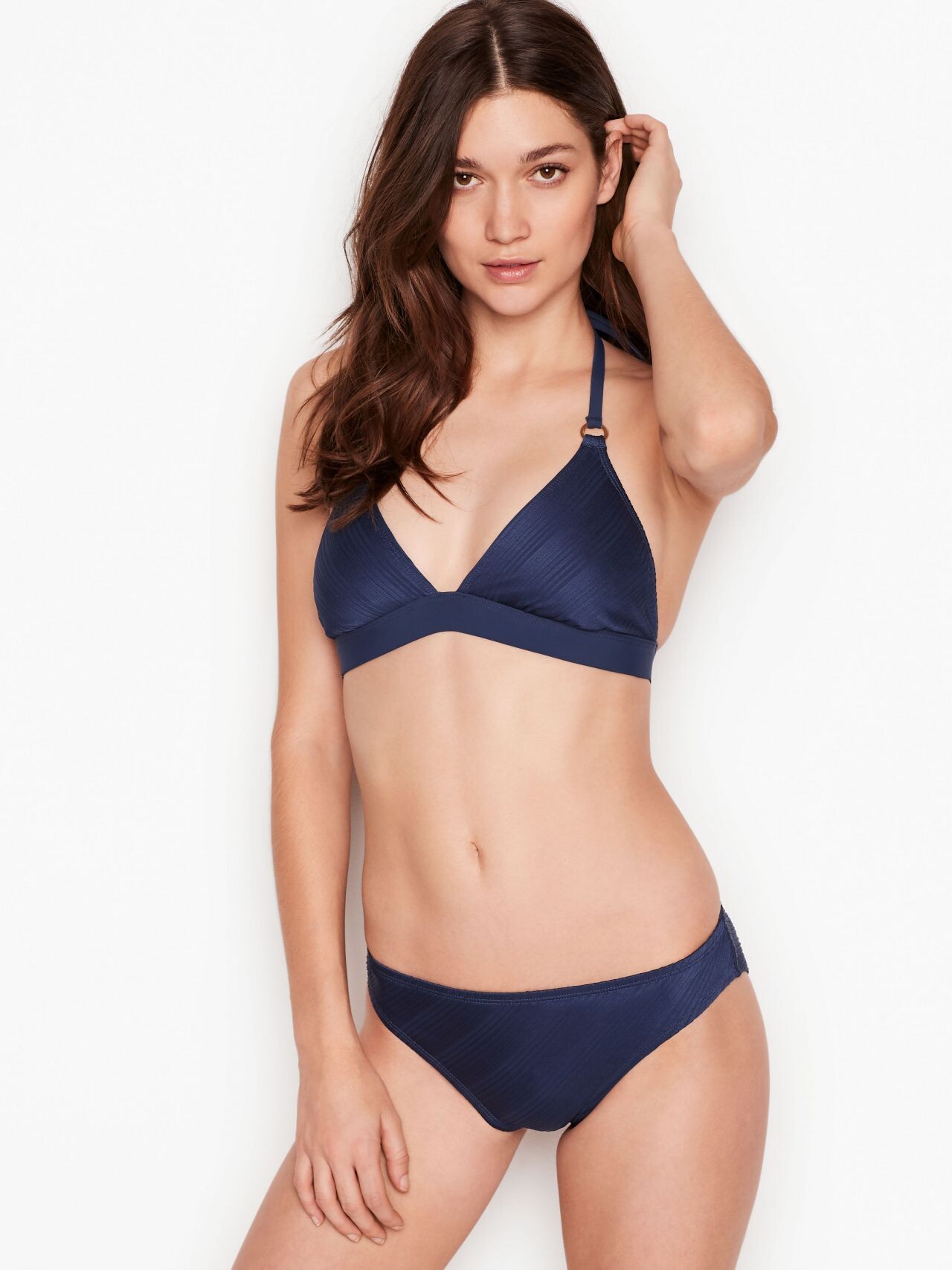
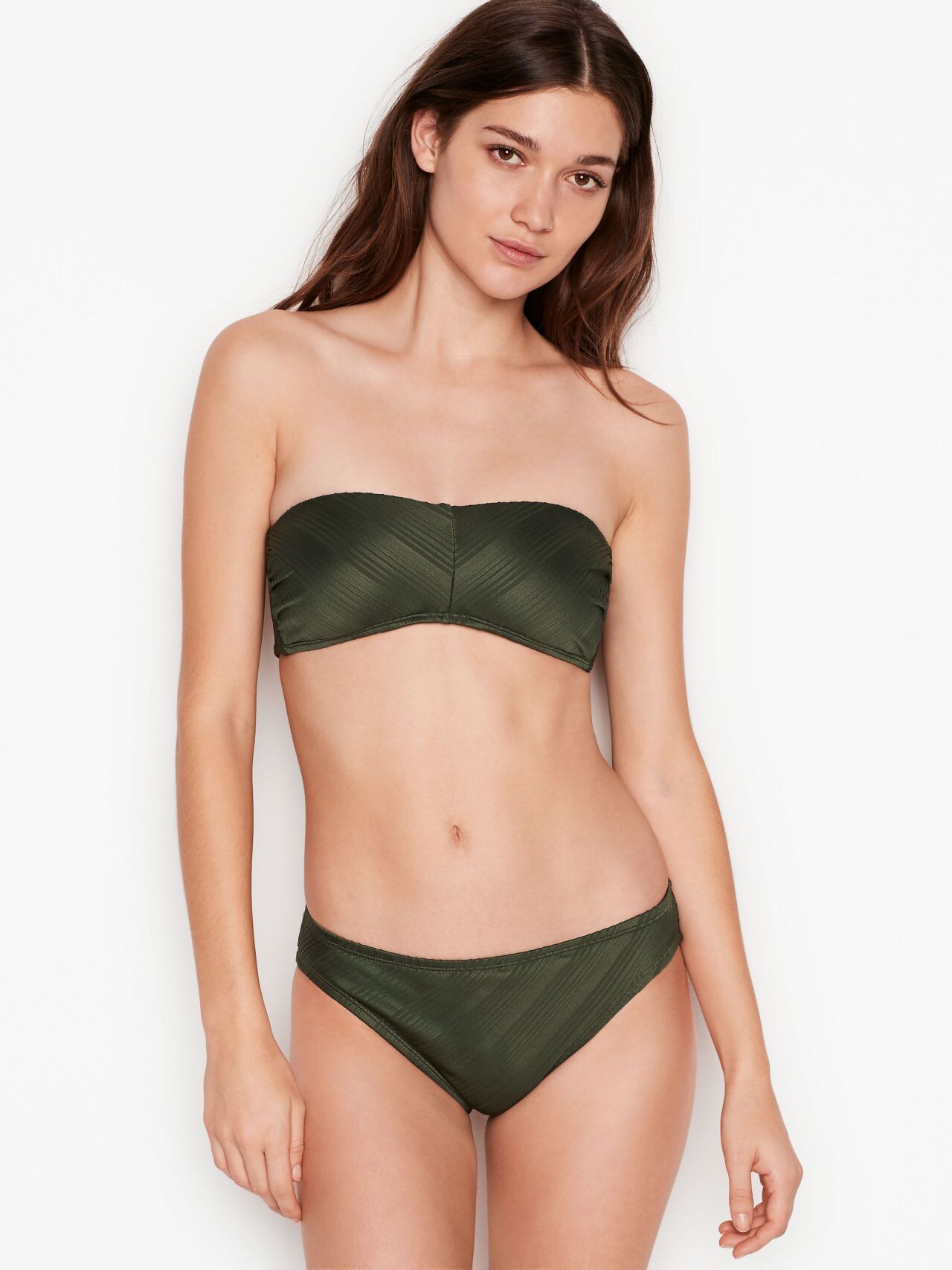
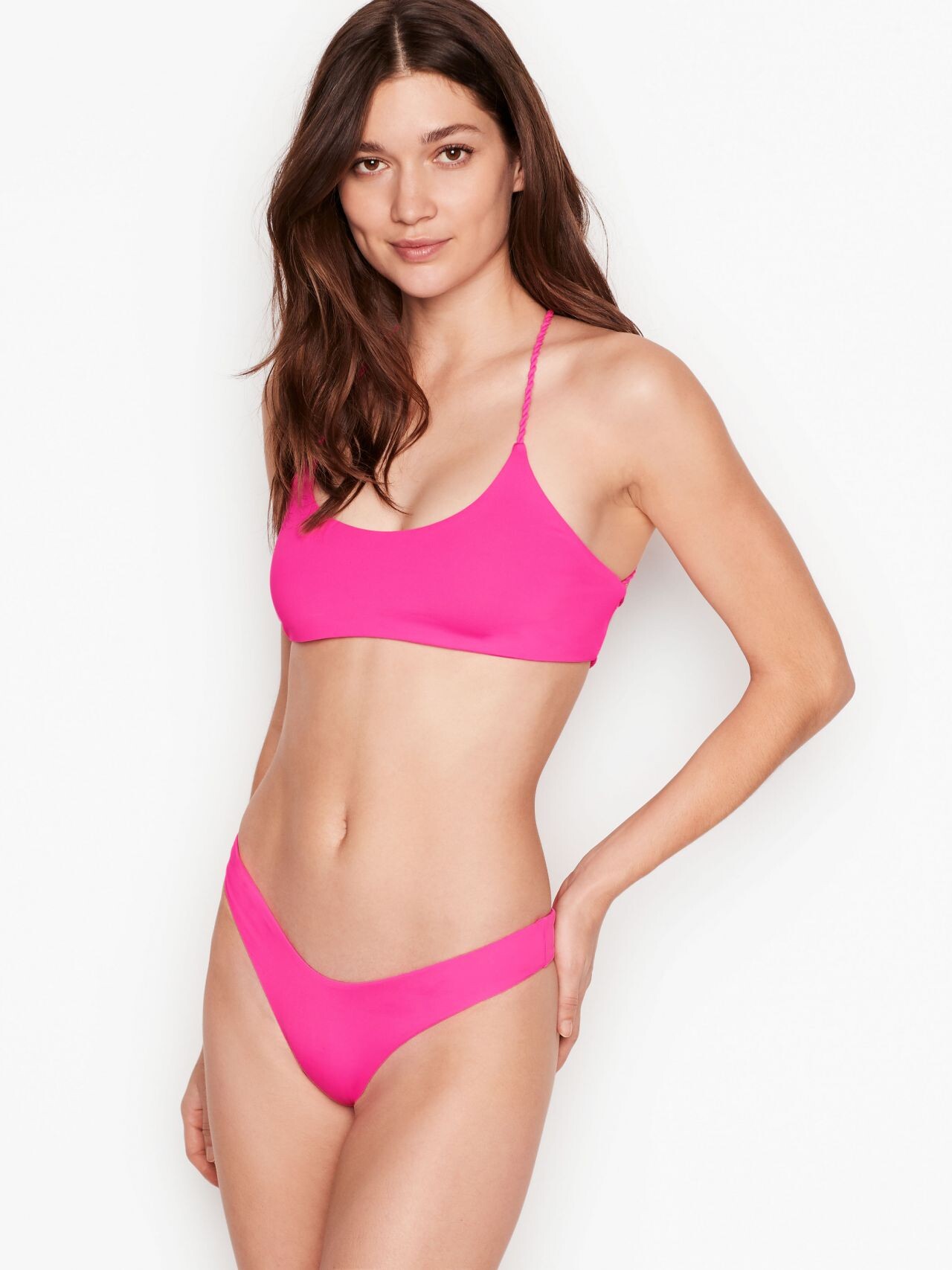
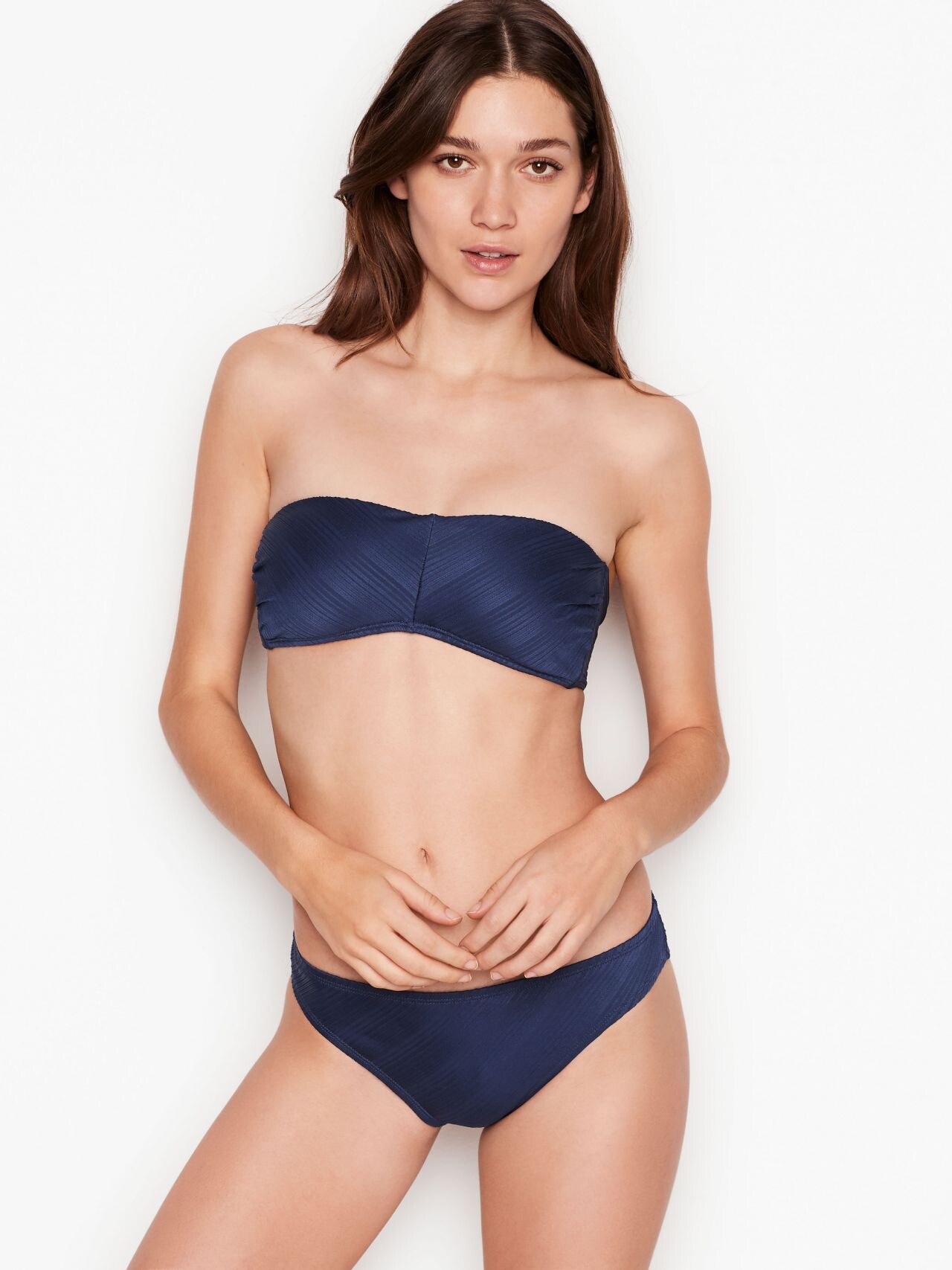
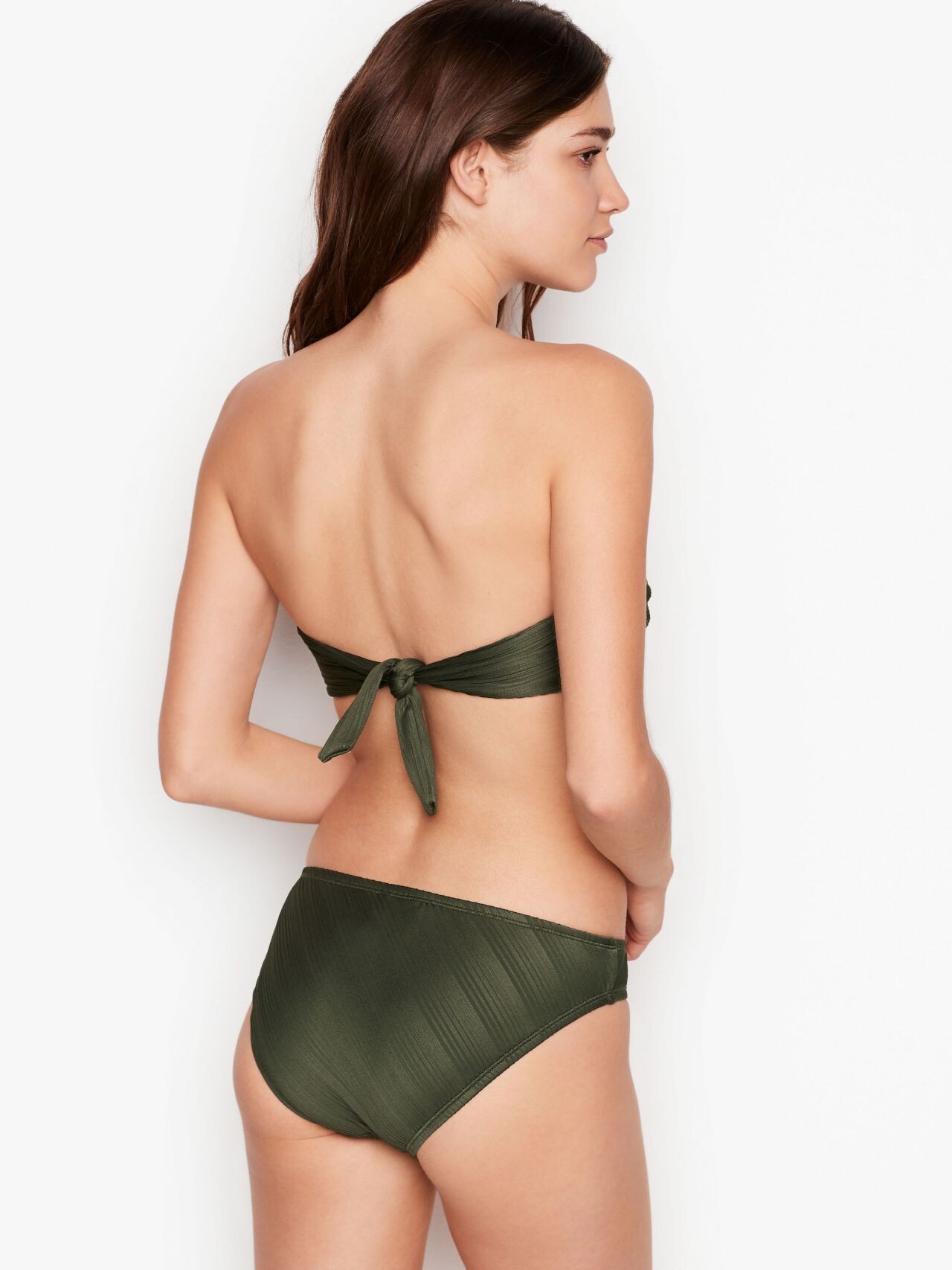
 Victoria's Secret (2019)


















-

-
 Shaina Seng 5b.mp4
 -
 I really appreciate both of you posting as much as you did lately, but the amount of double and reposts is kinda amusing at the same time. 🤣
 -
-
iceberg ss2001

 iceberg ss2001
 Iceberg Ss2001

 NELVA since 12/2025 from IG/FB





















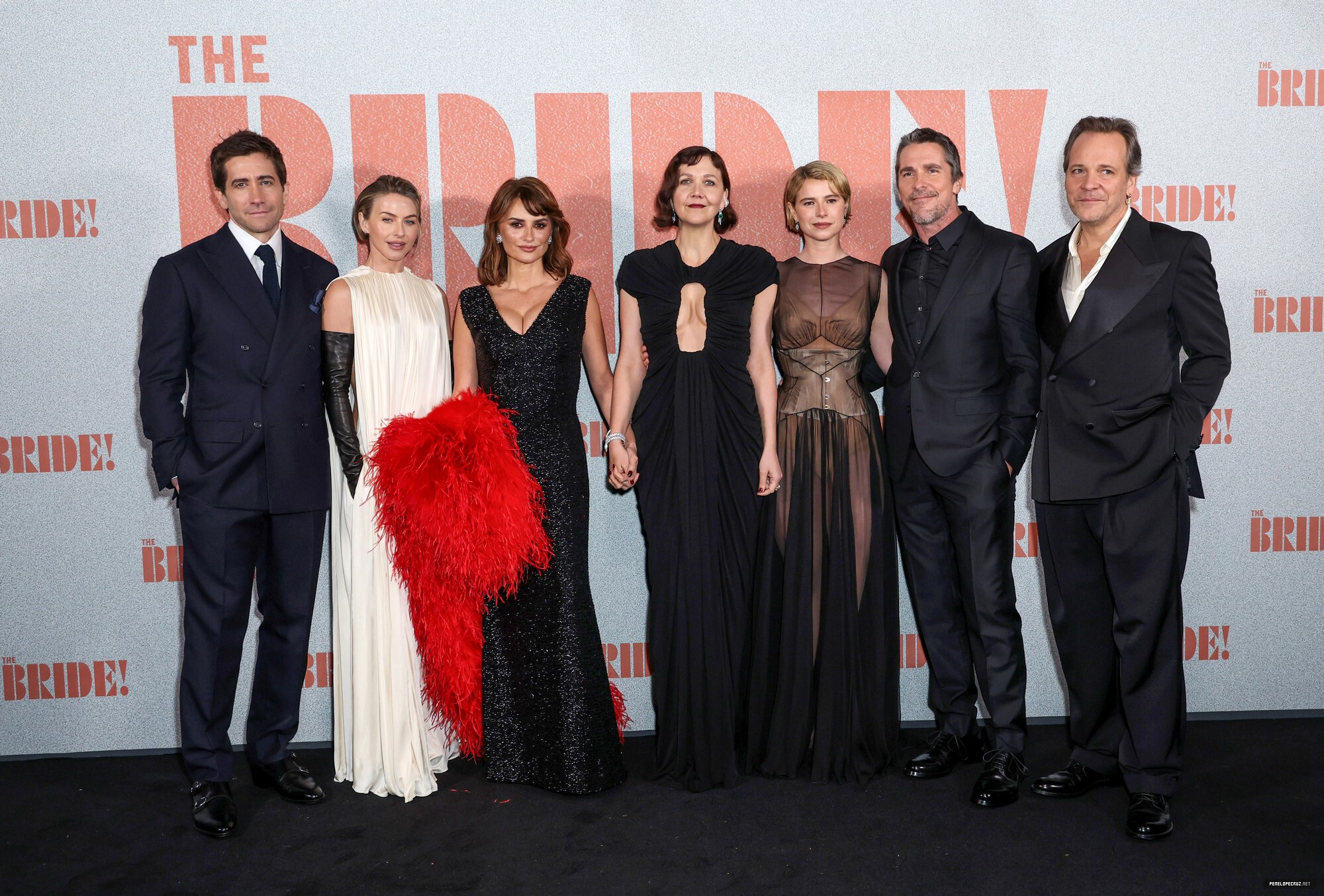
 February 26 2026- "The Bride!" London Premiere penelopecruz.net



































































 iceberg s/s 2001
 iceberg ss2001

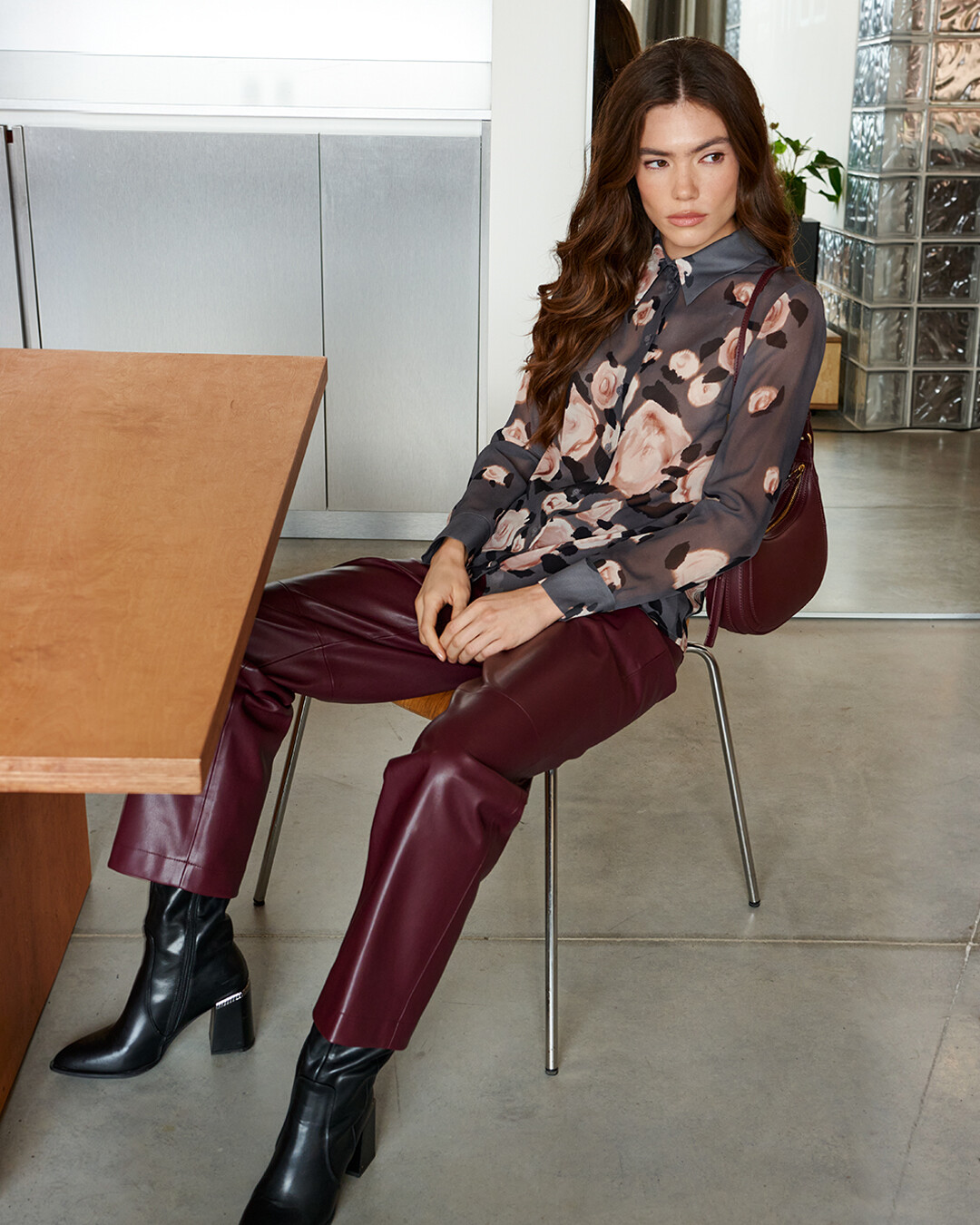
 Princess Polly Ph Ashlee Stevens















 Videos
 Sun out, 🌶️ on @Emily.Feld Sun out, 🌶️ on @emily.feld.mp4
202105031051560.mp4
Sun out, 🌶️ on @Emily.Feld Sun out, 🌶️ on @emily.feld.mp4
202105031051560.mp4
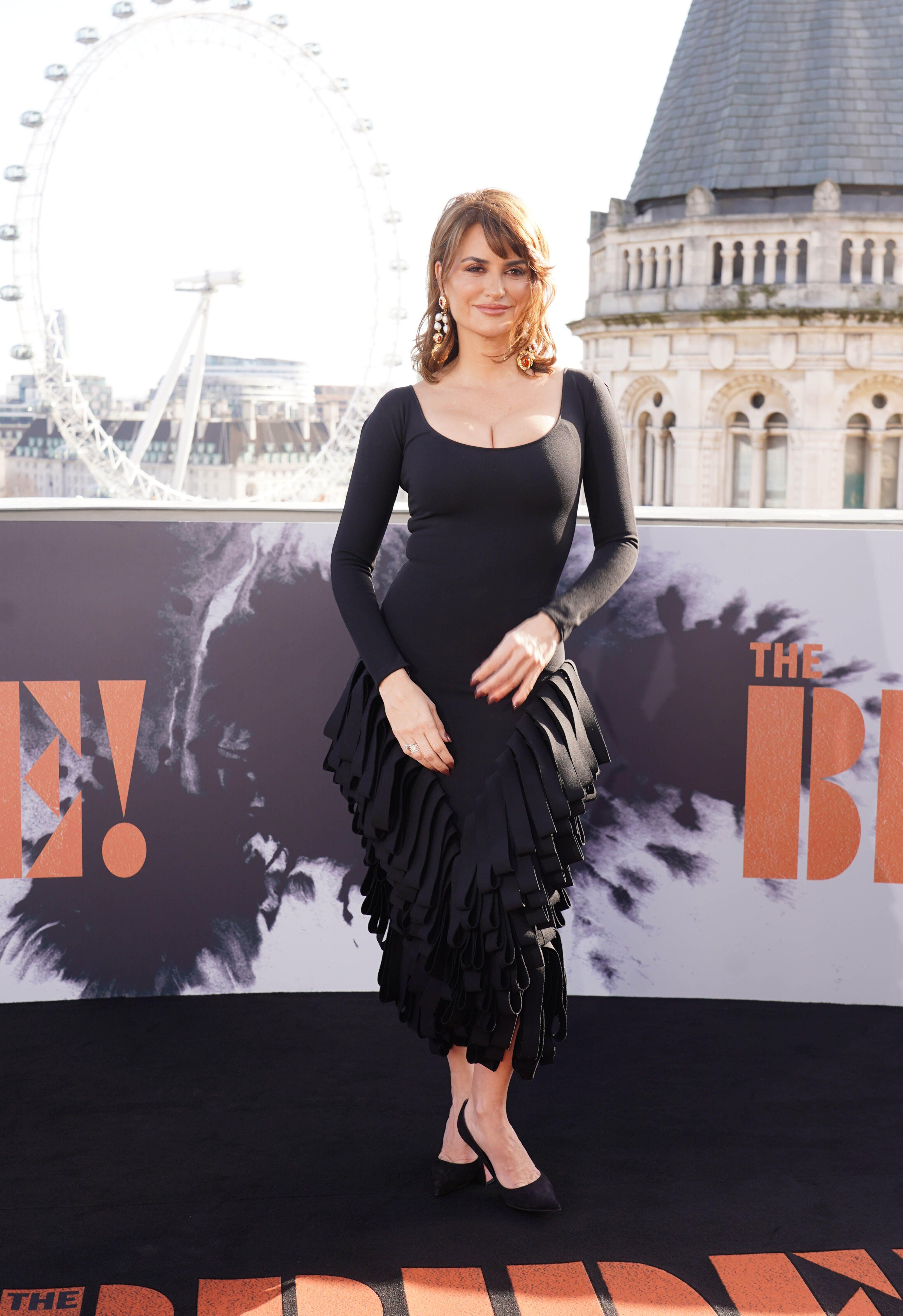
 February 25 2026- "The Bride!" London Photocall Nymeros at picturepub
















































 Emlak Platform changed their profile photo
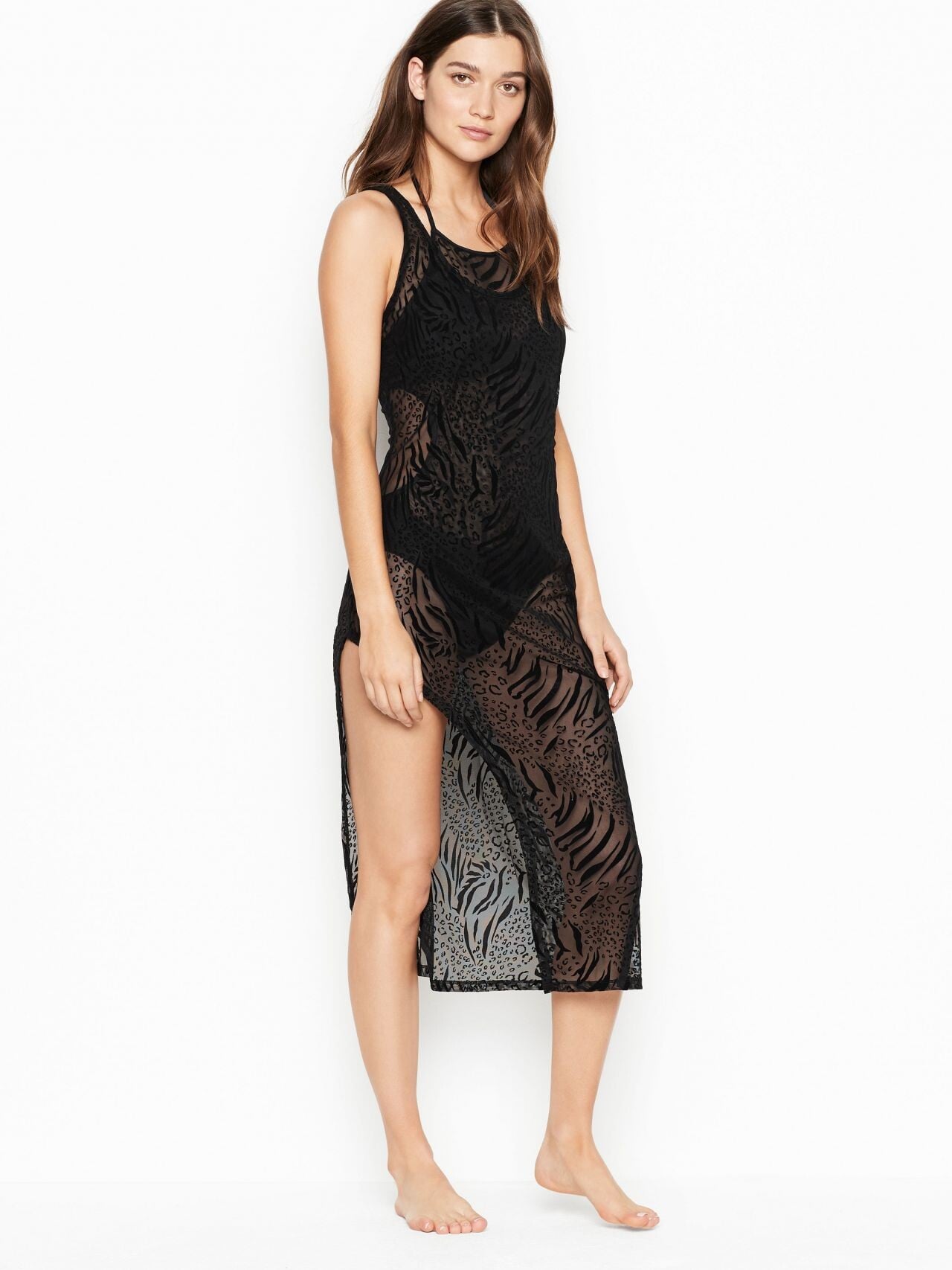
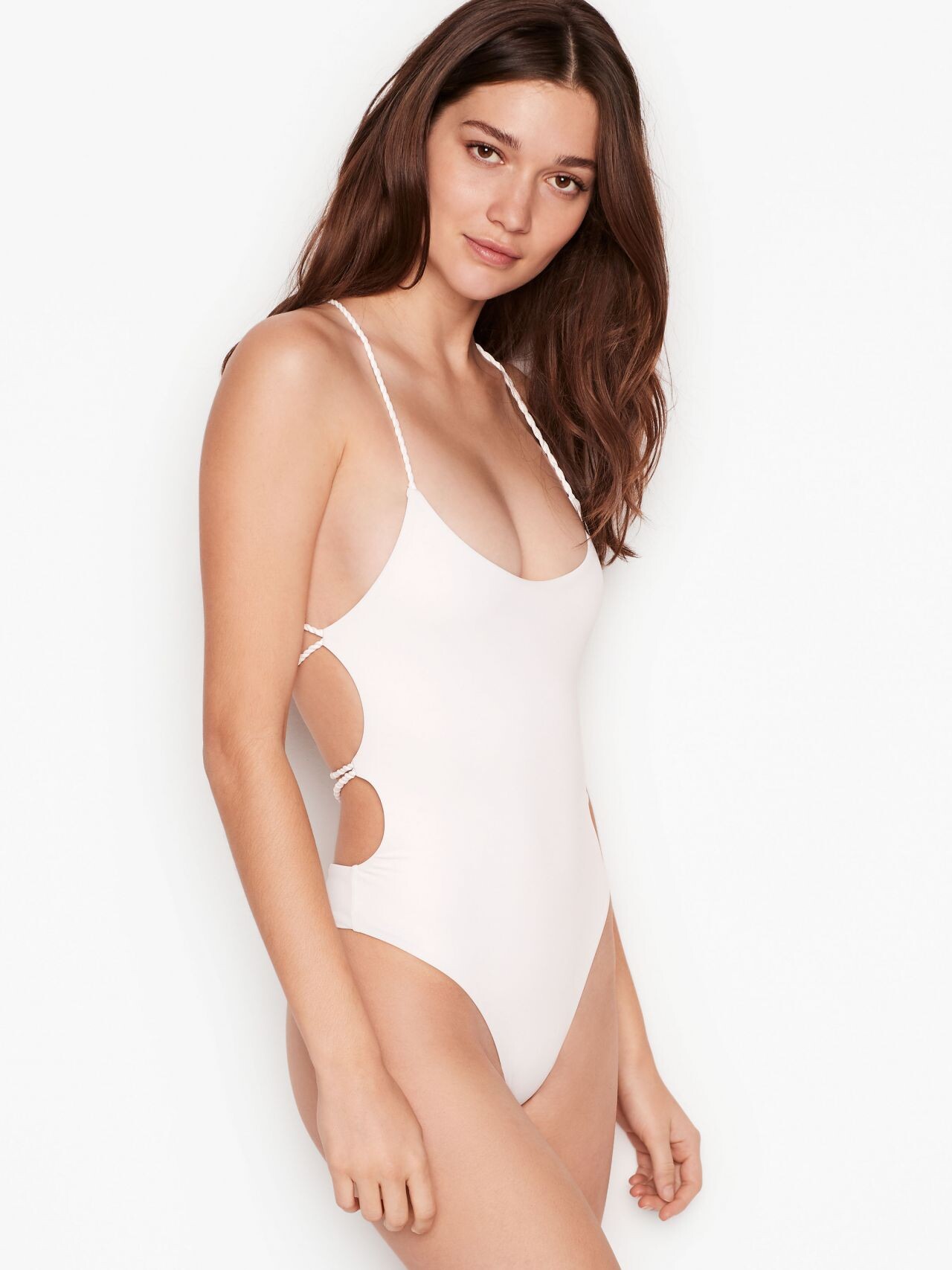
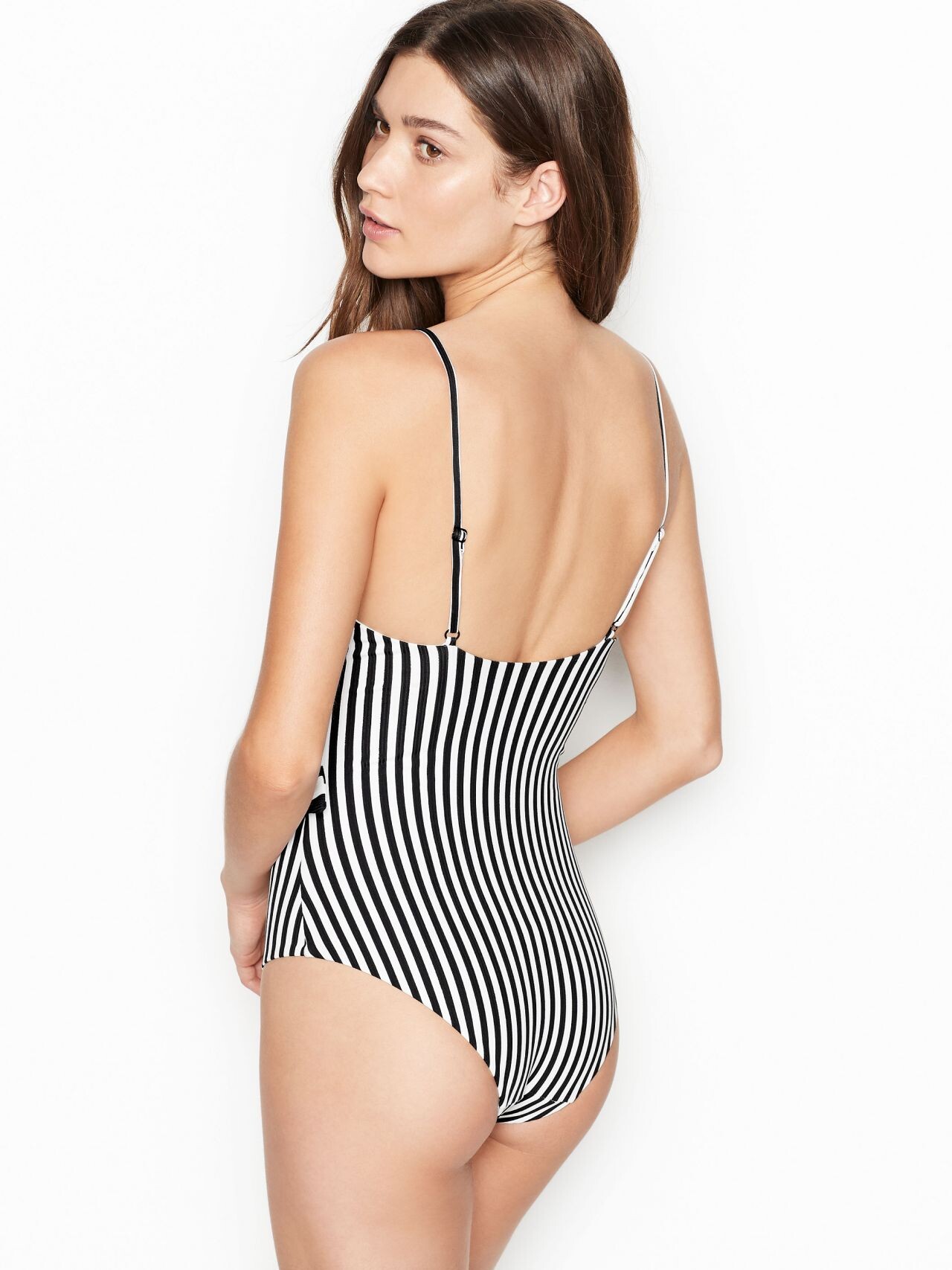
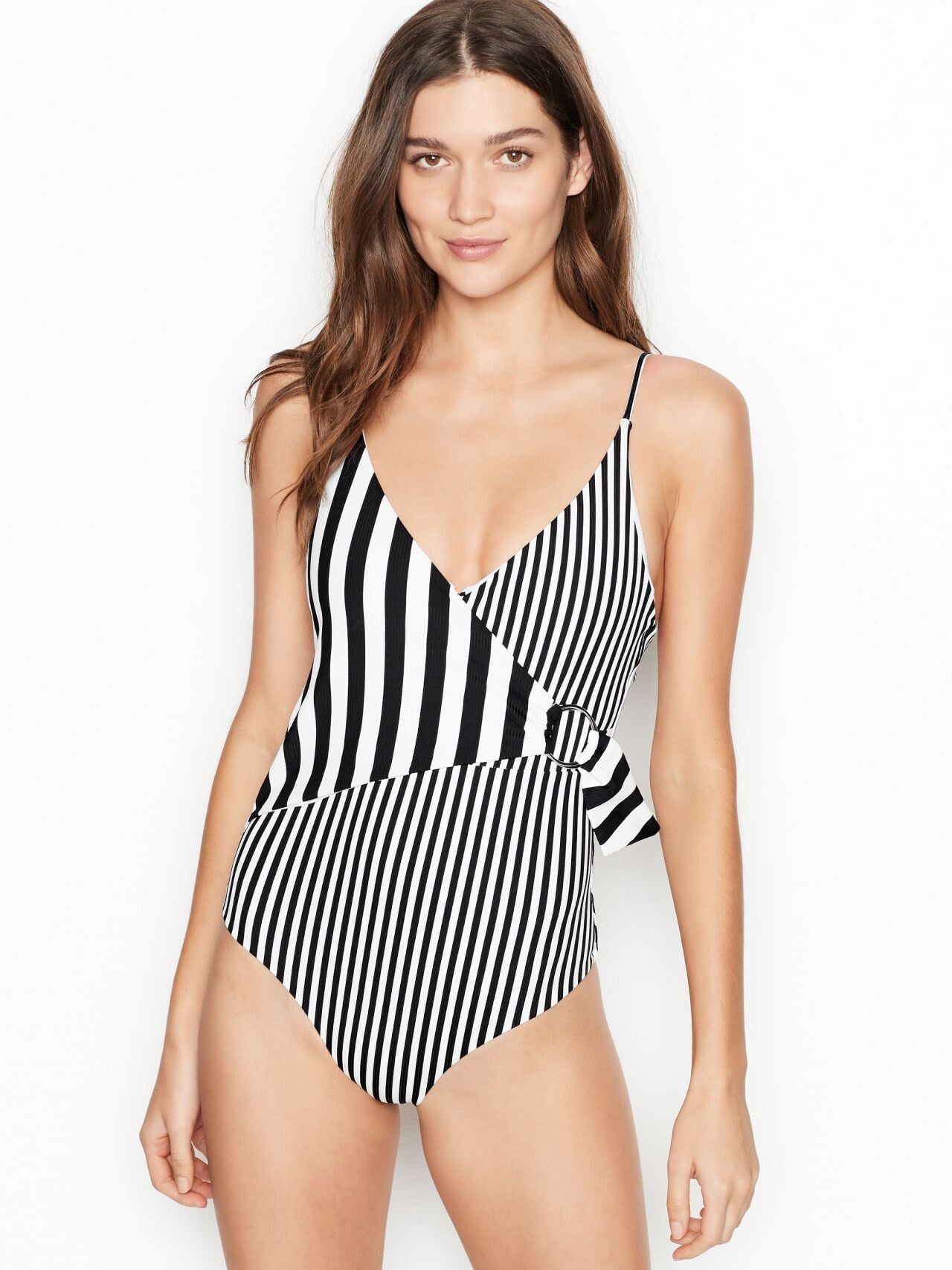










































































































.jpg.9032eebccd4b87d60a0b85760ded5f82.jpg)





































































































Account
Navigation
Search
Configure browser push notifications
Chrome (Android)
- Tap the lock icon next to the address bar.
- Tap Permissions → Notifications.
- Adjust your preference.
Chrome (Desktop)
- Click the padlock icon in the address bar.
- Select Site settings.
- Find Notifications and adjust your preference.
Safari (iOS 16.4+)
- Ensure the site is installed via Add to Home Screen.
- Open Settings App → Notifications.
- Find your app name and adjust your preference.
Safari (macOS)
- Go to Safari → Preferences.
- Click the Websites tab.
- Select Notifications in the sidebar.
- Find this website and adjust your preference.
Edge (Android)
- Tap the lock icon next to the address bar.
- Tap Permissions.
- Find Notifications and adjust your preference.
Edge (Desktop)
- Click the padlock icon in the address bar.
- Click Permissions for this site.
- Find Notifications and adjust your preference.
Firefox (Android)
- Go to Settings → Site permissions.
- Tap Notifications.
- Find this site in the list and adjust your preference.
Firefox (Desktop)
- Open Firefox Settings.
- Search for Notifications.
- Find this site in the list and adjust your preference.