All Activity
- Past hour
-
 Crystal is in another American flag bikini 👙


-

-

-
-

 Here is another model that I had to screenshot it.
 Merry Christmas! 🎄⛄❄️ Of course I had to knit my Christmas outfit 🎄❤️ Cashmere and mohair mix 😌.mp4
stories videos [2025.12.24] kendalljenner_3794945936217758228.mp4[2025.12.24] kendalljenner_3794946474380526301.mp4
Merry Christmas! 🎄⛄❄️ Of course I had to knit my Christmas outfit 🎄❤️ Cashmere and mohair mix 😌.mp4
stories videos [2025.12.24] kendalljenner_3794945936217758228.mp4[2025.12.24] kendalljenner_3794946474380526301.mp4






 .
. .
.

- Today
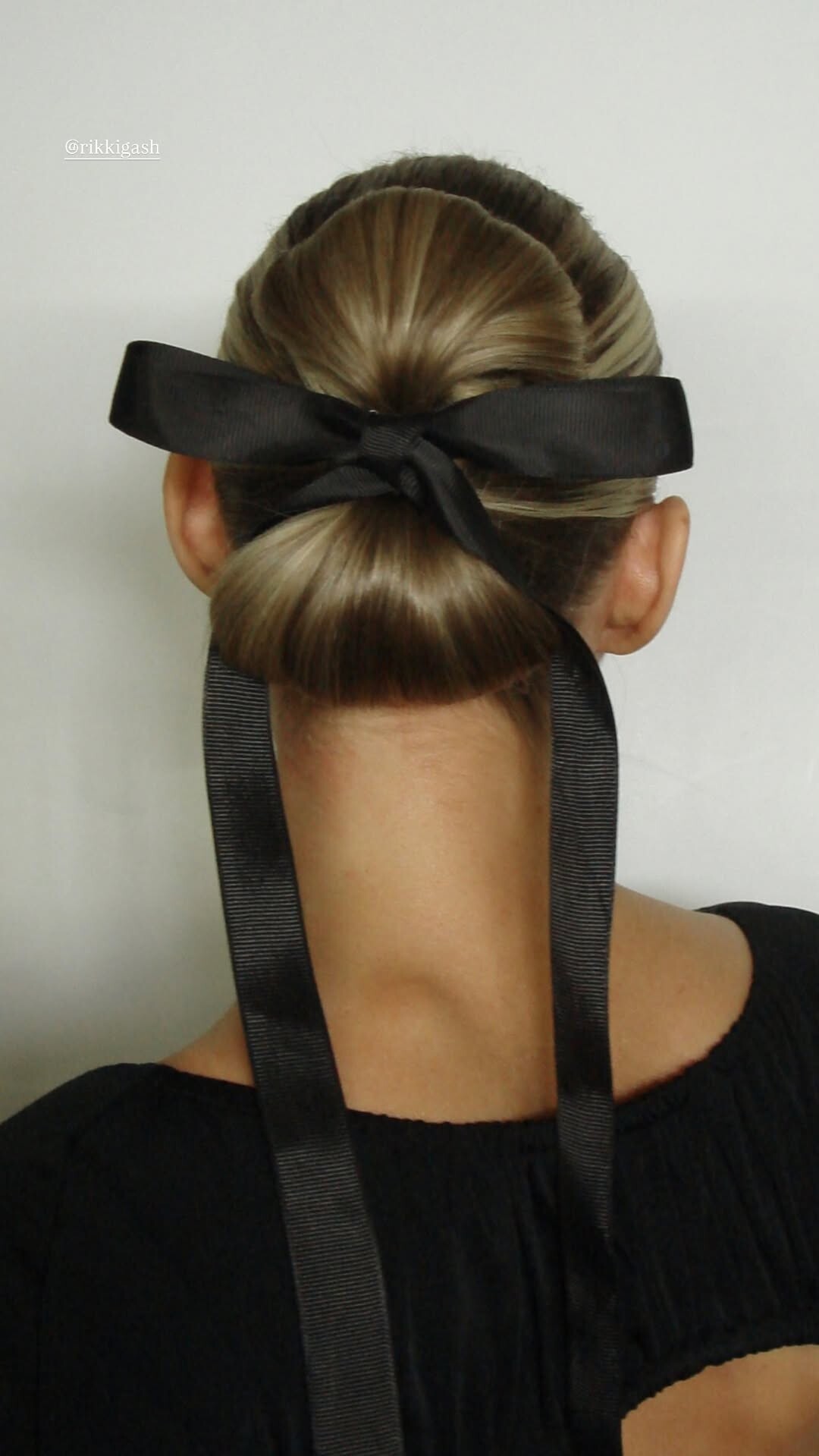
Christmas eve fit 🎀













 💯 The sequel was just a Hollywood money grab. Not something I would have expected from Ridley Scott. And Denzel's character reminded me of his role in Training Day, which was an award winning performance in that film but not the right fit for Gladiator II. I was expecting Denzel to yell "King Kong ain't got nothing on me!" in Gladiator II; now that line would have been worth the price of admission. 🤣
 Anastasia Marcela Mara Dehandre AJ Courtney Kaia Anastasia Tia Caroline Colleen Penny
 Holy smokes! ❤️🥰














































Account
Search
Configure browser push notifications
Chrome (Android)
- Tap the lock icon next to the address bar.
- Tap Permissions → Notifications.
- Adjust your preference.
Chrome (Desktop)
- Click the padlock icon in the address bar.
- Select Site settings.
- Find Notifications and adjust your preference.
Safari (iOS 16.4+)
- Ensure the site is installed via Add to Home Screen.
- Open Settings App → Notifications.
- Find your app name and adjust your preference.
Safari (macOS)
- Go to Safari → Preferences.
- Click the Websites tab.
- Select Notifications in the sidebar.
- Find this website and adjust your preference.
Edge (Android)
- Tap the lock icon next to the address bar.
- Tap Permissions.
- Find Notifications and adjust your preference.
Edge (Desktop)
- Click the padlock icon in the address bar.
- Click Permissions for this site.
- Find Notifications and adjust your preference.
Firefox (Android)
- Go to Settings → Site permissions.
- Tap Notifications.
- Find this site in the list and adjust your preference.
Firefox (Desktop)
- Open Firefox Settings.
- Search for Notifications.
- Find this site in the list and adjust your preference.