Jump to content
View in the app

A better way to browse. Learn more.

Bellazon

A full-screen app on your home screen with push notifications, badges and more.

To install this app on iOS and iPadOS
  1. Tap the Share icon in Safari
  2. Scroll the menu and tap Add to Home Screen.
  3. Tap Add in the top-right corner.
To install this app on Android
  1. Tap the 3-dot menu (⋮) in the top-right corner of the browser.
  2. Tap Add to Home screen or Install app.
  3. Confirm by tapping Install.

All Activity

This stream auto-updates

  1. Past hour
  2. Wearing a crystal embellished dress at a fashion presentation at the Influencer Global Awards, in Miami, December 1st 2025 (venue was the Eden Roc hotel in Miami Beach):
  3. Inesita replied to Inesita's topic in Actresses
  4. anyone has more her introduce/casting/test videos?
  5. wardenian started following Anja Winkelmann
  6. Inesita replied to liberal's topic in Actresses
    The most beutiful Italian, amazing!
  7. Inesita replied to Inesita's topic in Actresses
    How beautiful!
  8. Inesita replied to Inesita's topic in Actresses
    Thanks for all magazine pictures!
  9. Inesita replied to Inesita's topic in Actresses
    Thank you, I hadn't noticed it.
  10. kruso started following Olivia Mcburney
  11. Inesita replied to Inesita's topic in Actresses
    Very beutiful!
  12. Inesita replied to Inesita's topic in Actresses
    Thank you for the pictures!
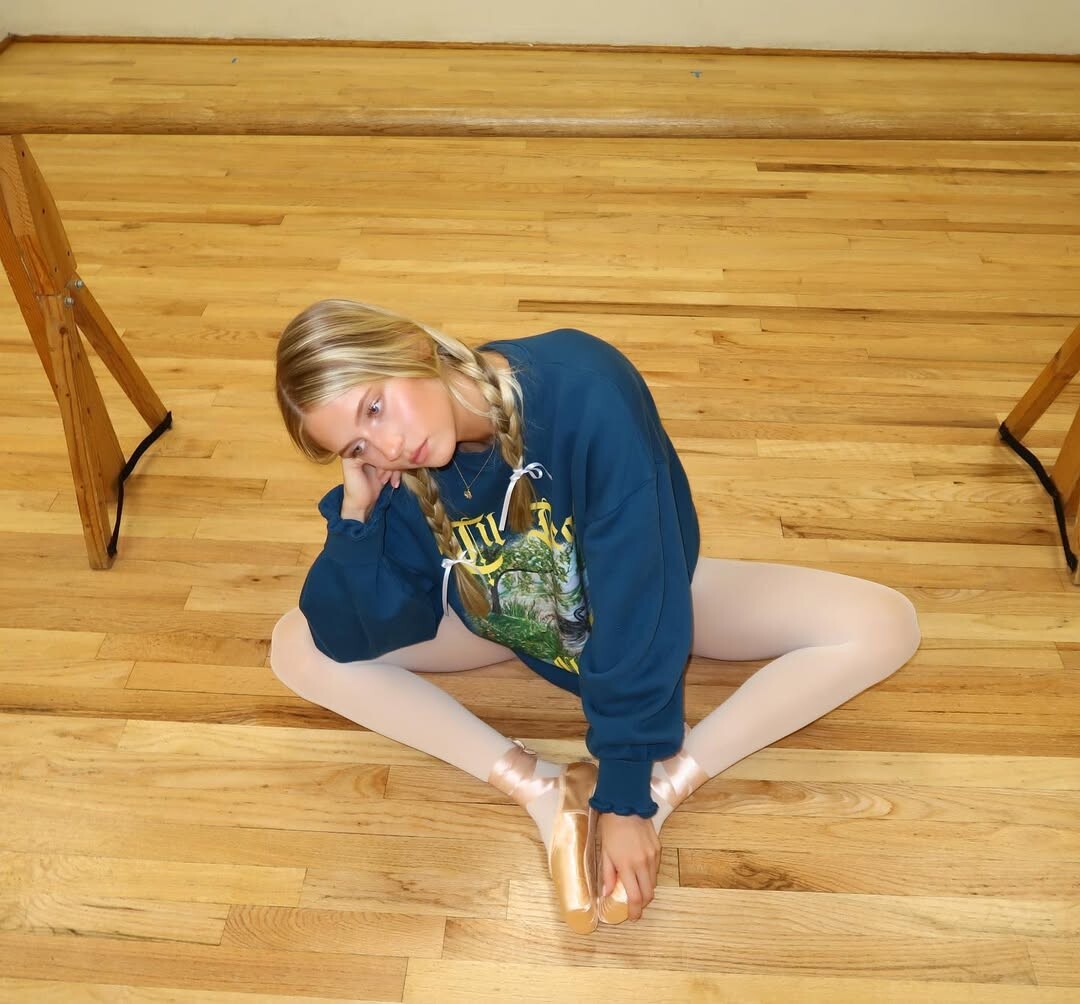
  13. Inesita replied to Inesita's topic in Actresses
    Very nice, thanks!
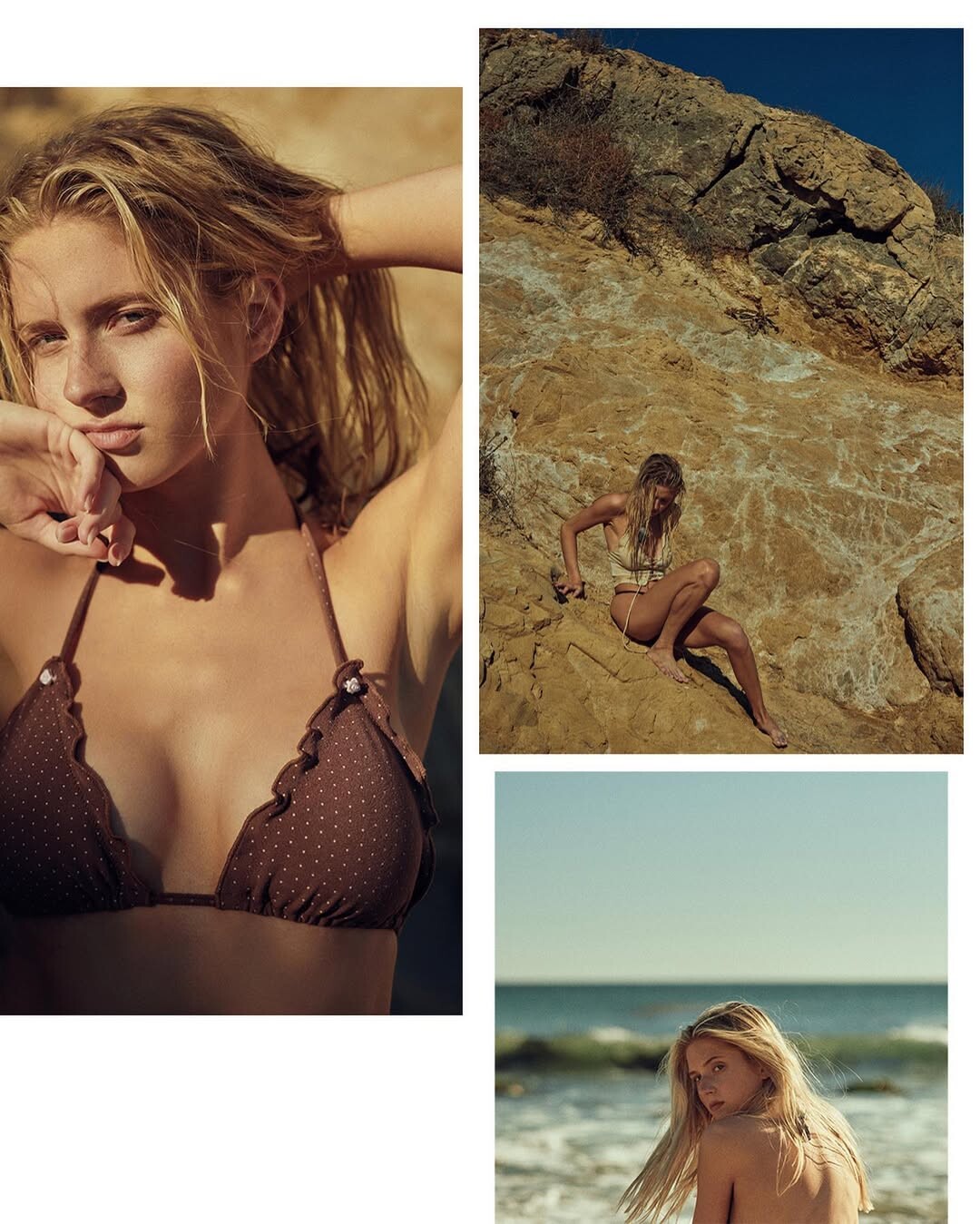
  14. Inesita replied to Inesita's topic in Actresses
    🥰 🥰🥰
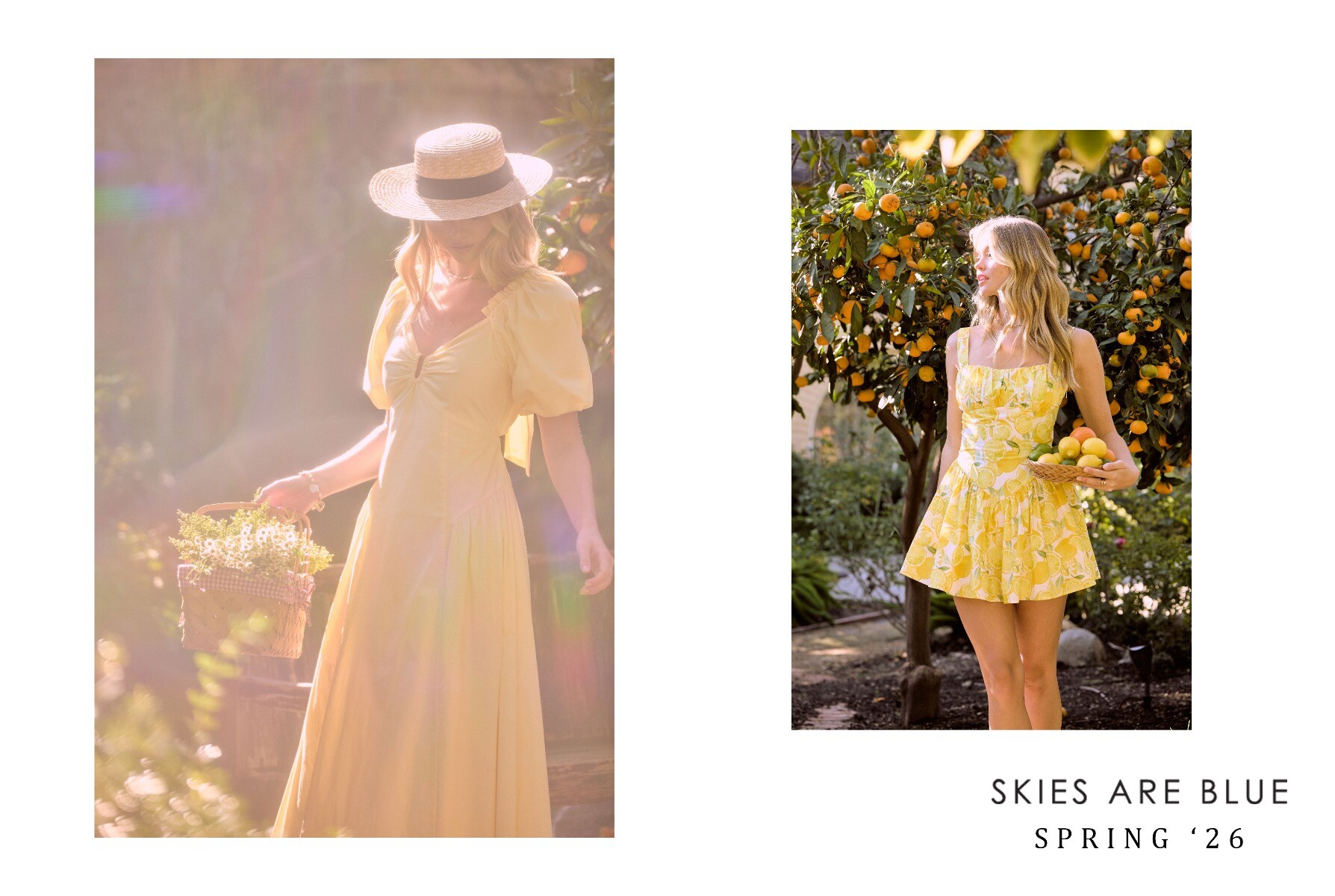
  15. SKIES ARE BLUE SKIES ARE BLUE 2026 SPRING (720p No Audio).mp4
  16. sylvester started following Paulina Stanek
  17. Russell James: stories
  18. bllzn started following Paris Bishop
  19. Pablo Costanzo: hoskelsa x montce_swim by me video
  20. stories video
  21. CITY Magazine International

Account

Navigation

Search

Configure browser push notifications

Chrome (Android)
  1. Tap the lock icon next to the address bar.
  2. Tap Permissions → Notifications.
  3. Adjust your preference.
Chrome (Desktop)
  1. Click the padlock icon in the address bar.
  2. Select Site settings.
  3. Find Notifications and adjust your preference.