All Activity
- Past hour
-

-
-
 IG - Gina Tricot Tiktok - Gina Tricot





-
-

-
MELISSA DE KONING Melissa de Koning used to be a Dutch model active from the mid 1990s into the 2Ks. She was very active particularly on the German market and used to have plenty of catalog clients. Height: 1,76m / 5‘9 1/2 Hair: brown Eyes: brown Former Agencies: Elite Amsterdam (motheragency) Model Management Hamburg Munich Models and others Her Instagram: www.instagram.com/dekoning.m
-

-

 Rose Boyaz de la Cruz https://www.bellazon.com/main/topic/88309-rose-boyaz-de-la-cruz/
 thanks
 Lancome Rénergie Collagen+ Lift-Xtend:

 hillarys joined the community
 DAN BELEIU




 Yes,Karin
 De Instagram

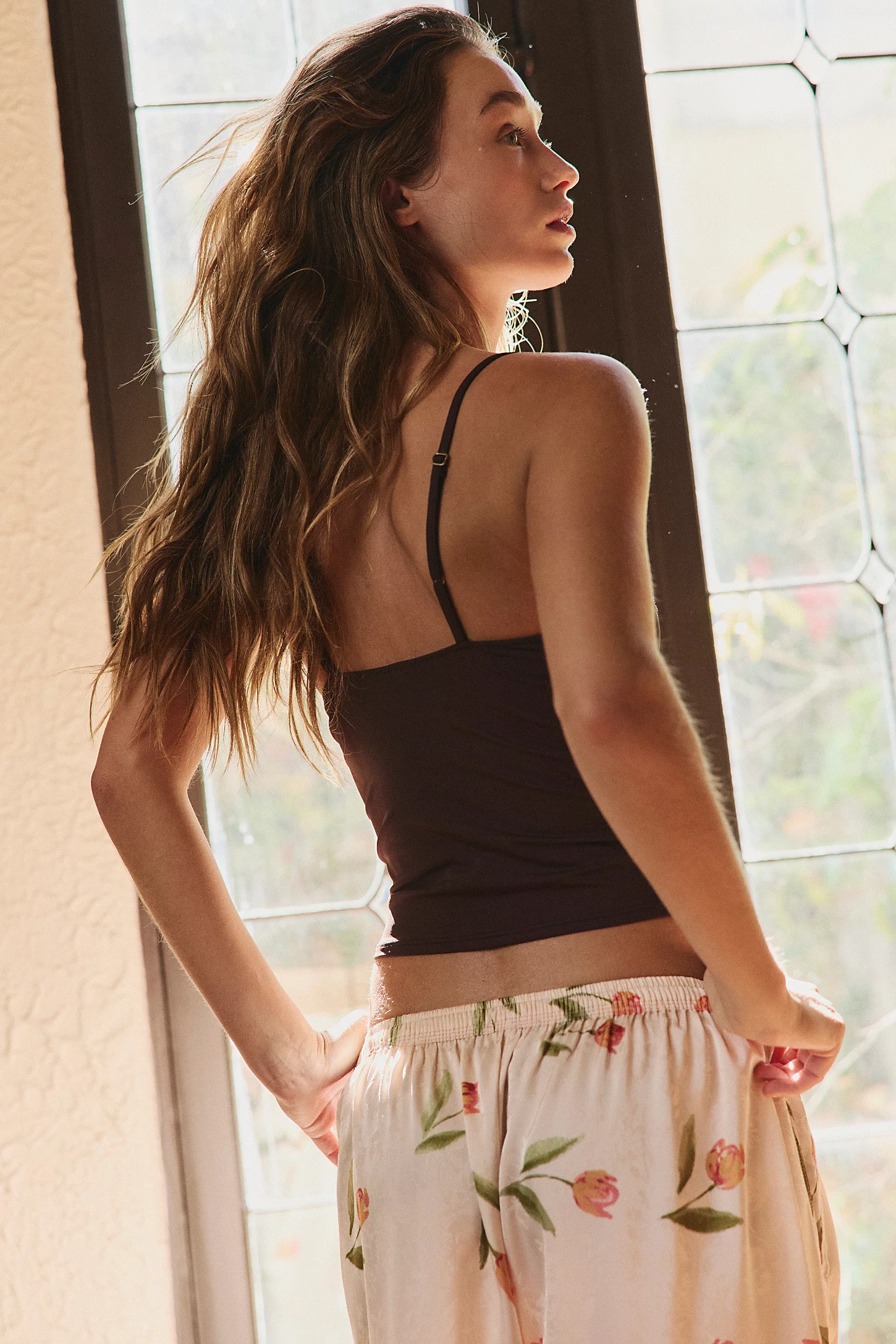
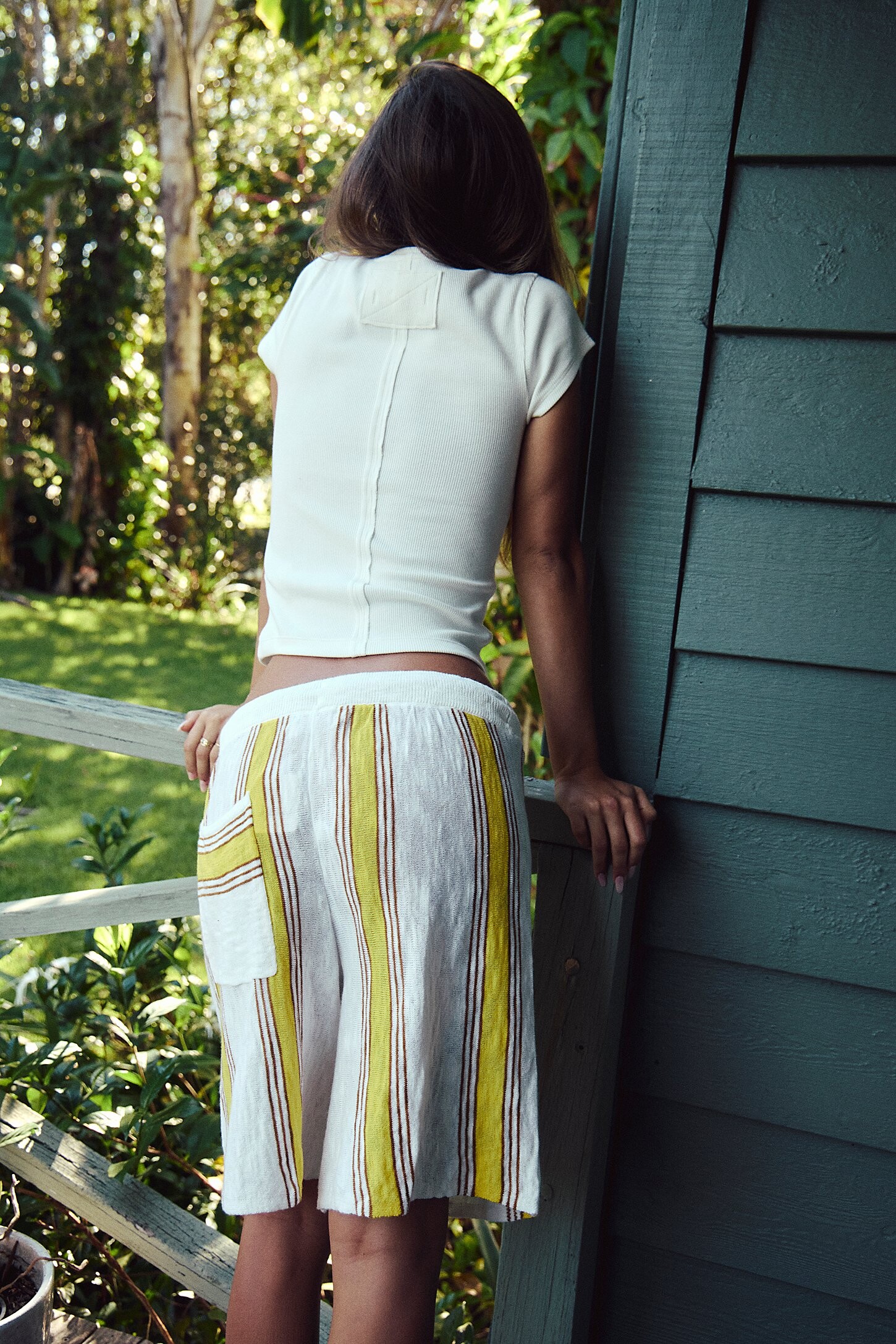
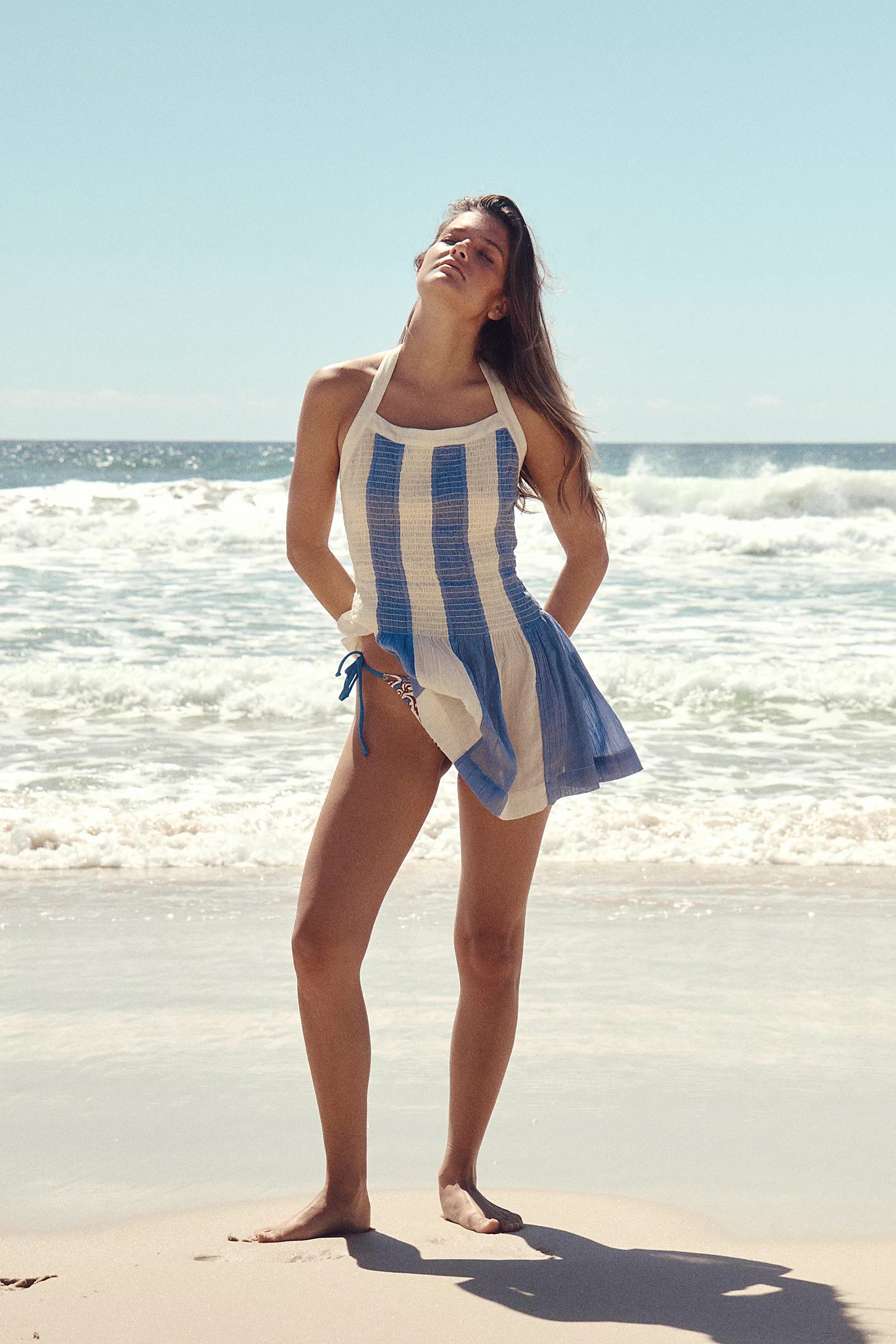
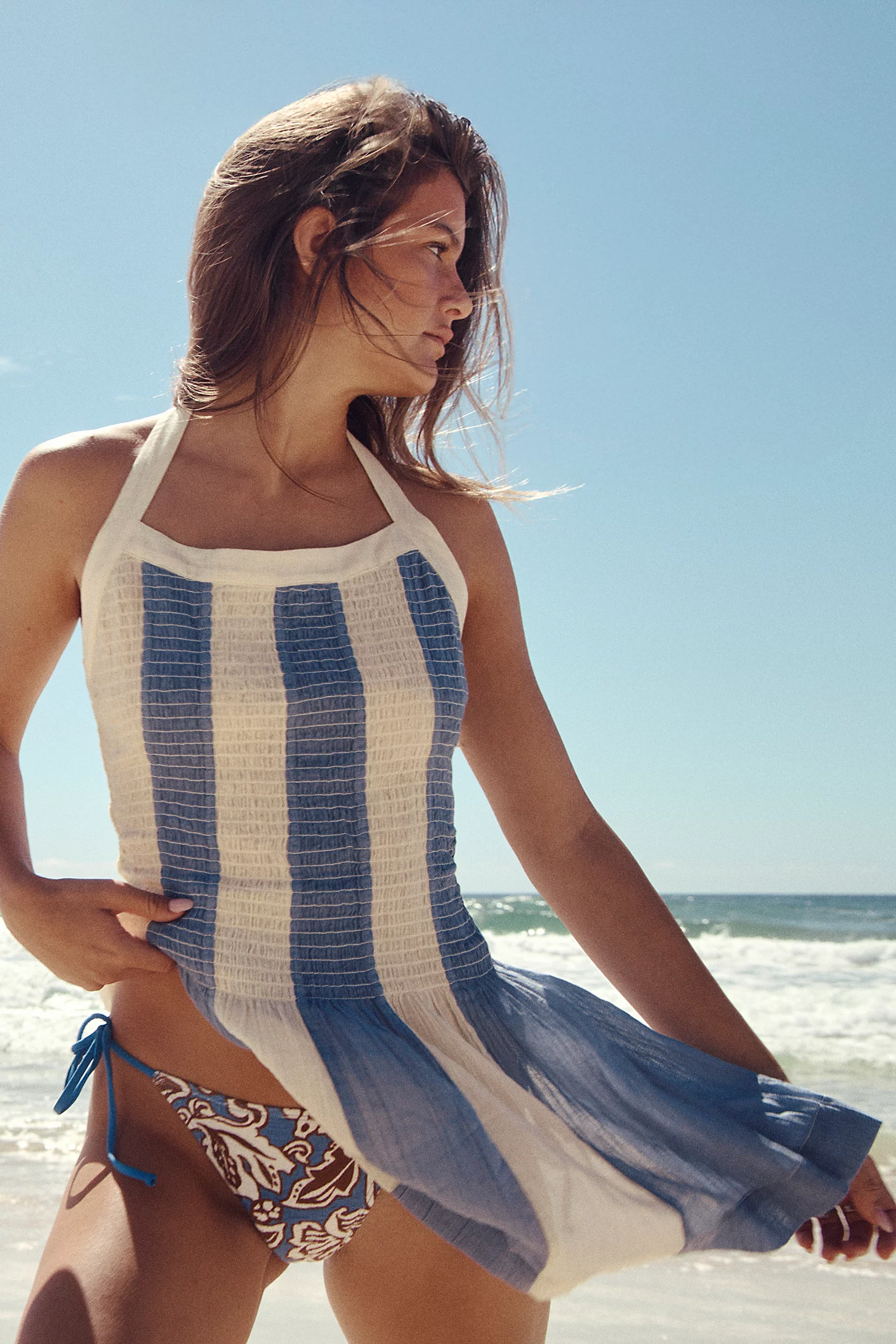
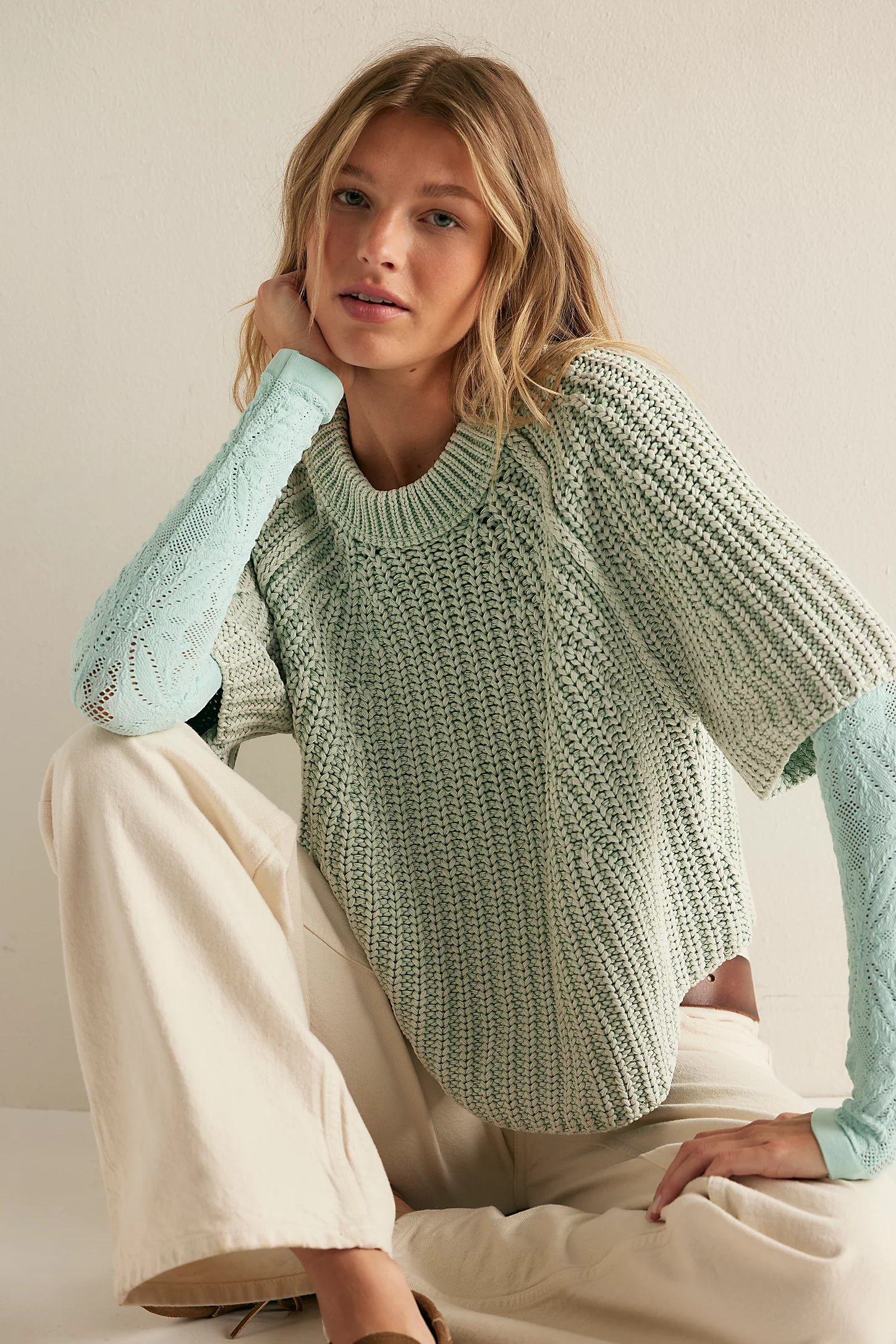
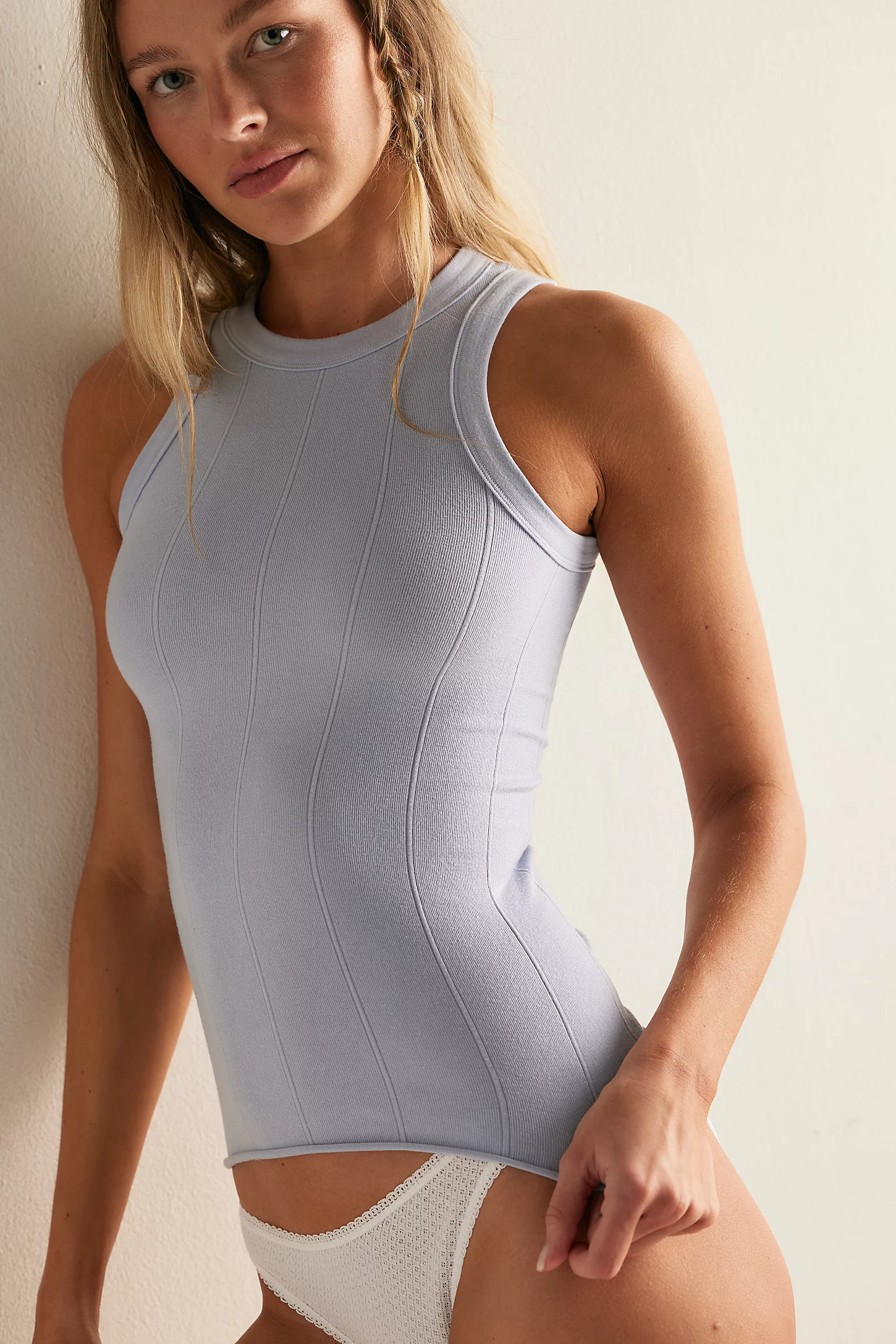
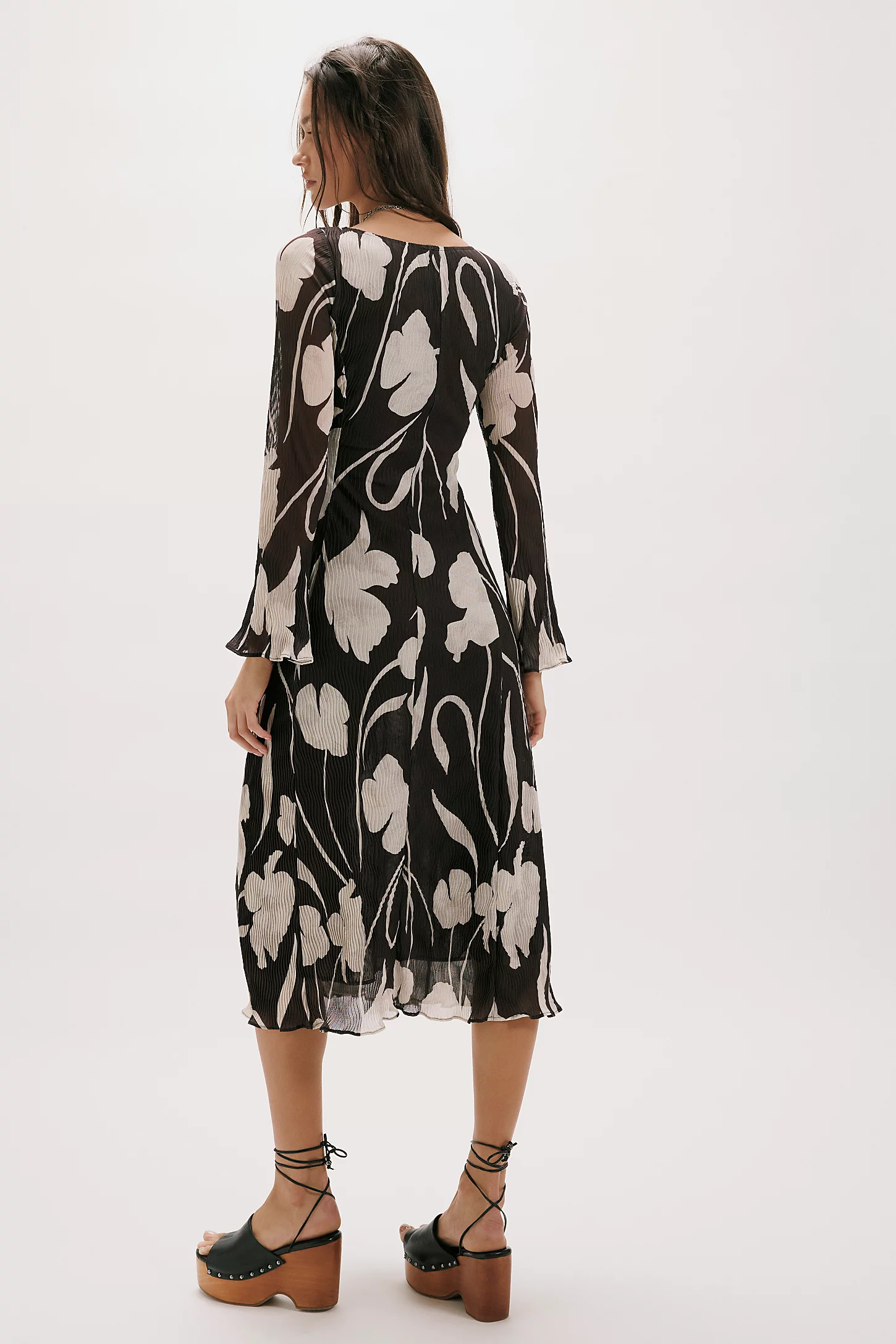
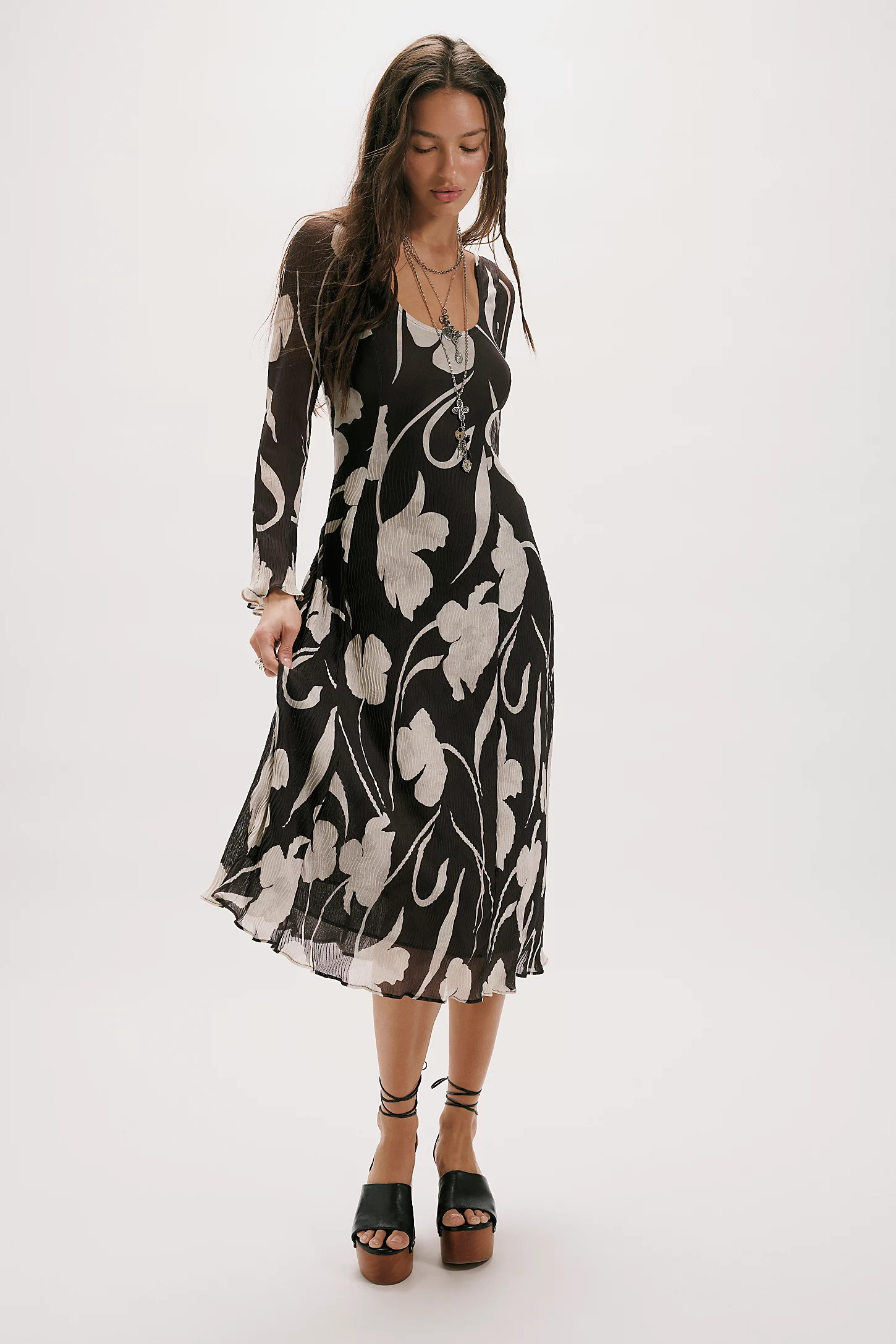
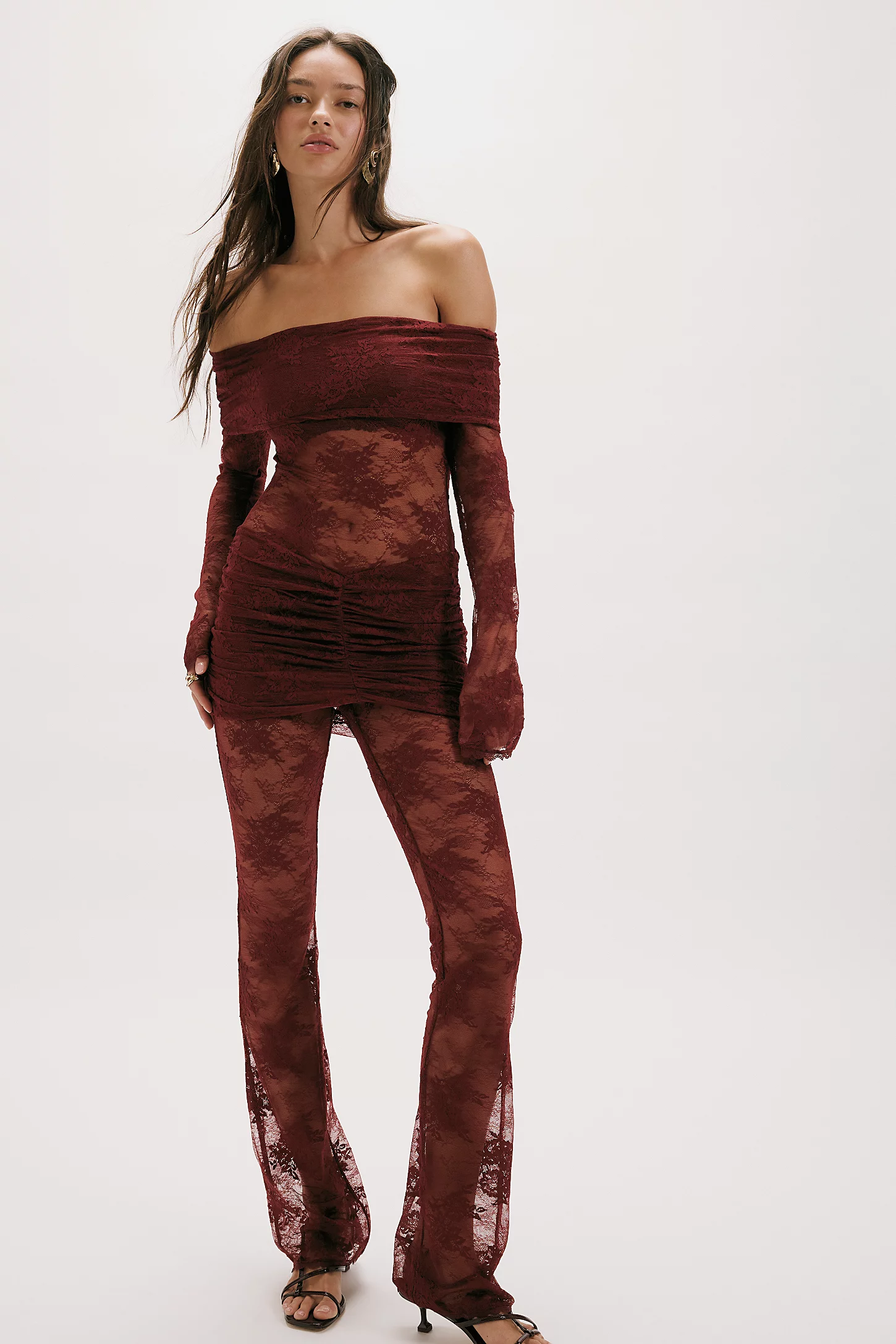
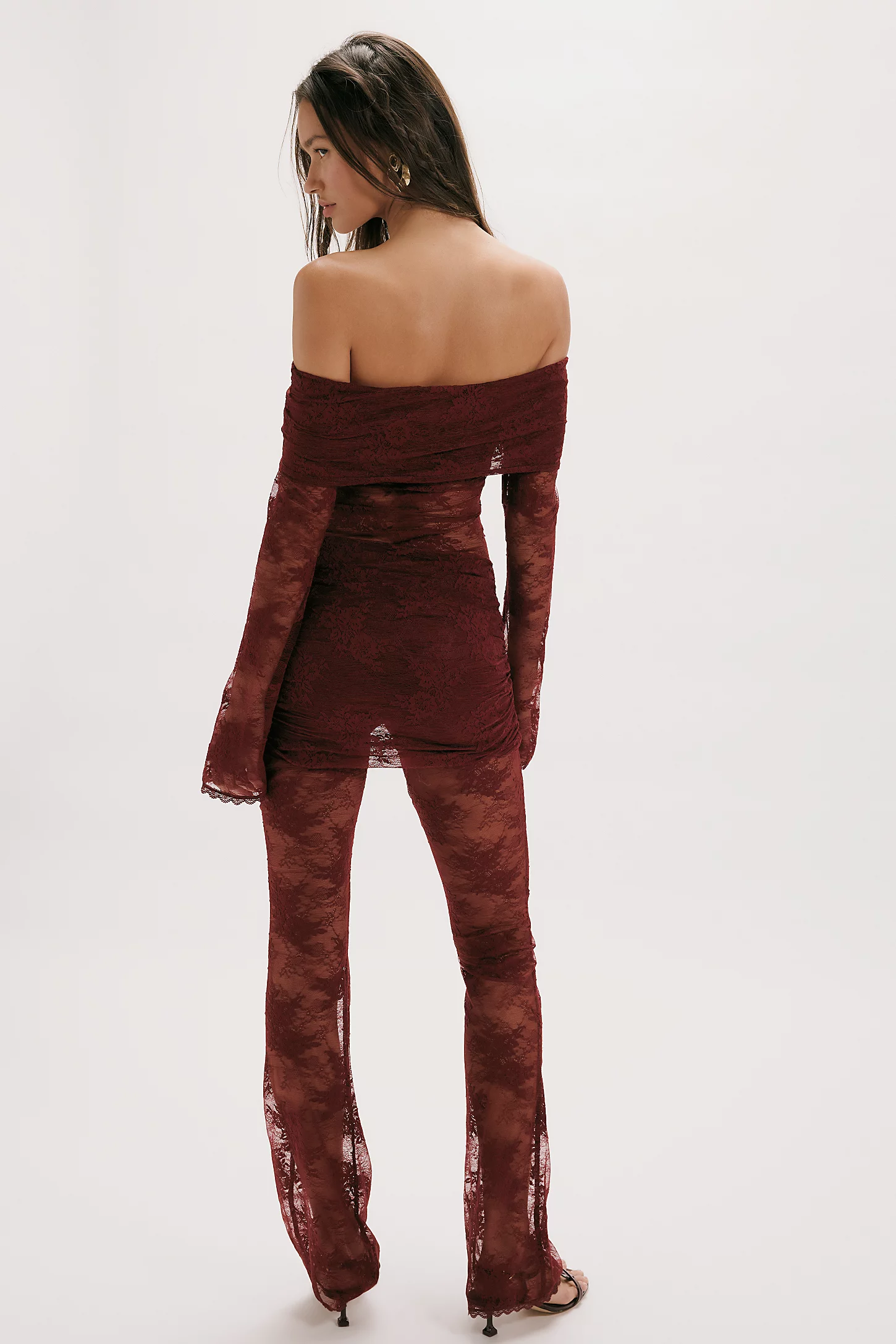
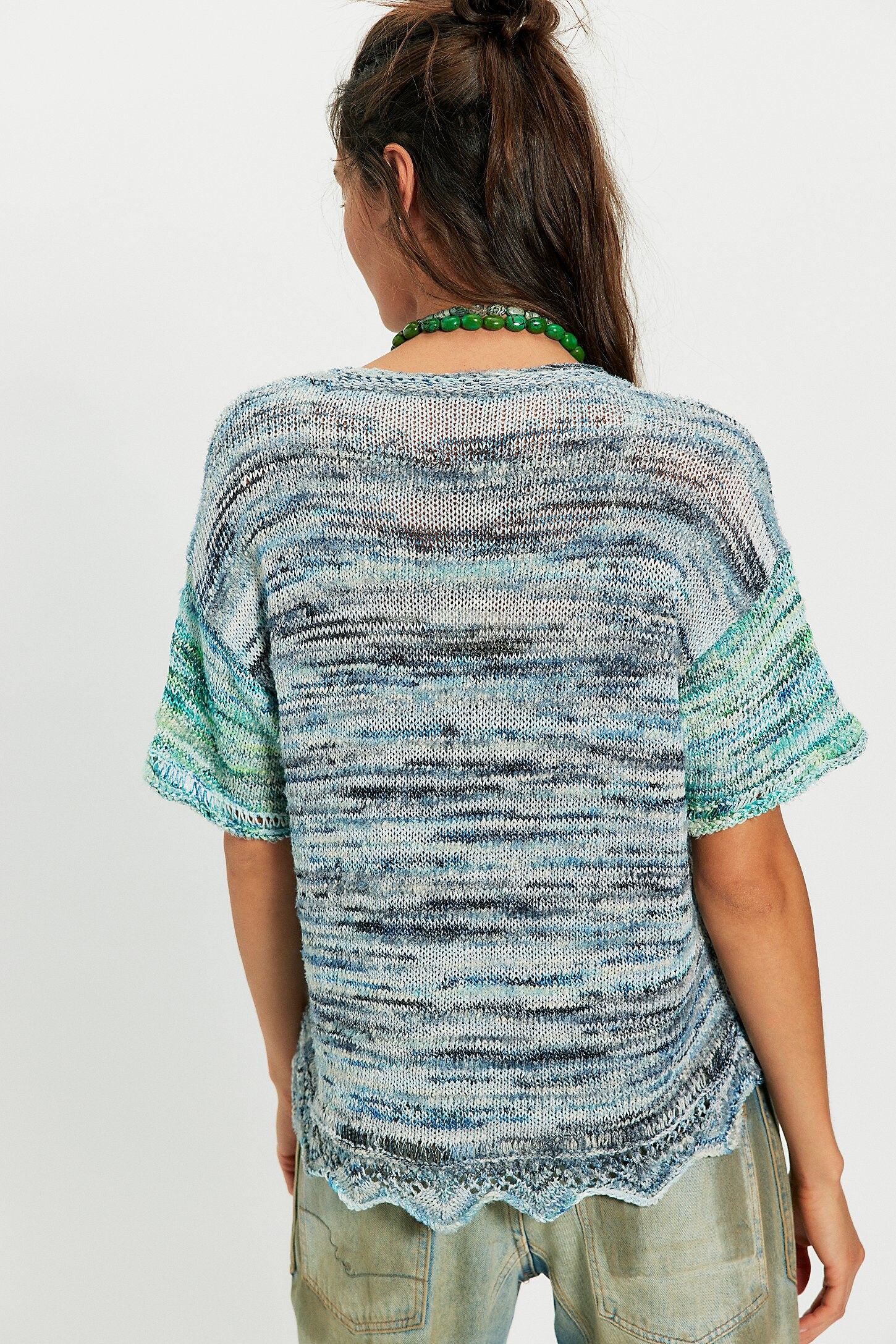
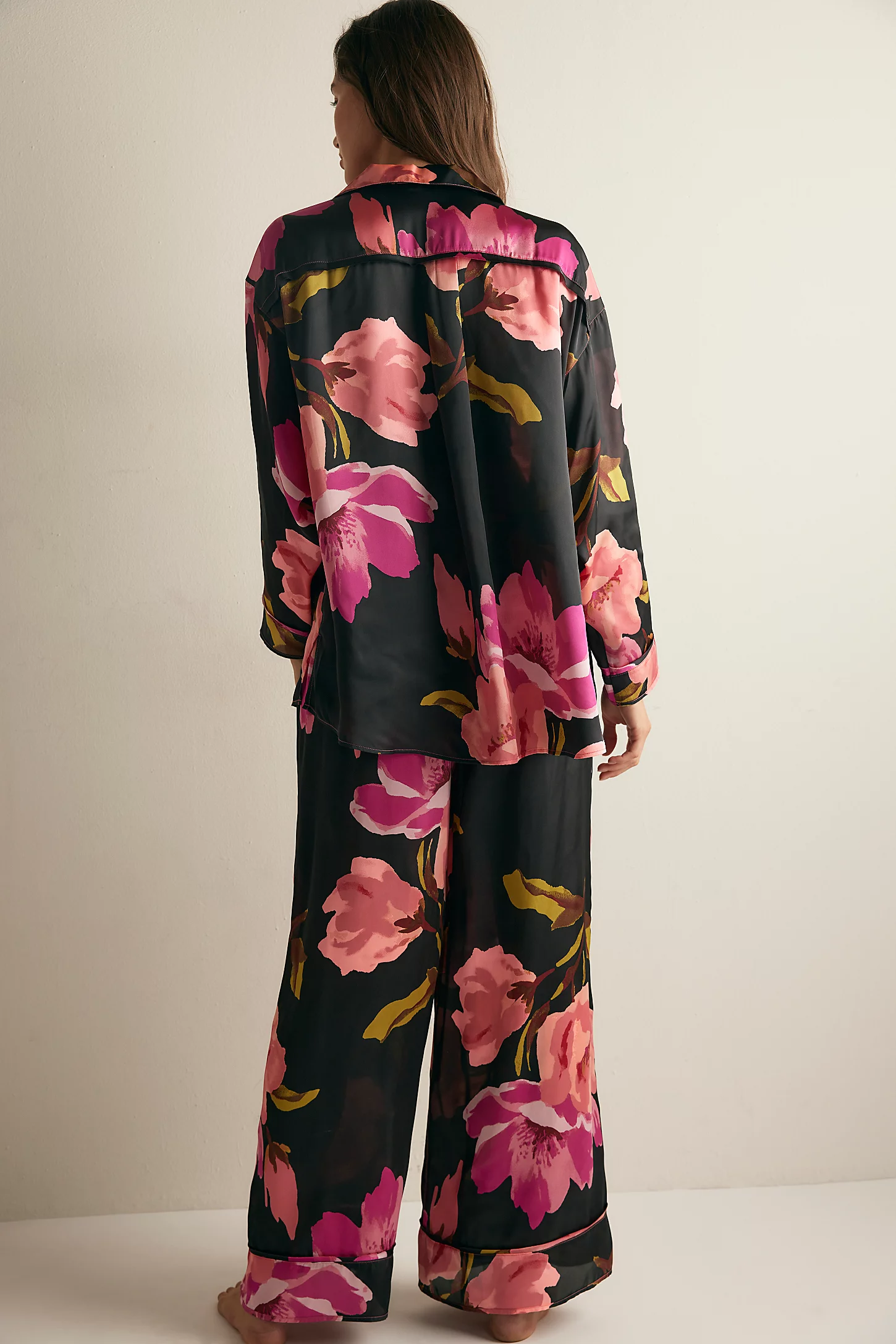
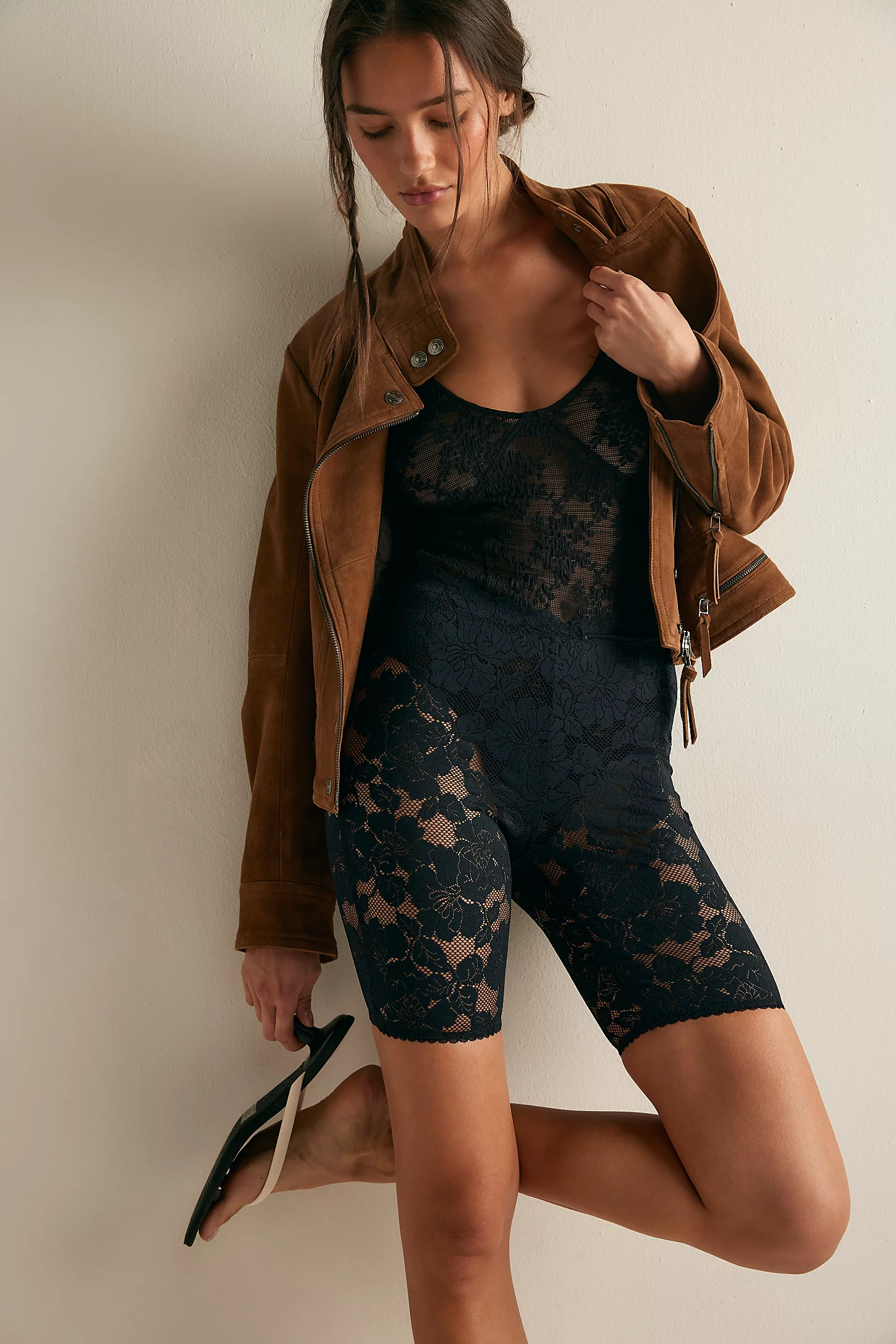
 Free People
















































- Today
That is possible but when modeling she used Raia and it is also her real name 😘
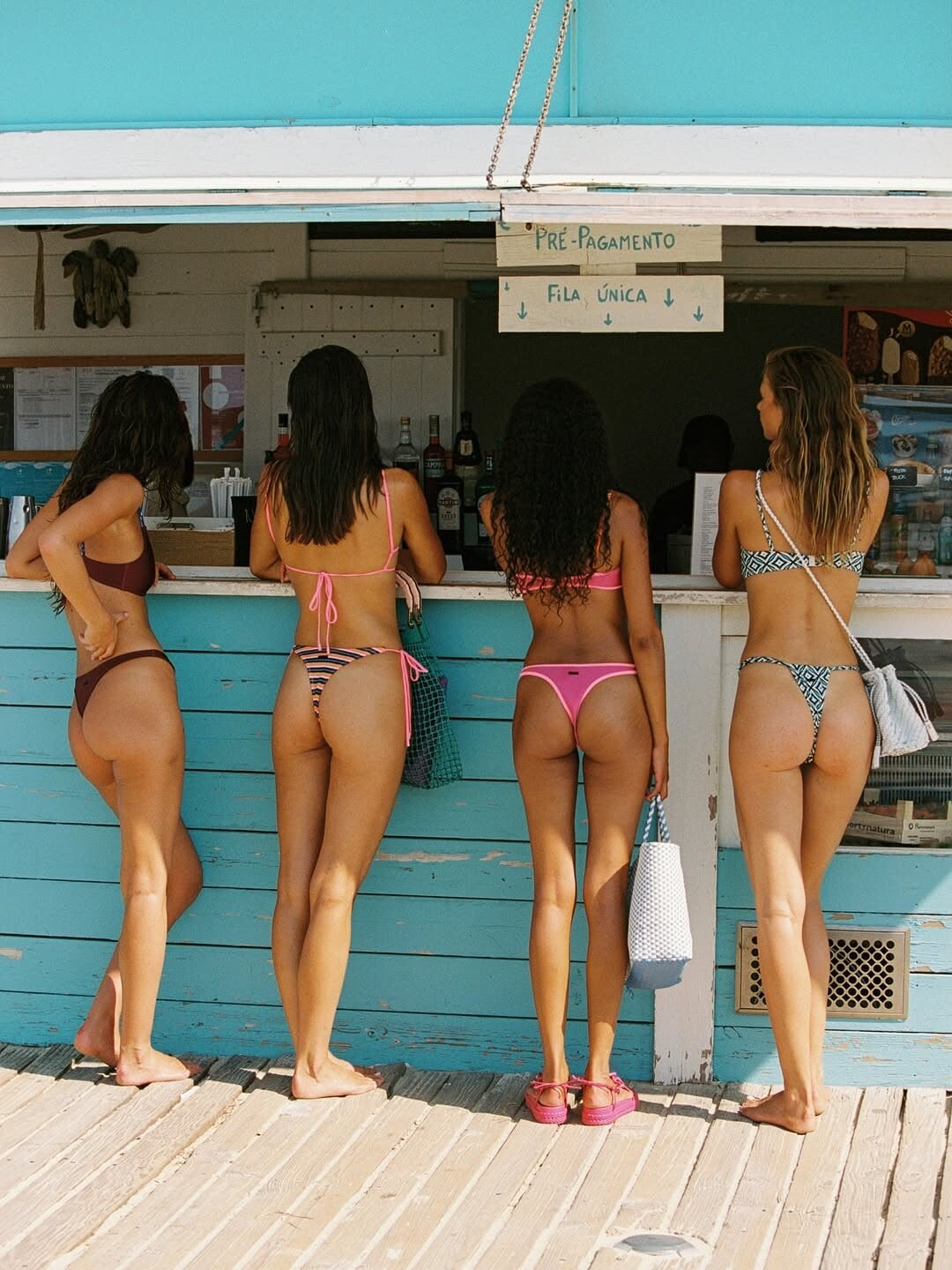
Lieke Van Der Hoorn, Angelina Frerk, Anisa Brown and Paige Henry in Triangl 'COMPORTA' collection photographed by Gigi Hollanders











































Instagram-Fotosund-Videos.png.ea0c2538833524ee8beca584854435fb.png)

















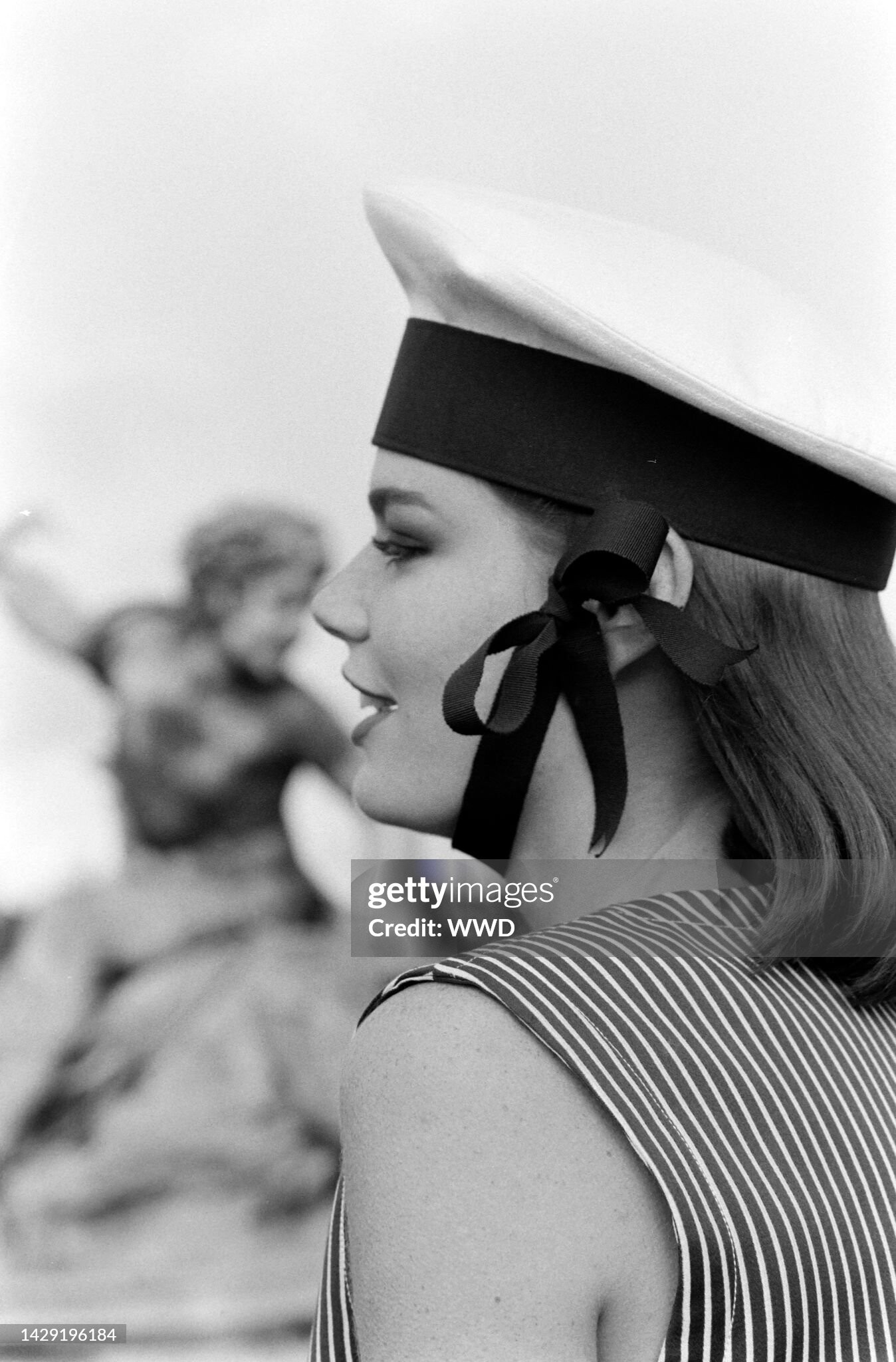

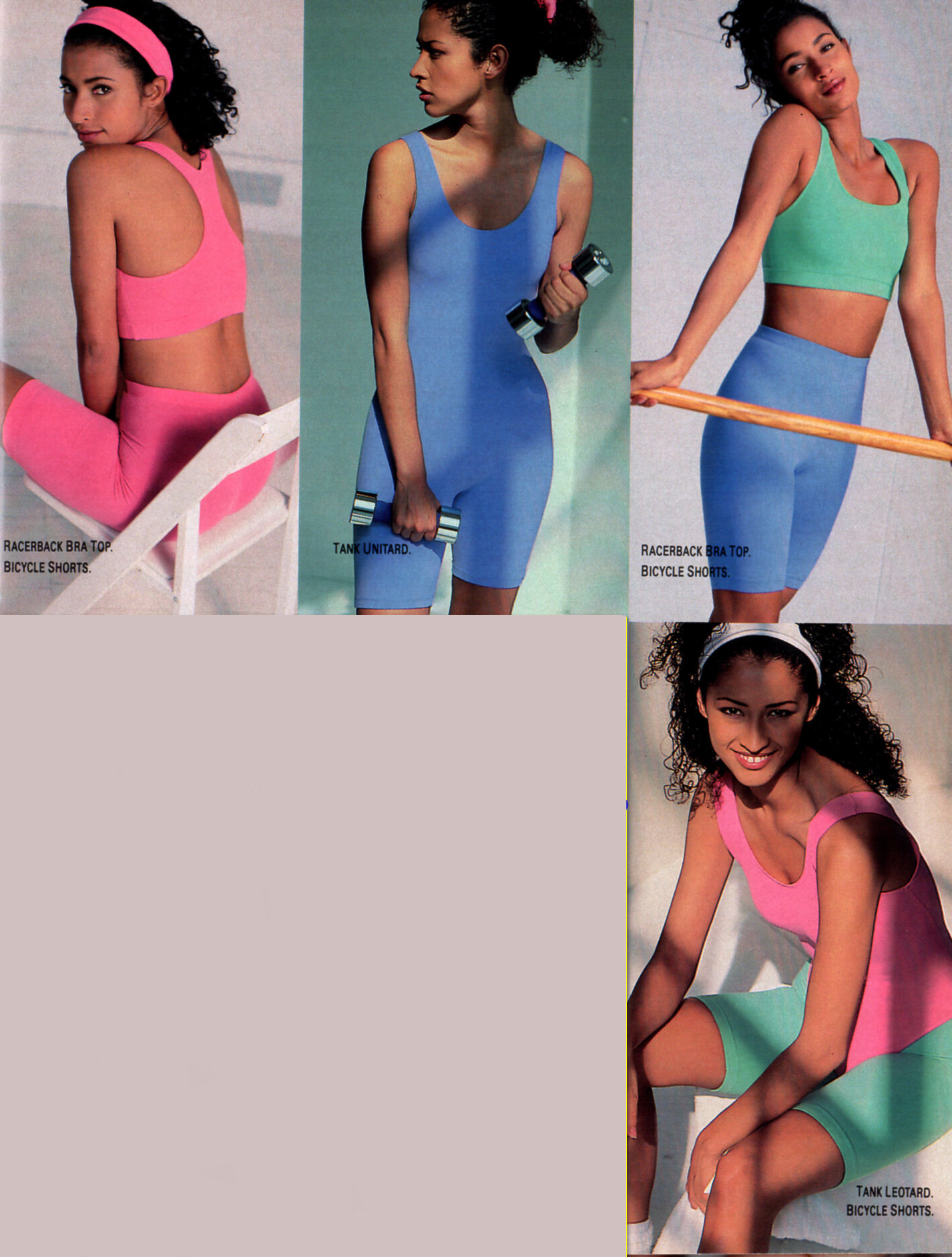











































































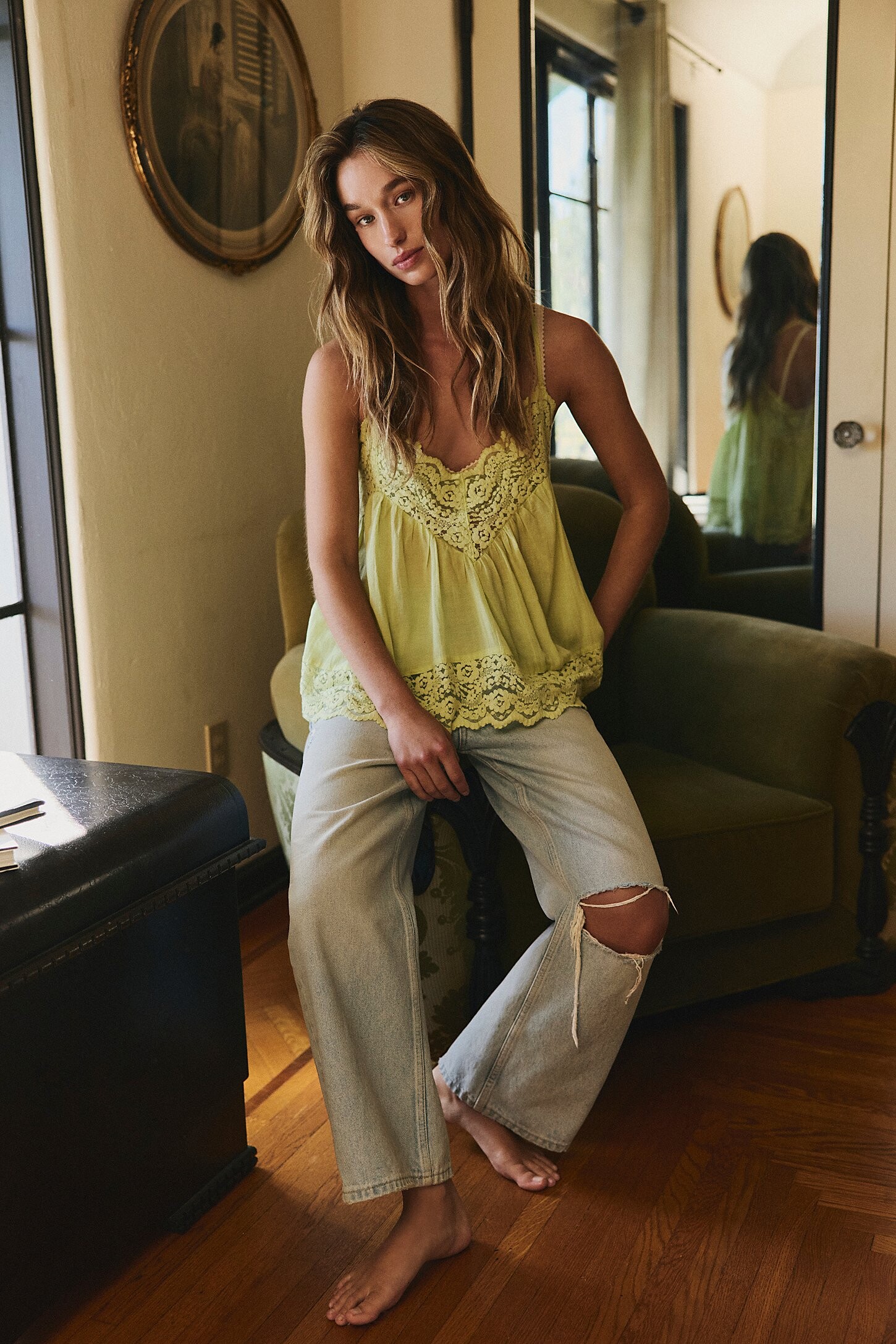
















































































































































































































































































































Account
Navigation
Search
Configure browser push notifications
Chrome (Android)
- Tap the lock icon next to the address bar.
- Tap Permissions → Notifications.
- Adjust your preference.
Chrome (Desktop)
- Click the padlock icon in the address bar.
- Select Site settings.
- Find Notifications and adjust your preference.
Safari (iOS 16.4+)
- Ensure the site is installed via Add to Home Screen.
- Open Settings App → Notifications.
- Find your app name and adjust your preference.
Safari (macOS)
- Go to Safari → Preferences.
- Click the Websites tab.
- Select Notifications in the sidebar.
- Find this website and adjust your preference.
Edge (Android)
- Tap the lock icon next to the address bar.
- Tap Permissions.
- Find Notifications and adjust your preference.
Edge (Desktop)
- Click the padlock icon in the address bar.
- Click Permissions for this site.
- Find Notifications and adjust your preference.
Firefox (Android)
- Go to Settings → Site permissions.
- Tap Notifications.
- Find this site in the list and adjust your preference.
Firefox (Desktop)
- Open Firefox Settings.
- Search for Notifications.
- Find this site in the list and adjust your preference.