All Activity
- Past hour
-
-
 Feesavers joined the community
 -
 photo and direction @krisranneva makeup @mariinrr looks @anastrapia










-
 Imaan Hammam Adut Akech Bior Mahlagha Jaberi Renee Herbert Milli Ross Kennidy Hunter Kathryn Watts Marie Tomas
 -
 Urban Outfitters



-
 Josey Anne Miami Next Management (1).mp4


-
 Tgvd joined the community
 -
 elevateshoe changed their profile photo
 -

-
-
elevateshoe joined the community
-

-


 Sky Tattoo joined the community
- Today
 Gorgeous. Absolutely gorgeous.
https://www.instagram.com/_rudika__/
Thank you, Bettina ❤️ Imaan is fast becoming one of my favorite VS models.
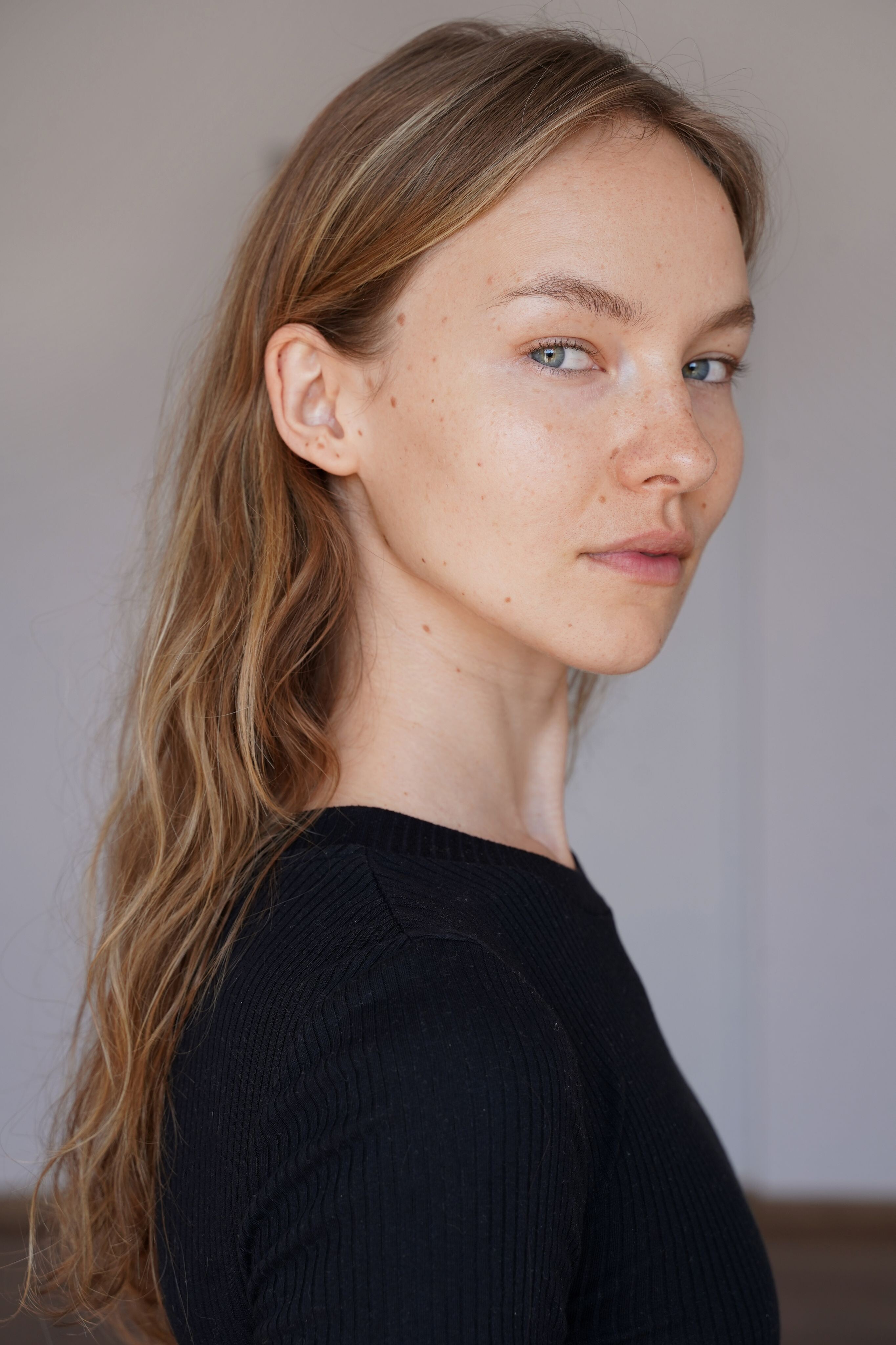
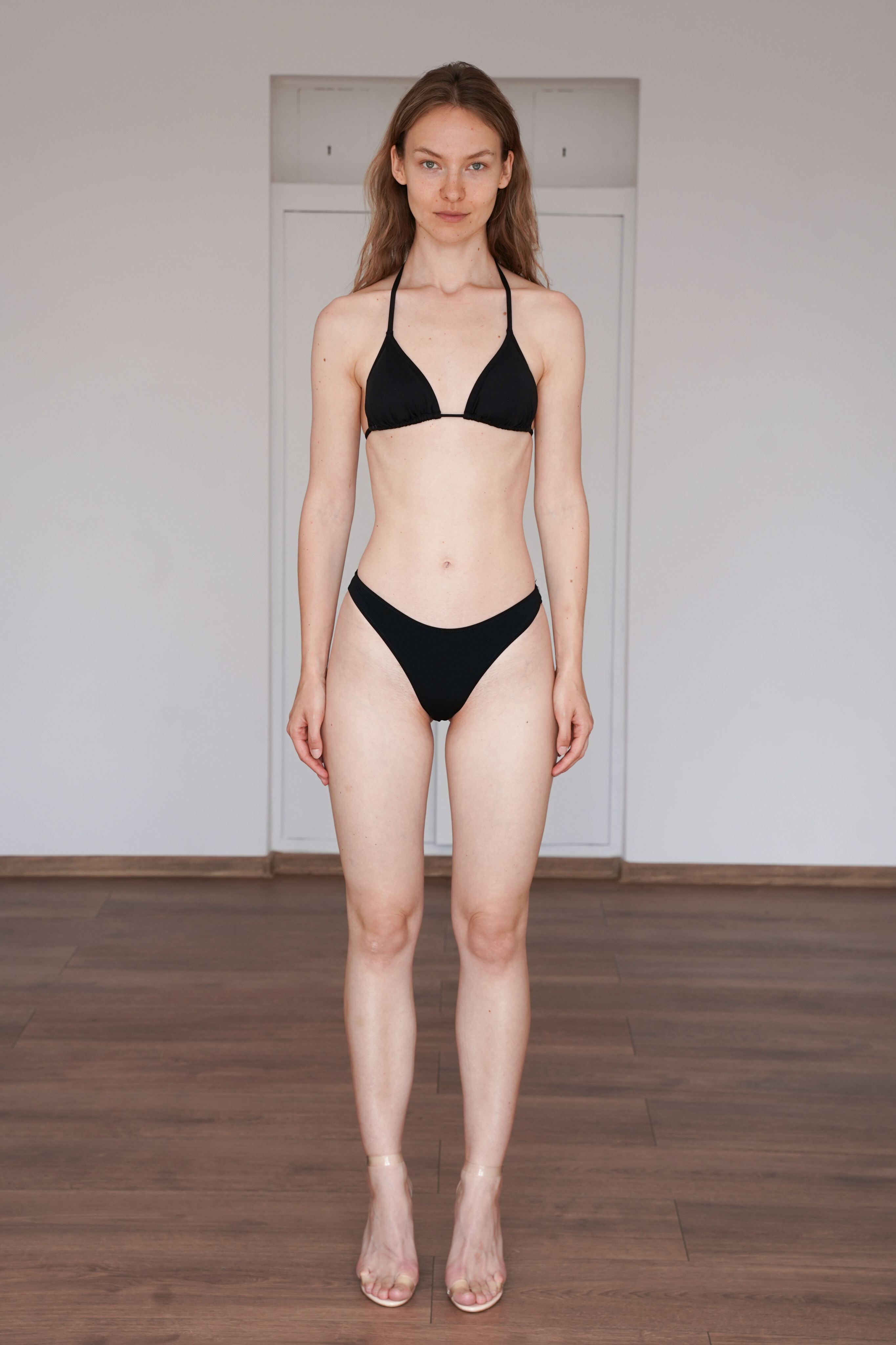
Hello guys! Does someone know her name?
Gorgeous. Absolutely gorgeous.
https://www.instagram.com/_rudika__/
Thank you, Bettina ❤️ Imaan is fast becoming one of my favorite VS models.
Hello guys! Does someone know her name?



 https://www.zombiemodels.com/management/all/1869713/anaiis-scheeres https://www.womenmanagement.com/los-angeles/main/14202-anaiis-scheeres.web https://www.instagram.com/anaaa_miaaa
 Thanks. Uploading Attachment...
 wordot joined the community
 Marie Tomas Milli Ross Mahlagha Jaberi Kennidy Hunter Renee Herbert Kathryn Watts Imaan Hammam Adut Akech Bior























































Account
Navigation
Search
Configure browser push notifications
Chrome (Android)
- Tap the lock icon next to the address bar.
- Tap Permissions → Notifications.
- Adjust your preference.
Chrome (Desktop)
- Click the padlock icon in the address bar.
- Select Site settings.
- Find Notifications and adjust your preference.
Safari (iOS 16.4+)
- Ensure the site is installed via Add to Home Screen.
- Open Settings App → Notifications.
- Find your app name and adjust your preference.
Safari (macOS)
- Go to Safari → Preferences.
- Click the Websites tab.
- Select Notifications in the sidebar.
- Find this website and adjust your preference.
Edge (Android)
- Tap the lock icon next to the address bar.
- Tap Permissions.
- Find Notifications and adjust your preference.
Edge (Desktop)
- Click the padlock icon in the address bar.
- Click Permissions for this site.
- Find Notifications and adjust your preference.
Firefox (Android)
- Go to Settings → Site permissions.
- Tap Notifications.
- Find this site in the list and adjust your preference.
Firefox (Desktop)
- Open Firefox Settings.
- Search for Notifications.
- Find this site in the list and adjust your preference.