All Activity
- Past hour
-
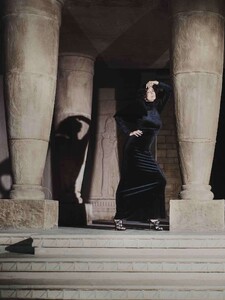
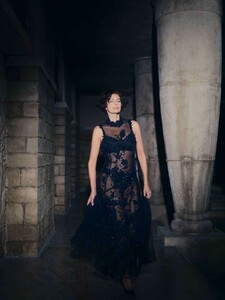
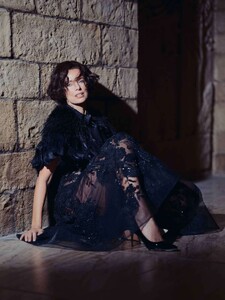
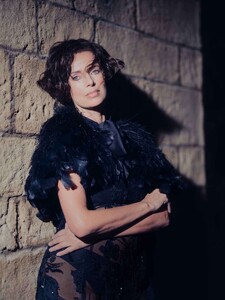
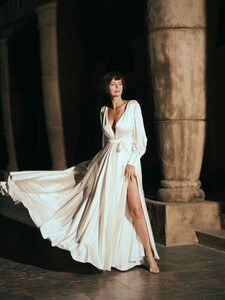
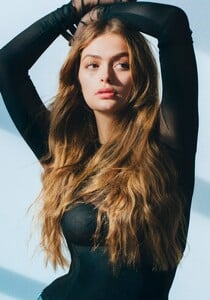
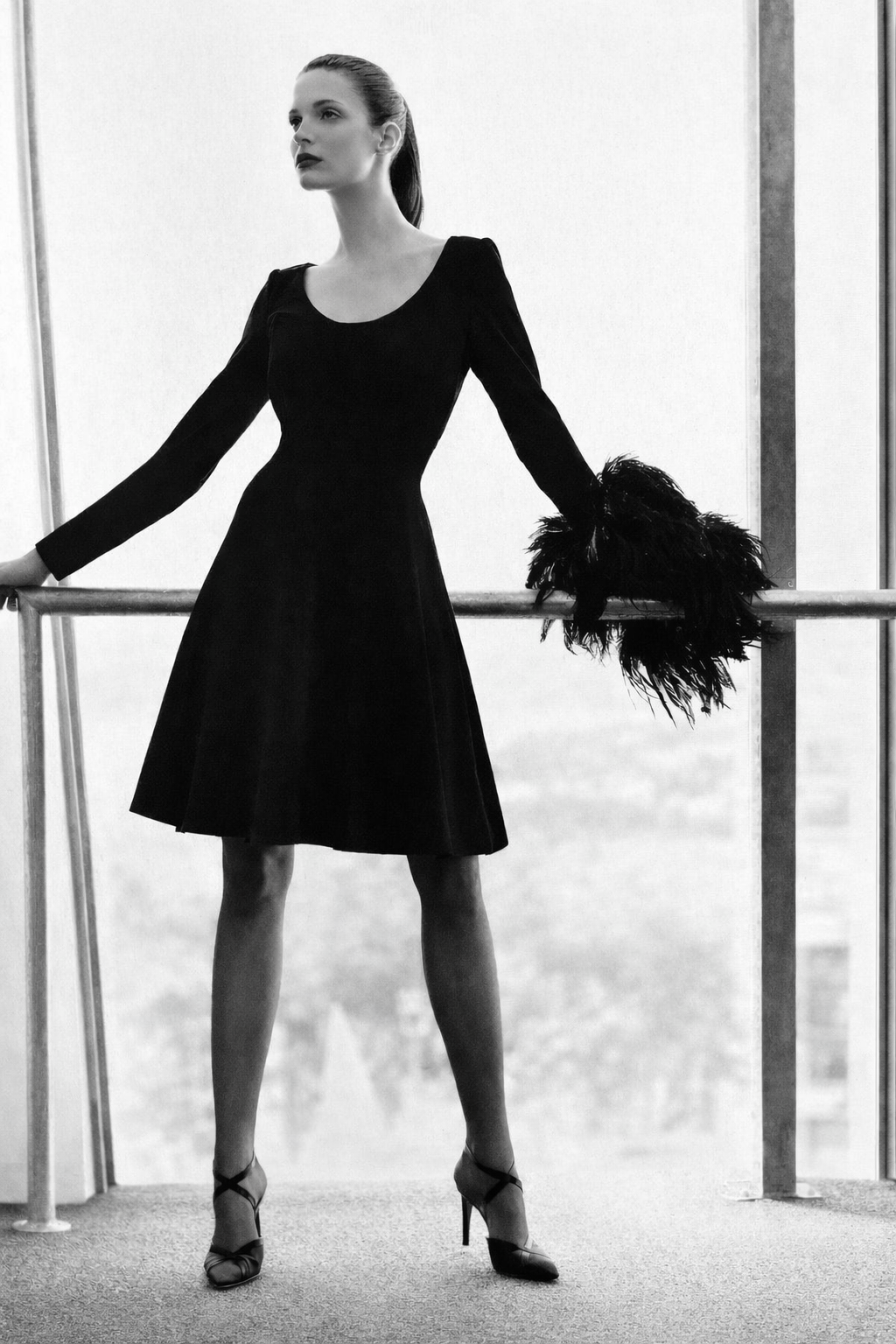
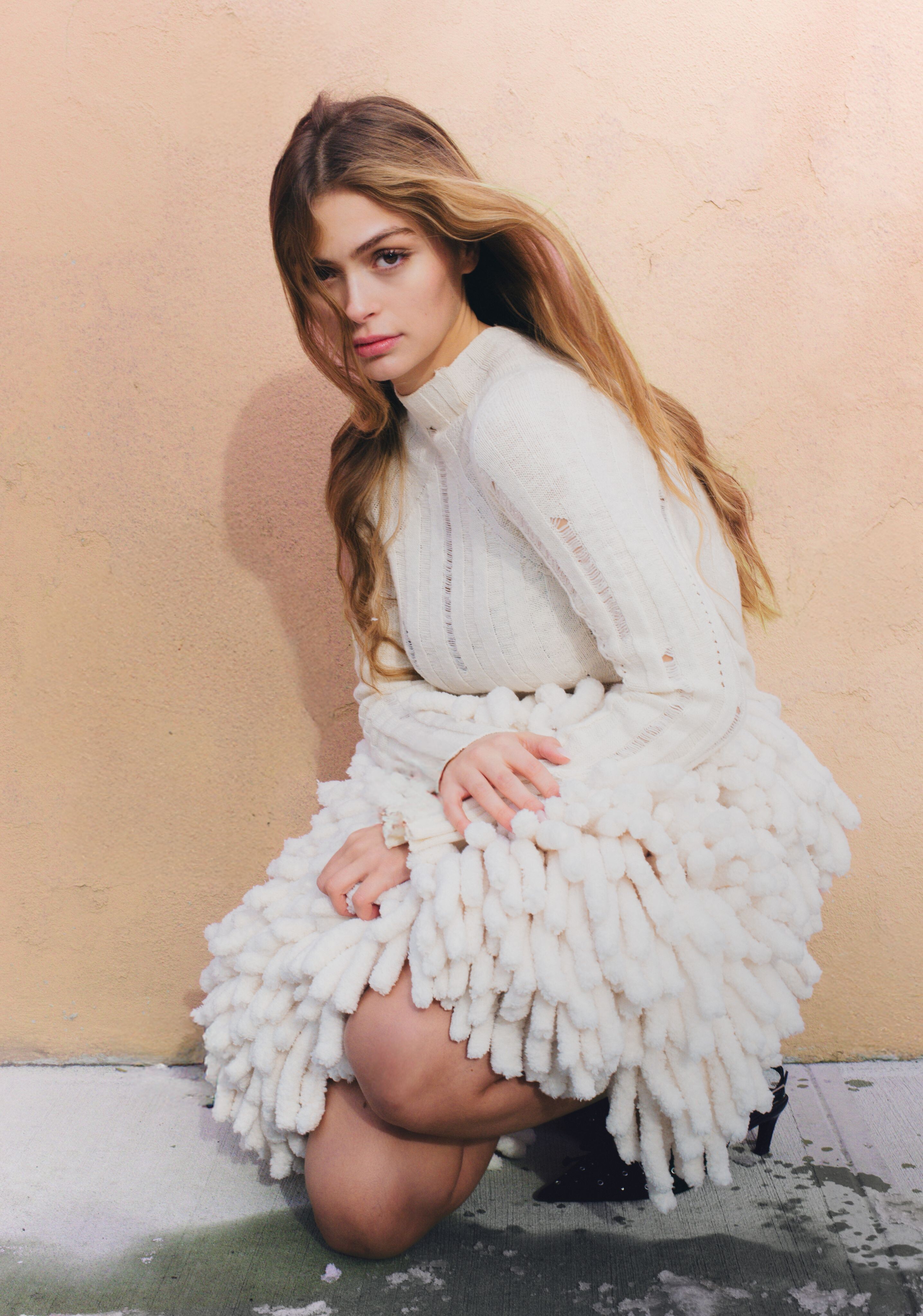
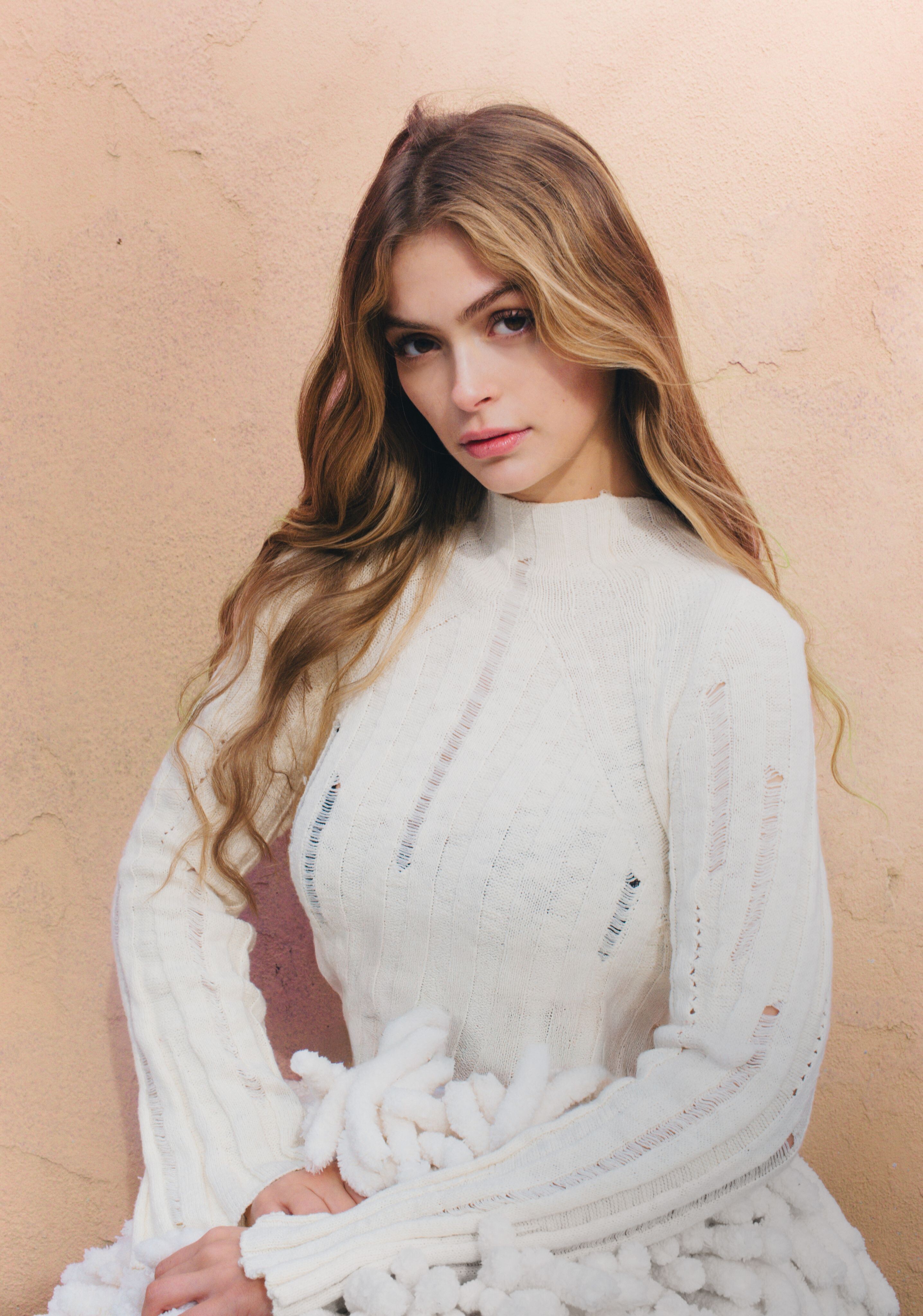
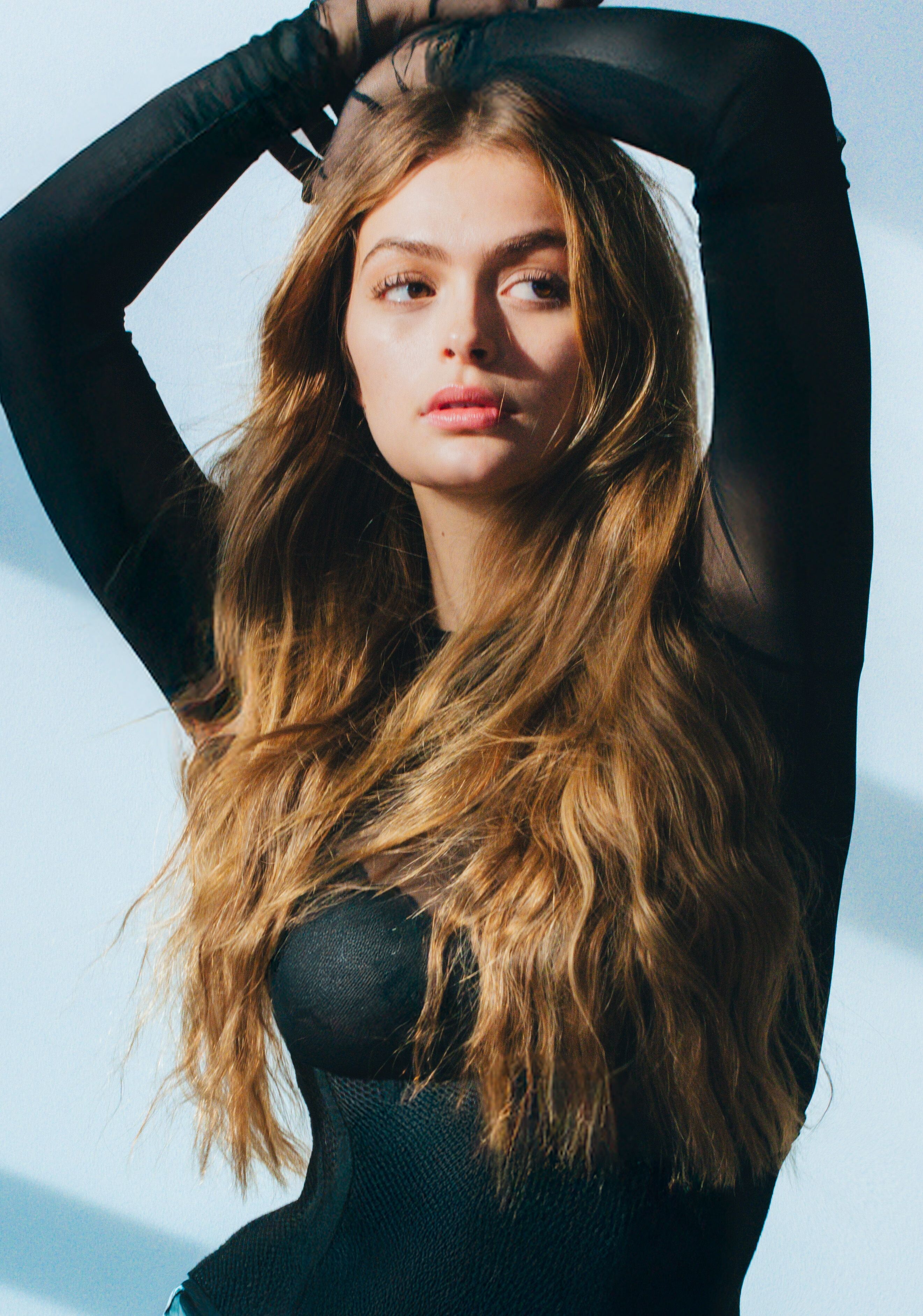
 Glamour Bulgaria, January 2026 Photo: Ramzi Mansour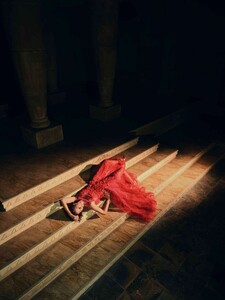




-
 Freddy272829 joined the community
 -
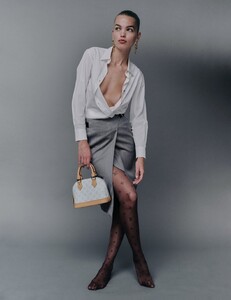
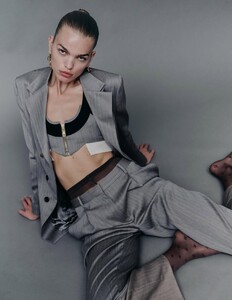
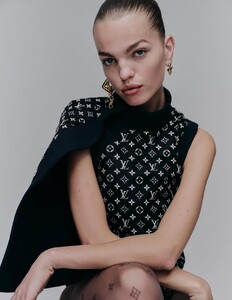
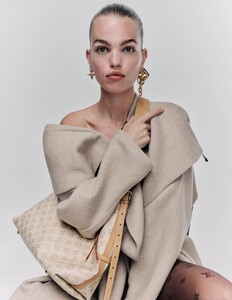
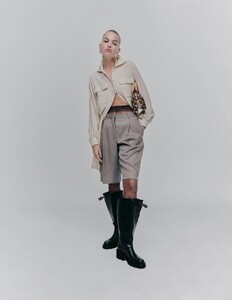
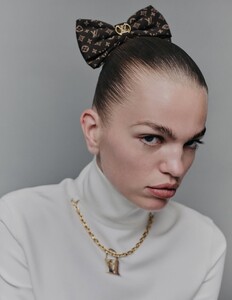
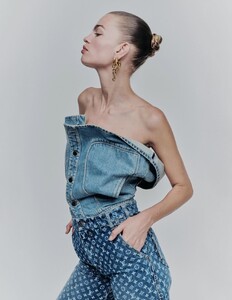
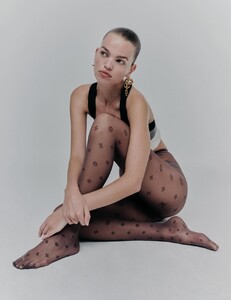
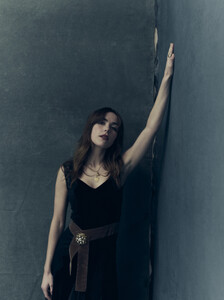
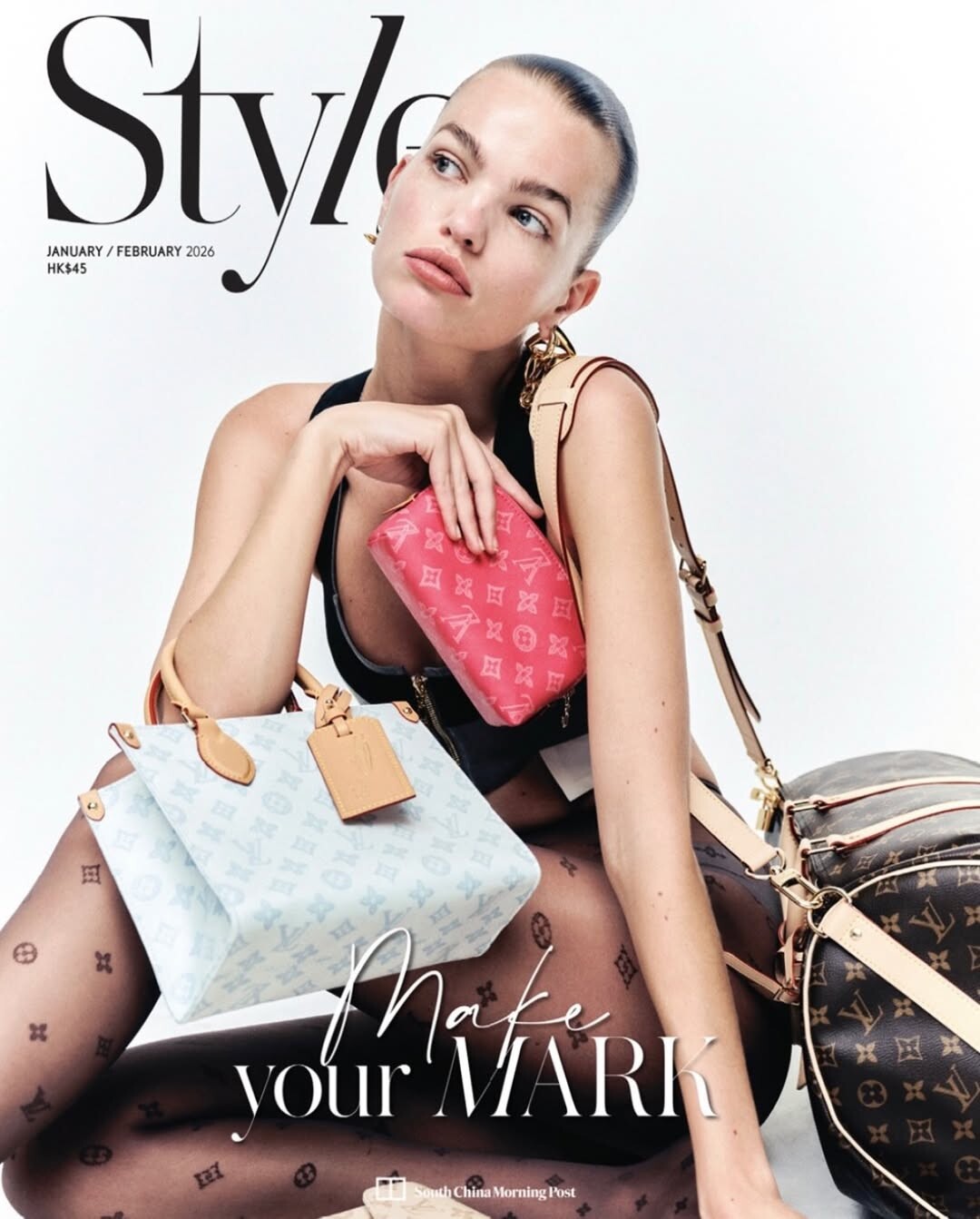
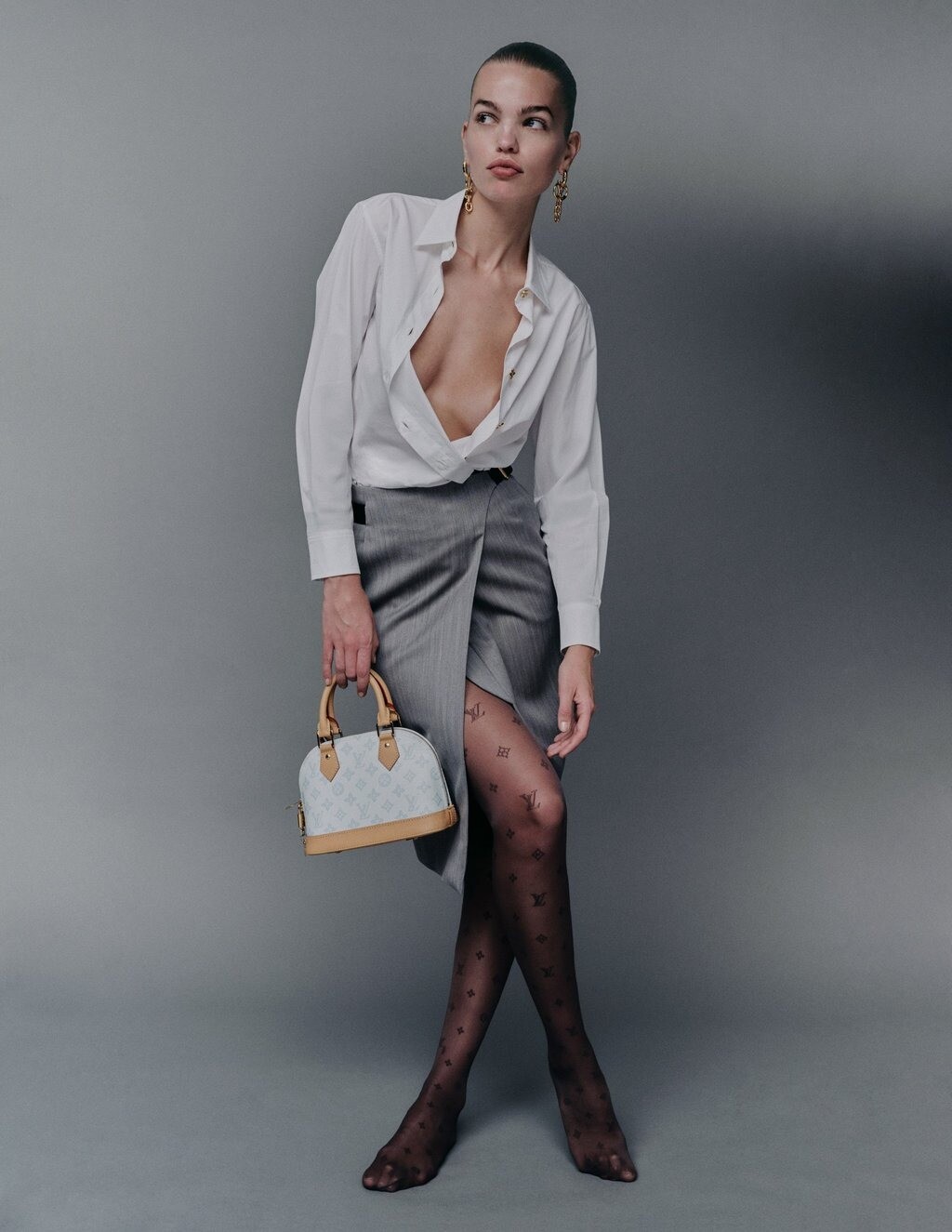
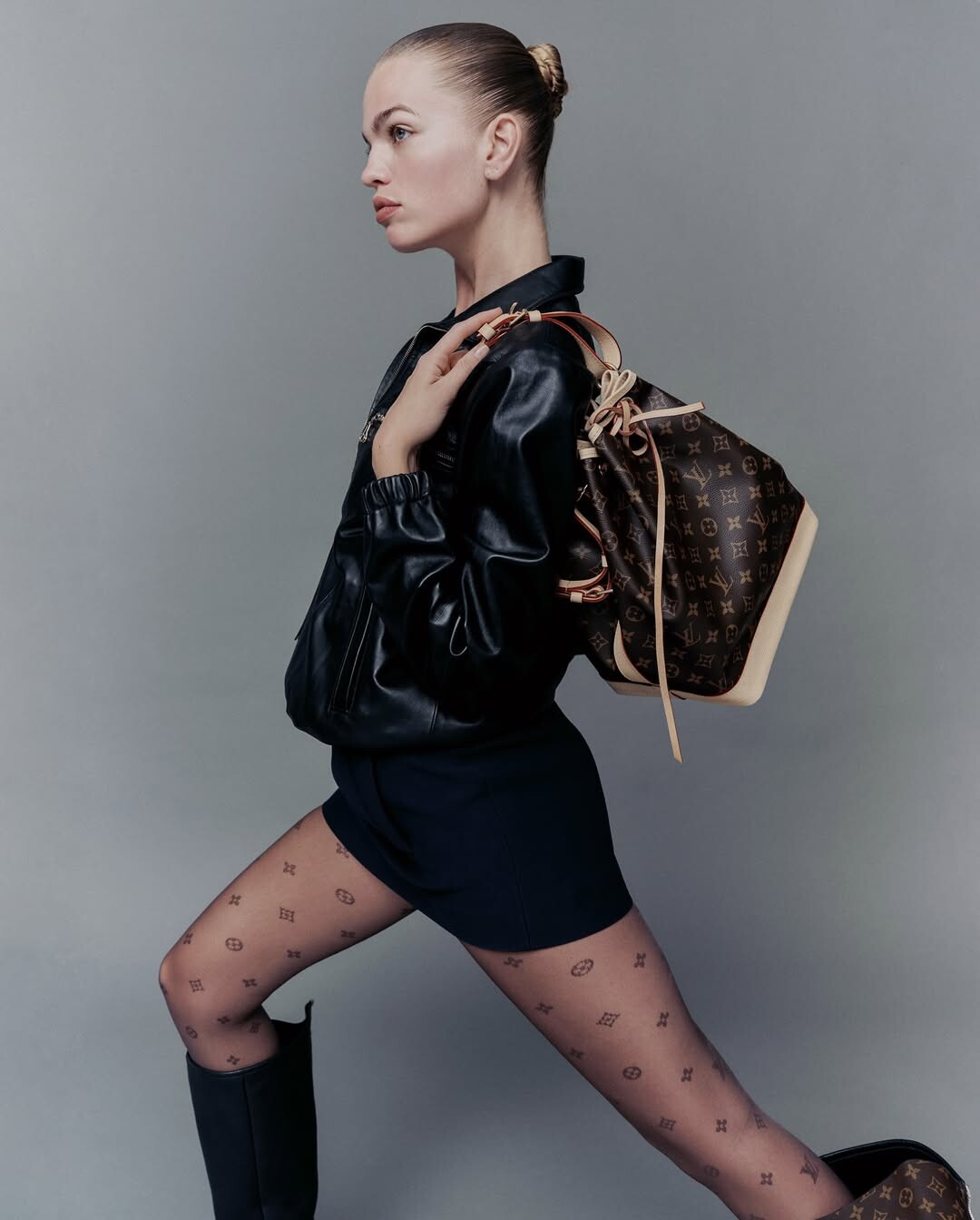
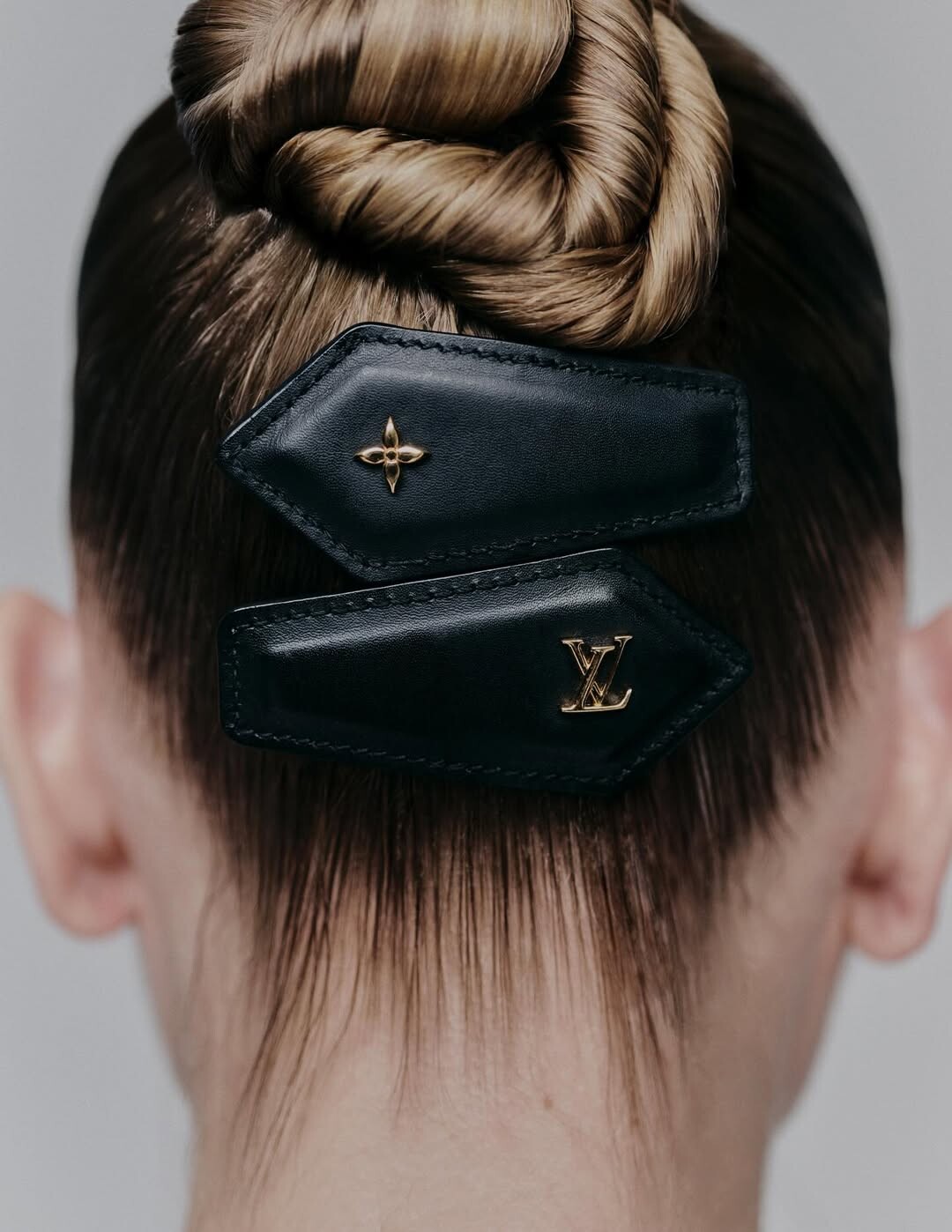
 Style SCMP PHOTOGRAPHY DANIEL JARAMILLO Advertisement STYLING ARYEH LAPPIN MAKE-UP INGEBORG HAIR SASHA NESTERCHUK
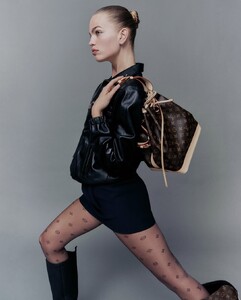
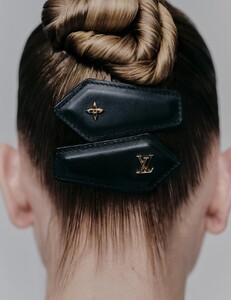
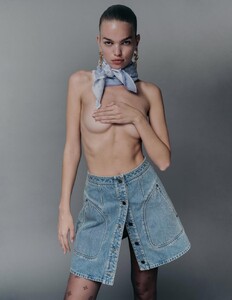
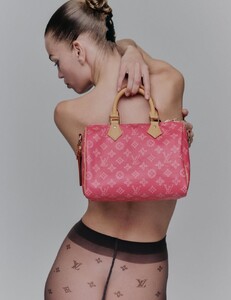

-
 masti joined the community
 -
 ikyxie joined the community
 -
 The way you found all of these🤩
 - Today
-
-
OMG ATEE
-

 mediademiand joined the community
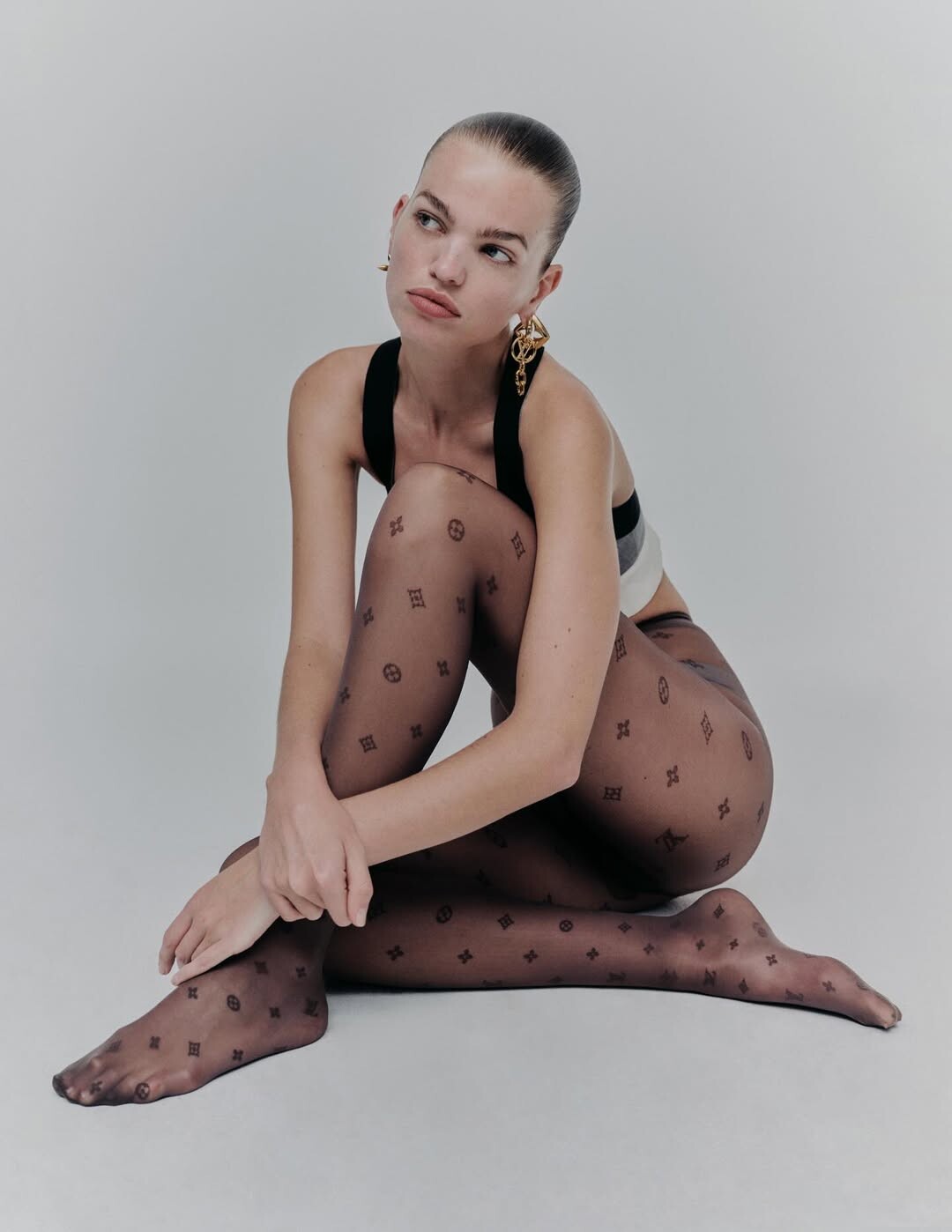
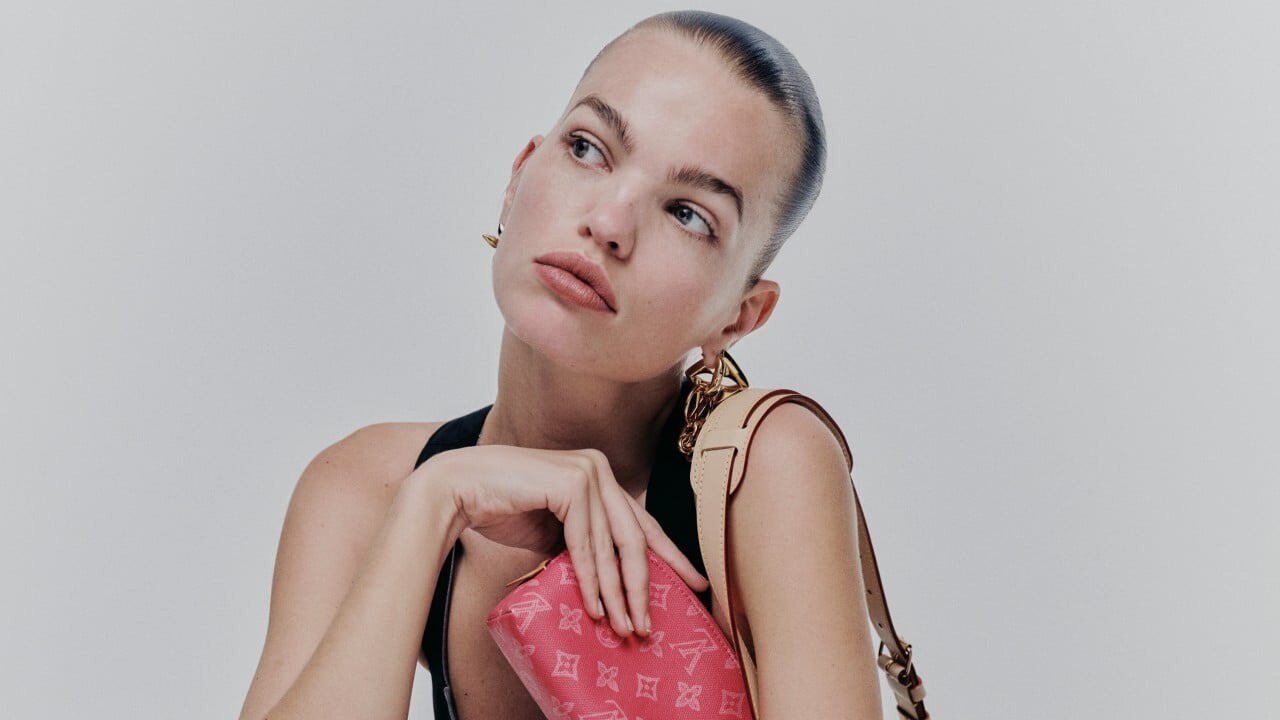
 Louis Vuitton Beauty ❣️
Instagram.thumb.png.68b5f91ffa6dadc0c565cd905f55f02b.png)
Instagram.thumb.png.c070c44b557c43f303f023767149b319.png)
Instagram.thumb.png.81932a934b26e9fd8db4dd79260b1cb8.png)
Instagram.thumb.png.89d890d7baff6f36e3f2ccf4b945bb54.png)
 Stephanie Seymour for Yves Saint Laurent, 1995, by Mario Testino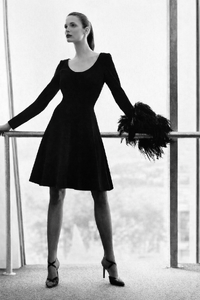
 greenjet4 joined the community
 dramaticking101 joined the community
 tomorrow joined the community
 Chauvini joined the community
 Maxgones joined the community
 Magnificent! ❤️

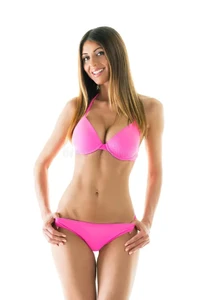
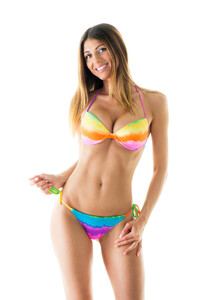
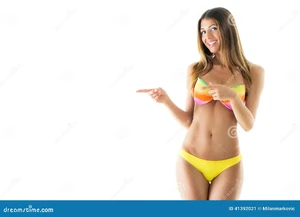
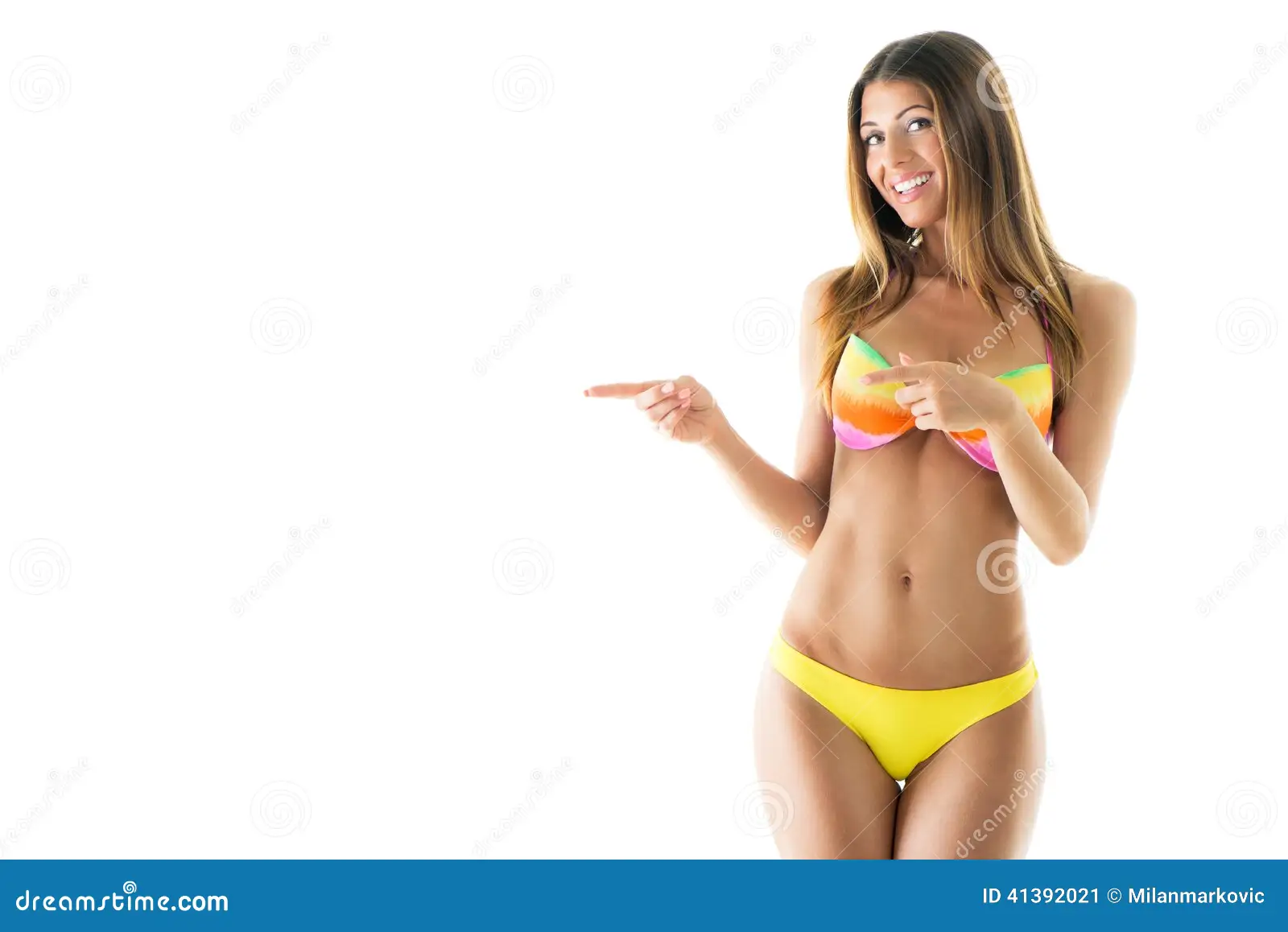
 Hope someone can help ID this stock model. She appears on a few of the main sites. She may be Serbian as the photographer is Milan Markovic. Thanks.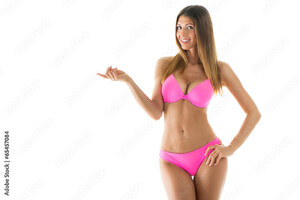
 Couple of updates on Sofia's Wilhelmina and Nevs ports. Listed as a 5'8 32F - 26 - 37. Sofia Kotlyar - Wilhelmina NYC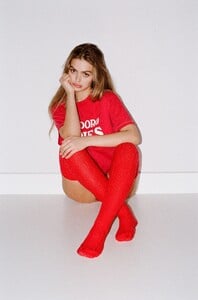

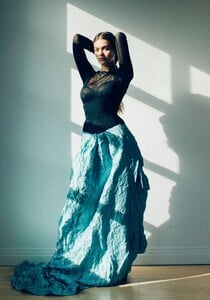
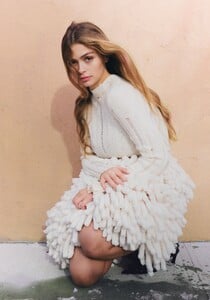
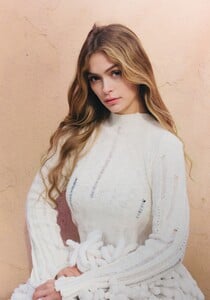
 oifwgoc1i joined the community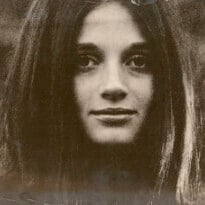

 spoiler doesn't work... AQN52ZHrafkMfT6Fxkji0atV2UEGvy8TVl6y6-V1ZwJpST-yvjF_xrawB2k4GPxfCd8evbtRtLvWTqHaF3Io5Htt.mp4
 @maddog107 about 20 minutes ago, pictures started to not stack horizontally when posting but posting vertically
Deadline Erdrick at picturepub
@maddog107 about 20 minutes ago, pictures started to not stack horizontally when posting but posting vertically
Deadline Erdrick at picturepub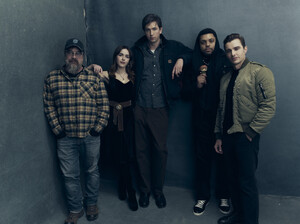
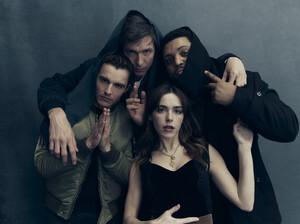
 laetitia_casta_entretien_late_show.mov Laetitia_on_Letterman.mpg I think the first one is in Feb. 1999, and the second one in Dec.
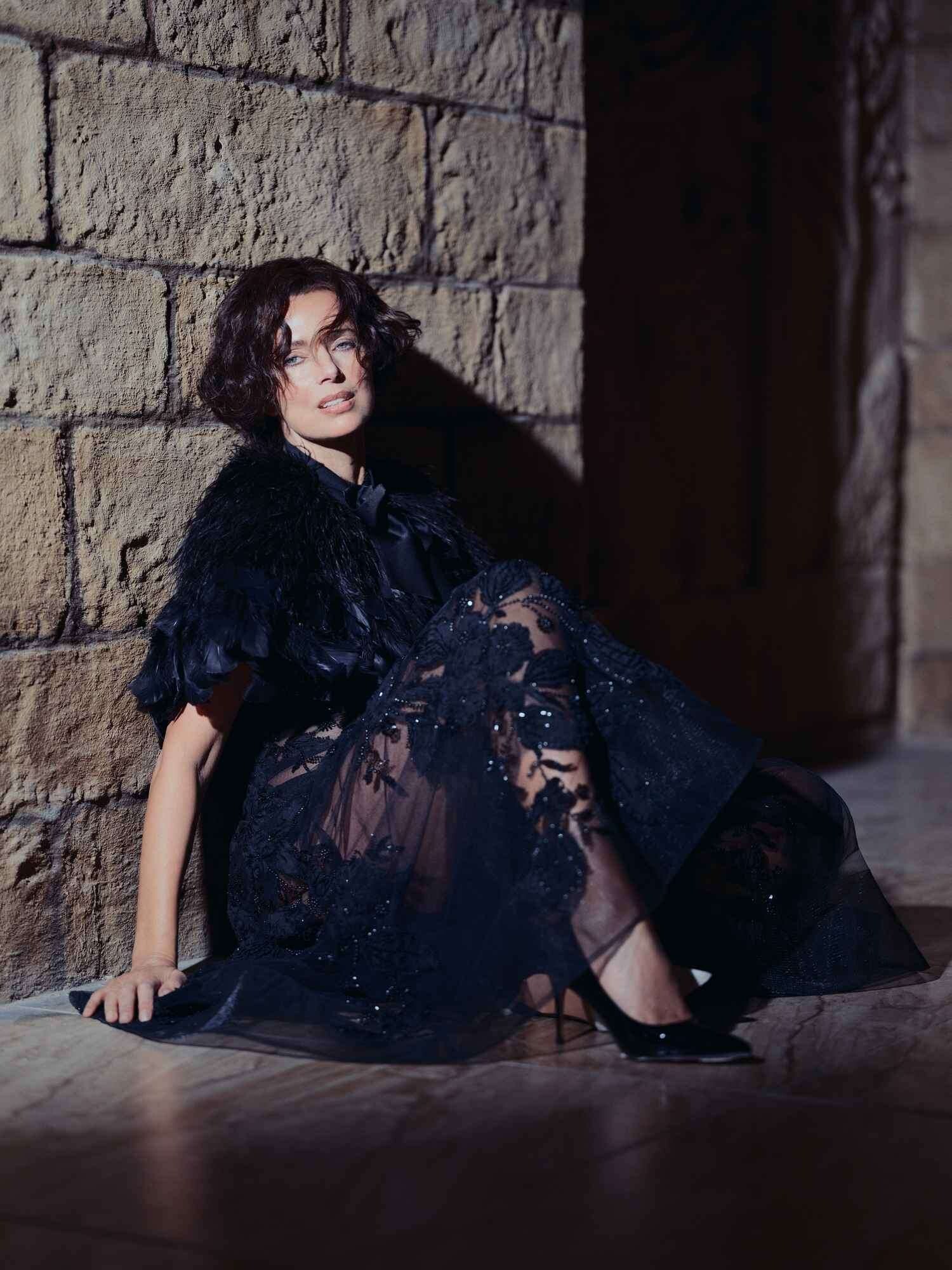
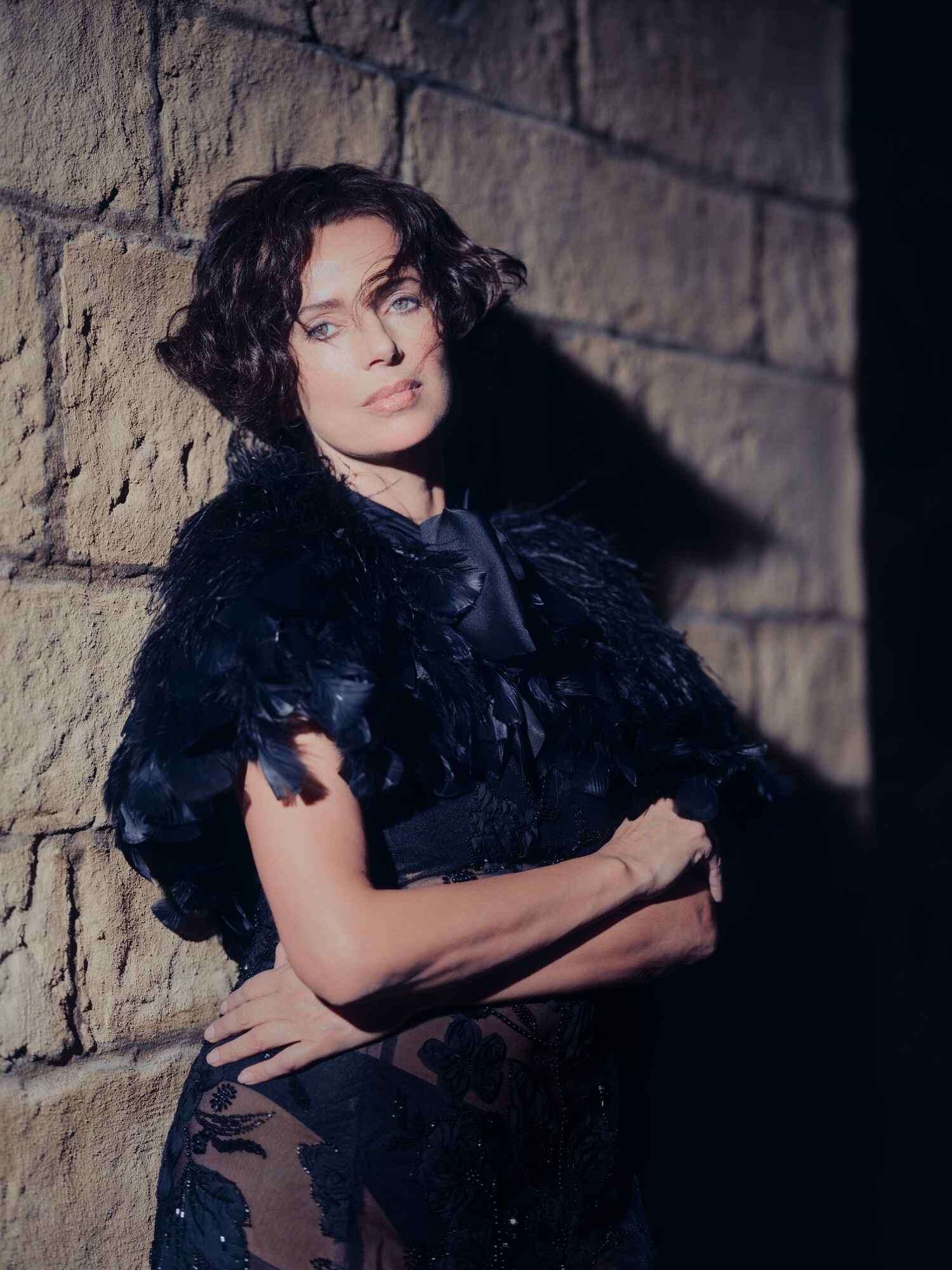

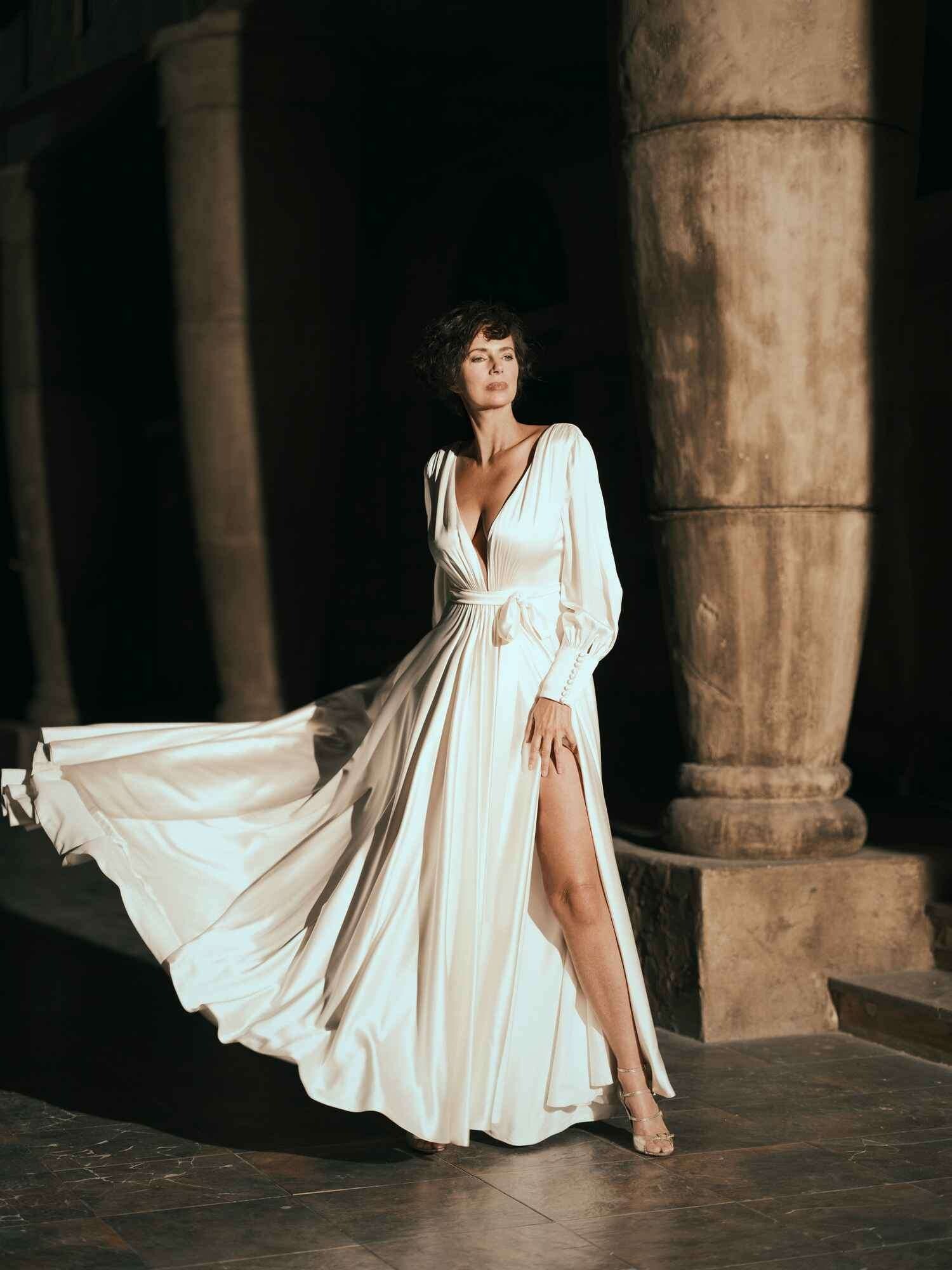
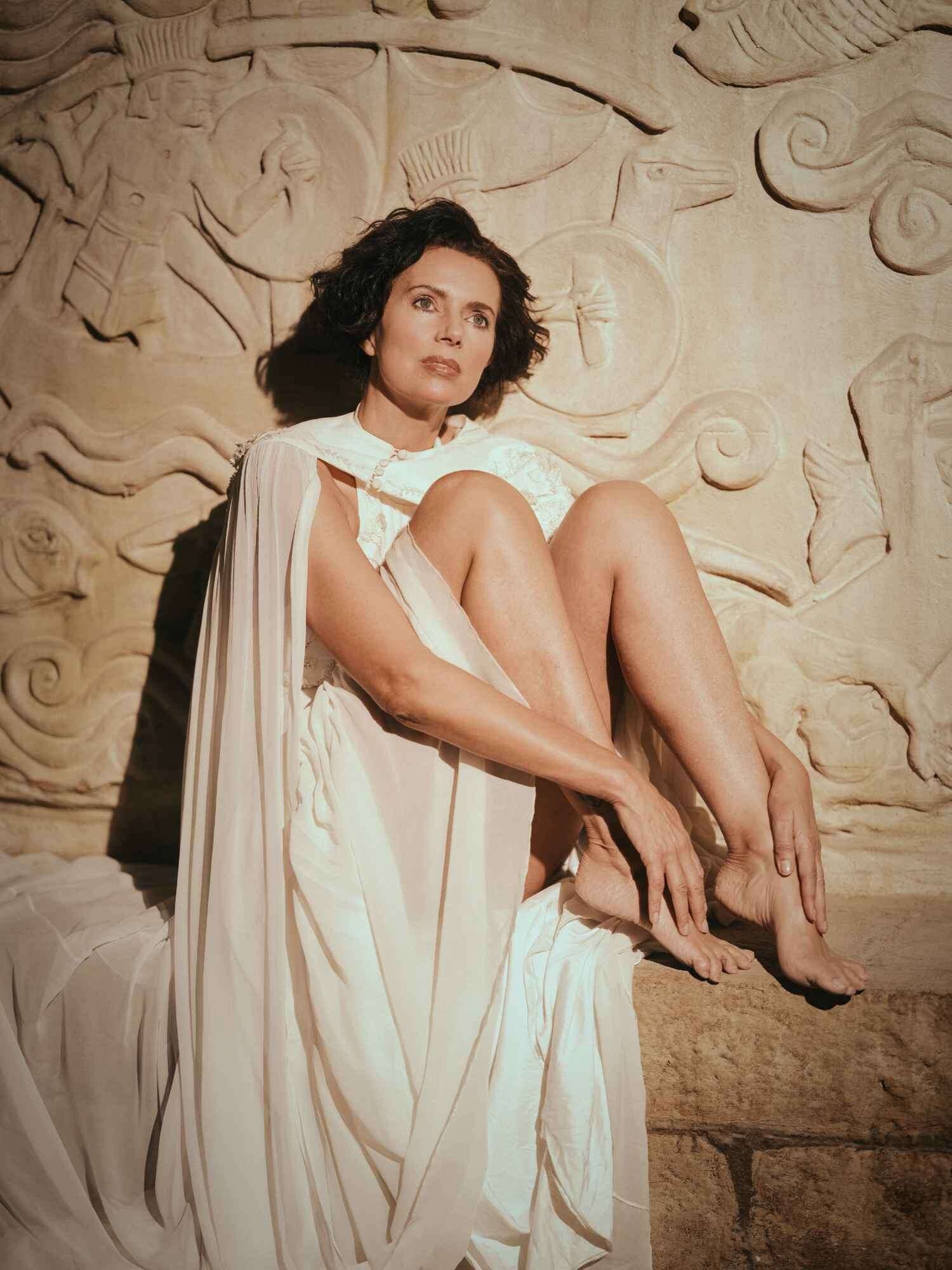


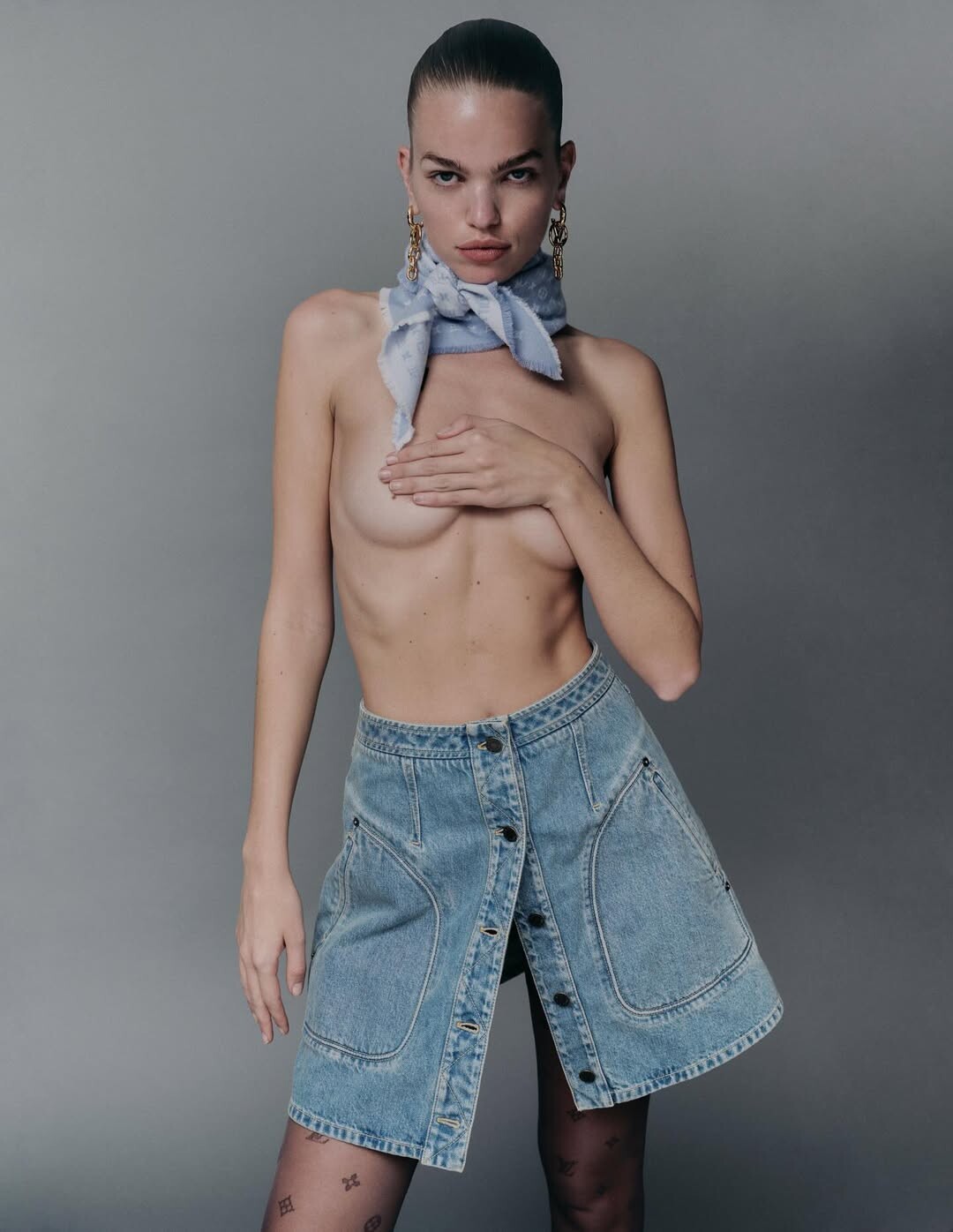
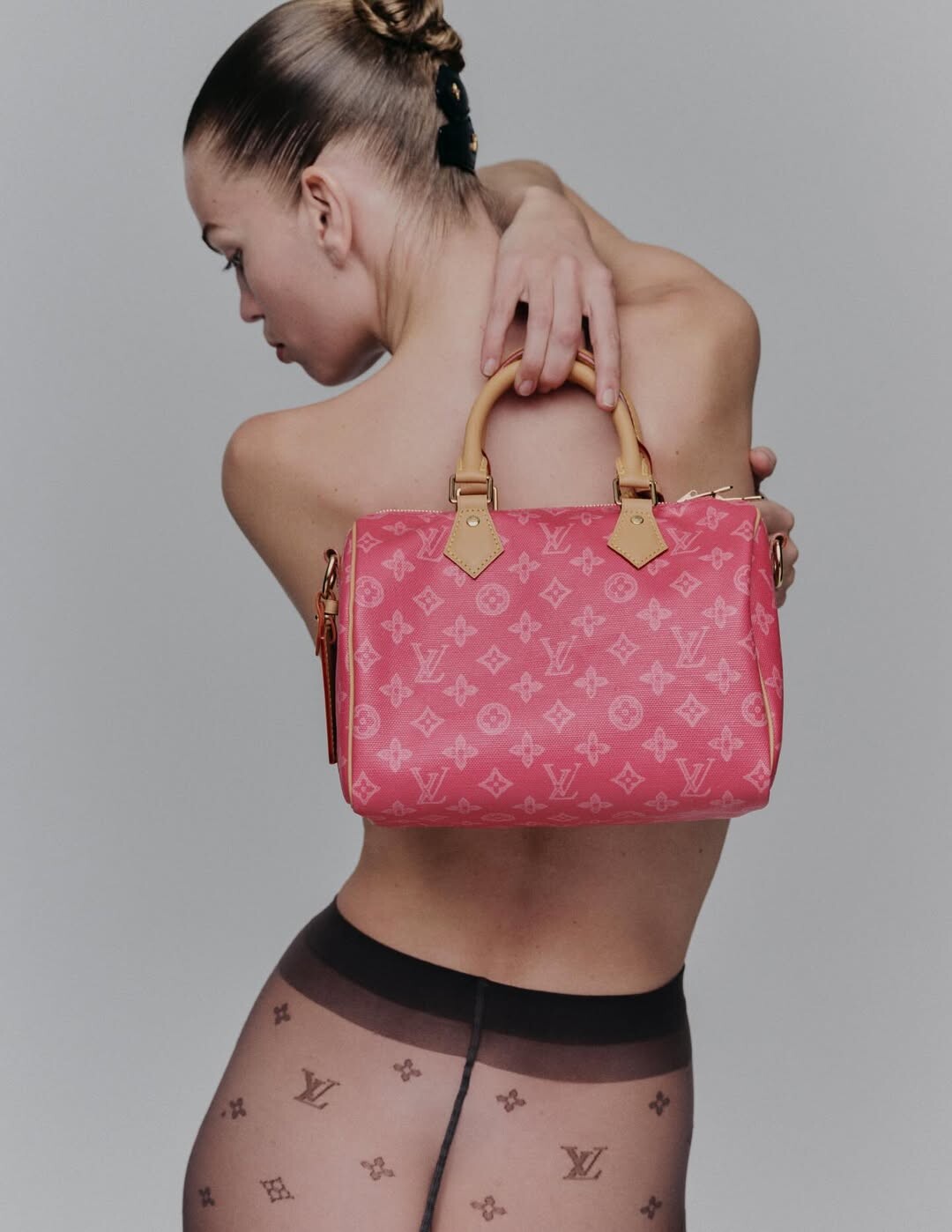
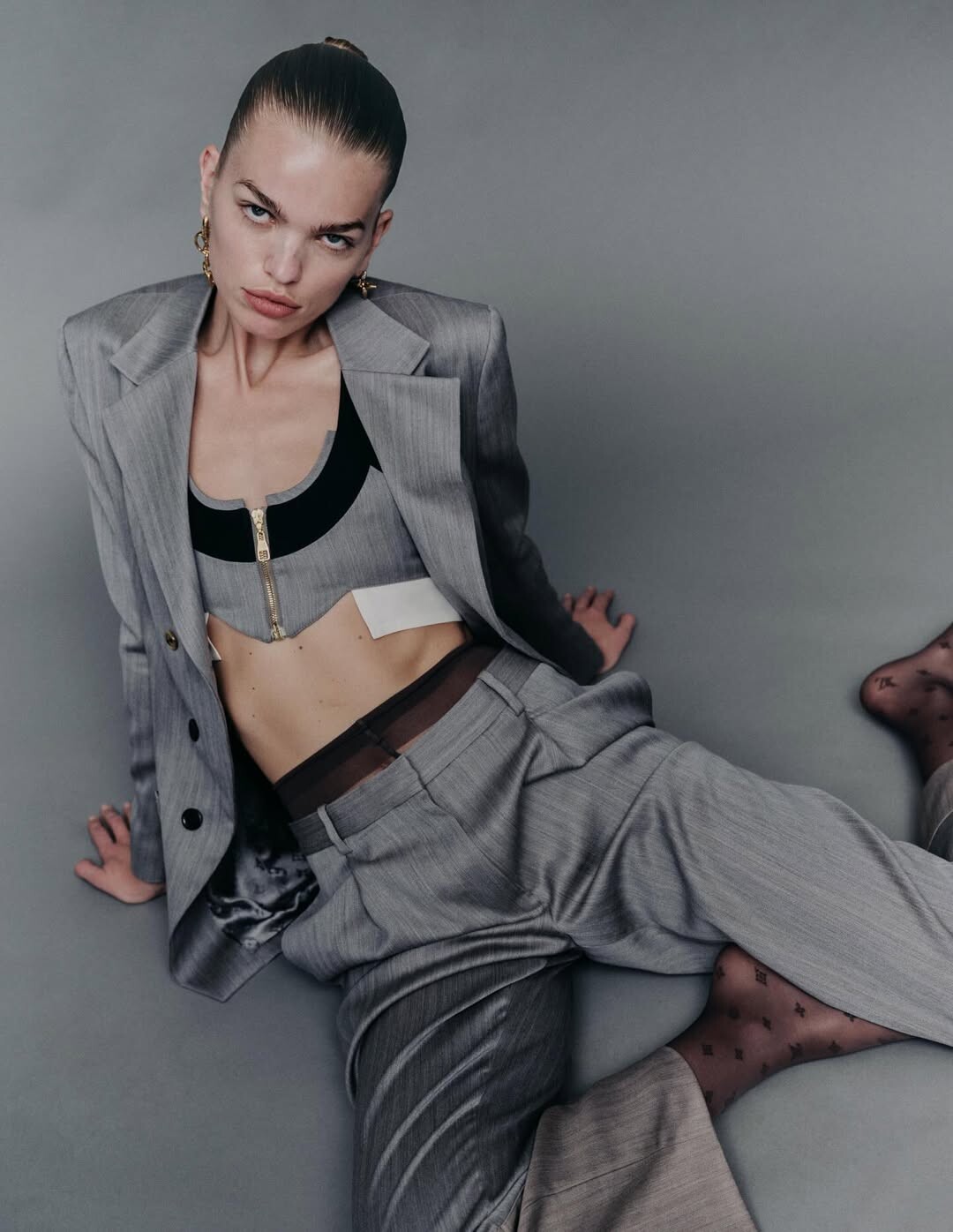
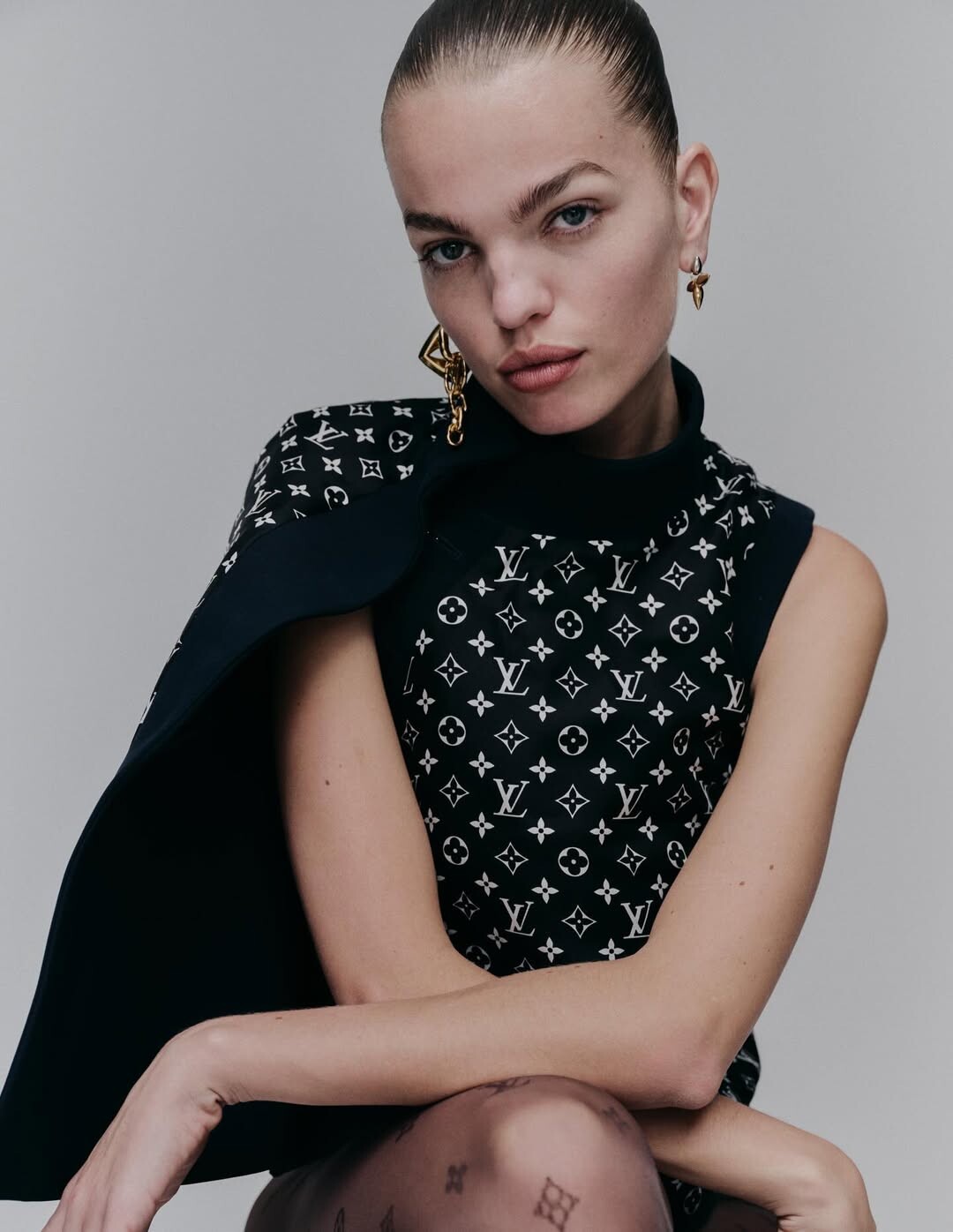
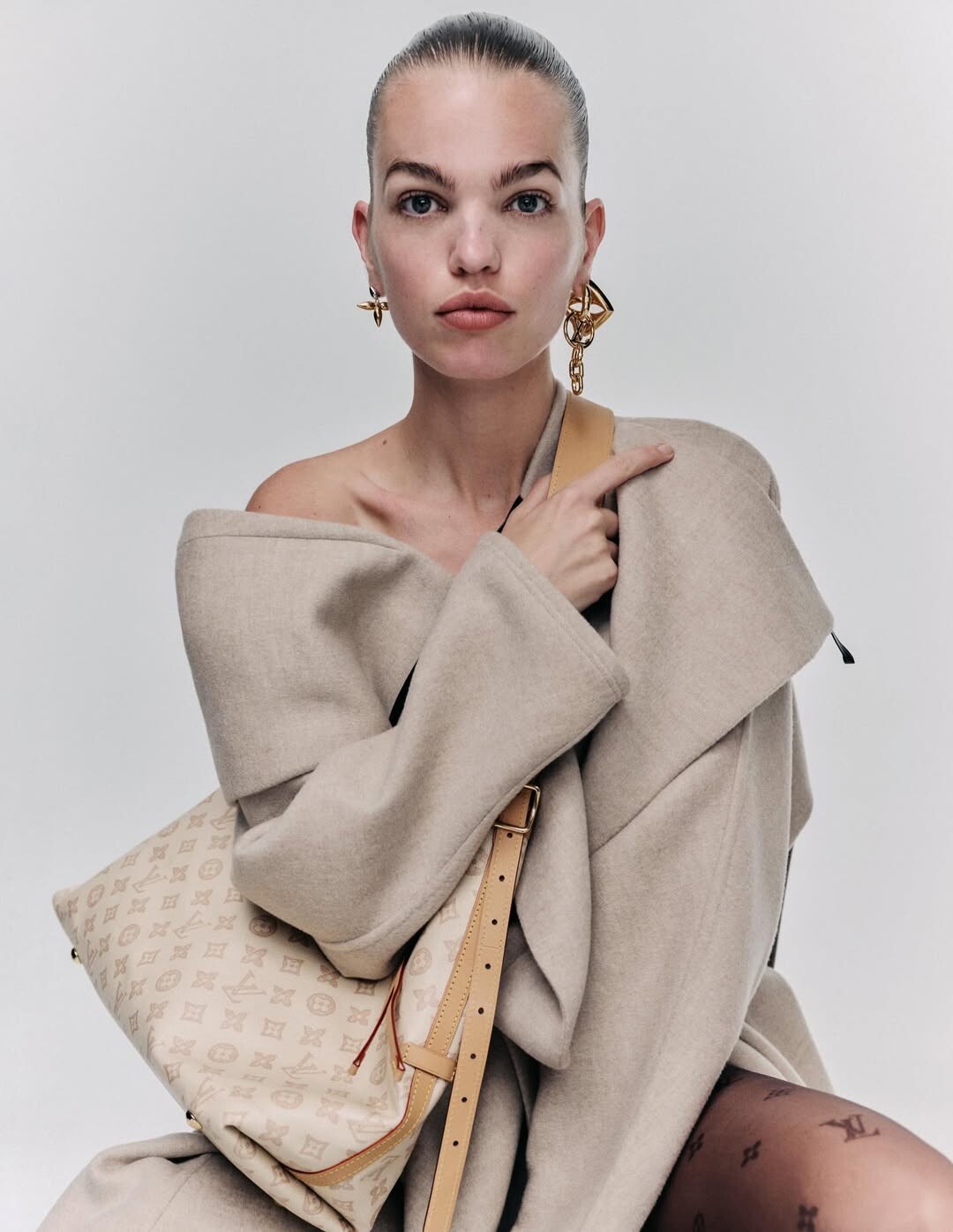
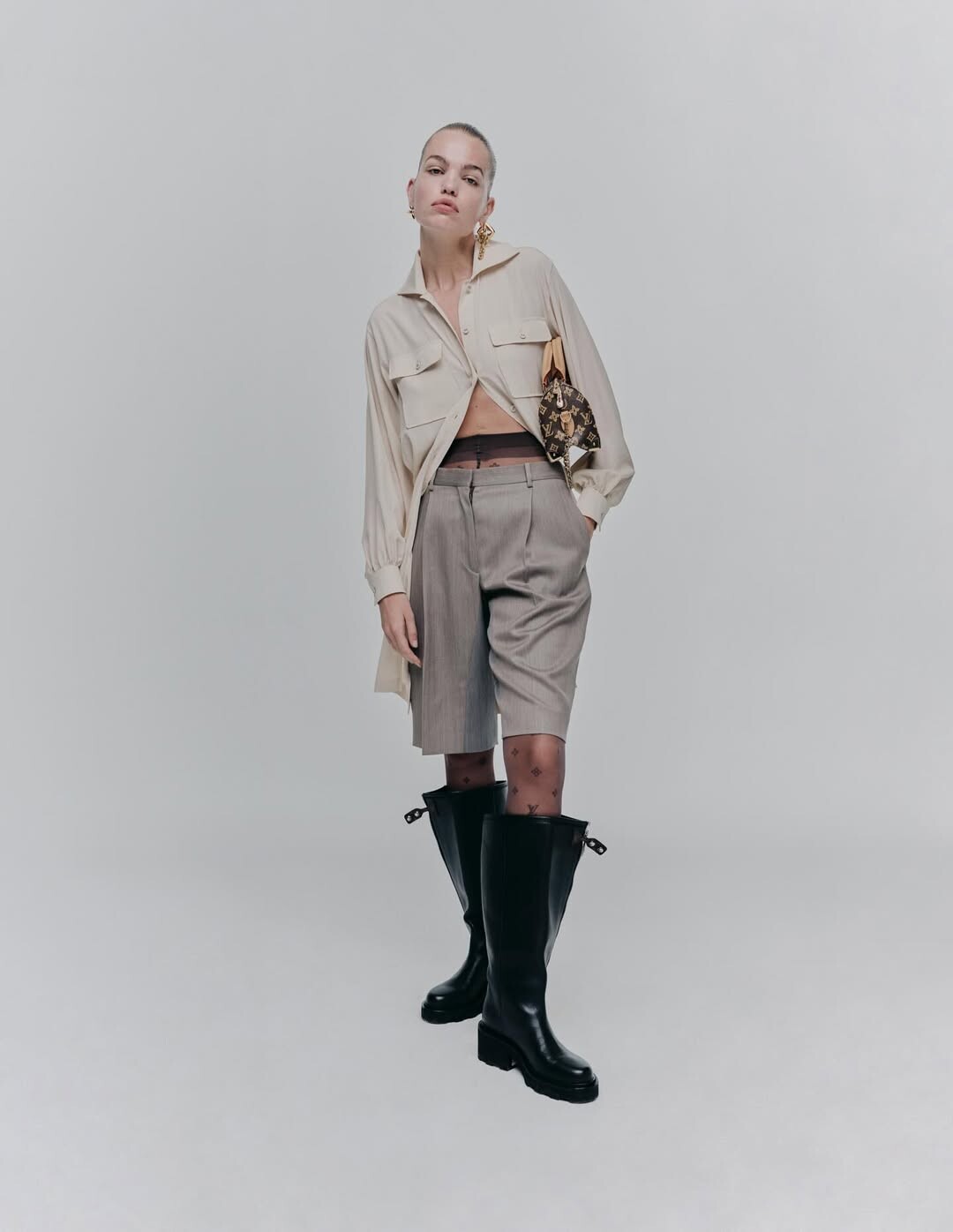
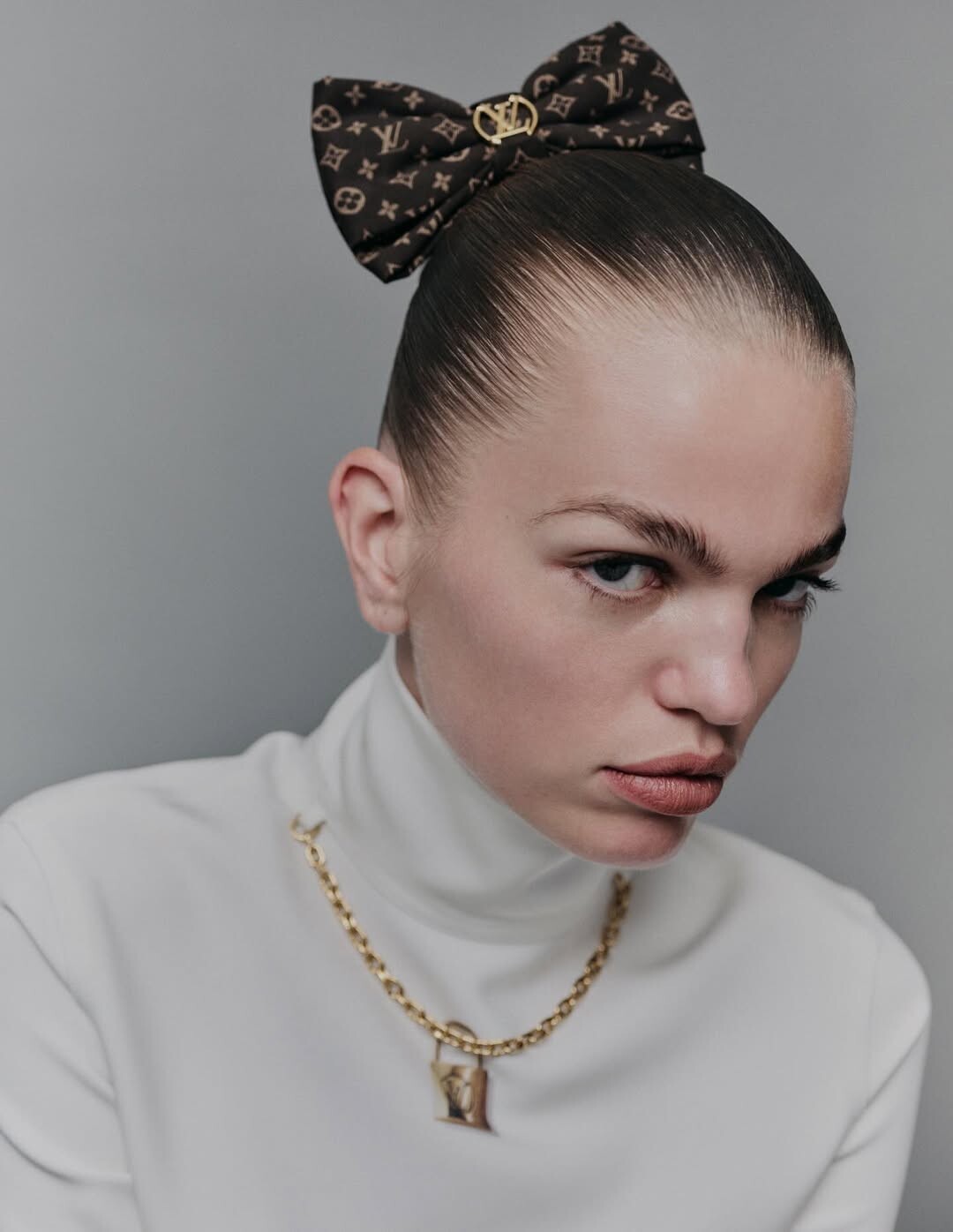
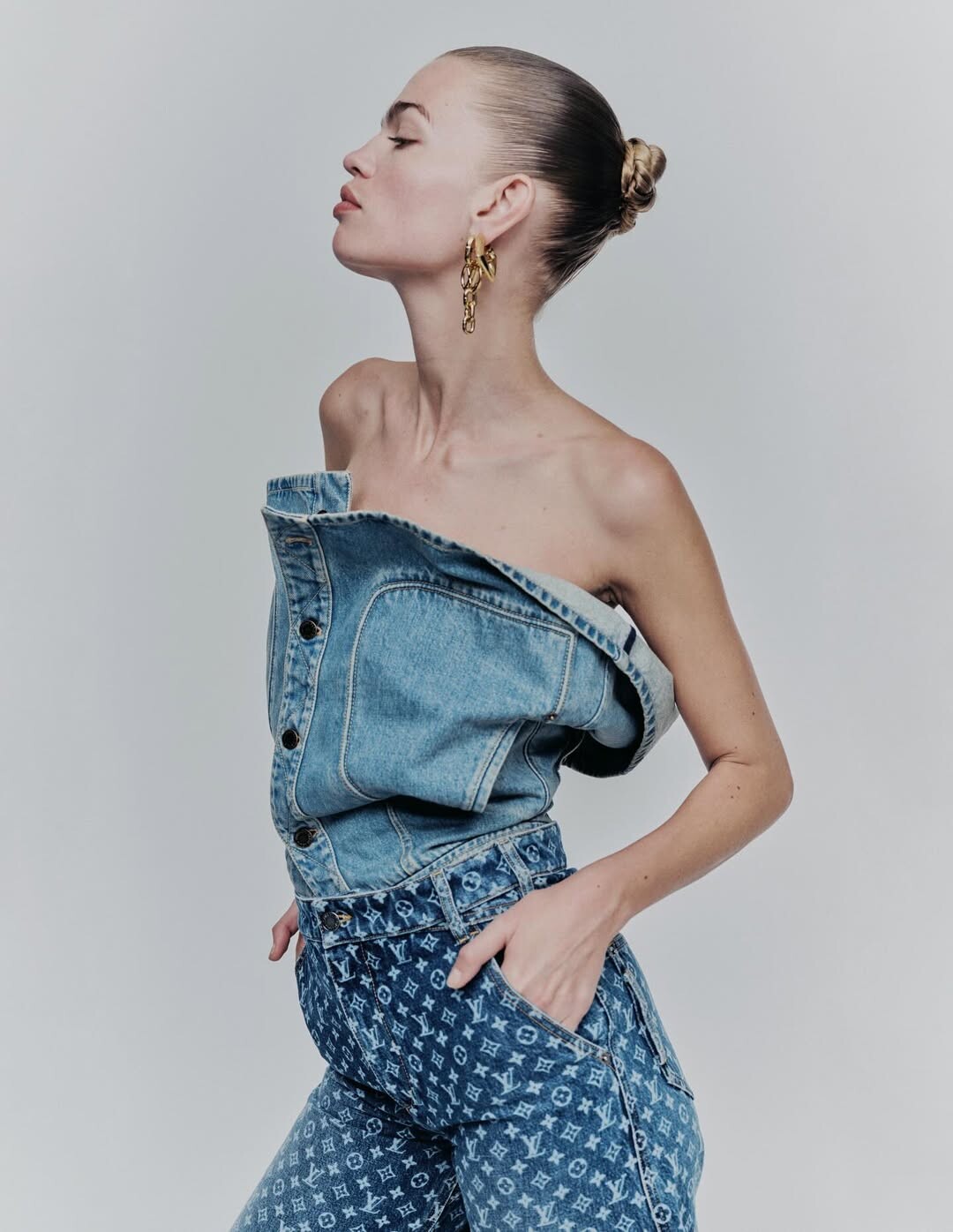
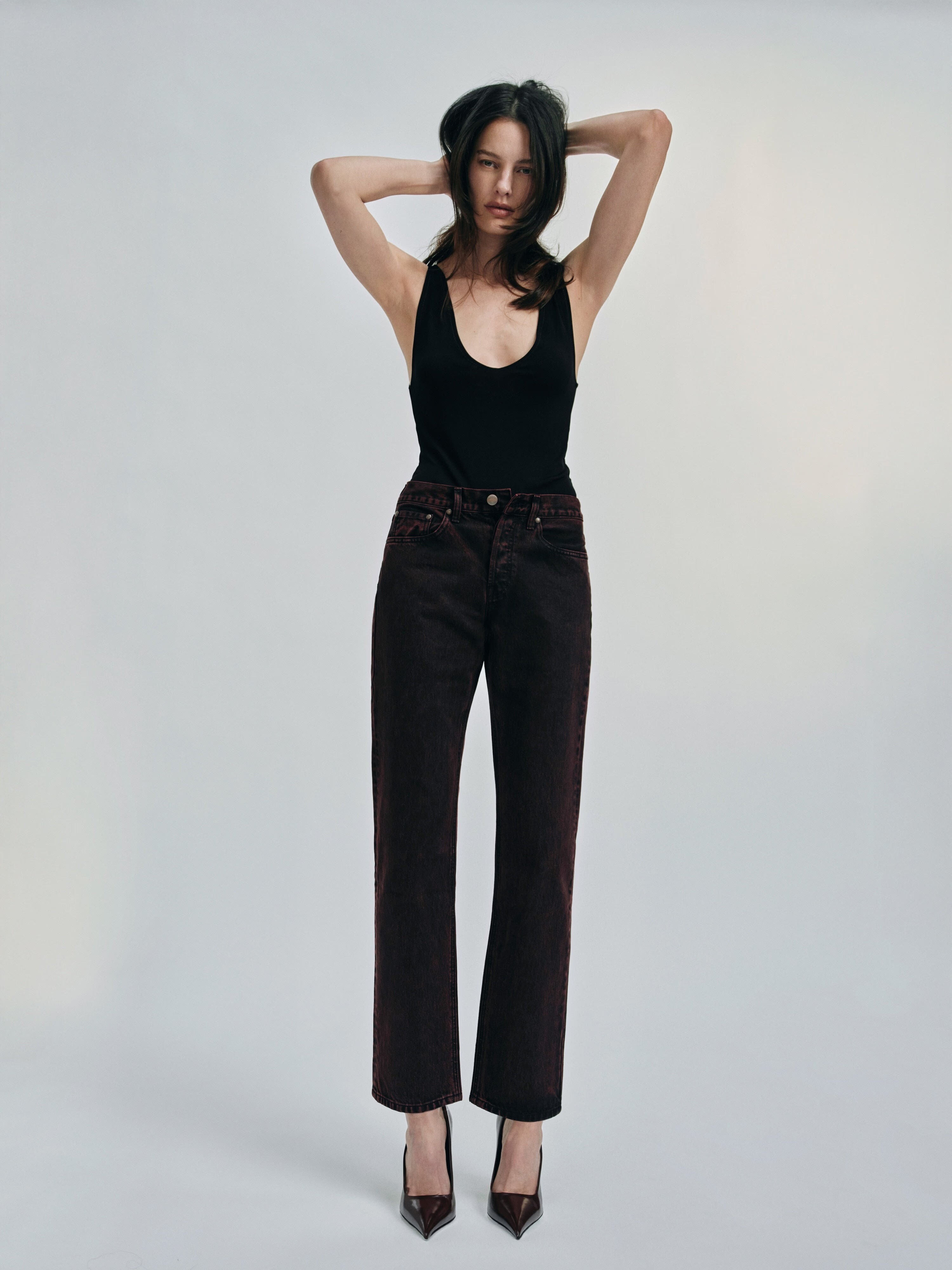
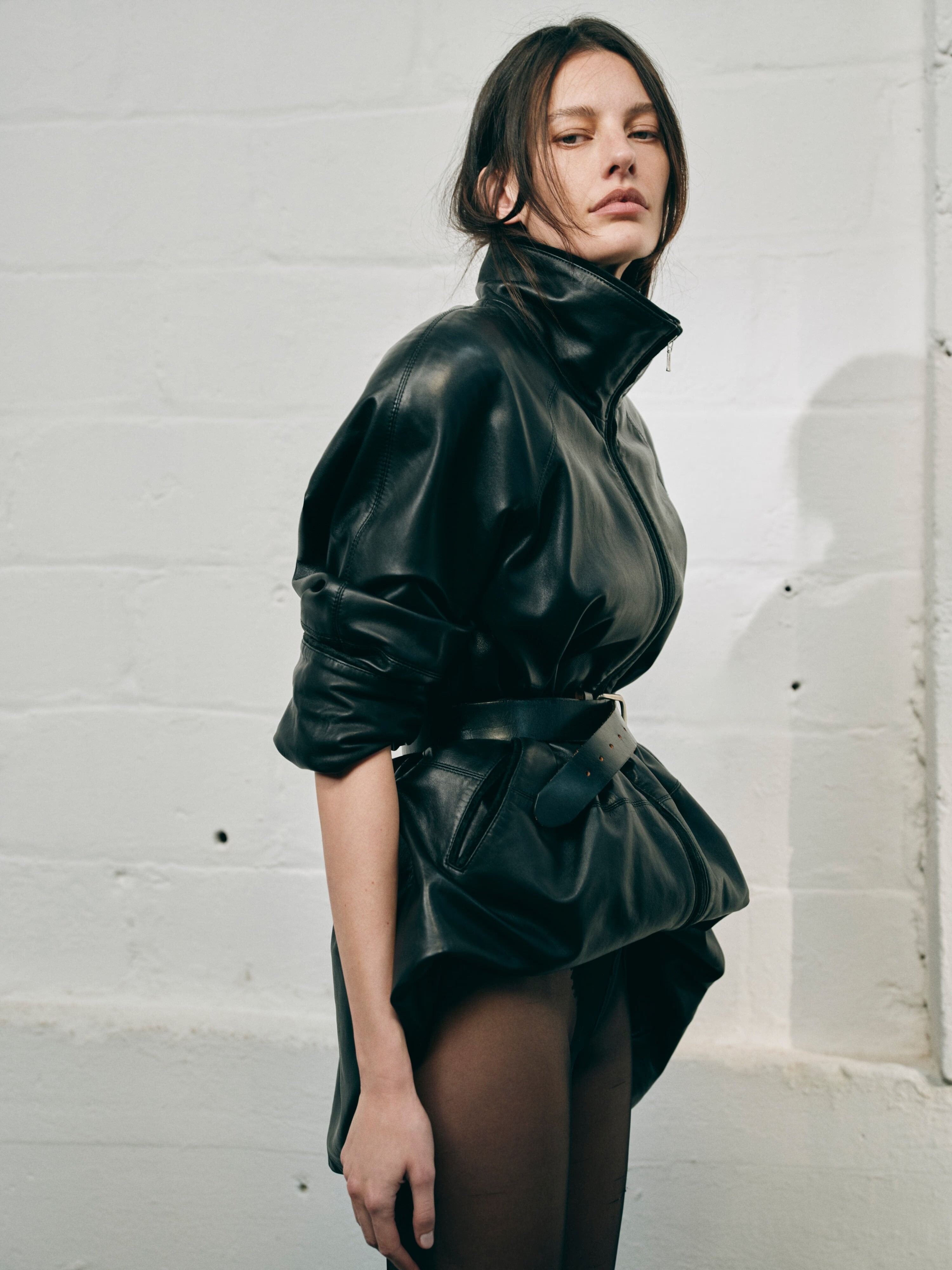
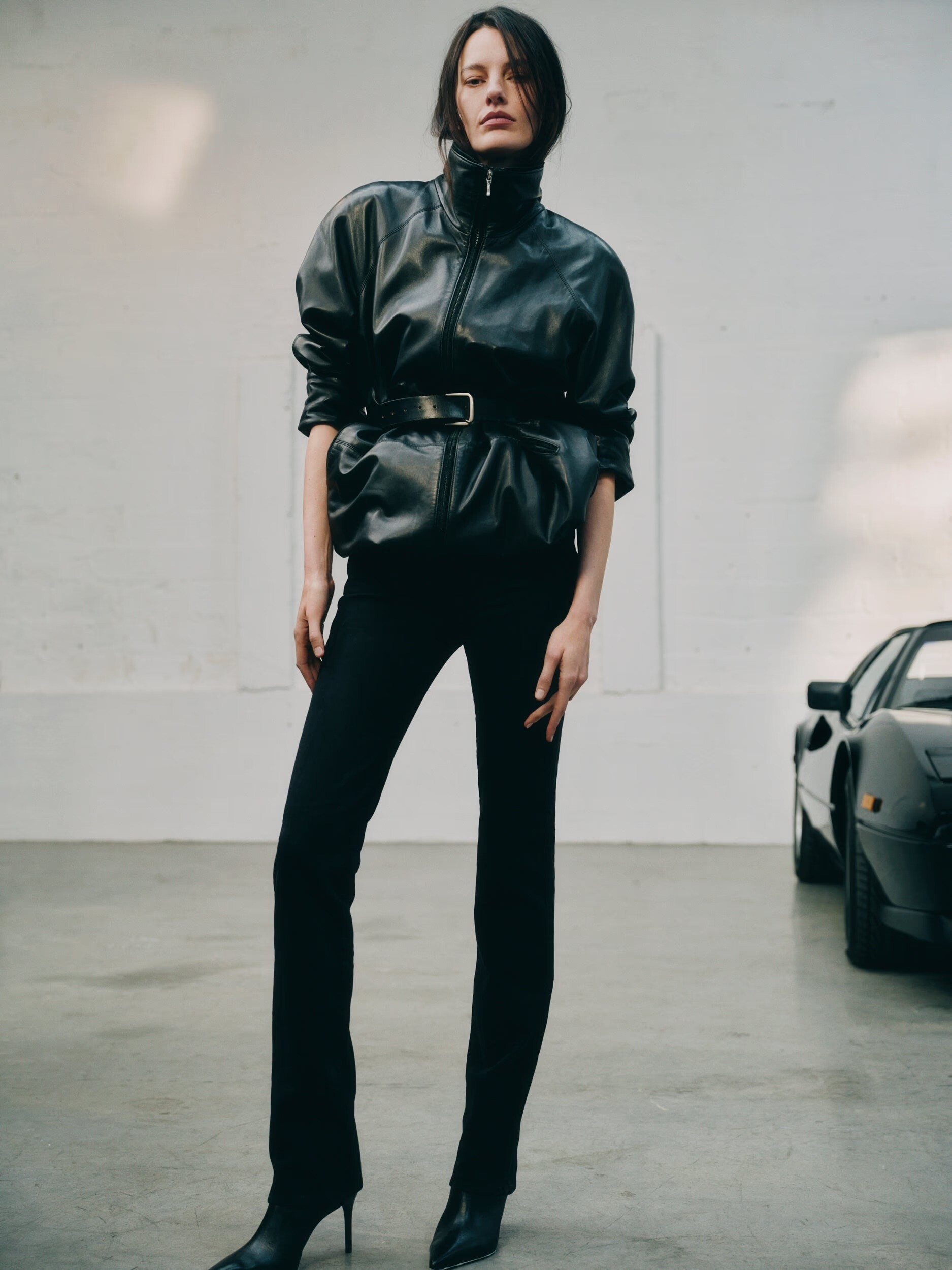
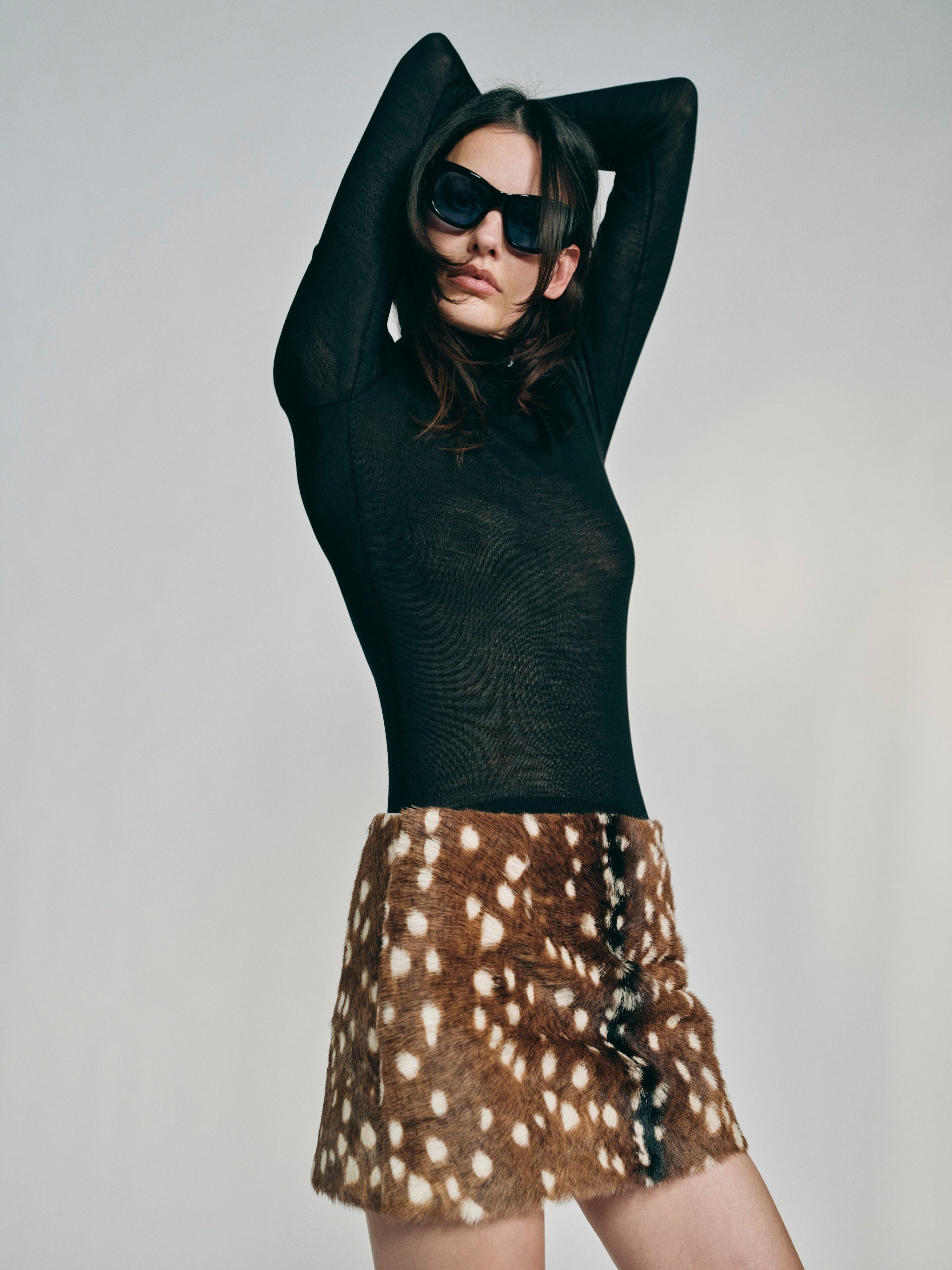
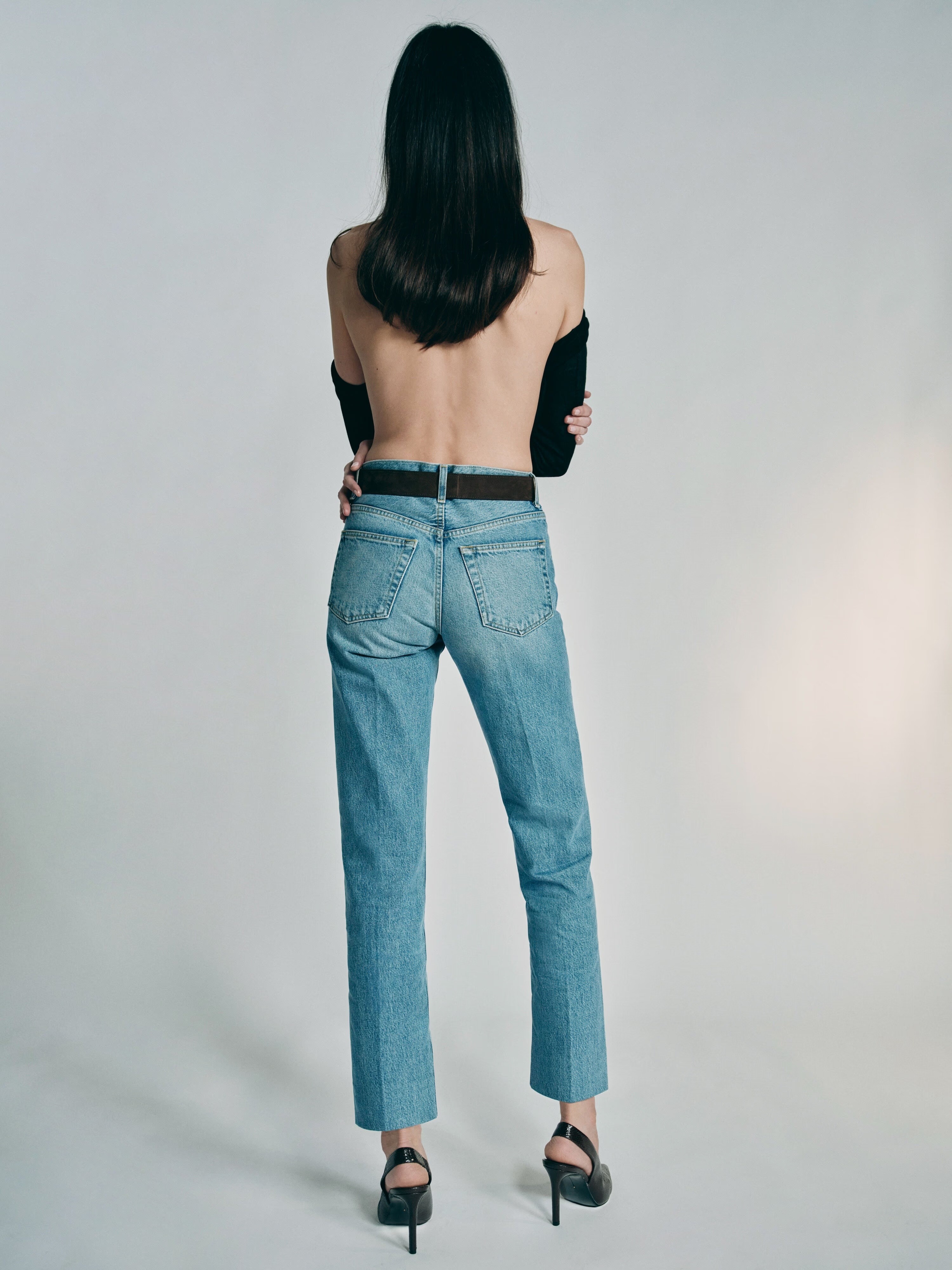
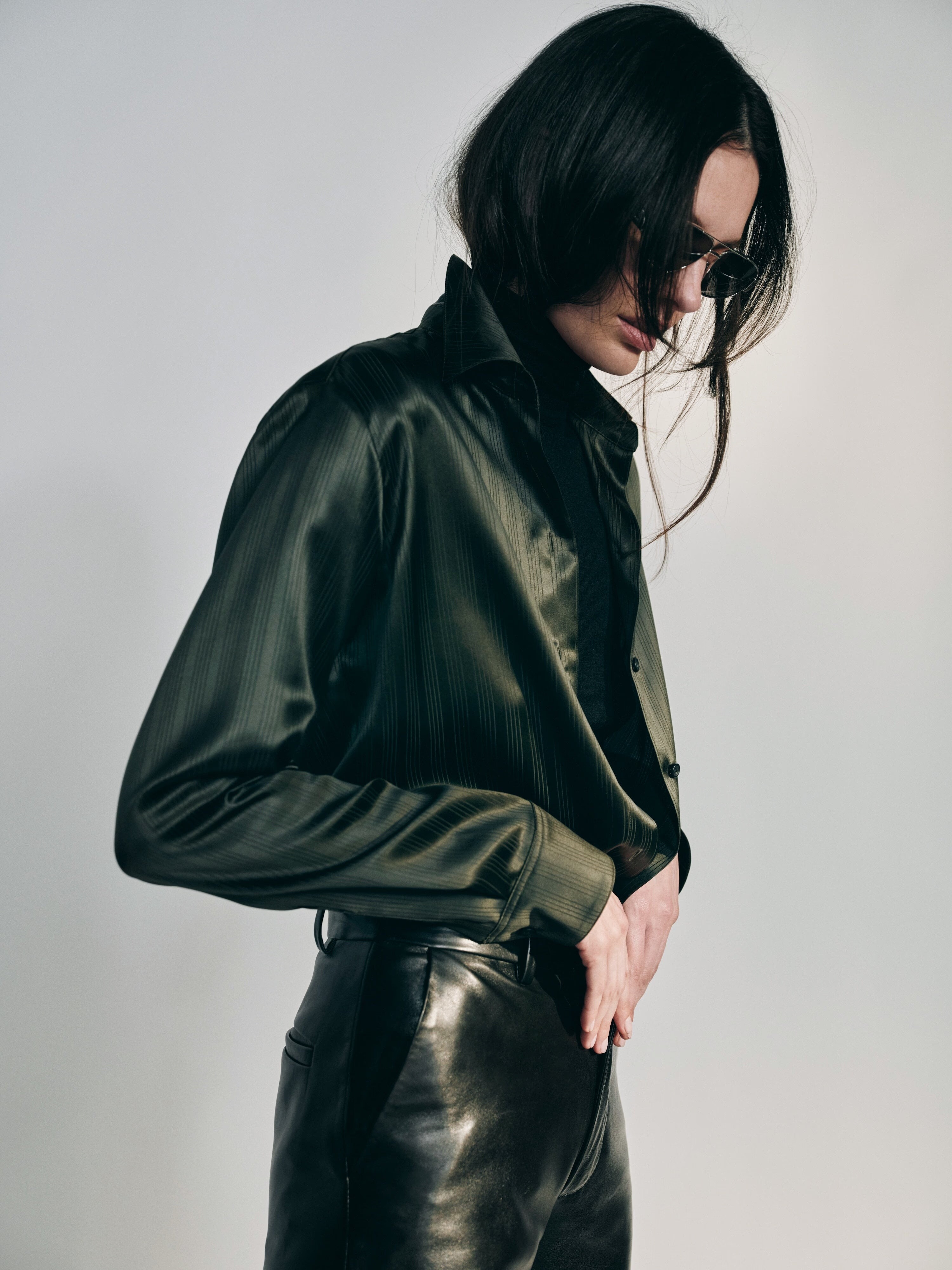
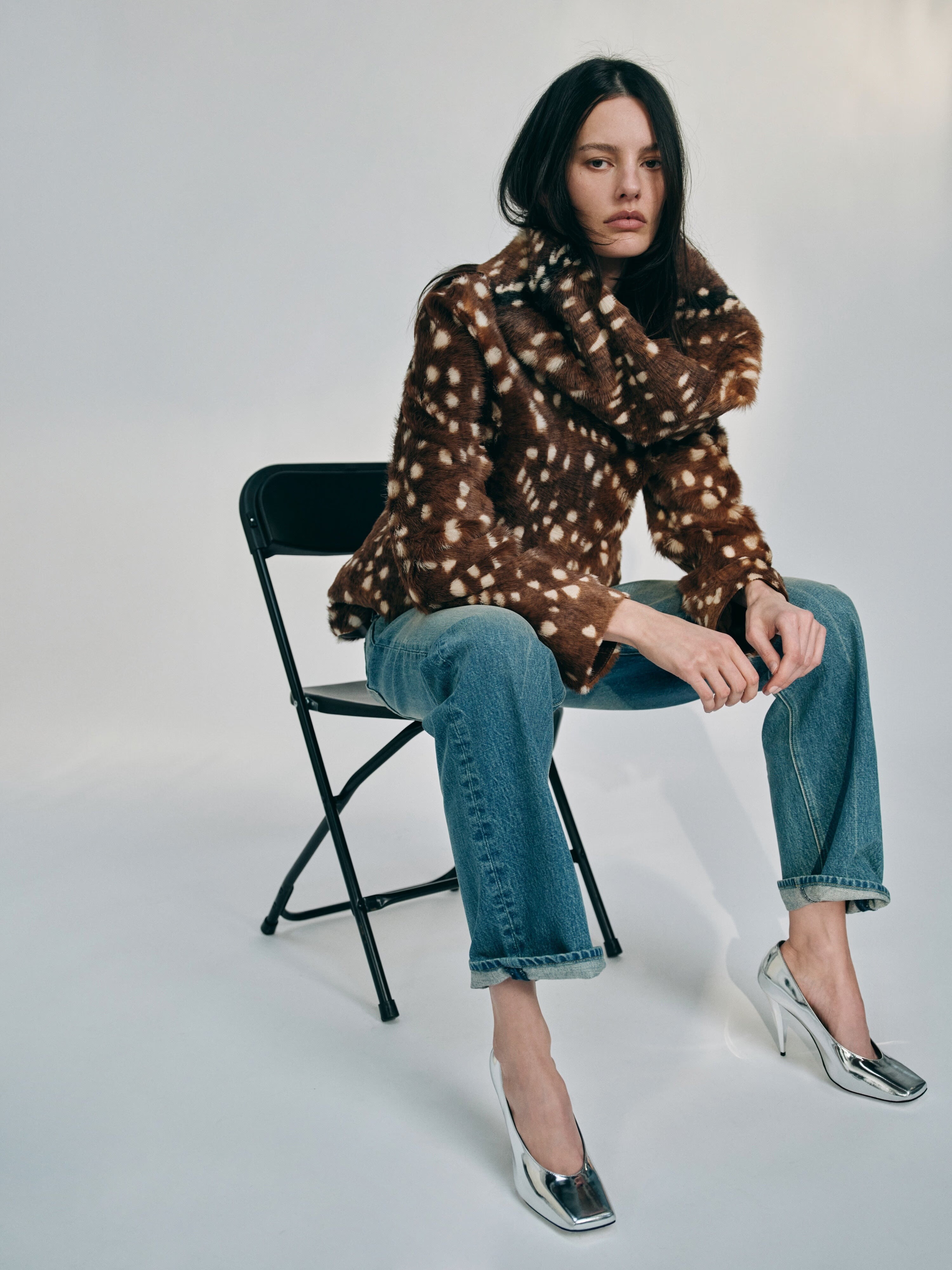
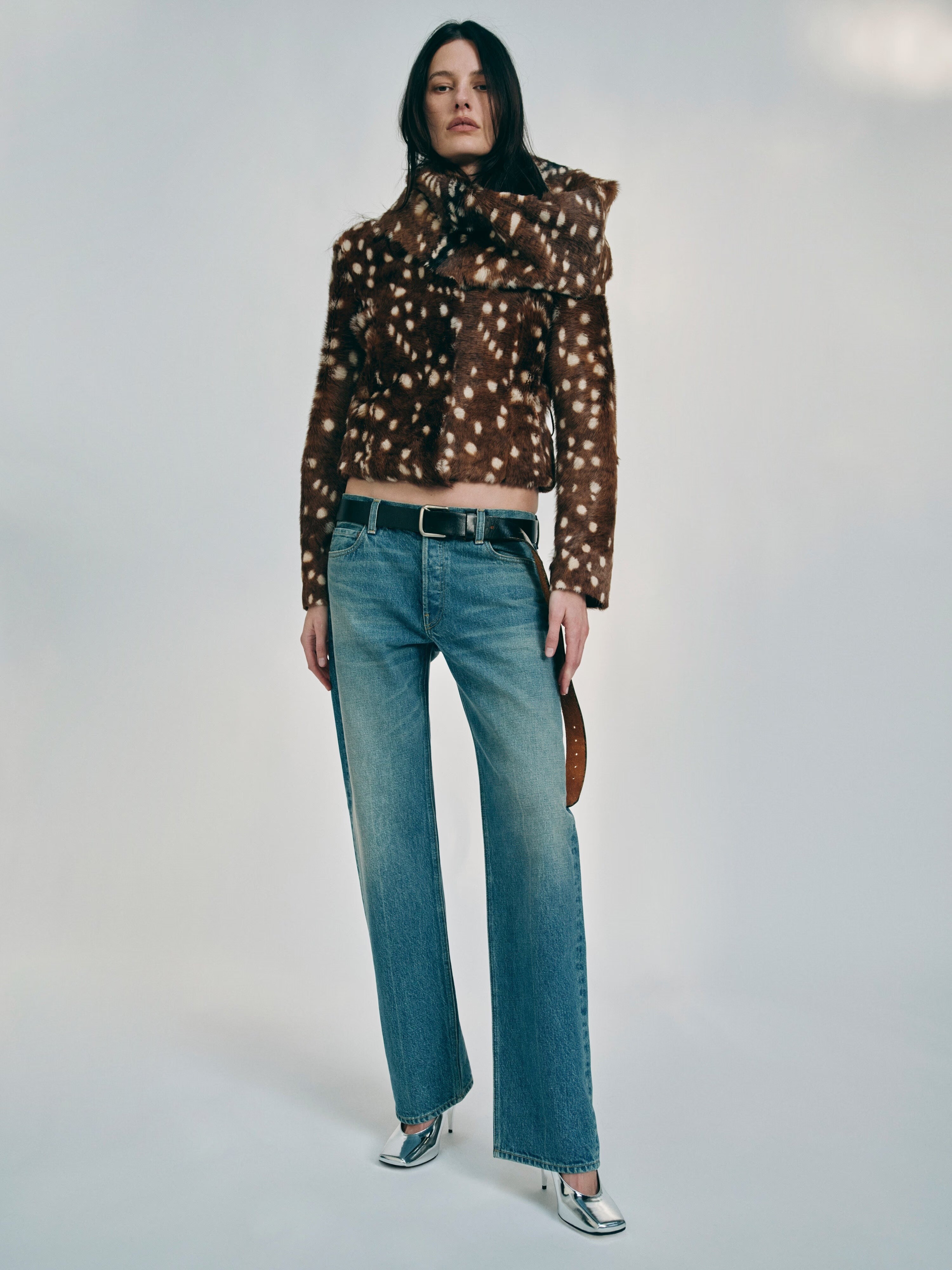
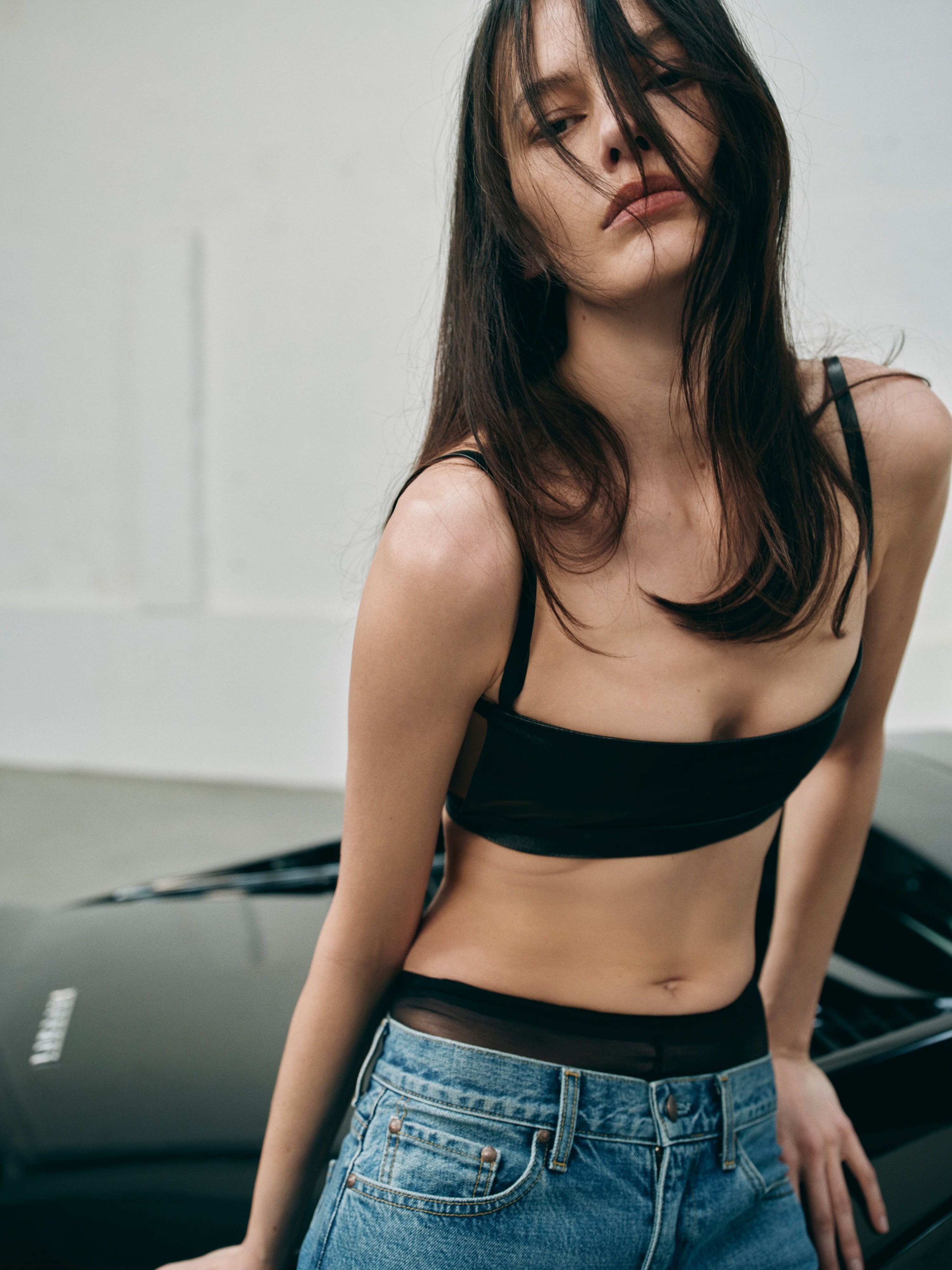
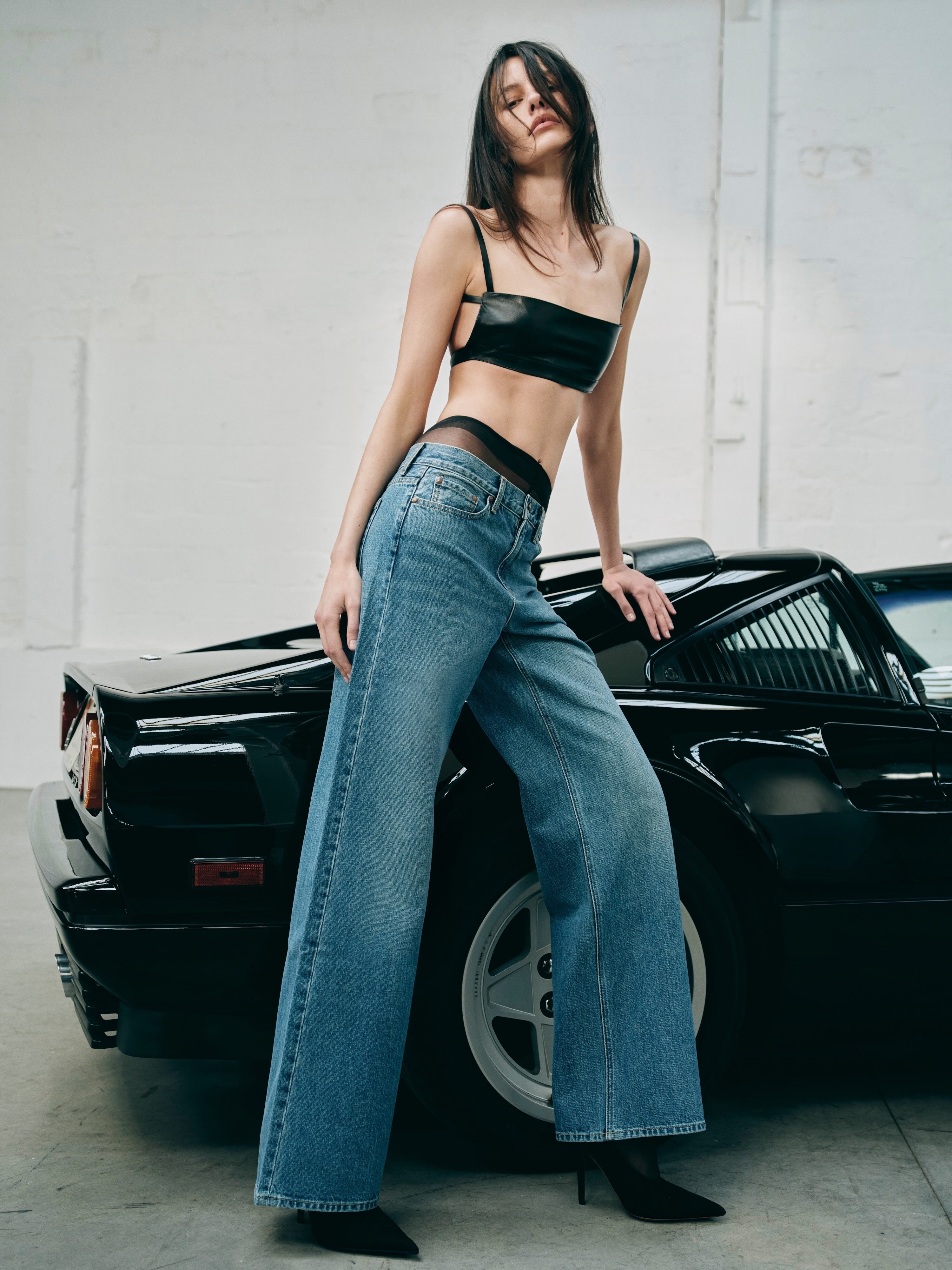
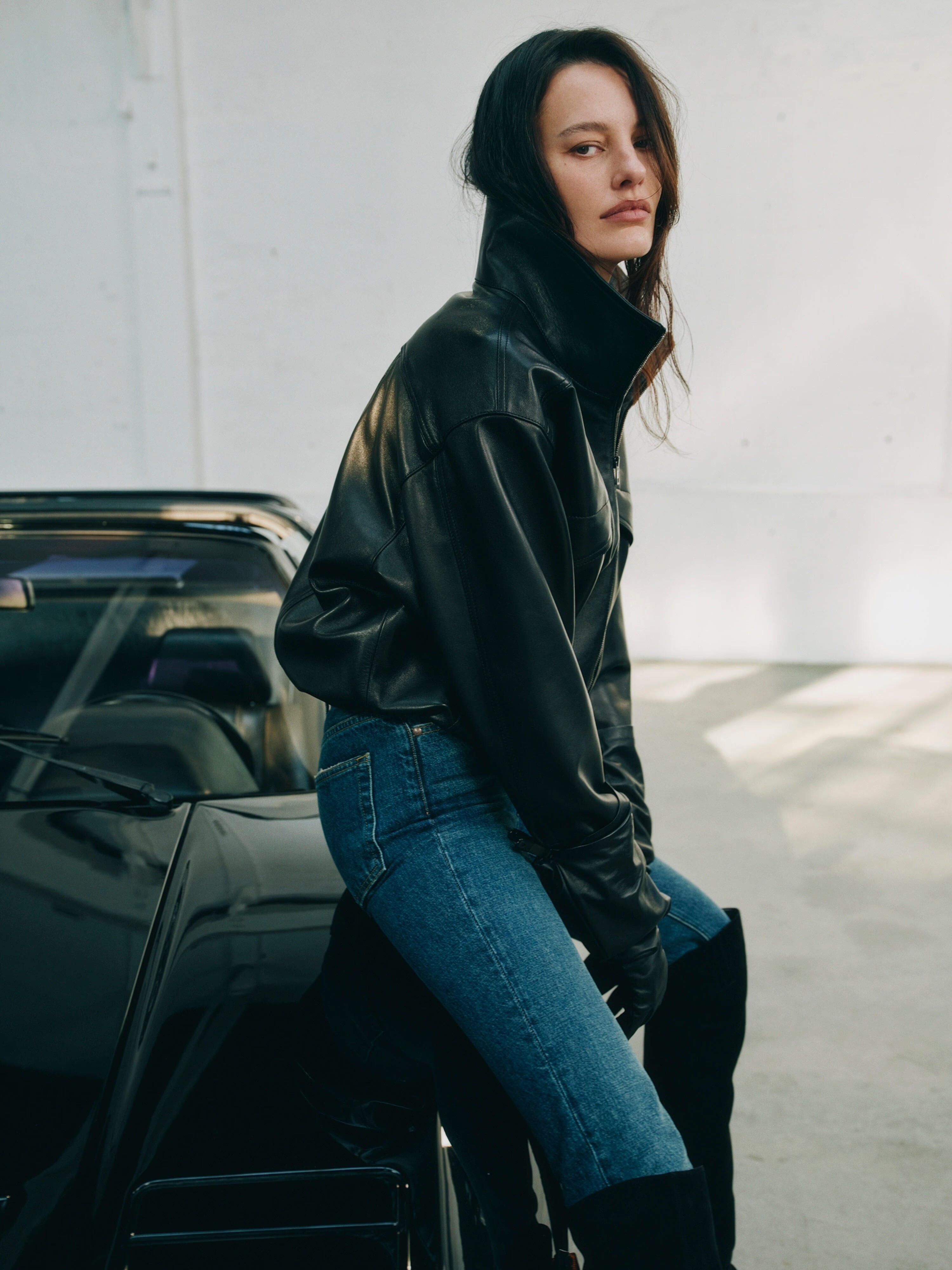
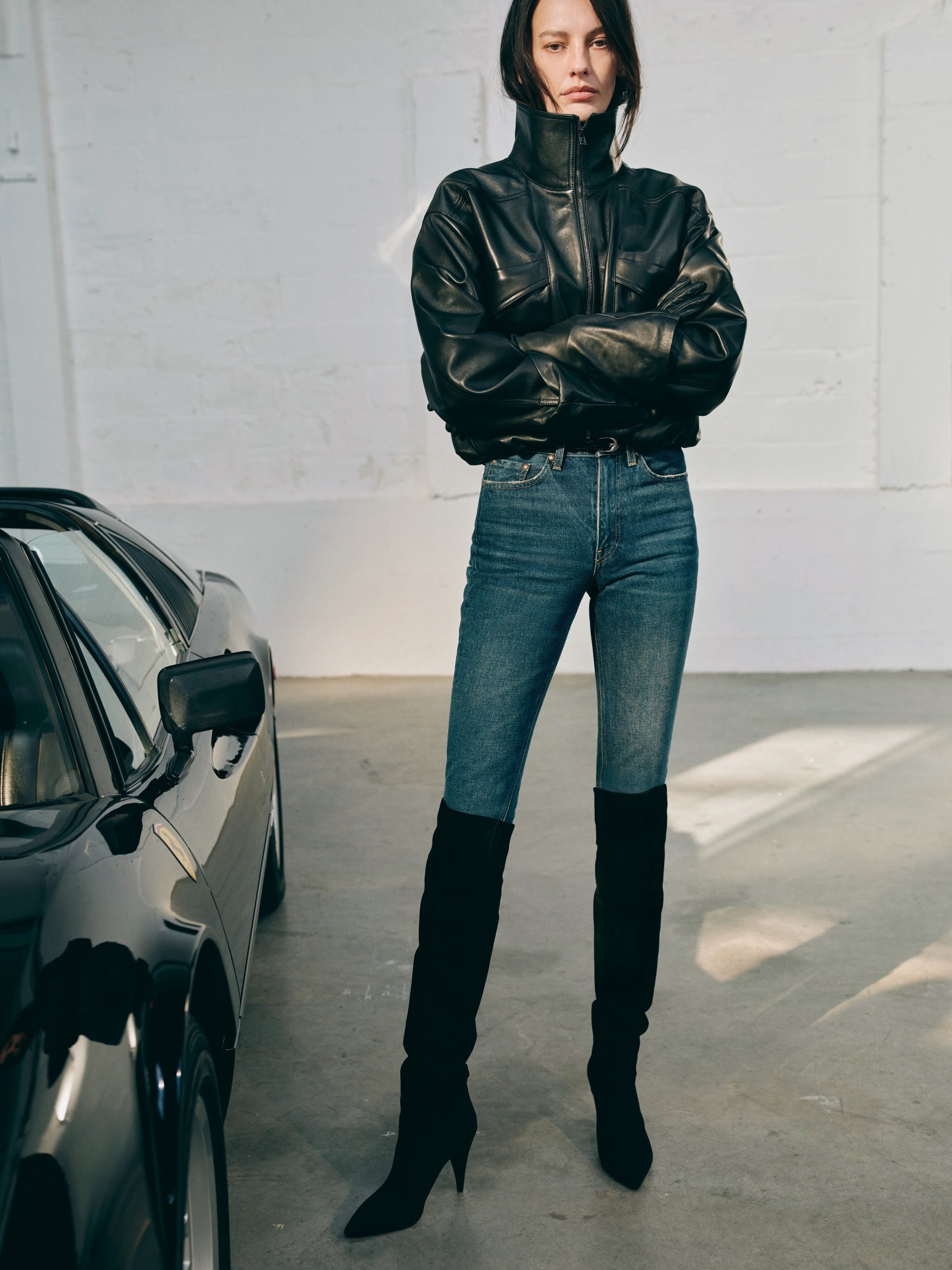
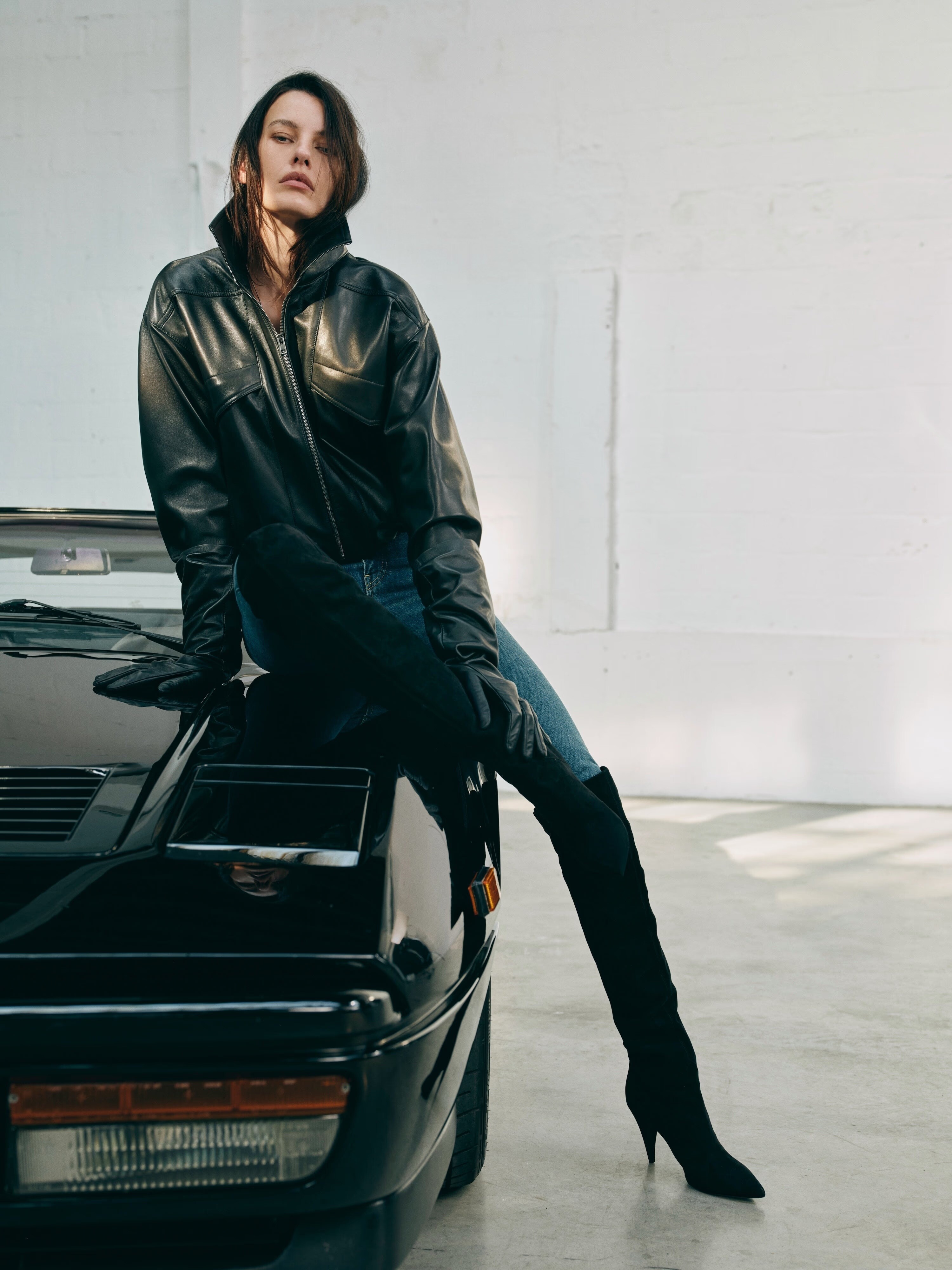
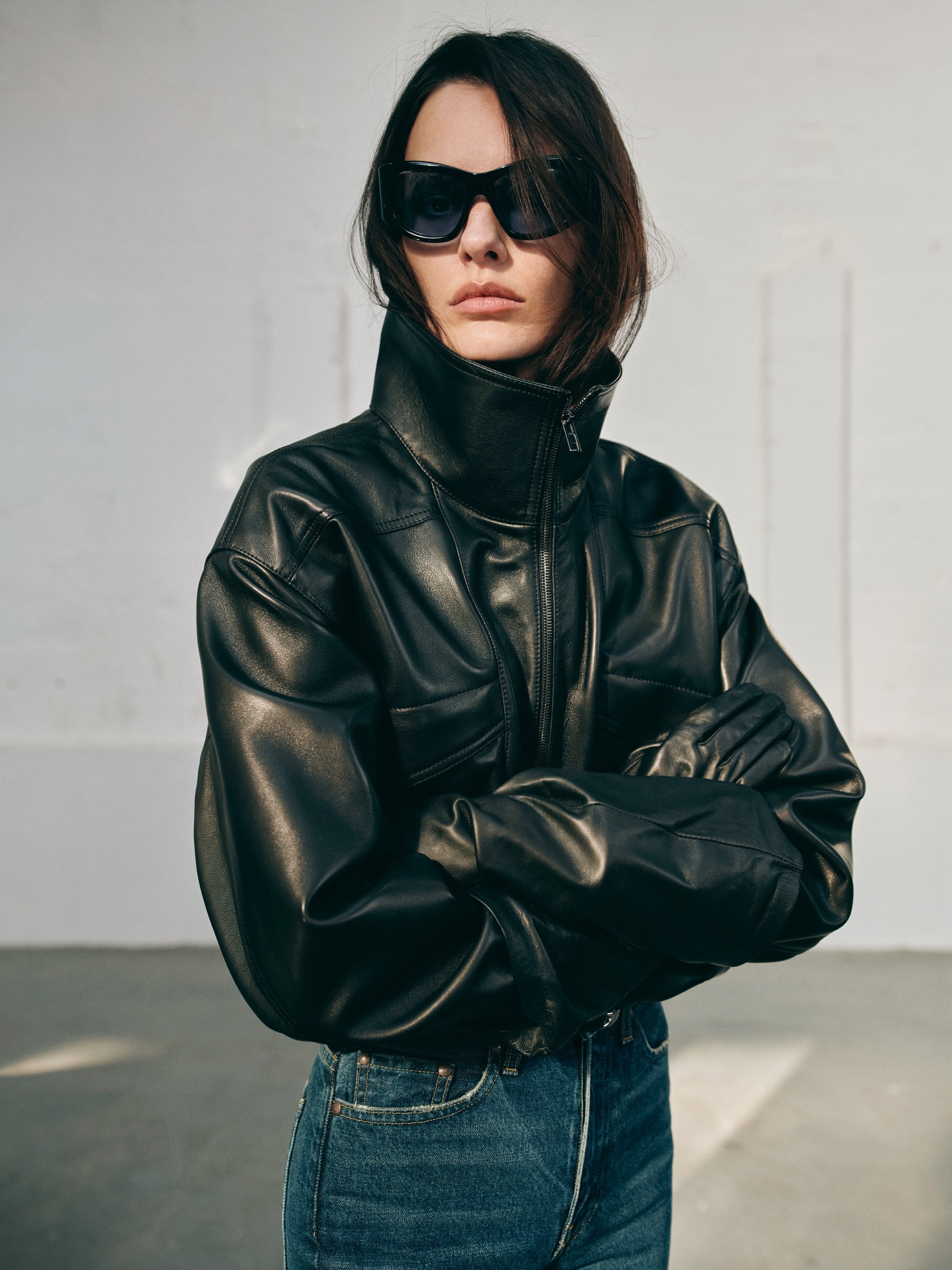
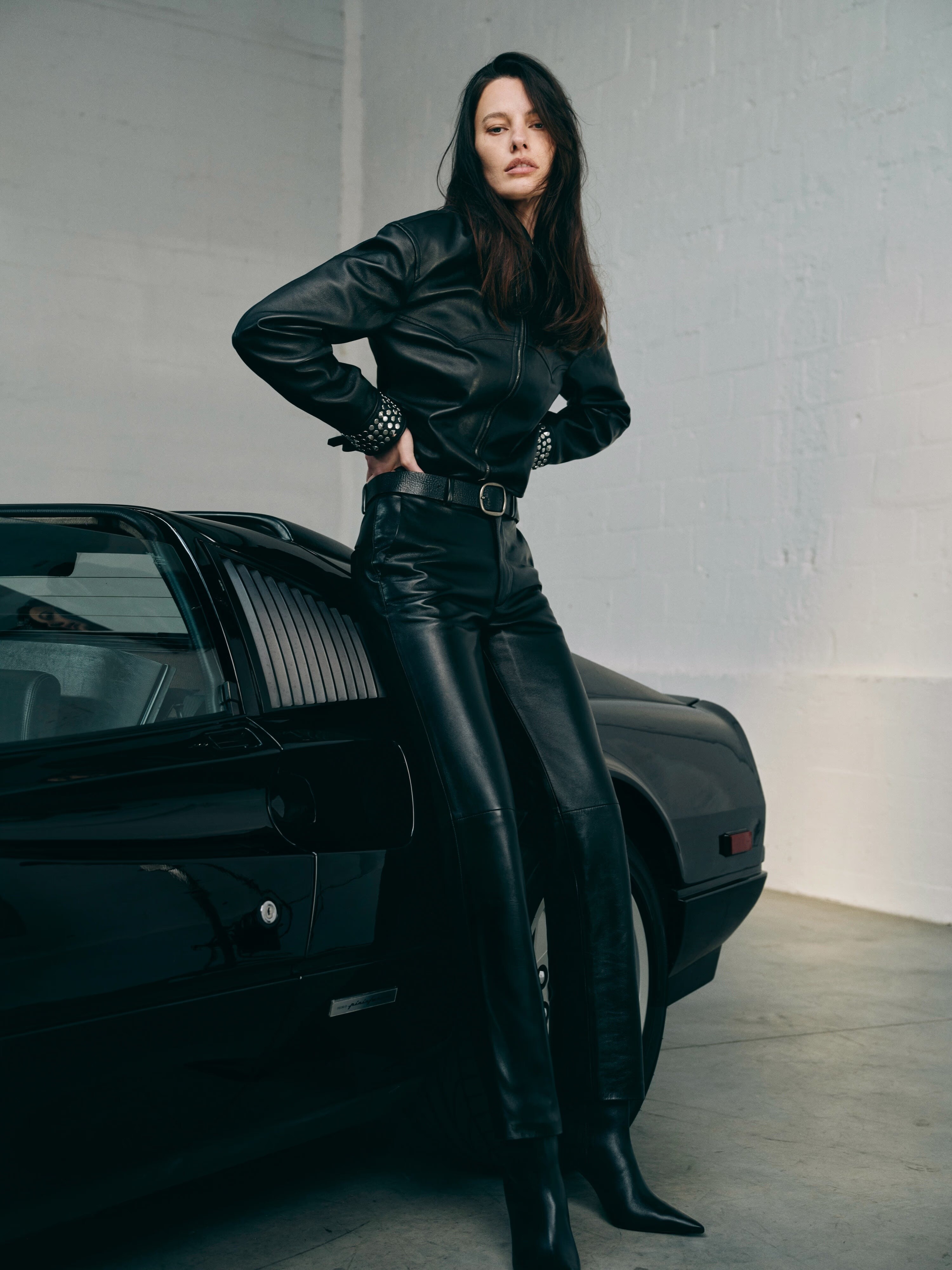
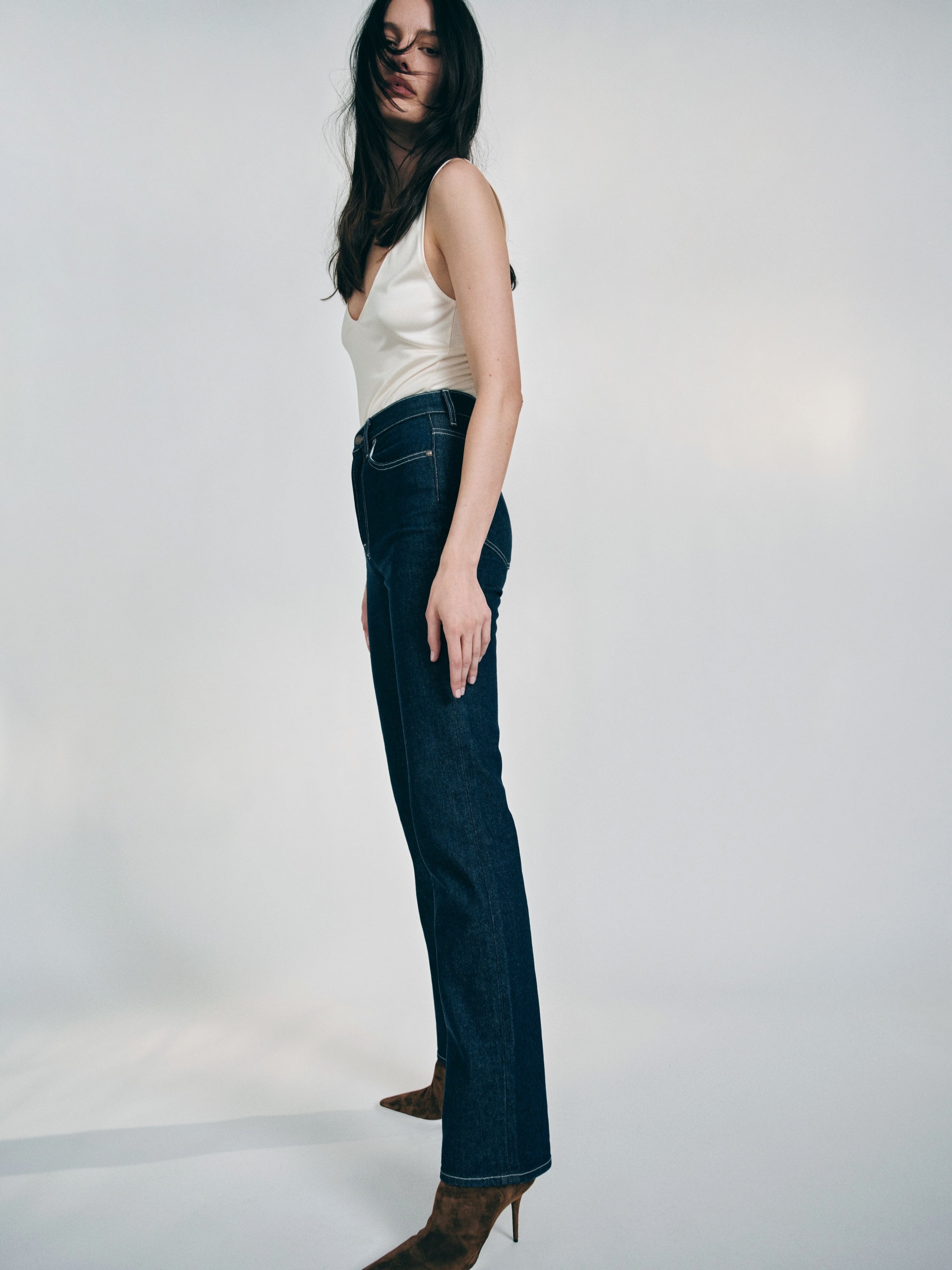
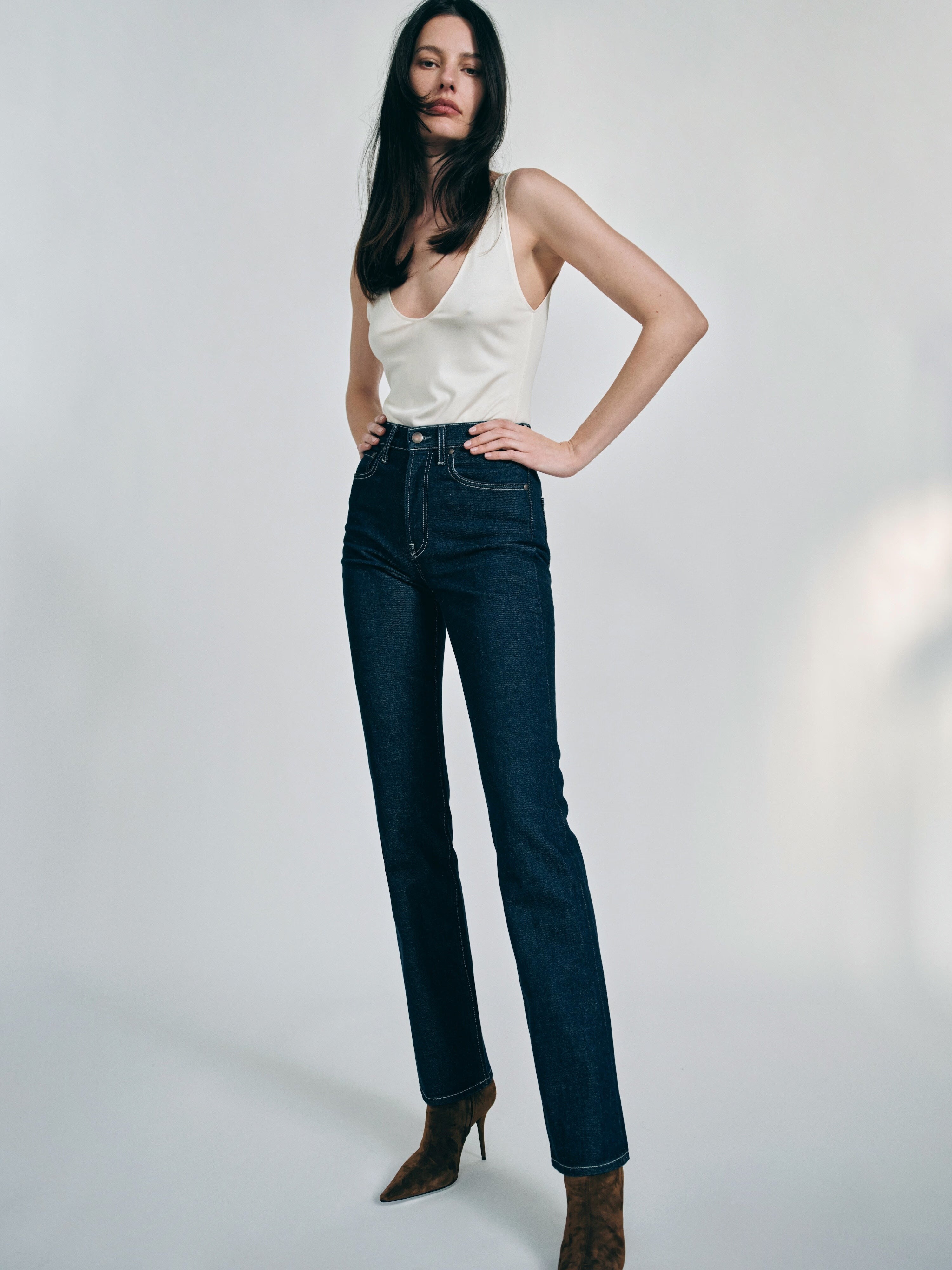
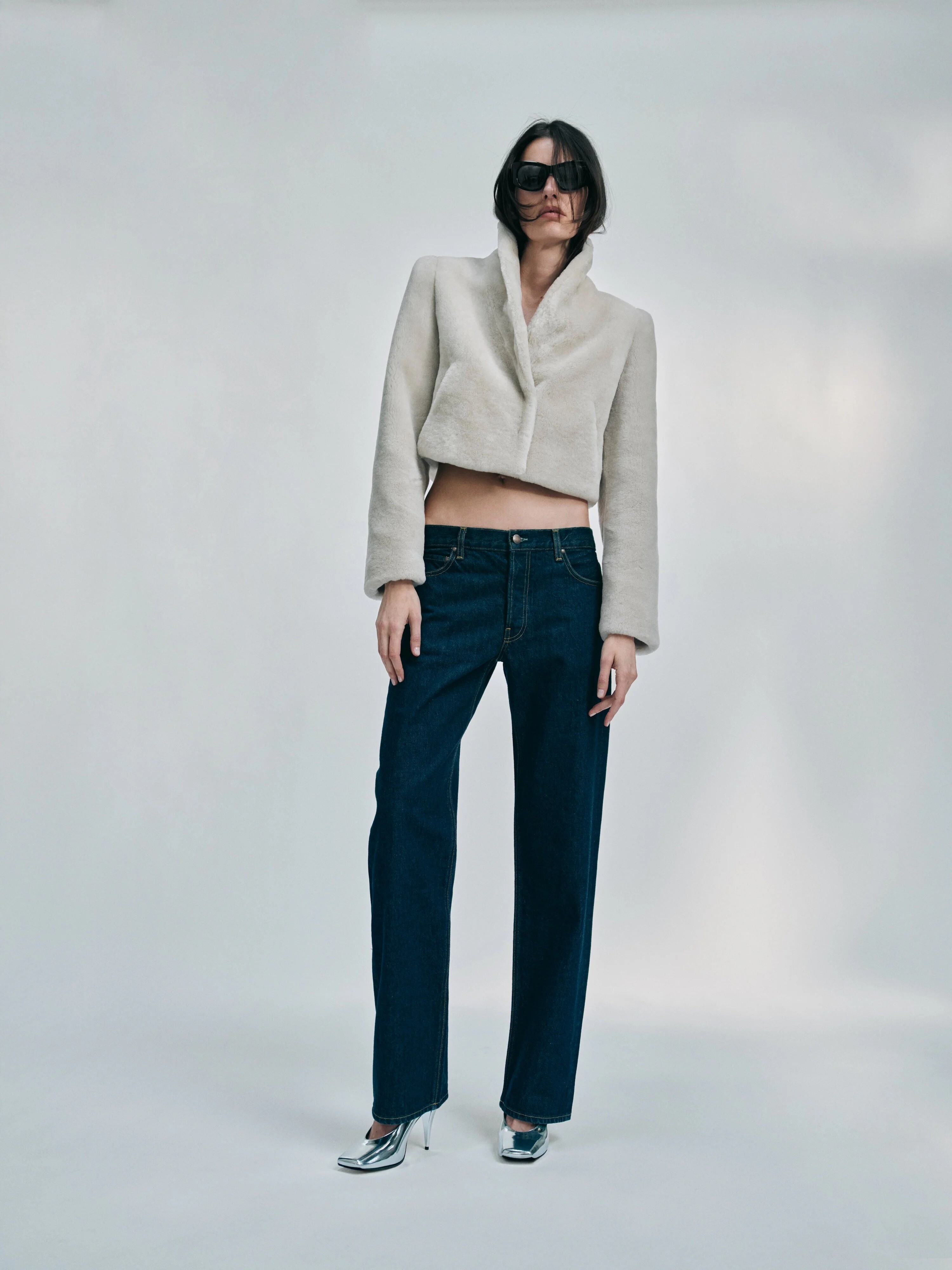
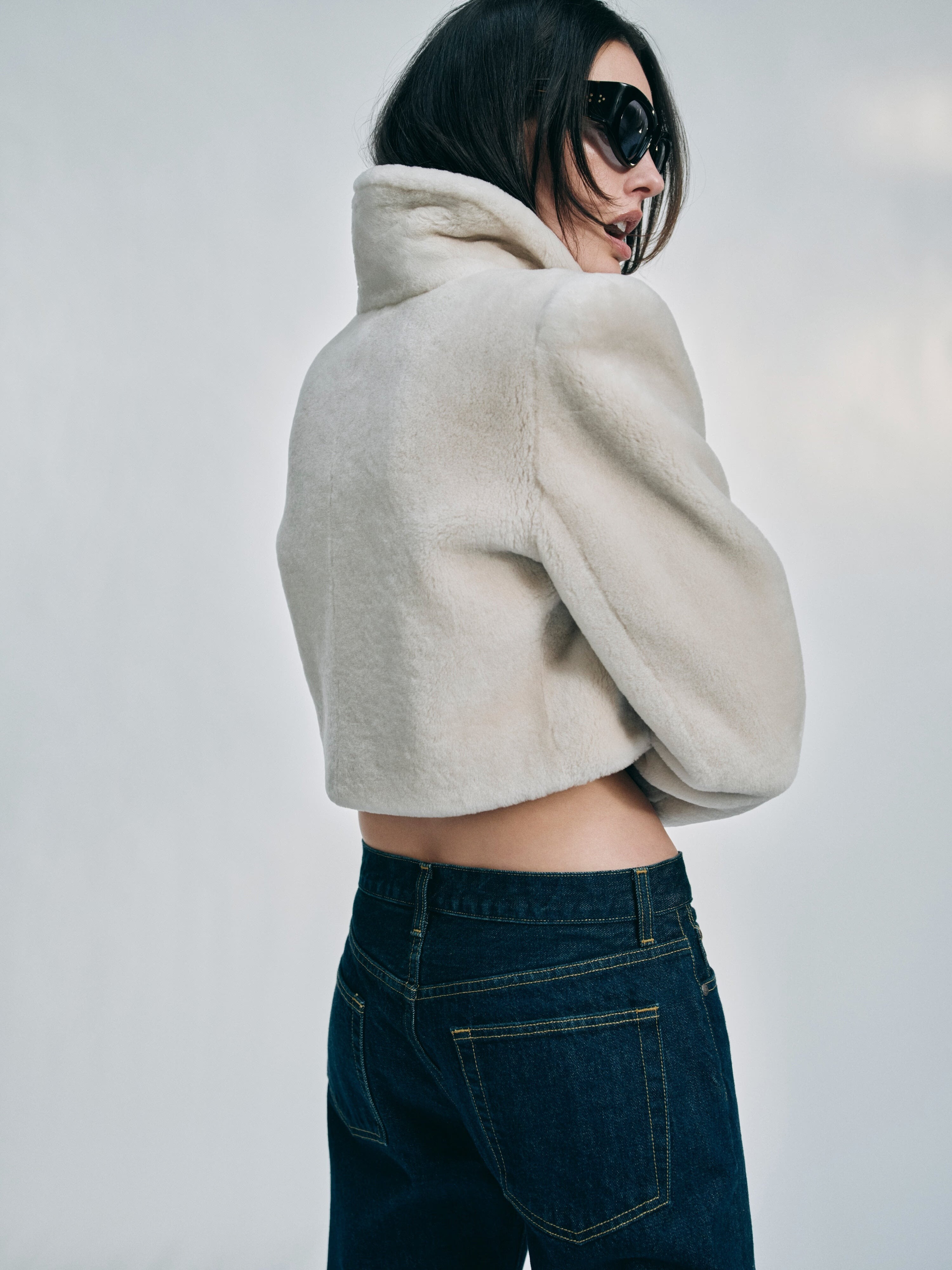
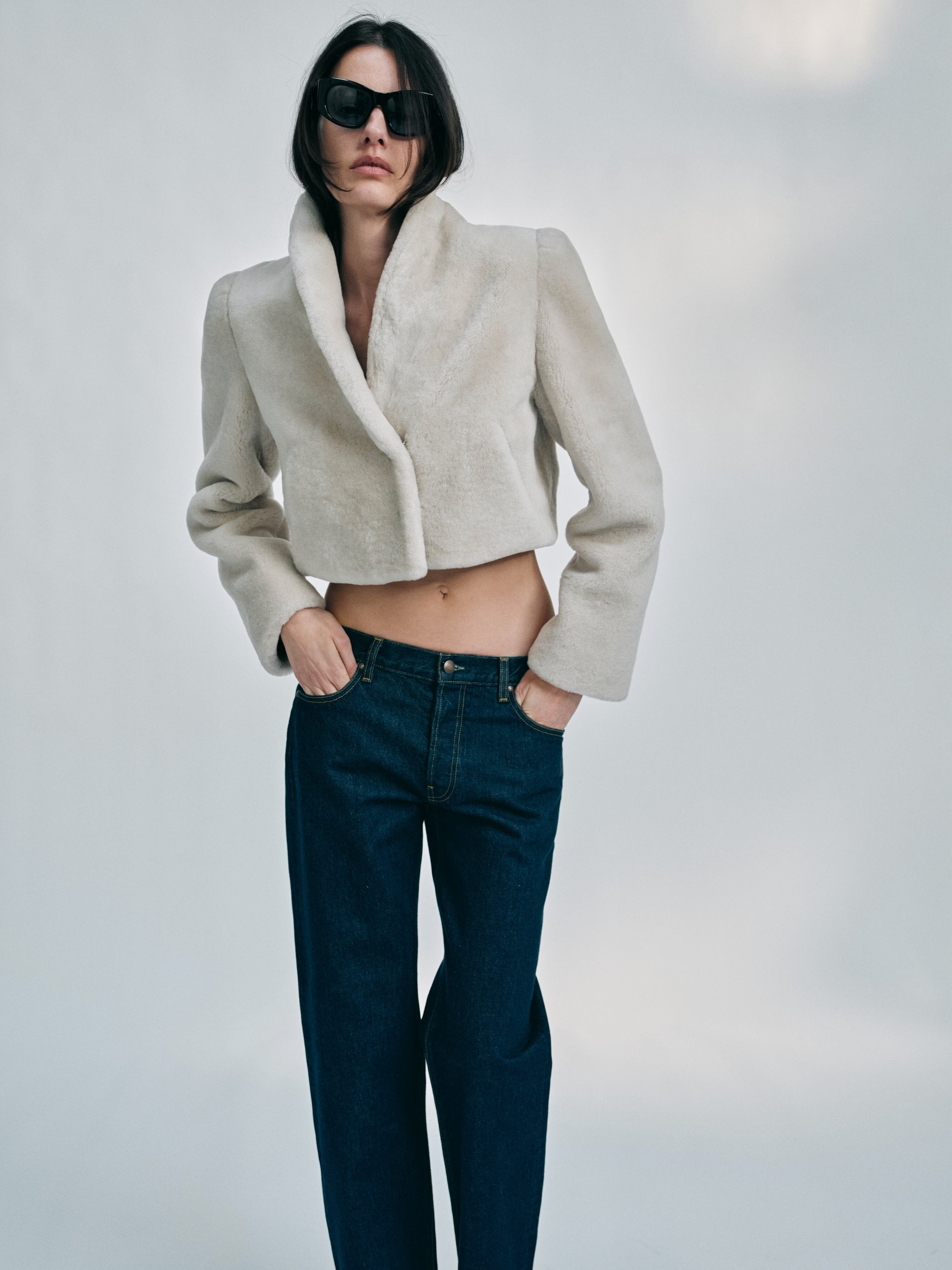
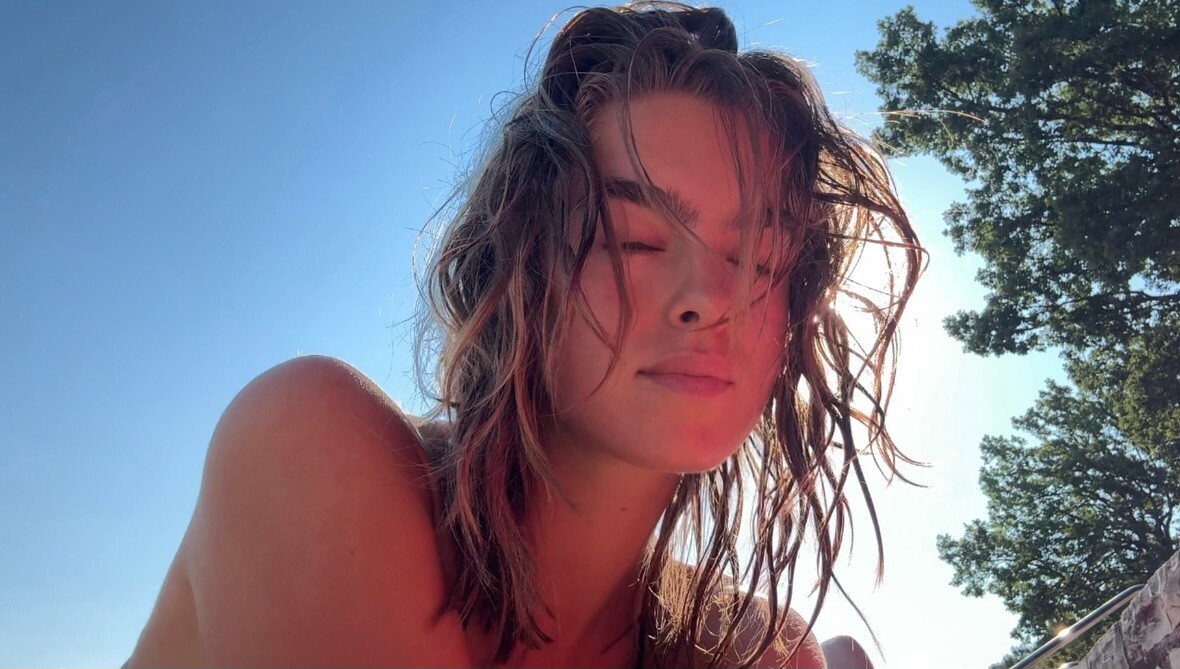
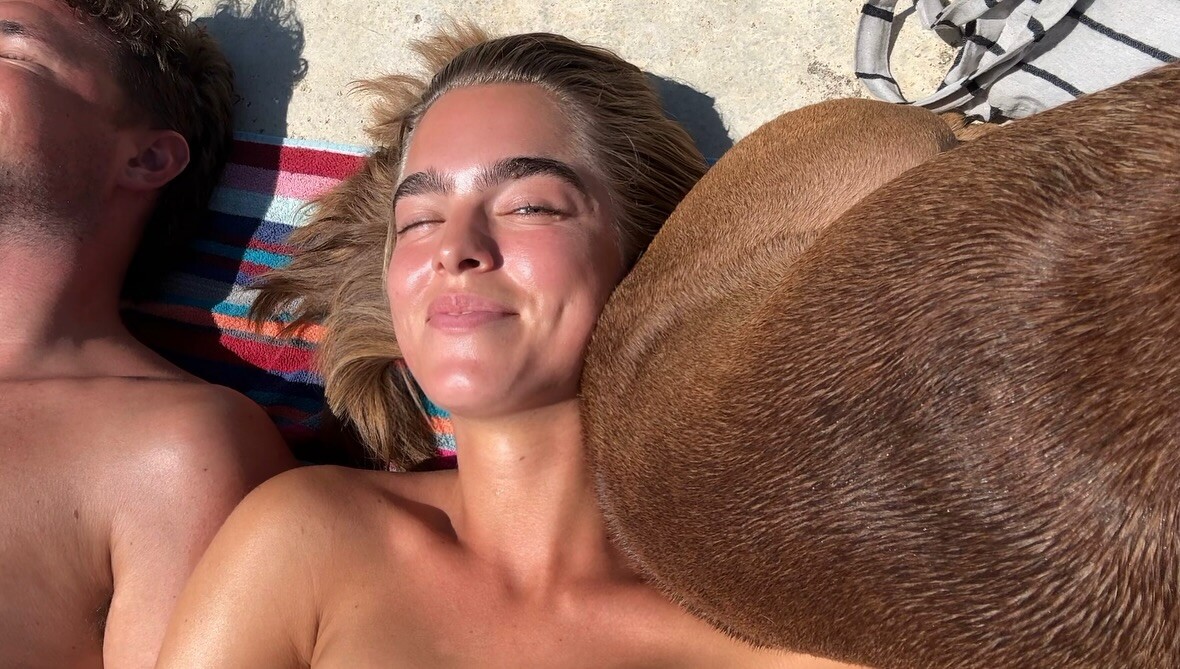
Instagram.png.cf0a1a28dcdf7877409b03851ae76de7.png)
Instagram.png.65698bc51e82051a3a8a8c7d3408c7bc.png)
Instagram.png.4046b69e947a72615d6f184c1a200402.png)
Instagram.png.09aca5c000f69187a0a6ee51bd2cbbf7.png)
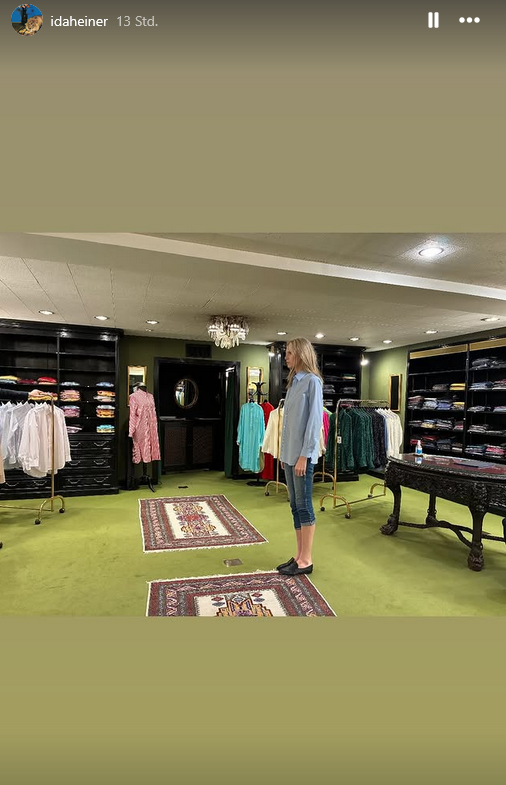
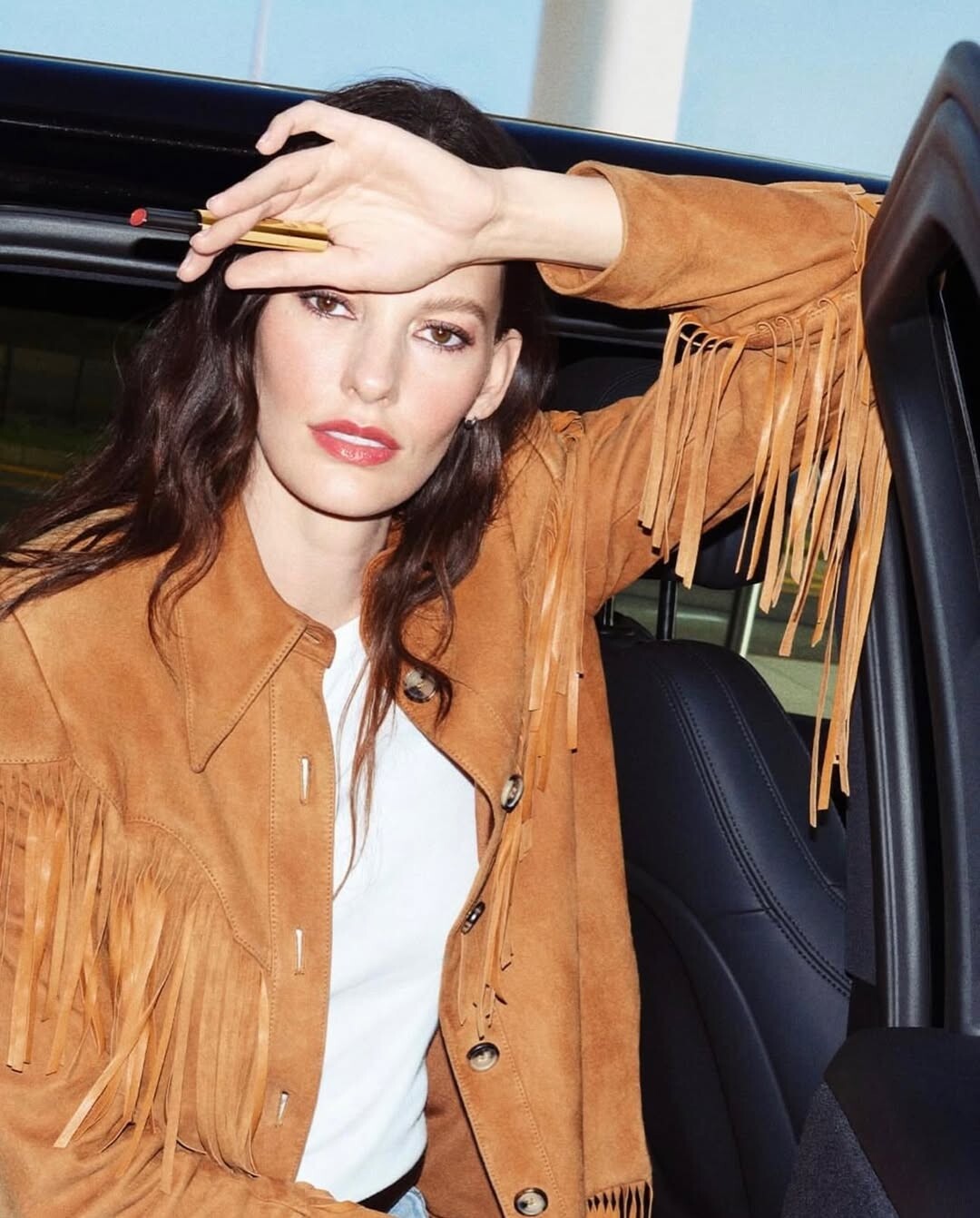
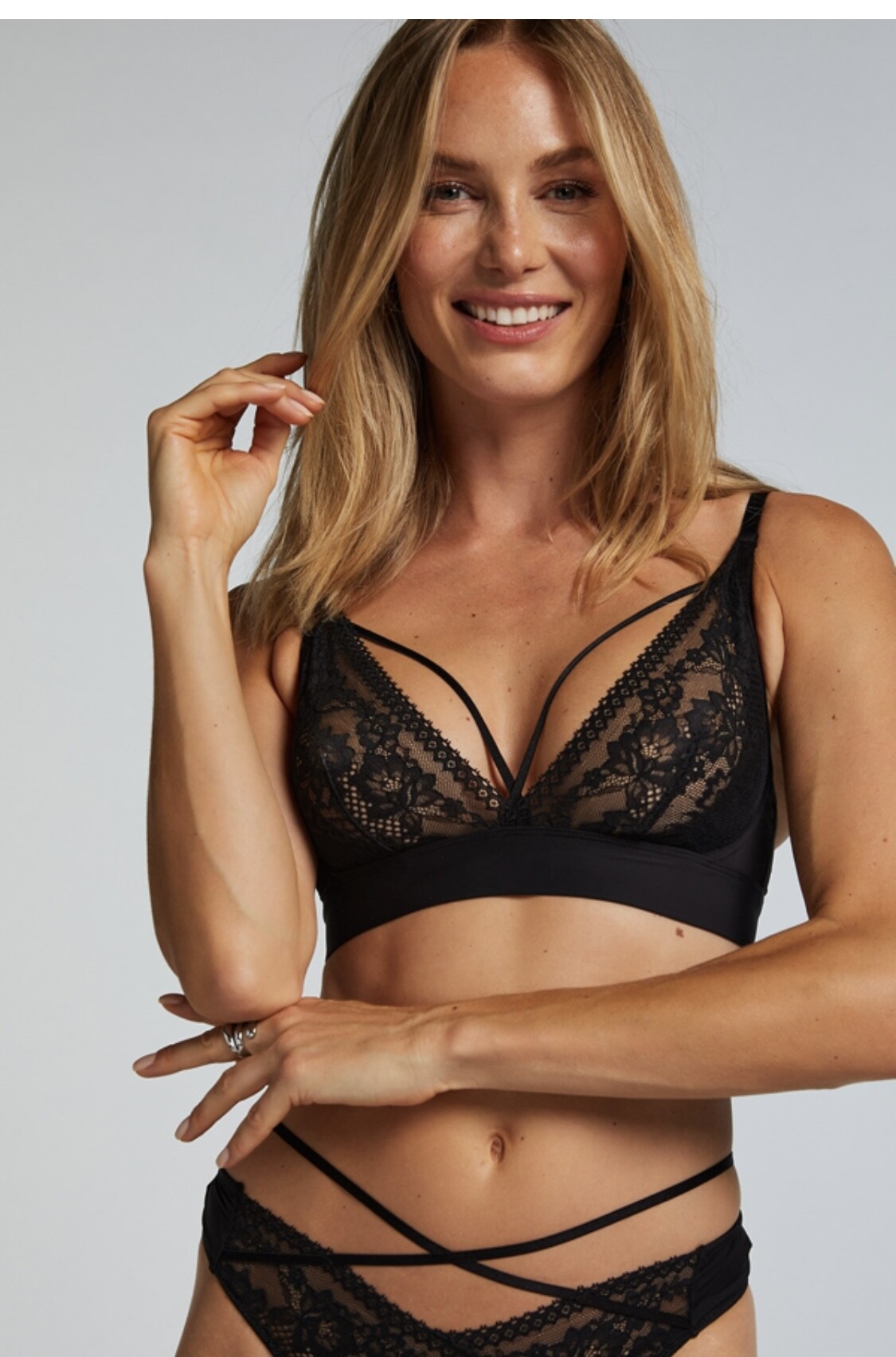
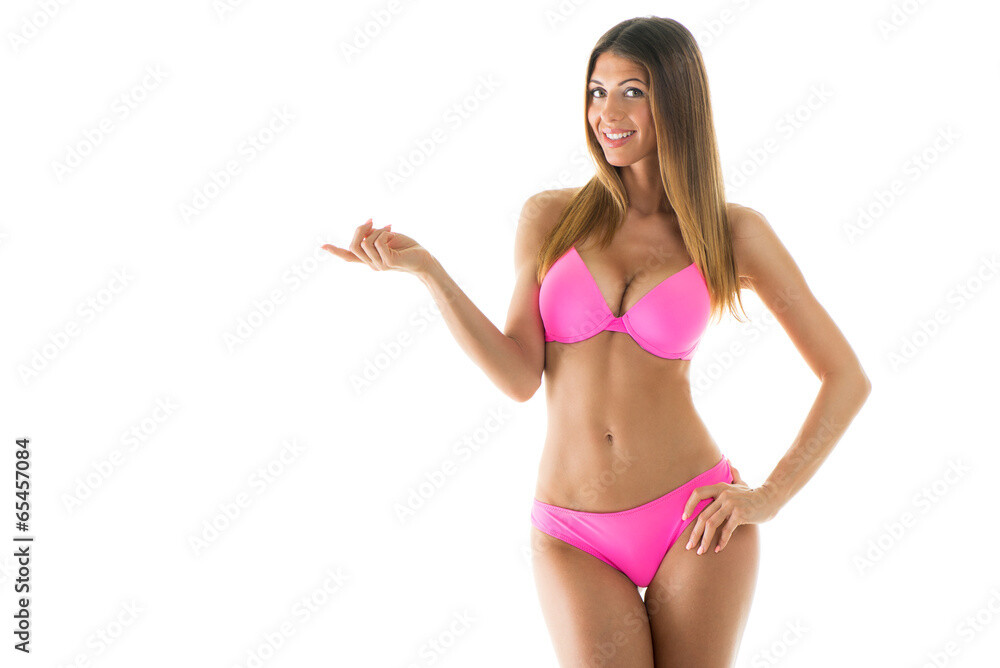
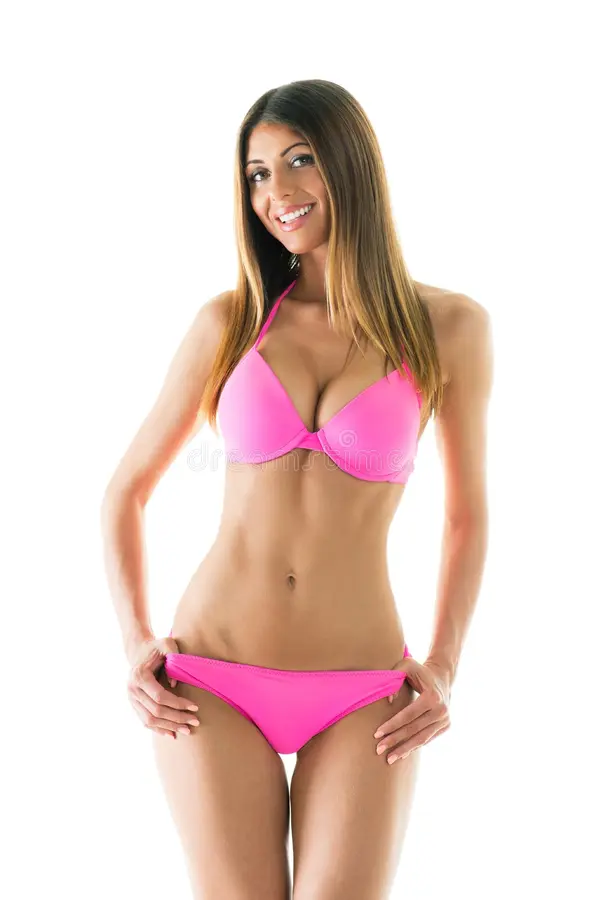
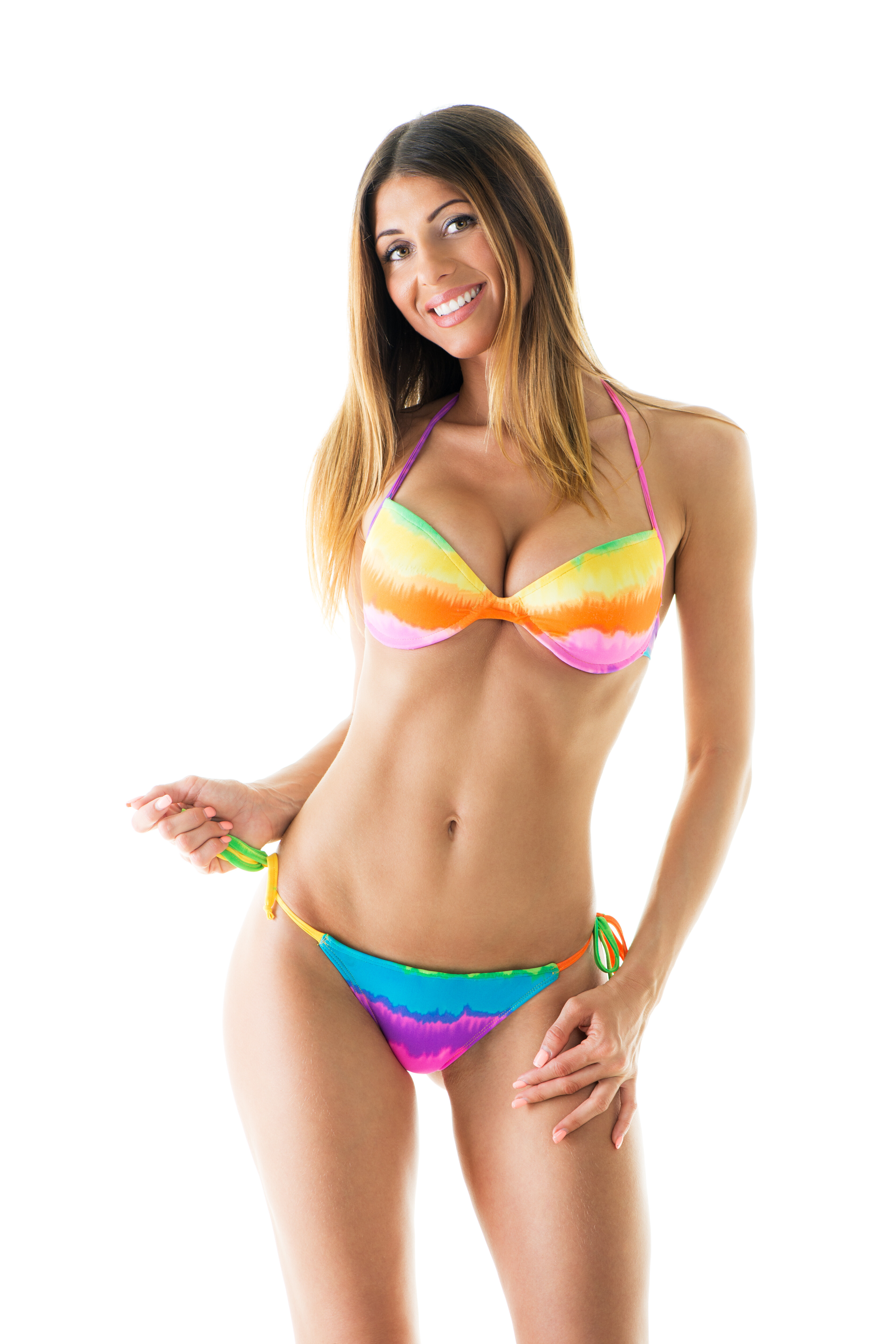
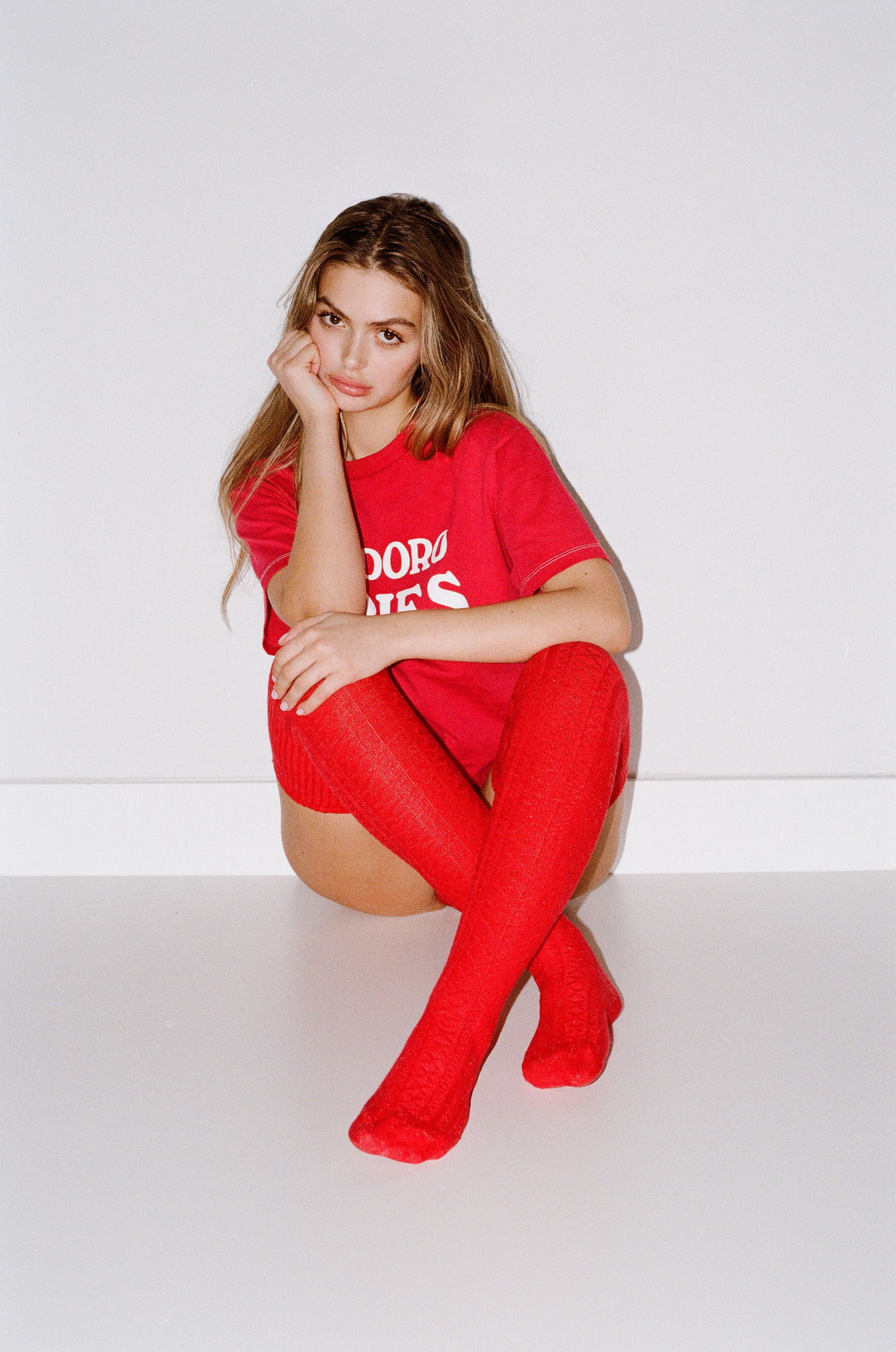
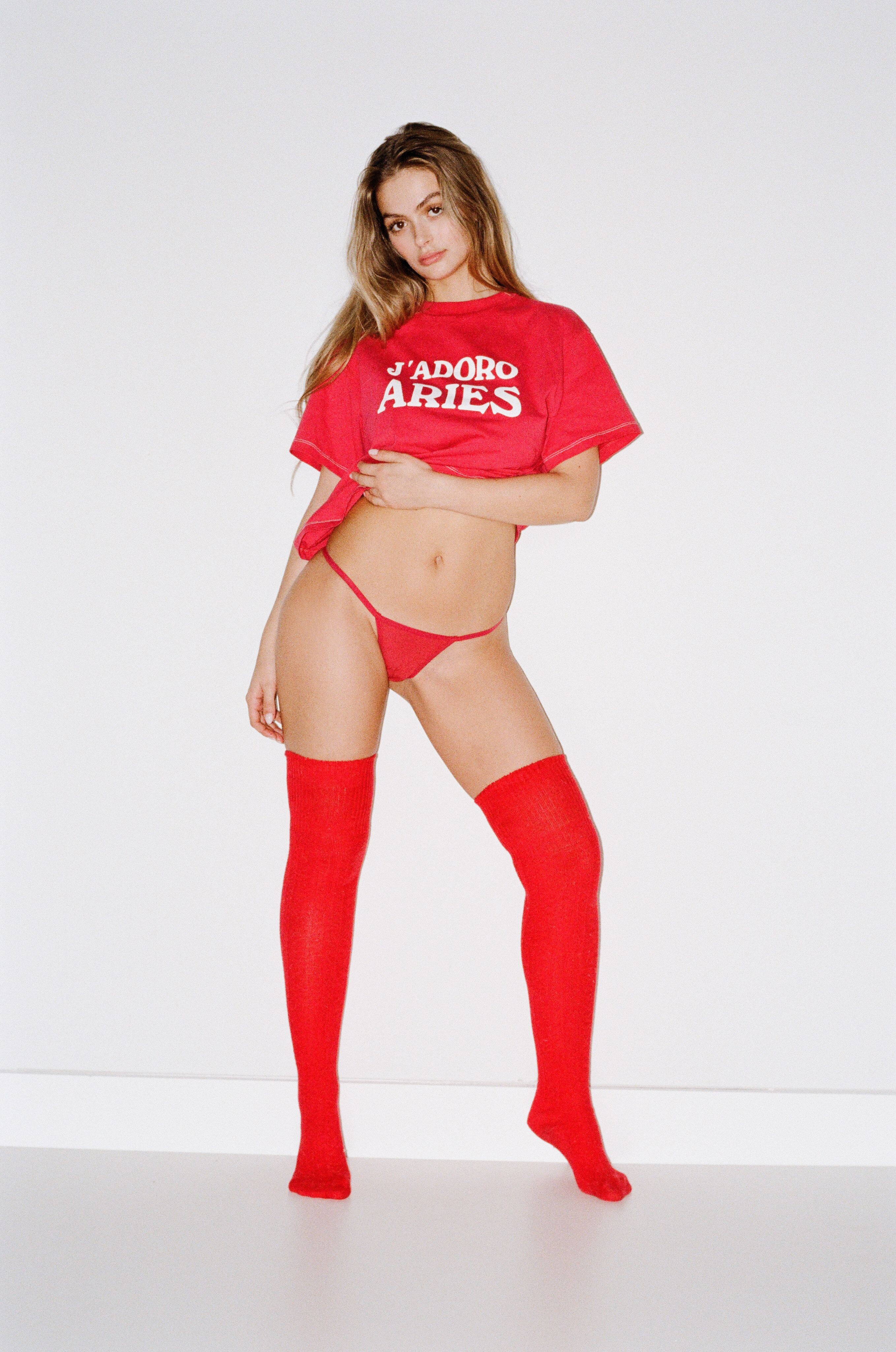
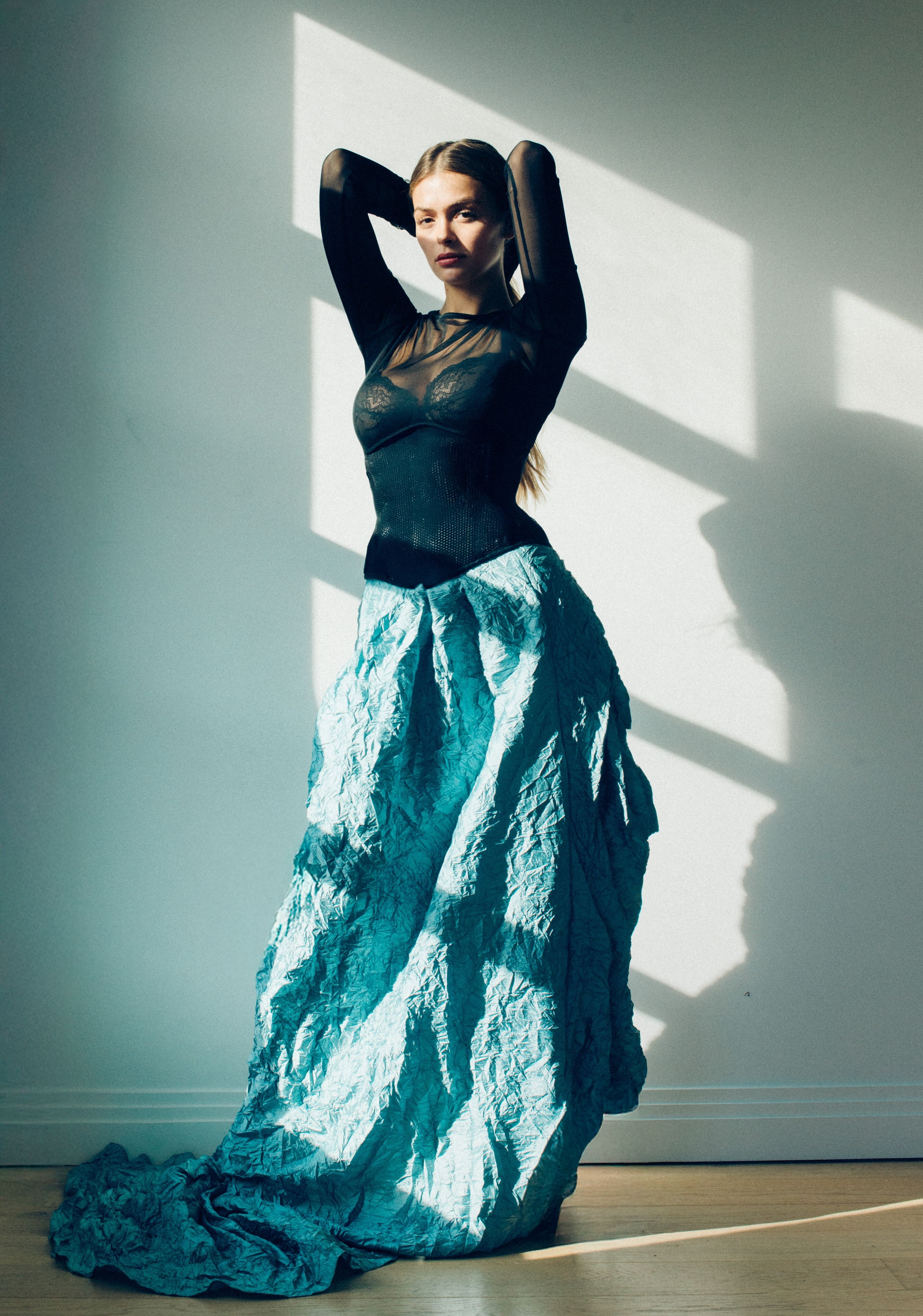
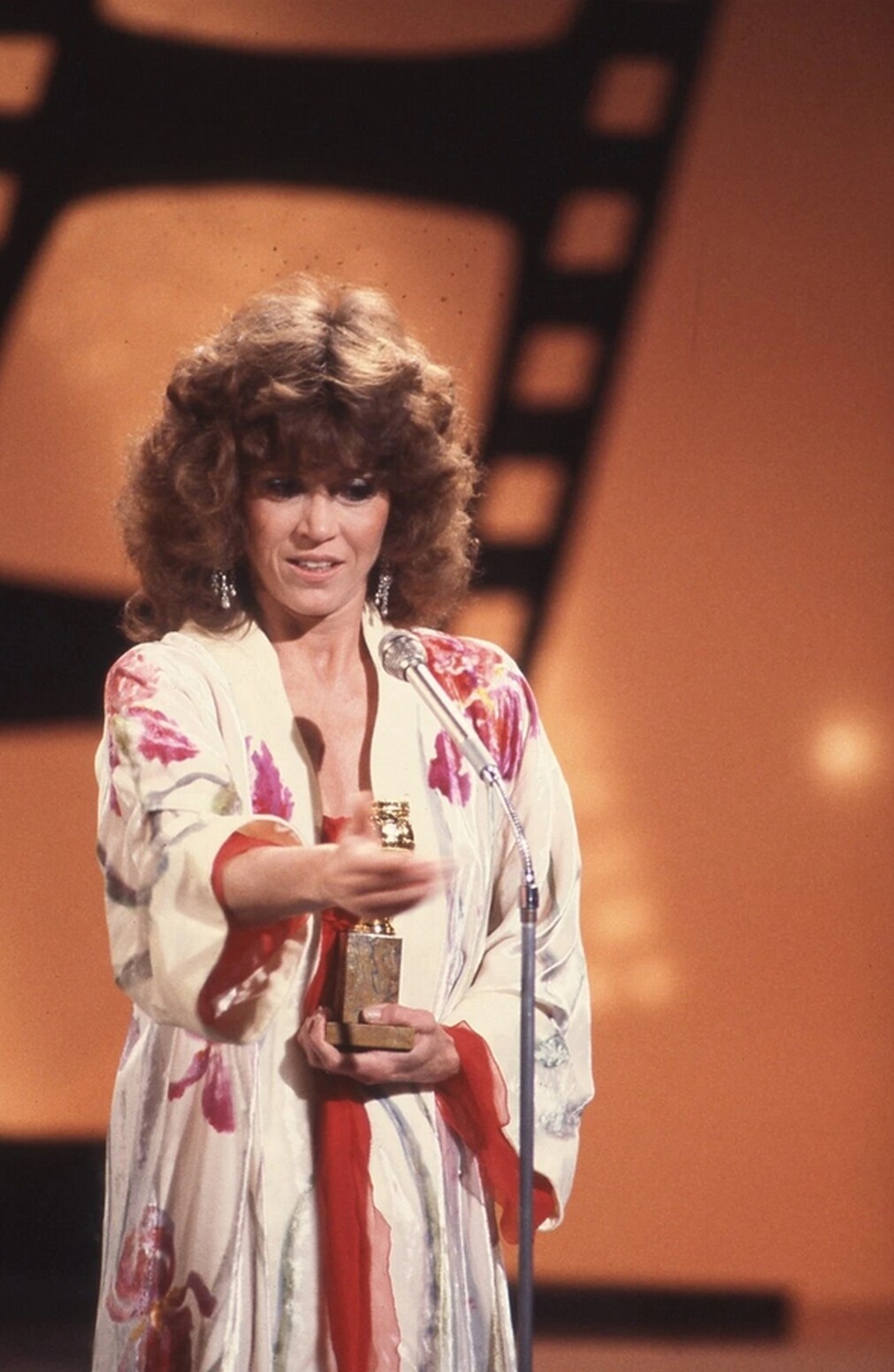
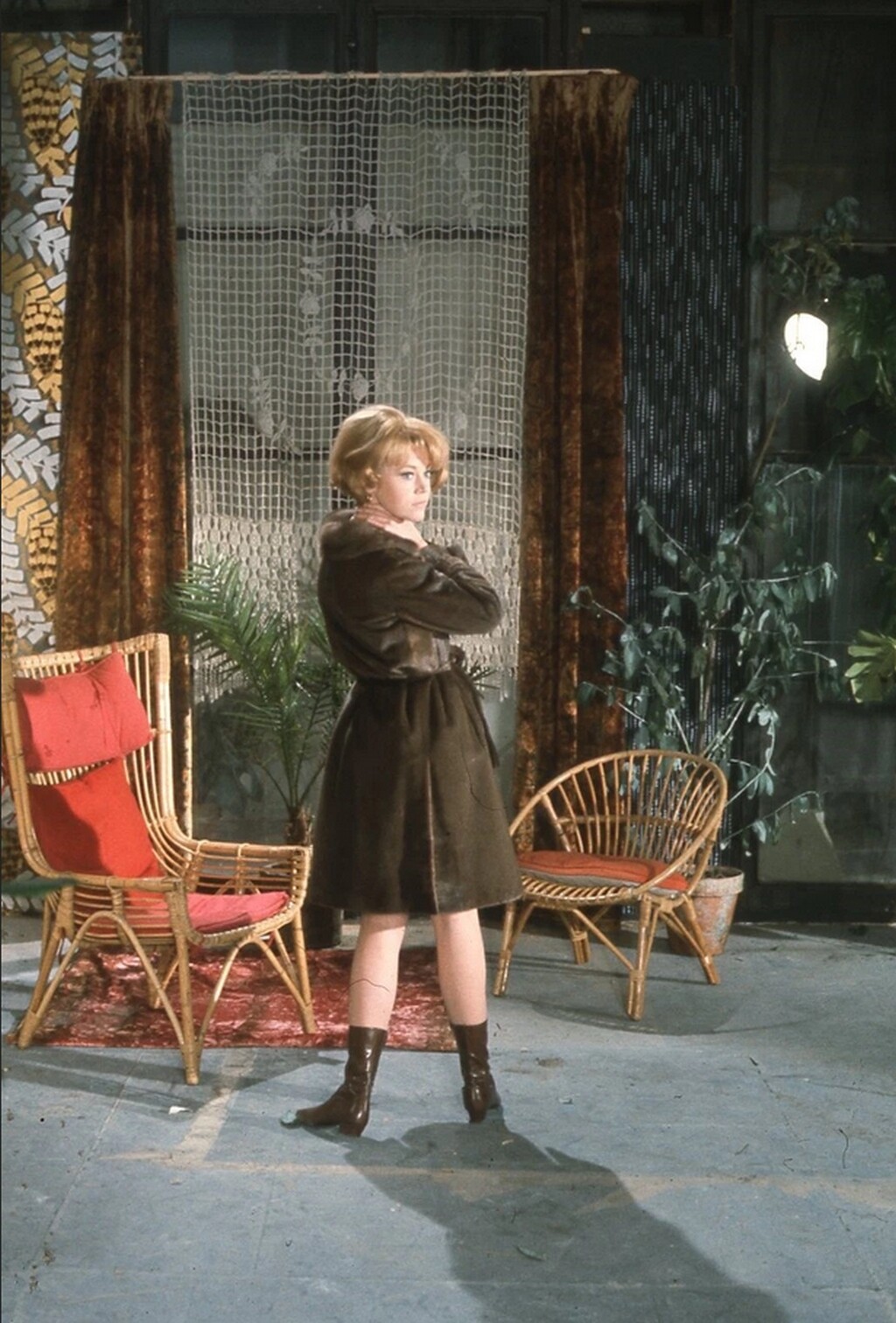
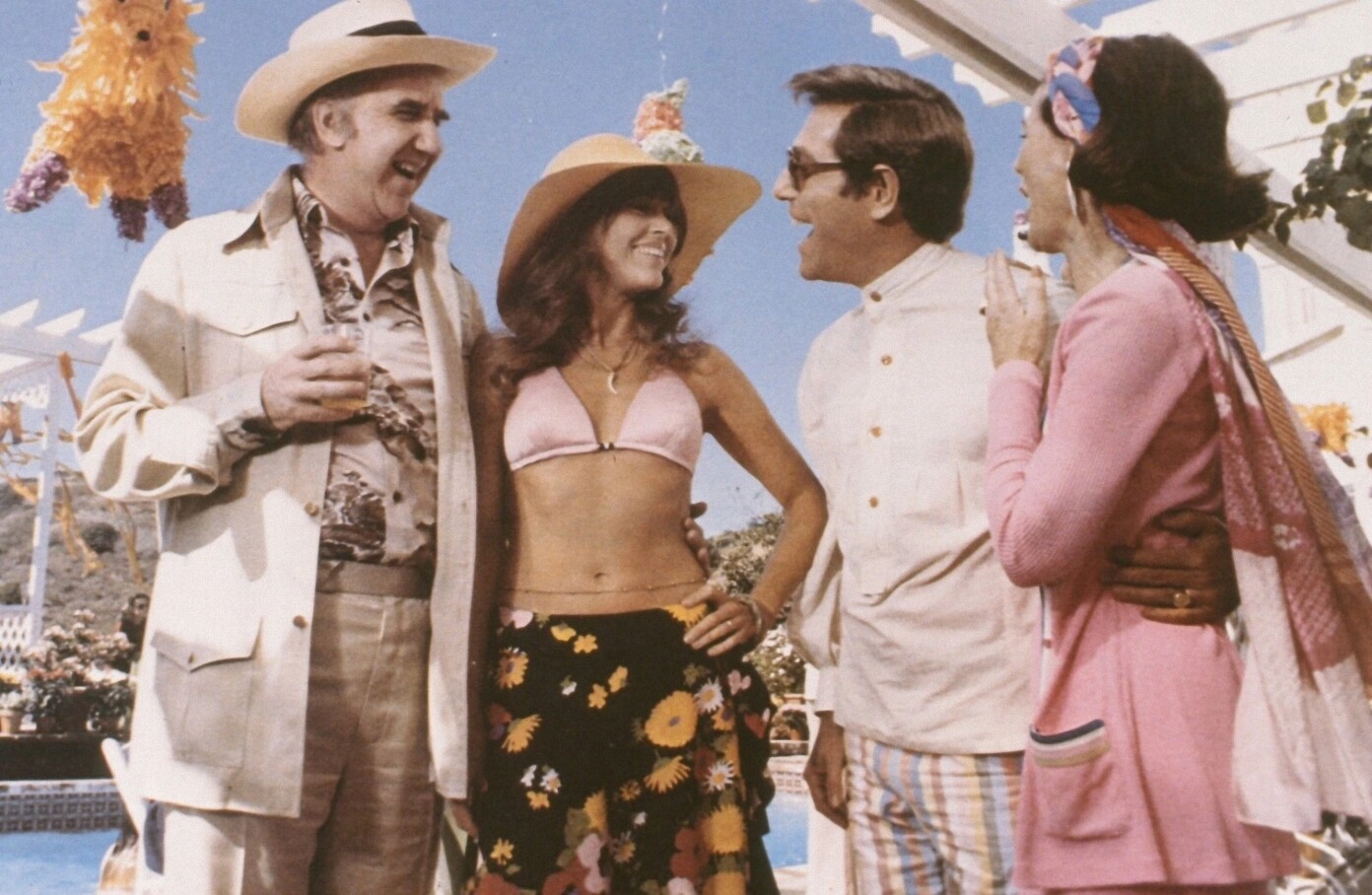
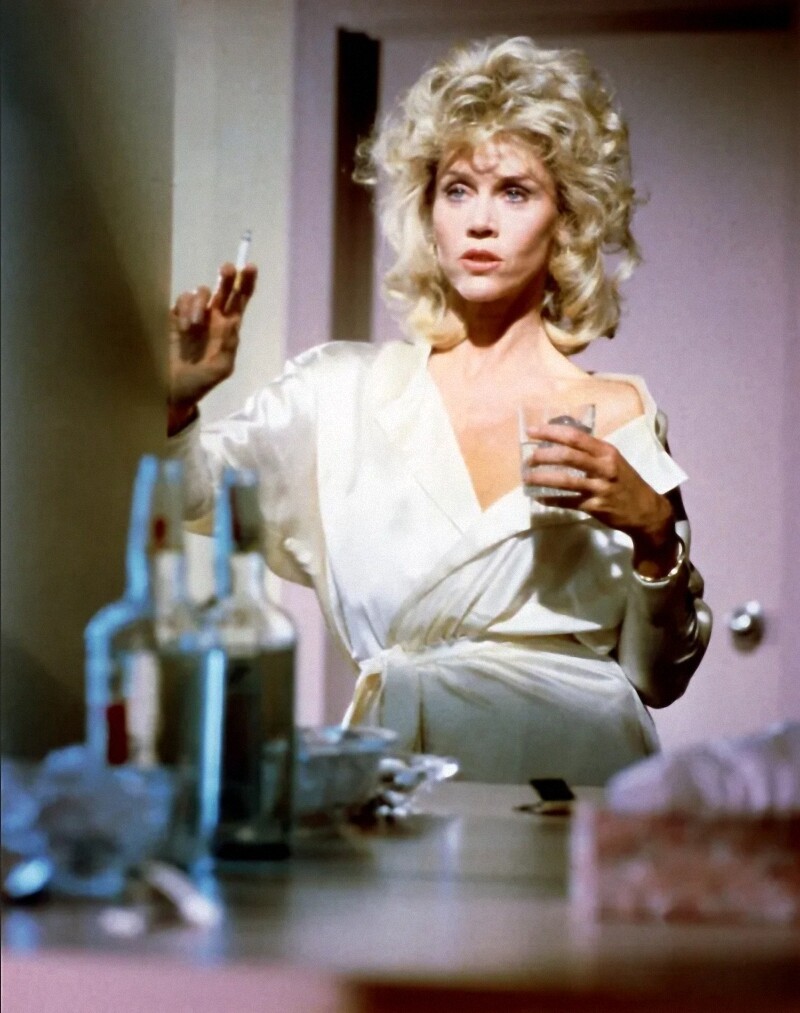
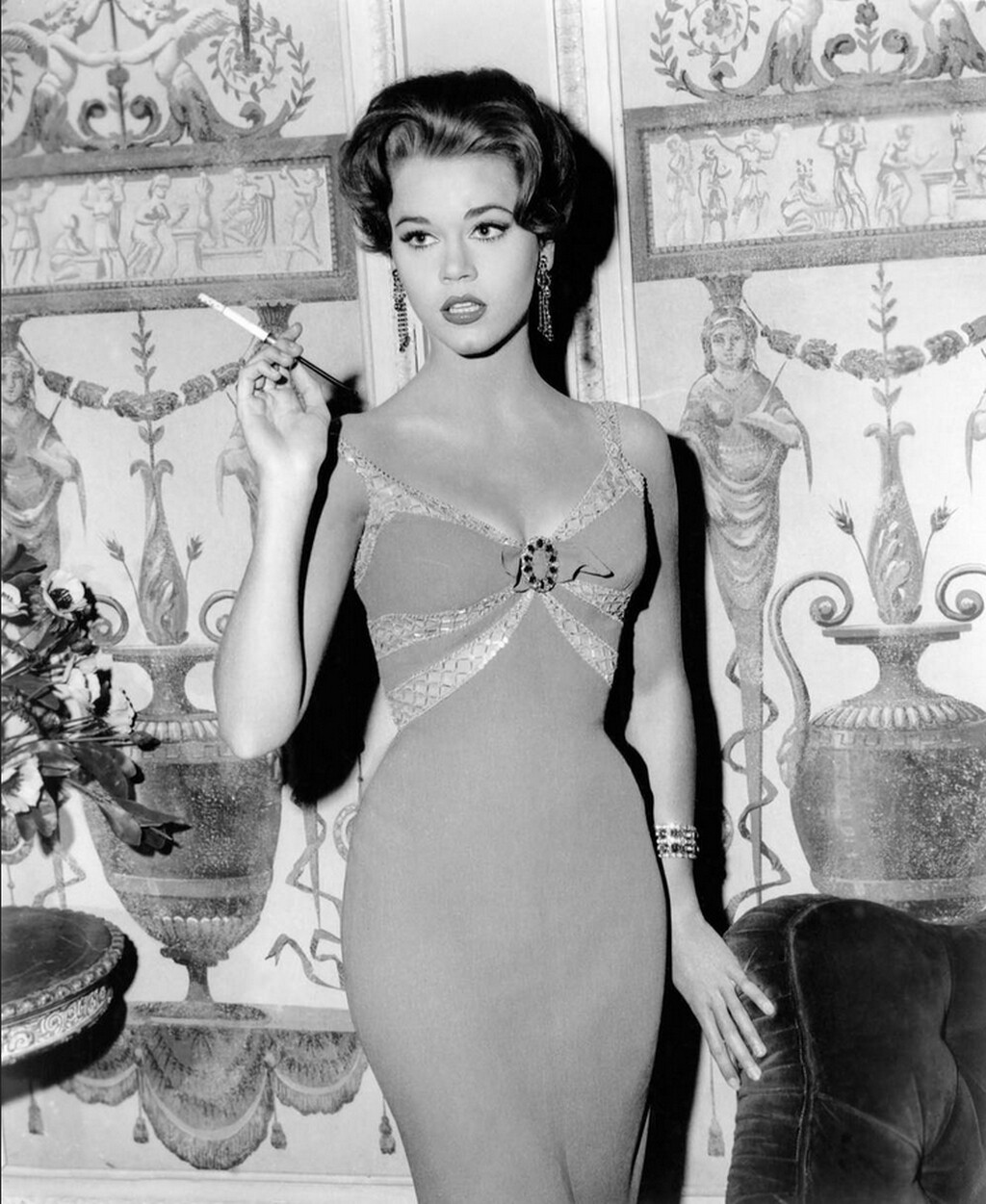
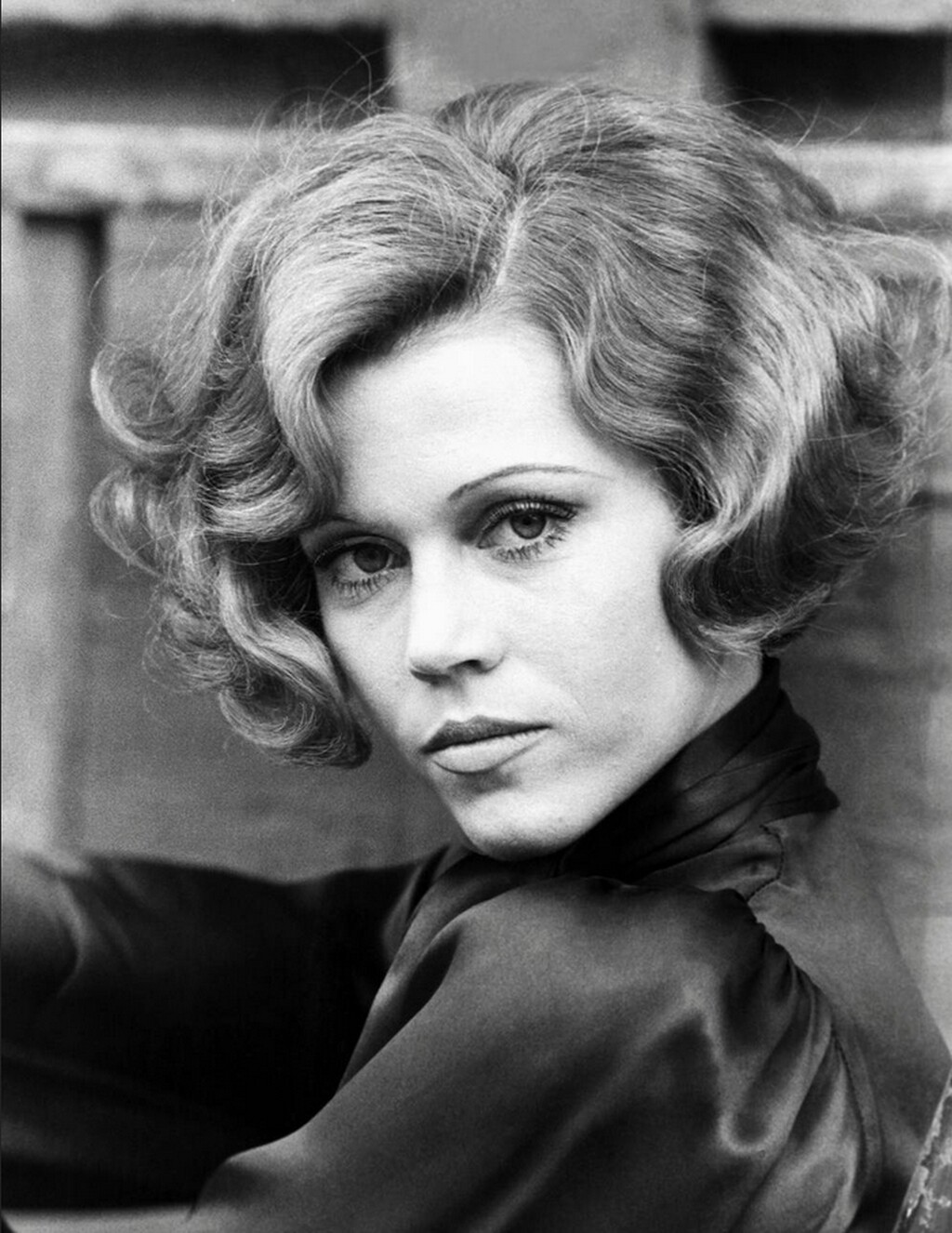
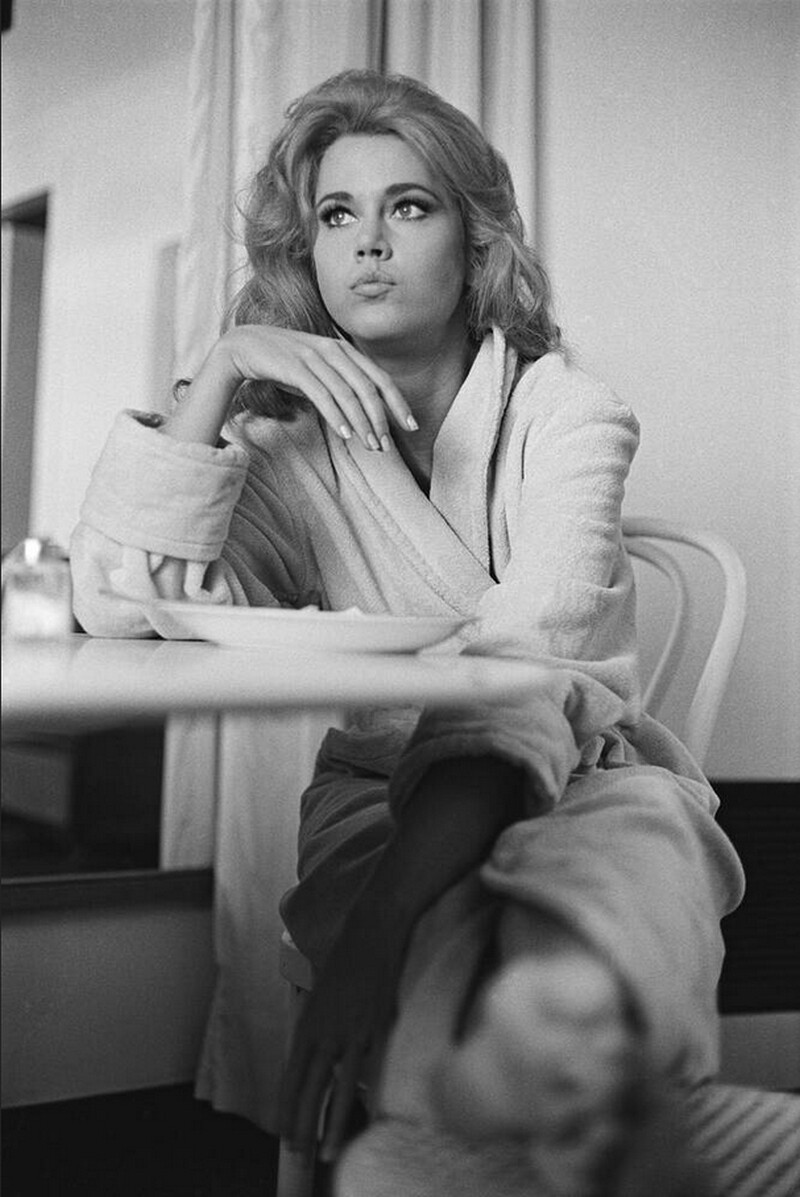
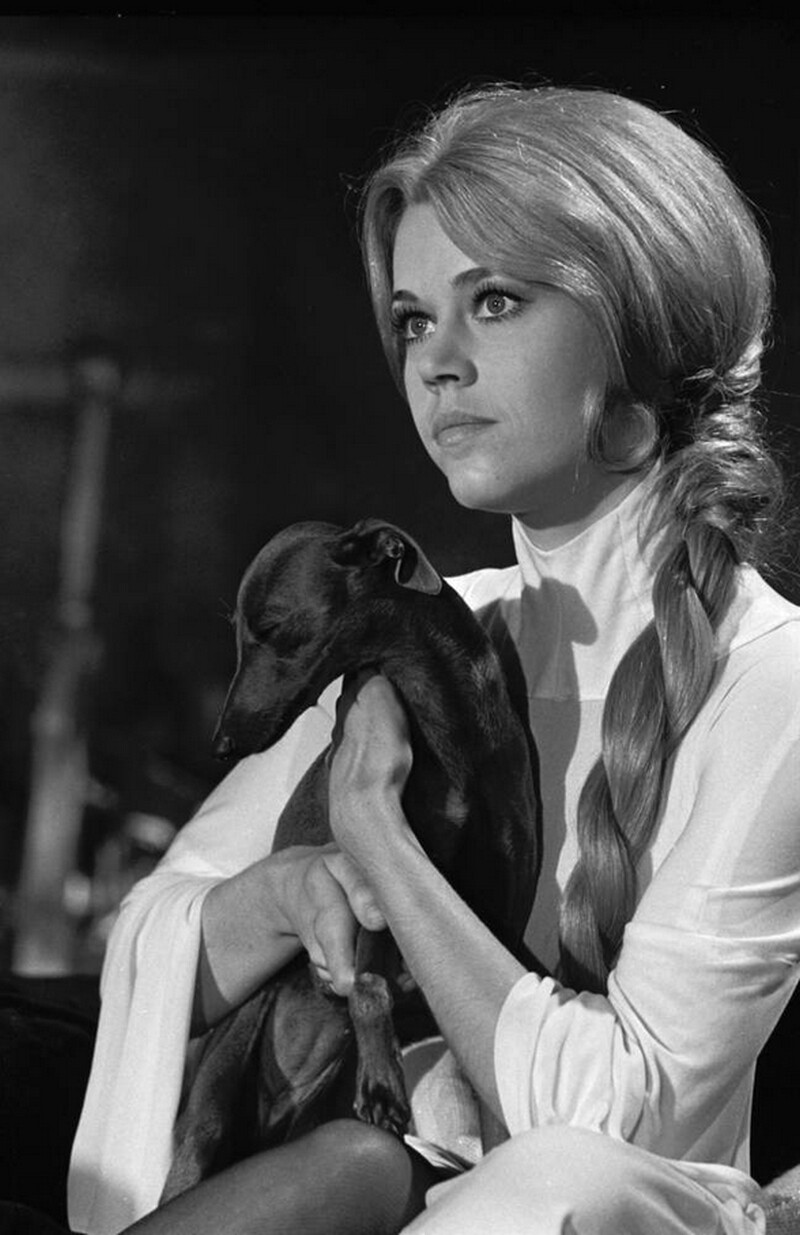
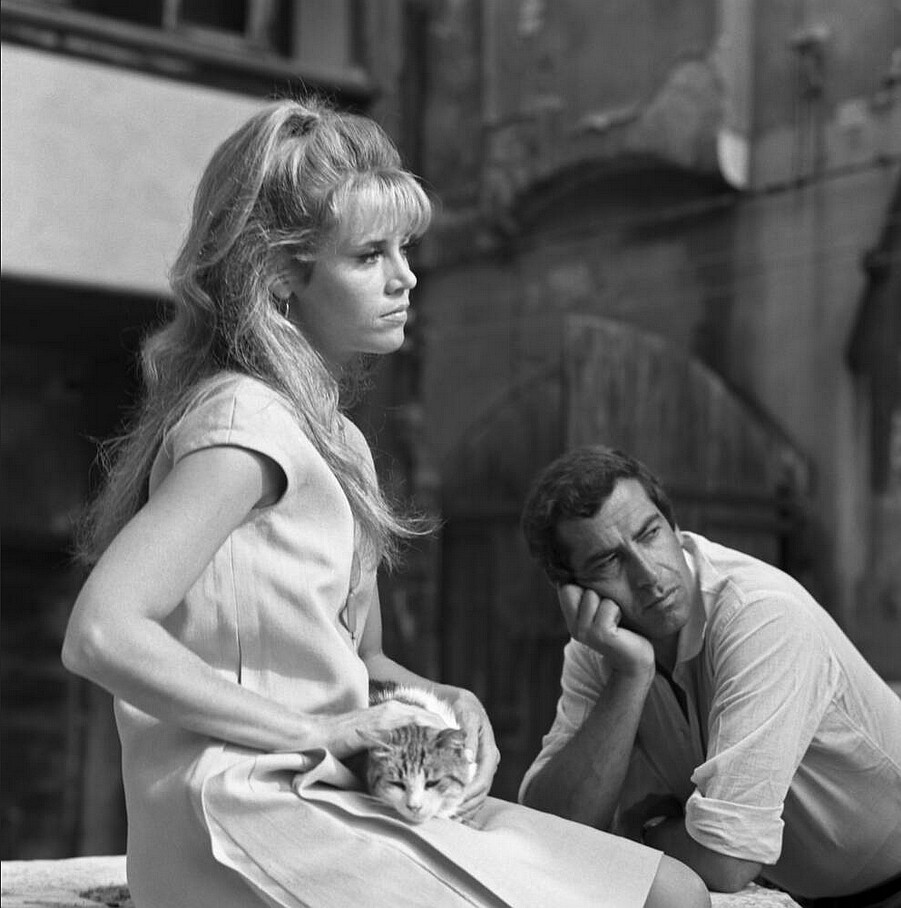
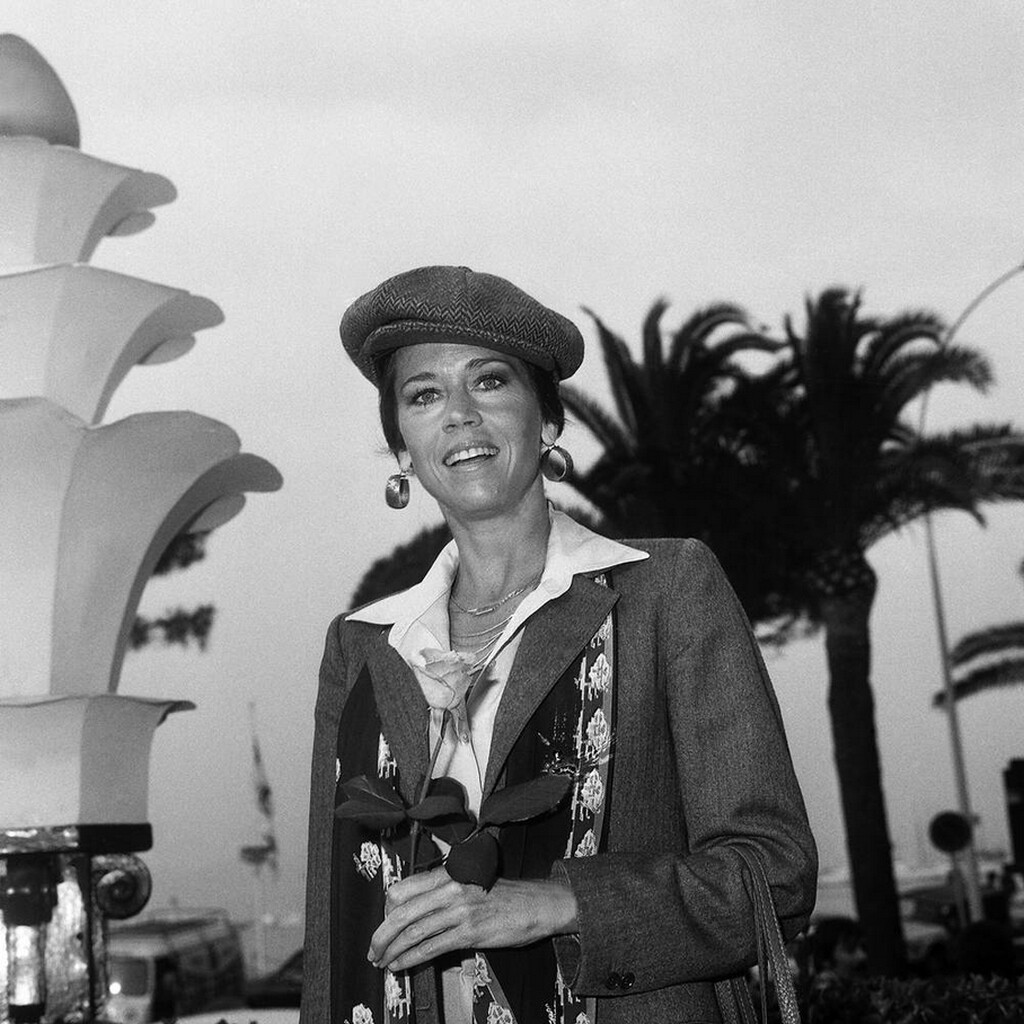
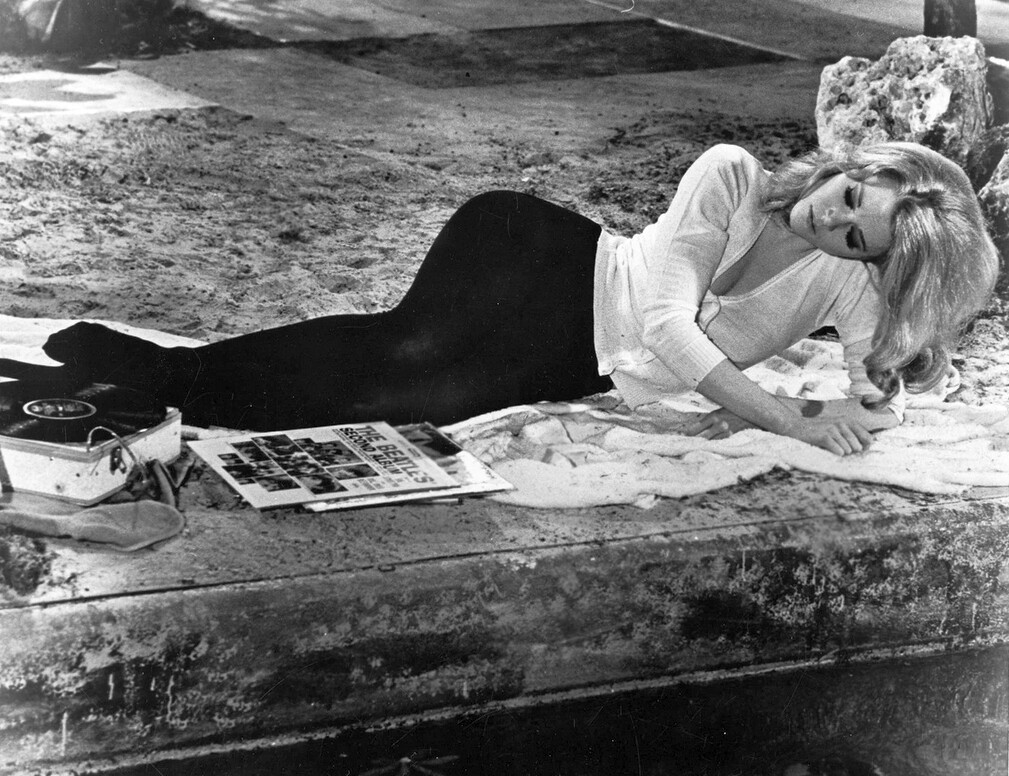
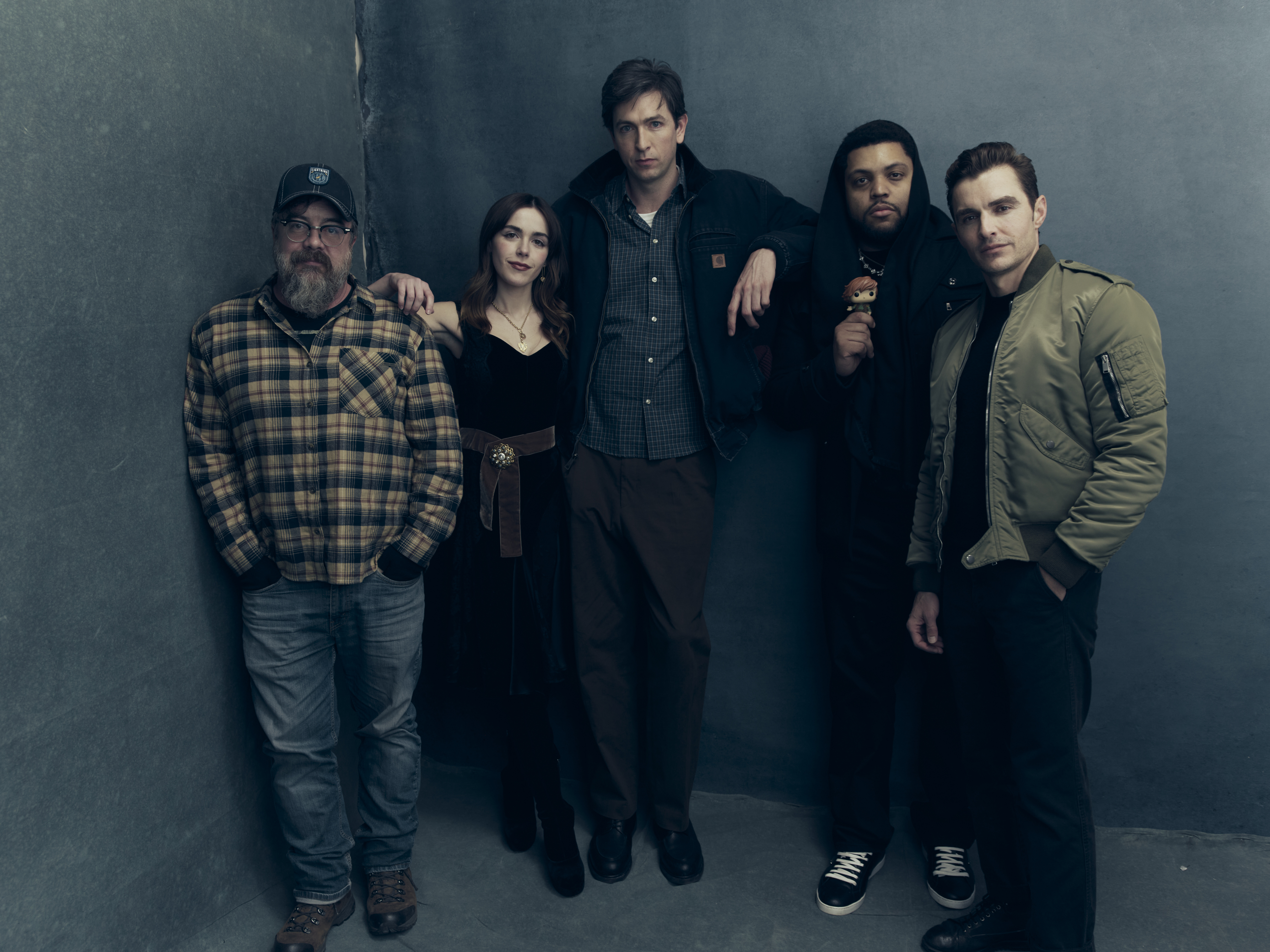
Account
Search
Configure browser push notifications
Chrome (Android)
- Tap the lock icon next to the address bar.
- Tap Permissions → Notifications.
- Adjust your preference.
Chrome (Desktop)
- Click the padlock icon in the address bar.
- Select Site settings.
- Find Notifications and adjust your preference.
Safari (iOS 16.4+)
- Ensure the site is installed via Add to Home Screen.
- Open Settings App → Notifications.
- Find your app name and adjust your preference.
Safari (macOS)
- Go to Safari → Preferences.
- Click the Websites tab.
- Select Notifications in the sidebar.
- Find this website and adjust your preference.
Edge (Android)
- Tap the lock icon next to the address bar.
- Tap Permissions.
- Find Notifications and adjust your preference.
Edge (Desktop)
- Click the padlock icon in the address bar.
- Click Permissions for this site.
- Find Notifications and adjust your preference.
Firefox (Android)
- Go to Settings → Site permissions.
- Tap Notifications.
- Find this site in the list and adjust your preference.
Firefox (Desktop)
- Open Firefox Settings.
- Search for Notifications.
- Find this site in the list and adjust your preference.