All Activity
- Past hour
-
 ROMAnela AMAto




-

-
 theuszxx joined the community
 -
 ❤️
❤️ -
 all_aboutyou21 joined the community
 -
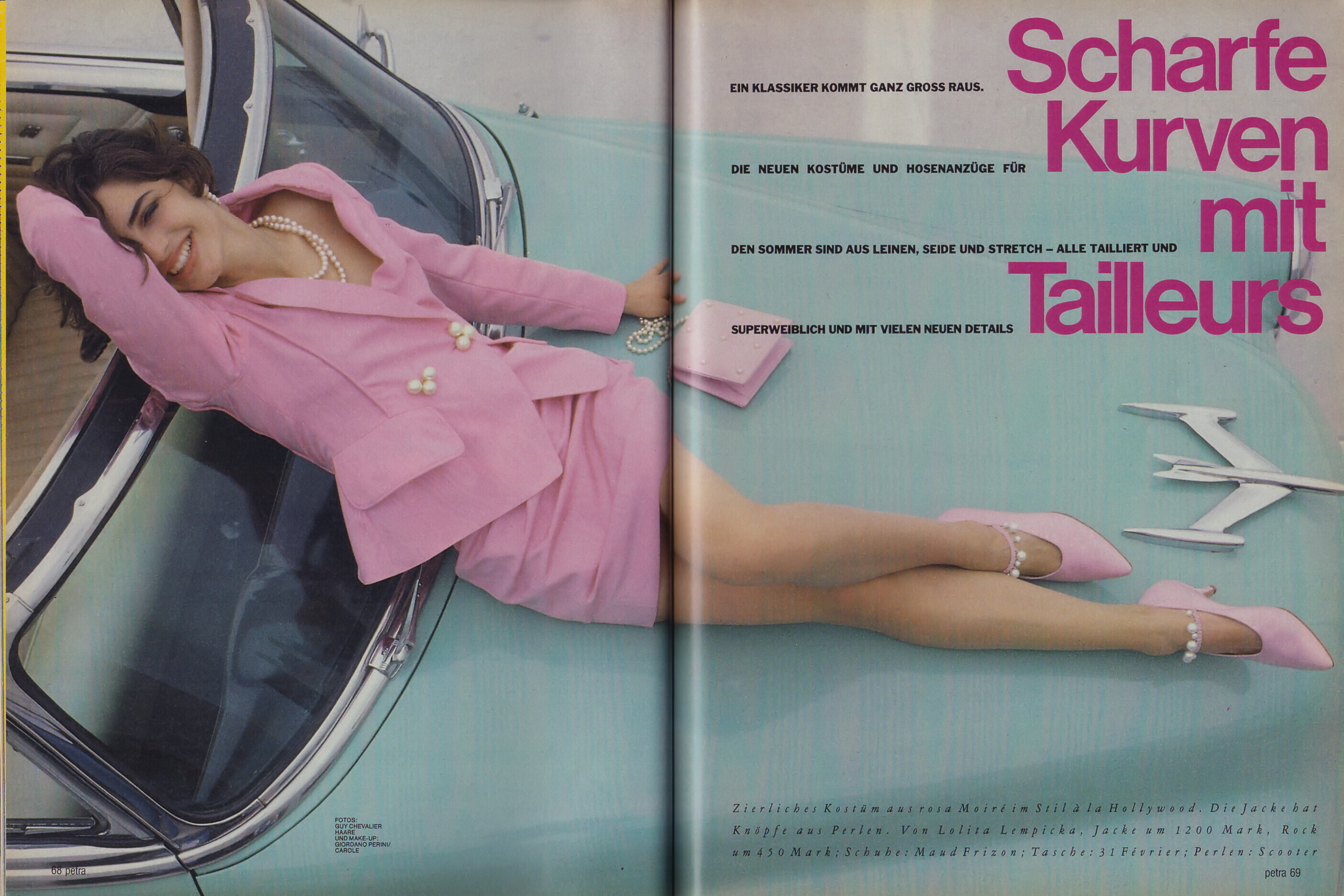
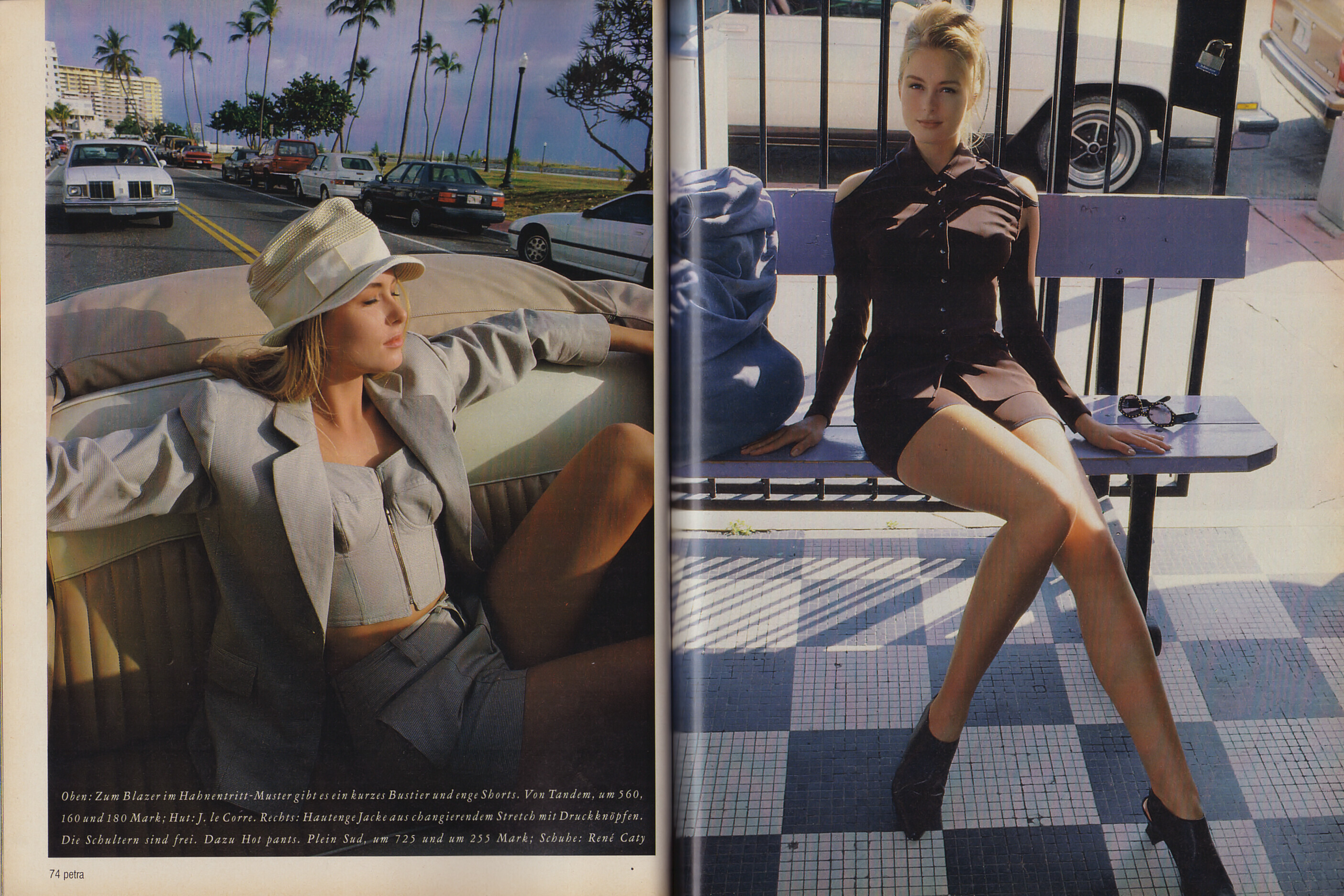
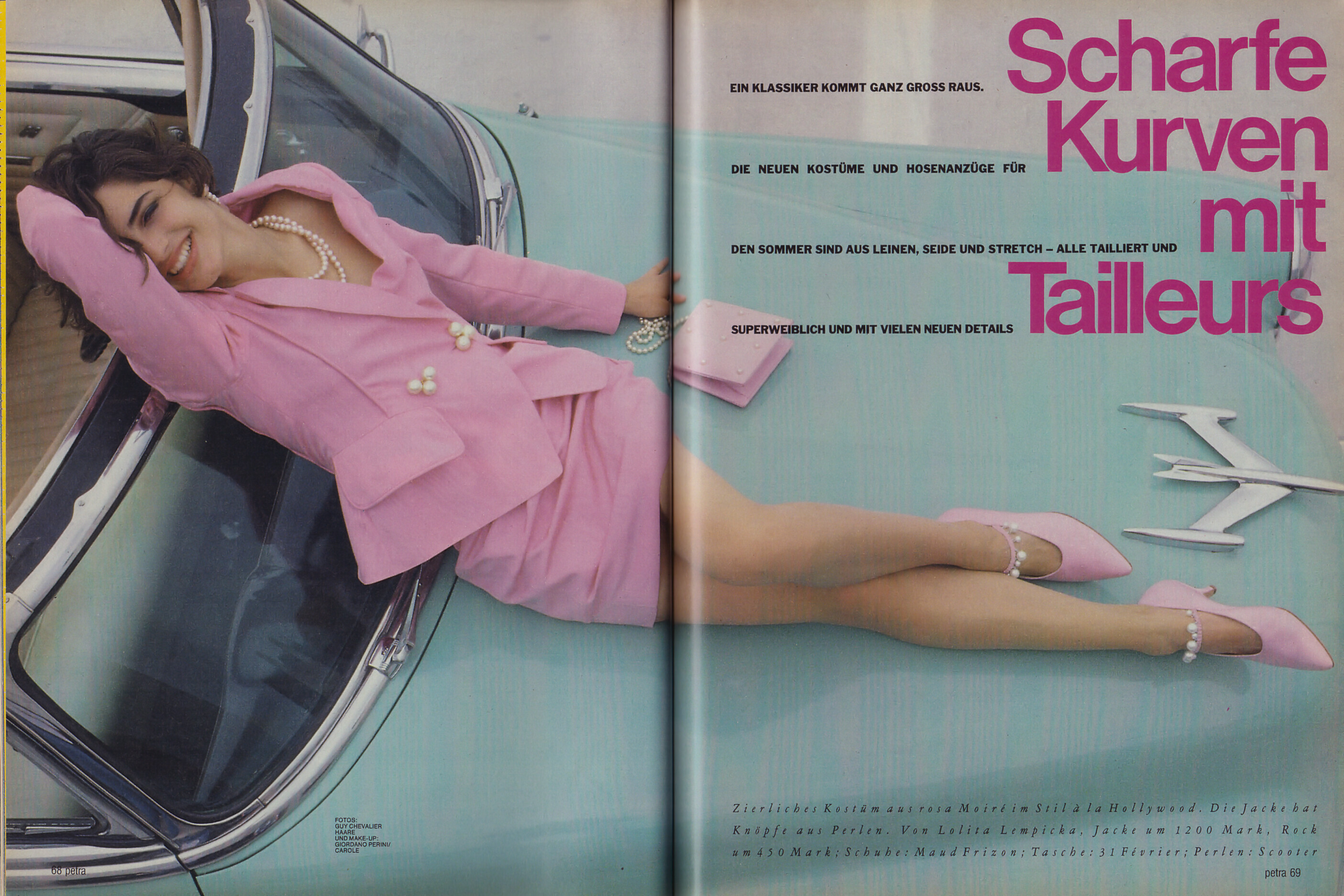
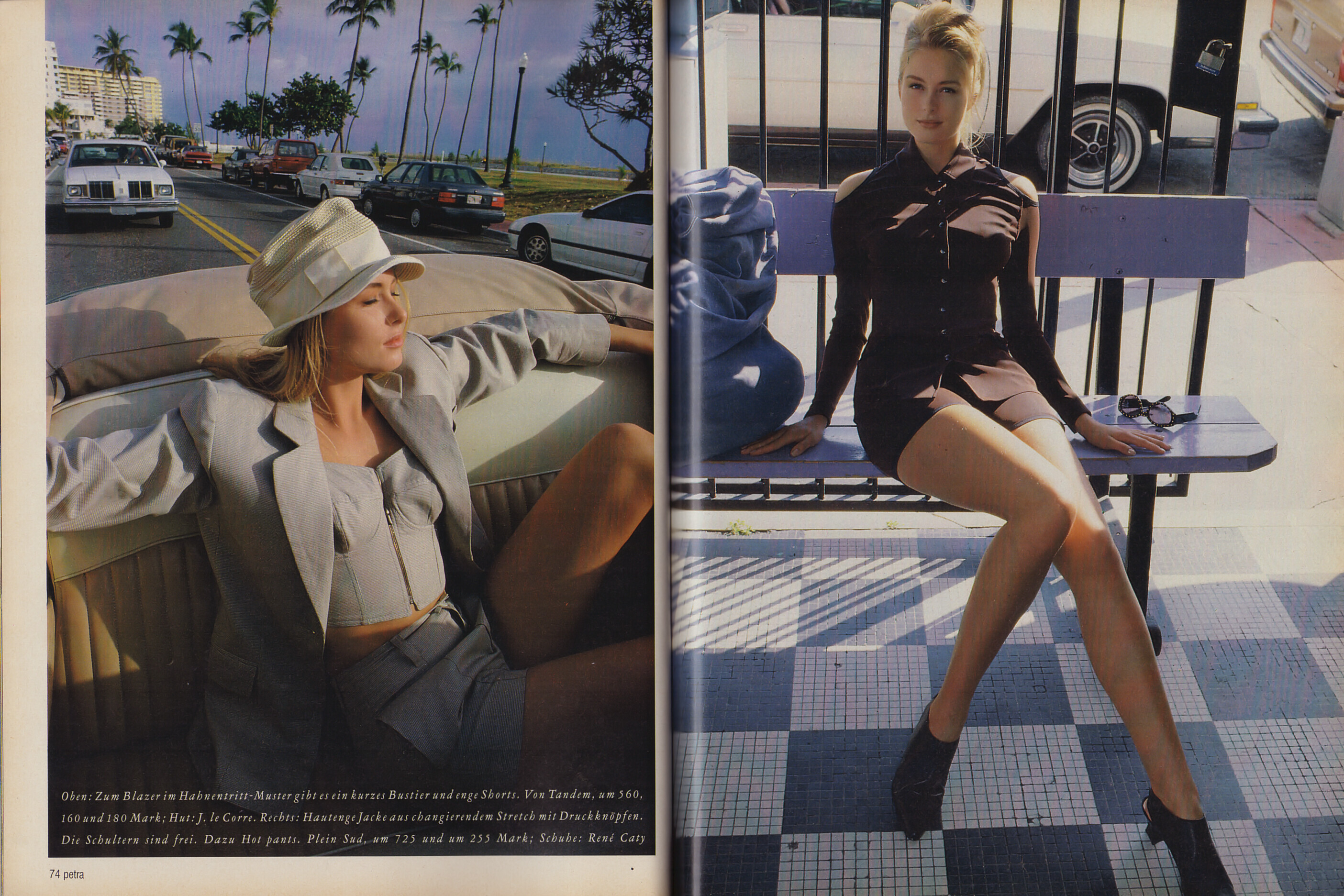
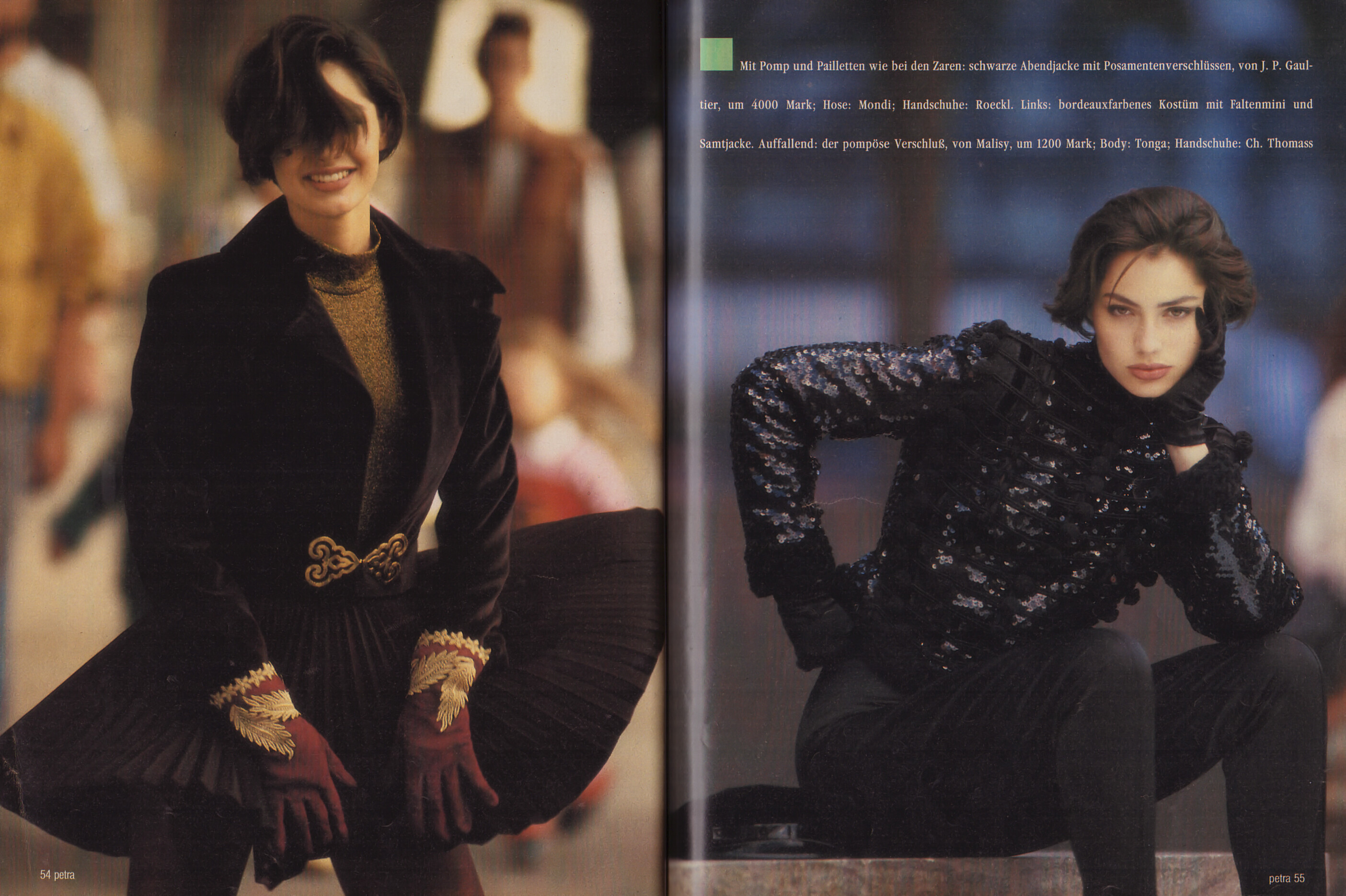
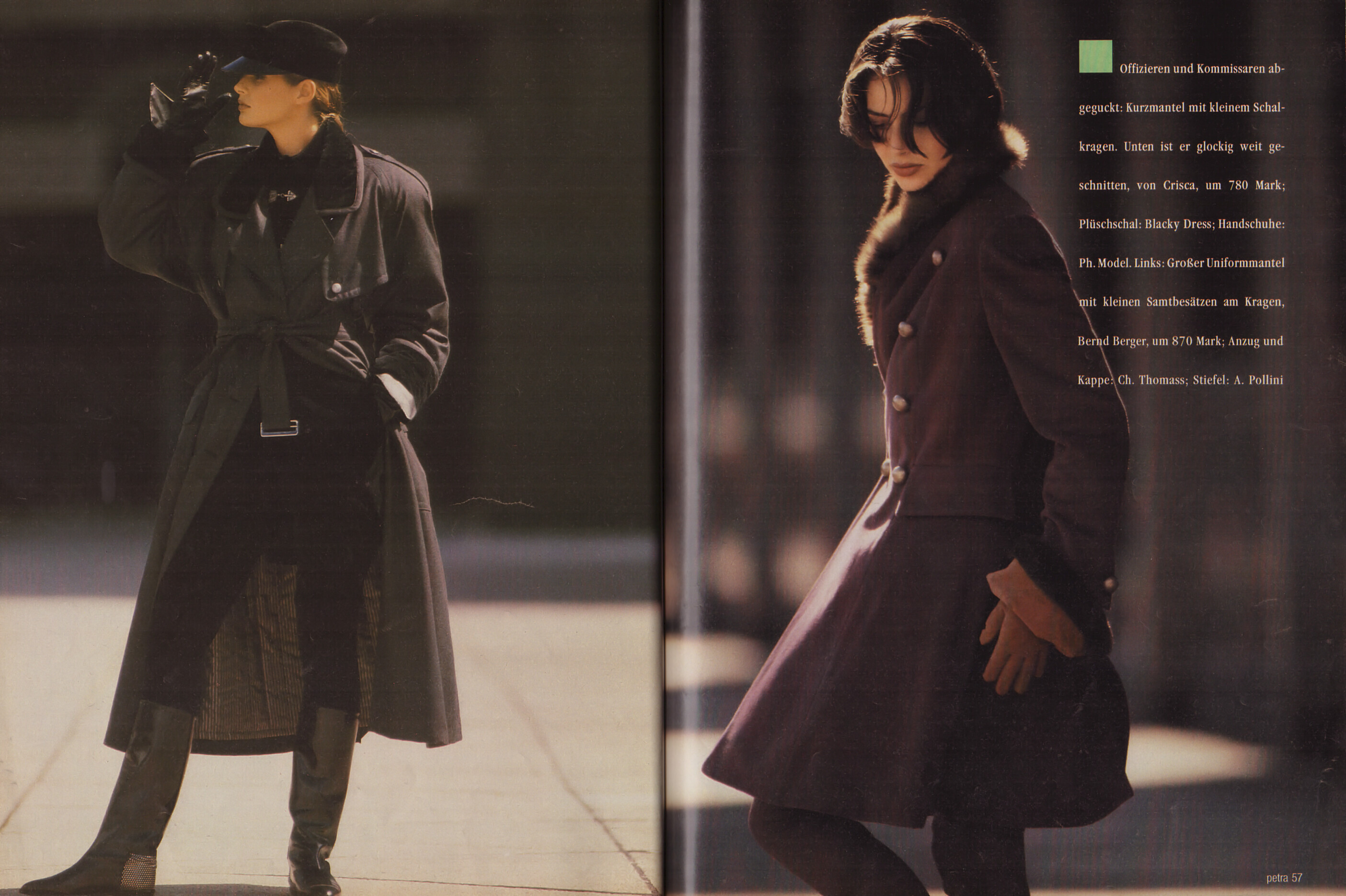
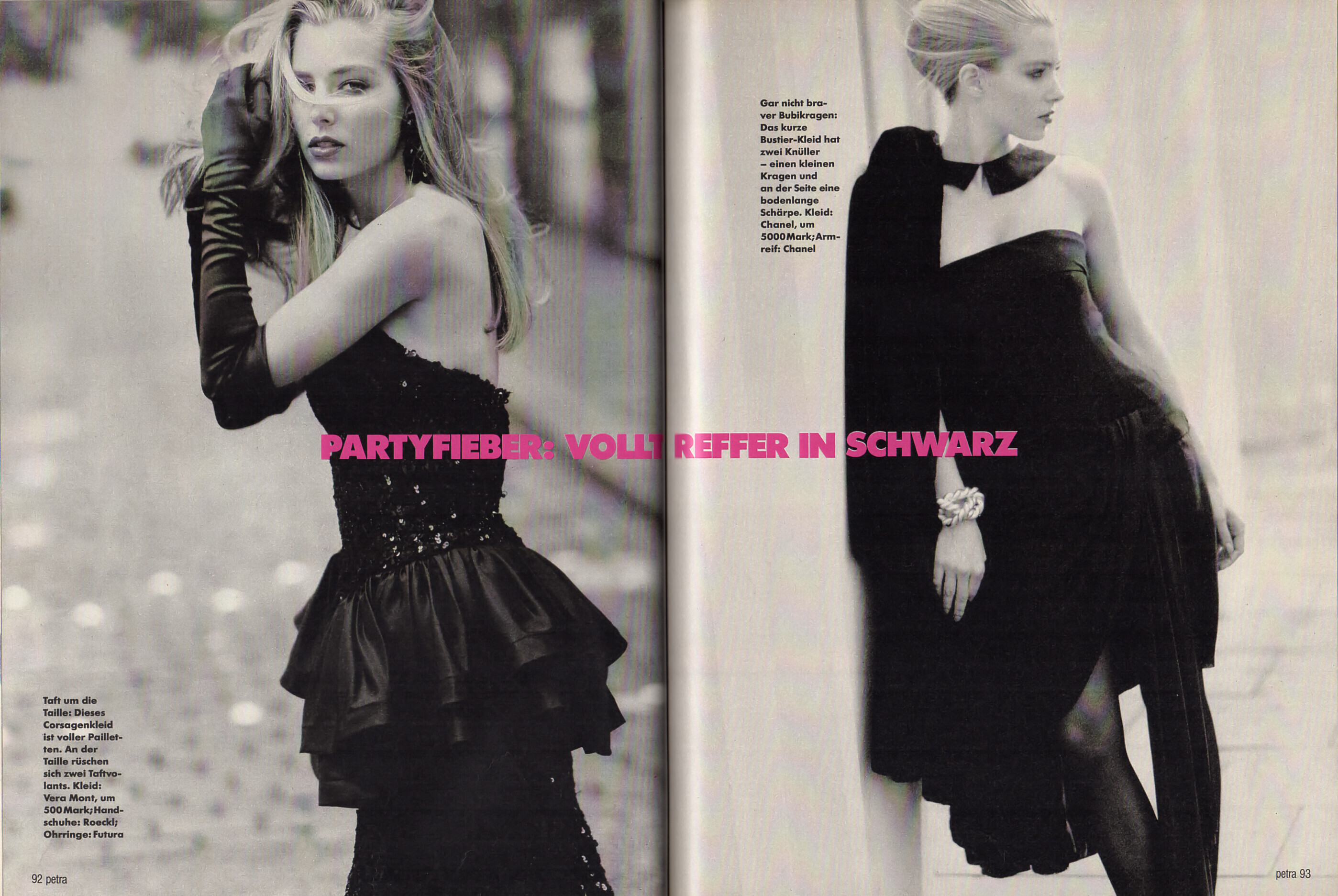
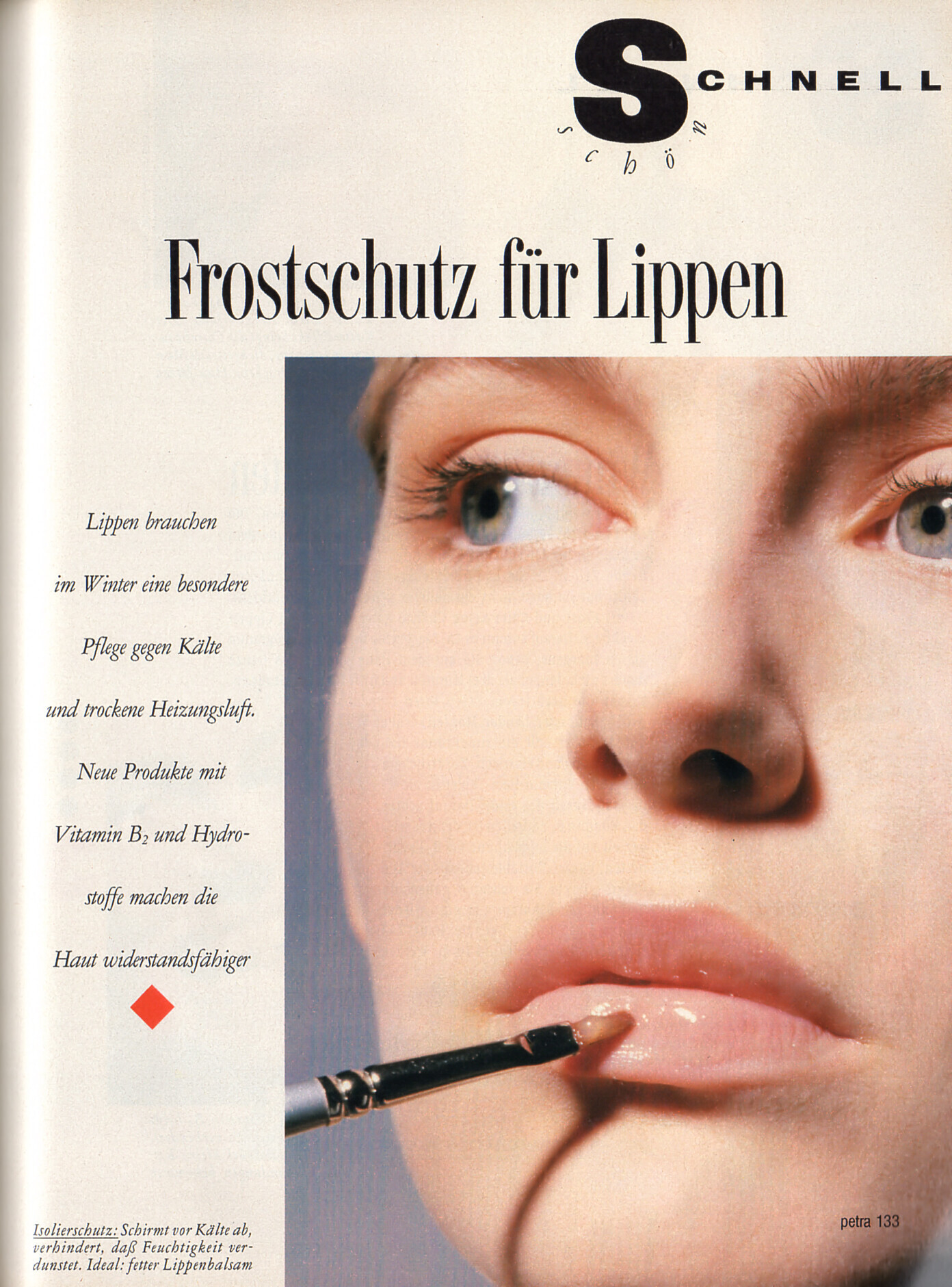
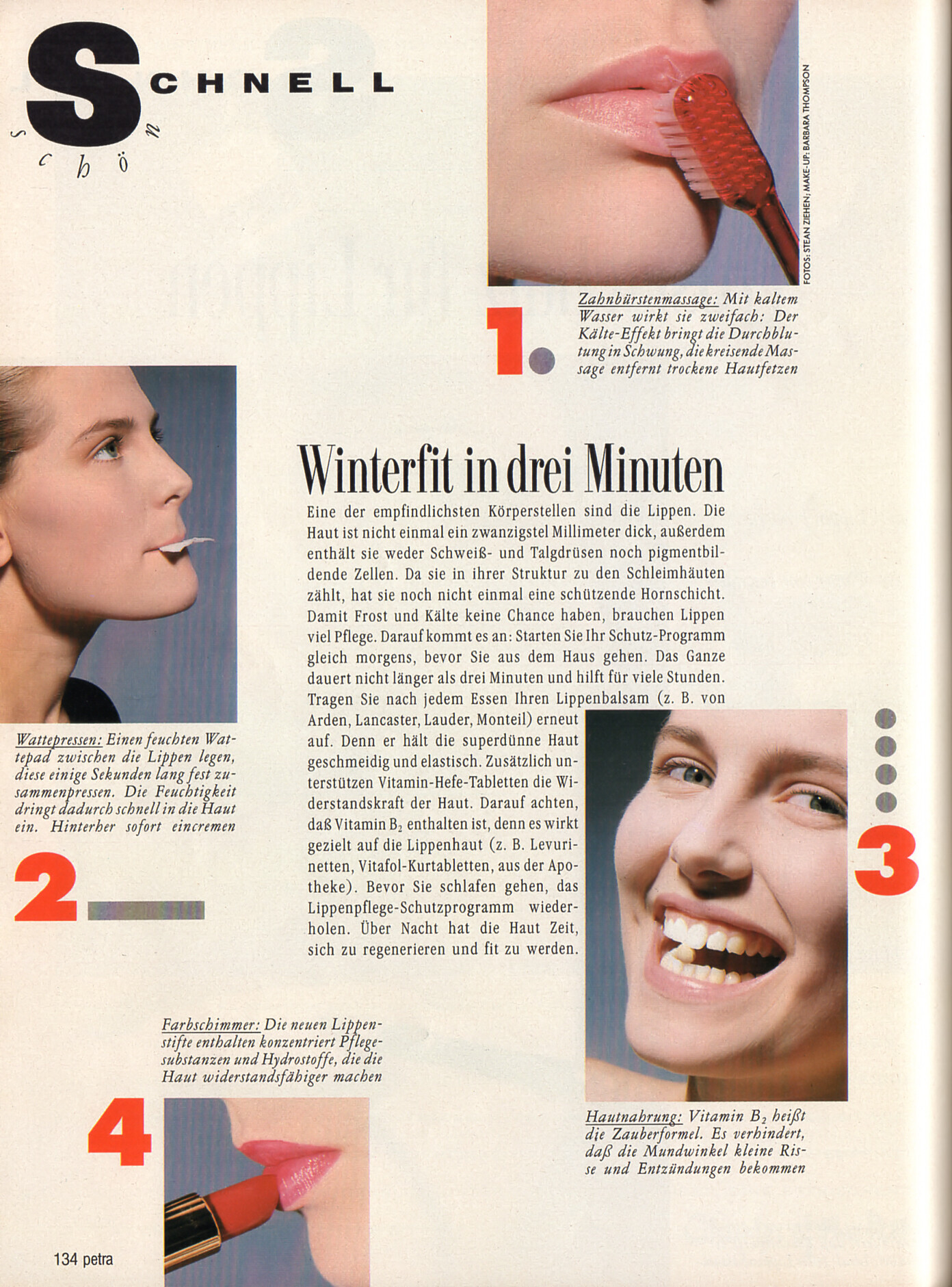
 "Scharfe Kurven mit Tailleurs" - petra Germany April 1991 (25. March 1991) by Guy Chevalier - also showing Amanda Lewis & Anne-Marie Thomsen For clarification - Darja has just 1 page inside the orange suit. scanned & discovered by @missparker7 & IDed by @RocketQueen & myself





-
-
-
-
-
-
Amanda Lewis US American model that participated as a US finalist at the 1988 Look of the Year by ELITE in Atami, Japan. She was active from 1988 until at least the mid 1990s. YouTube (Former) Agencies: Elite NY (motheragency) Elite Paris Elite Milan Elite Premier London Model Management Hamburg Elite Europe books 1991, 1992 & 1993 / my scans







- Today
-
-
 • Thais Belmonte • Natalia Krasavina • Lauren Summer • Leidy Amelia Labrador • Maggie Rawlins • Josefine Forsberg • Rachel Cook • Maren Tschinkel • Jasmine Tookes • Samaria Regalado • Karina Vasylyuk • Bia Ribaldly • Scarlett Leithold
 -
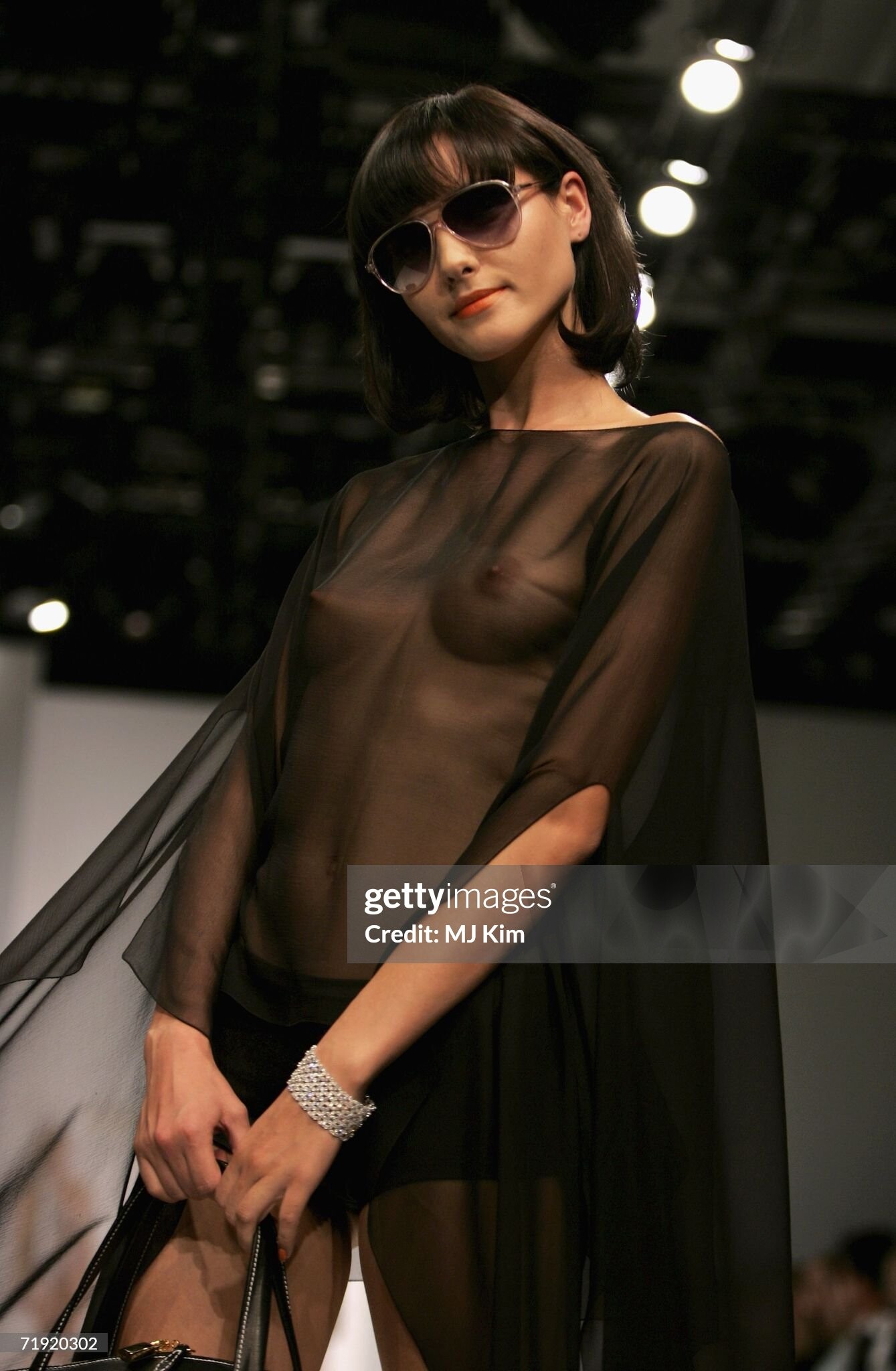
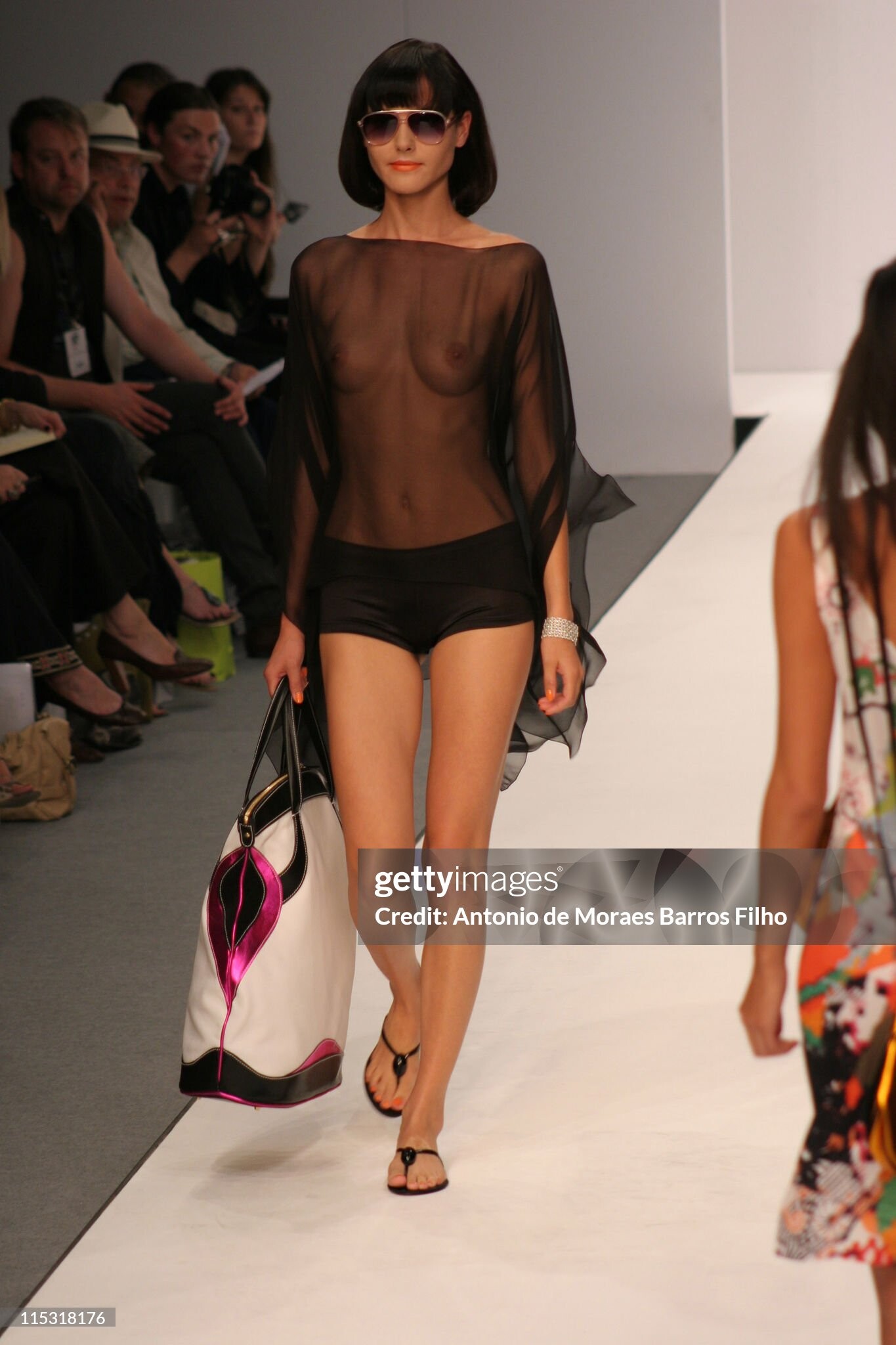
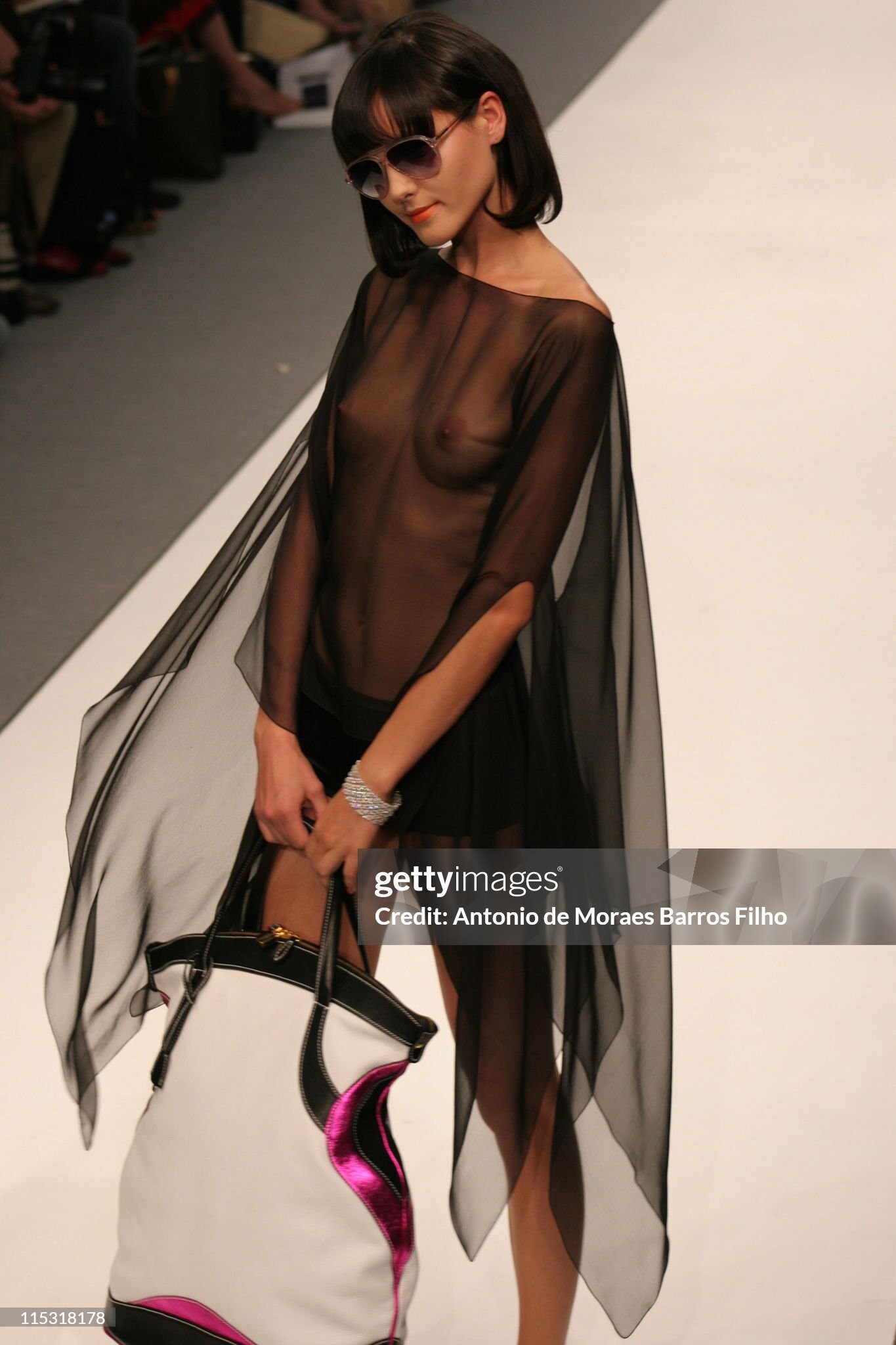
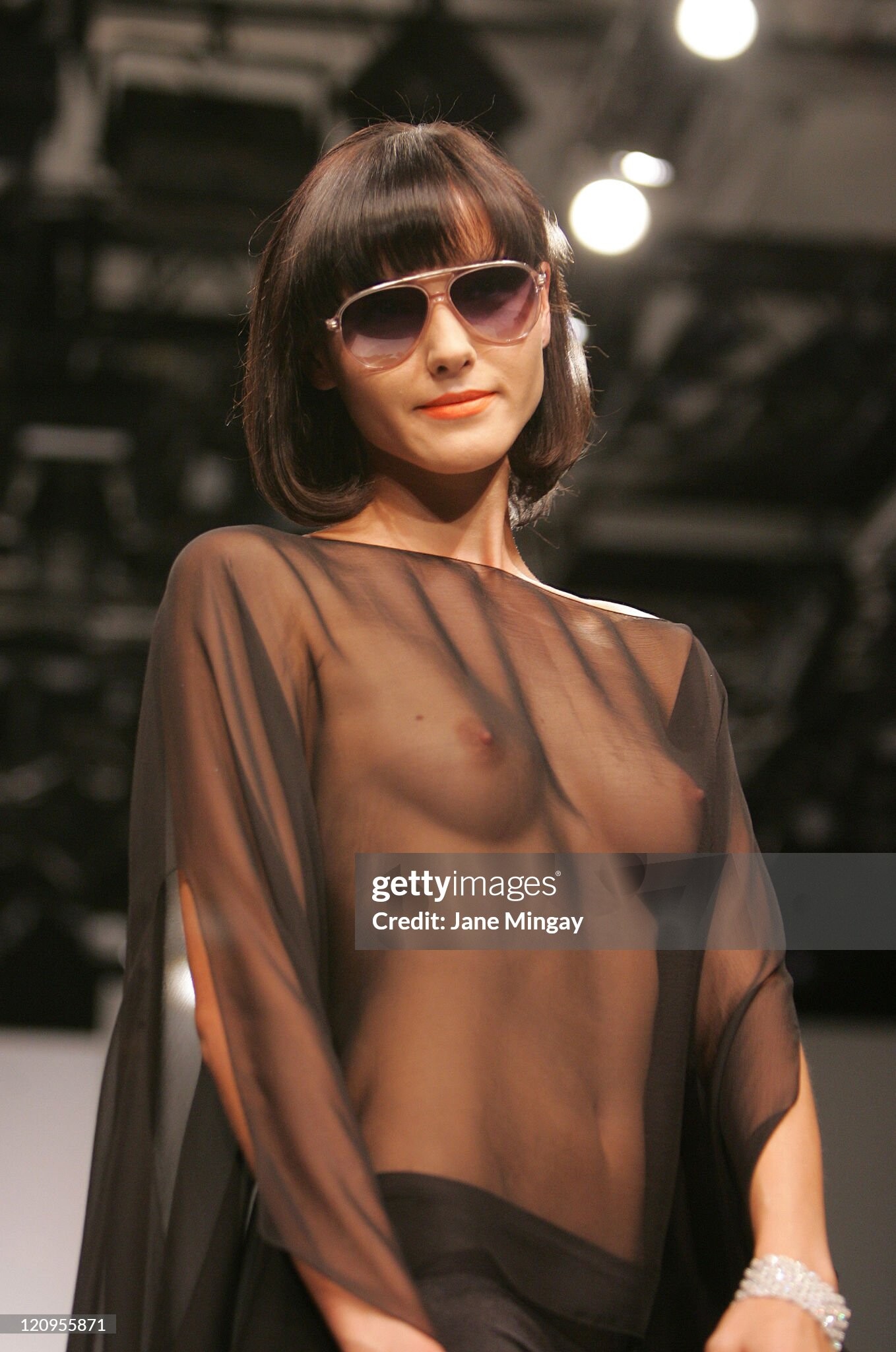
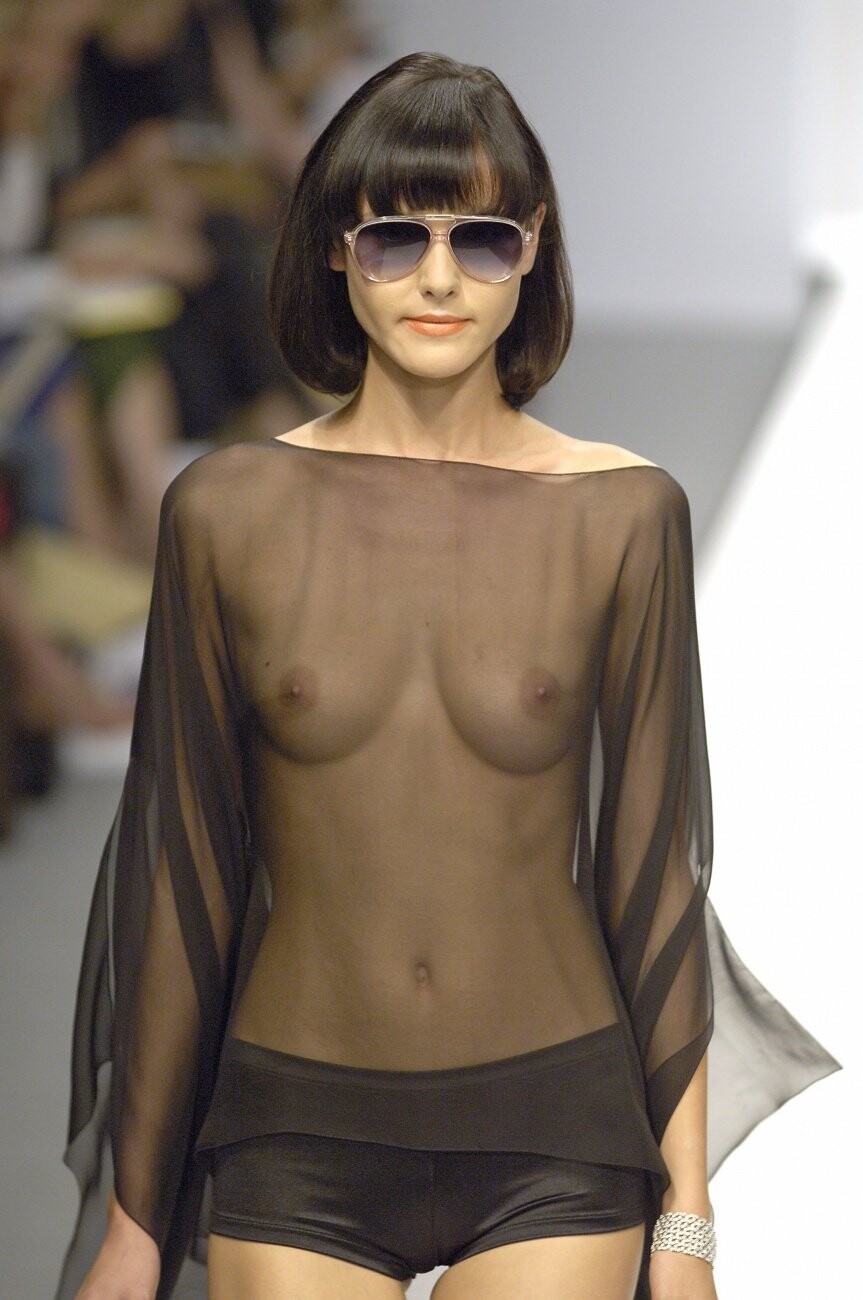
 Guy Laroche Fall/Winter 2005





-
NATURAL HEALTH magazine US Apr.2008 - photo unknown eBay

-
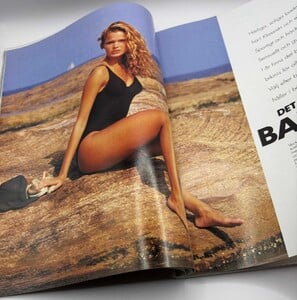
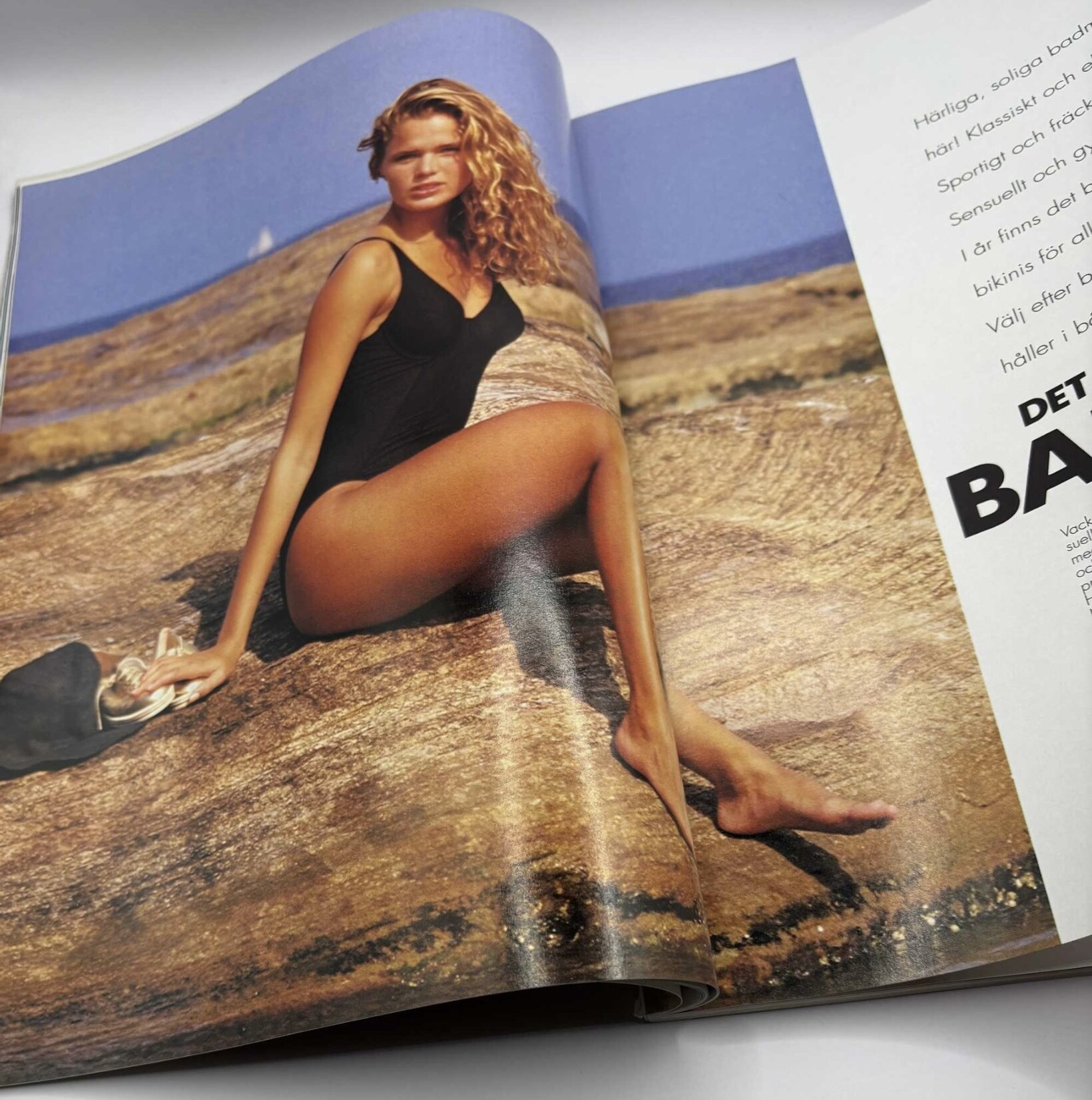
Additional picture inside: tradera
-

-

-























































































































































Account
Search
Configure browser push notifications
Chrome (Android)
- Tap the lock icon next to the address bar.
- Tap Permissions → Notifications.
- Adjust your preference.
Chrome (Desktop)
- Click the padlock icon in the address bar.
- Select Site settings.
- Find Notifications and adjust your preference.
Safari (iOS 16.4+)
- Ensure the site is installed via Add to Home Screen.
- Open Settings App → Notifications.
- Find your app name and adjust your preference.
Safari (macOS)
- Go to Safari → Preferences.
- Click the Websites tab.
- Select Notifications in the sidebar.
- Find this website and adjust your preference.
Edge (Android)
- Tap the lock icon next to the address bar.
- Tap Permissions.
- Find Notifications and adjust your preference.
Edge (Desktop)
- Click the padlock icon in the address bar.
- Click Permissions for this site.
- Find Notifications and adjust your preference.
Firefox (Android)
- Go to Settings → Site permissions.
- Tap Notifications.
- Find this site in the list and adjust your preference.
Firefox (Desktop)
- Open Firefox Settings.
- Search for Notifications.
- Find this site in the list and adjust your preference.