All Activity
- Past hour
-
 OMG, I never saw this before:) Could you please share it with me 🥰
 -
 Godd old times... Maybelline Josie Maran my scan (Lisa Russia 6 August #32 2001)
-

-
-
 Lamberto Losani m Madeleine Hjort my scan (Vogue Russia Dec 2006)
 Definitely inspired by the movie.


 Nadege Du Bospertus for Claude Montana, ready-to-wear, spring/summer 1991 my scan
 this photo looks like cosplay for movie Flashdance 83
 Ines tout simplement. https://www.bellazon.com/main/topic/14495-in%C3%A8s-de-la-fressange/

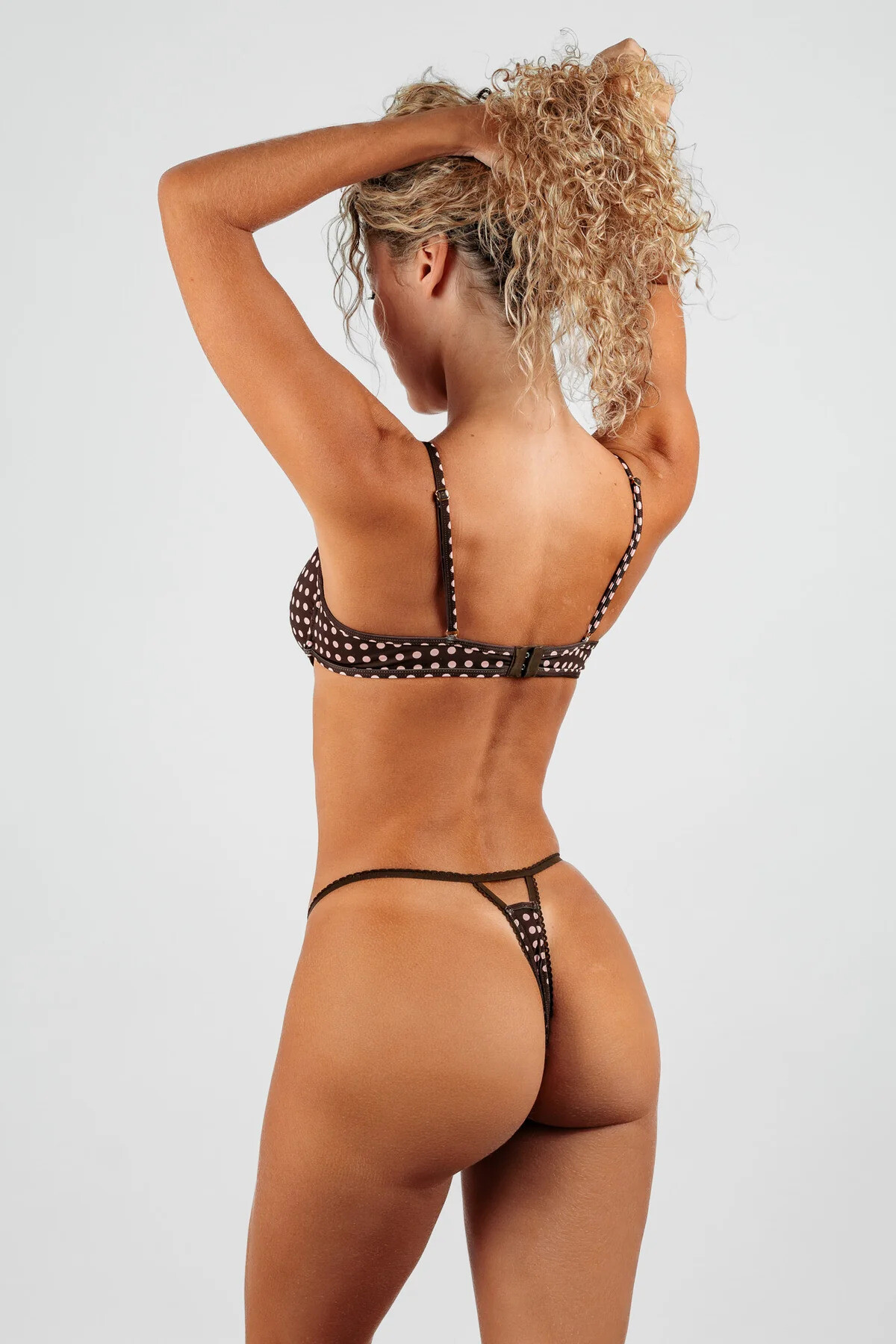
 Belles des Pins - Polka Muse Collection













 ALO
ALO





 A Los Angeles Based Runaway Model. Videos AQNnKme2RHkZRFBeHSRke8SgXsI4oSpg21BrY4ecEcz1N0gNgG90faTRvVJhHvfgHFzAfoO1XHUpKZ4v6iX3-aIdi3a3Dp1mmvS9bro.mp4AQOw2DAfNJC7x-4lCCCIGFGDdbqIsNLOT9qtqDl9EOkEVUDt1LBWYm0UnpJk0my9B0bfm1Jct2bLPBlCla4d8XFkxaWIWCNs6vH5gaY.mp4














 for Feed. nutrition anastasia_urbaniak Kopie 4.mp4

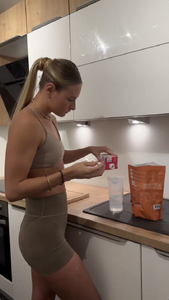 Model on the left web find

 by Shachar drawingfromlight








































































Account
Search
Configure browser push notifications
Chrome (Android)
- Tap the lock icon next to the address bar.
- Tap Permissions → Notifications.
- Adjust your preference.
Chrome (Desktop)
- Click the padlock icon in the address bar.
- Select Site settings.
- Find Notifications and adjust your preference.
Safari (iOS 16.4+)
- Ensure the site is installed via Add to Home Screen.
- Open Settings App → Notifications.
- Find your app name and adjust your preference.
Safari (macOS)
- Go to Safari → Preferences.
- Click the Websites tab.
- Select Notifications in the sidebar.
- Find this website and adjust your preference.
Edge (Android)
- Tap the lock icon next to the address bar.
- Tap Permissions.
- Find Notifications and adjust your preference.
Edge (Desktop)
- Click the padlock icon in the address bar.
- Click Permissions for this site.
- Find Notifications and adjust your preference.
Firefox (Android)
- Go to Settings → Site permissions.
- Tap Notifications.
- Find this site in the list and adjust your preference.
Firefox (Desktop)
- Open Firefox Settings.
- Search for Notifications.
- Find this site in the list and adjust your preference.