All Activity
- Past hour
-
 Burak Bozkurt: stories







-
It's a wonderful book!
-
 nataliej1000 Makeup that feels liket.mp4 Polaroid 𝐔𝐏𝐃𝐀𝐓𝐄 𝑵𝒂𝒕𝒂𝒍𝒊𝒆 𝑱𝒐𝒉𝒏𝒔𝒐𝒏.mp4
 -
 #3 piper stark #6 could be tanya ilieva
 -
sara stout
-

-
 Spoiler Natalie Johnson Miami Next Management (1).mp4 Spoiler Natalie Johnson Miami Next Management.mp4




 stories video [2025.12.12] victoriajustice-themadgrace_3786385005631893577.mp4



 femina: stories video [2025.12.09] femina_israel_3783855646173913250.mp4











































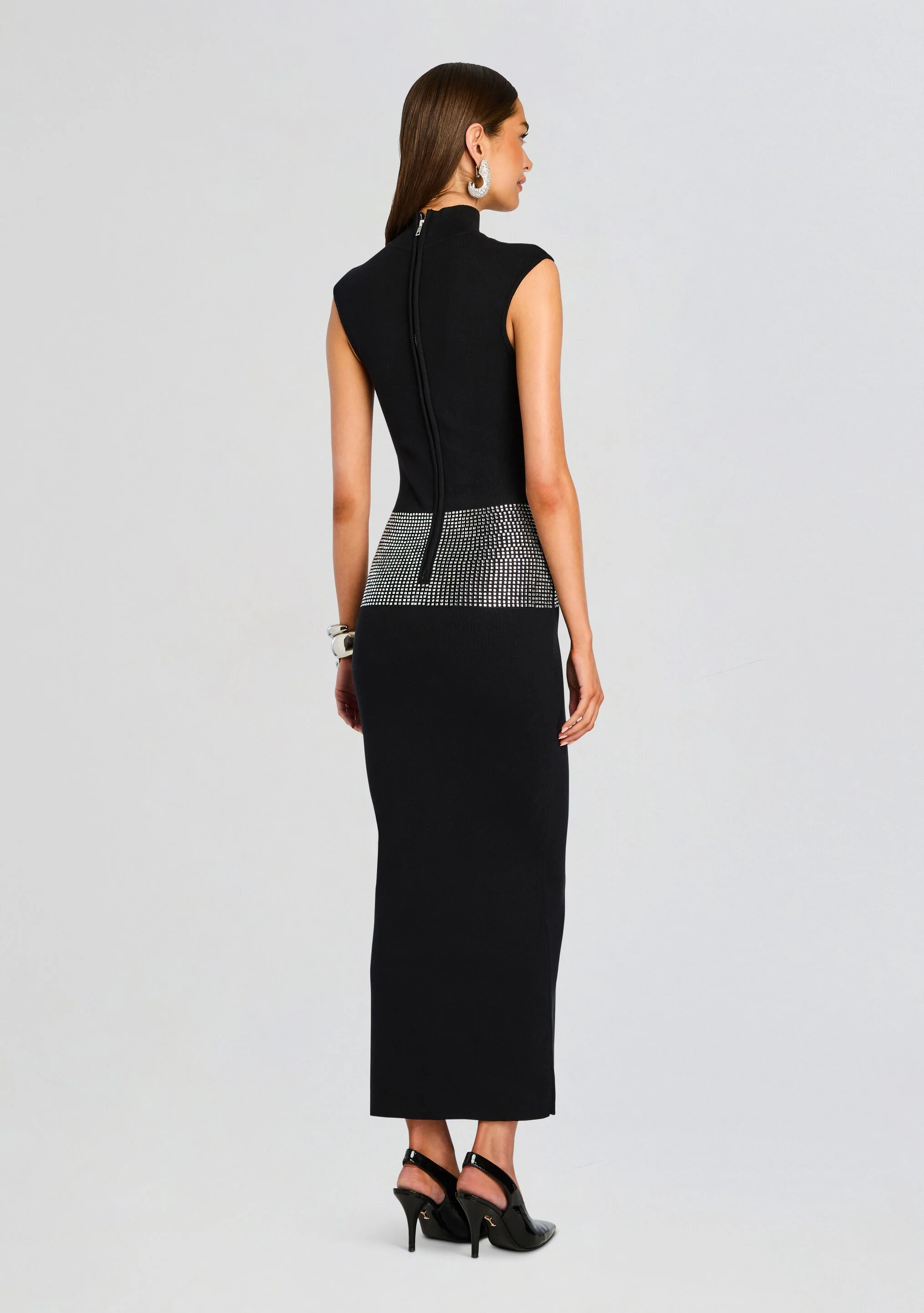







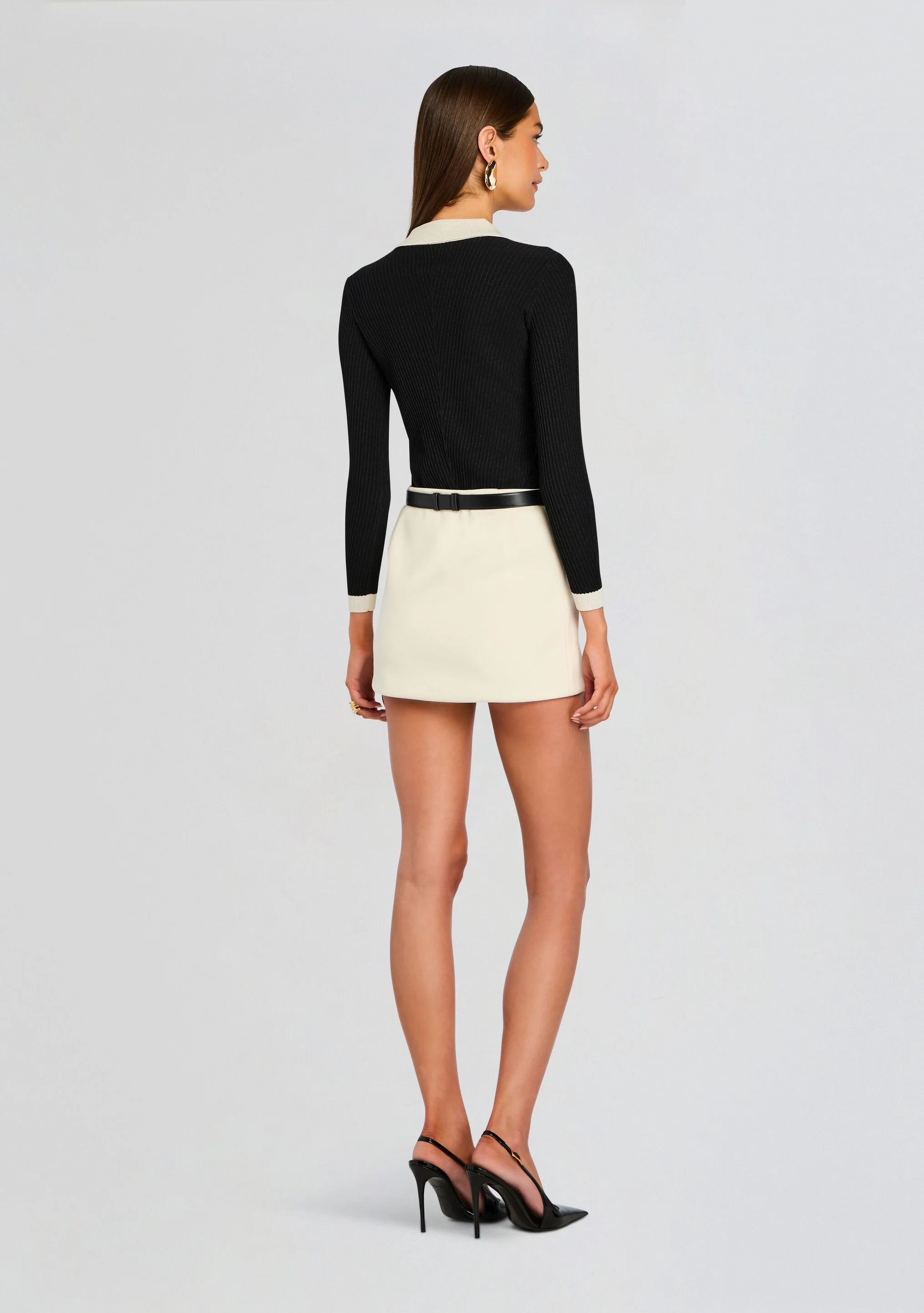




























































































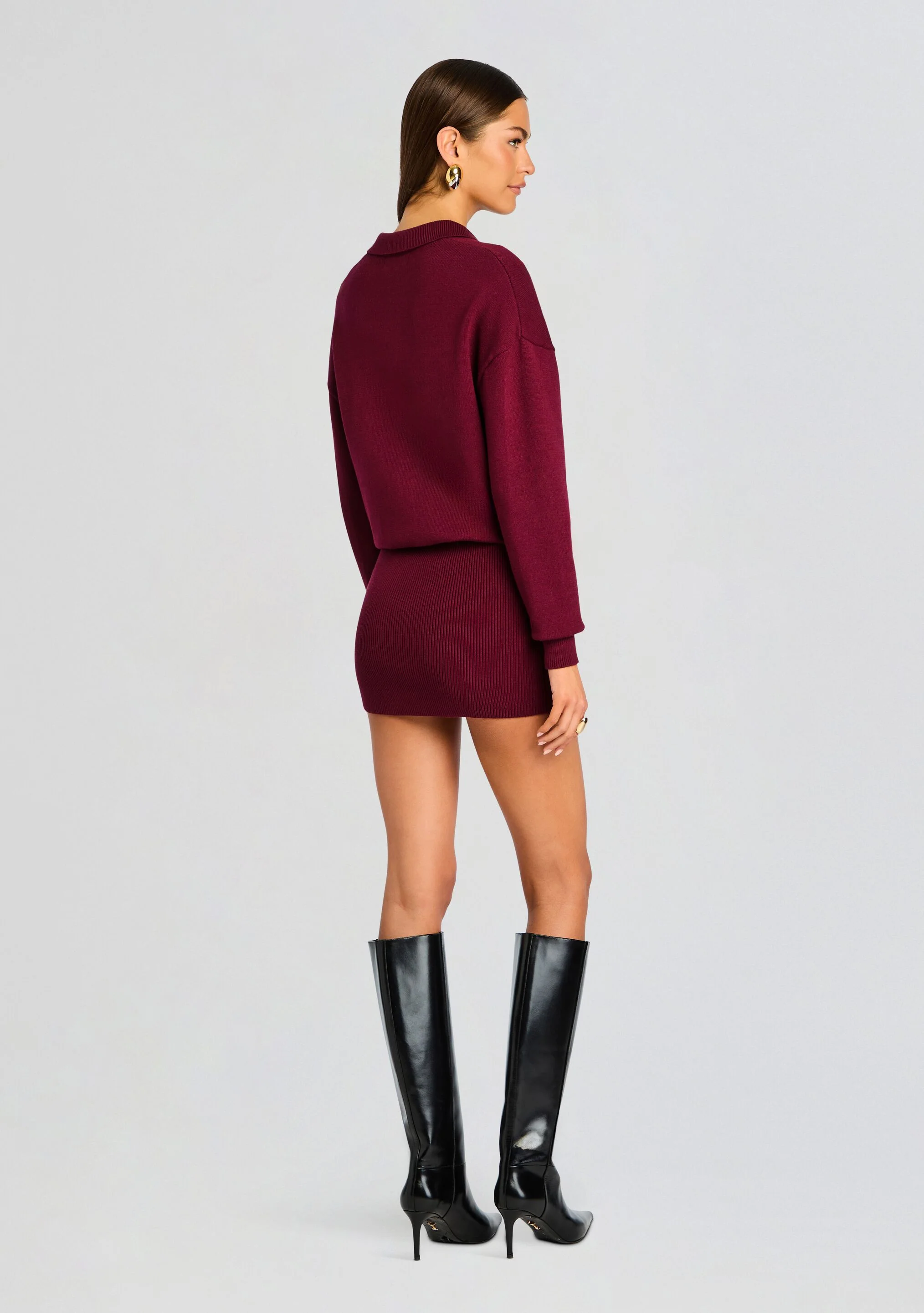


















































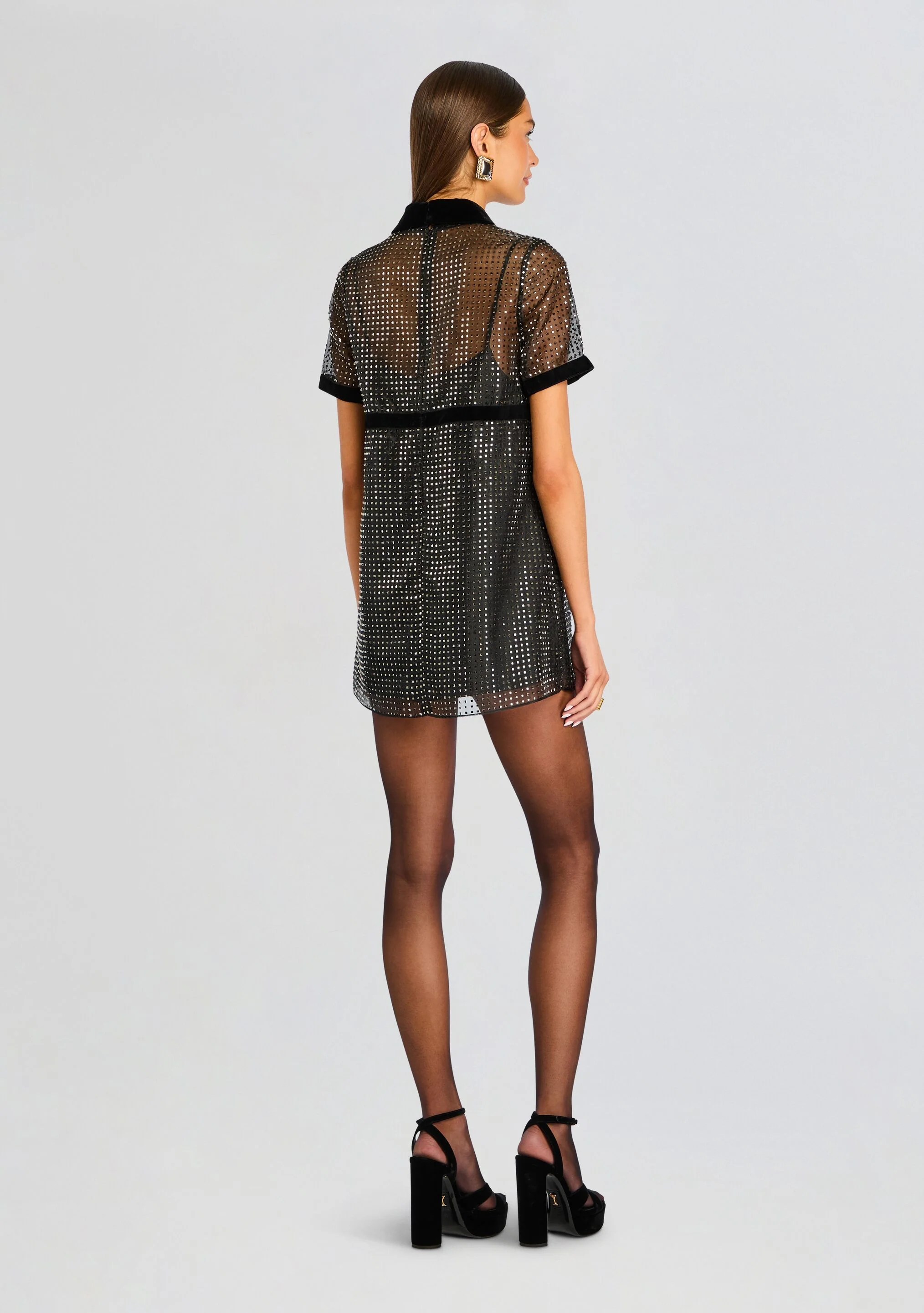





























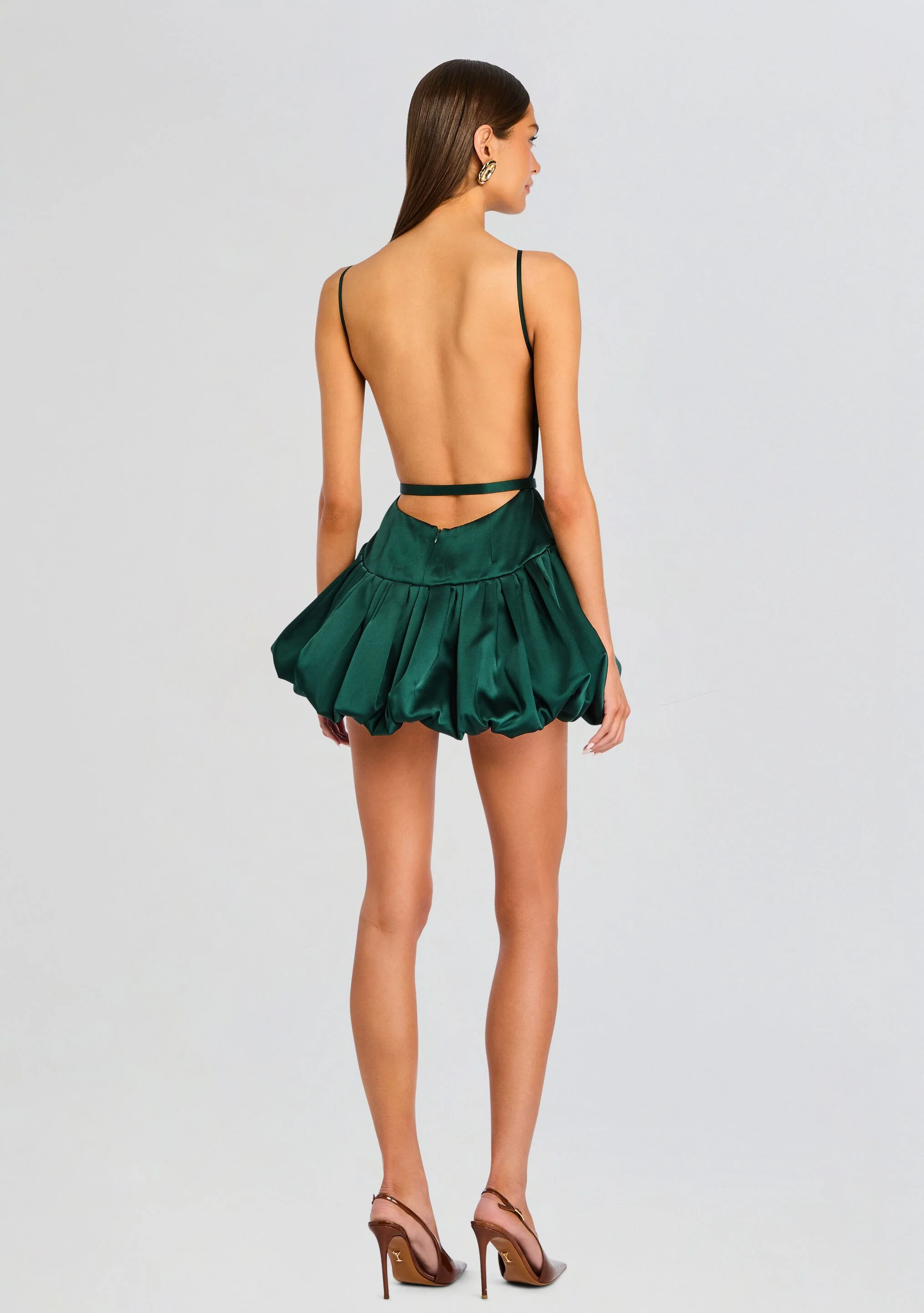










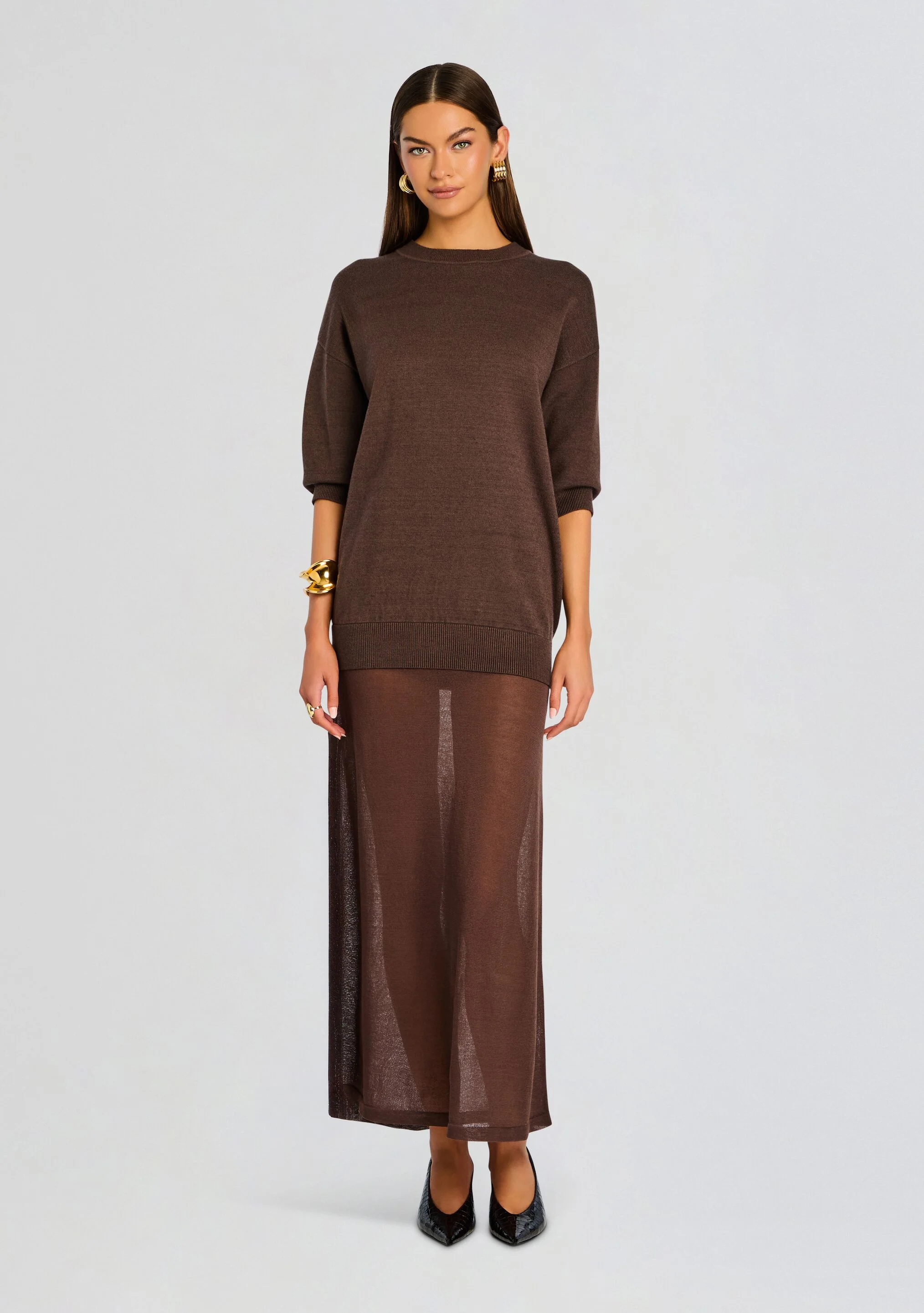










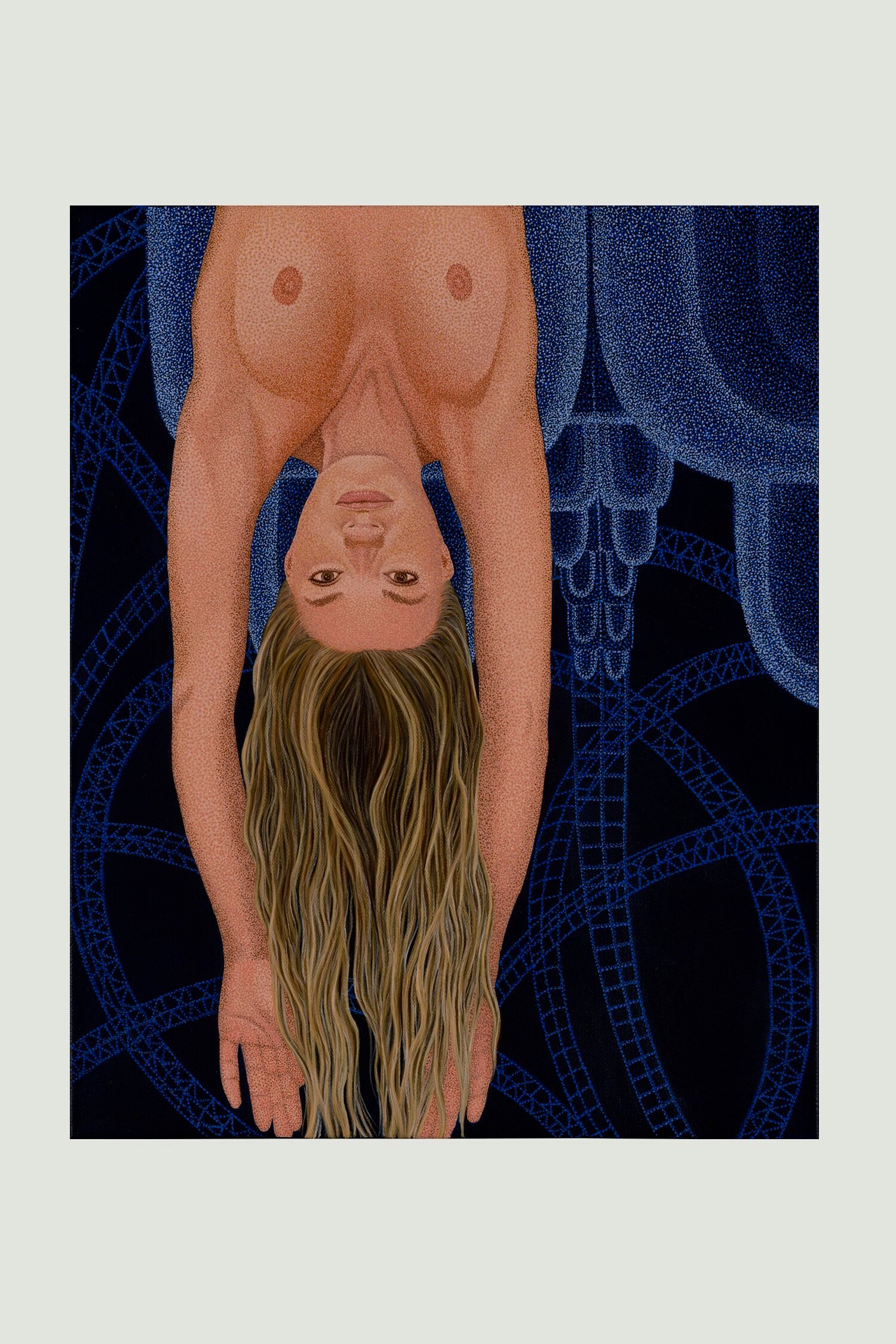








.webp.2b5bb828421ded30890aa6033a142047.webp)
.webp.63db30e67d5441d957172f68e9276a4a.webp)
.webp.960e6ef4a92137abbbcca50c2168f839.webp)
.webp.762655639f9cec0f49f6d2ef919f486d.webp)











































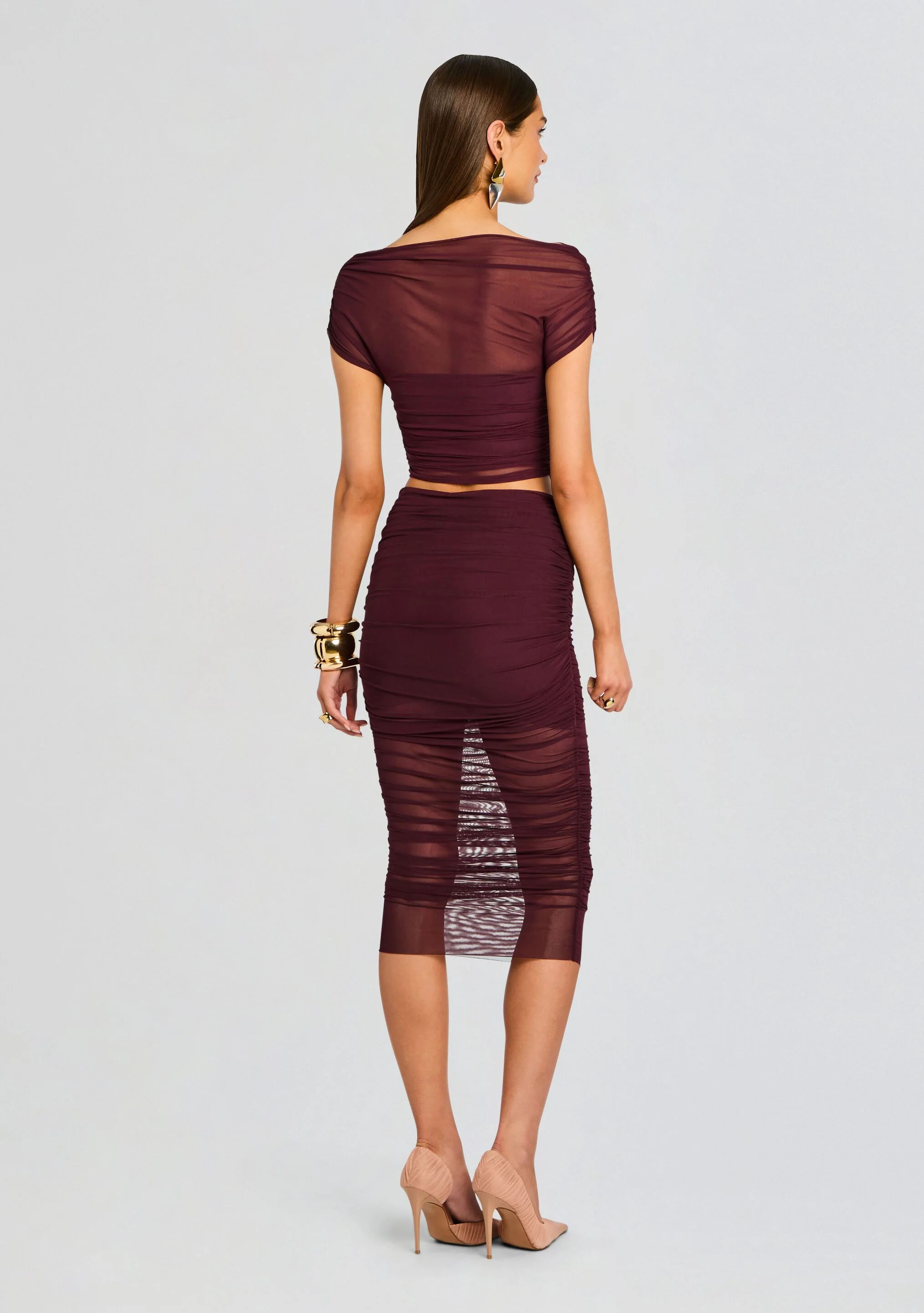



































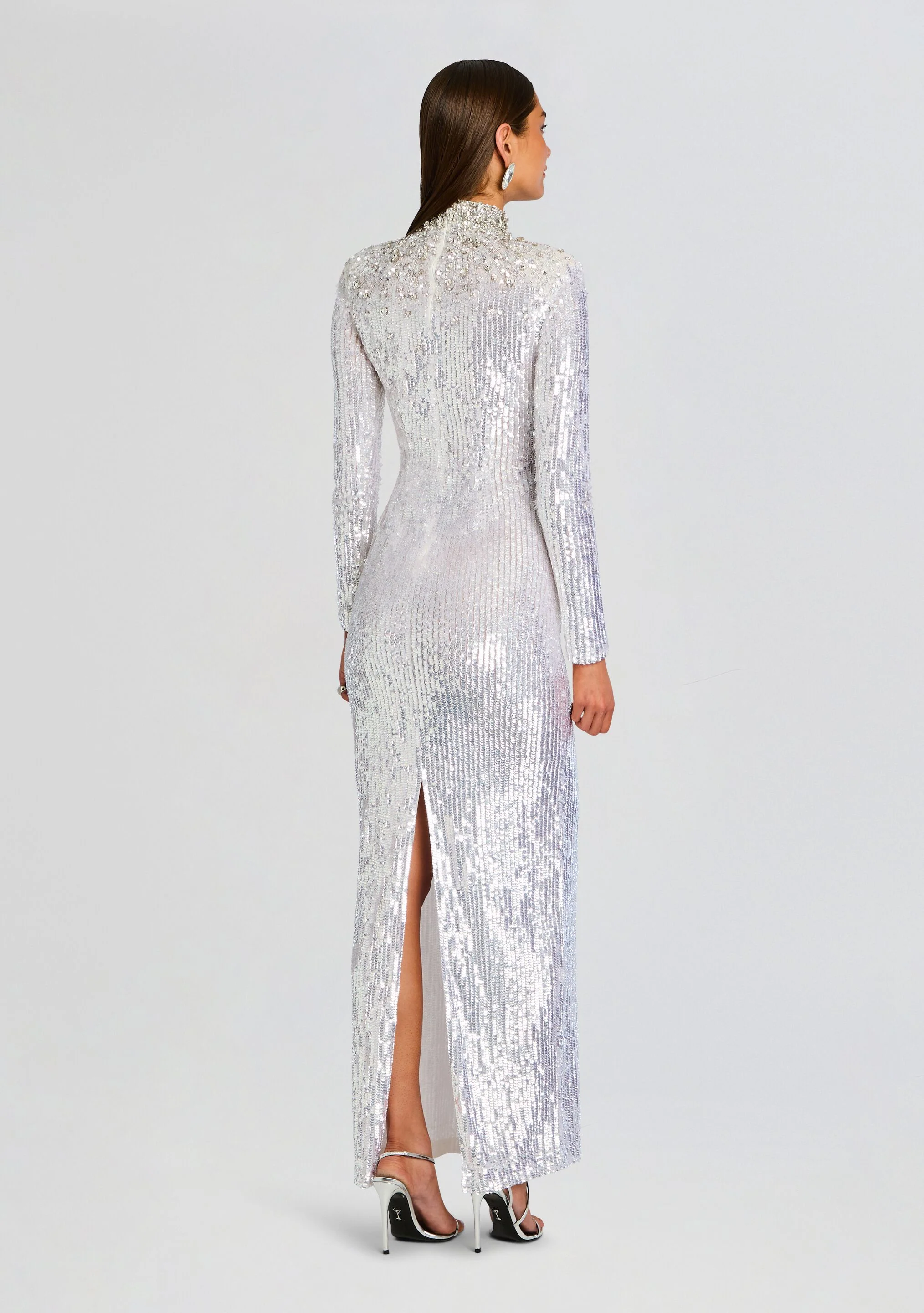




























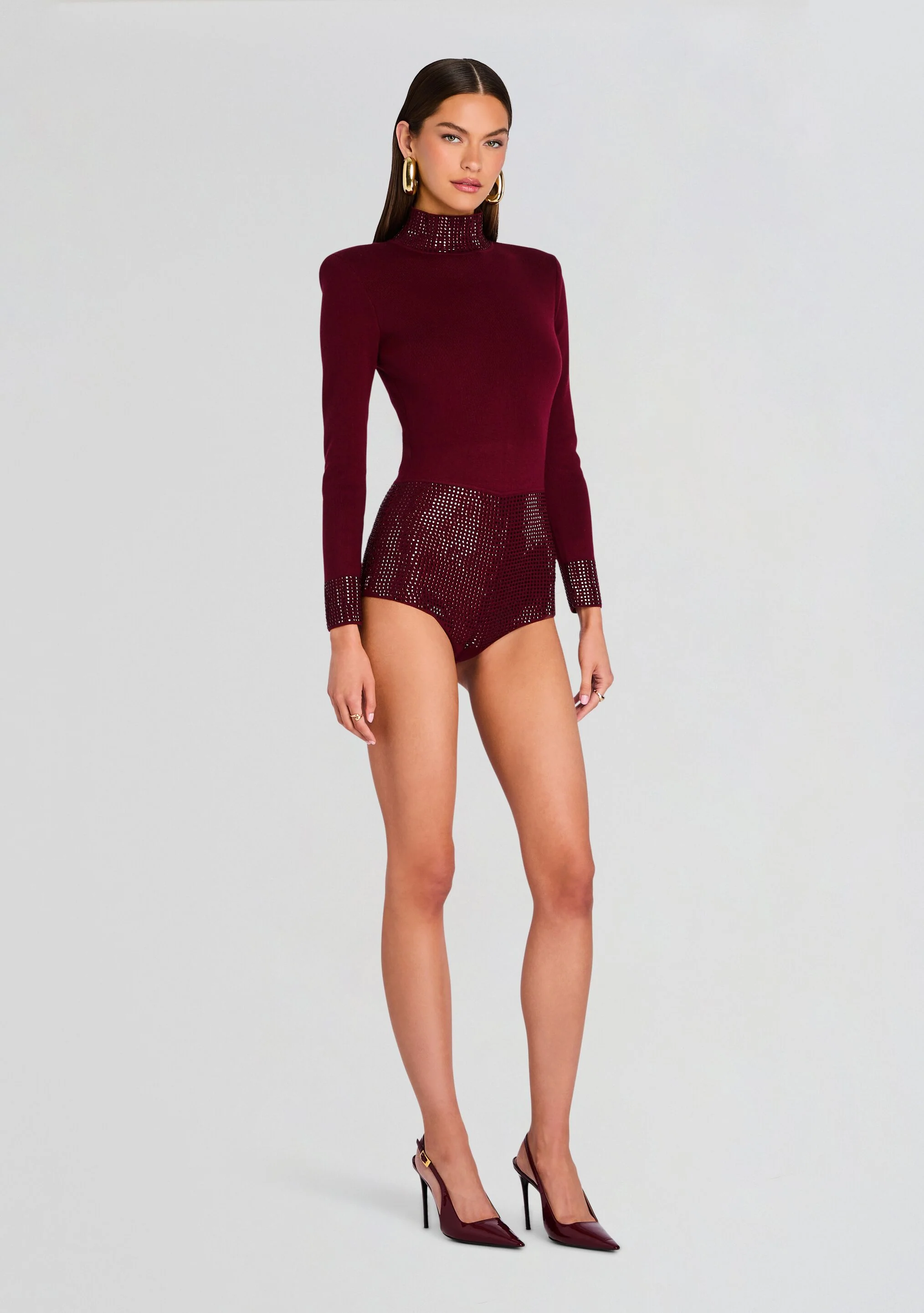






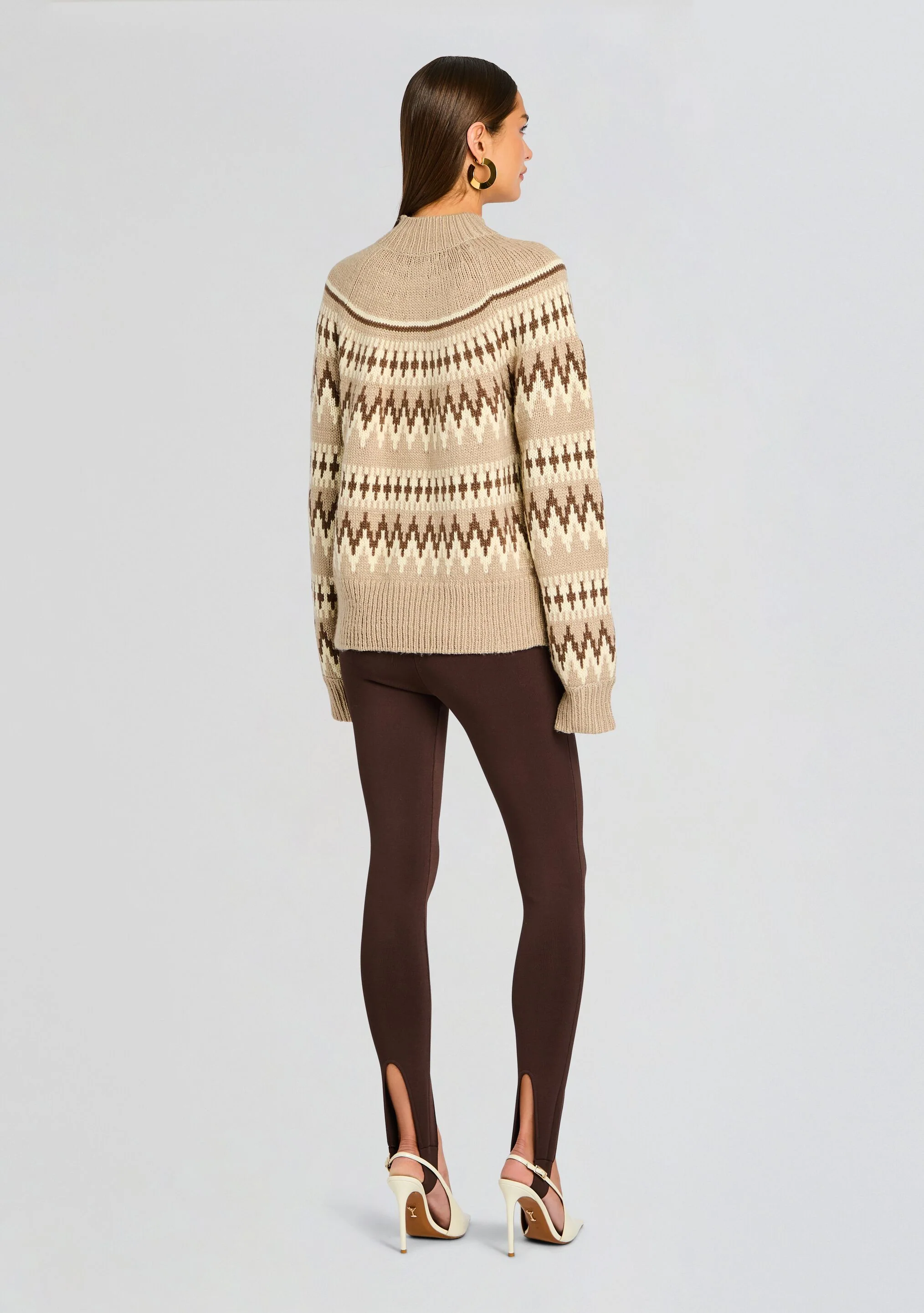





































































Account
Search
Configure browser push notifications
Chrome (Android)
- Tap the lock icon next to the address bar.
- Tap Permissions → Notifications.
- Adjust your preference.
Chrome (Desktop)
- Click the padlock icon in the address bar.
- Select Site settings.
- Find Notifications and adjust your preference.
Safari (iOS 16.4+)
- Ensure the site is installed via Add to Home Screen.
- Open Settings App → Notifications.
- Find your app name and adjust your preference.
Safari (macOS)
- Go to Safari → Preferences.
- Click the Websites tab.
- Select Notifications in the sidebar.
- Find this website and adjust your preference.
Edge (Android)
- Tap the lock icon next to the address bar.
- Tap Permissions.
- Find Notifications and adjust your preference.
Edge (Desktop)
- Click the padlock icon in the address bar.
- Click Permissions for this site.
- Find Notifications and adjust your preference.
Firefox (Android)
- Go to Settings → Site permissions.
- Tap Notifications.
- Find this site in the list and adjust your preference.
Firefox (Desktop)
- Open Firefox Settings.
- Search for Notifications.
- Find this site in the list and adjust your preference.