All Activity
- Past hour
-

 johnmurdoch158 joined the community
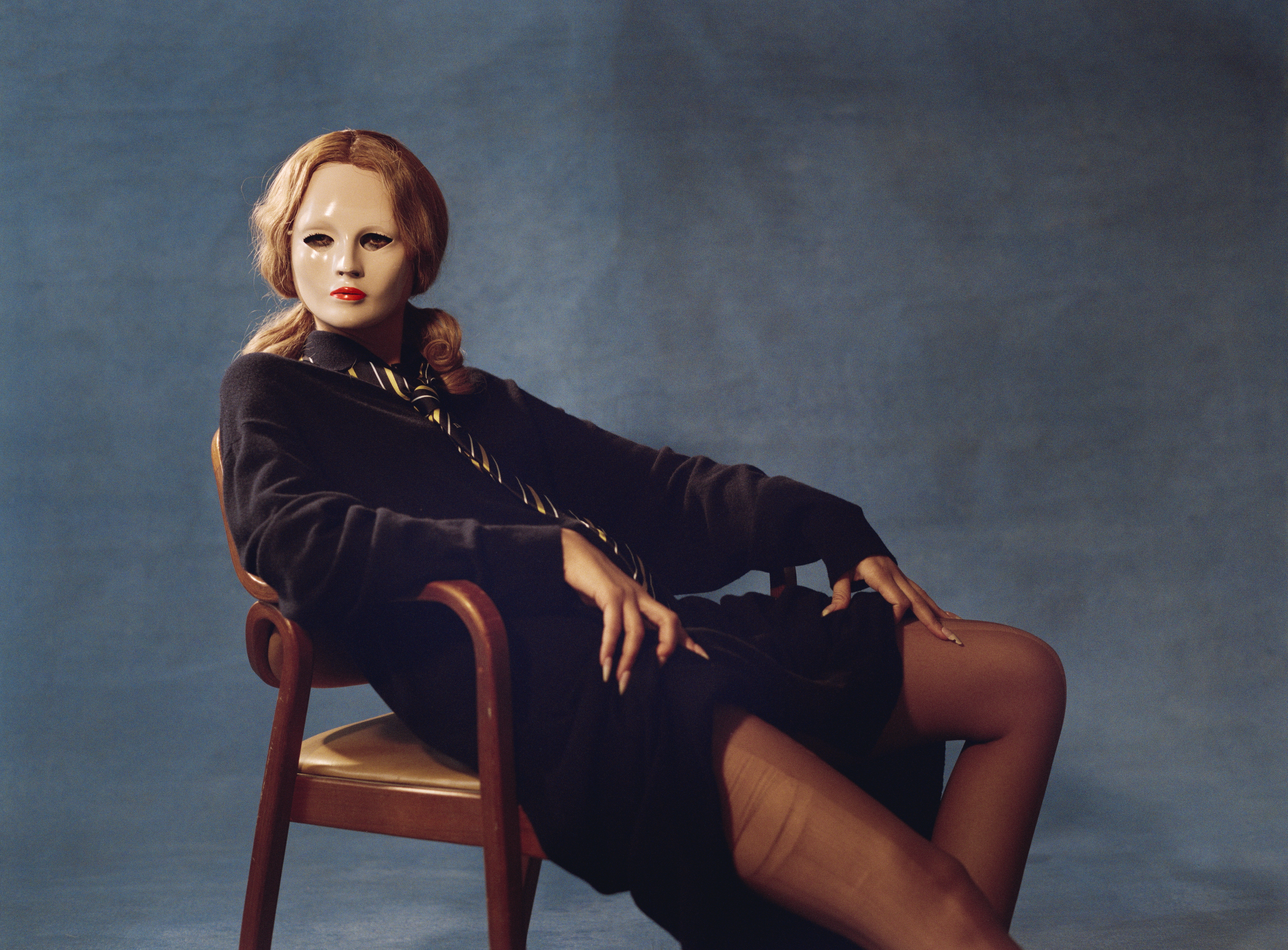
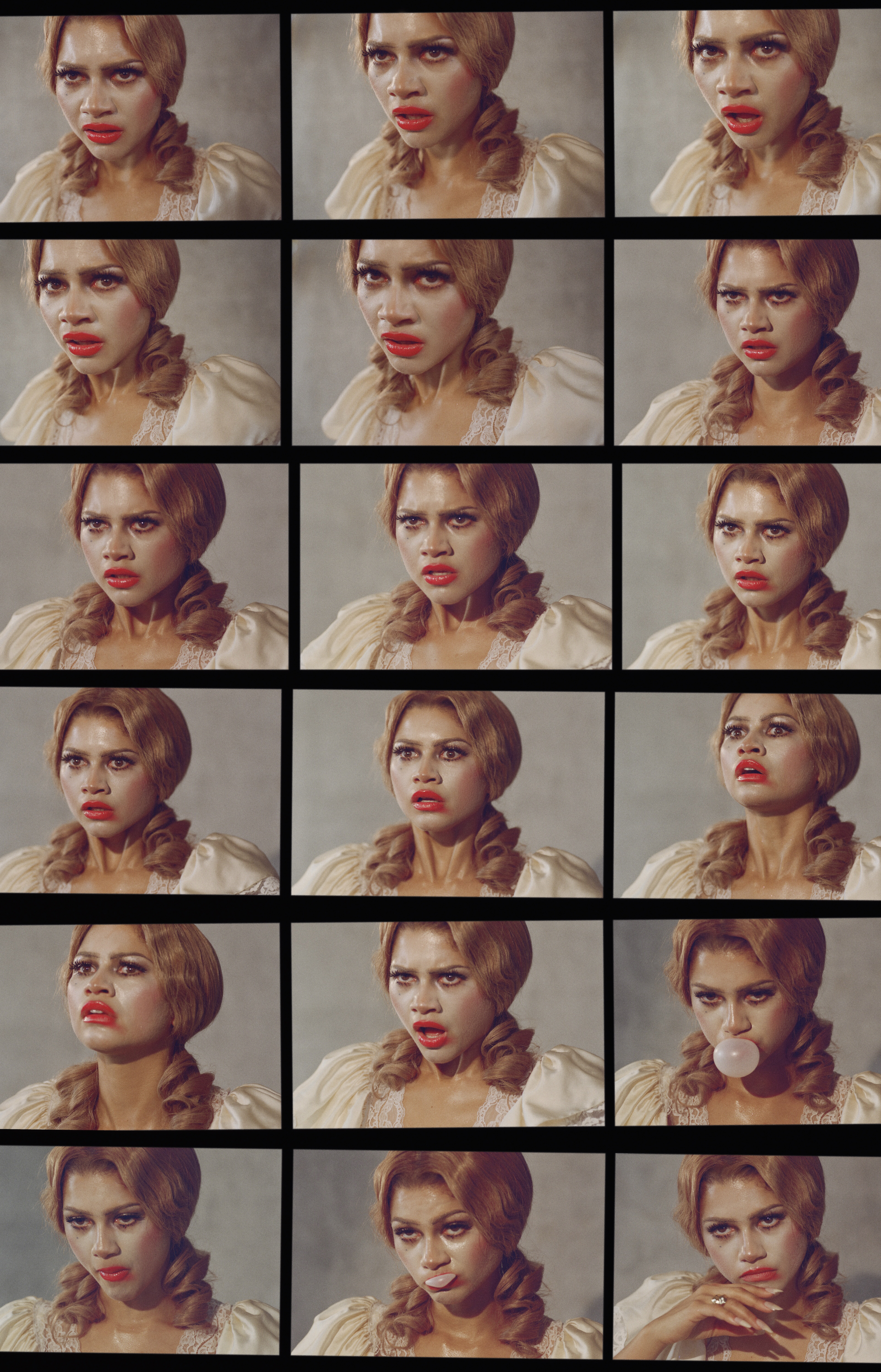
 By Inez and Vinoodh 📸
.thumb.jpg.f4572b2bcda90a9de641f02ef326601b.jpg)
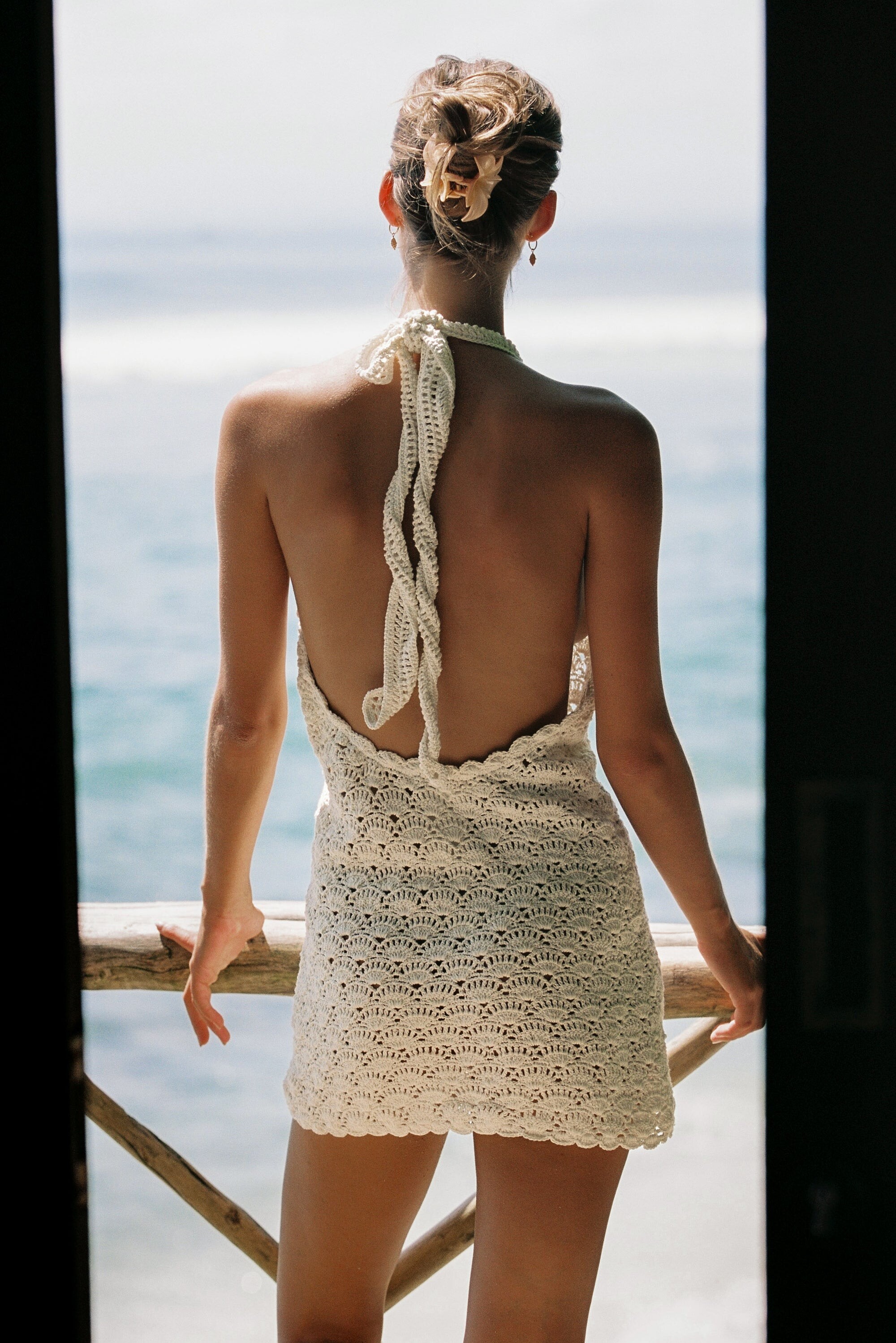
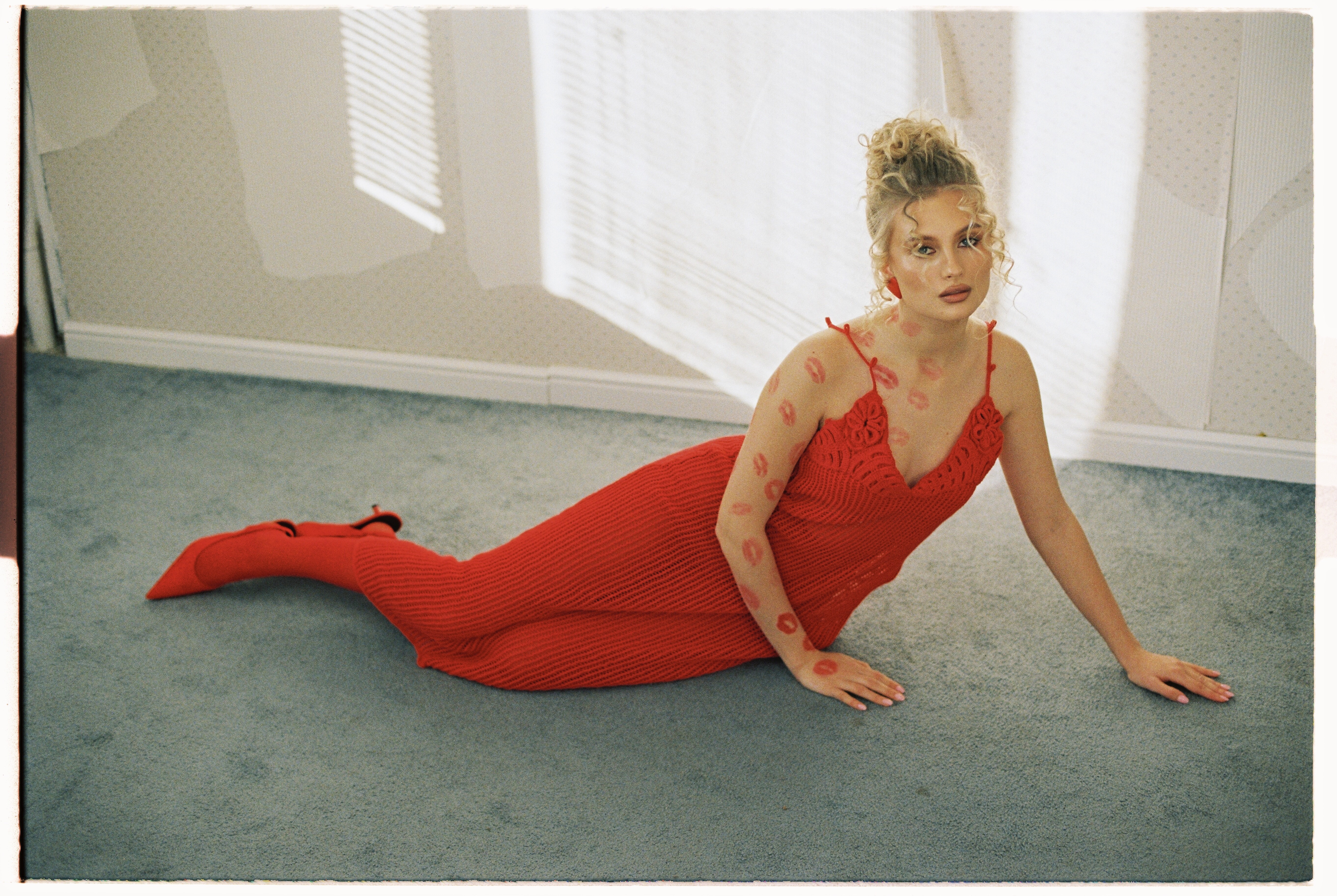
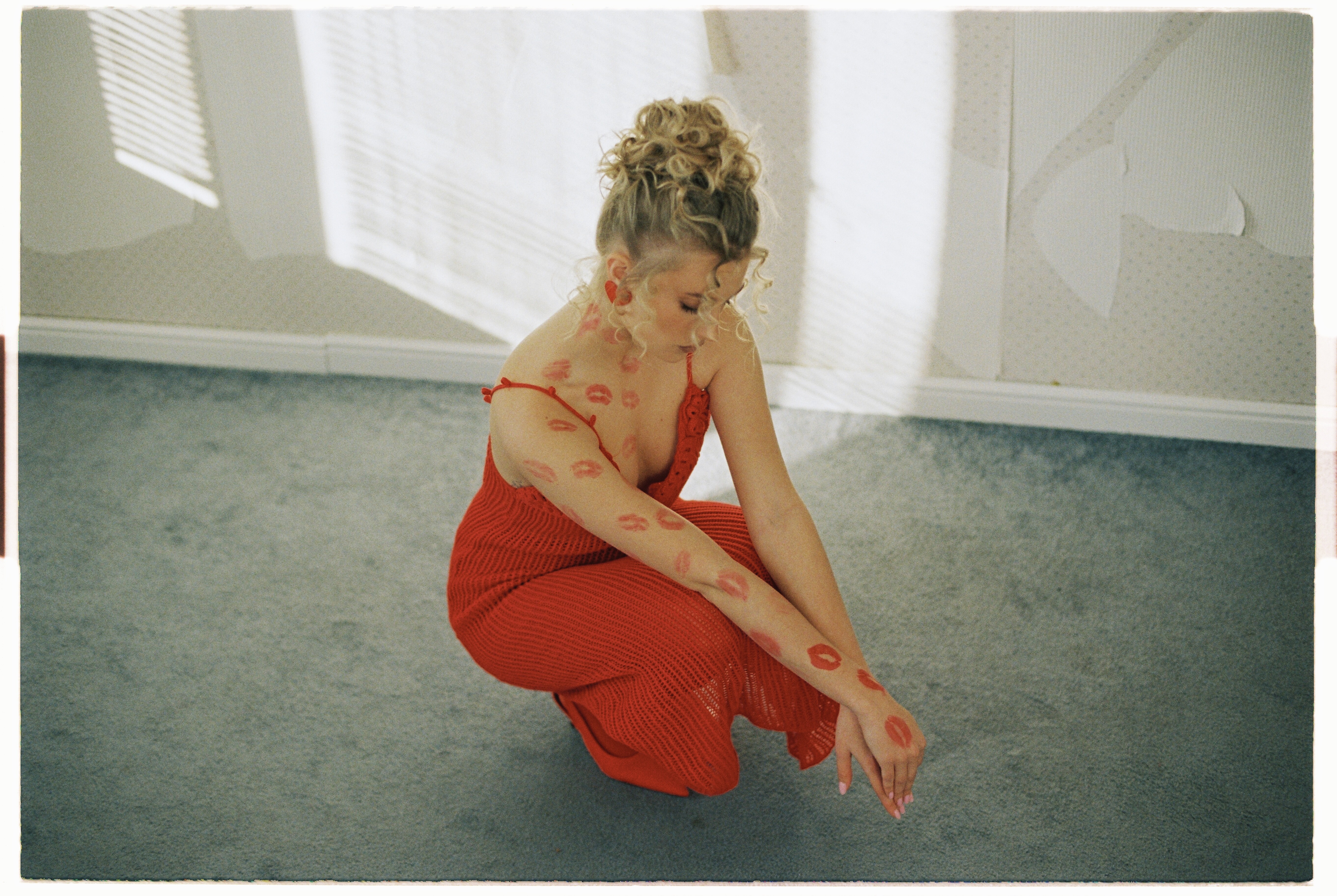
 Cleonie Swim Holiday Crochet Halter Dress - Cream


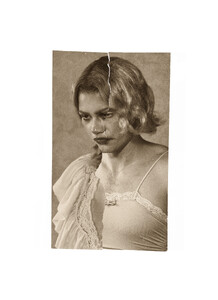
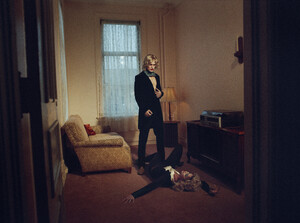
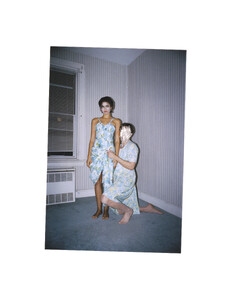
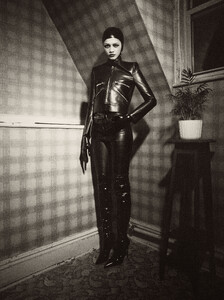
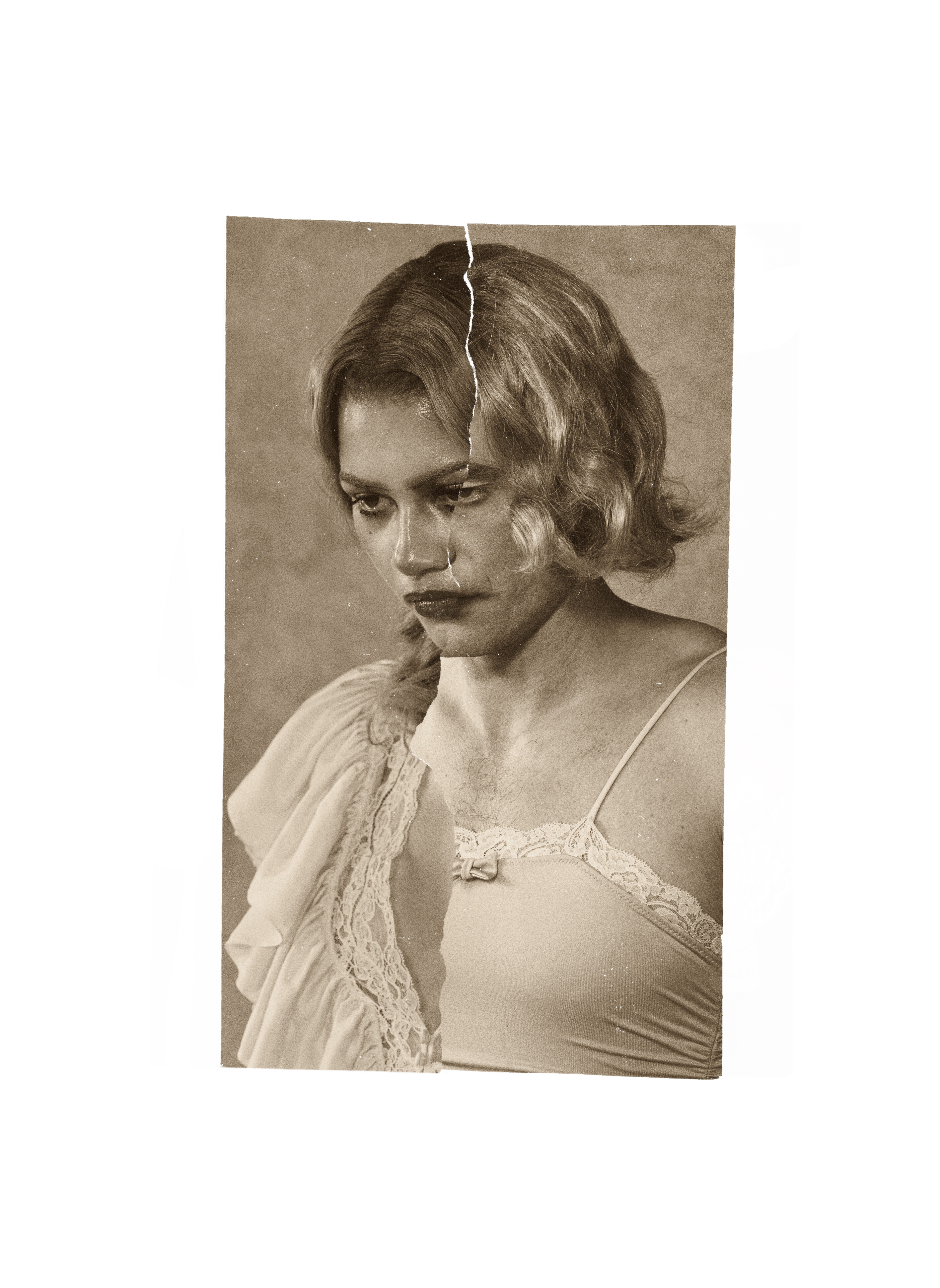
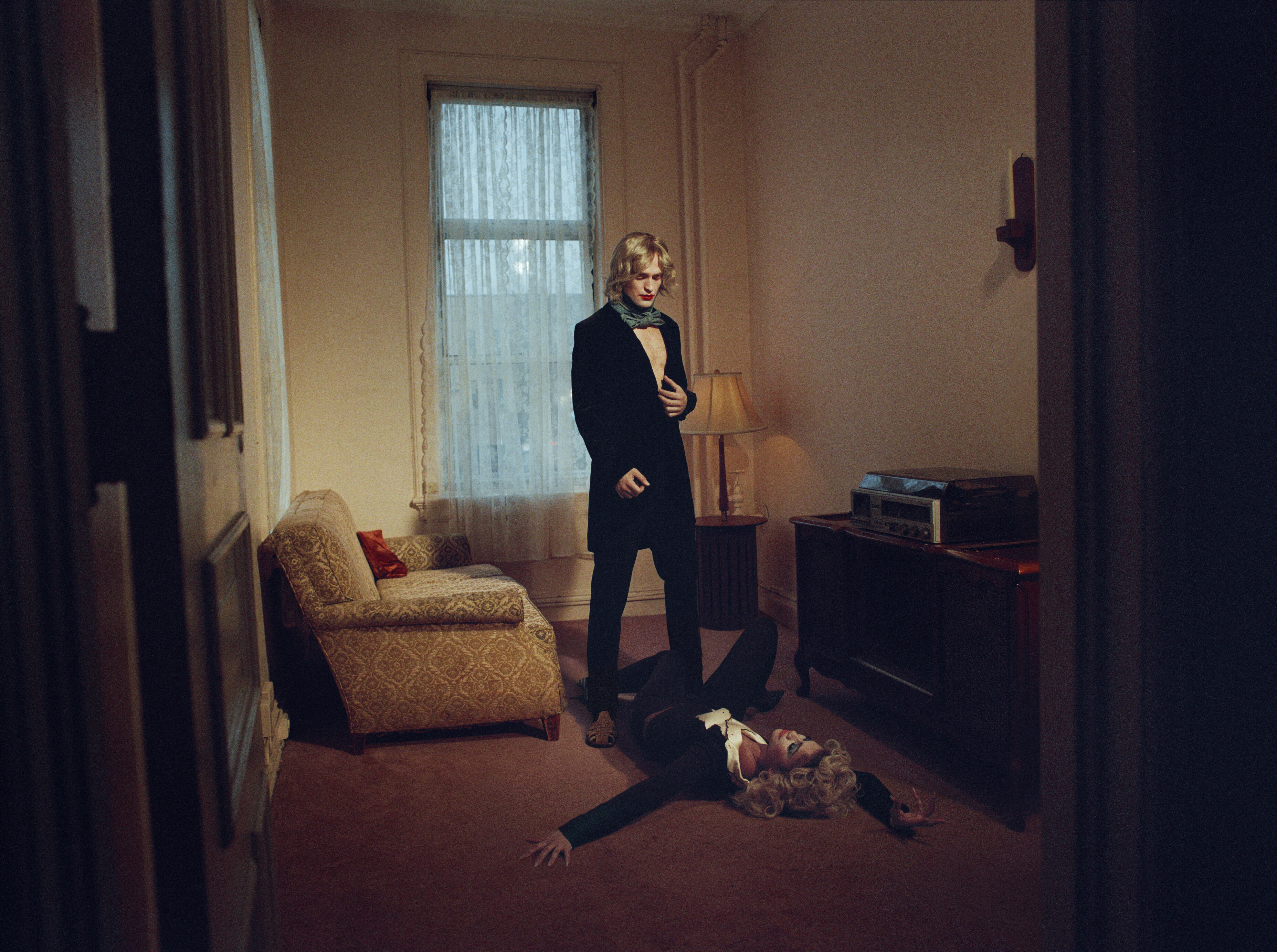
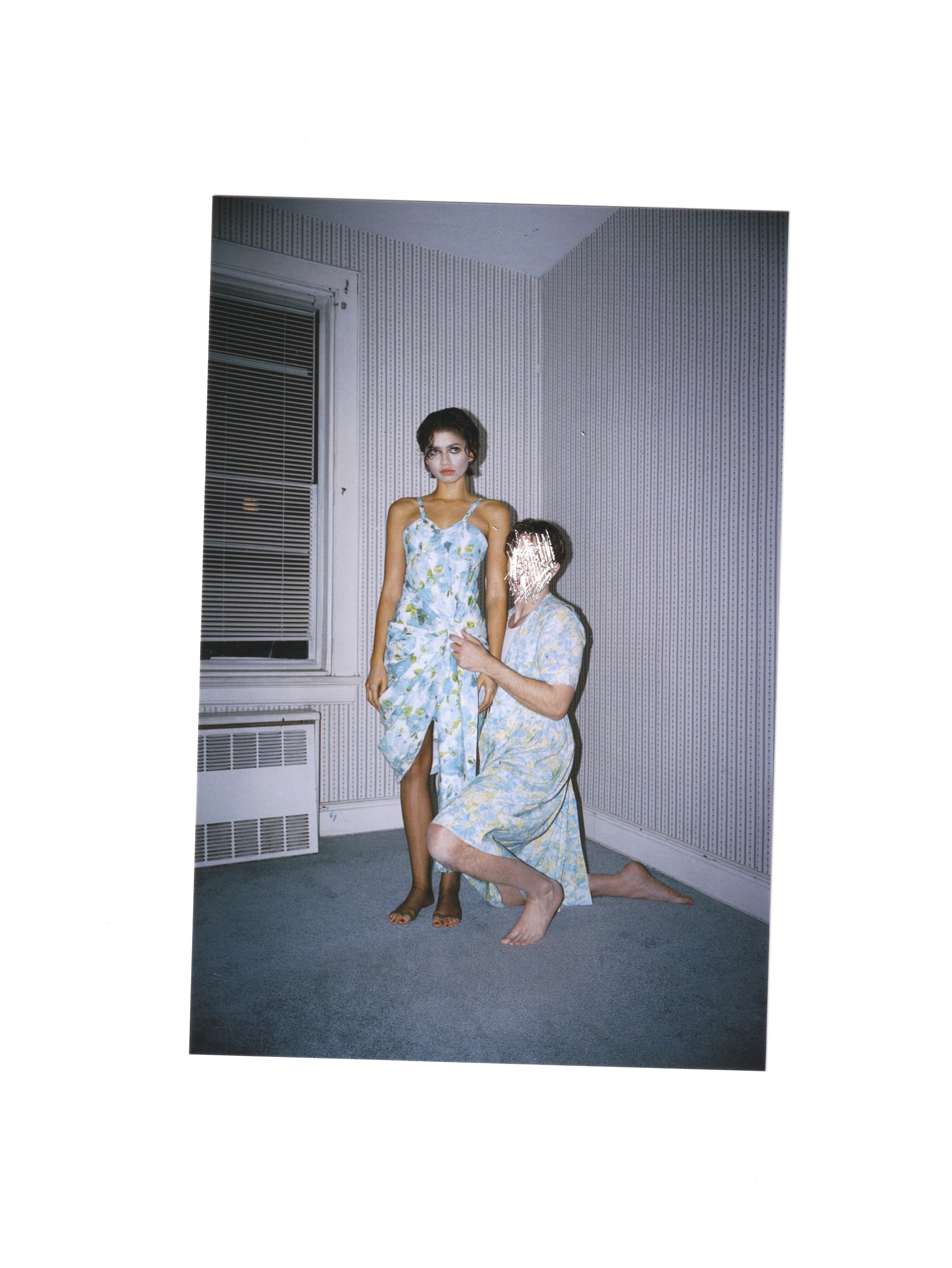
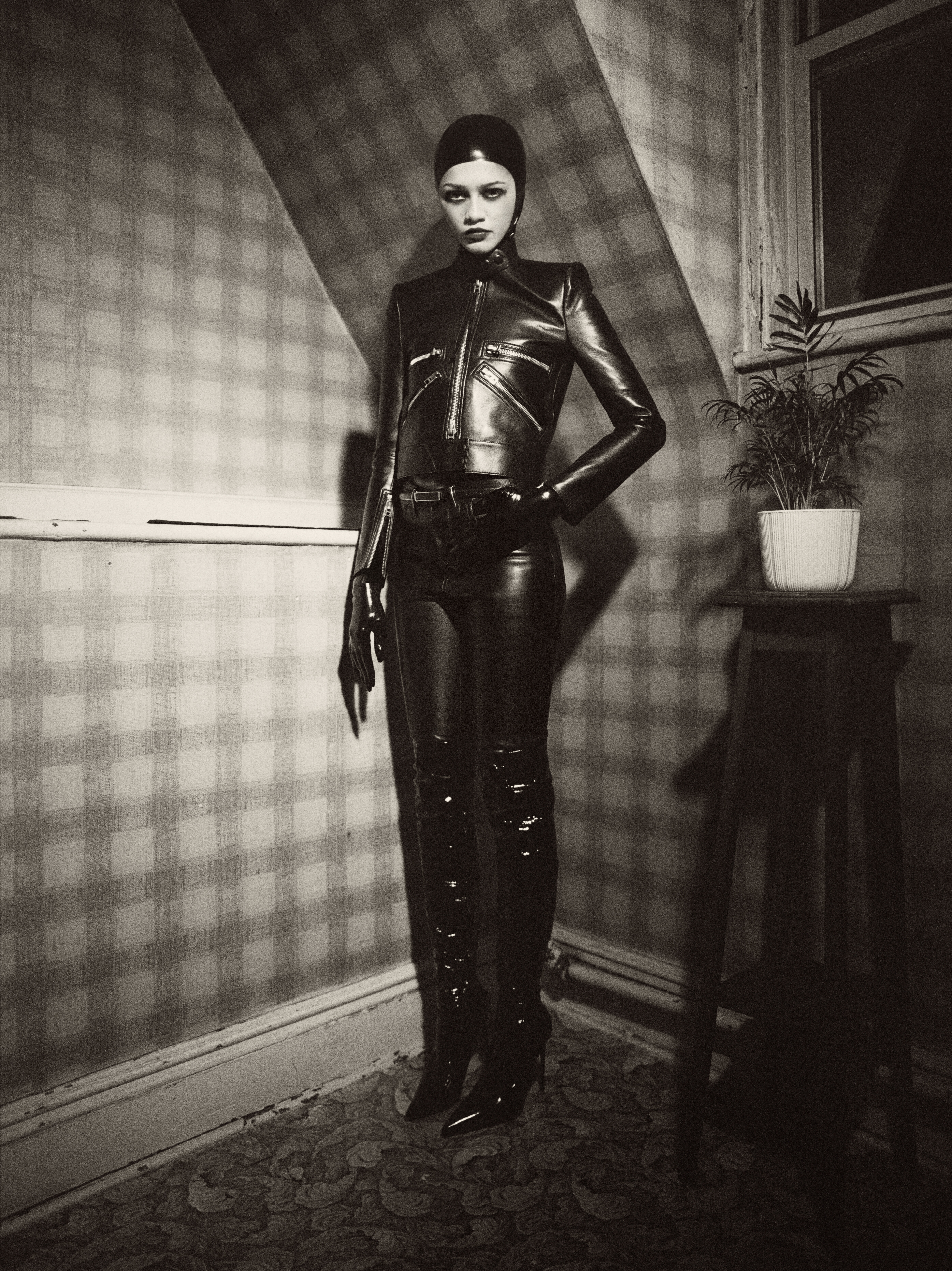
 Interview Magazine Robert Pattinson and Zendaya Enter the Unknown Ph. Nadia Lee Cohen https://www.interviewmagazine.com/film/robert-pattinson-and-zendaya-enter-the-unknown


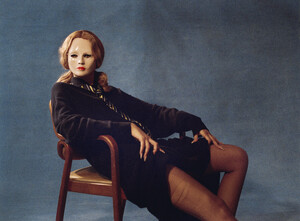

 bob 89 joined the community
 Etam 488ece885ba84e279644c2dff4edd03b.mp4
 thebowlerhatguy joined the community
- Today
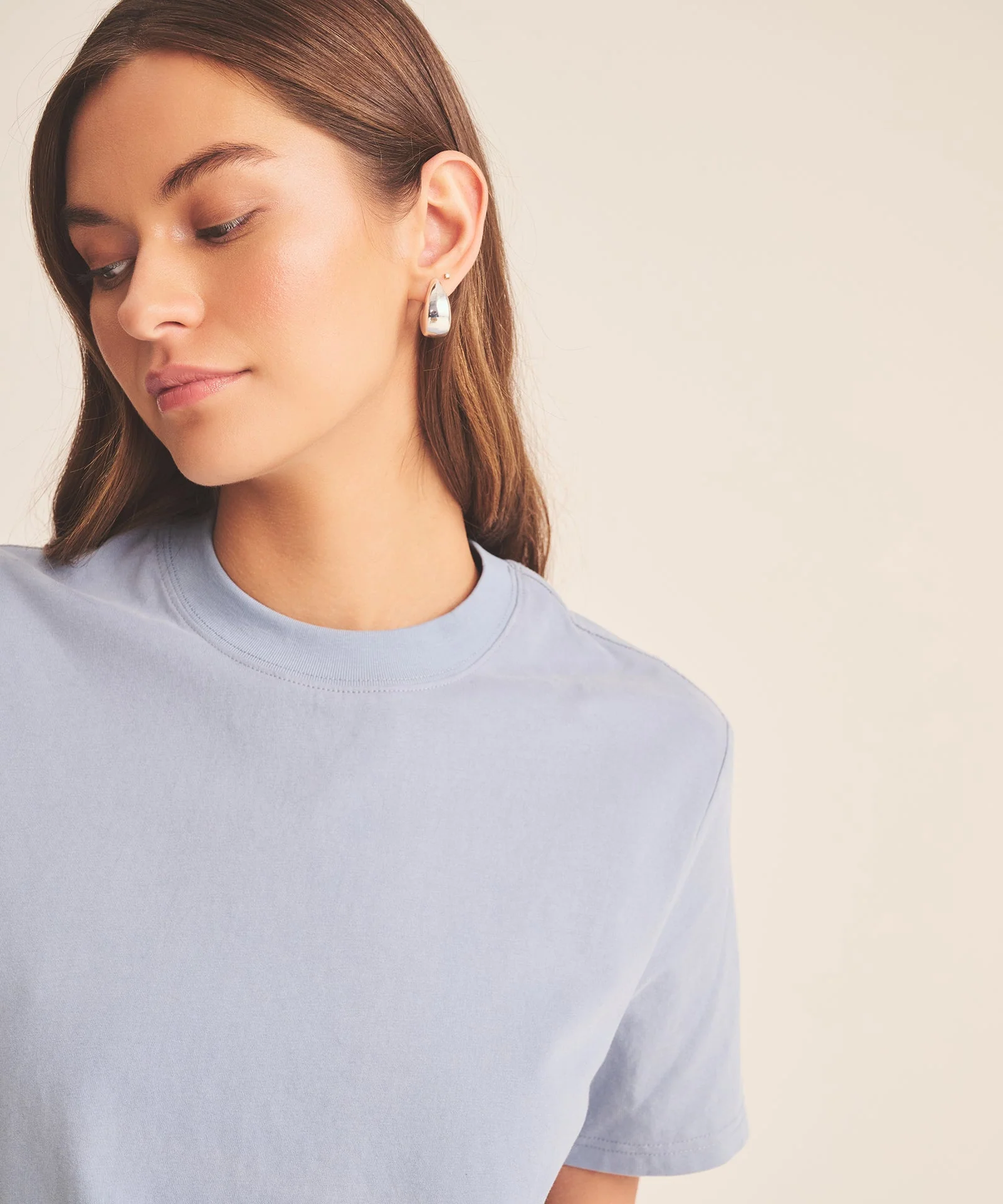
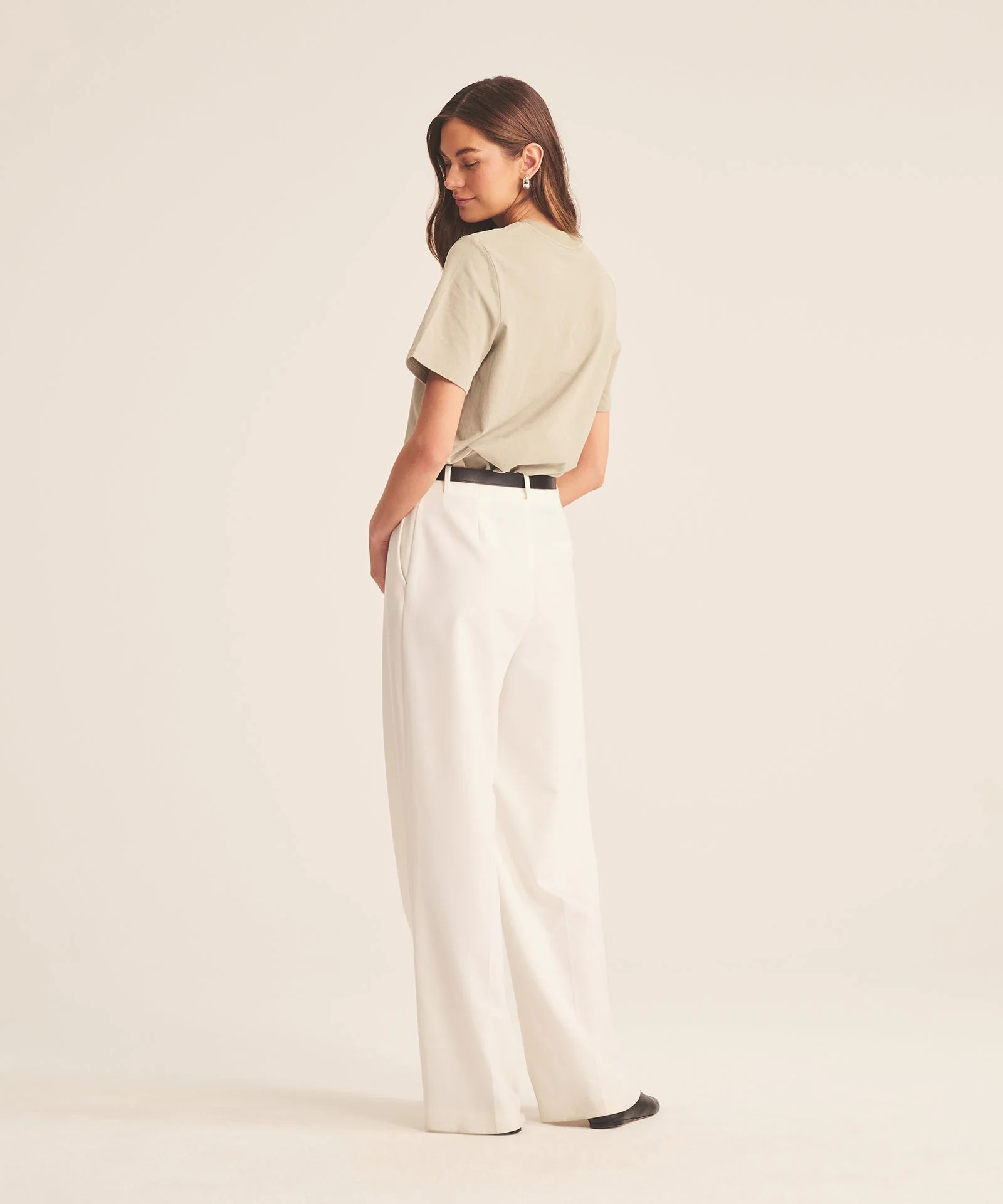
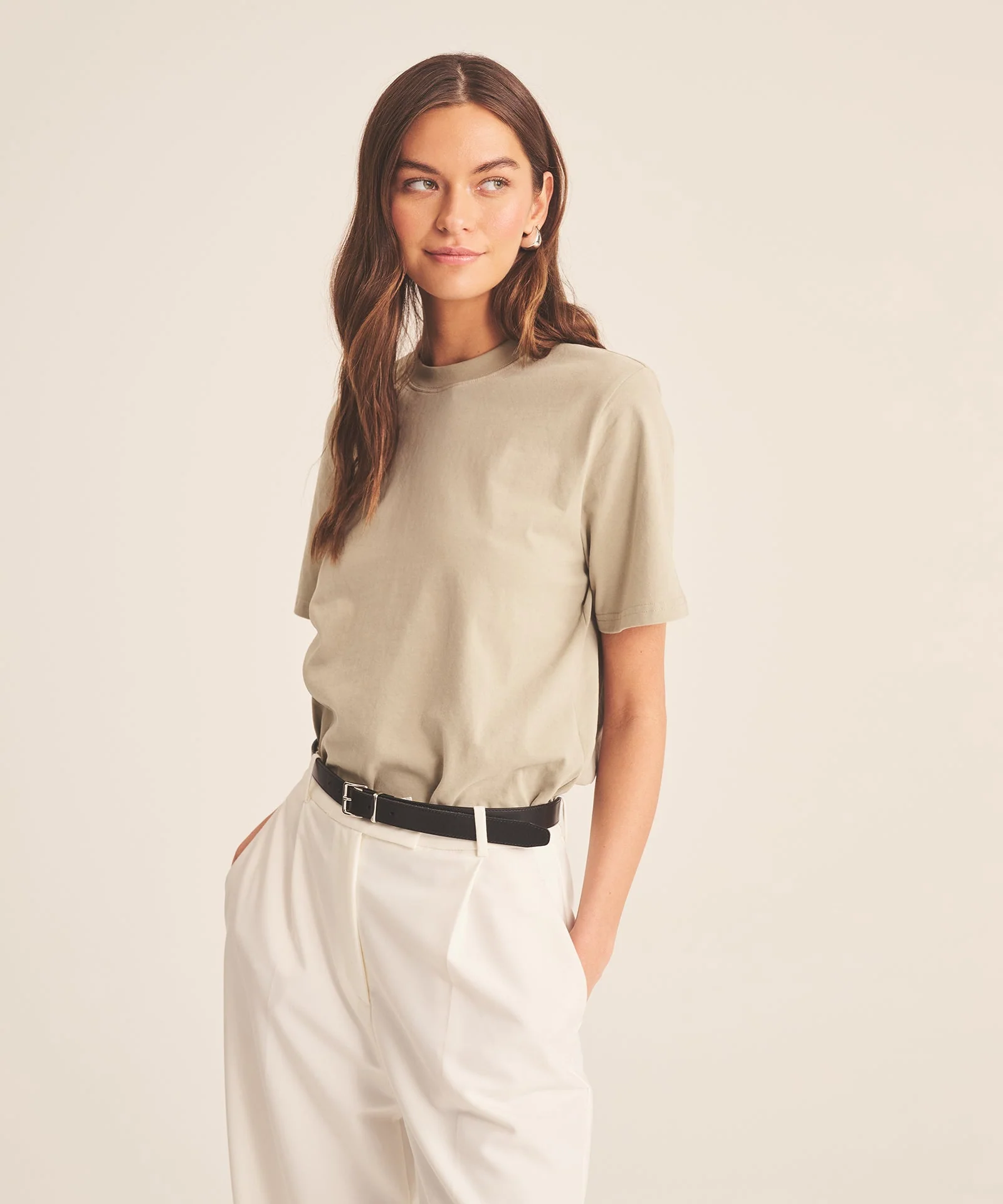
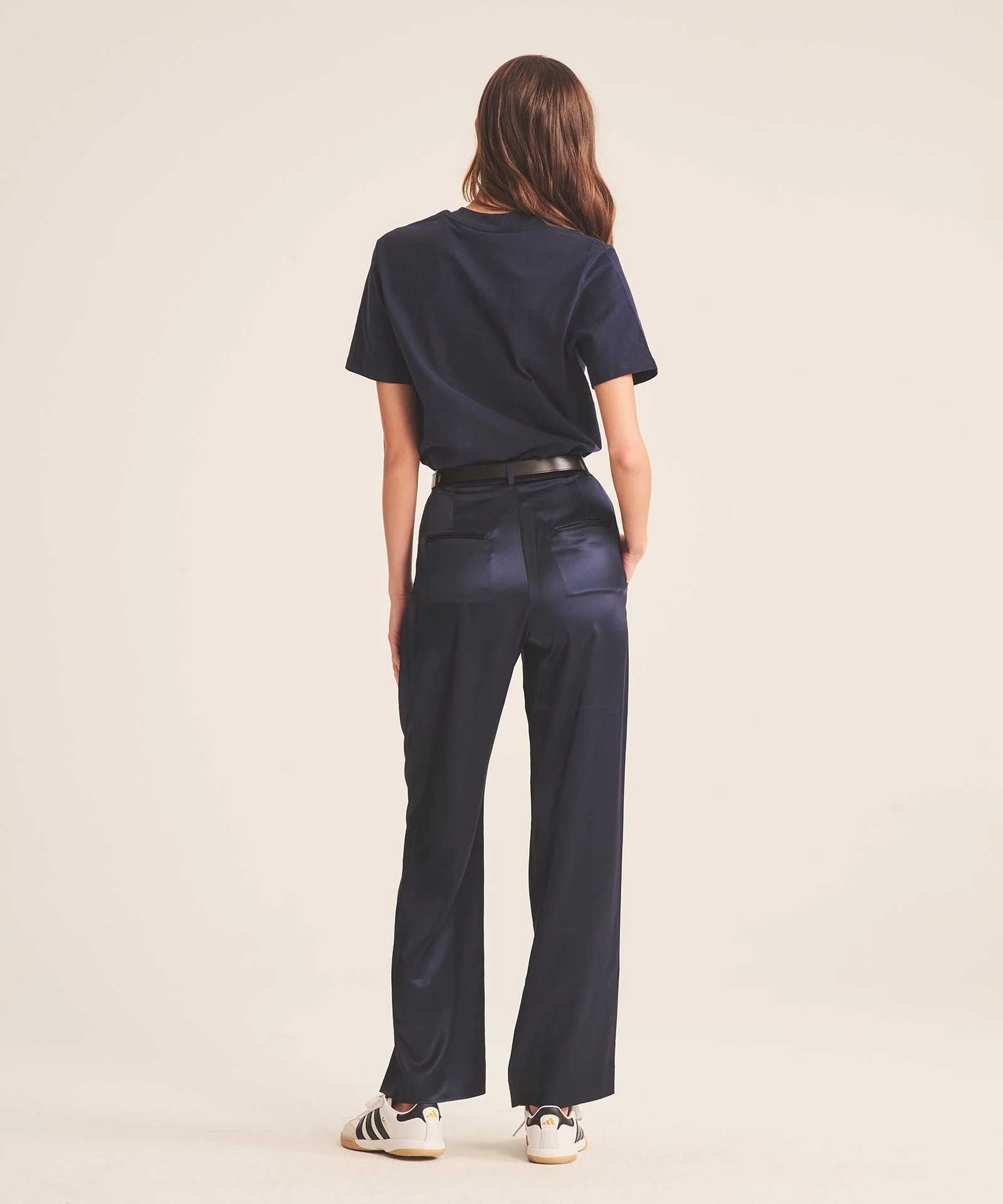
 Thanks! New Marc O’ Polo spring/summer 2026 by Lachlan Bailey

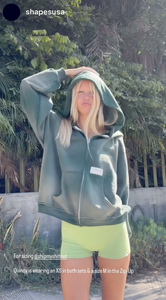
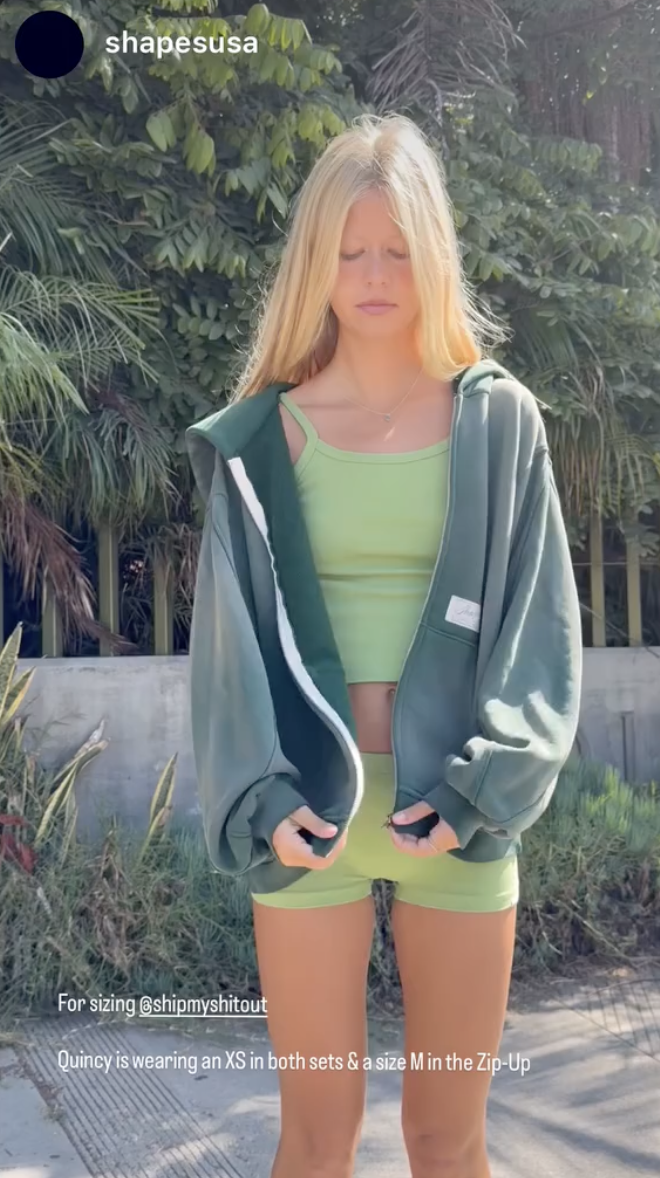
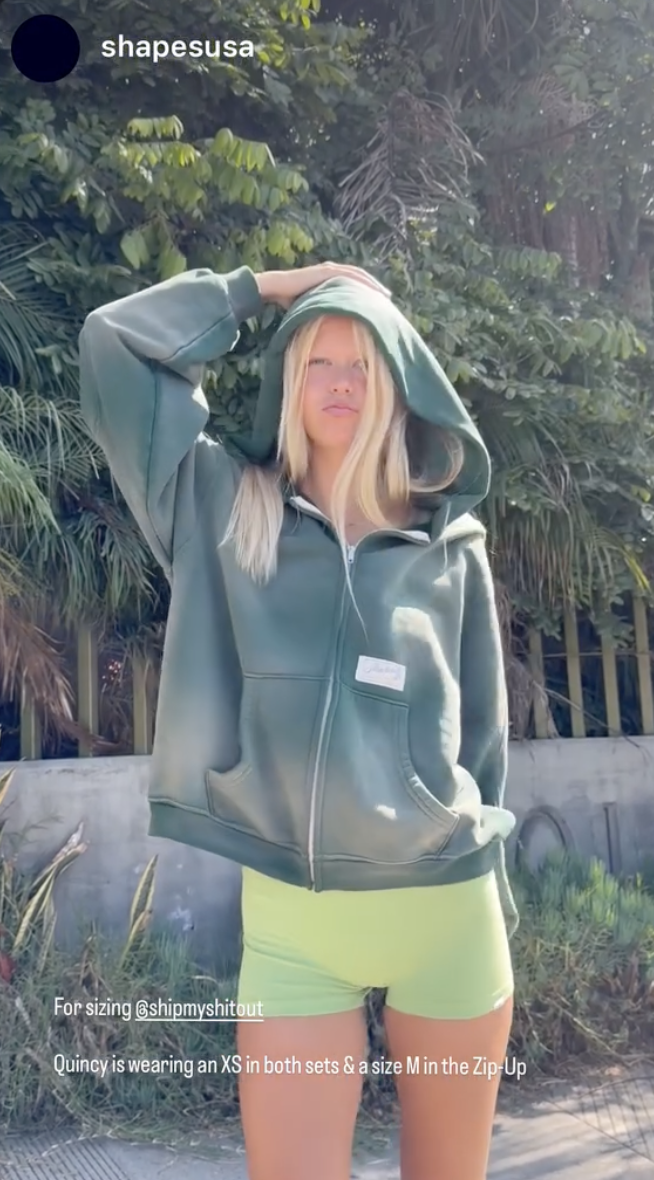
 Shape USA (2025) whipplequincy's2025-9-28-19.46.673 story.mp4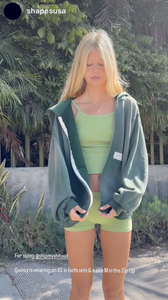

 Mytheresa x Khaite evening event at Bemelmans Bar's, NYC (facebook.com/mytheresa, facebook.com/bfanyc, bfa.com)
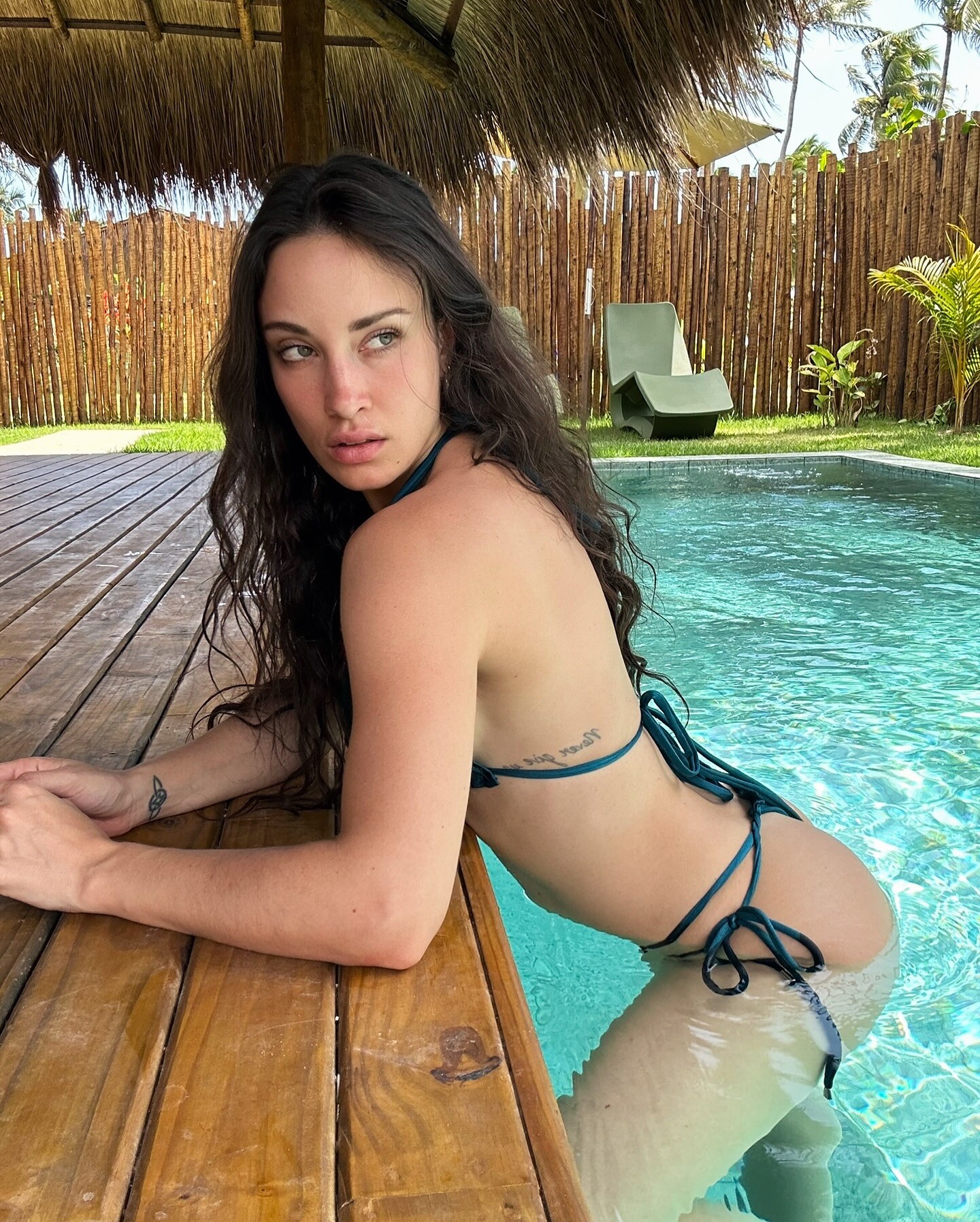
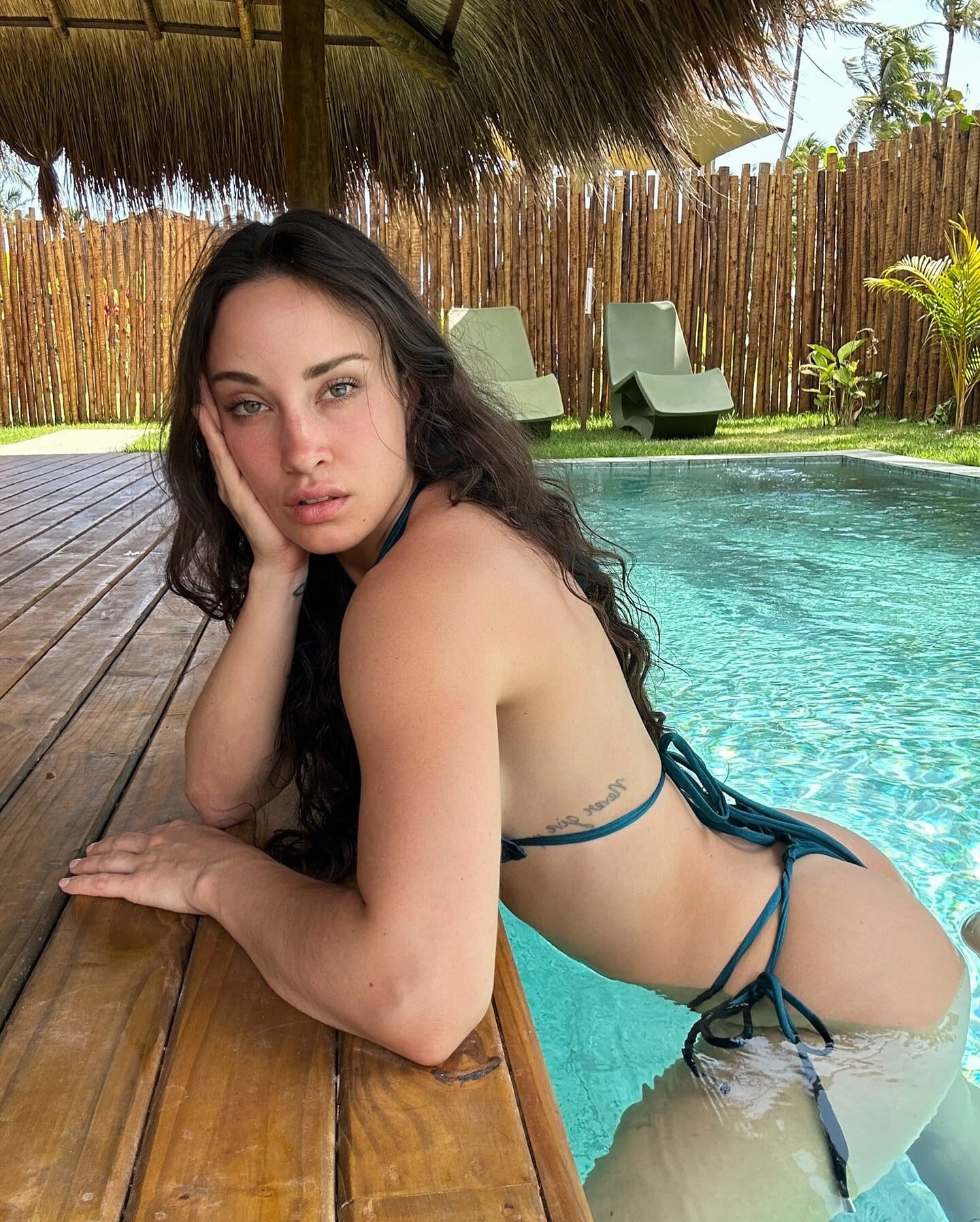
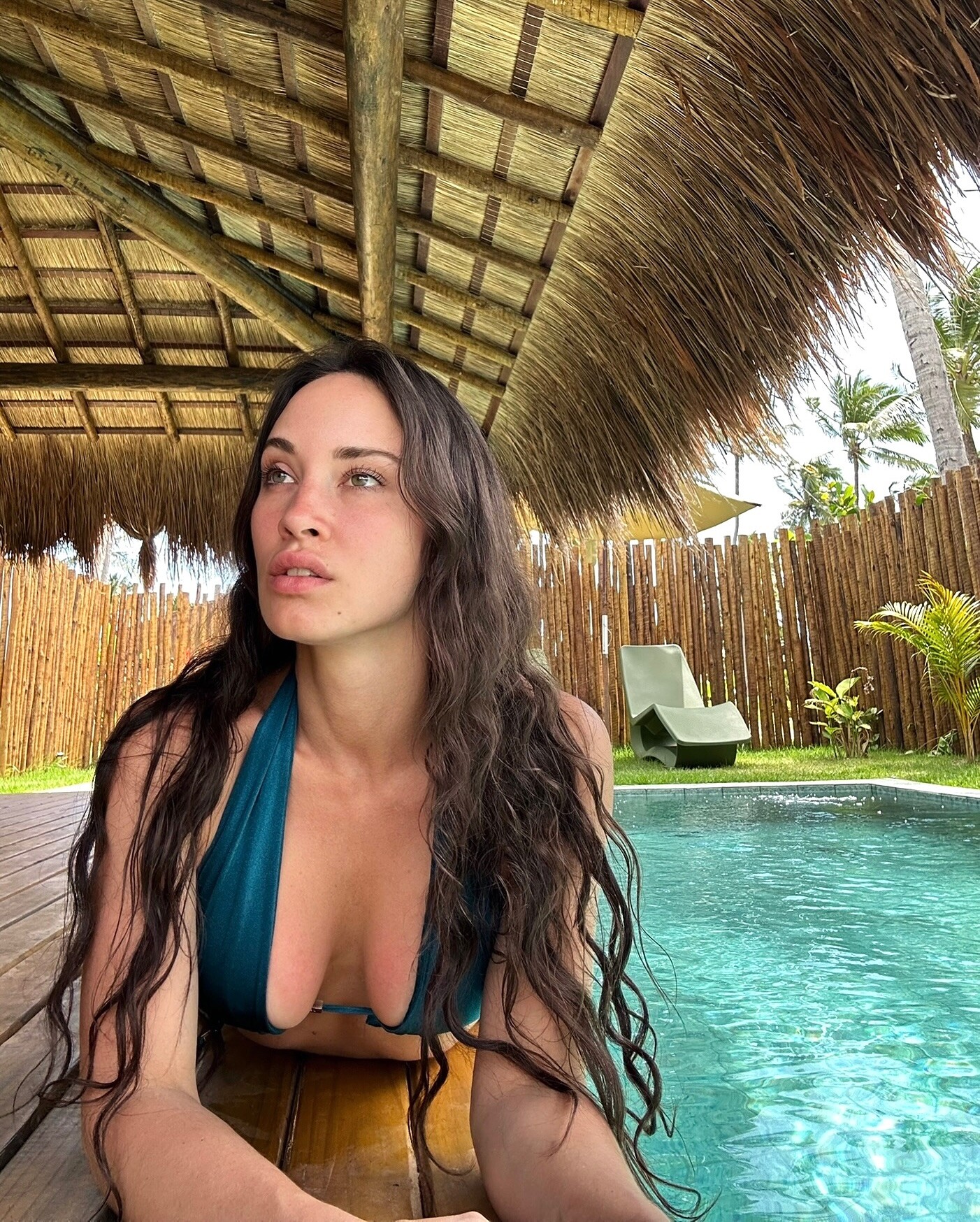
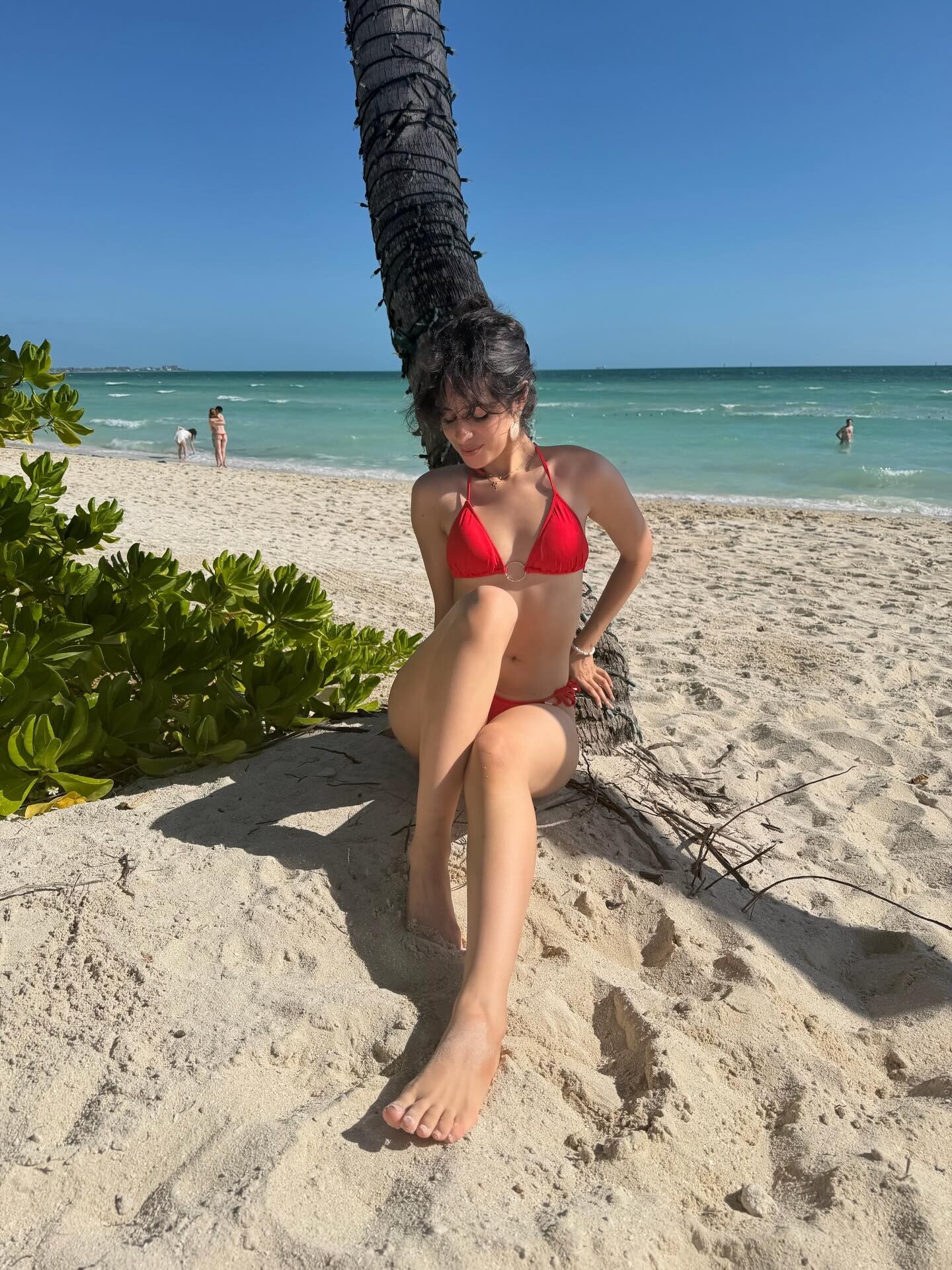
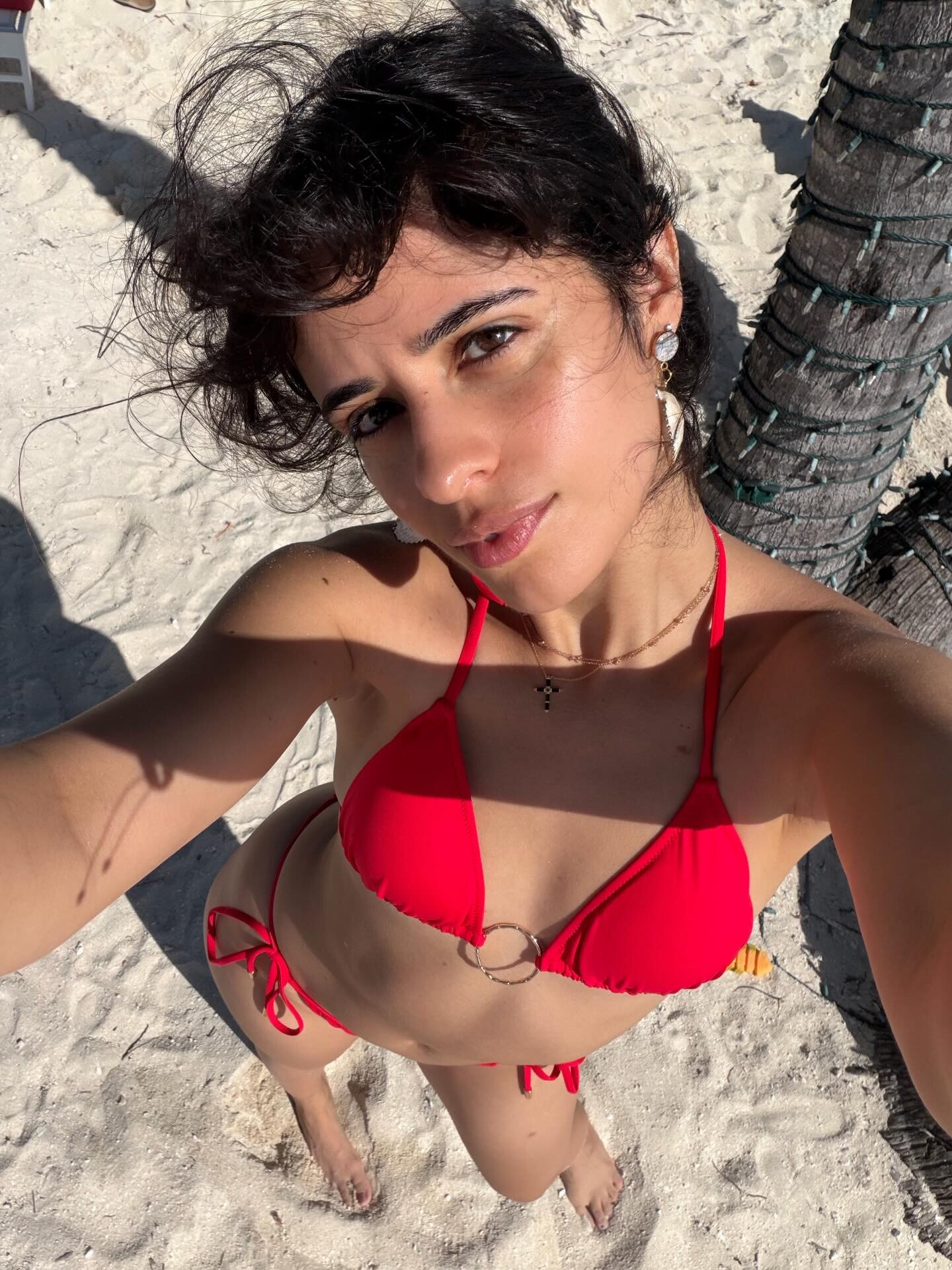
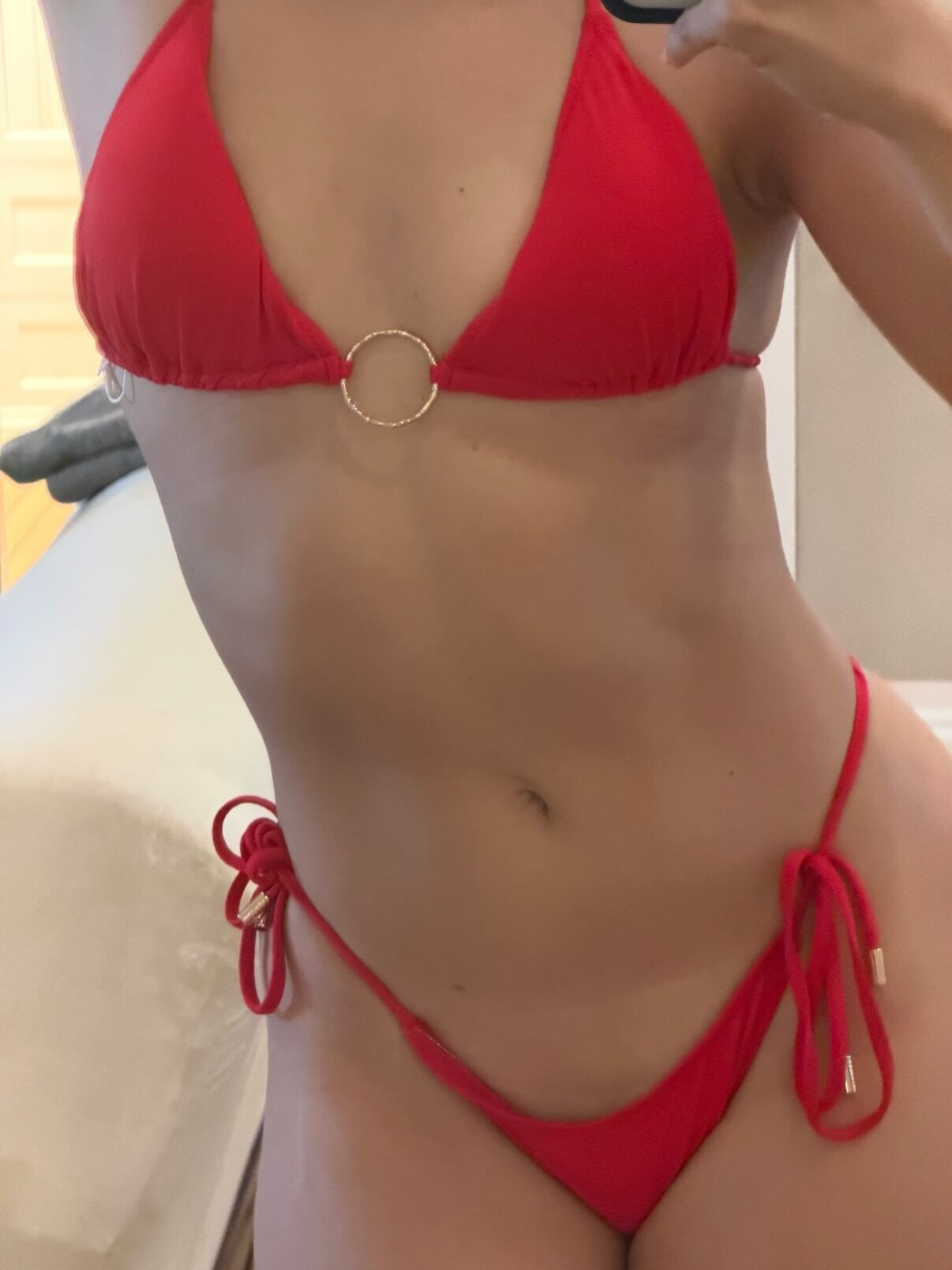
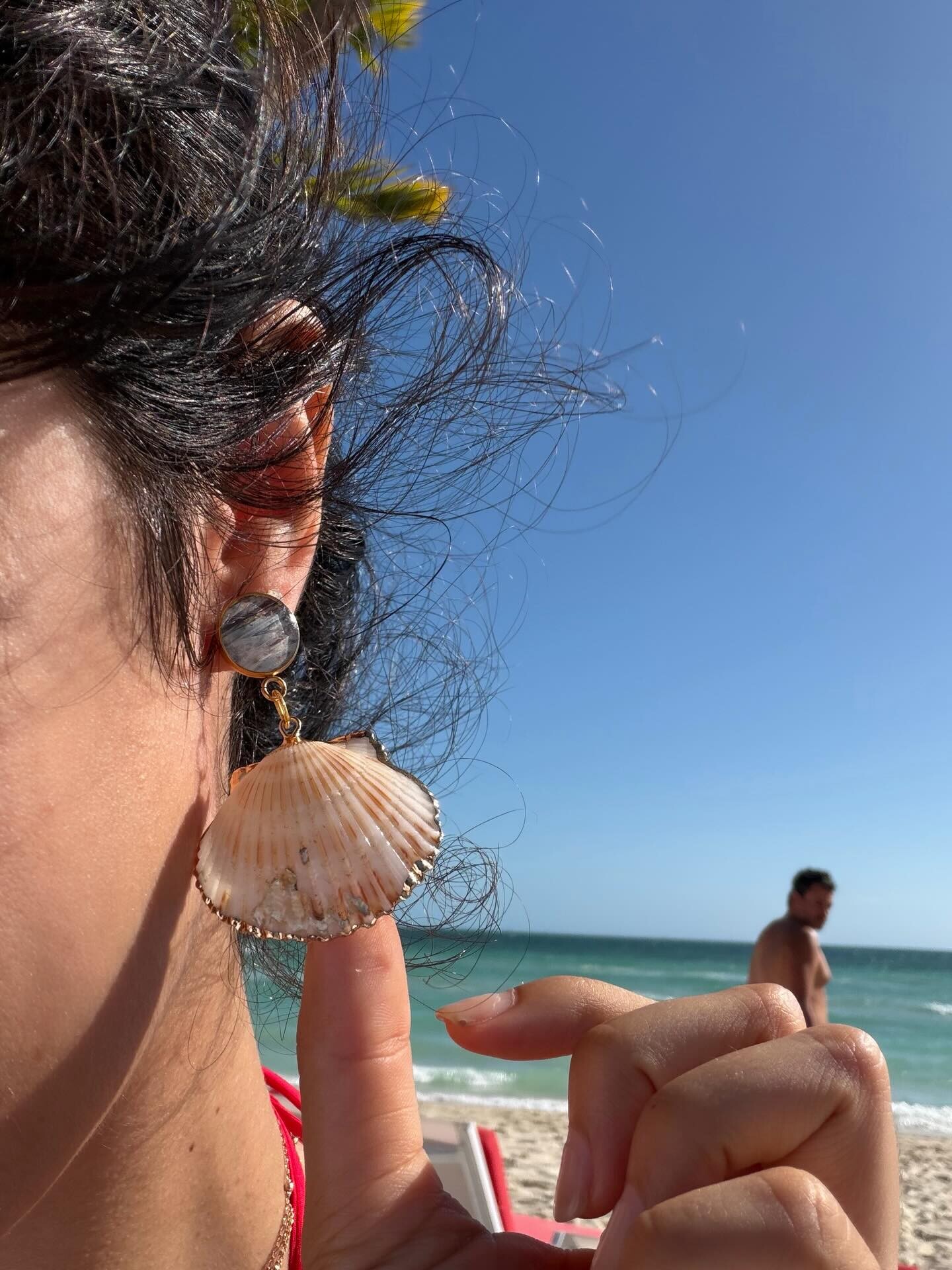
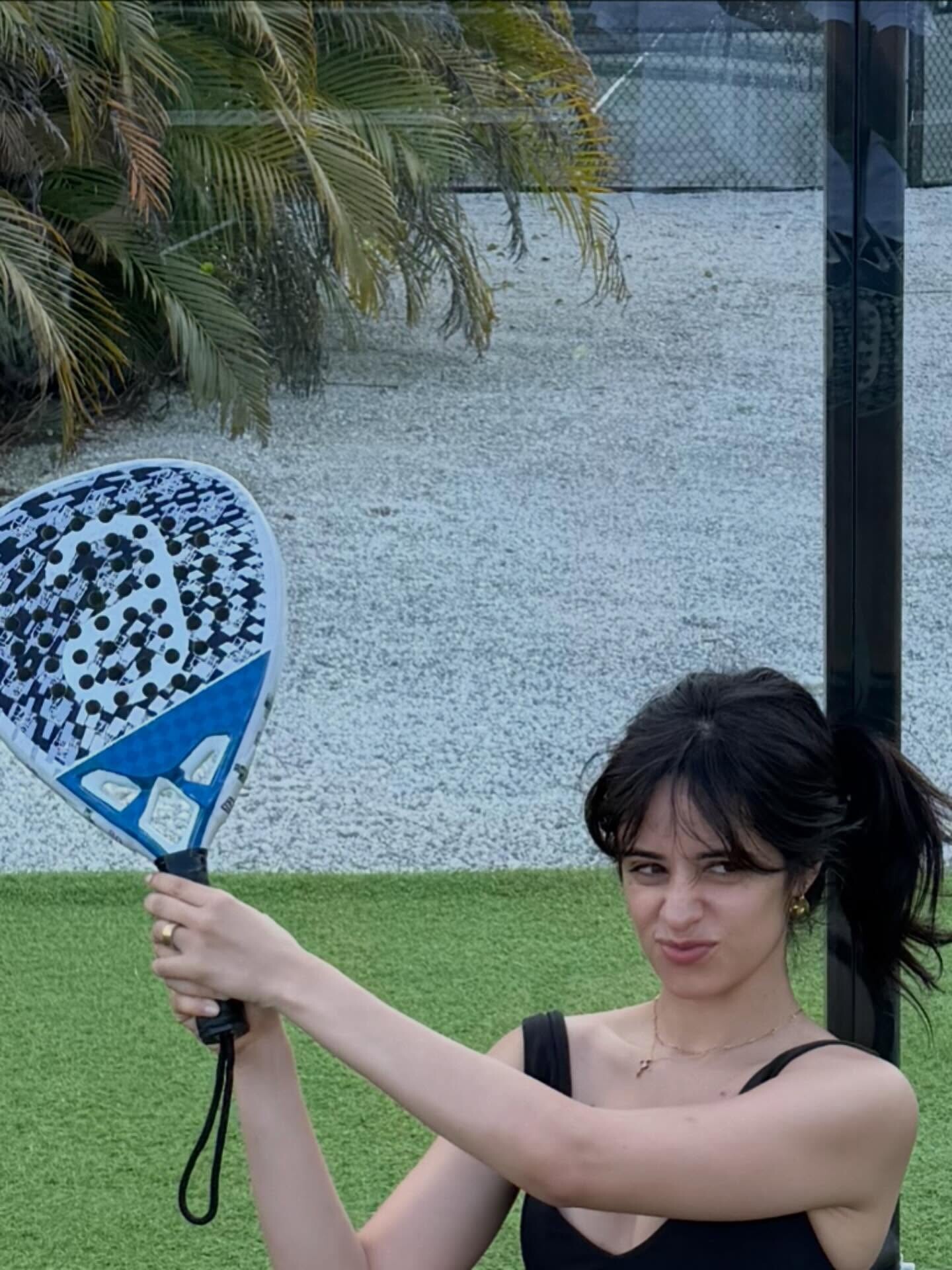
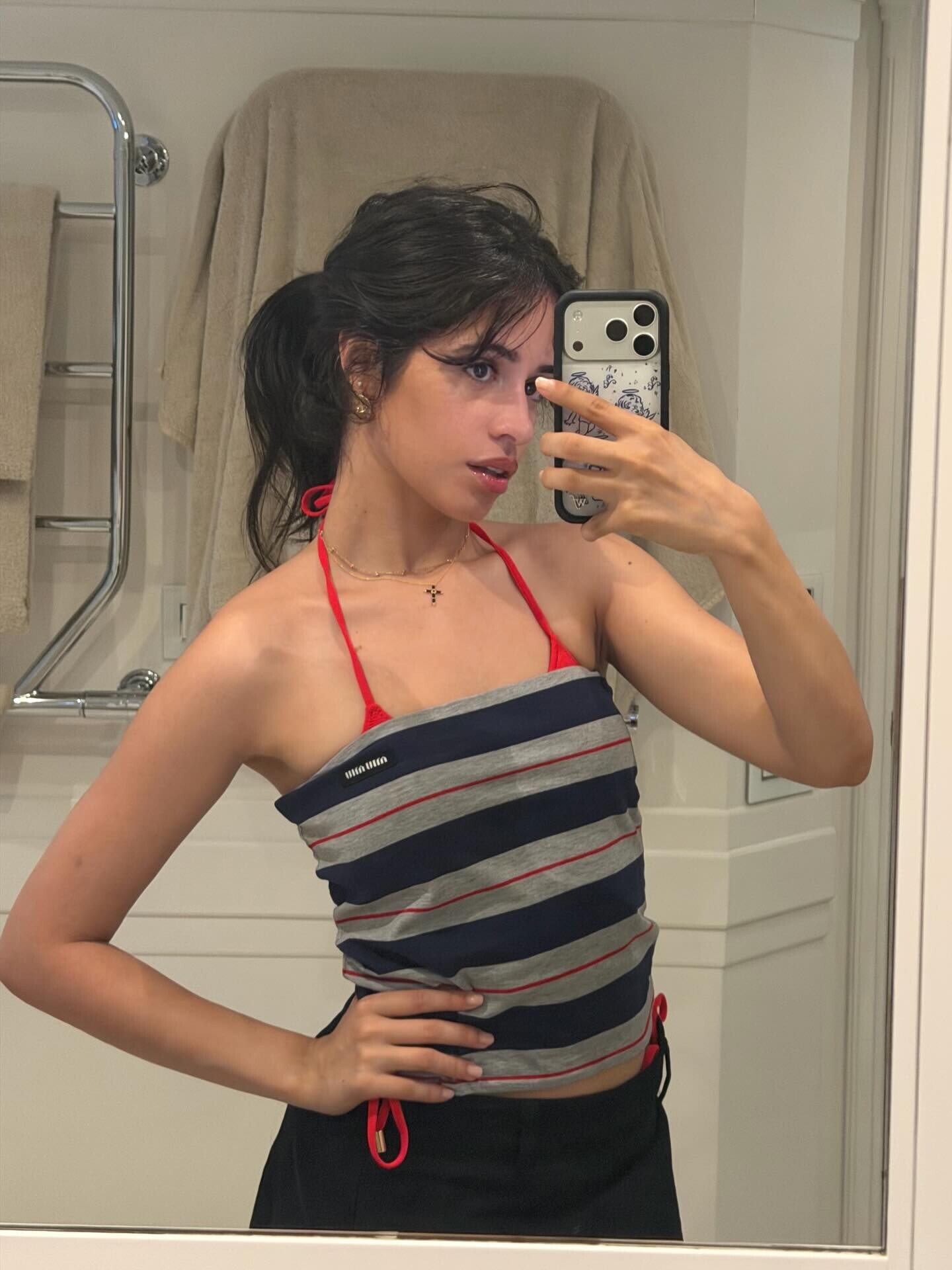
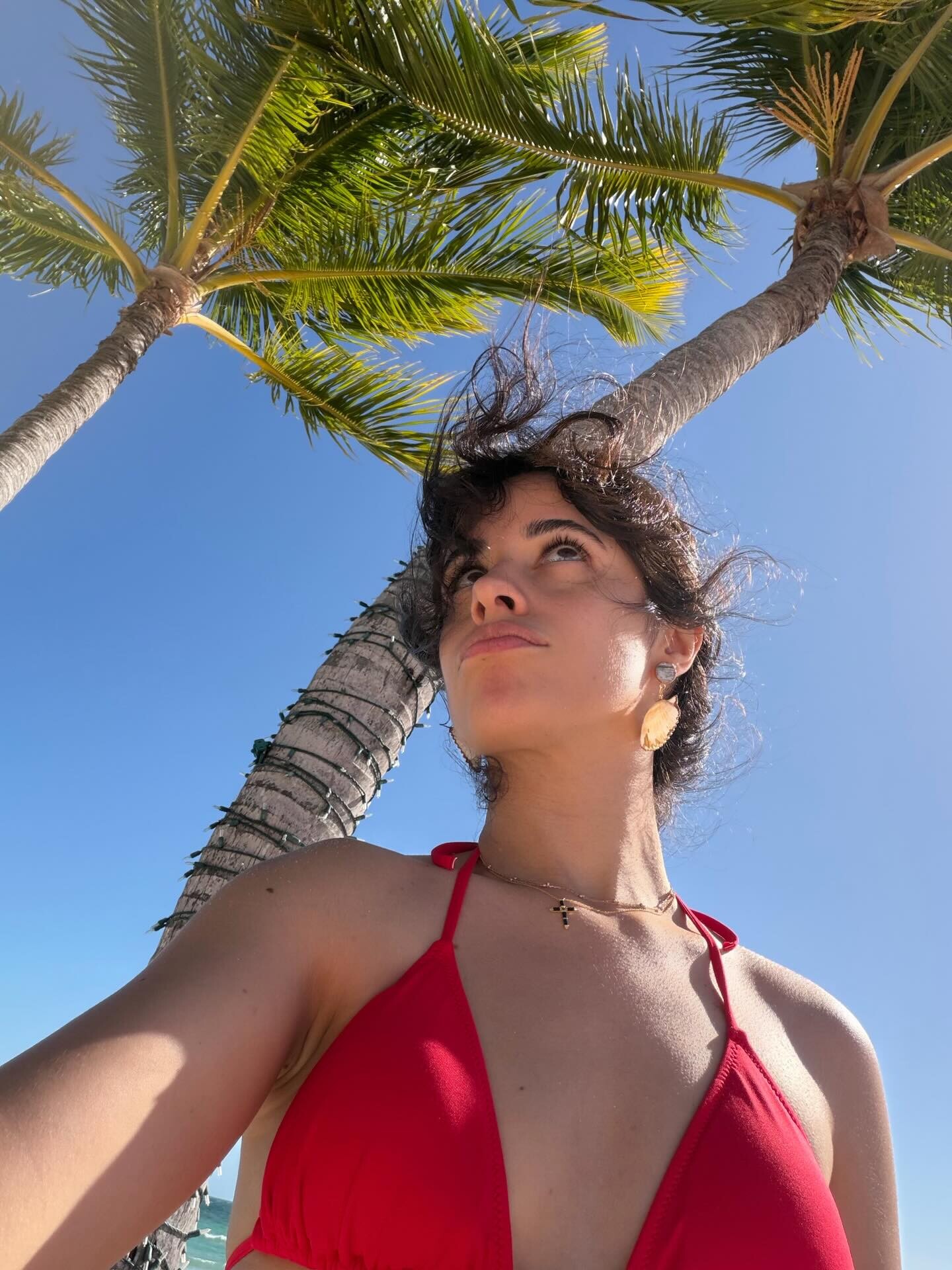
 Instagram tranquilo Bobby, tranquilo 🐚🐠🏝️🌺🍹🌅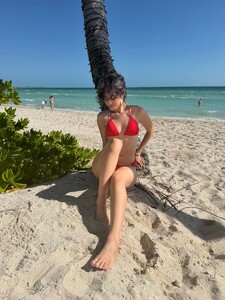






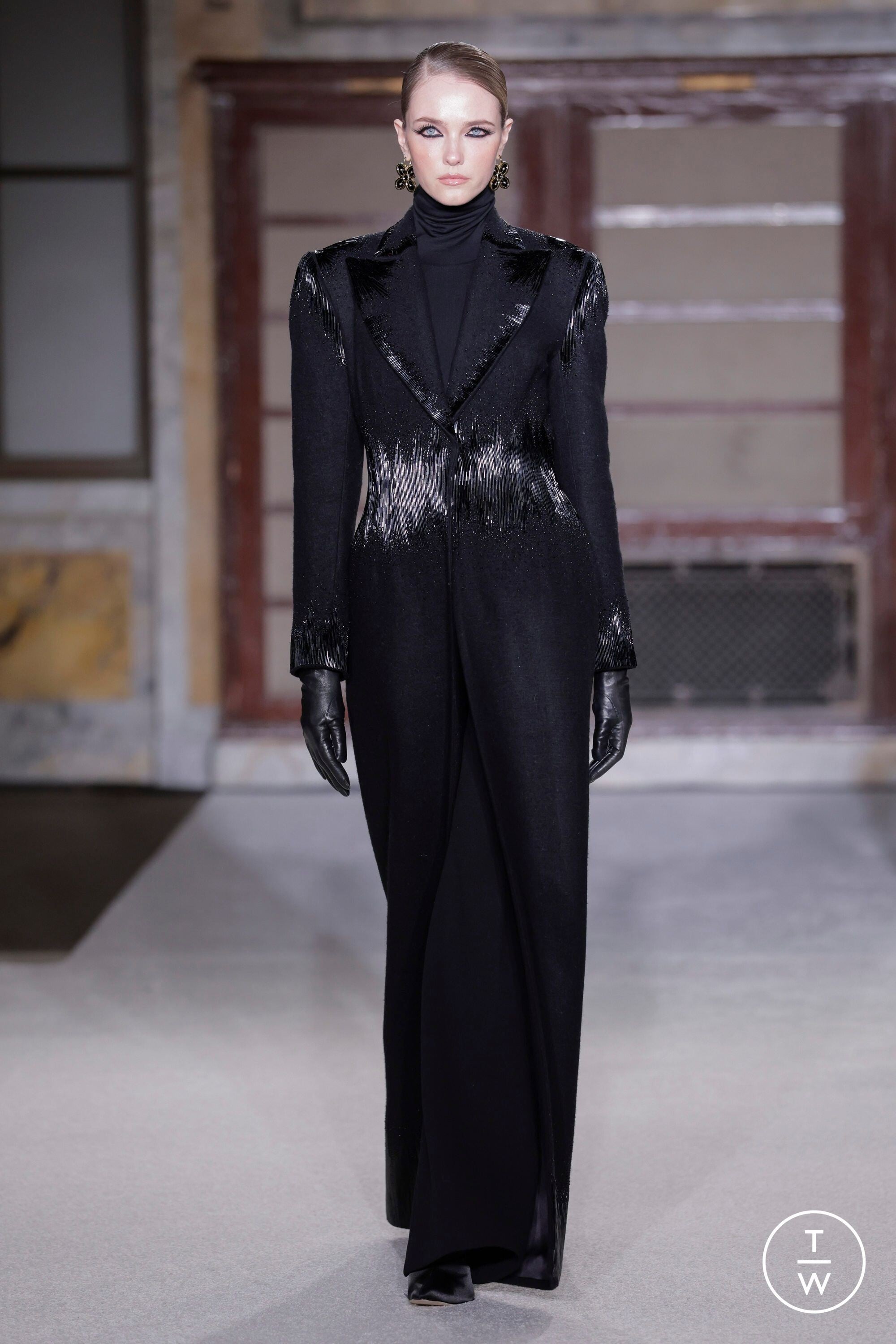
 Sergio Hudson F/W 2026
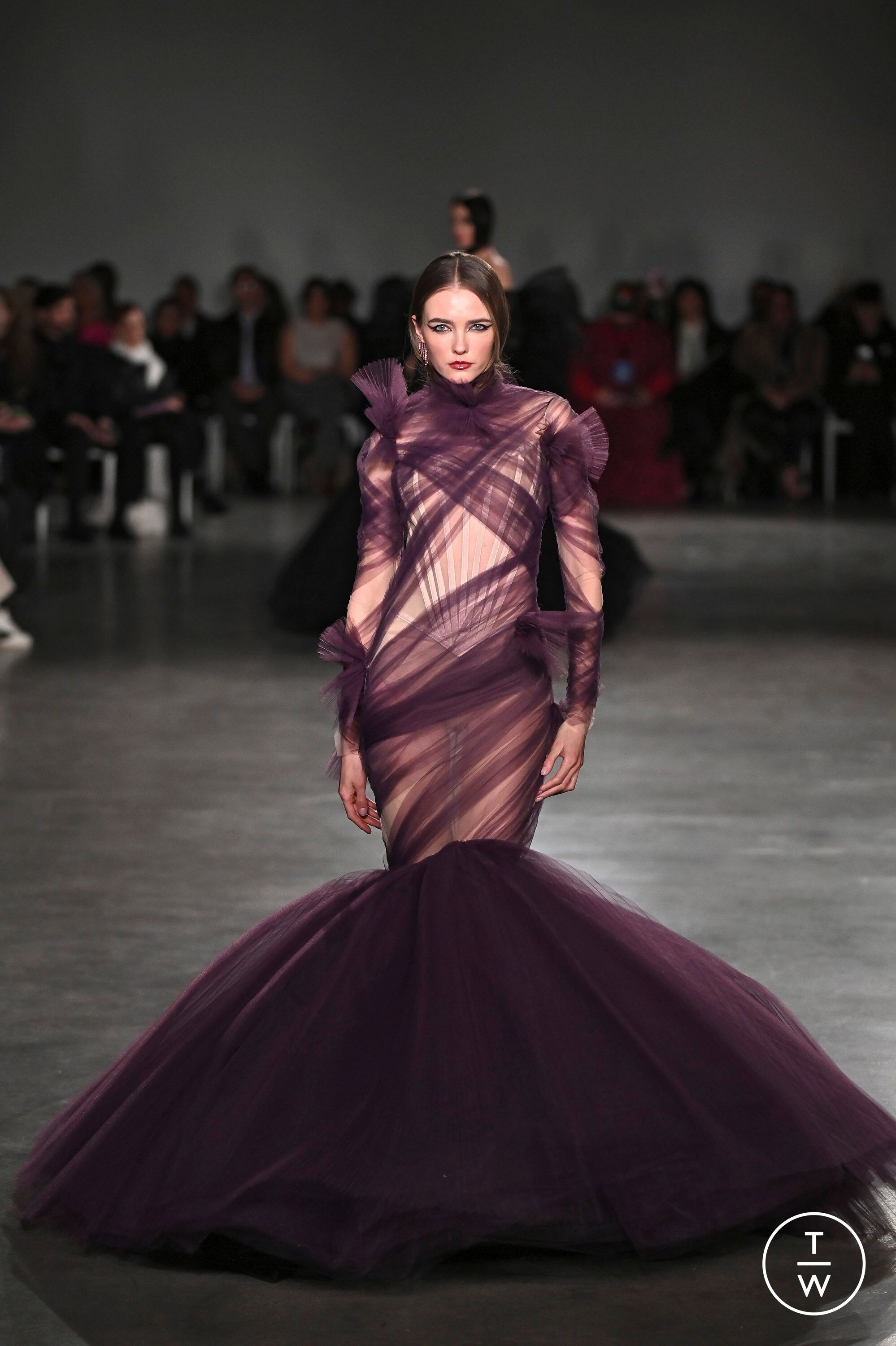
 Christian Siriano F/W 2026
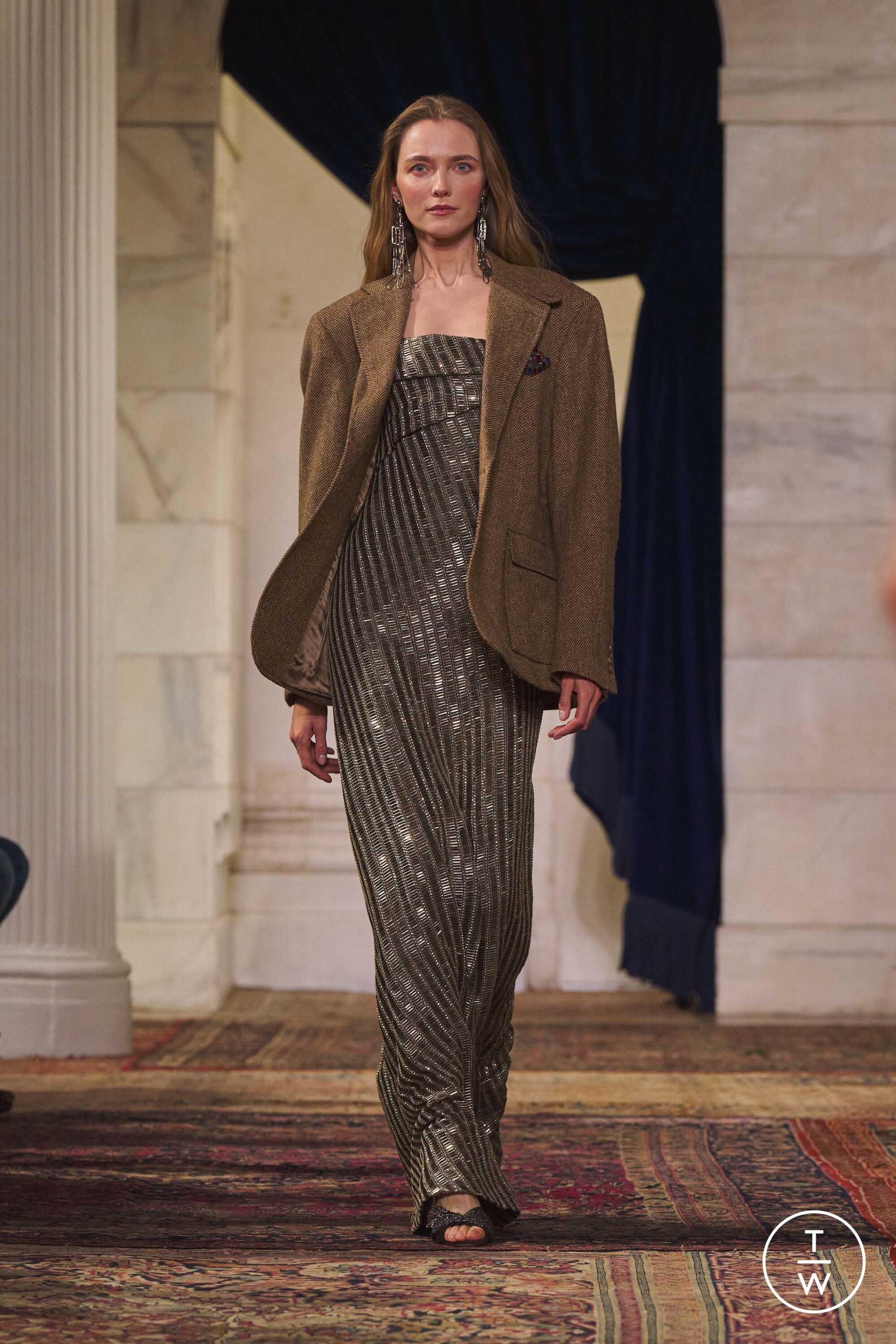
 Ralph Lauren F/W 2026

 Innuendo1991 joined the community
Instagram Story Video
Innuendo1991 joined the community
Instagram Story Video
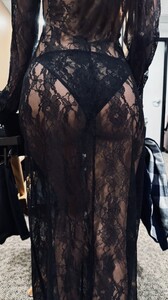

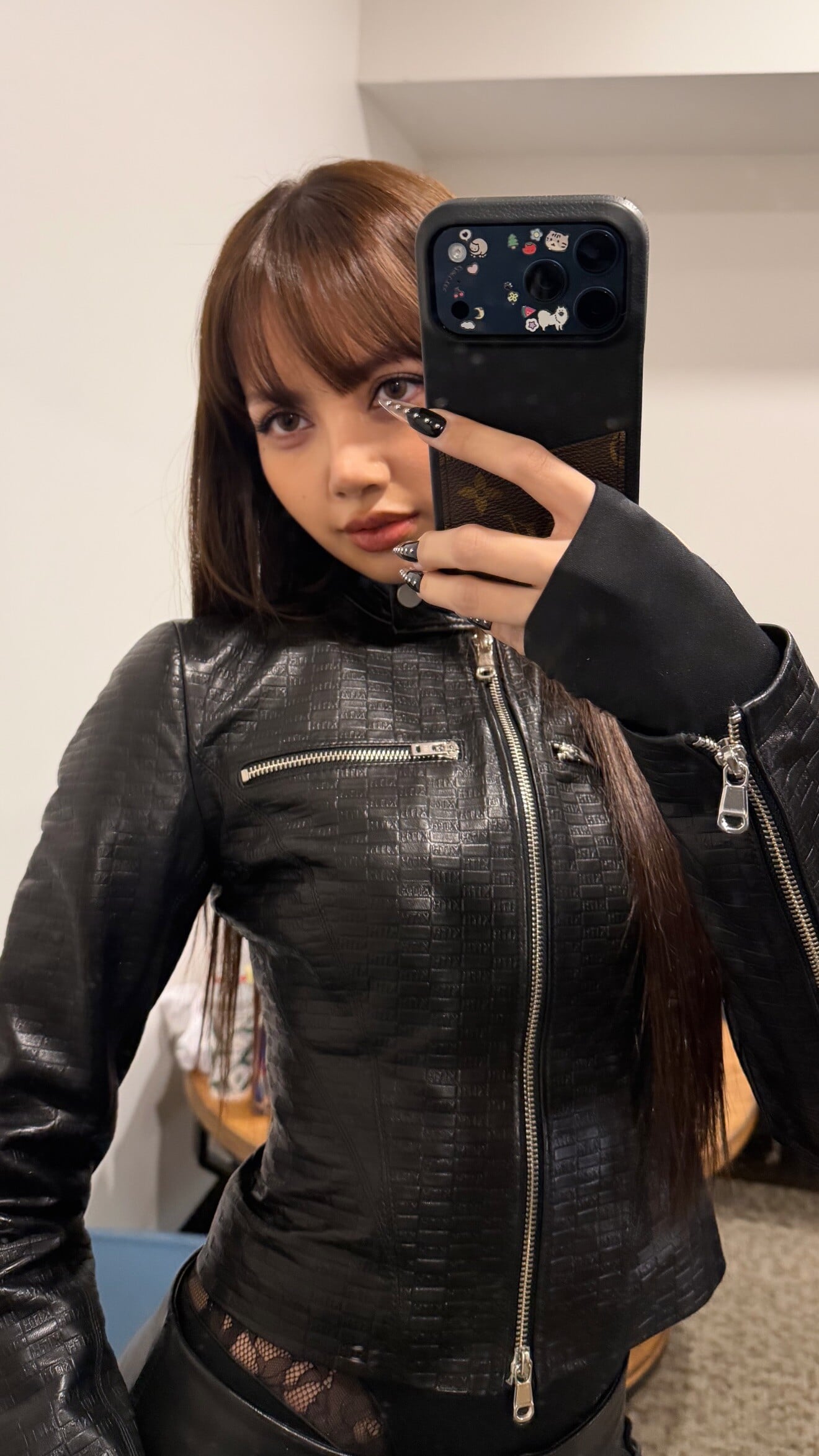
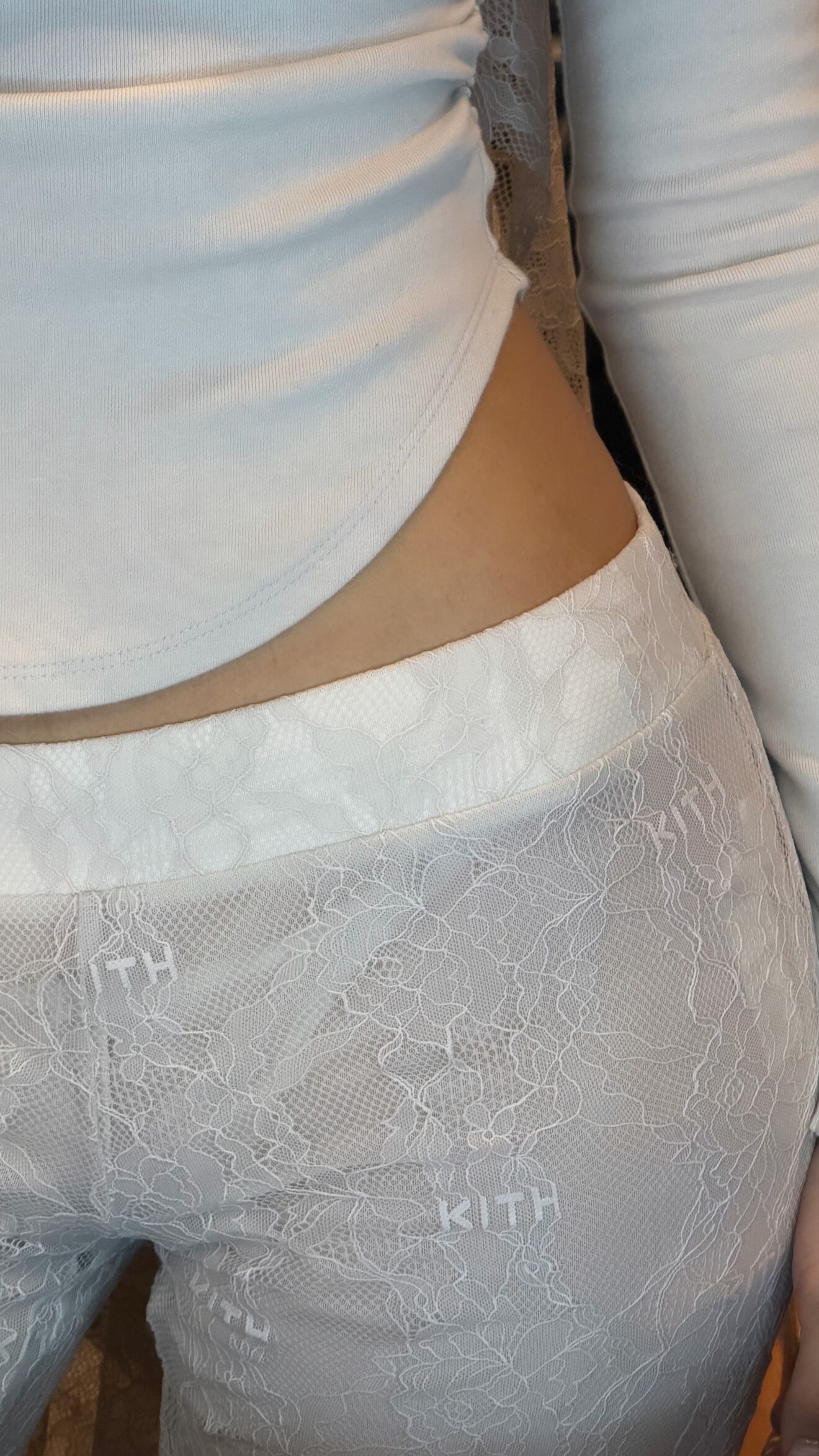
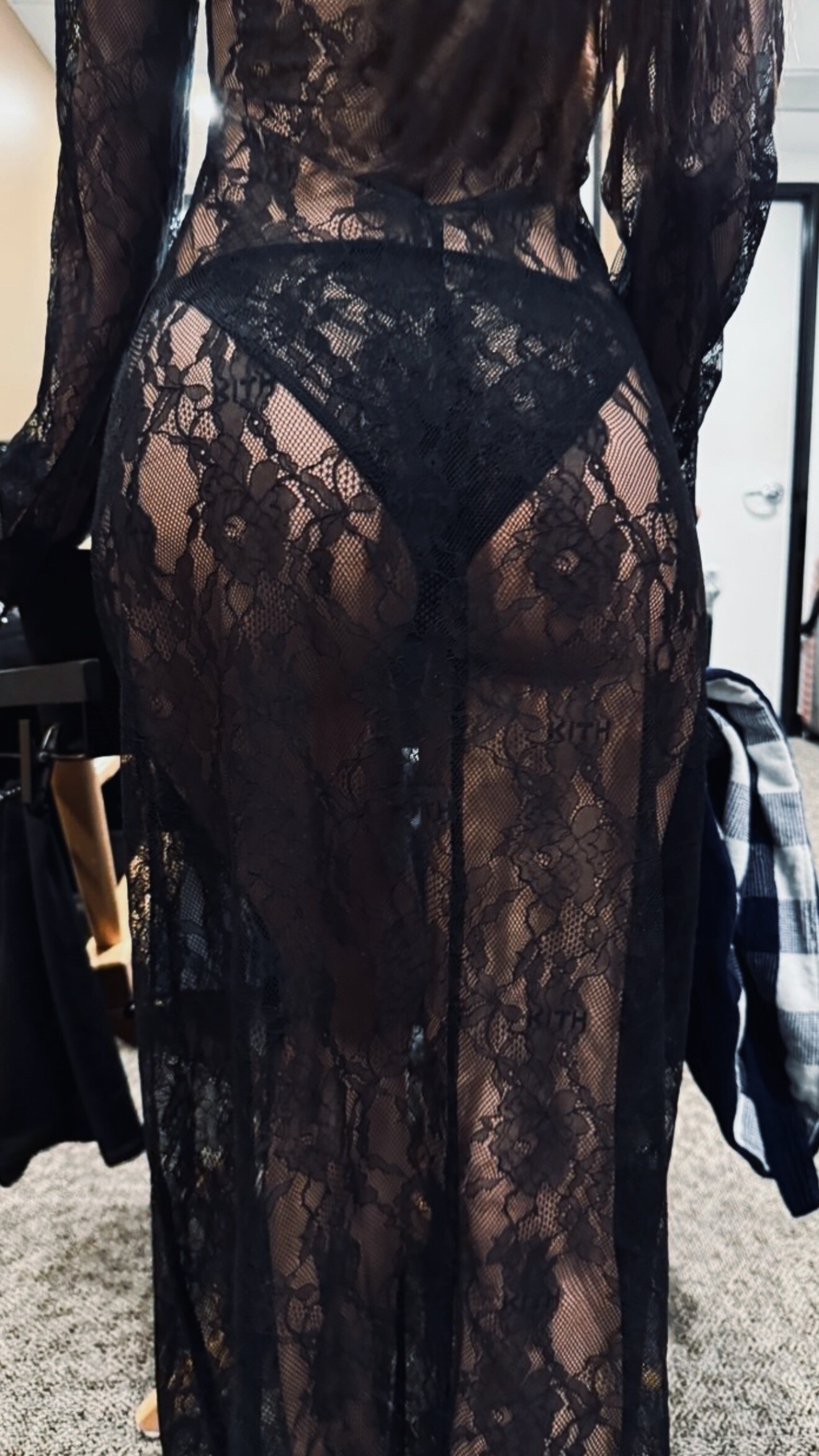
 Instagram | kithwomen Lisa for Kith Women Spring 2026 Video


 IMDbPaz Vega | Actress, Producer, DirectorKnown for: Люсія і секс, Іспанська англійська, RitaPaz Vega & Elena Ayana - Lucia und der Sex (2001)720p Duration: 00:16:07 Resolution: 1280x720 Format mp4 Size: 204.6 MB https://filejoker.net/c1gm74il4x28
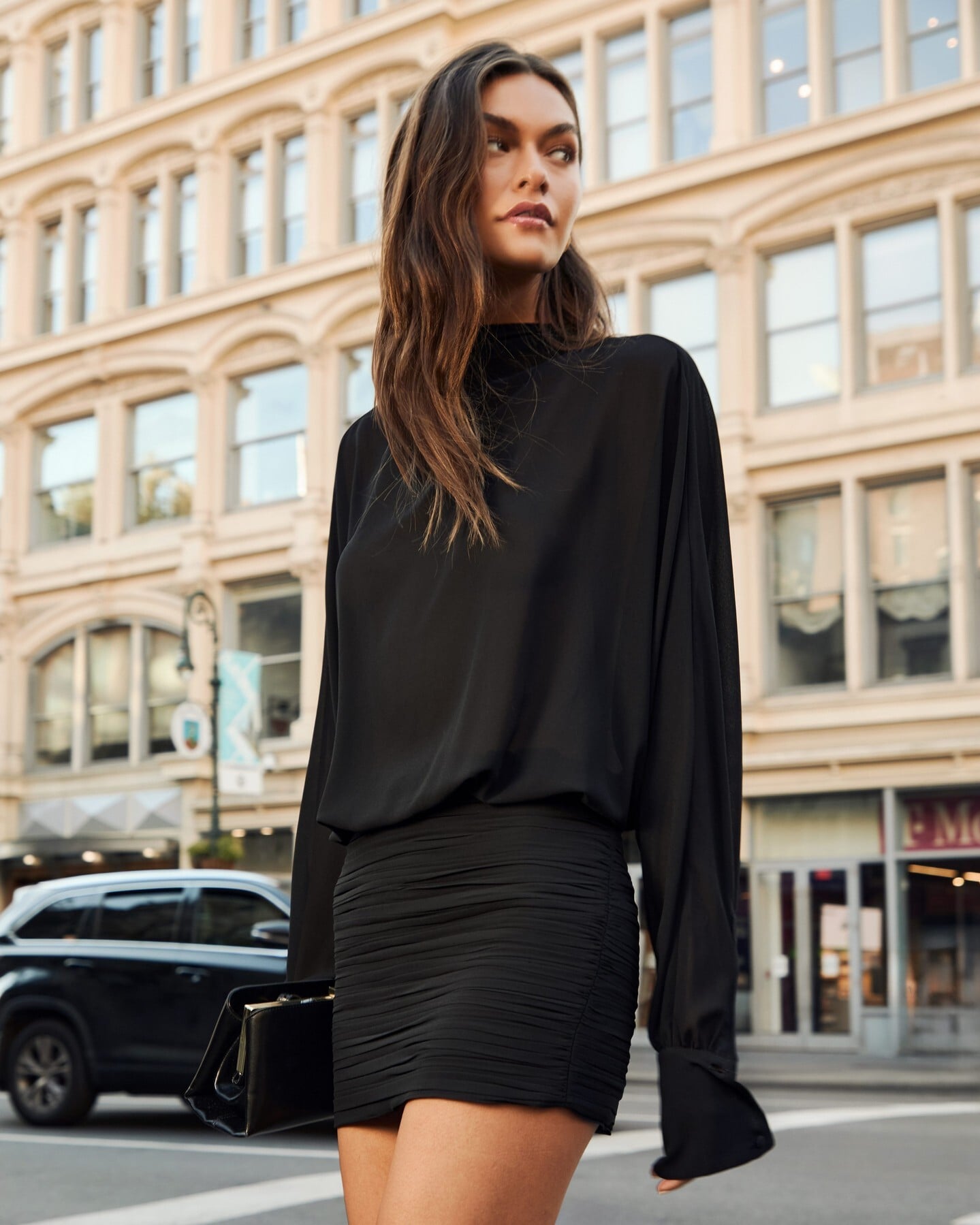
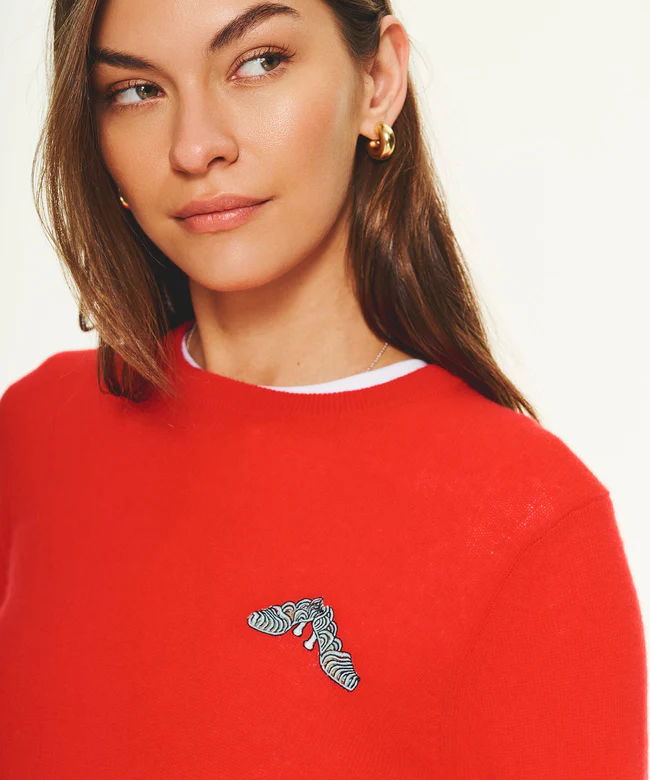
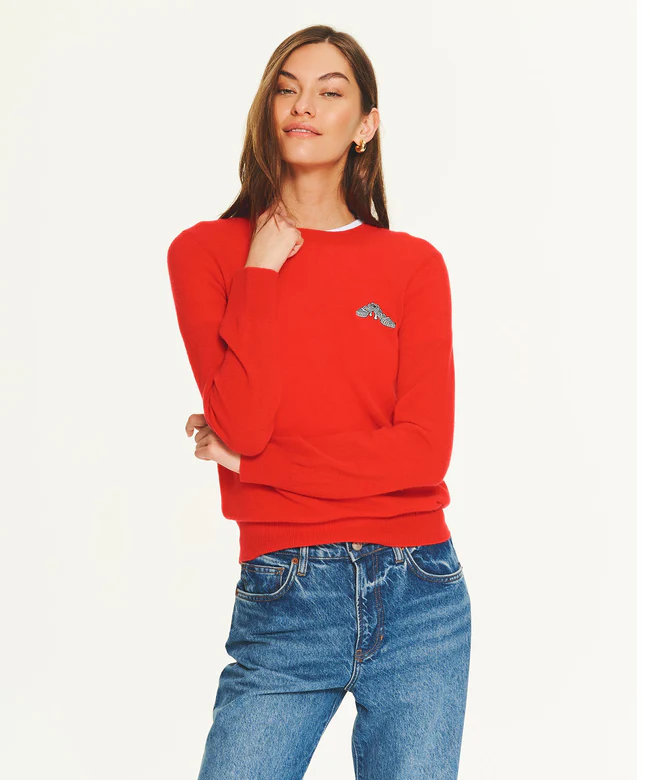
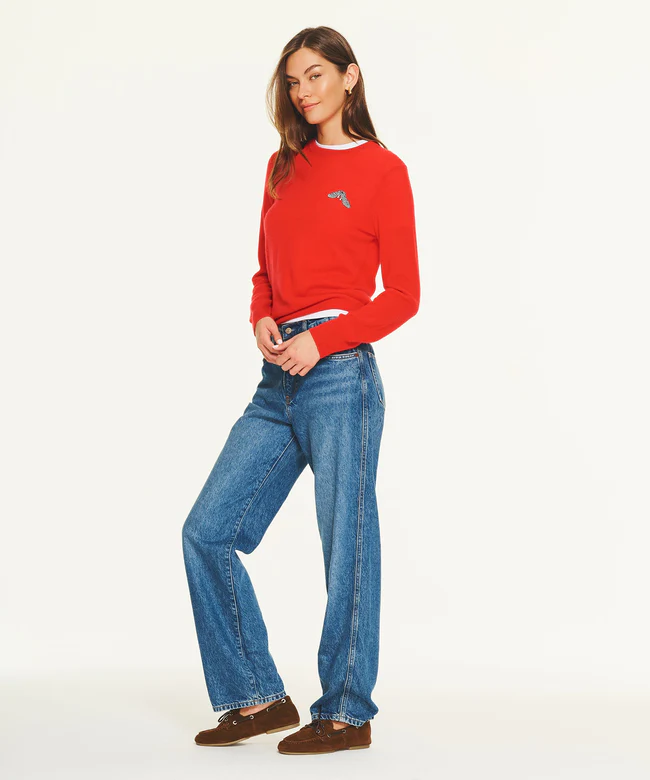
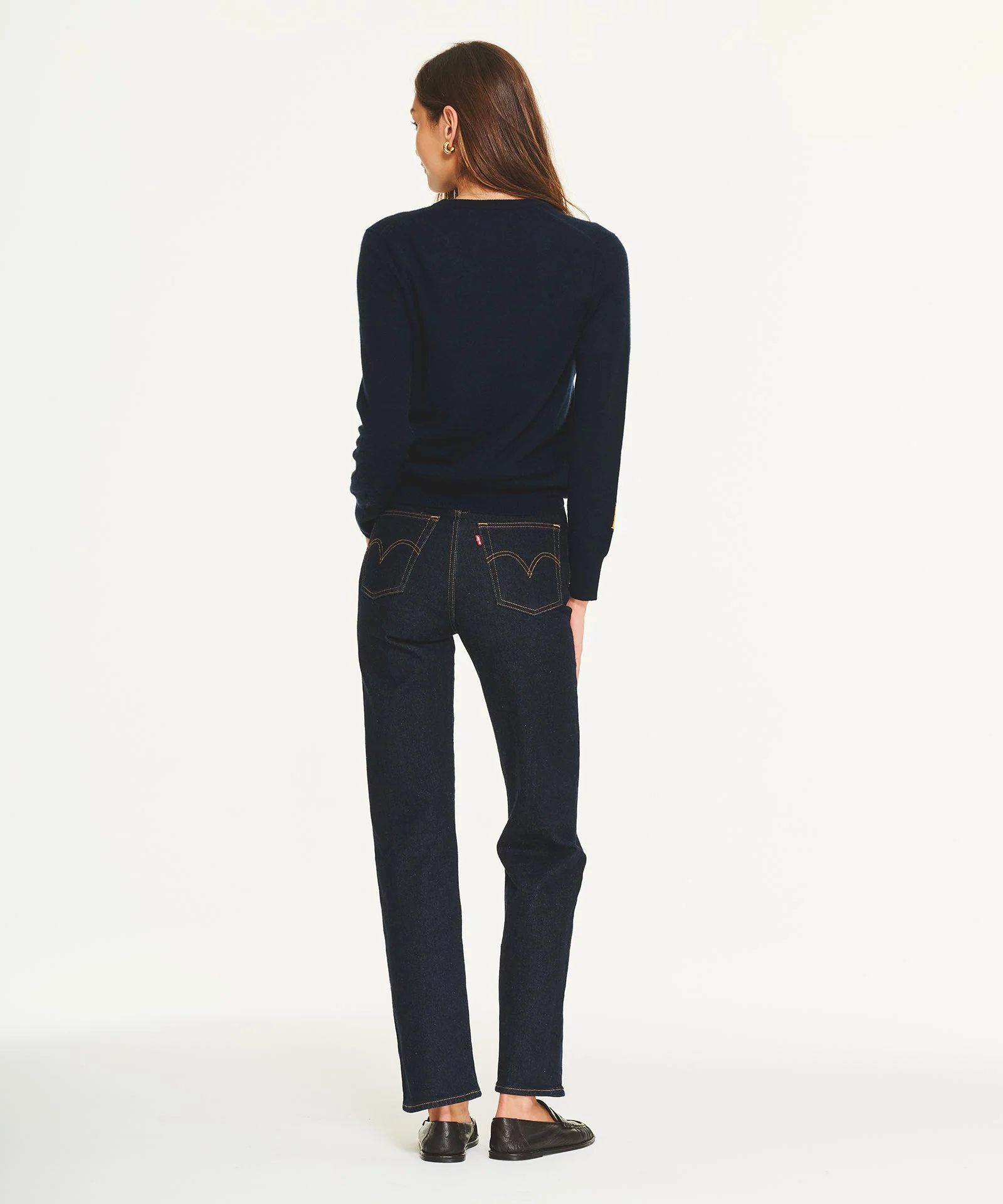
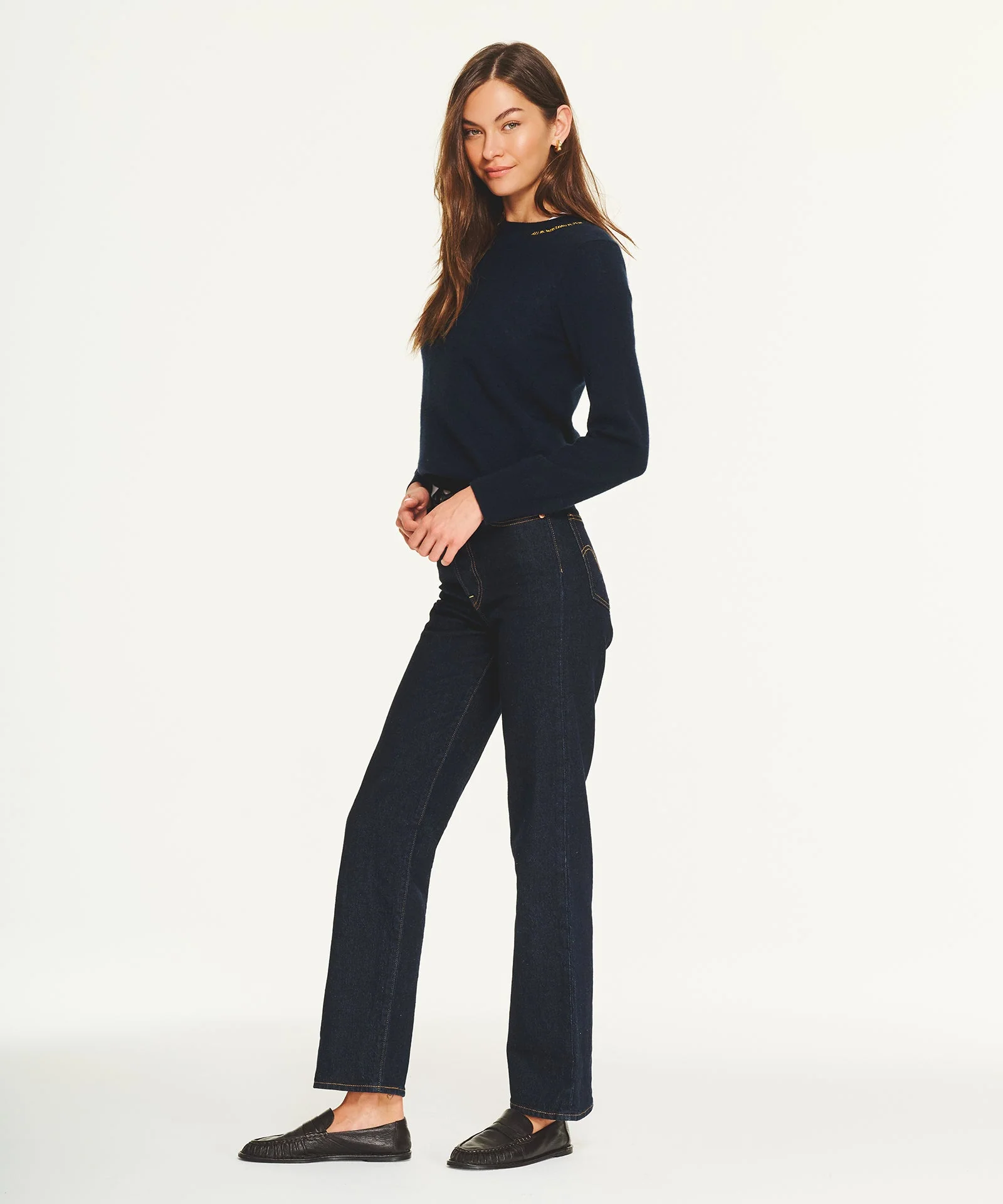
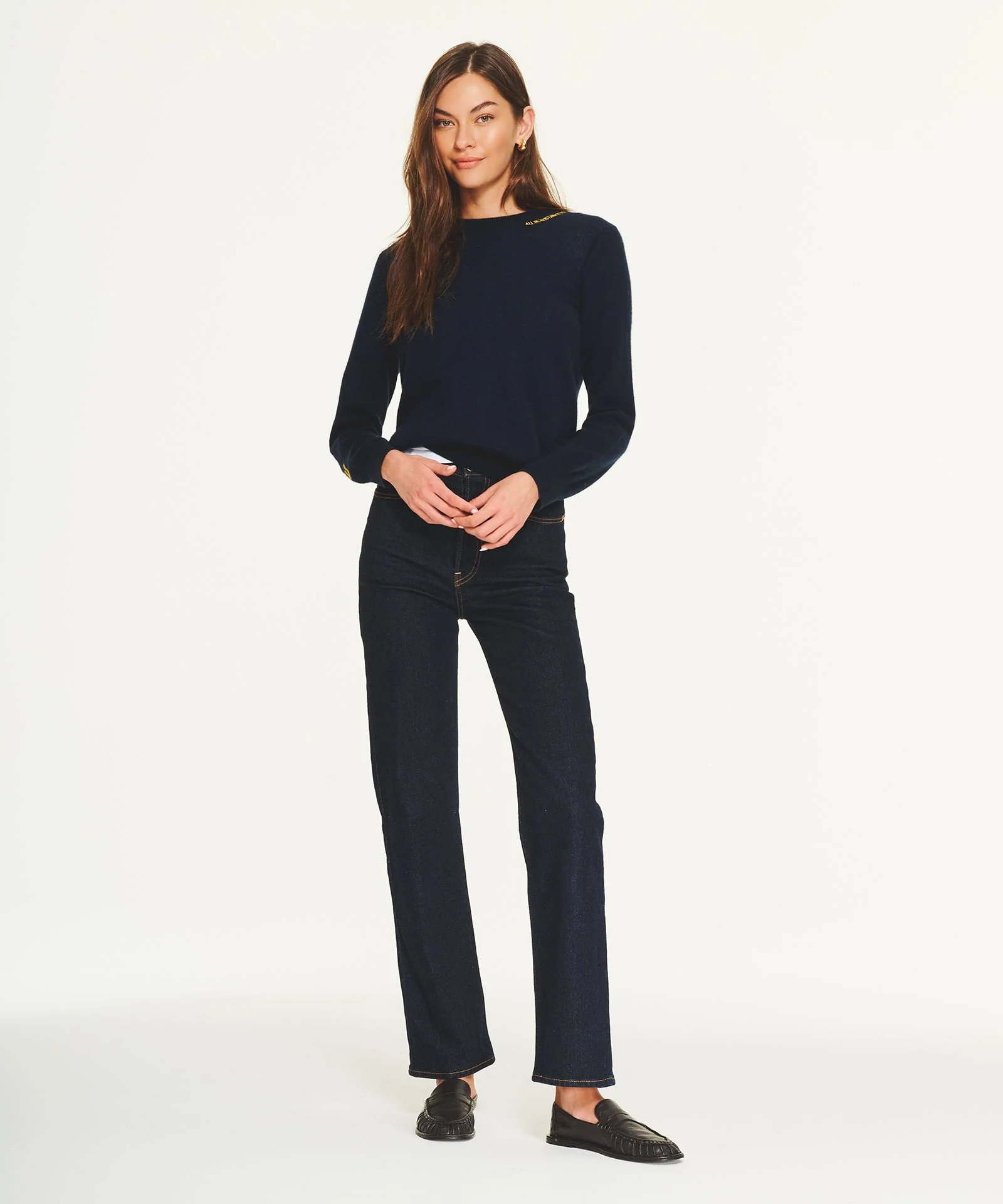
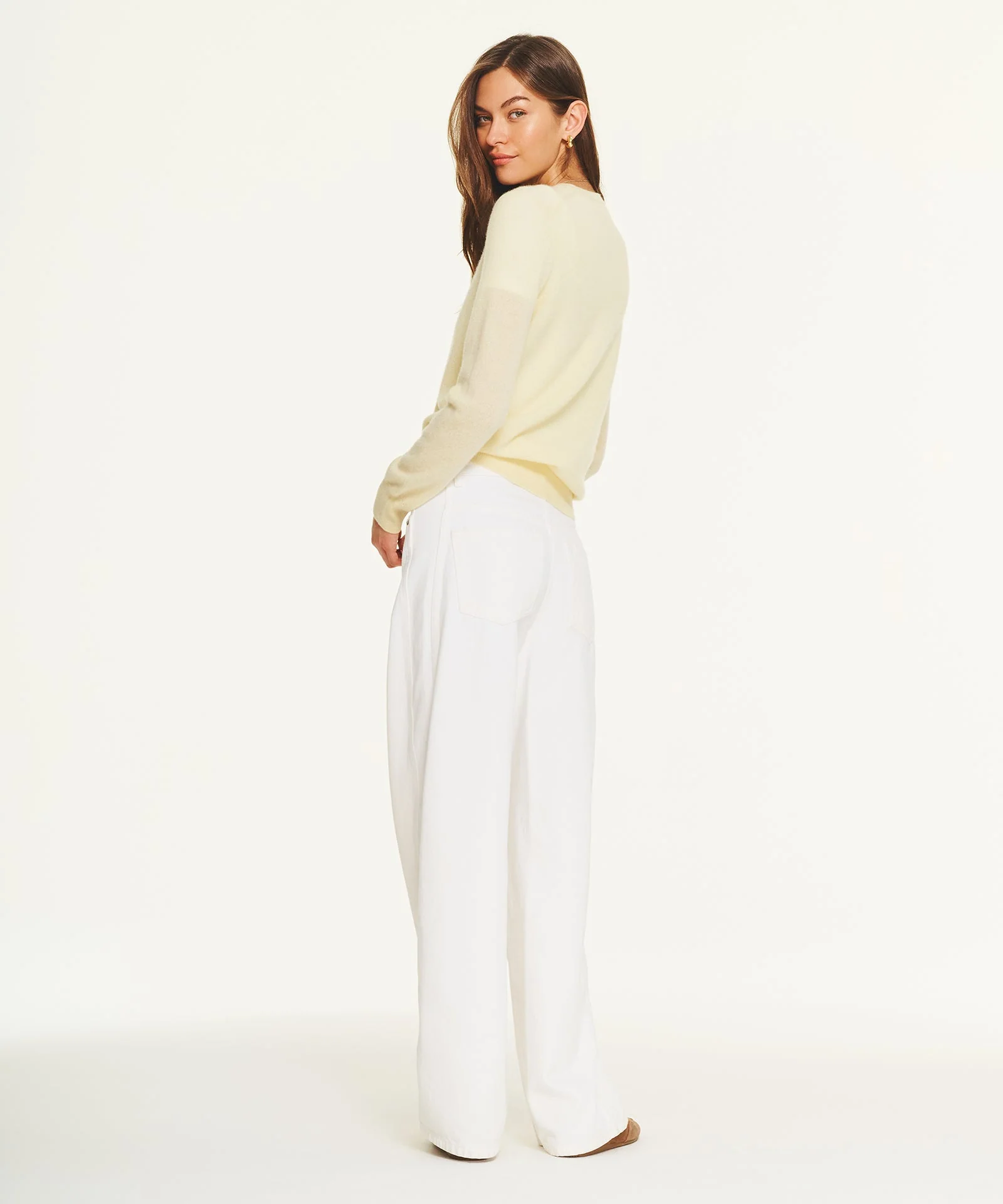
 Renato Balestra "Balestra blue" - unknown year vogue it


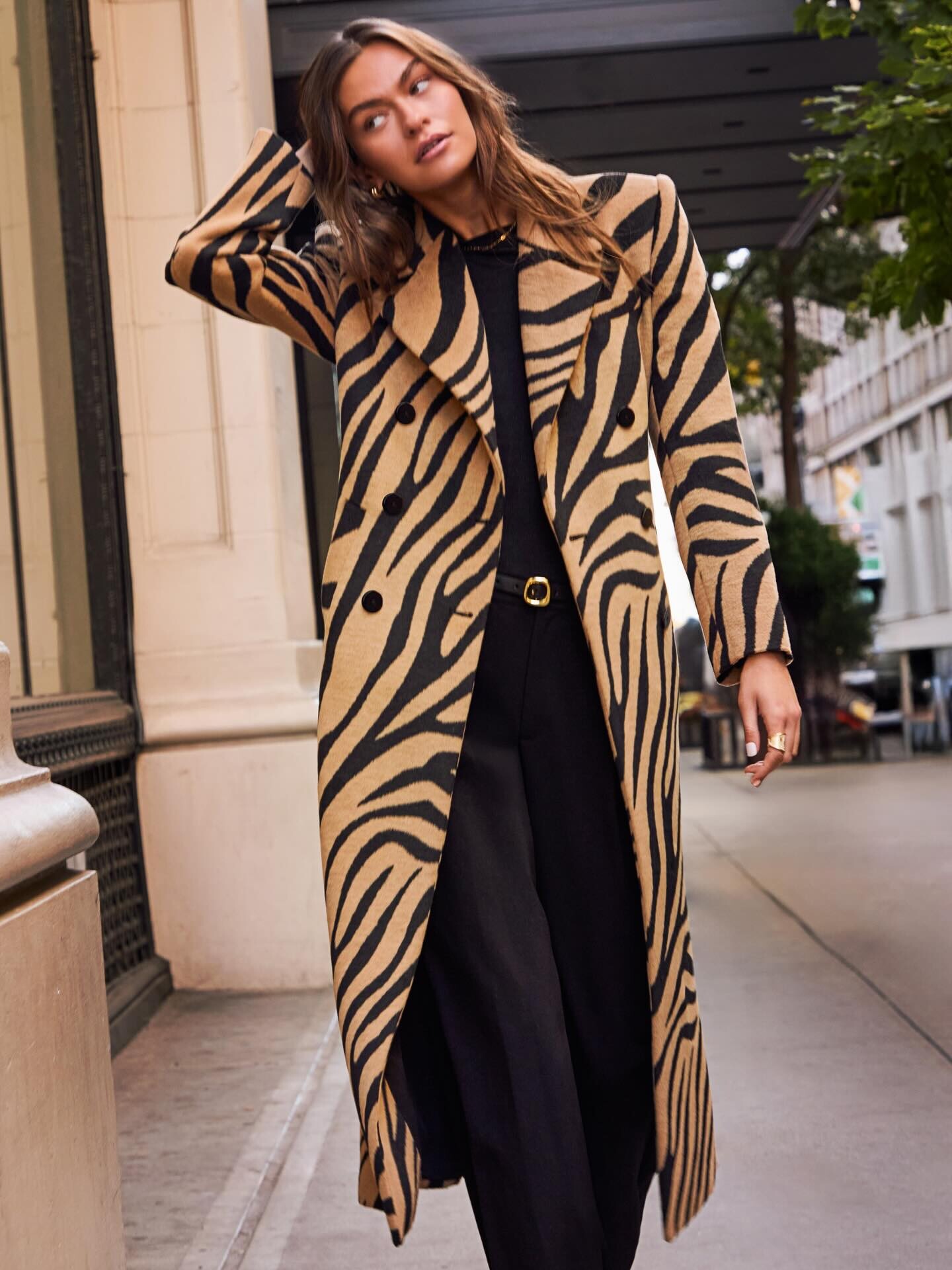
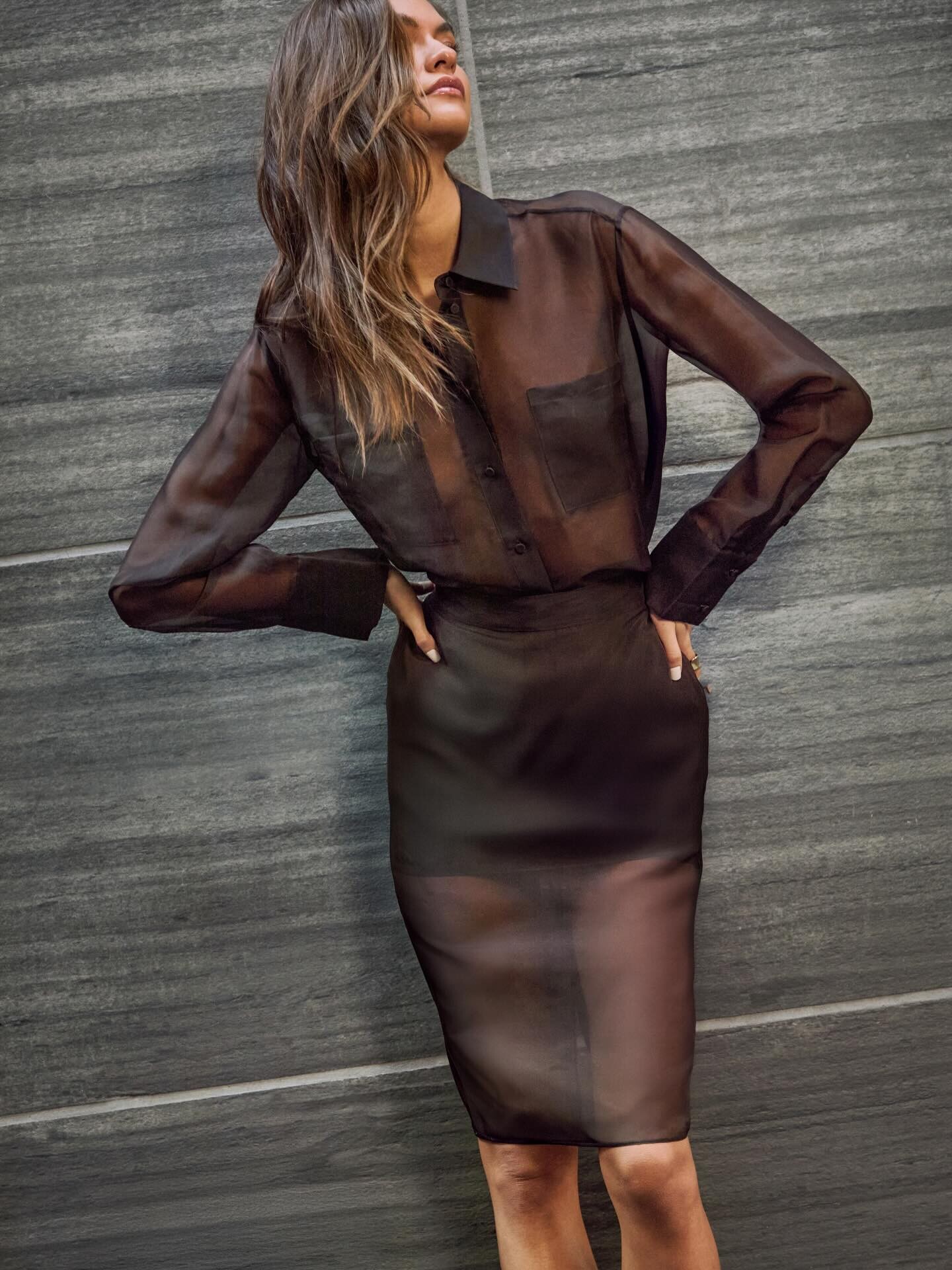
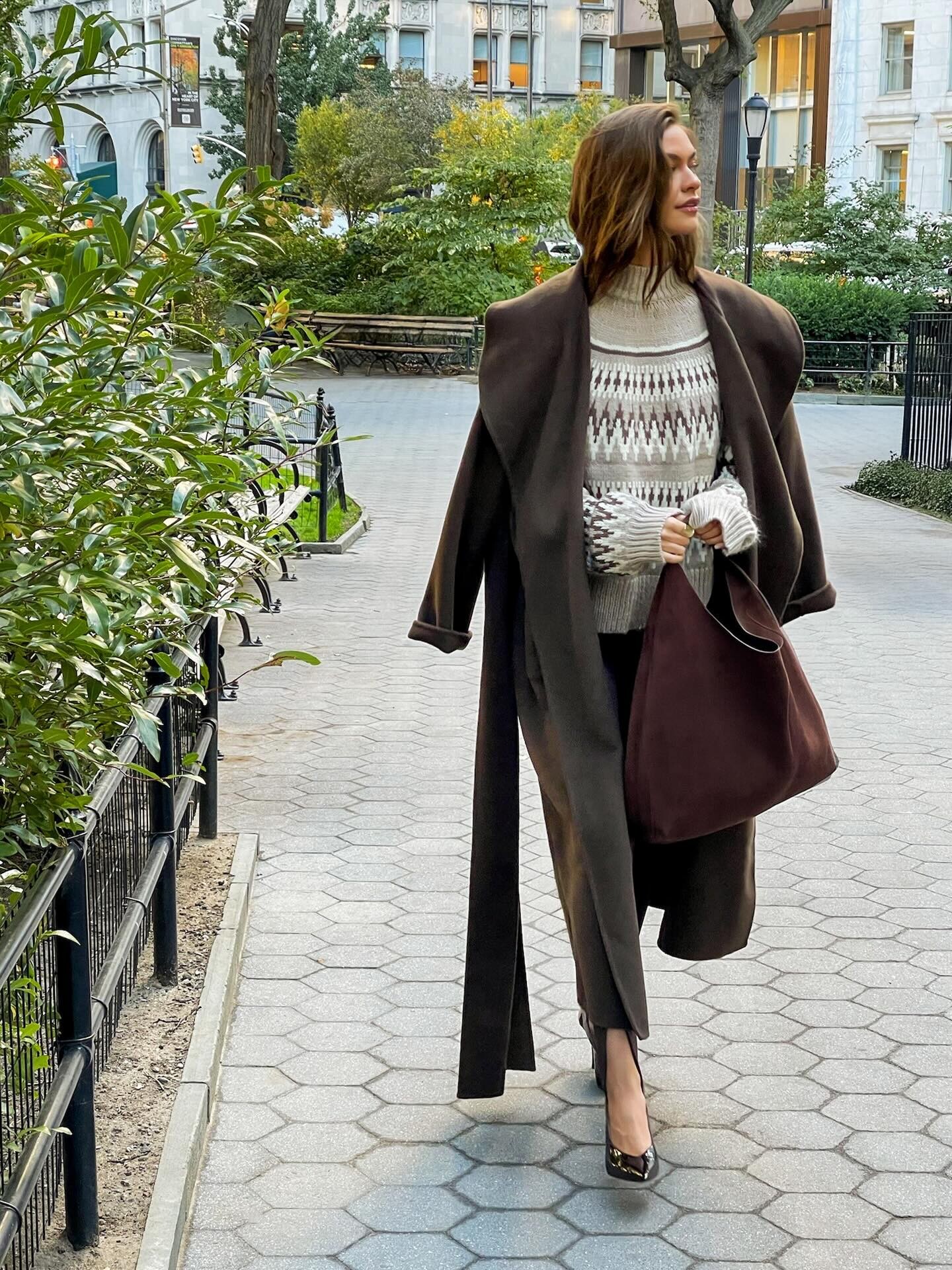
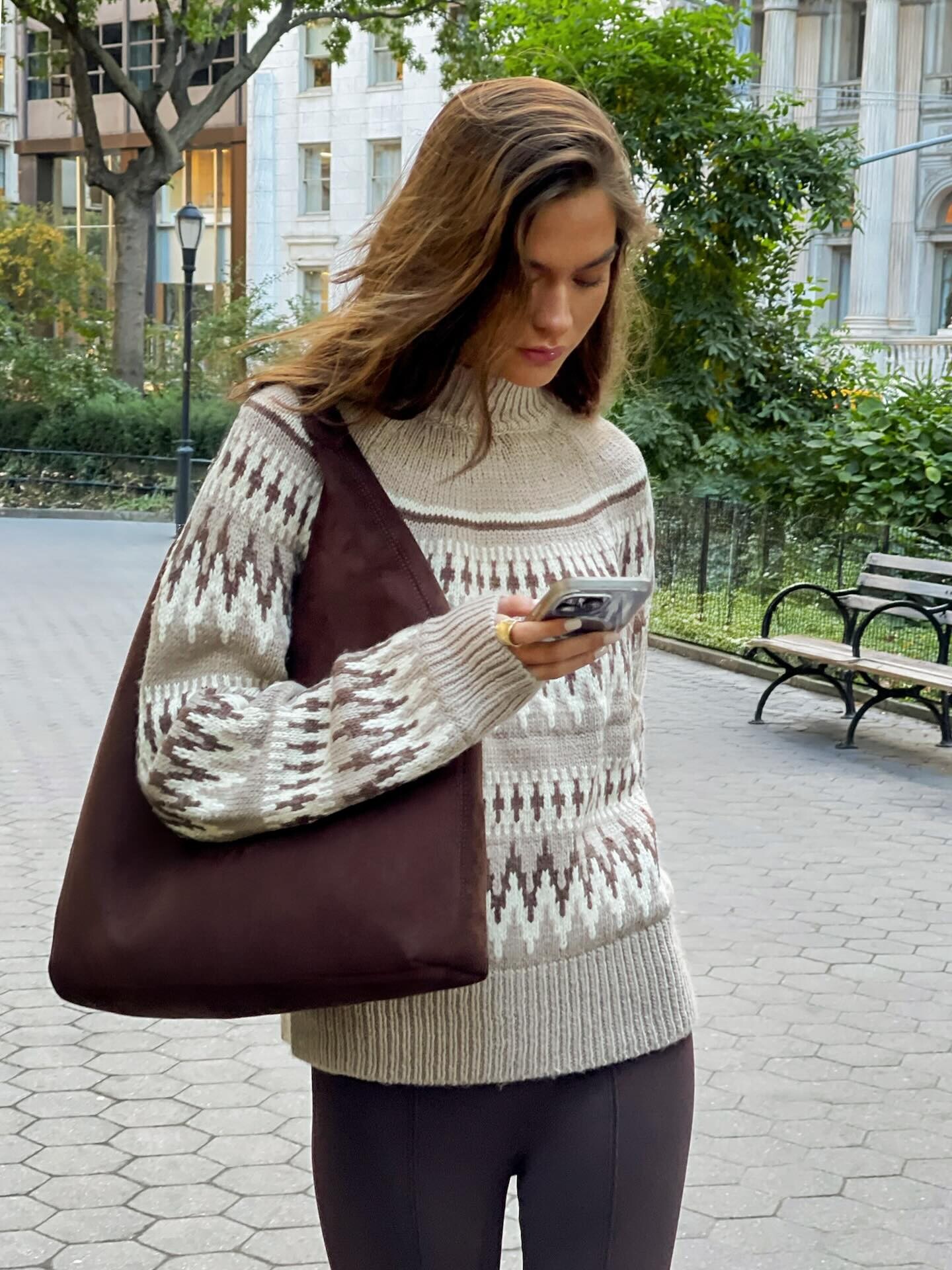
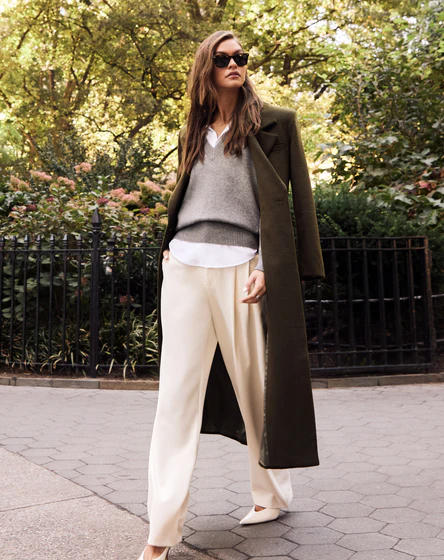
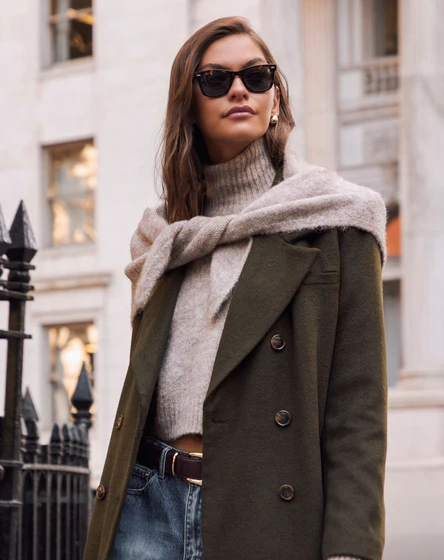


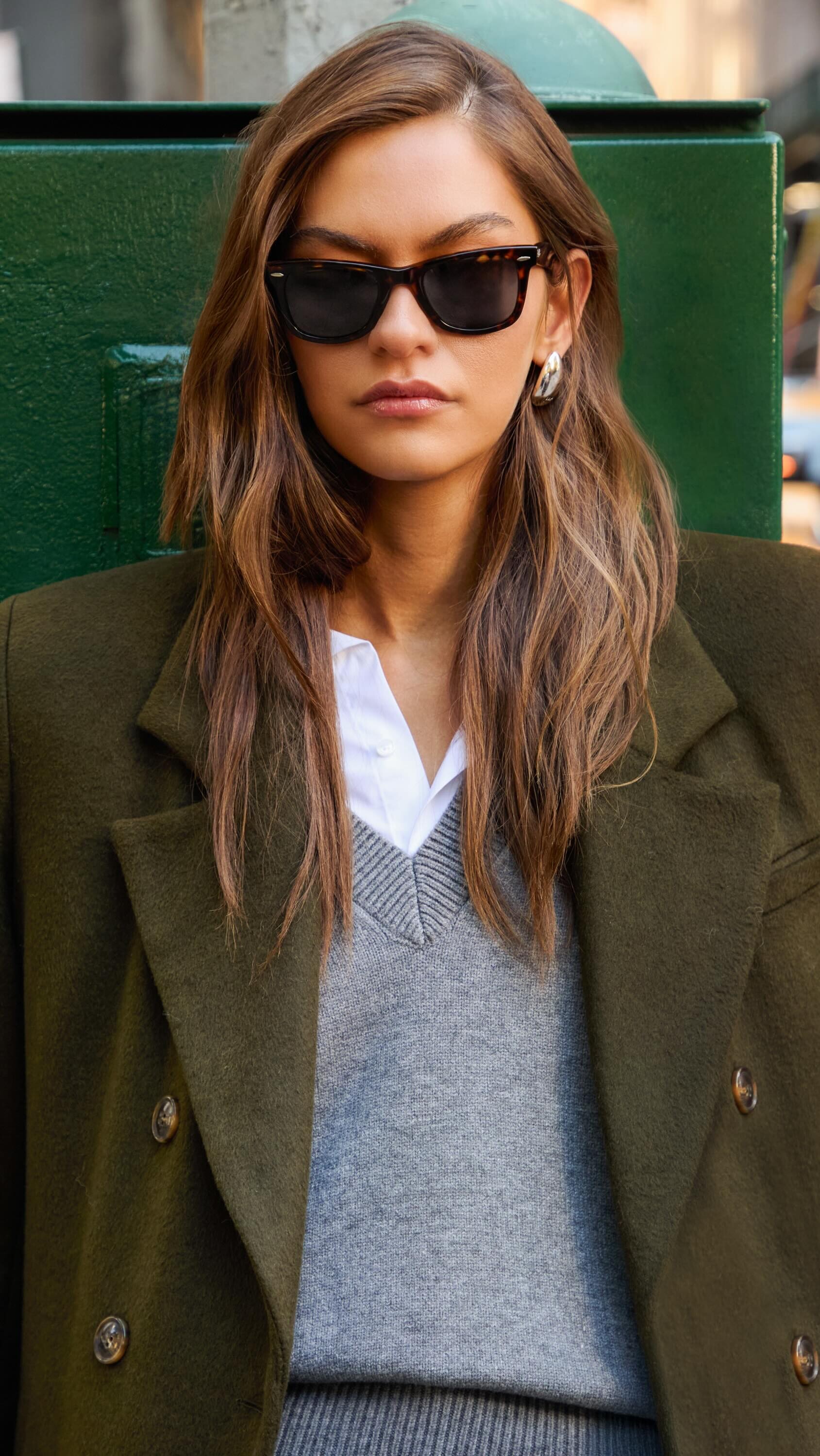




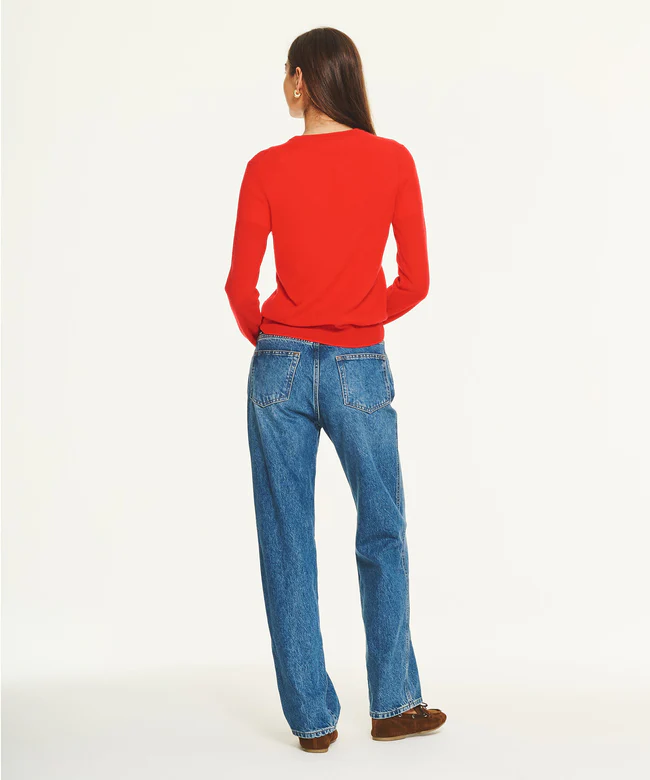
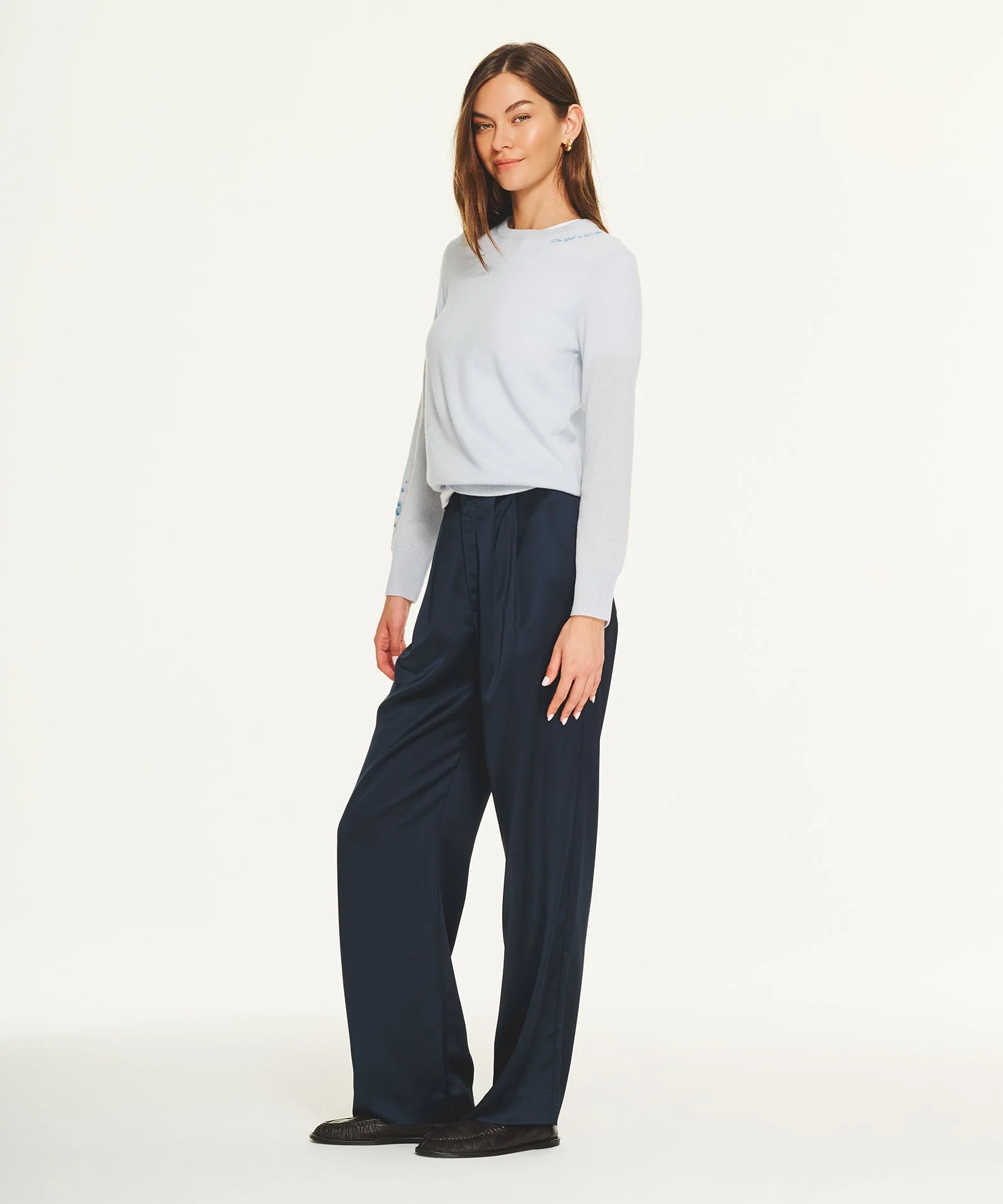
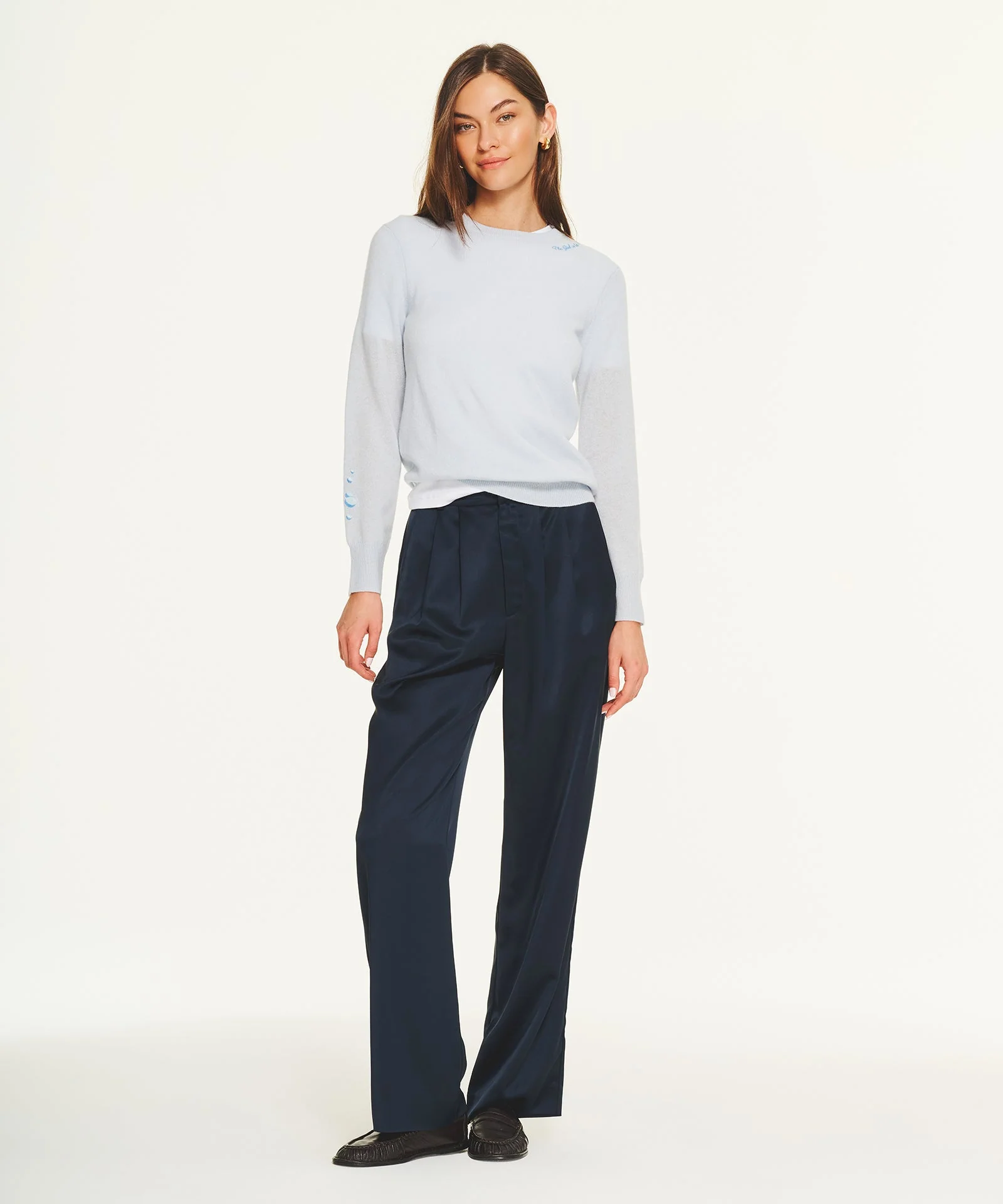
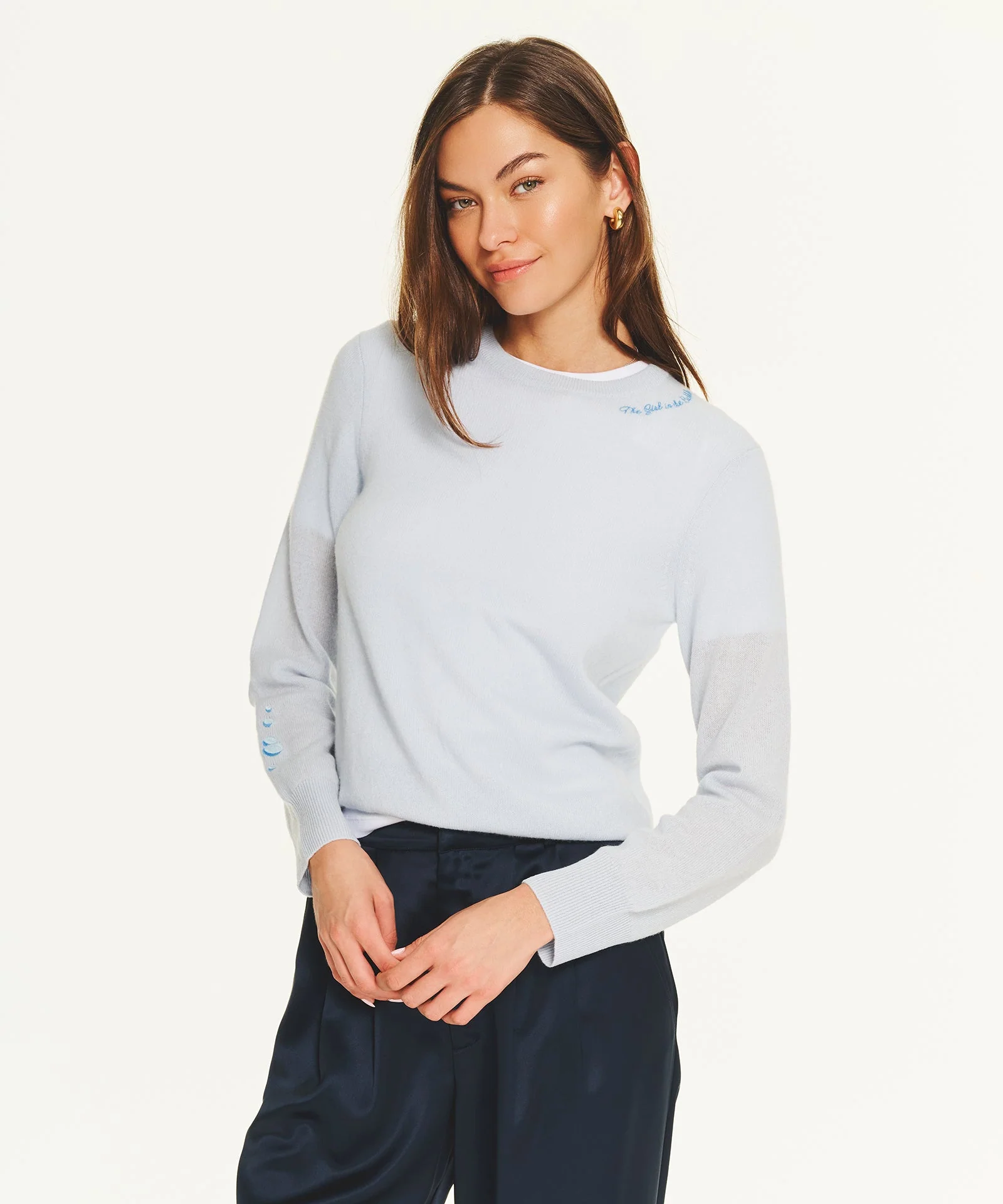








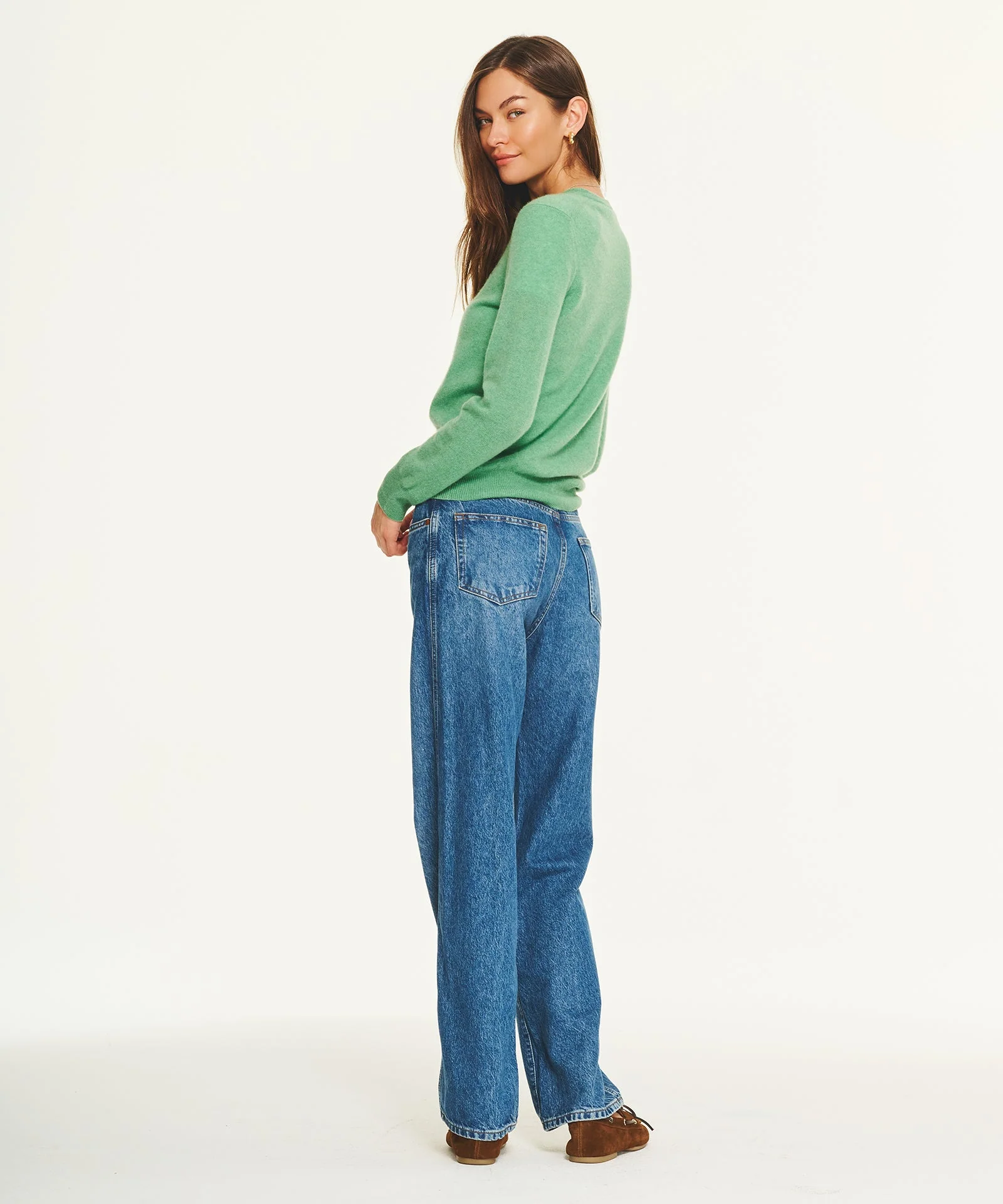


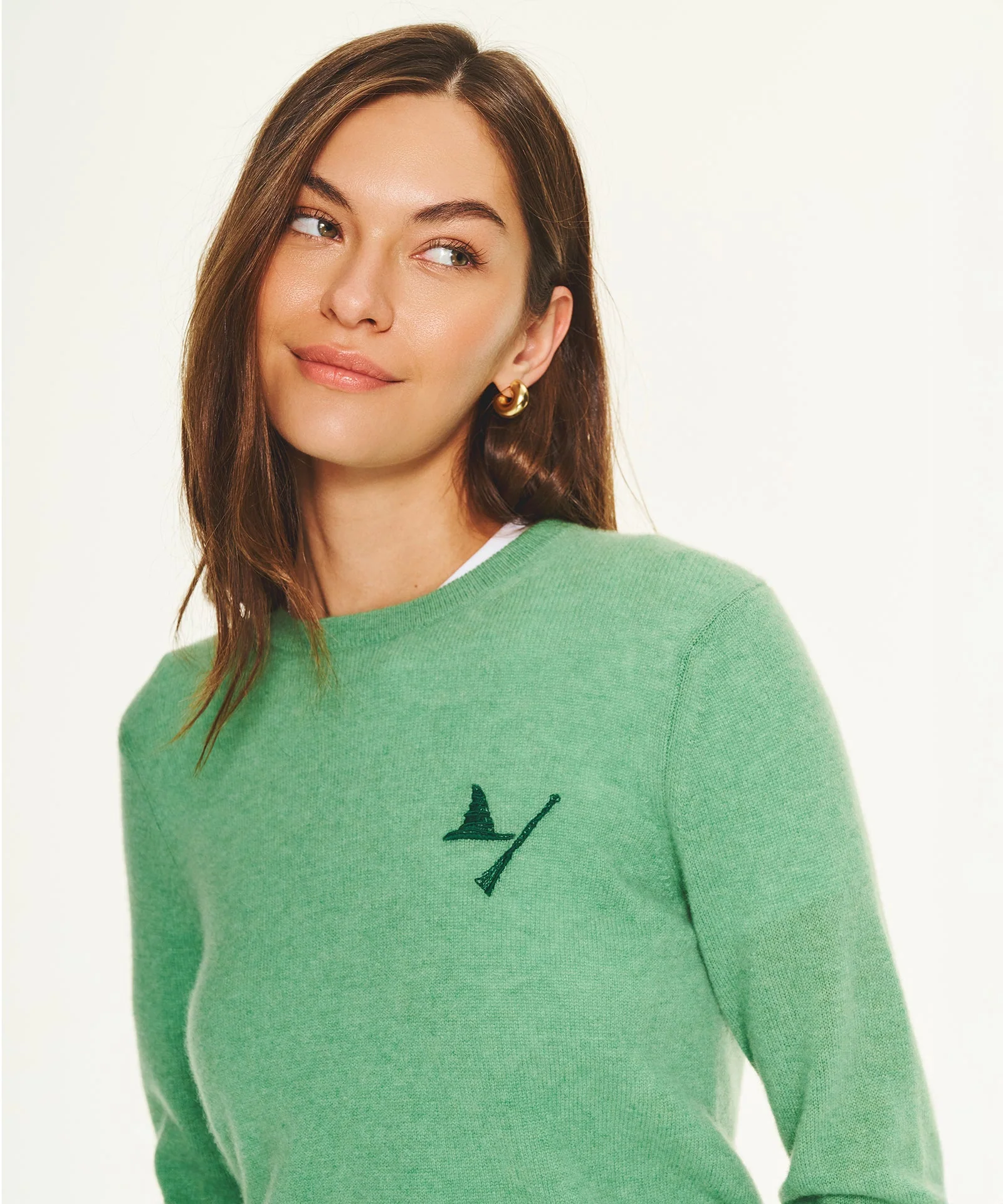
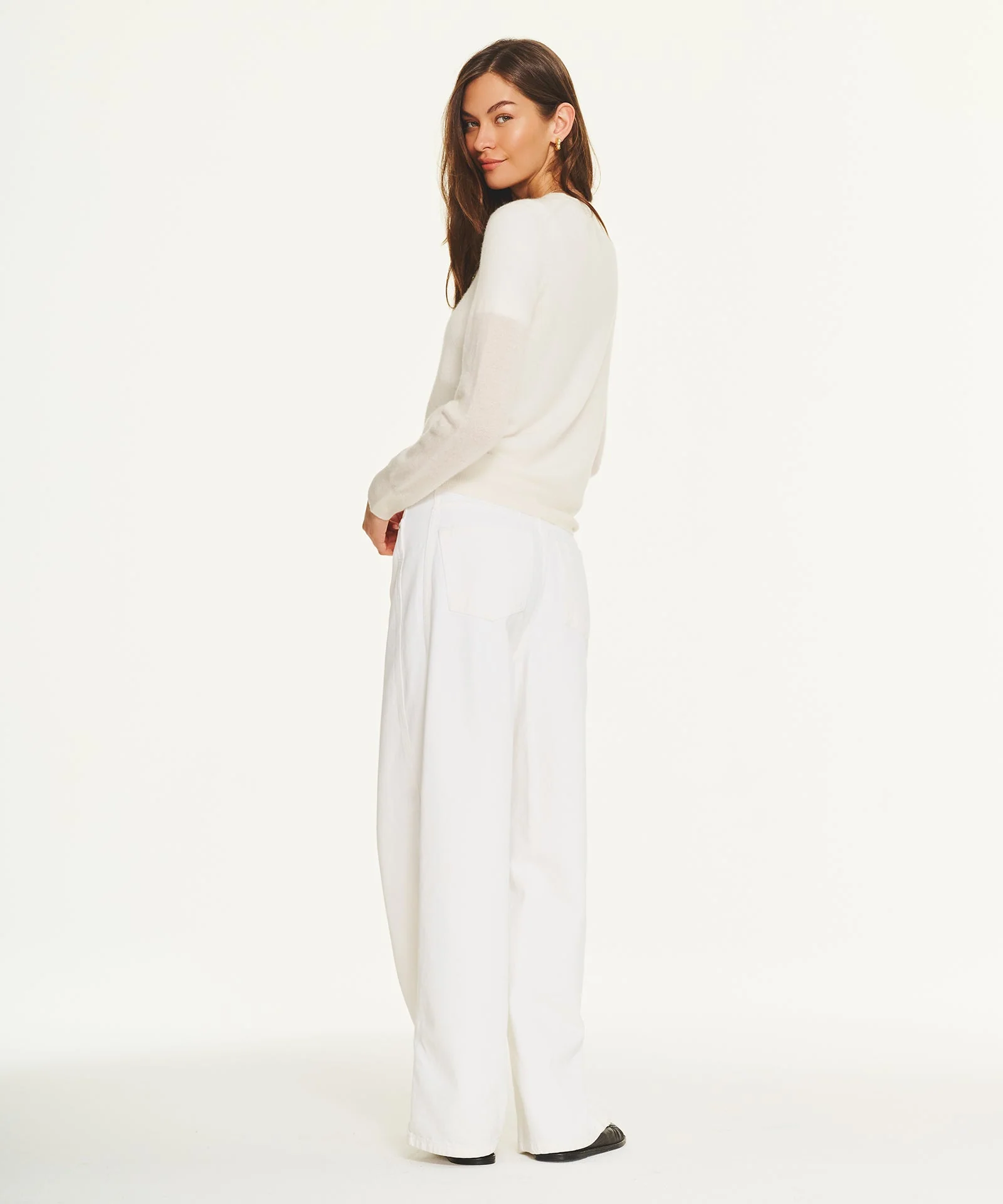
.webp.1206ba72debcbc5be2cb9c655cc8e324.webp)

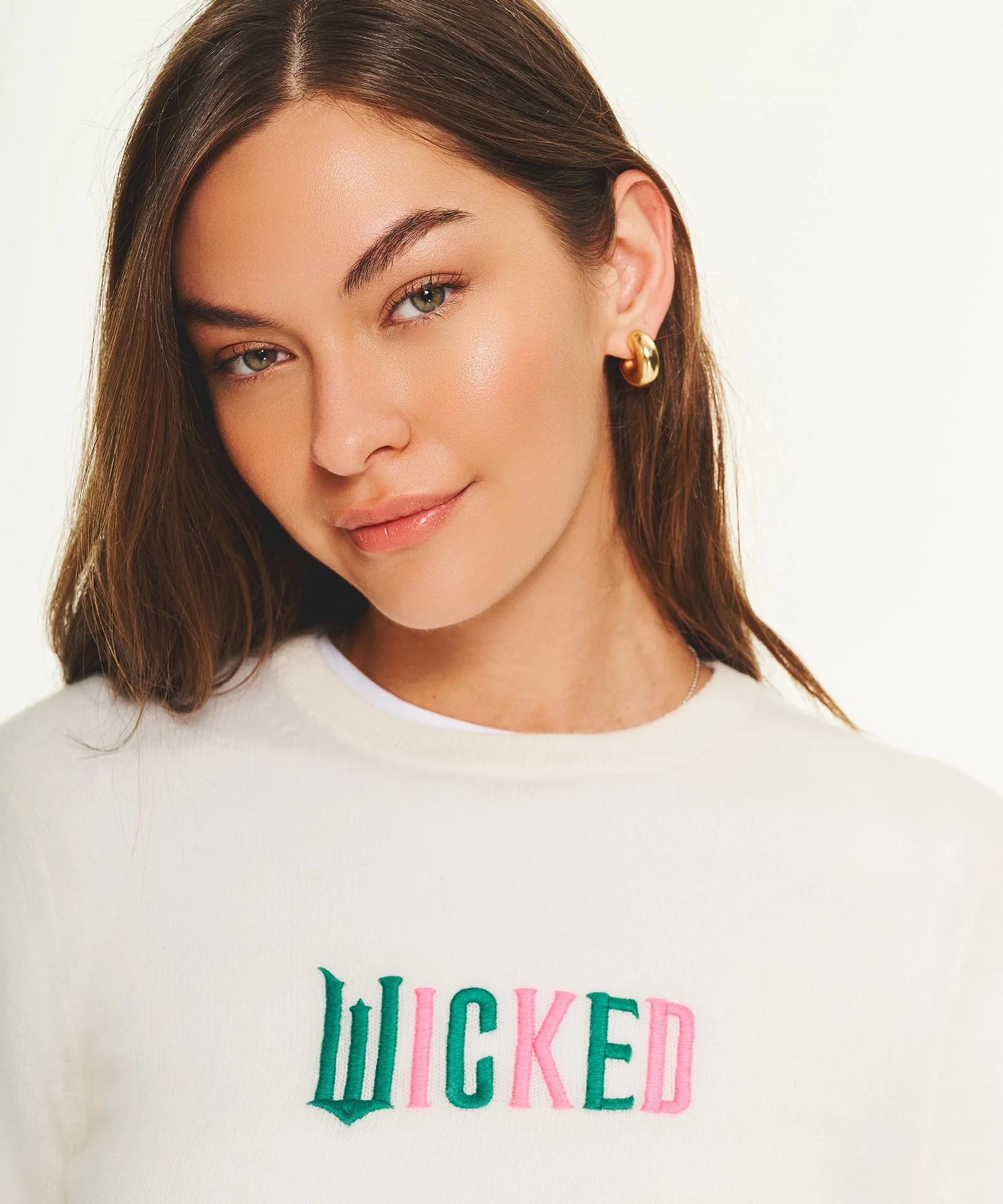








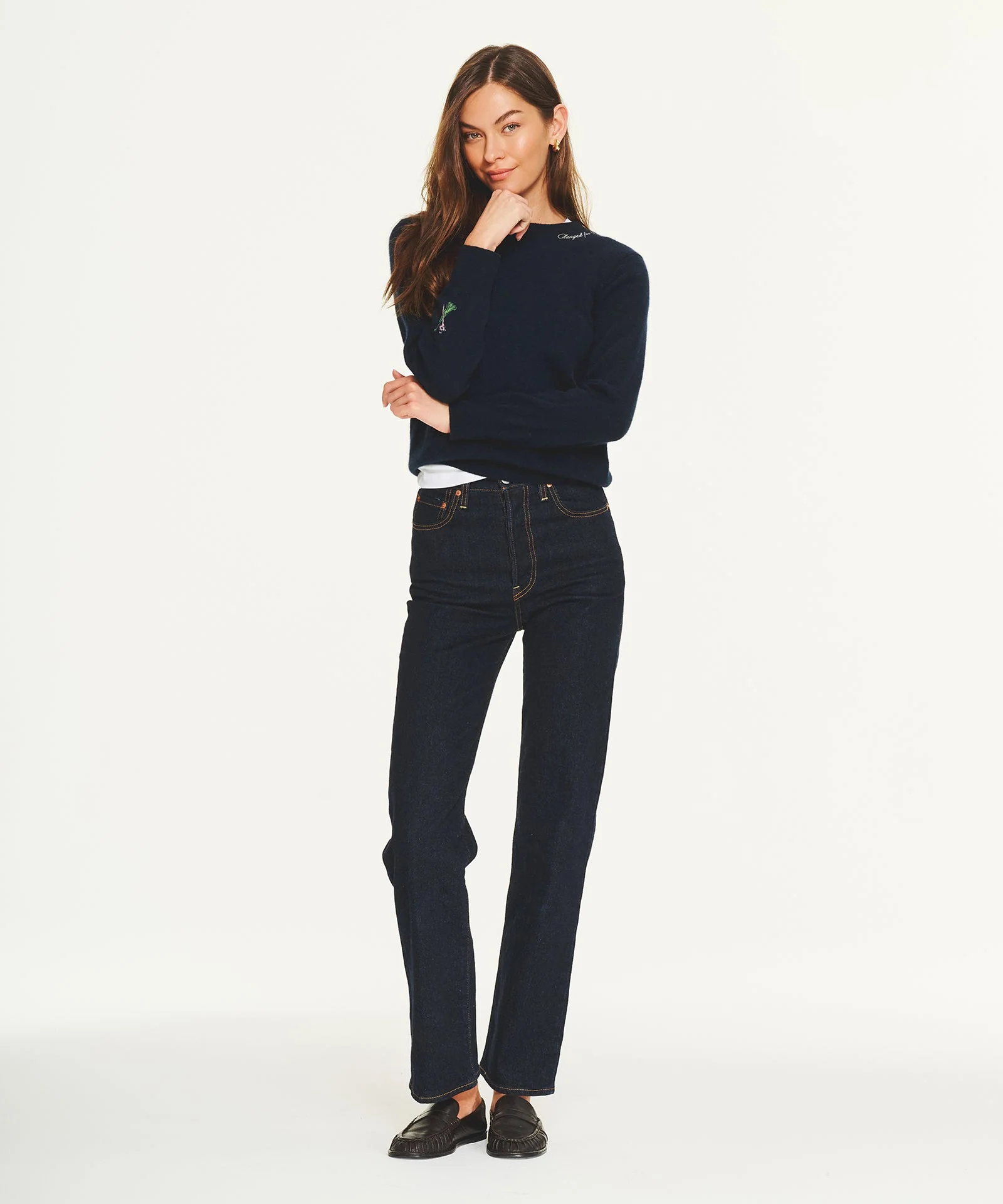

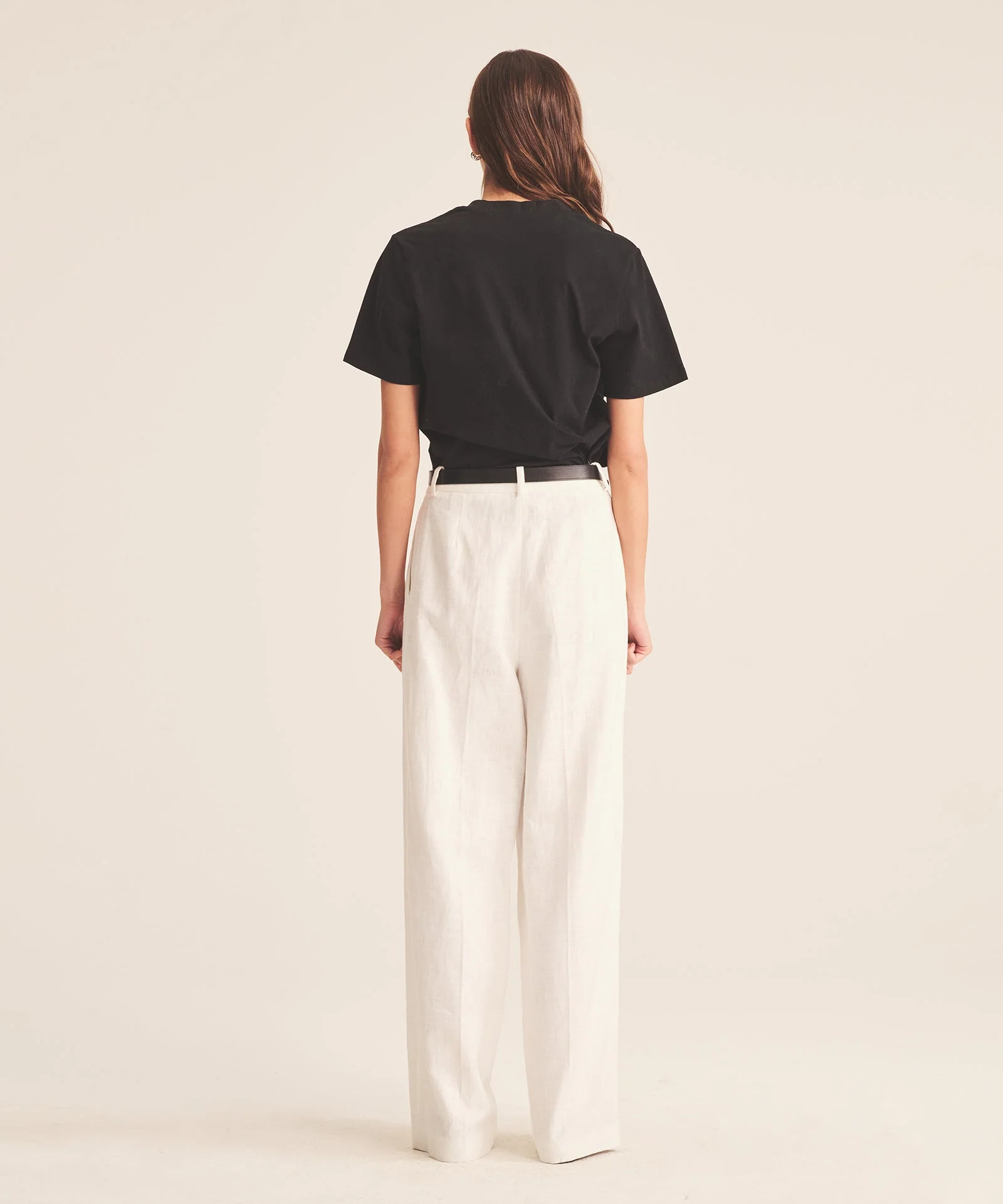
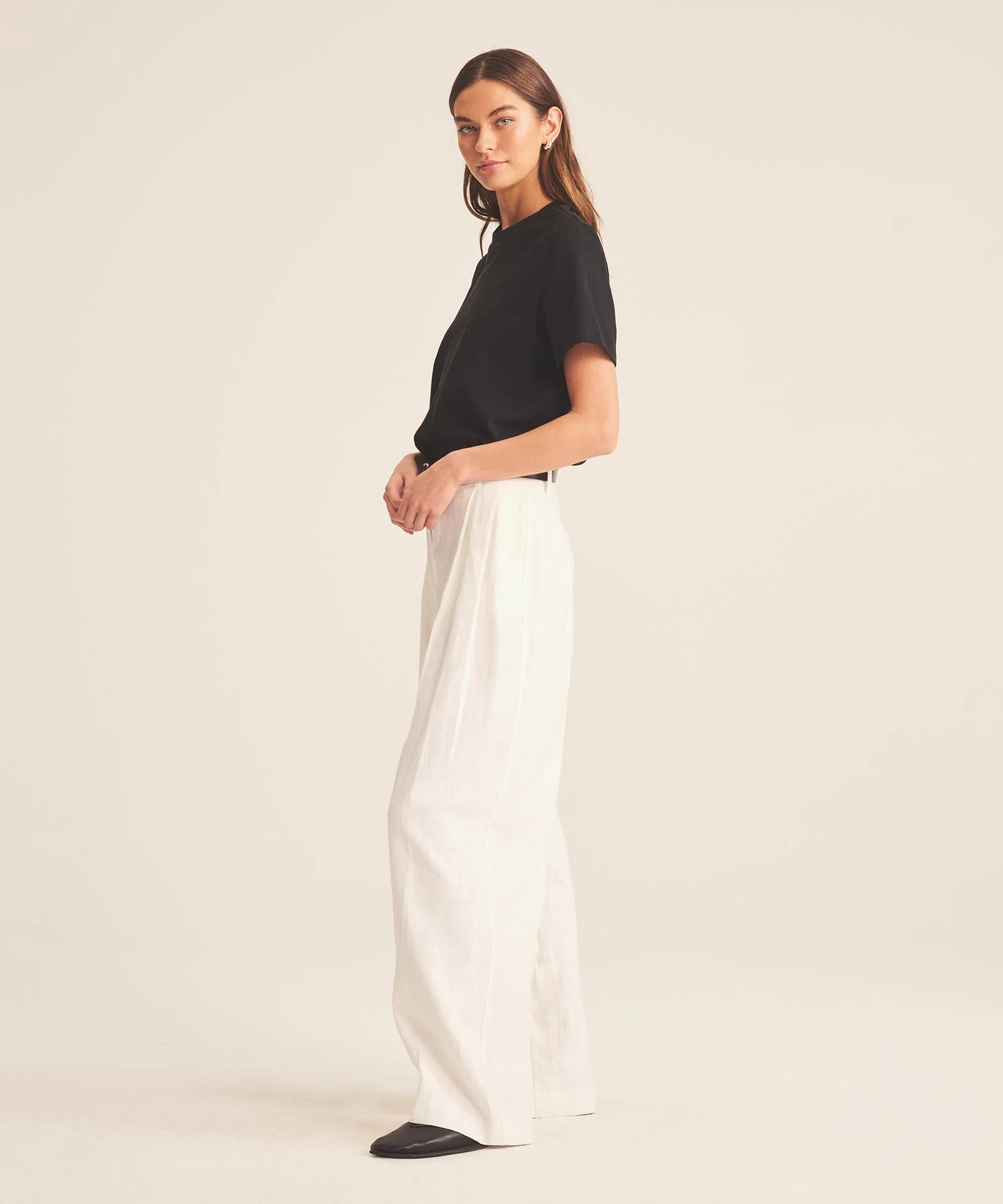
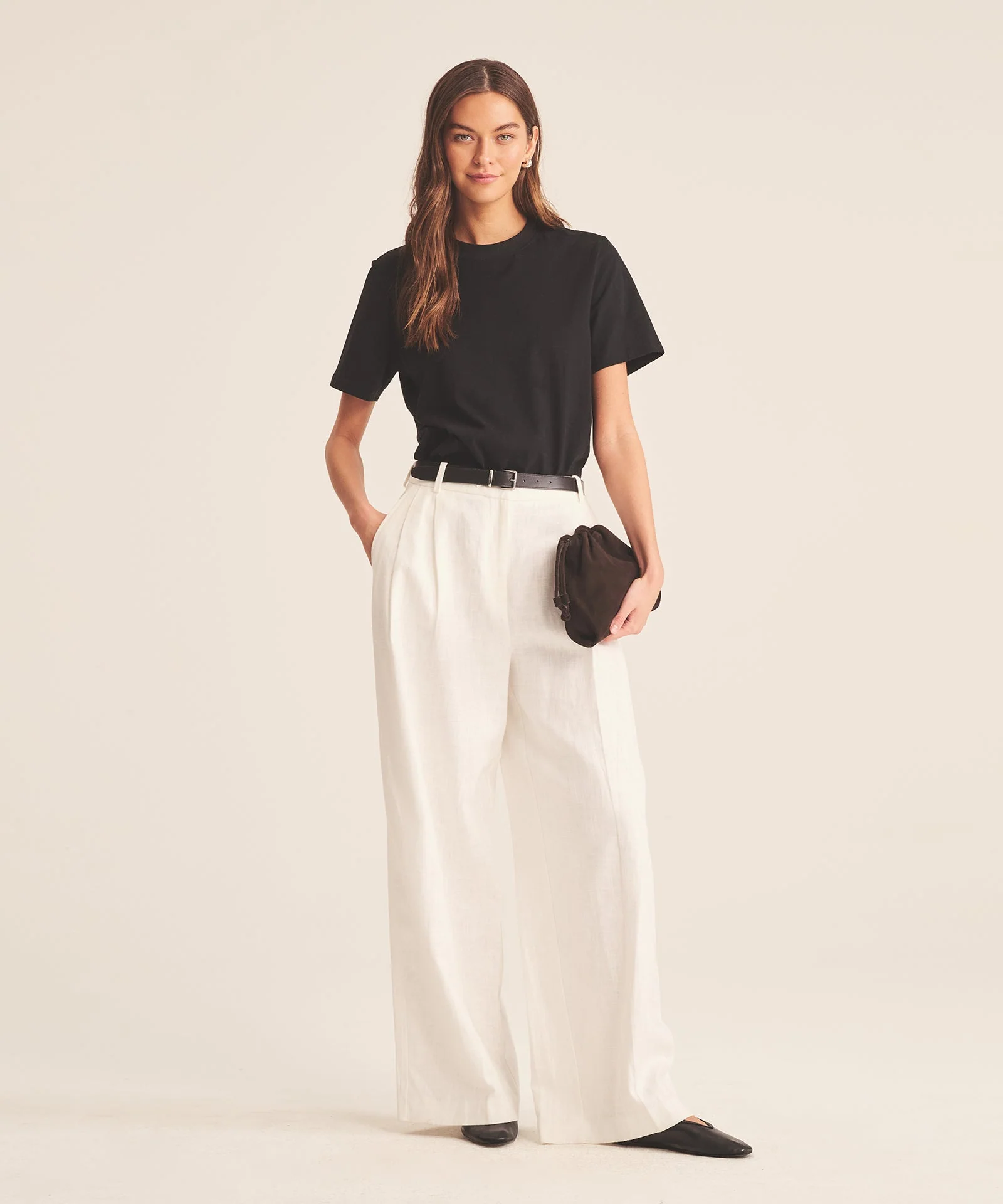
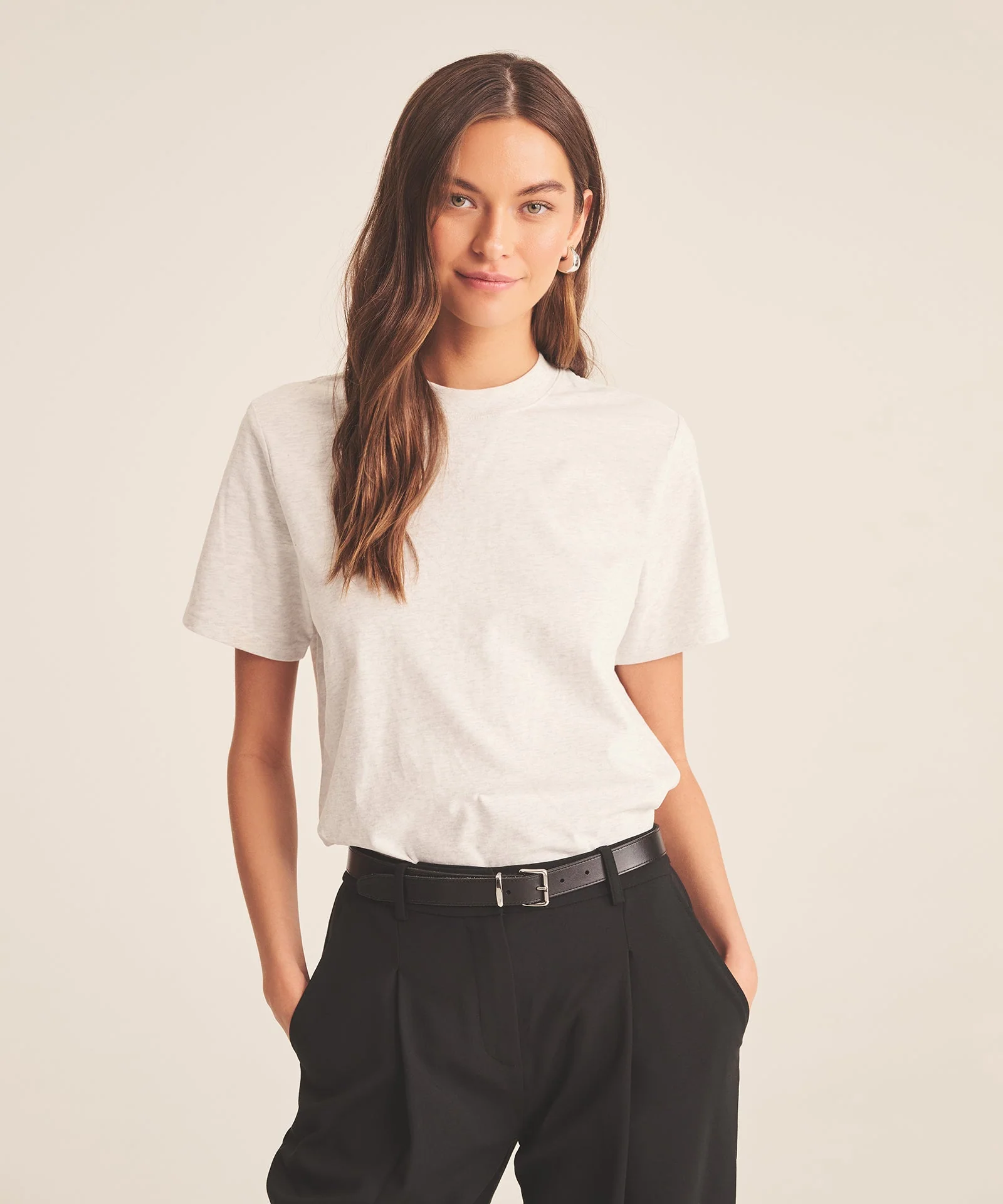

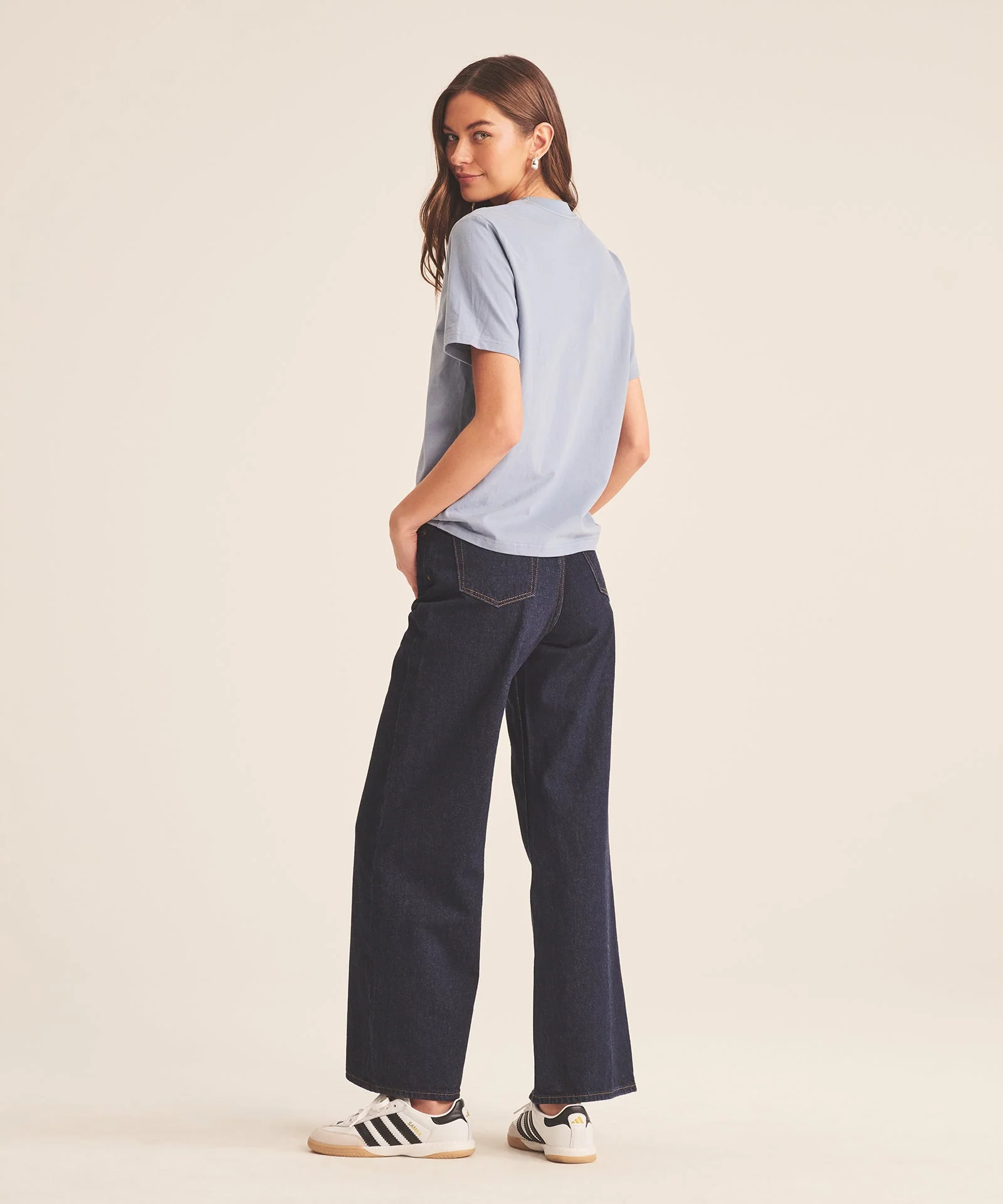
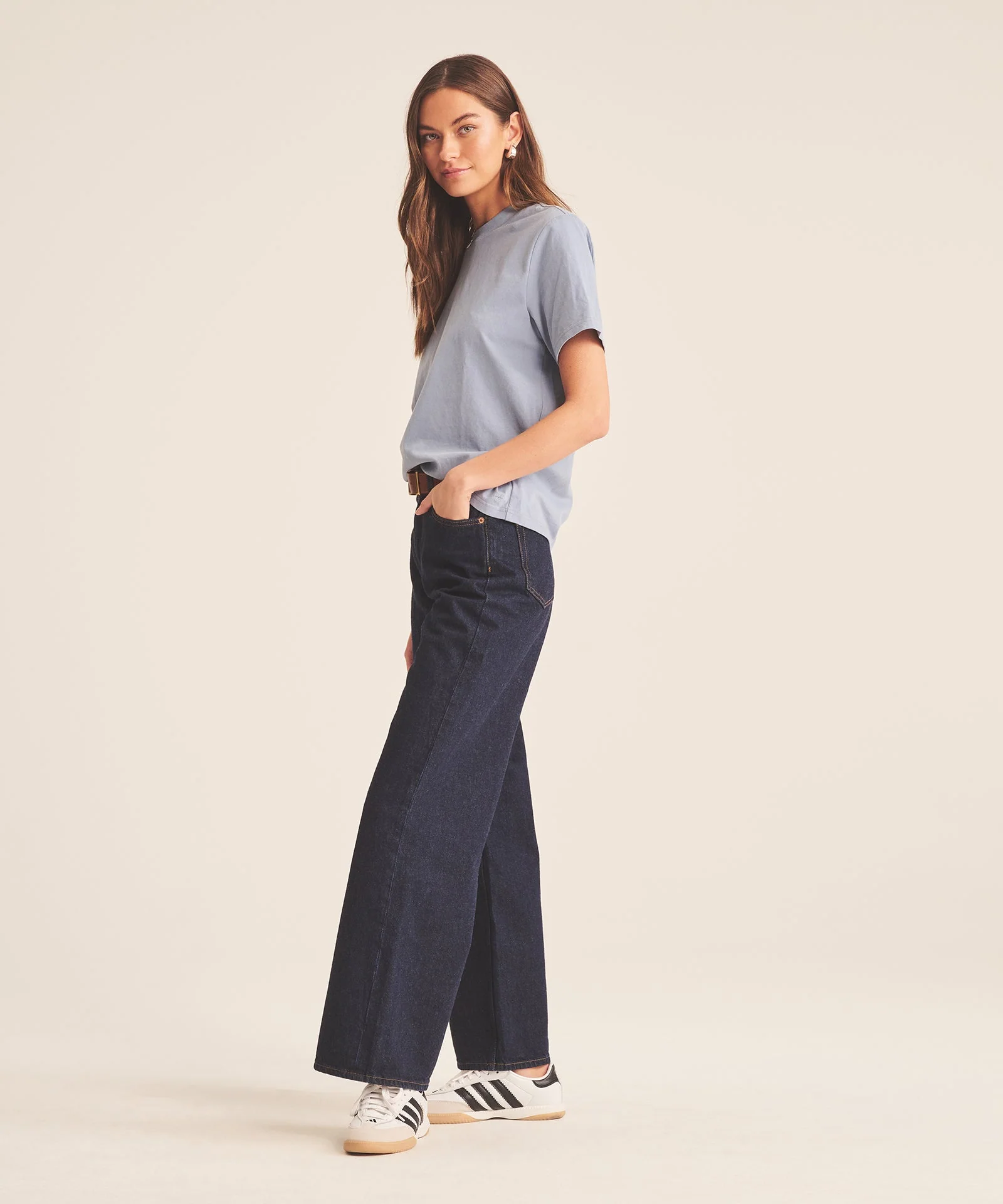
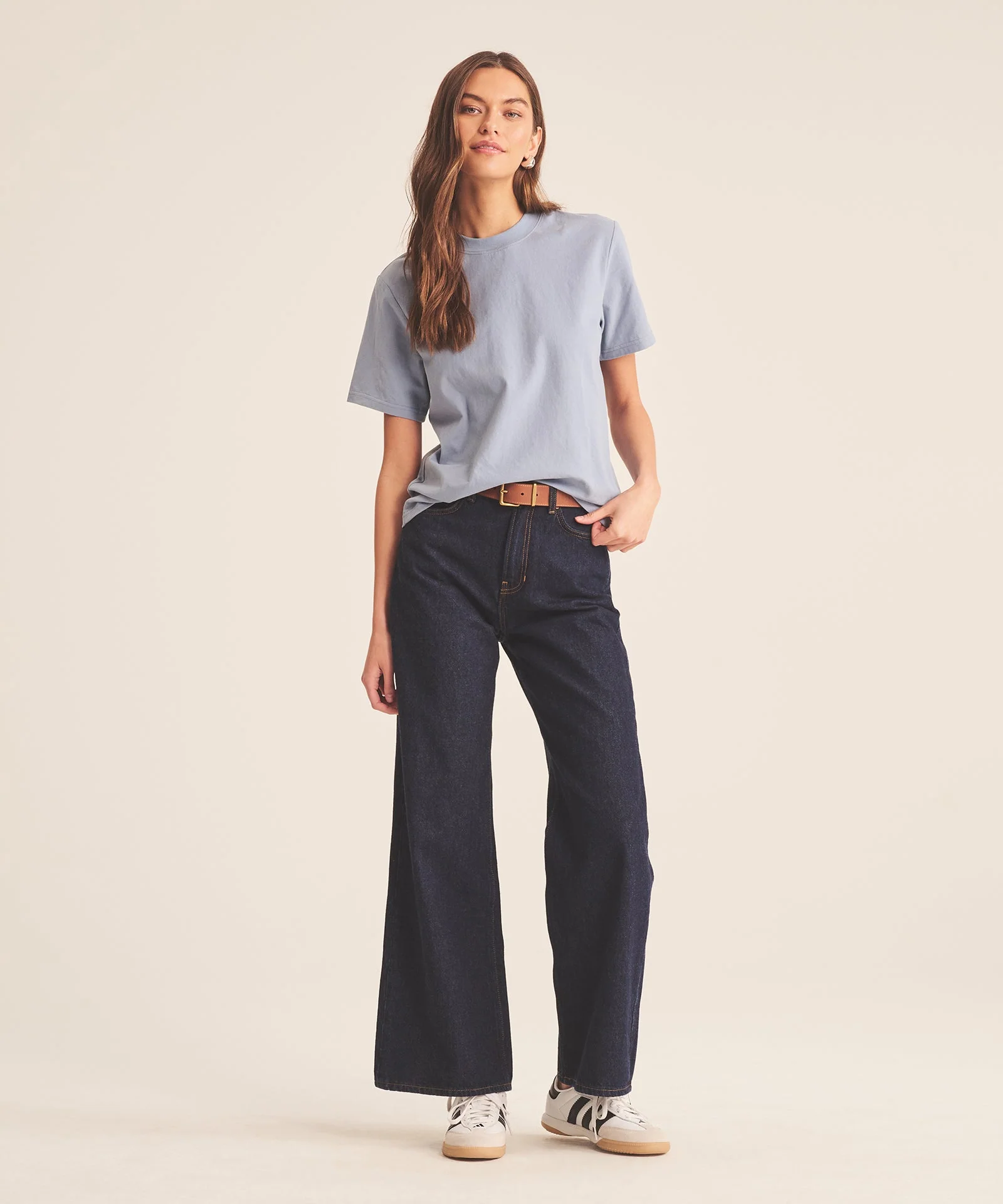





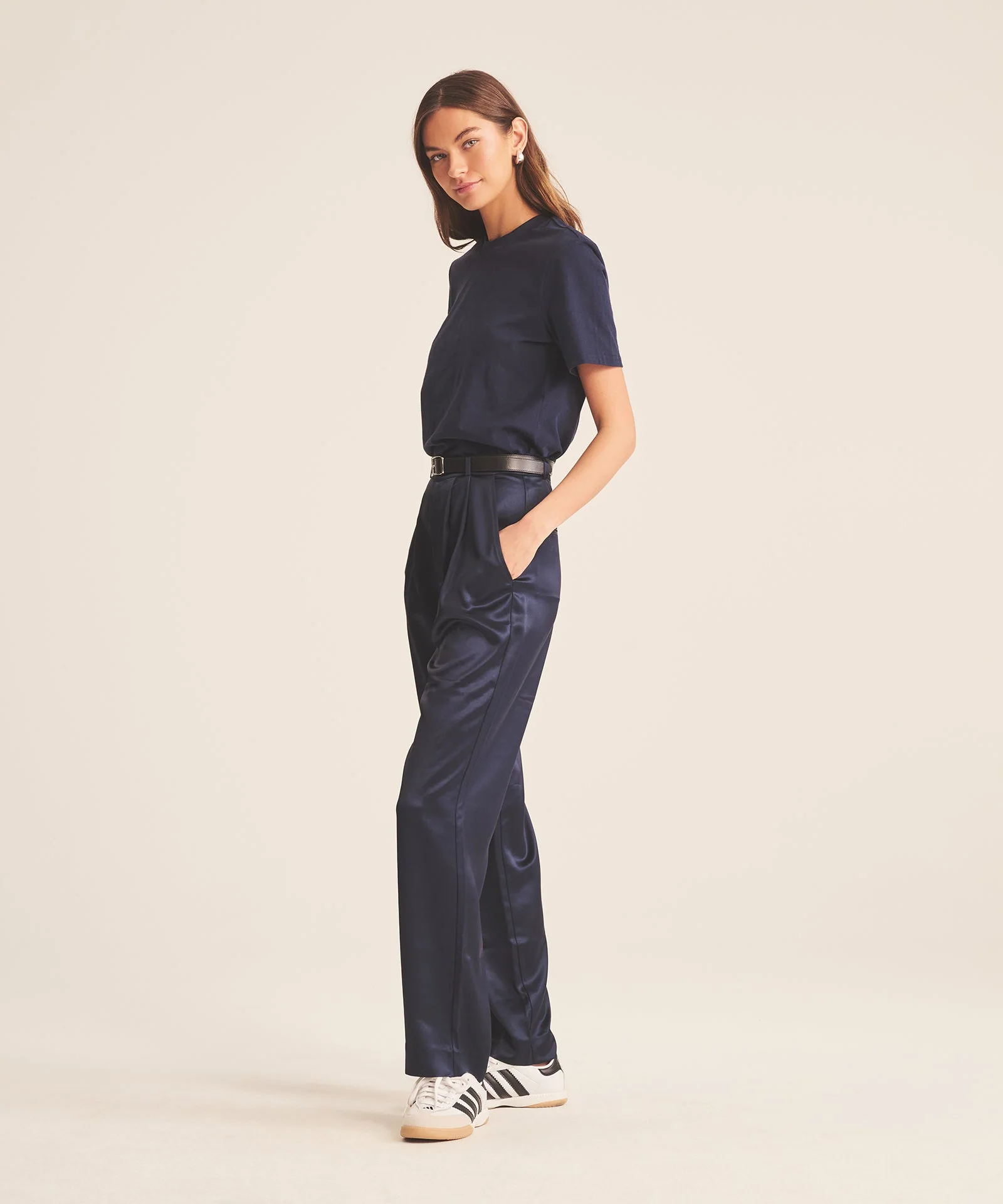


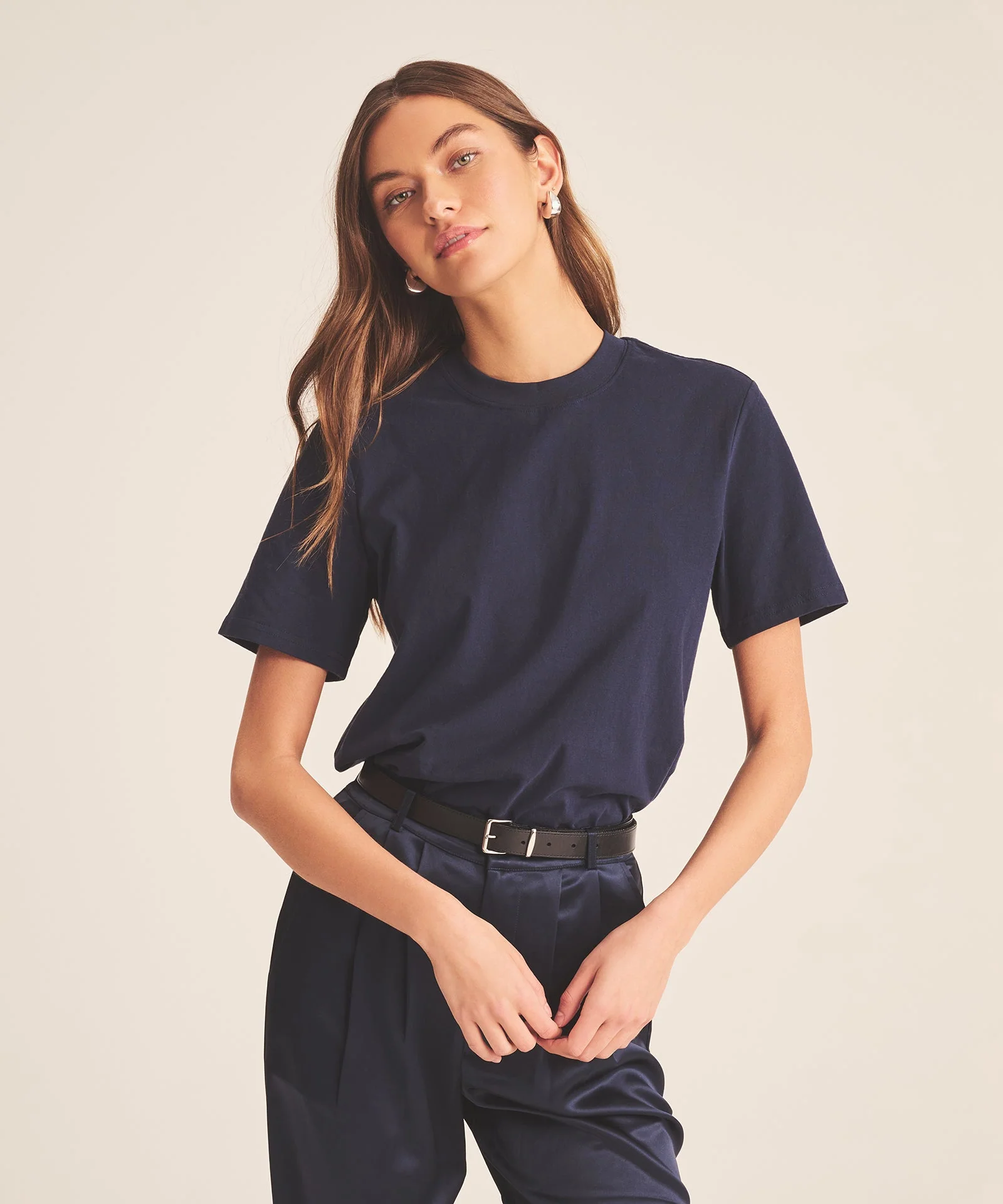
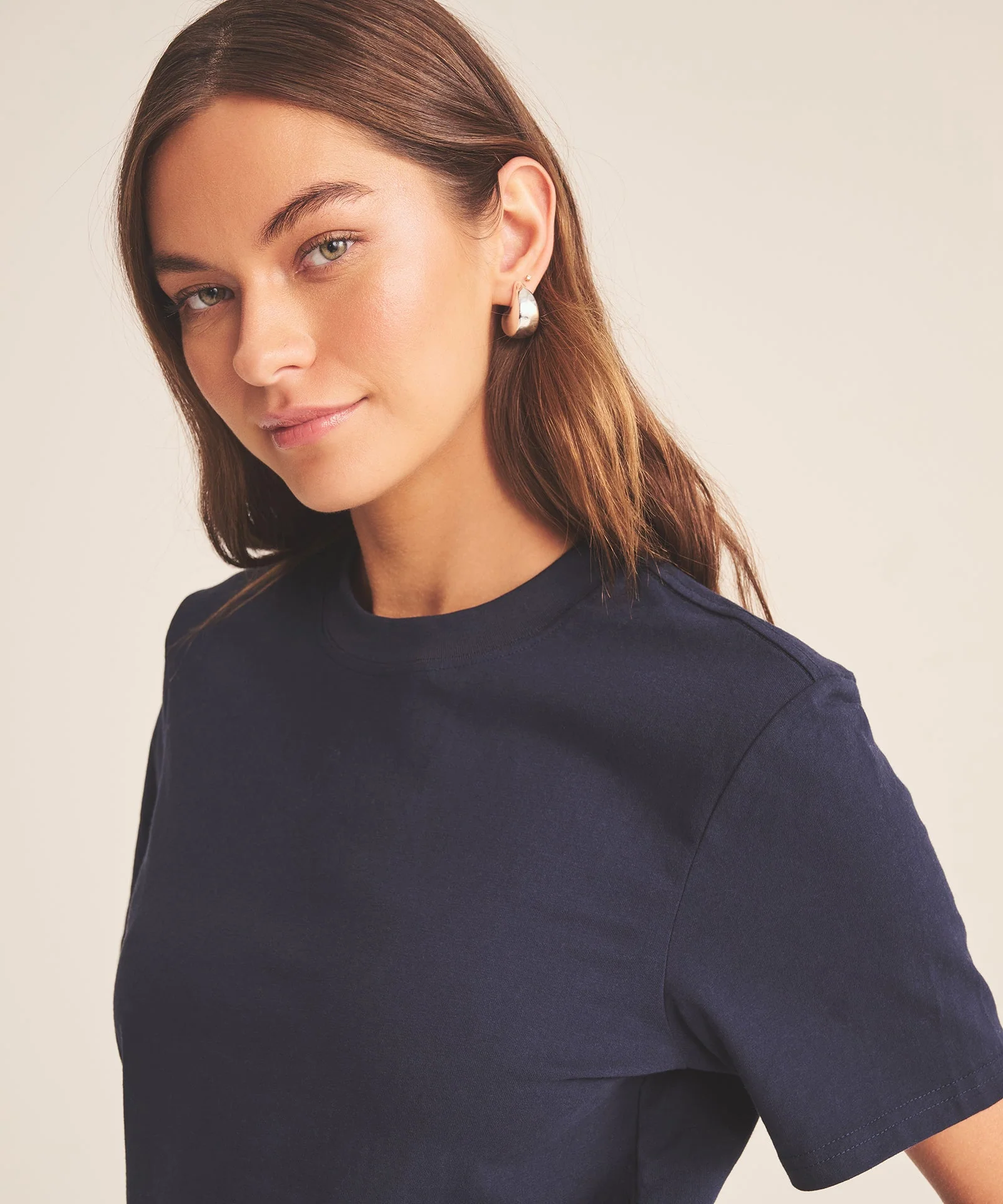
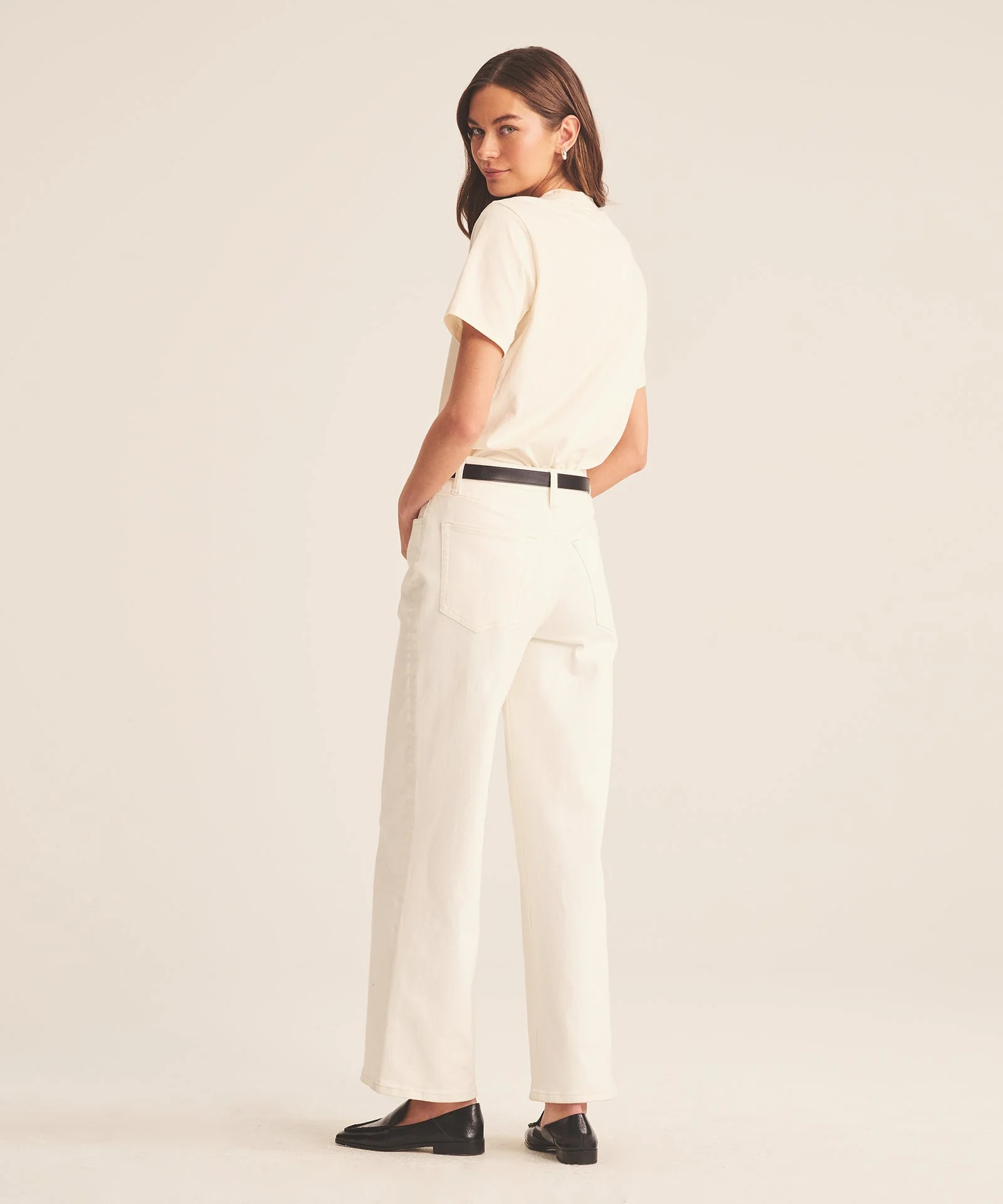

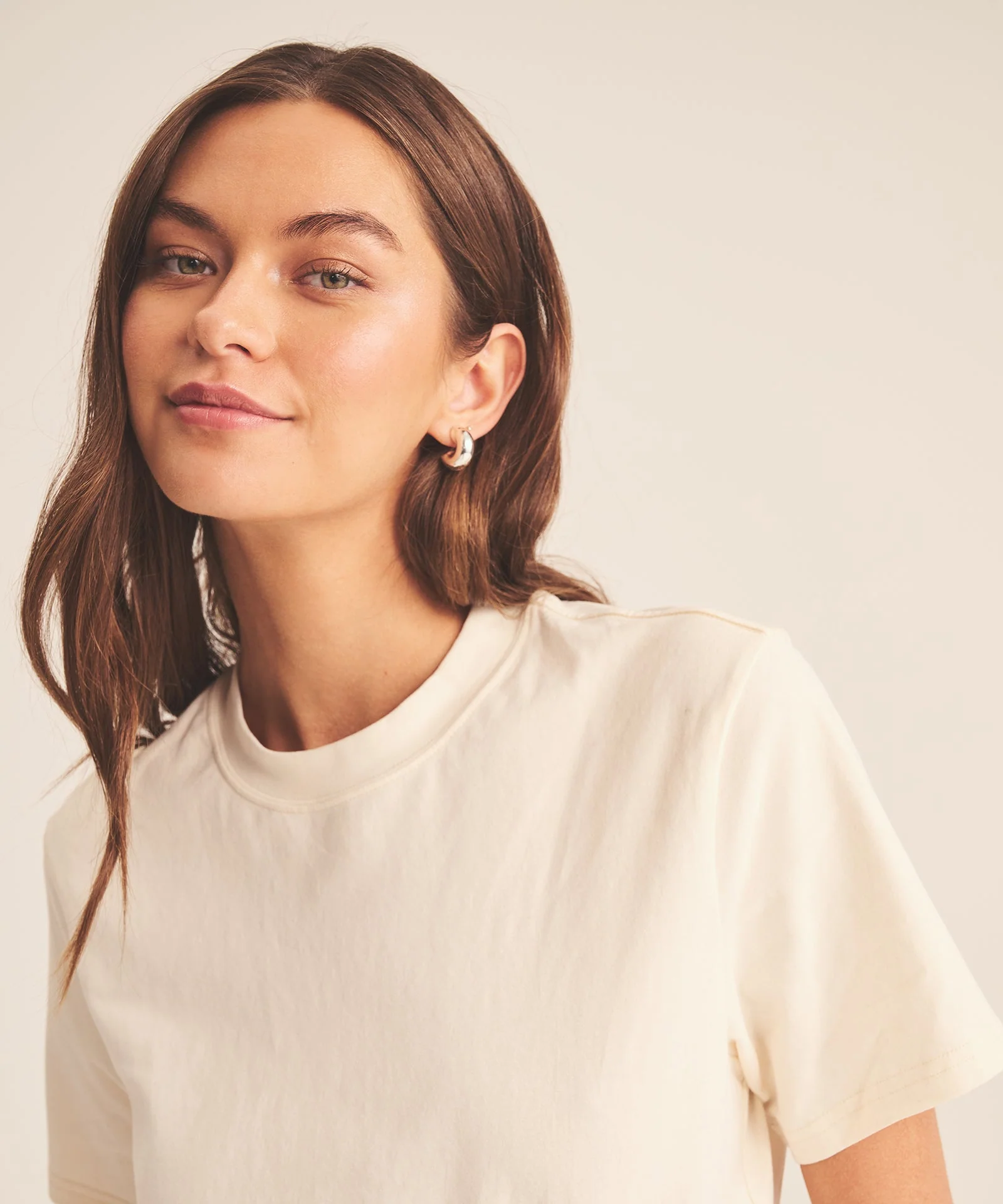



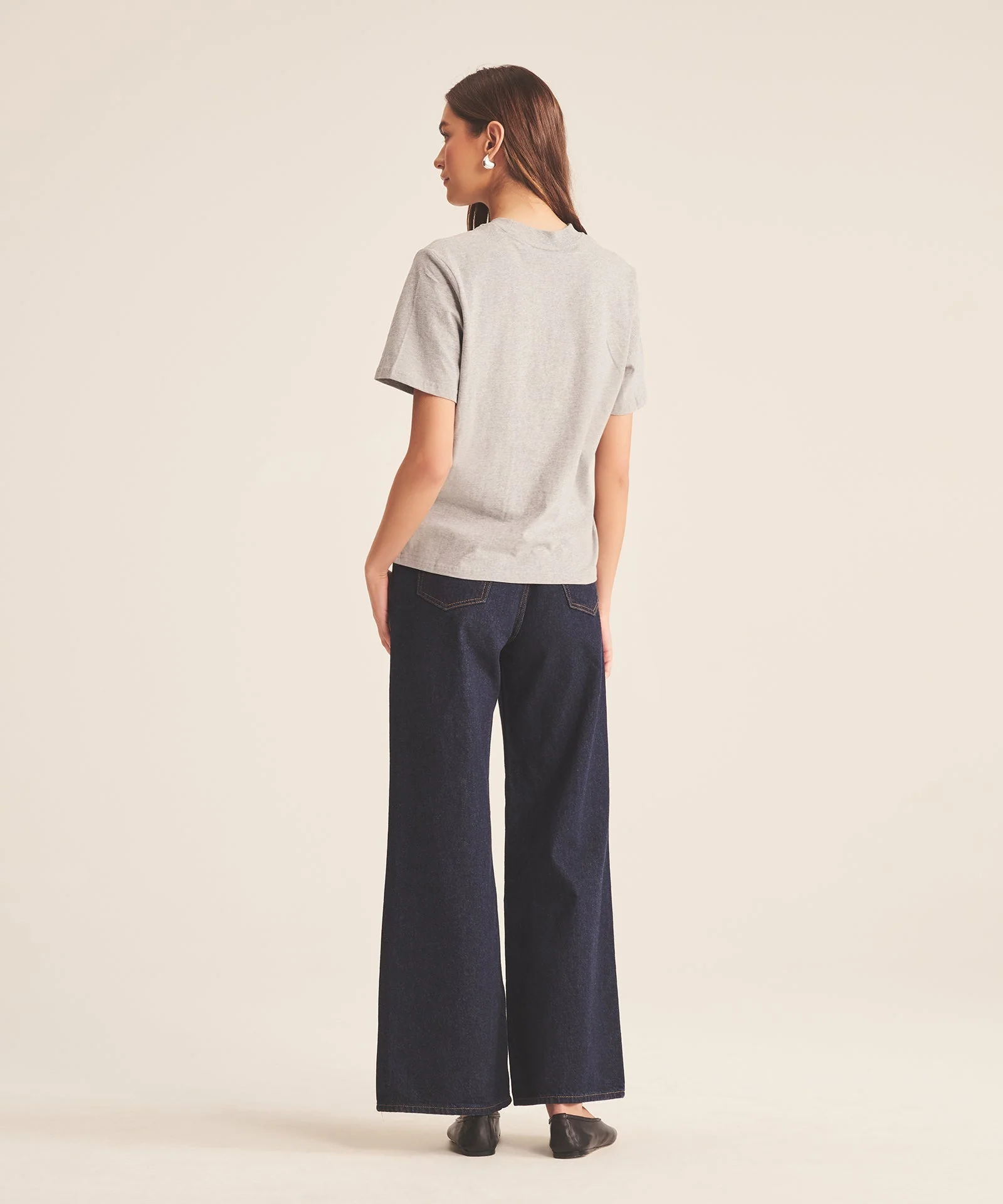
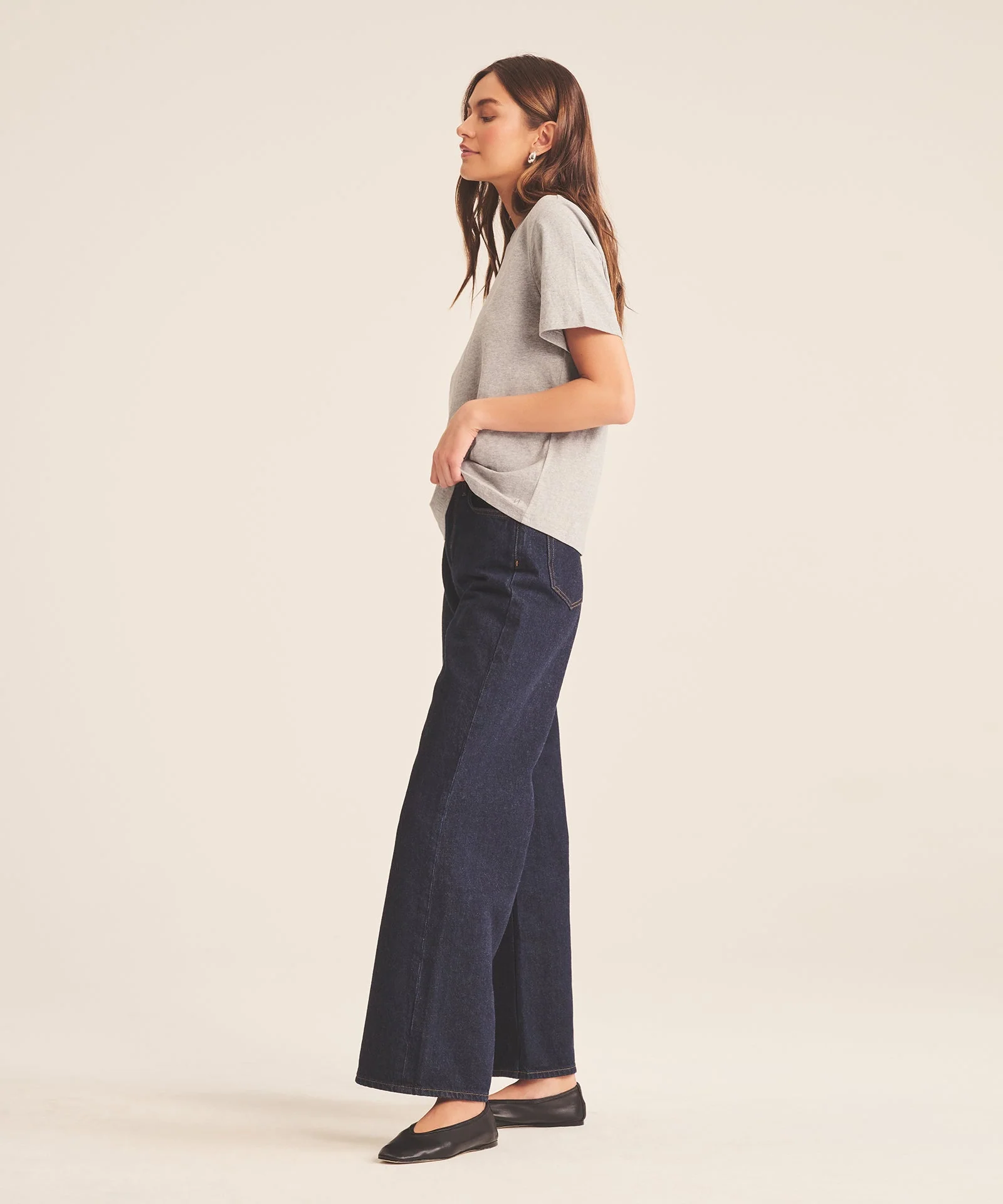


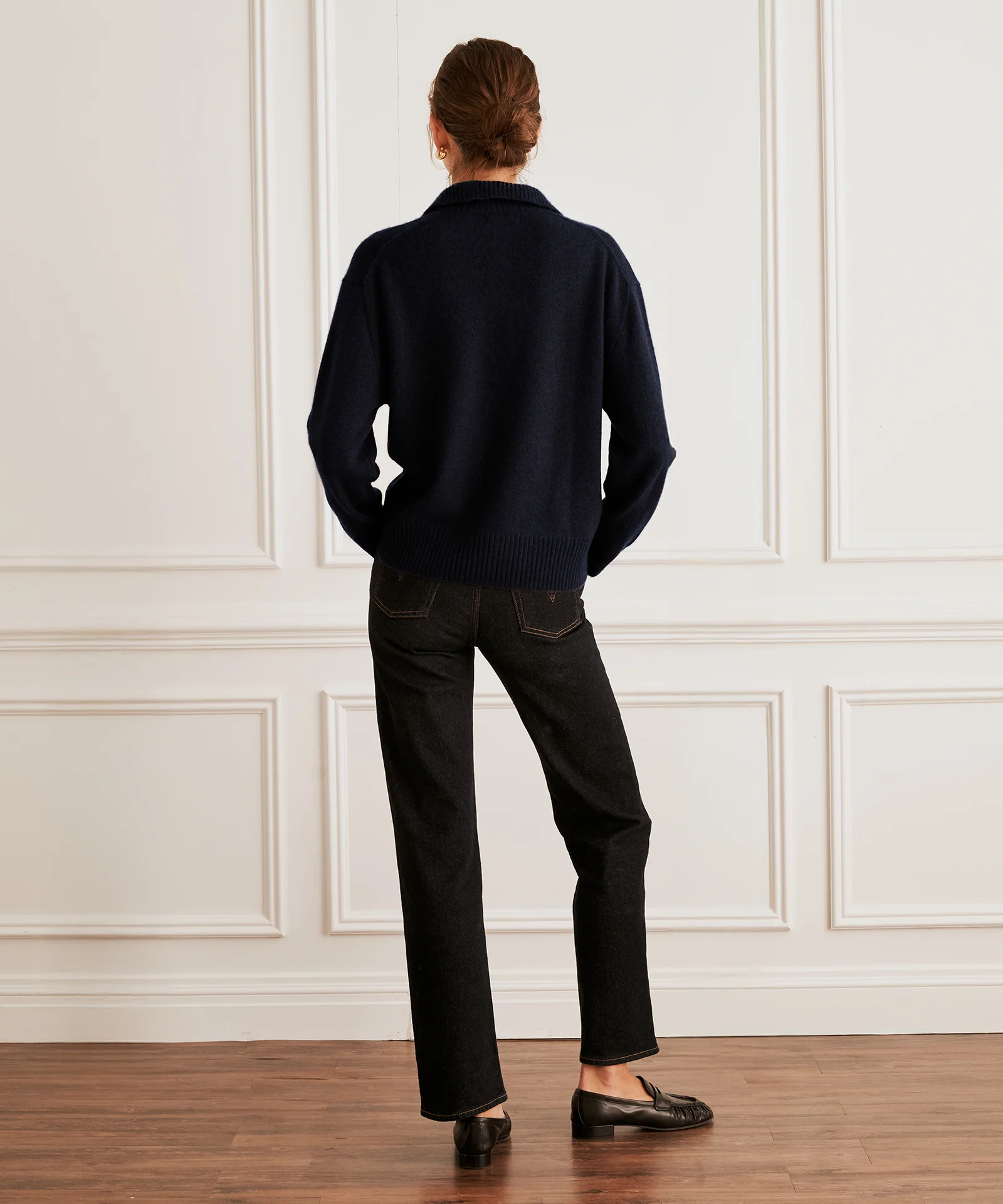
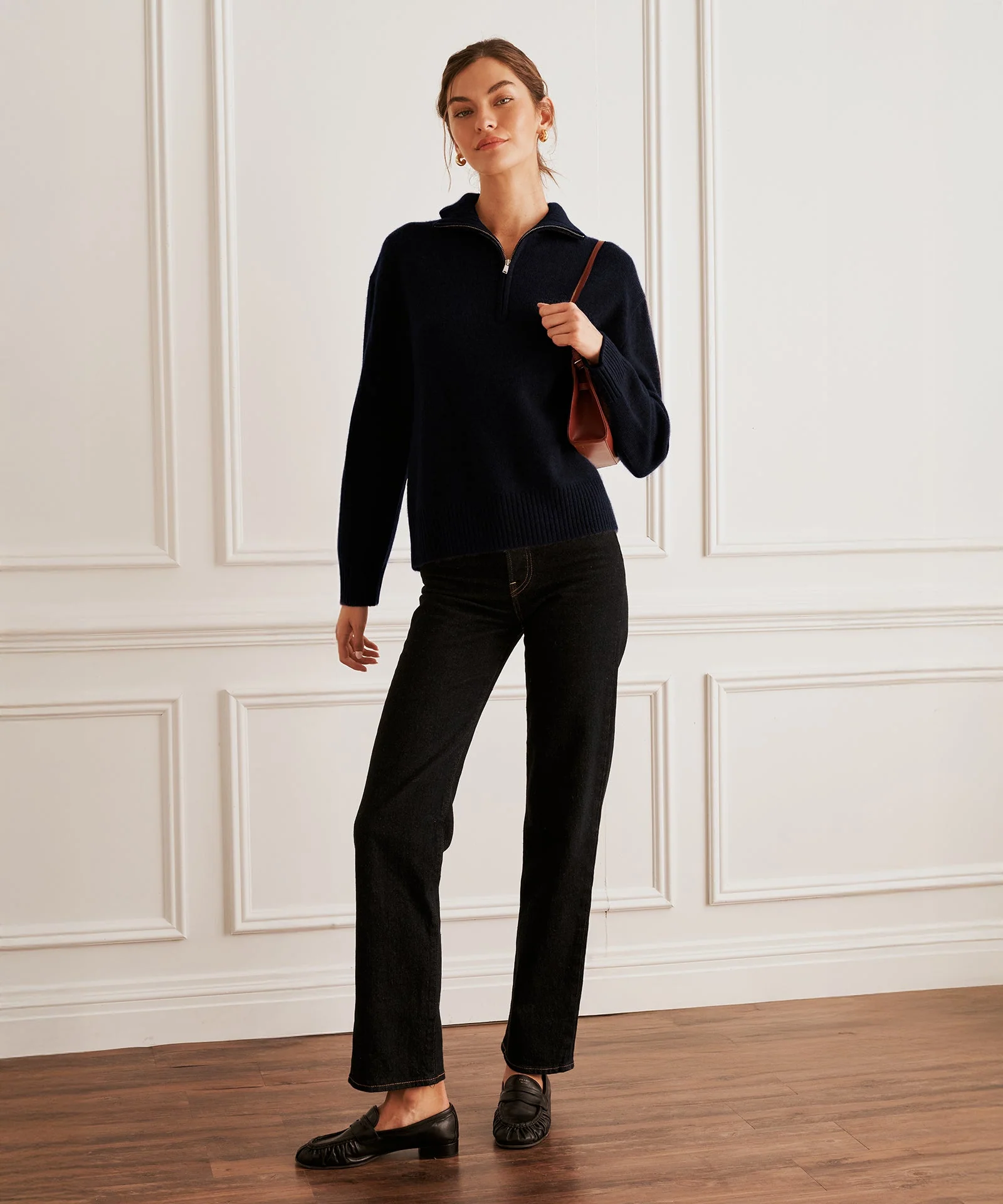
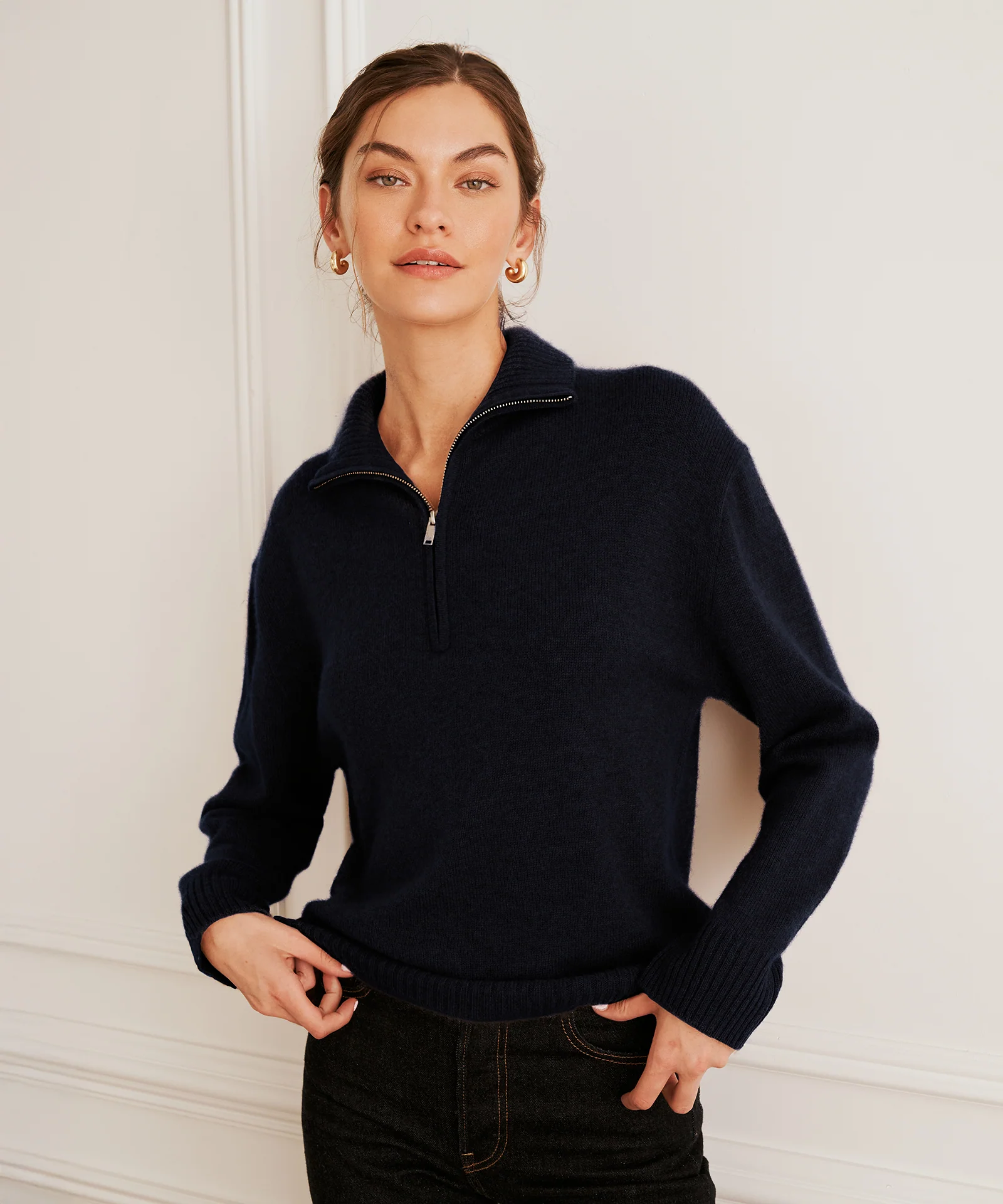
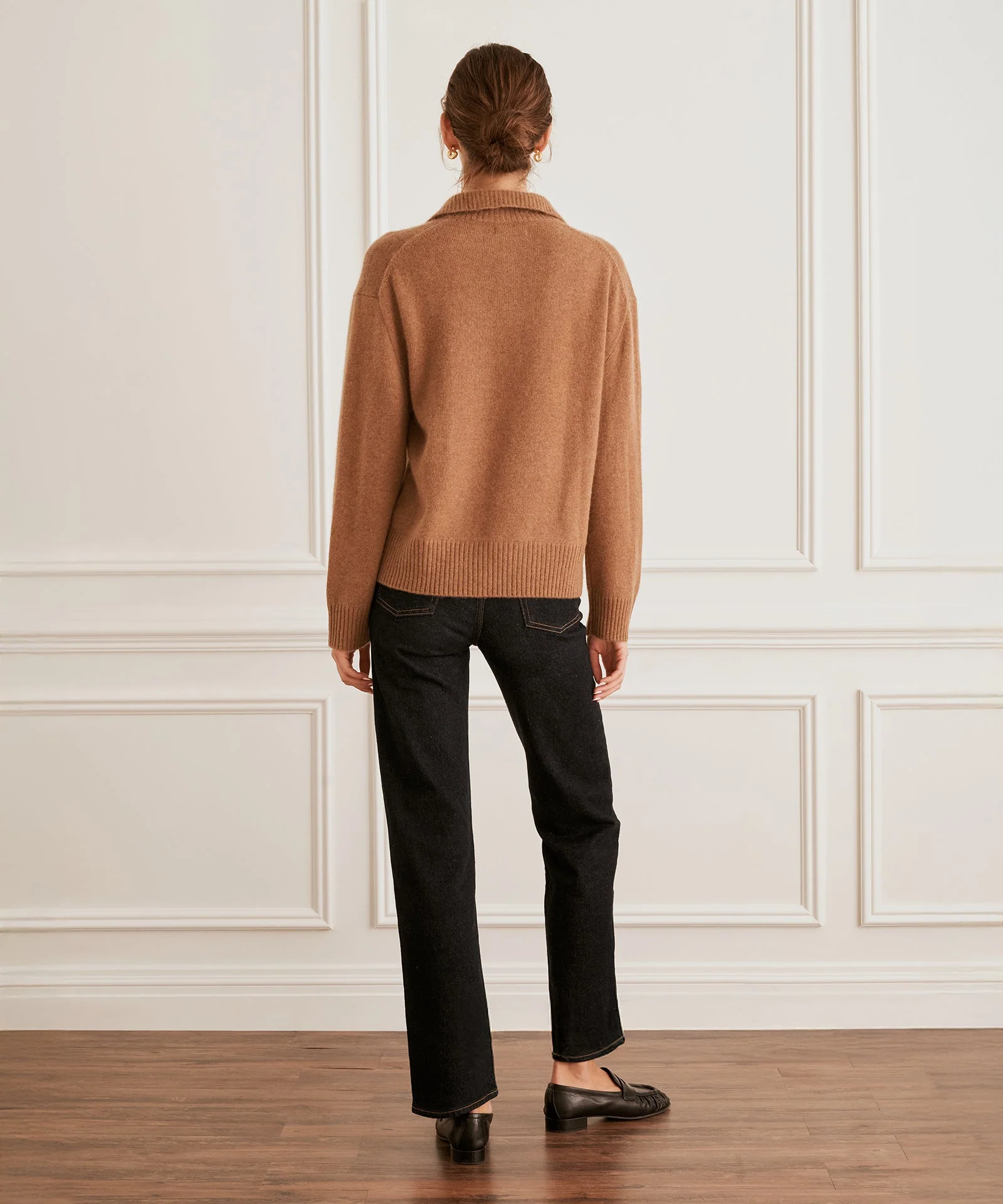
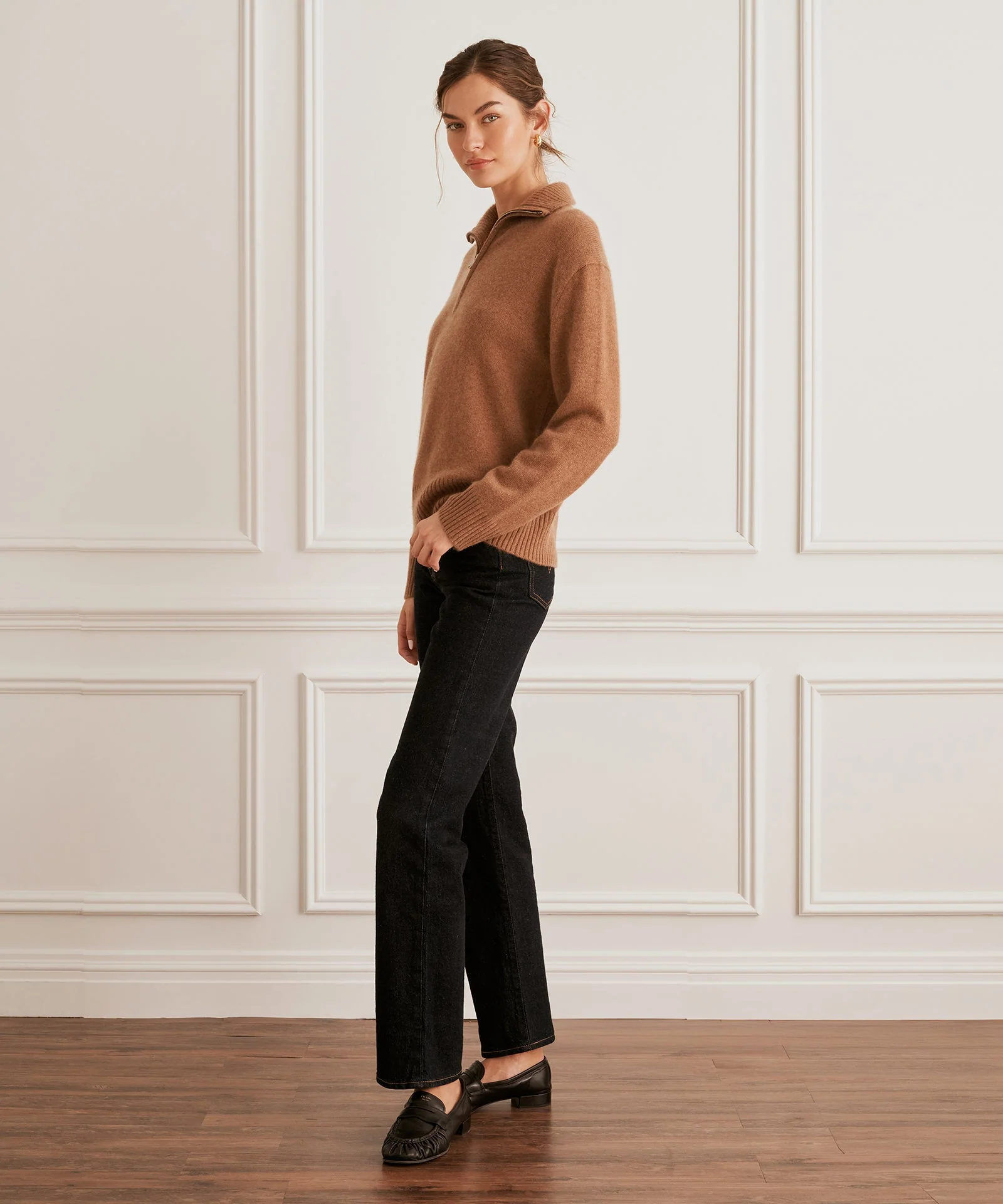

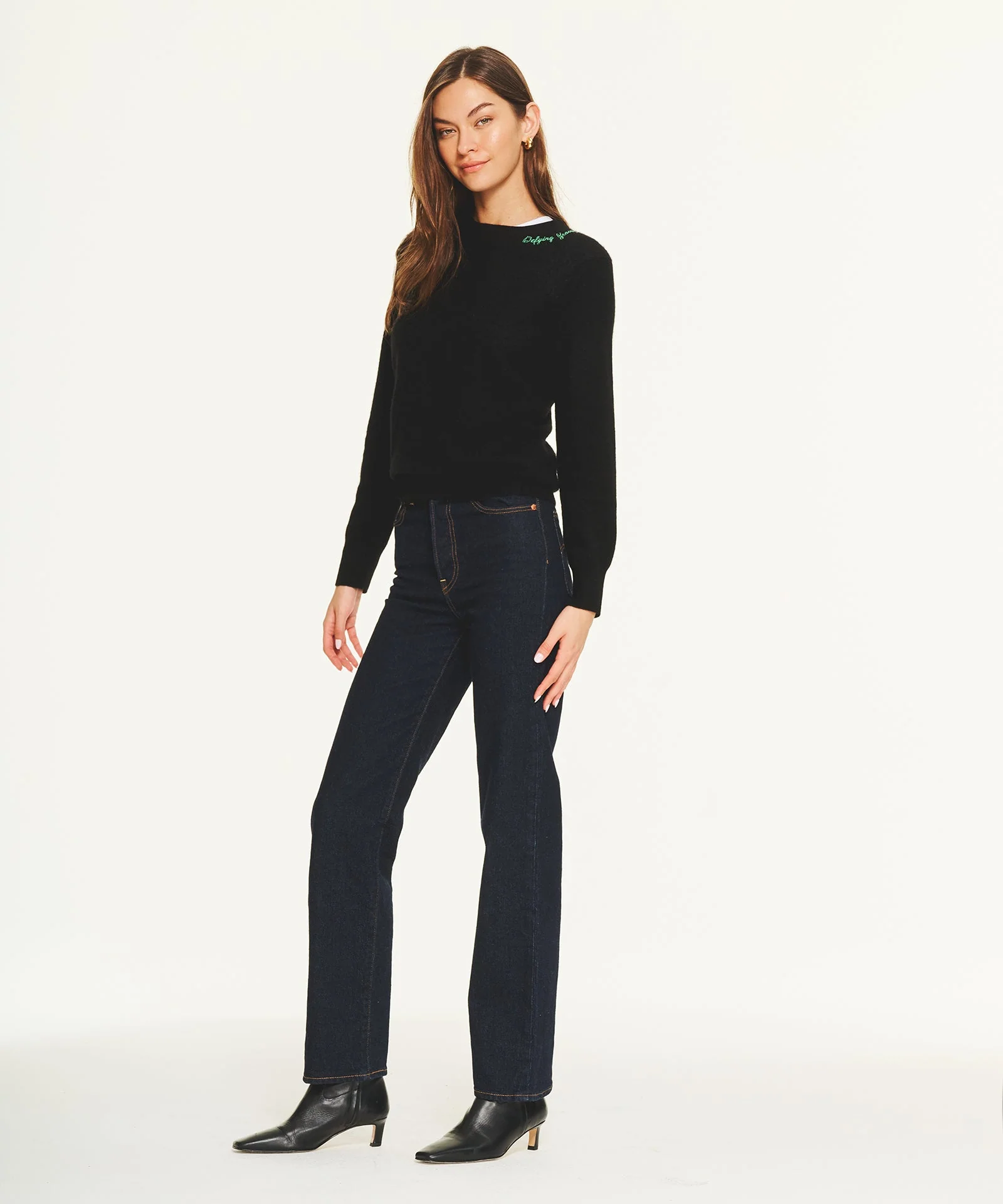
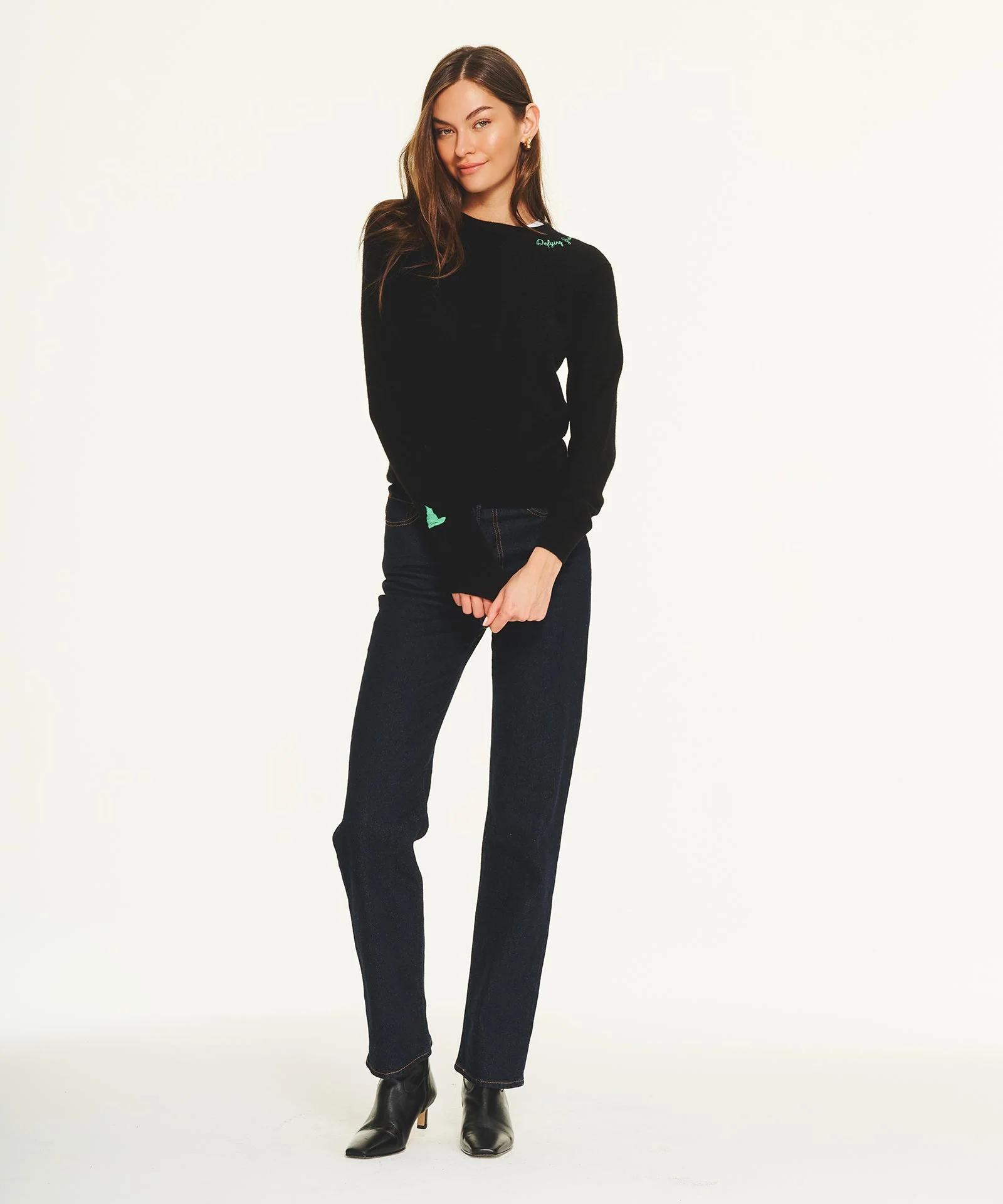
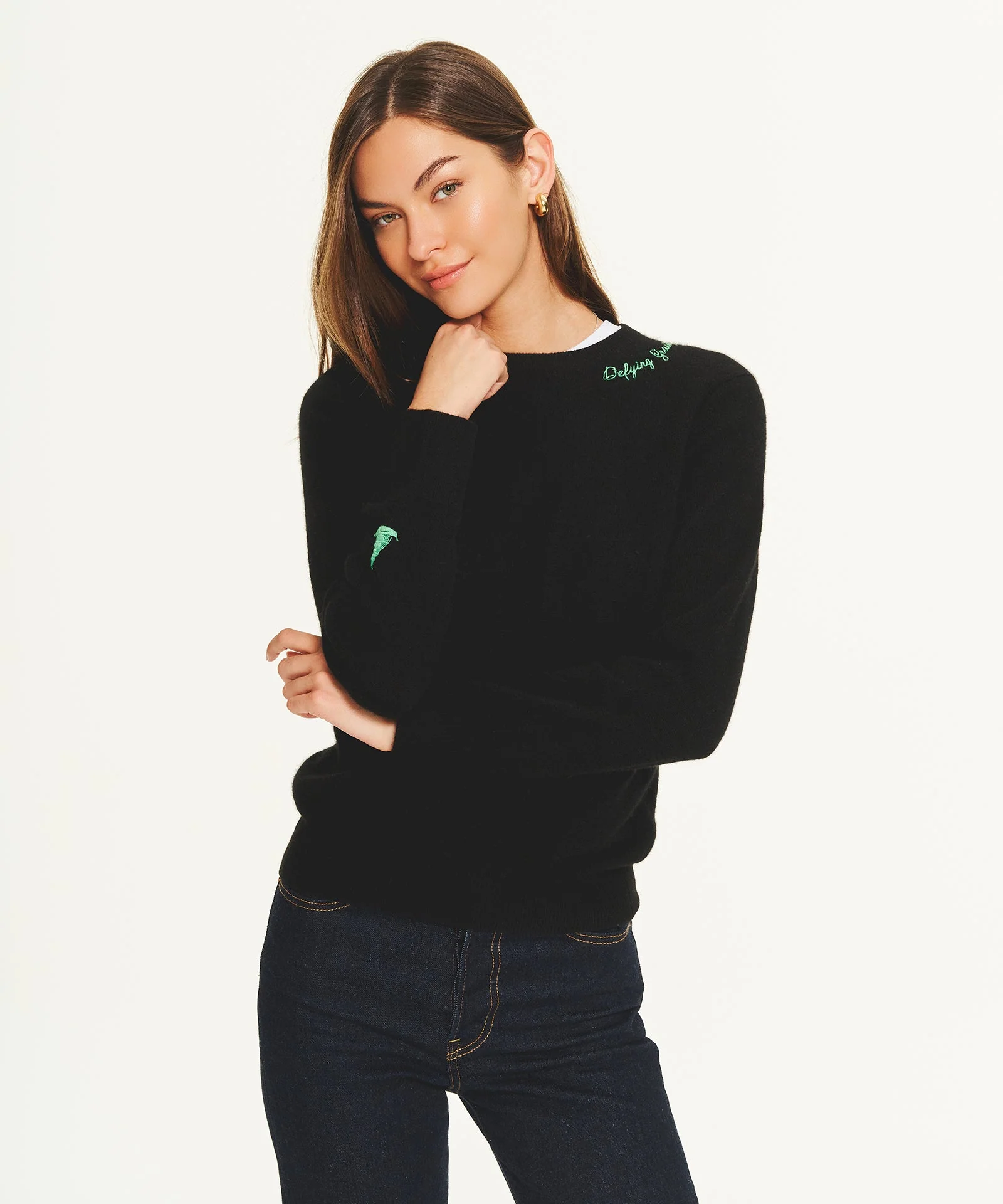
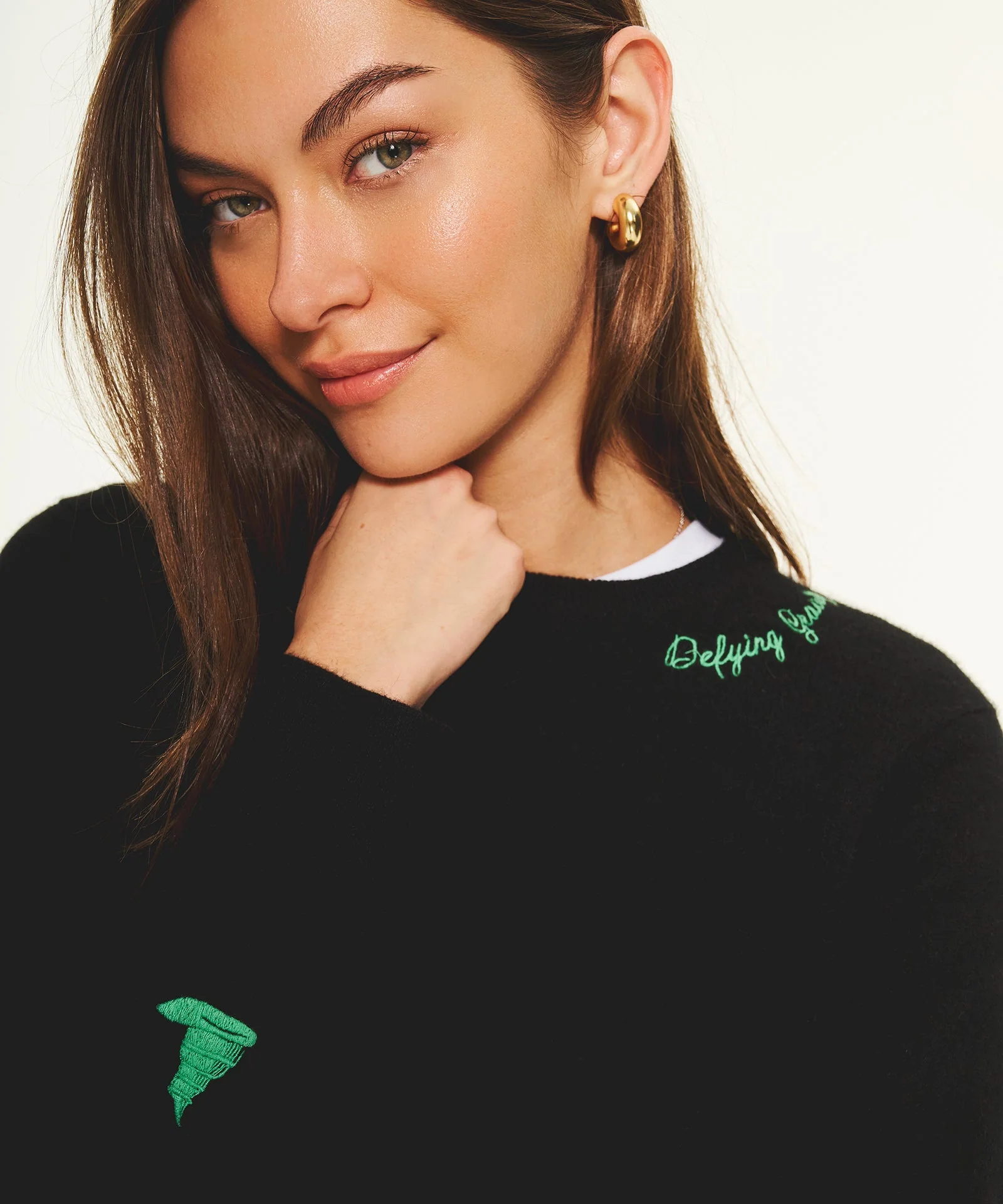

.jpg.6ababe3b4f5a700e41e82e6453c108c7.jpg)
















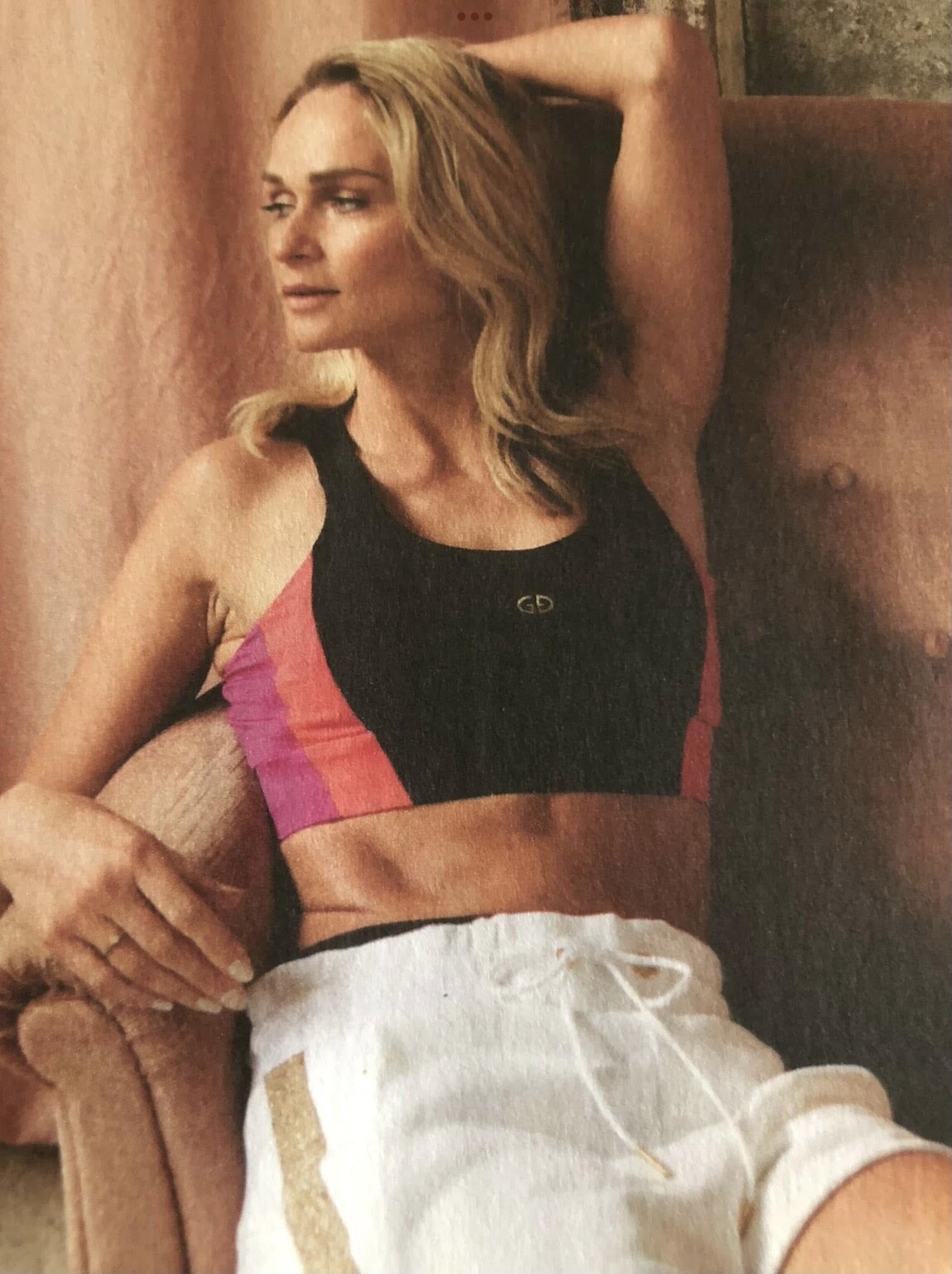


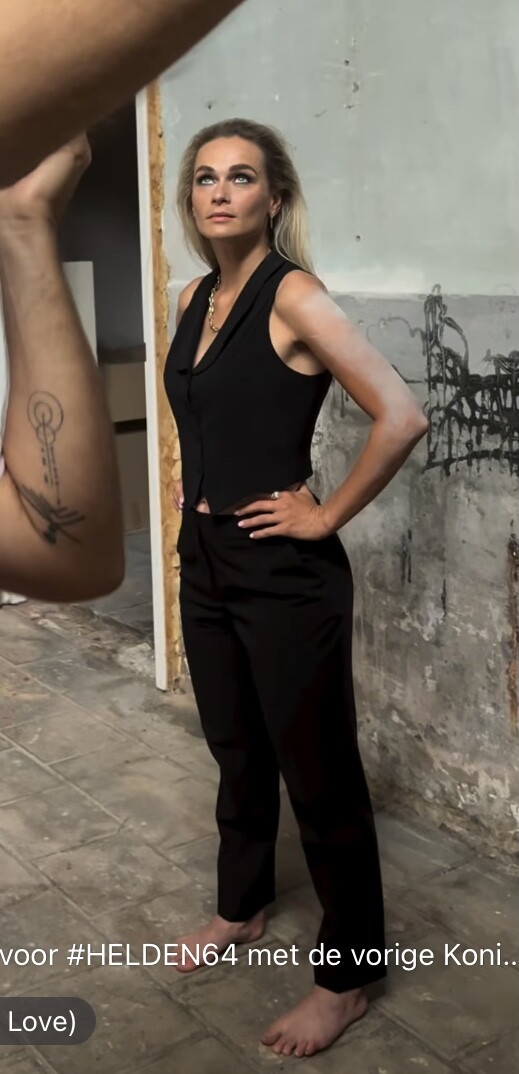

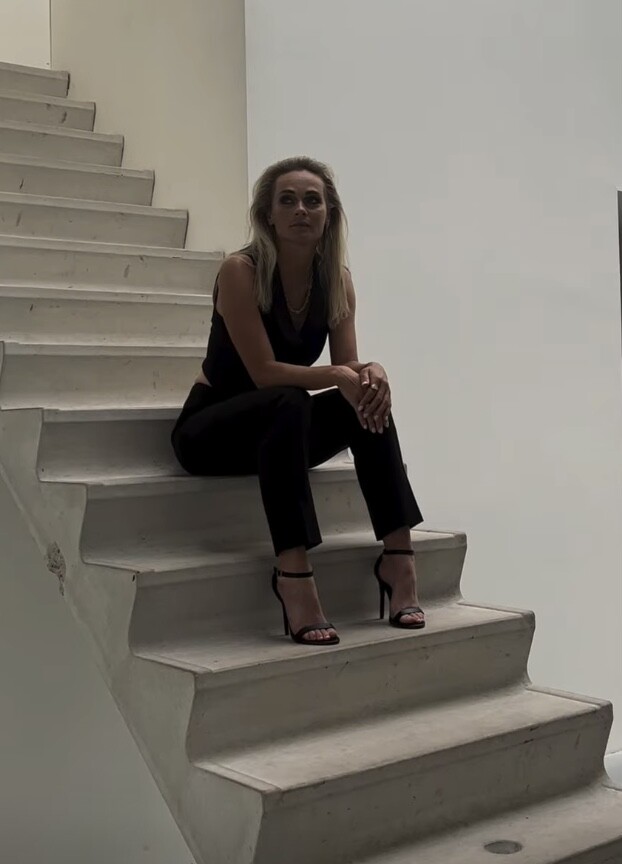


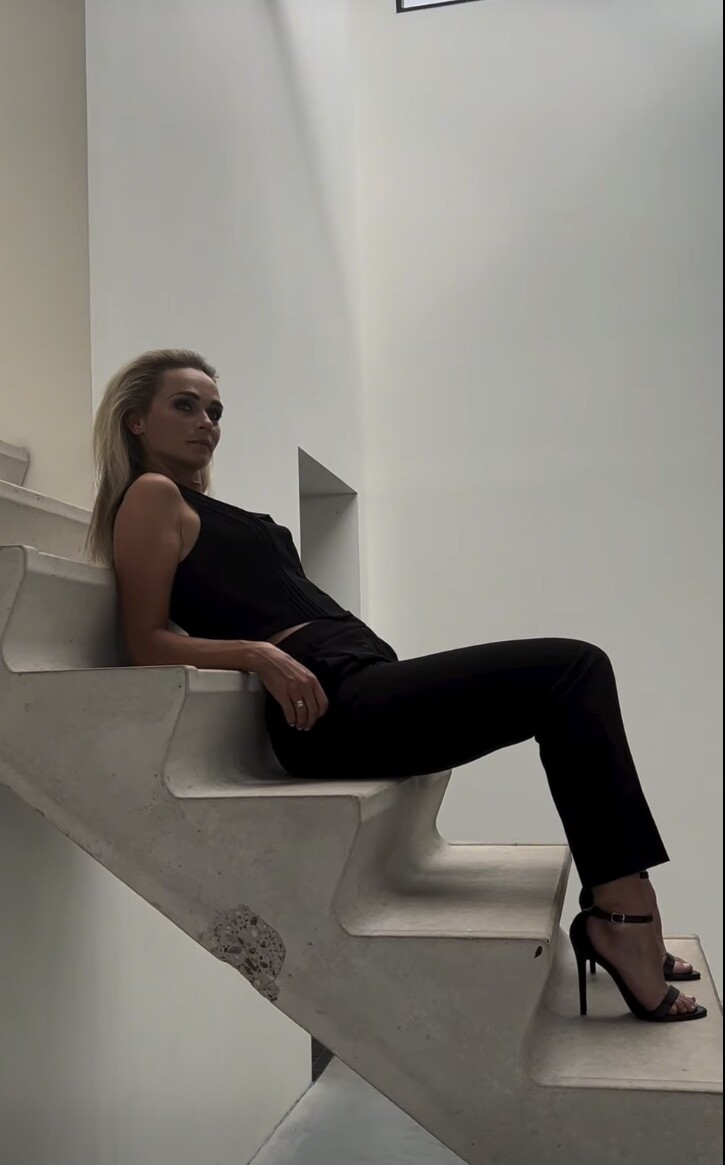






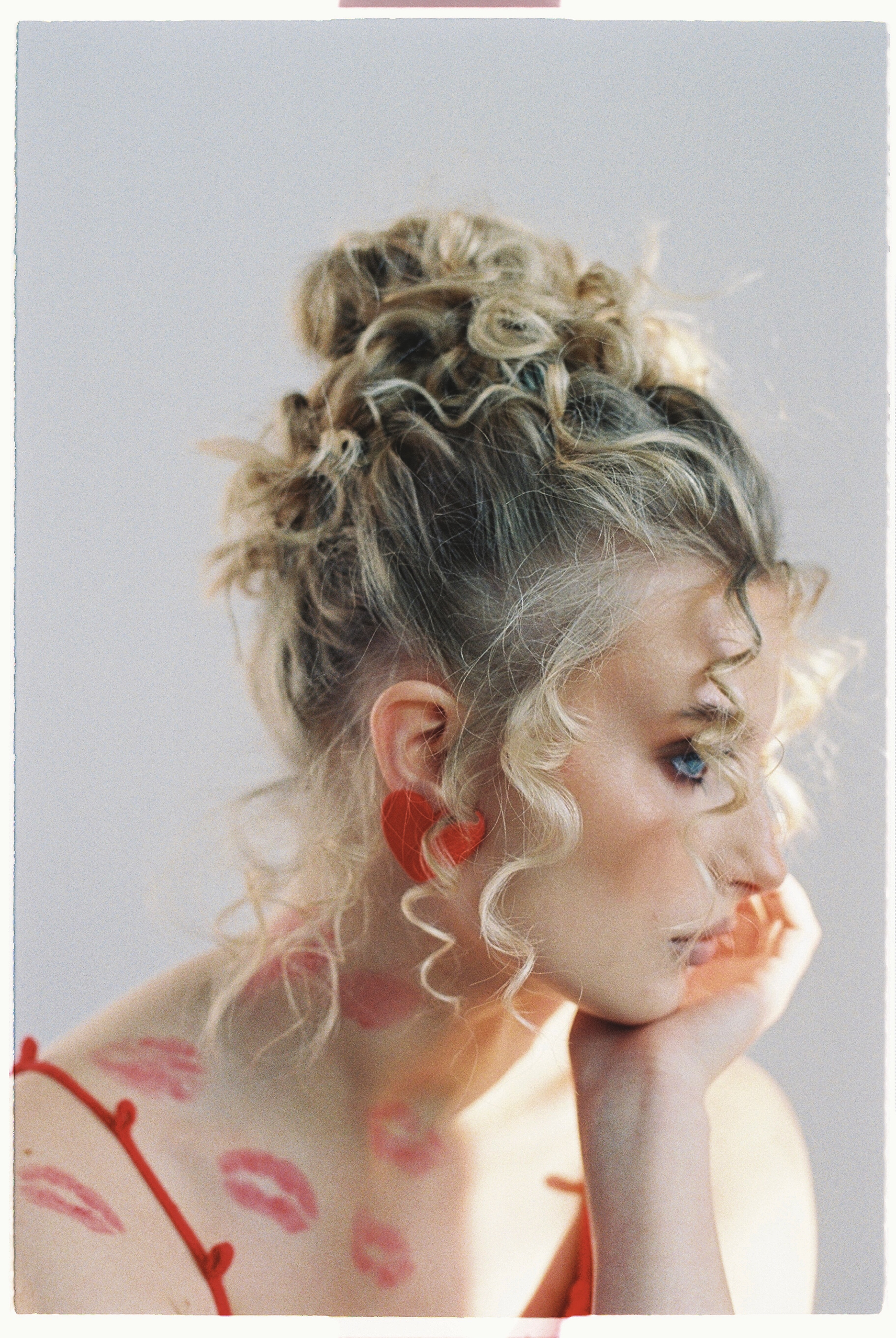

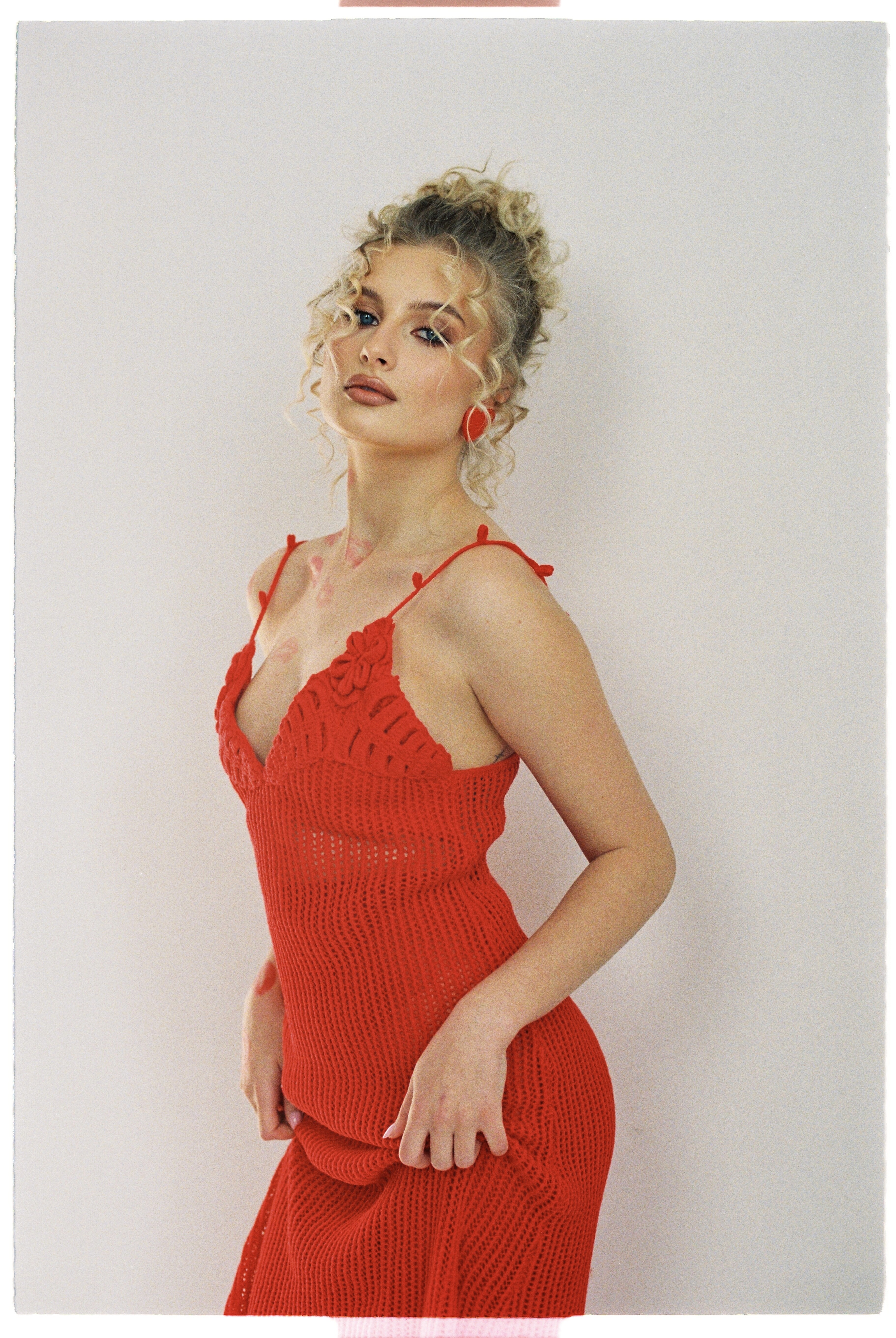
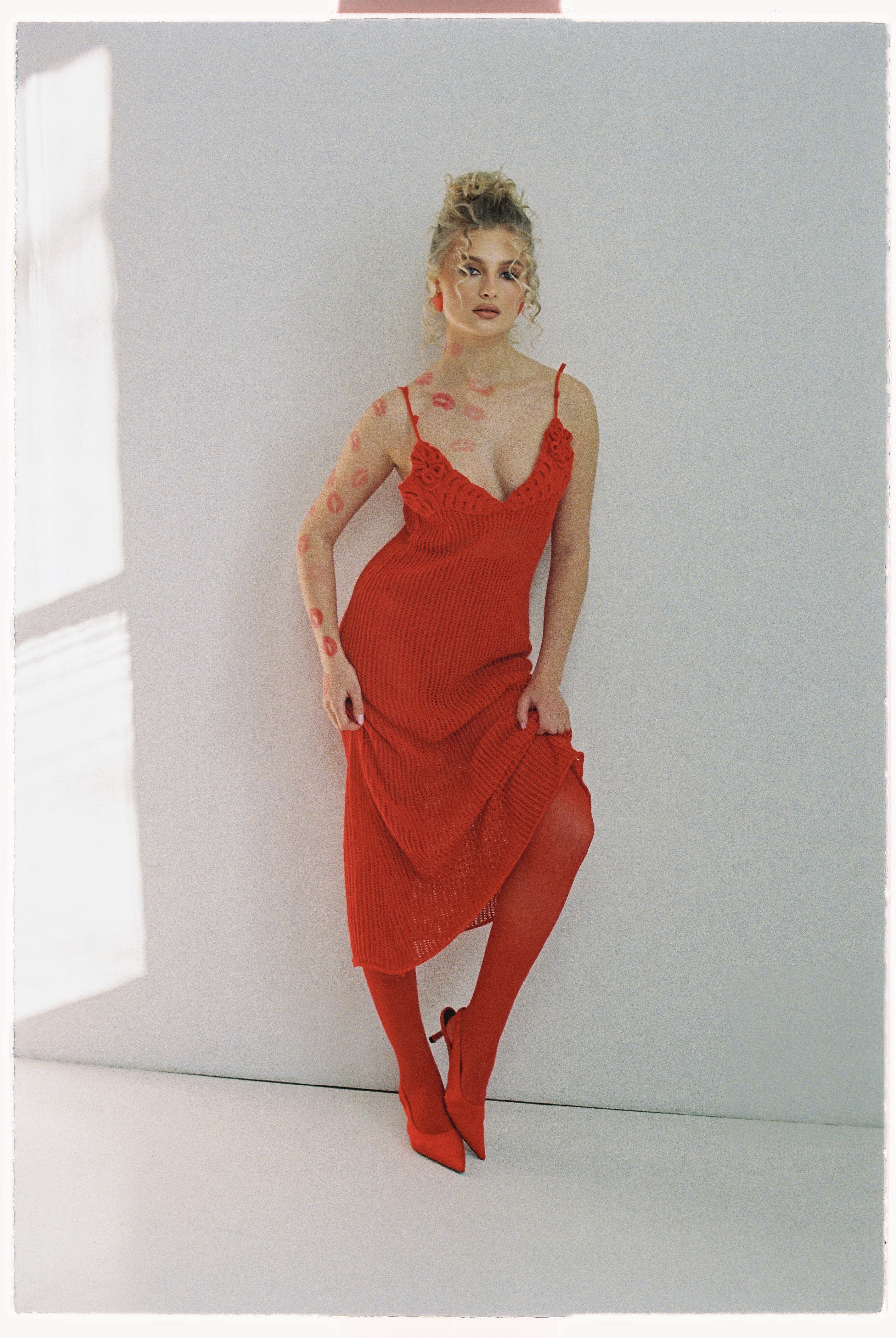
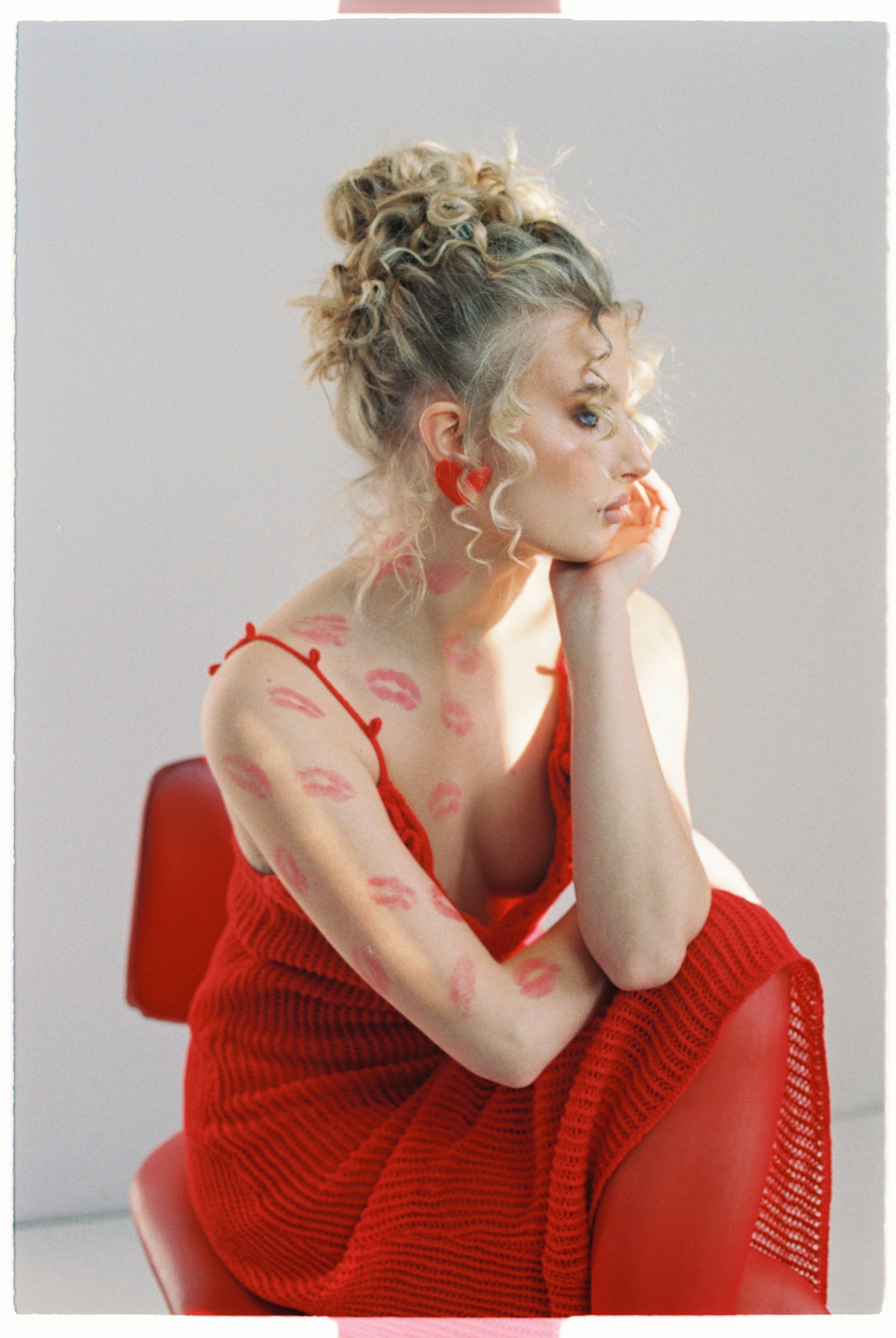




Account
Navigation
Search
Configure browser push notifications
Chrome (Android)
- Tap the lock icon next to the address bar.
- Tap Permissions → Notifications.
- Adjust your preference.
Chrome (Desktop)
- Click the padlock icon in the address bar.
- Select Site settings.
- Find Notifications and adjust your preference.
Safari (iOS 16.4+)
- Ensure the site is installed via Add to Home Screen.
- Open Settings App → Notifications.
- Find your app name and adjust your preference.
Safari (macOS)
- Go to Safari → Preferences.
- Click the Websites tab.
- Select Notifications in the sidebar.
- Find this website and adjust your preference.
Edge (Android)
- Tap the lock icon next to the address bar.
- Tap Permissions.
- Find Notifications and adjust your preference.
Edge (Desktop)
- Click the padlock icon in the address bar.
- Click Permissions for this site.
- Find Notifications and adjust your preference.
Firefox (Android)
- Go to Settings → Site permissions.
- Tap Notifications.
- Find this site in the list and adjust your preference.
Firefox (Desktop)
- Open Firefox Settings.
- Search for Notifications.
- Find this site in the list and adjust your preference.