All Activity
- Past hour
-
 sexy
sexy

-
 The Hollywood Reporter's annual Women in Entertainment Gala (2025) at The Beverly Hills Hotel














-

-
 Nadine Kuipers is a 90s model, represented by I.M.G Models, Paris. She is currently a filmmaker. my scan
-



 Warning see through nudity
• Manuela Viegas (L) • Agnes Pimentel (M) • Priscilla Ricart (L) • Milana Vino (M) • Larissa Galvao (3) • Daphne Groeneveld (L) • Karin Alia (2) • Lilia Weddell (M) • Tyler Moolman (4)
https://foliomanagement.com/en/models/thali Thali Bouchard
Warning see through nudity
• Manuela Viegas (L) • Agnes Pimentel (M) • Priscilla Ricart (L) • Milana Vino (M) • Larissa Galvao (3) • Daphne Groeneveld (L) • Karin Alia (2) • Lilia Weddell (M) • Tyler Moolman (4)
https://foliomanagement.com/en/models/thali Thali Bouchard worldmusicawards2000.mpeg
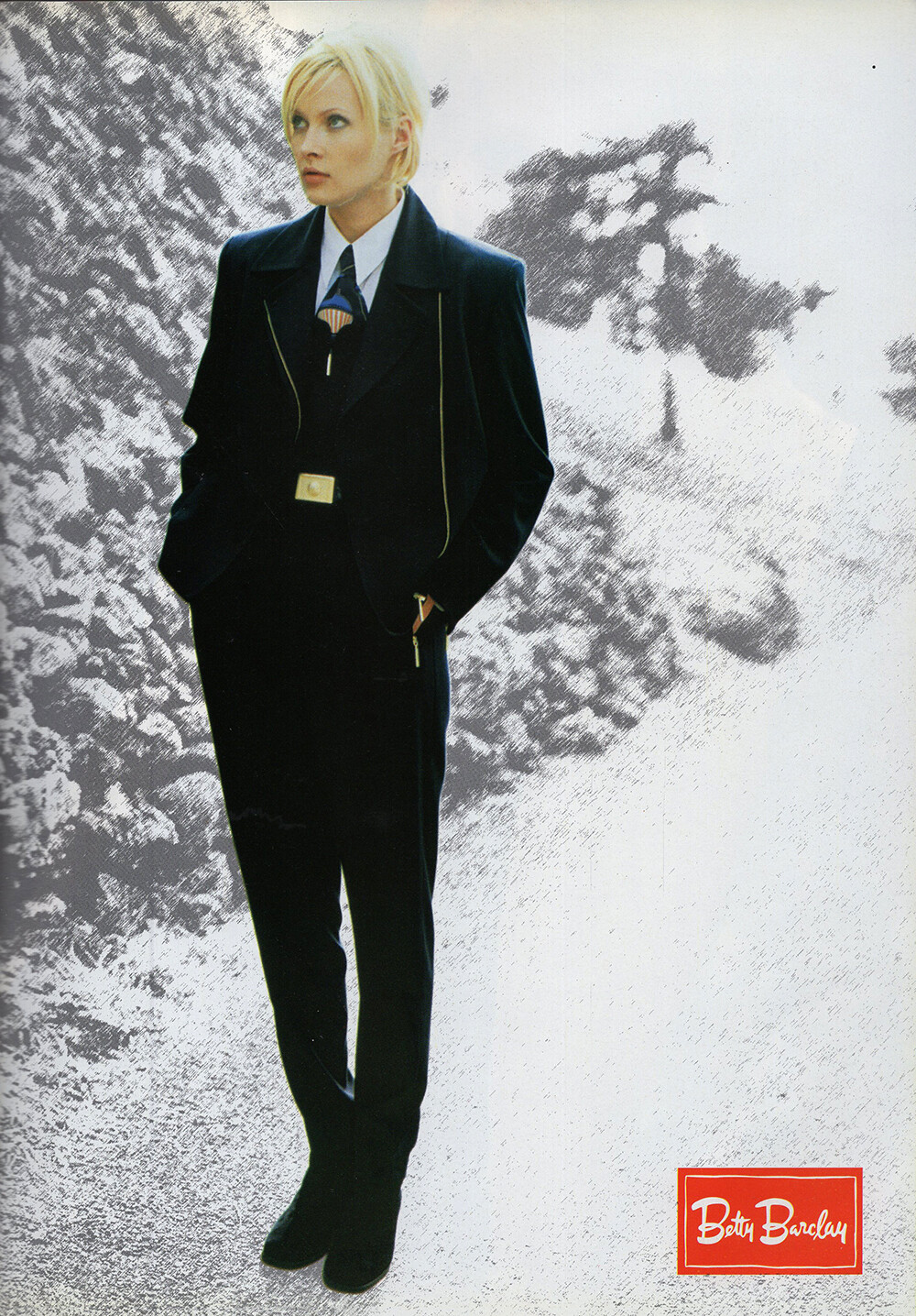
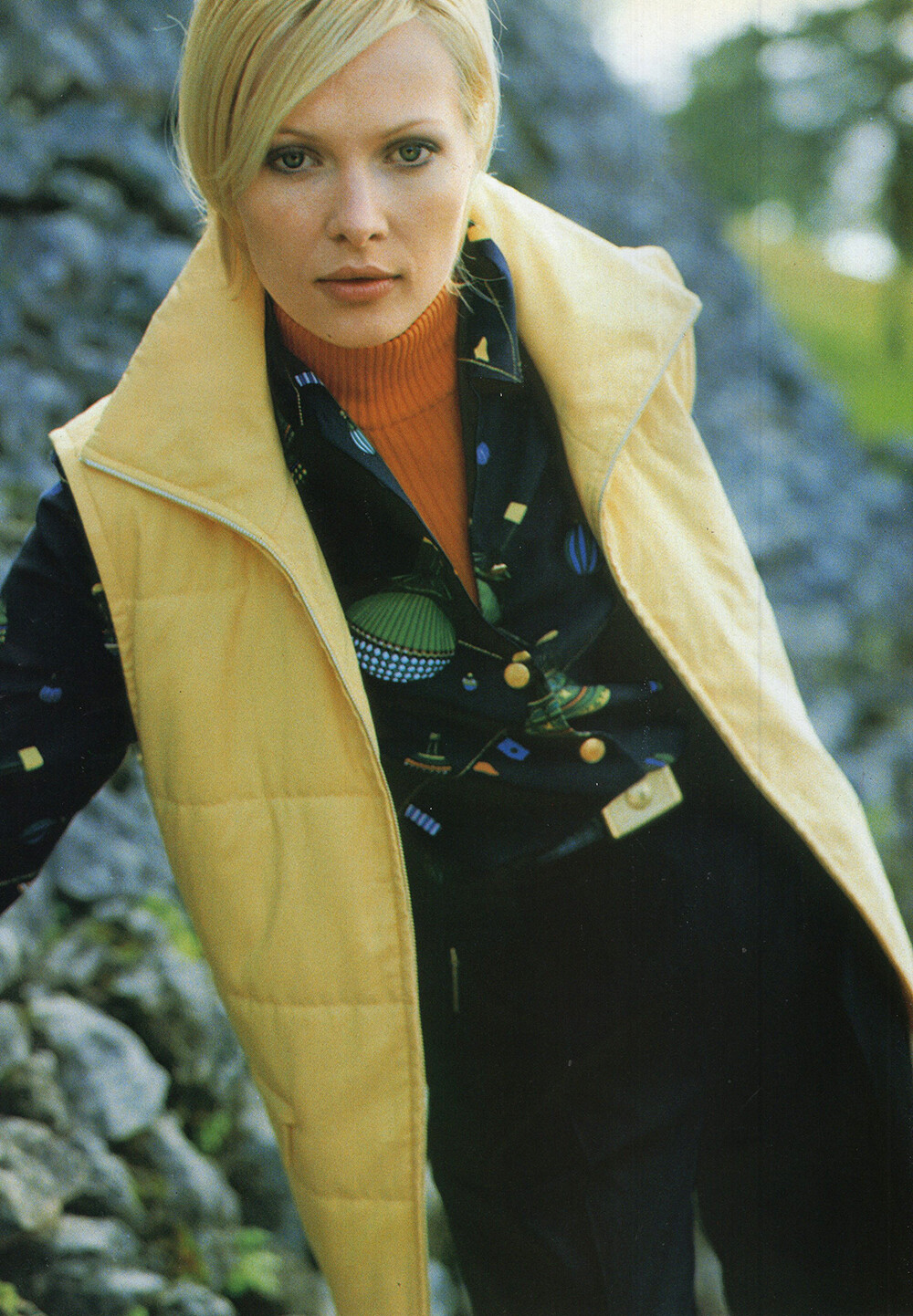
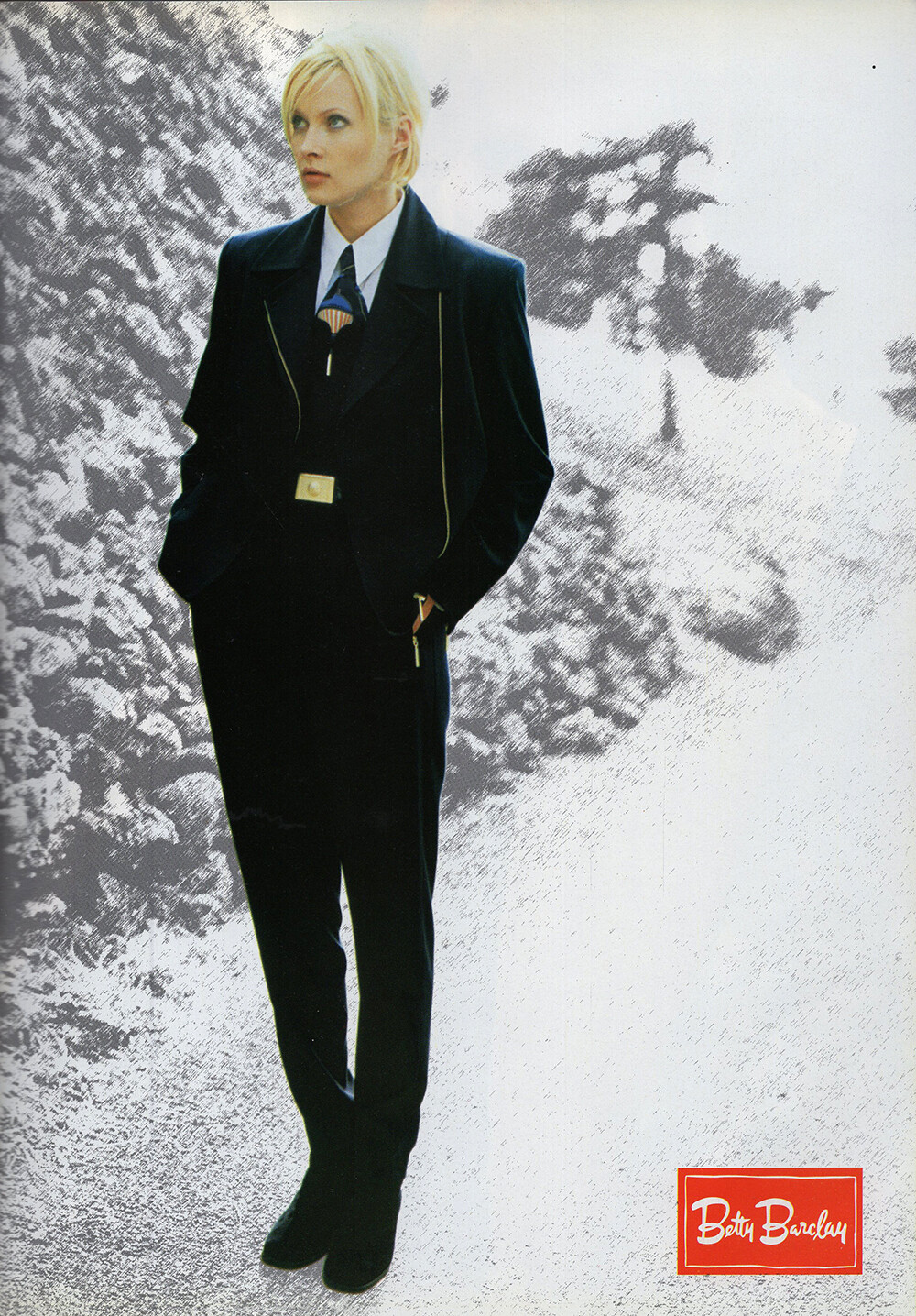
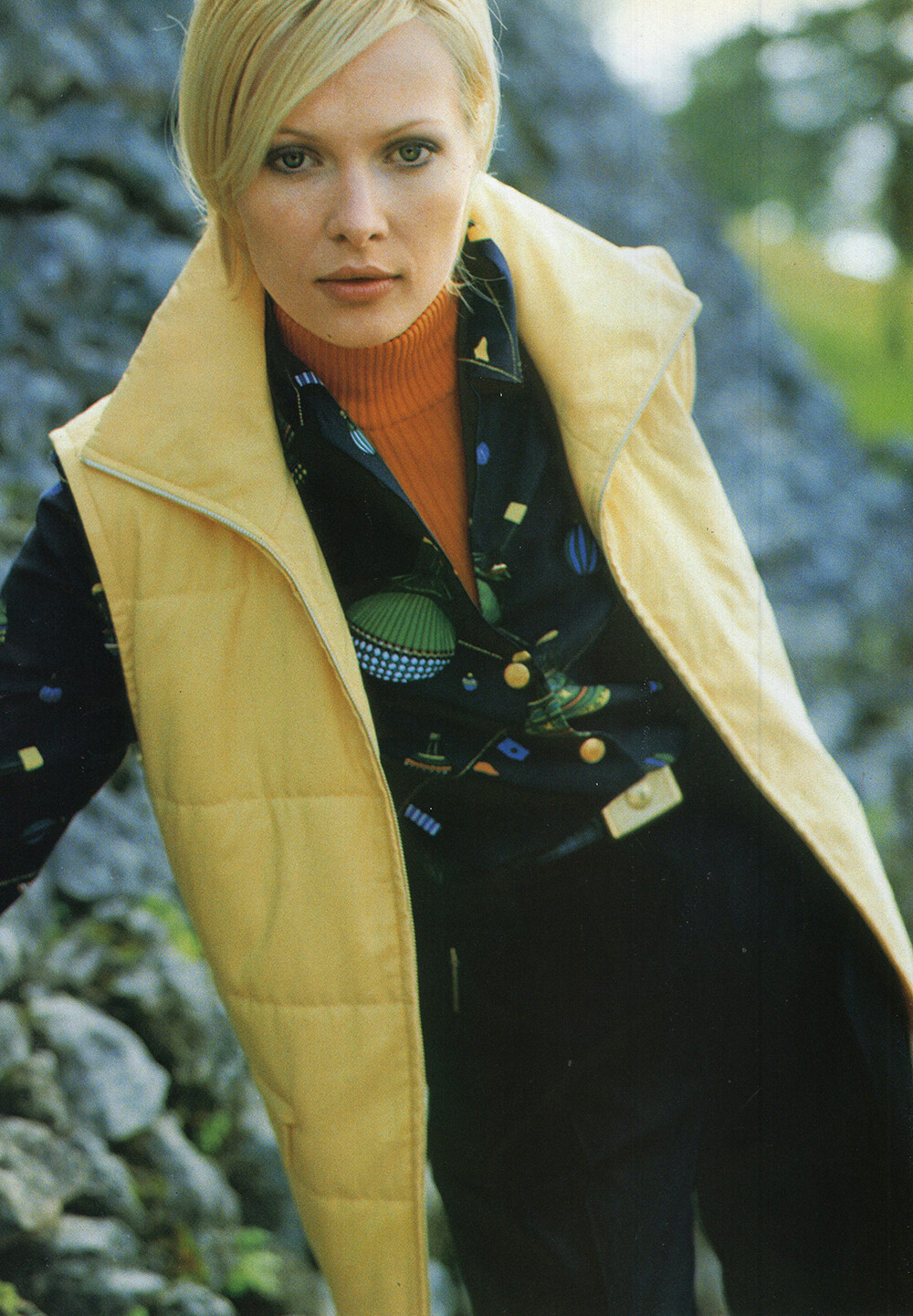
BETTY BARCLAY 1996 - PH. UNK - MY SCANS + NADIA VASSILIEVA
worldmusicawards2000.mpeg
BETTY BARCLAY 1996 - PH. UNK - MY SCANS + NADIA VASSILIEVA



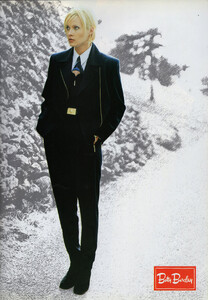
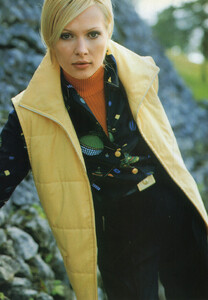

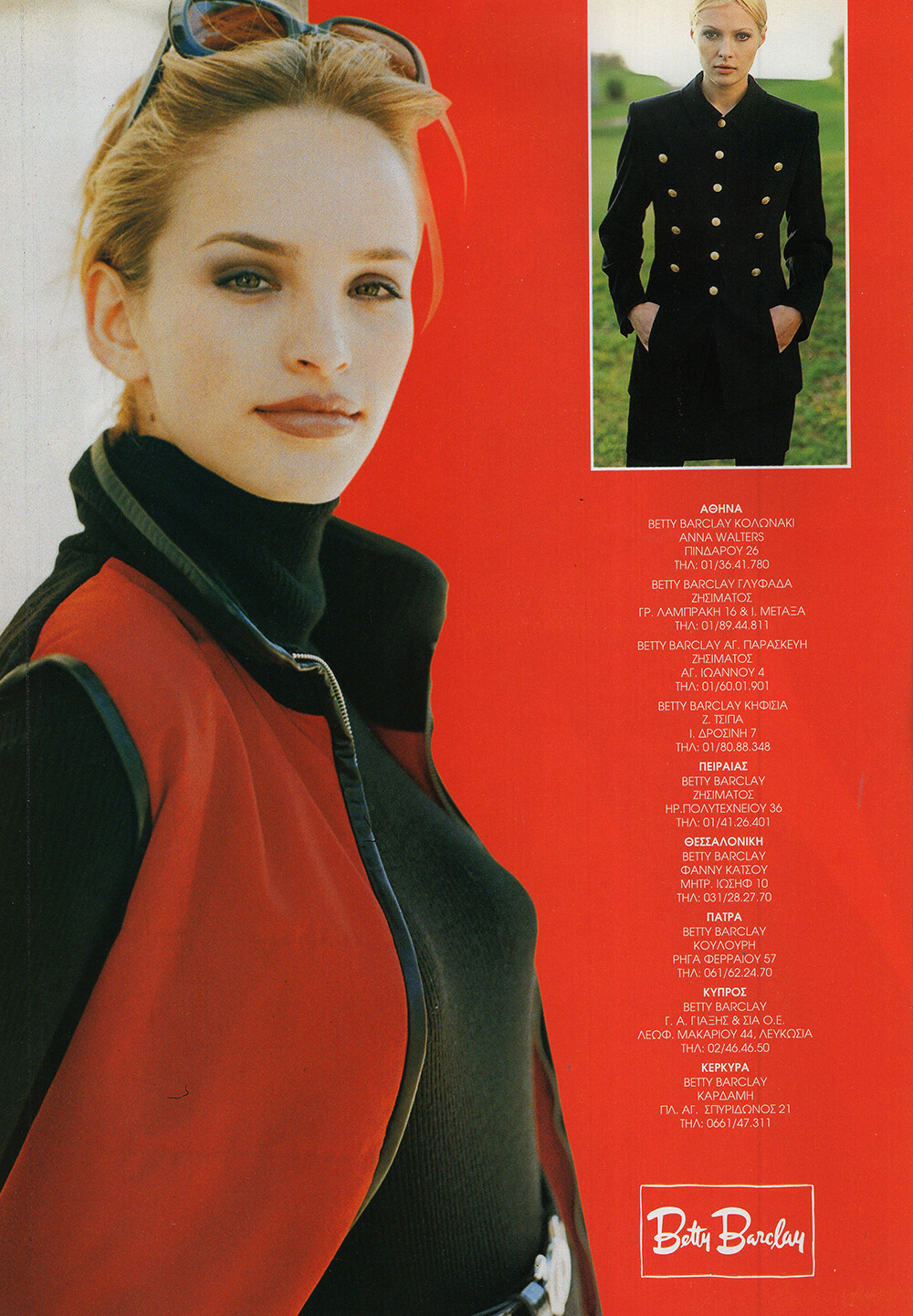
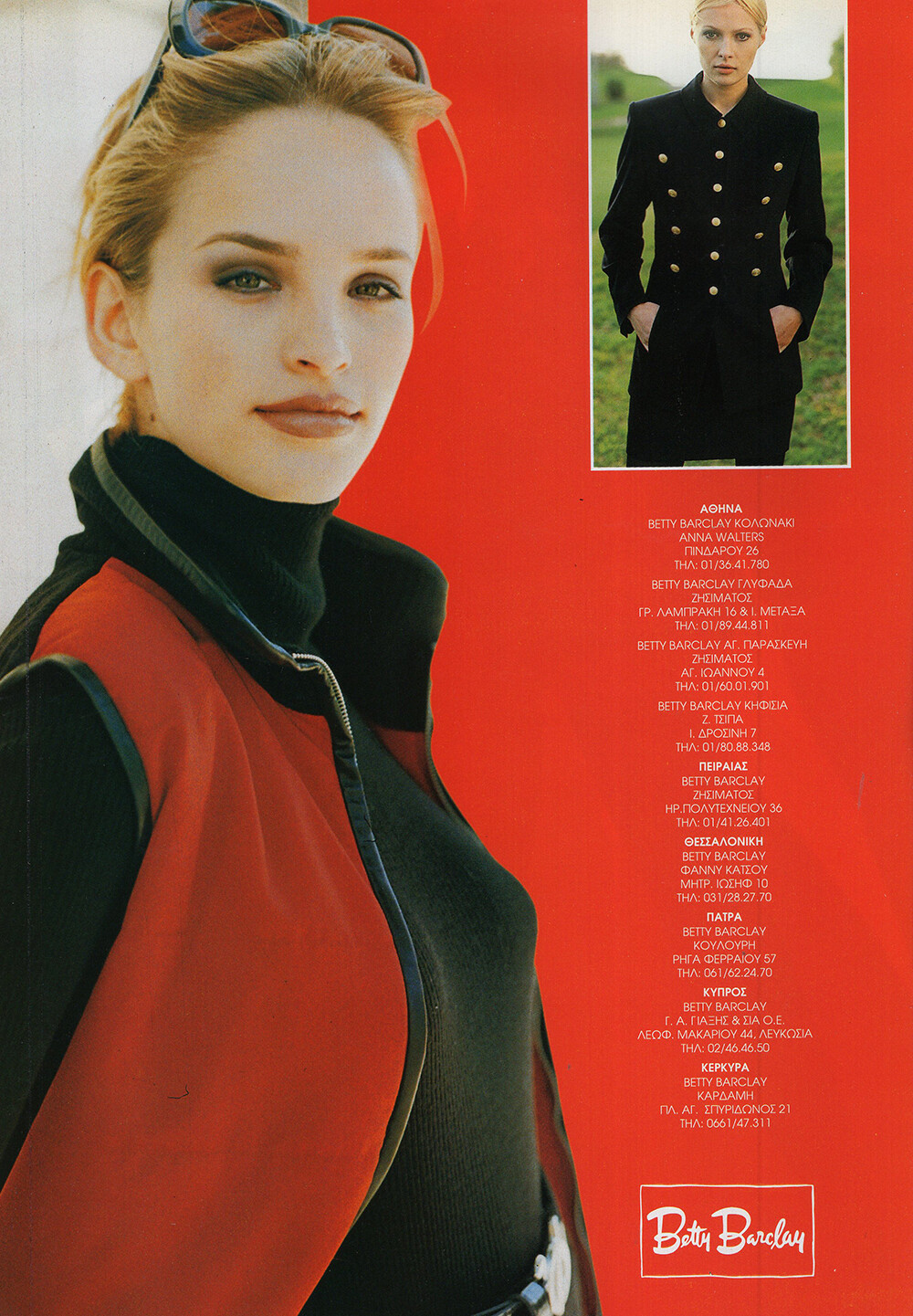
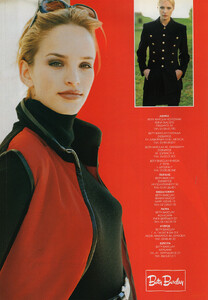 BETTY BARCLAY 1996 - PH. UNK - MY SCANS + GINA MARIE DI PIETRO-REILLY



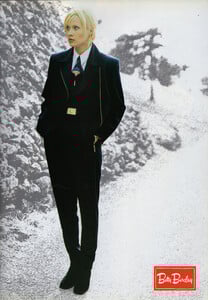
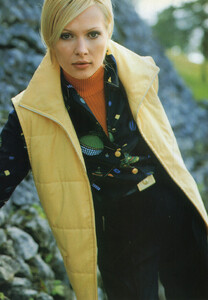

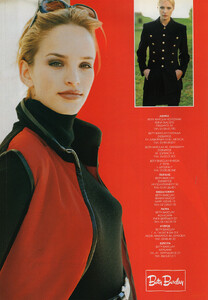 Christine Sofie Johansen
You're welcome
Christine Sofie Johansen
You're welcome
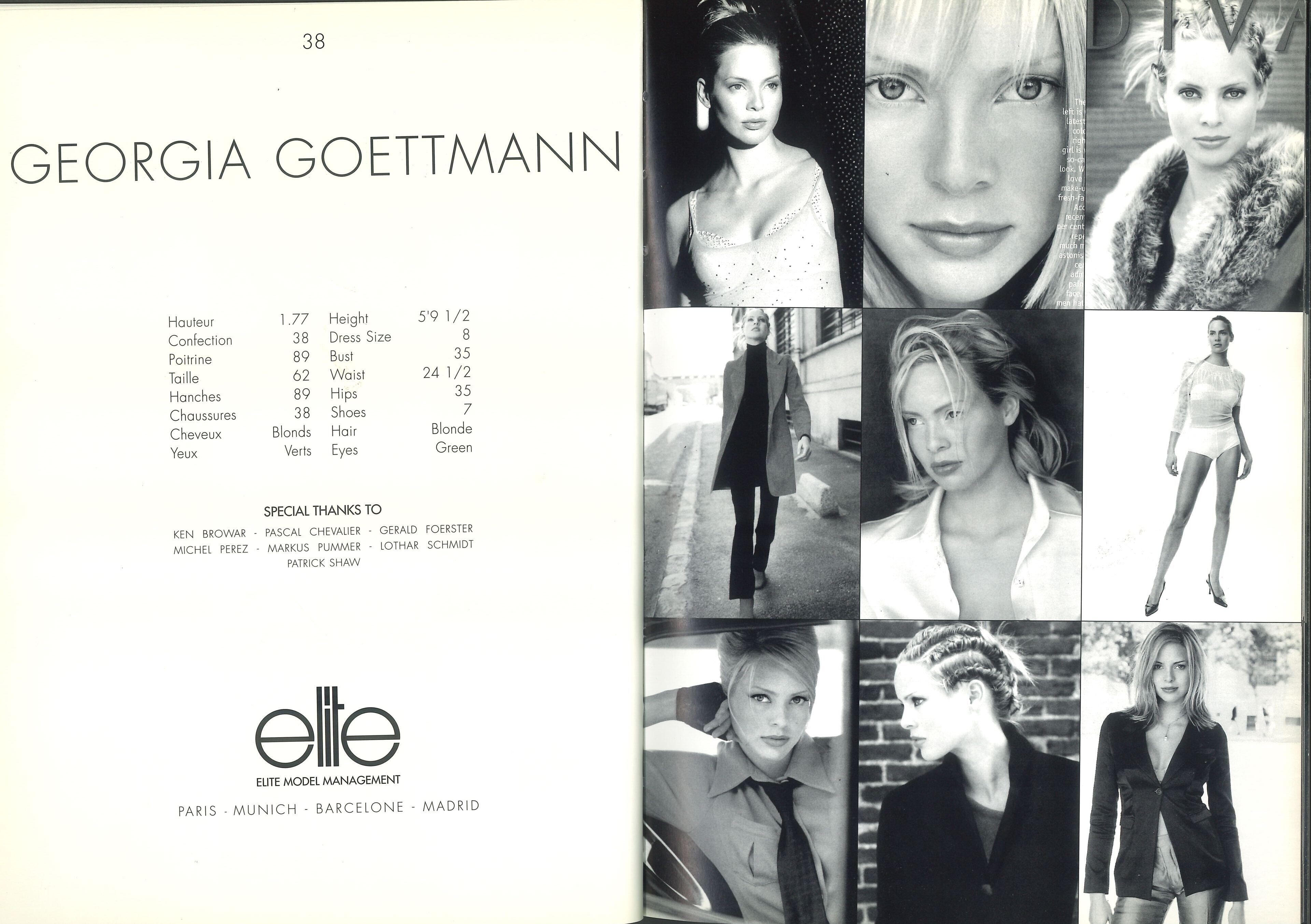
 ELITE EUROPE composite 1998 my scan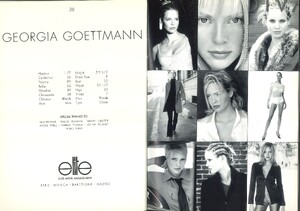
 Dahig85 joined the community






































Account
Search
Configure browser push notifications
Chrome (Android)
- Tap the lock icon next to the address bar.
- Tap Permissions → Notifications.
- Adjust your preference.
Chrome (Desktop)
- Click the padlock icon in the address bar.
- Select Site settings.
- Find Notifications and adjust your preference.
Safari (iOS 16.4+)
- Ensure the site is installed via Add to Home Screen.
- Open Settings App → Notifications.
- Find your app name and adjust your preference.
Safari (macOS)
- Go to Safari → Preferences.
- Click the Websites tab.
- Select Notifications in the sidebar.
- Find this website and adjust your preference.
Edge (Android)
- Tap the lock icon next to the address bar.
- Tap Permissions.
- Find Notifications and adjust your preference.
Edge (Desktop)
- Click the padlock icon in the address bar.
- Click Permissions for this site.
- Find Notifications and adjust your preference.
Firefox (Android)
- Go to Settings → Site permissions.
- Tap Notifications.
- Find this site in the list and adjust your preference.
Firefox (Desktop)
- Open Firefox Settings.
- Search for Notifications.
- Find this site in the list and adjust your preference.