All Activity
- Past hour
-
 Caroline Bwomono-right name spelling and
 -
 thanks a ton
 -
 https://www.wilhelmina.com/new-york/women/main/21905-tara-sears https://www.instagram.com/taraasears
 -
-

 This city is what oil money and slave labor buys you..
 schoolfurnituredirect joined the community
 On honeymoon, 2026
 https://www.instagram.com/p/DU8MHvEgQqT/?img_index=2&igsh=dGg3c2ZxcjFyN2g2 ffd6cbc1669d477b8e06e55ffb3bbff1.mov
https://www.instagram.com/p/DU8MHvEgQqT/?img_index=2&igsh=dGg3c2ZxcjFyN2g2
https://www.instagram.com/p/DU8MHvEgQqT/?img_index=2&igsh=dGg3c2ZxcjFyN2g2 ffd6cbc1669d477b8e06e55ffb3bbff1.mov
https://www.instagram.com/p/DU8MHvEgQqT/?img_index=2&igsh=dGg3c2ZxcjFyN2g2

- Today
Glad to help 🙂 Thanks Genius !
https://www.instagram.com/mayanava_/ https://www.establishedmodels.com/new-faces/1560-maya-nava/
Thanks Genius !
https://www.instagram.com/mayanava_/ https://www.establishedmodels.com/new-faces/1560-maya-nava/
 telestrategies joined the community
 Nikόla_ joined the community
 Purple Realty joined the community
 From thelalook IG: 2025 2024 With Ashley in the support role (California is Jessica's turf) And yes, I'm playing their song, 'Hold Me Now', right now as I am creating this post 😄































 France ! Download-3.mp4
You're welcome
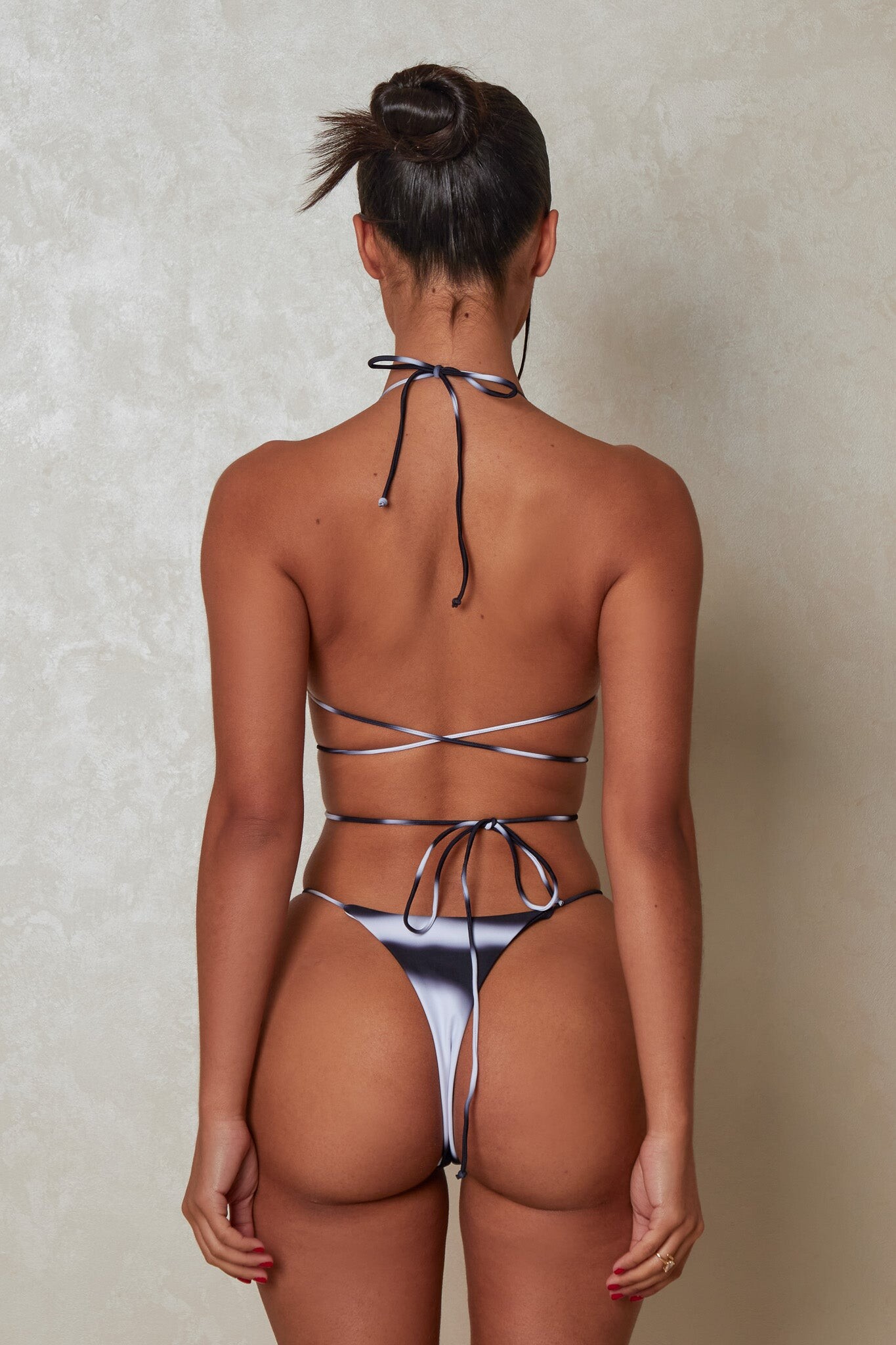
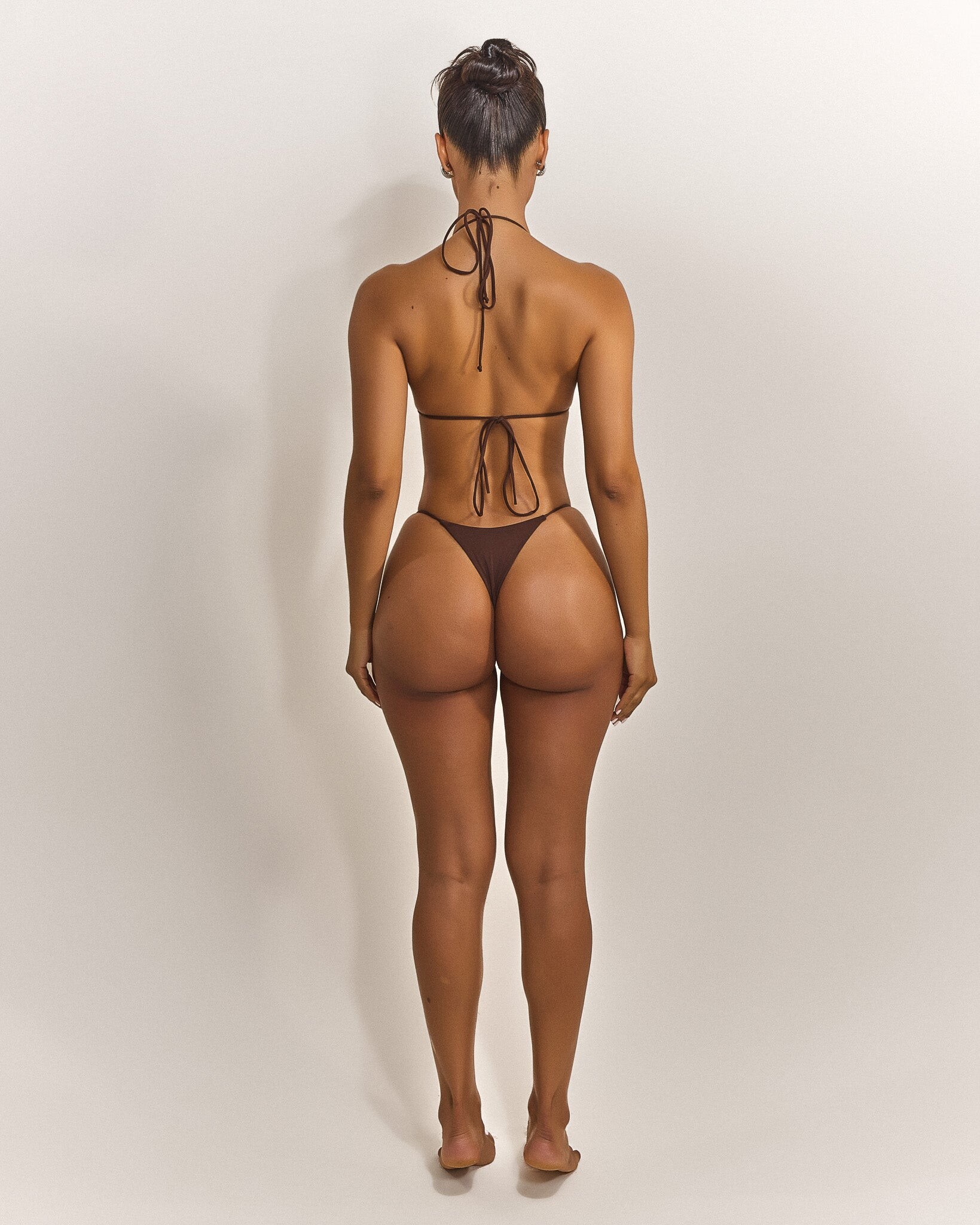
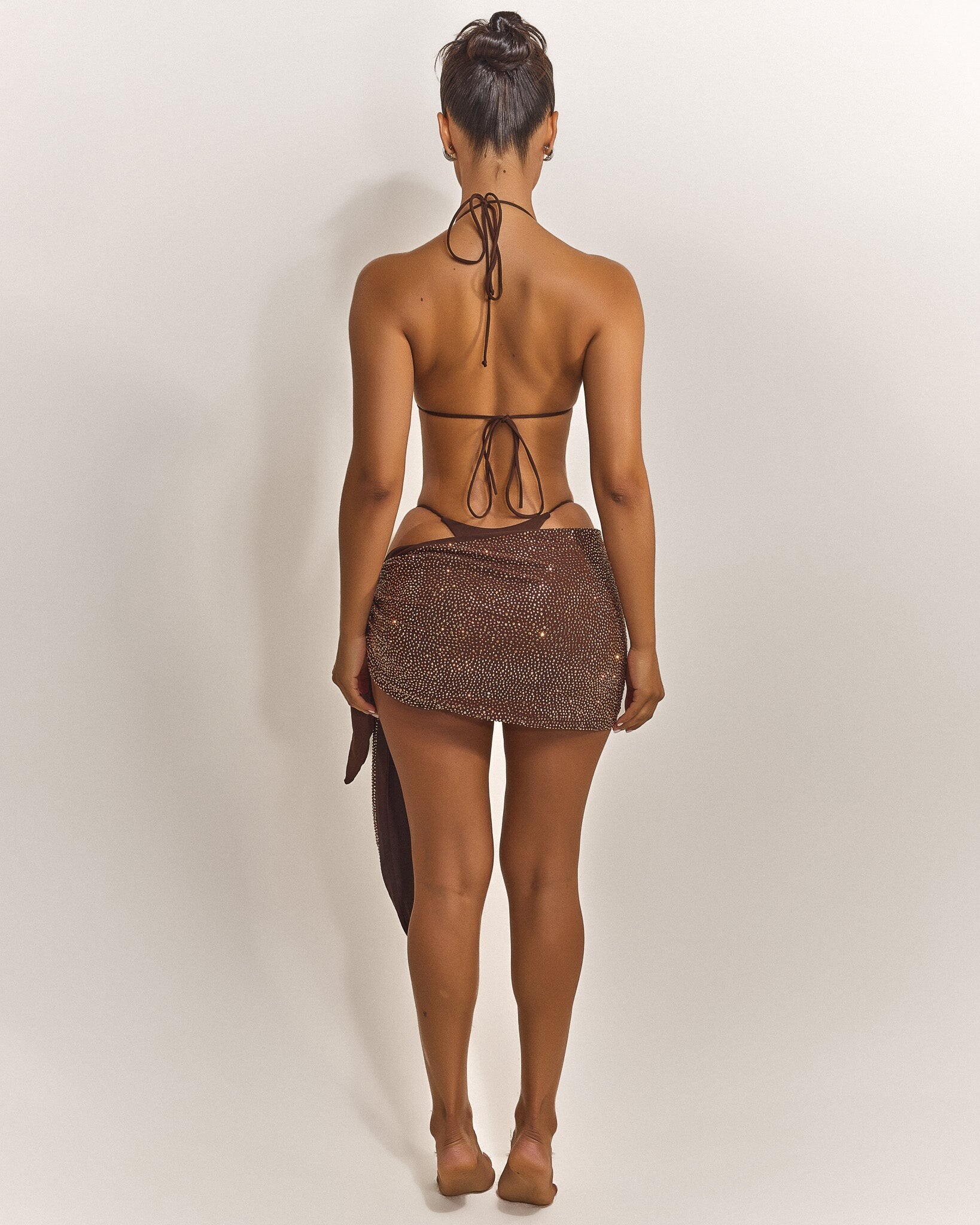
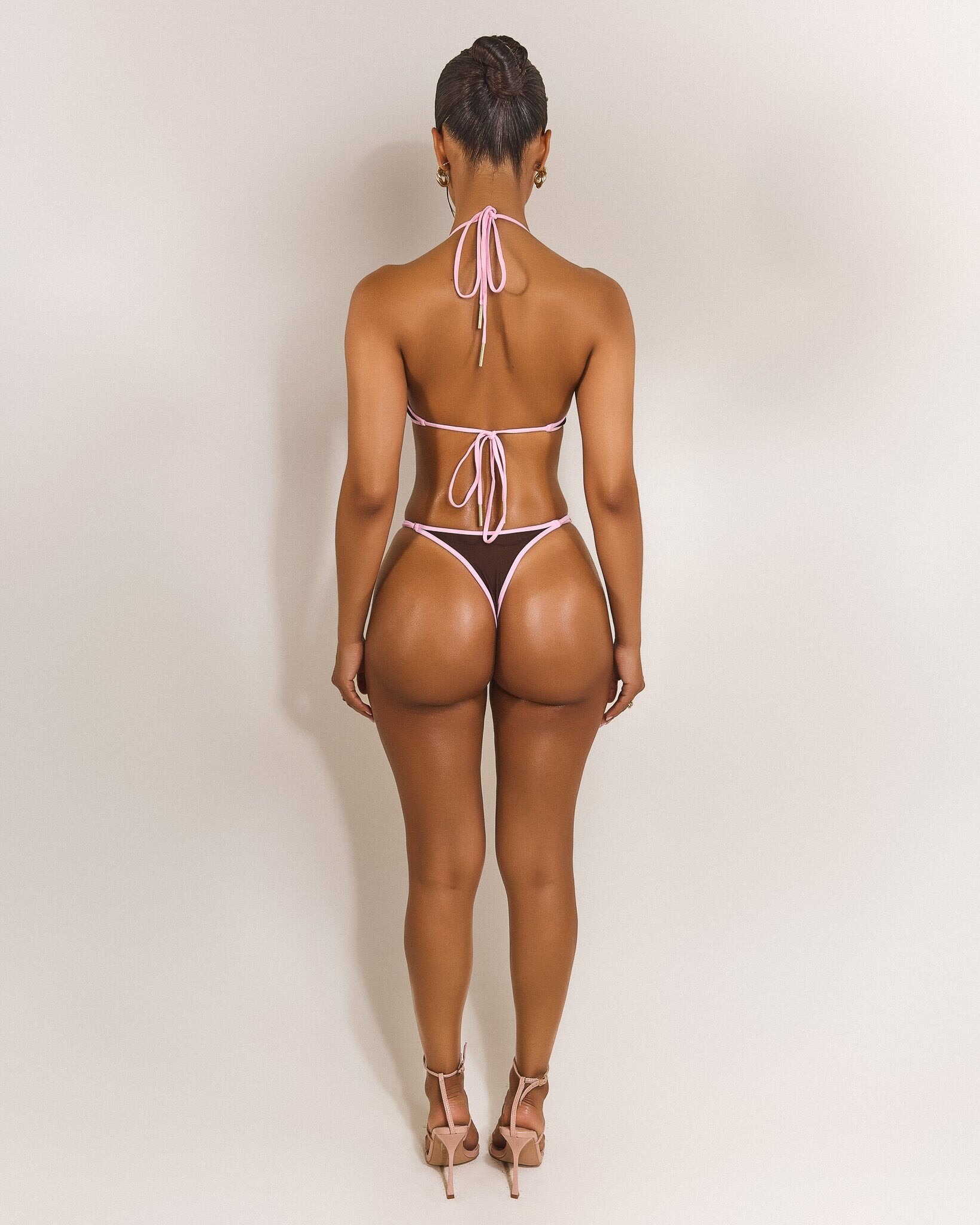
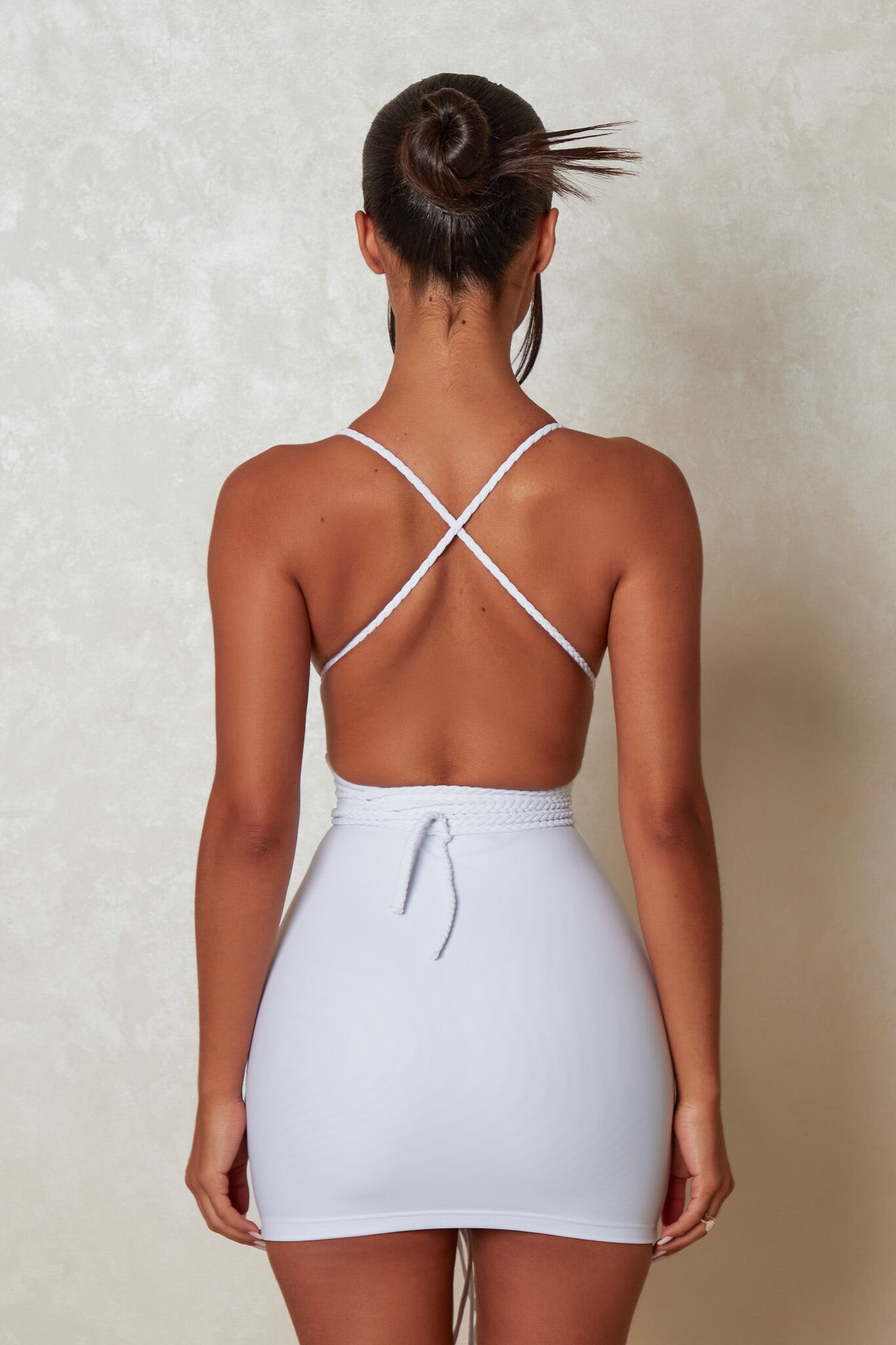
Studio work for Mars the Label: Sabrina Khouiel - Mars - The_Multi_Strap_Mini_in_Black.mp4
France ! Download-3.mp4
You're welcome
Studio work for Mars the Label: Sabrina Khouiel - Mars - The_Multi_Strap_Mini_in_Black.mp4
































































































































































































Account
Navigation
Search
Configure browser push notifications
Chrome (Android)
- Tap the lock icon next to the address bar.
- Tap Permissions → Notifications.
- Adjust your preference.
Chrome (Desktop)
- Click the padlock icon in the address bar.
- Select Site settings.
- Find Notifications and adjust your preference.
Safari (iOS 16.4+)
- Ensure the site is installed via Add to Home Screen.
- Open Settings App → Notifications.
- Find your app name and adjust your preference.
Safari (macOS)
- Go to Safari → Preferences.
- Click the Websites tab.
- Select Notifications in the sidebar.
- Find this website and adjust your preference.
Edge (Android)
- Tap the lock icon next to the address bar.
- Tap Permissions.
- Find Notifications and adjust your preference.
Edge (Desktop)
- Click the padlock icon in the address bar.
- Click Permissions for this site.
- Find Notifications and adjust your preference.
Firefox (Android)
- Go to Settings → Site permissions.
- Tap Notifications.
- Find this site in the list and adjust your preference.
Firefox (Desktop)
- Open Firefox Settings.
- Search for Notifications.
- Find this site in the list and adjust your preference.