All Activity
- Past hour
-
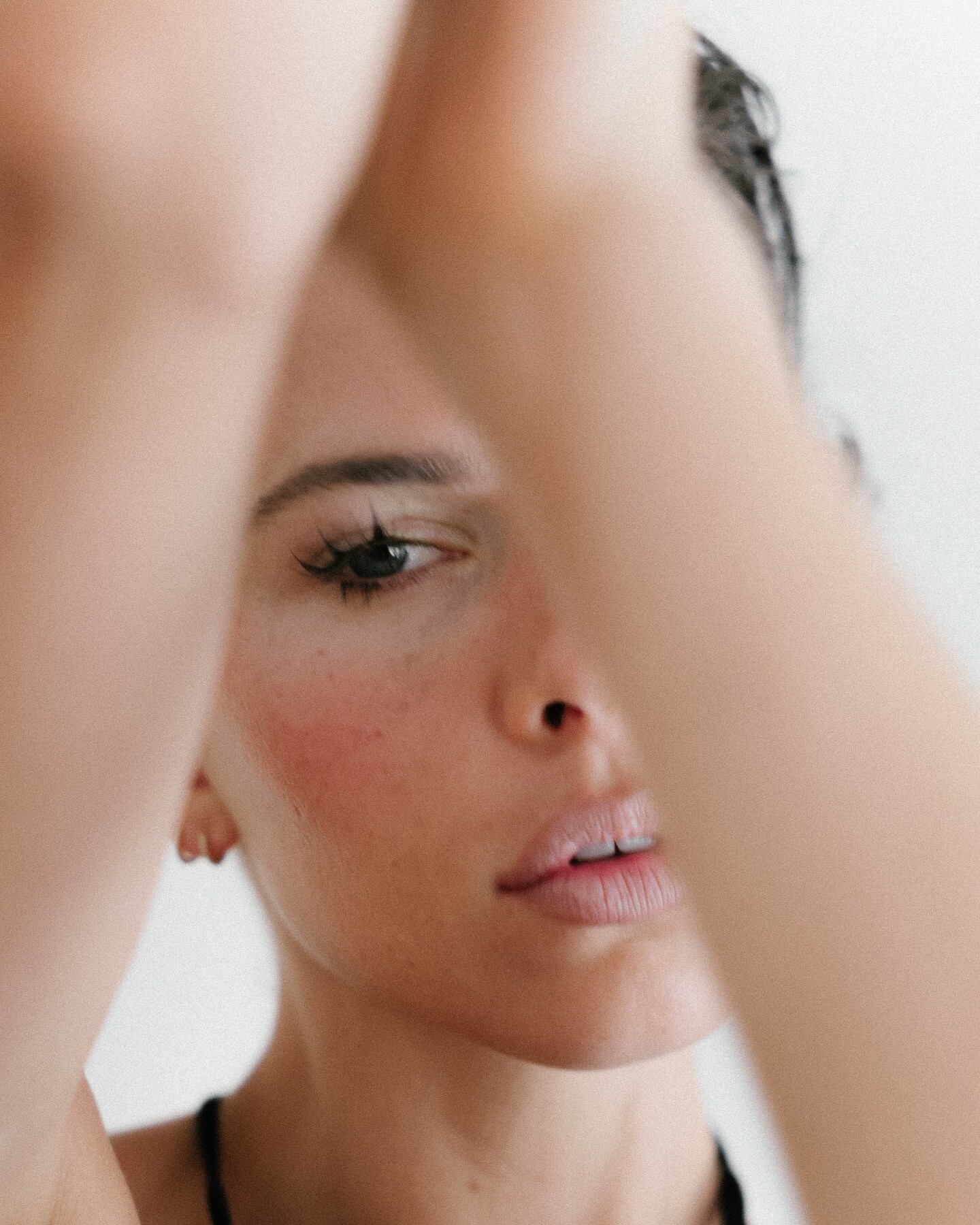
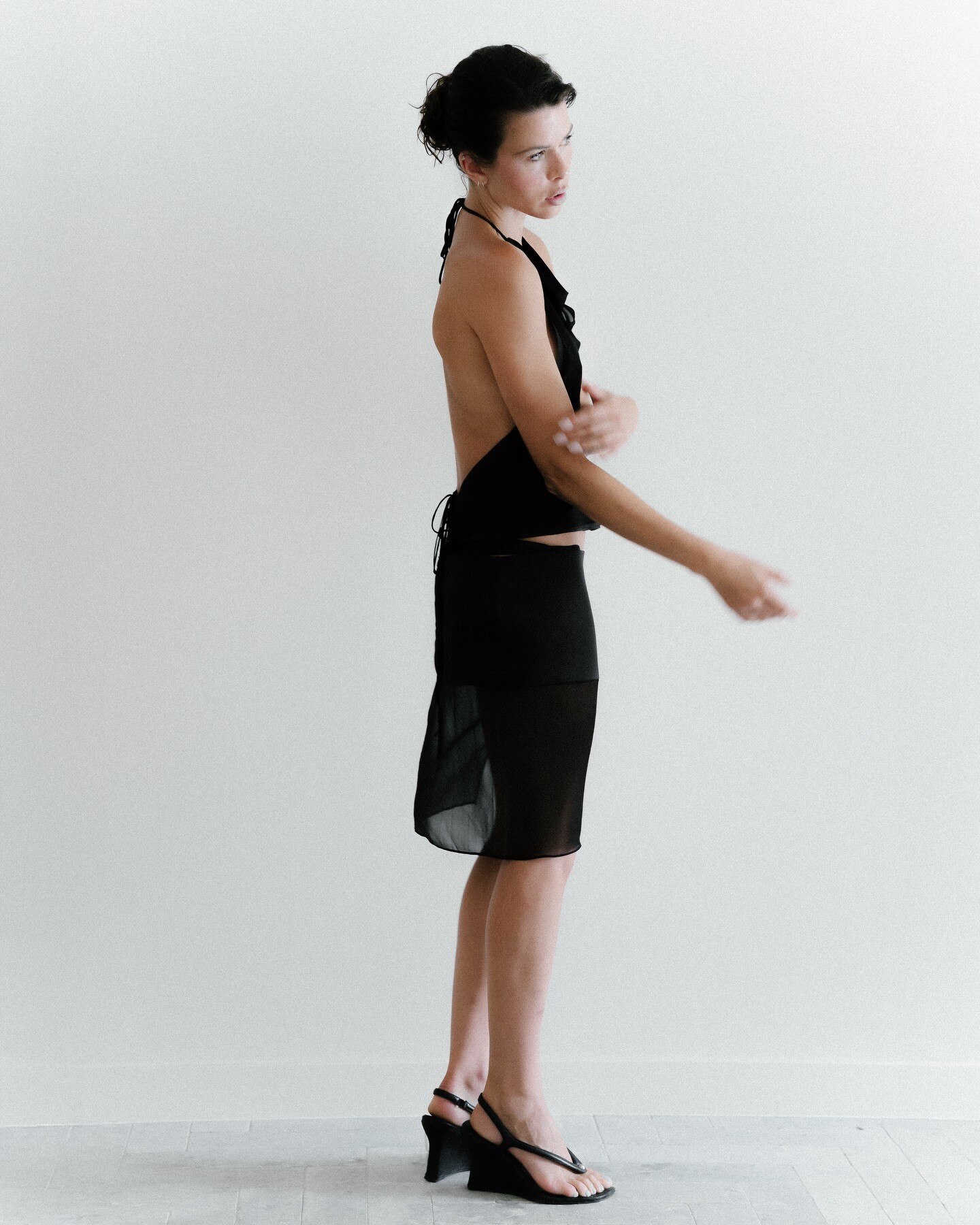
 Instagram 💕 peterdhayes soraya.boularas






-
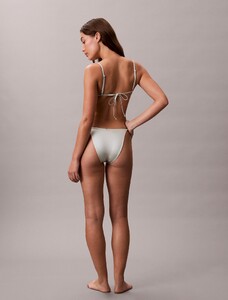
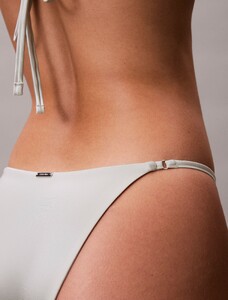
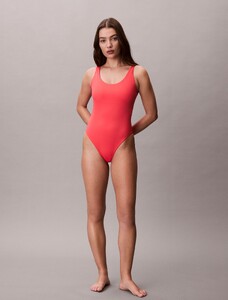
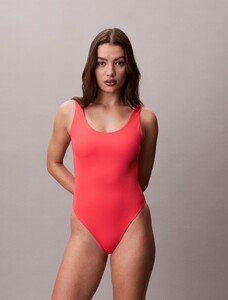
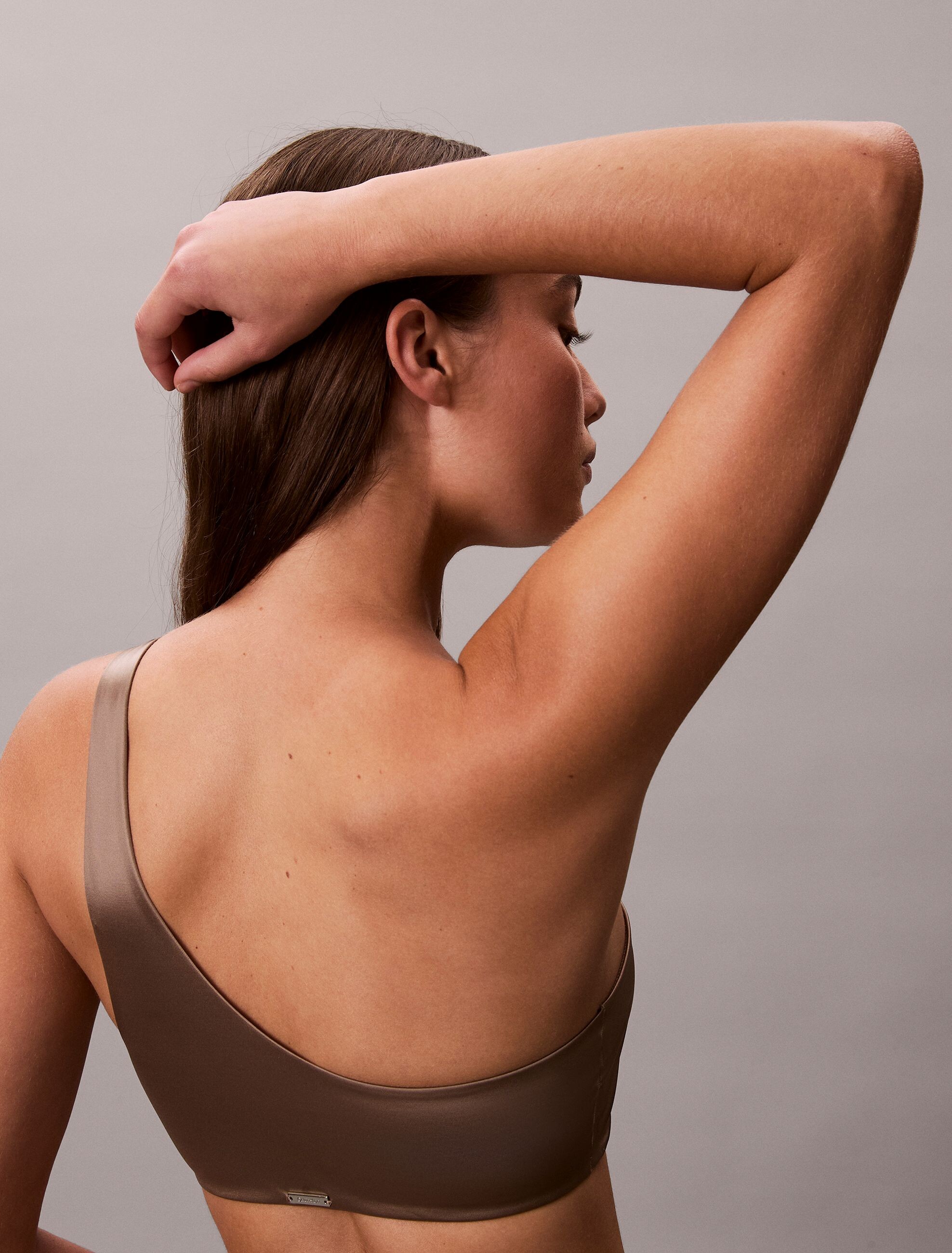
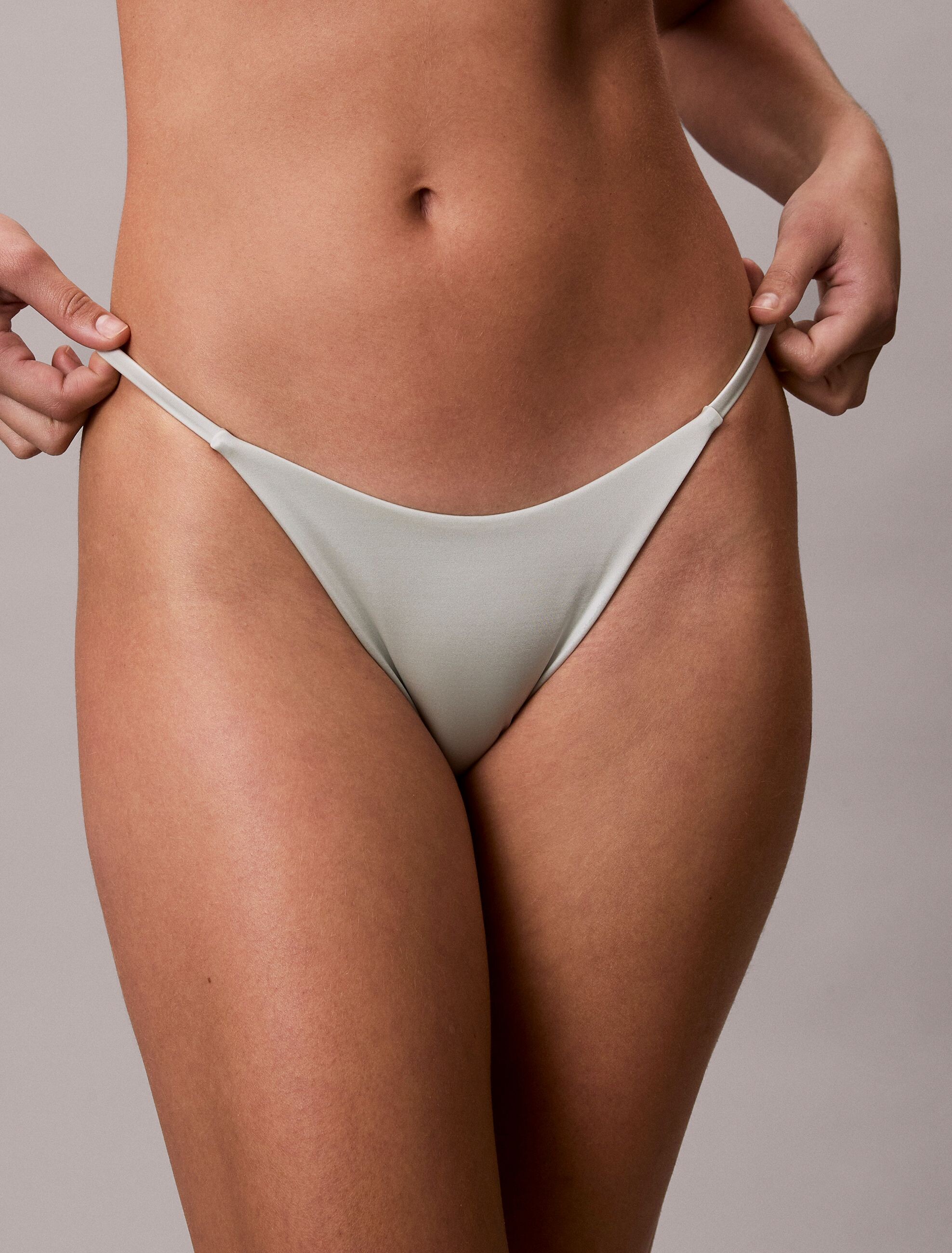
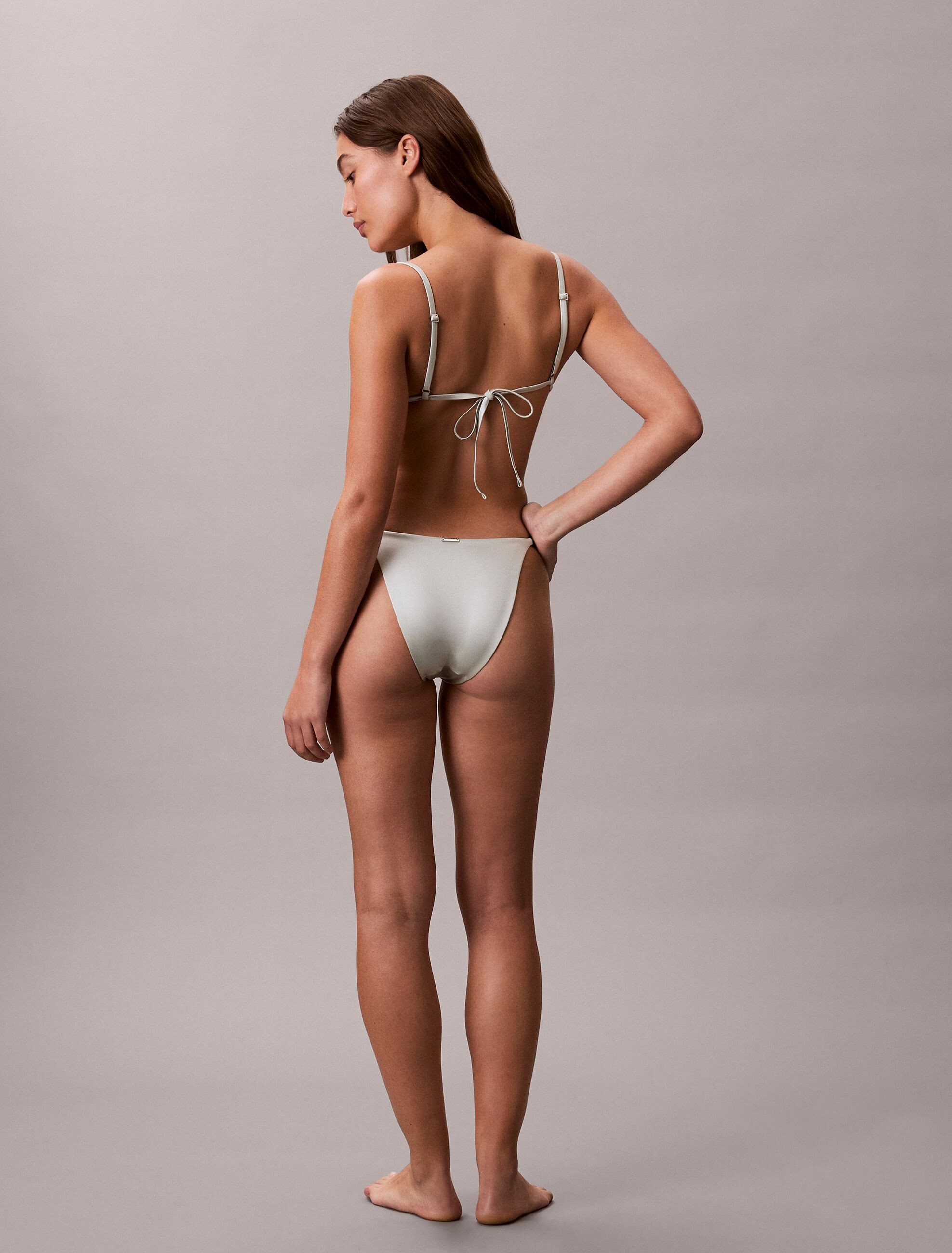
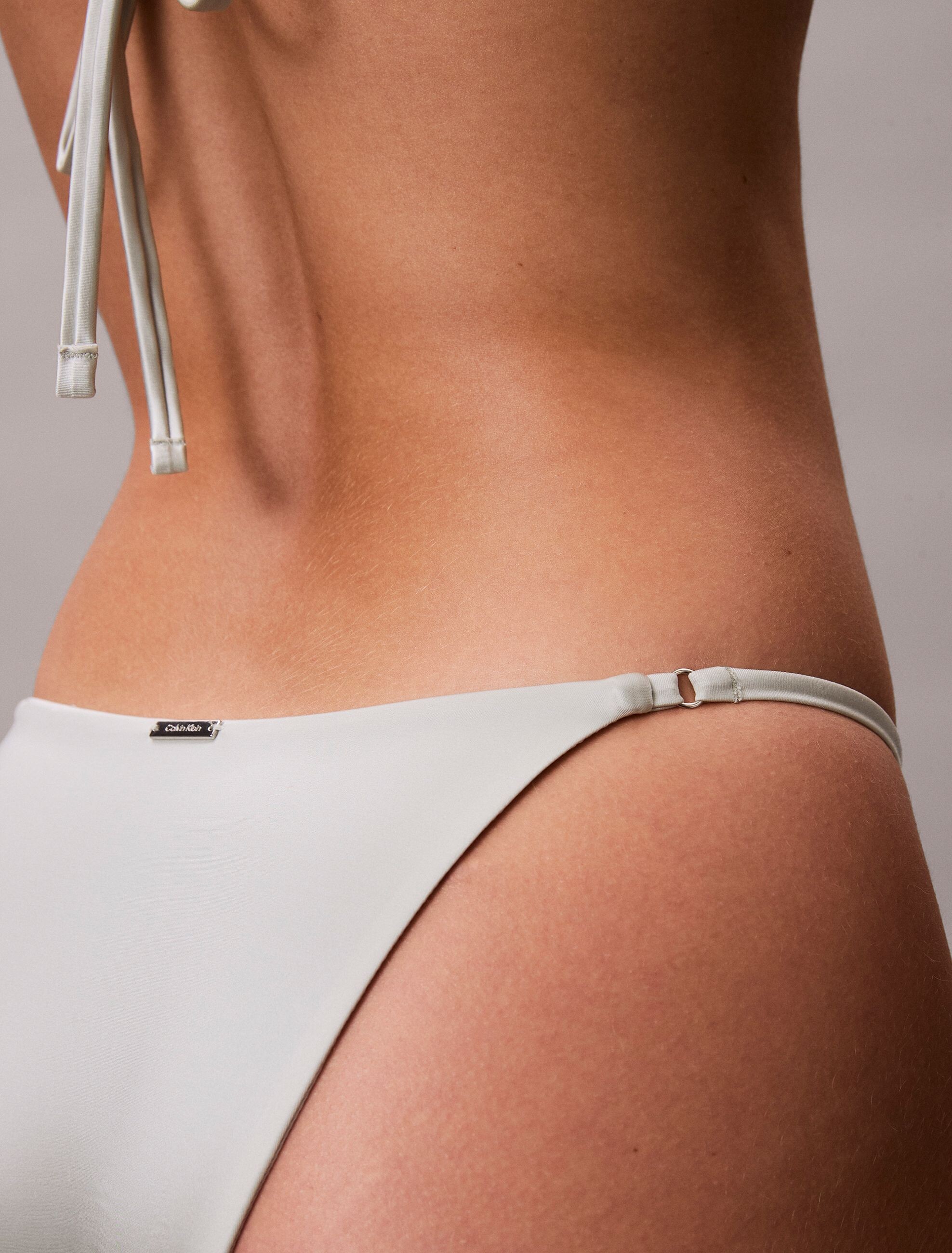
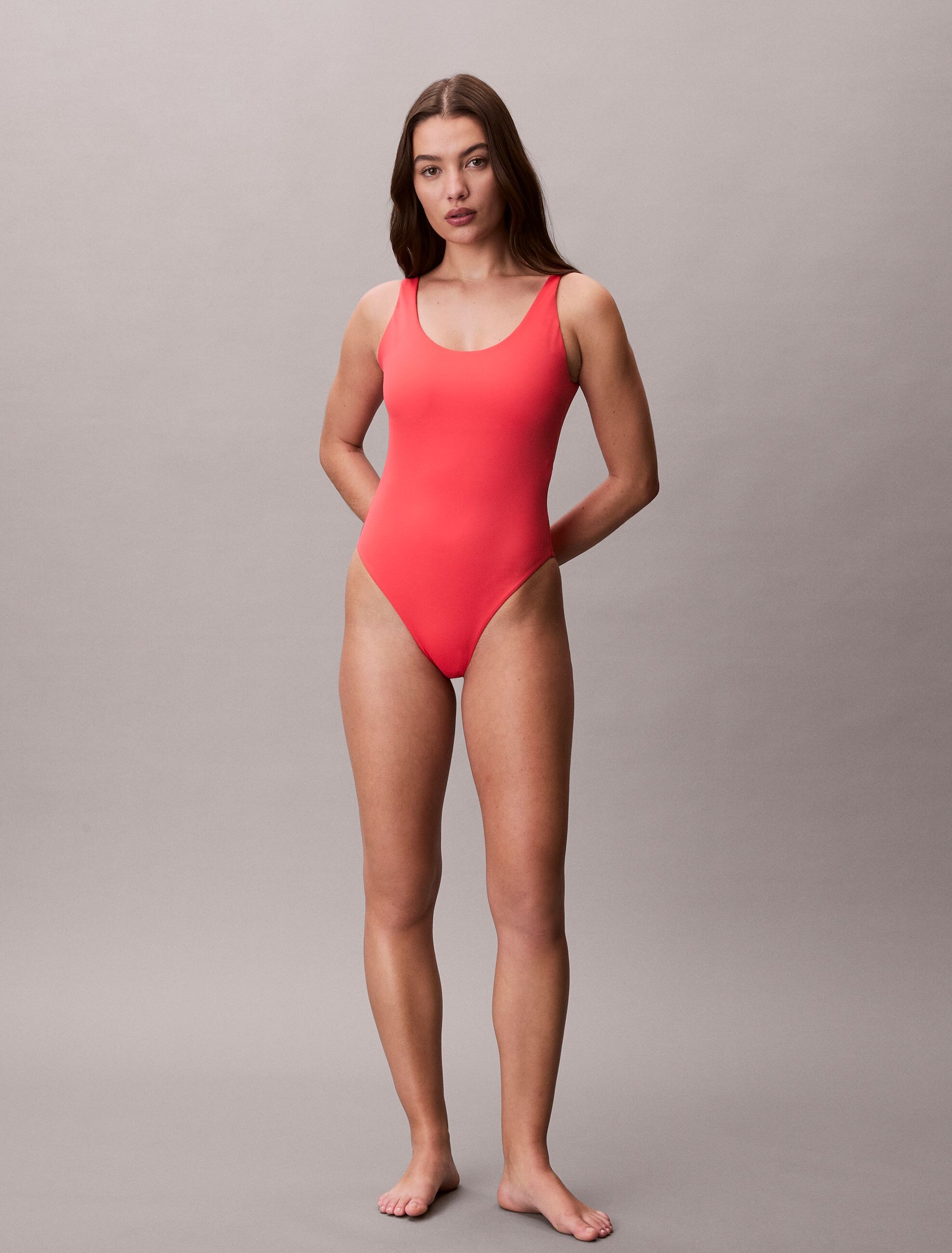
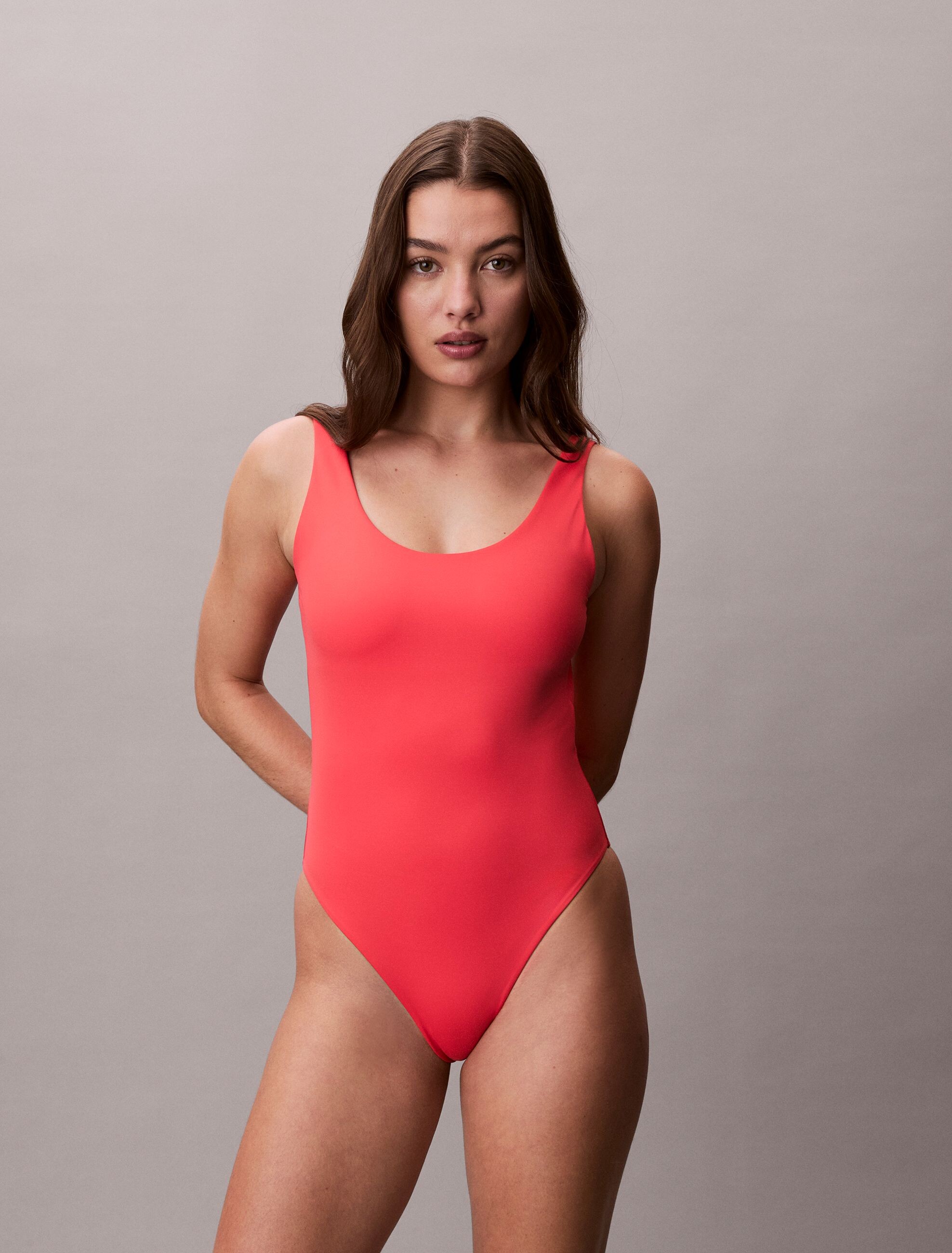
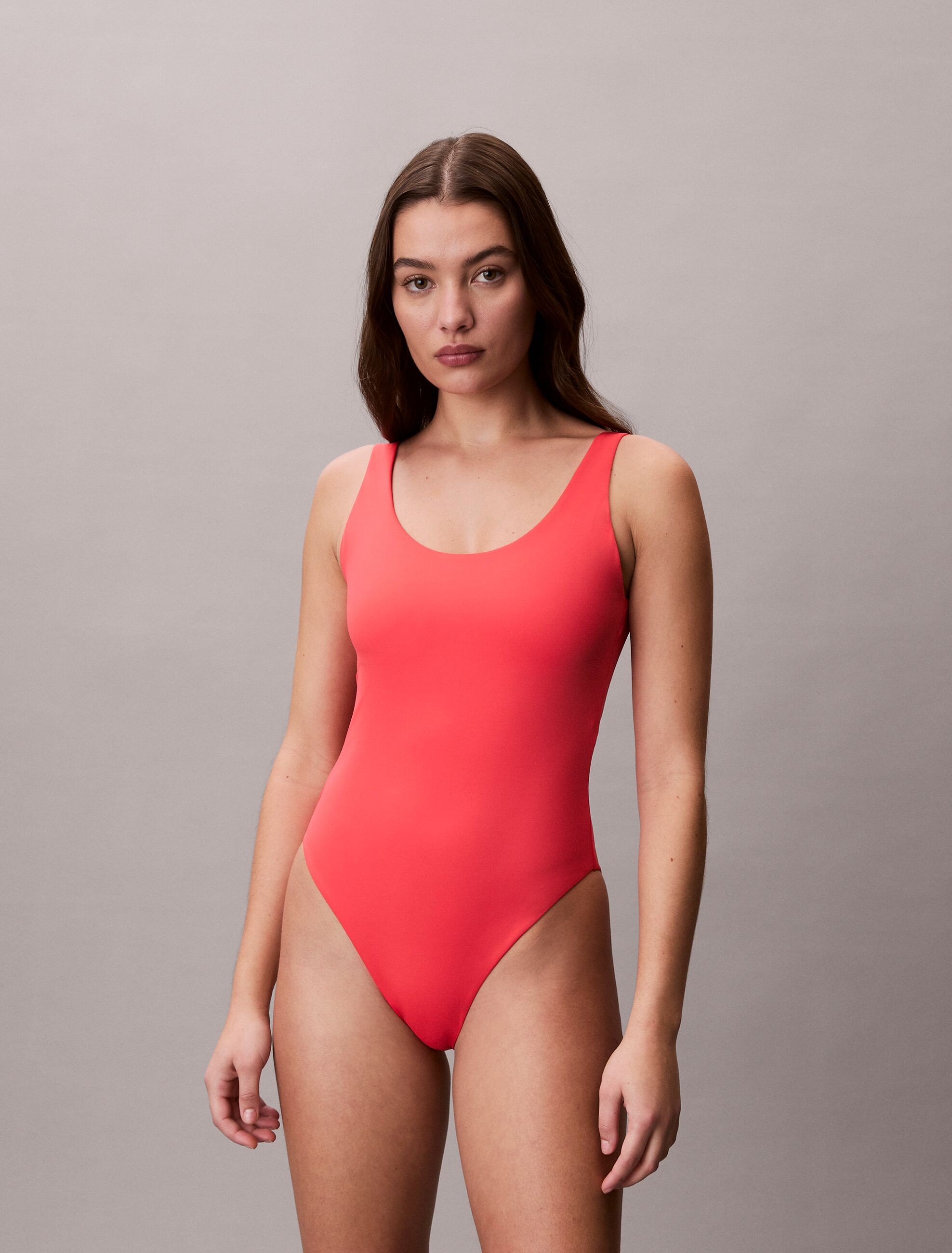
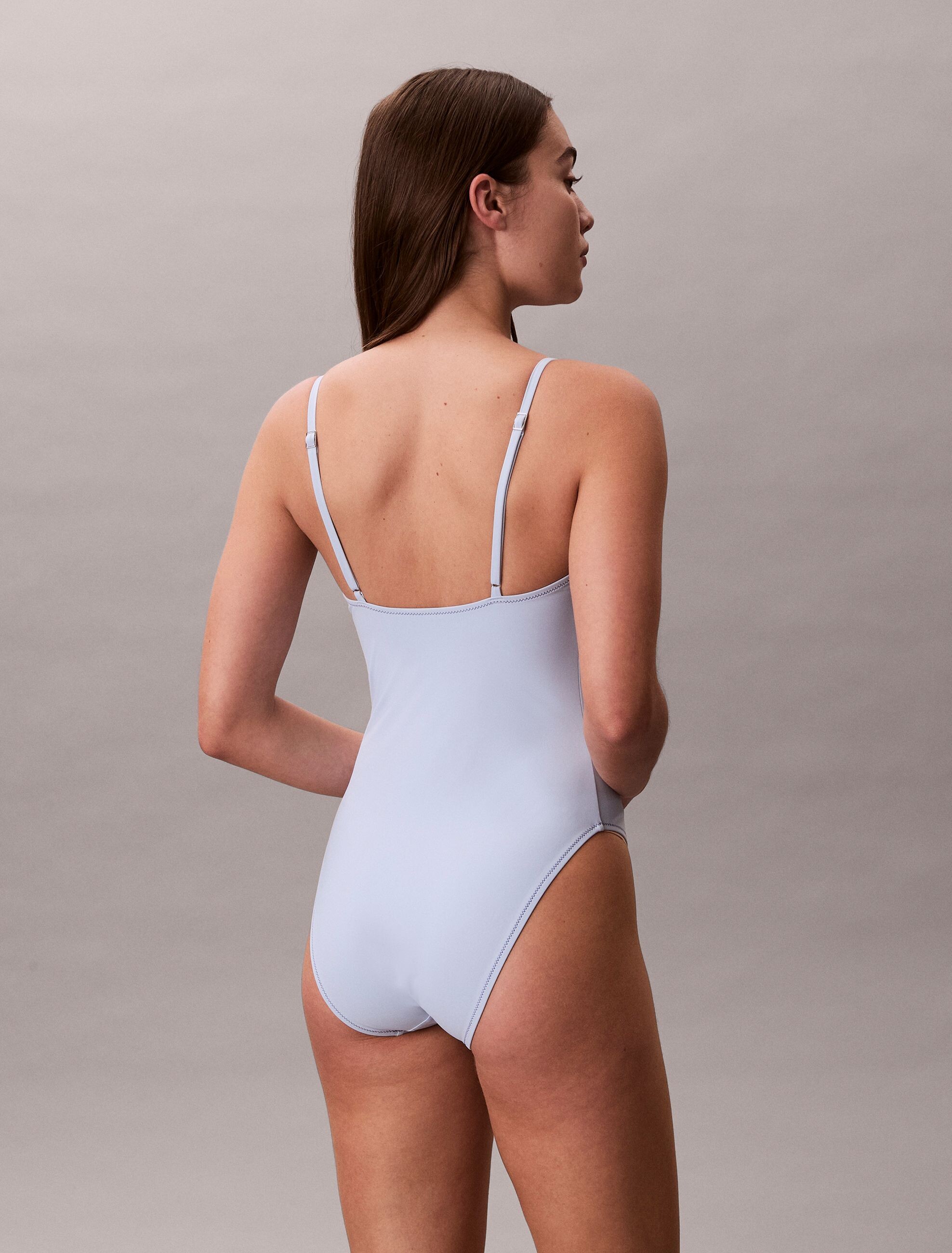
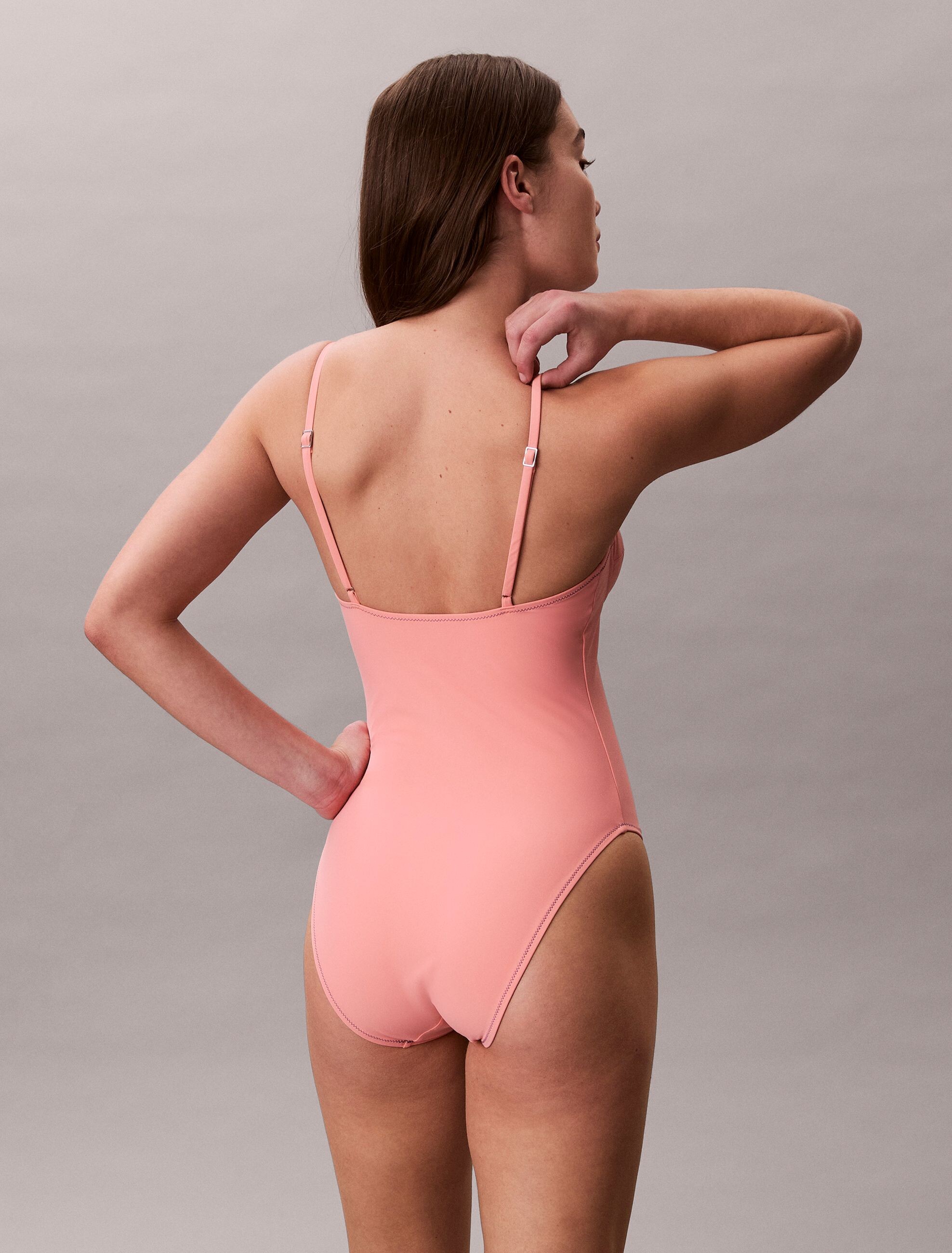
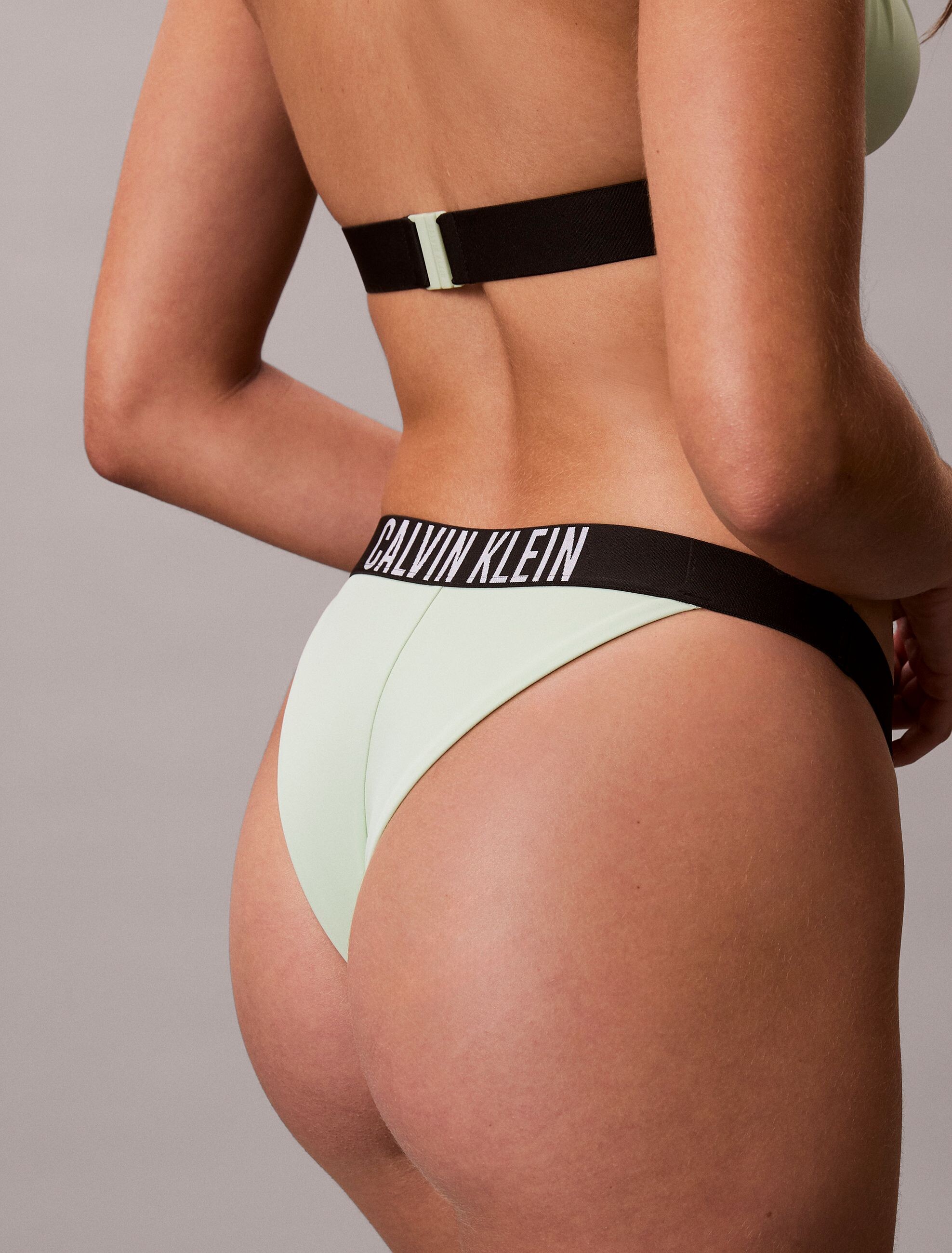
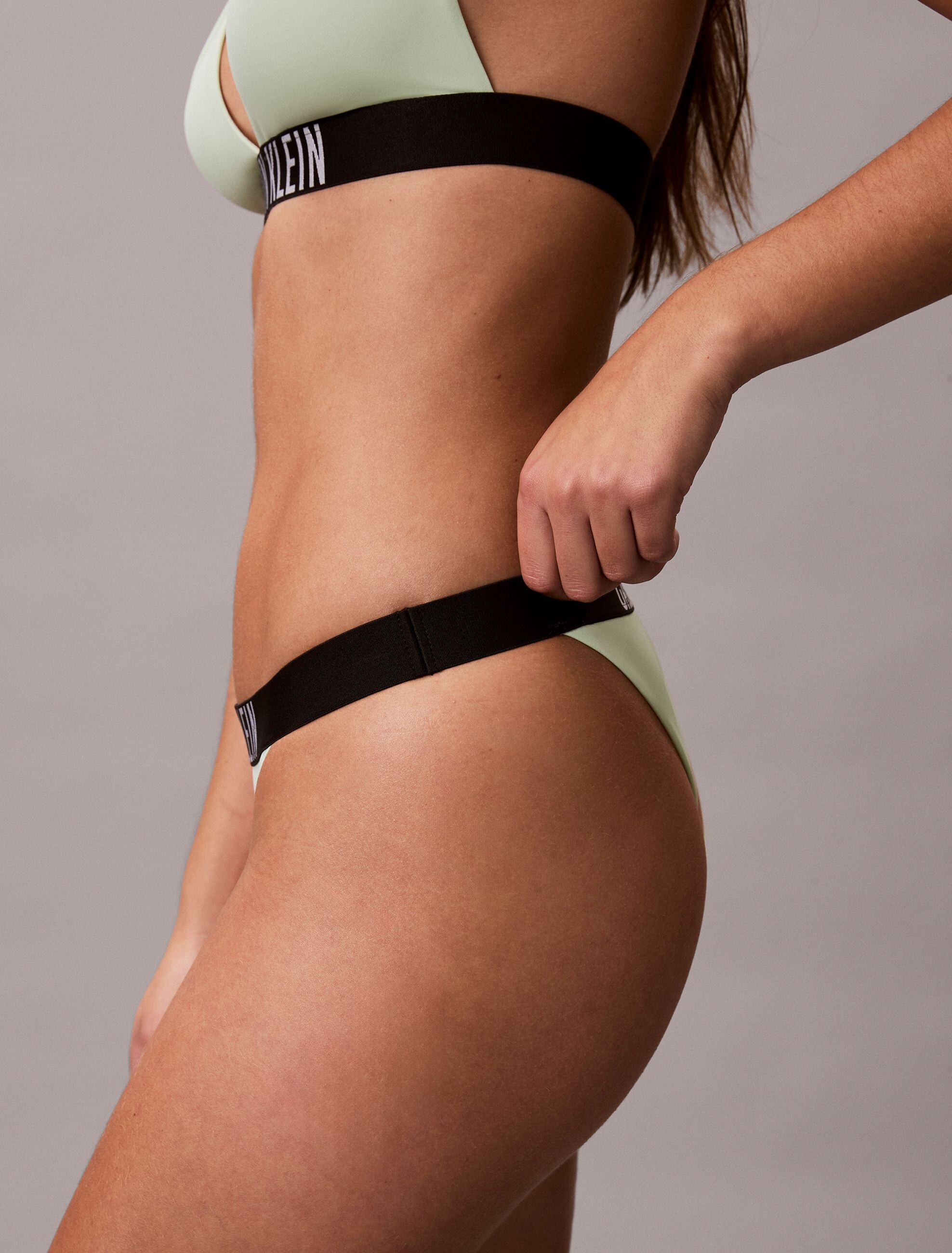
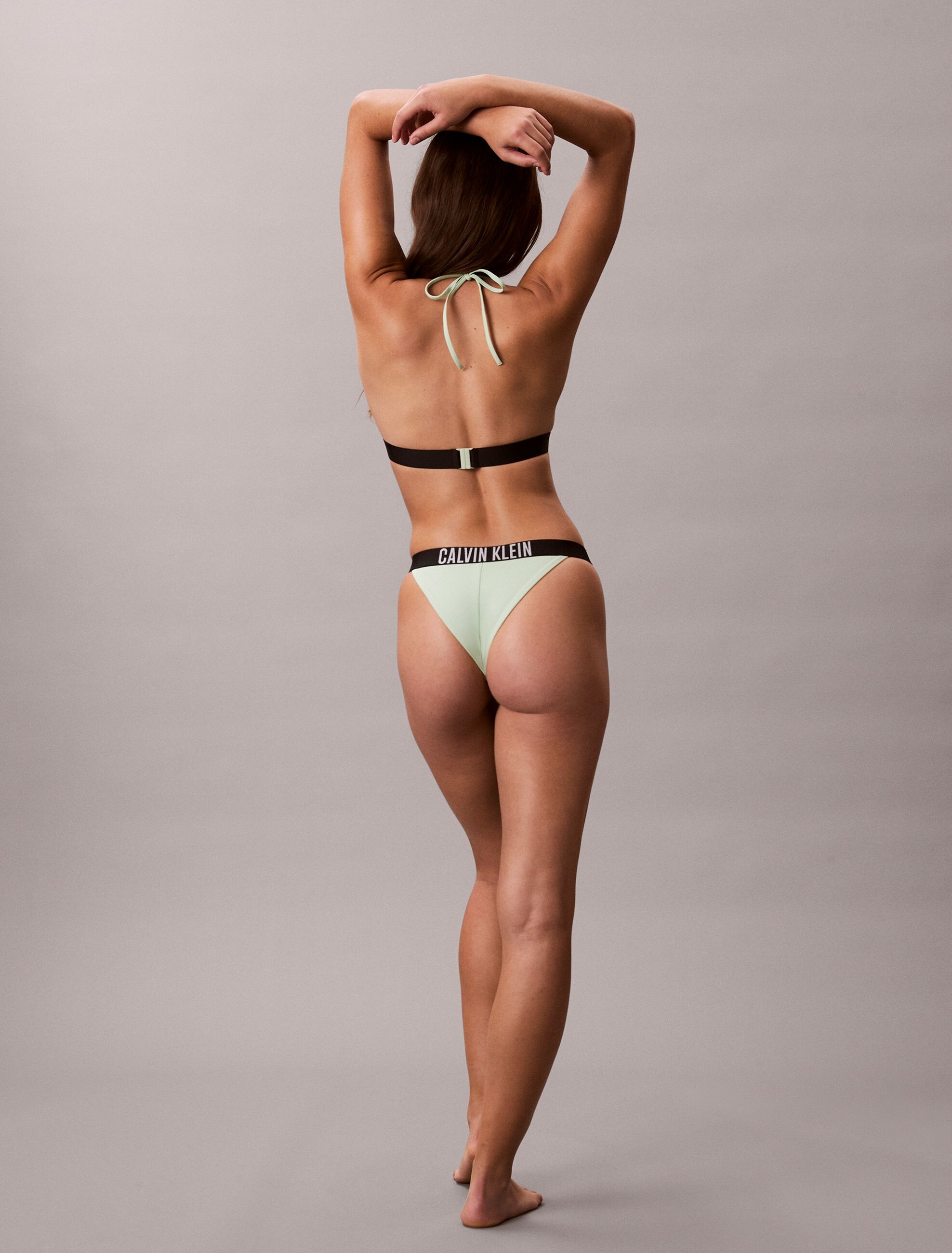
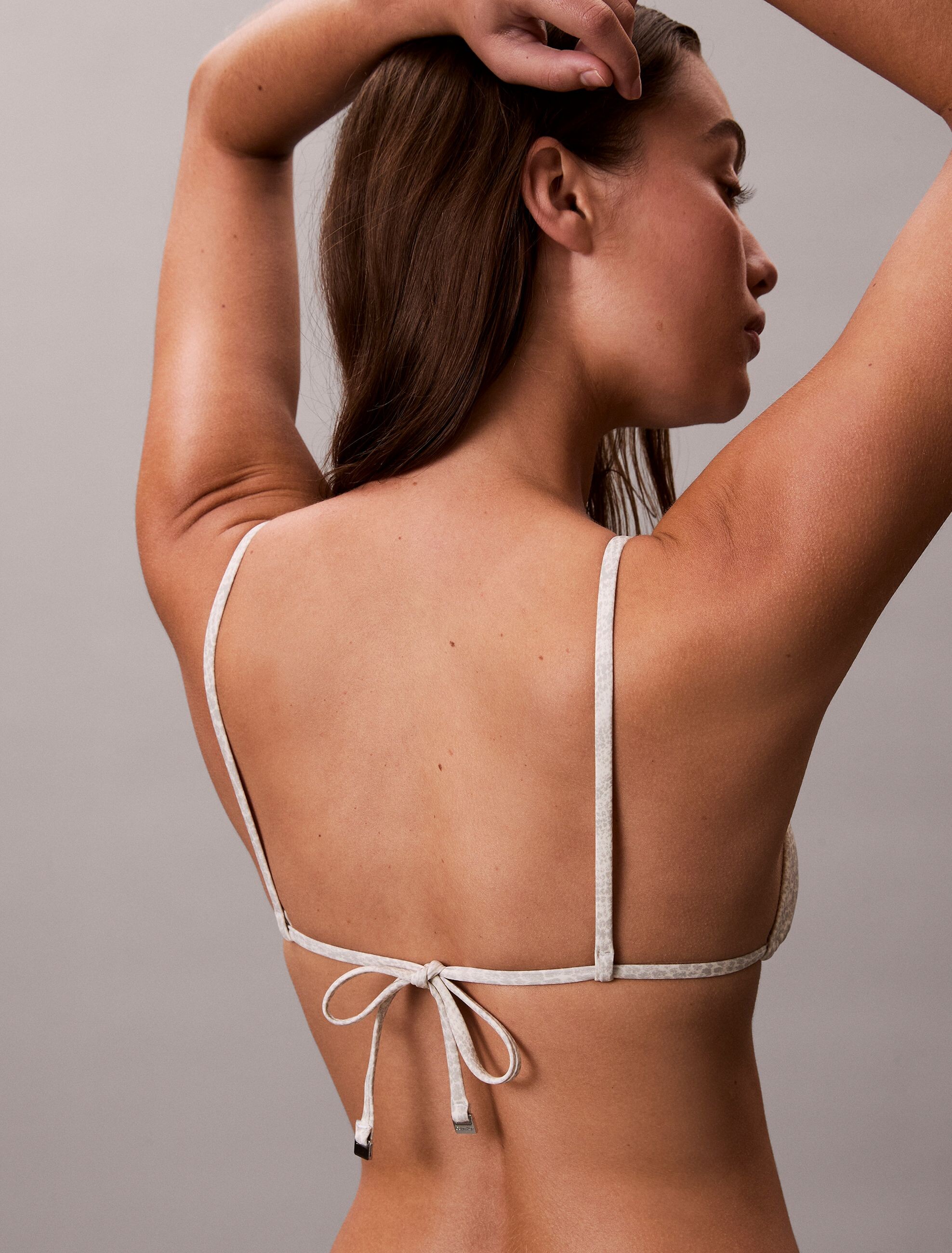
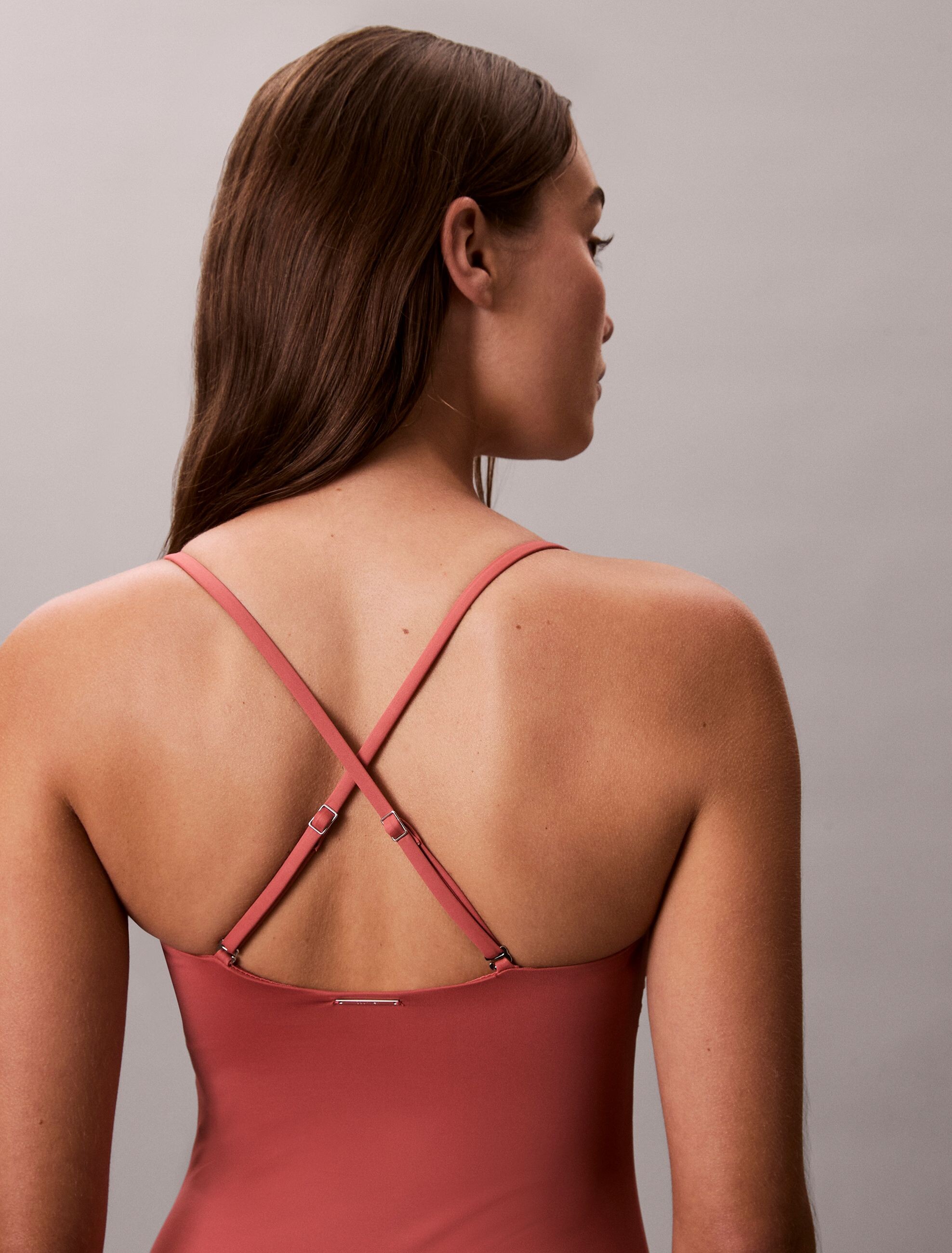
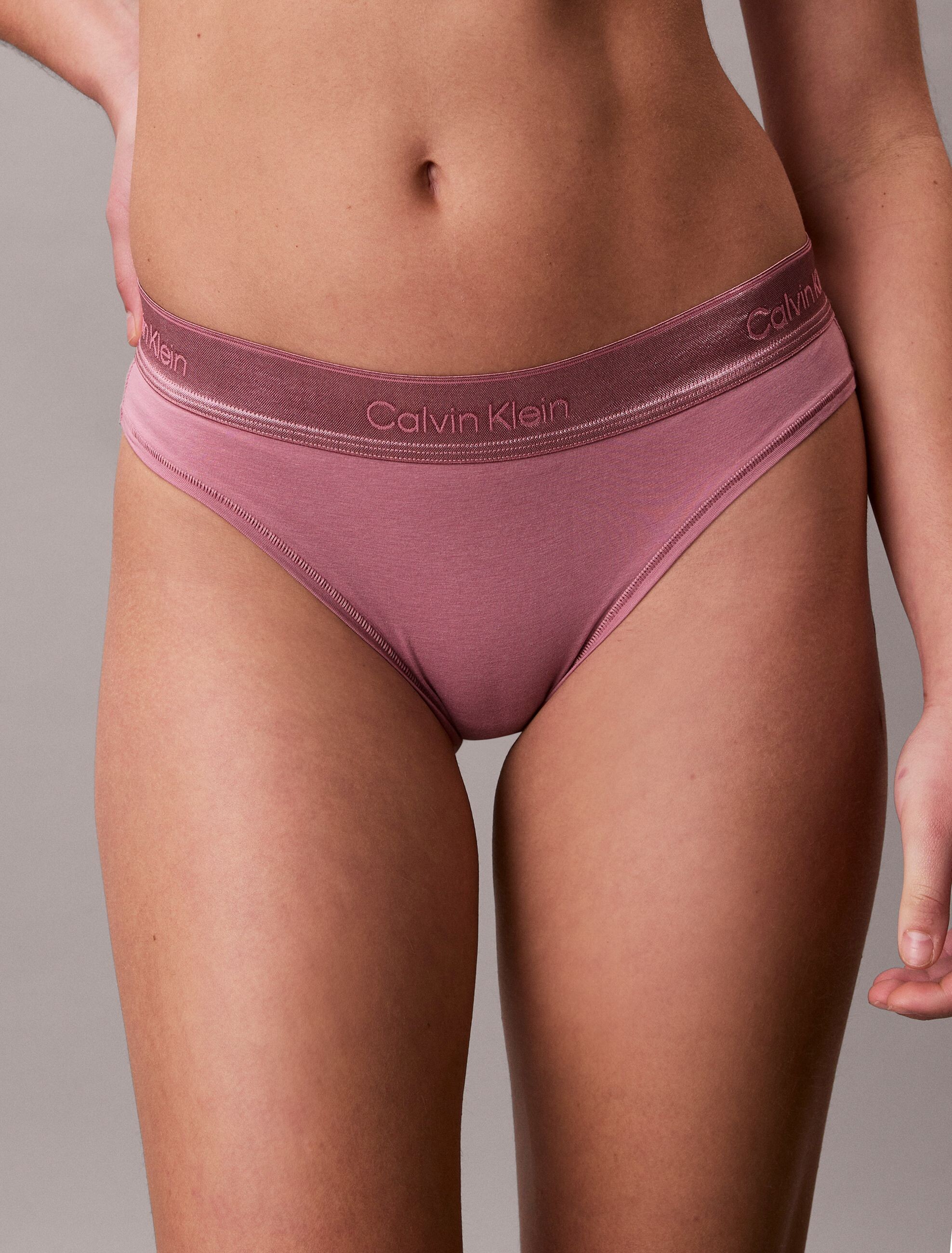
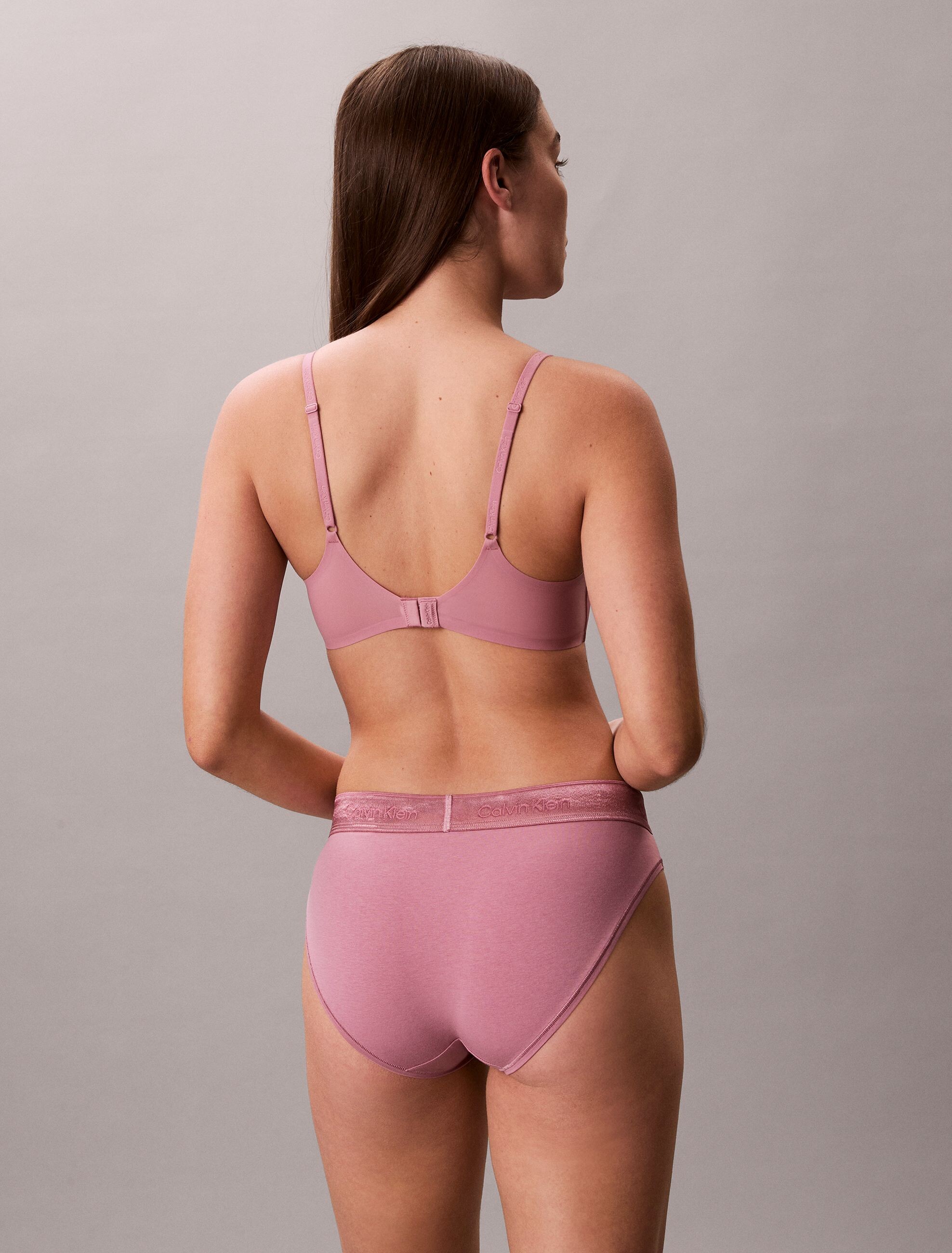
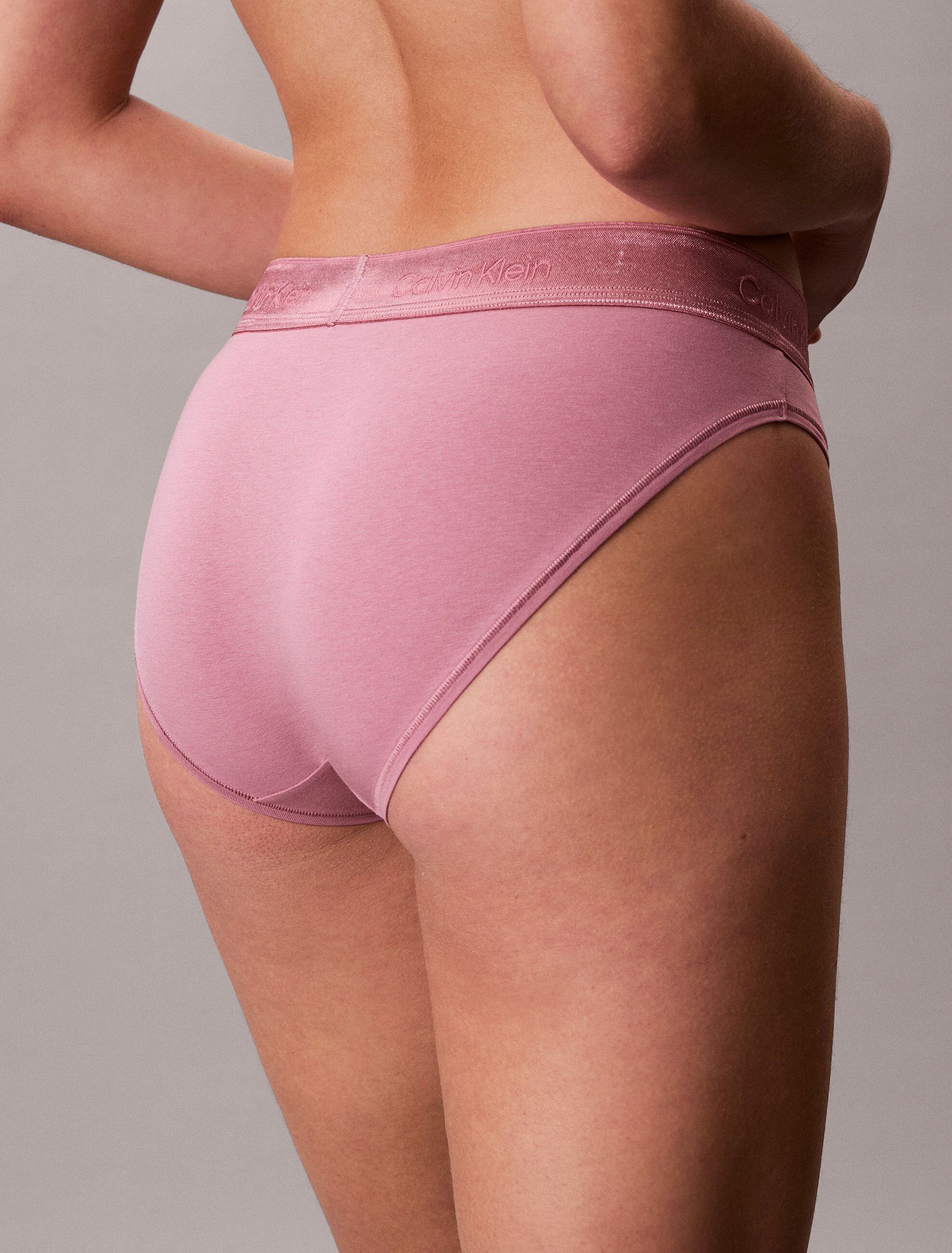
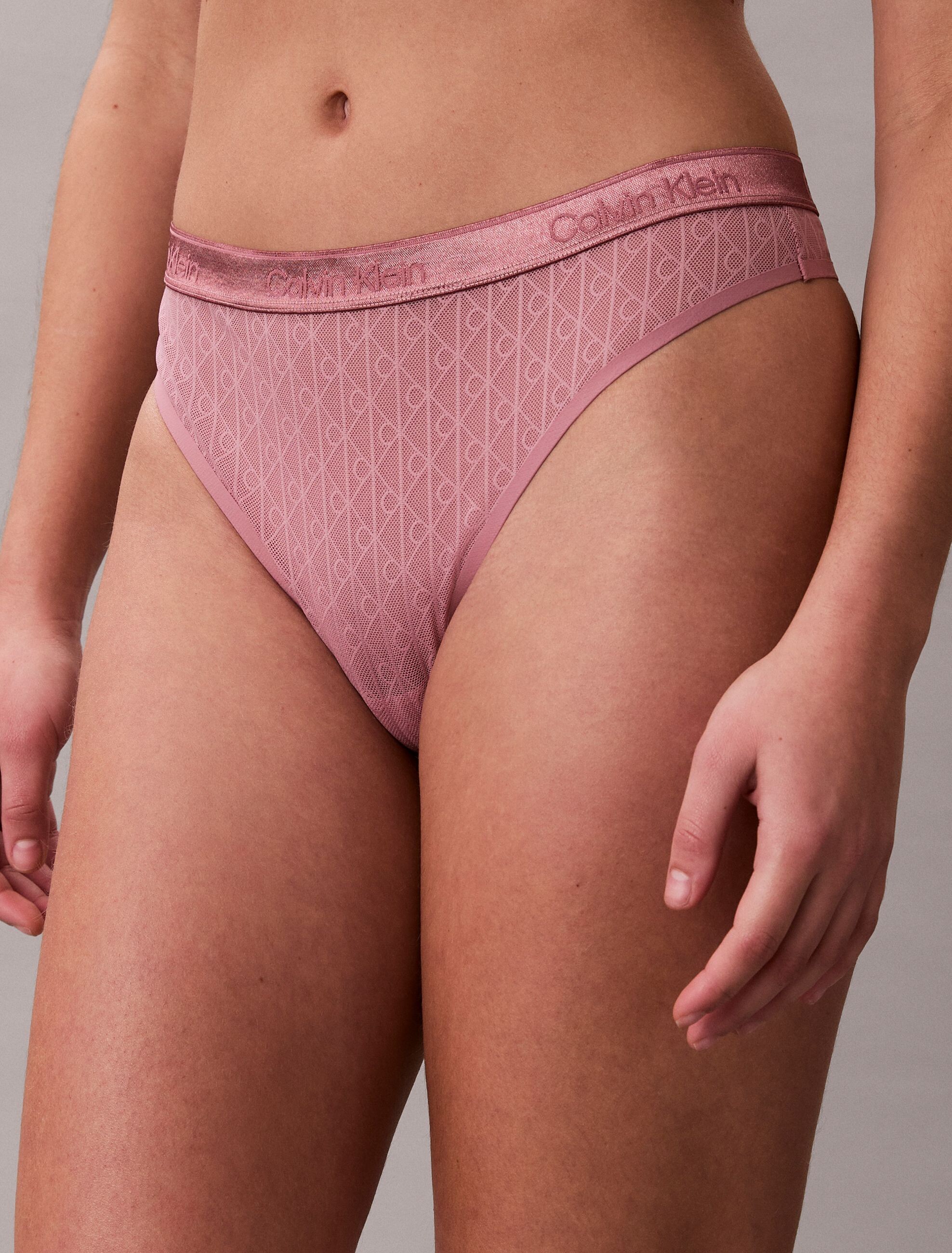
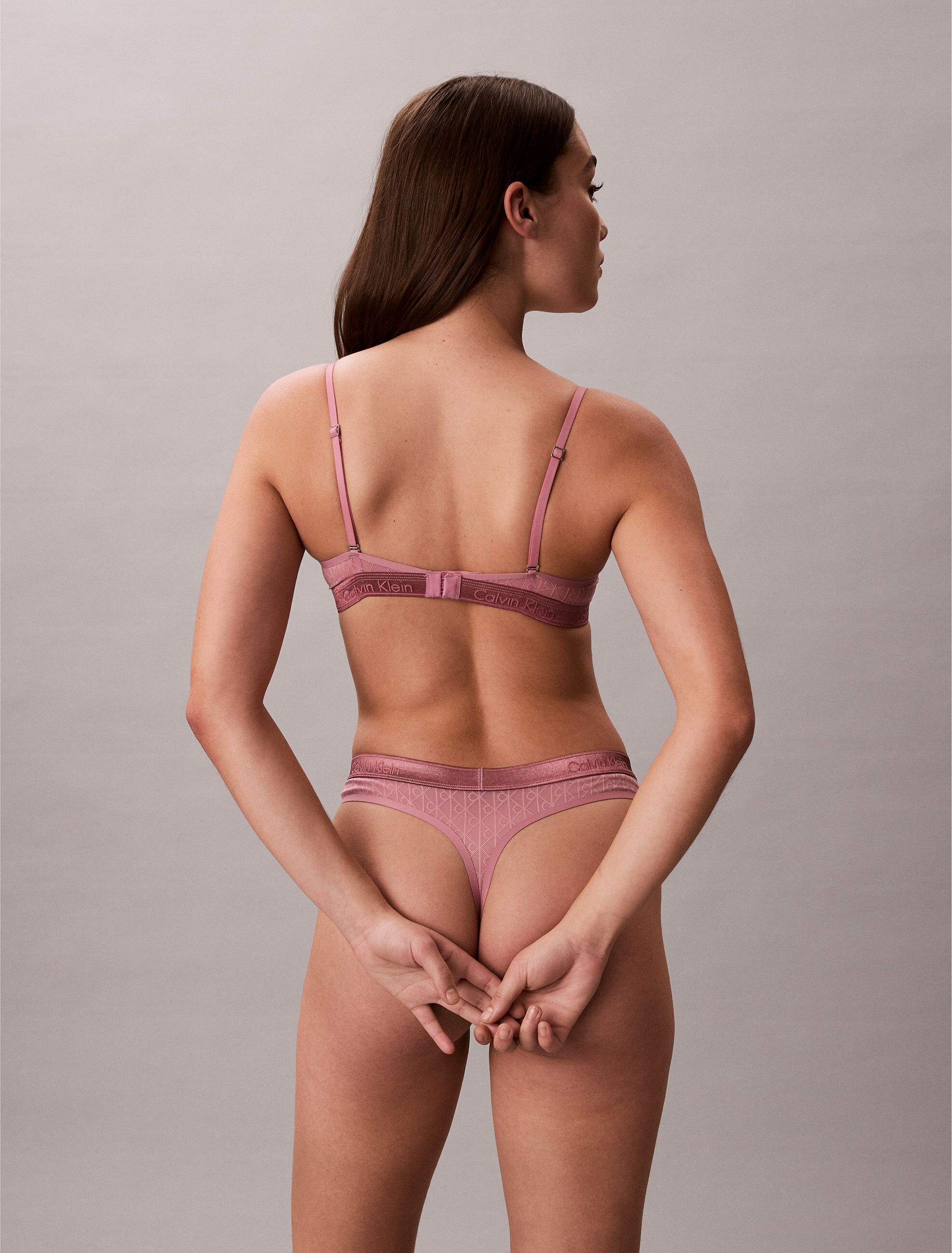
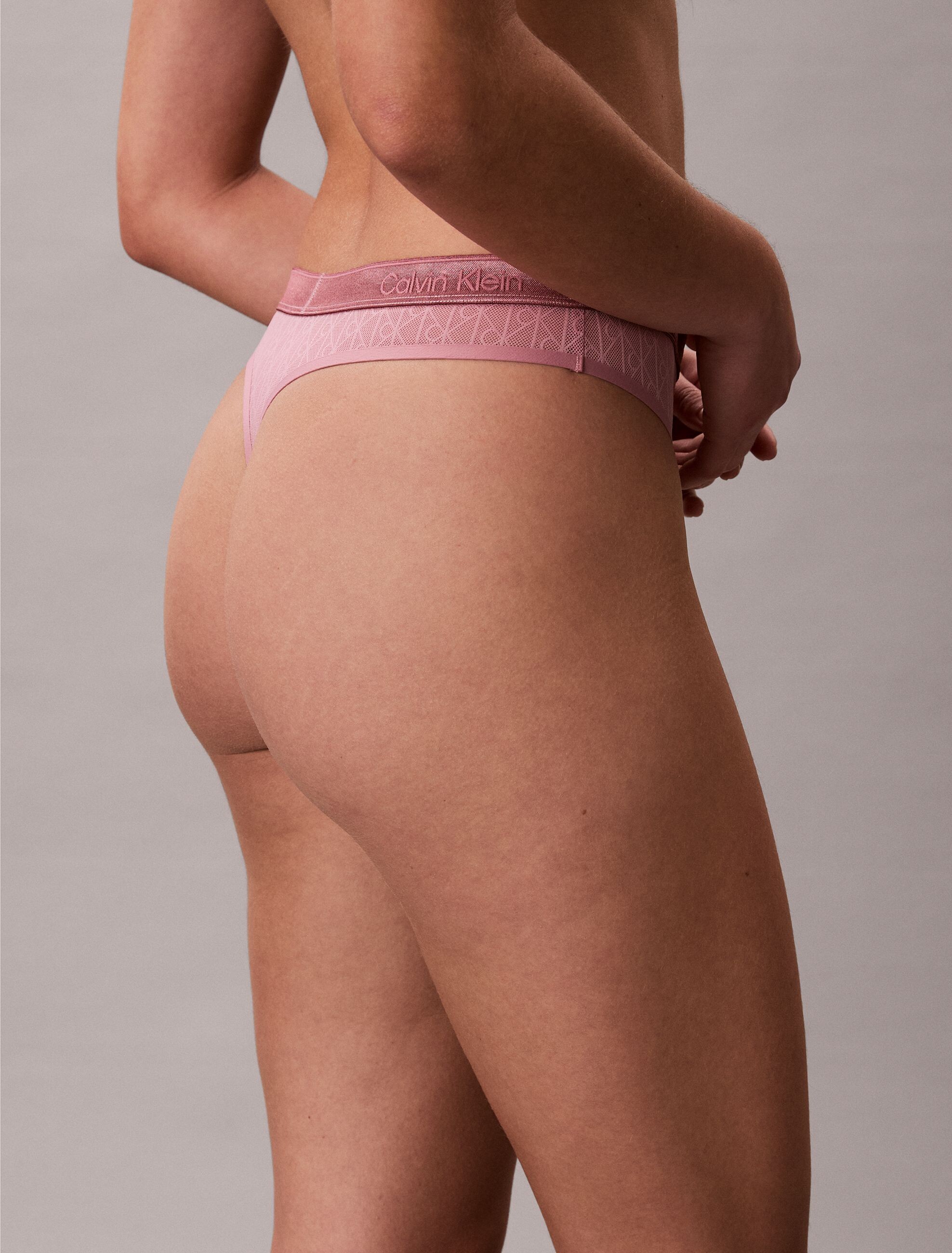
 Calvin Klein EU, very few selected pictures, mostly full body shots or nice poses






















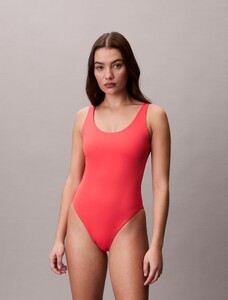













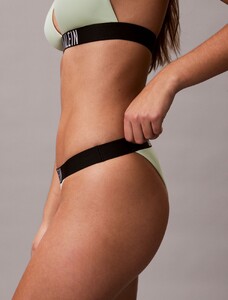
















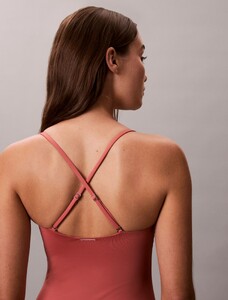






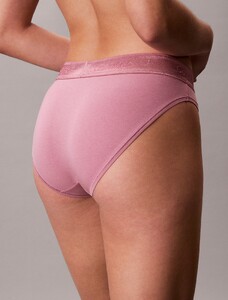







-

-

 givenchy s/s 2001 couture. is she tatiana abracos? (sorry for the bad quality)
.thumb.png.49db284e5fecdce85d36e8eb0da4061c.png)
 FADDY MAGAZINE Ph: Erez Sabag another BTS video w5wZu3Dsj.mp4
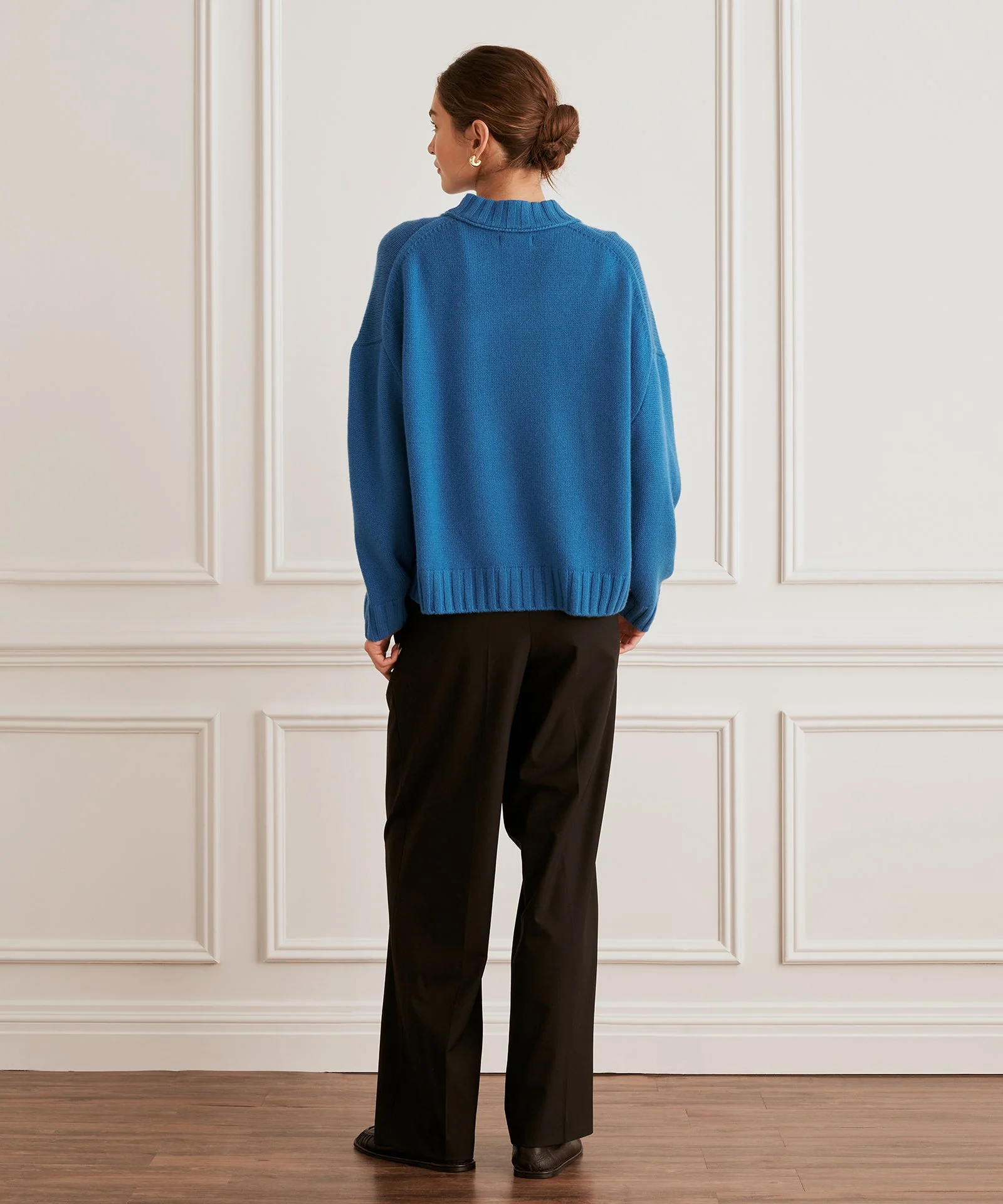
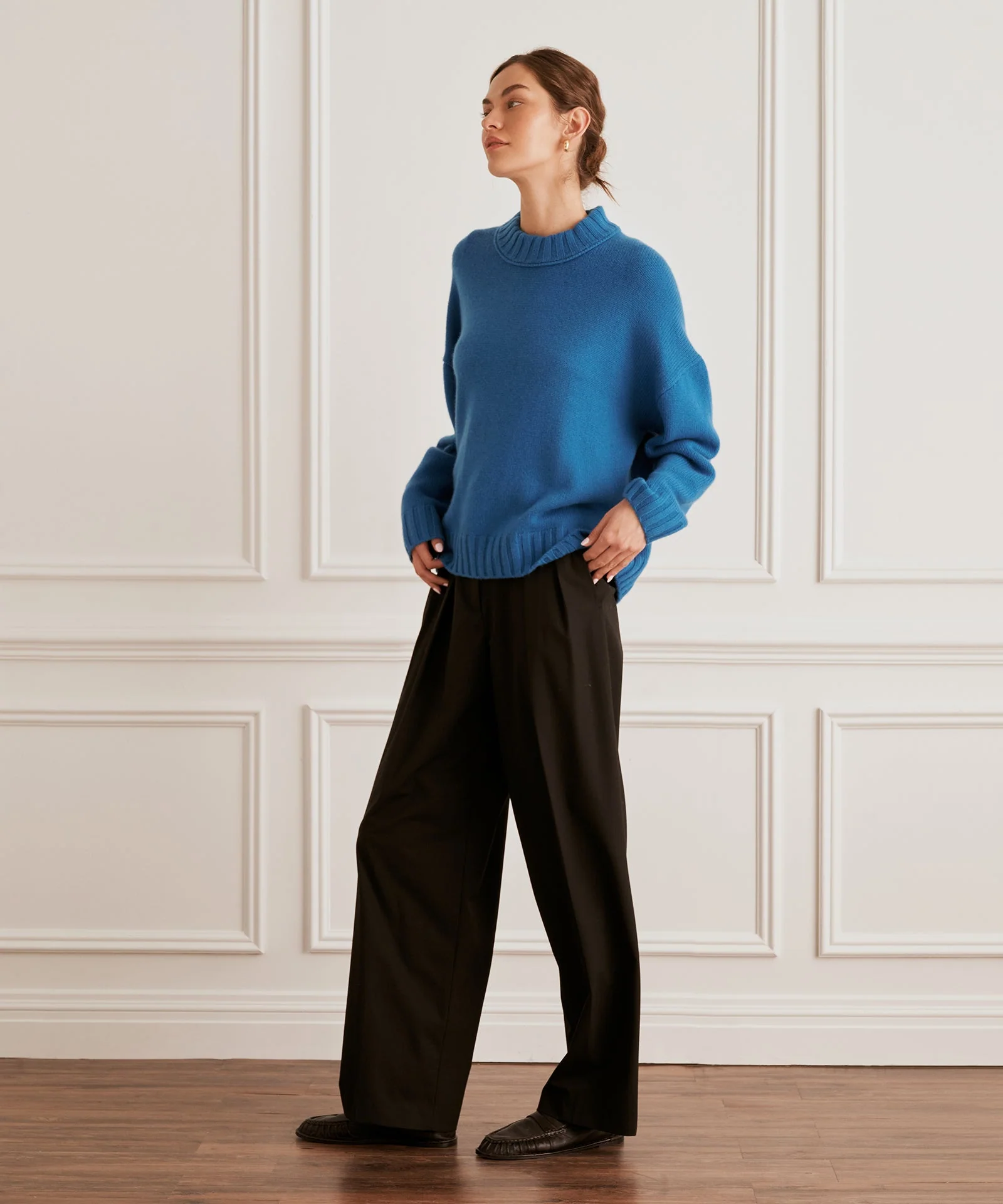
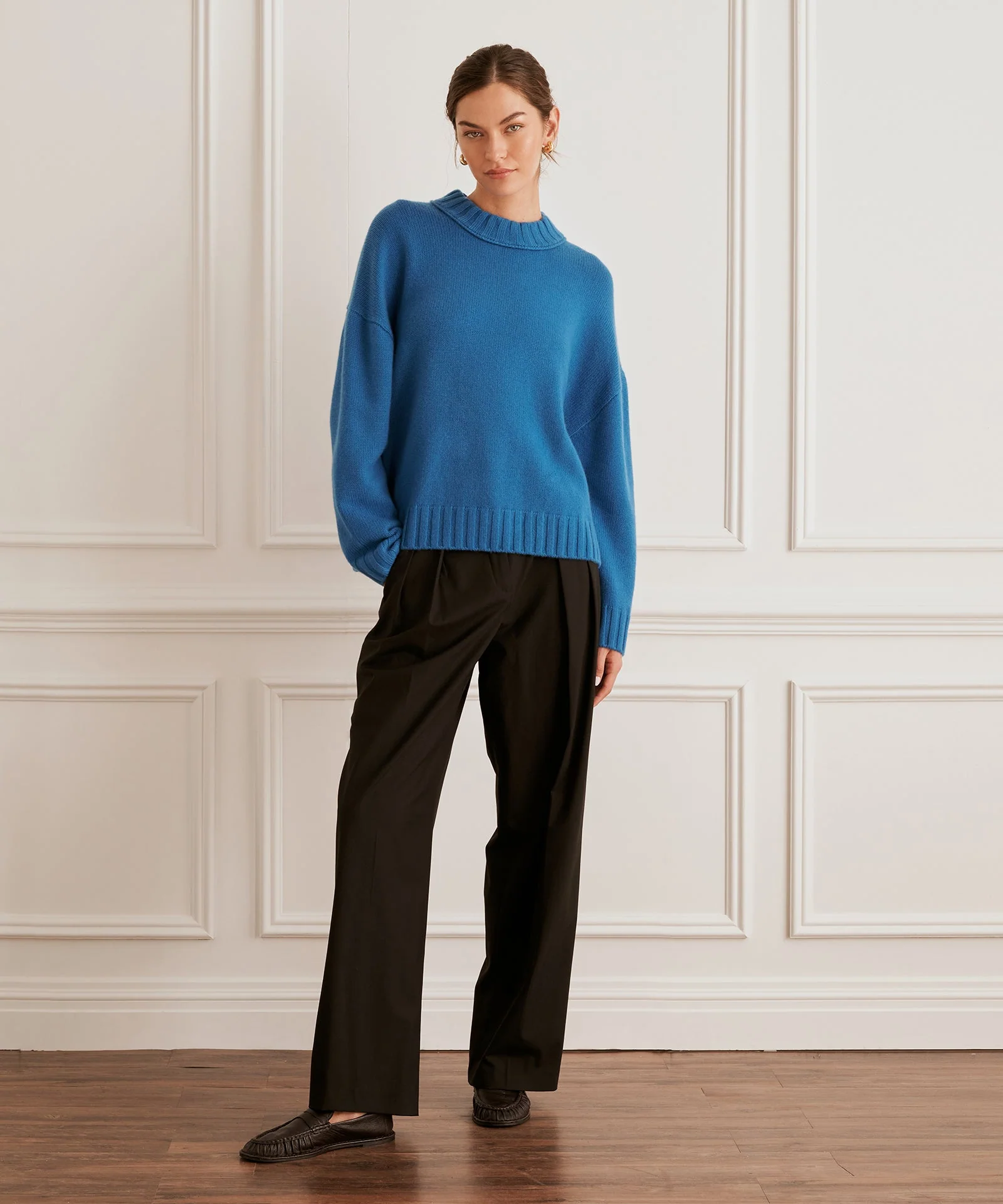
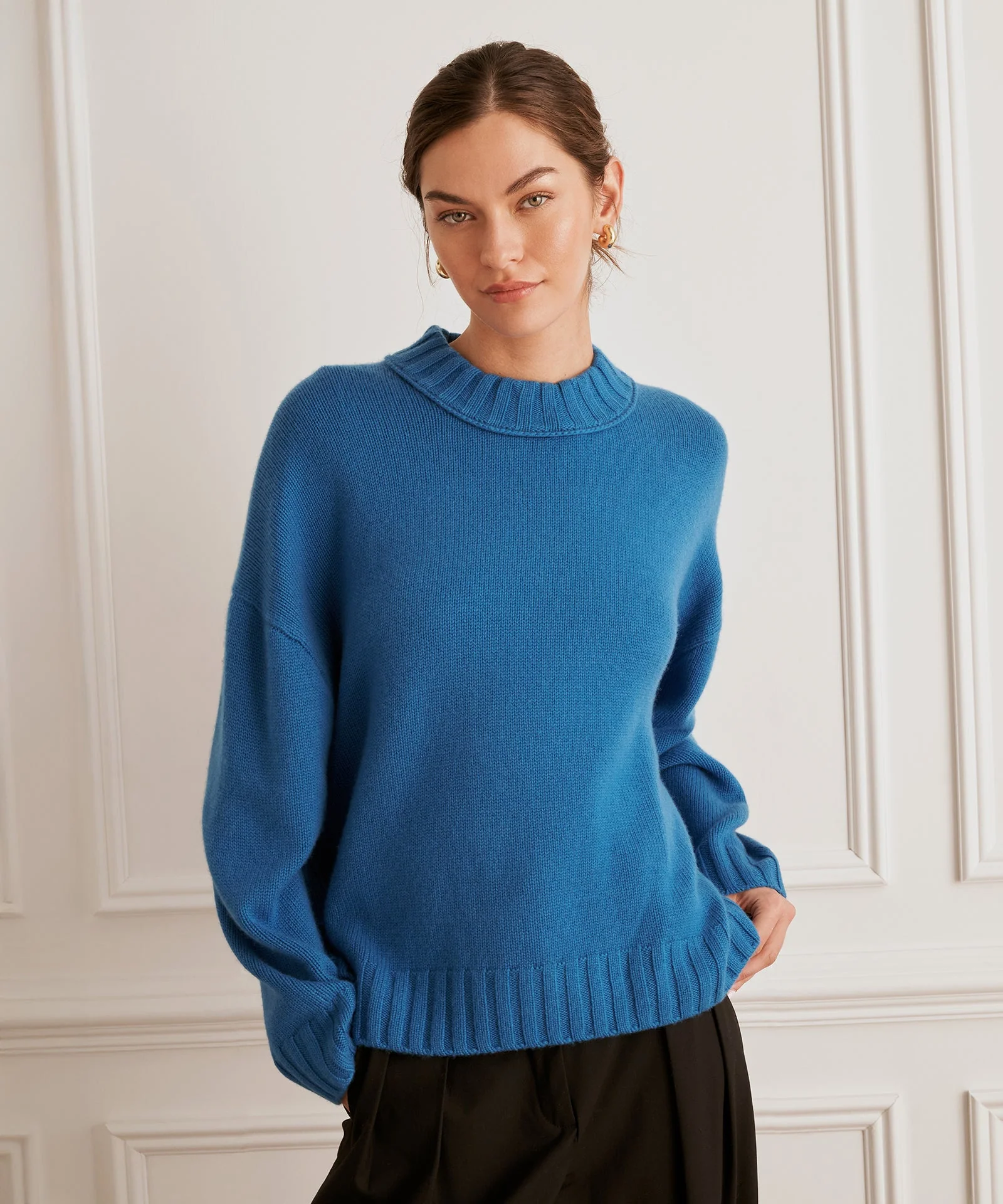
 Please look at this tpoic too, maybe you can help with ID this model
 ANy help with ID will help. Hav'nt find her on MODELS (she's not doeing the Runway, probably) or here in other topics Thanks!

 Emilio Dumar



- Today
Landr8ka joined the community
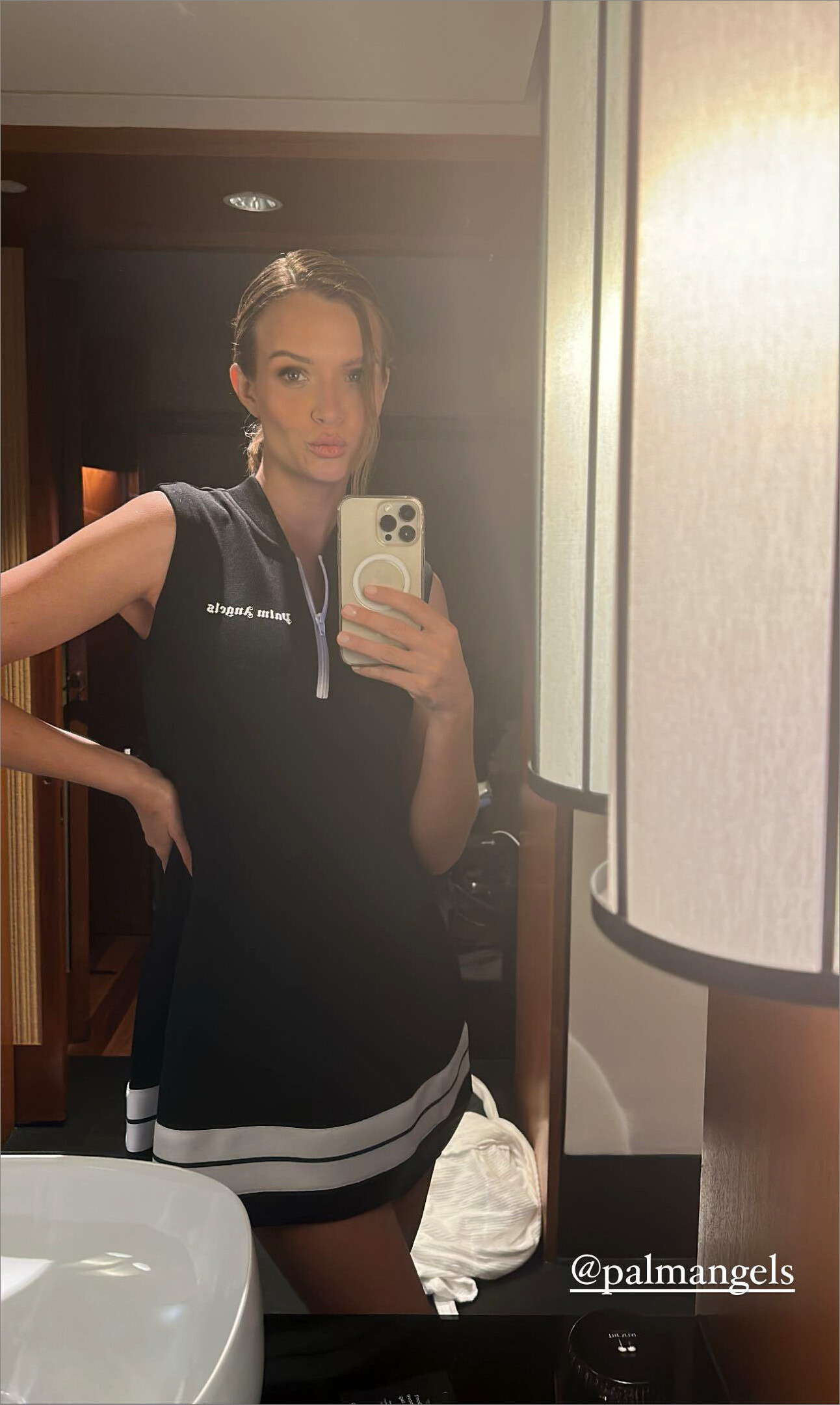
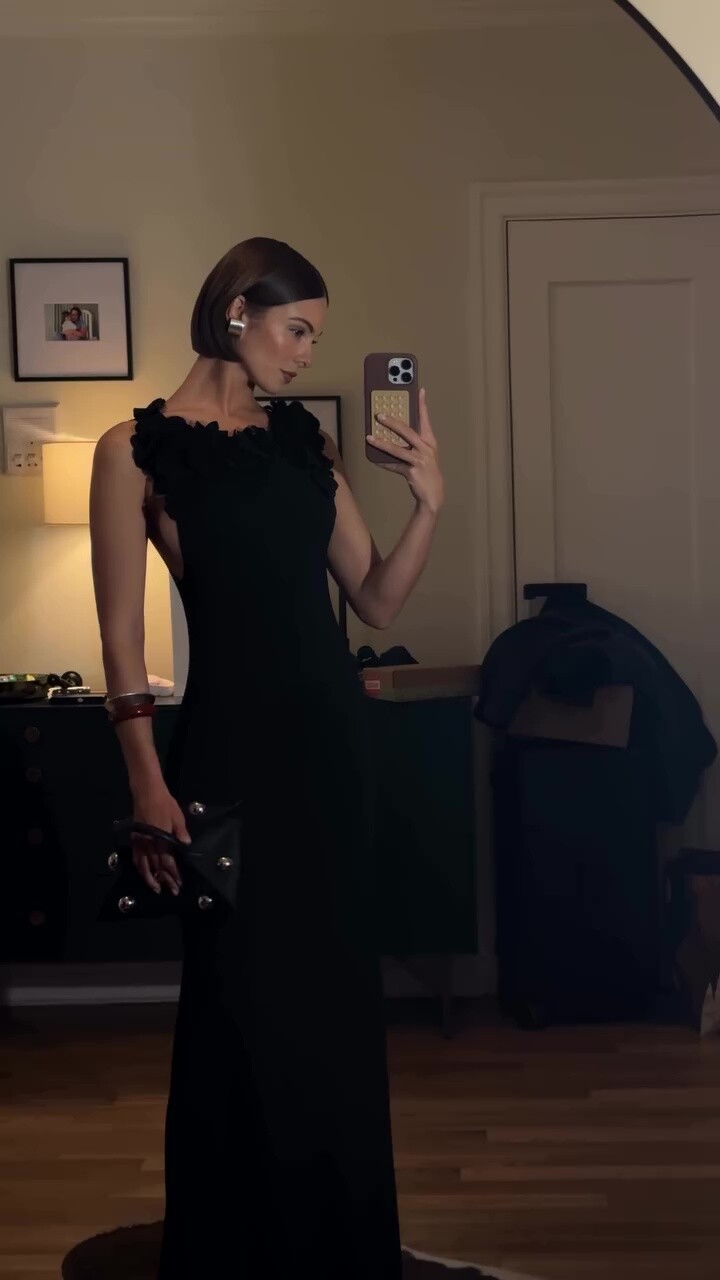
 05/06/2023: stories
 explain why...










































































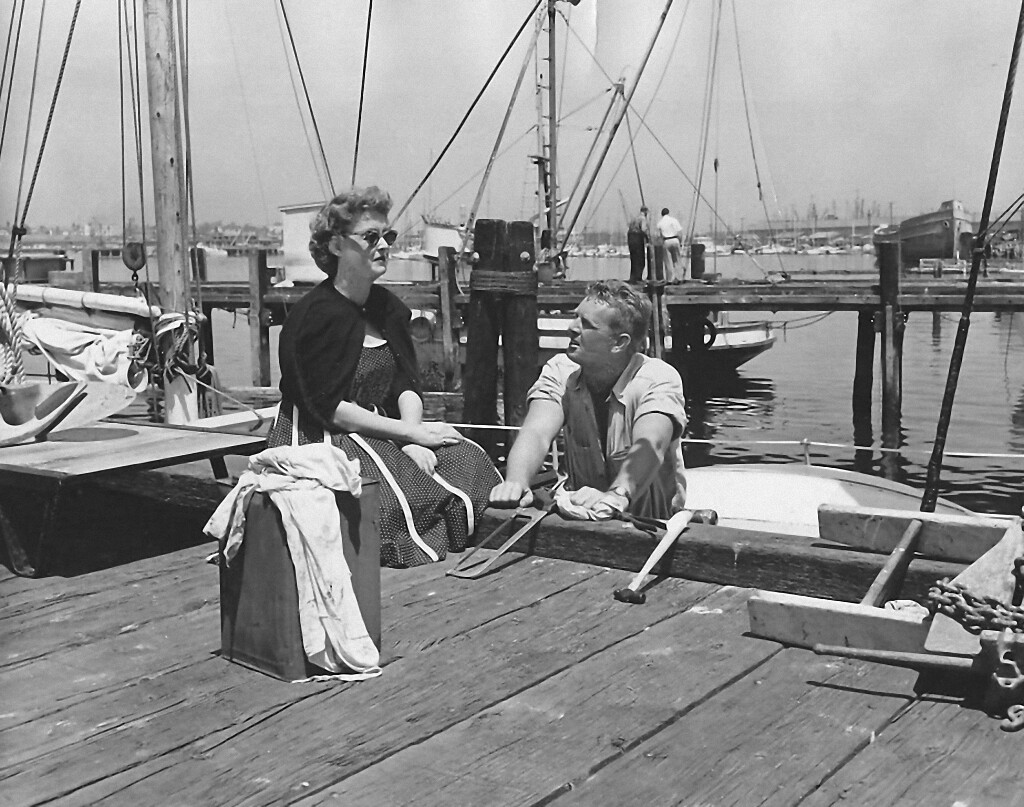




.png.fae2785186ce8d13231c4b4351b8c76f.png)































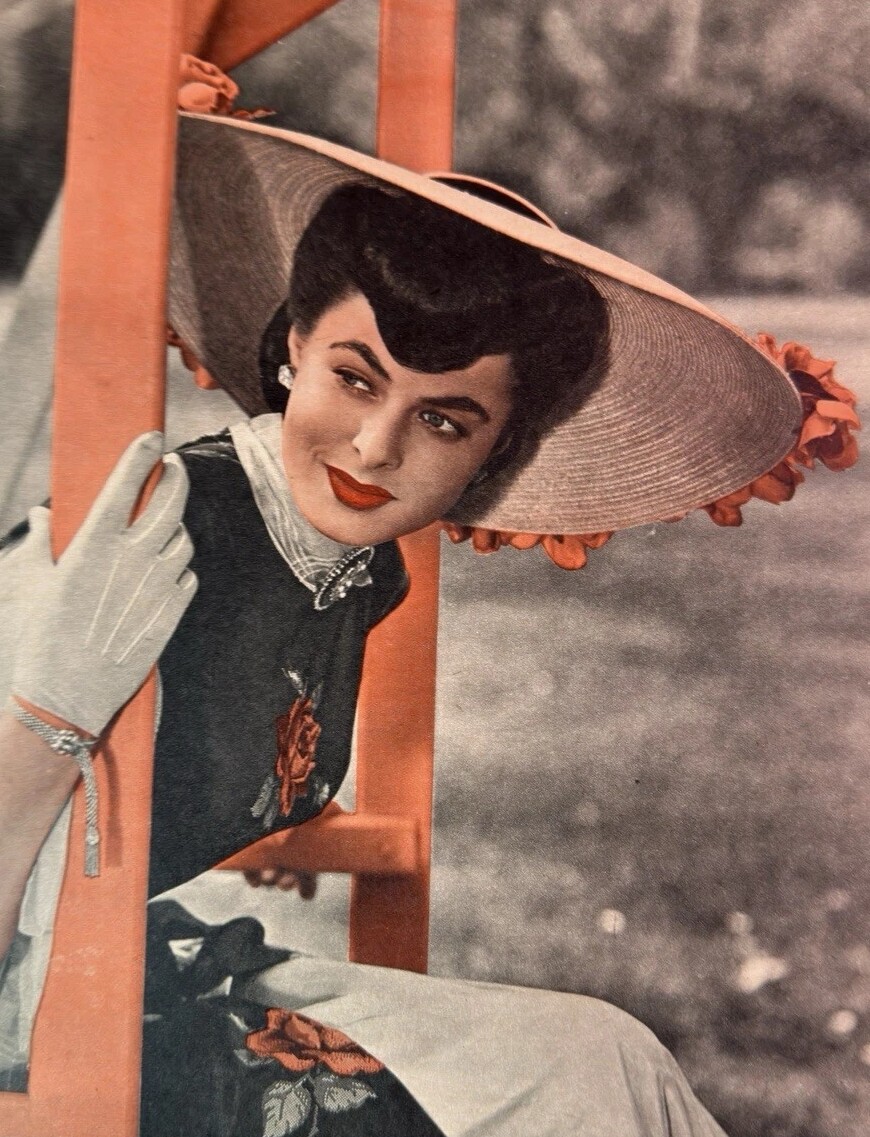










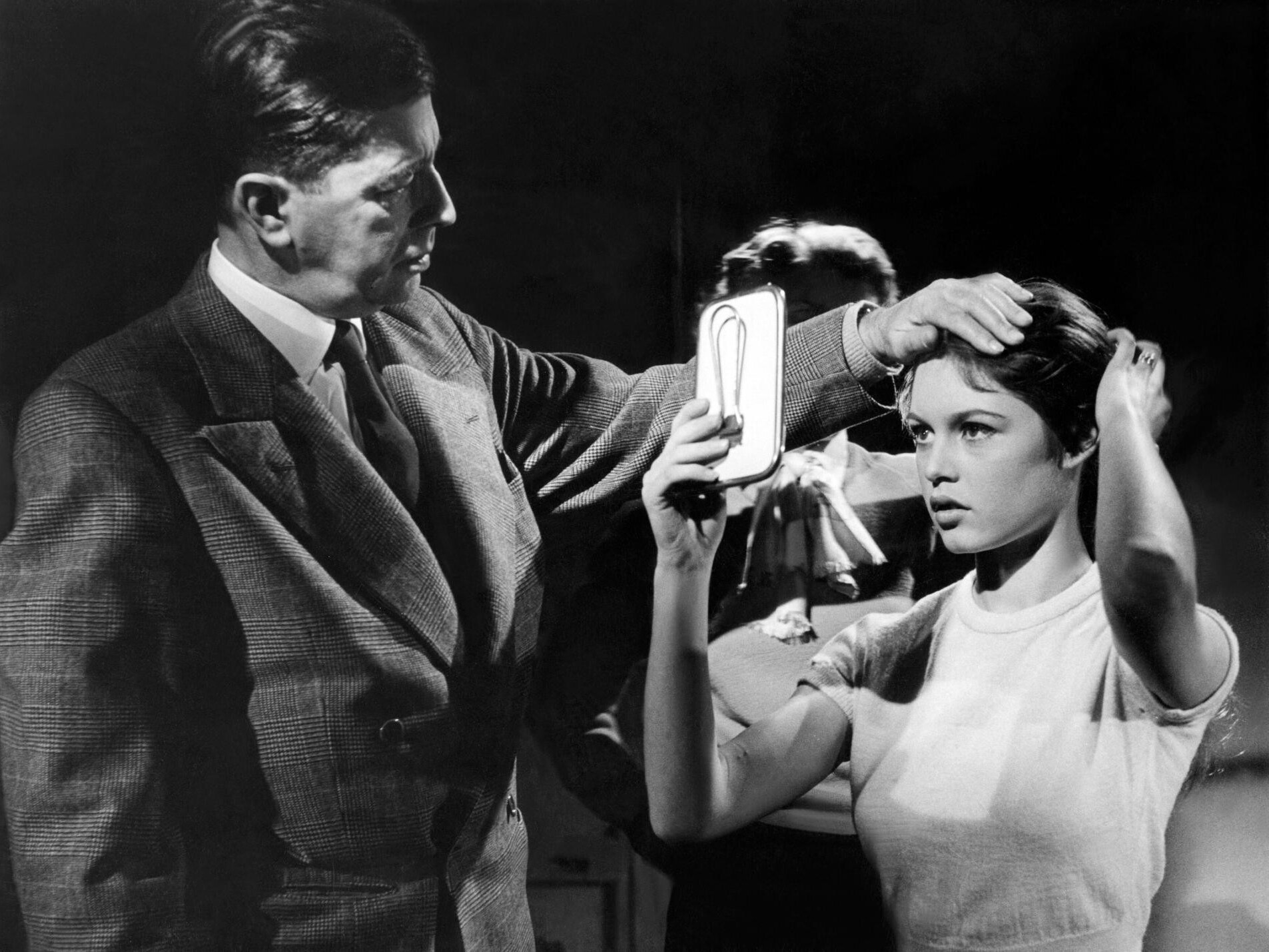













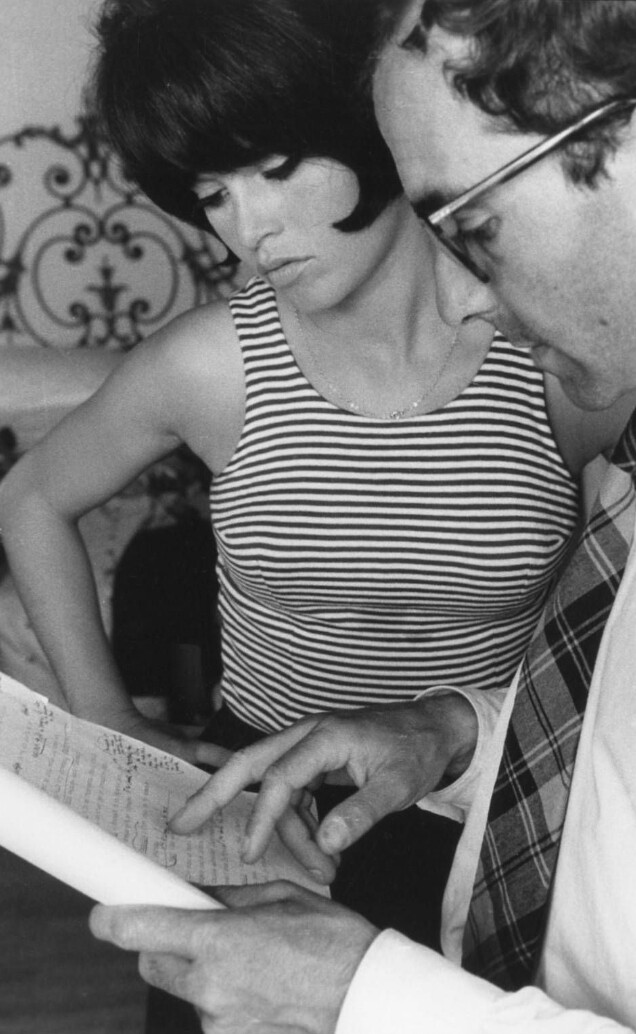

































































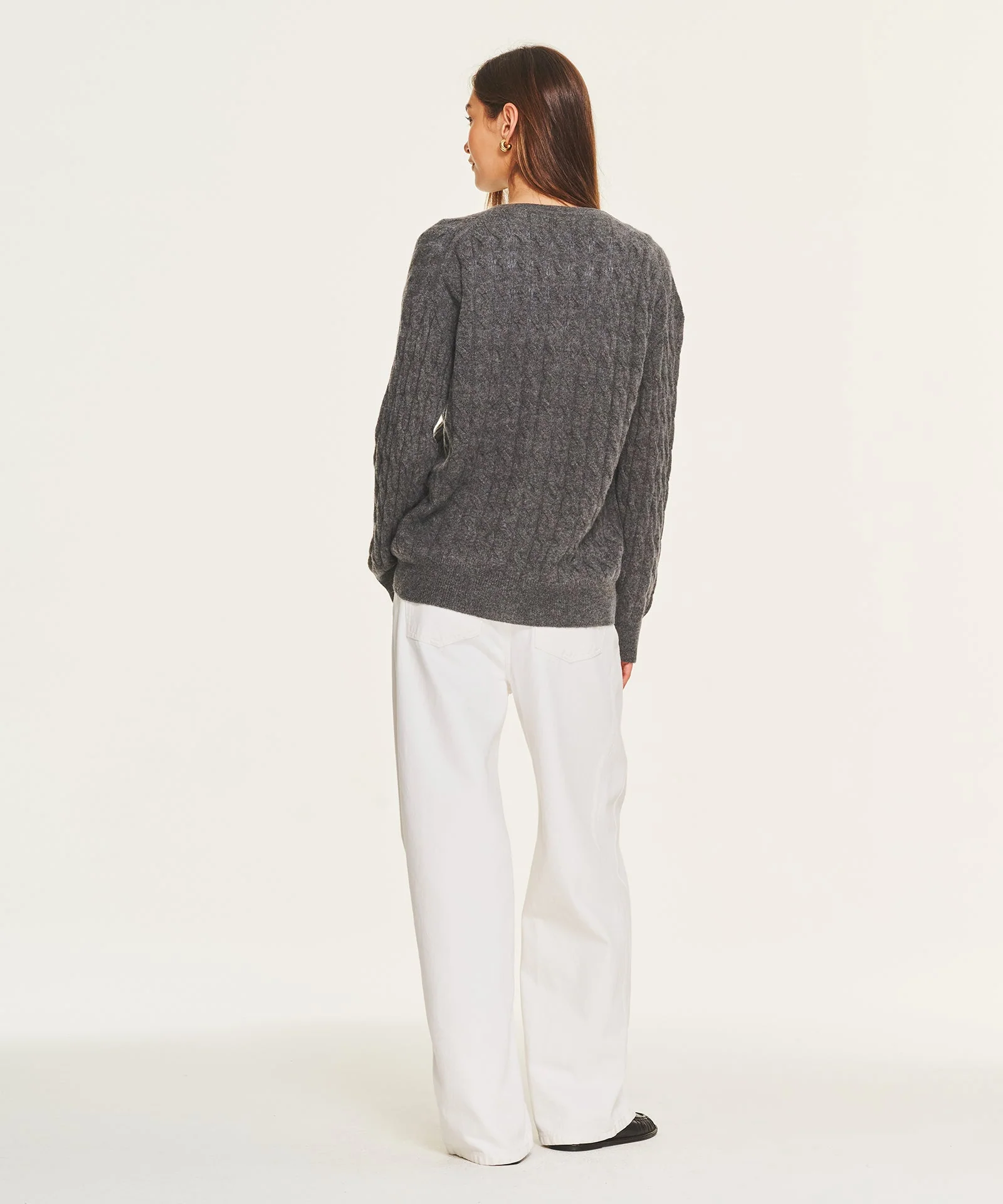




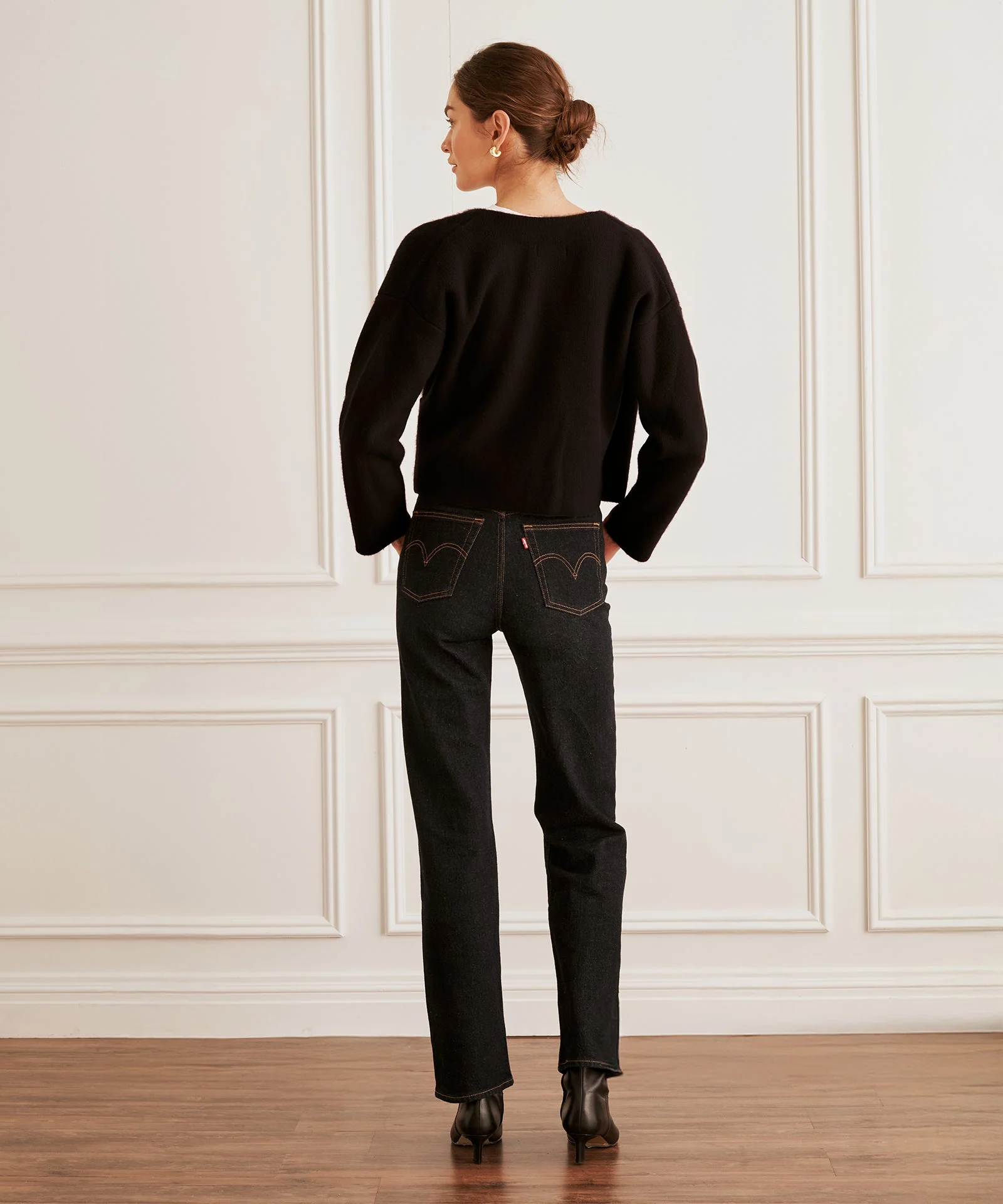
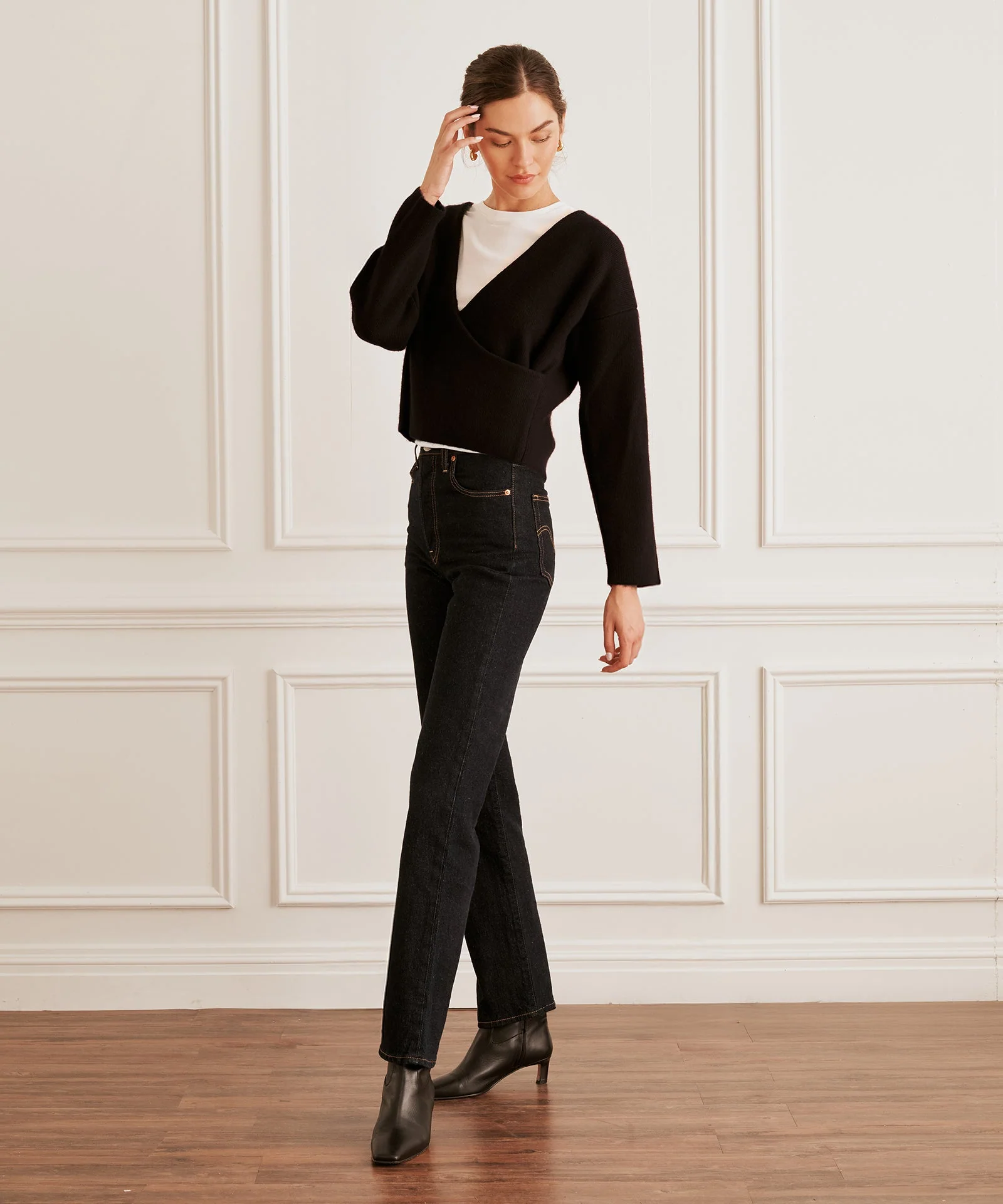
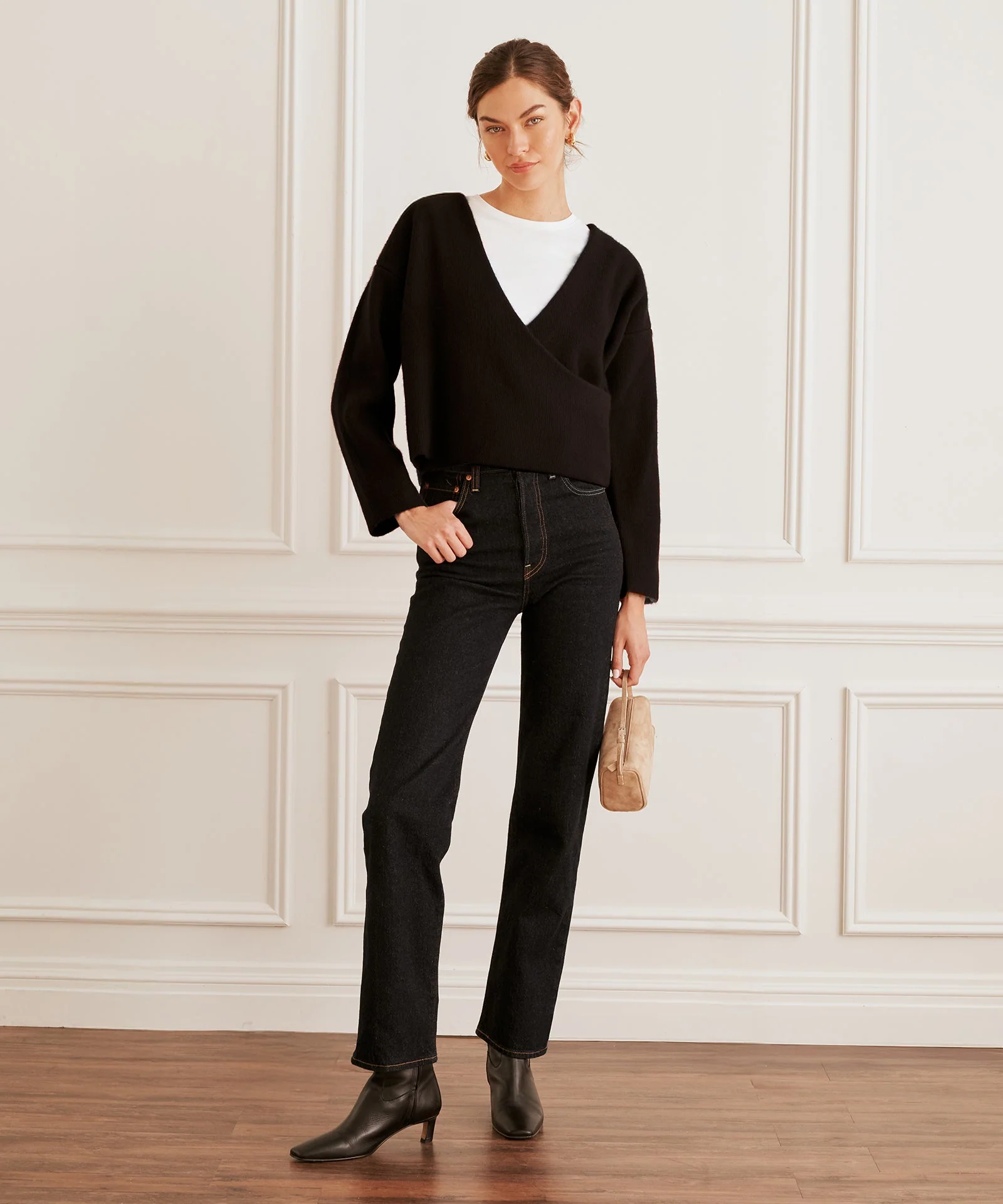
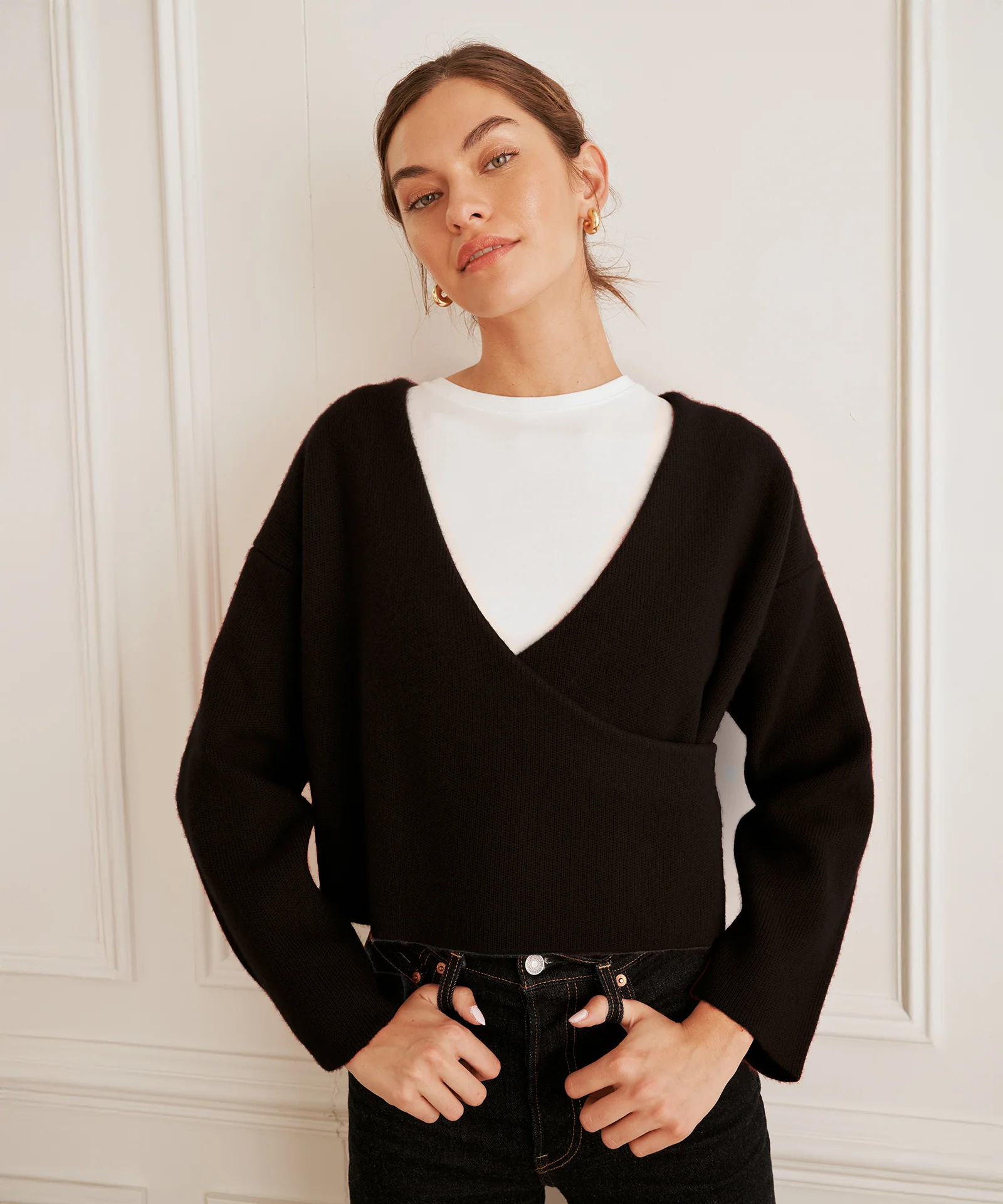
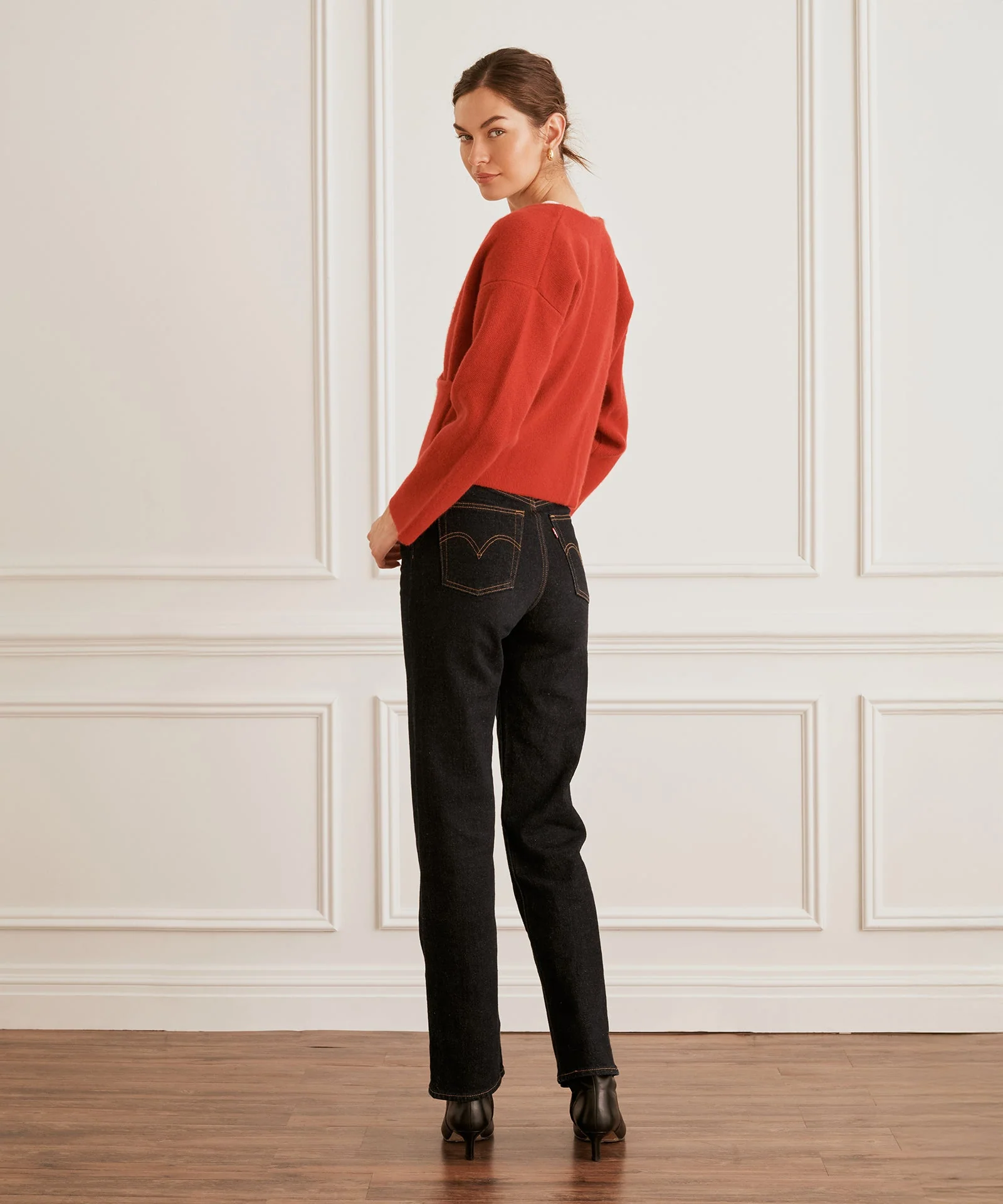
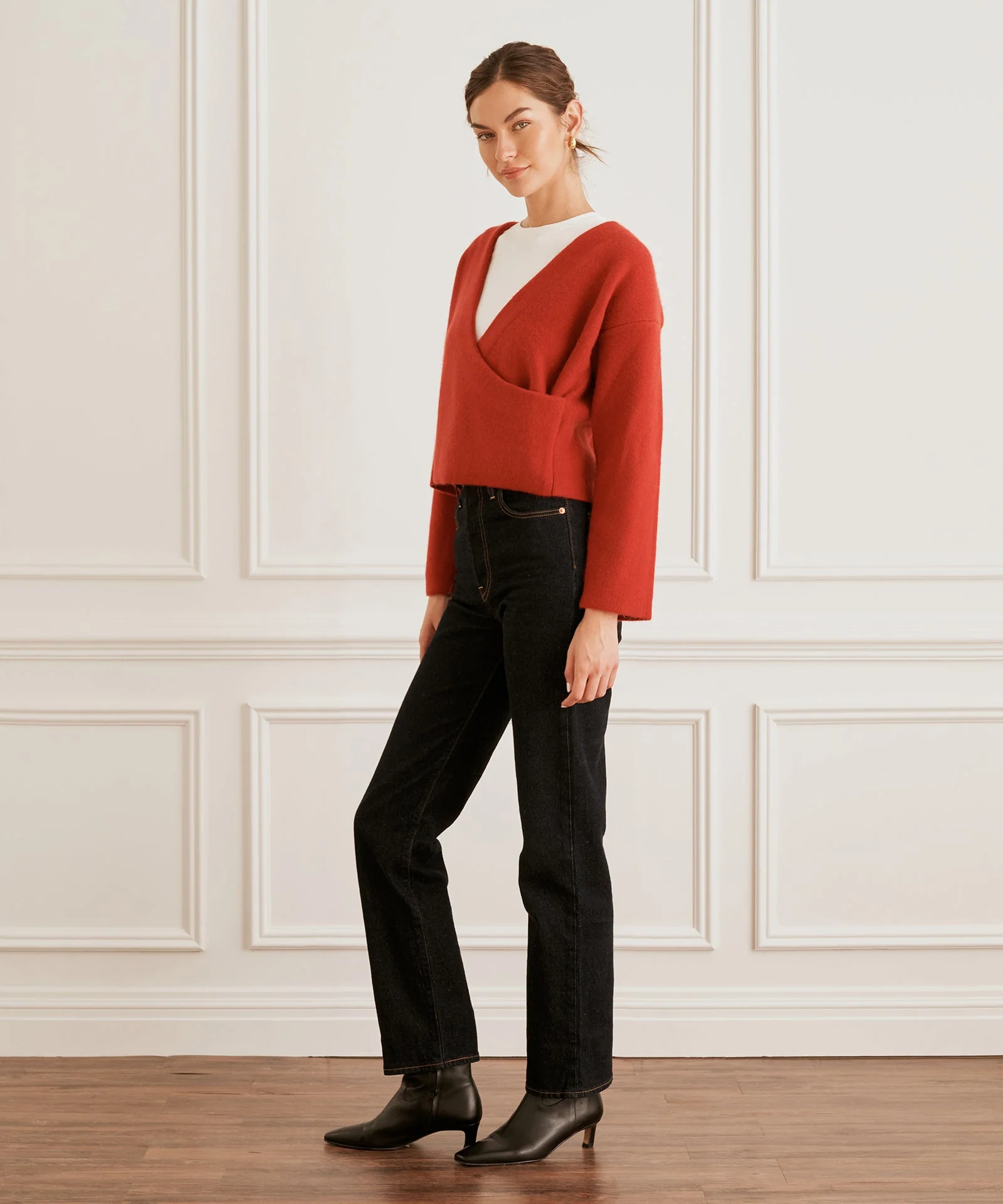
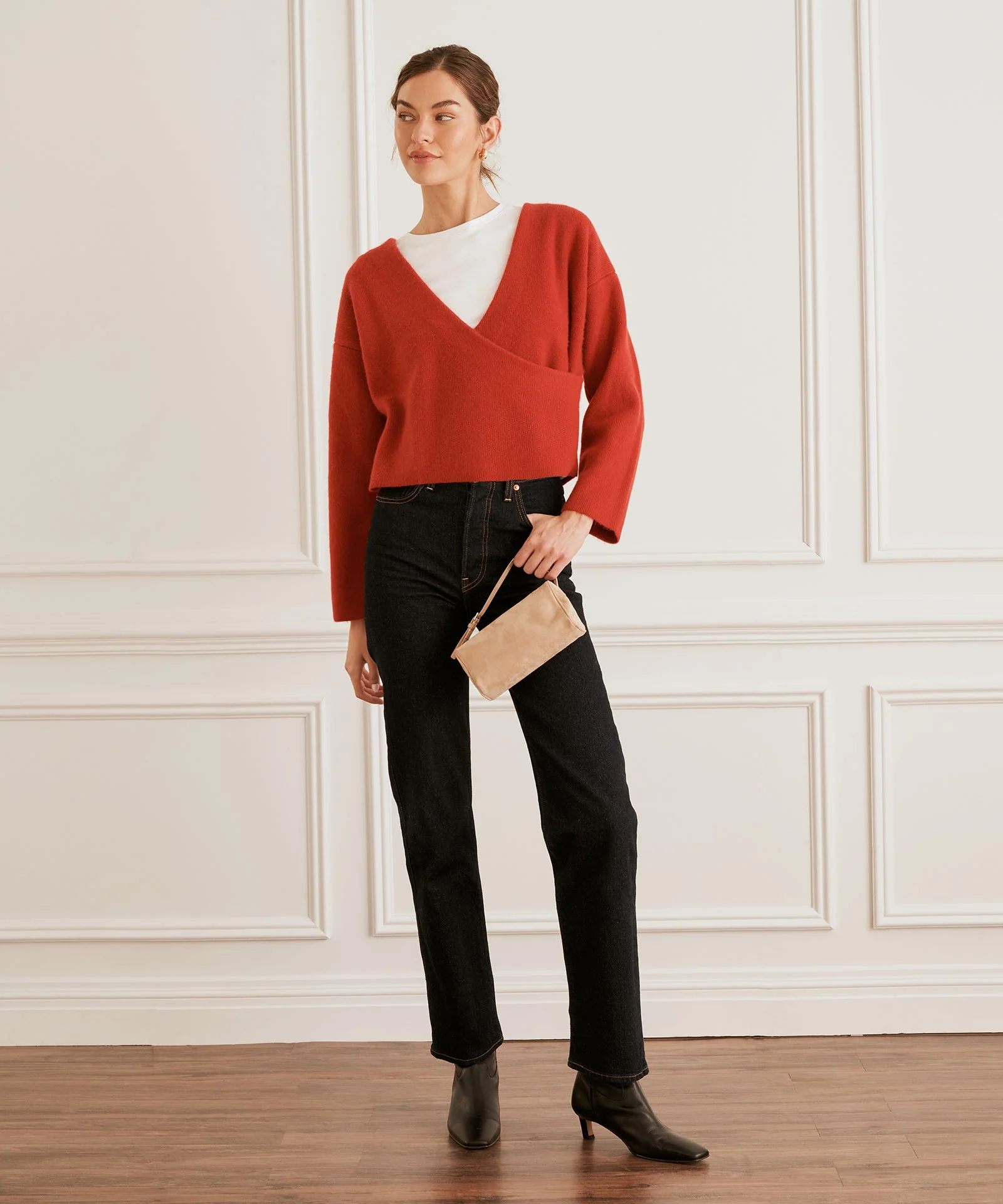

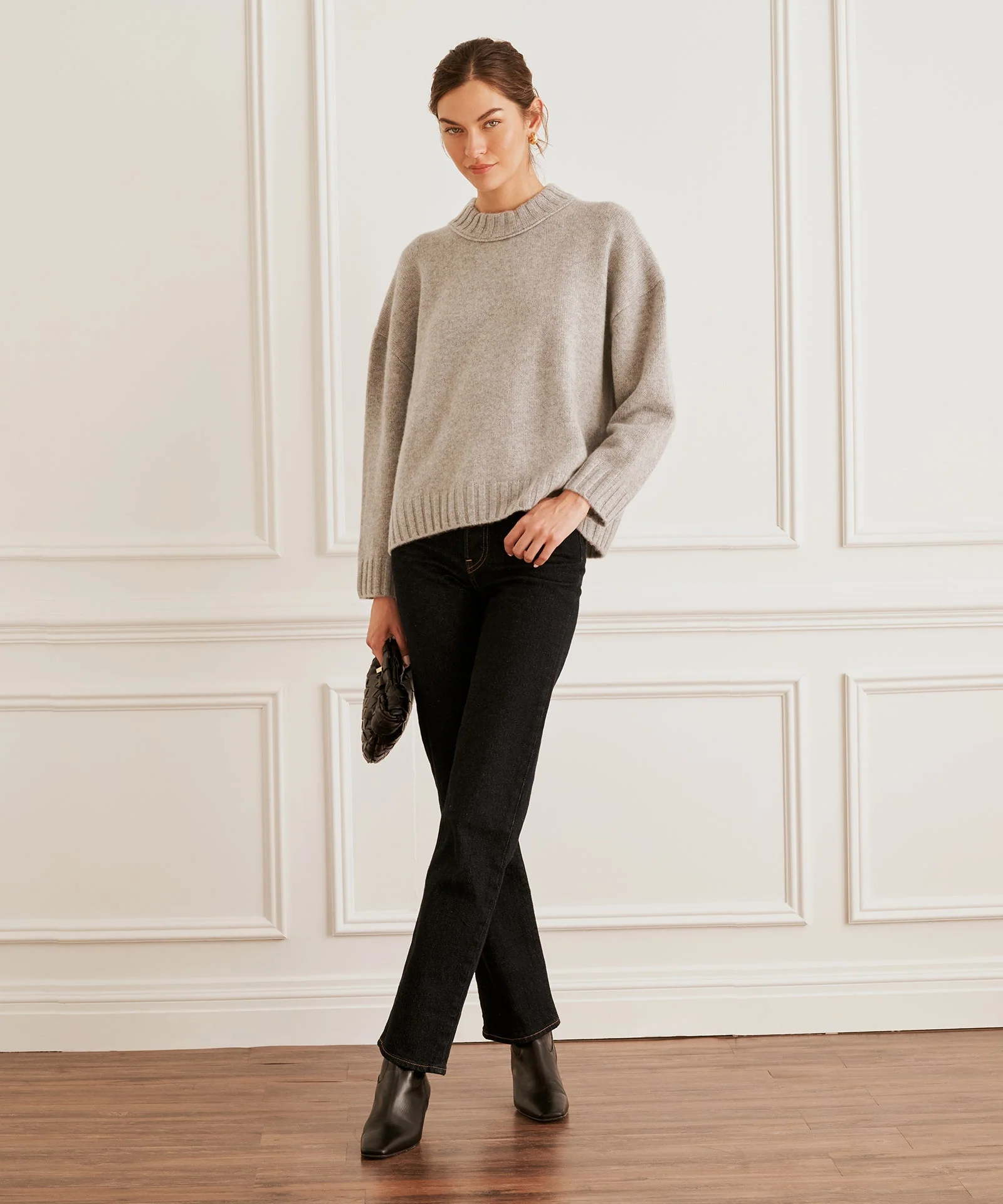
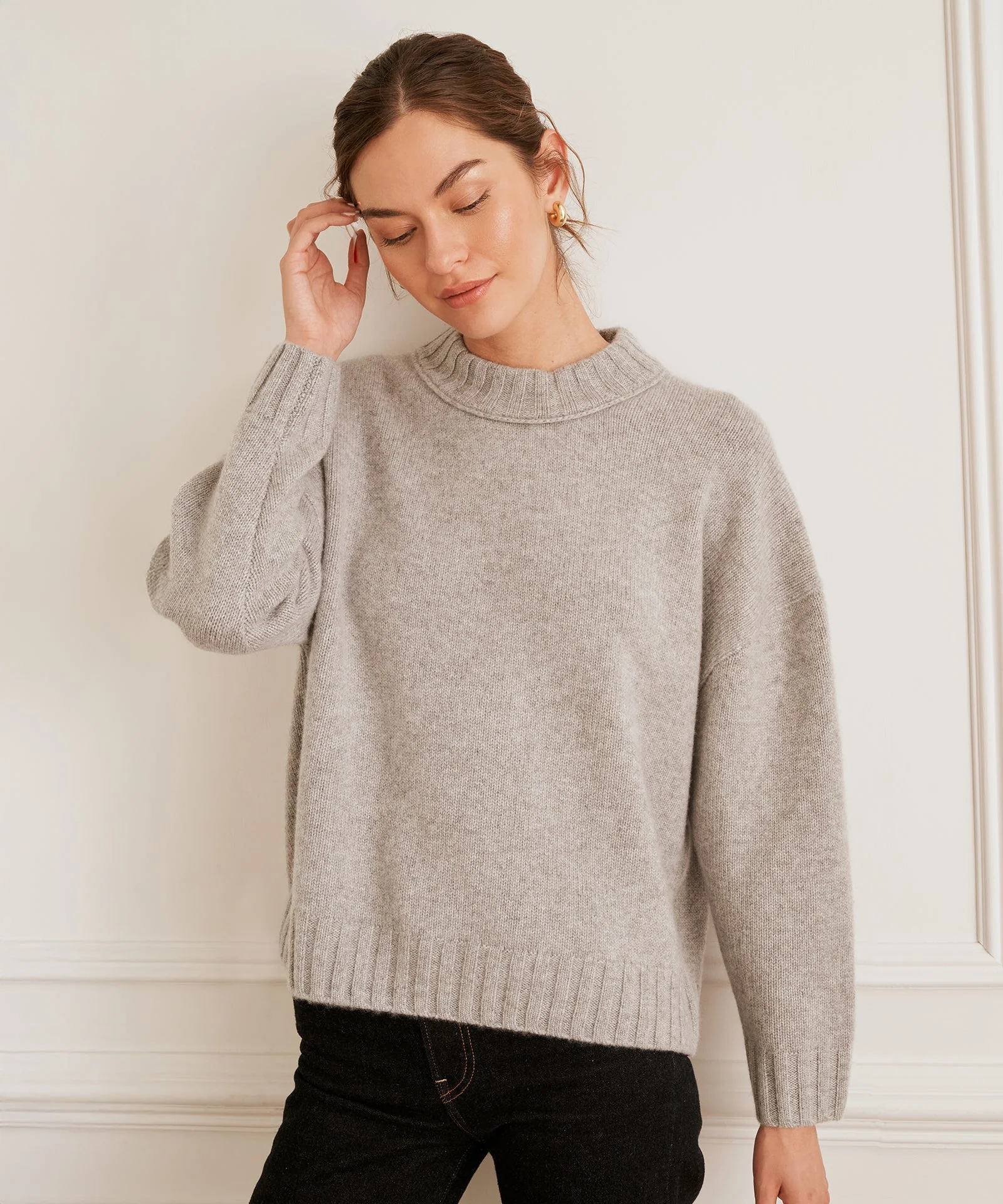
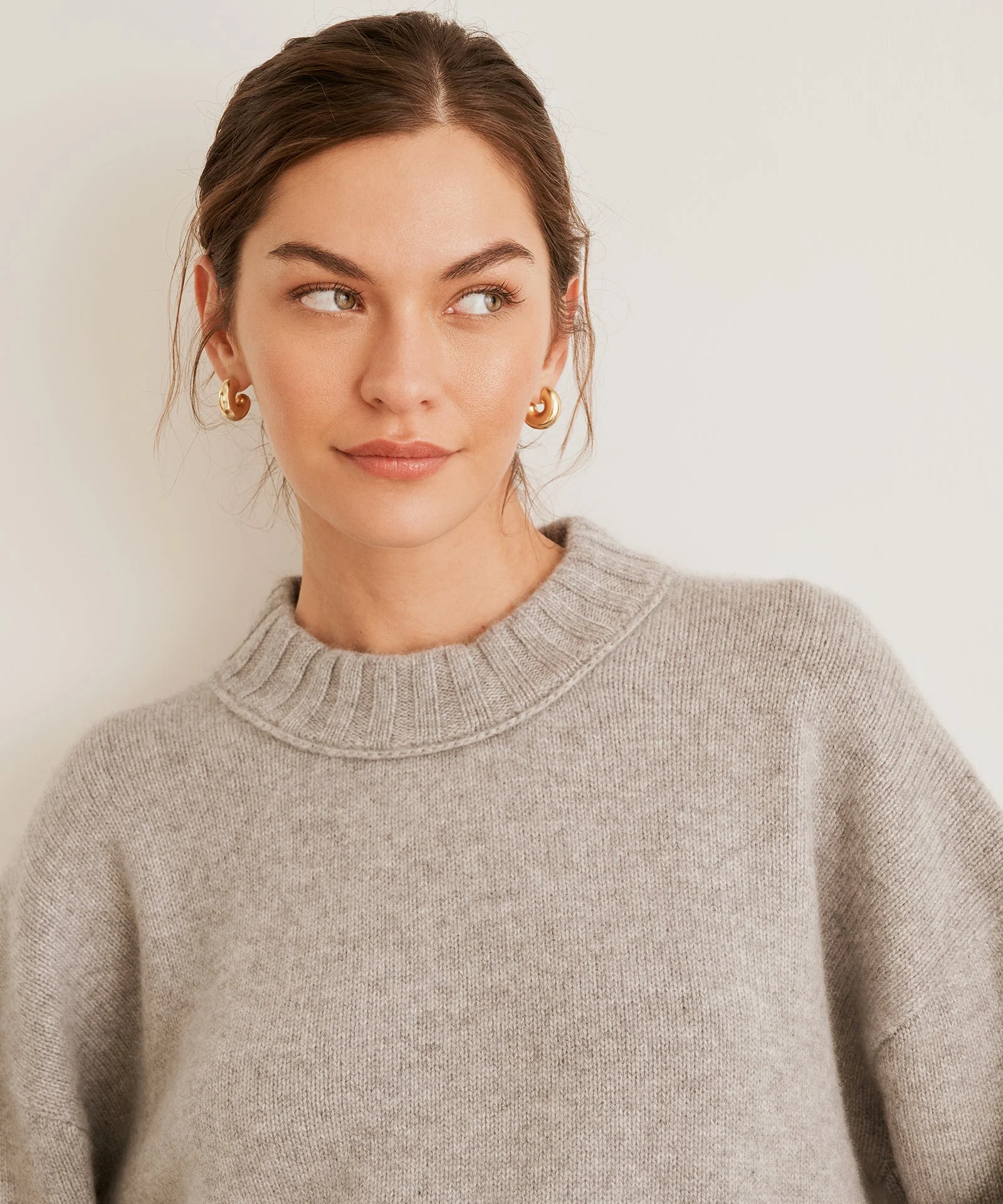
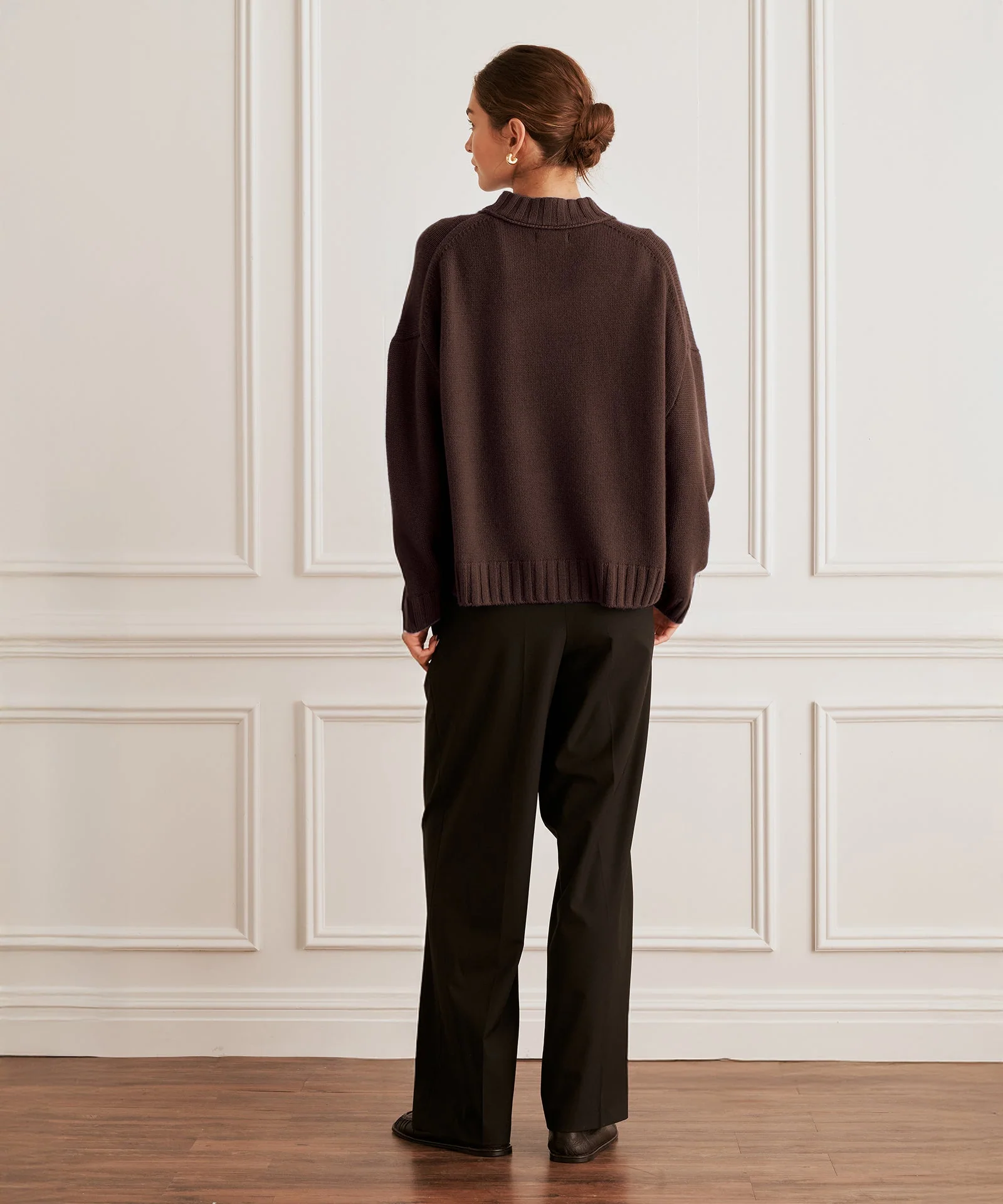










































Account
Navigation
Search
Configure browser push notifications
Chrome (Android)
- Tap the lock icon next to the address bar.
- Tap Permissions → Notifications.
- Adjust your preference.
Chrome (Desktop)
- Click the padlock icon in the address bar.
- Select Site settings.
- Find Notifications and adjust your preference.
Safari (iOS 16.4+)
- Ensure the site is installed via Add to Home Screen.
- Open Settings App → Notifications.
- Find your app name and adjust your preference.
Safari (macOS)
- Go to Safari → Preferences.
- Click the Websites tab.
- Select Notifications in the sidebar.
- Find this website and adjust your preference.
Edge (Android)
- Tap the lock icon next to the address bar.
- Tap Permissions.
- Find Notifications and adjust your preference.
Edge (Desktop)
- Click the padlock icon in the address bar.
- Click Permissions for this site.
- Find Notifications and adjust your preference.
Firefox (Android)
- Go to Settings → Site permissions.
- Tap Notifications.
- Find this site in the list and adjust your preference.
Firefox (Desktop)
- Open Firefox Settings.
- Search for Notifications.
- Find this site in the list and adjust your preference.