All Activity
- Past hour
-
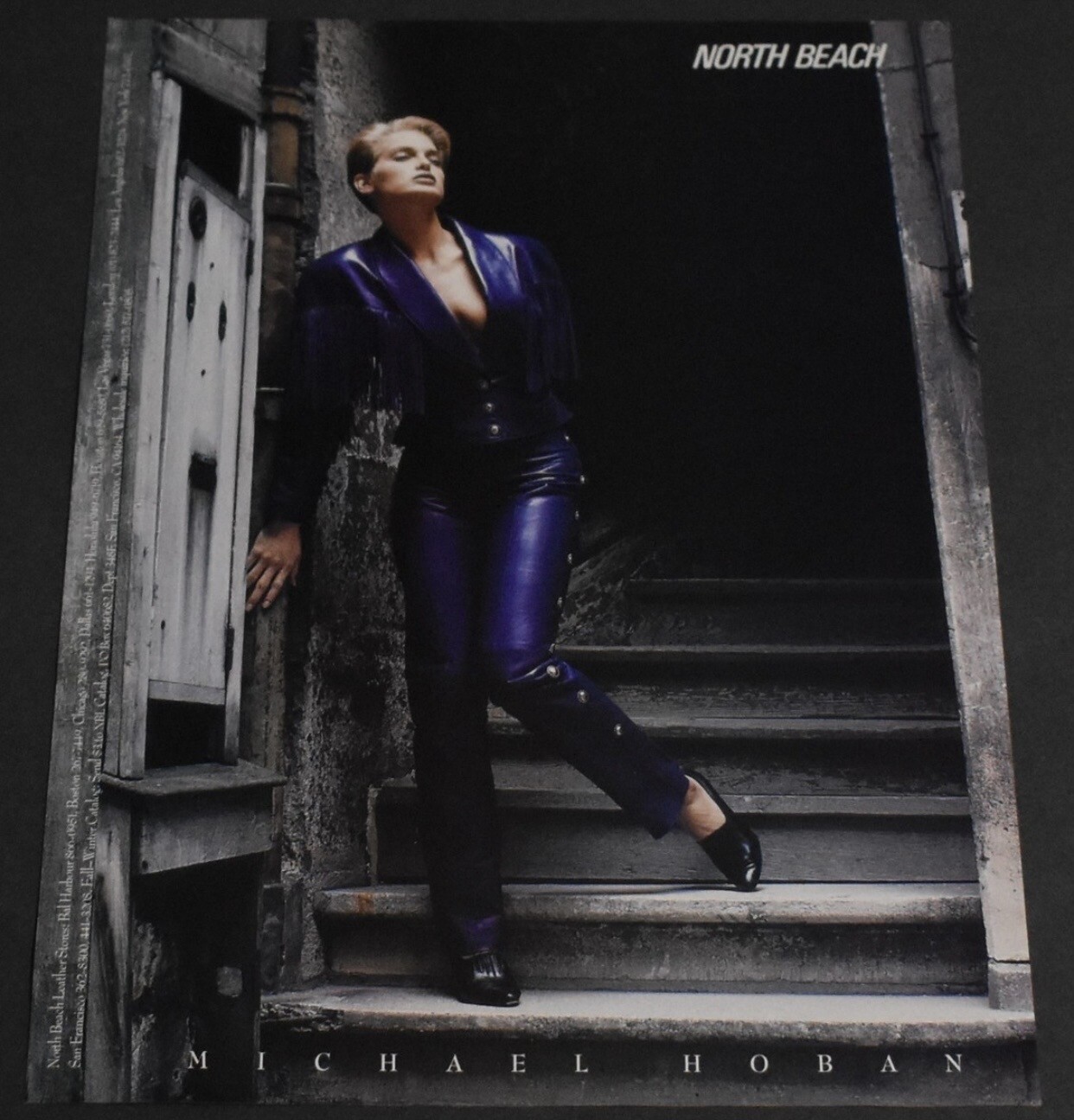
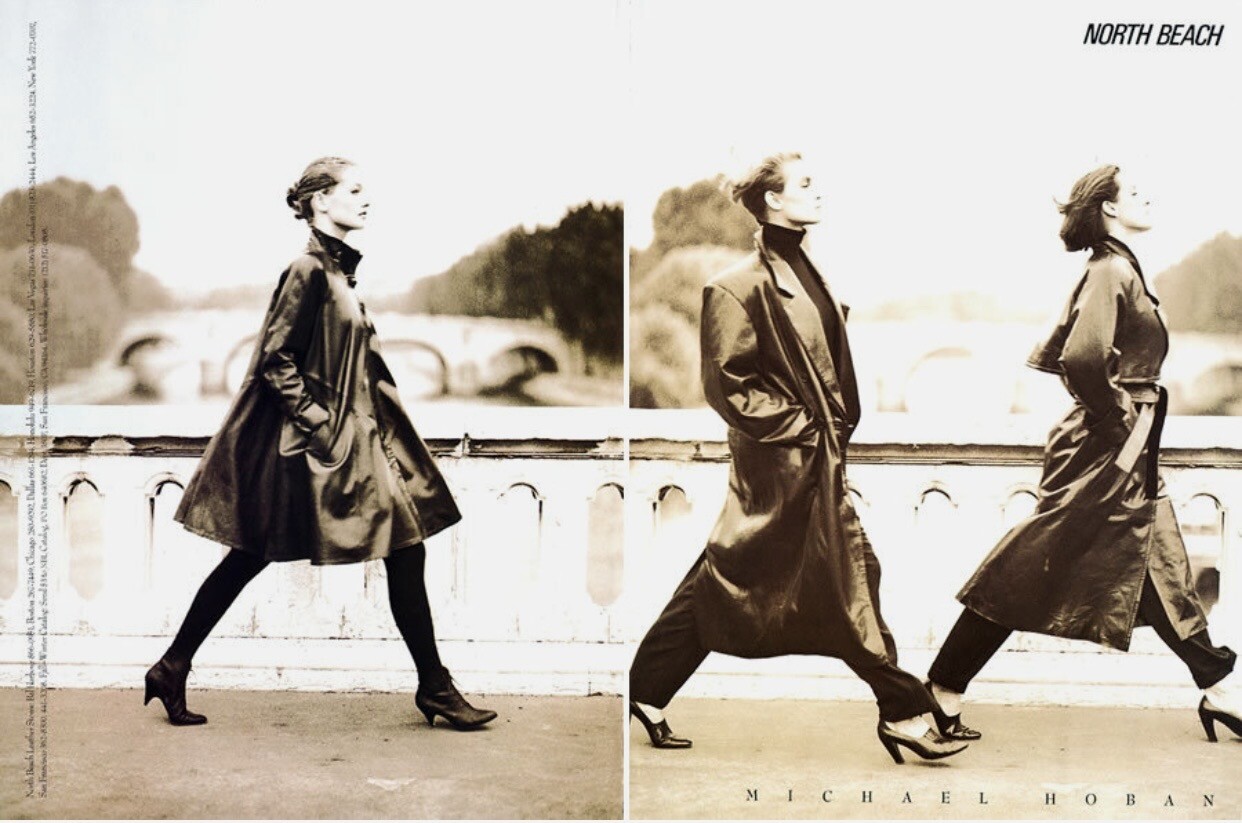
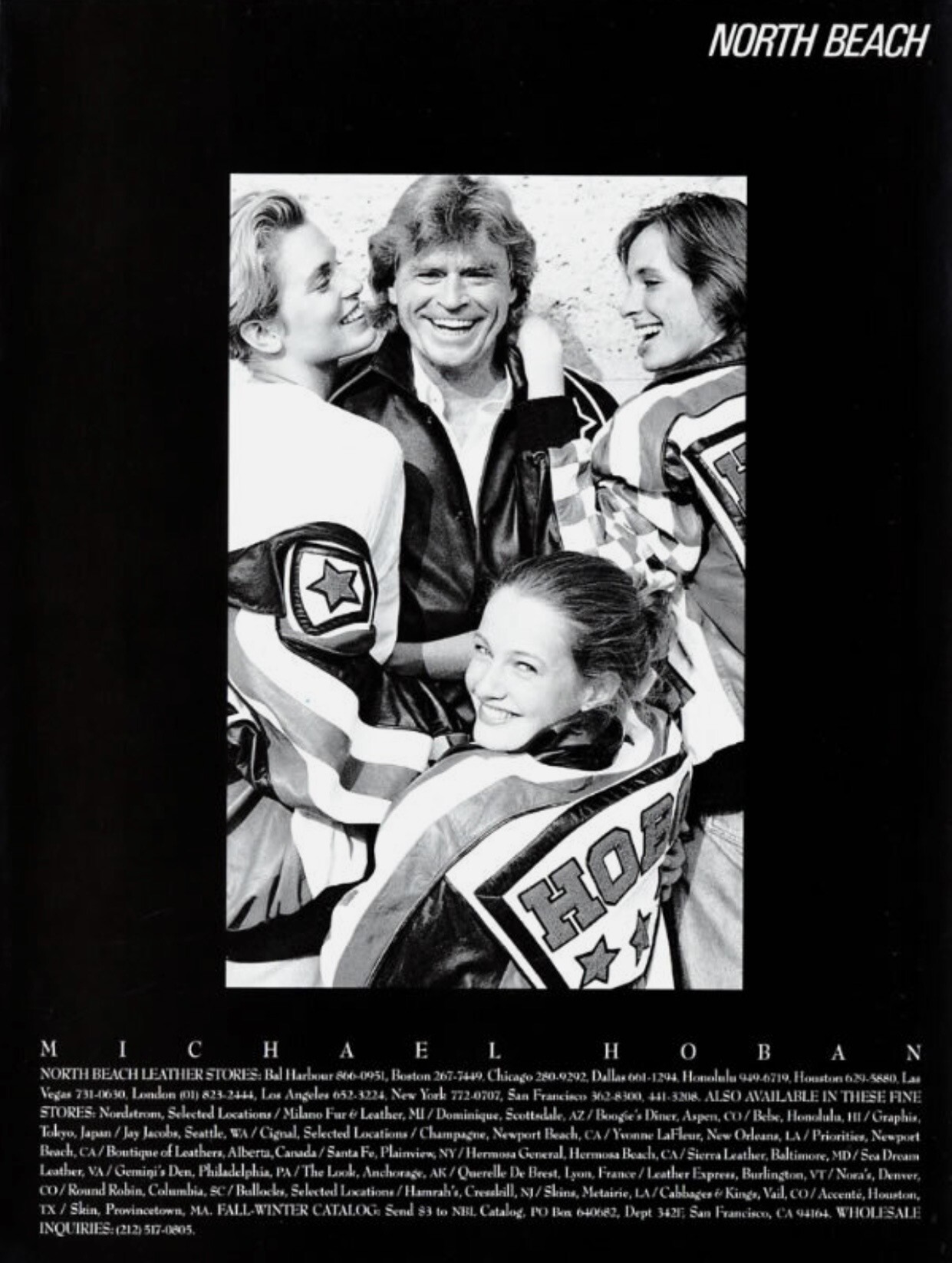
 North Beach Leather / Michael Hoban ad (1989)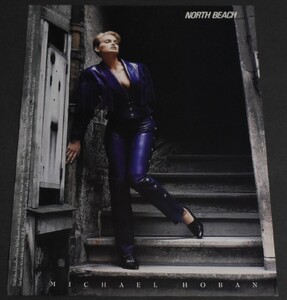



-
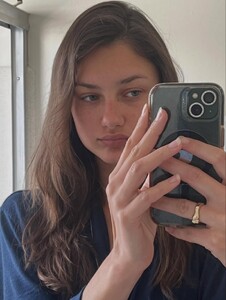
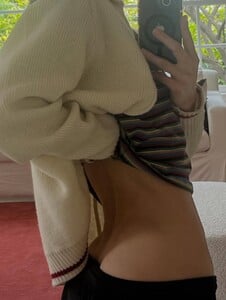
 Instagram - Los Angeles, California



-
 Unfortunately I forgot..
 -
 Ph: Voyo Bakiewicz


-
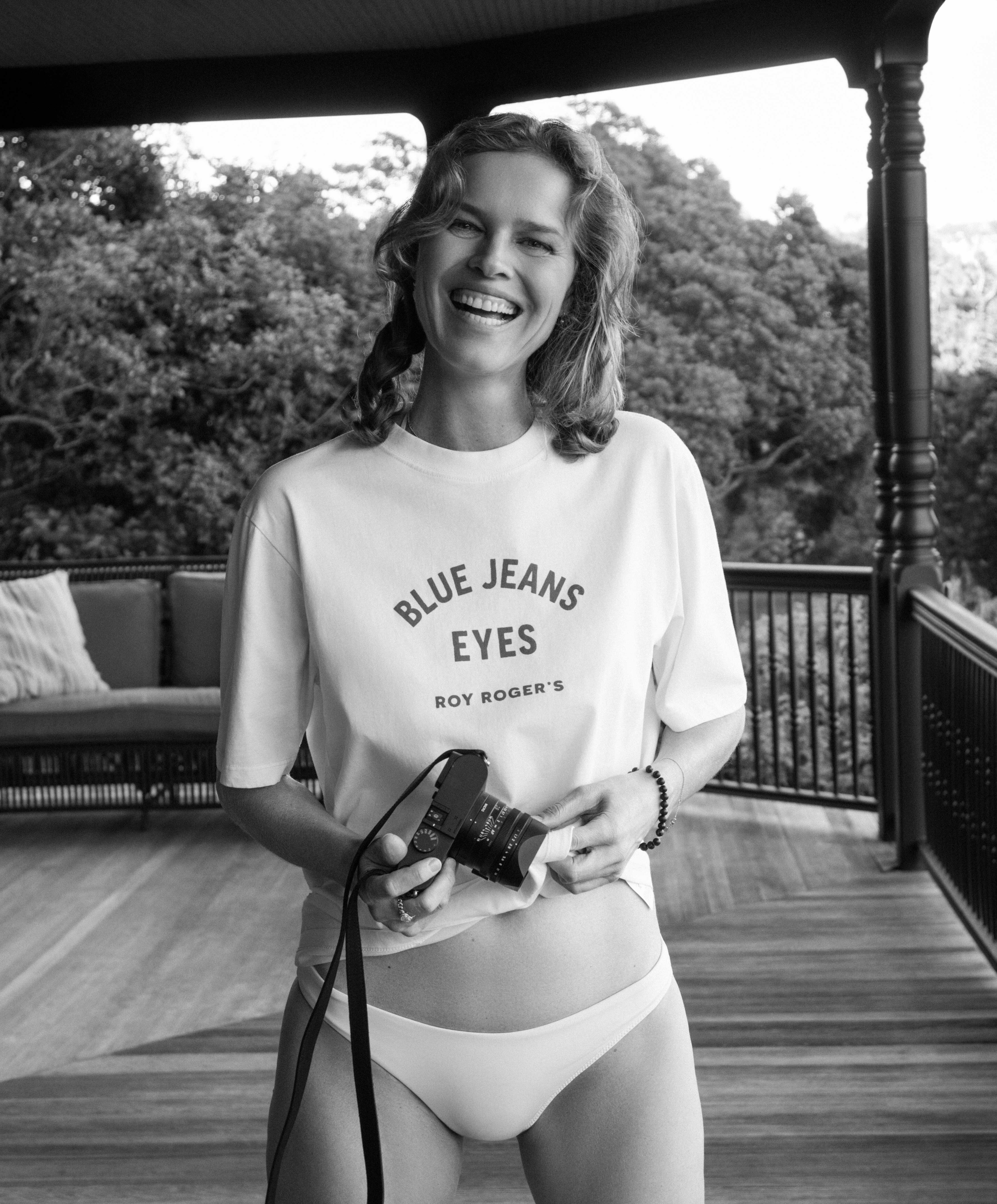
 Eva X ROY Roger's Eva X ROY Rogers2026.mp4







-
 What is her name? 🙂 I could always look up her portfolio(s).
 -
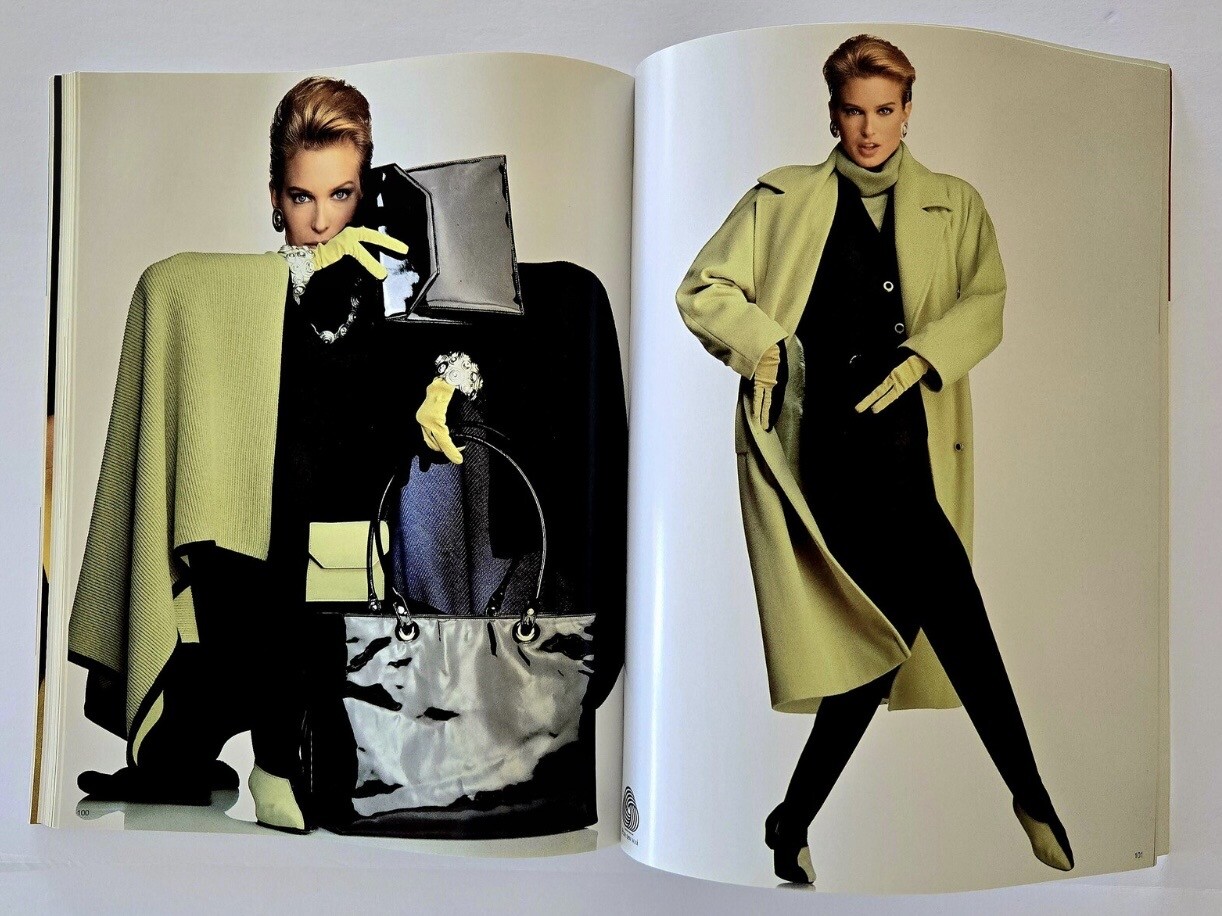
Laurel by Escada catalog (1991) Source: Etsy


-
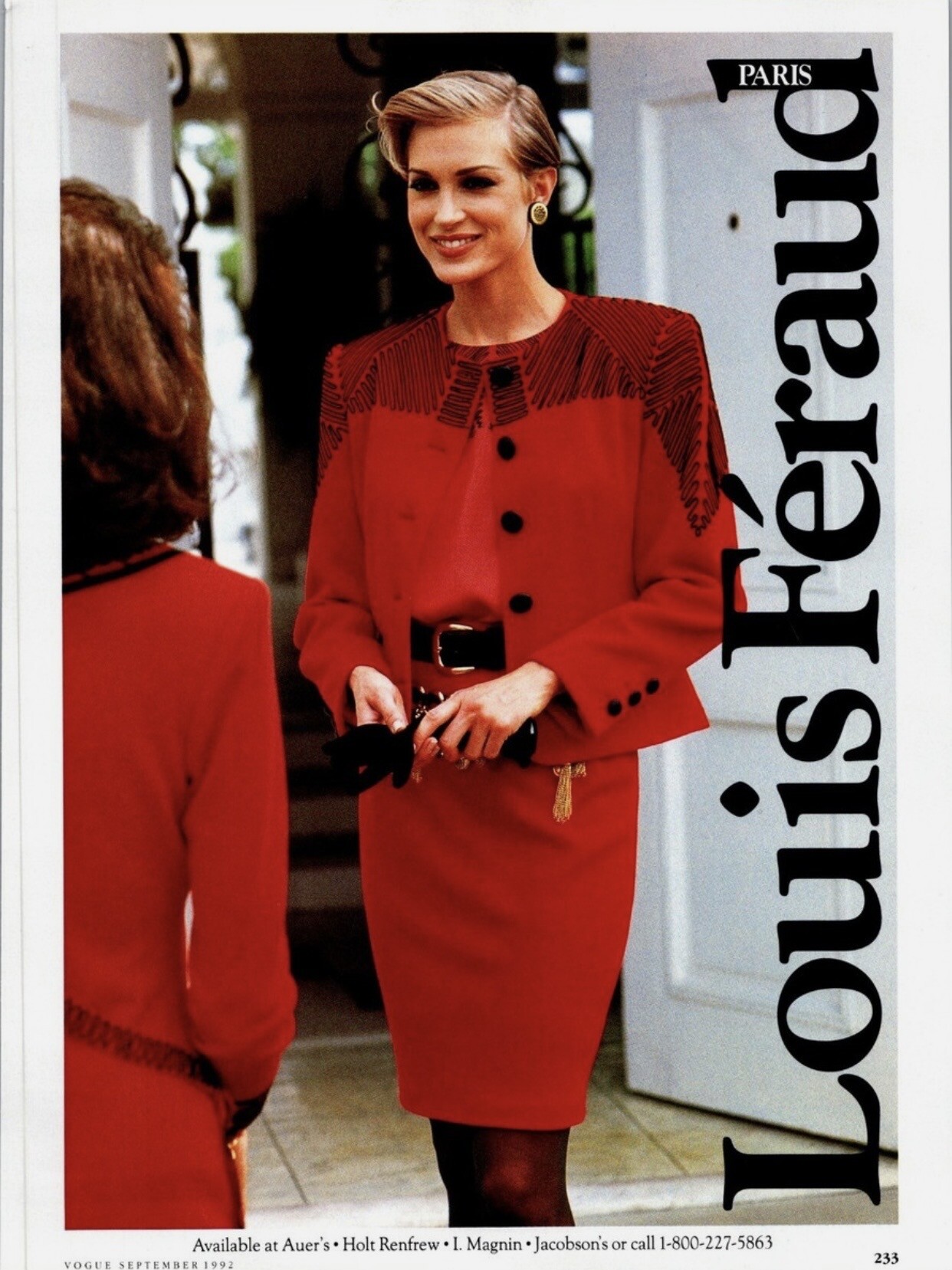
Louis Feraud ad Source: VOGUE Sept 1992

-
 Great product + listen and respect the fanbase = profit.
 -
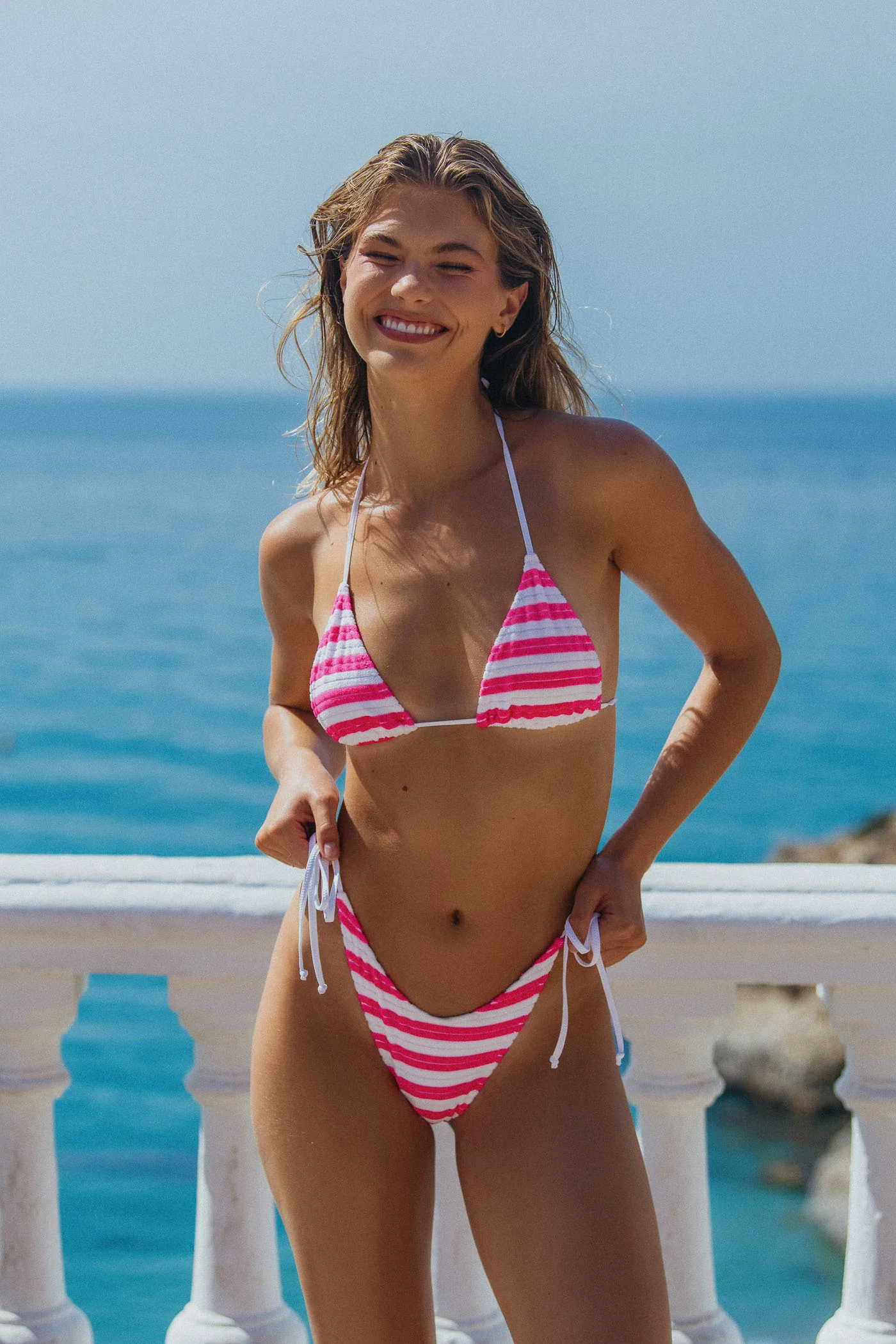
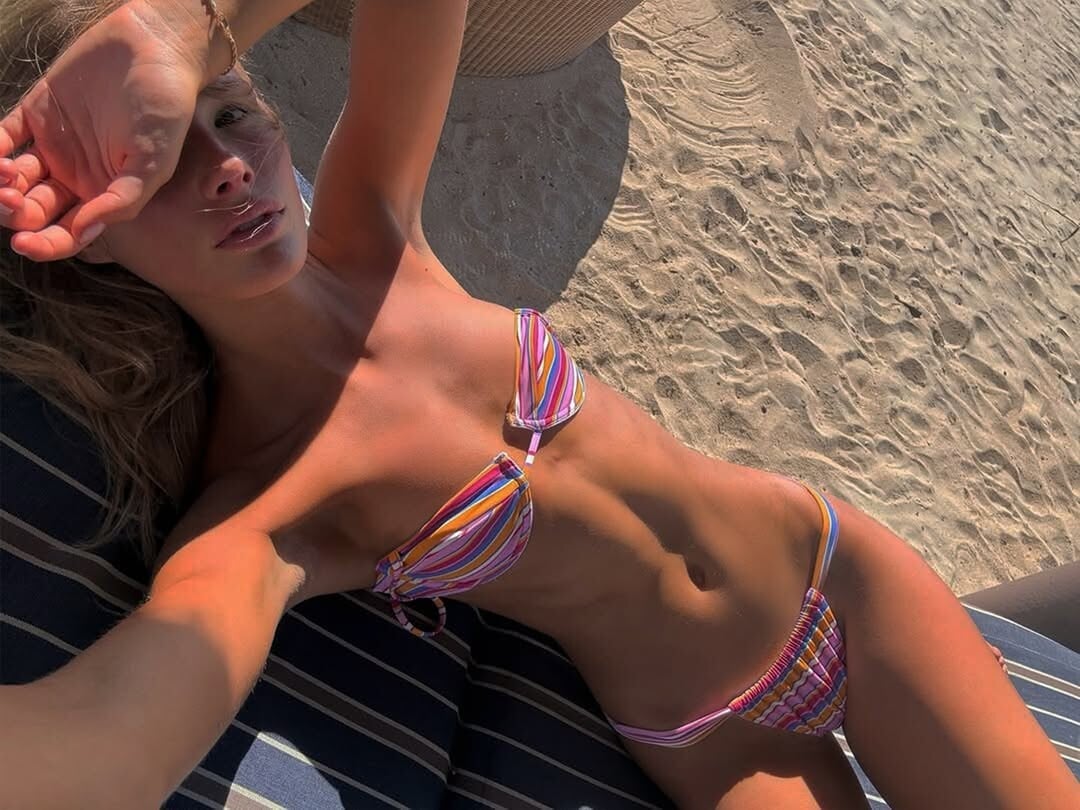
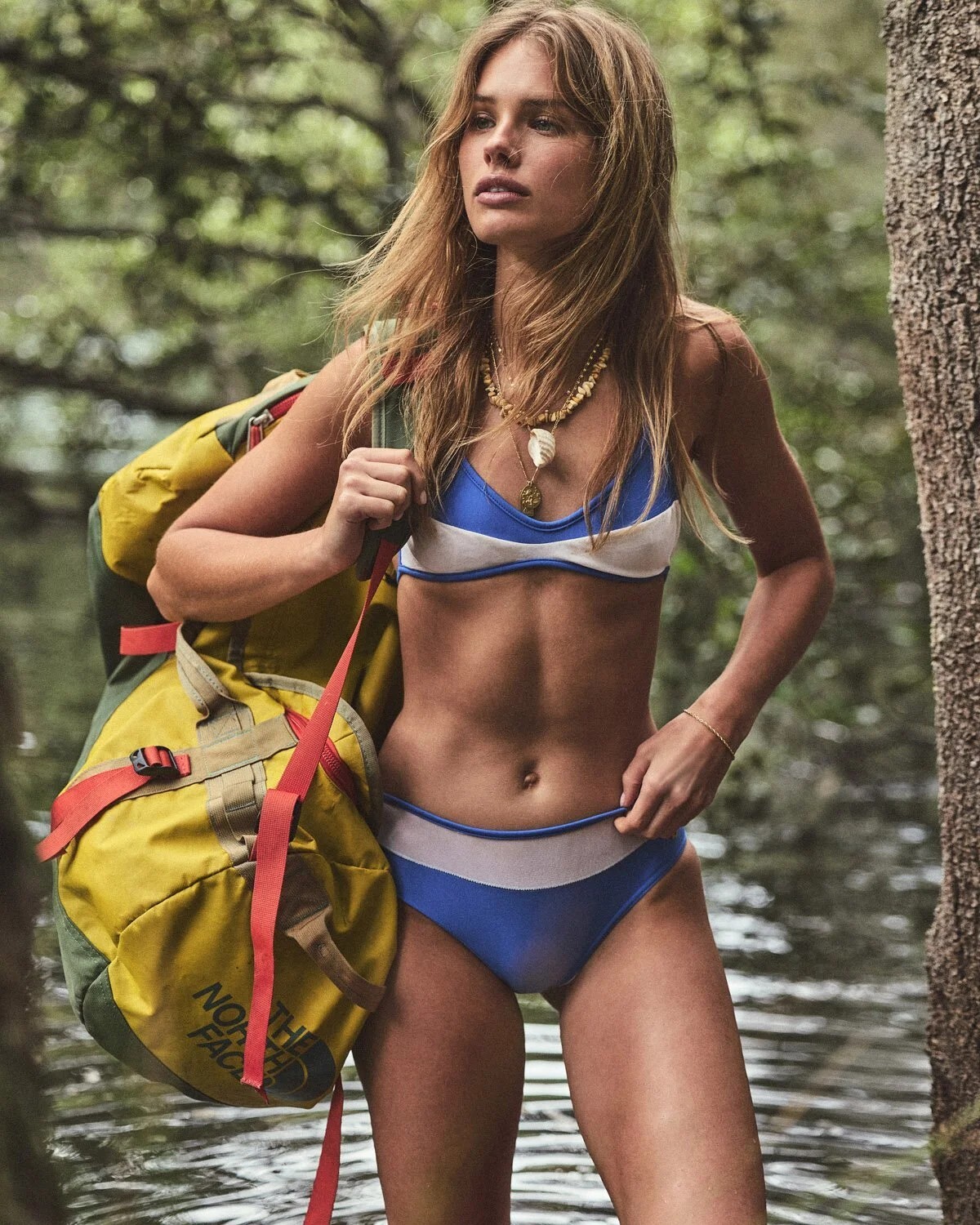
three more from Bright Swimwear



-
Thanks @bontempi ❤️
-
Thank you @Minerva13 ❤️
-
 Now VS released another major campaign without Adriana. They gave her a cheap ass tshirt bra campaign and even cheaper vsx shit. I don’t want her to work with VS if they treat her like this.
 -

 Wow. beachbeauty.magazine_1772655764096~2.mp4
MUA Hung Vanngo 2024
Wow. beachbeauty.magazine_1772655764096~2.mp4
MUA Hung Vanngo 2024


 I thought I posted her BZ link but unless I'm mistaken, it has vanished? She might have gotten her thread deleted.
 Kaka's assistants' post, via kaka's fan page, from last summer. 8jwMMmkelx08pFJlUvZK010412005LAh0E010.mp4
https://www.tiktok.com/@exallevelas/photo/7589686633985887509
Kaka's assistants' post, via kaka's fan page, from last summer. 8jwMMmkelx08pFJlUvZK010412005LAh0E010.mp4
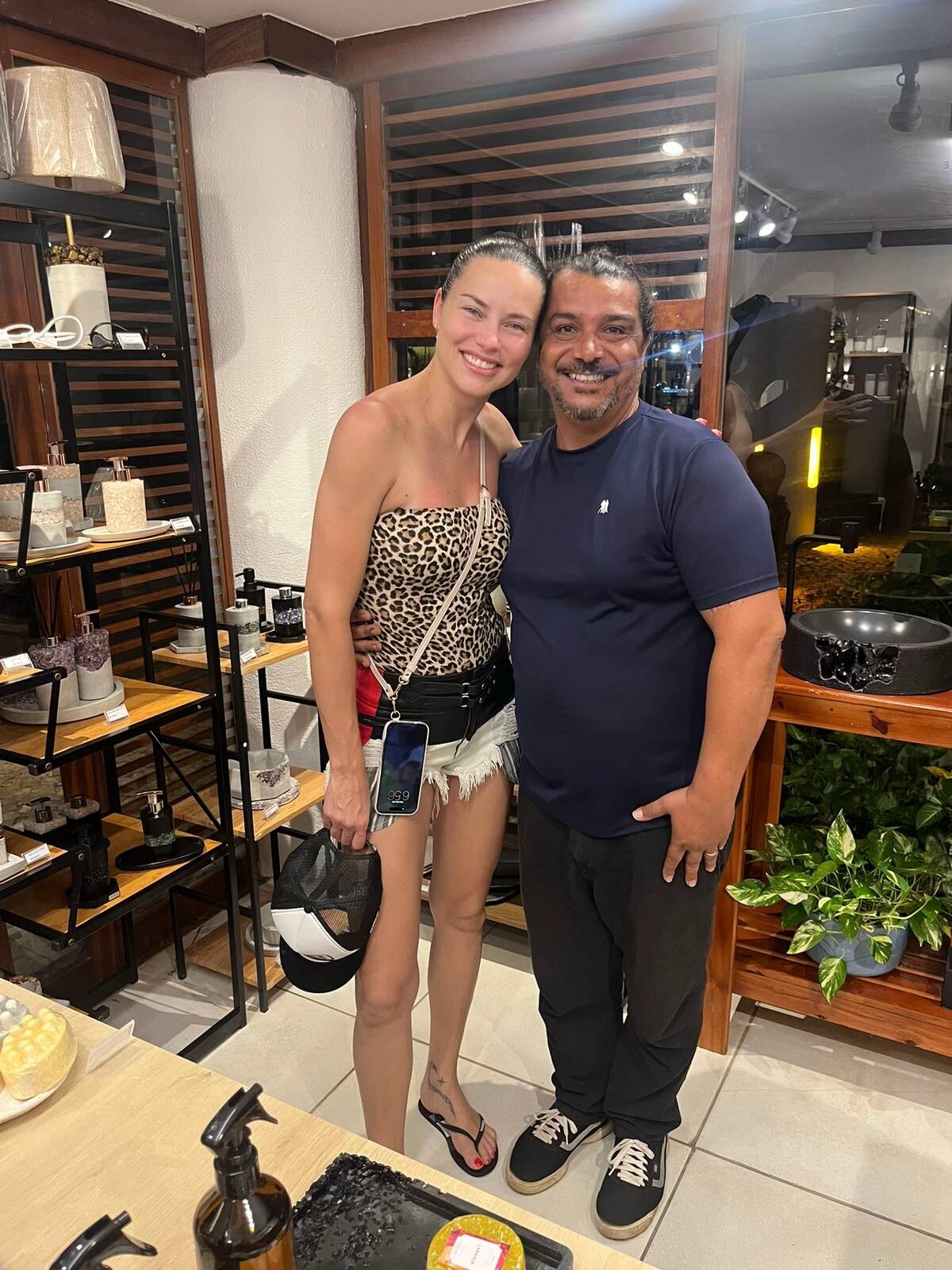
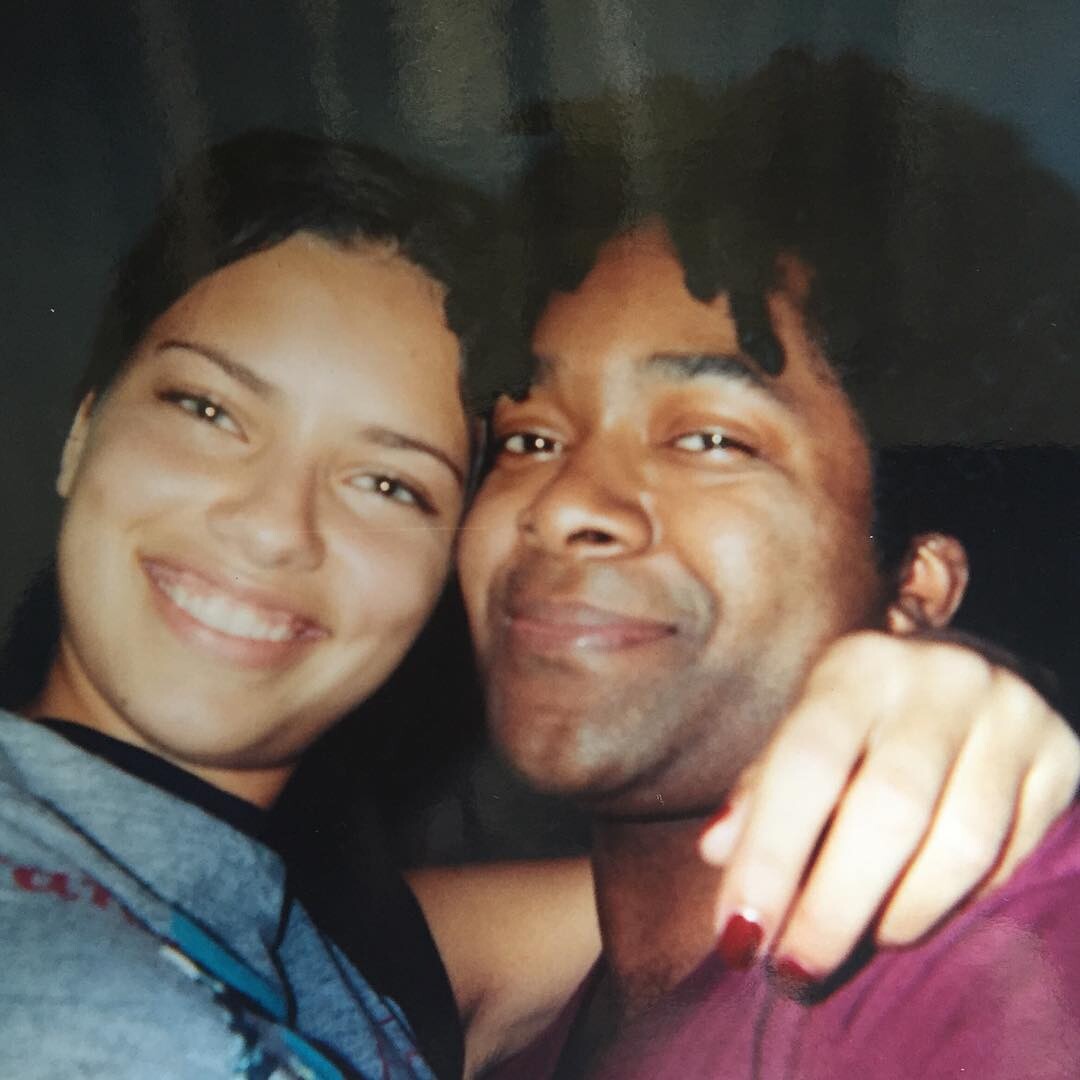
https://www.tiktok.com/@exallevelas/photo/7589686633985887509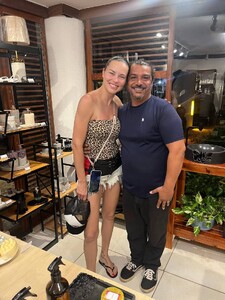 bushwickfreddy , from 99 I guess they met in New York recently for something, i hope it's for a project.


























FLAT_CROP.jpg.a16fd100eb5f9ac90cd5d5eed6de26b7.jpg)







Account
Navigation
Search
Configure browser push notifications
Chrome (Android)
- Tap the lock icon next to the address bar.
- Tap Permissions → Notifications.
- Adjust your preference.
Chrome (Desktop)
- Click the padlock icon in the address bar.
- Select Site settings.
- Find Notifications and adjust your preference.
Safari (iOS 16.4+)
- Ensure the site is installed via Add to Home Screen.
- Open Settings App → Notifications.
- Find your app name and adjust your preference.
Safari (macOS)
- Go to Safari → Preferences.
- Click the Websites tab.
- Select Notifications in the sidebar.
- Find this website and adjust your preference.
Edge (Android)
- Tap the lock icon next to the address bar.
- Tap Permissions.
- Find Notifications and adjust your preference.
Edge (Desktop)
- Click the padlock icon in the address bar.
- Click Permissions for this site.
- Find Notifications and adjust your preference.
Firefox (Android)
- Go to Settings → Site permissions.
- Tap Notifications.
- Find this site in the list and adjust your preference.
Firefox (Desktop)
- Open Firefox Settings.
- Search for Notifications.
- Find this site in the list and adjust your preference.