All Activity
- Past hour
-

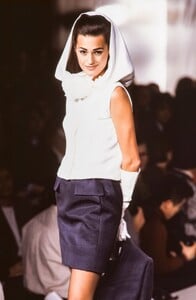
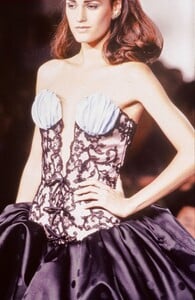
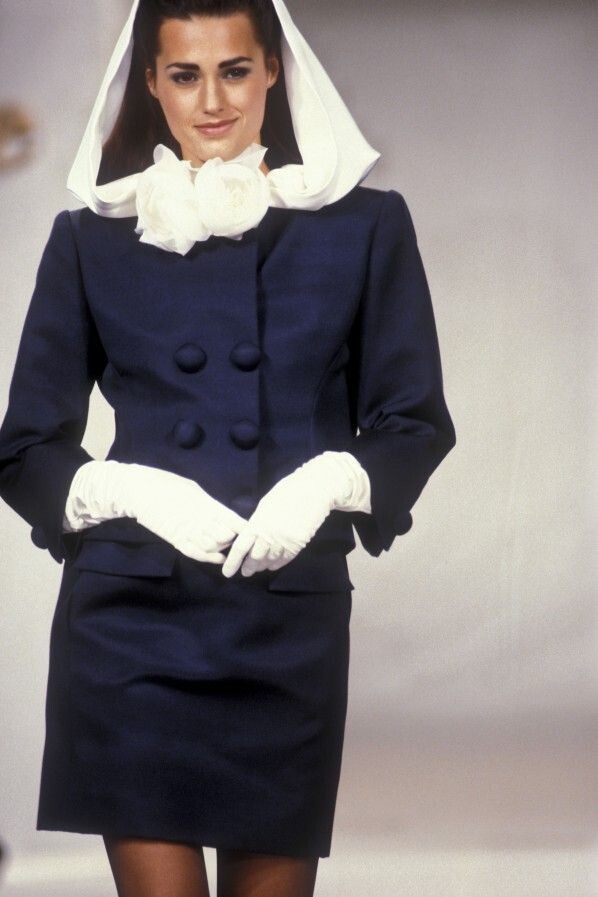
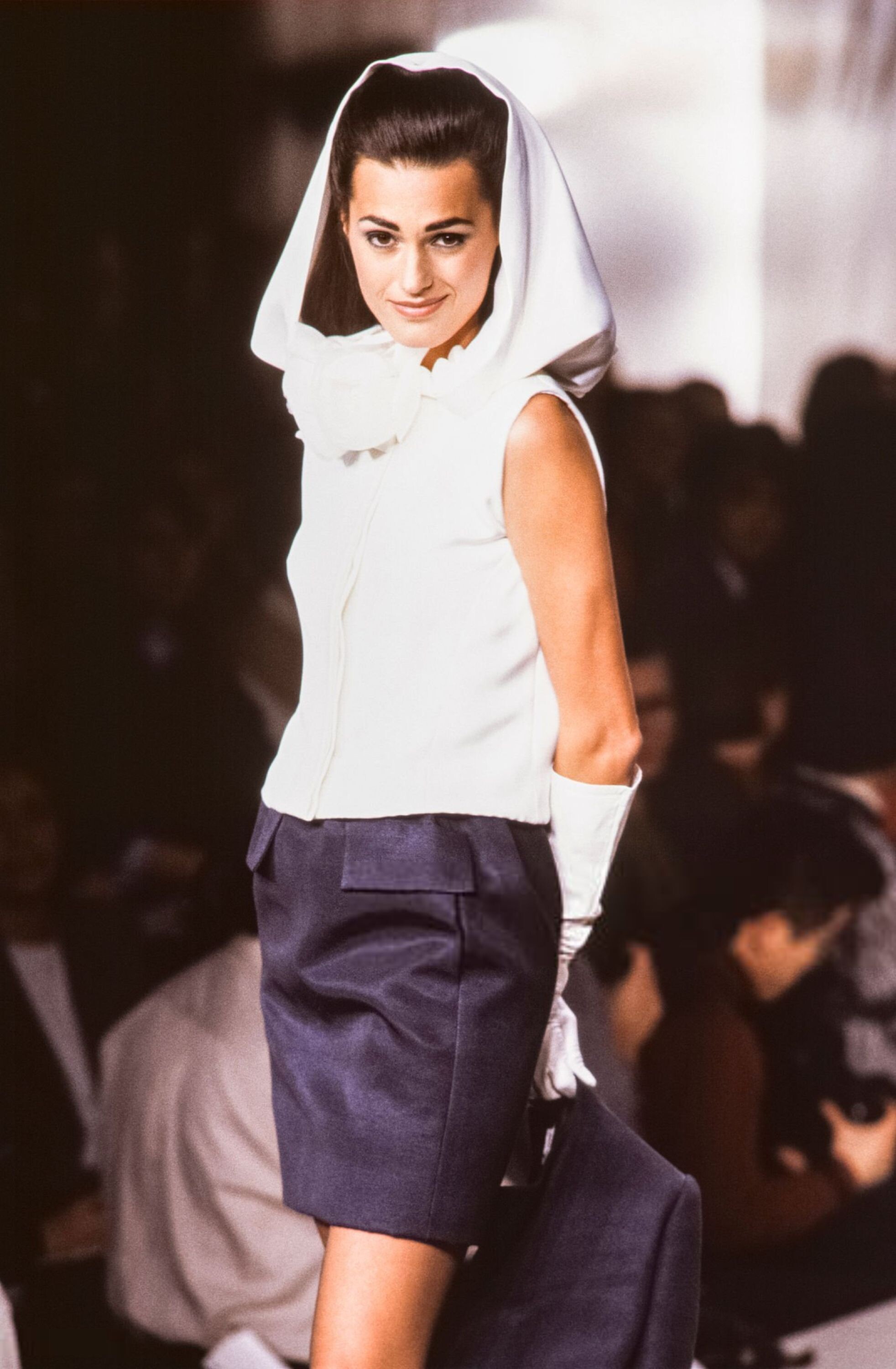
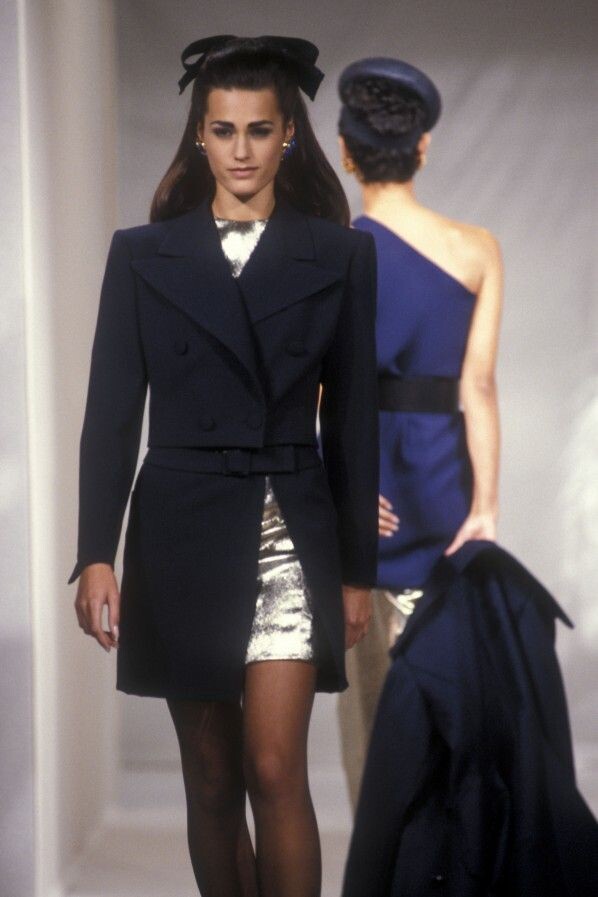
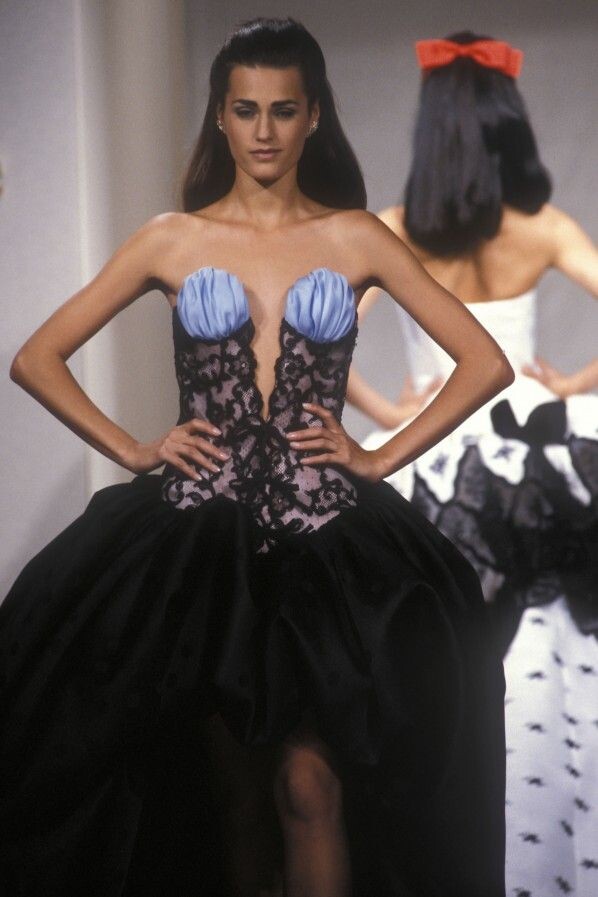
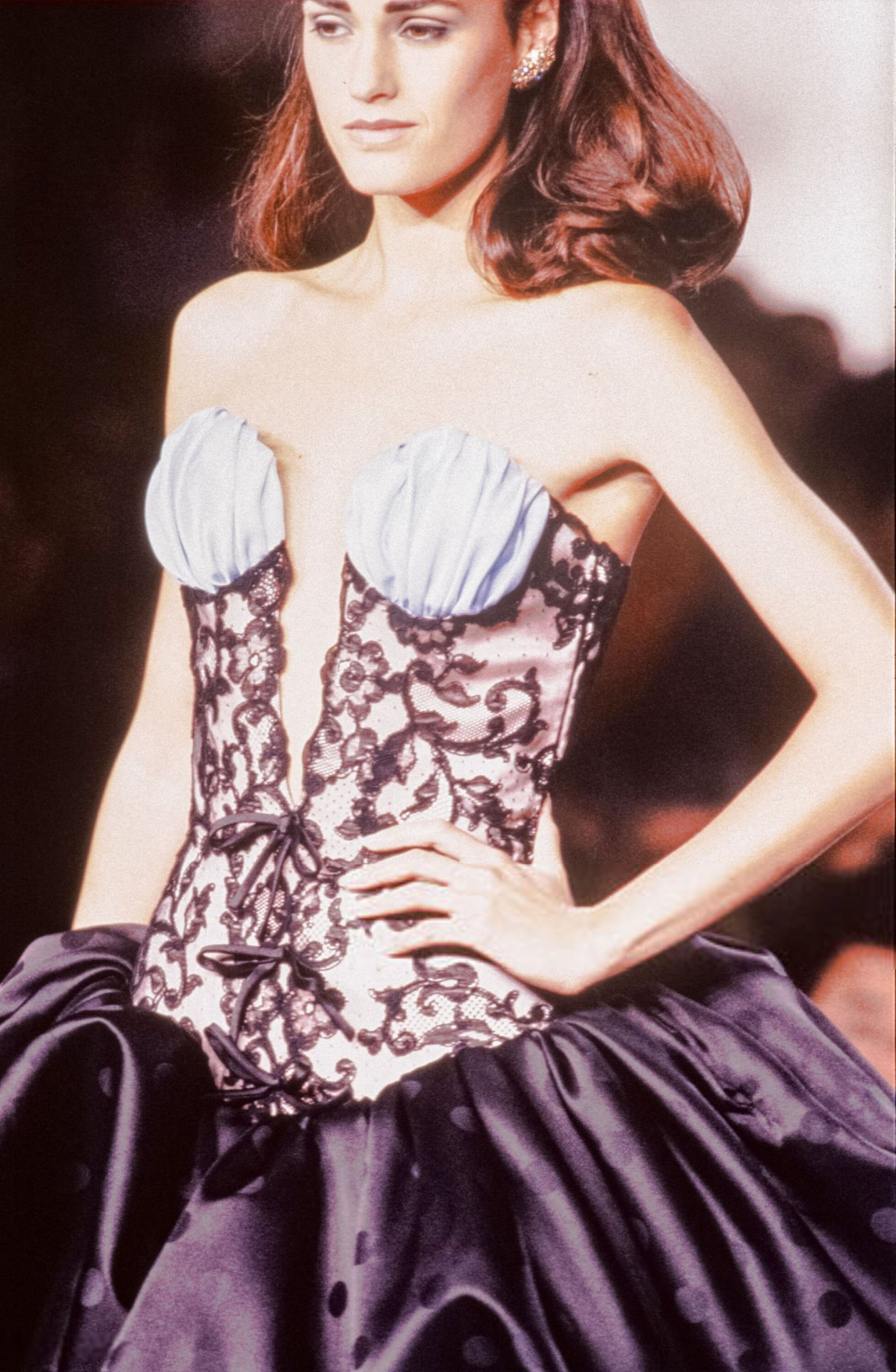
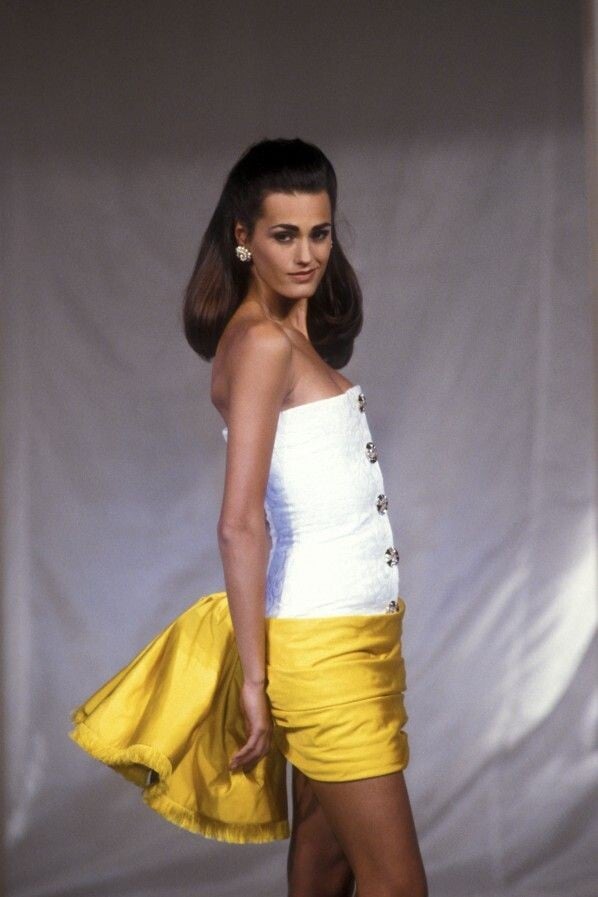
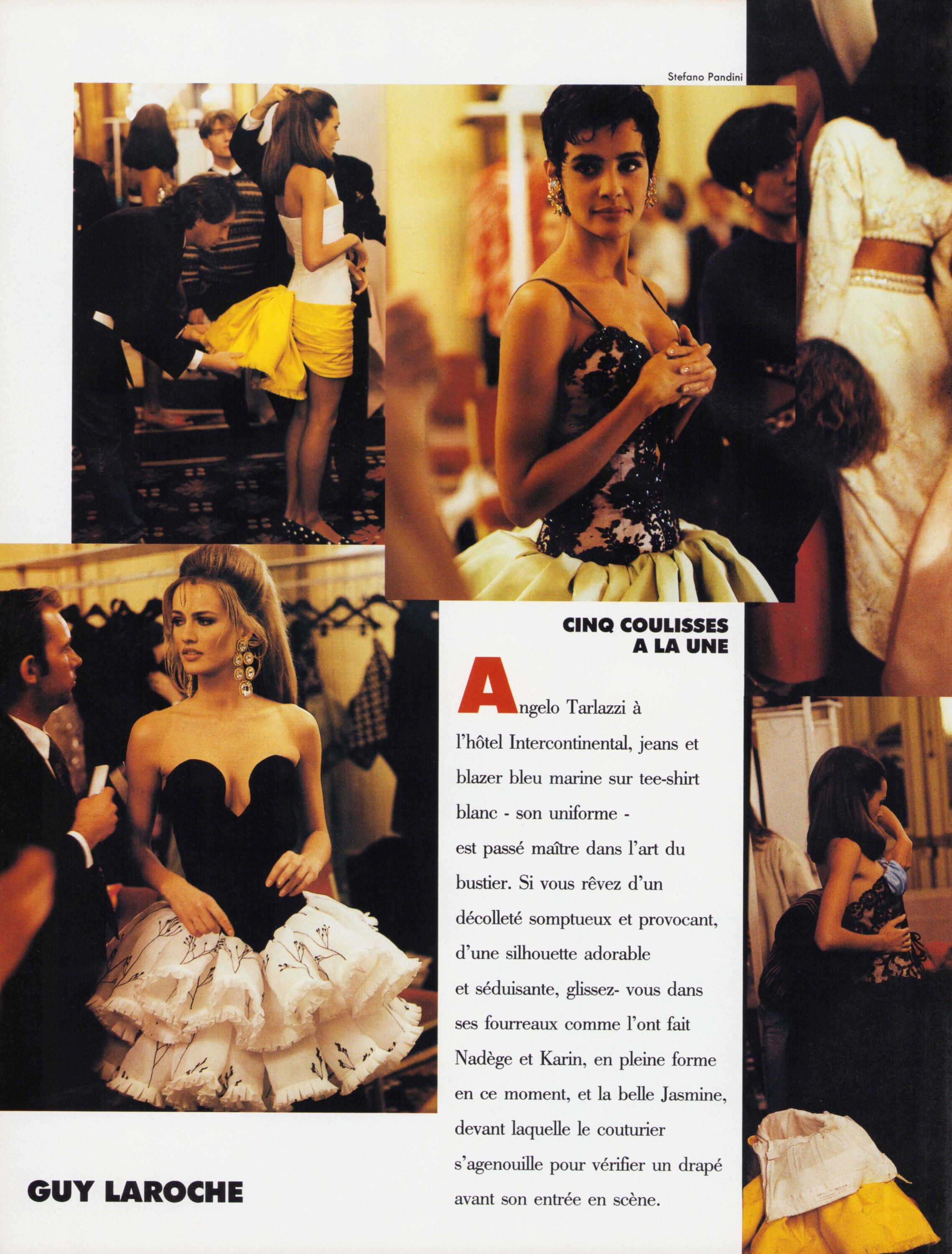
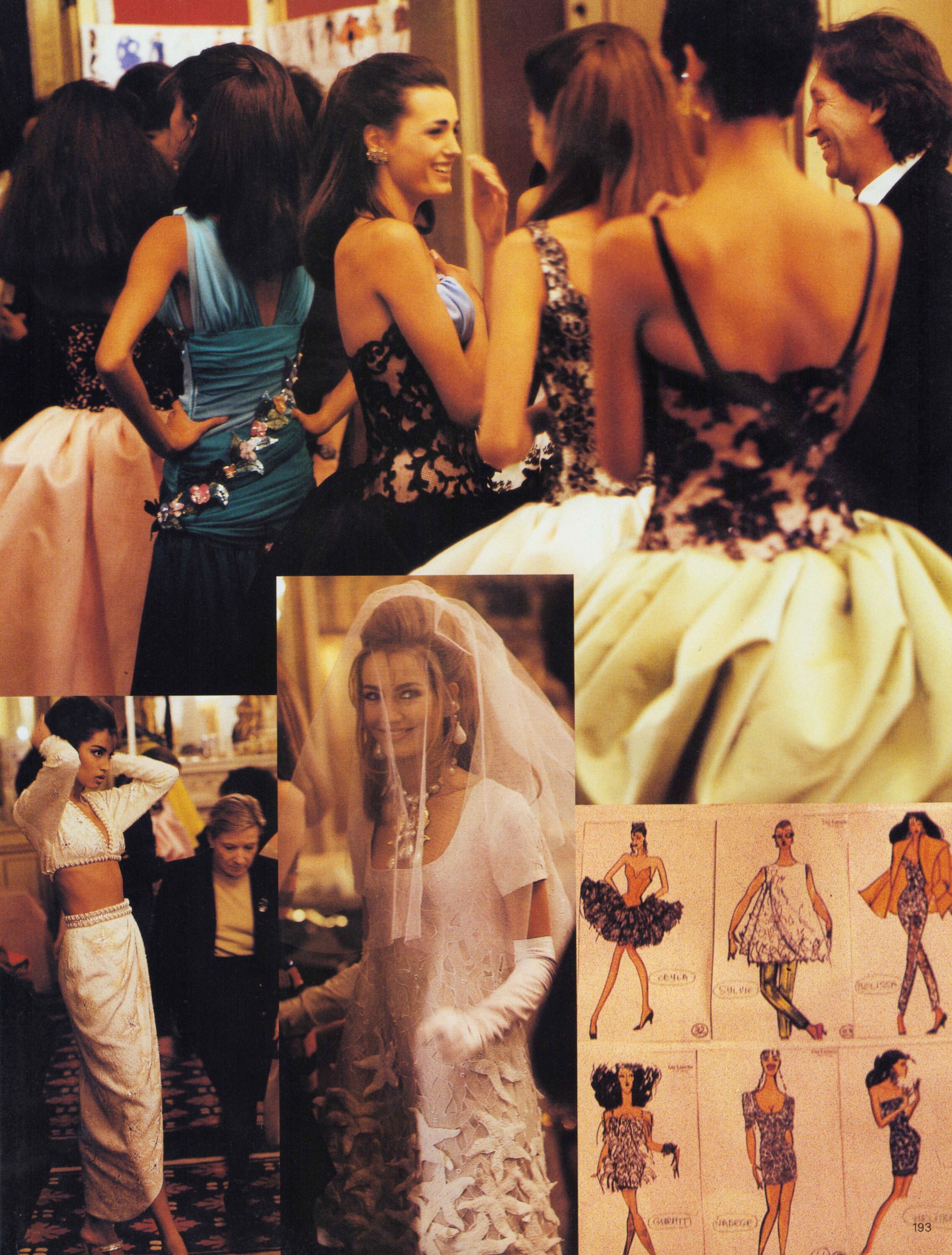
 Guy Laroche Haute Couture S/S 1991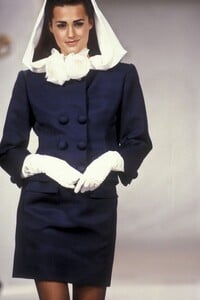


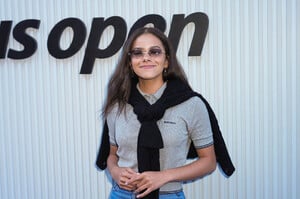
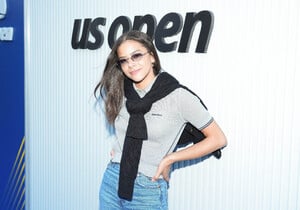
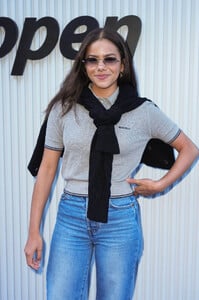
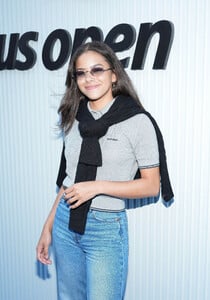
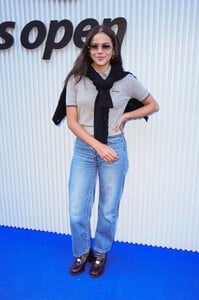
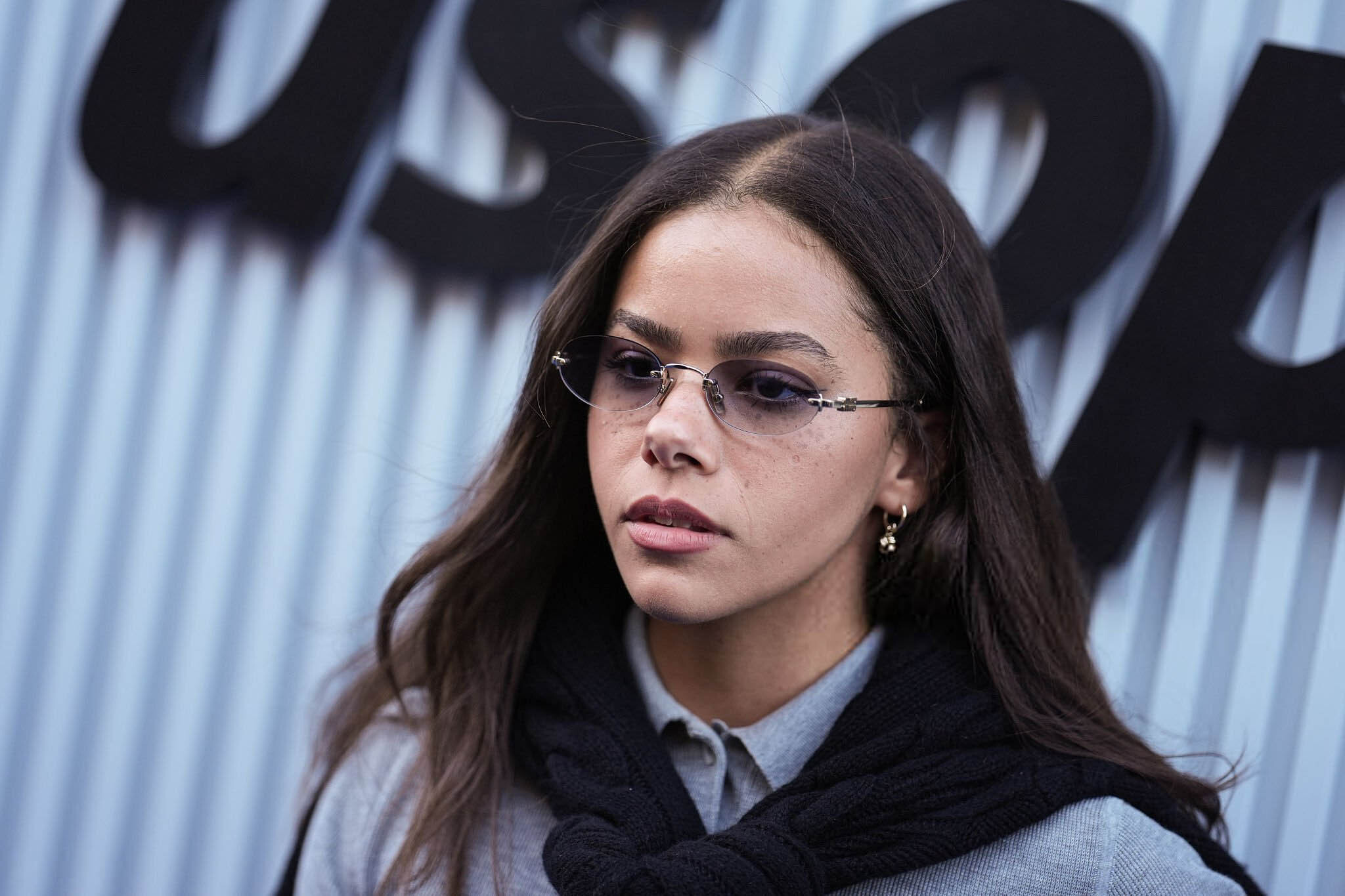
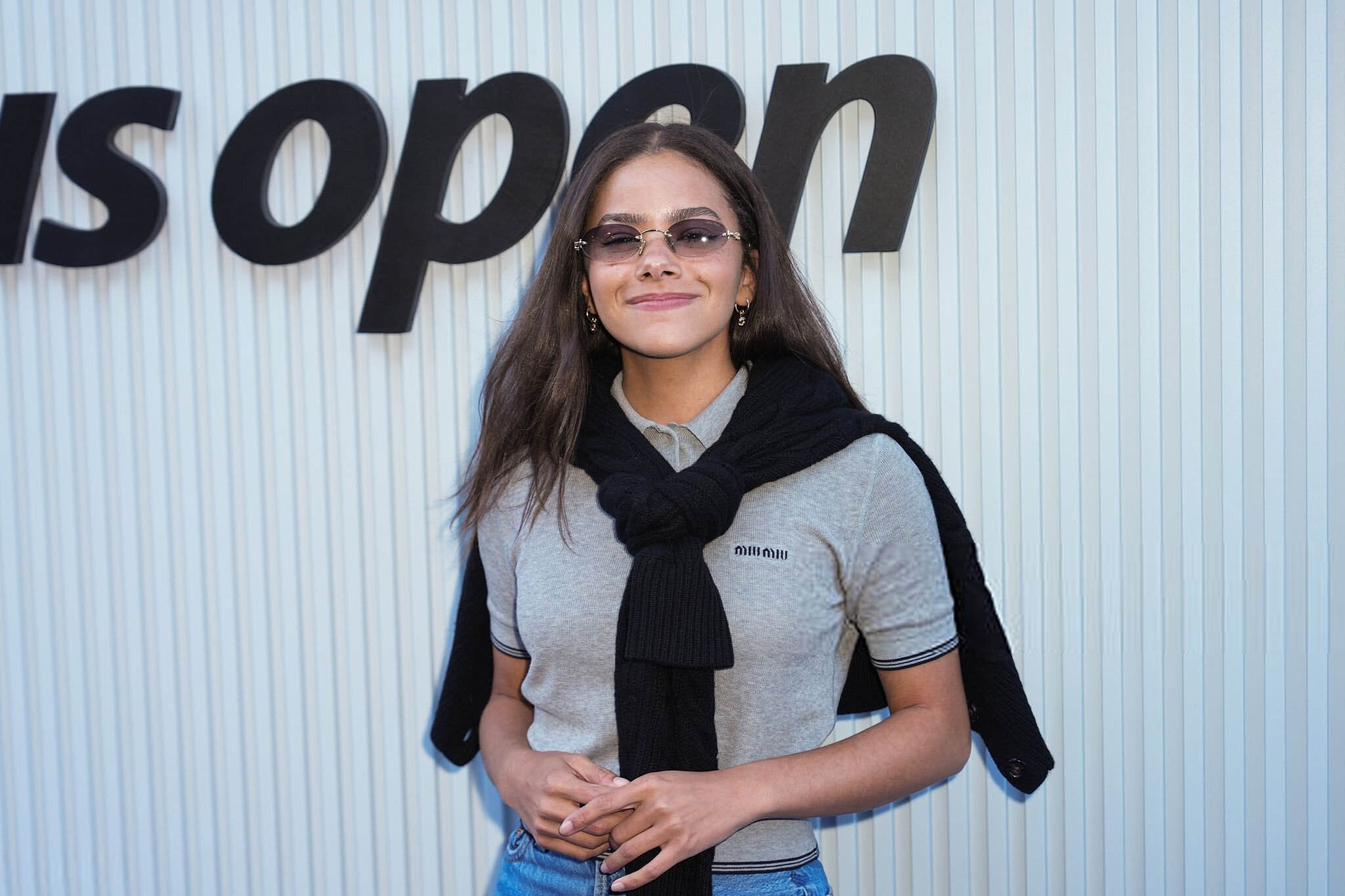
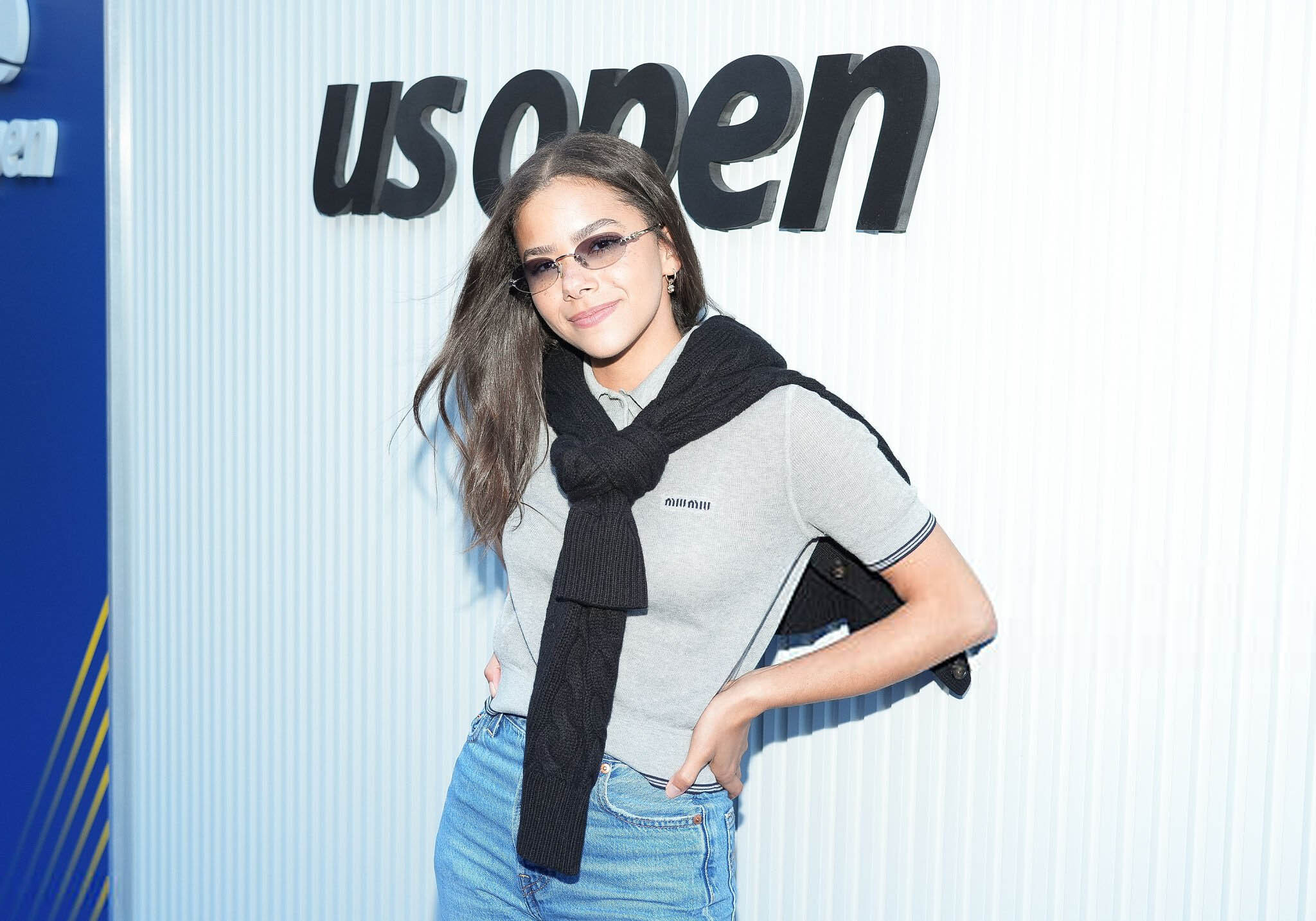
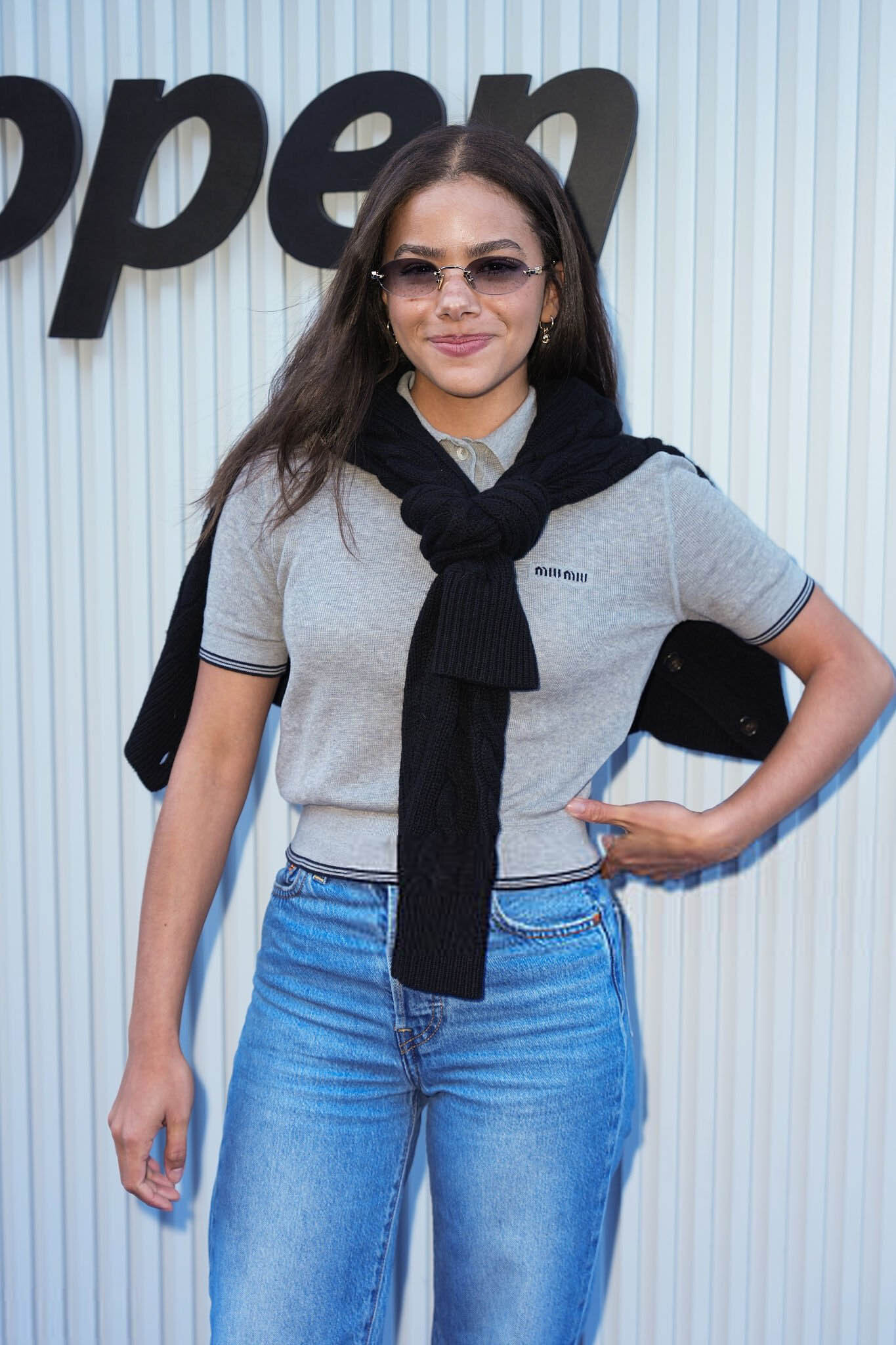
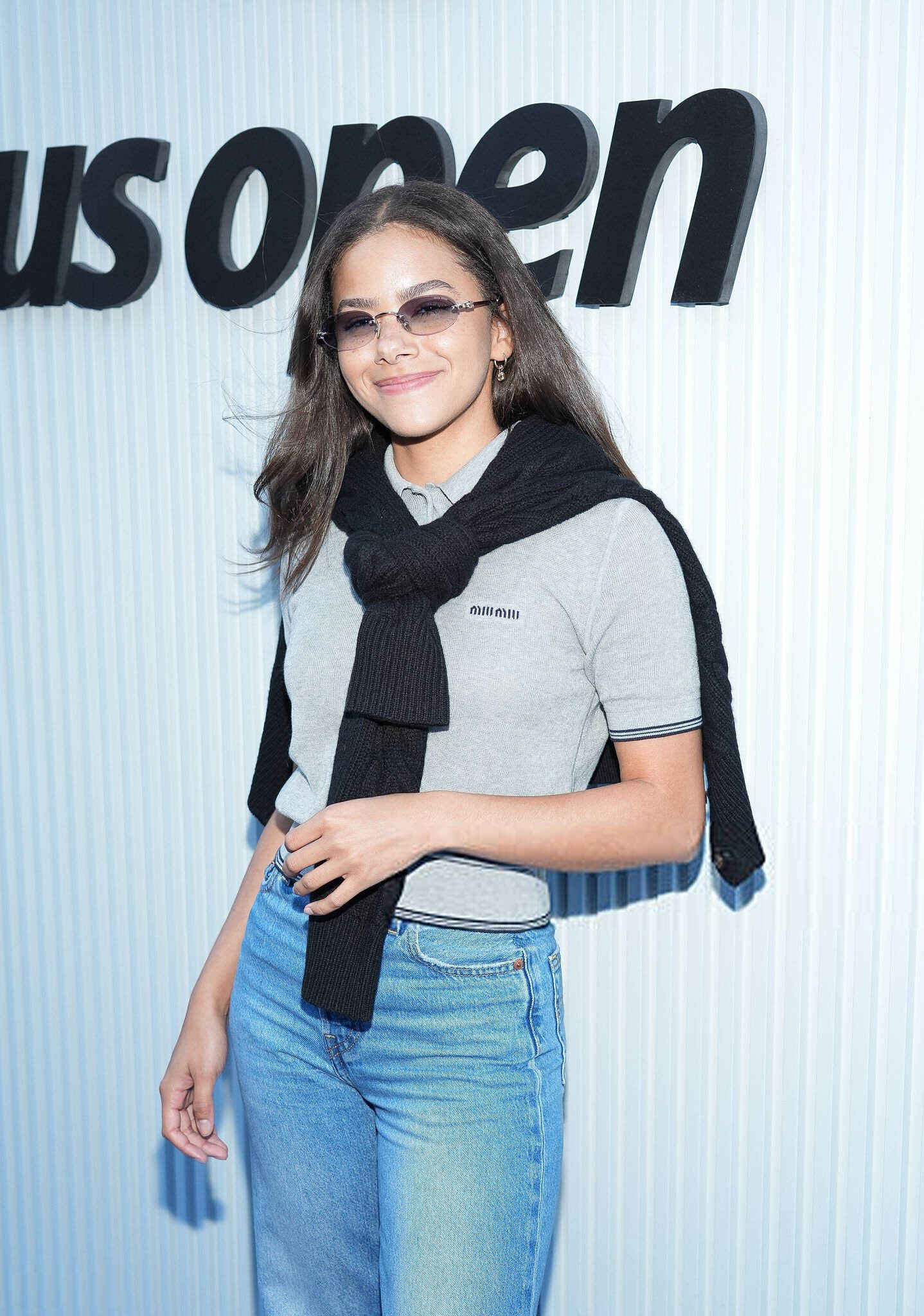
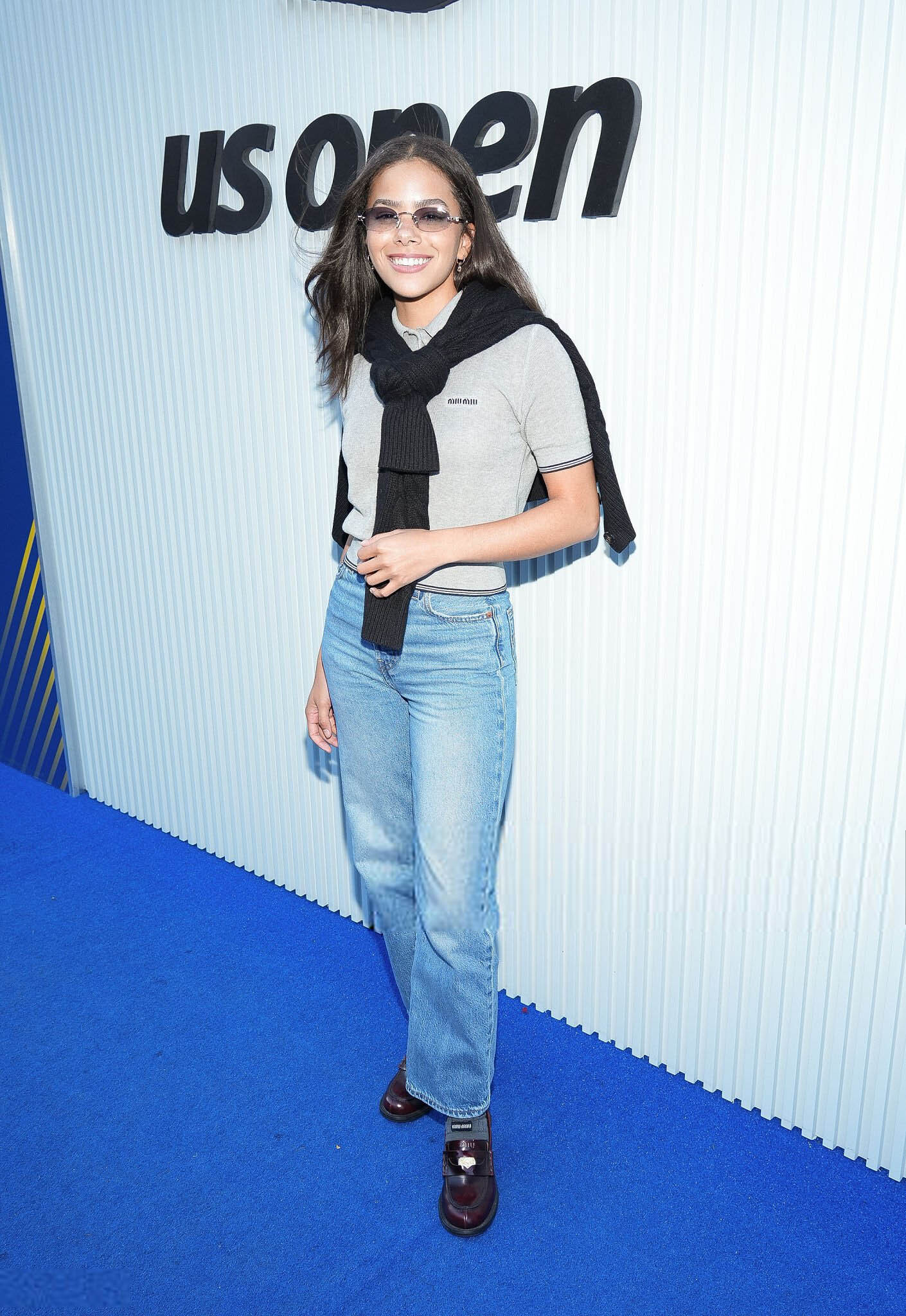
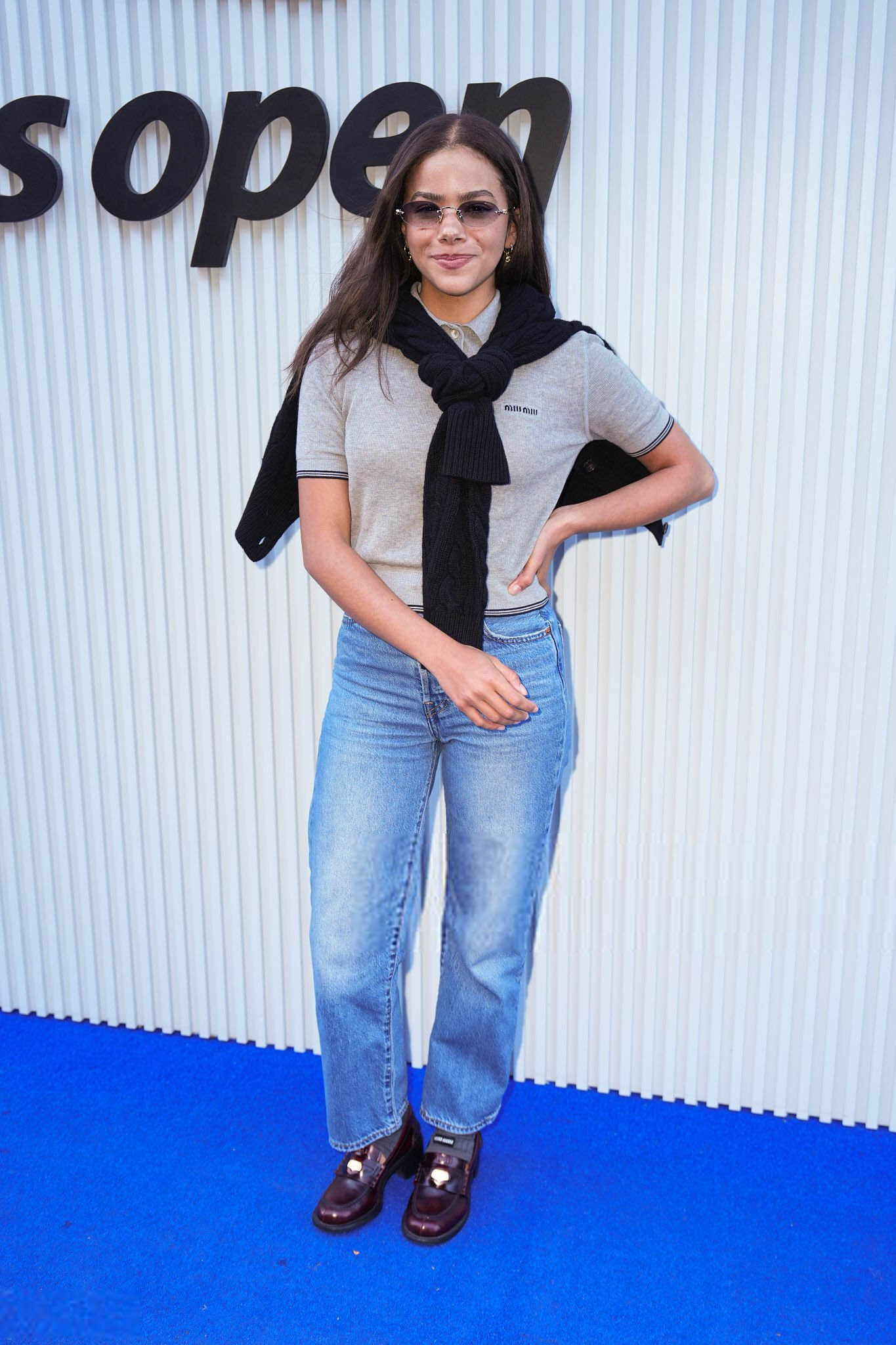
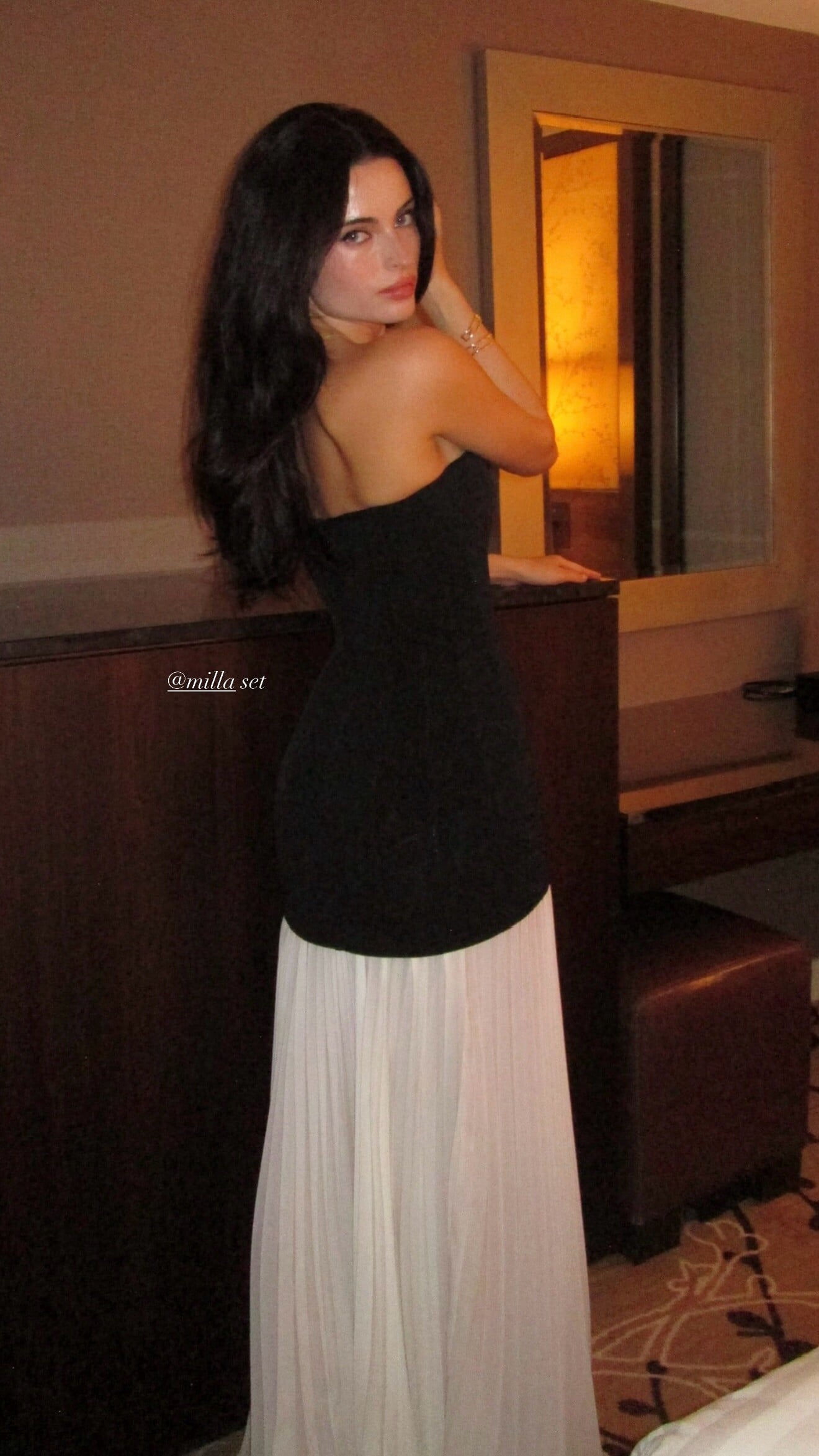
 September 5 2025- US Open Tennis Championship antonia-gentry.net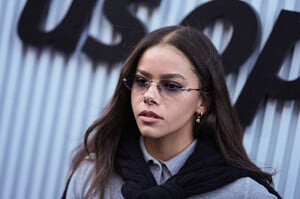

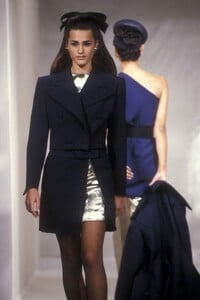
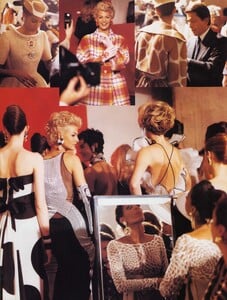
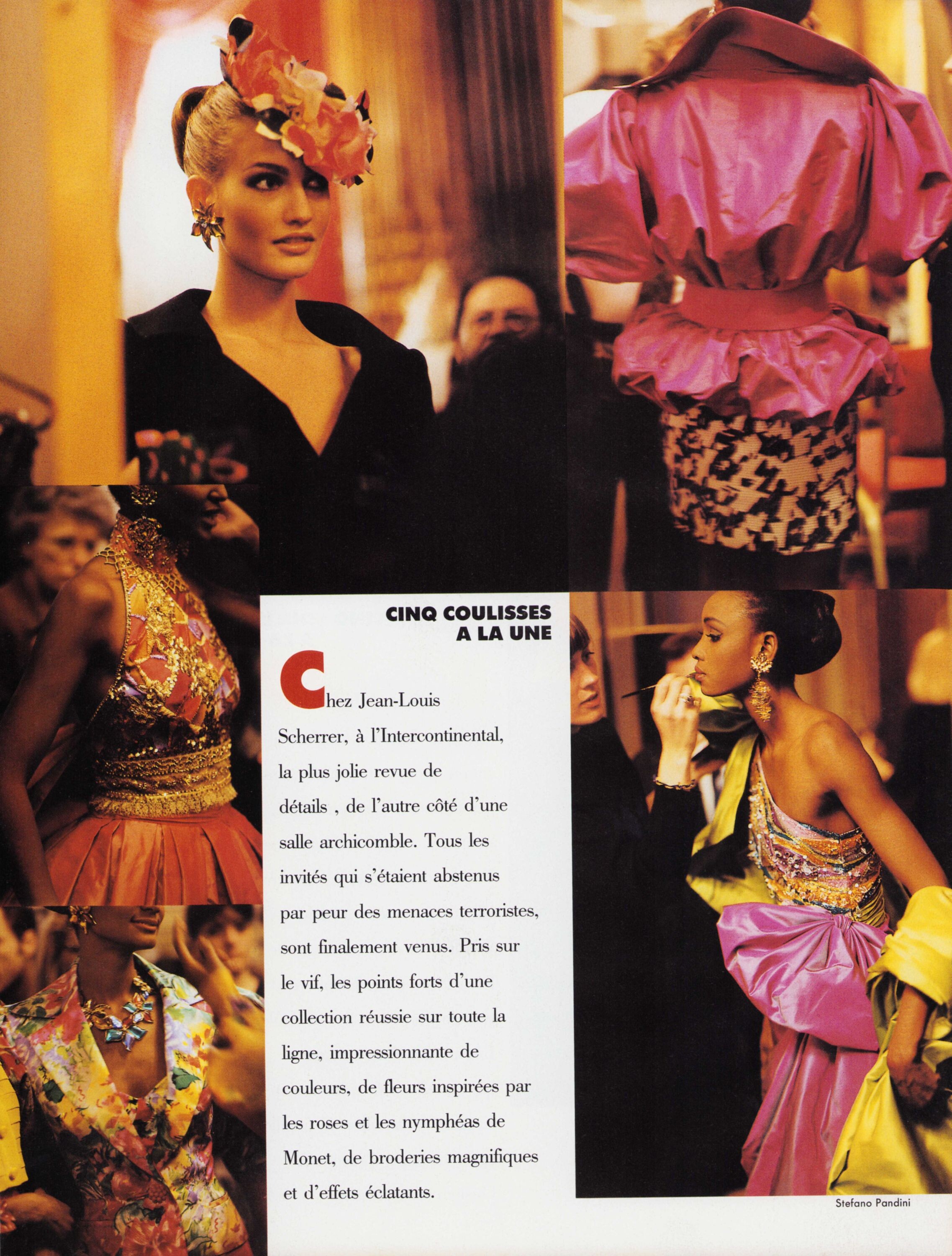
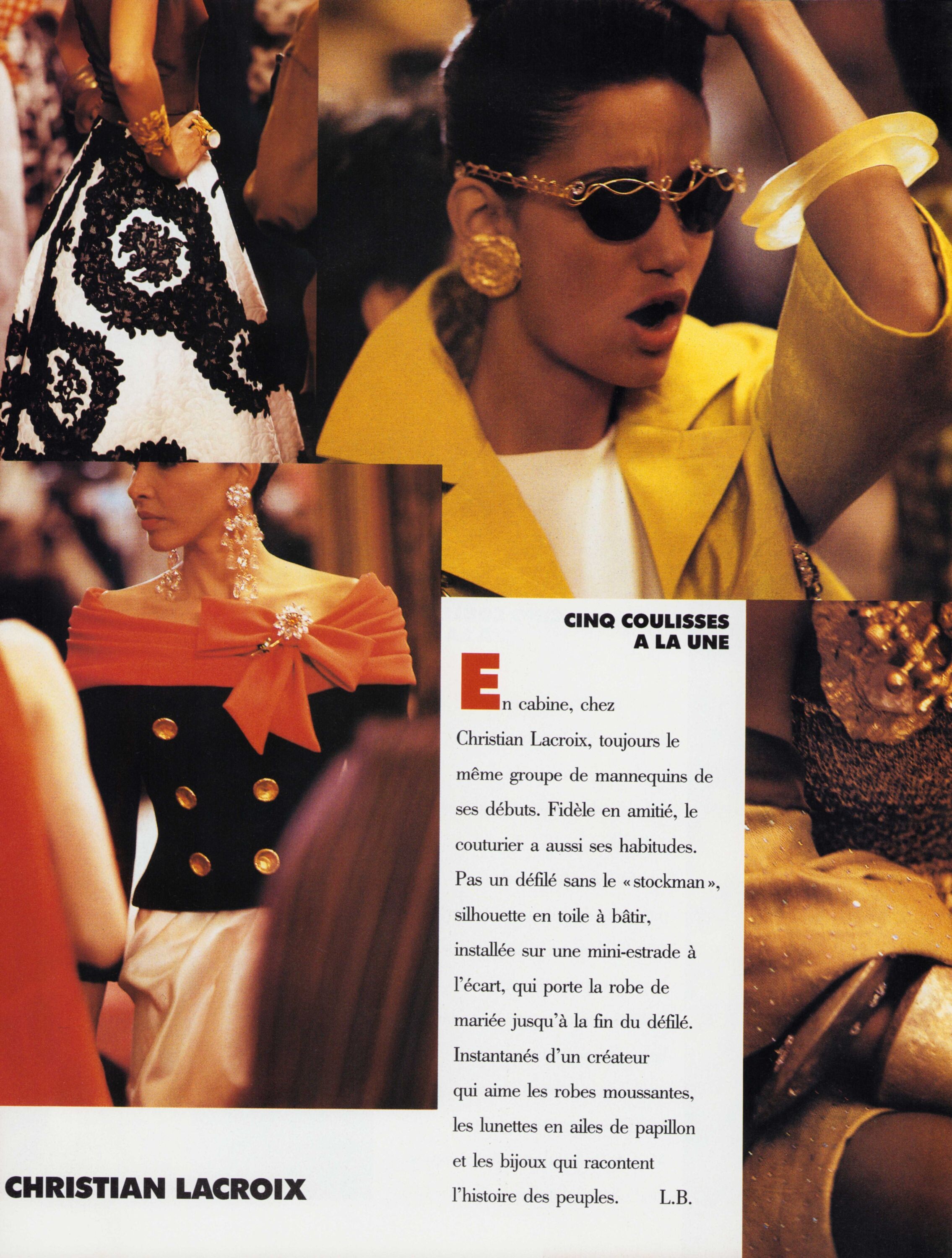
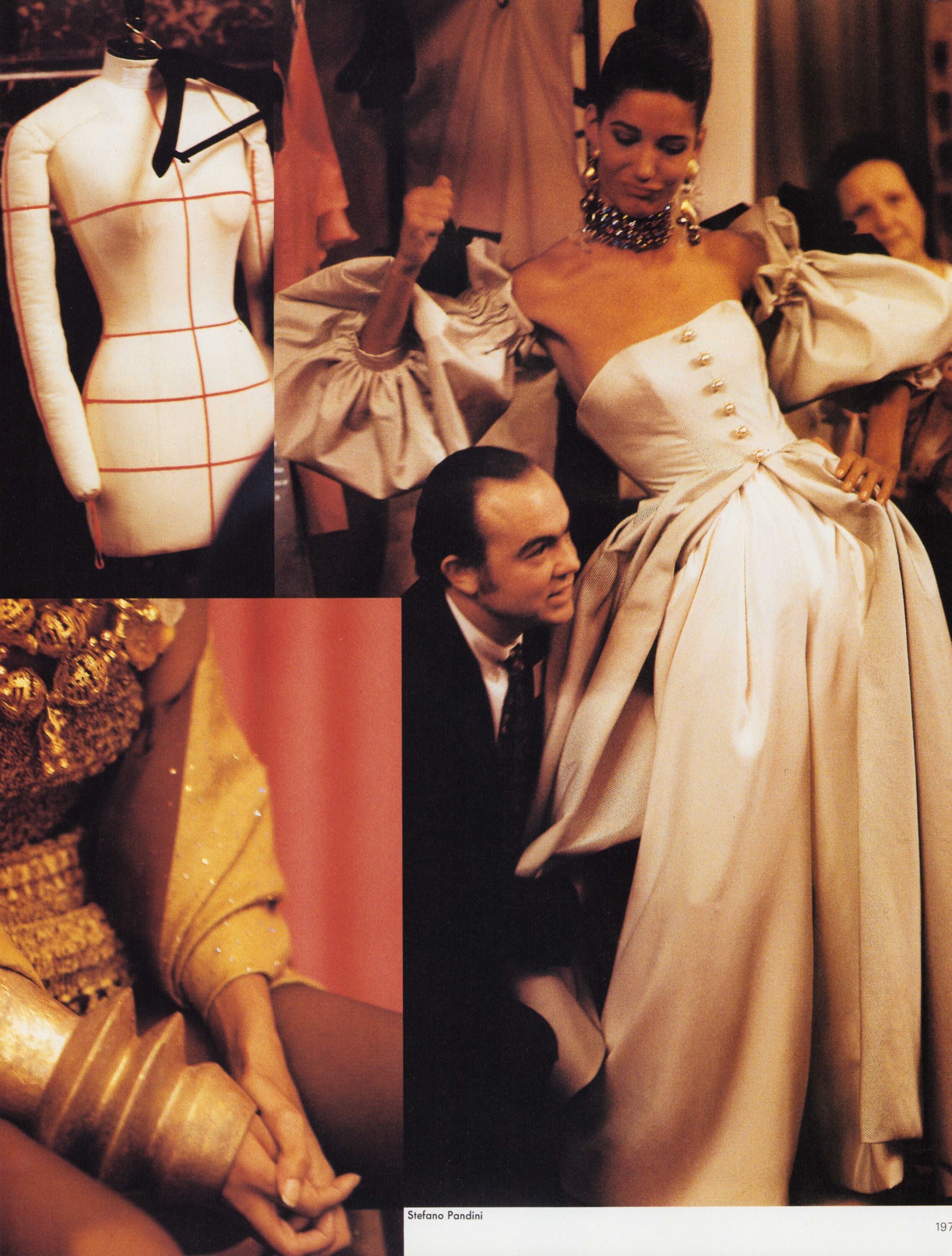
 L'Officiel March 1991 "Cinq coulisses a la une" Photographer: Stefano Pandini Yasmin backstage at Guy Laroche Haute Couture S/S 1991 my scans


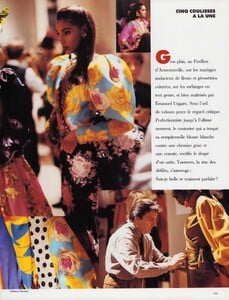






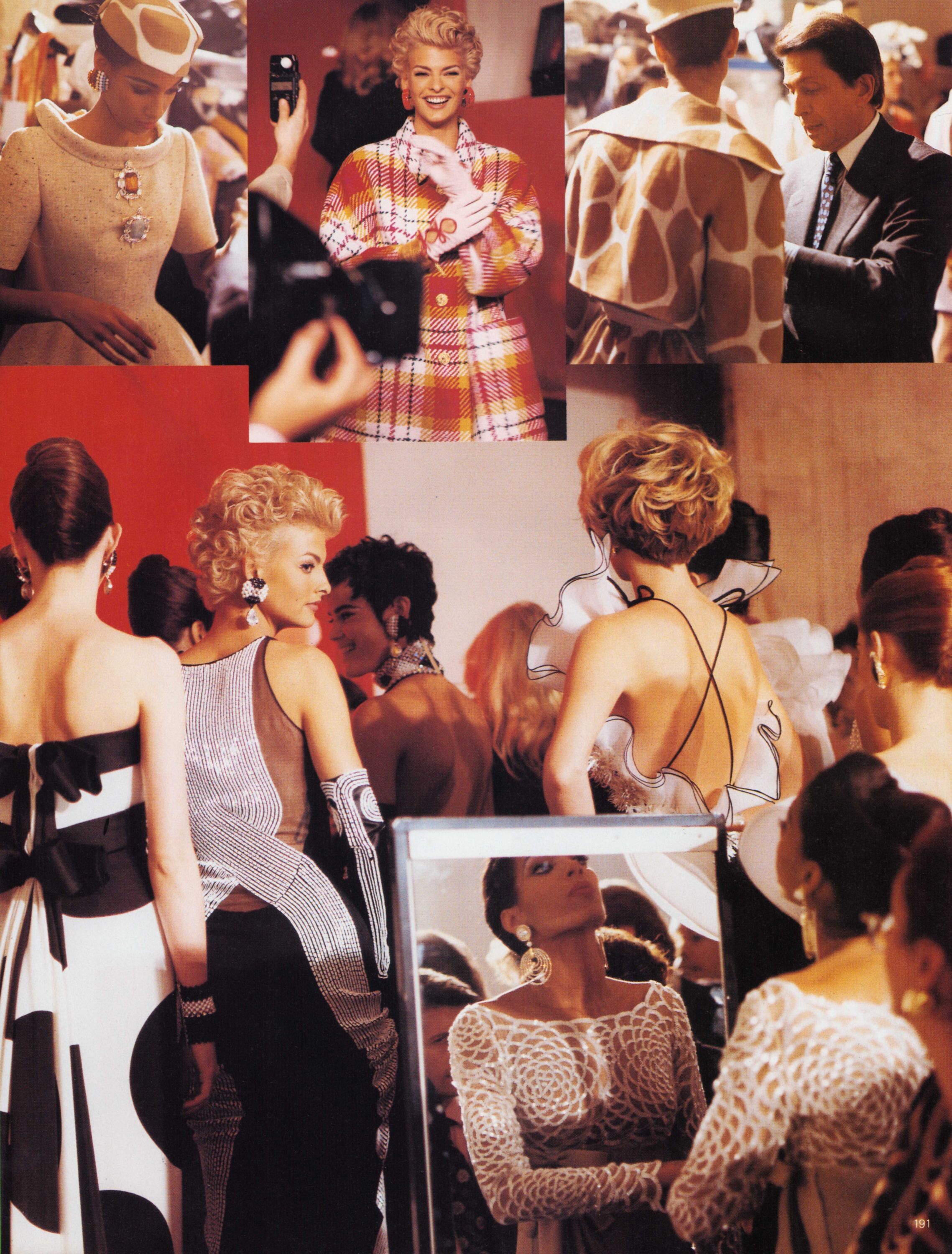
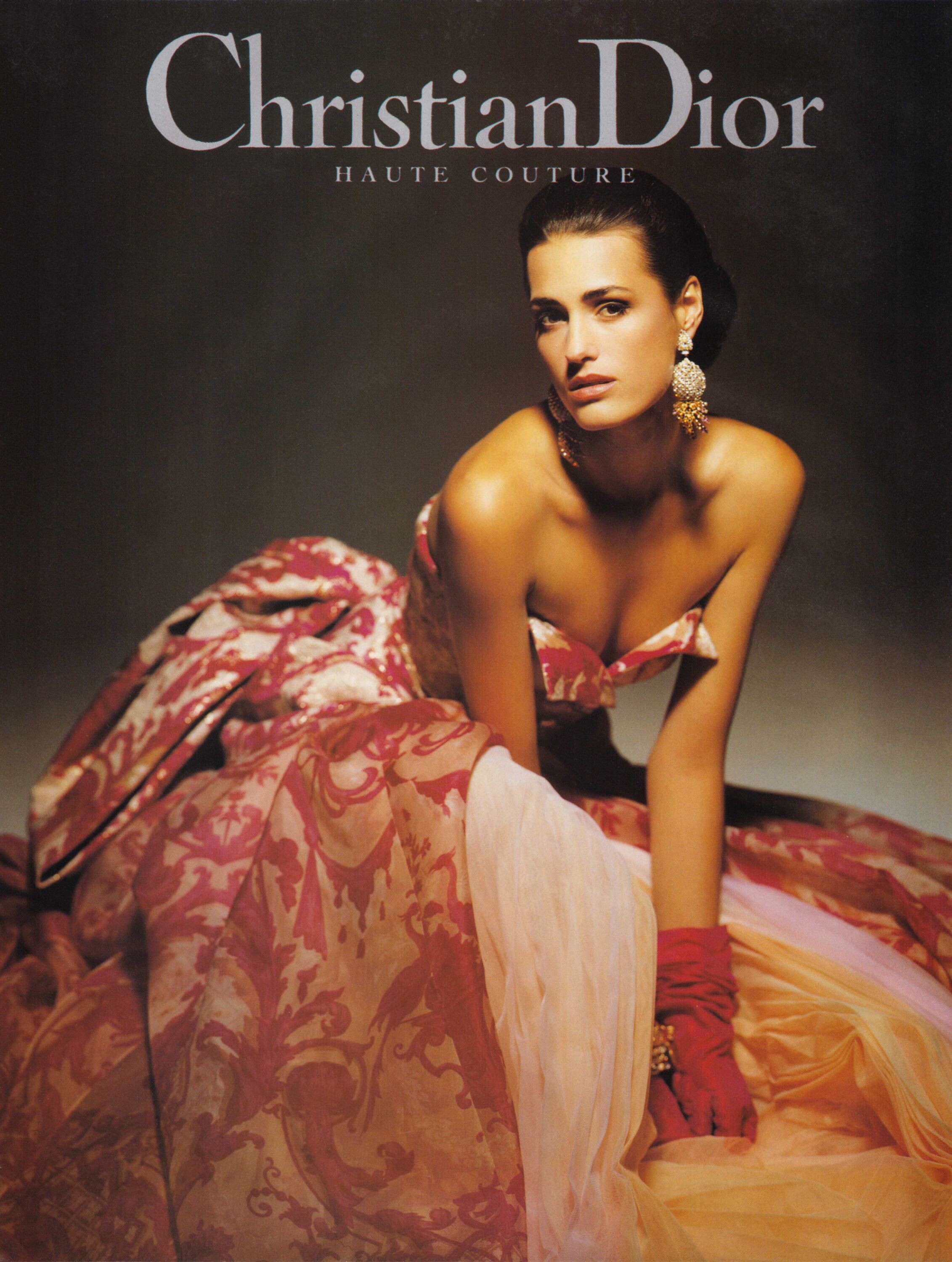
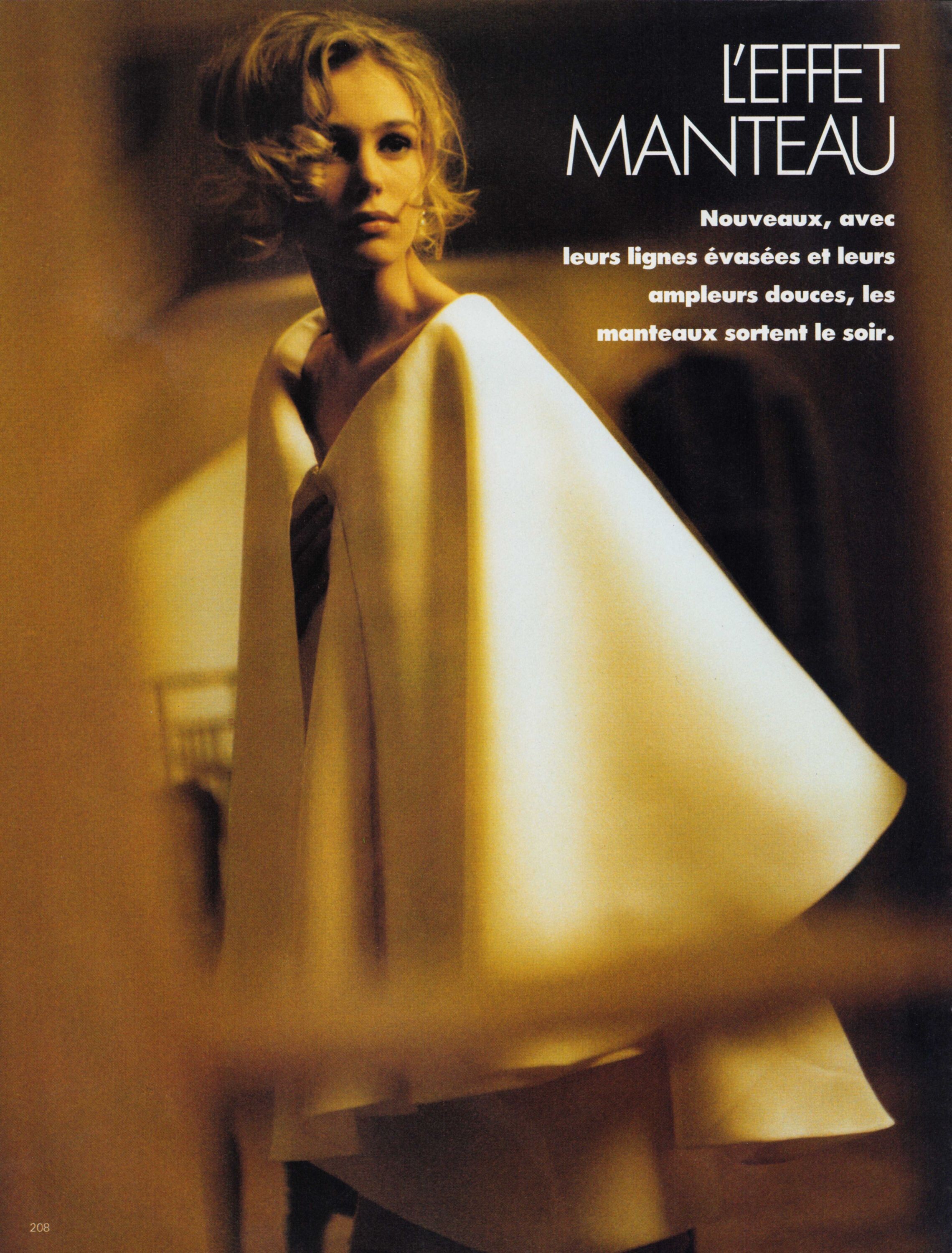
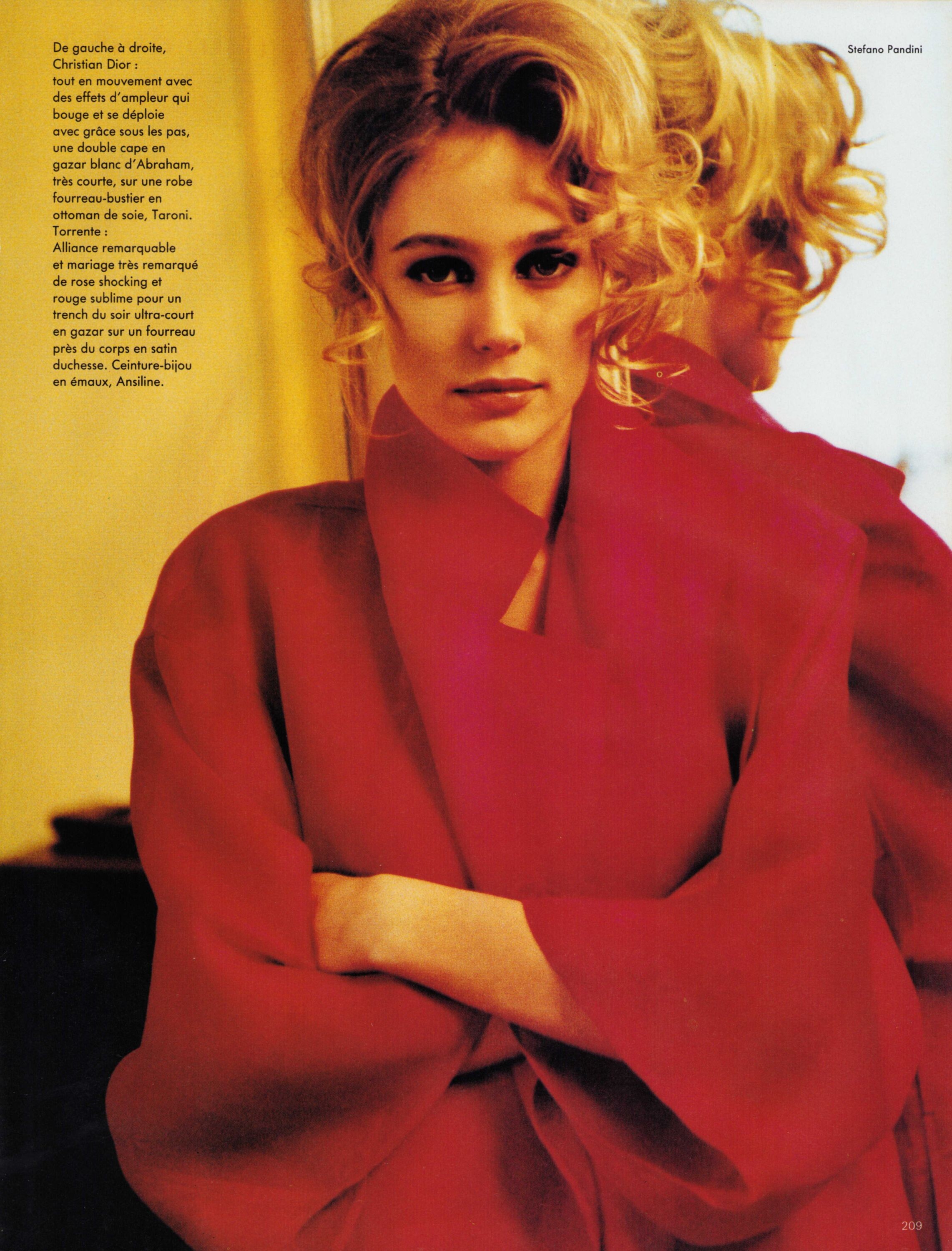
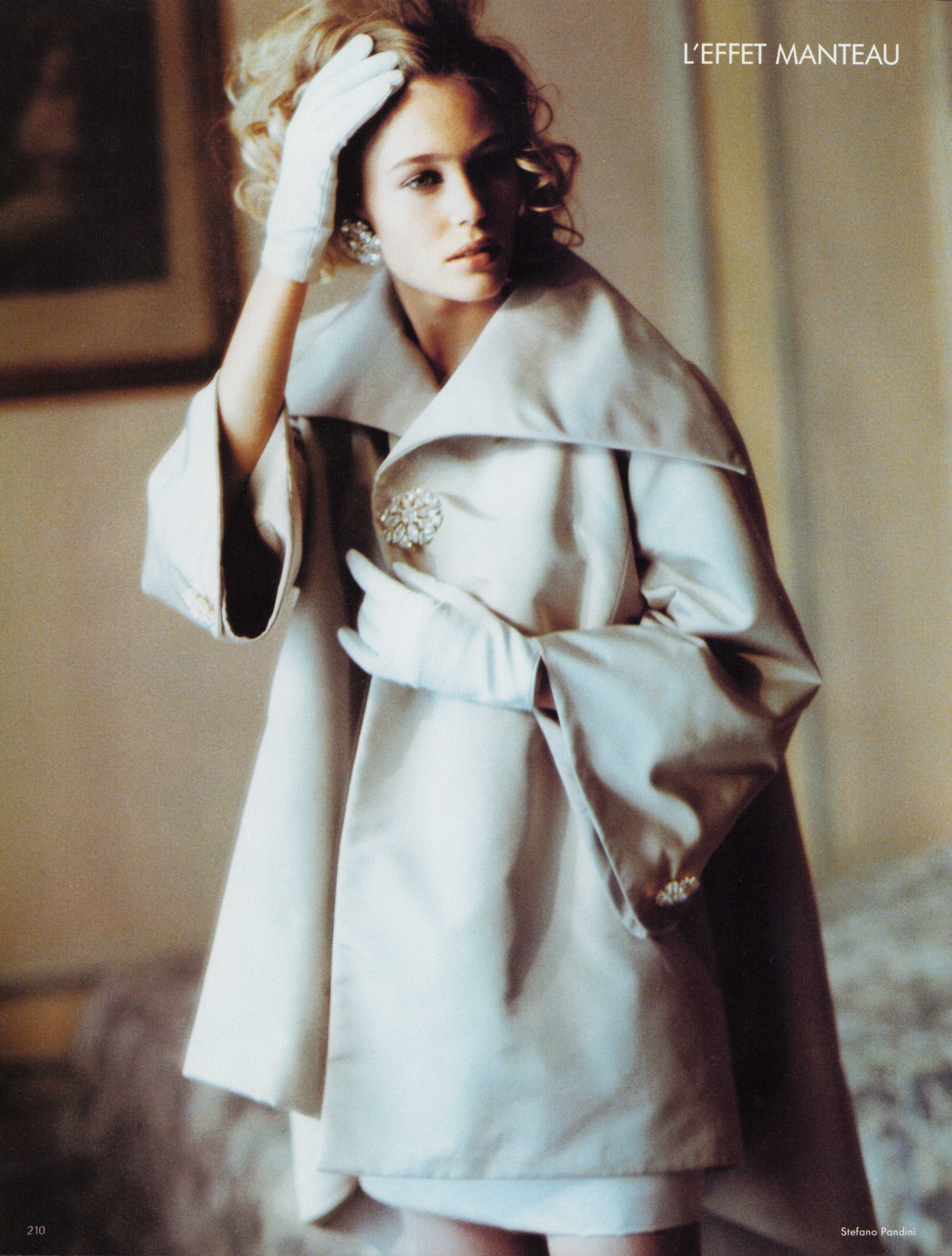
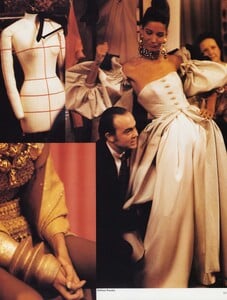 Christian Dior Haute Couture S/S 1991 Scanned by me from L'Officiel March 1991
 @ser_franklin @RocketQueen @armz1967 @missparker7 thank you so much for the gorgeous scans and snaps
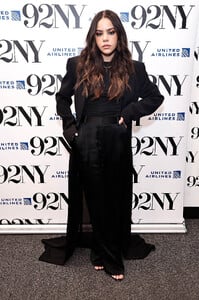
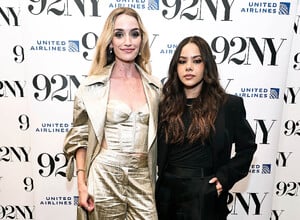
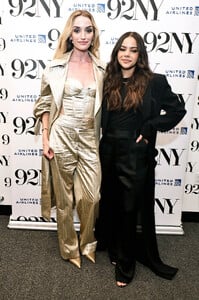
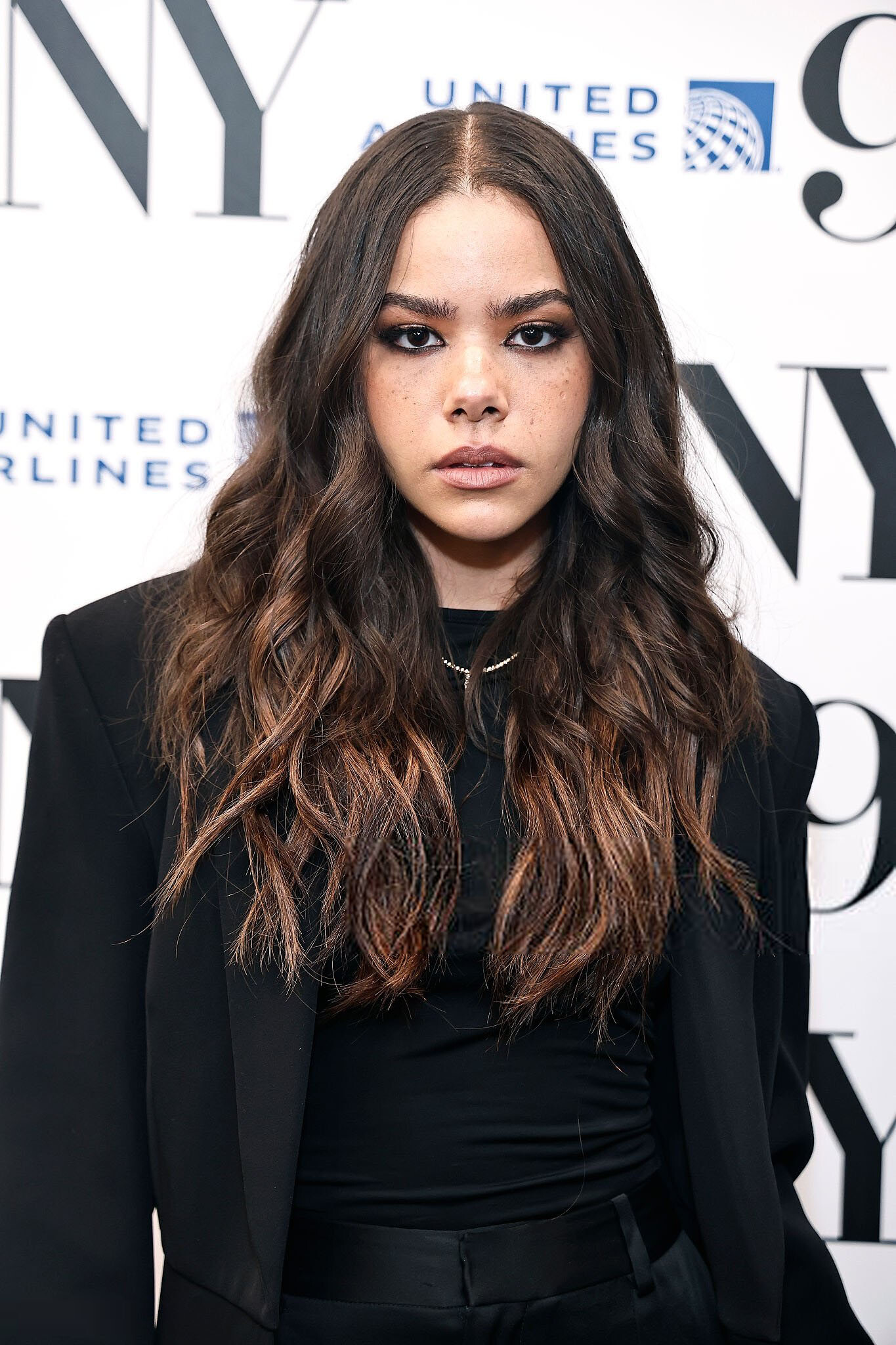
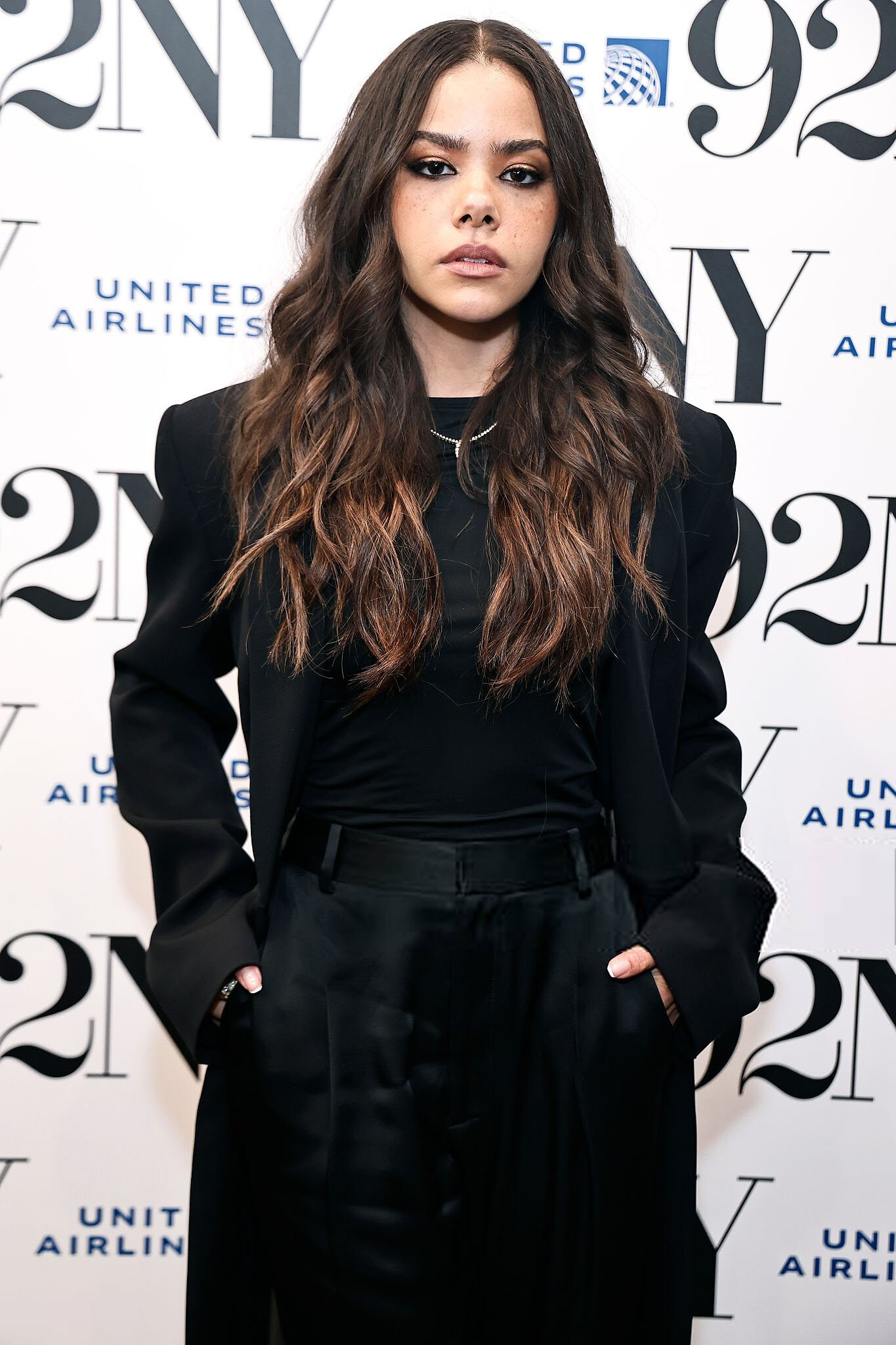
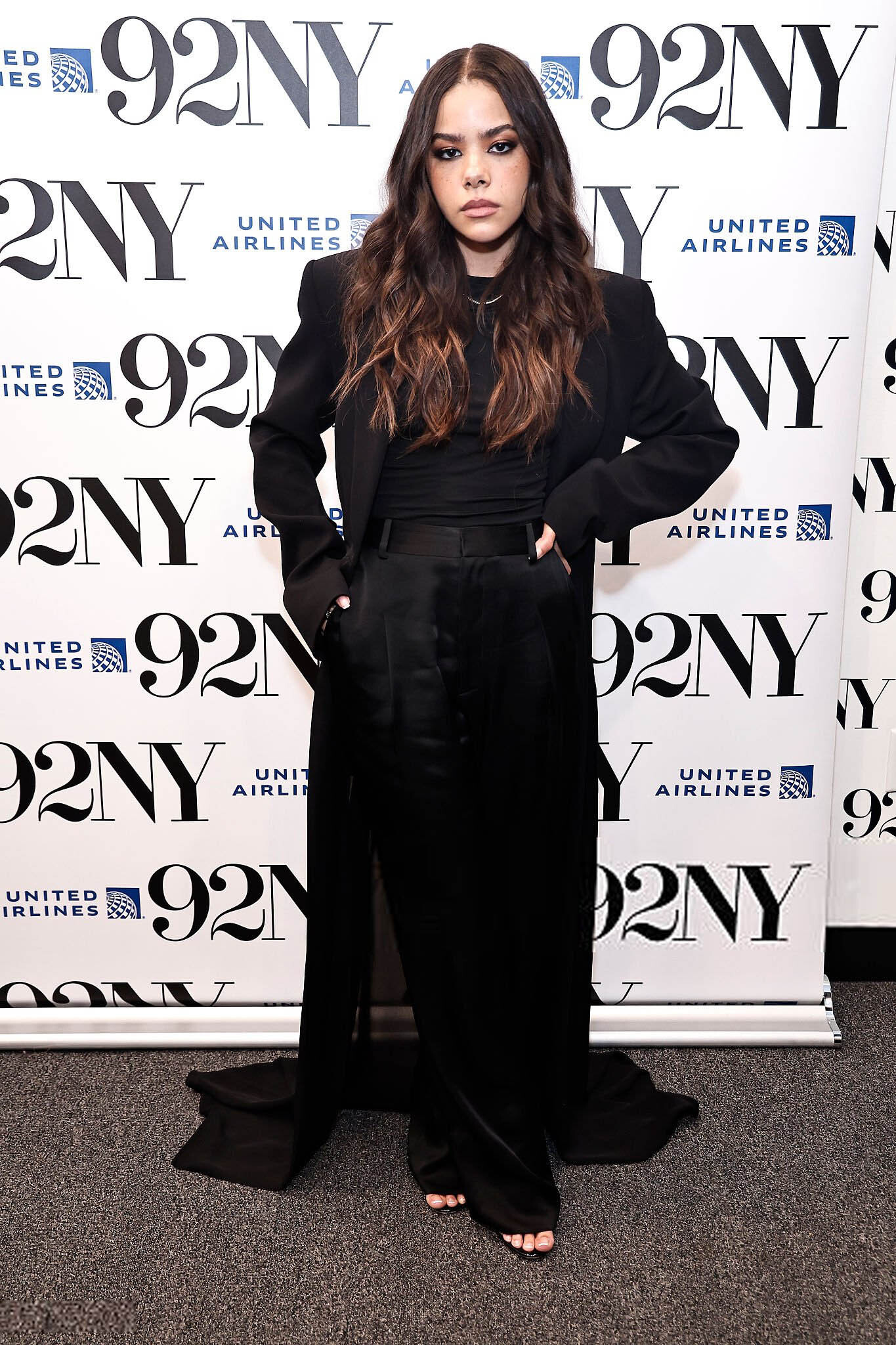
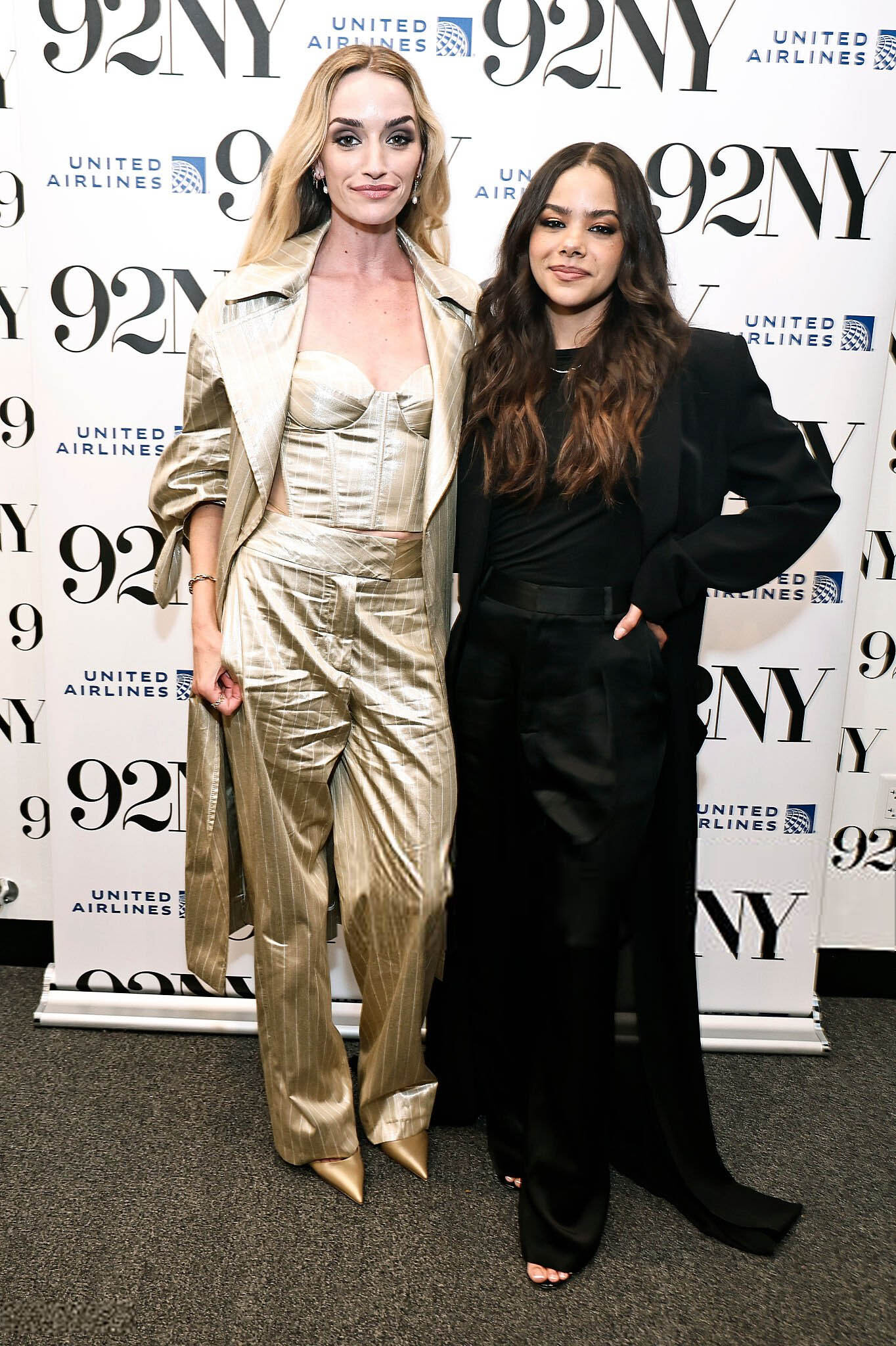
June 4 2025- ‘Ginny & Georgia’ Advance Screening & Conversation antonia-gentry.net
@ser_franklin @RocketQueen @armz1967 @missparker7 thank you so much for the gorgeous scans and snaps
June 4 2025- ‘Ginny & Georgia’ Advance Screening & Conversation antonia-gentry.net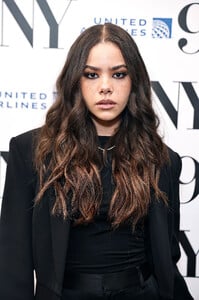
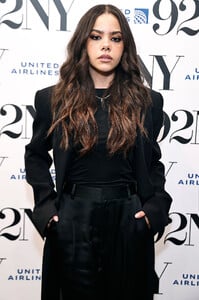
 Hello? Anyone?

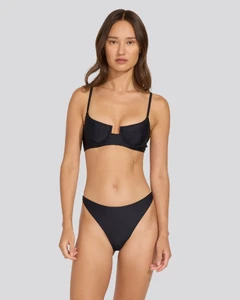
 Maria Zachariassen model tiktok 👙🔥 MZ HOT.mp4
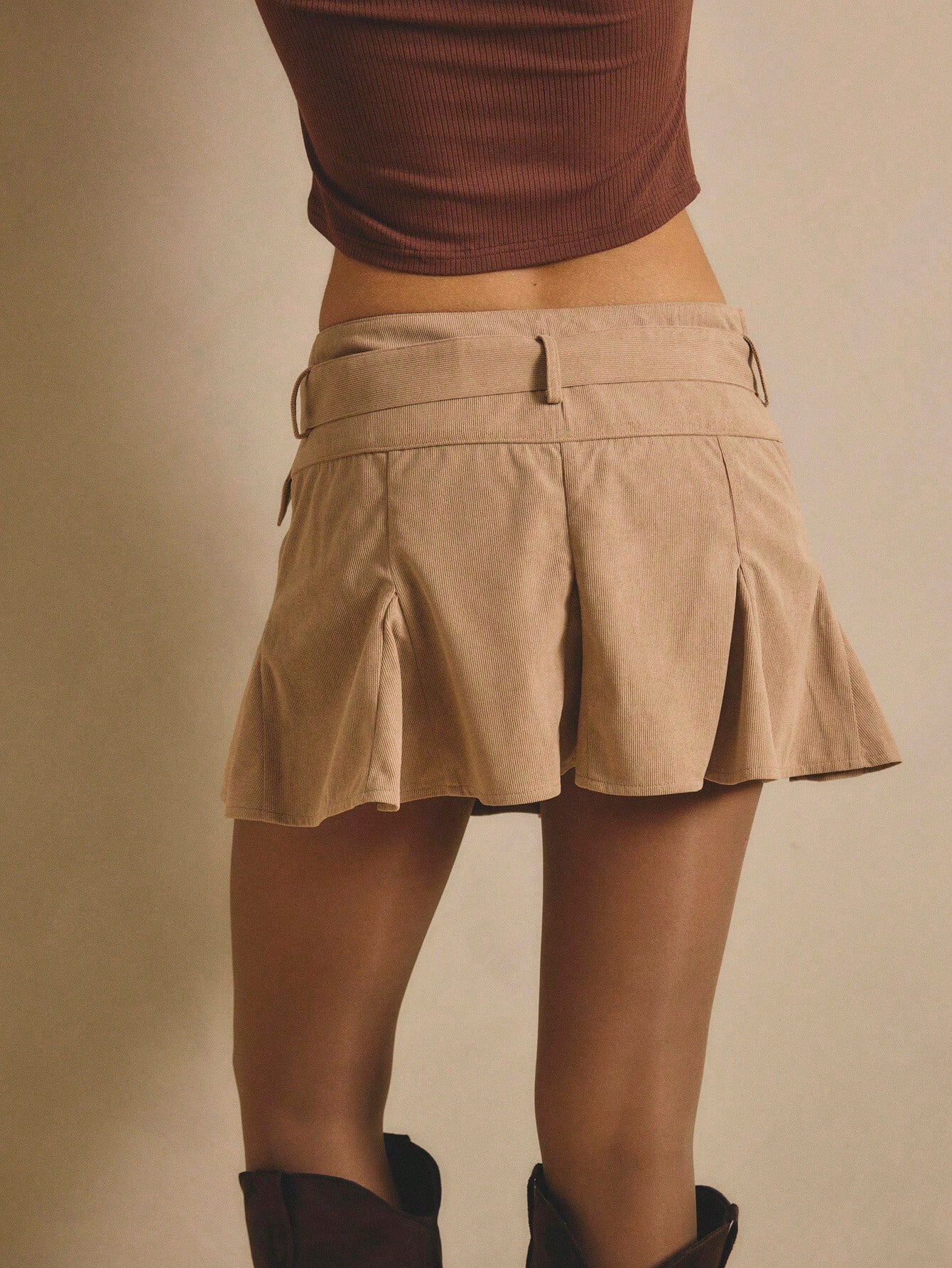
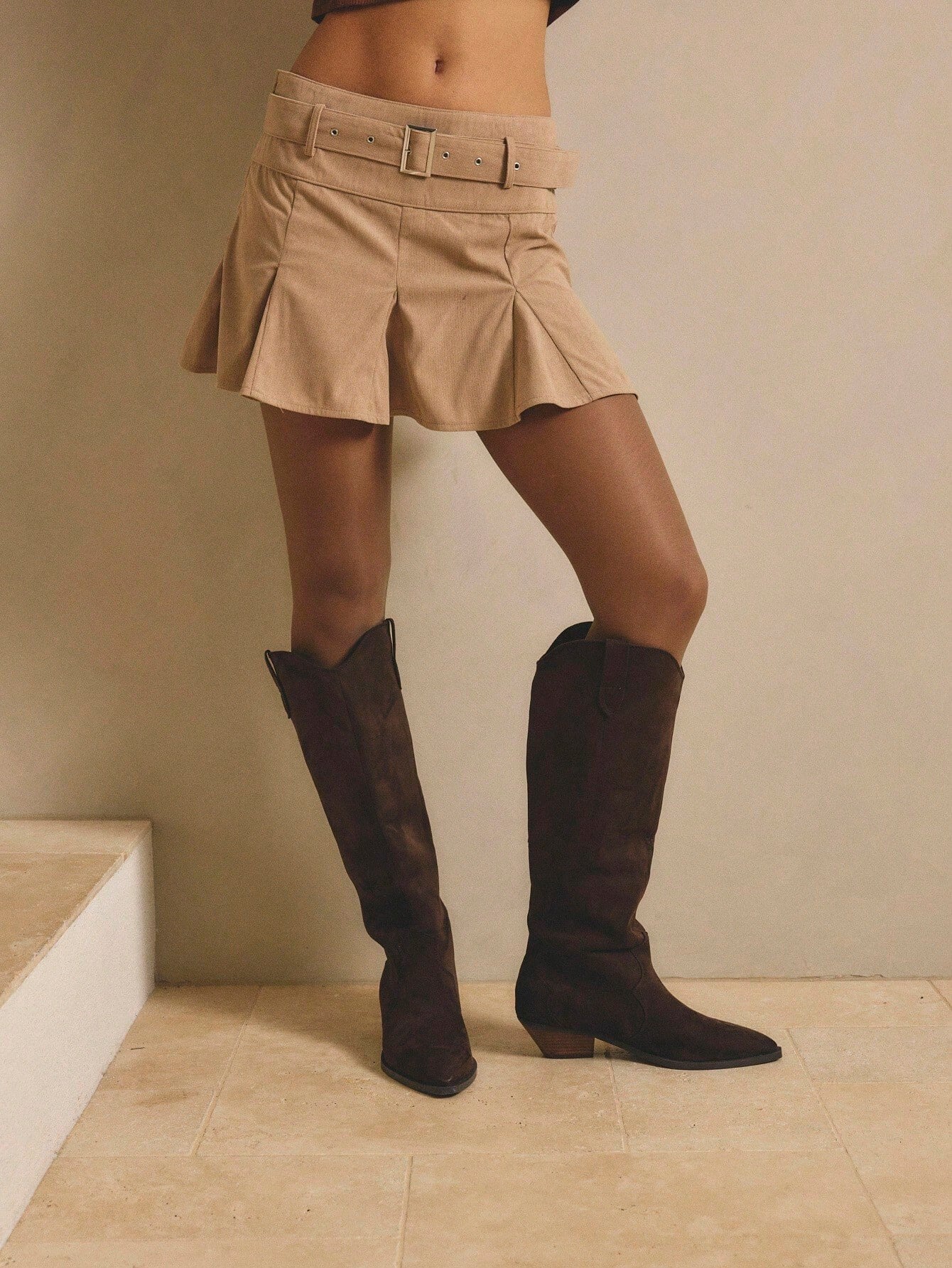
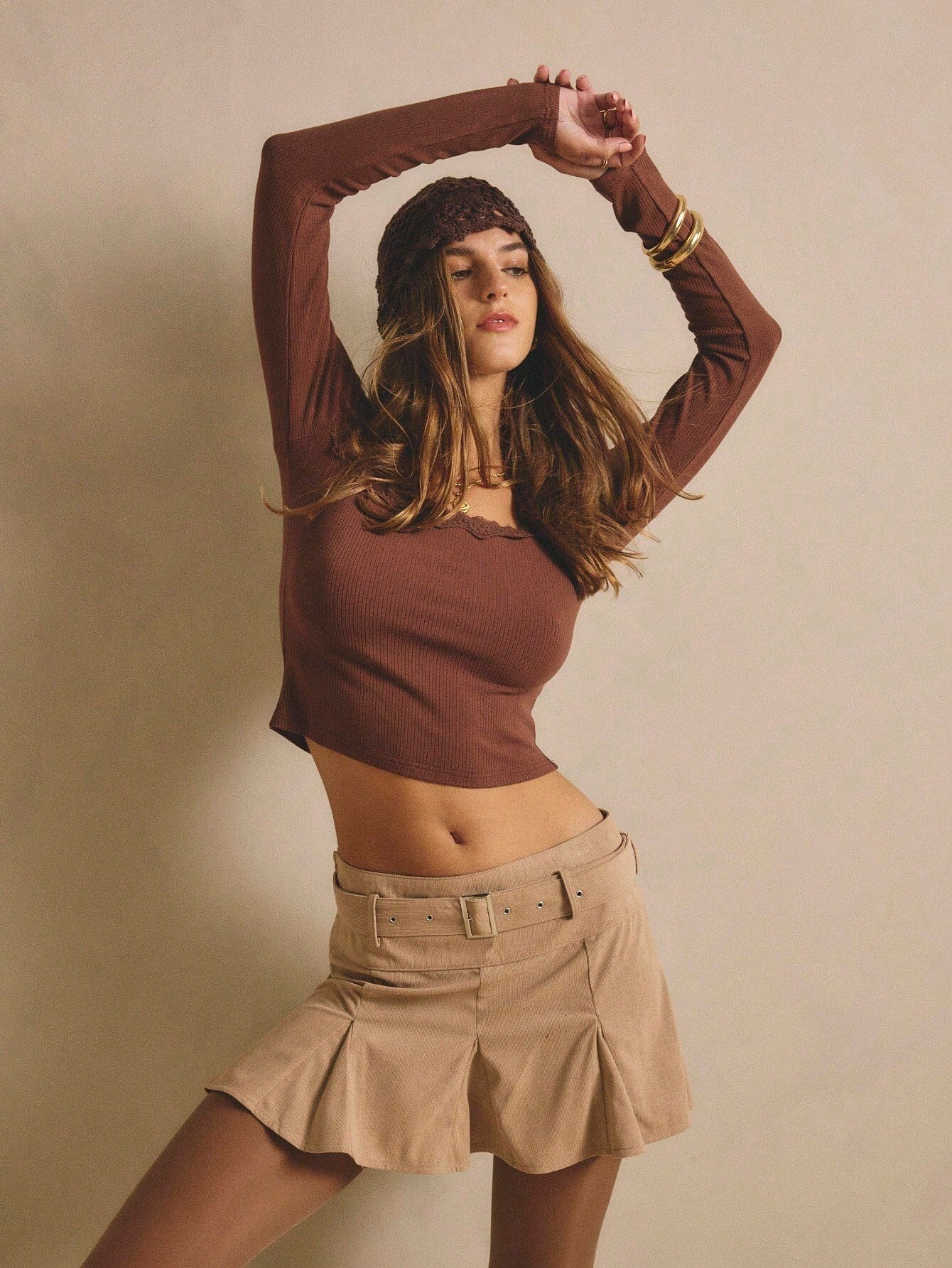
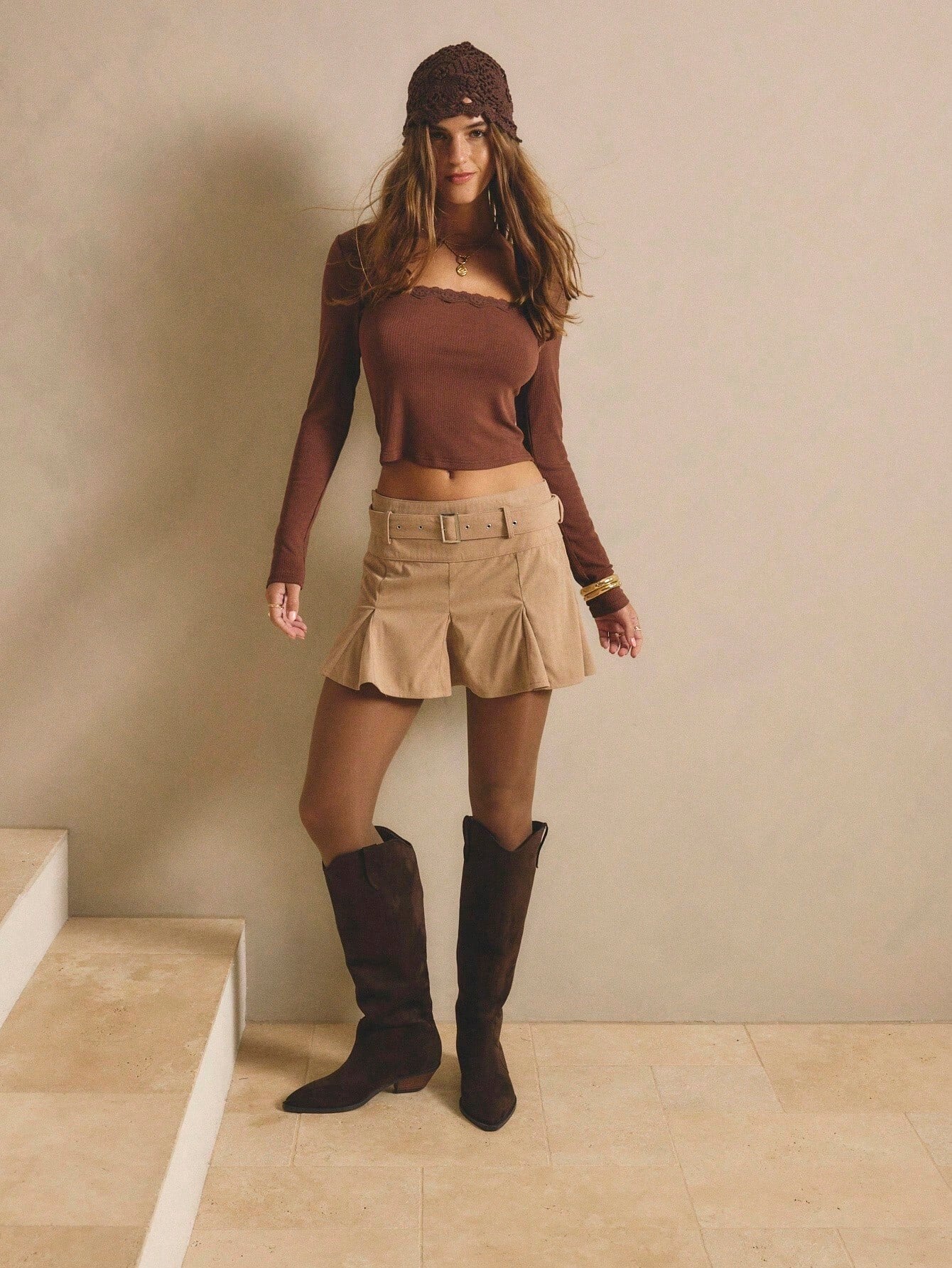
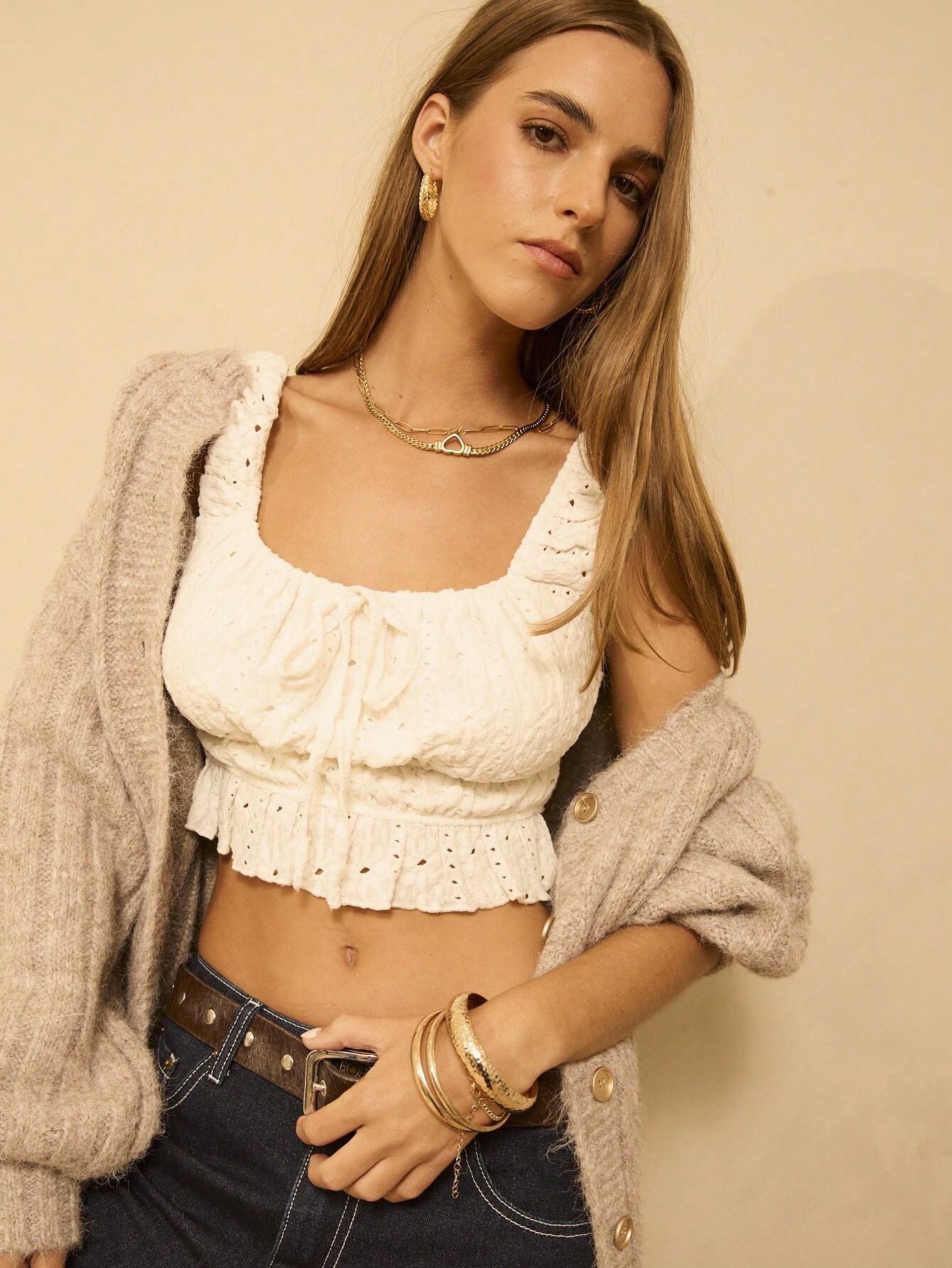
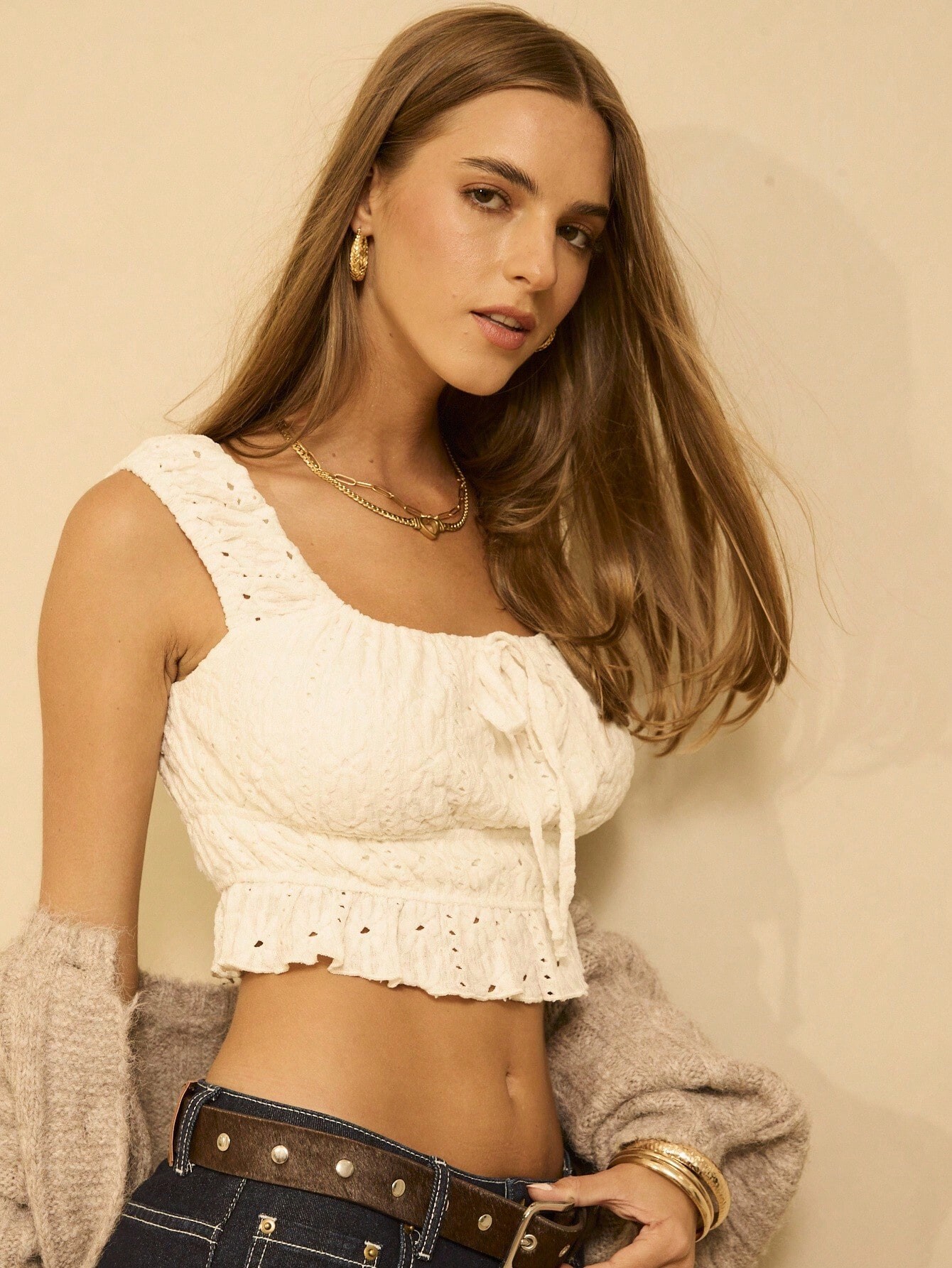
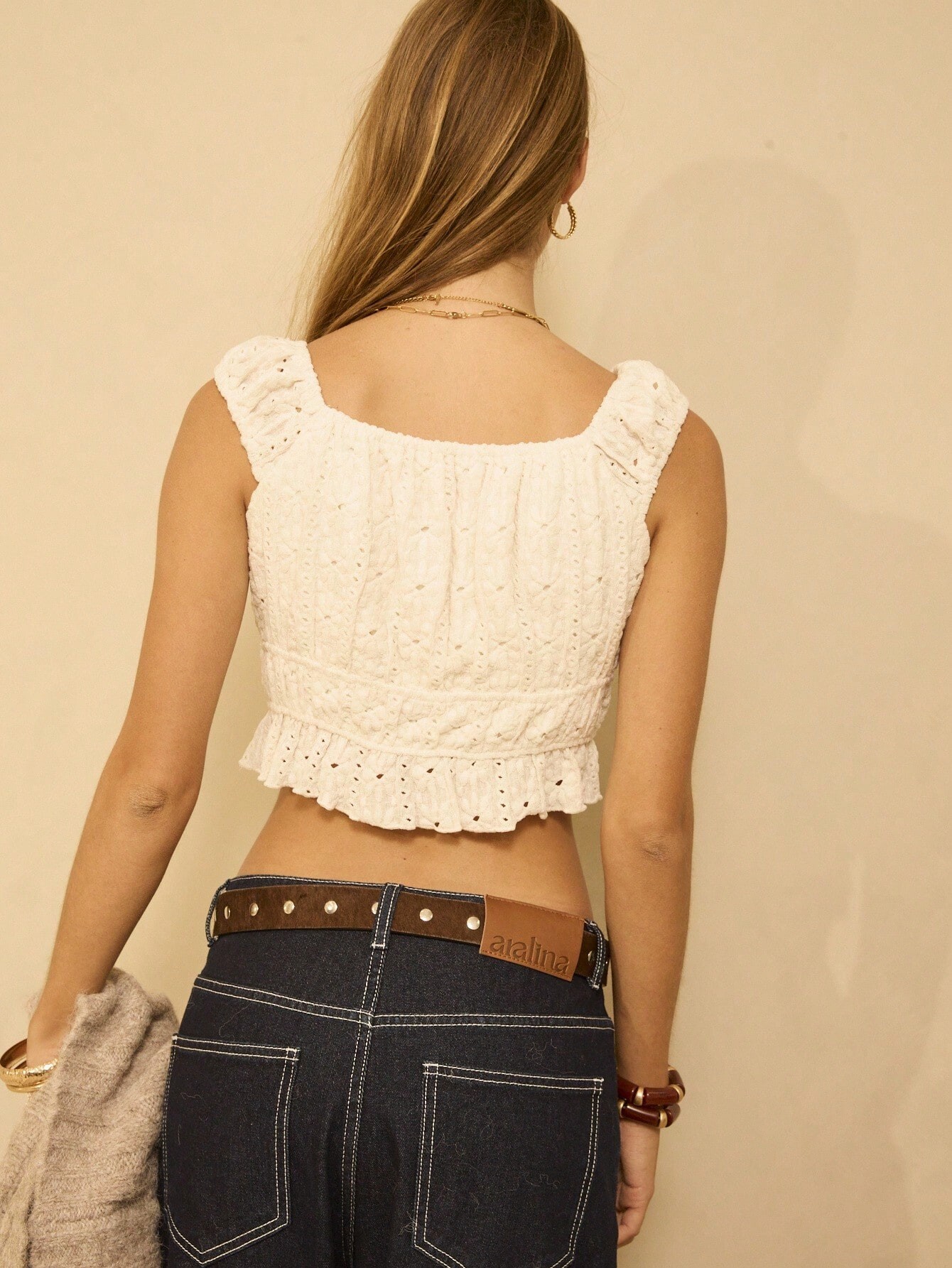
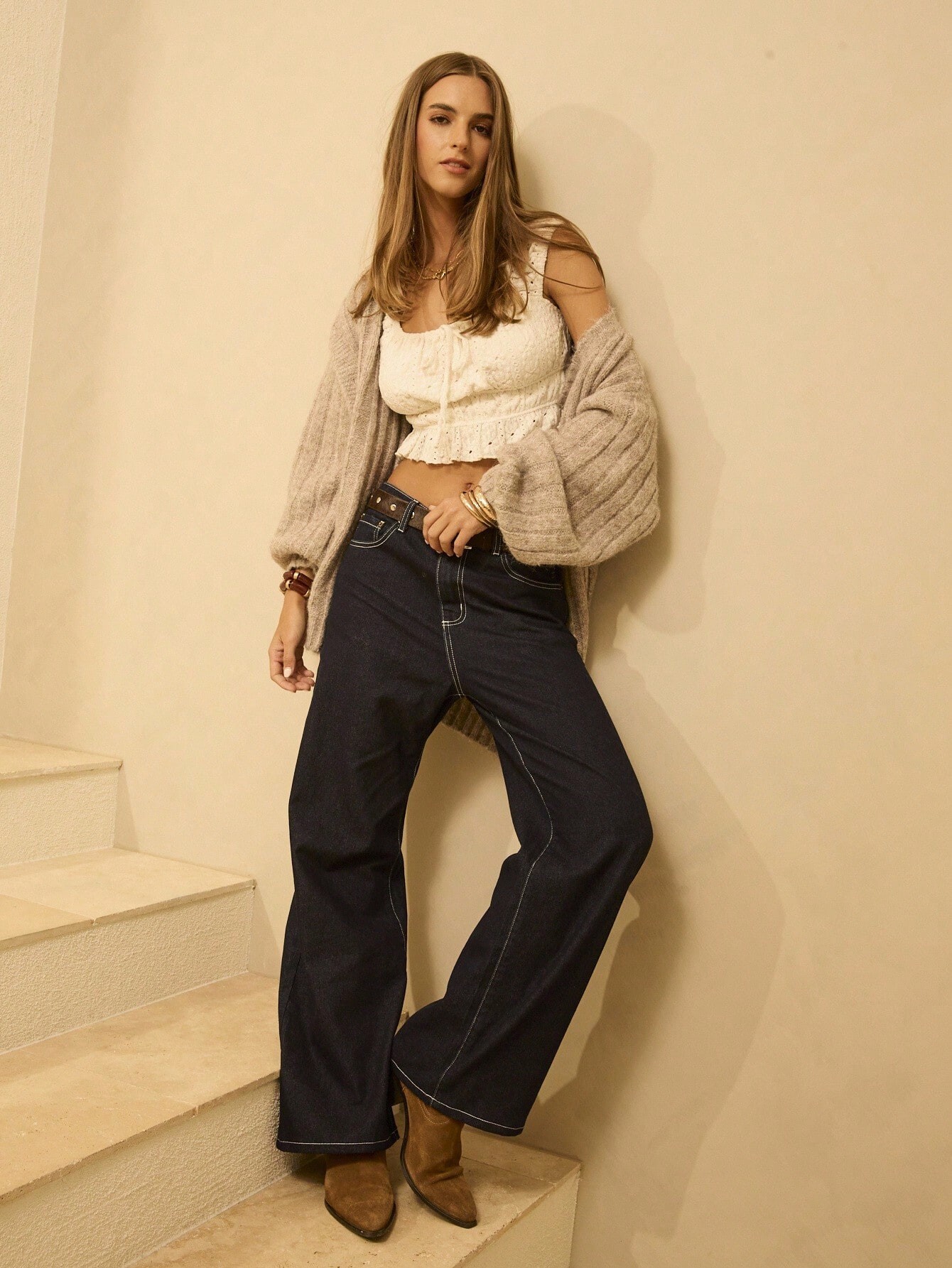
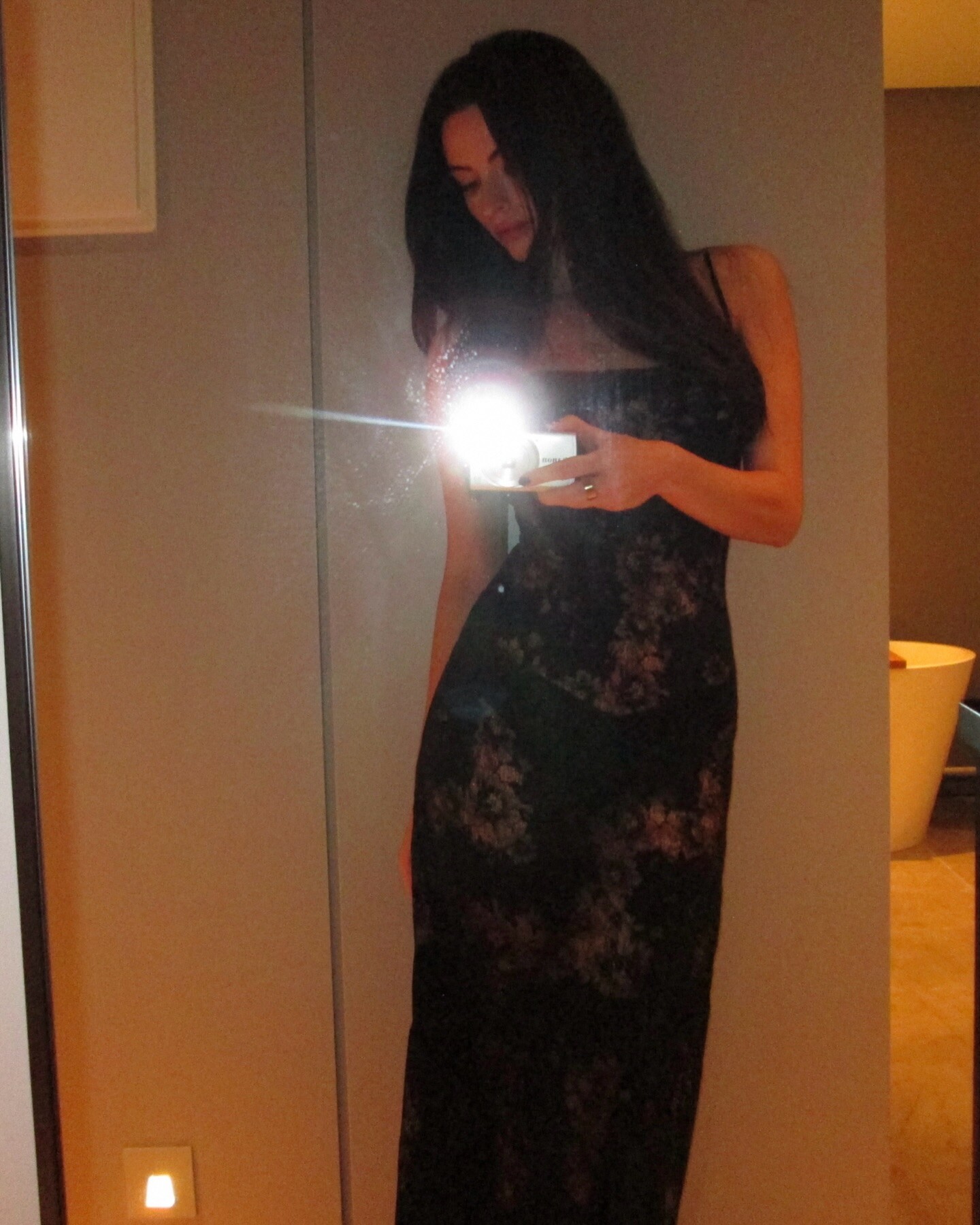
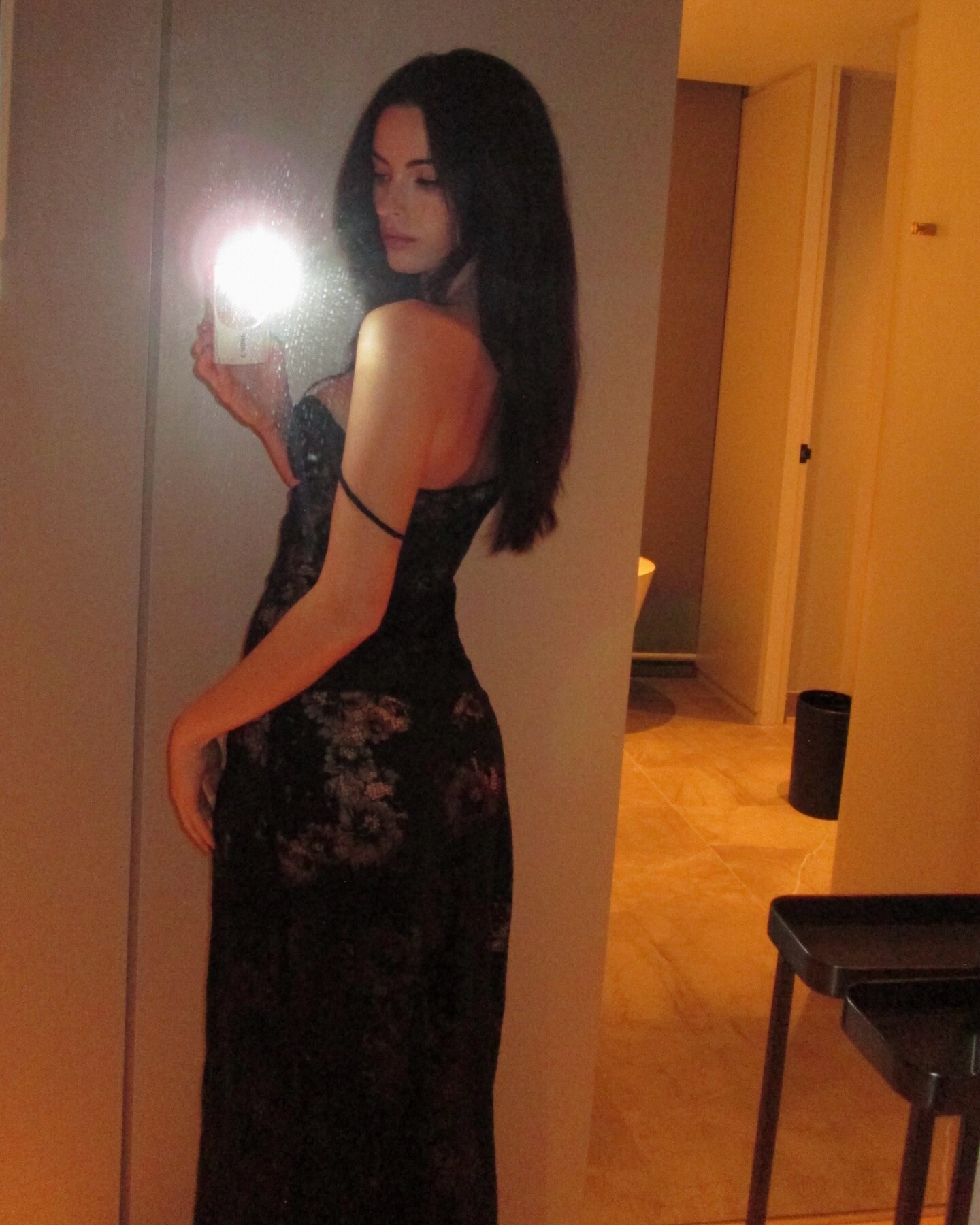
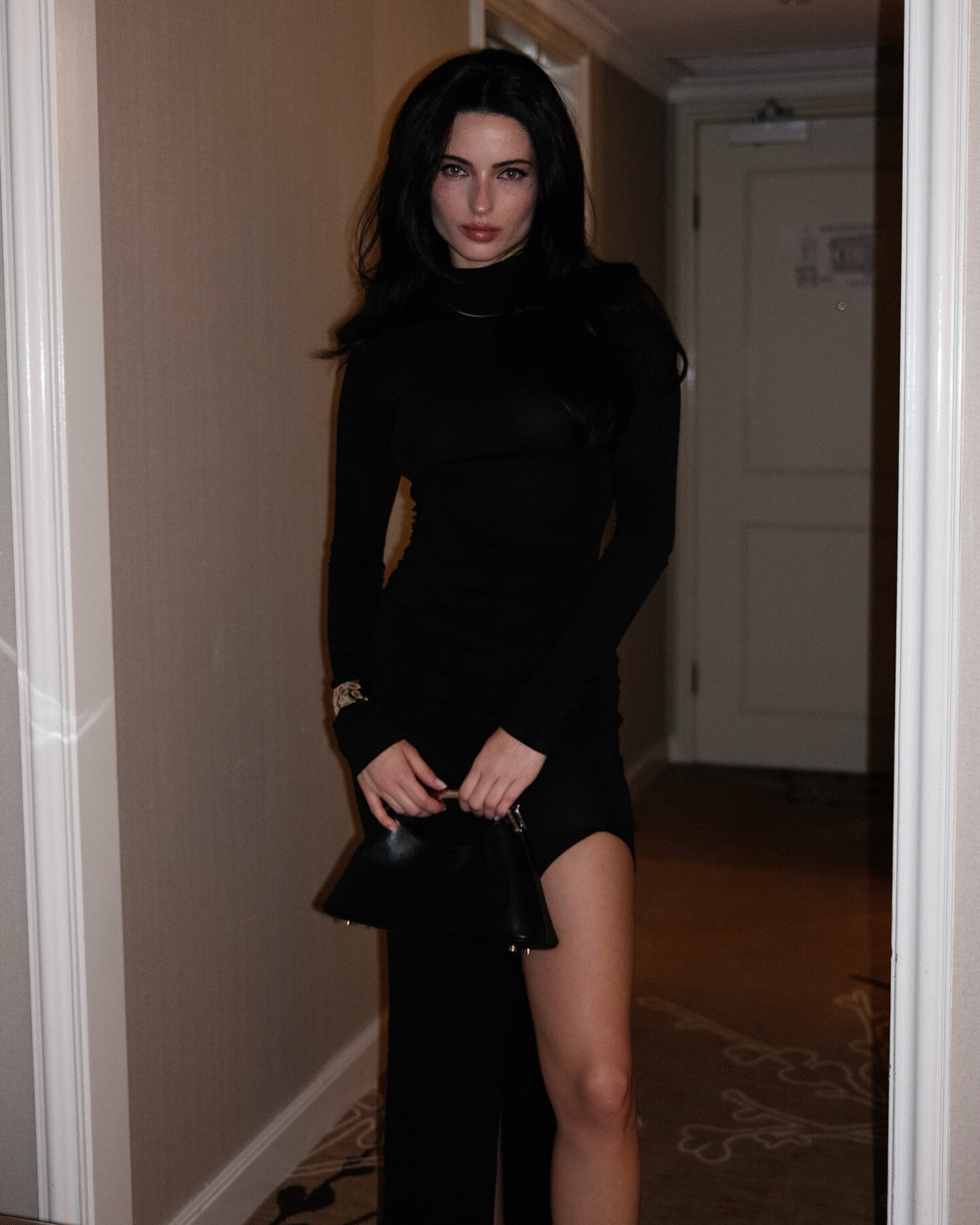
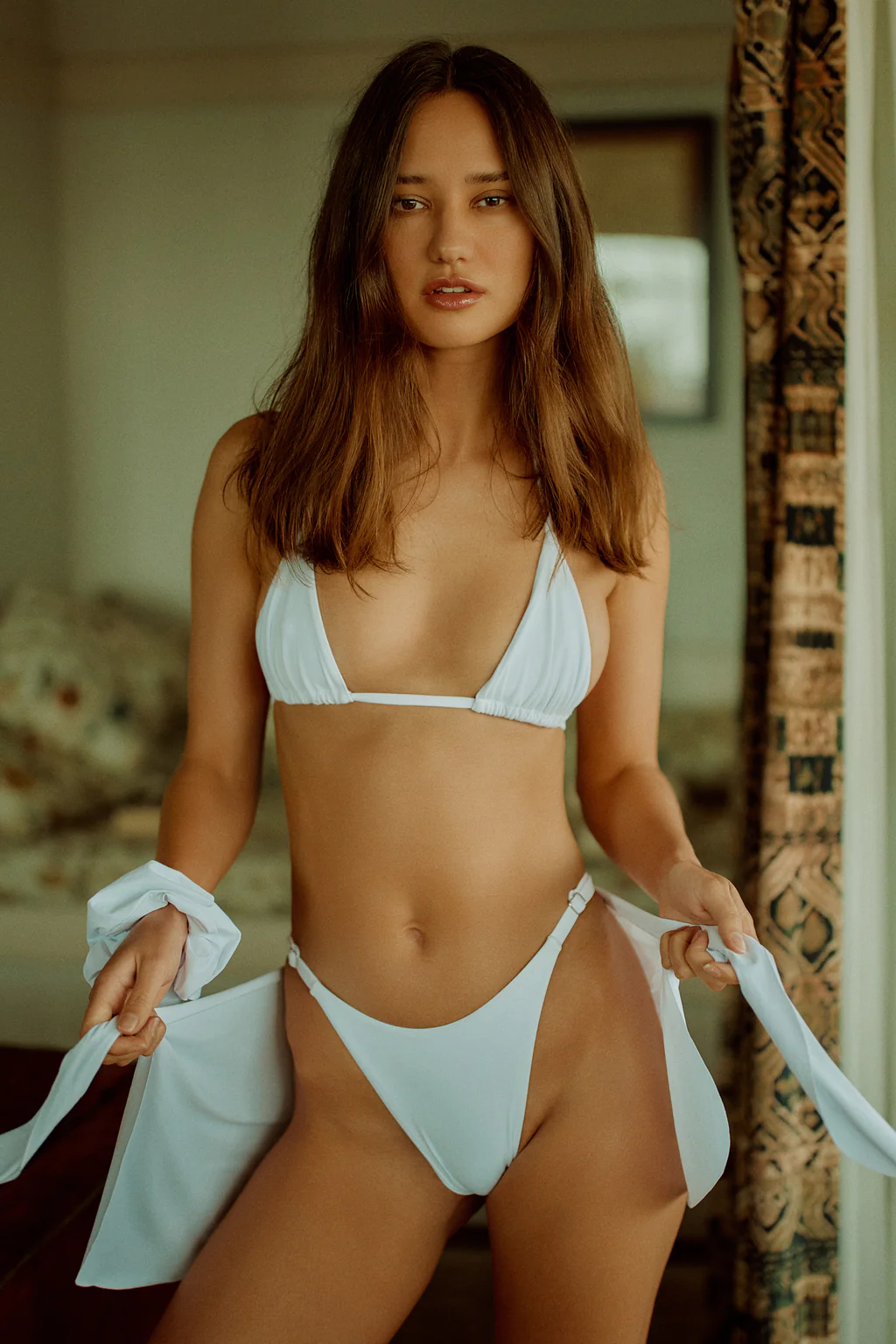
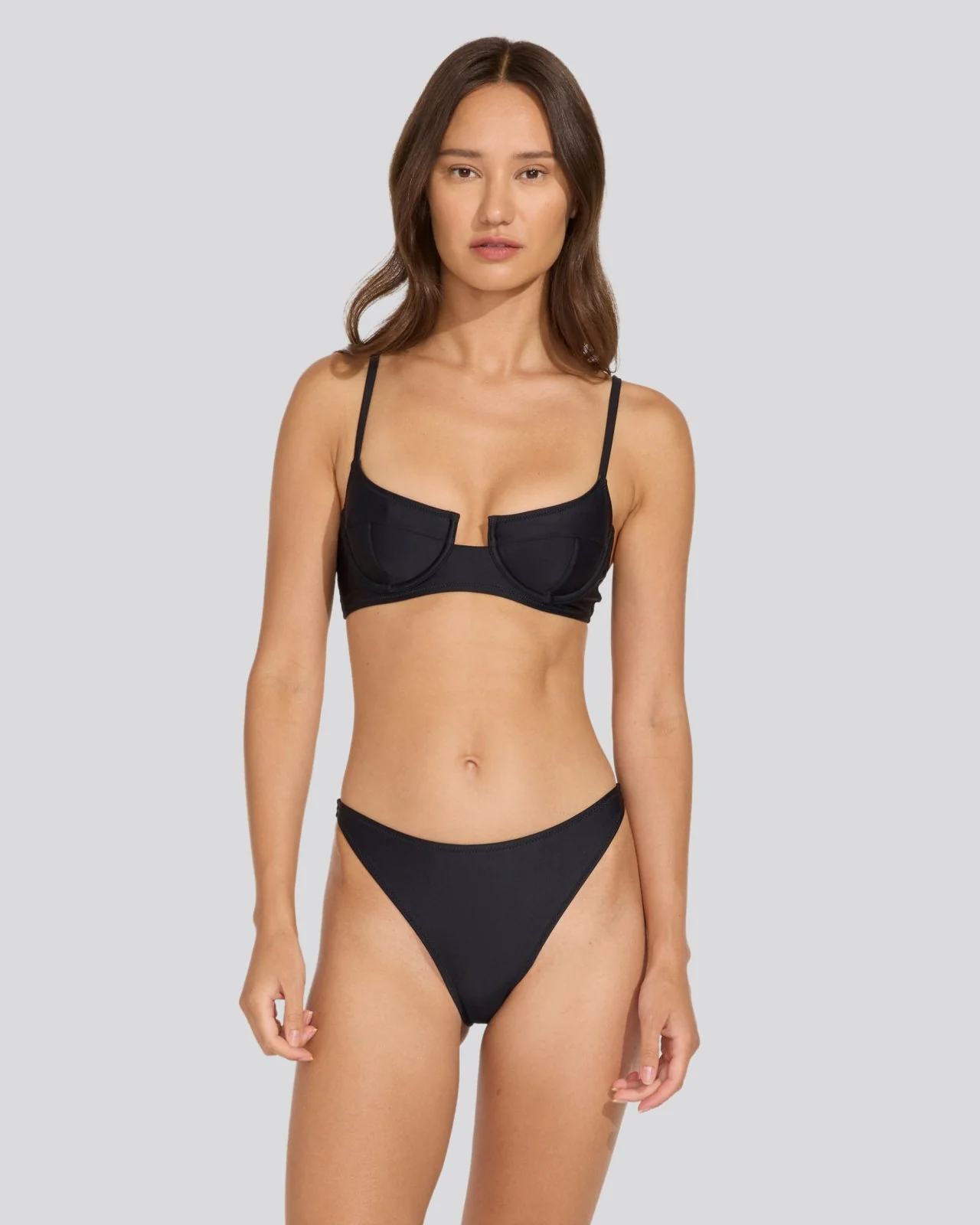
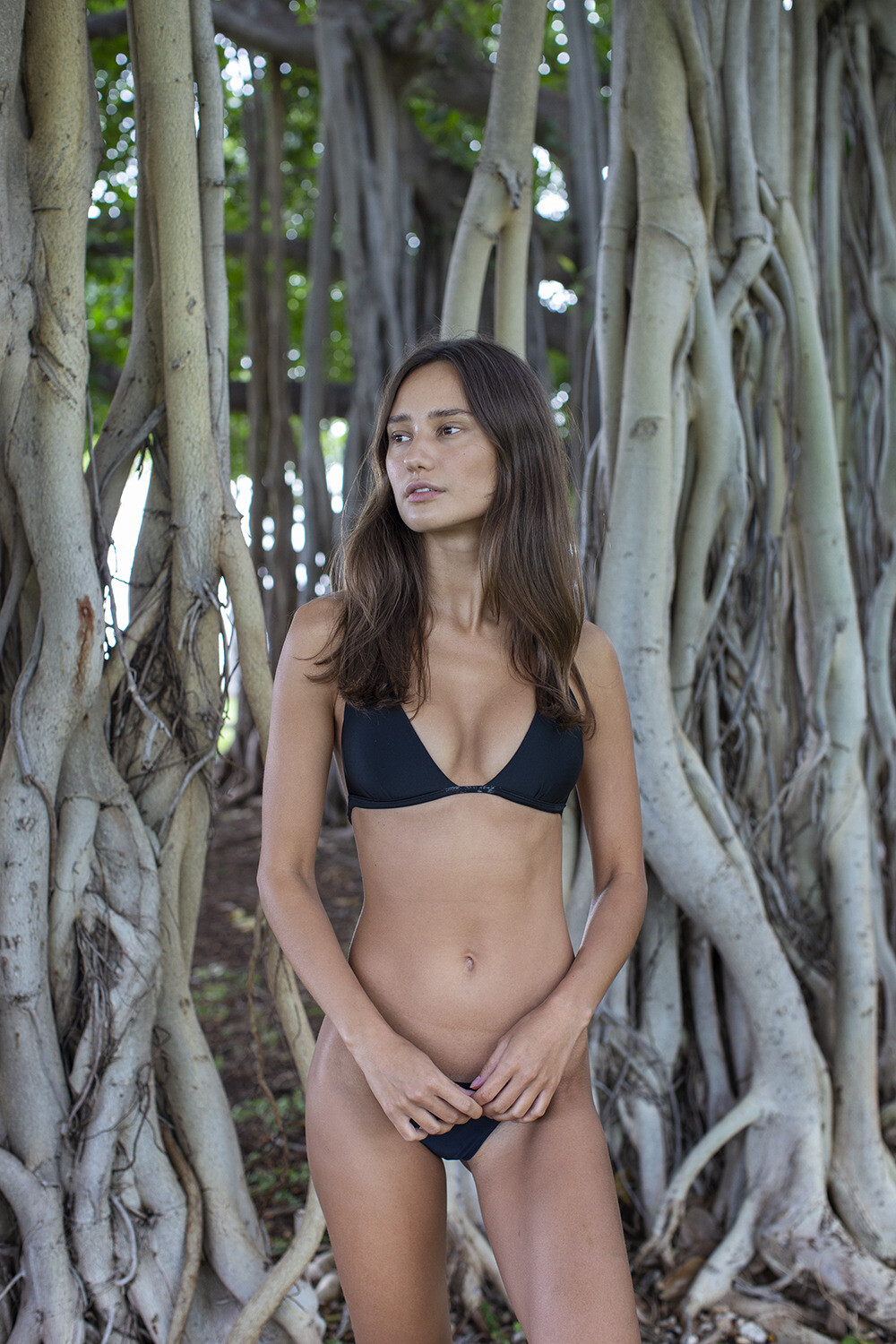
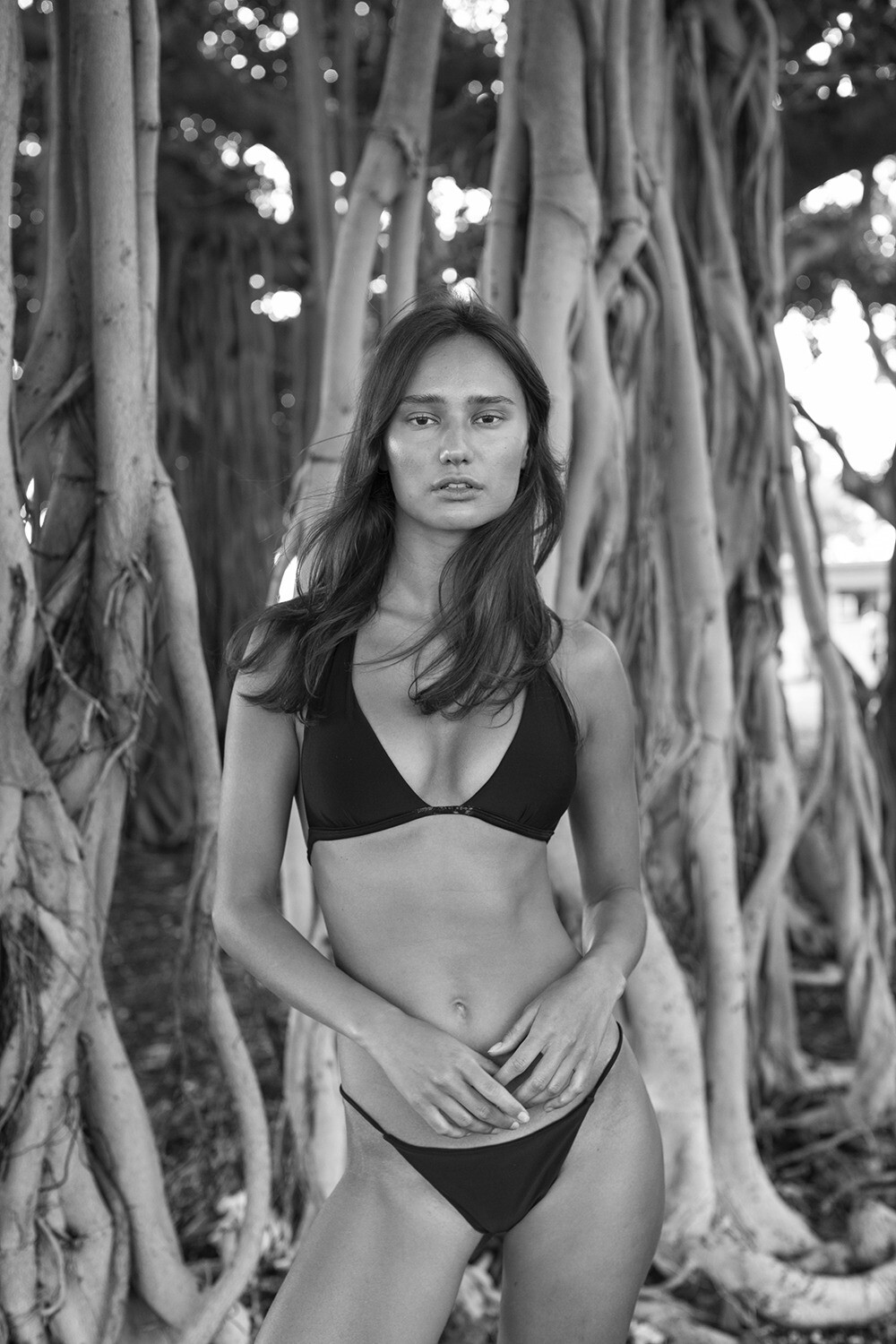
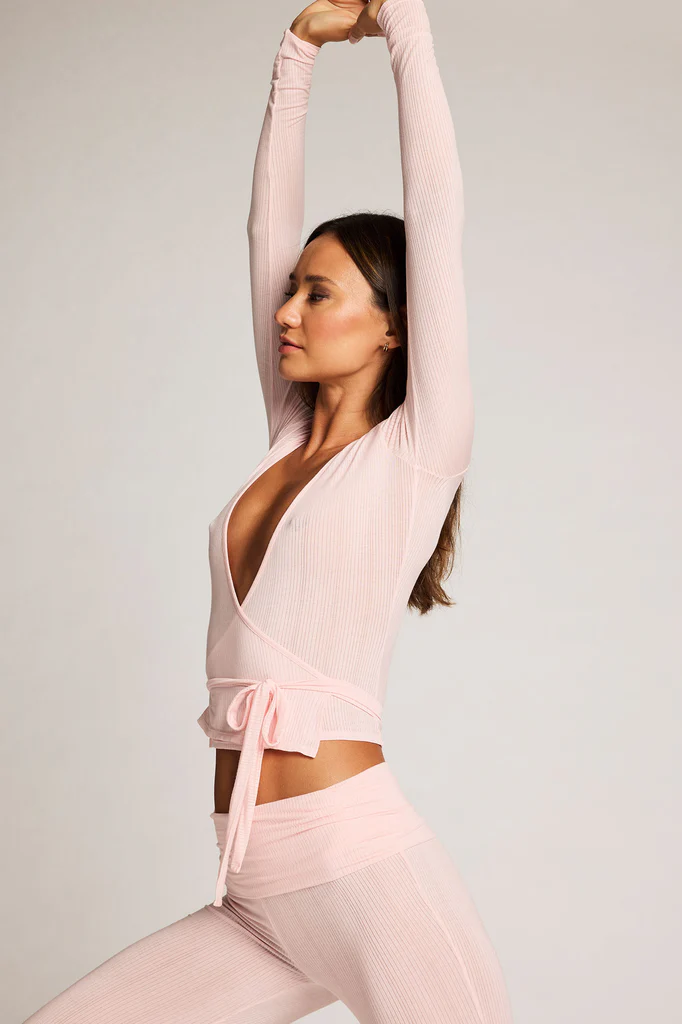
 Would anyone happen to know who this model is?

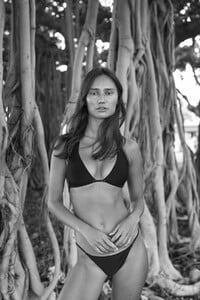
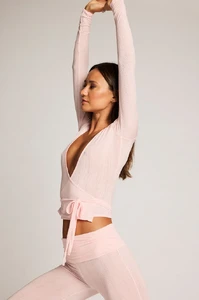
- Today
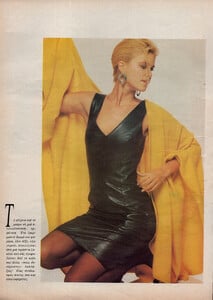
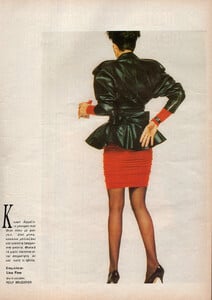
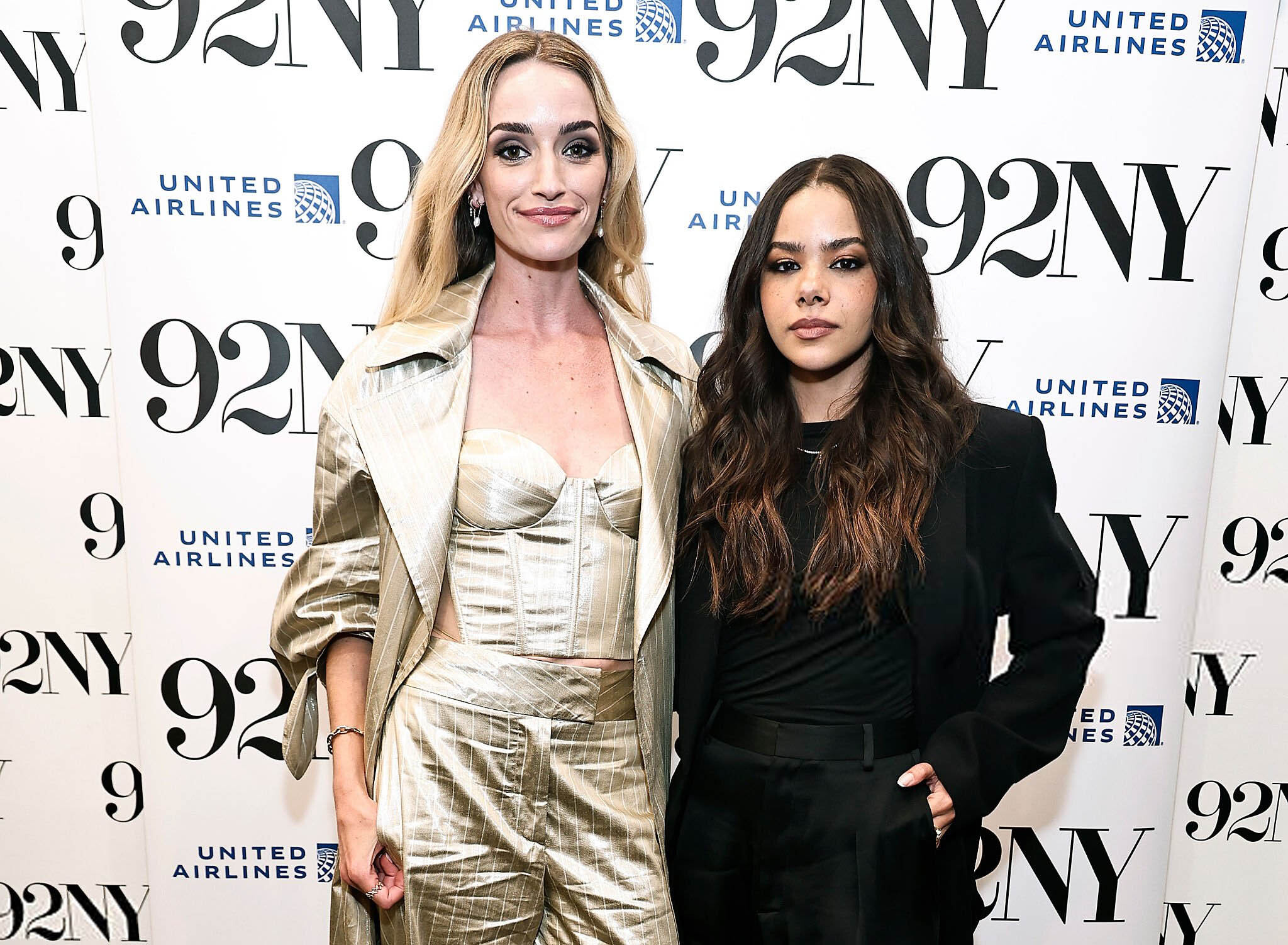
Brianne Howey & Antonia Gentry Talk 'Ginny & Georgia' | MTV COSMOPOLITAN GR, Mar 1989 - PH. ROLF BRUDERER - MY SCANS + ALISON HOUTTE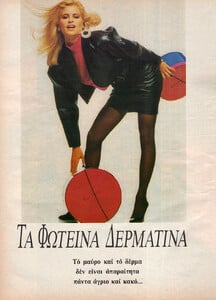
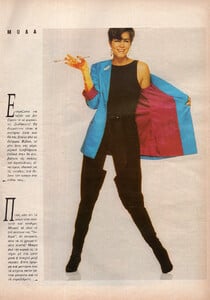
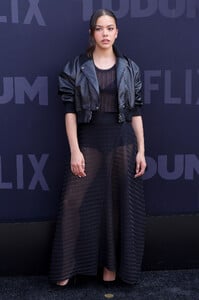
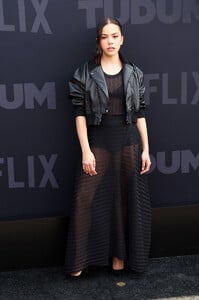
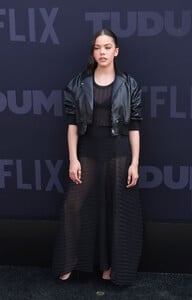
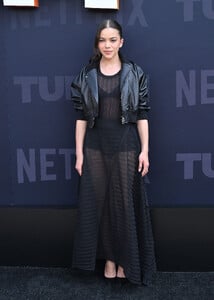
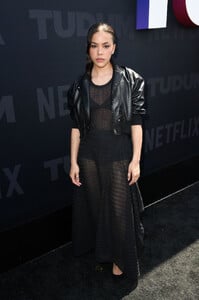
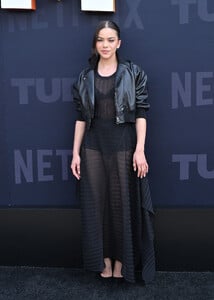
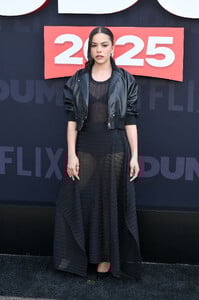
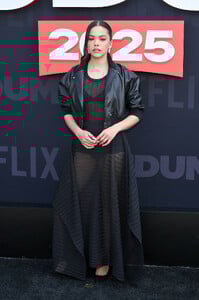
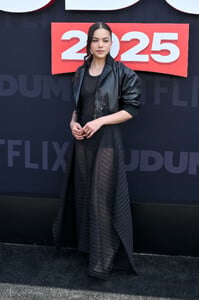
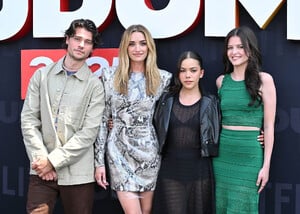
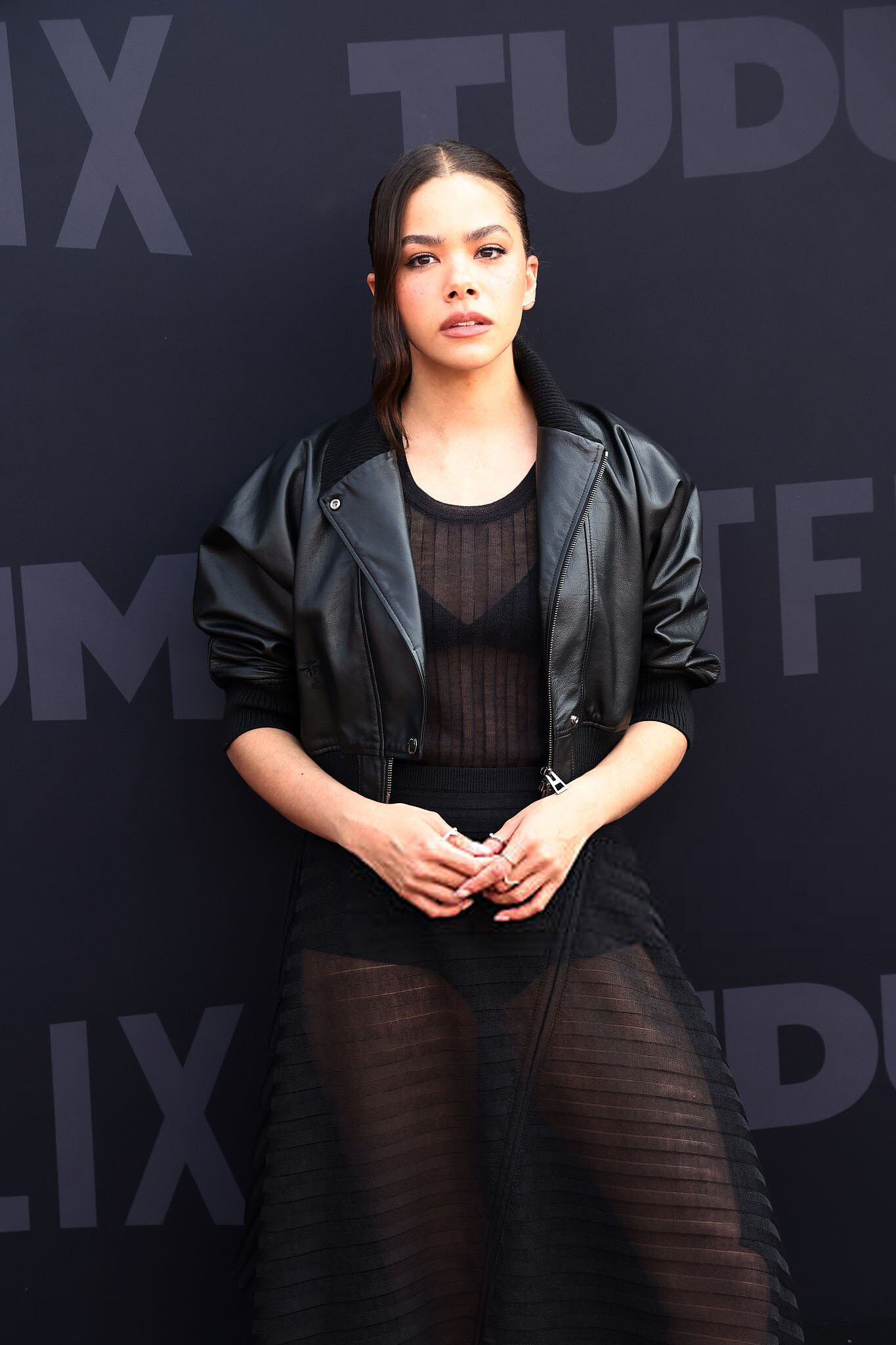
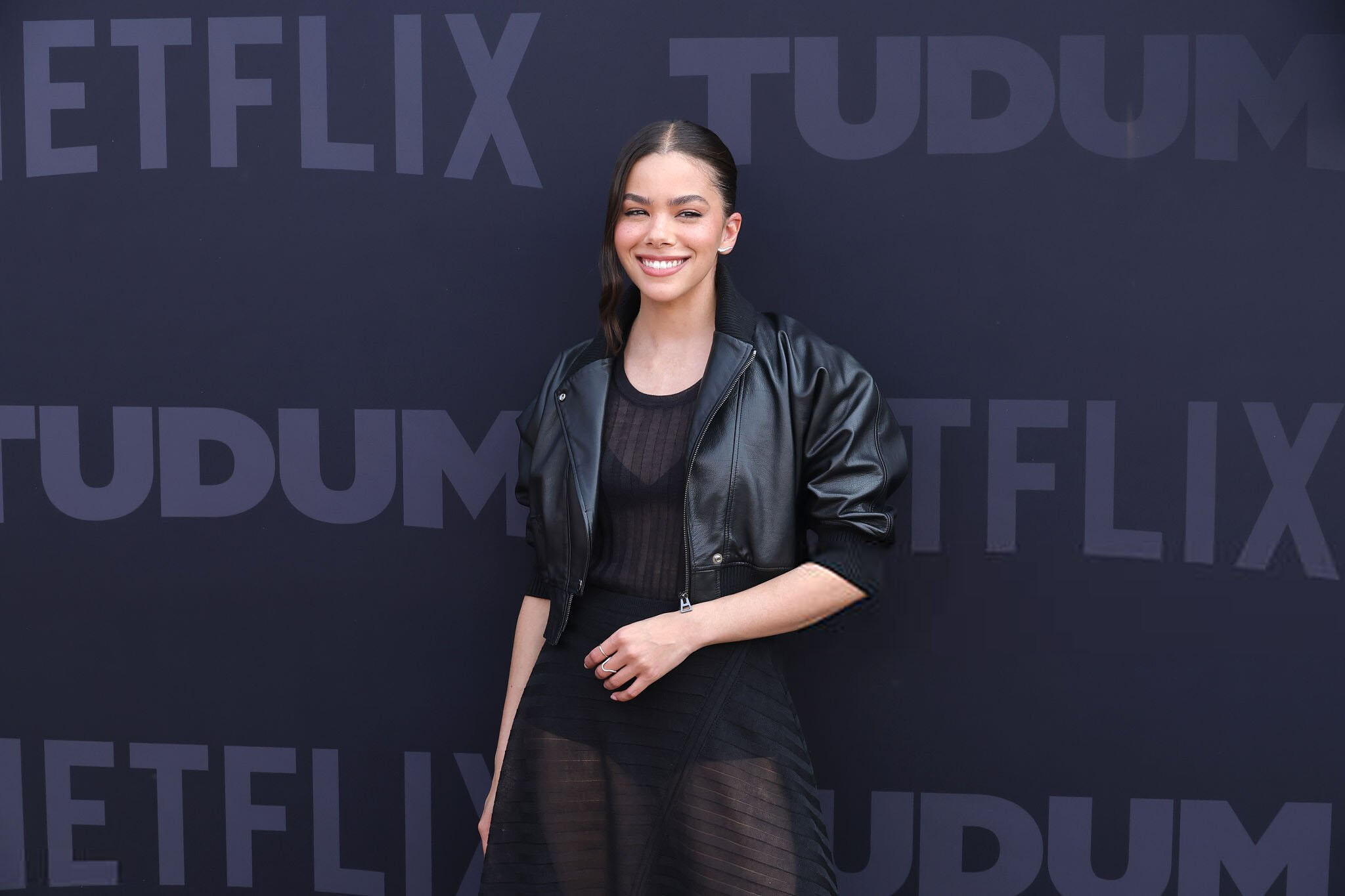
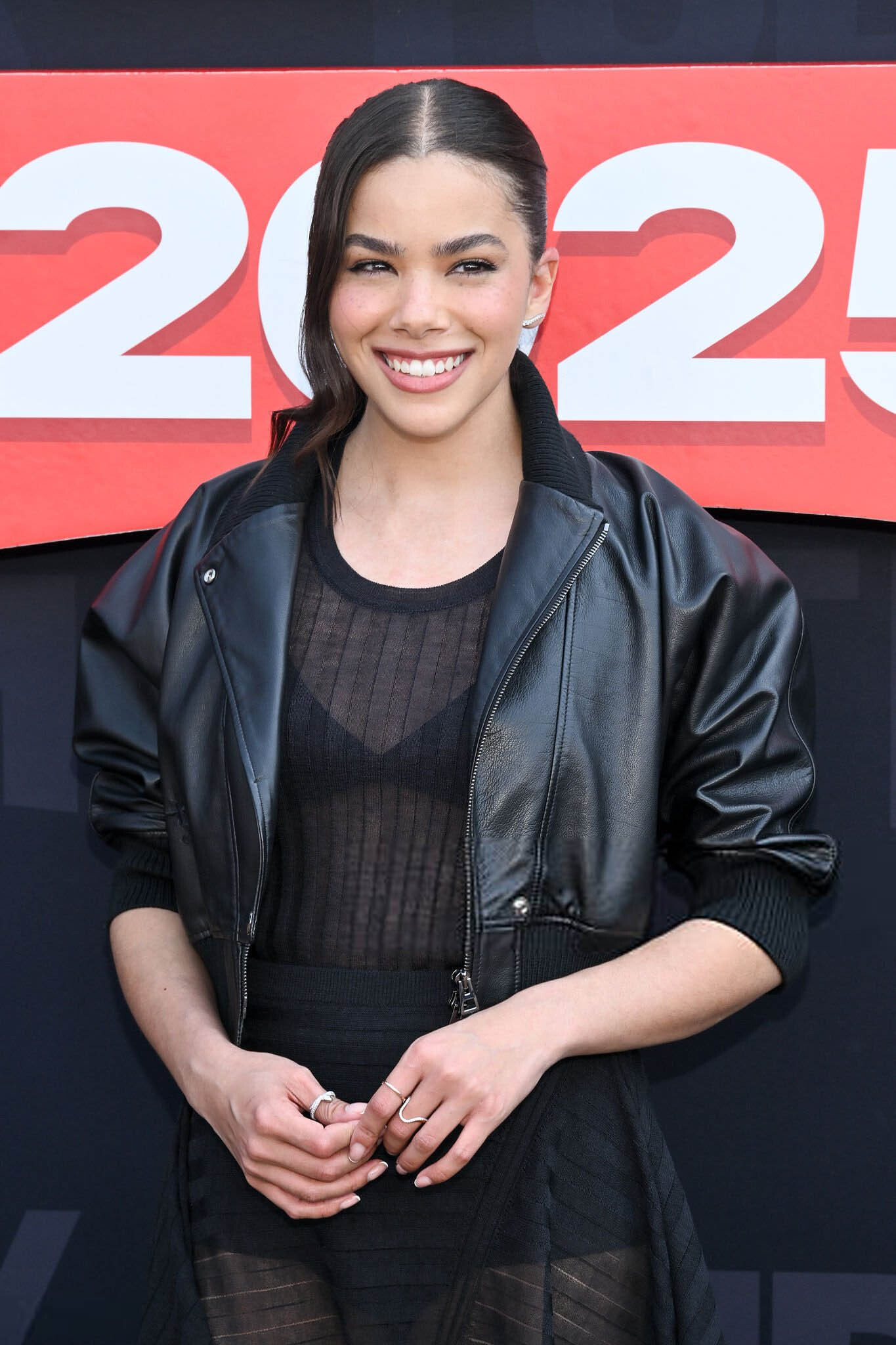
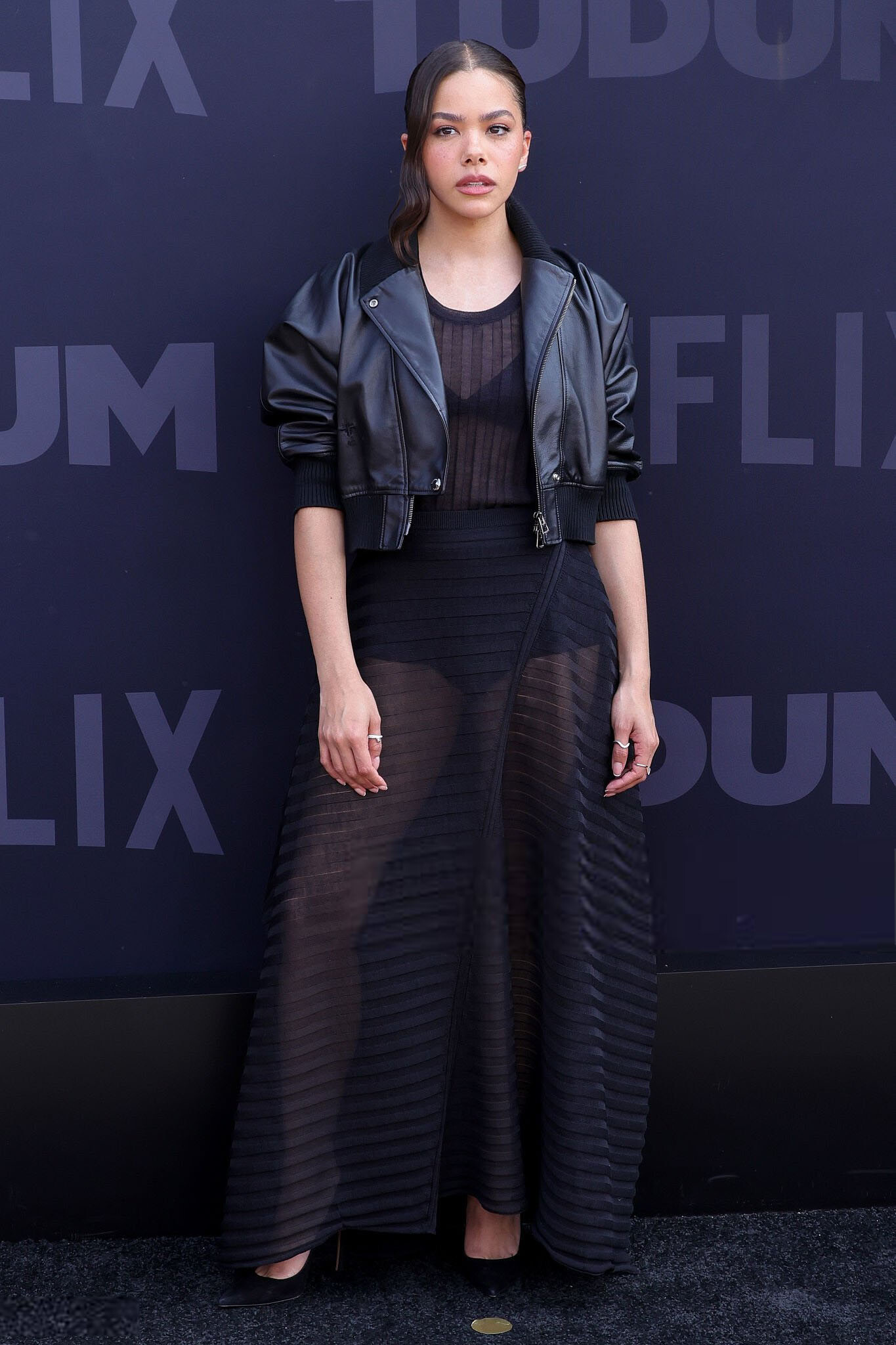
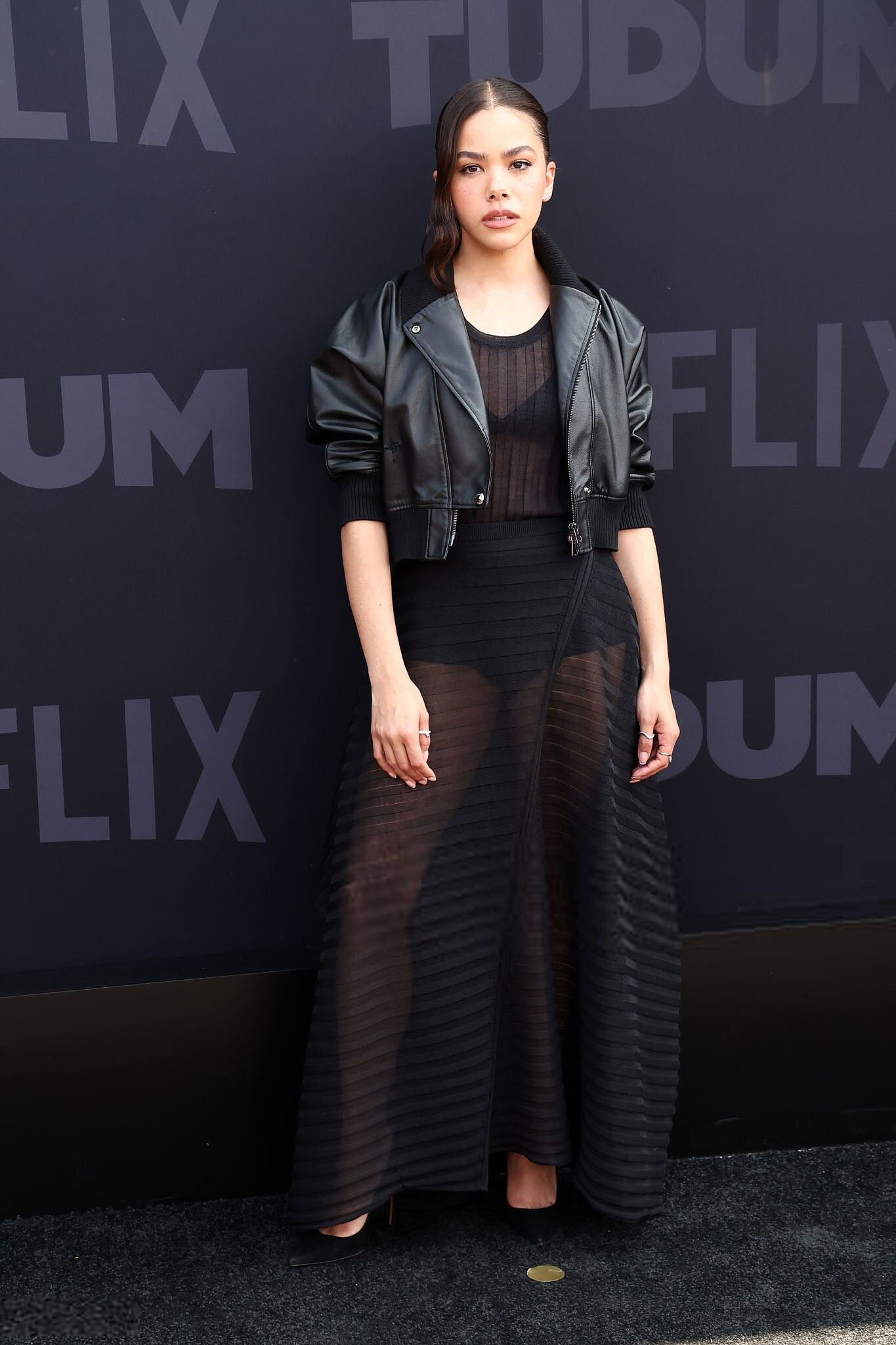
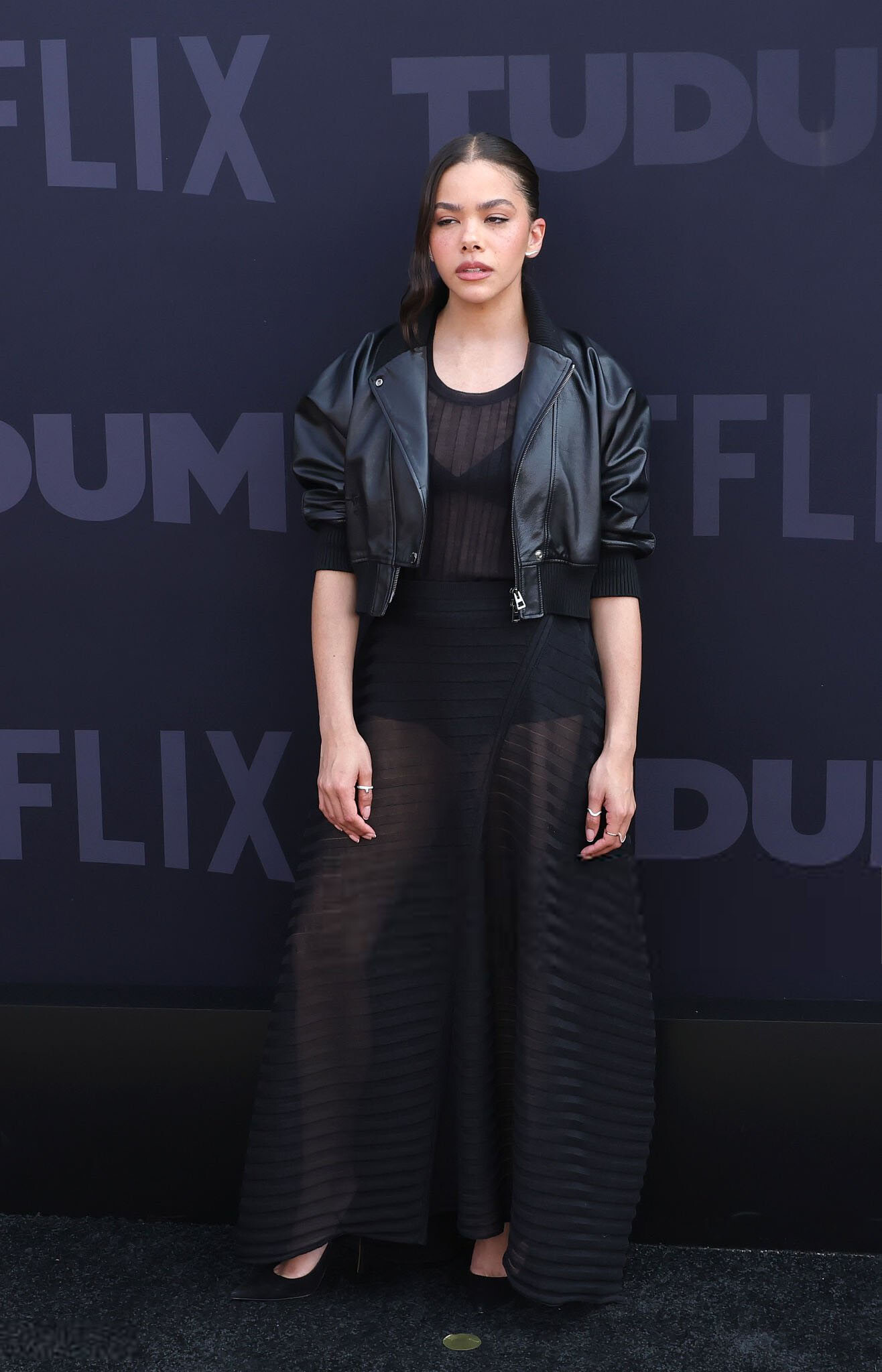
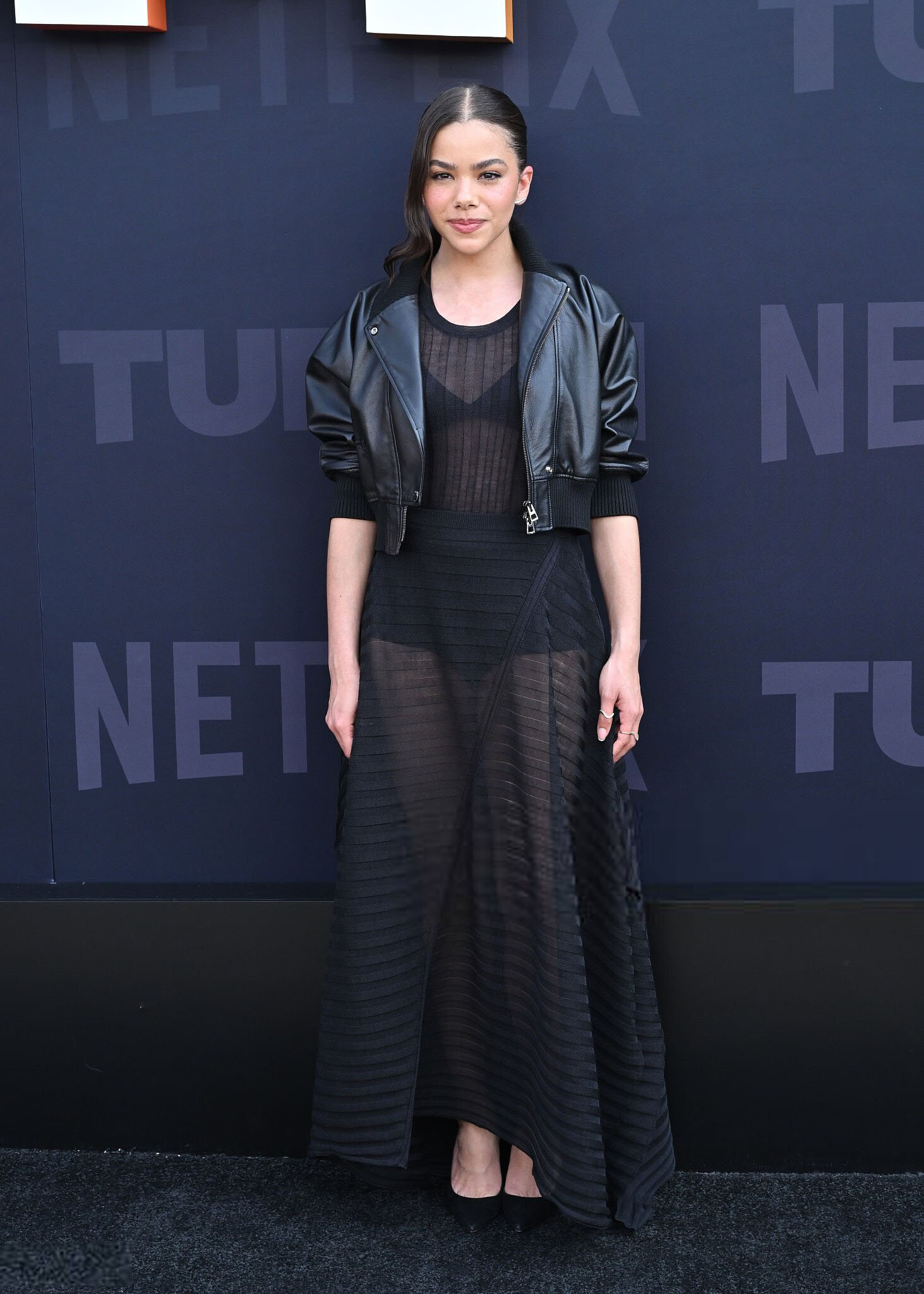
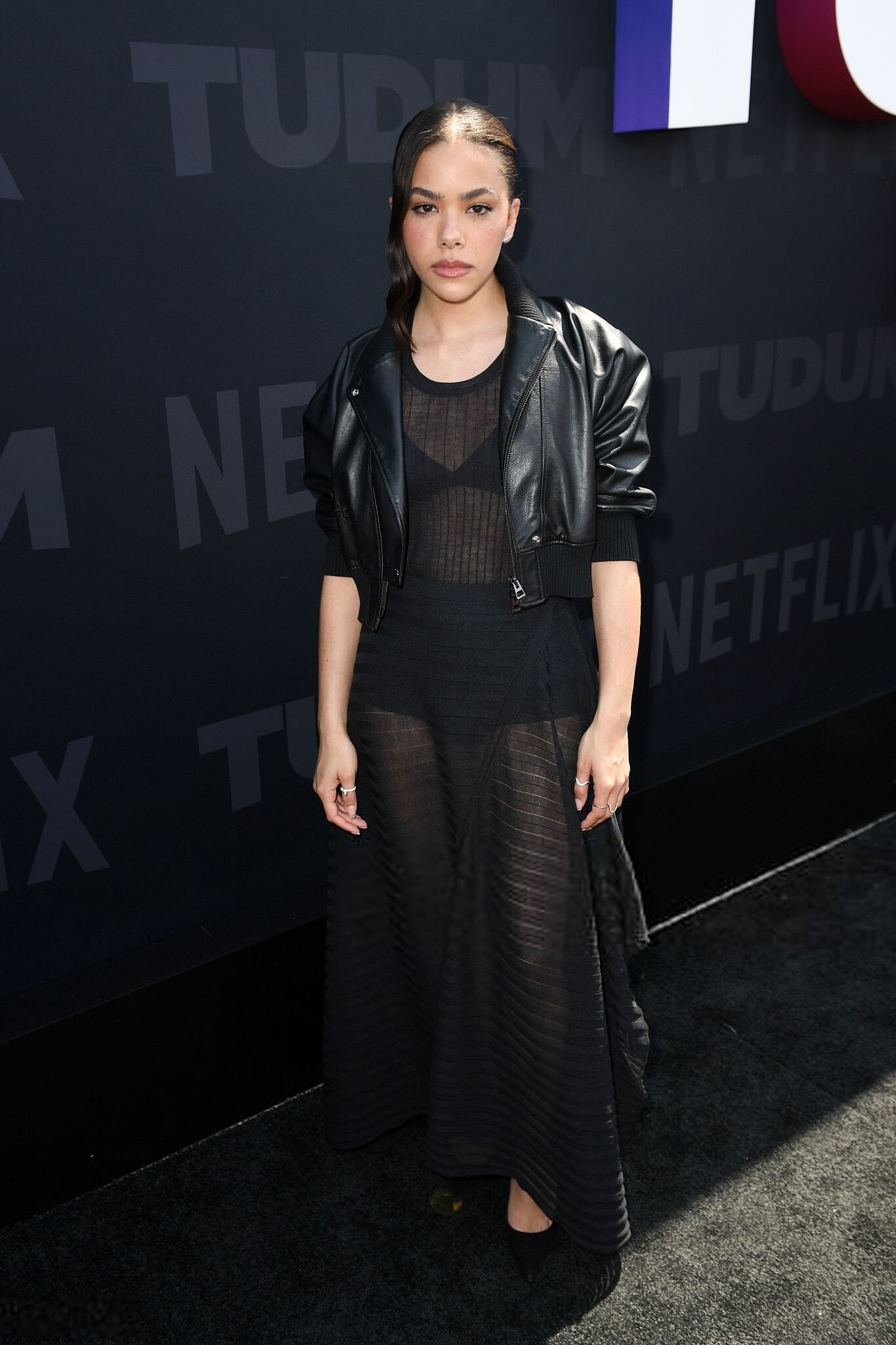
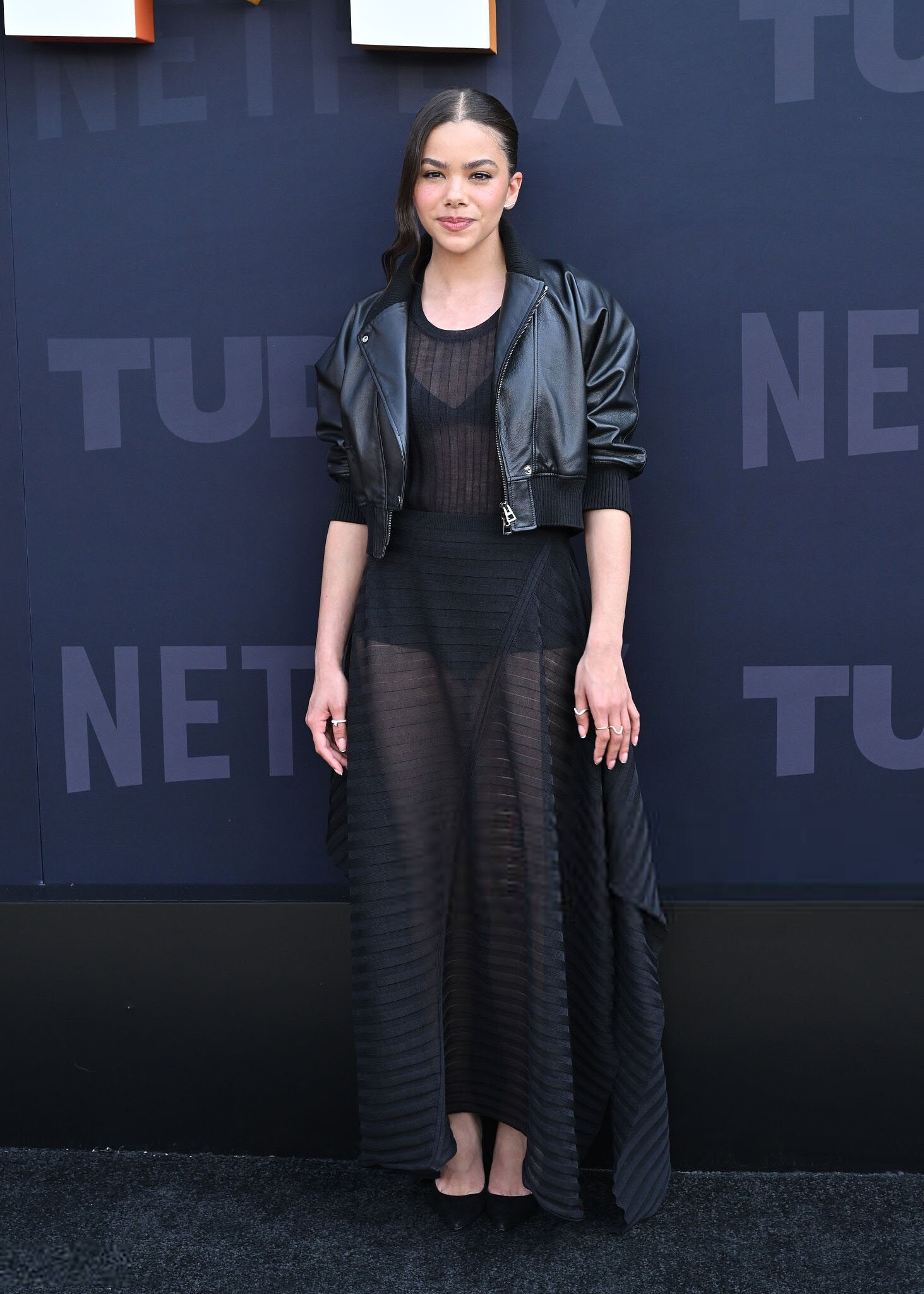
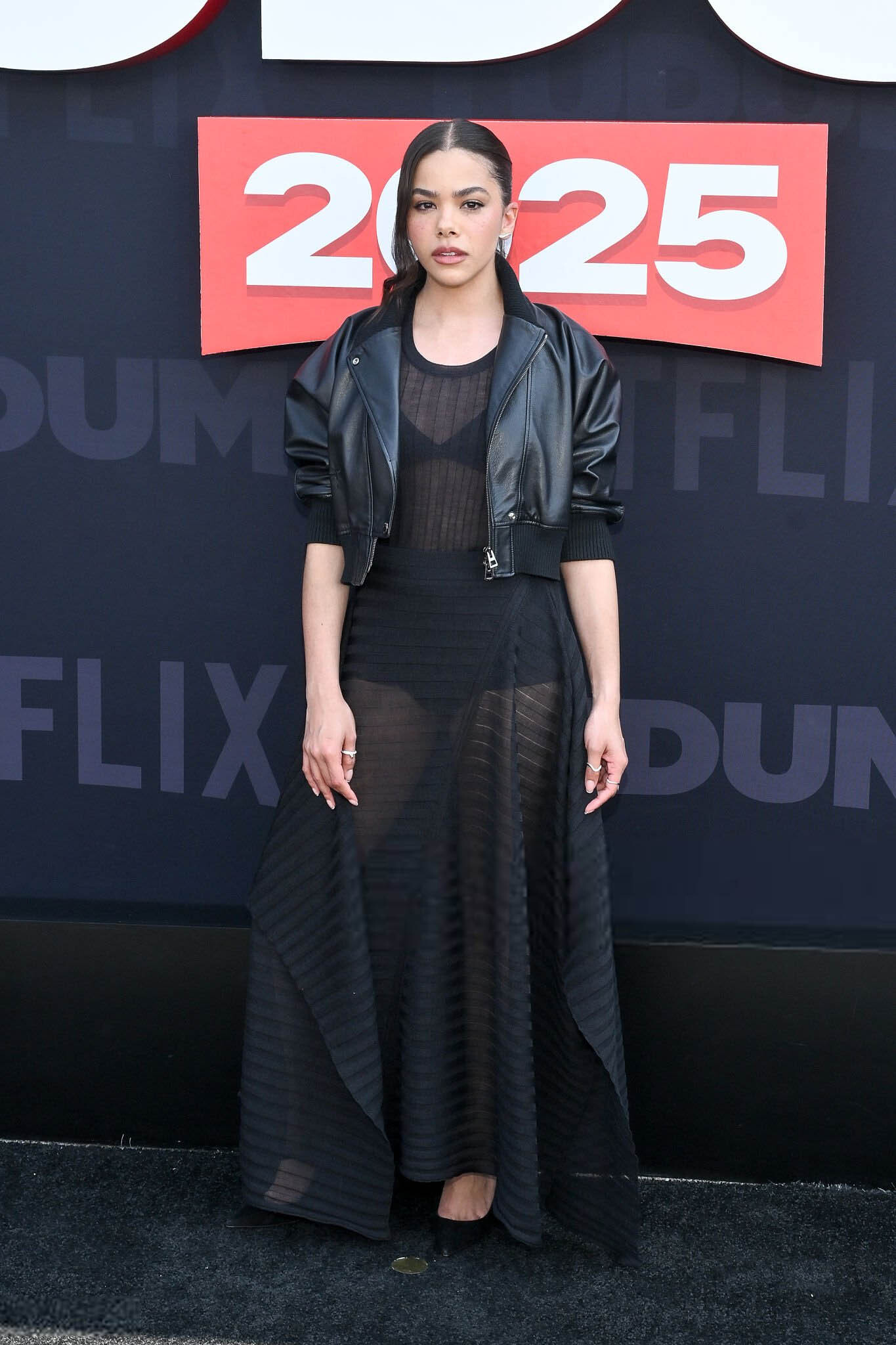
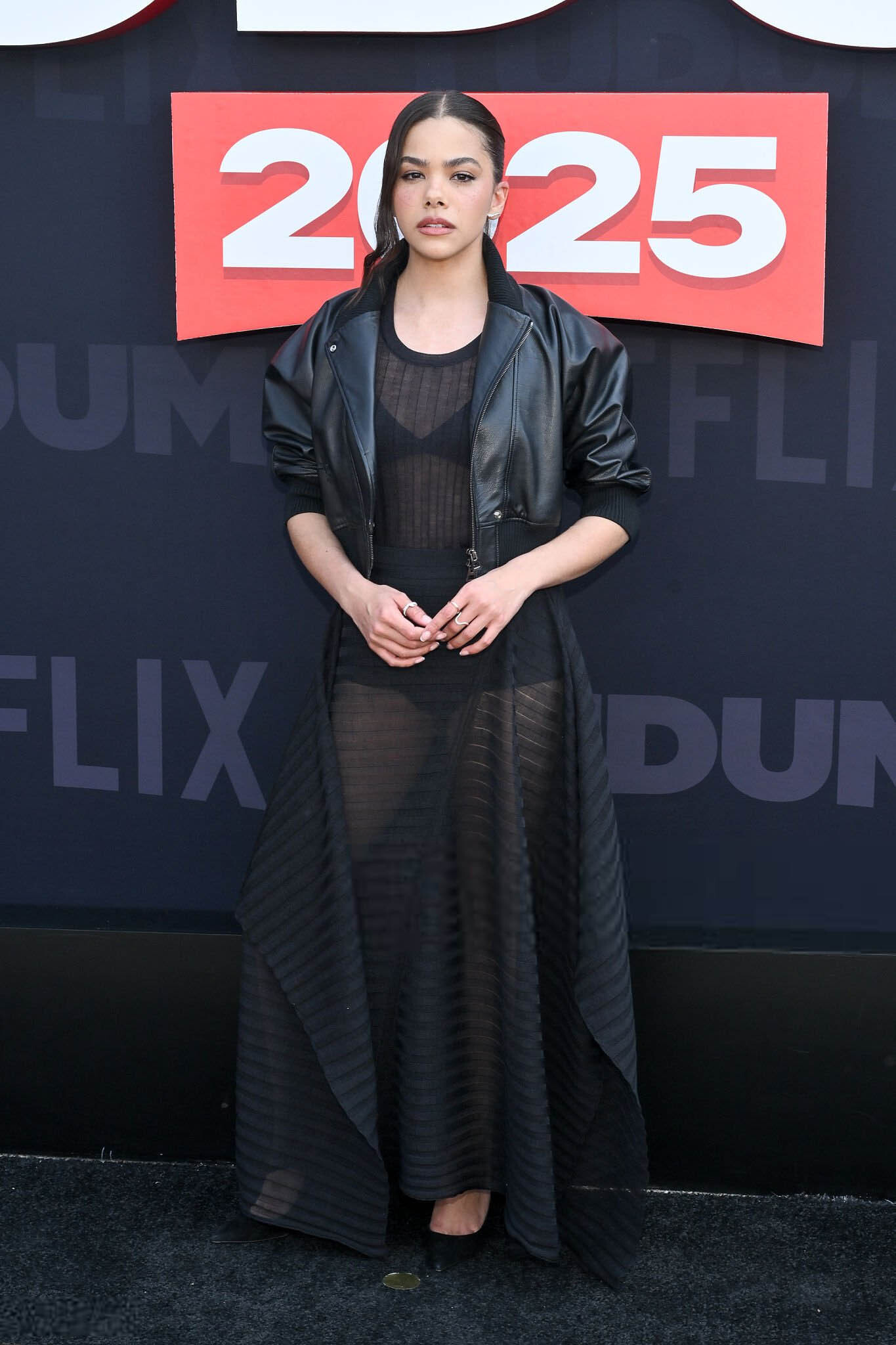
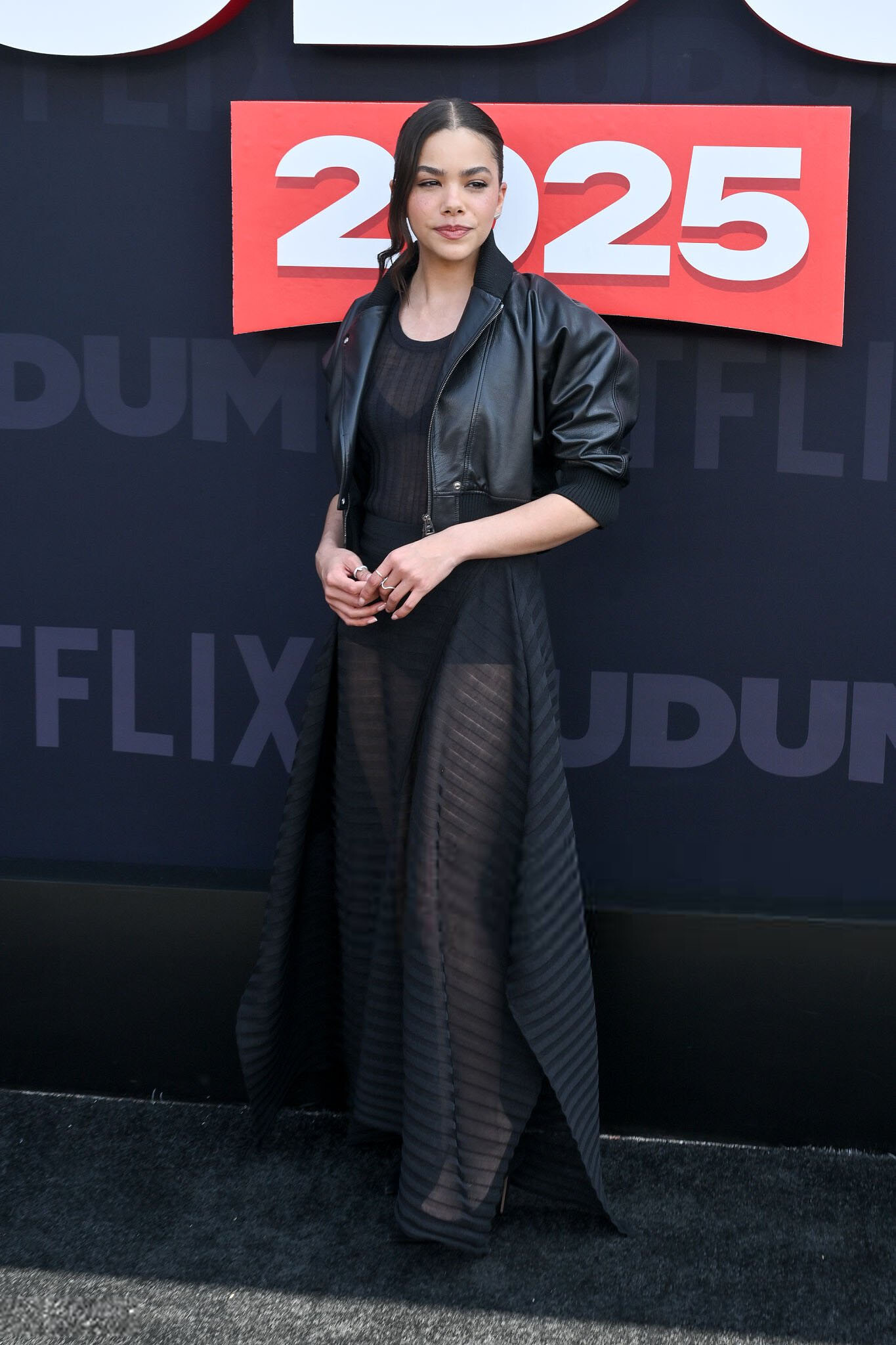
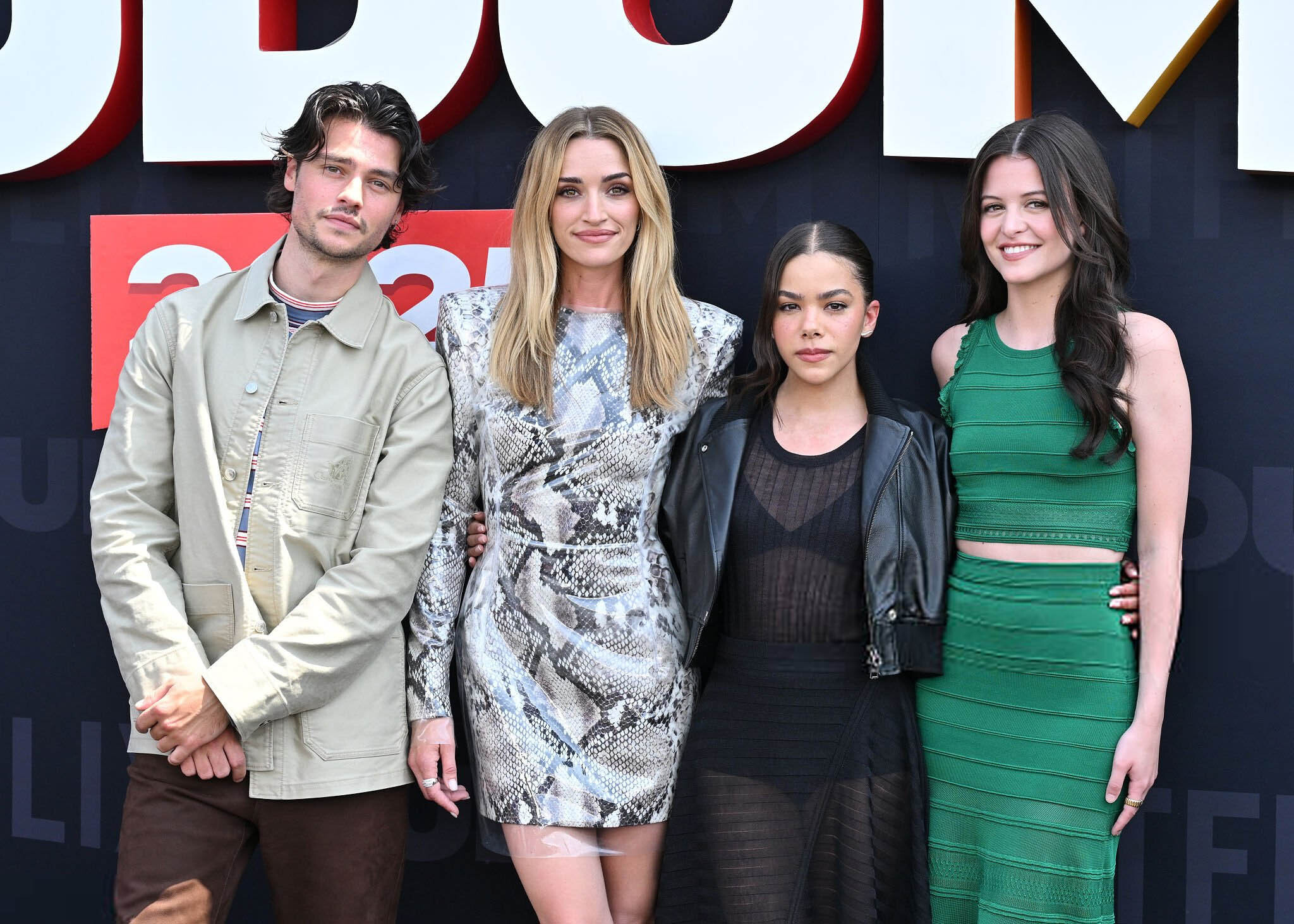
 May 31 2025- Netflix Tudum 2025 antonia-gentry.net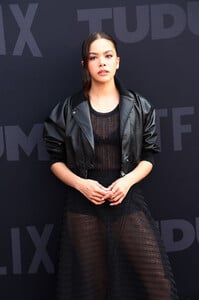

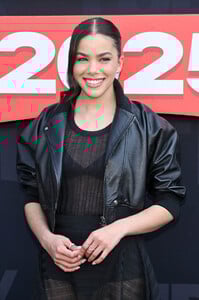
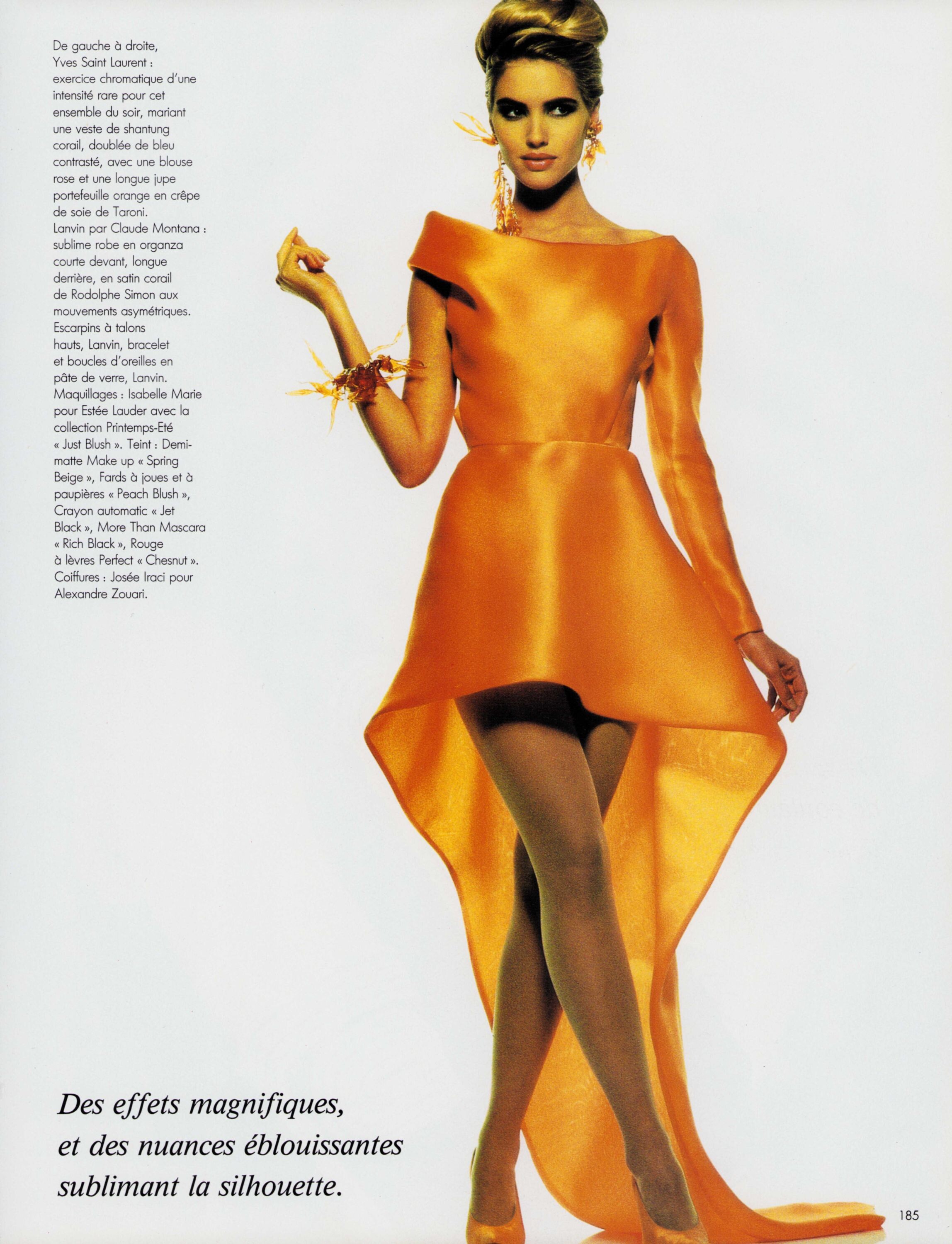
 LUISA BECCARIA Fall 1991-92 -- Alta Moda Roma
x.thumb.png.79882558d3e5d8efeabbe53ba0151c38.png)
x.thumb.png.40bcbc6e3cbd6965658a3dd79dc7d07a.png)
x.thumb.png.5a85952123f6f9e055f7391d92b130bc.png)
x.thumb.png.2390b011cfbf7c2ef50f3d05c2cc860a.png)
x.thumb.png.83a0cf11f2d1256219a014265825820a.png)
x.thumb.png.c806cc5f3fcb4b7edf88181554d617fb.png)
x.thumb.png.13e1acdef4d081b1a2d81ebc9c132ea9.png)
x.thumb.png.1ad420e4760acddbf1bf9bec6d064d8e.png)
 thank you!
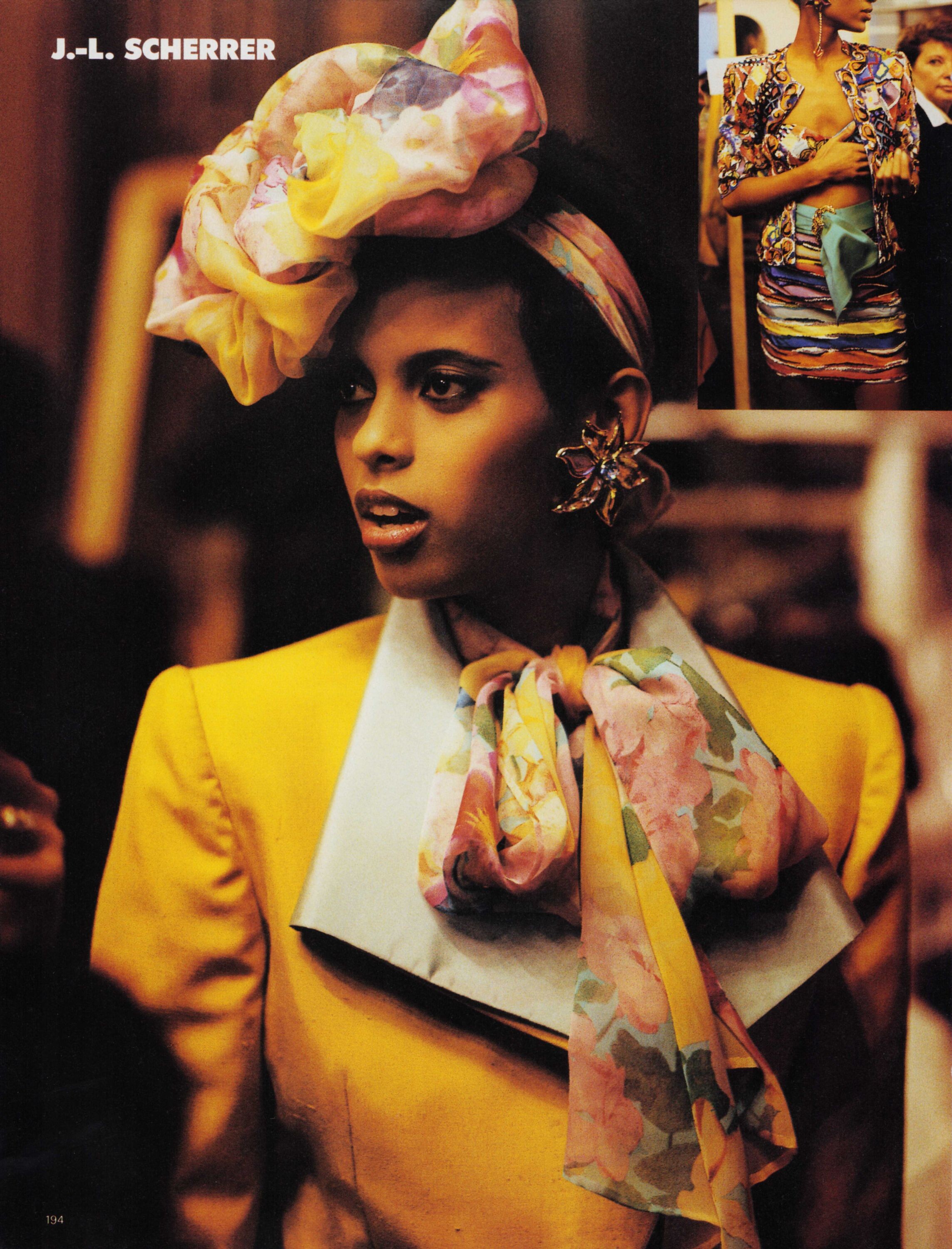
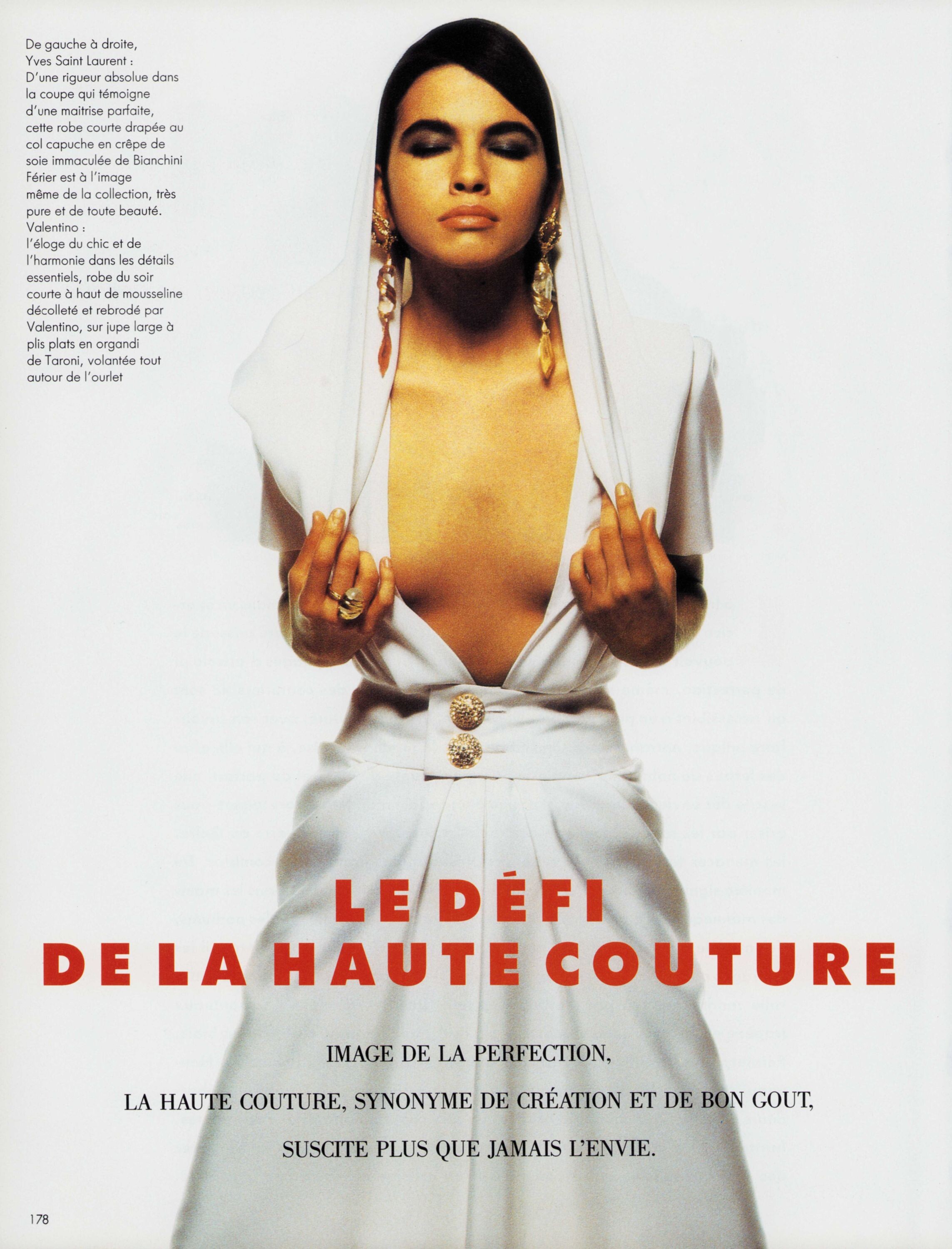
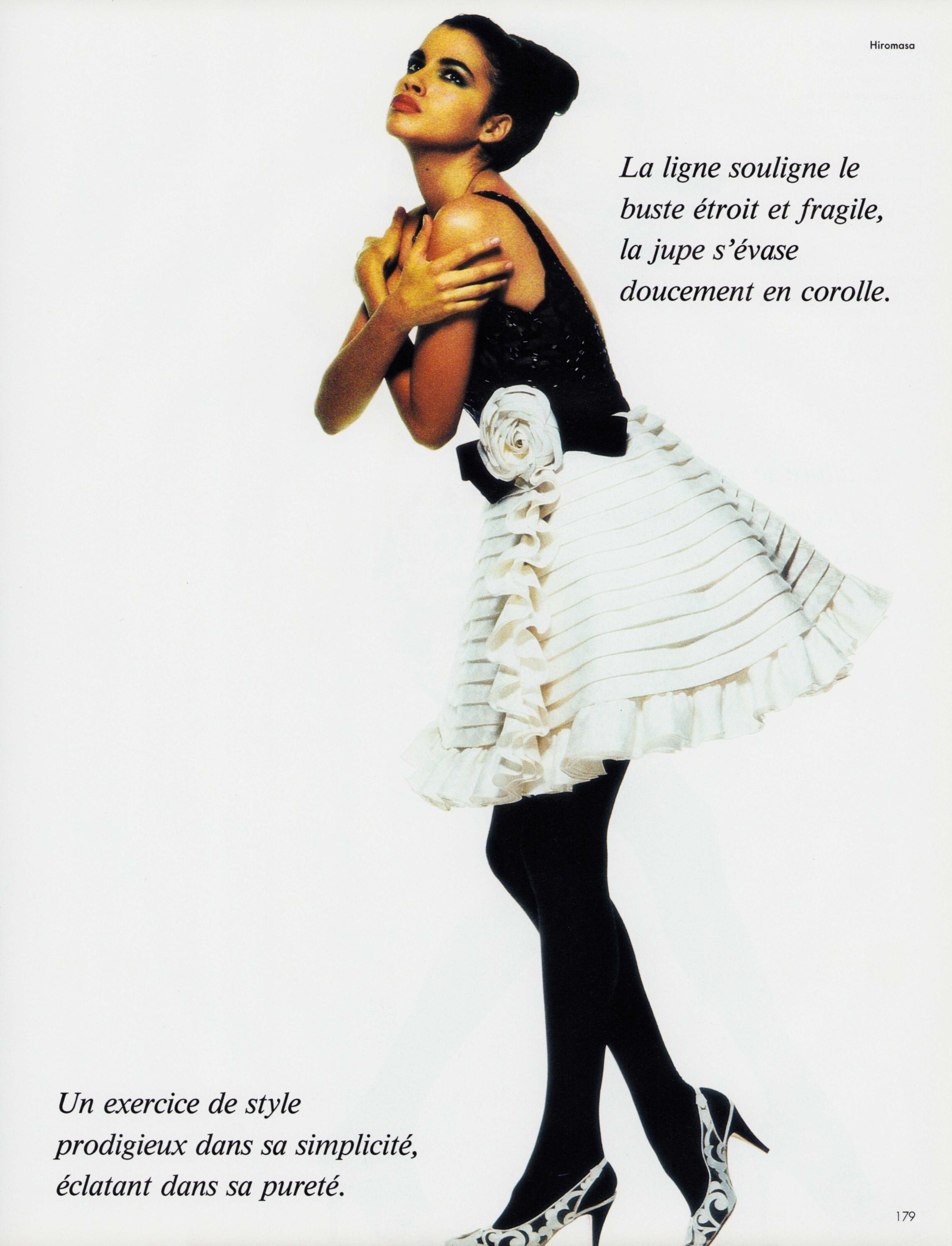
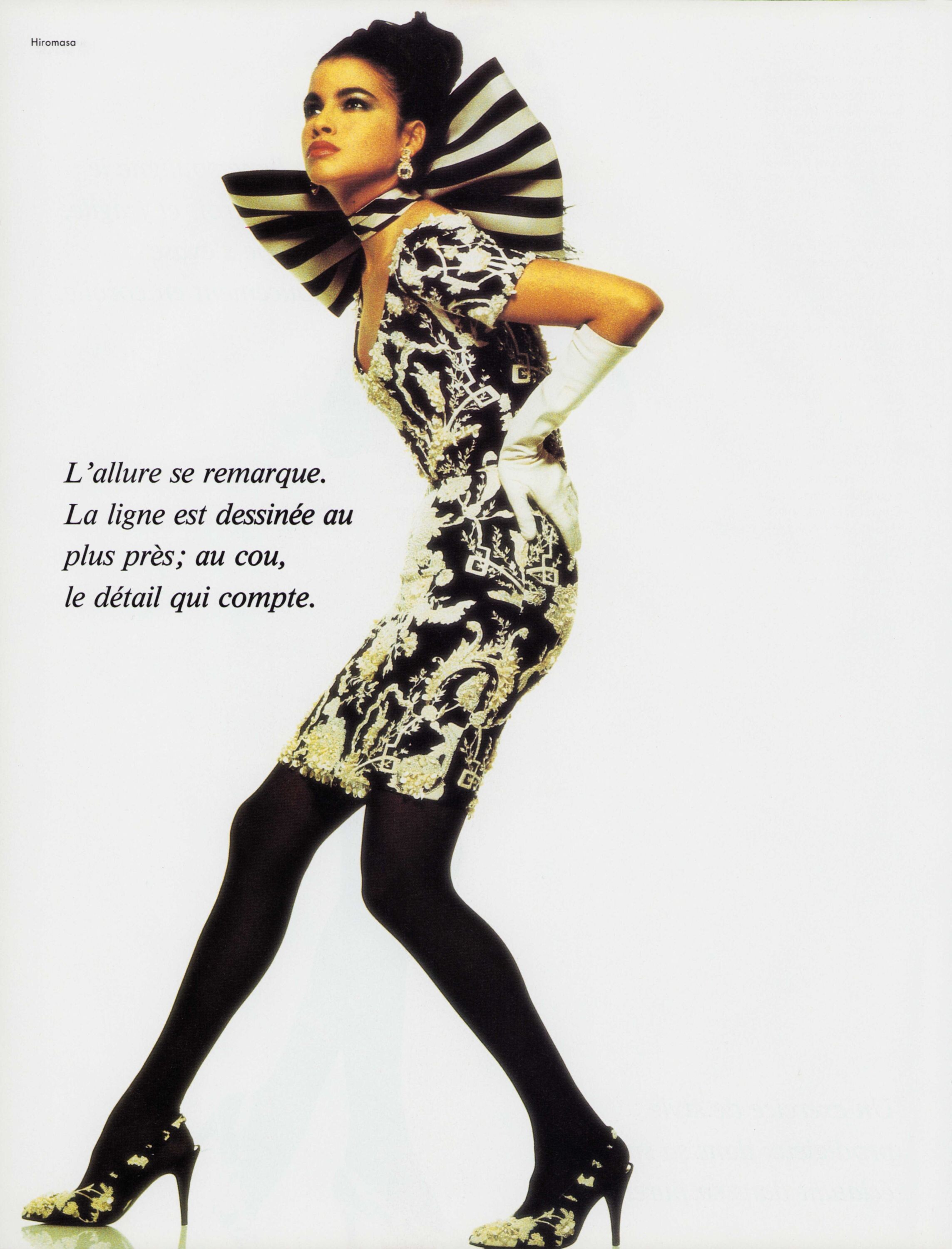
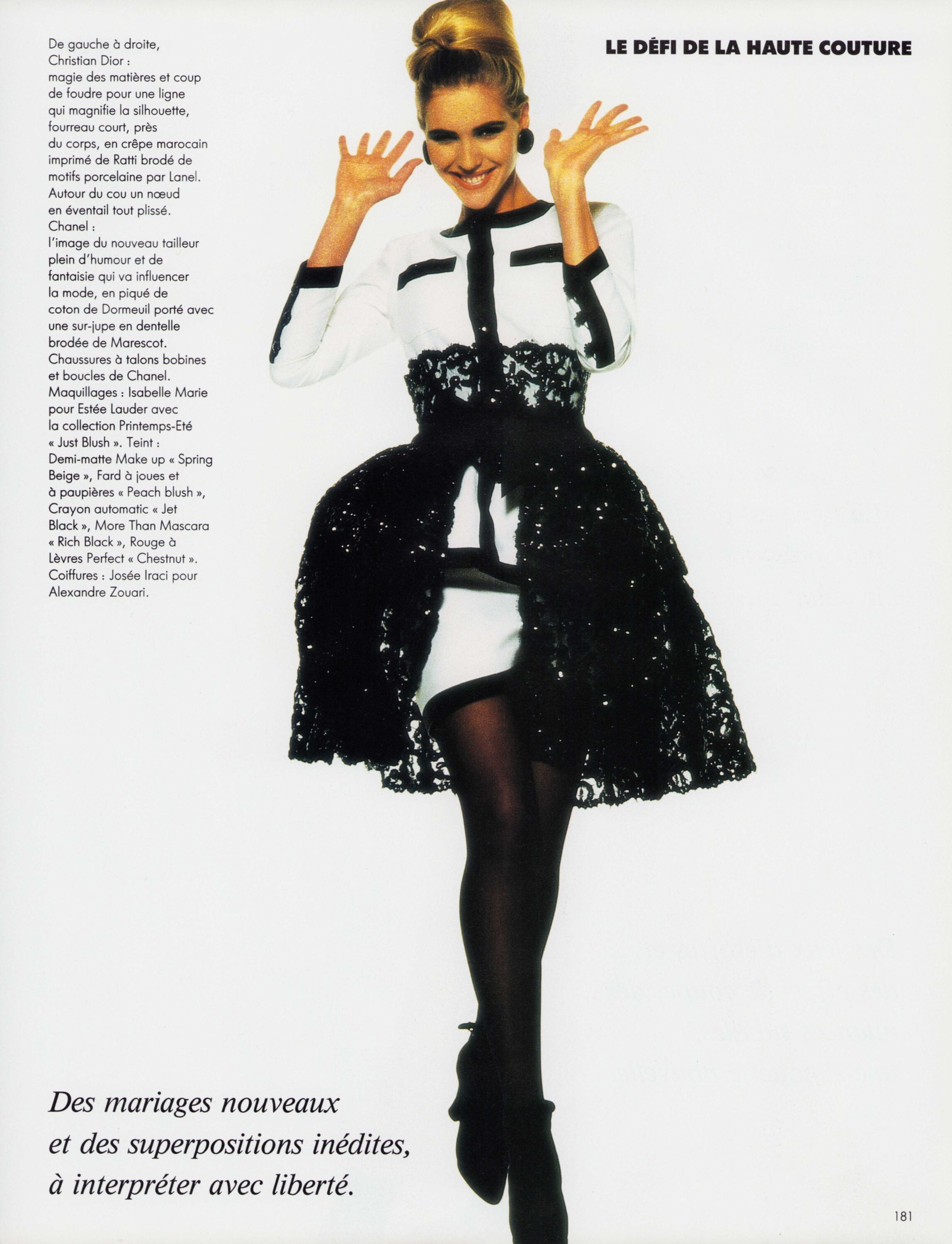
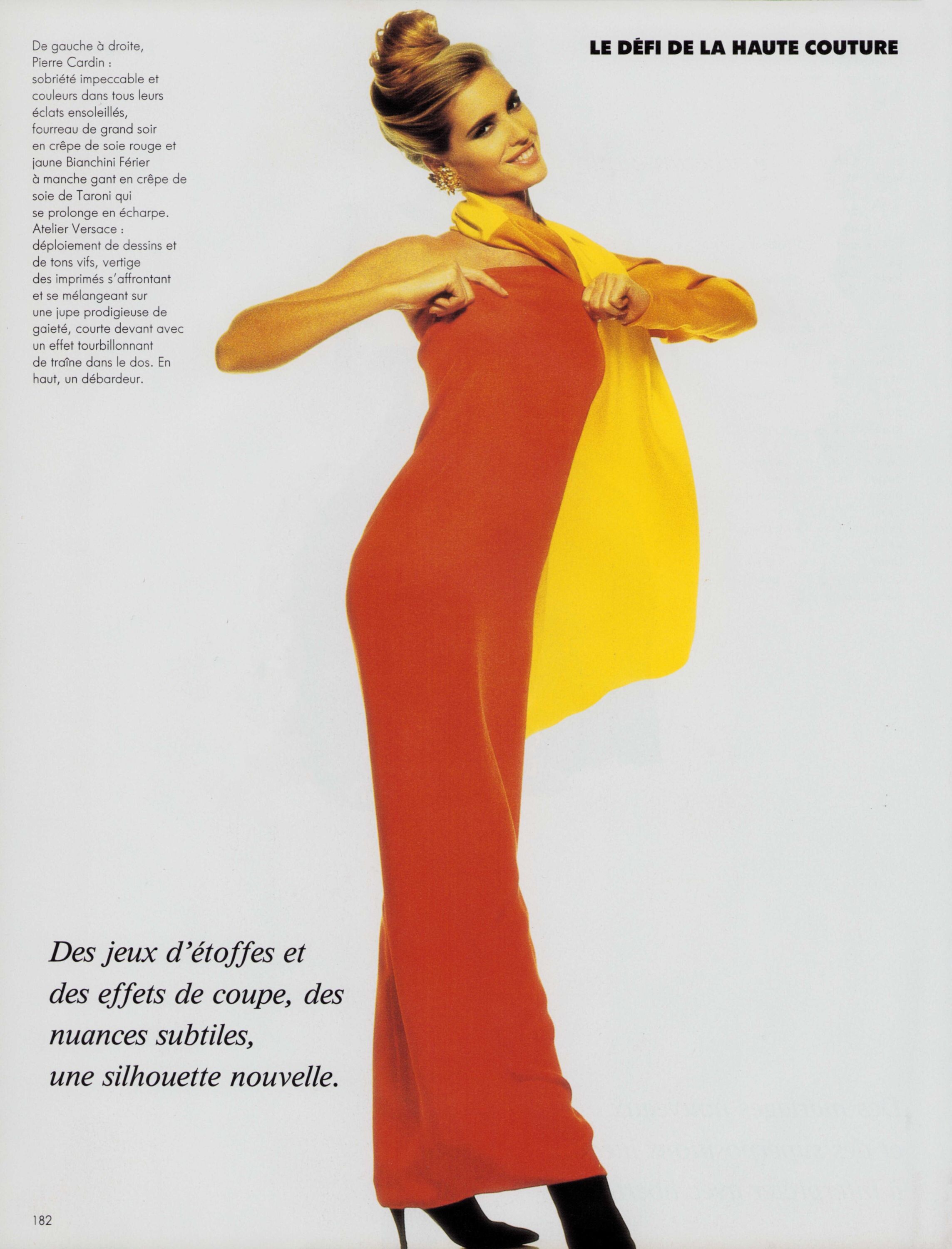
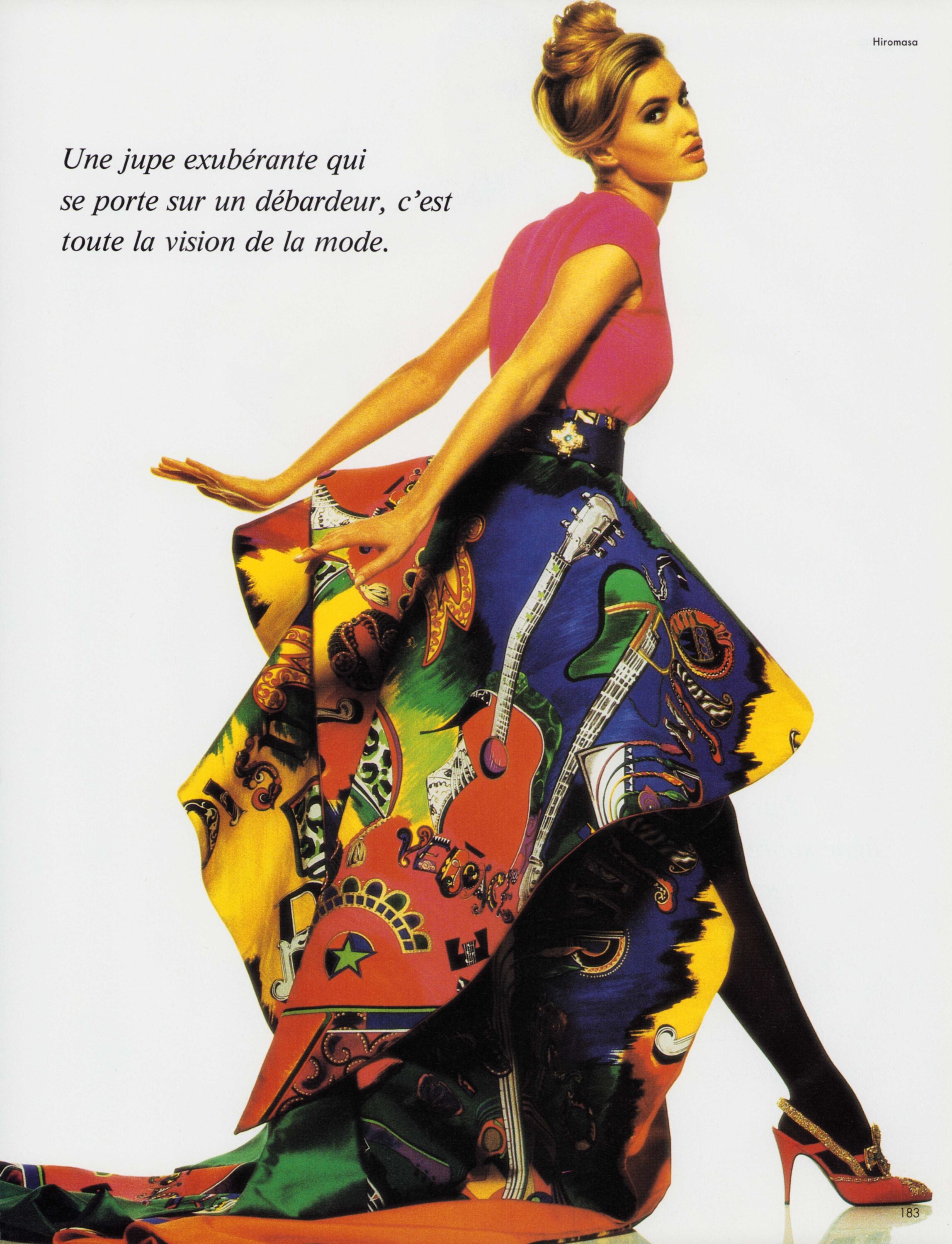
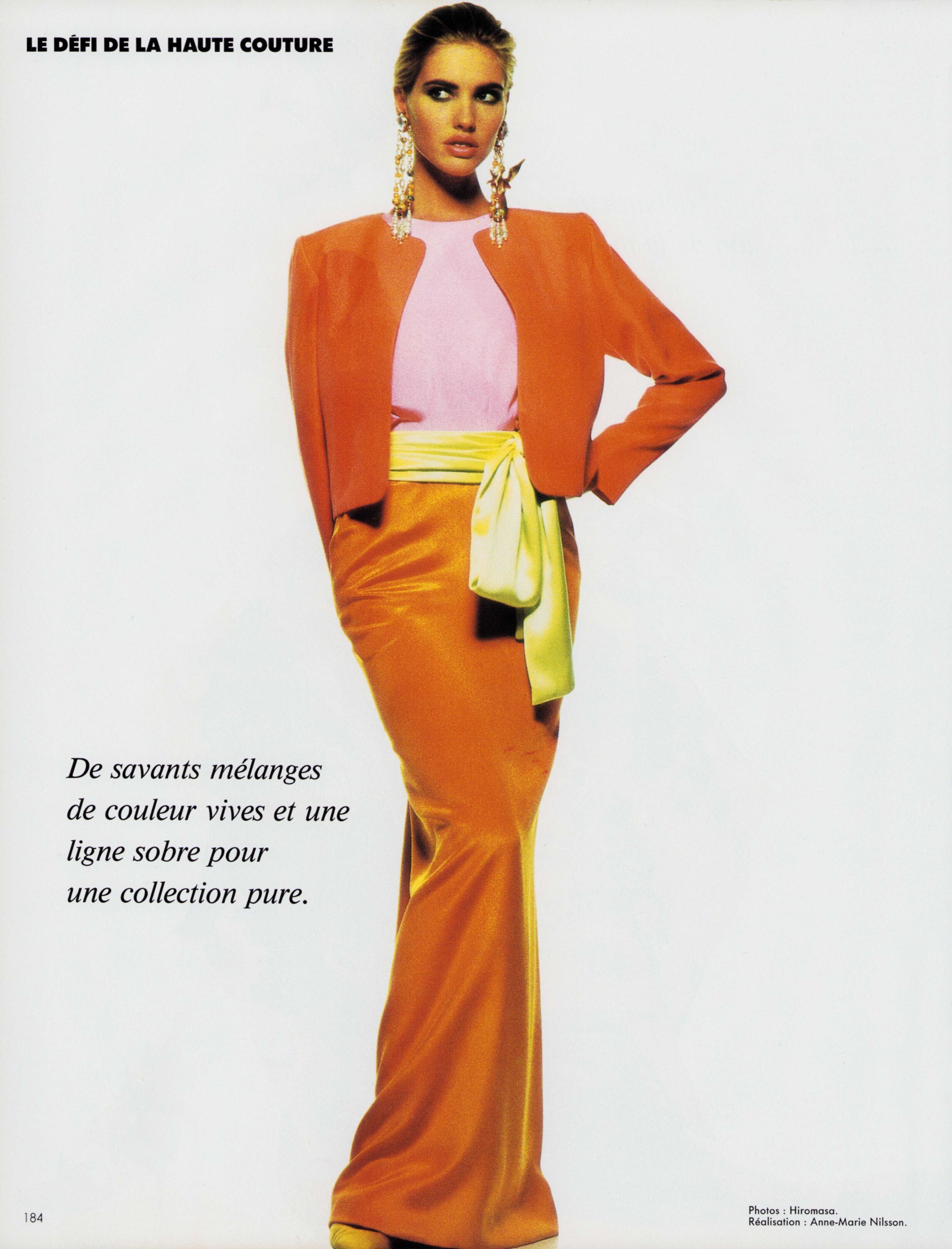
 L'Officiel March 1991 "Le défi de la Haute Couture" Photographer: Hiromasa Judit with Ana Alles my scans
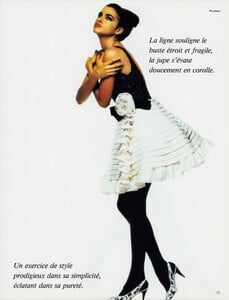
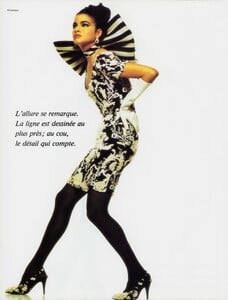
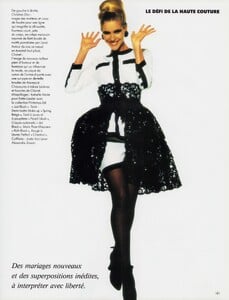
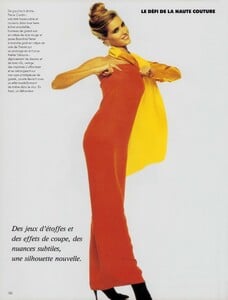
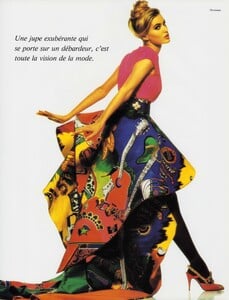
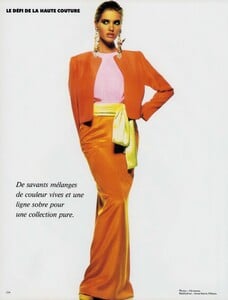
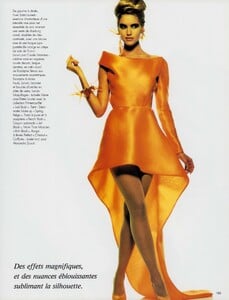 L'Officiel March 1991 "Le défi de la Haute Couture" Photographer: Hiromasa Ana with Judit Masco my scans
 touchstoneelectric joined the community
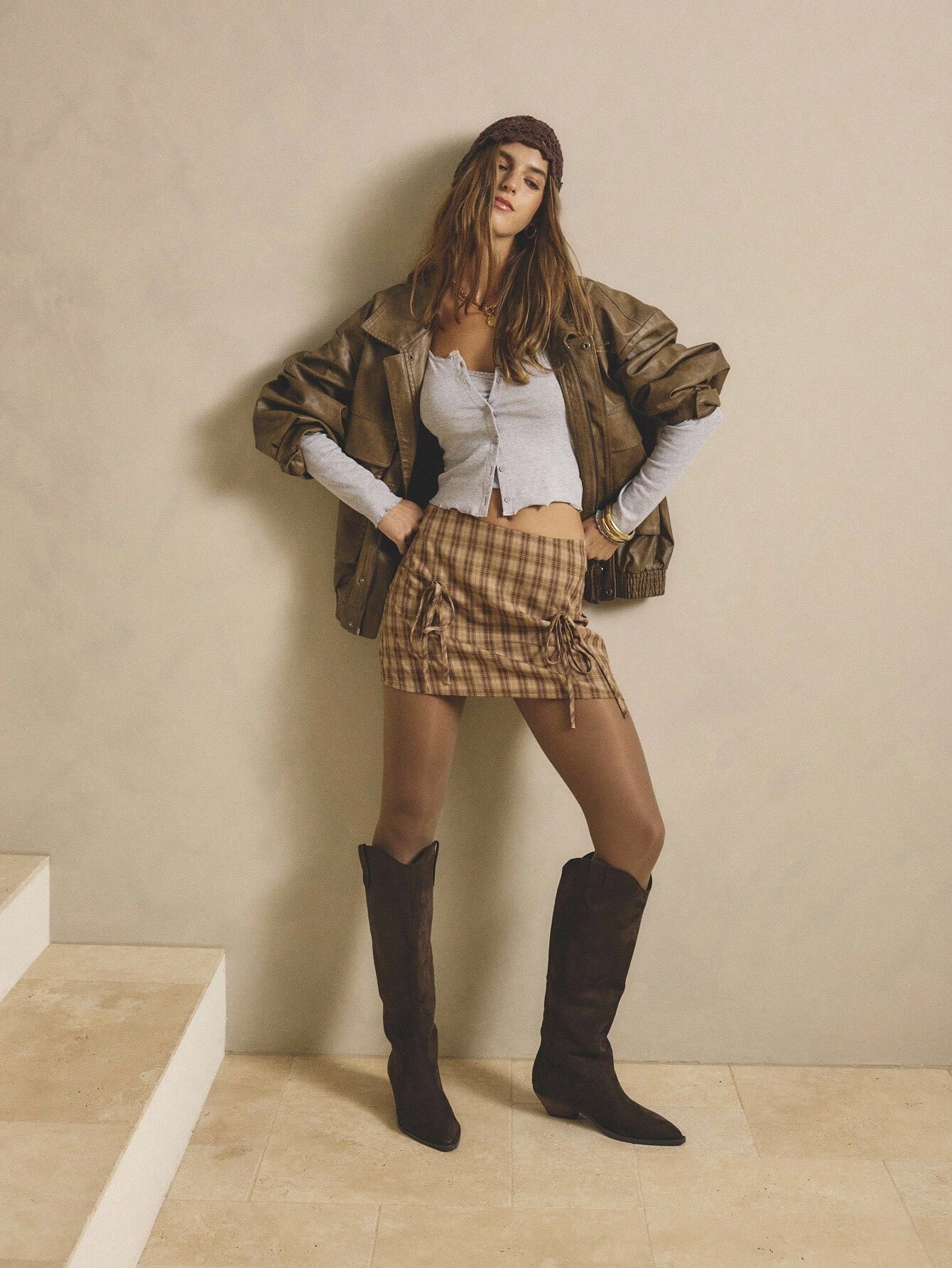
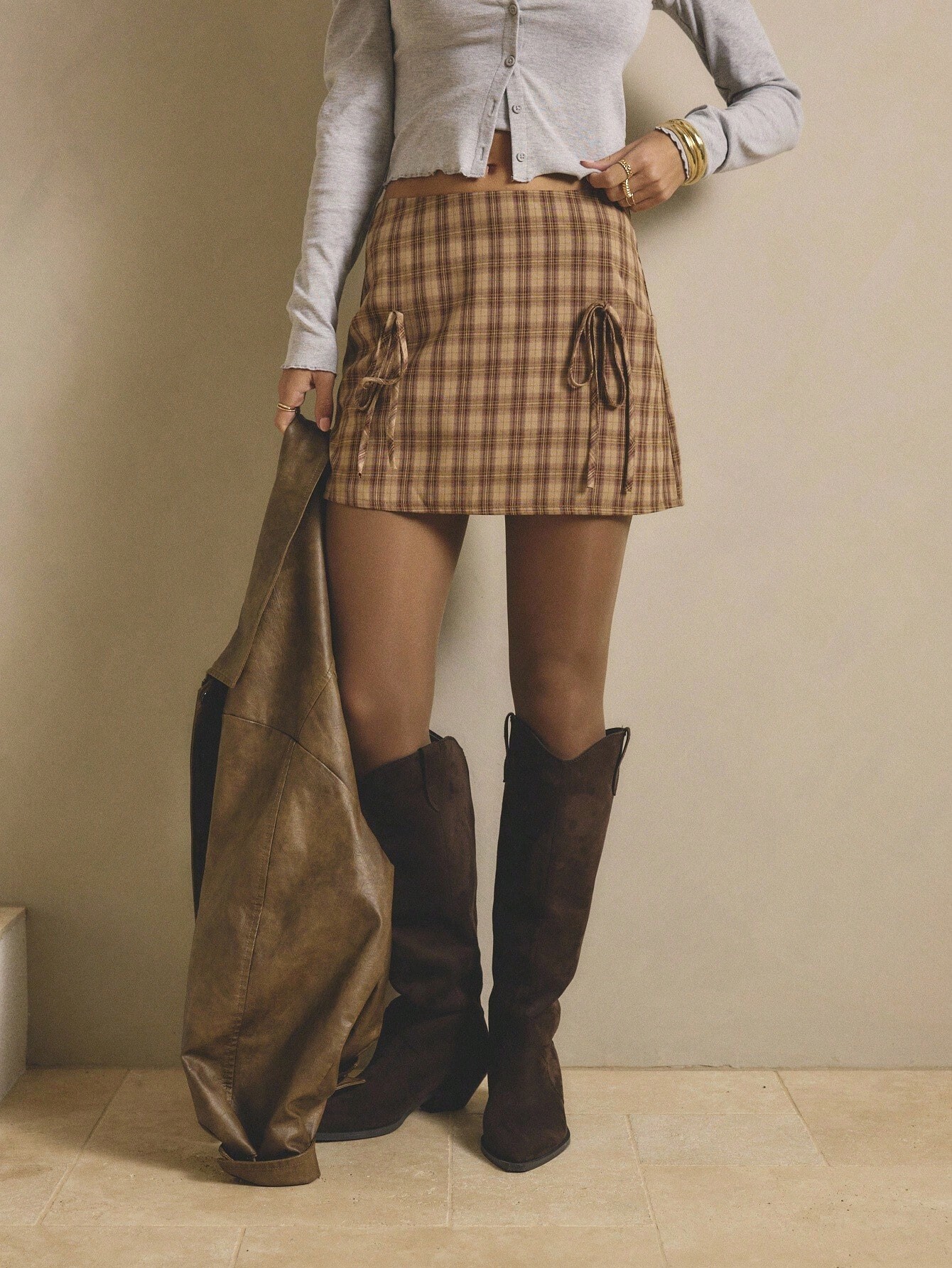
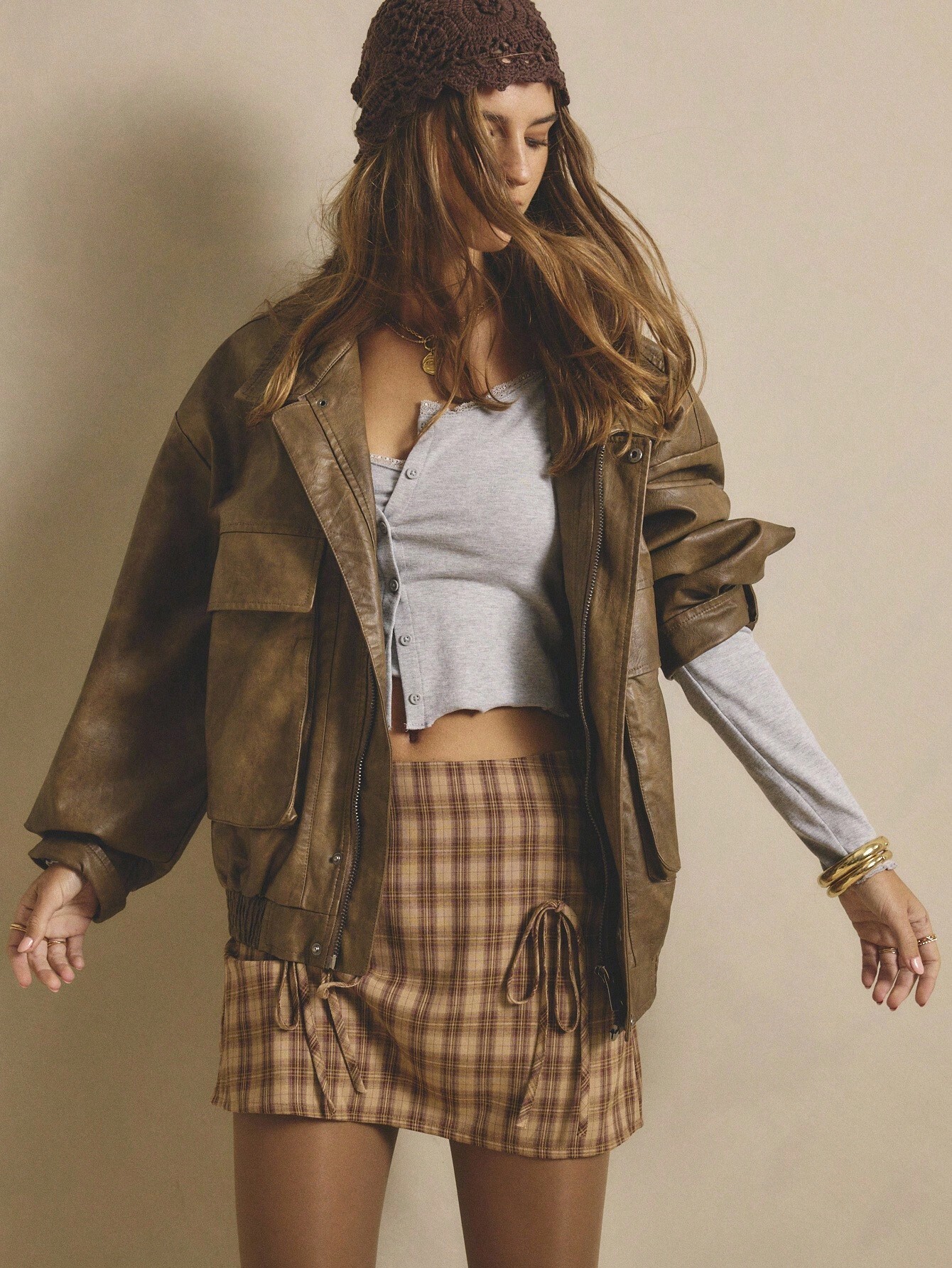
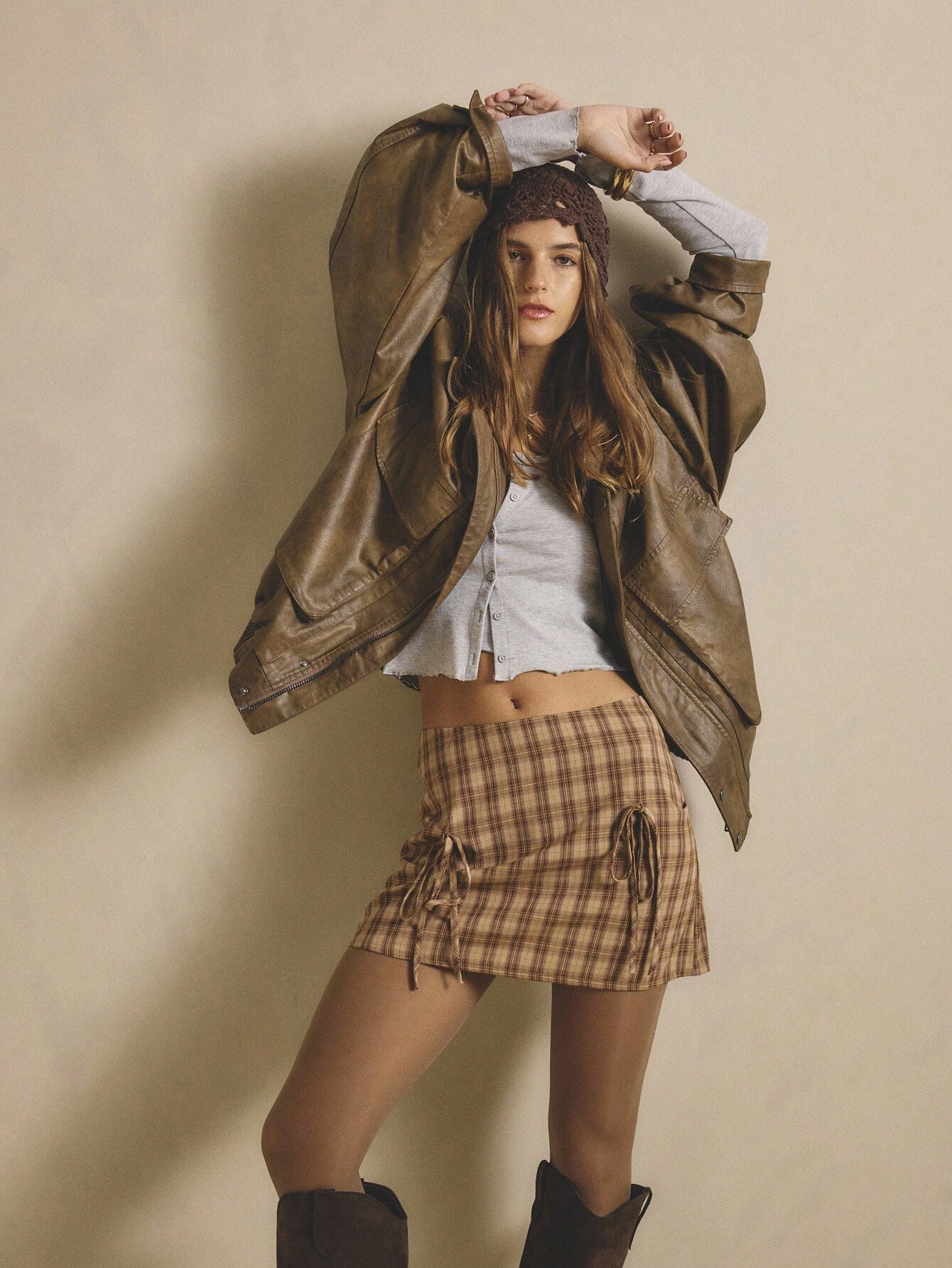
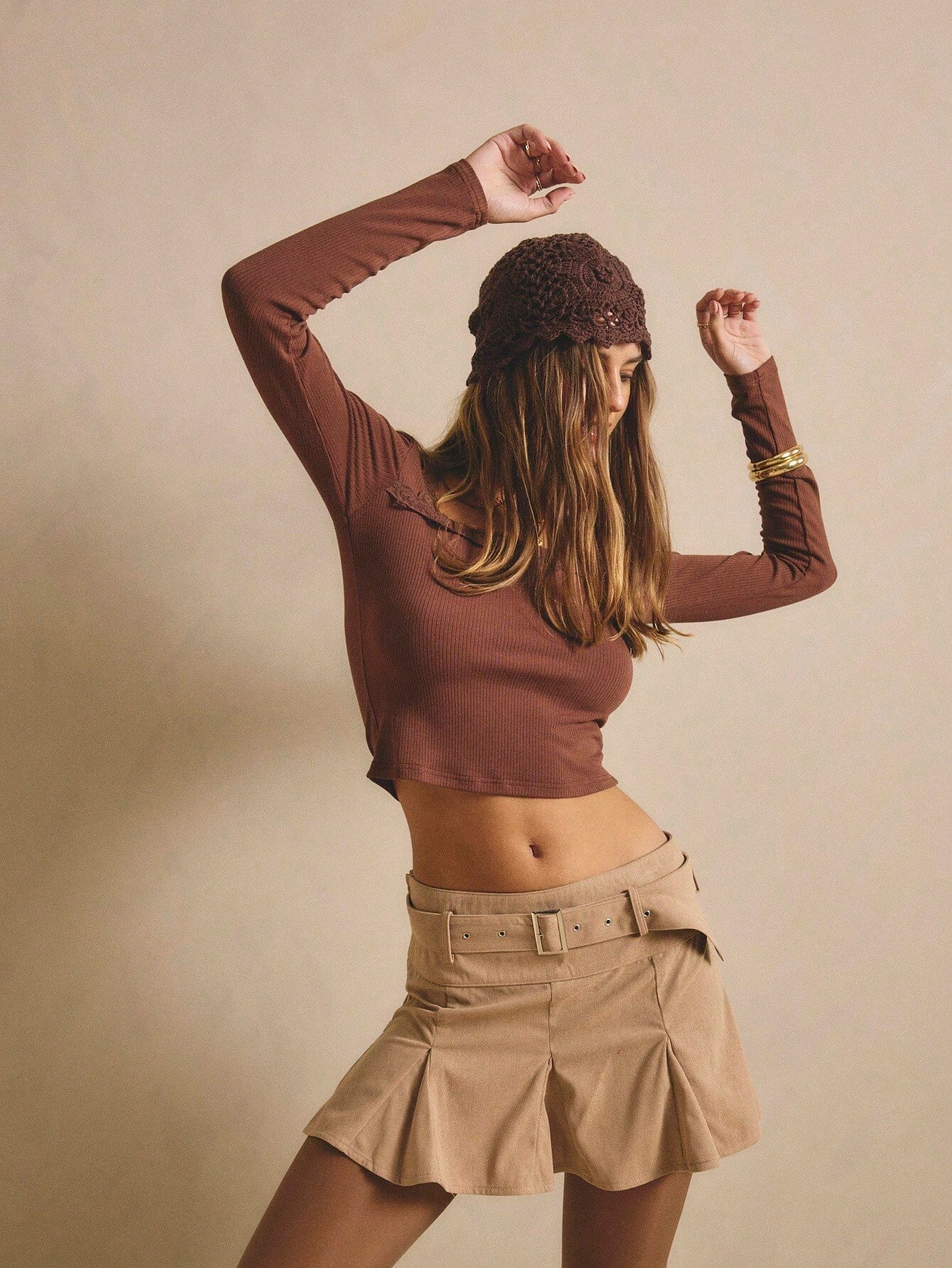
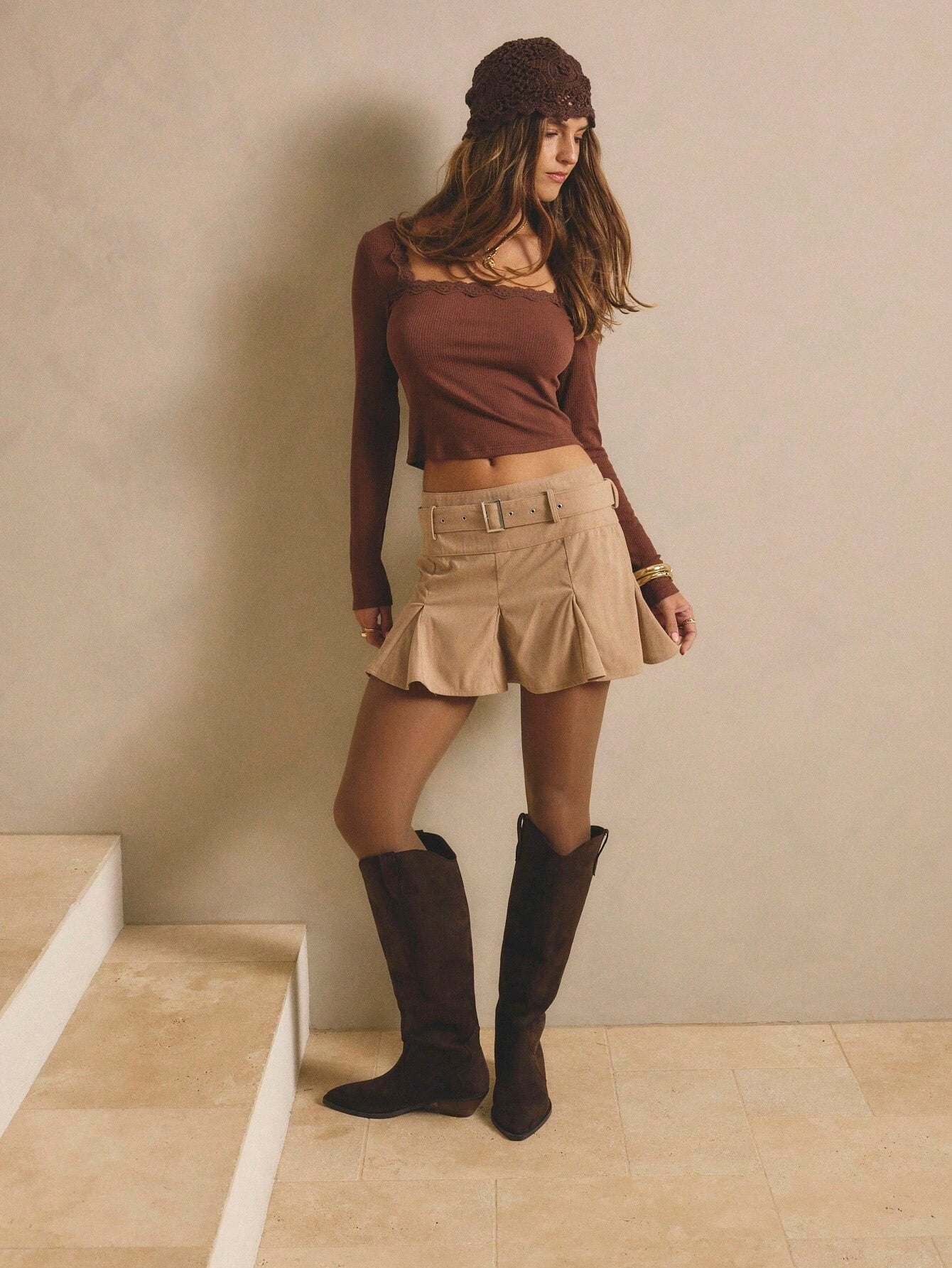
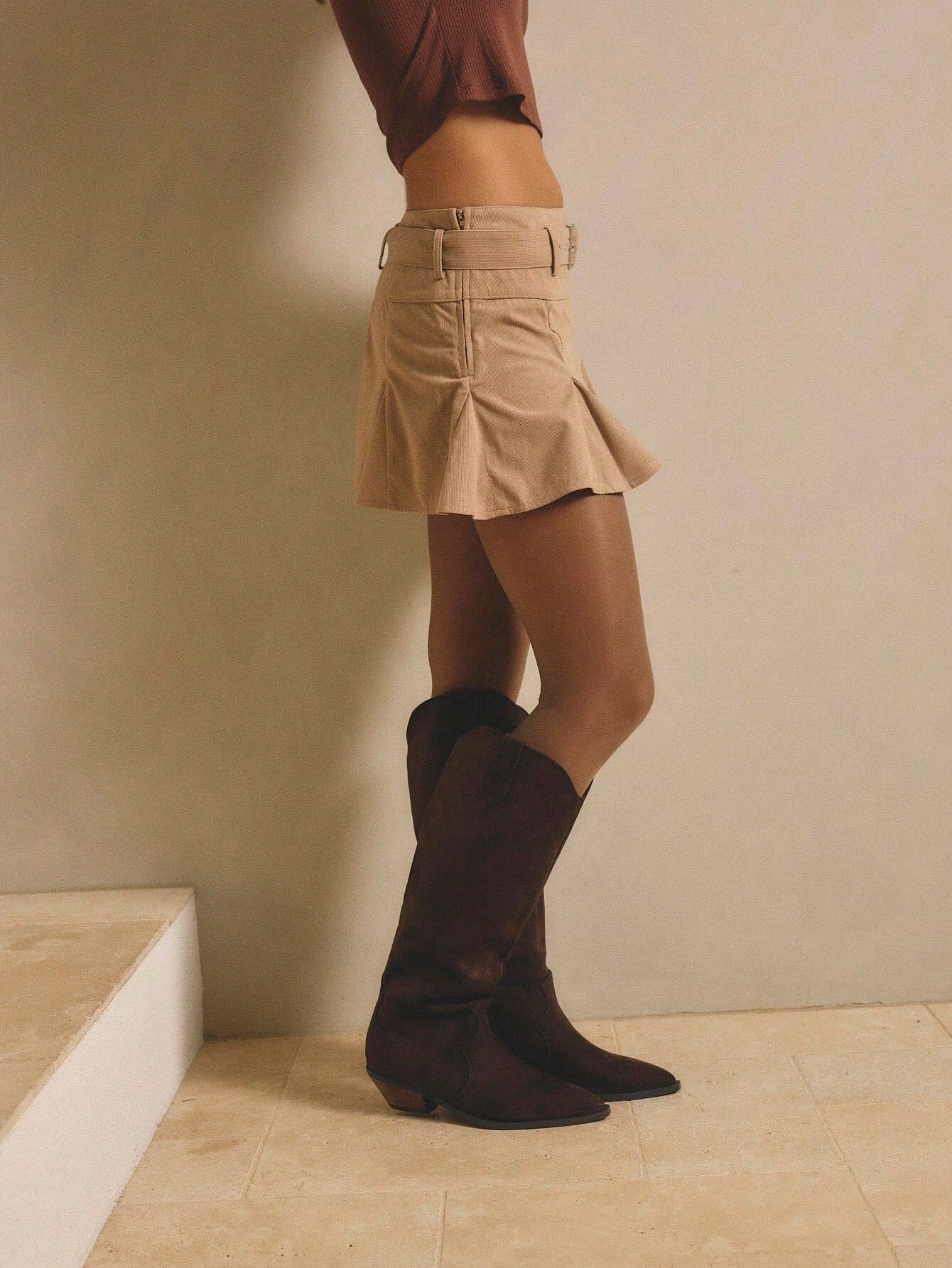
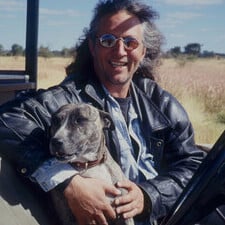 Is this the Beverly Johnson? Her first agency was Ford. Also, the Beverly Johnson is 5′ 9″
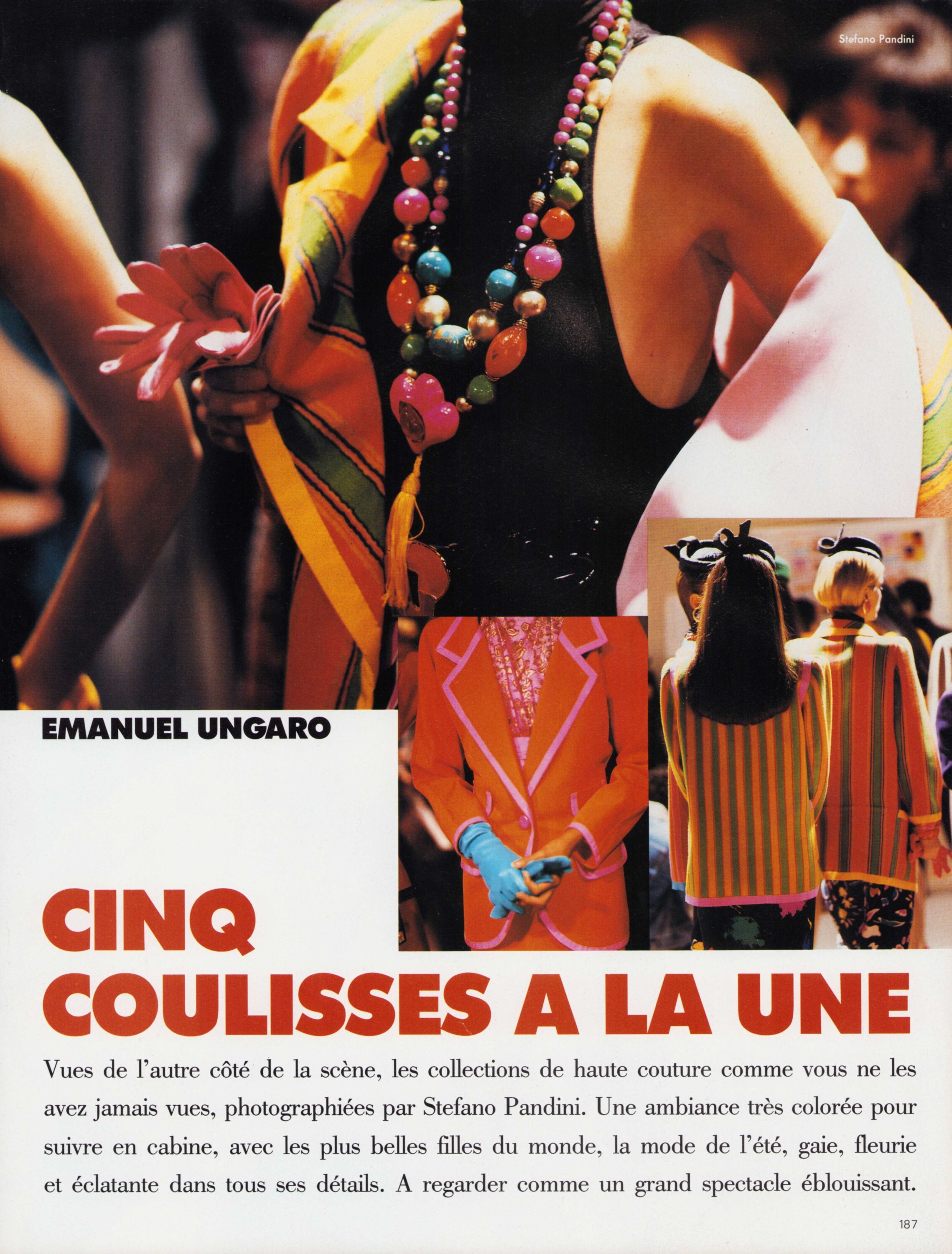
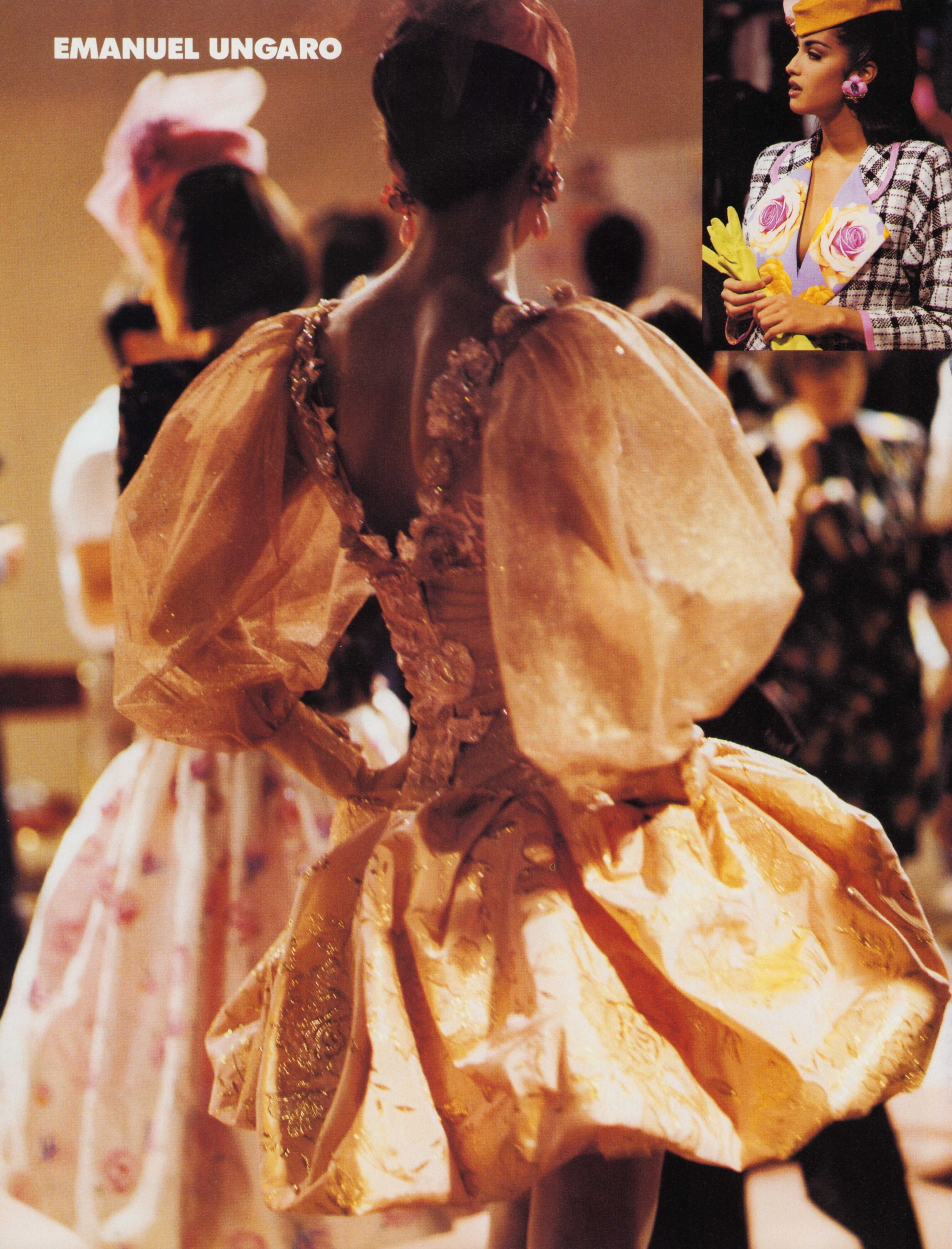
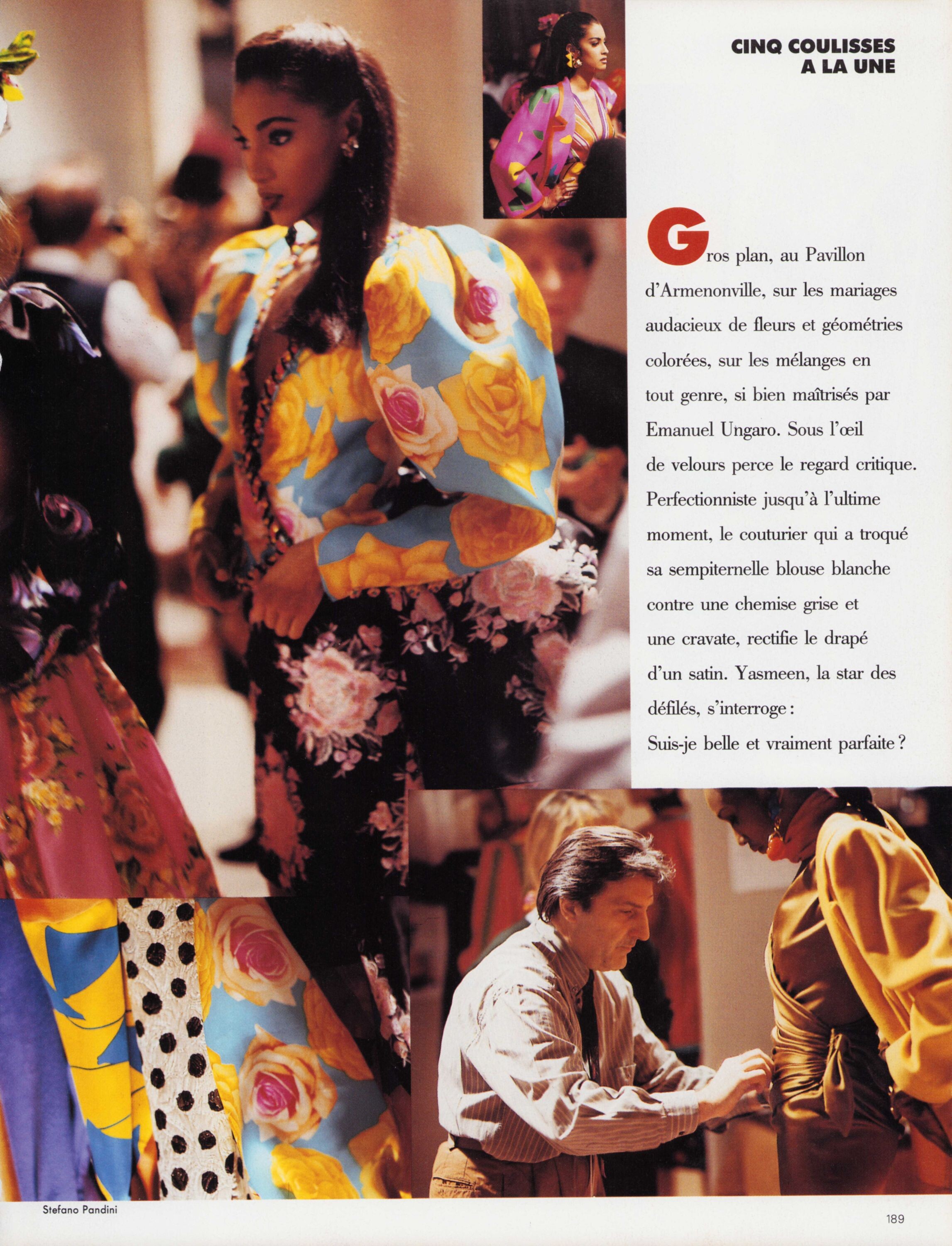
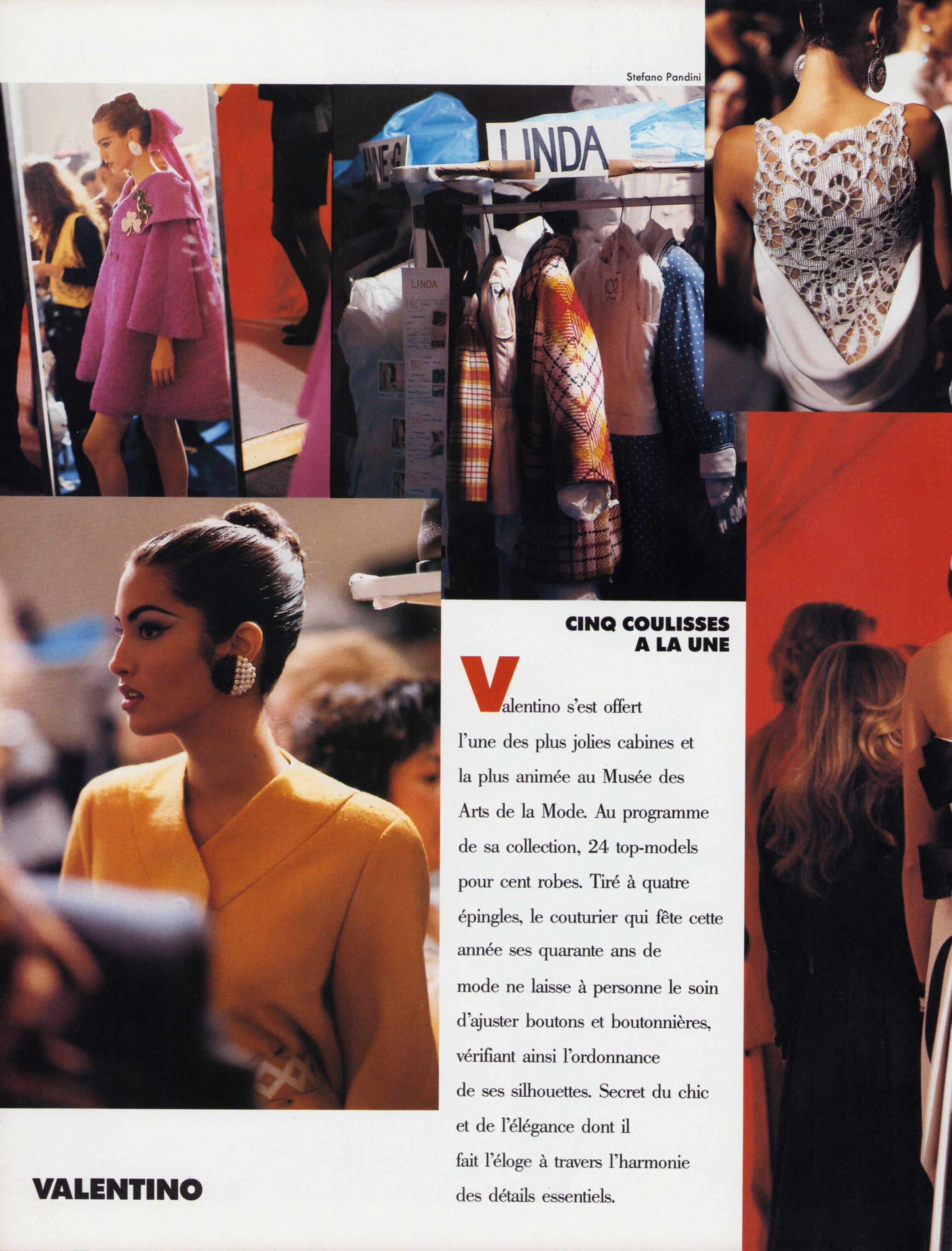





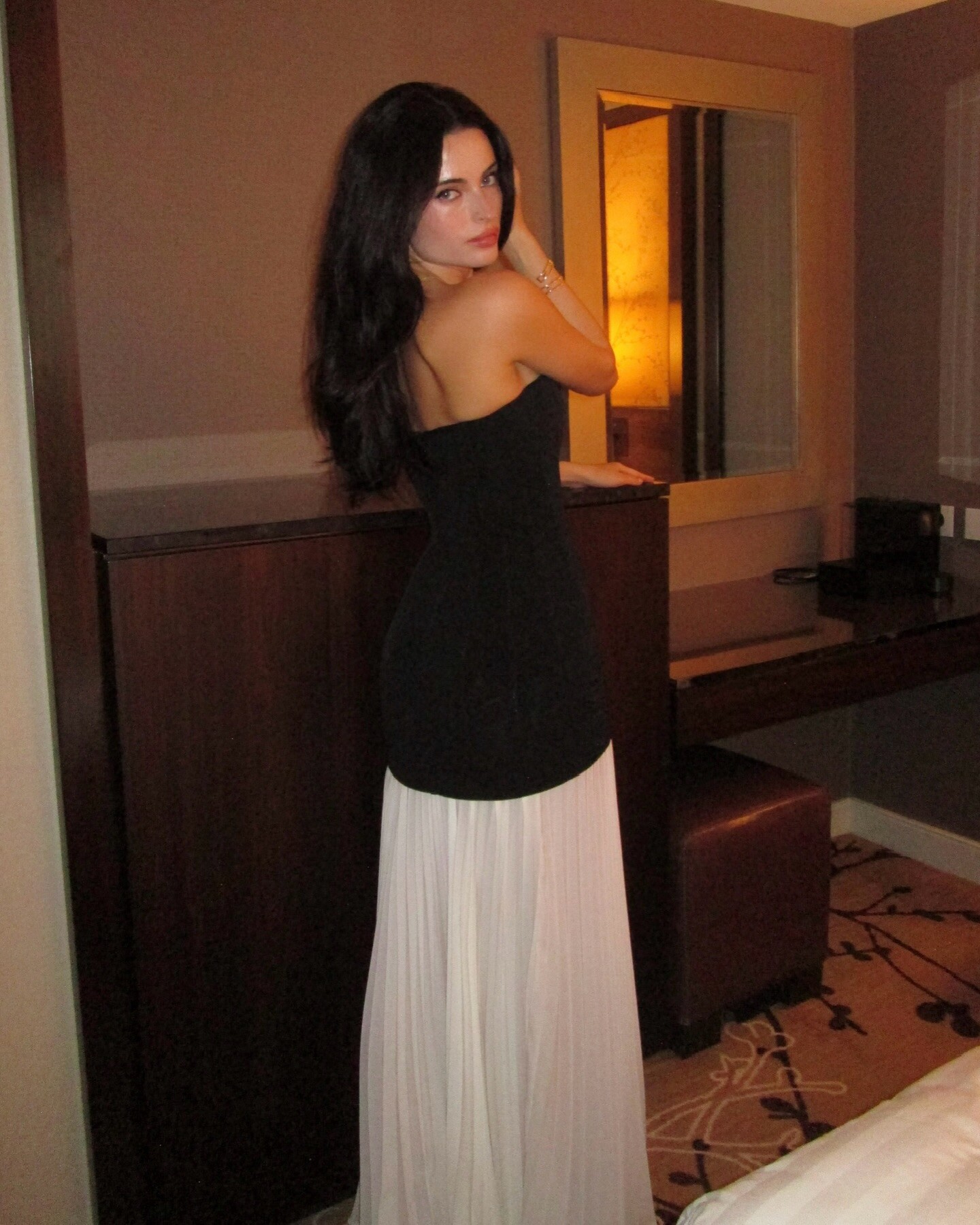
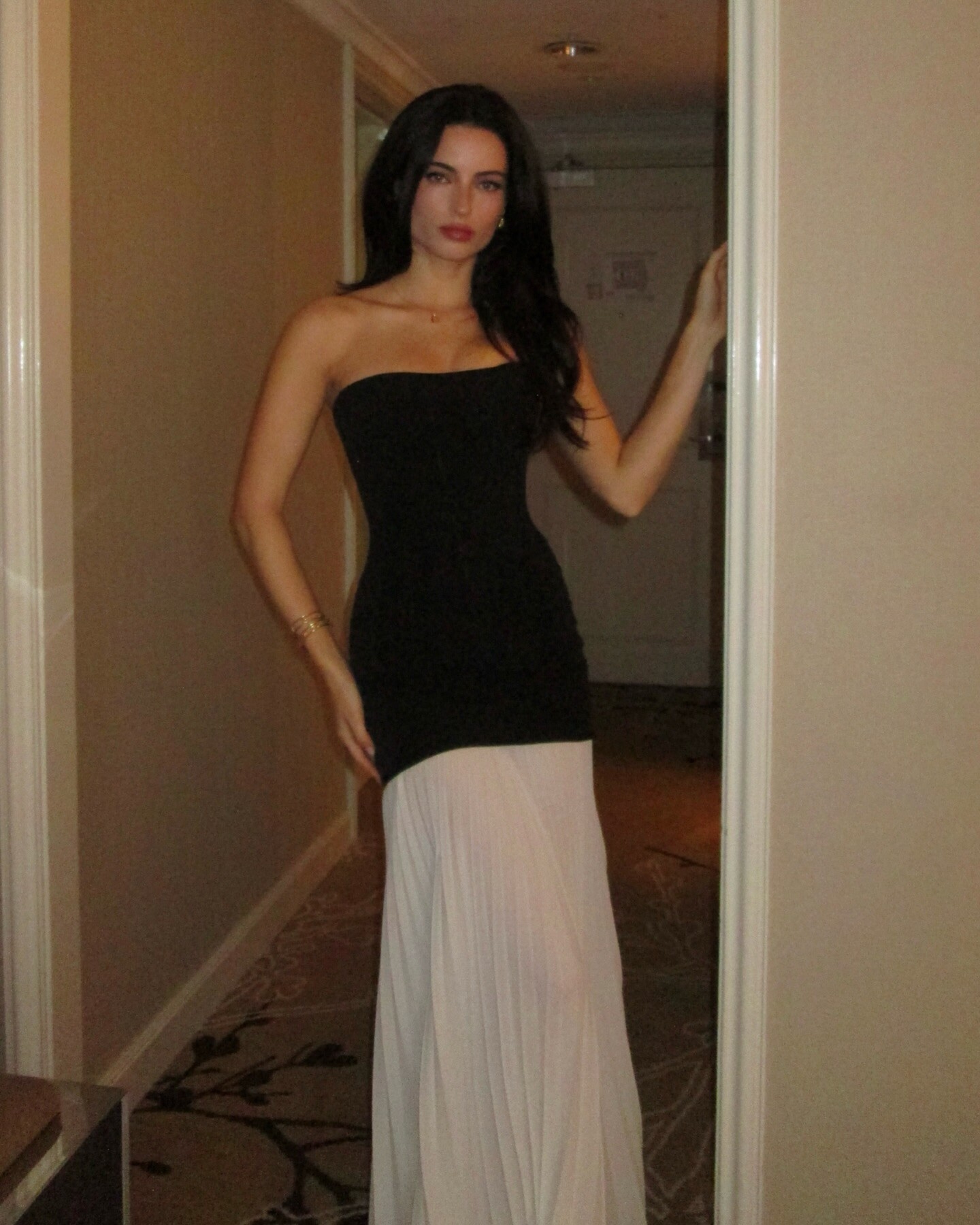
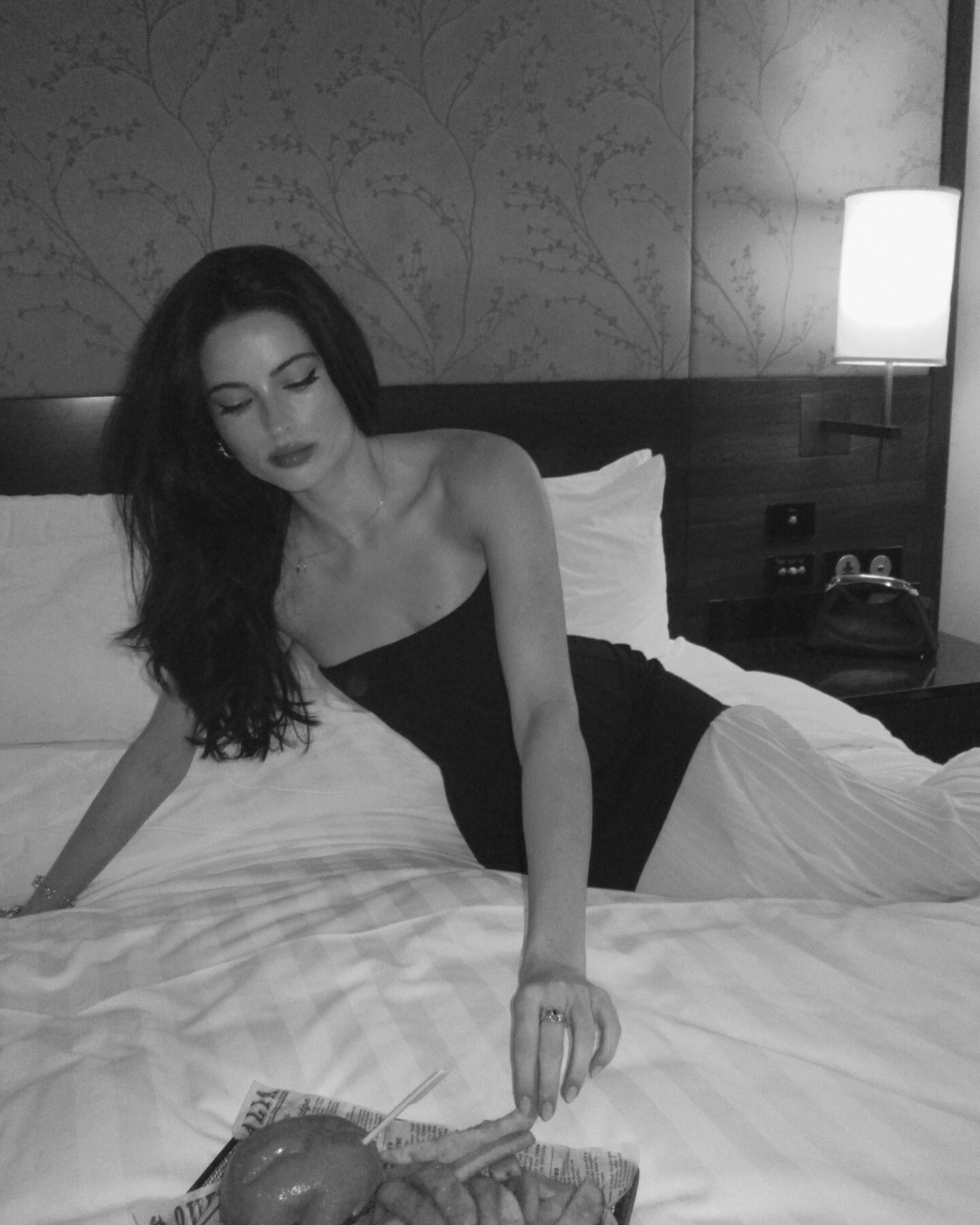
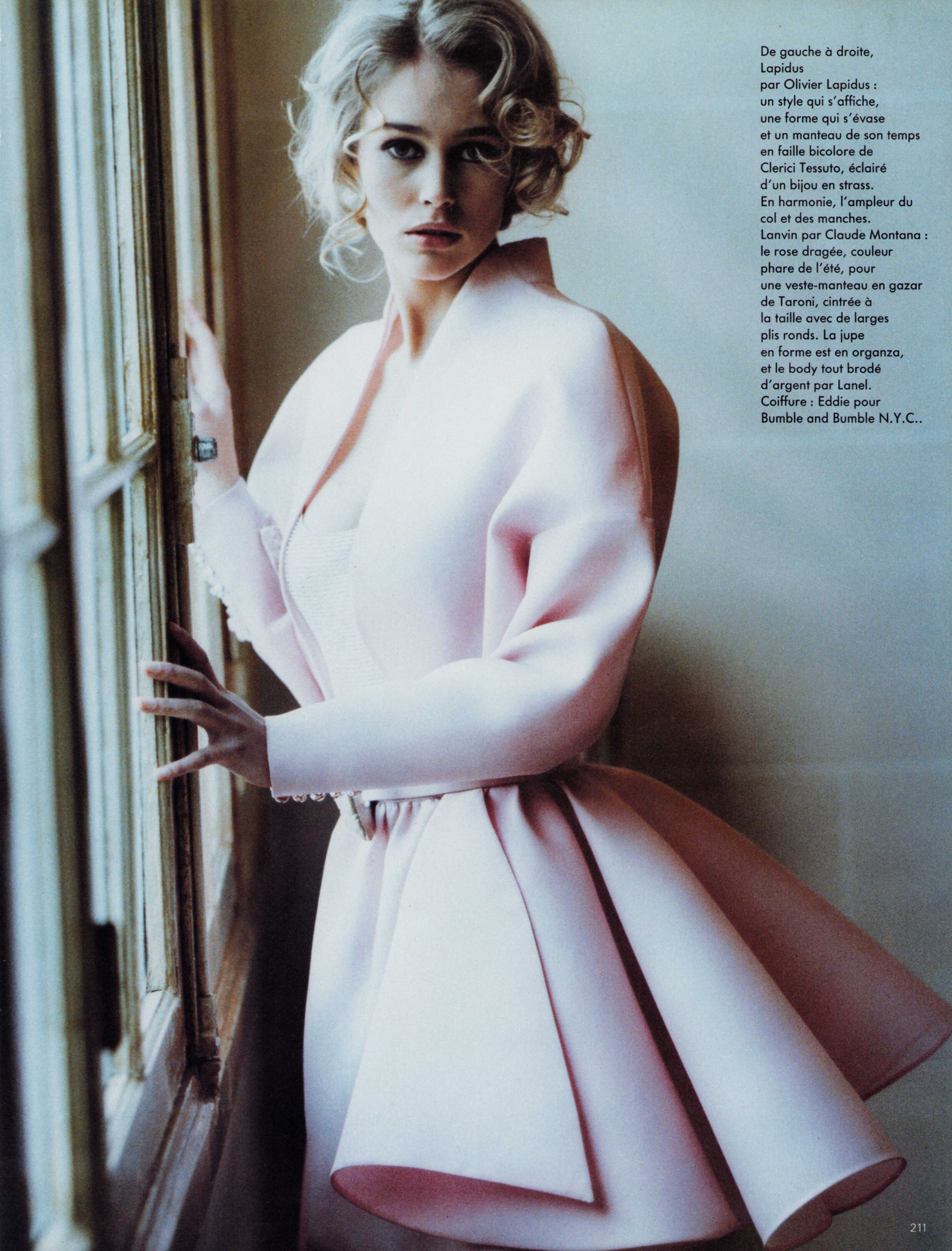
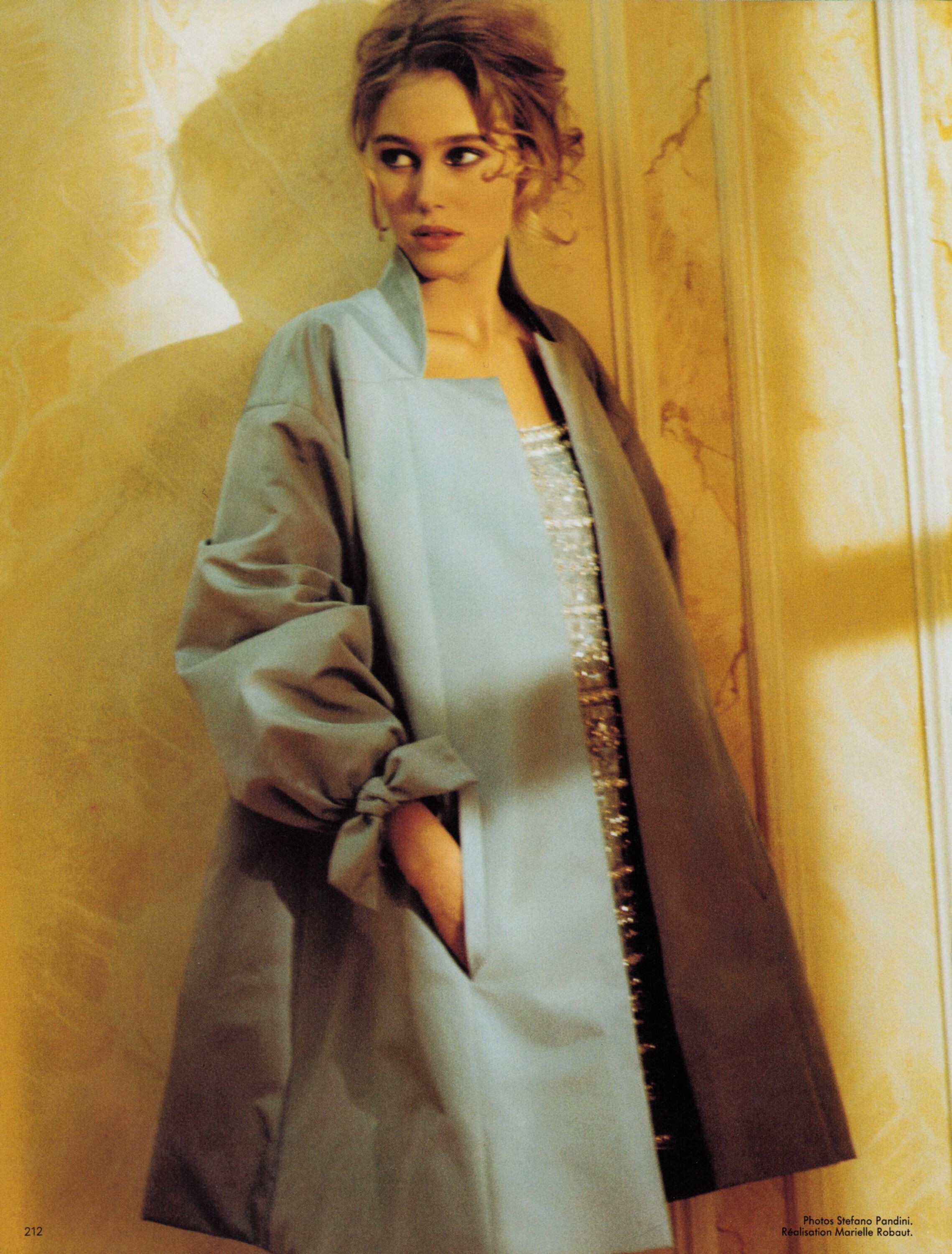
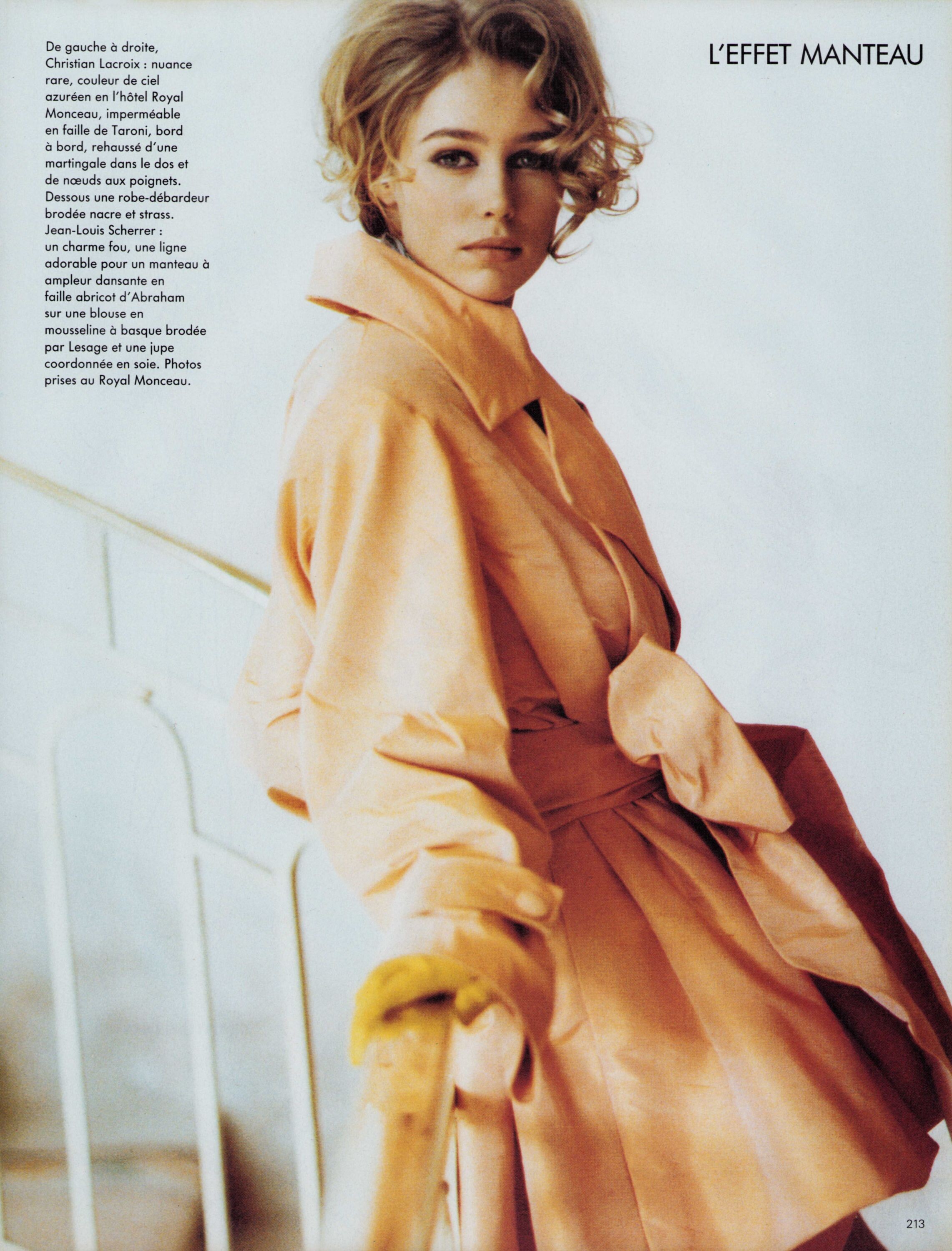
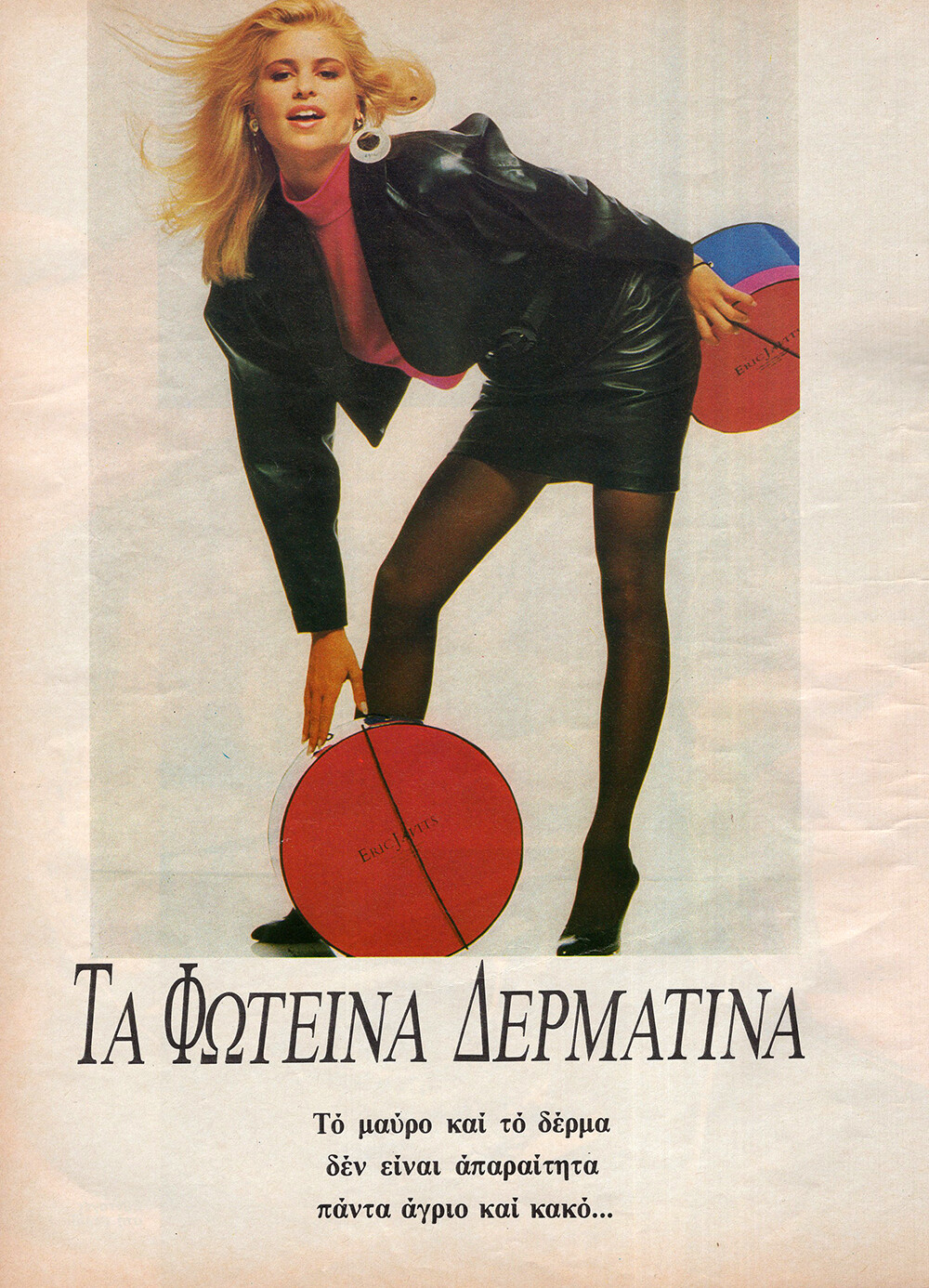
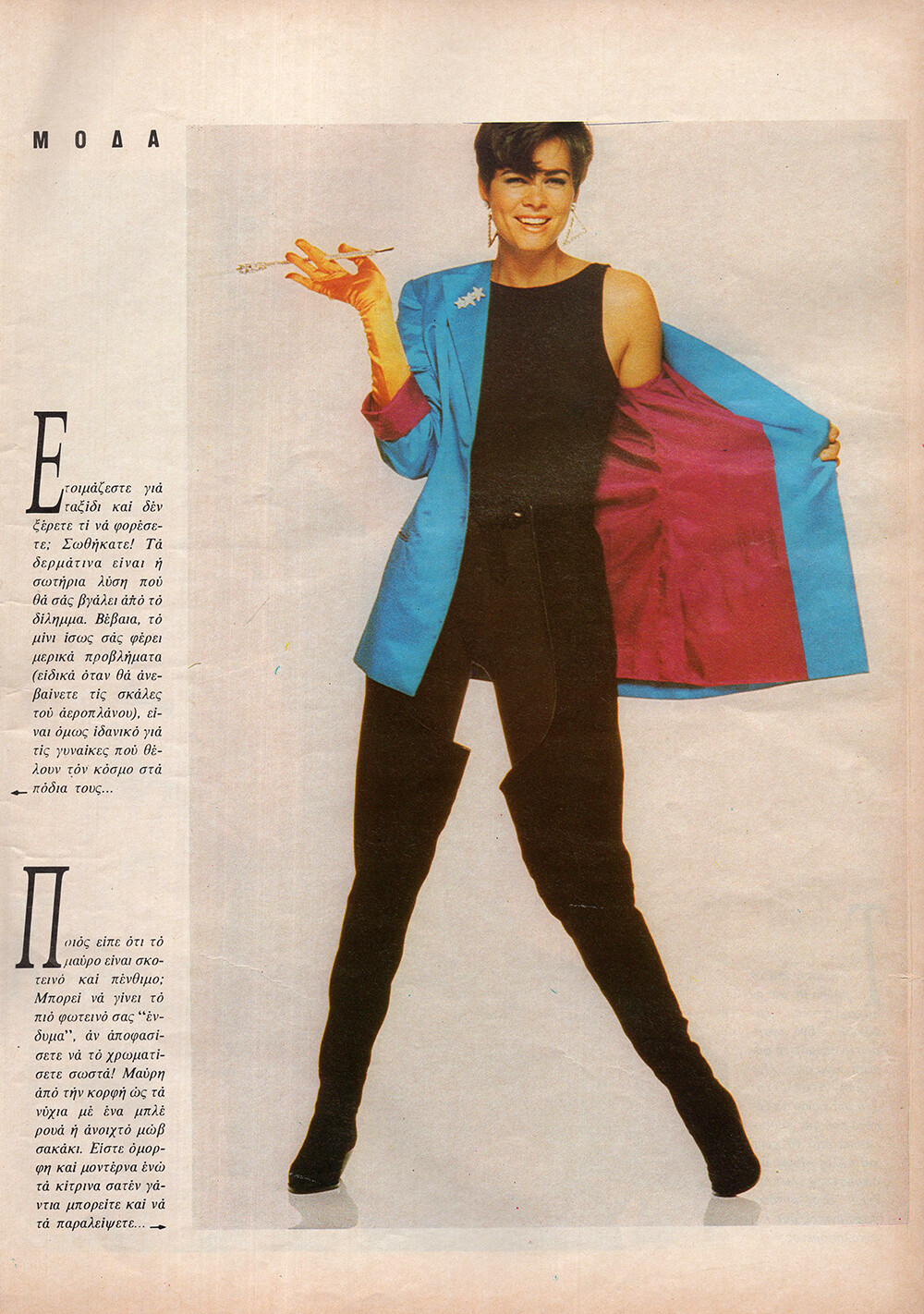
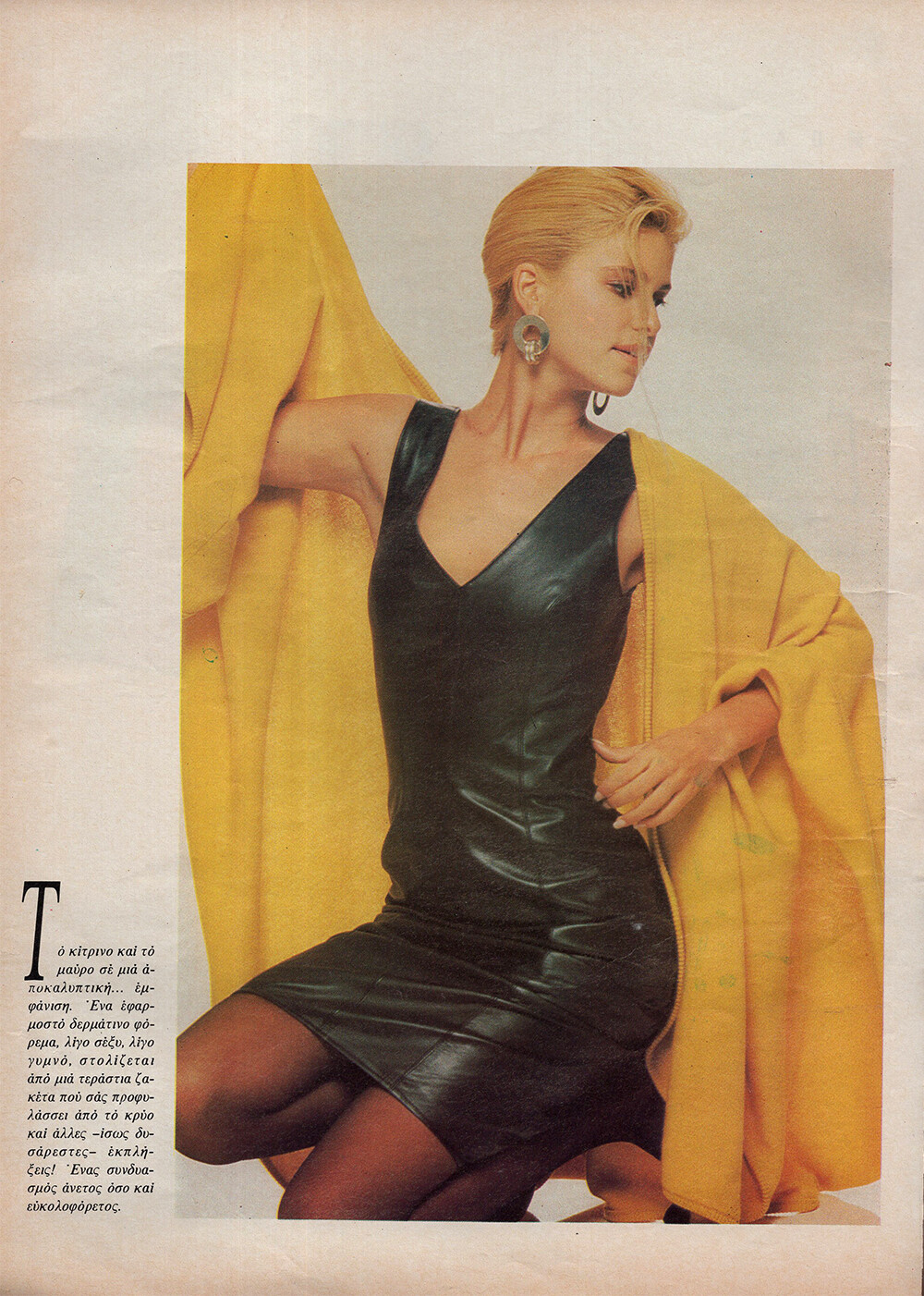
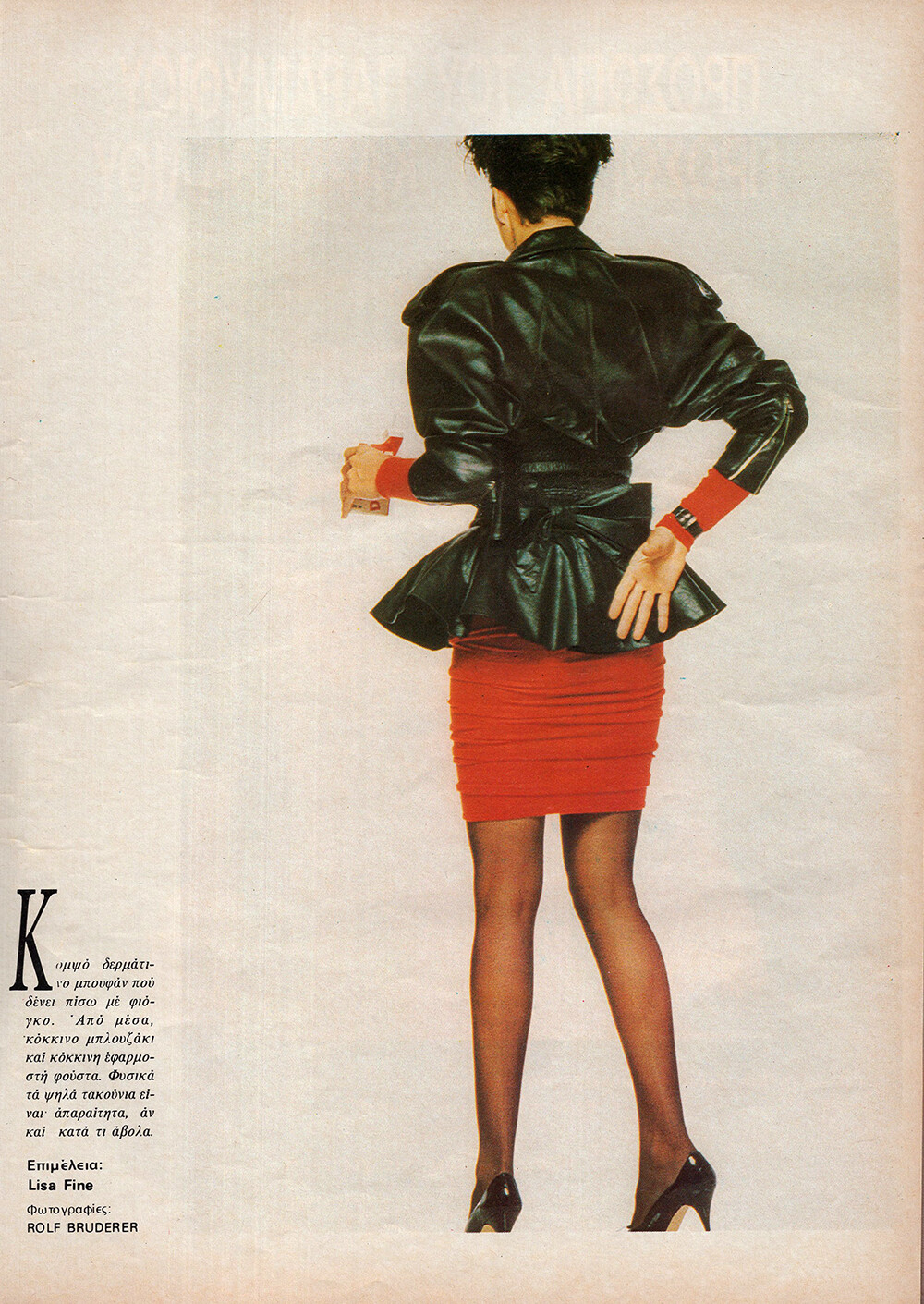
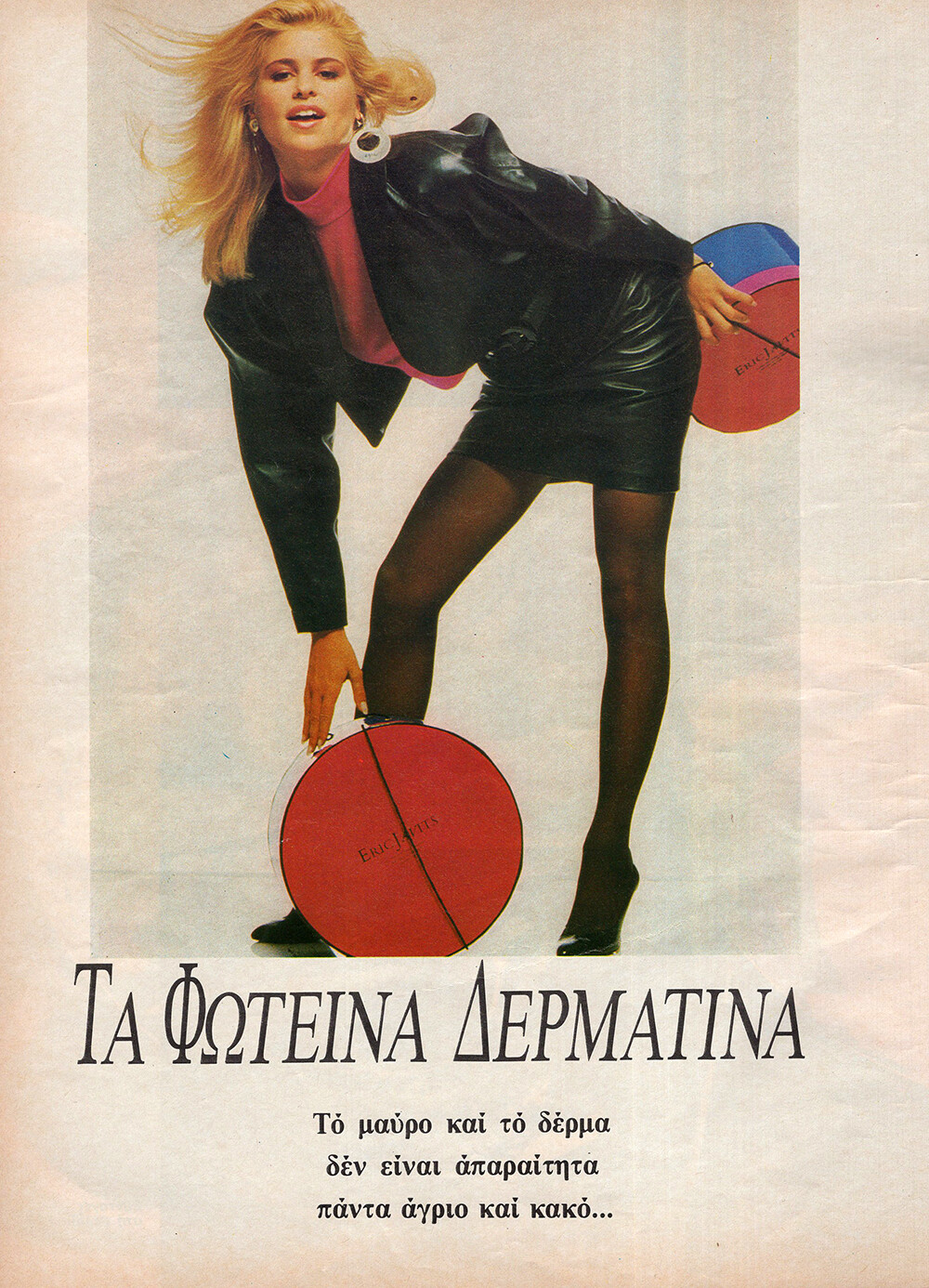
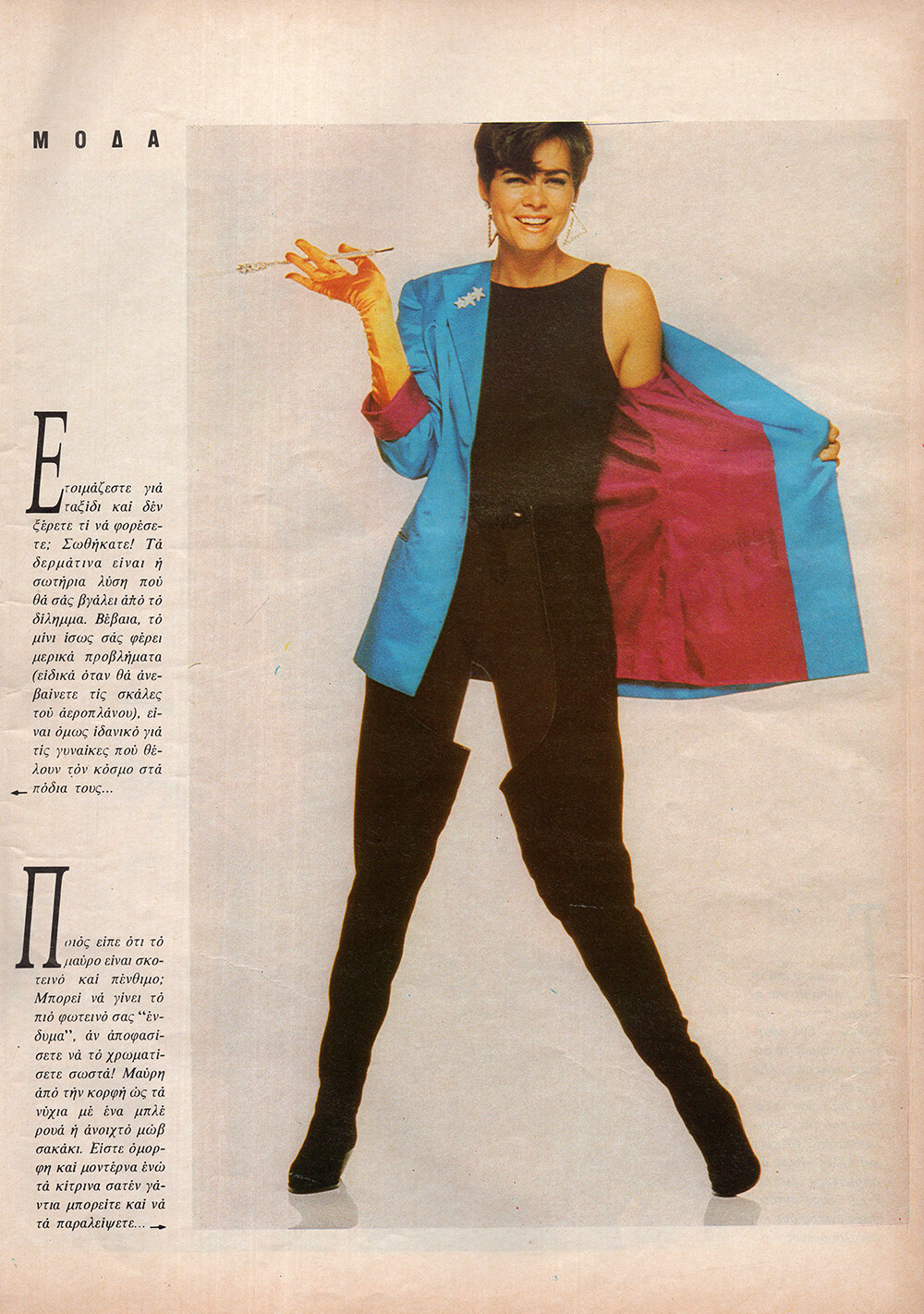
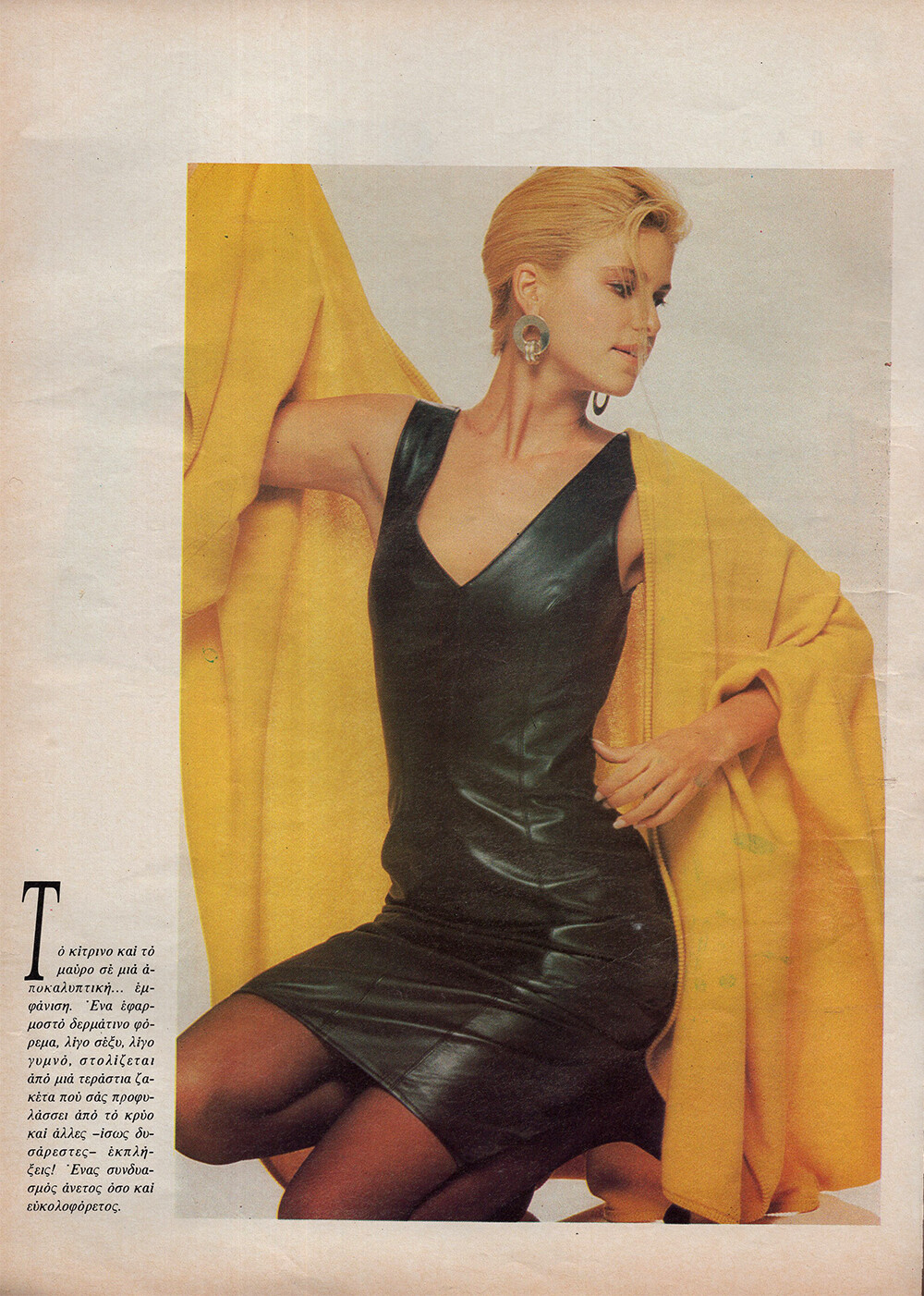
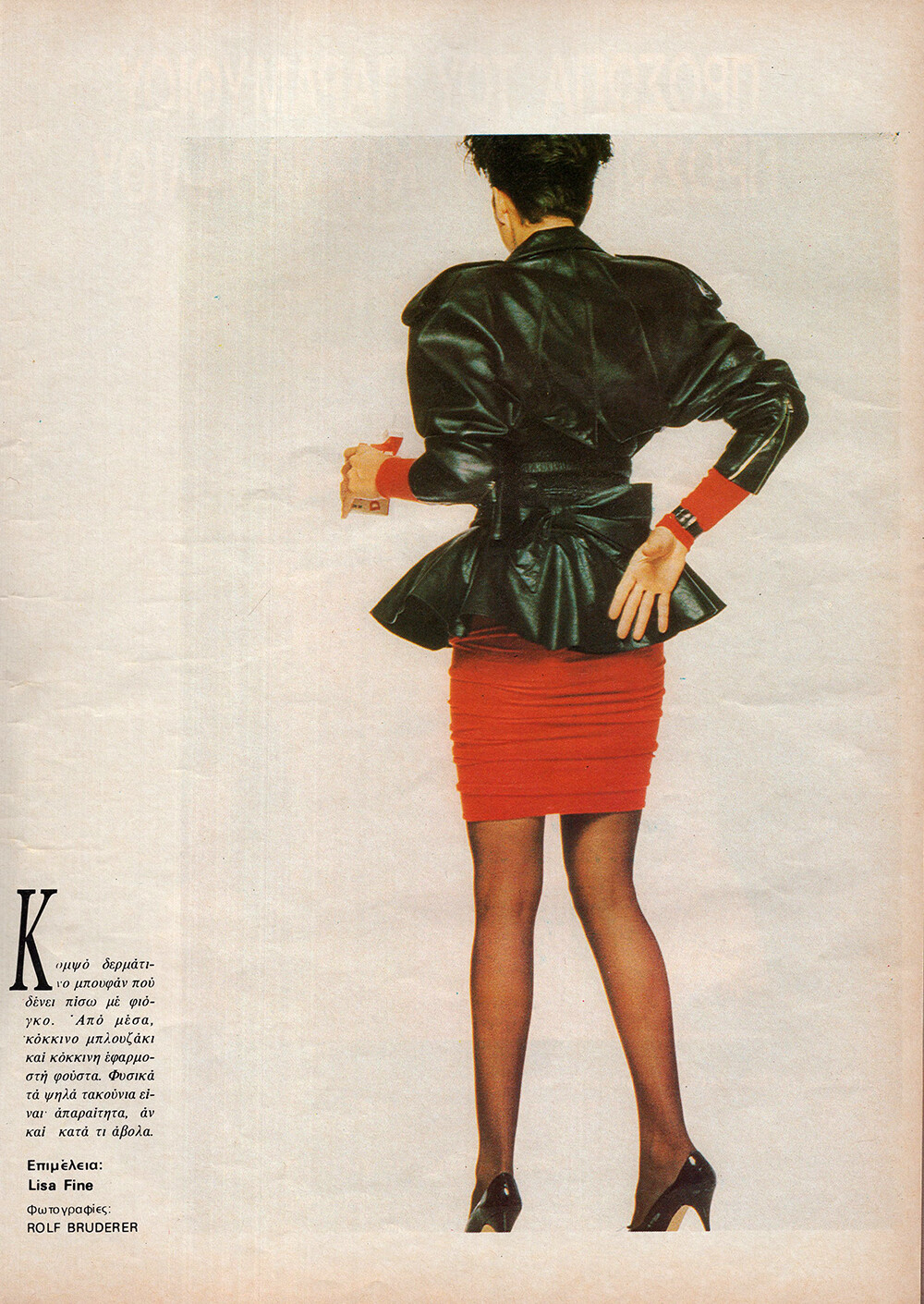
x.png.ad477907f1472e02716ecd40dab7aea9.png)
x.png.0b86a5a39422d9829305bf03ba5ce299.png)
x.png.2edb4058368bb78ecbfafdc5768ea247.png)
x.png.b7ea657daf931a6eedb5634d17f54916.png)
x.png.2fe4ba2ccd3523c510dda857b5200414.png)
x.png.b3ff5ad91c0e4f81e49afb1b1d0d7bdc.png)
x.png.9ceda91af783a3a2b3892b32ee16b188.png)
x.png.c482b5f1c168422e2619fc03886f8cc7.png)
Account
Search
Configure browser push notifications
Chrome (Android)
- Tap the lock icon next to the address bar.
- Tap Permissions → Notifications.
- Adjust your preference.
Chrome (Desktop)
- Click the padlock icon in the address bar.
- Select Site settings.
- Find Notifications and adjust your preference.
Safari (iOS 16.4+)
- Ensure the site is installed via Add to Home Screen.
- Open Settings App → Notifications.
- Find your app name and adjust your preference.
Safari (macOS)
- Go to Safari → Preferences.
- Click the Websites tab.
- Select Notifications in the sidebar.
- Find this website and adjust your preference.
Edge (Android)
- Tap the lock icon next to the address bar.
- Tap Permissions.
- Find Notifications and adjust your preference.
Edge (Desktop)
- Click the padlock icon in the address bar.
- Click Permissions for this site.
- Find Notifications and adjust your preference.
Firefox (Android)
- Go to Settings → Site permissions.
- Tap Notifications.
- Find this site in the list and adjust your preference.
Firefox (Desktop)
- Open Firefox Settings.
- Search for Notifications.
- Find this site in the list and adjust your preference.