All Activity
- Past hour
-

 CaptainPlanet joined the community

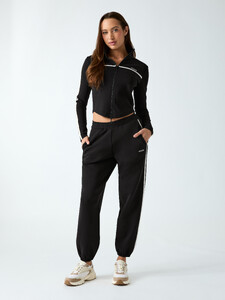
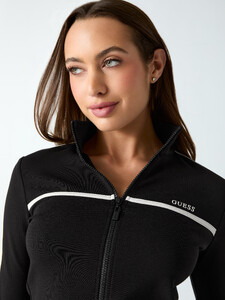
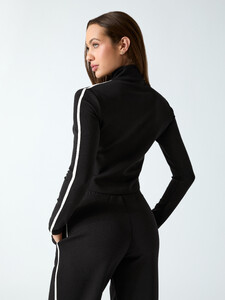
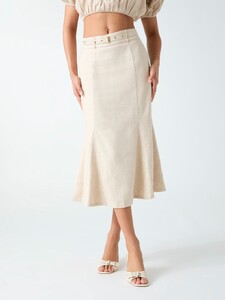
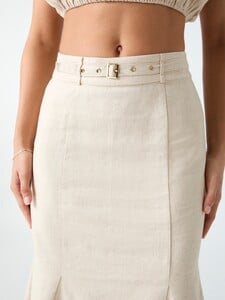
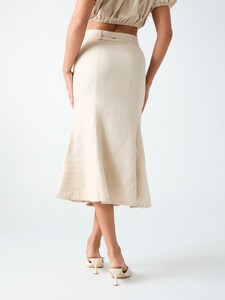
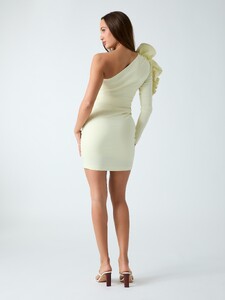
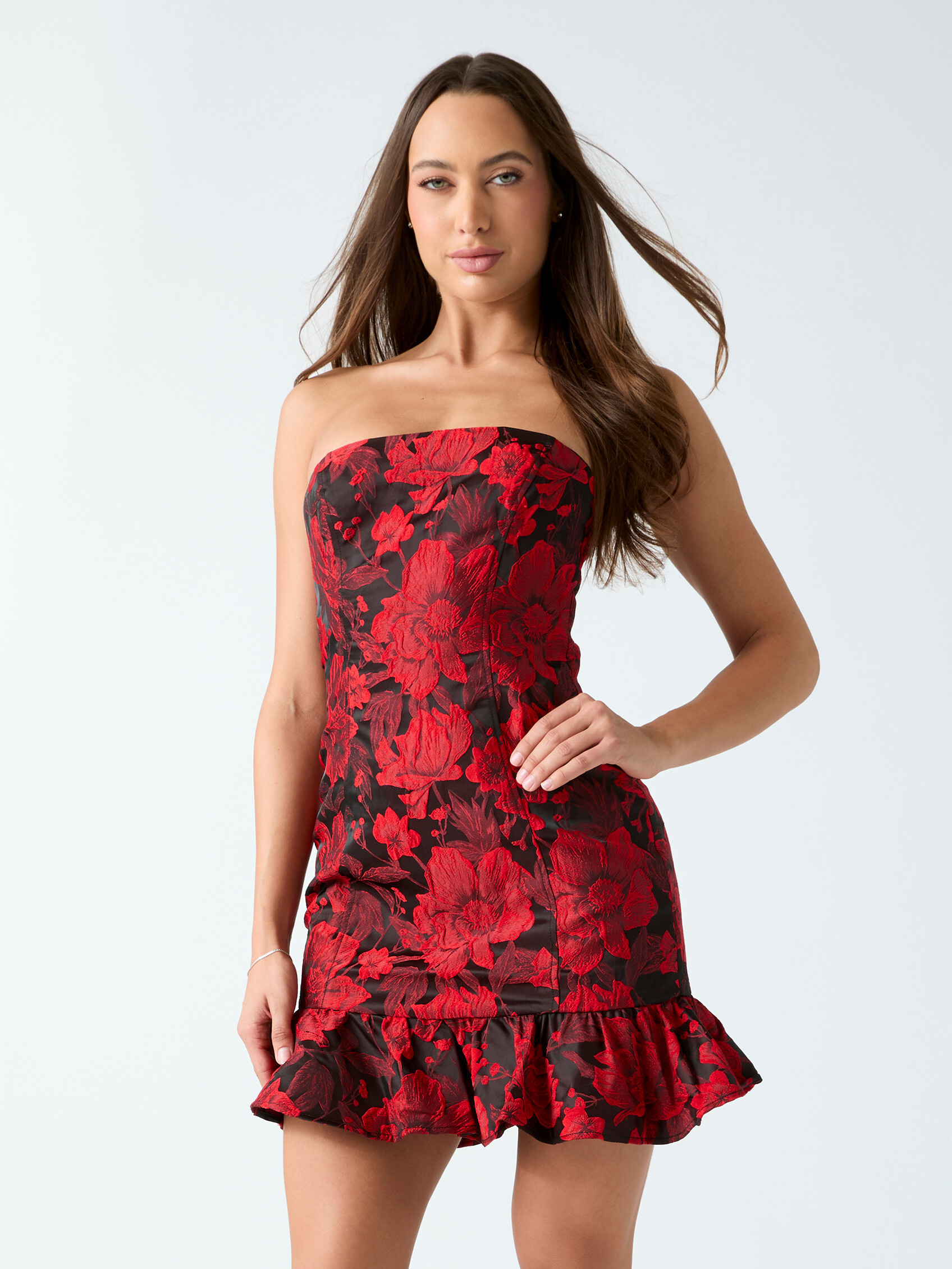
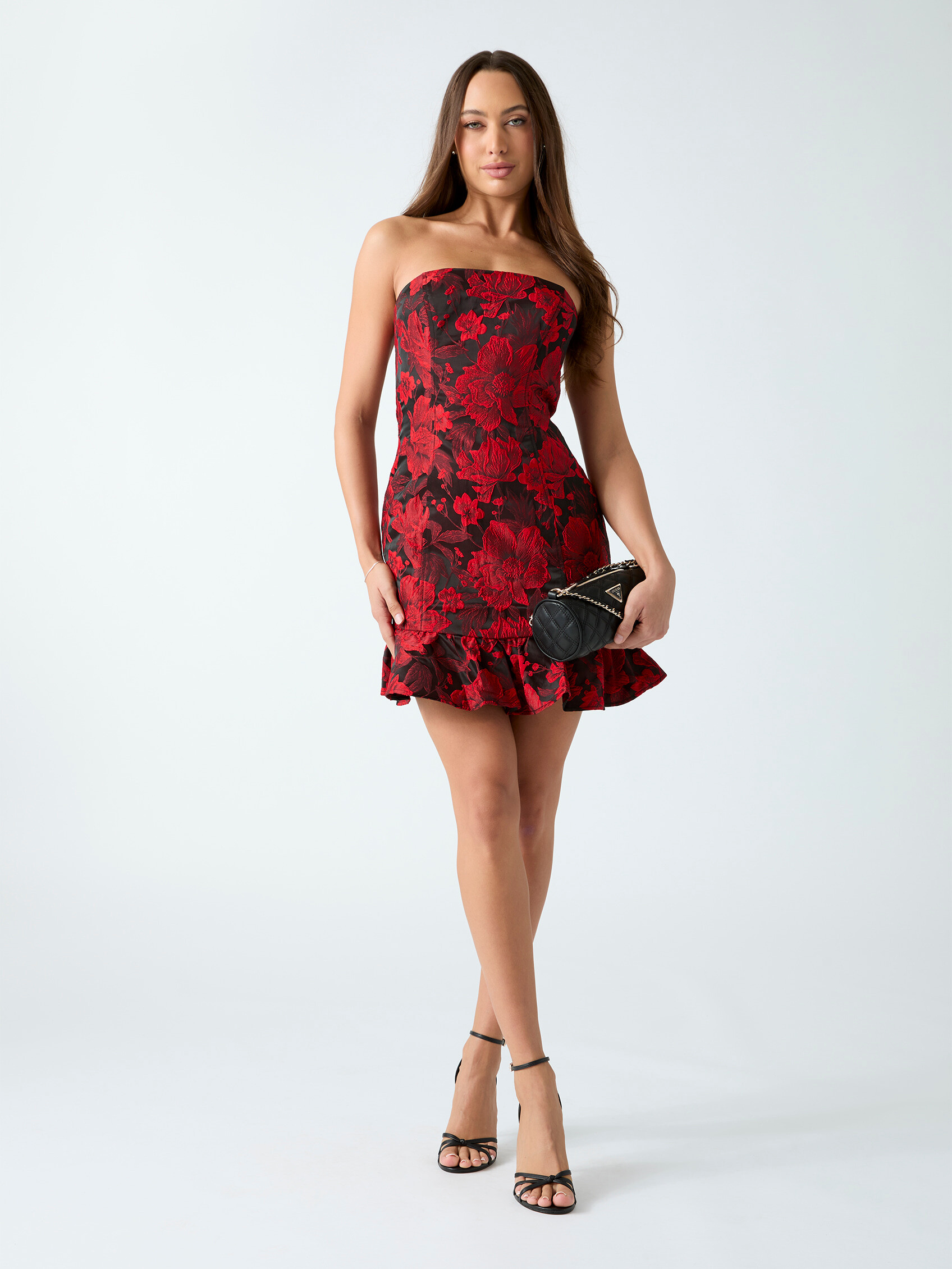
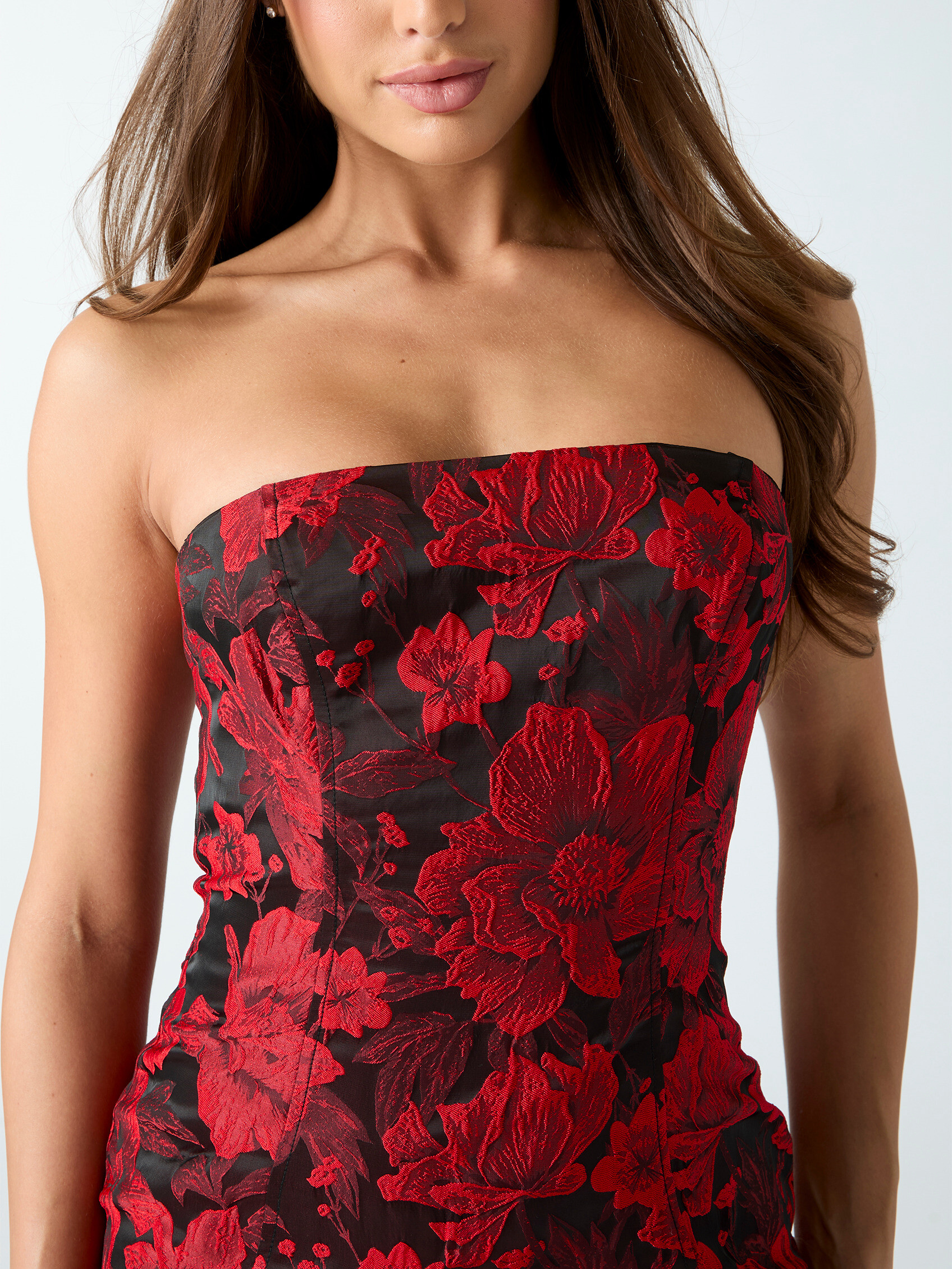
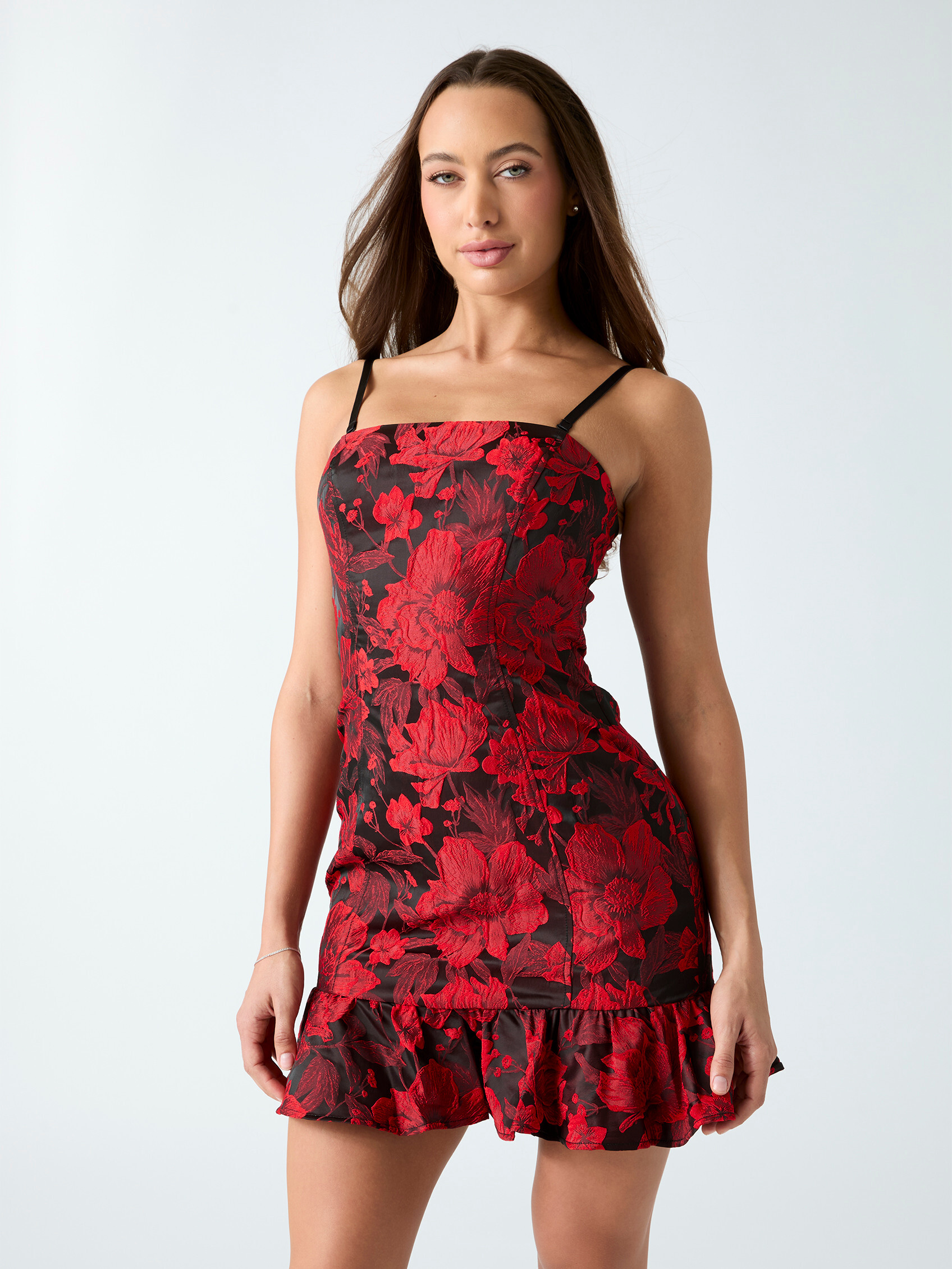
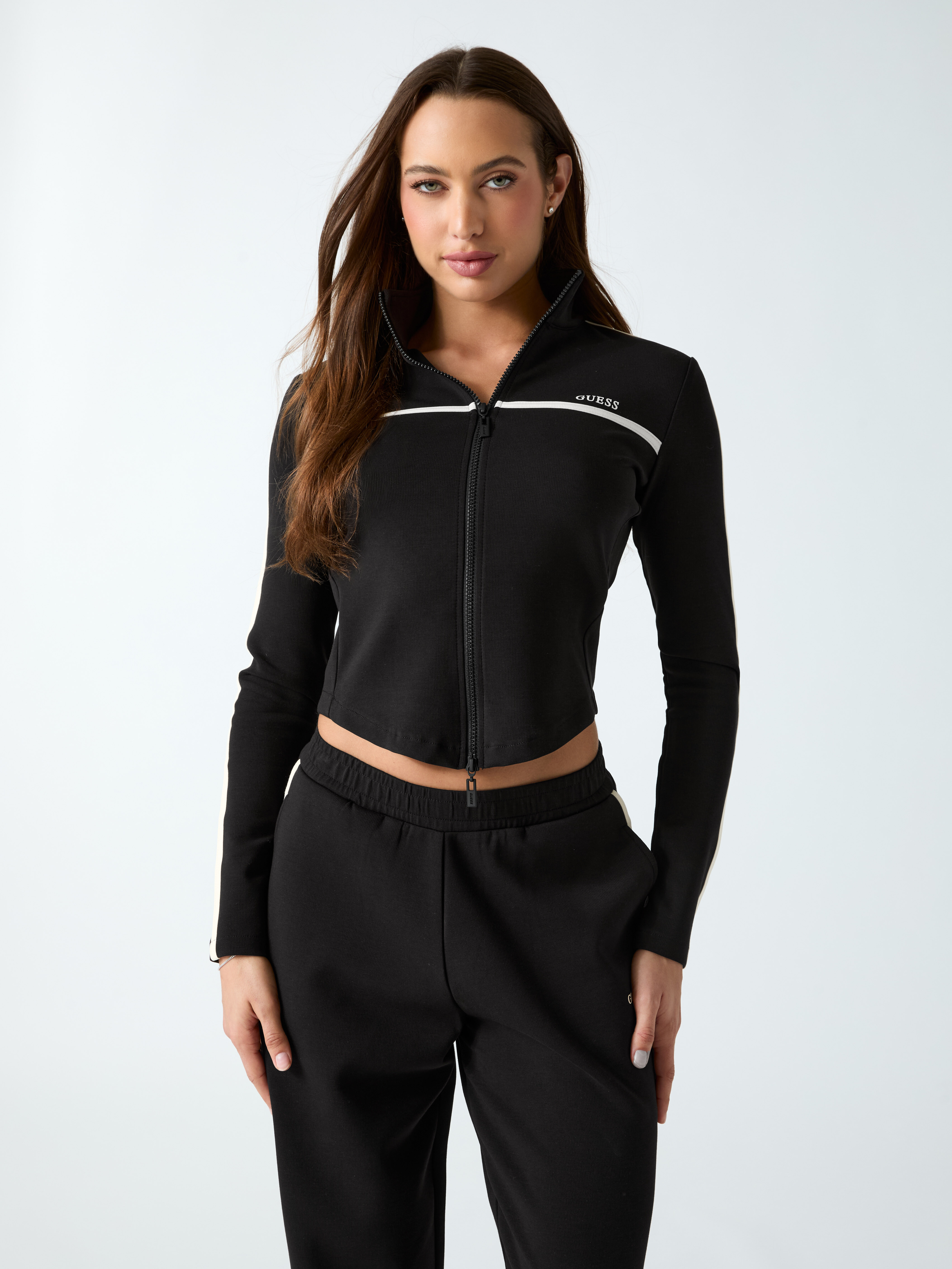
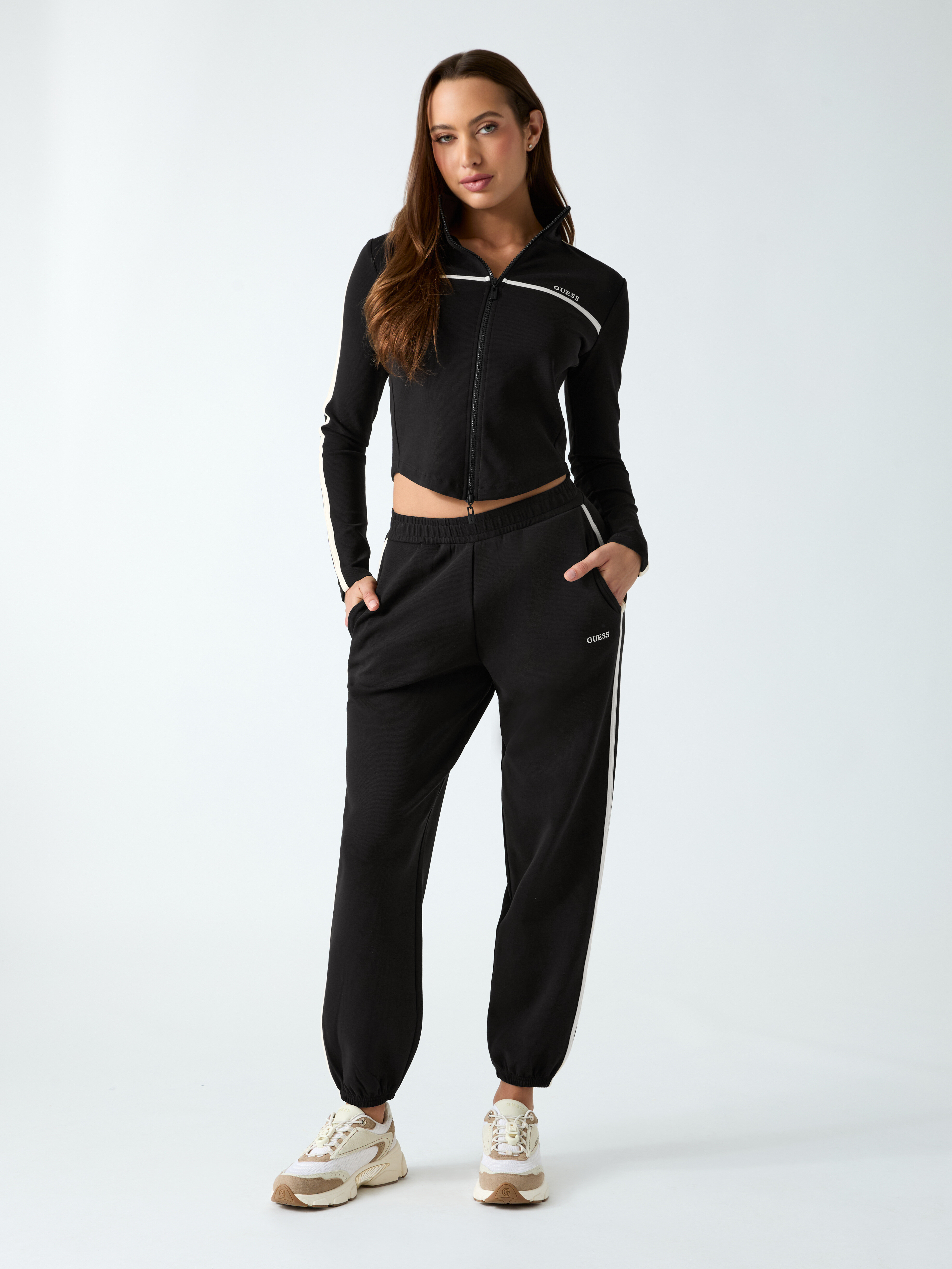
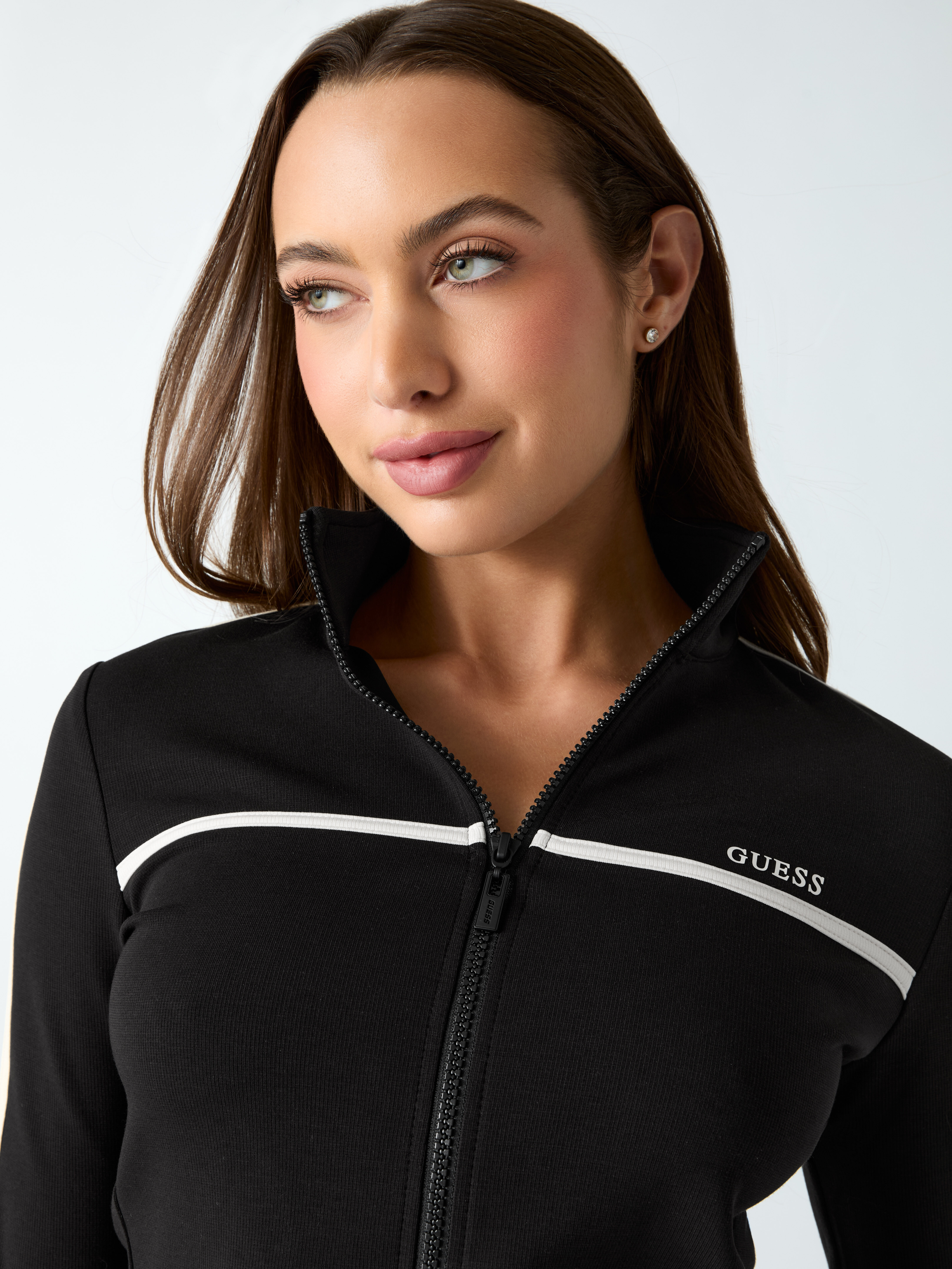
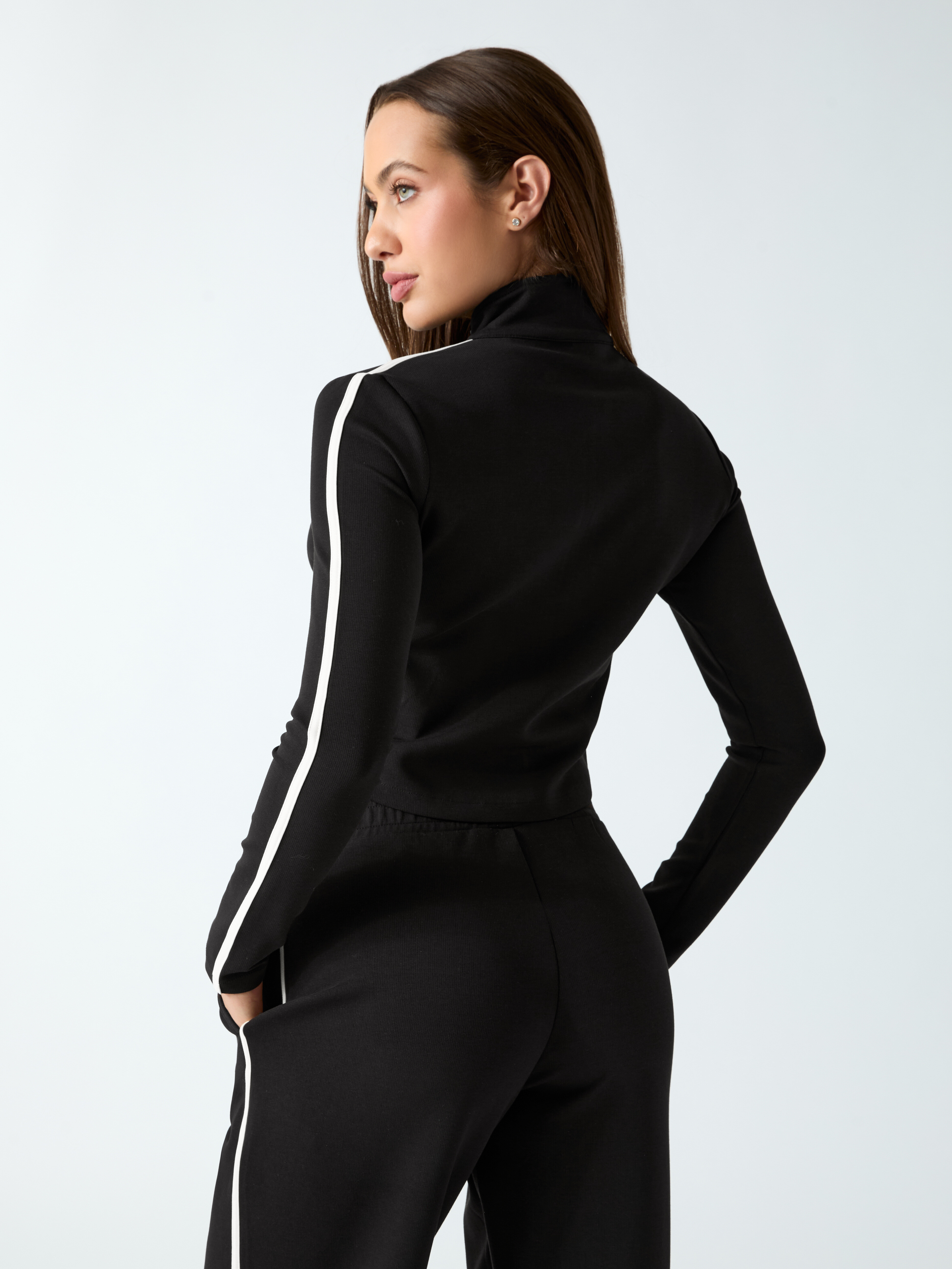
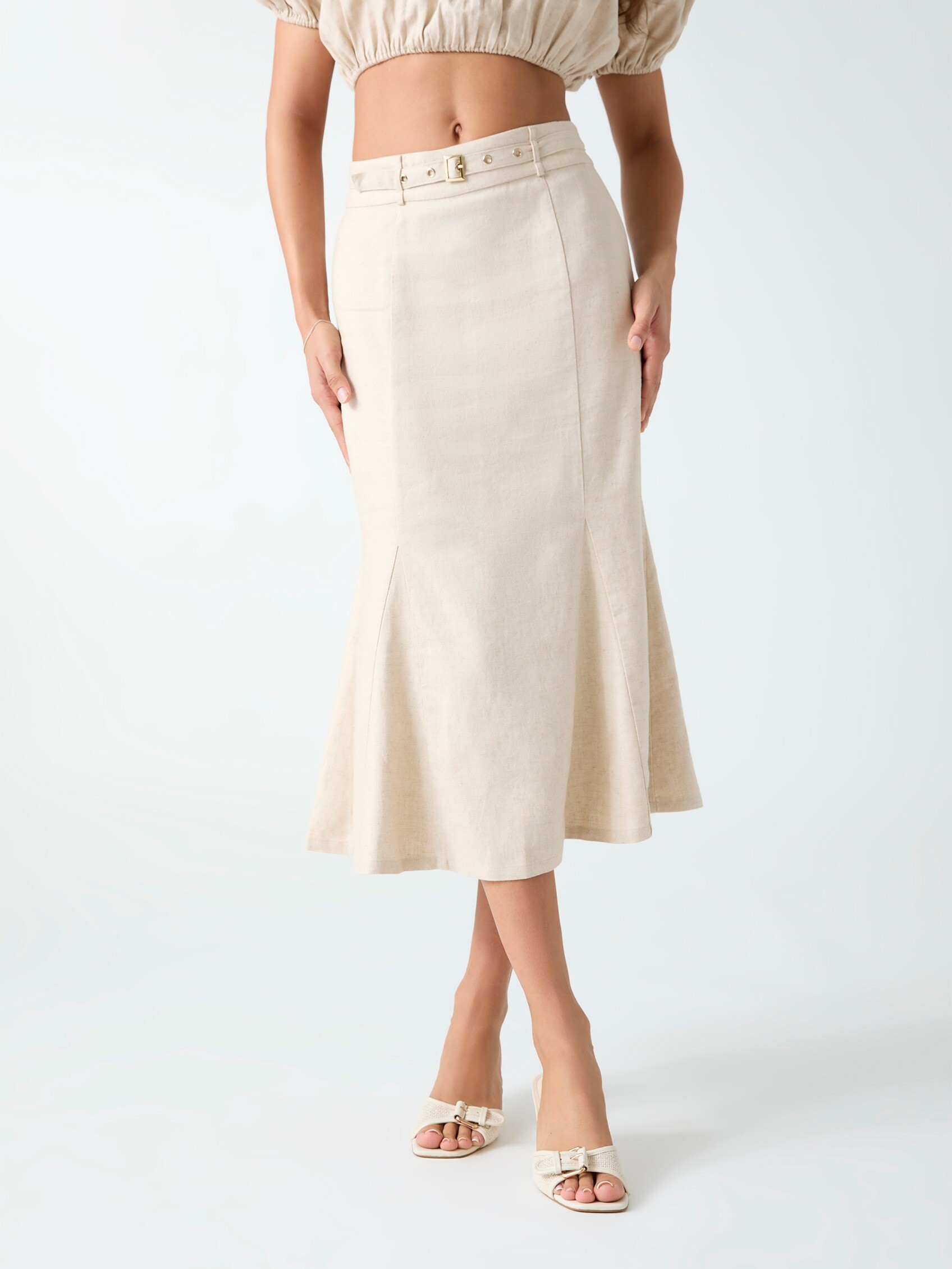
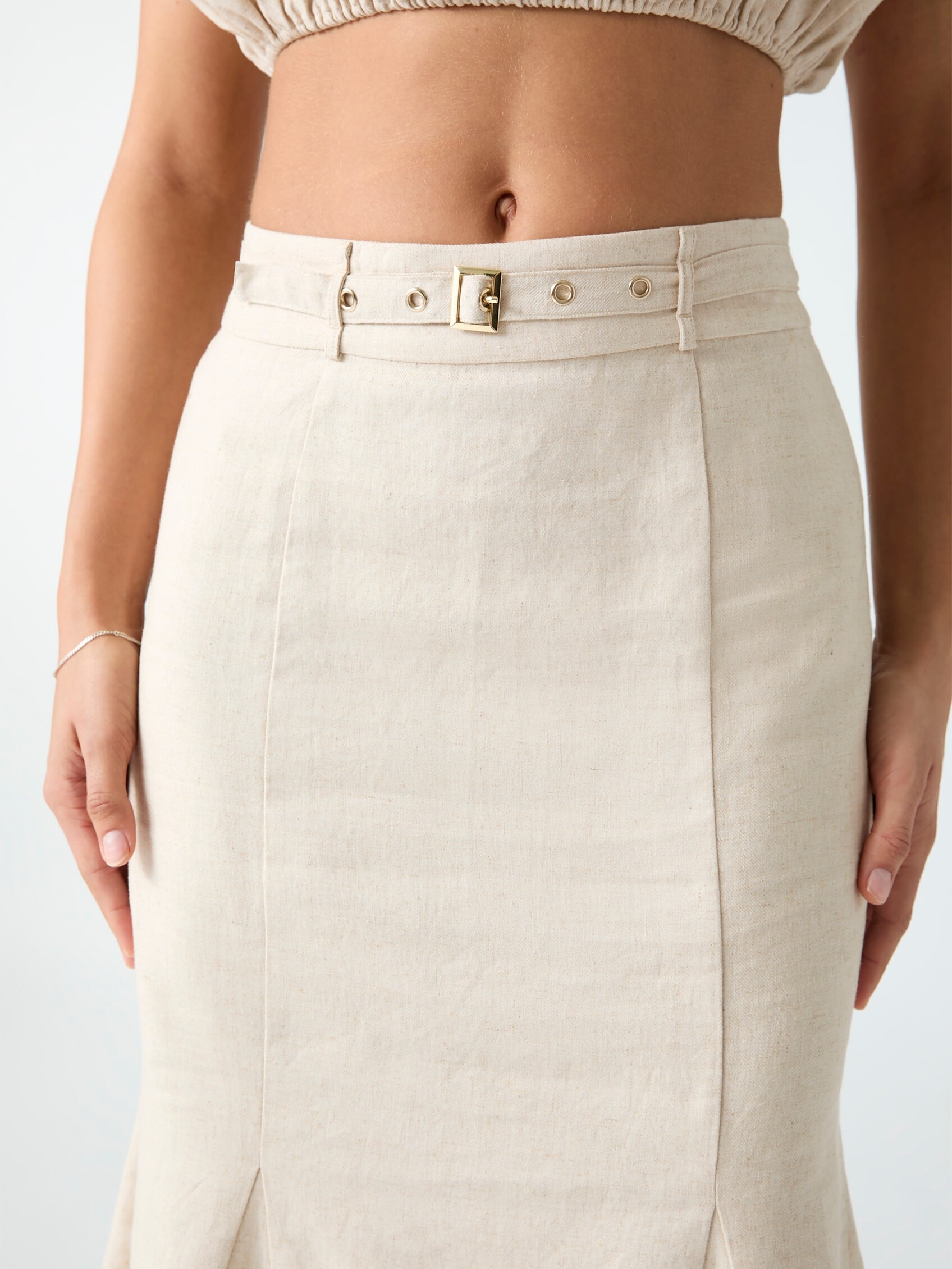
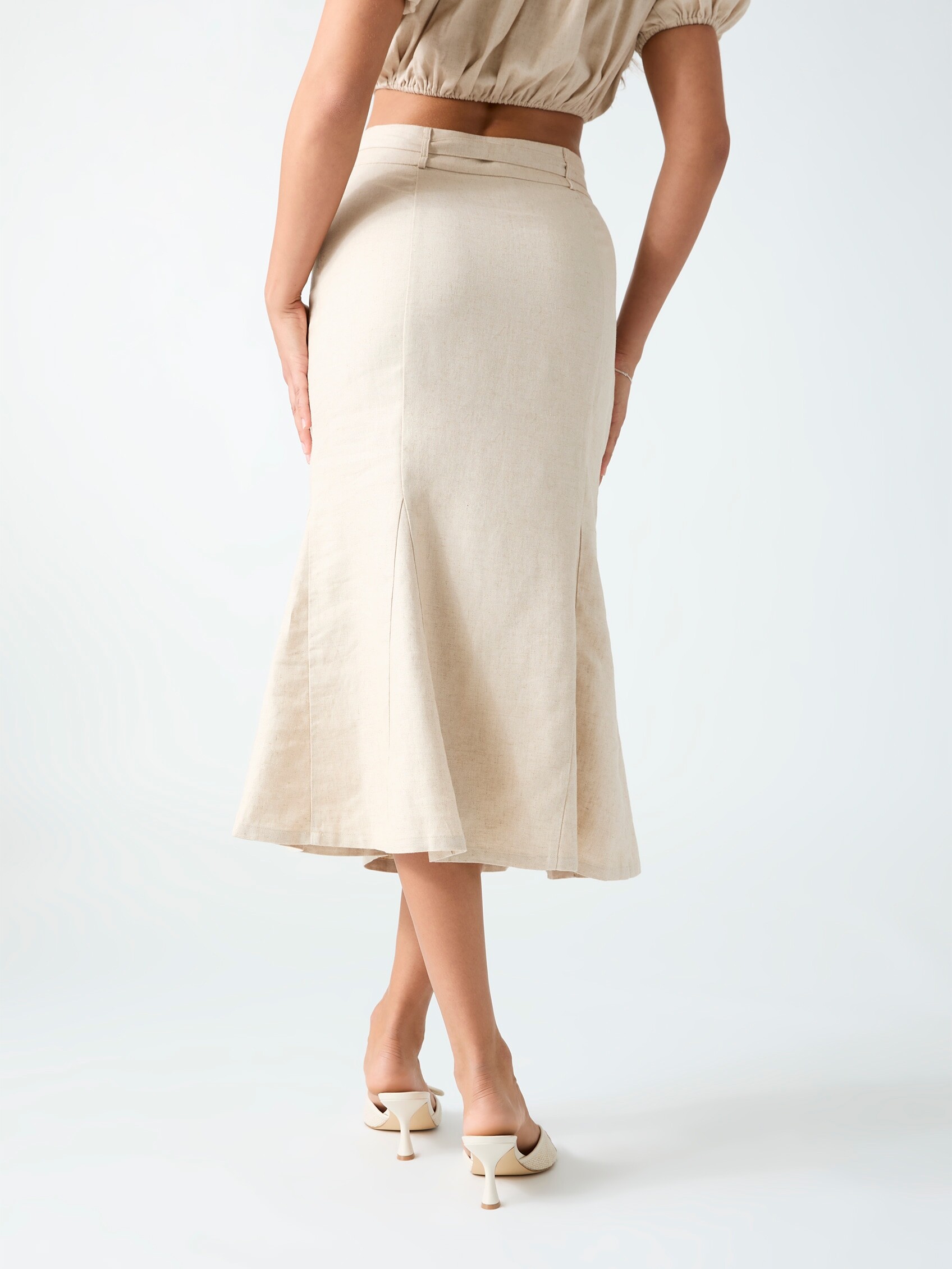
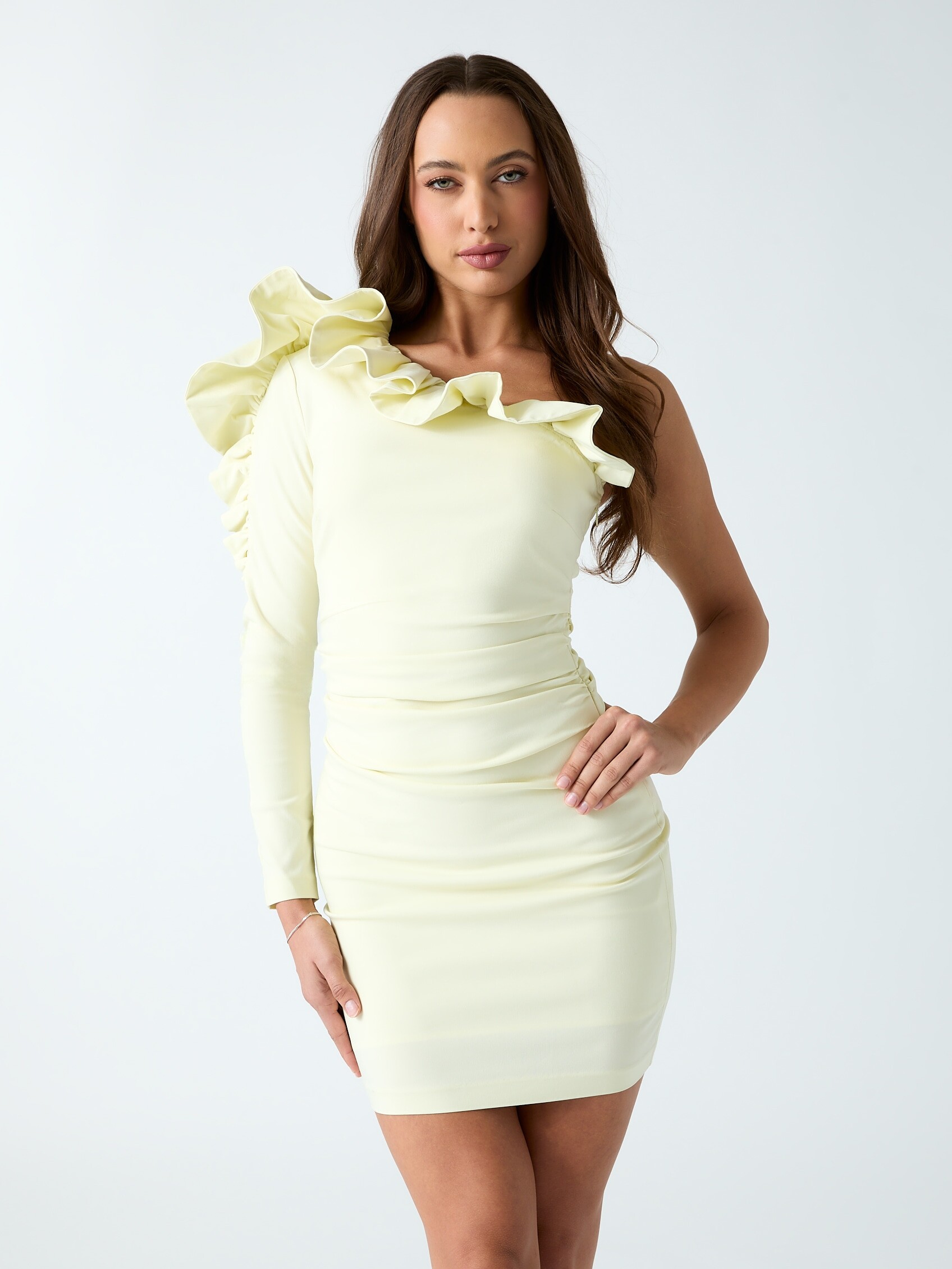
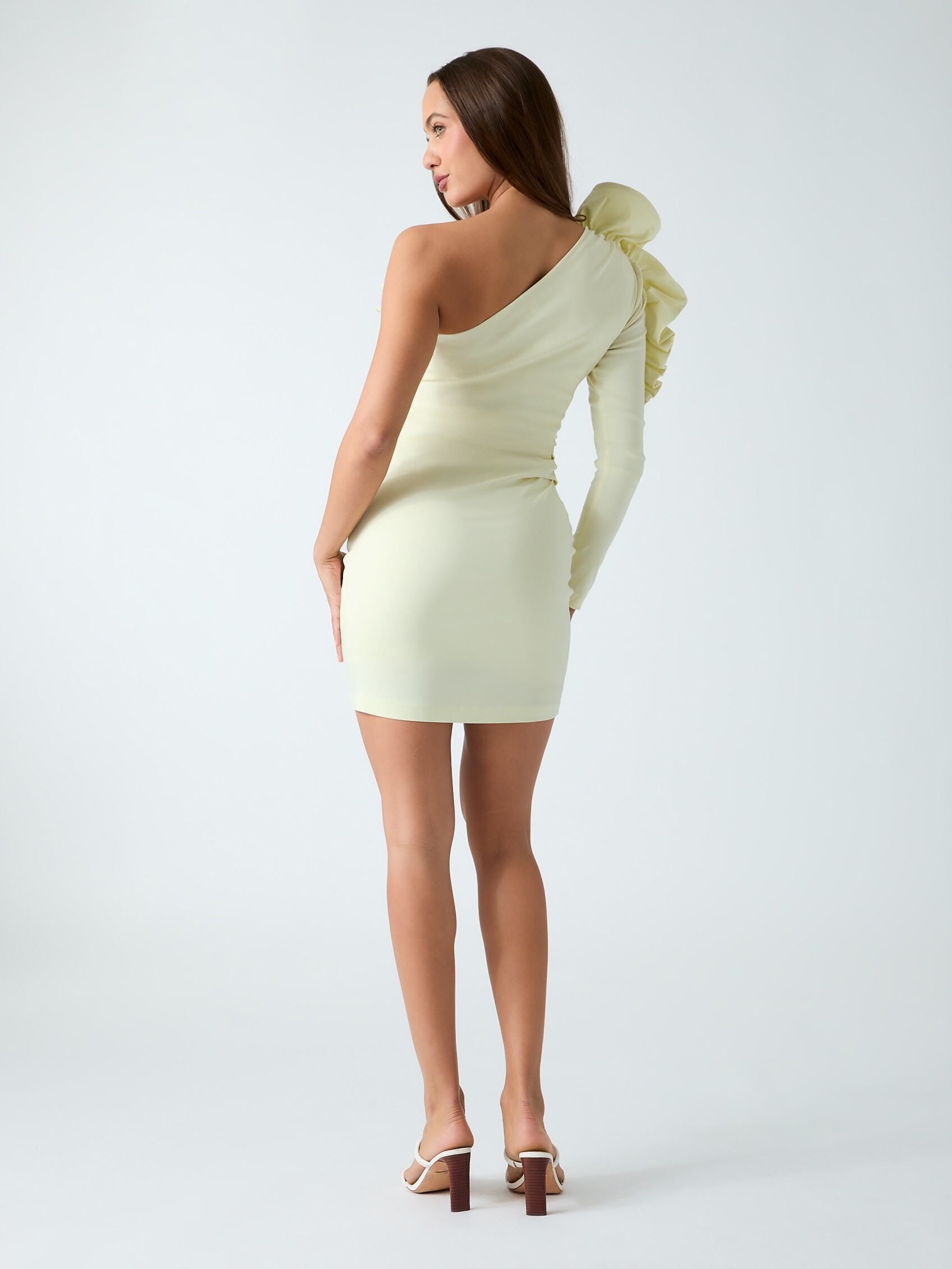
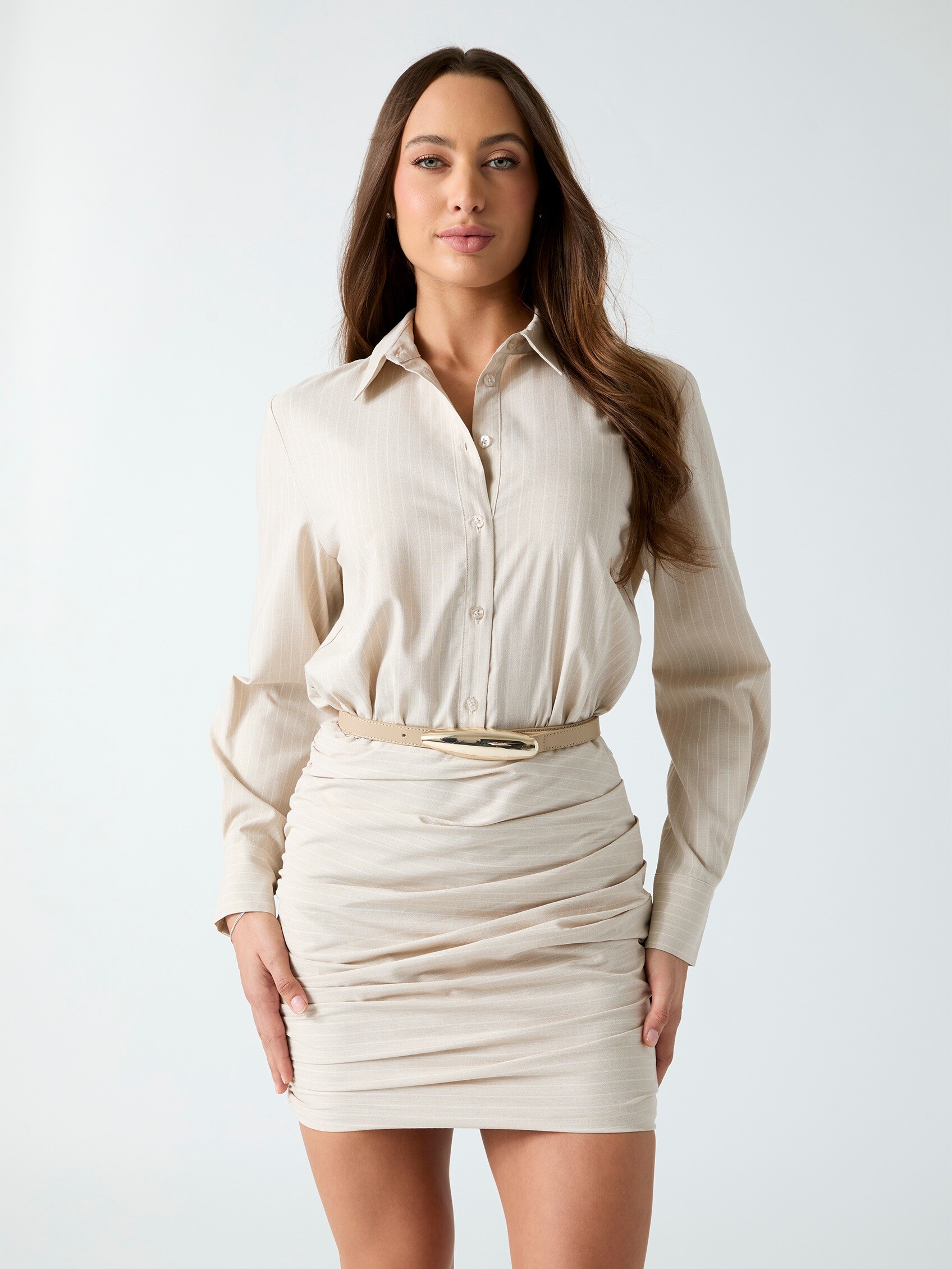
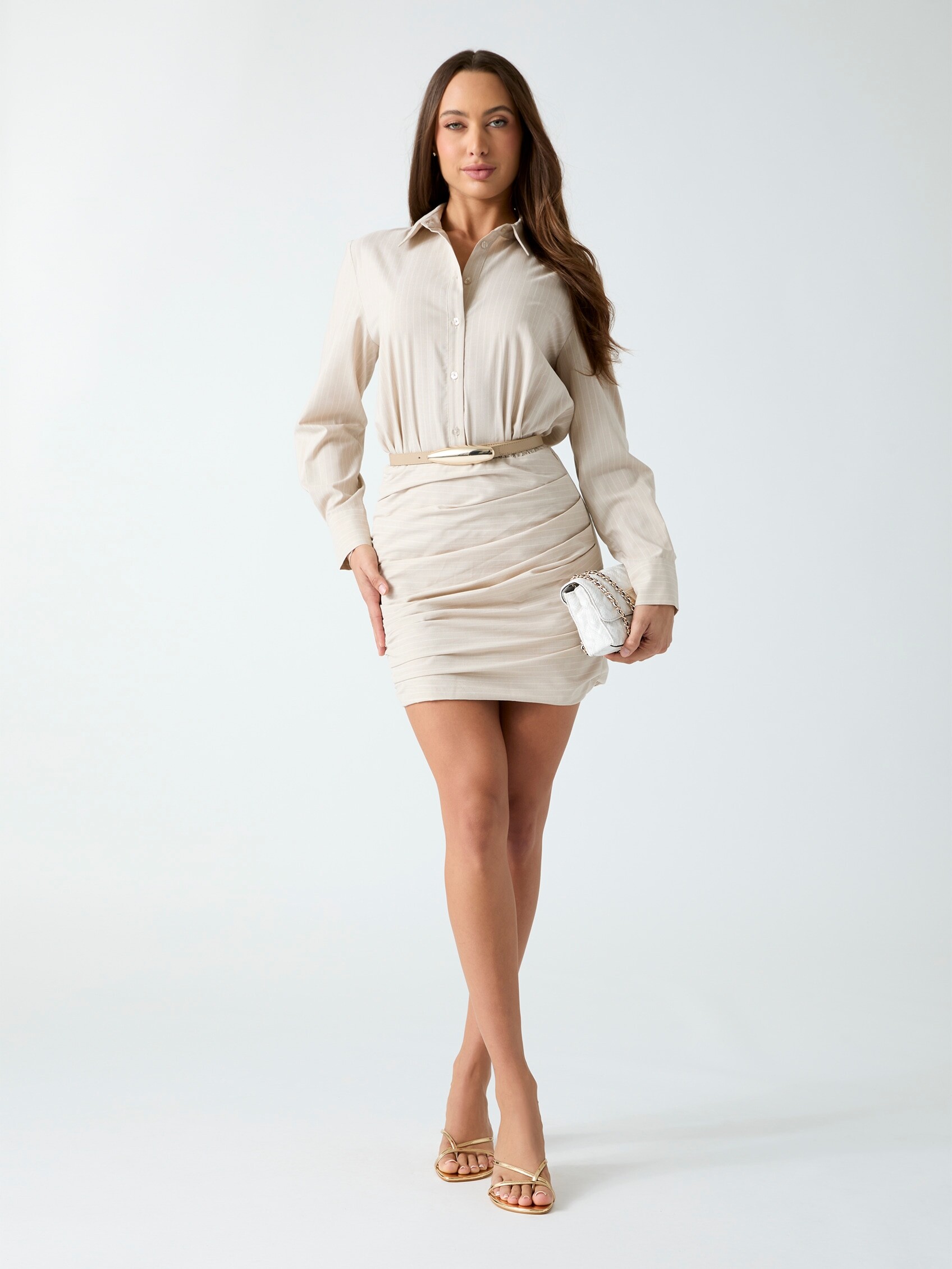
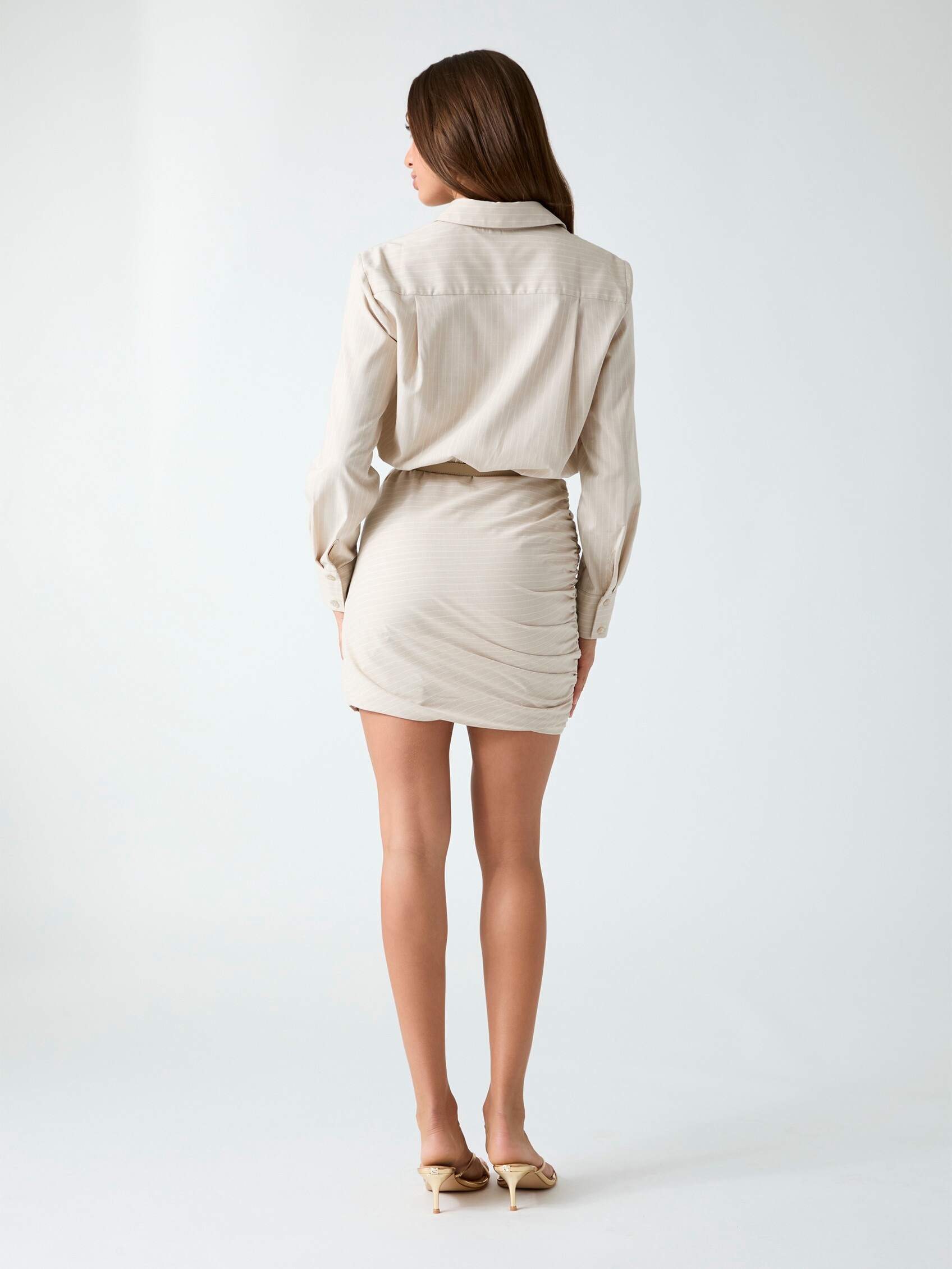
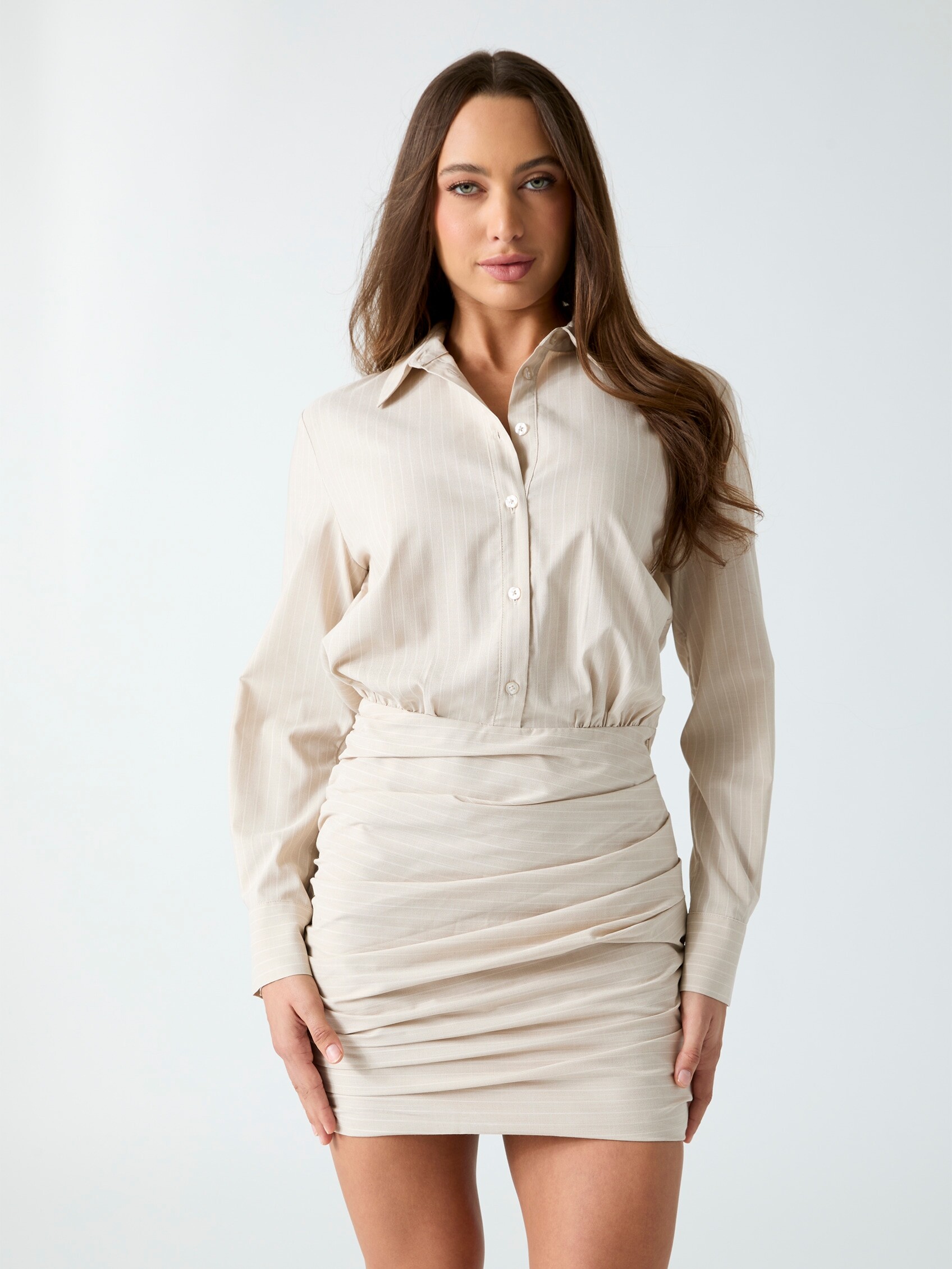
 Guess e-comm: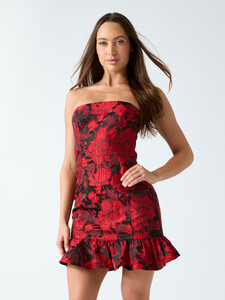
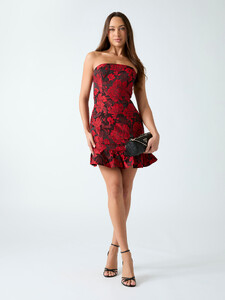


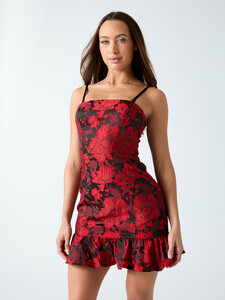
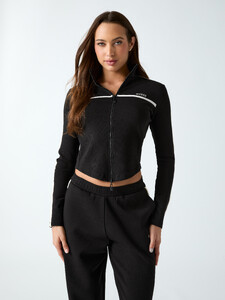












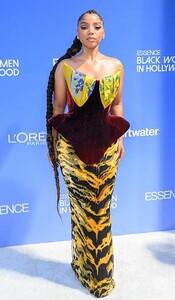
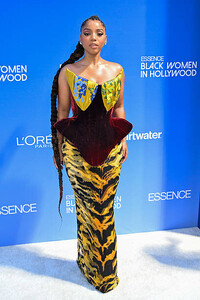
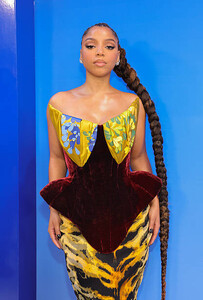
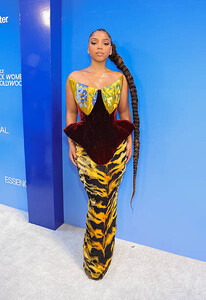
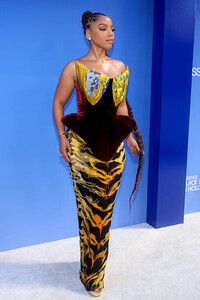
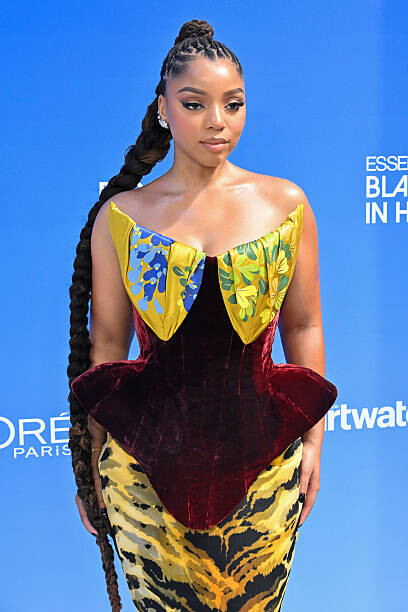
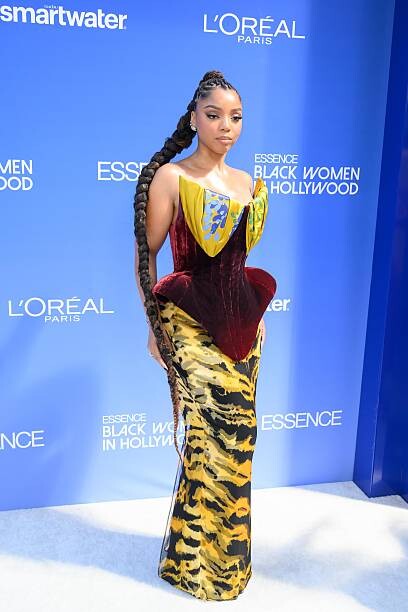
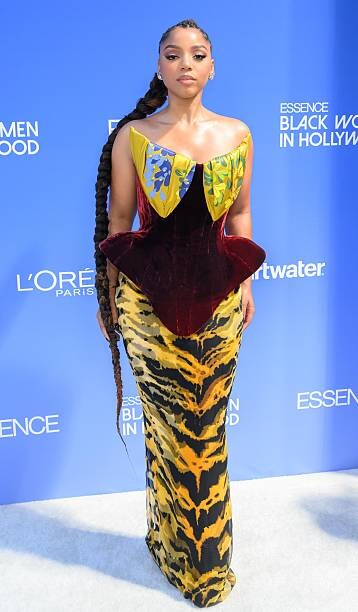
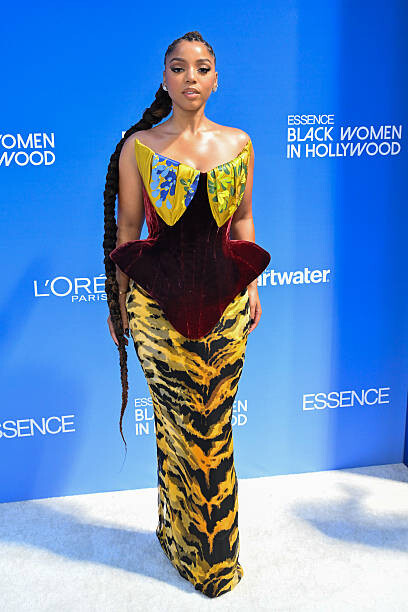
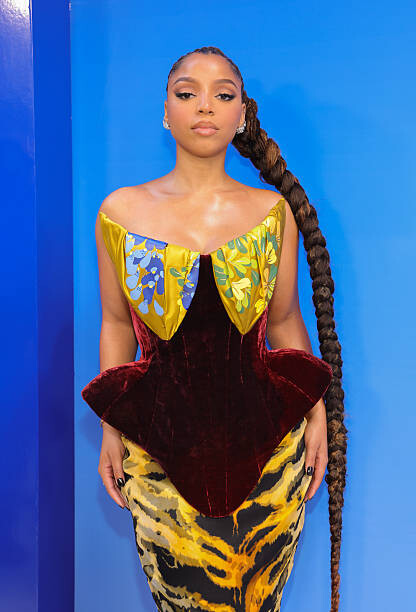
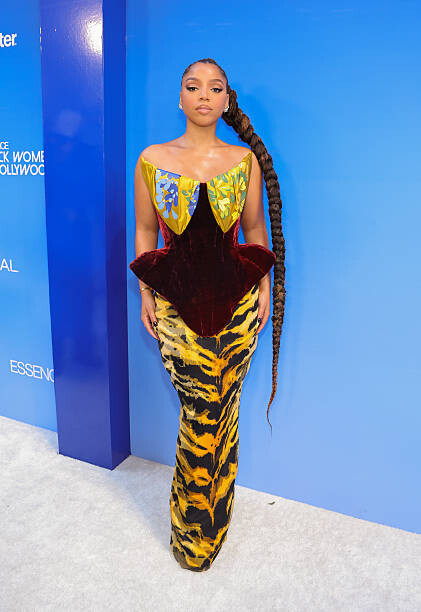
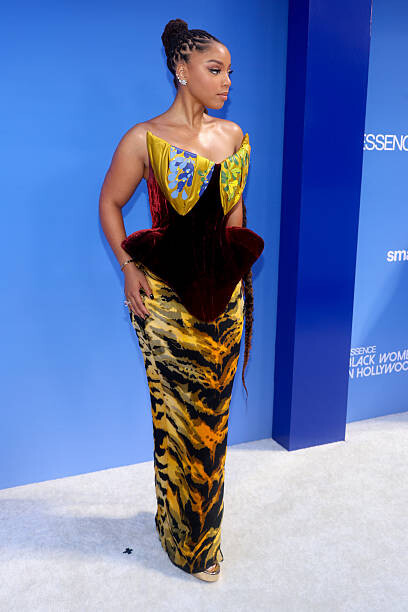
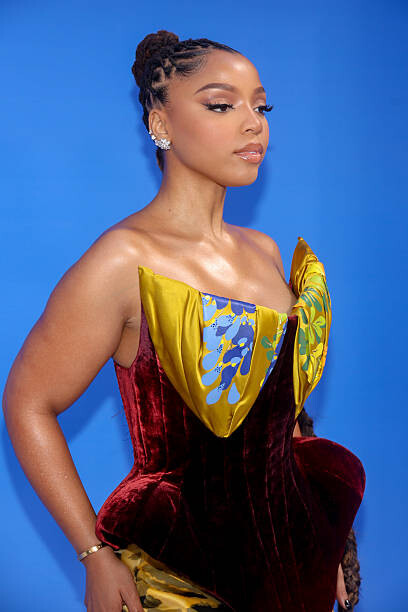
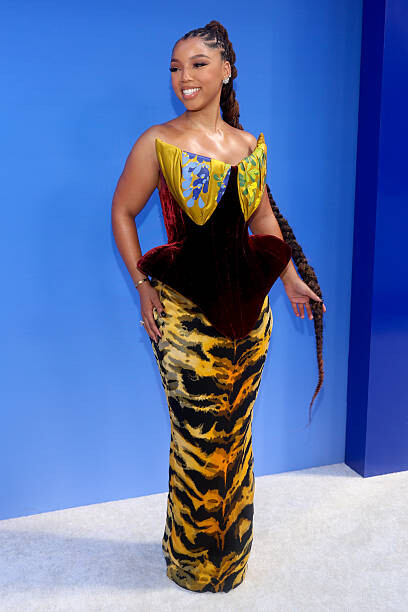
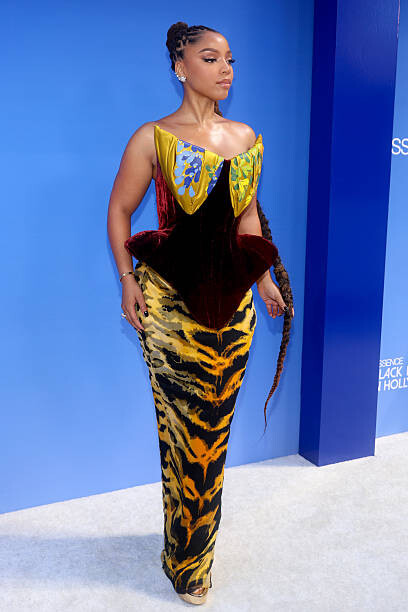
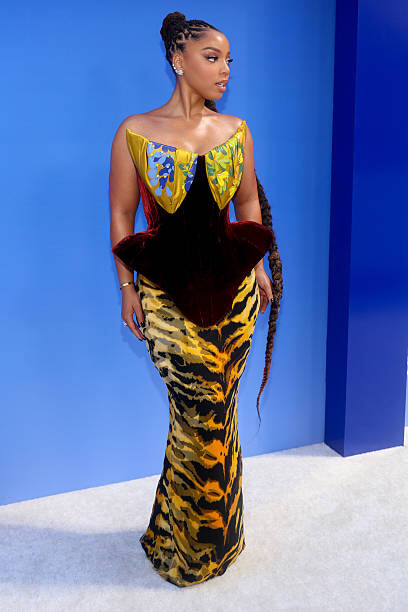
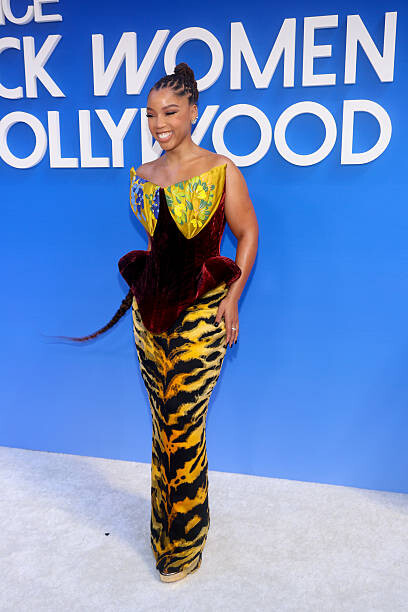
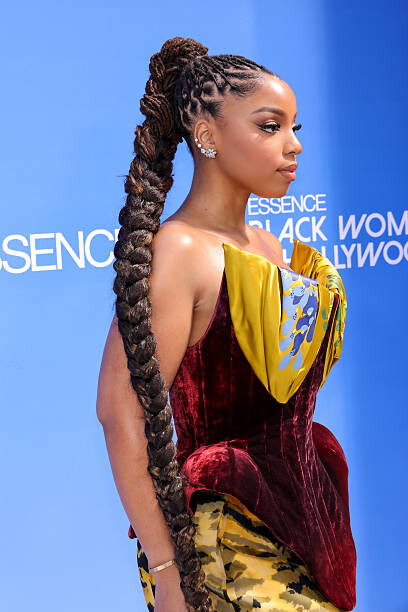
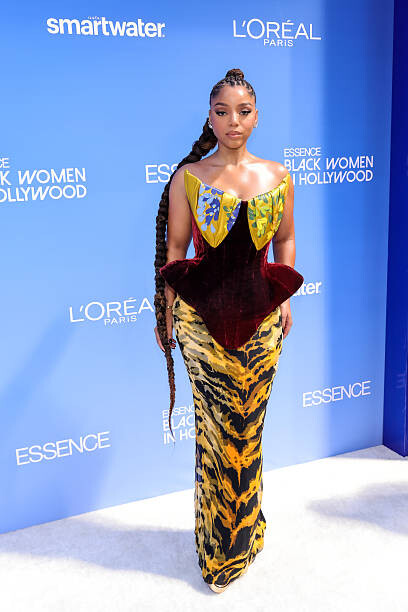
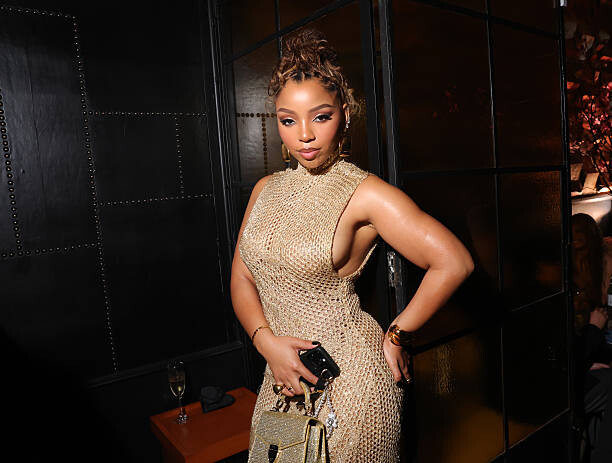
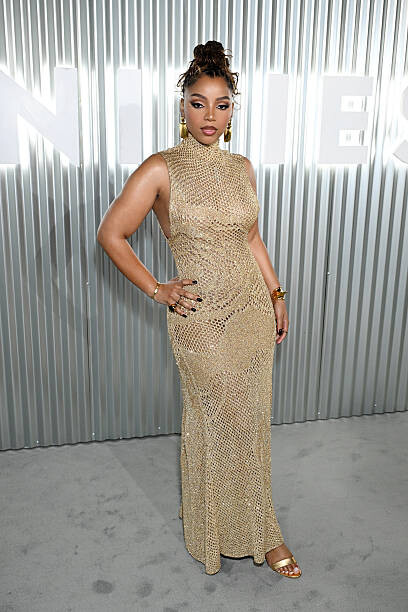
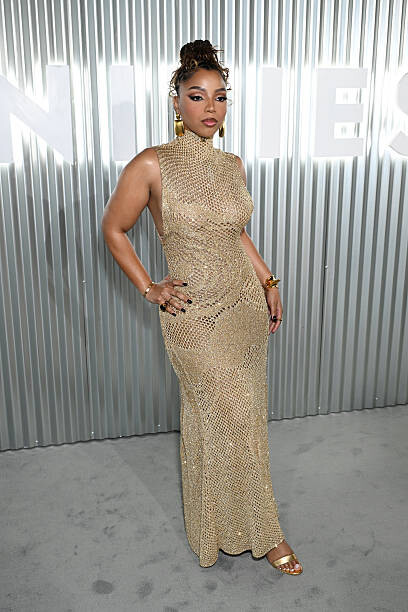
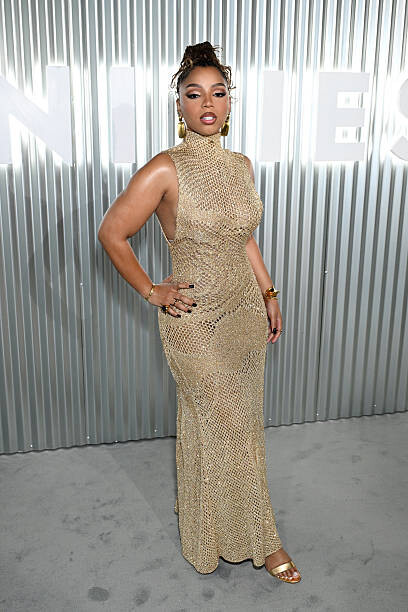
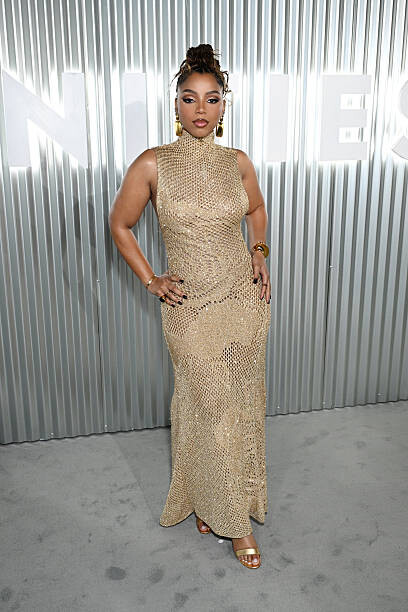
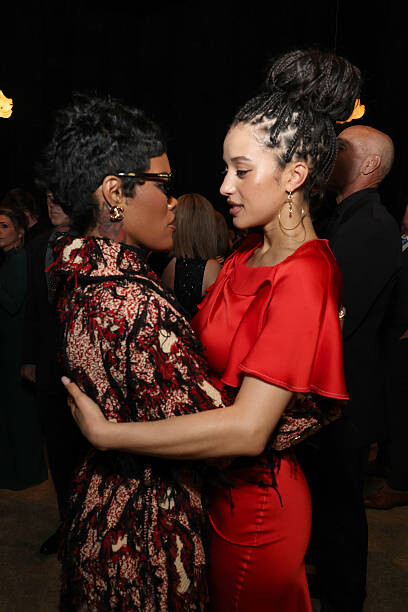
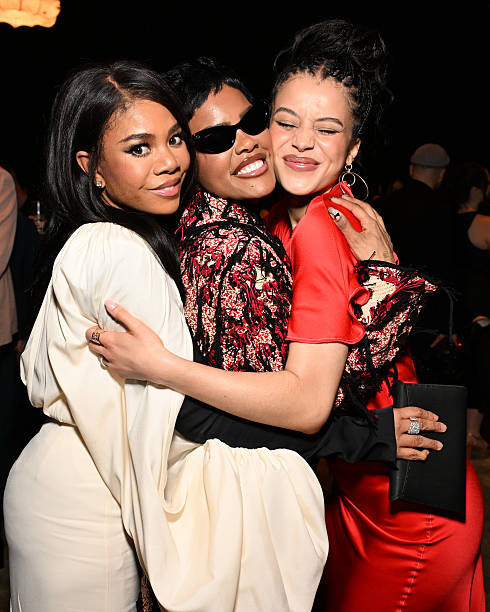
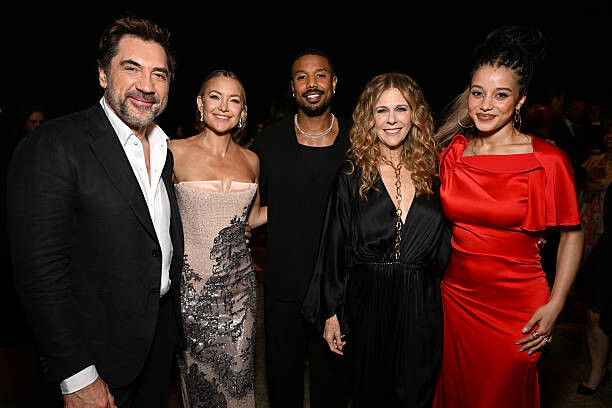
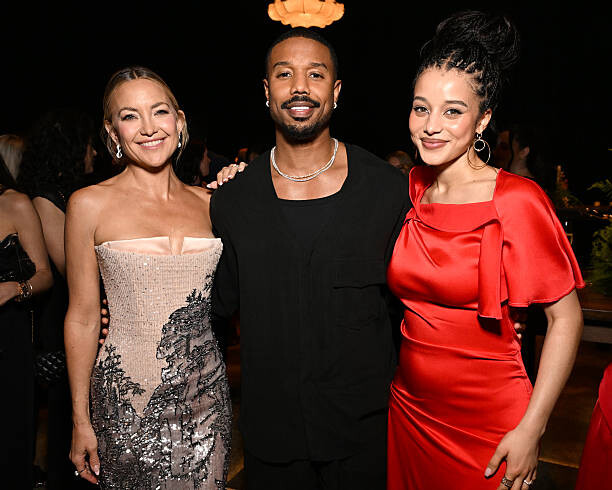
 Chloe Bailey at the 2026 ESSENCE Black Women In Hollywood Awards at Fairmont Century Plaza on March 12, 2026









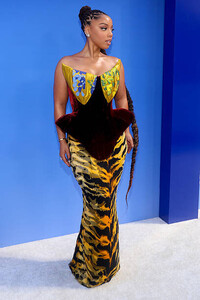




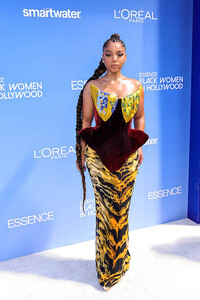


 Iza Rios https://www.instagram.com/izarioss/
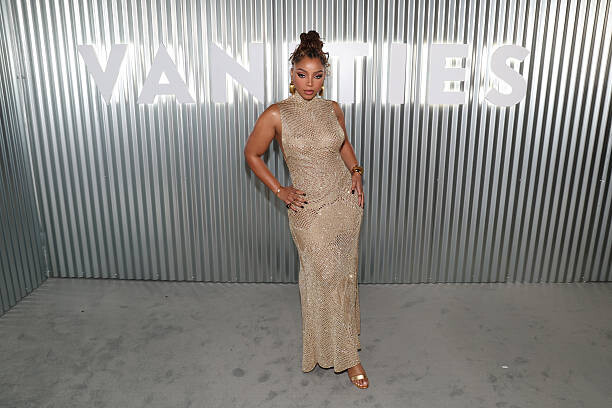
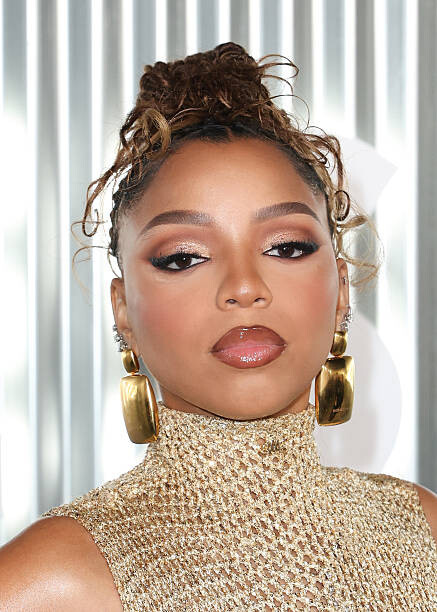
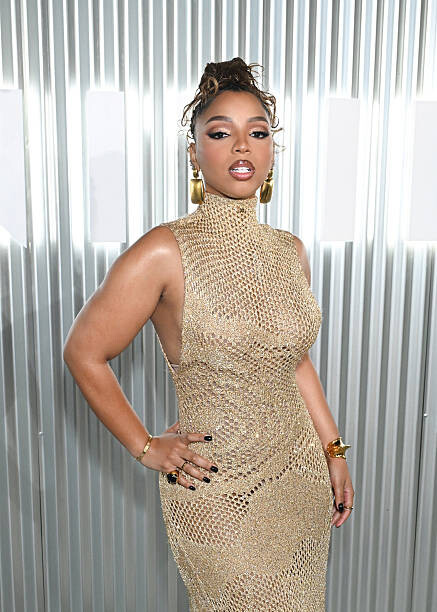
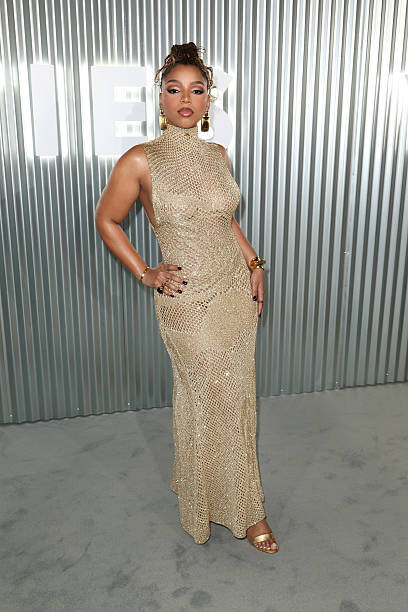
Chloe Bailey at Vanity Fair Hosts Vanities: A Night For Young Hollywood at Bar Marmont on March 11, 2026
Iza Rios https://www.instagram.com/izarioss/
Chloe Bailey at Vanity Fair Hosts Vanities: A Night For Young Hollywood at Bar Marmont on March 11, 2026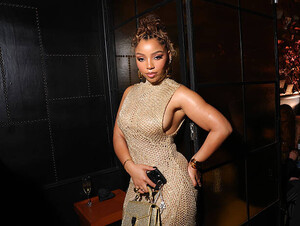





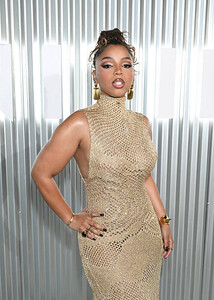








 Lucia Bramani Kelsey Merritt Yasmin Christian Victoria Furnari Dominique Elissa Shannon McMullen Bailey Clark Emily Deyt-Aysage
 Lmidzbored34 joined the community
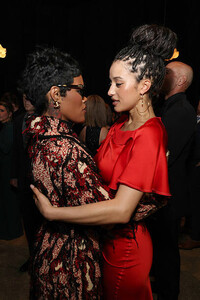
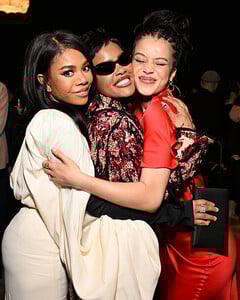
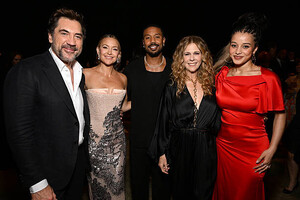
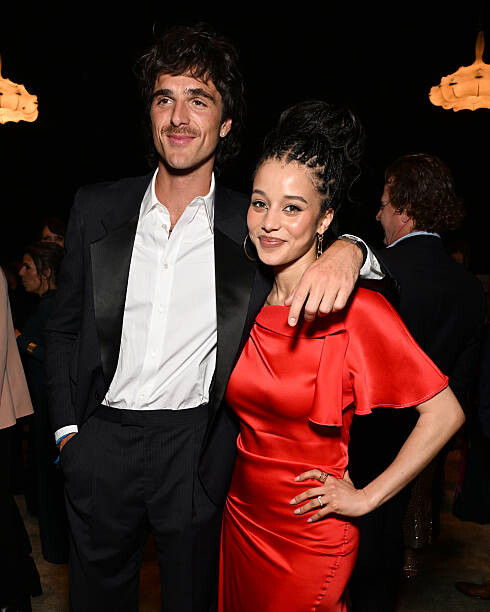
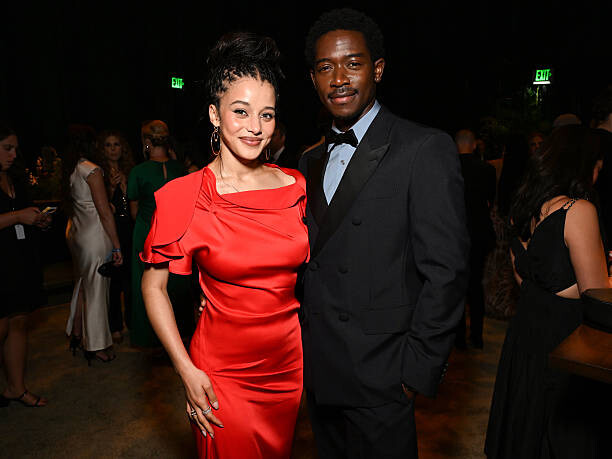
 Chase Infiniti at MPTF's 24th Annual Night Before at Fox Studio Lot on March 14, 2026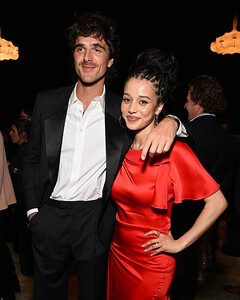


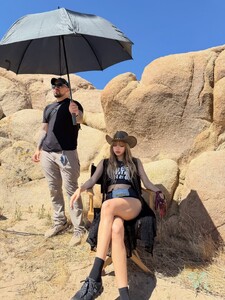
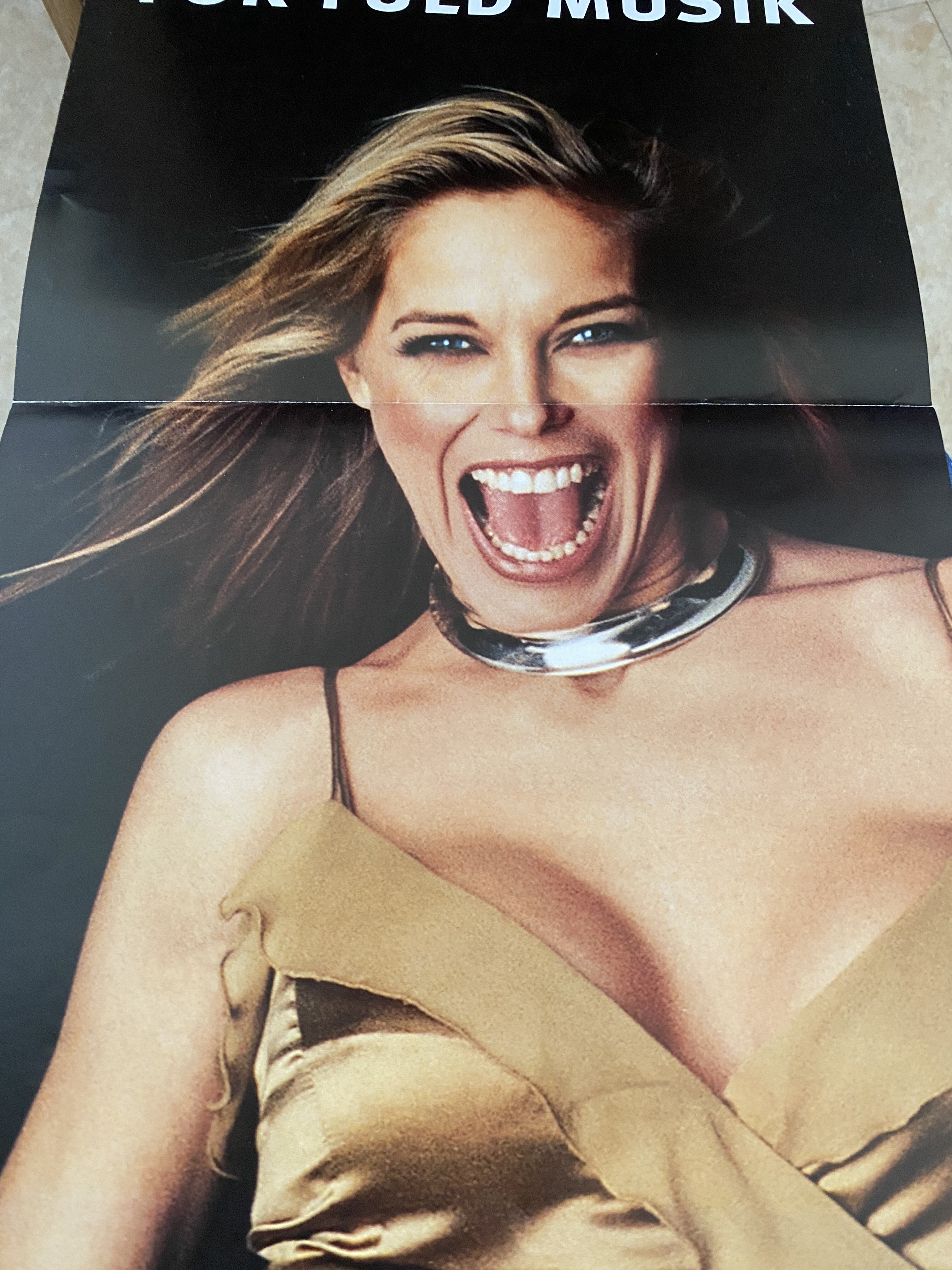
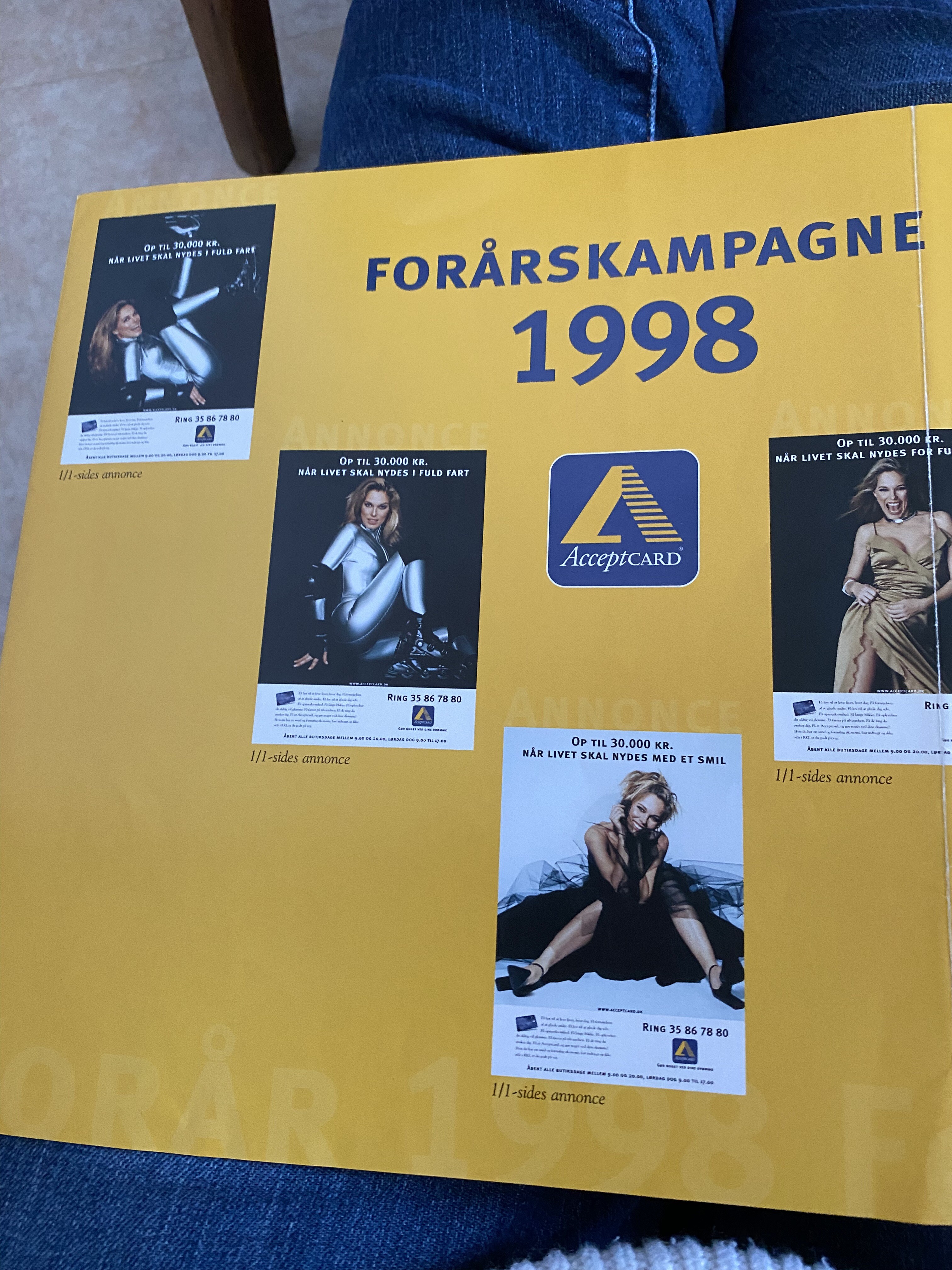
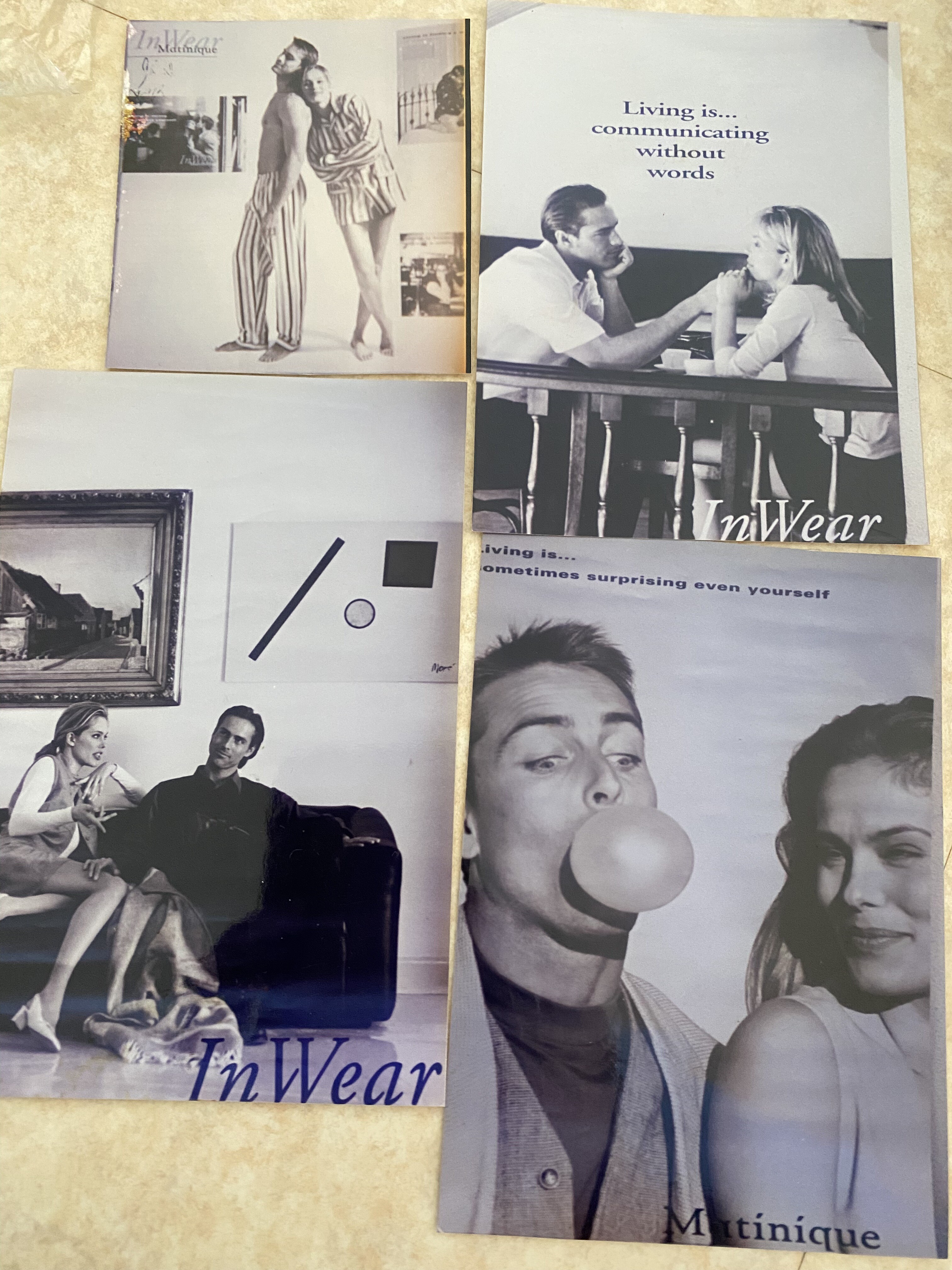
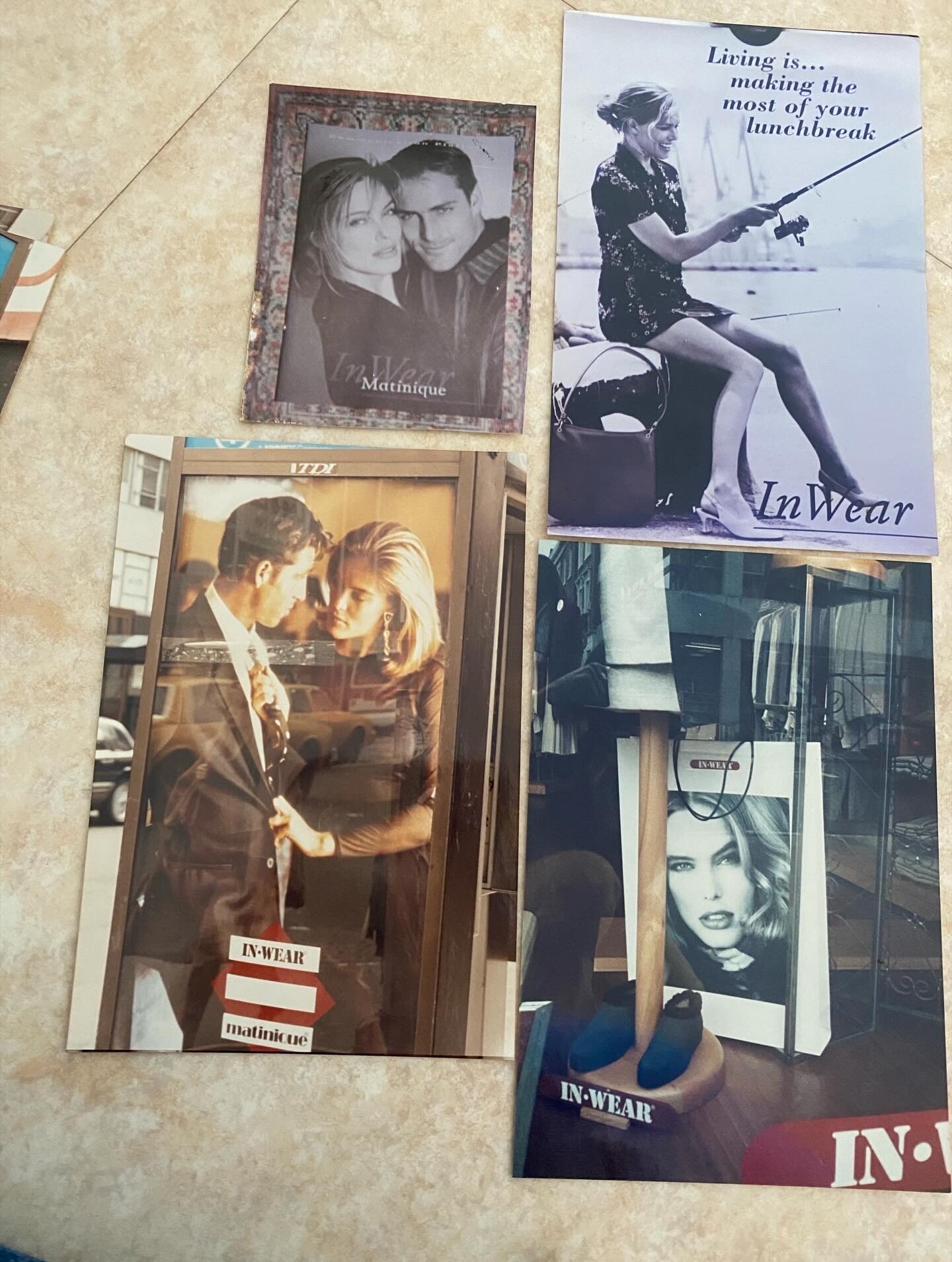
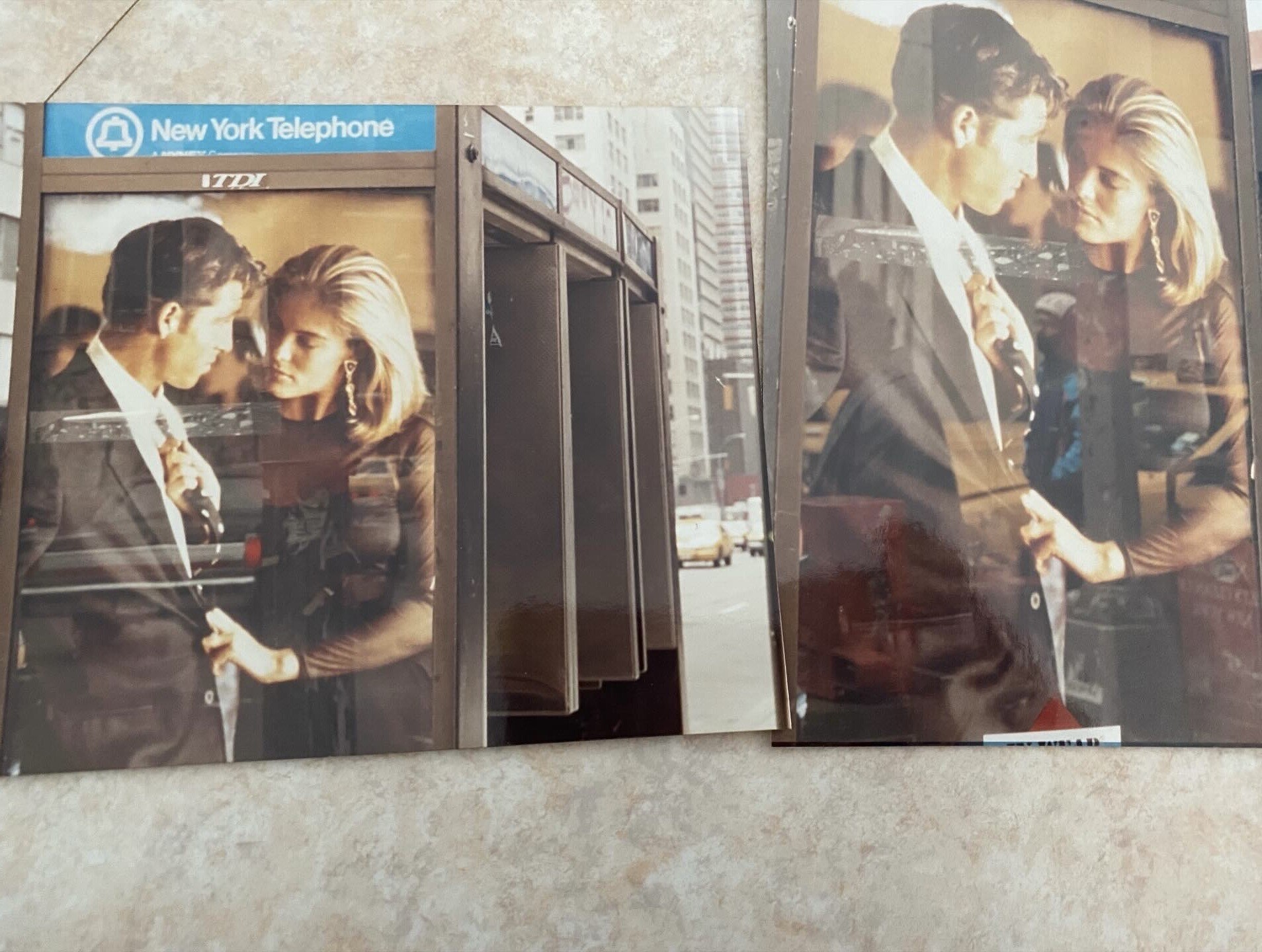
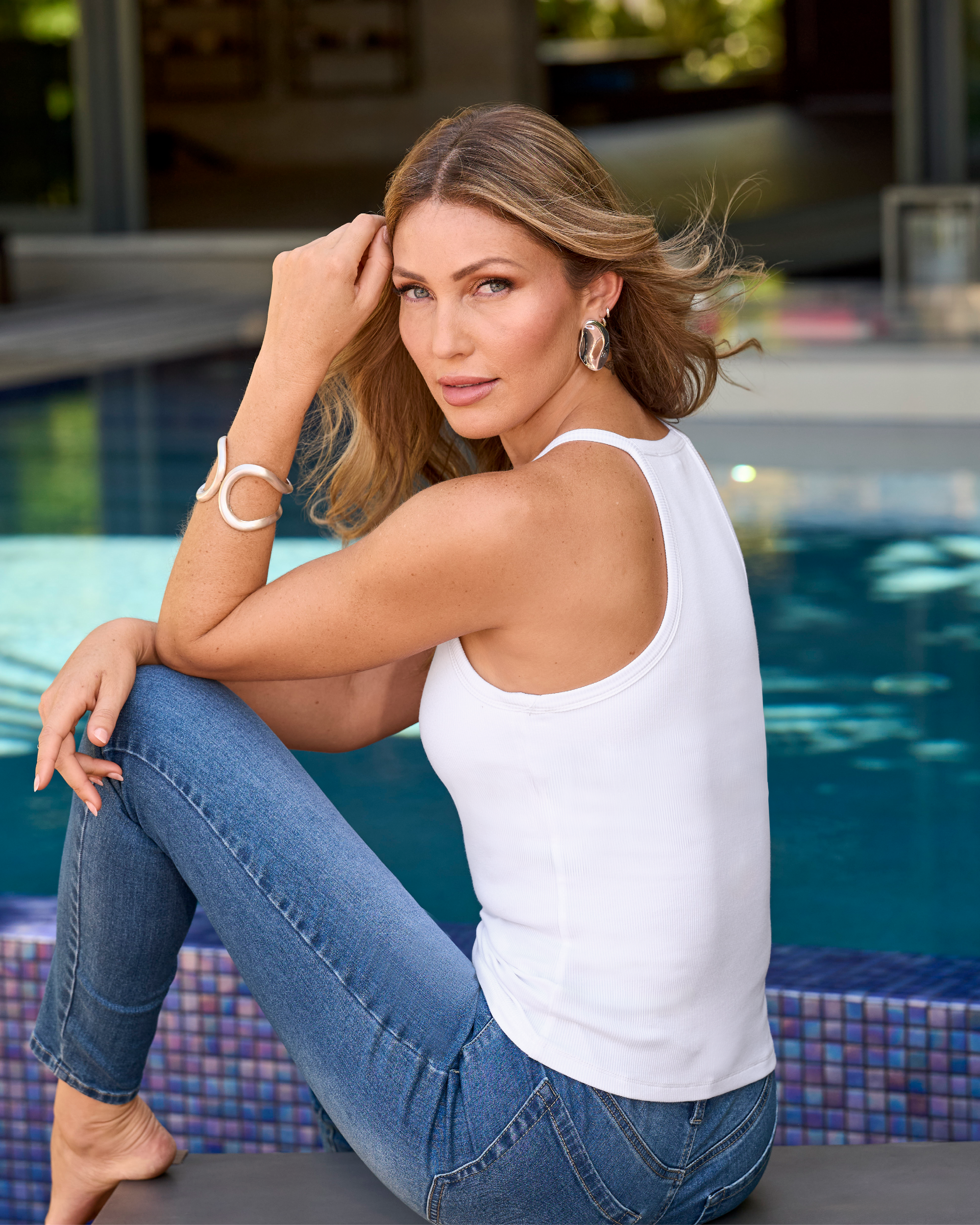
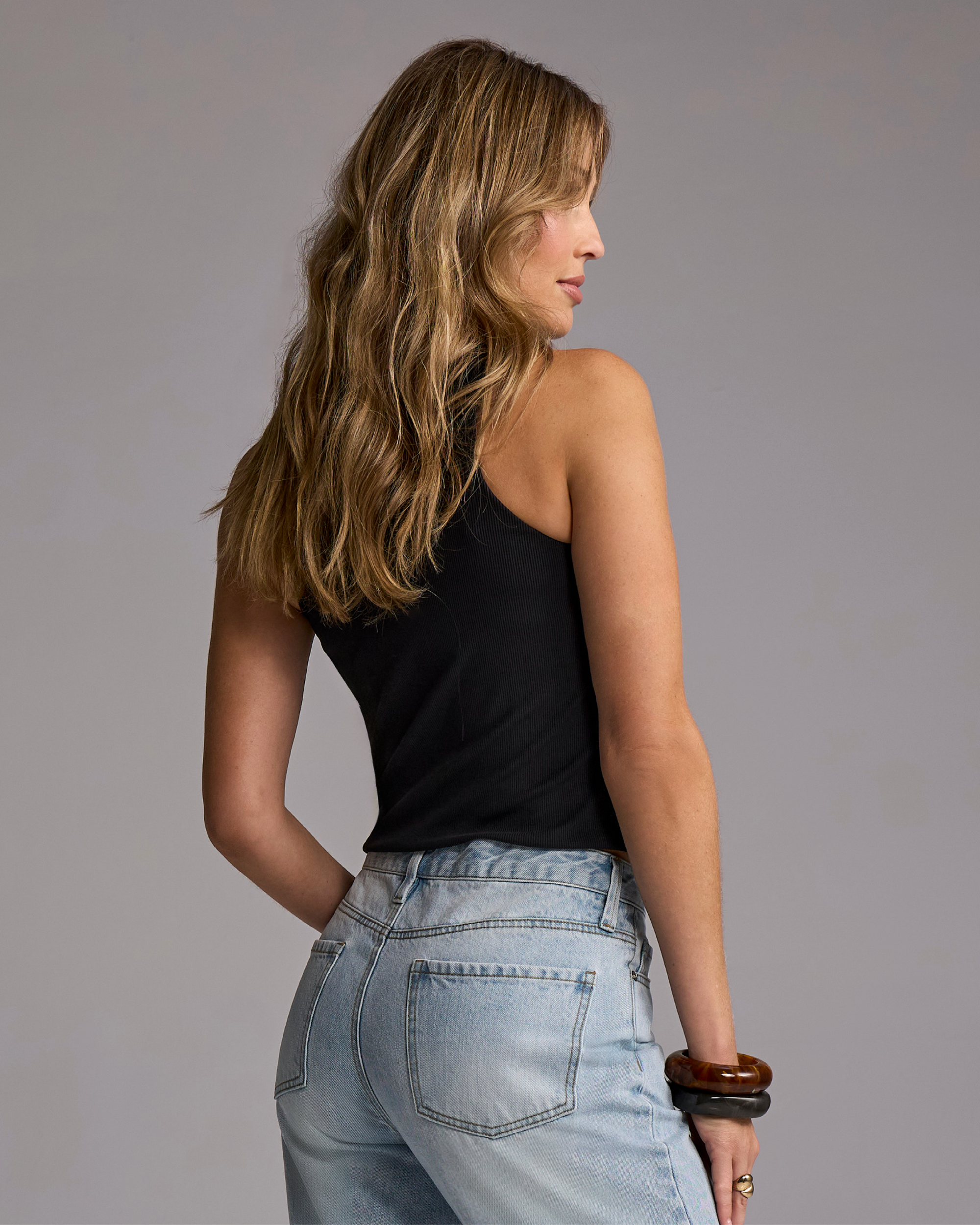
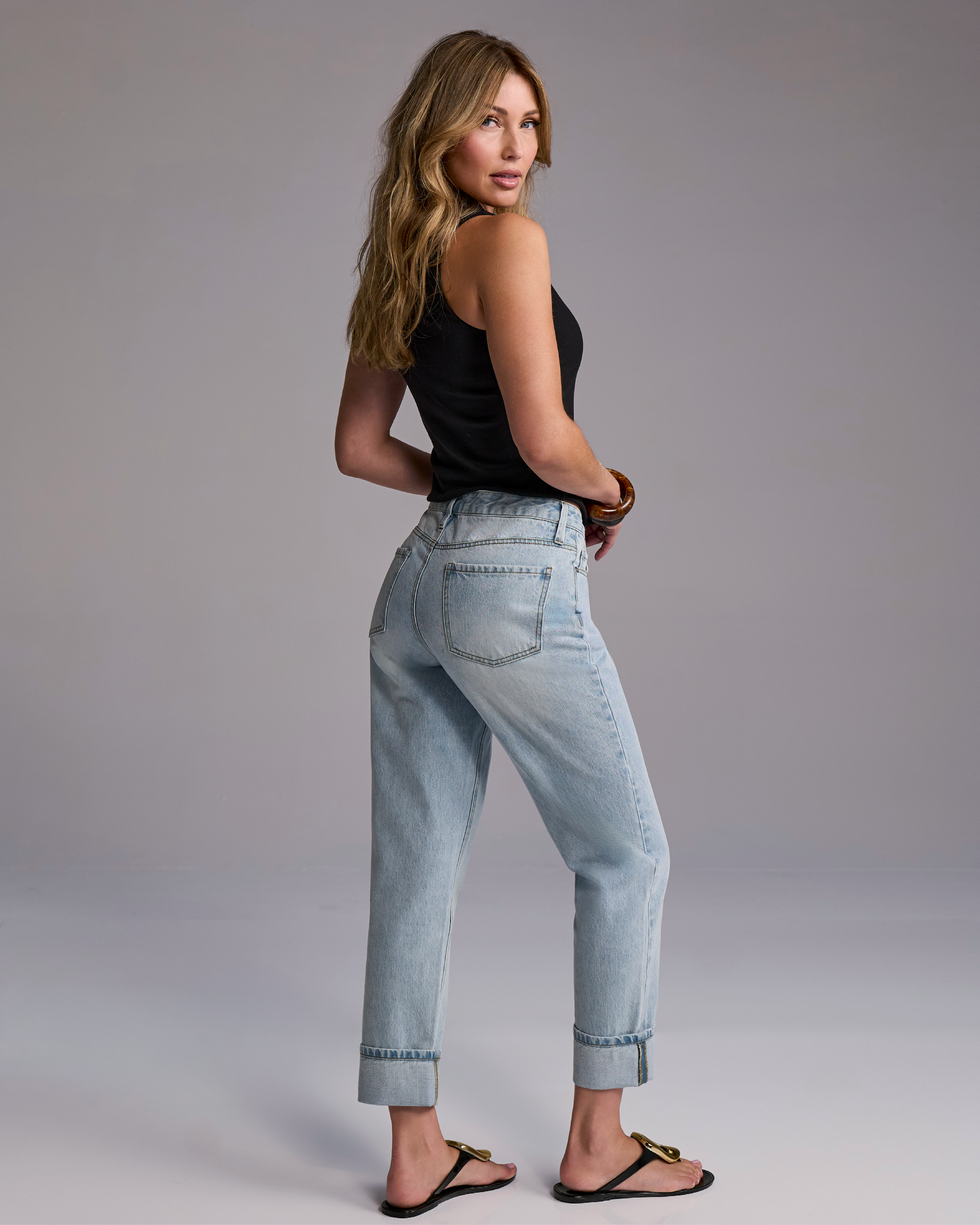
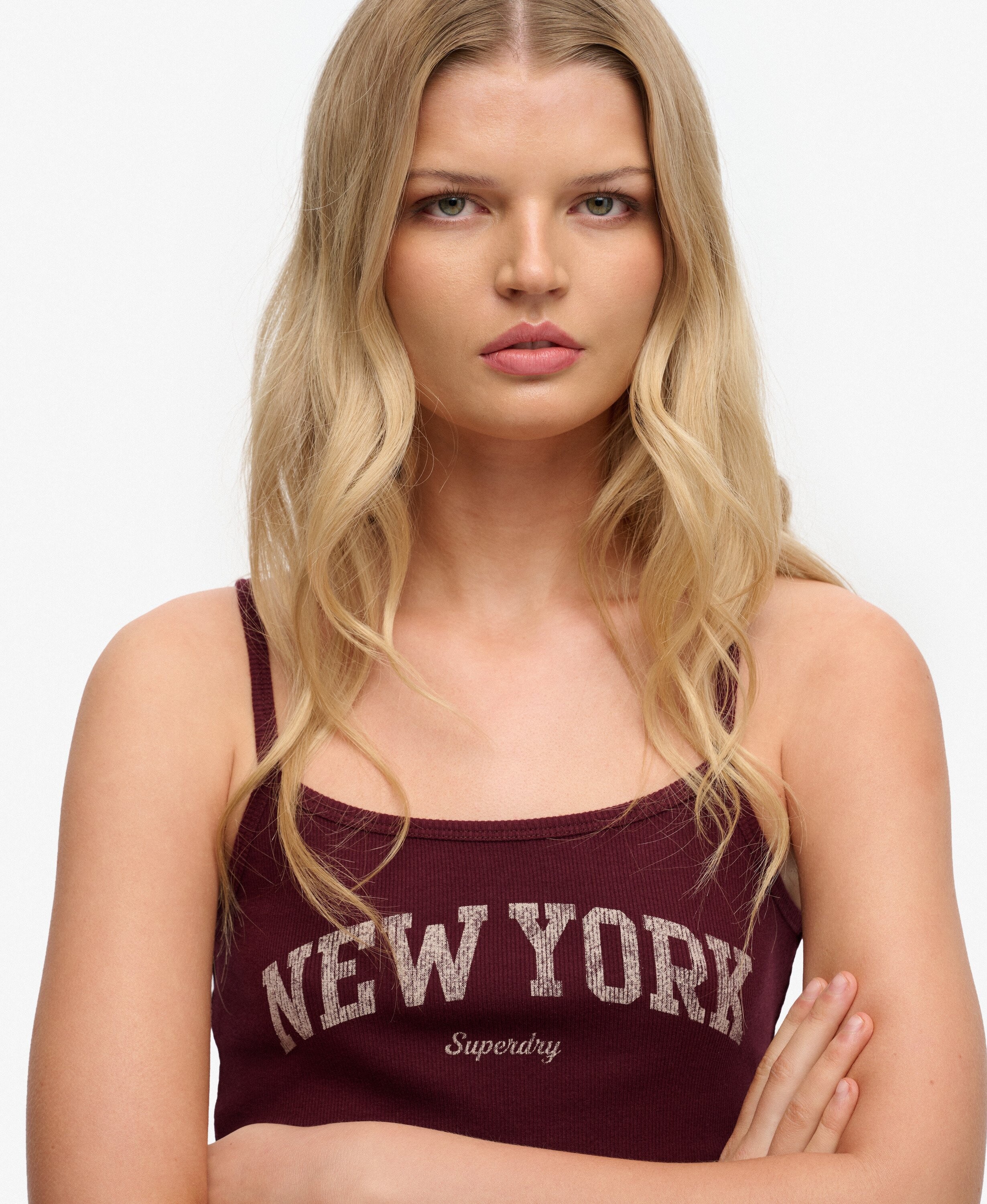
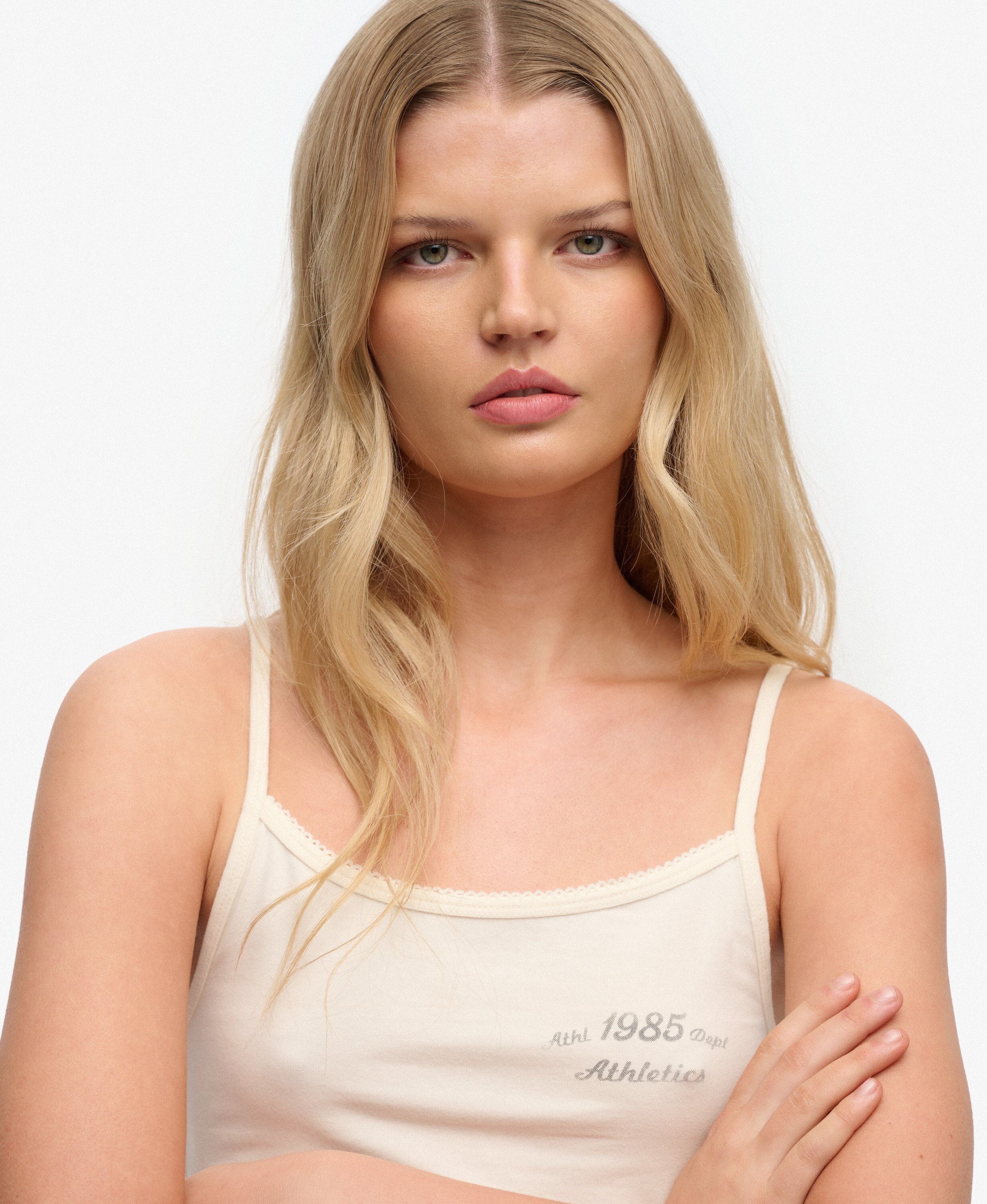
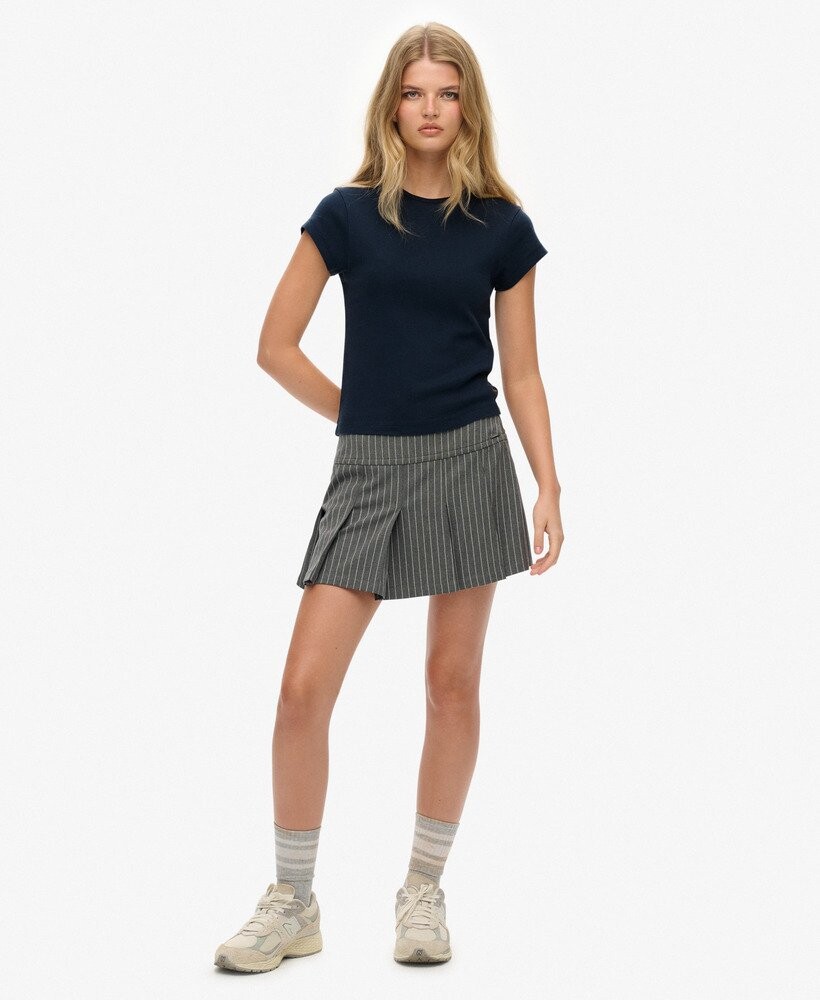
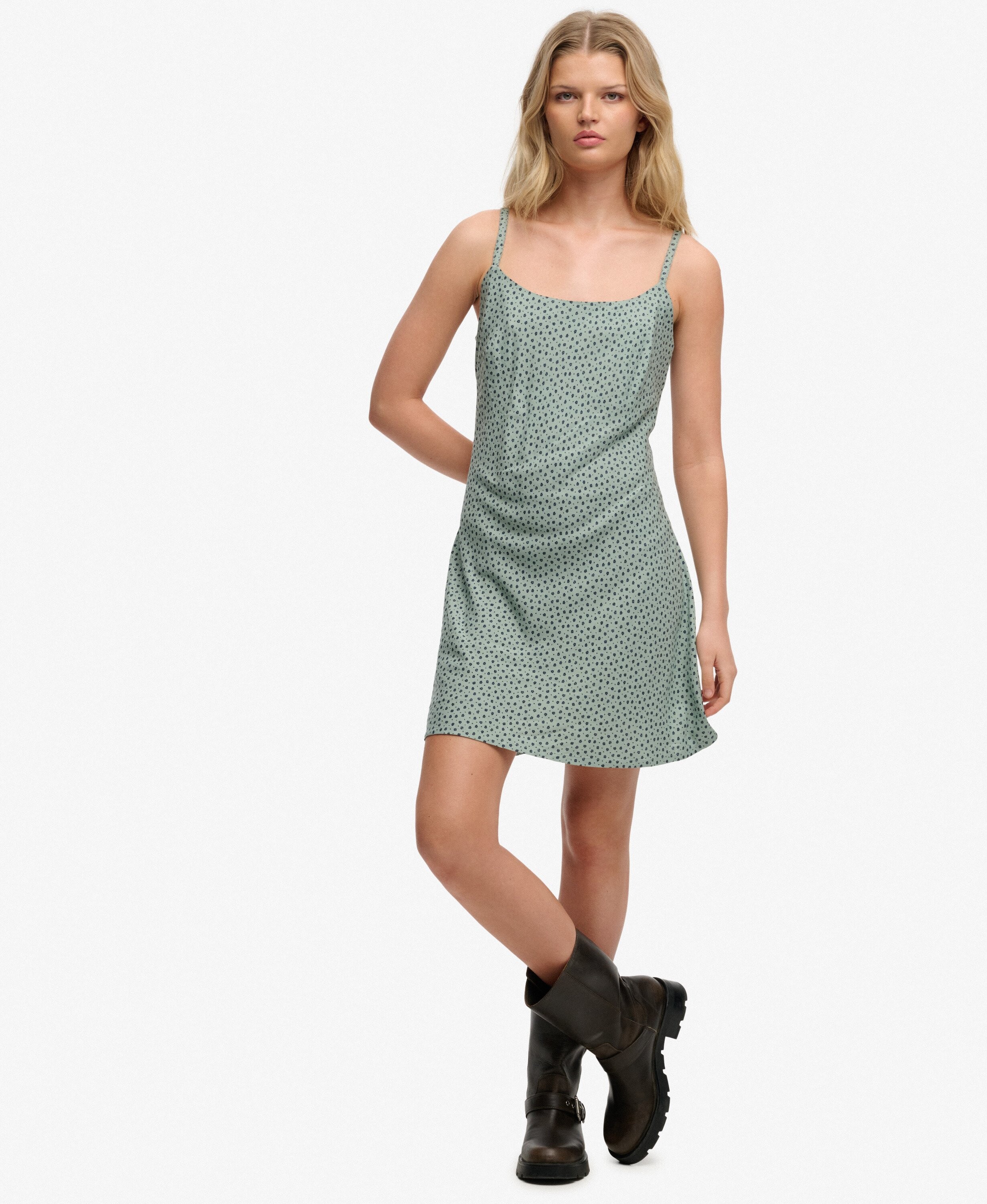
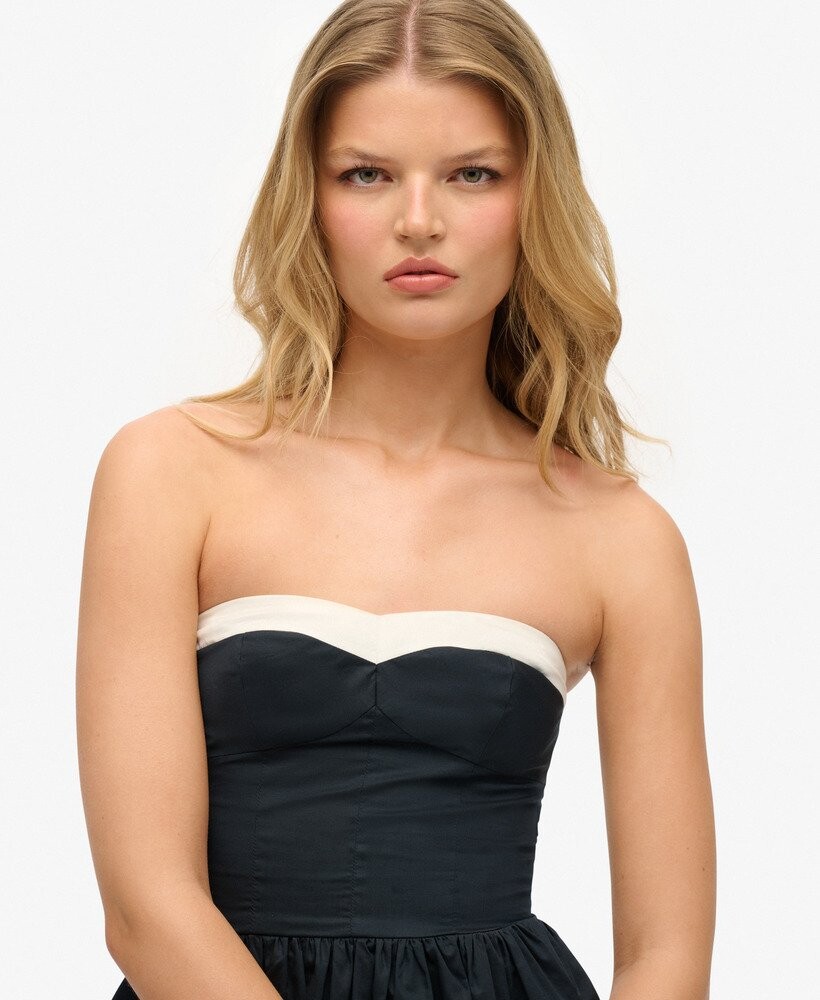
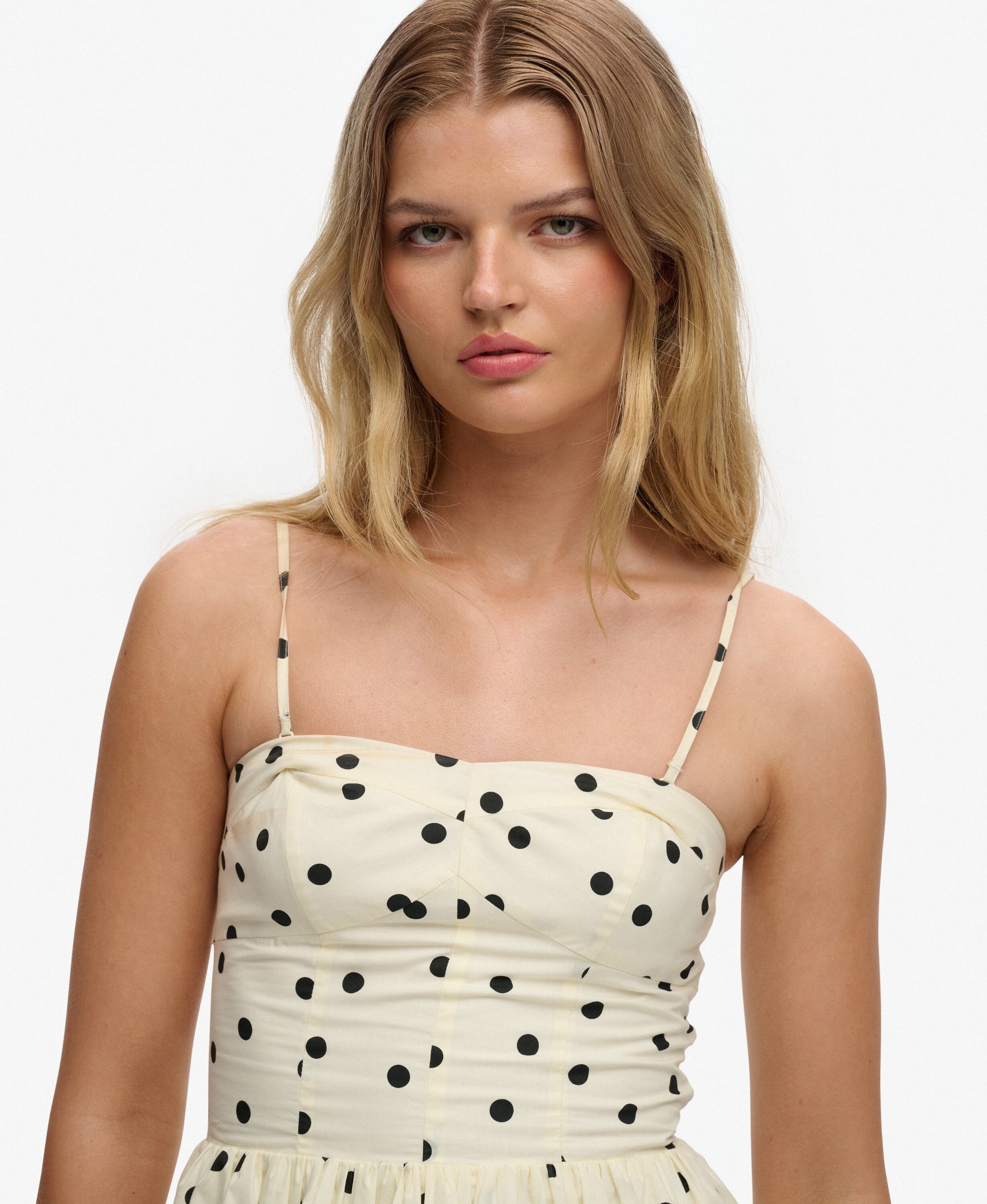
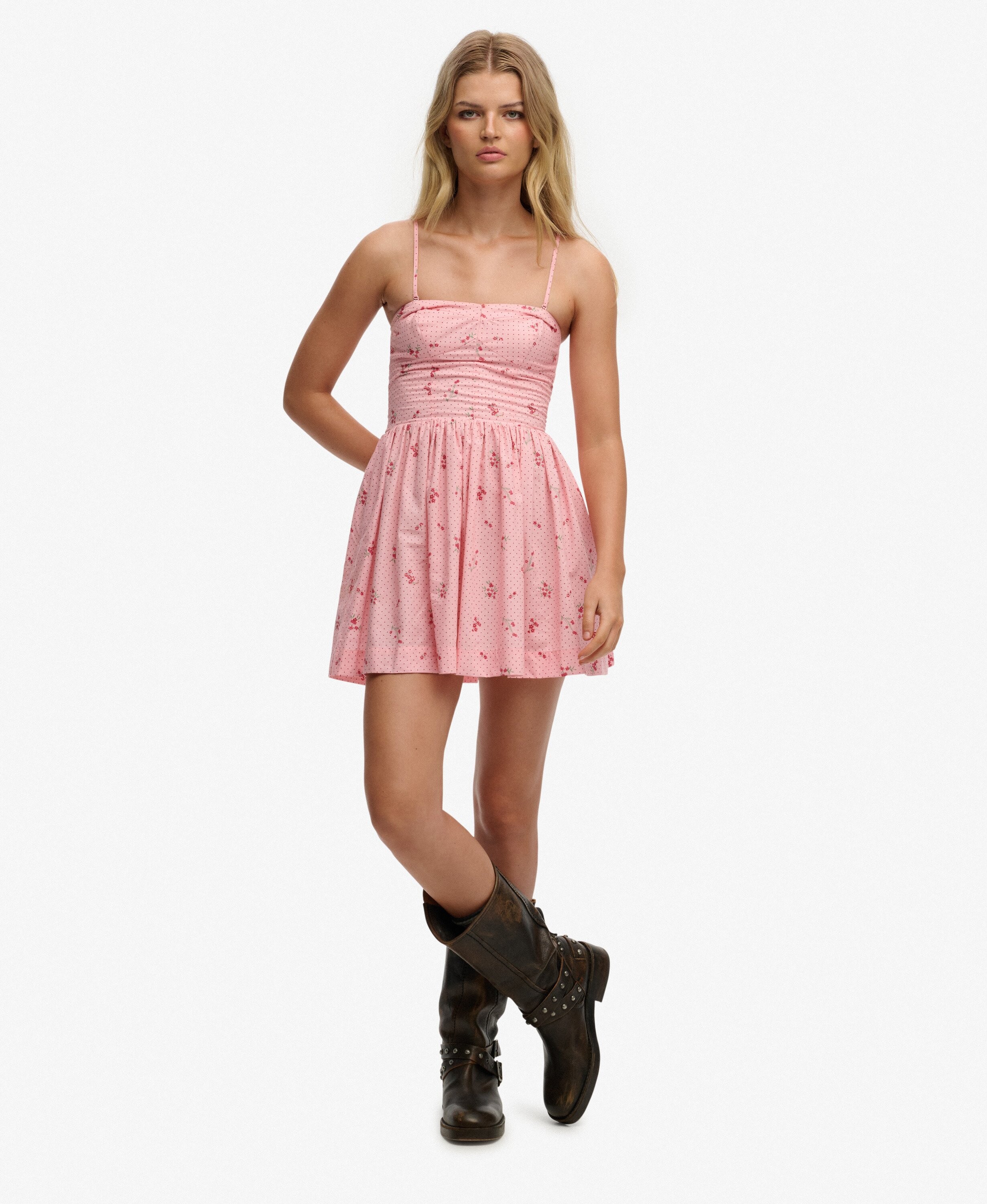
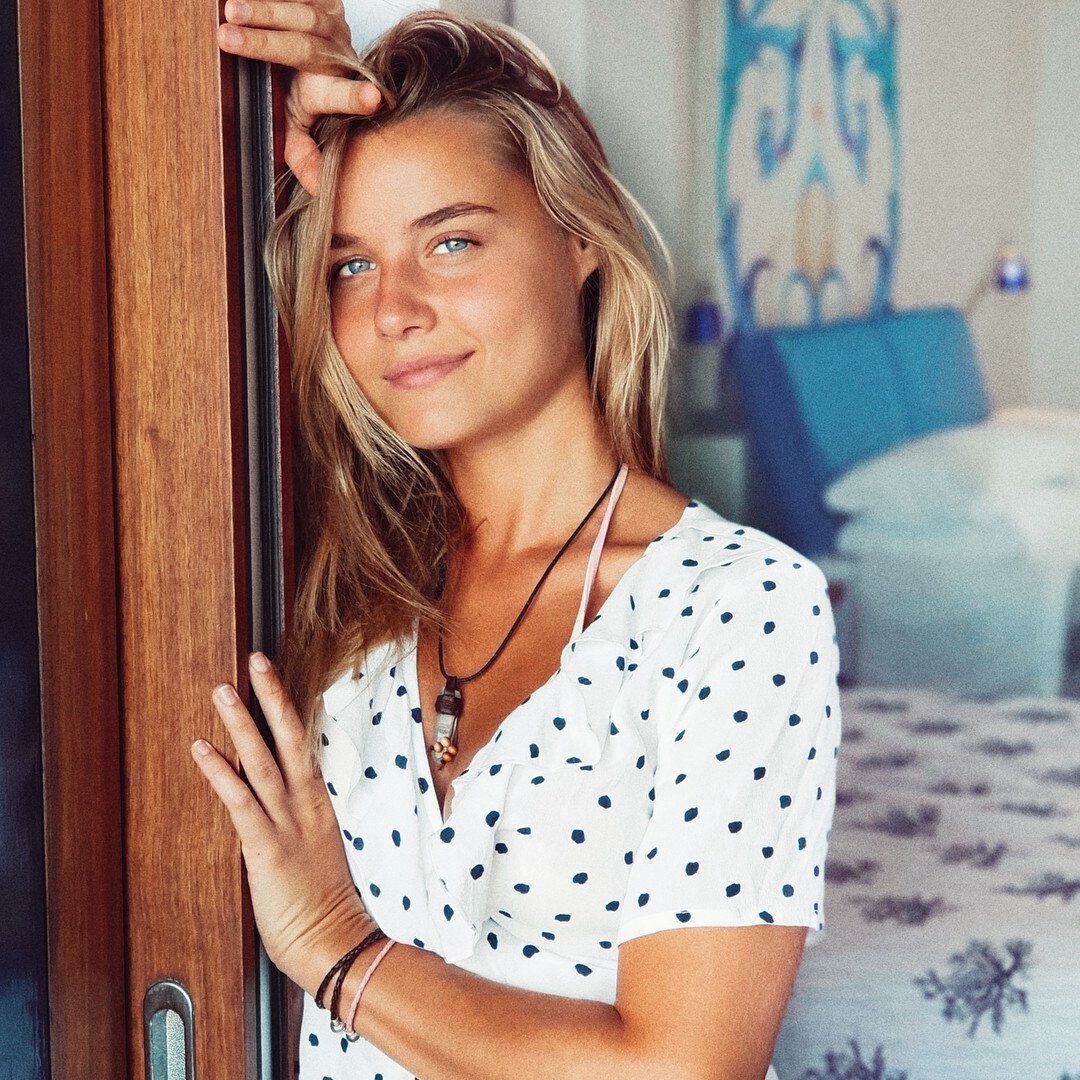
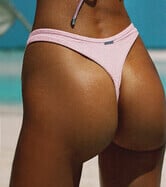 Hi all, Anyone know who this lovely blonde is? Modelling for Superdry. Thanks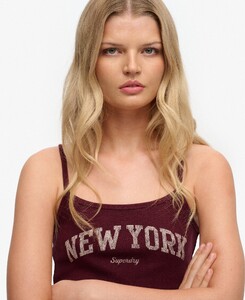
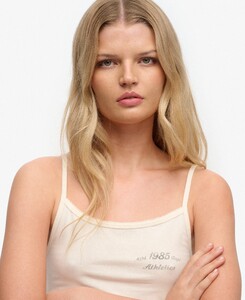
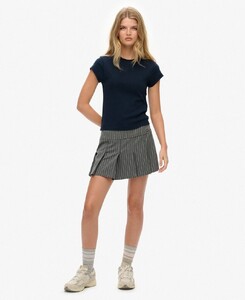
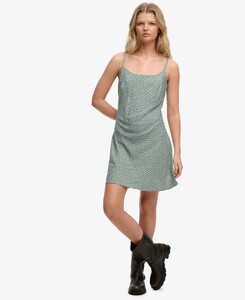
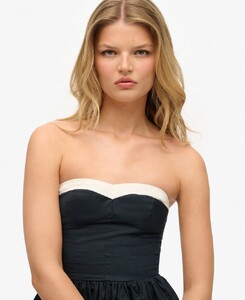
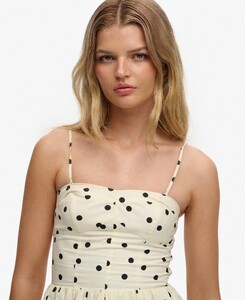

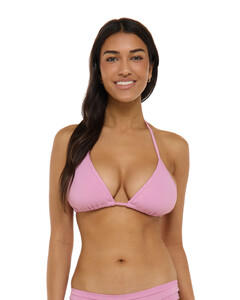
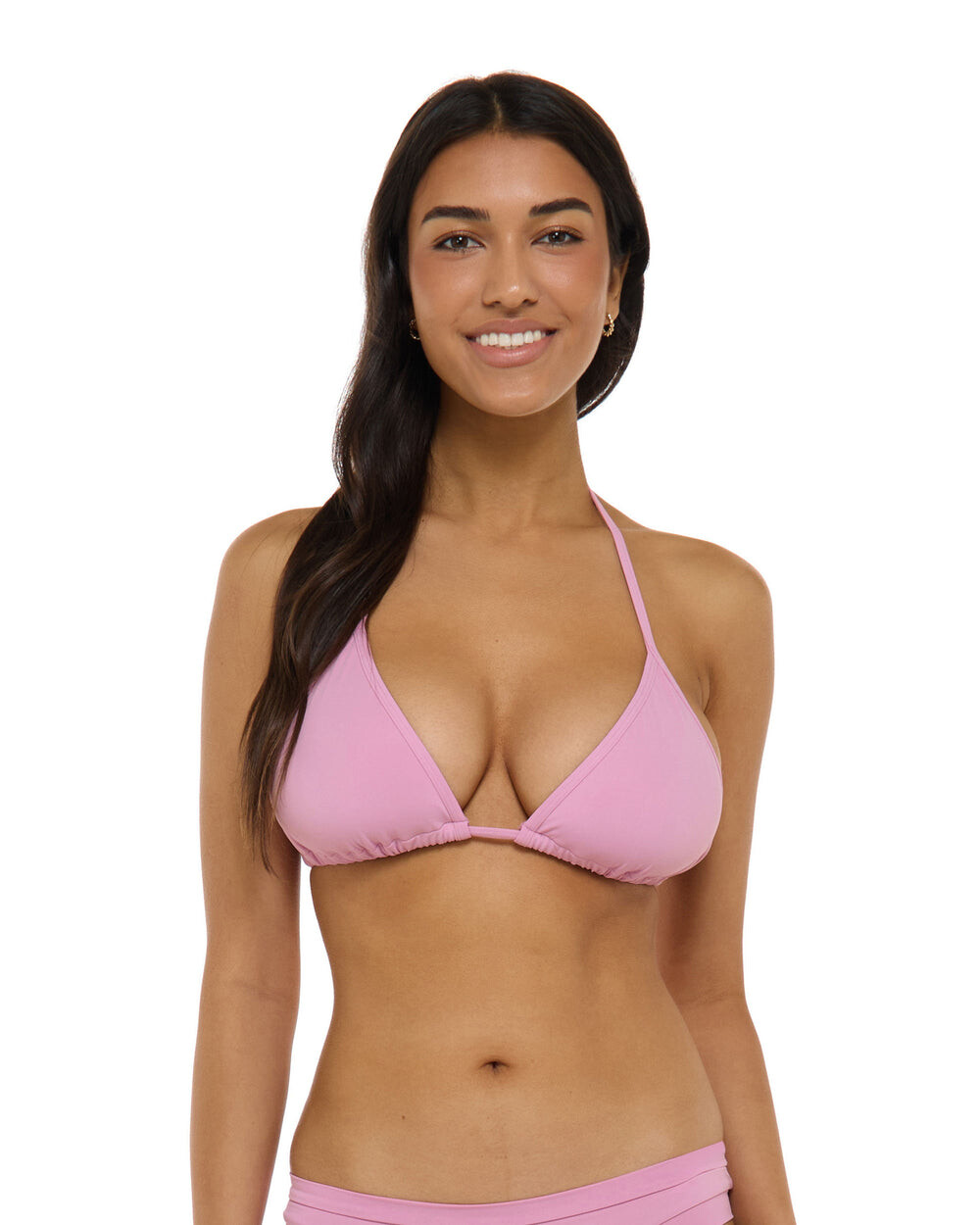
 Body Glove beauty
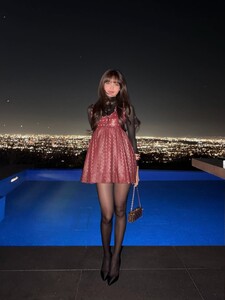
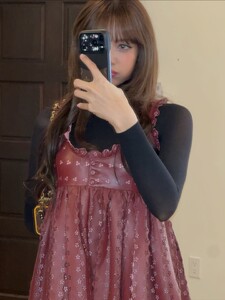
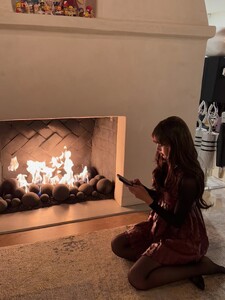
 From IG: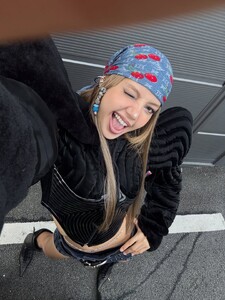


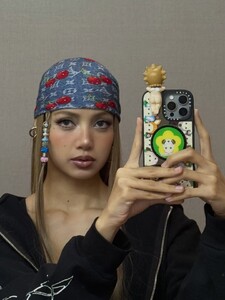


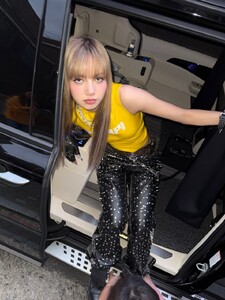












 IG IG Videos
.thumb.jpg.44393a6cbabf099aaab7431f86d88b65.jpg)





- Today
 Anne Bezamat has joined Iconic Focus agency. Iconic Focus - Top Modeling Agency in New York and Los Angeles for 30 to 90+ Year Old ModelsAnne Bezamat - Iconic Focus - Top Modeling Agency in New...
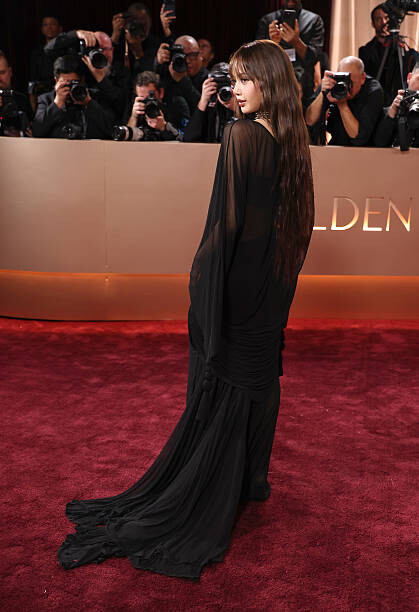
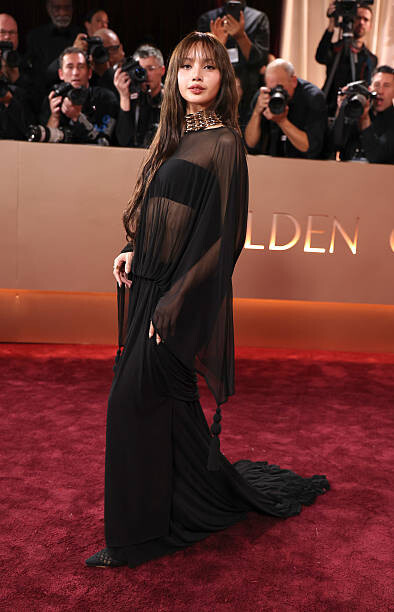
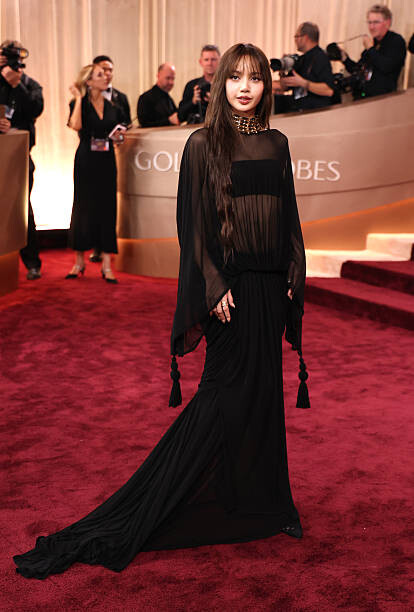
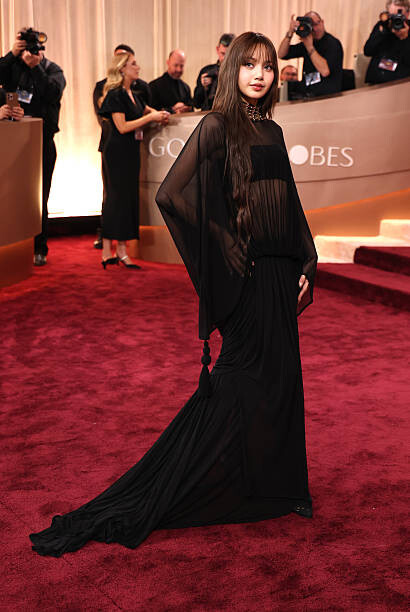
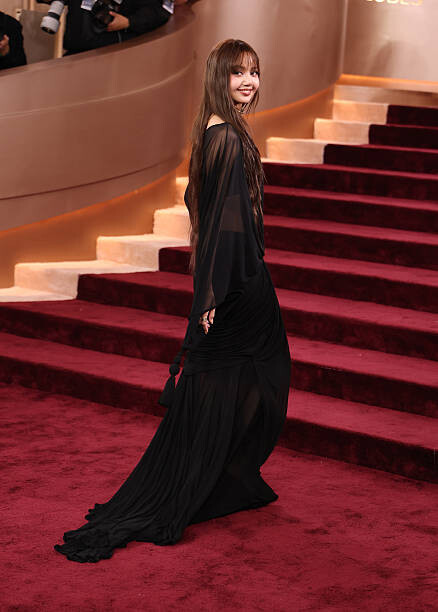
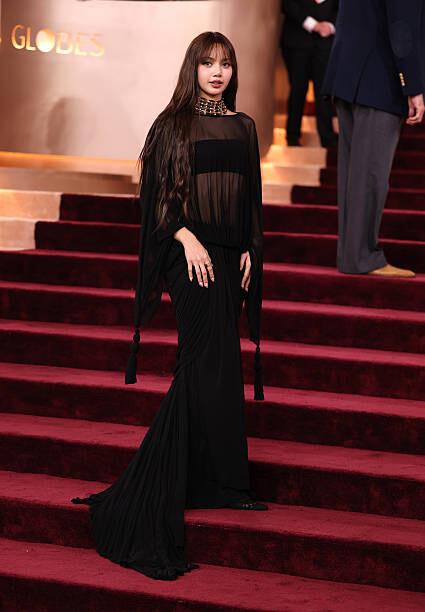
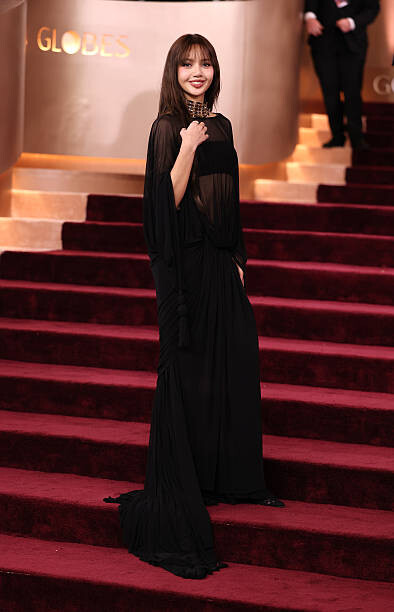
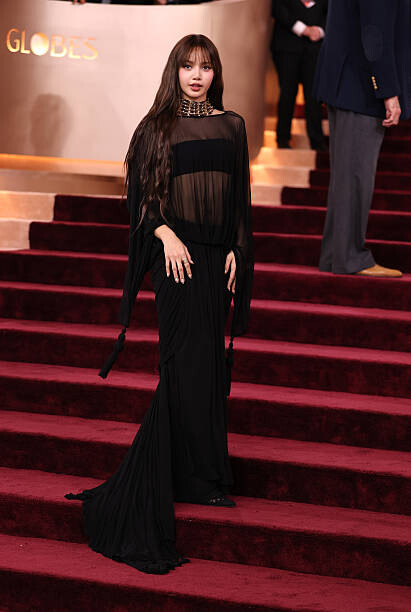
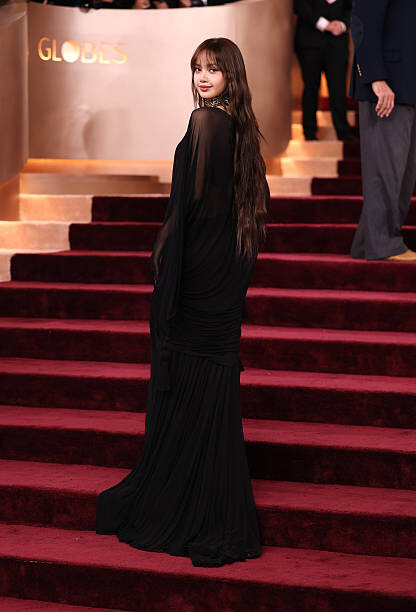
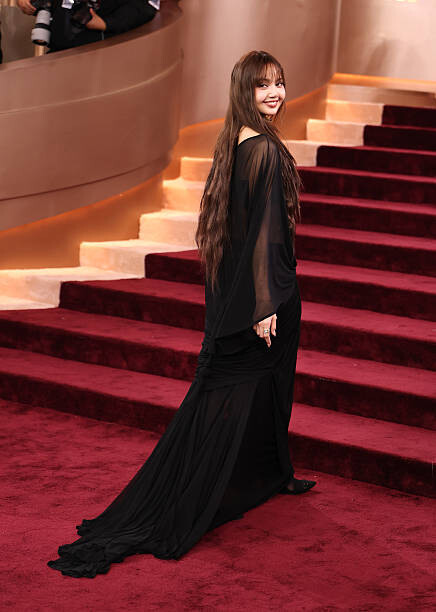
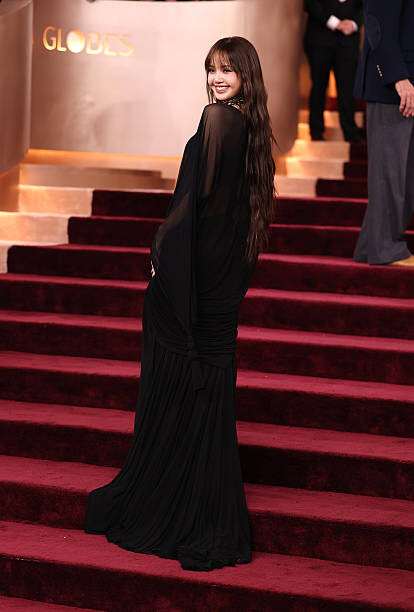
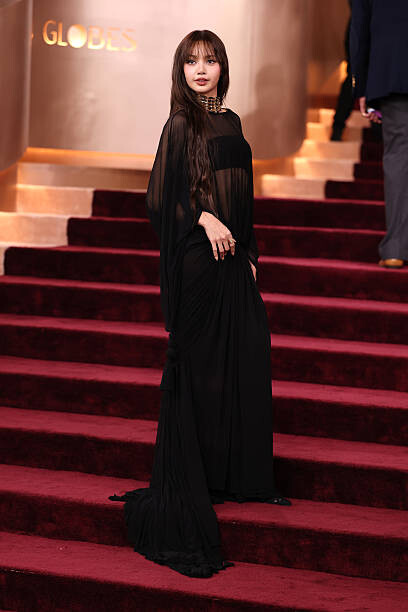
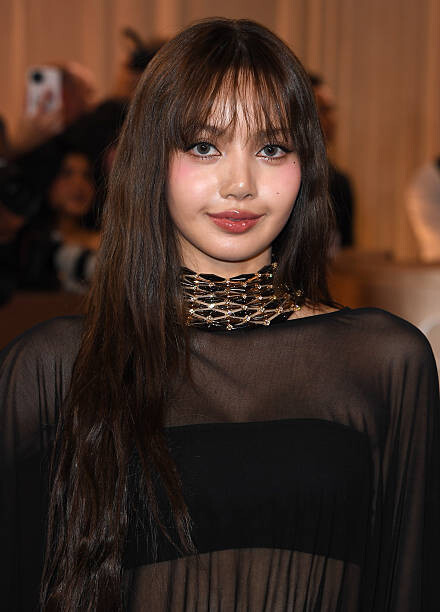
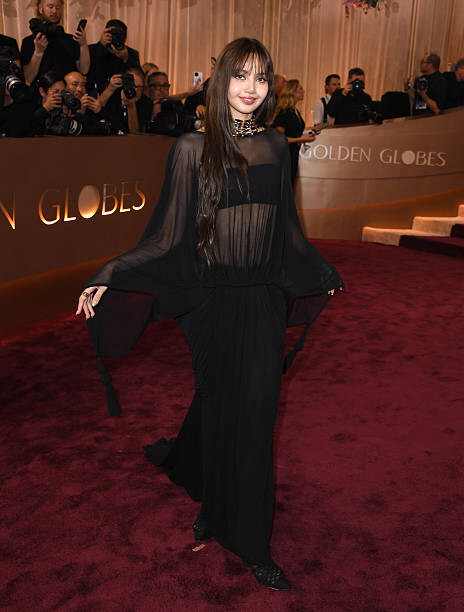
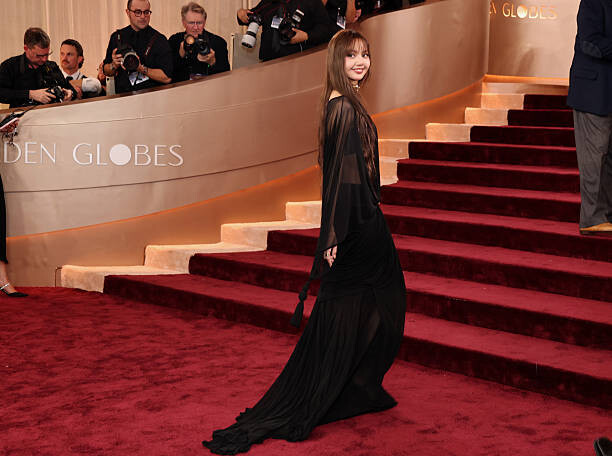
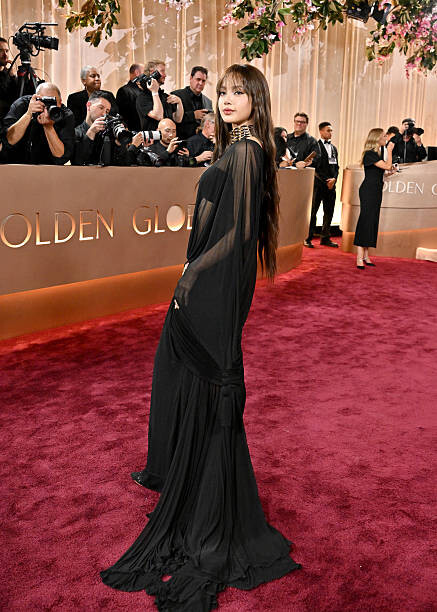
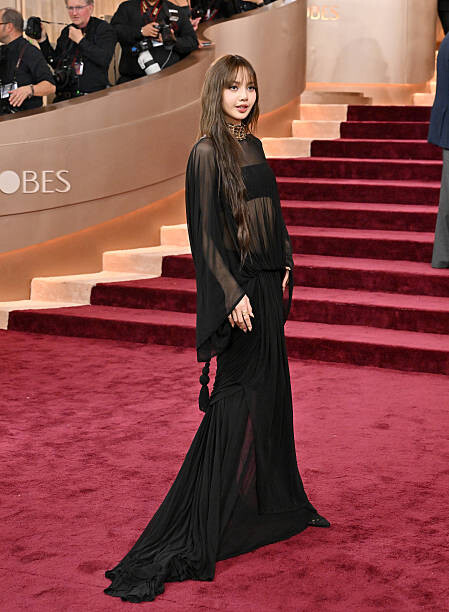
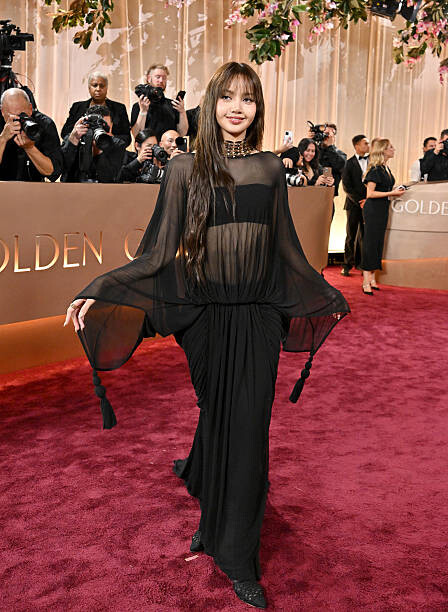
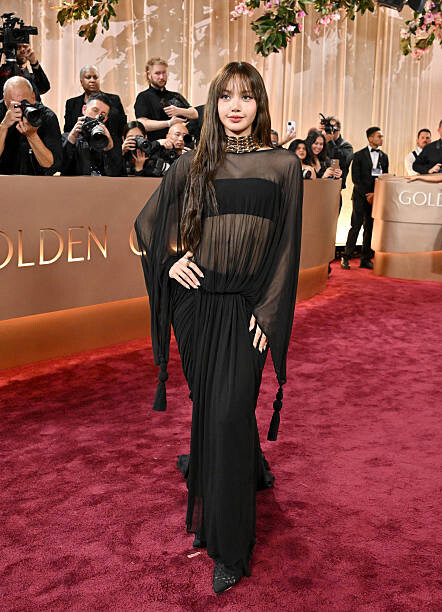
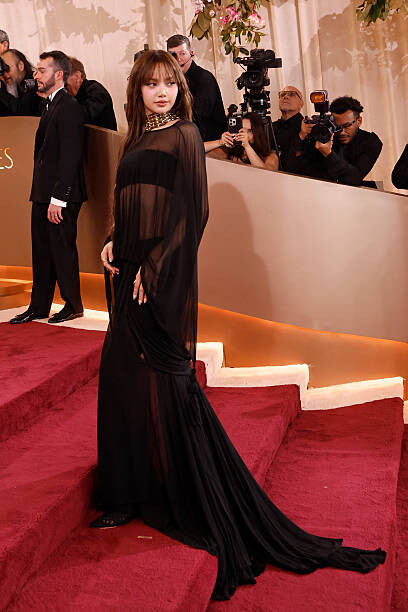
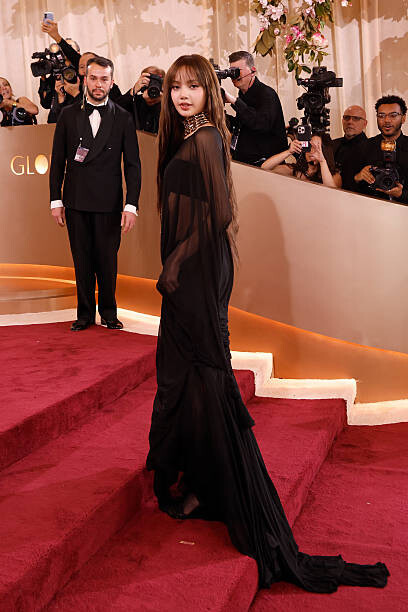
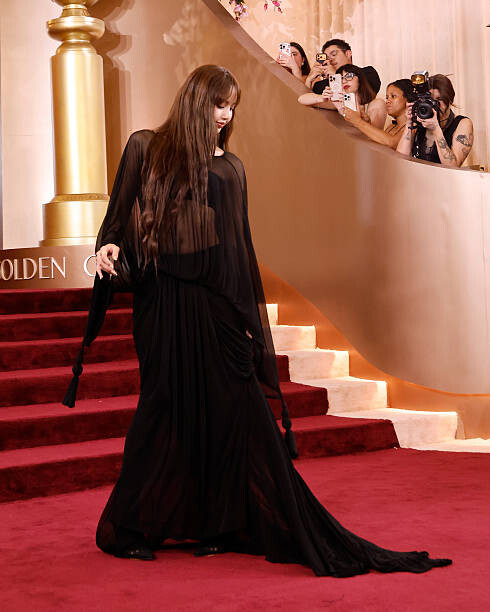
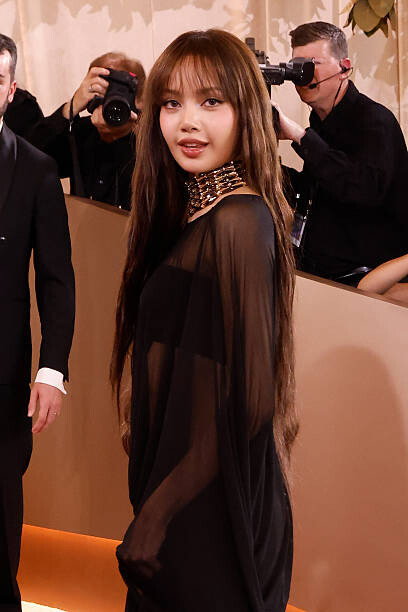
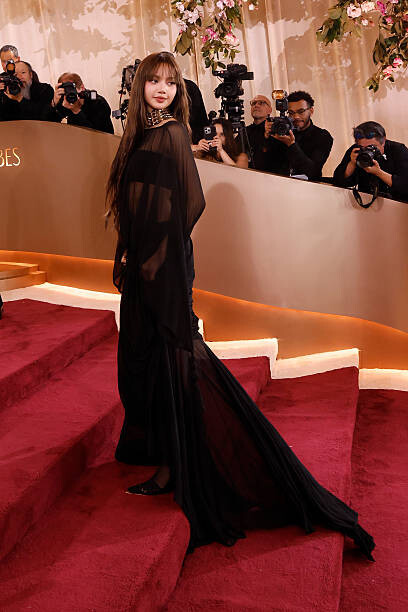
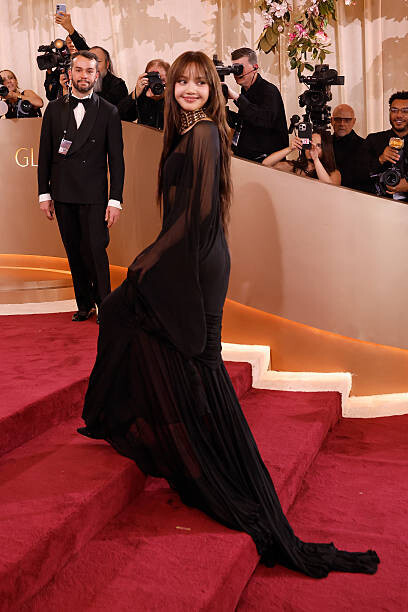
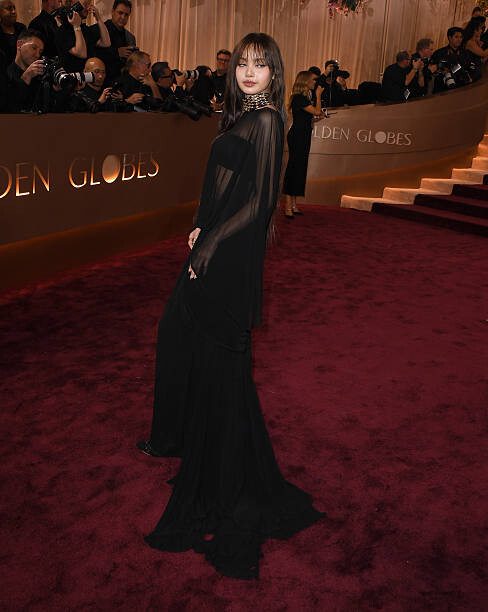
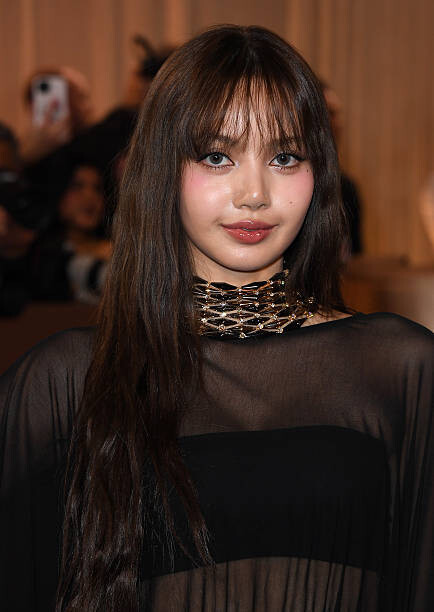
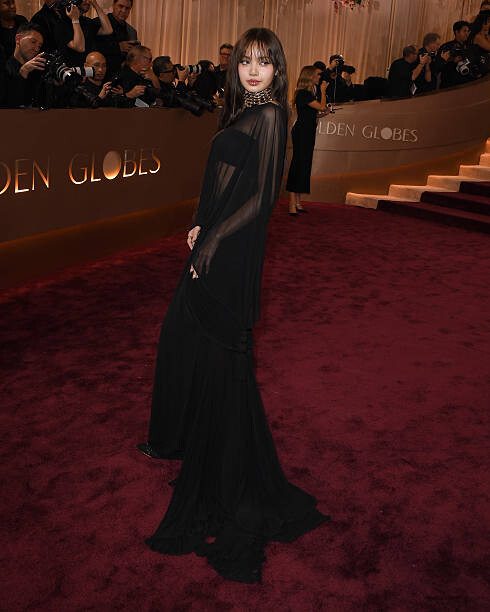
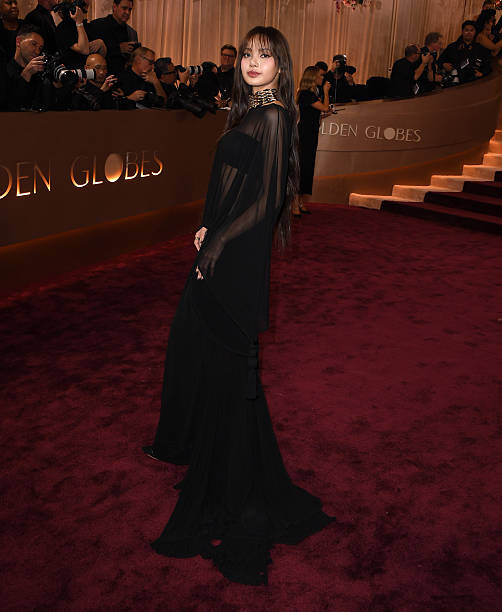
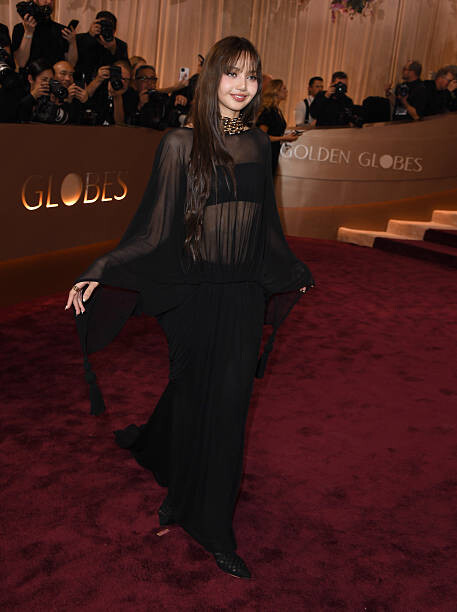
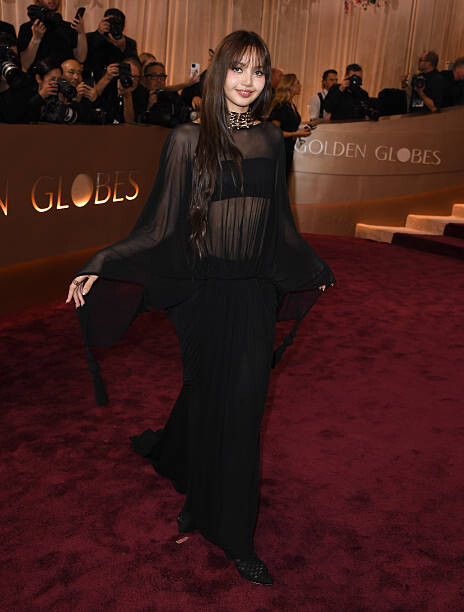
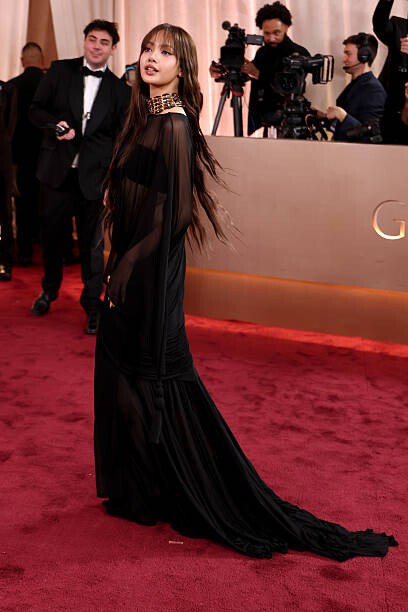
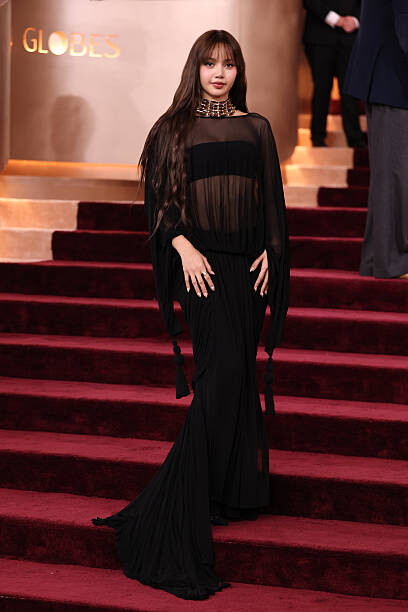
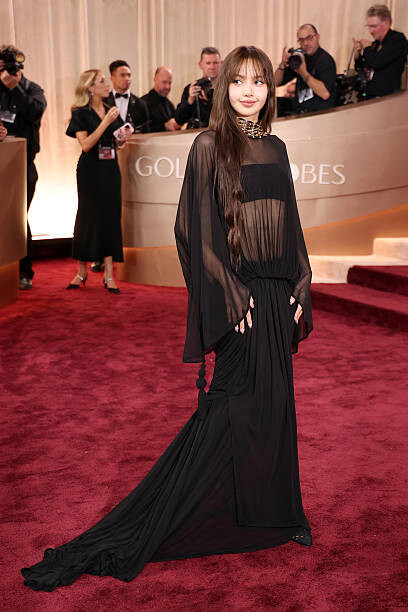
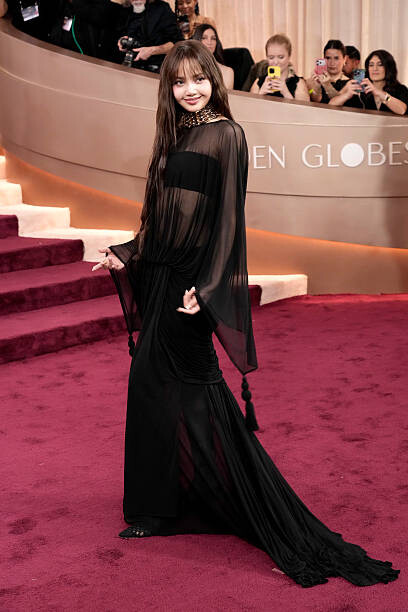
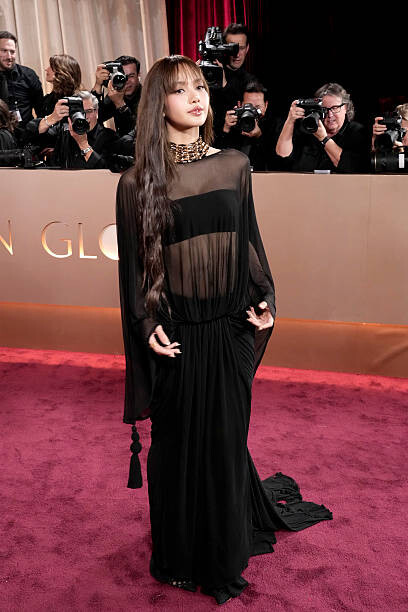
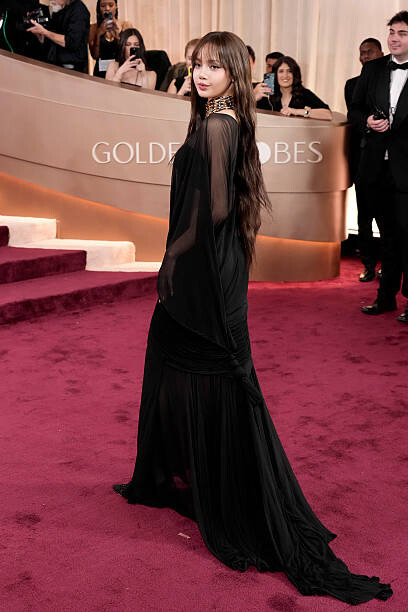
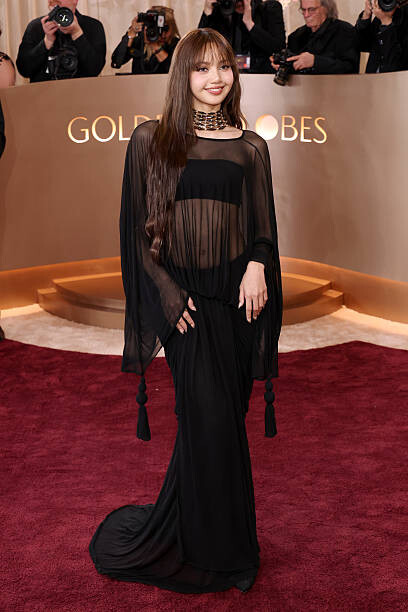
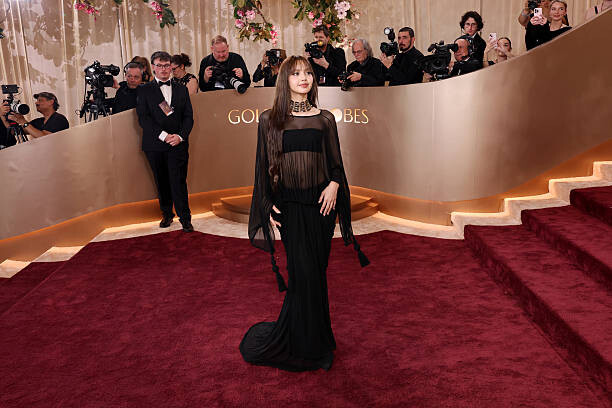
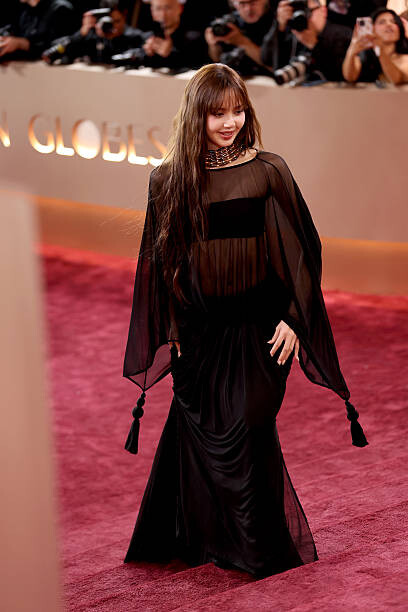
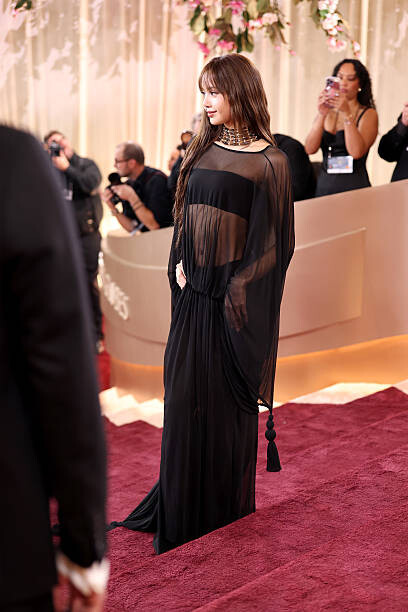
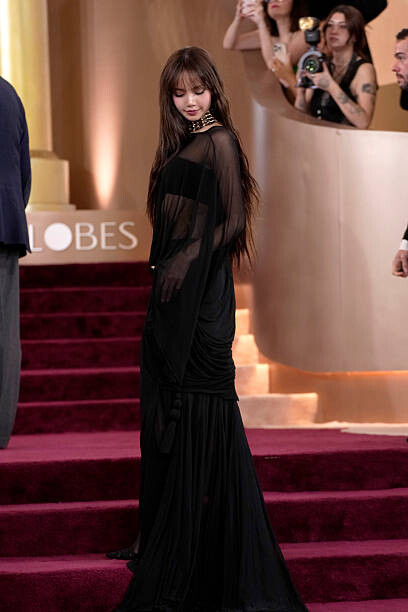
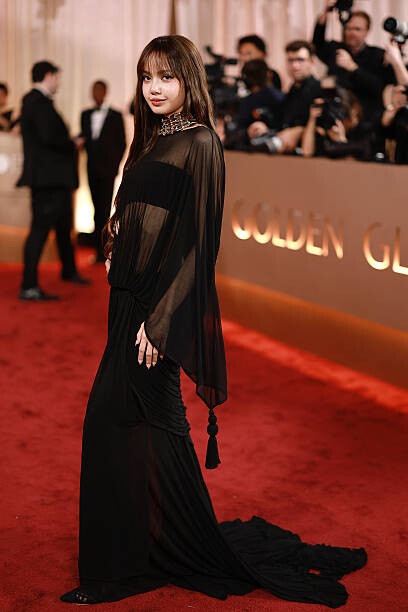
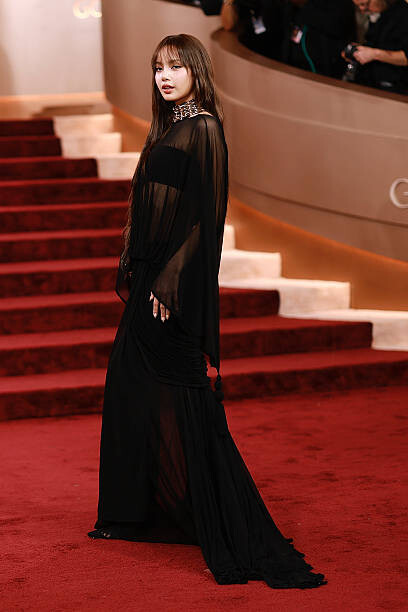
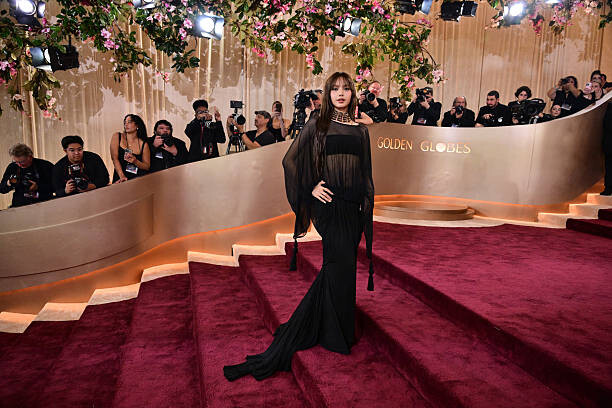
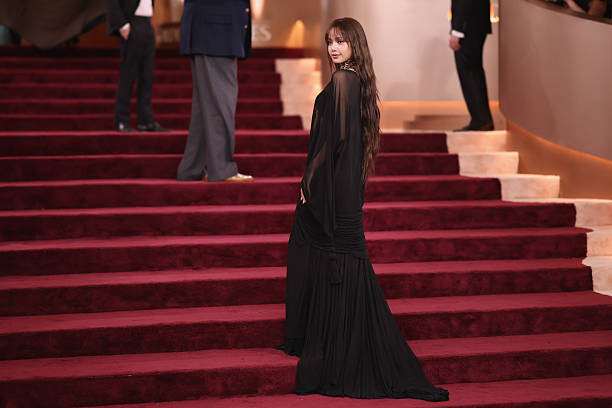
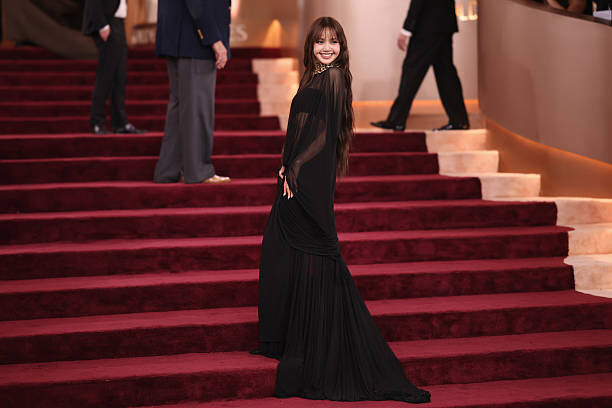
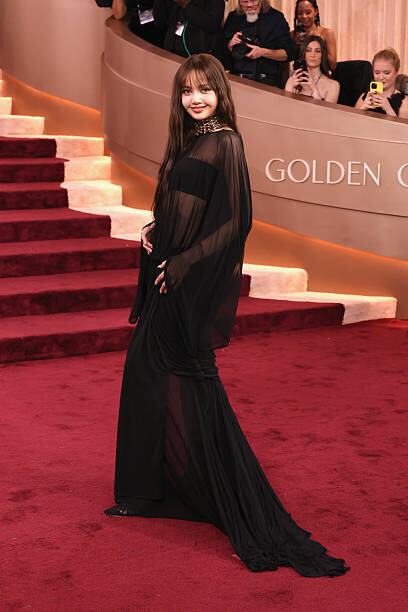
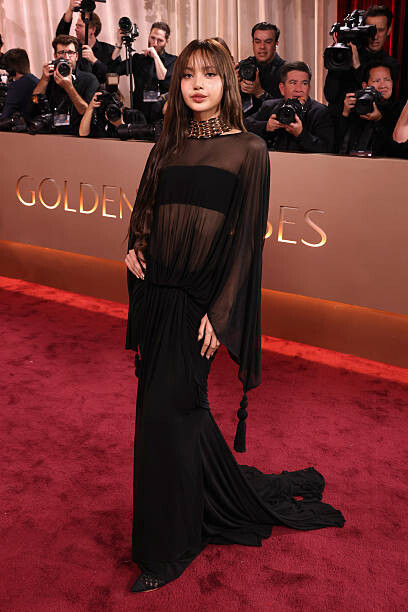
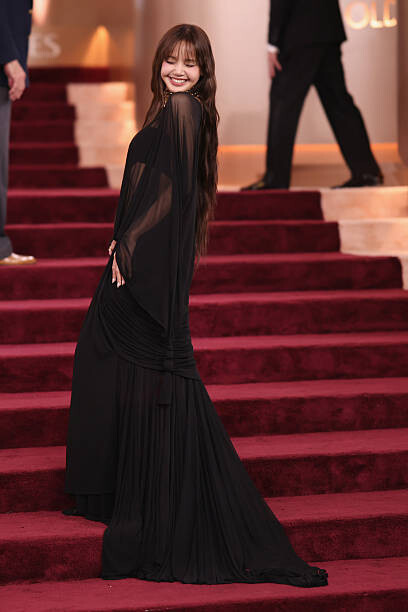
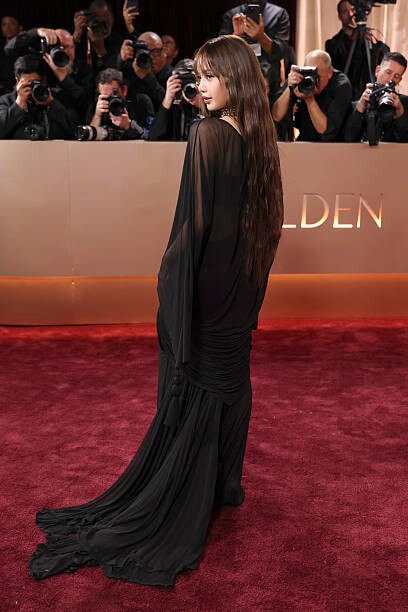
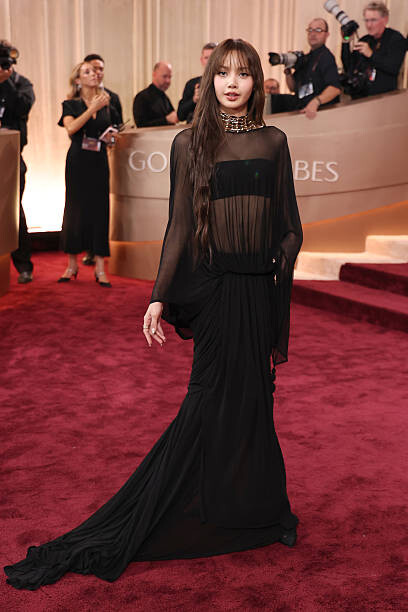
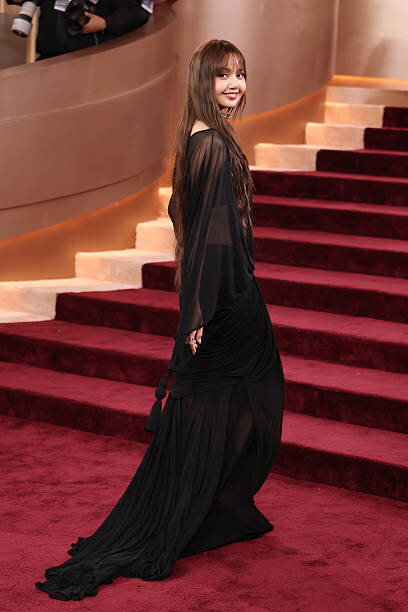
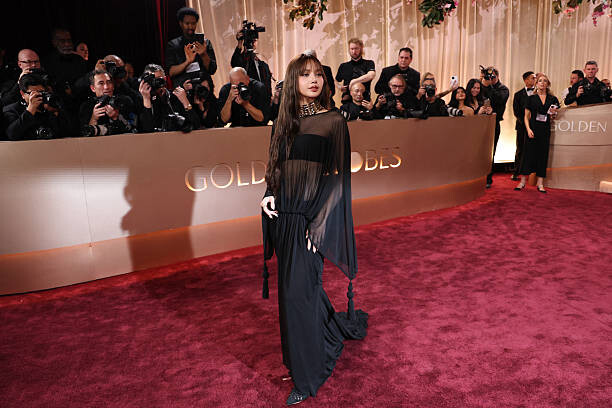
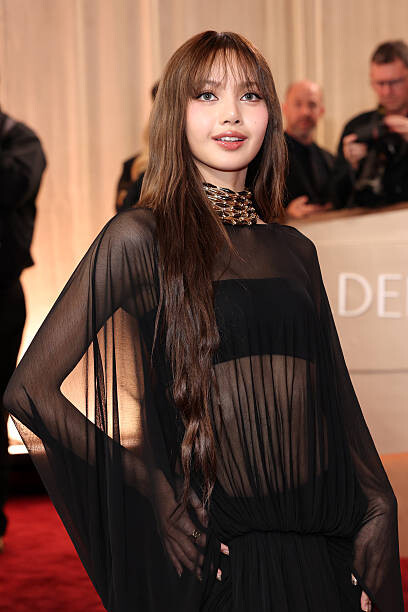
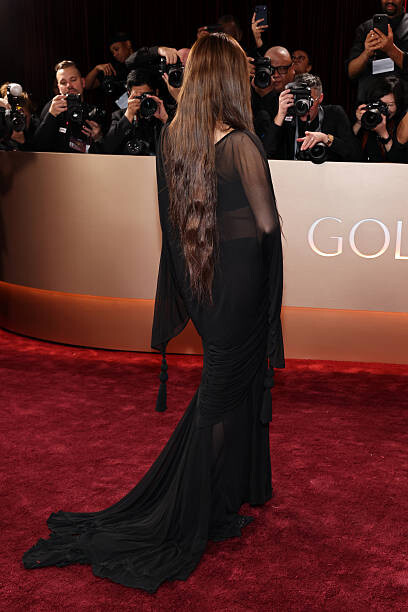
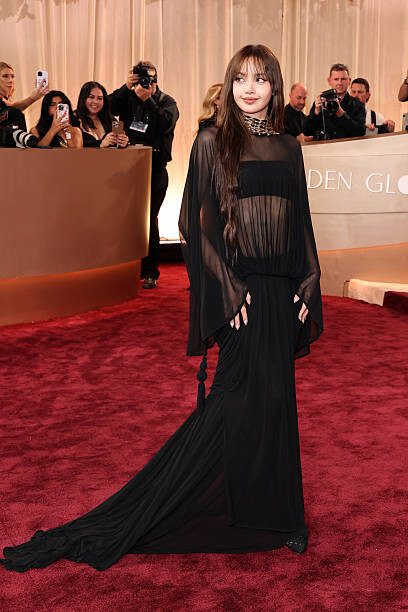
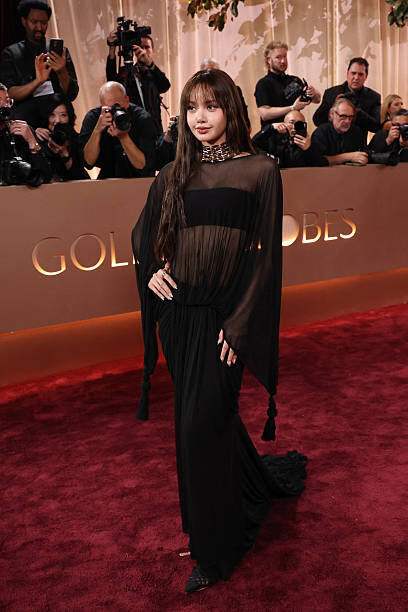
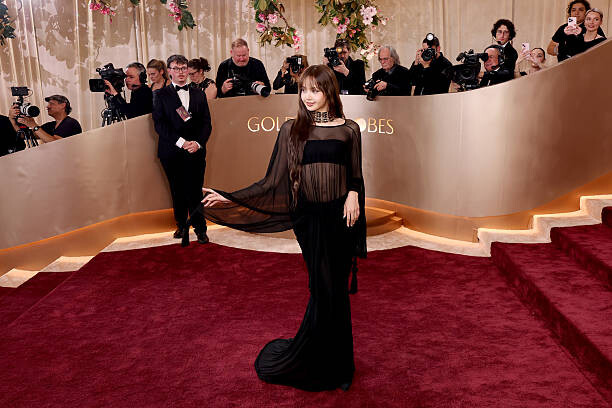
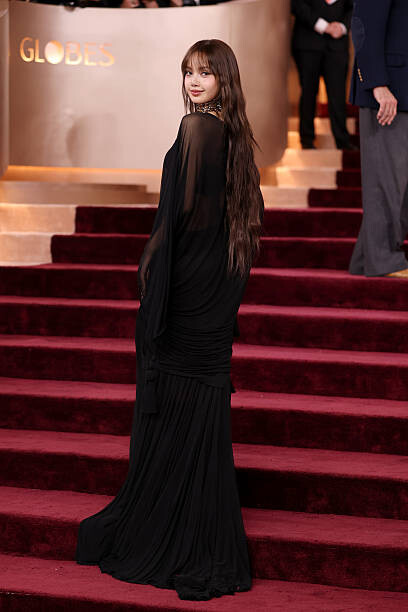
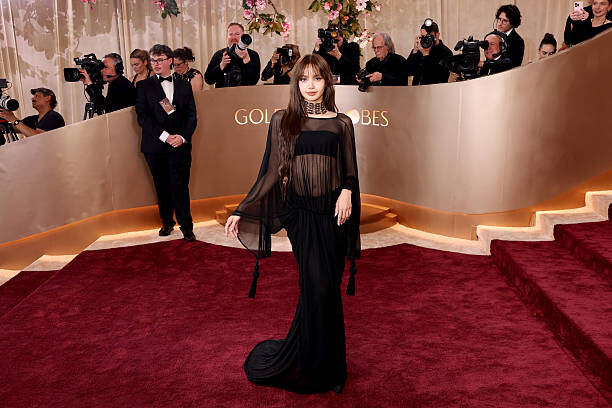
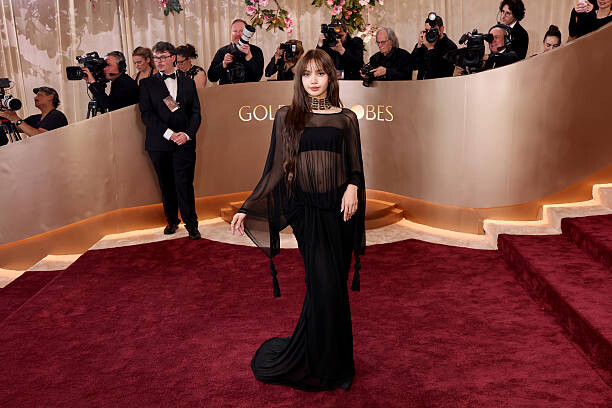
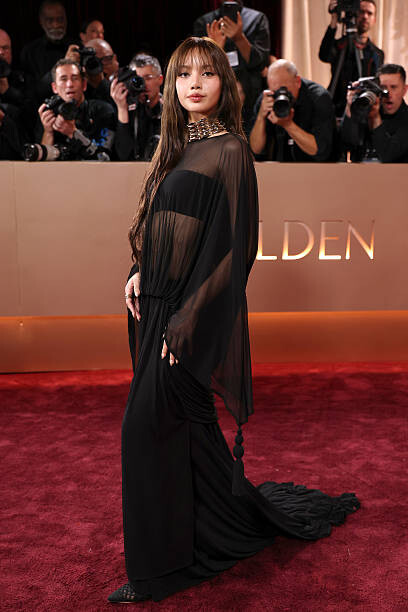
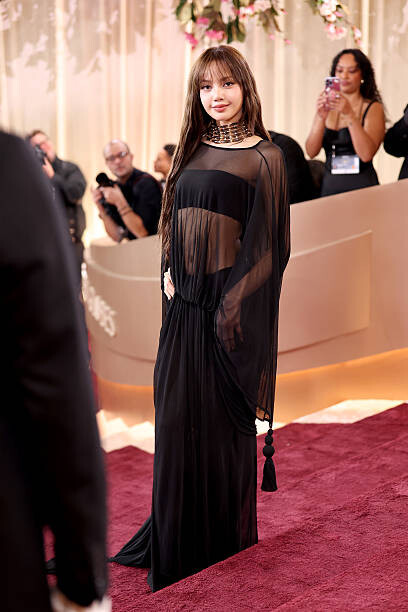
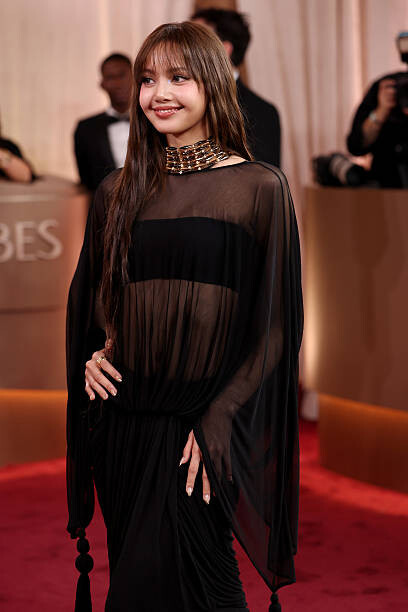
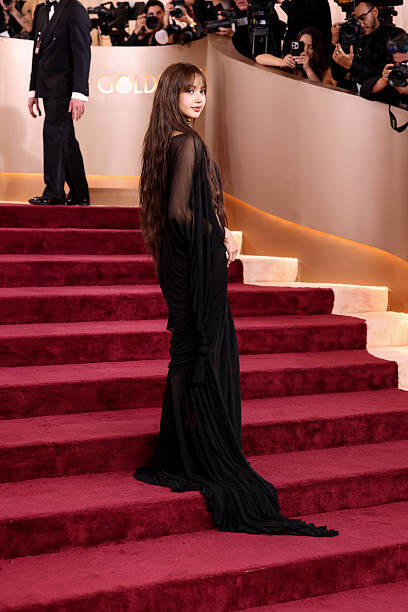
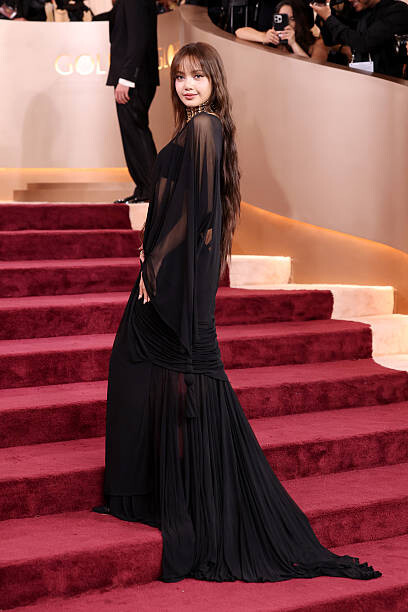
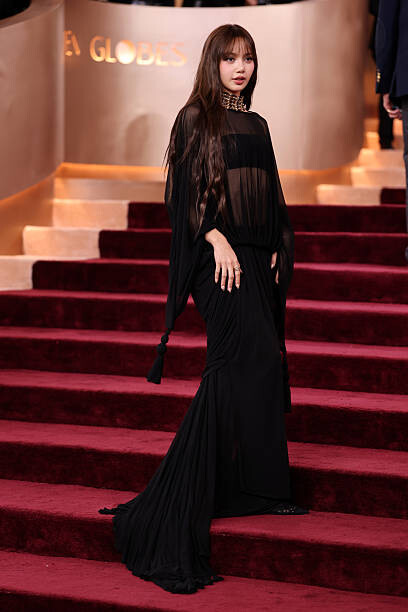
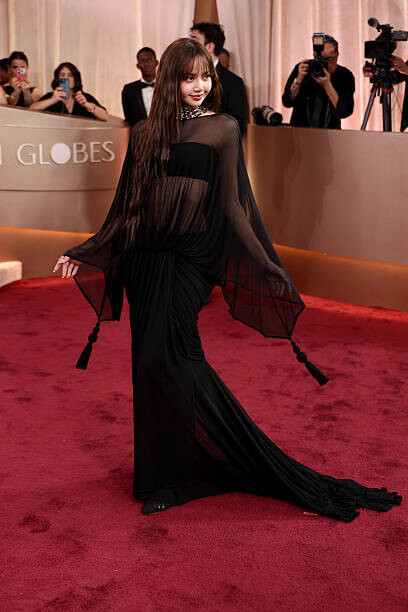
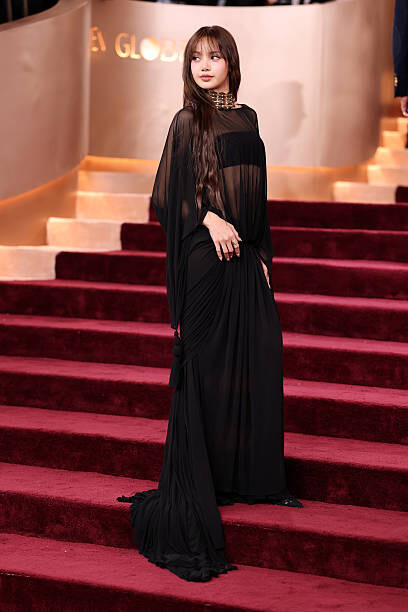
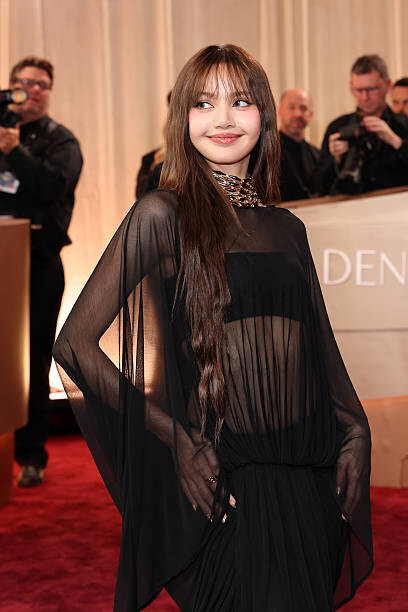
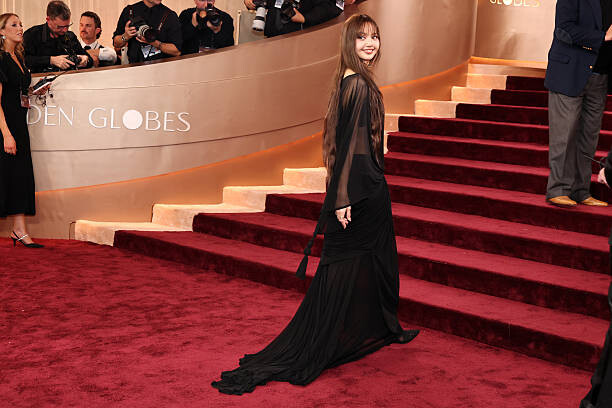
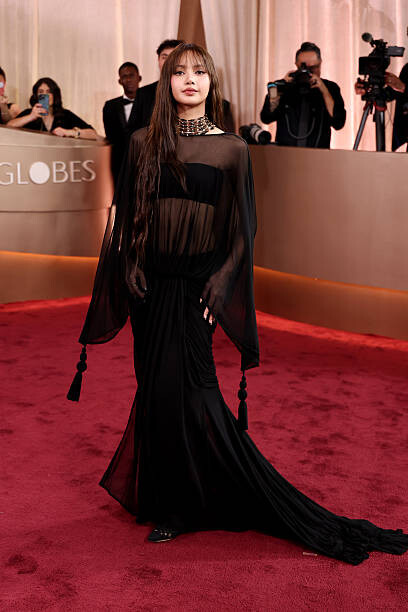
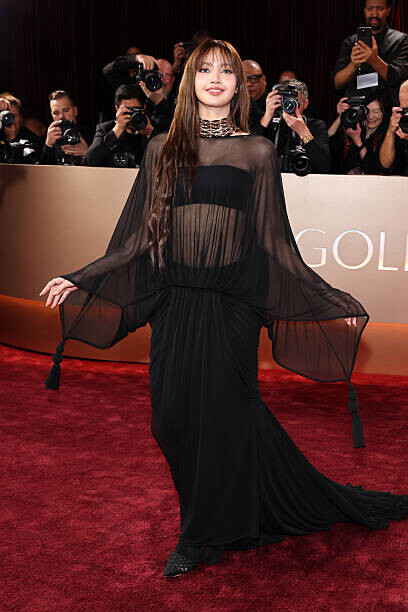
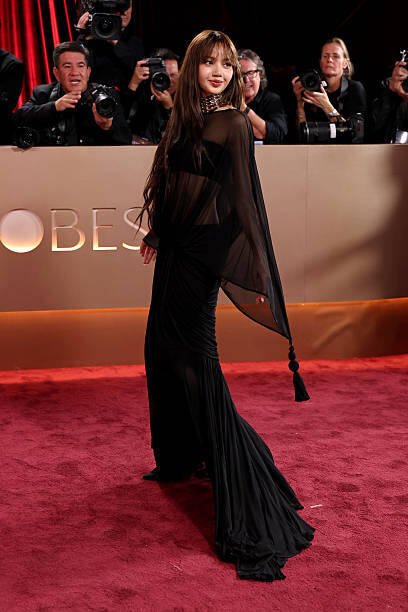
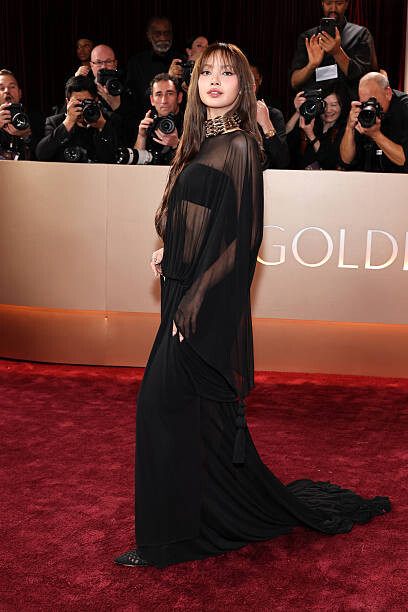
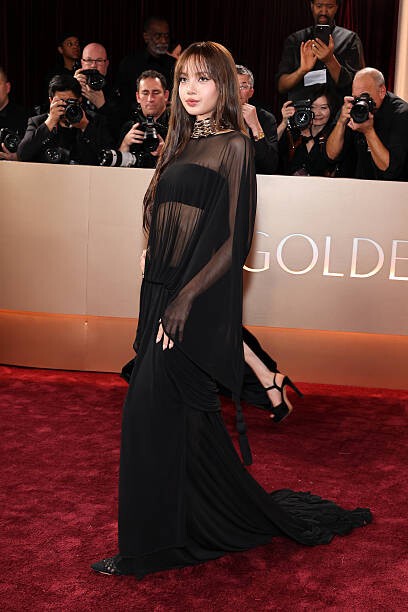
83rd Annual Golden Globe Awards - Arrivals
Anne Bezamat has joined Iconic Focus agency. Iconic Focus - Top Modeling Agency in New York and Los Angeles for 30 to 90+ Year Old ModelsAnne Bezamat - Iconic Focus - Top Modeling Agency in New...
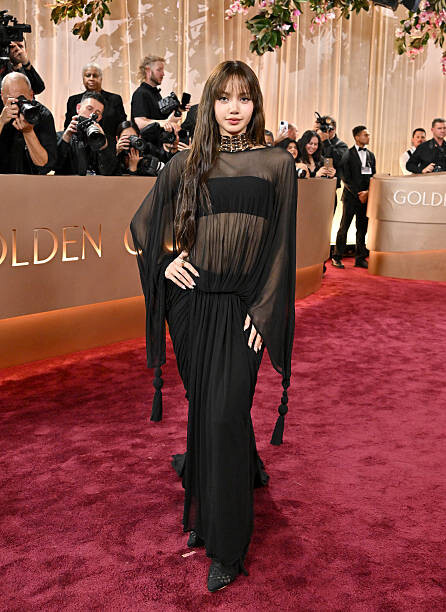
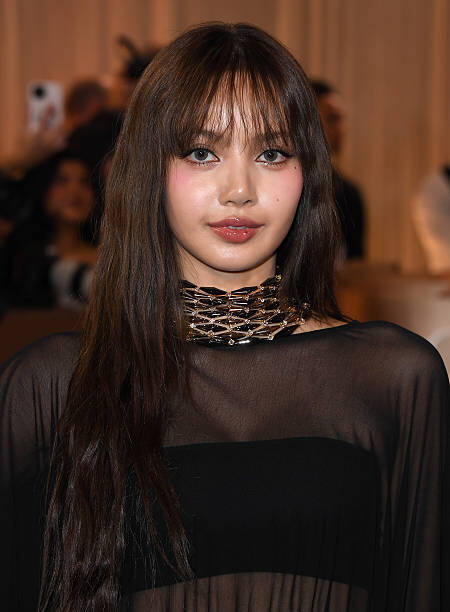
83rd Annual Golden Globe Awards - Arrivals



















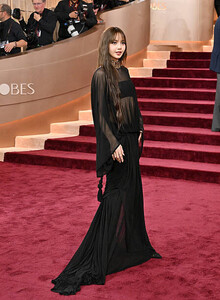






















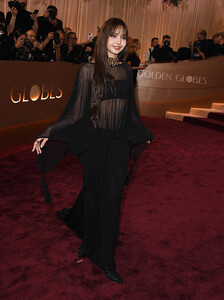

















































































 Chase Infiniti for TheWrapBook Volume 5
Account
Navigation
Search
Configure browser push notifications
Chrome (Android)
- Tap the lock icon next to the address bar.
- Tap Permissions → Notifications.
- Adjust your preference.
Chrome (Desktop)
- Click the padlock icon in the address bar.
- Select Site settings.
- Find Notifications and adjust your preference.
Safari (iOS 16.4+)
- Ensure the site is installed via Add to Home Screen.
- Open Settings App → Notifications.
- Find your app name and adjust your preference.
Safari (macOS)
- Go to Safari → Preferences.
- Click the Websites tab.
- Select Notifications in the sidebar.
- Find this website and adjust your preference.
Edge (Android)
- Tap the lock icon next to the address bar.
- Tap Permissions.
- Find Notifications and adjust your preference.
Edge (Desktop)
- Click the padlock icon in the address bar.
- Click Permissions for this site.
- Find Notifications and adjust your preference.
Firefox (Android)
- Go to Settings → Site permissions.
- Tap Notifications.
- Find this site in the list and adjust your preference.
Firefox (Desktop)
- Open Firefox Settings.
- Search for Notifications.
- Find this site in the list and adjust your preference.



.jpg.dc80076302f3443c531e8a38f5ecbaeb.jpg)
.jpg.54af23fa10b9a391e46864a3e6919f15.jpg)
.jpg.6ec4f234d345ff1f2527d7800d7f2a6d.jpg)
.jpg.364784f3af904bb0cb2d20e402b07886.jpg)
.jpg.a493e9f592c01d54ed755eb1e2d86220.jpg)
.jpg.8d25ff1d0ed8c6b7b56cf33b9a049c96.jpg)


















.jpg.e5a387e8bd80275ef310491673ec4dcd.jpg)
.jpg.d8da426820ce91805aa6b63faff41f19.jpg)
.jpg.e5197a85928f111bce5520b097bf6fb0.jpg)
.jpg.986afd76f8a00e161fc462dd7364d2e8.jpg)
.jpg.ce30c8f8288830635301a55516d87243.jpg)
.jpg.828b7b17eb8569ae6f6e5e24c8a1a8fe.jpg)
.jpg.3607c68c9c6b39561ccfd09aa699c57a.jpg)
.jpg.2b1d97273ed4d762c528196ce19dcea4.jpg)
.jpg.12c639de1925afafc35e61aeafb9be90.jpg)
.jpg.1a1e292b144f6487356572e491e1e7b4.jpg)
.jpg.969650fe4ad107c2e0120b7d2468fa4f.jpg)
.jpg.36bfae3ce85603d04d415f05b53cfc78.jpg)
.jpg.3cd8a8a7a4567feb9692fcf0f164a025.jpg)
.jpg.ddd91fb75b746ca18079b24ddc774237.jpg)














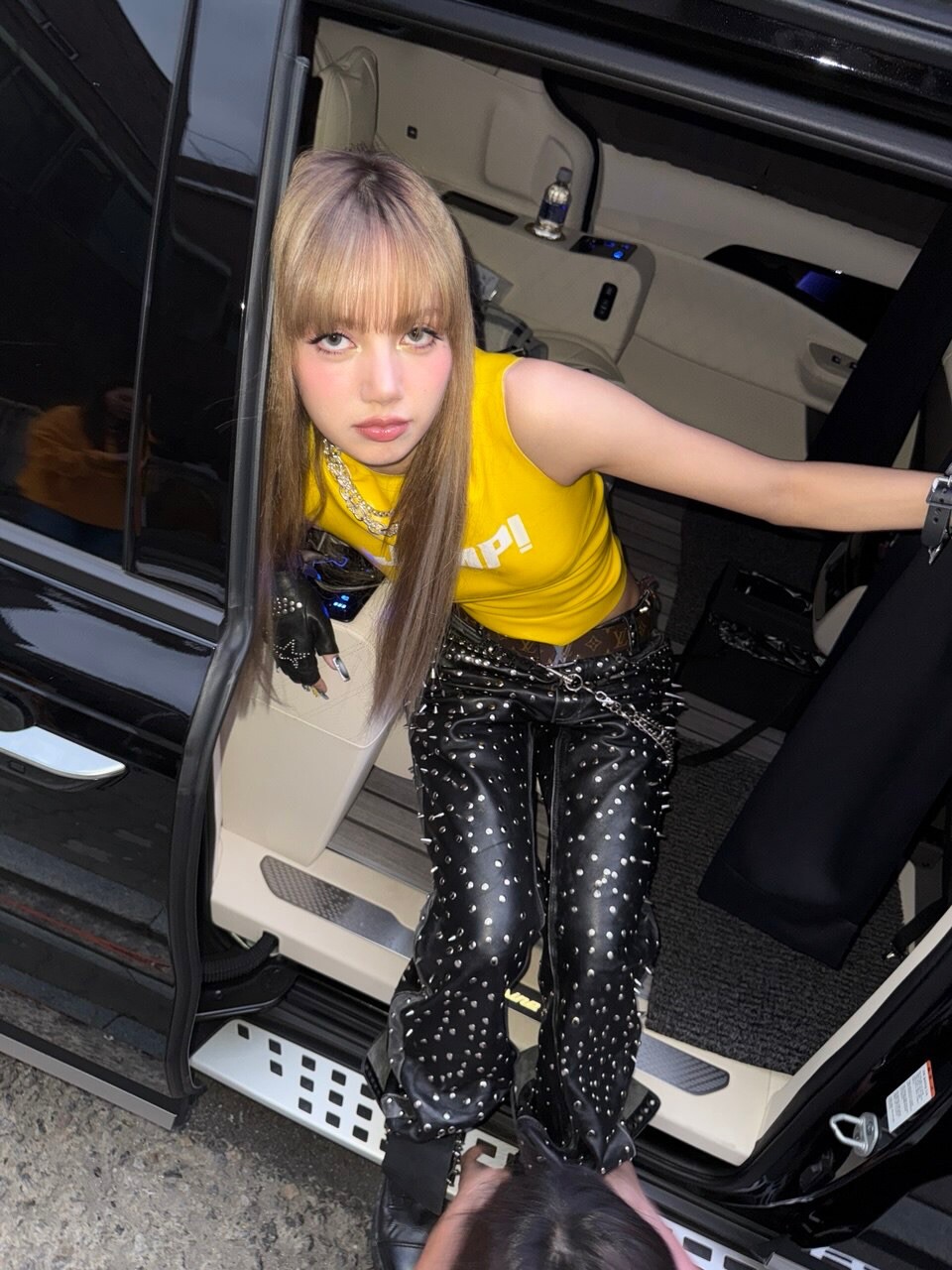

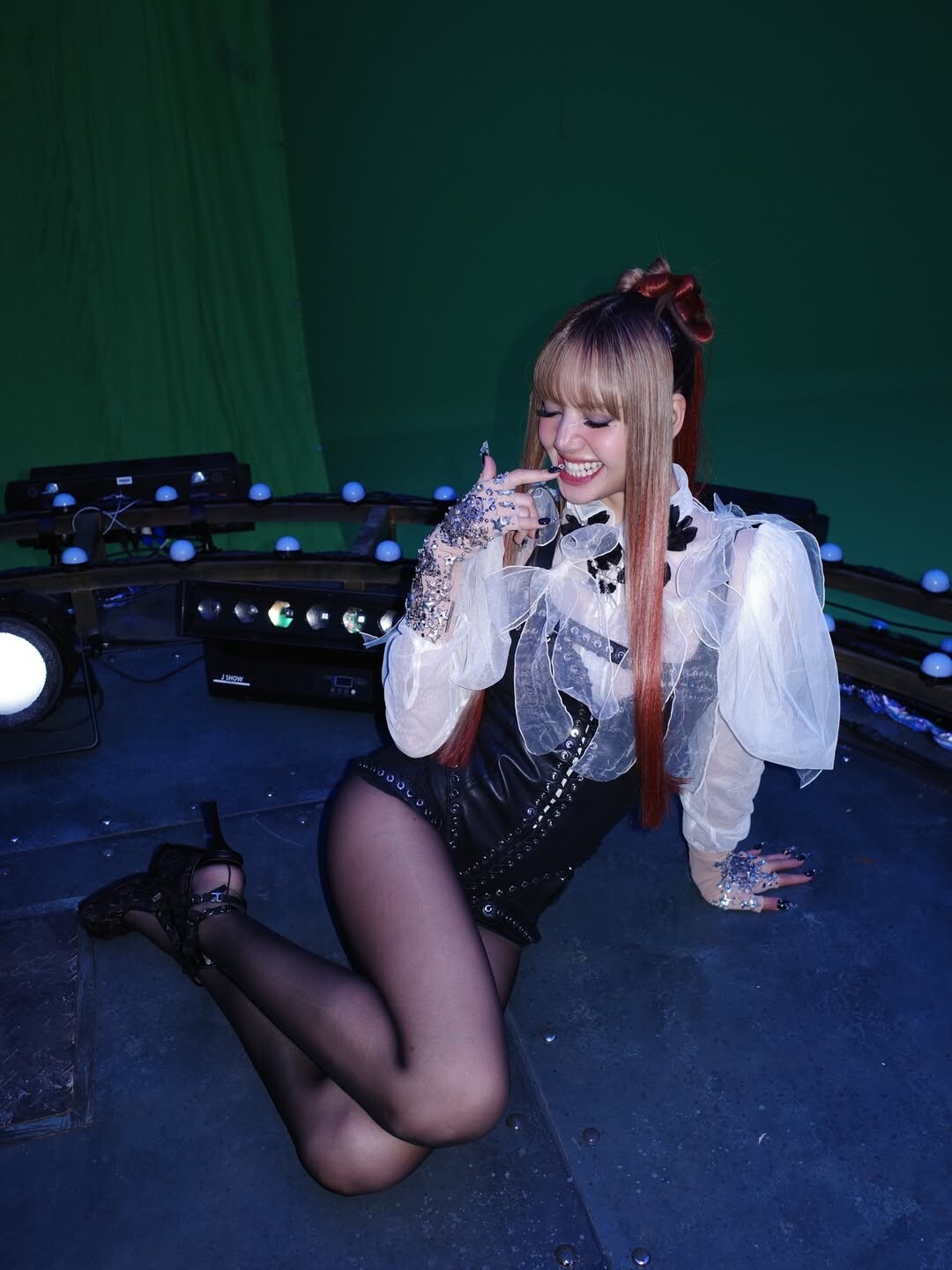





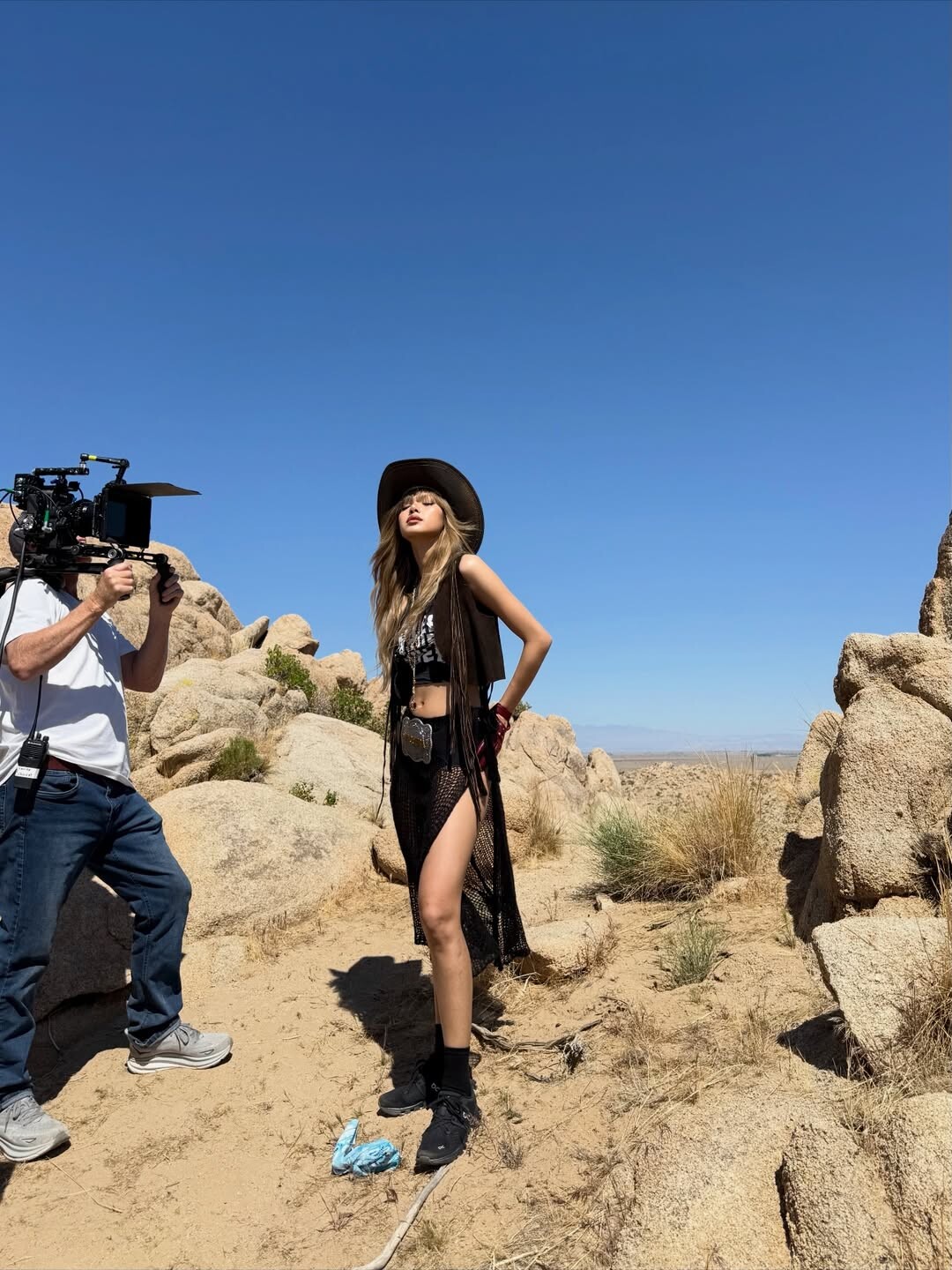

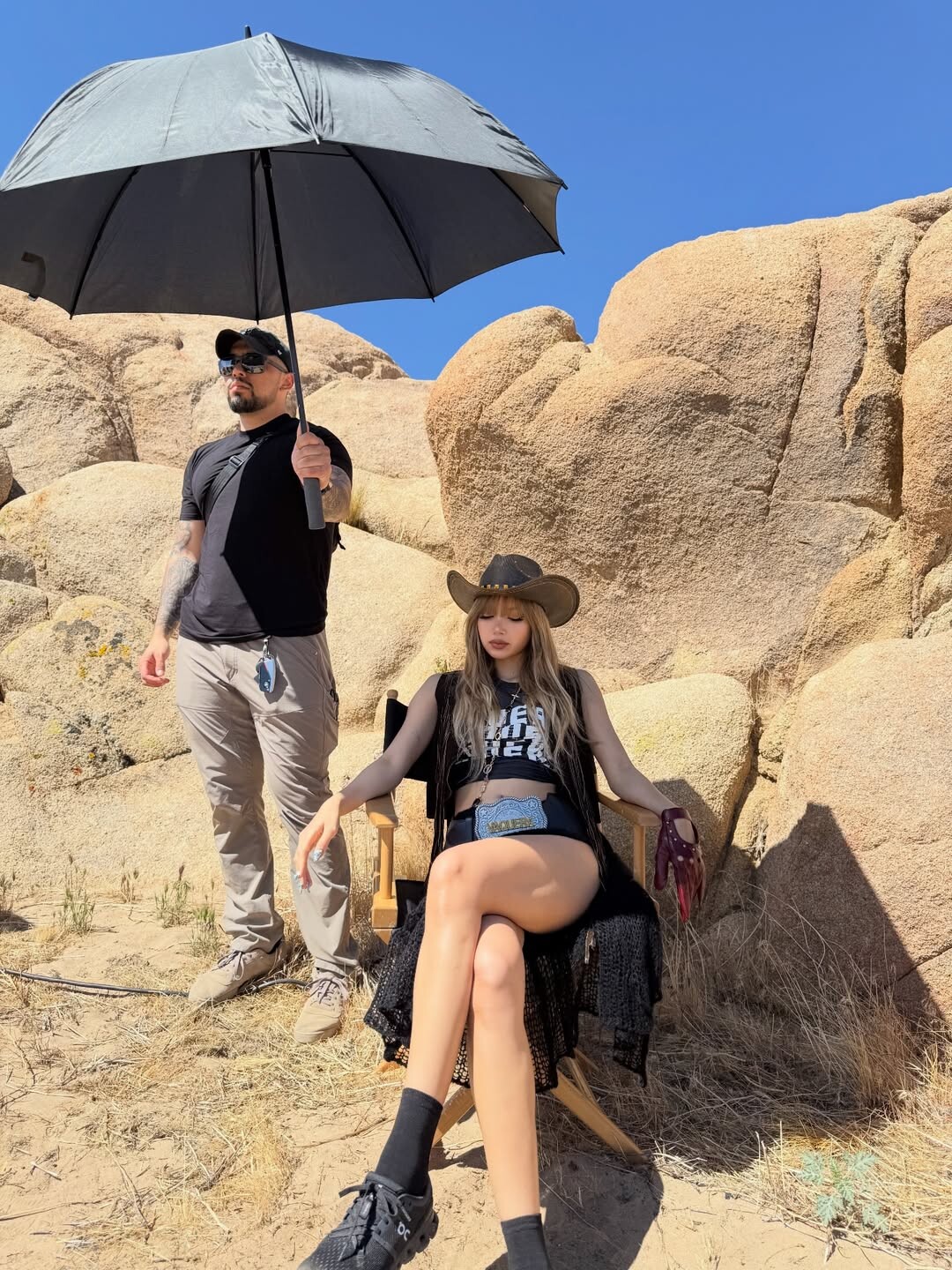



.jpg.3045f830be6fc8849689c094f470ca79.jpg)