All Activity
- Past hour
-

-

-
 Amanda Seyfried & Sydney Sweeney Spill Secrets After Sipping the Truth Serum | Allure
 -
 Georgie Rae Moore changed their profile photo
 -
-
Georgie Rae Moore joined the community
-
-
-
 Dysrpt: Happy birthdayyyy to our Ray 🥰🎂🥂👑💕💕 rachelc00k
-
Yes, that’s me, Georgie Rae Moore
-
 Spoiler dfc5baebf747f10e.mp4


-
-

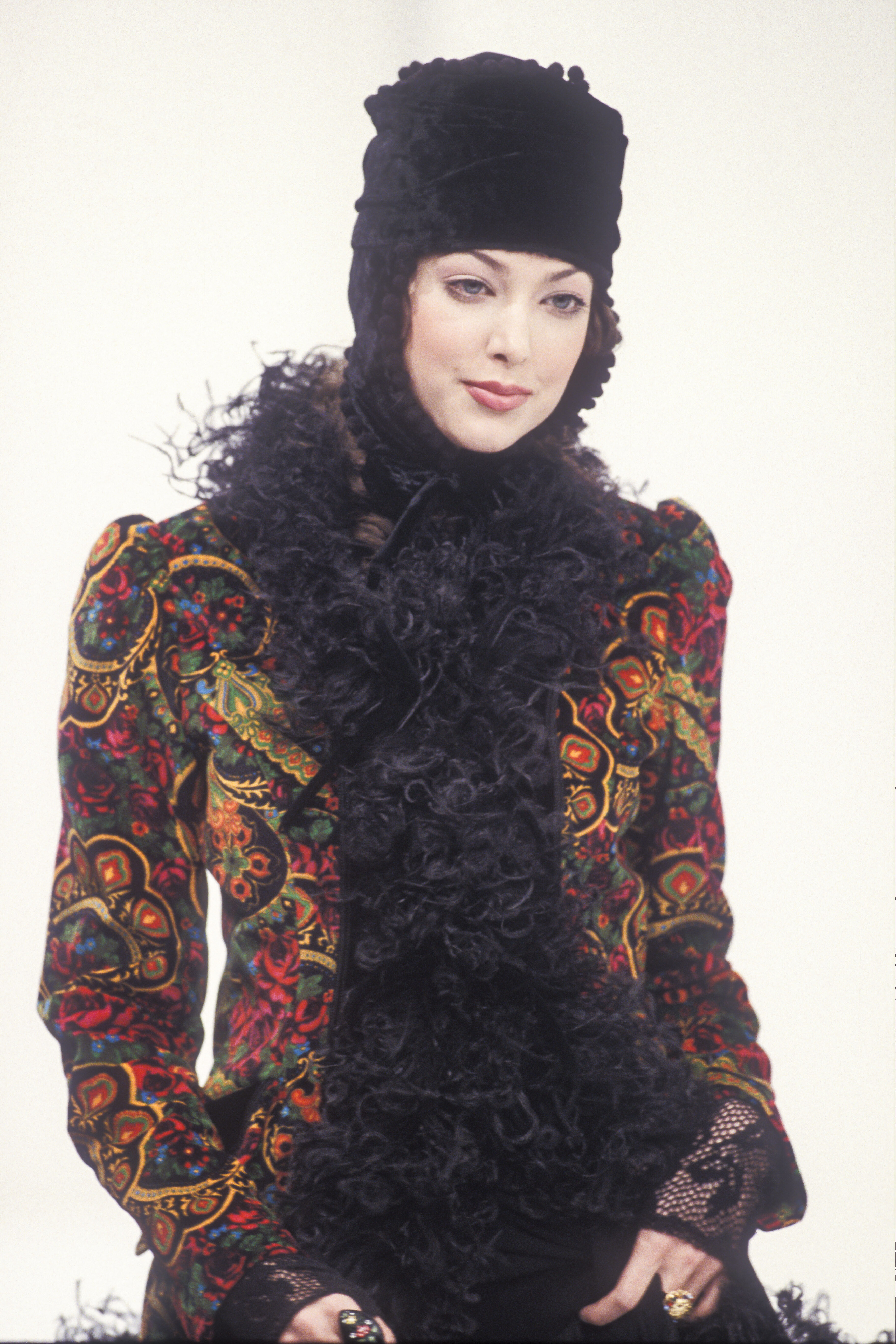
 very strong resemblance to Nadine Heinkel... but a bit older

 very strong resemblance to Nadine Heinkel... but a bit older

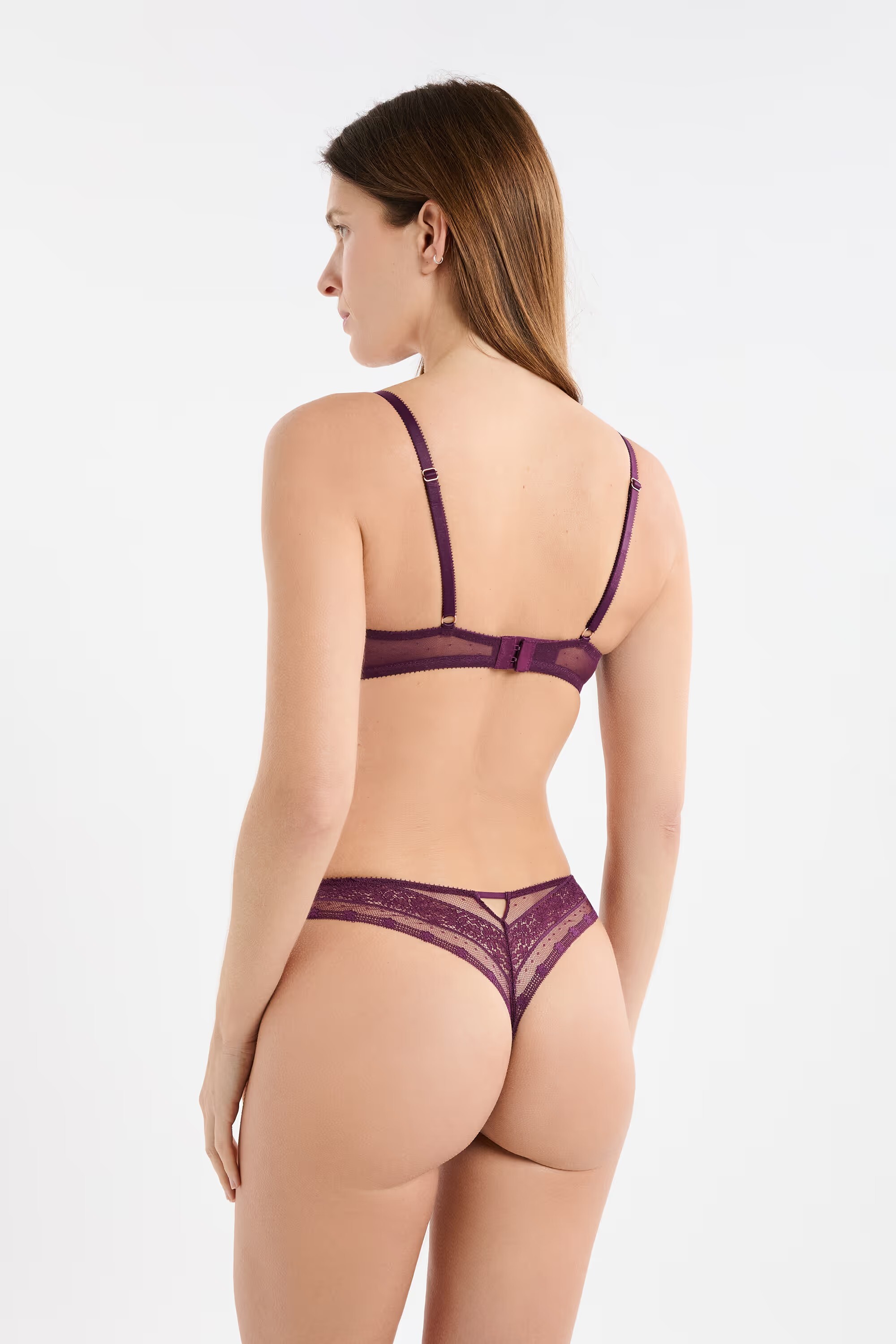
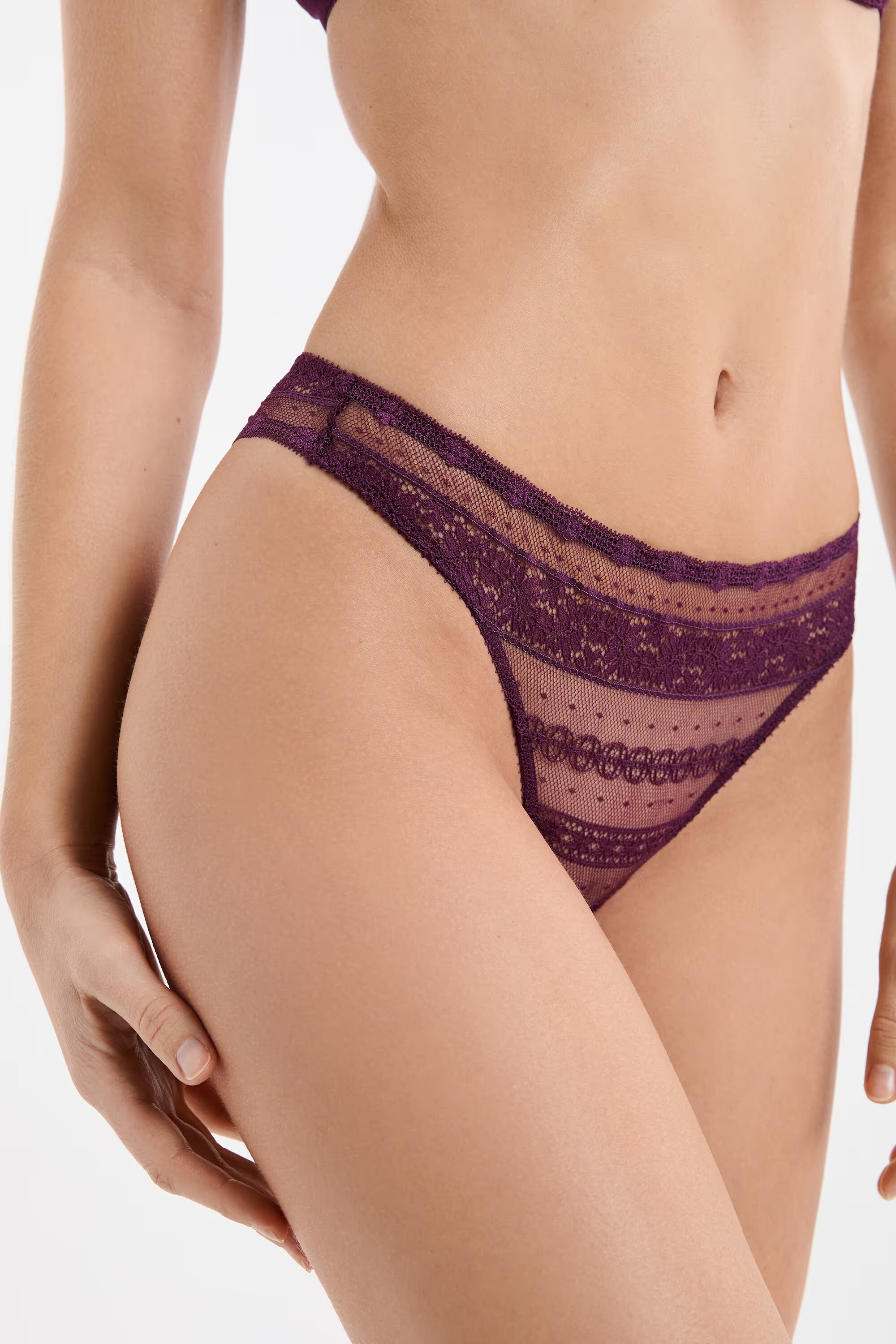
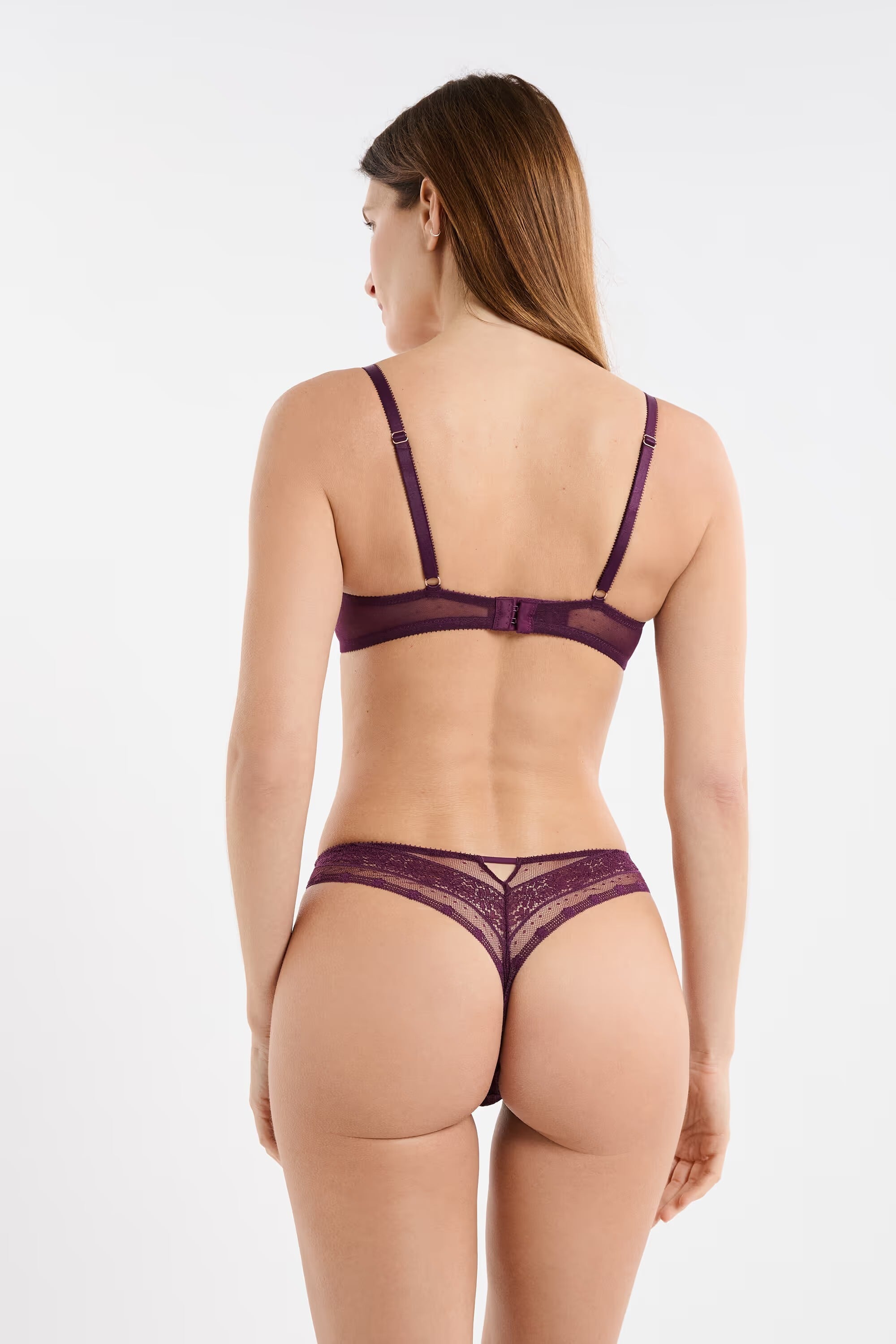
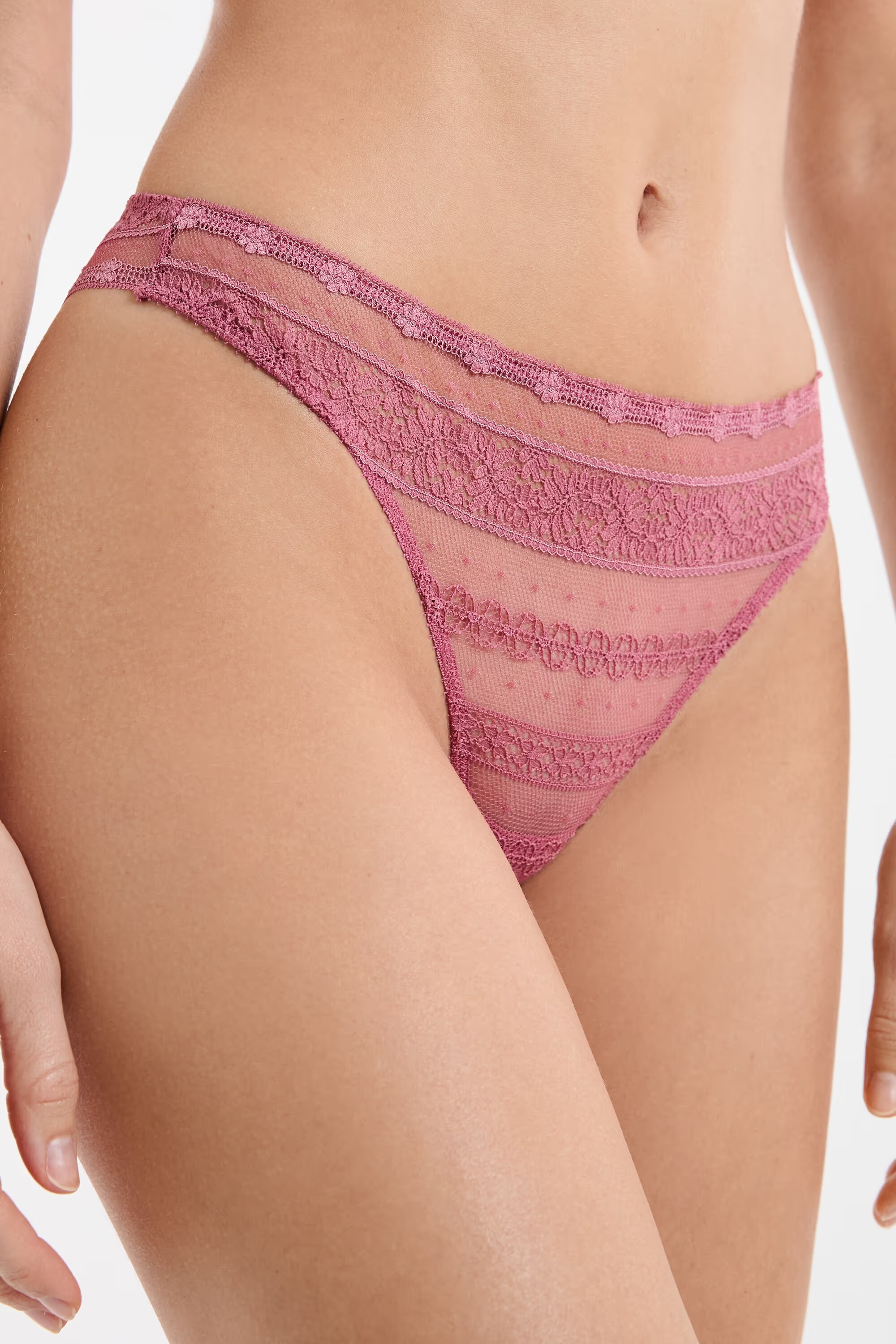
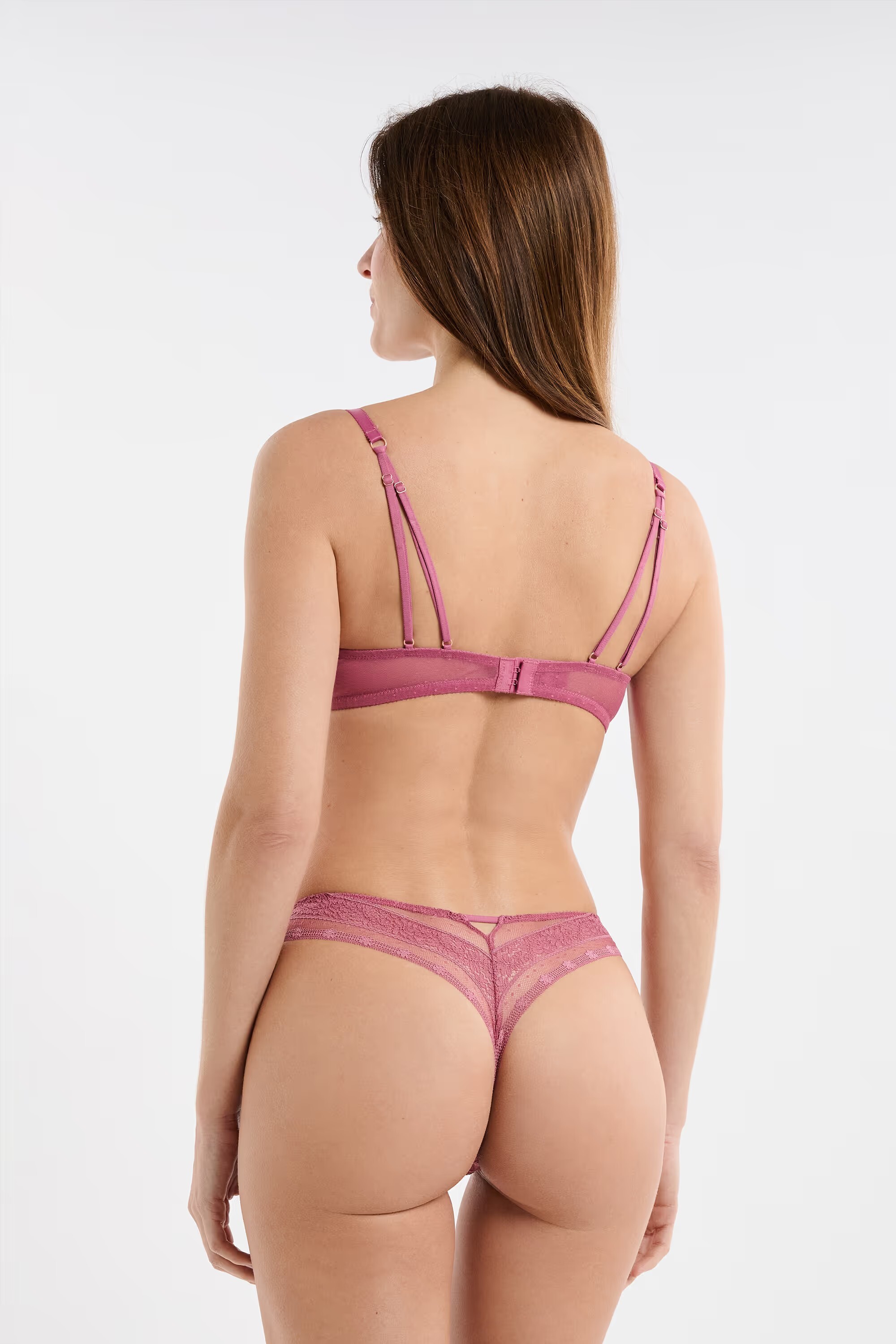
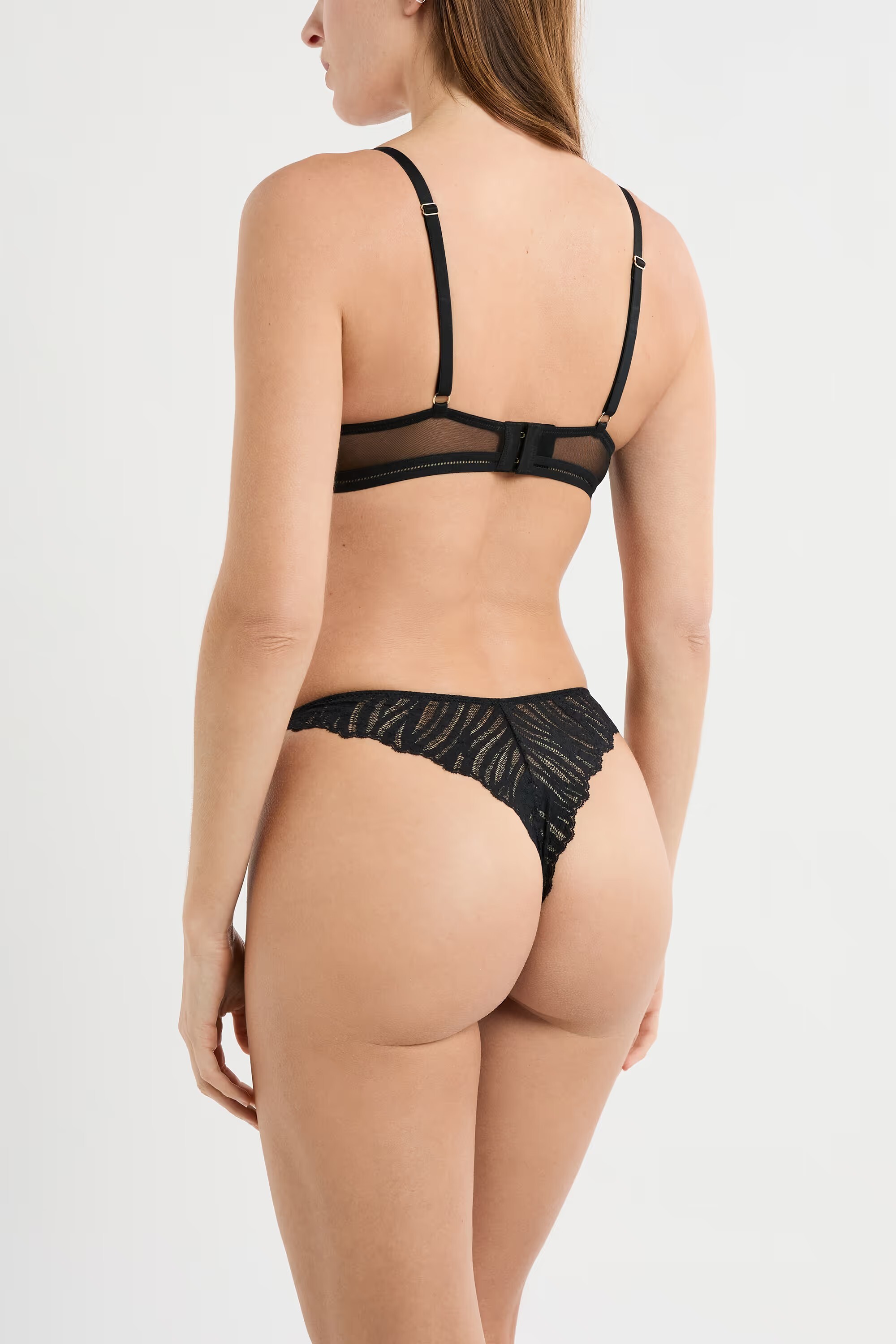
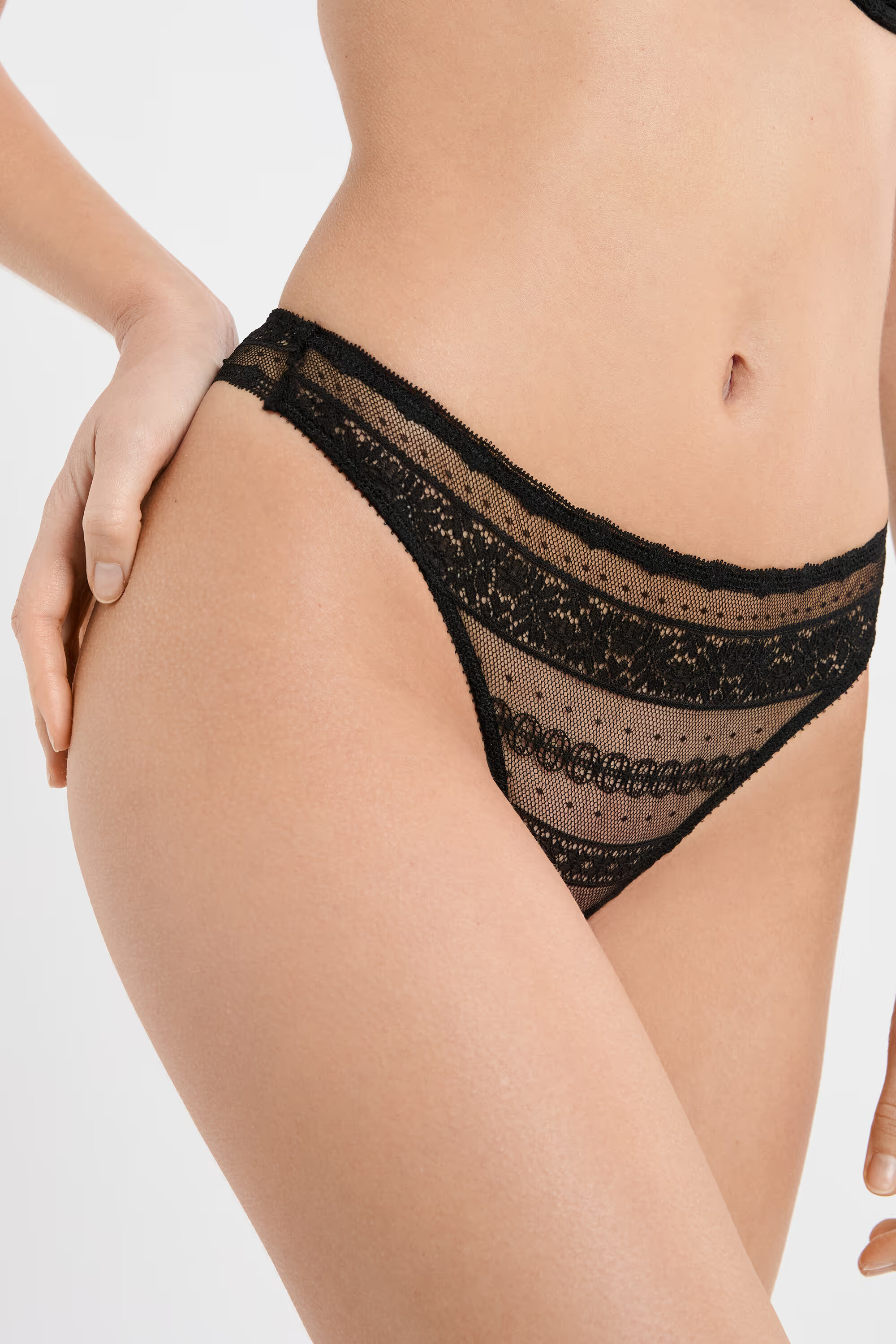
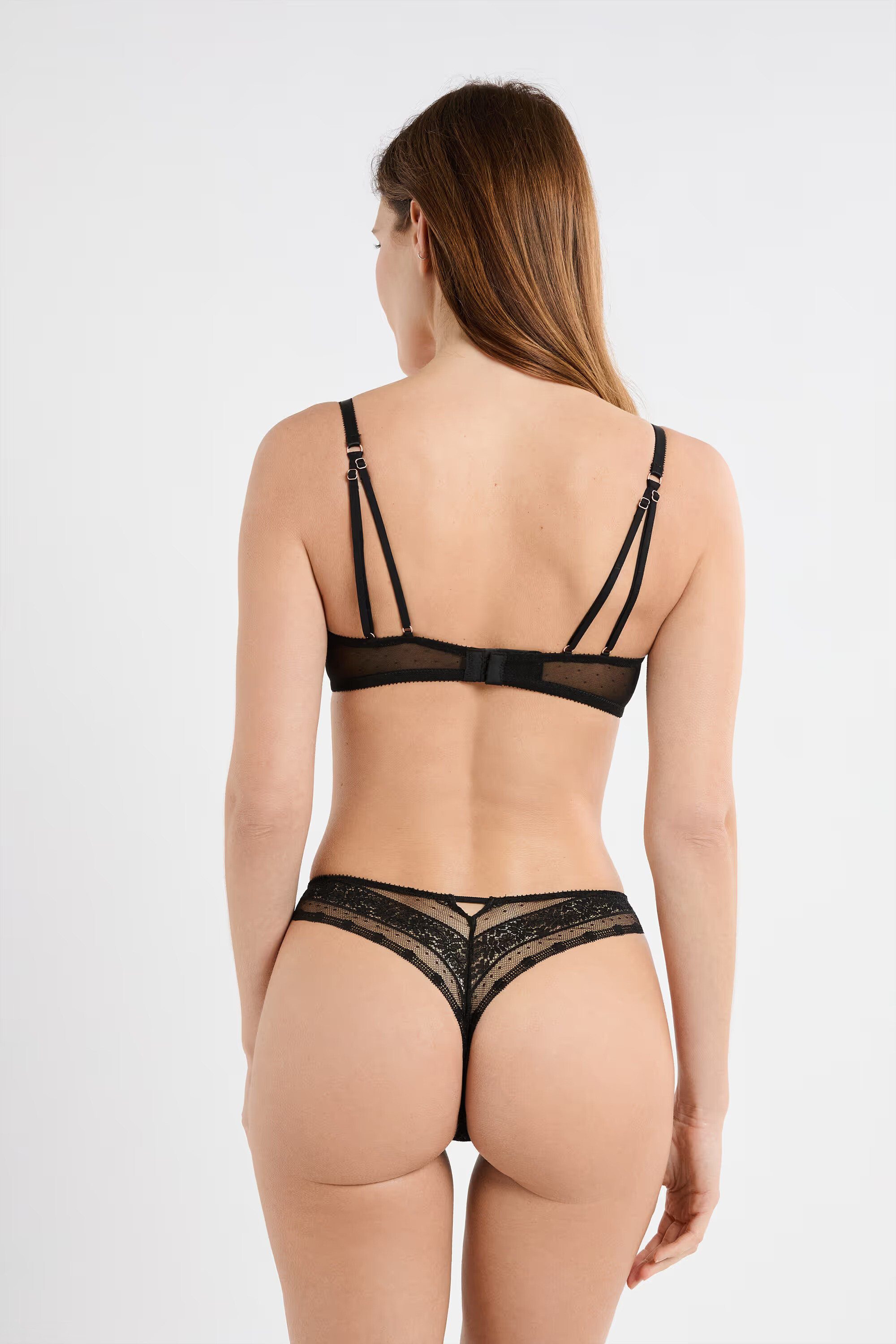
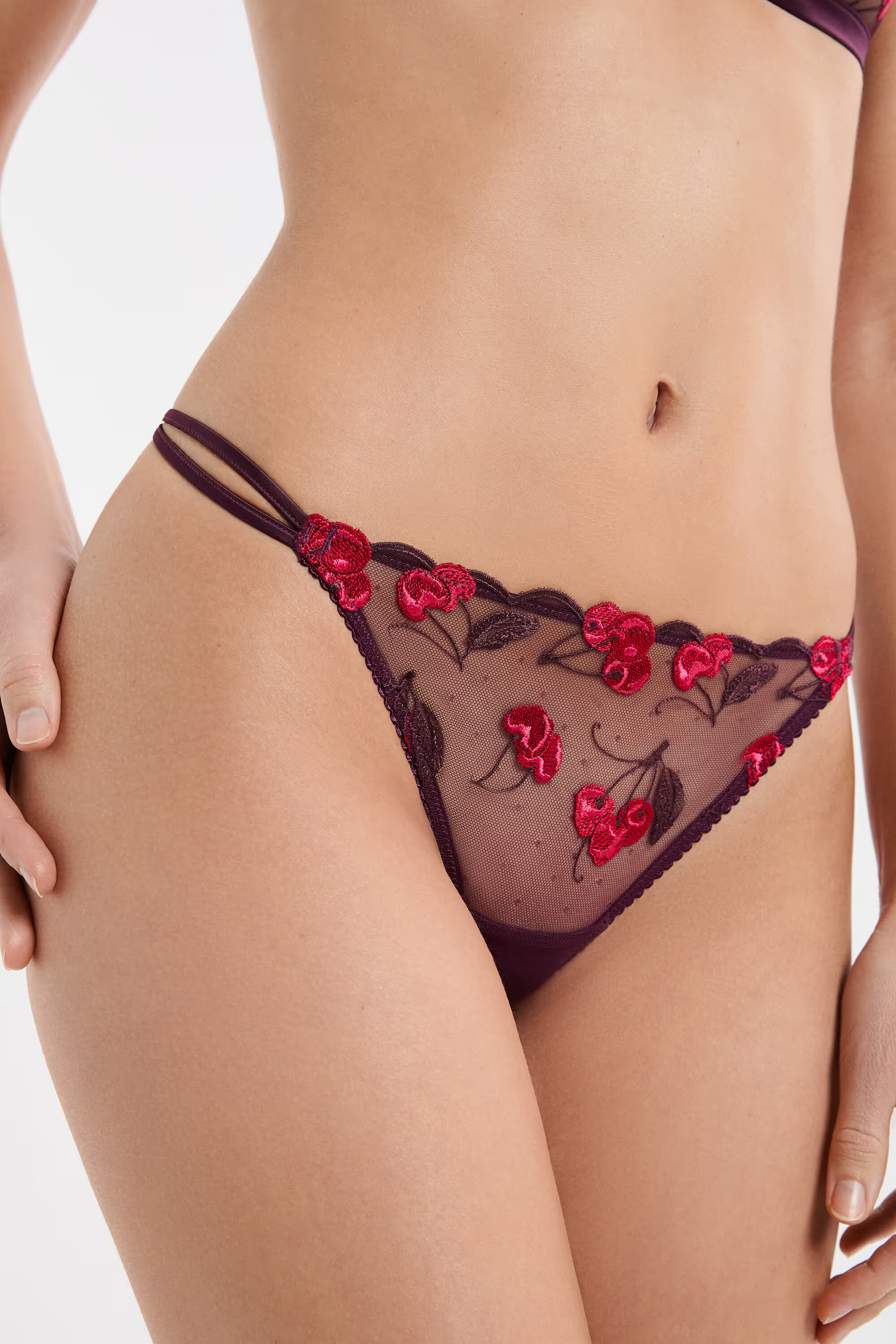
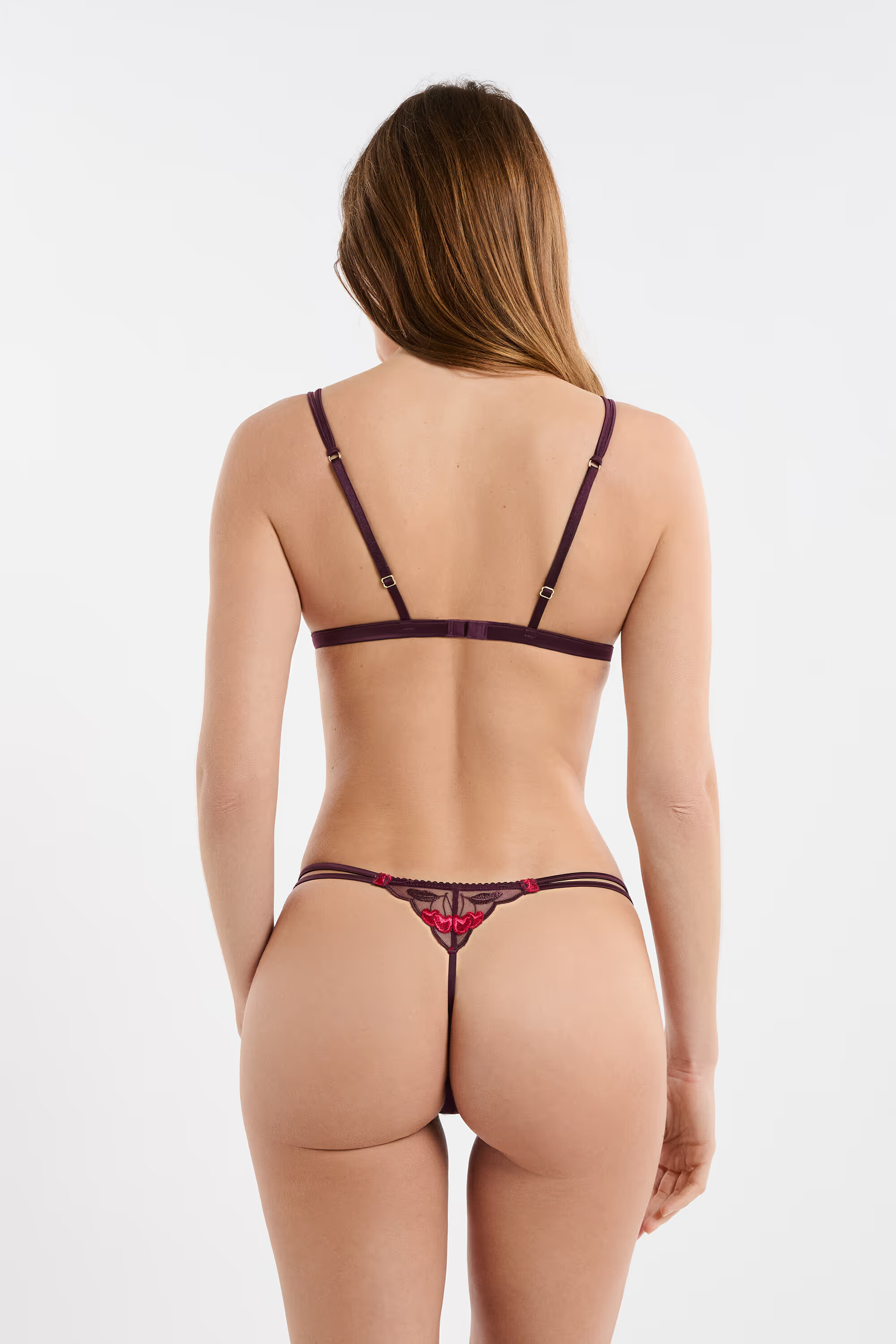
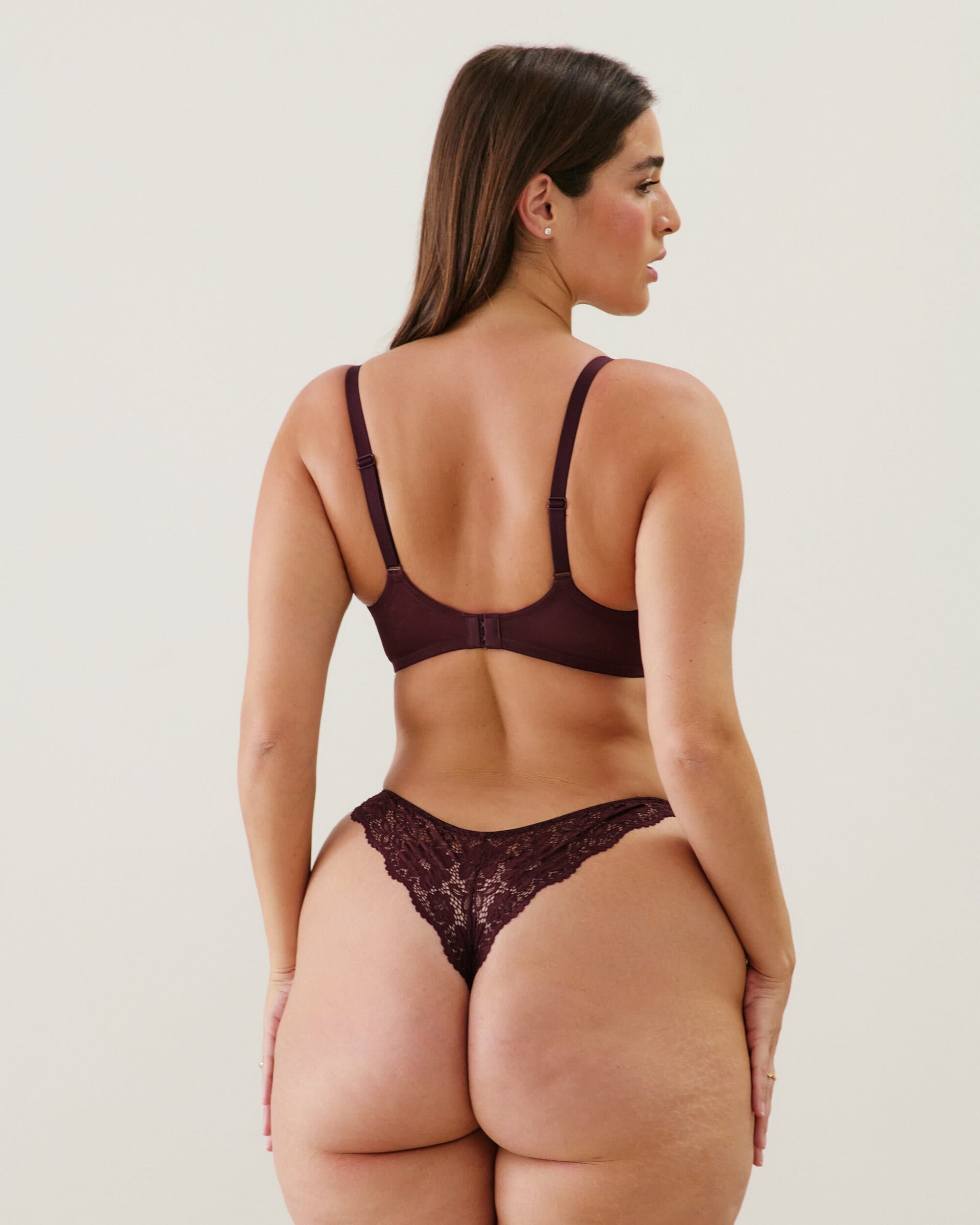
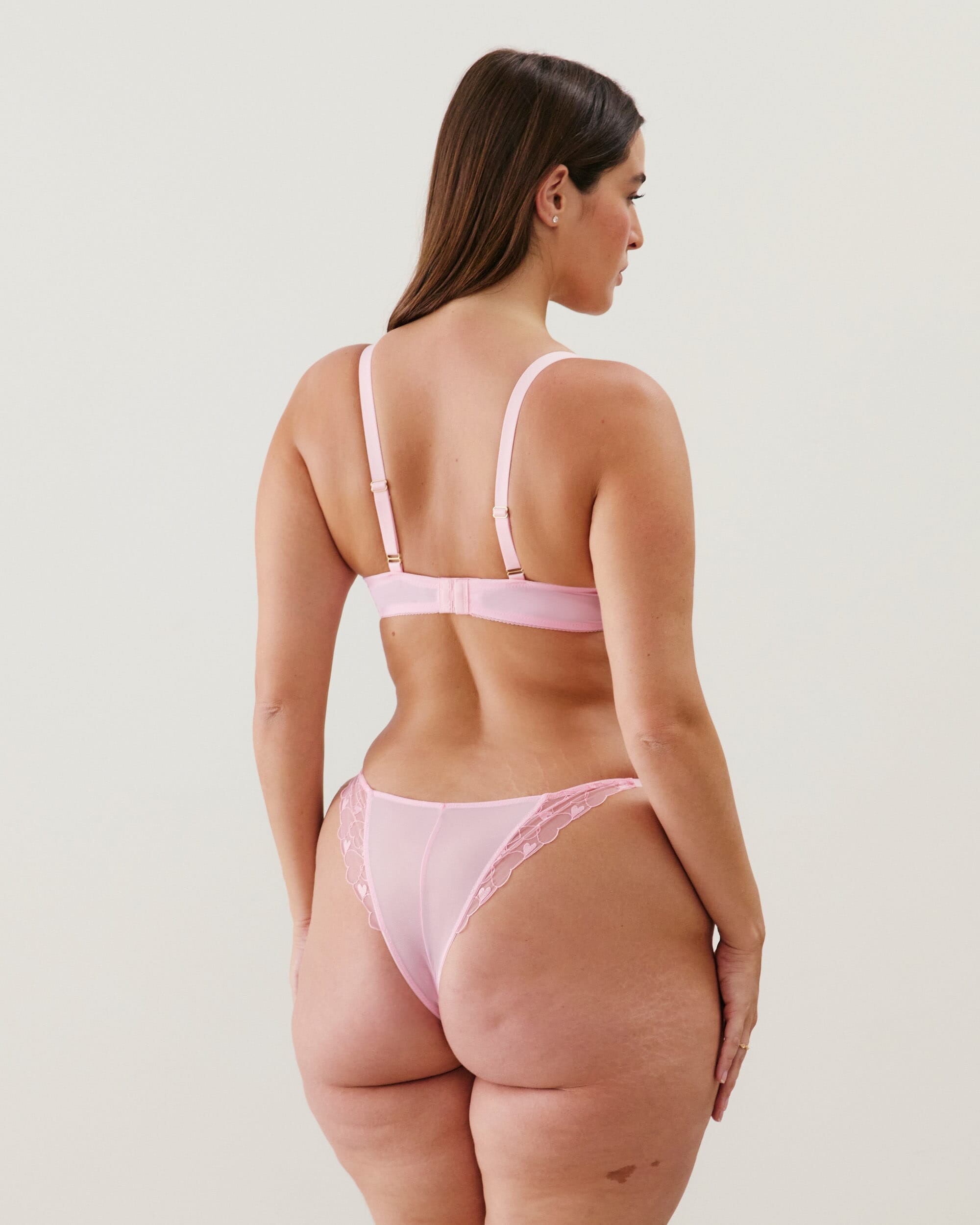
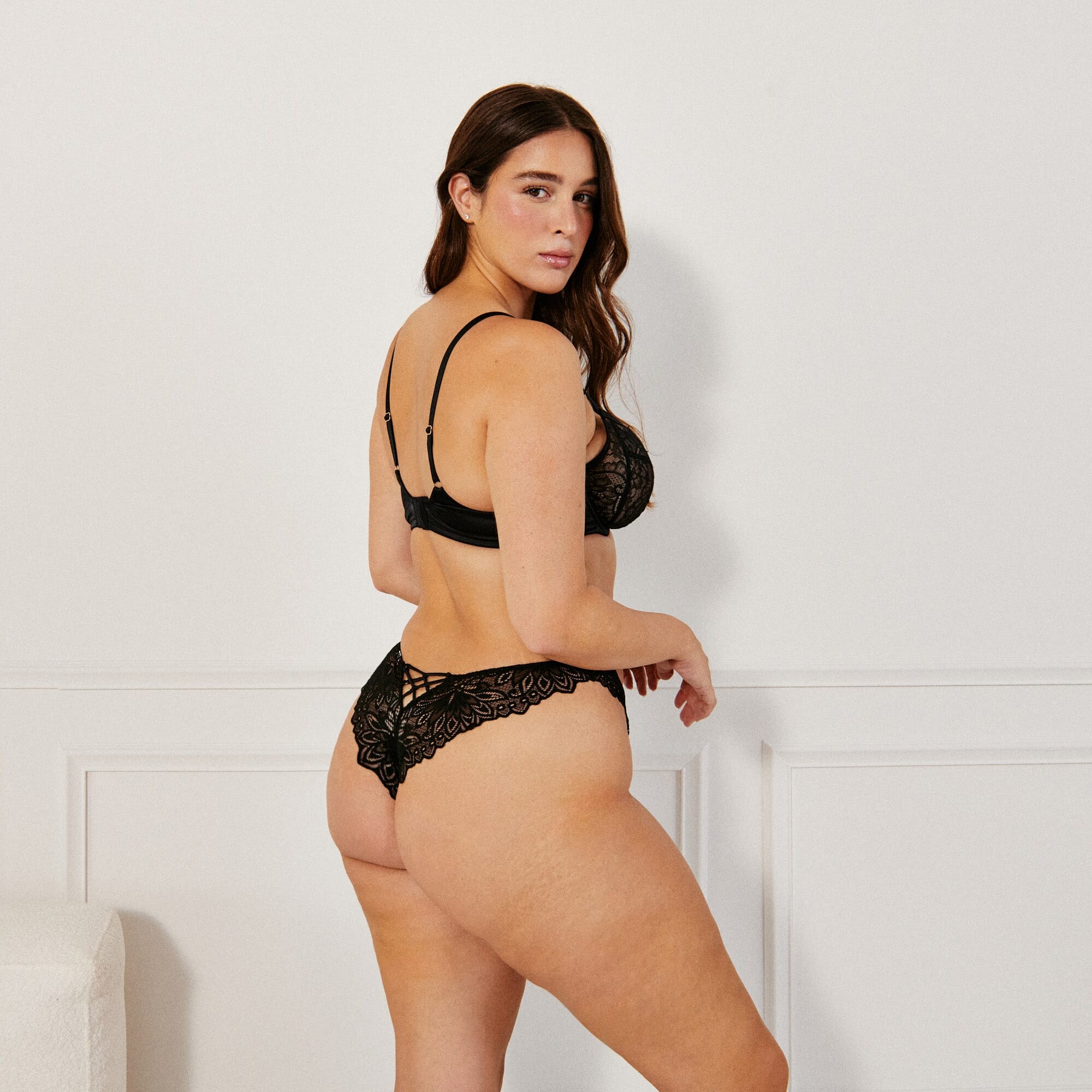
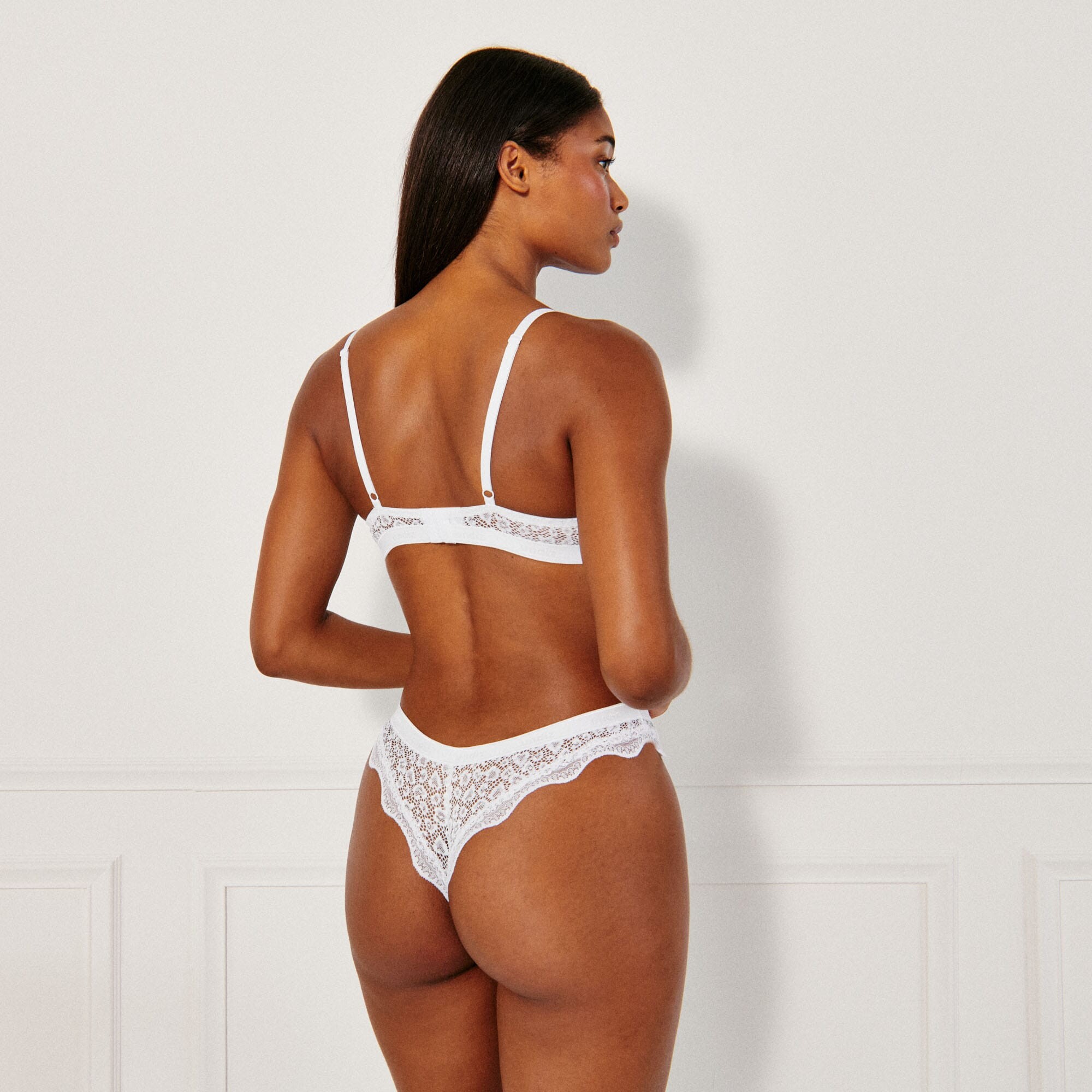
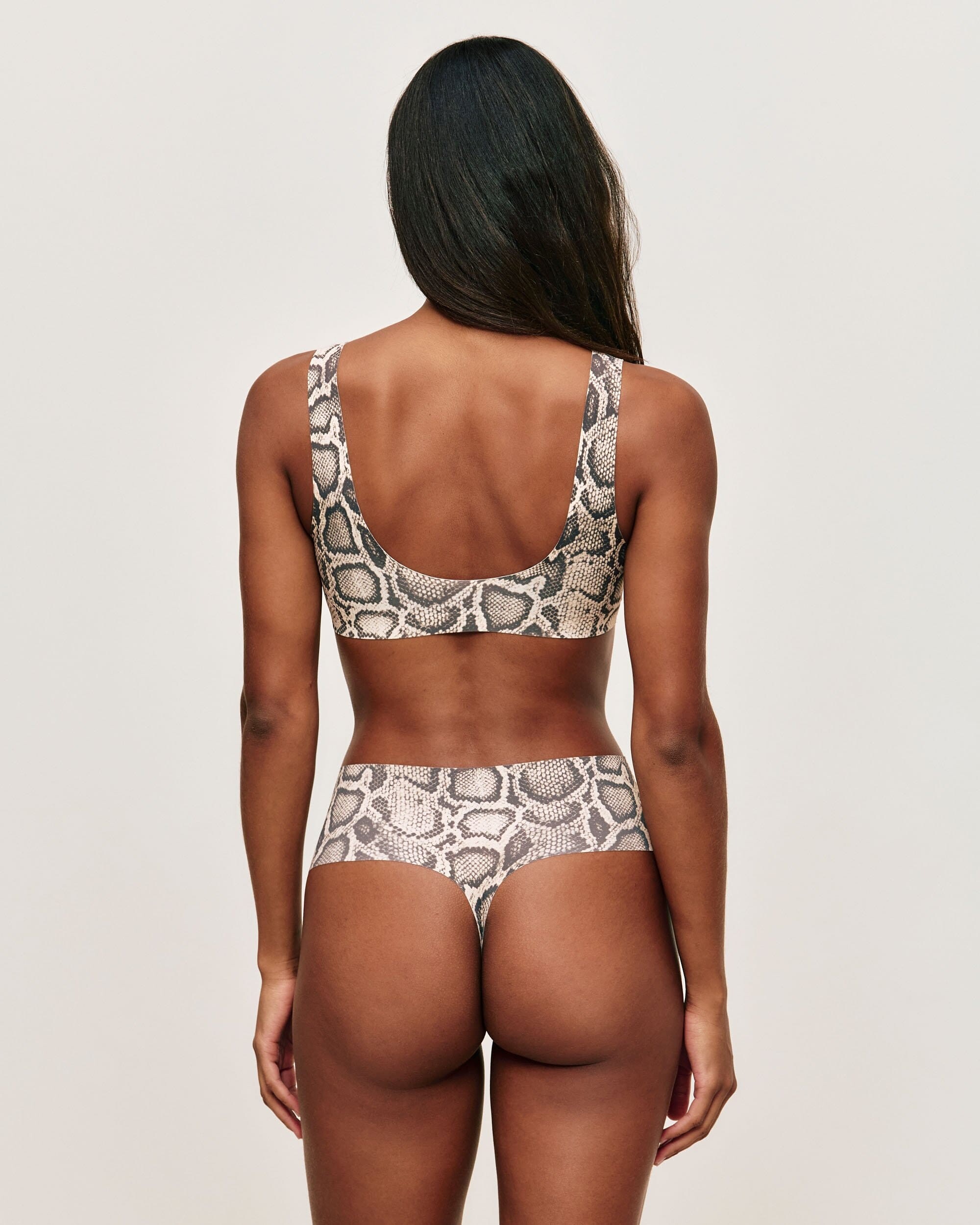
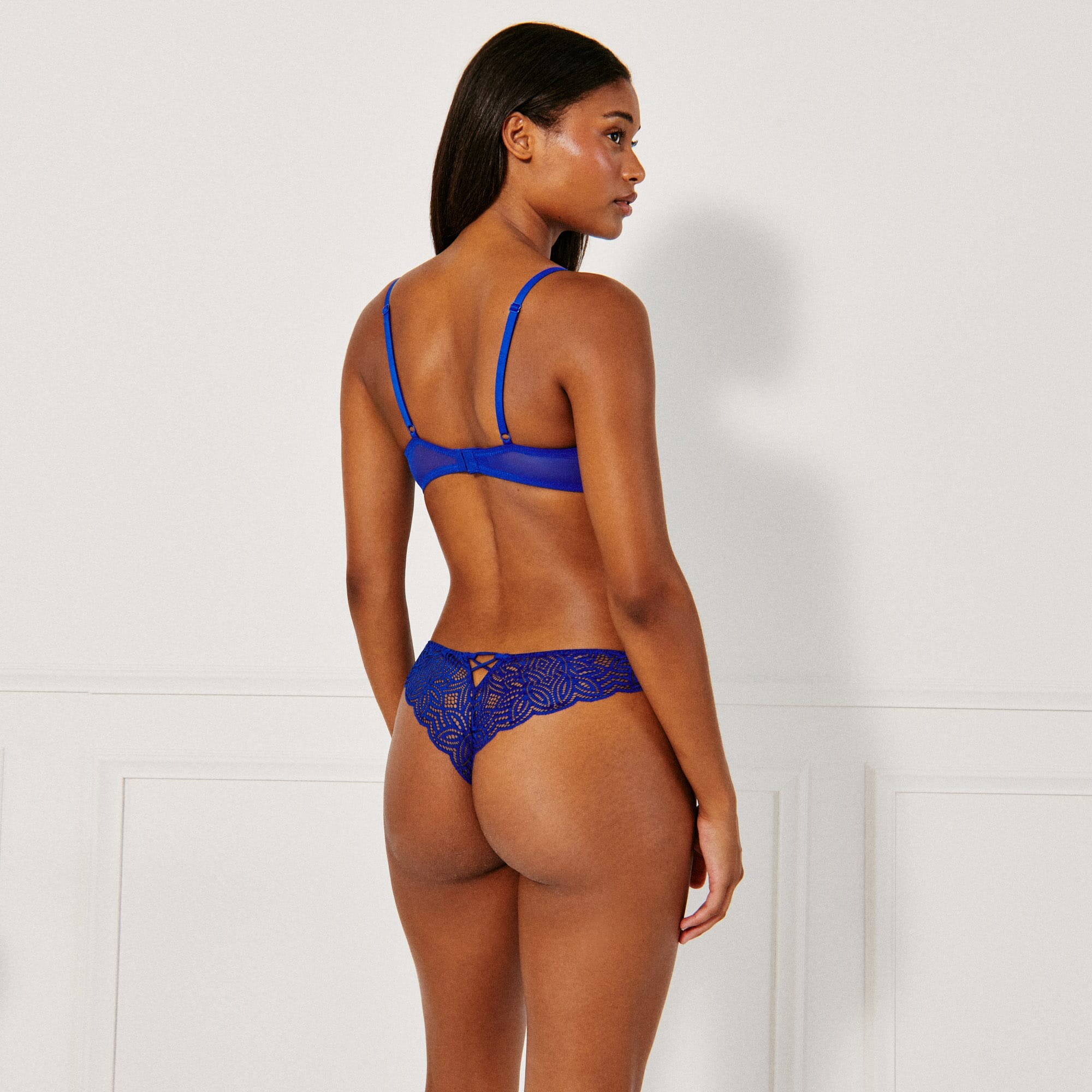
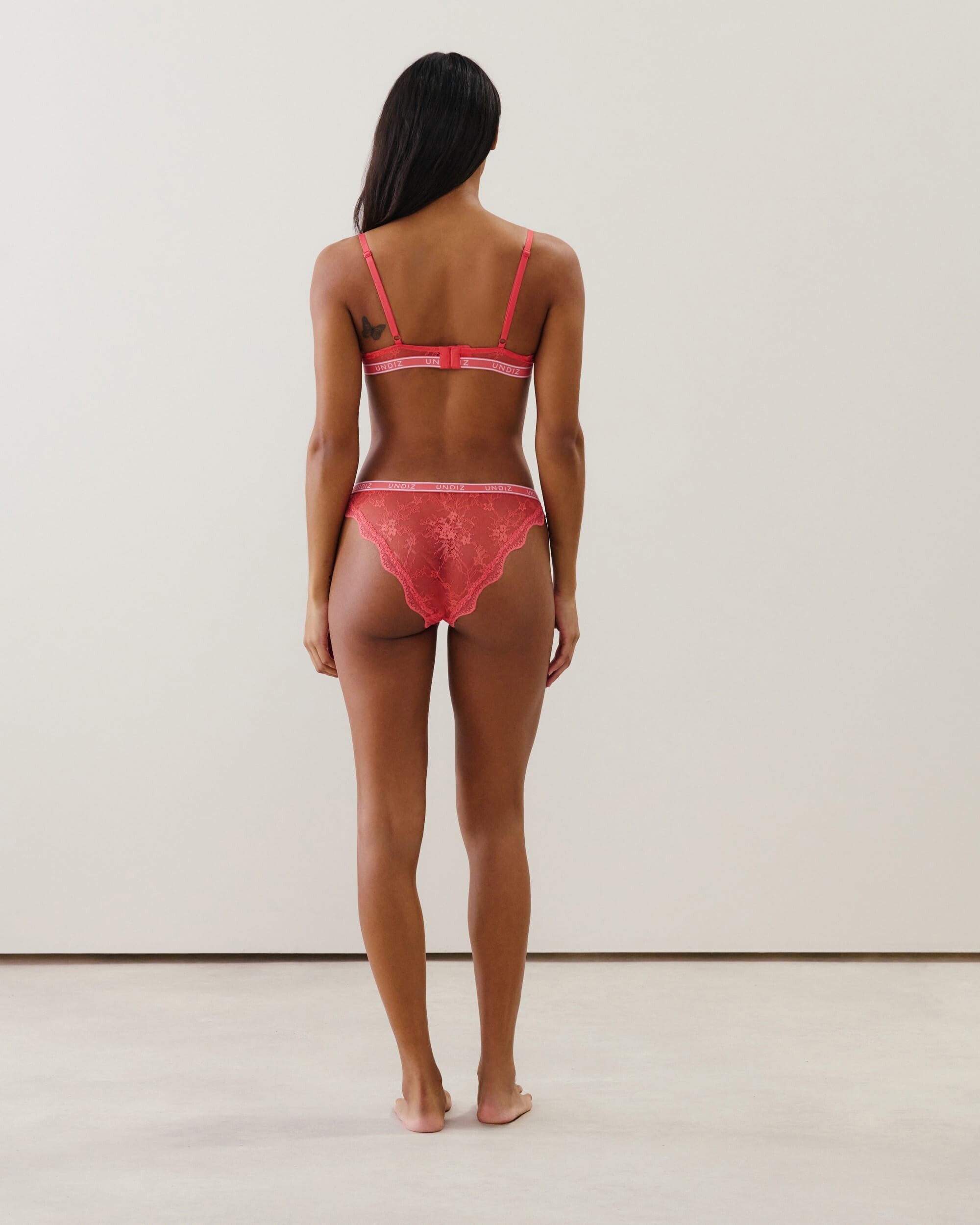
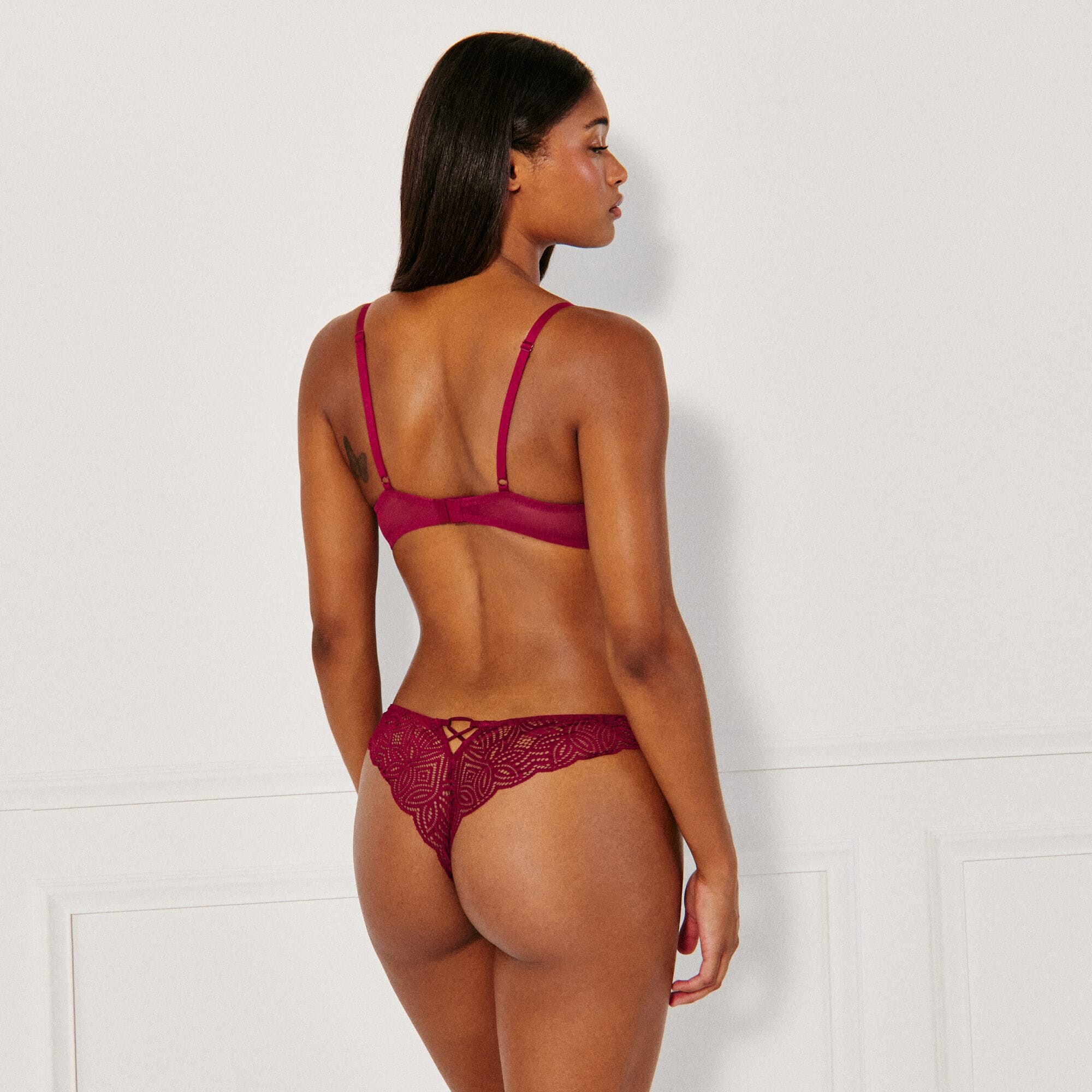
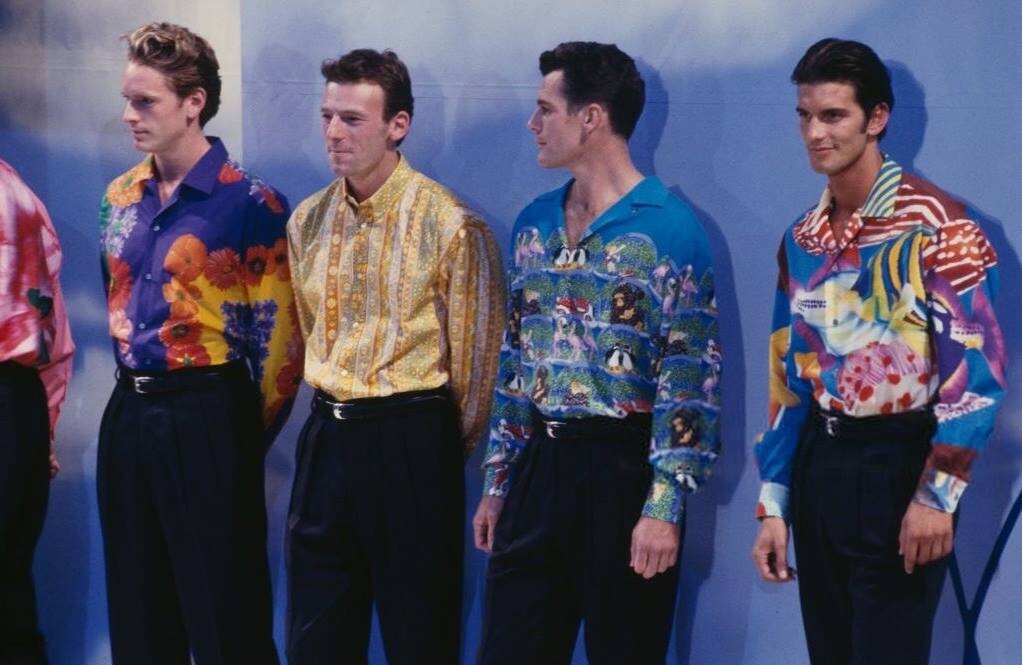
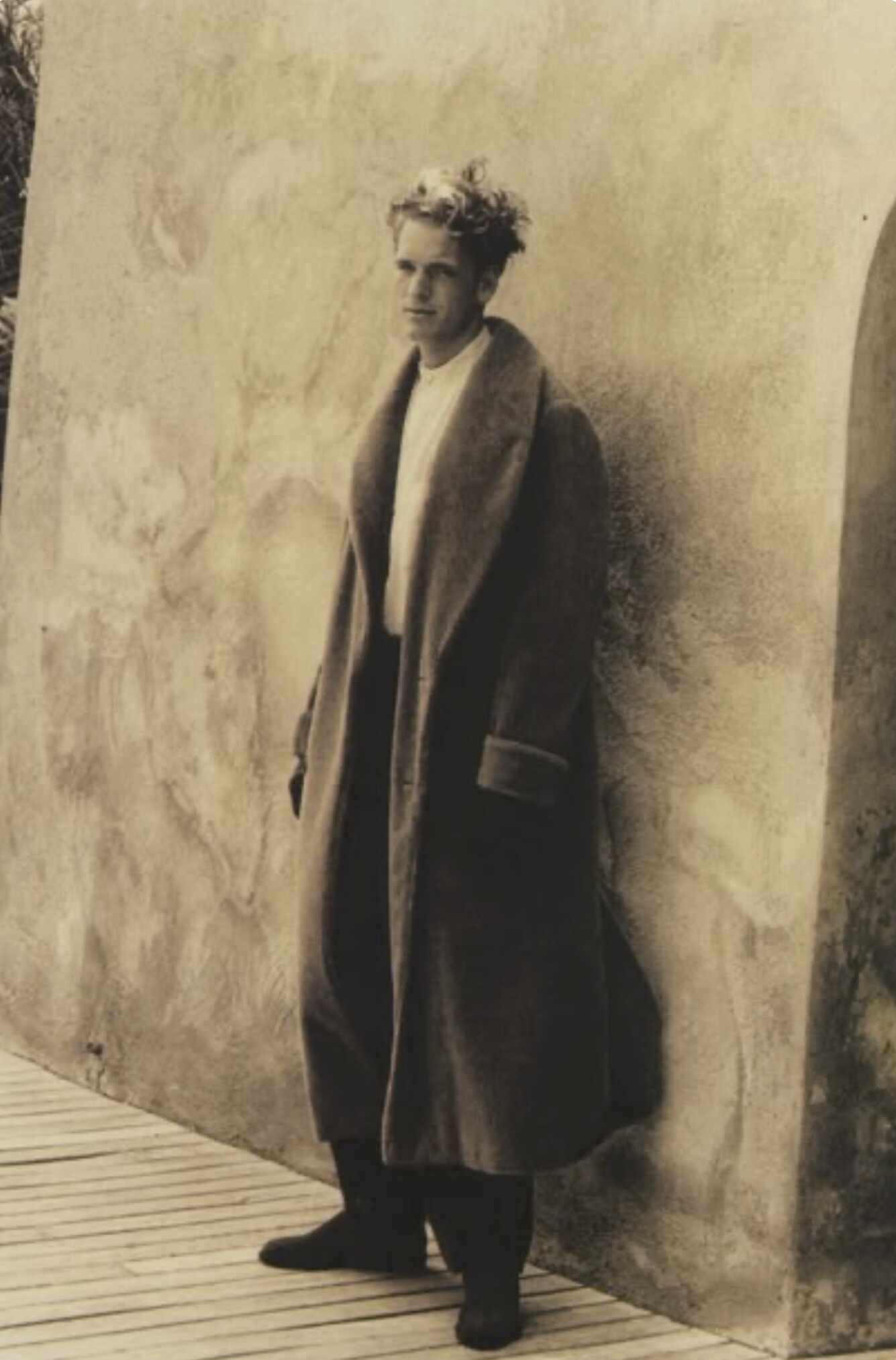
 Can someone ID these two models for Undiz? 1. 2.
















 Madre mia de mi corazon
- Today
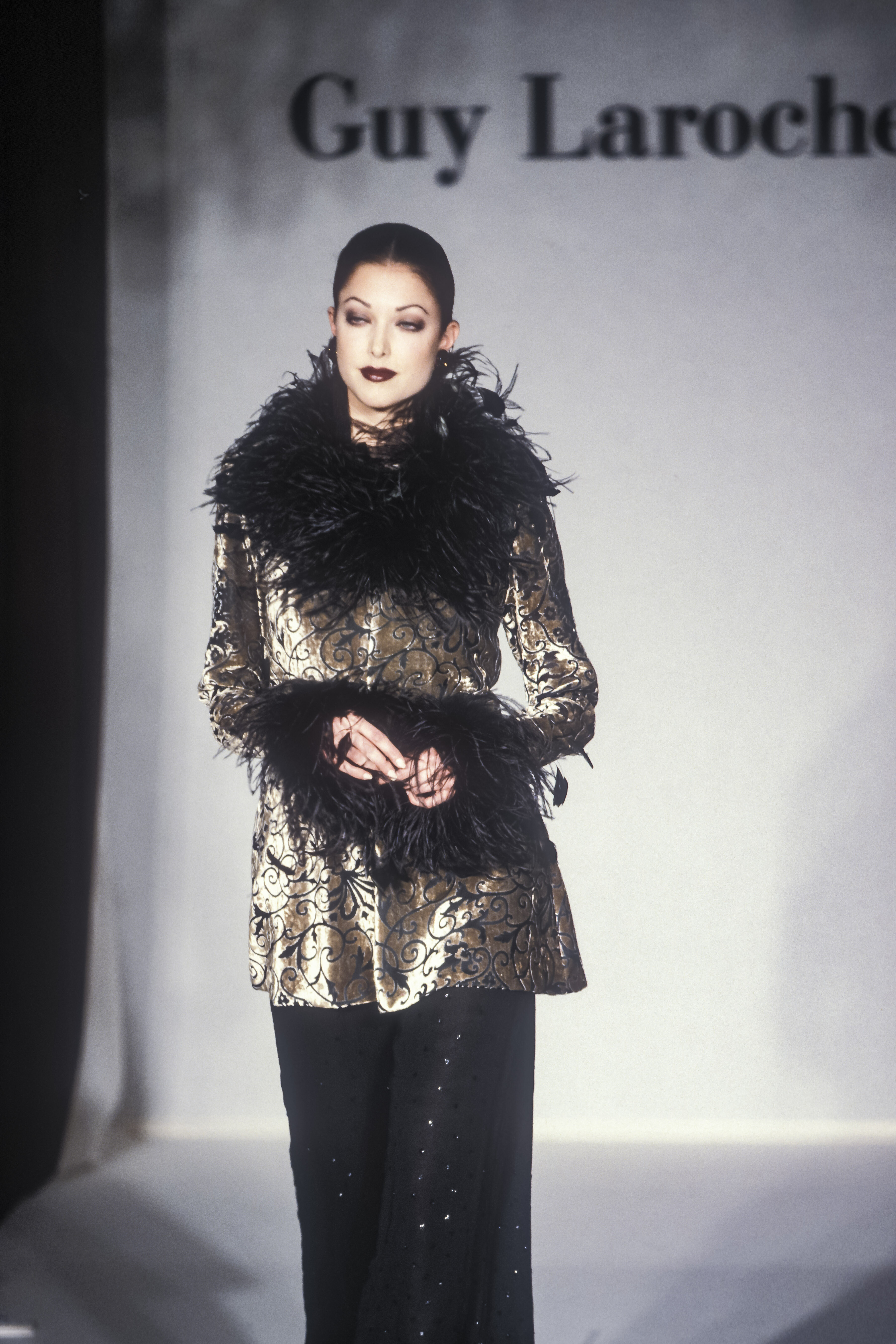
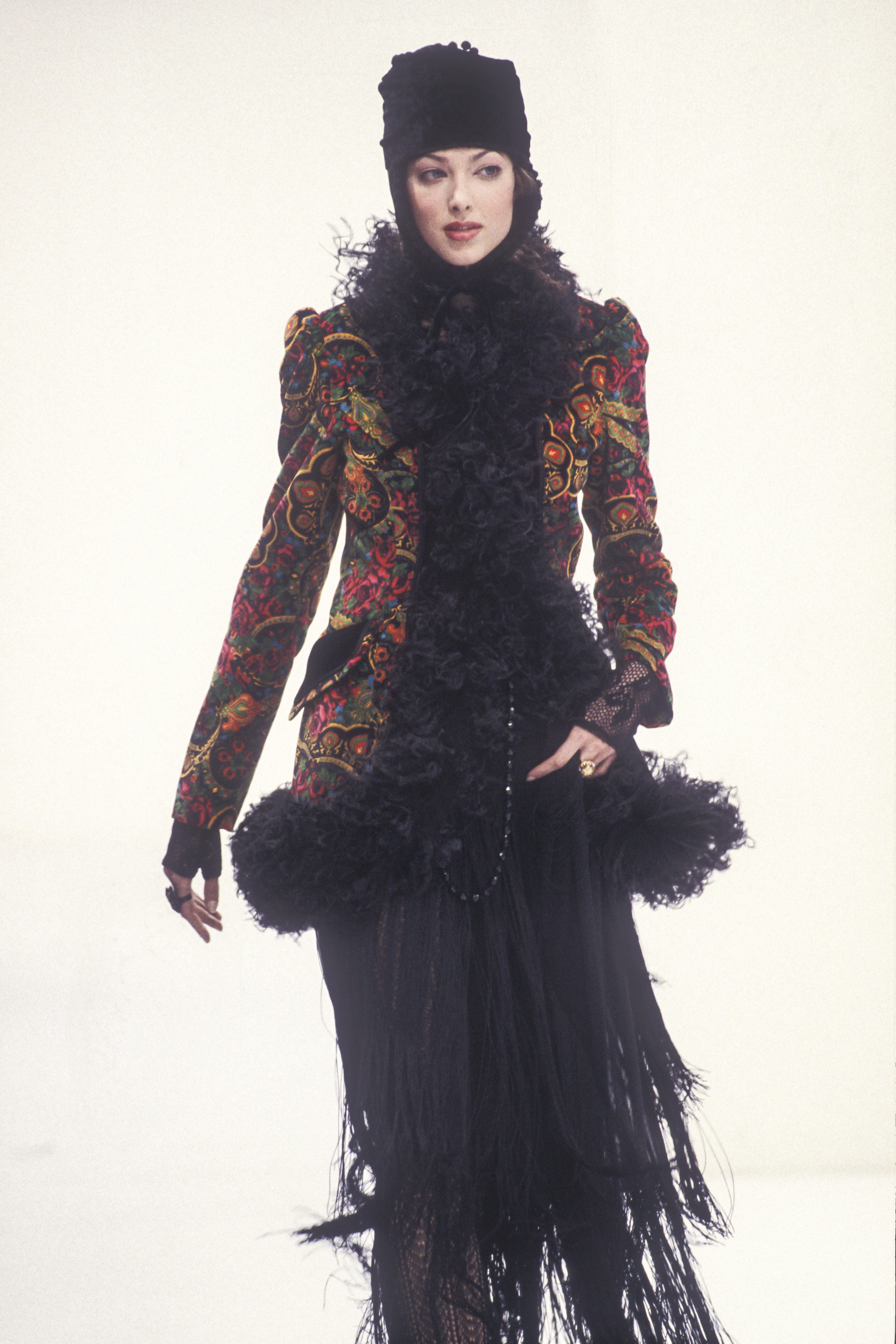
 More pics of #1



























































Account
Search
Configure browser push notifications
Chrome (Android)
- Tap the lock icon next to the address bar.
- Tap Permissions → Notifications.
- Adjust your preference.
Chrome (Desktop)
- Click the padlock icon in the address bar.
- Select Site settings.
- Find Notifications and adjust your preference.
Safari (iOS 16.4+)
- Ensure the site is installed via Add to Home Screen.
- Open Settings App → Notifications.
- Find your app name and adjust your preference.
Safari (macOS)
- Go to Safari → Preferences.
- Click the Websites tab.
- Select Notifications in the sidebar.
- Find this website and adjust your preference.
Edge (Android)
- Tap the lock icon next to the address bar.
- Tap Permissions.
- Find Notifications and adjust your preference.
Edge (Desktop)
- Click the padlock icon in the address bar.
- Click Permissions for this site.
- Find Notifications and adjust your preference.
Firefox (Android)
- Go to Settings → Site permissions.
- Tap Notifications.
- Find this site in the list and adjust your preference.
Firefox (Desktop)
- Open Firefox Settings.
- Search for Notifications.
- Find this site in the list and adjust your preference.