All Activity
- Past hour
-
 You think Leon is trying to find a cure?
 -

 SS19-2100052414-BCK.mp4SS19-0051400-WTE.mp4SS19-4200051453-LRD.mp4
SS19-4200054903-NNK-1.mp4SS19-4200057188-OGE.mp4NO SKU - PINK CUT OUT SUIT (1).mp4
SS19-4200051390-BCK.mp4SS19-4200051392-LRD-1.mp4SS19-4200056572-CNE.mp4
SS19-4200057188-OGE.mp4SS19-4200053192-BCK.mp4SS19-4200051444-LEN.mp4
SS19-4200056648-BCK-.mp4SS19-4200057790-MTI-1.mp4NO SKU - WHITE CUT OUT SWIMSUIT.mp4
SS19-2100052414-BCK.mp4SS19-0051400-WTE.mp4SS19-4200051453-LRD.mp4
SS19-4200054903-NNK-1.mp4SS19-4200057188-OGE.mp4NO SKU - PINK CUT OUT SUIT (1).mp4
SS19-4200051390-BCK.mp4SS19-4200051392-LRD-1.mp4SS19-4200056572-CNE.mp4
SS19-4200057188-OGE.mp4SS19-4200053192-BCK.mp4SS19-4200051444-LEN.mp4
SS19-4200056648-BCK-.mp4SS19-4200057790-MTI-1.mp4NO SKU - WHITE CUT OUT SWIMSUIT.mp4
 SS19-4200051391-RED-1.mp4SS19-4200056728-NGE-1.mp4S18W-4200026596-PNK.mp4
SS19-1000050819-WTE.mp4SS19-1000051422-MNT.mp4SS19-1300052015-FIA.mp4
SS19-4200051391-RED-1.mp4SS19-4200056728-NGE-1.mp4S18W-4200026596-PNK.mp4
SS19-1000050819-WTE.mp4SS19-1000051422-MNT.mp4SS19-1300052015-FIA.mp4
 Jess1993 joined the community
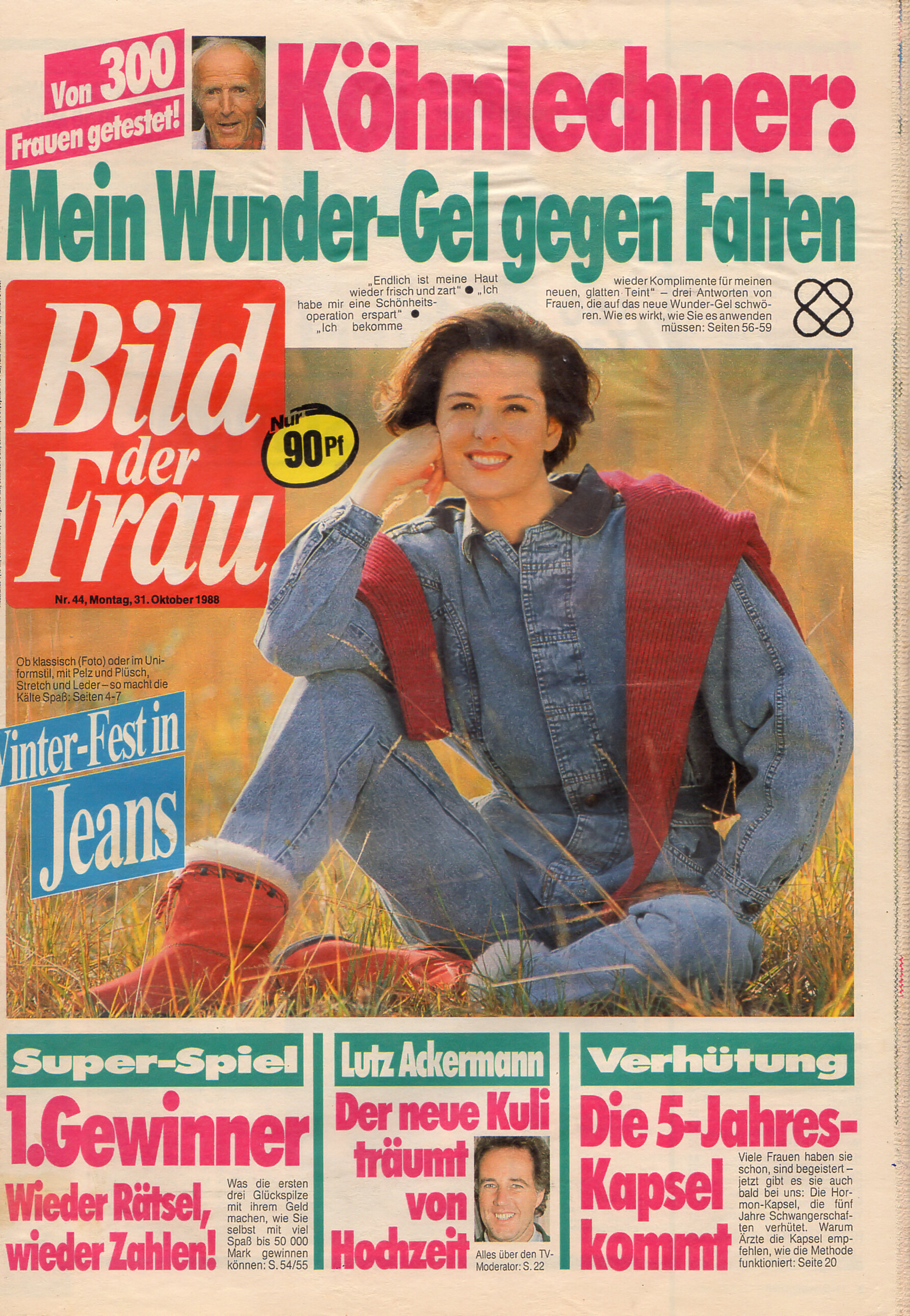
 cover Bild der Frau Germany 31. October 1988 #44
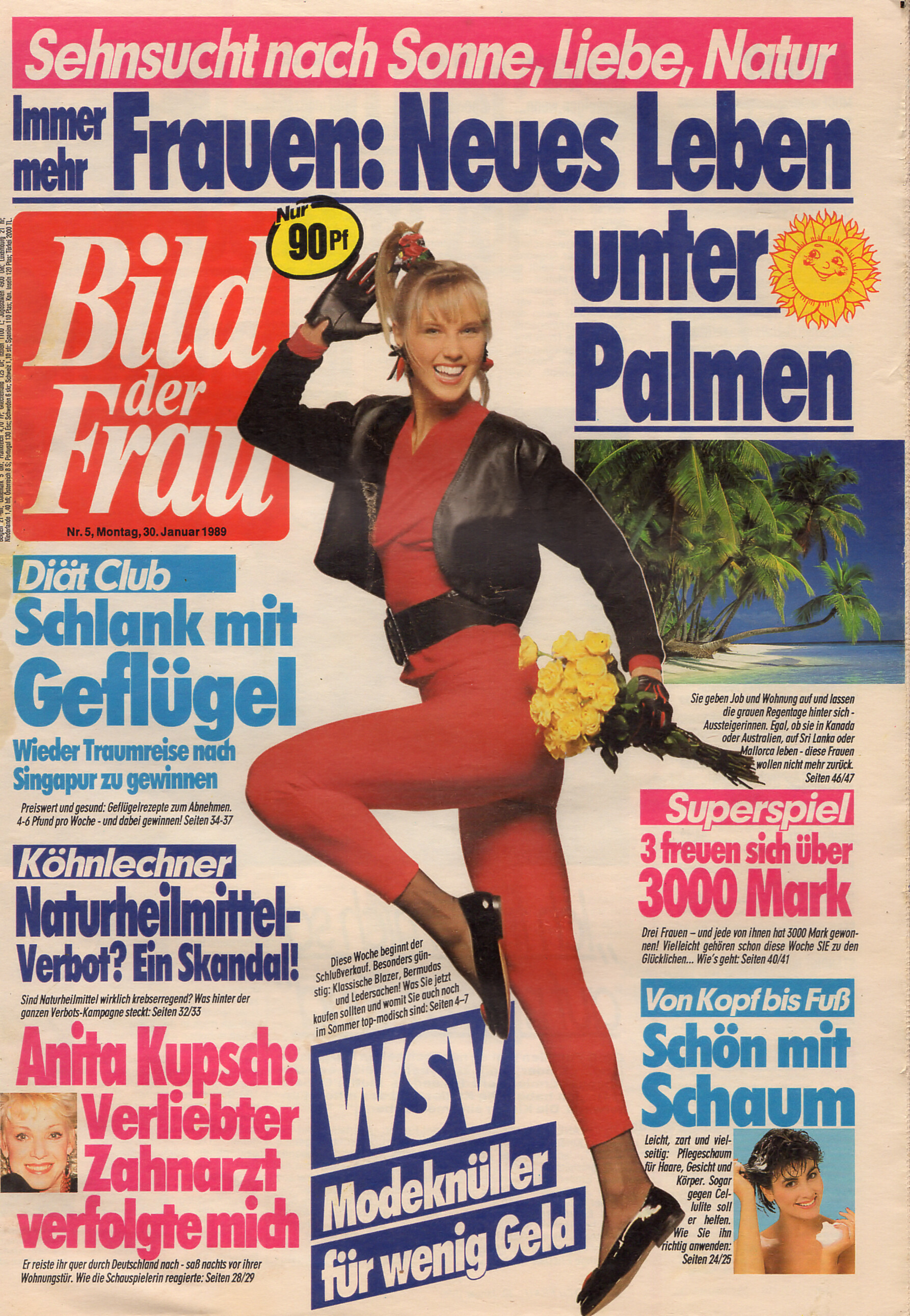
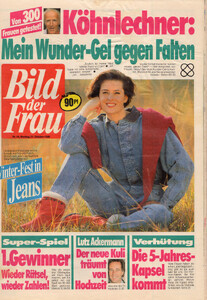 cover Bild der Frau Germany 30. January 1989 #5
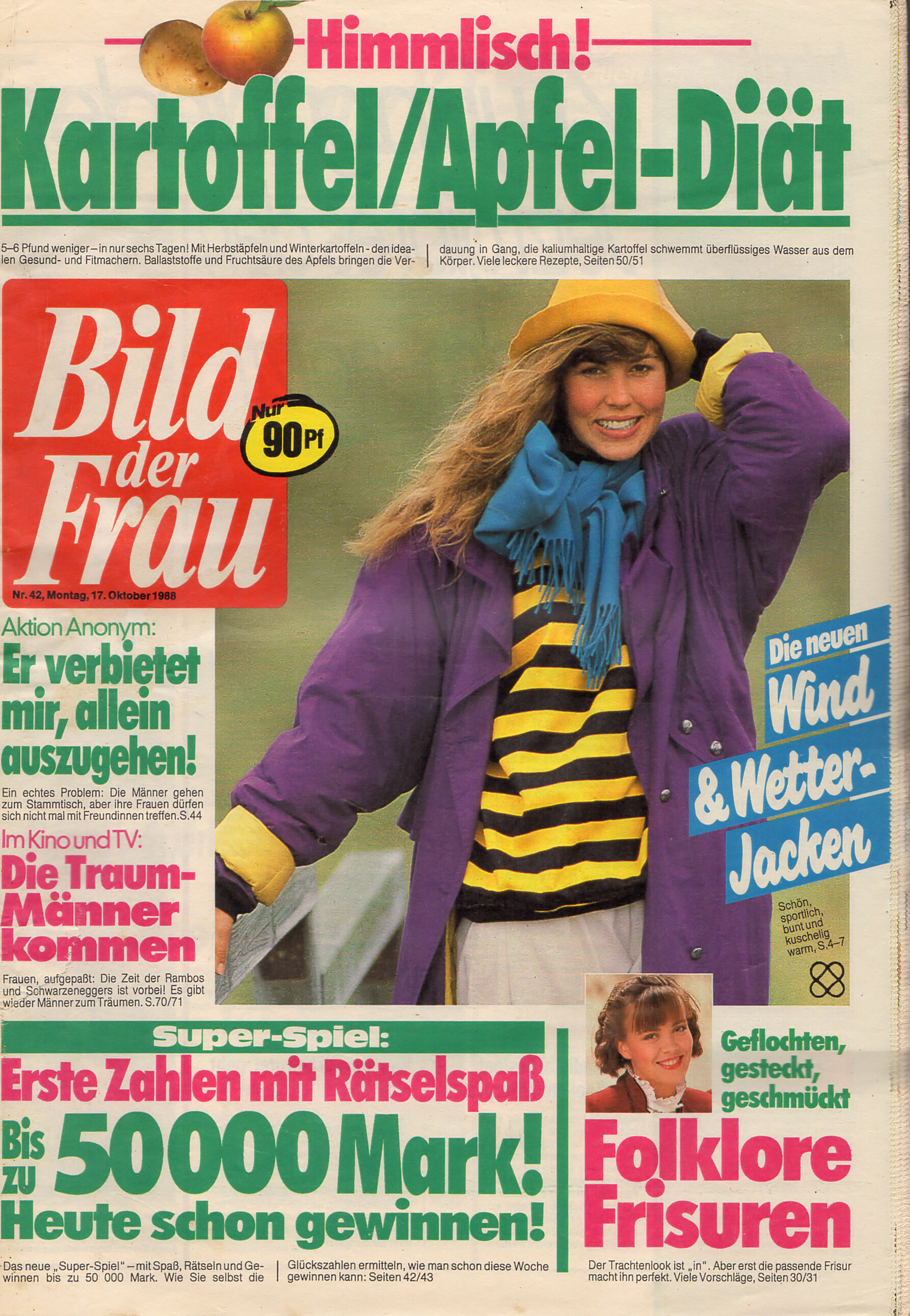
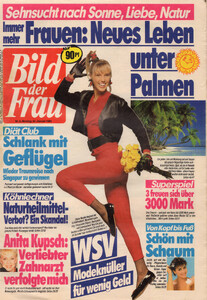 cover Bild der Frau Germany 17. October 1988 #42
 swisslogistik joined the community
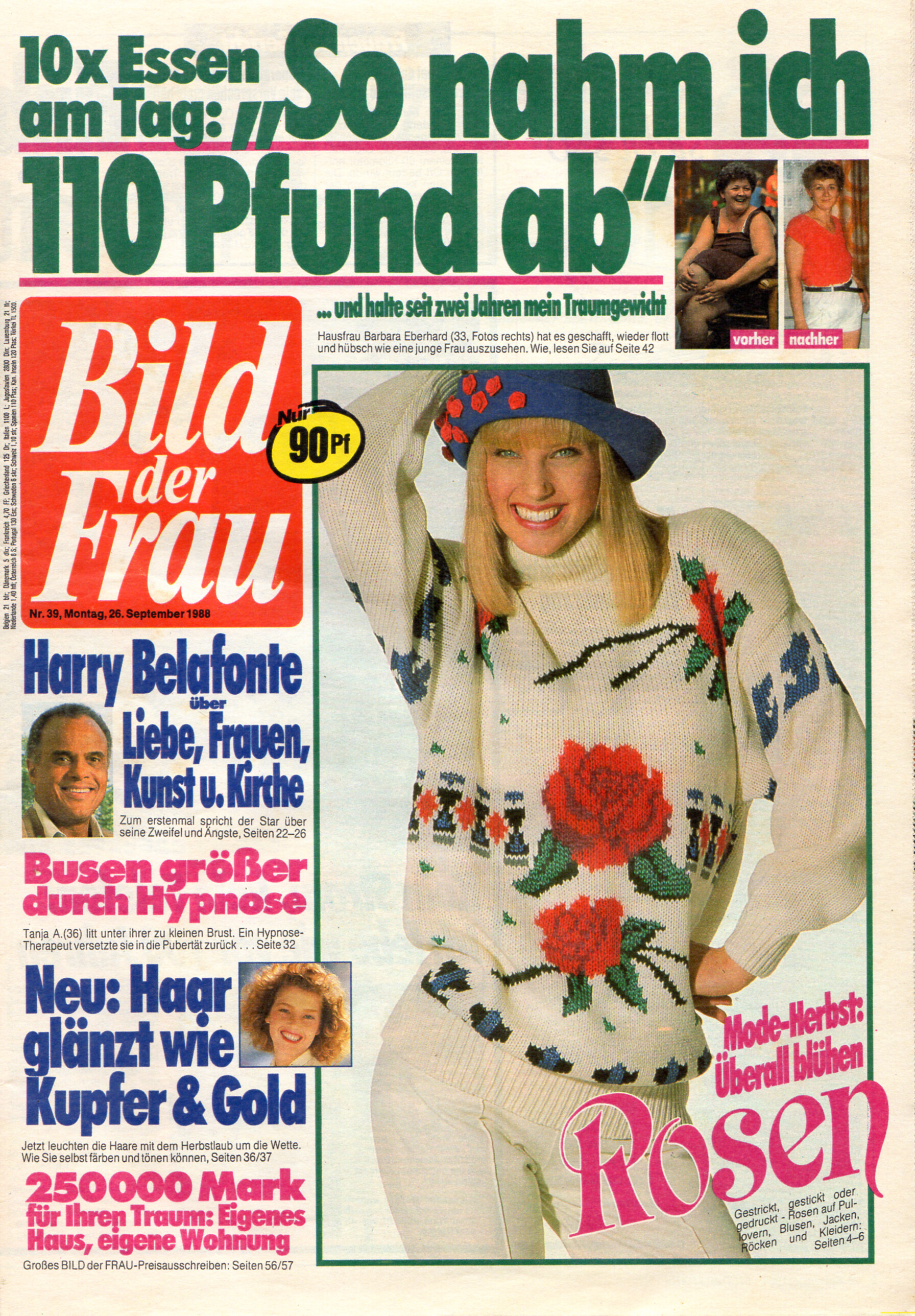
cover Bild der Frau Germany 26. September 1989 #39
swisslogistik joined the community
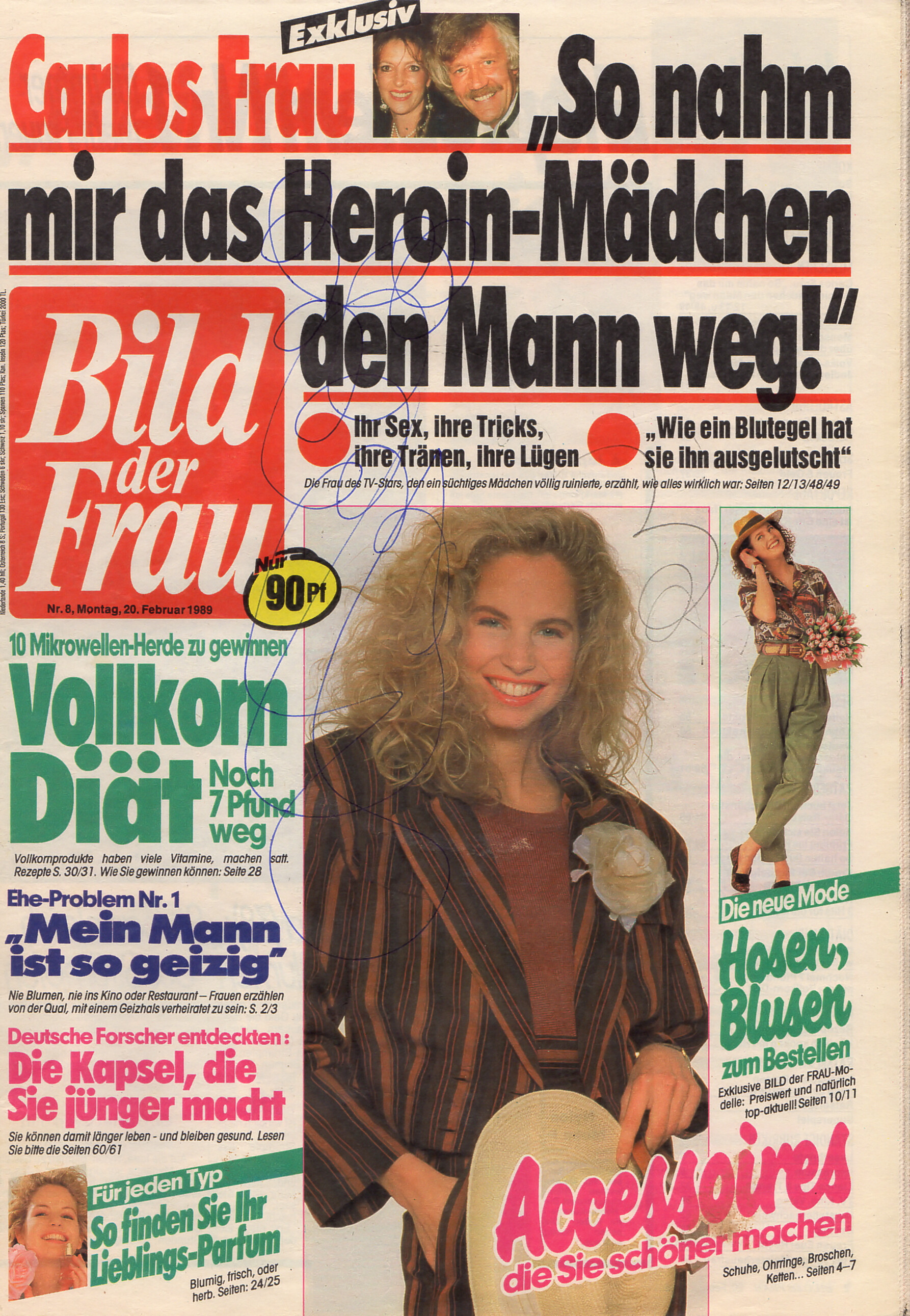
cover Bild der Frau Germany 26. September 1989 #39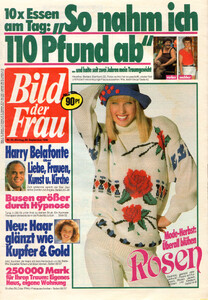 cover Bild der Frau Germany 20. February 1989 #8
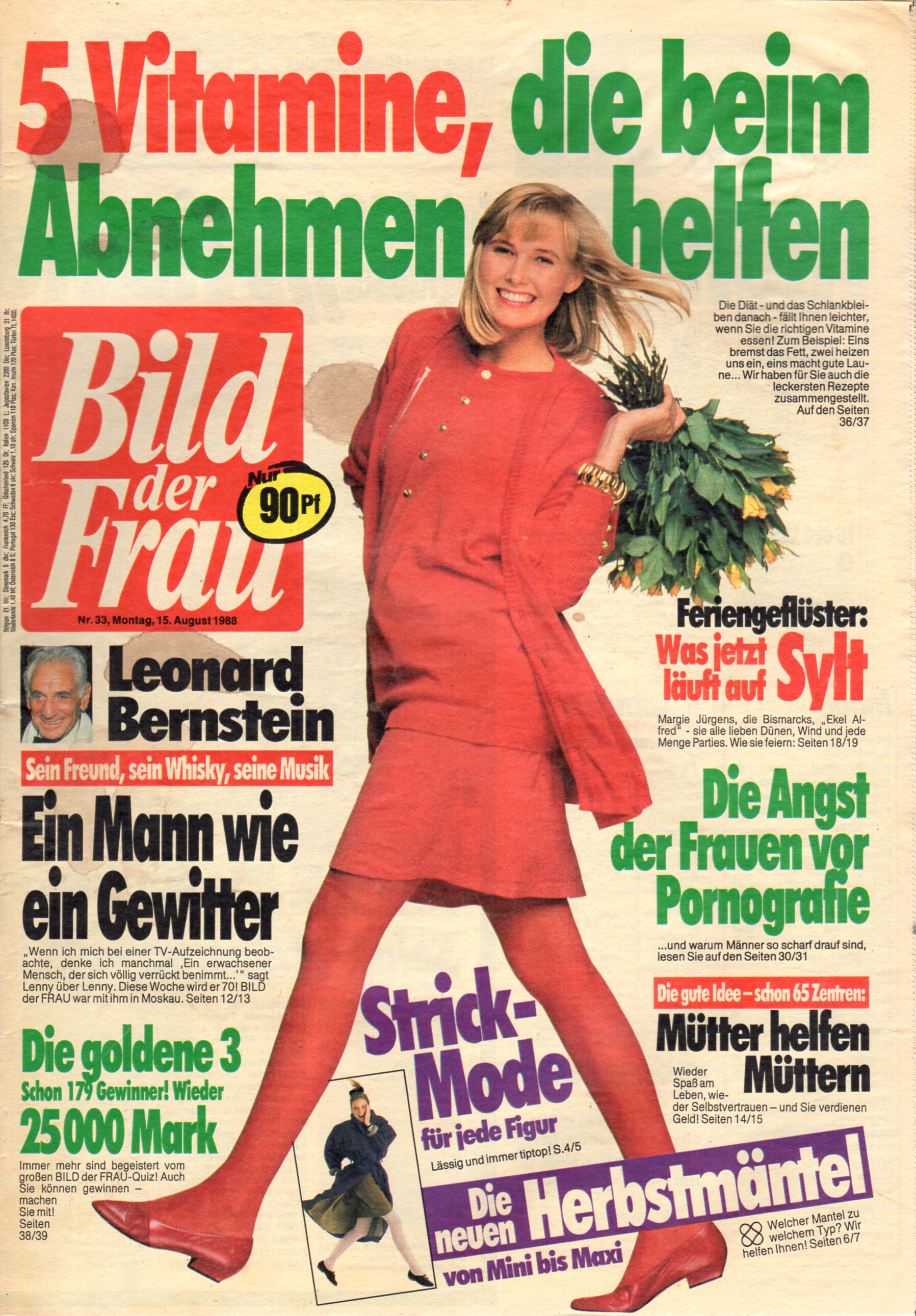
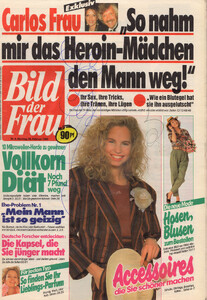 cover Bild der Frau Germany 15. August 1988 #33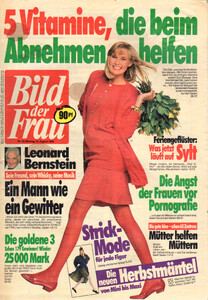
















.jpg.41197966dd456c6da15e1e810dcd1ec1.jpg)
_4.jpg.d88e5e0226546c7b08acb05469dc5e03.jpg)
_2.jpg.c3b44c3cd318f531b78b5f0d6cf5060e.jpg)
_1.jpg.d41bbf4e00ea520a53ac3c260bad97c2.jpg)
_3.jpg.21f86d1755cd7897663a9b5a7916d50a.jpg)







Account
Navigation
Search
Configure browser push notifications
Chrome (Android)
- Tap the lock icon next to the address bar.
- Tap Permissions → Notifications.
- Adjust your preference.
Chrome (Desktop)
- Click the padlock icon in the address bar.
- Select Site settings.
- Find Notifications and adjust your preference.
Safari (iOS 16.4+)
- Ensure the site is installed via Add to Home Screen.
- Open Settings App → Notifications.
- Find your app name and adjust your preference.
Safari (macOS)
- Go to Safari → Preferences.
- Click the Websites tab.
- Select Notifications in the sidebar.
- Find this website and adjust your preference.
Edge (Android)
- Tap the lock icon next to the address bar.
- Tap Permissions.
- Find Notifications and adjust your preference.
Edge (Desktop)
- Click the padlock icon in the address bar.
- Click Permissions for this site.
- Find Notifications and adjust your preference.
Firefox (Android)
- Go to Settings → Site permissions.
- Tap Notifications.
- Find this site in the list and adjust your preference.
Firefox (Desktop)
- Open Firefox Settings.
- Search for Notifications.
- Find this site in the list and adjust your preference.