All Activity
- Past hour
-


 A 43 second long, 4k Andi Bagus video from late 2024/early 2025: ShelbyG - AndiBagus_TropicalRain Jan'25 4k.mp4 Quite a few other models I like have worked for Andi Bagus, either in formal photo-shoots or vai a collaboration.

 .
. . SnapInsta.to_AQPYwRTh6i7P0pCOK6Pm7uTfL6pUey-HVbYlgTR568KiNxd8hYwvWN5NF91Bg8qp6K9HWEtJt4NybMYlOE3Y2tg8H8Npw42ZoM86HDA.mp4
 Thank you!
 • Whitney Thornqvist • Jessica Nazarenus • Renee Murden • Isabeli Fontana • Sydnee Haney • Bella Eftene • Alexis Fabie • Mahlagha Jaberi • Allison Mason • Alysha Bandy • Lauren Layne • Celine Farach
.thumb.jpeg.073ed0b3d7372e09a3551a77b0abca02.jpeg)
- Today
 Nice pic, thanks for scans and ID!




 qwiksecurity joined the community
 nebuladragon joined the community
Dot Management - digitals
nebuladragon joined the community
Dot Management - digitals
 Dot Management - portfolio
















.thumb.jpg.3b1639bae4209faaeef7798dc0762d71.jpg)


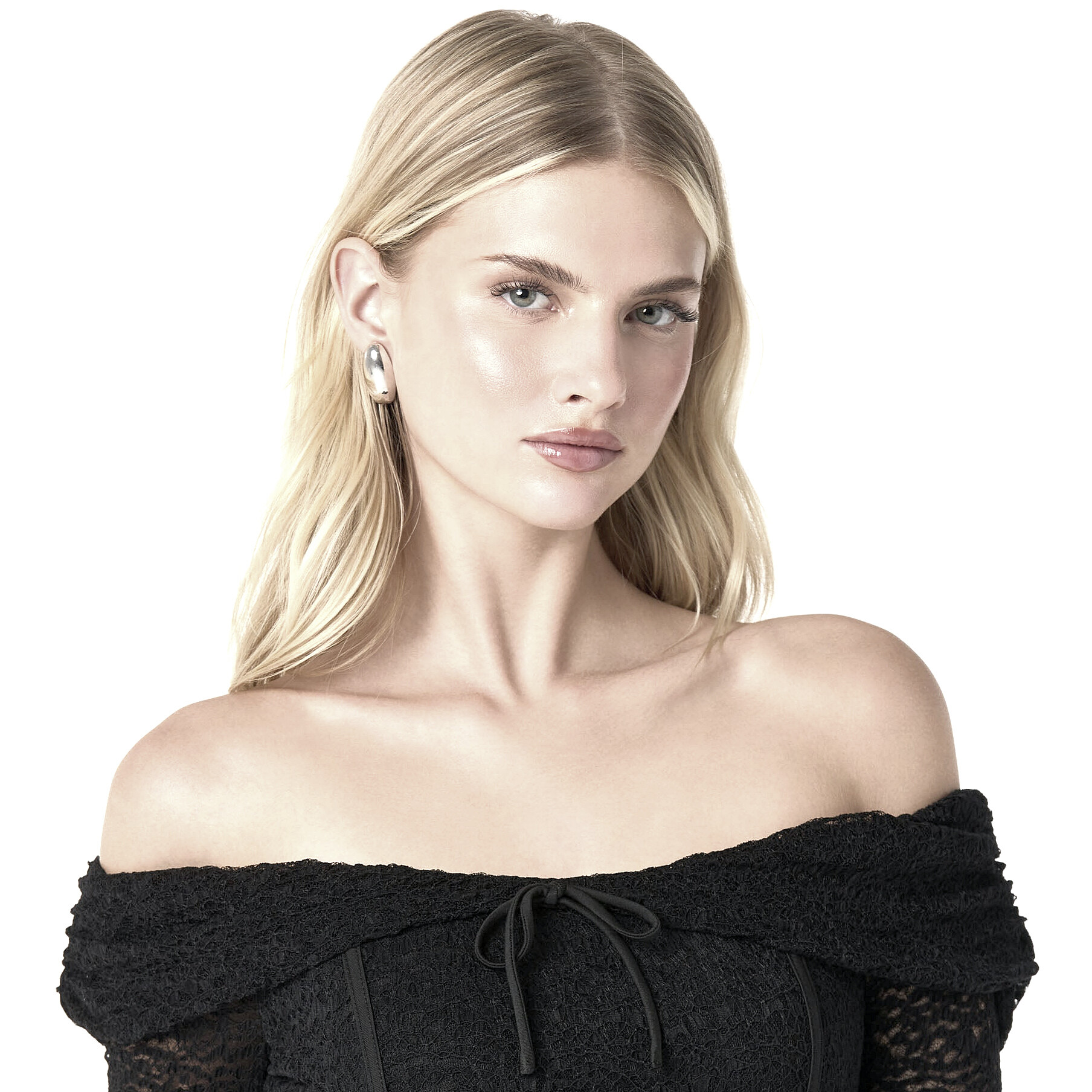
 Kayla Schuster (Kayla Lynne Schuster) Height : 5’-8″ - 1,72m Eyes : Blue Hair : Blond https://www.instagram.com/kaylaalynee/ Dot Model Management, One Management


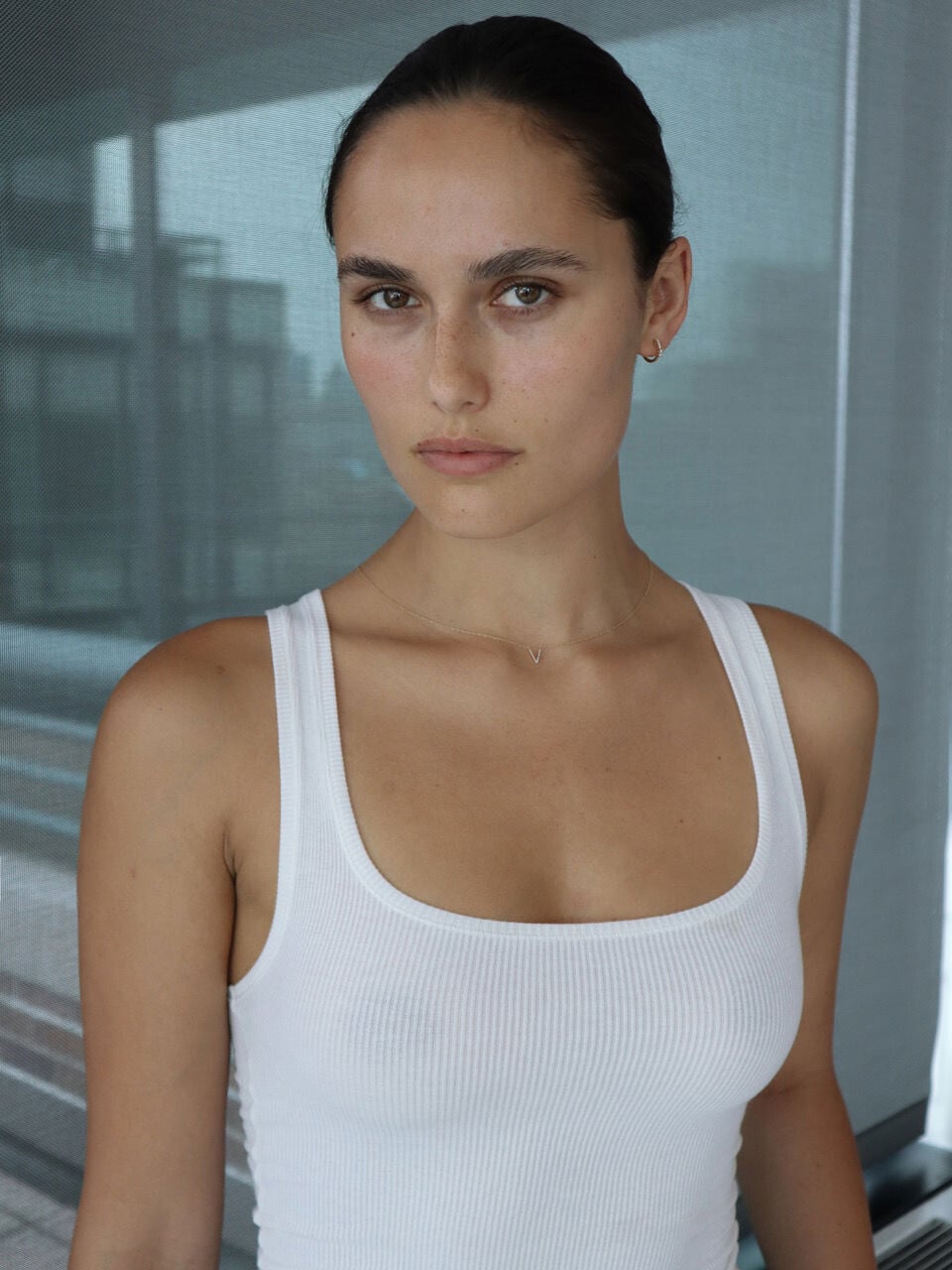
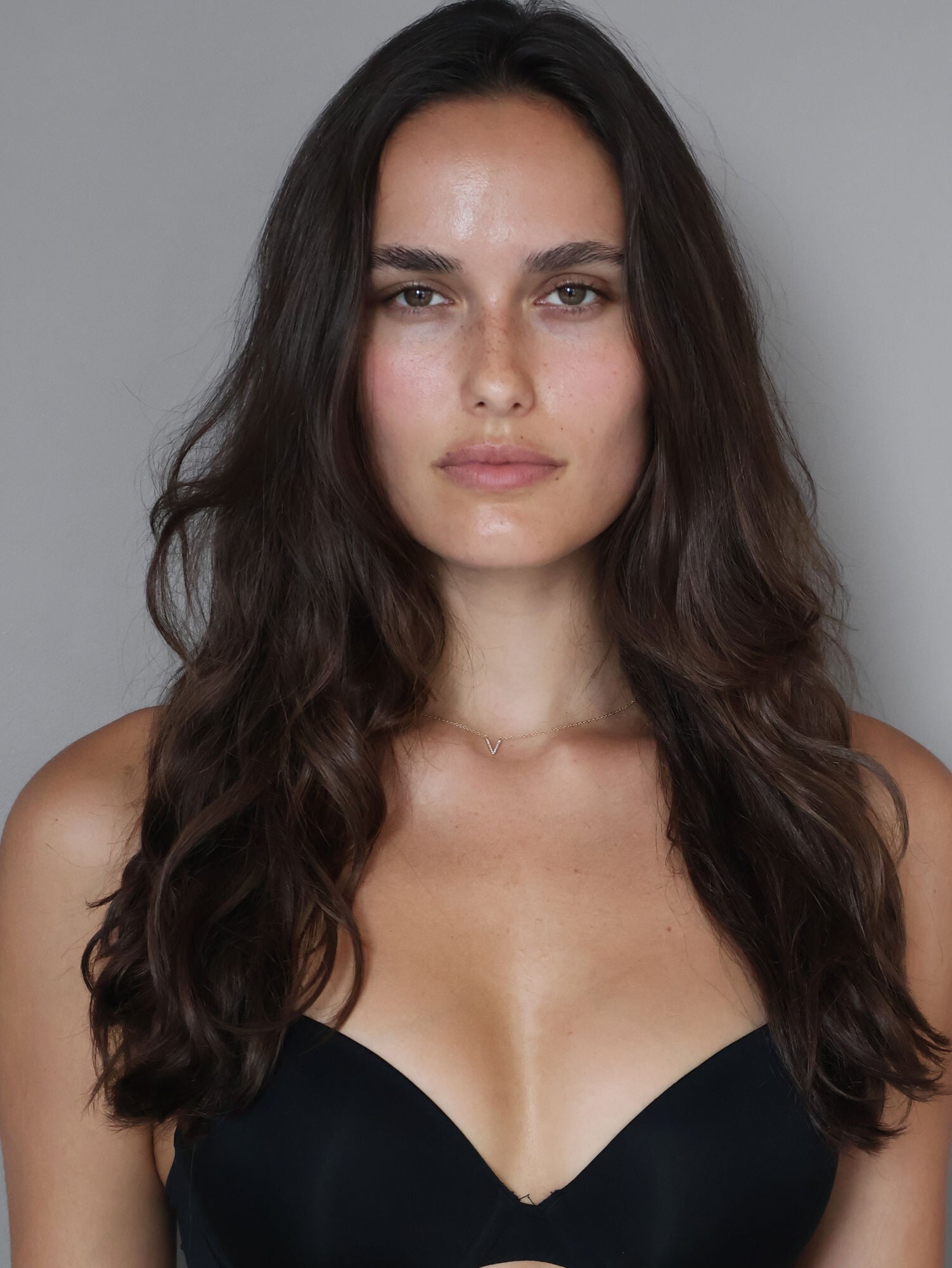

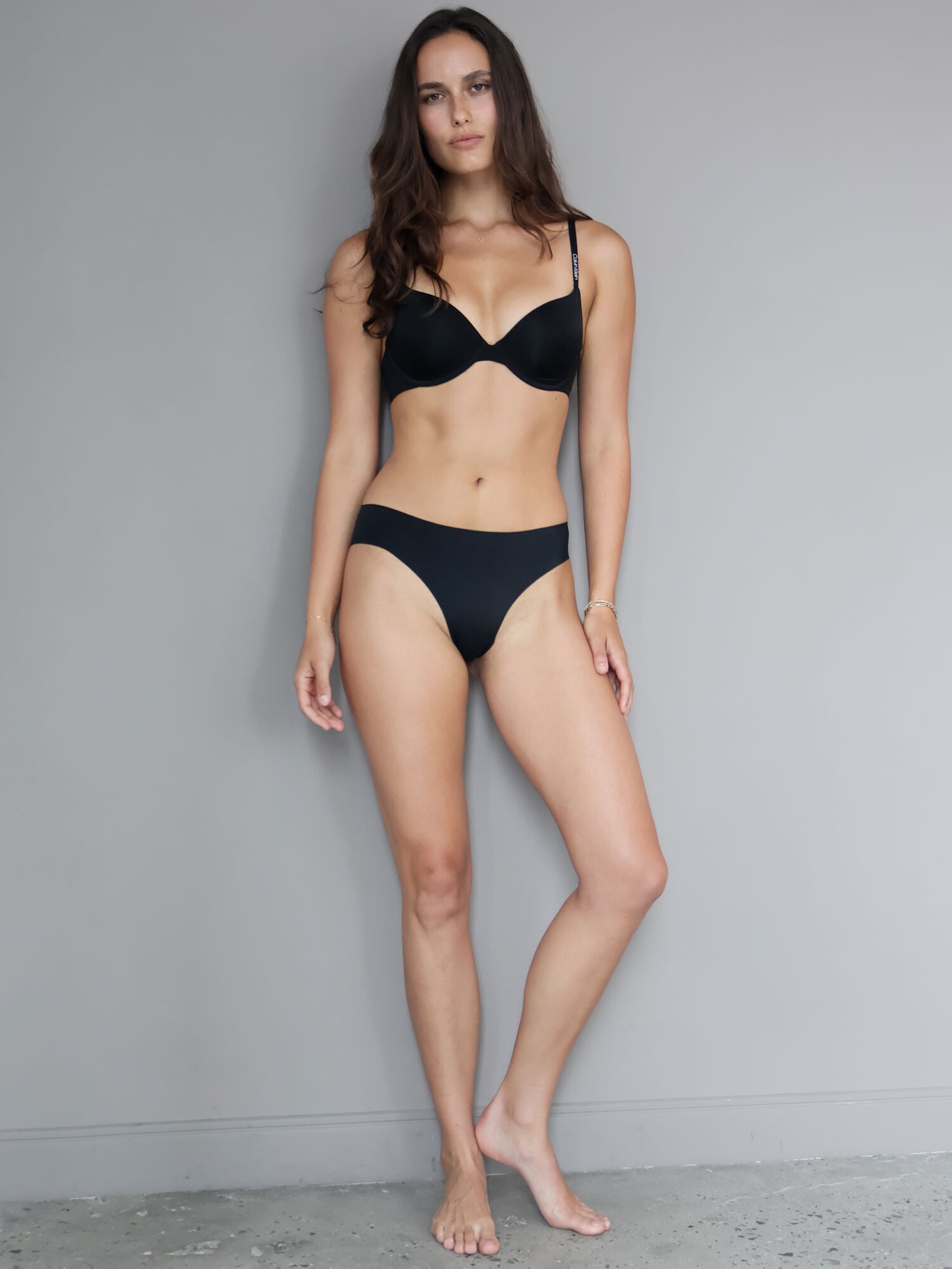

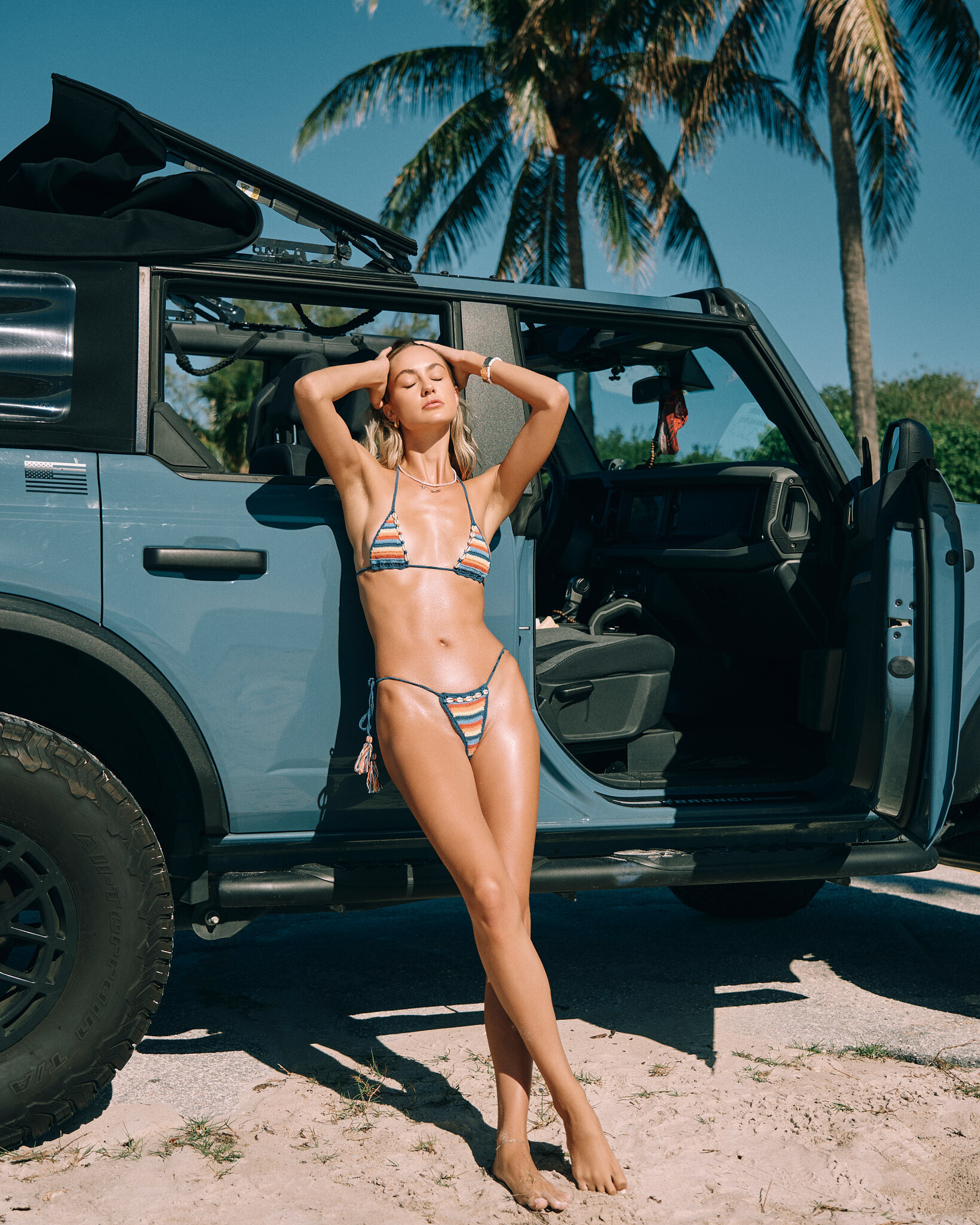

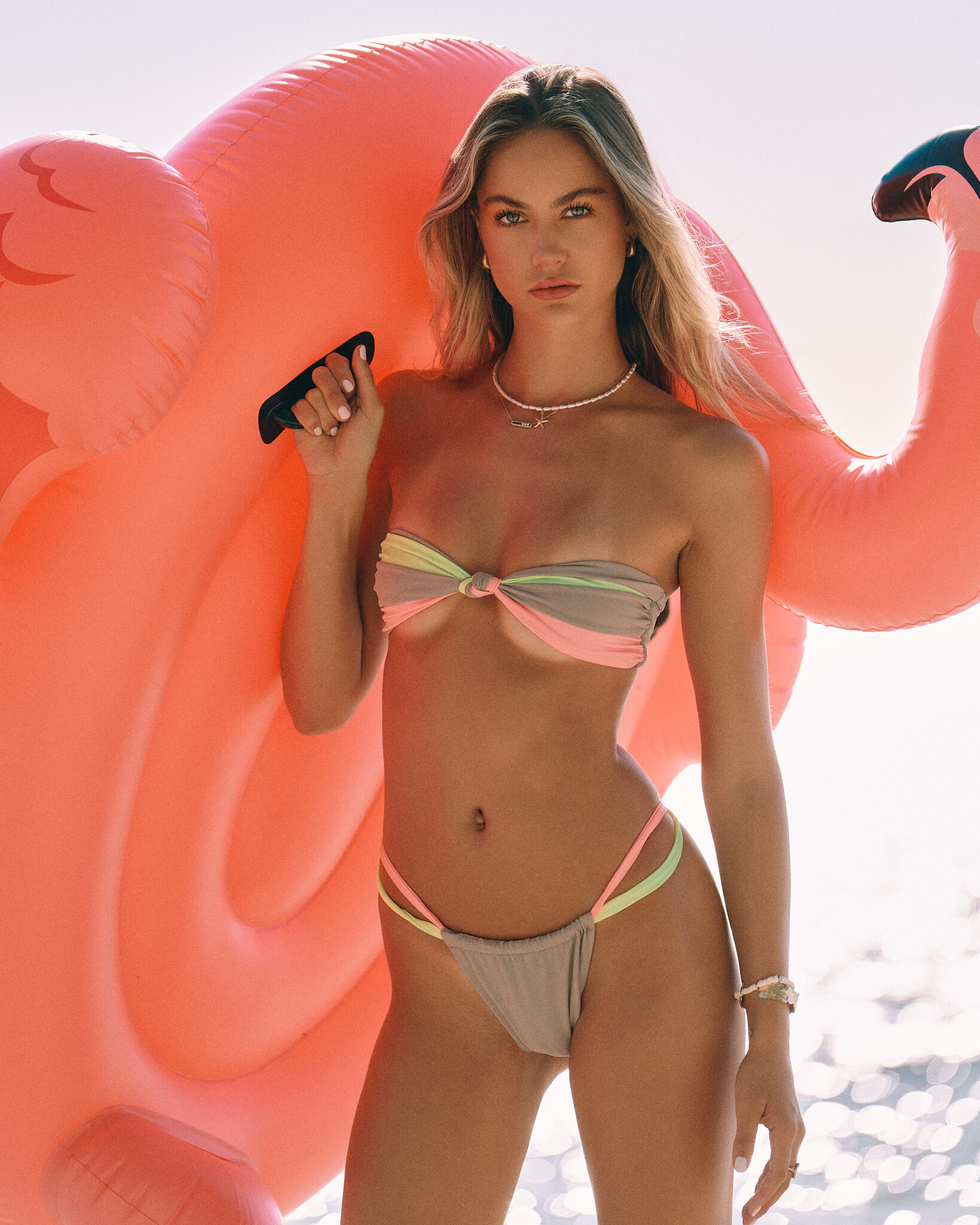
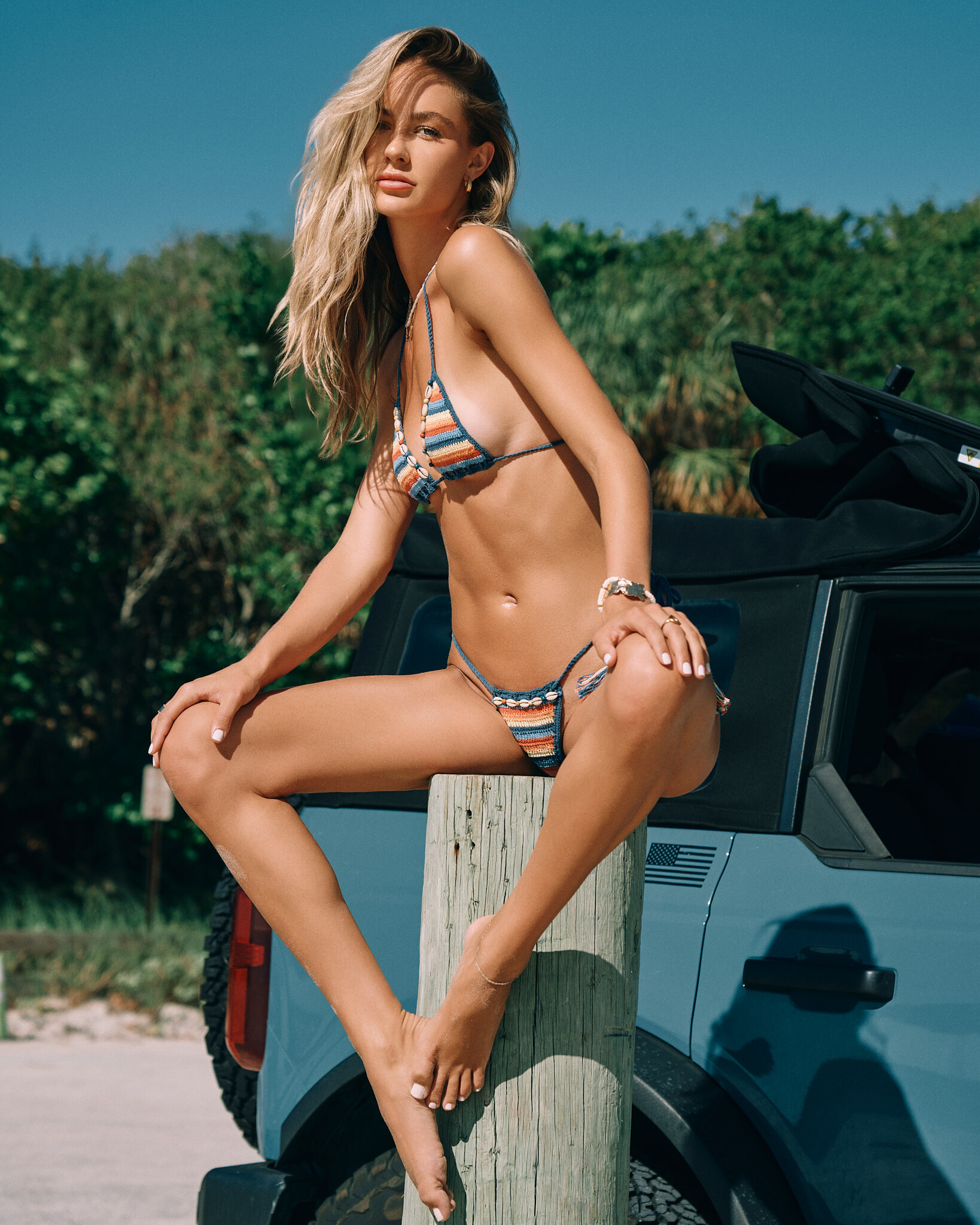

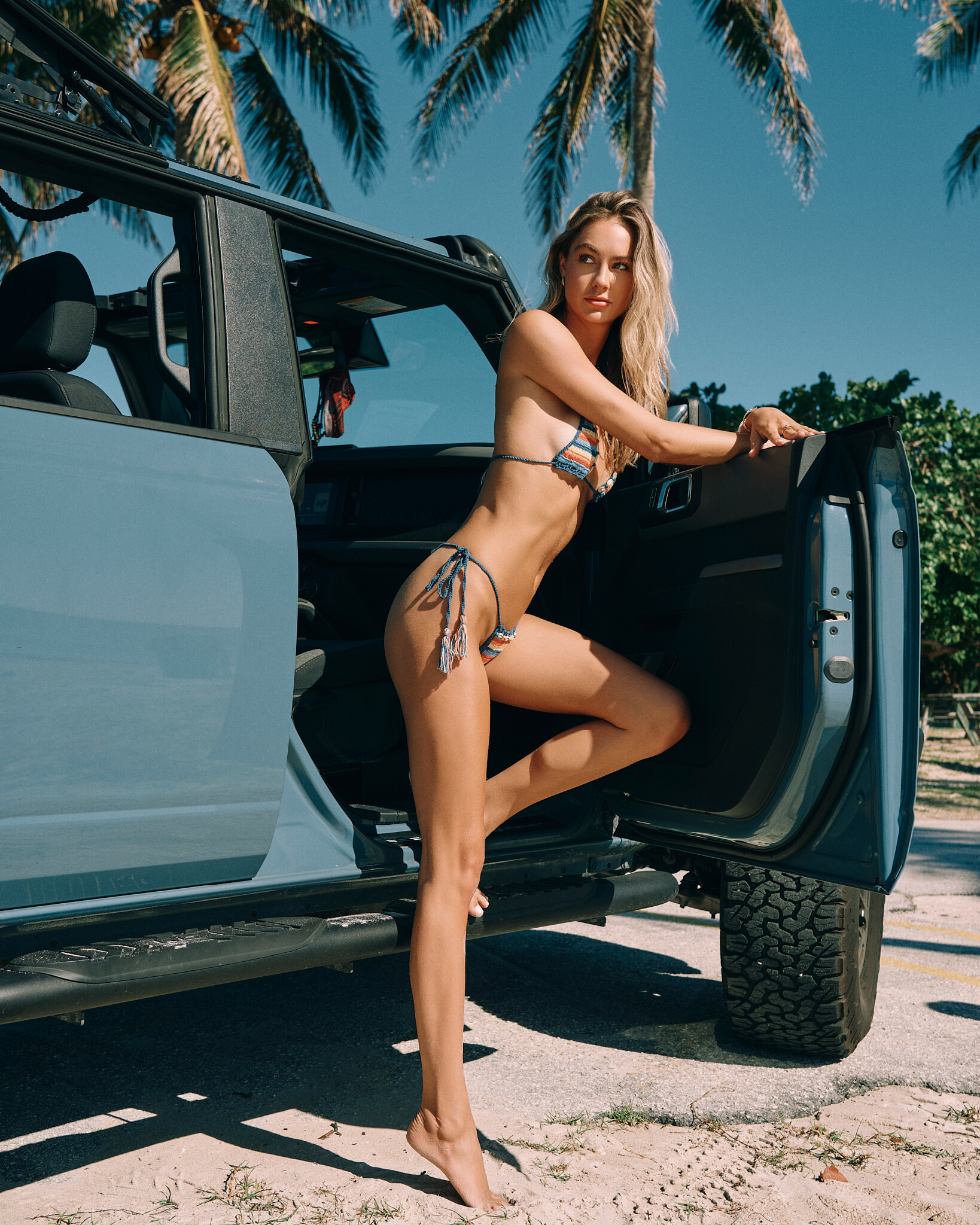
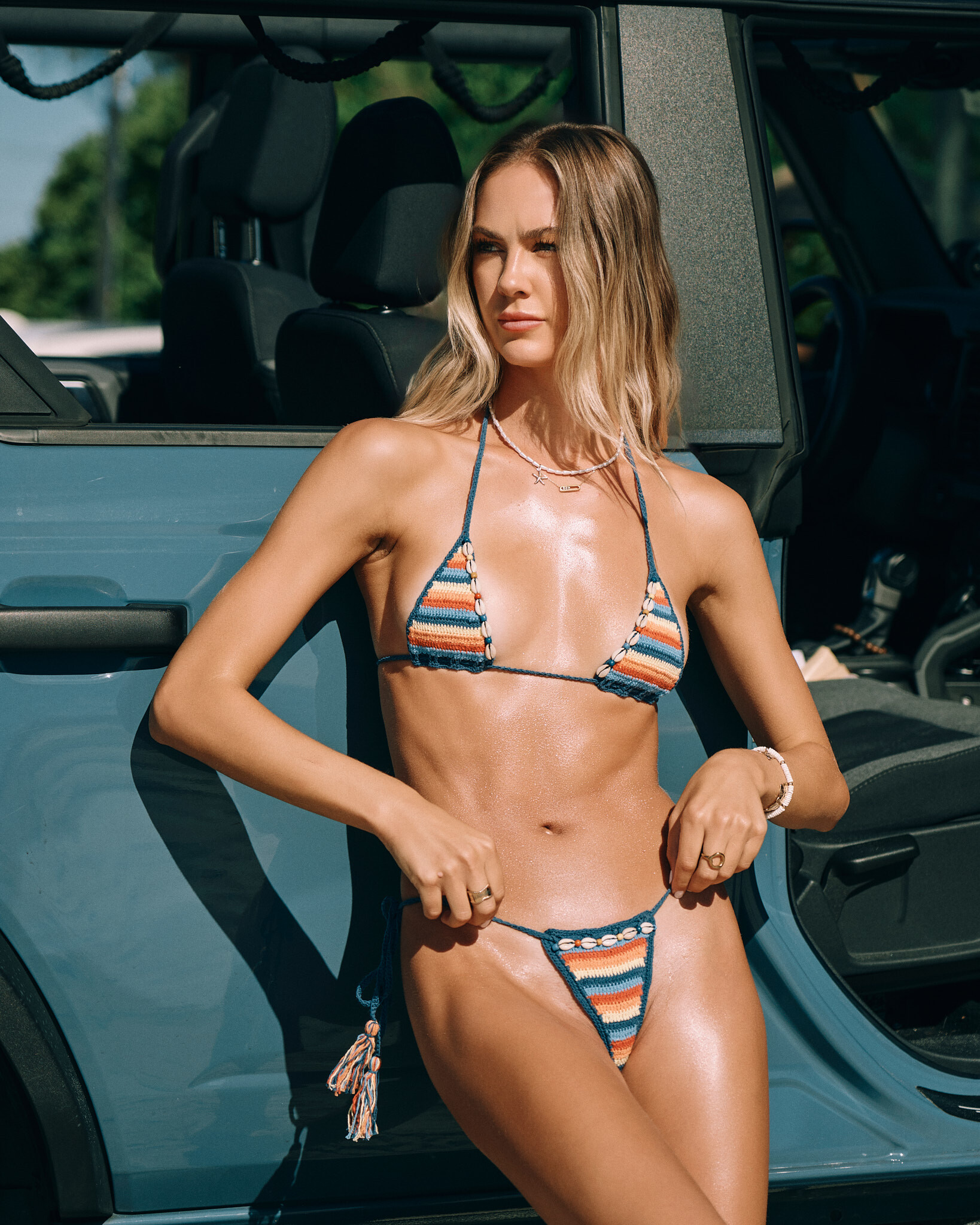

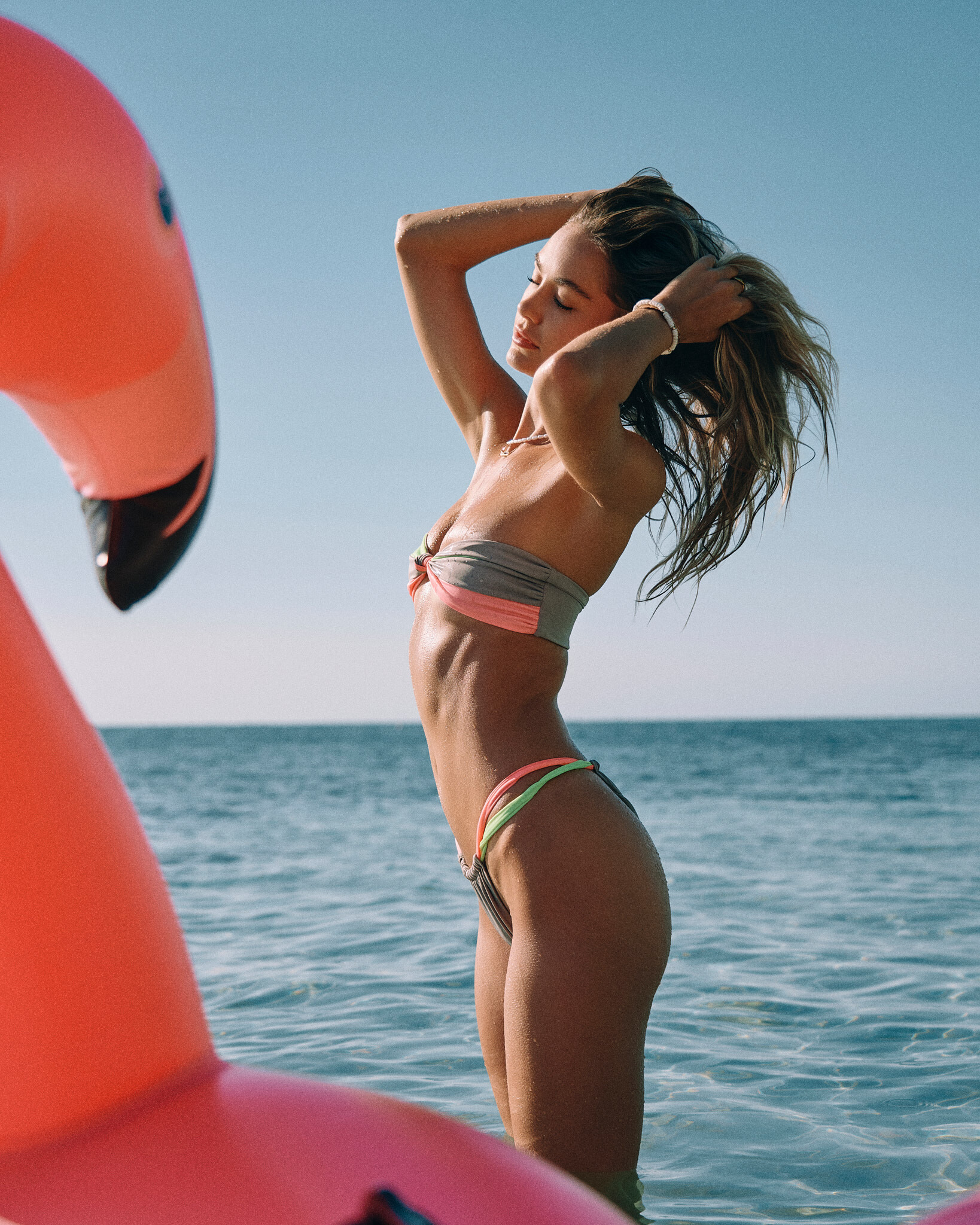



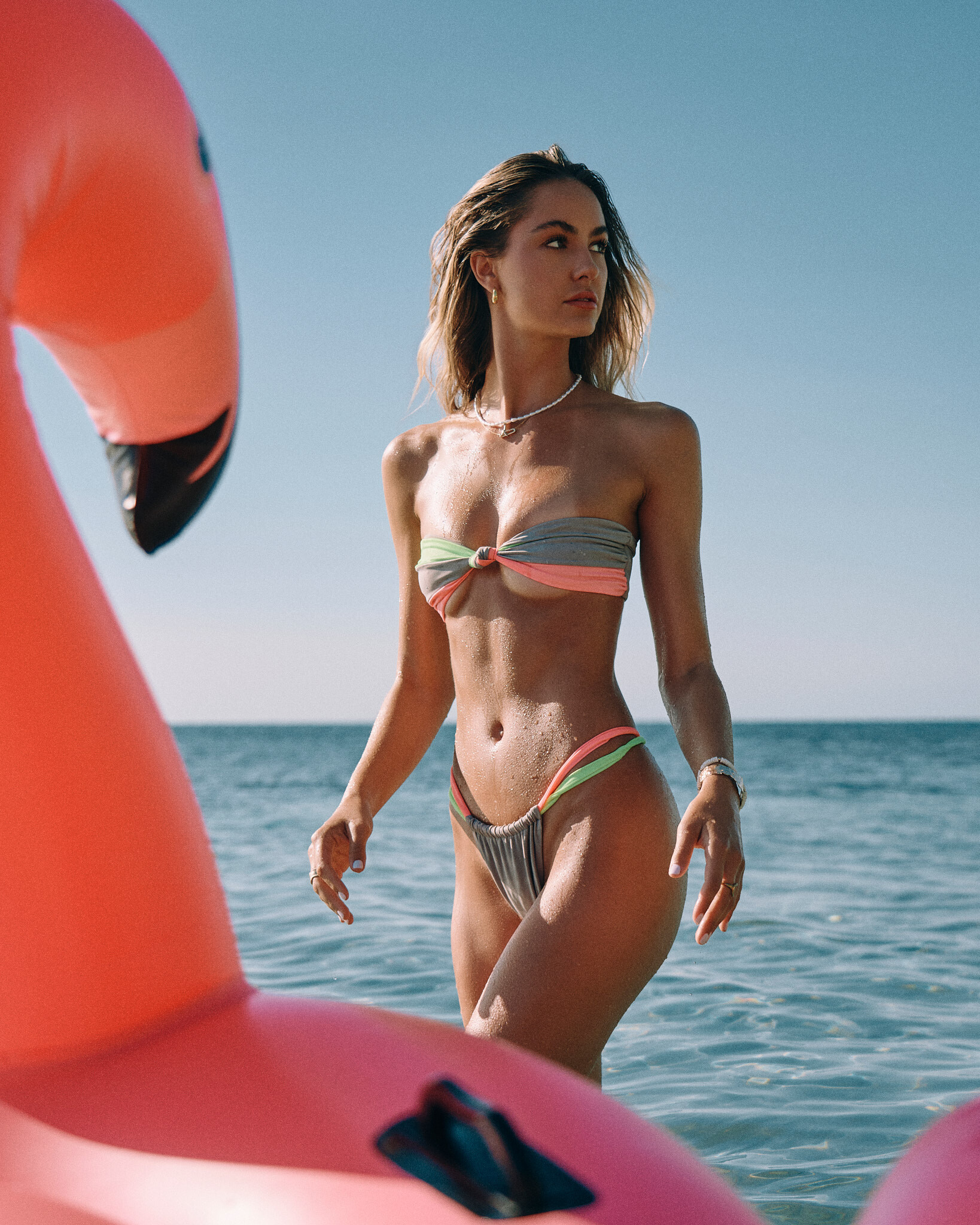
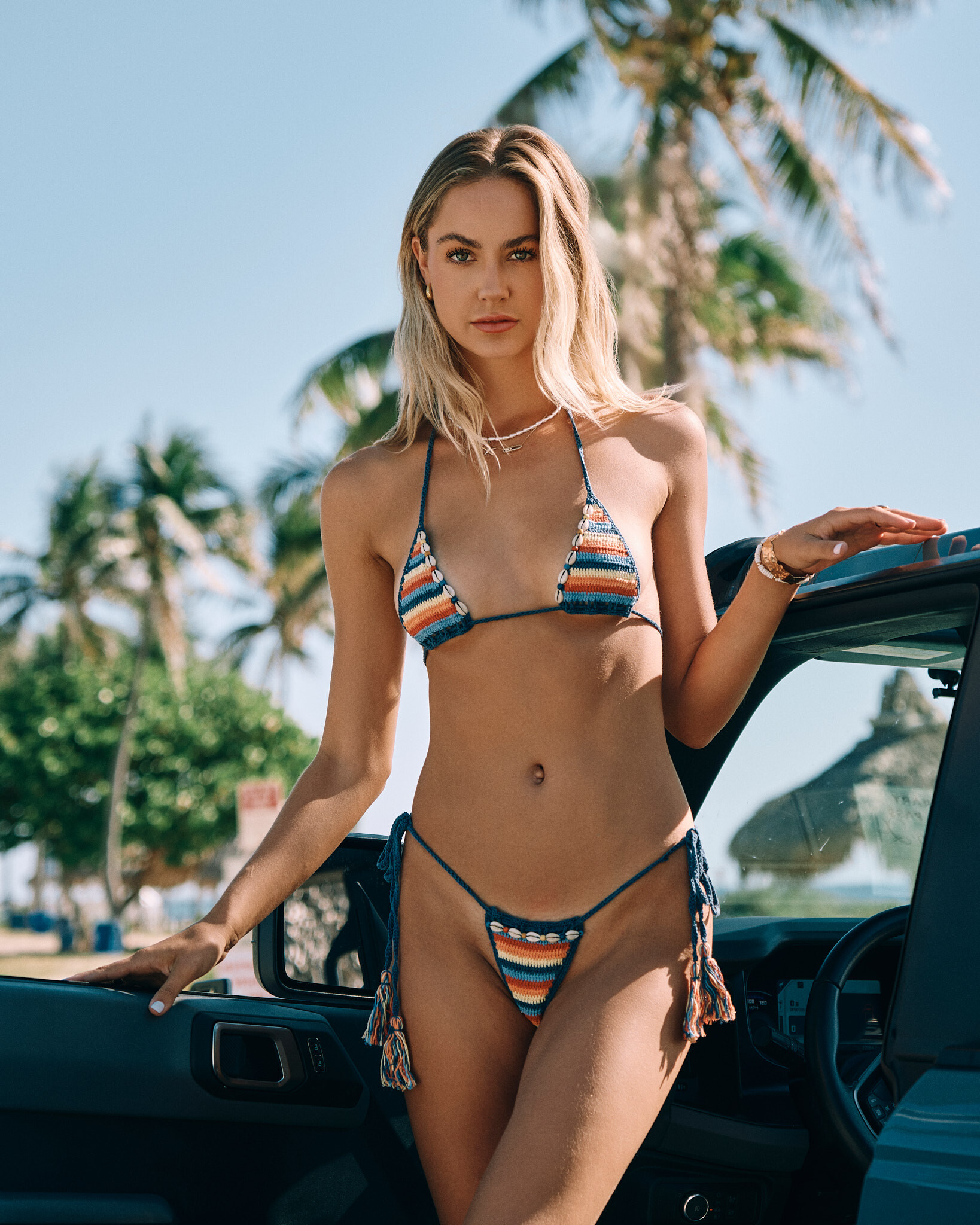

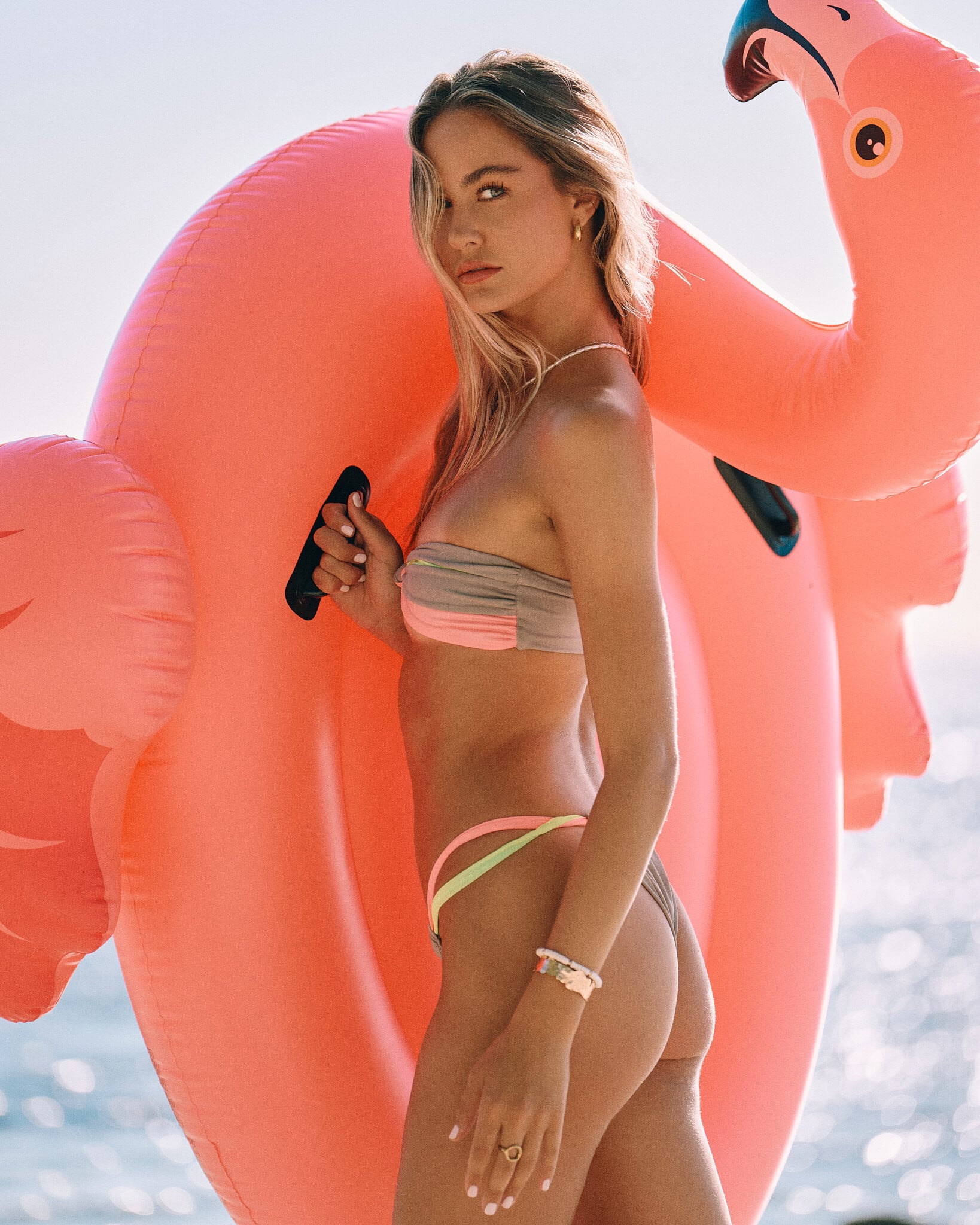

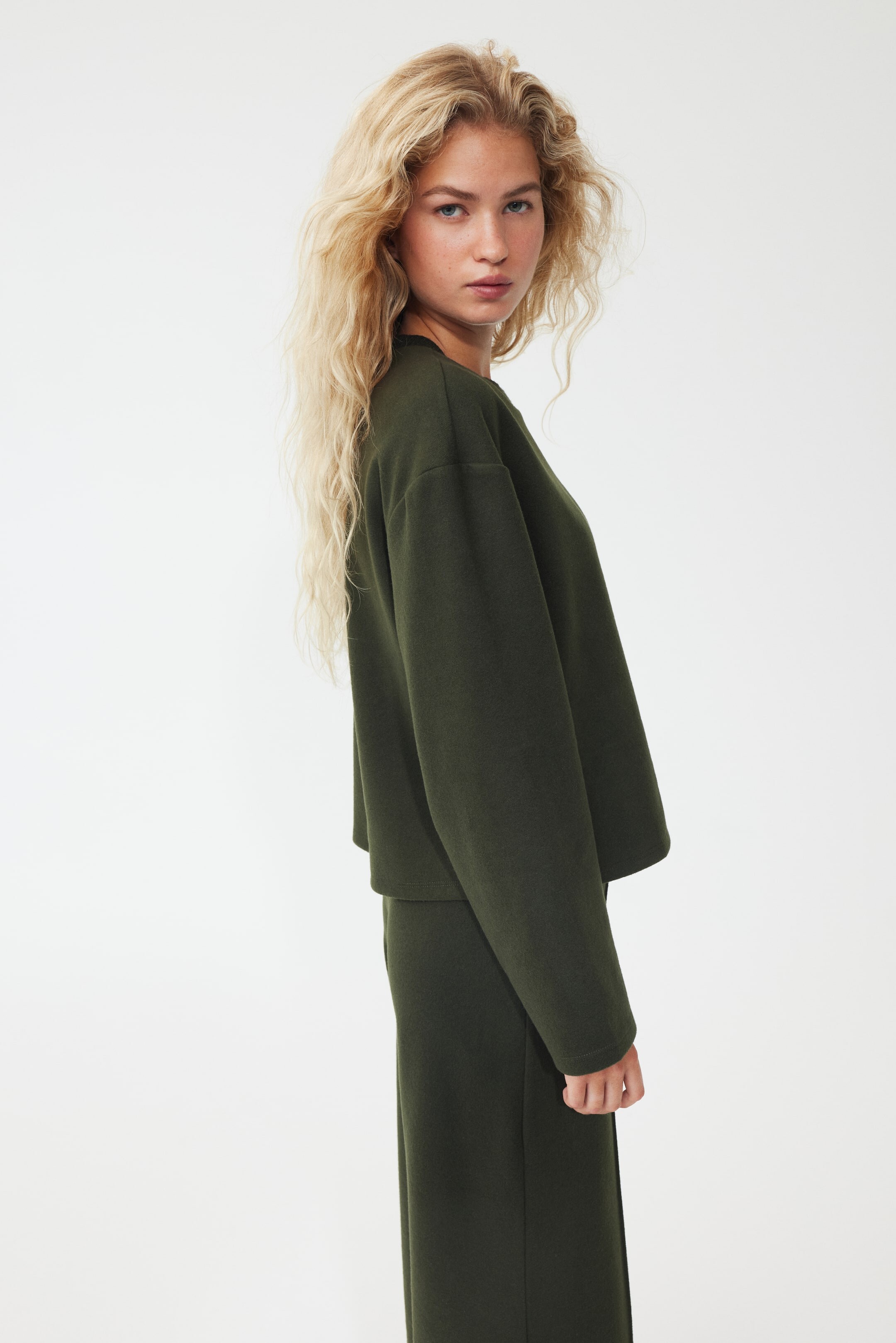
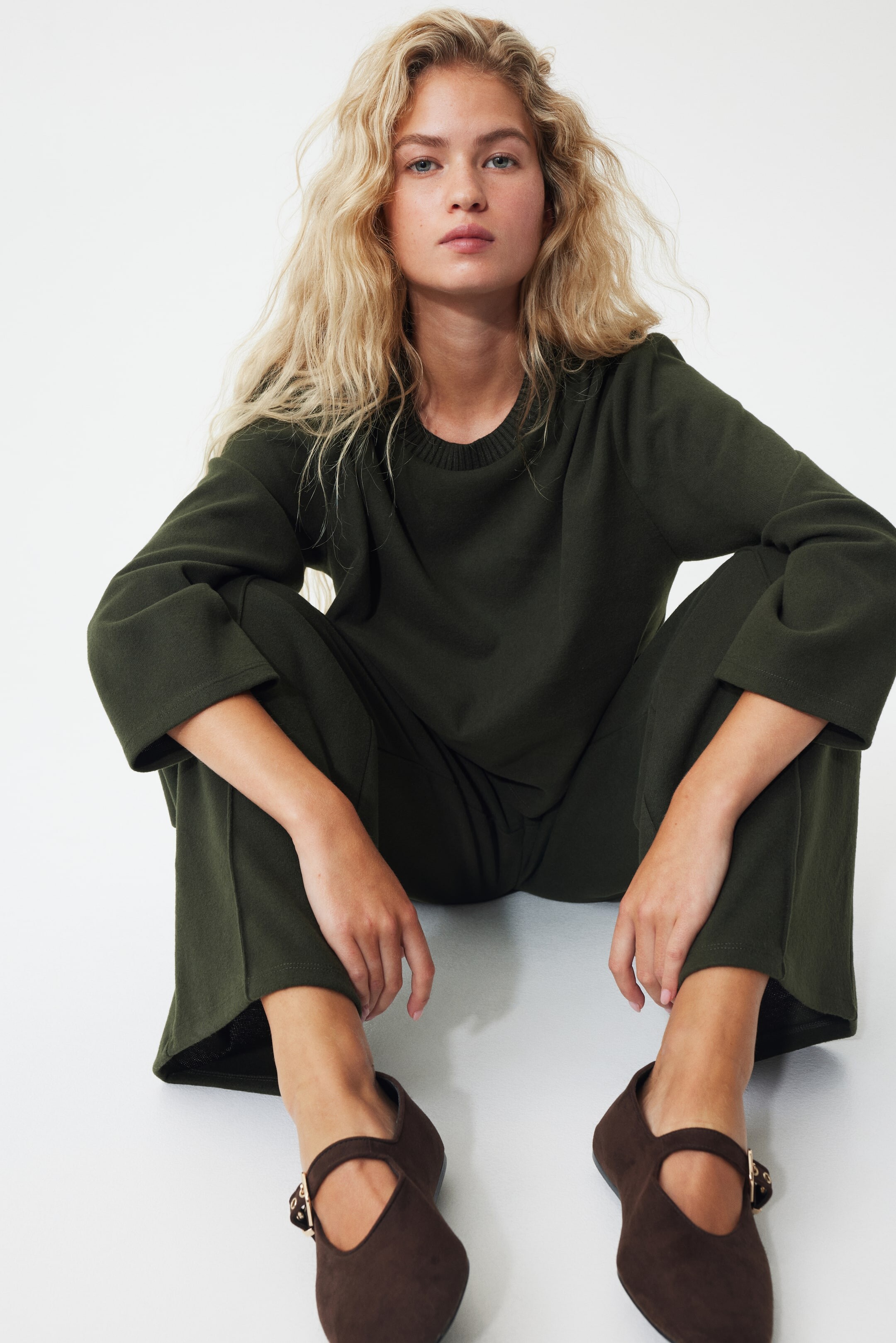
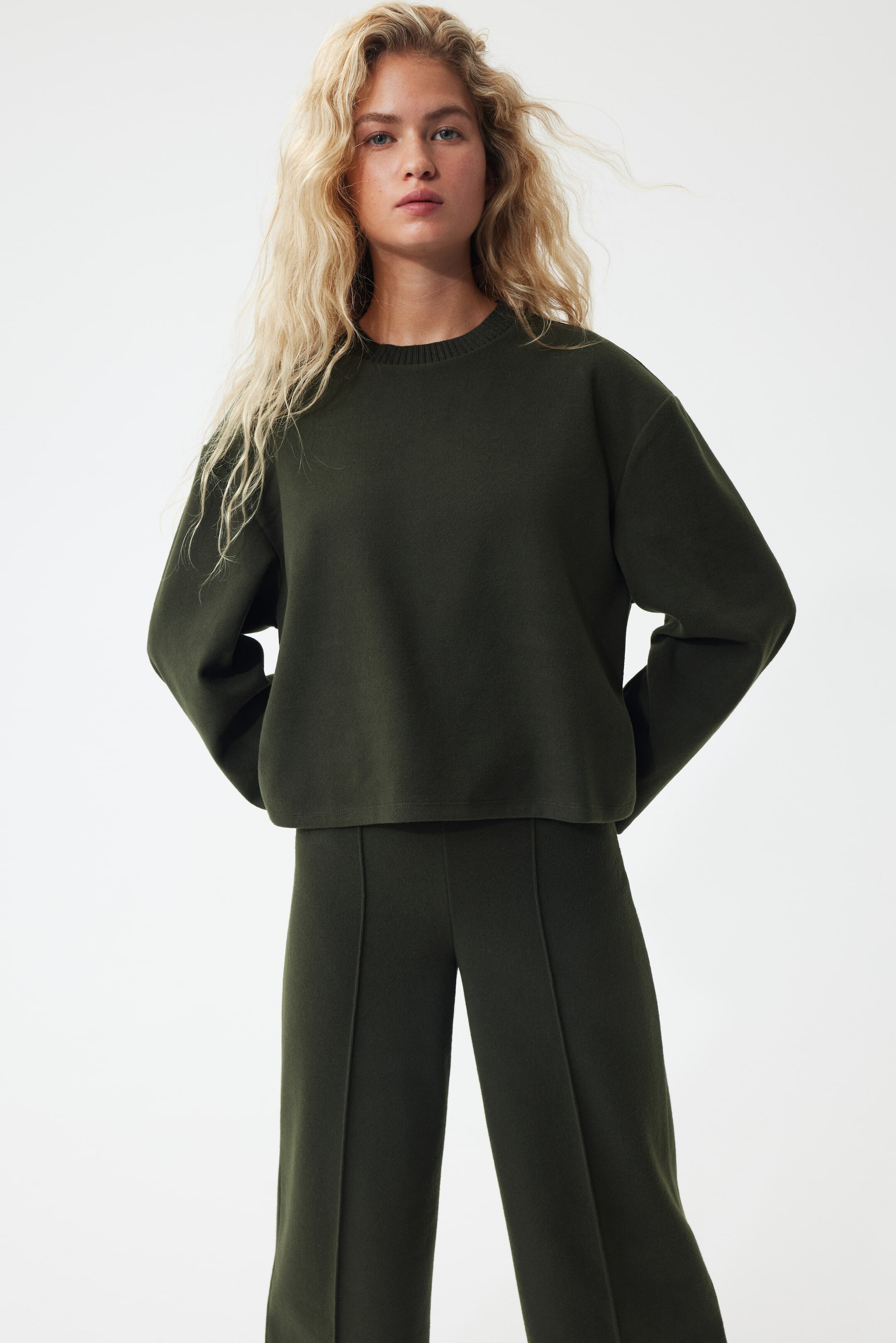
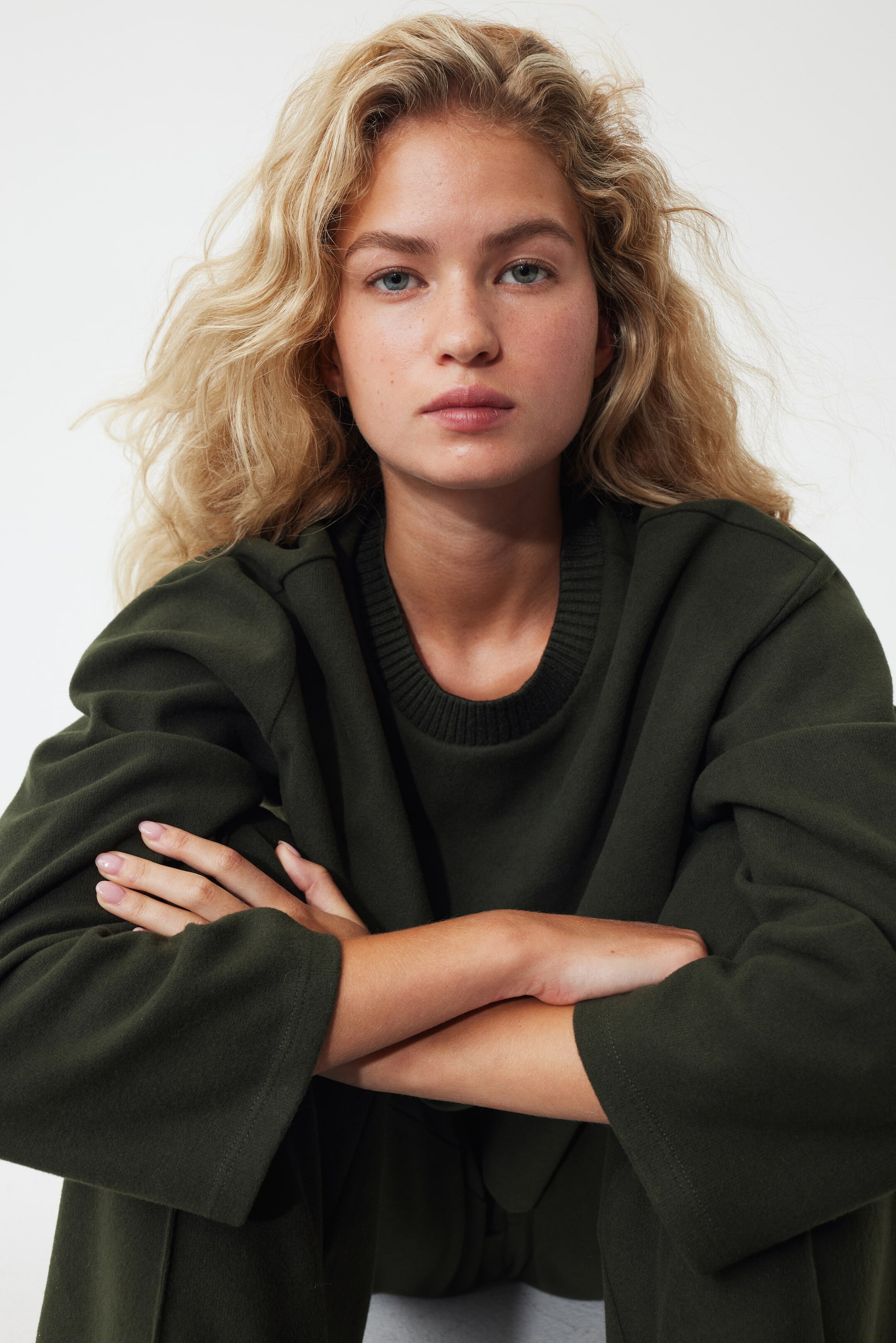
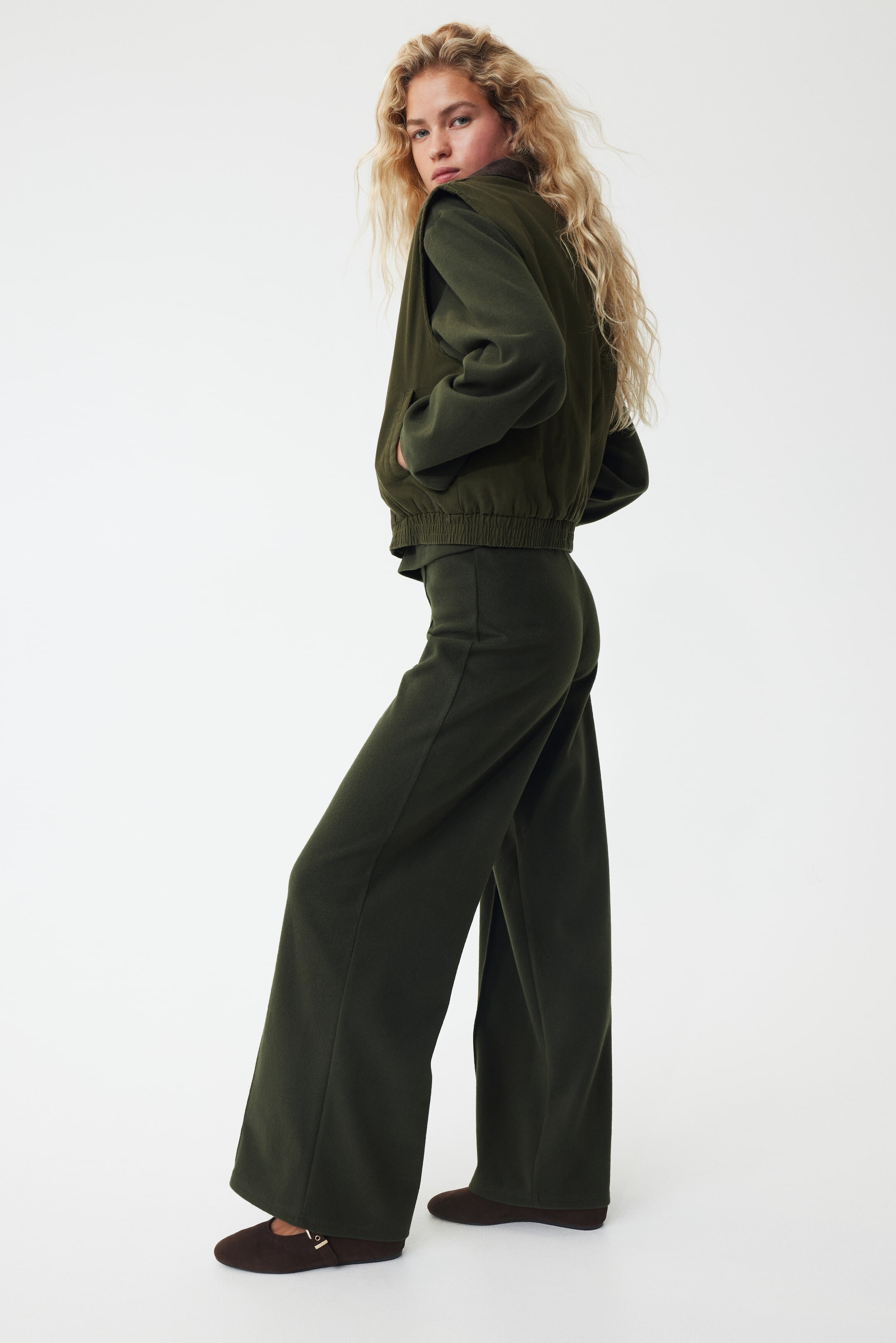


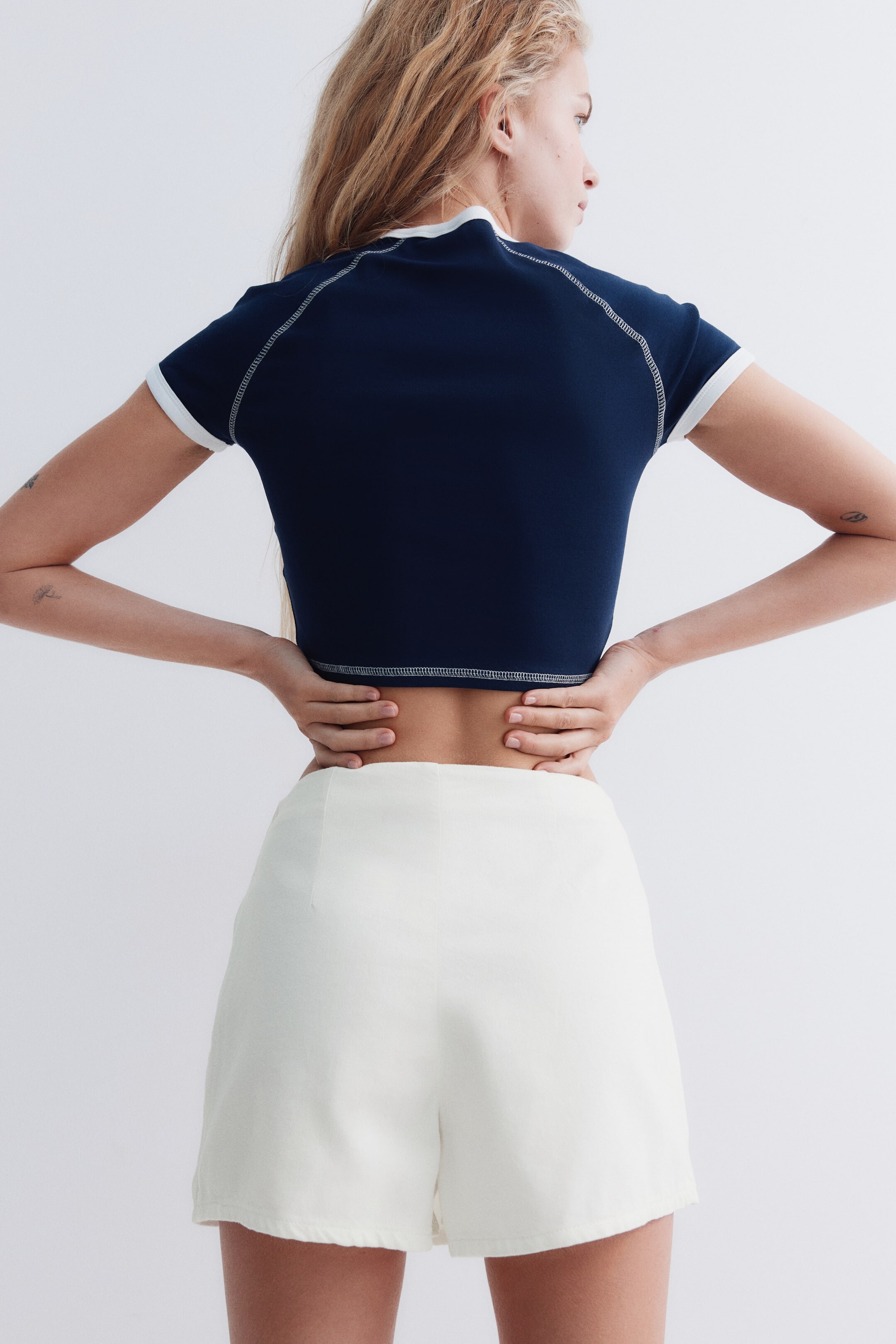
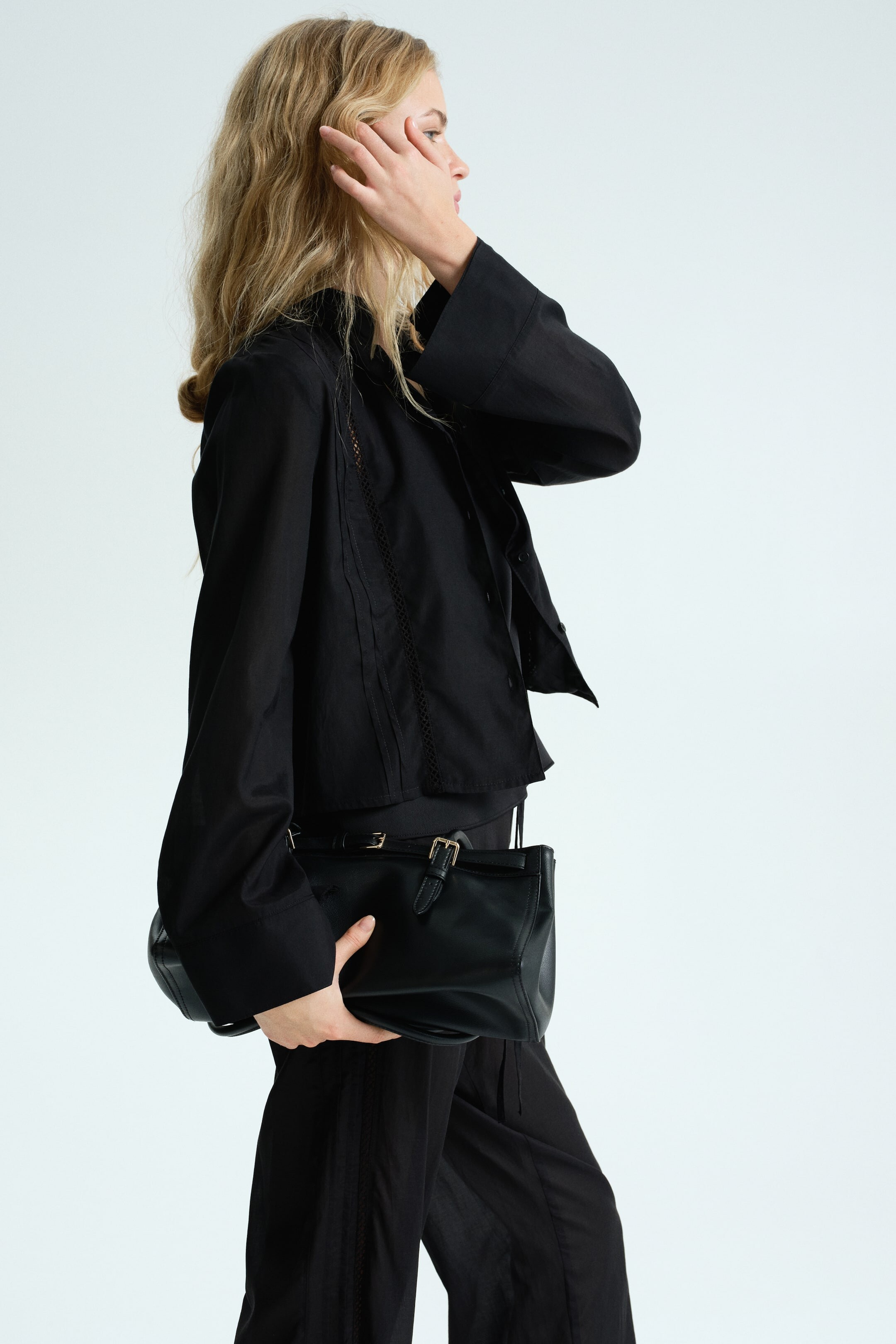
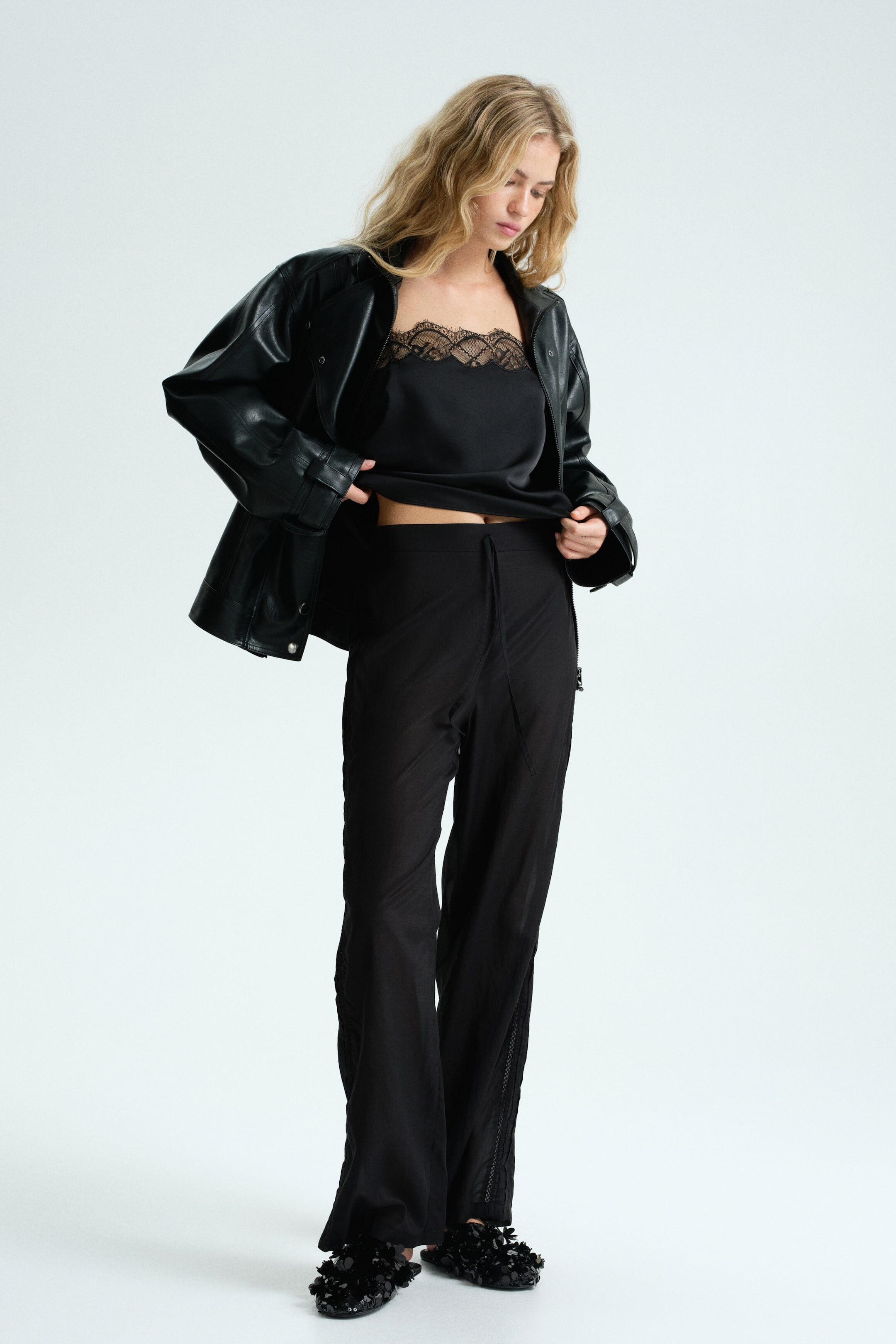
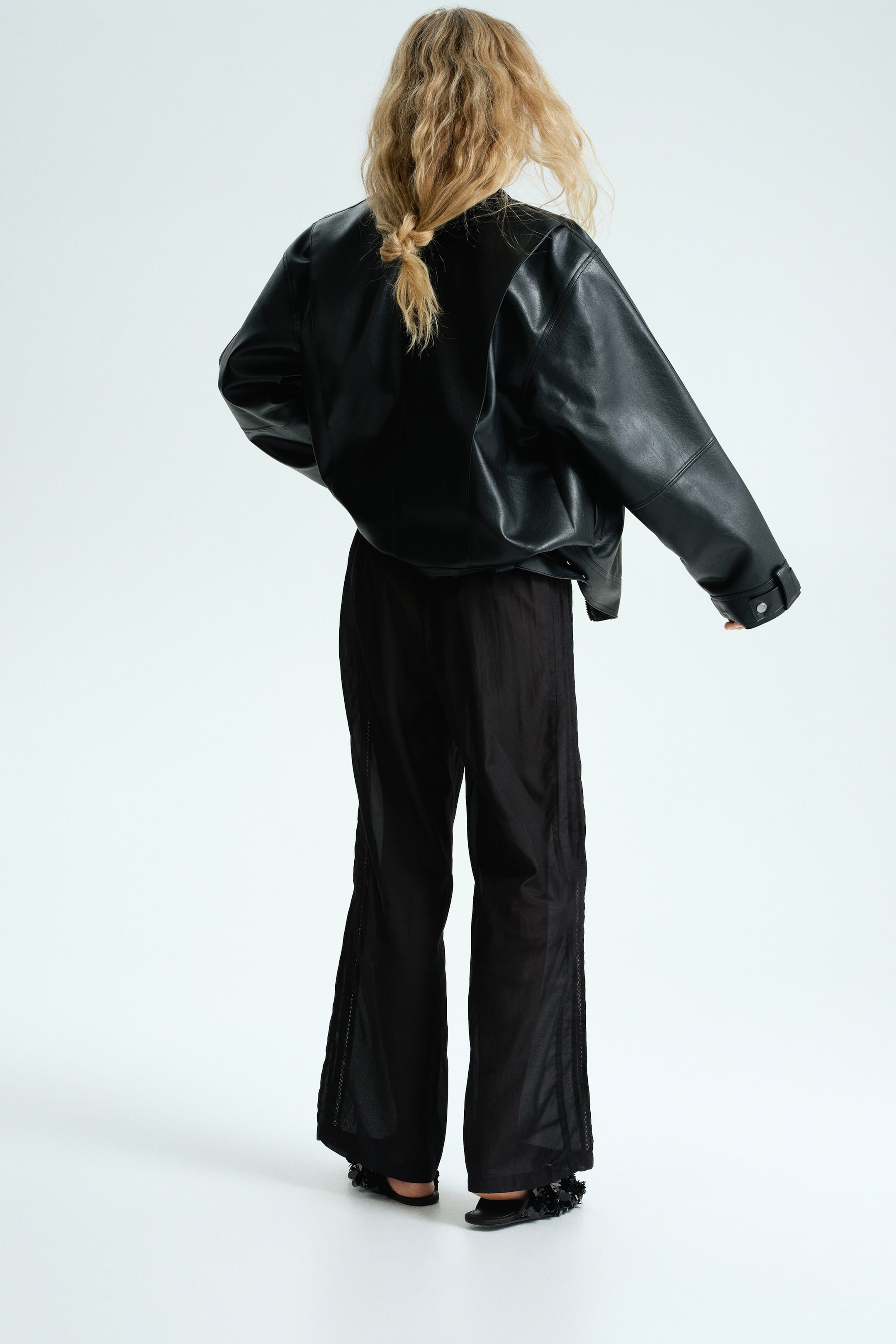
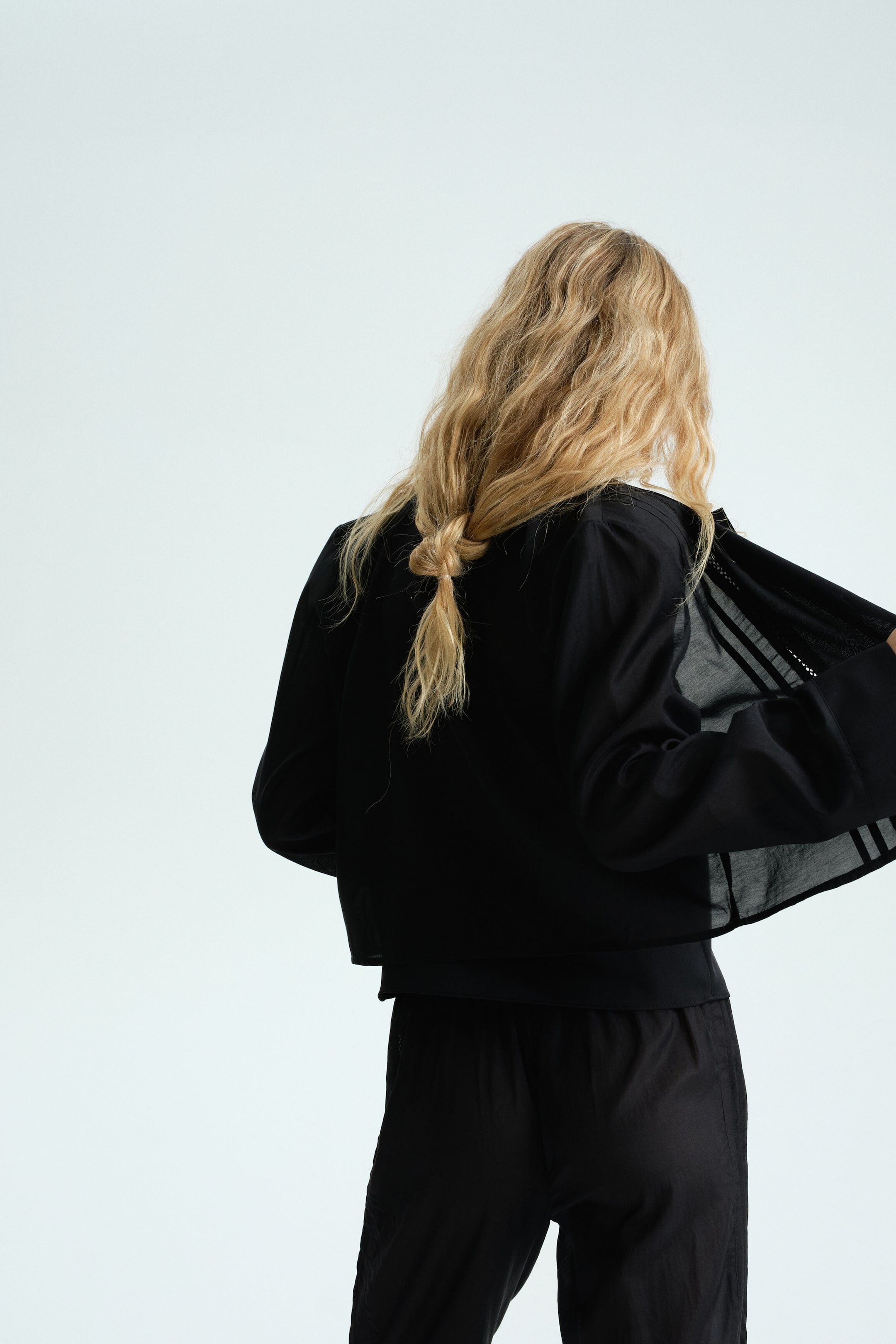
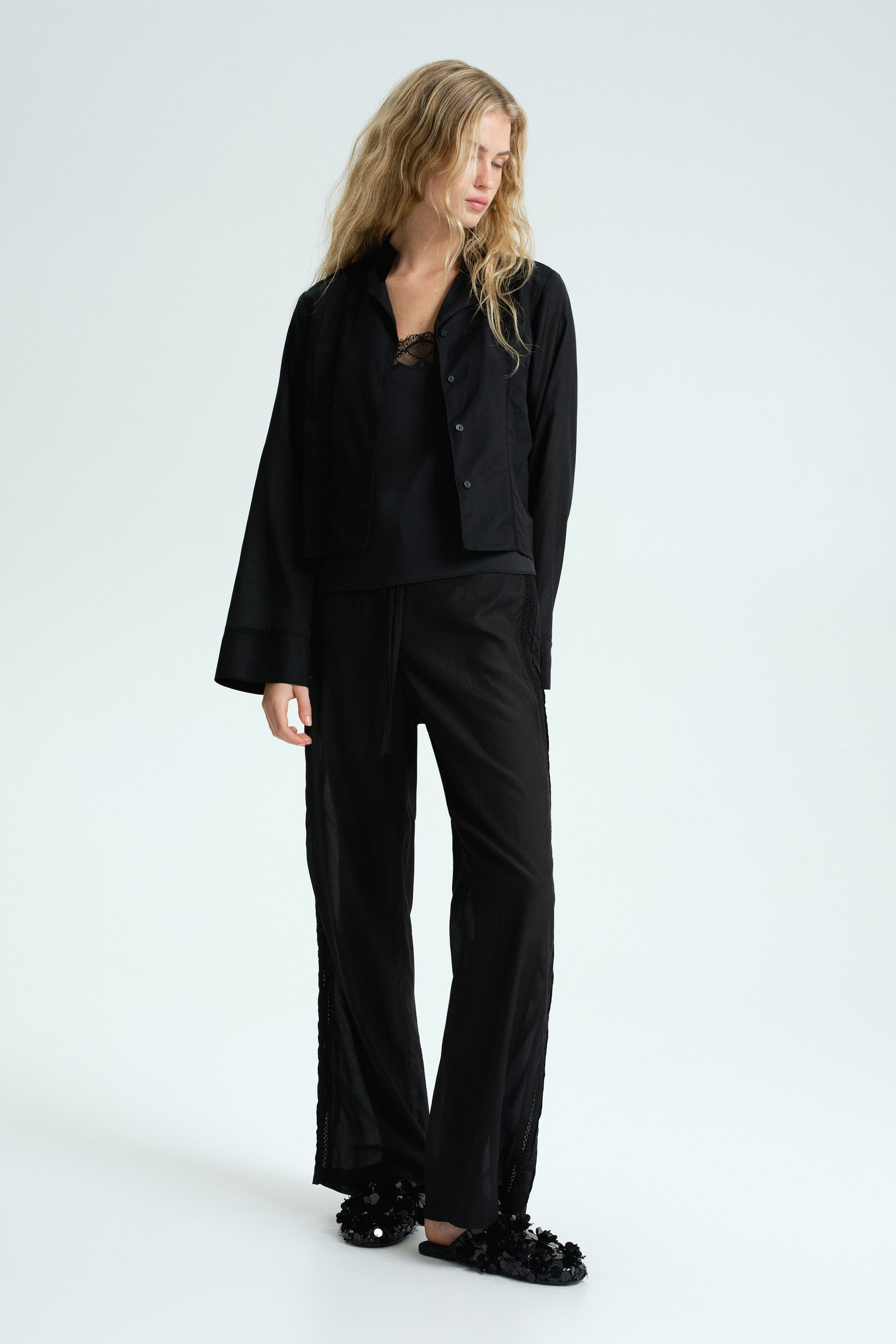

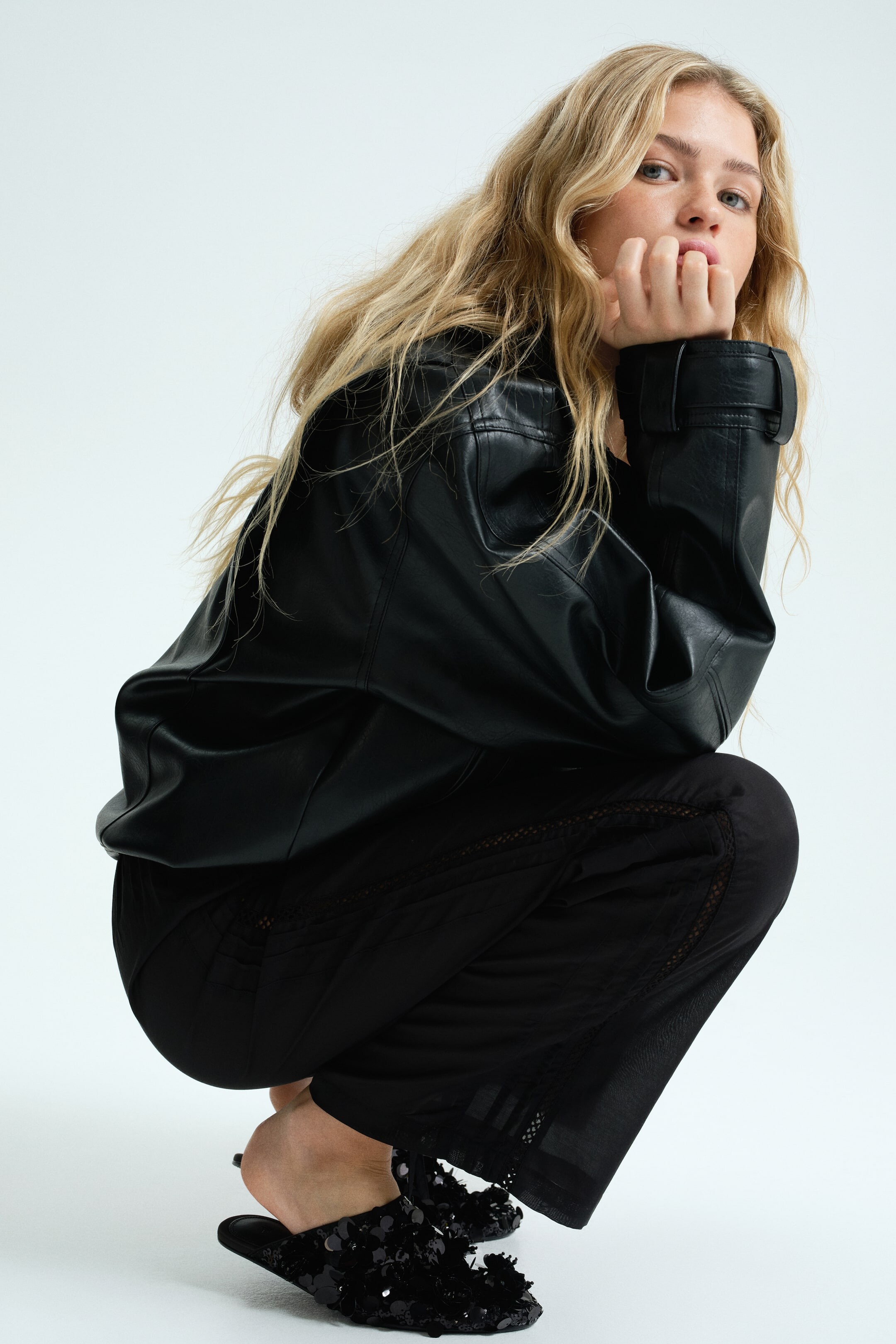
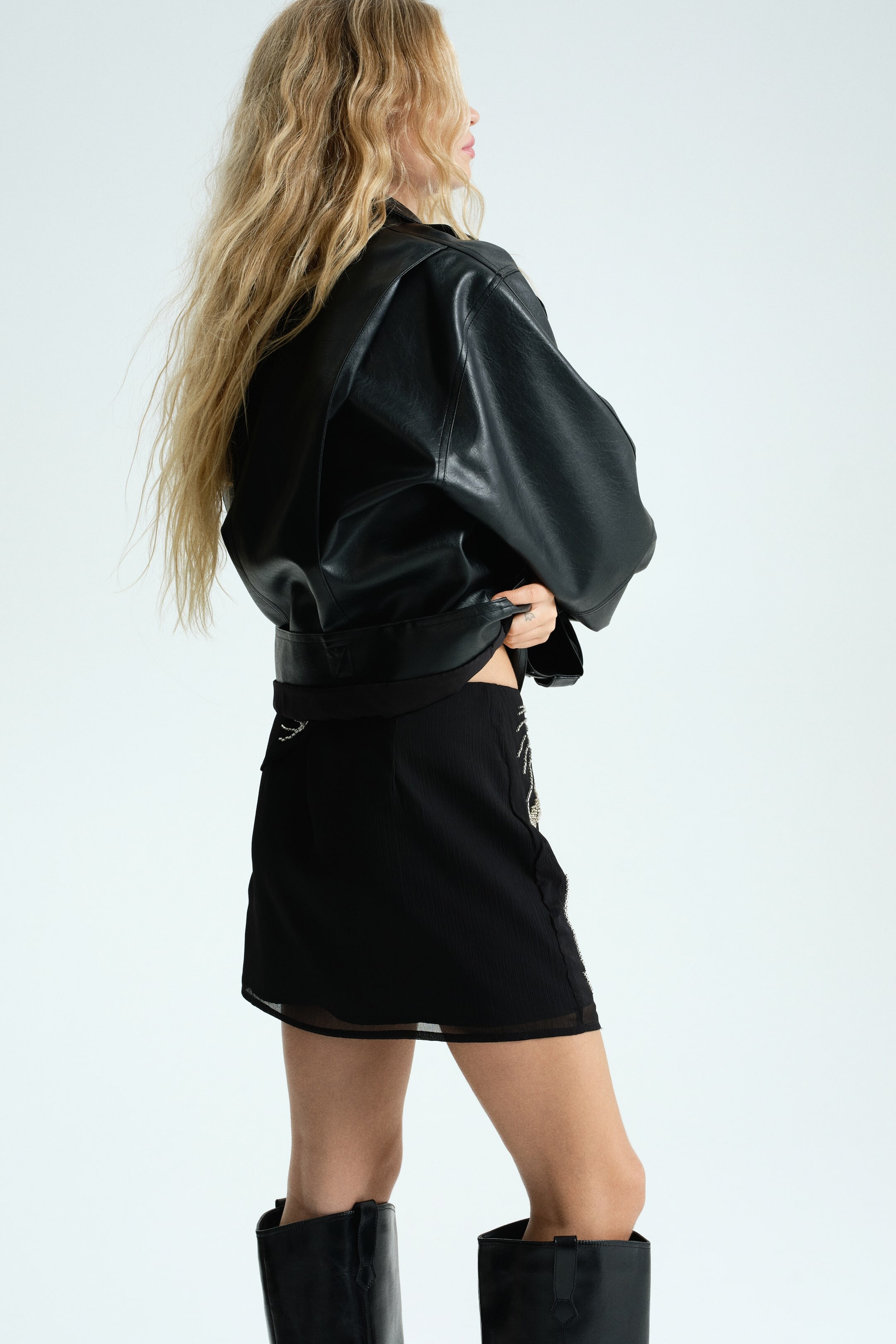
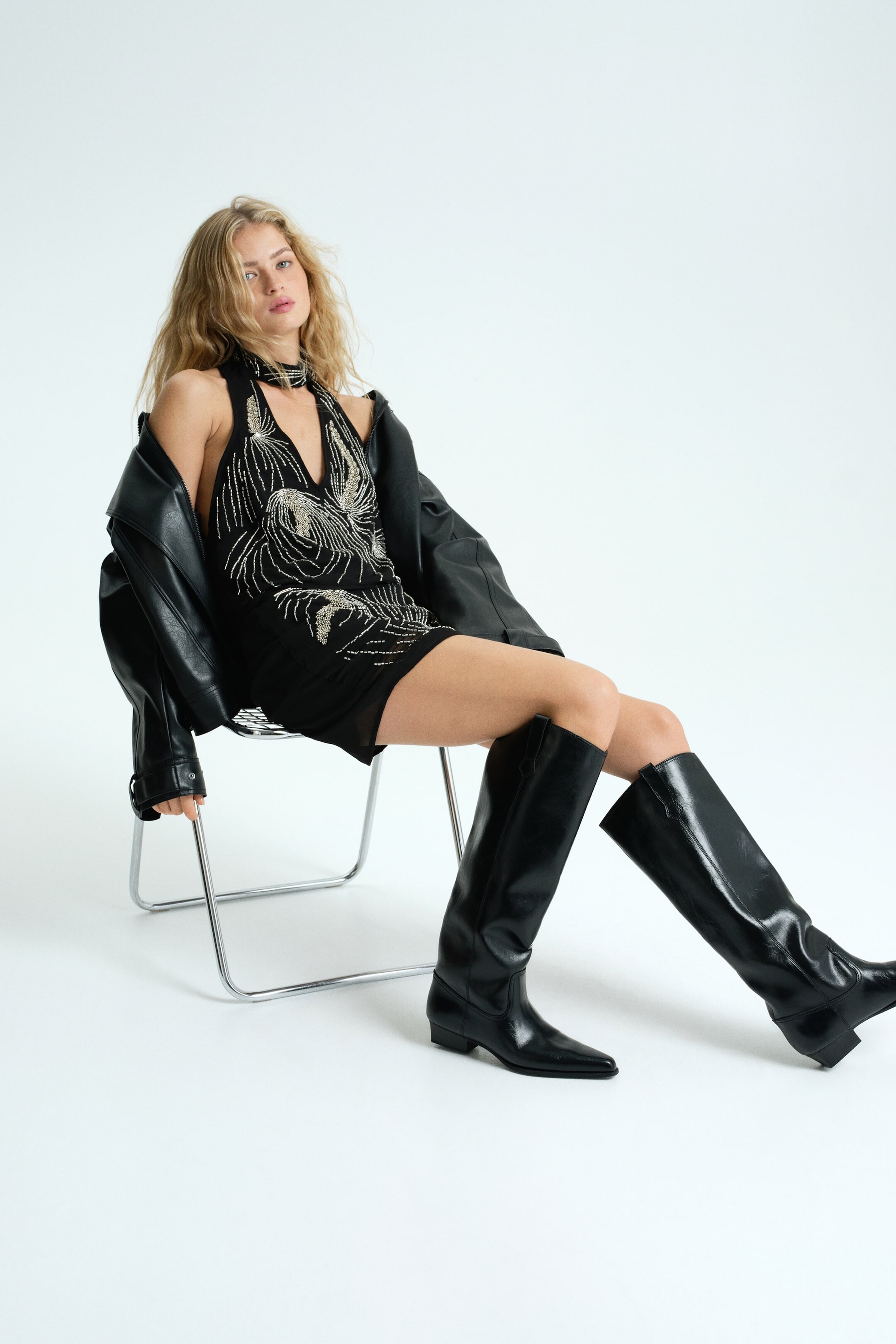
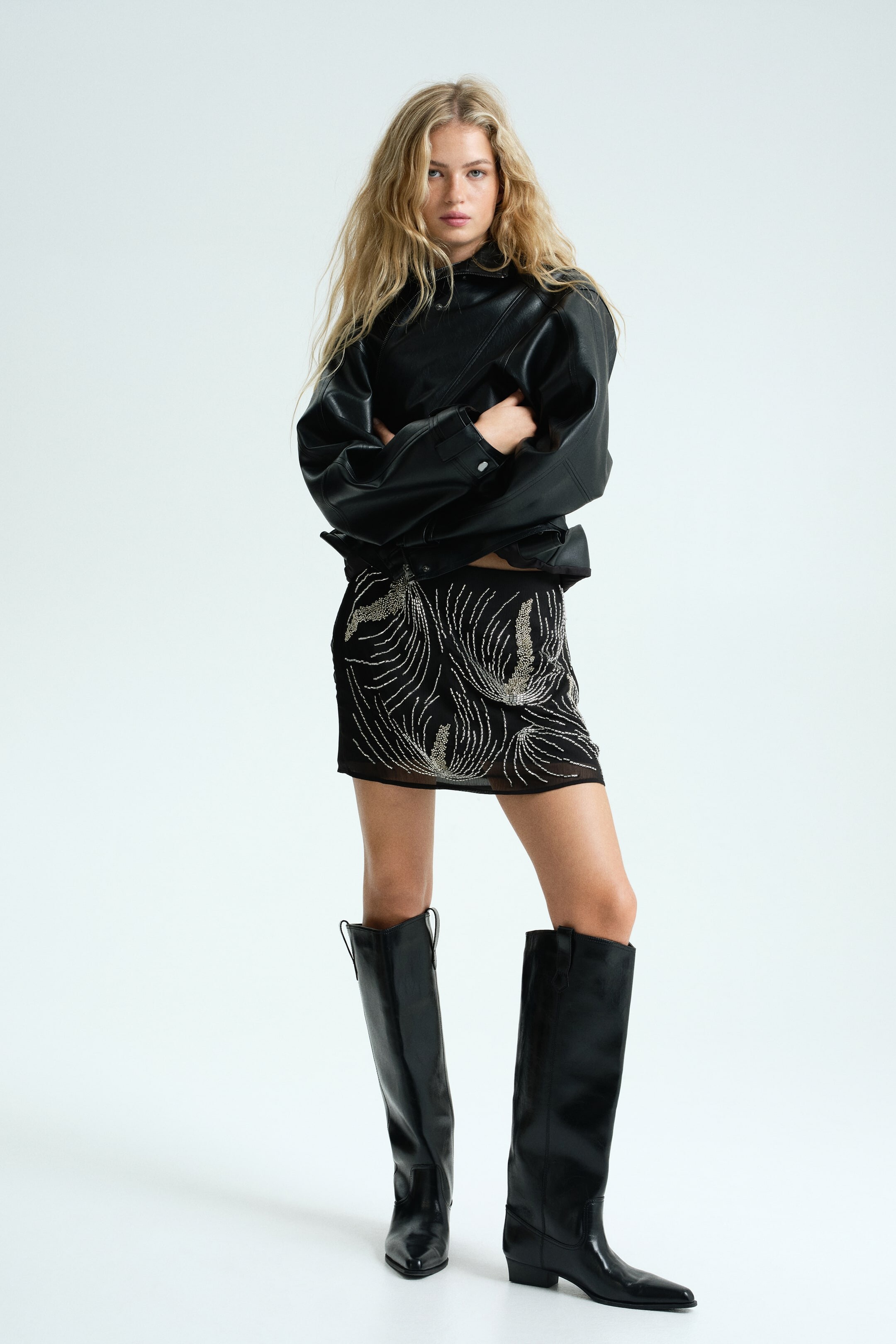
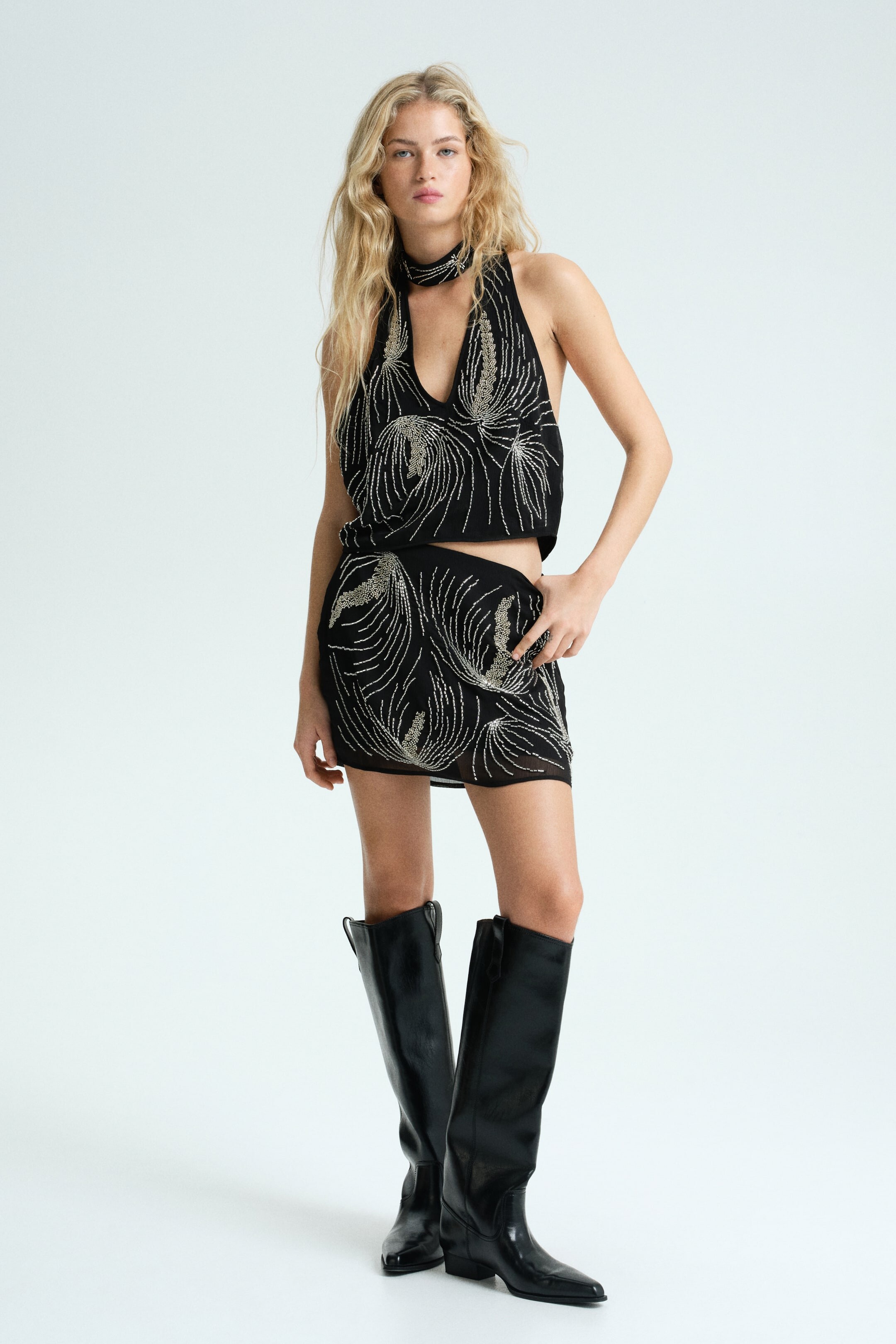
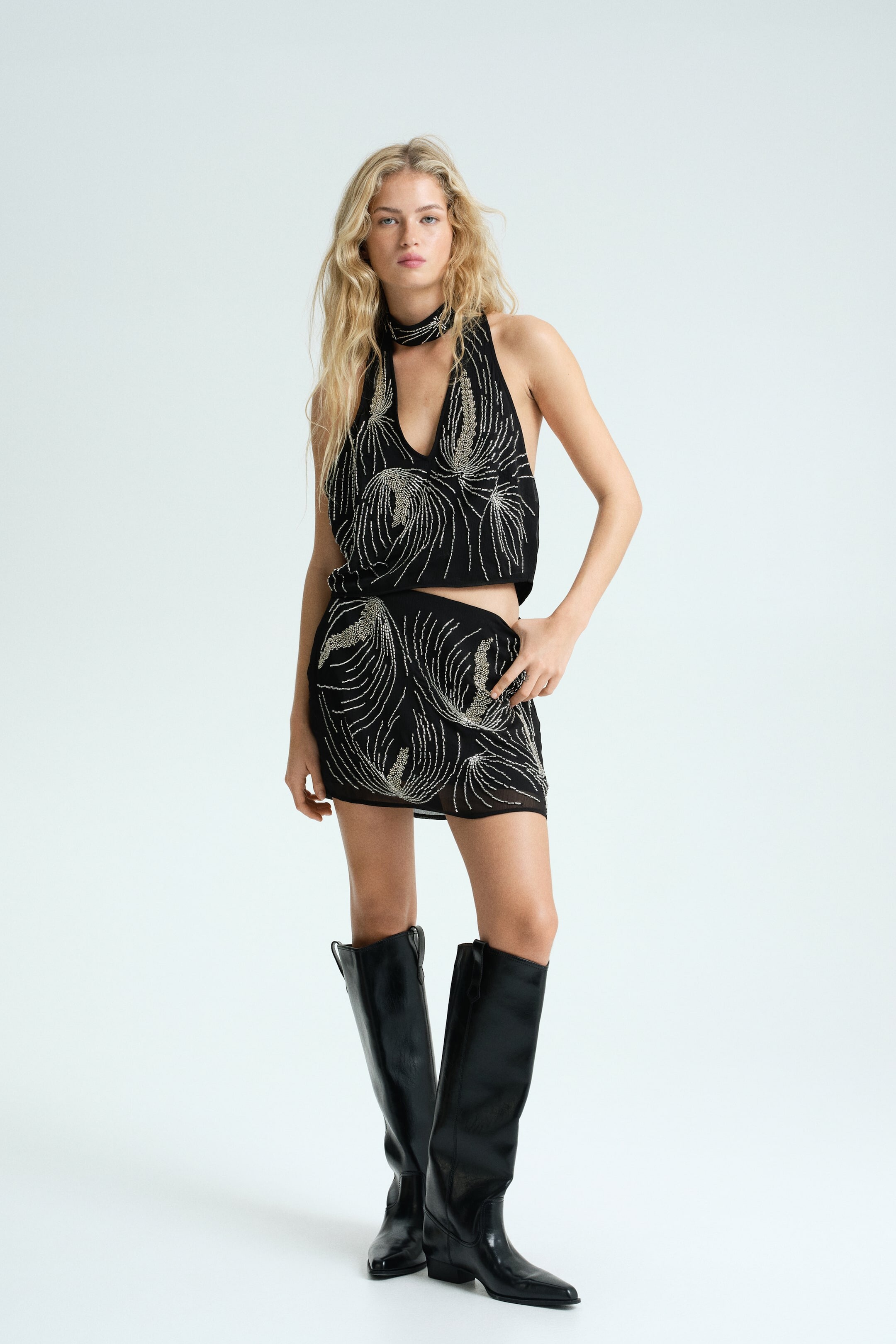
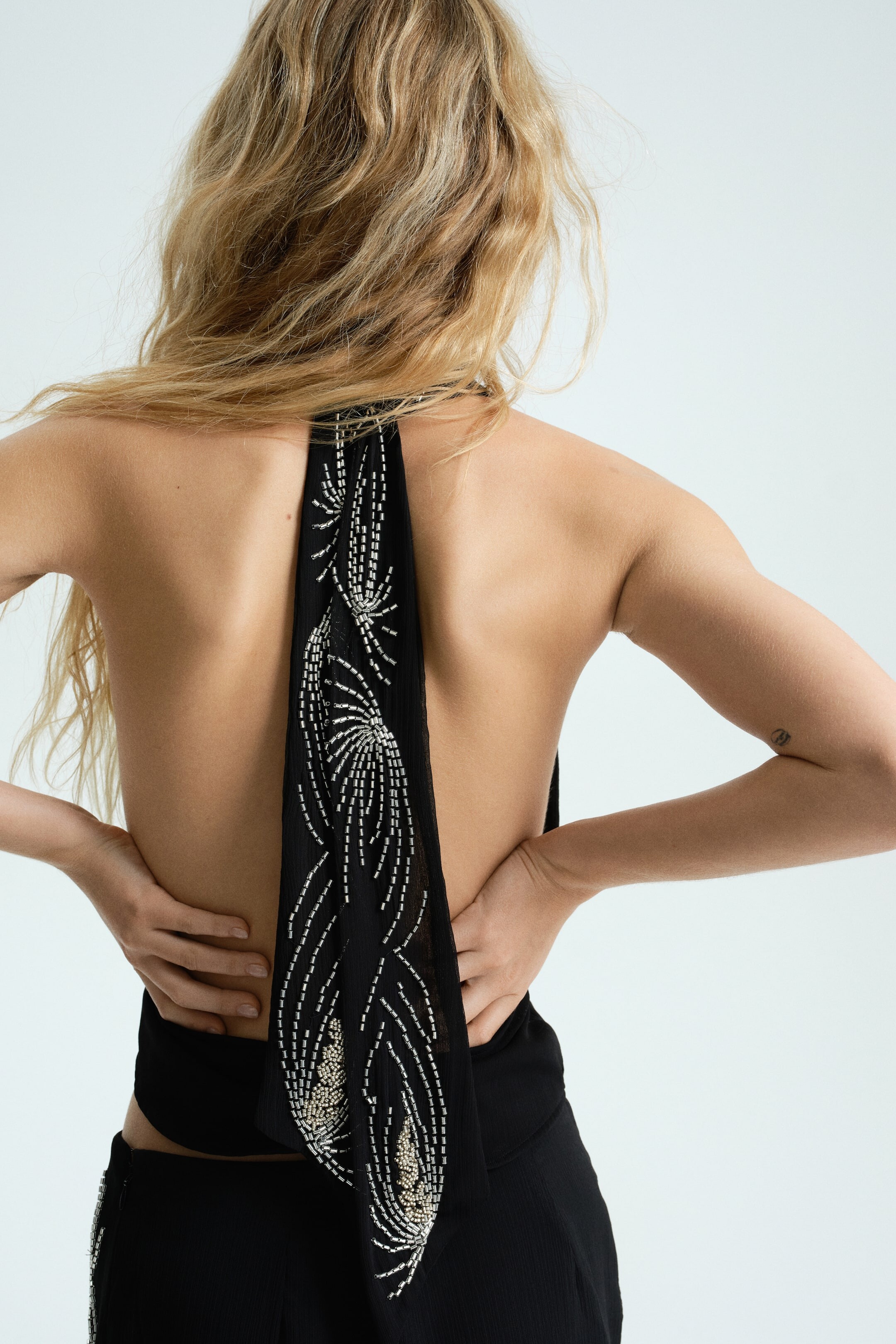
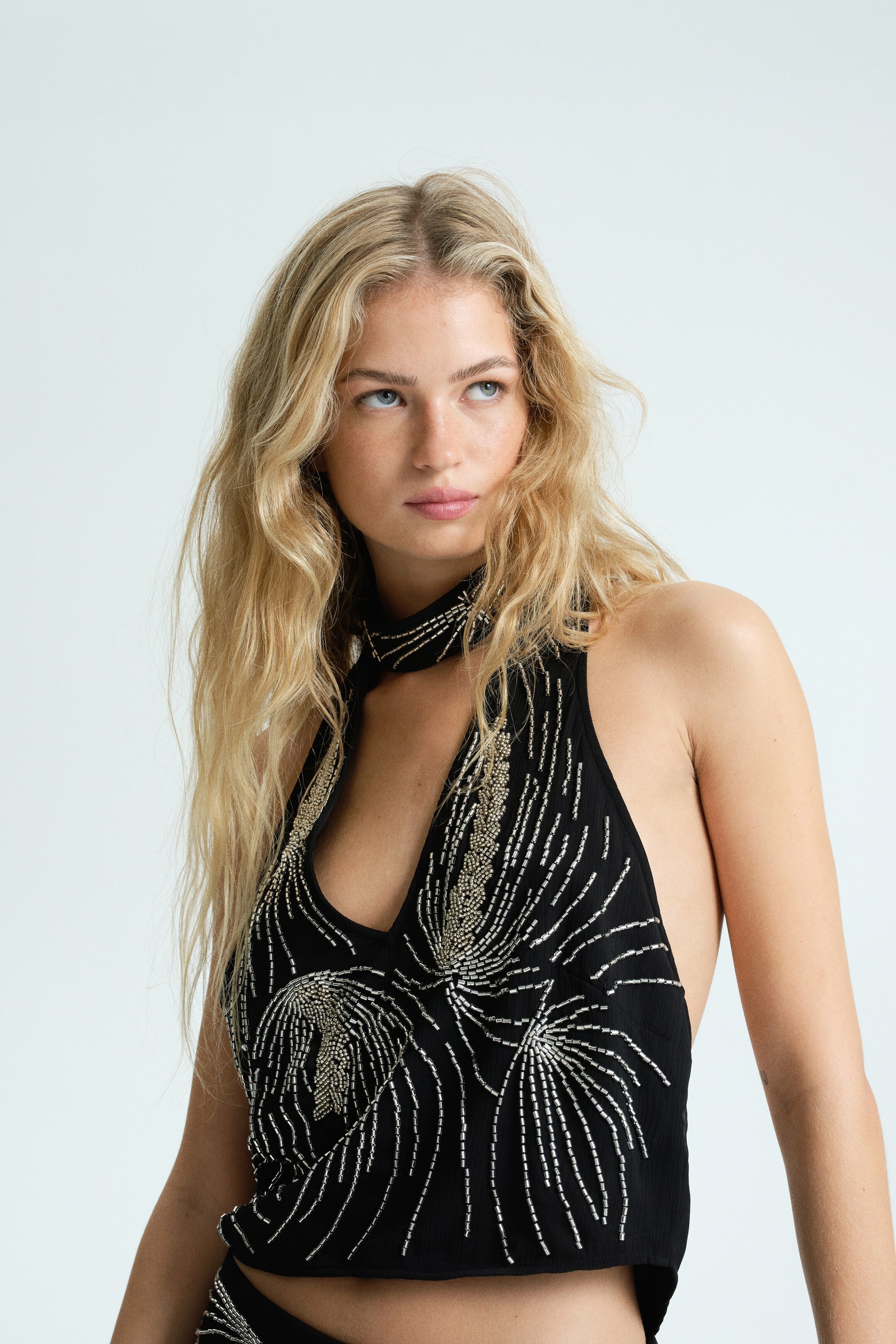
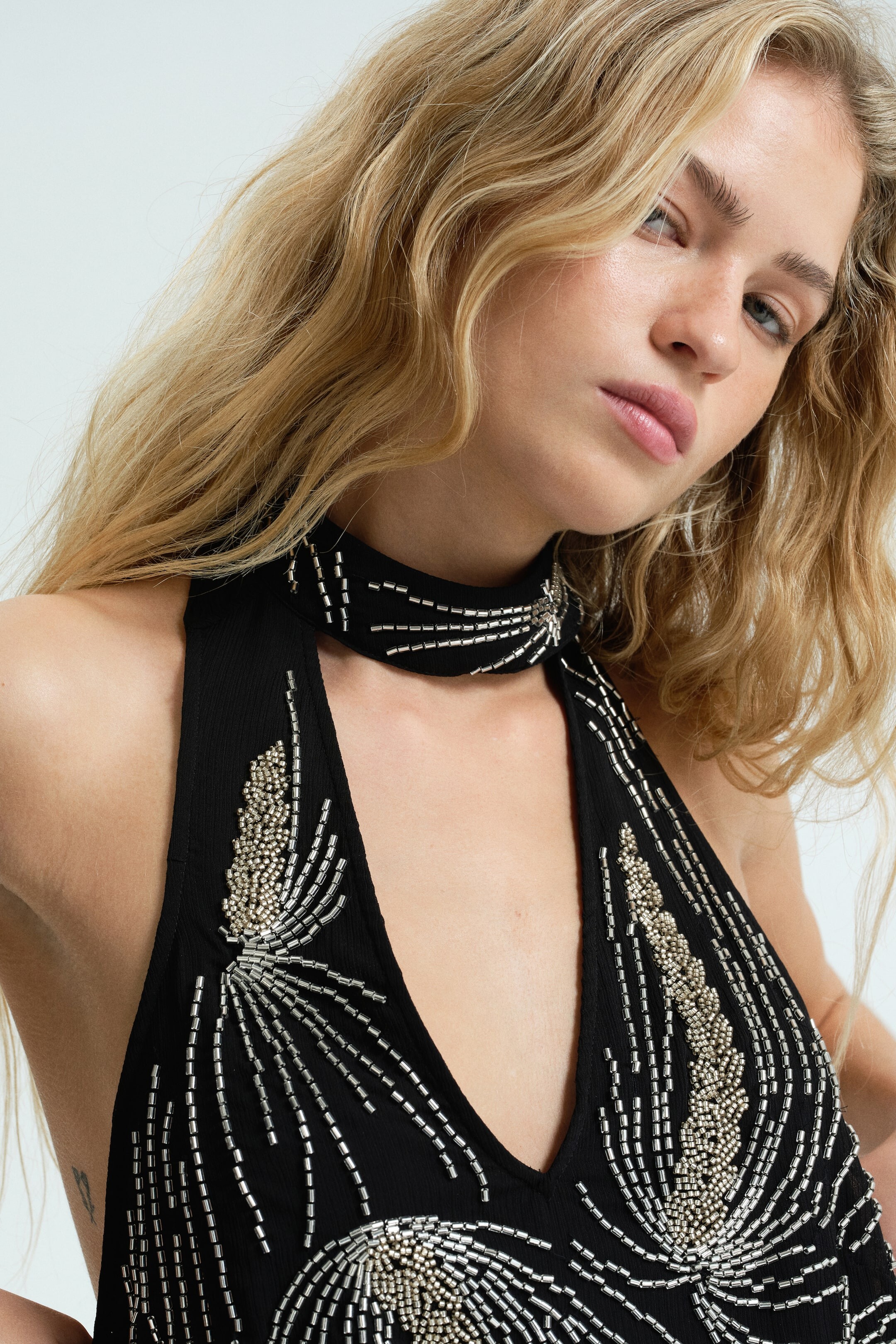
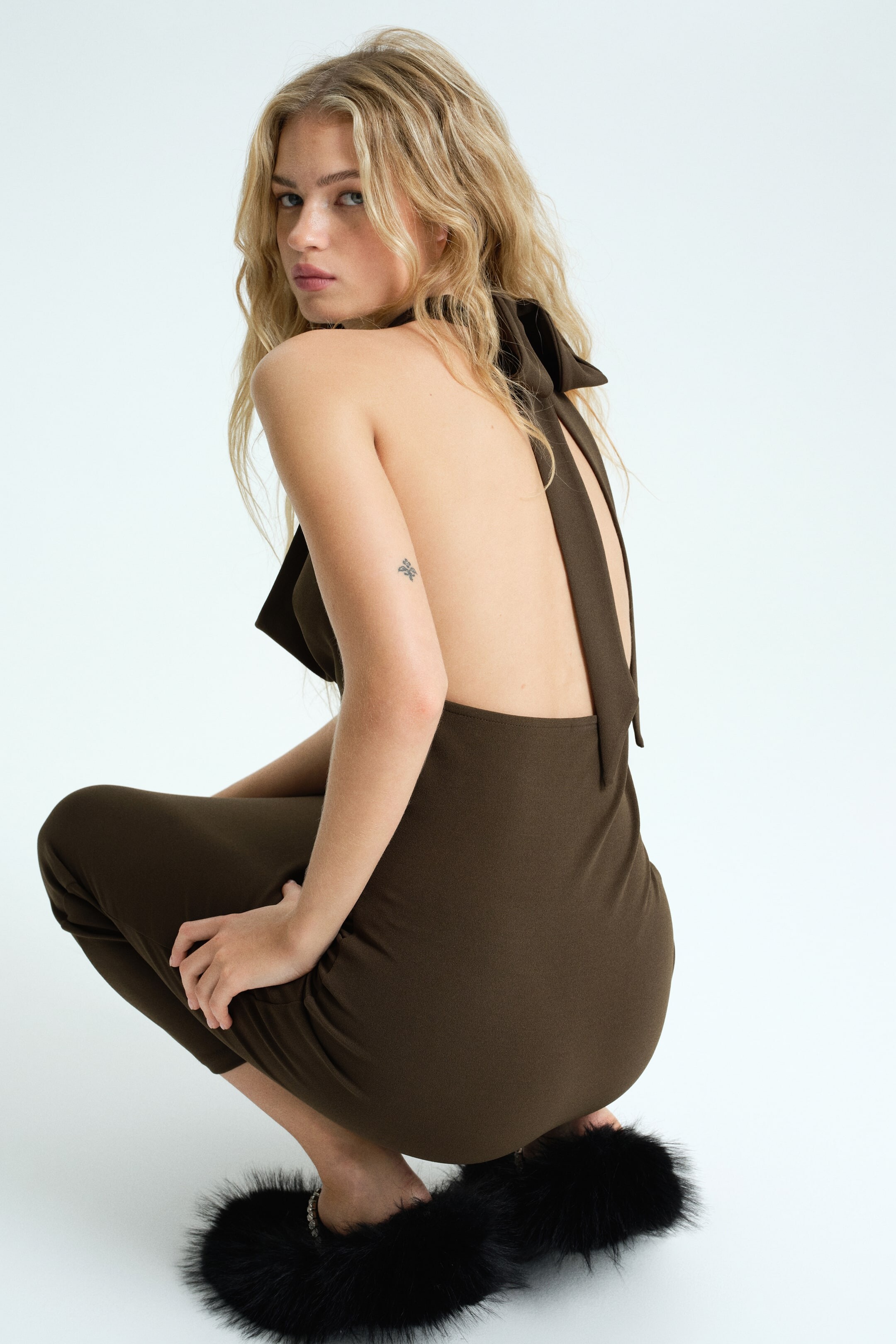

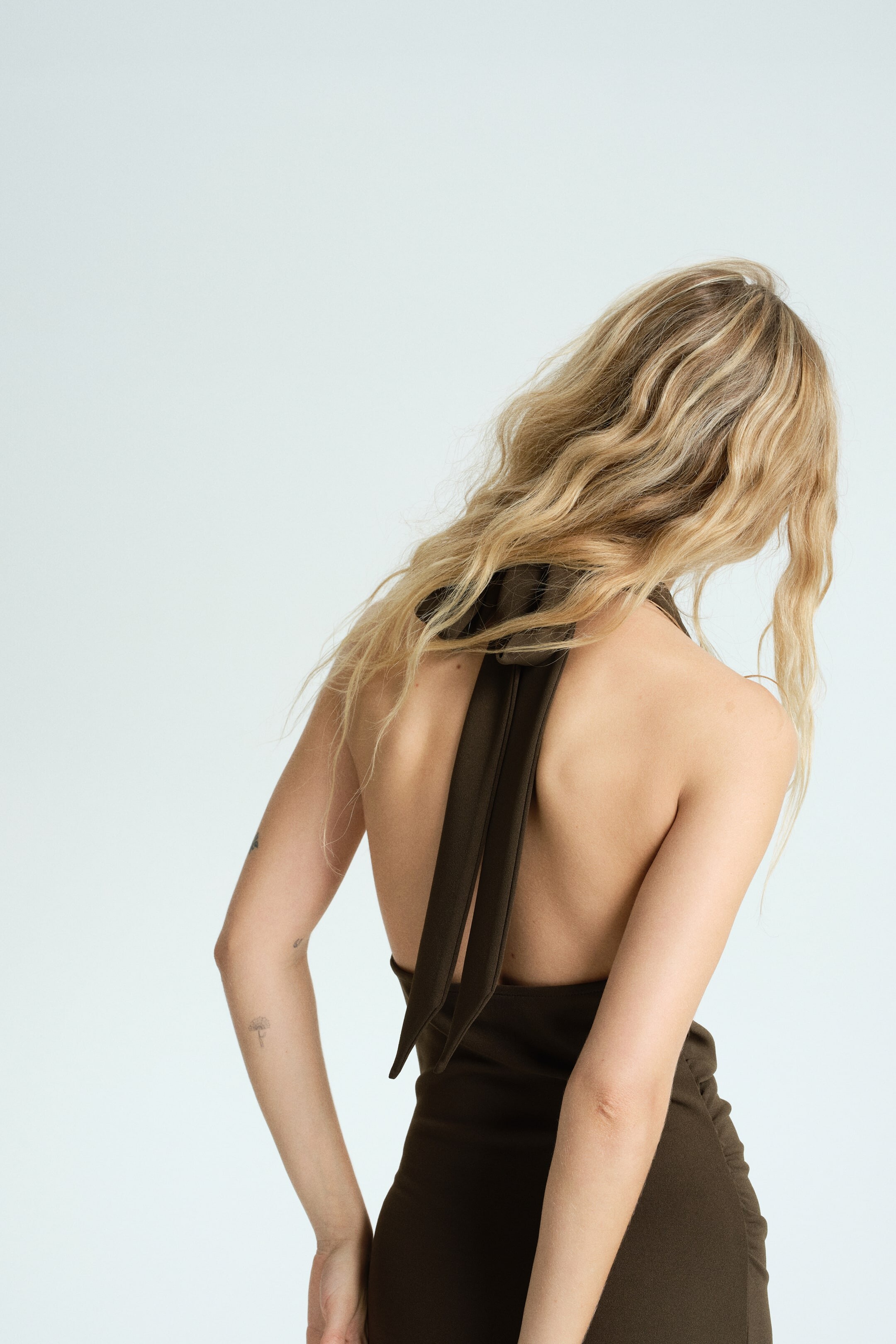
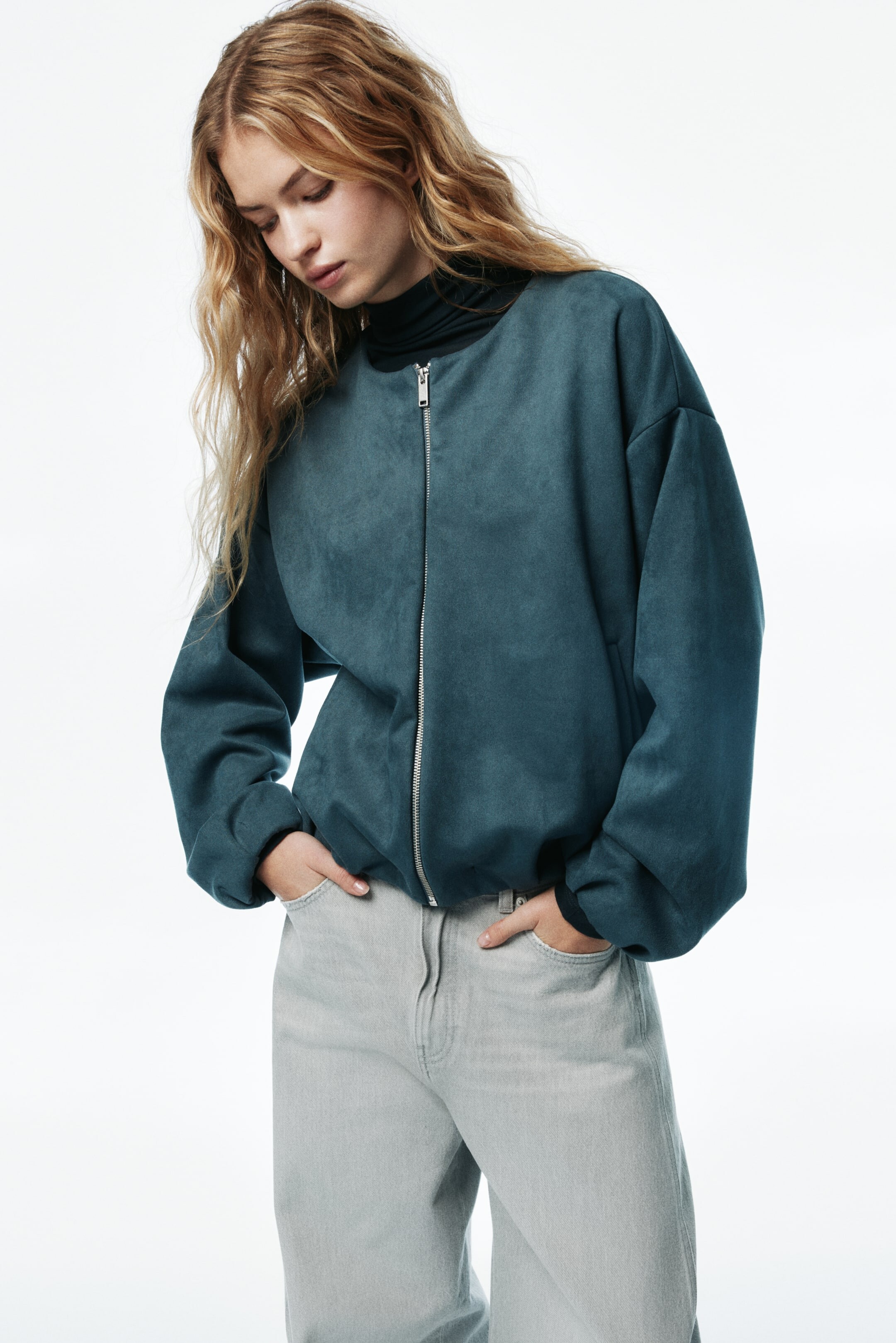

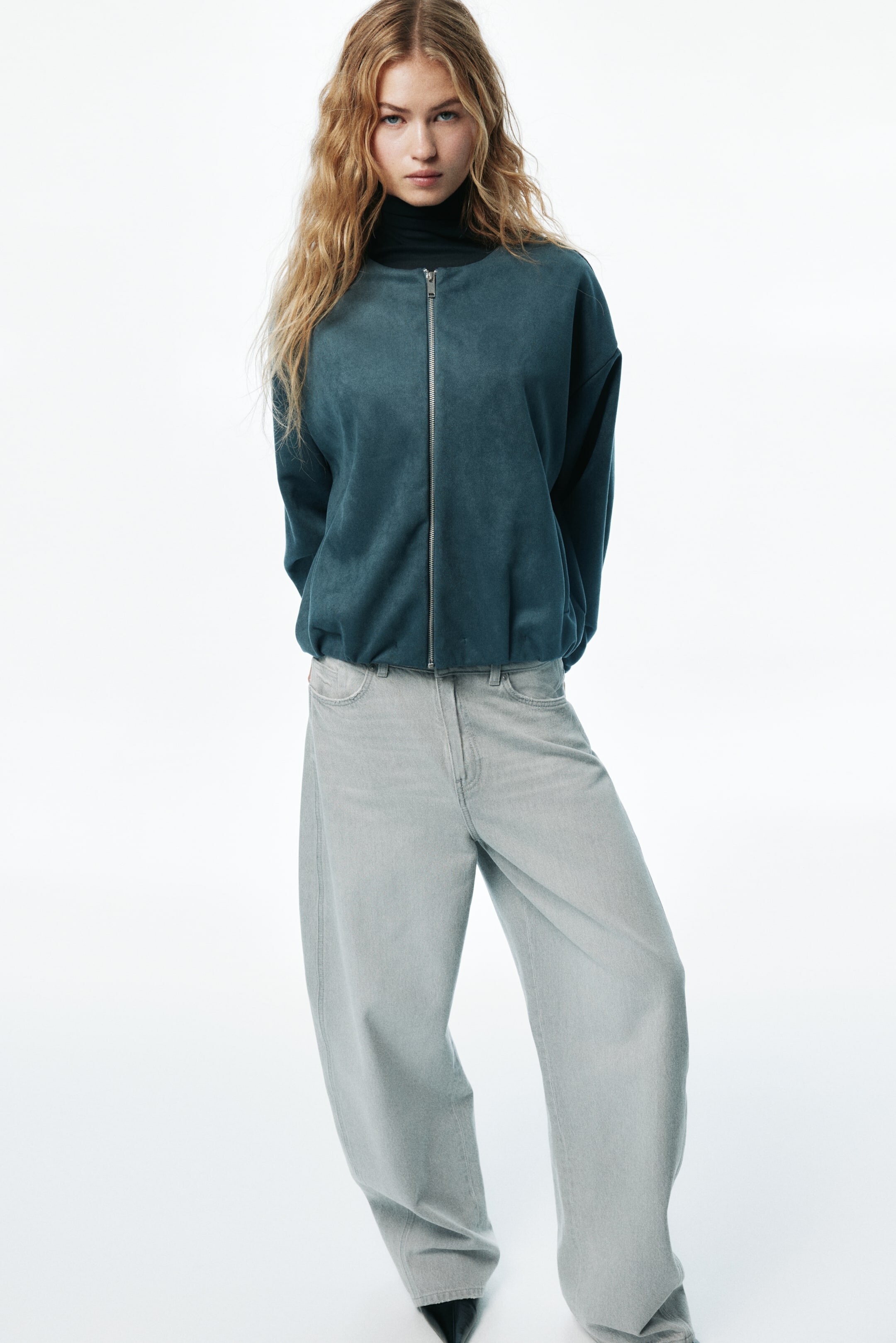
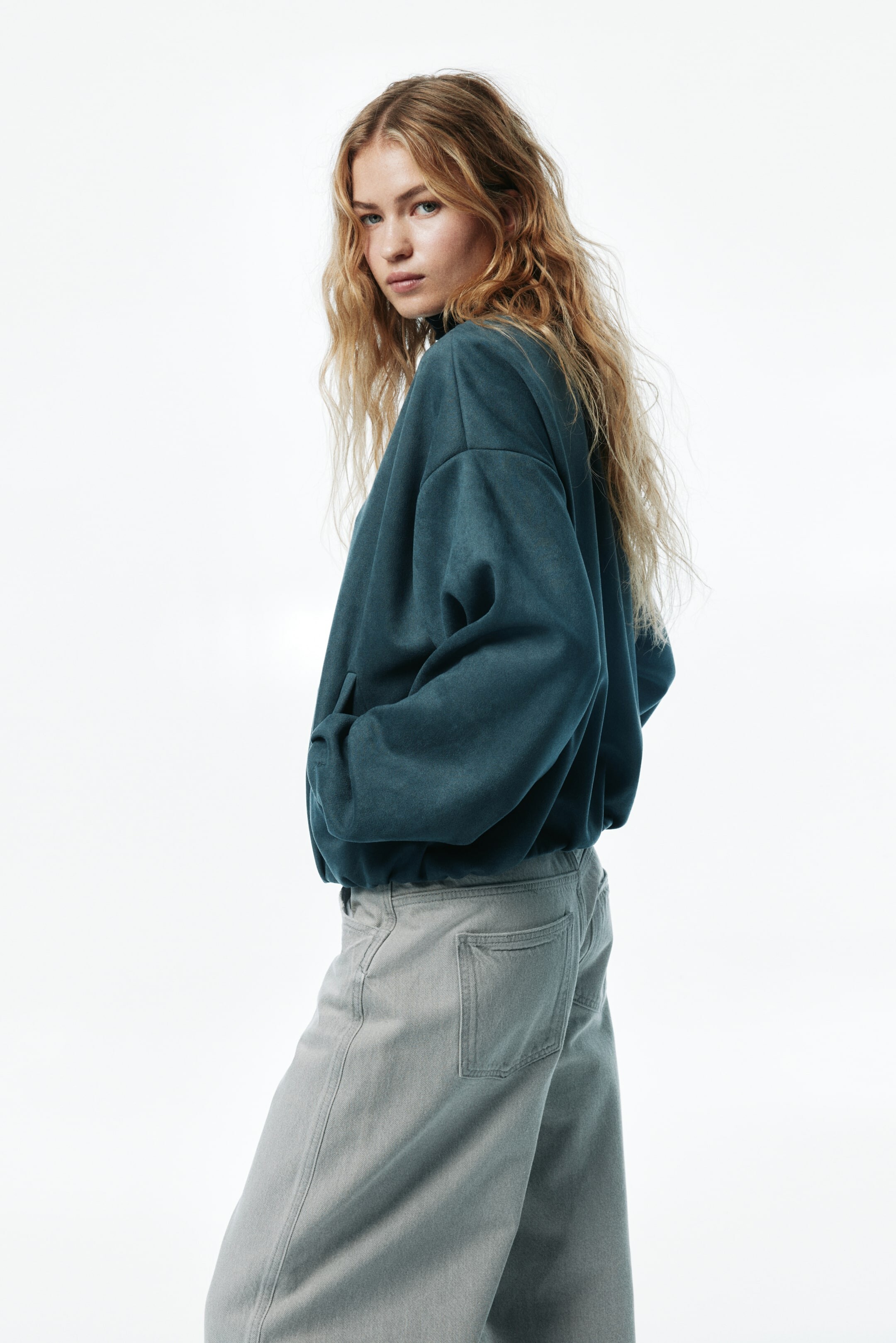
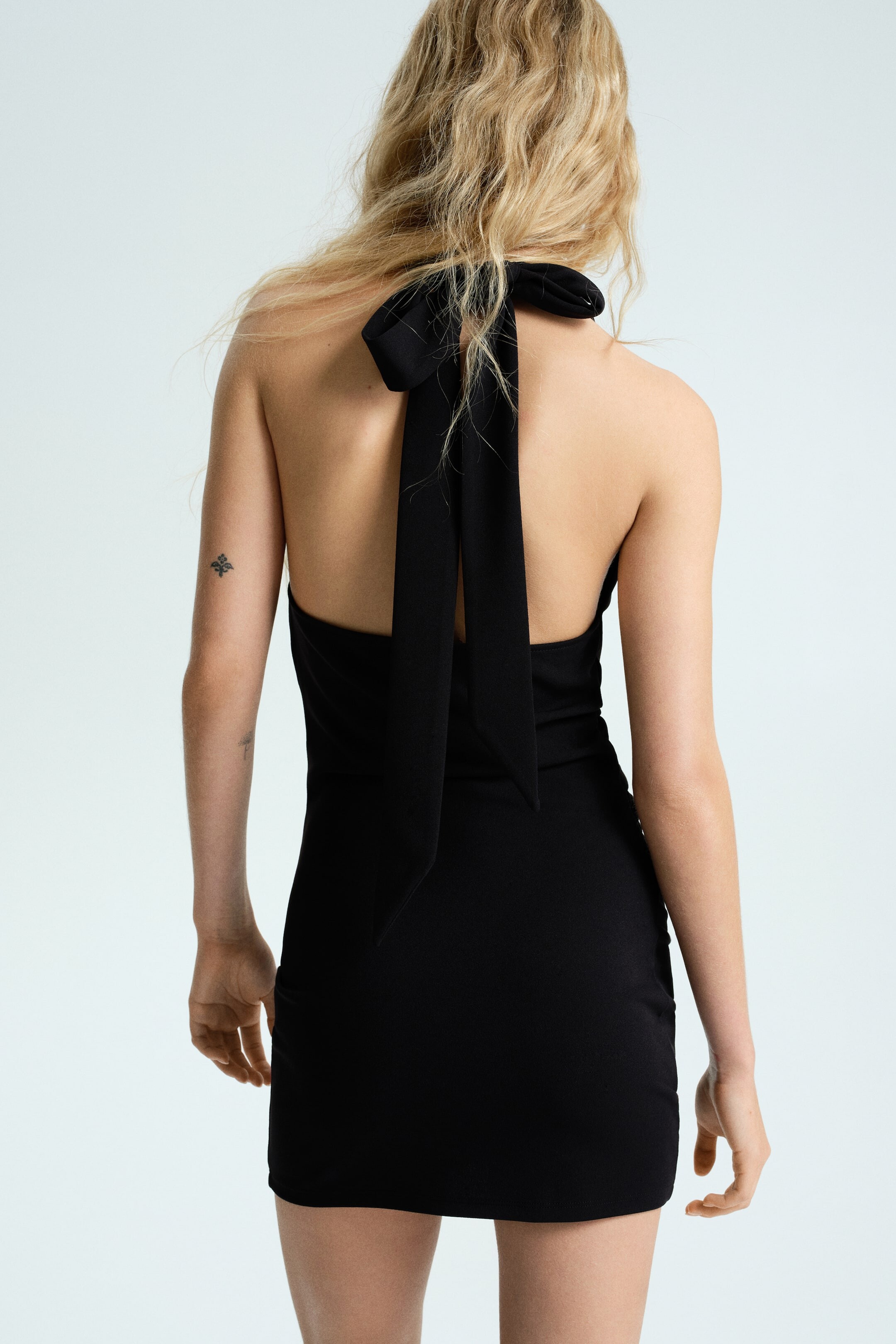
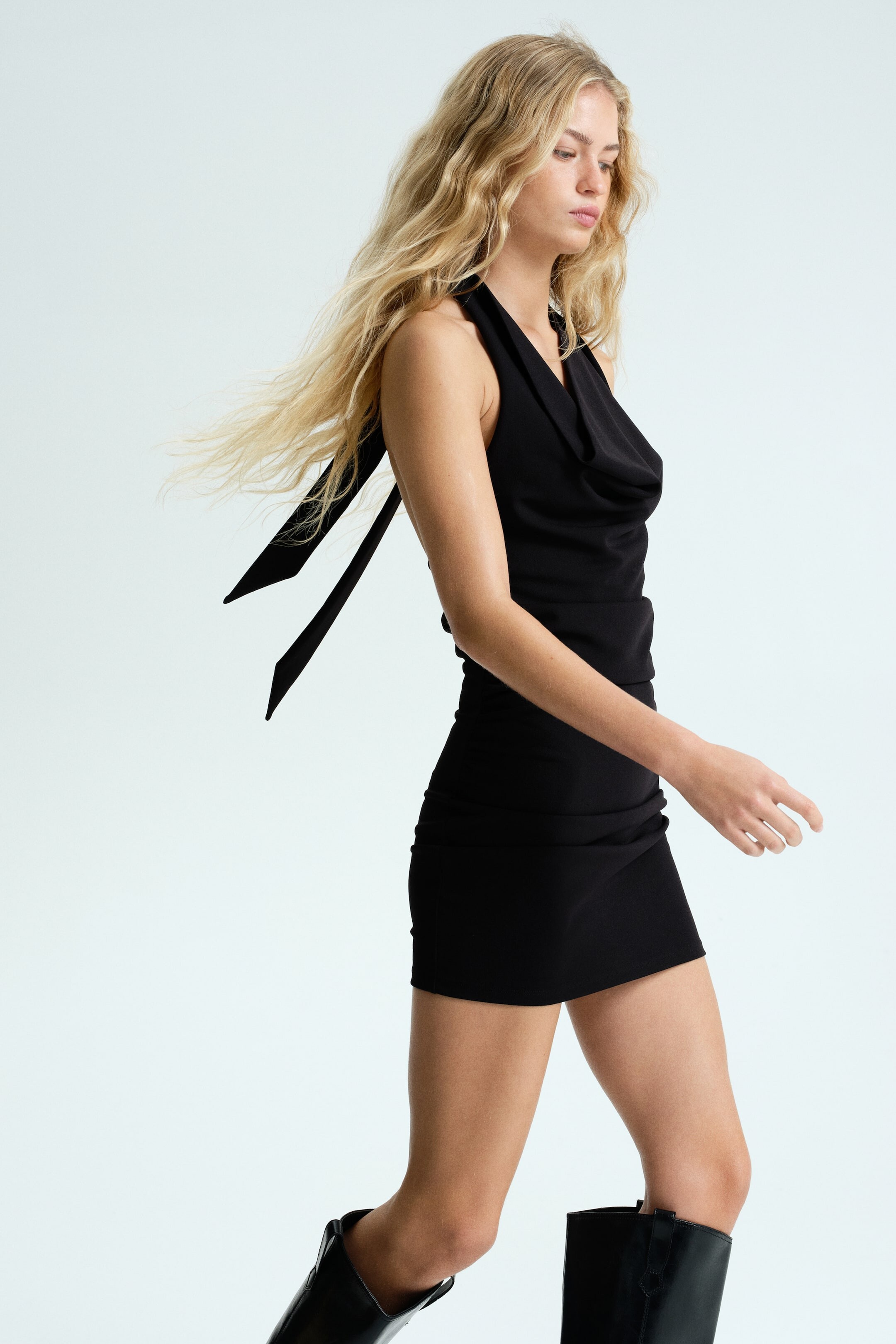
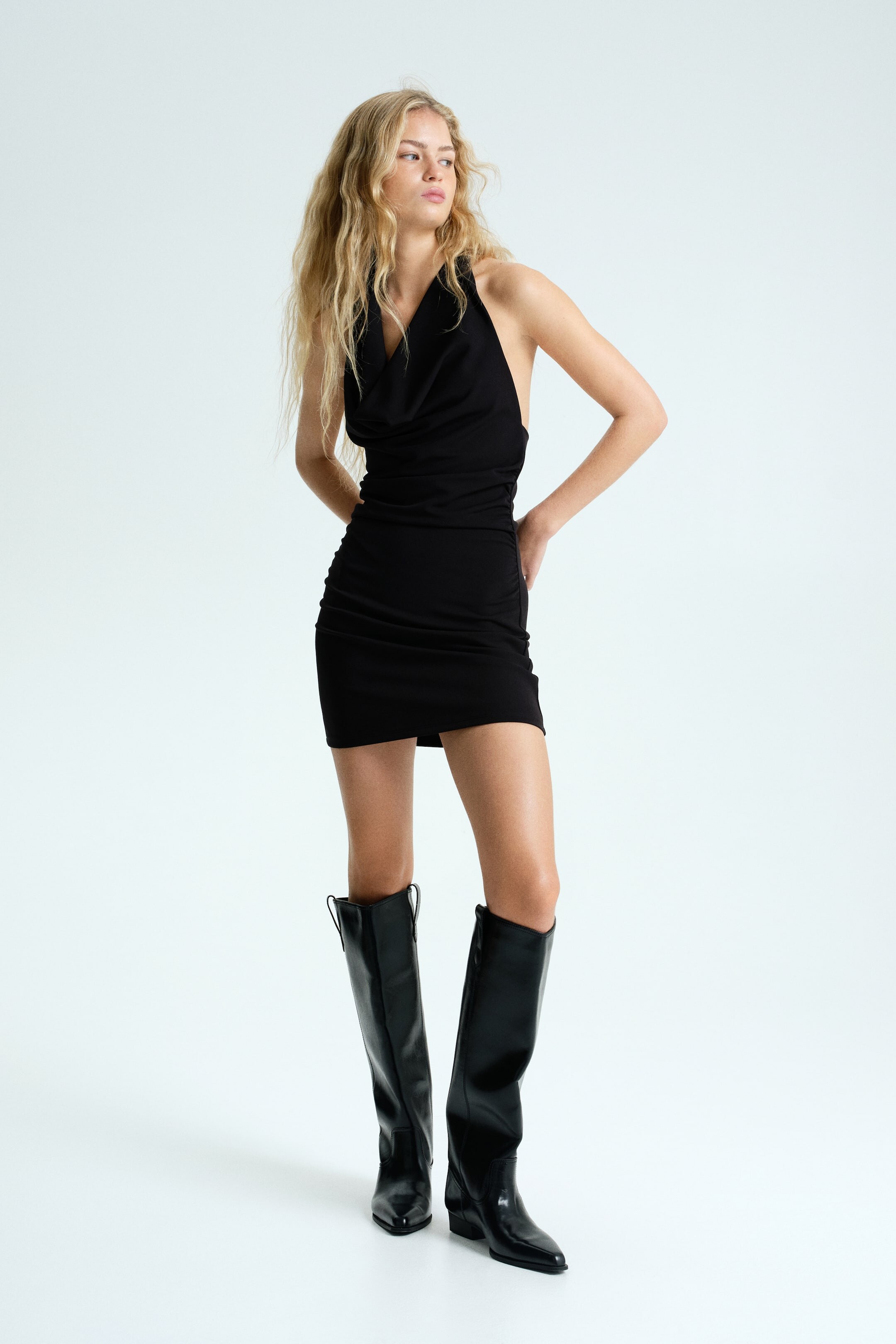
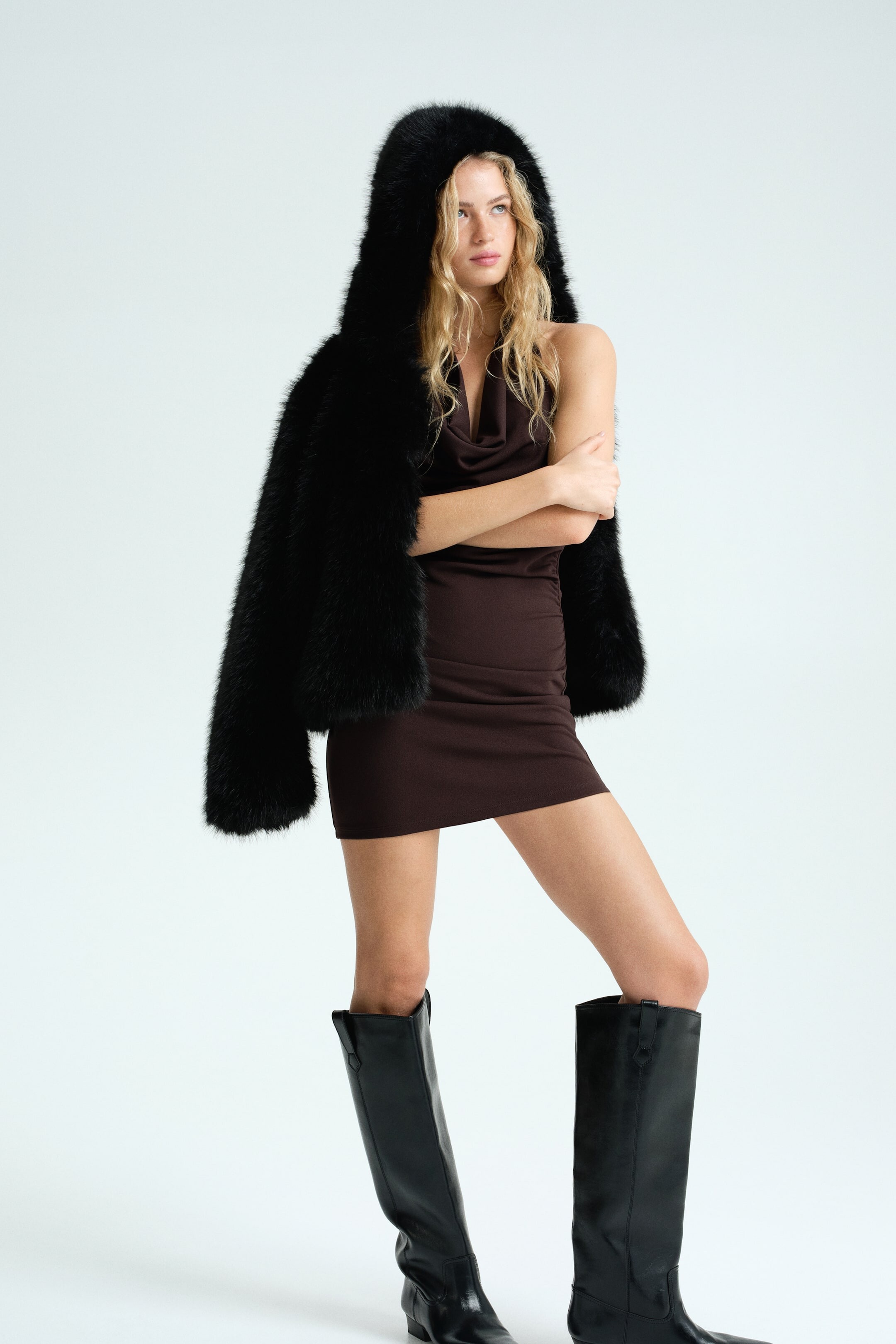

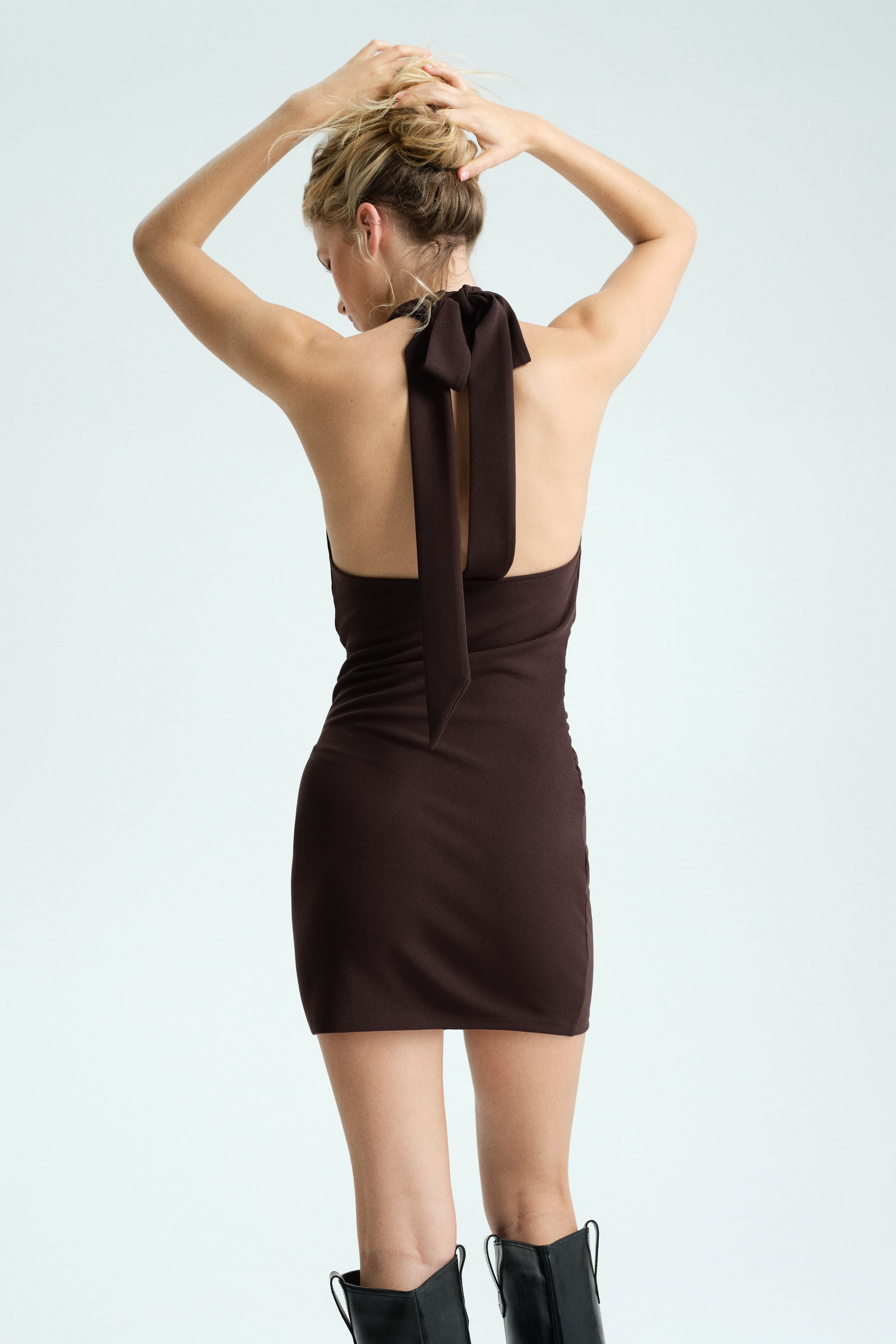

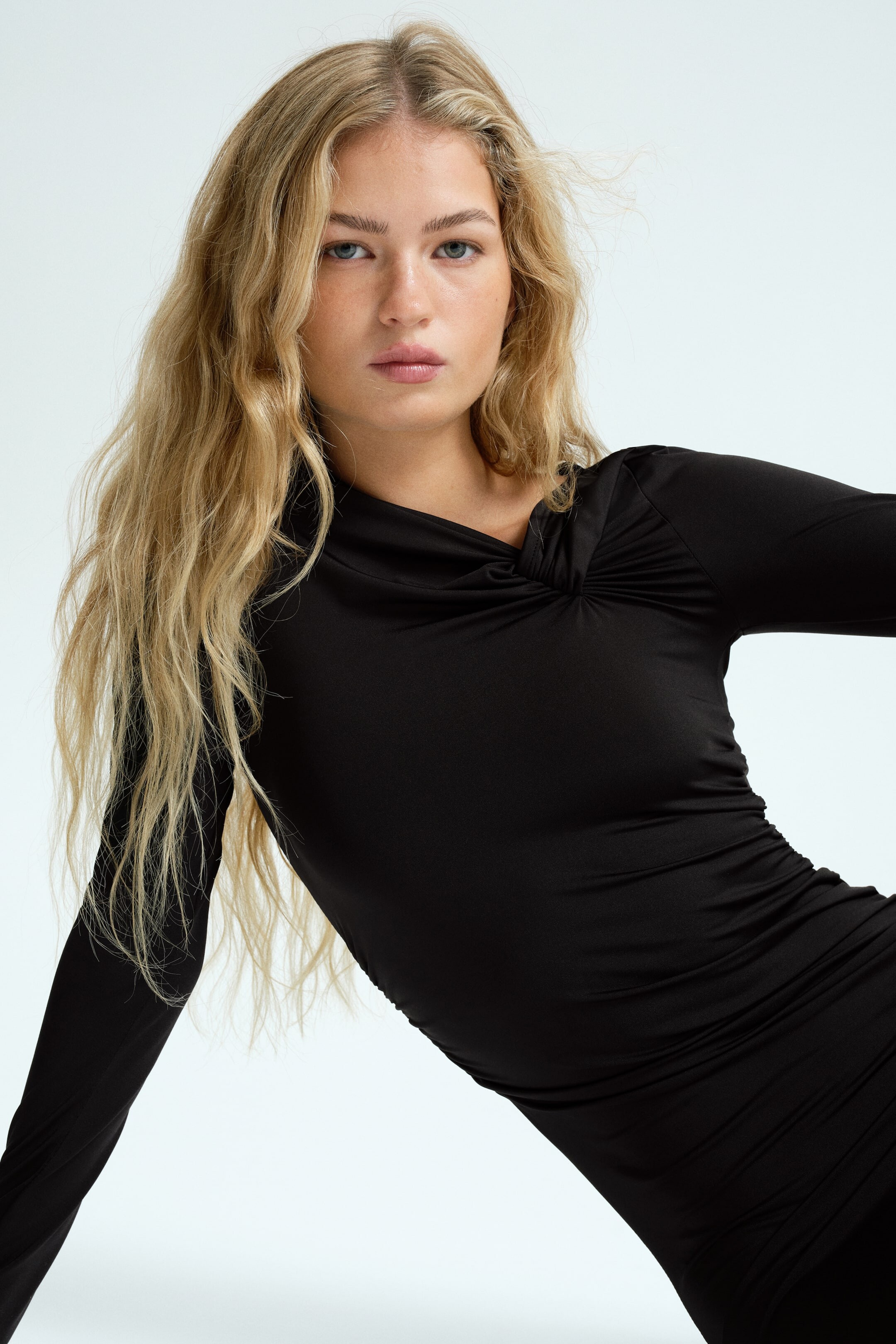
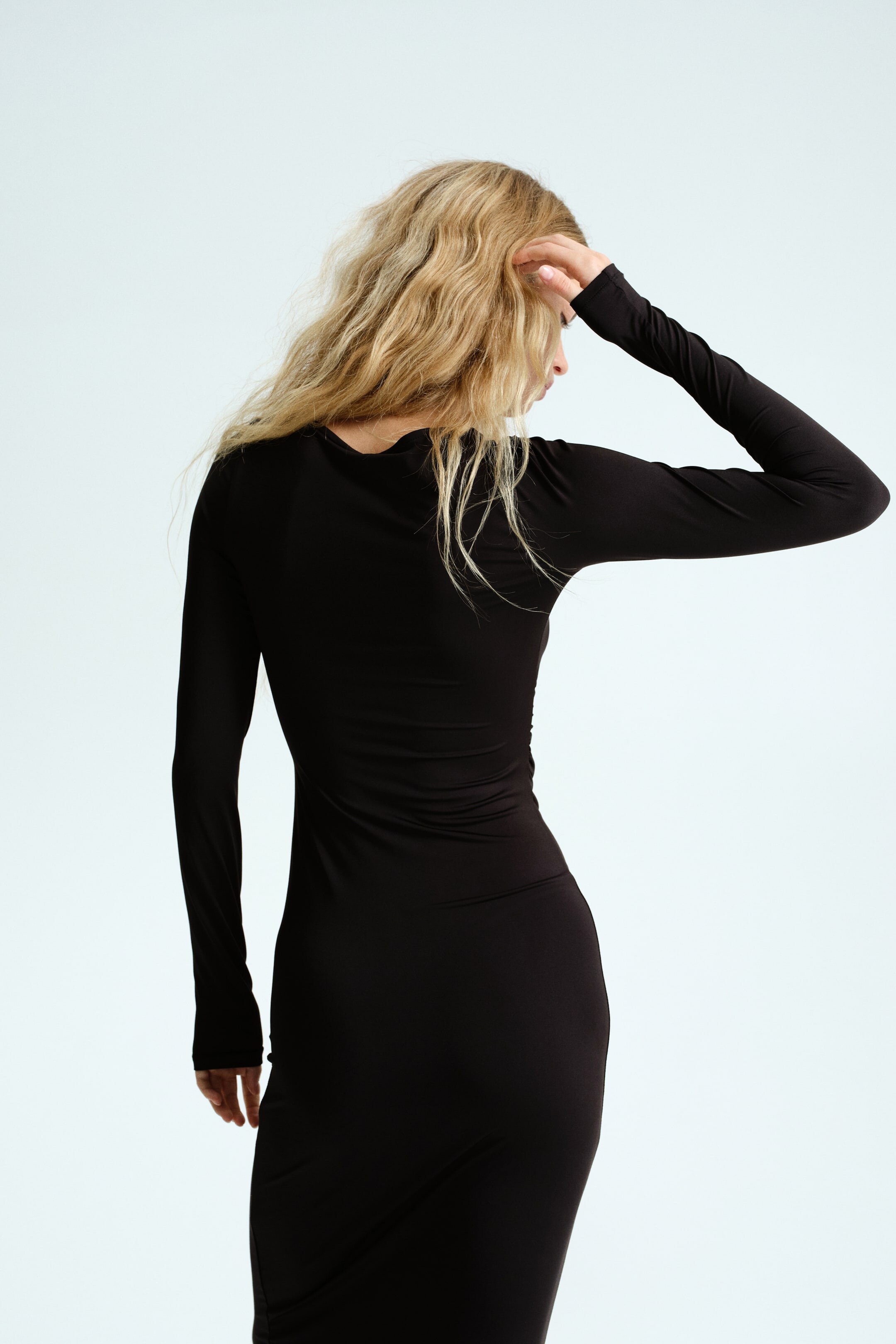
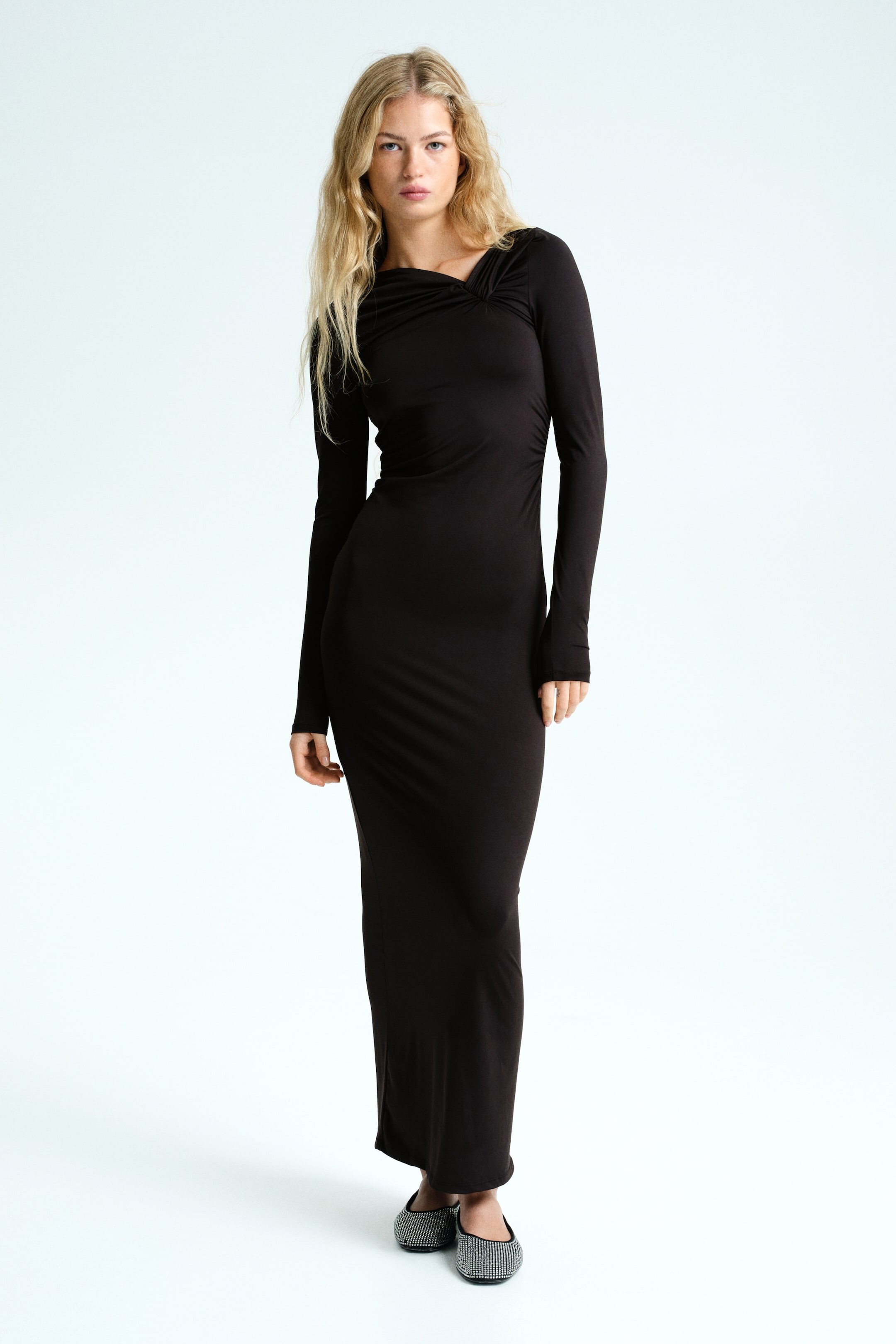
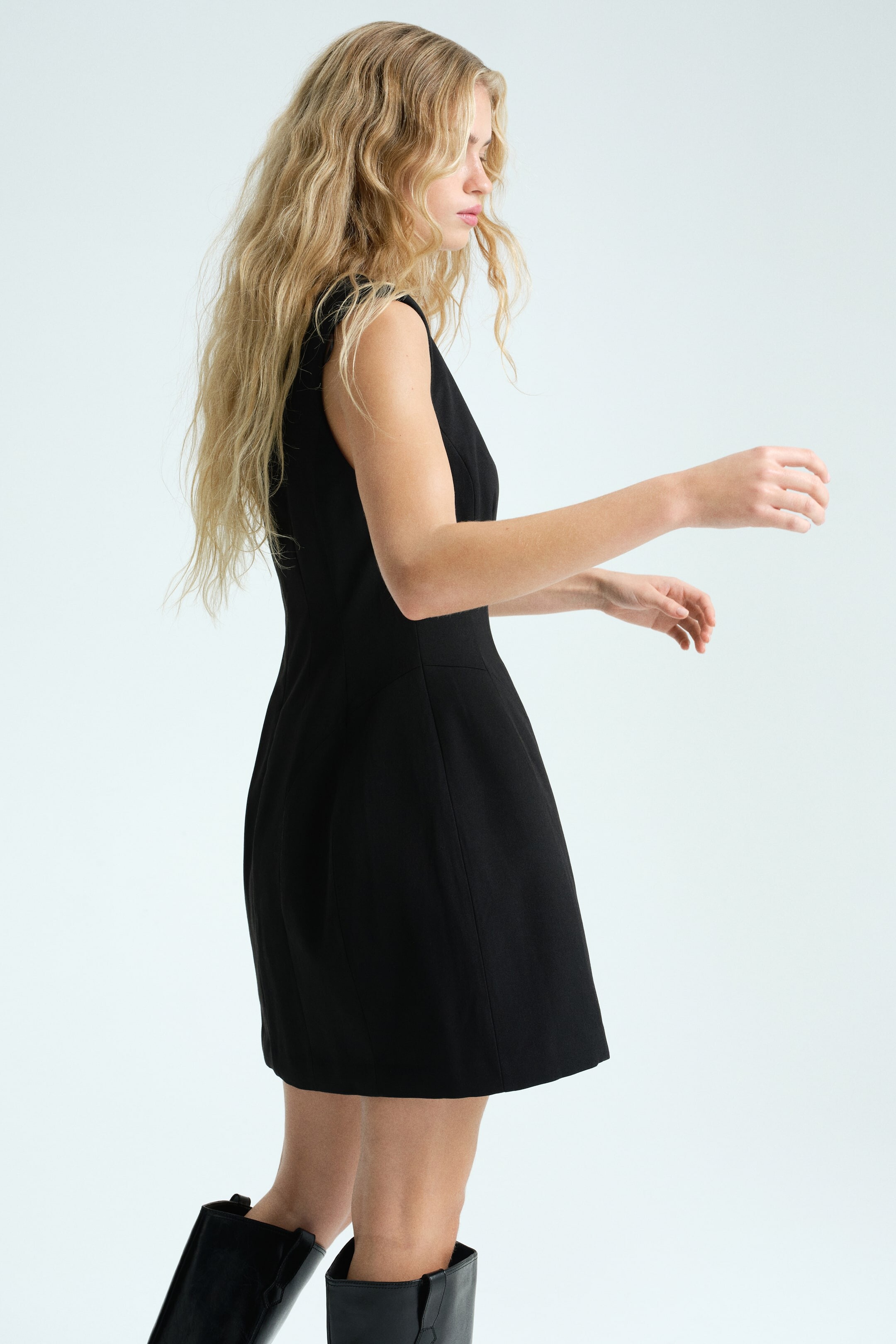
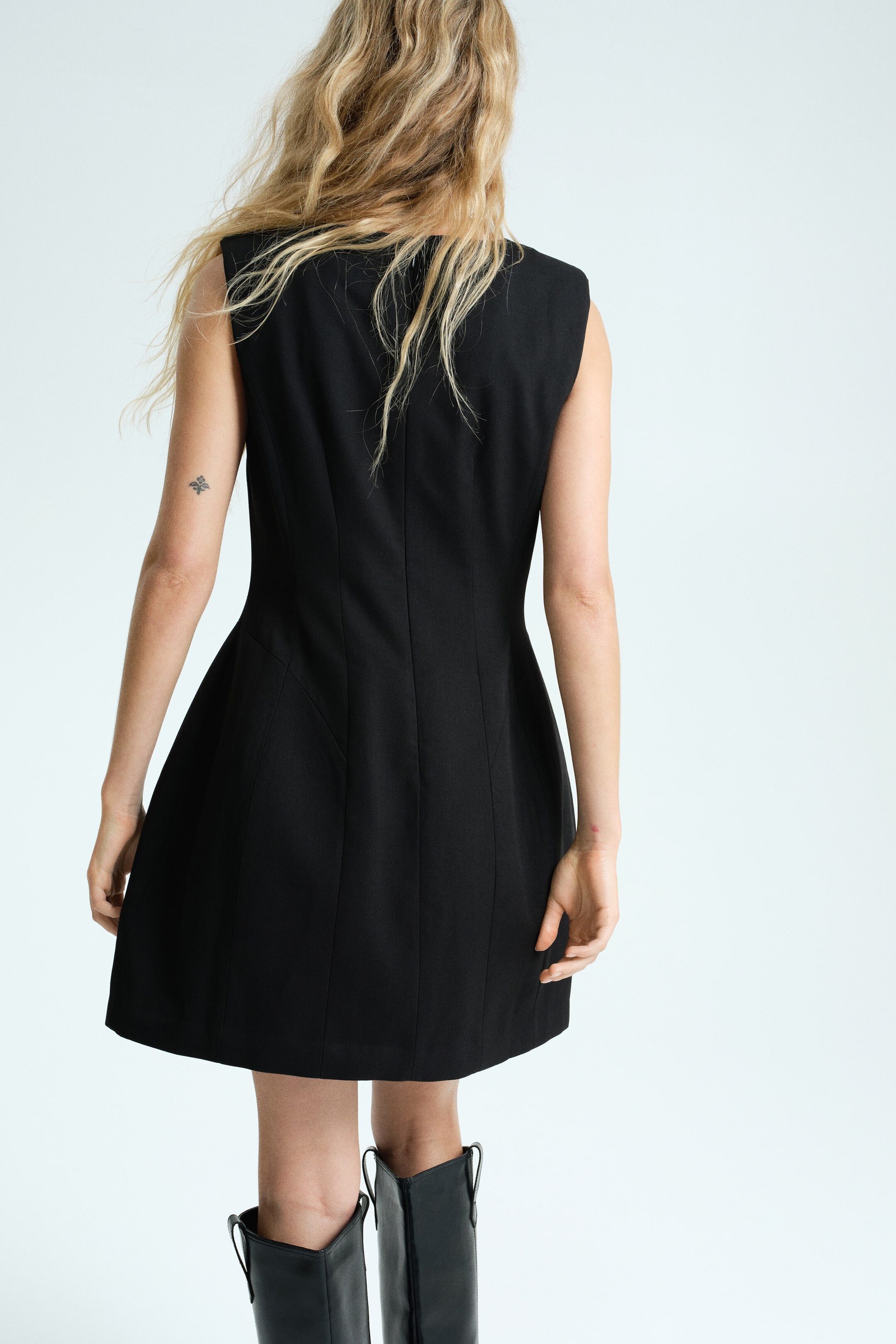


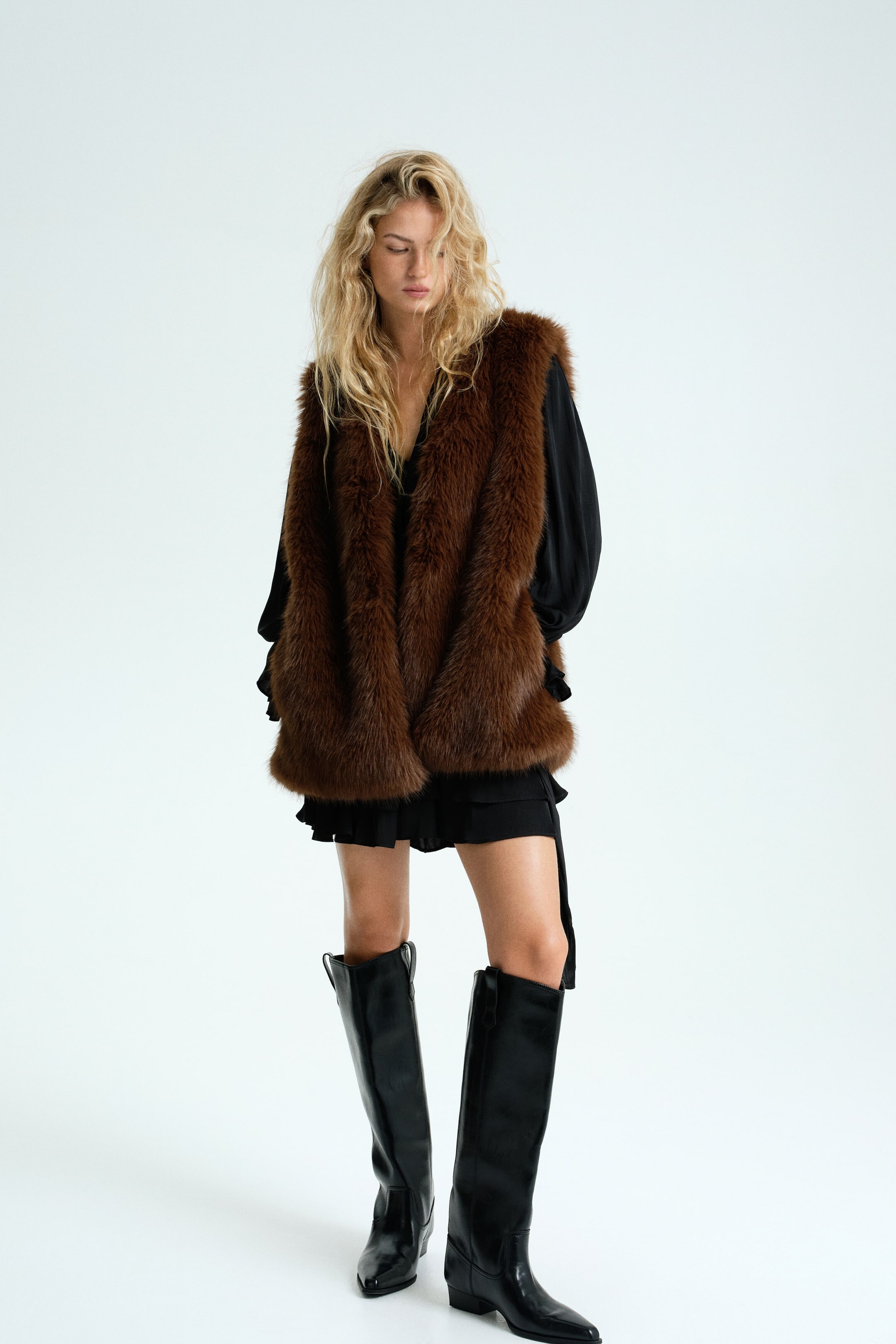

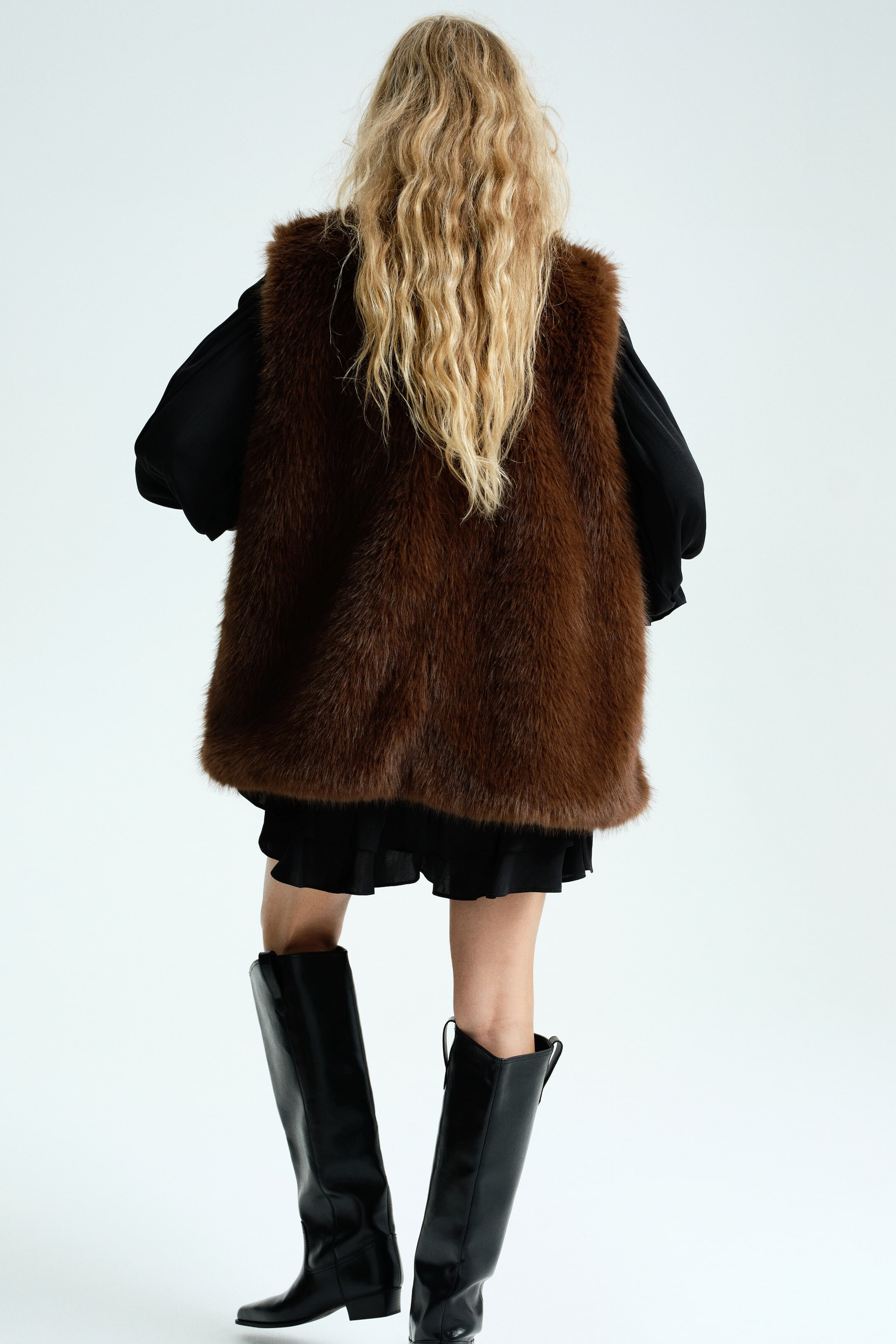
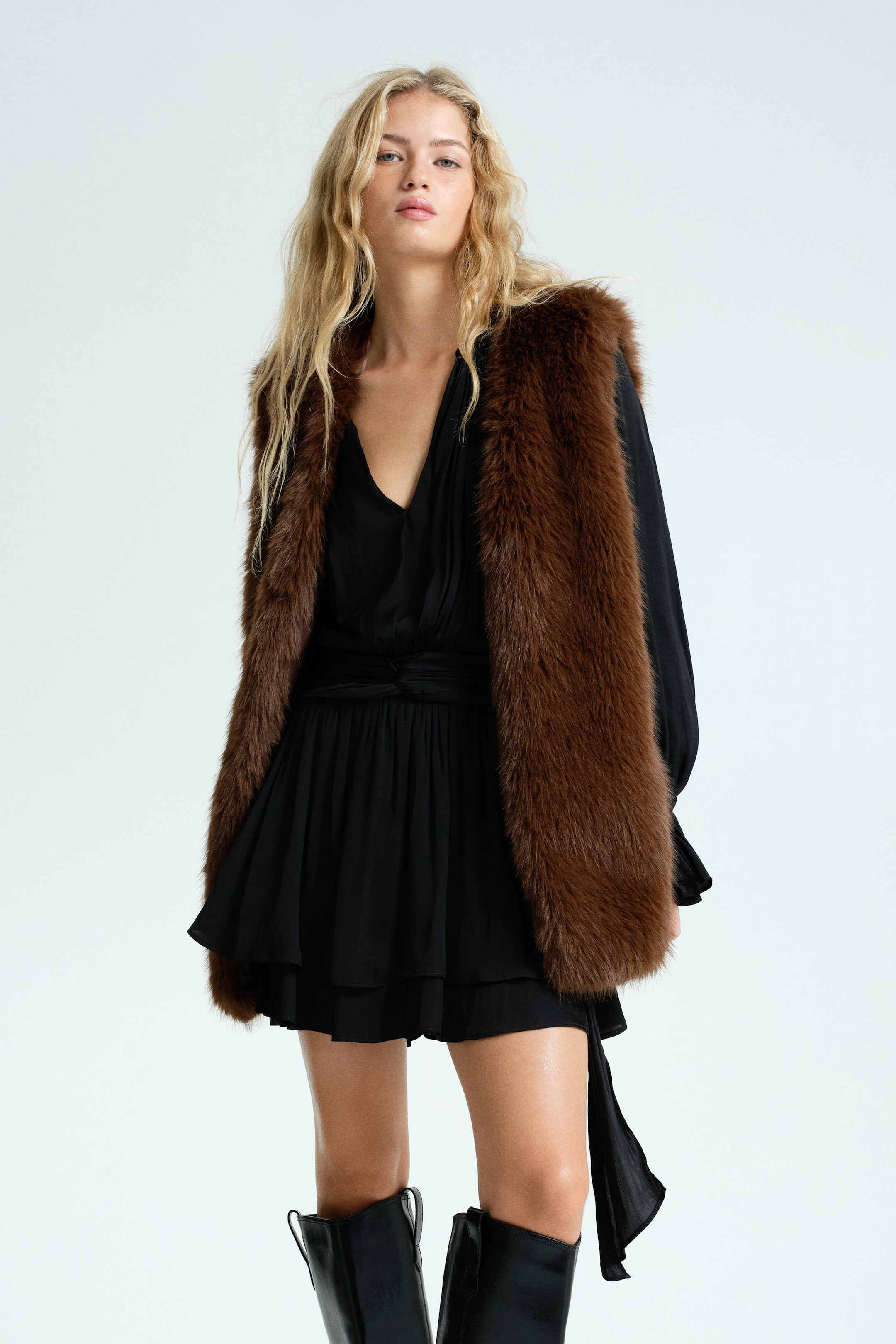
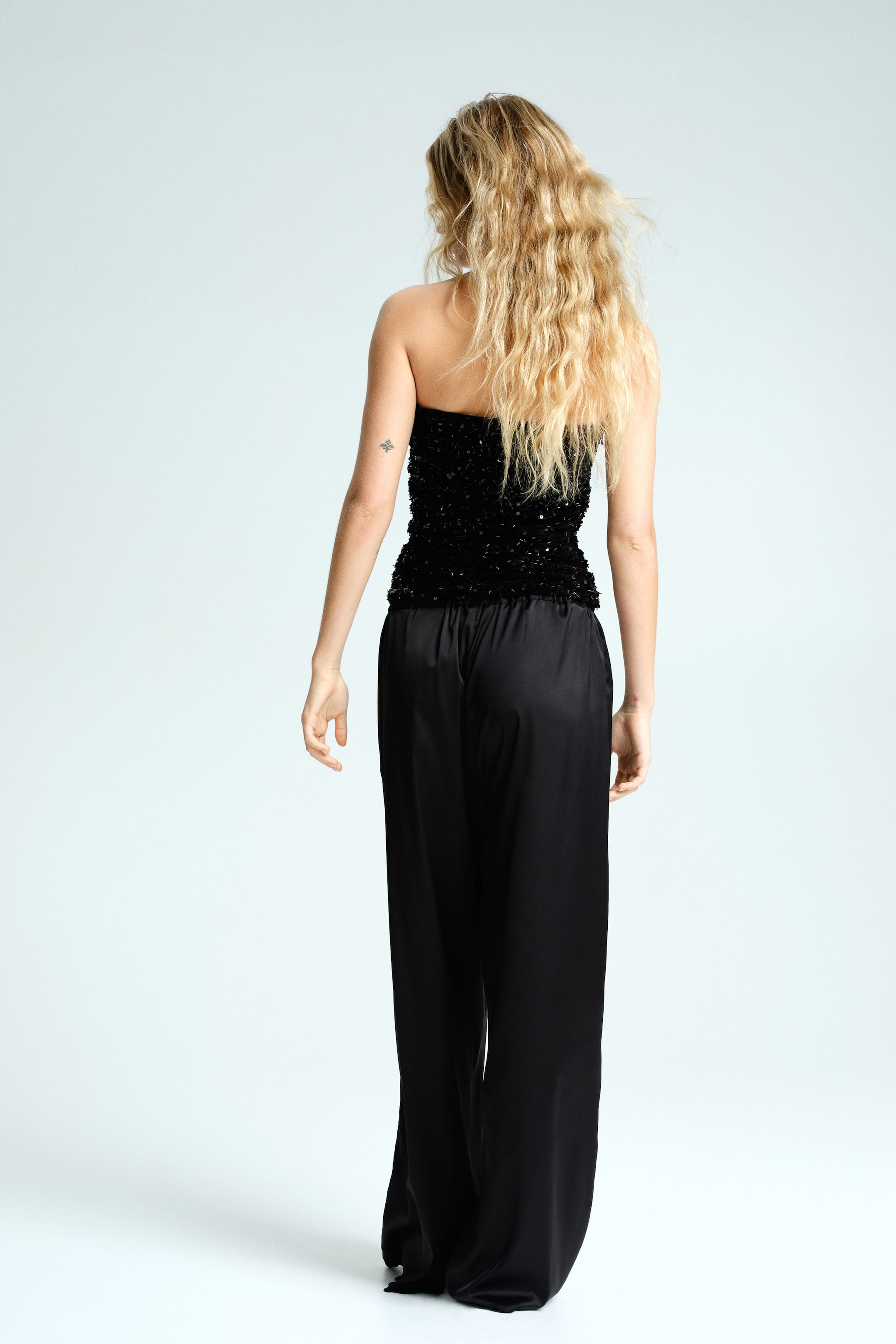





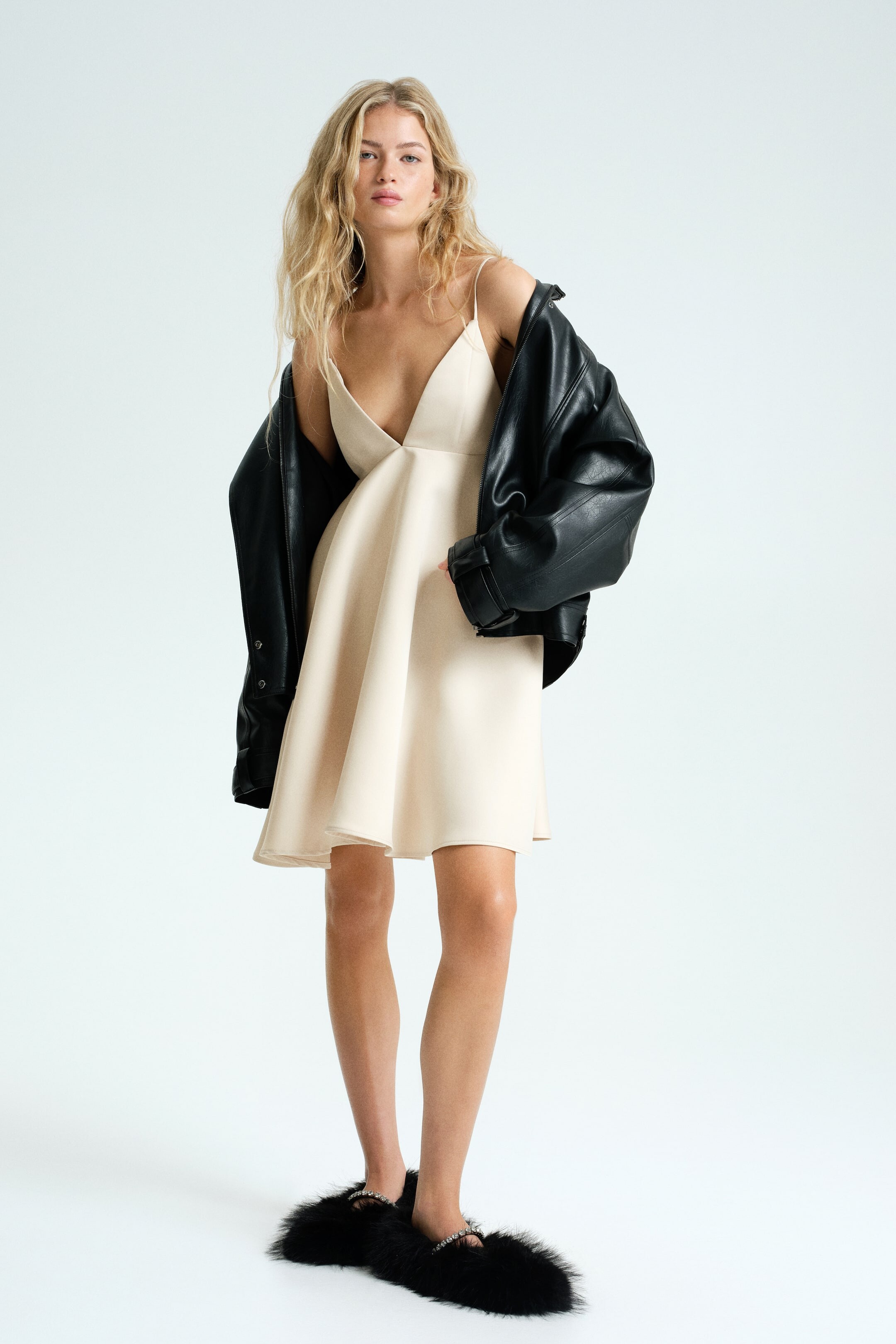



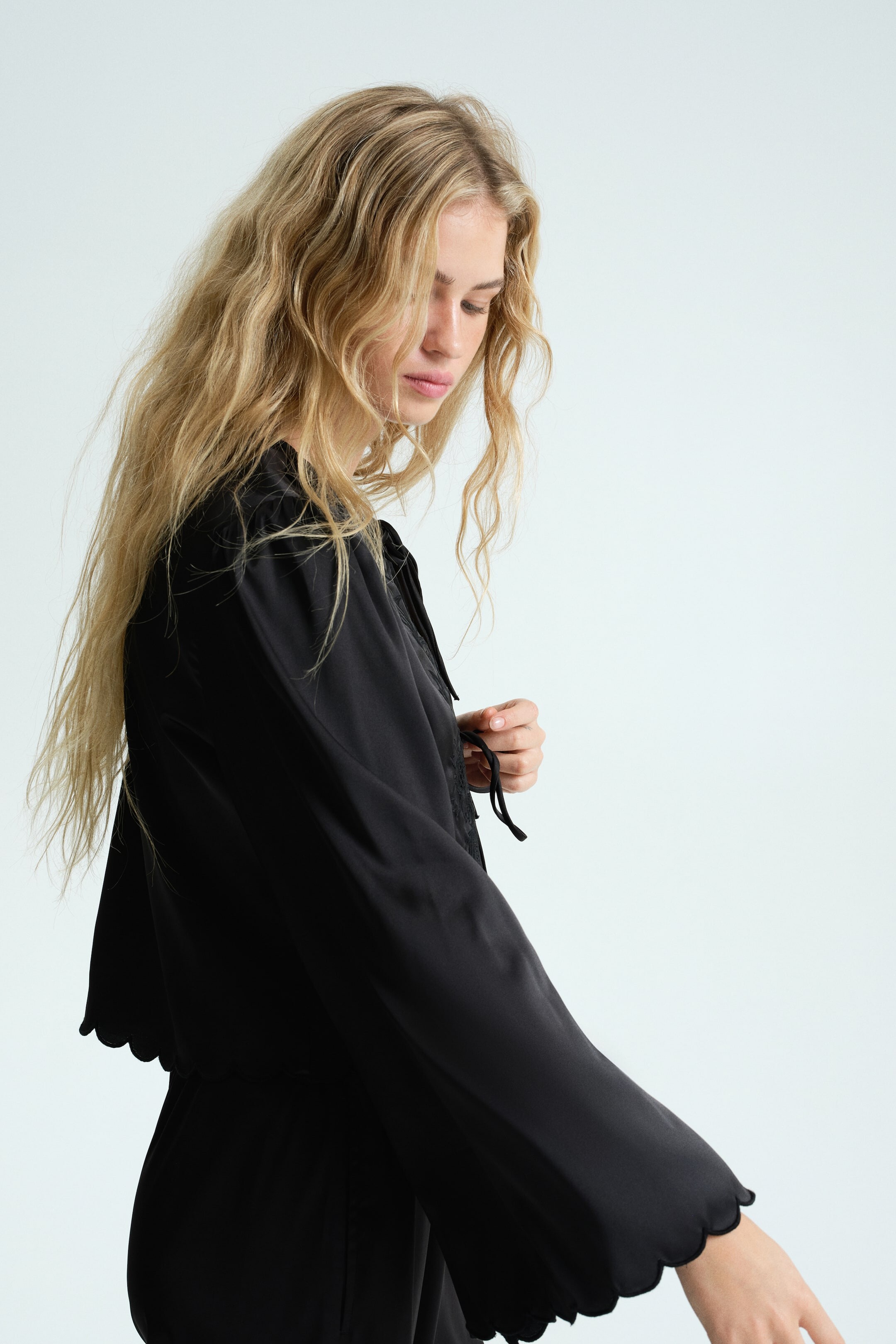

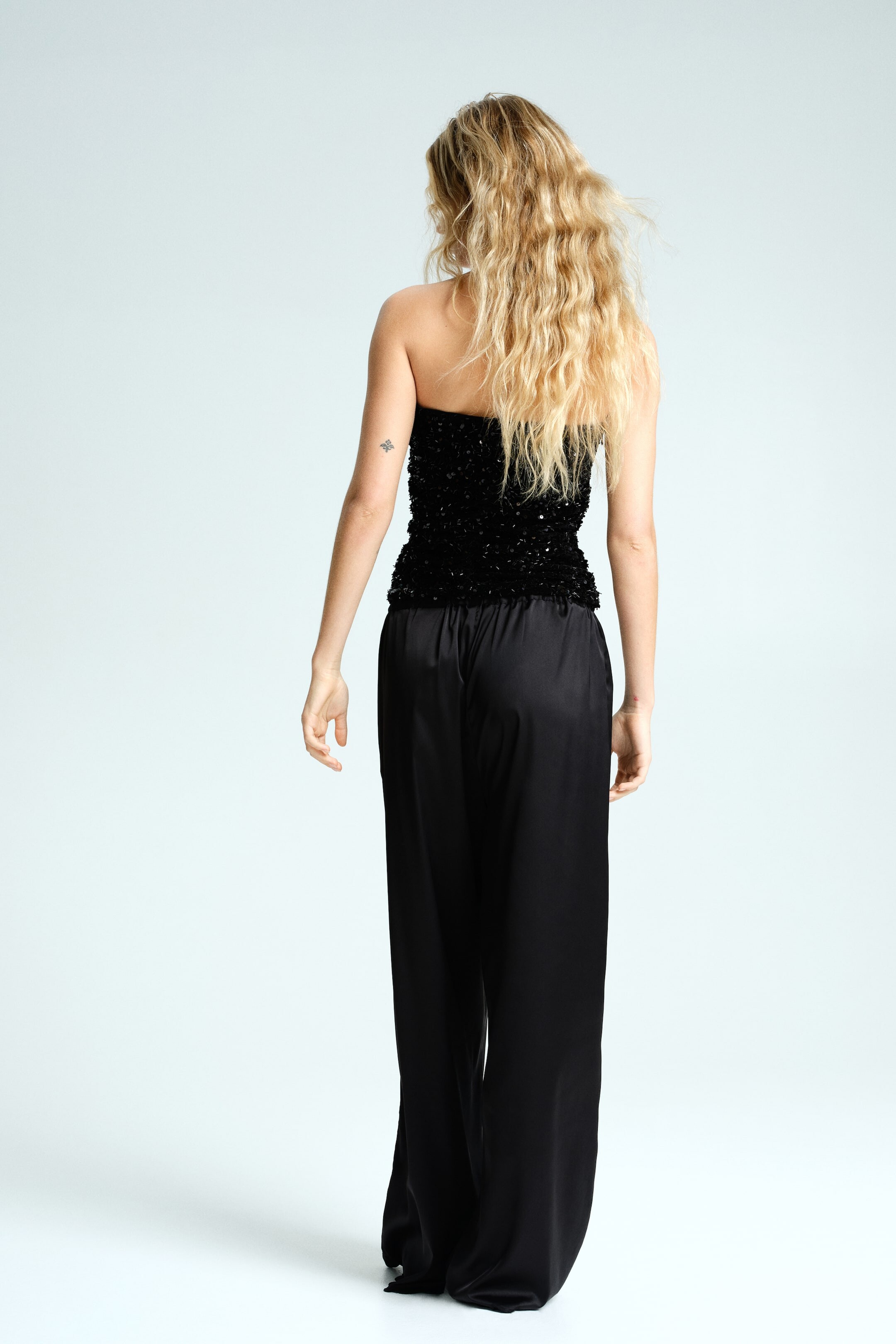



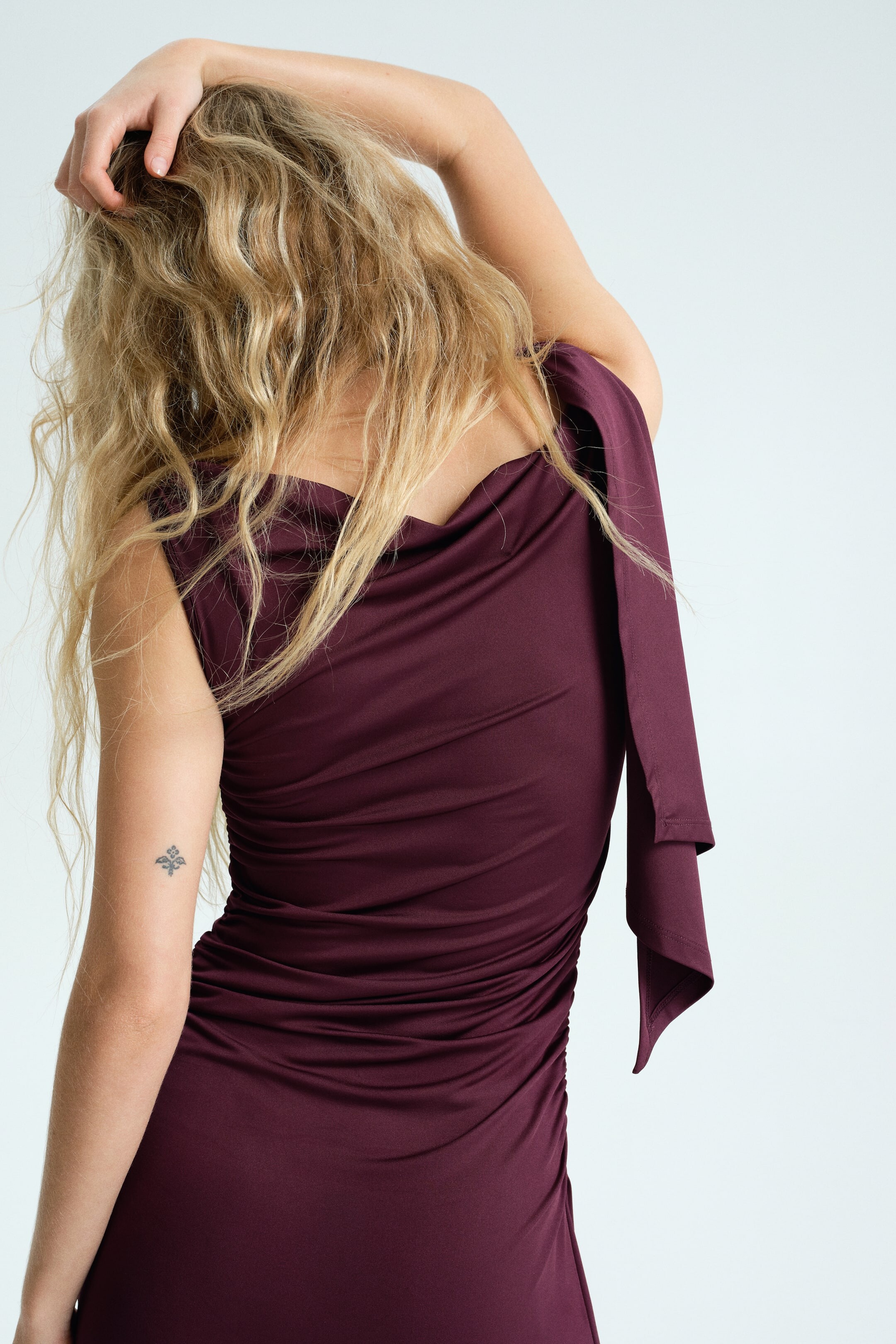
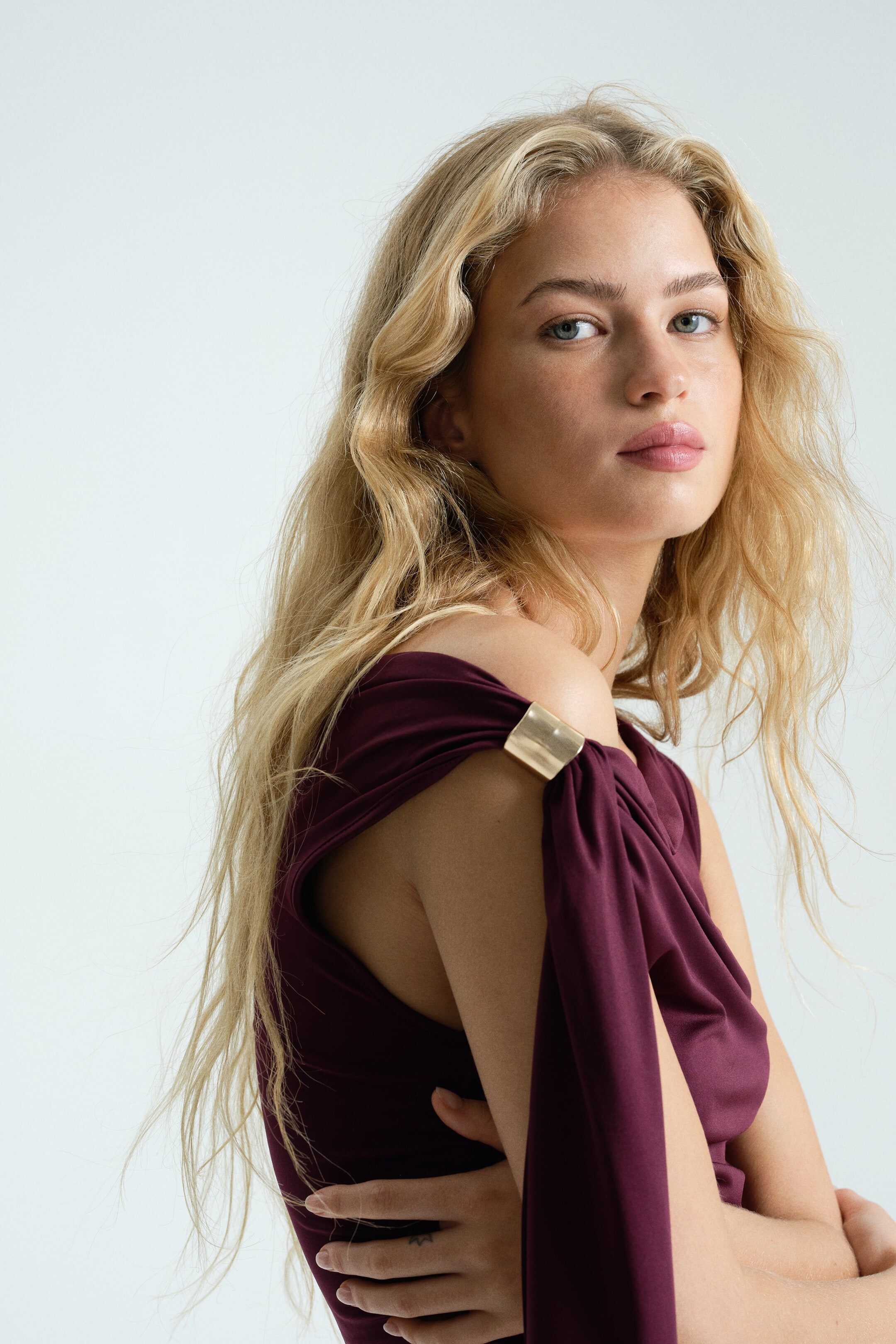
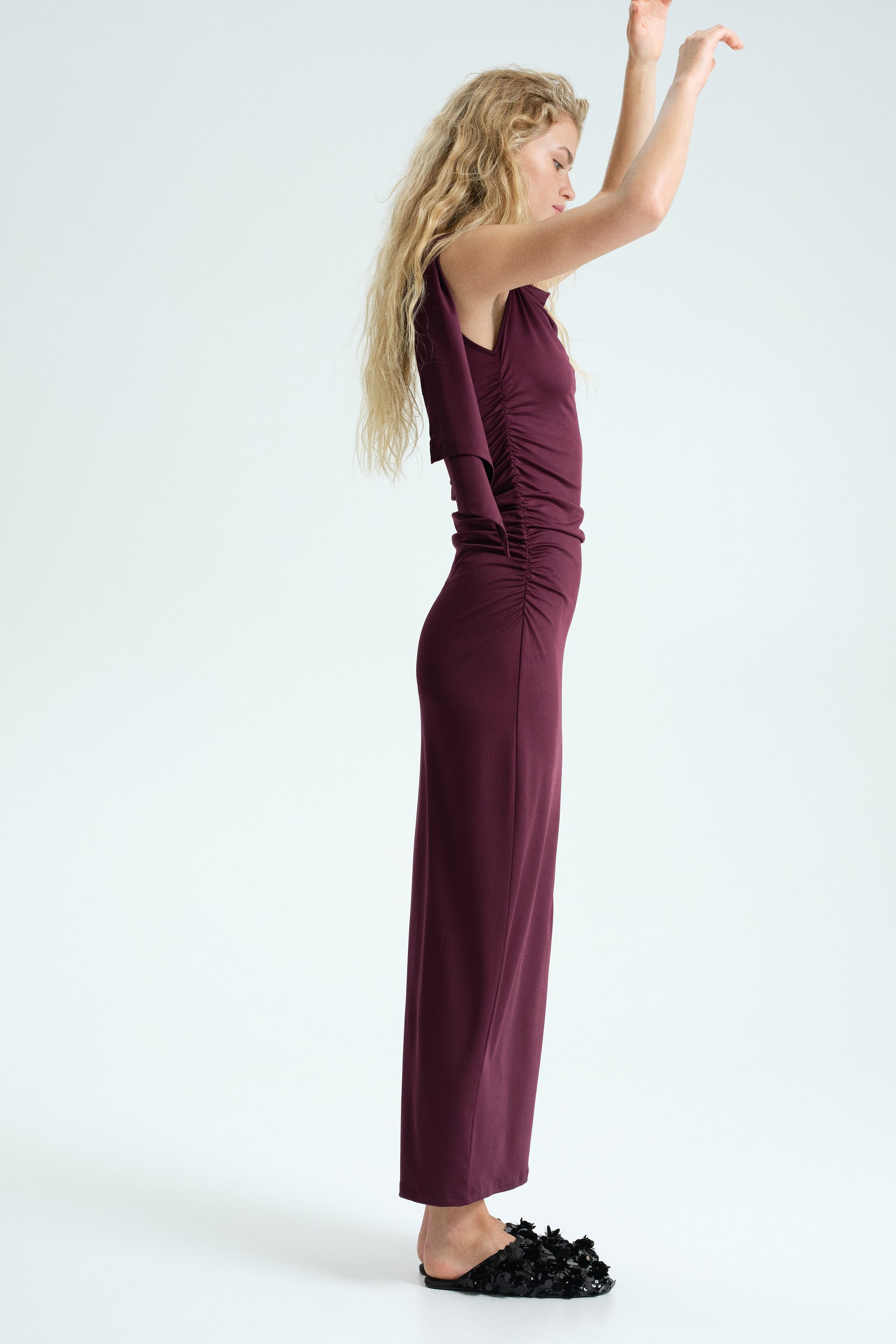
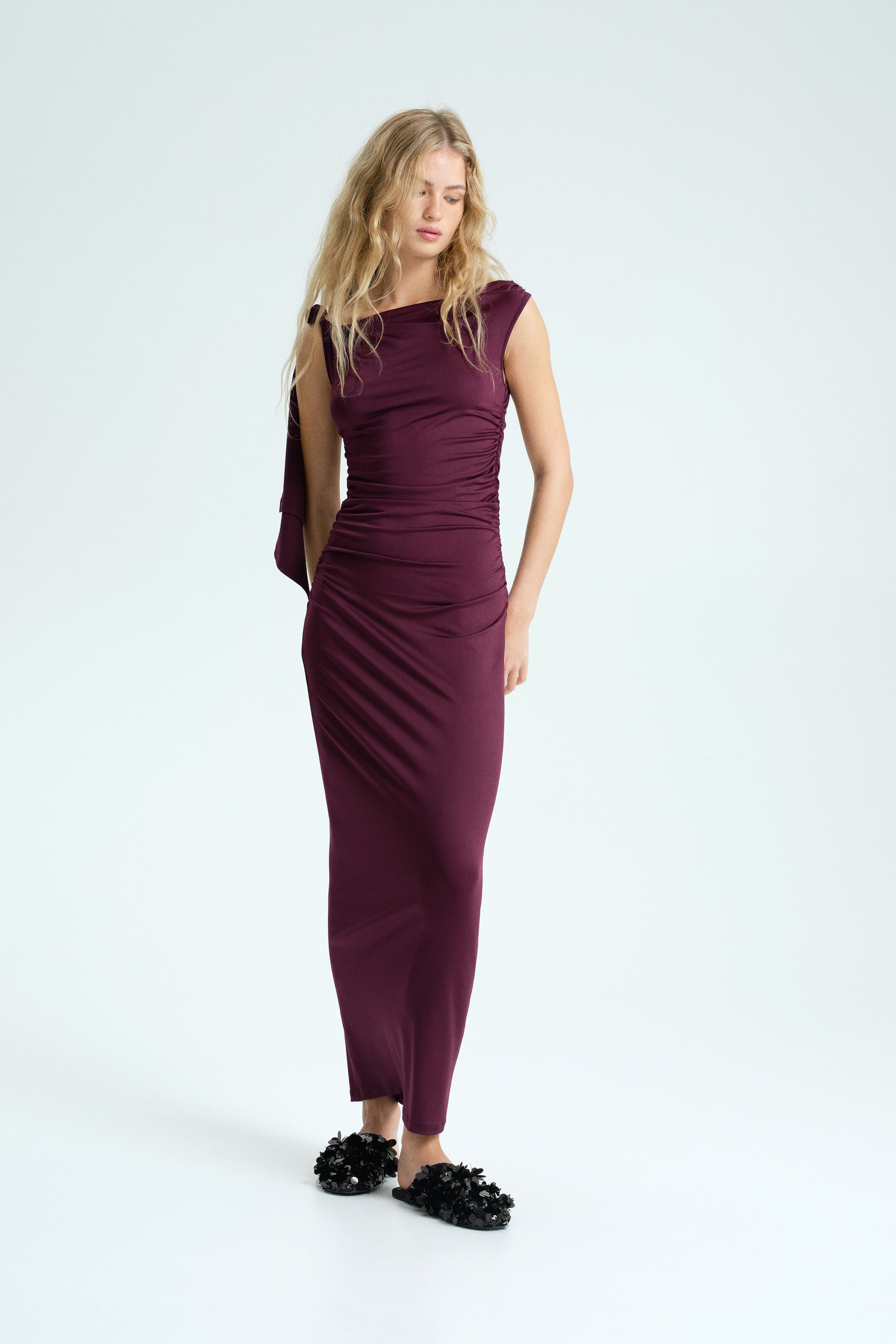
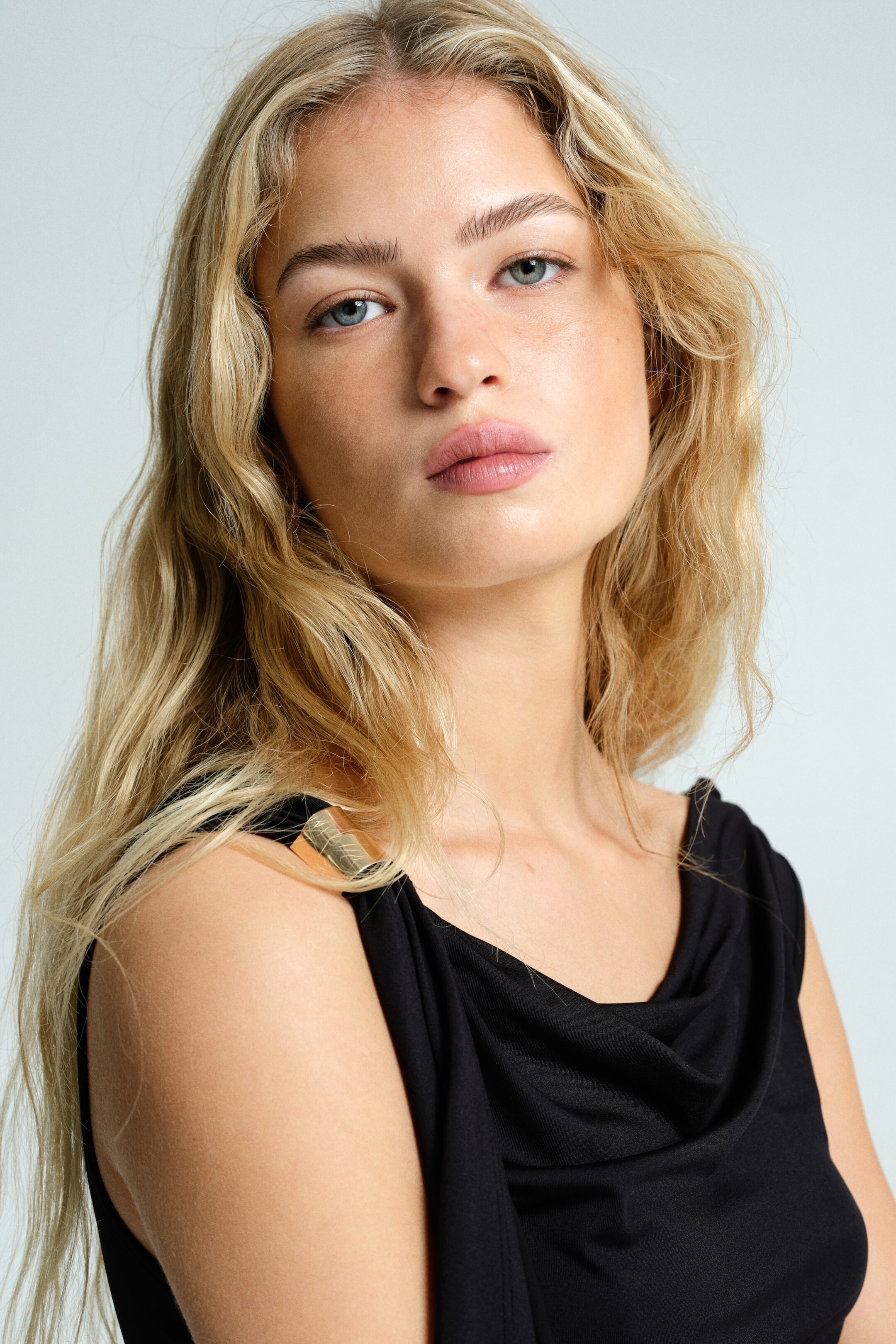



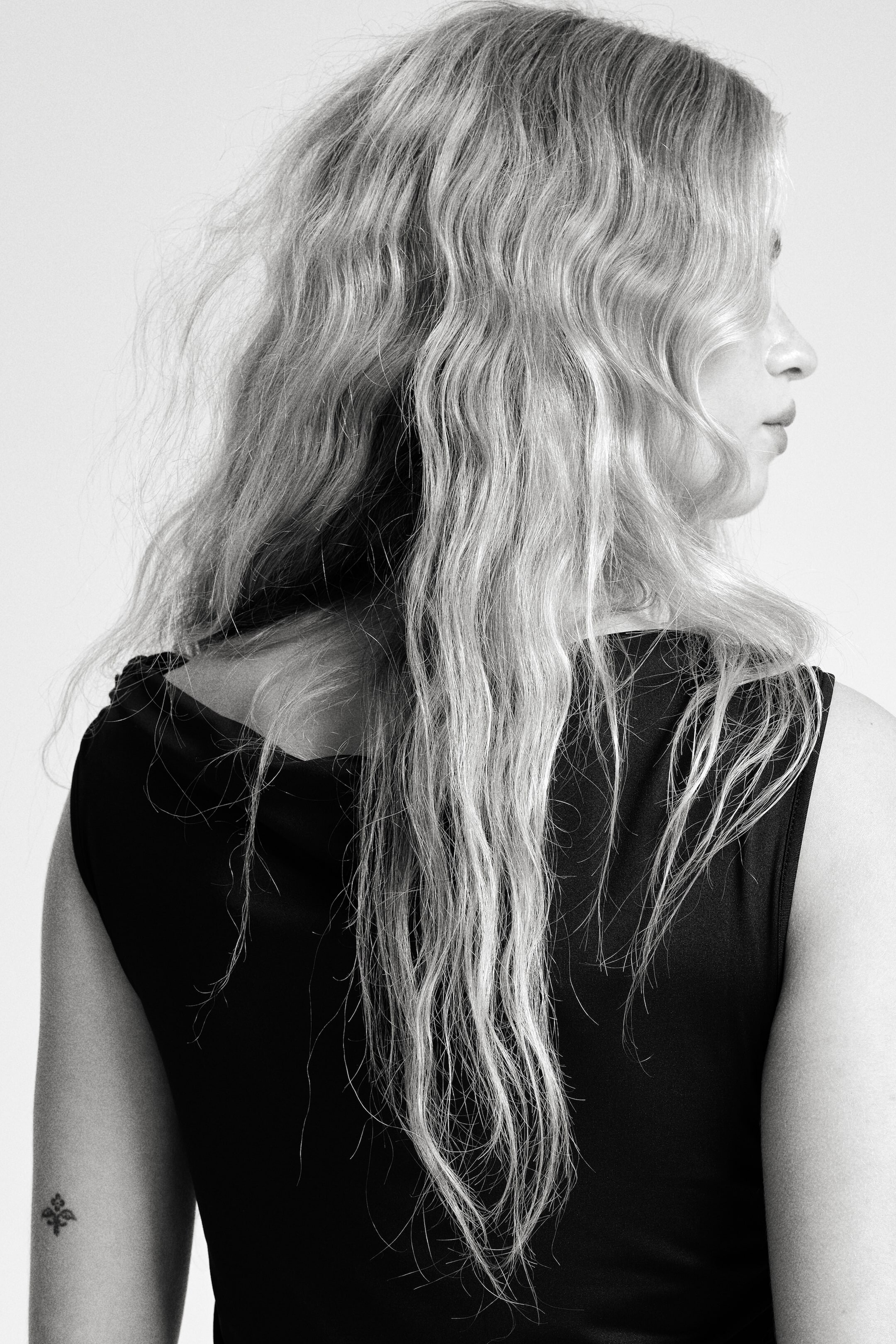
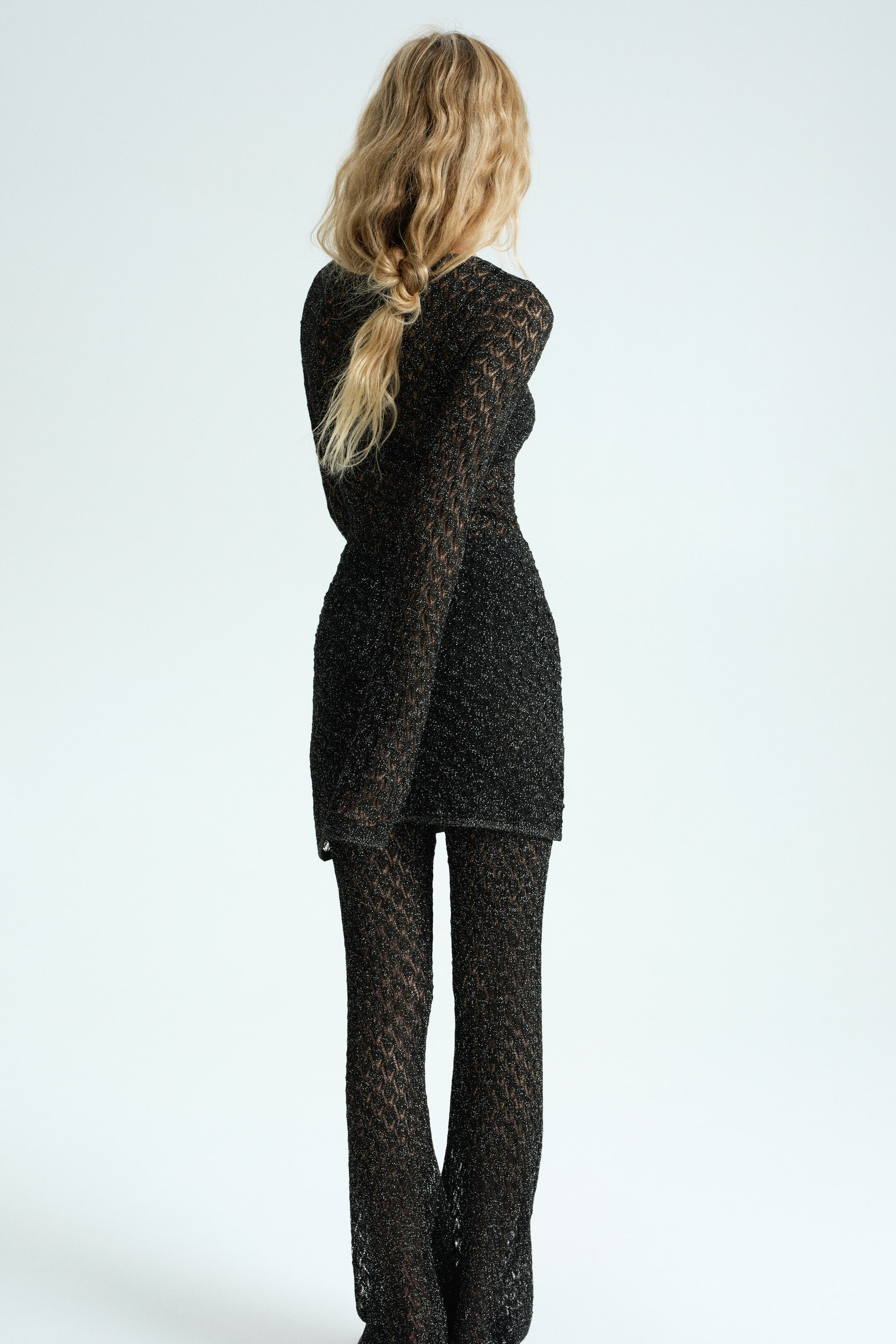
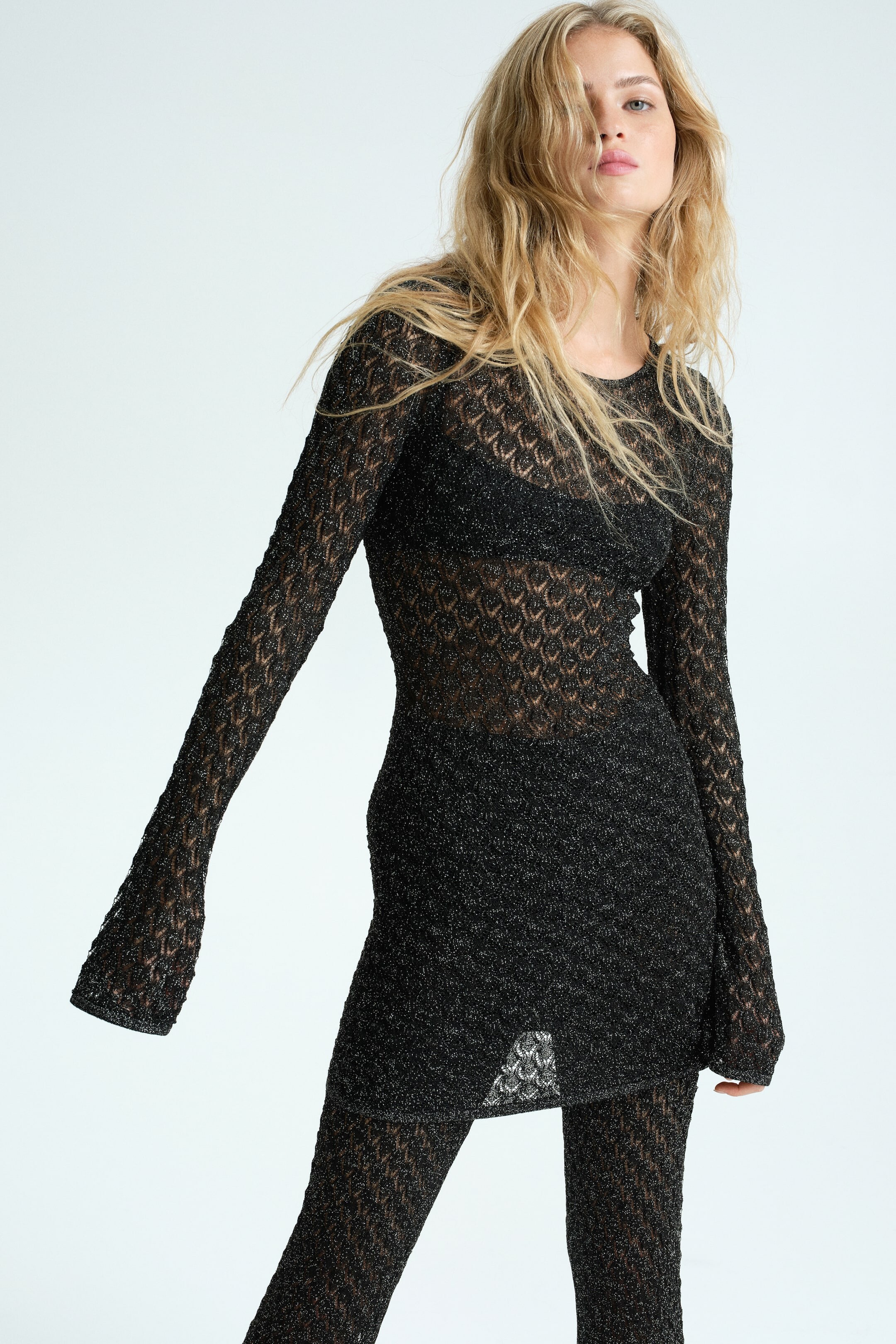
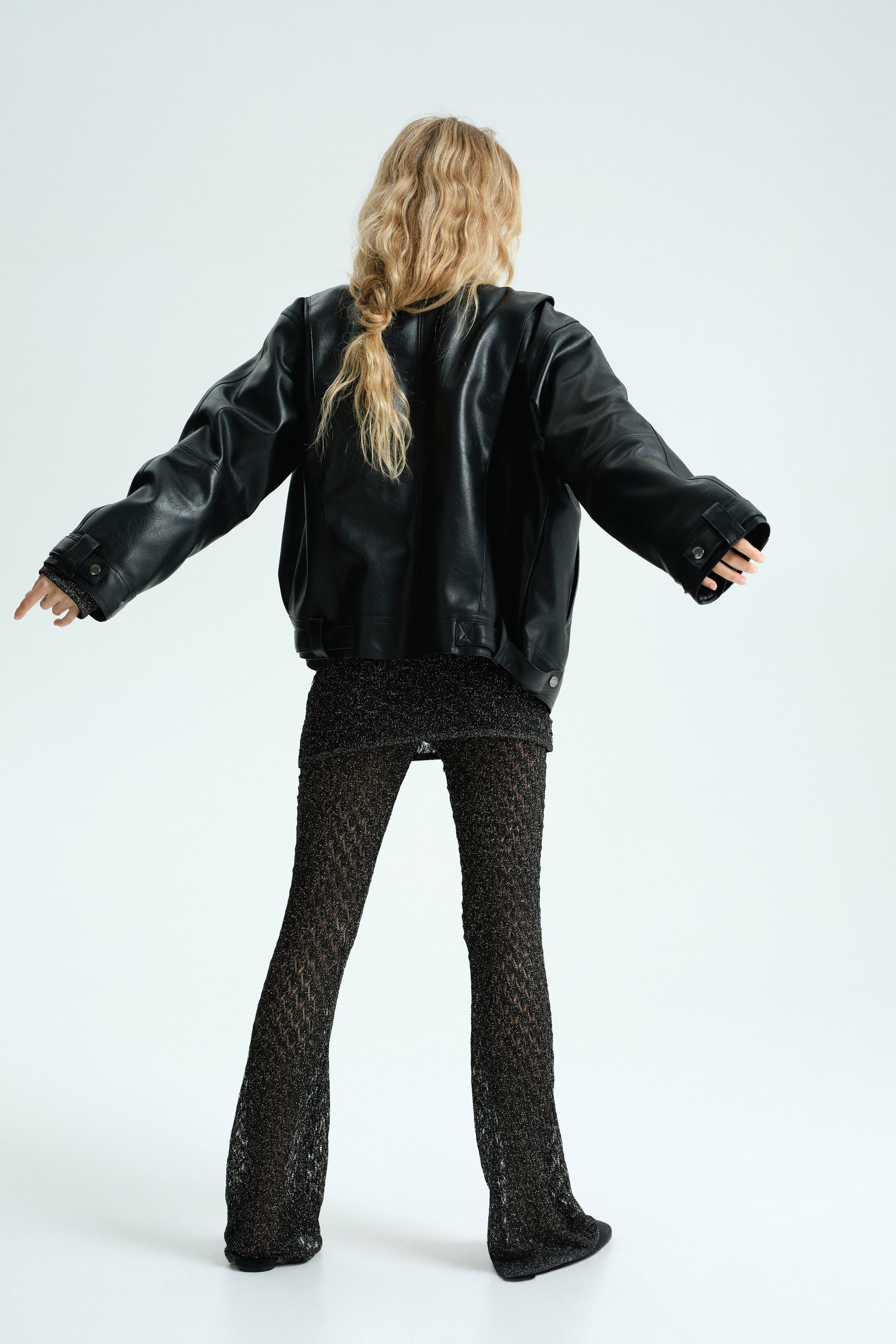
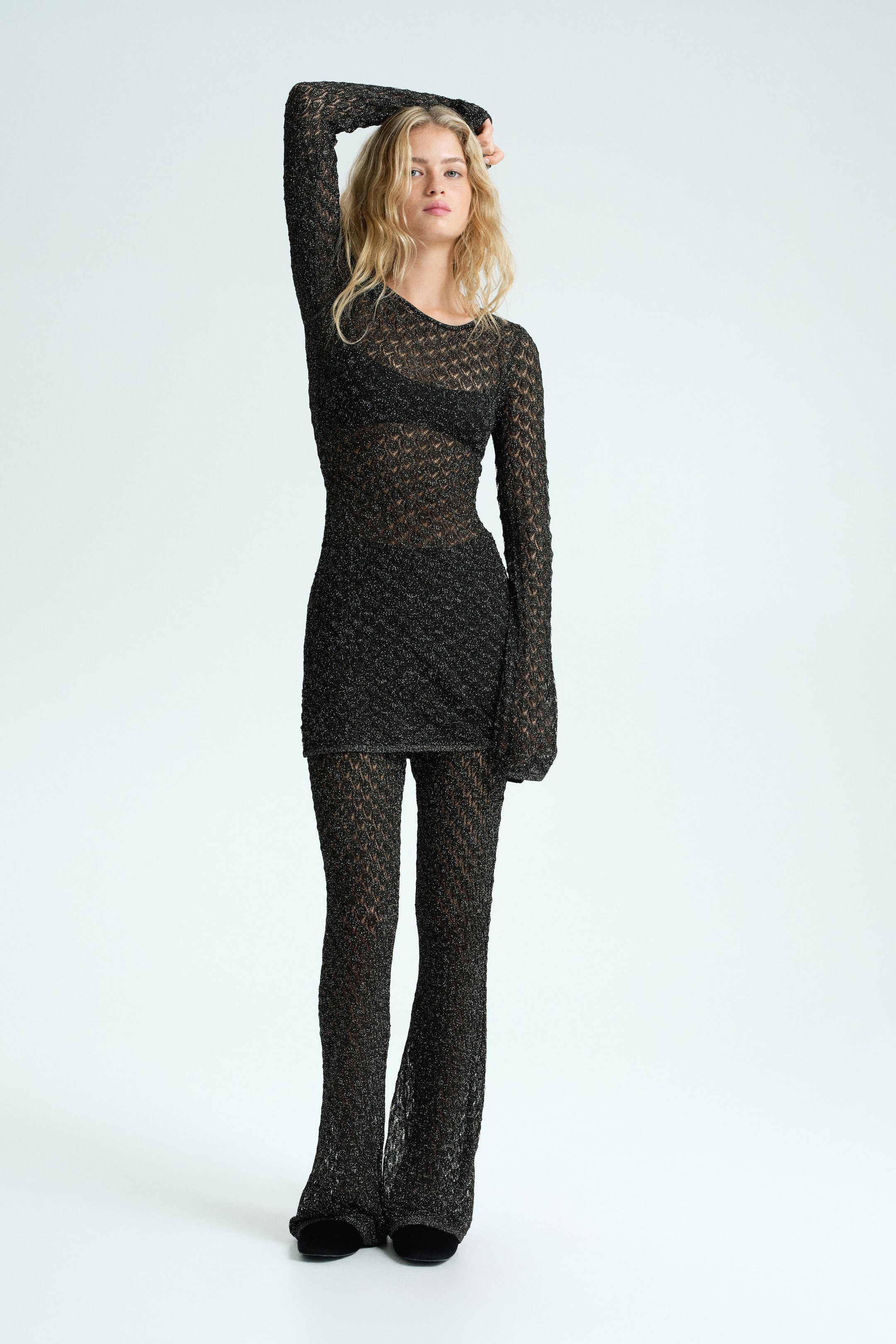
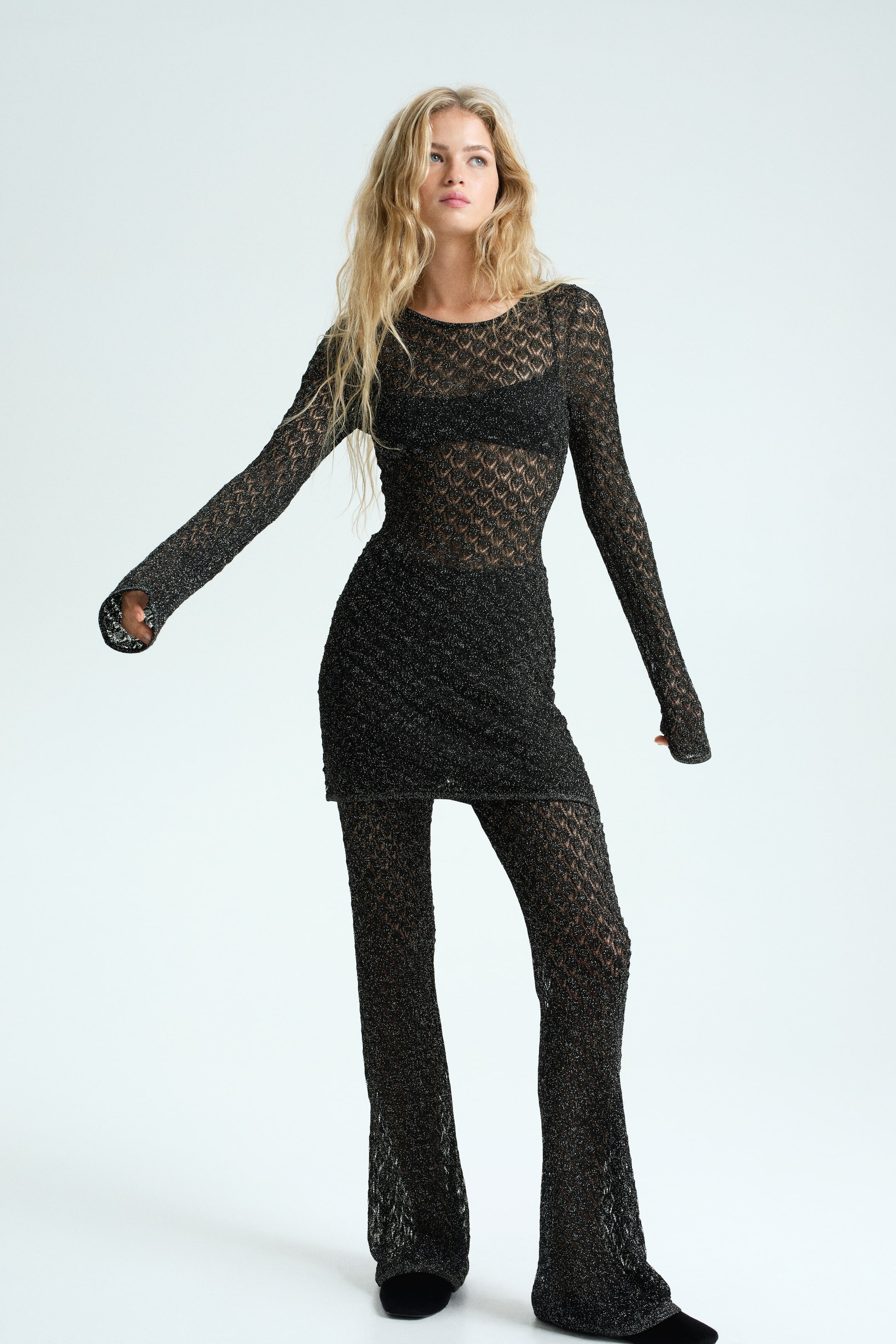
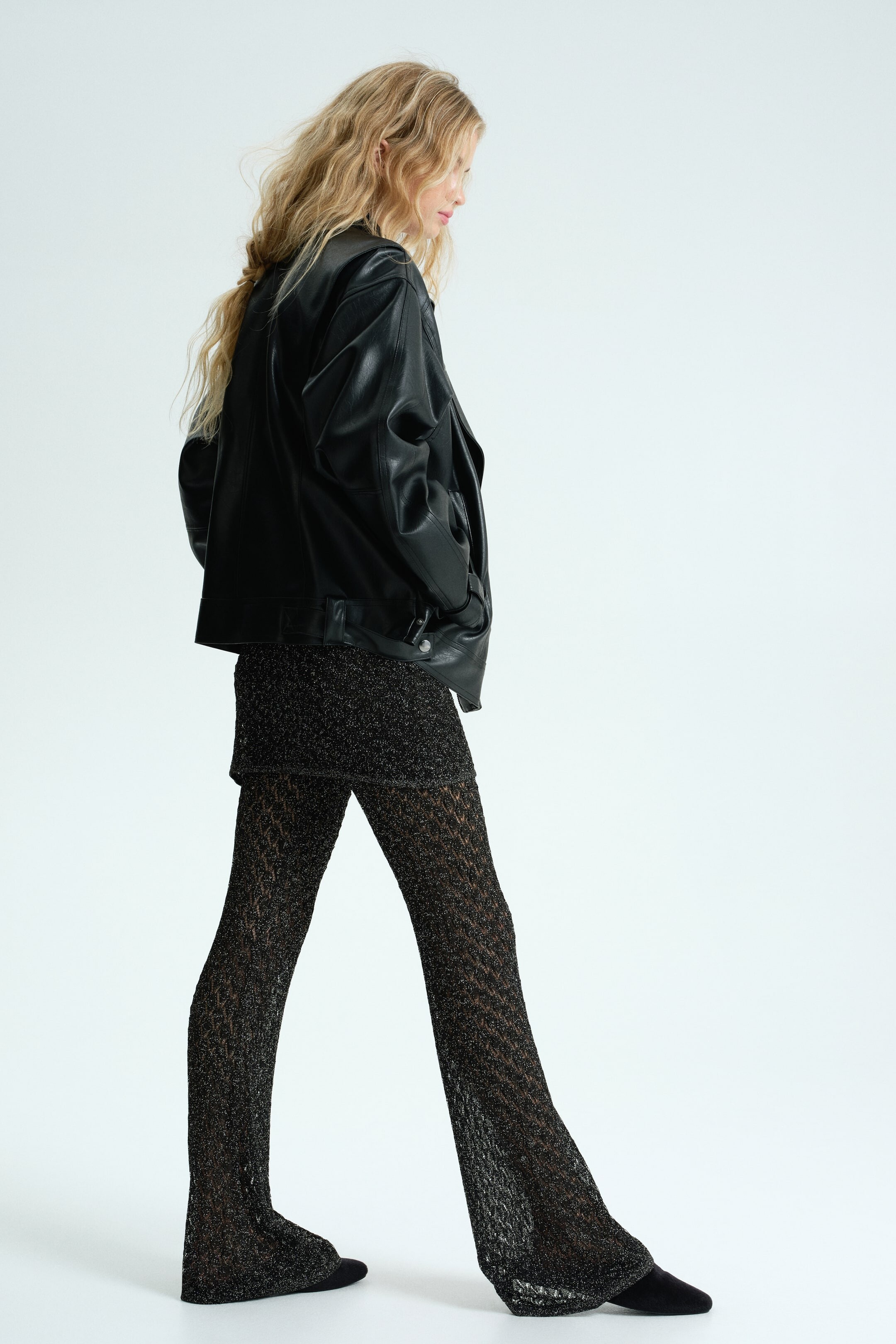
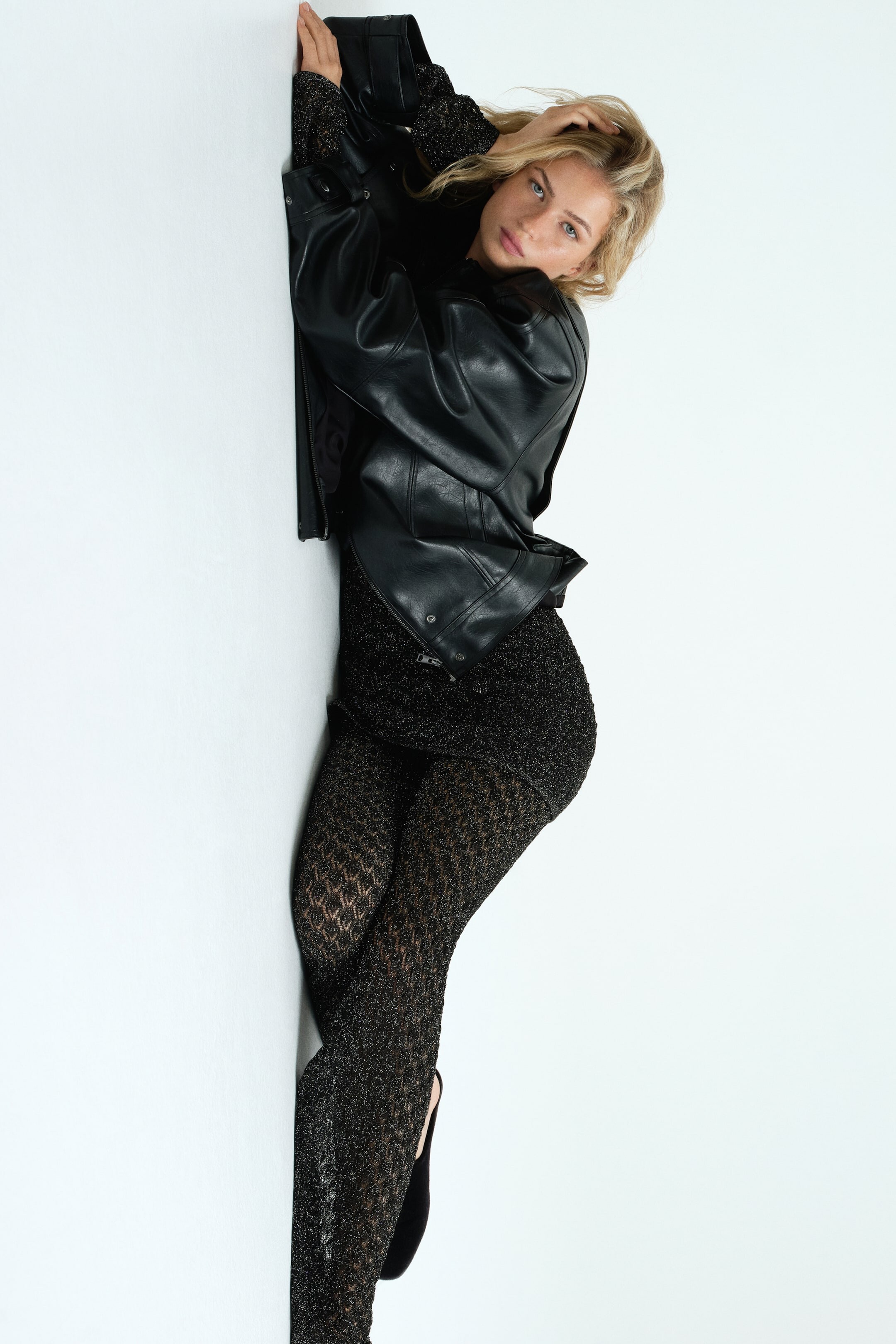
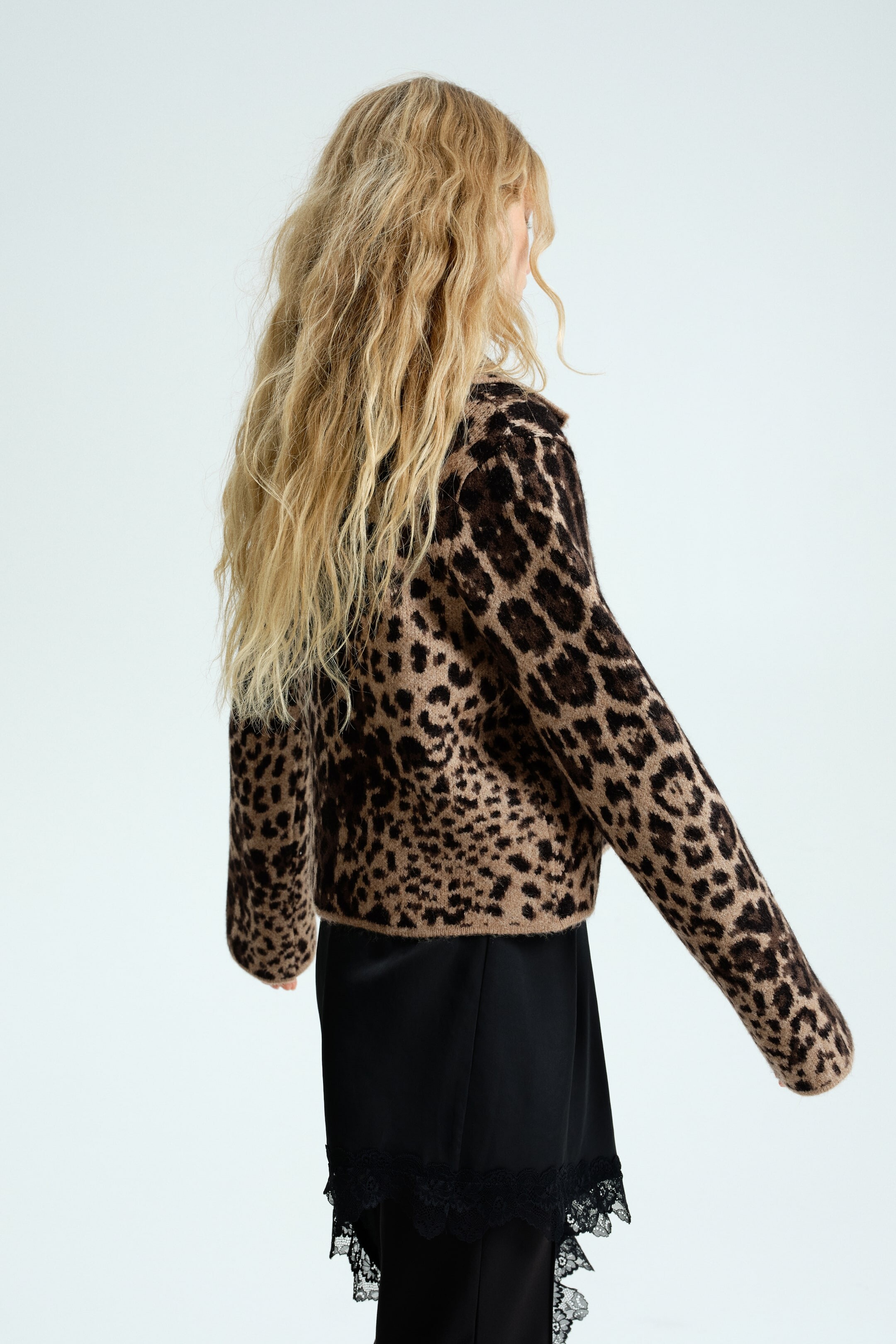
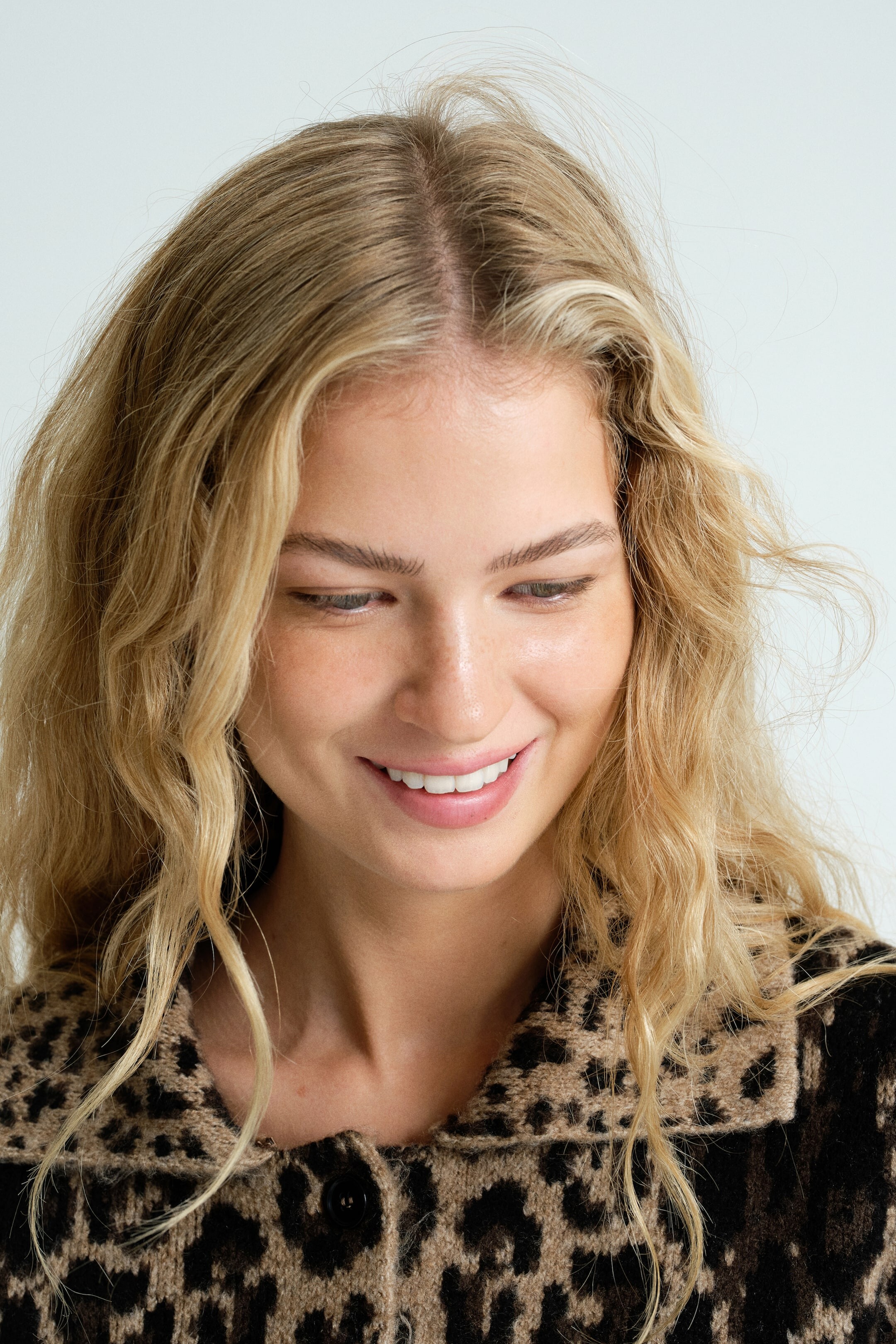
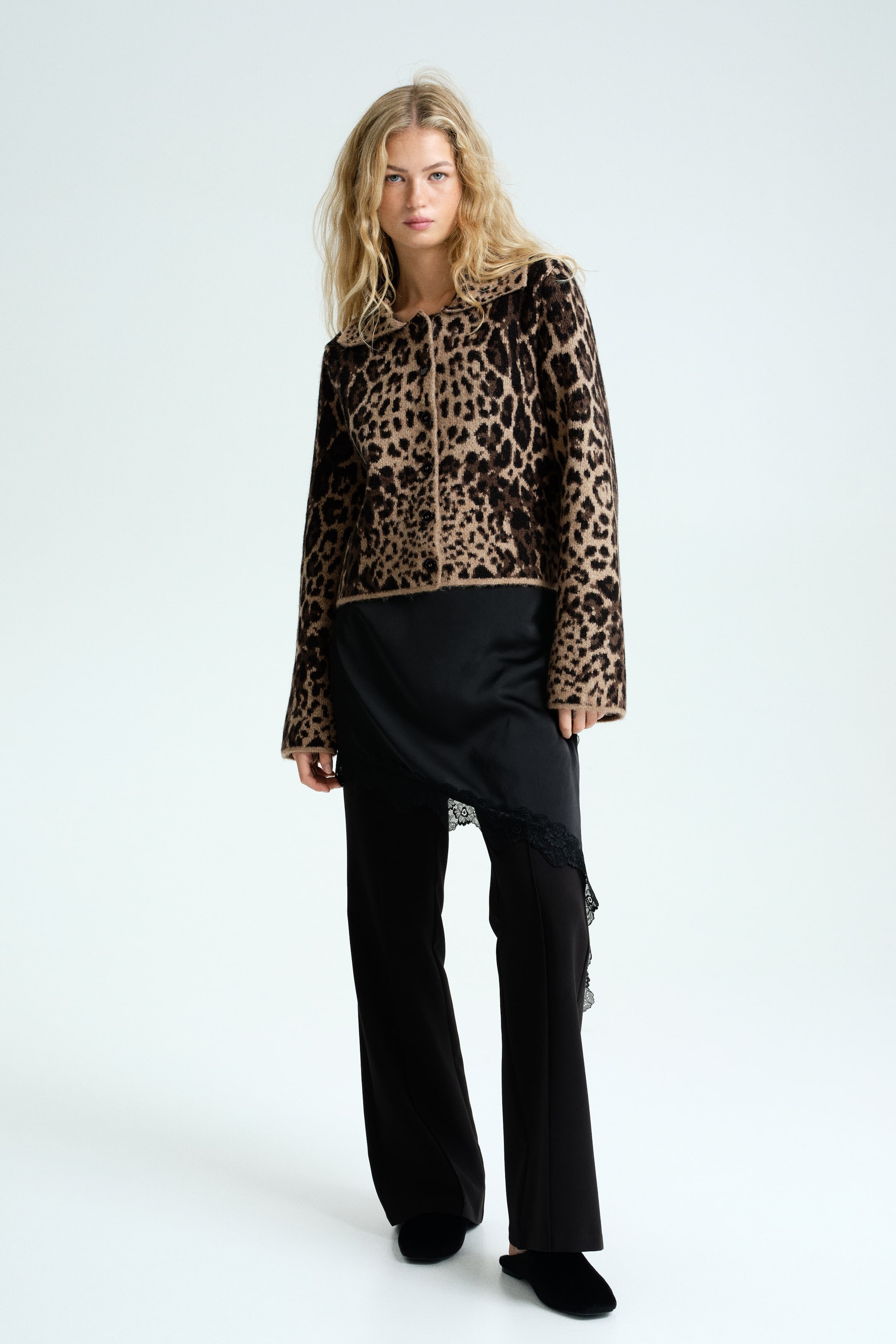

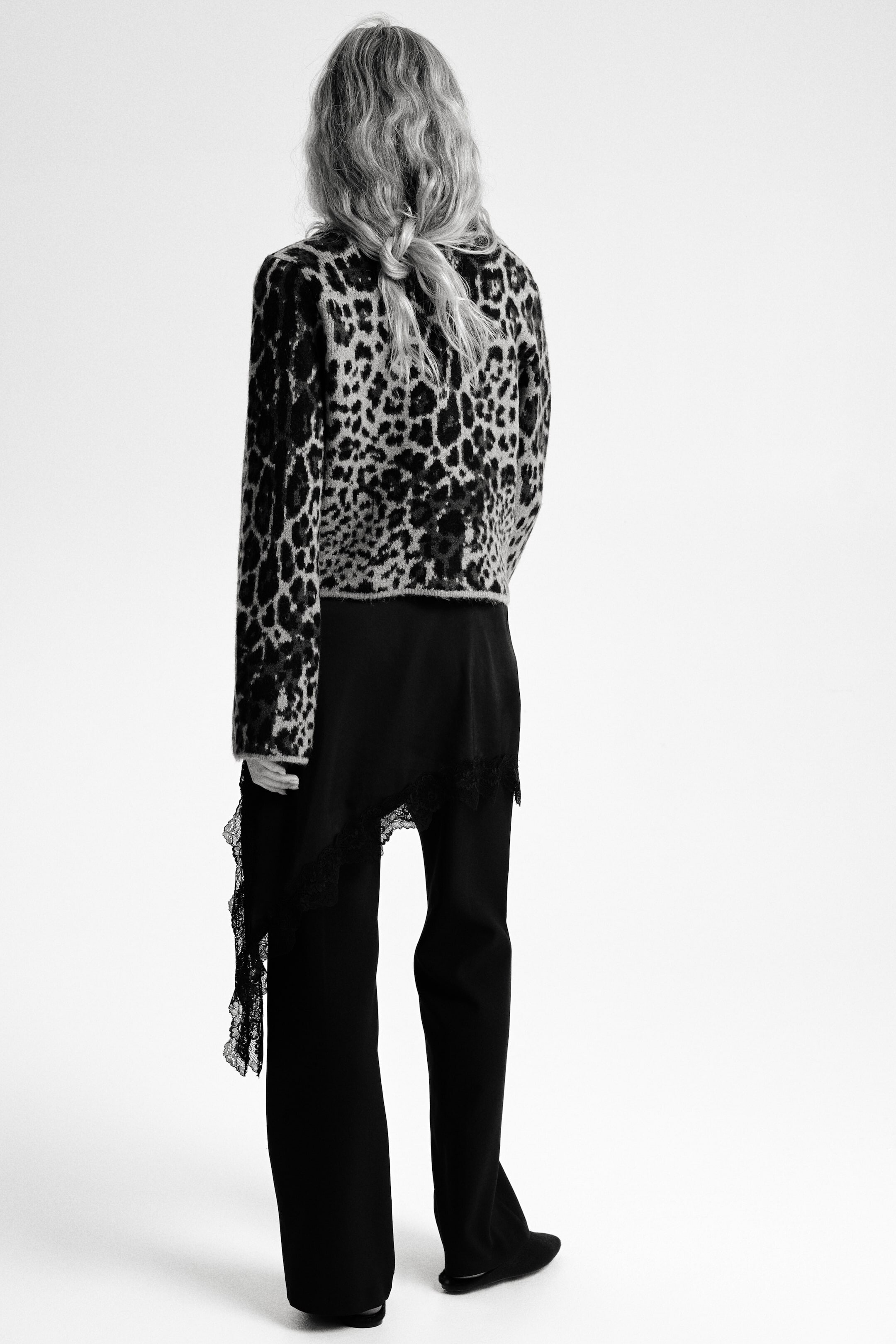
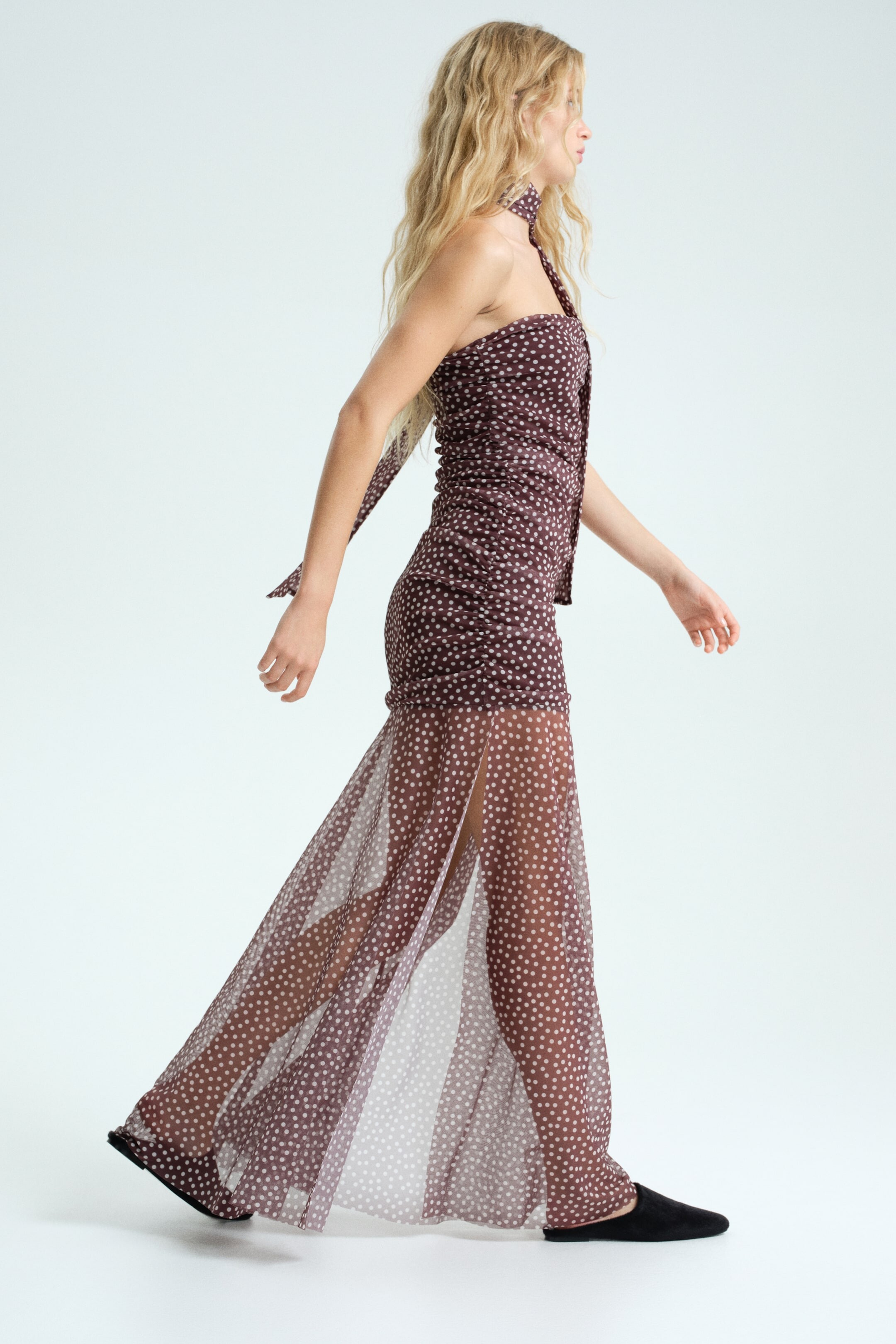
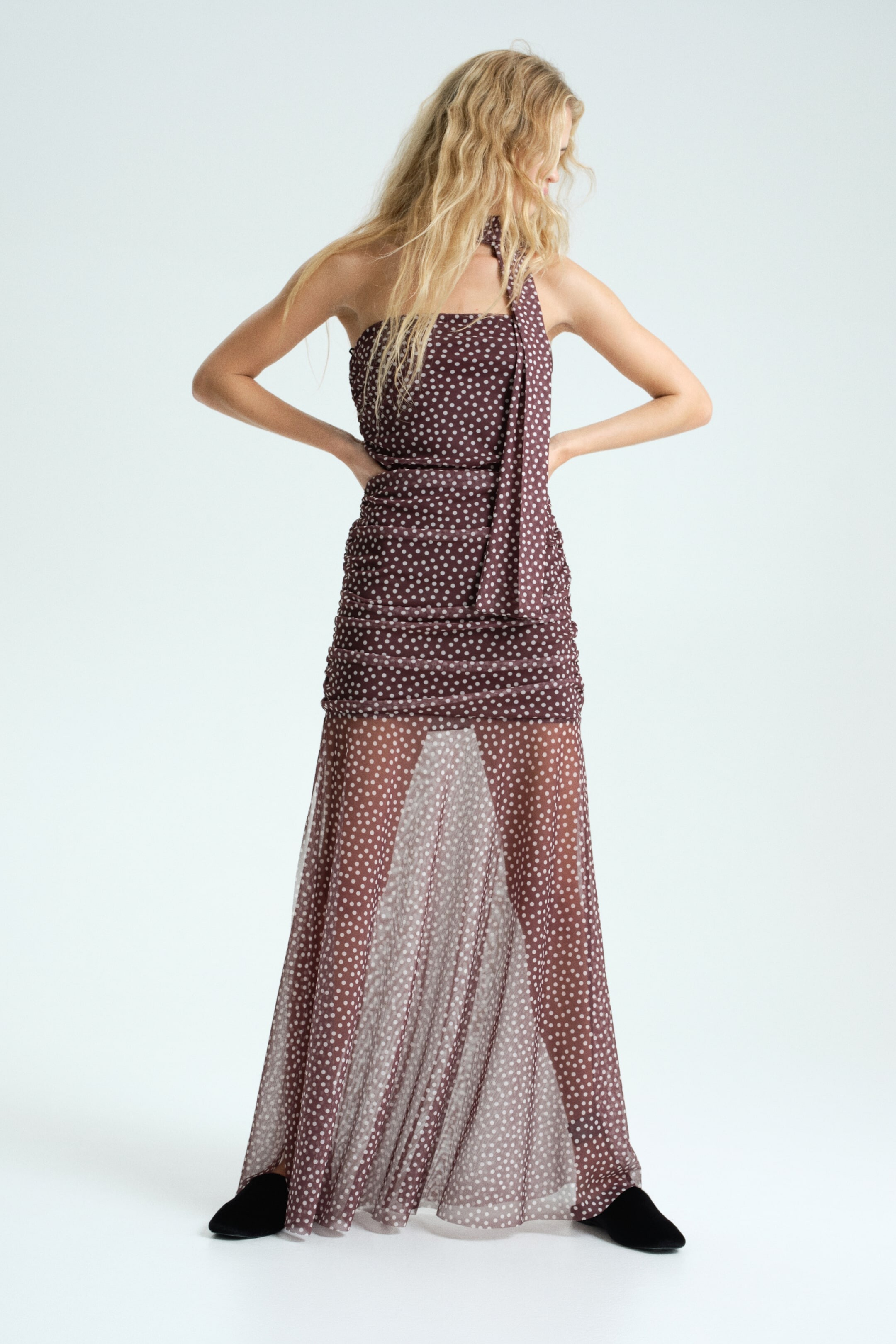

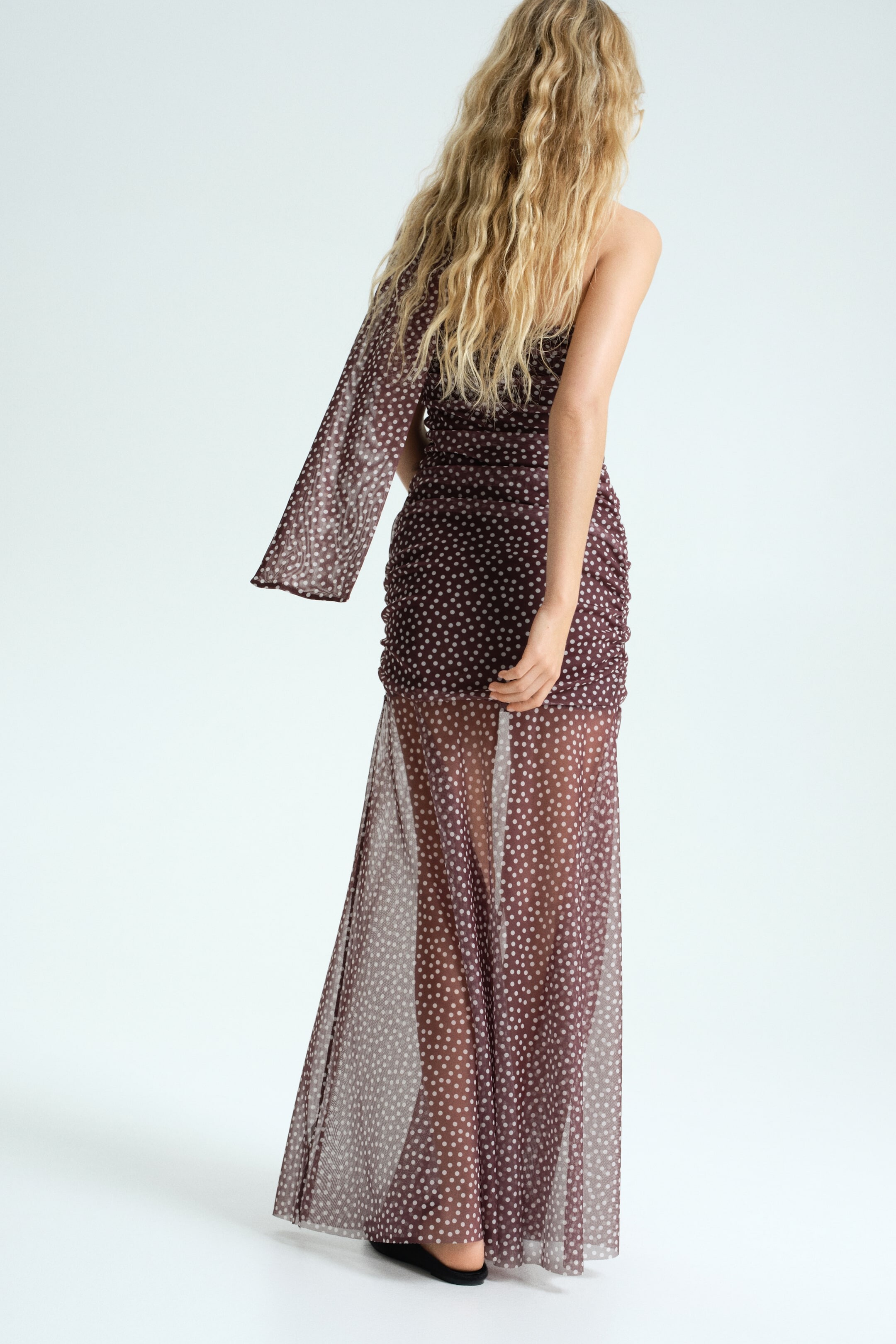

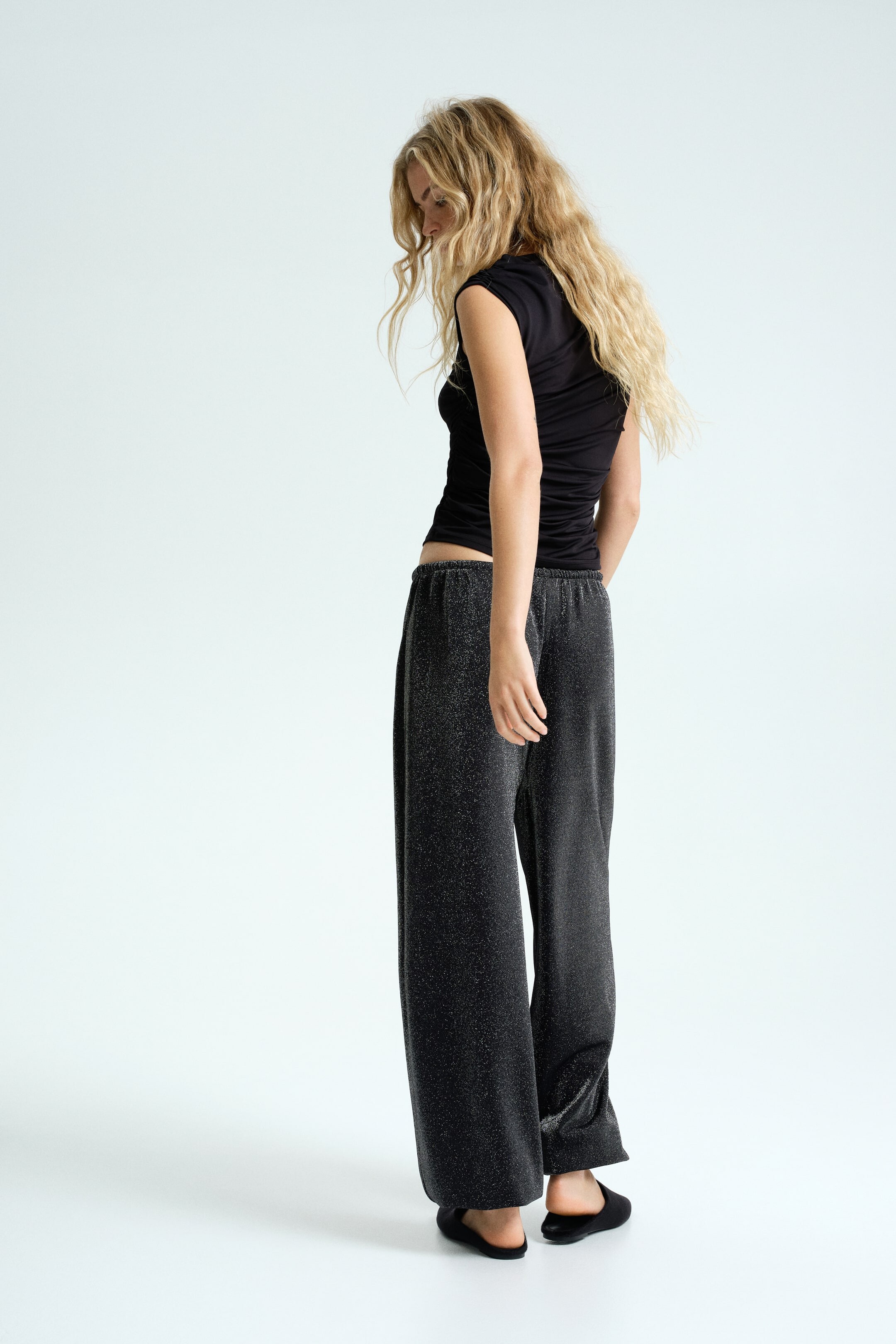
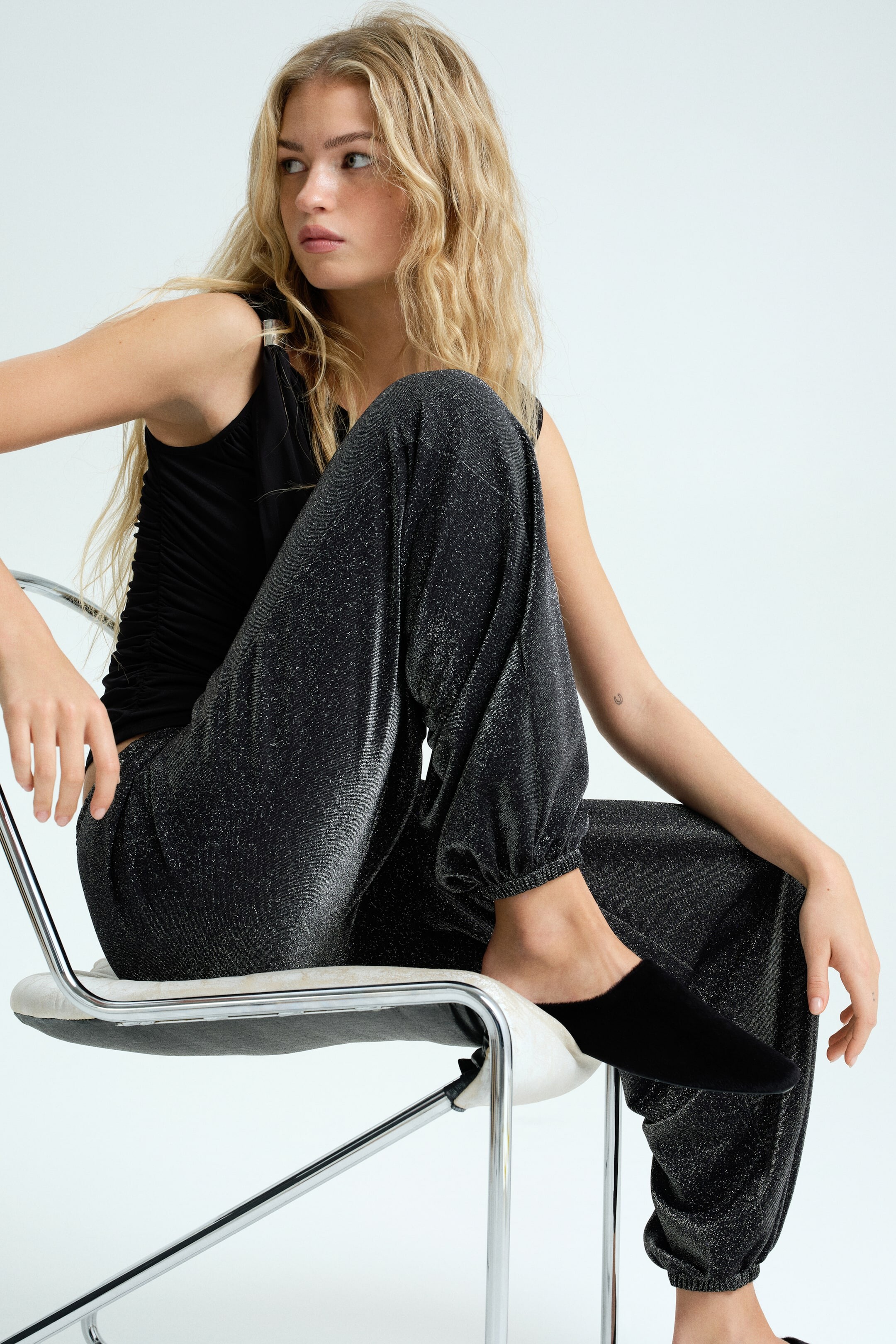

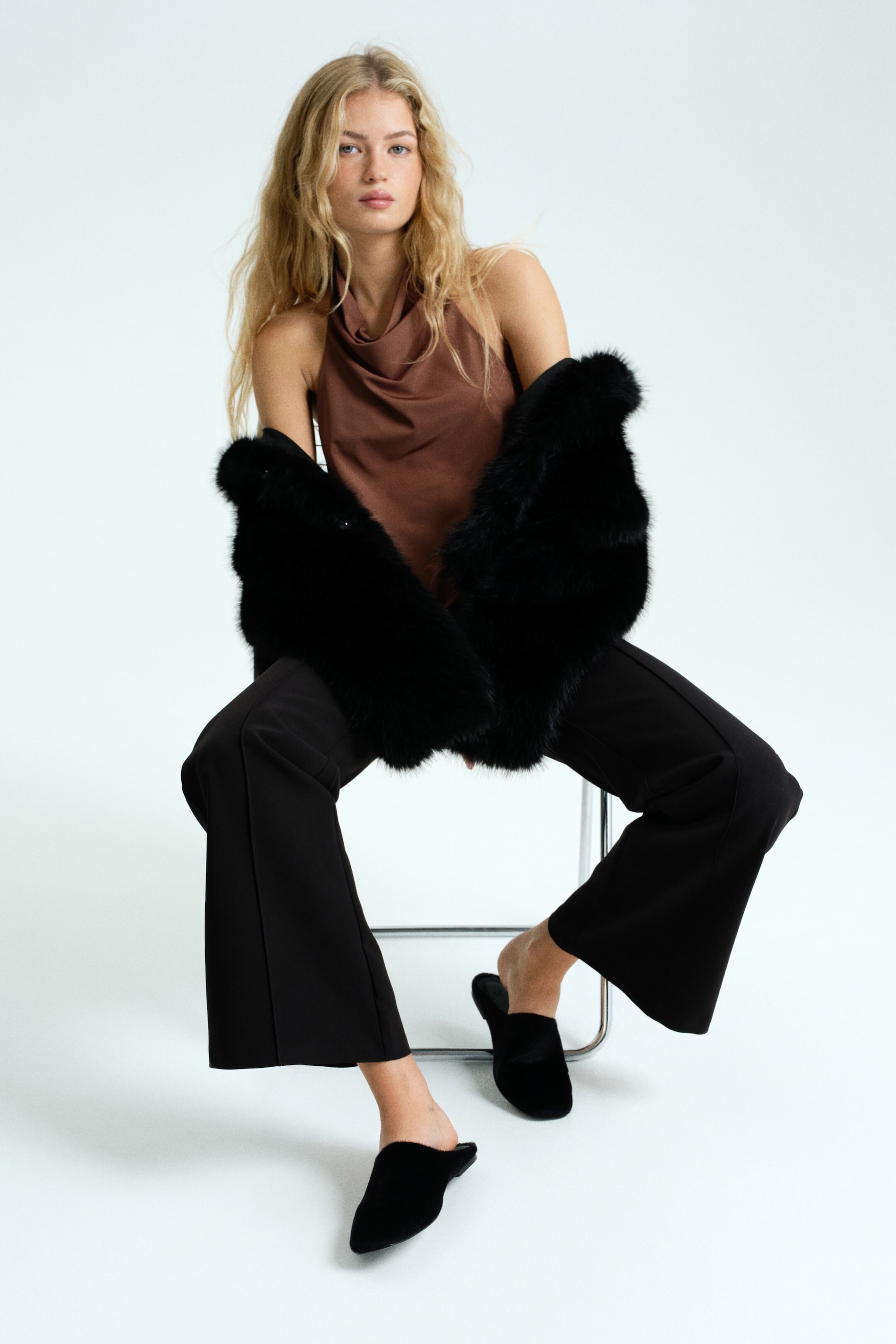
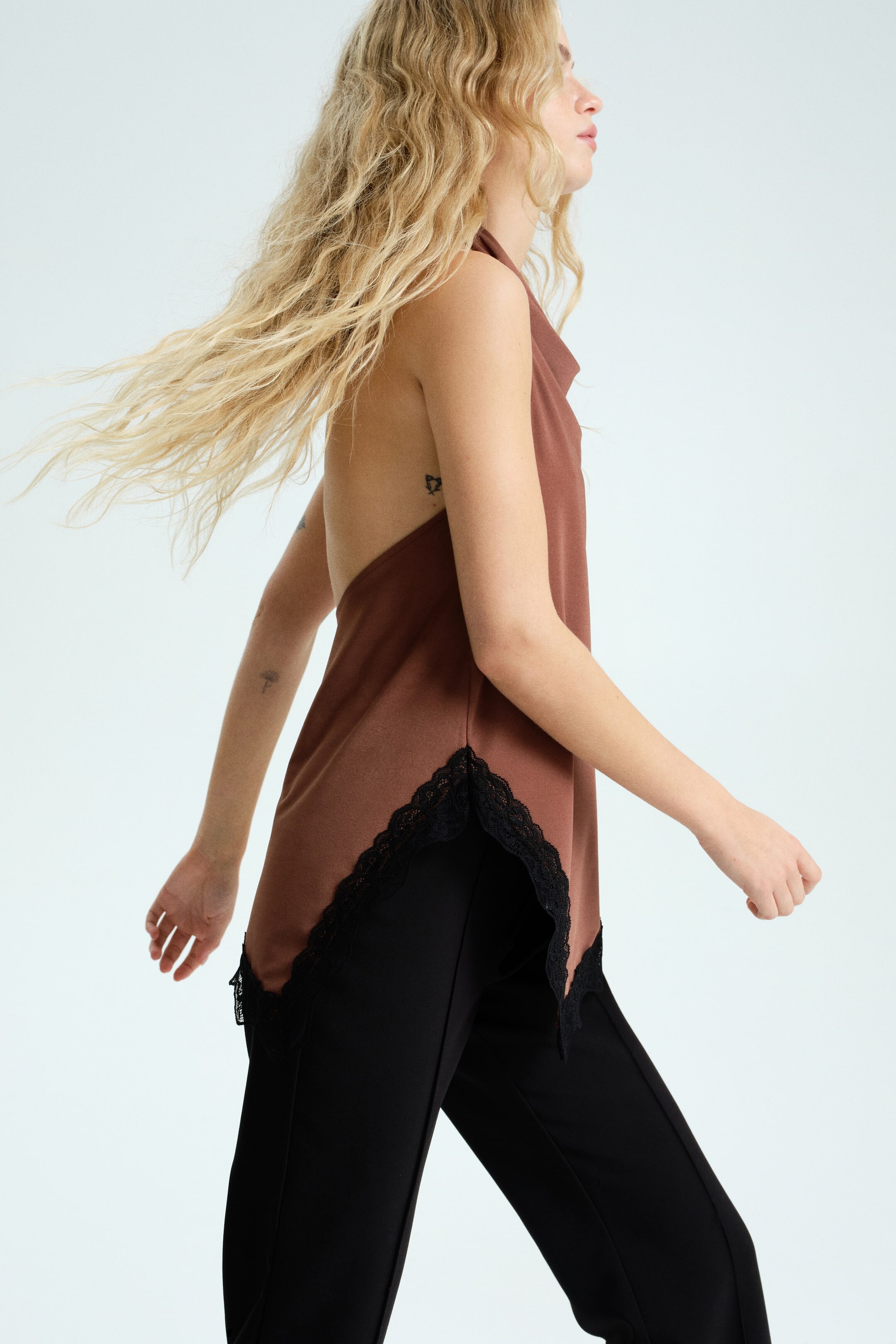



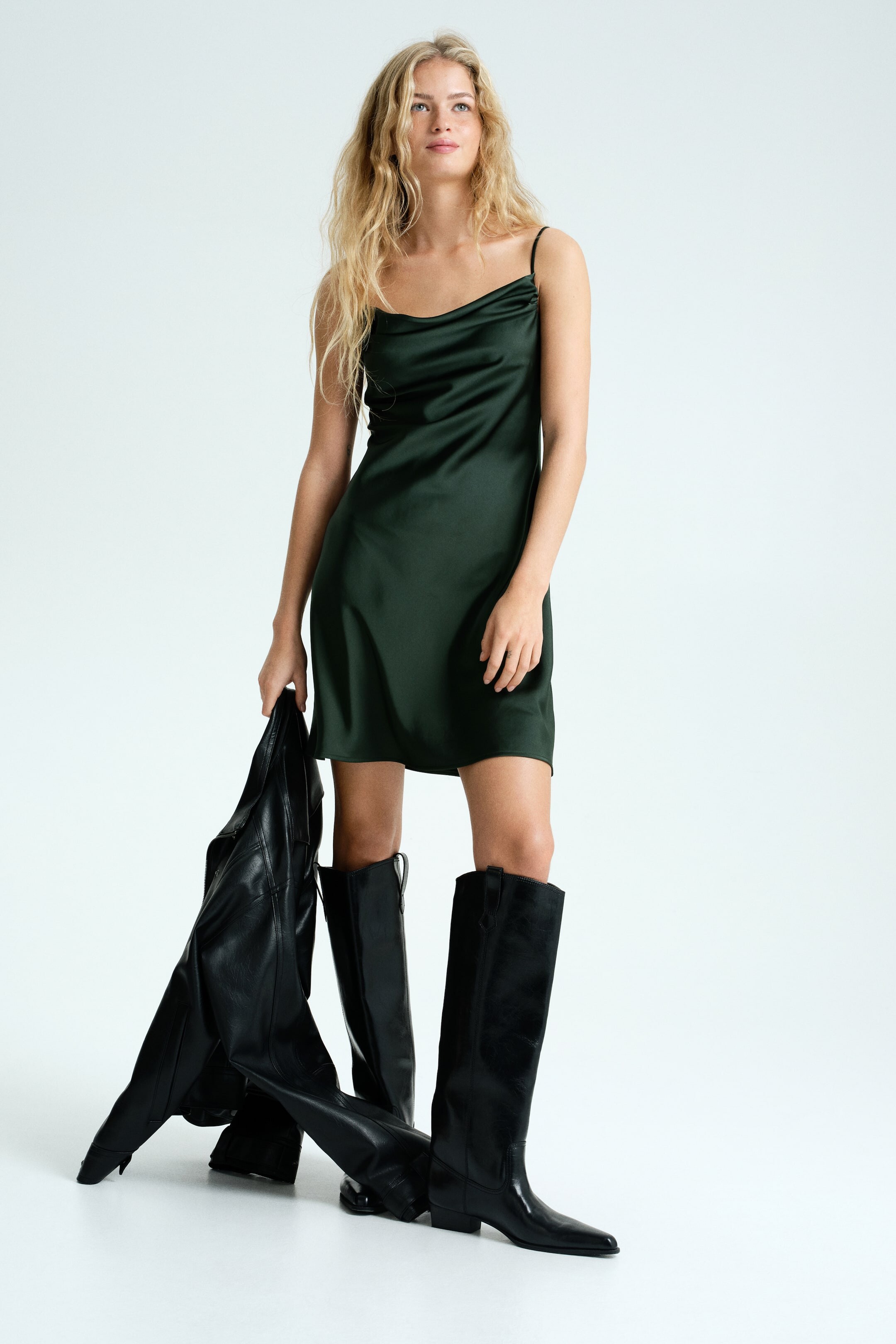
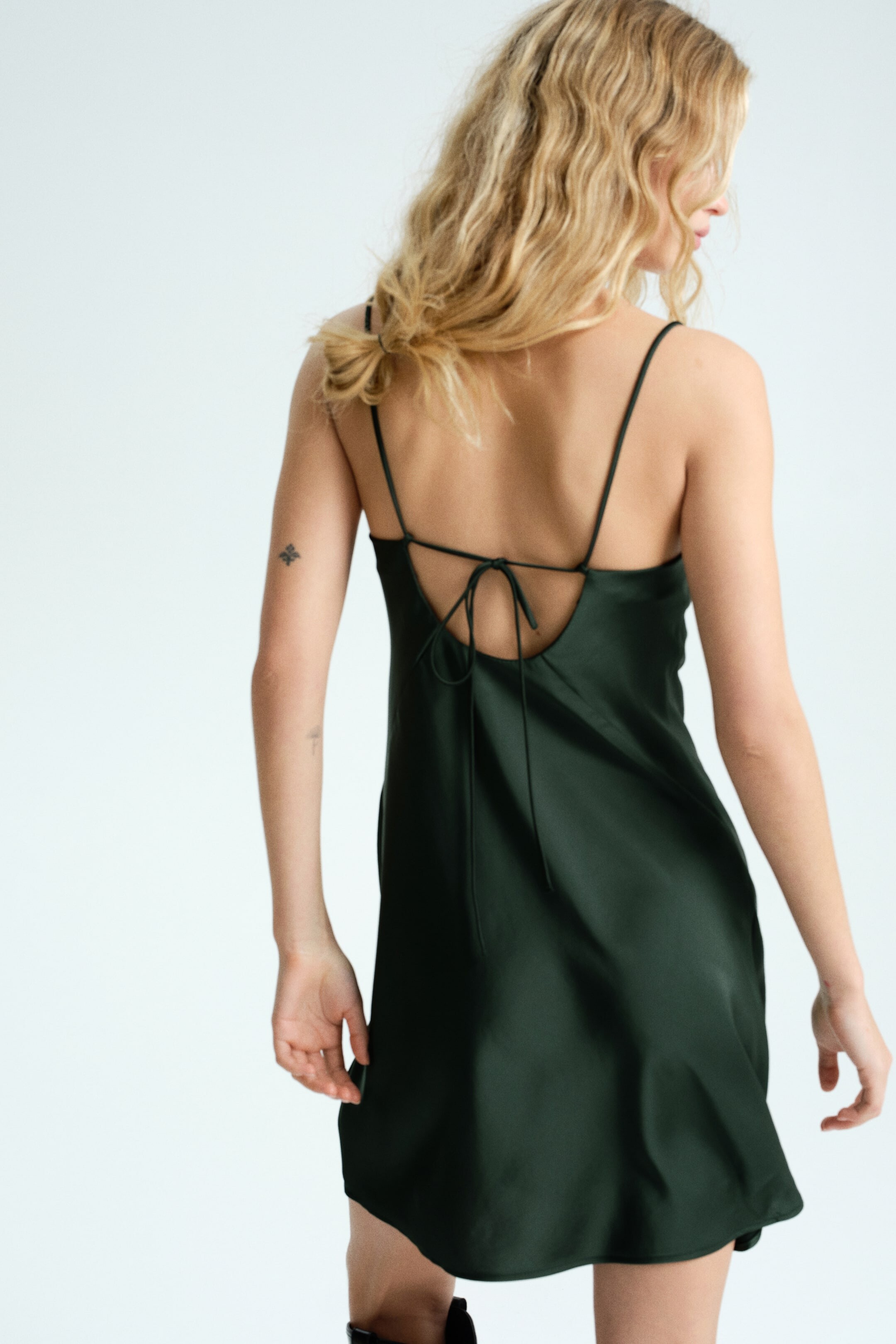
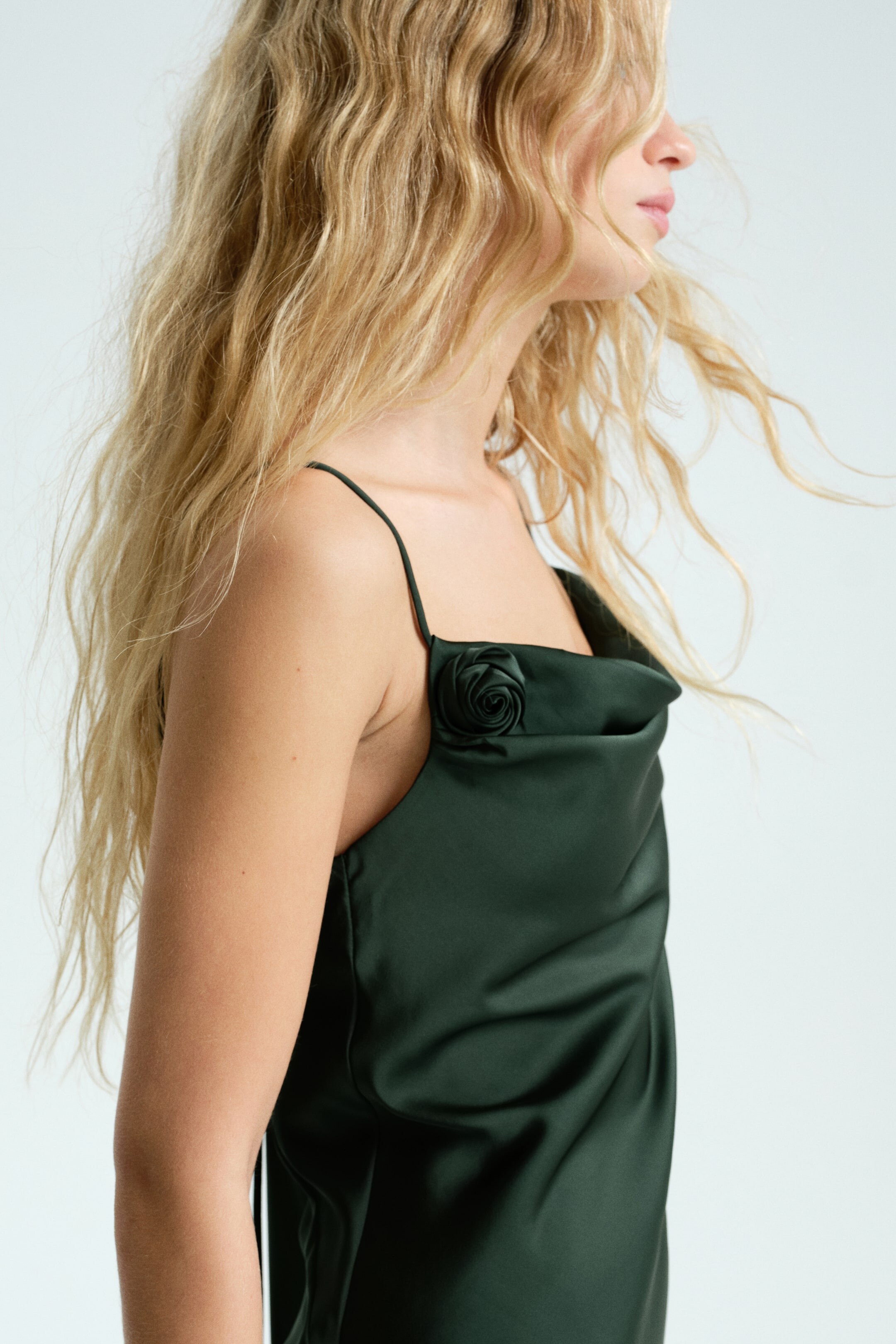
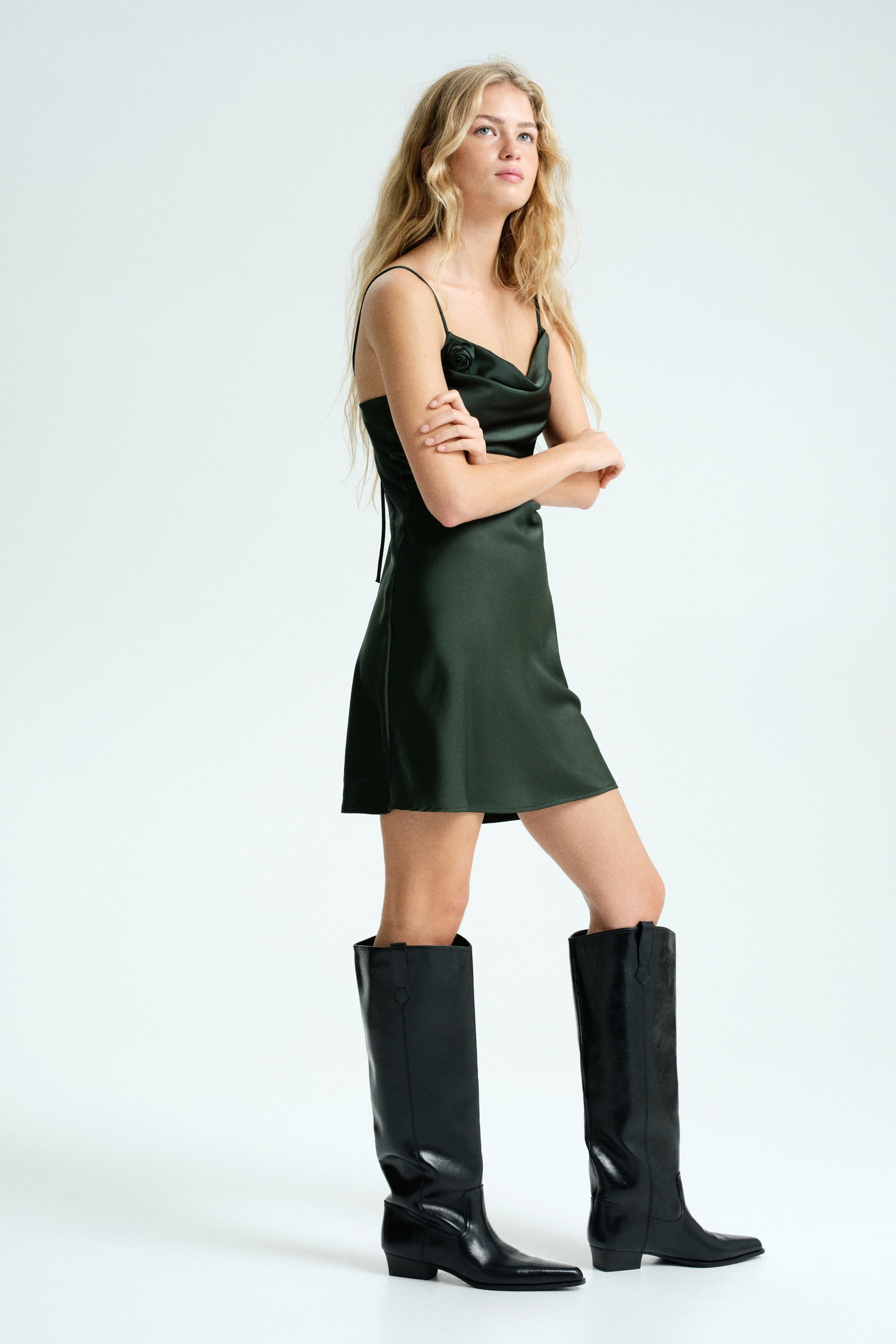
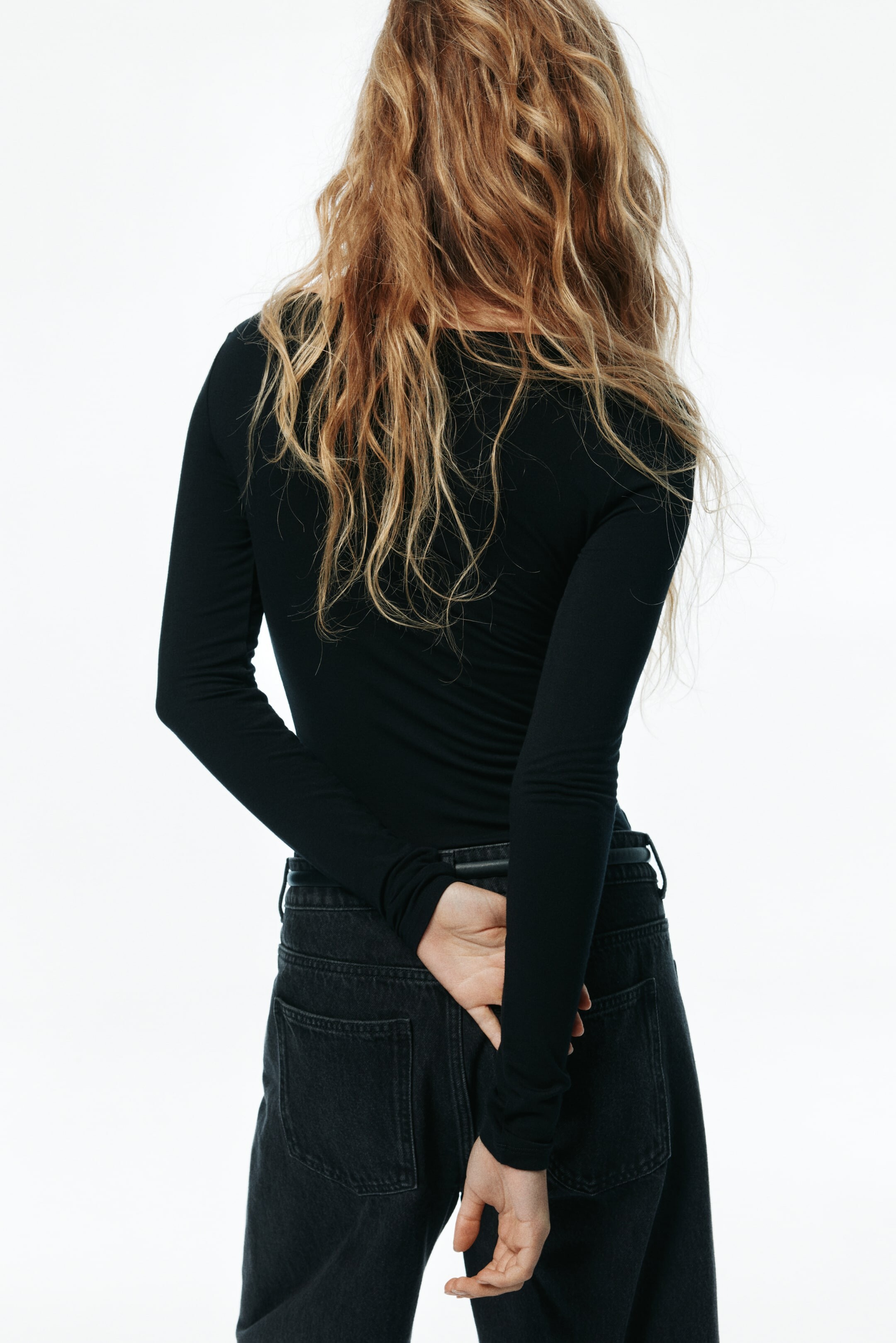

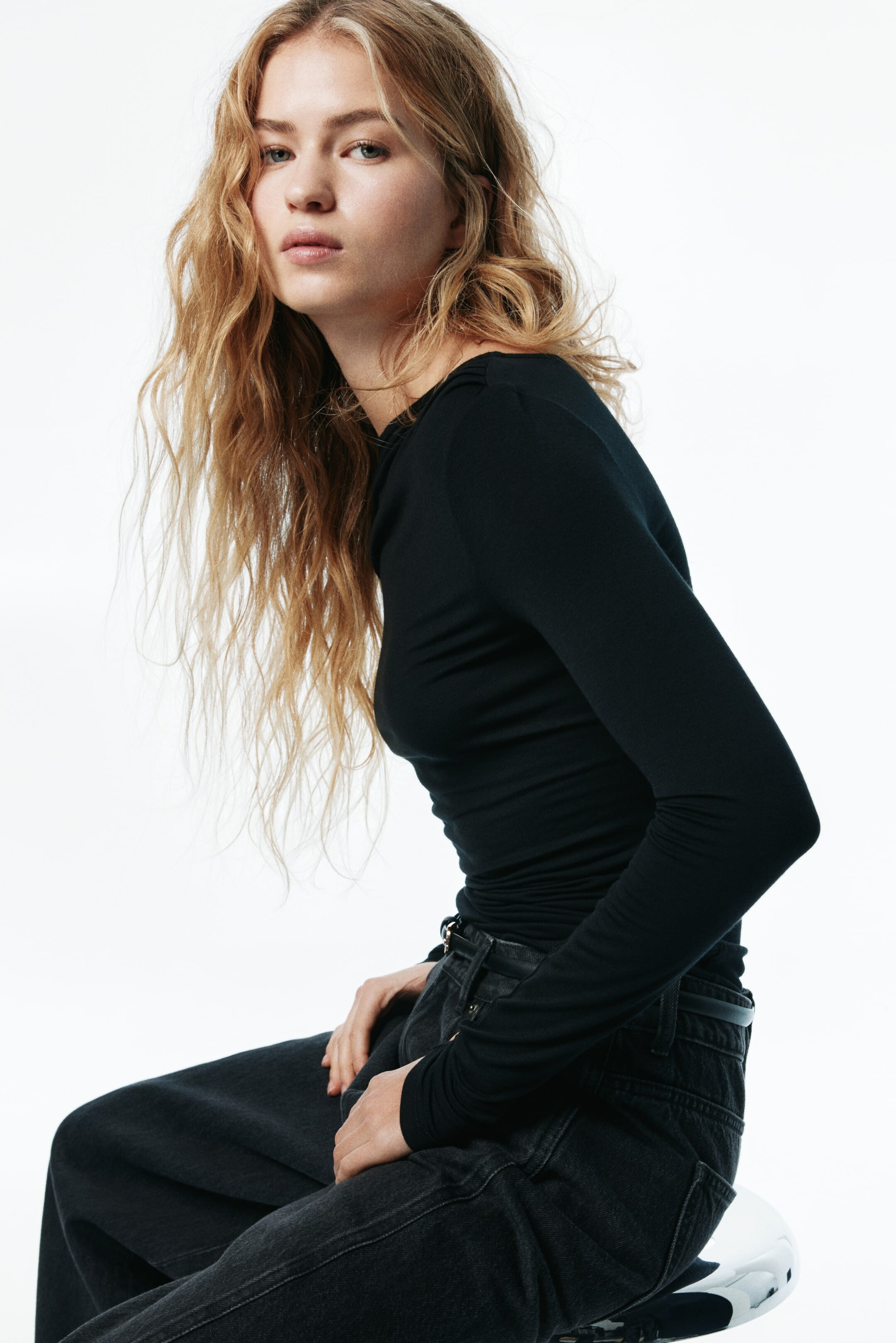
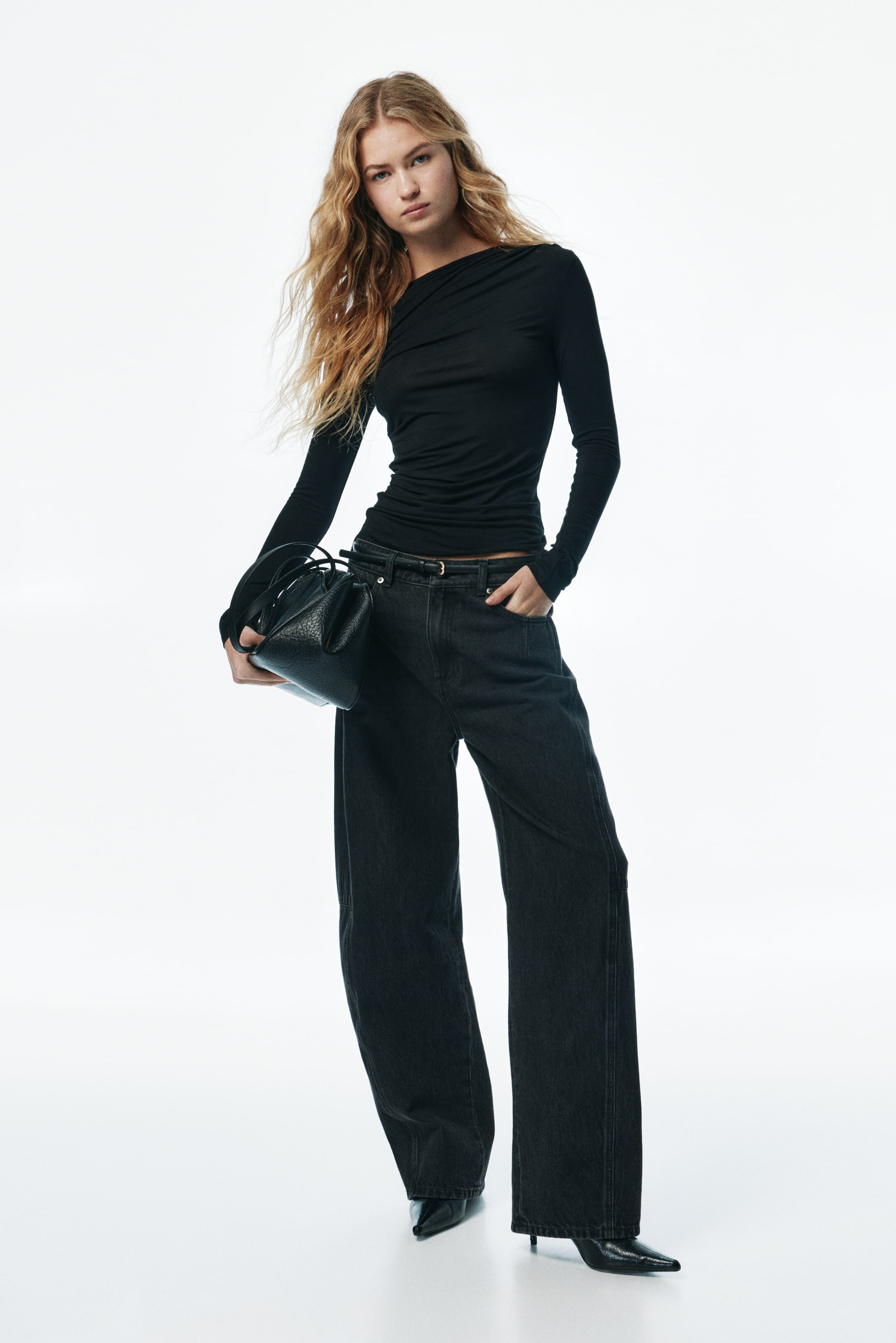


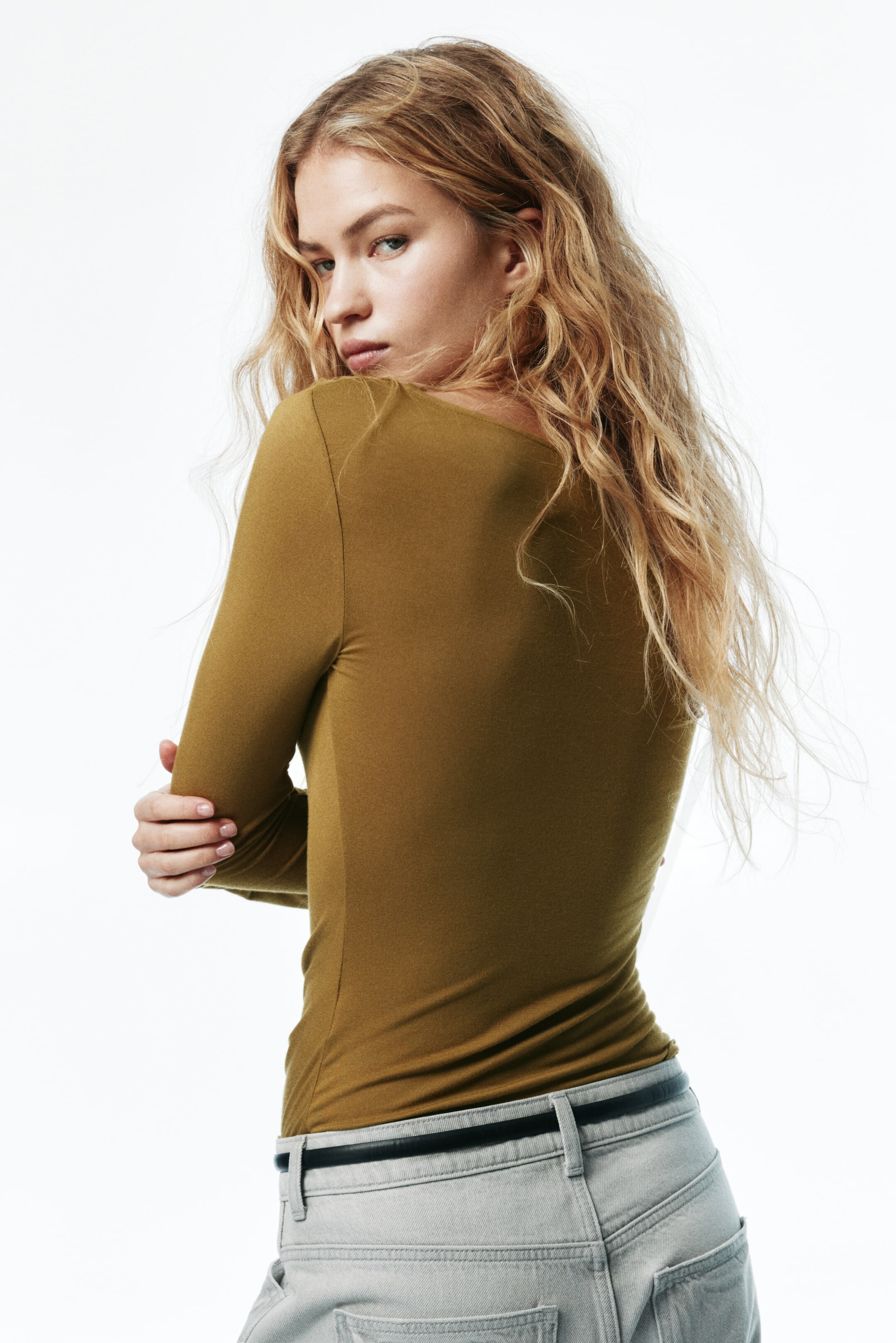




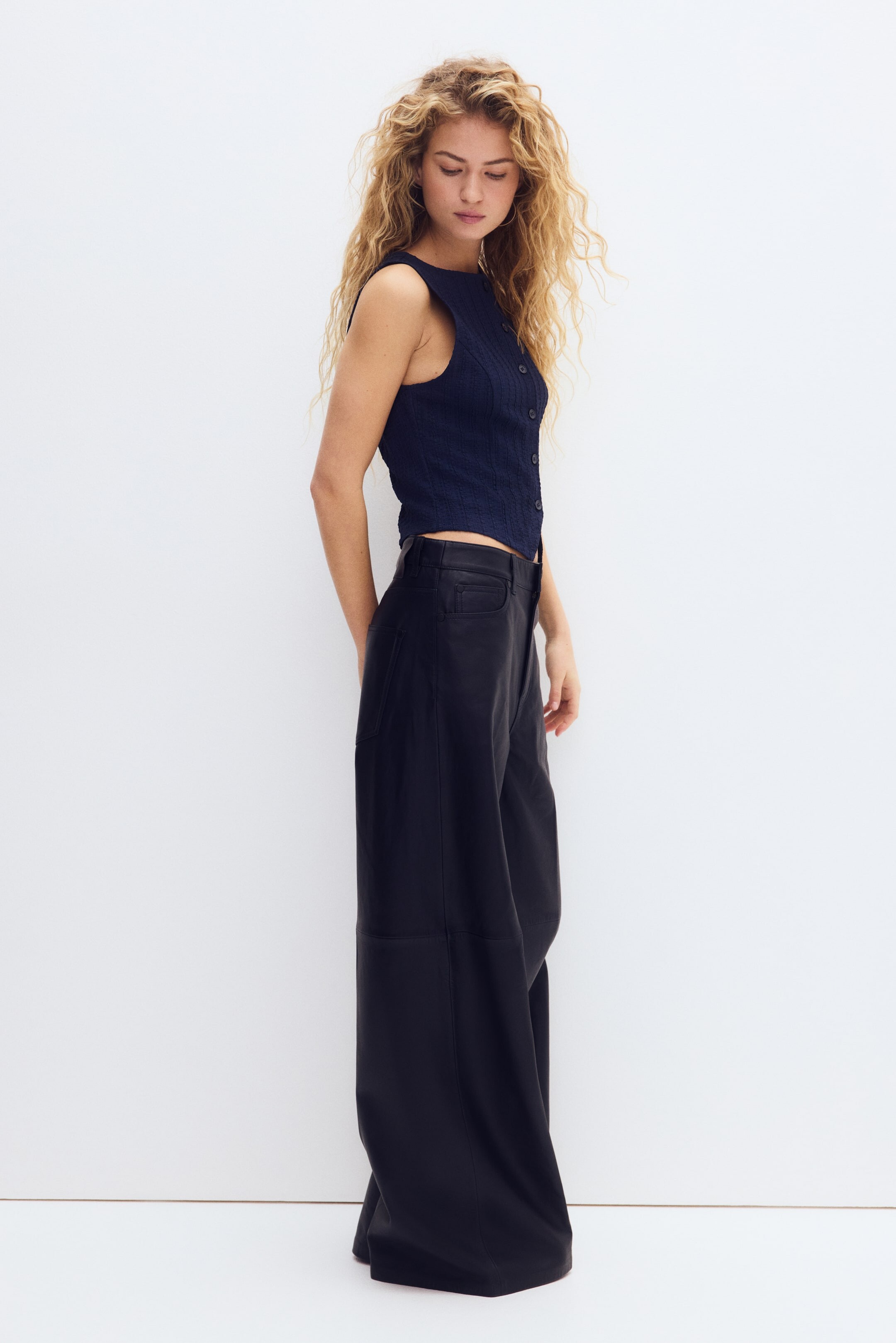


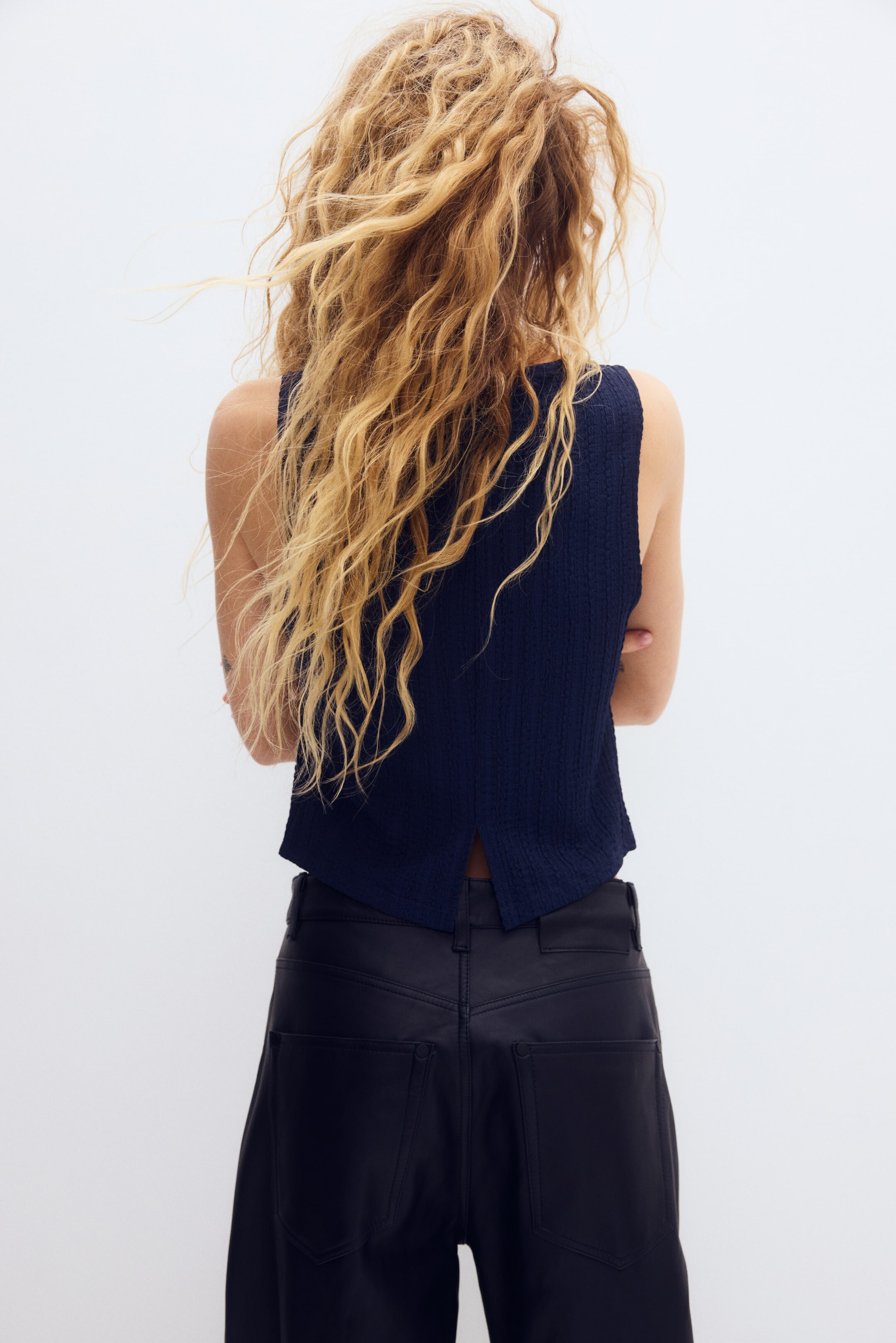
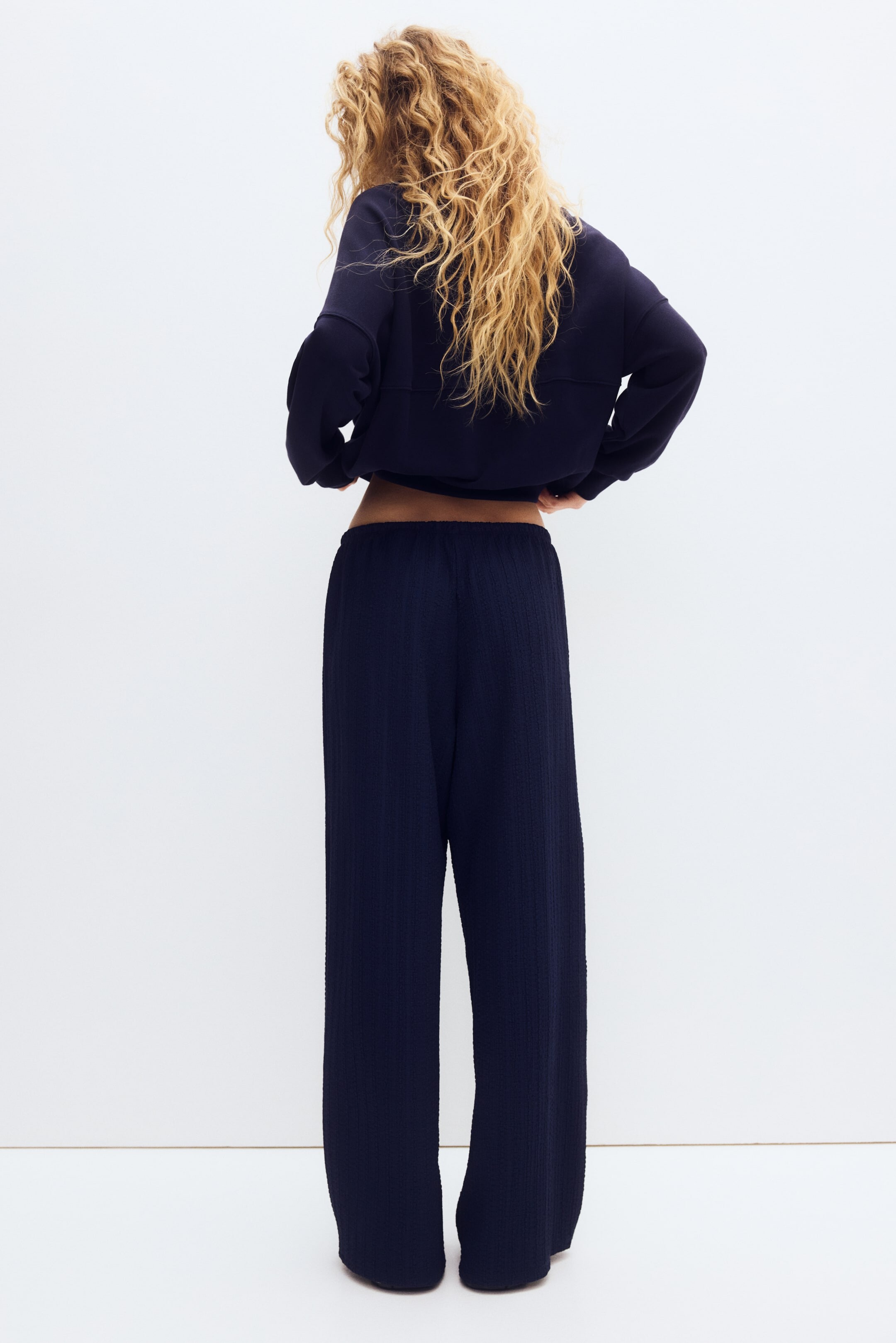
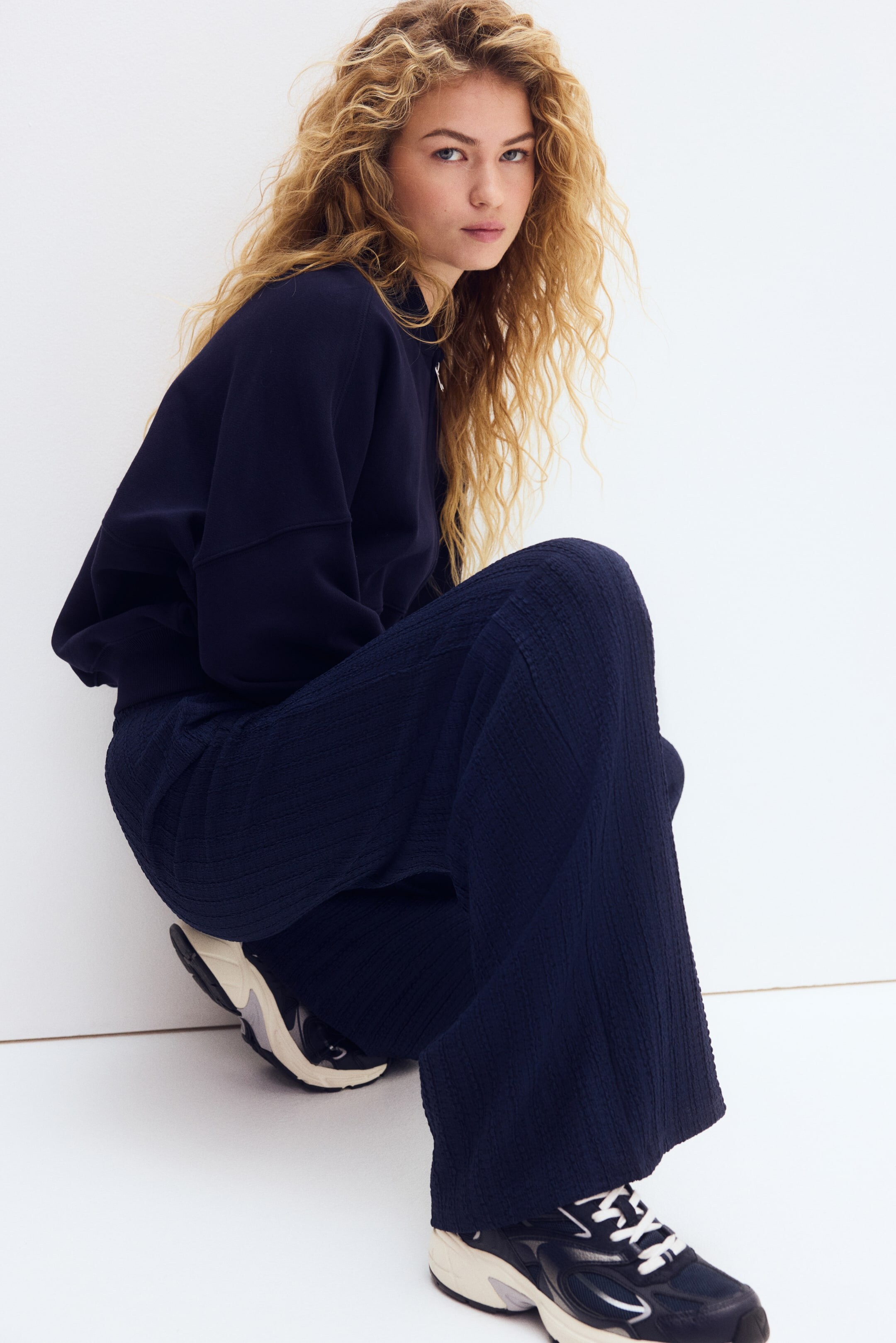
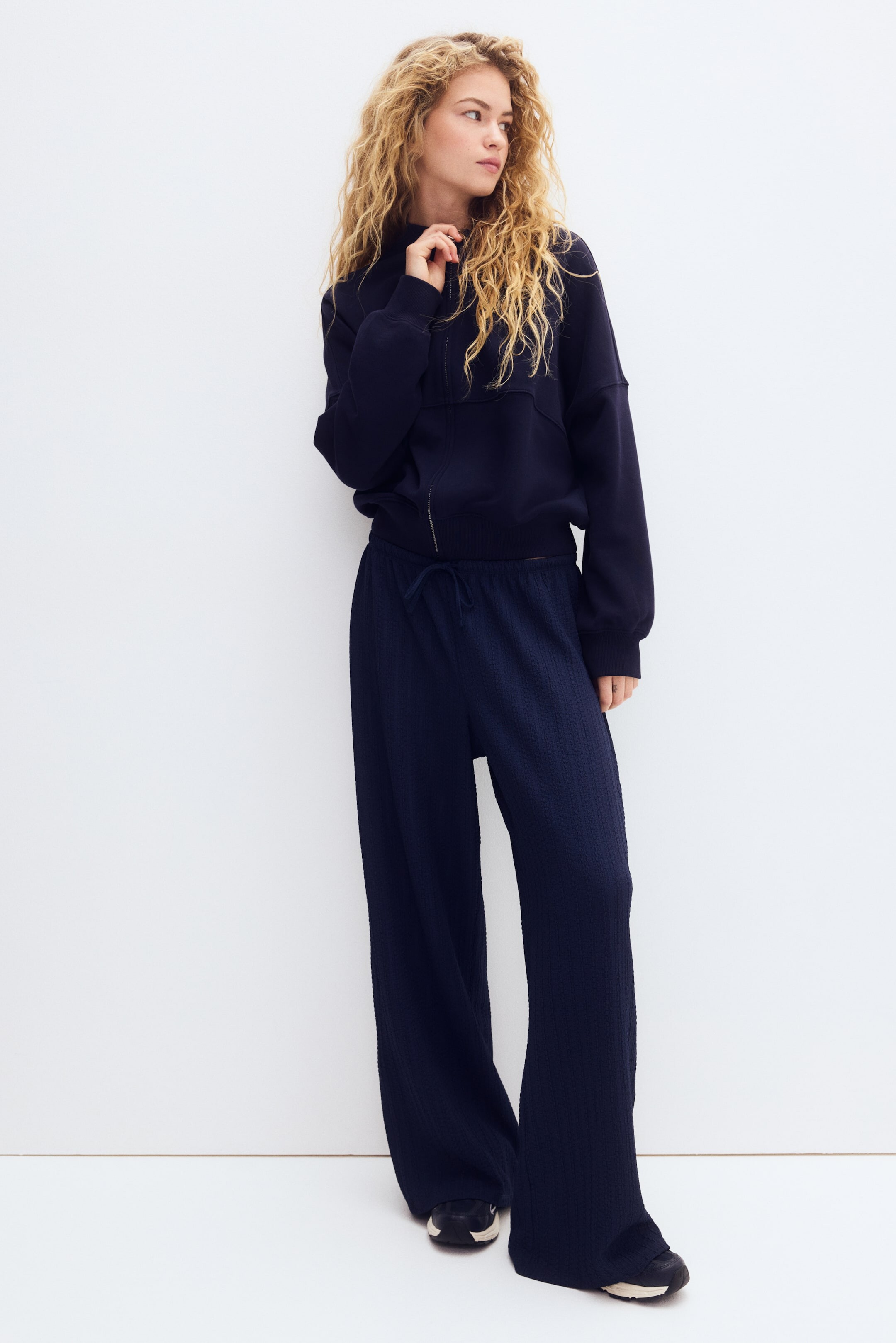
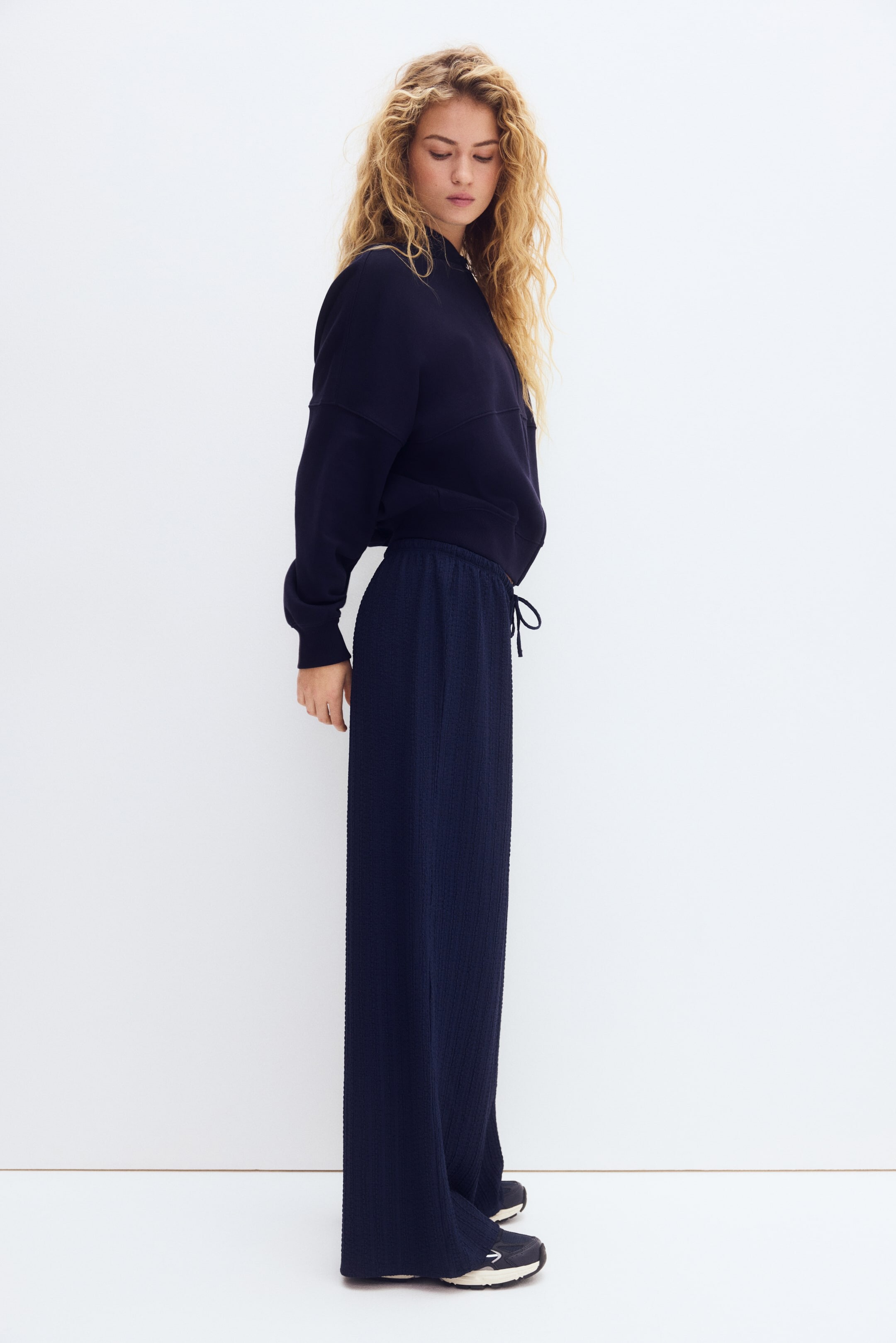


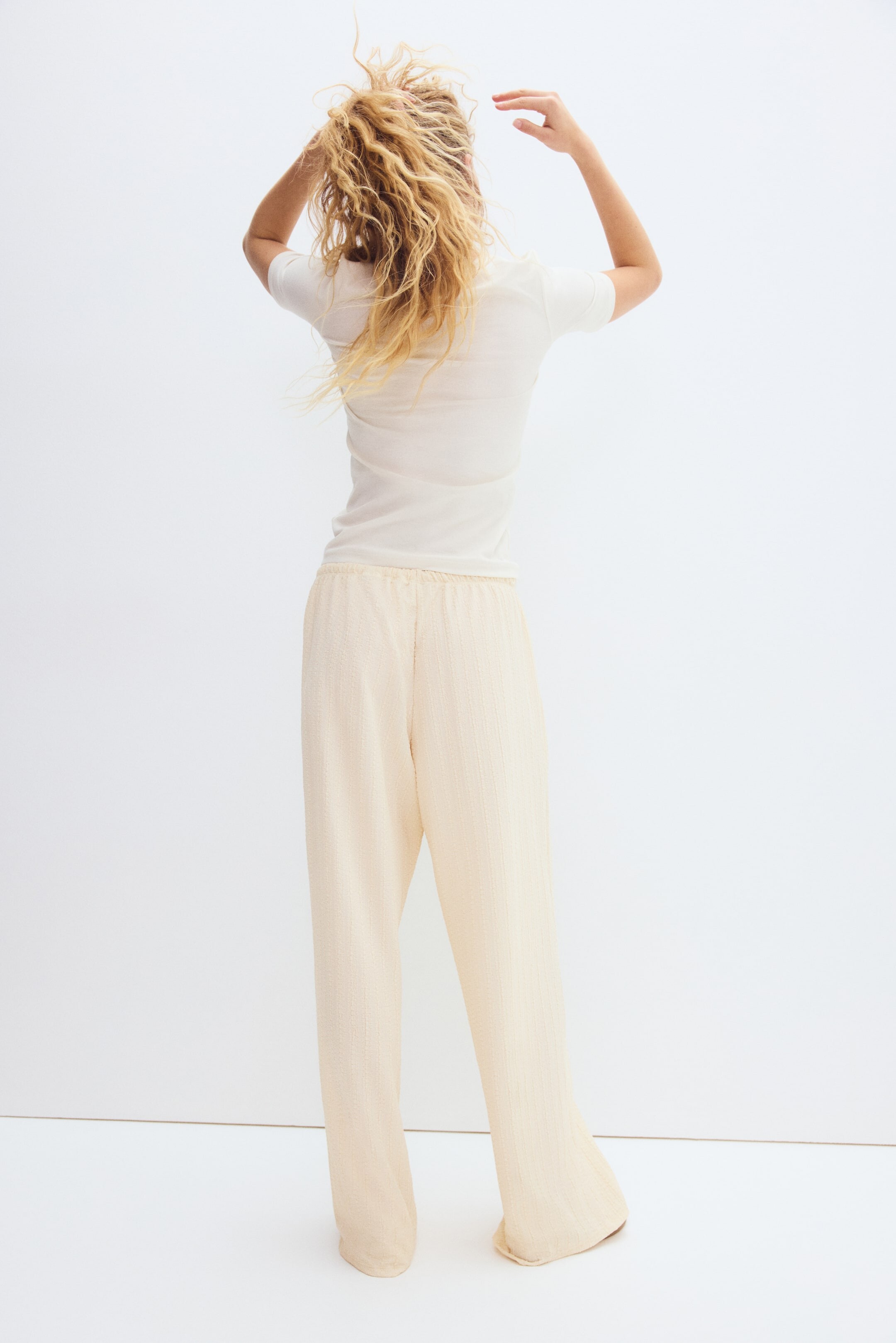
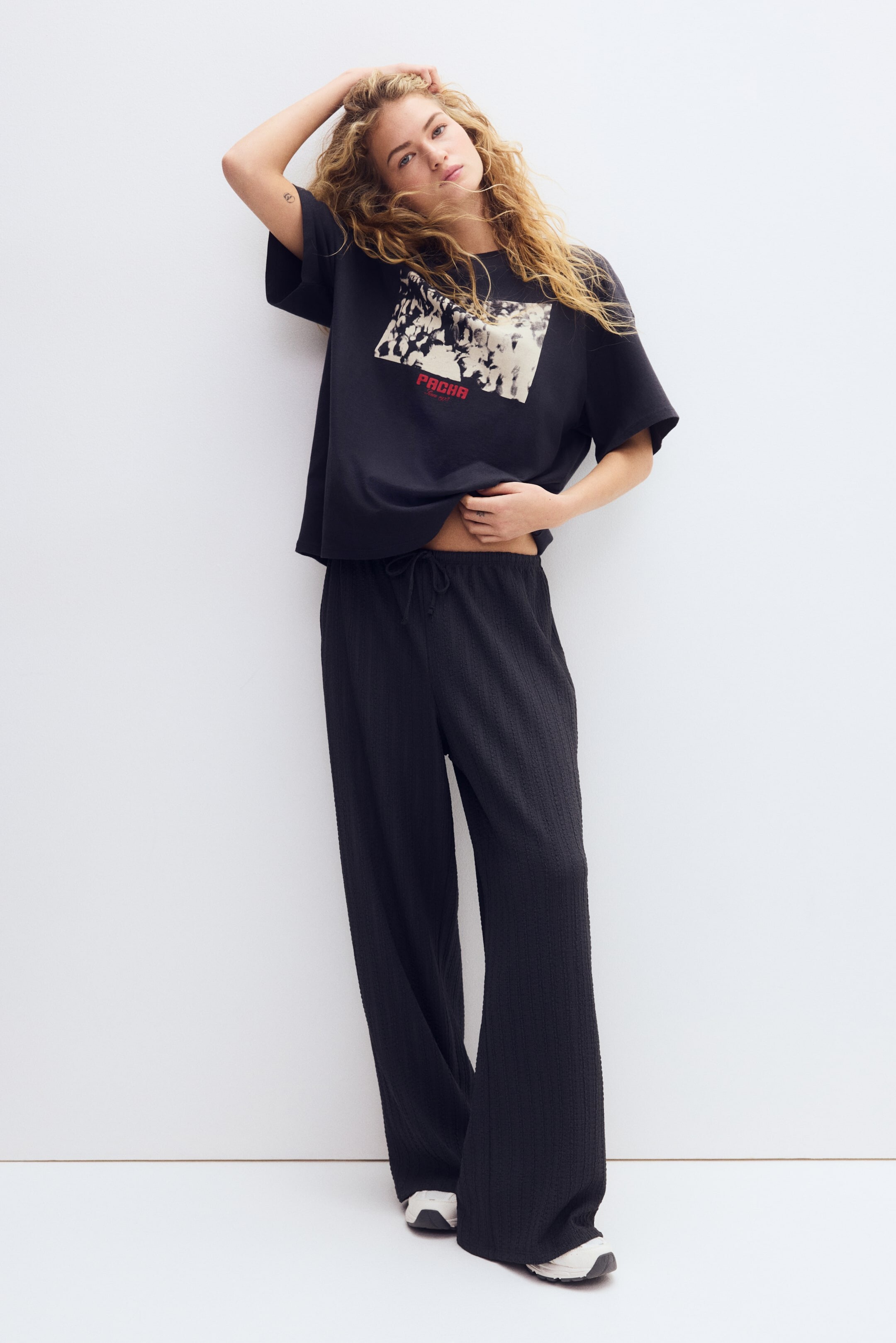
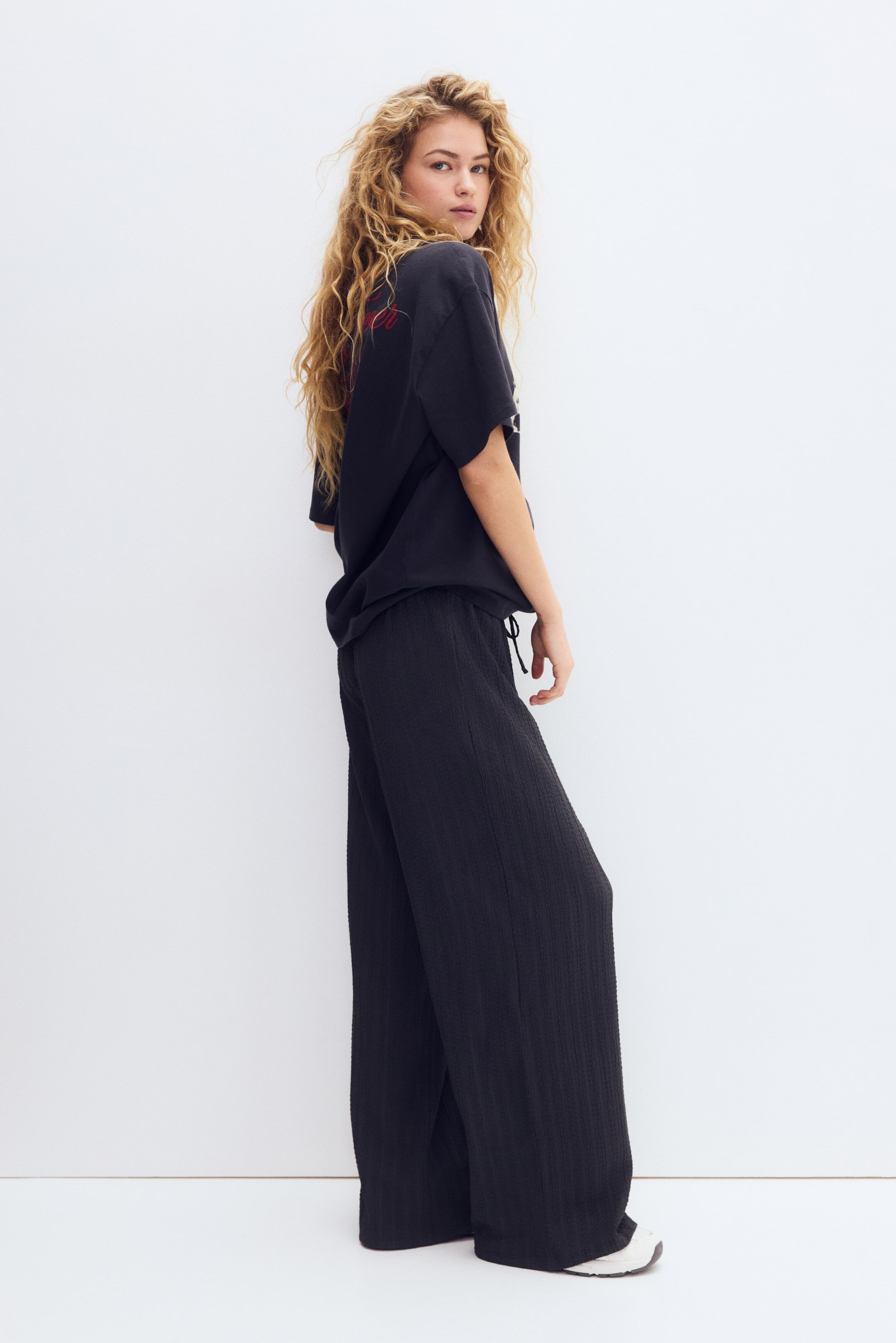
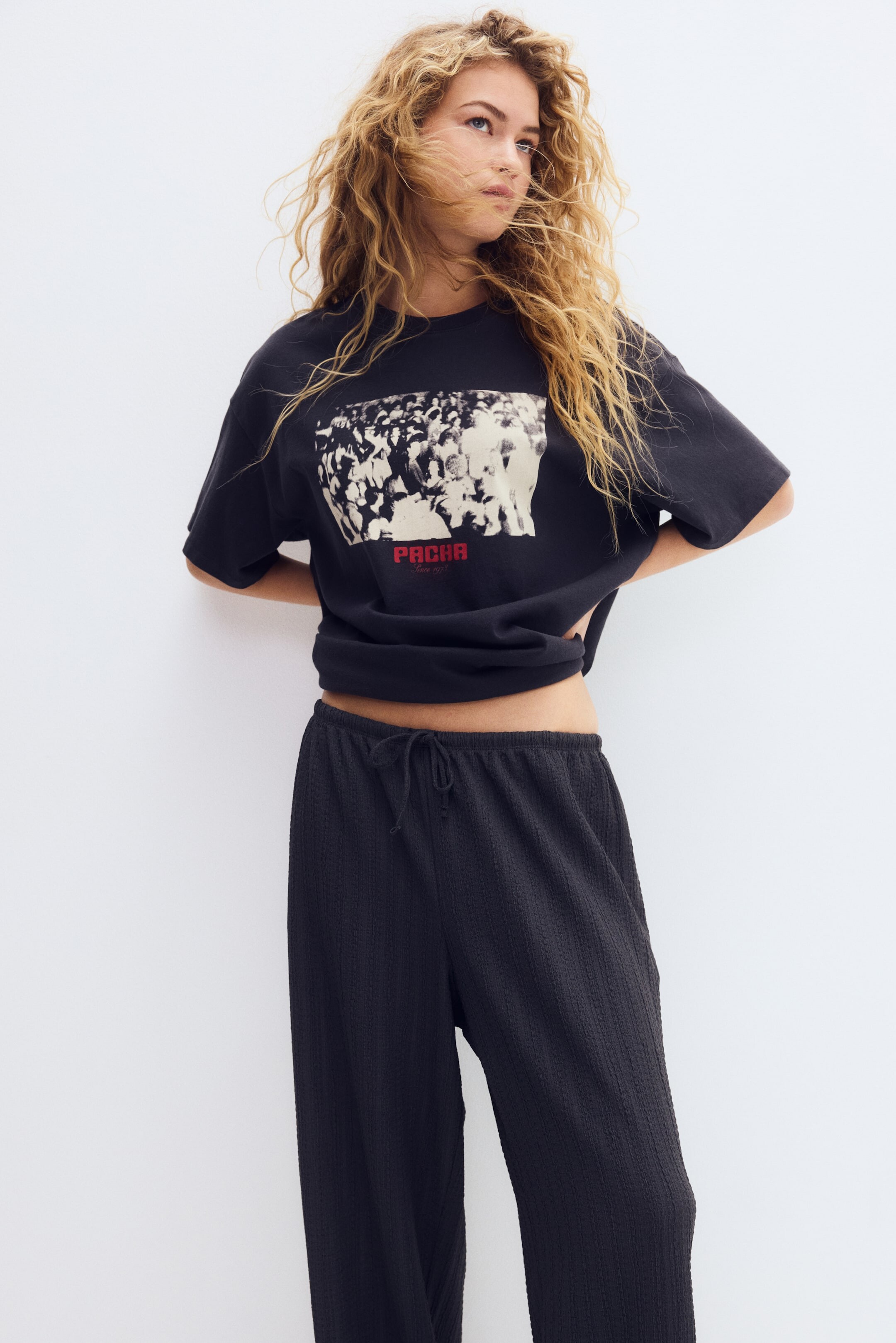
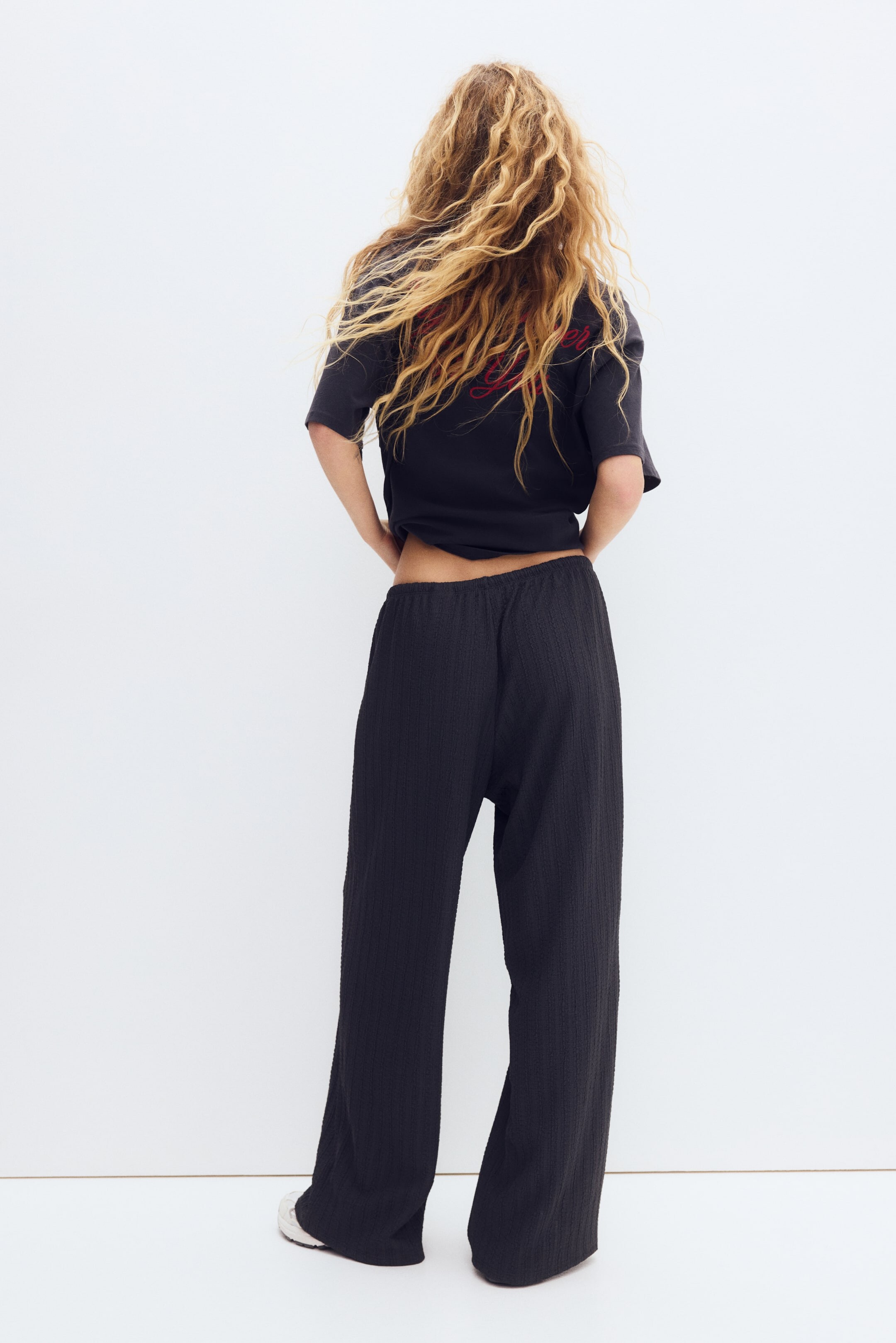
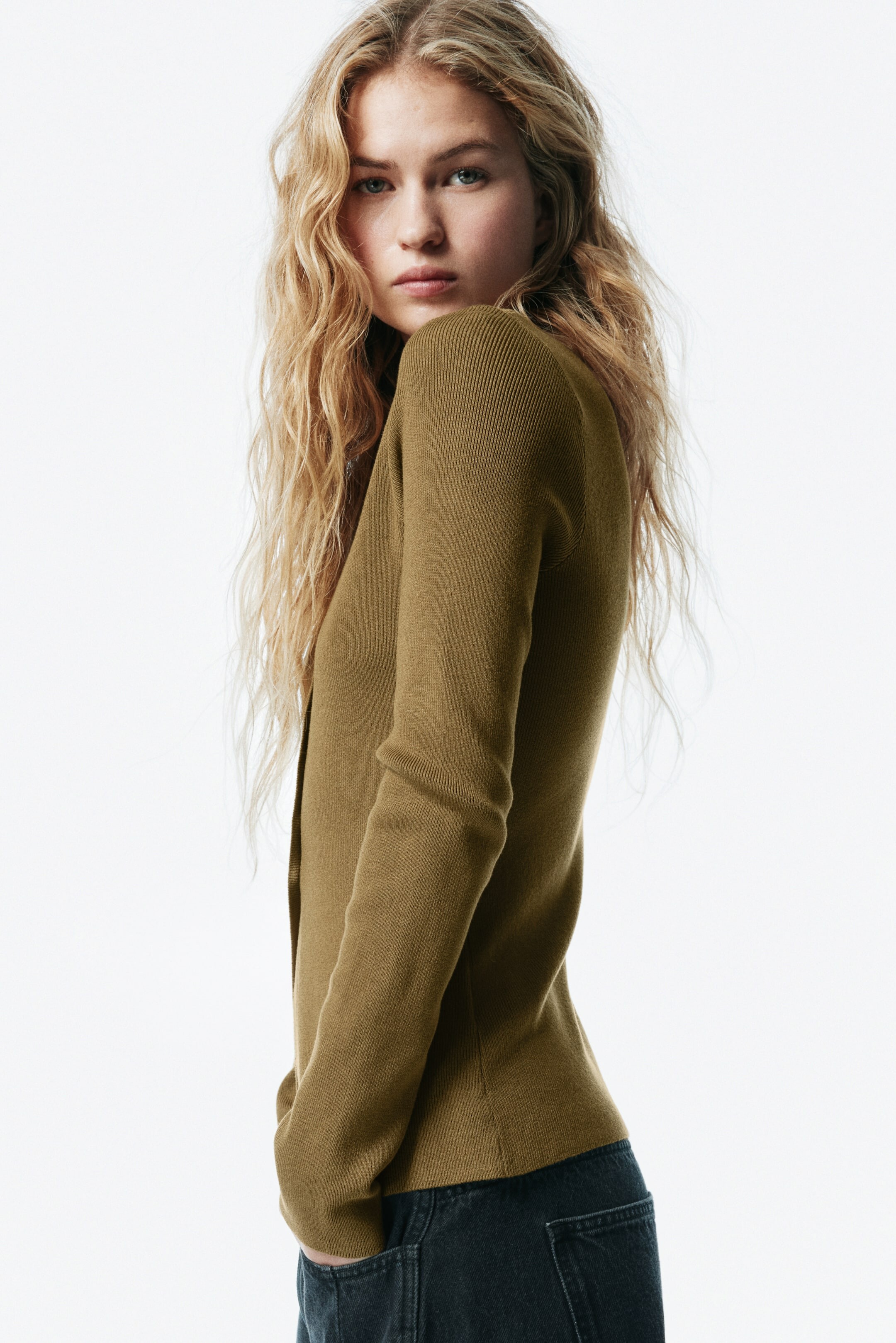


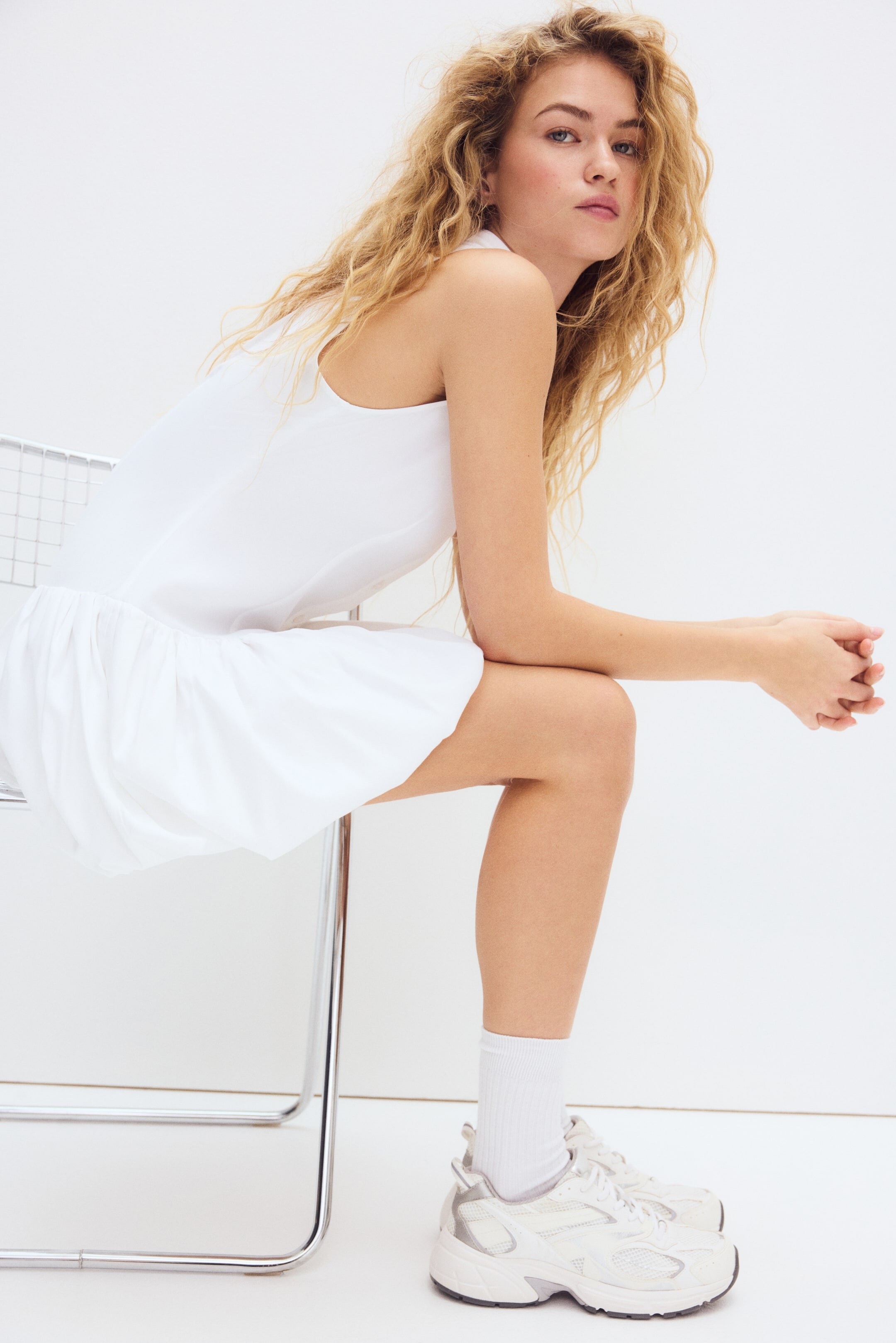
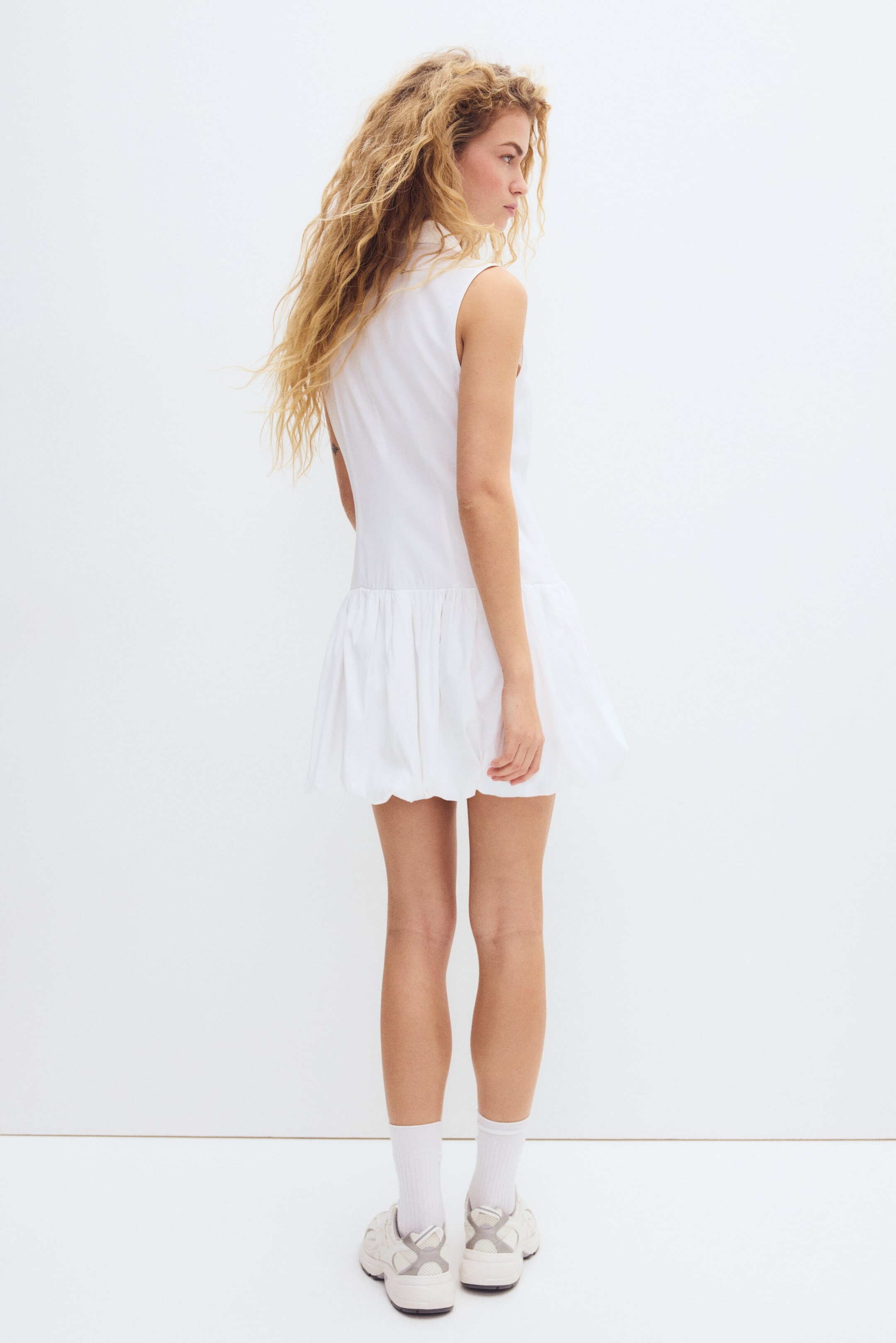


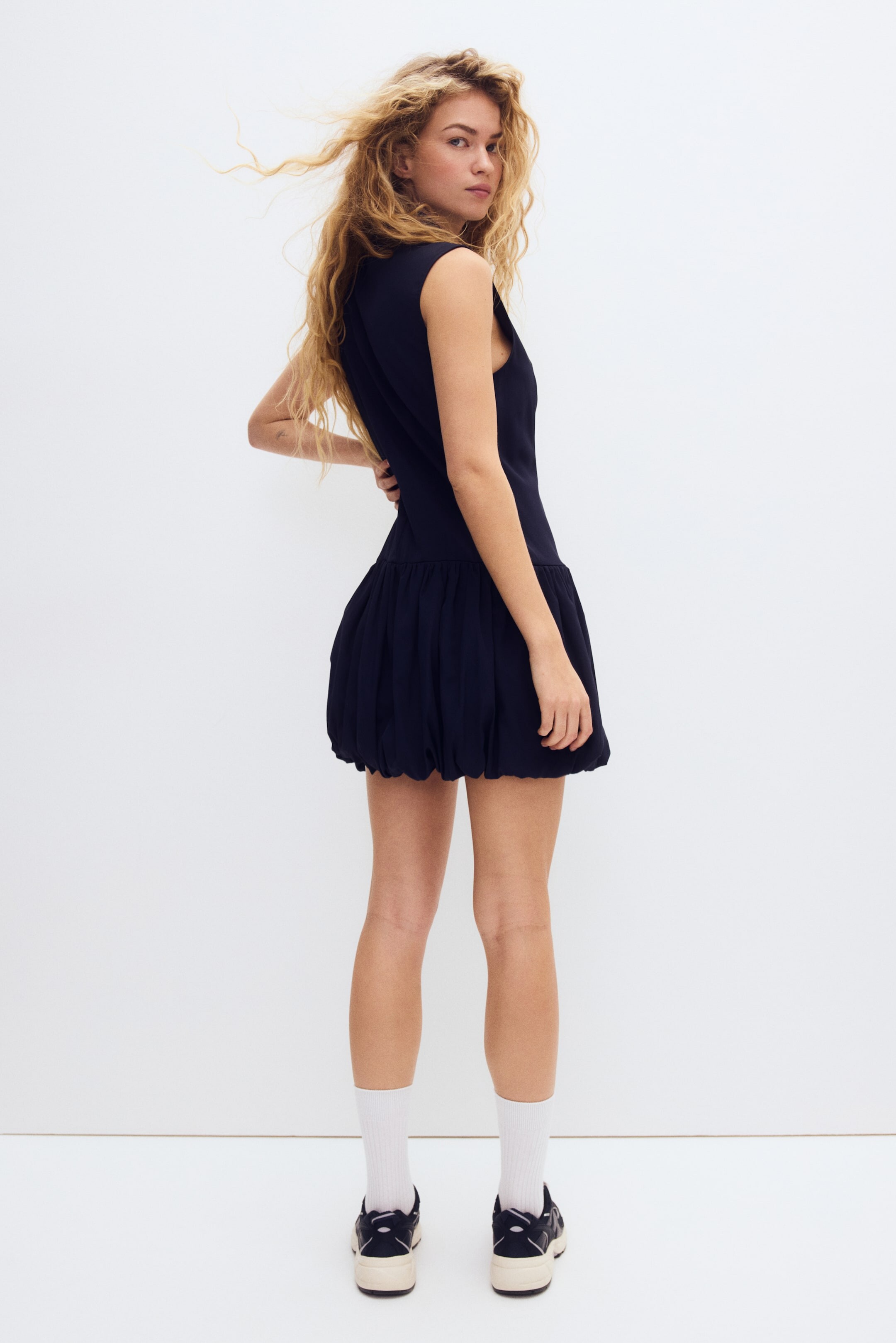
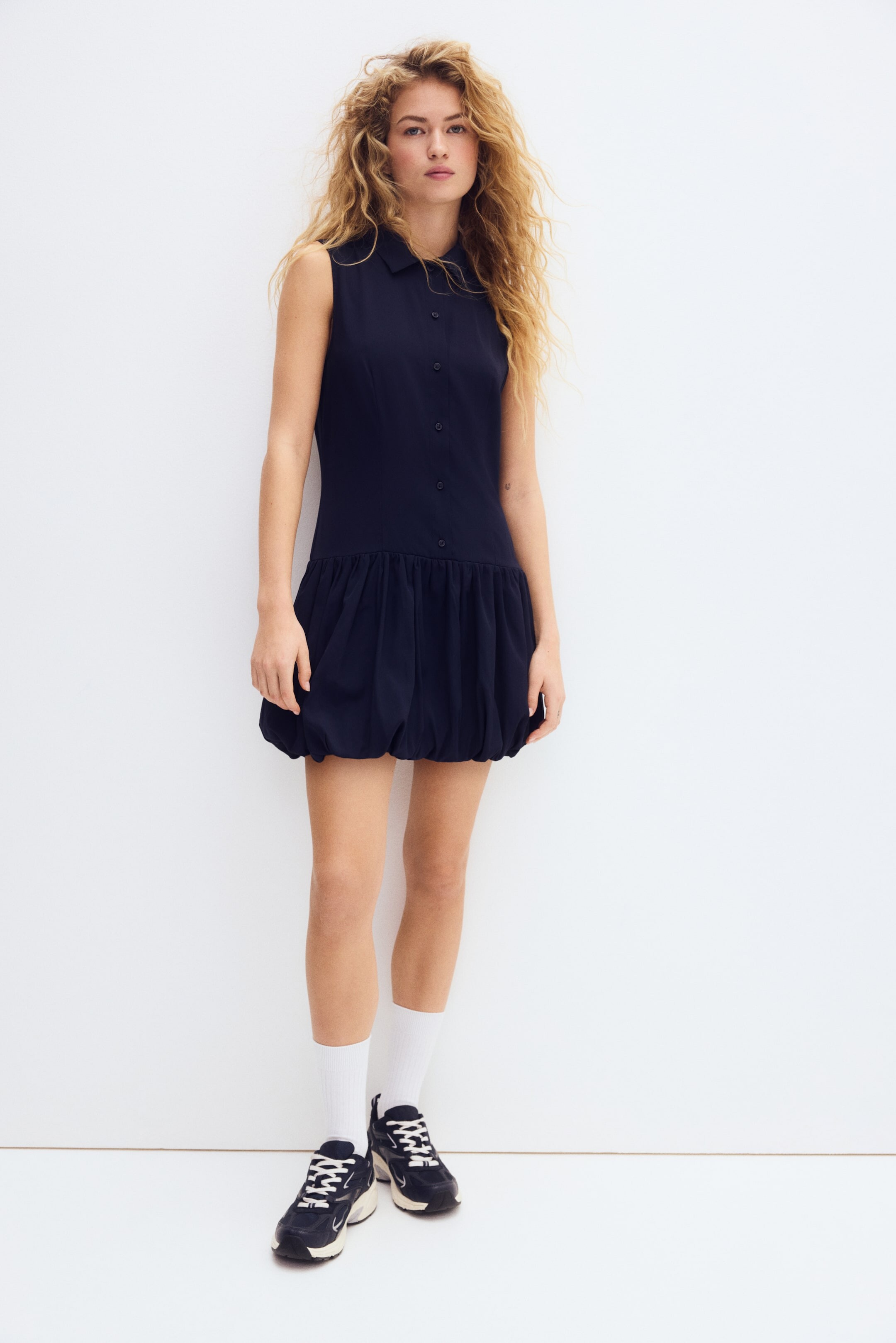

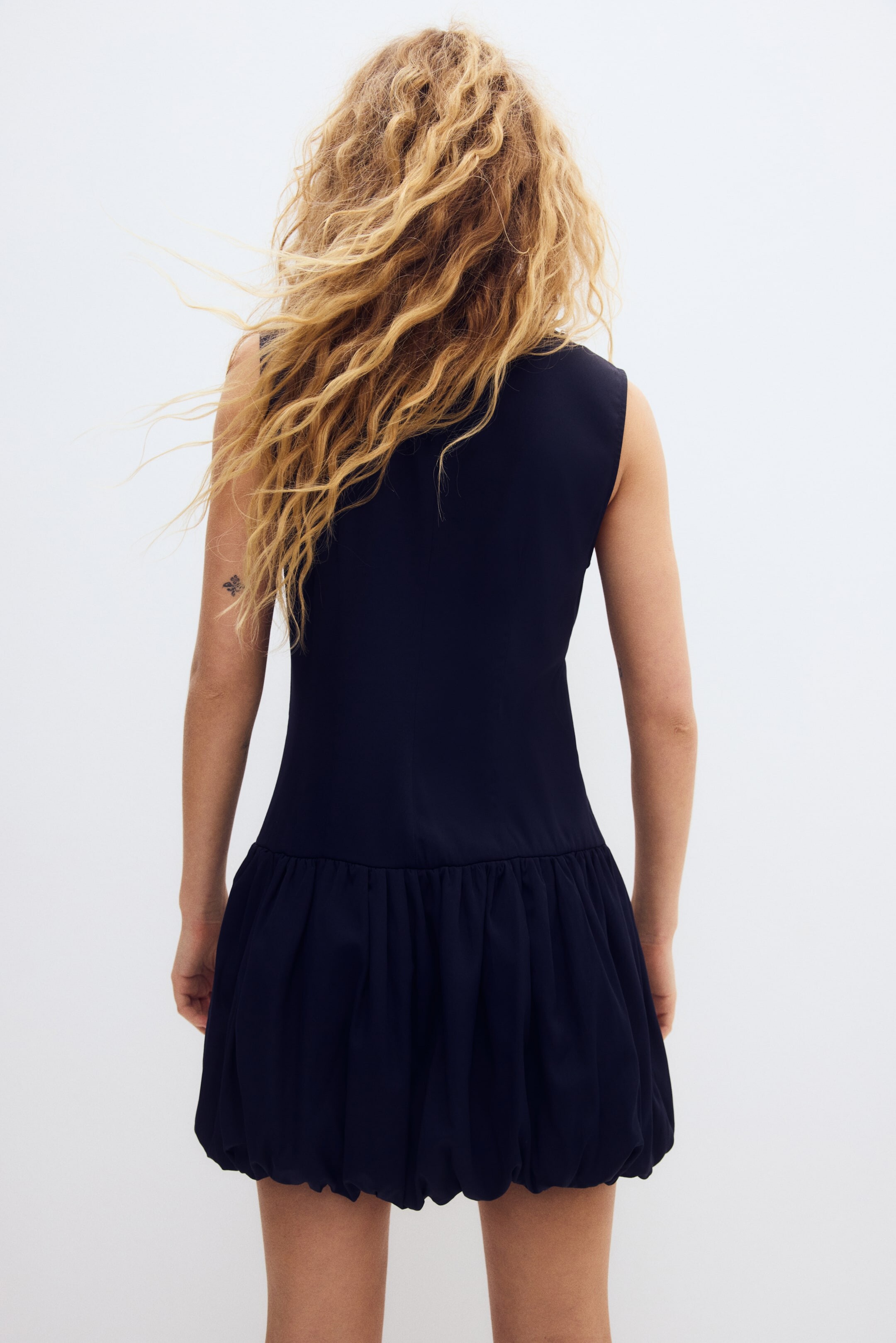
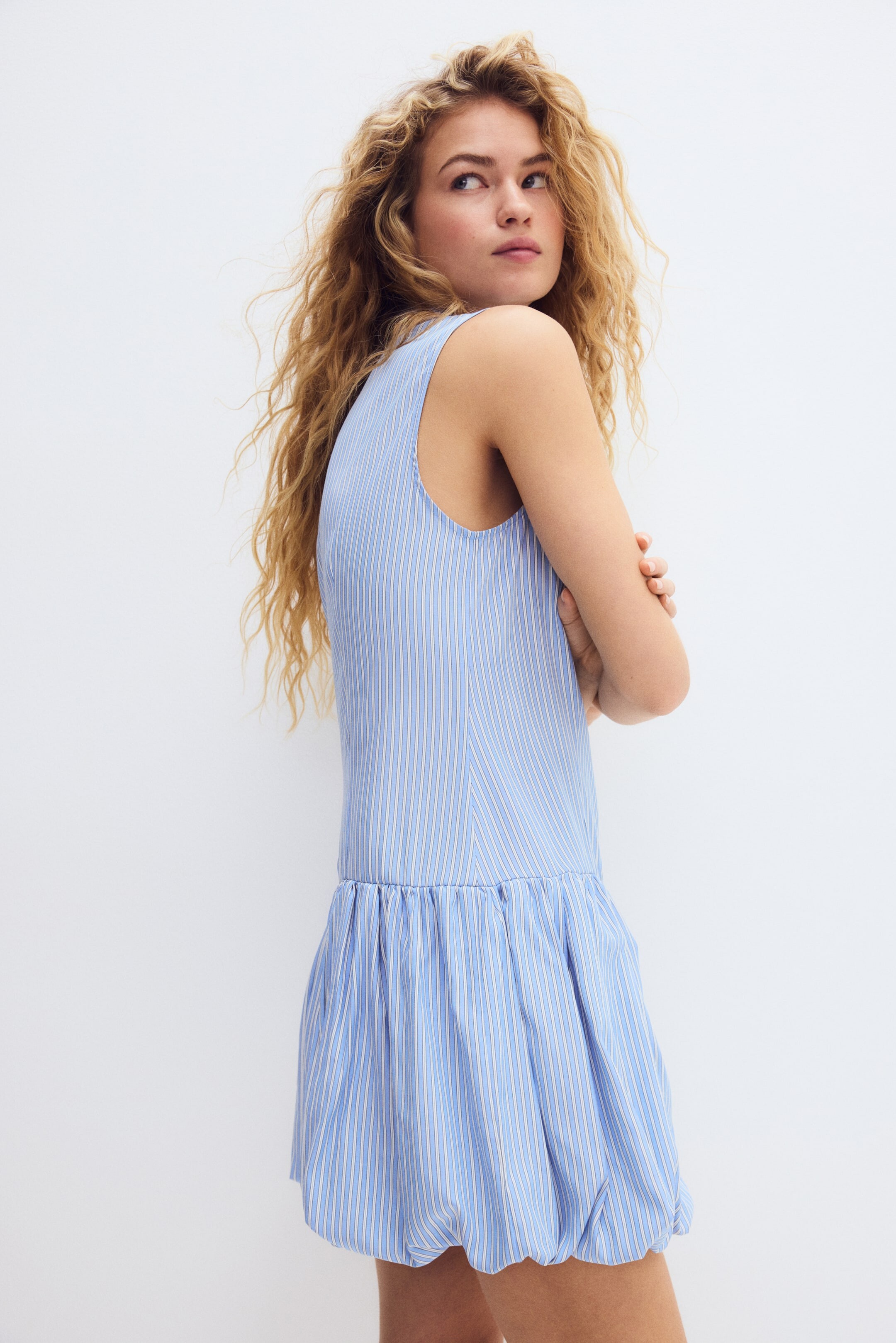

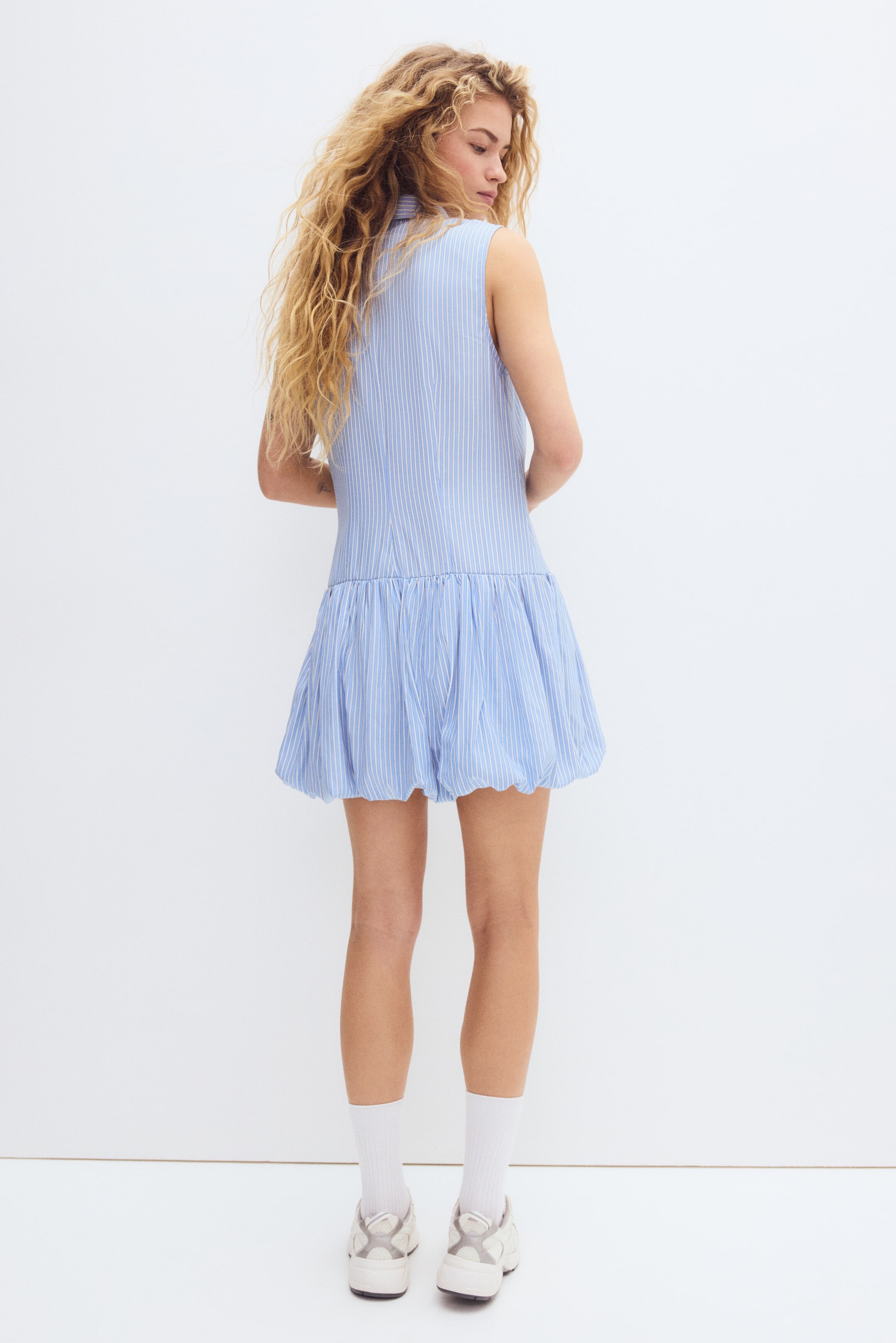

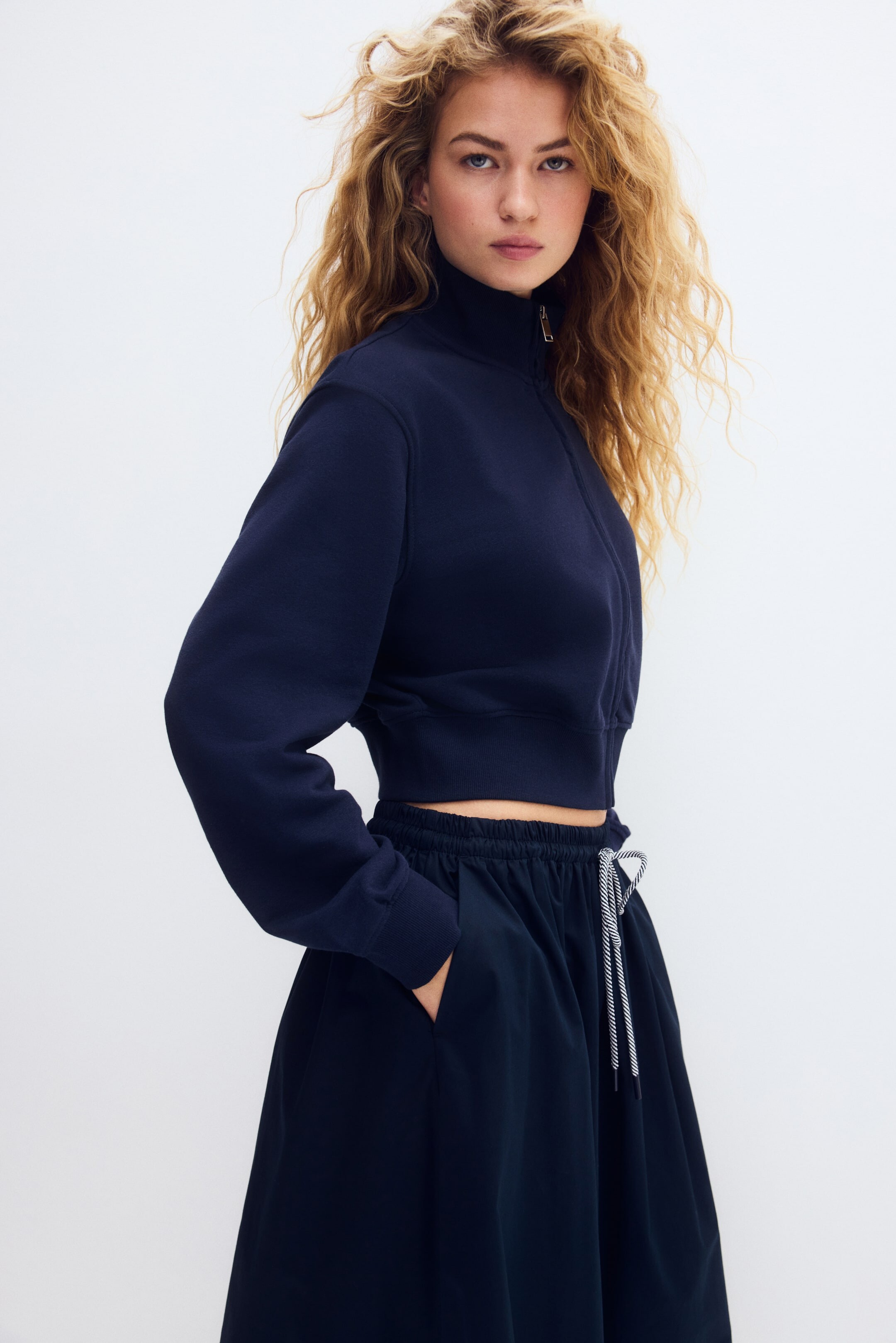
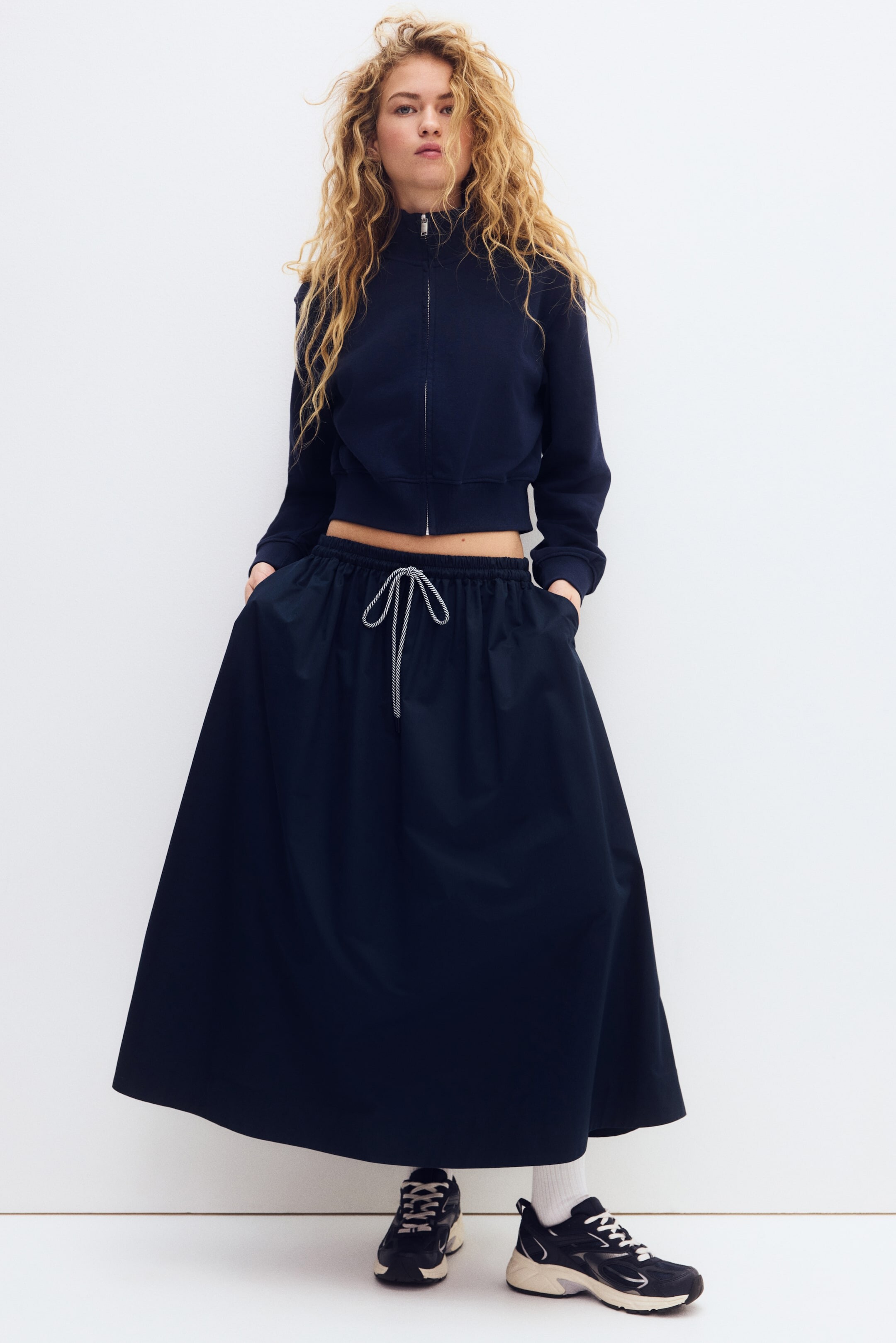
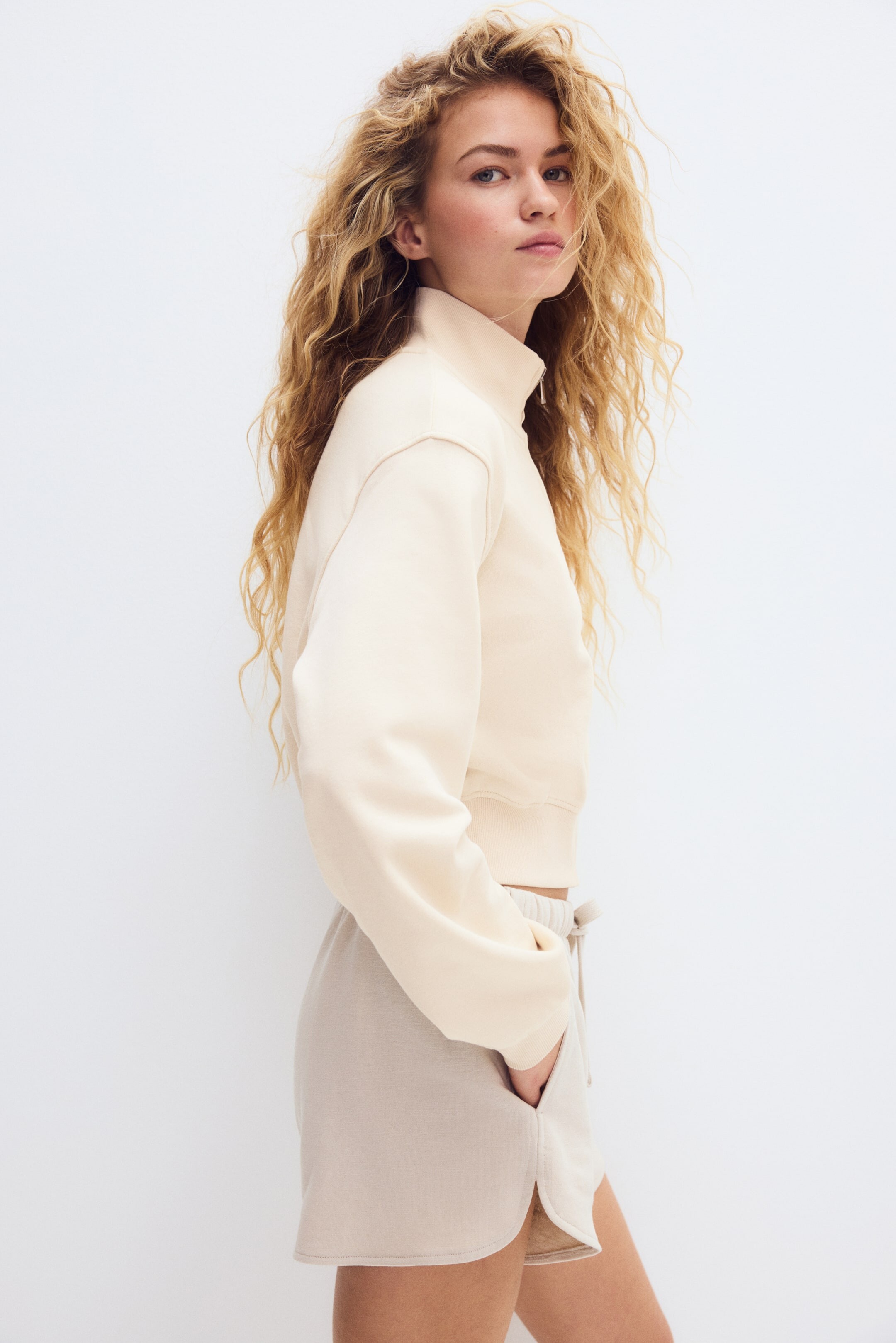

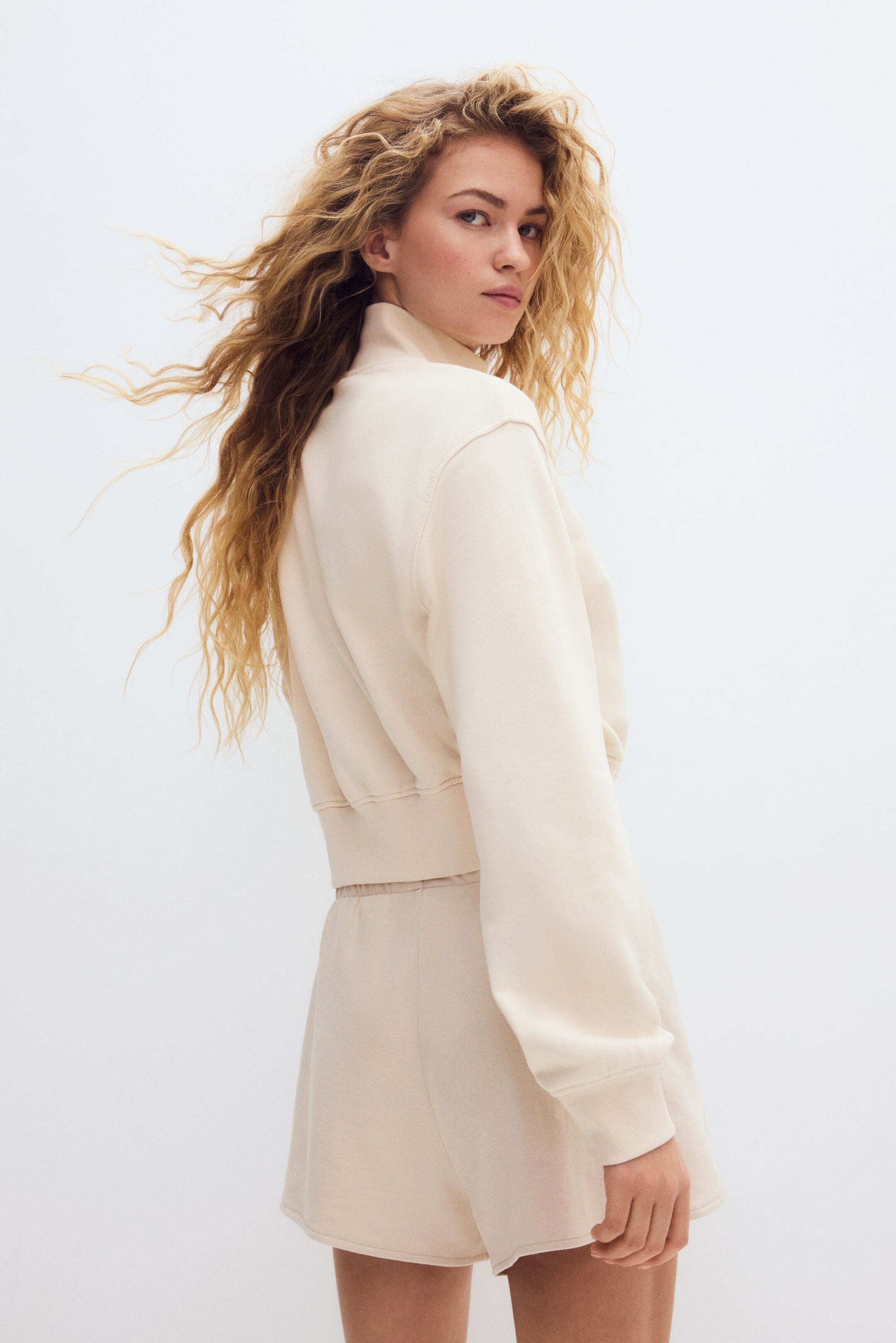


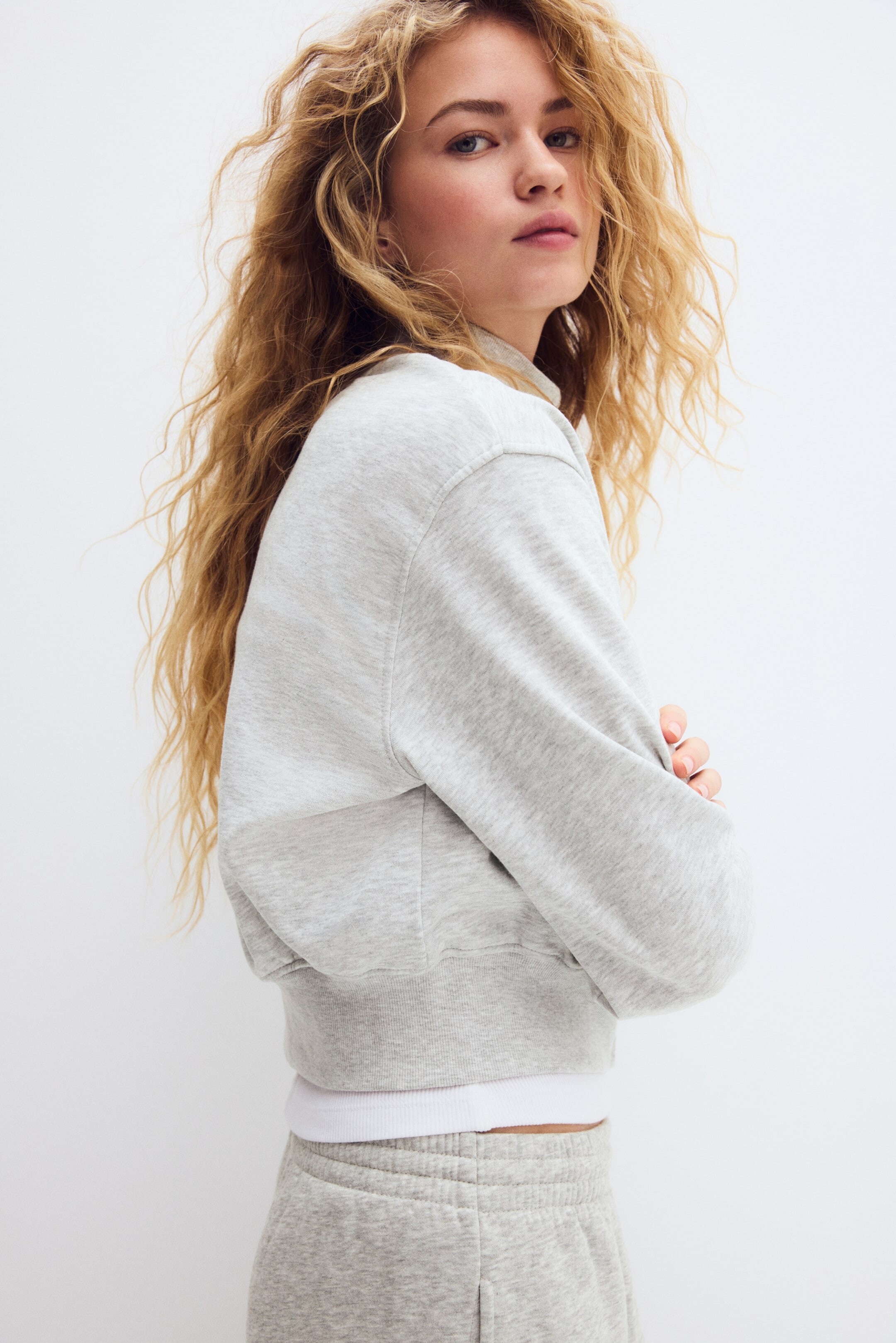

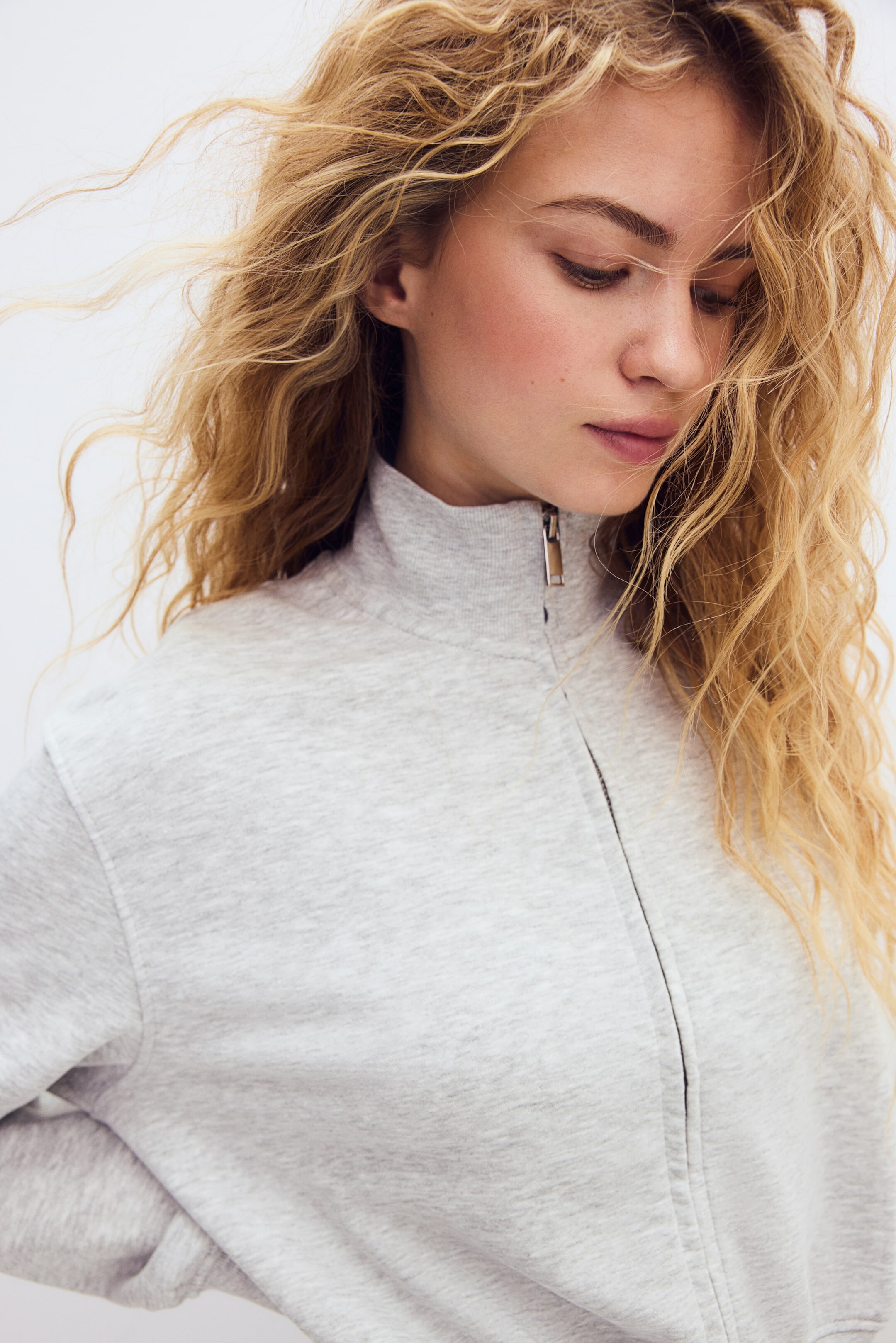

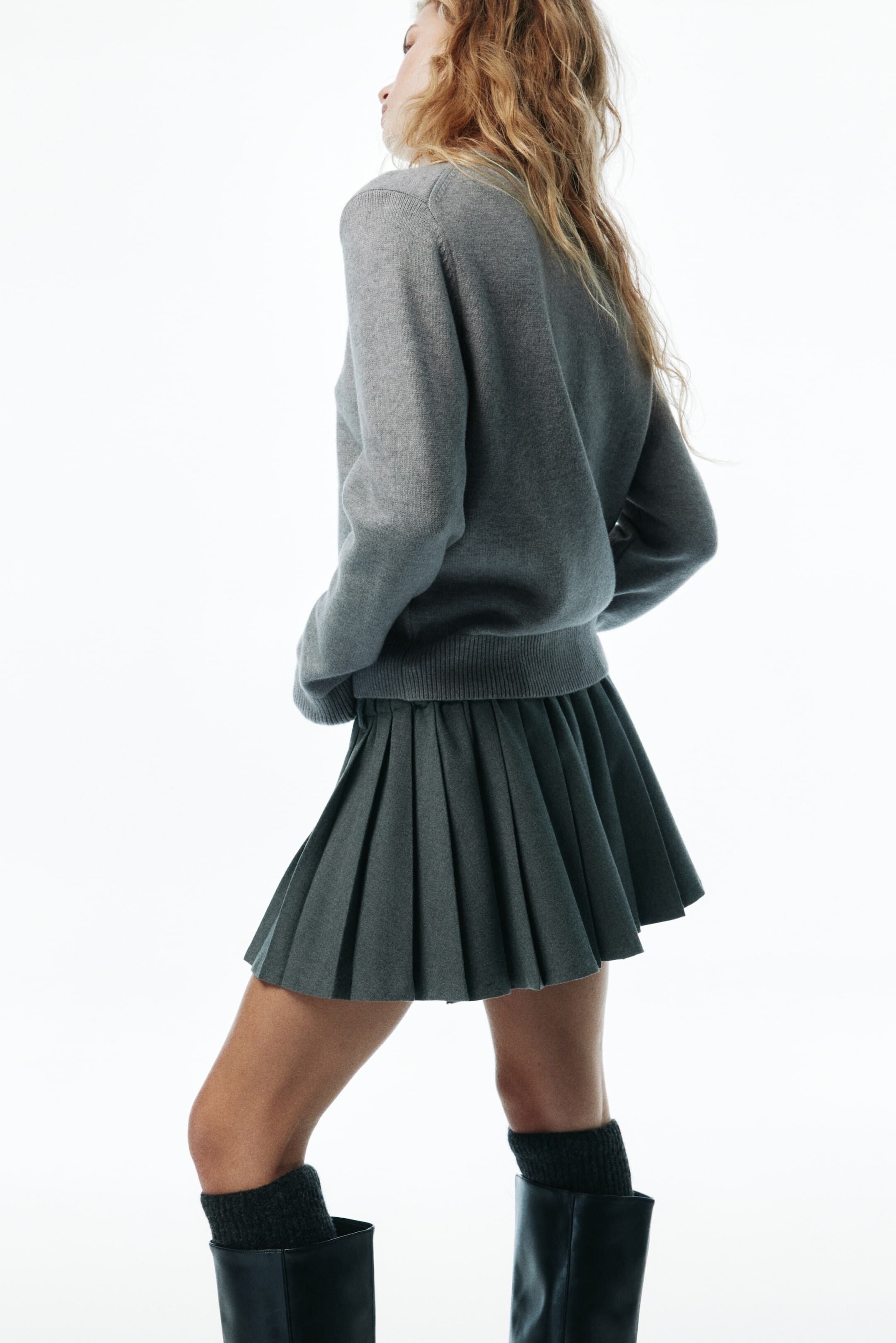

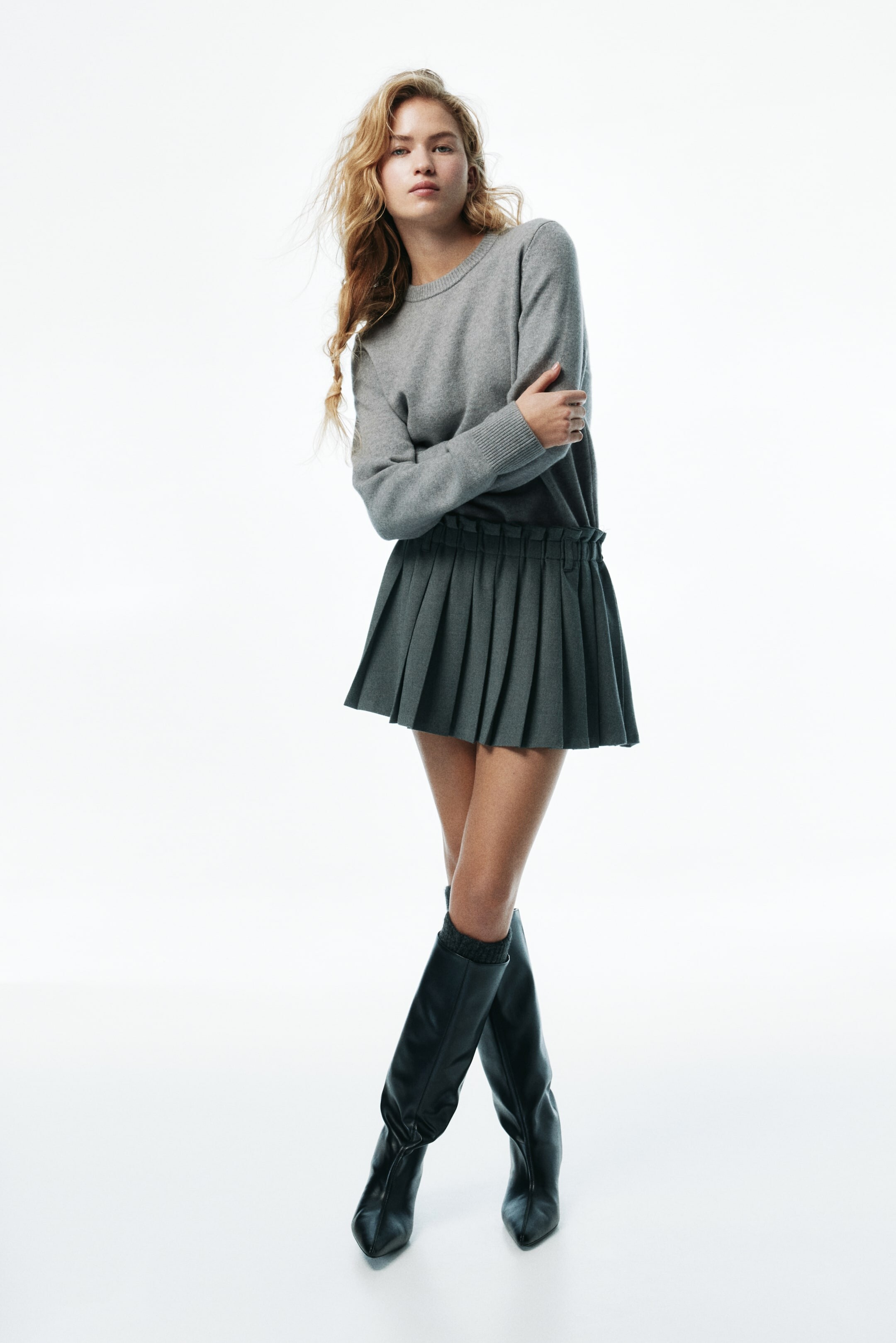


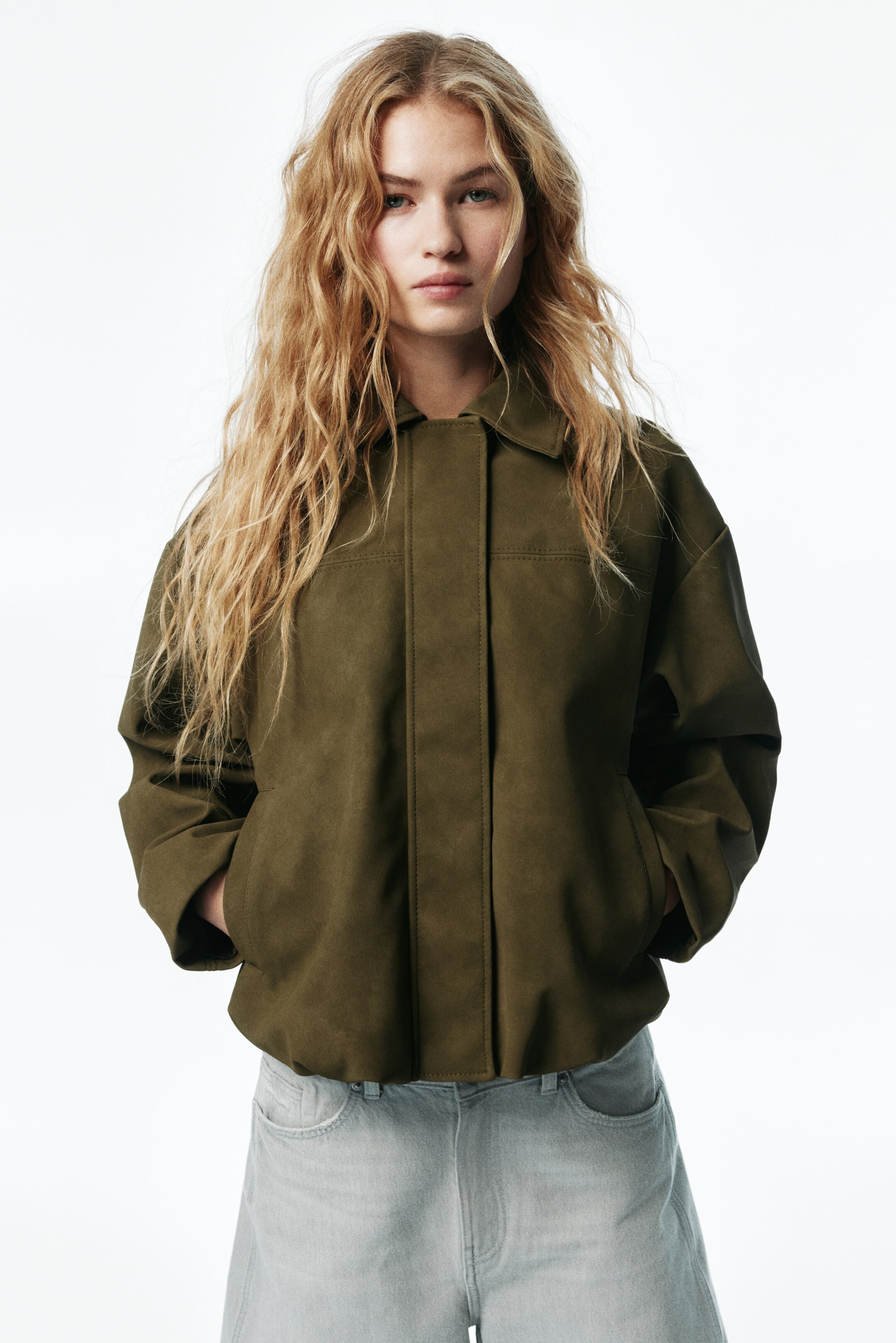
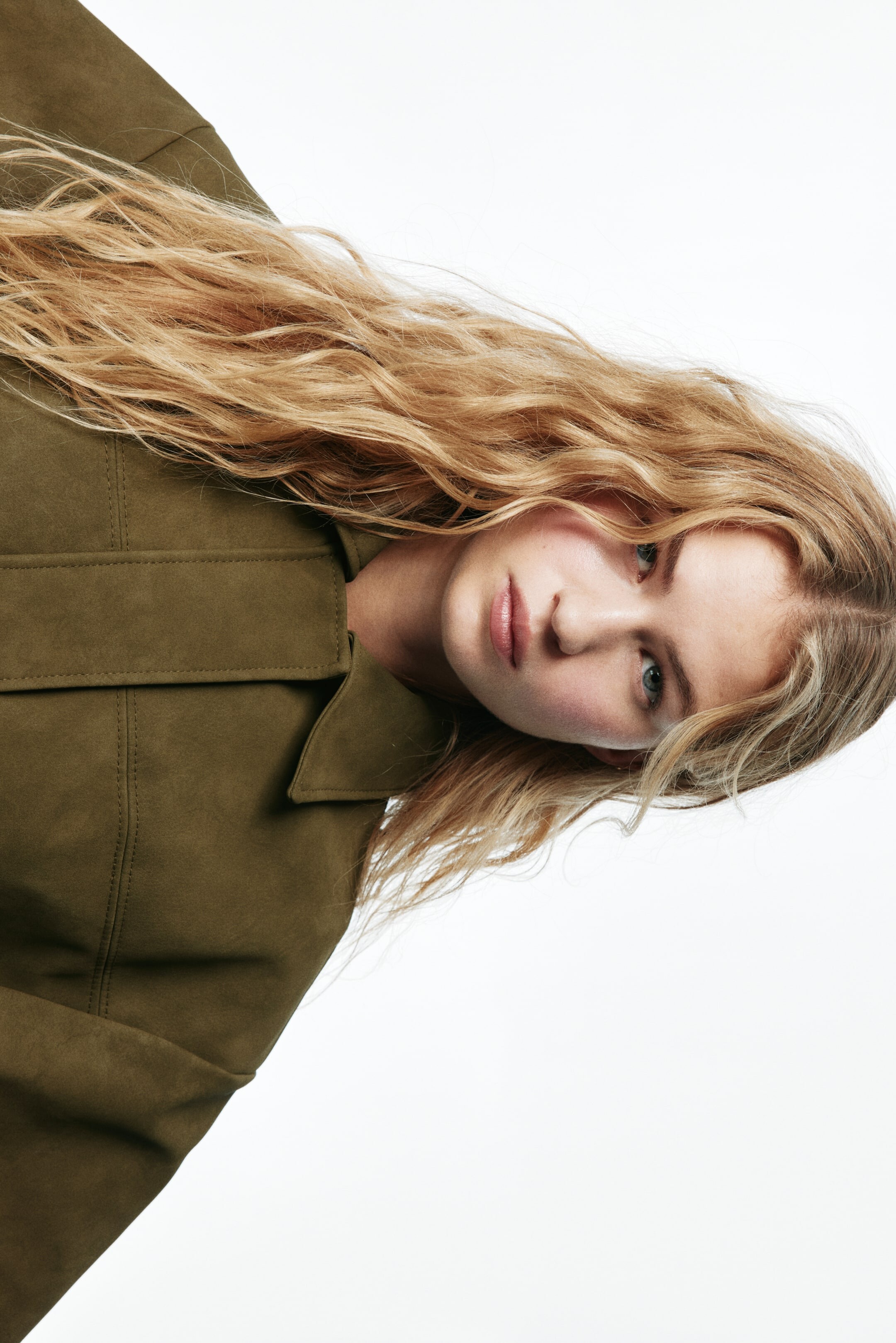



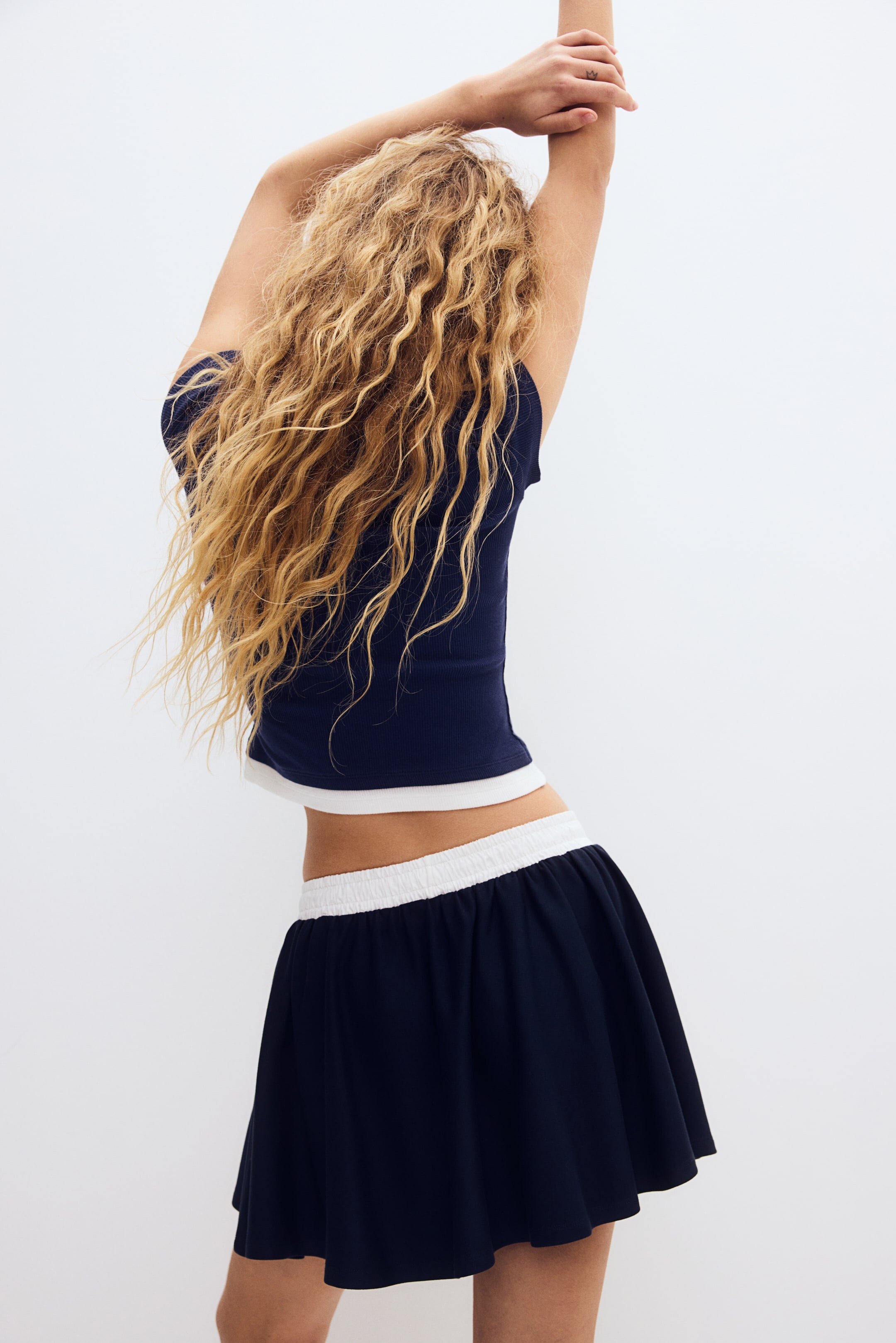
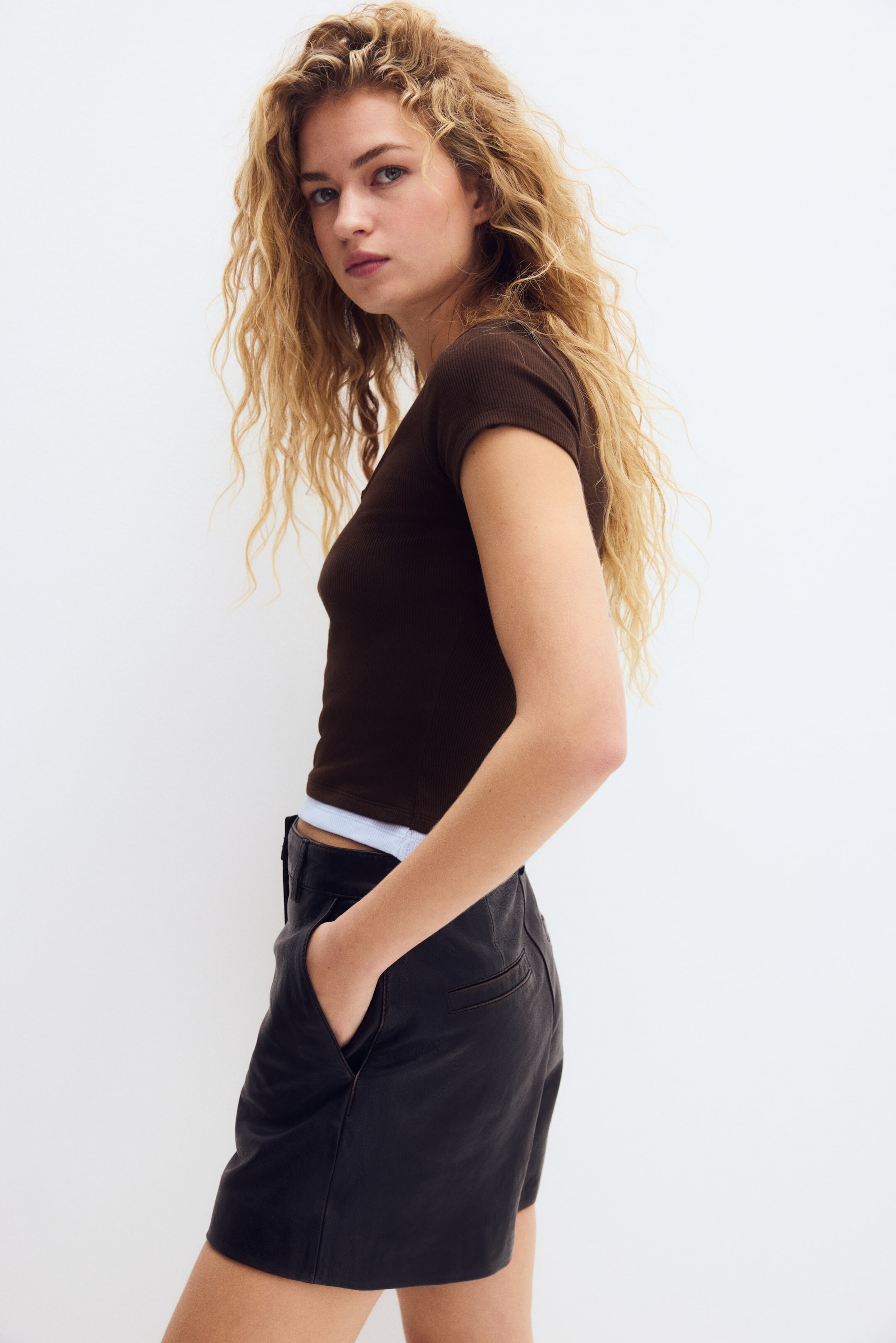




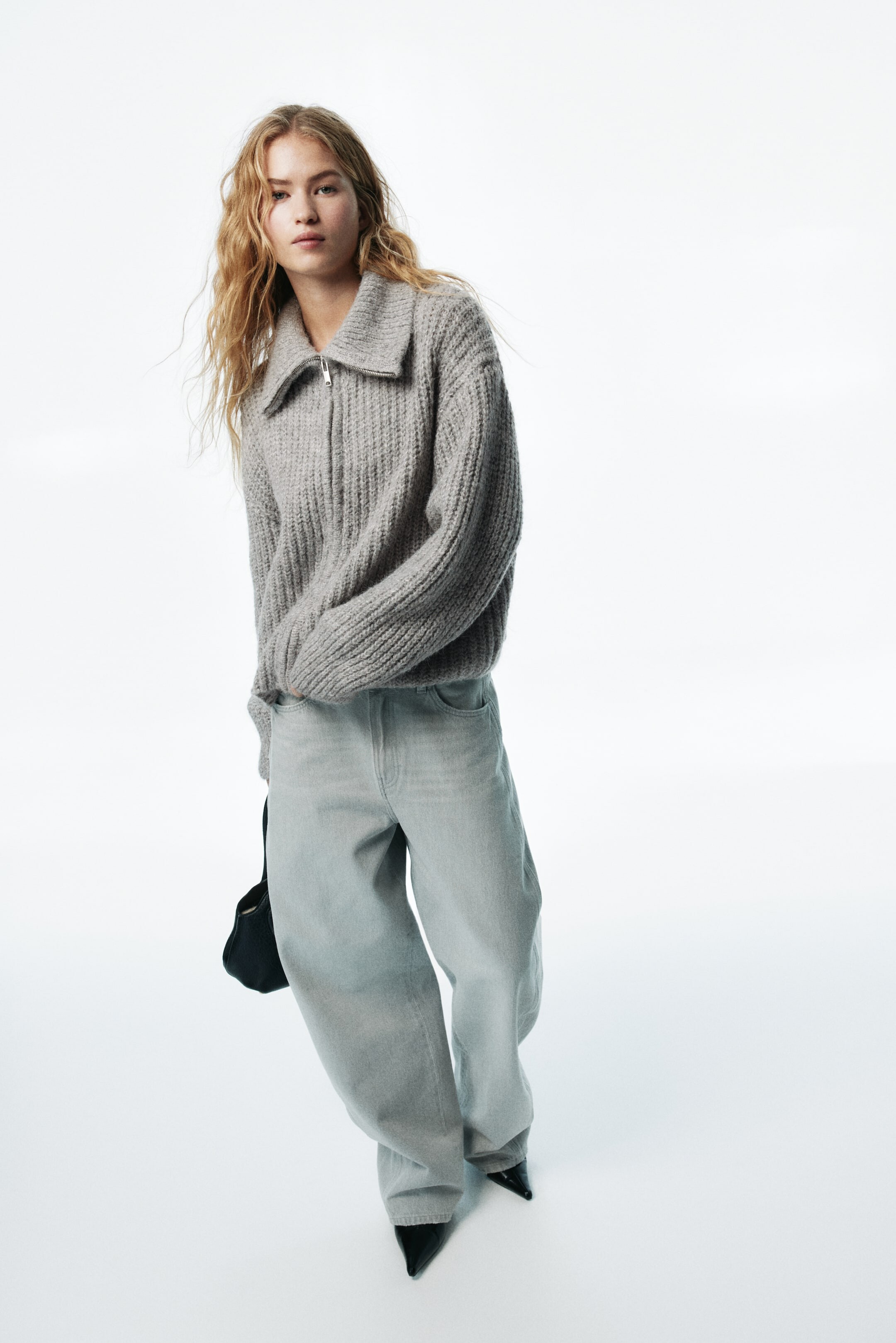




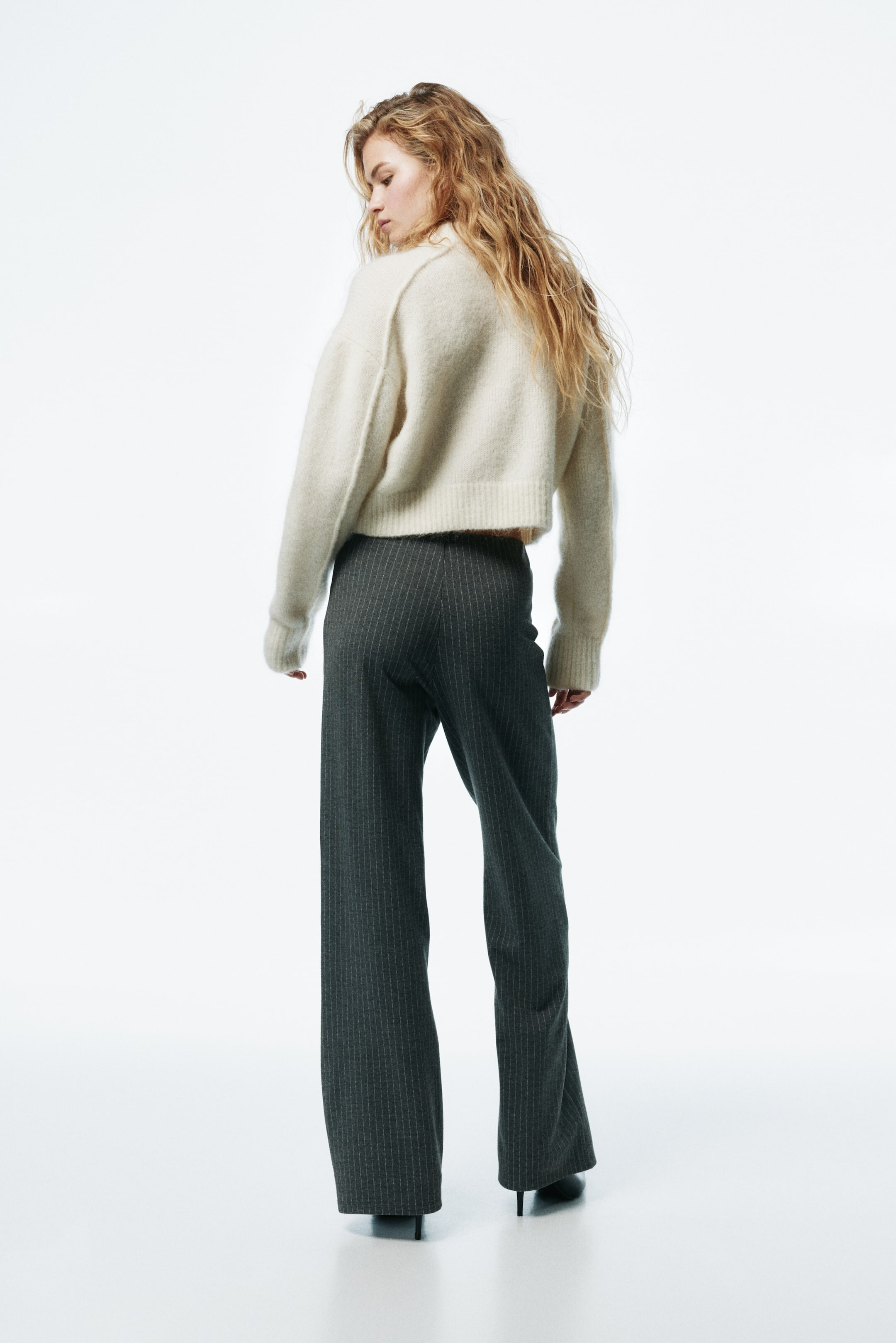

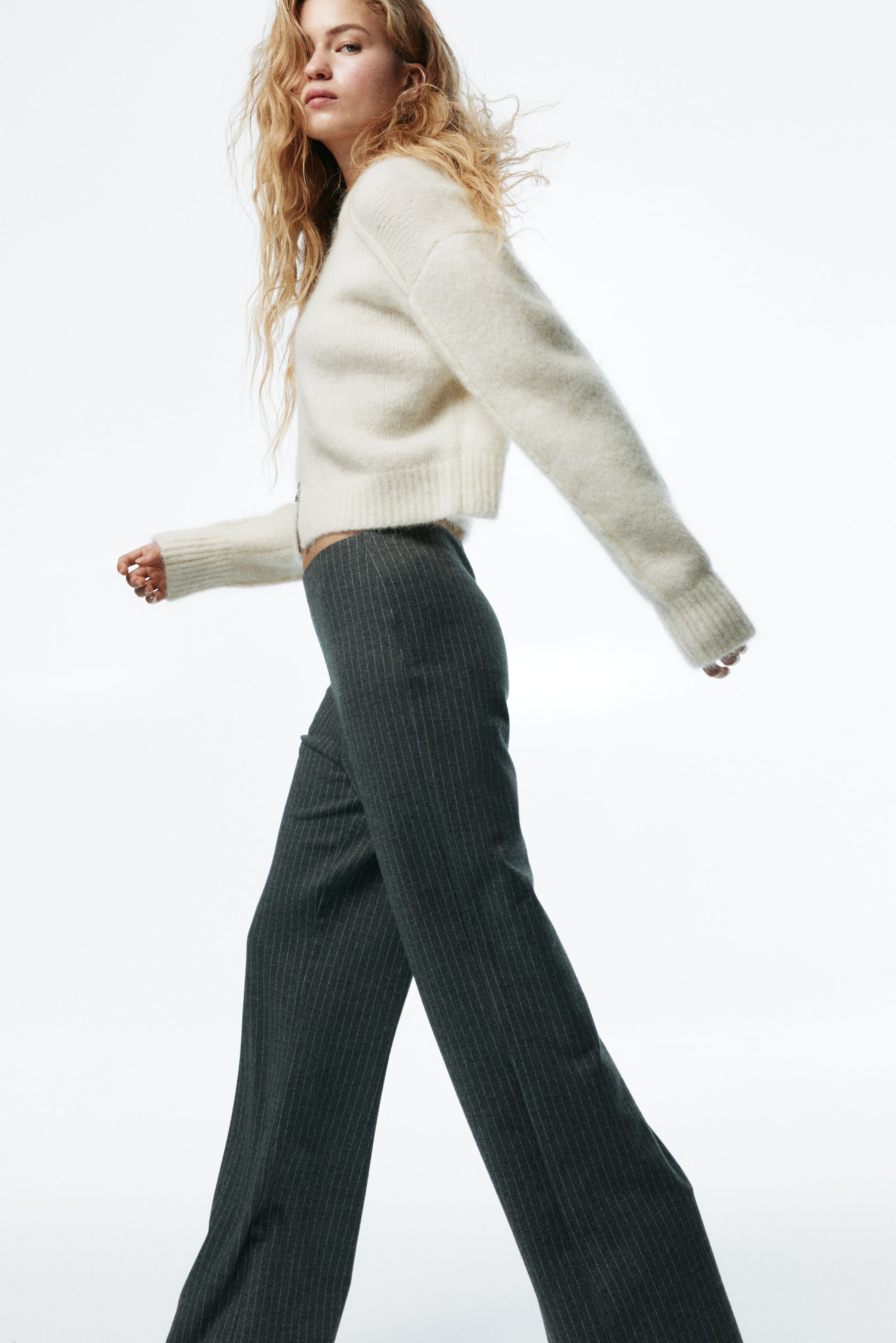
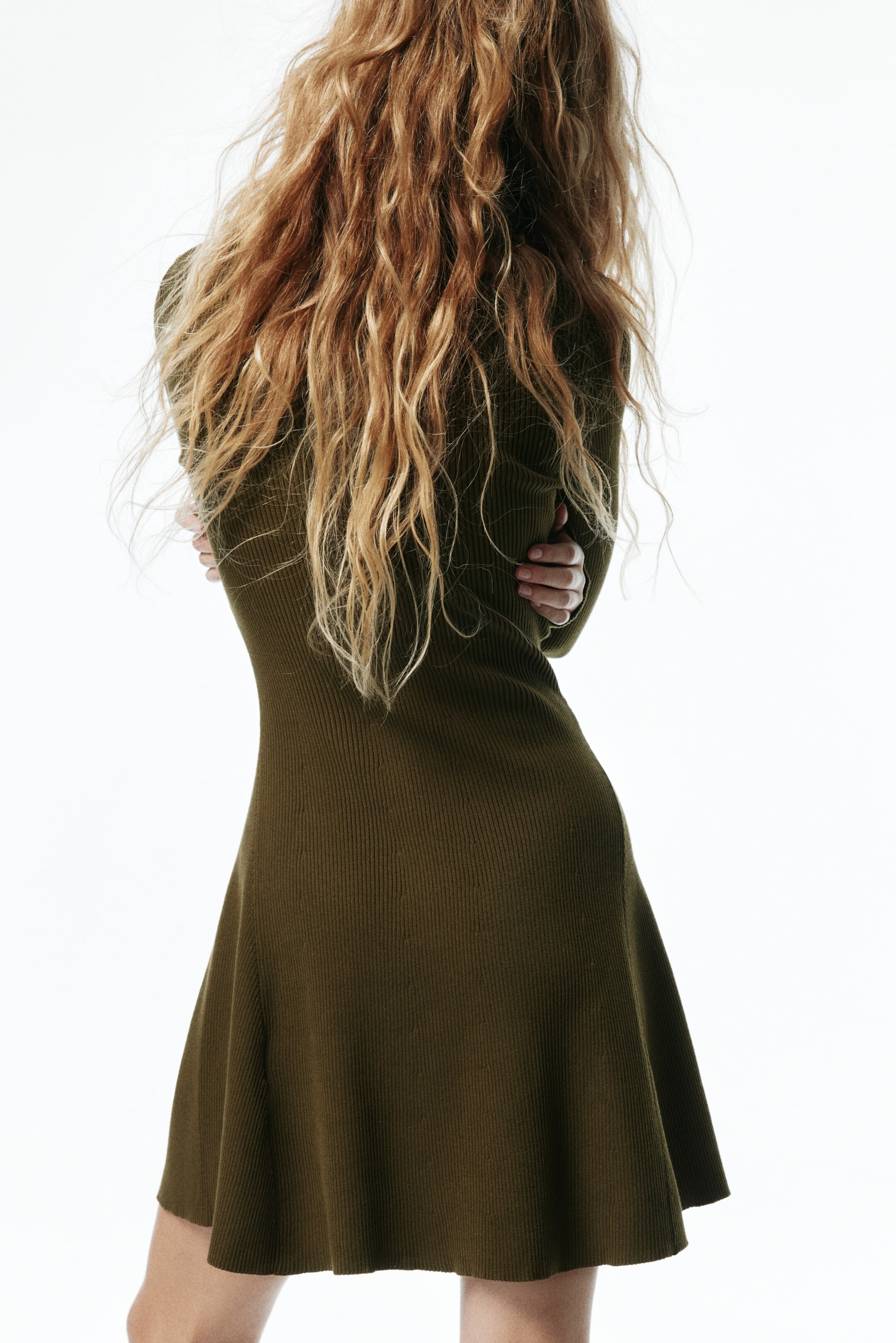
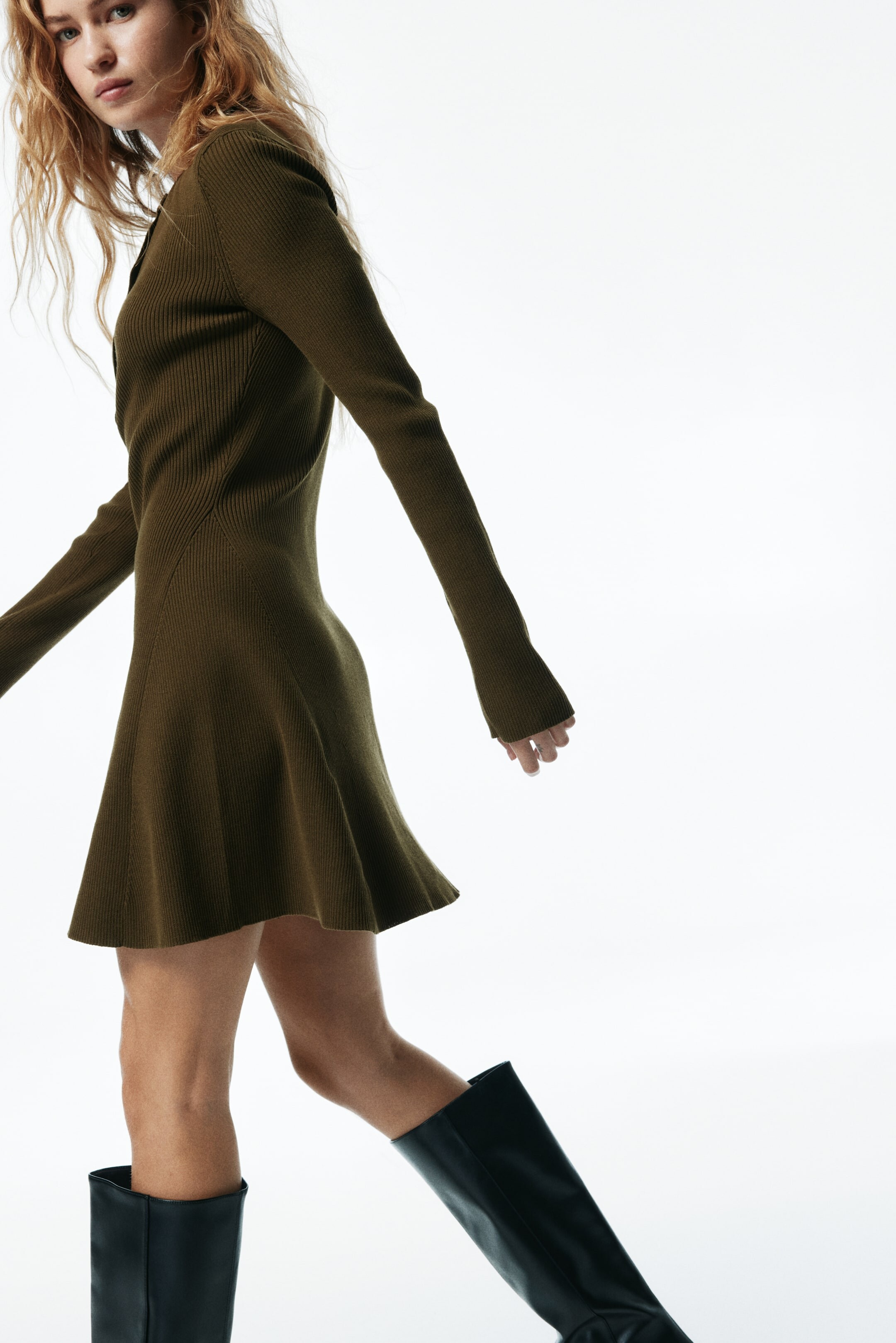
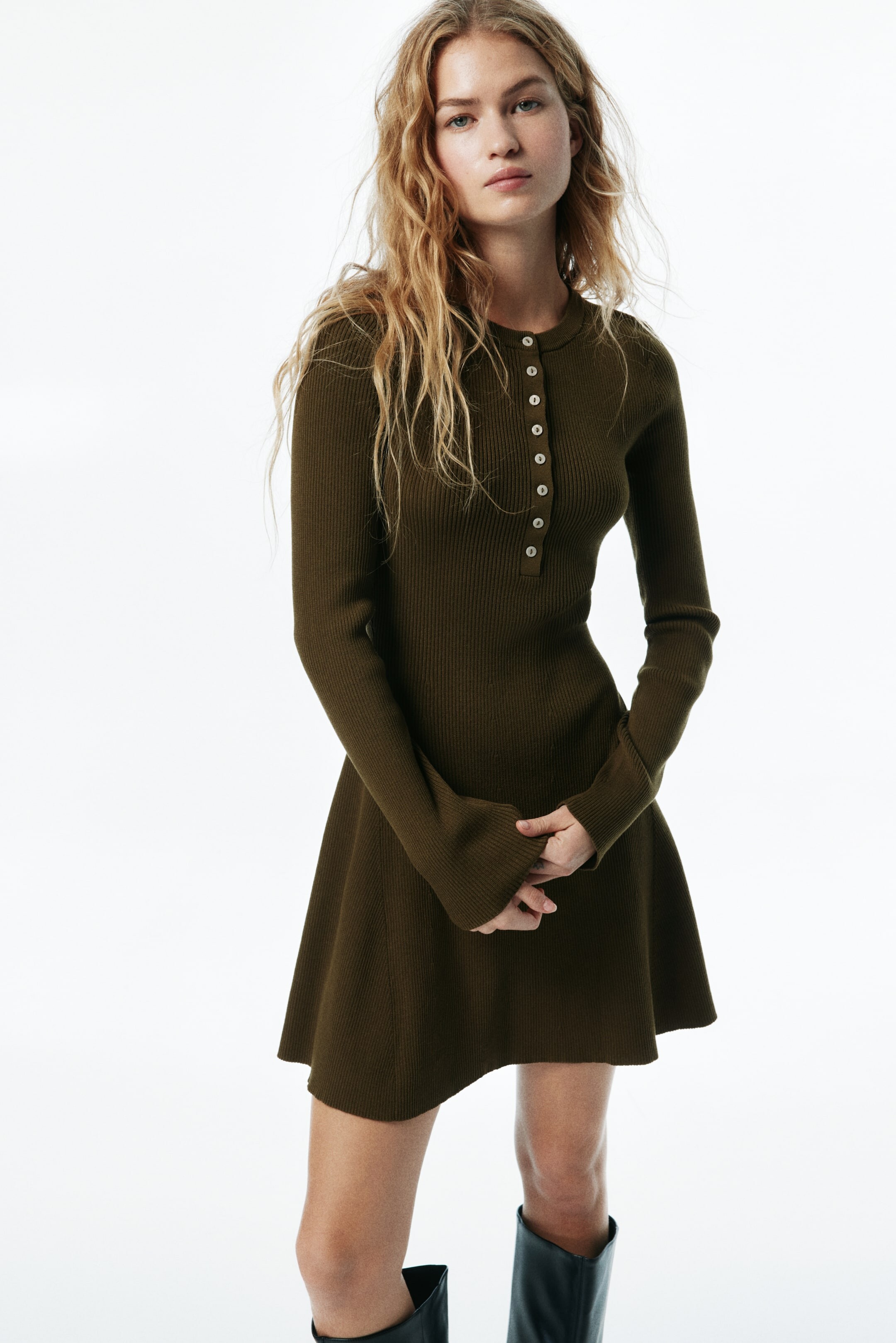
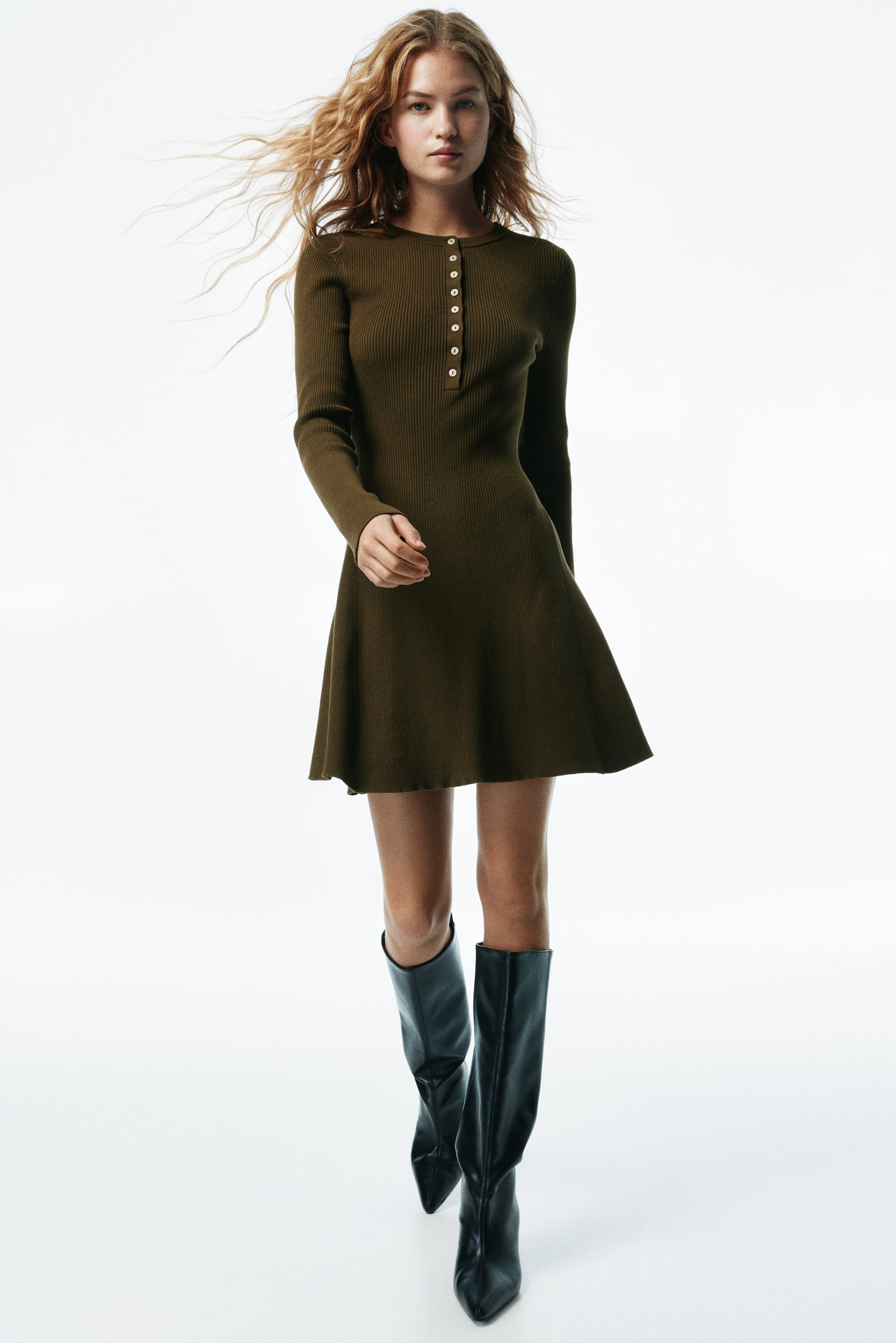
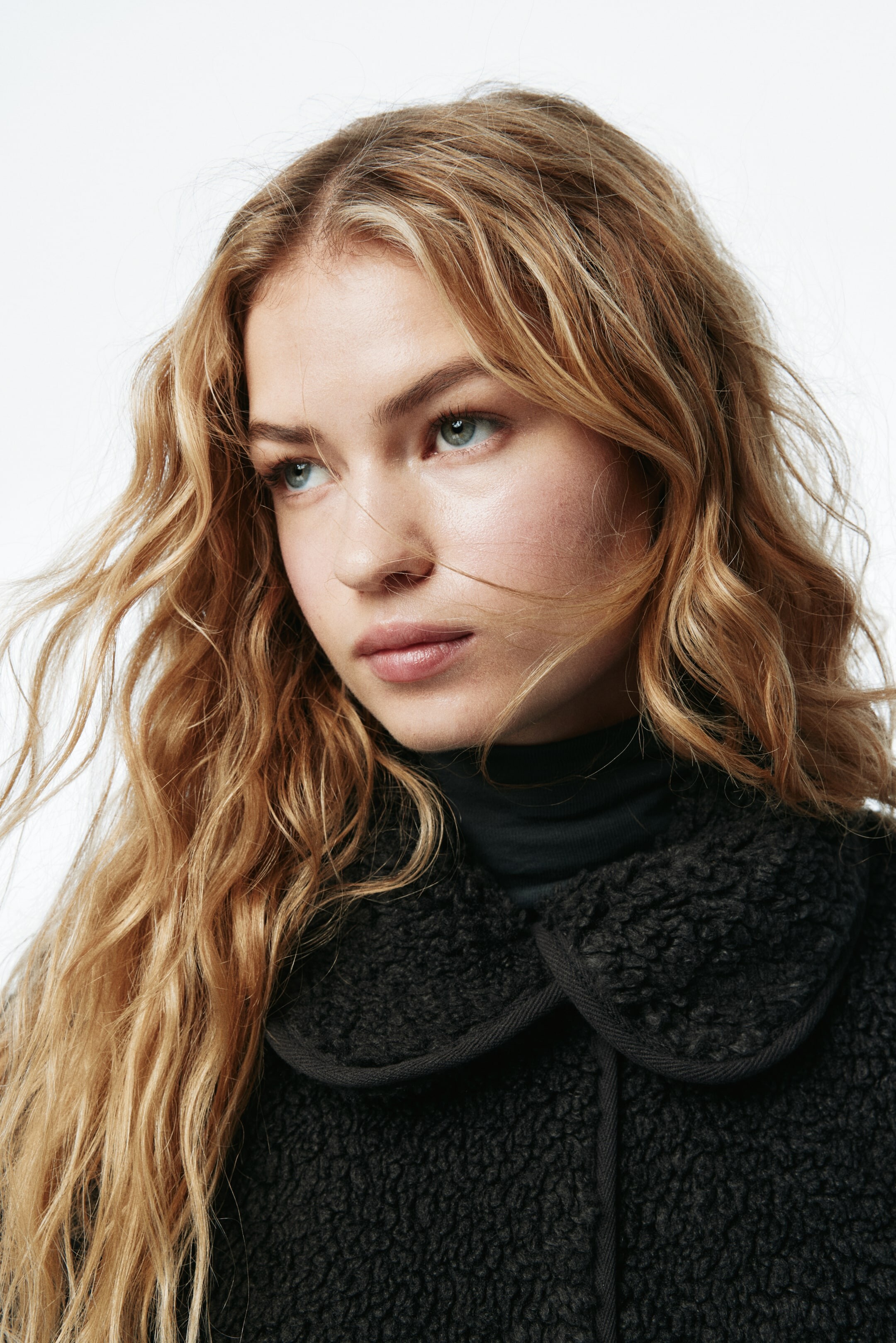

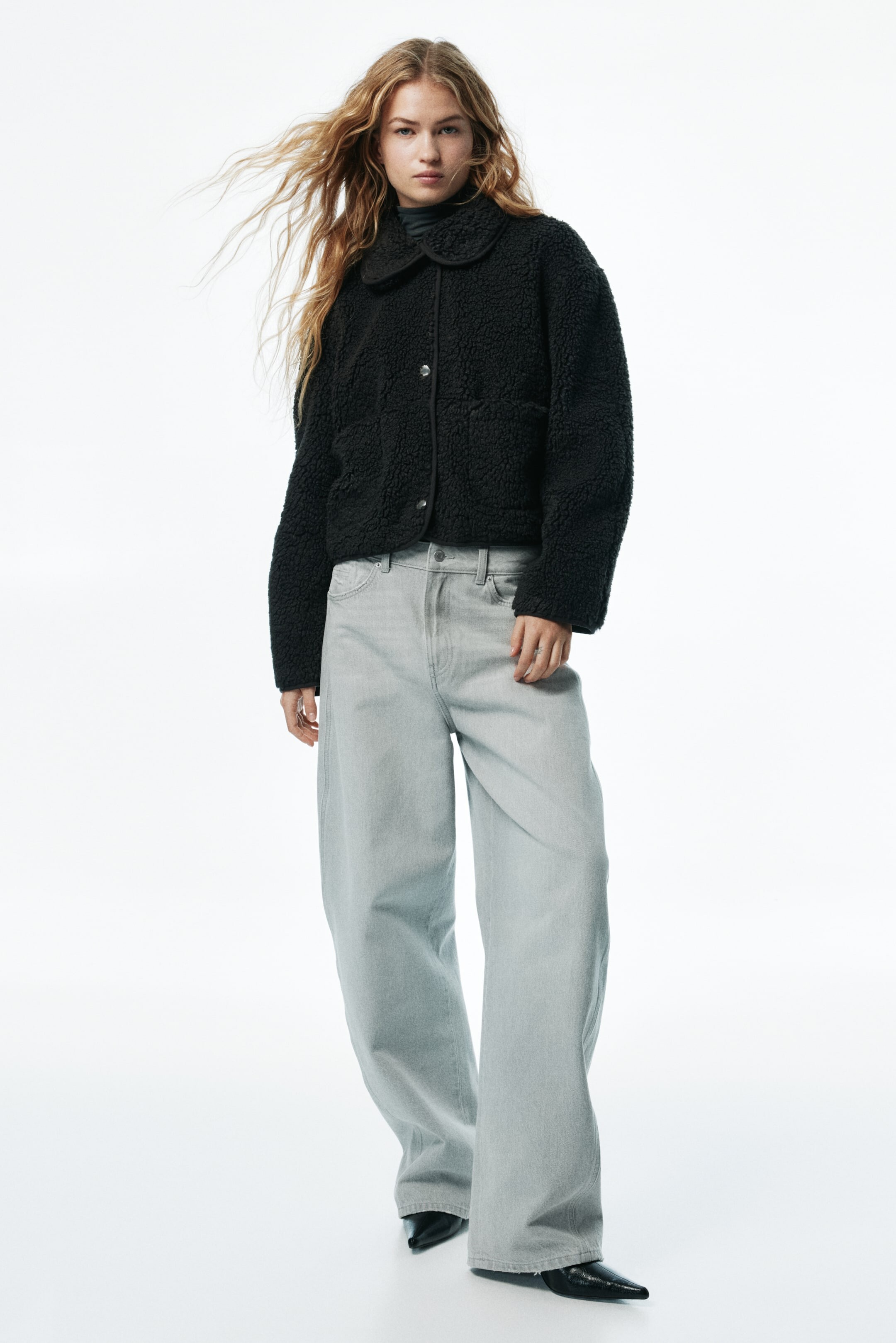
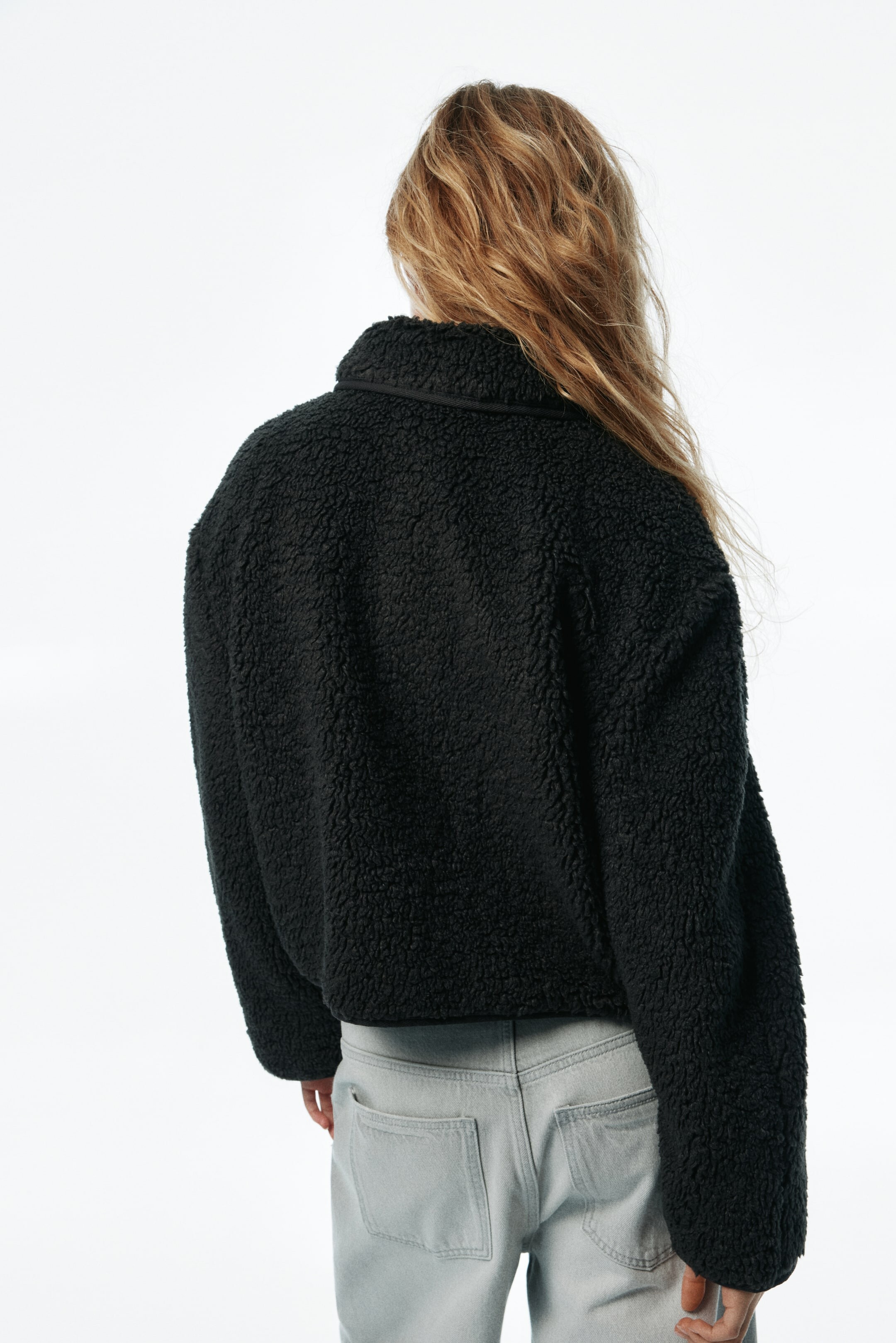
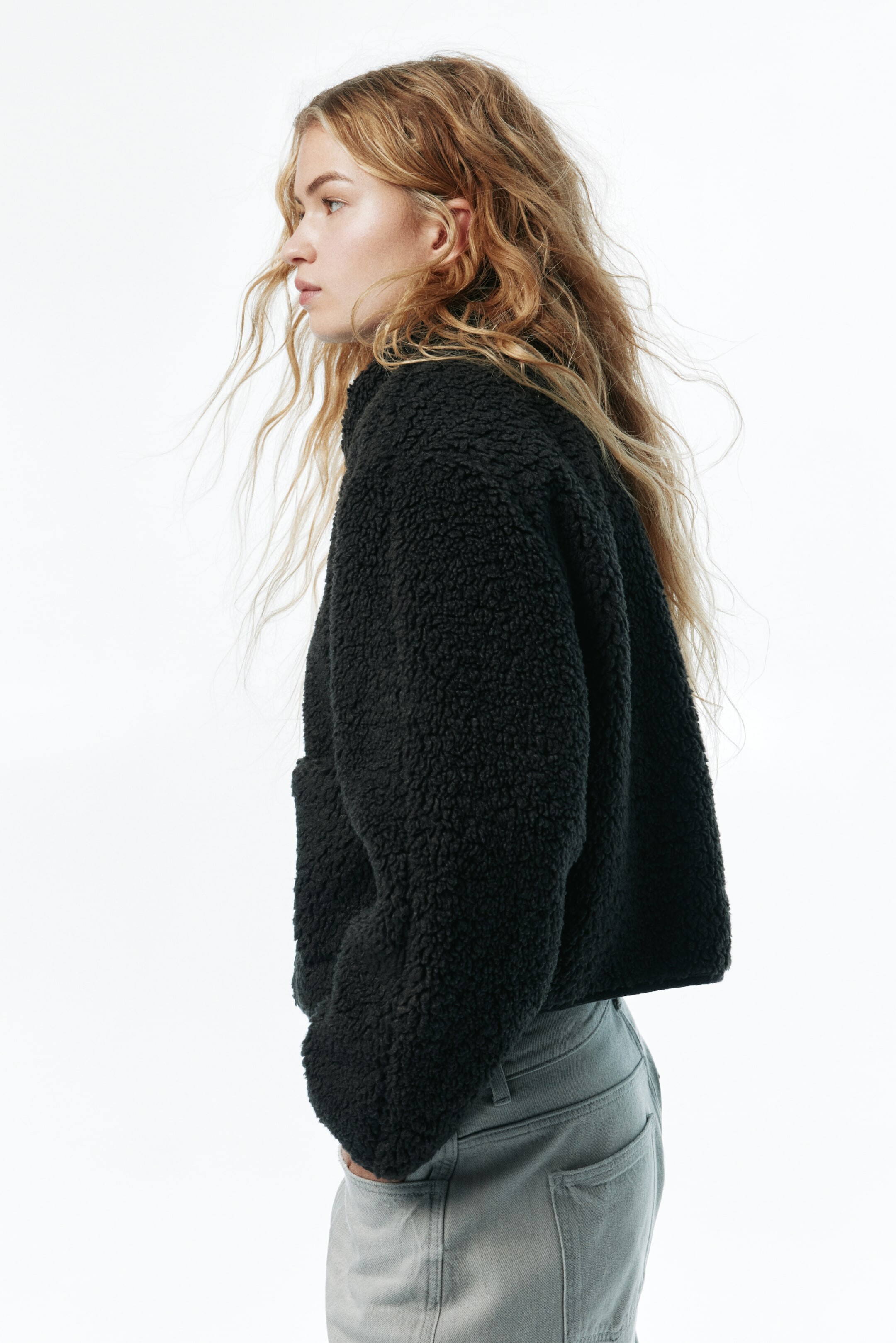


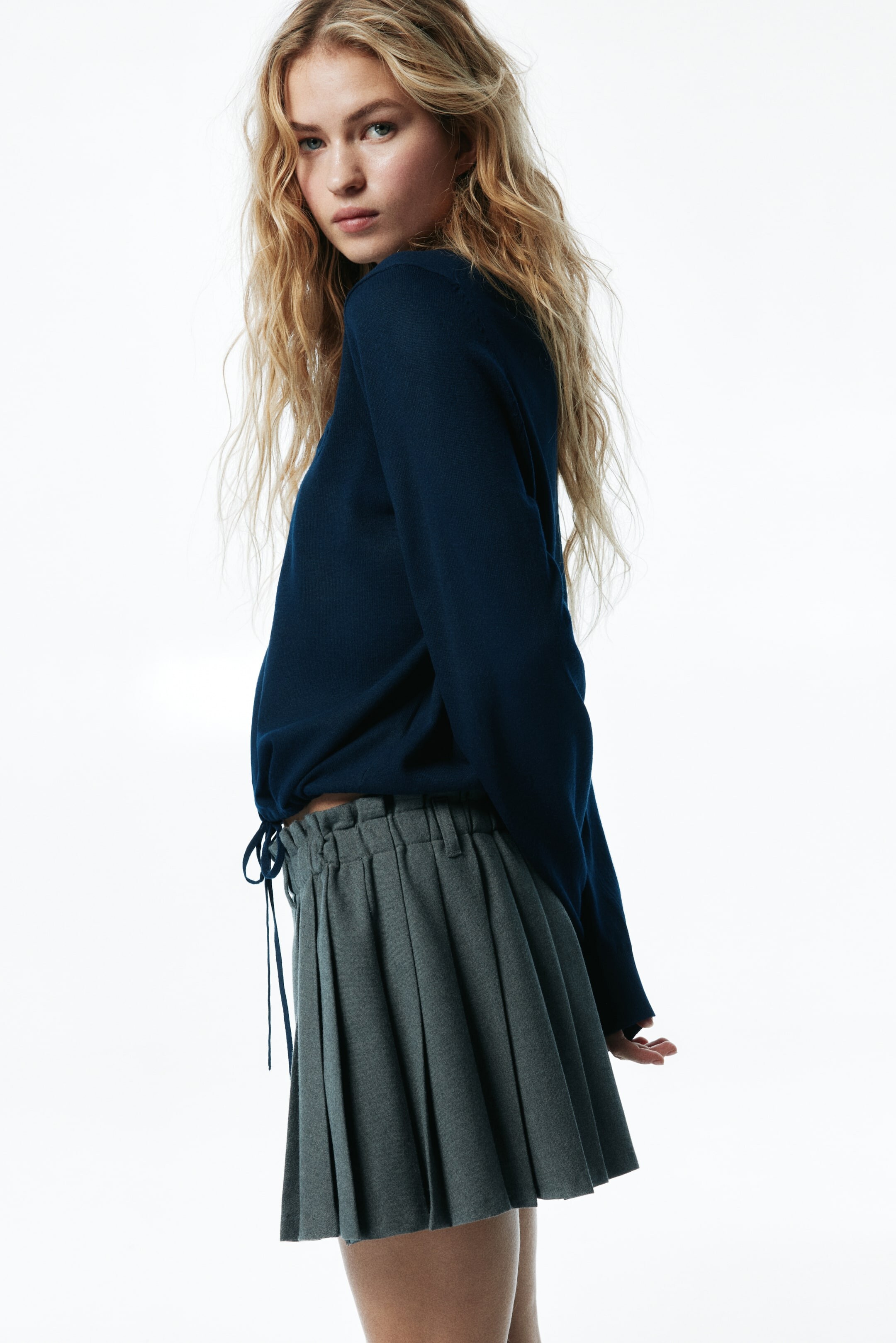
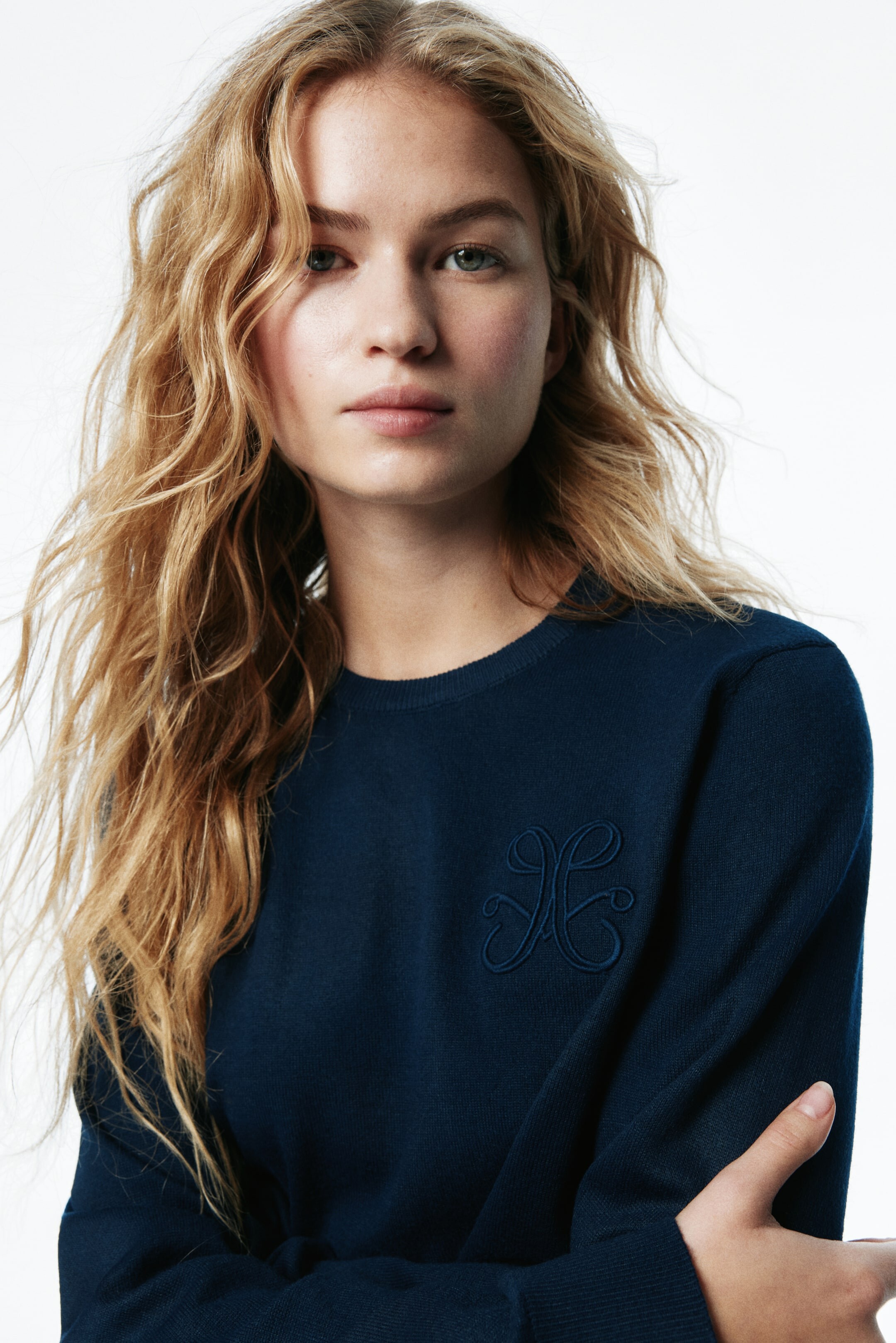
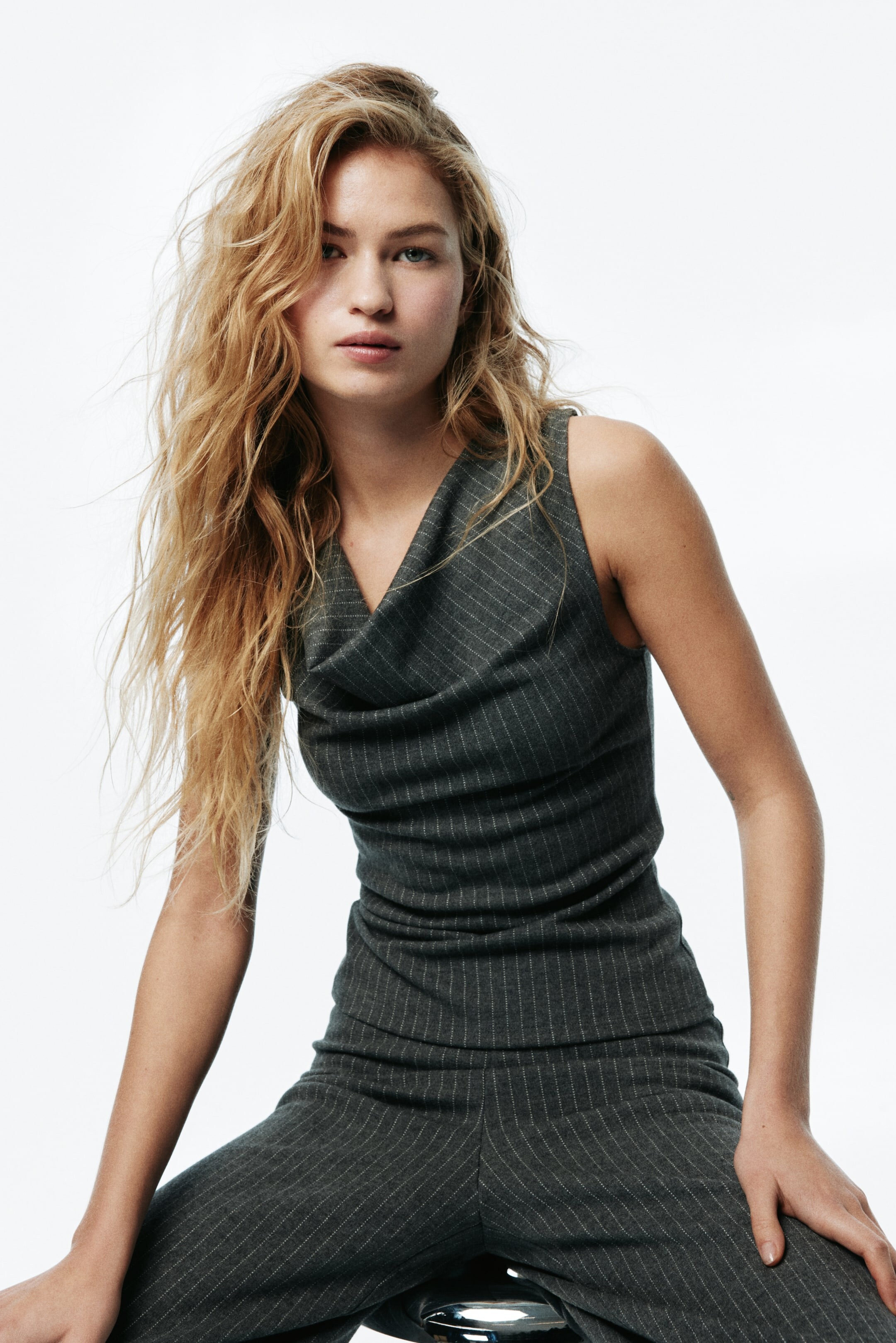
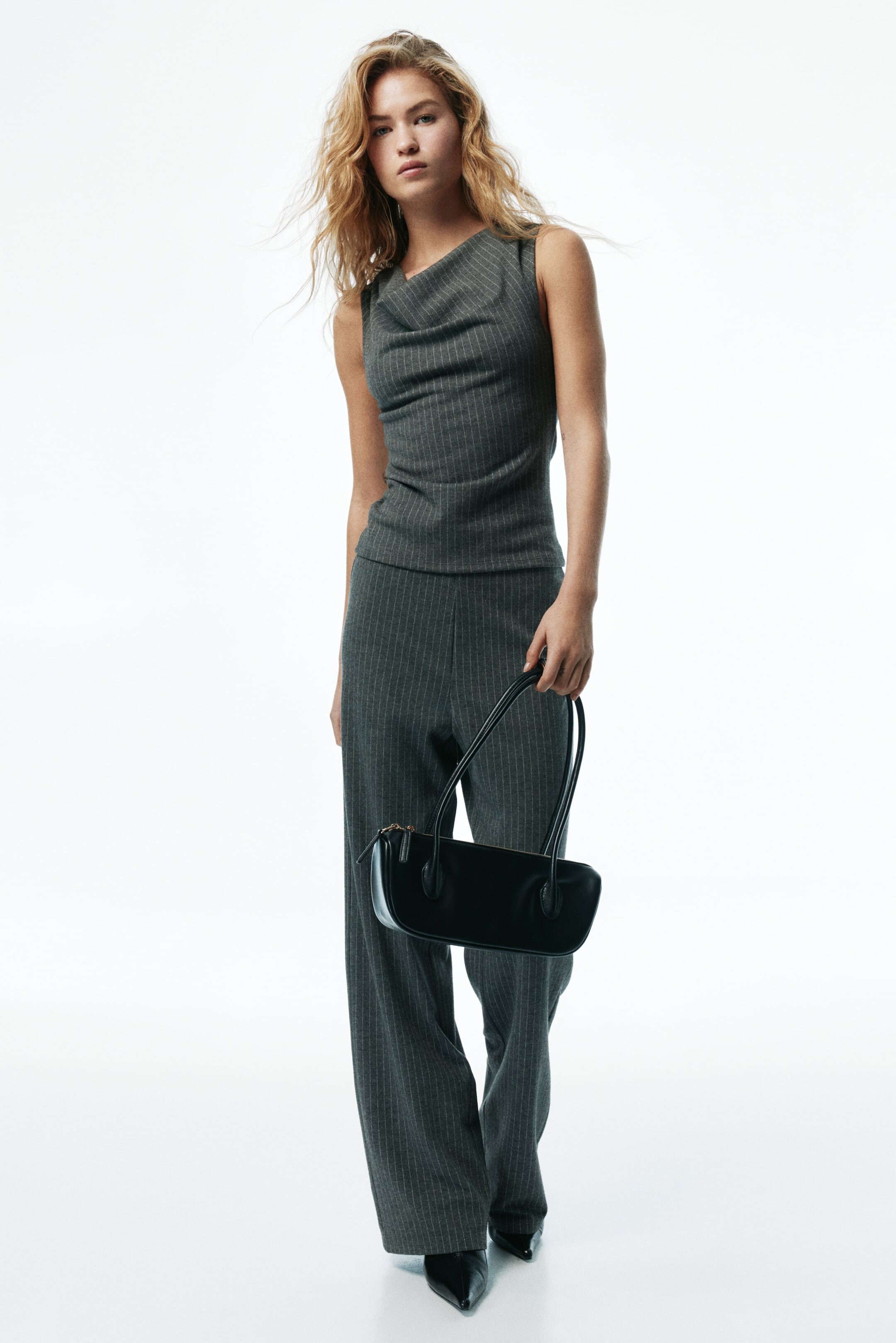
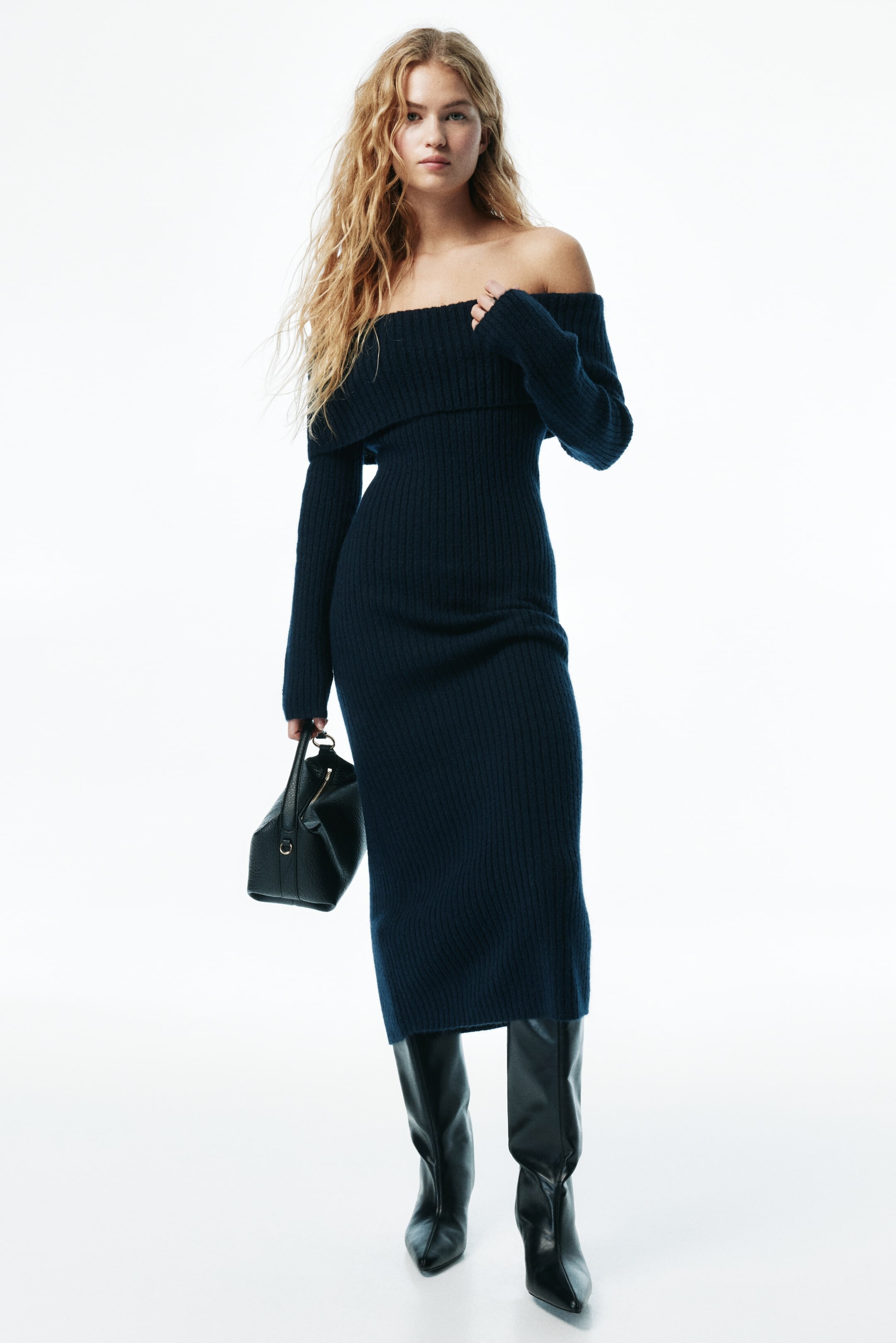
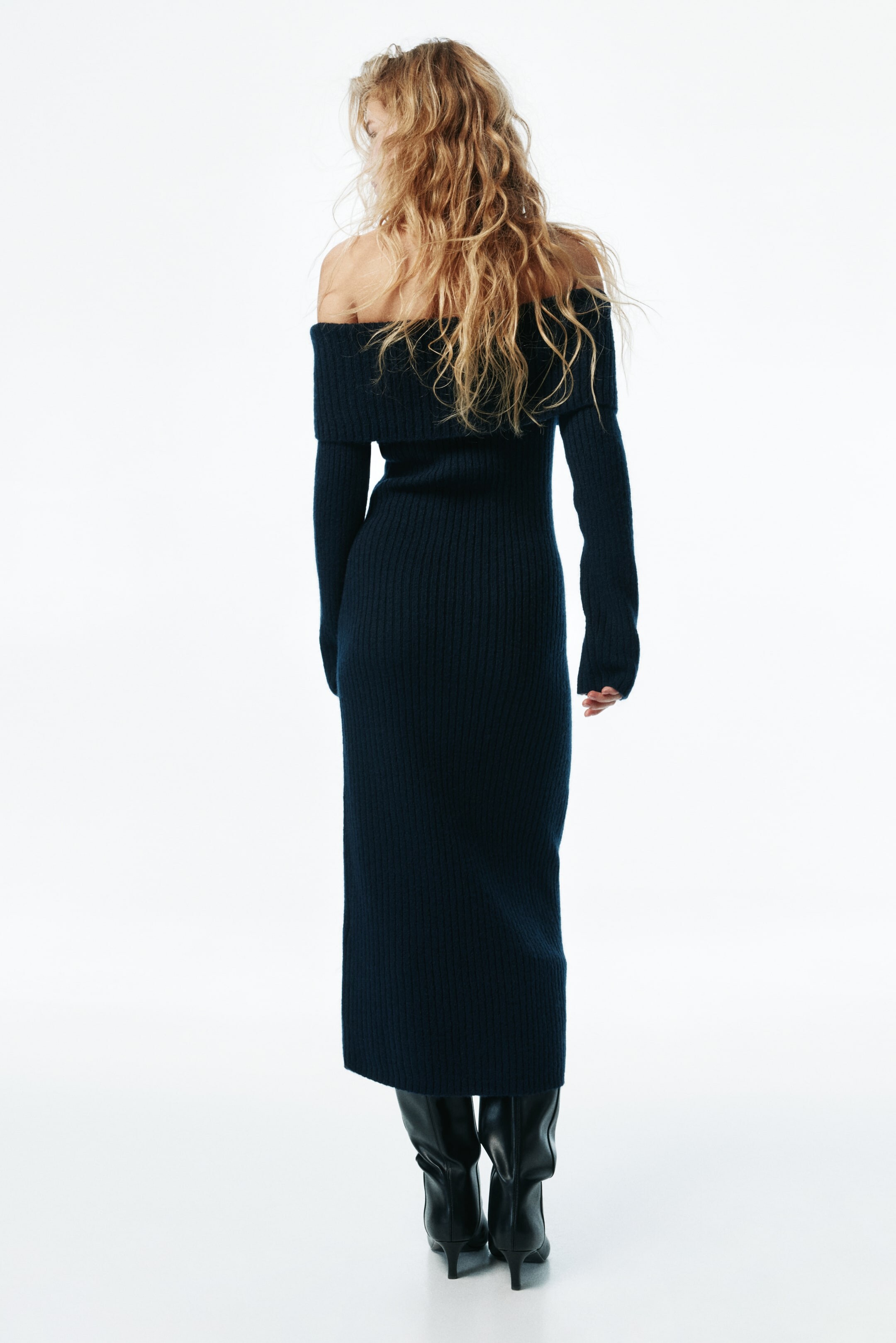
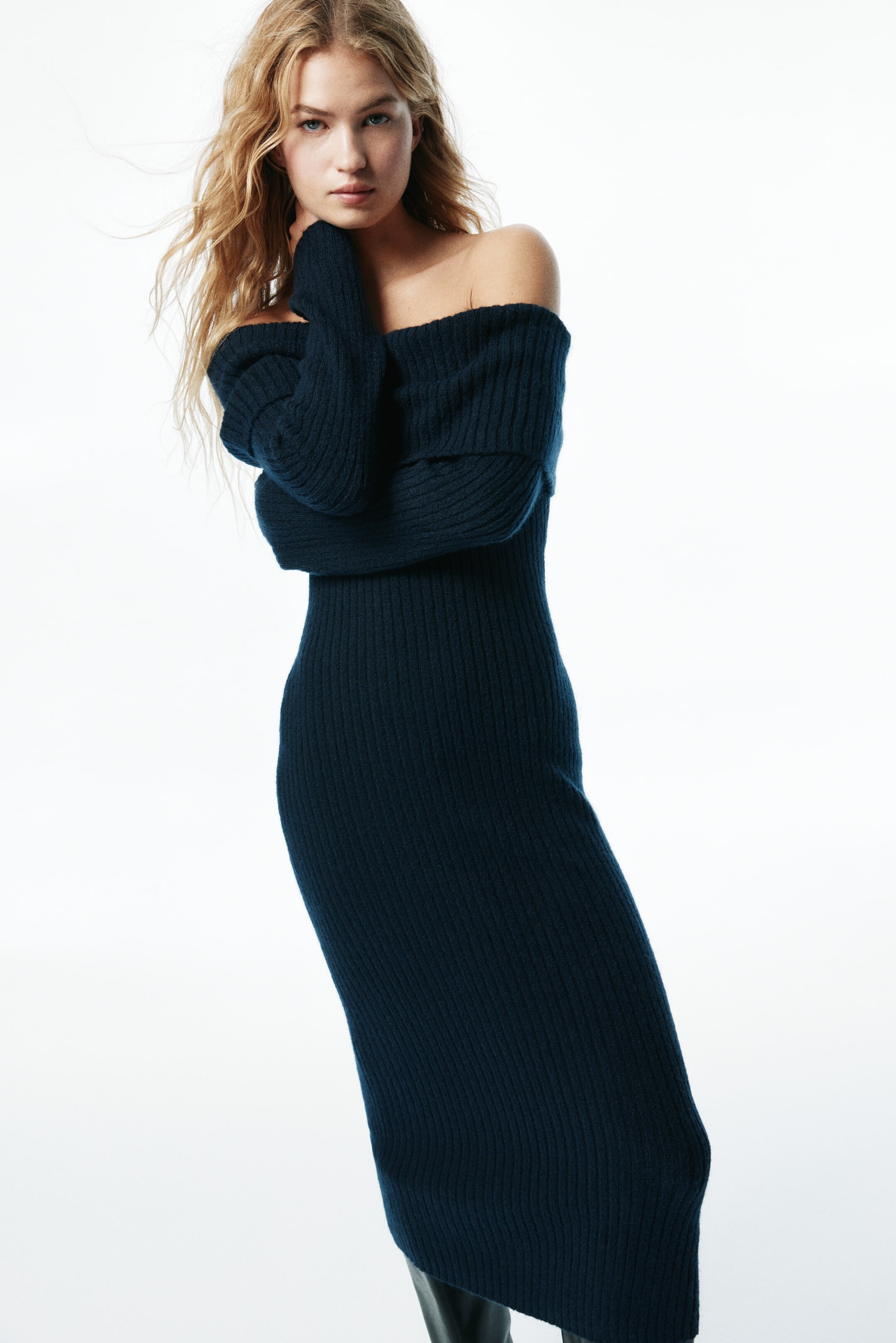

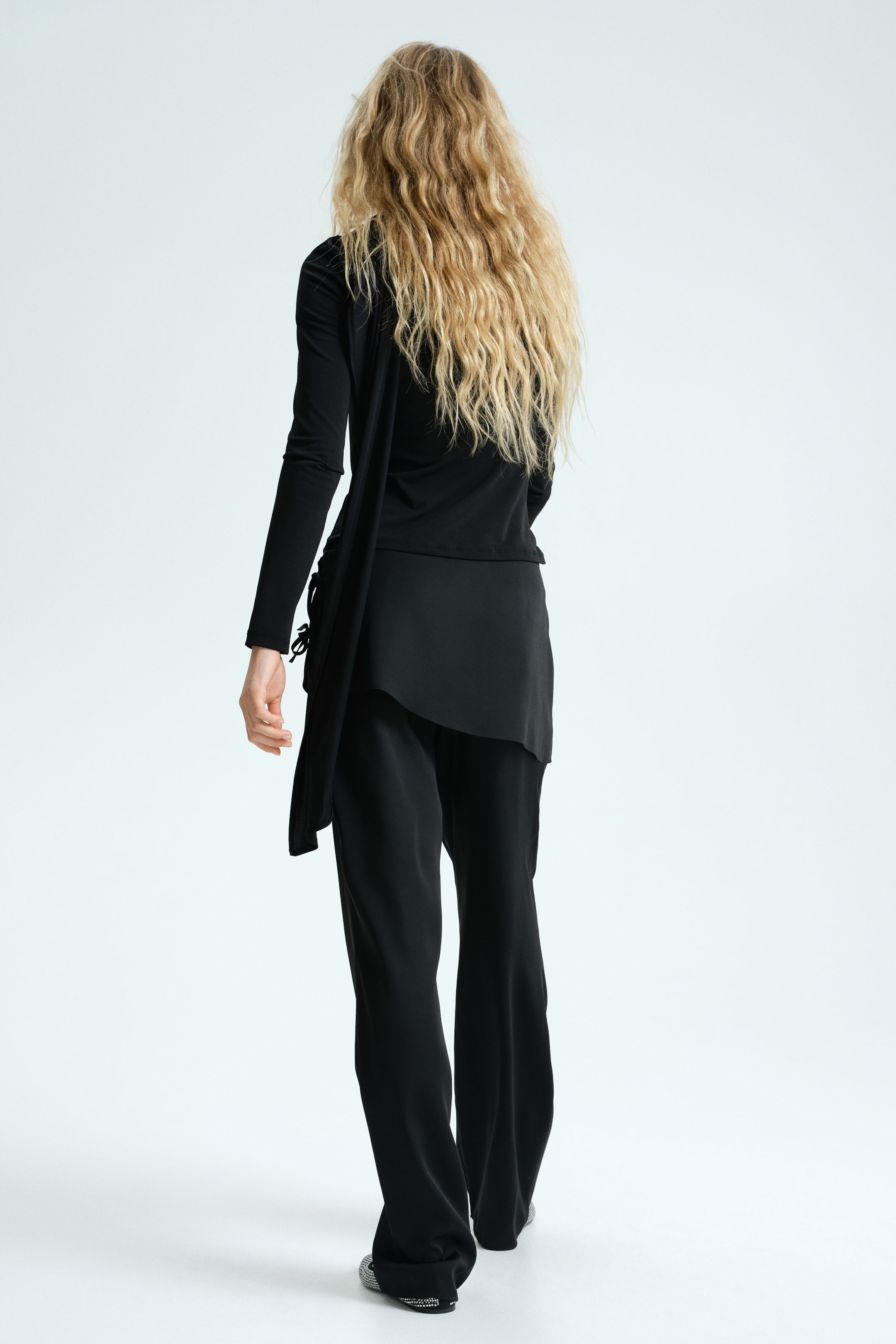
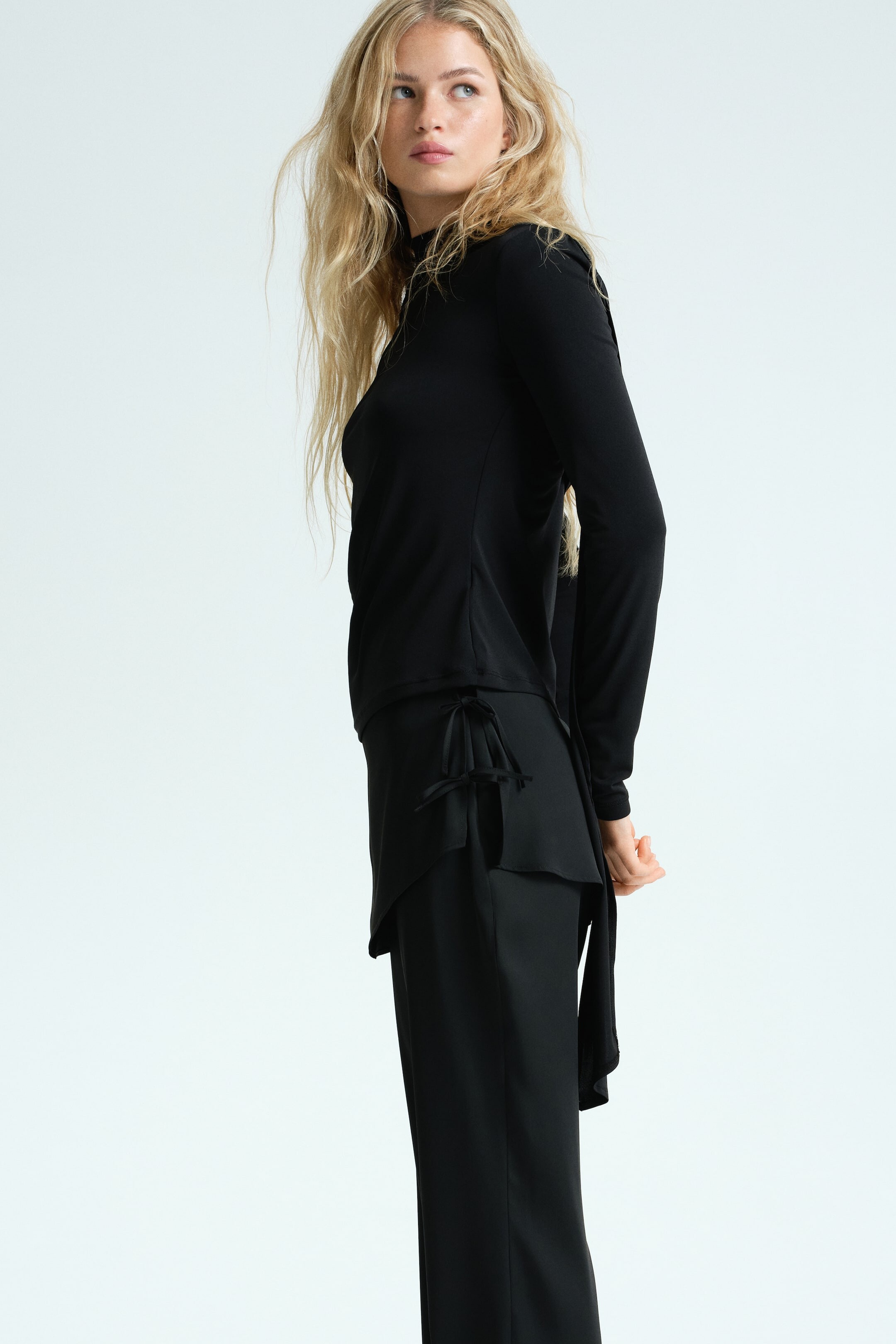
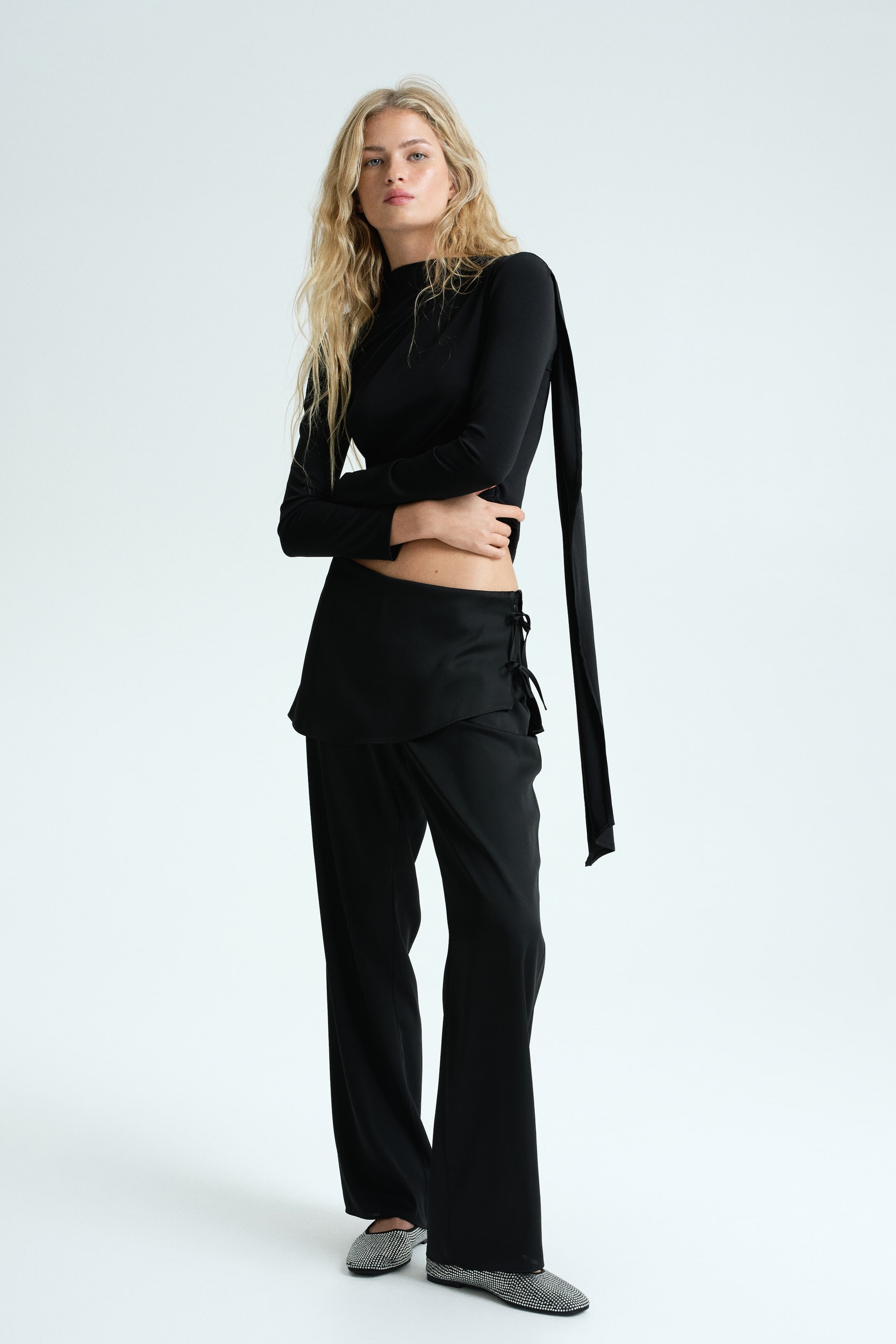
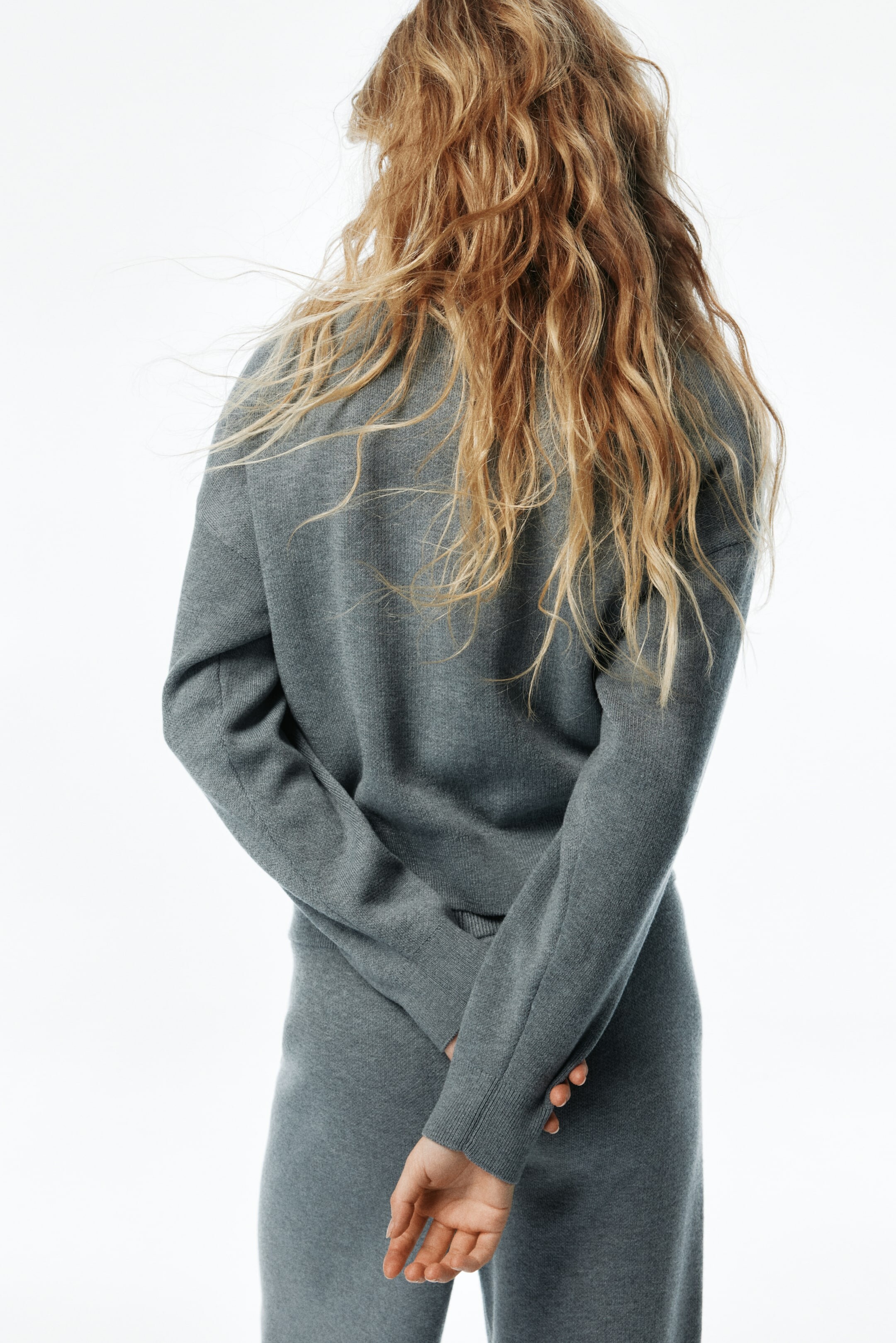
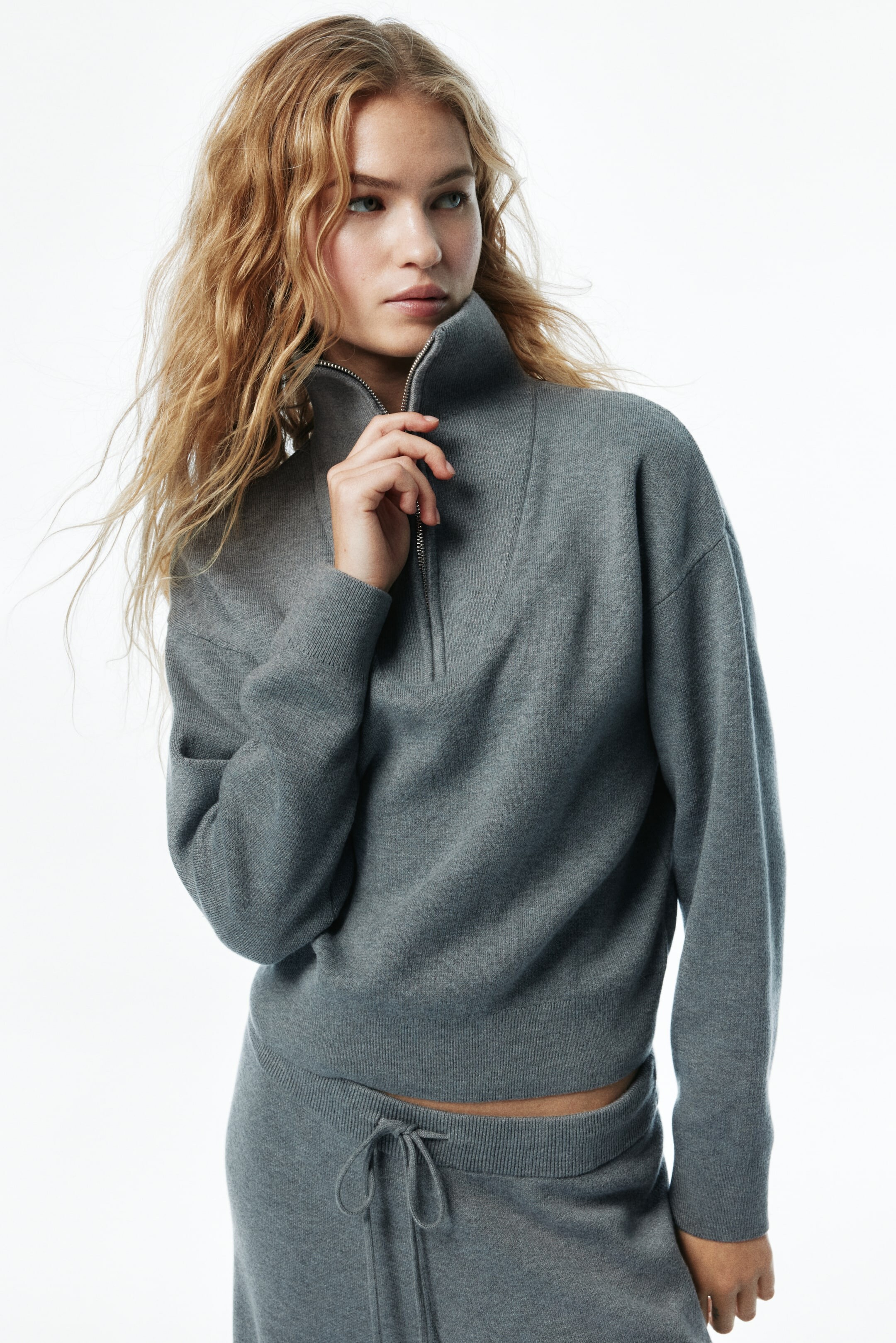
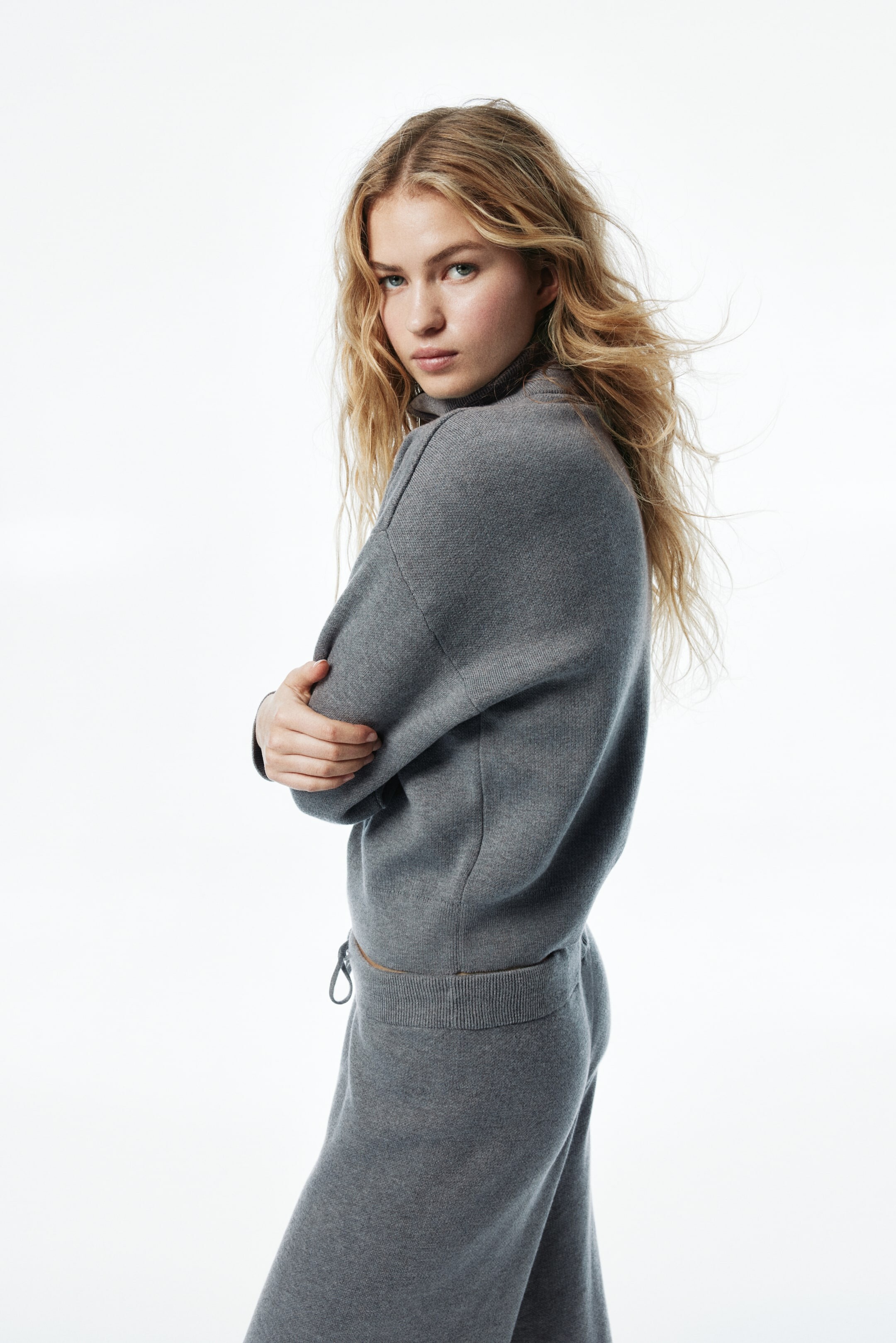

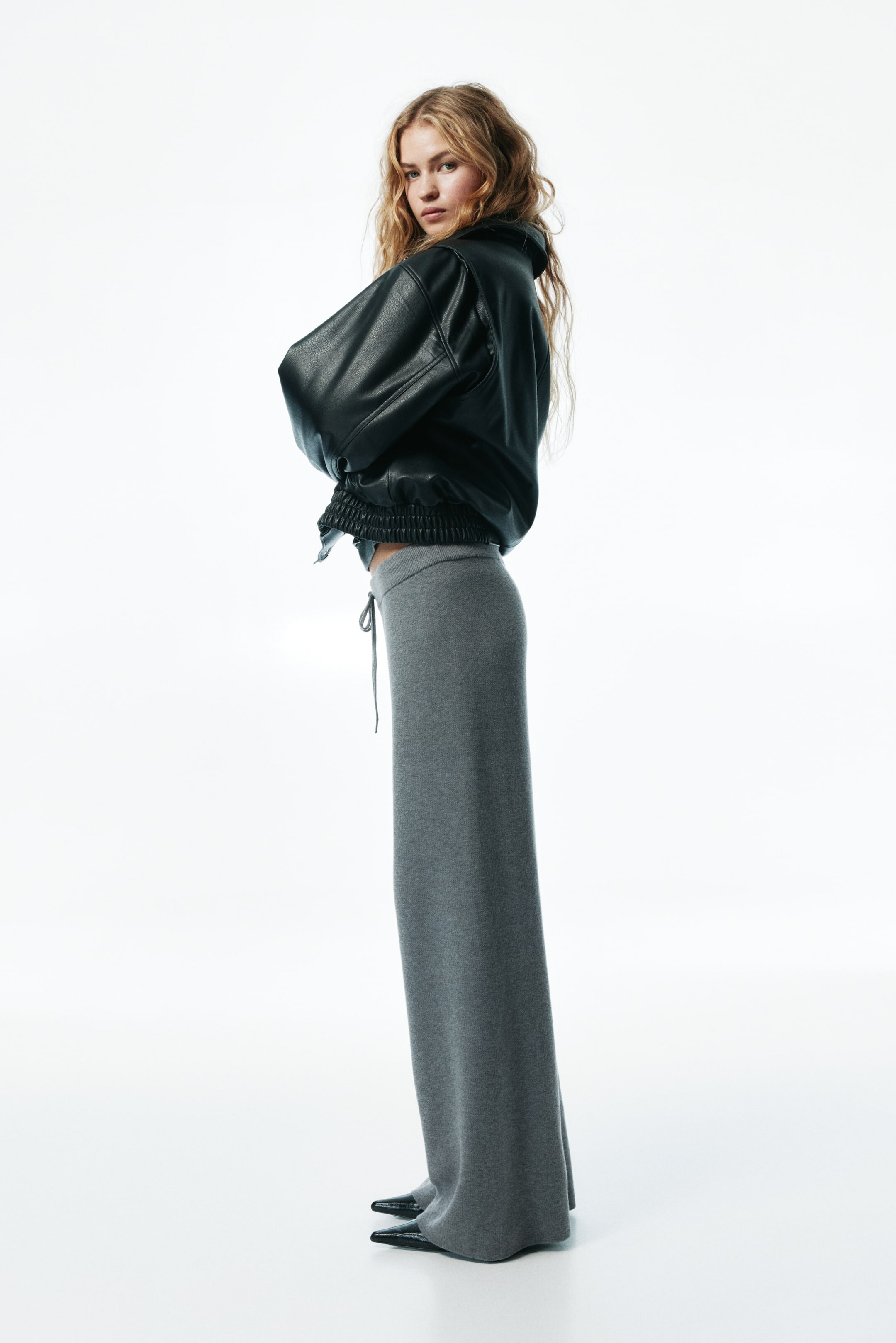
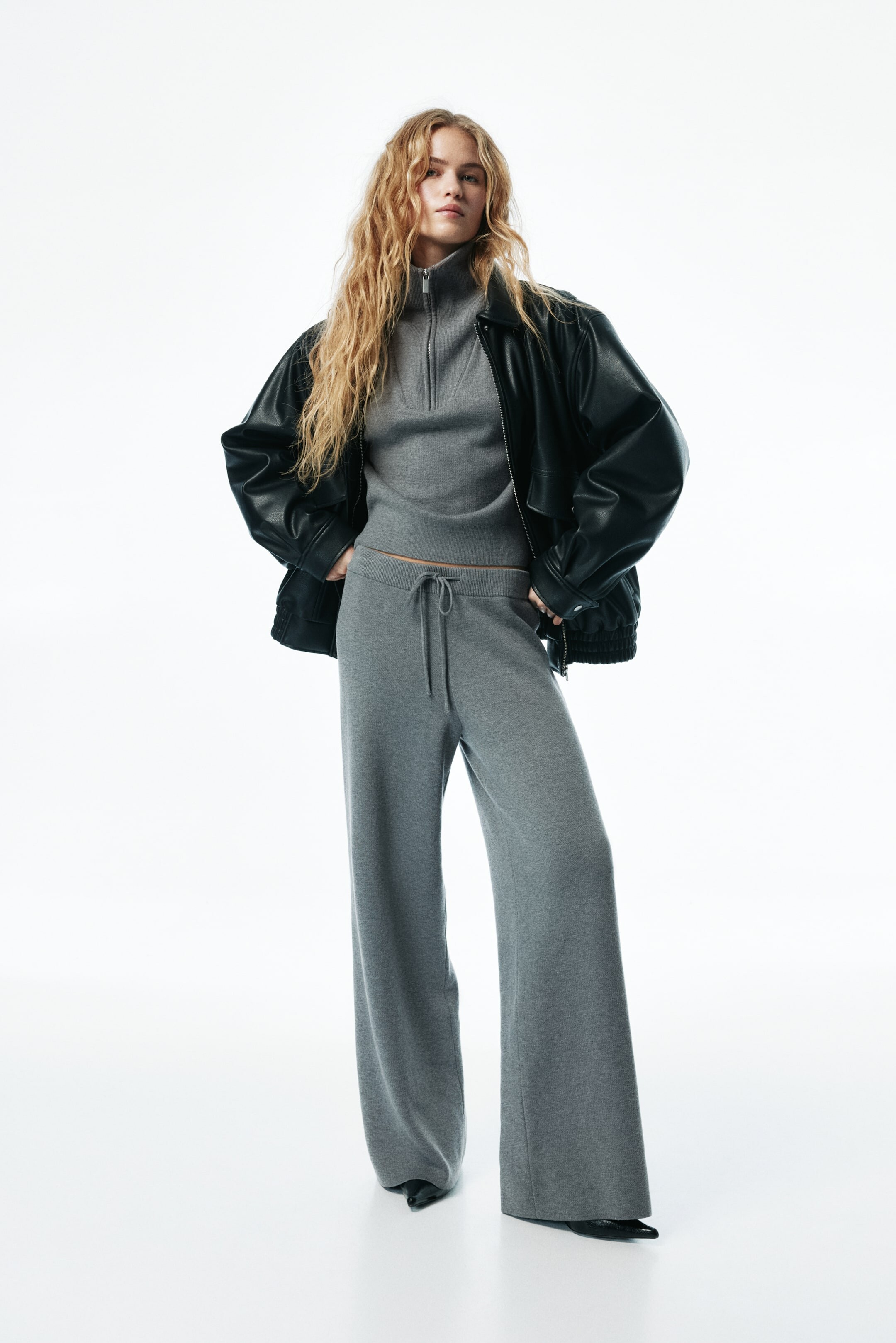
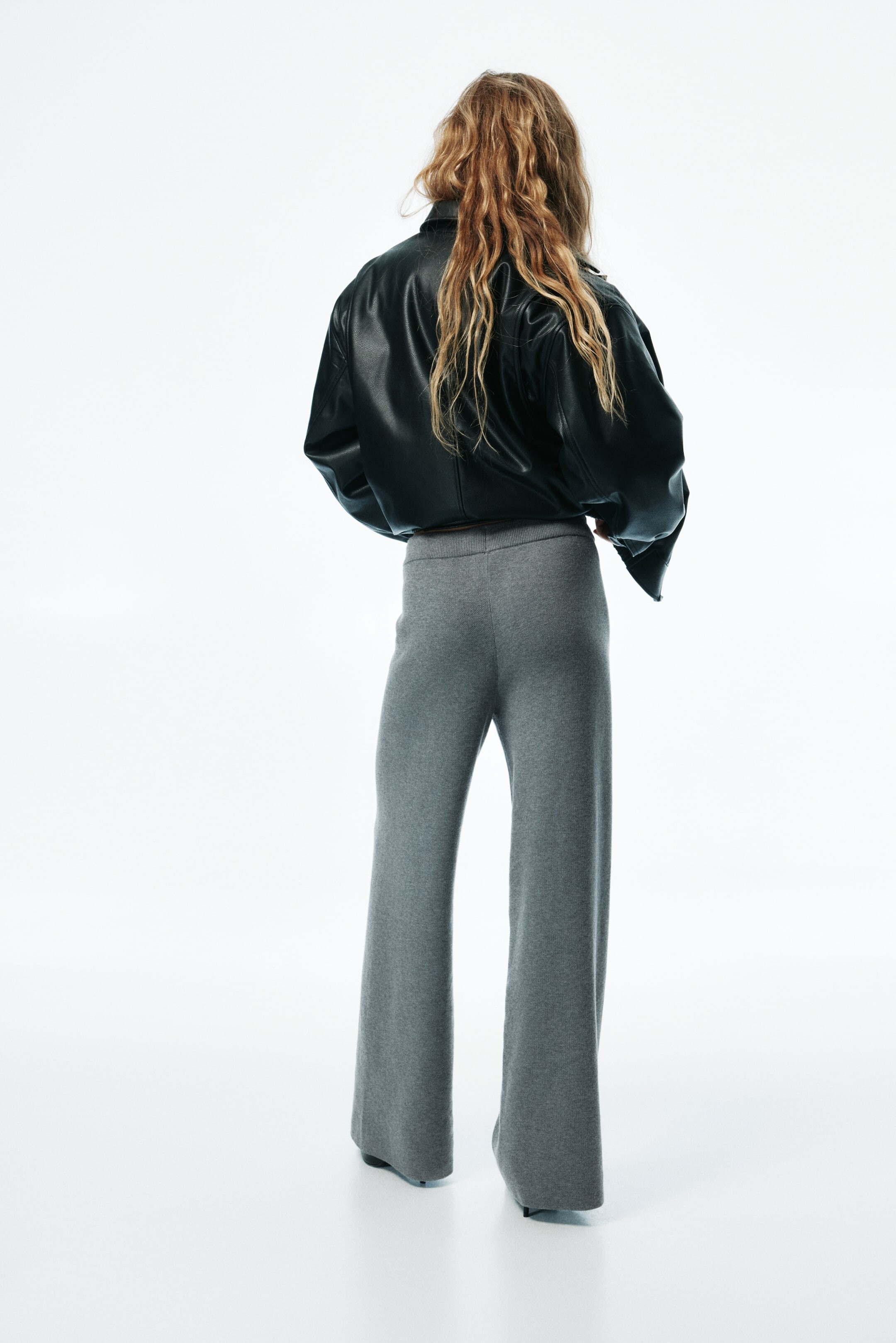
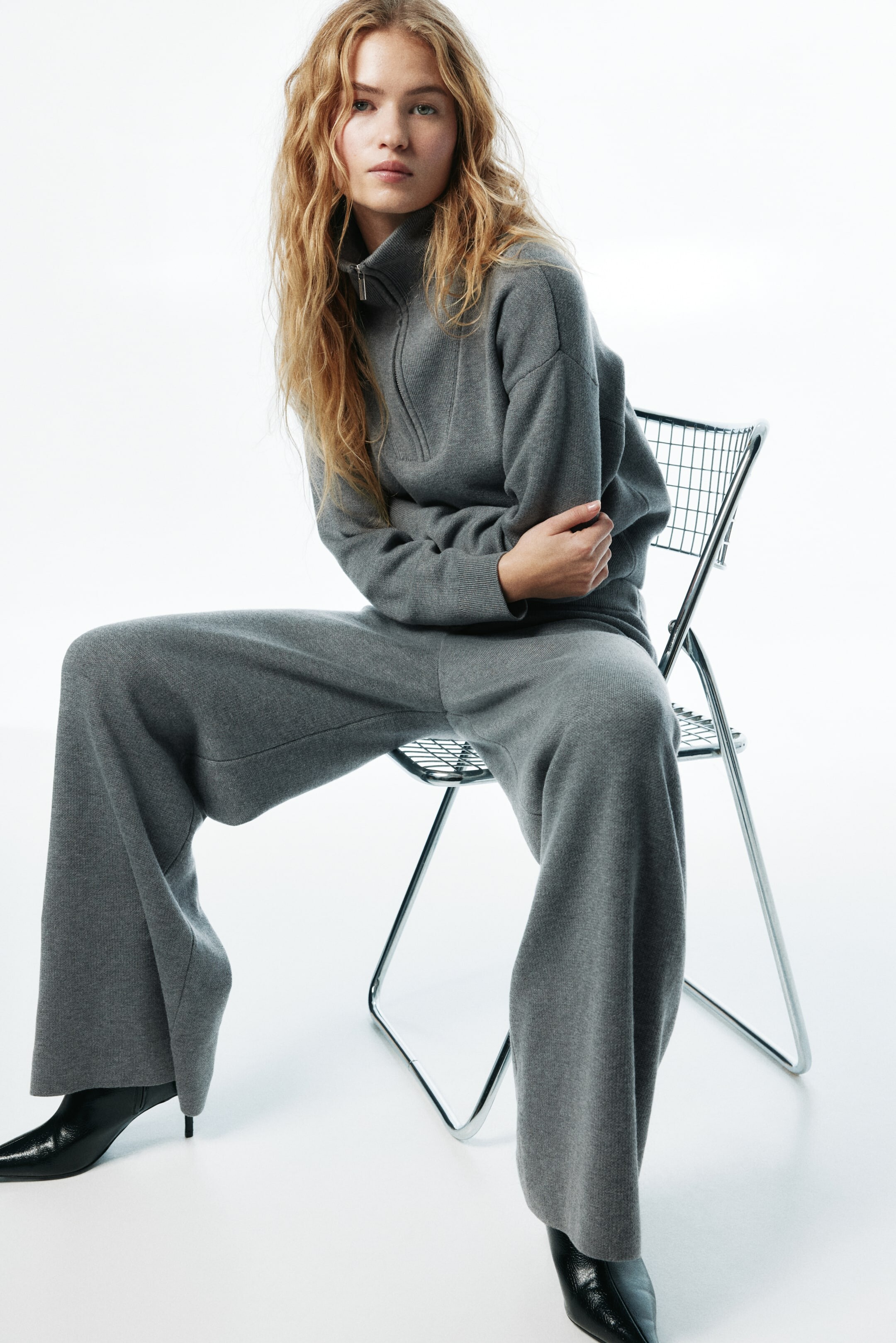
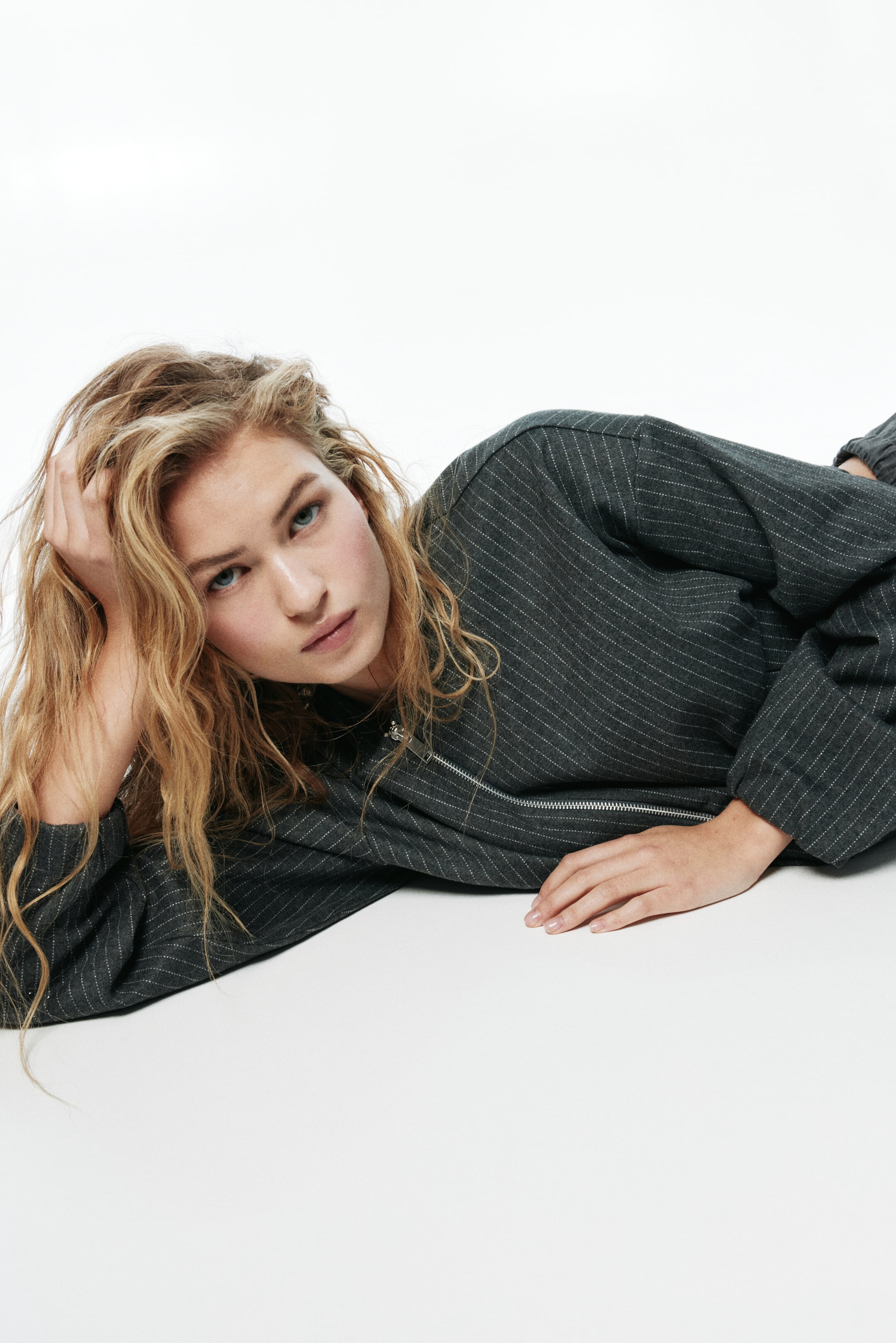
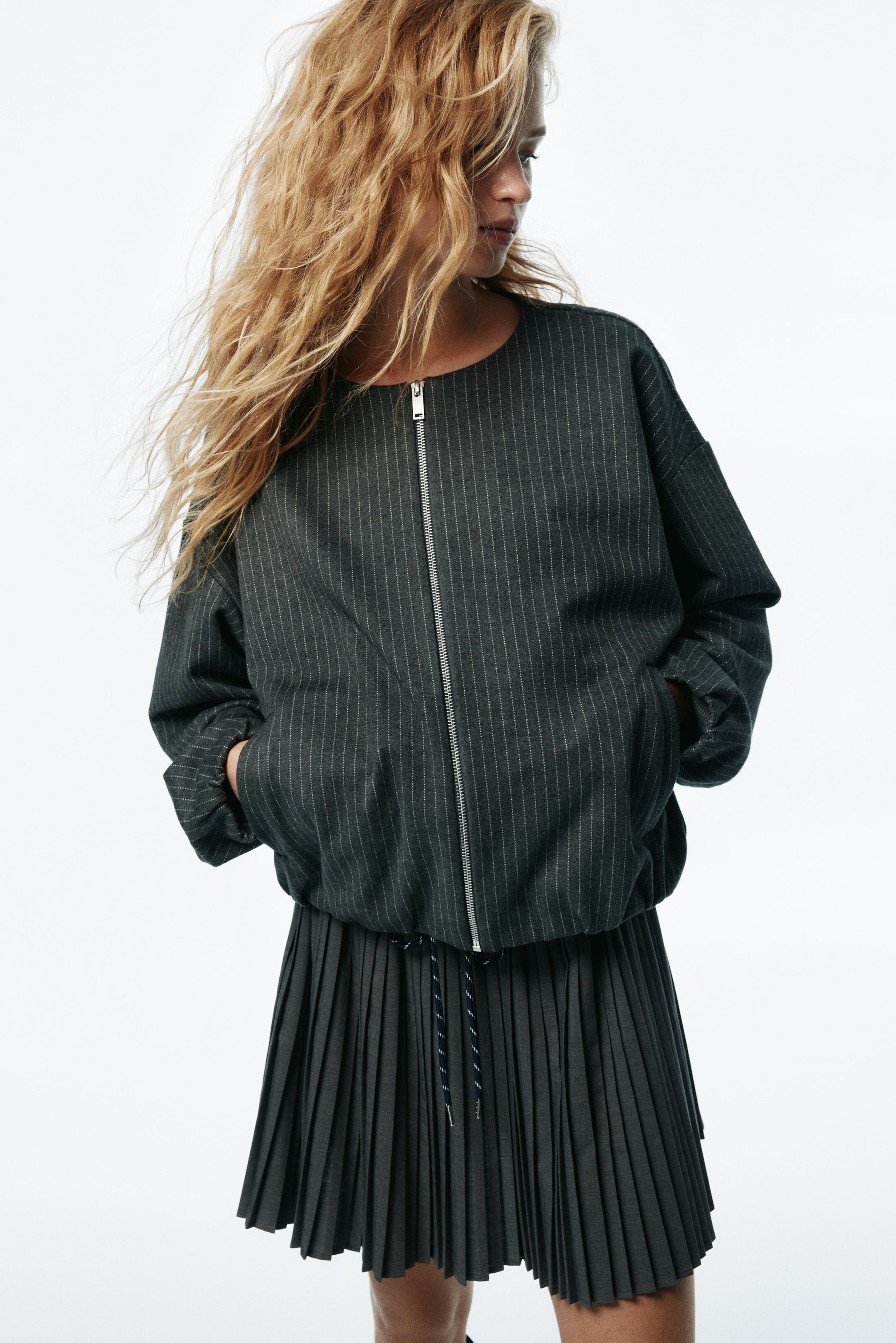
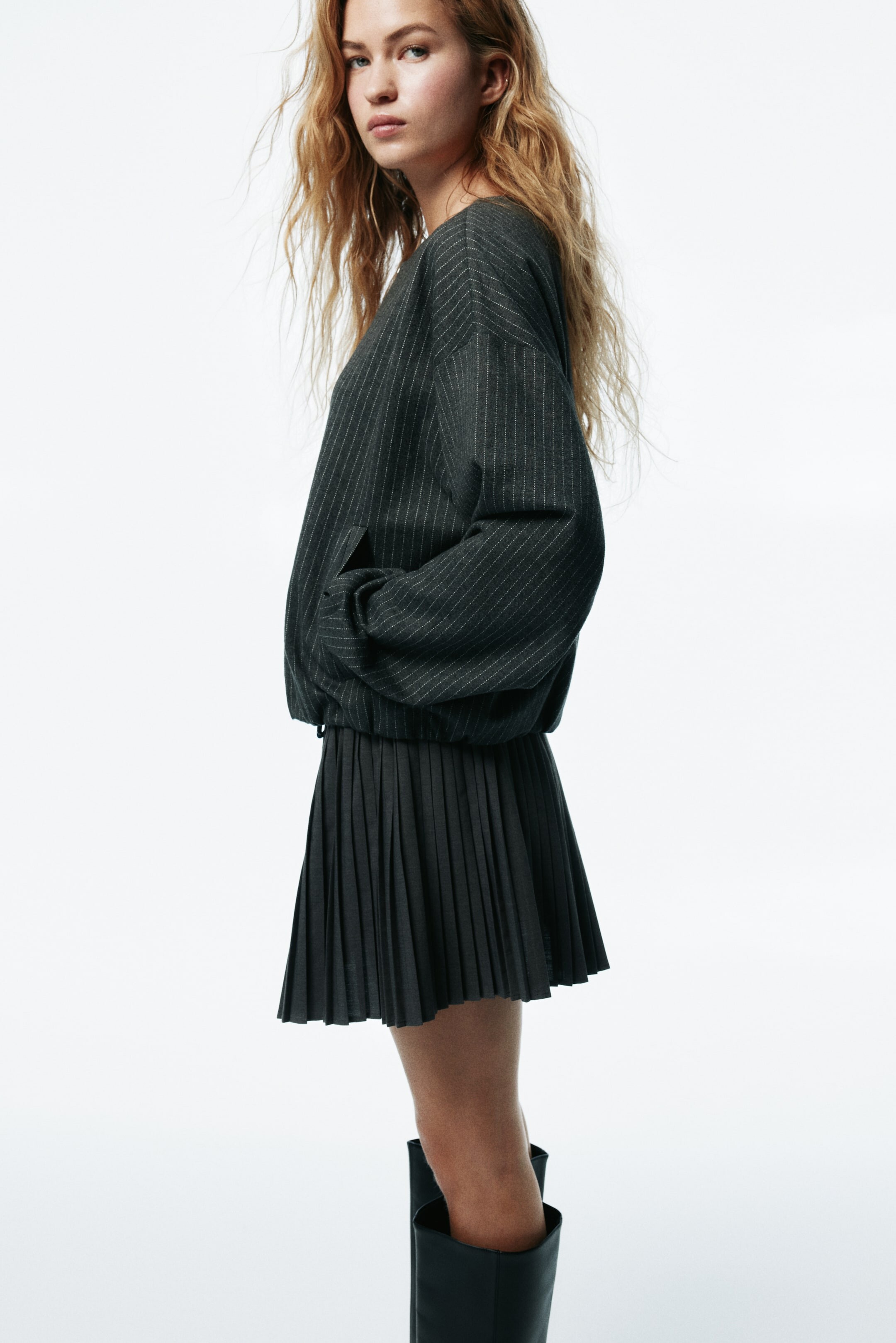
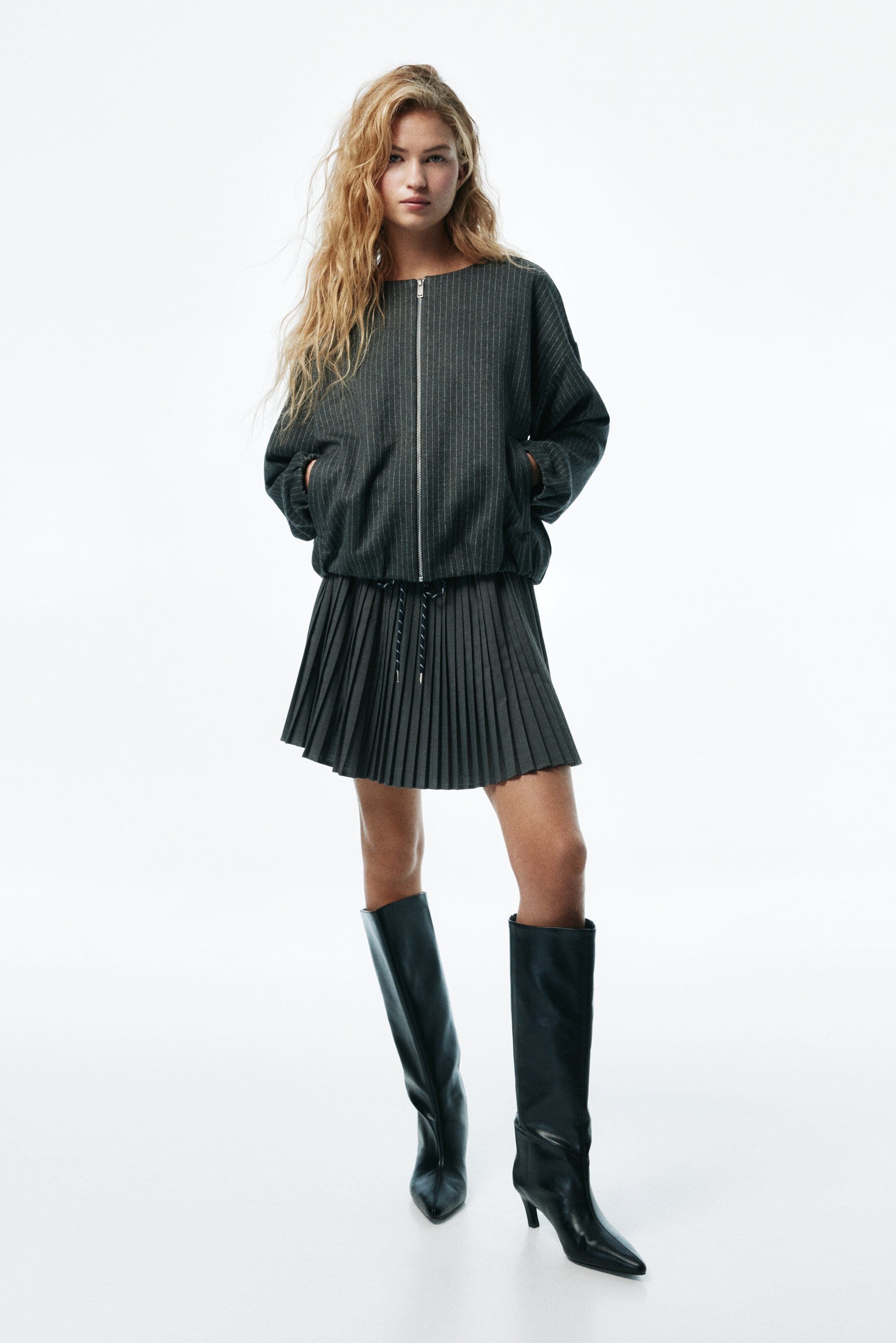
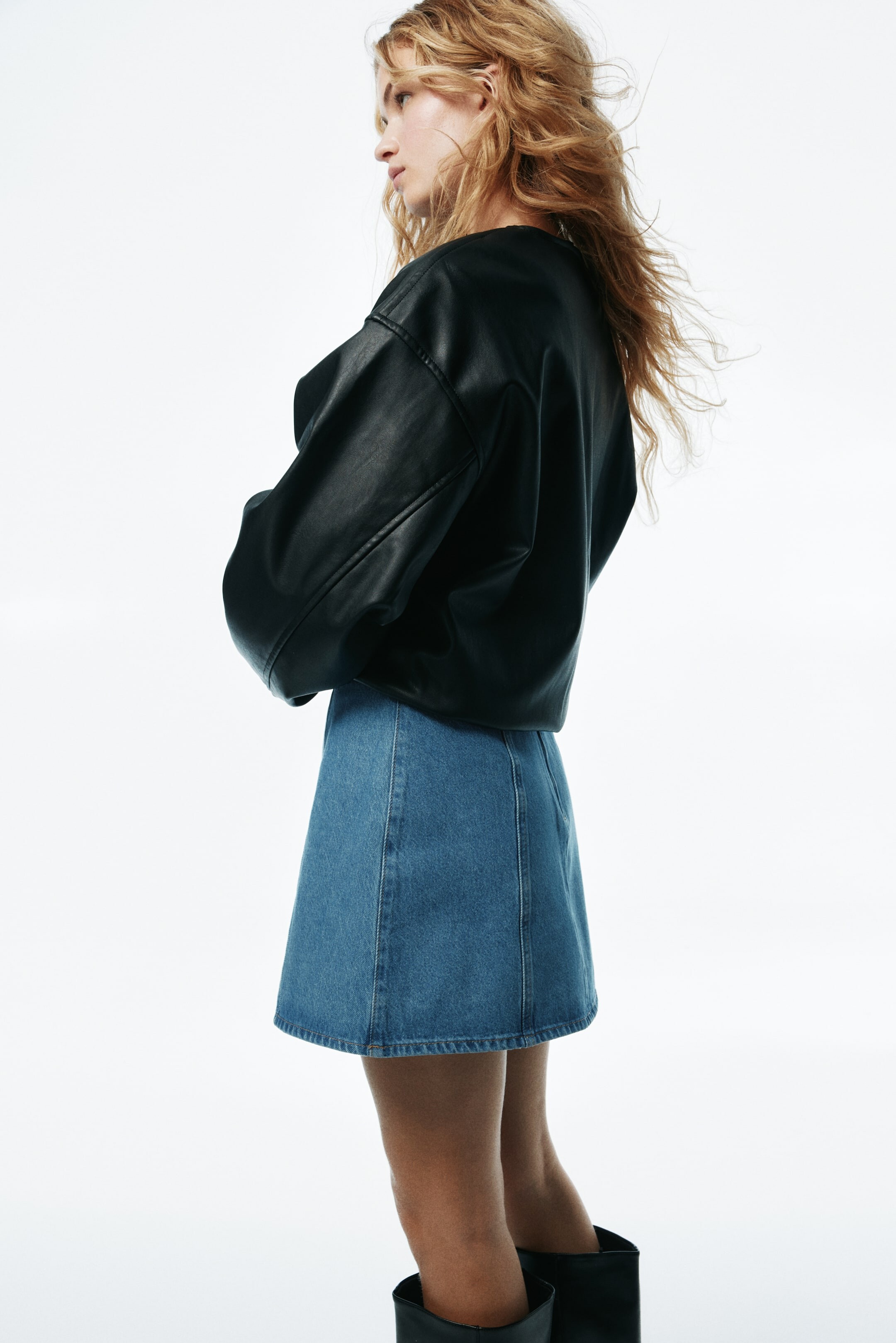
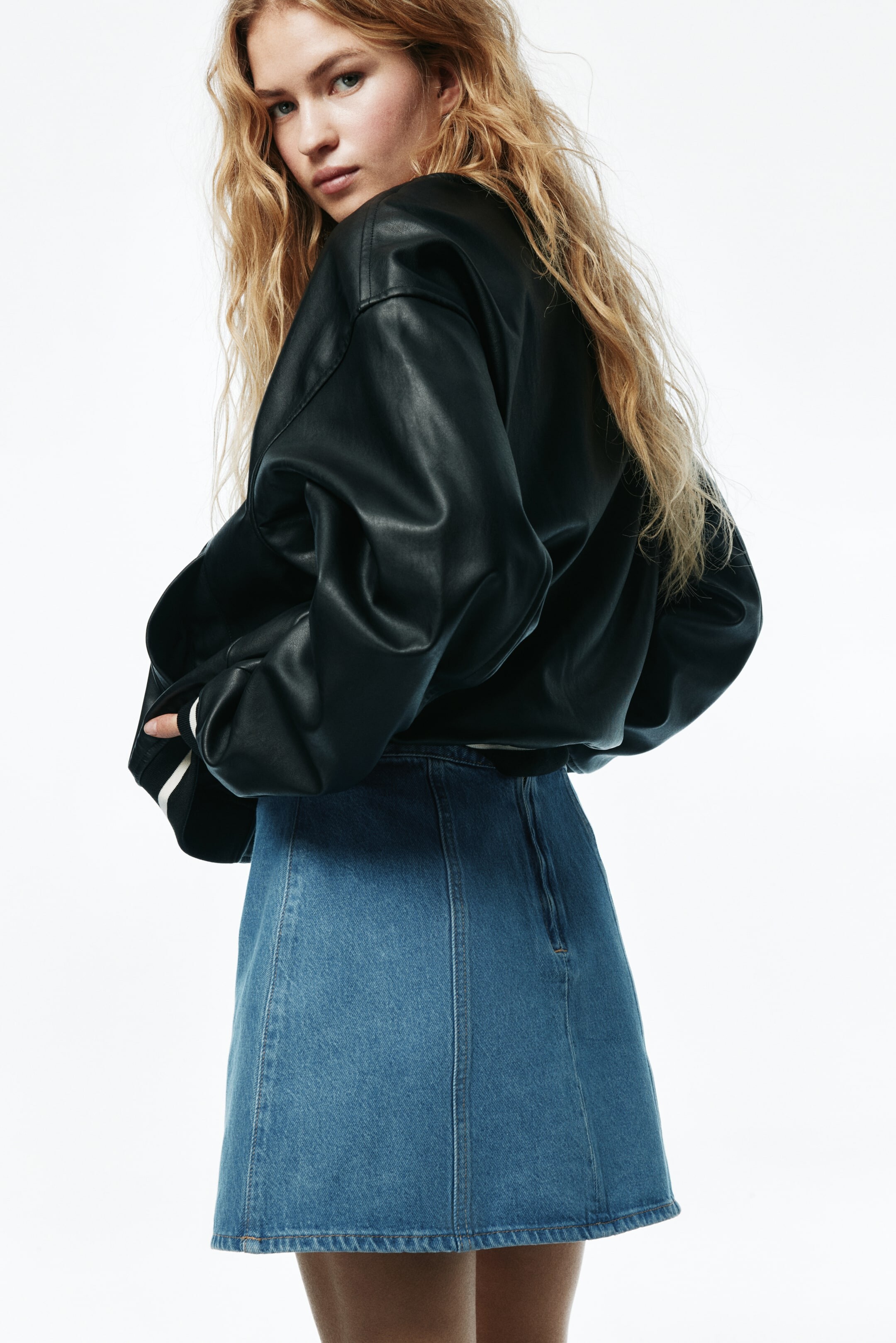
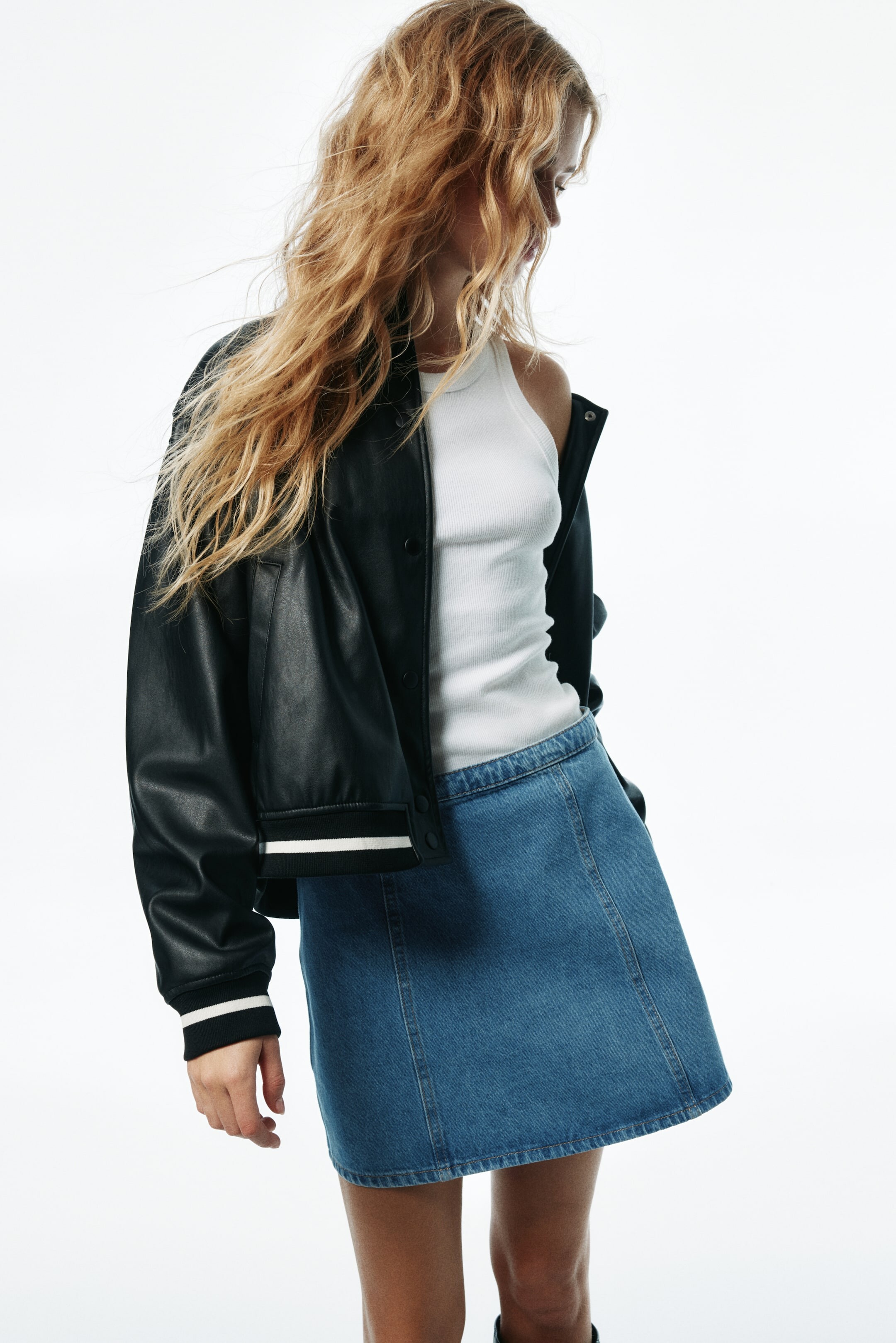
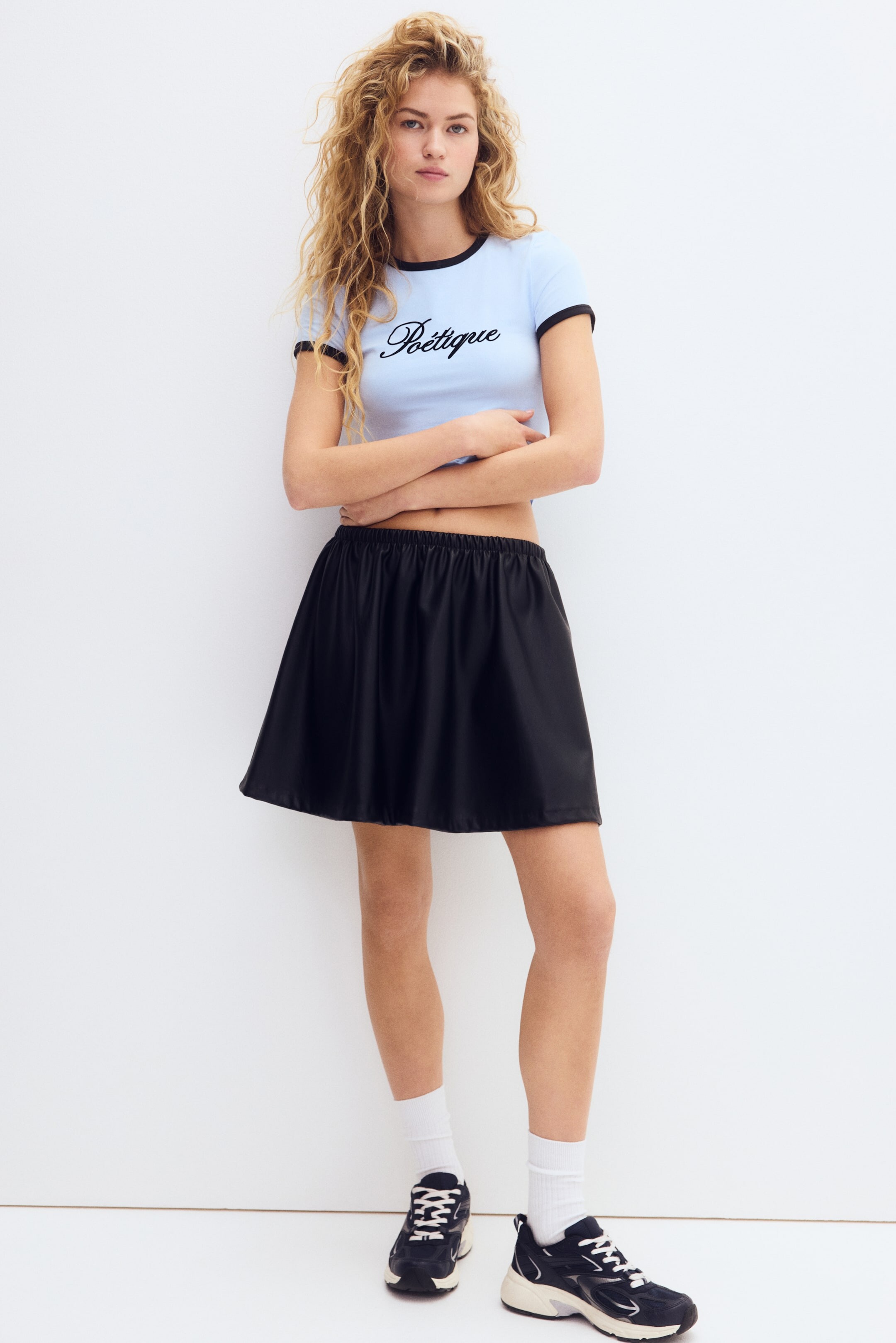
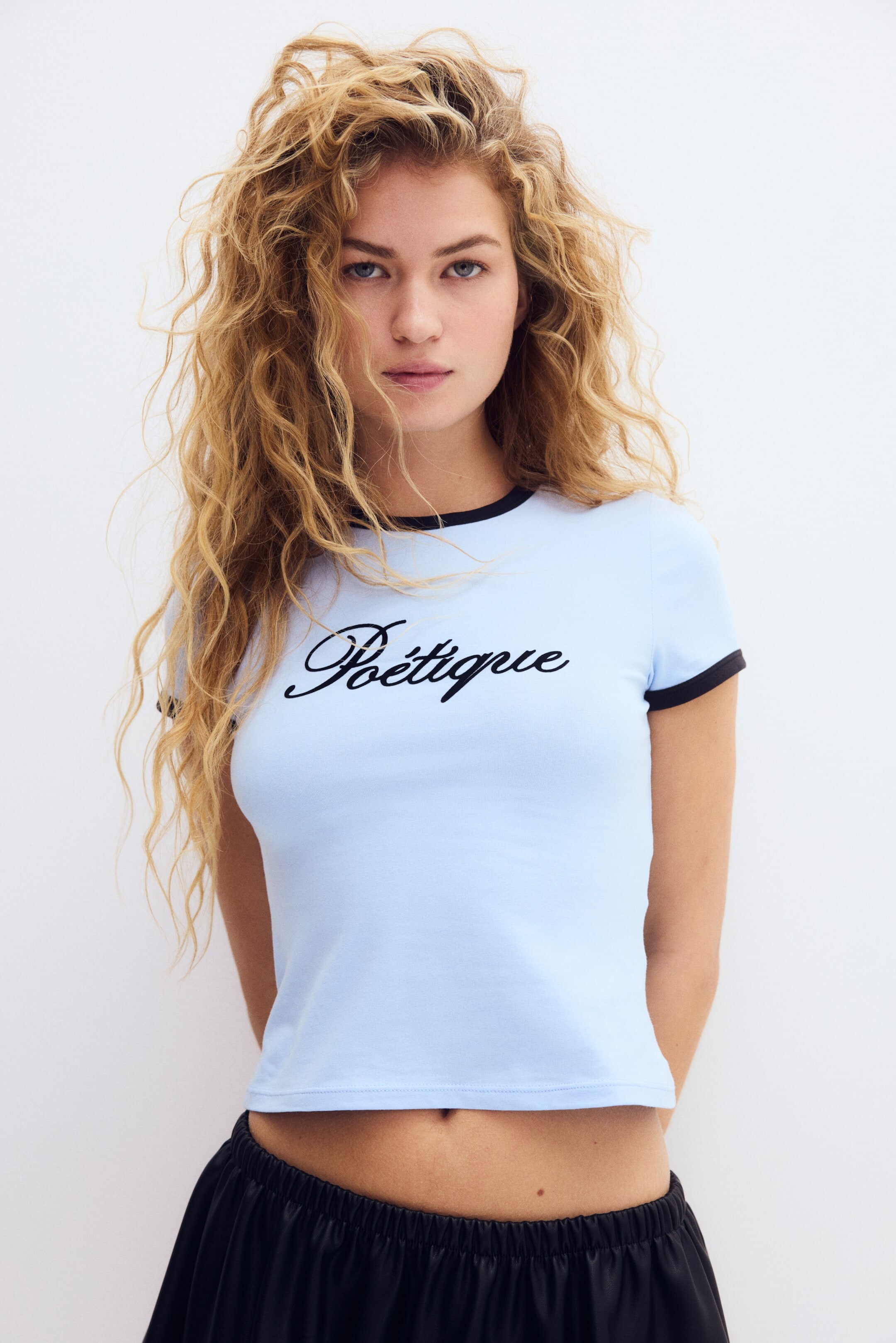
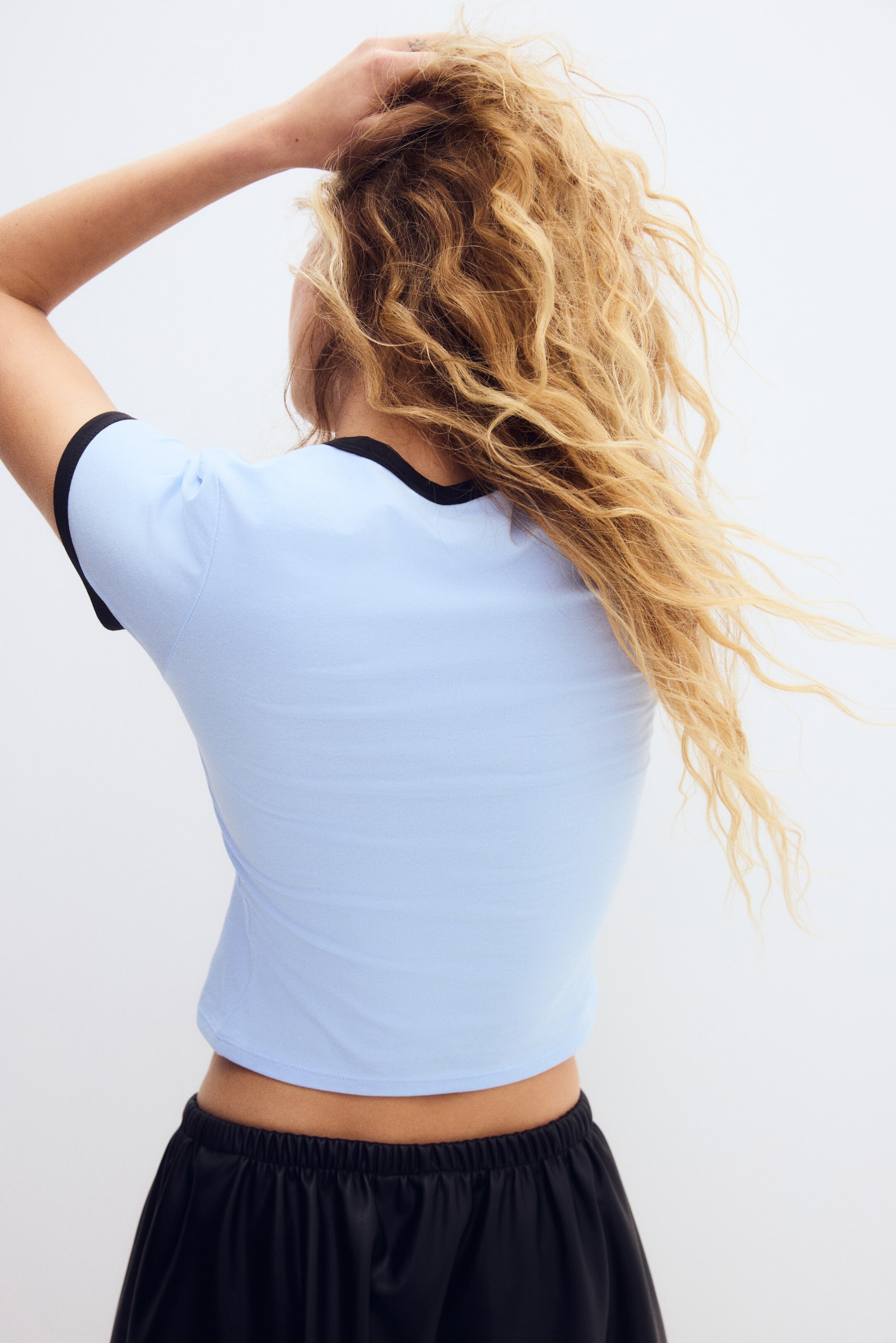
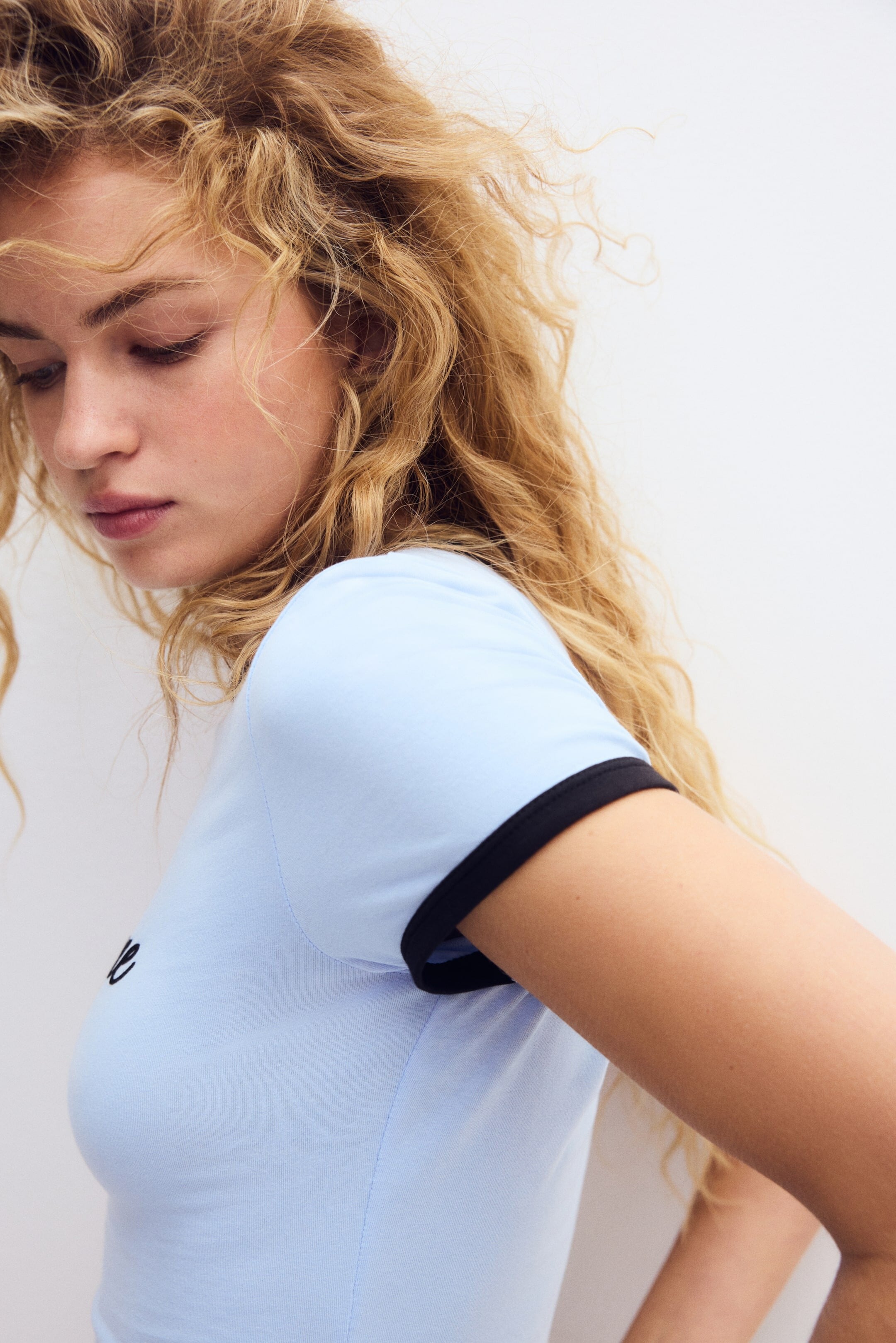







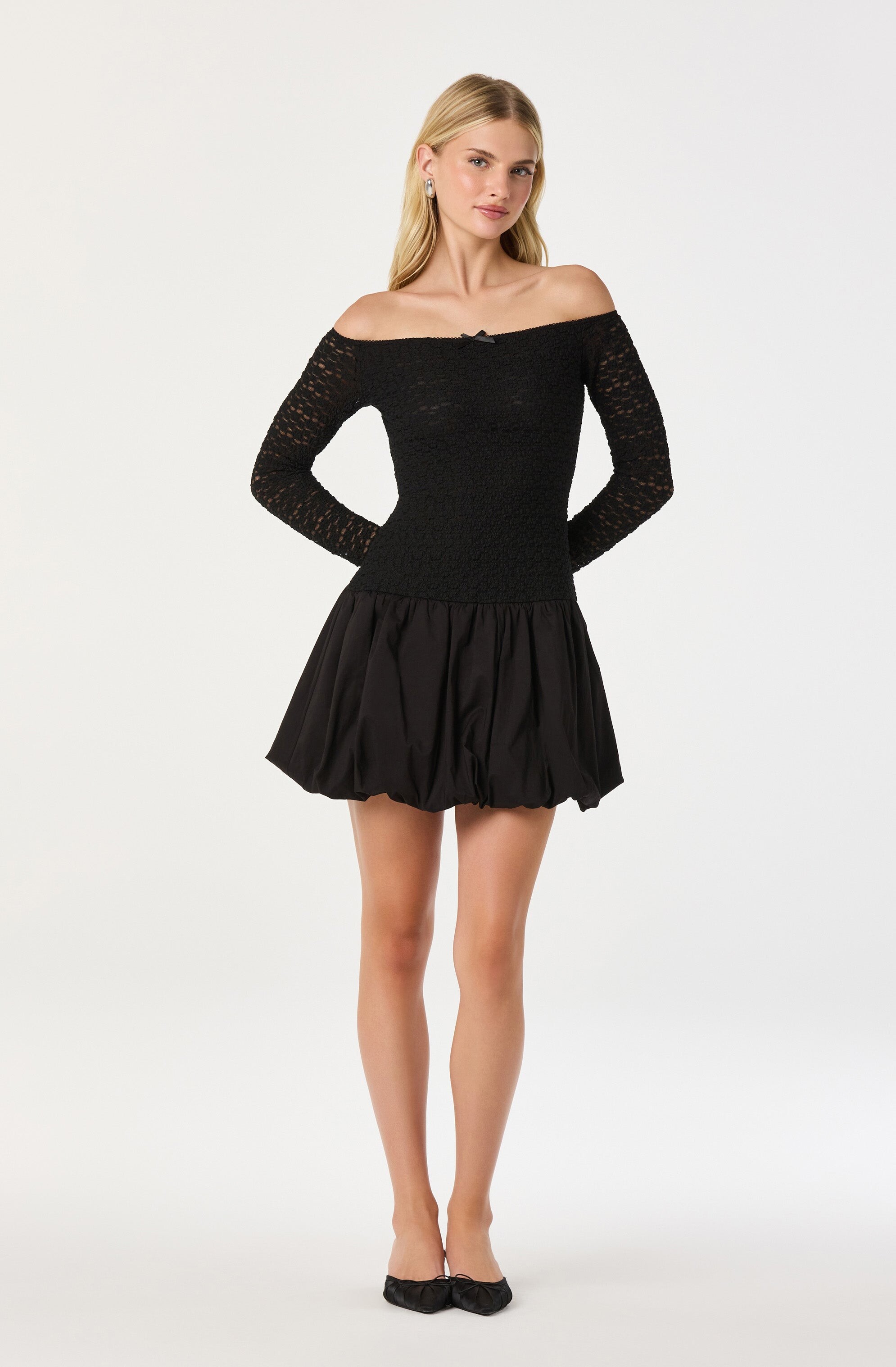
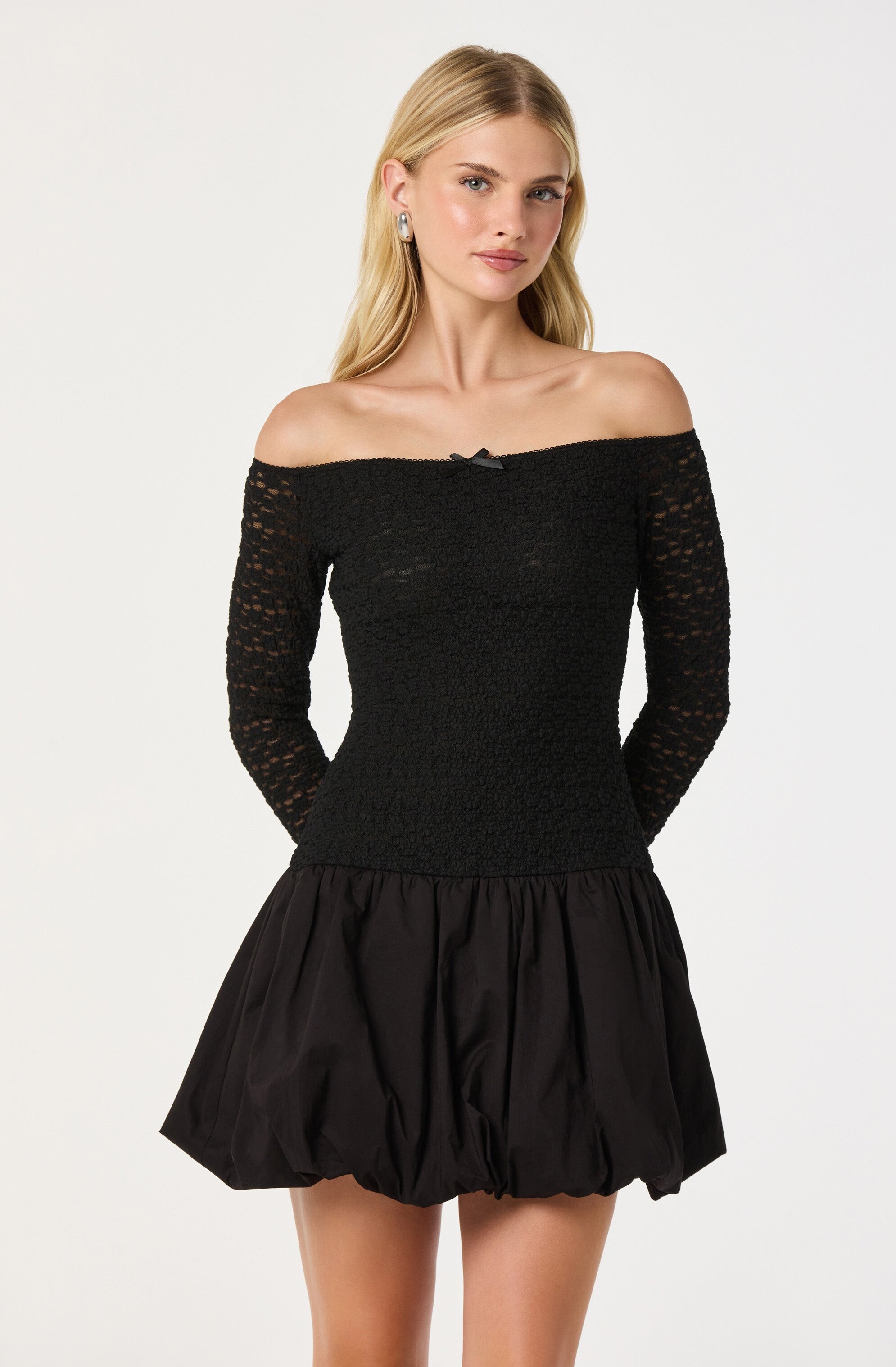
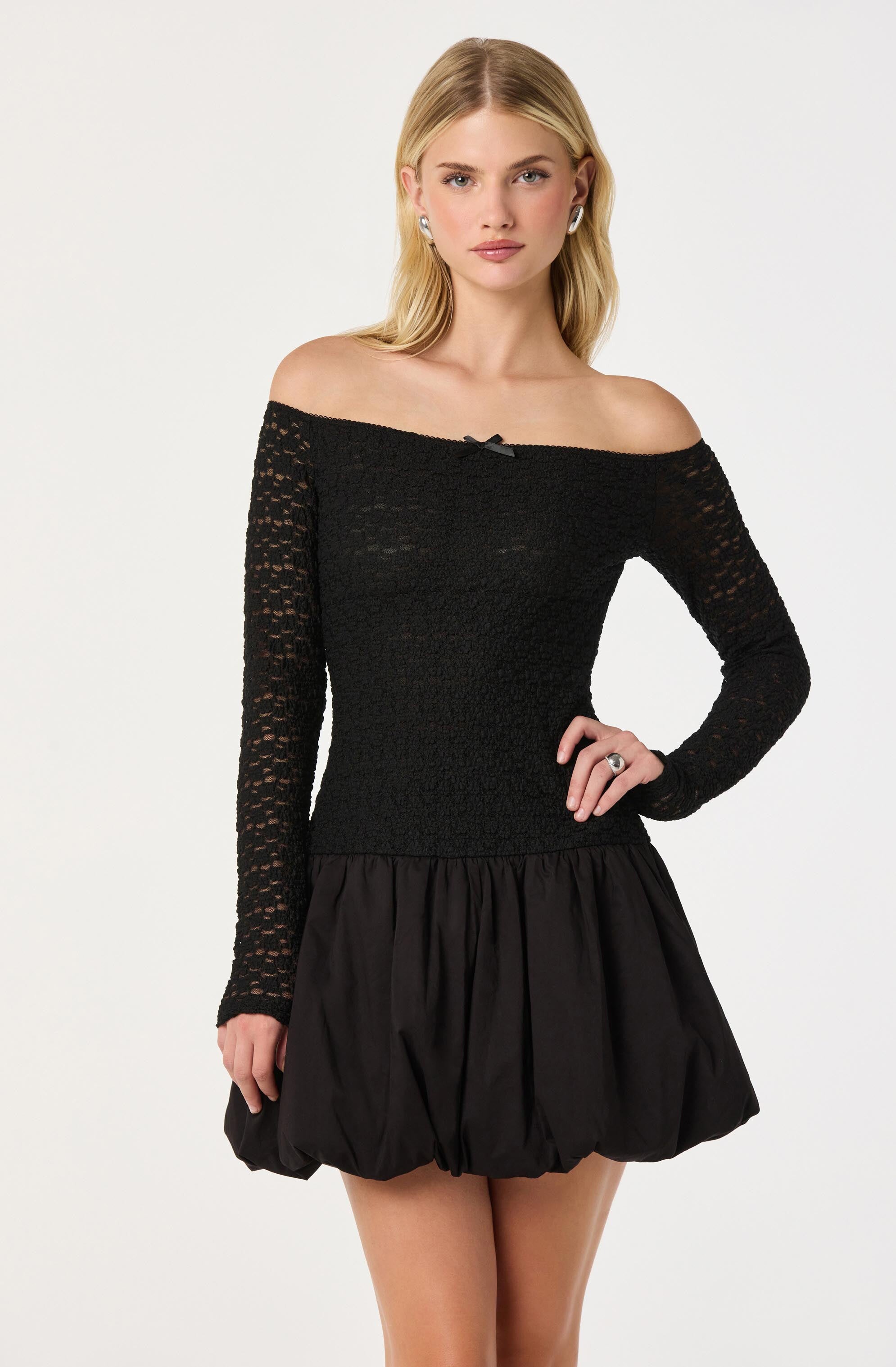
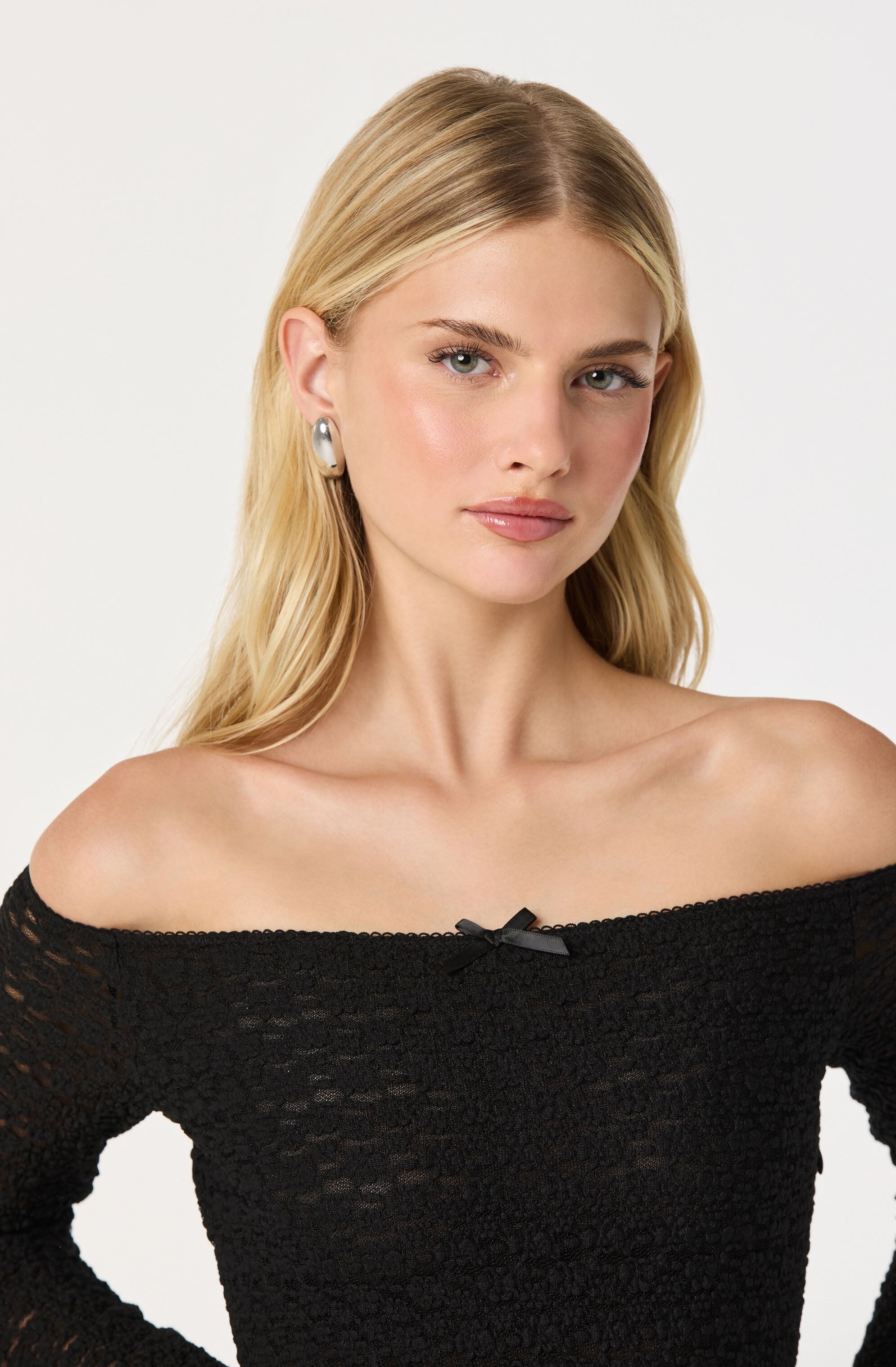



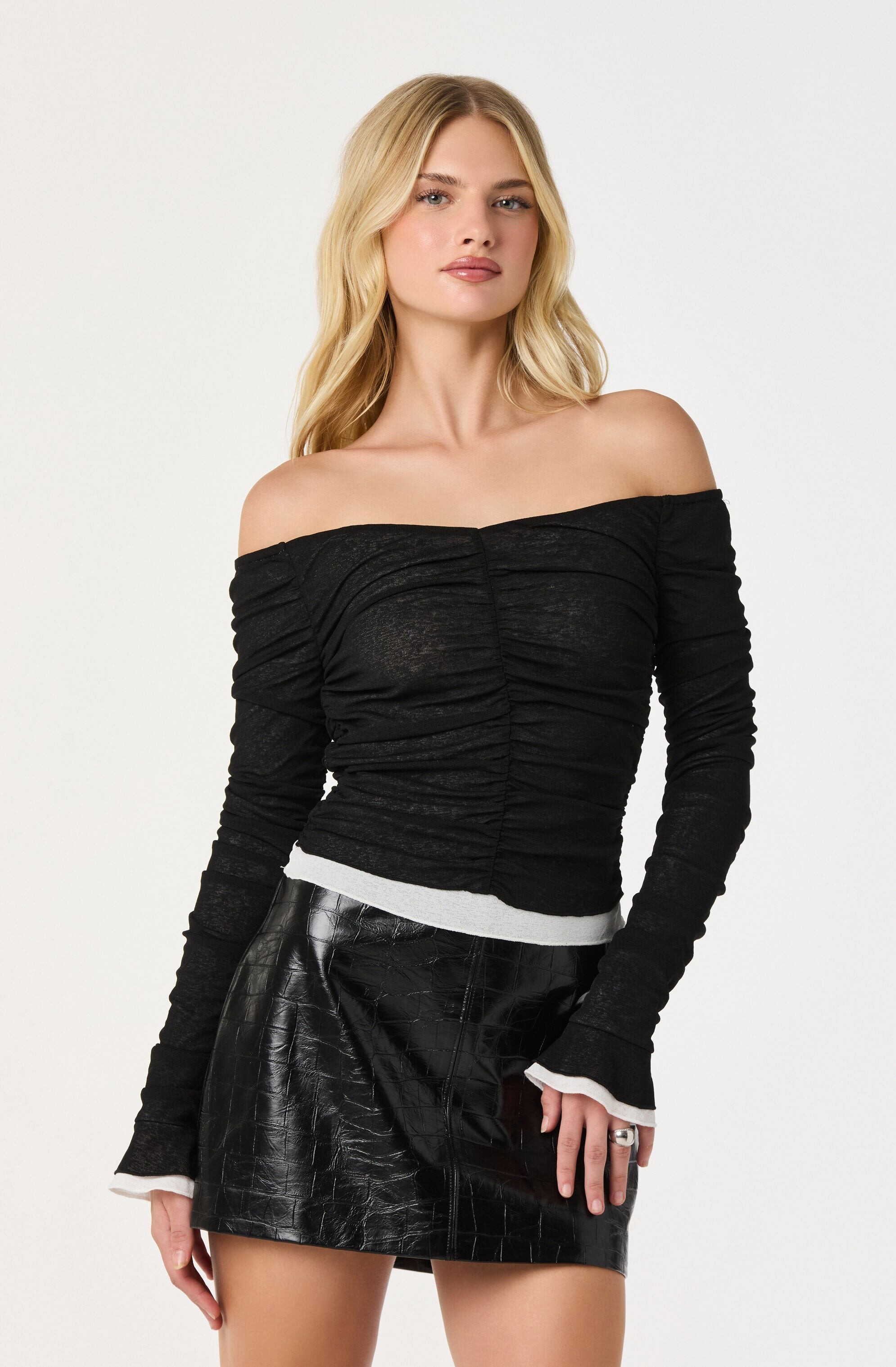
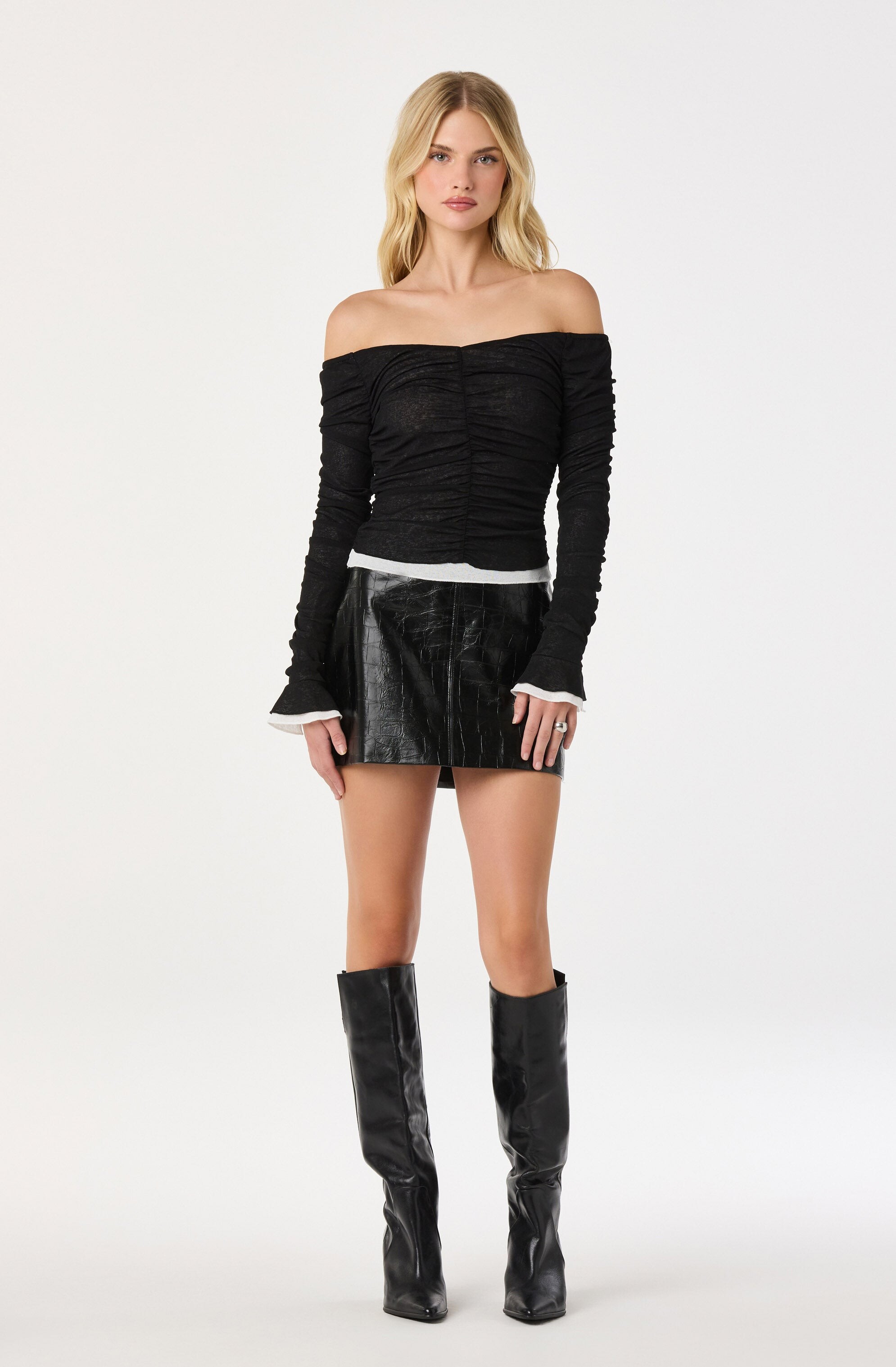


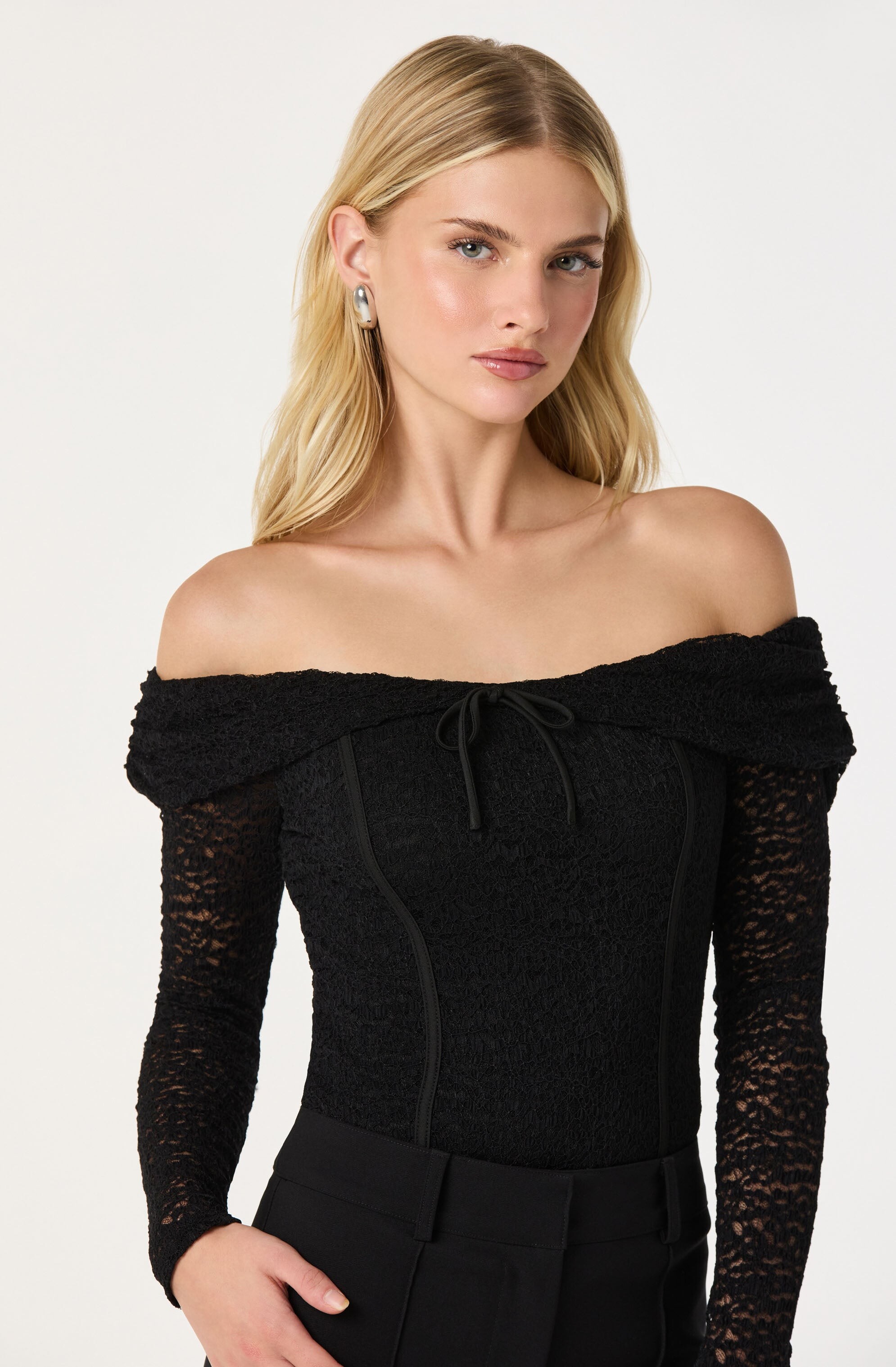
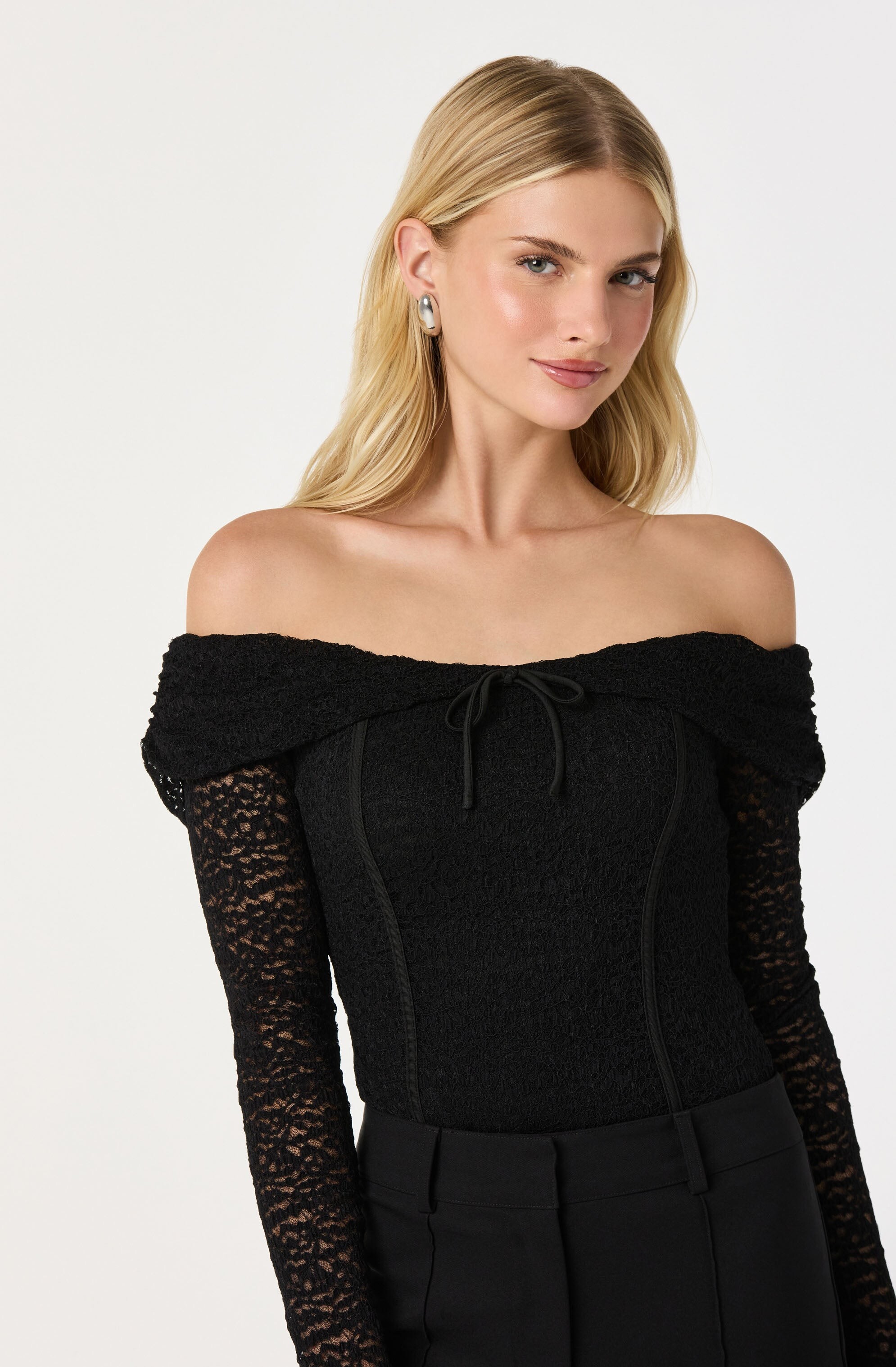
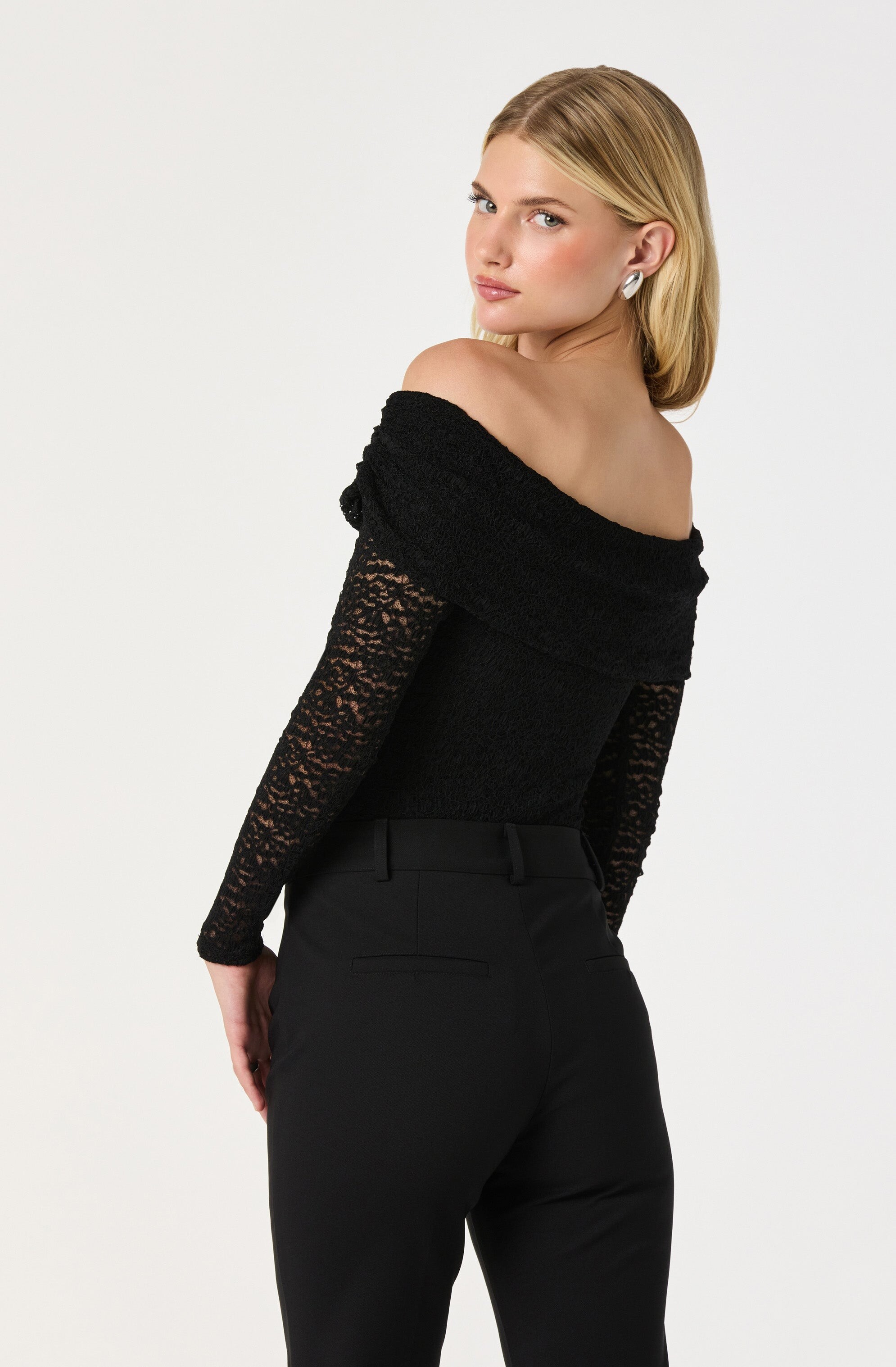








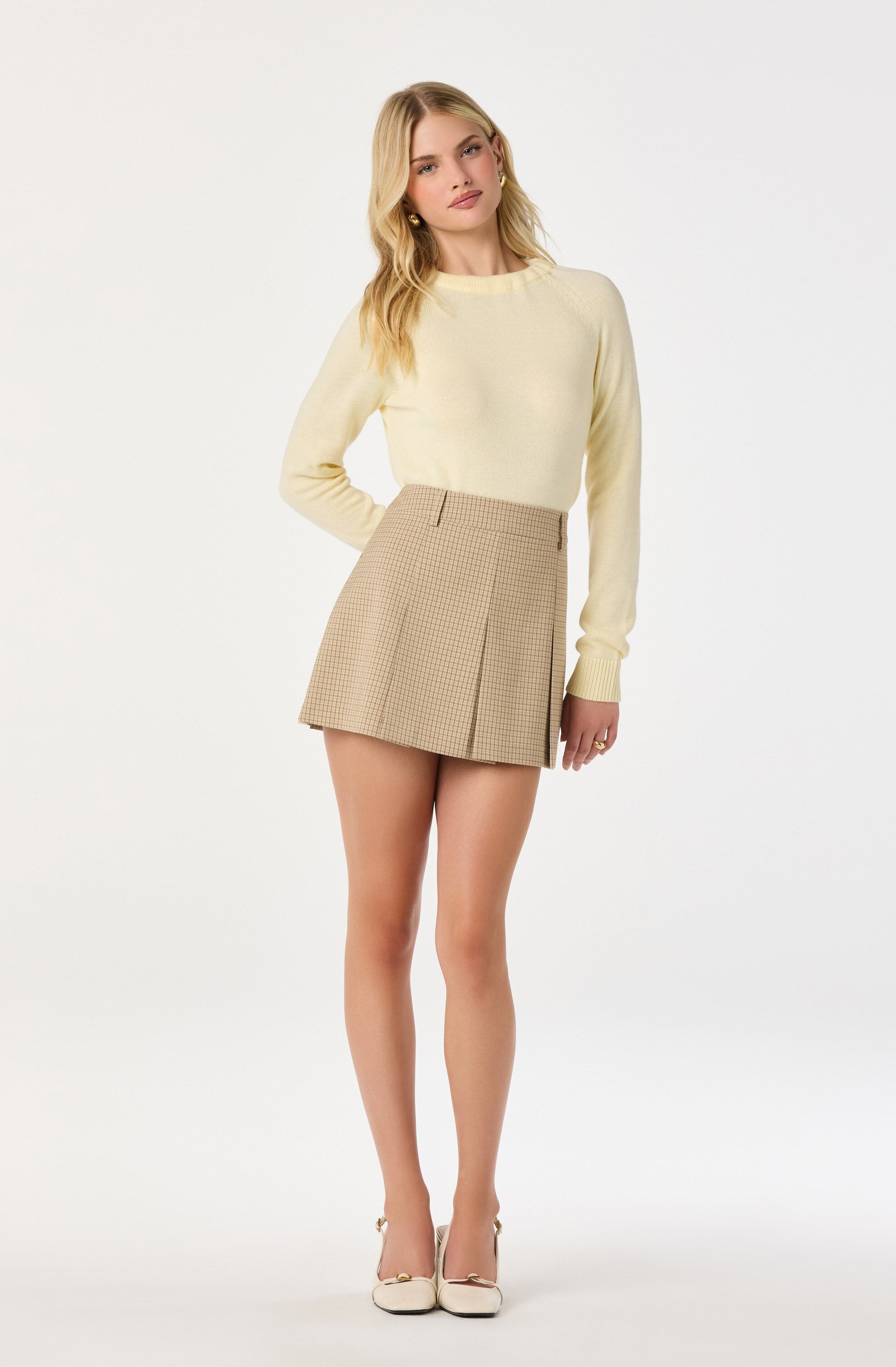




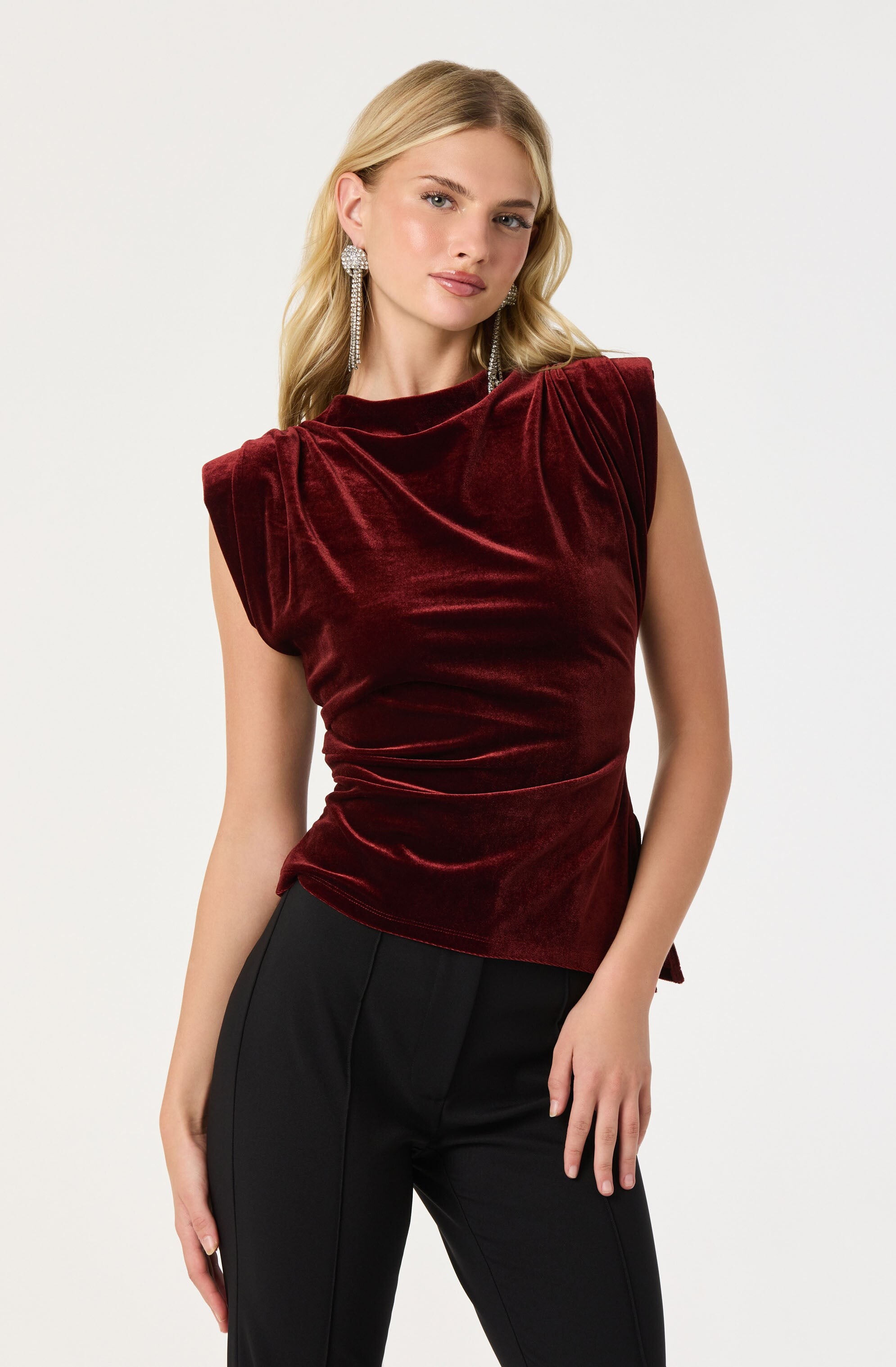
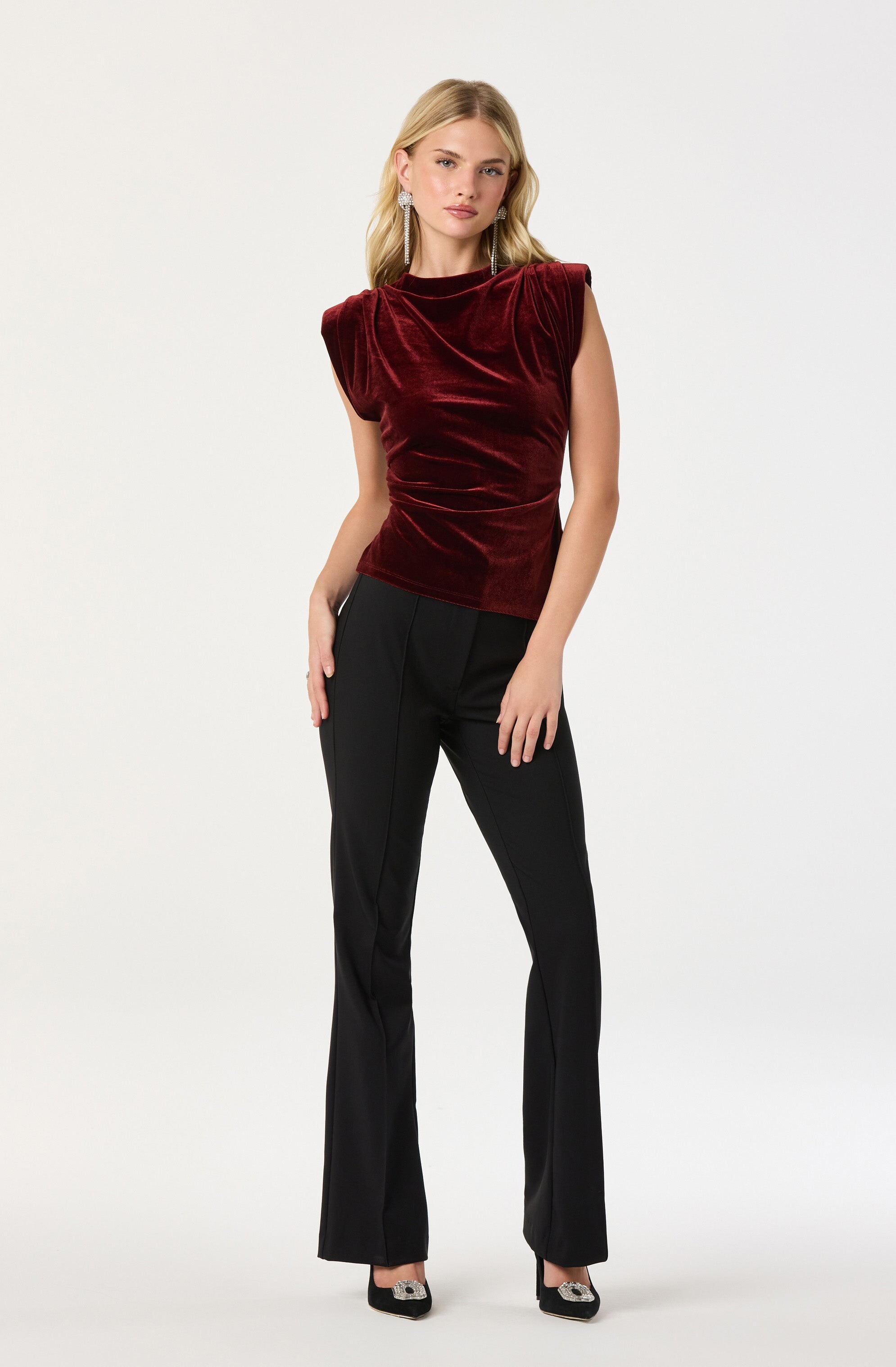
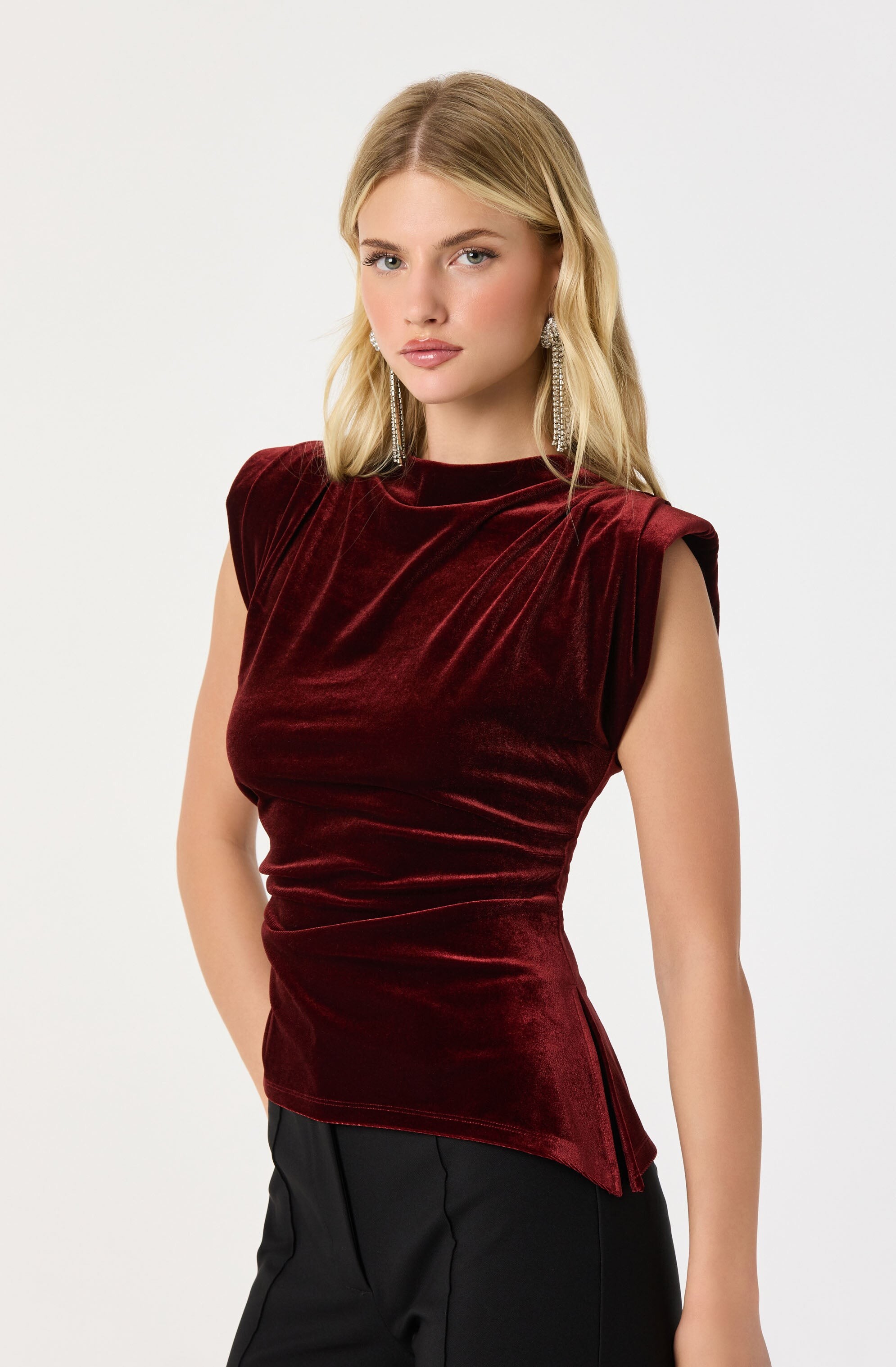
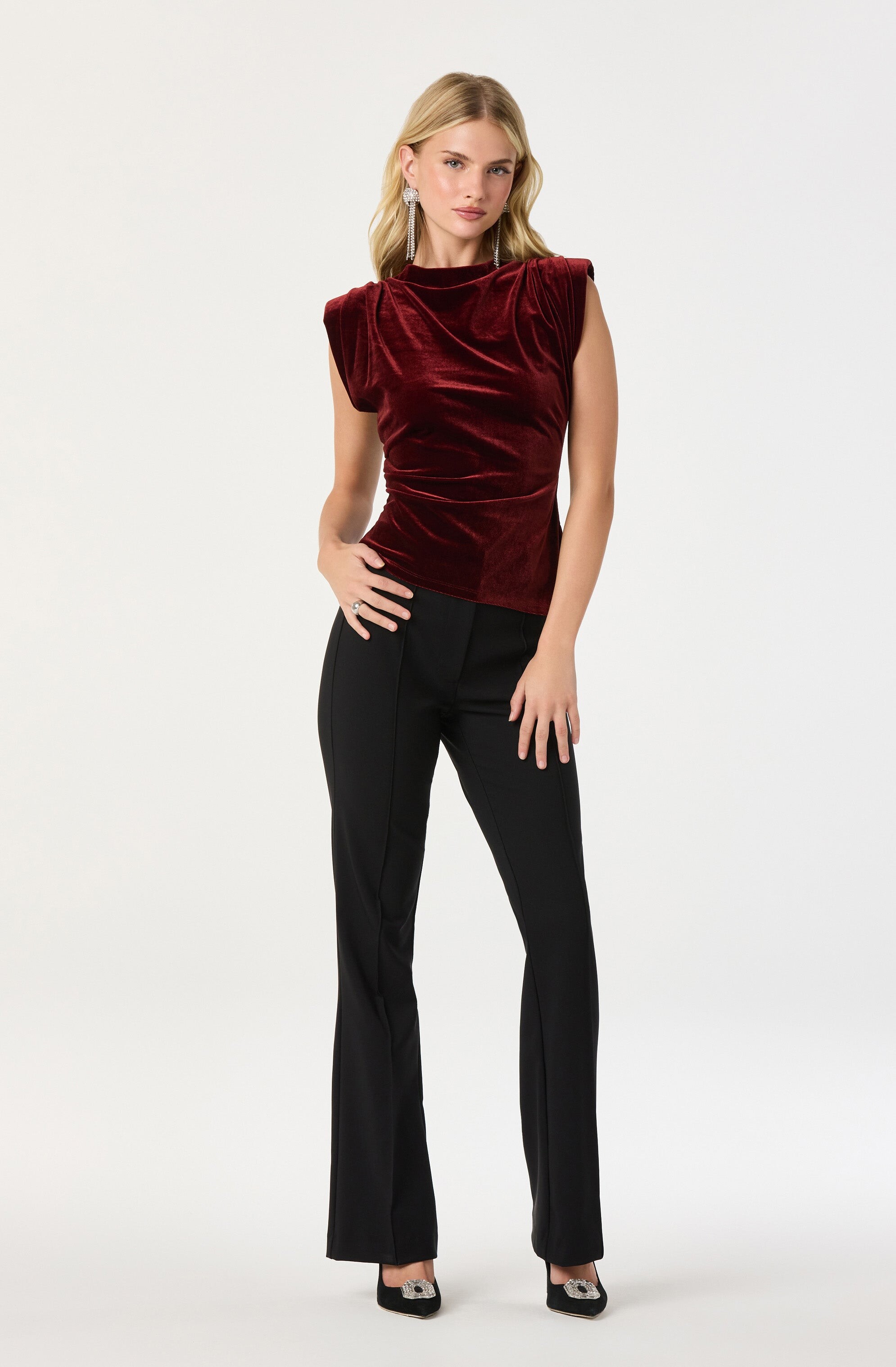
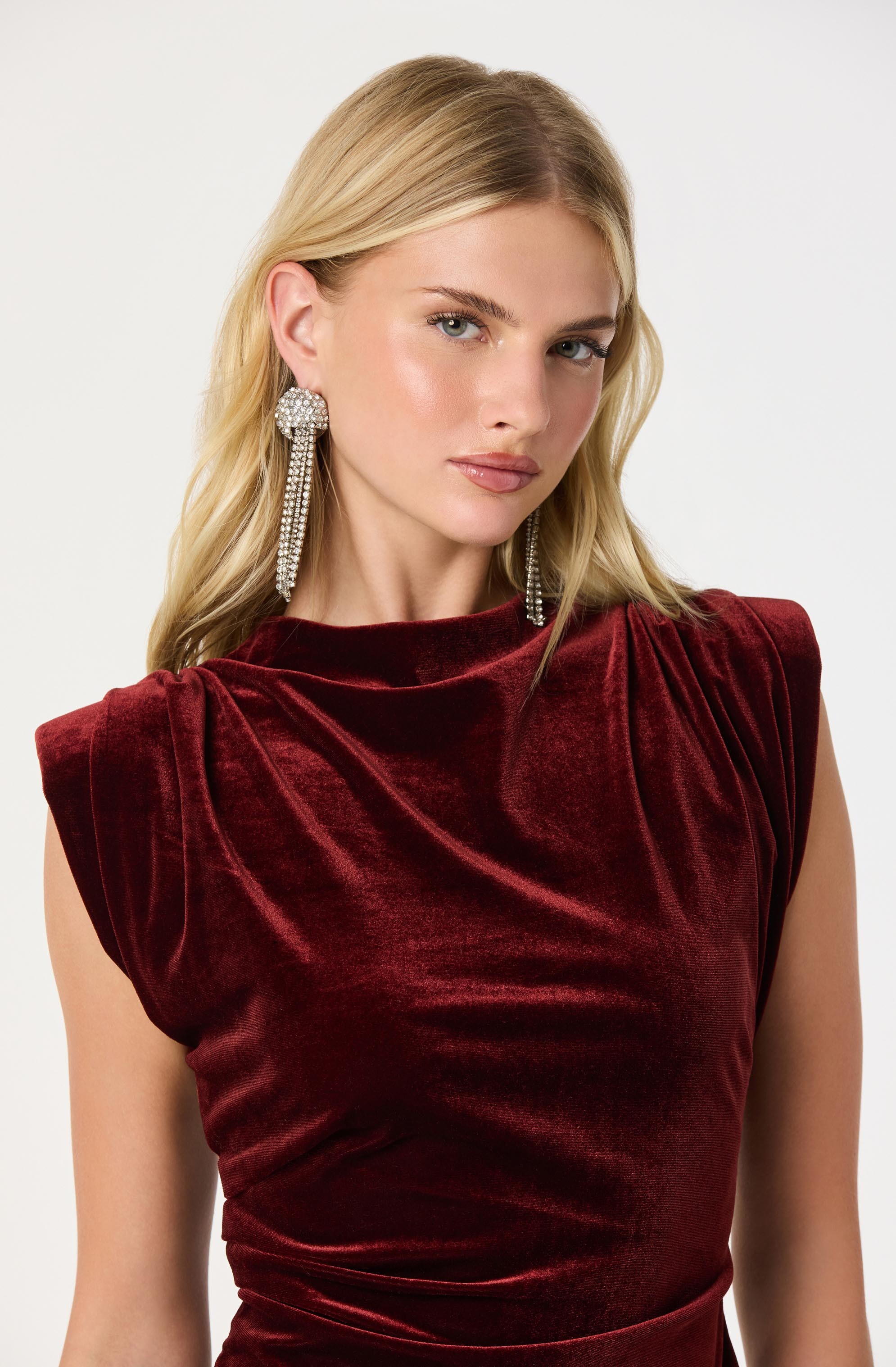

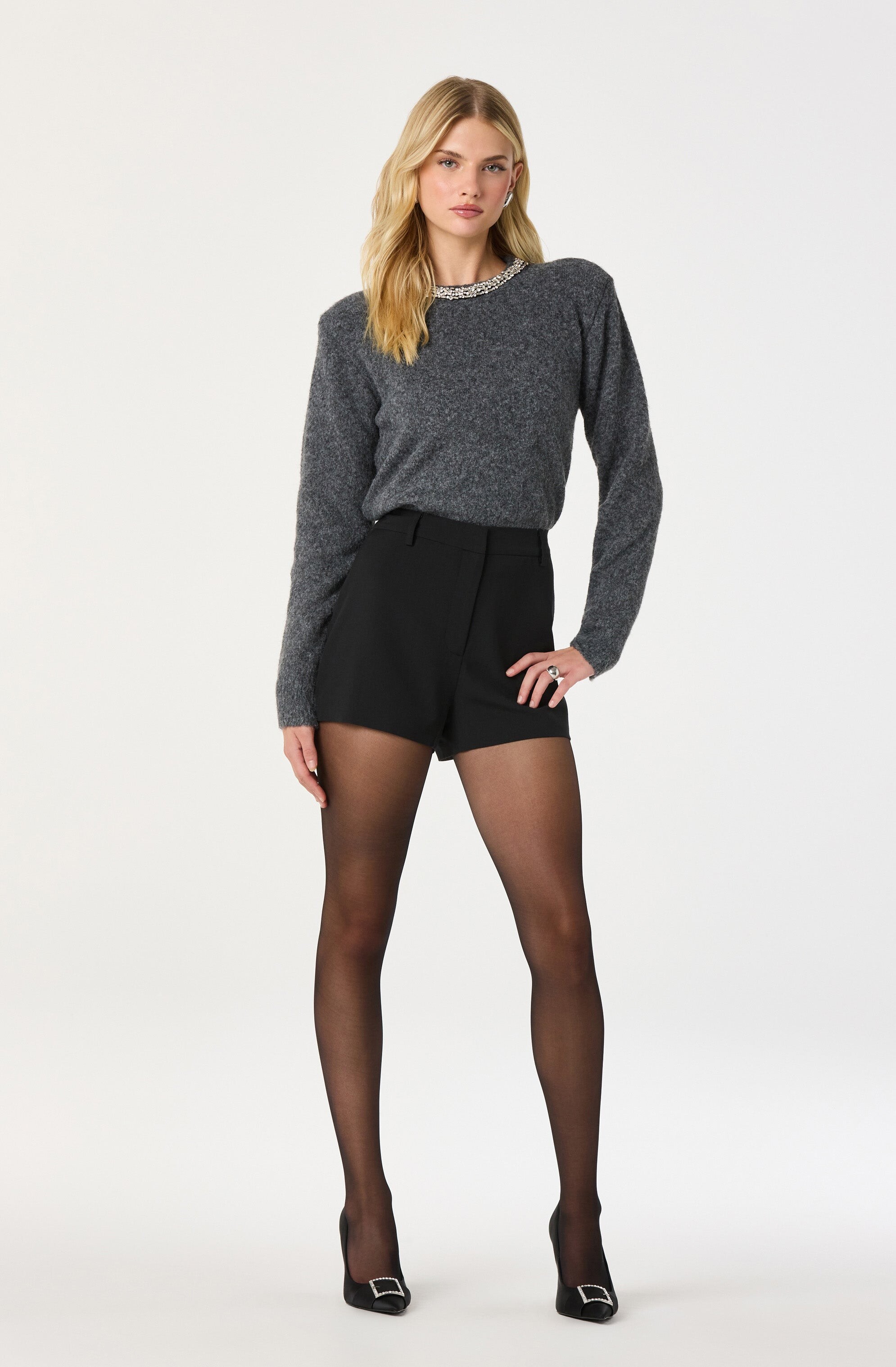
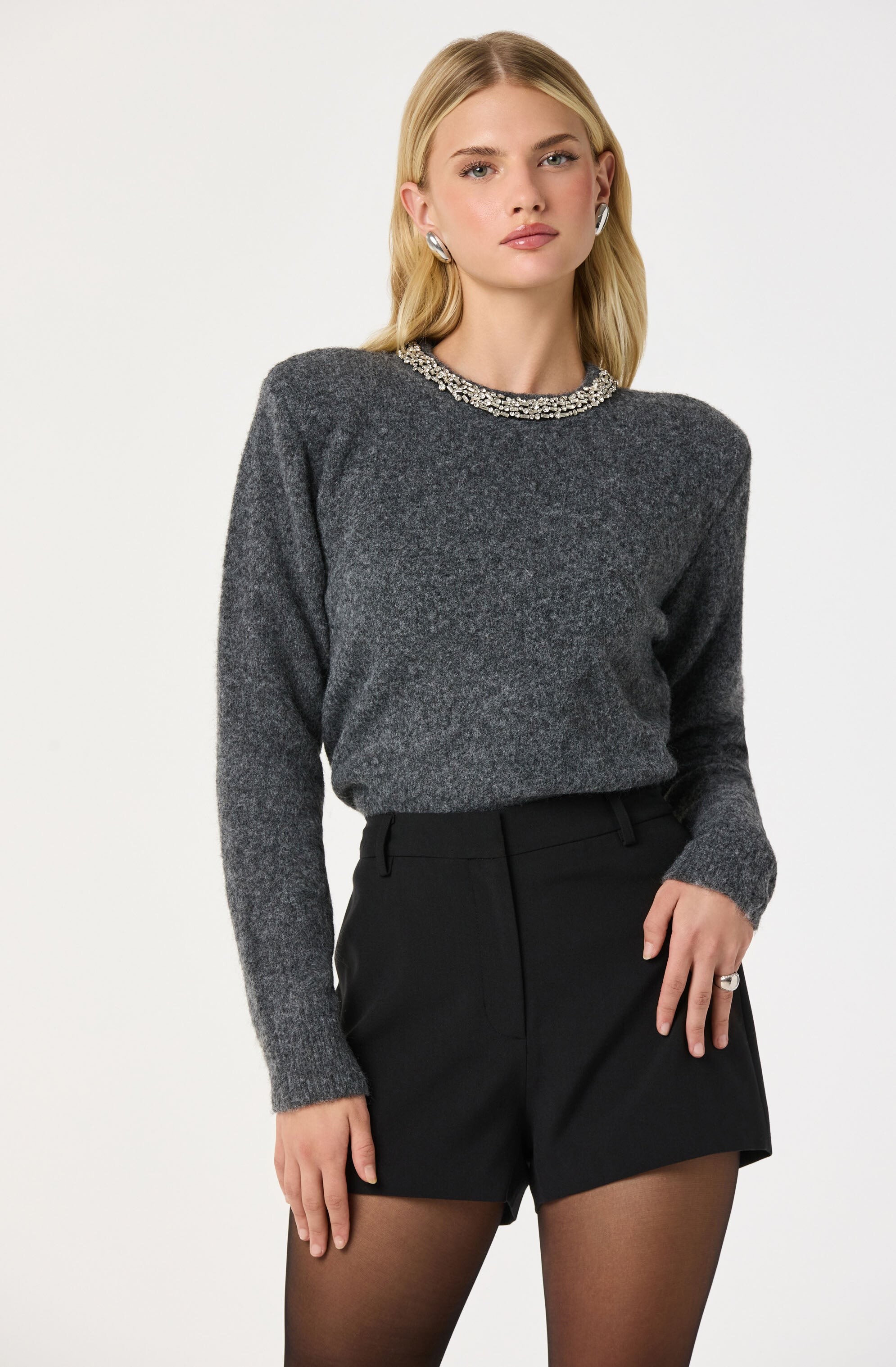
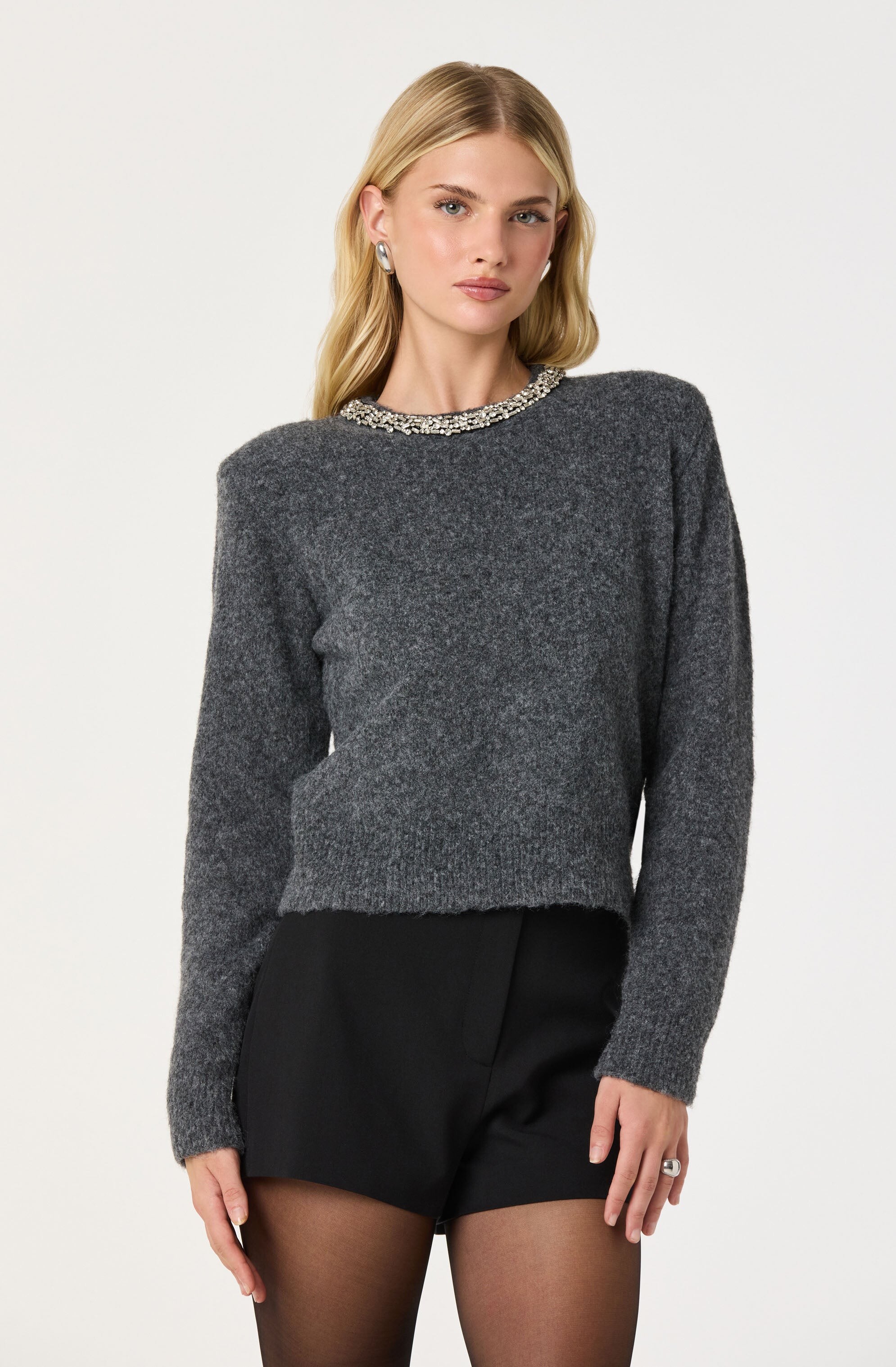






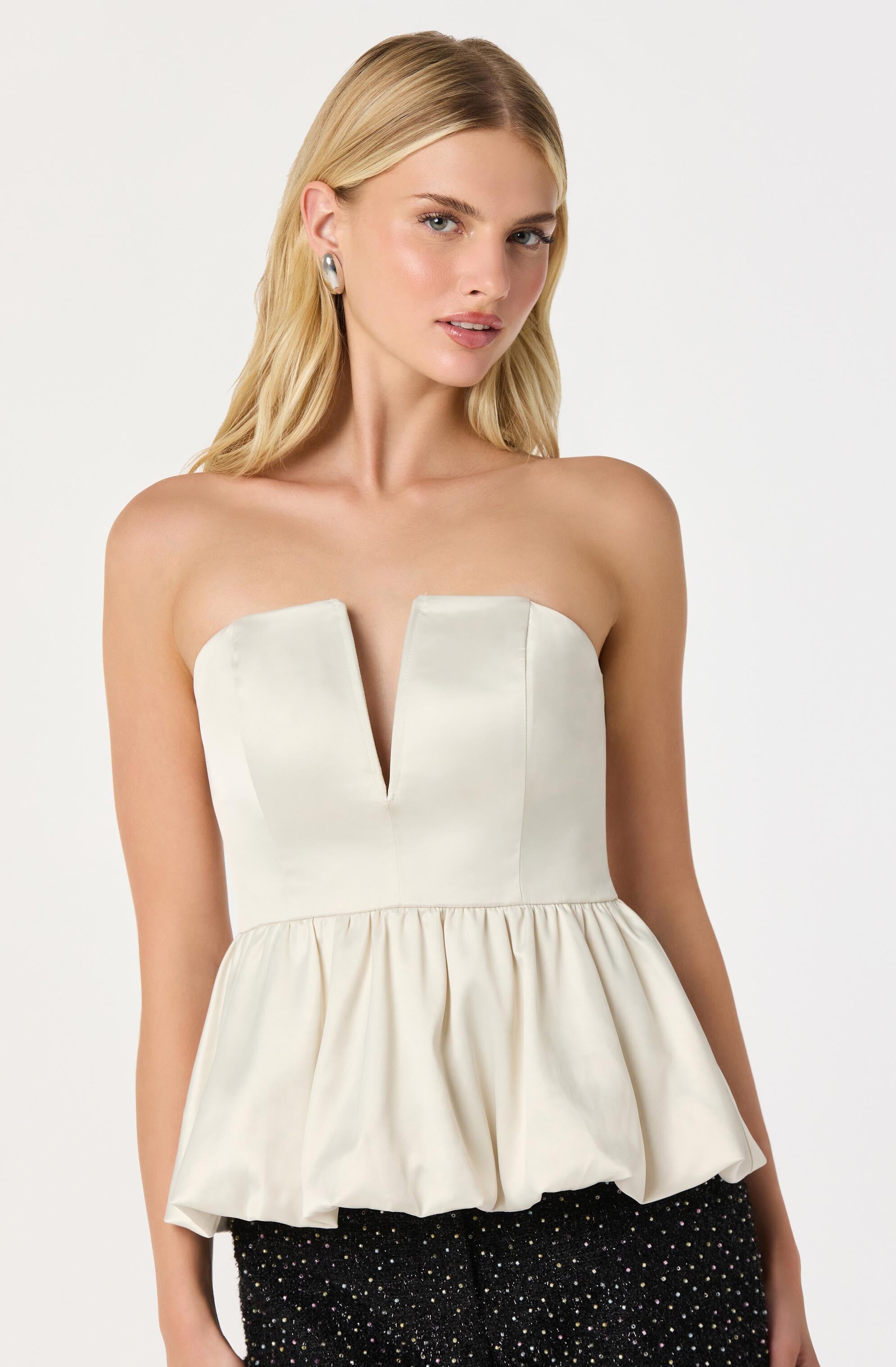
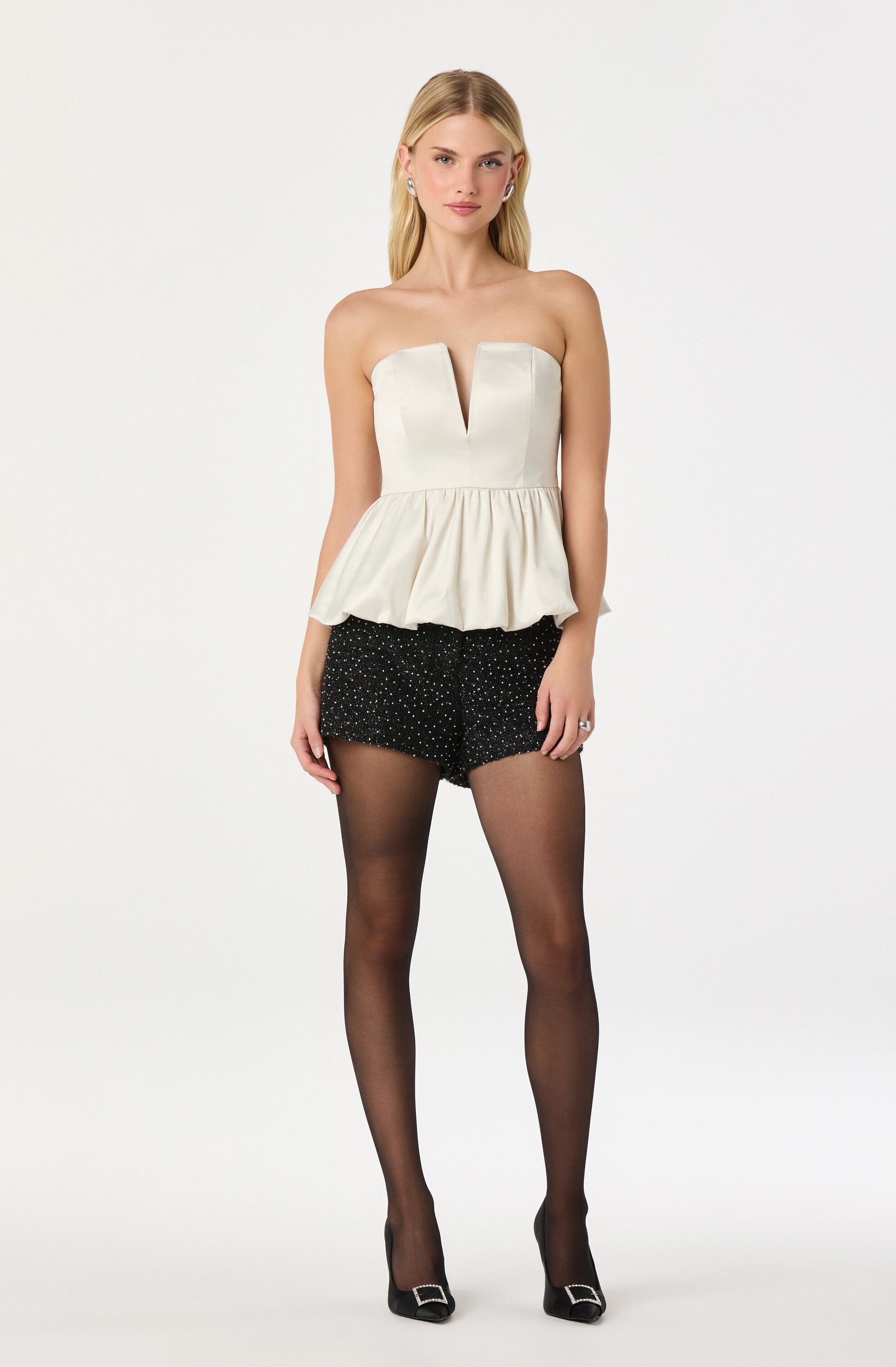
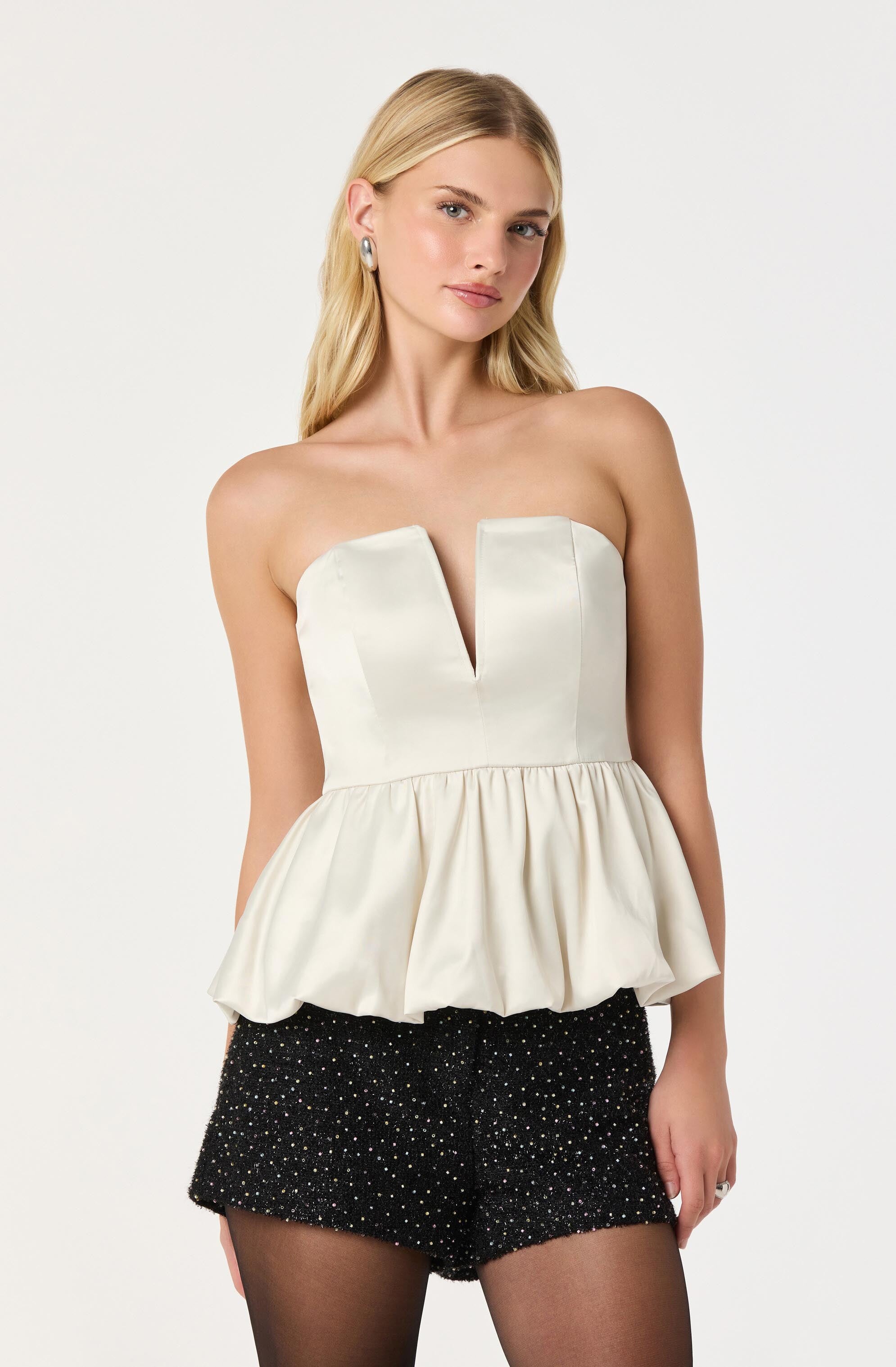

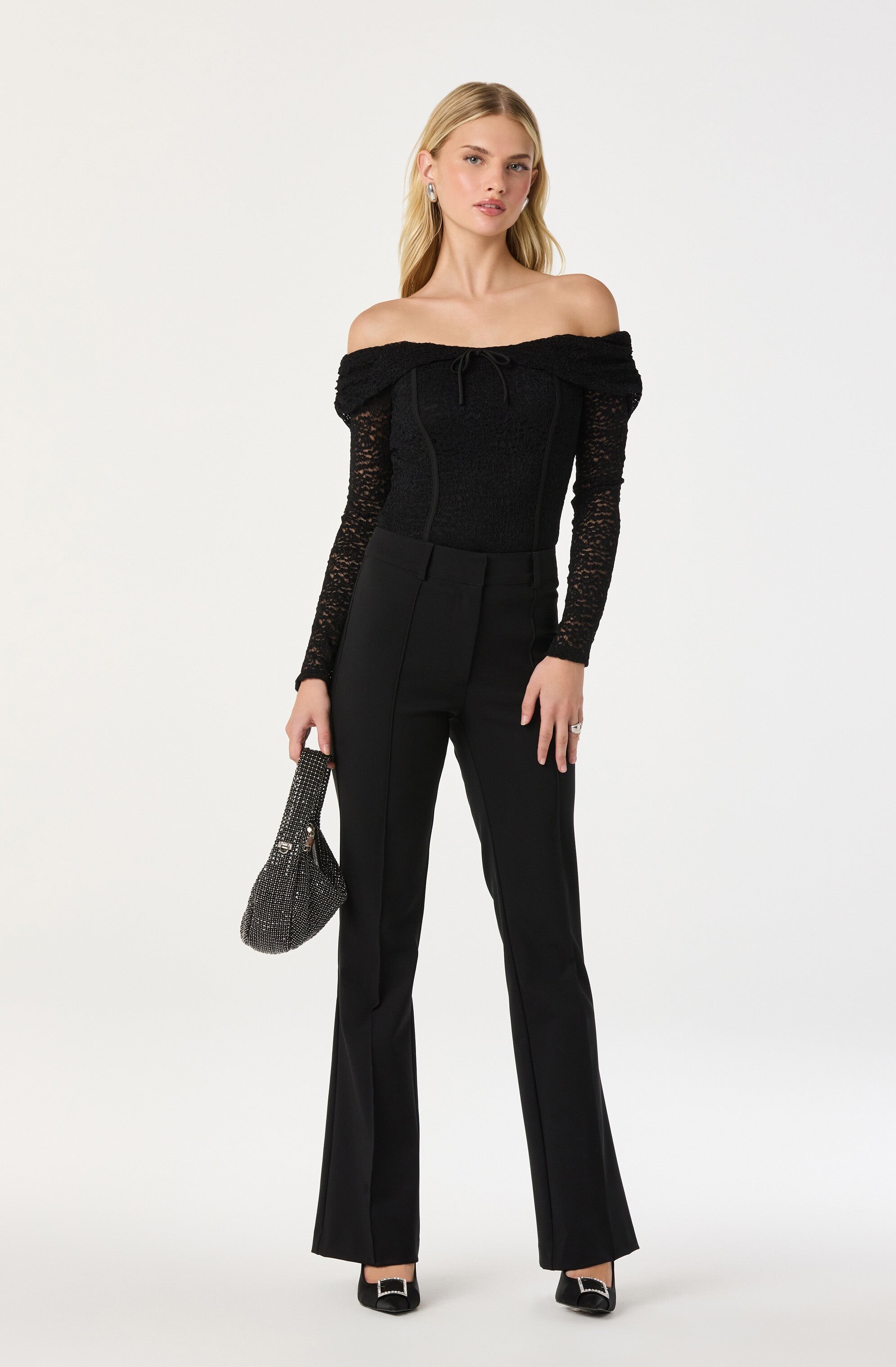
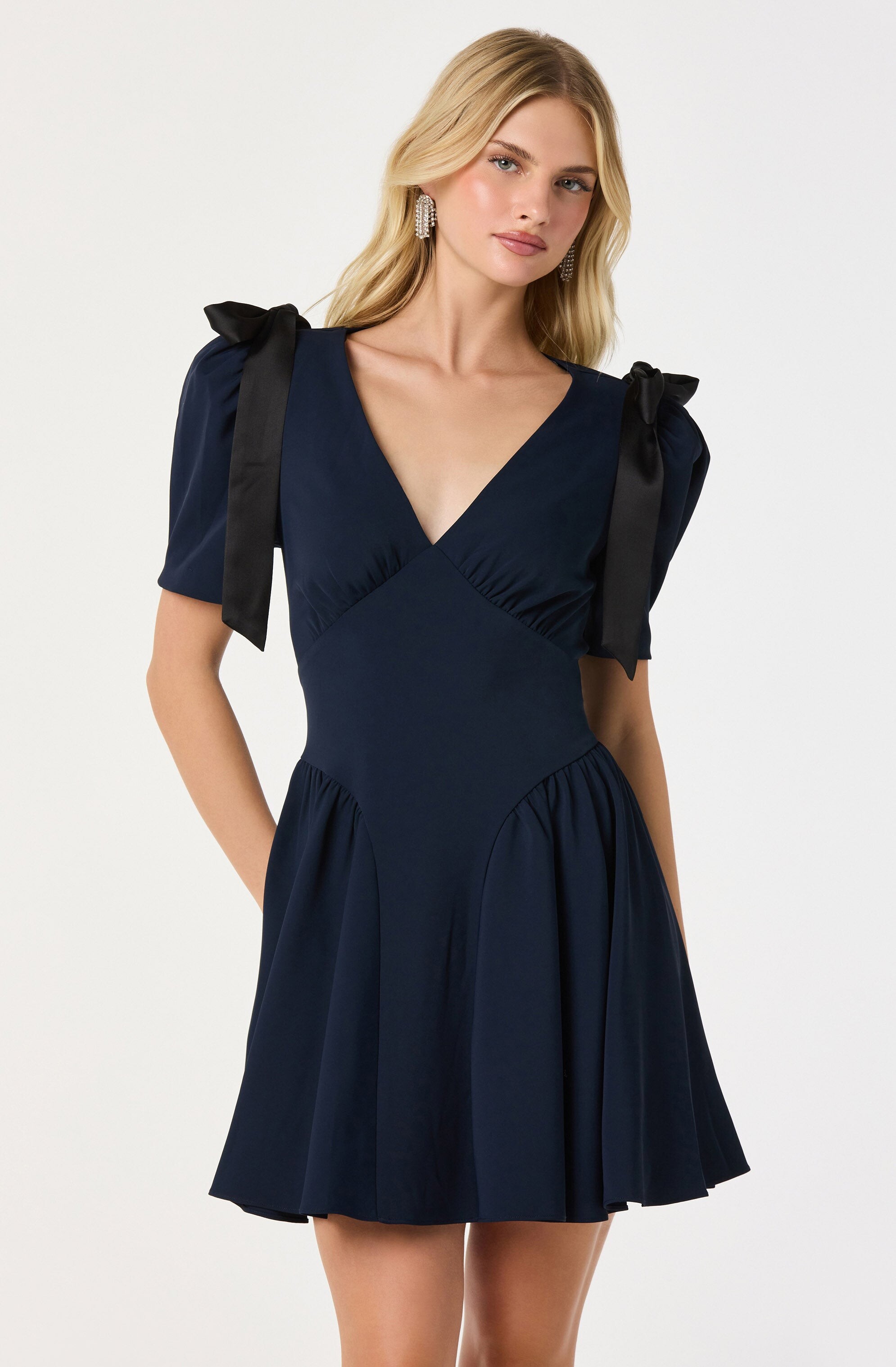
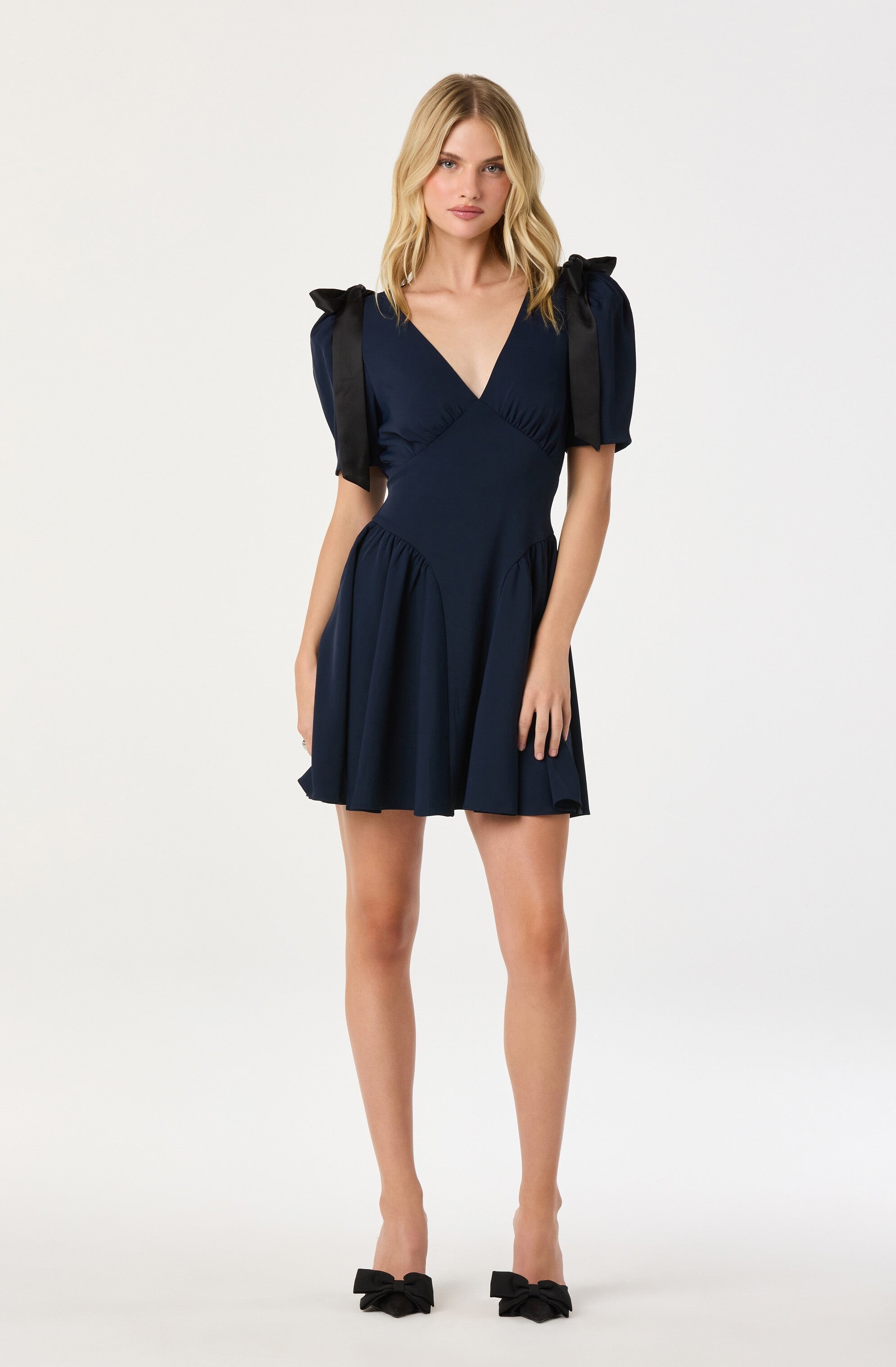
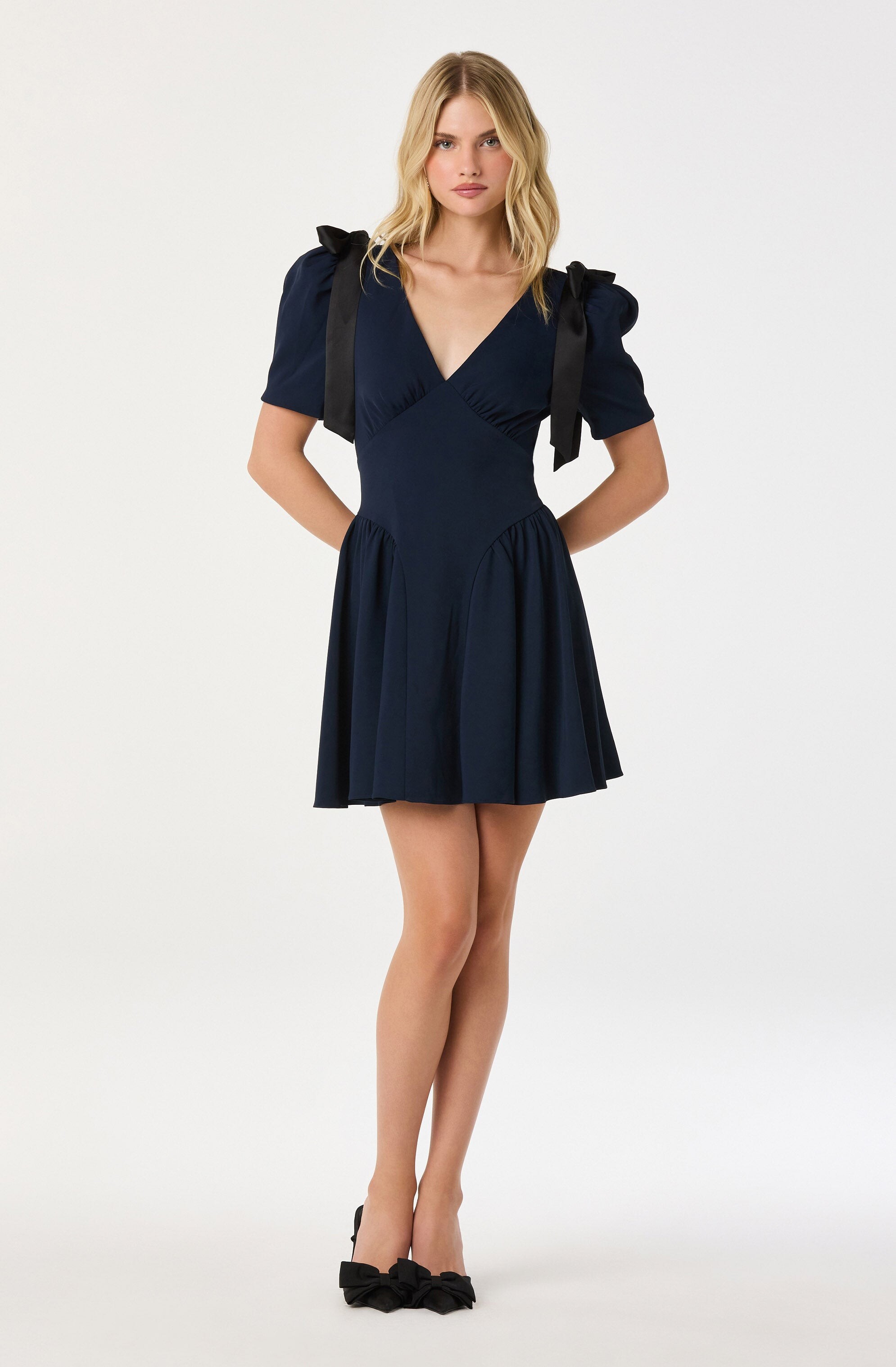
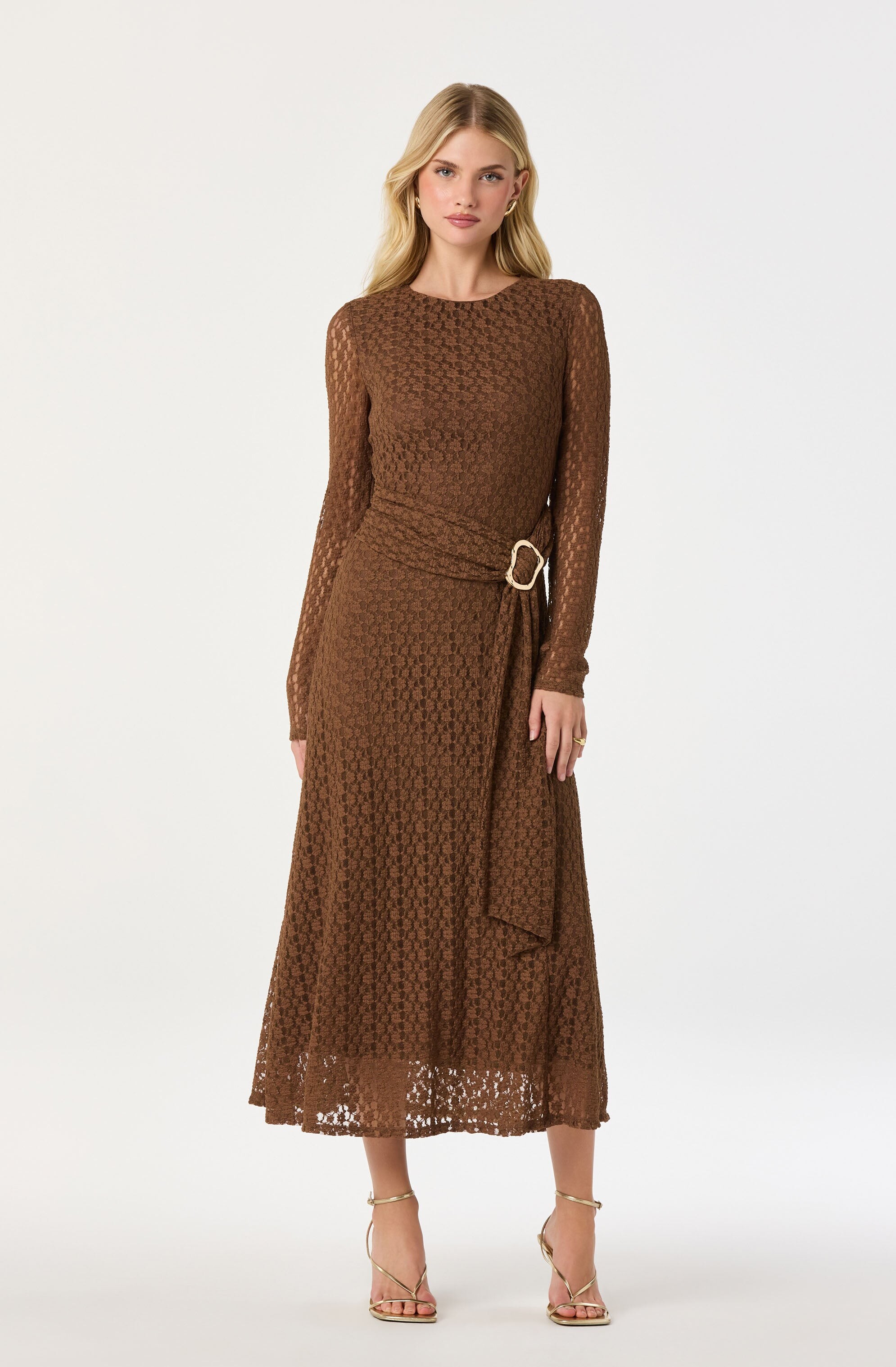
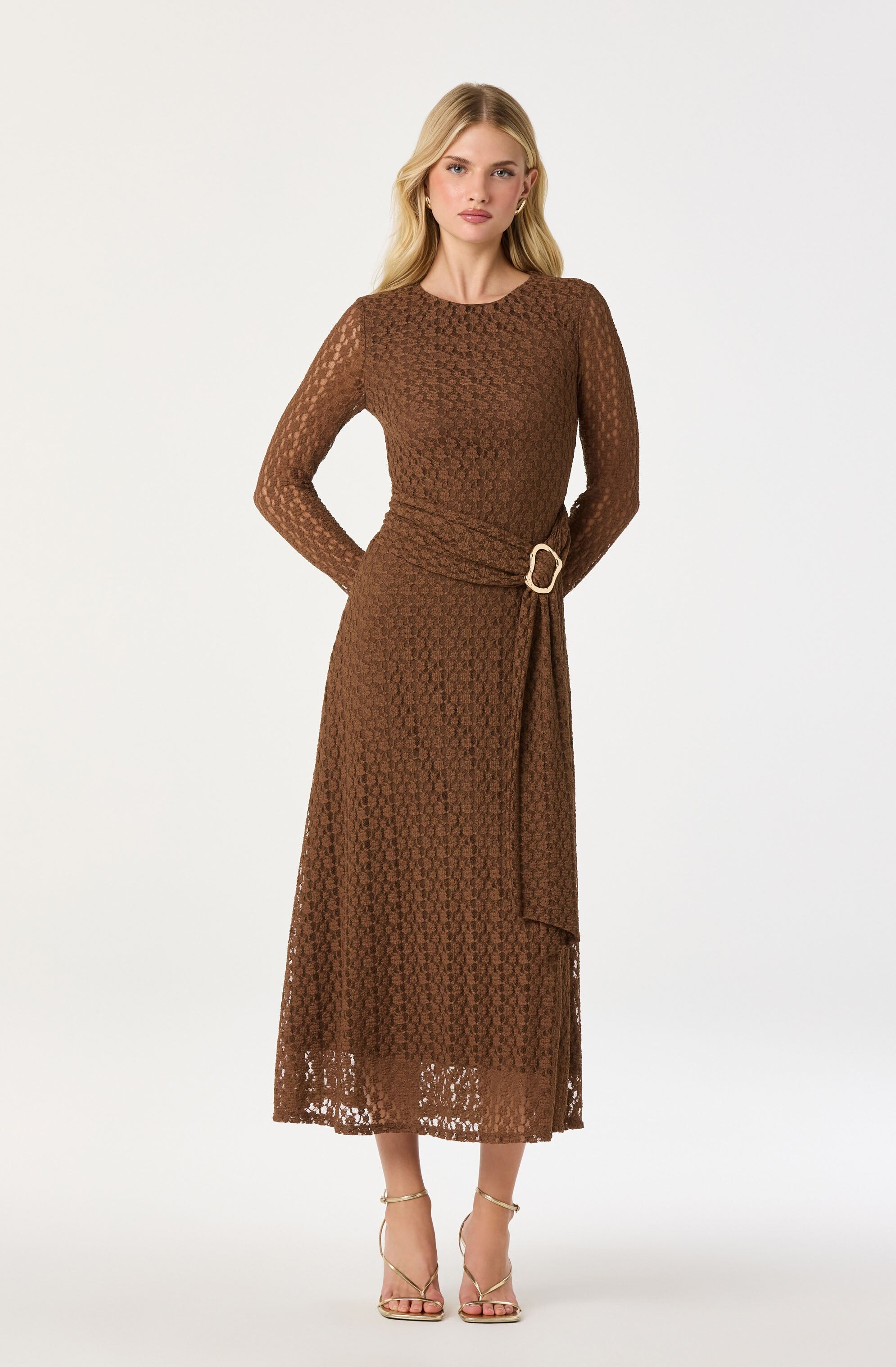
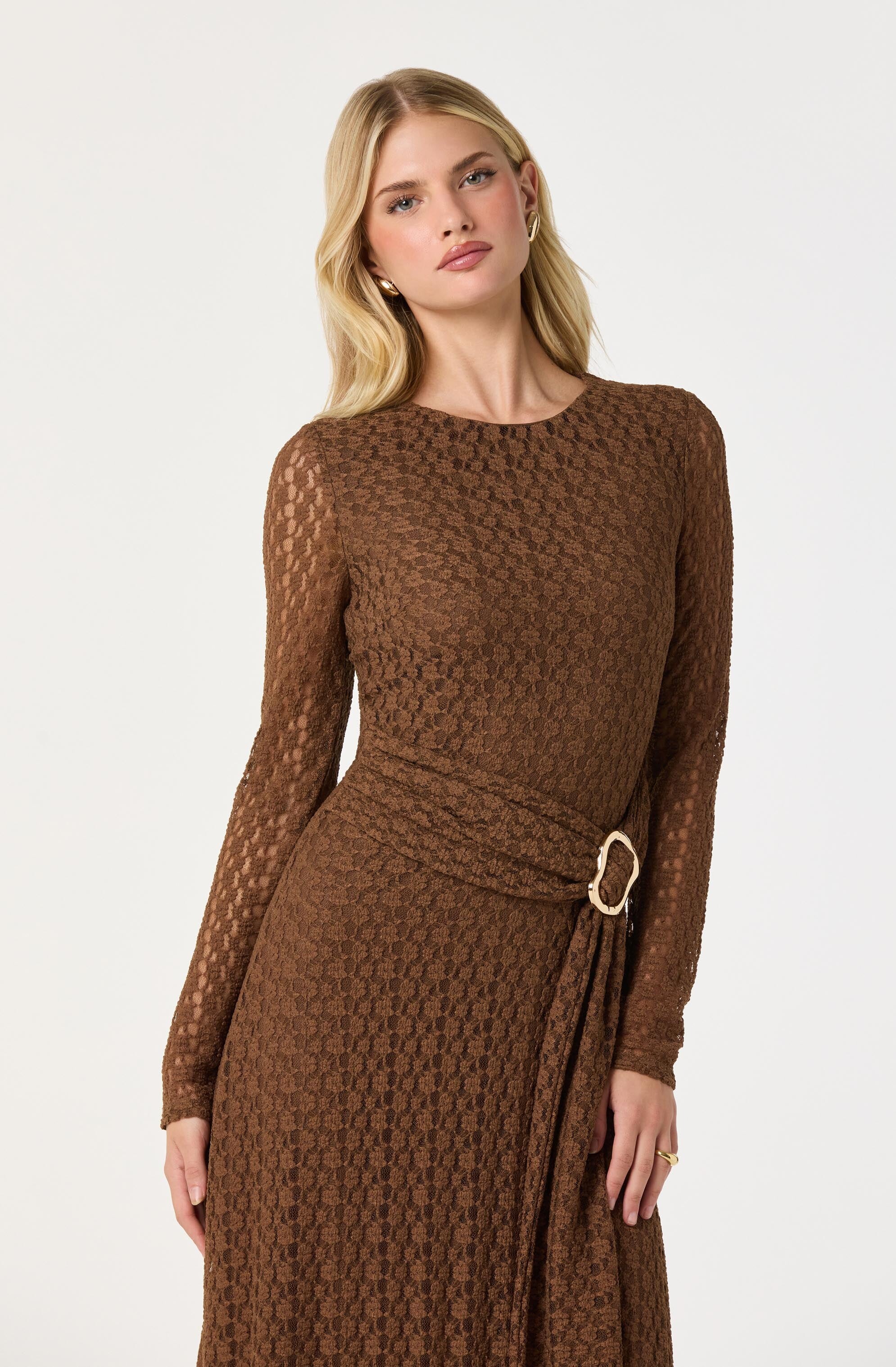
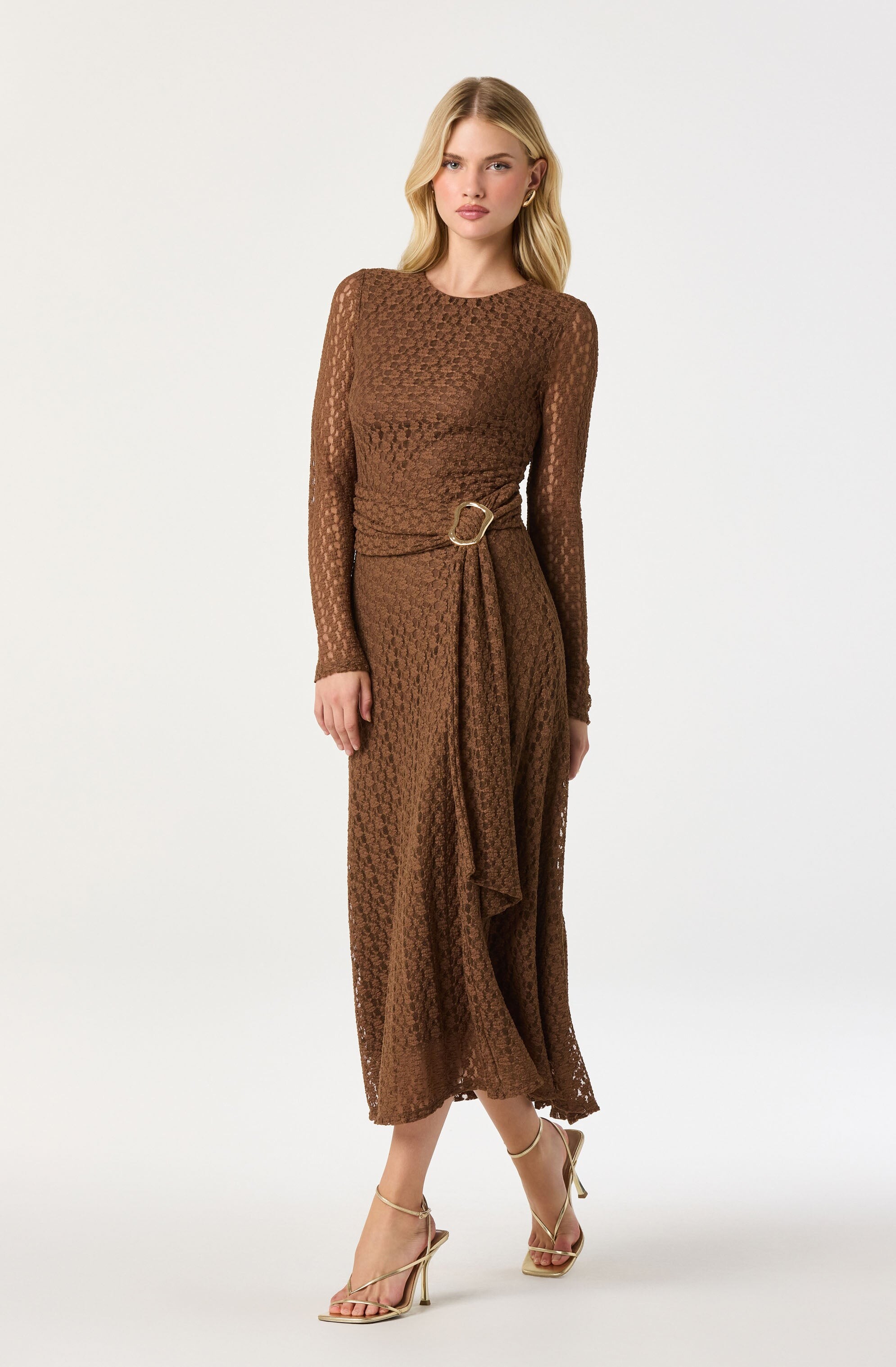
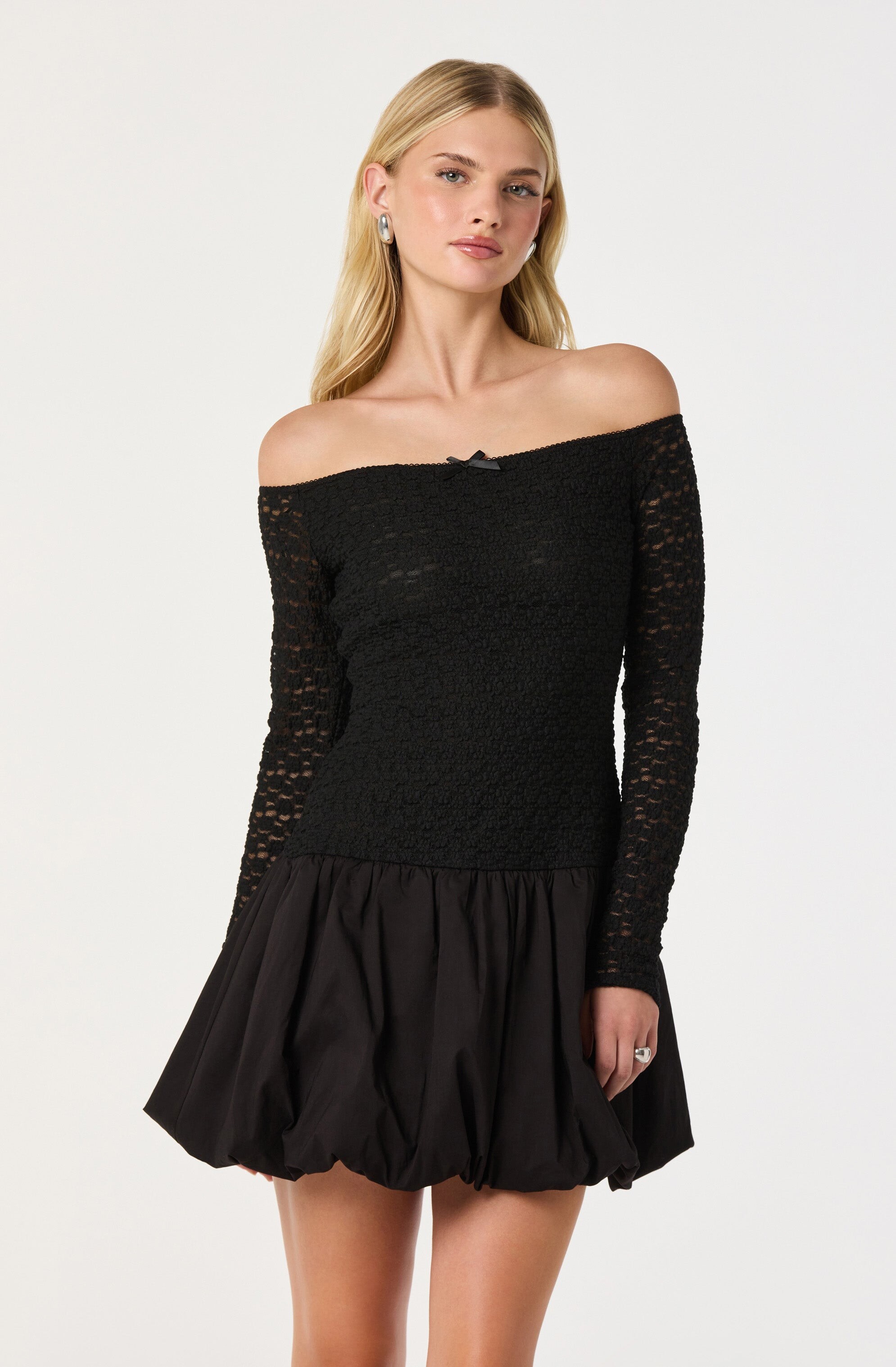



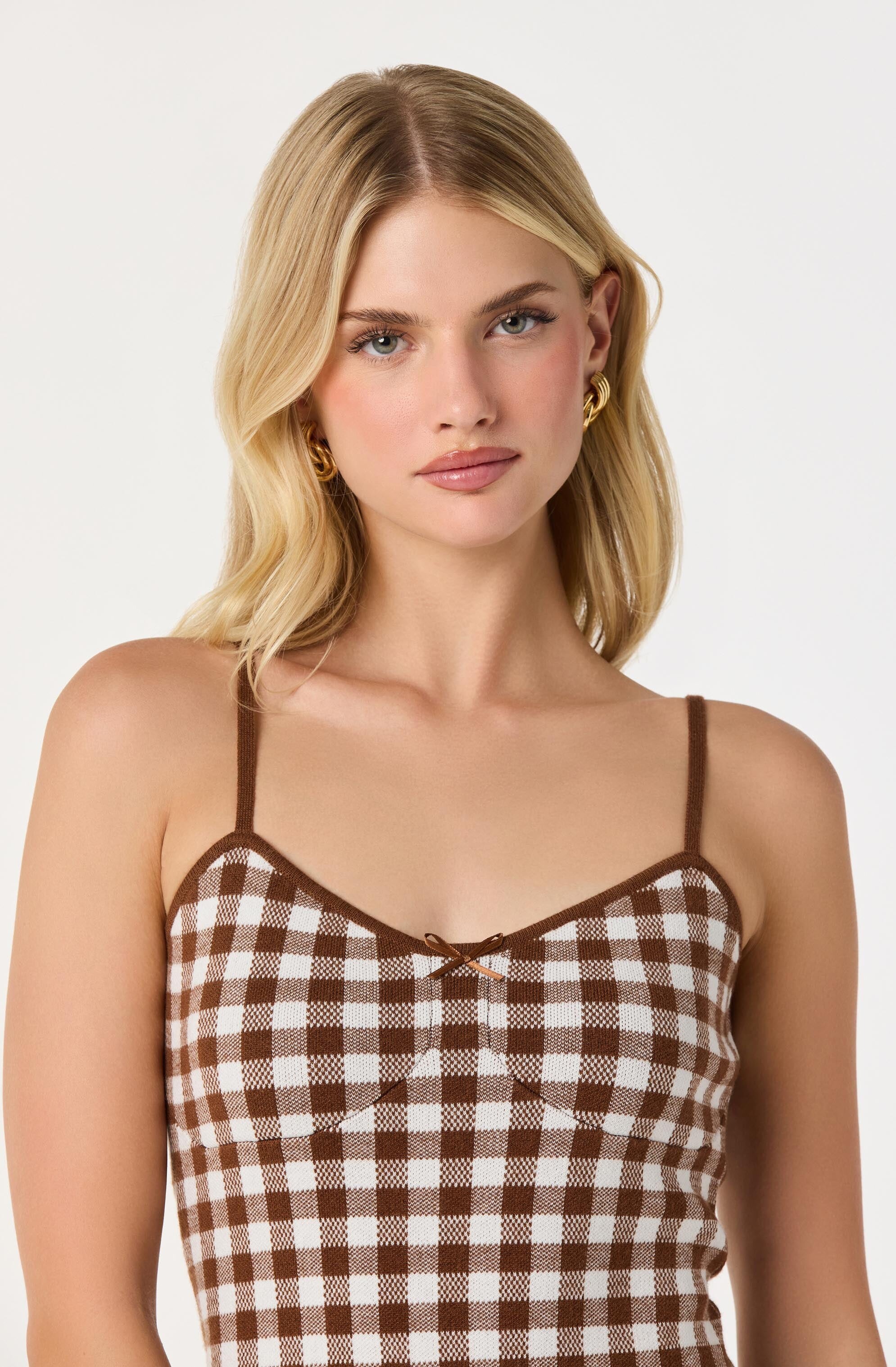






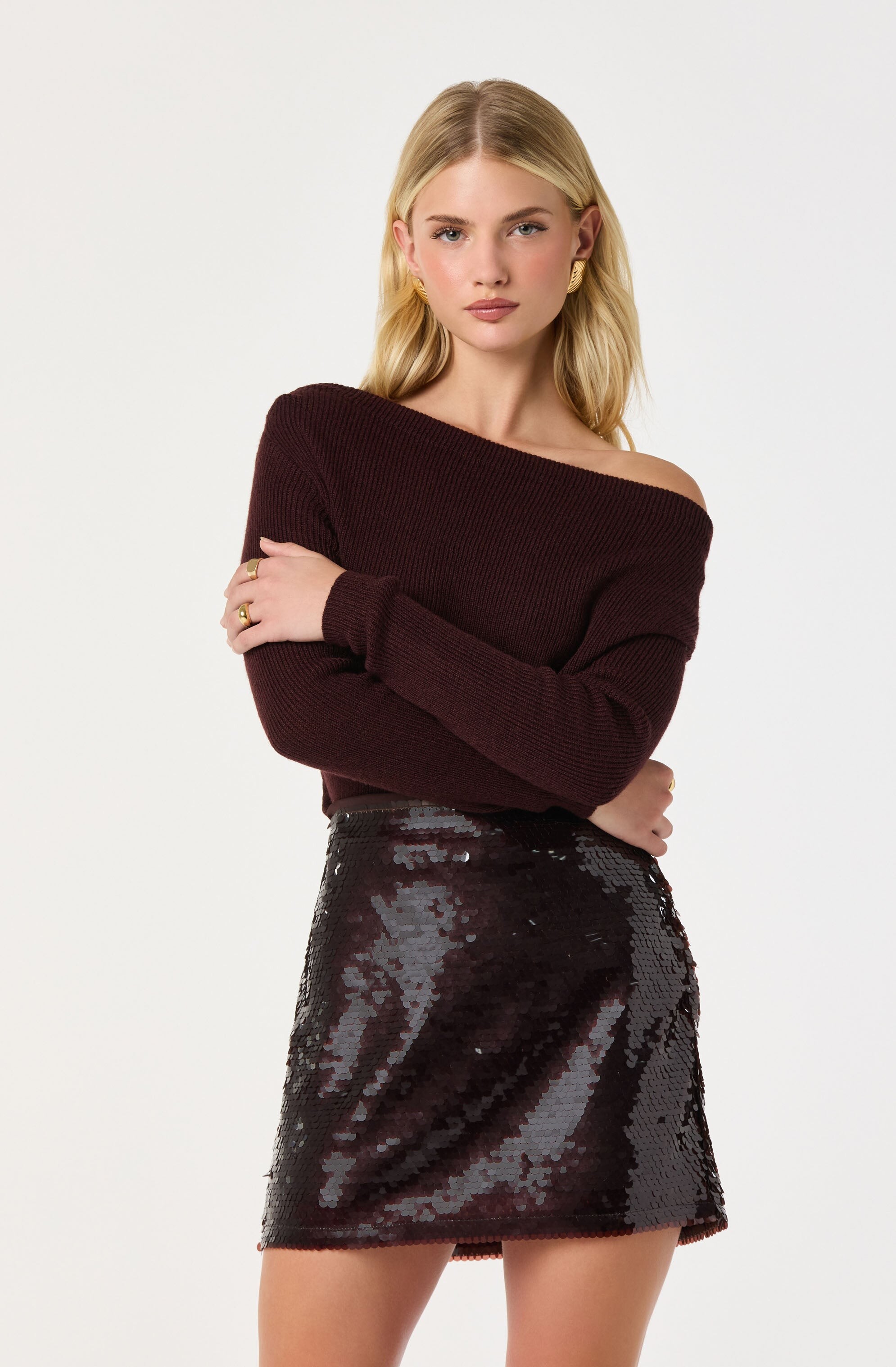
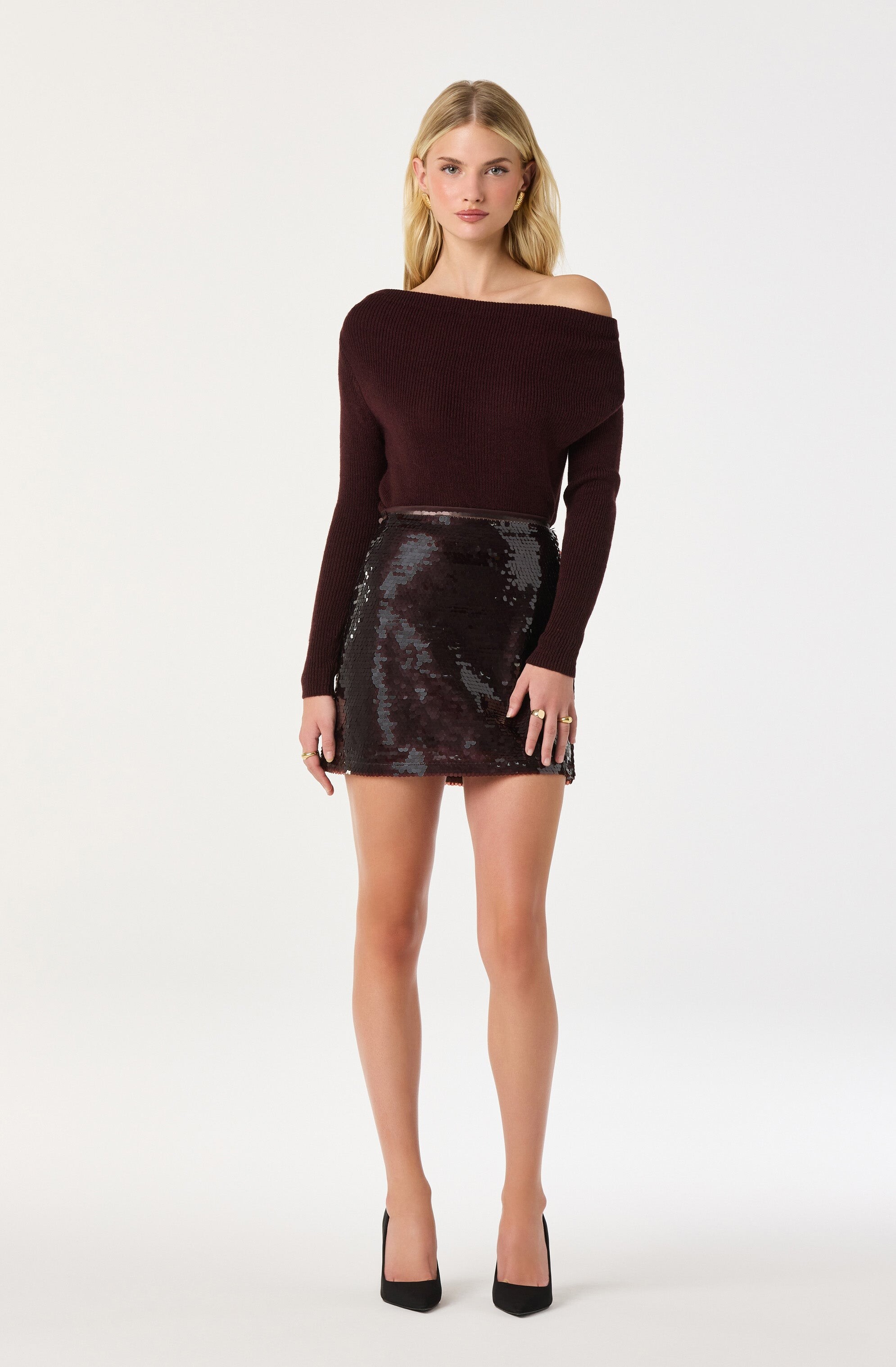



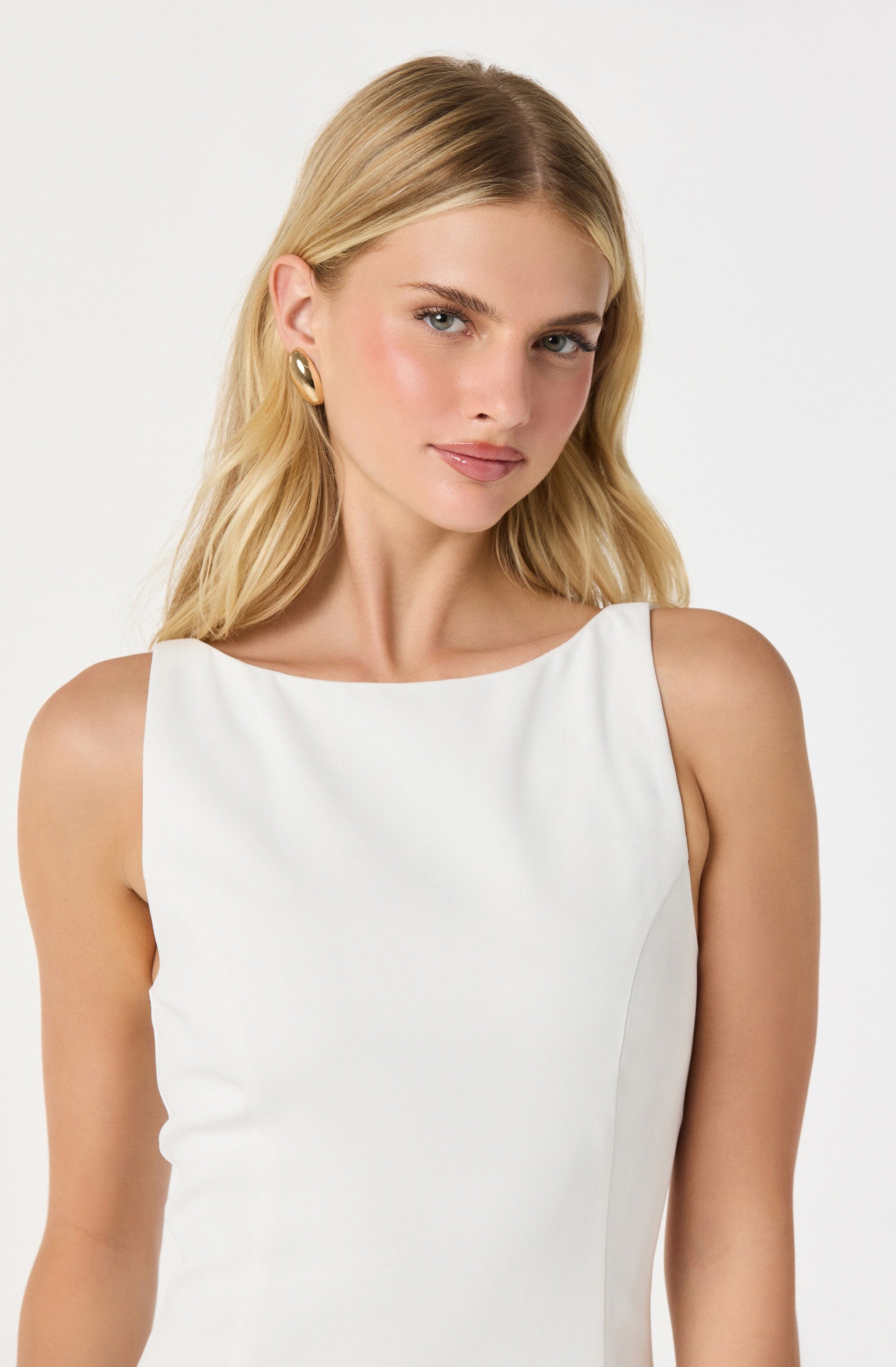








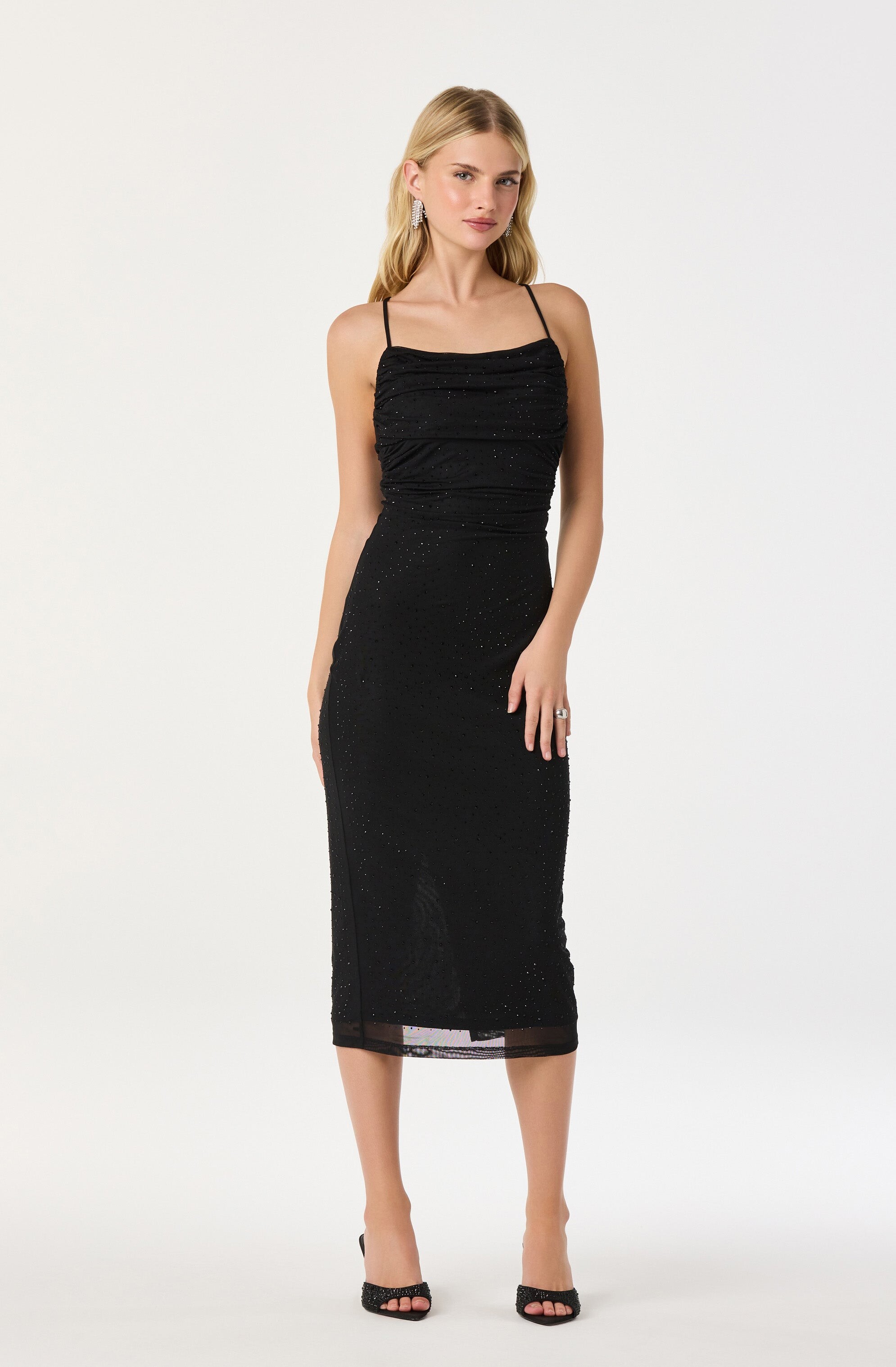
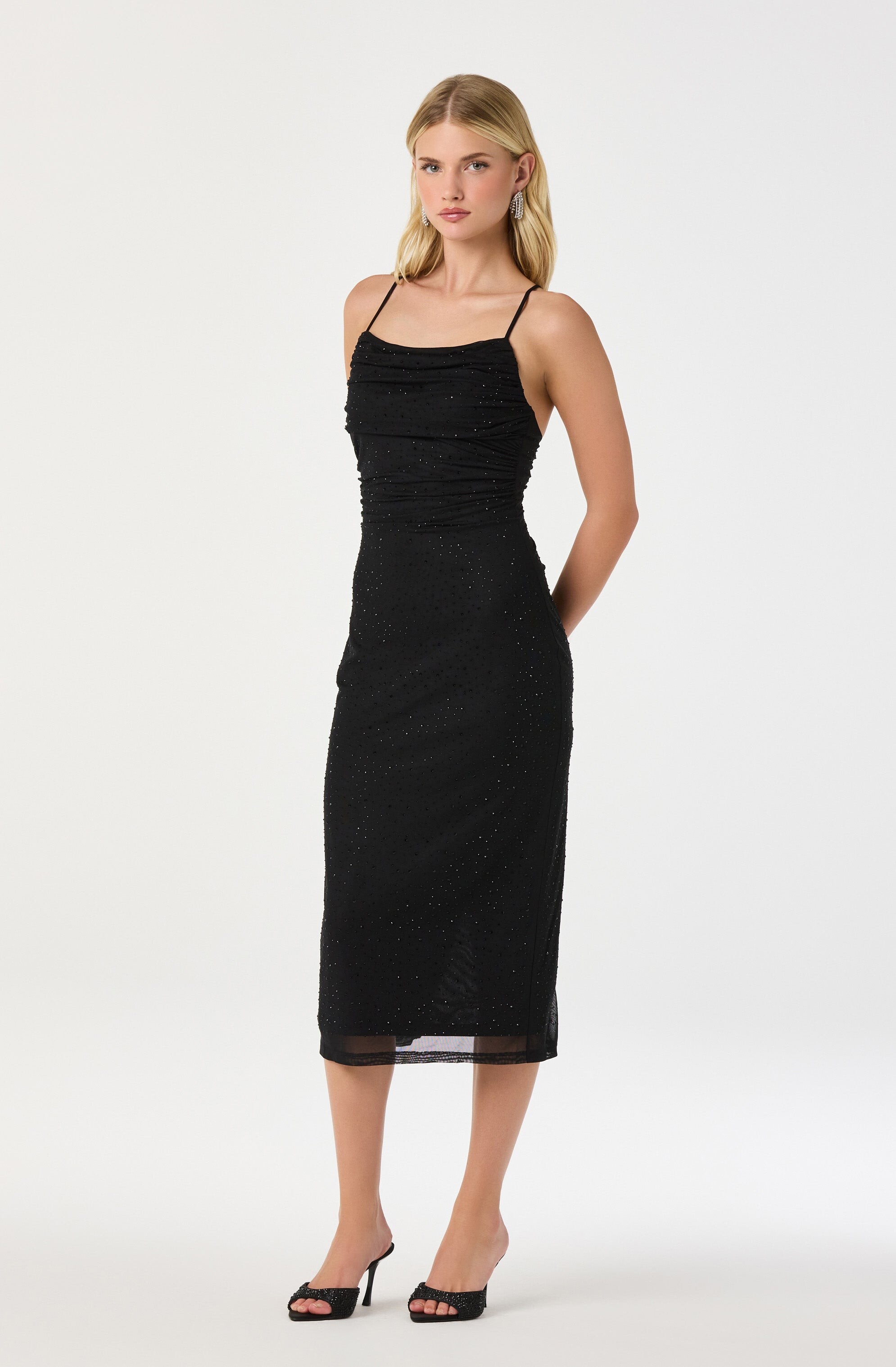

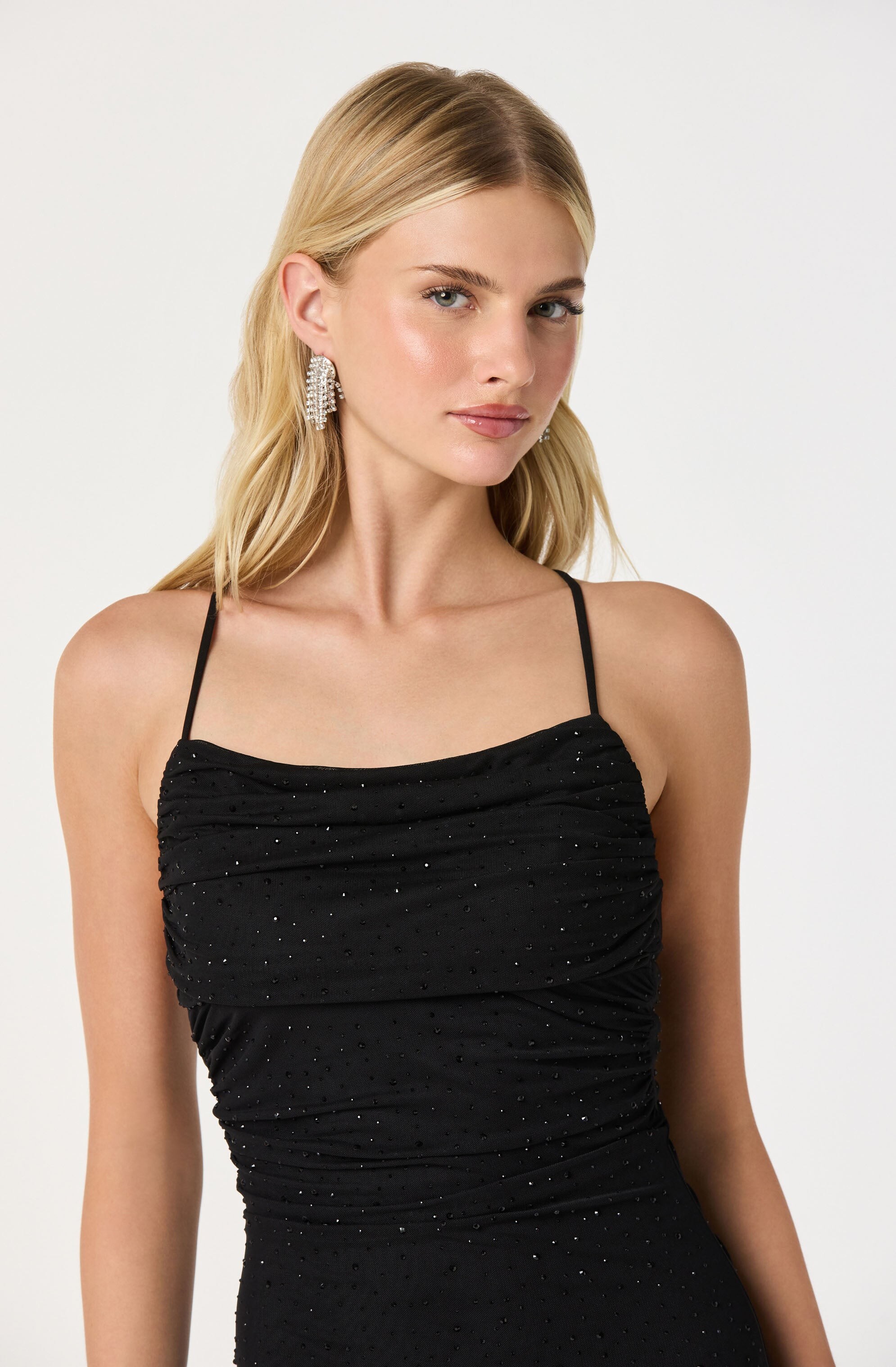


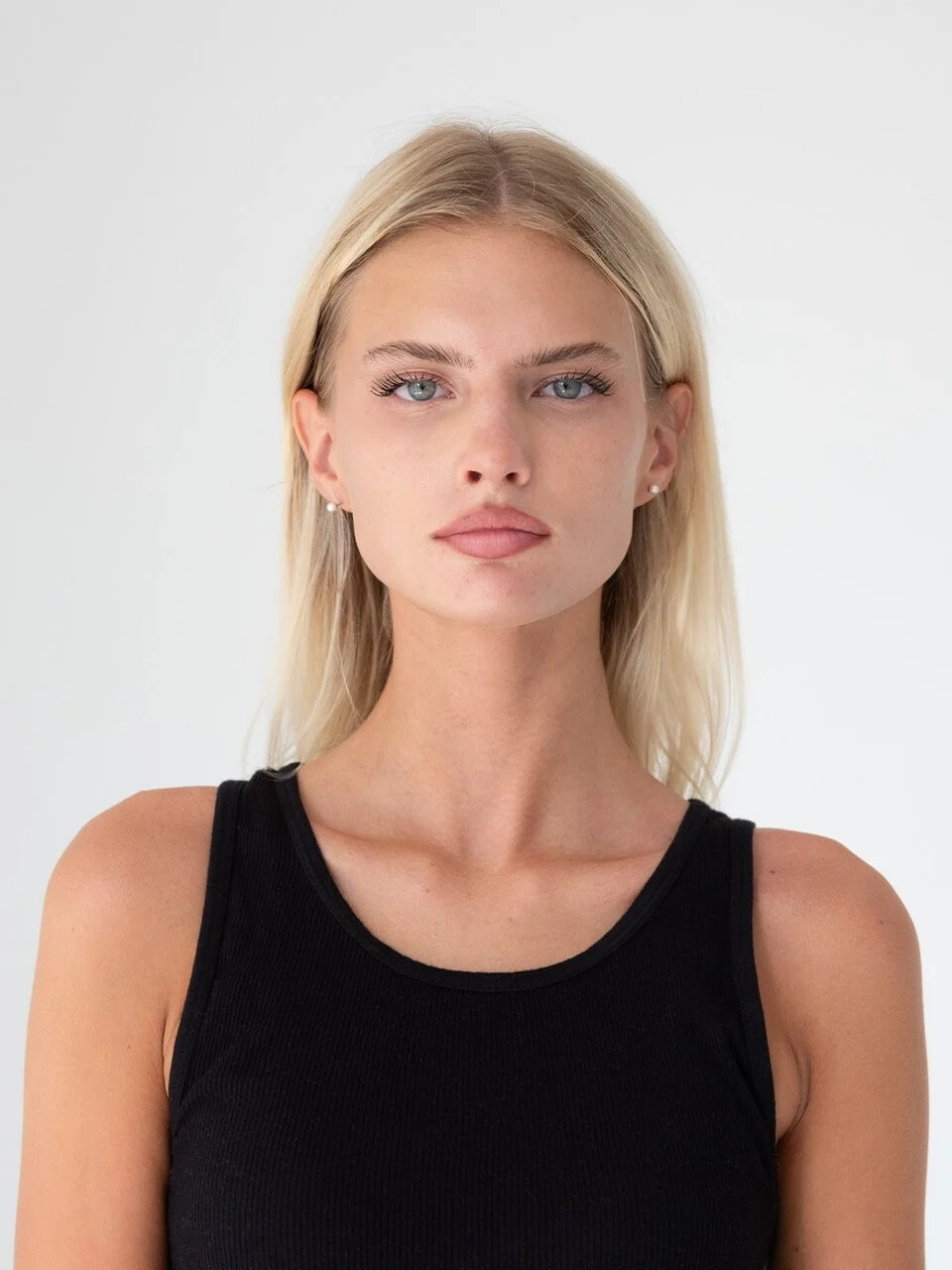






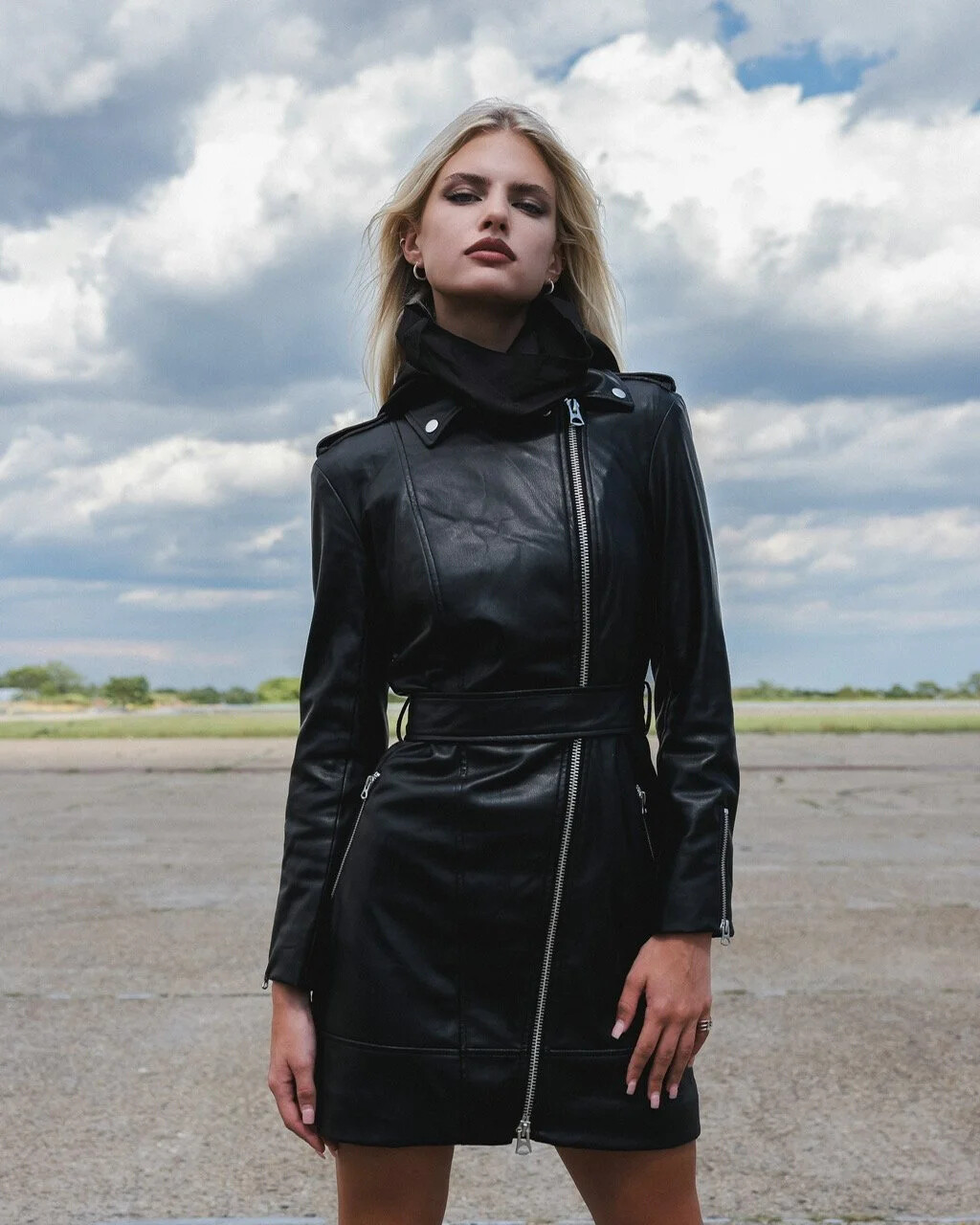









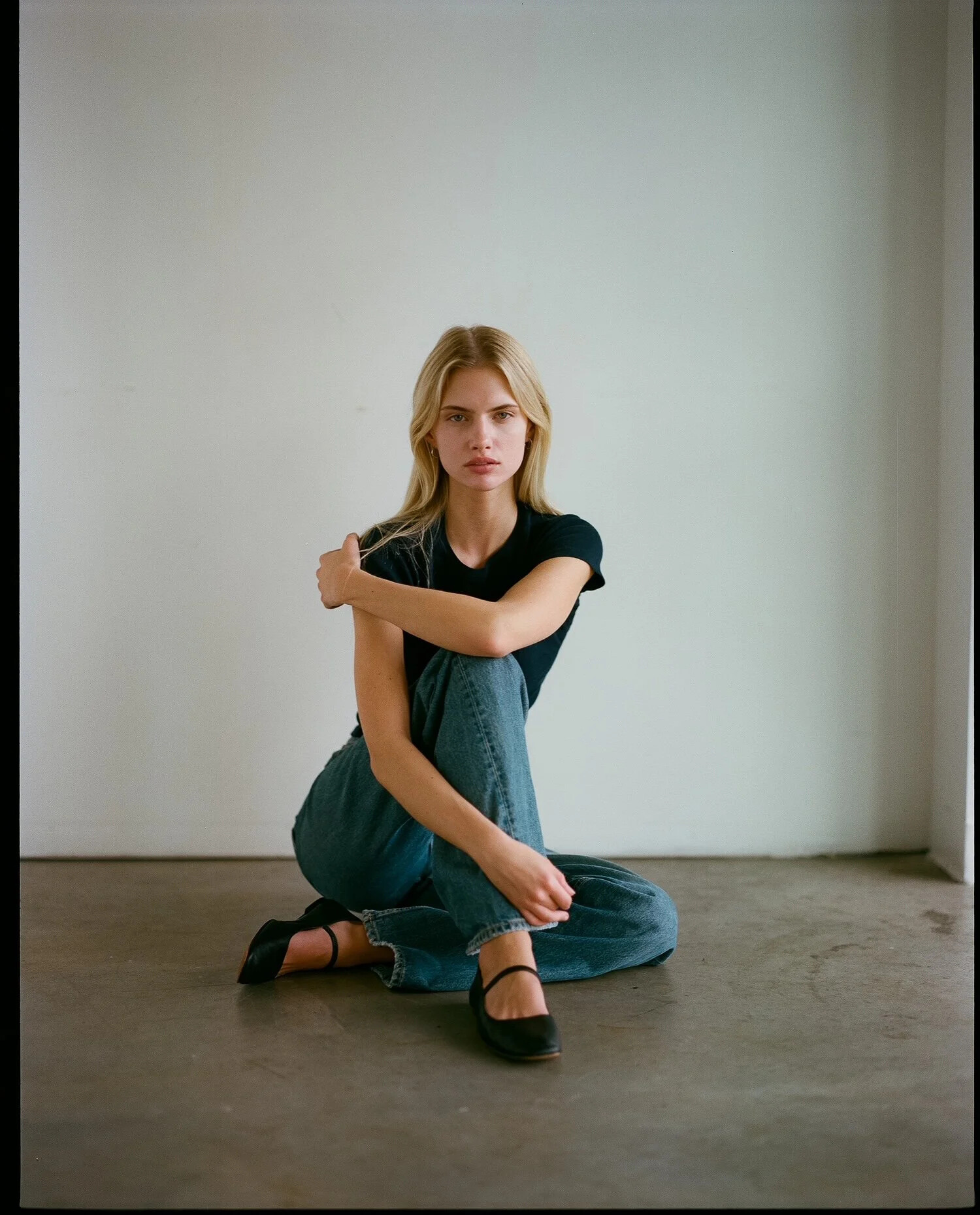
.jpg.202deedd406c10a7d91348f7213d2603.jpg)

























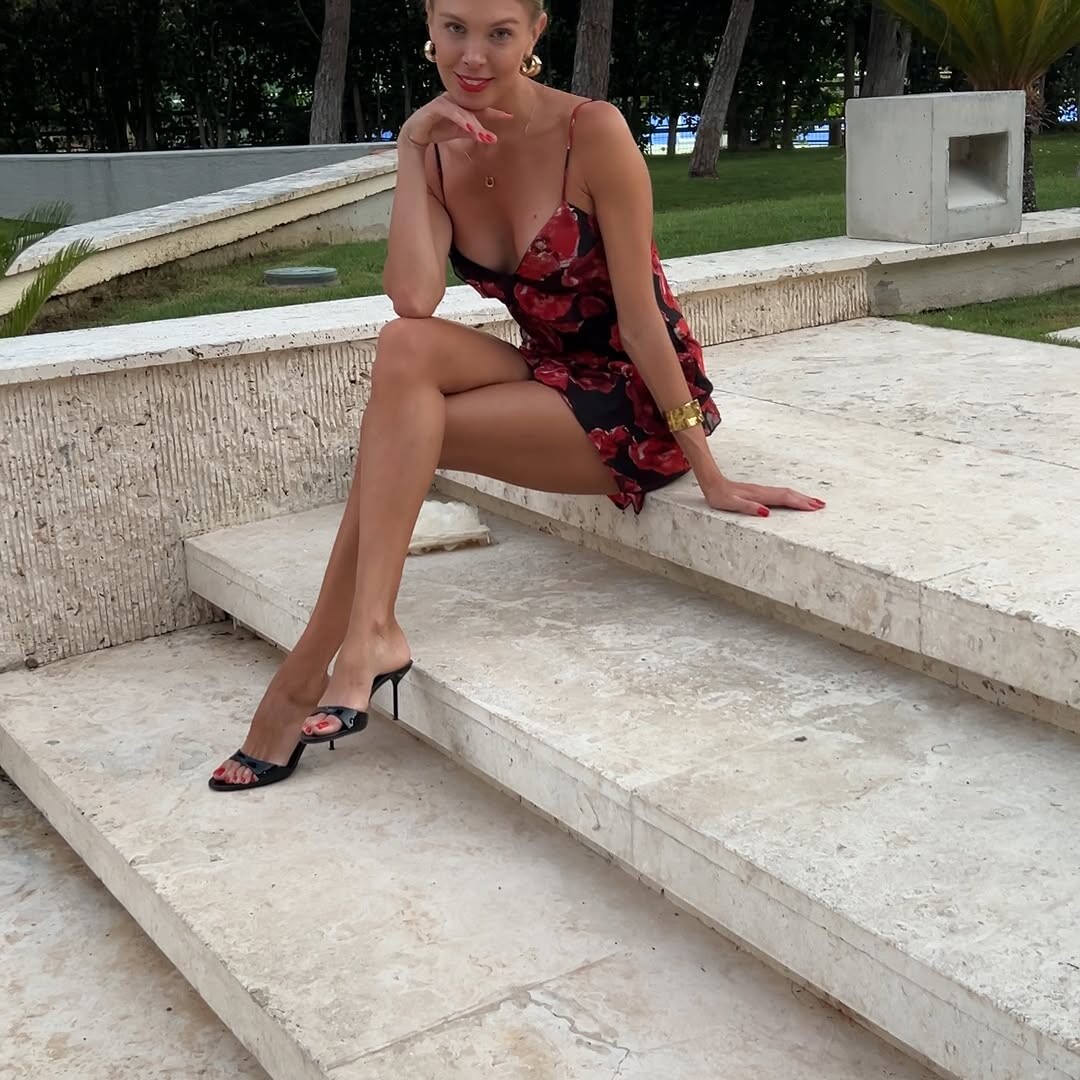

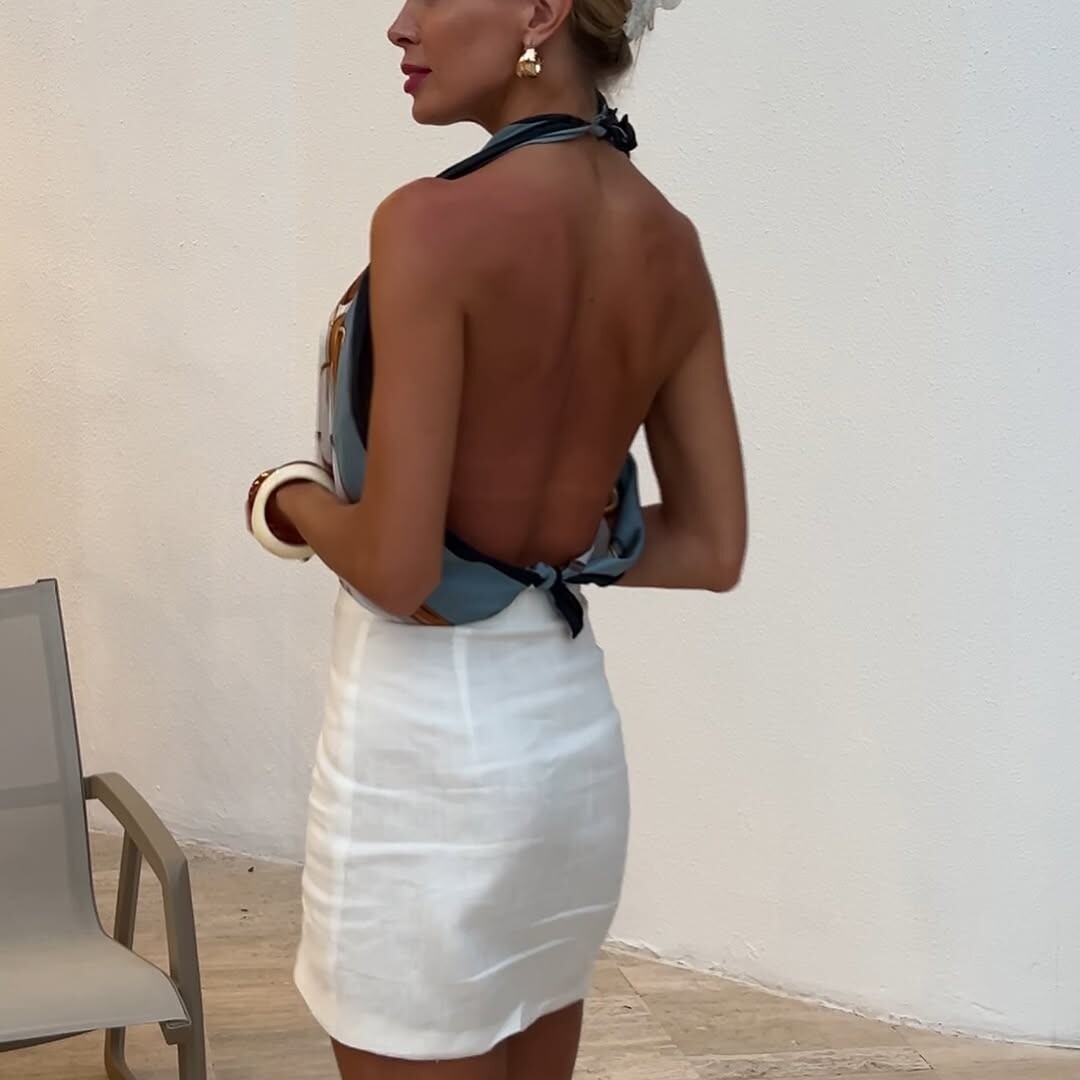
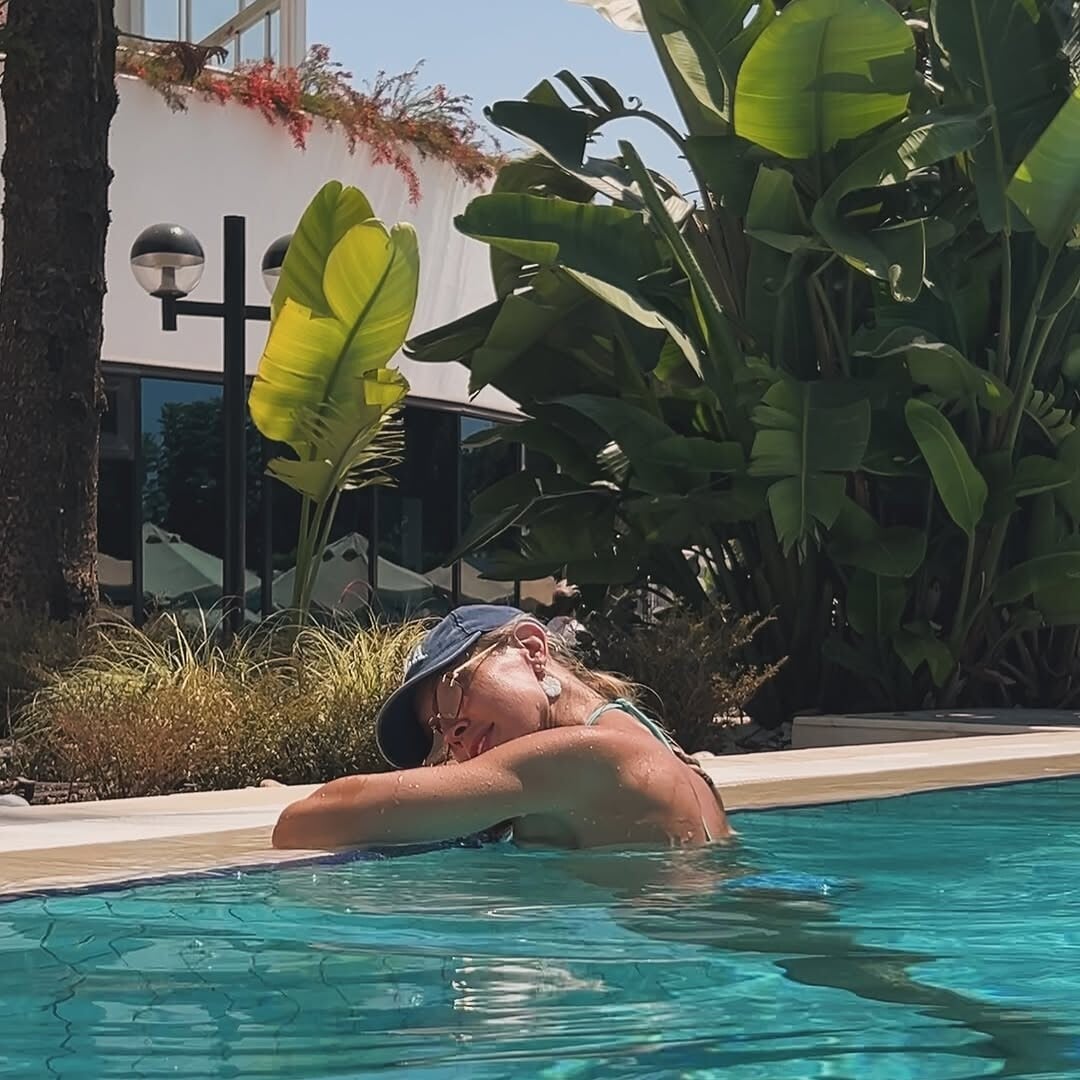


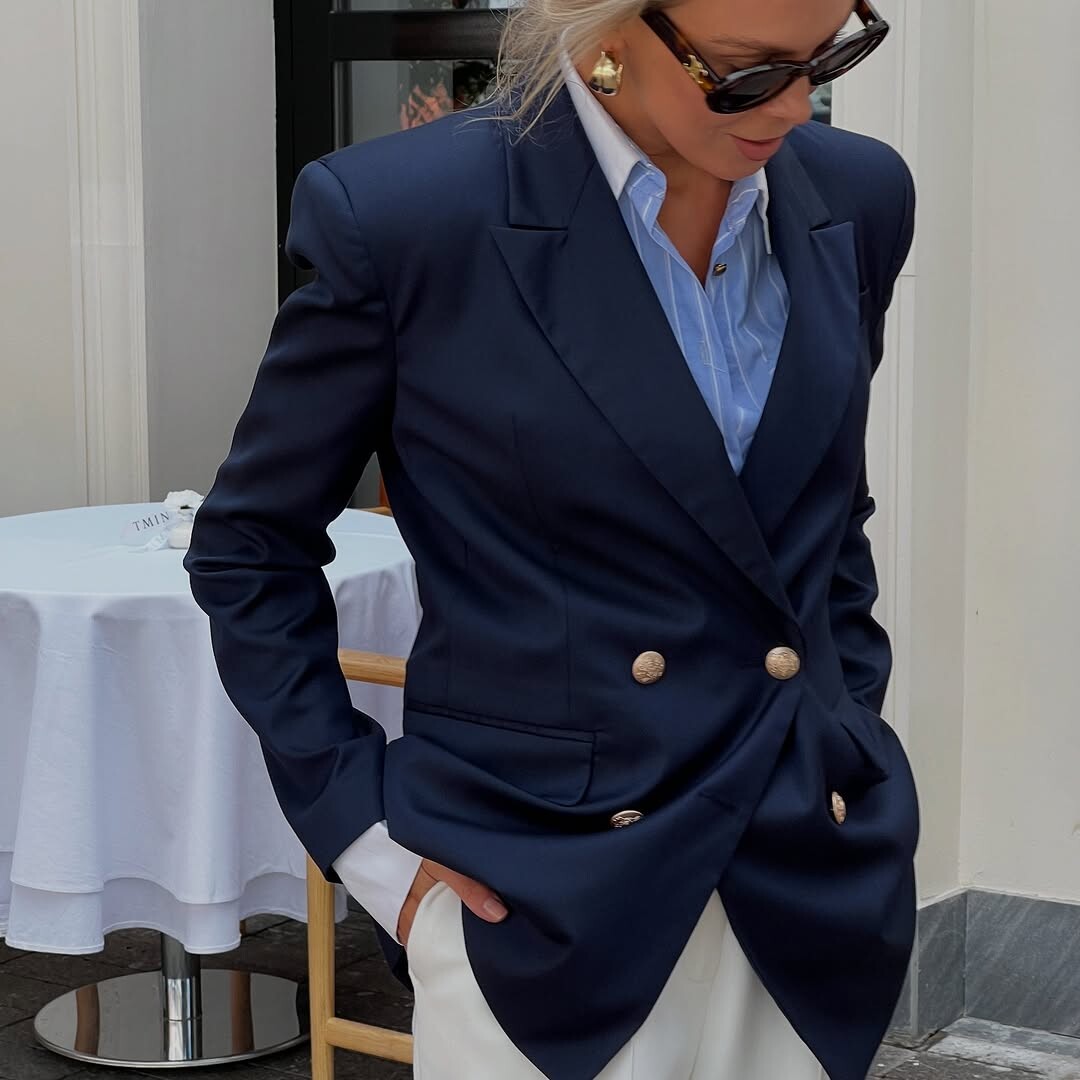
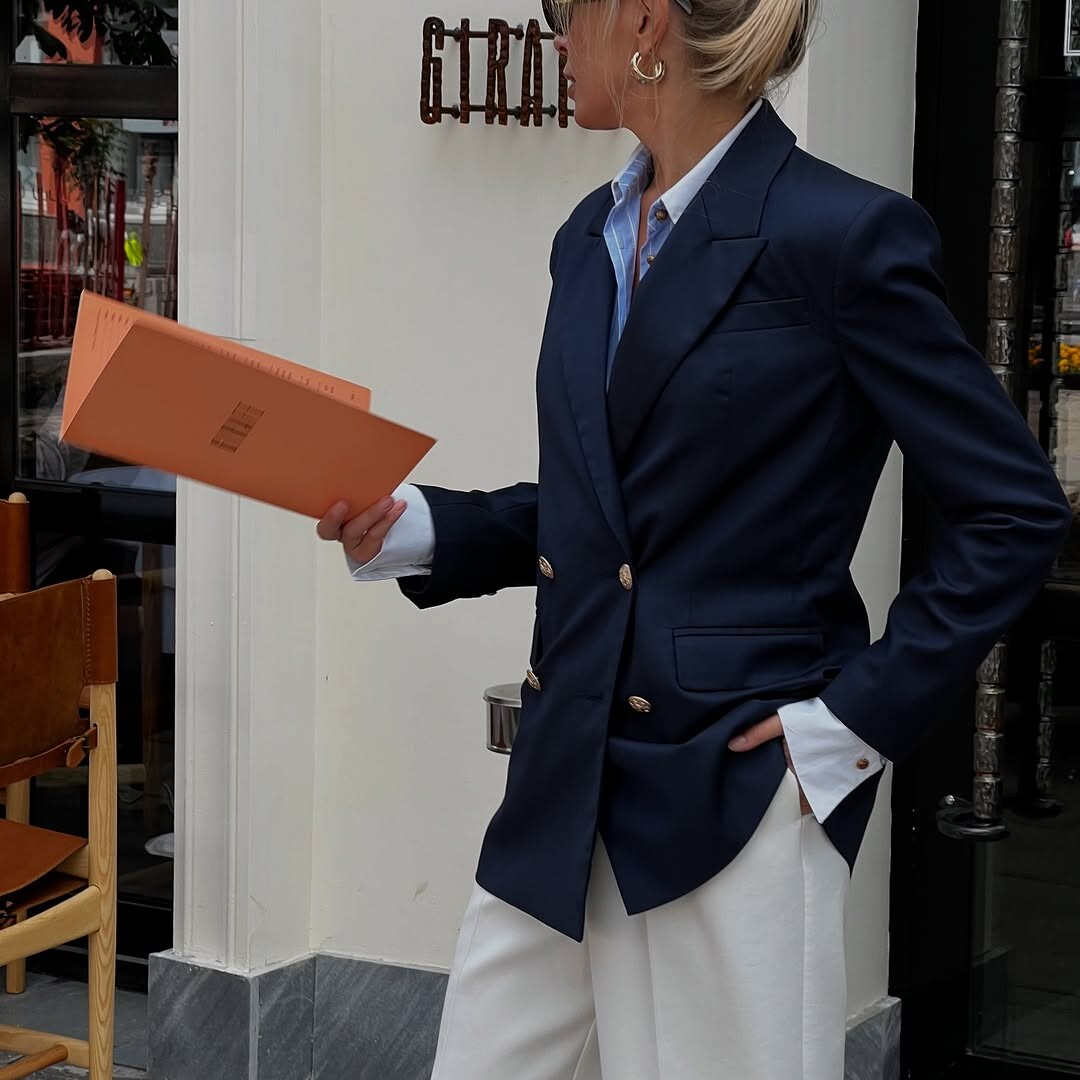
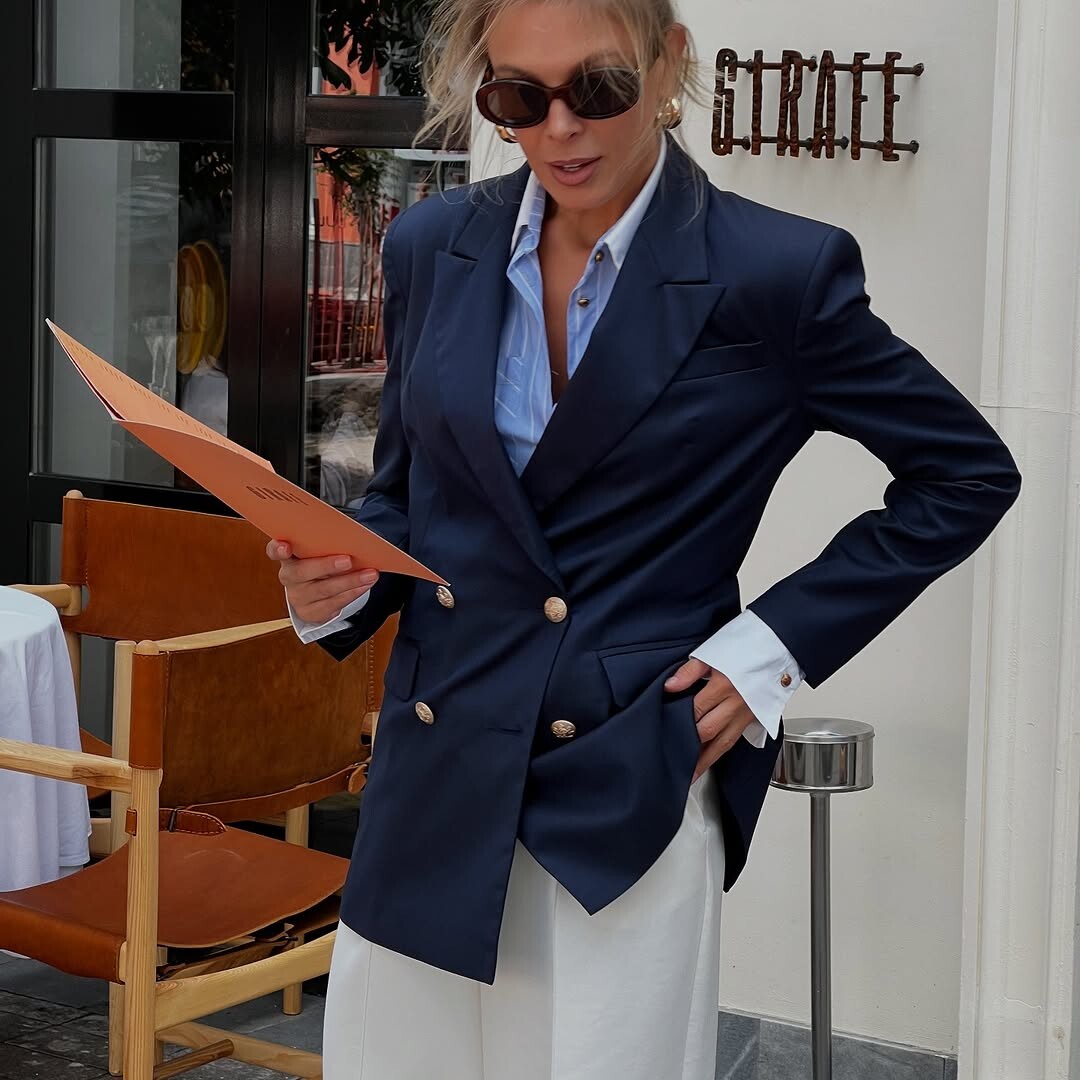










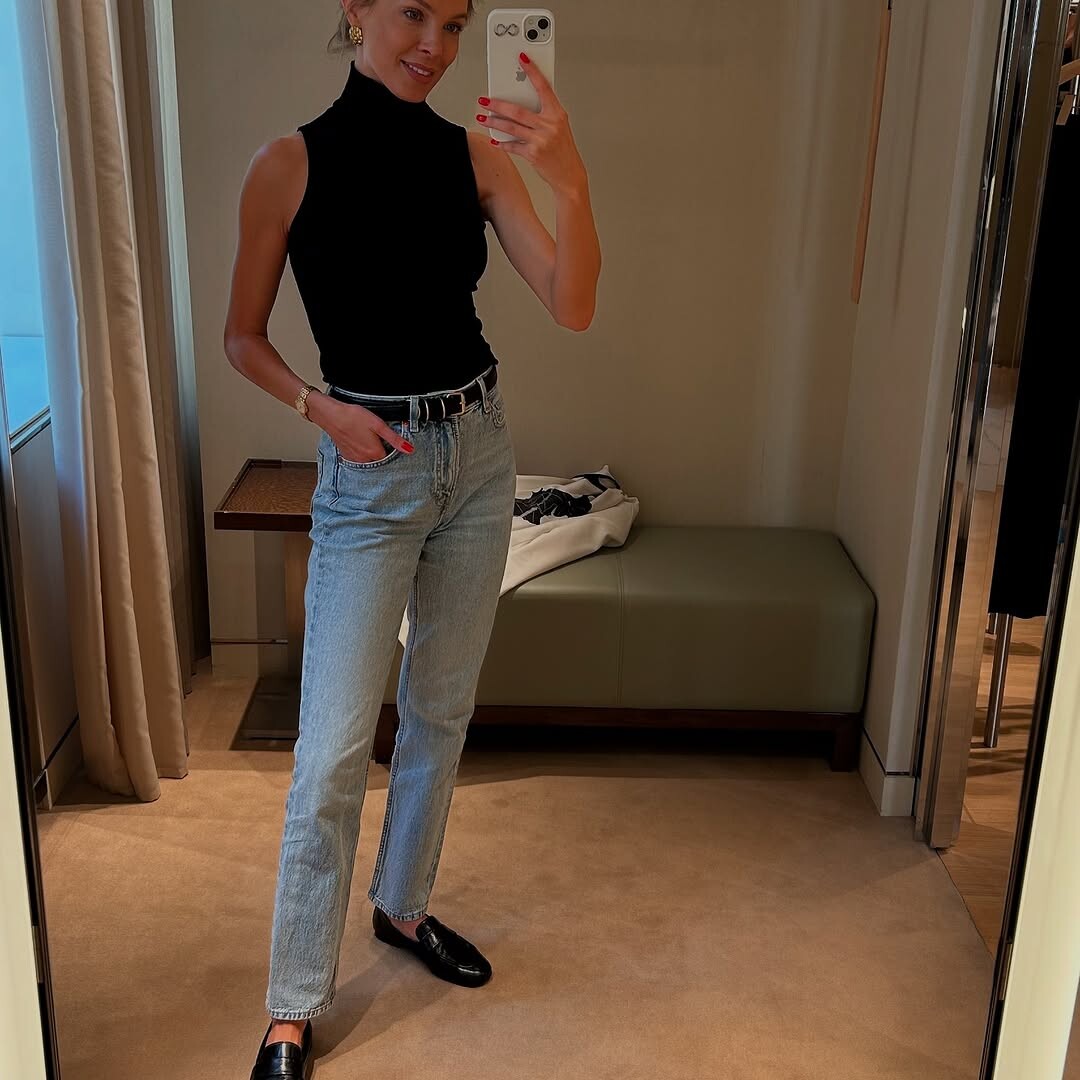

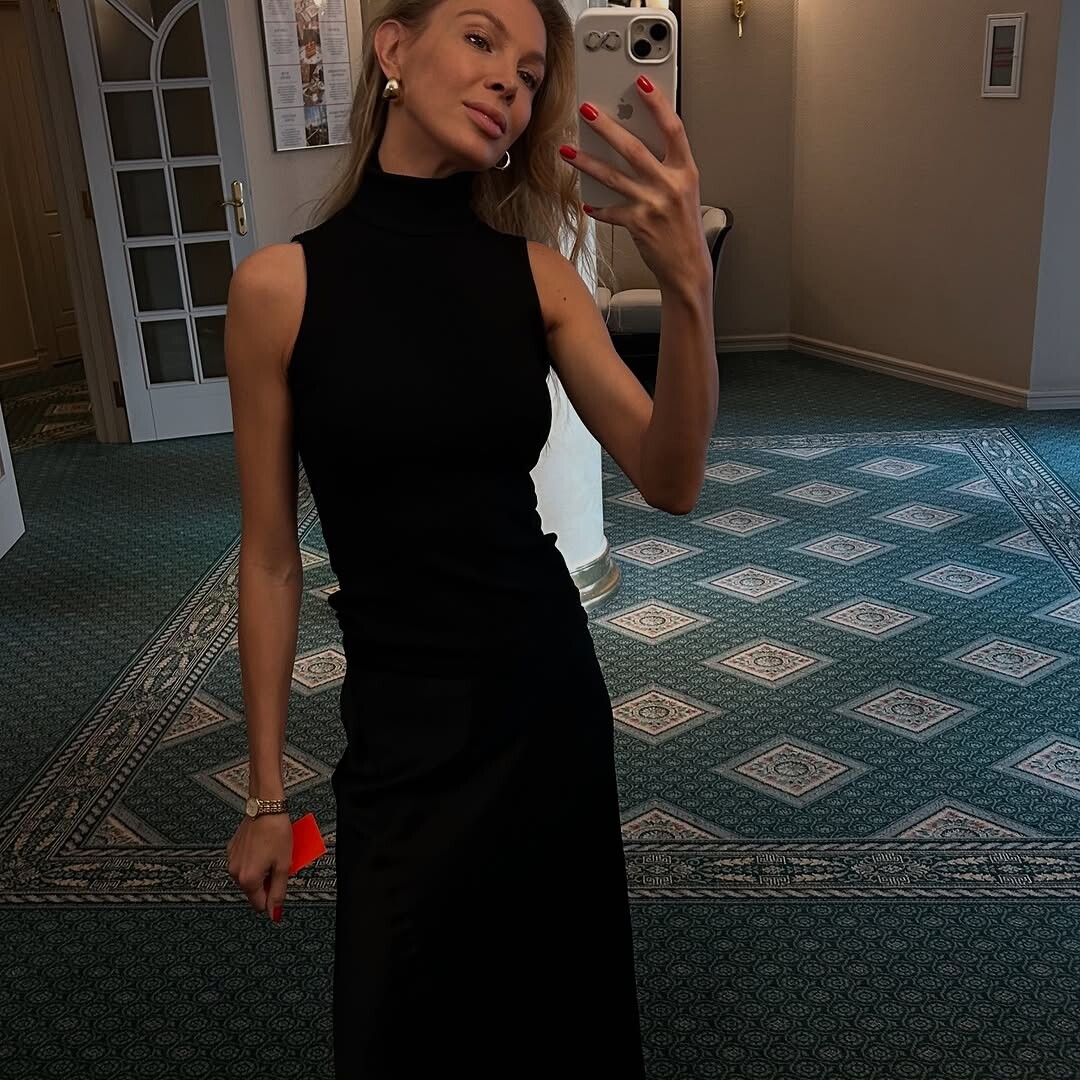


Account
Search
Configure browser push notifications
Chrome (Android)
- Tap the lock icon next to the address bar.
- Tap Permissions → Notifications.
- Adjust your preference.
Chrome (Desktop)
- Click the padlock icon in the address bar.
- Select Site settings.
- Find Notifications and adjust your preference.
Safari (iOS 16.4+)
- Ensure the site is installed via Add to Home Screen.
- Open Settings App → Notifications.
- Find your app name and adjust your preference.
Safari (macOS)
- Go to Safari → Preferences.
- Click the Websites tab.
- Select Notifications in the sidebar.
- Find this website and adjust your preference.
Edge (Android)
- Tap the lock icon next to the address bar.
- Tap Permissions.
- Find Notifications and adjust your preference.
Edge (Desktop)
- Click the padlock icon in the address bar.
- Click Permissions for this site.
- Find Notifications and adjust your preference.
Firefox (Android)
- Go to Settings → Site permissions.
- Tap Notifications.
- Find this site in the list and adjust your preference.
Firefox (Desktop)
- Open Firefox Settings.
- Search for Notifications.
- Find this site in the list and adjust your preference.