All Activity
- Past hour
-
 66a90d3da80340c18d6ee1175503d3a6.mov
 -
e680b48bb1714b99a55999bd24e6d86c.mov


 ruhaniphysio joined the community
Belly1967 changed their profile photo
Berenice Baoo https://www.bellazon.com/main/topic/95302-berenice-baoo/#comment-5453319
ruhaniphysio joined the community
Belly1967 changed their profile photo
Berenice Baoo https://www.bellazon.com/main/topic/95302-berenice-baoo/#comment-5453319









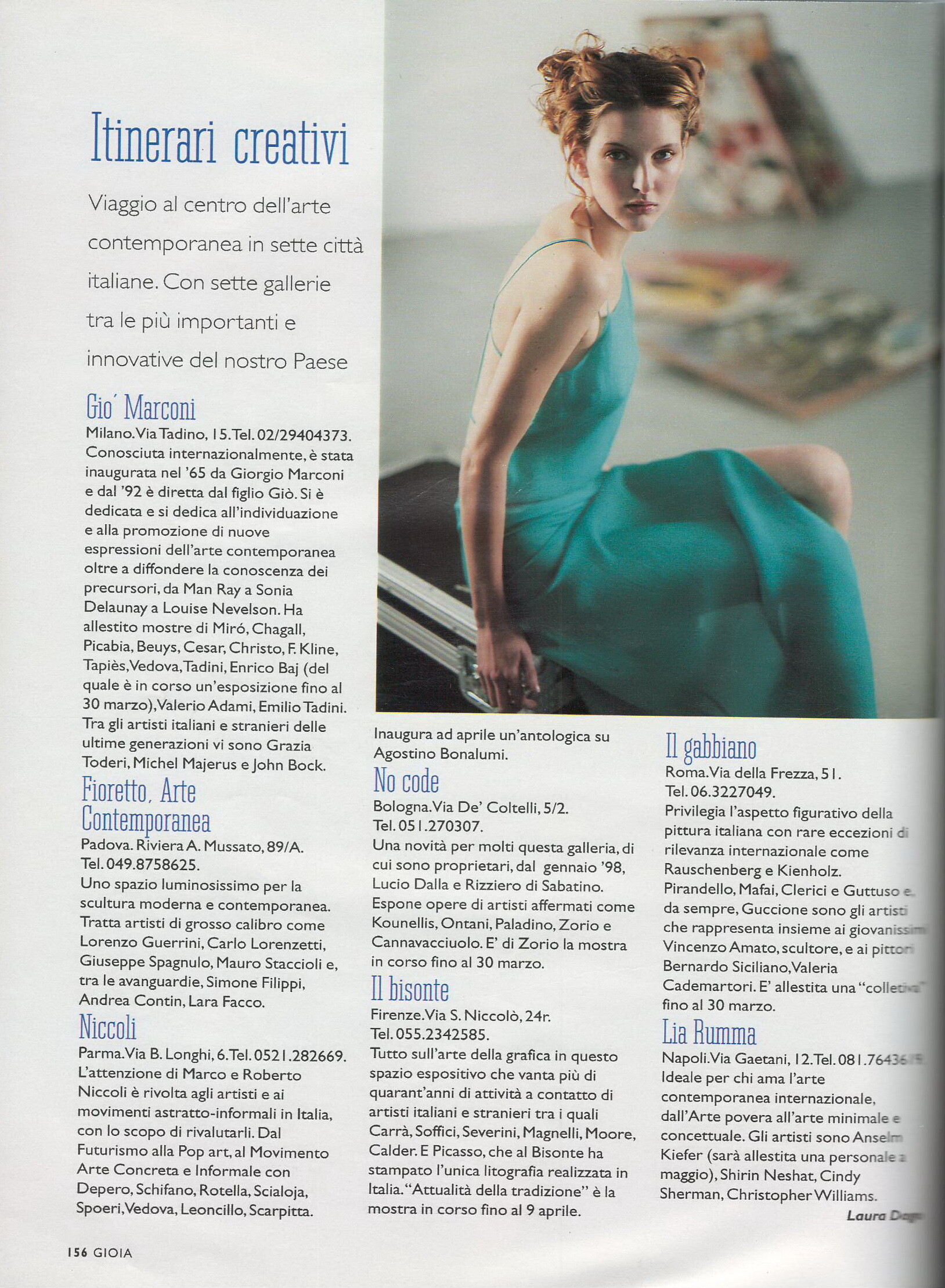
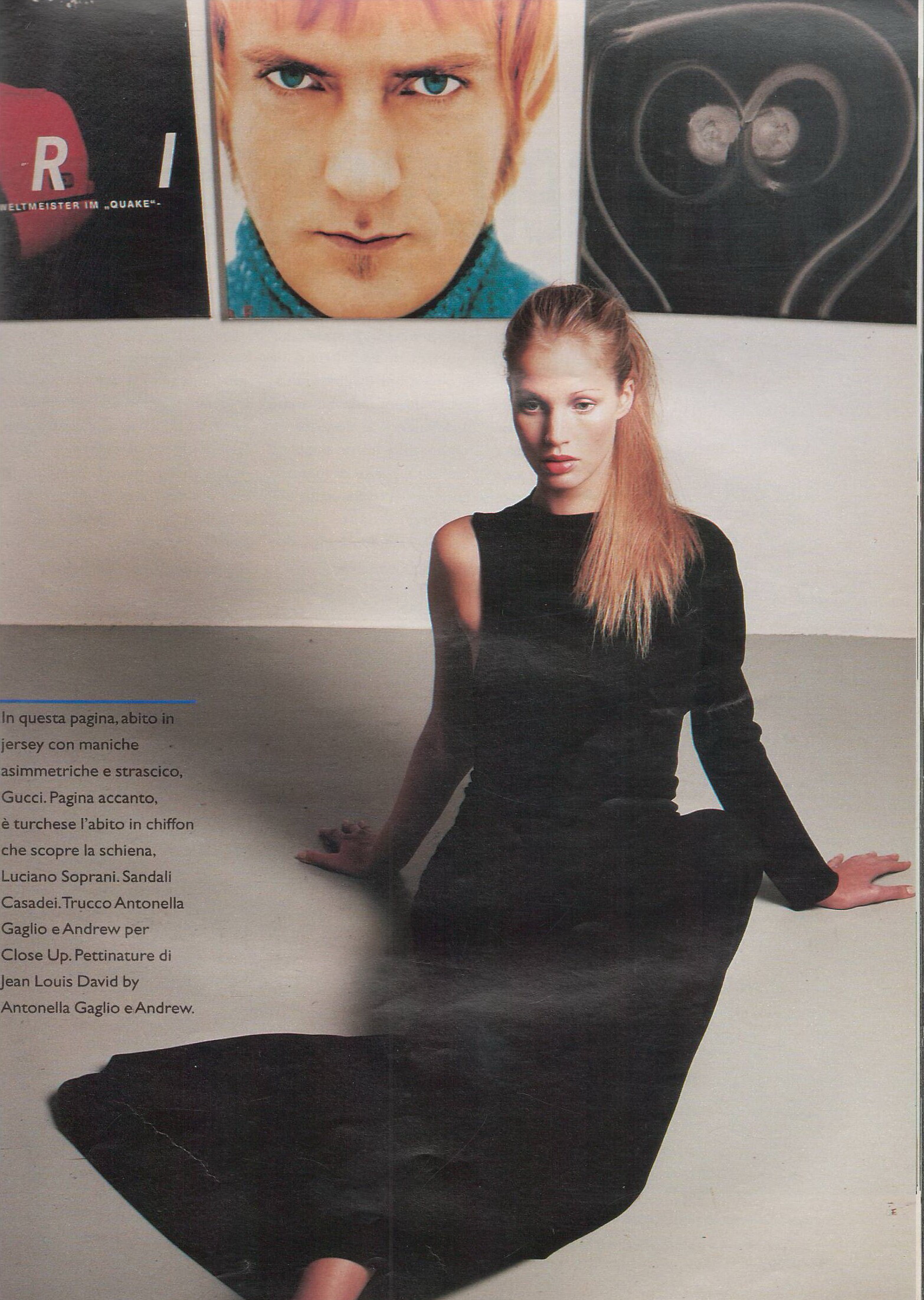



.JPG.522ef959ccc10cfd8f71b009ad1e0316.JPG)







.JPG.5b51a61705ec2dbb83a5958d6e3b5b95.JPG)












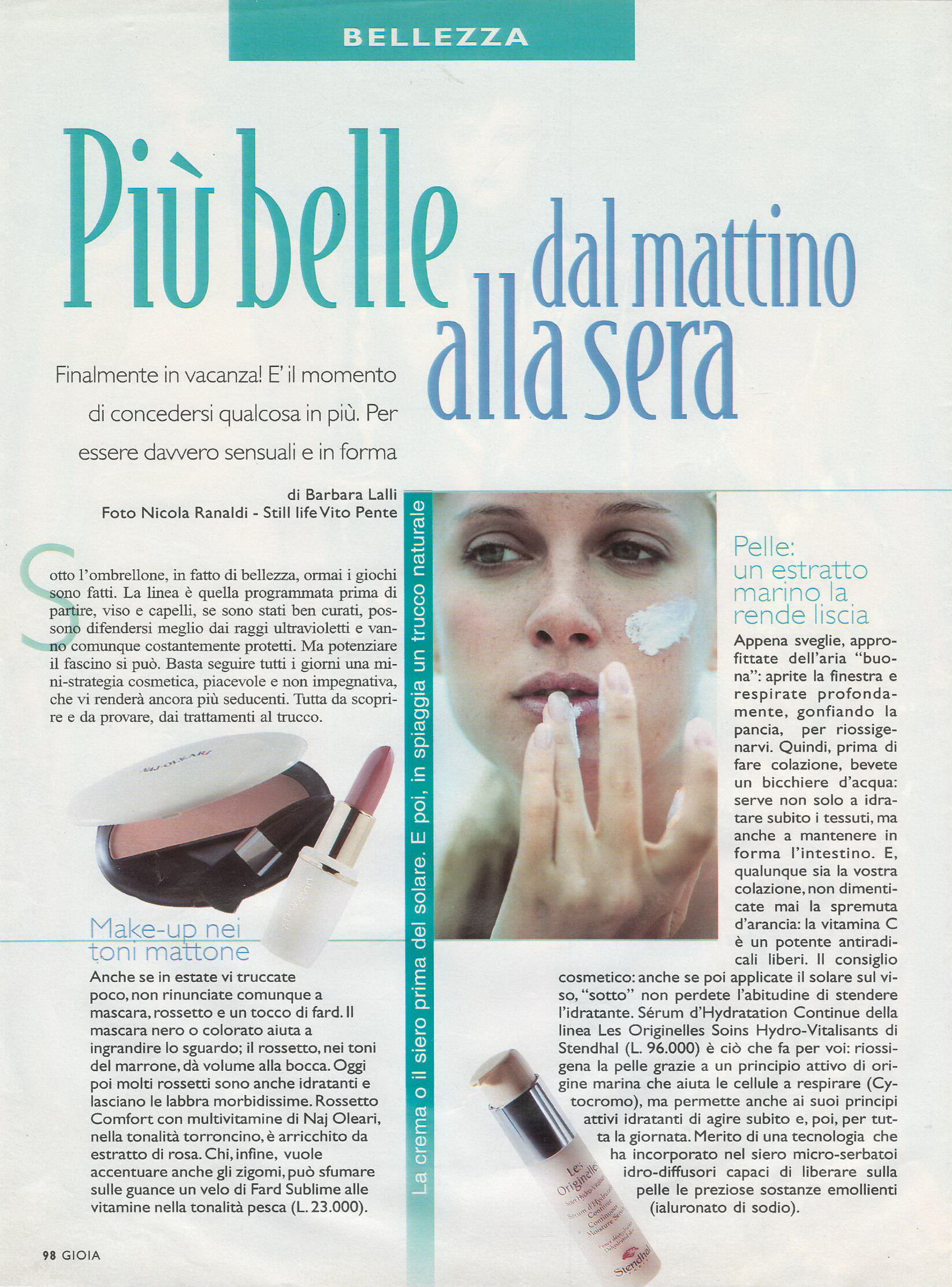
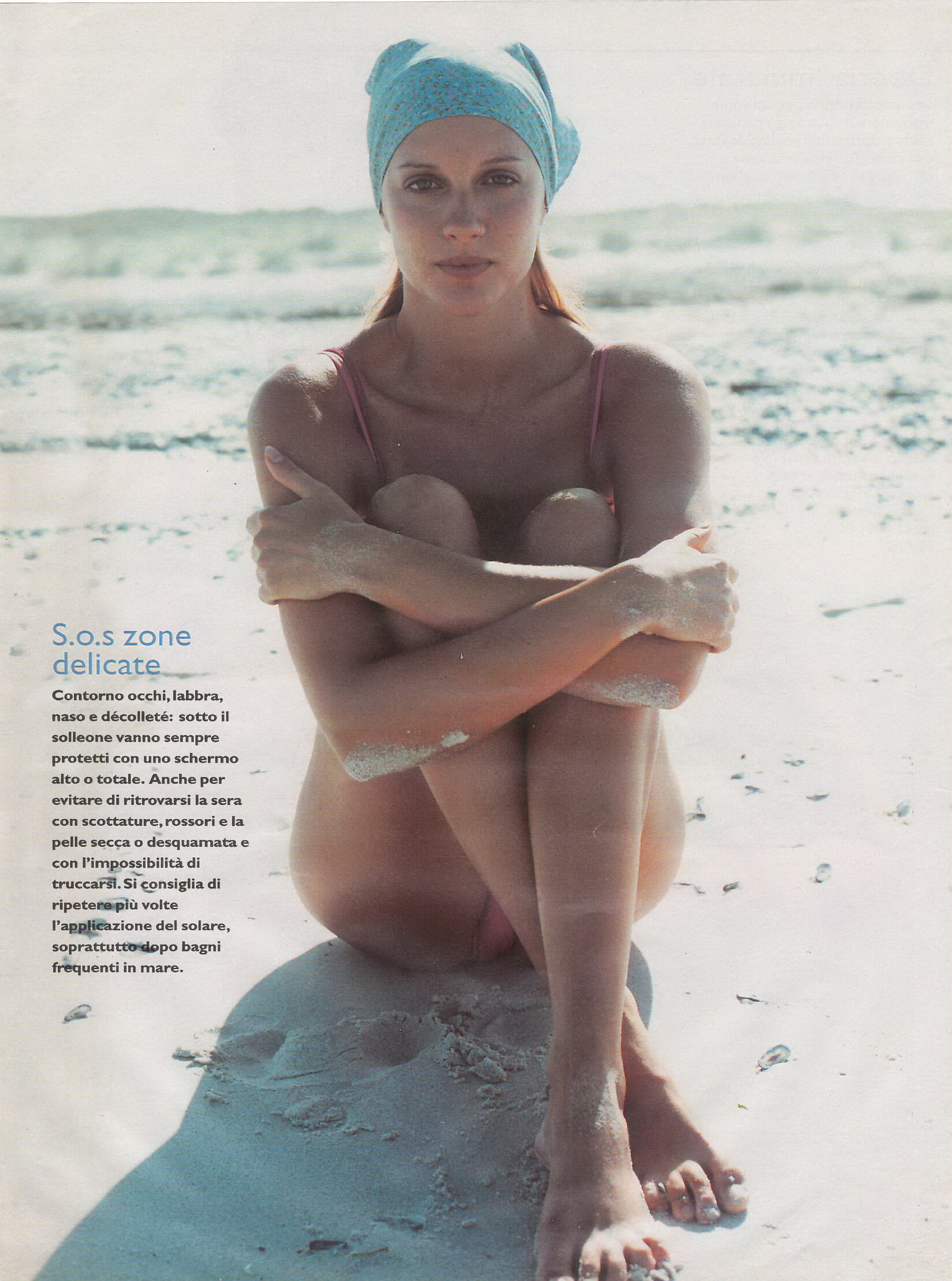












Account
Navigation
Search
Configure browser push notifications
Chrome (Android)
- Tap the lock icon next to the address bar.
- Tap Permissions → Notifications.
- Adjust your preference.
Chrome (Desktop)
- Click the padlock icon in the address bar.
- Select Site settings.
- Find Notifications and adjust your preference.
Safari (iOS 16.4+)
- Ensure the site is installed via Add to Home Screen.
- Open Settings App → Notifications.
- Find your app name and adjust your preference.
Safari (macOS)
- Go to Safari → Preferences.
- Click the Websites tab.
- Select Notifications in the sidebar.
- Find this website and adjust your preference.
Edge (Android)
- Tap the lock icon next to the address bar.
- Tap Permissions.
- Find Notifications and adjust your preference.
Edge (Desktop)
- Click the padlock icon in the address bar.
- Click Permissions for this site.
- Find Notifications and adjust your preference.
Firefox (Android)
- Go to Settings → Site permissions.
- Tap Notifications.
- Find this site in the list and adjust your preference.
Firefox (Desktop)
- Open Firefox Settings.
- Search for Notifications.
- Find this site in the list and adjust your preference.