All Activity
- Past hour
-
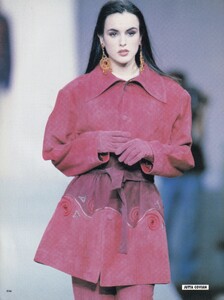
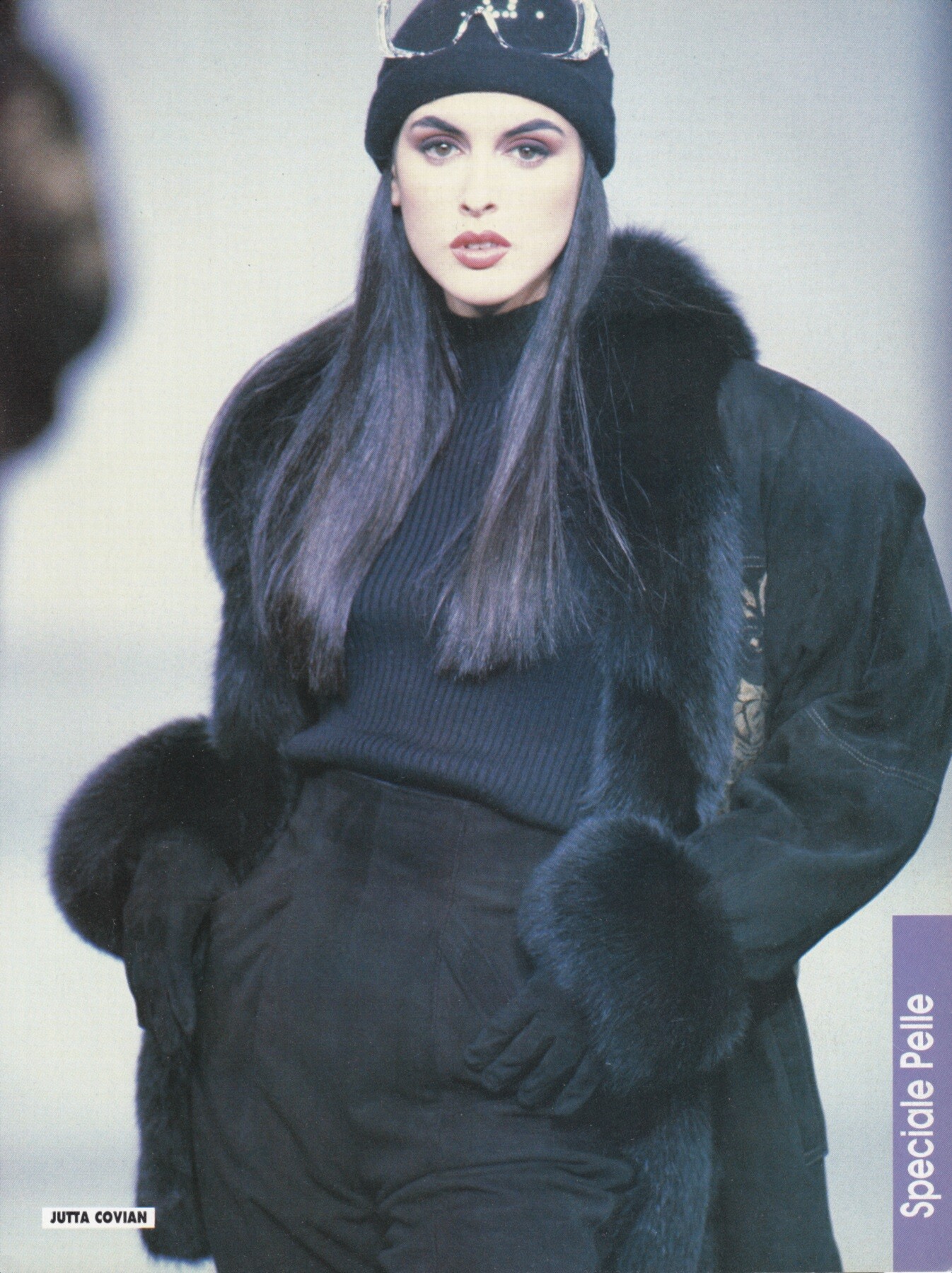
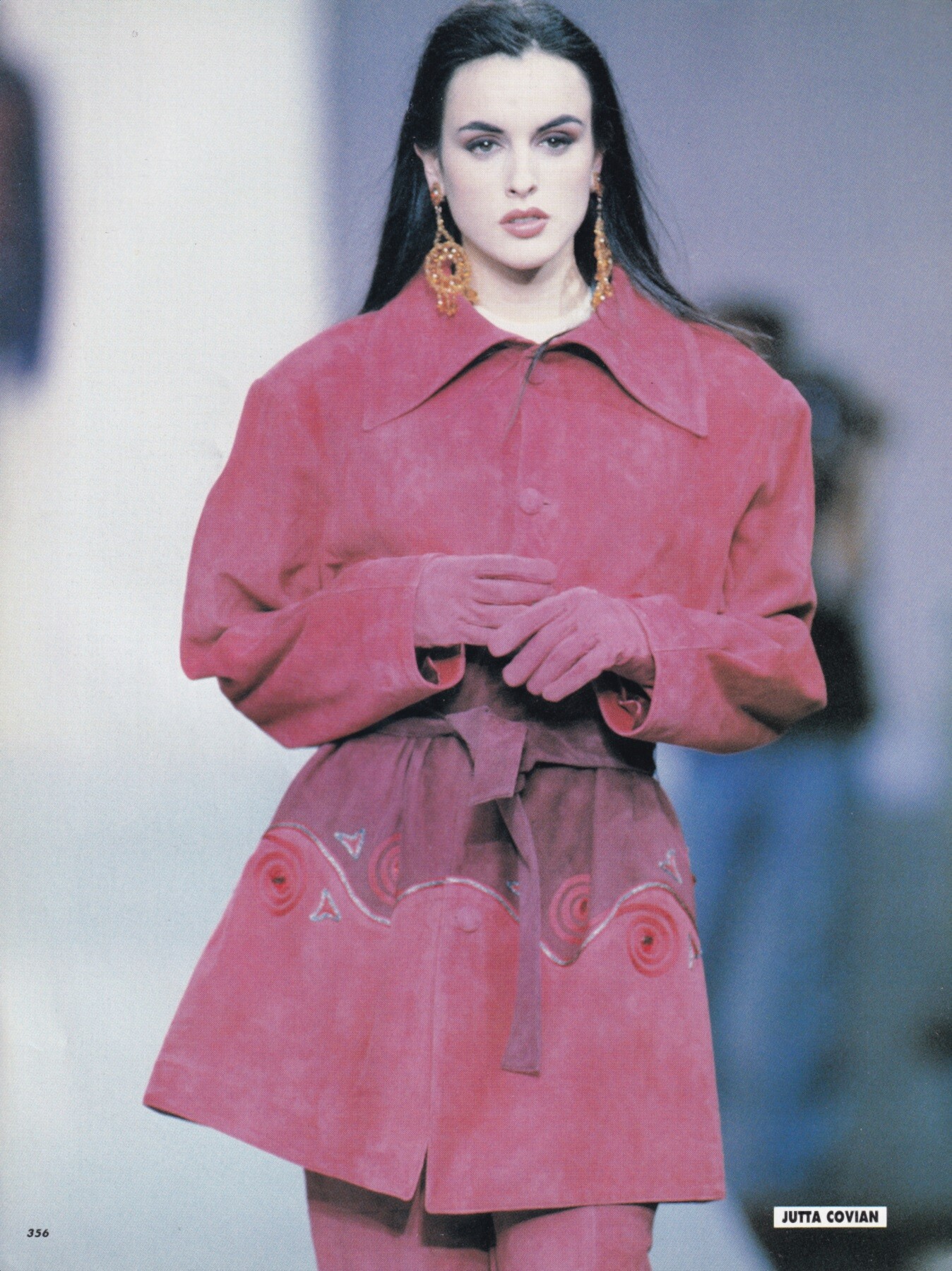
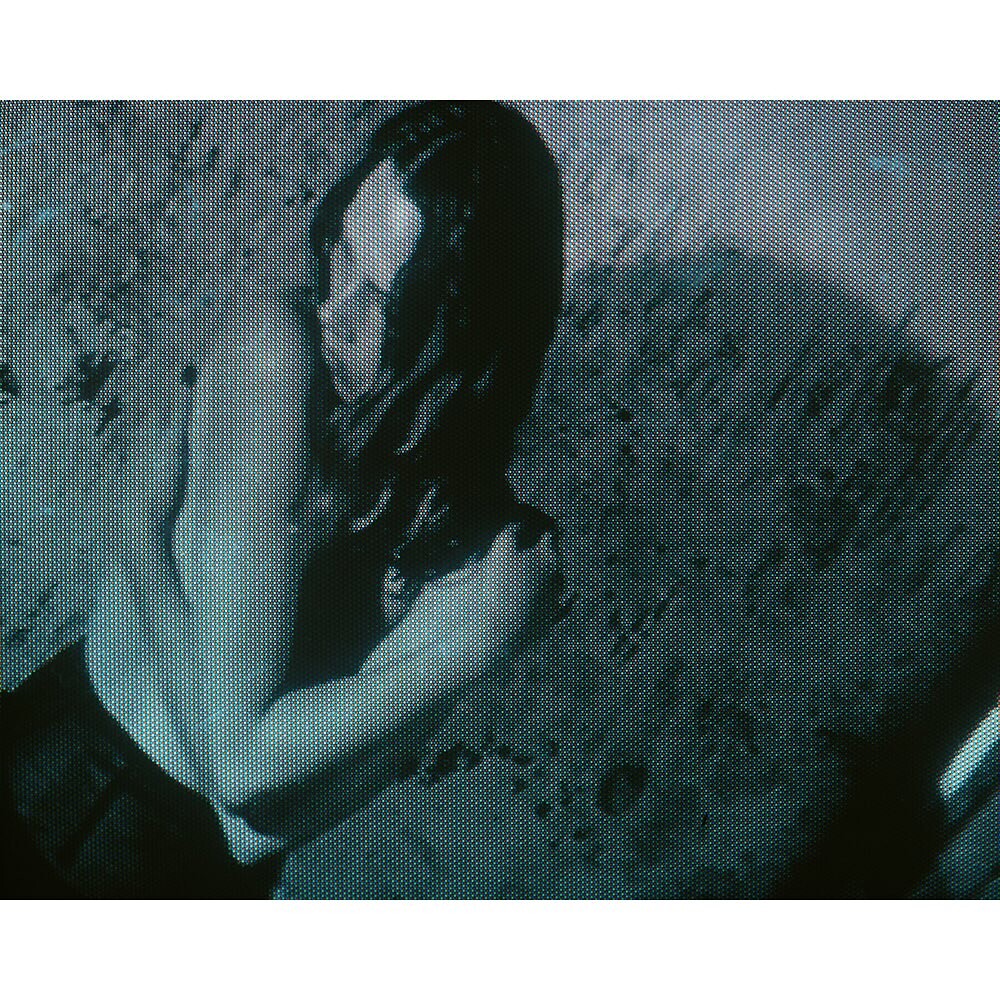
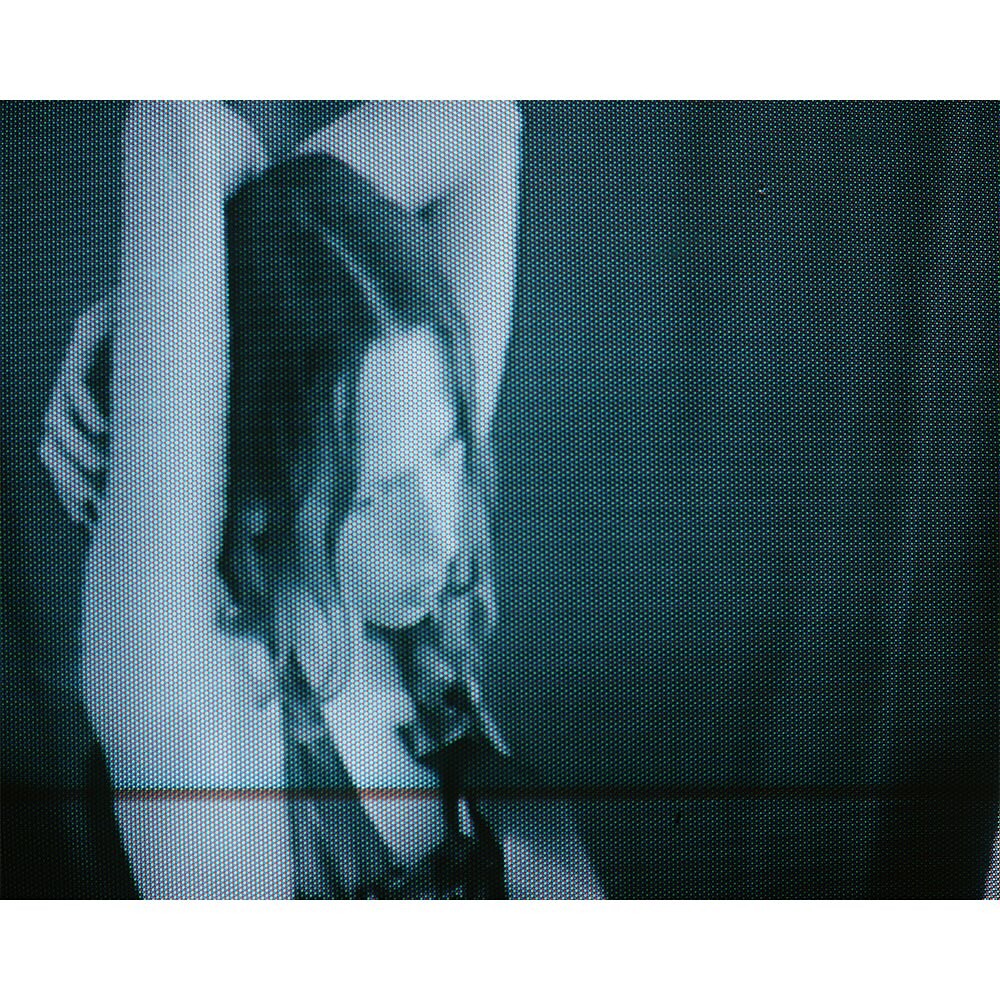
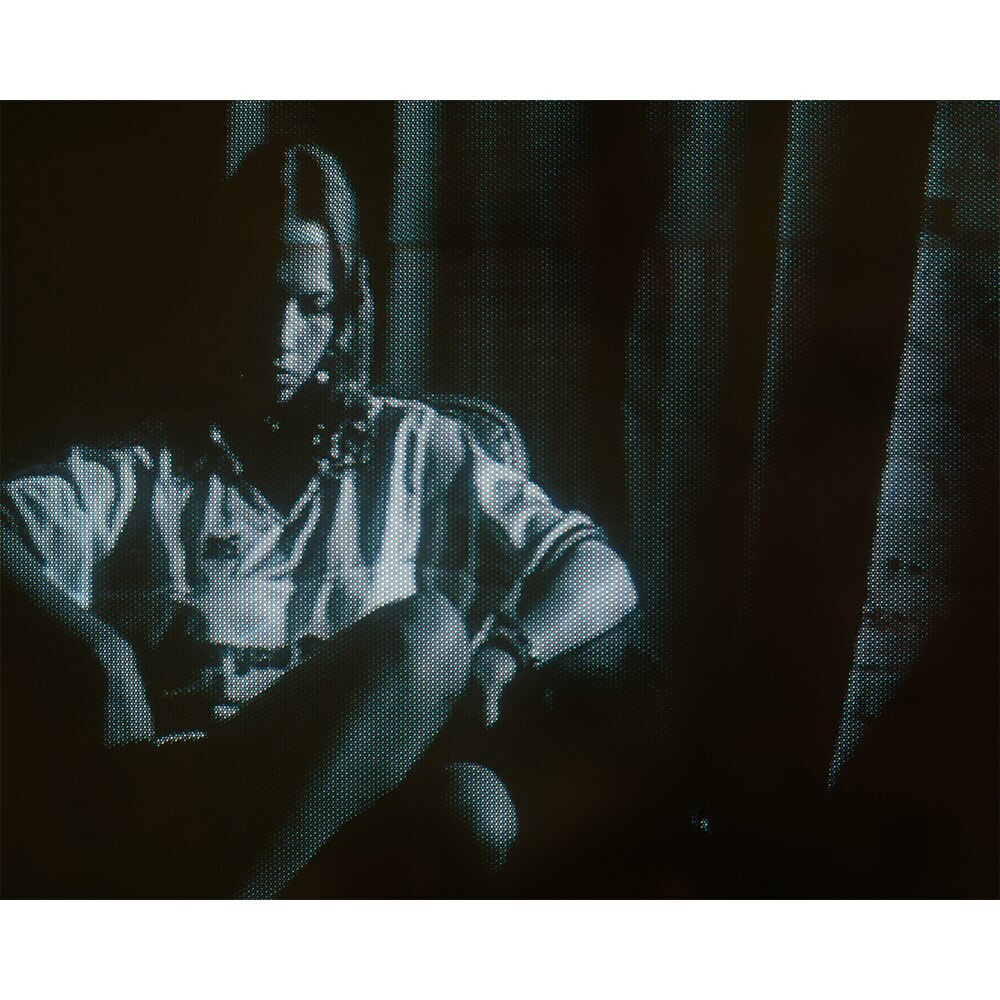
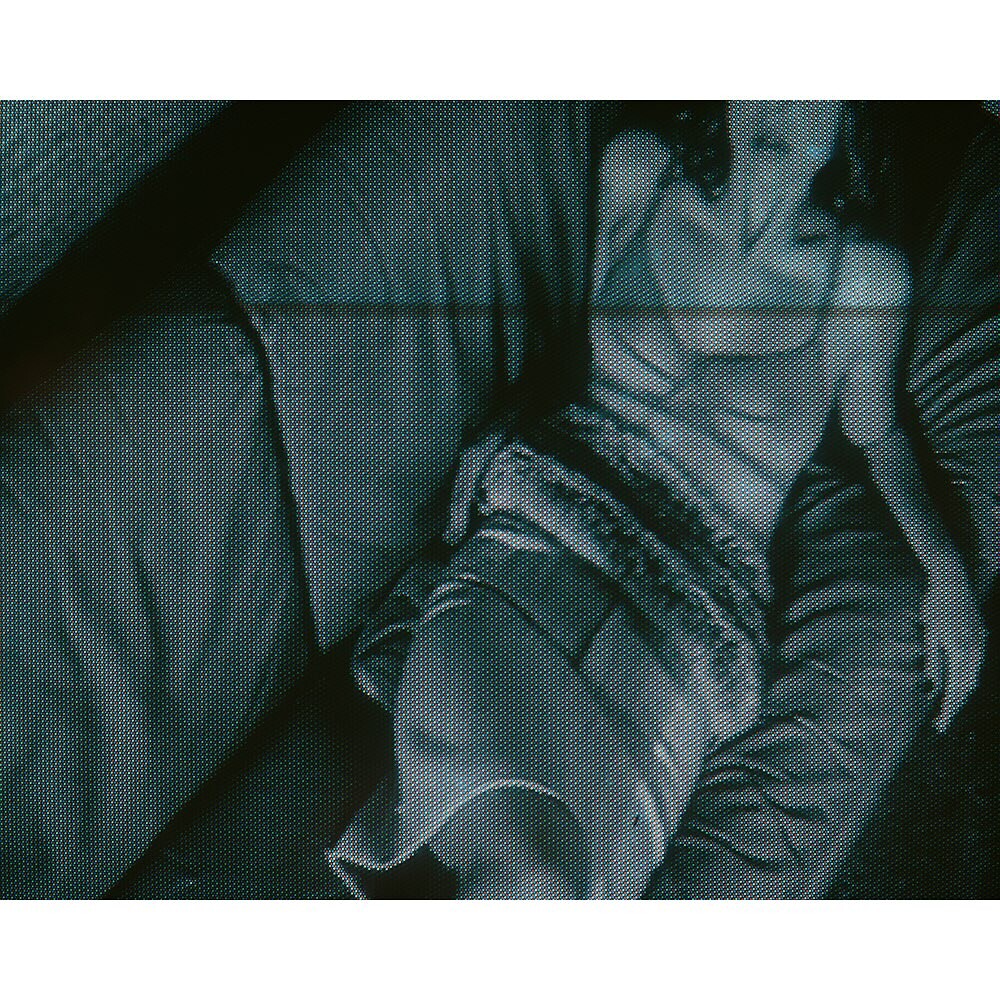
 Helena Barquilla Jutta Covian, ready-to-wear, fall/winter 1991 my scans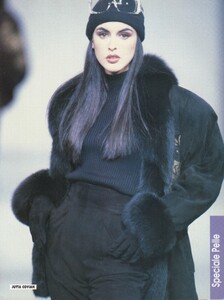
-

-
-
same as above


-

-

.jpg.91a442a28eefe71ce808482fb582e949.thumb.jpg.1046b26a6fa95921deb9b06d12f40e21.jpg) anaantic https://www.instagram.com/p/DUxm1BNjKHA/?igsh=eW1zMHlmcjNmcDRx
anaantic https://www.instagram.com/p/DUxm1BNjKHA/?igsh=eW1zMHlmcjNmcDRx

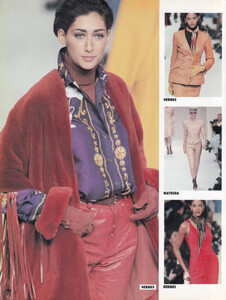
 Gisele Zelauy for Hermes, ready-to-wear, fall/winter 1991 my scan
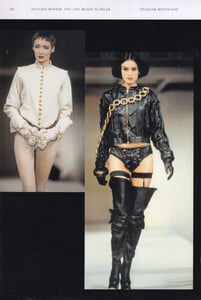
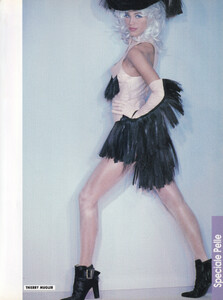
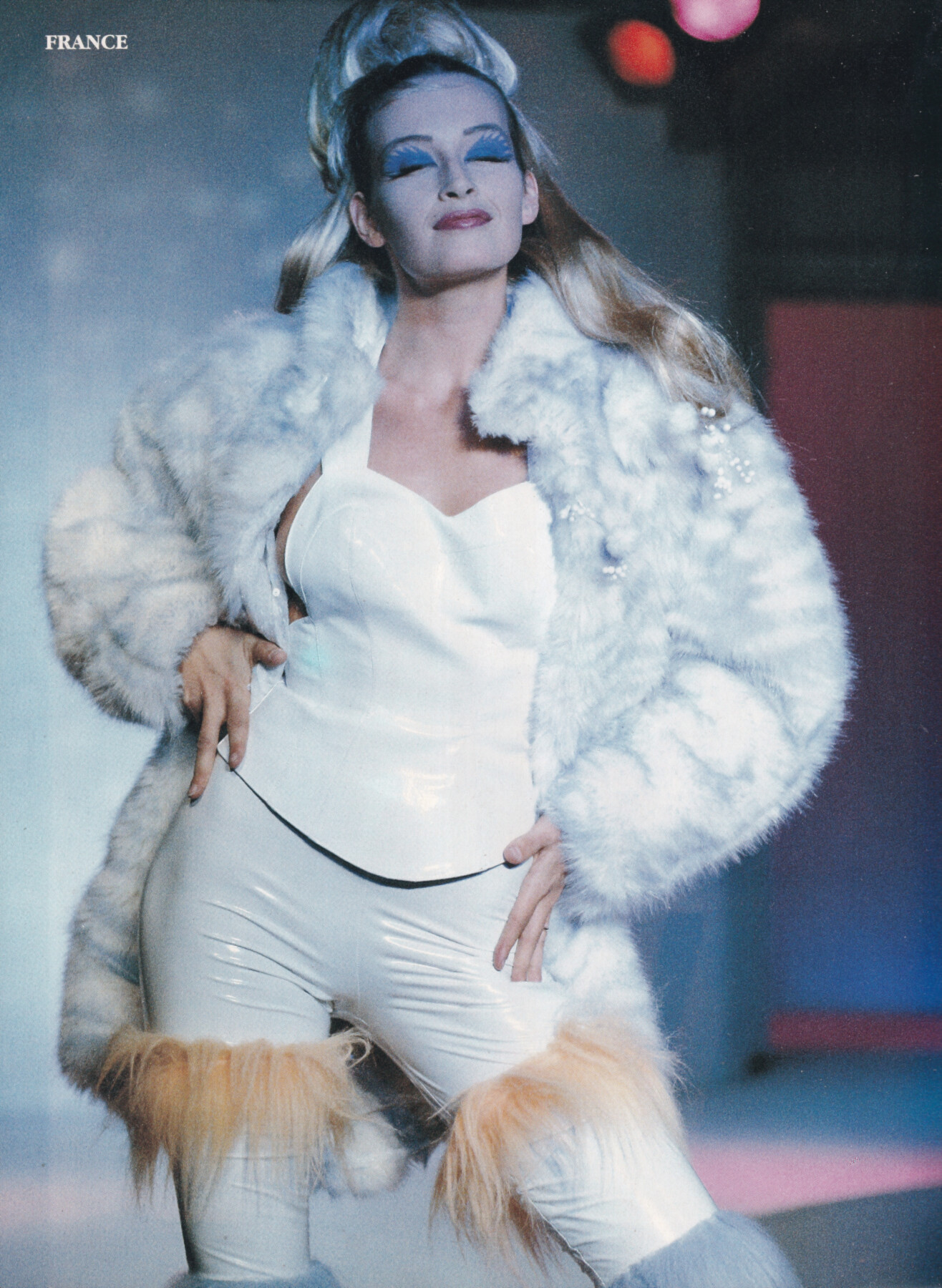
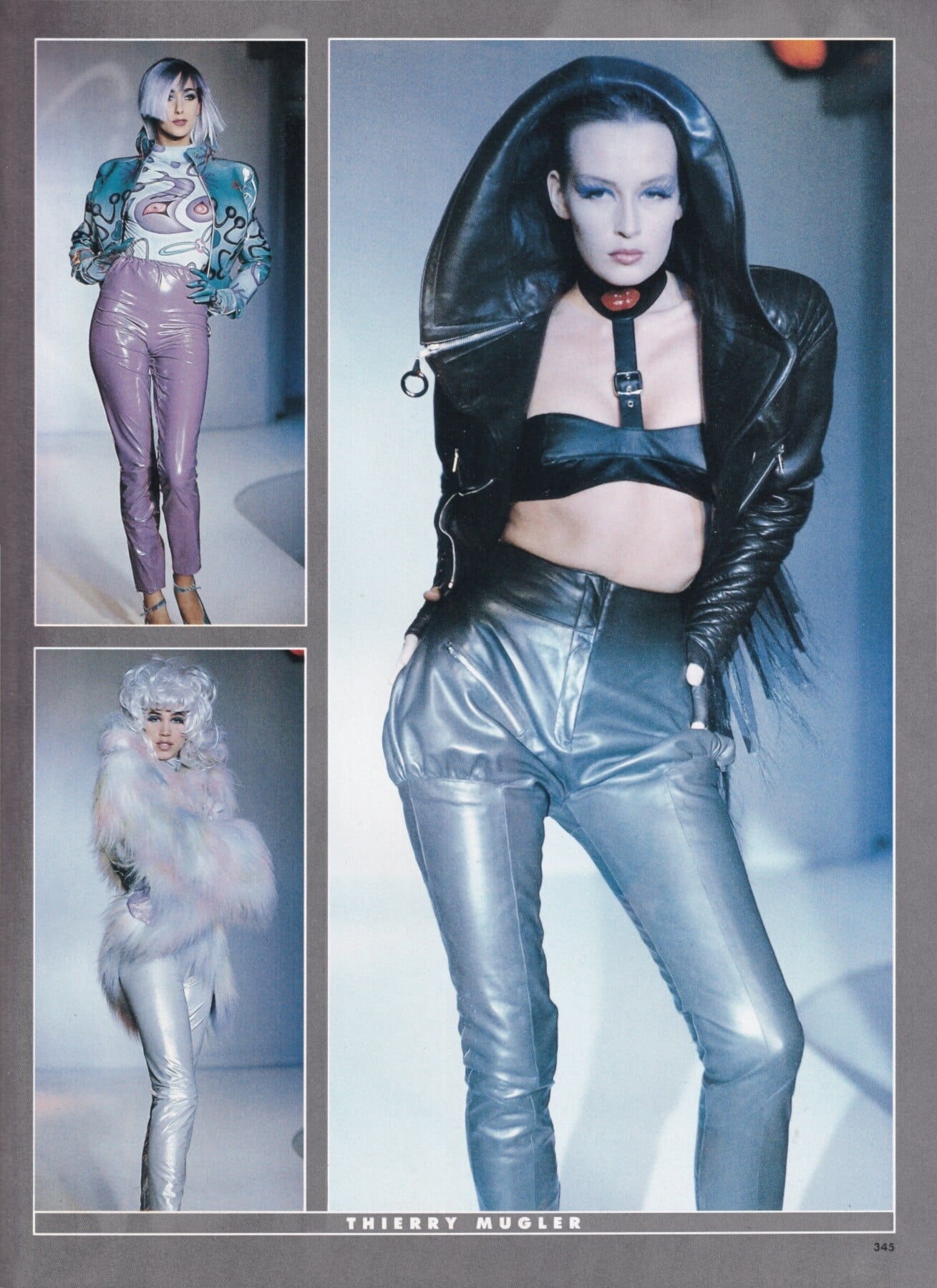
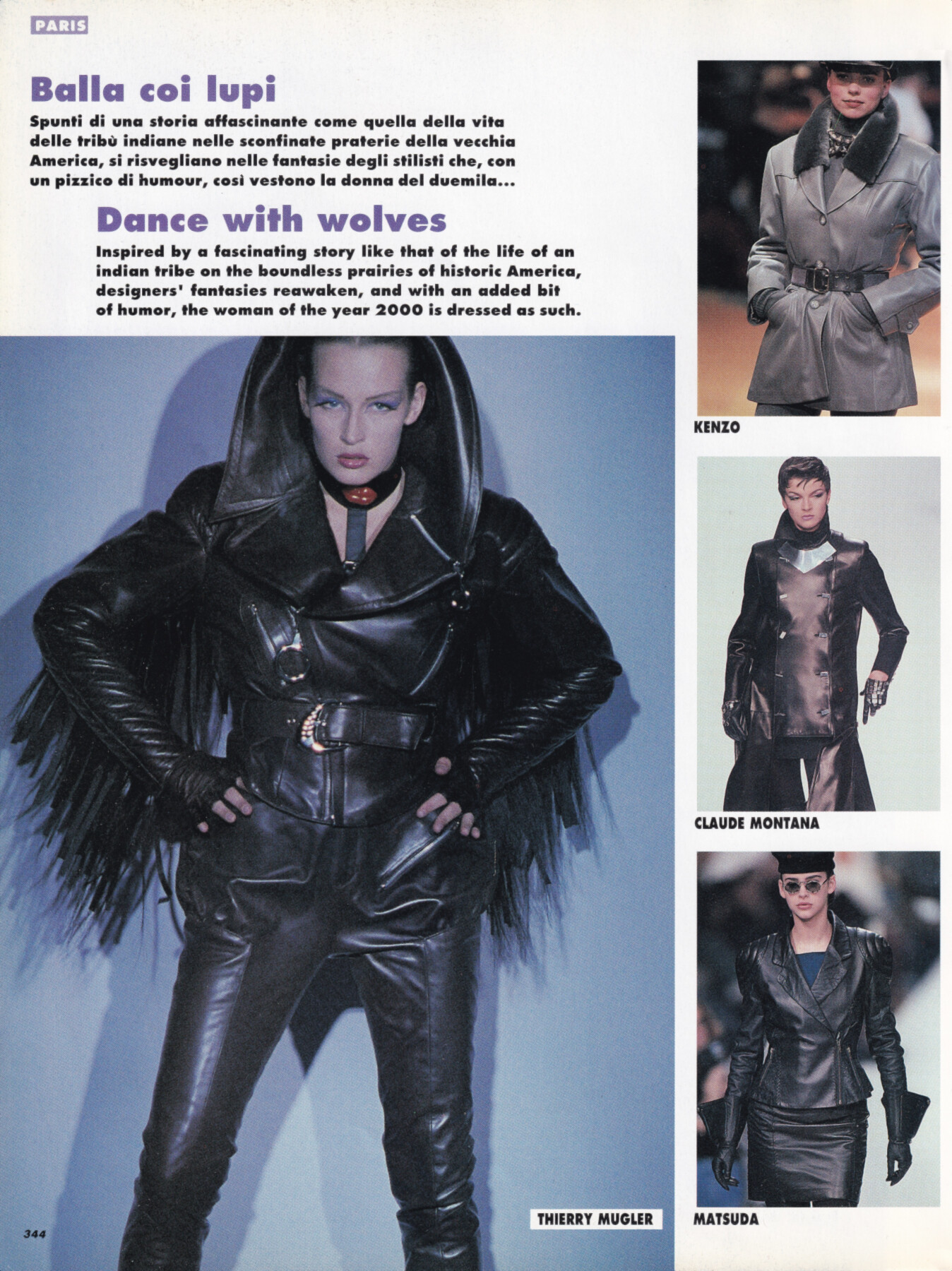
 Emma Sjoberg for Thierry Mugler, ready-to-wear, fall/winter 1991 my scan
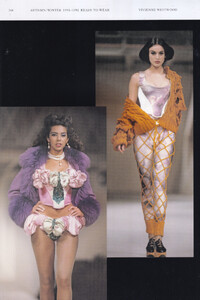
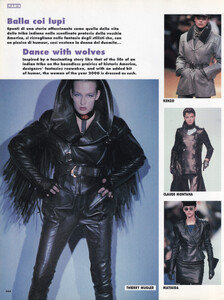
 same as above

- Today
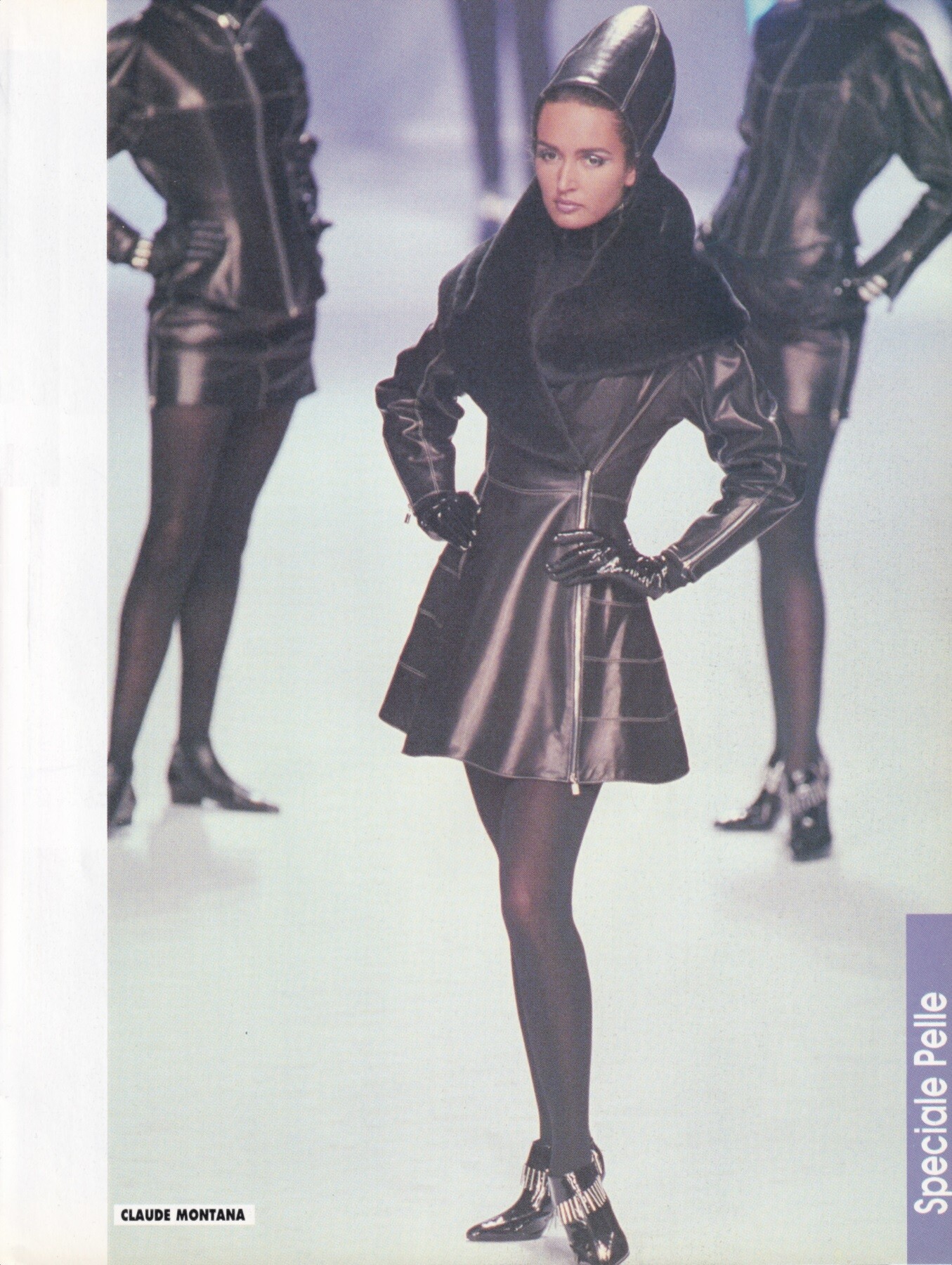
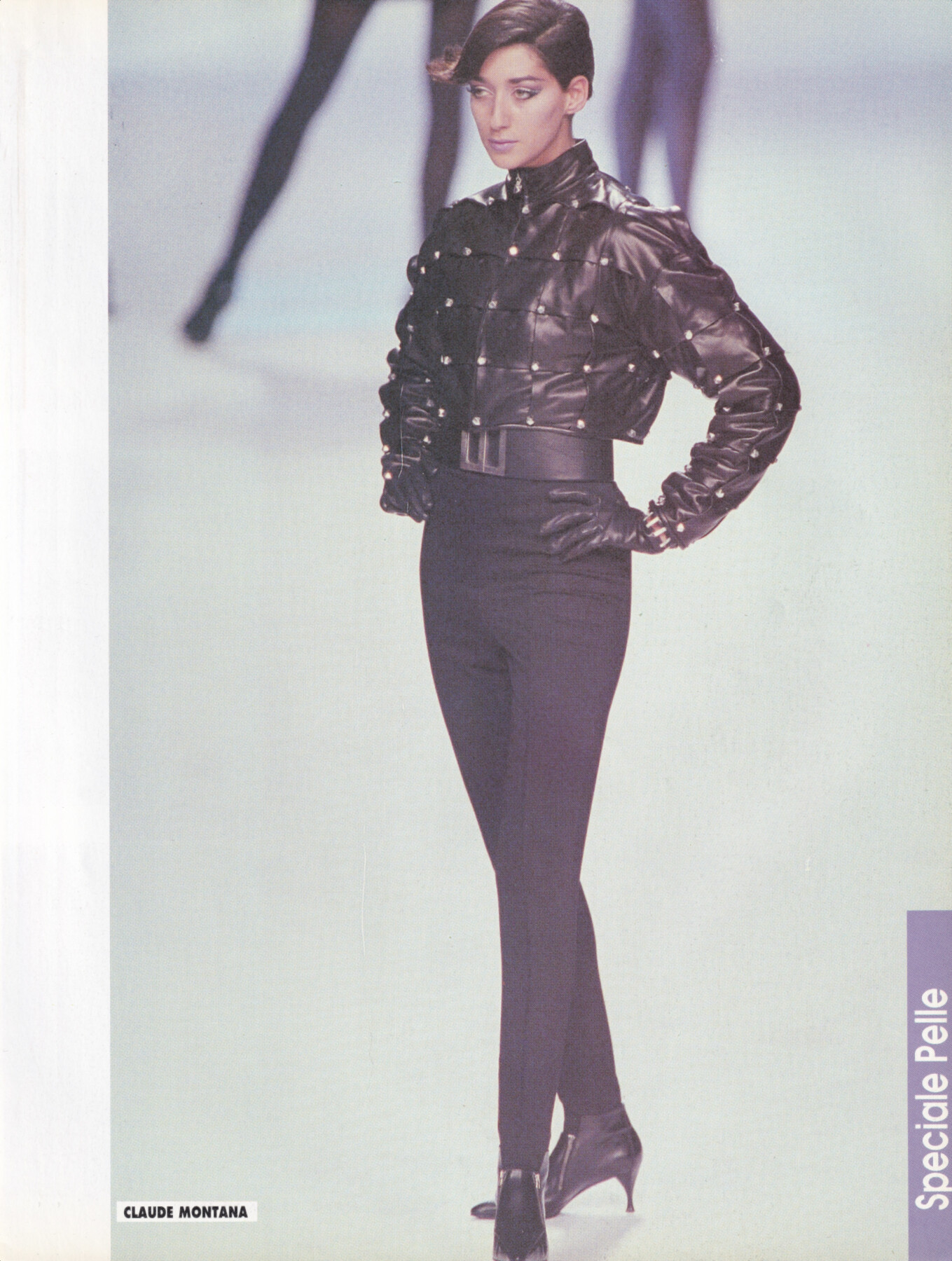
Gail Elliott for Claude Montana, ready-to-wear, fall/winter 1991 my scan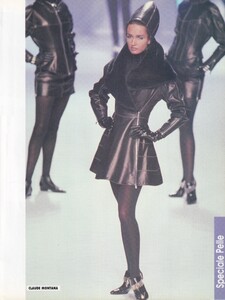 Claudia Schiffer & Gail Elliott for Escada, 1991 my scan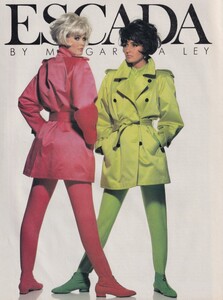

 Gisele Zelauy for Claude Montana, ready-to-wear, fall/winter 1991 my scan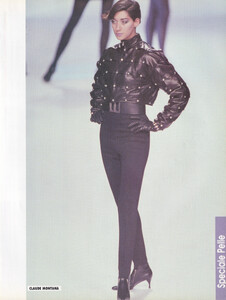
 i'm gonna bump this one more time, i'm 75% sure it's Ingrida Kraus but could do with some confirmation
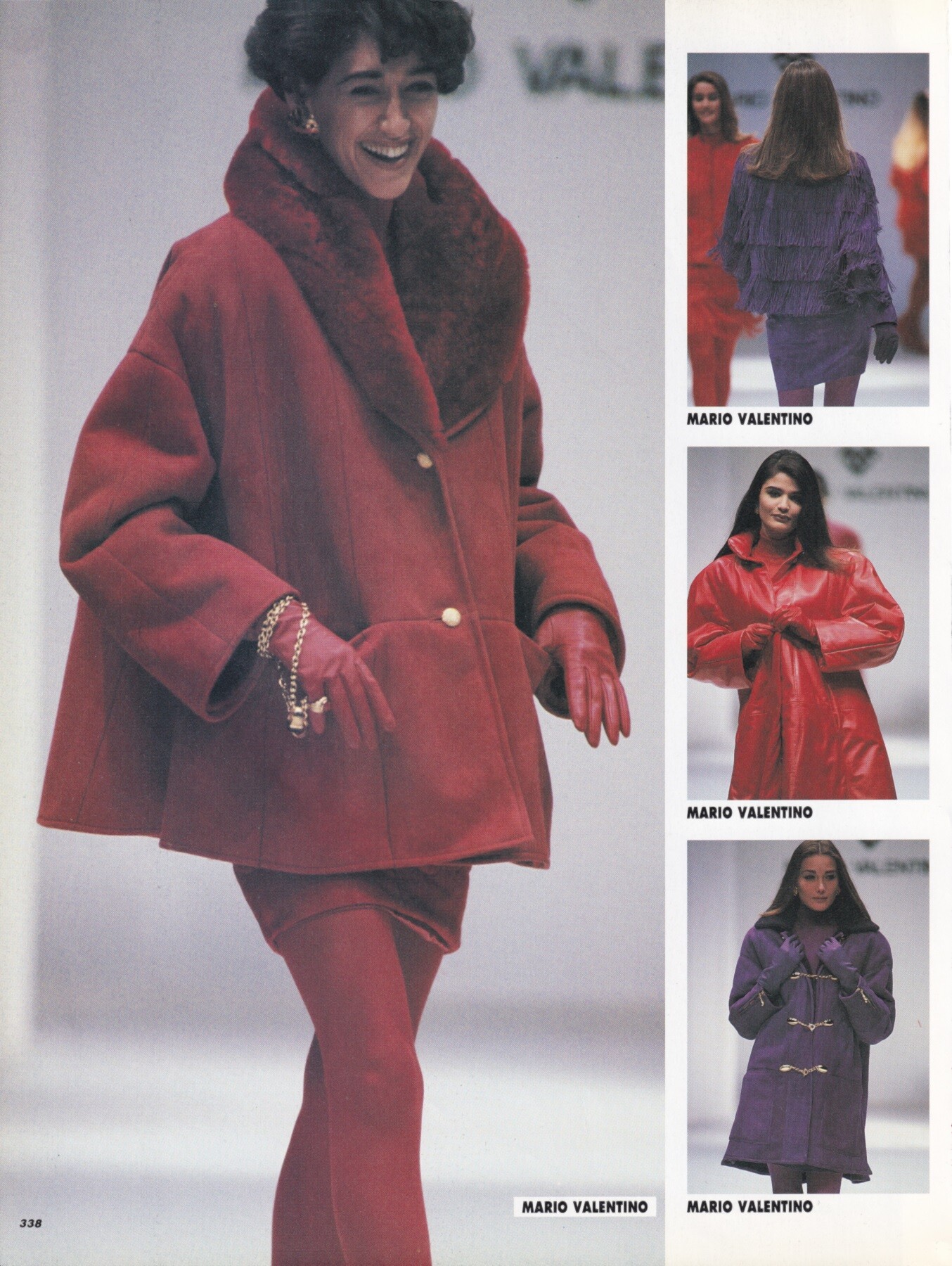
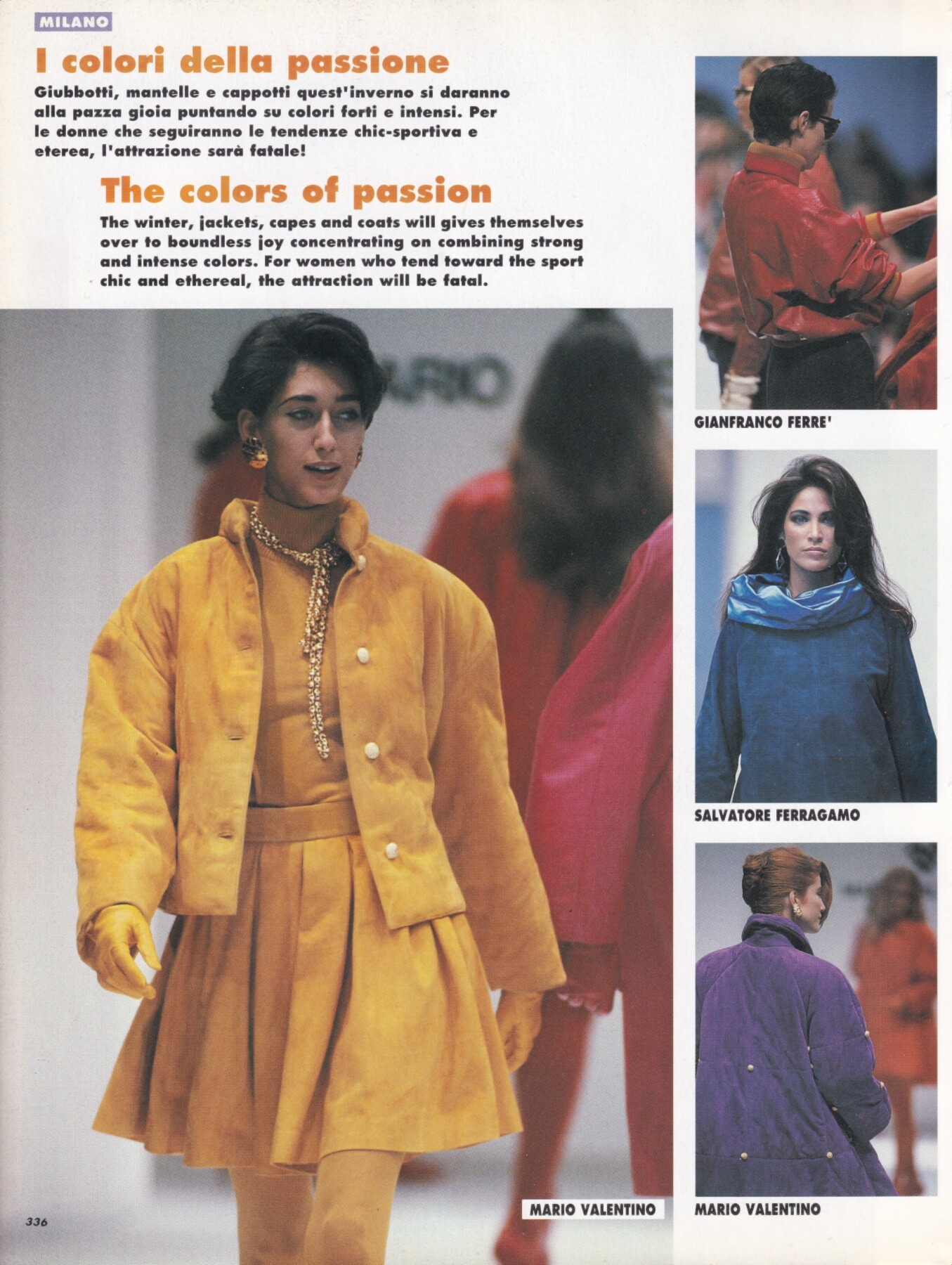
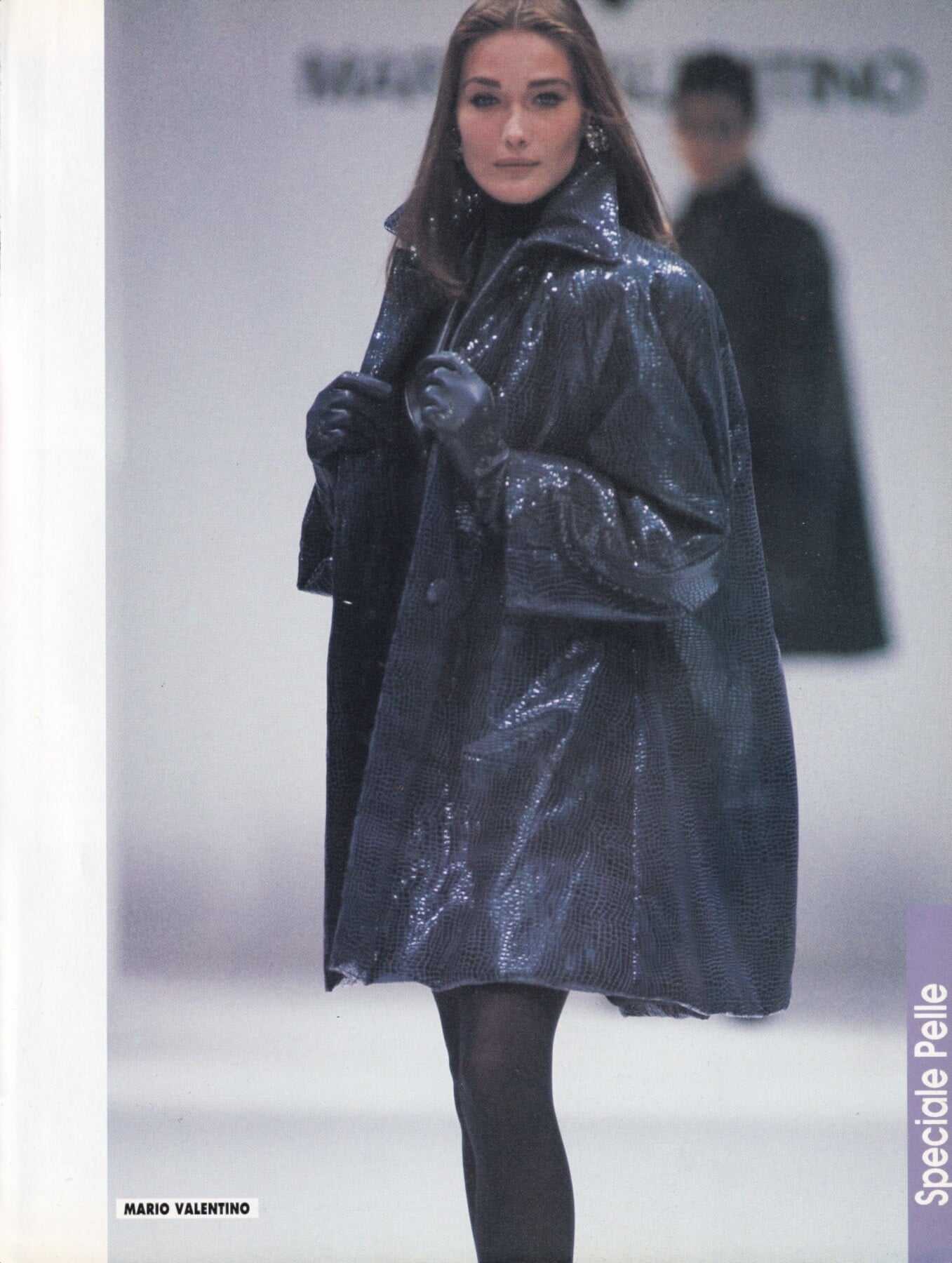
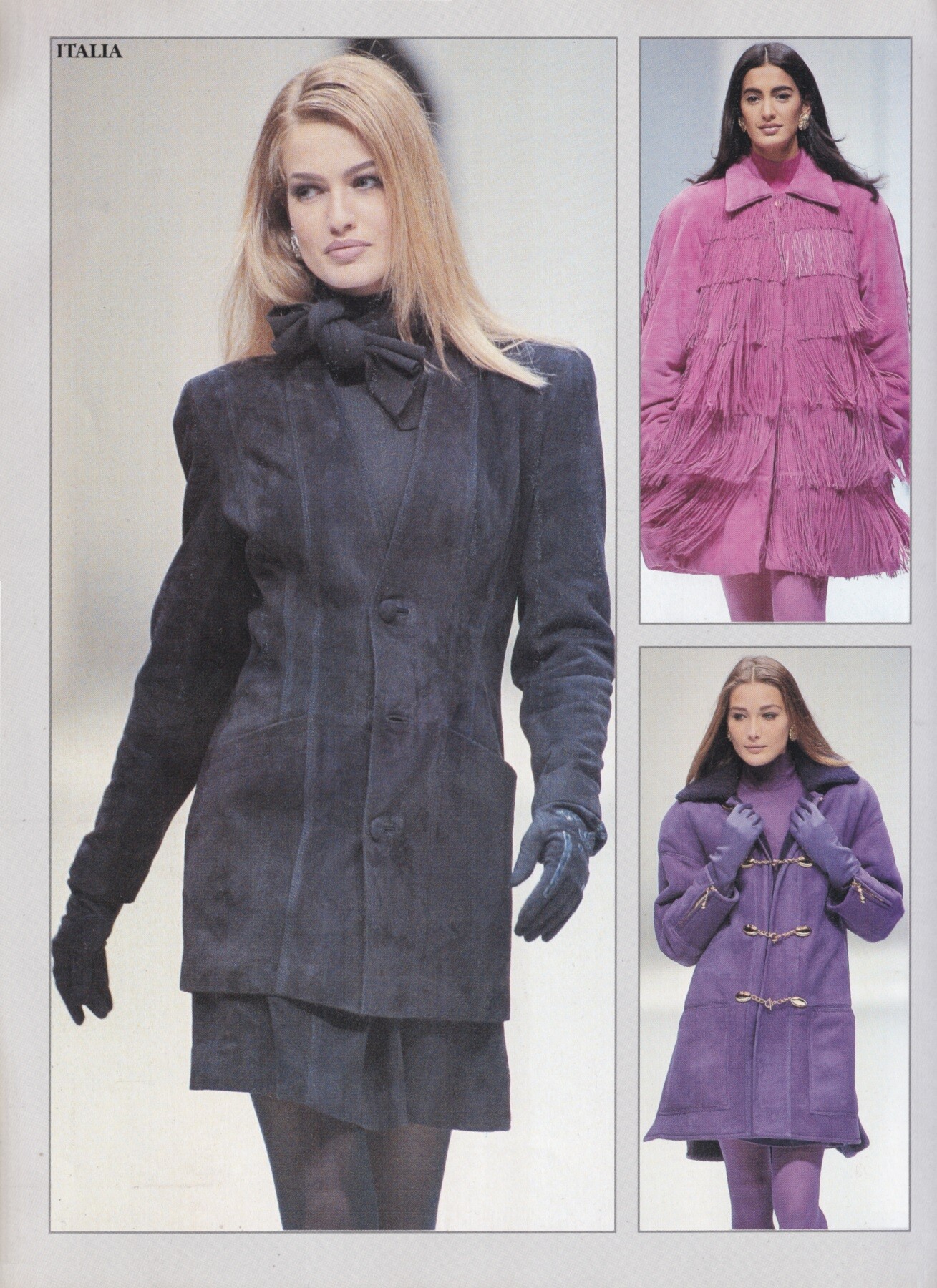
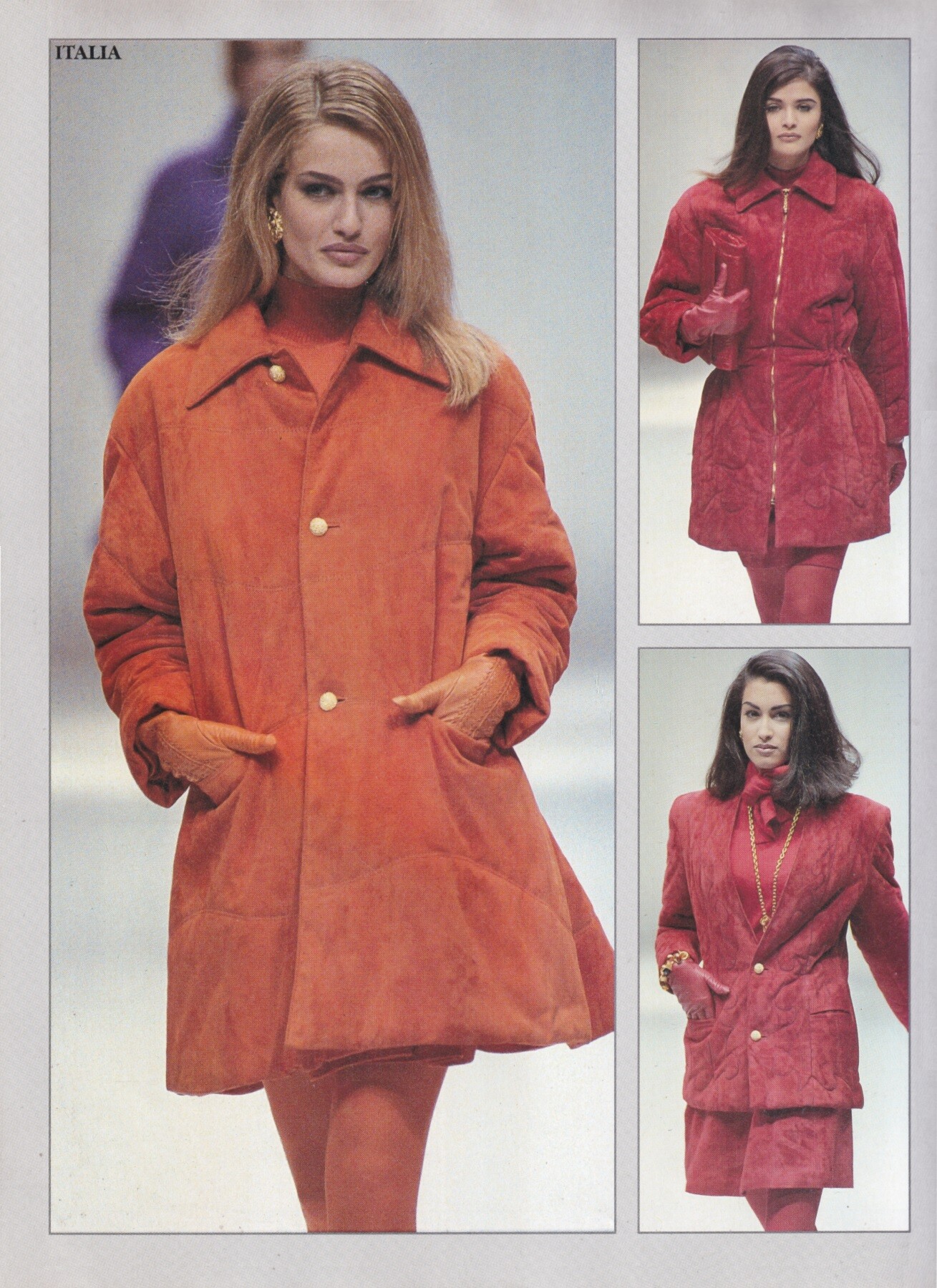
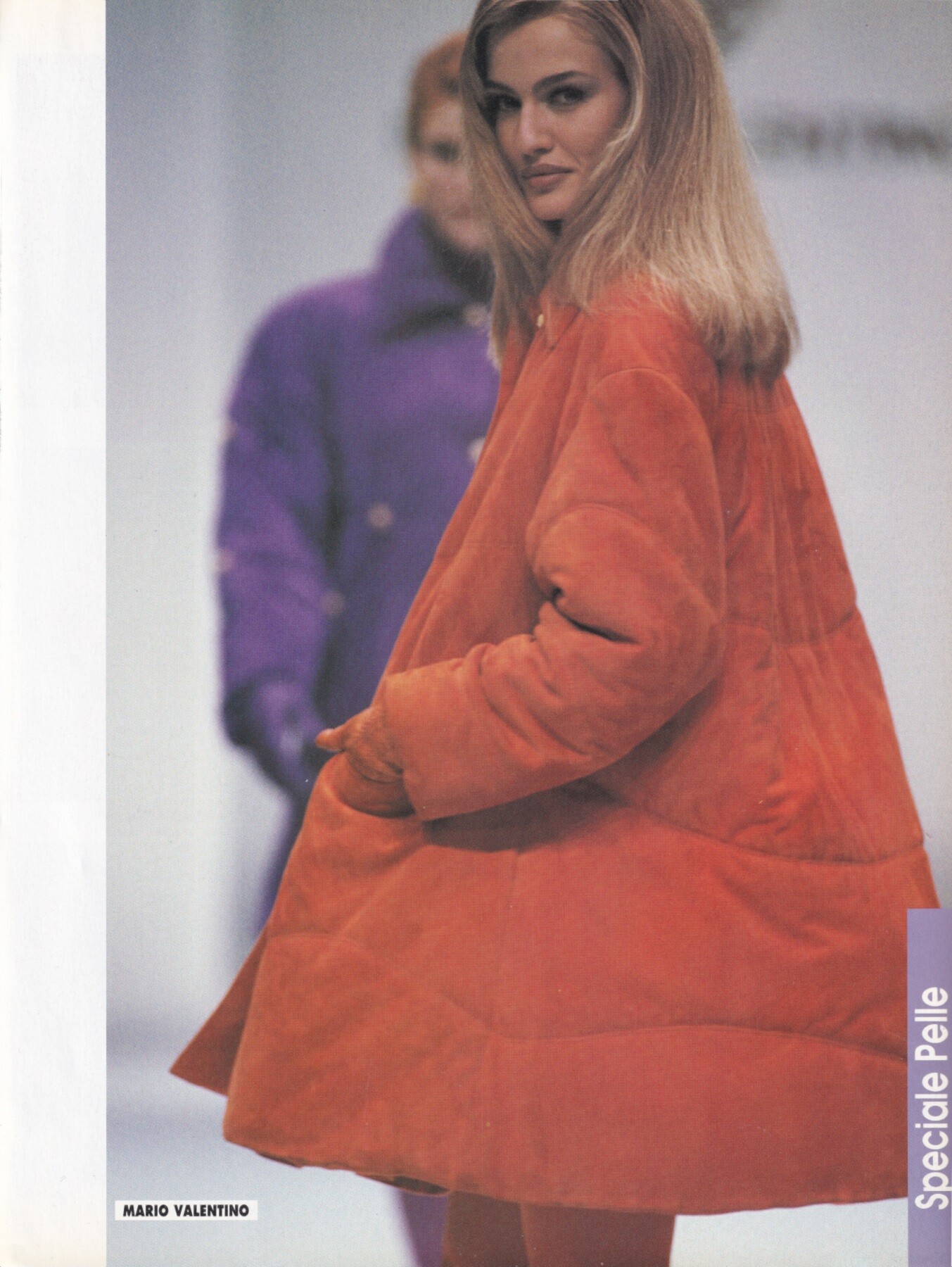
 Gisele Zelauy for Mario Valentino, ready-to-wear, fall/winter 1991 my scans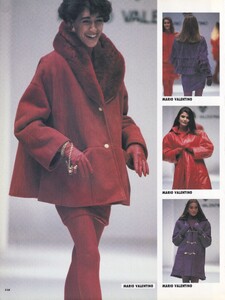


 Drawing of Doutzen Kroes from de French Vogue Cover february 2026. Page A4 with criterion. February 2026. Artist : Louis Duteil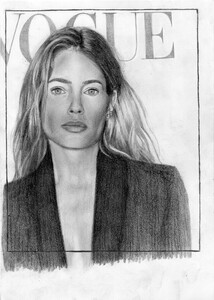



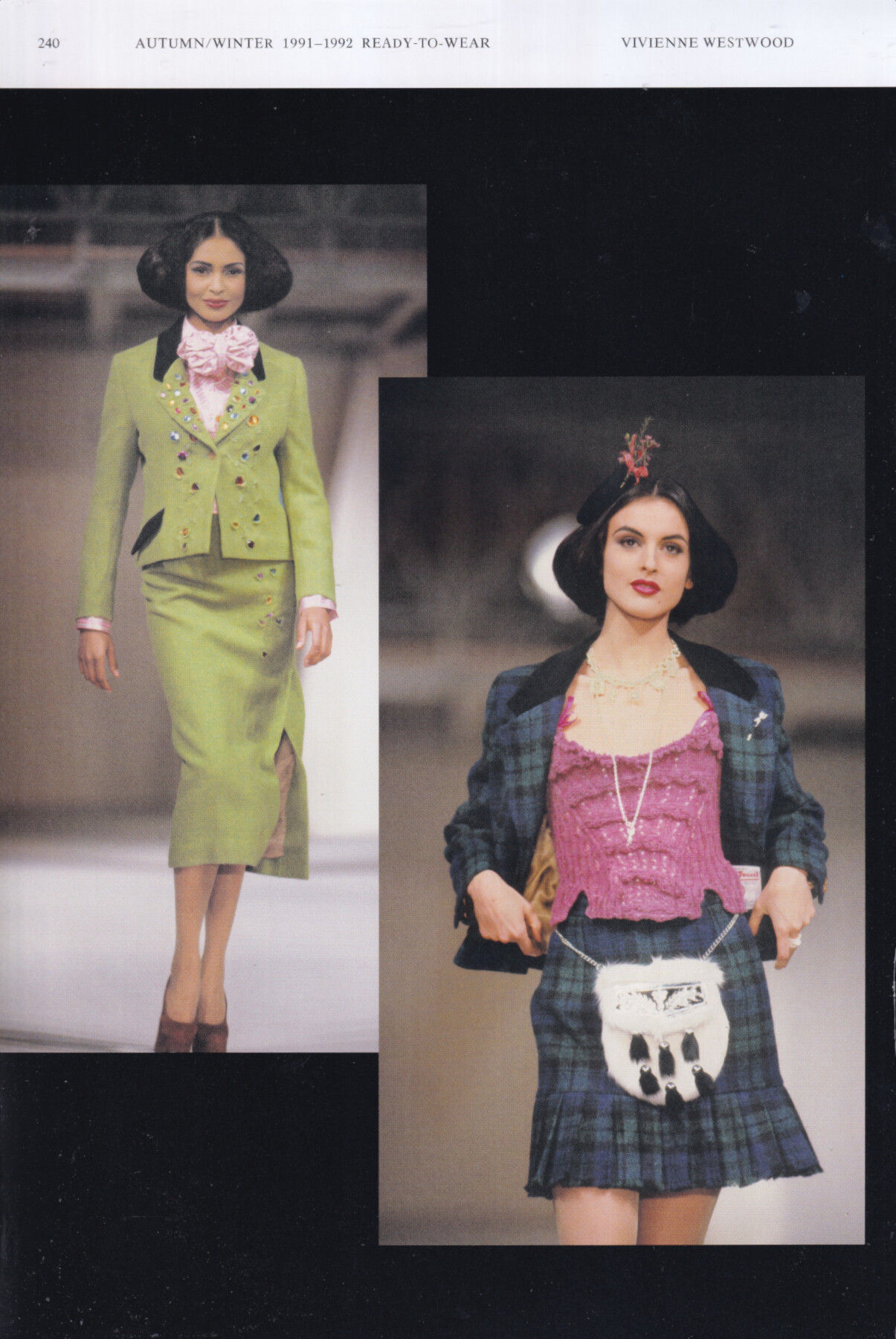
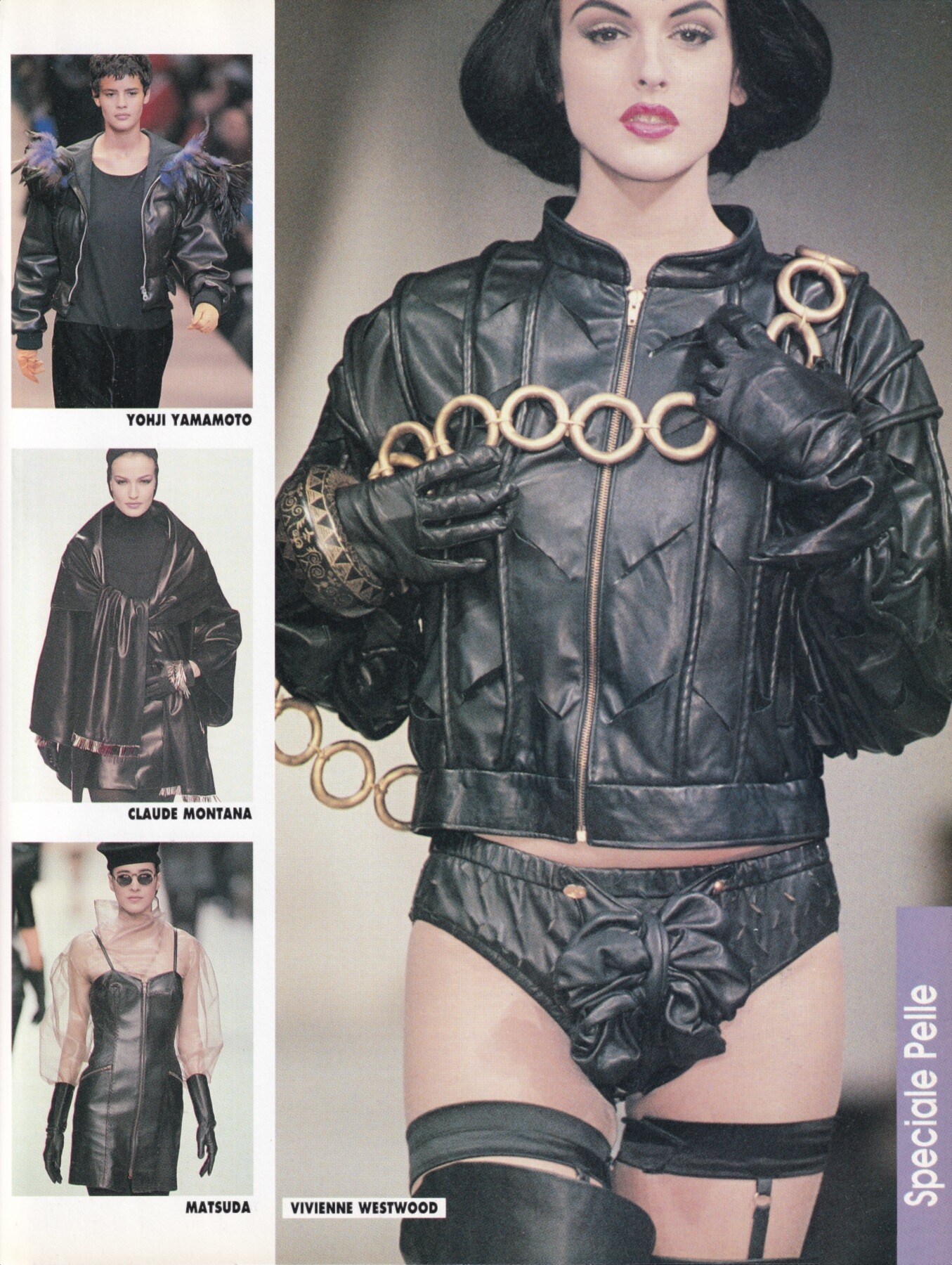






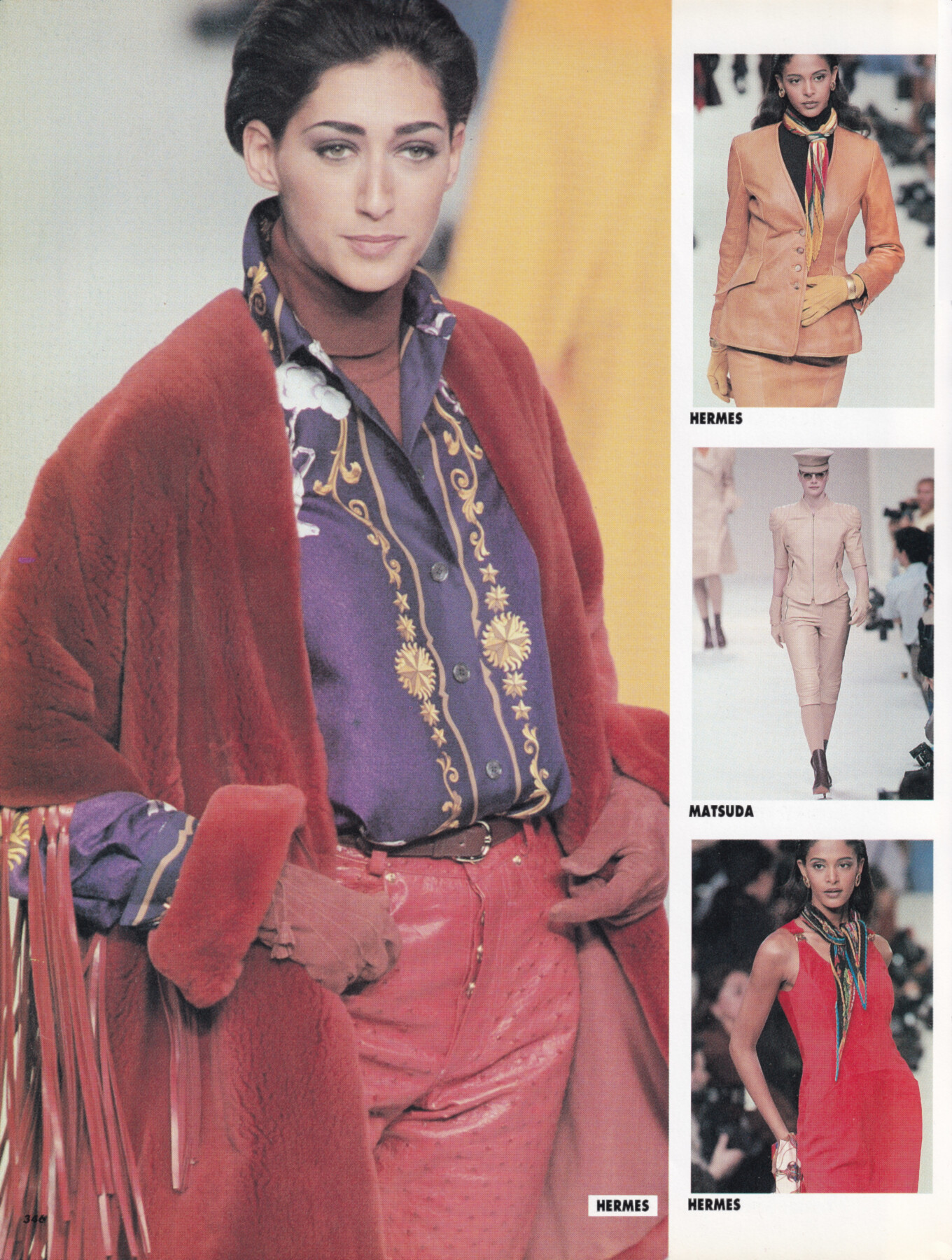
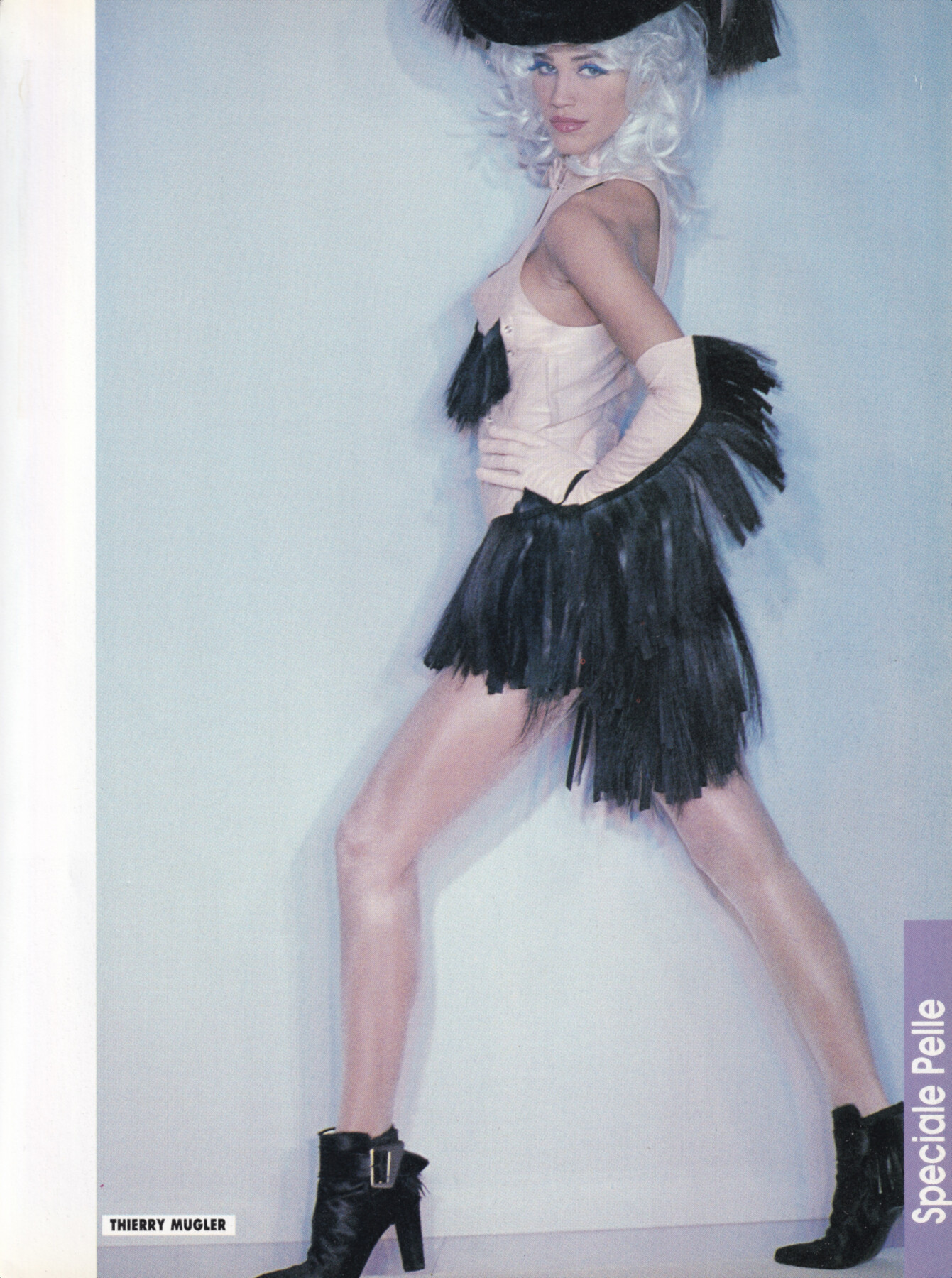

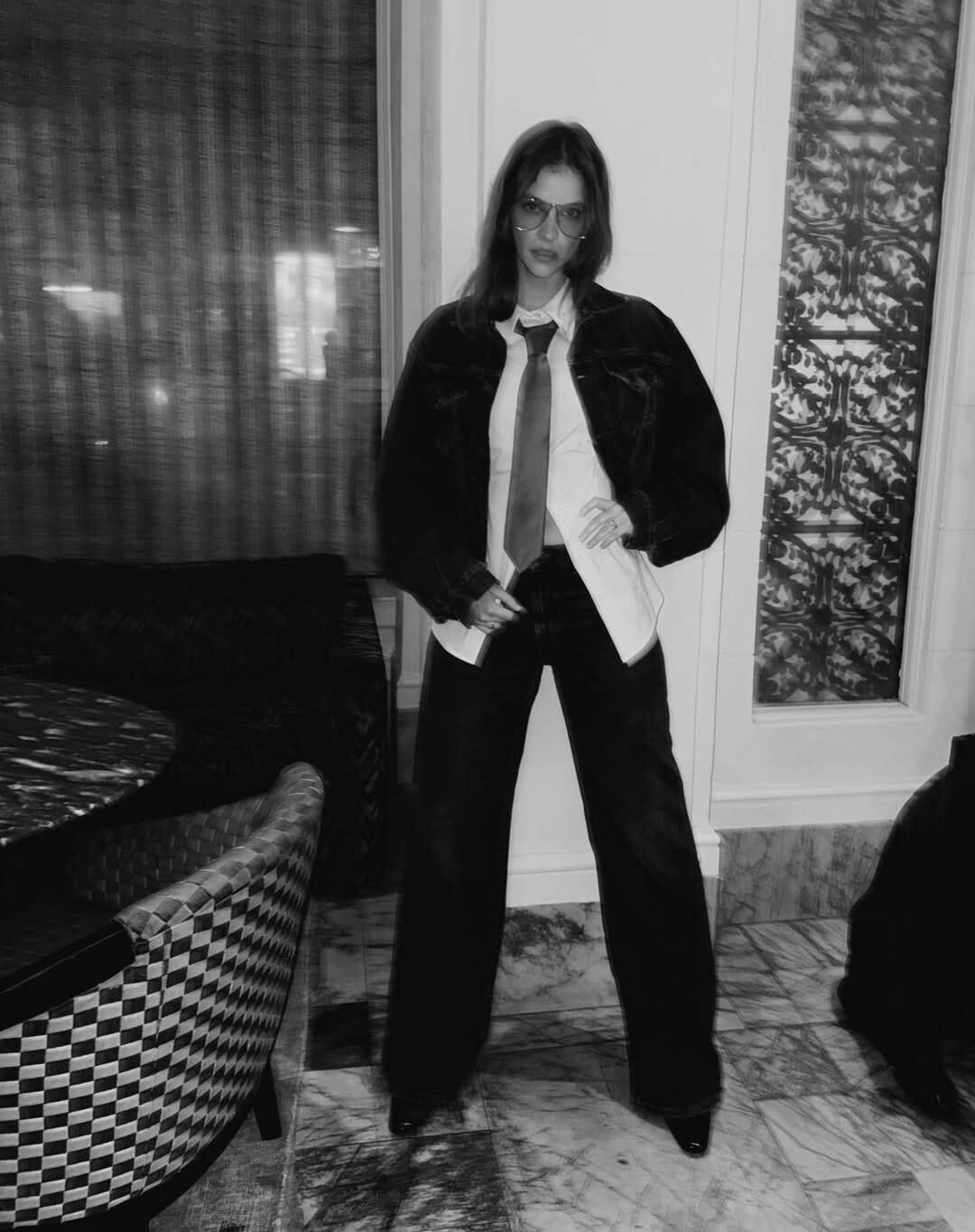
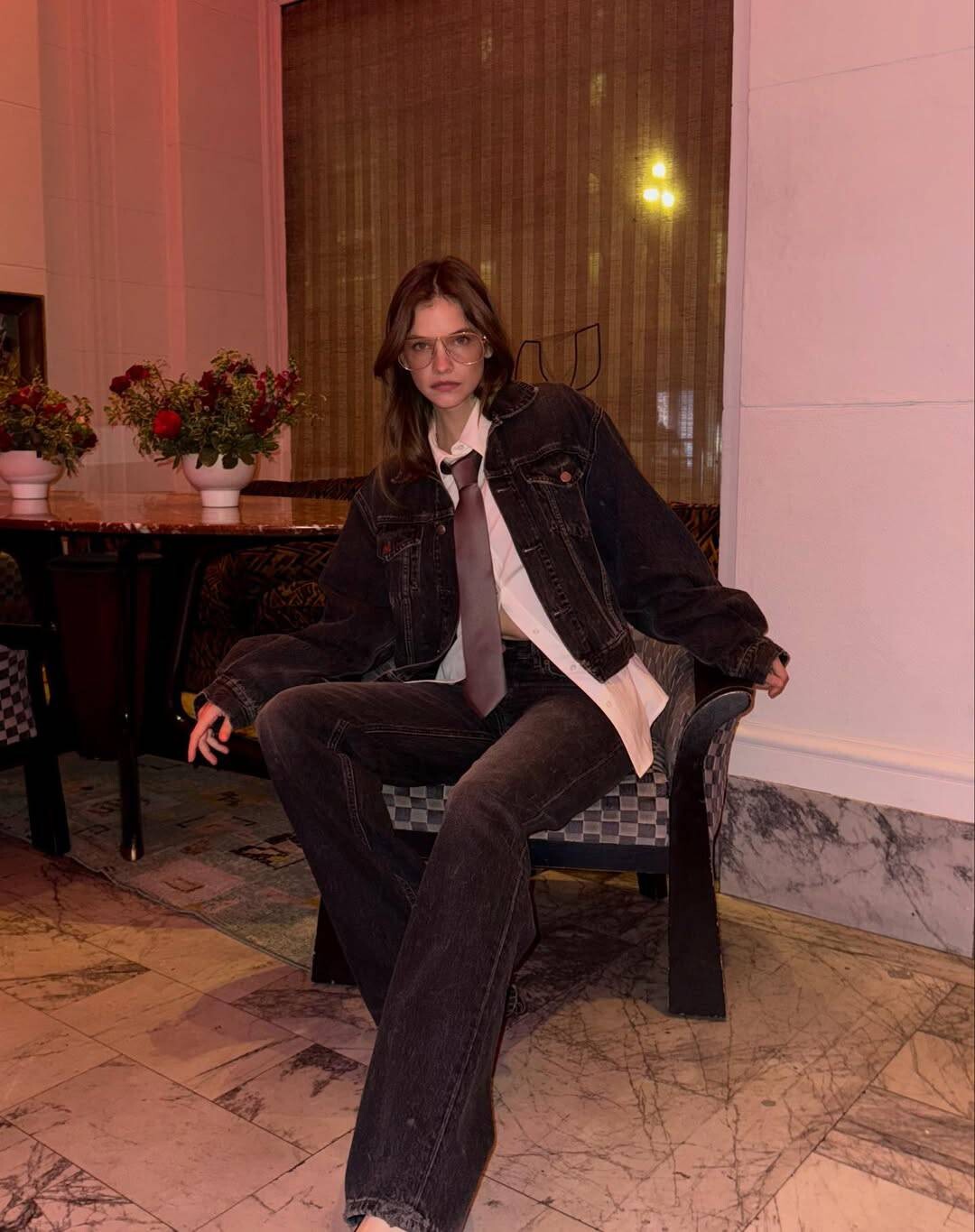
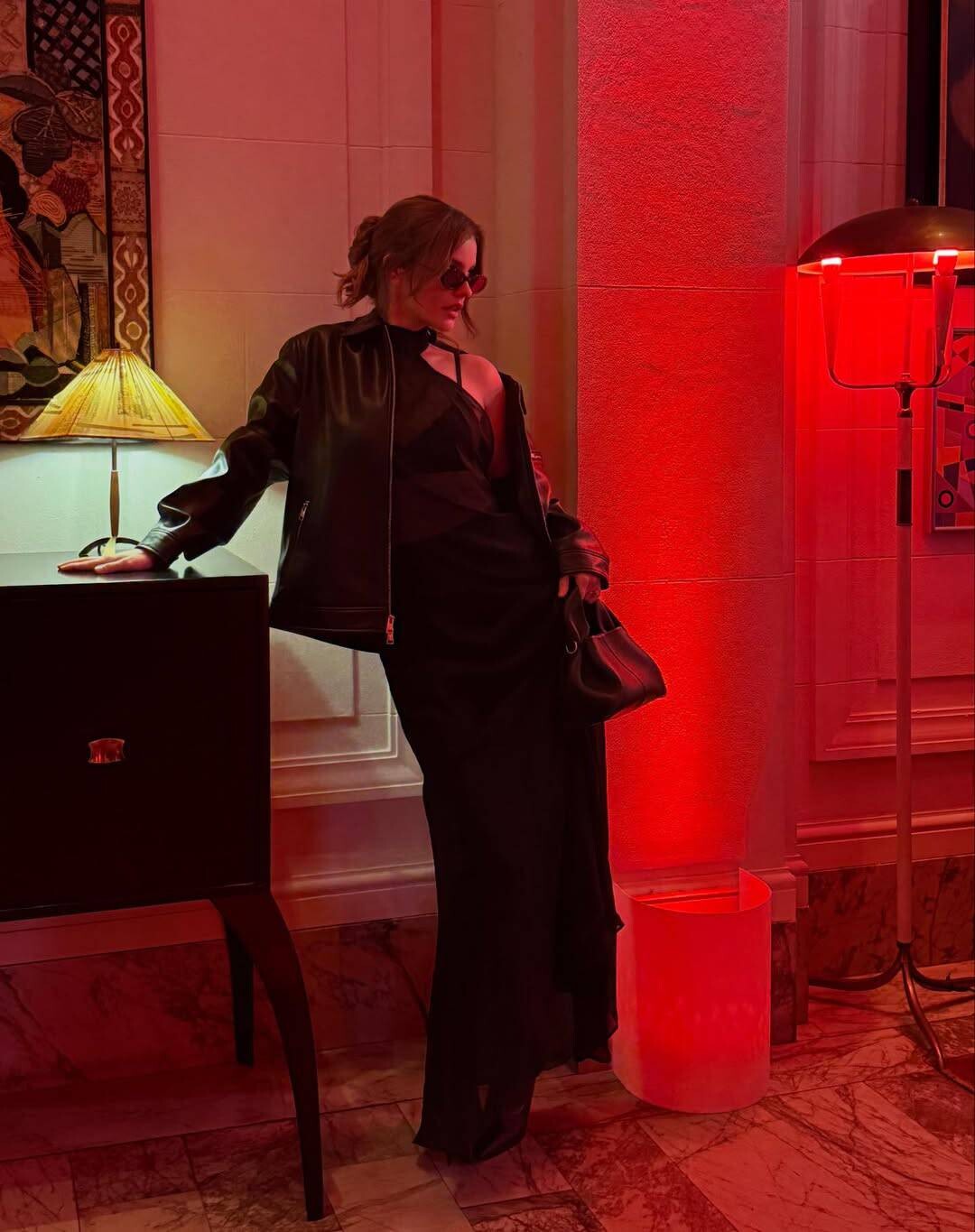

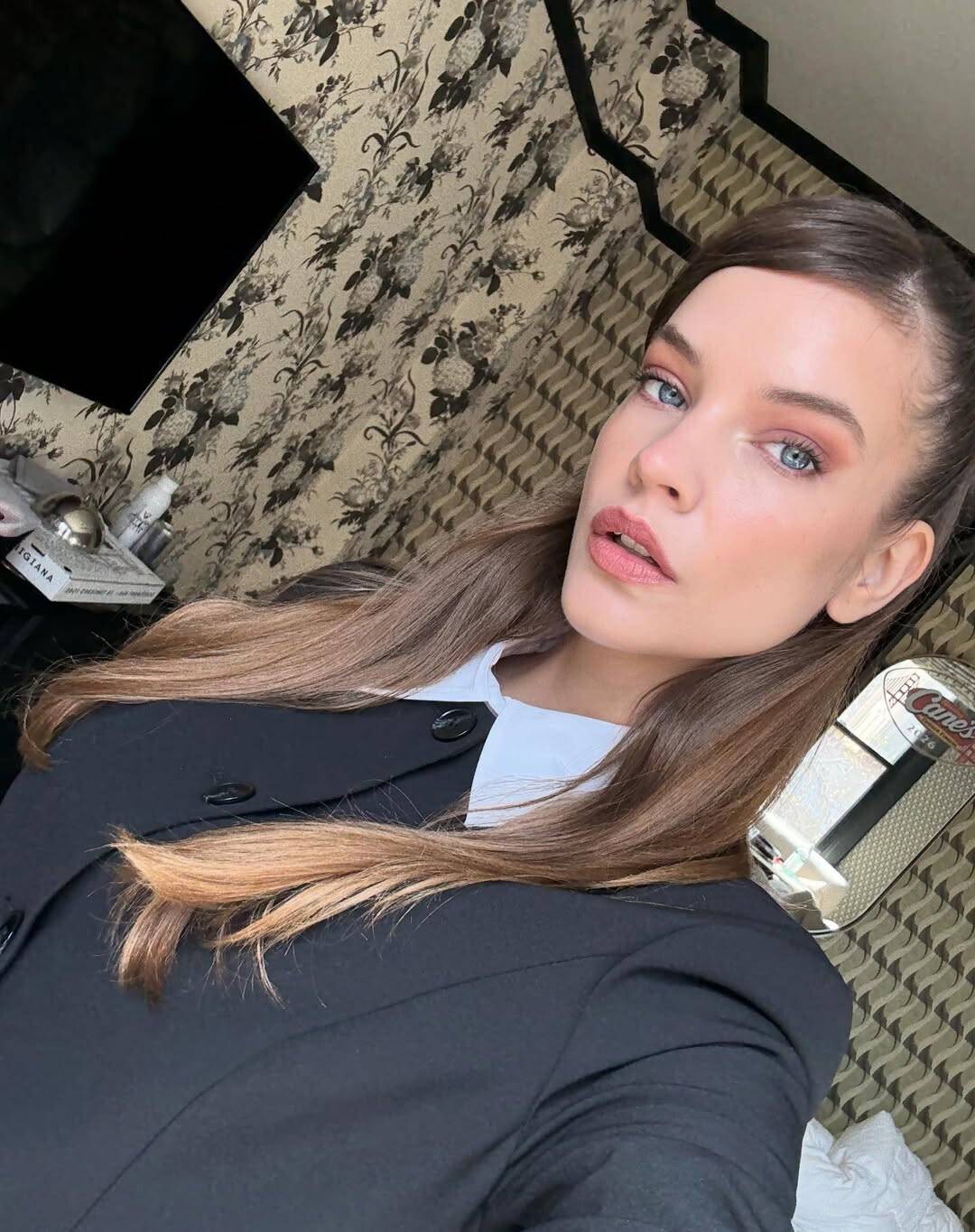
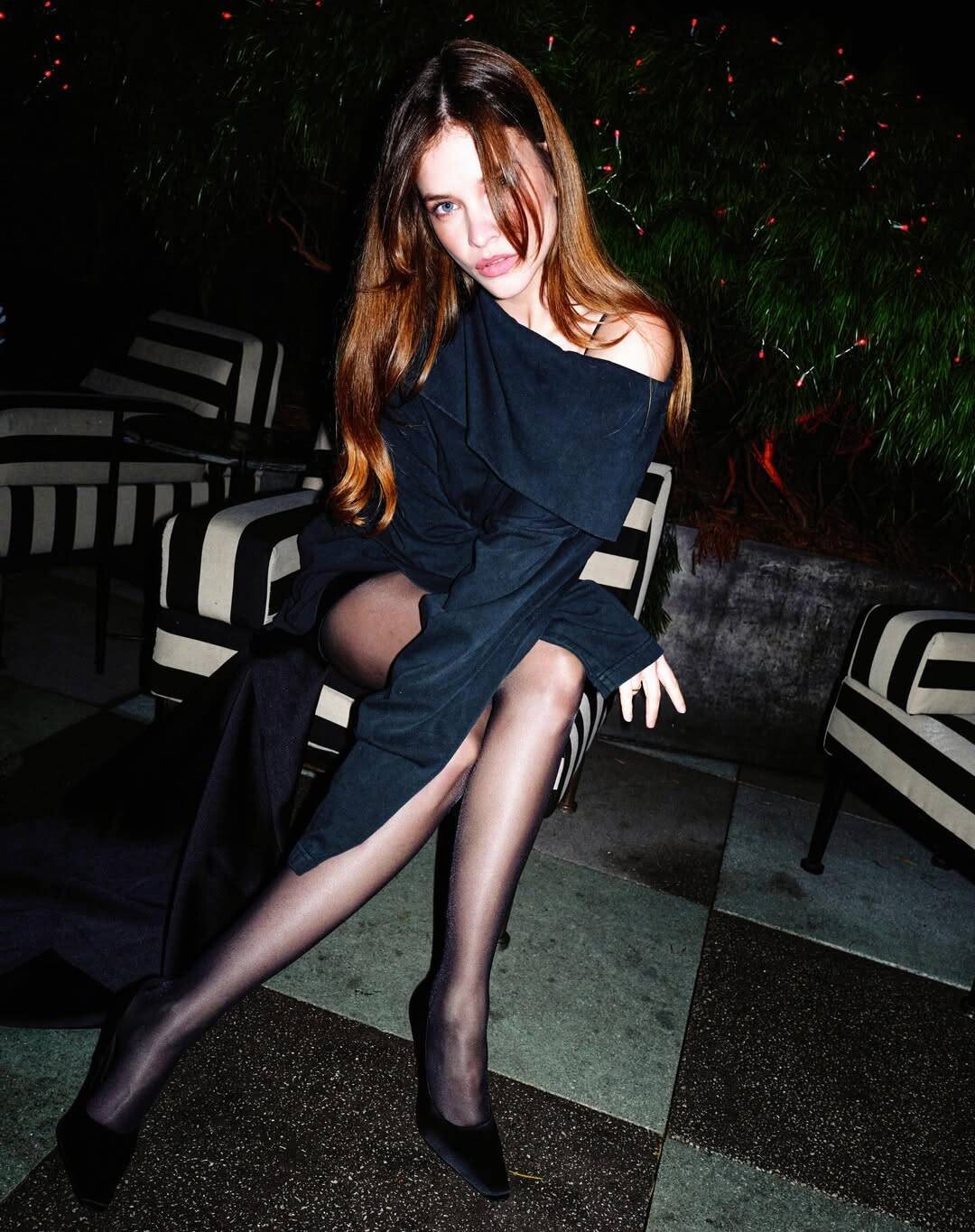
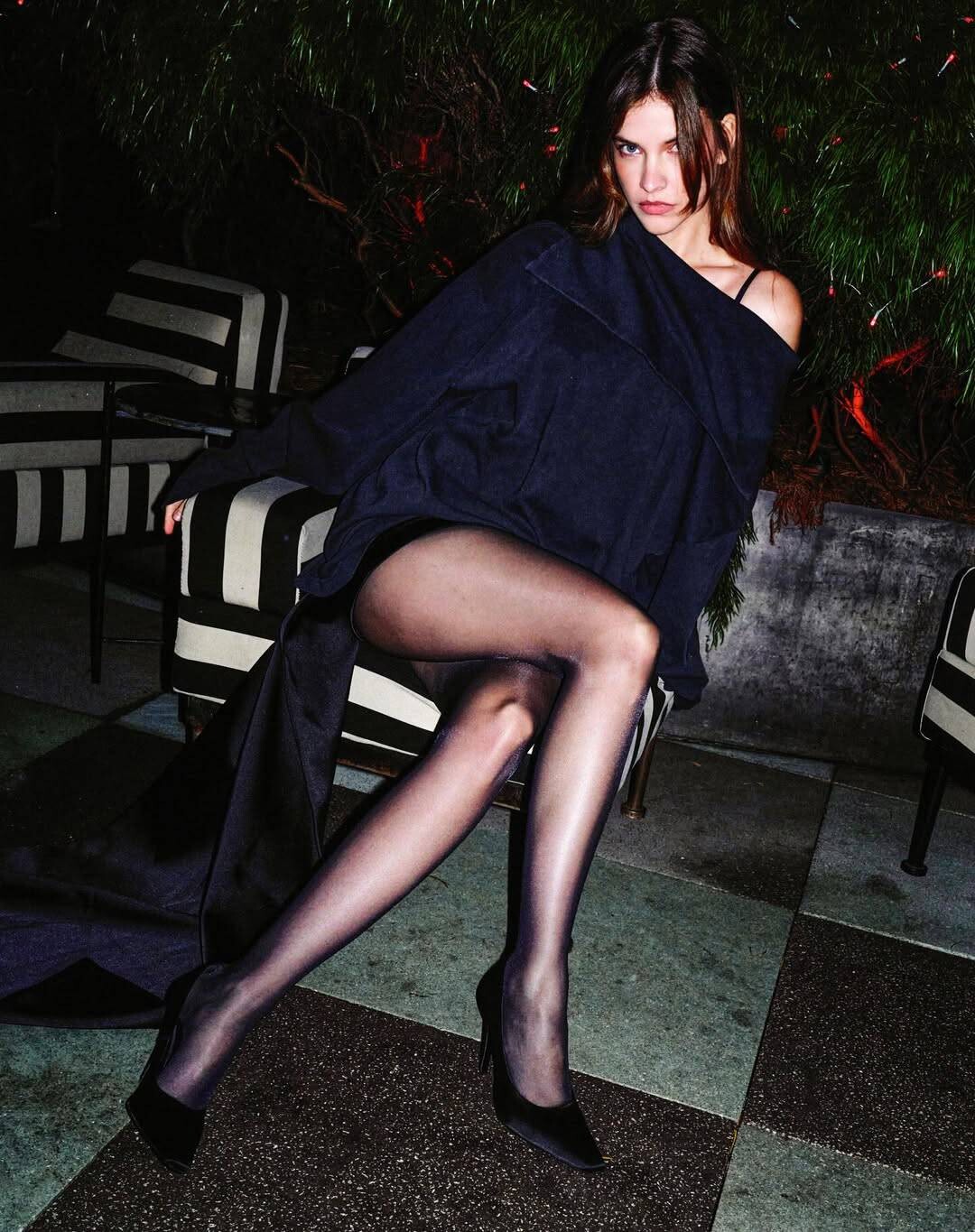

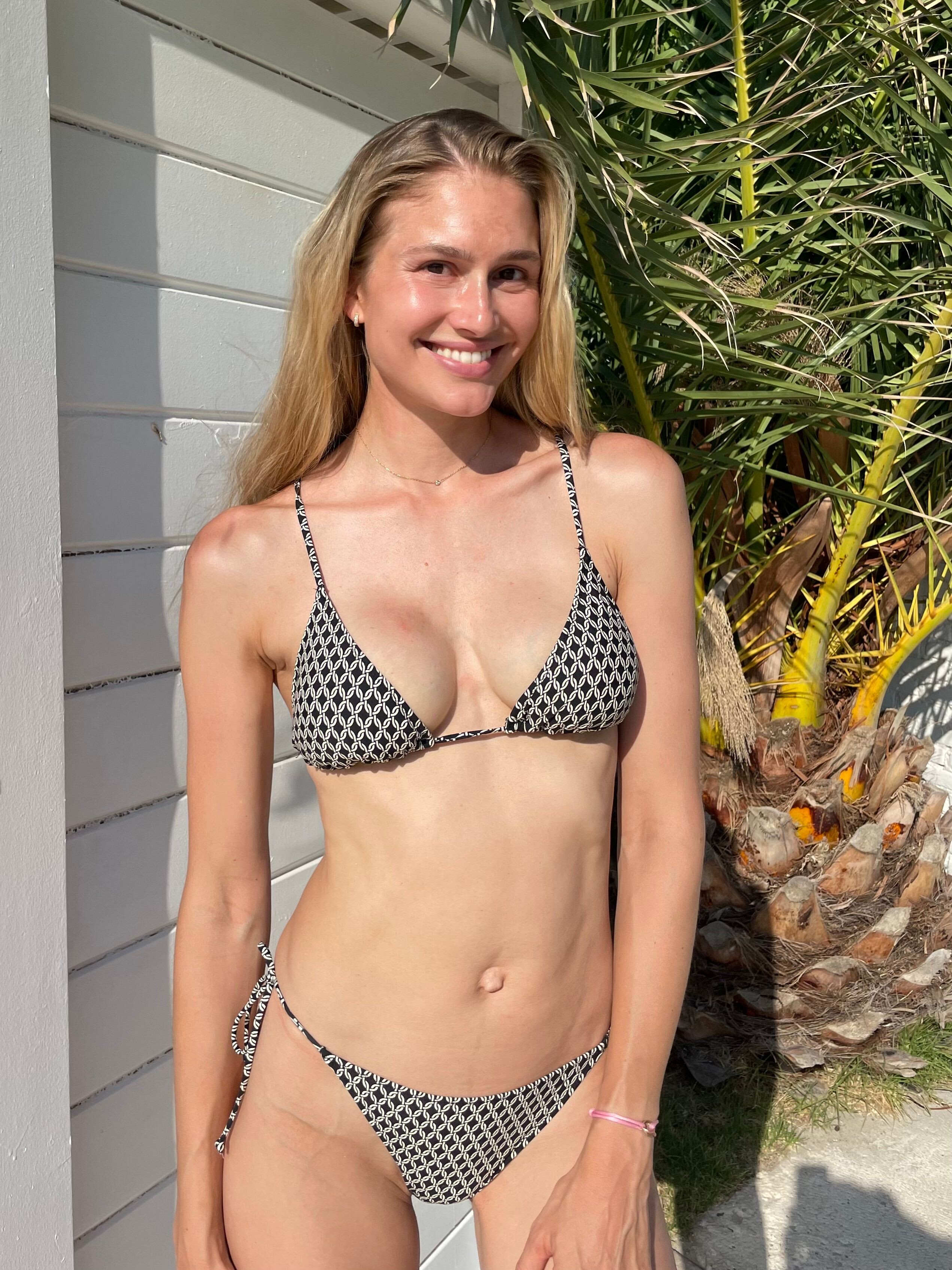
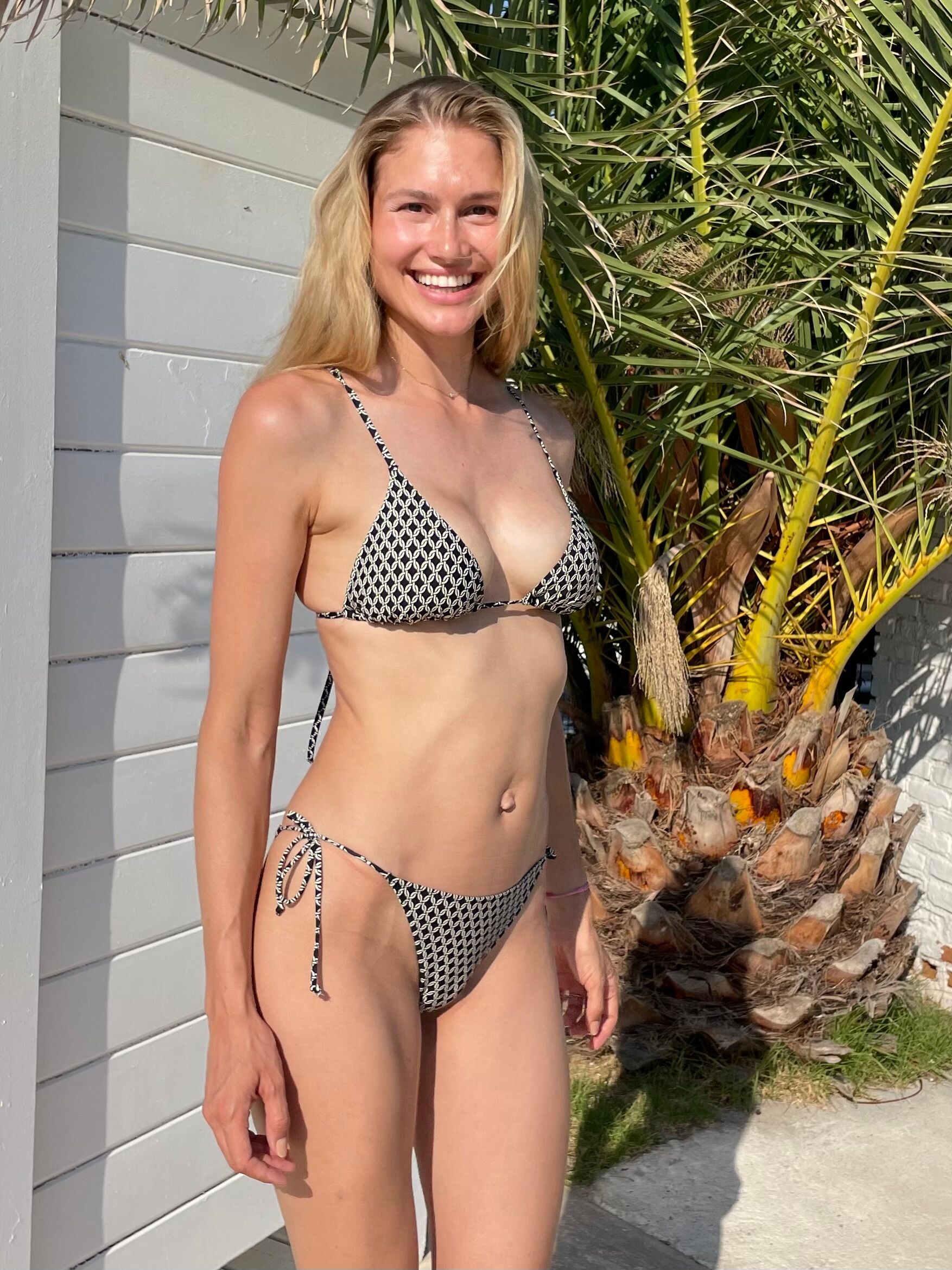
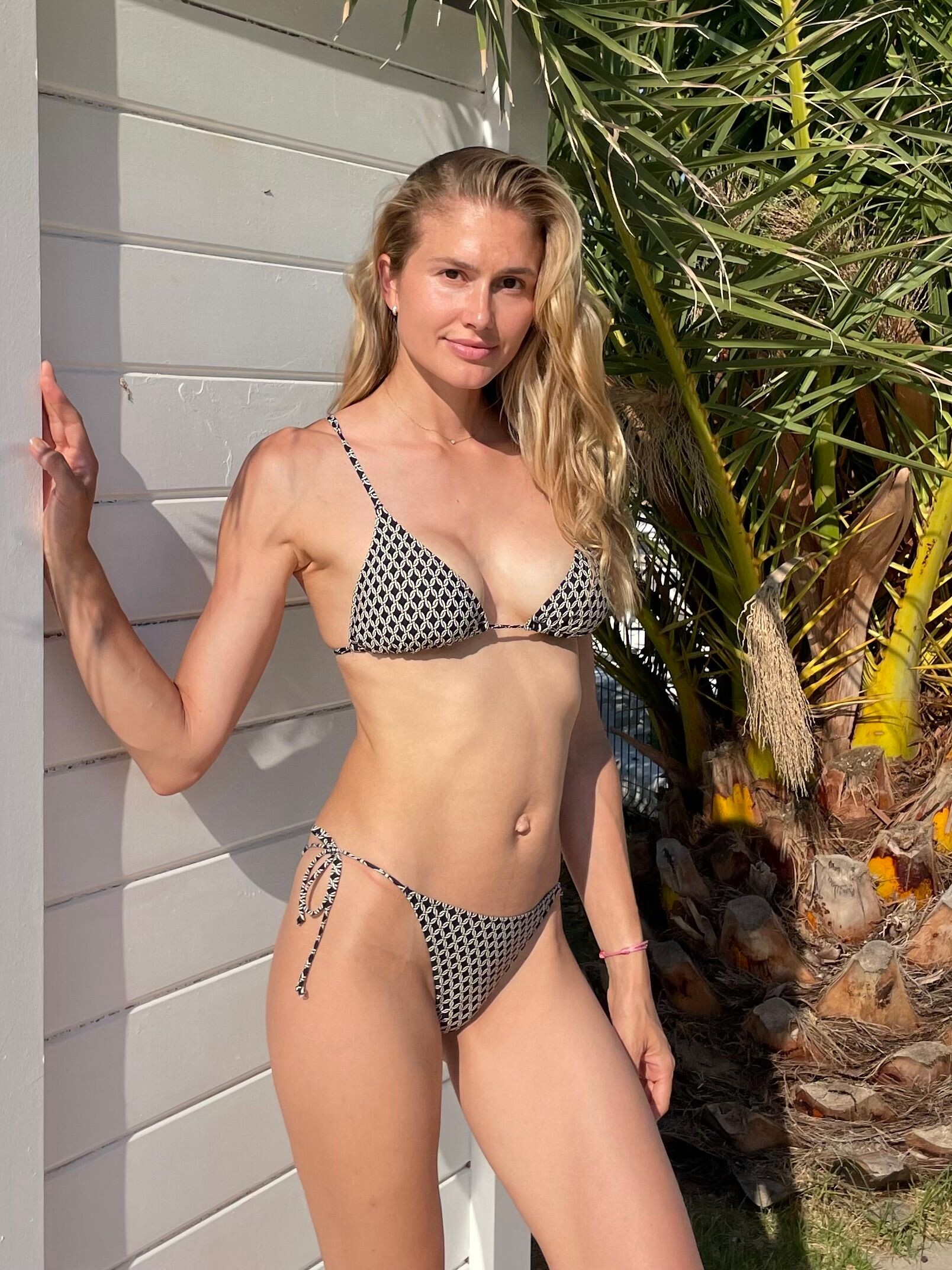
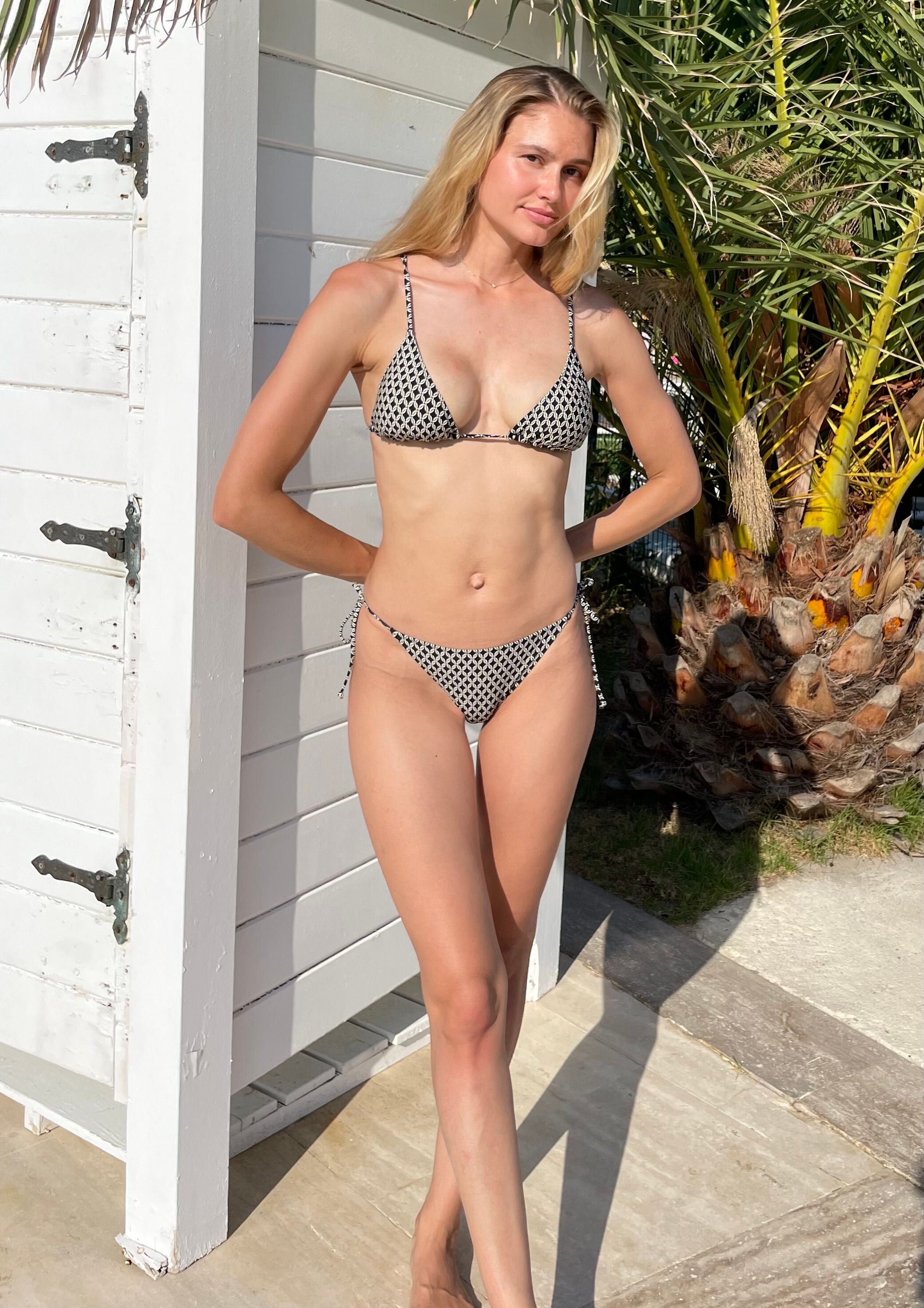
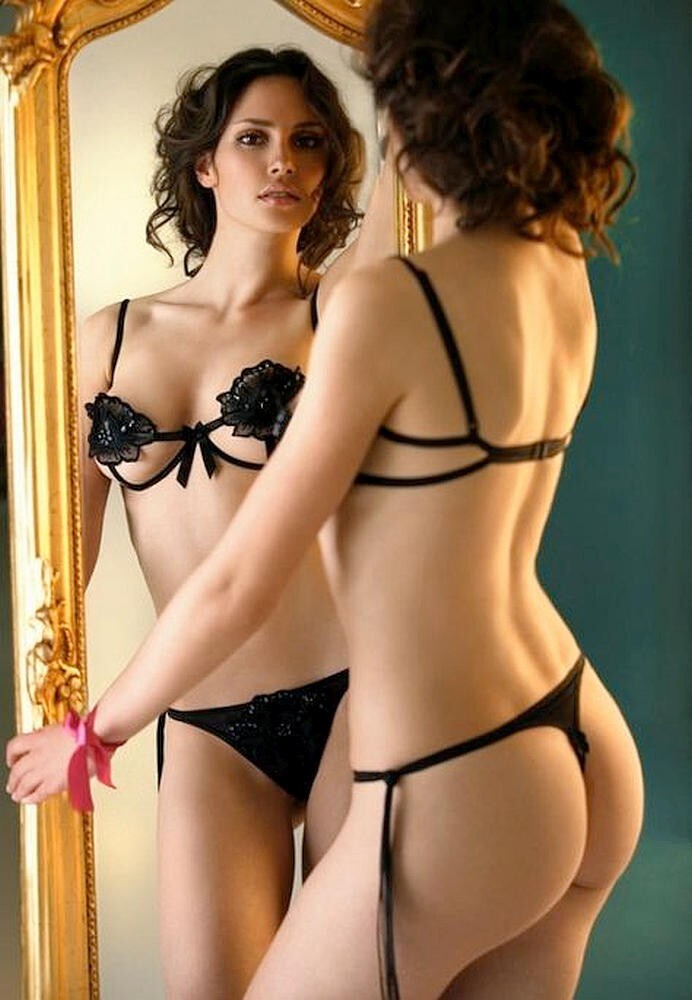
.jpg.fac95fc13204df98444e53fcf9f7cf5e.jpg)

.jpg.98a22974ff3fd8eb39f2ab64f88b8743.jpg)
.jpg.a68d5e5848cc7b6148edf690c668fc02.jpg)
.jpg.efc75f4cb0c24d27ef3a5c13b4166880.jpg)
.jpg.7bfa0bcfaa058ae814ebfc0d8d3d5a98.jpg)
.jpg.be6fda5541990717a0728562f447420b.jpg)
.jpg.443fdc4c3d1c13d83518ed802ddecdea.jpg)
.jpg.64efdd17ab8f0ed559e852d98bba4f49.jpg)
.jpg.707f79a8b7c0a9c42db83e1dfbd53f01.jpg)
.jpg.d90881d1da7cac37dd43e8ad87c0fb73.jpg)
.jpg.11415d68ae5a74f1ee584b9a0f345229.jpg)


.jpg.f7b616eaa49d9e9dbb9e8c9a0cfc4648.jpg)
.jpg.0733d52a66436e74f37eccc600c8c3d5.jpg)
.jpg.66a24150e8dd1ad2df9f8ef9dac5131c.jpg)
.jpg.a0f2a1acf83612b117fdc831e54ebd88.jpg)
.jpg.0eaae10caf334fd372e26554354481ae.jpg)
.jpg.930eeaf98553b773124befe31f65cd06.jpg)
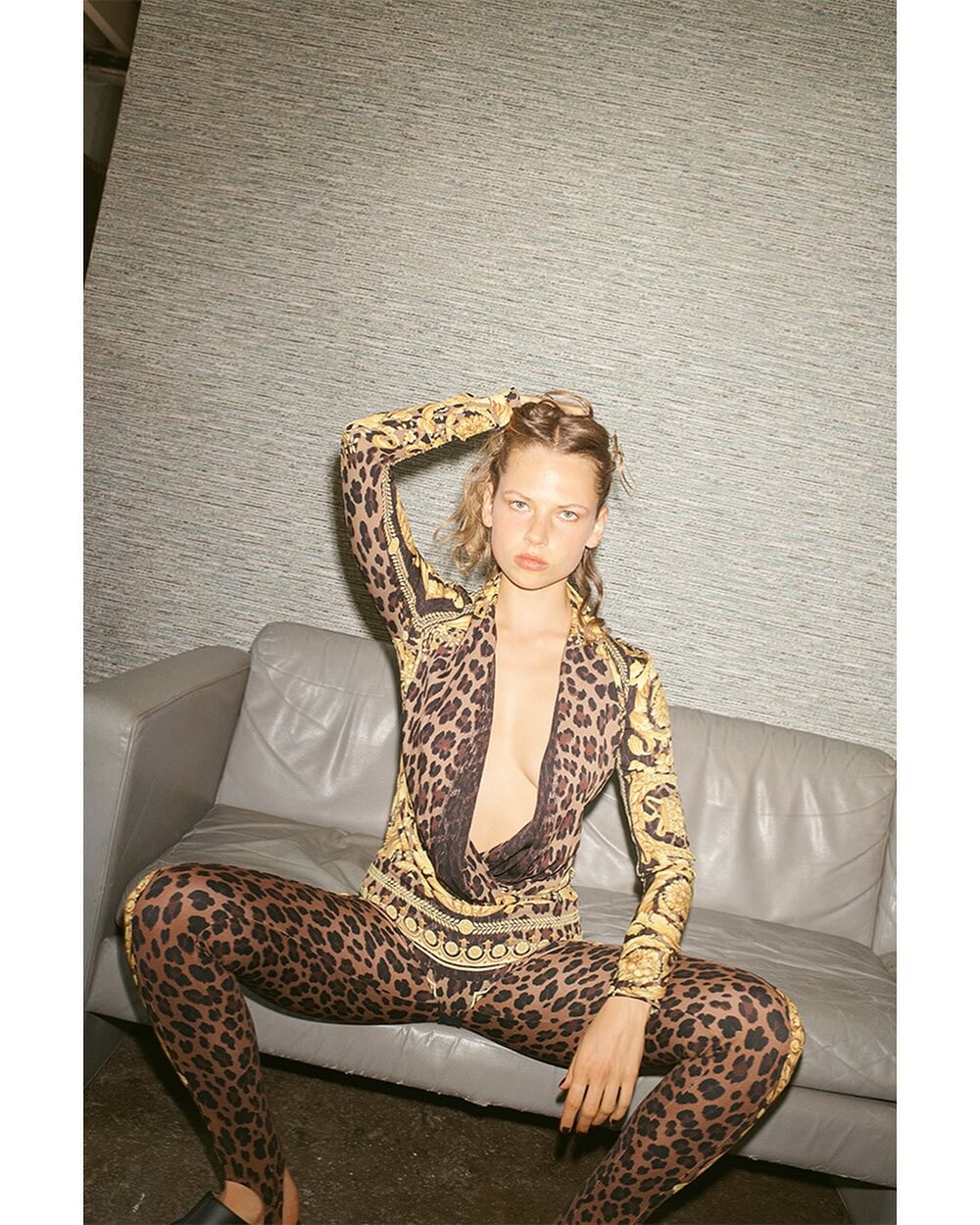
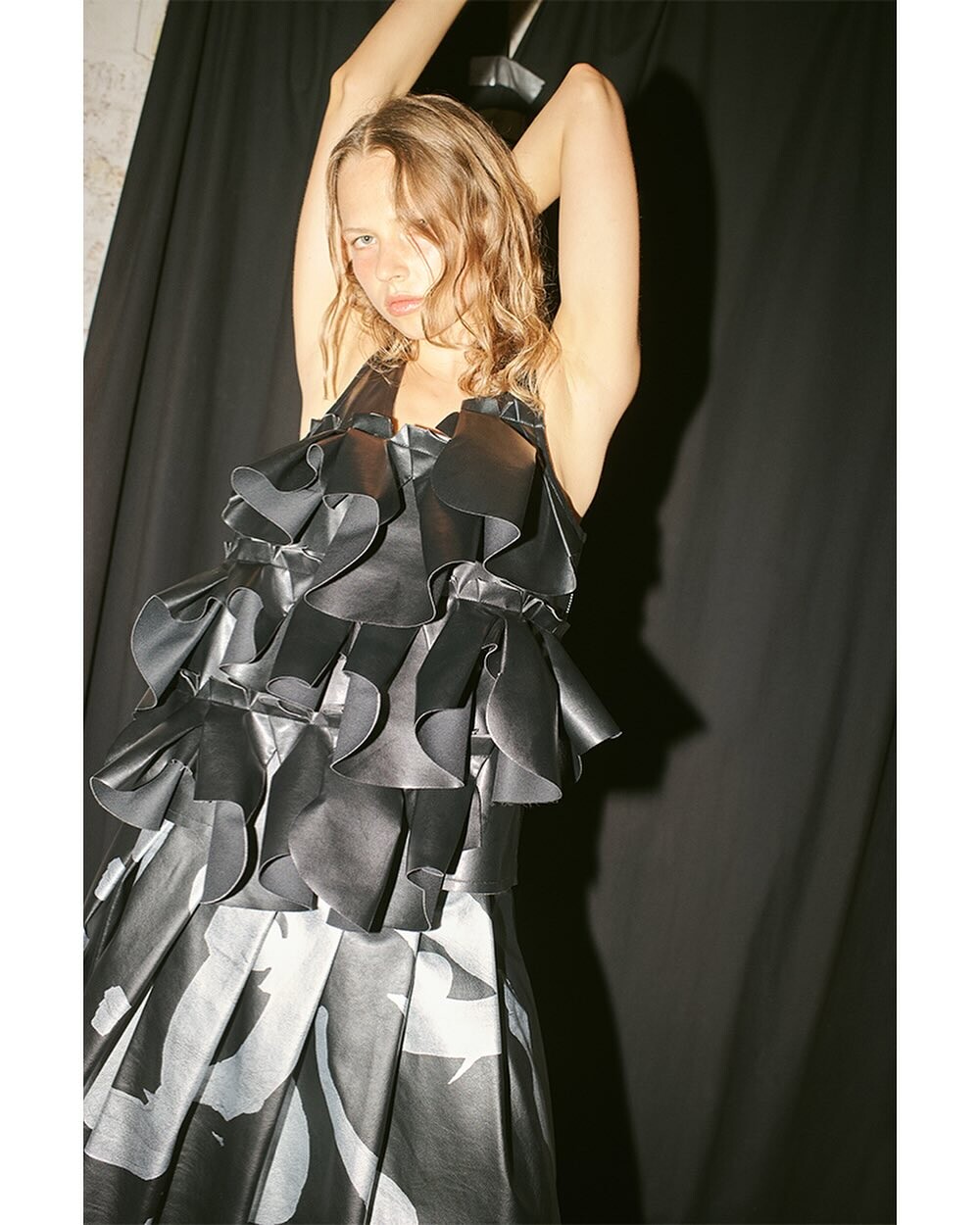
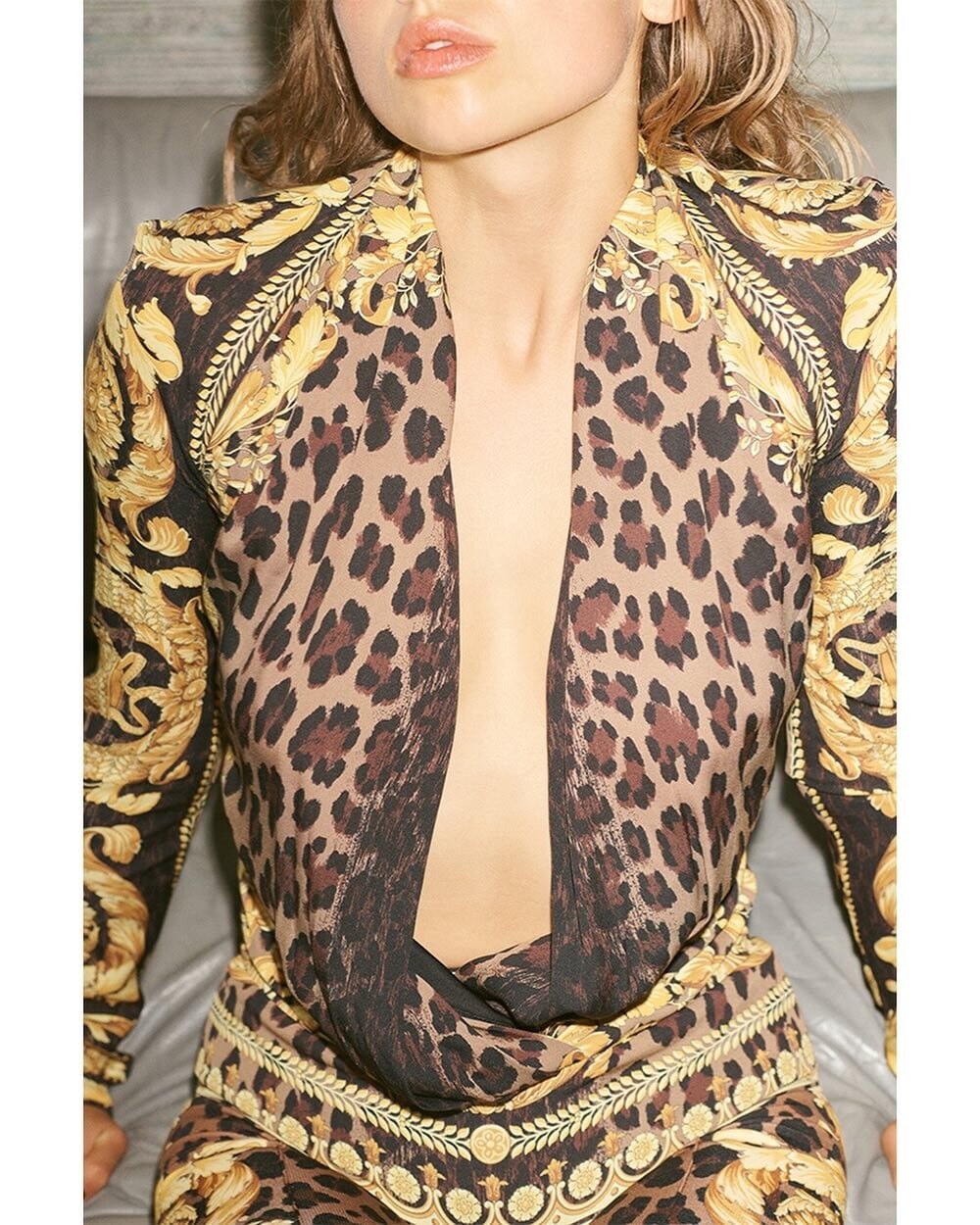
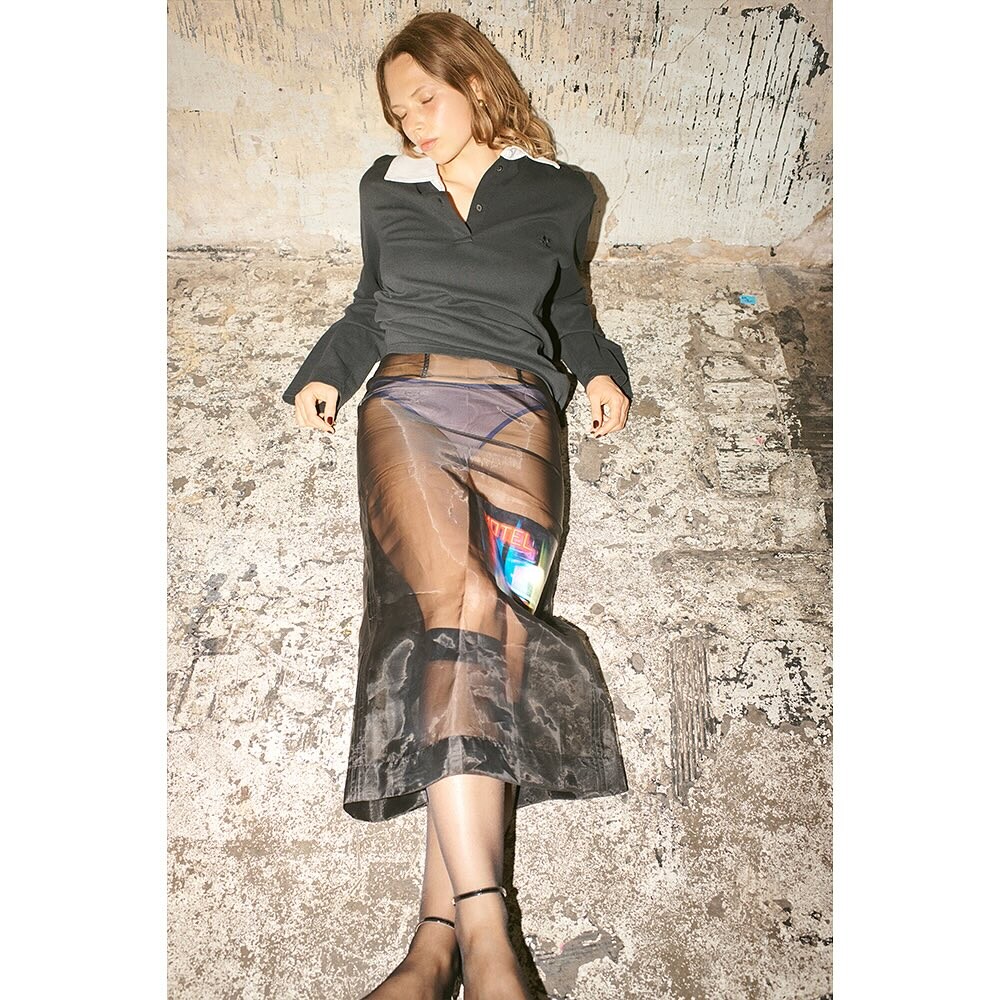




Account
Navigation
Search
Configure browser push notifications
Chrome (Android)
- Tap the lock icon next to the address bar.
- Tap Permissions → Notifications.
- Adjust your preference.
Chrome (Desktop)
- Click the padlock icon in the address bar.
- Select Site settings.
- Find Notifications and adjust your preference.
Safari (iOS 16.4+)
- Ensure the site is installed via Add to Home Screen.
- Open Settings App → Notifications.
- Find your app name and adjust your preference.
Safari (macOS)
- Go to Safari → Preferences.
- Click the Websites tab.
- Select Notifications in the sidebar.
- Find this website and adjust your preference.
Edge (Android)
- Tap the lock icon next to the address bar.
- Tap Permissions.
- Find Notifications and adjust your preference.
Edge (Desktop)
- Click the padlock icon in the address bar.
- Click Permissions for this site.
- Find Notifications and adjust your preference.
Firefox (Android)
- Go to Settings → Site permissions.
- Tap Notifications.
- Find this site in the list and adjust your preference.
Firefox (Desktop)
- Open Firefox Settings.
- Search for Notifications.
- Find this site in the list and adjust your preference.