All Activity
- Past hour
-
 Unfortunately not, me dear 🙁
 -
 Aurorakratom joined the community
 -
 Elle Fanning talks SENTIMENTAL VALUE, working with Dakota, SUPER 8, Paris Hilton, Timothee Chalamet
 -
 Yes but I studied further and I'm not entirely convinced. I think the pic could stay in her thread until we can understand better.

-
 Can anyone identified this 2000's JCPenney model for me, please?
 -
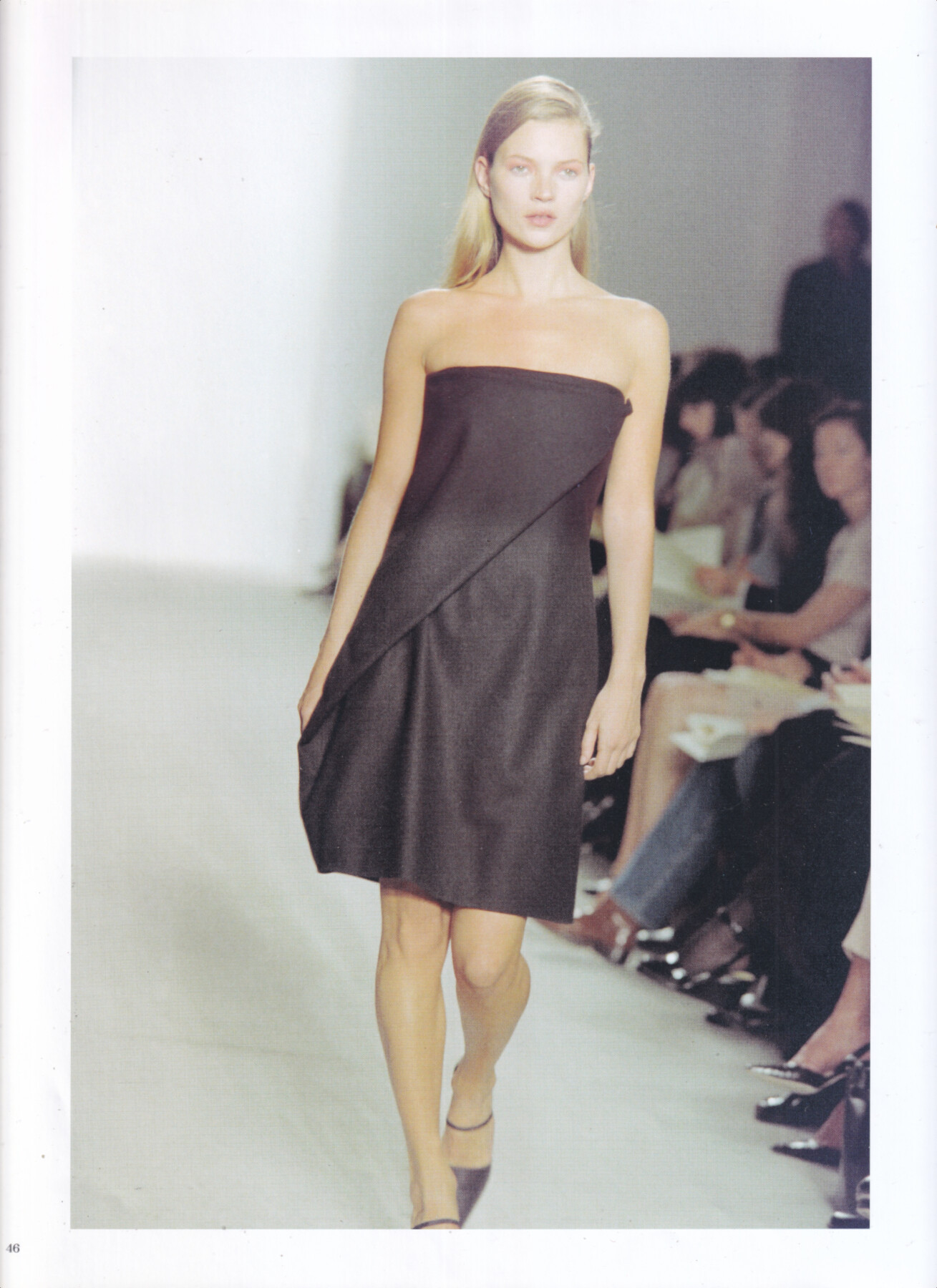
 Kate Moss for Calvin Klein, haute-couture, fall/winter 1997 my scan
 Ph. Leni Ali


 Kate Moss for Calvin Klein, haute-couture, spring/summer 1997 my scan
 Thank you!

 Director: @arsenyjabiev DP: @alexeyglebko Model: @chixom_okeke & @vanessa_moody Makeup: @steviehuynh Hair: @stylebysergio
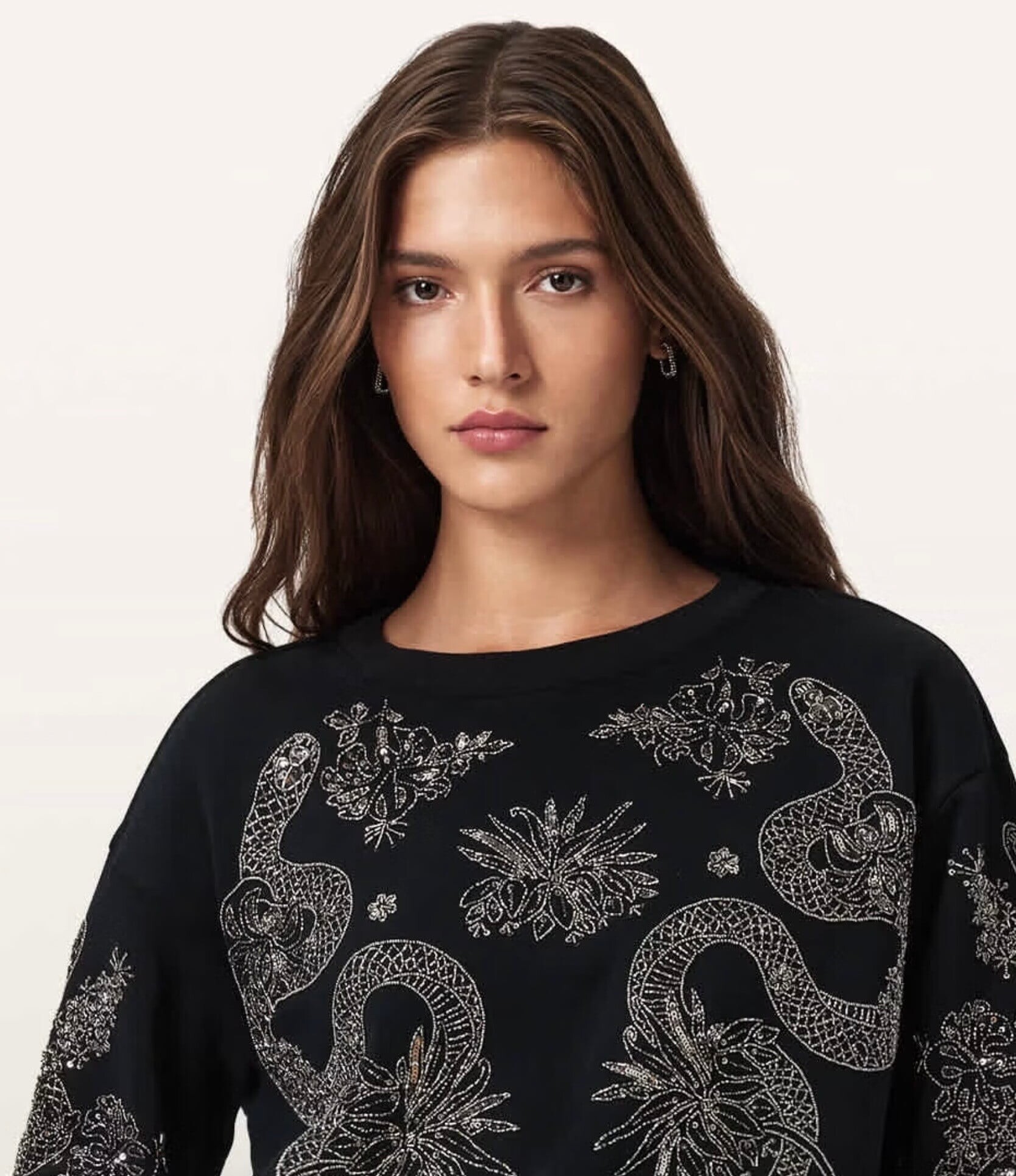
 Maya Savic https://nextmanagement.com/london/women/profile/maya-savic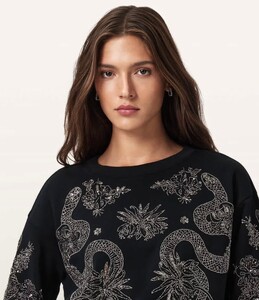

 Liza is unreal. Every shoot draws you back for more.
 Behind the Scene’s




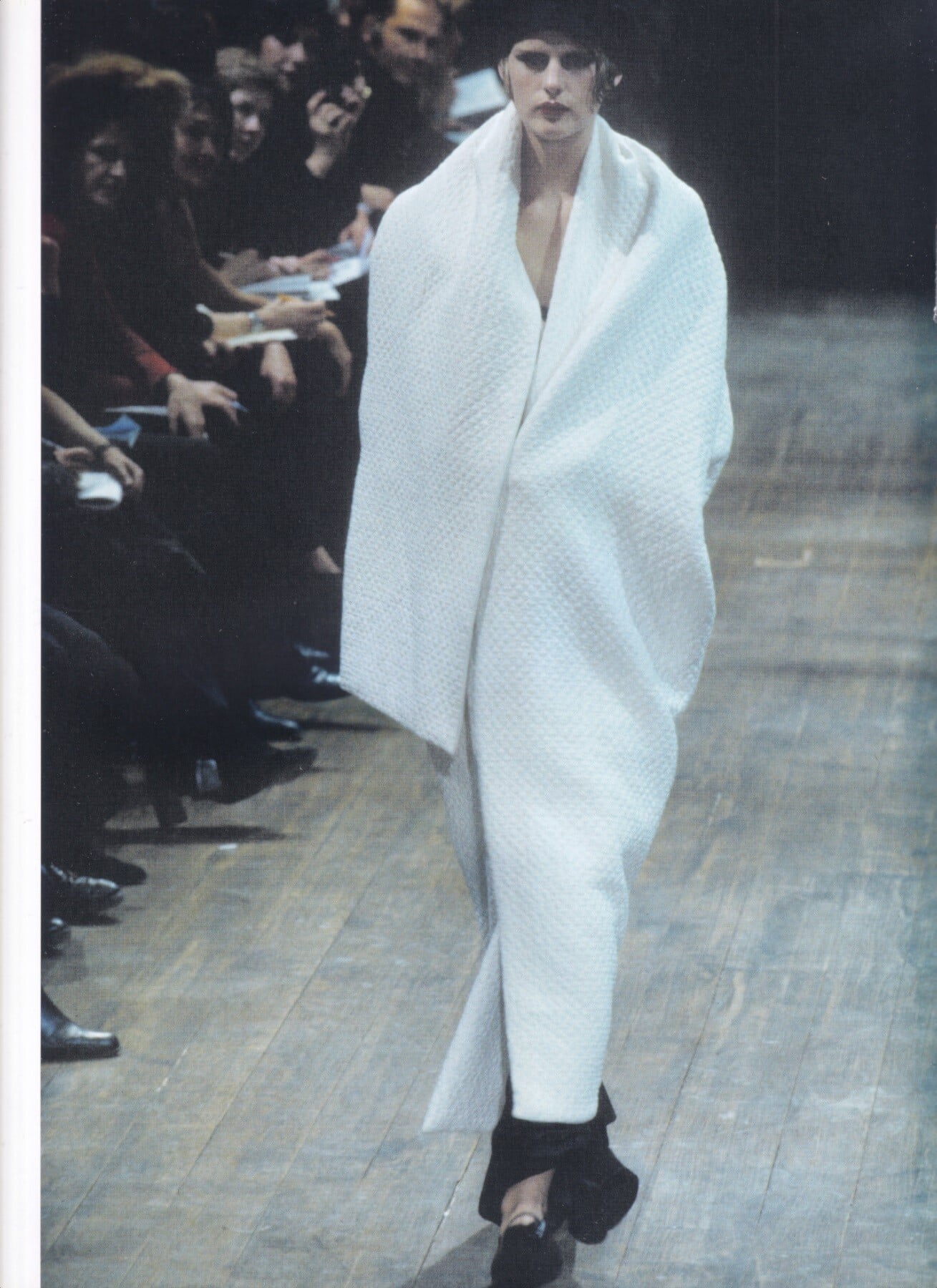
 Stella Tennant for Yohji Yamamoto, ready-to-wear, fall/winter 1997 my scan
 Slate Swim 7f0326ccfb5843799ab47a4be1800a42.mp4
Variety Sydney Sweeney Tells Ethan Hawke ‘I Wish You Were My Dad’ as They Swap Stories on ‘Euphoria,’ Acting as Teens and More Ph. Alexi Lubomirski https://variety.com/2025/film/news/sydney-sweeney-ethan-hawke-euphoria-teen-acting-1236603849/
Slate Swim 7f0326ccfb5843799ab47a4be1800a42.mp4
Variety Sydney Sweeney Tells Ethan Hawke ‘I Wish You Were My Dad’ as They Swap Stories on ‘Euphoria,’ Acting as Teens and More Ph. Alexi Lubomirski https://variety.com/2025/film/news/sydney-sweeney-ethan-hawke-euphoria-teen-acting-1236603849/
 Can anyone identified this 90's JCPenney model for me, please?


































Account
Search
Configure browser push notifications
Chrome (Android)
- Tap the lock icon next to the address bar.
- Tap Permissions → Notifications.
- Adjust your preference.
Chrome (Desktop)
- Click the padlock icon in the address bar.
- Select Site settings.
- Find Notifications and adjust your preference.
Safari (iOS 16.4+)
- Ensure the site is installed via Add to Home Screen.
- Open Settings App → Notifications.
- Find your app name and adjust your preference.
Safari (macOS)
- Go to Safari → Preferences.
- Click the Websites tab.
- Select Notifications in the sidebar.
- Find this website and adjust your preference.
Edge (Android)
- Tap the lock icon next to the address bar.
- Tap Permissions.
- Find Notifications and adjust your preference.
Edge (Desktop)
- Click the padlock icon in the address bar.
- Click Permissions for this site.
- Find Notifications and adjust your preference.
Firefox (Android)
- Go to Settings → Site permissions.
- Tap Notifications.
- Find this site in the list and adjust your preference.
Firefox (Desktop)
- Open Firefox Settings.
- Search for Notifications.
- Find this site in the list and adjust your preference.