All Activity
- Past hour
-
 thejoint joined the community
 -
 SEVENTEEN US, Oct 1975 - PH. UNK - WEB FIND
-
ELLE FR, 20 Dec 1976 - PH. UNK - PINTEREST

-
ELLE FR, 13 Dec 1976 - PH. UNK - PINTEREST

-
ELLE FR, 4 Oct 1976 - PH. UNK - PINTEREST

-
Sears Spr 1978 - PH. UNK - CHRISTMAS MUSETECHNICAL

-
JC Penney Fall 1984 - PH. UNK - CHRISTMAS MUSETECHNICAL

-
 Muscle and Motion joined the community
 -
Love Cosmetics 1975 - PH. UNK - WEB FIND

-
Hang Ten 1981 - PH. UNK - ARCHIVE ORG


-
Hang Ten 1982 - PH. UNK - ARCHIVE ORG



-
Sarita Ojeda is a 70s/80s model represented by Elite. Height: 1.73 Bust: 84 Waist: 61 Hips: 86 Shoes: 39 Hair: Blonde Eyes: Blue modelcomposites.com

-
 ASTOR 1986 - PH. UNK - MY SCAN
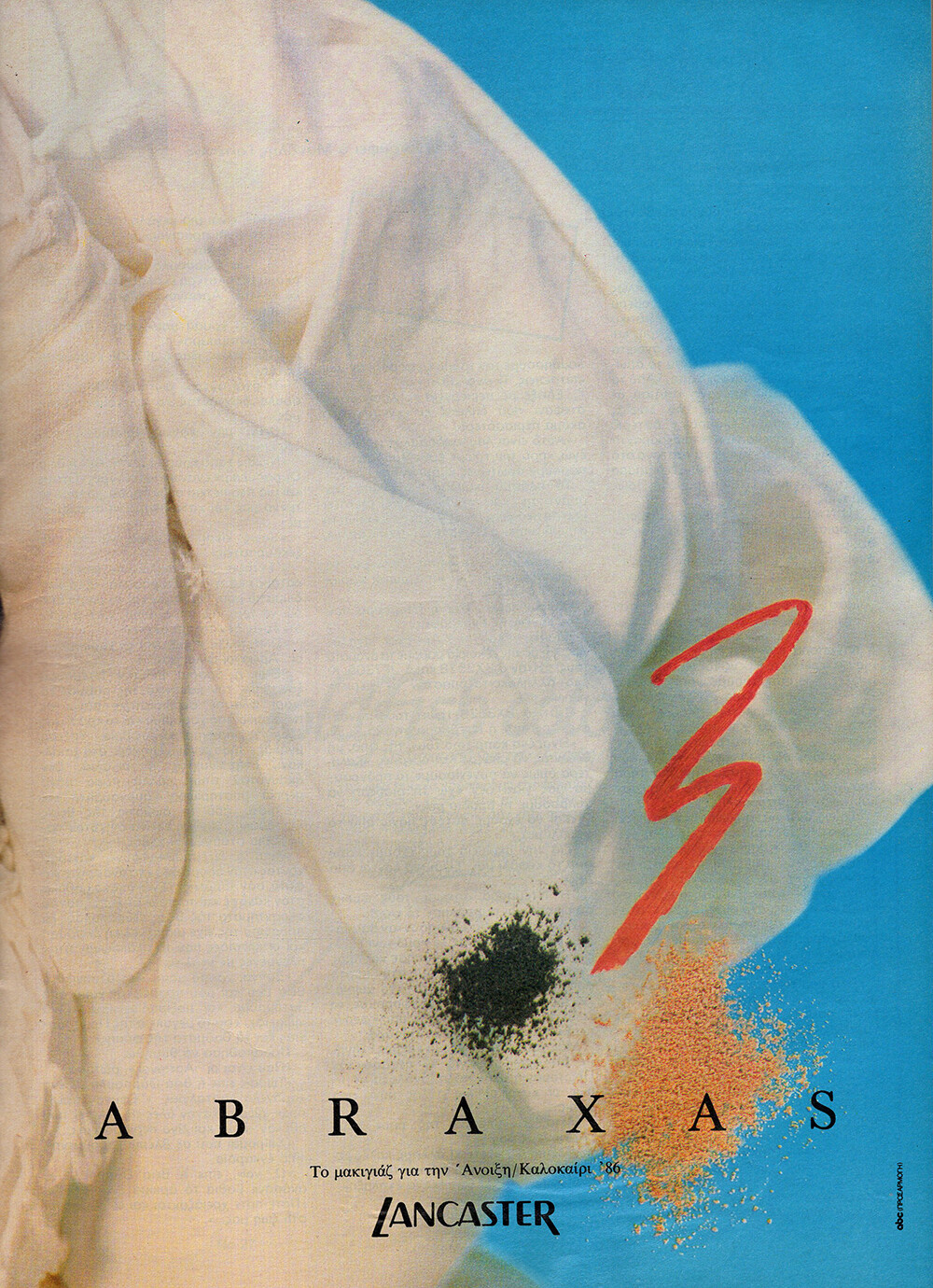
 LANCASTER 1986 - PH. UNK - MY SCANS
 L'OREAL 1986 - PH. UNK - MY SCAN
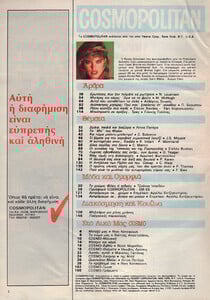
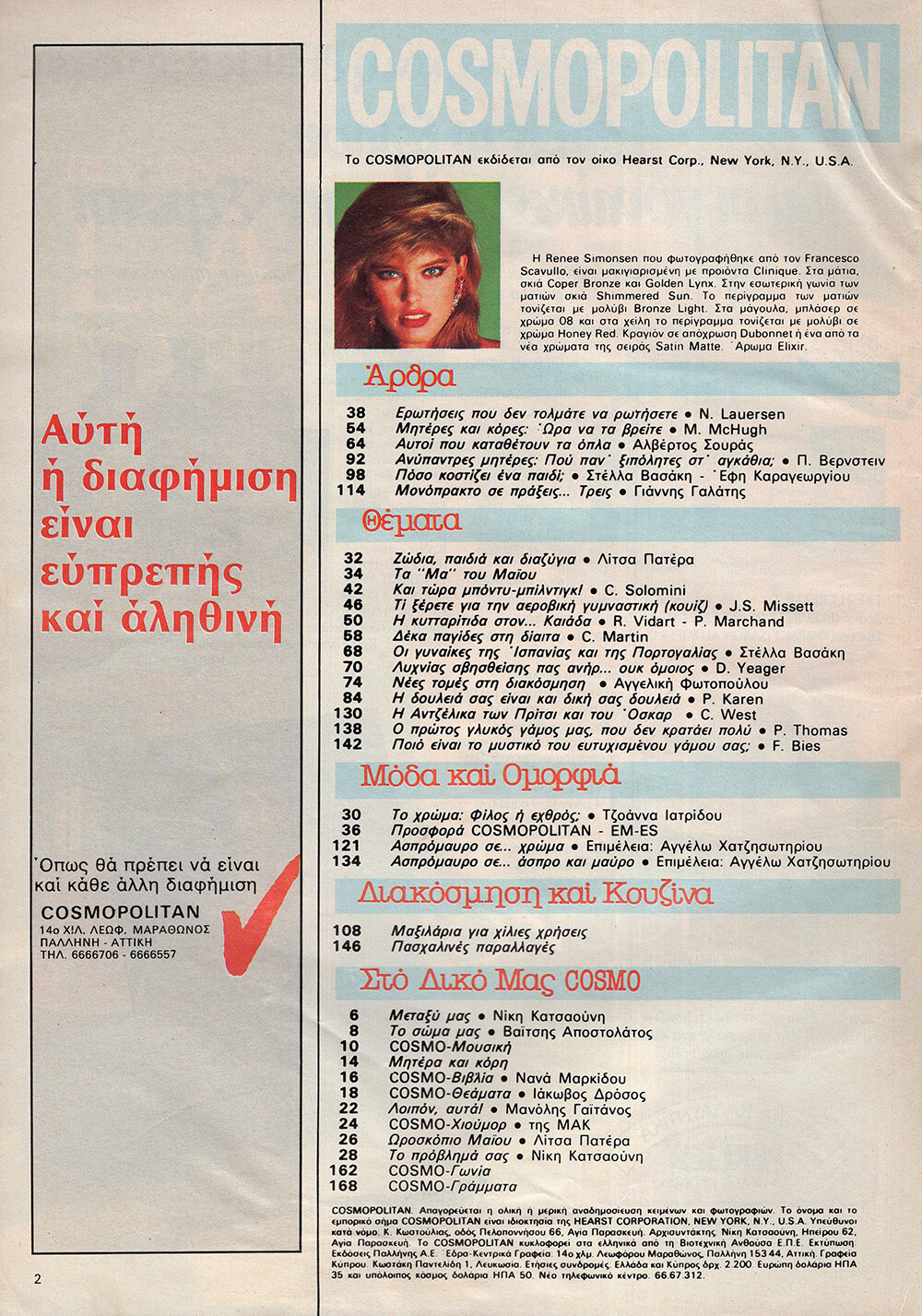
 COSMOPOLITAN GR, May 1986 - PH. FRANCESCO SCAVULLO - MY SCANS
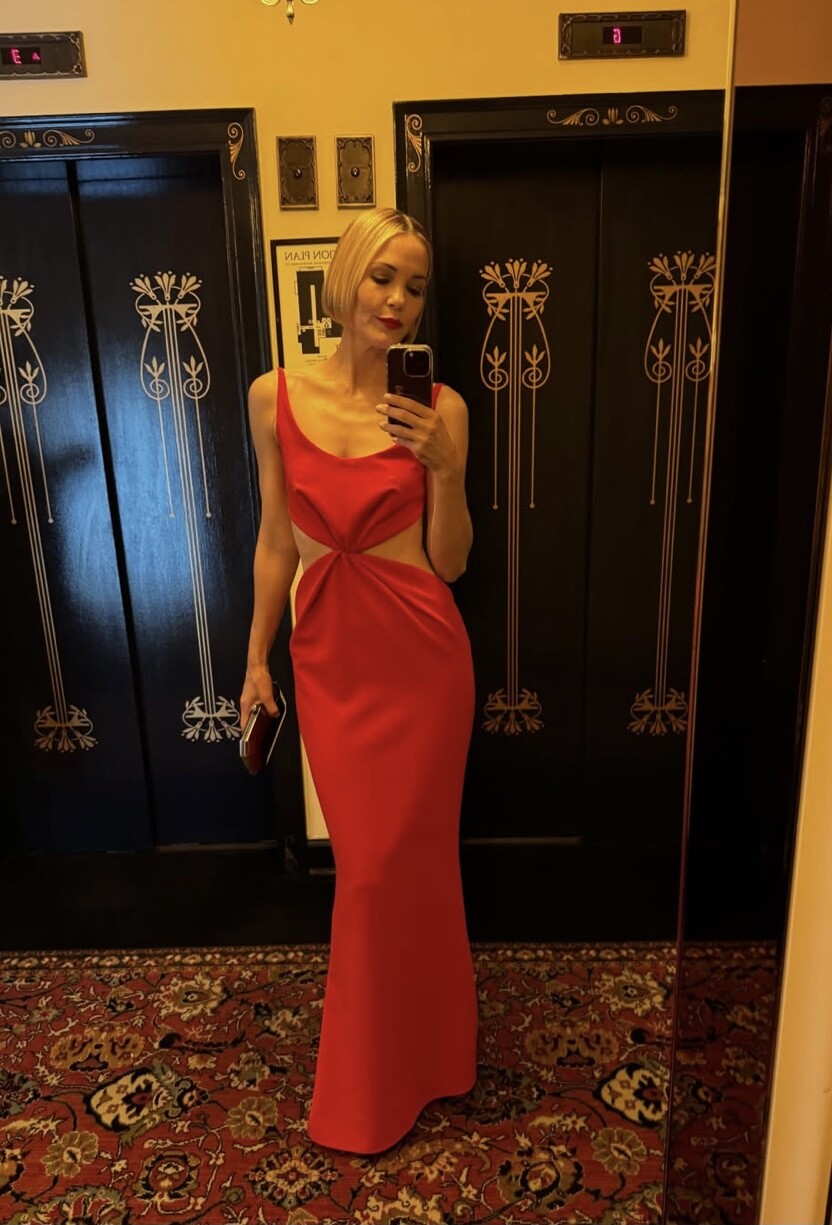
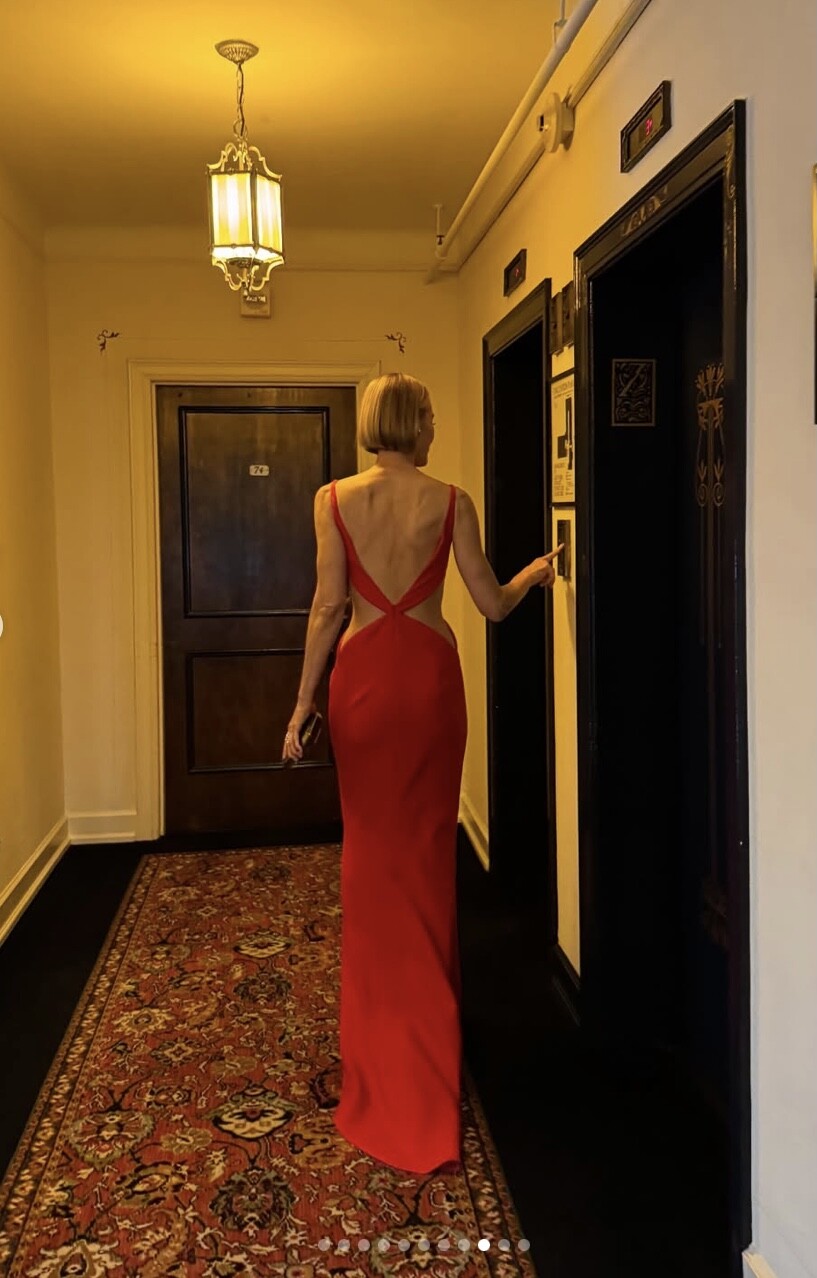
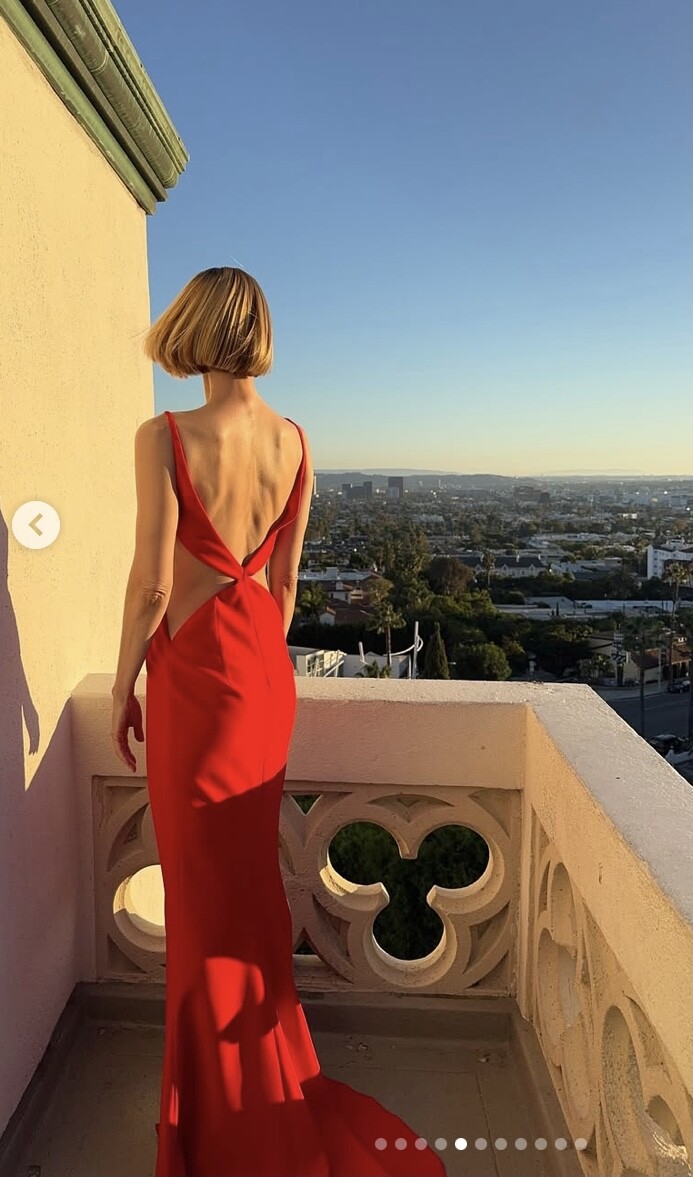
 Looks like Samantha Archibald ? 🤔































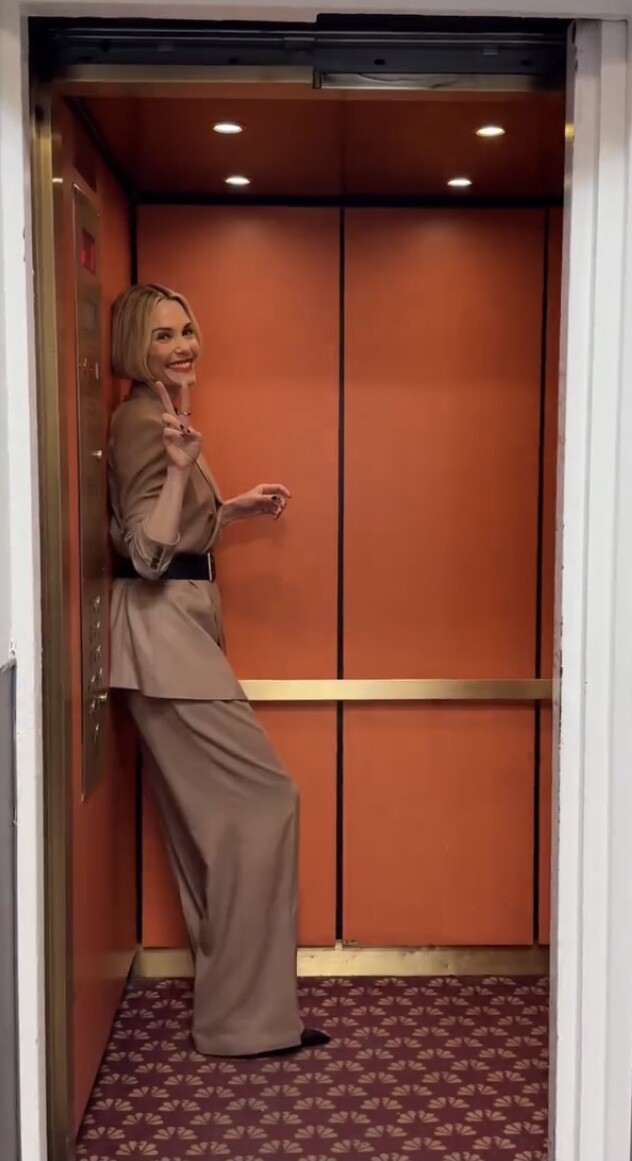
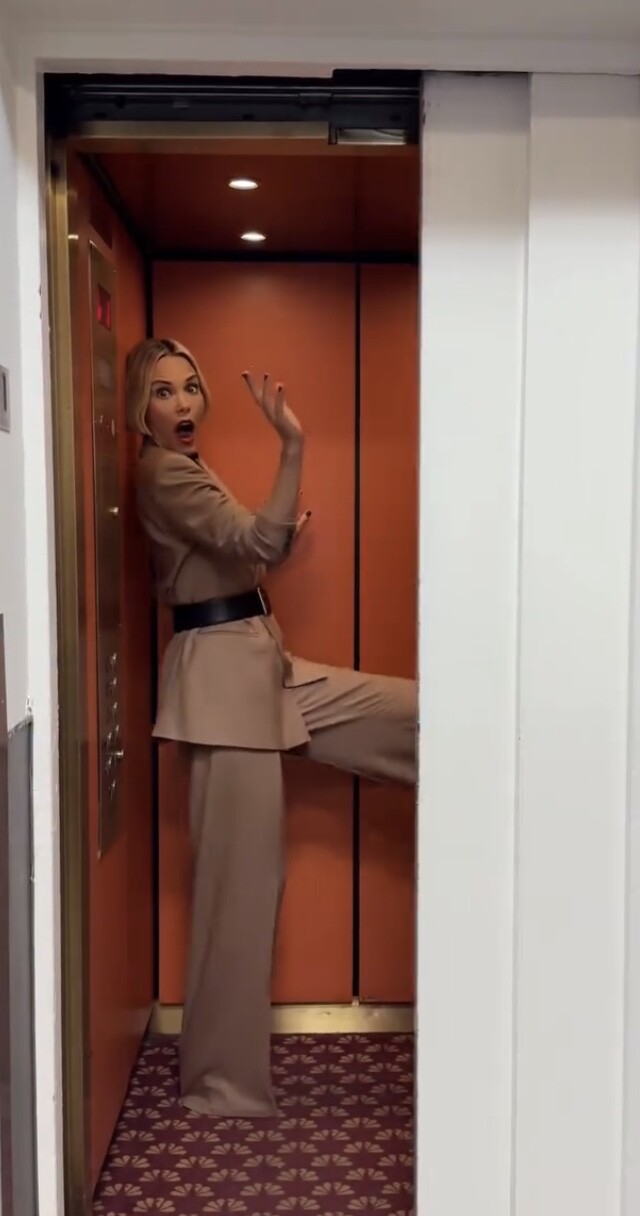
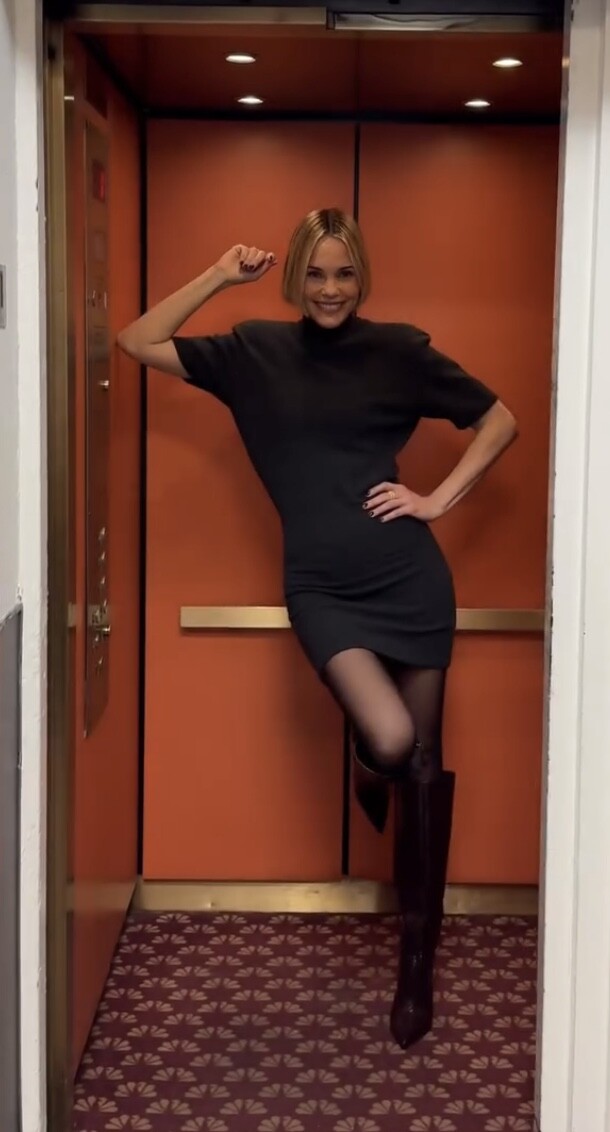
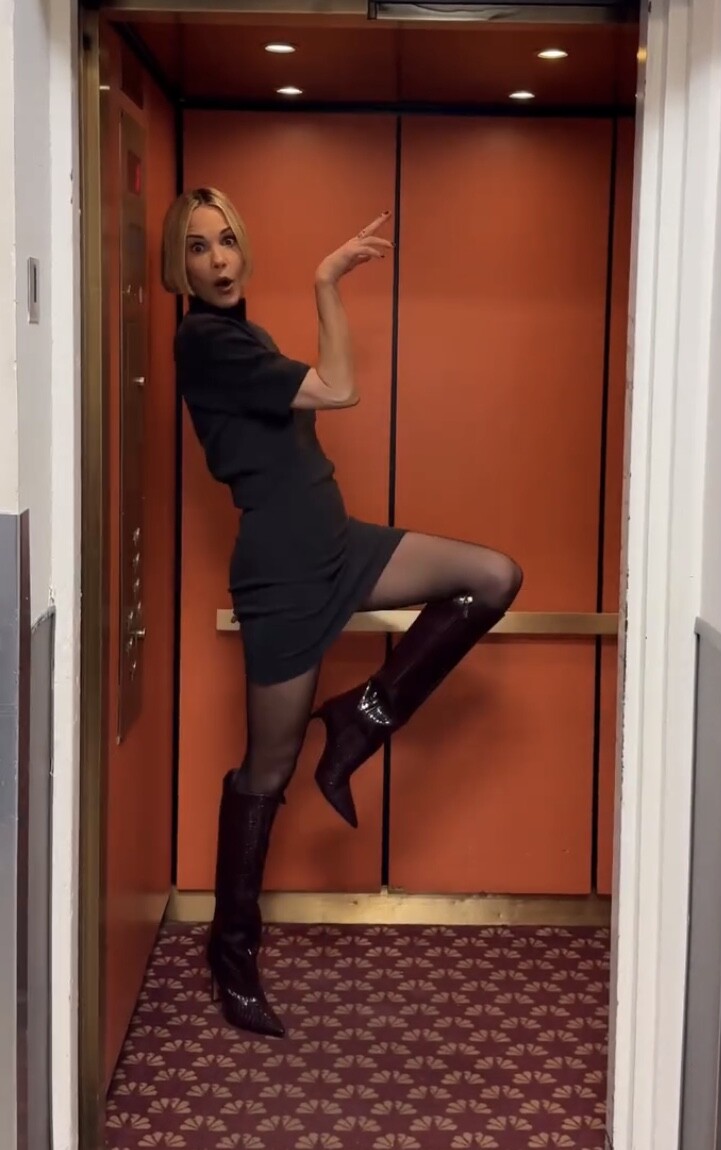






















Account
Search
Configure browser push notifications
Chrome (Android)
- Tap the lock icon next to the address bar.
- Tap Permissions → Notifications.
- Adjust your preference.
Chrome (Desktop)
- Click the padlock icon in the address bar.
- Select Site settings.
- Find Notifications and adjust your preference.
Safari (iOS 16.4+)
- Ensure the site is installed via Add to Home Screen.
- Open Settings App → Notifications.
- Find your app name and adjust your preference.
Safari (macOS)
- Go to Safari → Preferences.
- Click the Websites tab.
- Select Notifications in the sidebar.
- Find this website and adjust your preference.
Edge (Android)
- Tap the lock icon next to the address bar.
- Tap Permissions.
- Find Notifications and adjust your preference.
Edge (Desktop)
- Click the padlock icon in the address bar.
- Click Permissions for this site.
- Find Notifications and adjust your preference.
Firefox (Android)
- Go to Settings → Site permissions.
- Tap Notifications.
- Find this site in the list and adjust your preference.
Firefox (Desktop)
- Open Firefox Settings.
- Search for Notifications.
- Find this site in the list and adjust your preference.