All Activity
- Past hour
-
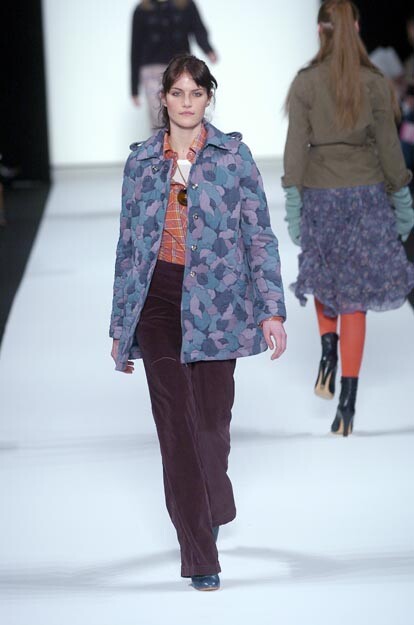
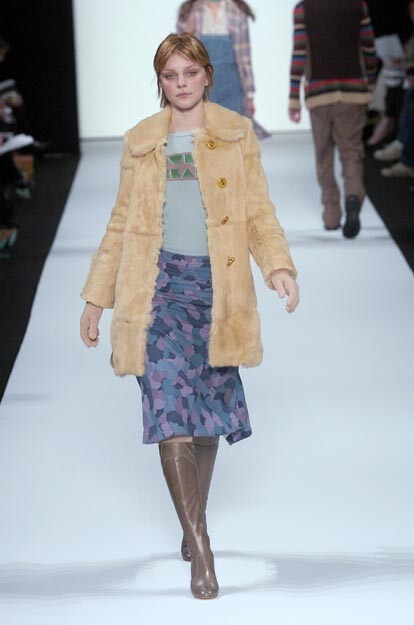
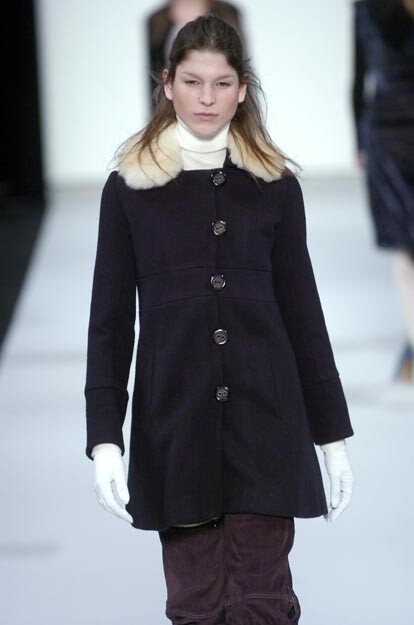
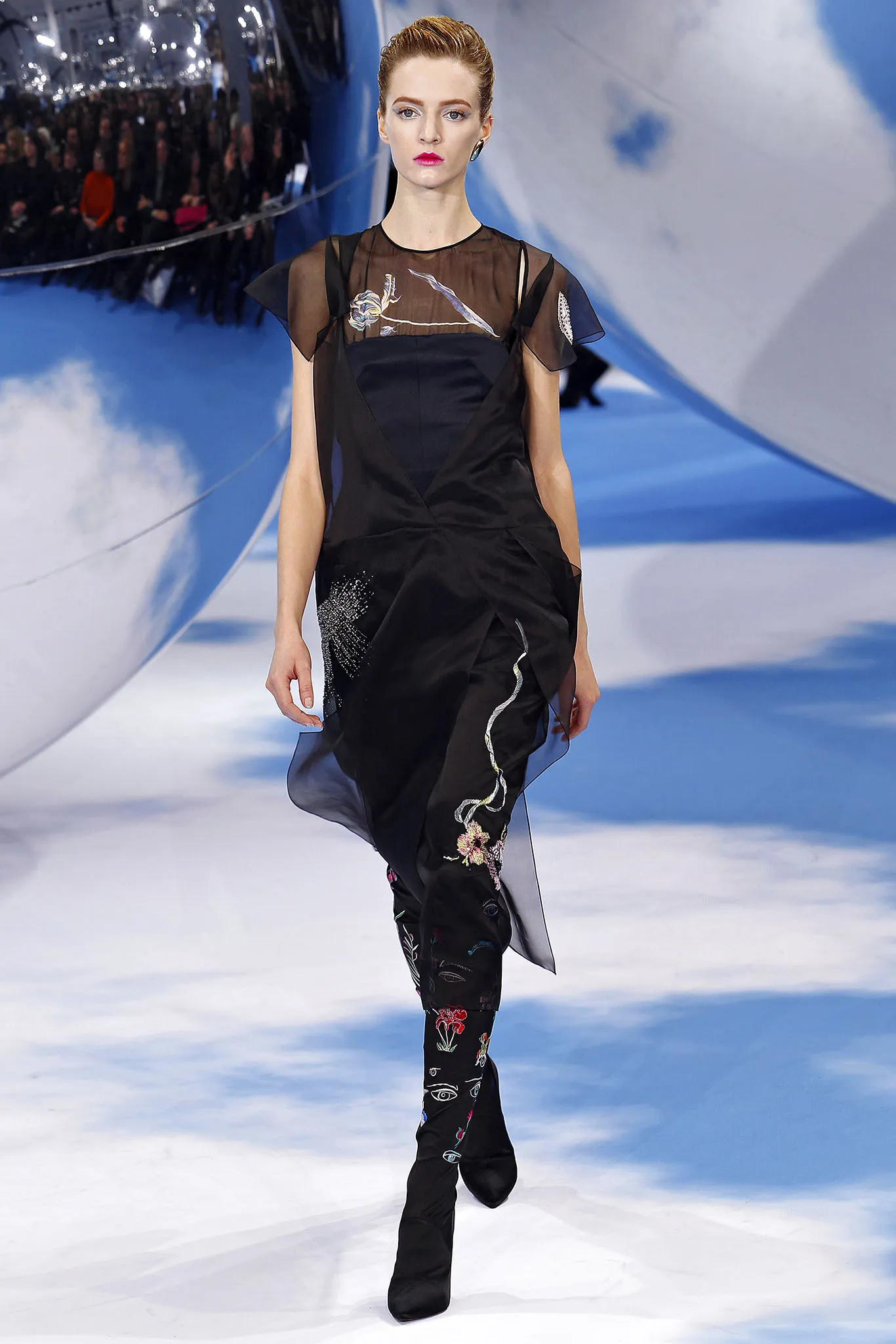
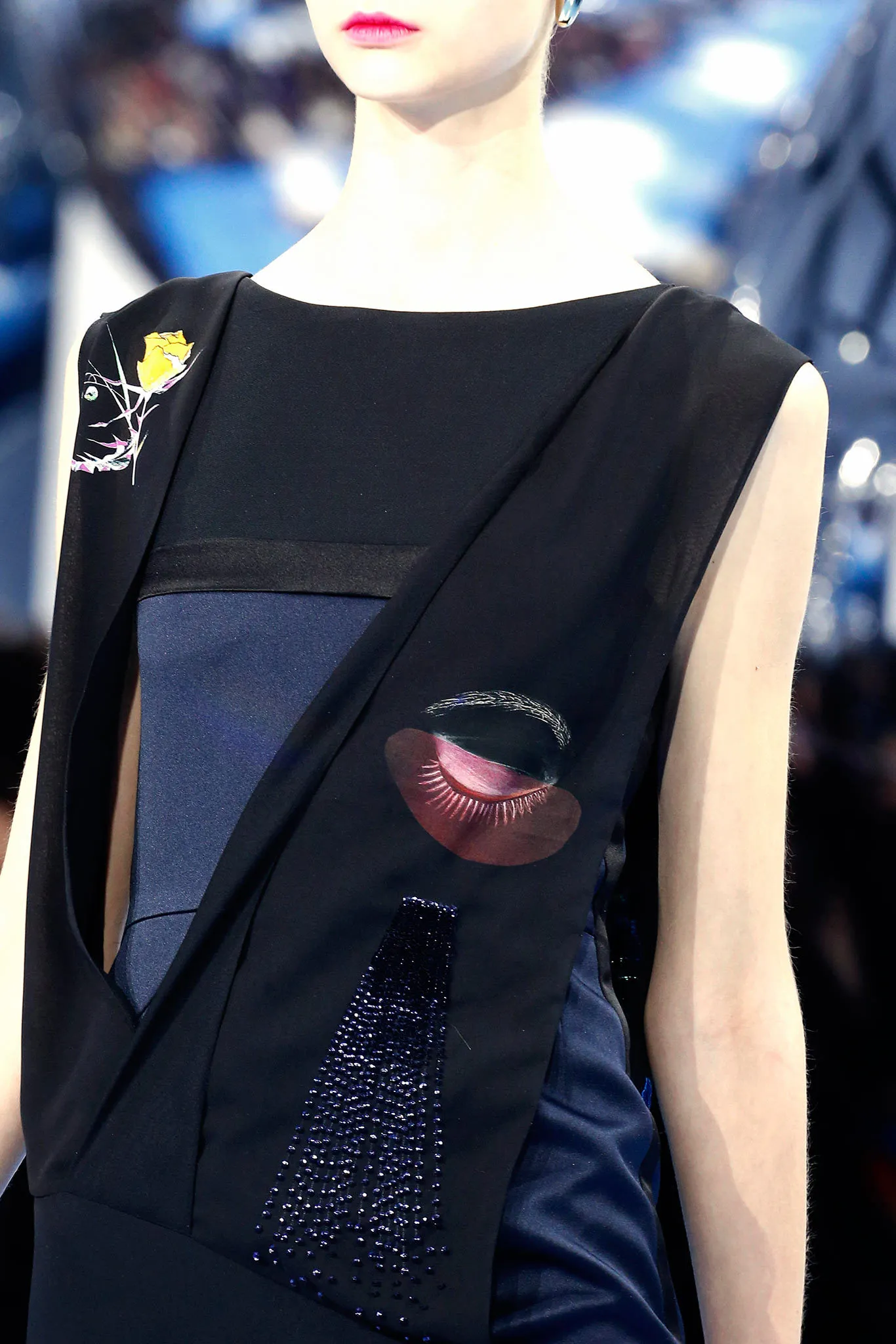
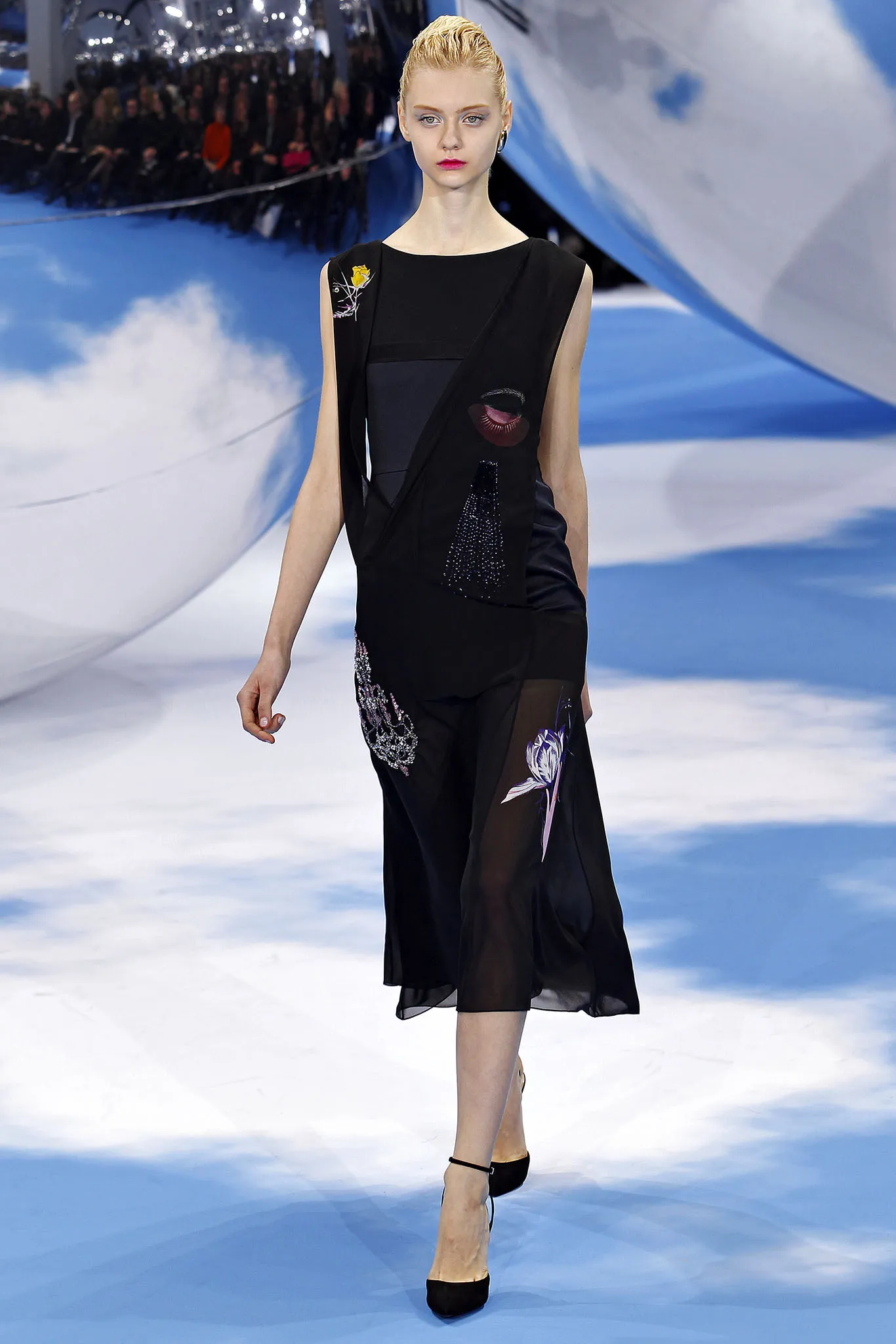
marc by marc jacobs f/w 2004

-
^ yes, i had to click like three times to submit a post. Also some of my notifications are not popping up even though someone updated a topic i follow
-
marc by marc jacobs f/w 2004

-
marc by marc jacobs fw2004

-
Has anyone been having intermittent issues uploading and posting content?
-
Marc by Marc Jacobs F/W2004

-
-
Marc by Marc Jacobs F/W2004

-
marc by marc jacobs fw2004

-
I love HER

-
Marc by Marc Jacobs Fw2004

-
lynn park fw2004

-
bahar korcan f/w 2004


-
Ready or Not: Here I Come Still pantyh at picturepub

-
Niceeee
-
HQs of her at Herve Leger s/s 1998


-
























Account
Navigation
Search
Configure browser push notifications
Chrome (Android)
- Tap the lock icon next to the address bar.
- Tap Permissions → Notifications.
- Adjust your preference.
Chrome (Desktop)
- Click the padlock icon in the address bar.
- Select Site settings.
- Find Notifications and adjust your preference.
Safari (iOS 16.4+)
- Ensure the site is installed via Add to Home Screen.
- Open Settings App → Notifications.
- Find your app name and adjust your preference.
Safari (macOS)
- Go to Safari → Preferences.
- Click the Websites tab.
- Select Notifications in the sidebar.
- Find this website and adjust your preference.
Edge (Android)
- Tap the lock icon next to the address bar.
- Tap Permissions.
- Find Notifications and adjust your preference.
Edge (Desktop)
- Click the padlock icon in the address bar.
- Click Permissions for this site.
- Find Notifications and adjust your preference.
Firefox (Android)
- Go to Settings → Site permissions.
- Tap Notifications.
- Find this site in the list and adjust your preference.
Firefox (Desktop)
- Open Firefox Settings.
- Search for Notifications.
- Find this site in the list and adjust your preference.