All Activity
- Past hour
-
-
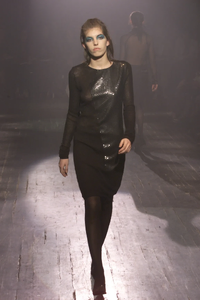
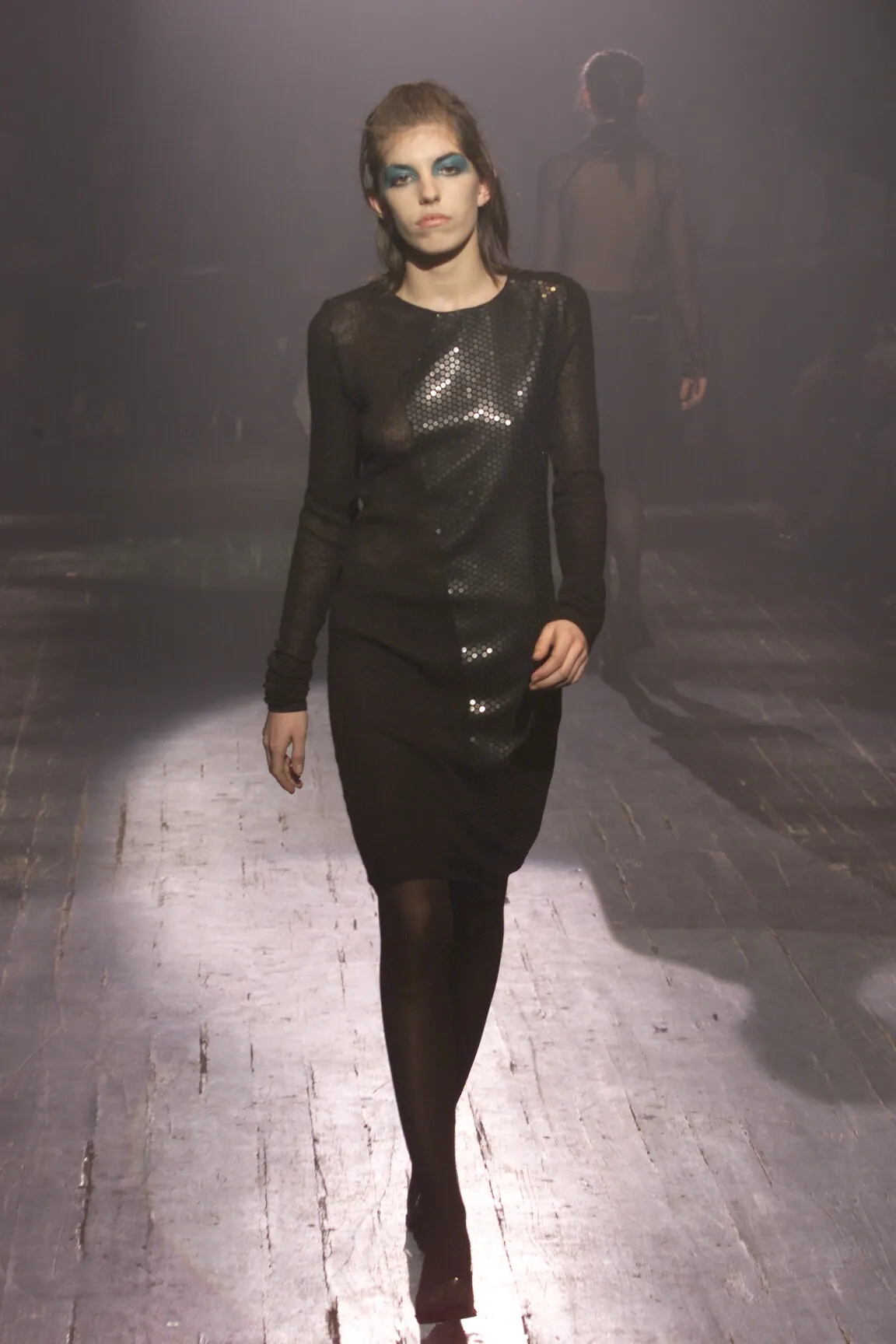
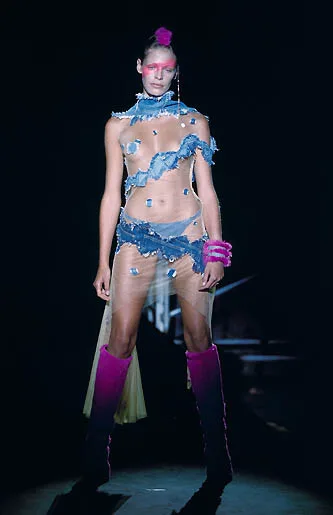
jean colonna fall winter 2000

-
Jean Colonna f/w 2000


-
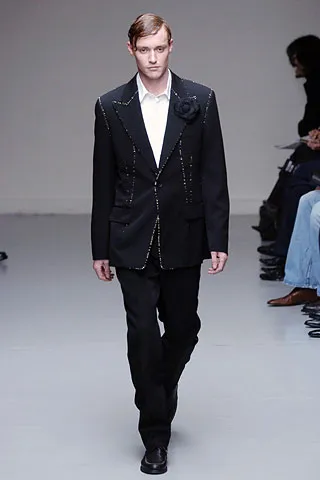
maddog107 changed their profile photoMichele Rozmarin https://www.bellazon.com/main/topic/71571-michelle-rozmarin/page/2/dries van noten menswear fw2005
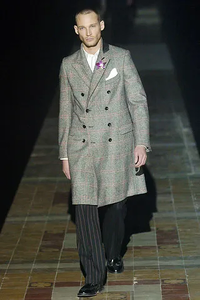
 Jean Colonna FW00
 Britt Bennett Hansen. Ex Elite Copenhagen model and booker at Unique Copenhagen nowadays. LinkedIn
 Dominique Sirop fall 00
 Let me check with her. Meantime, check some photos of Her that I have in my files for comparison. Will let you know once she replies.



 jerome dreyfus fw00
 Kathryn Topp as well https://www.bellazon.com/main/topic/123204-kathryn-topp/#comment-6107436KEITA MARUYAMA FW00
 Abraham Pelham F/W 2000

 Not Simone van Baal but Nadine Heinkel instead 😘 https://www.bellazon.com/main/topic/31357-nadine-heinkel/page/2/ABRAHAM PELHAM F/W 2000
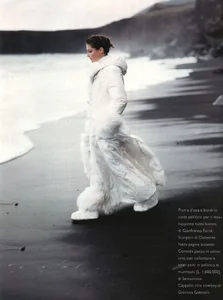
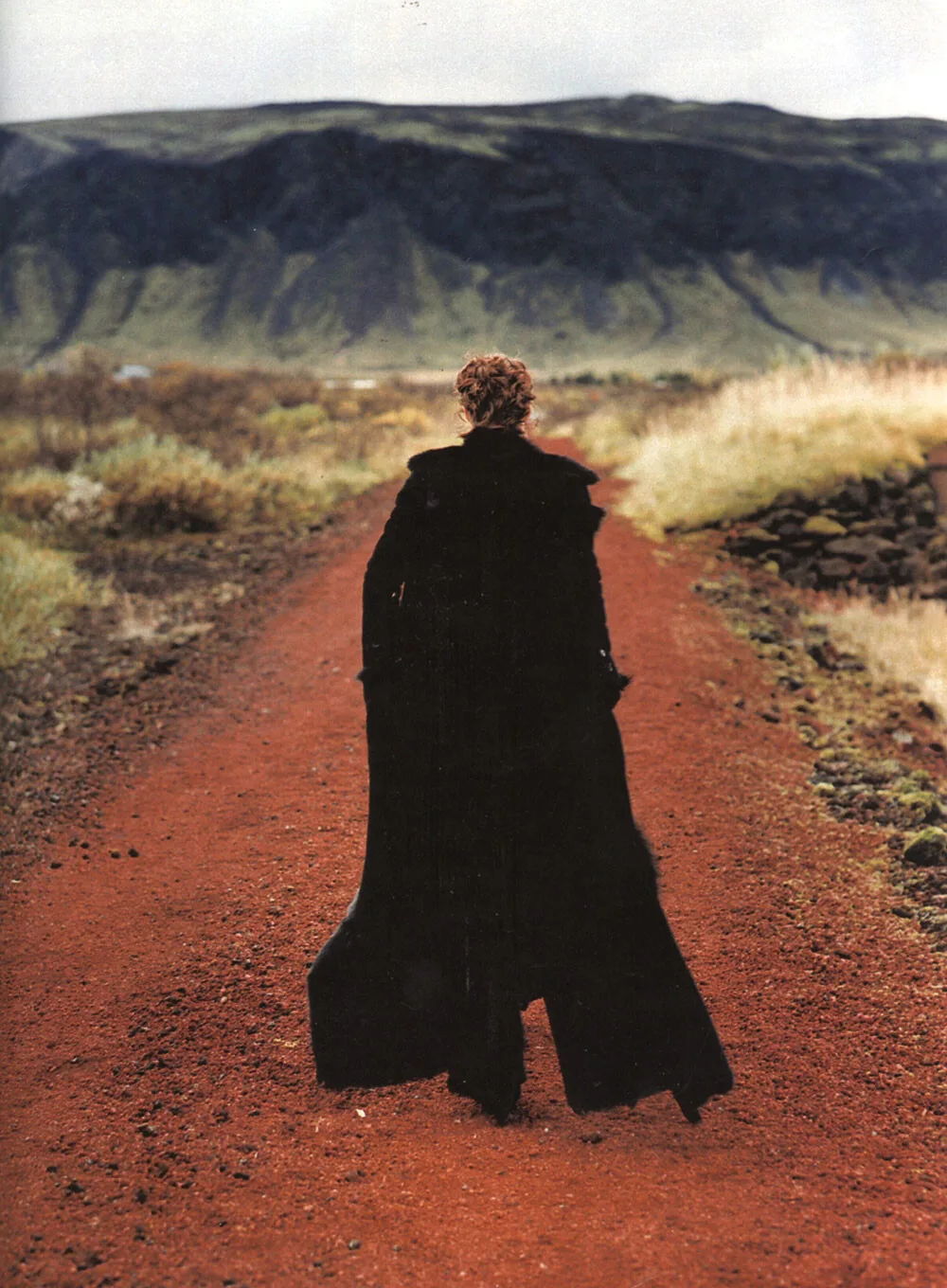
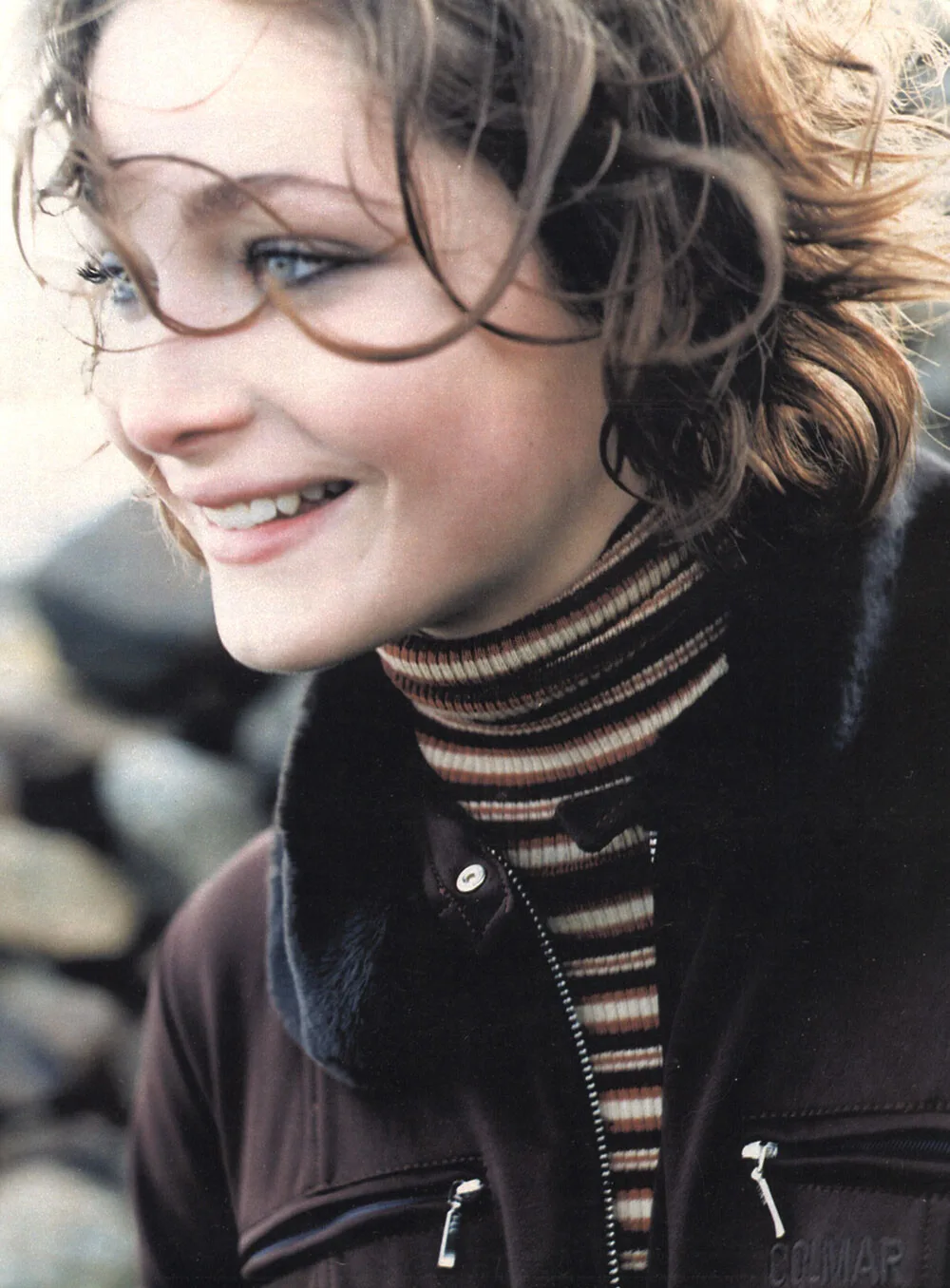
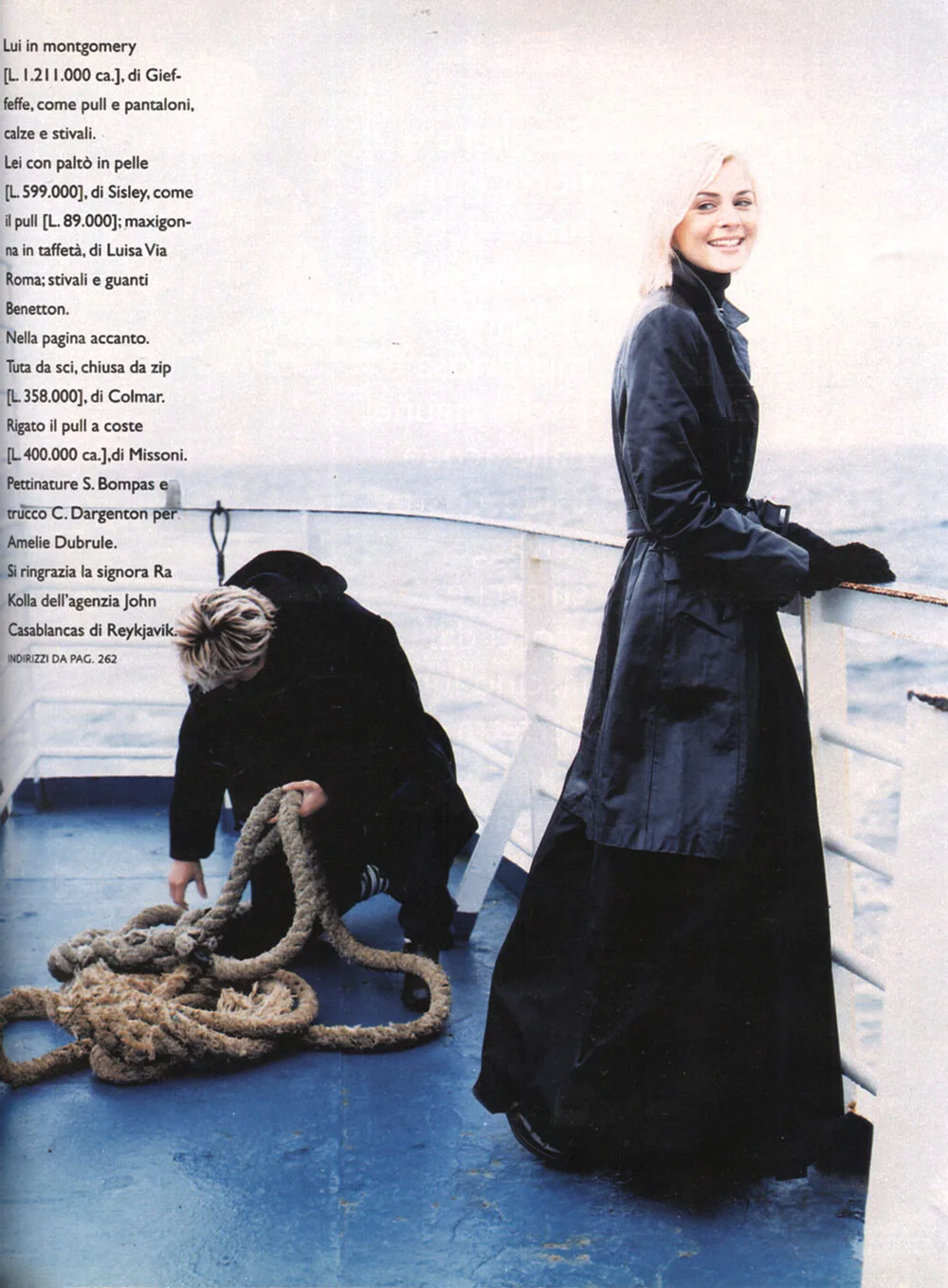
 ANNA ITALIA, 18 NOVEMBER 1996 Photographer: Graham Shearer Models: Nadine Heinkel, unknown male and female model scanned by @RocketQueen






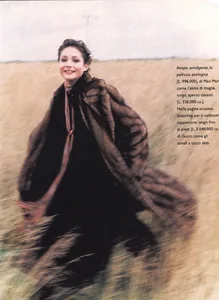


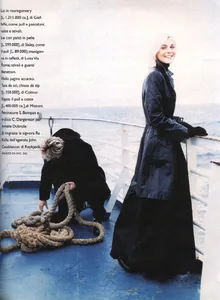 Good thing I have a tesla :D Thats the gas around me :|














































Account
Navigation
Search
Configure browser push notifications
Chrome (Android)
- Tap the lock icon next to the address bar.
- Tap Permissions → Notifications.
- Adjust your preference.
Chrome (Desktop)
- Click the padlock icon in the address bar.
- Select Site settings.
- Find Notifications and adjust your preference.
Safari (iOS 16.4+)
- Ensure the site is installed via Add to Home Screen.
- Open Settings App → Notifications.
- Find your app name and adjust your preference.
Safari (macOS)
- Go to Safari → Preferences.
- Click the Websites tab.
- Select Notifications in the sidebar.
- Find this website and adjust your preference.
Edge (Android)
- Tap the lock icon next to the address bar.
- Tap Permissions.
- Find Notifications and adjust your preference.
Edge (Desktop)
- Click the padlock icon in the address bar.
- Click Permissions for this site.
- Find Notifications and adjust your preference.
Firefox (Android)
- Go to Settings → Site permissions.
- Tap Notifications.
- Find this site in the list and adjust your preference.
Firefox (Desktop)
- Open Firefox Settings.
- Search for Notifications.
- Find this site in the list and adjust your preference.