All Activity
- Past hour
-
 That should be Philippa Lett. M&S as home market fits as well 😉
 -
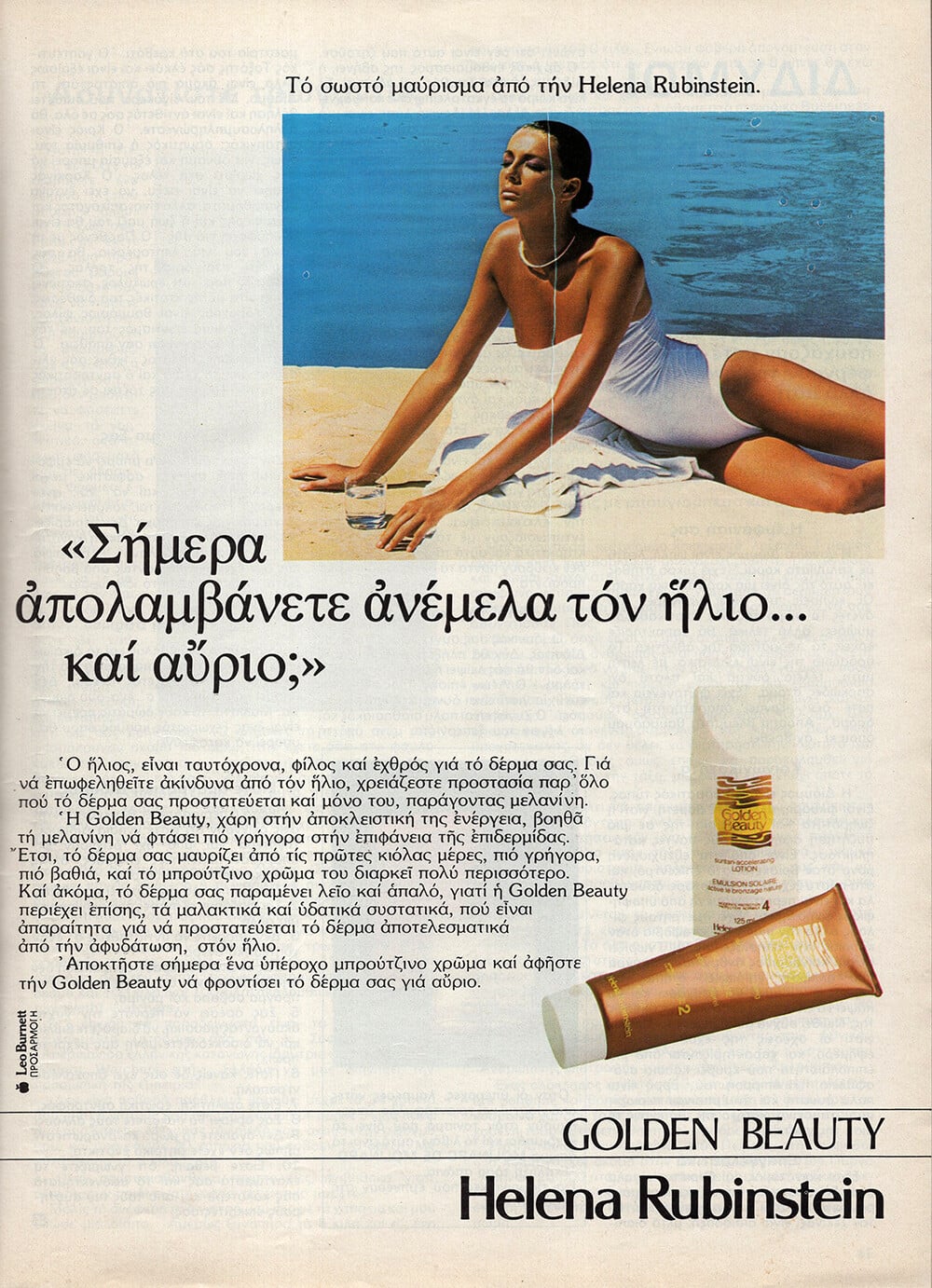
 HELENA RUBENSTEIN 1982 - PH. UNK - MY SCAN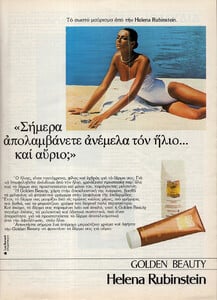
-
O.BA.O LAIT 1982 - PH. UNK - MY SCAN

-
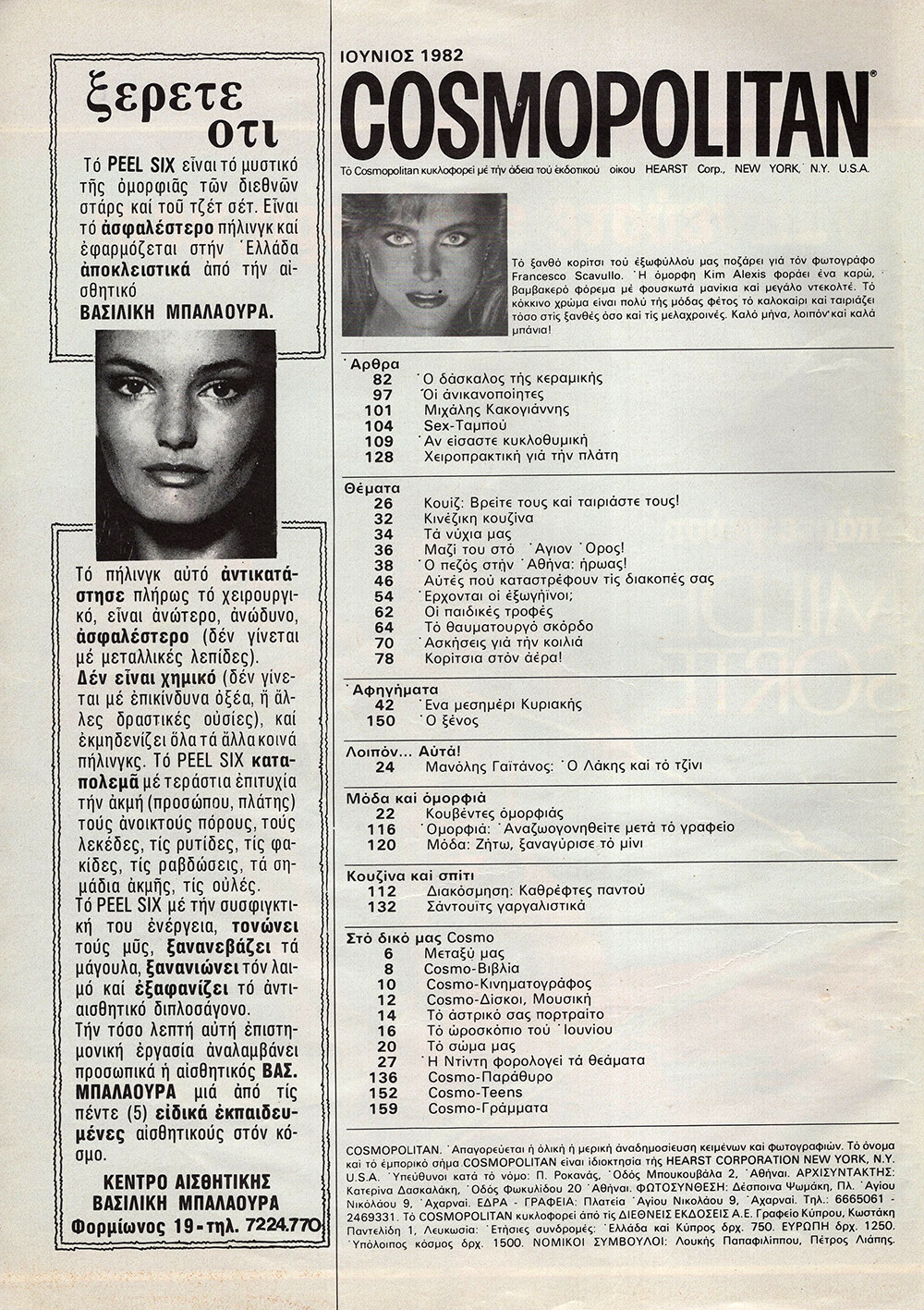
COSMOPOLITAN GR, Jun 1982 - PH. FRANCESCO SCAVULLO - MY SCANS

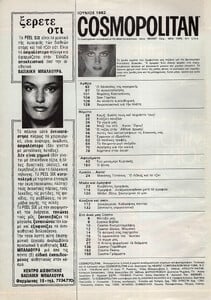
-
Yes, this one is definitely not Angelique. But the one in the previous picture is her, I think. Judging by the shape of the ears, it should be her.
-
 and one more, but with sunglasses
-
If this is really the same model, then it’s not Angelique 🙁 @RocketQueen
-
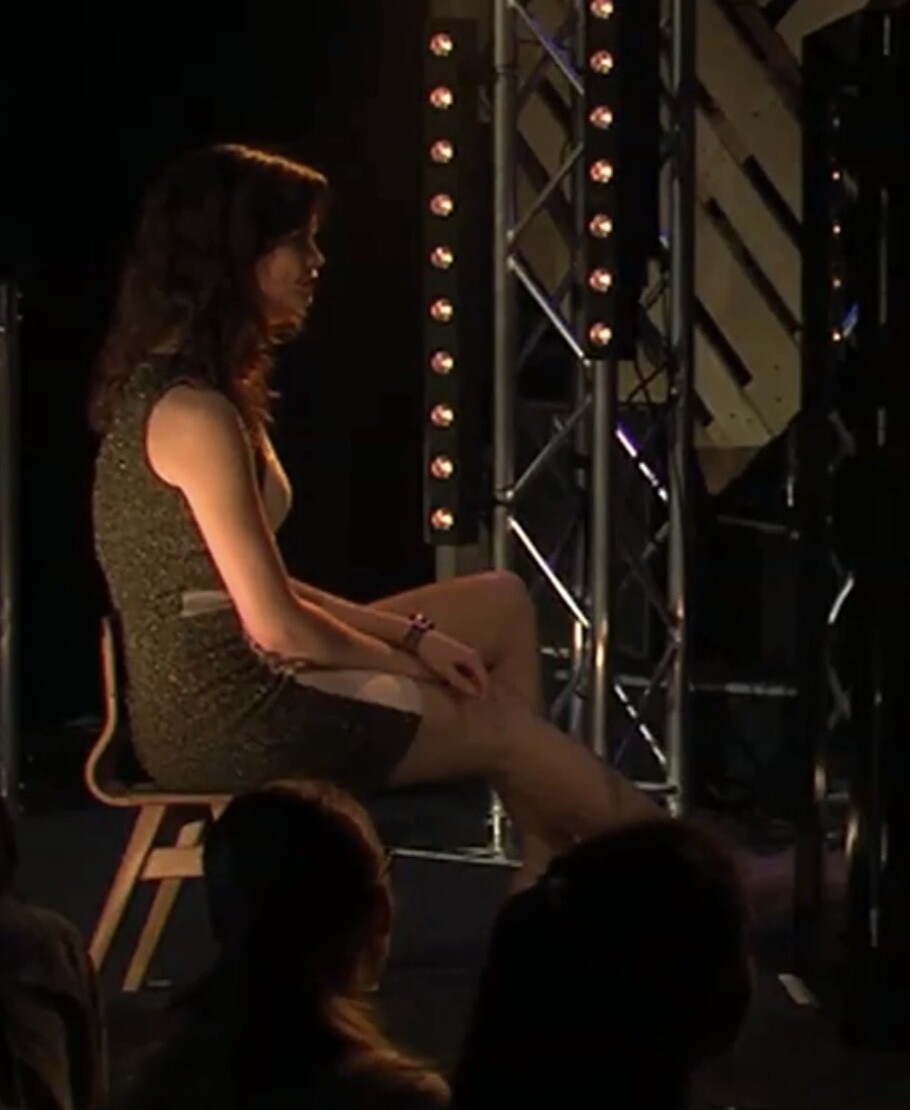
 Xperience TV 11 April 2015









-
-
 A lot of surnames have been popping up lately!

-
maybe this is the same Carla Carini model in the previously posted ad, without sunglasses

-
Sabina Stahl https://www.bellazon.com/main/topic/122862-sabina-stahl/
MAXI magazine Germany Feb.1991 - photo unknown eBay
 model for Forma Zero by GFF, 1993 my scan
 Looking so good Amateur Boobs Cleavage Micro Bikini Natural Tits Petite Teen Tee.mp4





























Account
Search
Configure browser push notifications
Chrome (Android)
- Tap the lock icon next to the address bar.
- Tap Permissions → Notifications.
- Adjust your preference.
Chrome (Desktop)
- Click the padlock icon in the address bar.
- Select Site settings.
- Find Notifications and adjust your preference.
Safari (iOS 16.4+)
- Ensure the site is installed via Add to Home Screen.
- Open Settings App → Notifications.
- Find your app name and adjust your preference.
Safari (macOS)
- Go to Safari → Preferences.
- Click the Websites tab.
- Select Notifications in the sidebar.
- Find this website and adjust your preference.
Edge (Android)
- Tap the lock icon next to the address bar.
- Tap Permissions.
- Find Notifications and adjust your preference.
Edge (Desktop)
- Click the padlock icon in the address bar.
- Click Permissions for this site.
- Find Notifications and adjust your preference.
Firefox (Android)
- Go to Settings → Site permissions.
- Tap Notifications.
- Find this site in the list and adjust your preference.
Firefox (Desktop)
- Open Firefox Settings.
- Search for Notifications.
- Find this site in the list and adjust your preference.