All Activity
- Past hour
-
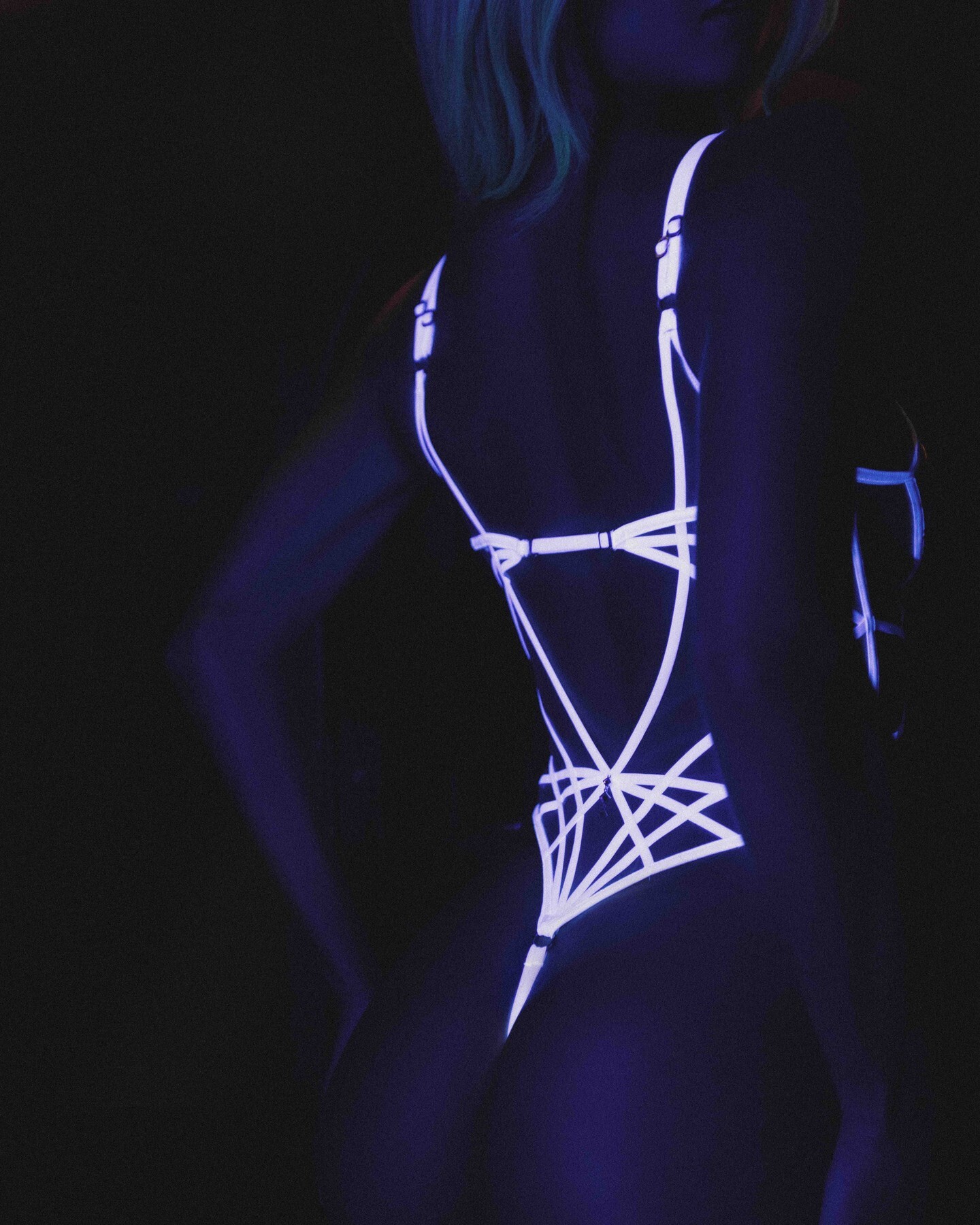
 Drope: spring break, but make it aesthetic. 🤏🏽🥥 video
-
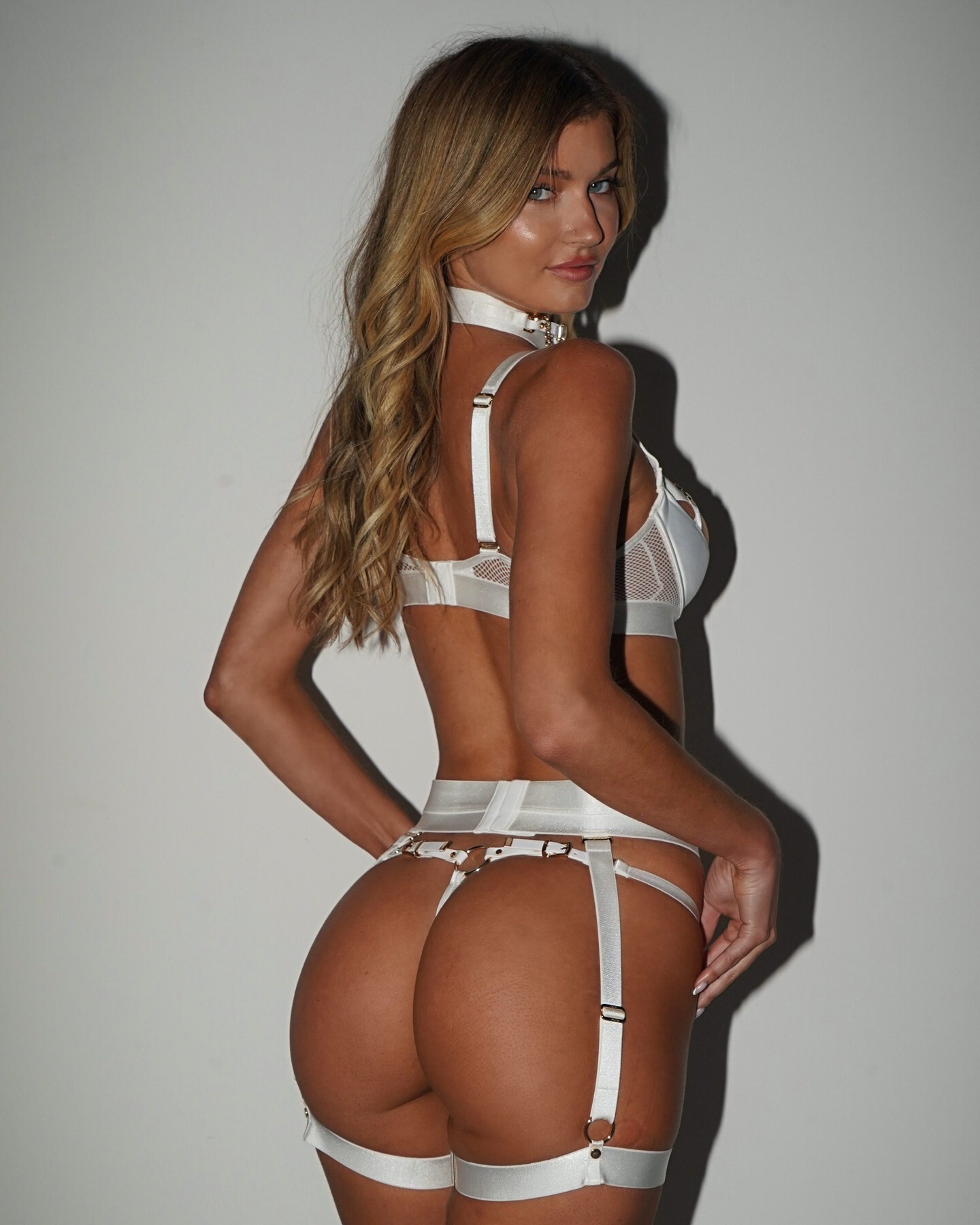
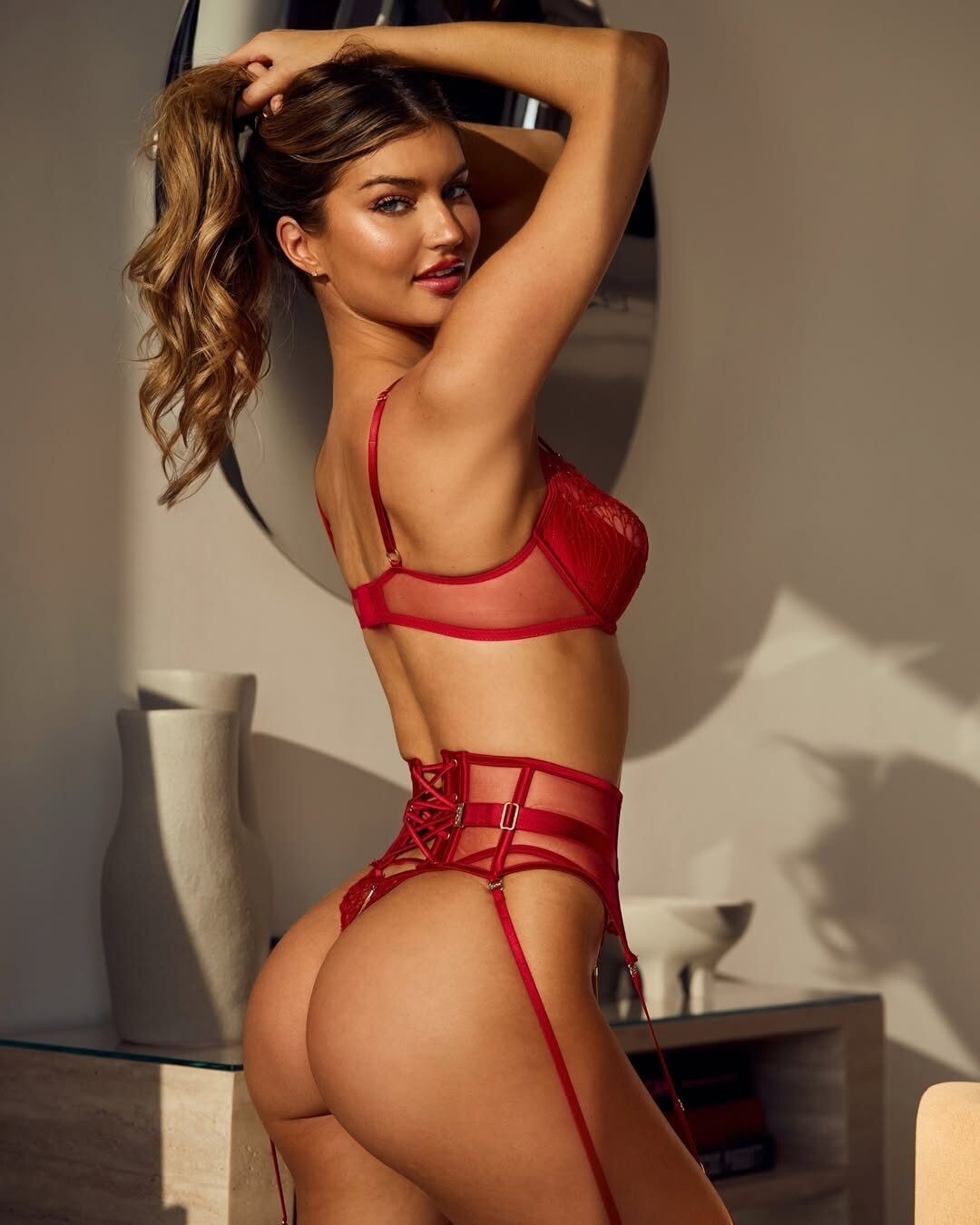
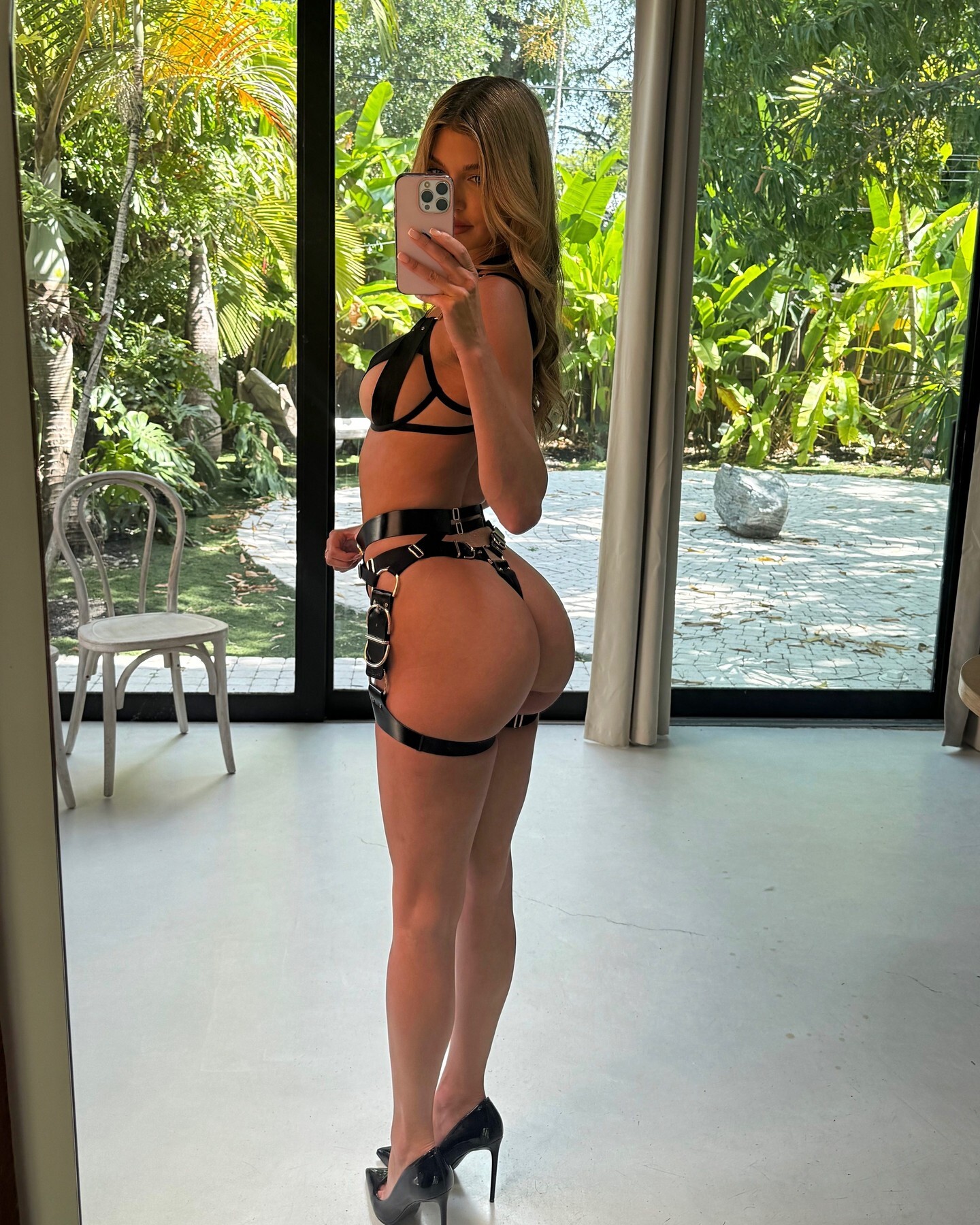
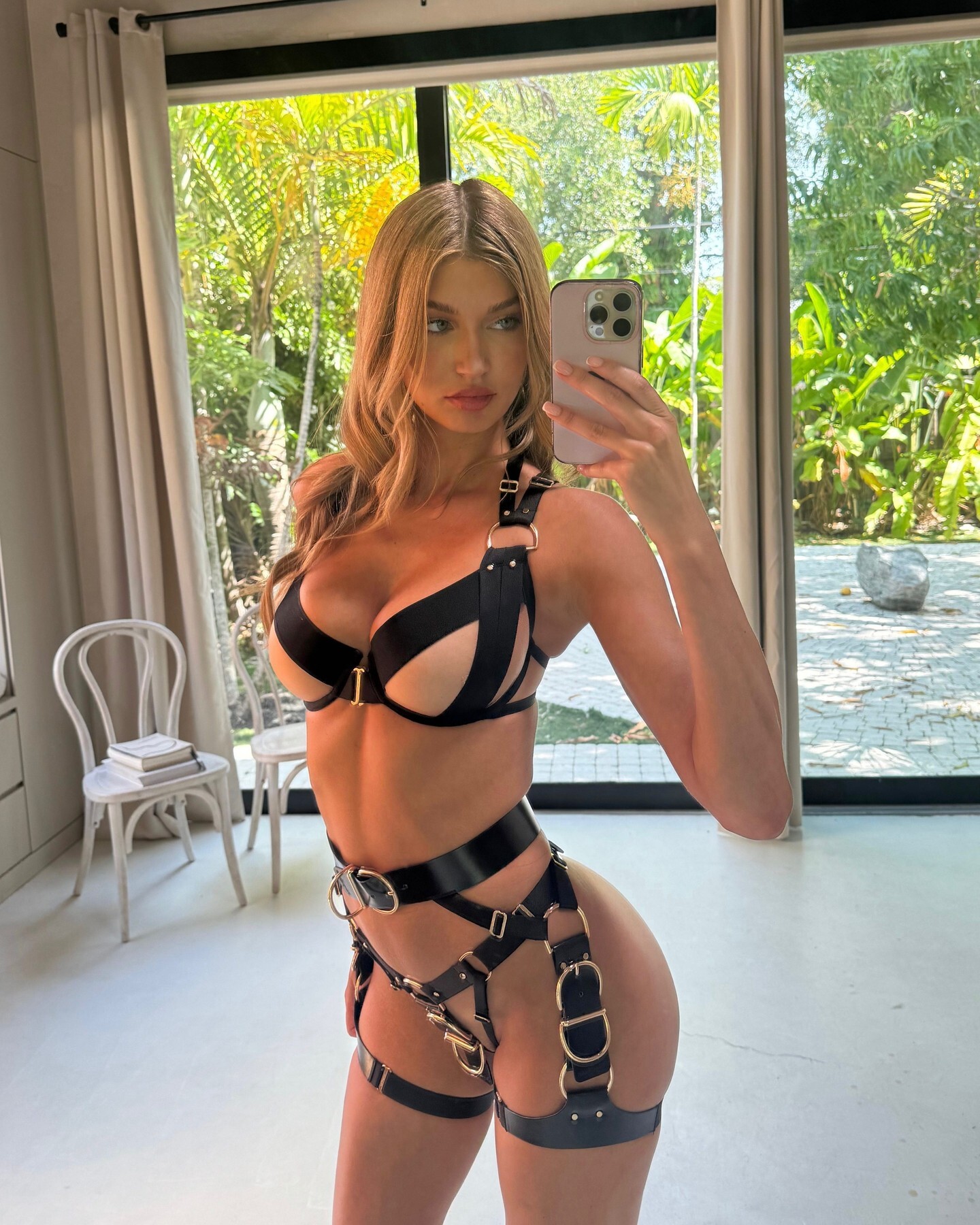
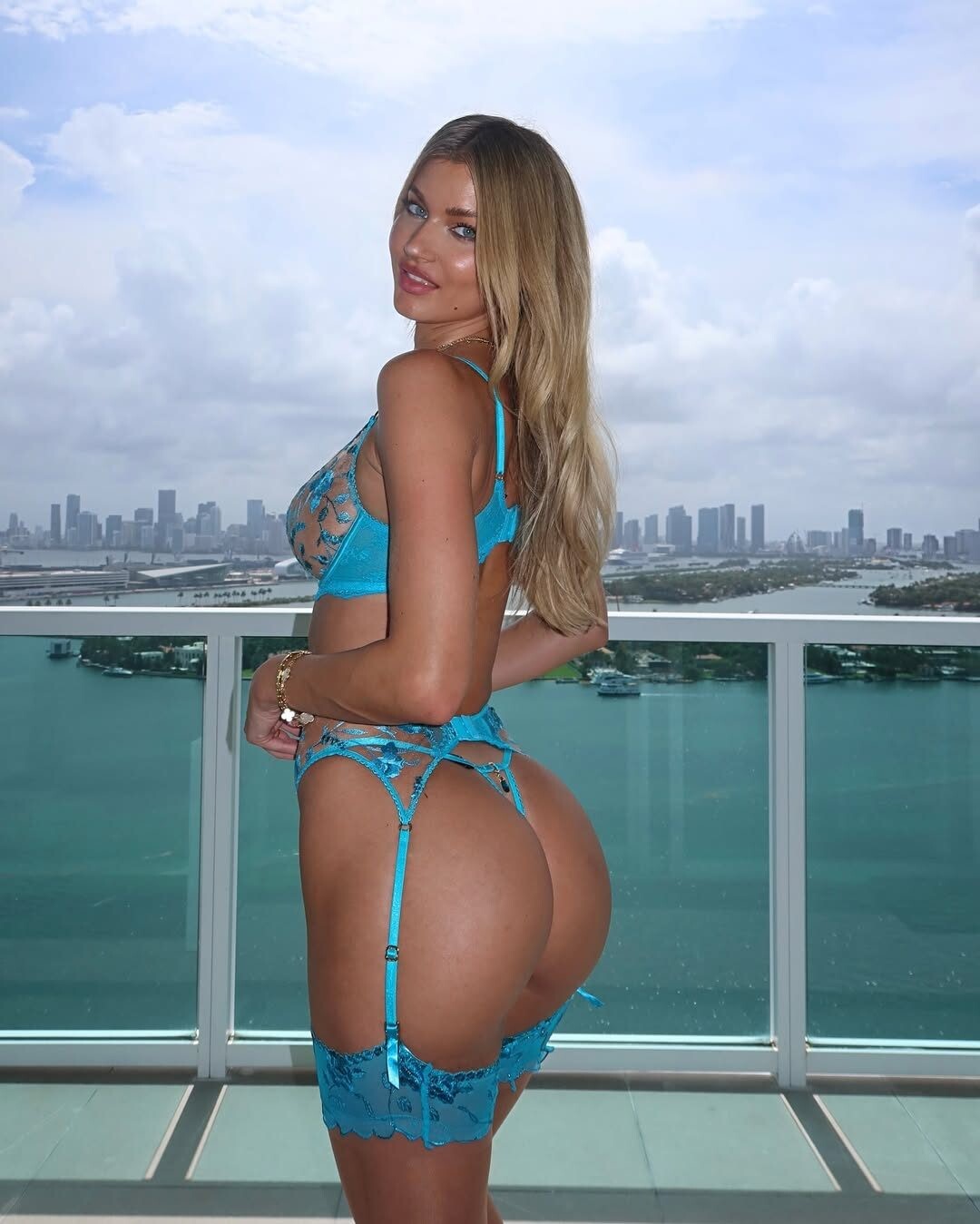
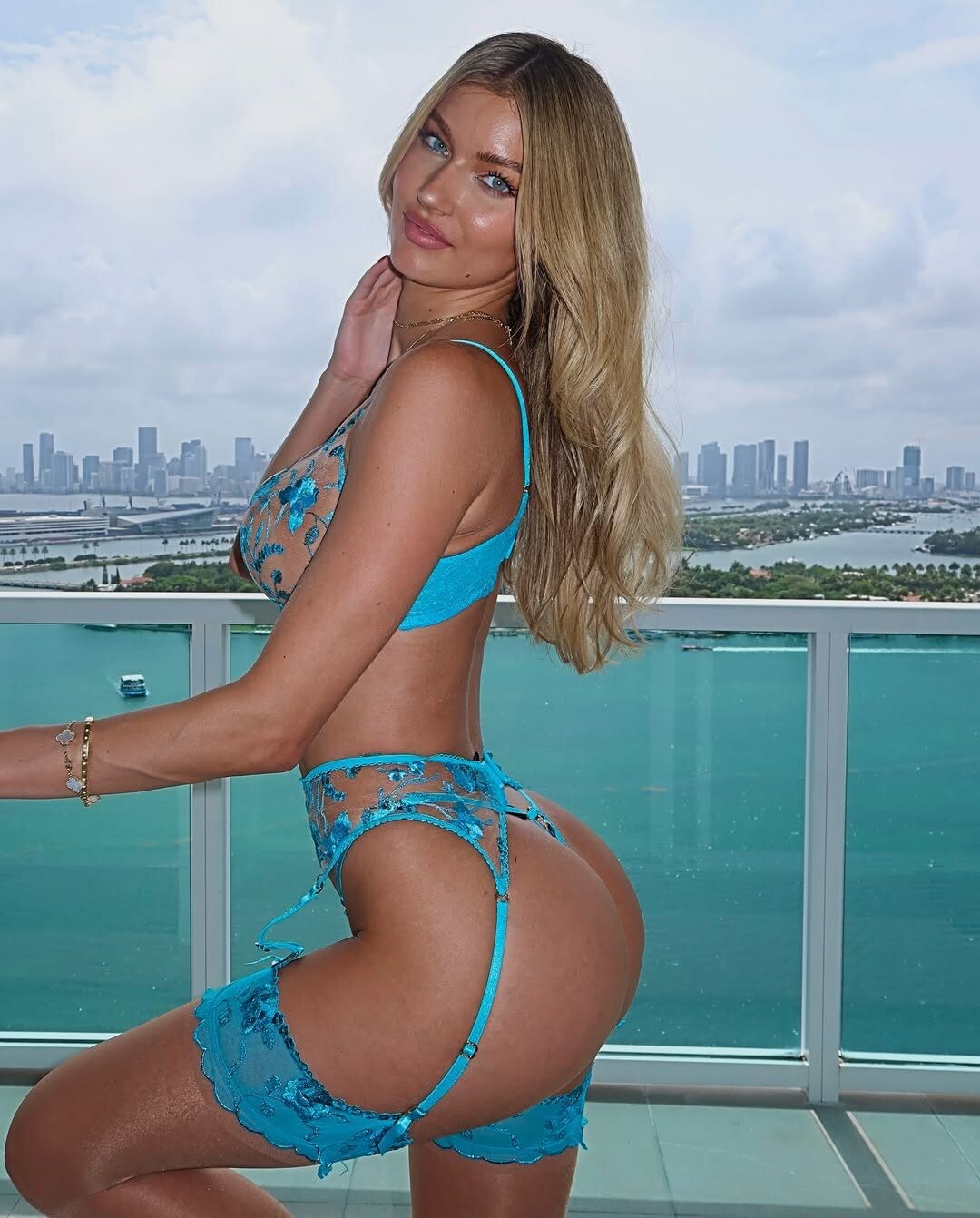
 Nicole Verheyden https://www.bellazon.com/main/topic/100474-nicole-verheyden/page/2/#comment-6151827
 -

-
 Imaan Hammam Marie Tomas Renee Herbert Adut Akech Bior Kathryn Watts Milli Ross Kennidy Hunter Mahlagha Jaberi
 -
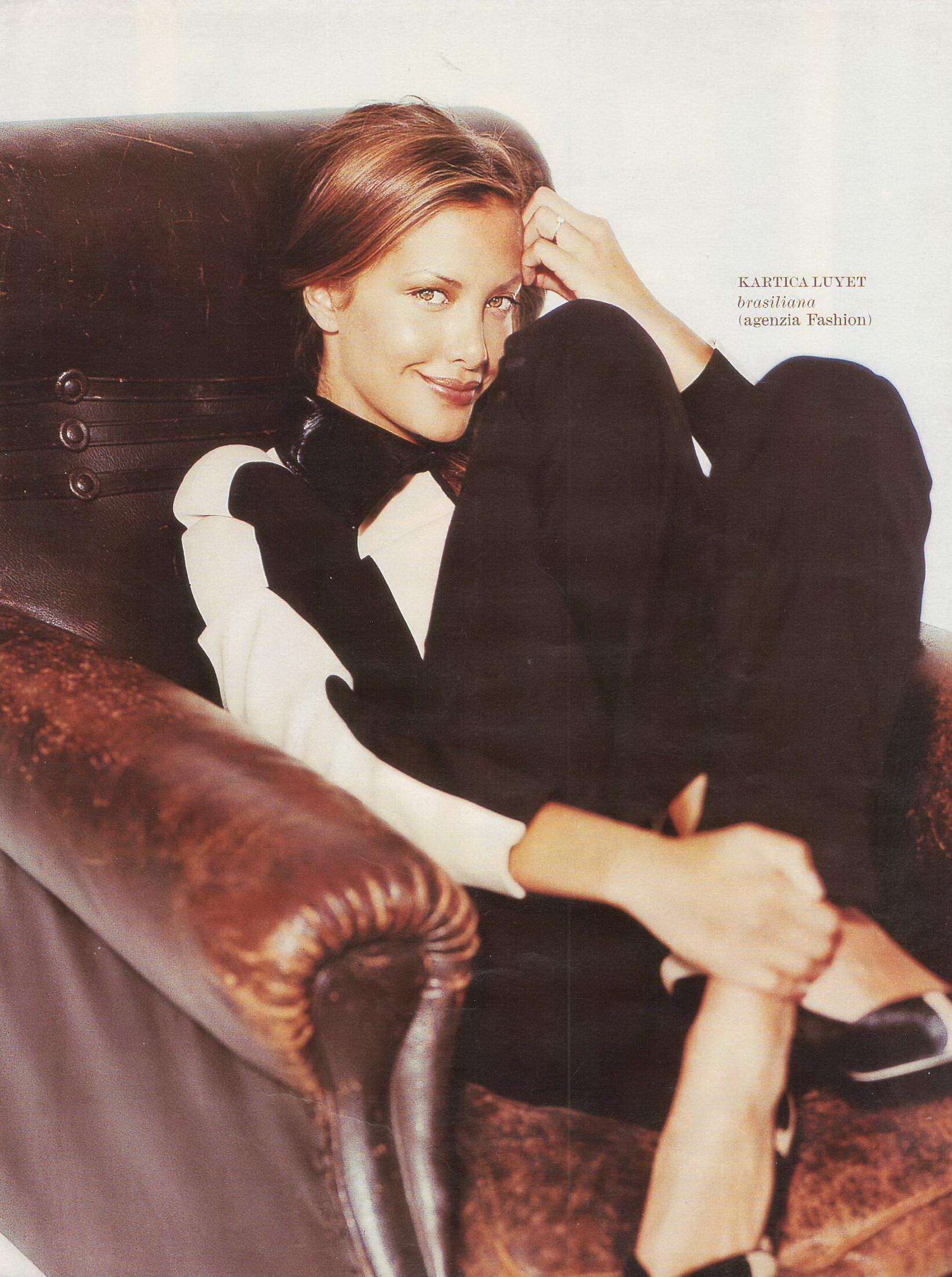
Gioia 10 September 1990 - photo Agnes Spaak scanned by @sanja






-
 This is MY COUPLE, I don't care who is his gf, lol I MEAN:
-

-
-
-
nautica menswear fw1999


-
Gioia 01 October 2001 - photo Gianmarco Chieregato scanned by @sanja


-
paola frani fall winter 2001

-
patachaou f/w 2002

-
Paola Frani FW01


-
paola frani f/w 2001 more additional pics!

-
-
 I guess that's who Leon married. I would have liked it if Leon had a romance with Grace or at least spent more time with her personally.
 They’re both roughly .50 cal, but very different philosophically. DE is faster and snappier, while the RSh-12 is heavier and slower. It’s like a sharp punch vs a sledgehammer. https://en.wikipedia.org/wiki/RSh-12 There's no way that's real.
 https://www.instagram.com/mrancelotti/
Carlo Ancelotti*
https://www.instagram.com/mrancelotti/
Carlo Ancelotti*

































































































.jpg.20e263341449e9106350203e0d4fdfd7.jpg)
.jpg.a8a92c4cbca805f8d546d85c3c09cc88.jpg)
Account
Navigation
Search
Configure browser push notifications
Chrome (Android)
- Tap the lock icon next to the address bar.
- Tap Permissions → Notifications.
- Adjust your preference.
Chrome (Desktop)
- Click the padlock icon in the address bar.
- Select Site settings.
- Find Notifications and adjust your preference.
Safari (iOS 16.4+)
- Ensure the site is installed via Add to Home Screen.
- Open Settings App → Notifications.
- Find your app name and adjust your preference.
Safari (macOS)
- Go to Safari → Preferences.
- Click the Websites tab.
- Select Notifications in the sidebar.
- Find this website and adjust your preference.
Edge (Android)
- Tap the lock icon next to the address bar.
- Tap Permissions.
- Find Notifications and adjust your preference.
Edge (Desktop)
- Click the padlock icon in the address bar.
- Click Permissions for this site.
- Find Notifications and adjust your preference.
Firefox (Android)
- Go to Settings → Site permissions.
- Tap Notifications.
- Find this site in the list and adjust your preference.
Firefox (Desktop)
- Open Firefox Settings.
- Search for Notifications.
- Find this site in the list and adjust your preference.