All Activity
- Past hour
-

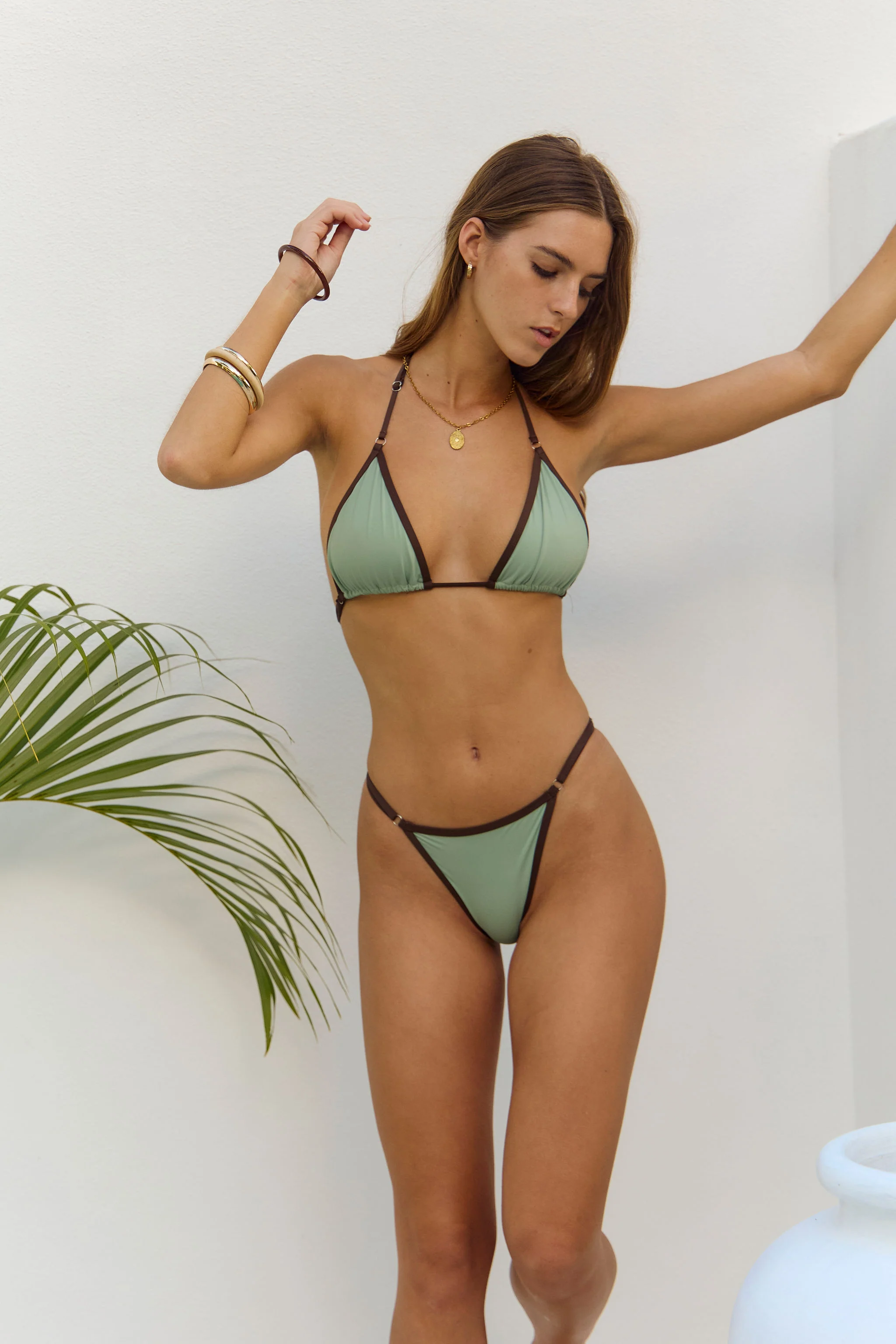
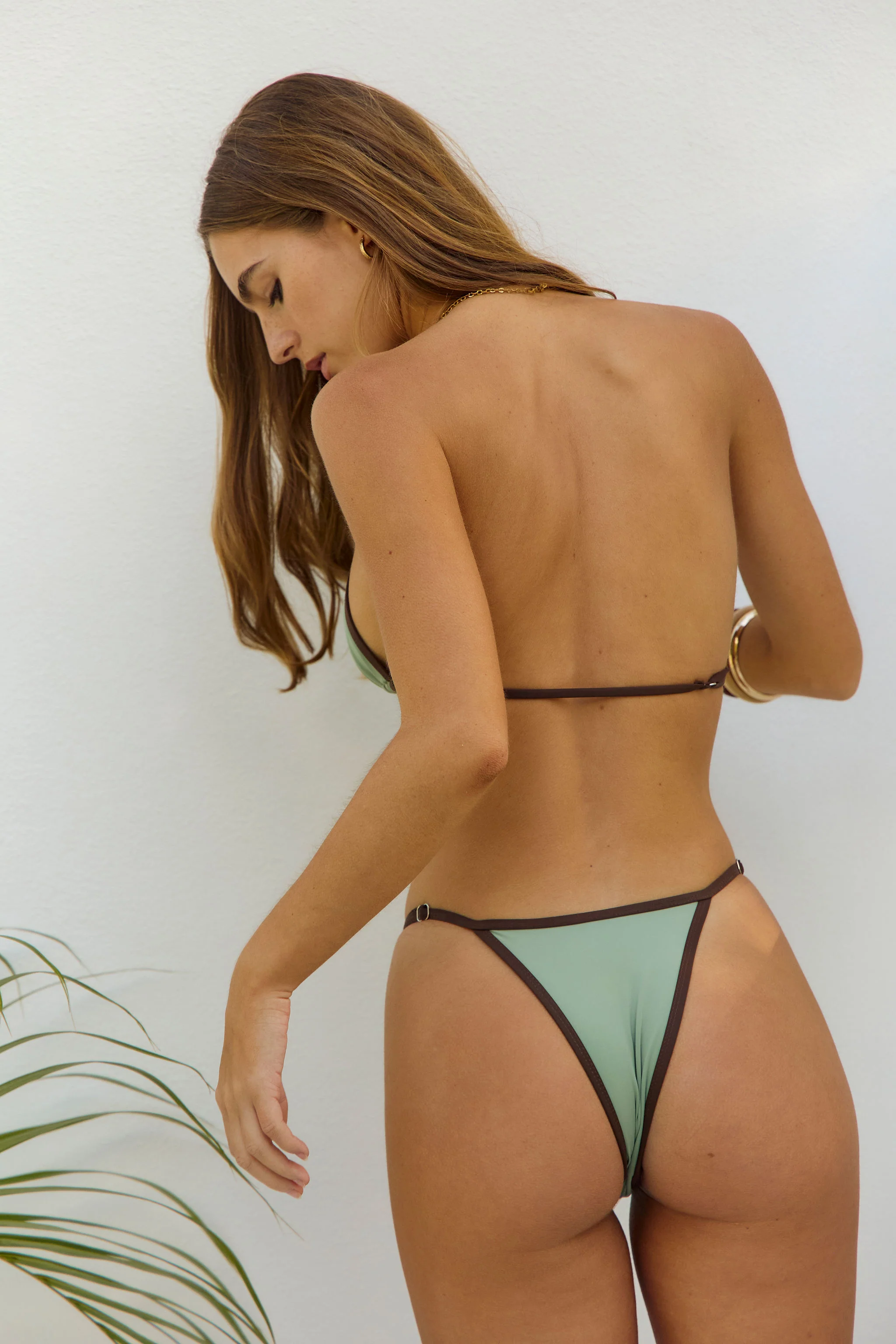
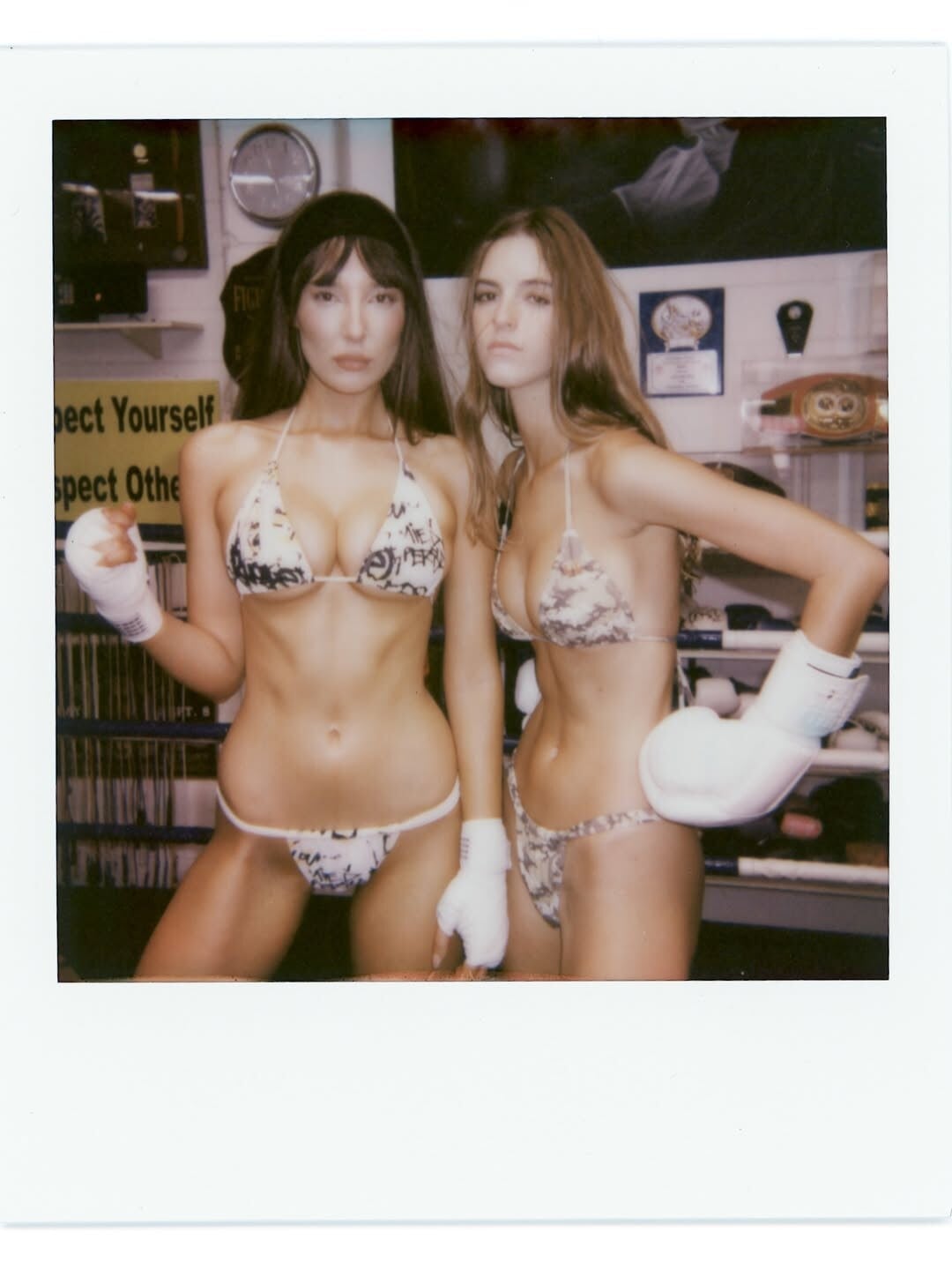
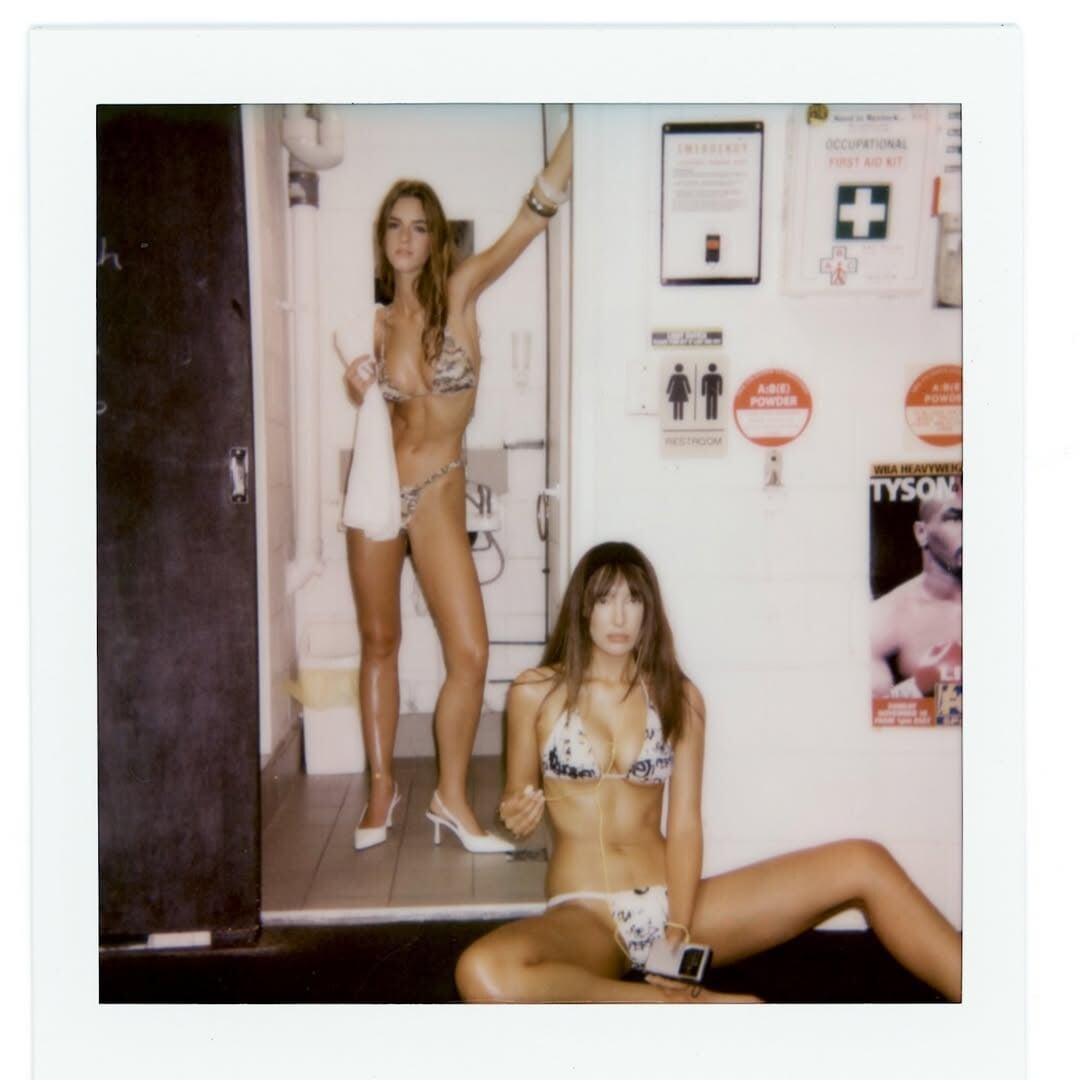
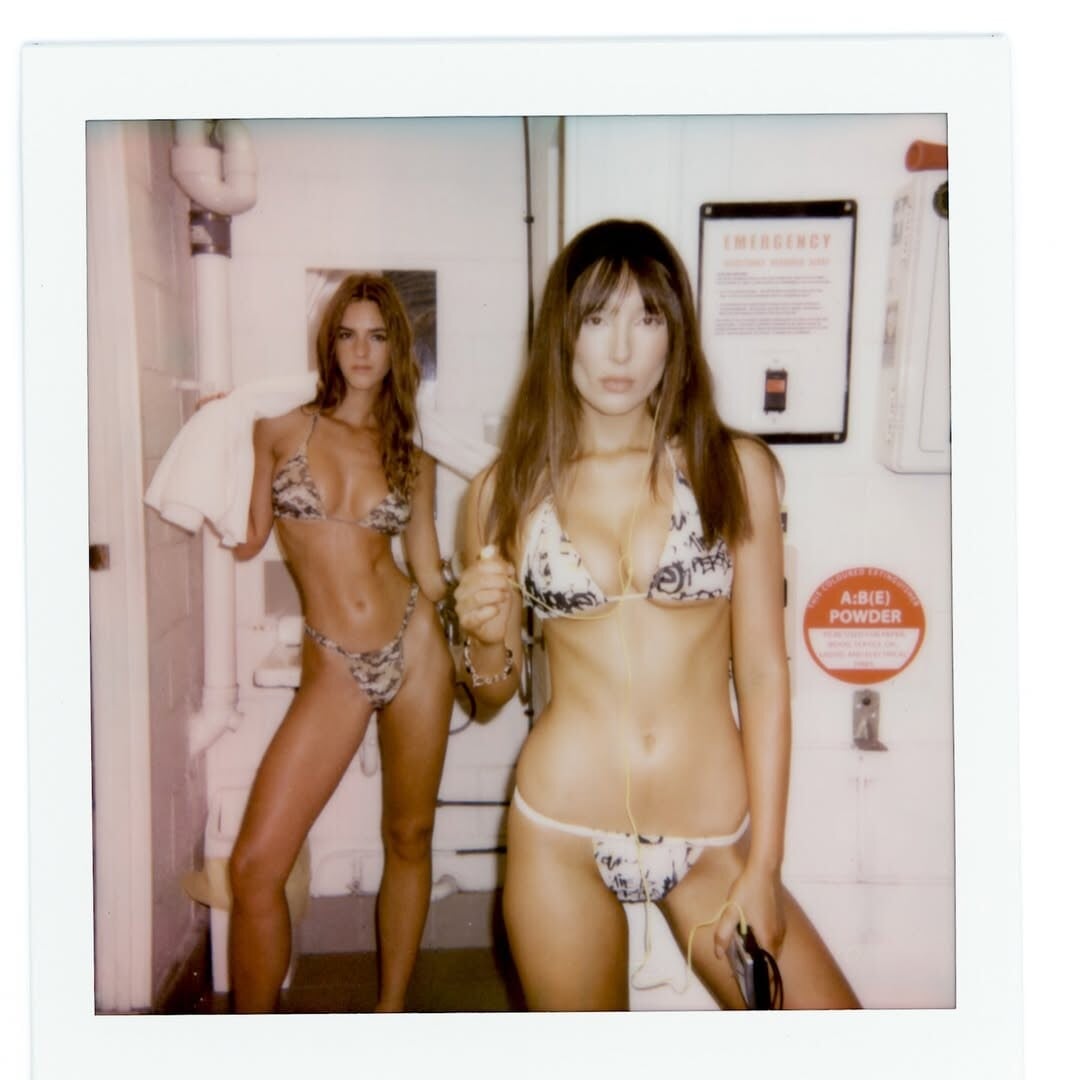
 Who is the other model?
 It was alright - better than the second movie IMO. That said, they’re starting to feel very repetitive. The first movie wowed everyone with the 3D and all the visual spectacle stuff, but that alone doesn’t carry the films anymore. Unfortunately, I only saw the 2D version because the movie was sooo long (3+ hours), so I went for the electric take-a-nap seats. I don’t think I fully got to enjoy it the way it was meant to be seen, so maybe I’ll check out the 3D version later.

 @ser_franklin , it's Simonetta, yes.
 Sandra Nina Juliana Tyler Kushi Zhenya Neta Elsa
- Today
 Perfection 😍😅🤤
A very recent 4k interview with Hayley at the Art Basel shows. I dislike the background paintings, but what is happening in the foreground I feel the inverse about. Hayley looks about 70% of the way through the tattoo removal process. I know, this thread needs more still images to counterbalance all of the embedded videos.
Perfection 😍😅🤤
A very recent 4k interview with Hayley at the Art Basel shows. I dislike the background paintings, but what is happening in the foreground I feel the inverse about. Hayley looks about 70% of the way through the tattoo removal process. I know, this thread needs more still images to counterbalance all of the embedded videos. Just now? 🤣
Account
Search
Configure browser push notifications
Chrome (Android)
- Tap the lock icon next to the address bar.
- Tap Permissions → Notifications.
- Adjust your preference.
Chrome (Desktop)
- Click the padlock icon in the address bar.
- Select Site settings.
- Find Notifications and adjust your preference.
Safari (iOS 16.4+)
- Ensure the site is installed via Add to Home Screen.
- Open Settings App → Notifications.
- Find your app name and adjust your preference.
Safari (macOS)
- Go to Safari → Preferences.
- Click the Websites tab.
- Select Notifications in the sidebar.
- Find this website and adjust your preference.
Edge (Android)
- Tap the lock icon next to the address bar.
- Tap Permissions.
- Find Notifications and adjust your preference.
Edge (Desktop)
- Click the padlock icon in the address bar.
- Click Permissions for this site.
- Find Notifications and adjust your preference.
Firefox (Android)
- Go to Settings → Site permissions.
- Tap Notifications.
- Find this site in the list and adjust your preference.
Firefox (Desktop)
- Open Firefox Settings.
- Search for Notifications.
- Find this site in the list and adjust your preference.






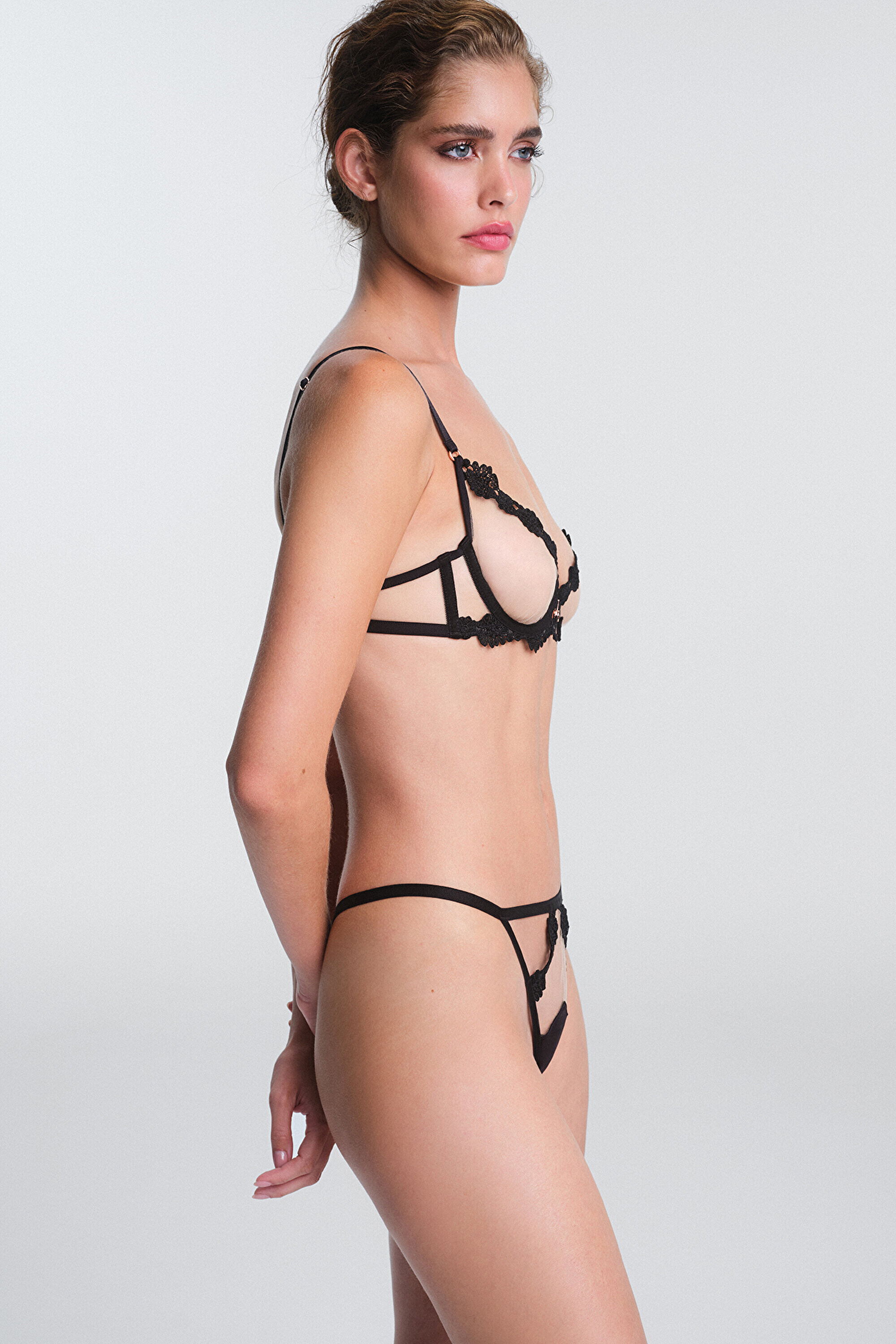
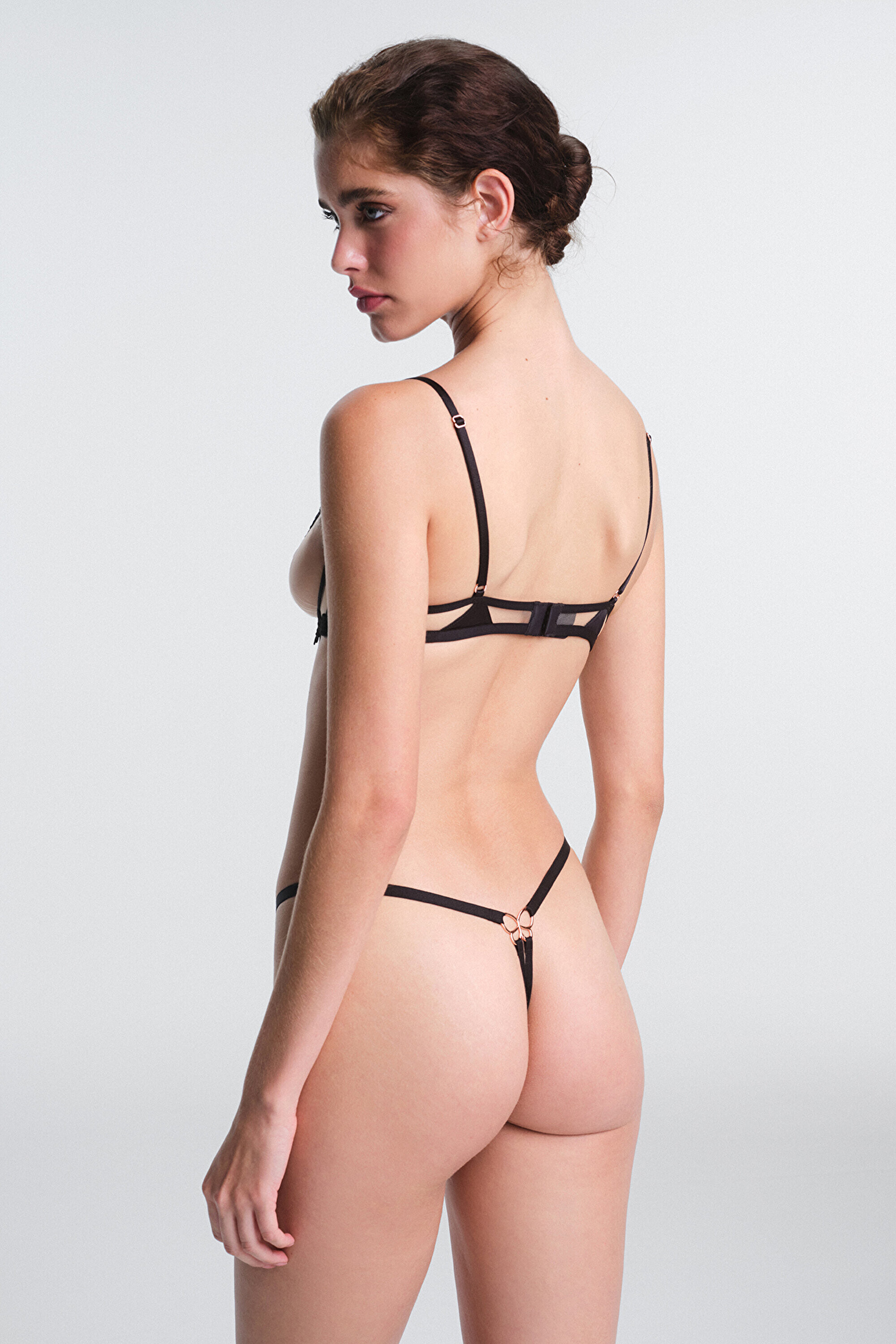
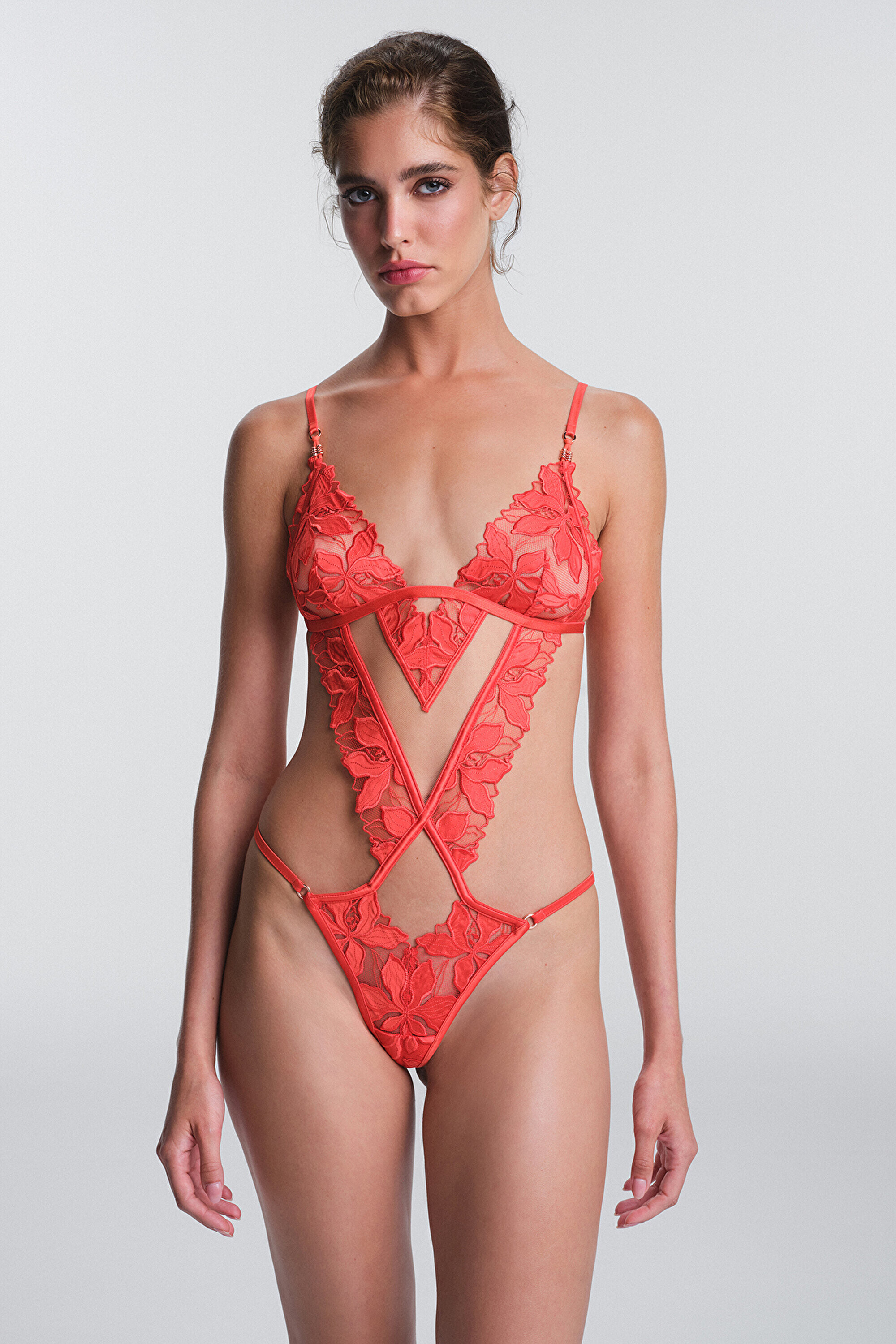
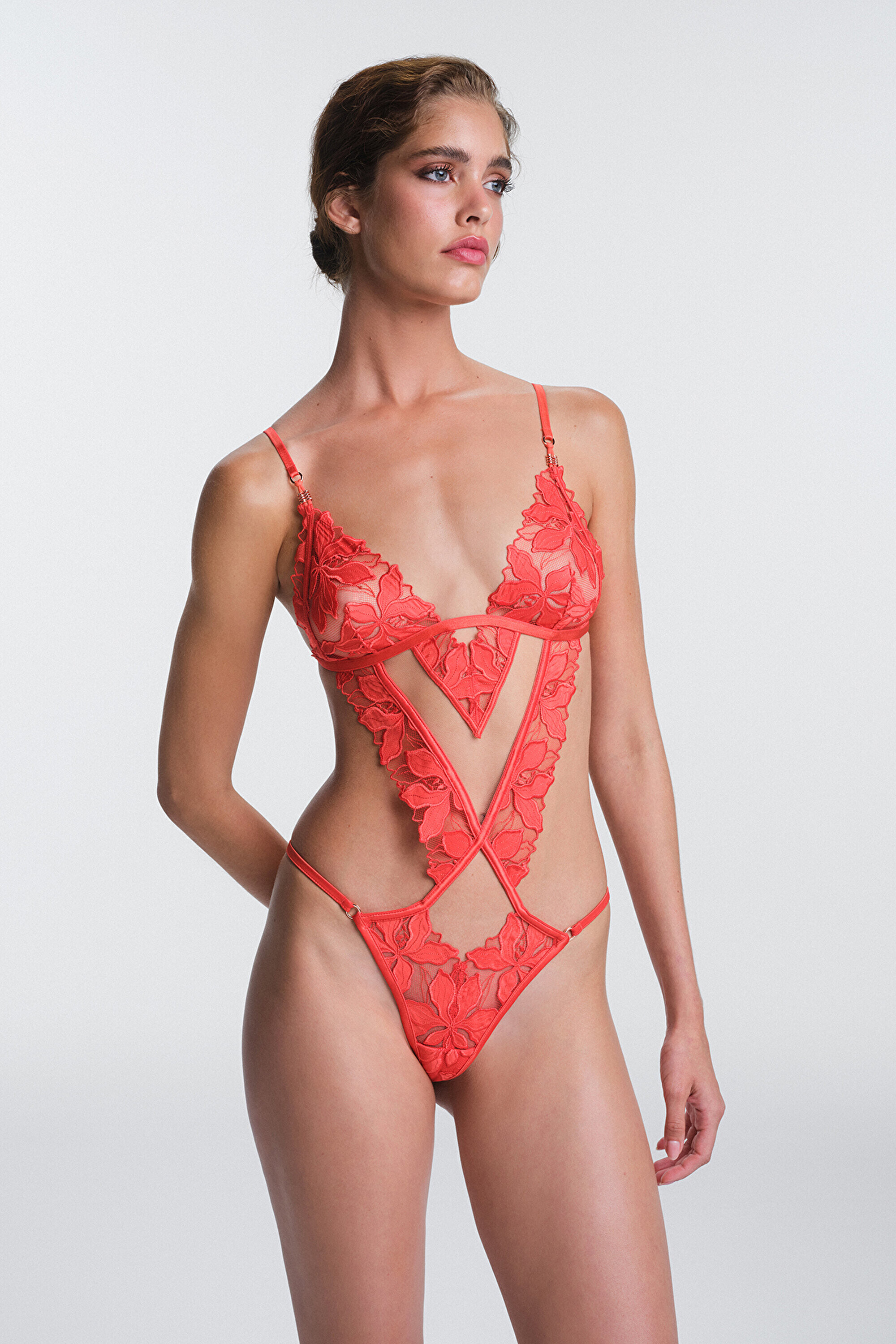




























.jpg.3ab9c65a0c2d6af3899fa3fc77000fcf.jpg)
.jpg.0ea5bbc51f2e93265971e0bdb3619ecf.jpg)
.jpg.bbc70af1c5f965138f28375c7dd52239.jpg)