All Activity
- Past hour
-
 lee7788 joined the community
 -
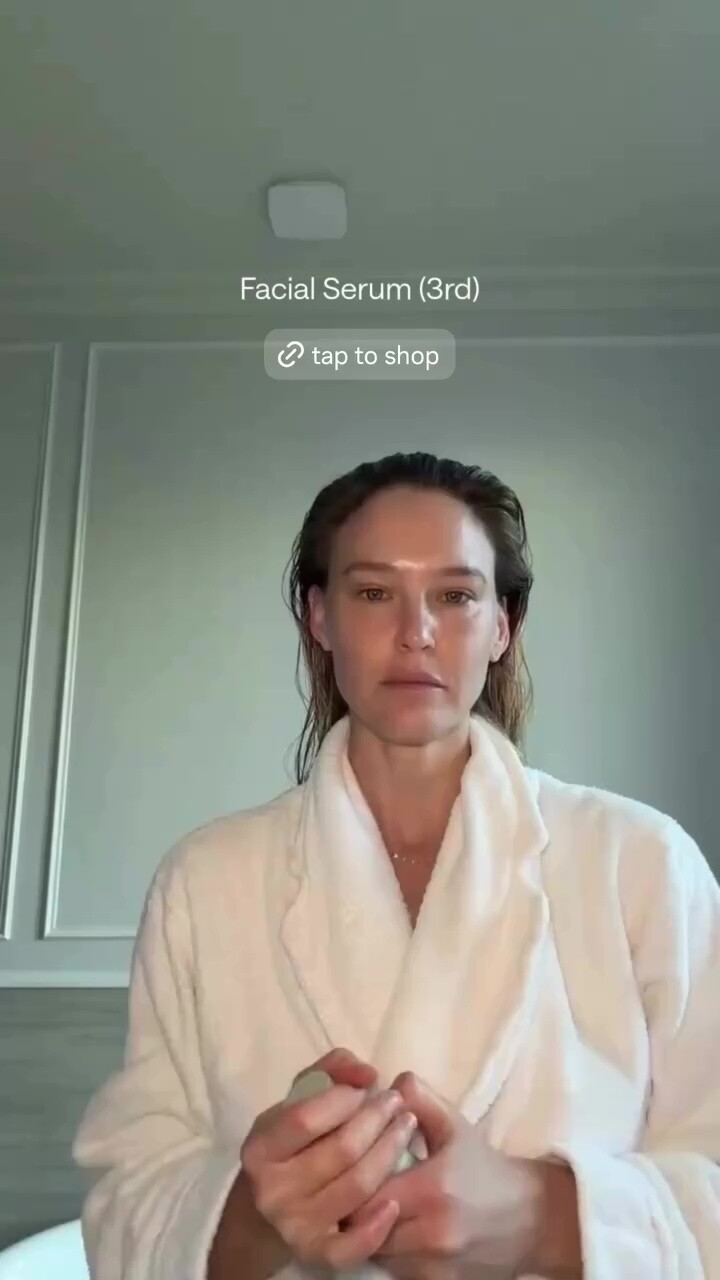
 Livelle: stories videos







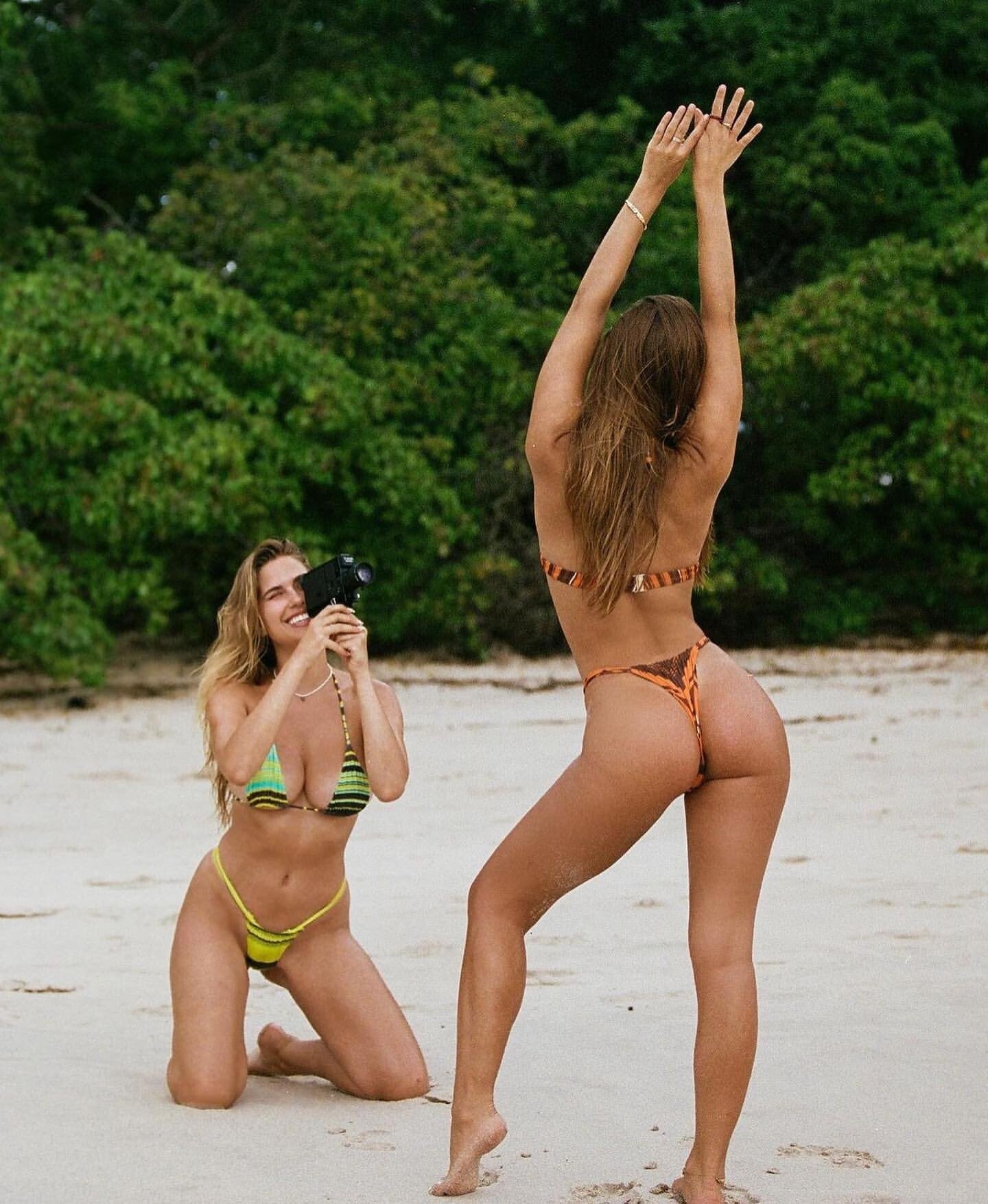
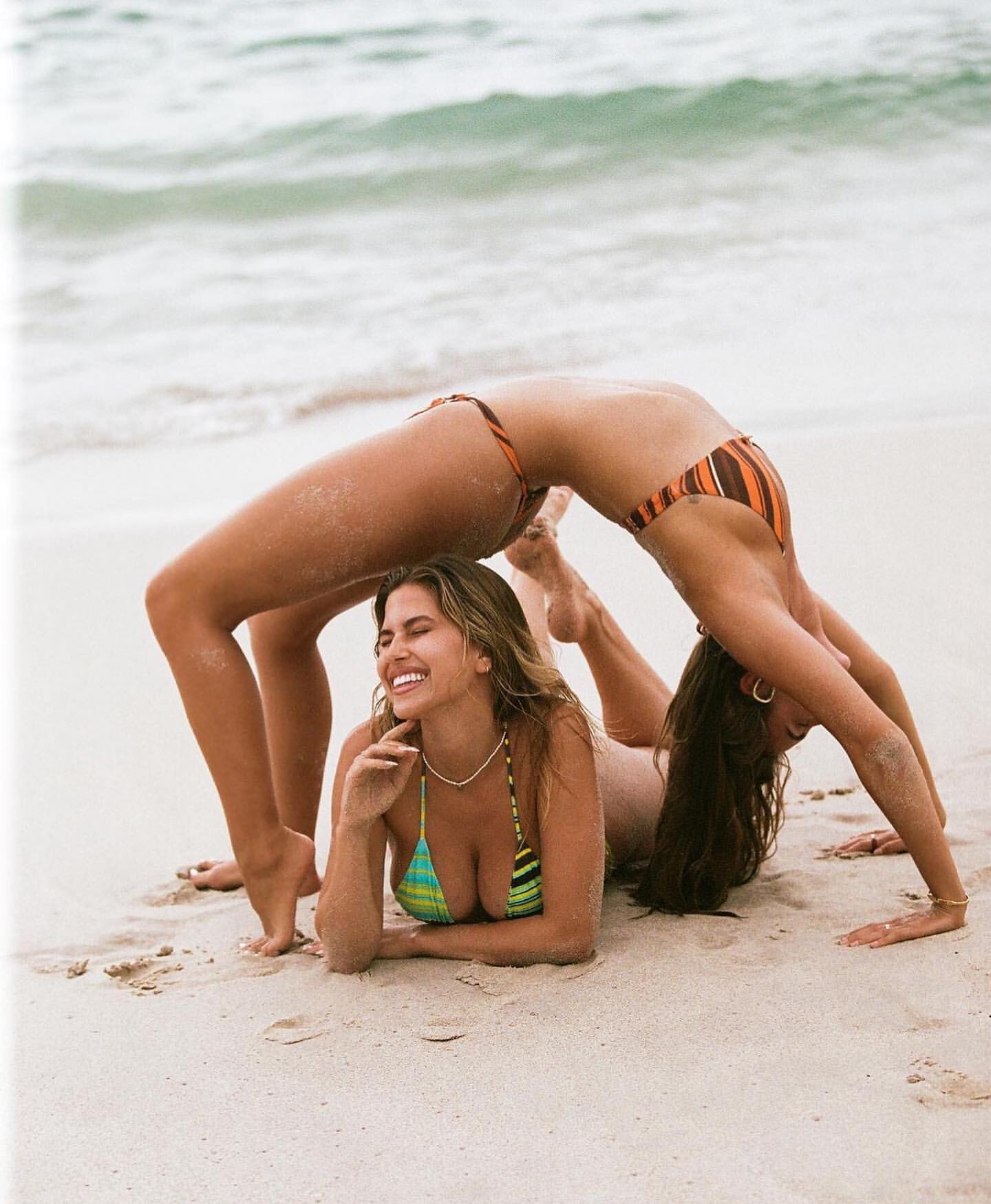
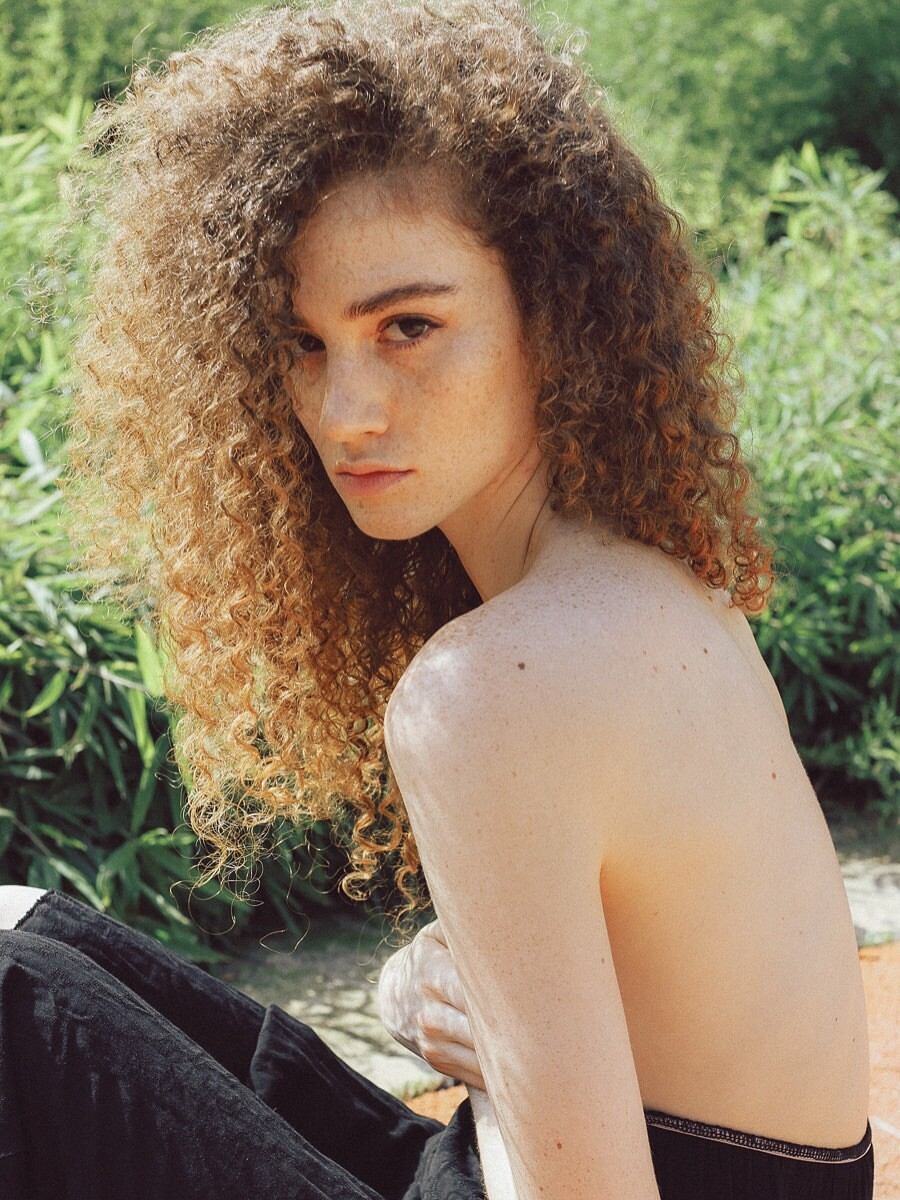
 Anyone have Alysha's latest live fast photoshoot? Vol 155
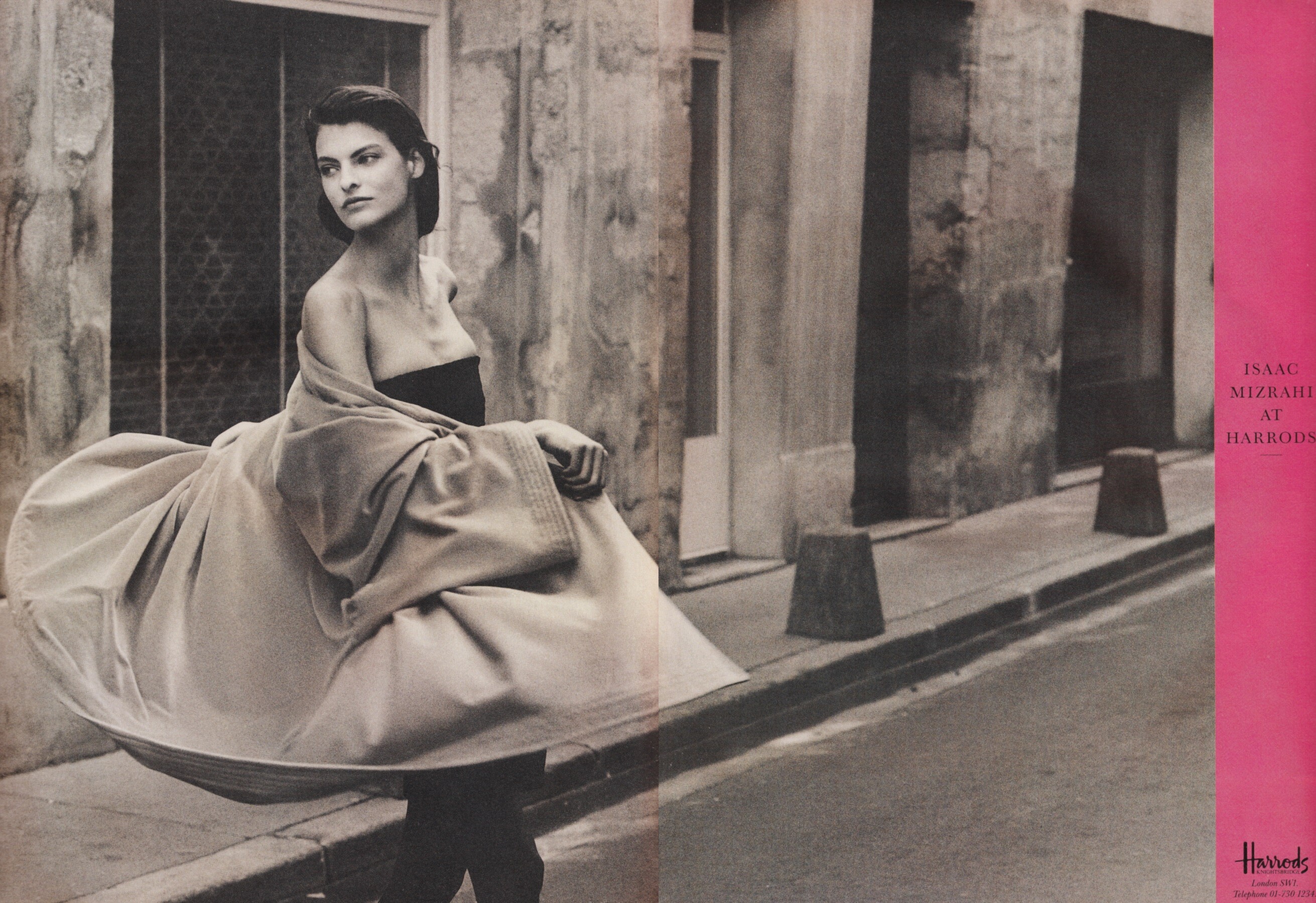
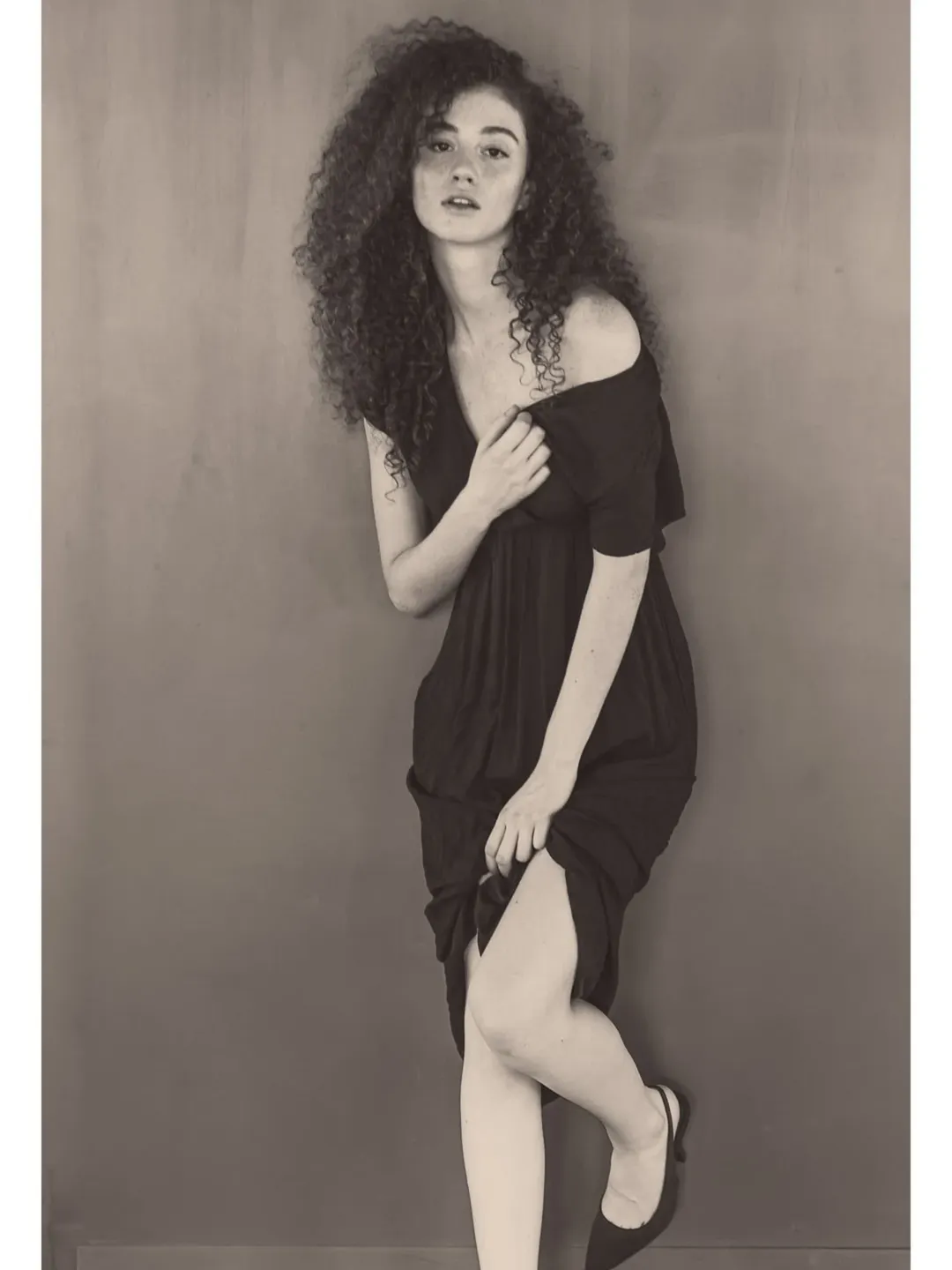
 Linda Evangelista for Harrods, 1987 my scan
 stories video
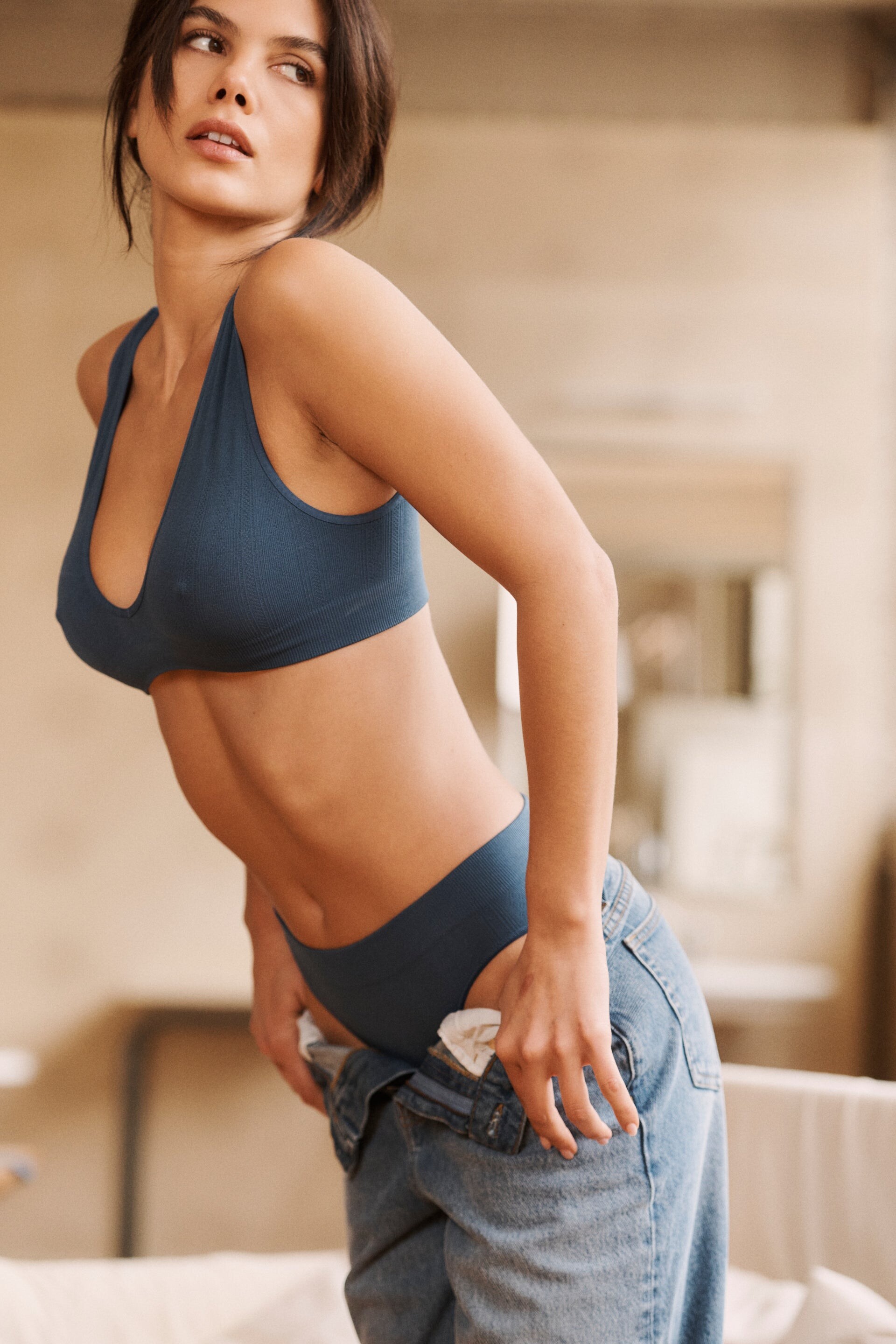
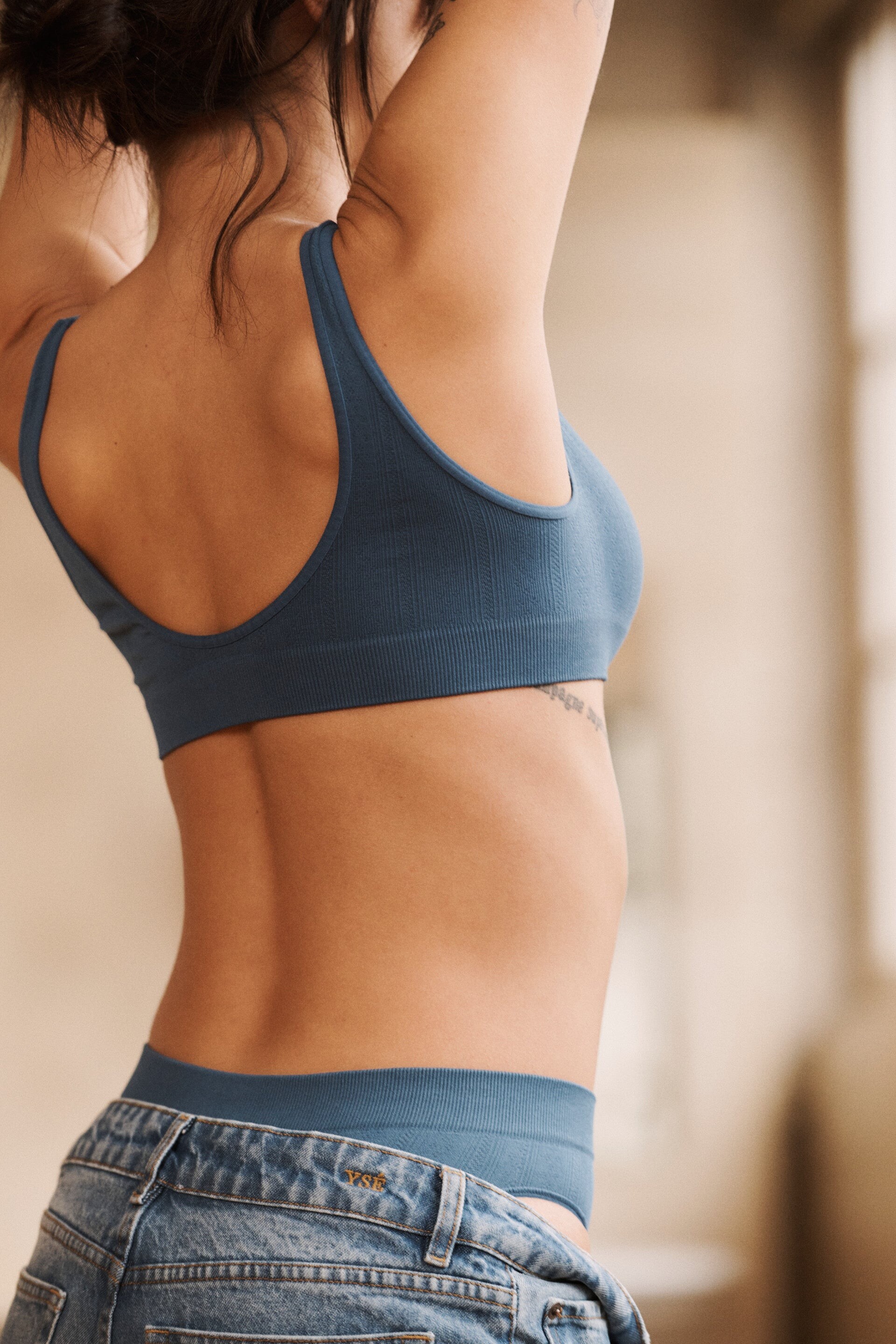
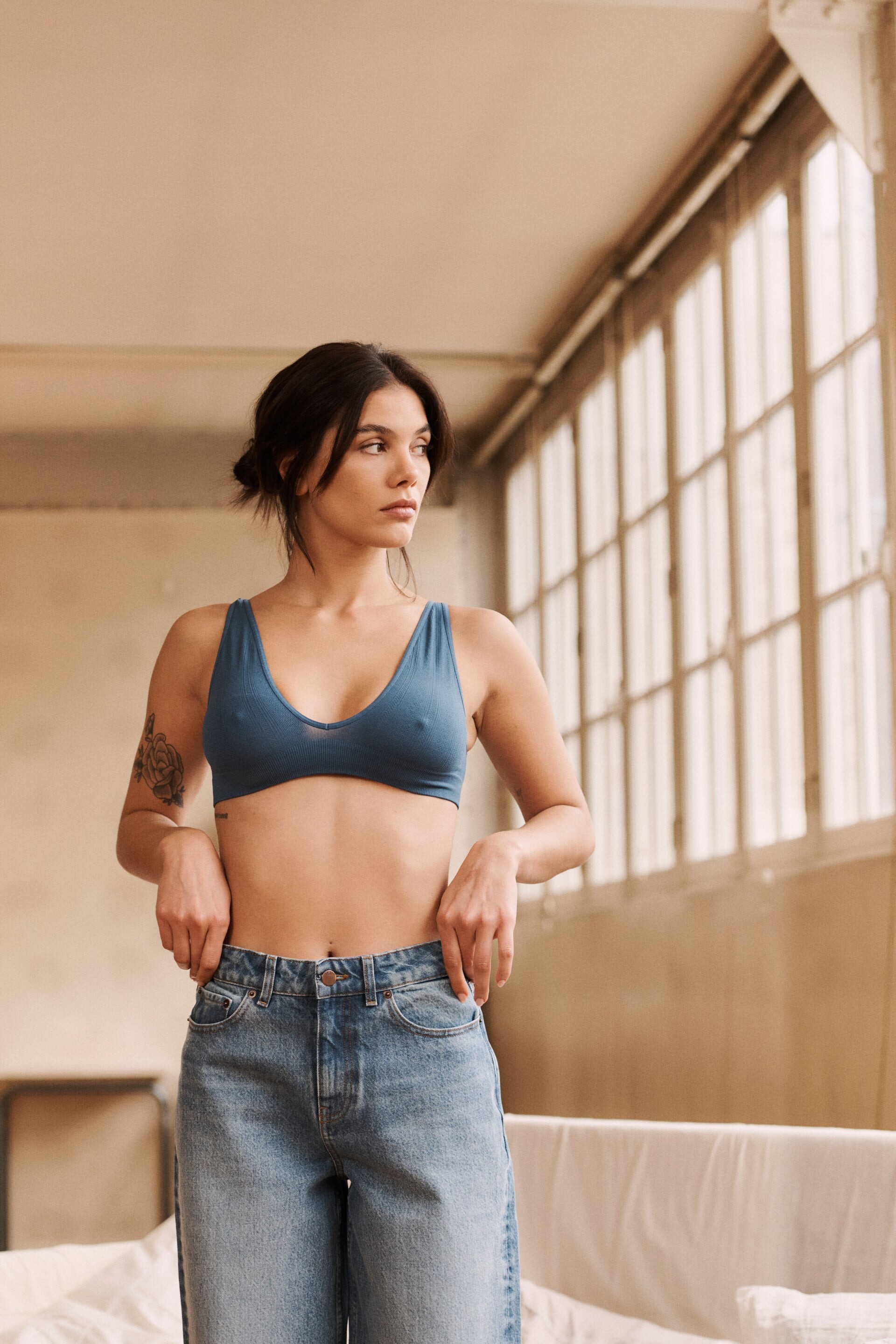
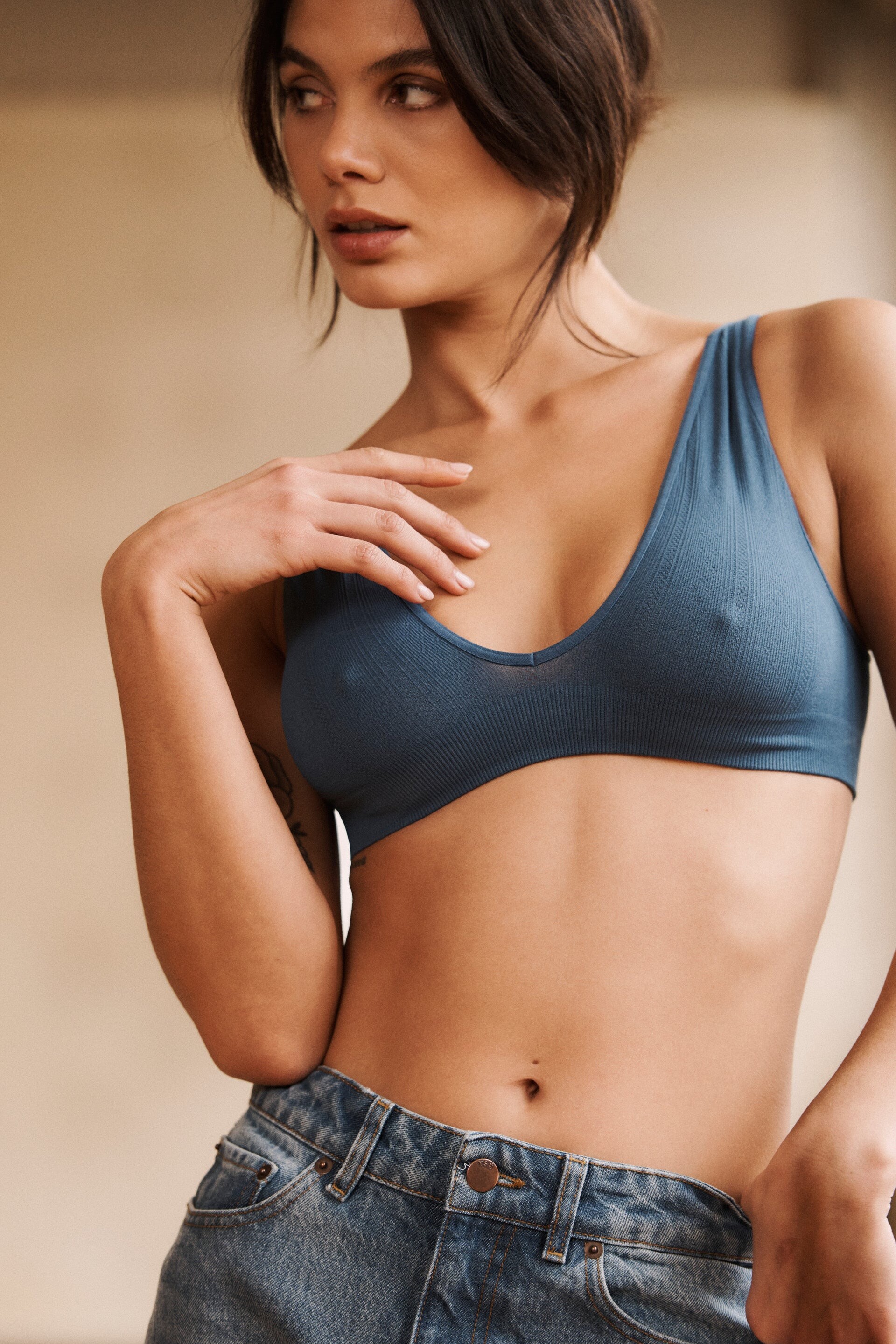
 some yse updates
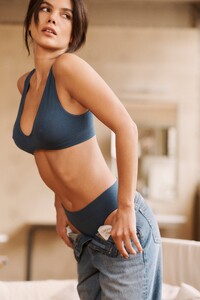
















- Today



 johnsmith02351 joined the community
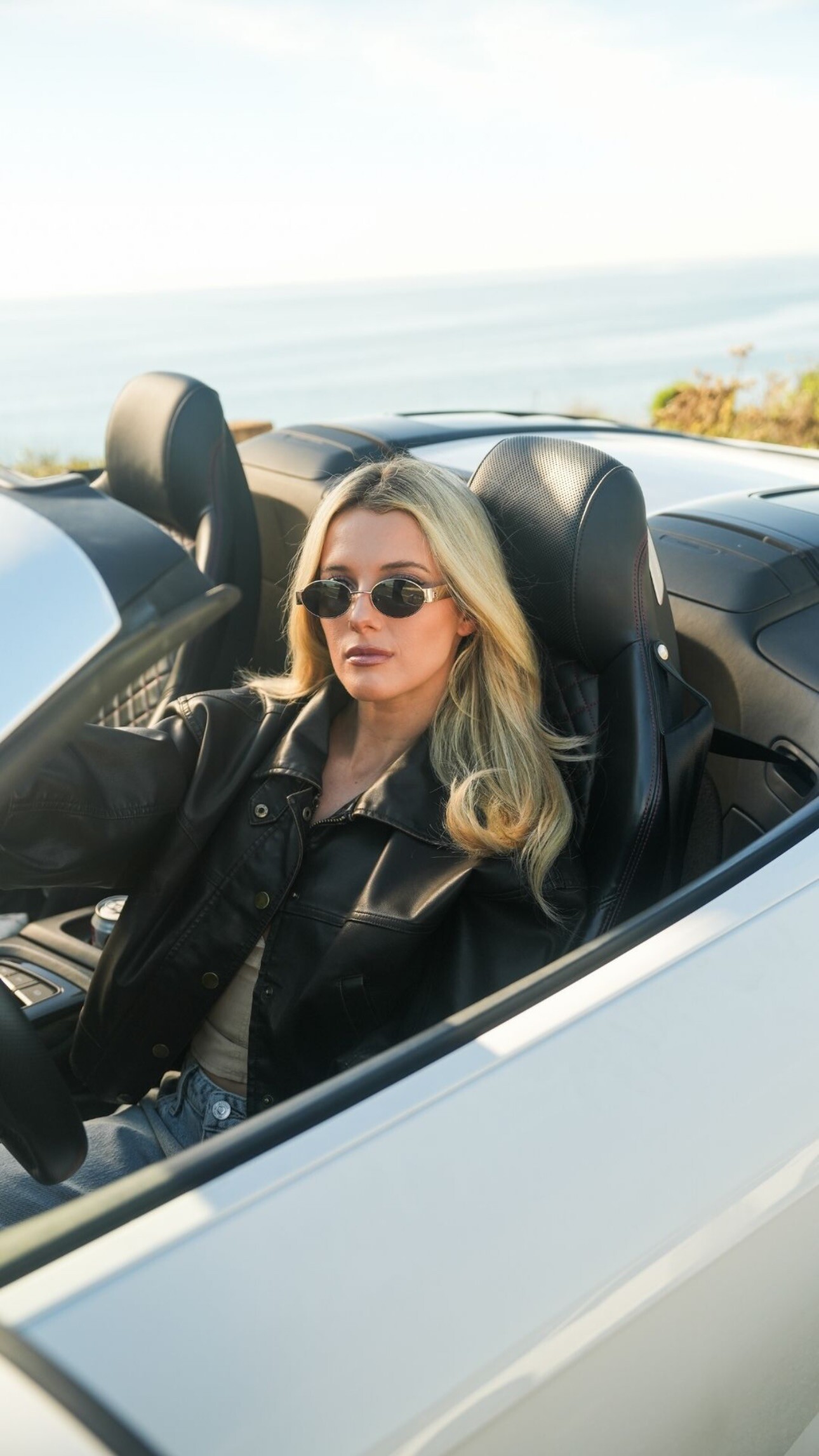
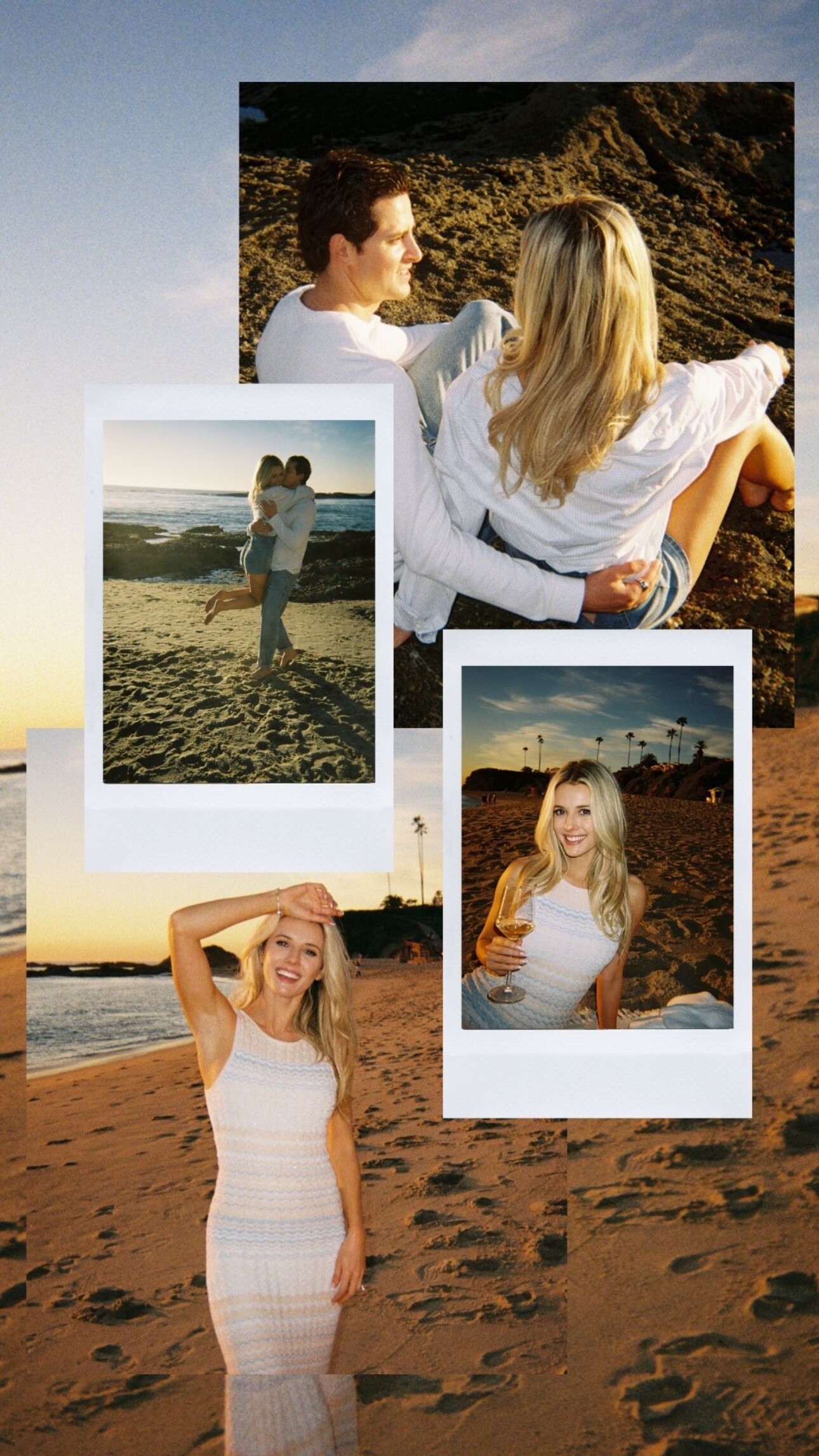
Guess: stories
johnsmith02351 joined the community
Guess: stories

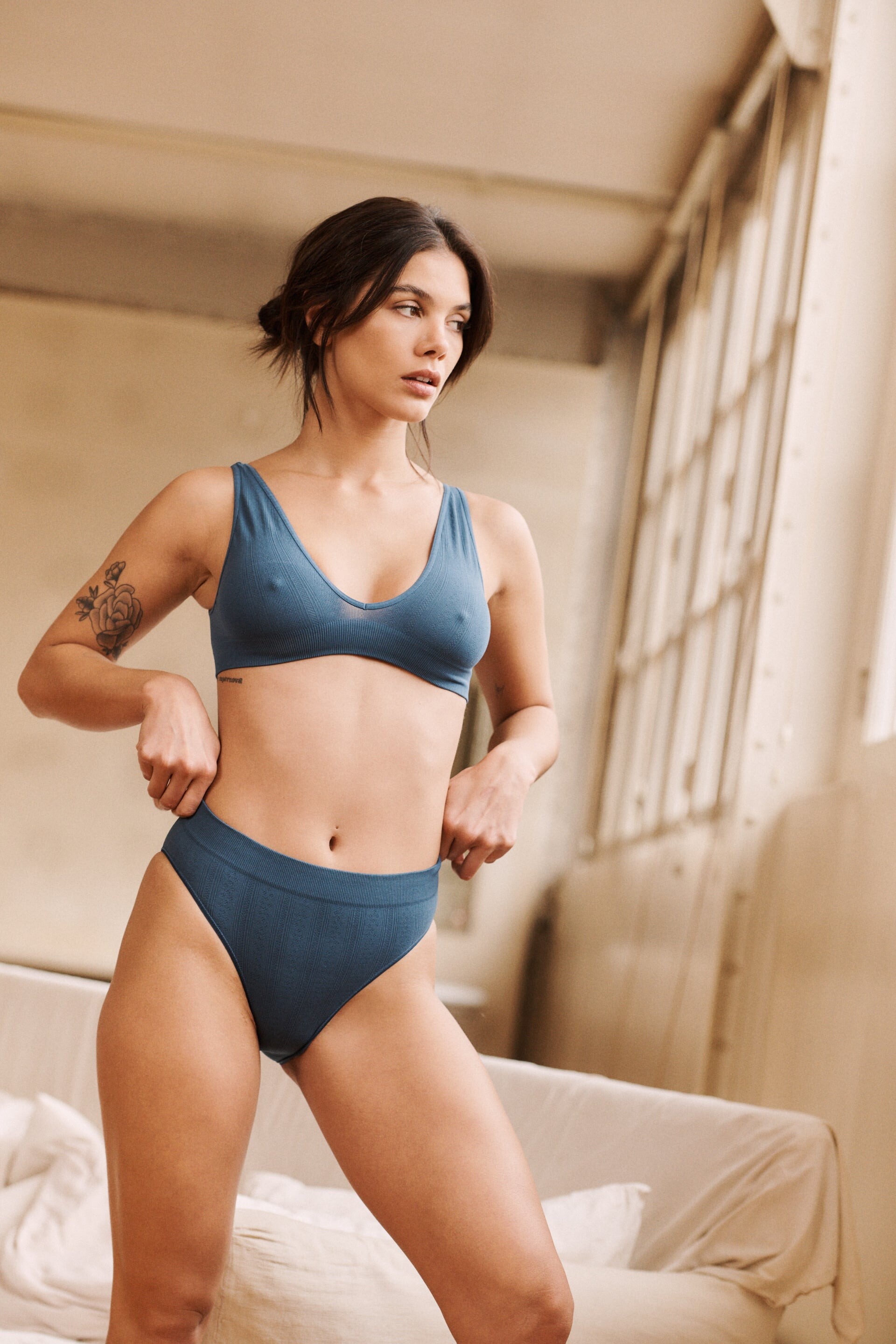
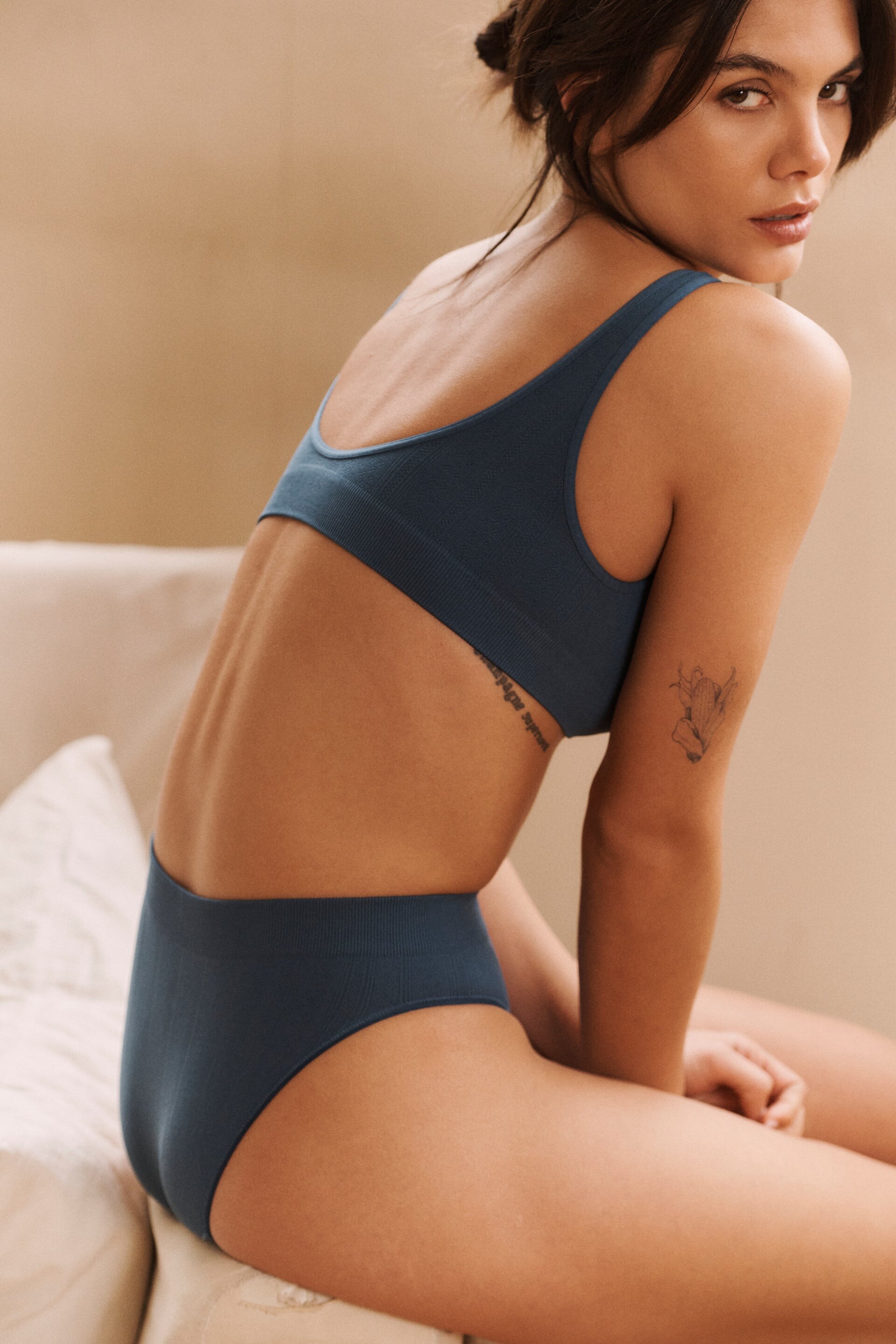
 Game Day Look 02/26/26 video

 Instagram Stories
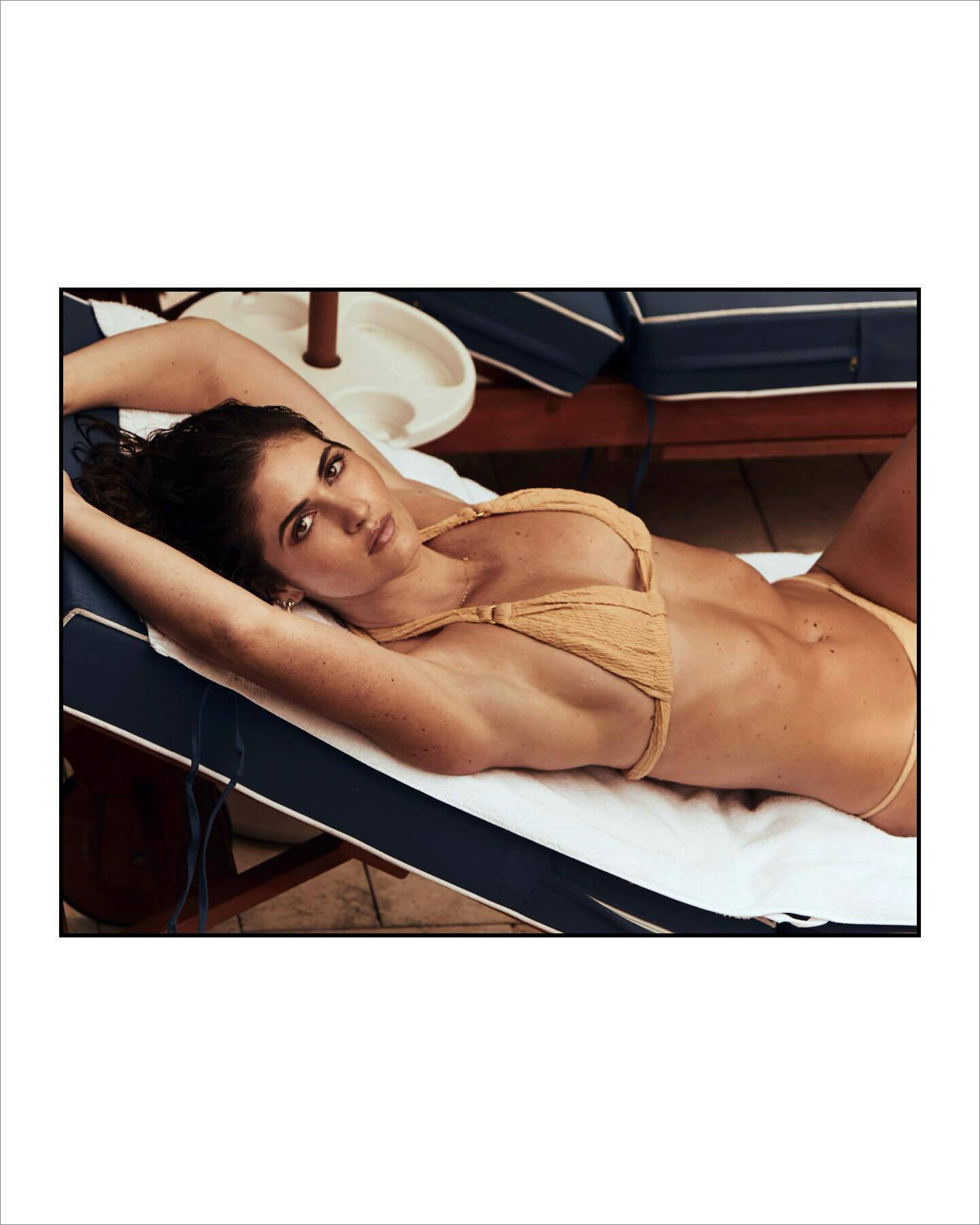
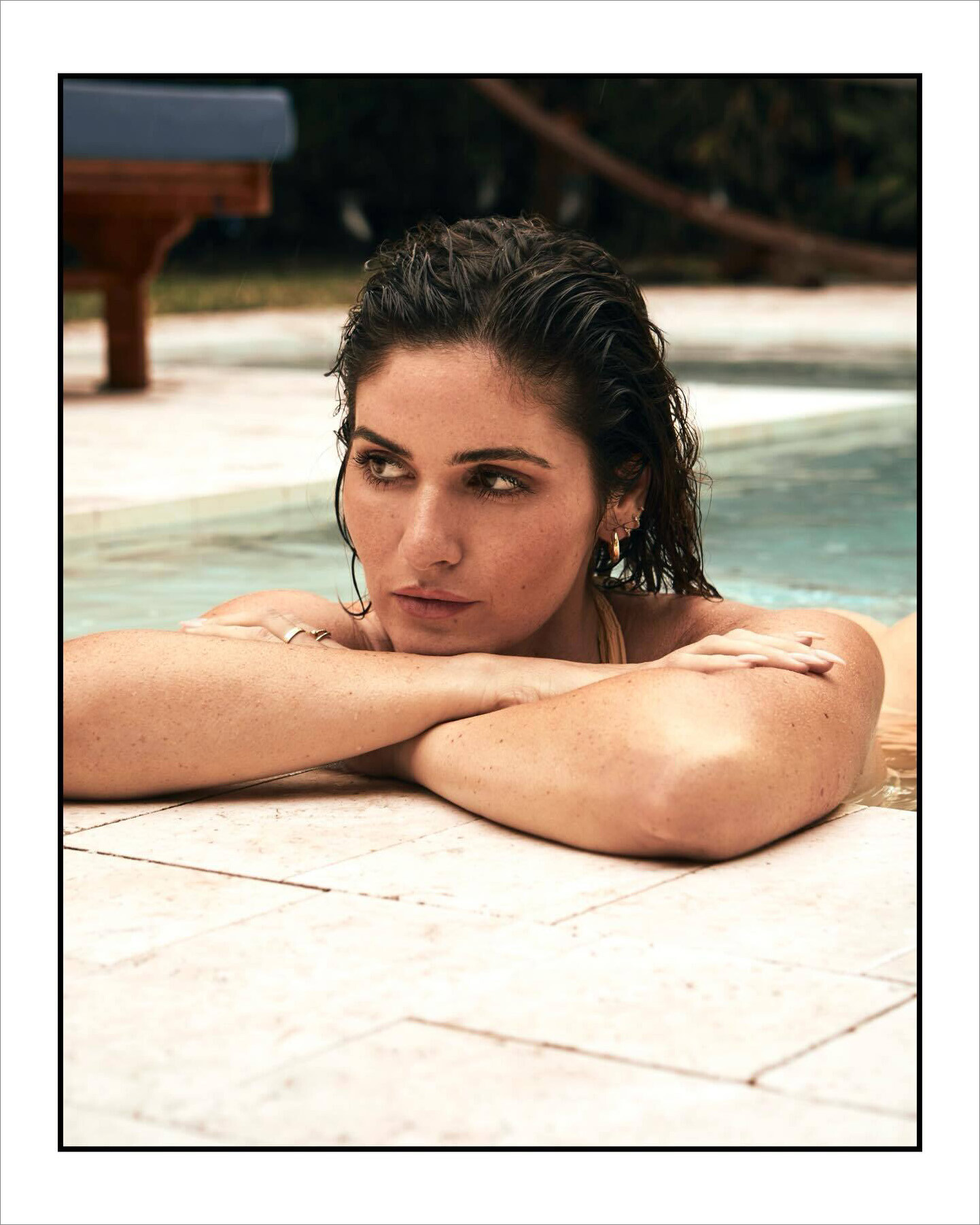
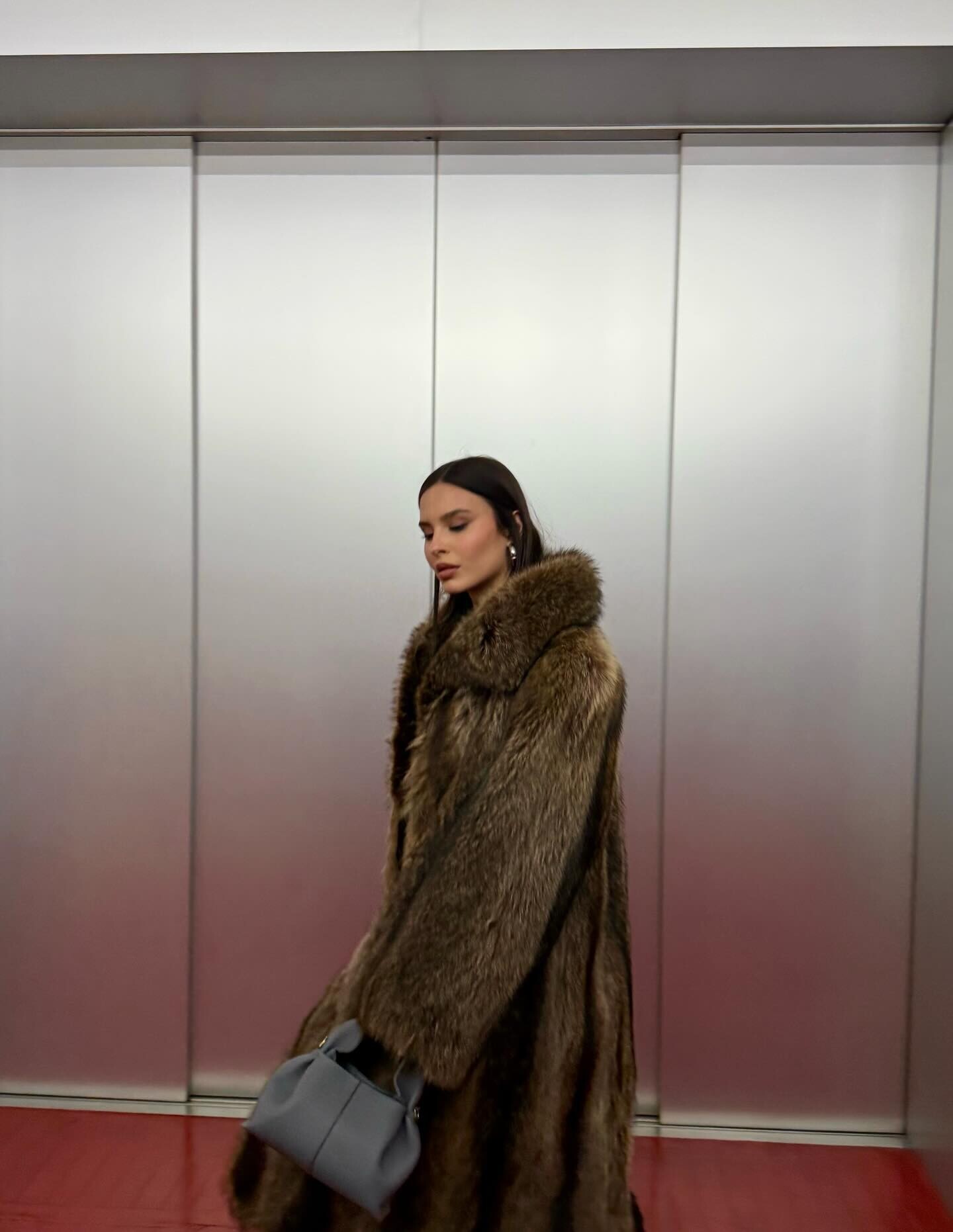
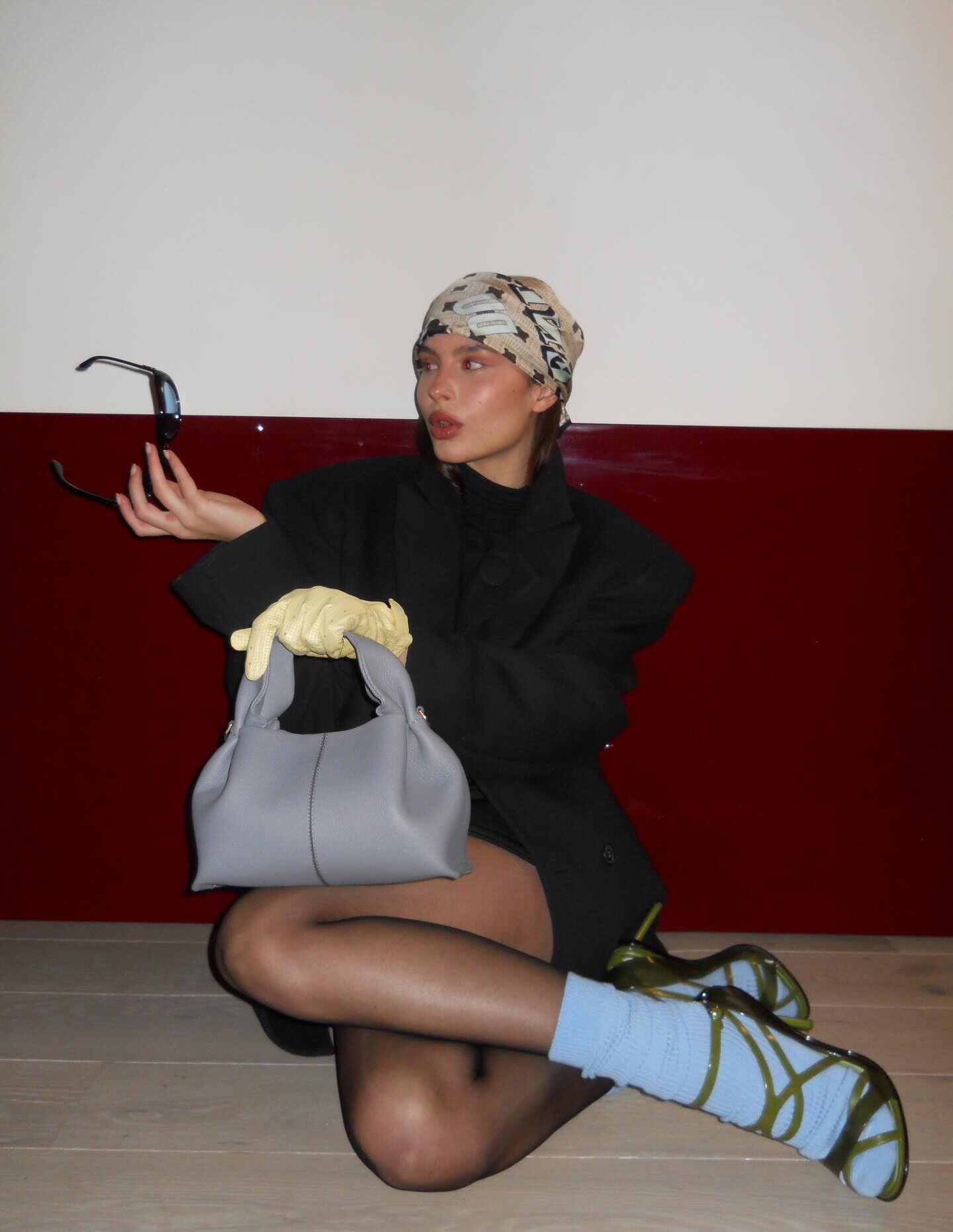
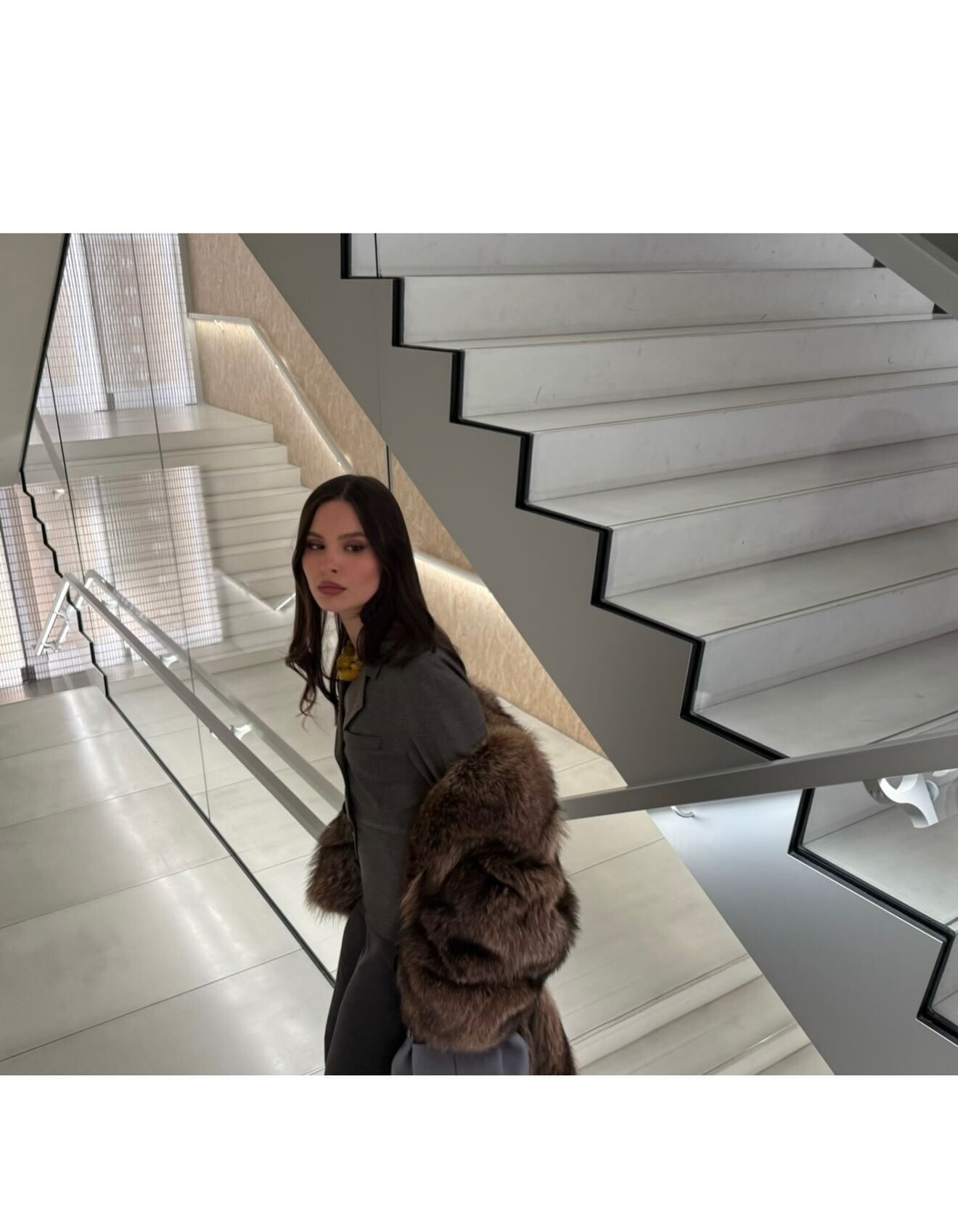
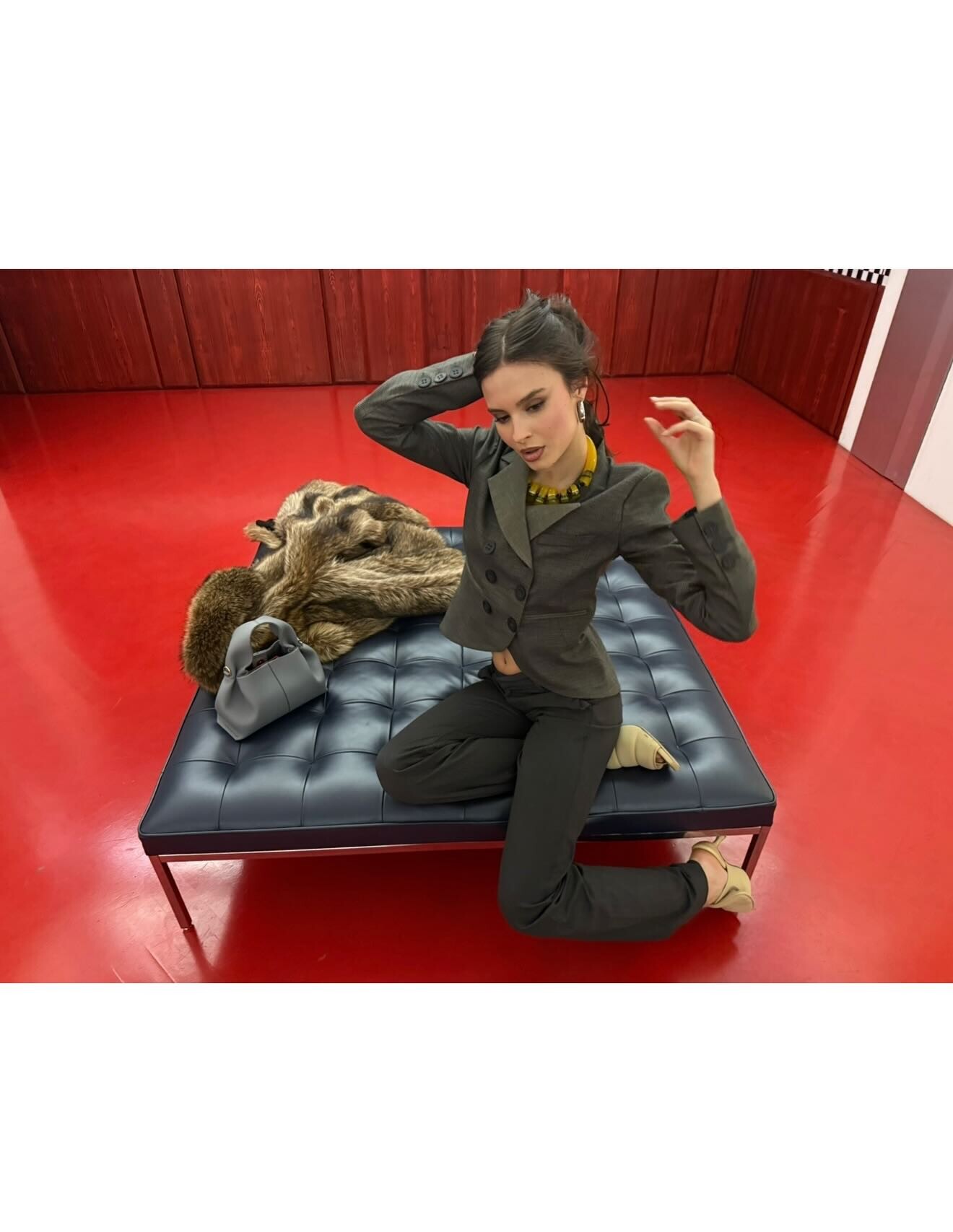
 sweet insta SnapInsta.to_AQM-7WTlM3tx-0qupe98cHZmPcNwPKk80LsW4xGaVeKBiEmZ09Hytm3YoddNZSF7Madtgh09POHQ1PHTDKMr8R922_NMqYS-q9Ikk8s.mp4 SnapInsta.to_AQNKz6hMHPOcY6r_c2A_MdOsHTANGeWfktSXJvXwraP-0jzCFlMS8VtREEnnlW5ZK-Xue9QDJ2zqQwRGQ8RBvnK0XZTigqHpl9Uvtm4.mp4 SnapInsta.to_AQP02BAoKuqOL5gb7C-fHN4UCo4amat-7jtF55xHNClYjE2VB3Lpj-rhTcO-IGAlY8Ob3fiVR8j2JhBEsiNgAhIsMhSoHEAhPdlvn4E.mp4




















































Account
Navigation
Search
Configure browser push notifications
Chrome (Android)
- Tap the lock icon next to the address bar.
- Tap Permissions → Notifications.
- Adjust your preference.
Chrome (Desktop)
- Click the padlock icon in the address bar.
- Select Site settings.
- Find Notifications and adjust your preference.
Safari (iOS 16.4+)
- Ensure the site is installed via Add to Home Screen.
- Open Settings App → Notifications.
- Find your app name and adjust your preference.
Safari (macOS)
- Go to Safari → Preferences.
- Click the Websites tab.
- Select Notifications in the sidebar.
- Find this website and adjust your preference.
Edge (Android)
- Tap the lock icon next to the address bar.
- Tap Permissions.
- Find Notifications and adjust your preference.
Edge (Desktop)
- Click the padlock icon in the address bar.
- Click Permissions for this site.
- Find Notifications and adjust your preference.
Firefox (Android)
- Go to Settings → Site permissions.
- Tap Notifications.
- Find this site in the list and adjust your preference.
Firefox (Desktop)
- Open Firefox Settings.
- Search for Notifications.
- Find this site in the list and adjust your preference.