All Activity
- Past hour
-



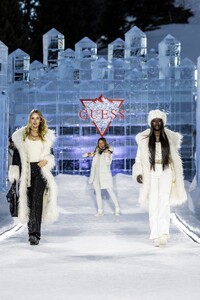
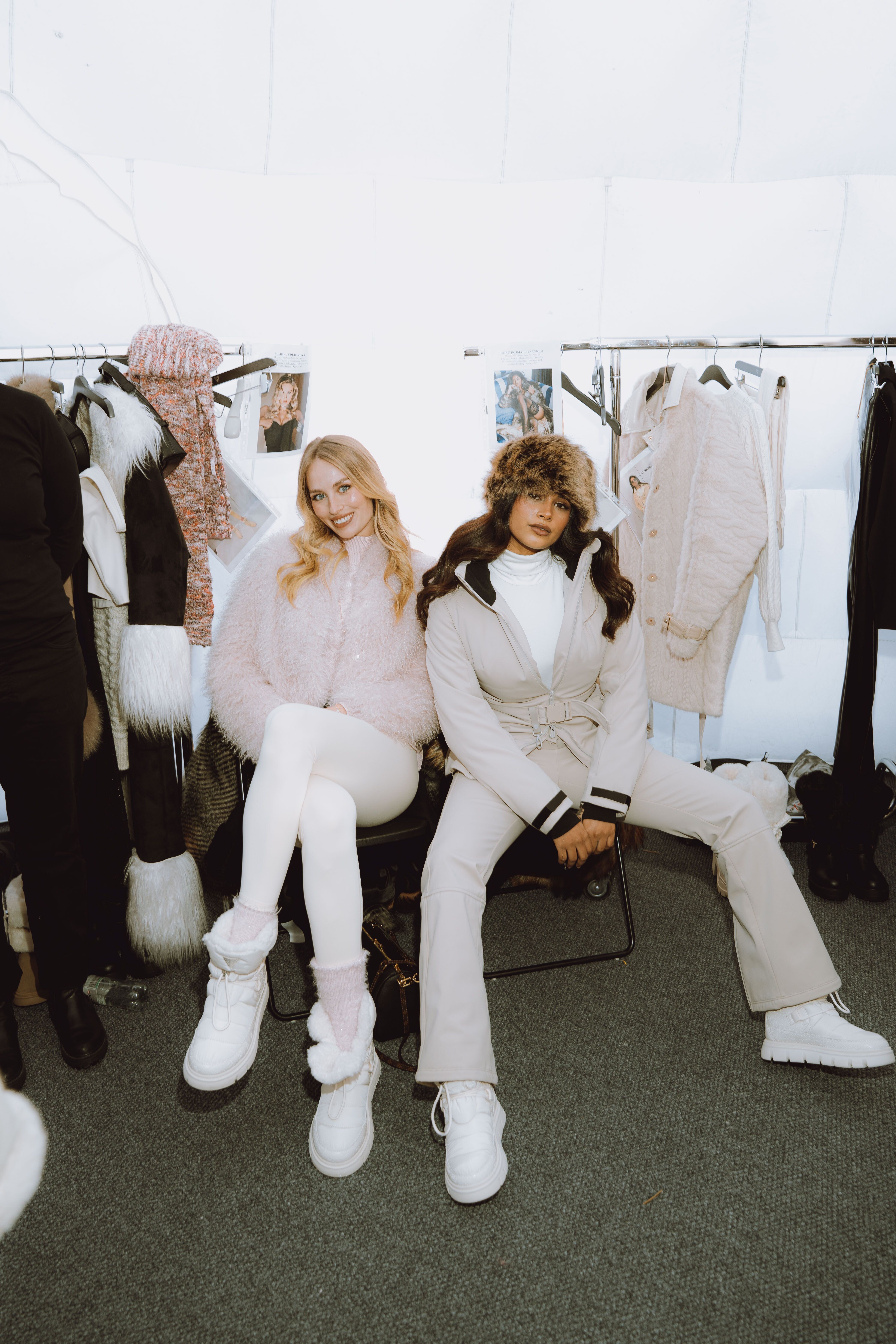
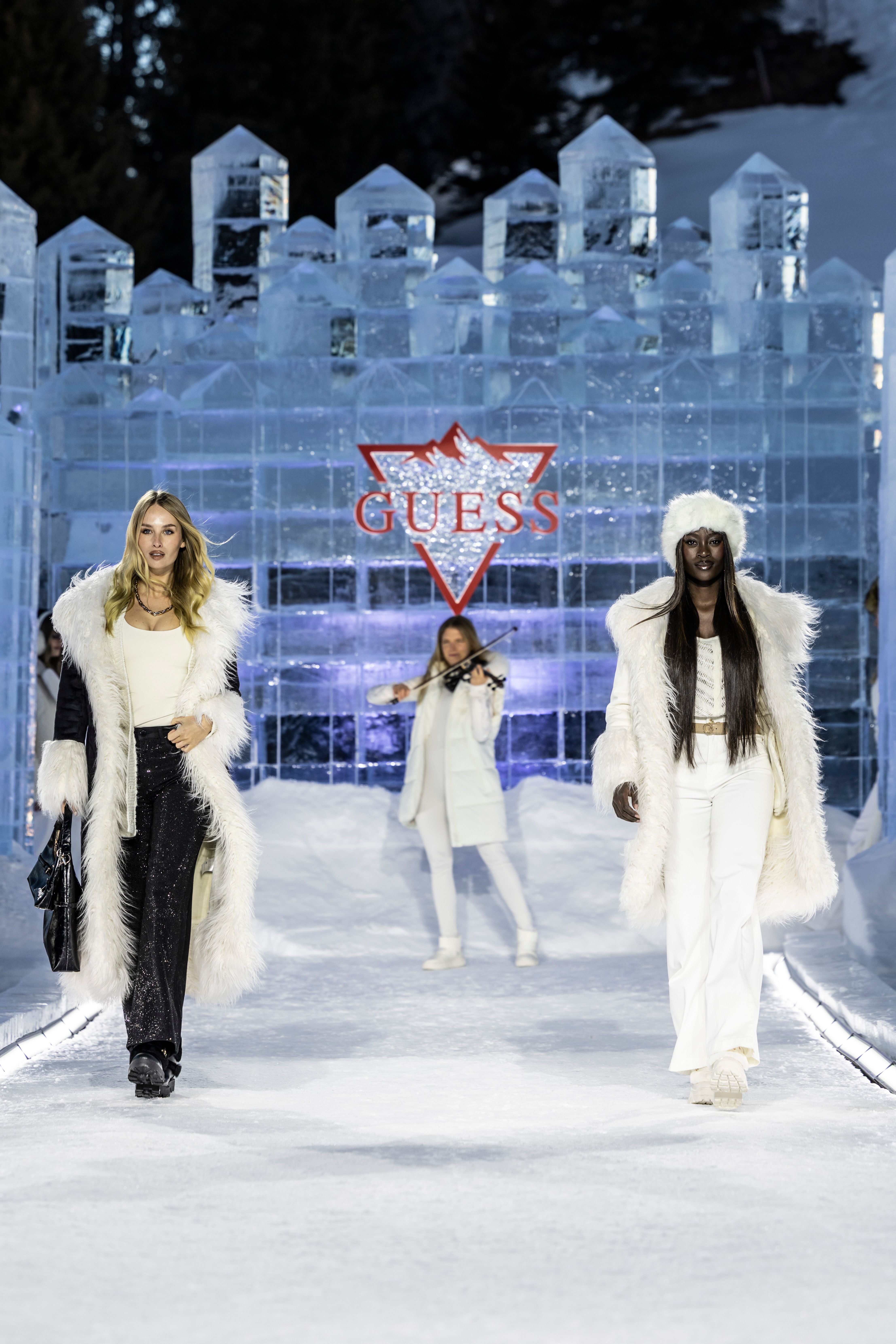
 A HQ from the Guess show, and one HQ backstage with Koko Ilsanker Her 2nd look spliced out of online footage. The odd thing is, it doesn't quite match the HQ image above; Marie is walking solo in the video (same outfit), but in the photo she is walking in tandem with the model who came after her, and the violinist (Laura Zimmermann) is playing at the beginning of the runway. So there must have been two presentations. MarieJ - Guess2026aw (2ndLook) (Prokof).mp4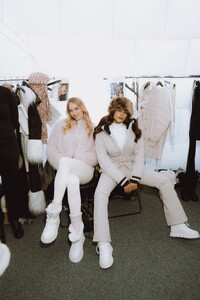

- Today
 manojda joined the community
 AQPDJq1TiCuk5DZwli8-k_WUlnh3Omf8qsijmkpu7L9oMW-Nw19dWl4emBN7fWNOFz4Y2WG-7tWe6V0BpICdHZE7..mp4AQN9uQDzAD24Uty04FRQNDZDvnXfiJ0fGx84D5LqumScEp42BcxNaFf5P05u5aMr8nGTEI-r_TVdl12_cB9fm_PH..mp4

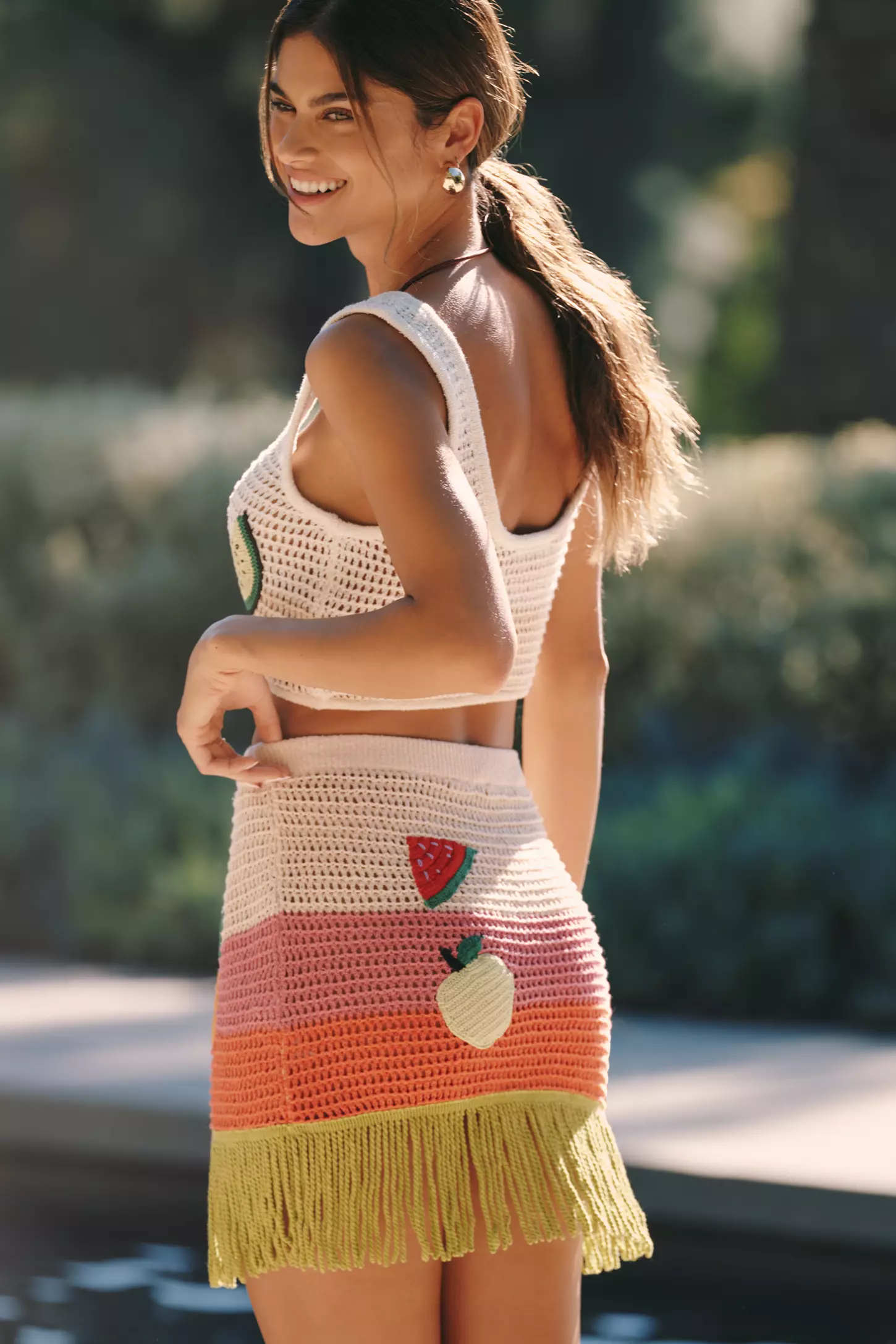
 res bumps Drope Koh Samui V4 Skirt (Blue Waves) Koh Samui V6 Skirt (Floral Pattern)
1742315279_723f8.thumb.jpg.02f732c5e3b1b9dac92f32f413a5743e.jpg)
1742315278_1b6b8.thumb.jpg.2ac24bd866fa1f2318aa53fdf2727092.jpg)
1742315279_59598.thumb.jpg.6d26603d2be9ea12382cf9ed083817f6.jpg)
1742315282_e25e1.thumb.jpg.f0da009480a6b5bc70921df3949fa63d.jpg)
1742315281_71e62.thumb.jpg.2398356013bb4da259761811e4a0352f.jpg)
 sonam121raii joined the community
 giuritn joined the community
stories video
giuritn joined the community
stories video stories
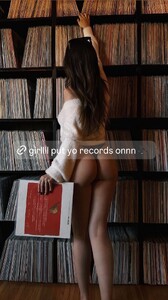
 1 Yael Shelbia 2 Luma Grothe 3 Lini Kennedy Oliveira 4 Zhenya Katava 5 Monika Jagaciak 6 Natalie Roser 7 Hailey Bieber 8 Bella Hadid
 can_did_photos
.thumb.jpg.598ca4d310c44db222faef886b21a432.jpg)
.thumb.jpg.a9858a691851f1e11e2d7f6ef423658a.jpg)
.thumb.jpg.674b1faab7210d93490c1abcbe6a6e61.jpg)
.thumb.jpg.77a977204b32c66dd0407468220c306b.jpg)

 ARZOO12 joined the community
 RGDCGBCB
GGRGTREYDFGFB
DGDRHFNHVNHH
SWFREYRHYDD
TETGEDGTDEGDGHDT
YRTGDGHH
RGDCGBCB
GGRGTREYDFGFB
DGDRHFNHVNHH
SWFREYRHYDD
TETGEDGTDEGDGHDT
YRTGDGHH

.jpg.1855cc6d0af169b45e351b17eb235491.jpg)
.jpg.0bacd537a26088f6b299c57c385d3a59.jpg)
.jpg.5621bbc5fbbb5e7934cb73efe572901f.jpg)

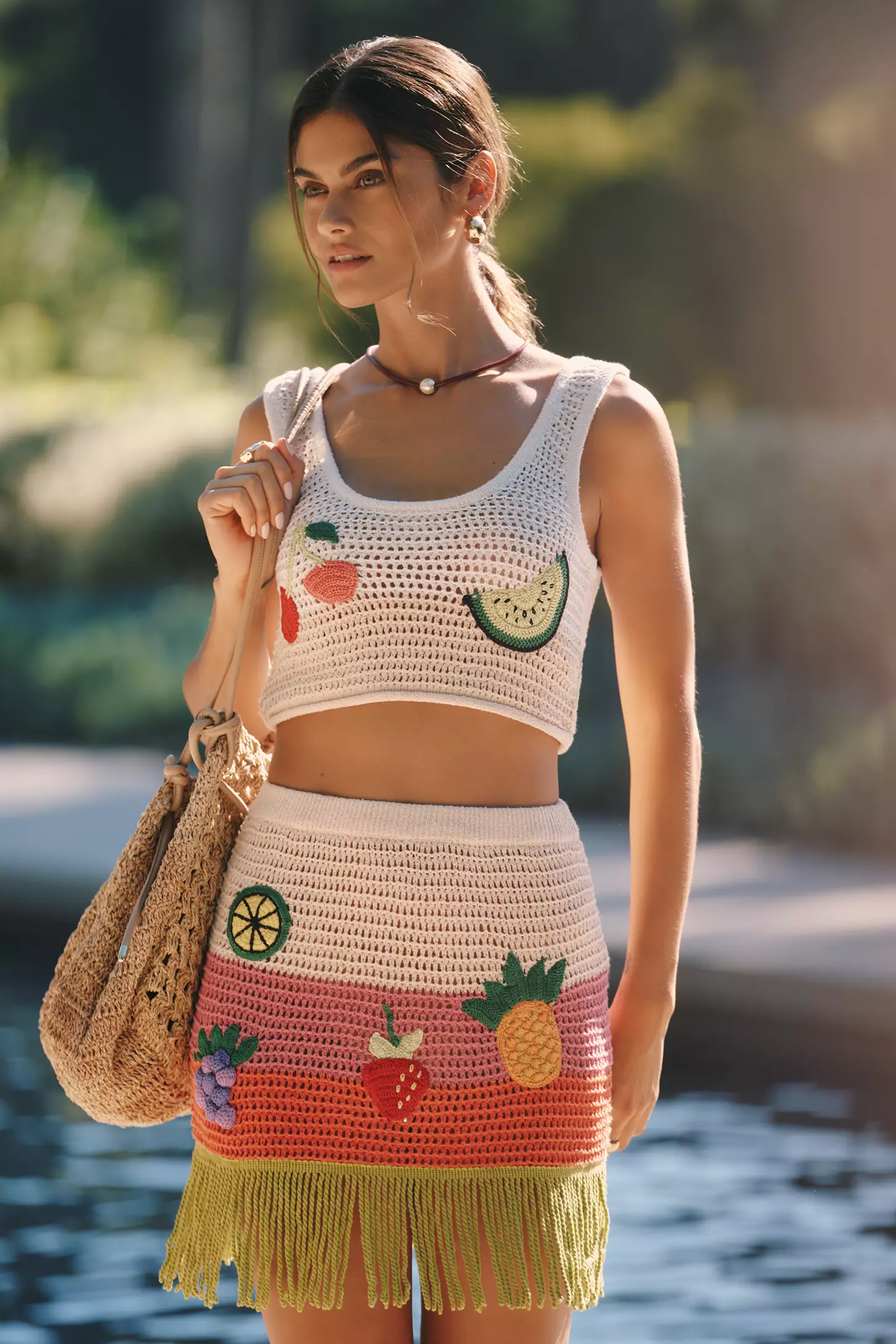
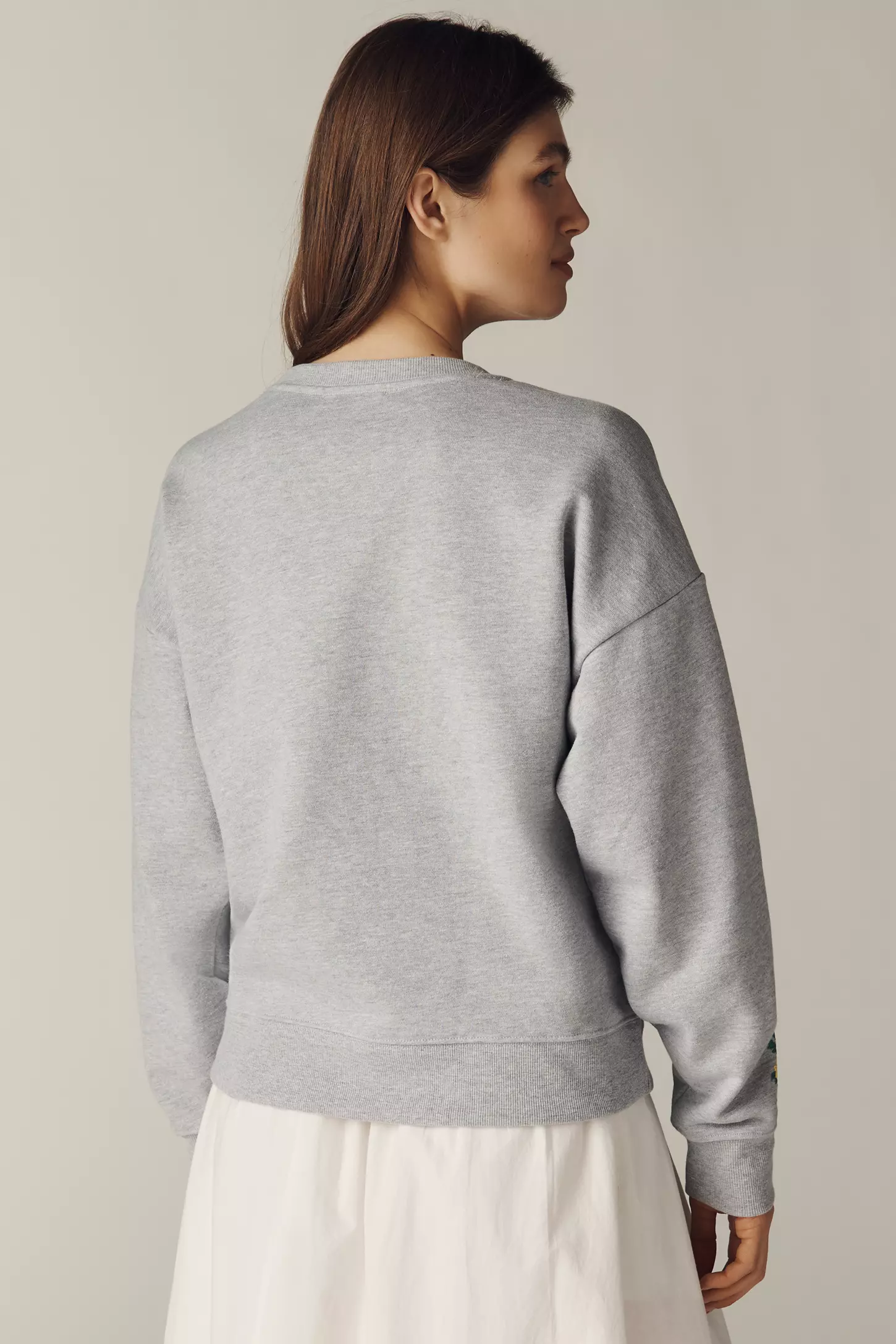
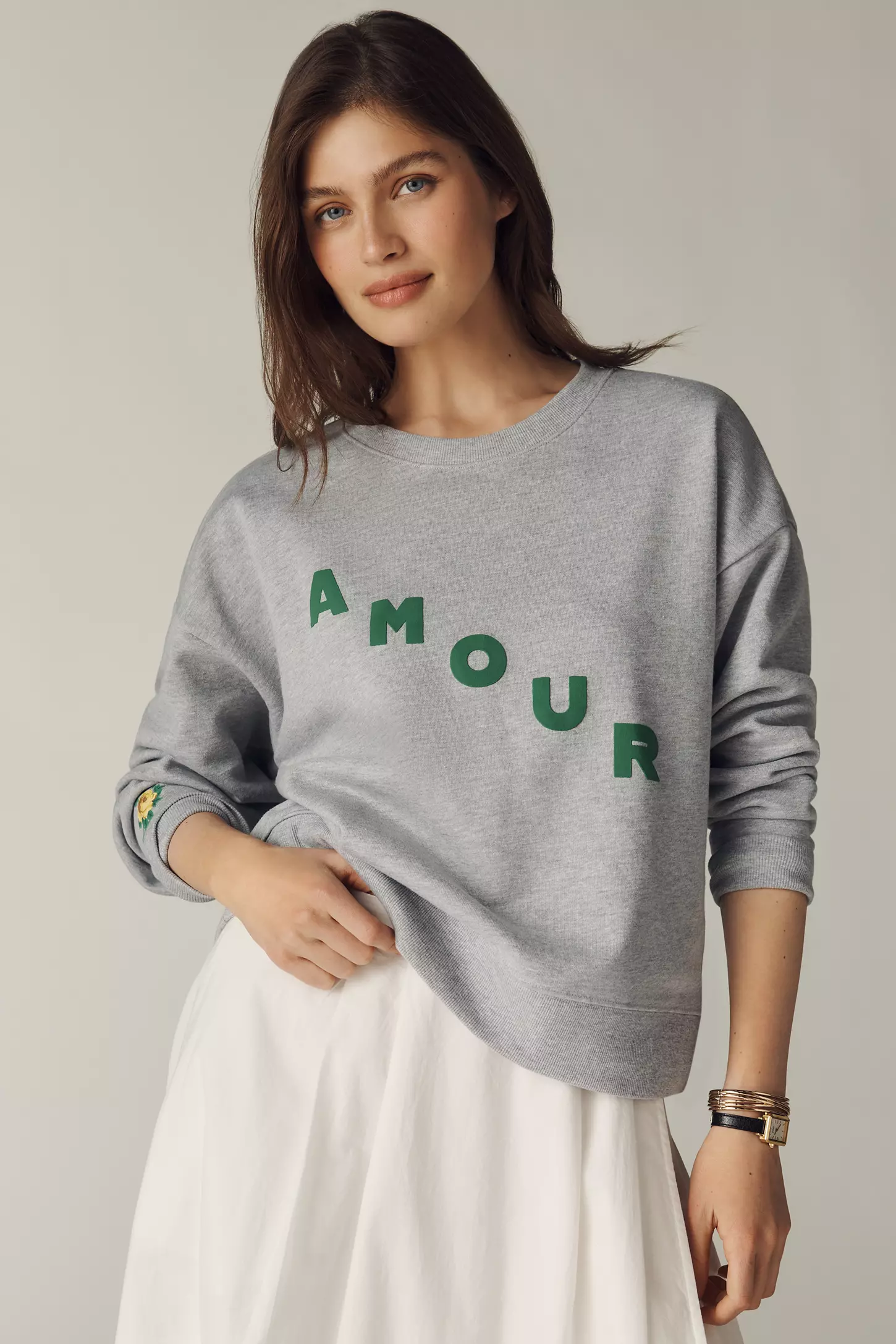
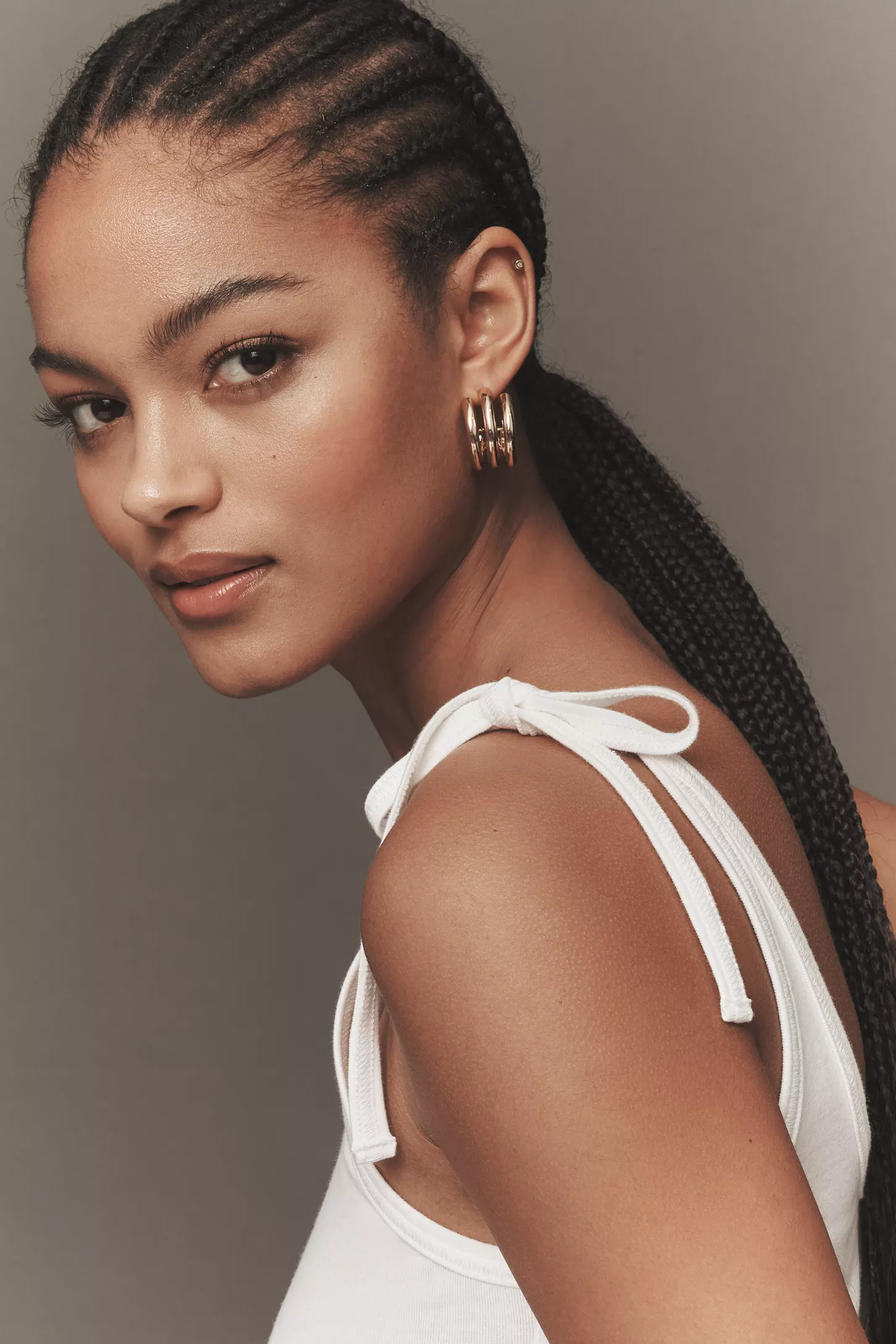
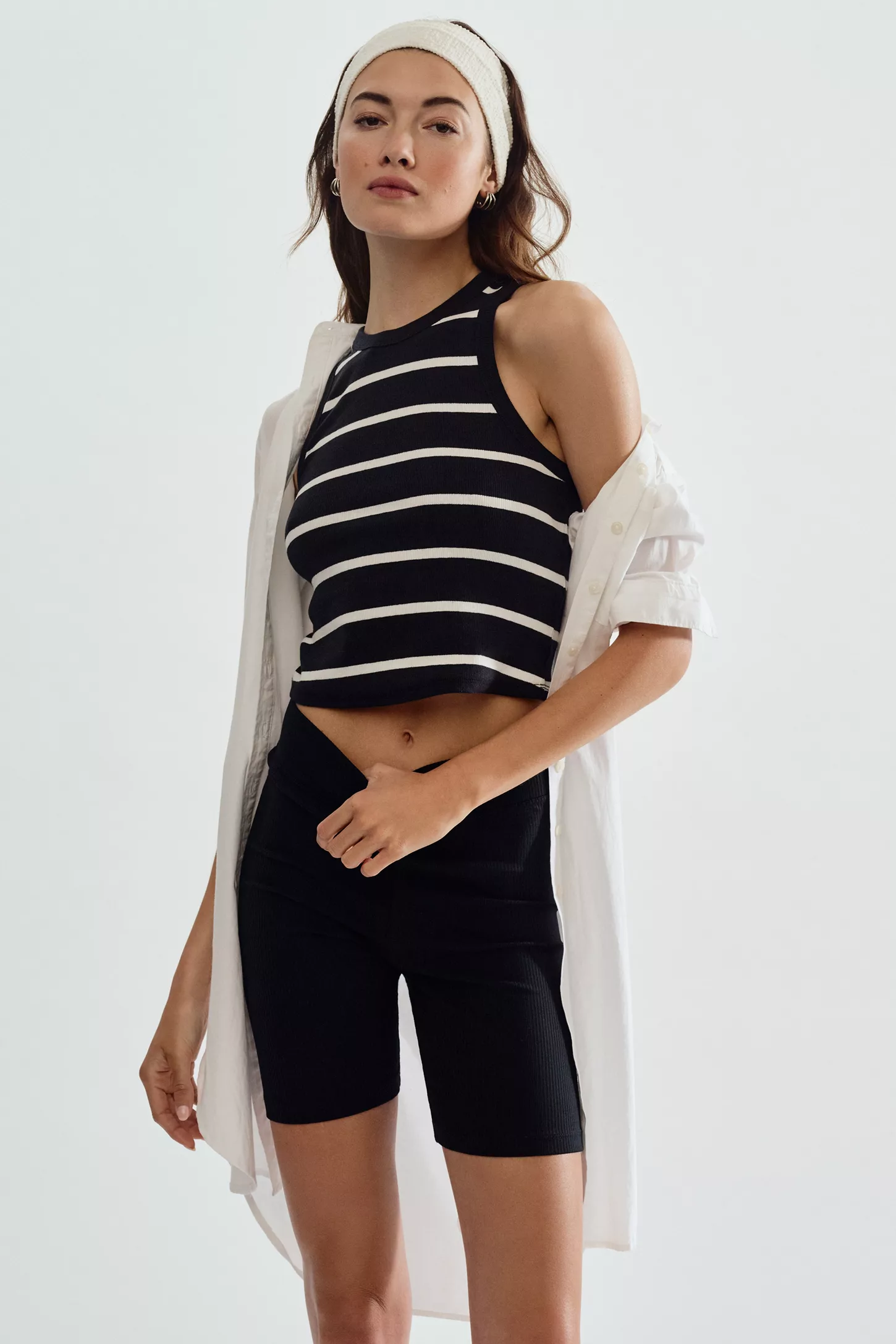
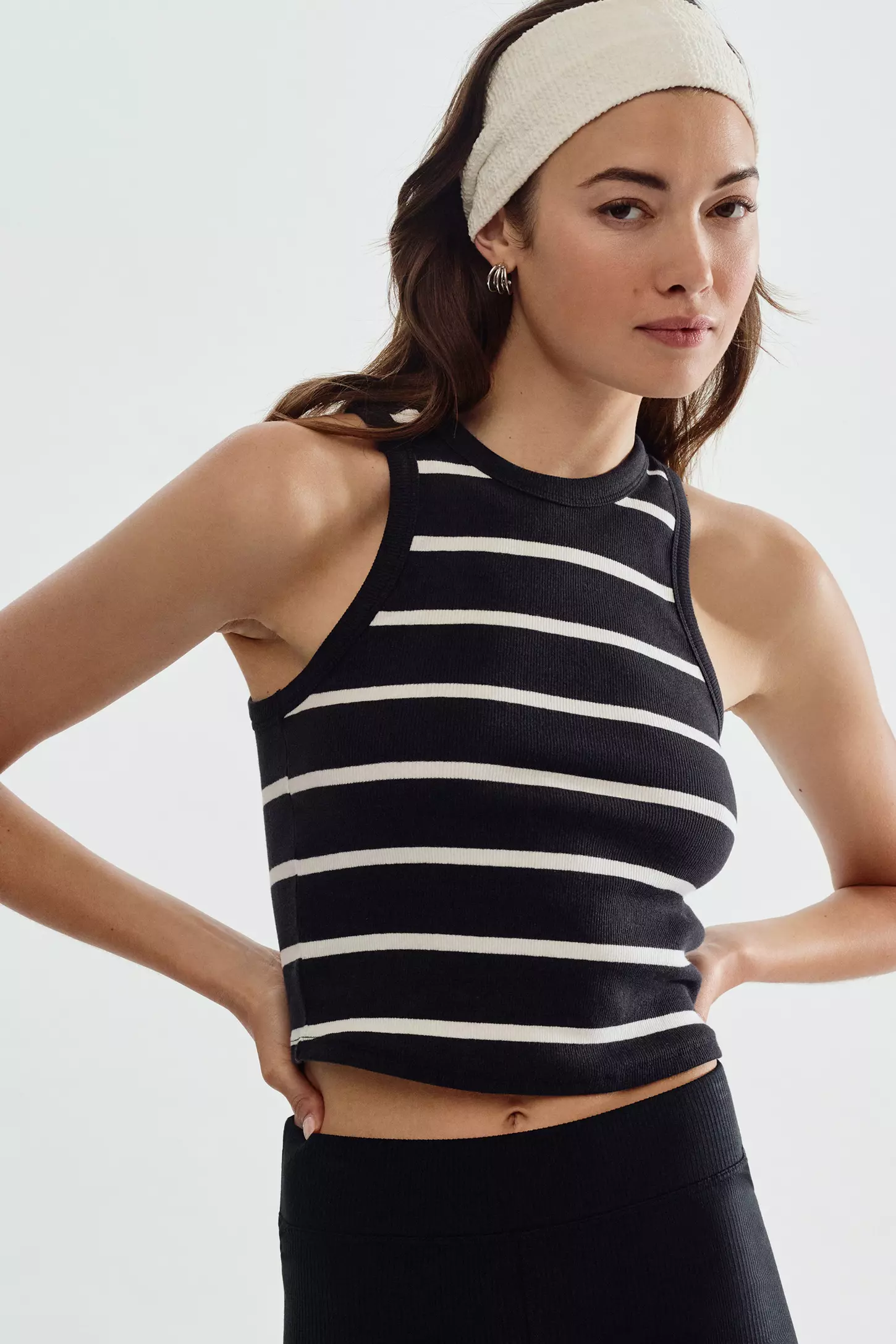
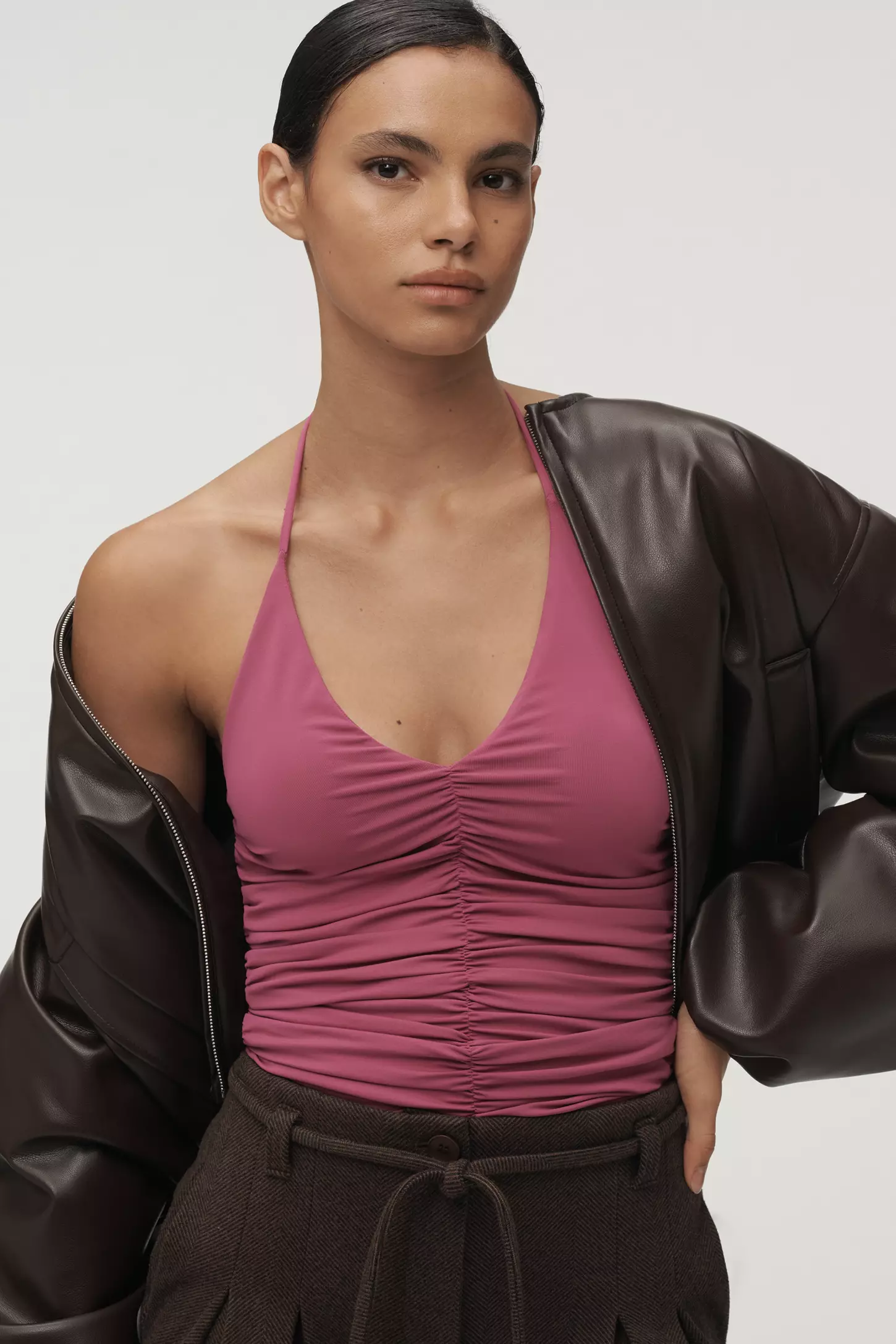
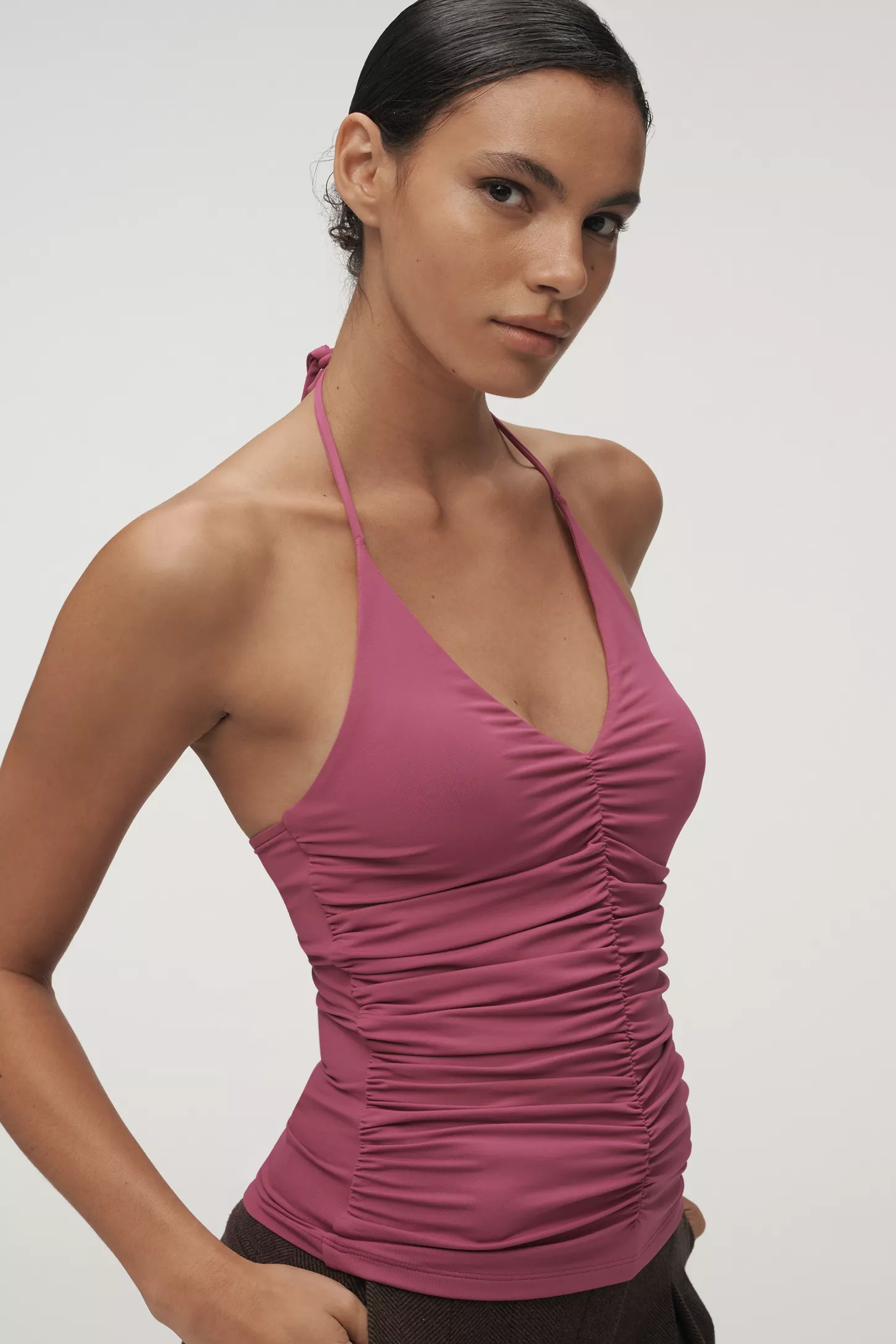
.jpg.263997a4455bd0891fc44d24341a9d00.jpg)
.jpg.22f898bd9b647059d9193832c86827b5.jpg)
.jpg.f36fe35b8583f50f1d316ae5fdfc7c3d.jpg)
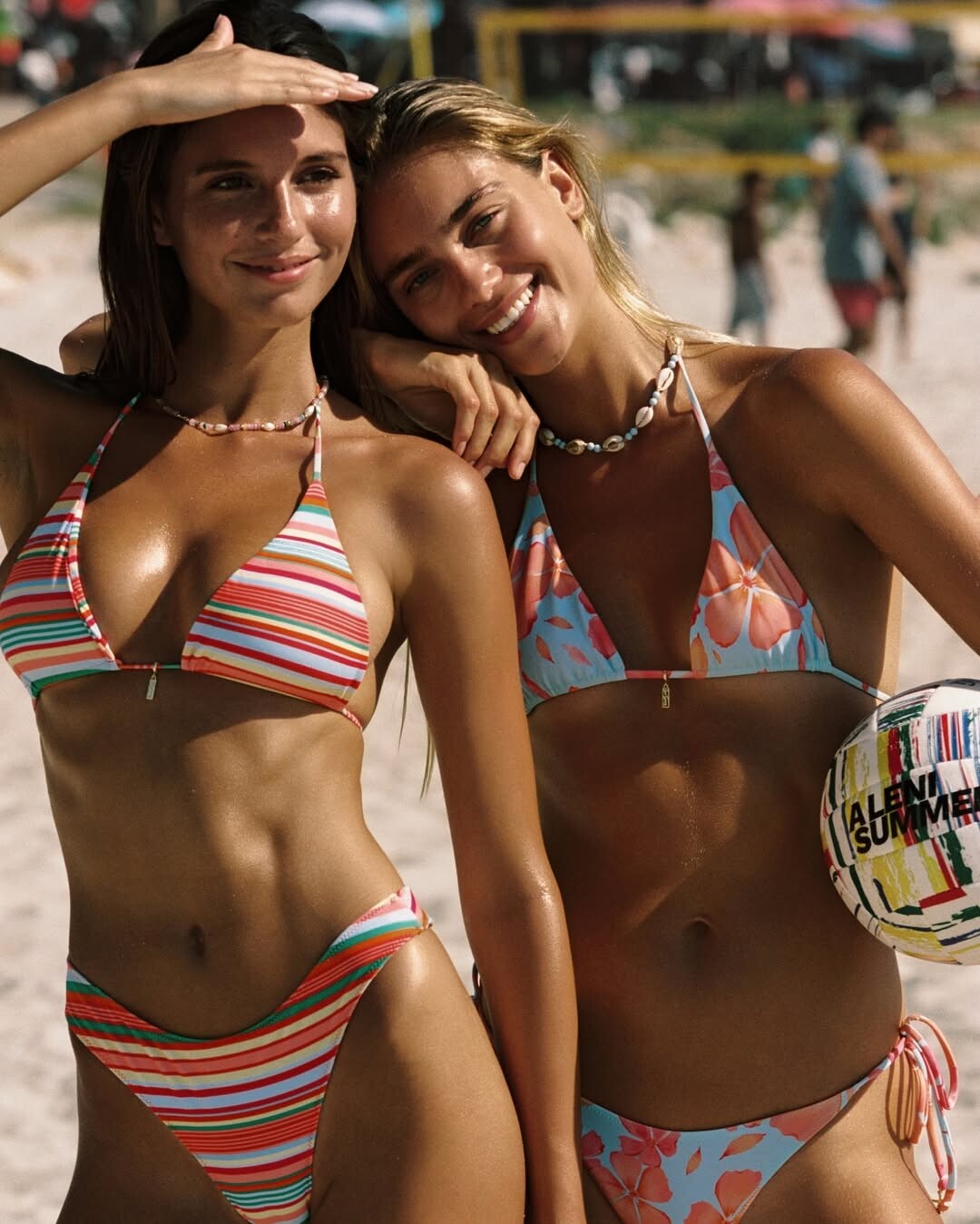

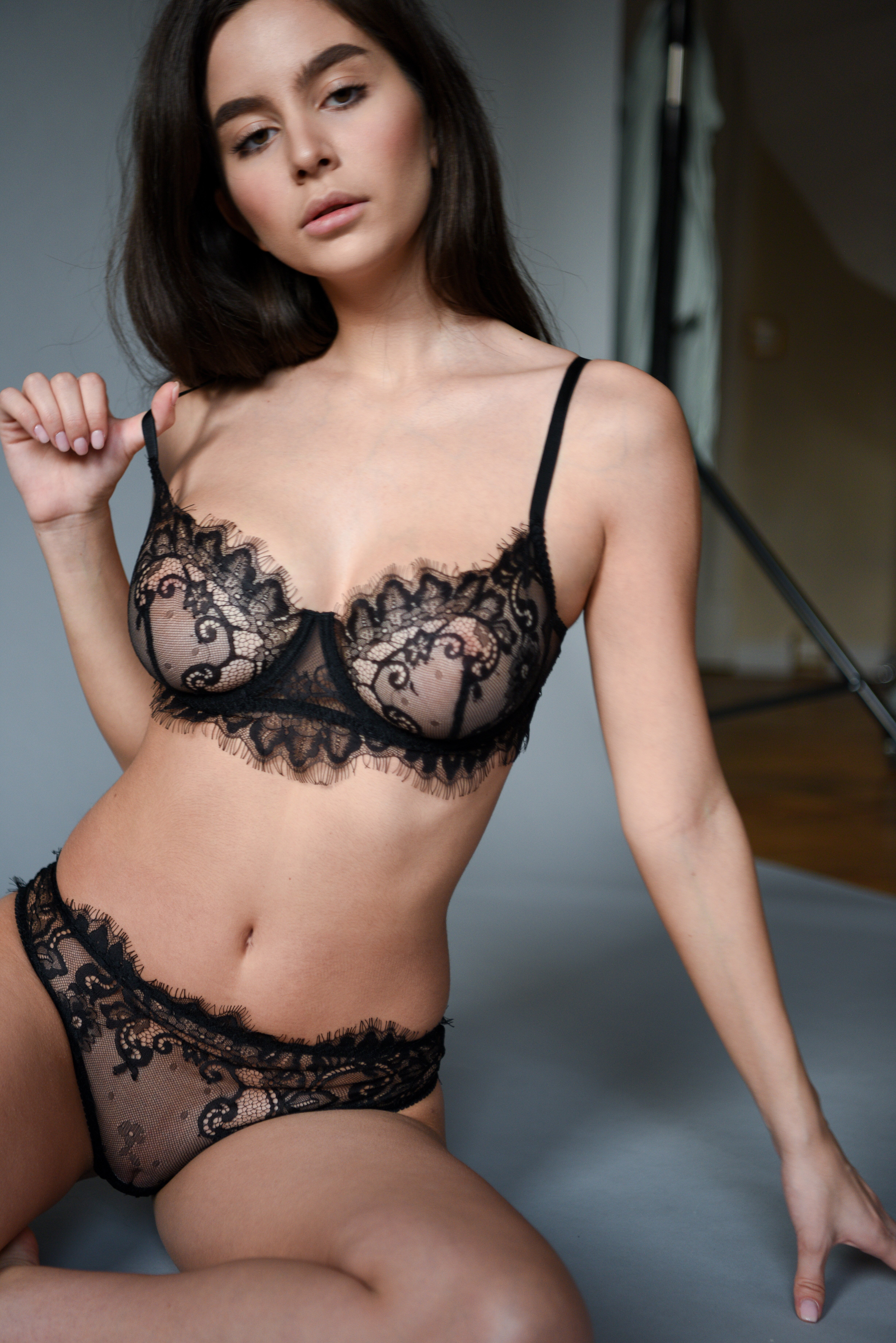
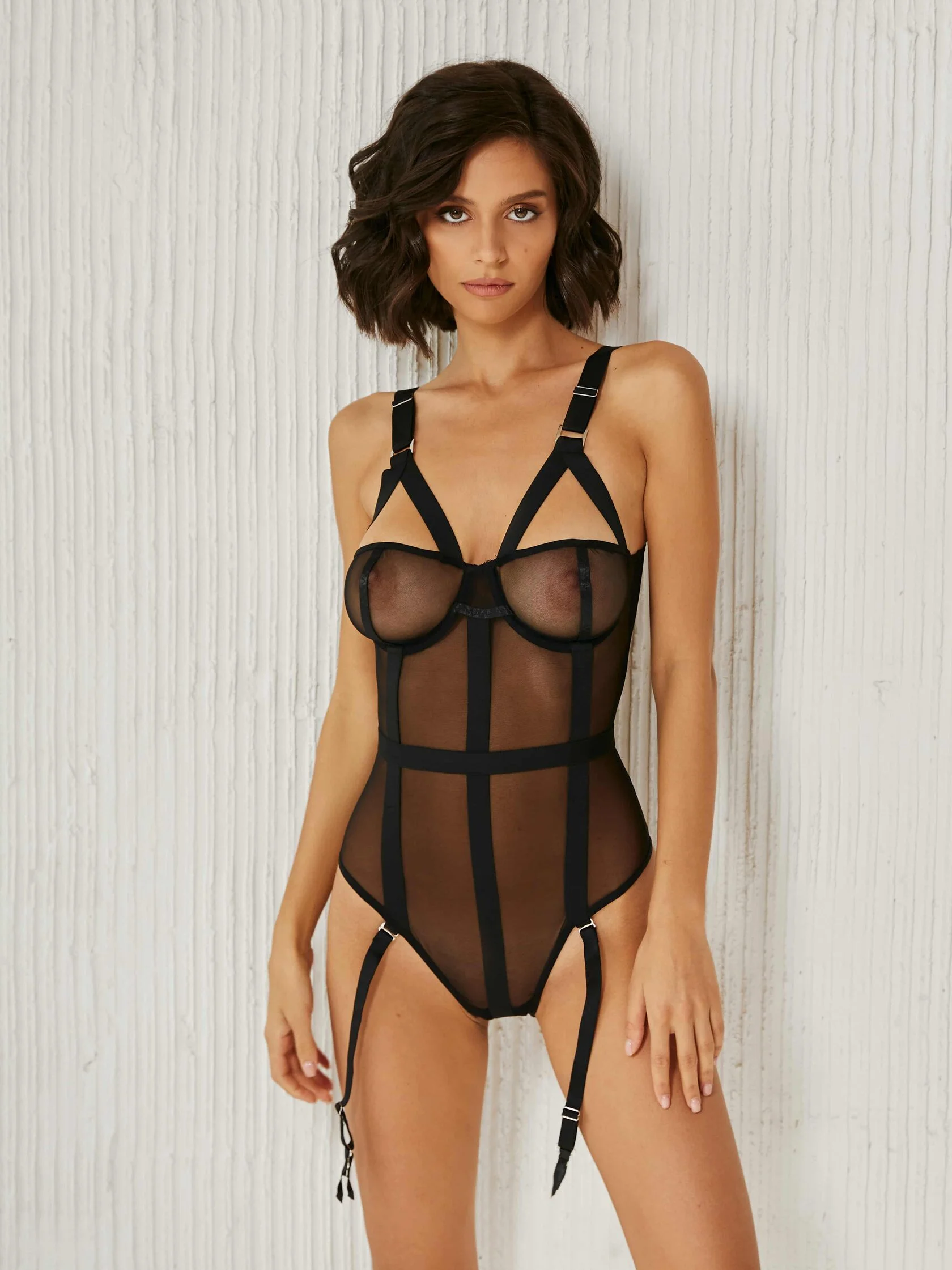
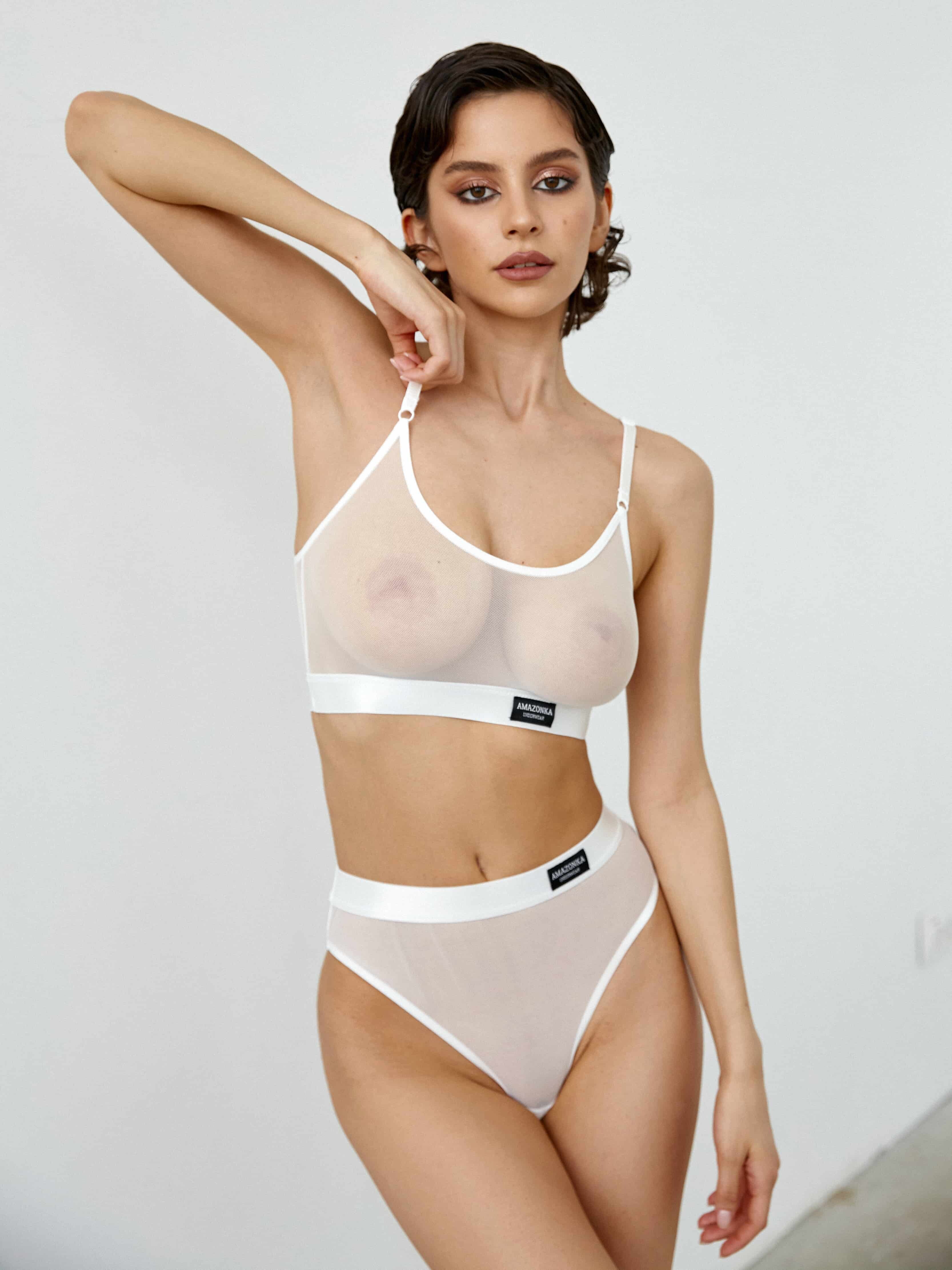
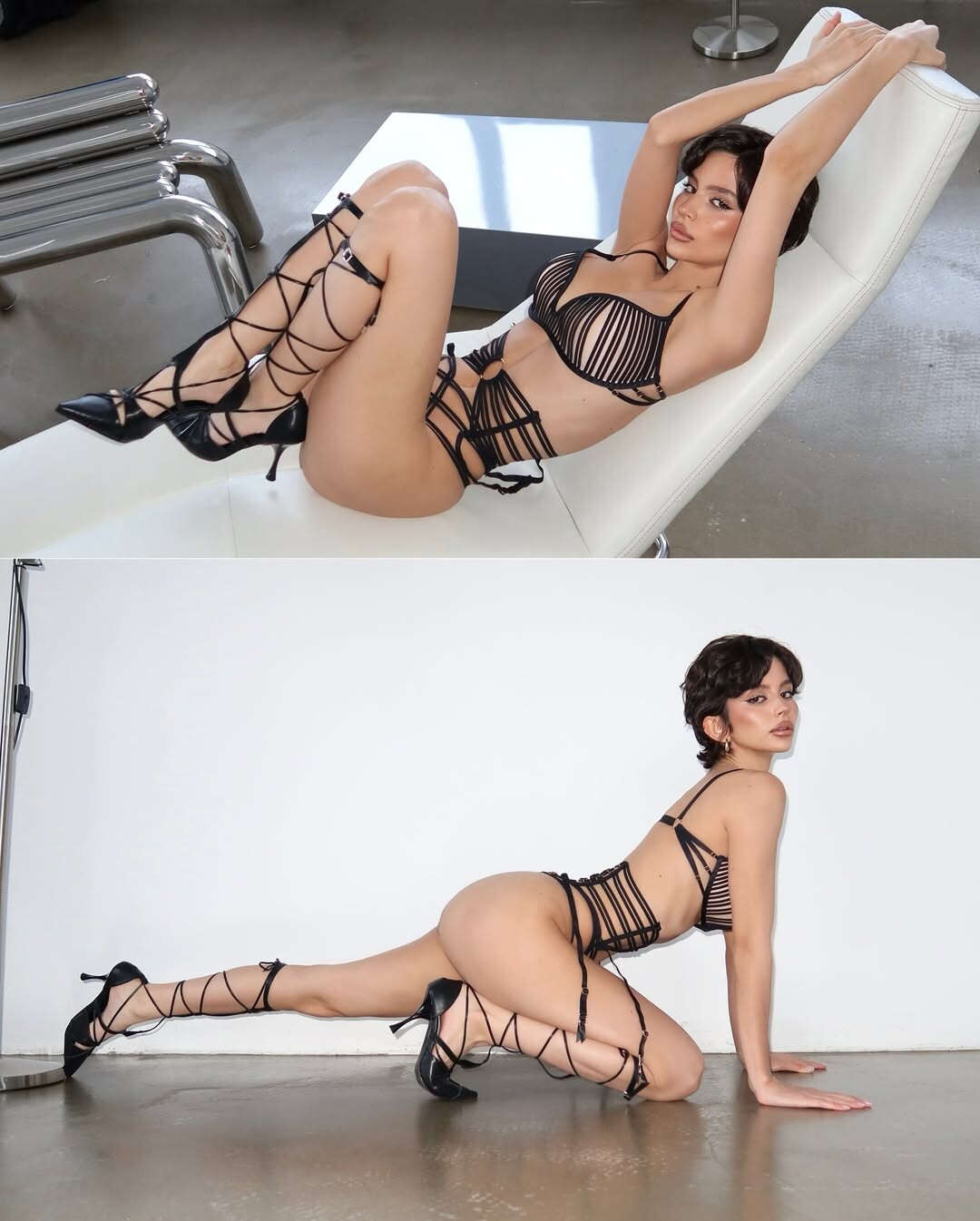
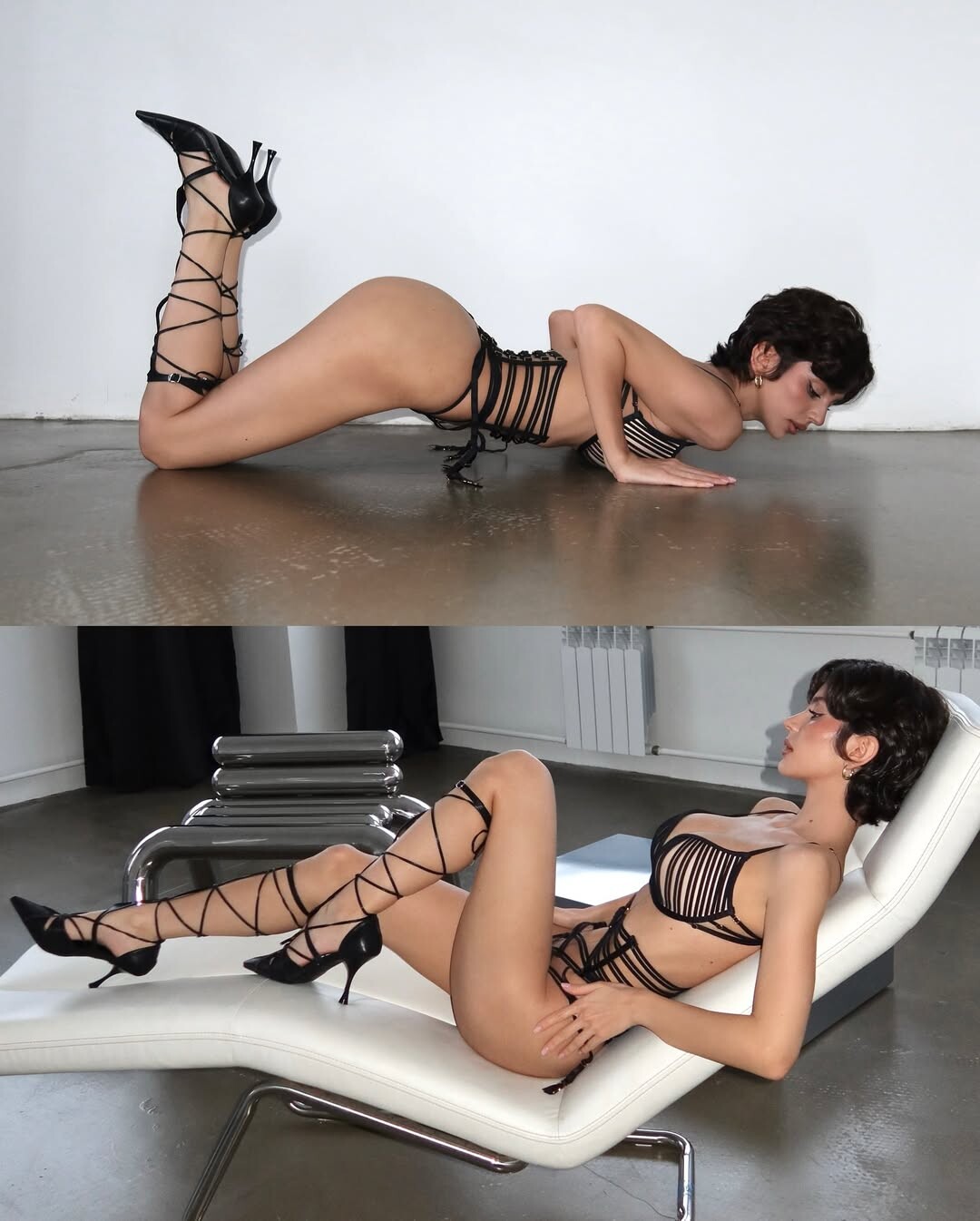
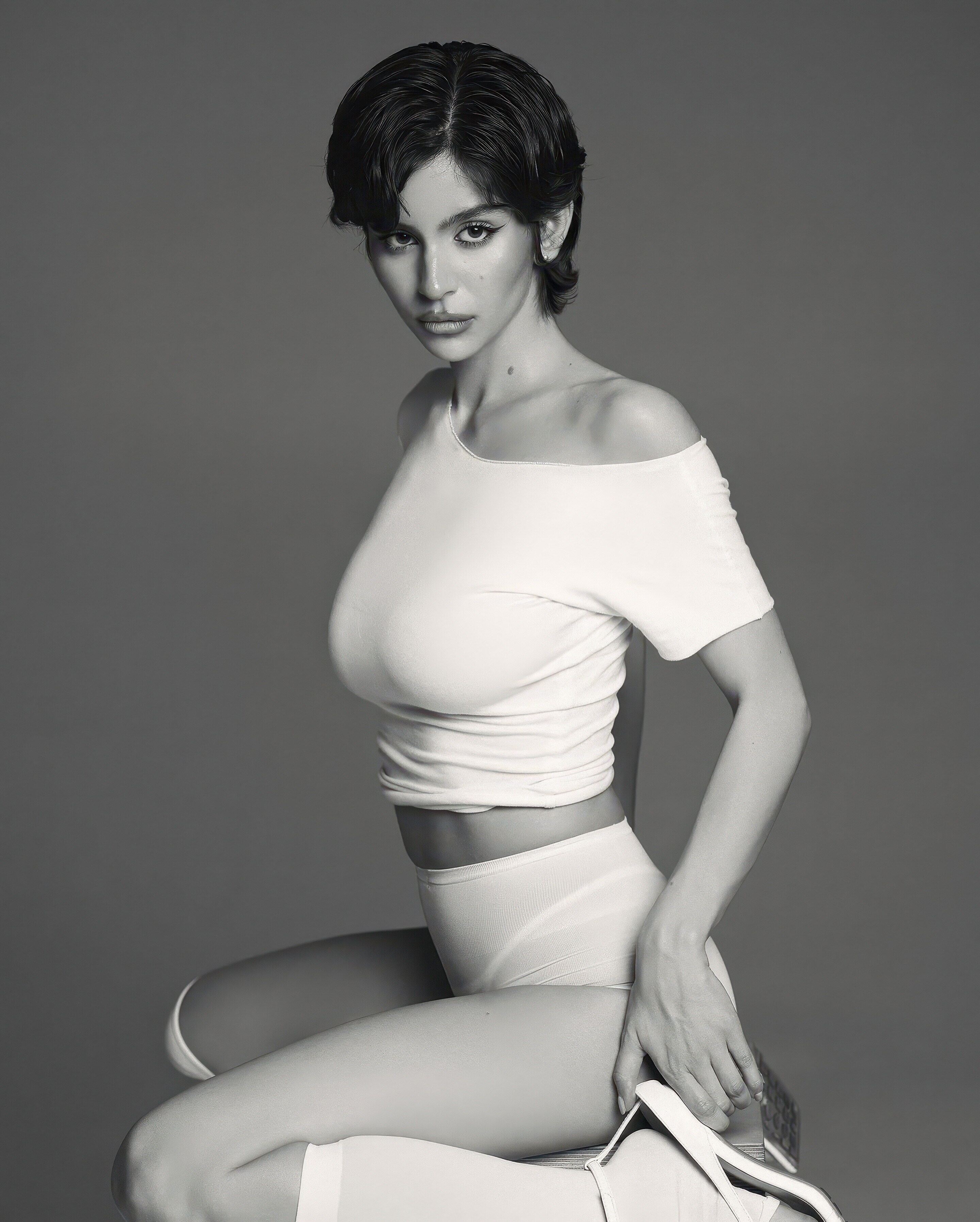
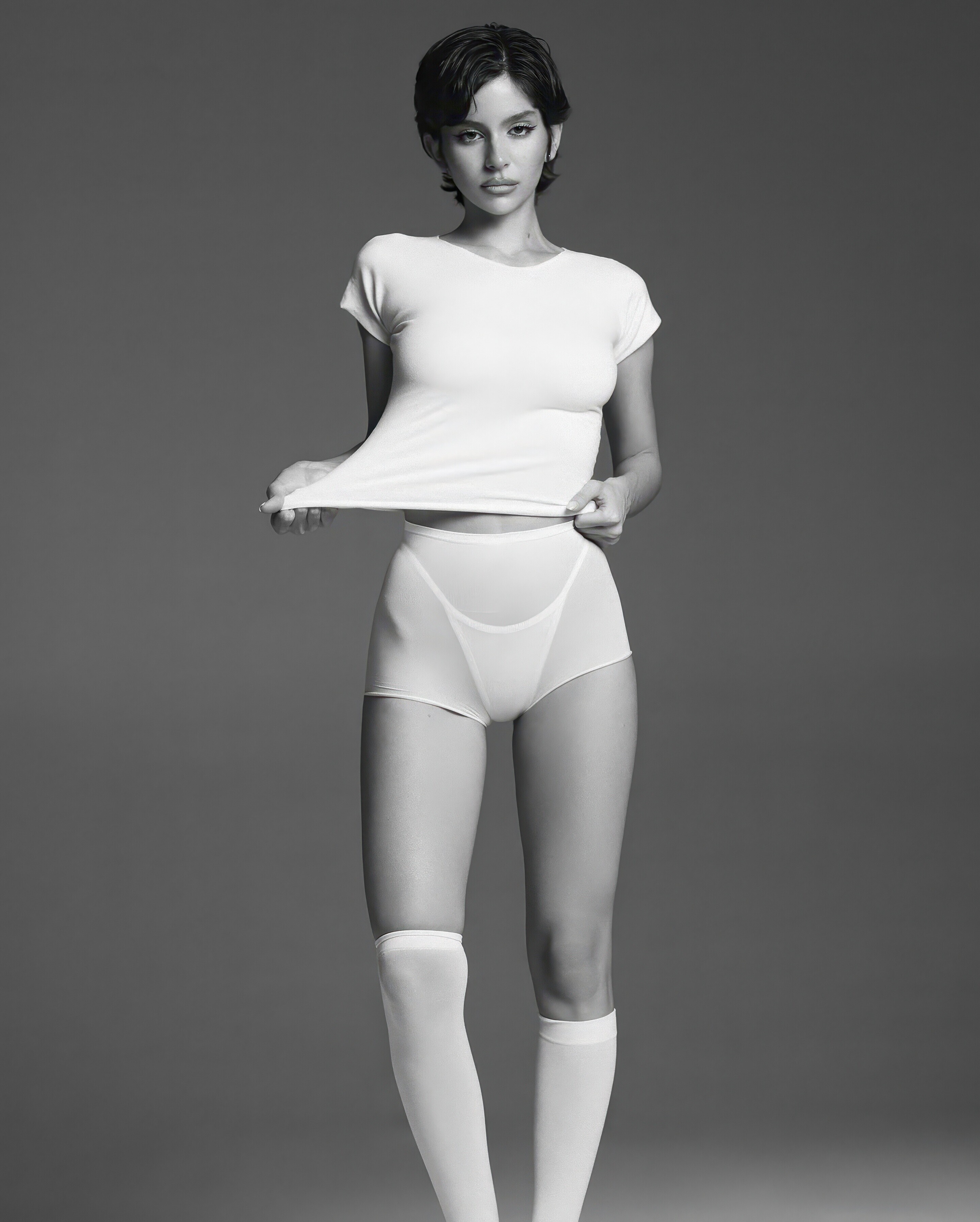
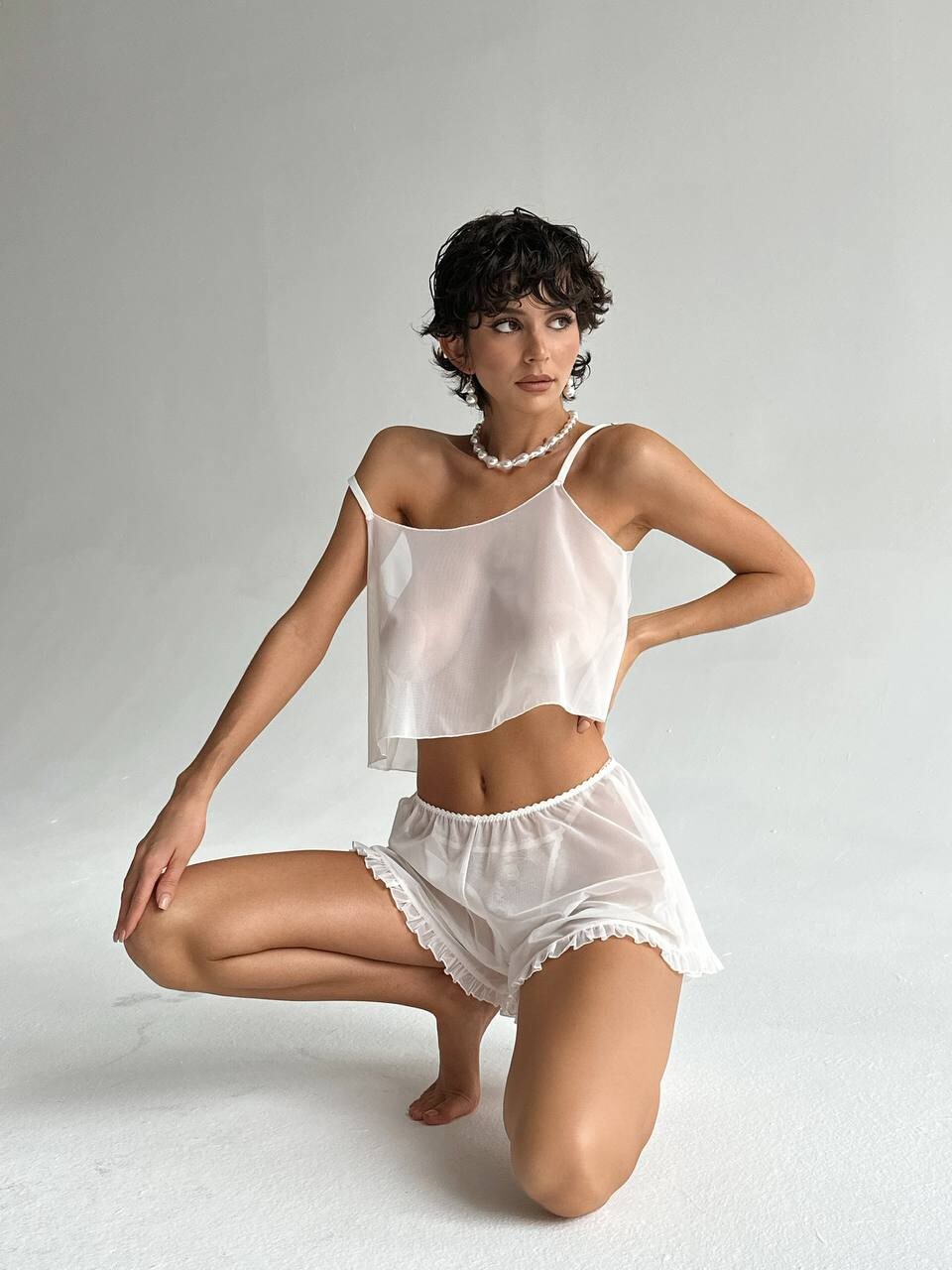
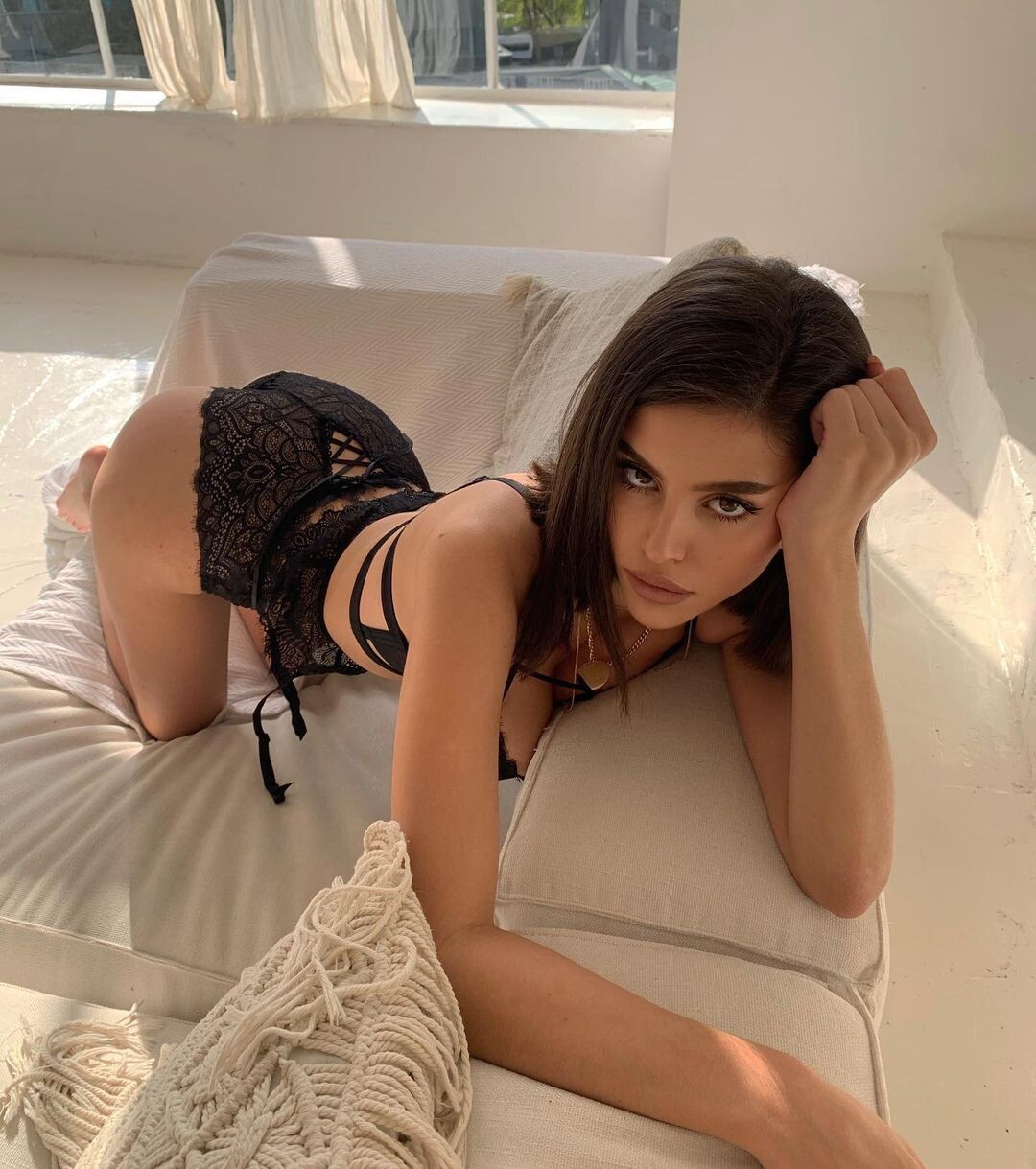
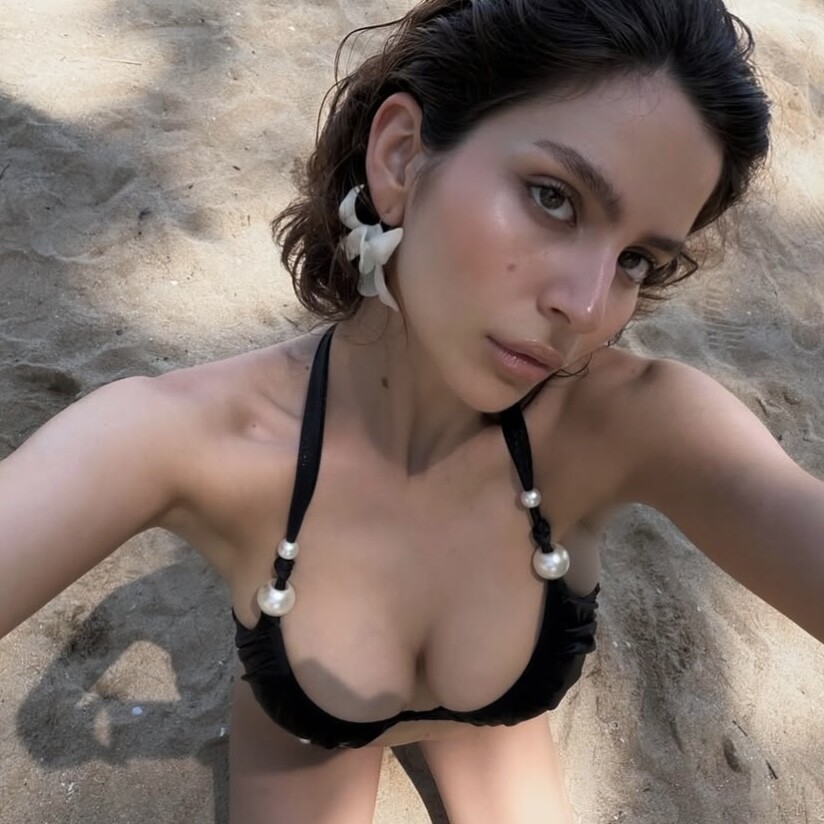
1742315279_723f8.jpg.9f3a7e415512ebb0ed0d77c9d62b0153.jpg)
1742315278_1b6b8.jpg.95f11b174cb84b32f5cbb09505f4cdc9.jpg)
1742315279_59598.jpg.596920a256f51a17002345c834f05178.jpg)
1742315282_e25e1.jpg.0ace8c32c4c21465fe3bc5d60d043104.jpg)
1742315281_71e62.jpg.64da0b97db7471a5a49221afe215bd58.jpg)


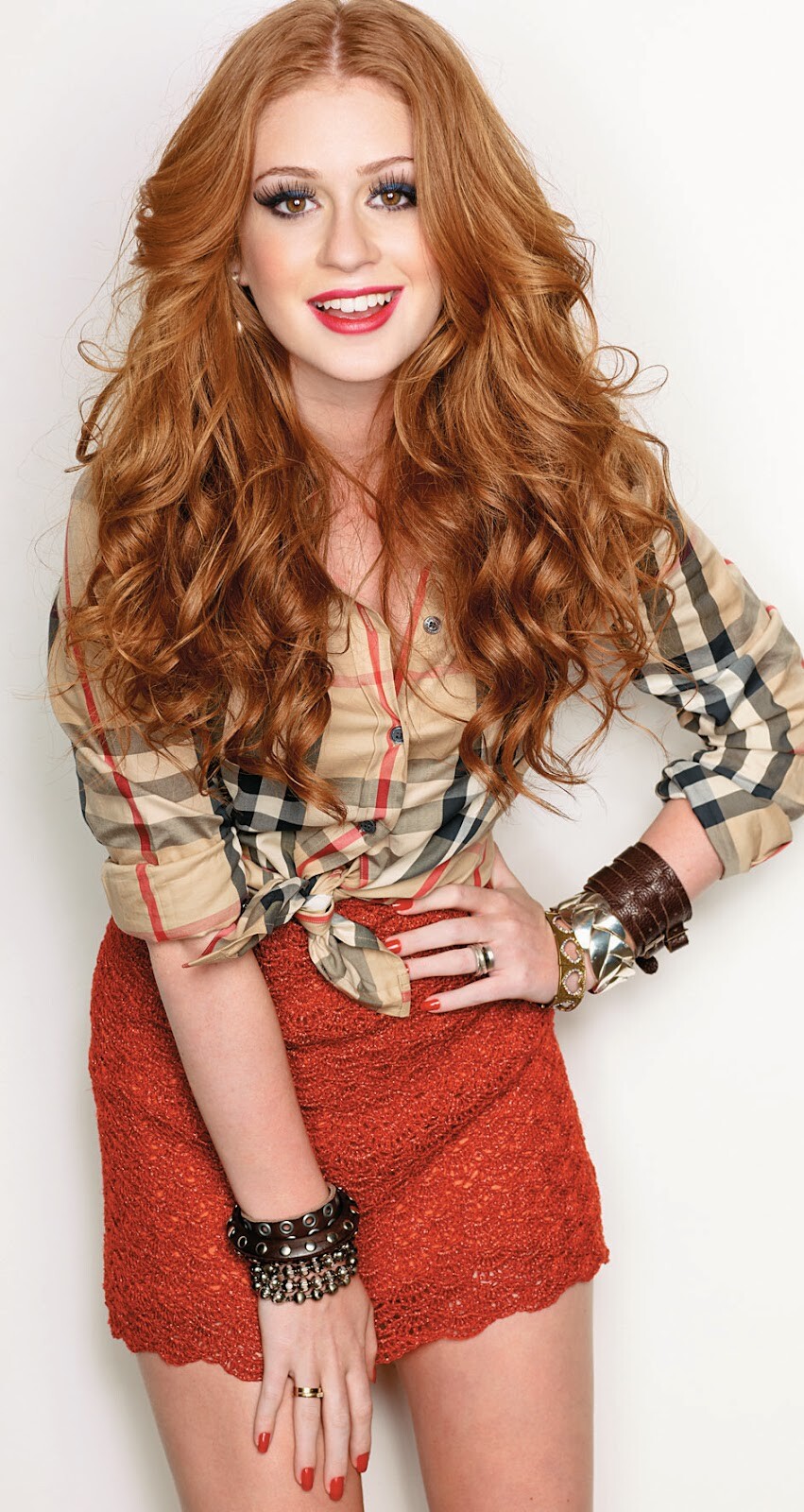

.jpg.76203e909594ed76ae2b547d05df70d4.jpg)
.jpg.7da67ec27d0620748010067320cd2e52.jpg)
.jpg.3a7f0b7879f53e6b9307da7d1dcc18ea.jpg)
.jpg.6906c4513eecb674128335164f7f46da.jpg)
Account
Navigation
Search
Configure browser push notifications
Chrome (Android)
- Tap the lock icon next to the address bar.
- Tap Permissions → Notifications.
- Adjust your preference.
Chrome (Desktop)
- Click the padlock icon in the address bar.
- Select Site settings.
- Find Notifications and adjust your preference.
Safari (iOS 16.4+)
- Ensure the site is installed via Add to Home Screen.
- Open Settings App → Notifications.
- Find your app name and adjust your preference.
Safari (macOS)
- Go to Safari → Preferences.
- Click the Websites tab.
- Select Notifications in the sidebar.
- Find this website and adjust your preference.
Edge (Android)
- Tap the lock icon next to the address bar.
- Tap Permissions.
- Find Notifications and adjust your preference.
Edge (Desktop)
- Click the padlock icon in the address bar.
- Click Permissions for this site.
- Find Notifications and adjust your preference.
Firefox (Android)
- Go to Settings → Site permissions.
- Tap Notifications.
- Find this site in the list and adjust your preference.
Firefox (Desktop)
- Open Firefox Settings.
- Search for Notifications.
- Find this site in the list and adjust your preference.