All Activity
- Past hour
-

-

 Nice. Thank you.
Absolutely. And I like Jodie, too.
Nice. Thank you.
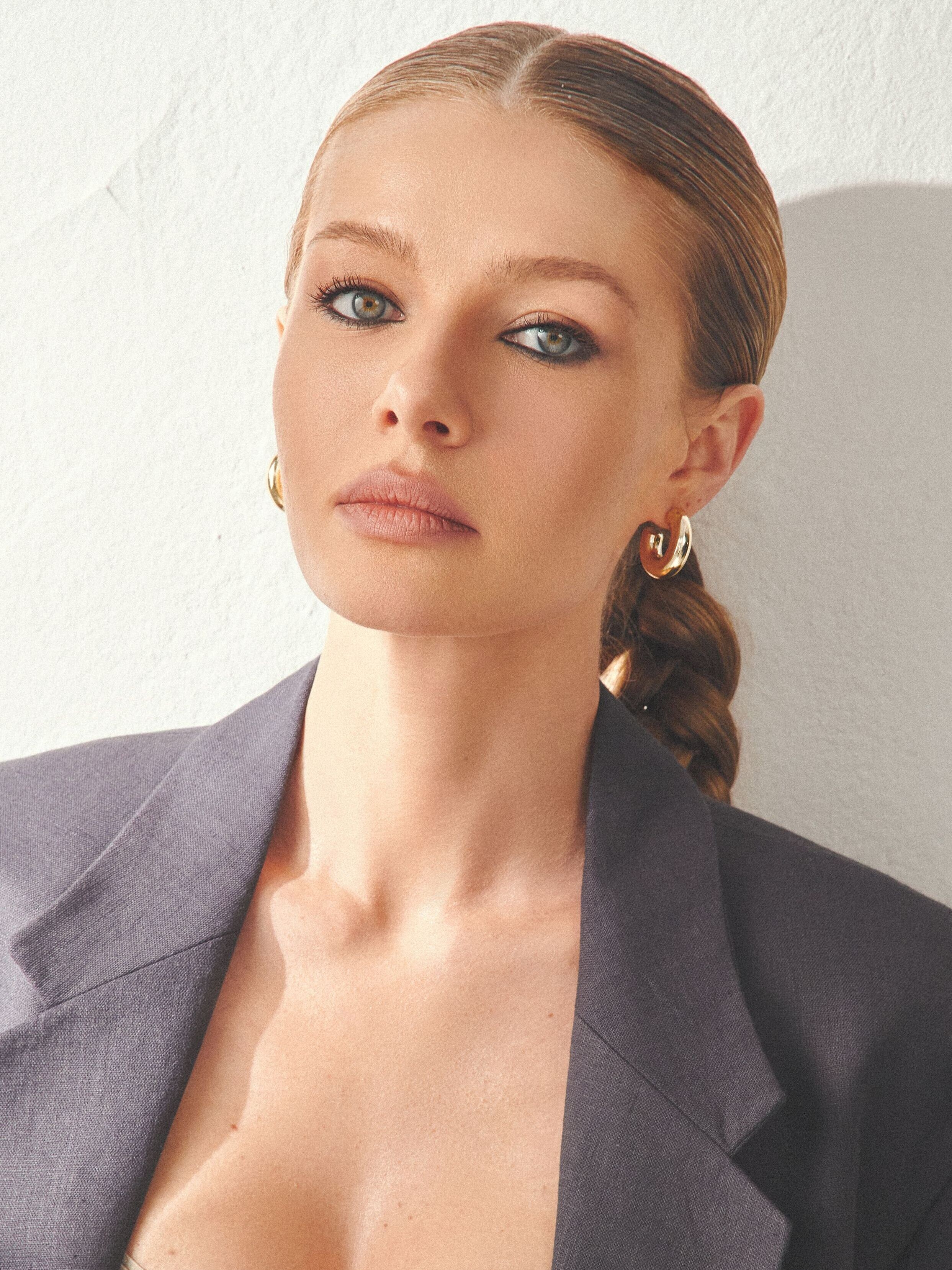
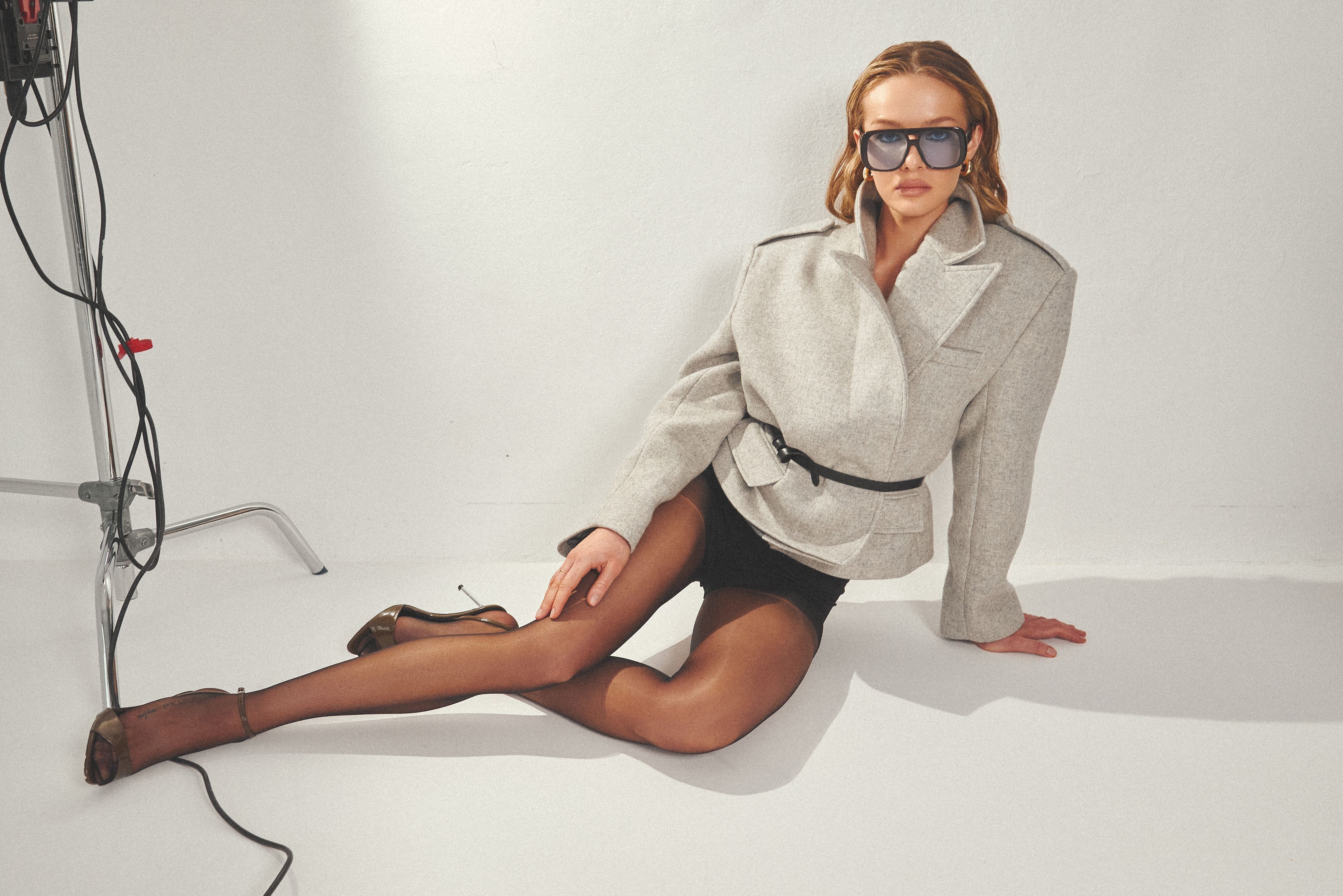
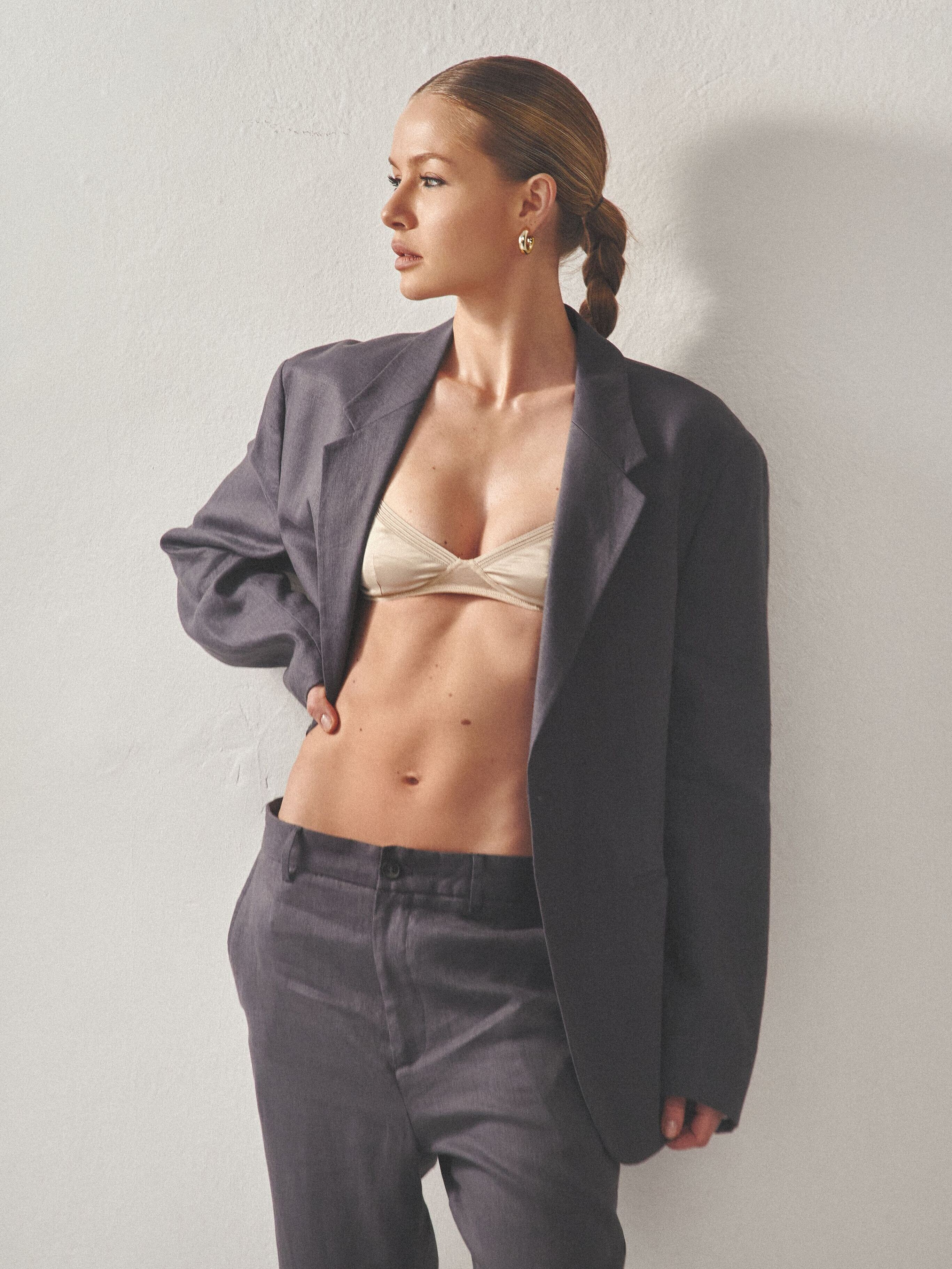
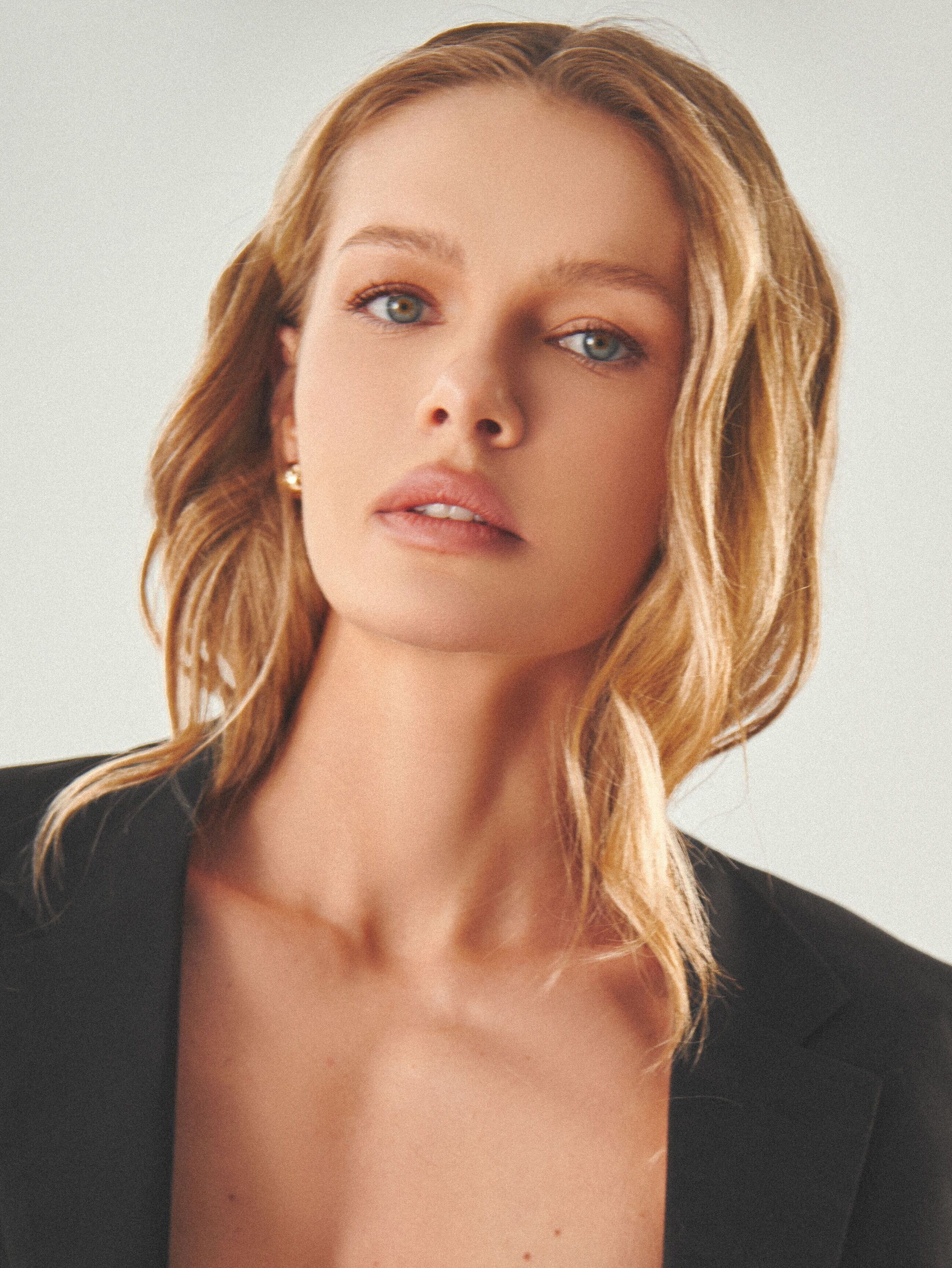
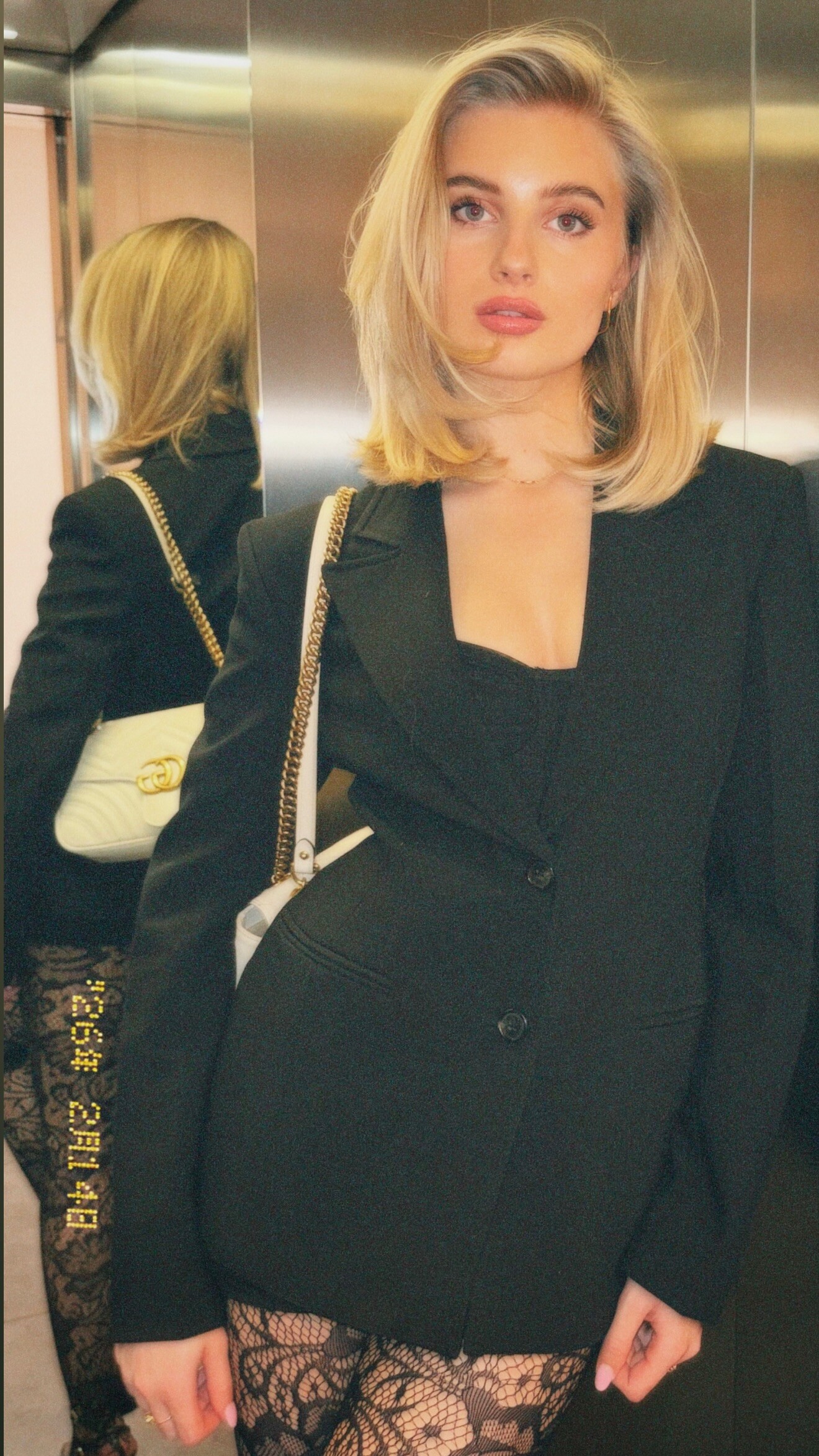
Absolutely. And I like Jodie, too. The blonde with heavy eyes is Katharina von Johnston VONsociety.com - Am Cover unserer Sommerausgabe: Katharin...Am Cover unserer Sommerausgabe: Katharina von Johnston mit ihrem Pferd Dynamic – Equipment von MAYBACH Saddlery Uhr: Reverso Jaeger-LeCoultre Foto: Paul Harris
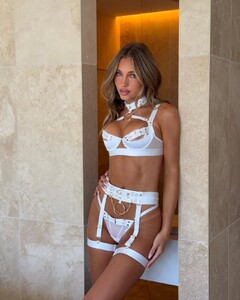
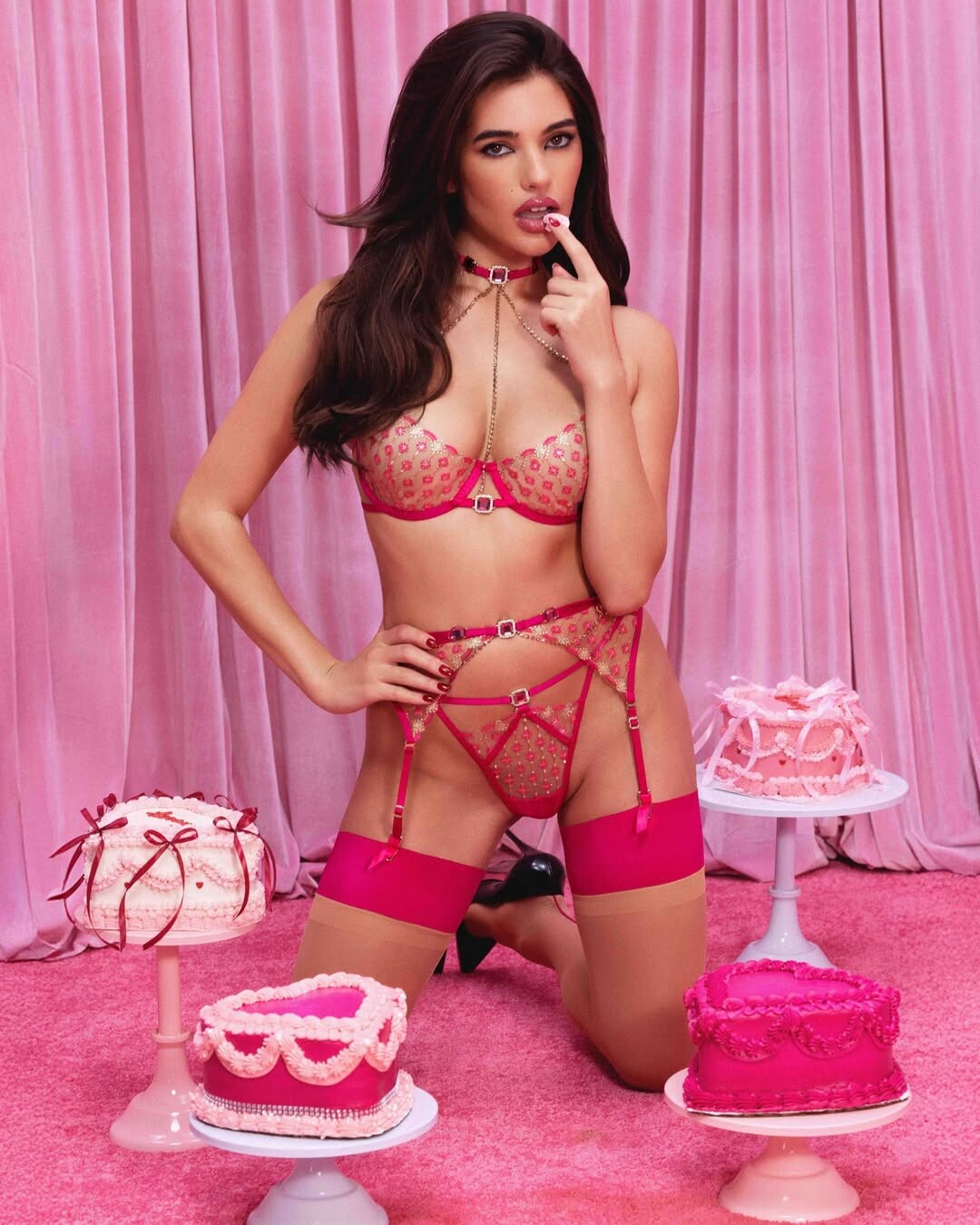
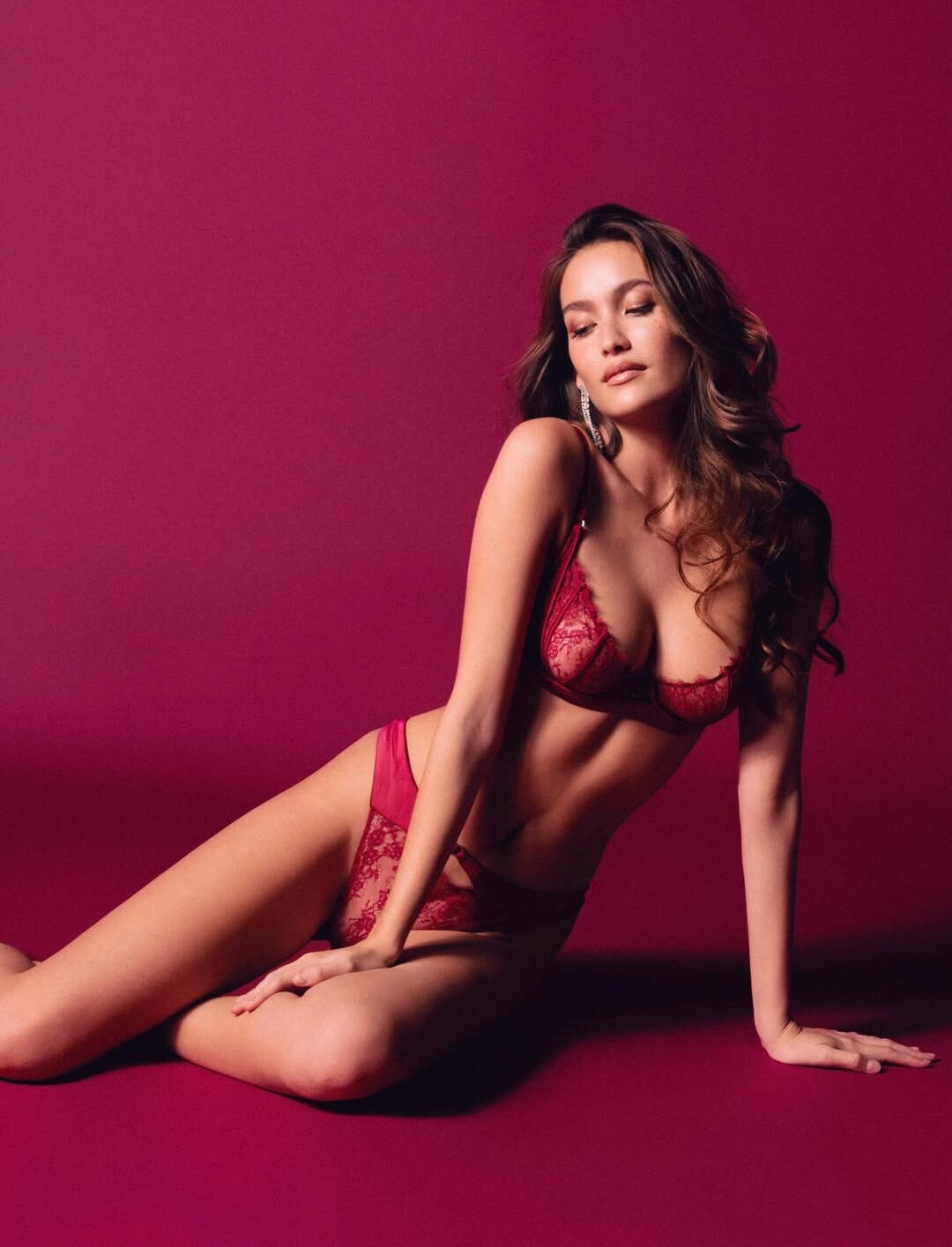
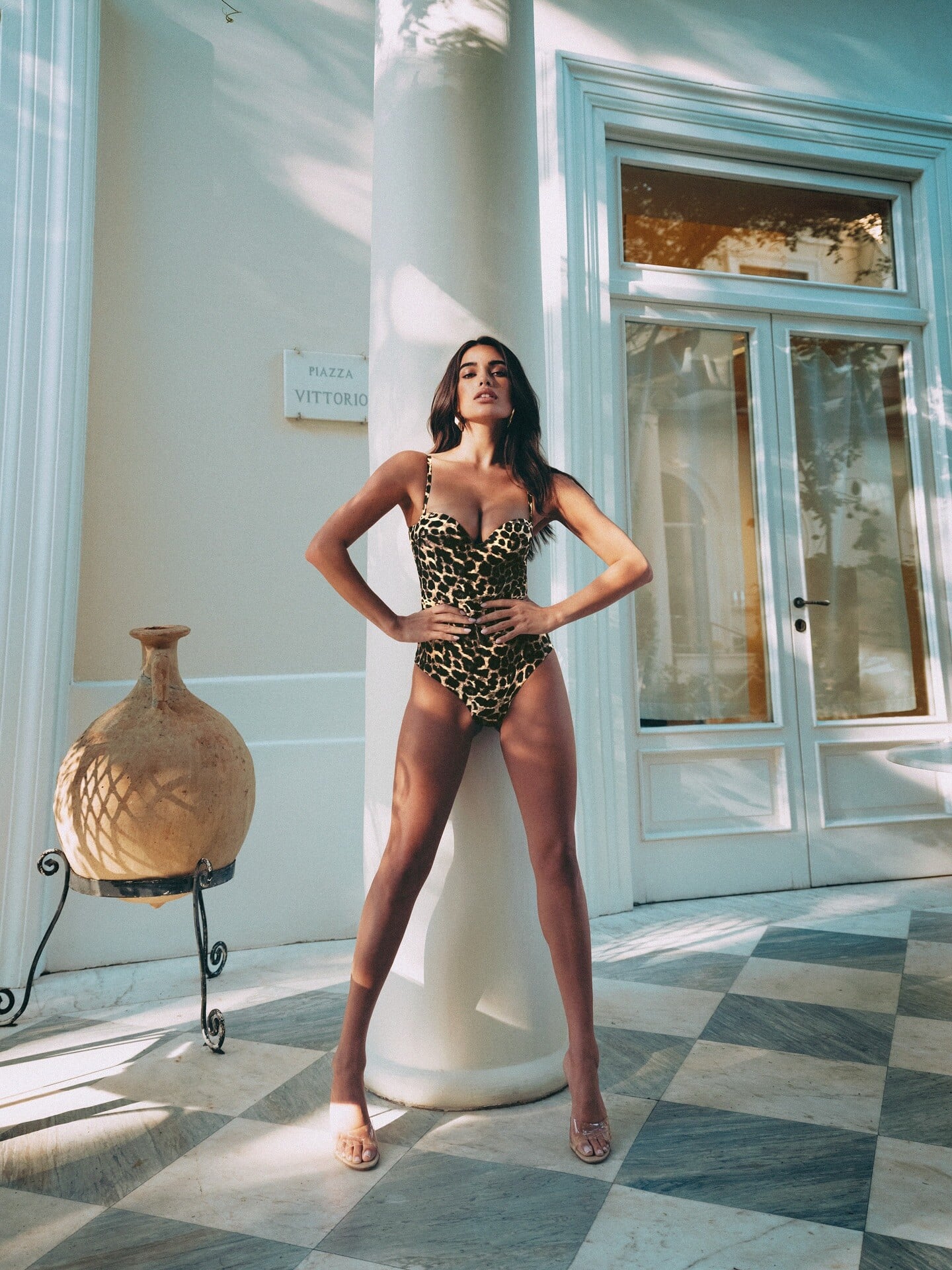
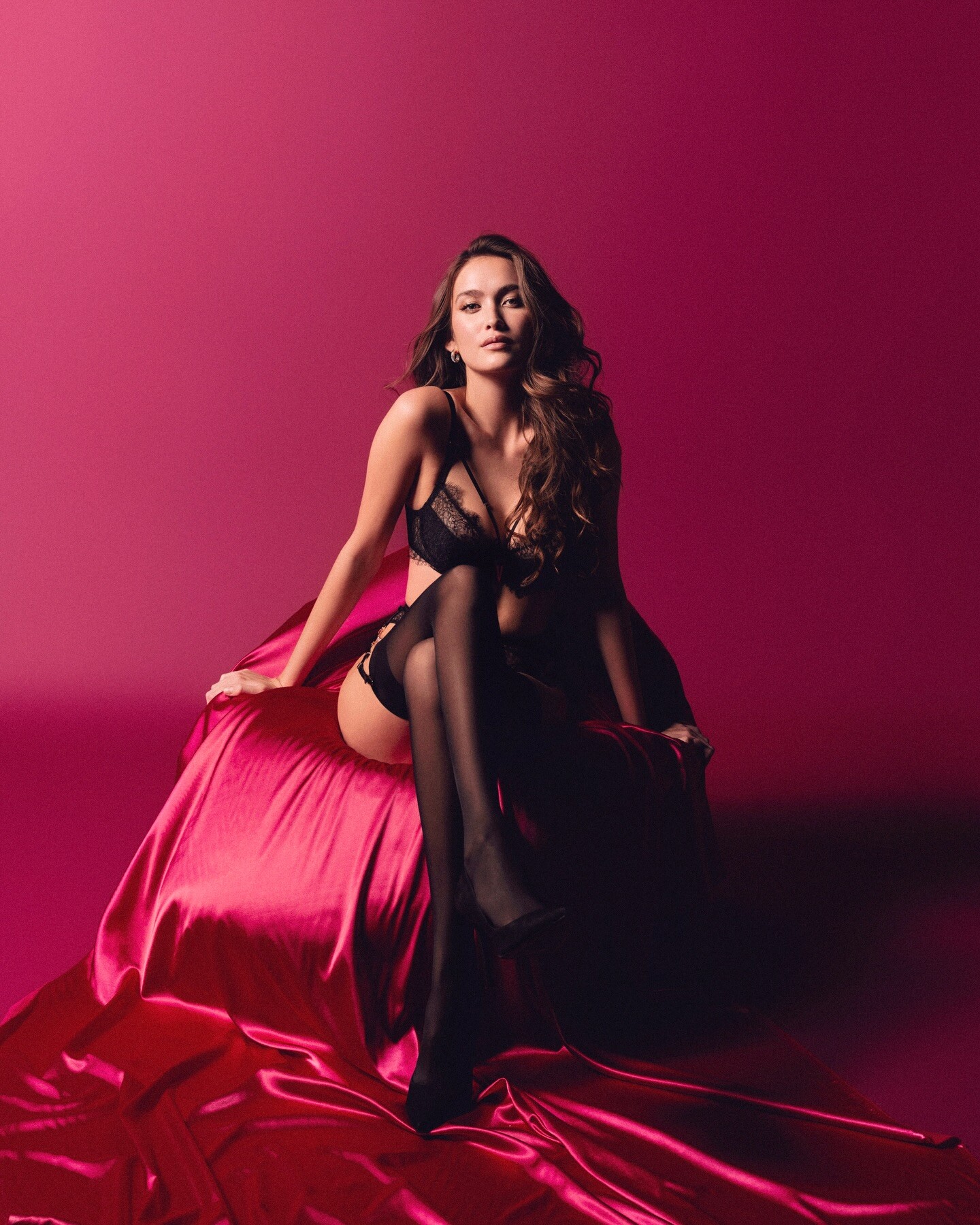
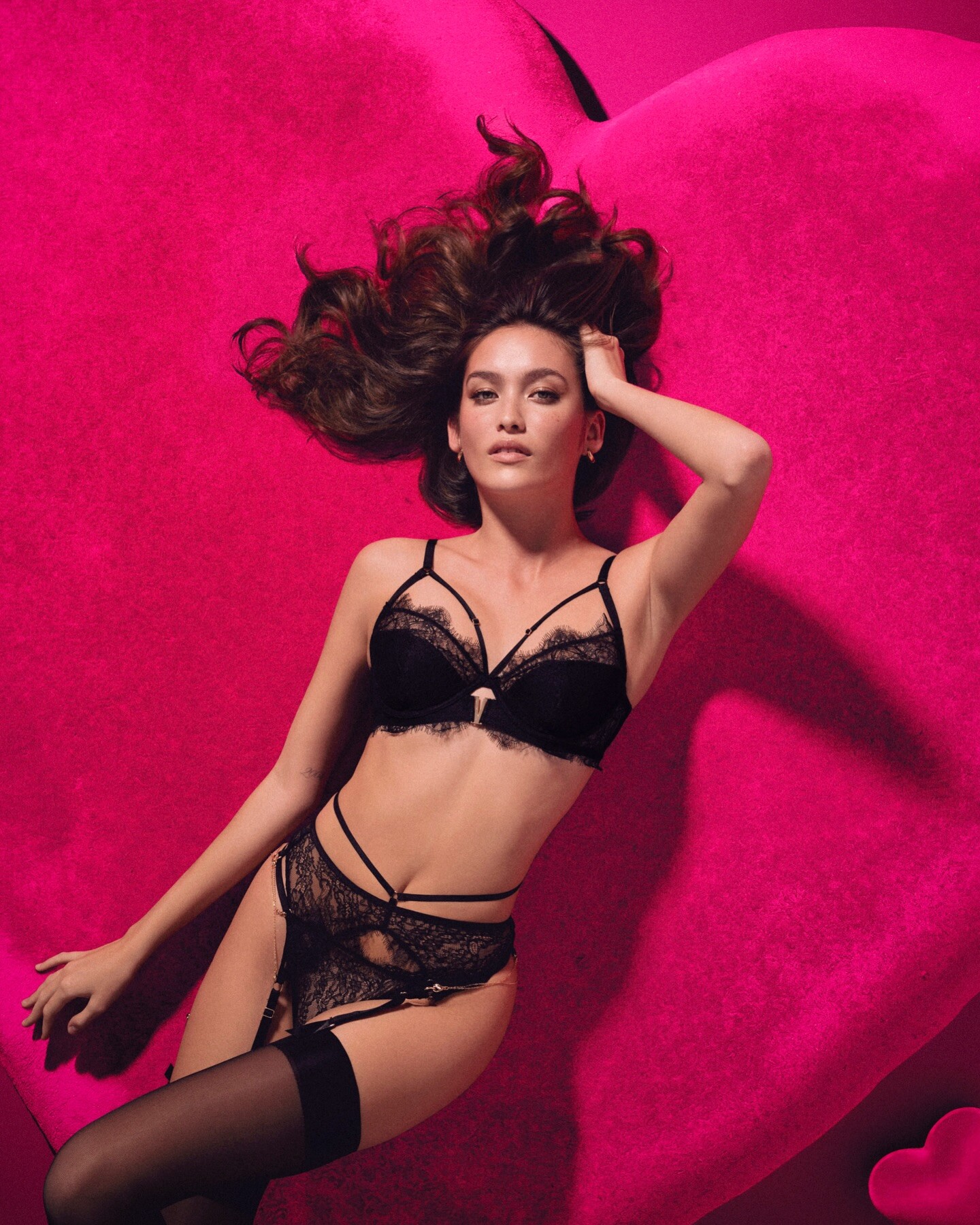
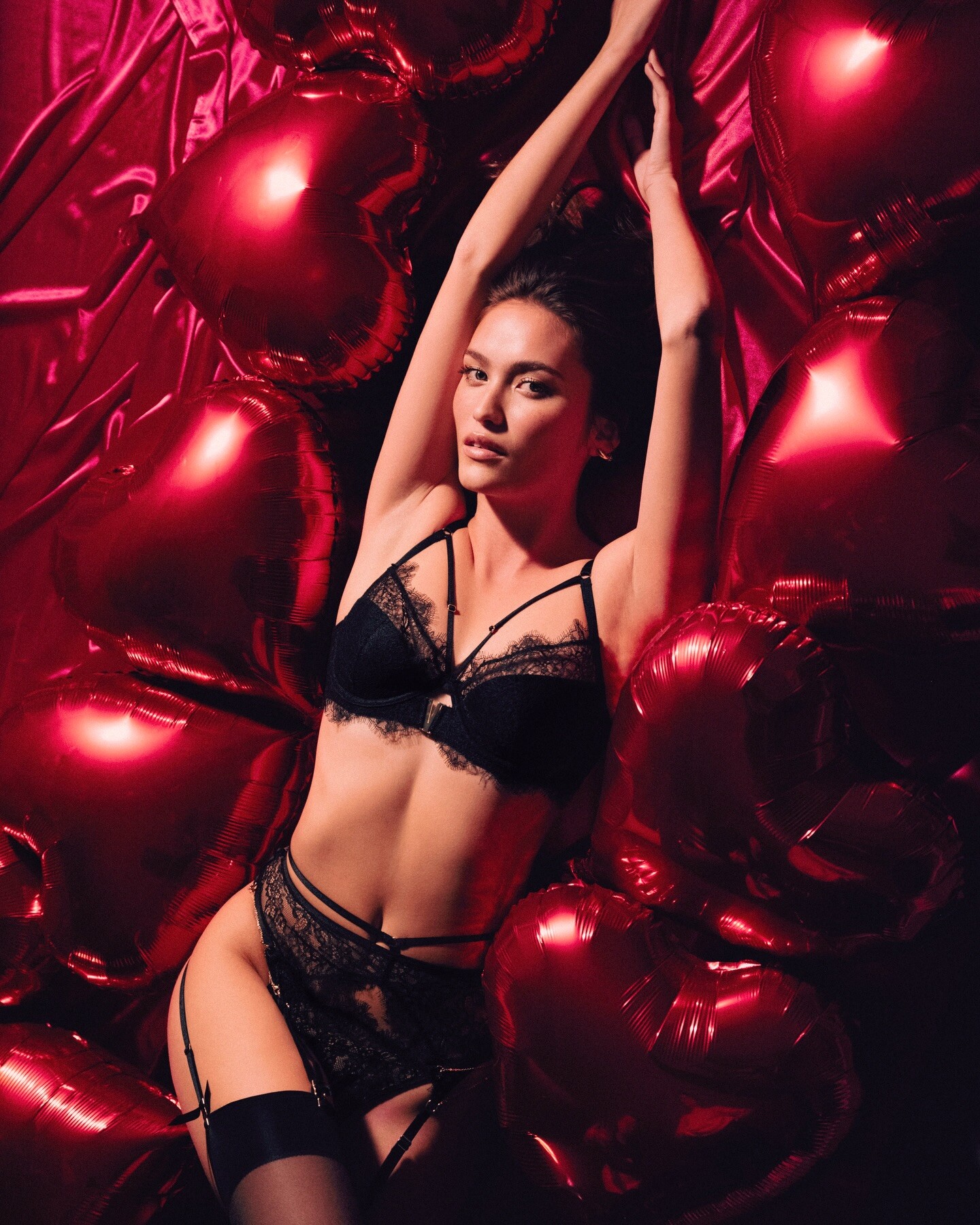
 Honey Birdette
.thumb.jpg.31ba0449052787d00149b088f560506c.jpg)
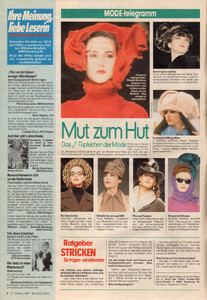
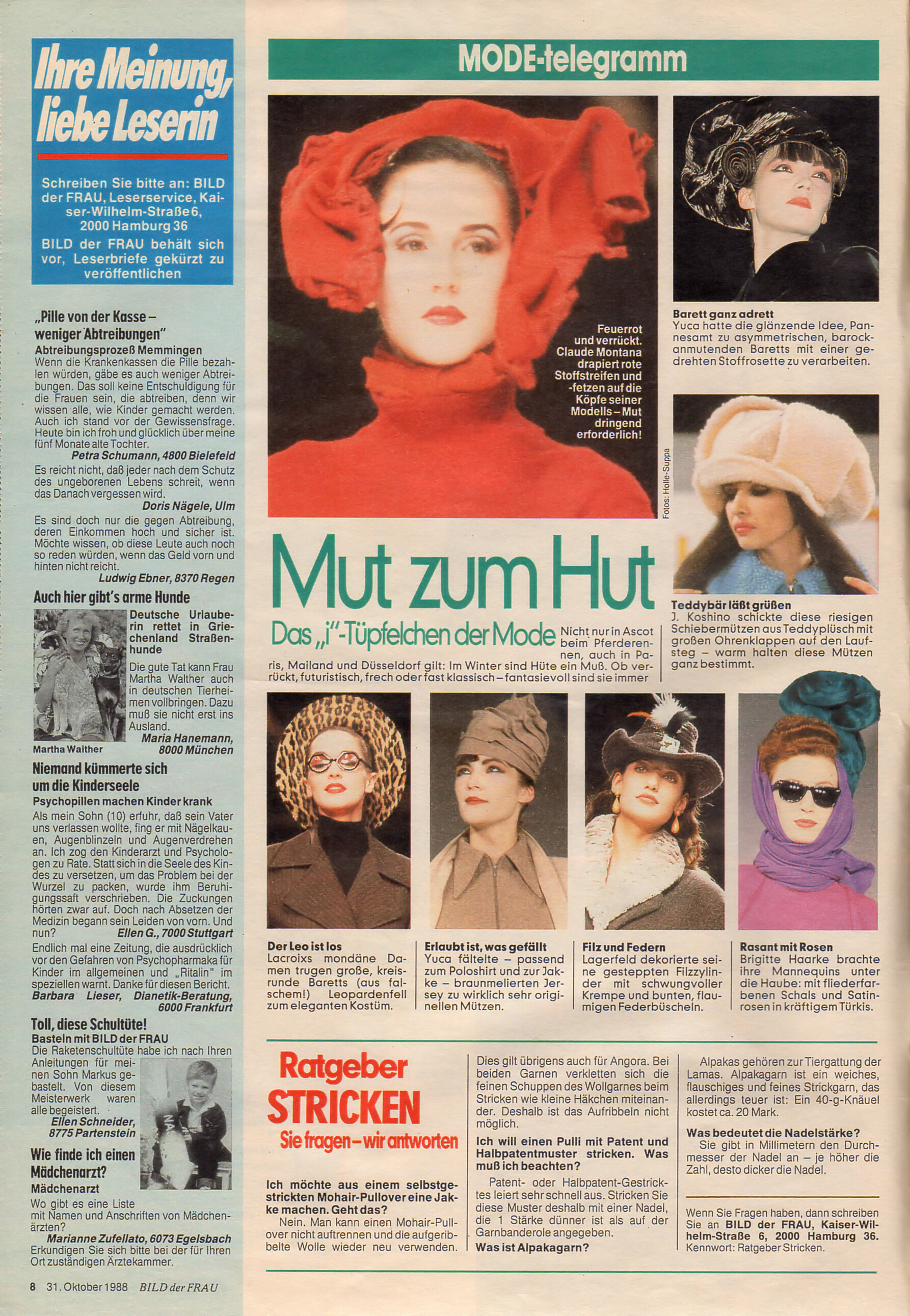
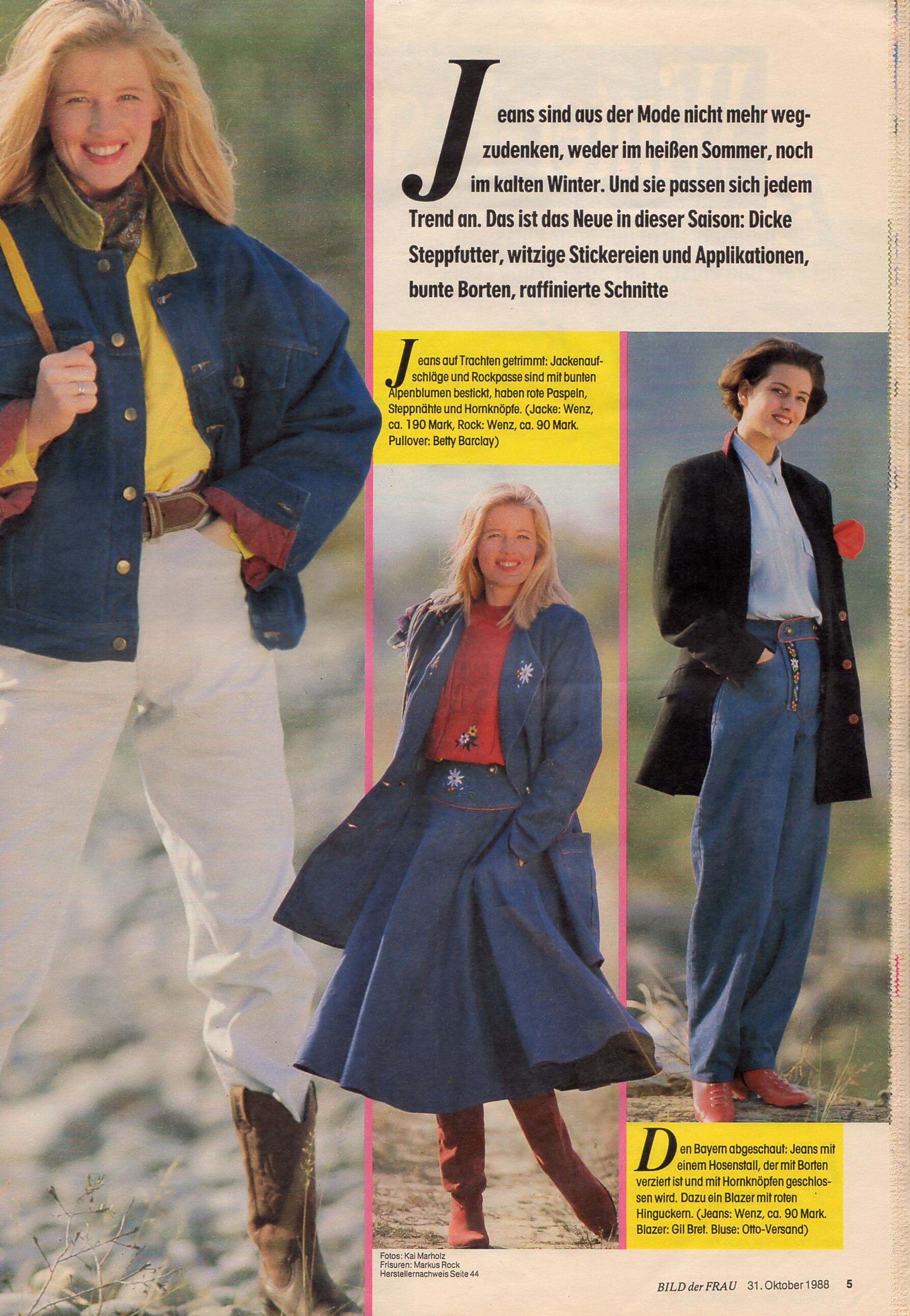
 "Mut zum Hut" - Bild der Frau Germany 31. October 1988 #44 Model in red is?
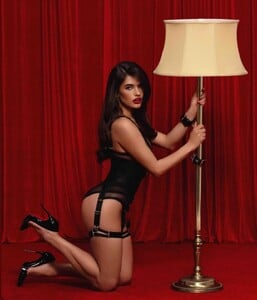
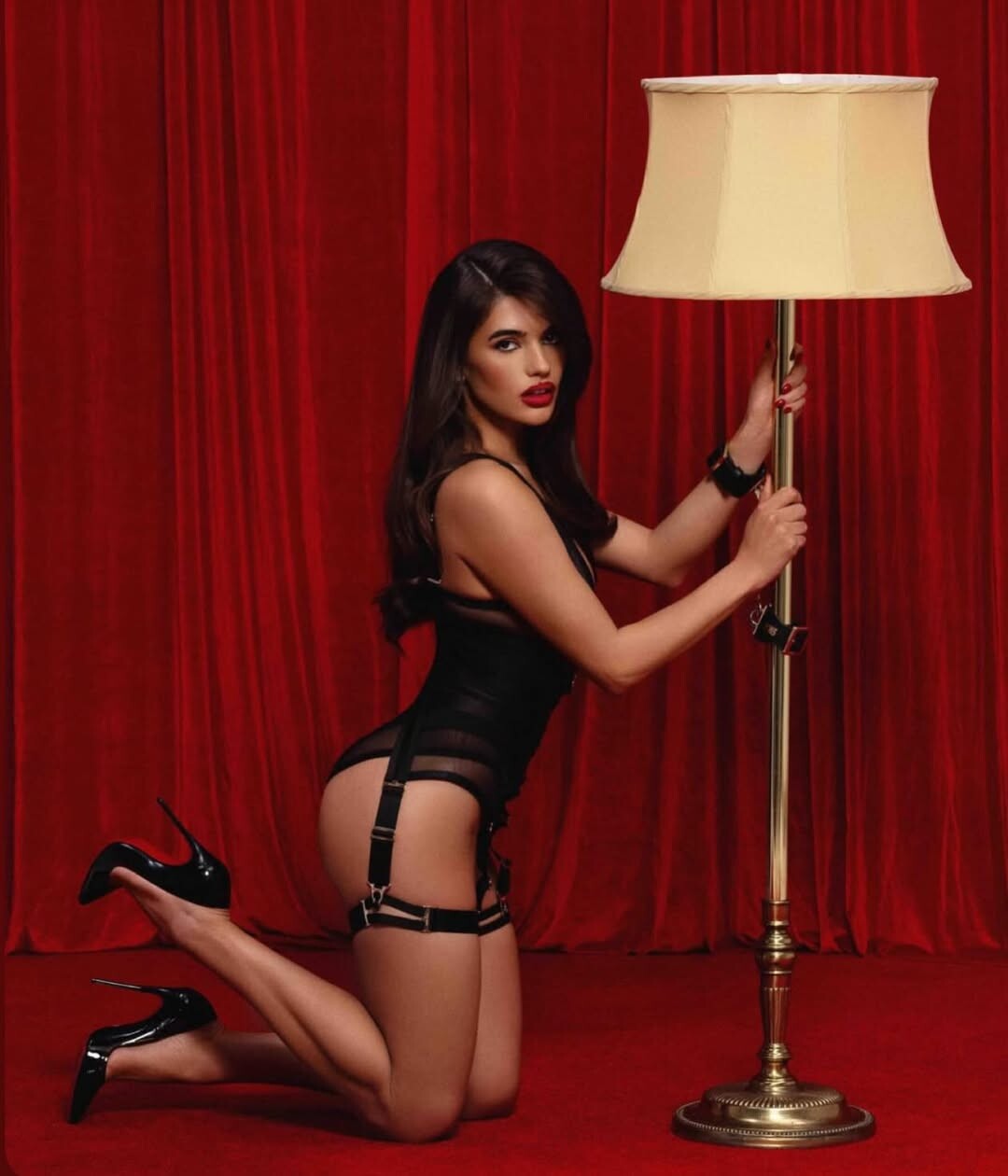
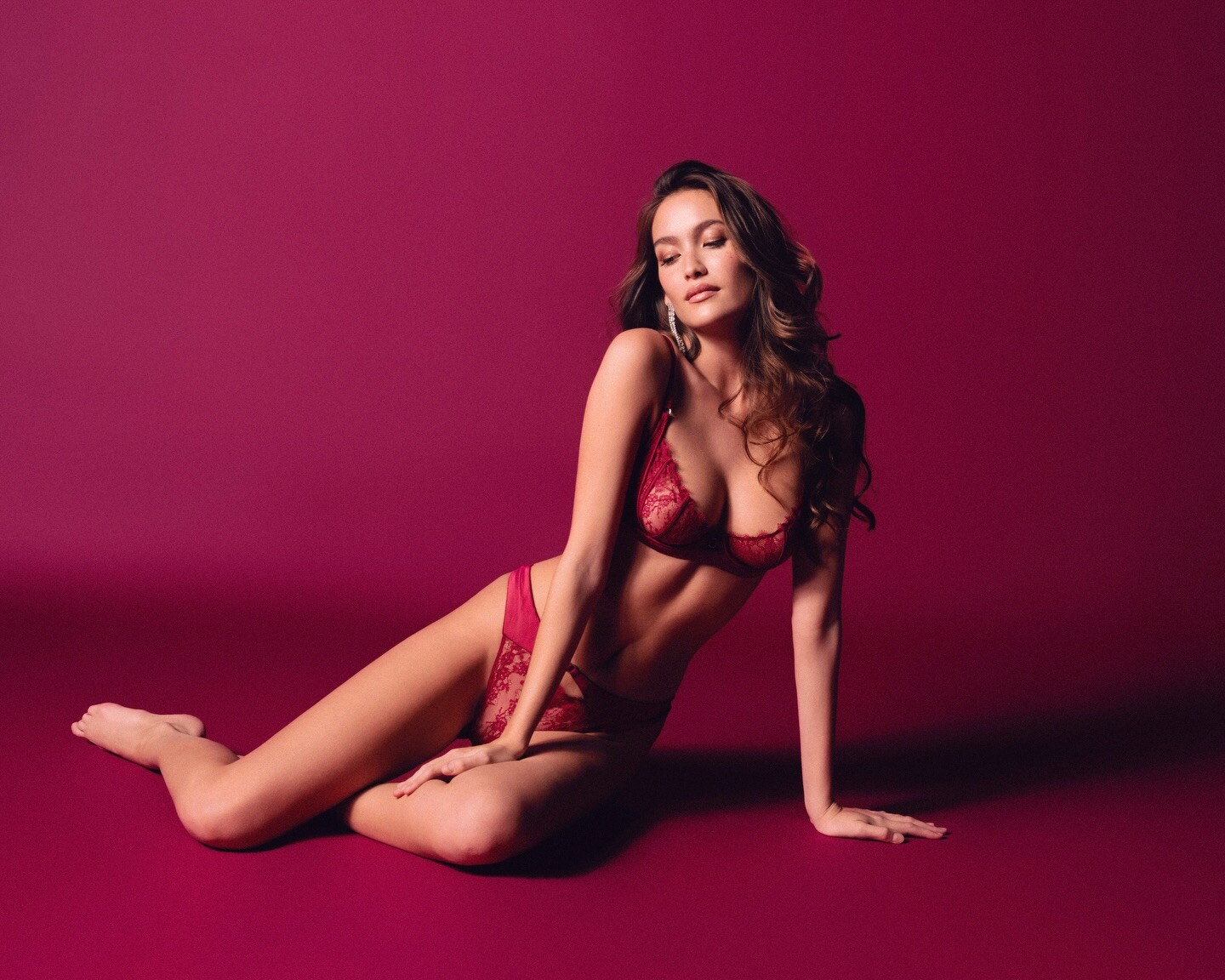
 Honey Birdette
.thumb.jpg.b94077360d8ca24b912e5a6edf07271a.jpg)
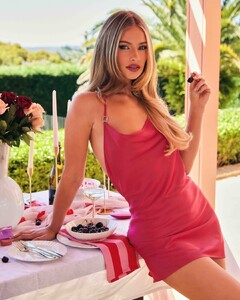 Honey Birdette
.thumb.jpg.67328cbc284b60e5af901010b1af13da.jpg)
.thumb.jpg.685a9b35826b9fb47fd6520e483afa76.jpg)
.thumb.jpg.acb755e2baffd6510b6dcac7afbce8d9.jpg)

.thumb.jpg.01059faff18ab7e6c5147da8ae0067c9.jpg)
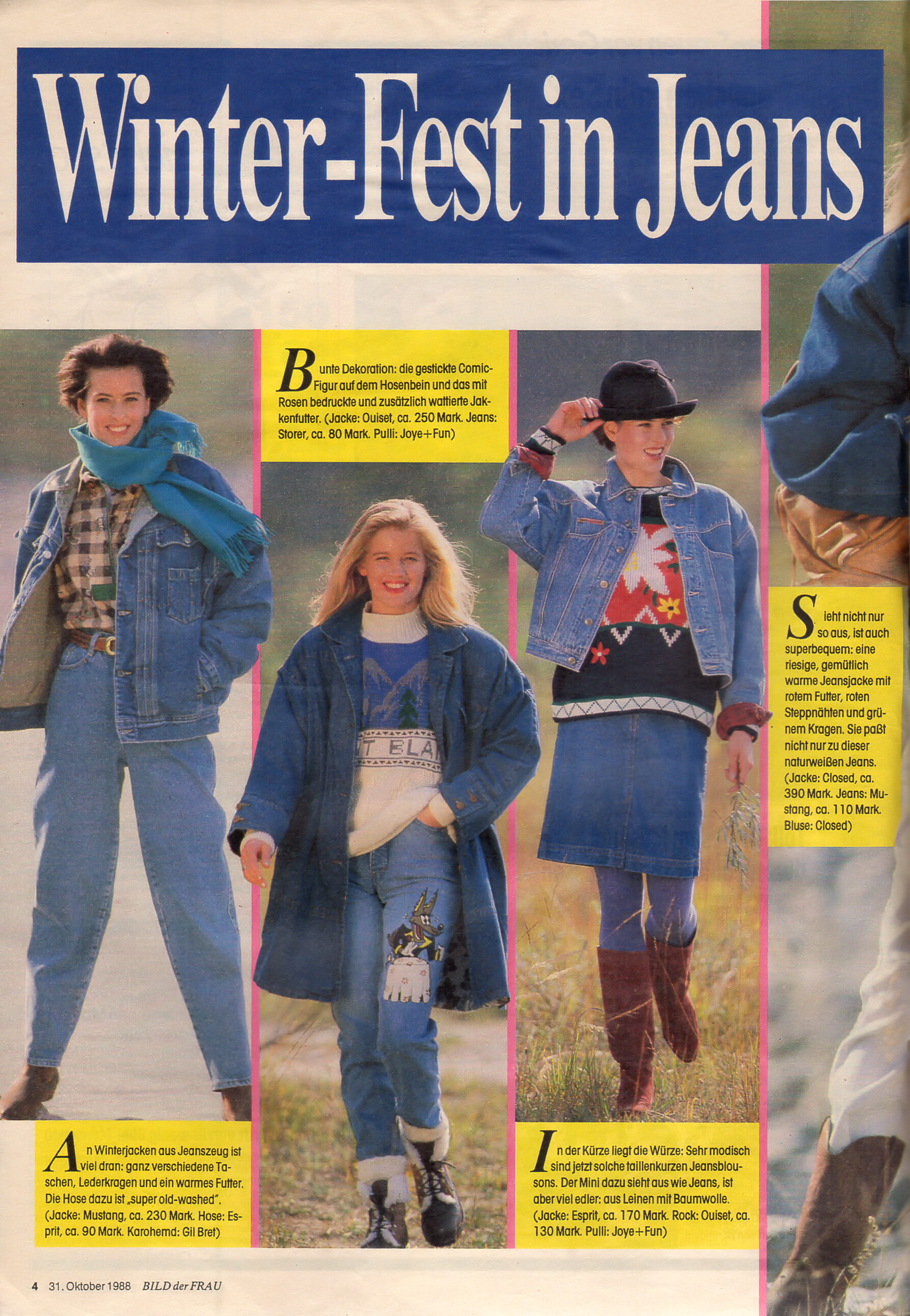
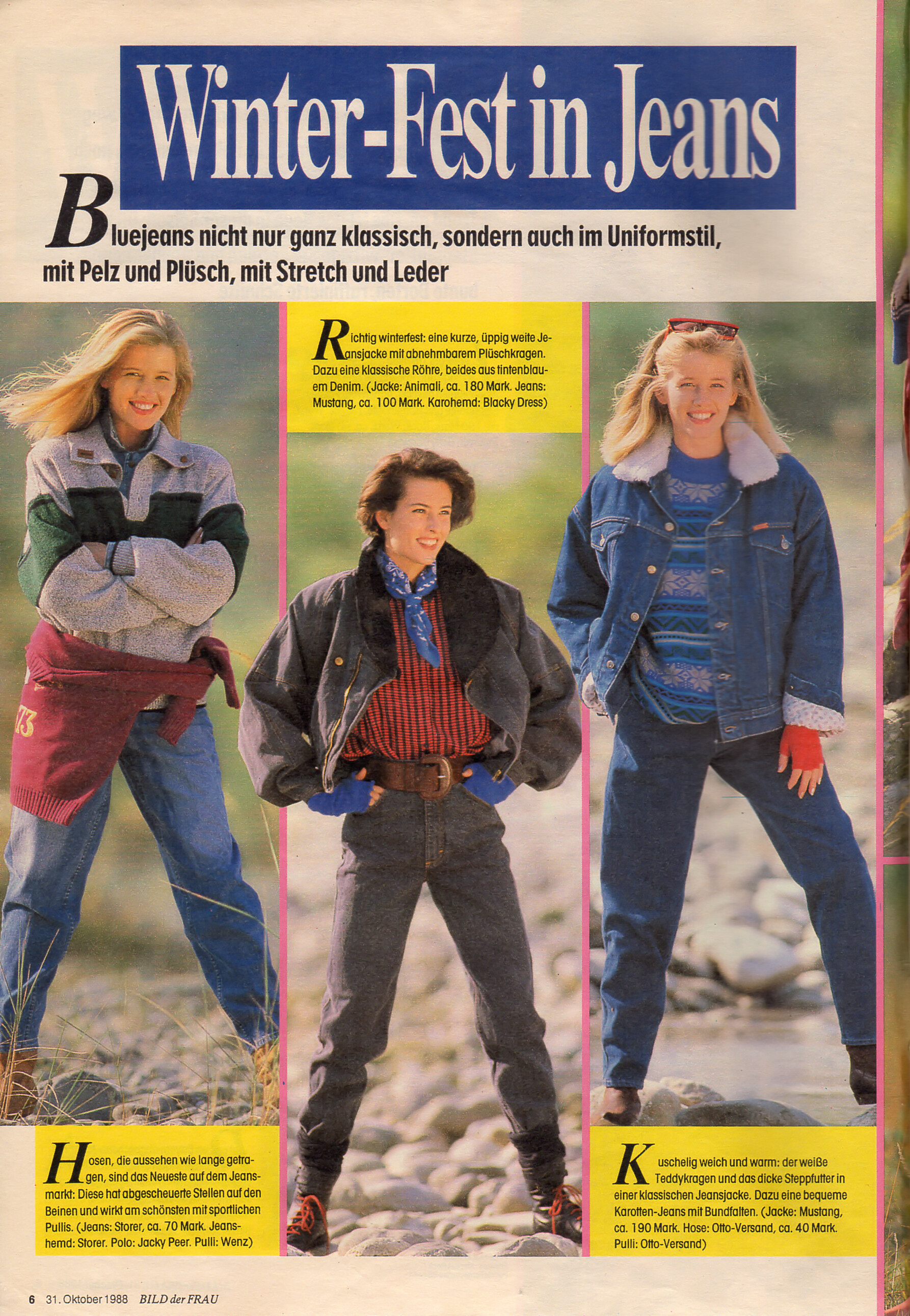
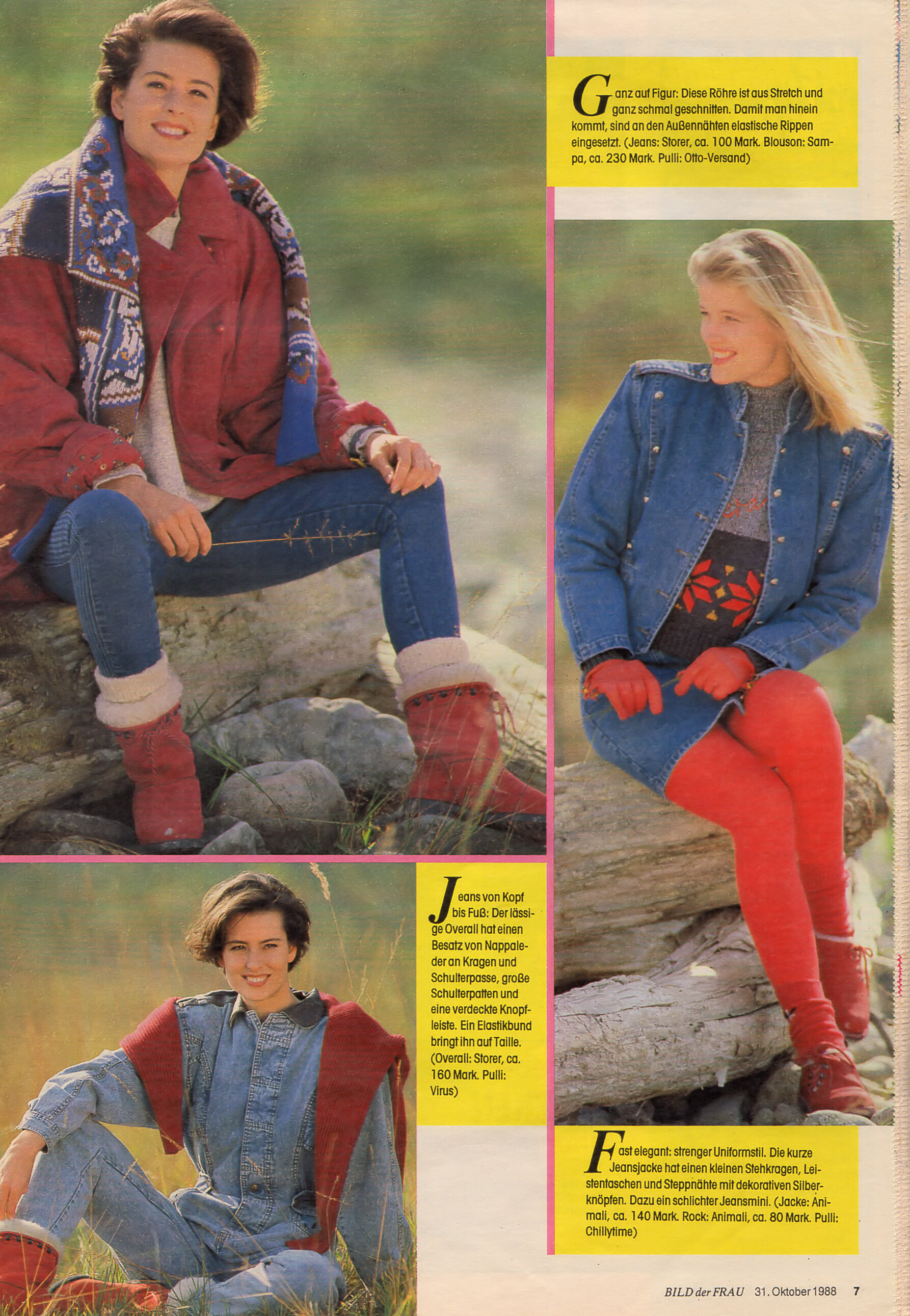
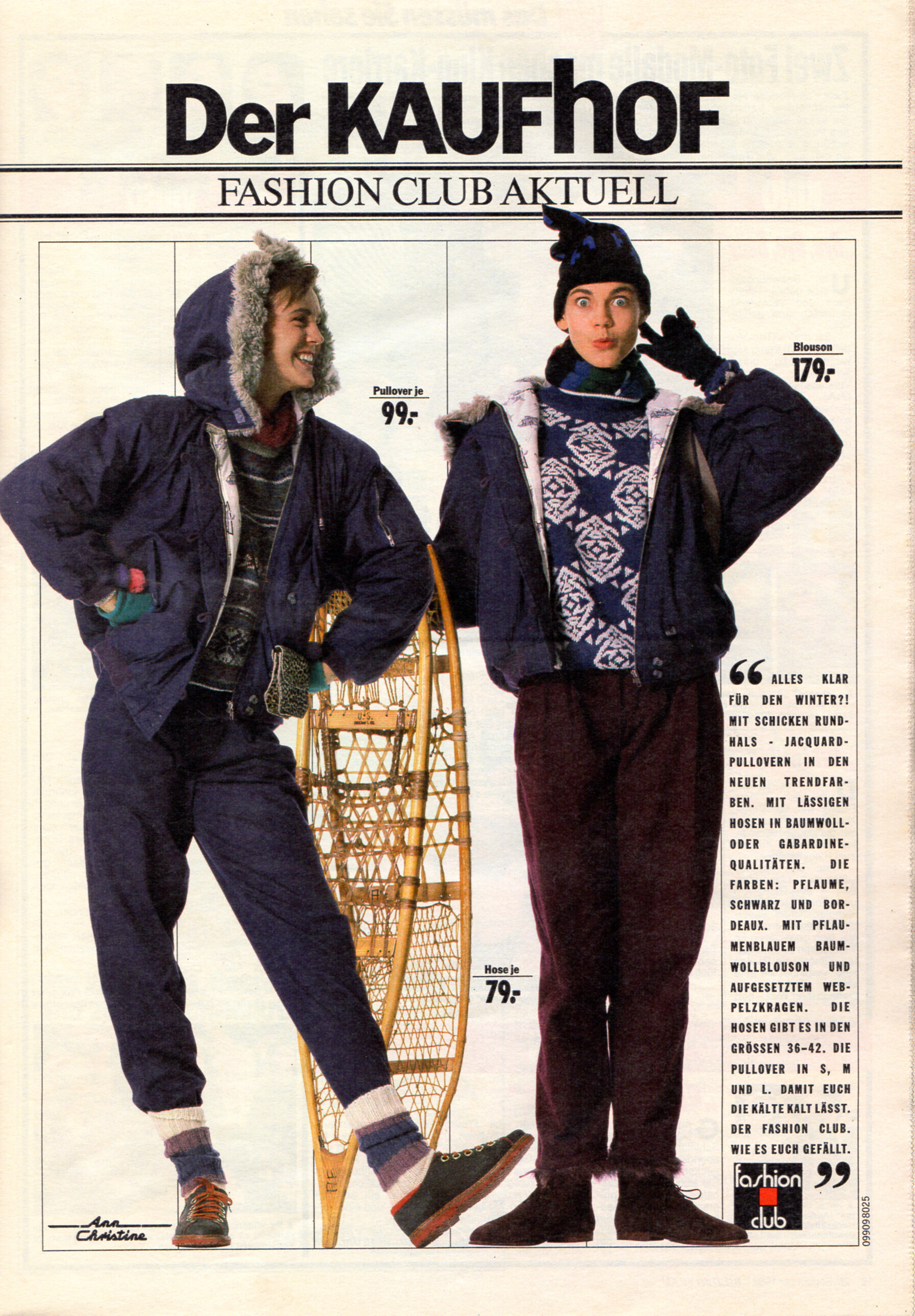
 "Winter-Fest in Jeans" - Bild der Frau Germany 31. October 1988 #44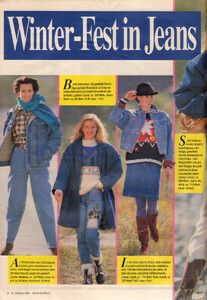
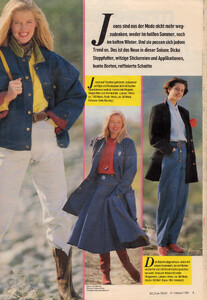
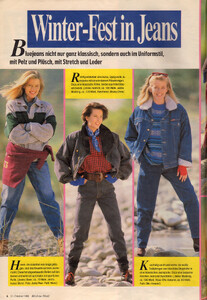
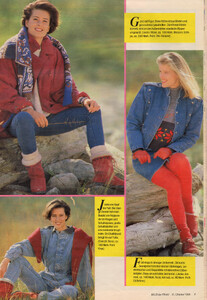 INCANTO OFFICIAL
.thumb.jpg.bb2571391b421e227733bce23ca55193.jpg)
.thumb.jpg.9c4307afbc9fa6bb0361e76d2f56a315.jpg)
.thumb.jpg.aae492cb59aa21205162303fc6a37a0e.jpg)
.thumb.jpg.8b1fe757b7e1d87689232fbbb40ef10e.jpg)
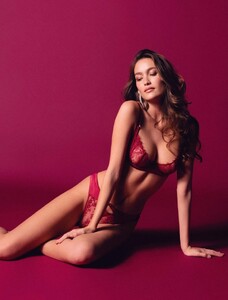 INCANTO OFFICIAL
.thumb.jpg.82cd7e248f74c20e3cd29d7dcc1b5017.jpg)
.thumb.jpg.4e9707cd881954047e504441ac45b74e.jpg)
 INCANTO OFFICIAL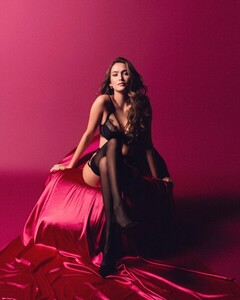
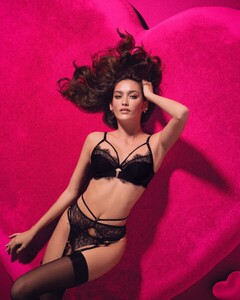
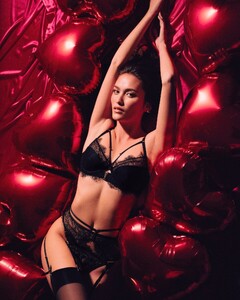

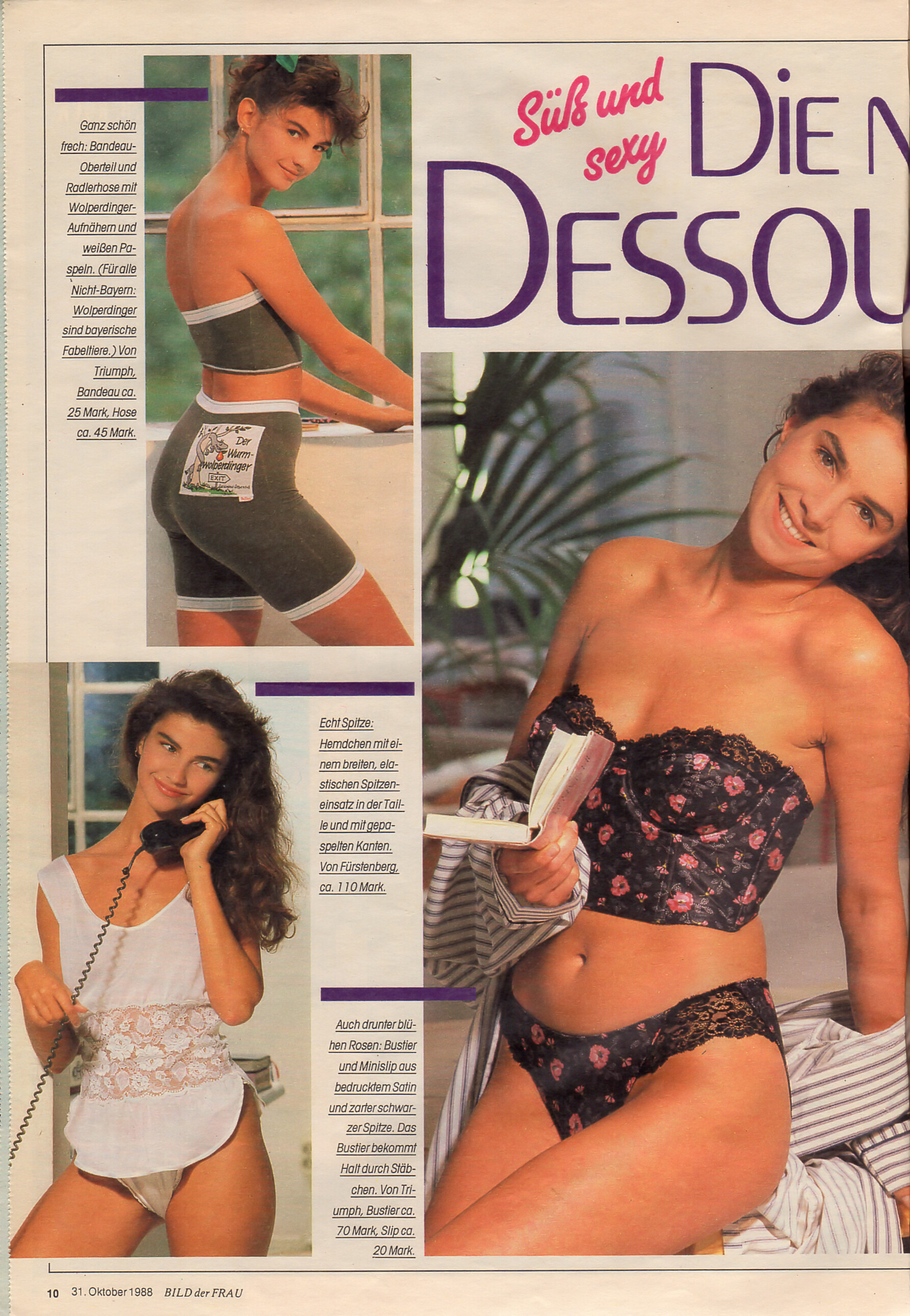
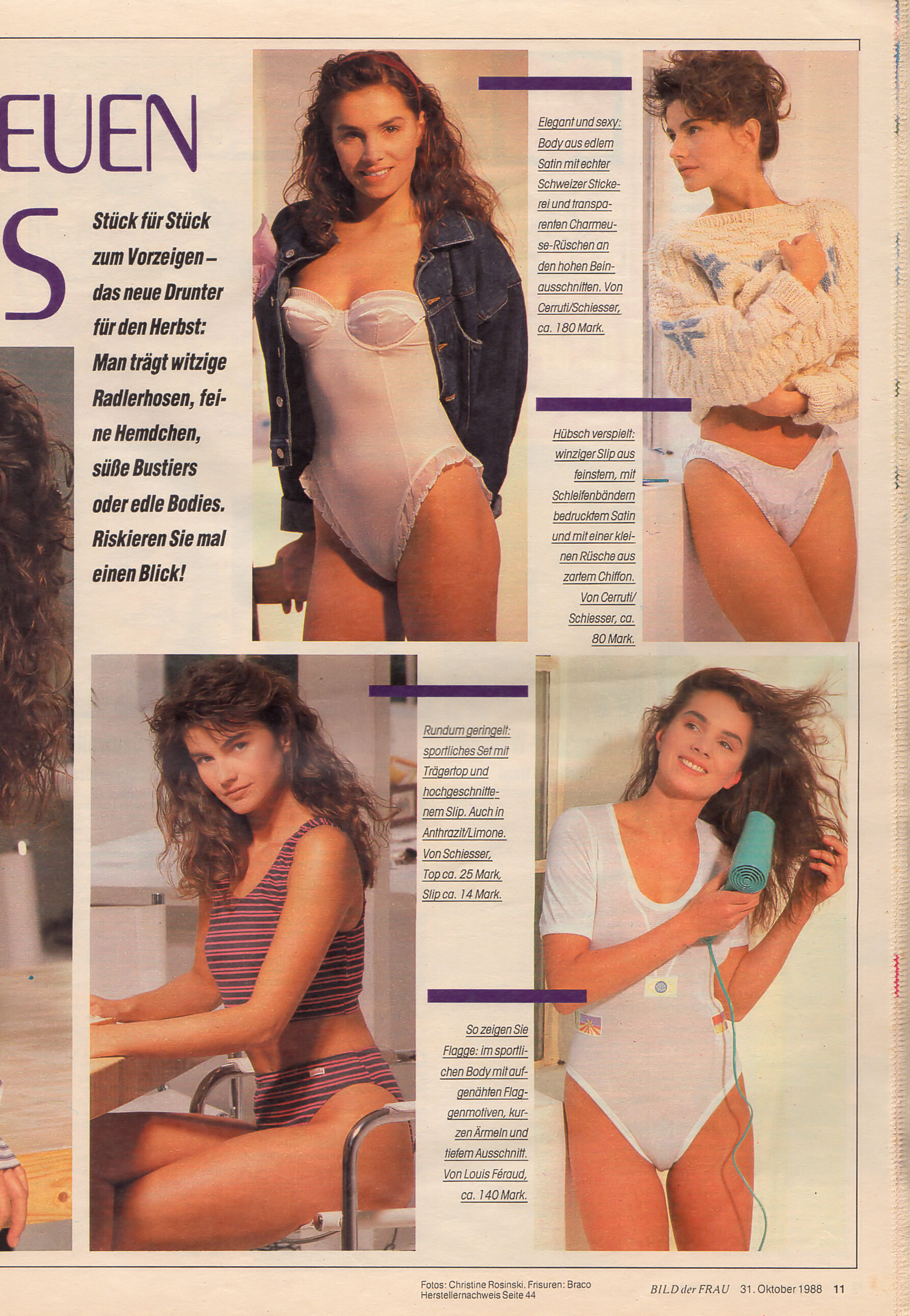
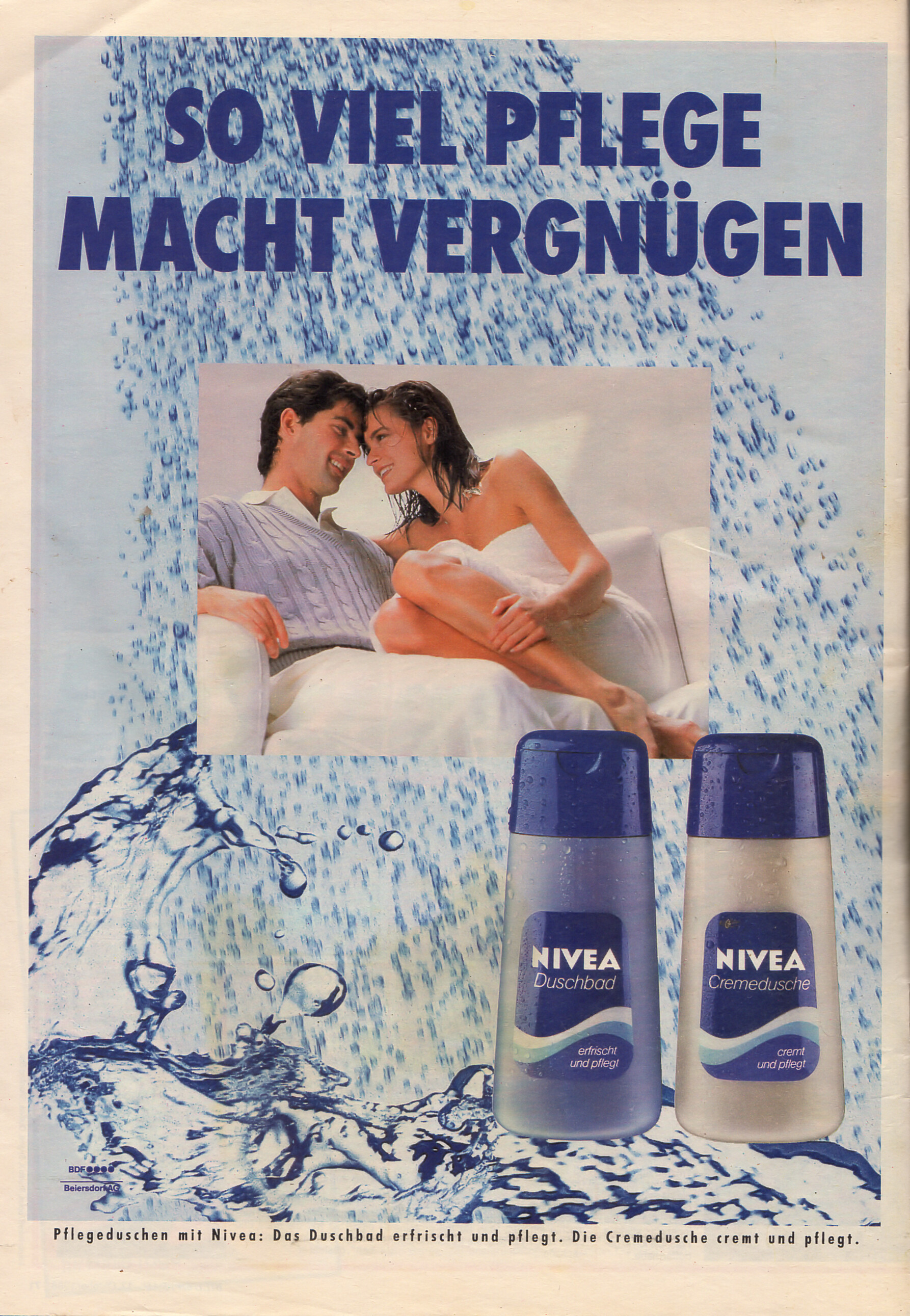
 "DIE NEUEN DESSOUS" - Bild der Frau Germany 31. October 1988 #44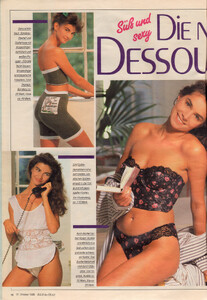
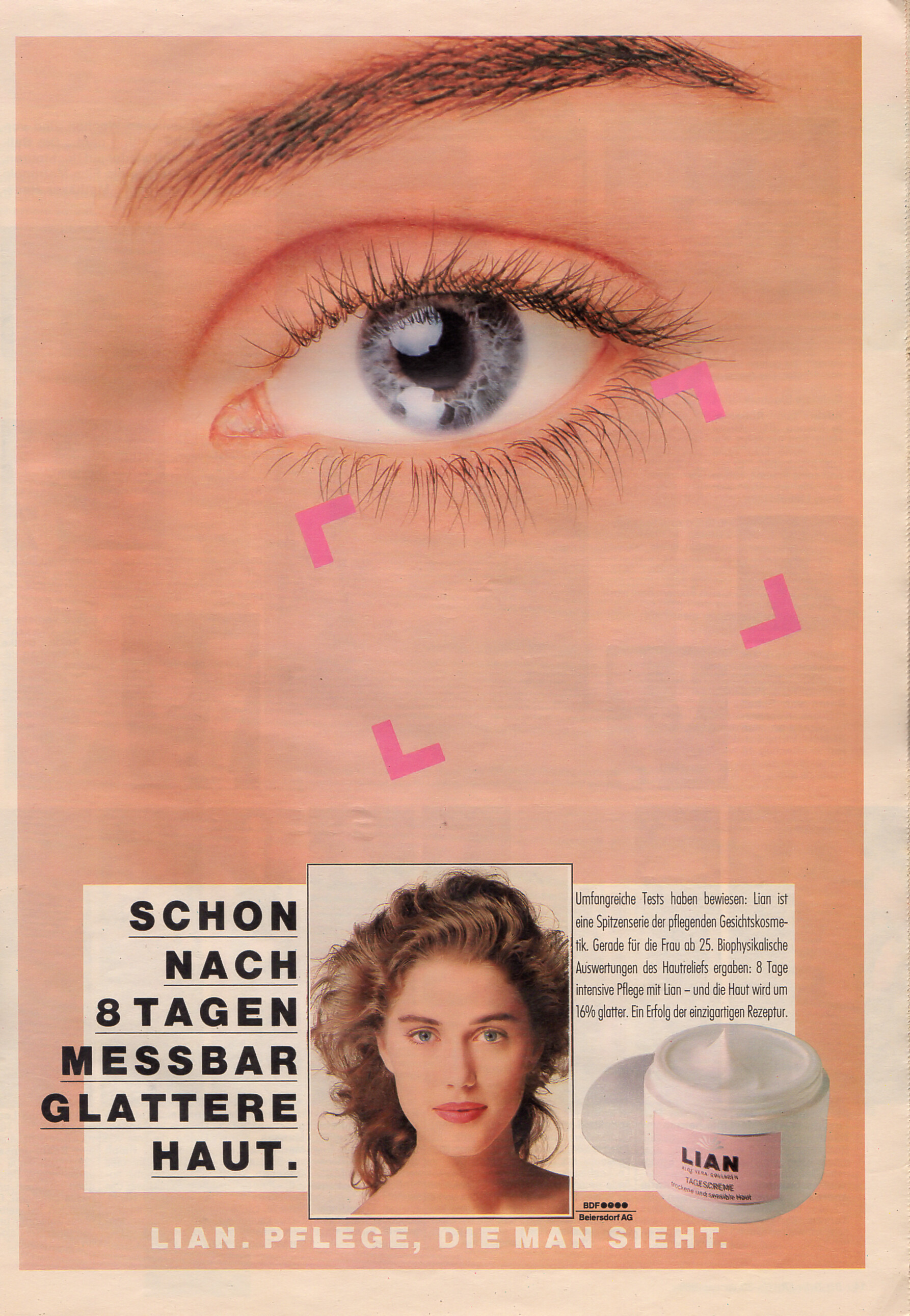
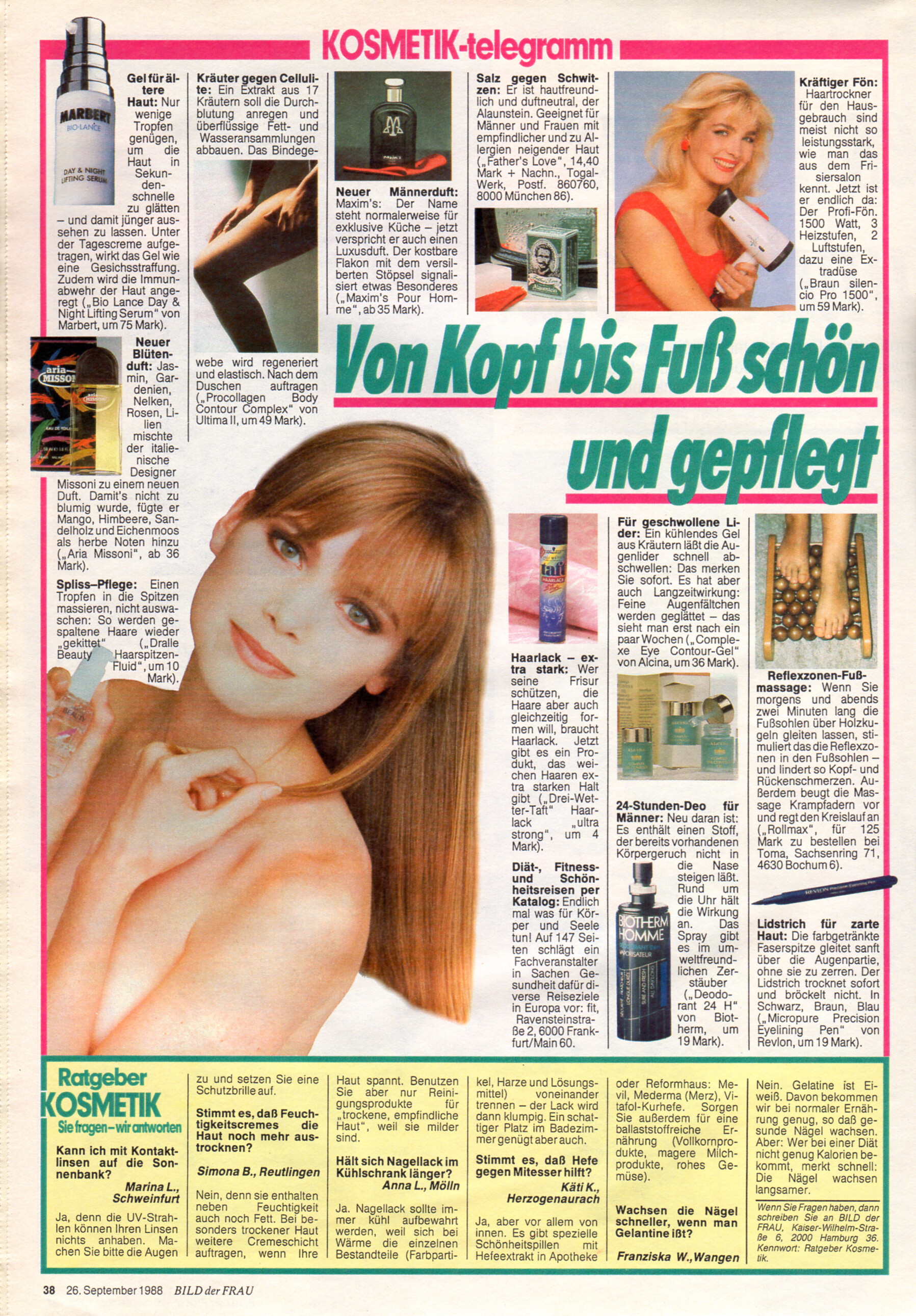
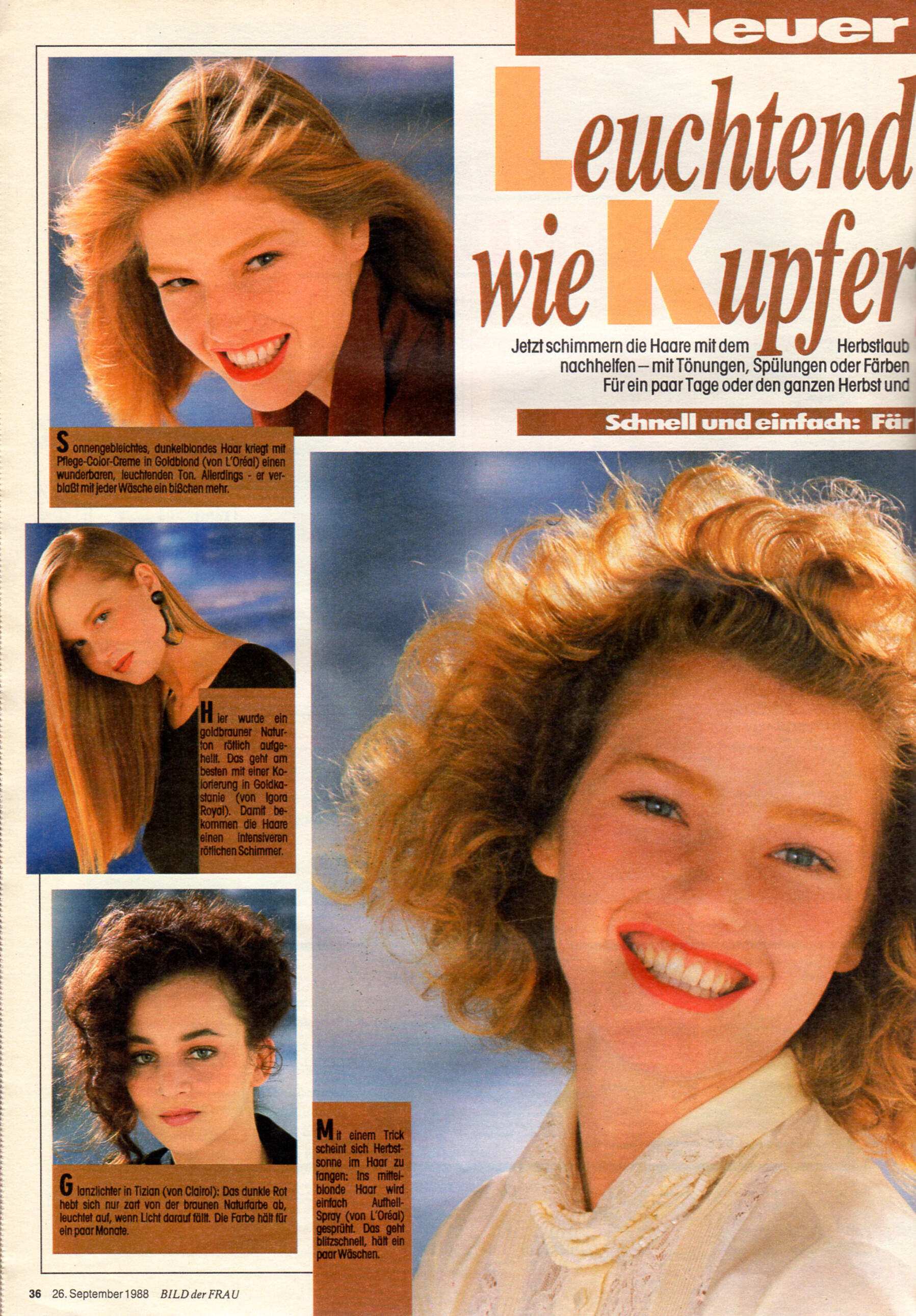
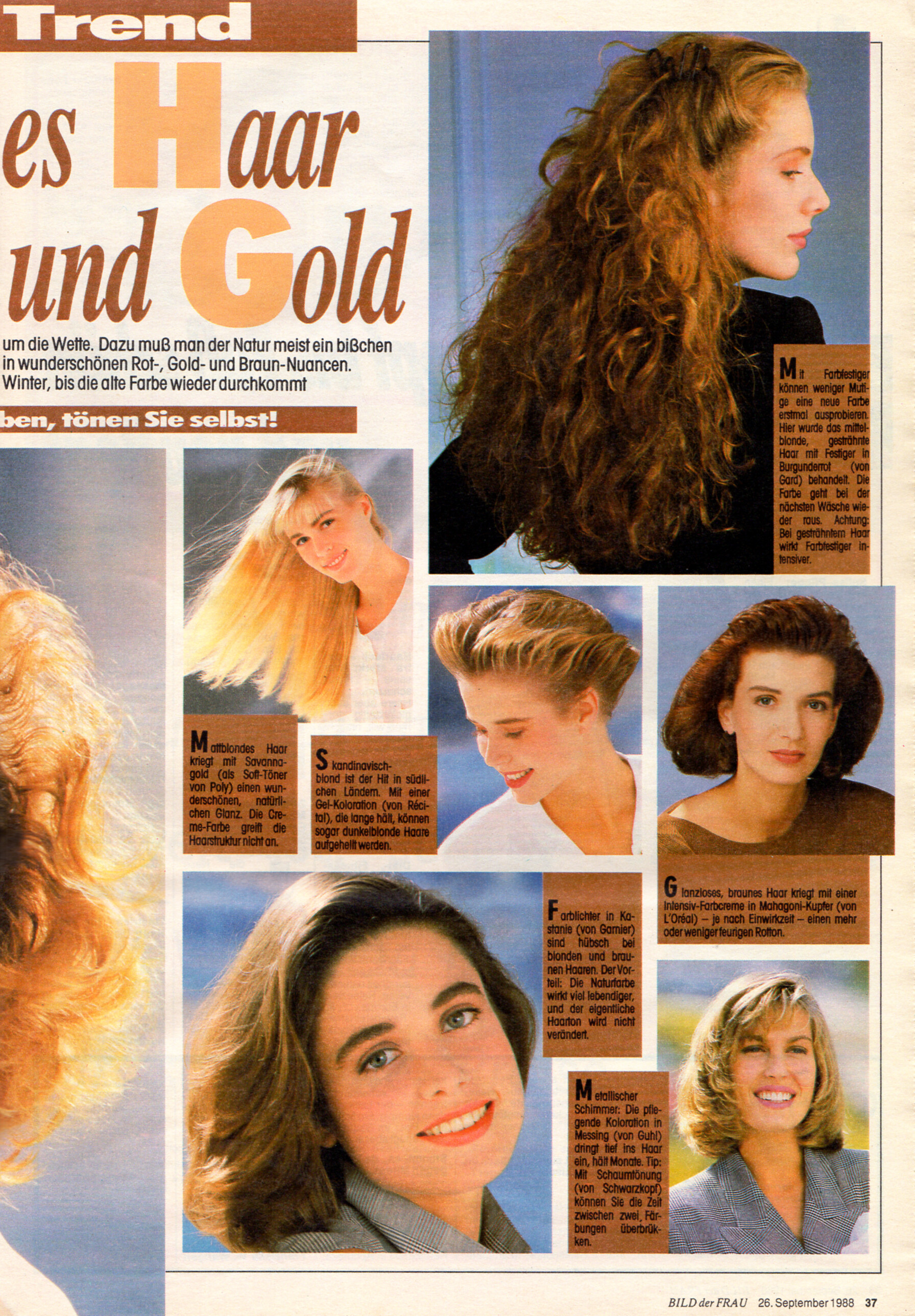
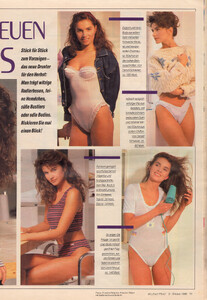 "Leuchtendes Haar wie Kupfer und Gold" - Bild der Frau Germany 26. September 1989 #39 I can ID only Jodi Mallinson (top left and big one centre).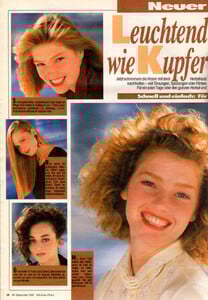
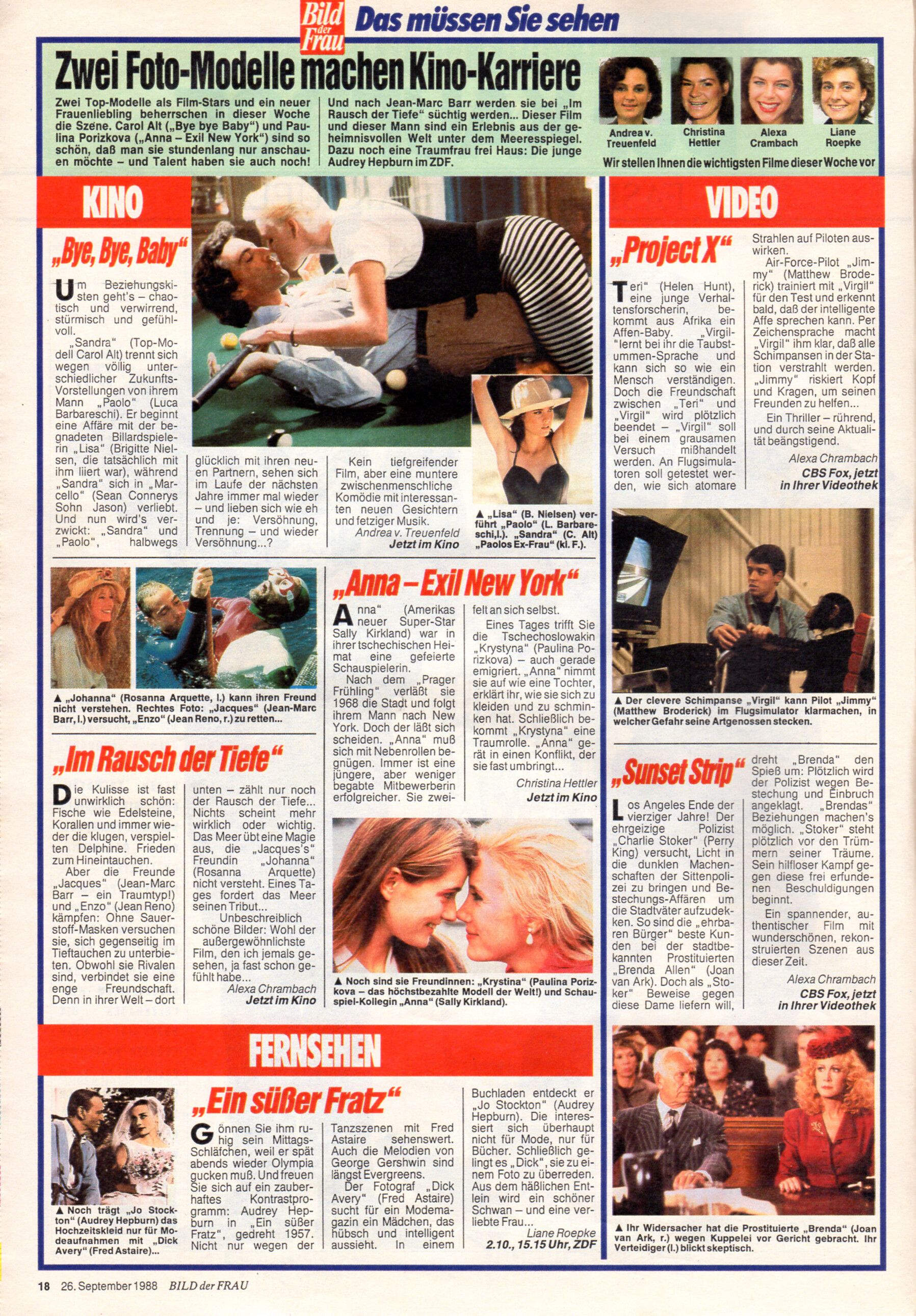
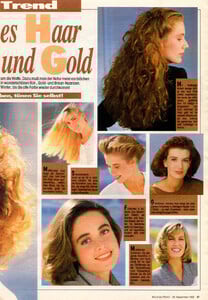 "KINO Anna - Exil New York" - Bild der Frau Germany 26. September 1989 #39 - also showing Brigitte Nielsen, Carol Alt, Rosanna Arquette, Sally Kirkland, Matthew Broderick, Joan van Ark, Audrey Hepburn, Fred Astaire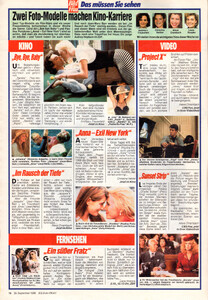

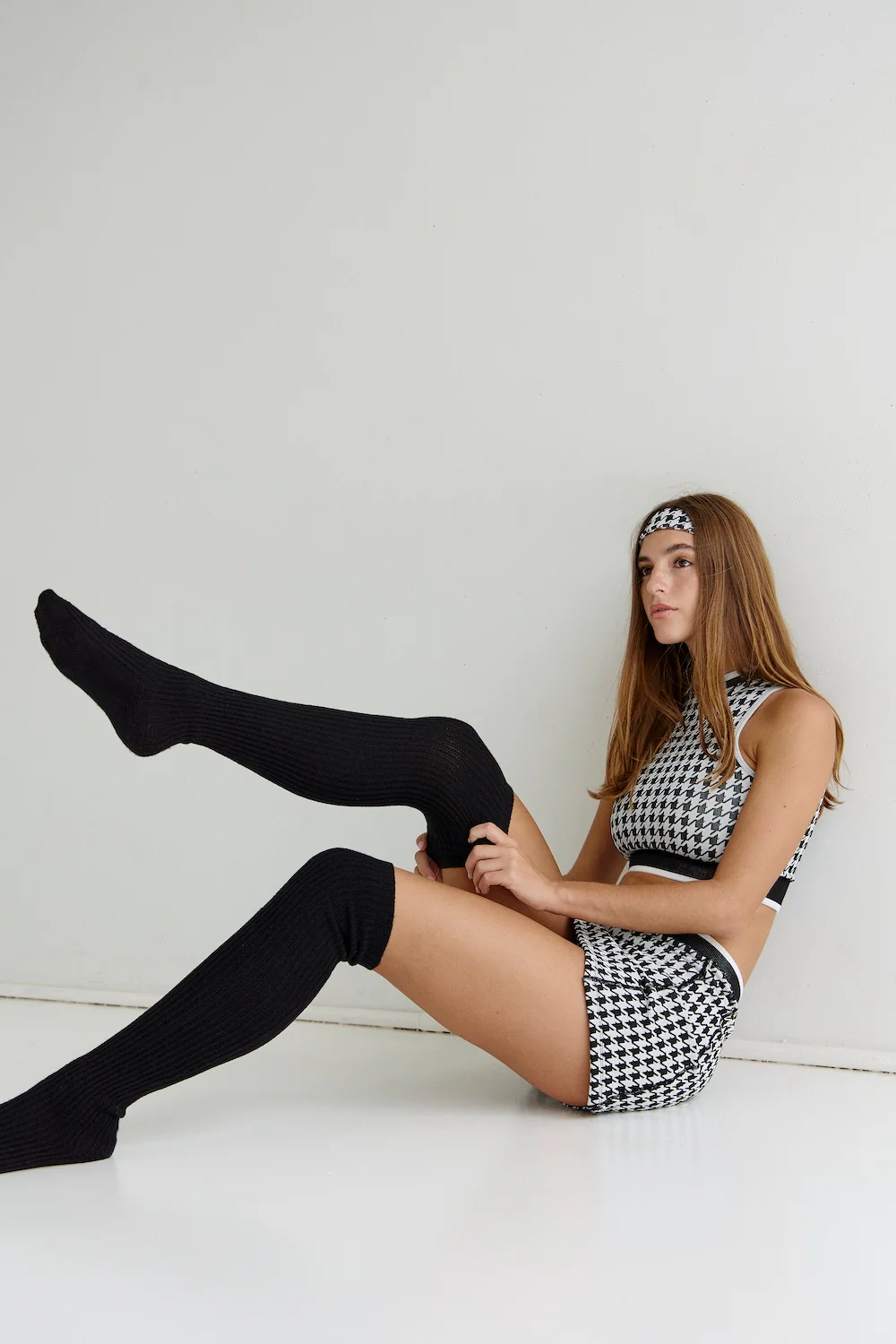
.jpg.58318f96a5175e7605efc745b54f3430.jpg)
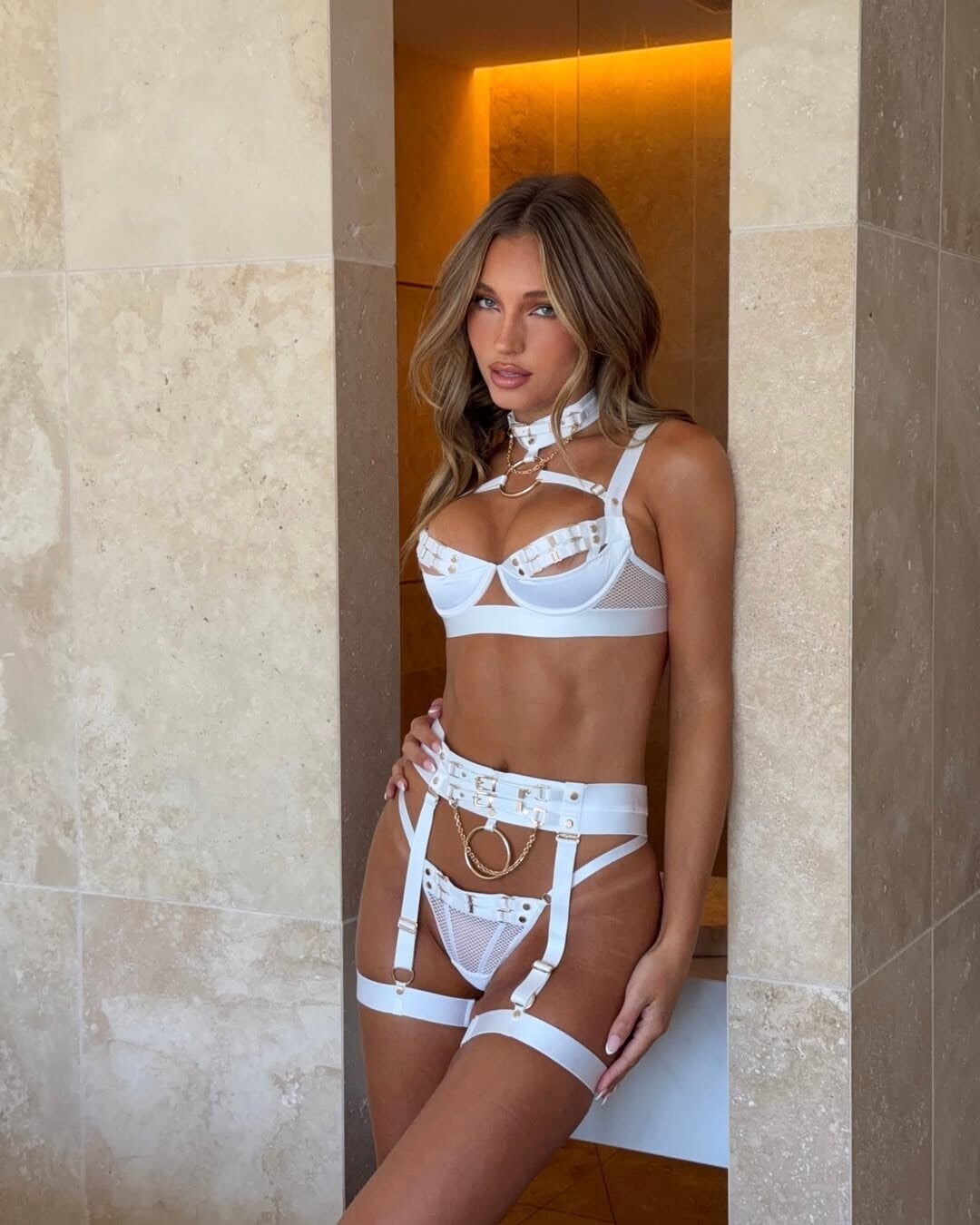
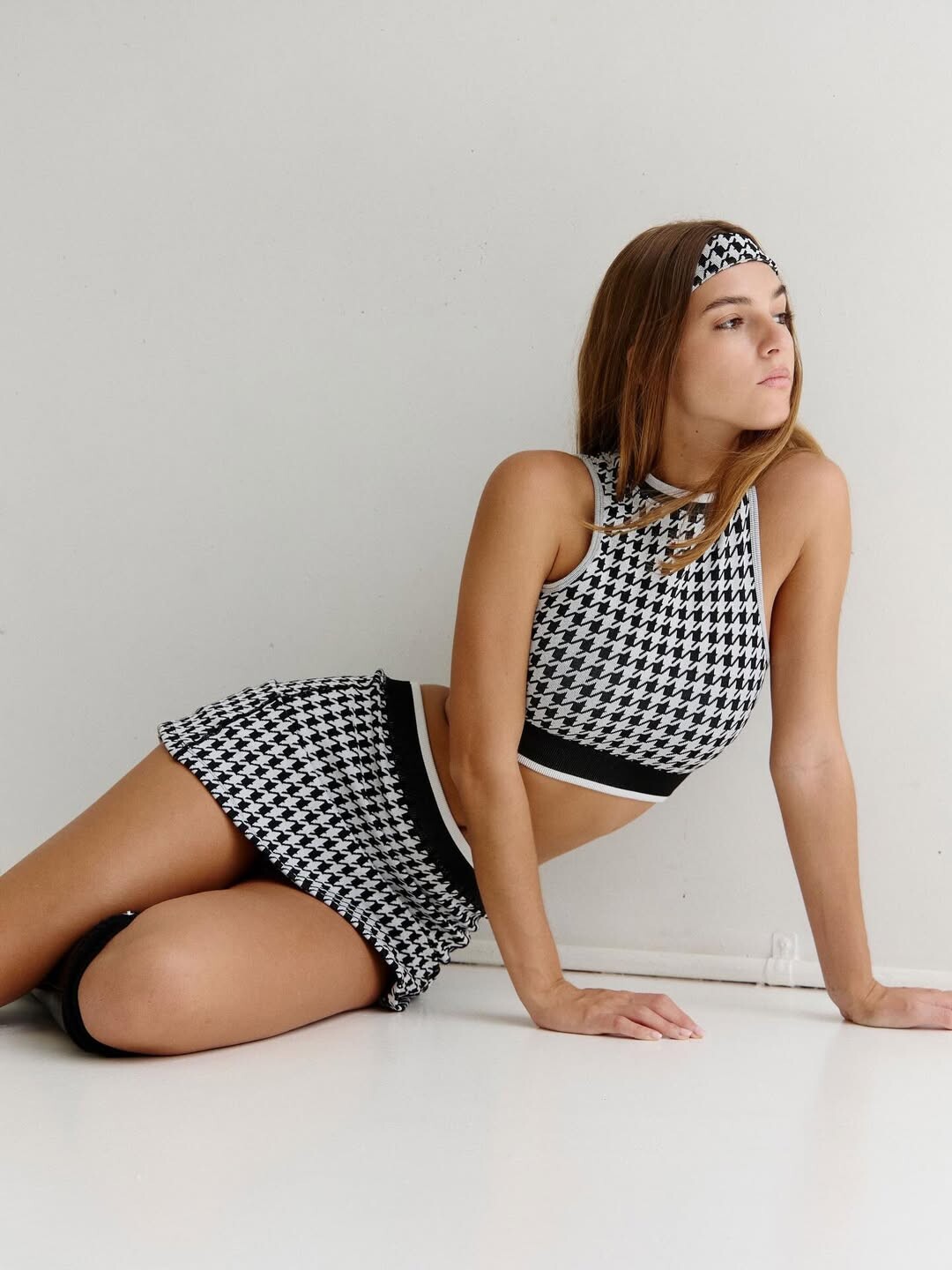
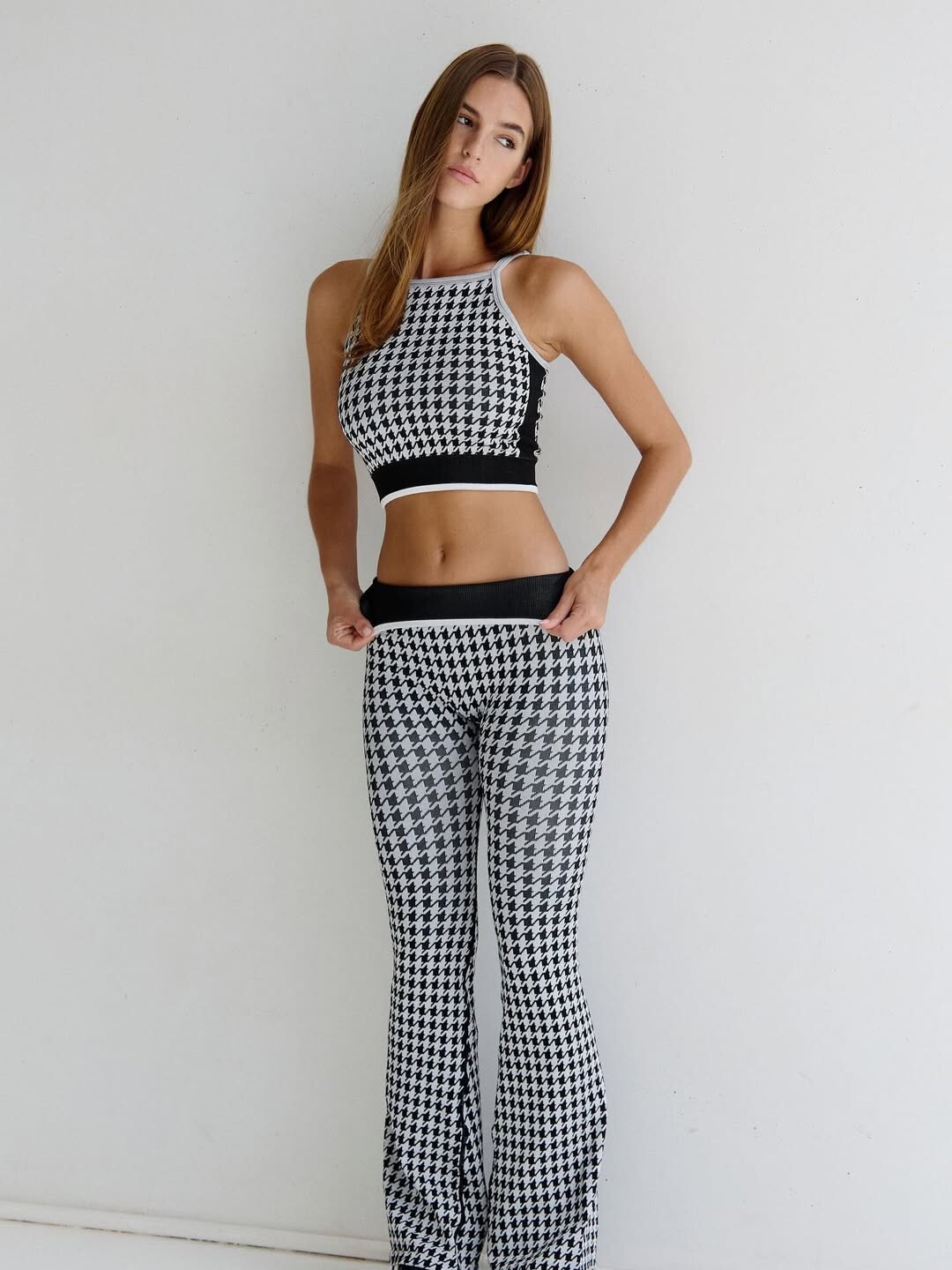
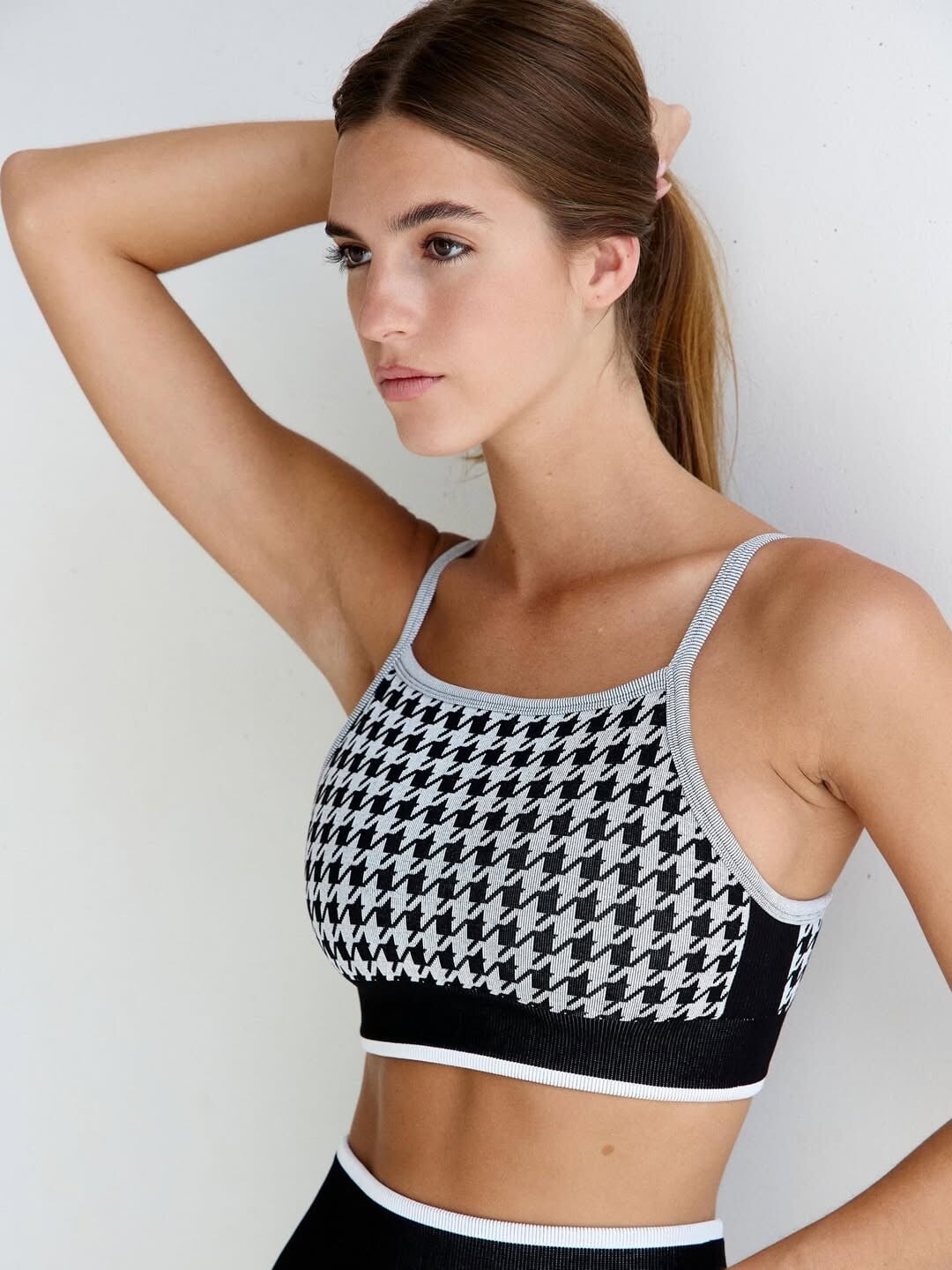
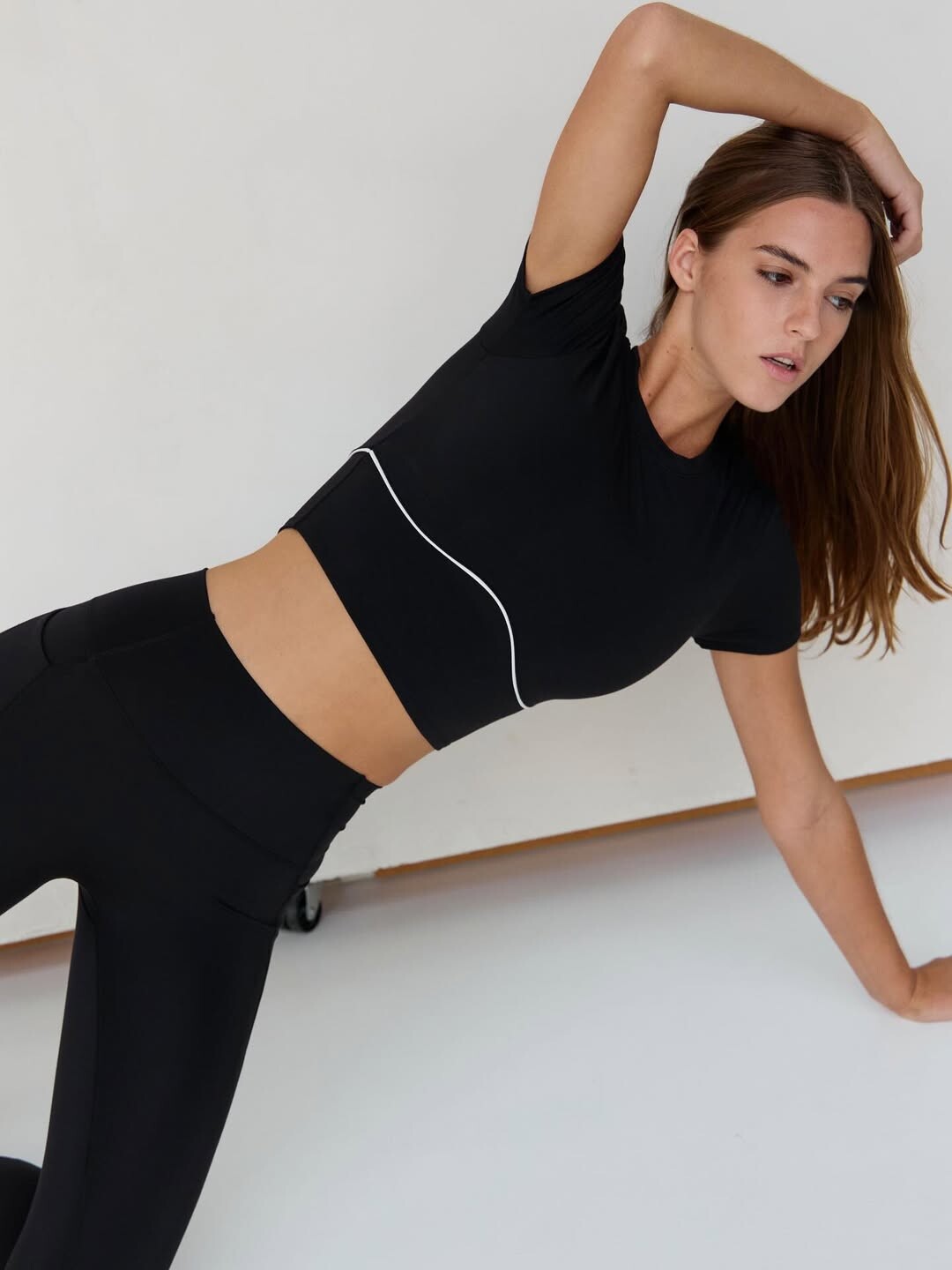
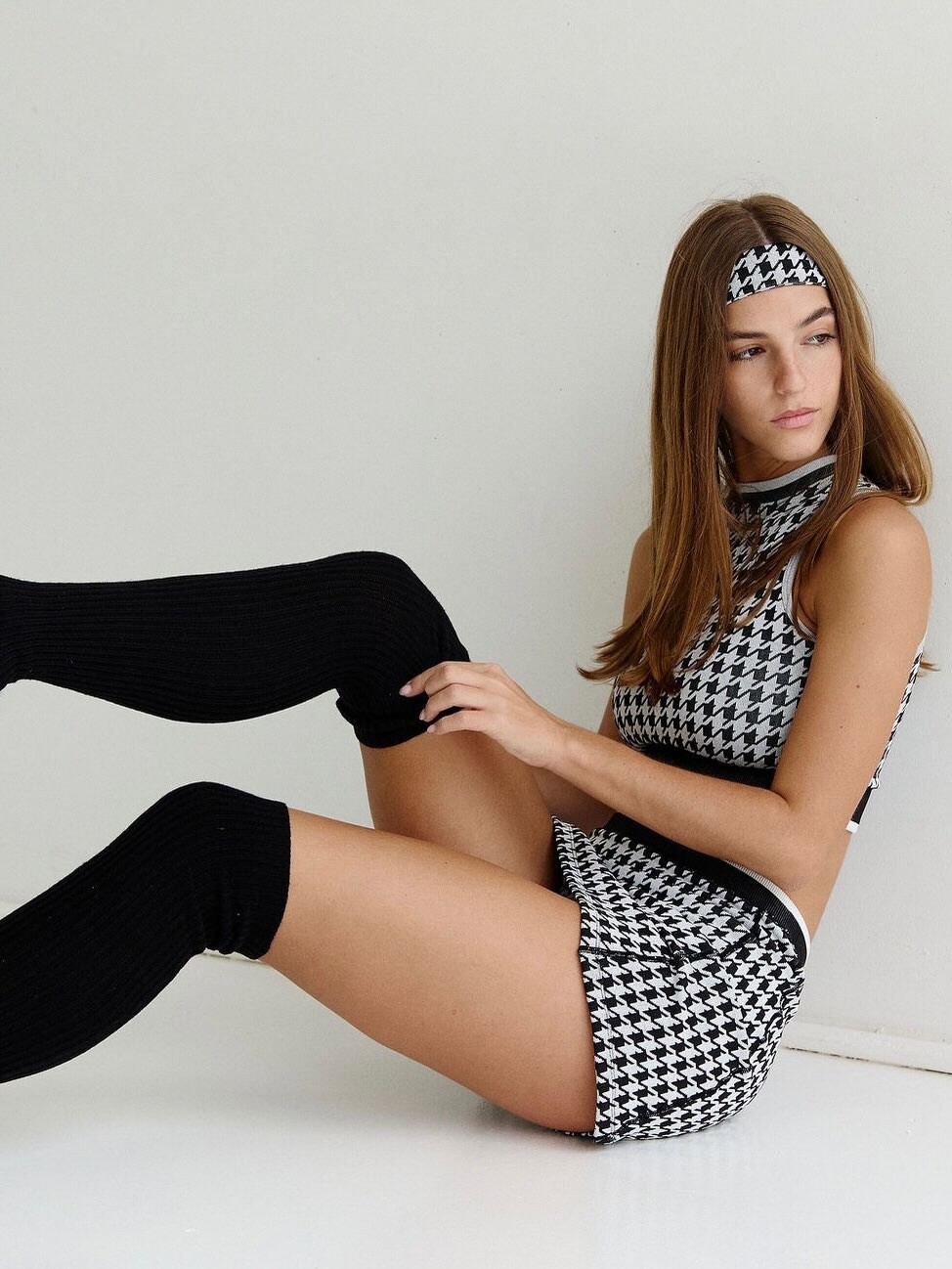
.jpg.2b41f68be75a7dd95e6385f8f2ef3416.jpg)

.jpg.b1e3c1117cec4e49852391a2c210eddb.jpg)
.jpg.17e258b869f0df352022bc214b441cce.jpg)
.jpg.1cc00f153a84bc8c66bc108c48eea53b.jpg)

.jpg.5eb5c59ae251ab611d3558292f1a0c70.jpg)
.jpg.83ad46e1242e1675e4cc4c8b90193959.jpg)
.jpg.51e2584893b4eed83bc6c2a0c36ed934.jpg)
.jpg.06b522846caece16056986fde6061546.jpg)
.jpg.b081fb4ecc397de7820bae1cc43205c4.jpg)
.jpg.4b0ab96615ef7a4451aaed804e45ade4.jpg)
.jpg.ca218e520cc69d89ed27c68f7154ee63.jpg)
Account
Navigation
Search
Configure browser push notifications
Chrome (Android)
- Tap the lock icon next to the address bar.
- Tap Permissions → Notifications.
- Adjust your preference.
Chrome (Desktop)
- Click the padlock icon in the address bar.
- Select Site settings.
- Find Notifications and adjust your preference.
Safari (iOS 16.4+)
- Ensure the site is installed via Add to Home Screen.
- Open Settings App → Notifications.
- Find your app name and adjust your preference.
Safari (macOS)
- Go to Safari → Preferences.
- Click the Websites tab.
- Select Notifications in the sidebar.
- Find this website and adjust your preference.
Edge (Android)
- Tap the lock icon next to the address bar.
- Tap Permissions.
- Find Notifications and adjust your preference.
Edge (Desktop)
- Click the padlock icon in the address bar.
- Click Permissions for this site.
- Find Notifications and adjust your preference.
Firefox (Android)
- Go to Settings → Site permissions.
- Tap Notifications.
- Find this site in the list and adjust your preference.
Firefox (Desktop)
- Open Firefox Settings.
- Search for Notifications.
- Find this site in the list and adjust your preference.