All Activity
- Past hour
-

-

-
-
 Sure, add away. What was the guy who robbed Mike saying in the first place? I’m genuinely obsessed with your city. It’s stunning. Last night’s sunset was absolute perfection, deep purples and pinks everywhere from the roof top cigar bar the streamers were at. And the people crack me up. Everyone looks so surprised to see crowds of people wandering around with cameras. It’s also way more Americanized than I expected. I’ve spotted so many U.S. stores packed into this one area. Yesterday the whole group ended up at a spot called Texas BBQ, and honestly, the food looked incredible.
 -
-
 Her Insta: https://www.instagram.com/sstefaniss/
 -
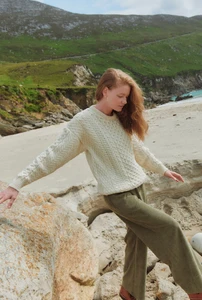
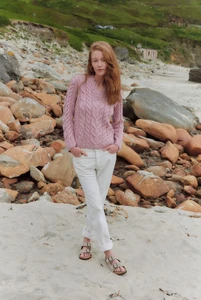
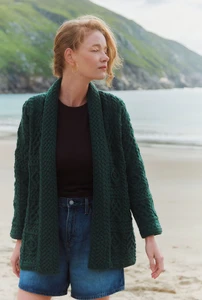
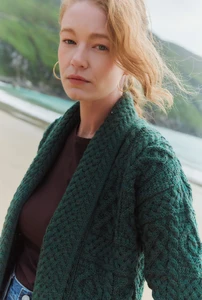
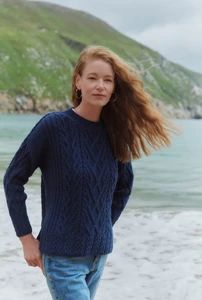
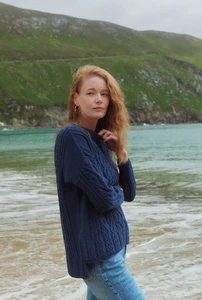
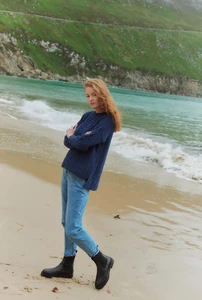
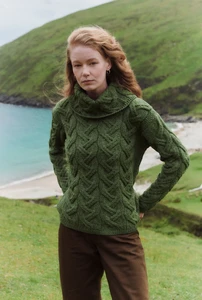
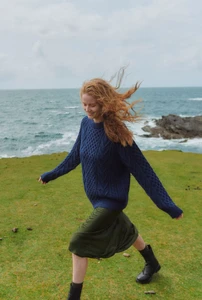
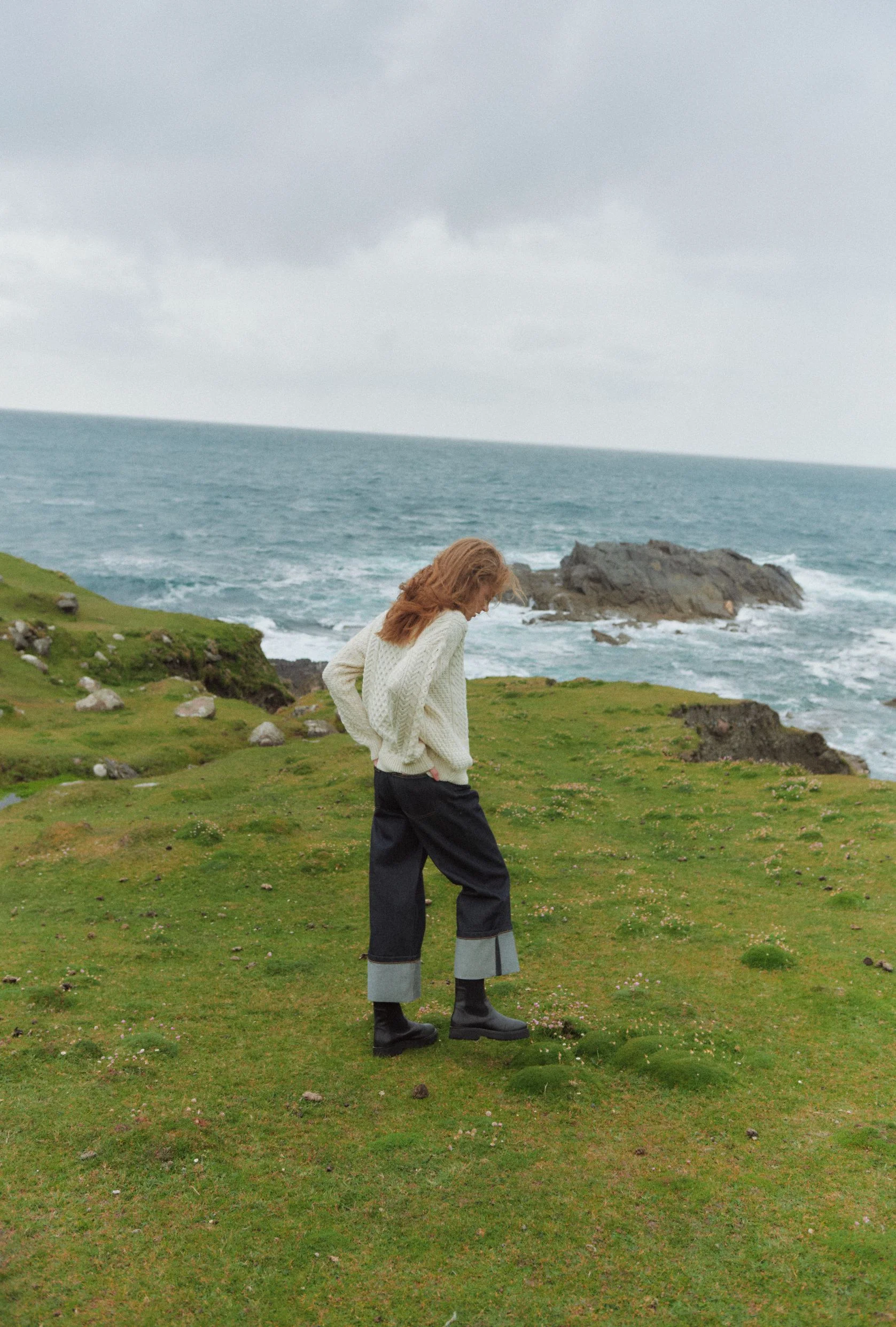
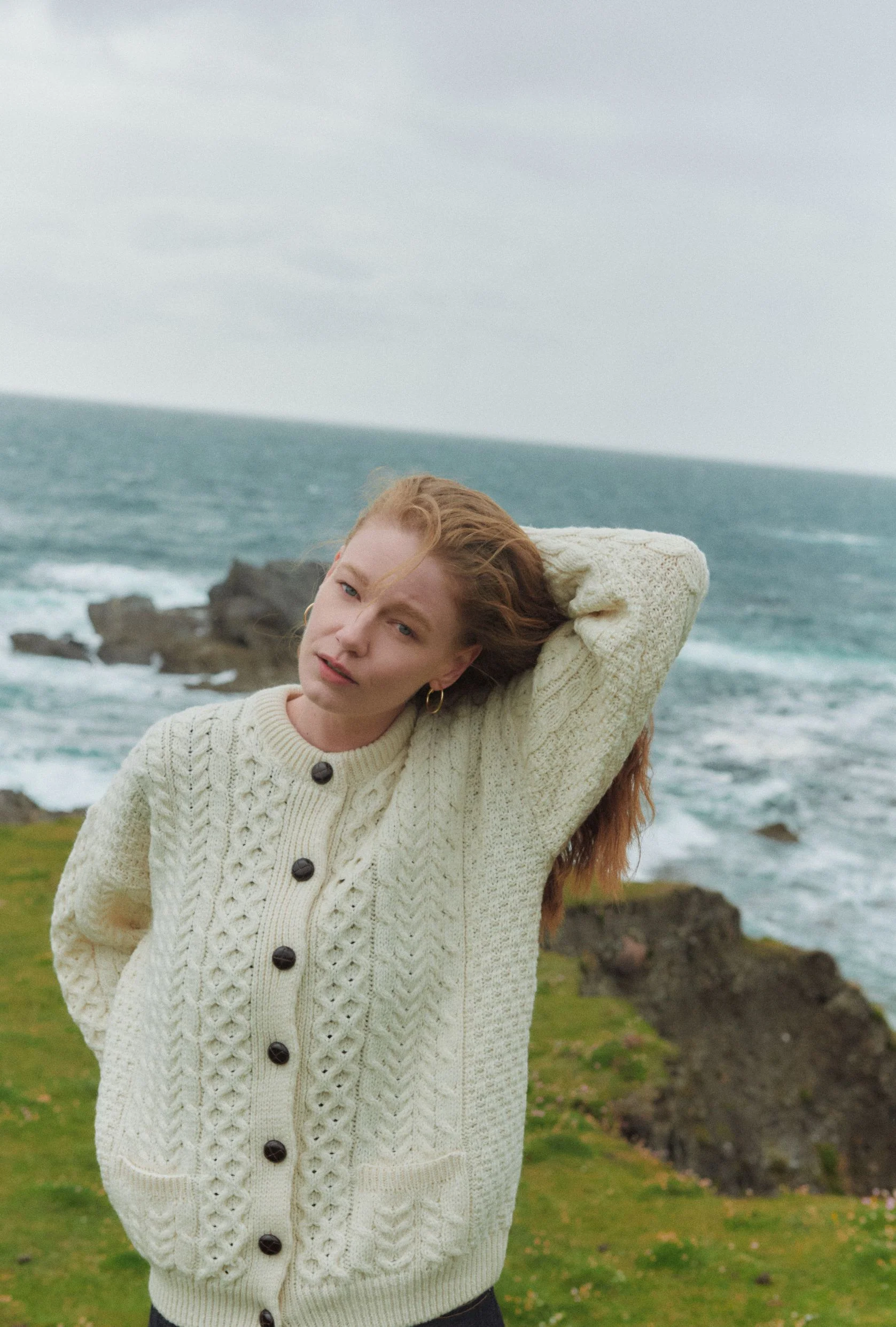
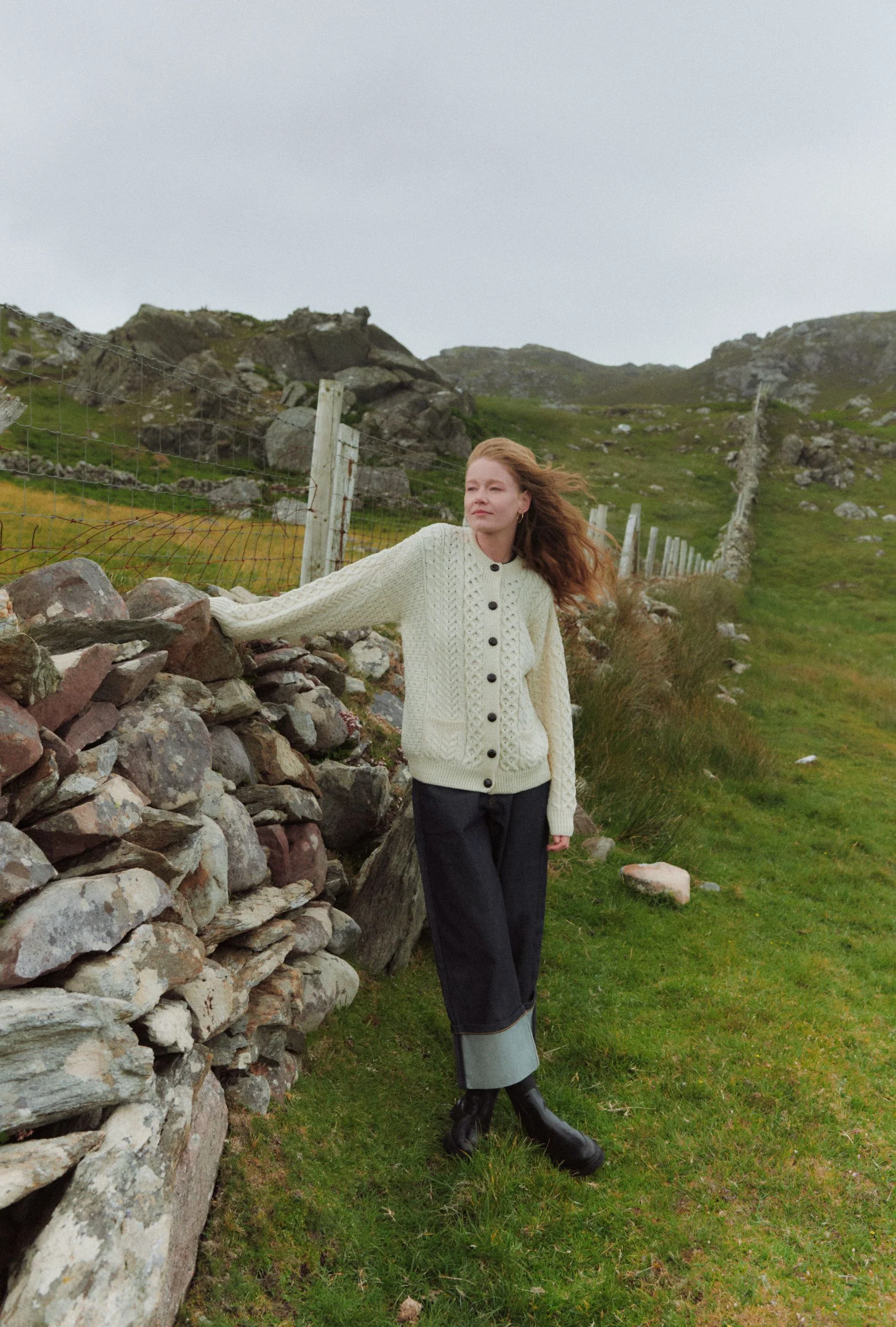
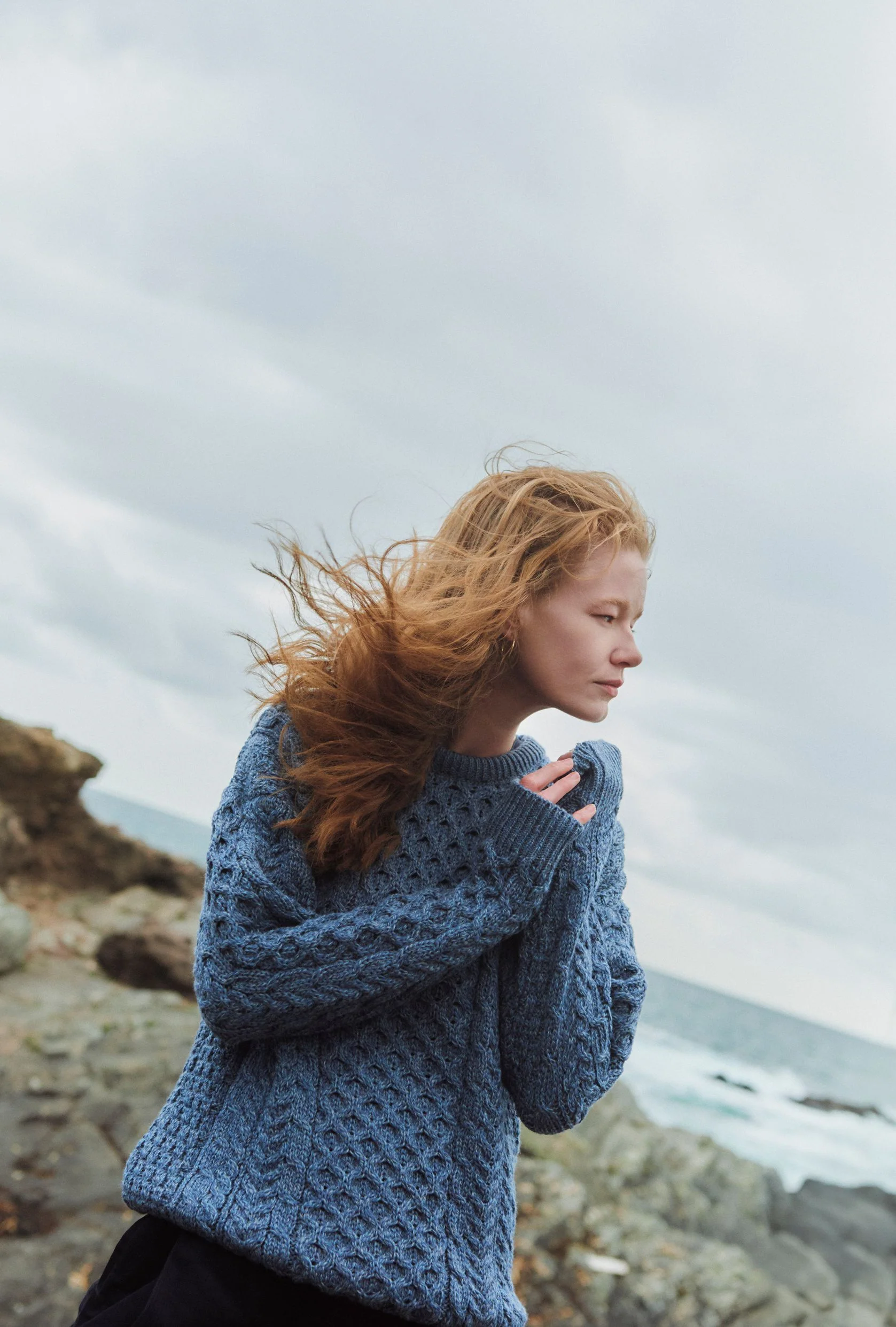
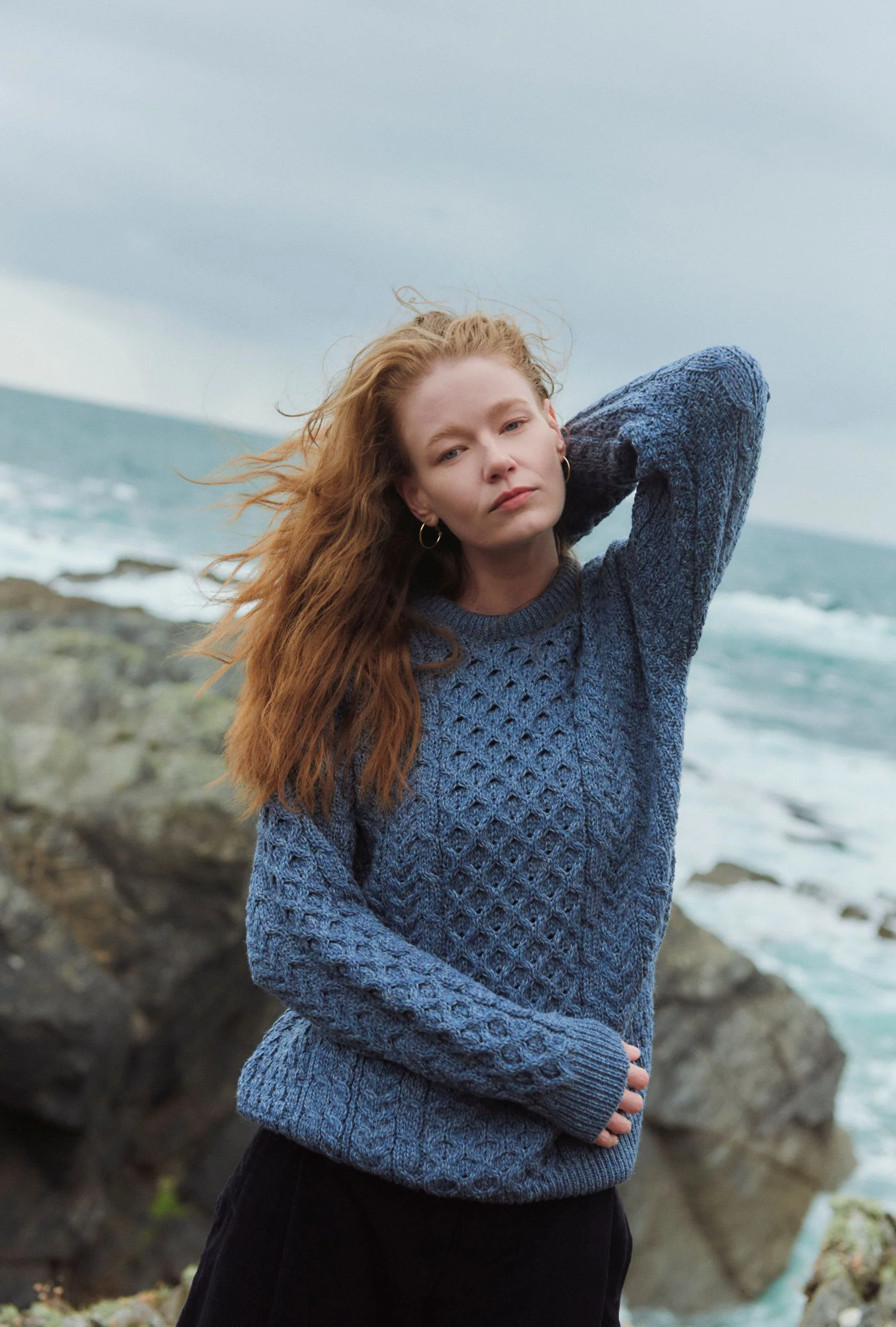
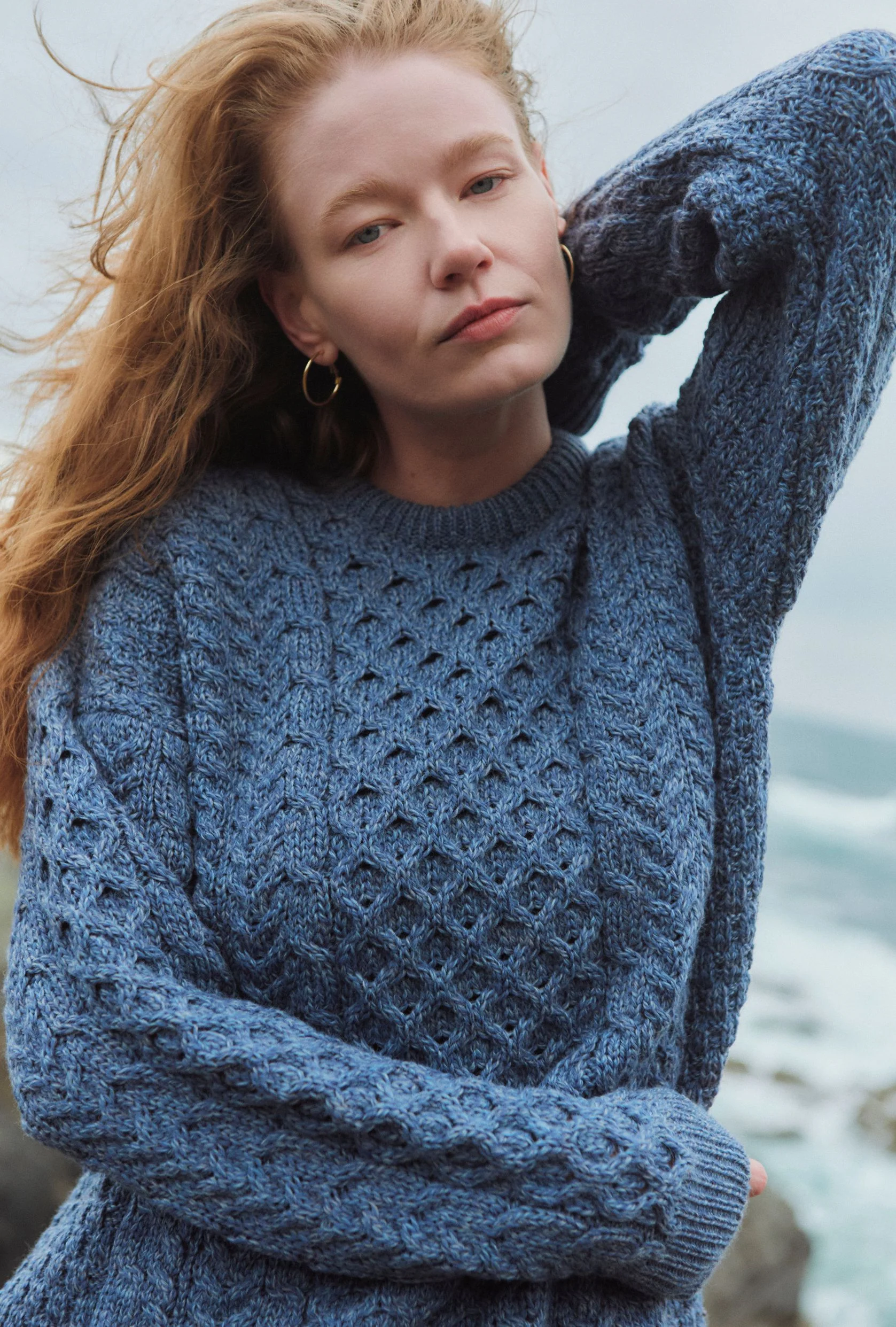
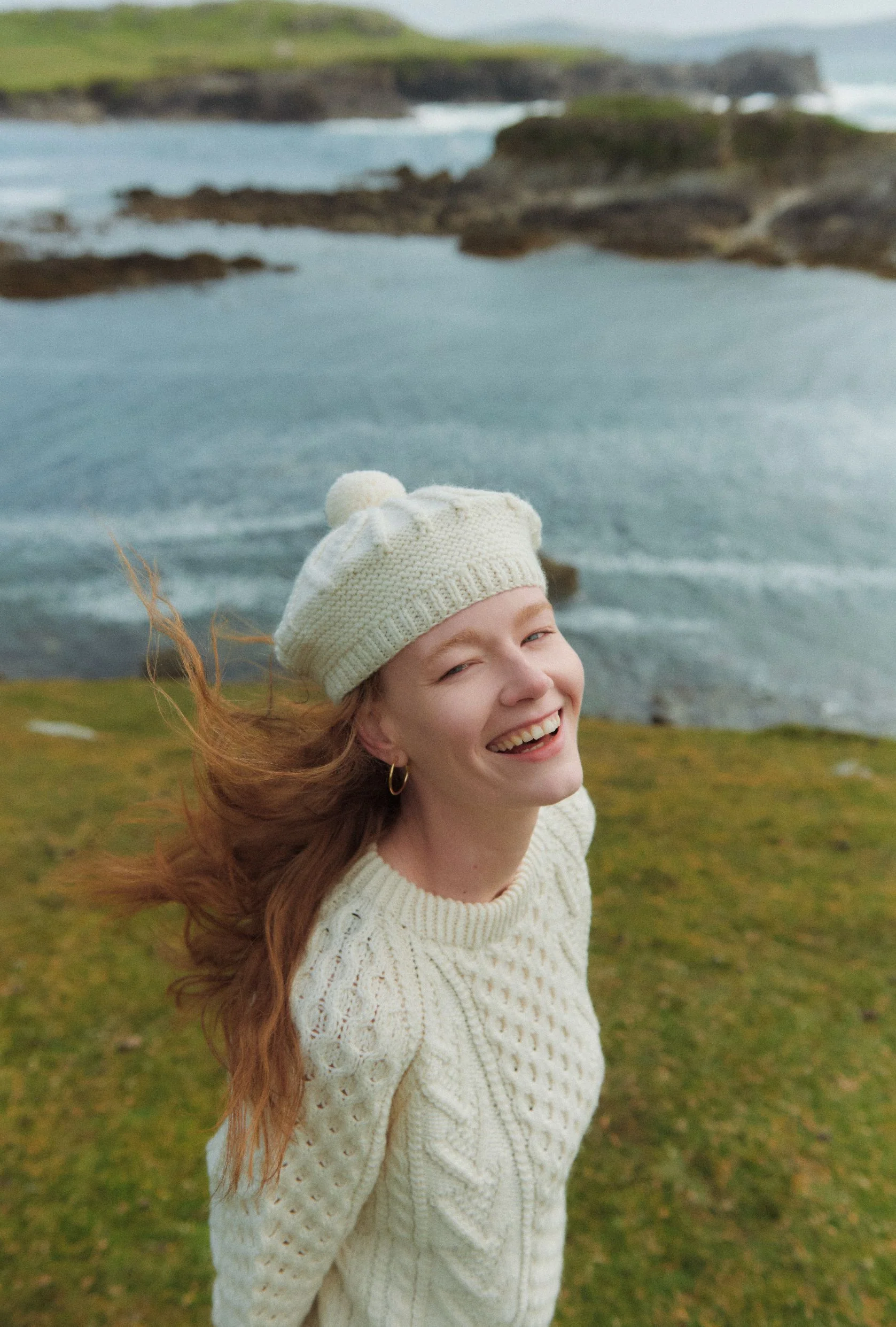
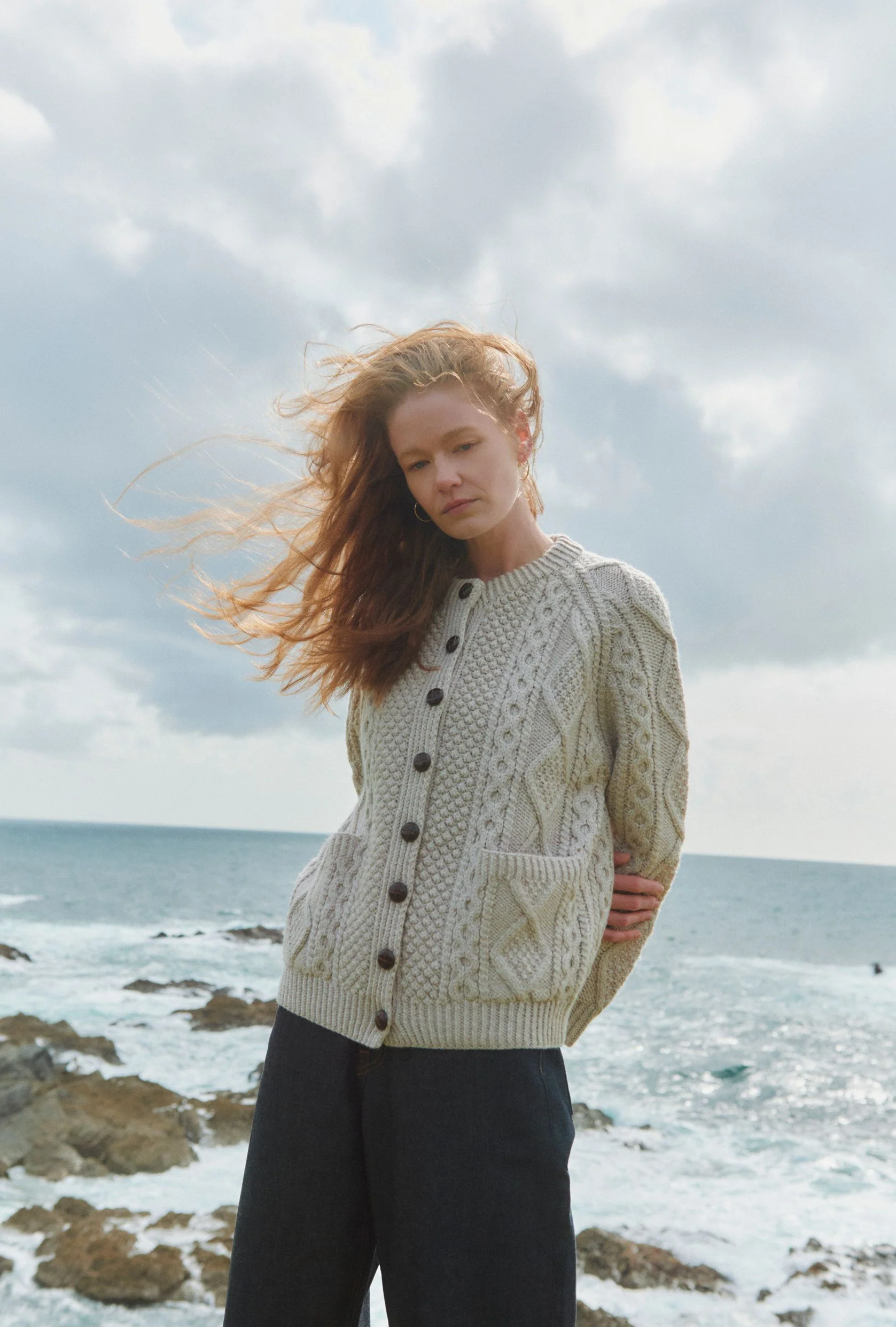
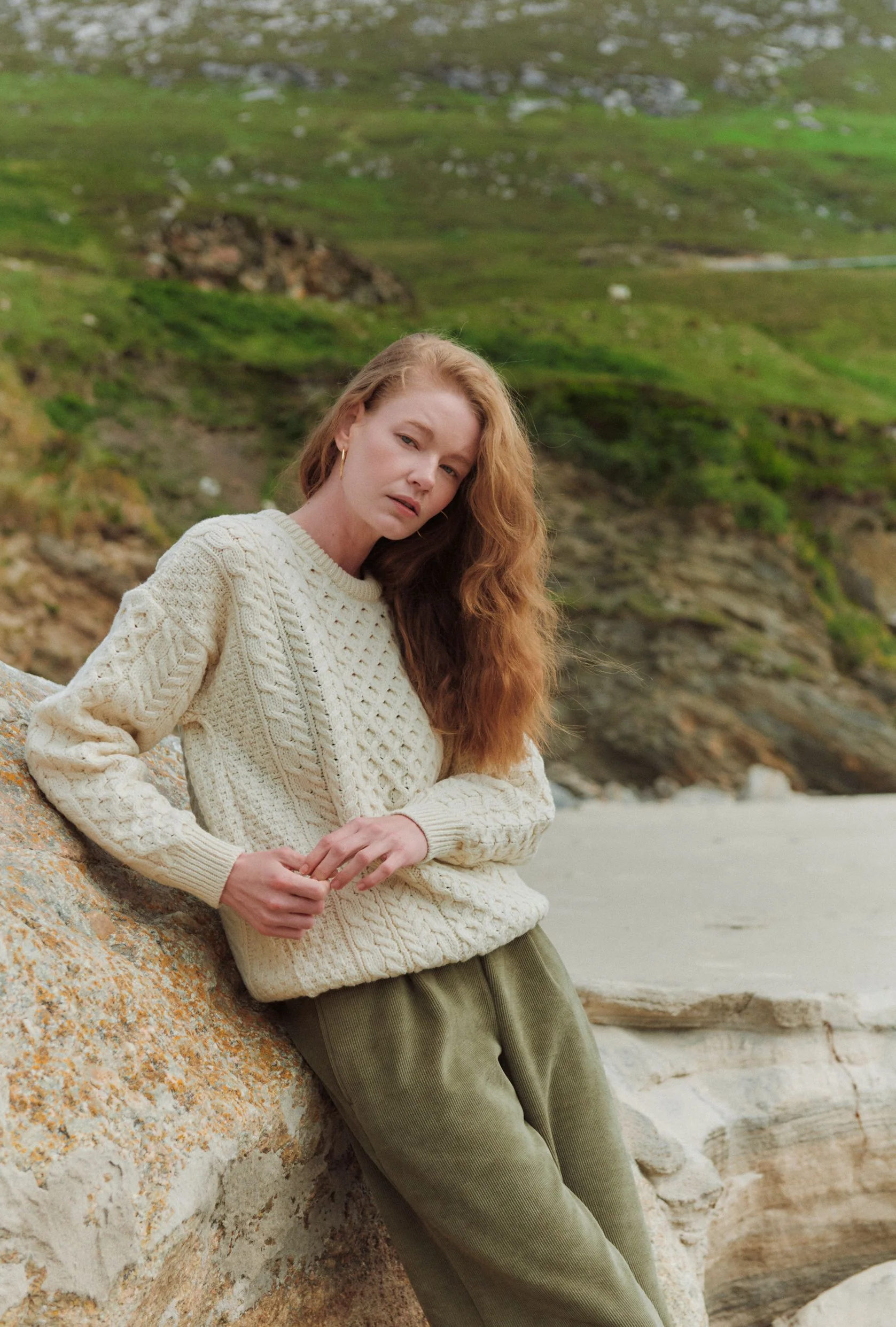
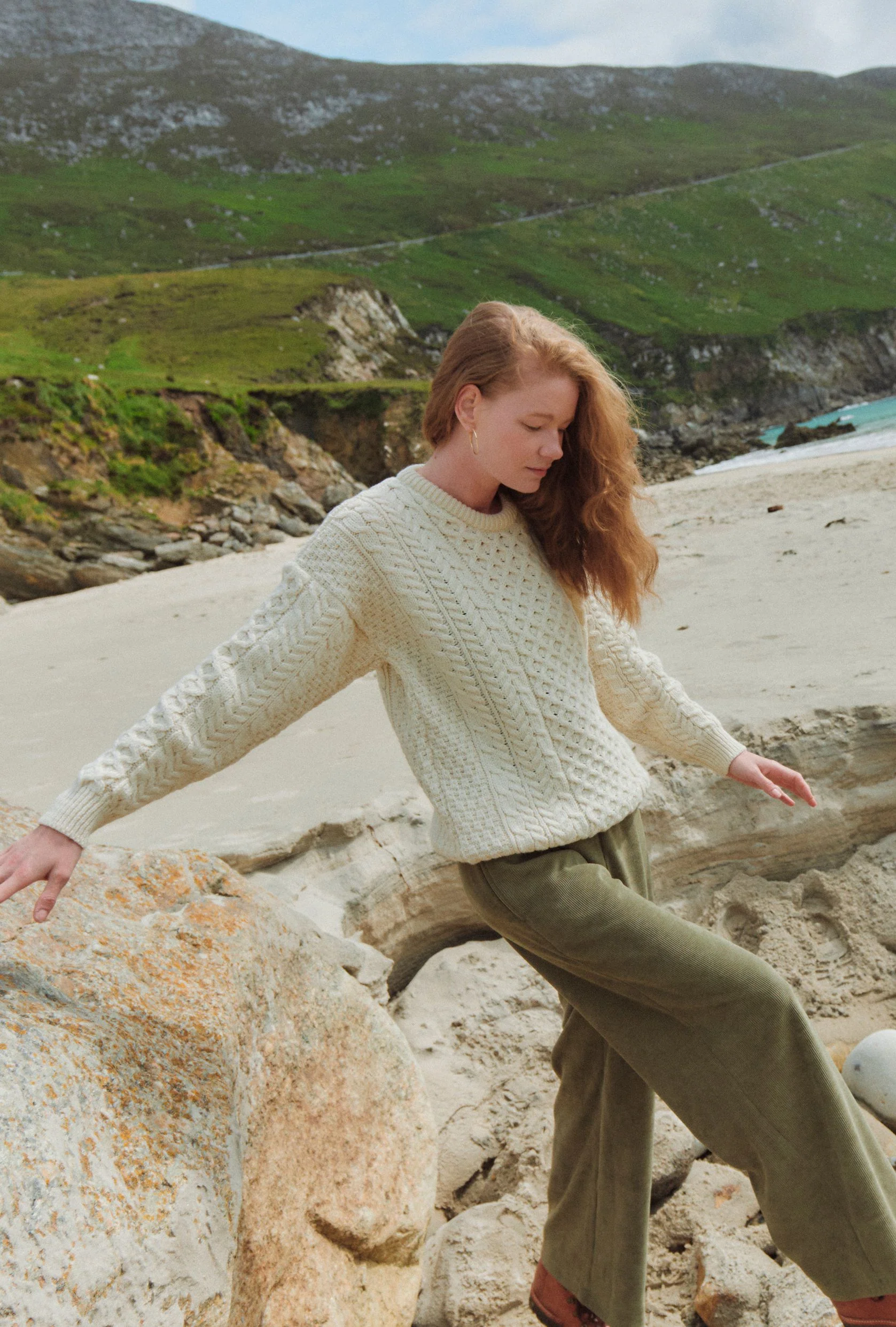
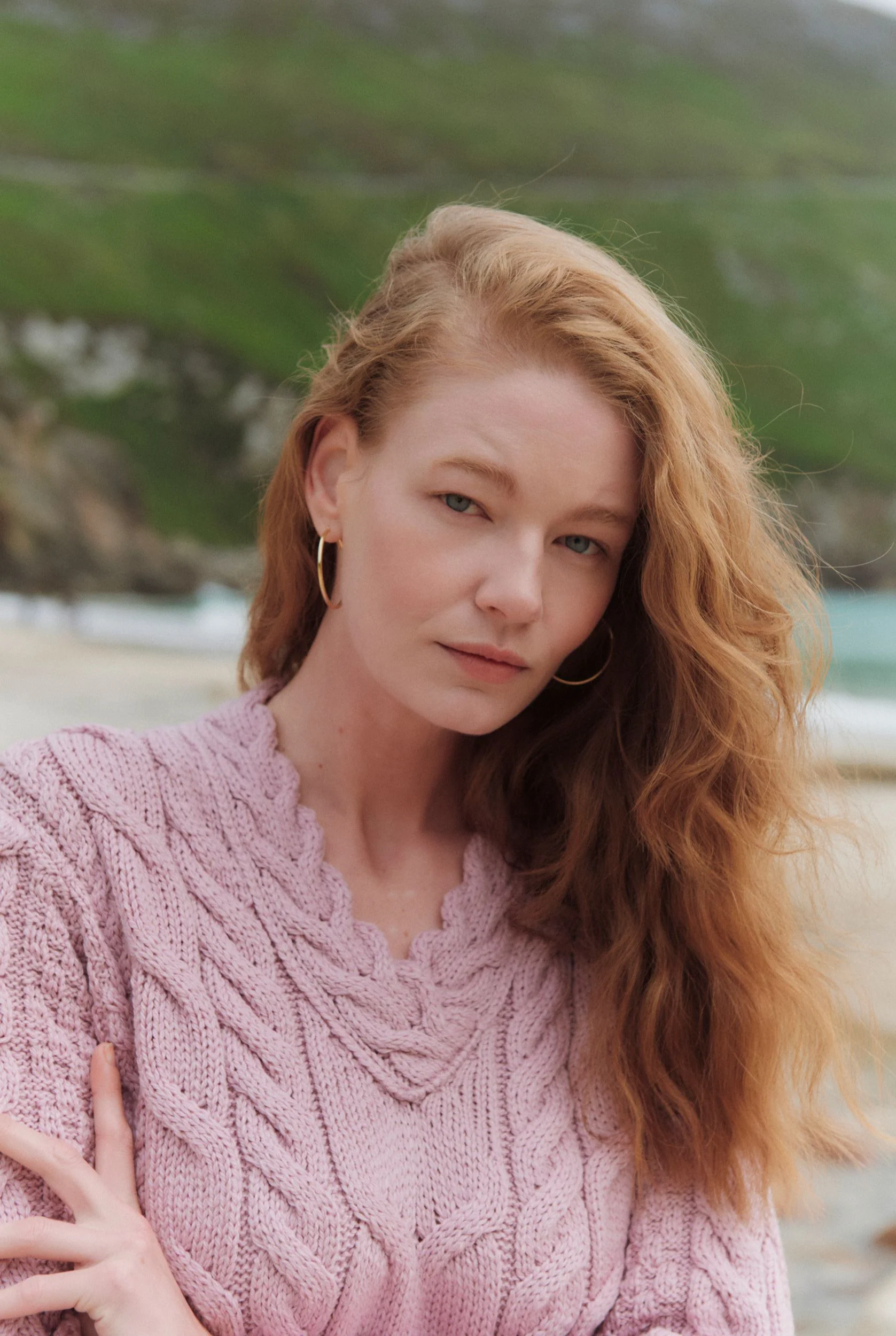
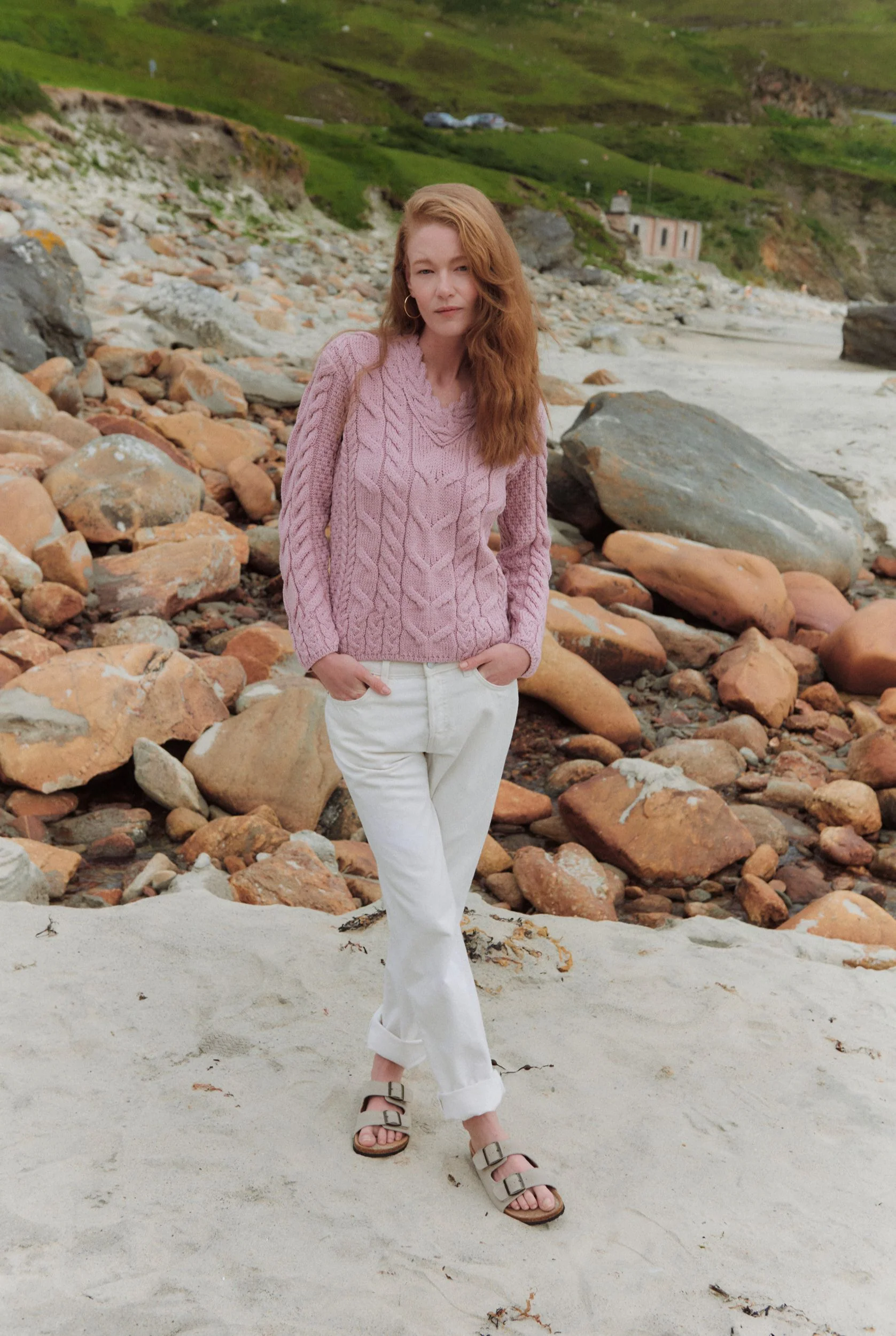
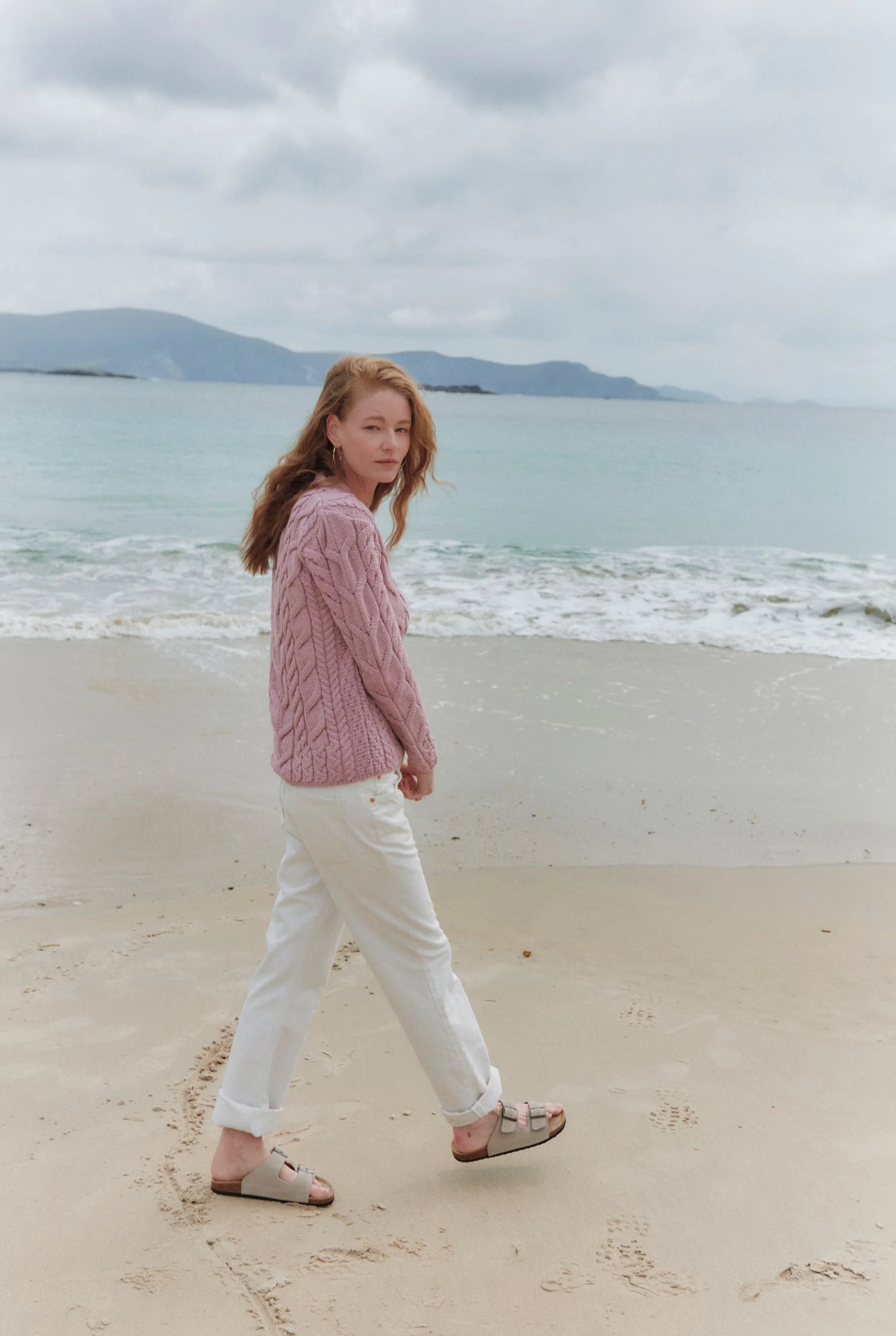
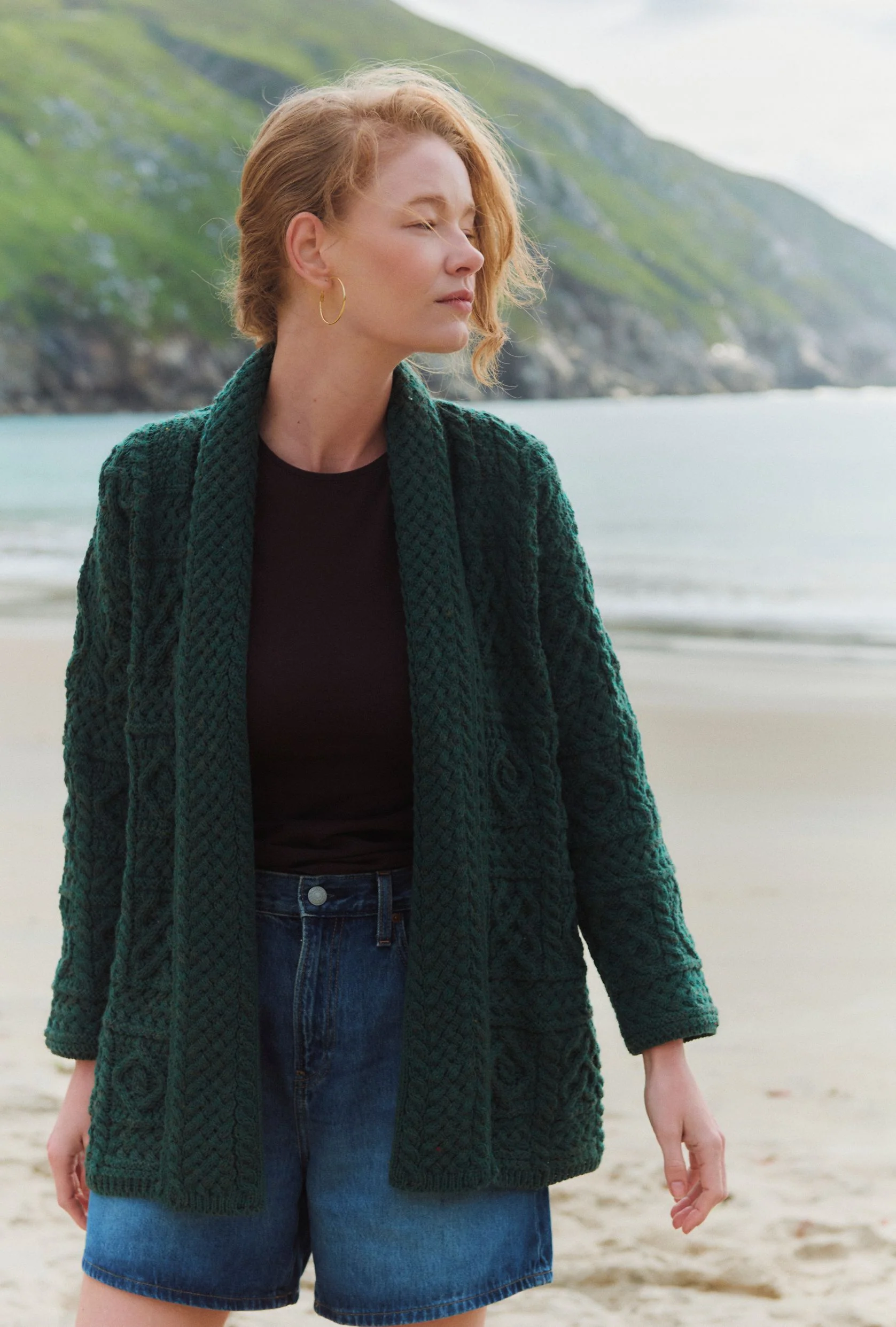
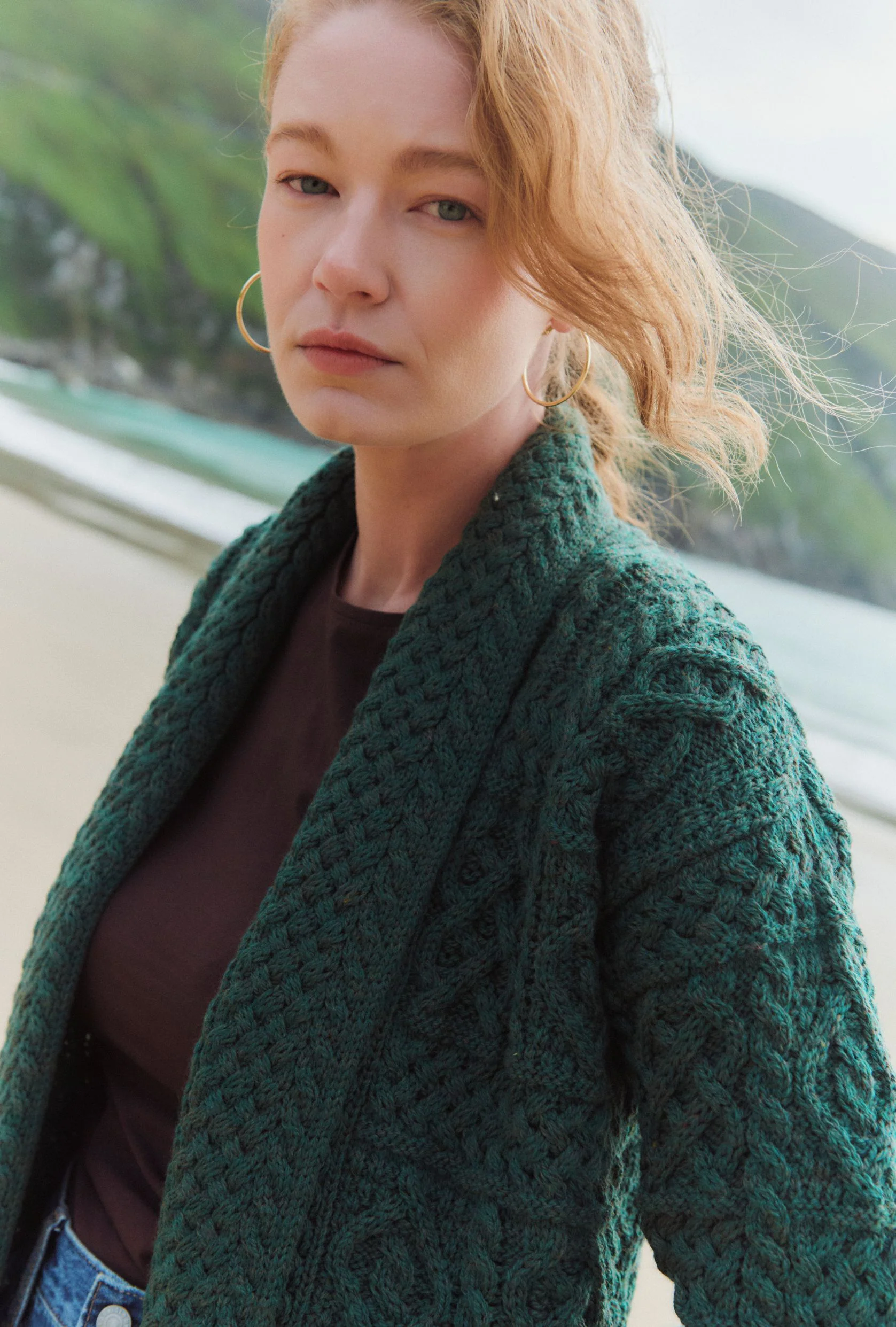
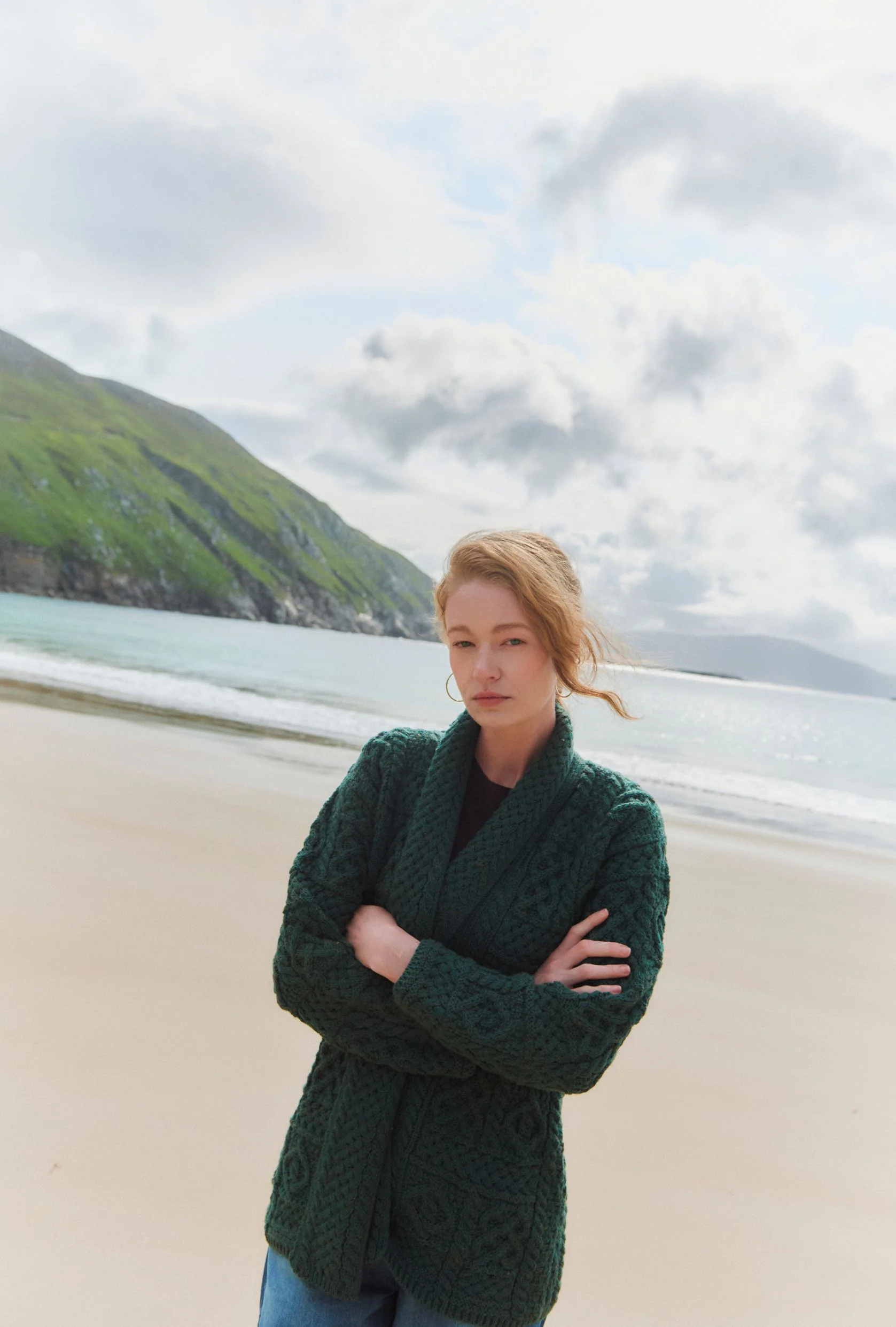
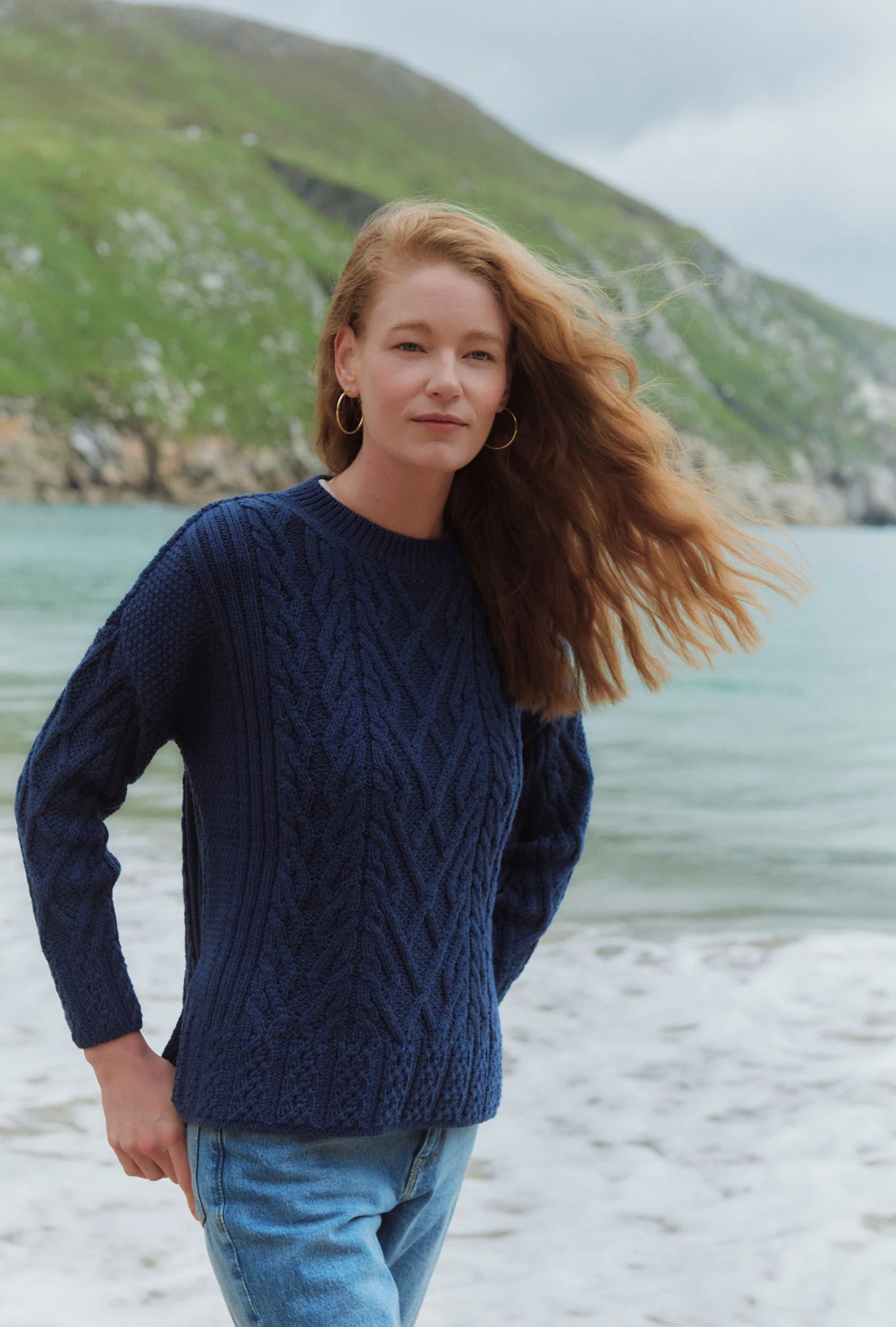
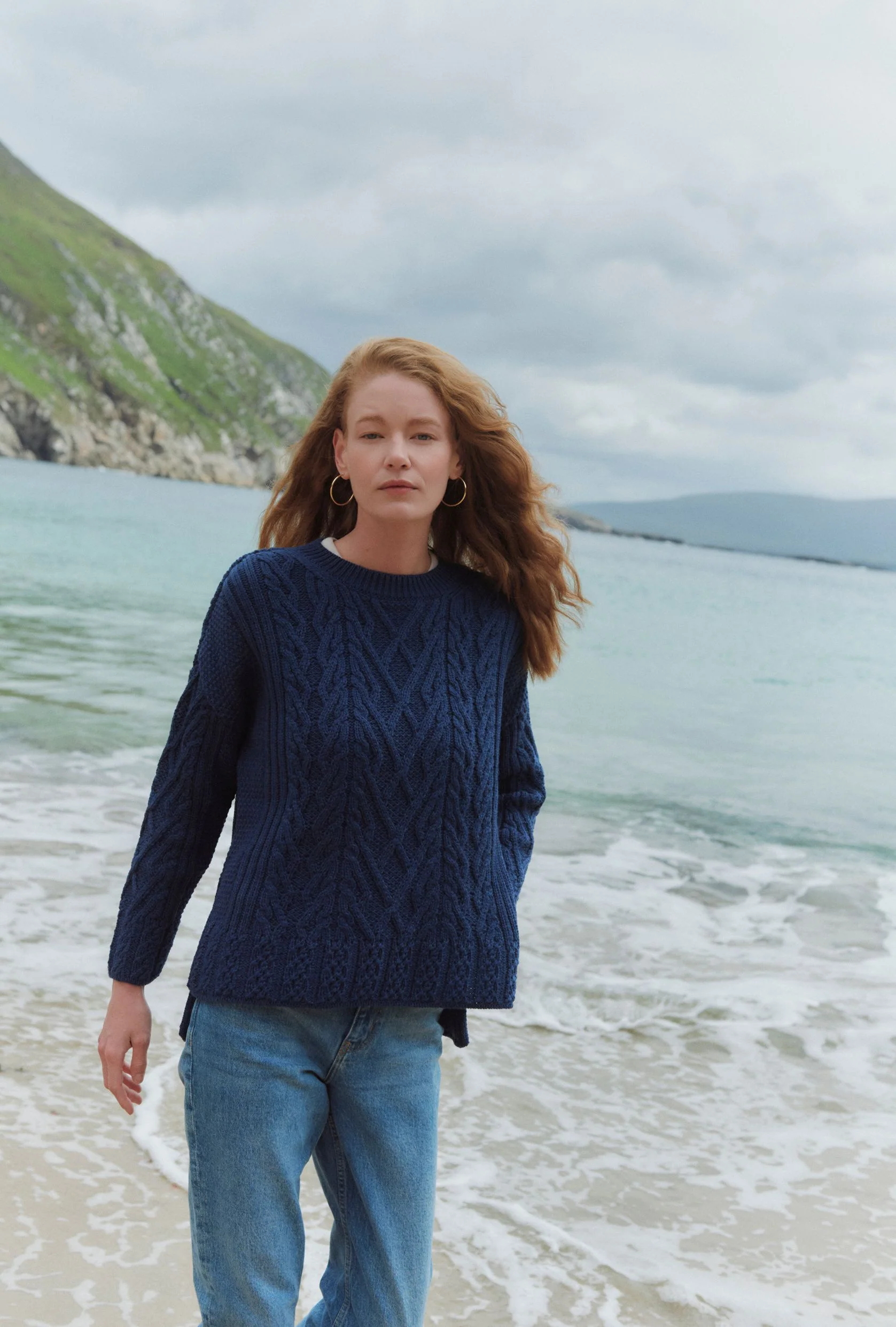
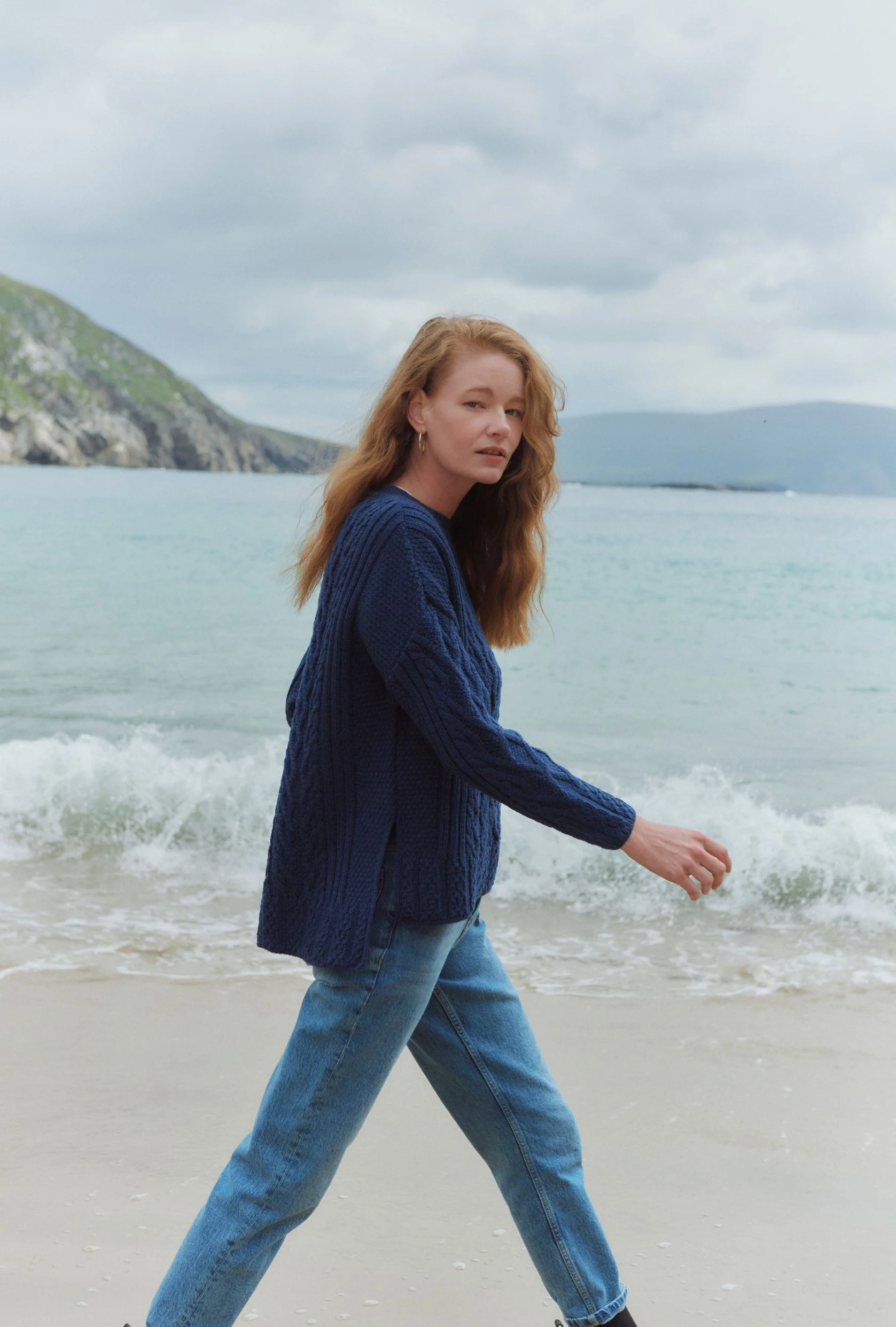
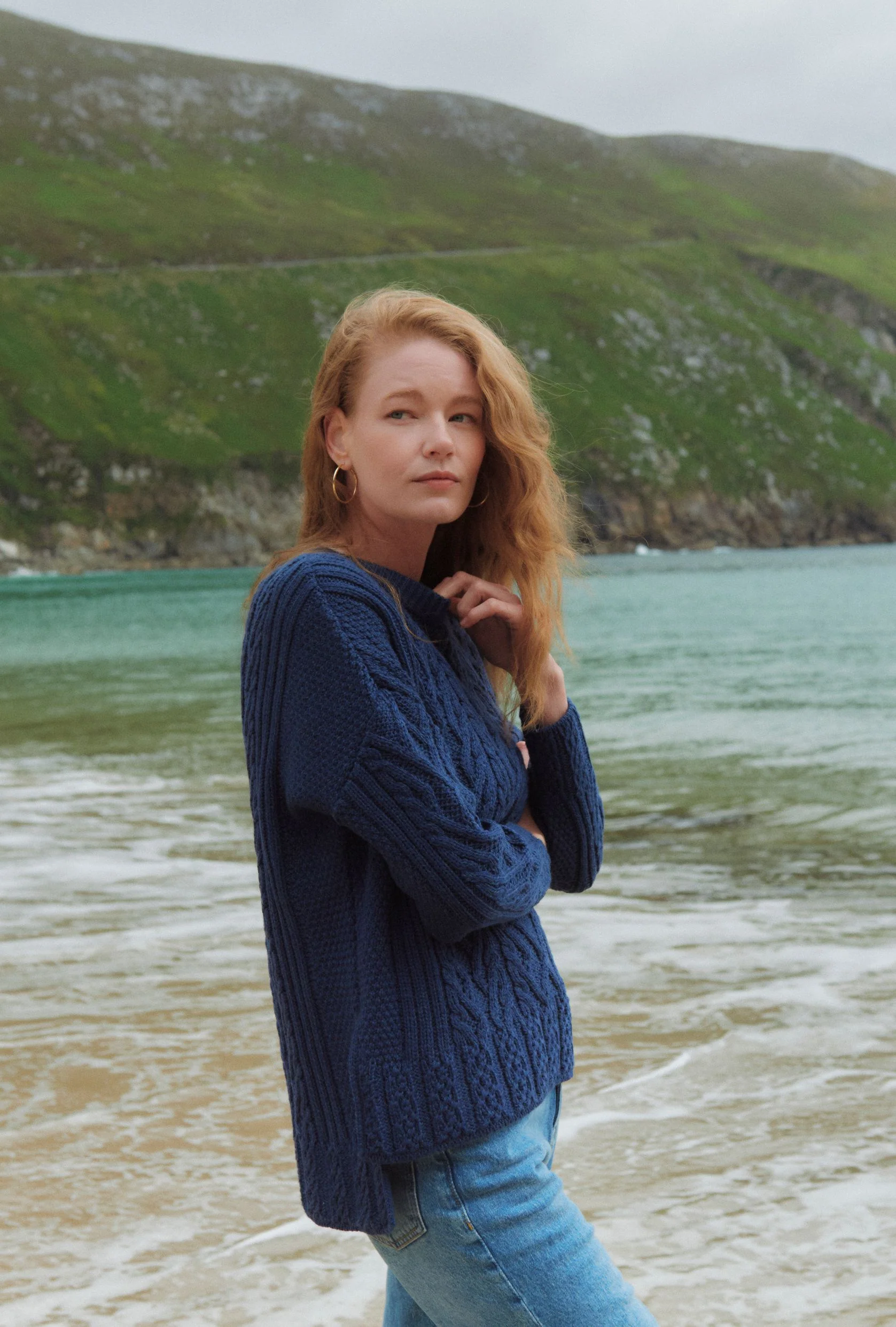
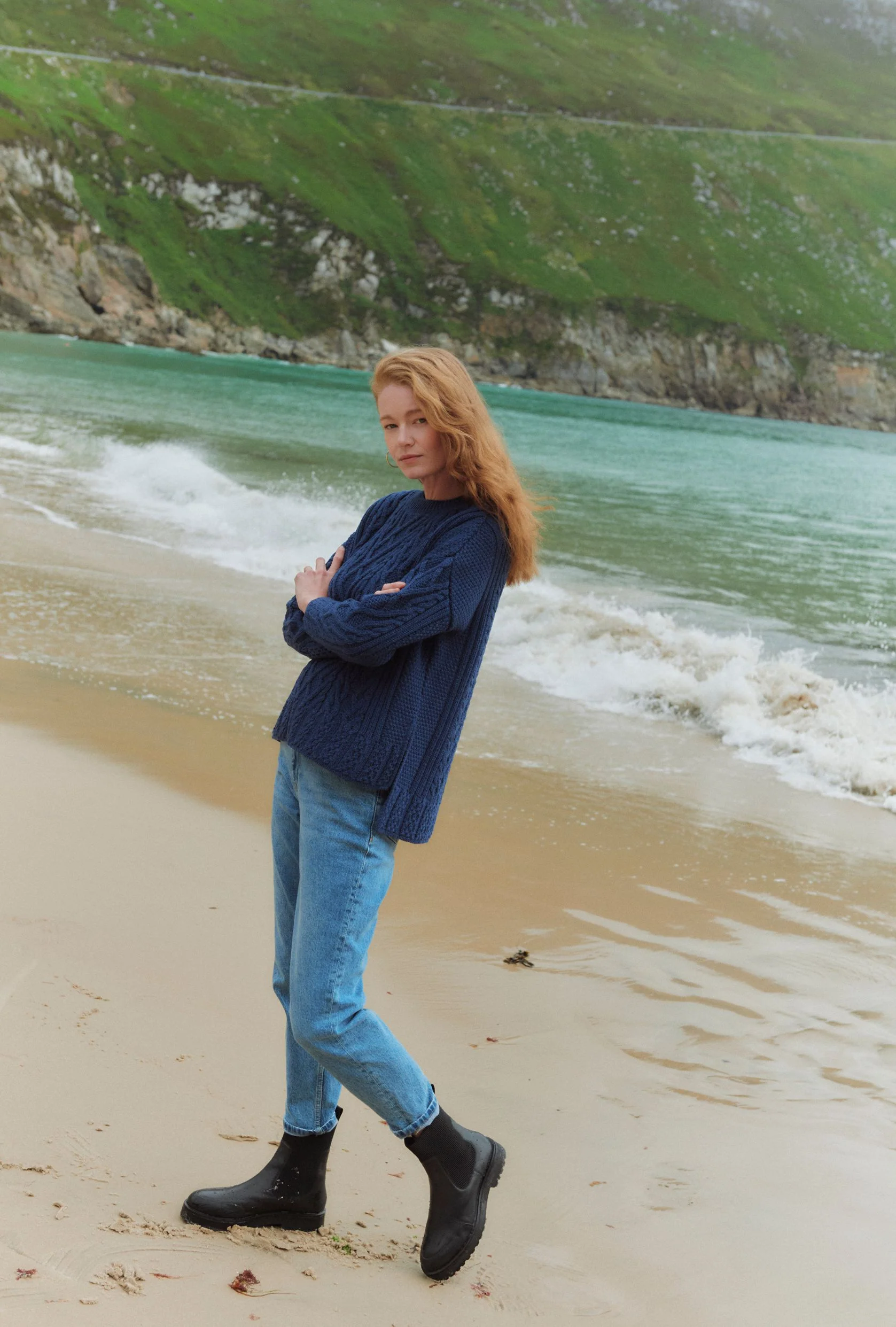
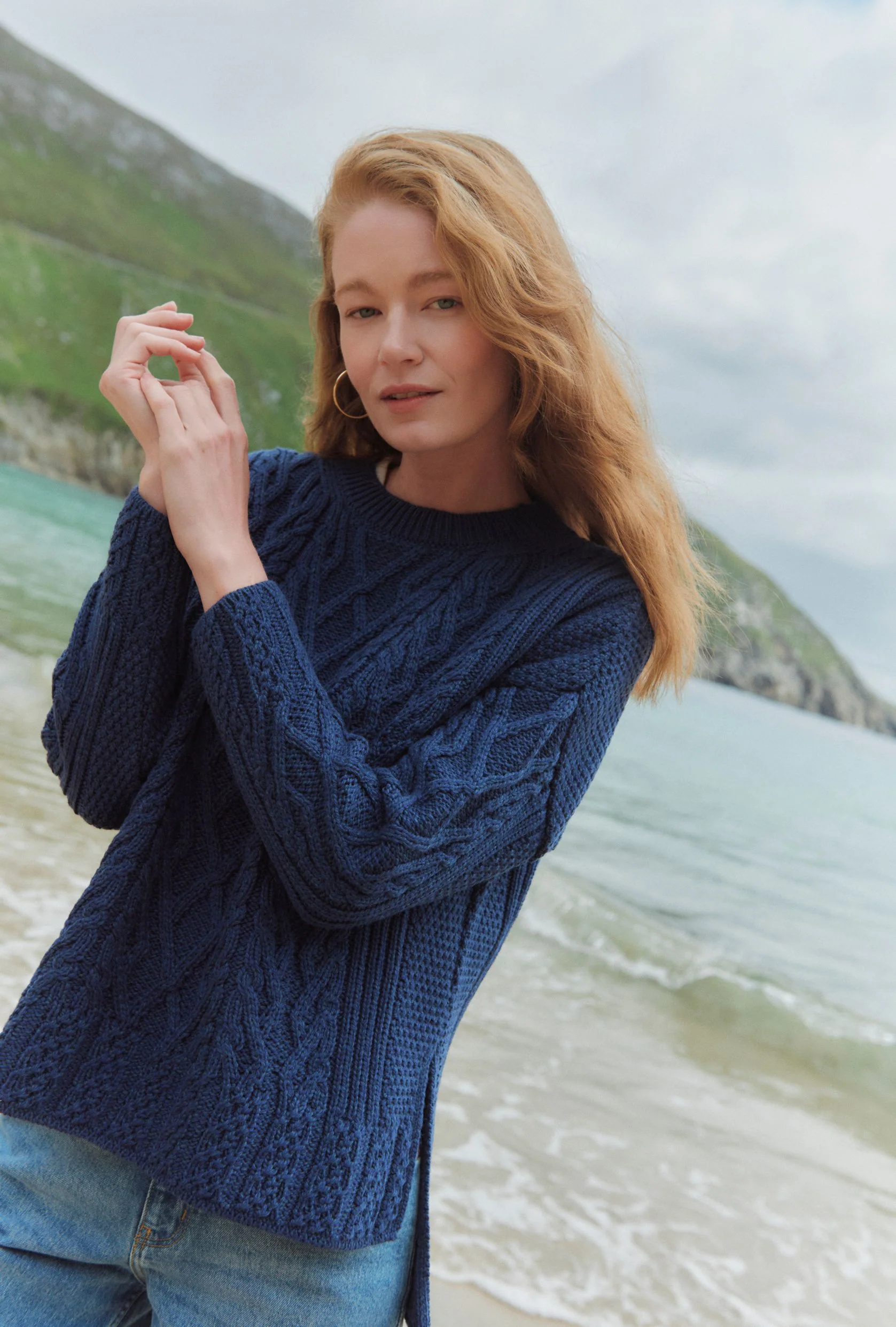
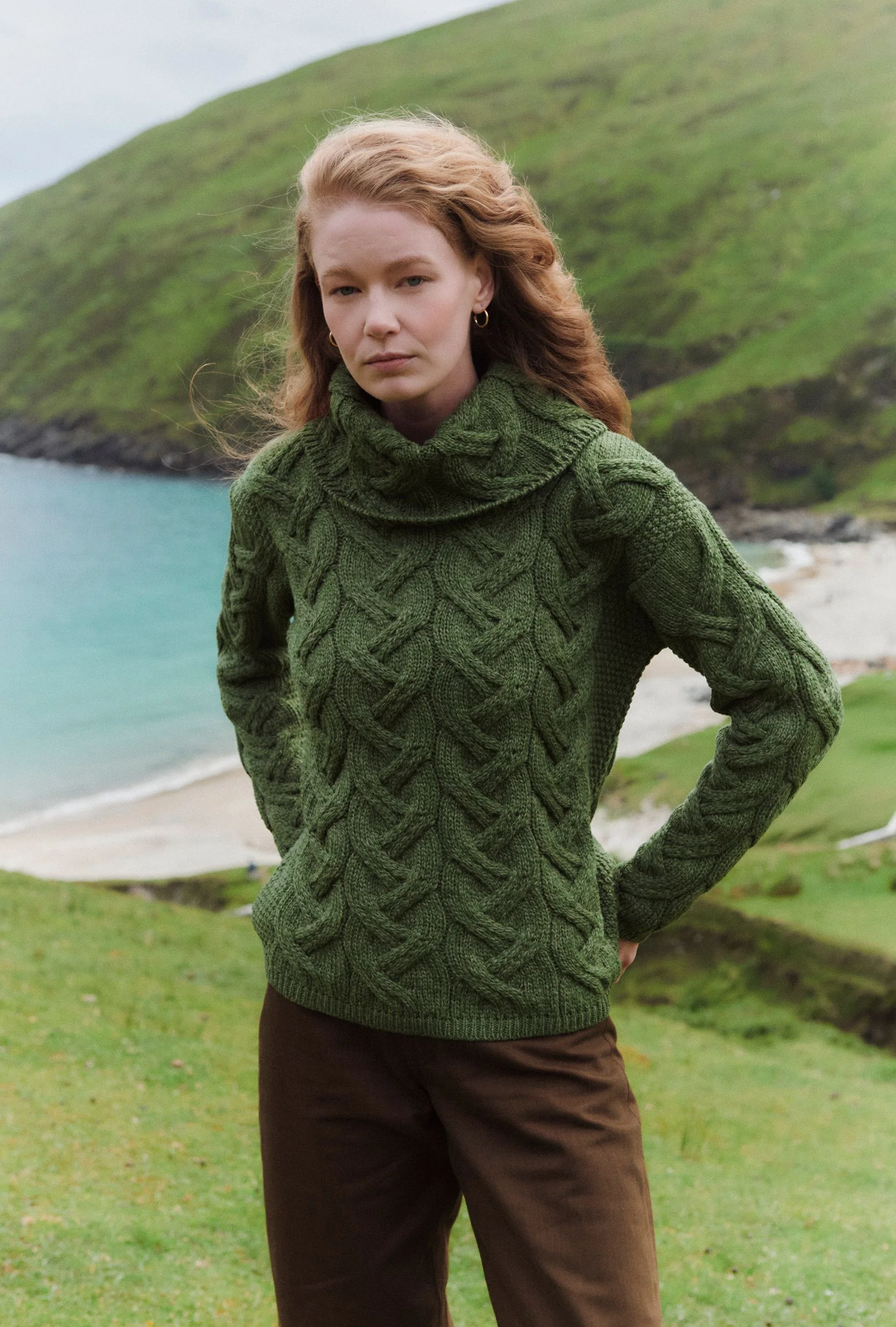
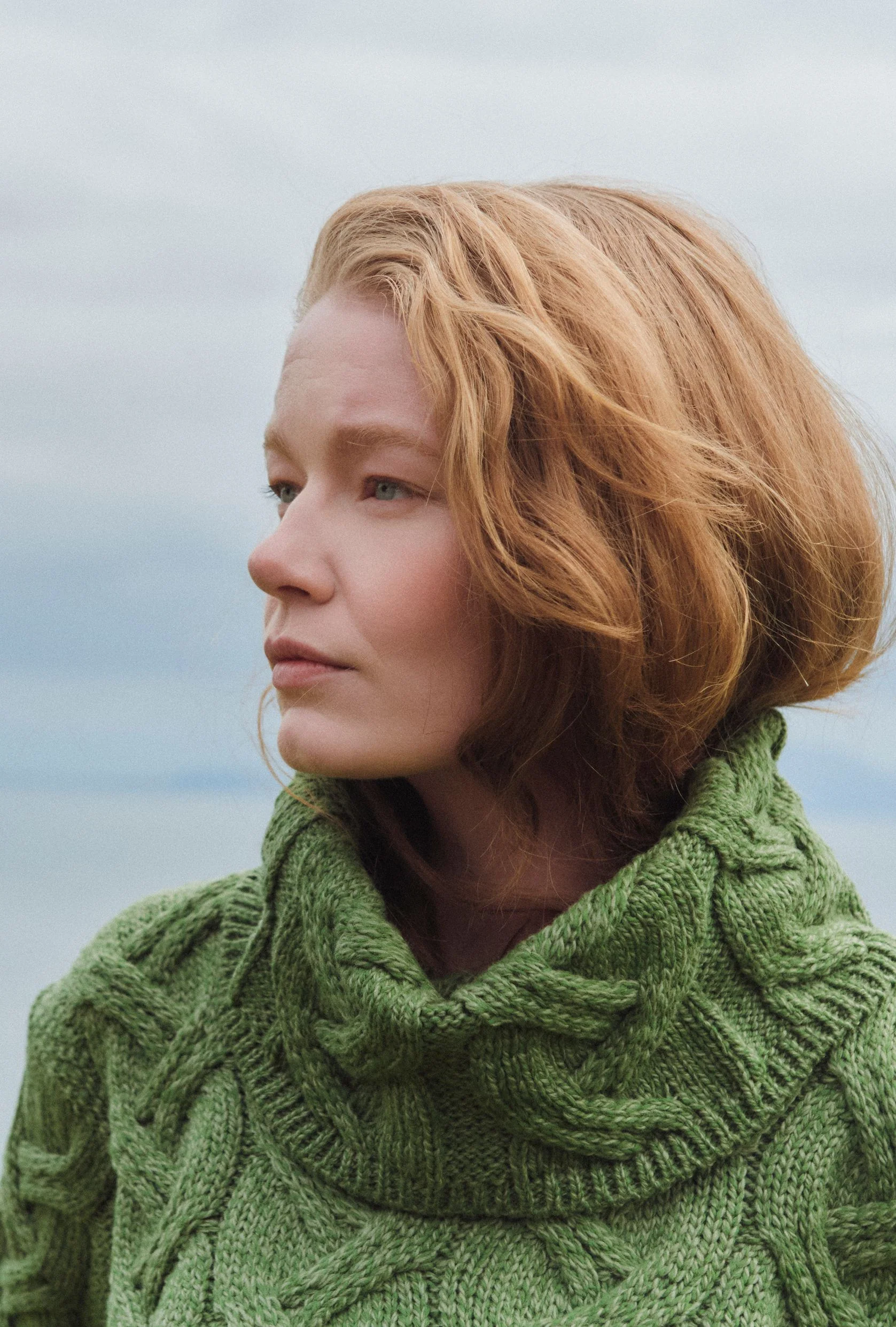
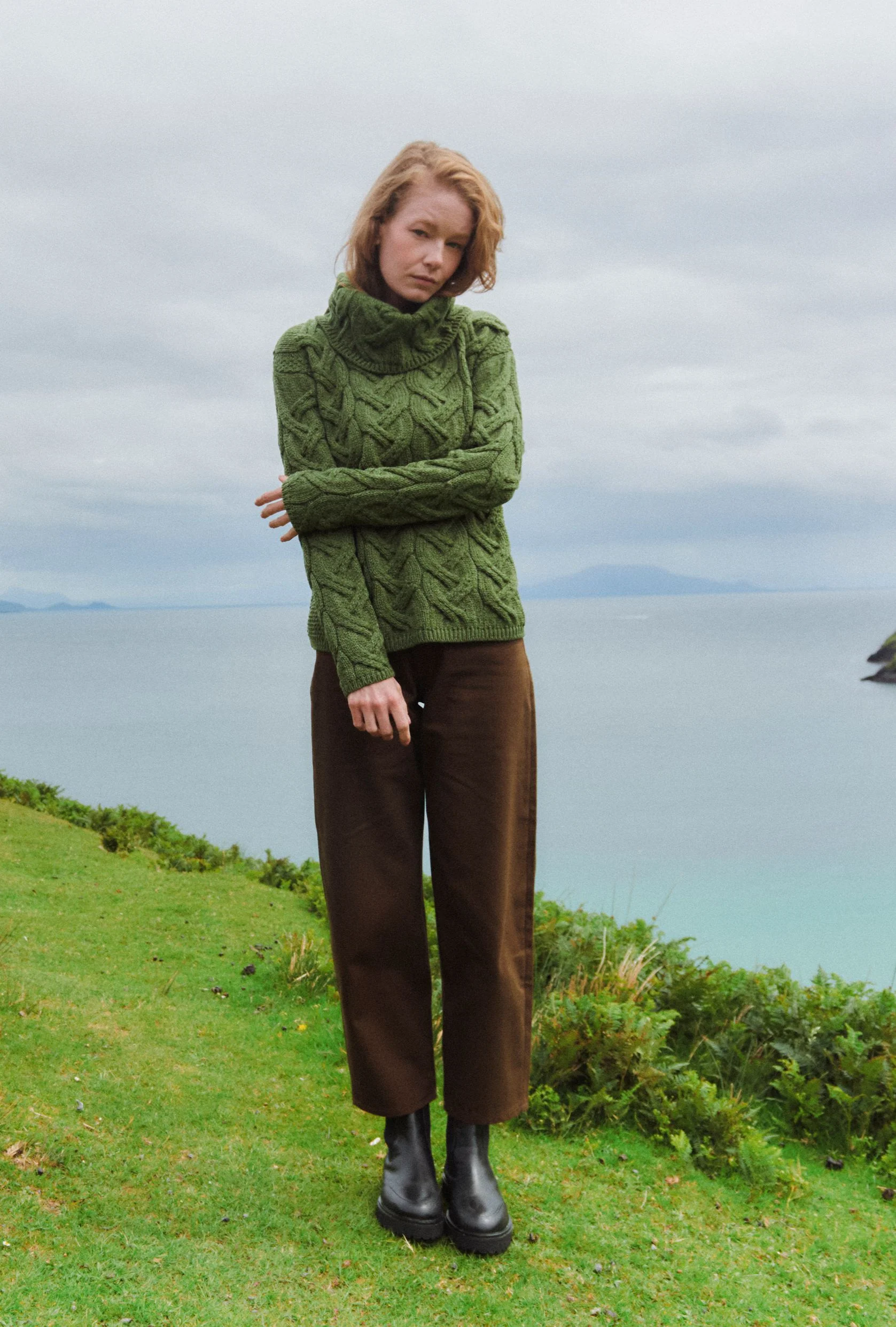
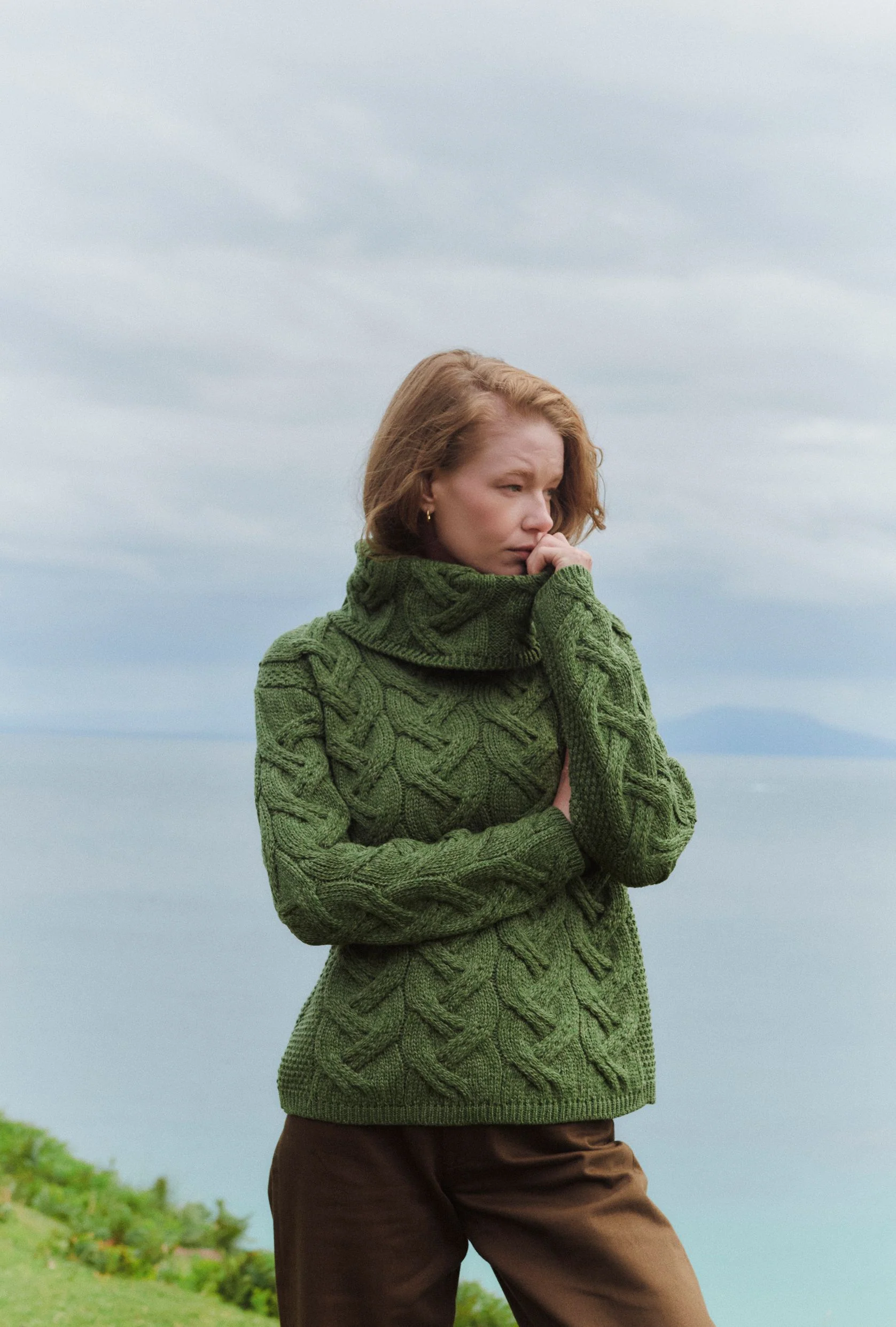
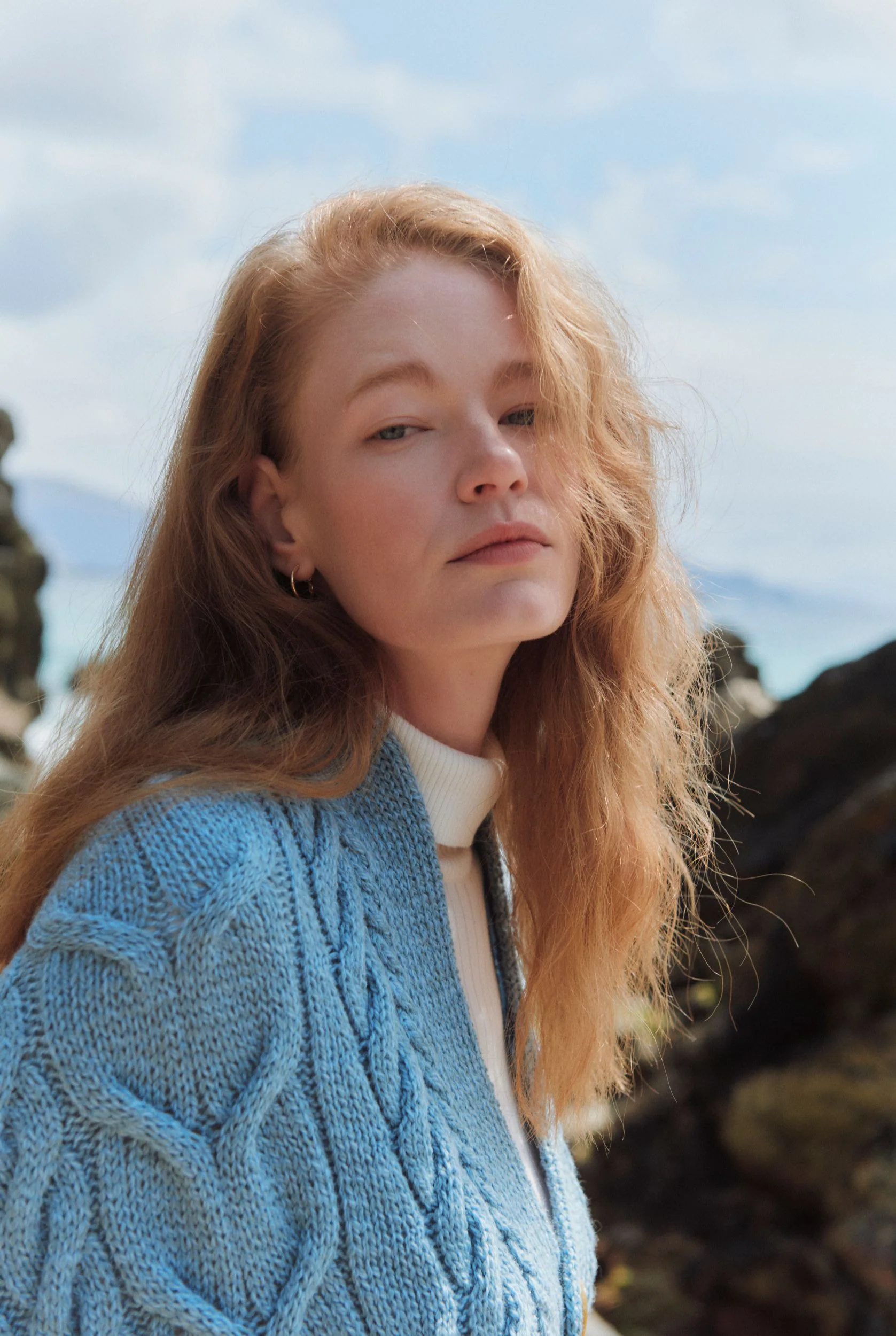
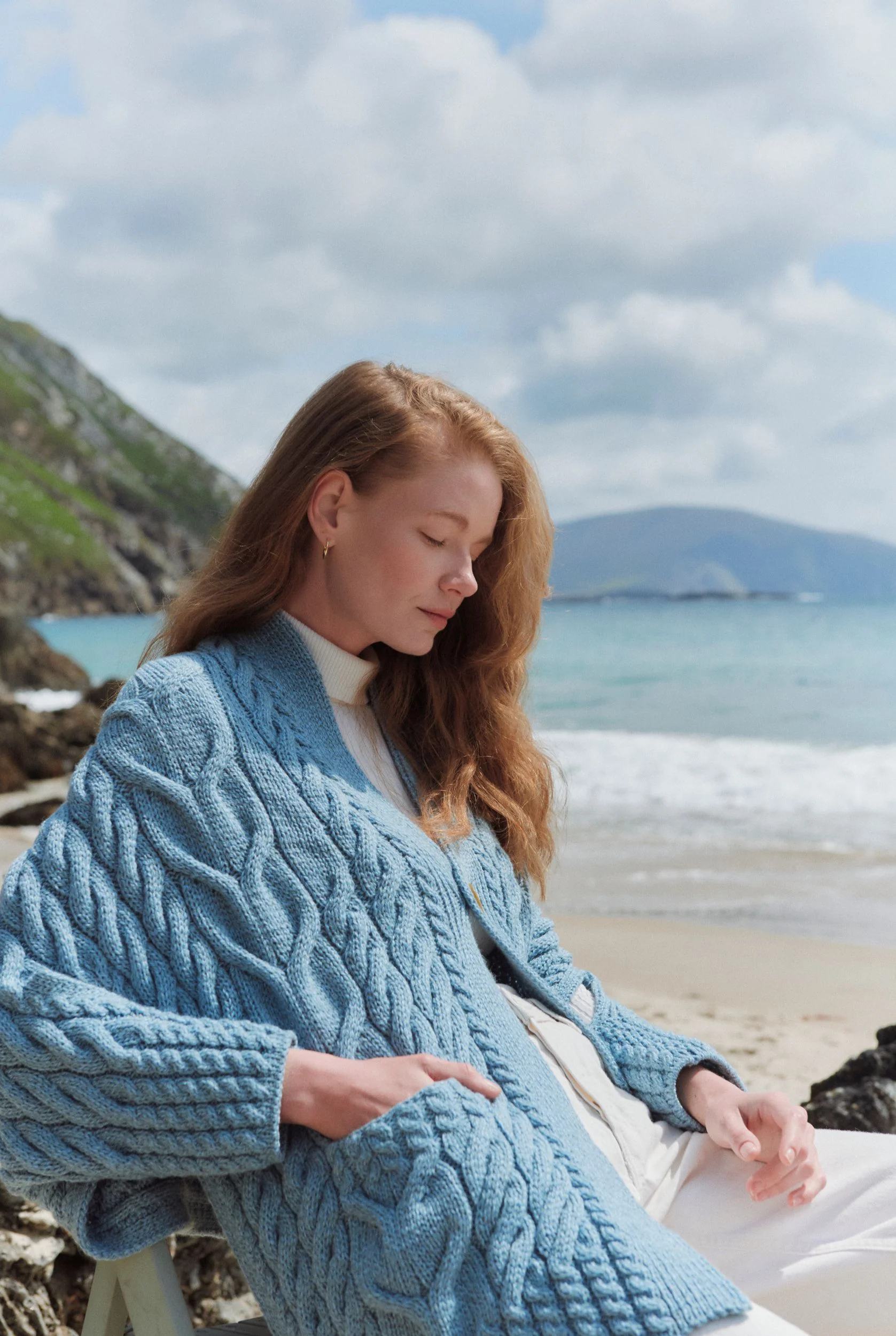
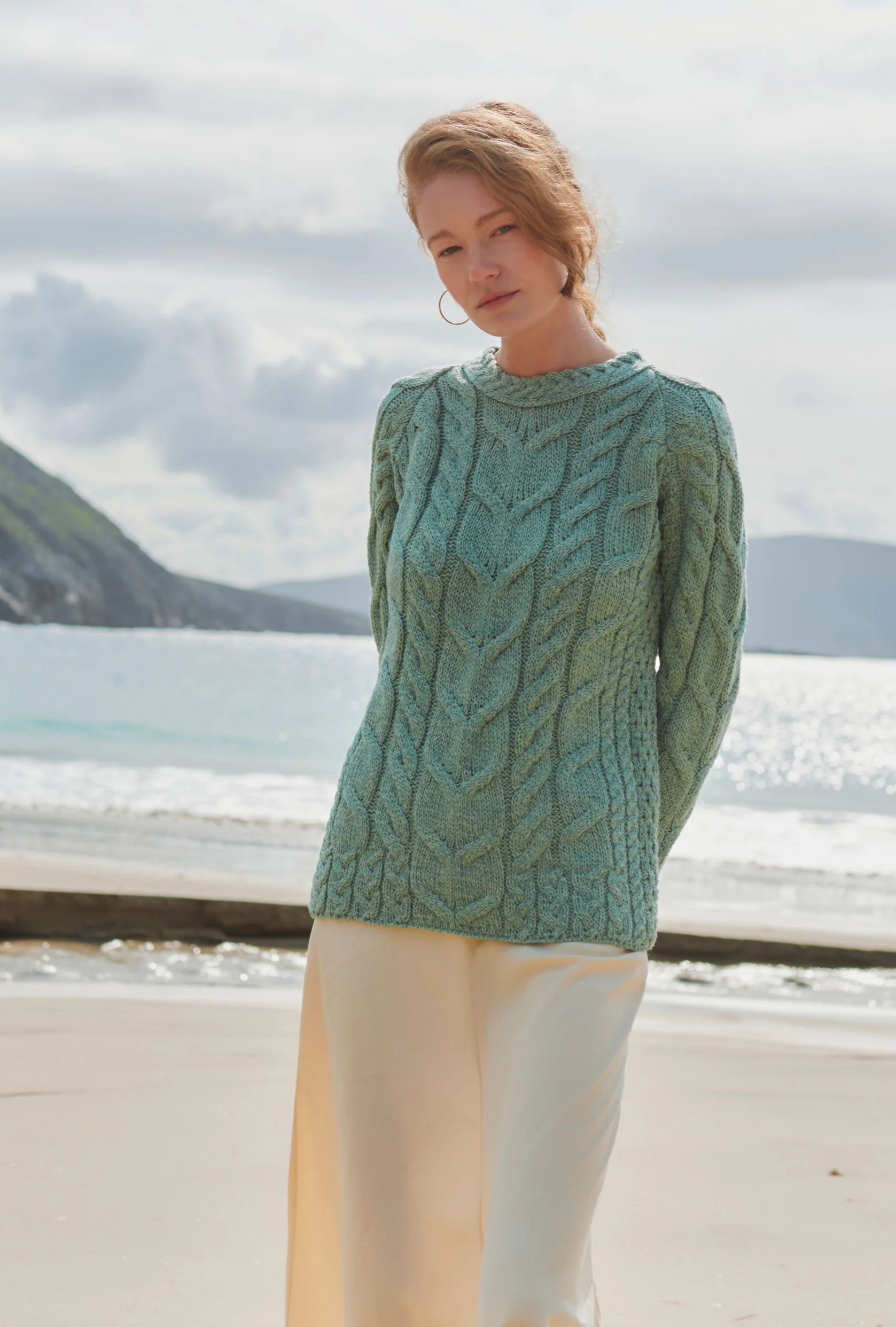
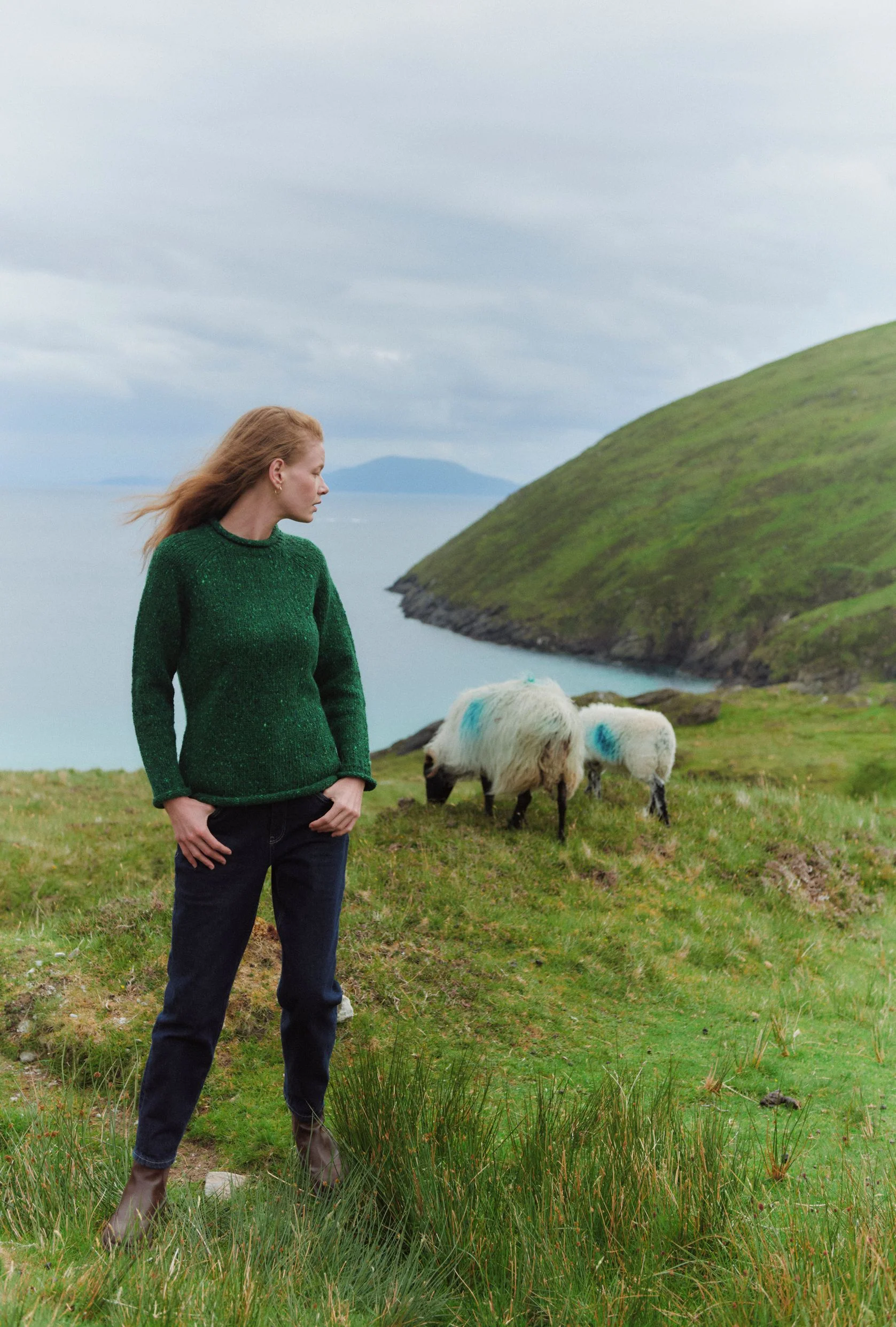
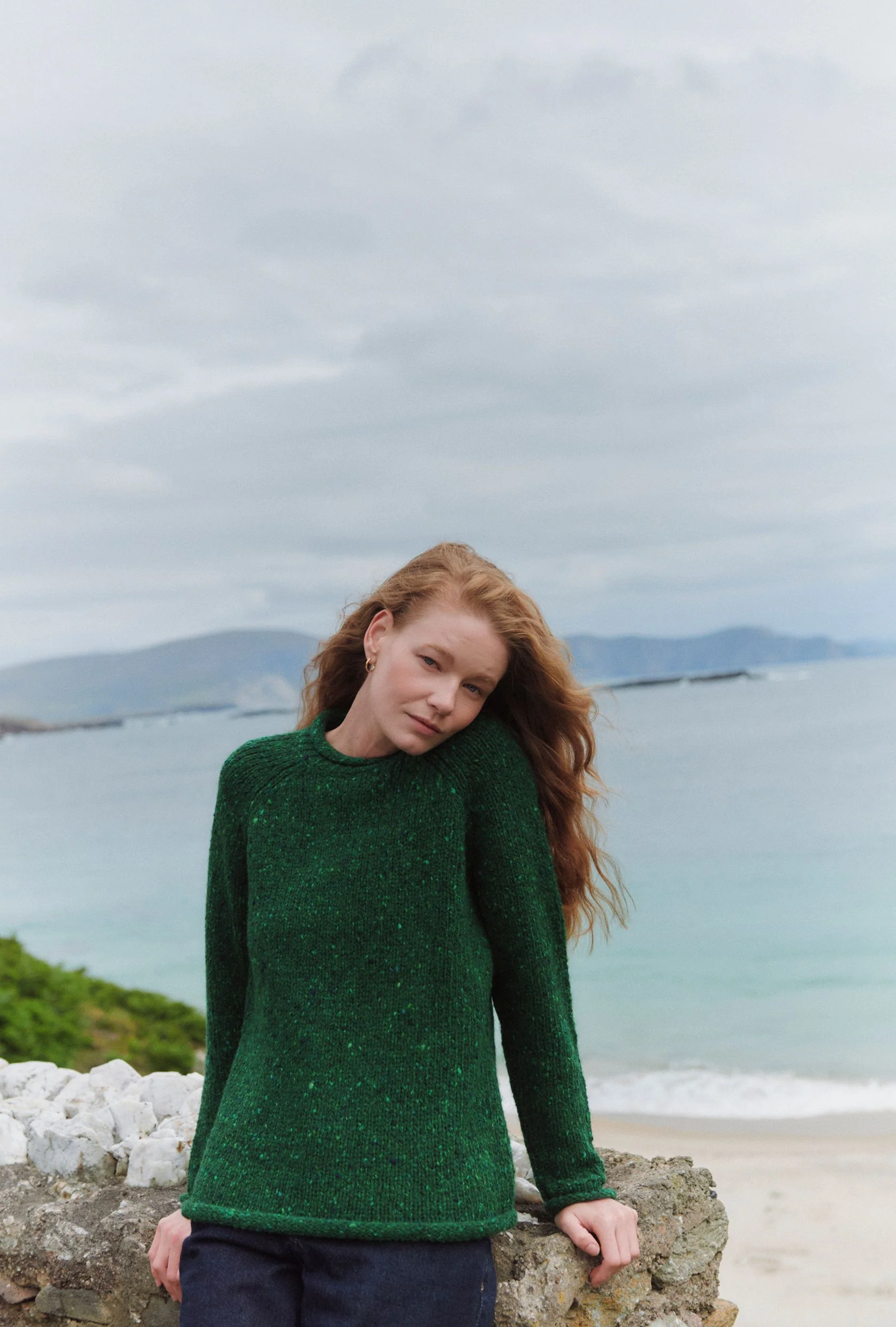
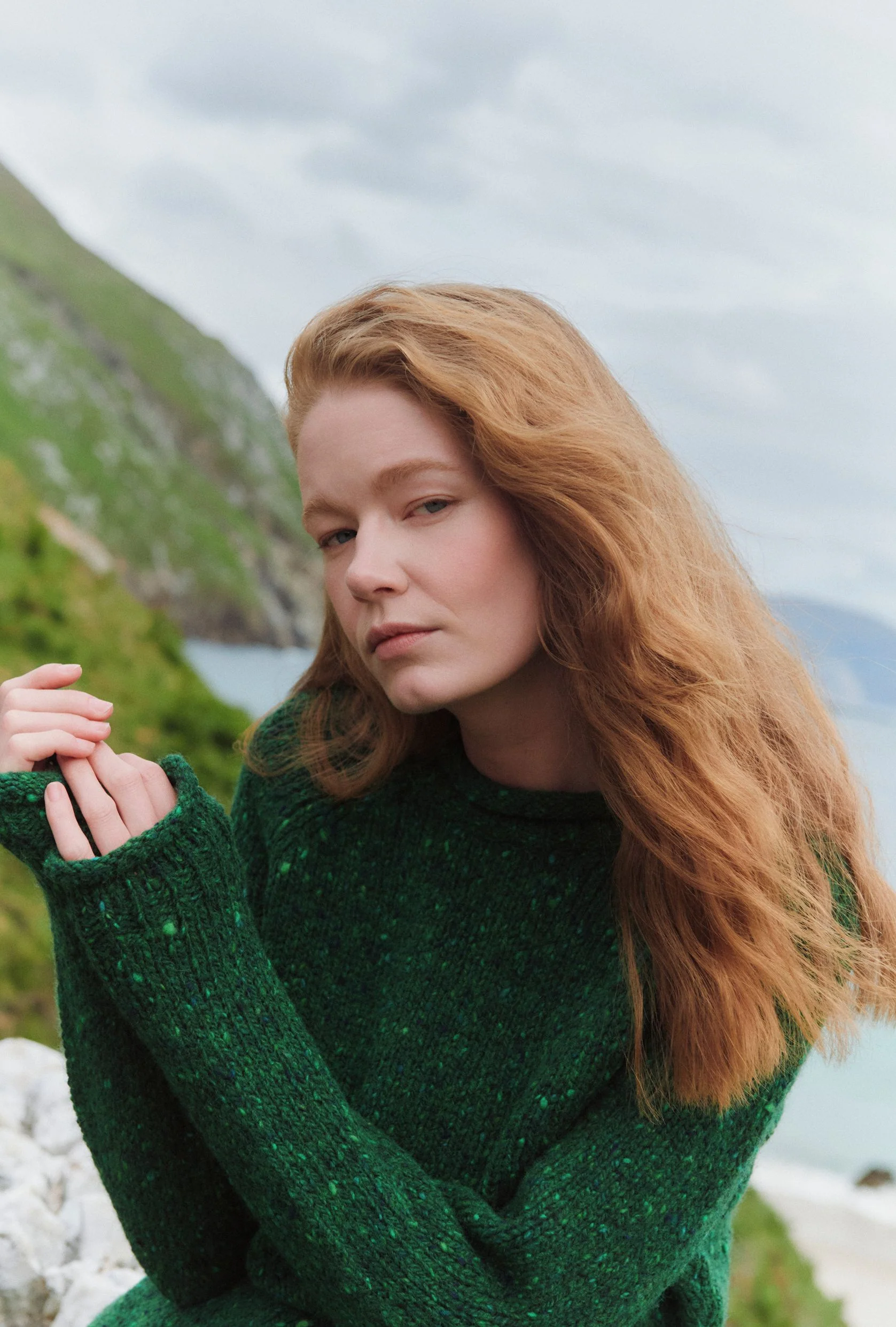
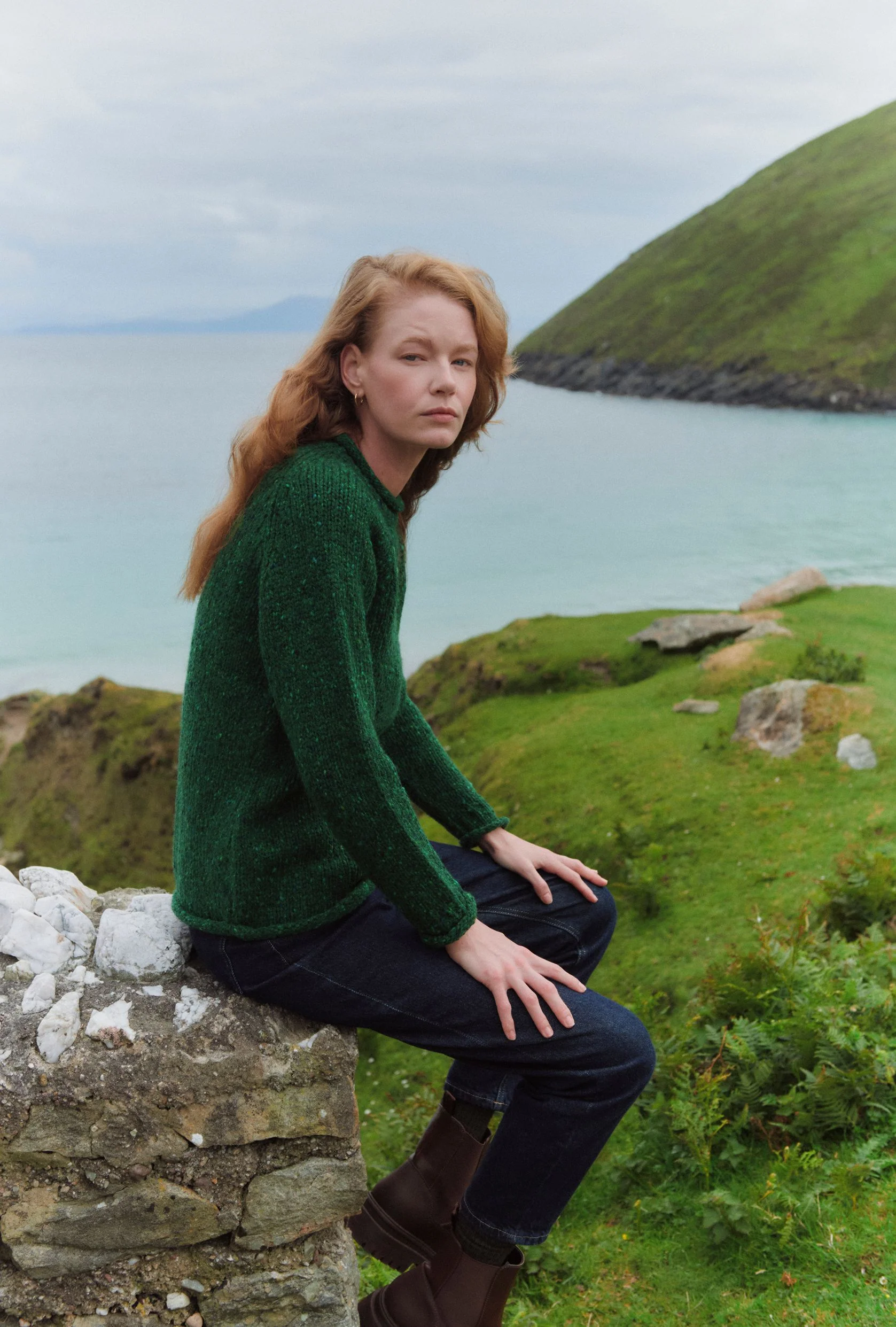
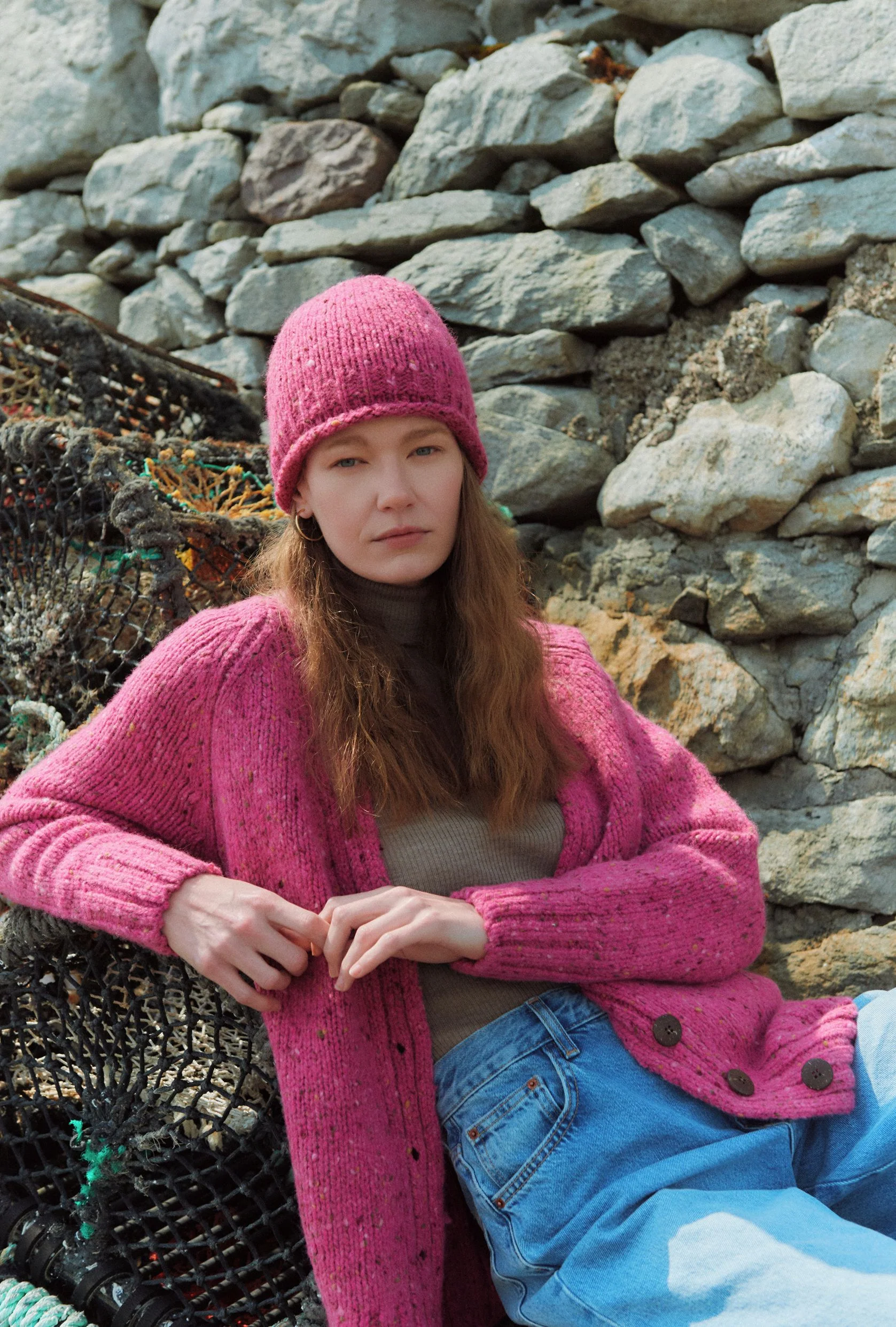
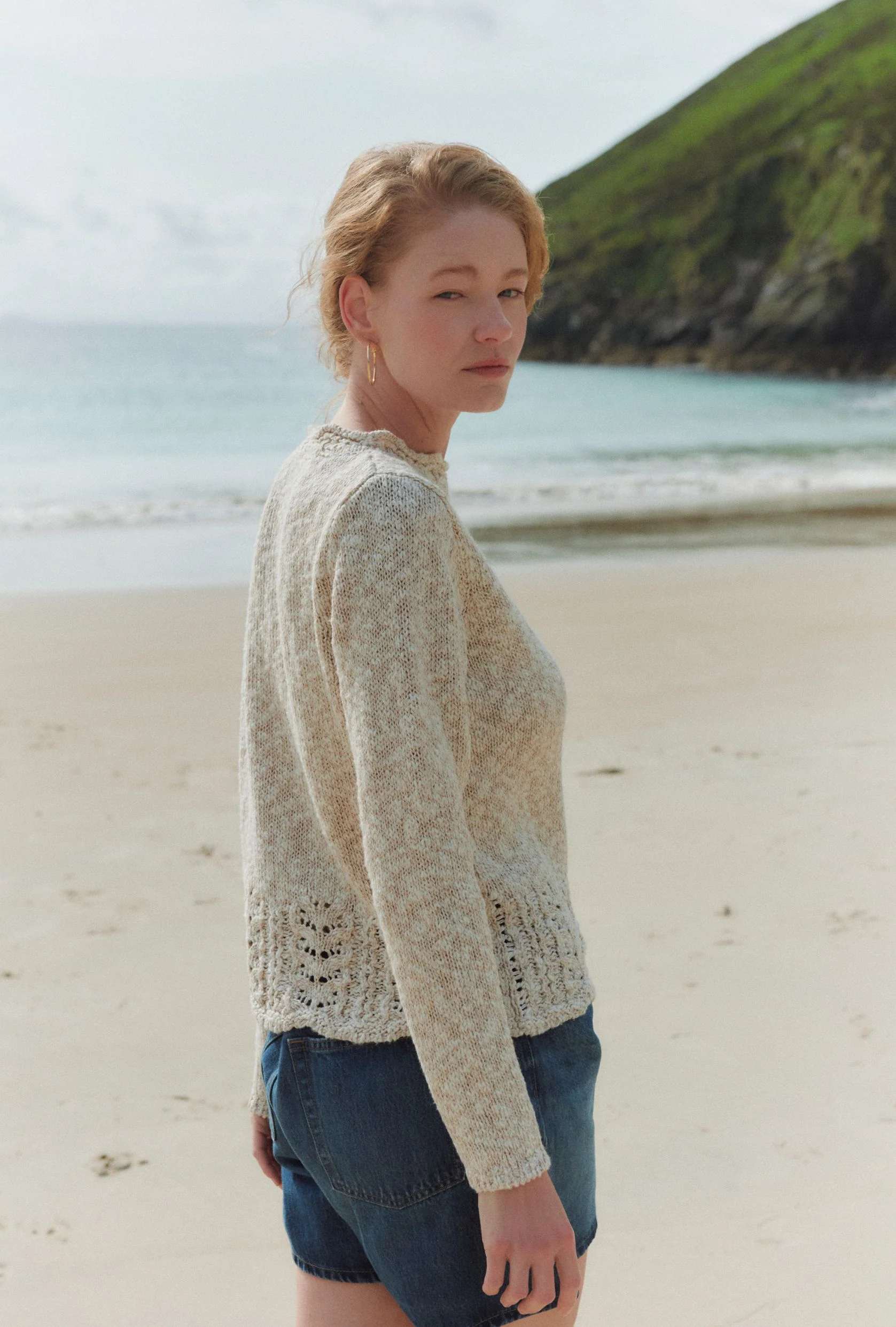
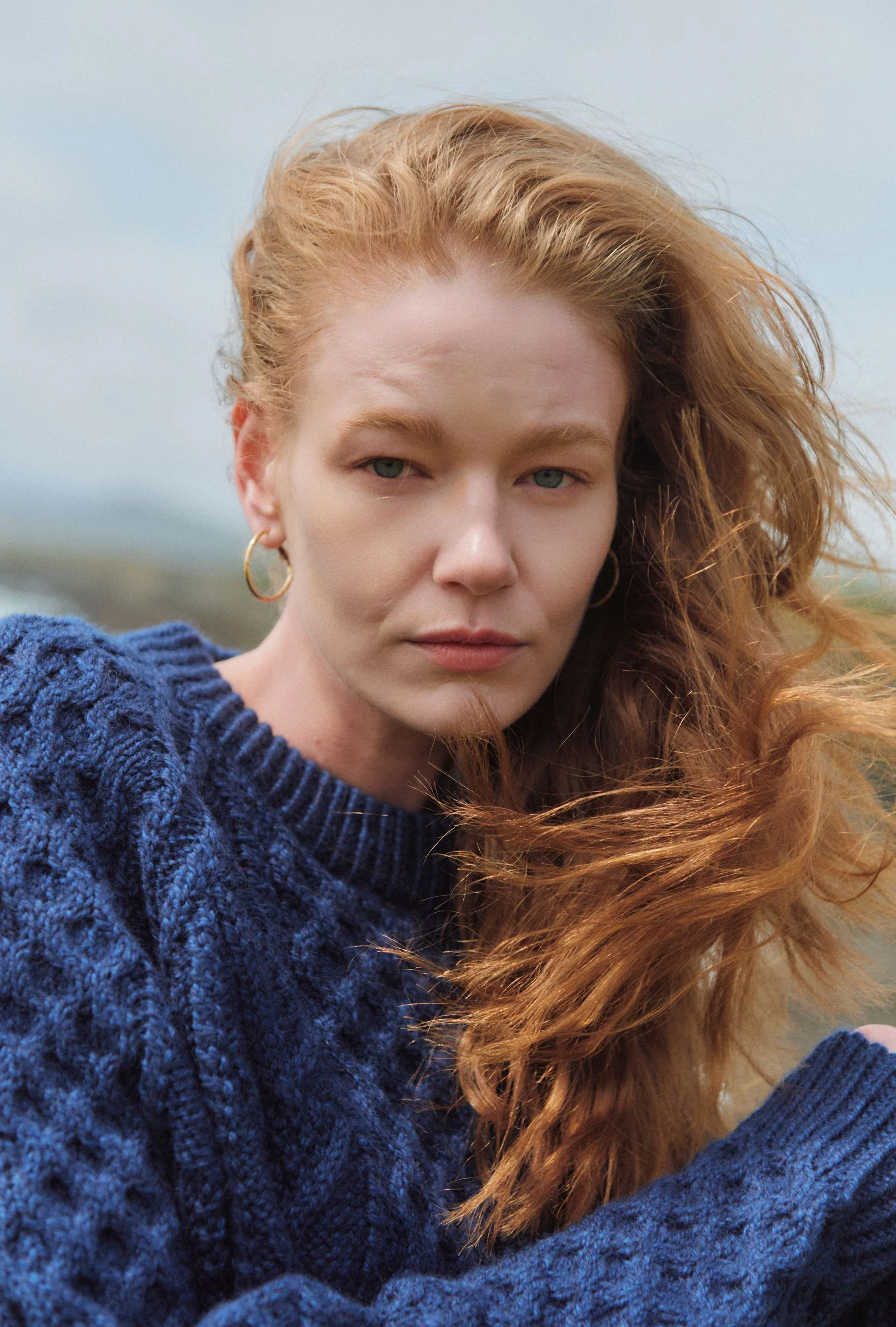
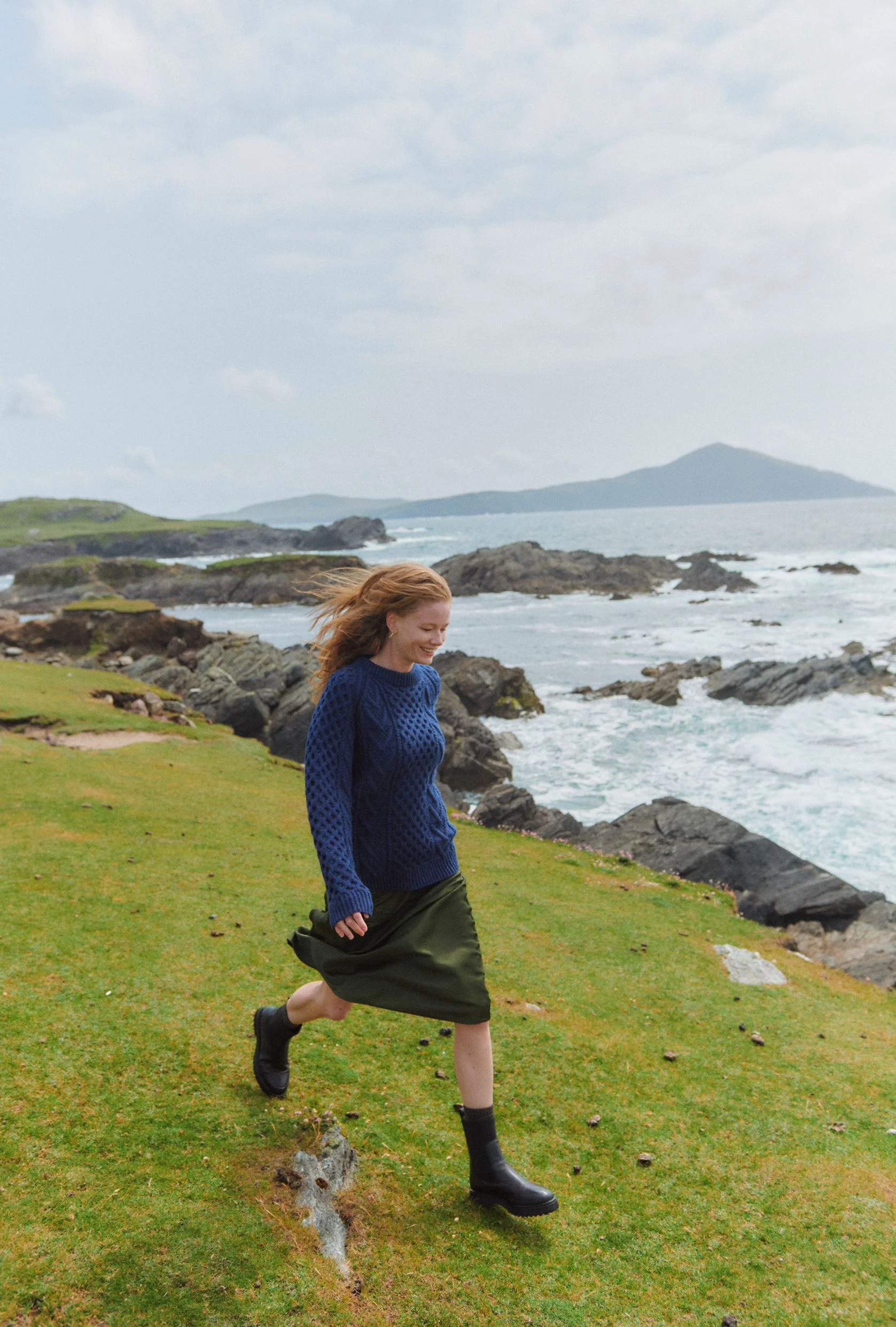
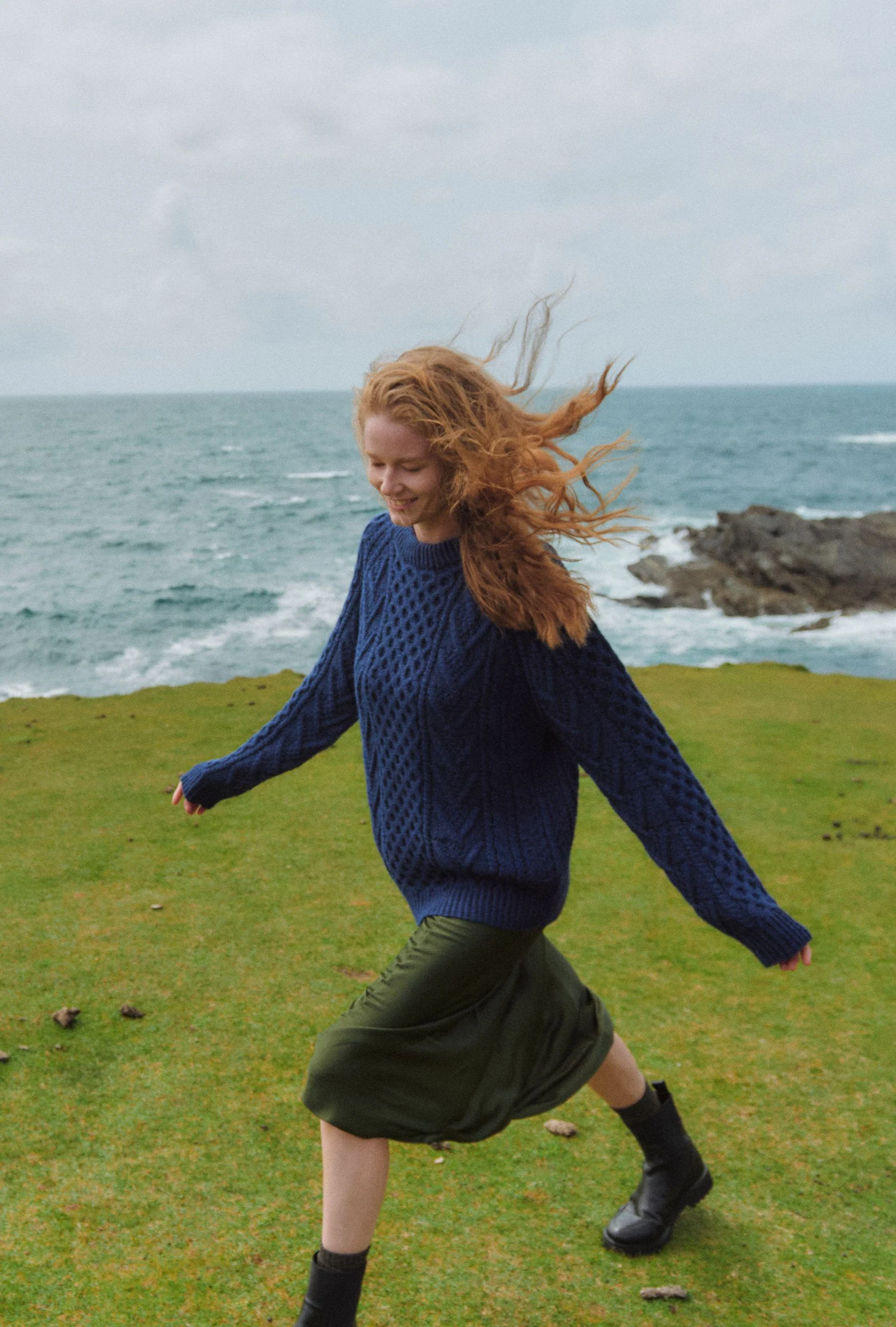
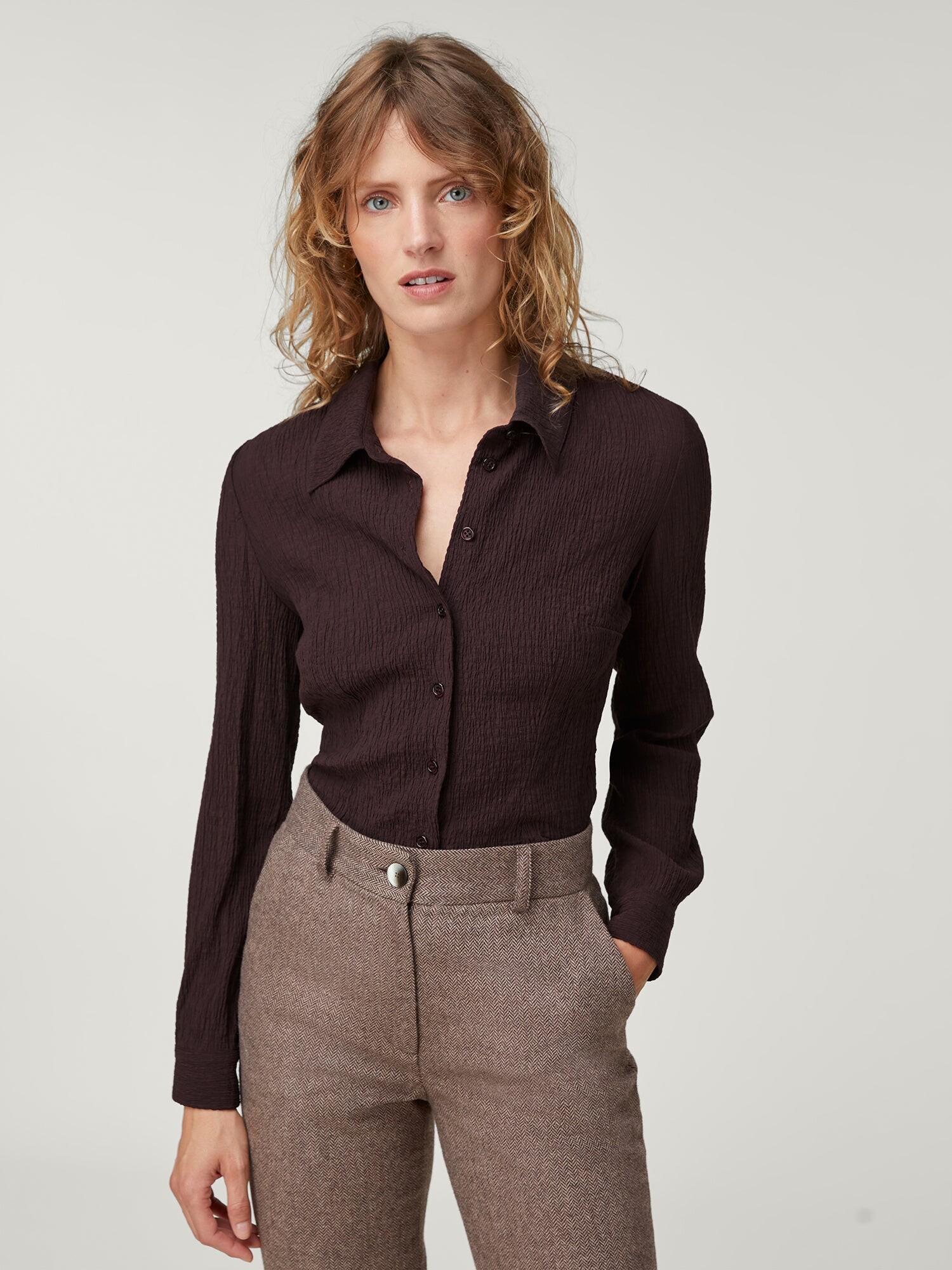
 Aran Woollen Mills 2025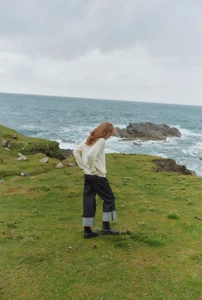













































































-
 Ph: Yana Kalina










 sylvester changed their profile photo
Hila Shalom 2024 Ph: @shayshalom_photographer
sylvester changed their profile photo
Hila Shalom 2024 Ph: @shayshalom_photographer
















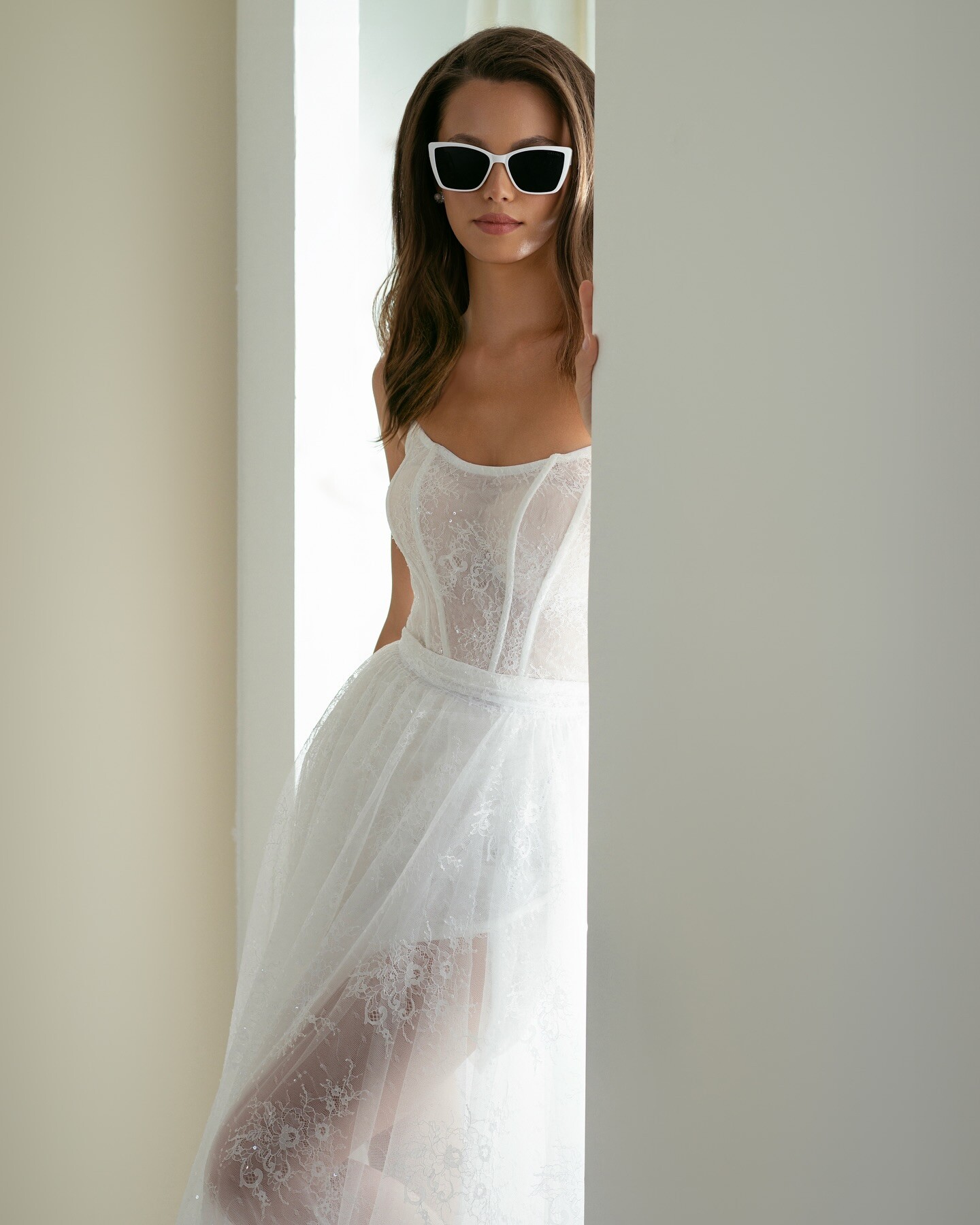
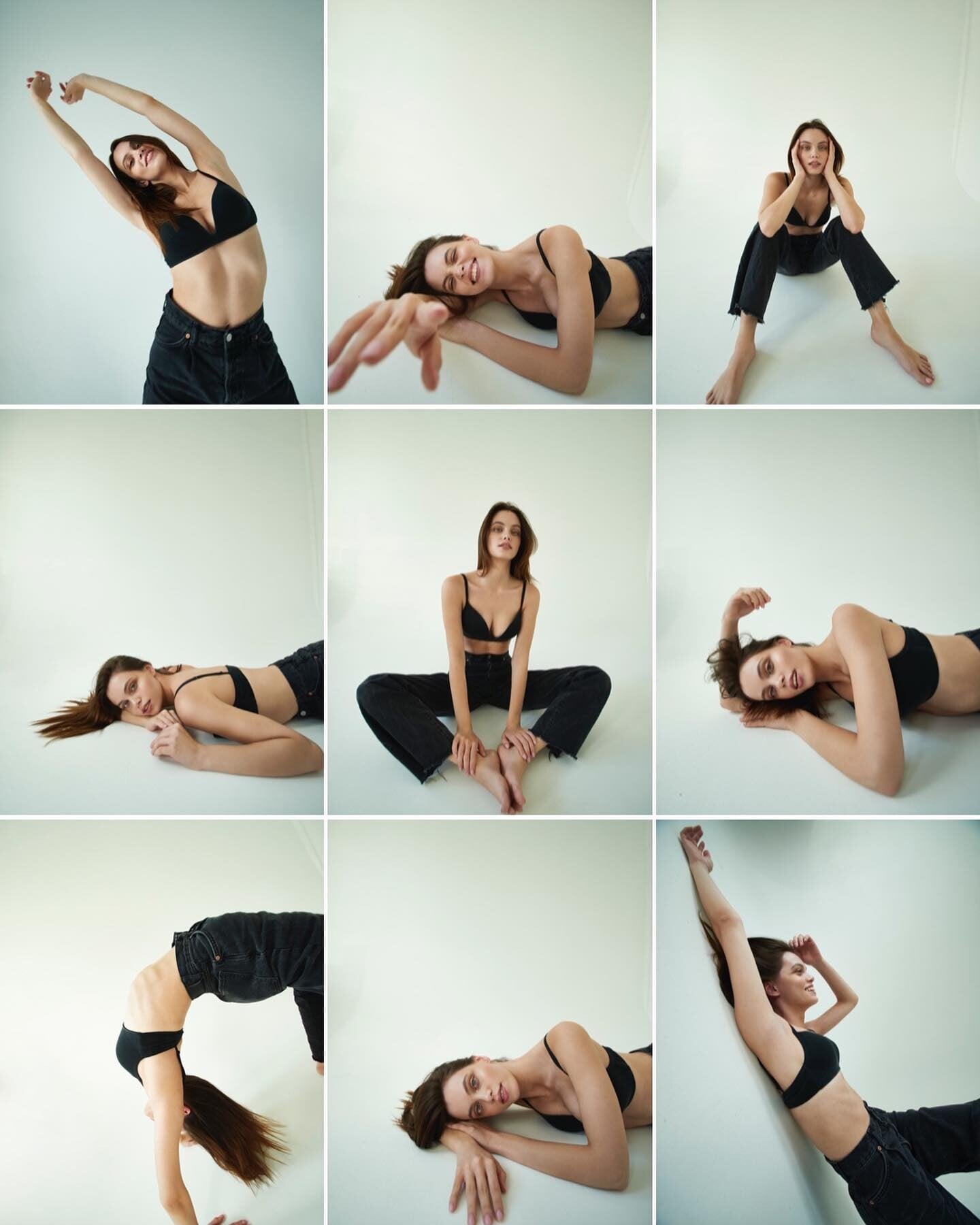
 Ph: Adele Makulova 2021



- Today
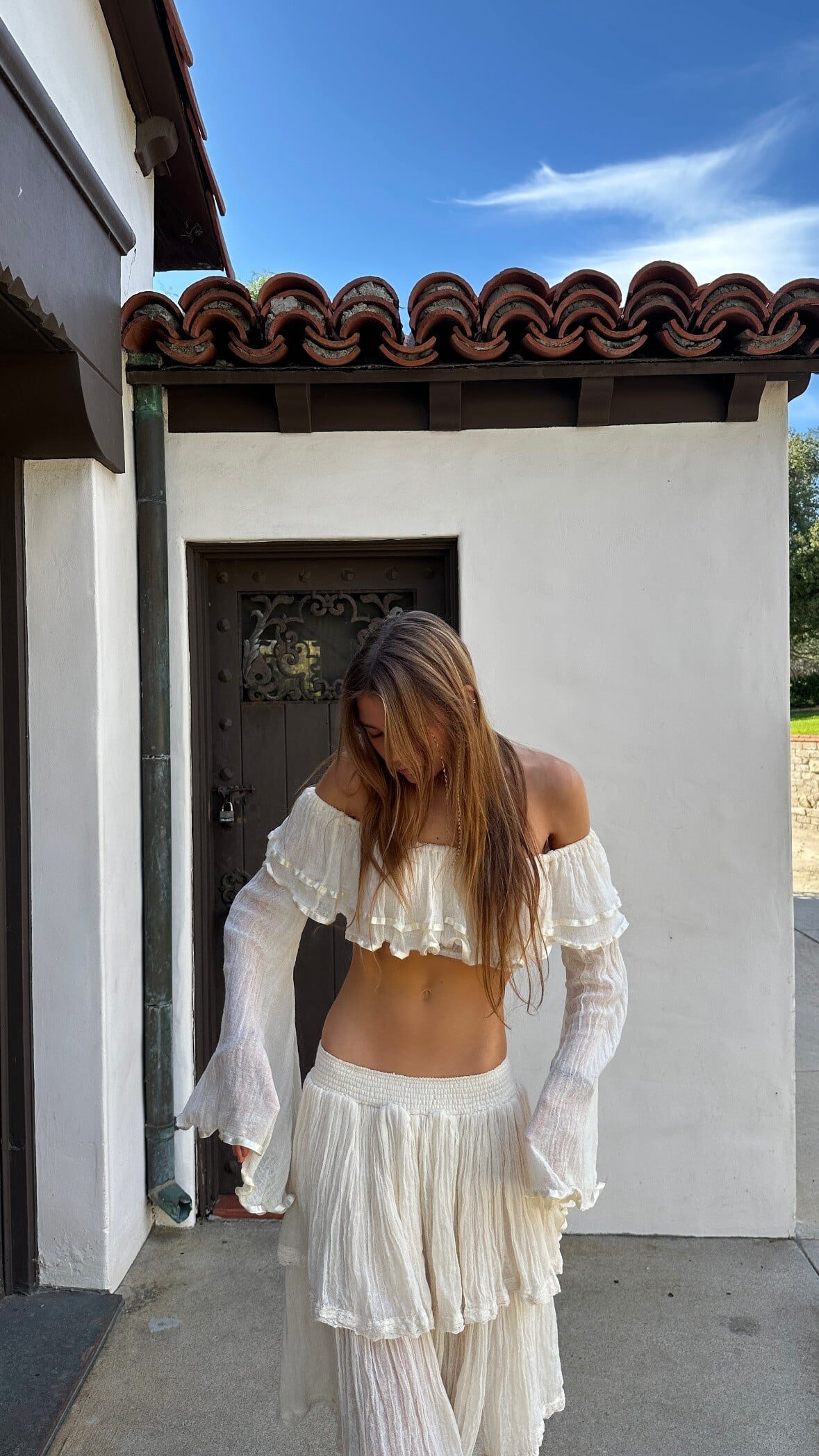
 Ph: Anna Kharchenko 2022






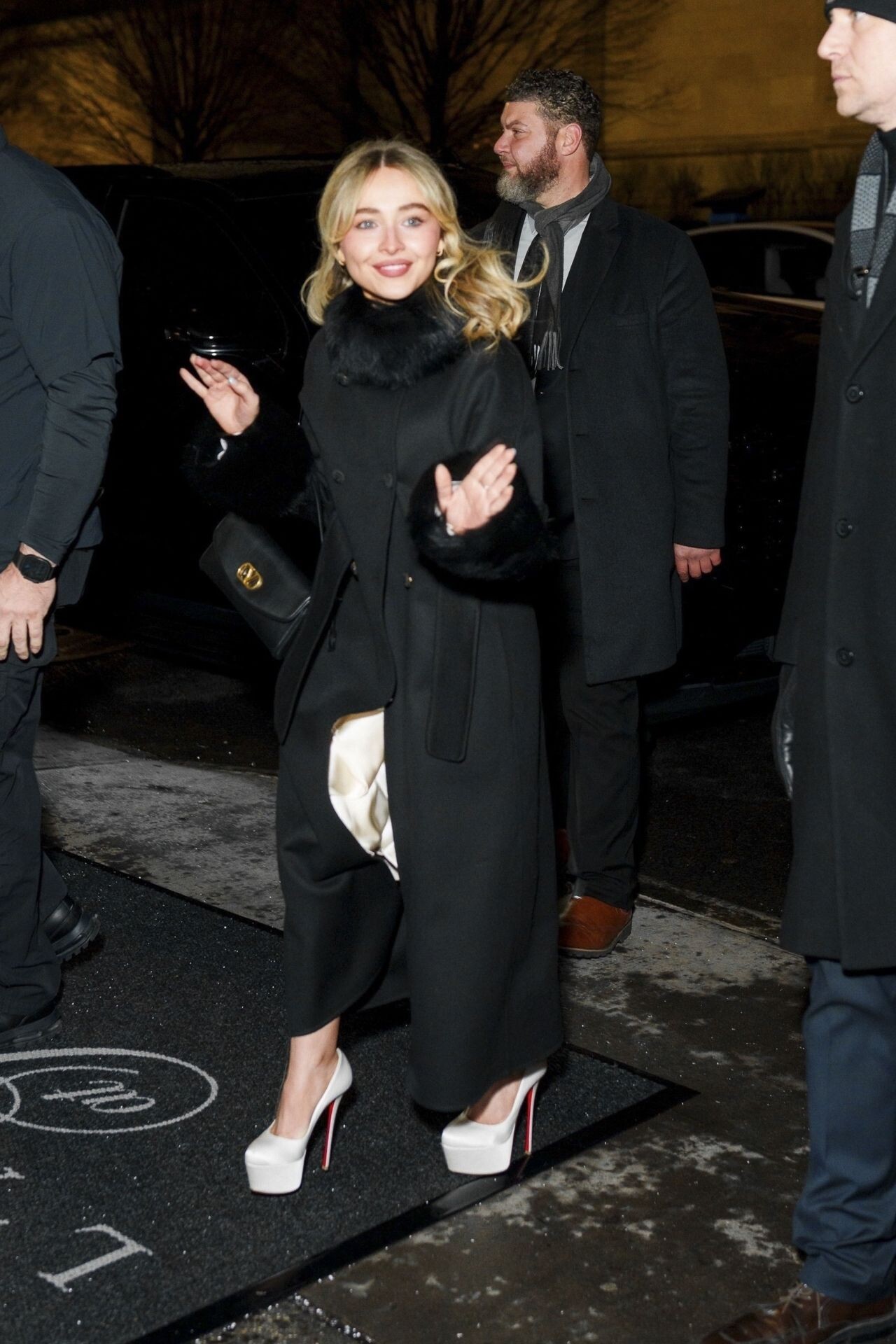
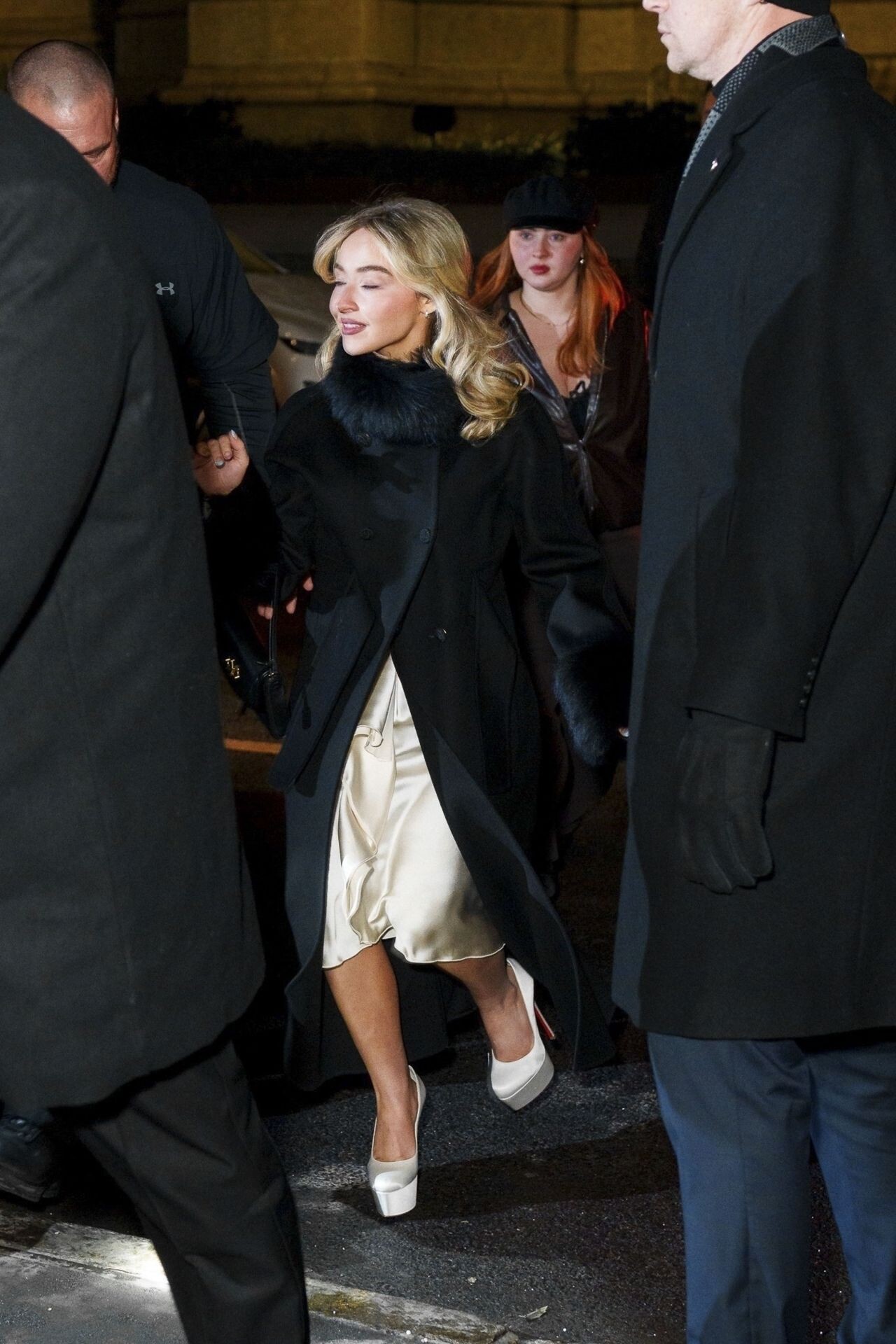
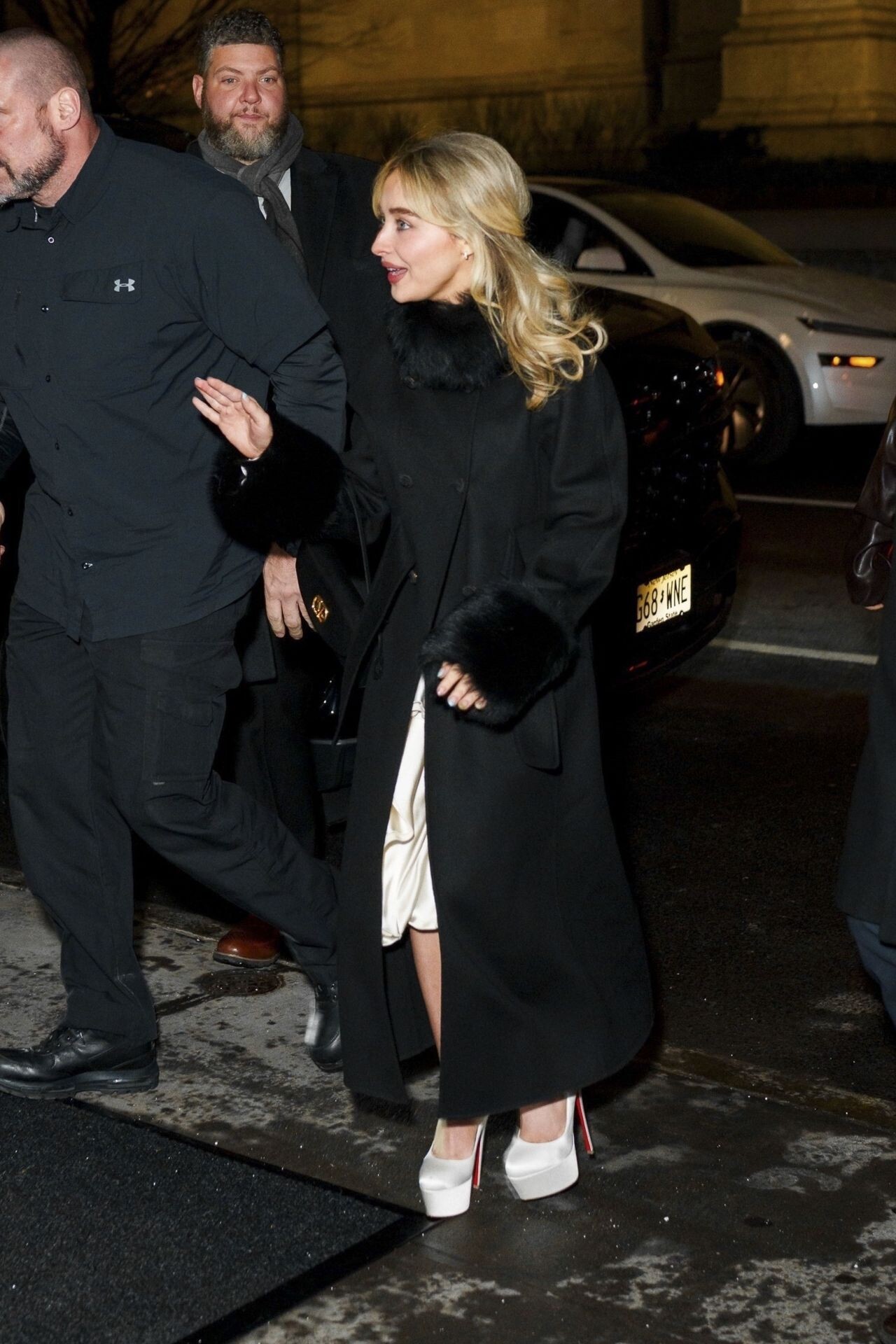
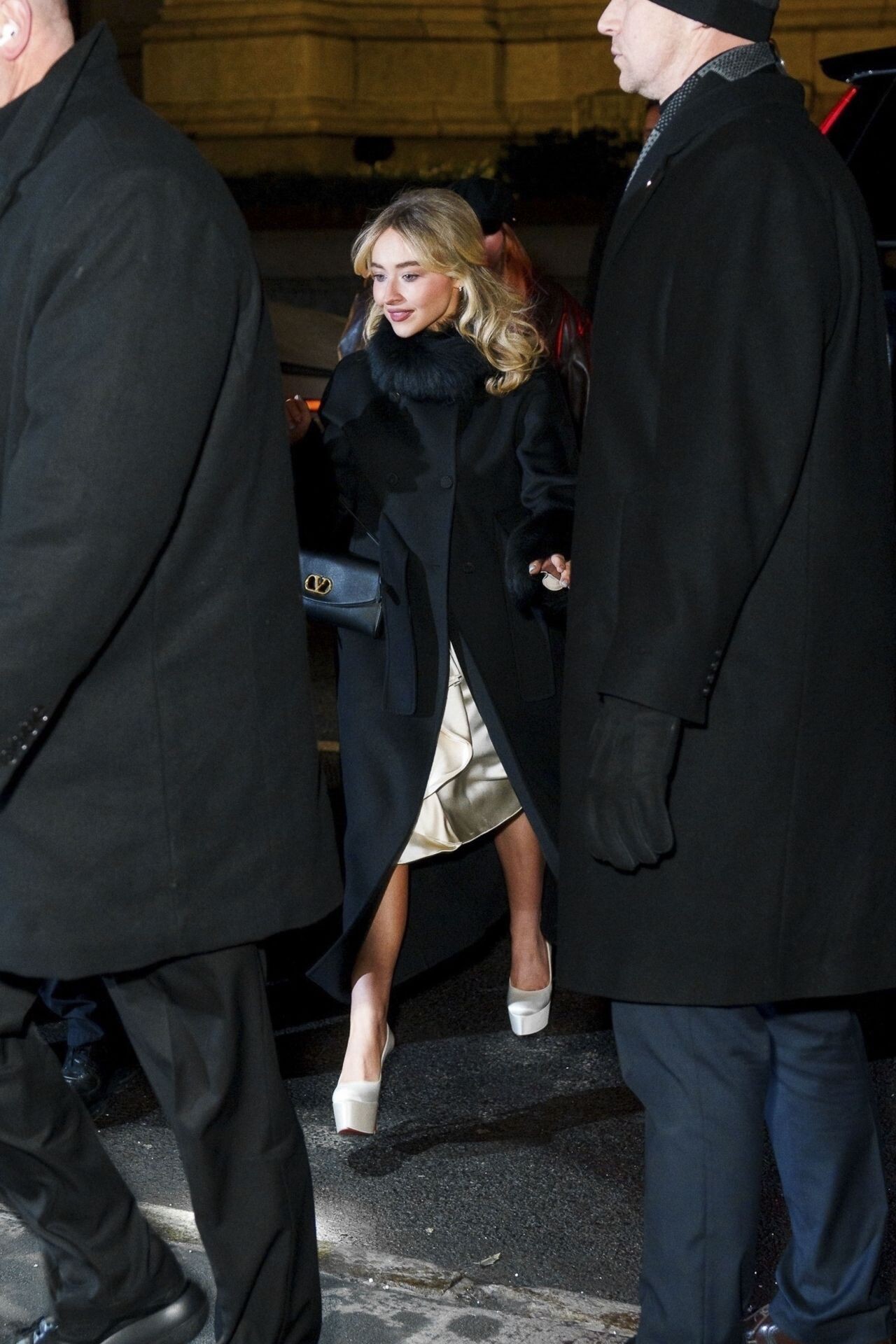
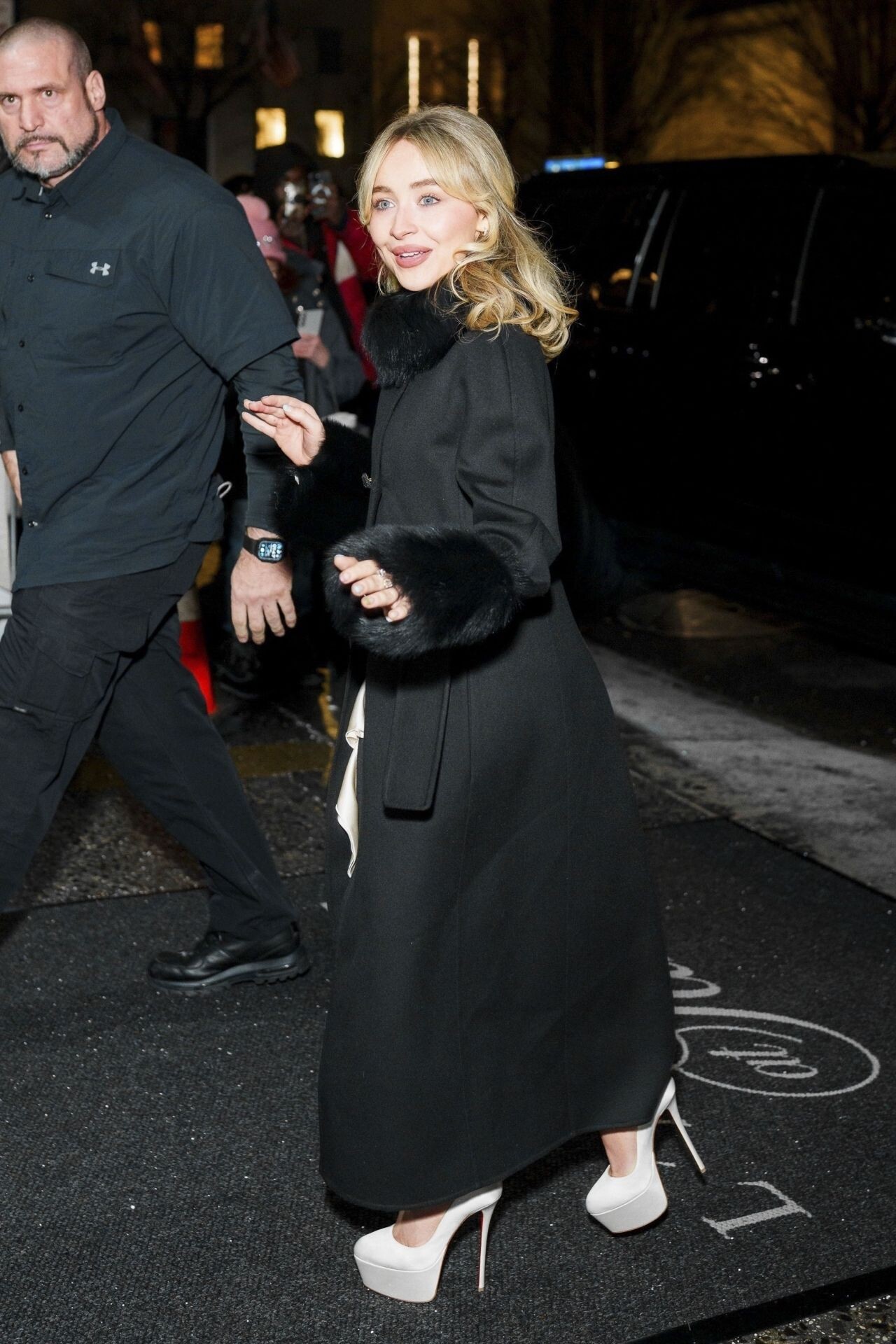
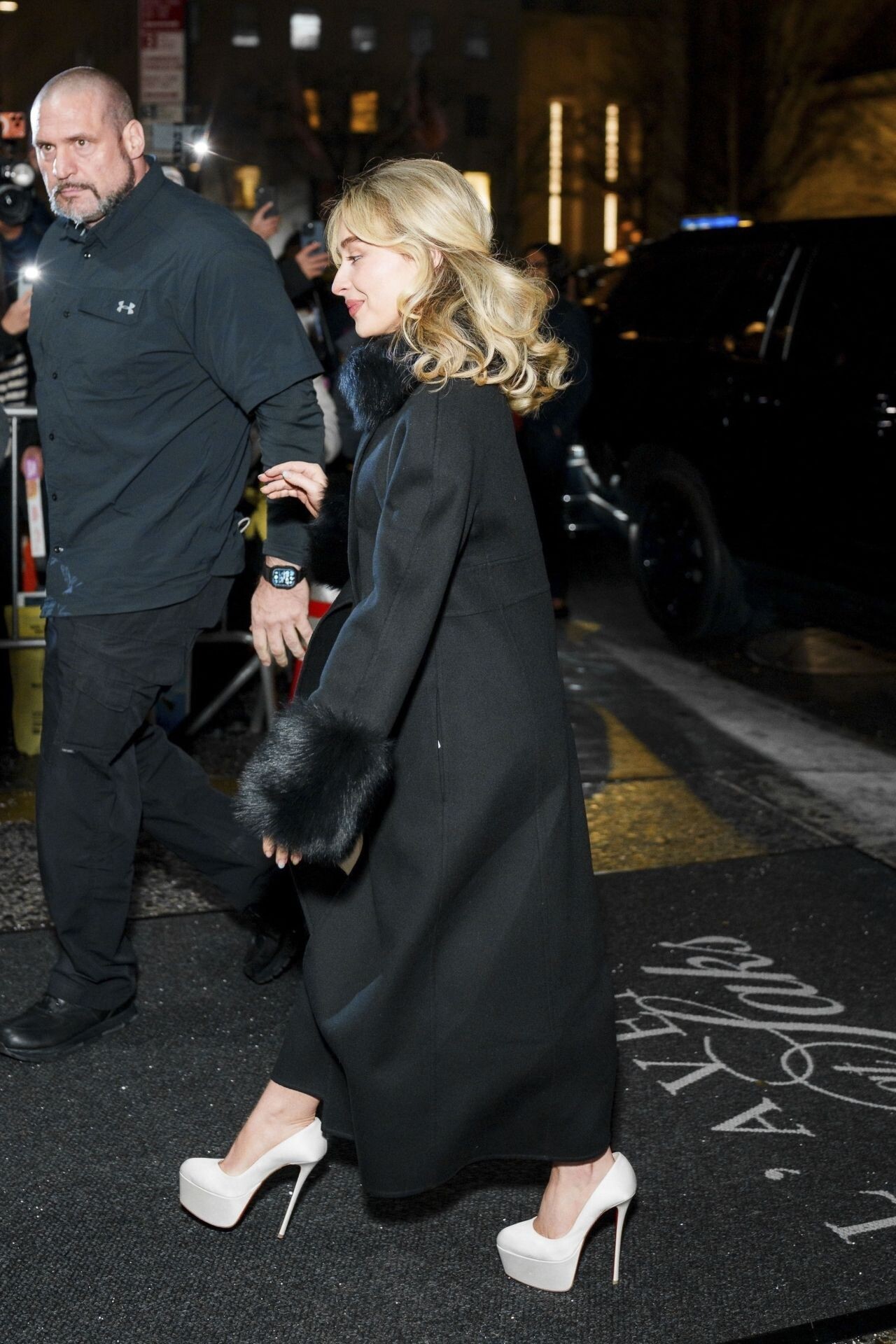
 Sabrina Carpenter at SNL Afterparty in New York, January 2026





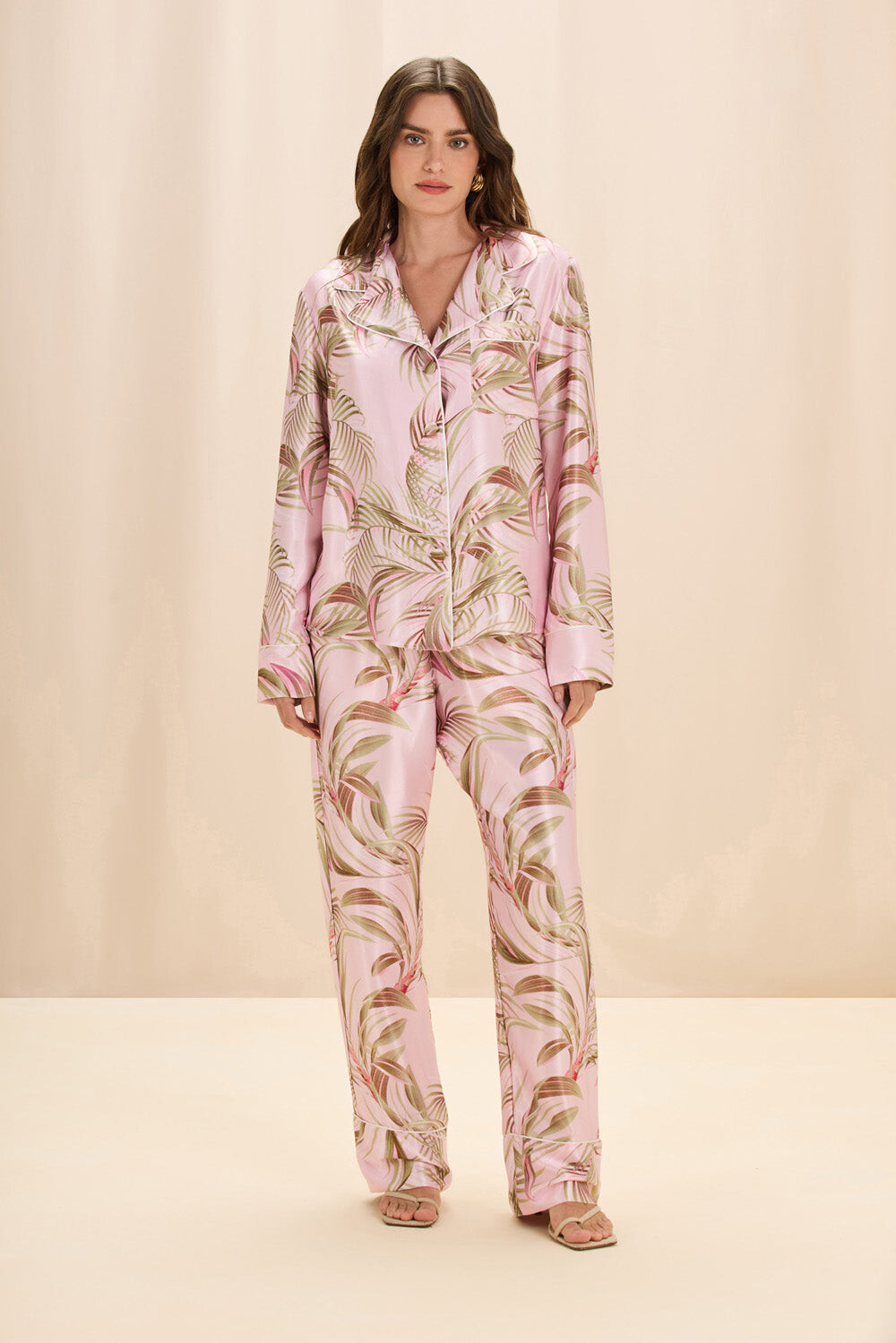
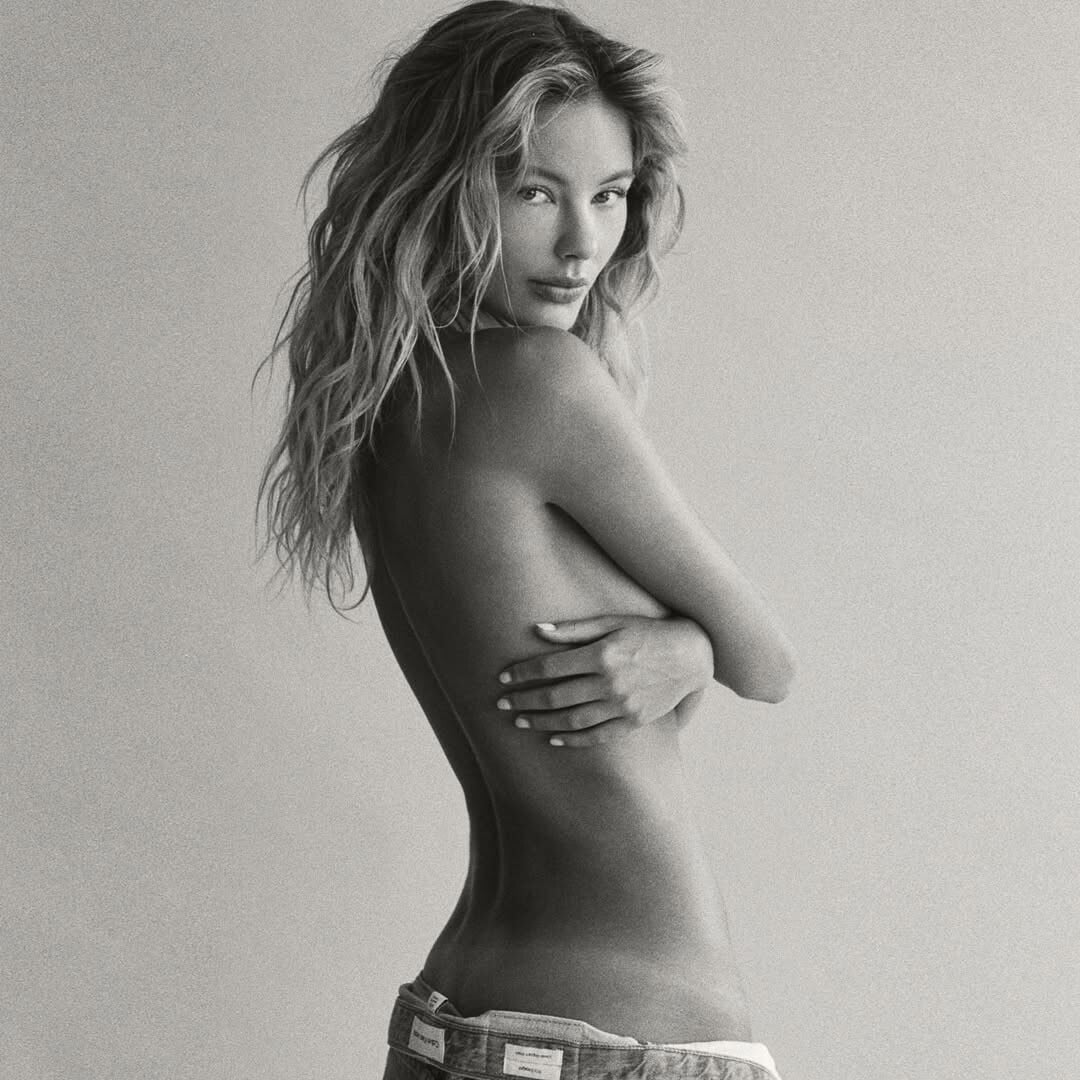
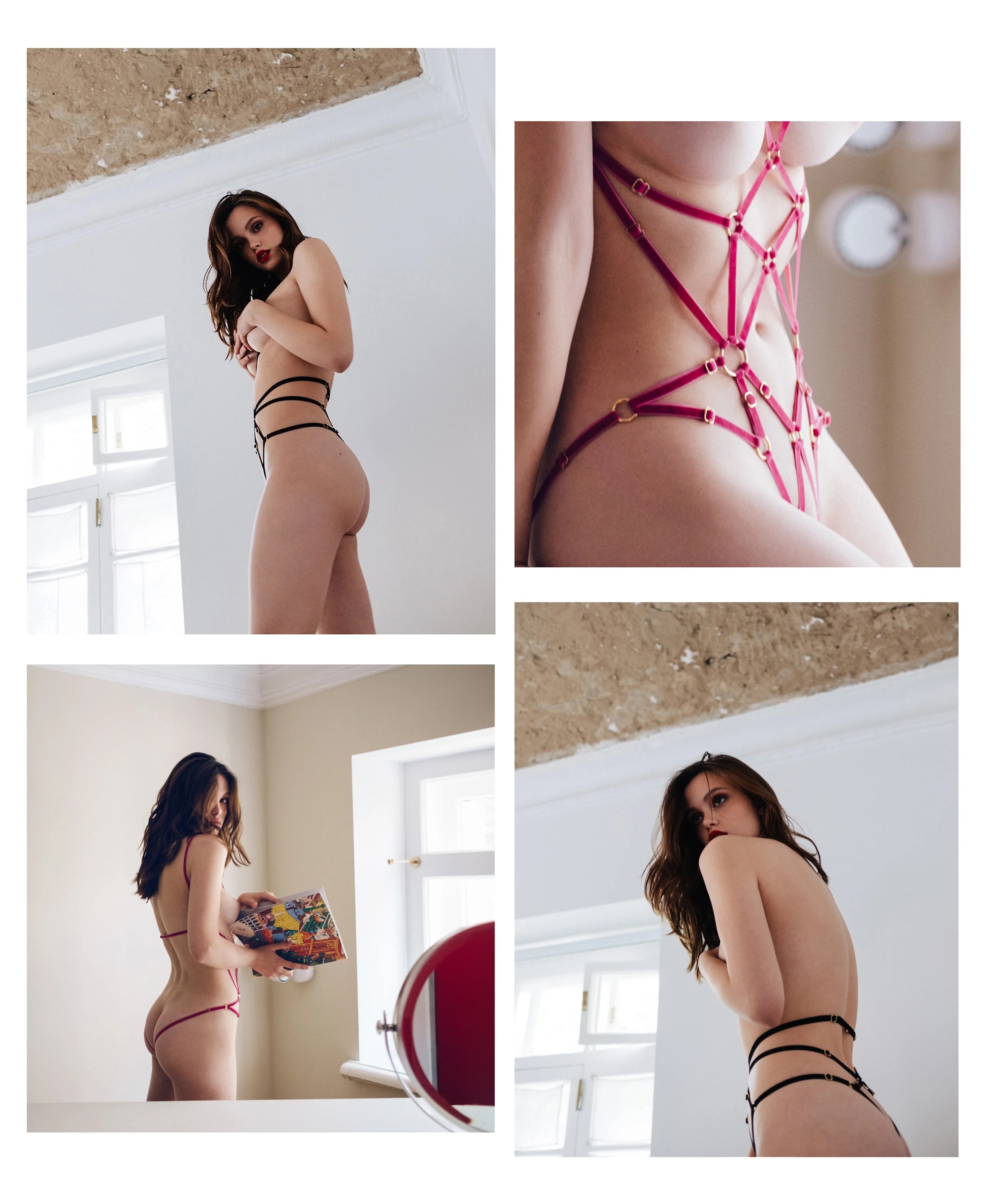
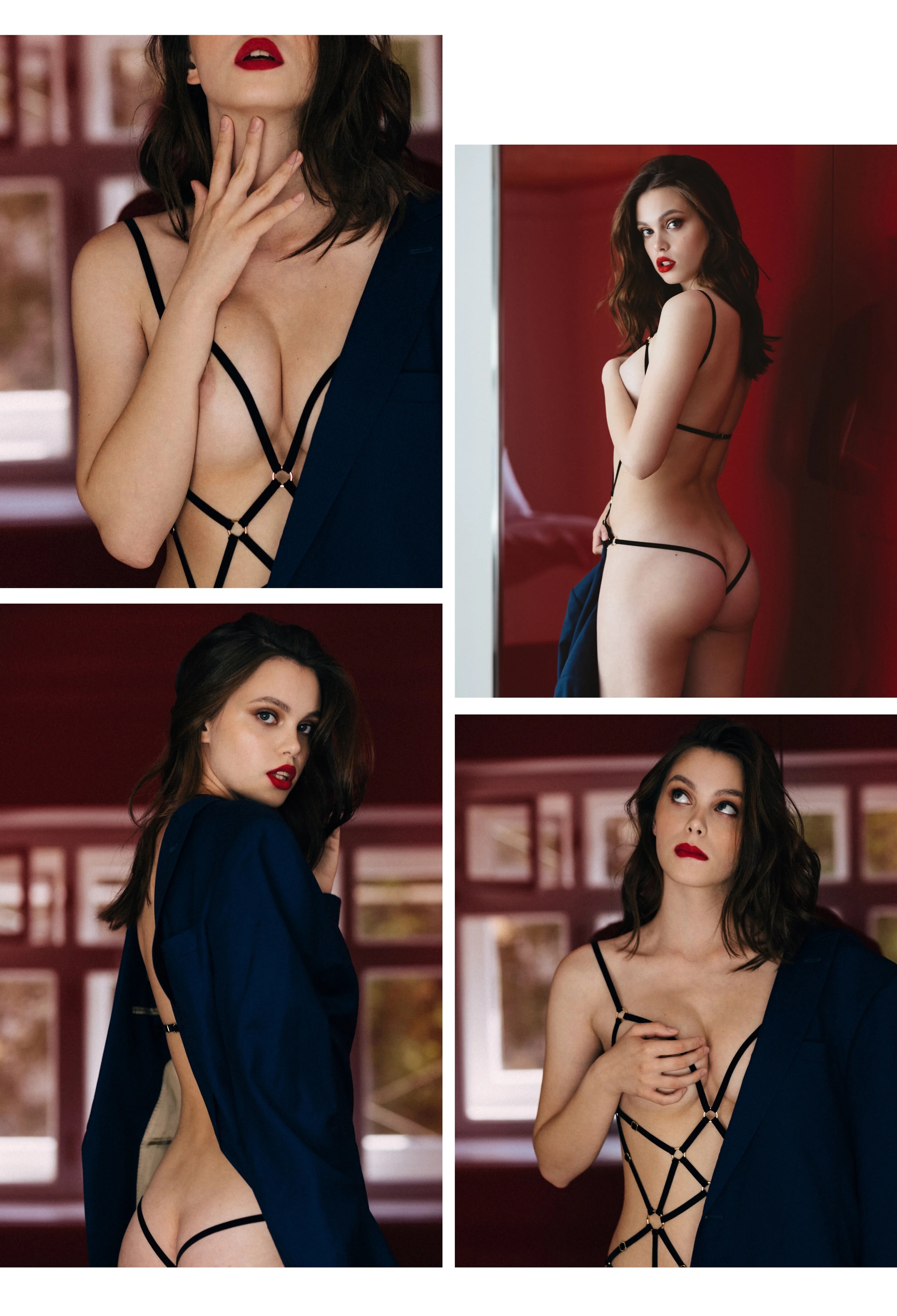
 Couture de Nuit Ph: Grégory Fountoussov https://www.couturedenuit.com/campaigns/pauline alternative set with some nipple nudity
















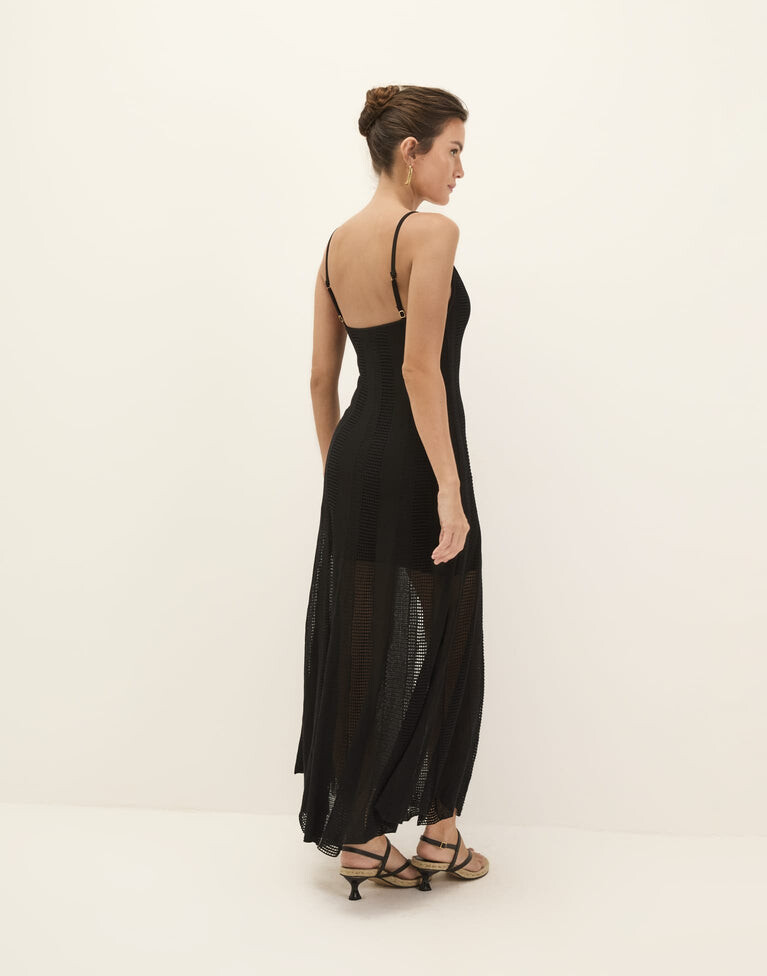
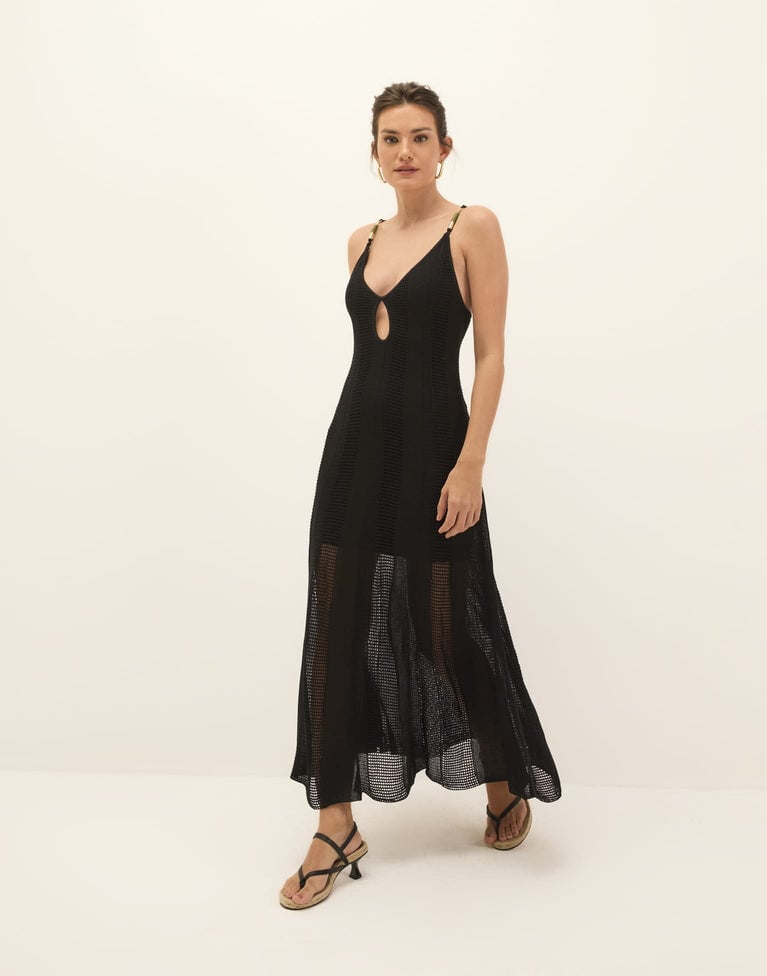
 Photography by --> eloan anquez Eloan AnquezChloé — Eloan Anquez
 Ph: Rob Jamieson 2017






 Can't wait to see what your have in your collection
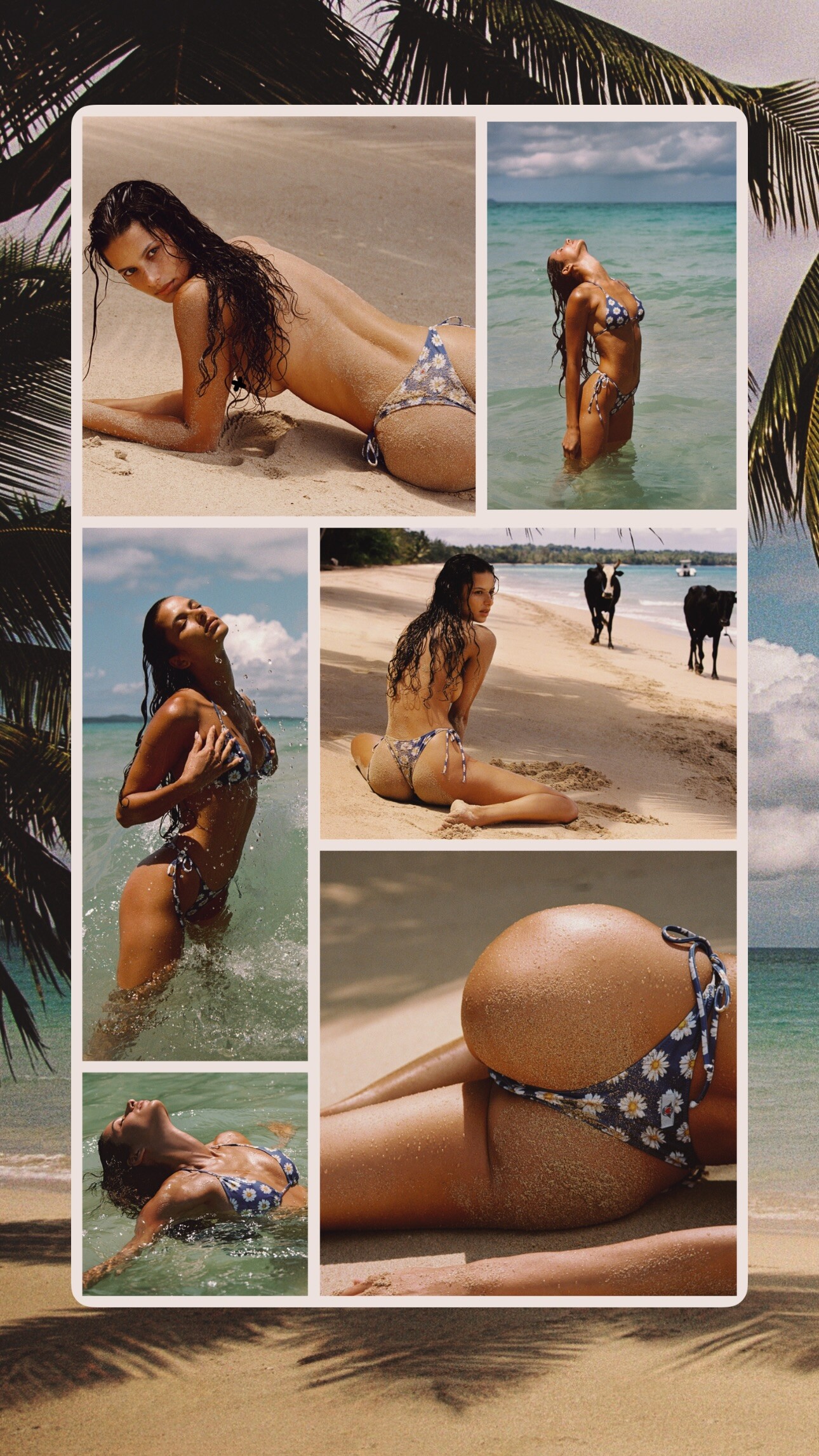
Ph: Jamie Cowlishaw 2016
Can't wait to see what your have in your collection
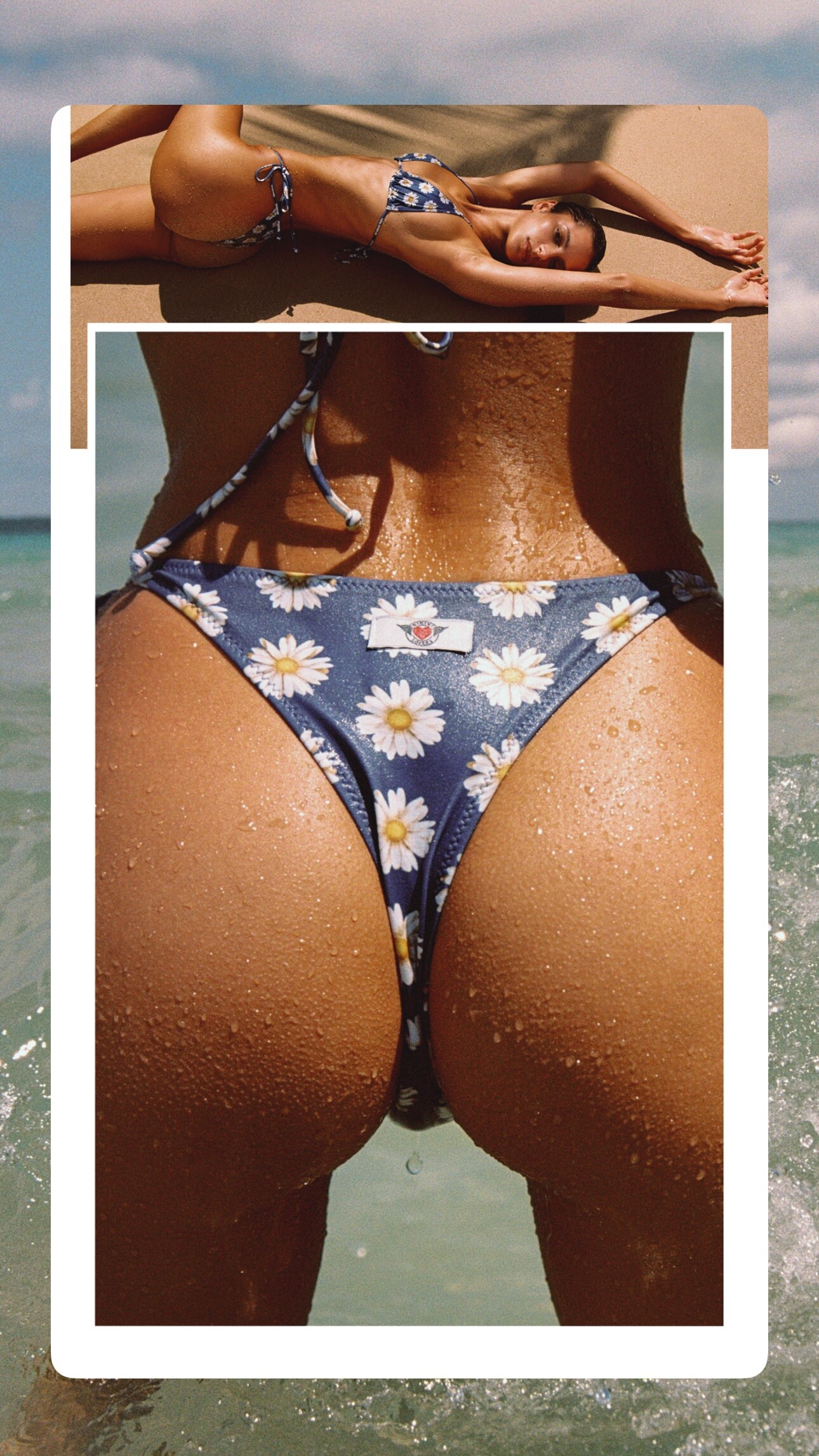
Ph: Jamie Cowlishaw 2016



















































































































































Account
Search
Configure browser push notifications
Chrome (Android)
- Tap the lock icon next to the address bar.
- Tap Permissions → Notifications.
- Adjust your preference.
Chrome (Desktop)
- Click the padlock icon in the address bar.
- Select Site settings.
- Find Notifications and adjust your preference.
Safari (iOS 16.4+)
- Ensure the site is installed via Add to Home Screen.
- Open Settings App → Notifications.
- Find your app name and adjust your preference.
Safari (macOS)
- Go to Safari → Preferences.
- Click the Websites tab.
- Select Notifications in the sidebar.
- Find this website and adjust your preference.
Edge (Android)
- Tap the lock icon next to the address bar.
- Tap Permissions.
- Find Notifications and adjust your preference.
Edge (Desktop)
- Click the padlock icon in the address bar.
- Click Permissions for this site.
- Find Notifications and adjust your preference.
Firefox (Android)
- Go to Settings → Site permissions.
- Tap Notifications.
- Find this site in the list and adjust your preference.
Firefox (Desktop)
- Open Firefox Settings.
- Search for Notifications.
- Find this site in the list and adjust your preference.